Infrastructure Deployment with
Who I am?
• Robert Reiz
• Software Developer
• I started VersionEye
• Software Dev since 1998
Agenda
❖ Intro to Docker
❖ Demo
❖ Intro to Ansible
❖ Demo
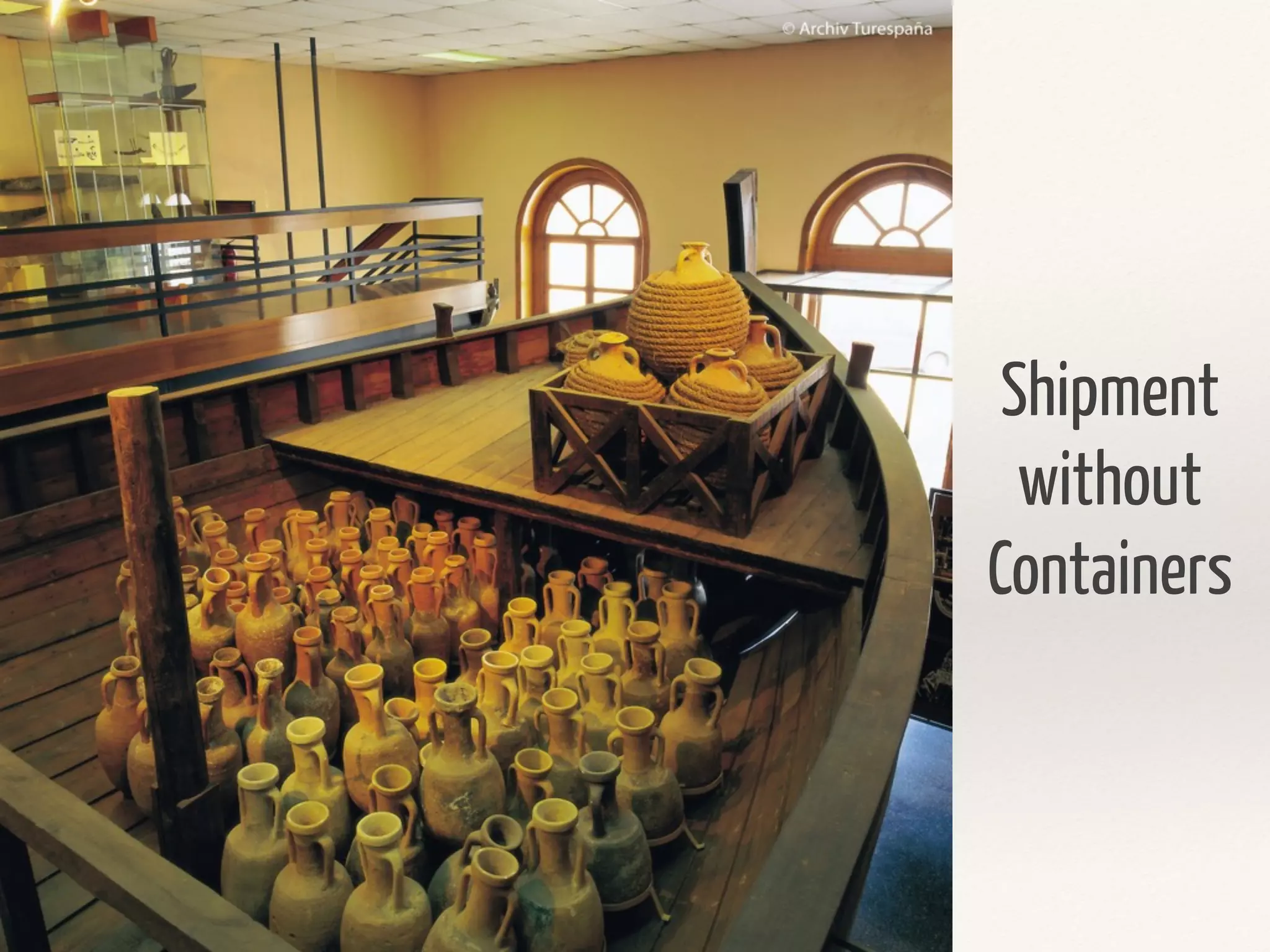
Shipment
without
Containers
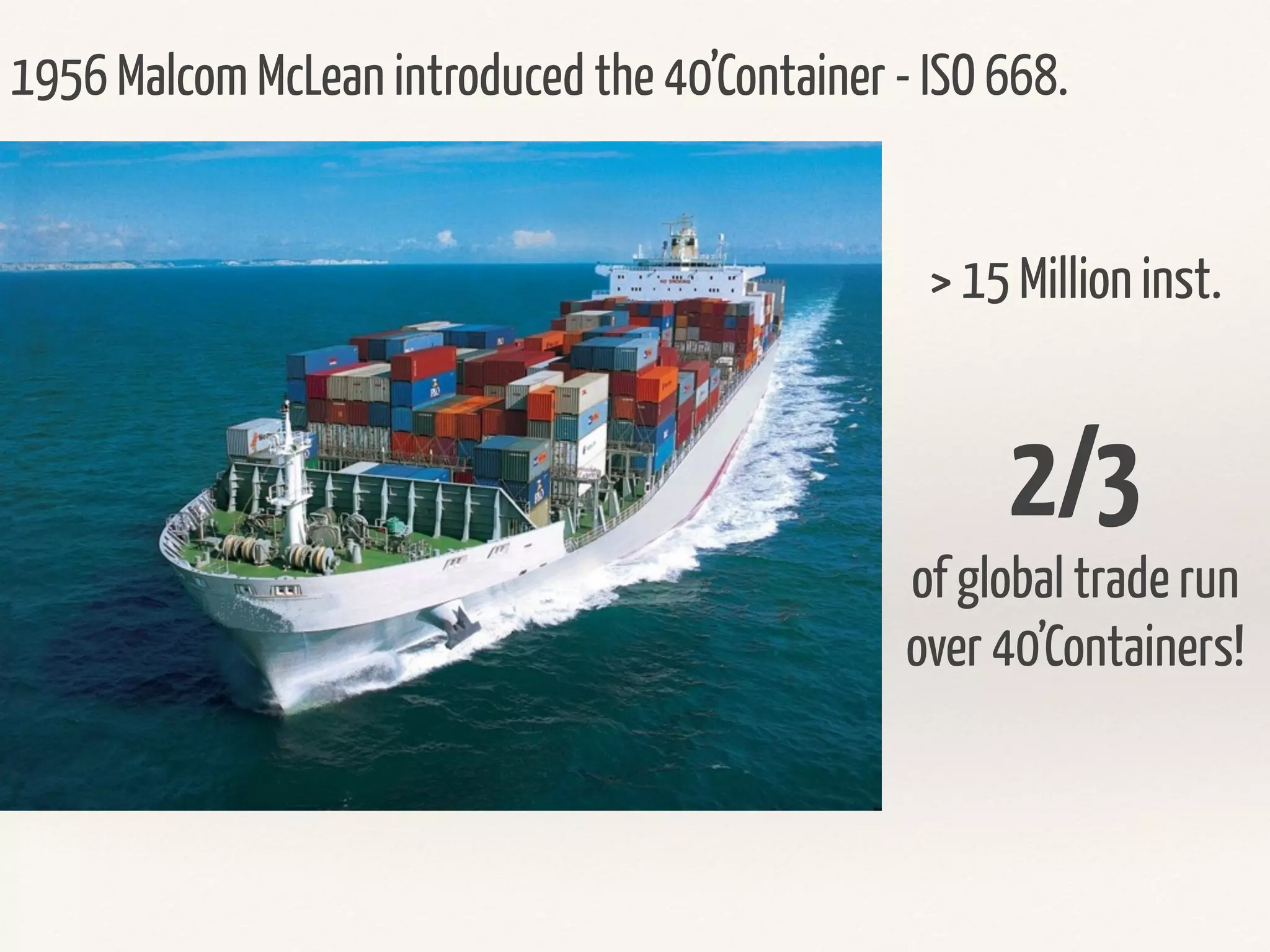
1956 Malcom McLean introduced the 40’Container - ISO 668.
> 15 Million inst.
2/3
of global trade run
over 40’Containers!
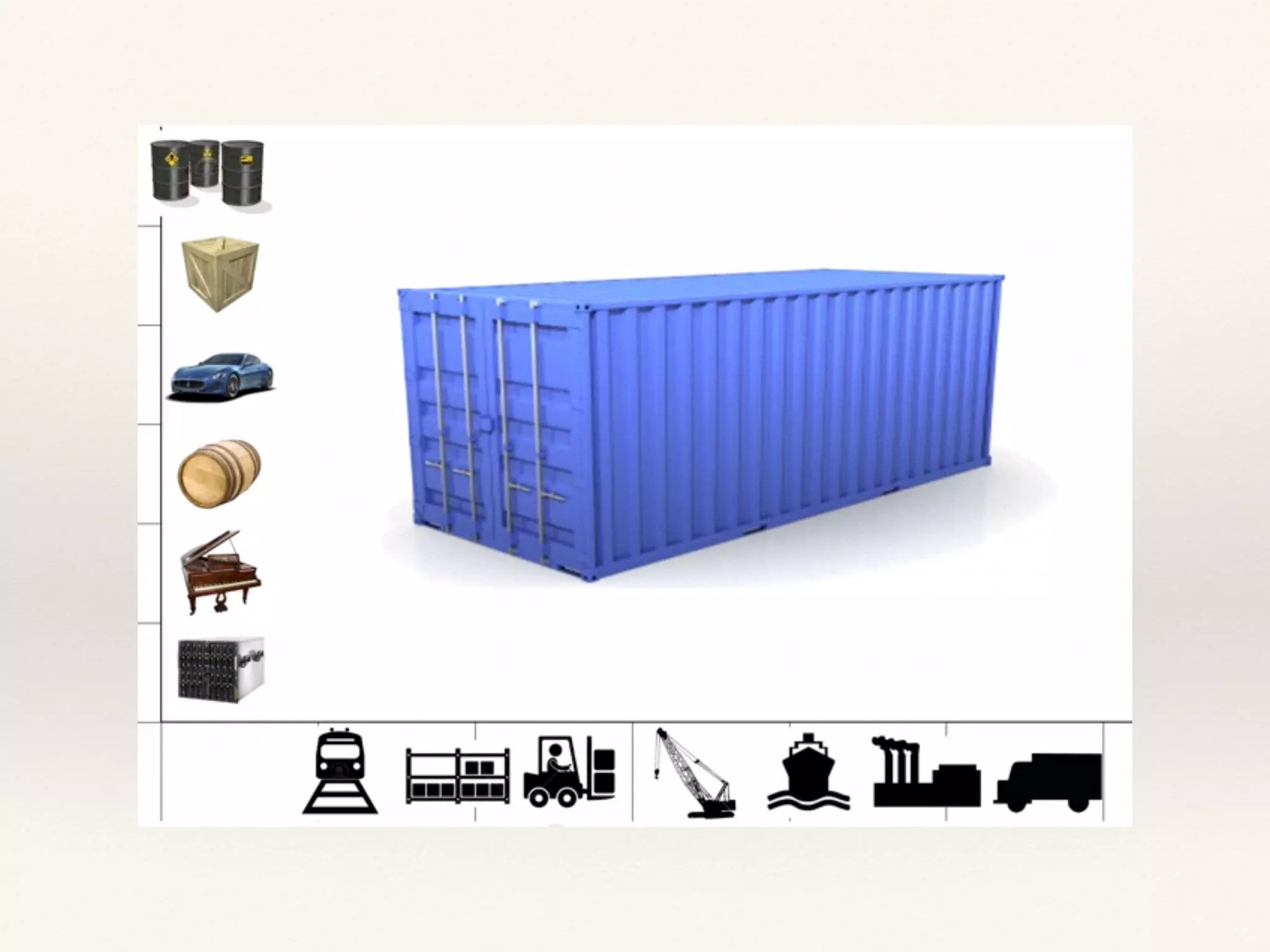
The Logistic Problem
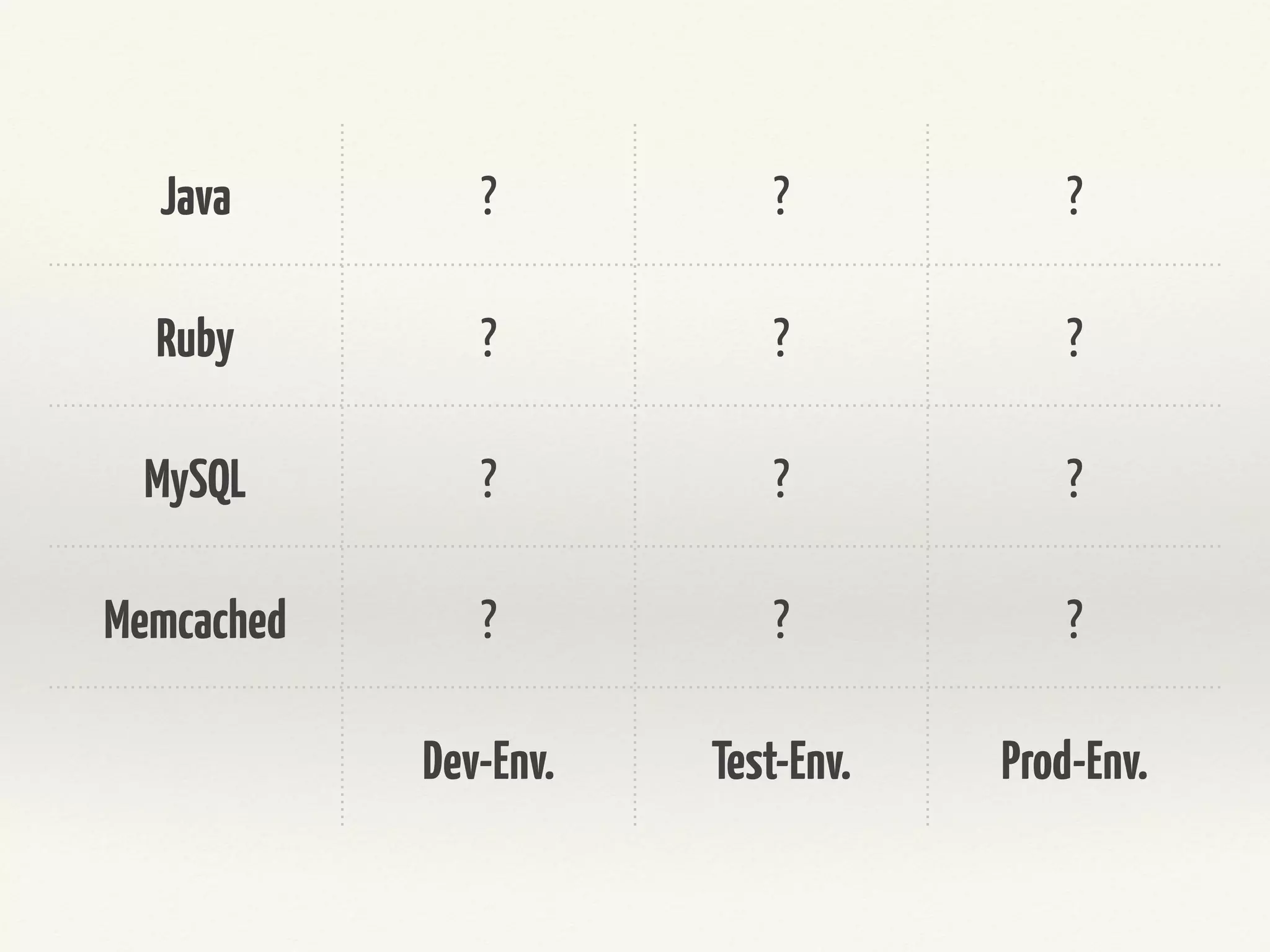
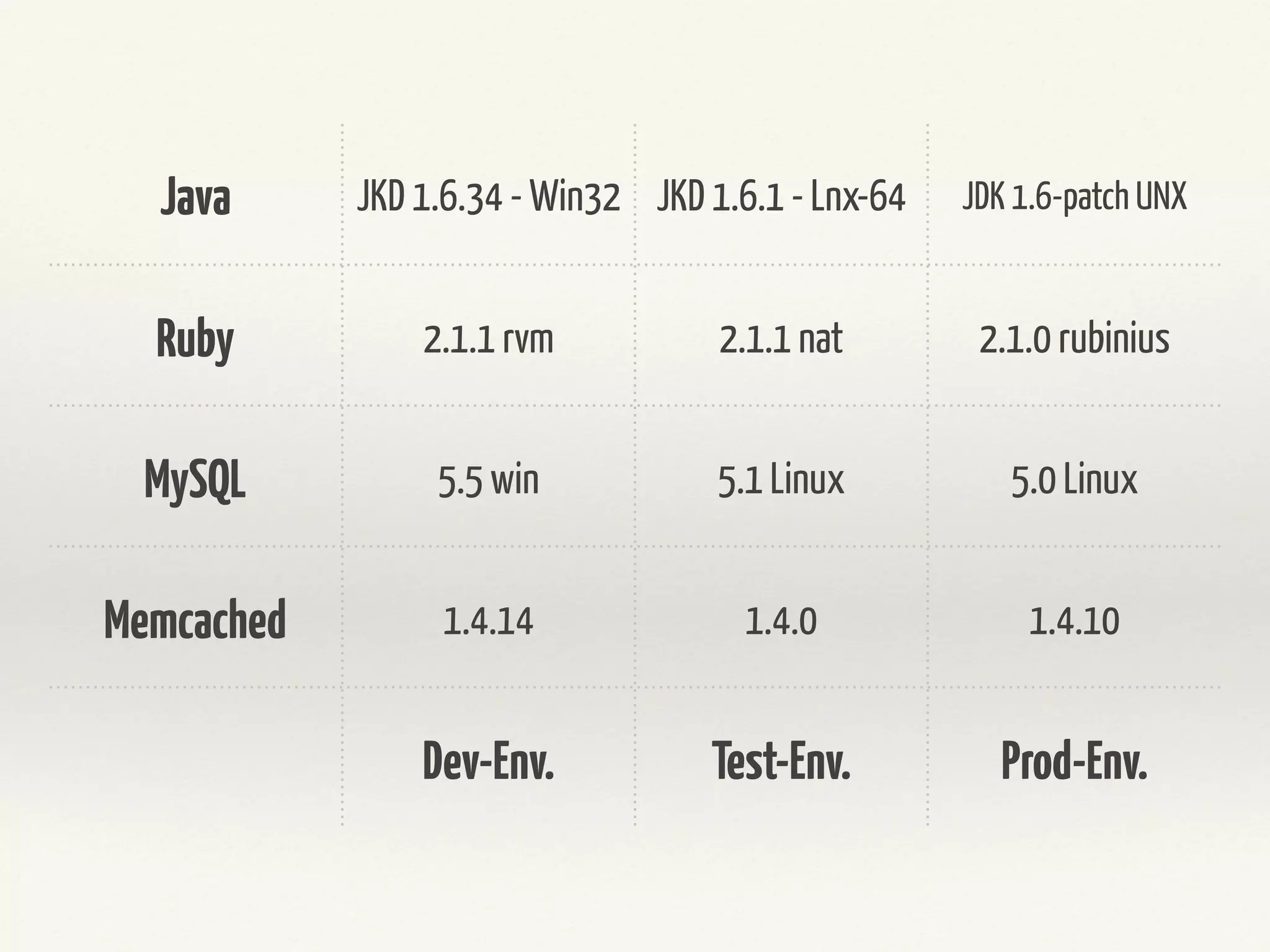
Same Problem in Software Dev.
Java ? ? ?
Ruby ? ? ?
Node.JS ? ? ?
MySQL ? ? ?
Dev-Env. Test-Env. Prod-Env.
Java JKD 1.8.14 - Win32 JKD 1.8.1 - Lnx-64 JDK 1.7-patch UNX
Ruby 2.2.2 rvm 2.2.1 nat MRI 2.1.0 rubinius
Node.JS 4.0 win 4.0 Linux 4.0 Linux
MySQL 5.5 win 5.0 Linux 5.0 Linux
Dev-Env. Test-Env. Prod-Env.
Java
Ruby
Node.JS
MySQL
Dev-Env. Test-Env. Prod-Env.
What is Docker?
What is Docker?
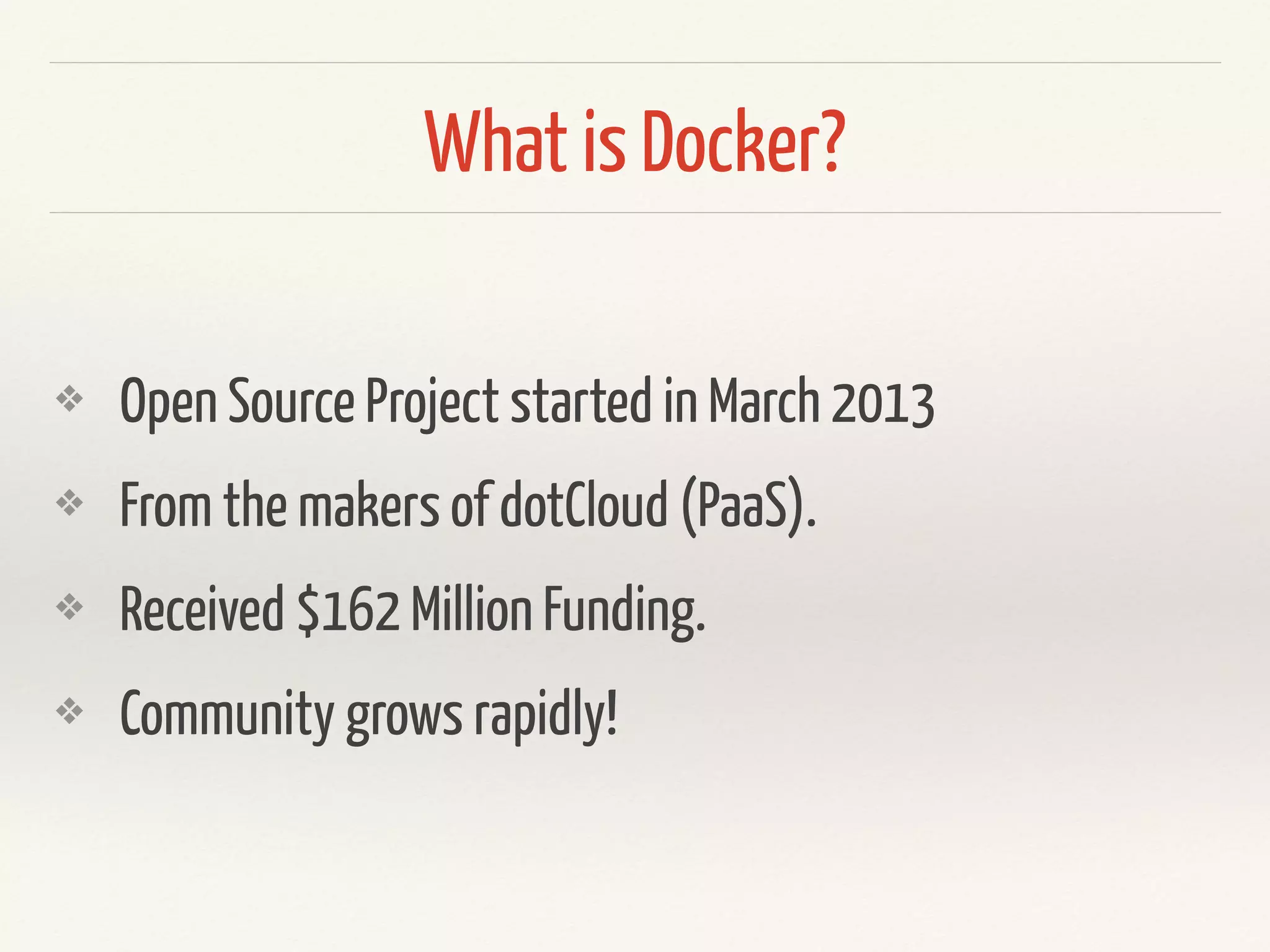
❖ Open Source Project started in March 2013
❖ From the makers of dotCloud (PaaS).
❖ Received $162 Million Funding.
❖ Community grows rapidly!
What is Docker?
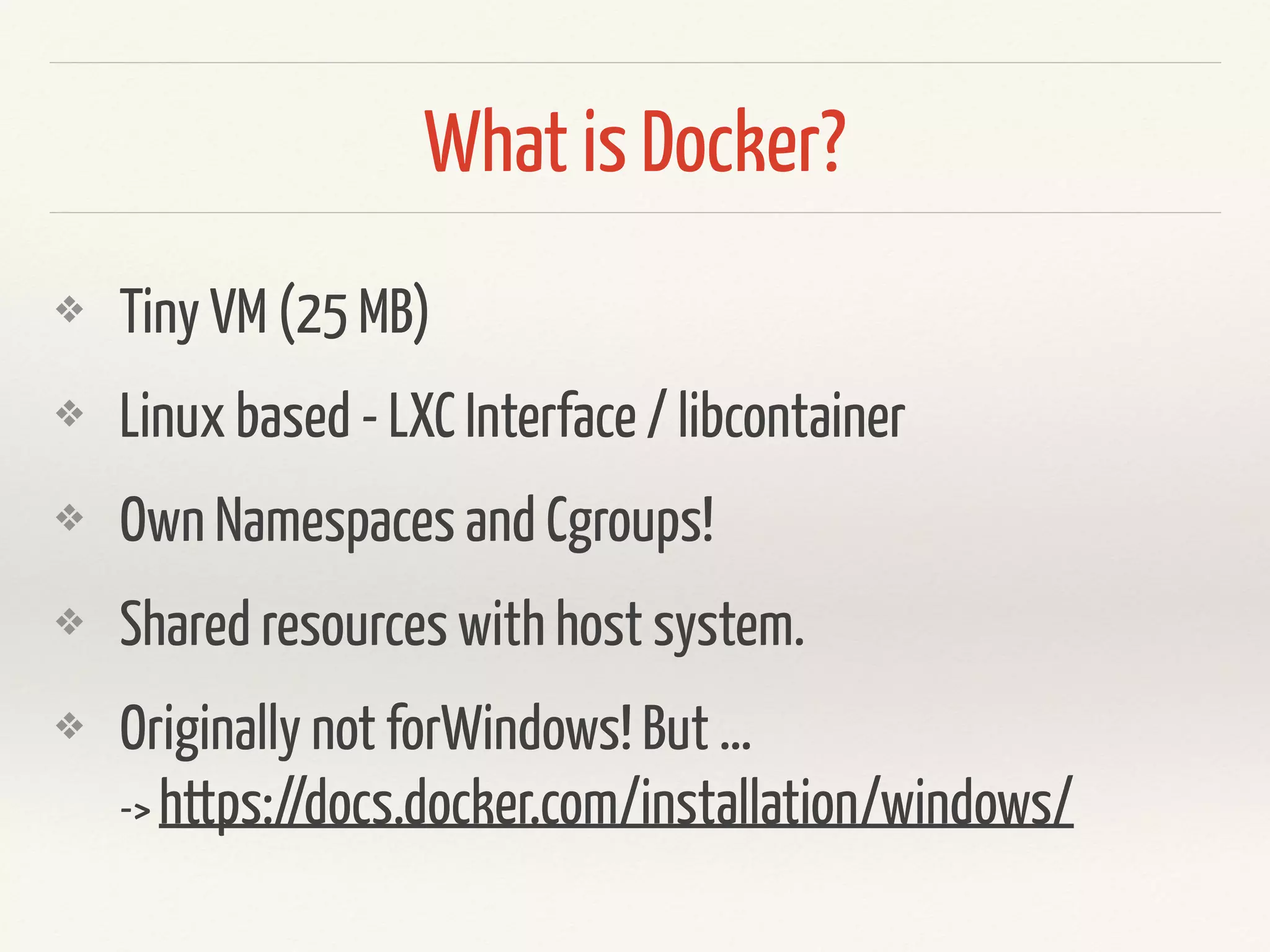
❖ Tiny VM (25 MB)
❖ Linux based - LXC Interface / libcontainer
❖ Own Namespaces and Cgroups!
❖ Shared resources with host system.
❖ Changes changed in Layers. Similar to Git!
❖ Originally not for Windows & Mac ! But …

->https://docs.docker.com/installation/windows/

-> https://blog.docker.com/2016/03/docker-for-mac-windows-beta/
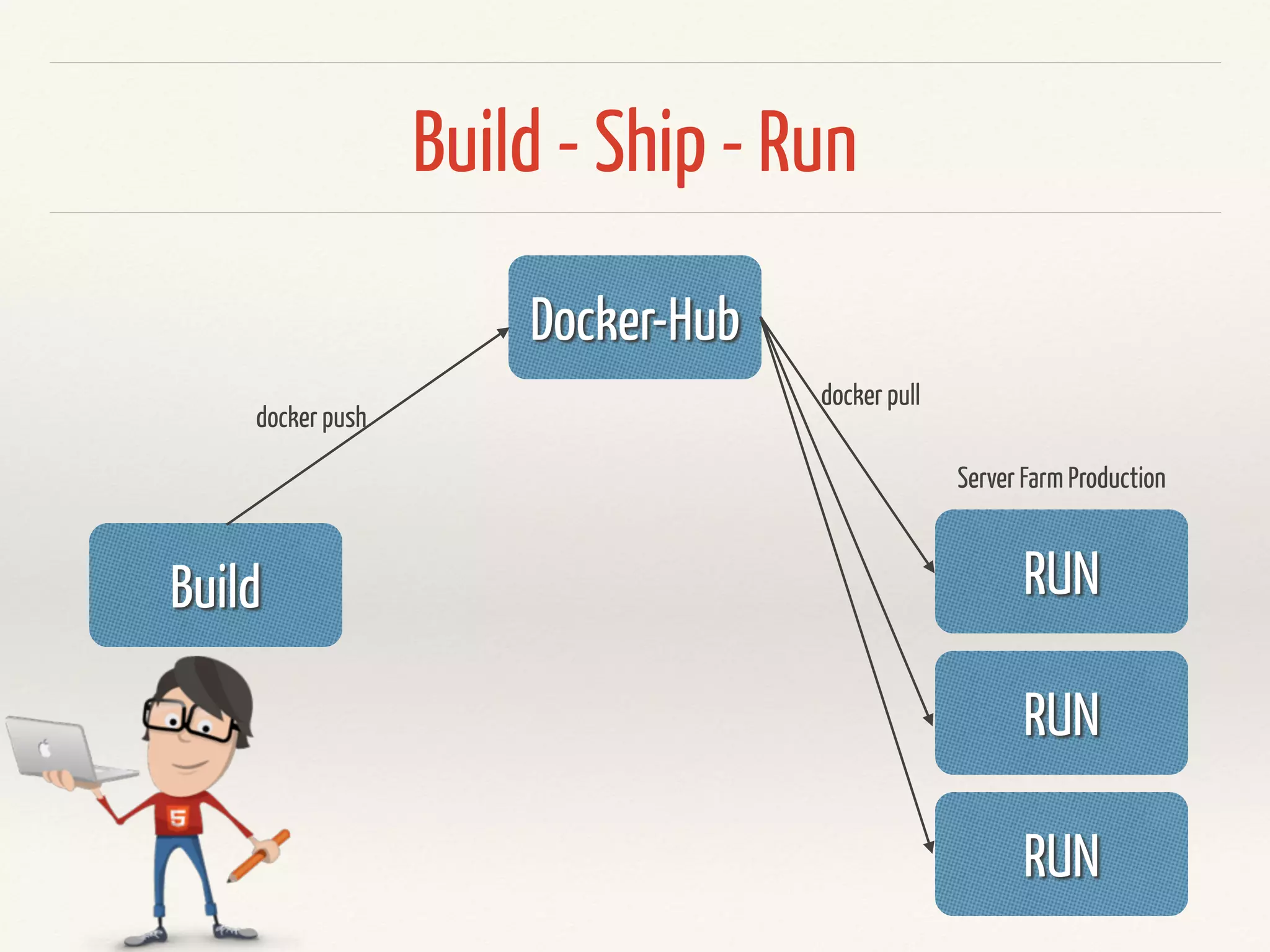
Build - Ship - Run
Docker-Hub
Build RUN
RUN
RUN
docker push
docker pull
Server Farm Production
Build
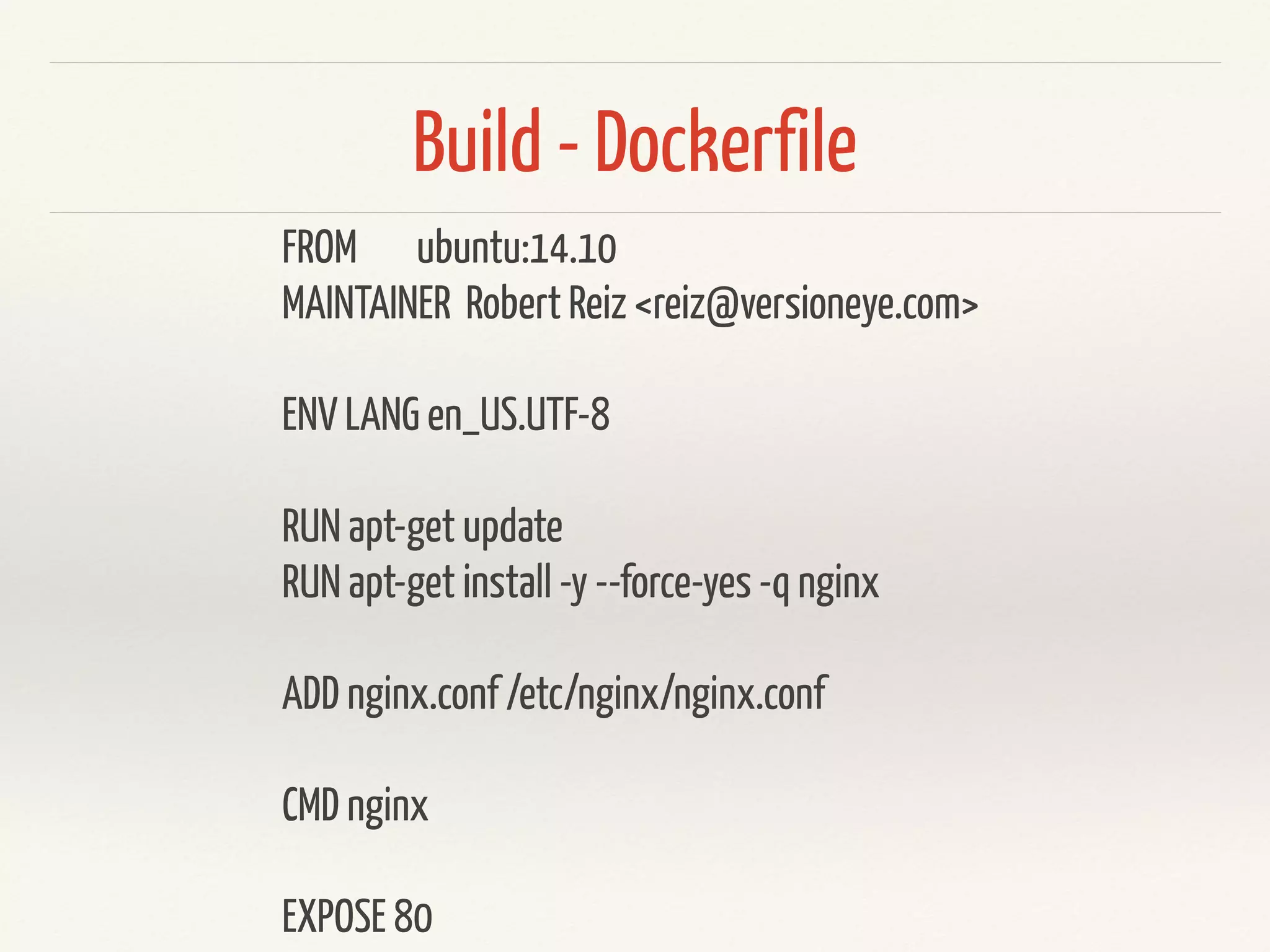
Dockerfile
FROM ubuntu:14.10
MAINTAINER Robert Reiz <reiz@versioneye.com>
ENV LANG en_US.UTF-8
RUN apt-get update
RUN apt-get install -y --force-yes -q nginx
ADD nginx.conf /etc/nginx/nginx.conf
CMD nginx
EXPOSE 80
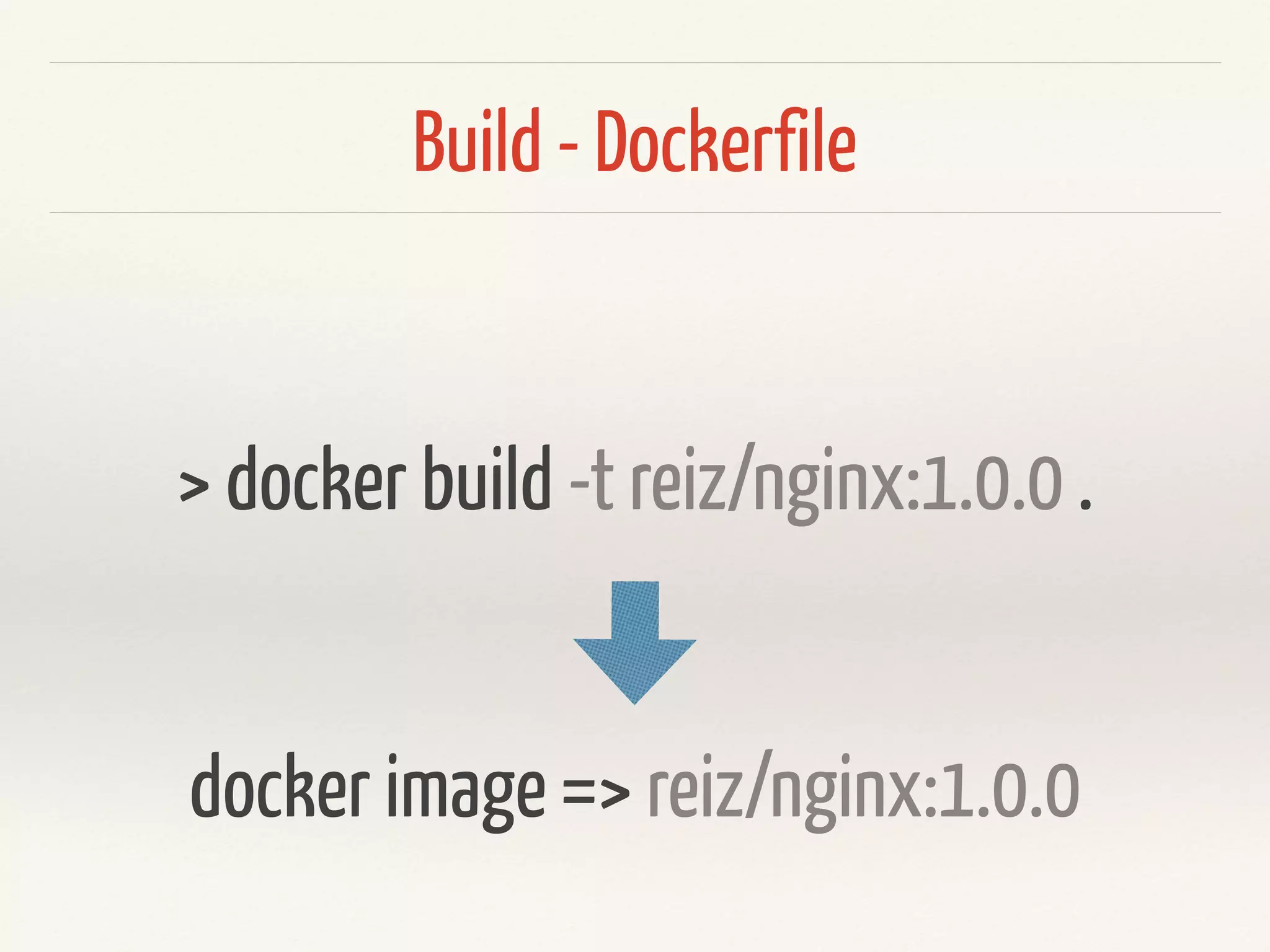
Build - Dockerfile
> docker build -t reiz/nginx:1.0.0 .
docker image => reiz/nginx:1.0.0
Ship
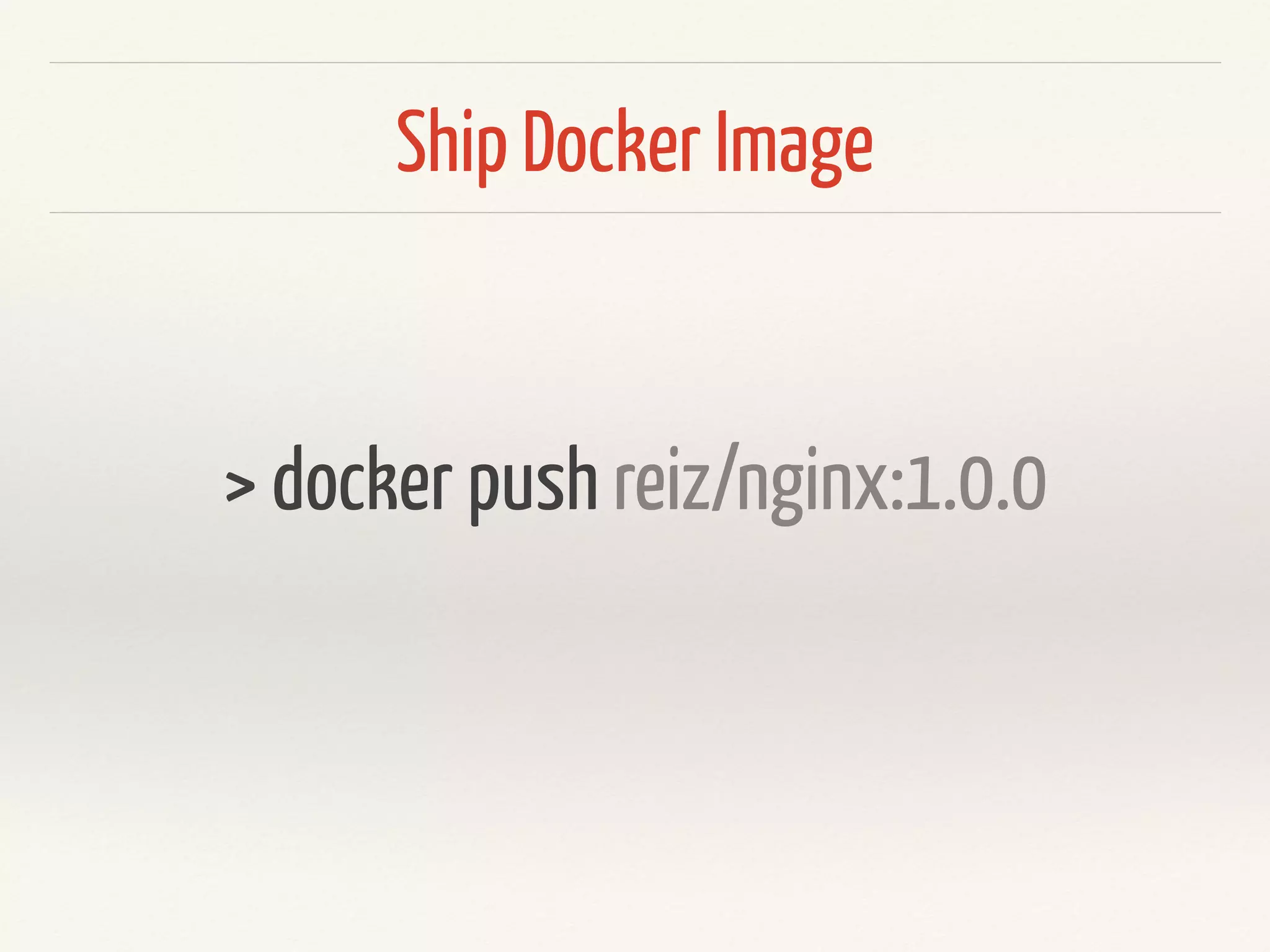
Ship Docker Image
> docker push reiz/nginx:1.0.0
Run
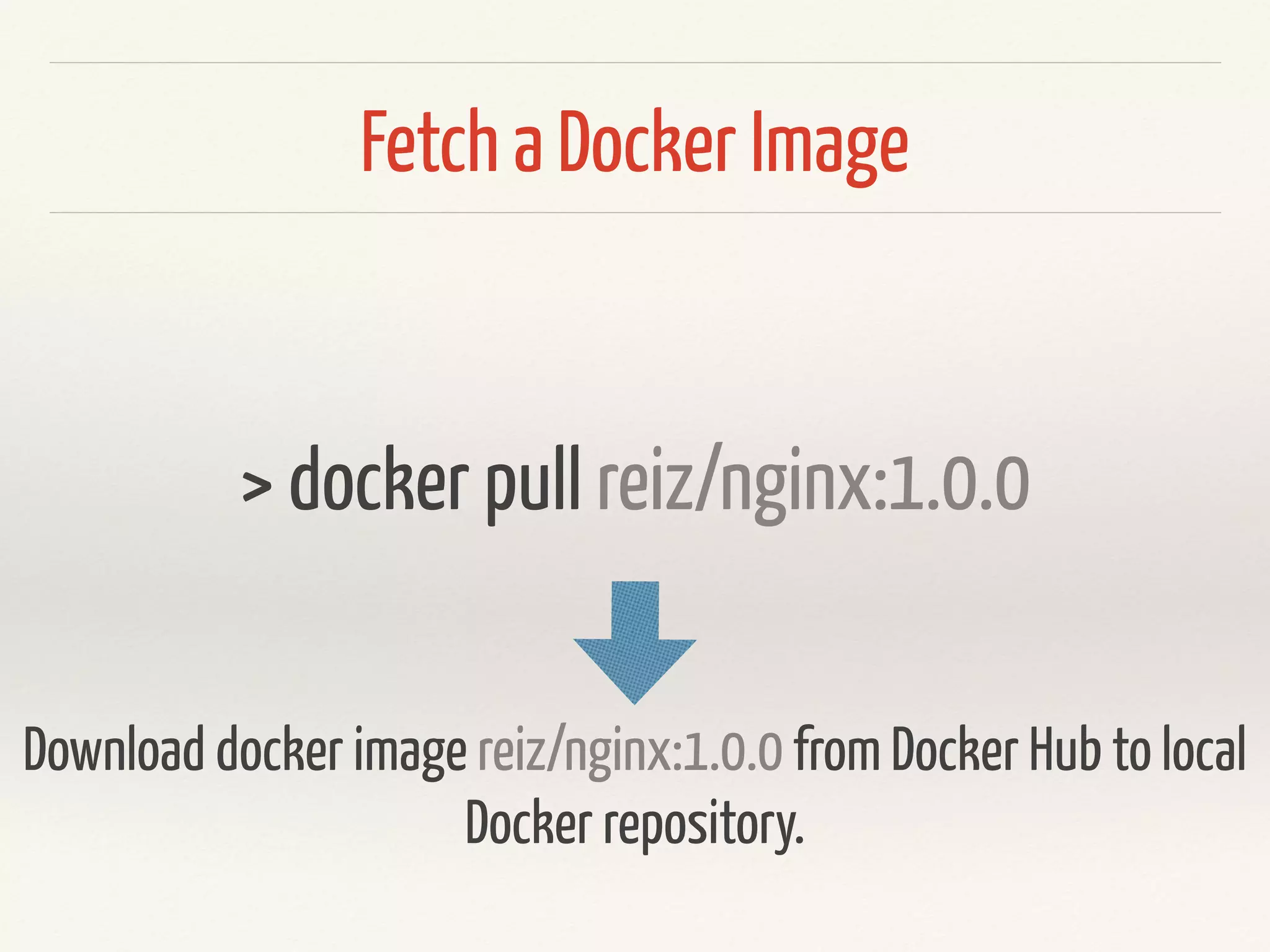
Fetch a Docker Image
> docker pull reiz/nginx:1.0.0
Download docker image reiz/nginx:1.0.0 from Docker Hub to local
Docker repository.
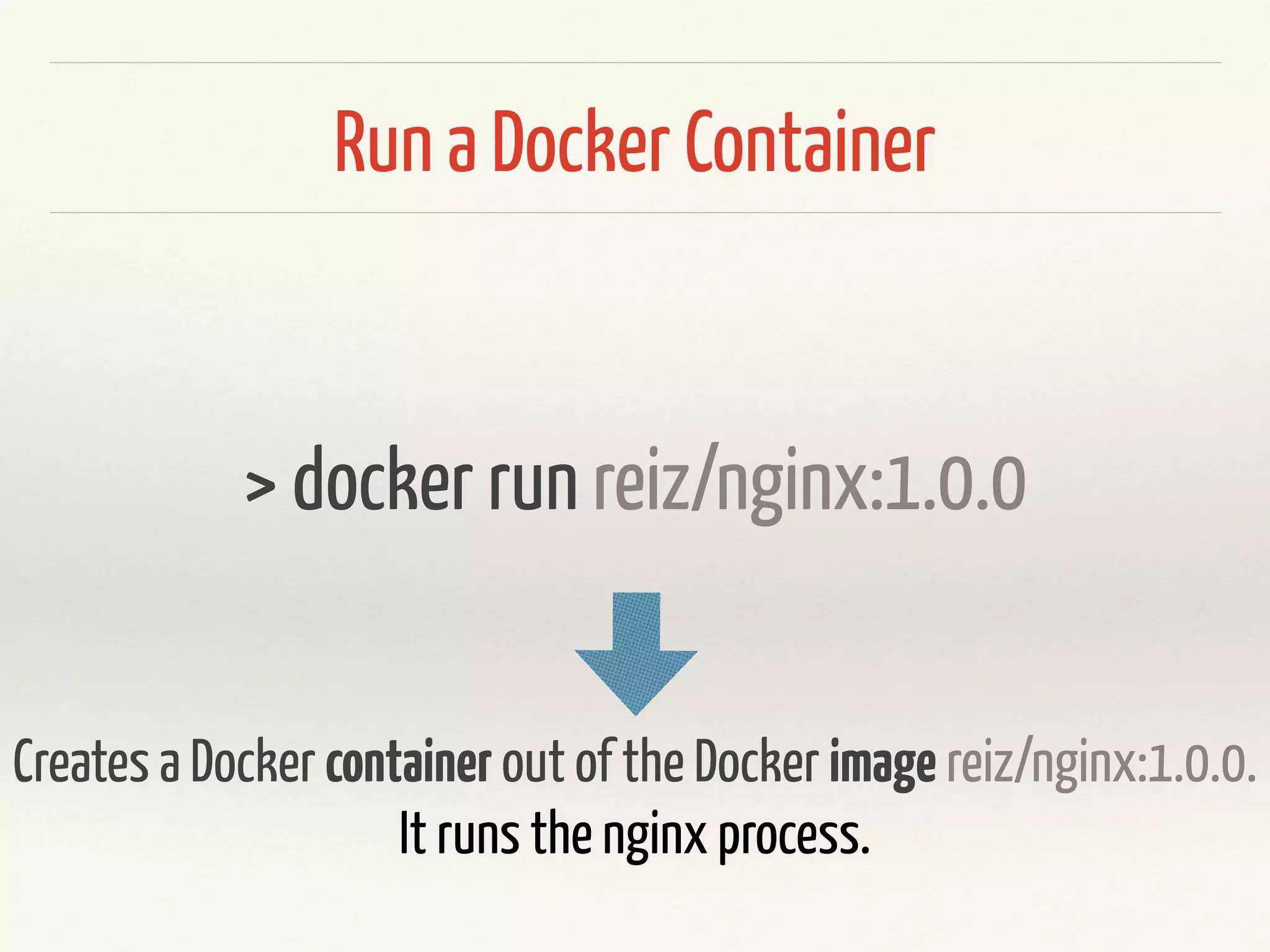
Run a Docker Container
> docker run reiz/nginx:1.0.0
Creates a Docker container out of the Docker image reiz/nginx:1.0.0.
It runs the nginx process.
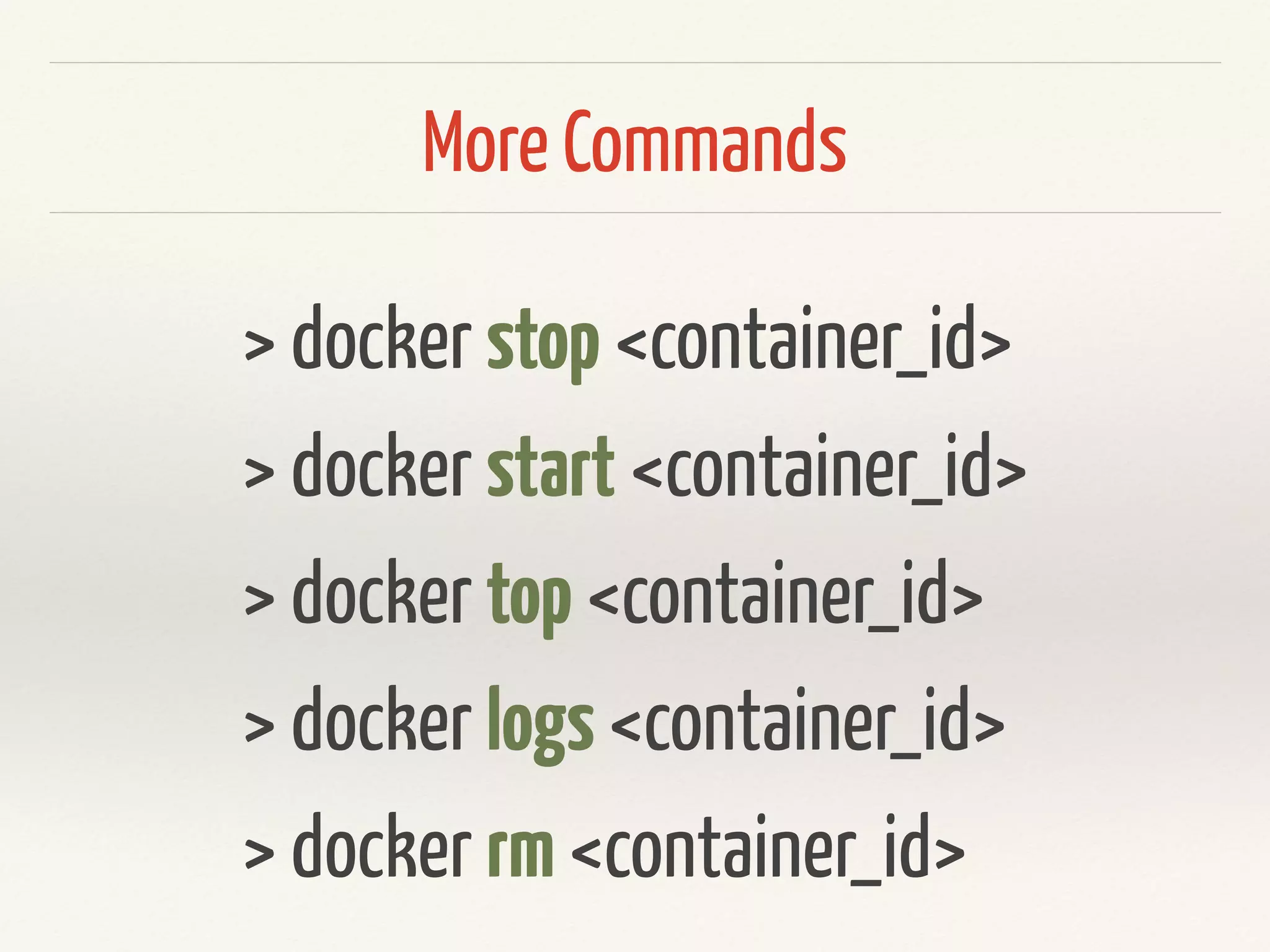
More Commands
> docker stop <container_id>
> docker start <container_id>
> docker top <container_id>
> docker logs <container_id>
> docker rm <container_id>
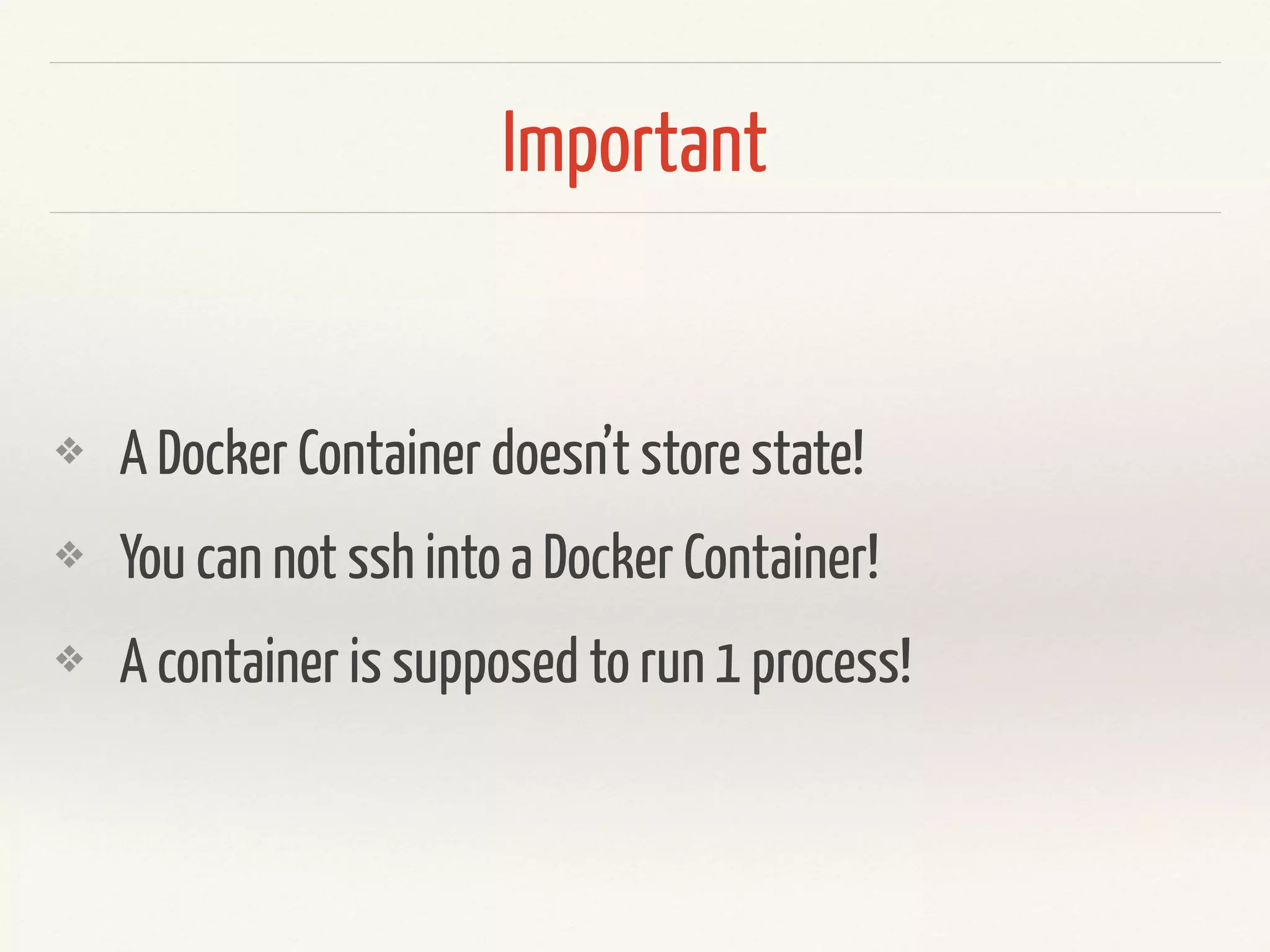
Important
❖ A Docker Container doesn’t store state!
❖ You can not ssh into a Docker Container!
❖ A container is supposed to run 1 process!
Shell
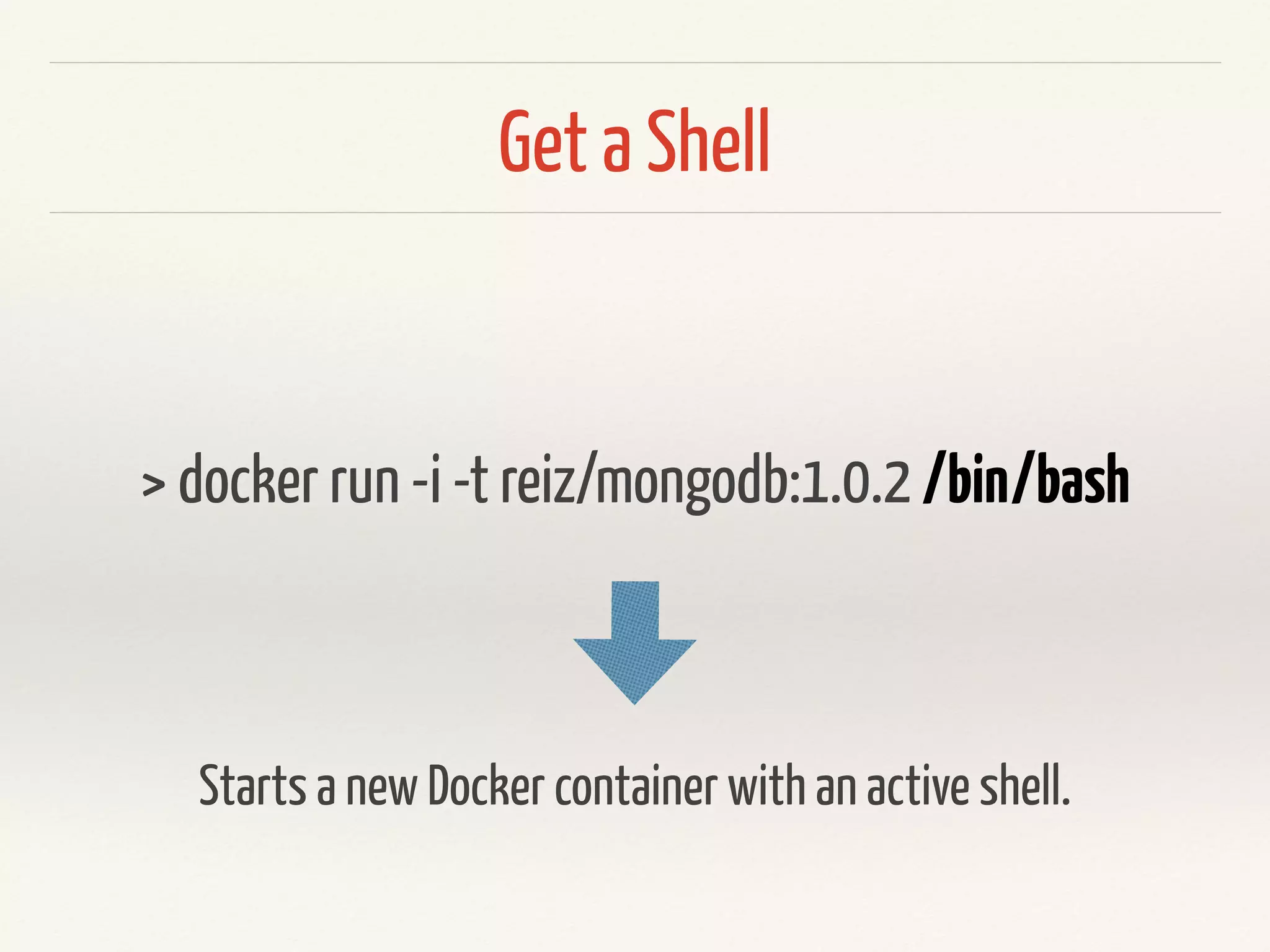
Get a Shell
> docker run -it reiz/mongodb:3.2.0 /bin/bash
Starts a new Docker container with an active shell.
Volumes
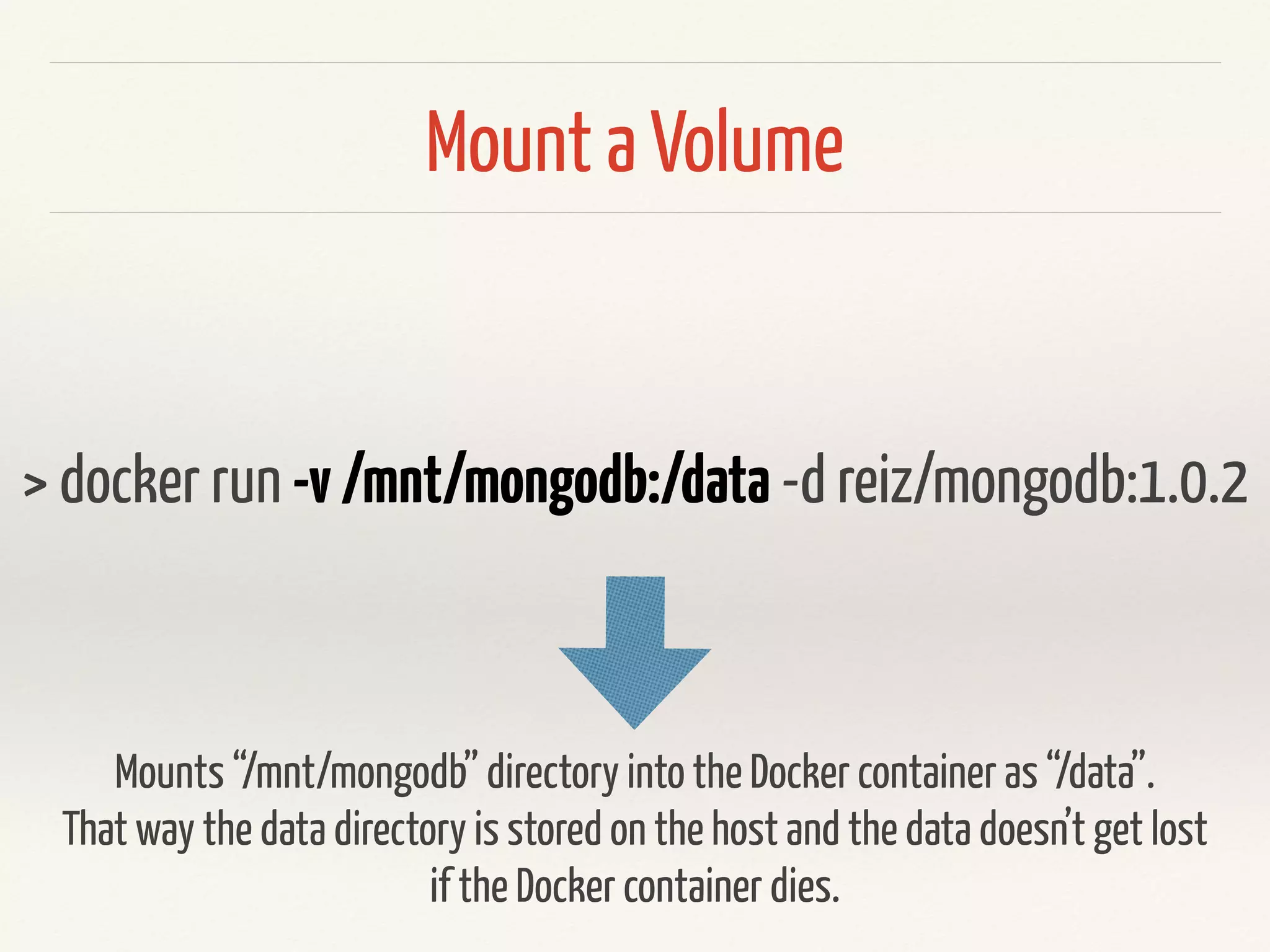
Mount a Volume
> docker run -v/mnt/mongodb:/data -d reiz/mongodb:3.2.0
Mounts “/mnt/mongodb” directory into the Docker container as “/data”.
Keep the data on the host. That’s how you keep data persisted.
Environment Variables
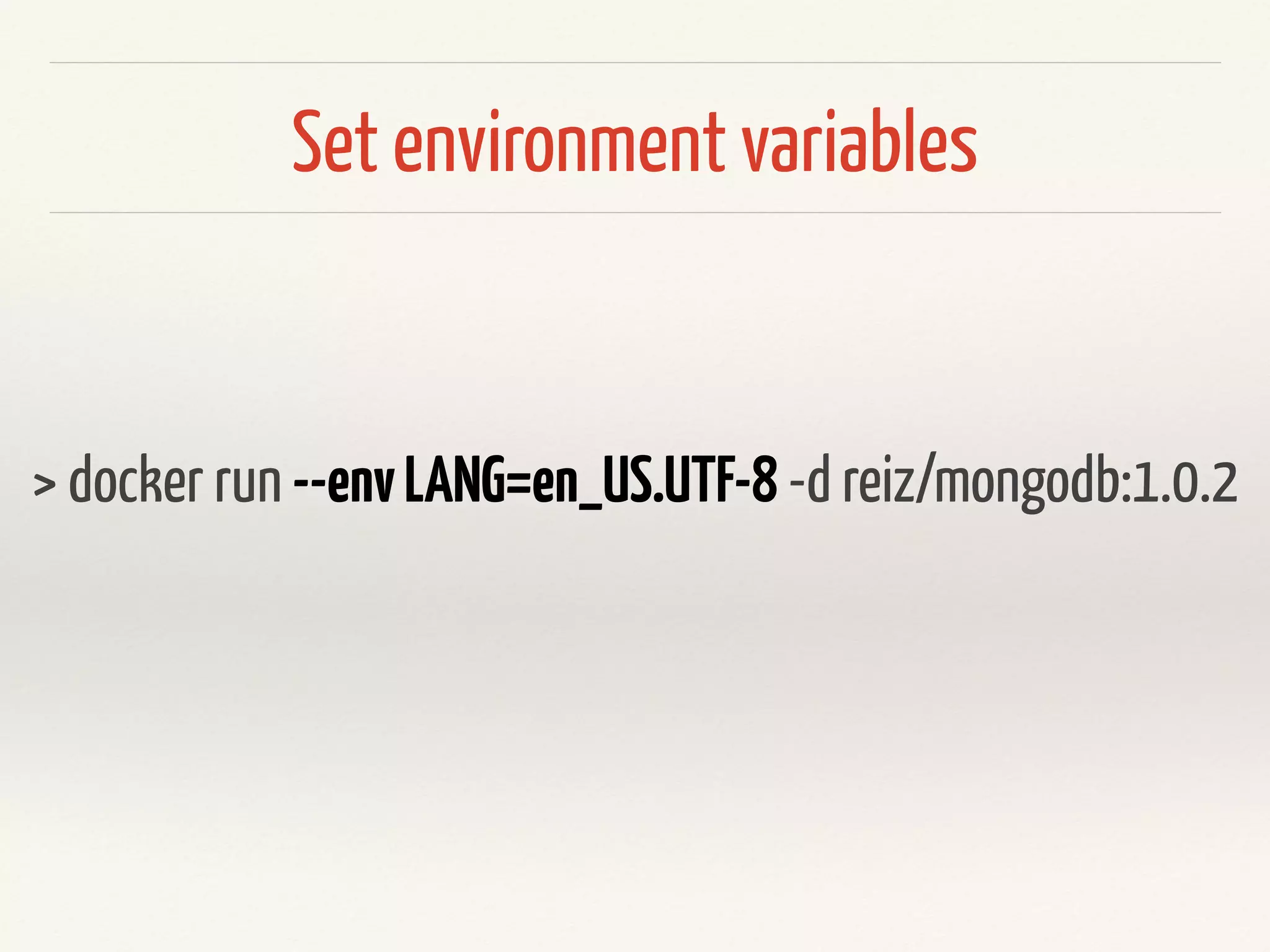
Set environment variables
> docker run --envLANG=en_US.UTF-8 -d reiz/mongodb:3.2.0
You can overwrite ENV variables from the Dockerfile here and also define
completely new ones.
Links
Link Docker Containers
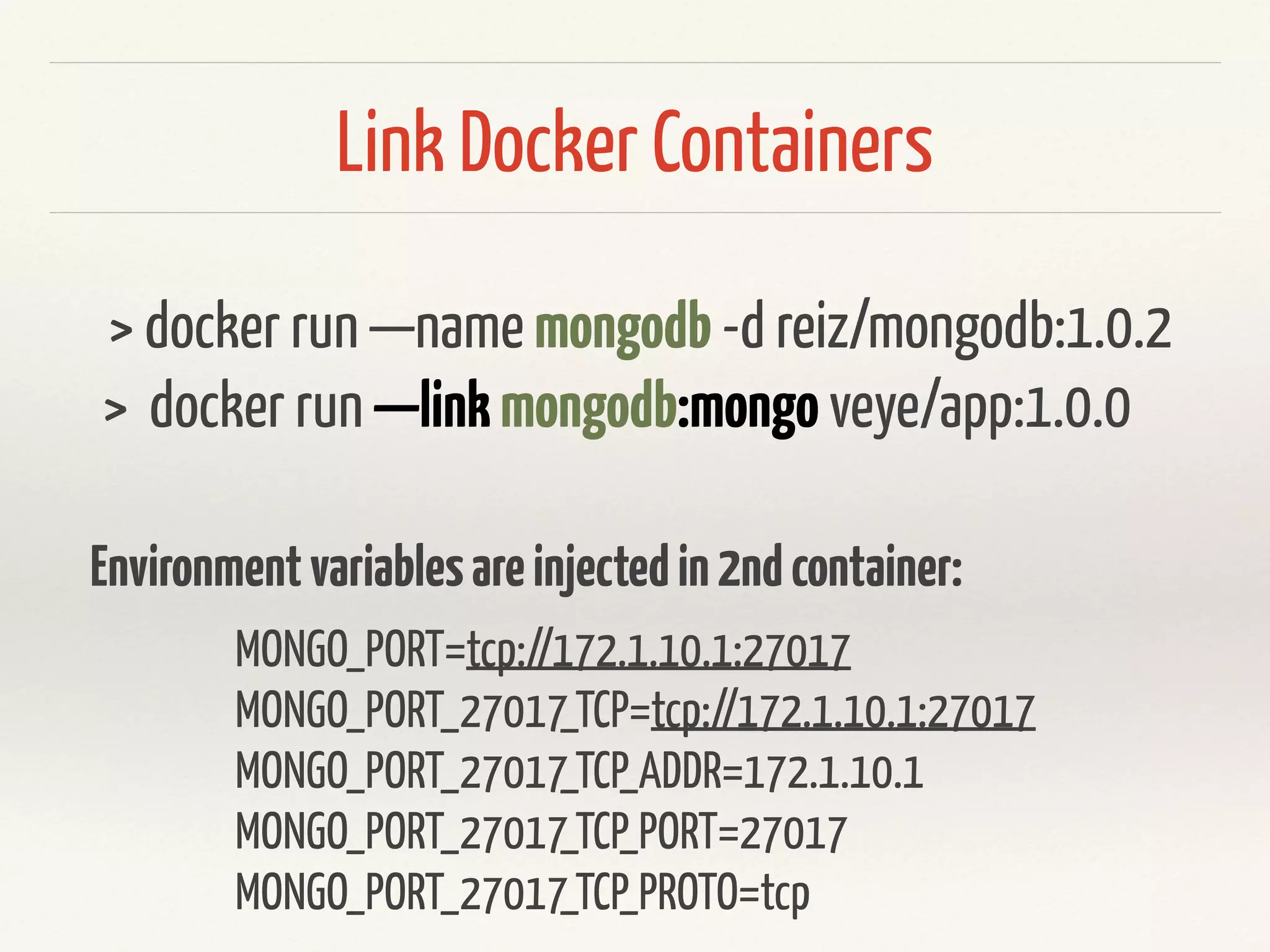
> docker run —name mongodb -d versioneye/mongodb:1.0.2
> docker run —linkmongodb:mongo versioneye/api:1.0.0
MONGO_PORT=tcp://172.1.10.1:27017
MONGO_PORT_27017_TCP=tcp://172.1.10.1:27017
MONGO_PORT_27017_TCP_ADDR=172.1.10.1
MONGO_PORT_27017_TCP_PORT=27017
MONGO_PORT_27017_TCP_PROTO=tcp
Environmentvariablesareinjectedin2ndcontainer:
Link Docker Containers
Linking only works on same hosts!
Docker Compose
api:
image: versioneye/rails_api:2.5.7
ports:
- "9090:9090"
container_name: "api"
links:
- mongodb:db
- elasticsearch:es
mongodb:
image: reiz/mongodb:2.6.6_2
container_name: “mongodb"
elasticsearch:
image: reiz/elasticsearch:0.9.1
container_name: "elasticsearch"
docker-compose.yml
describes a whole
set of Docker
containers
Docker Compose
> docker-compose up -d
> docker-compose ps
> docker-compose stop
Docker Compose
> docker-compose build api
> docker-compose up --no-deps -d api
Updating a single container, not ALL of them.
Docker Compose
> docker-compose scale worker=3
Scaling up containers
DEMO
Service Discovery
Service Discovery
❖ Environment Variables
❖ Mount configuration via volumes
❖ Linking
❖ Use a service like: etcd, zookeeper etc…
Orchestration
Docker Orchestration
❖ CM-Tools (Chef, Puppet, Ansible, Salt)
❖ http://kubernetes.io/
❖ https://coreos.com/
❖ https://docs.docker.com/swarm/
❖ https://www.openshift.com/
2012 VersionEye is running on Heroku.
2013 VersionEye moves to AWS because
of the Amazon Activate Program!
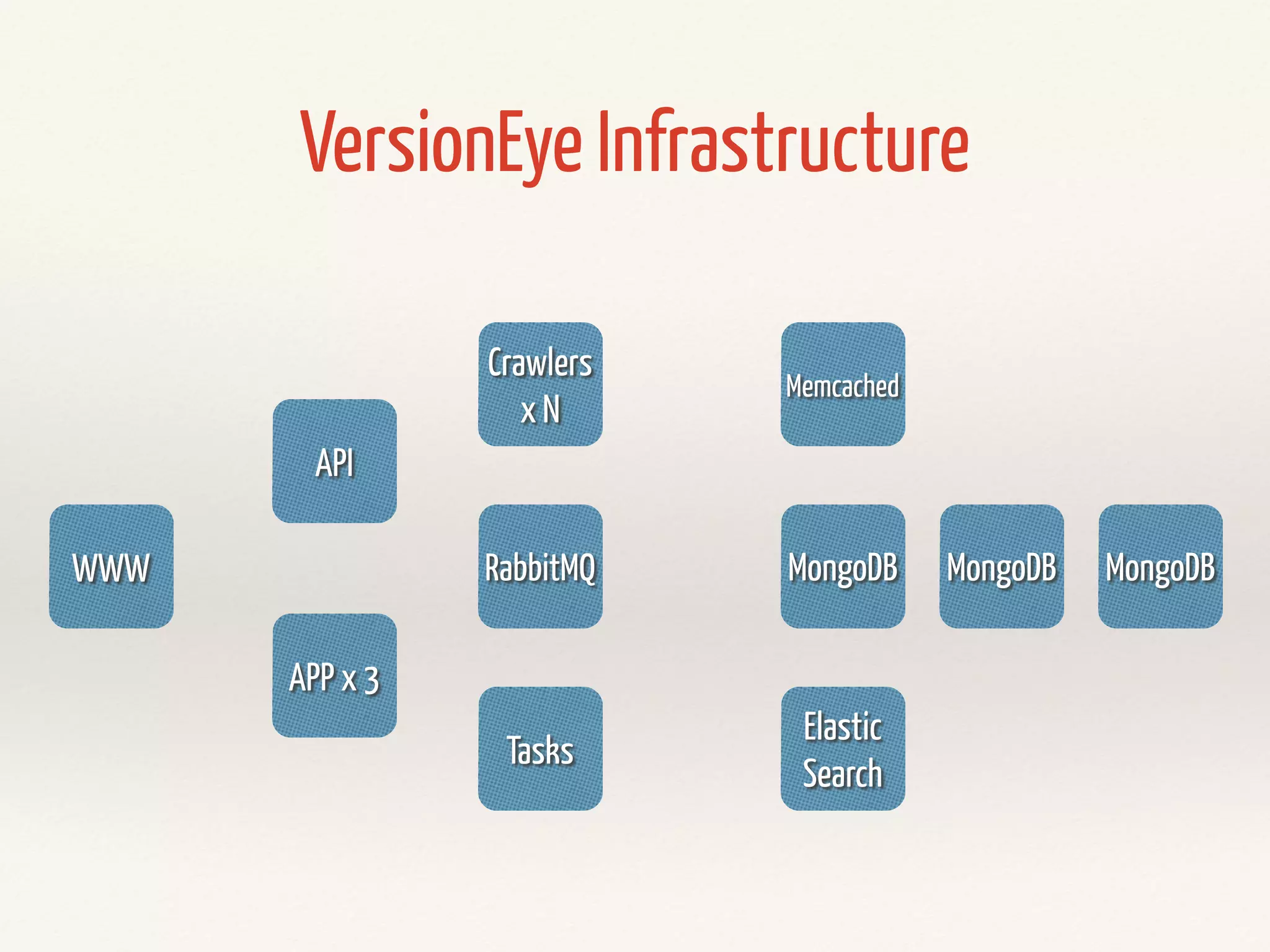
WWW
API
APP x 3
RabbitMQ
Tasks
MongoDB MongoDB MongoDB
Elastic
Search
Memcached
Crawlers
x N
VersionEye Infrastructure
Handcrafted Servers are
❖ hardtomaintain
❖ verytime/costintensive
❖ setupisnoteasilyreproducible
❖ manytimesverybuggy
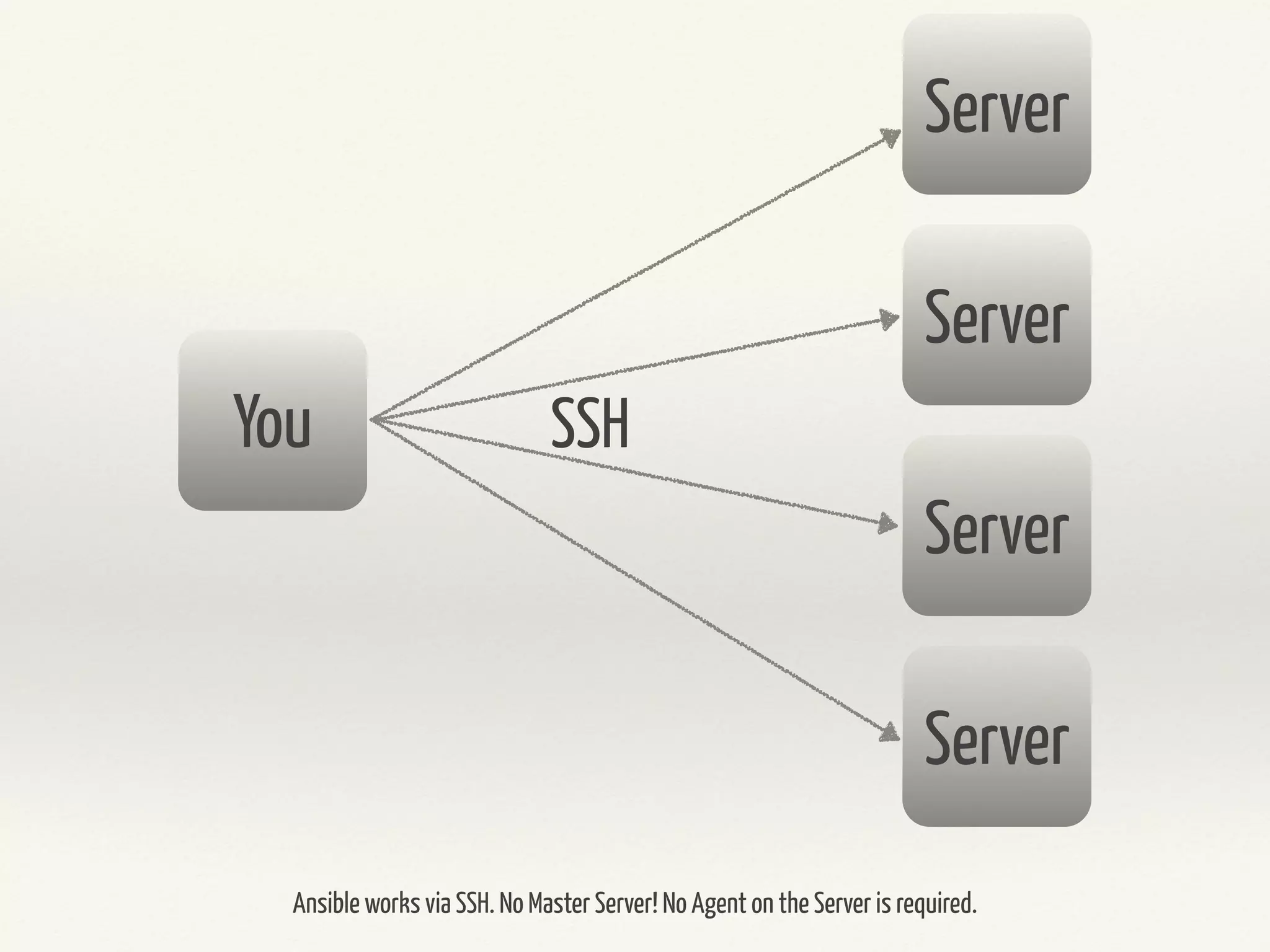
Reasons for Ansible
❖ No Master
❖ No Agents
❖ Configuration in Yaml
❖ Very easy to learn
Server
Server
Server
Server
You SSH
Ansible works via SSH. No Master Server! No Agent on the Server is required.
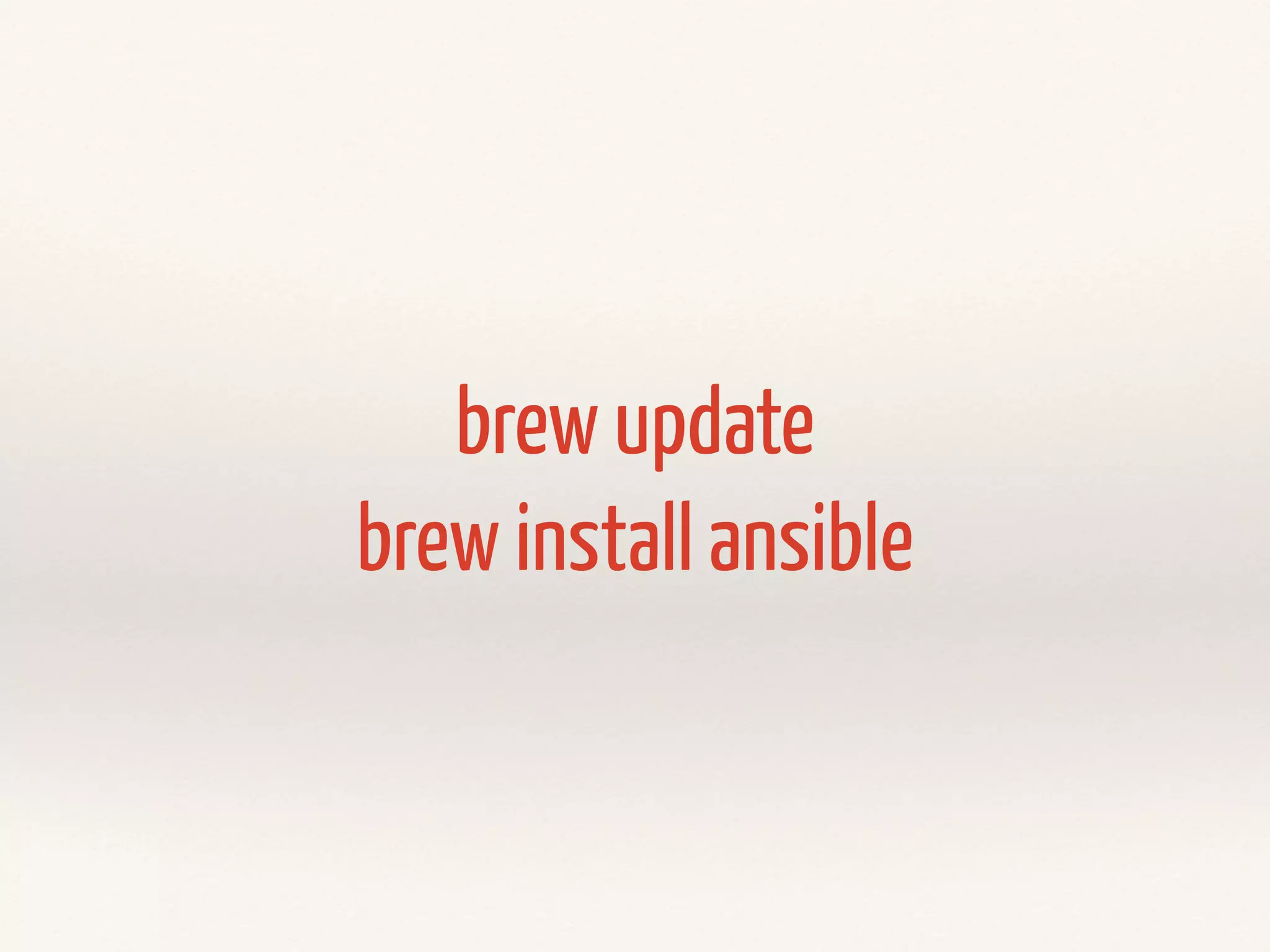
Installation
sudo pip install ansible
brew update
brew install ansible
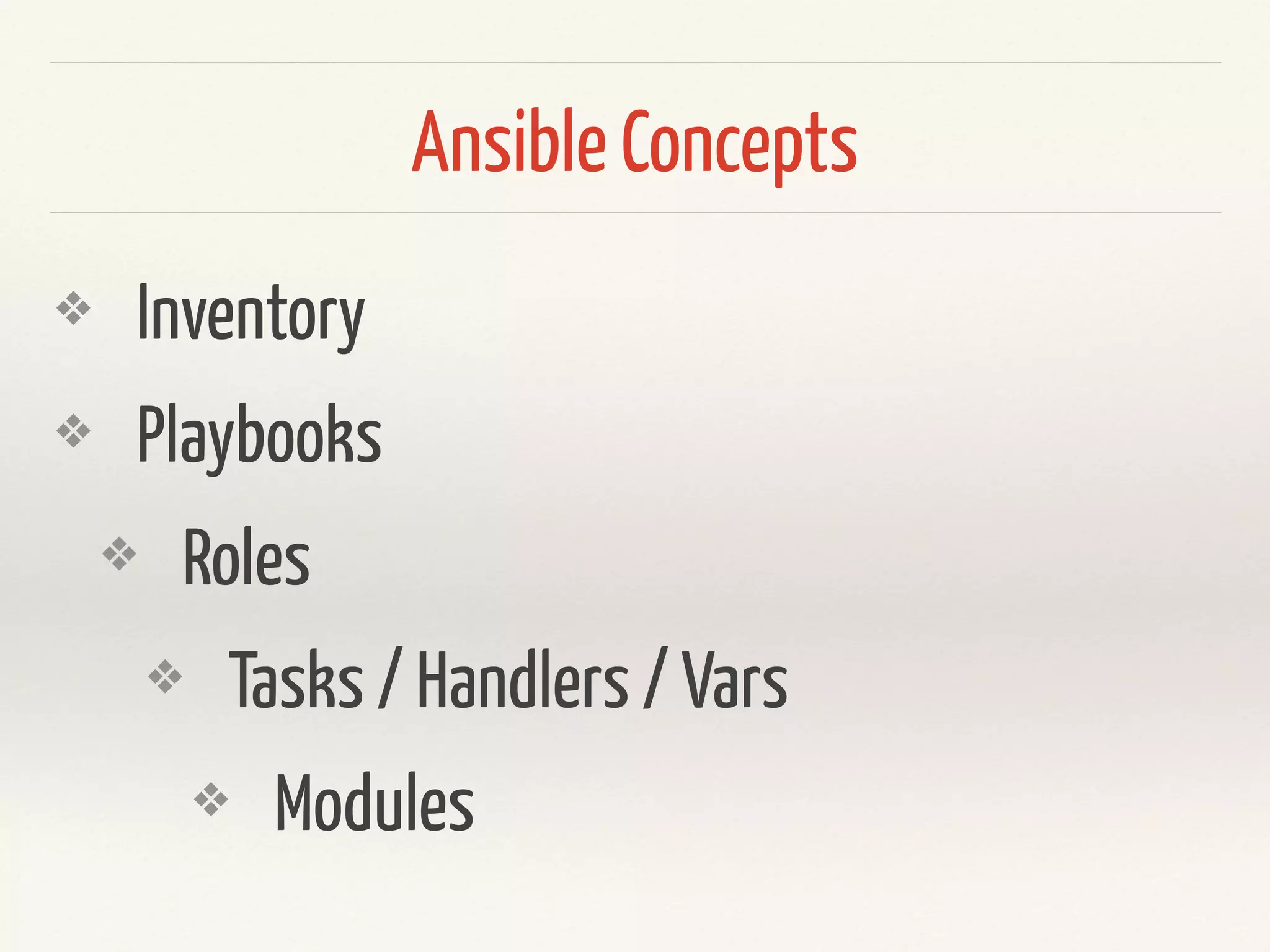
Ansible Concepts
❖ Inventory
❖ Playbooks
❖ Roles
❖ Tasks / Handlers / Vars
❖ Modules
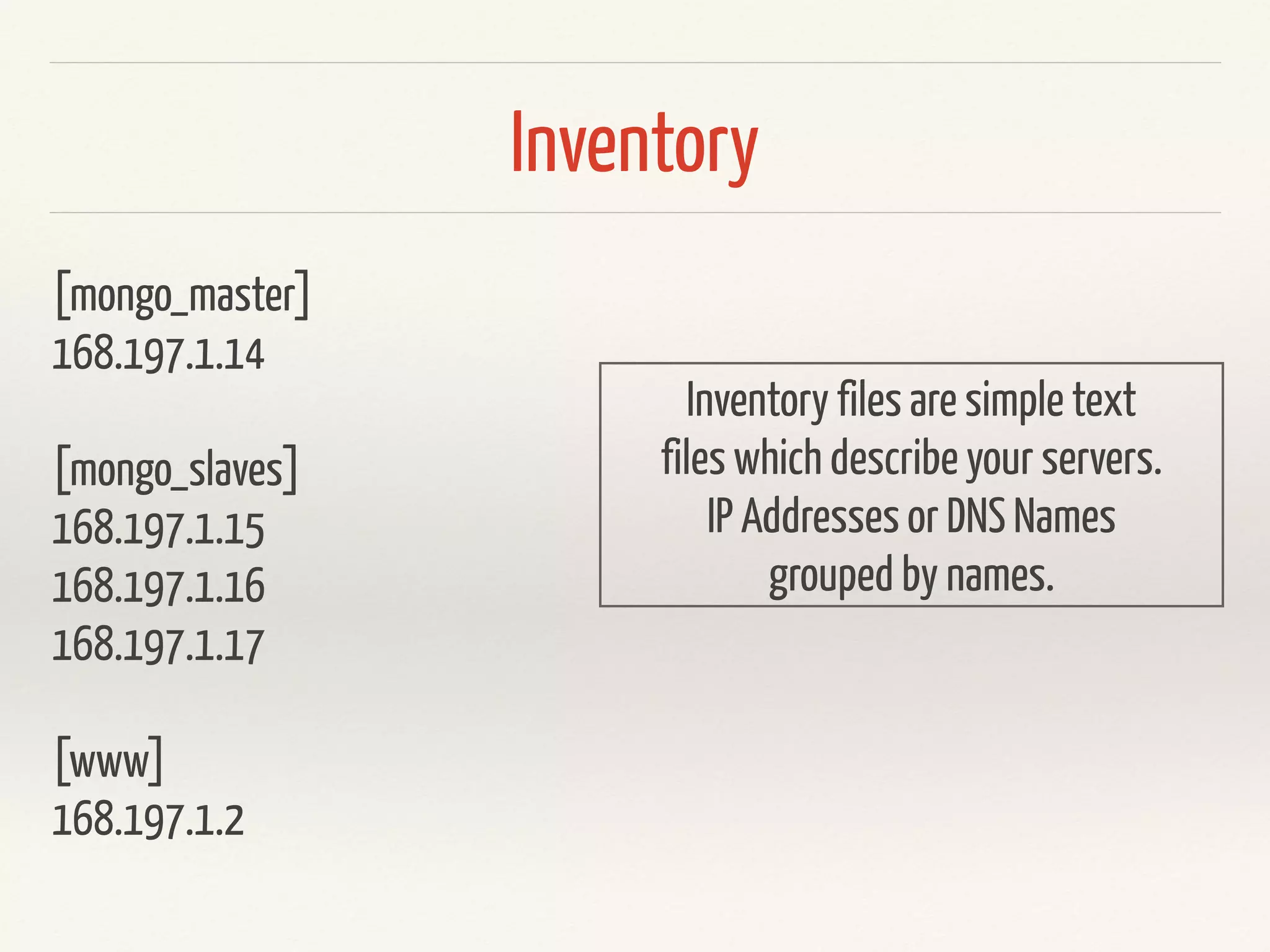
Inventory
Inventory
[mongo_master]
168.197.1.14
[mongo_slaves]
168.197.1.15
168.197.1.16
168.197.1.17
[www]
168.197.1.2
Inventory files are simple text
files which describe your servers.
IP Addresses or DNS Names
grouped by names.
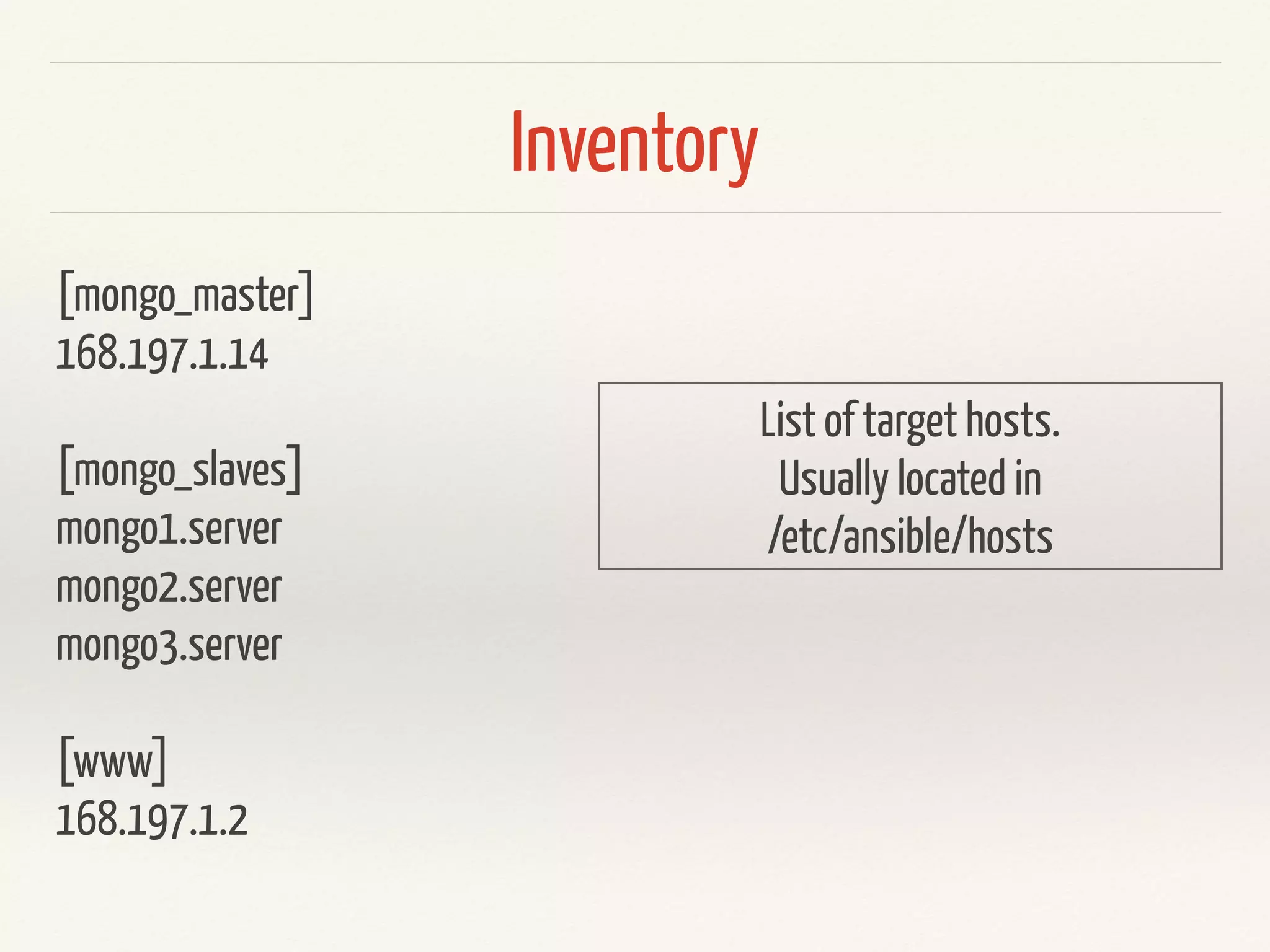
Inventory
[mongo_master]
168.197.1.14
[mongo_slaves]
mongo1.server
mongo2.server
mongo3.server
[www]
168.197.1.2
List of target hosts.
Usually located in
/etc/ansible/hosts
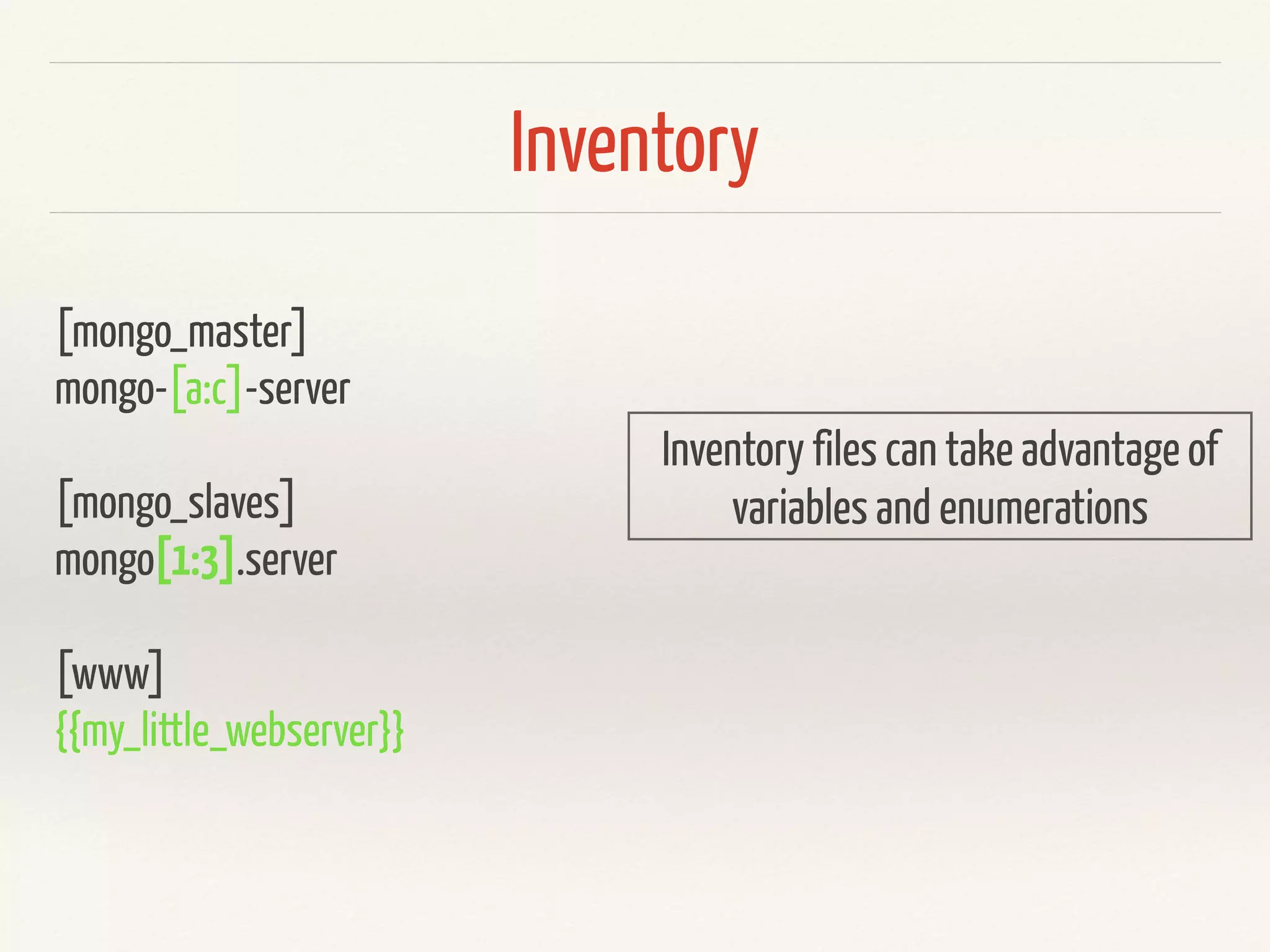
Inventory
[mongo_master]
mongo-[a:c]-server
[mongo_slaves]
mongo[1:3].server
[www]
{{my_little_webserver}}
Inventory files can take advantage of
variables and enumerations
Playbooks
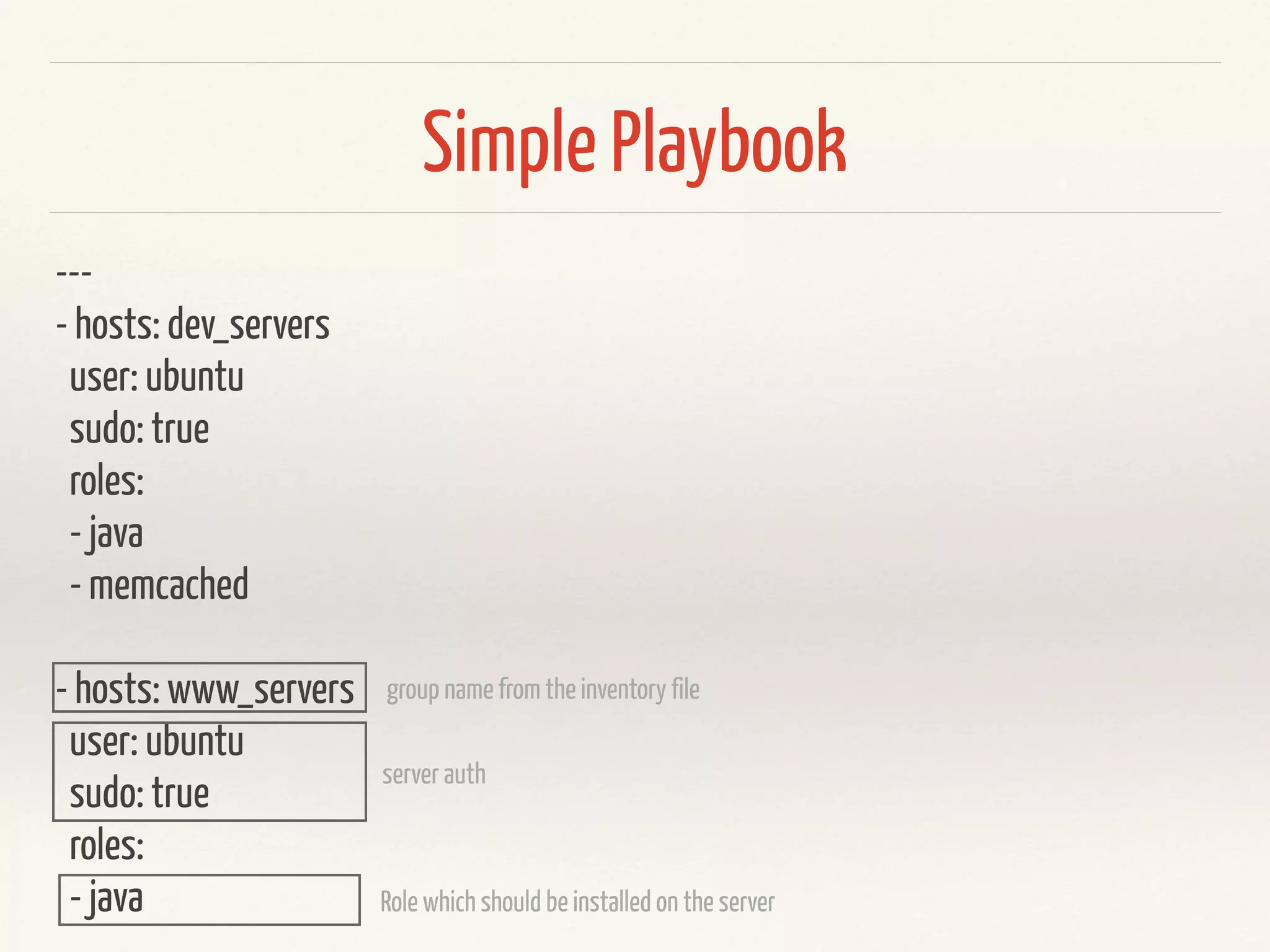
Simple Playbook
---
- hosts: dev_servers
user: ubuntu
sudo: true
roles:
- java
- memcached
- hosts: www_servers
user: ubuntu
sudo: true
roles:
- java
group name from the inventory file
server auth
Role which should be installed on the server
Roles / Modules
simpple role with apt module
---
- name: update debian packages
apt: update_cache=true
- name: install Java JDK
apt: name=openjdk-7-jdk state=present
apt module
---
- name: update debian packages
apt: update_cache=true
- name: install Java JDK
apt: name=openjdk-7-jdk state=present
Documentation of this step!
Module
Parameters of the Module
---
- name: update debian packages
apt: update_cache=true
- name: upgrade packages
apt: upgrade=full
- name: ensure that basic packages are installed
apt: name={{ item }} state=present
with_items:
- tree
- wget
- links2
- gcc
- g++
- make
- autoconf
- automake
- libssl-dev
- libcurl4-openssl-dev
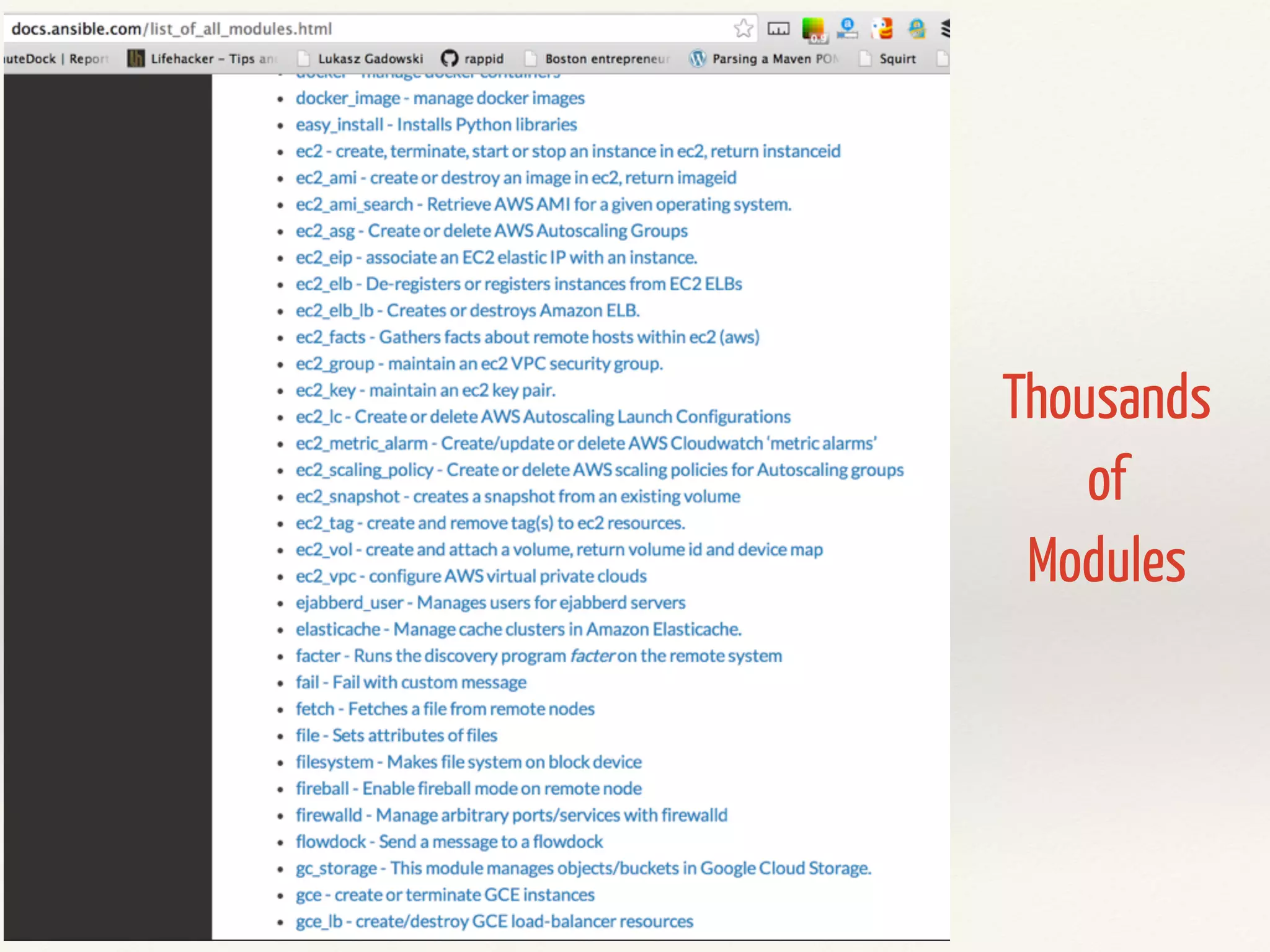
Thousands
of
Modules
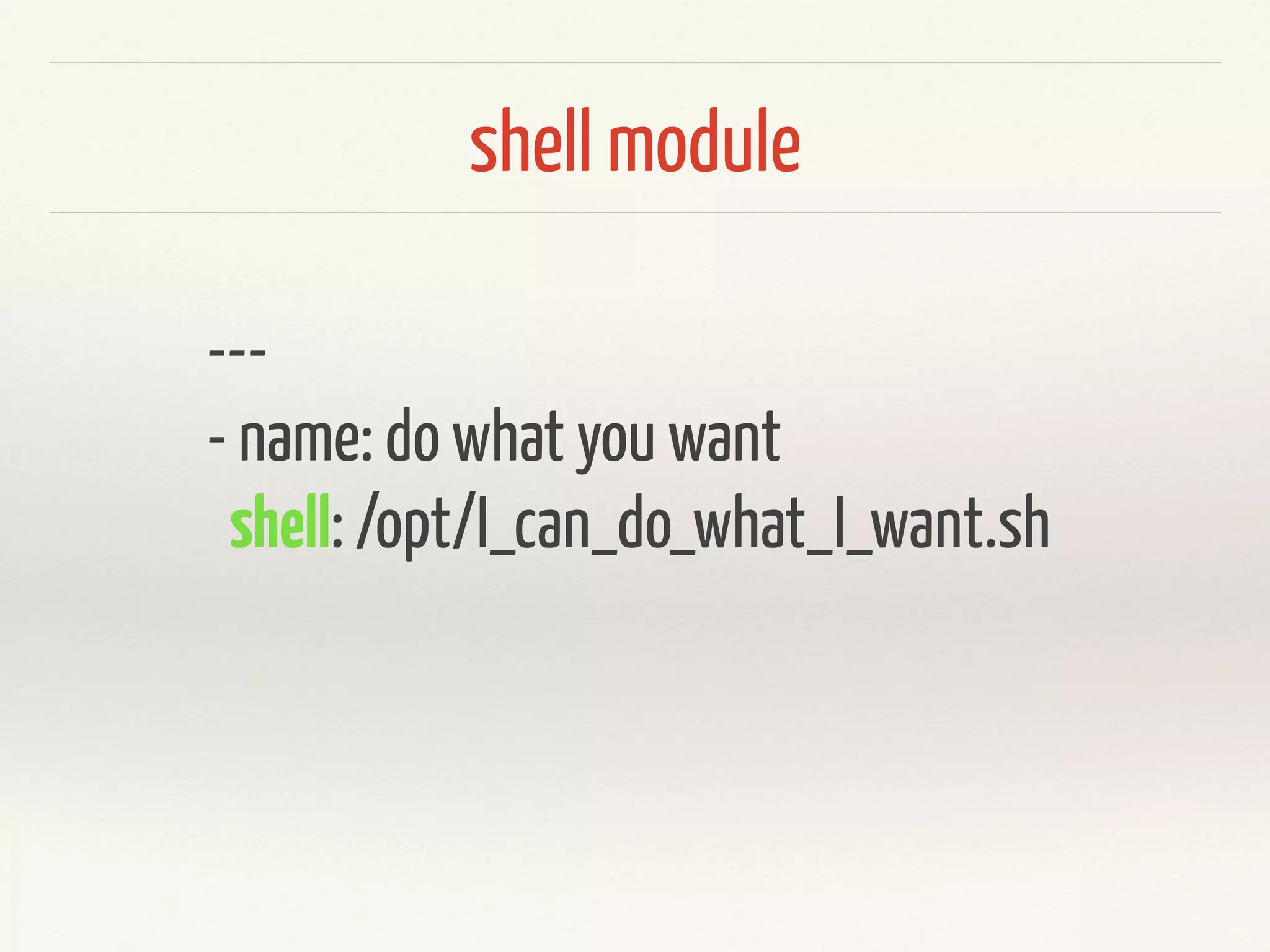
shell module
---
- name: do what you want
shell: /opt/I_can_do_what_I_want.sh
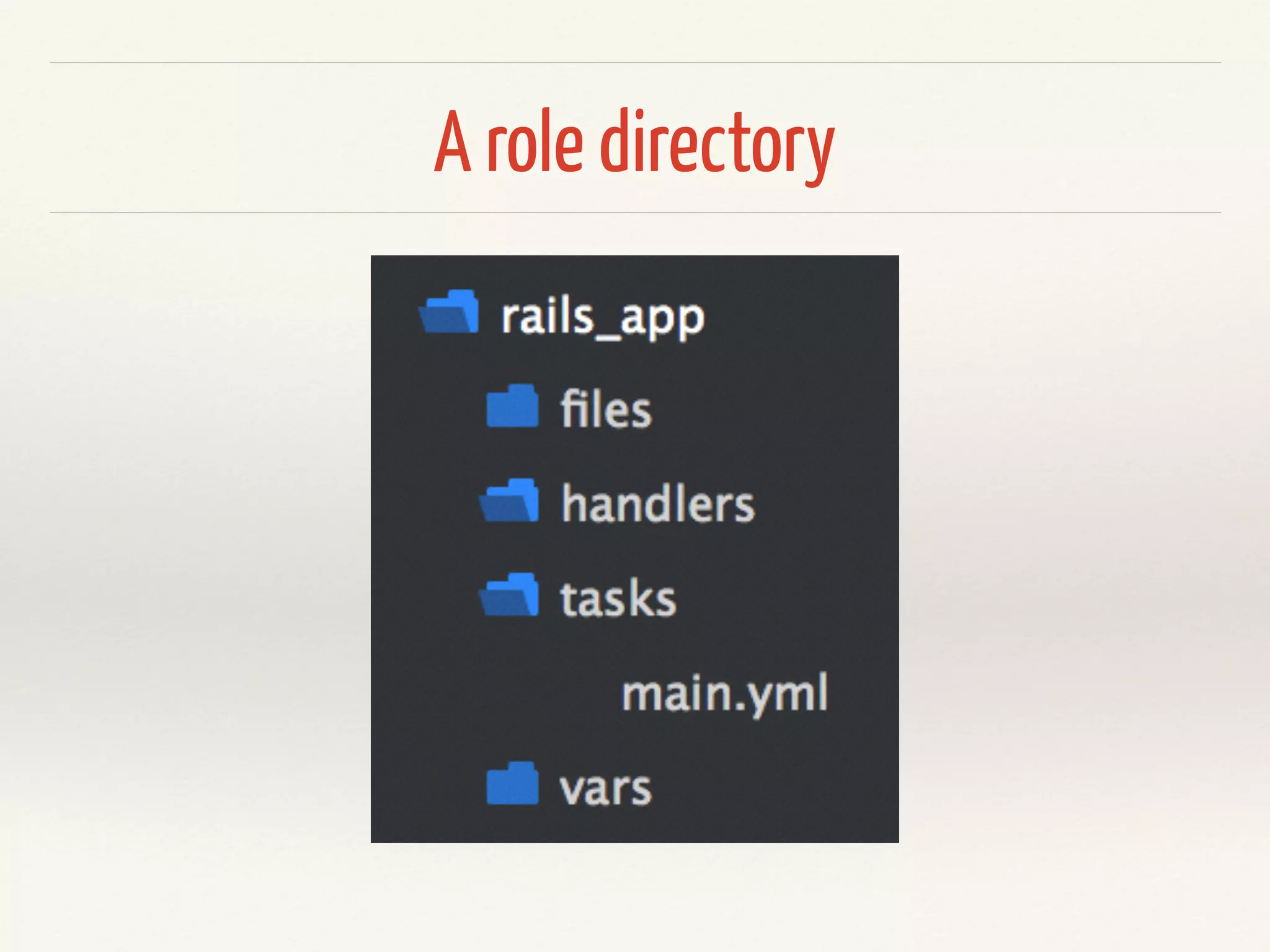
A role directory
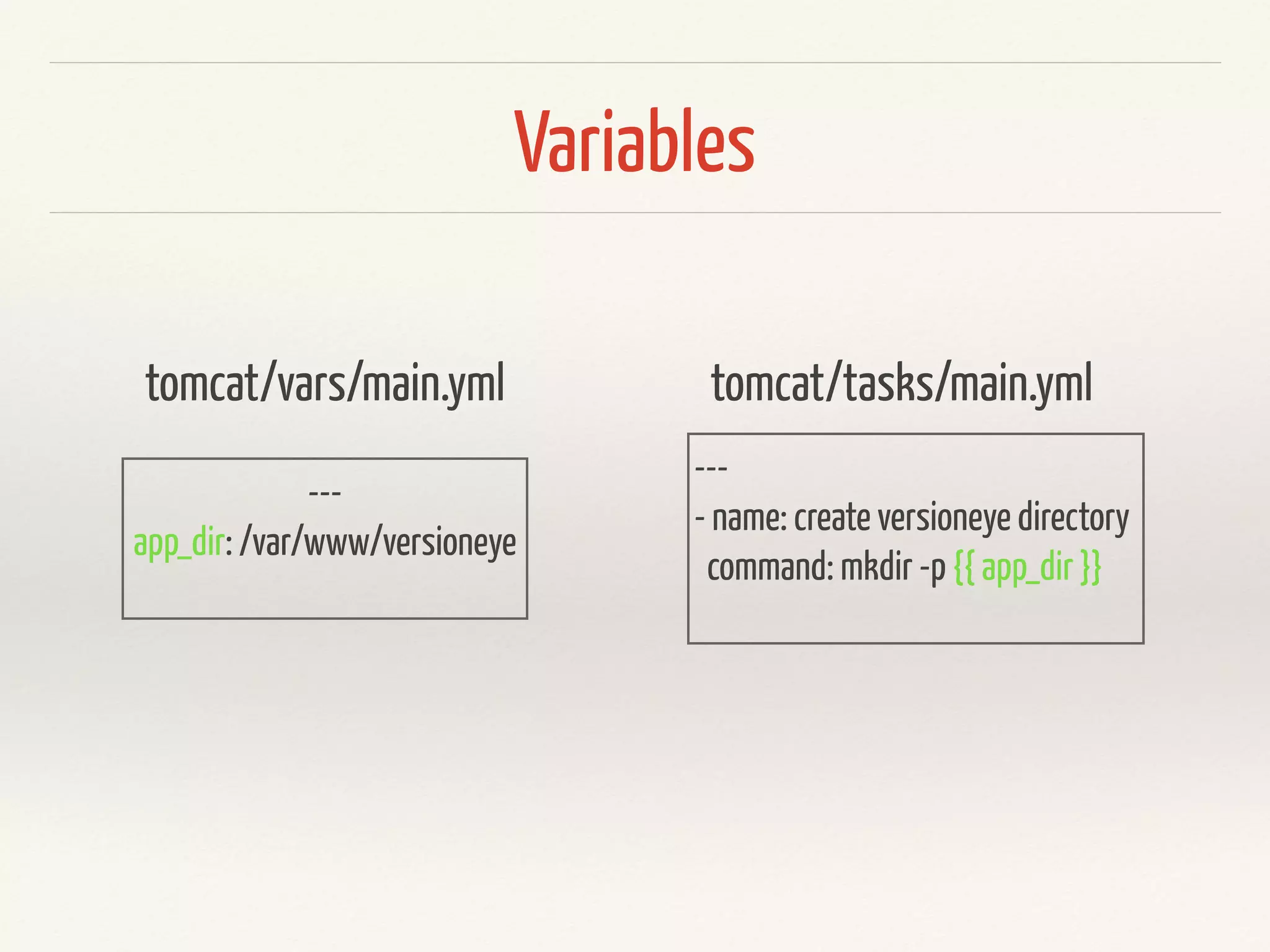
Variables
---
app_dir: /var/www/versioneye
tomcat/vars/main.yml
---
- name: create versioneye directory
command: mkdir -p {{ app_dir }}
tomcat/tasks/main.yml
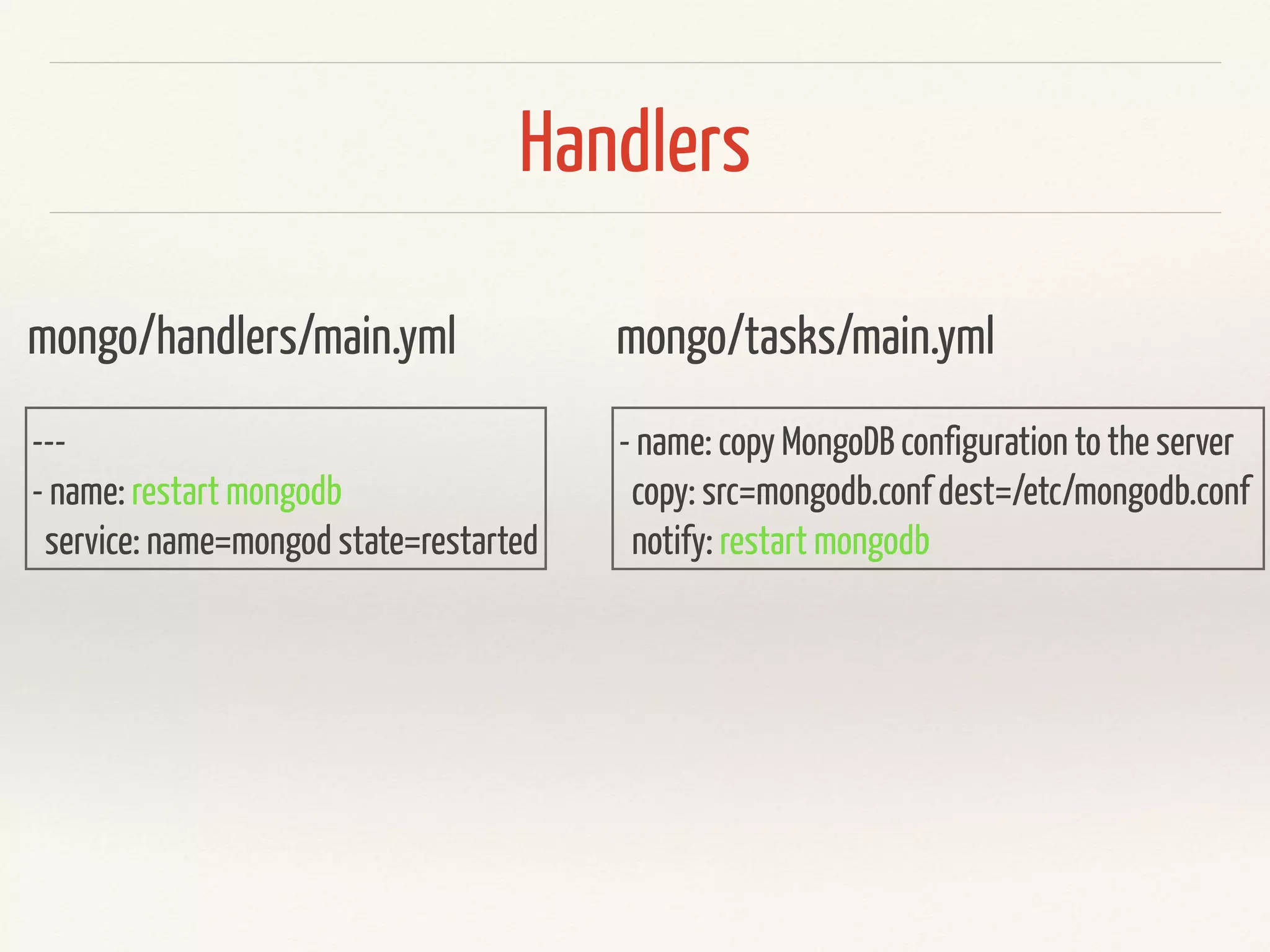
Handlers
---
- name: restart mongodb
service: name=mongod state=restarted
mongo/handlers/main.yml
- name: copy MongoDB configuration to the server
copy: src=mongodb.conf dest=/etc/mongodb.conf
notify: restart mongodb
mongo/tasks/main.yml
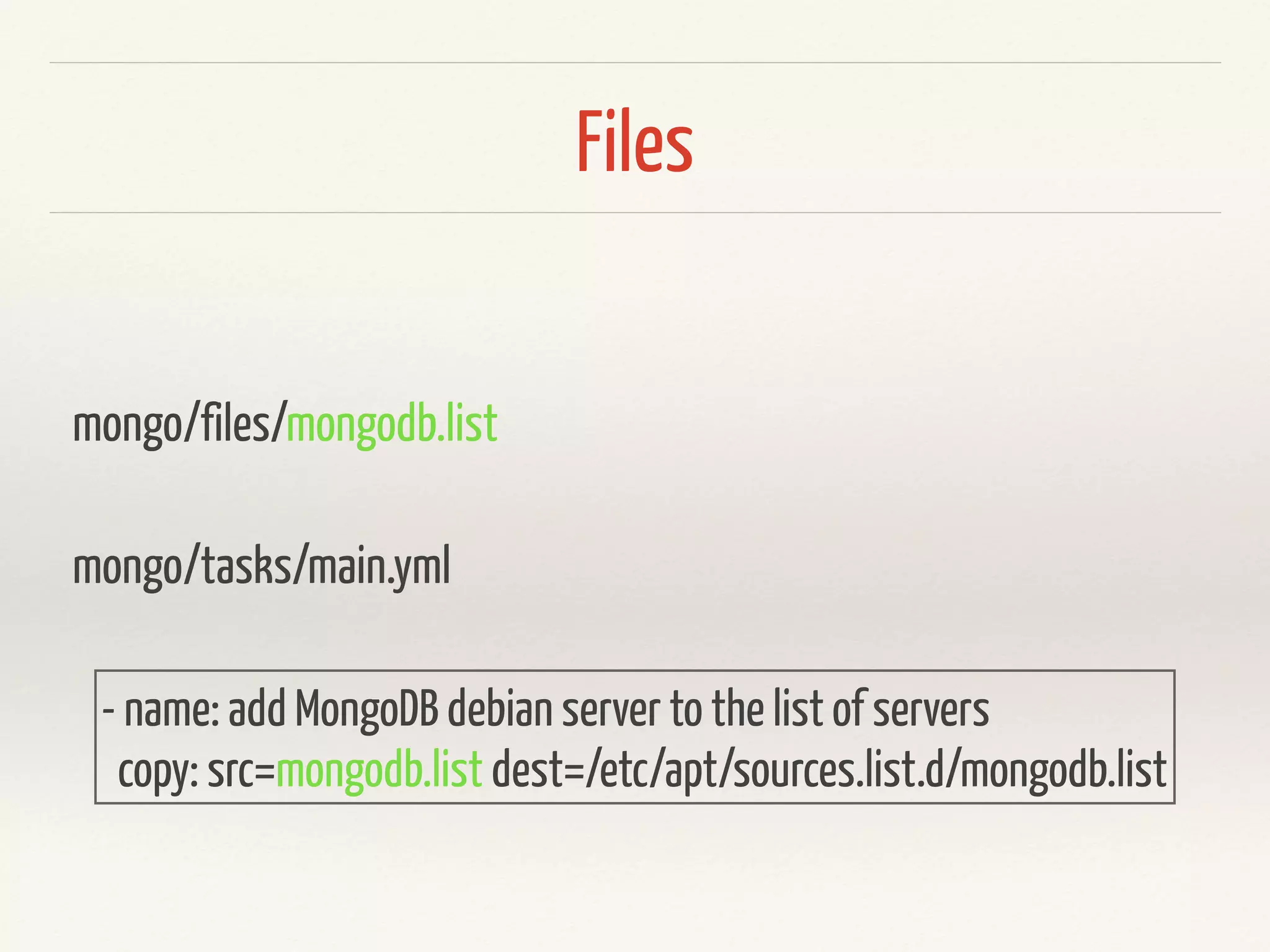
Files
mongo/files/mongodb.list
- name: add MongoDB debian server to the list of servers
copy: src=mongodb.list dest=/etc/apt/sources.list.d/mongodb.list
mongo/tasks/main.yml
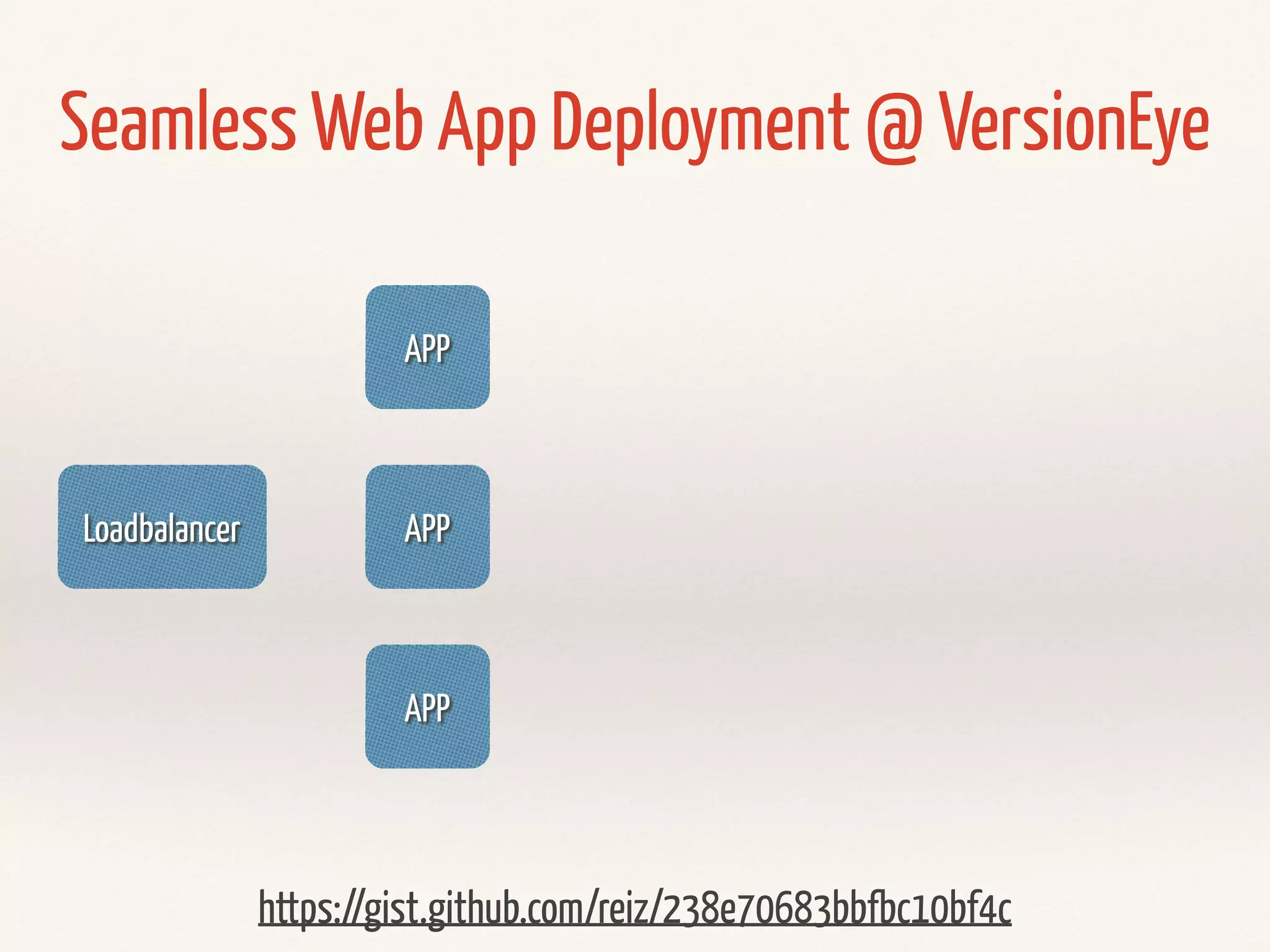
Real World Use case
Loadbalancer
APP
APP
APP
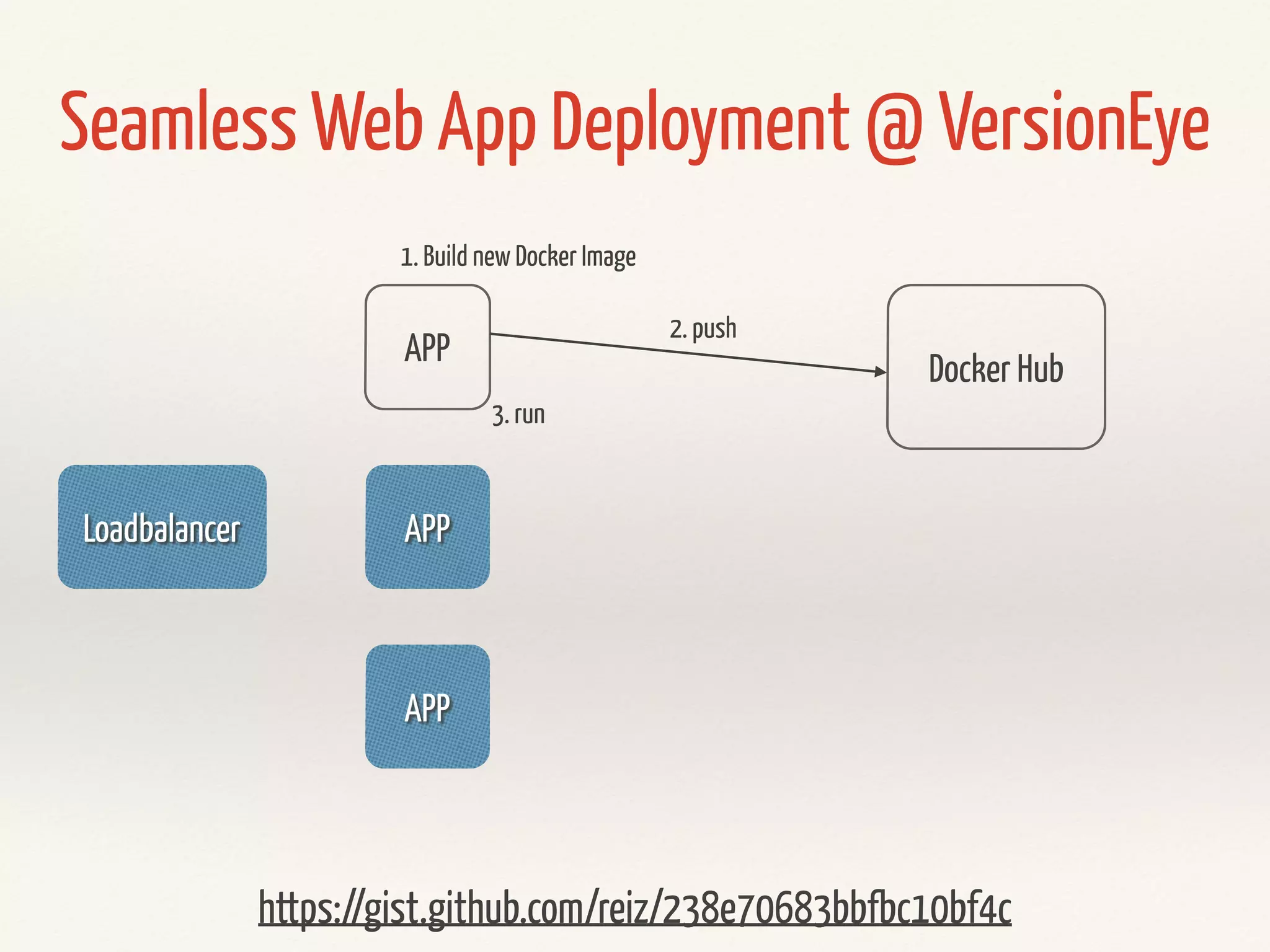
Seamless Web App Deployment @ VersionEye
https://gist.github.com/reiz/238e70683bbfbc10bf4c
Loadbalancer
APP
APP
APP
Docker Hub
1. Build new Docker Image
2. push
3. run
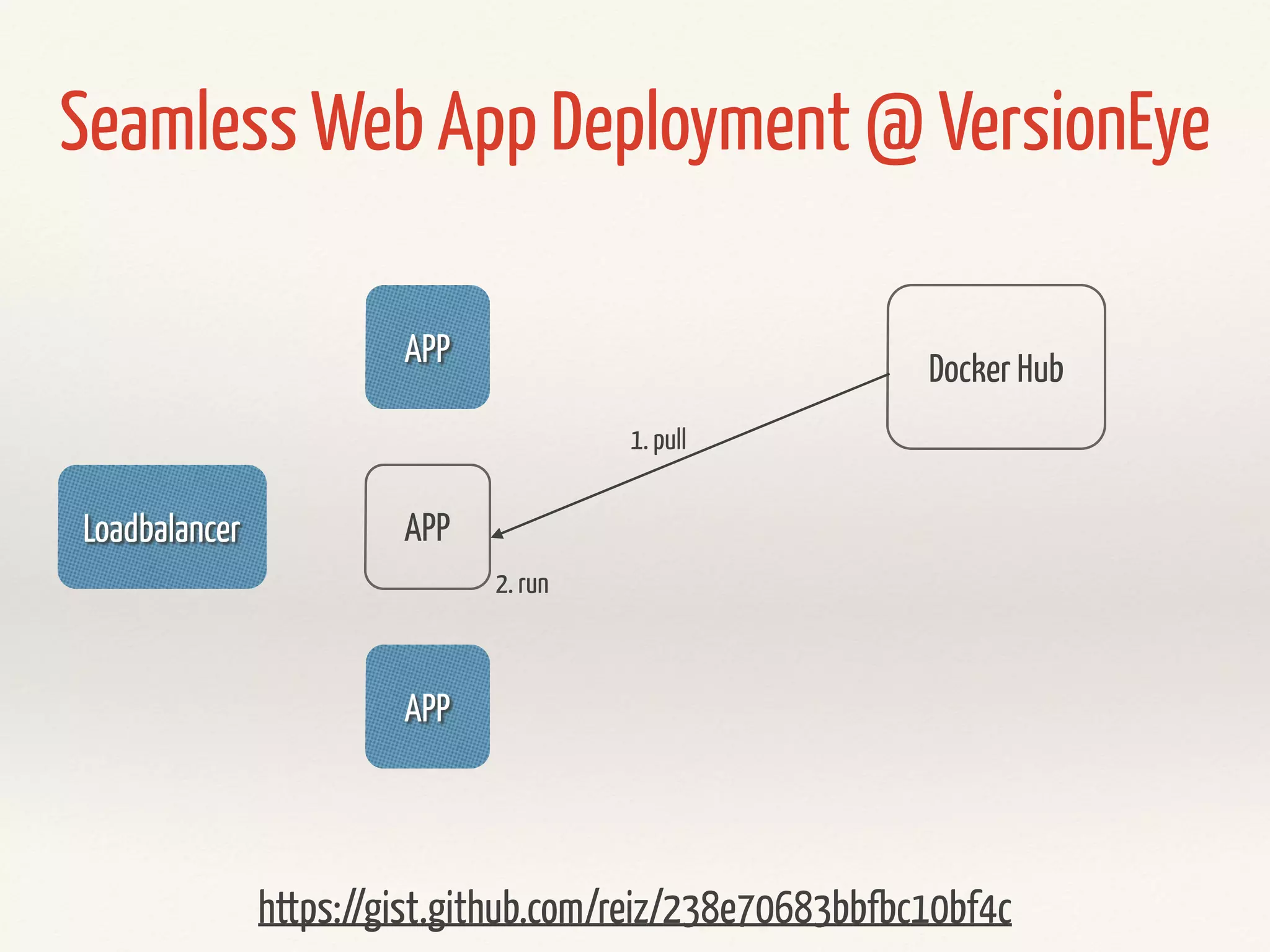
Seamless Web App Deployment @ VersionEye
https://gist.github.com/reiz/238e70683bbfbc10bf4c
Loadbalancer
APP
APP
APP
Docker Hub
1. pull
2. run
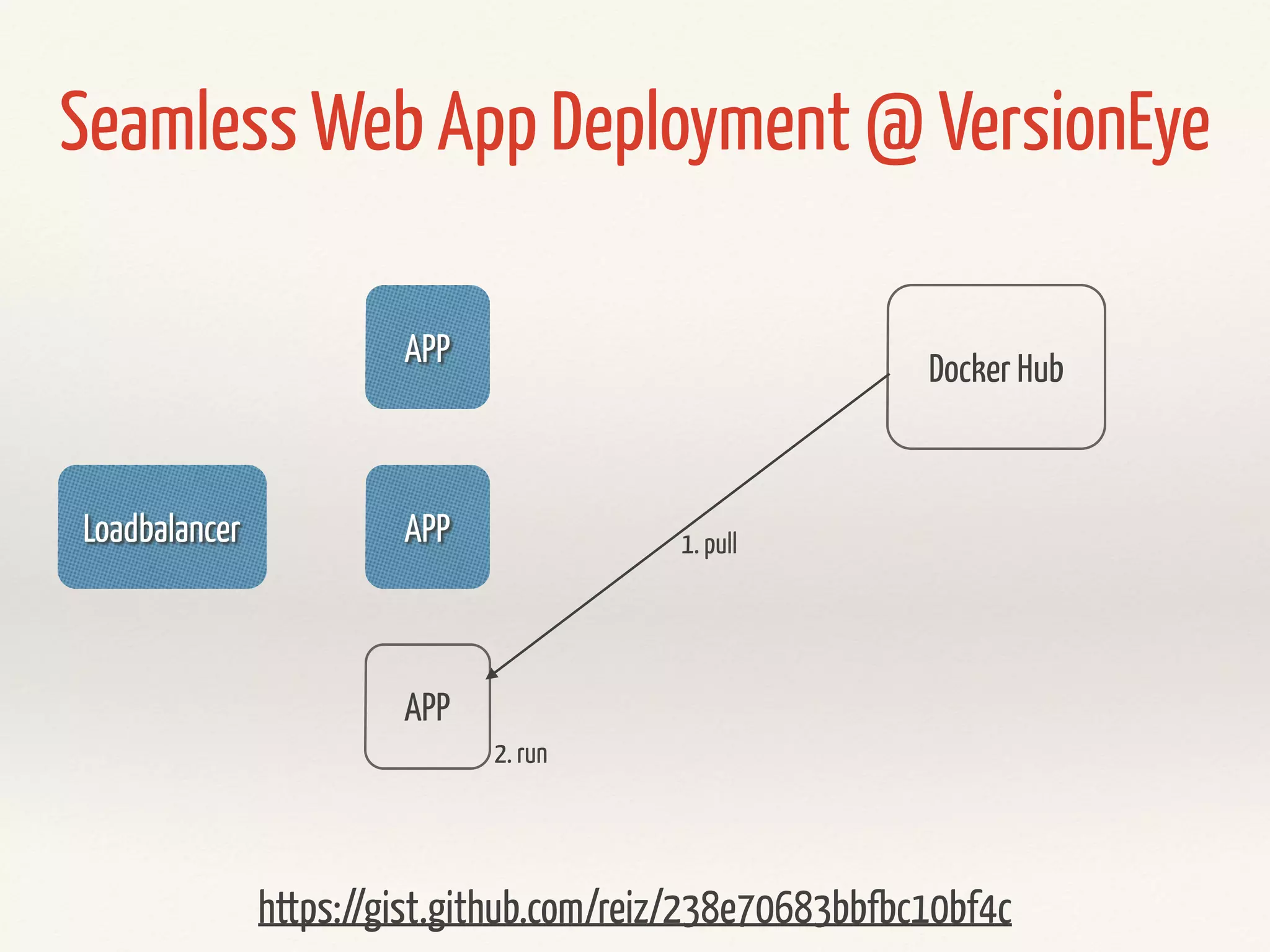
Seamless Web App Deployment @ VersionEye
https://gist.github.com/reiz/238e70683bbfbc10bf4c
Loadbalancer
APP
APP
APP
Seamless Web App Deployment @ VersionEye
Docker Hub
1. pull
2. run
https://gist.github.com/reiz/238e70683bbfbc10bf4c
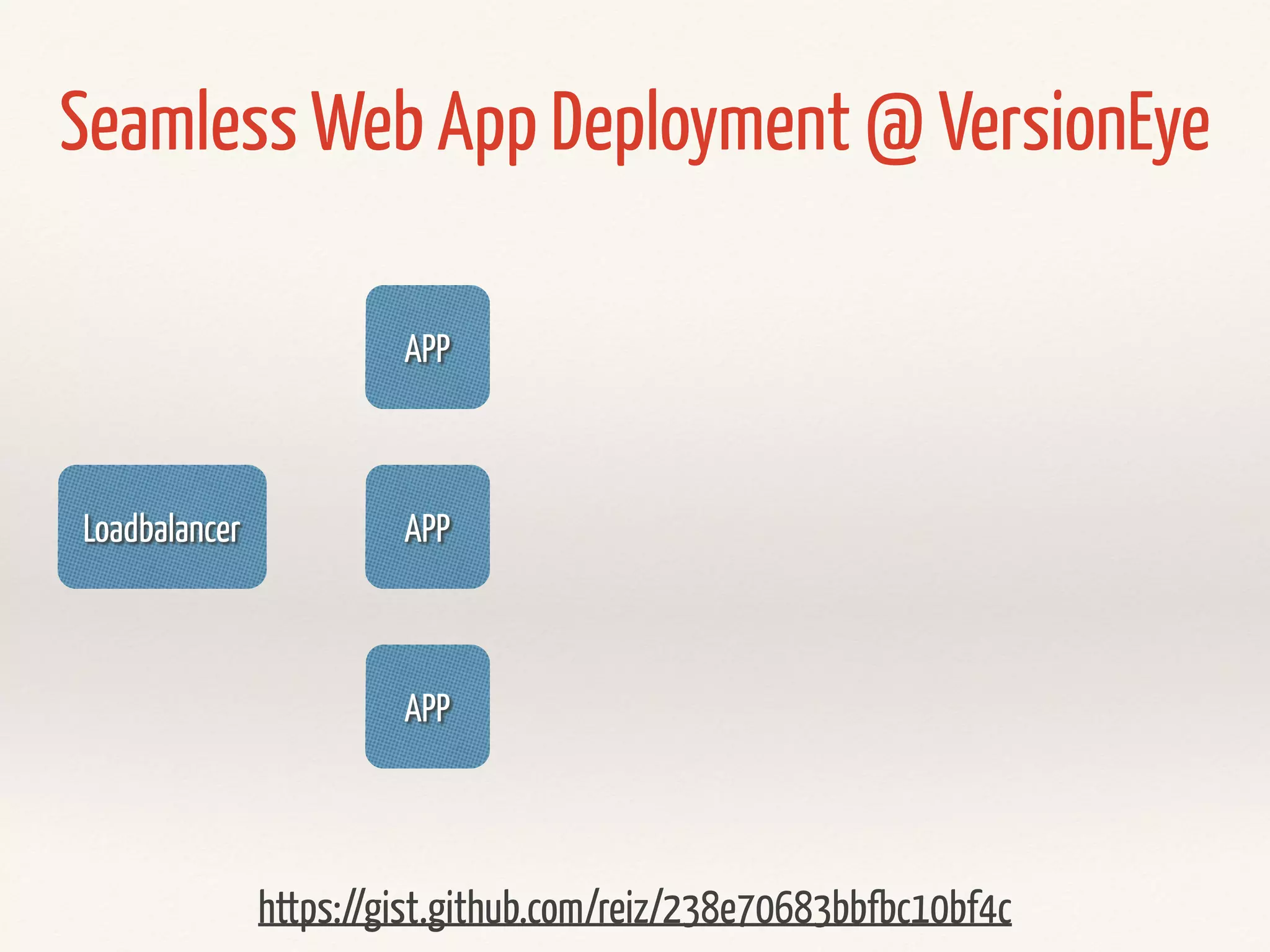
Loadbalancer
APP
APP
APP
Seamless Web App Deployment @ VersionEye
https://gist.github.com/reiz/238e70683bbfbc10bf4c
Demo
? ? ?
@RobertReiz

Infrastructure Deployment with Docker & Ansible