-by
Rahul Sindhwani
 What is BI ?
 SAP BI
 History of SAP BI
 ETL Process
 Architecture of SAP BI

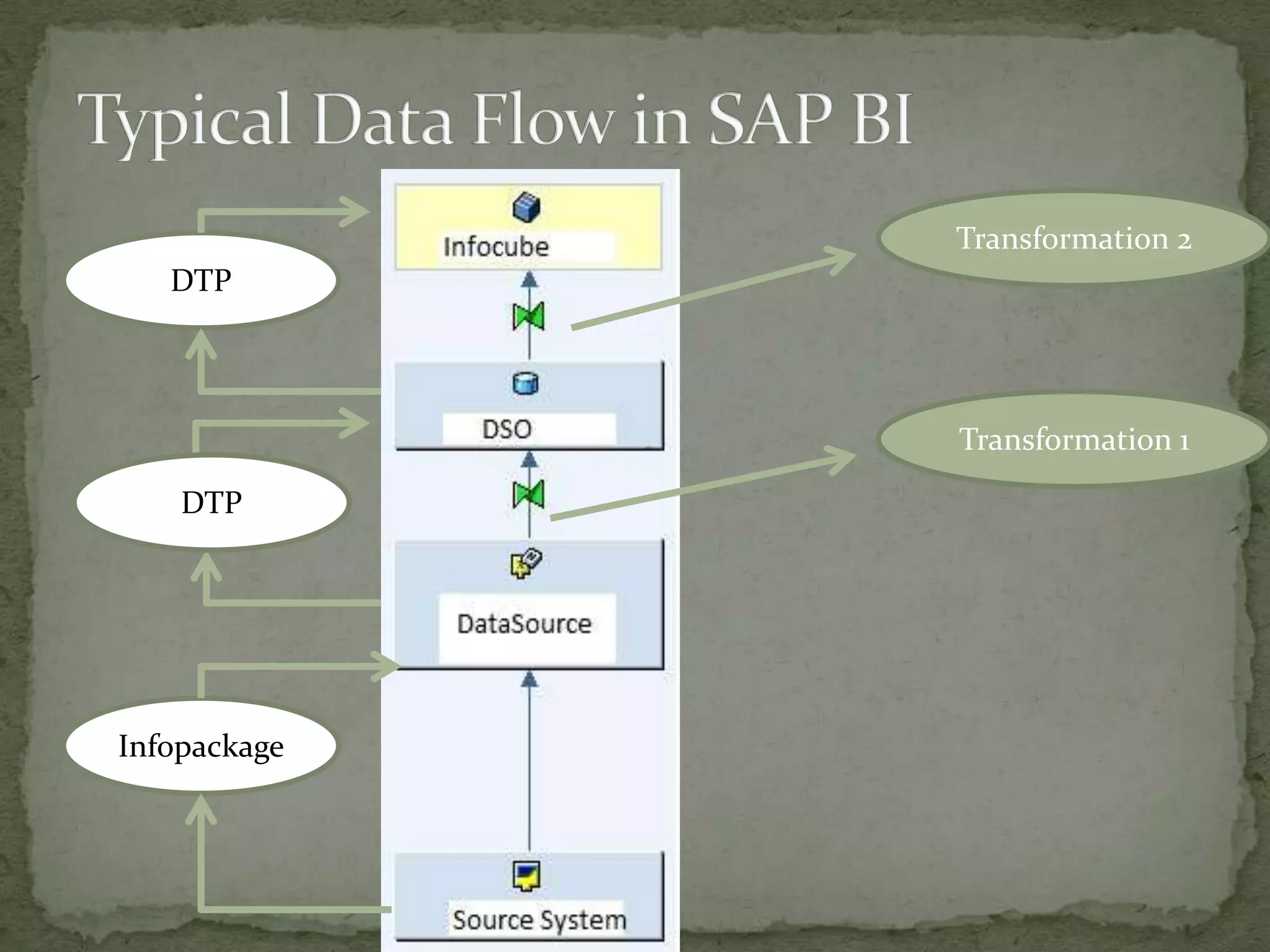
 Typical Data Flow in SAP BI
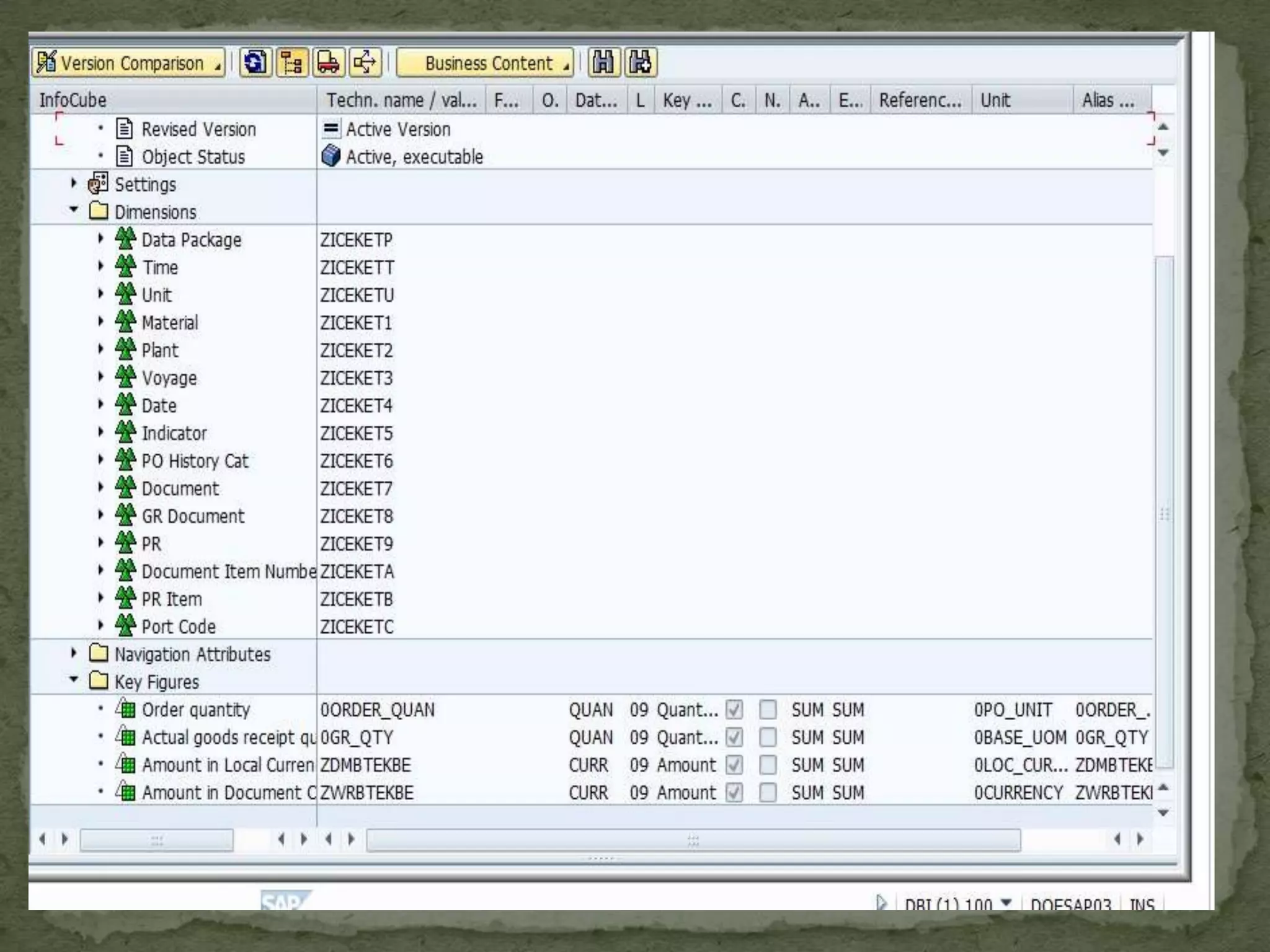
 Data Model – Info Object, Infocube(Star Schema

Extended Star Schema ,DSO etc
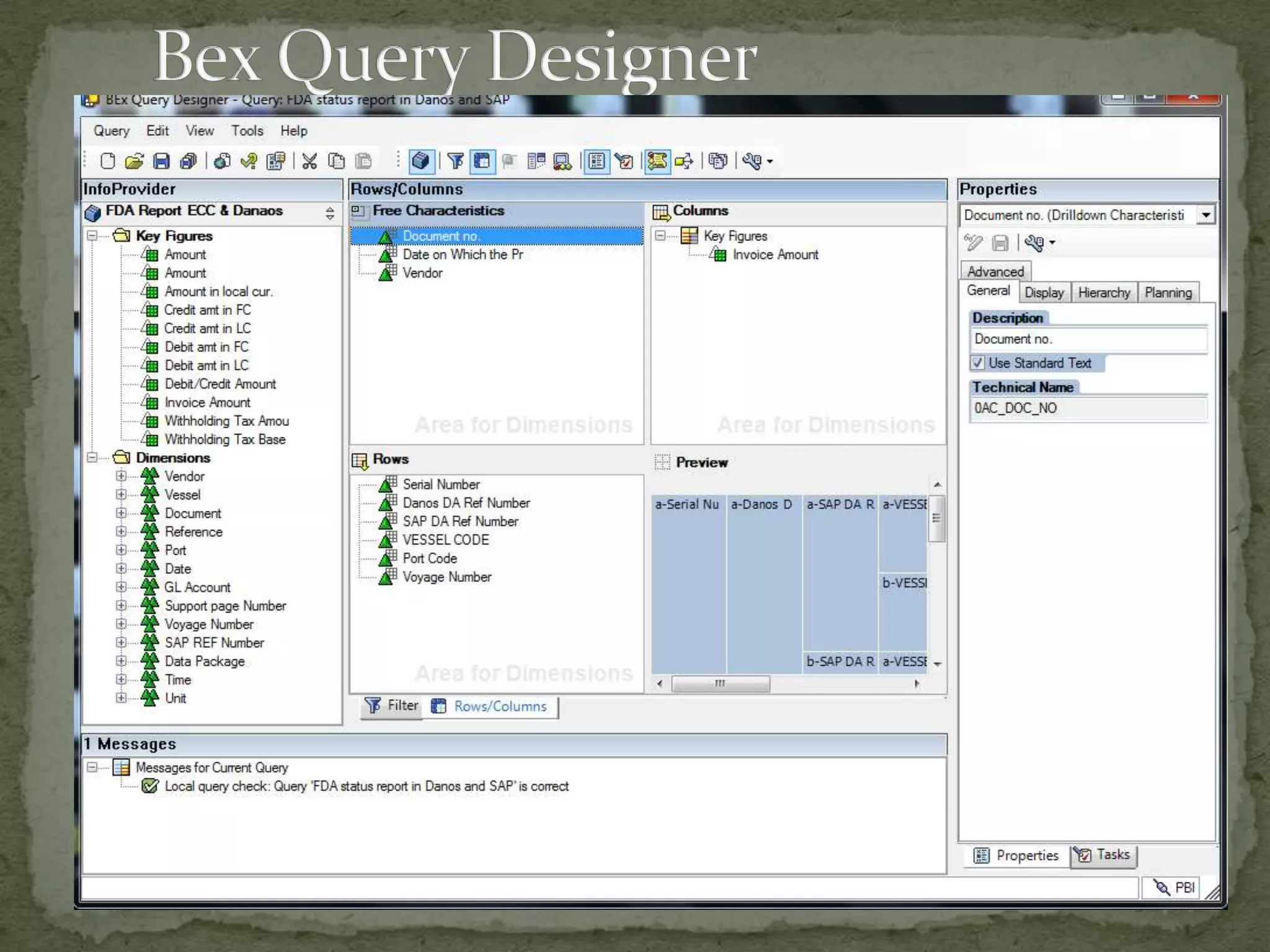
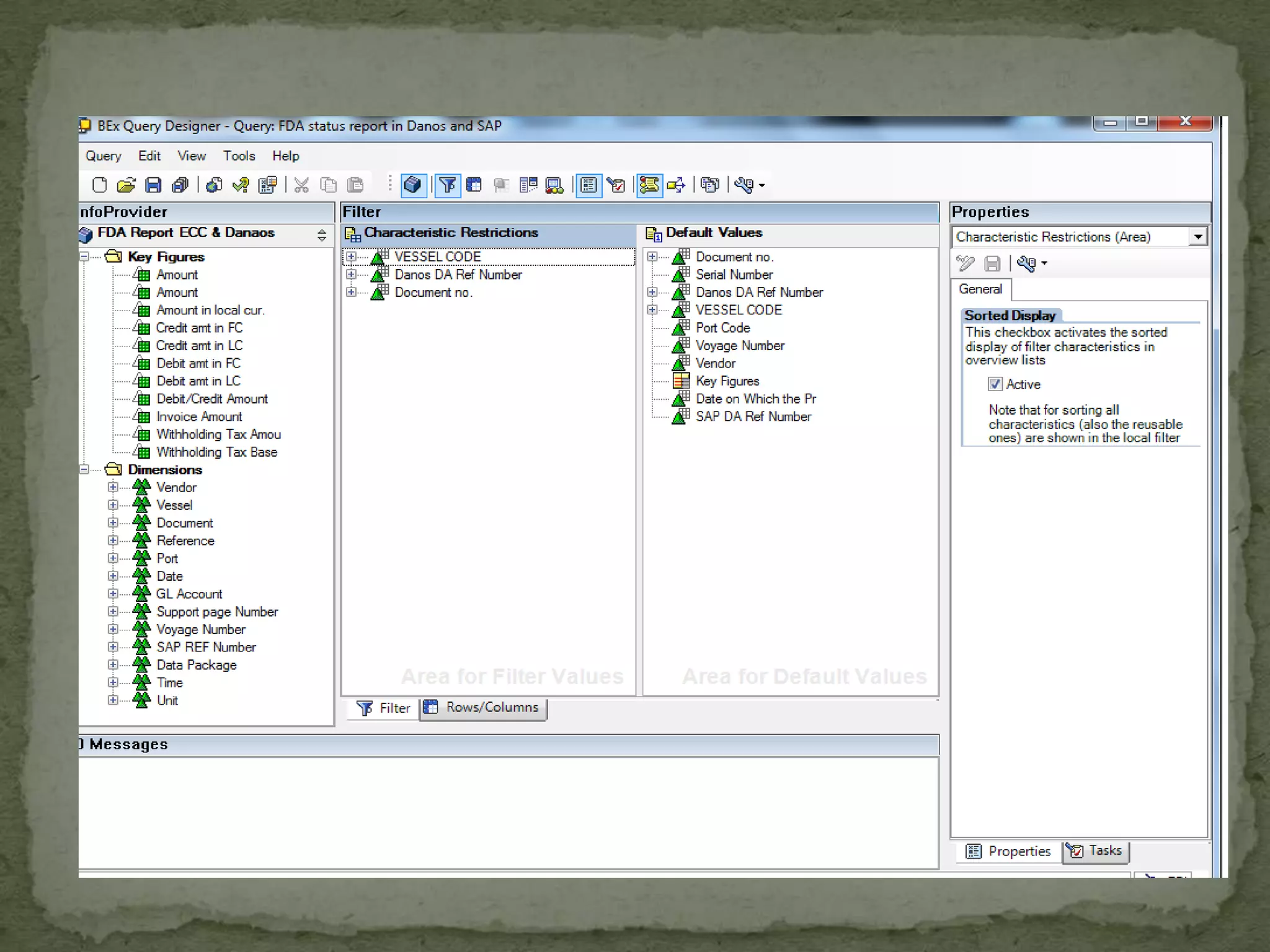
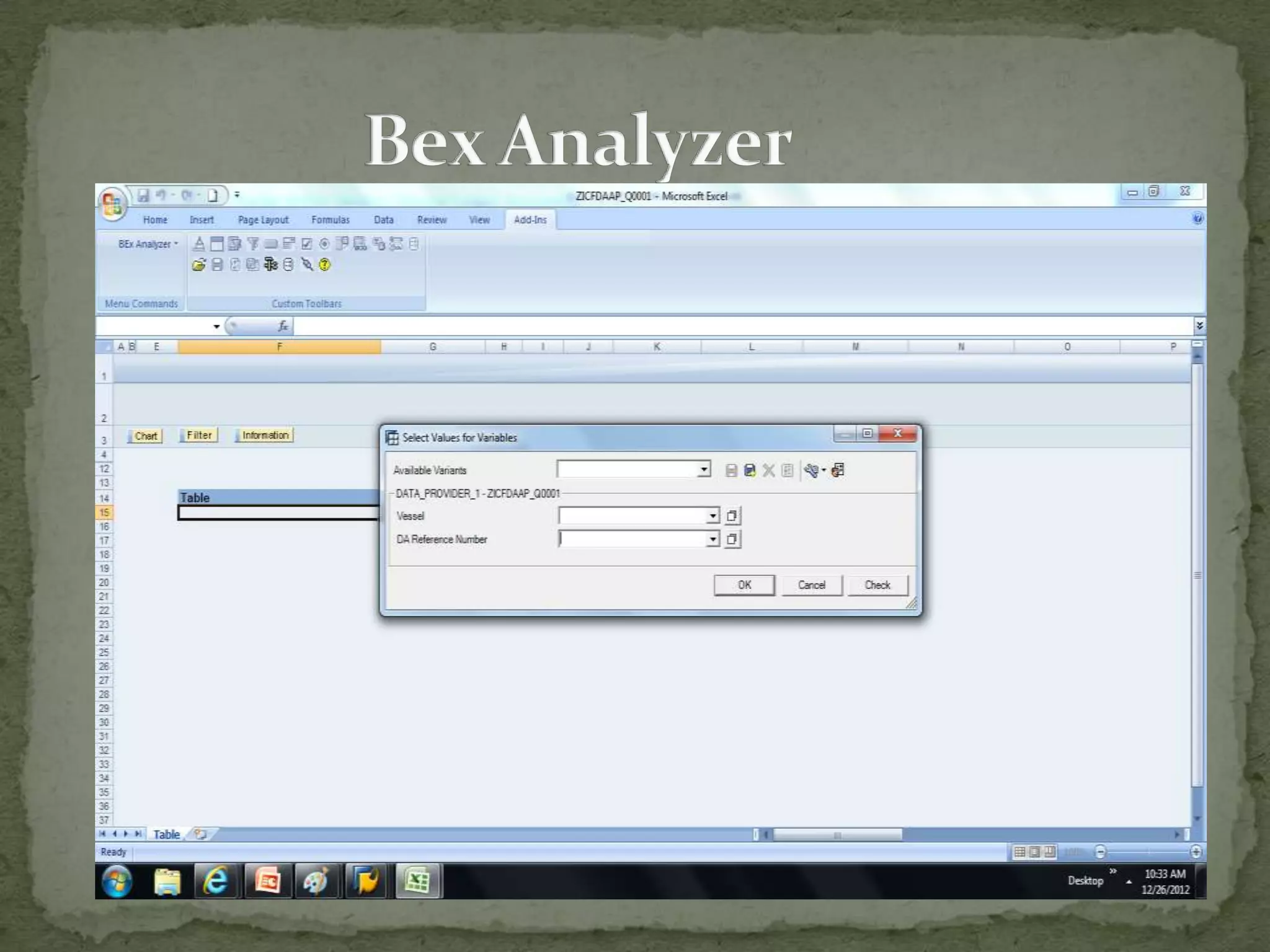
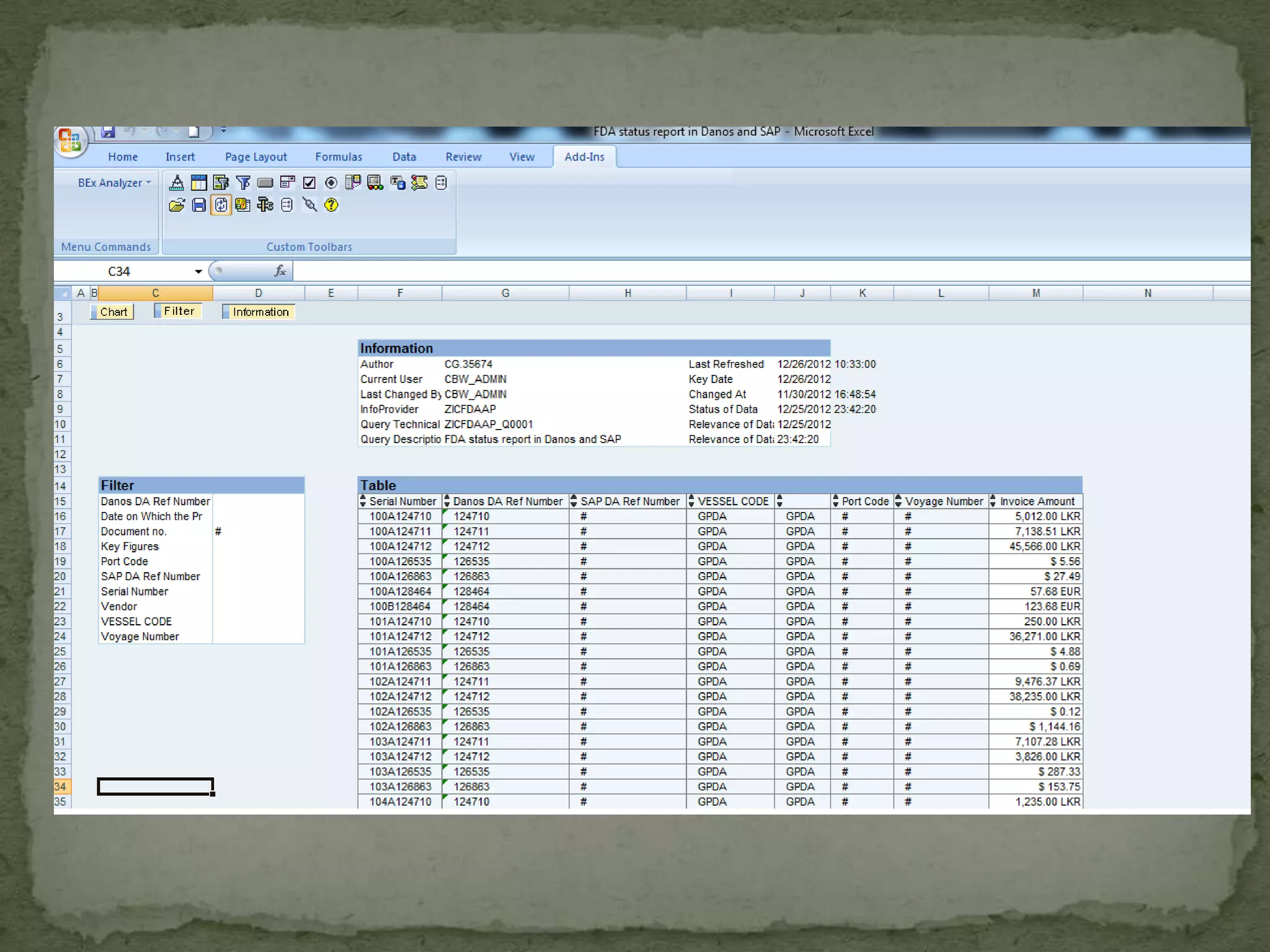
 Business Explorer (Bex Analyser , Query Designer)
What is Business Intelligence?
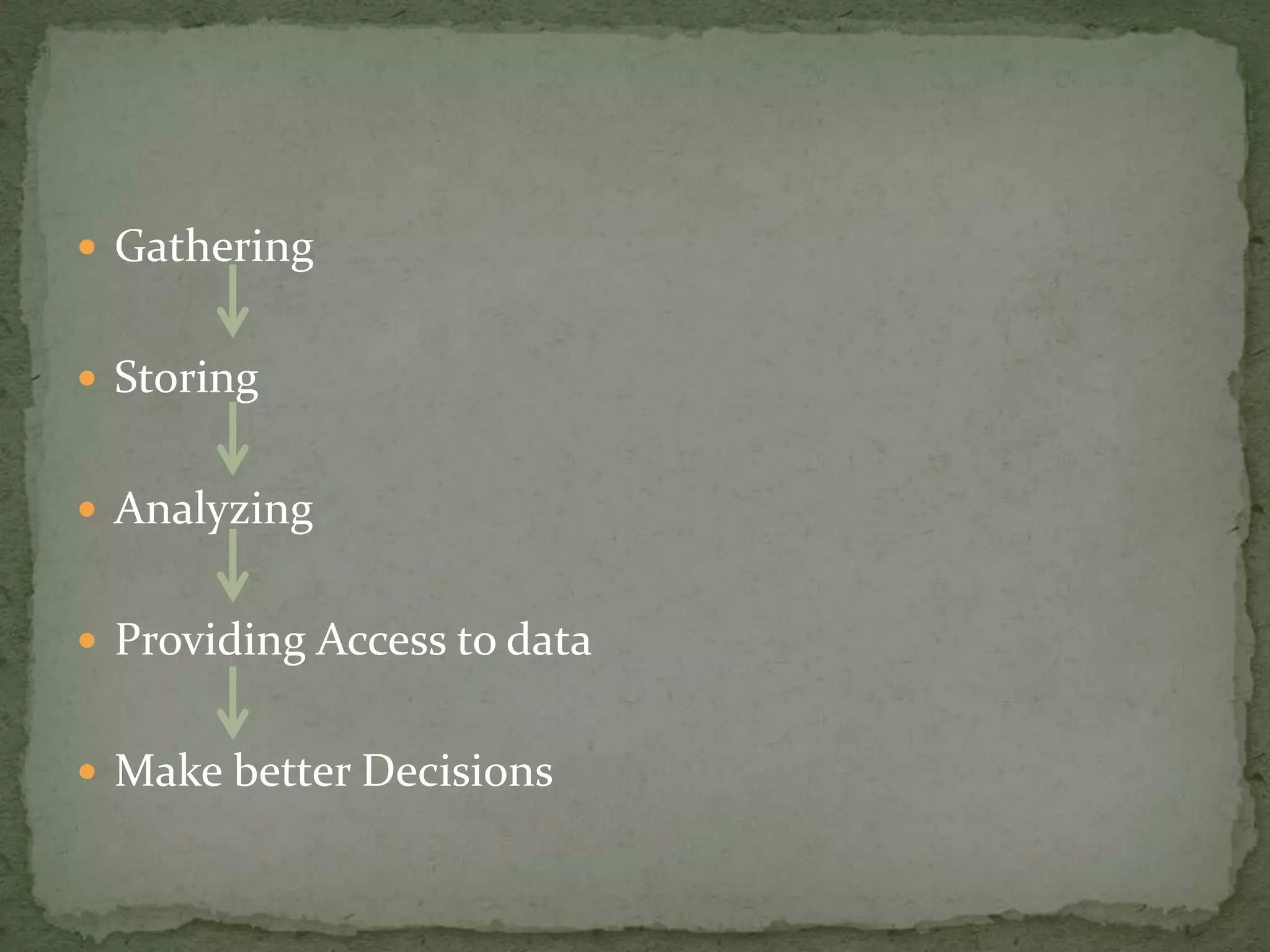
 Gathering
 Storing
 Analyzing
 Providing Access to data

 Make better Decisions
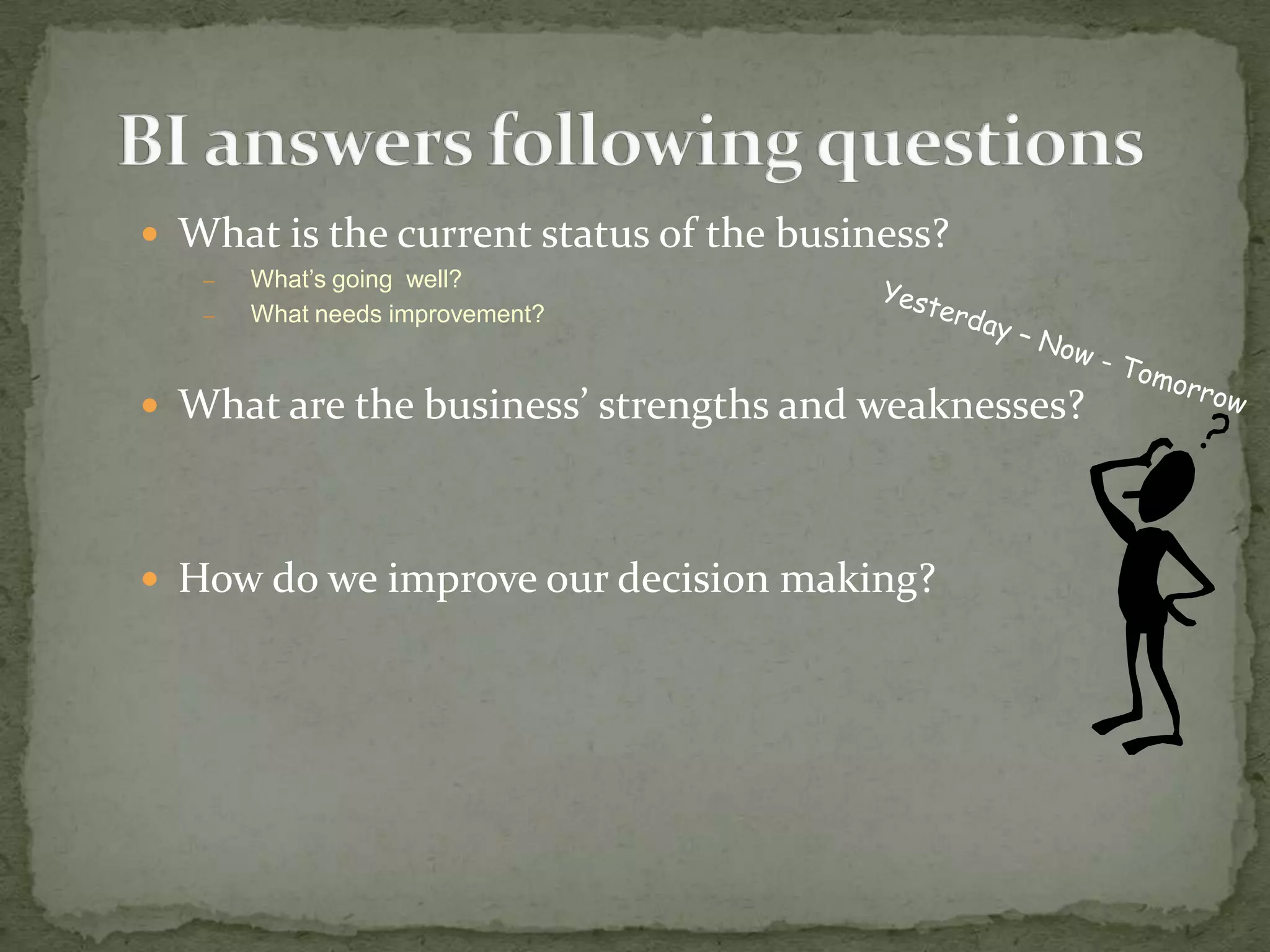
 What is the current status of the business?
–
–

What’s going well?
What needs improvement?

 What are the business’ strengths and weaknesses?

 How do we improve our decision making?
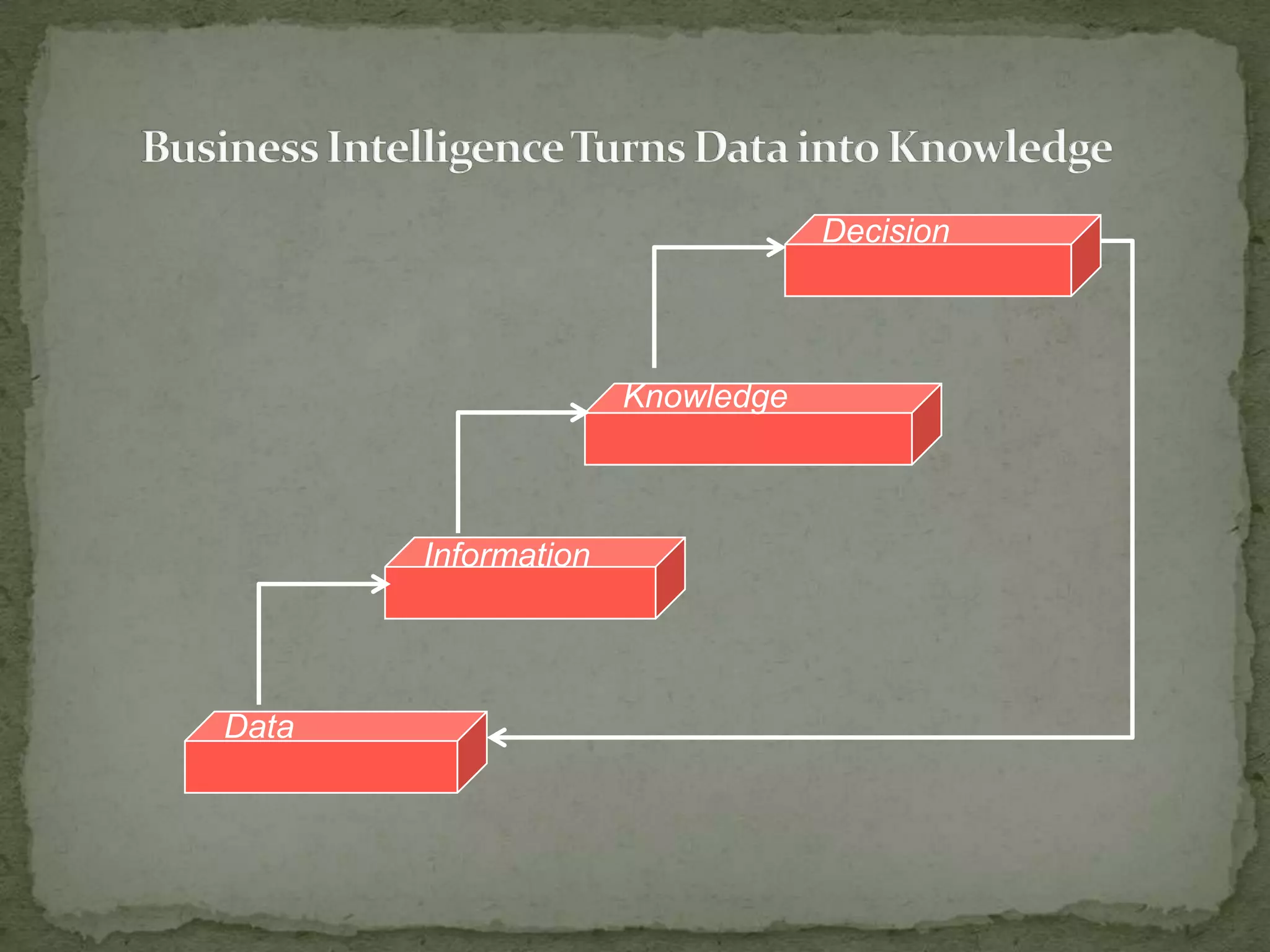
Decision

Knowledge

Information

Data
 SAP BI  Data Warehousing Solution by SAP
 Flexible reporting and analysis tool for evaluating and

interpreting the data.
 Business data integrated, transformed, and

consolidated in Sap BI.
 SAP launched the product in 1997 by the name

“Business information Warehouse (BIW), Version 1.
2A
 Product Name Changed to “Business Warehouse”

(BW) with version 3.0A
 Named “Business Intelligence “BI” with version 7.0
 ETL (Extraction, Transformation, Loading)
 Data Analysis & Planning
 Tools for accessing and visualizing data
 Publishing content from SAP BI
 Performance
 Security
 BI Content
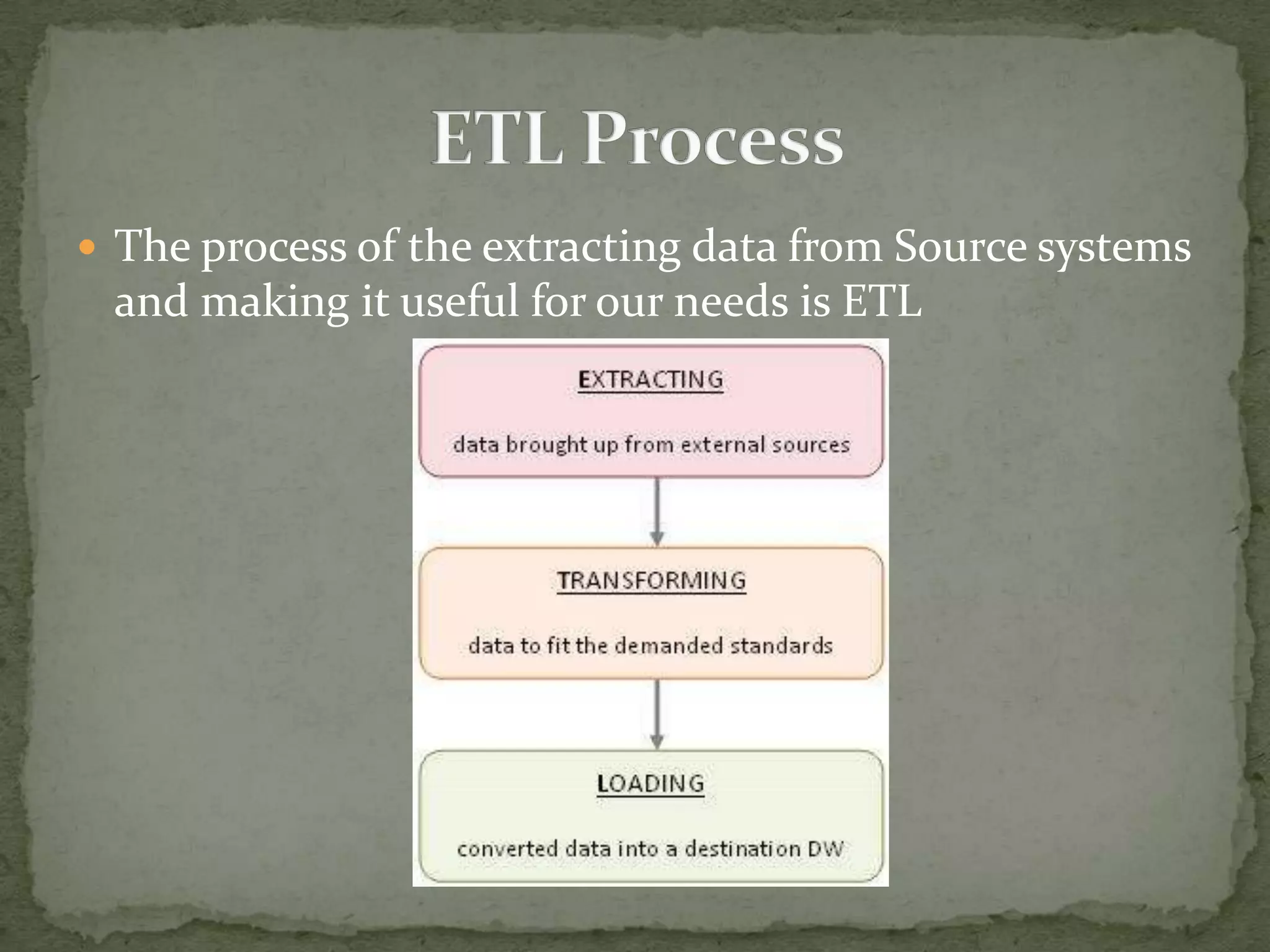
 The process of the extracting data from Source systems

and making it useful for our needs is ETL
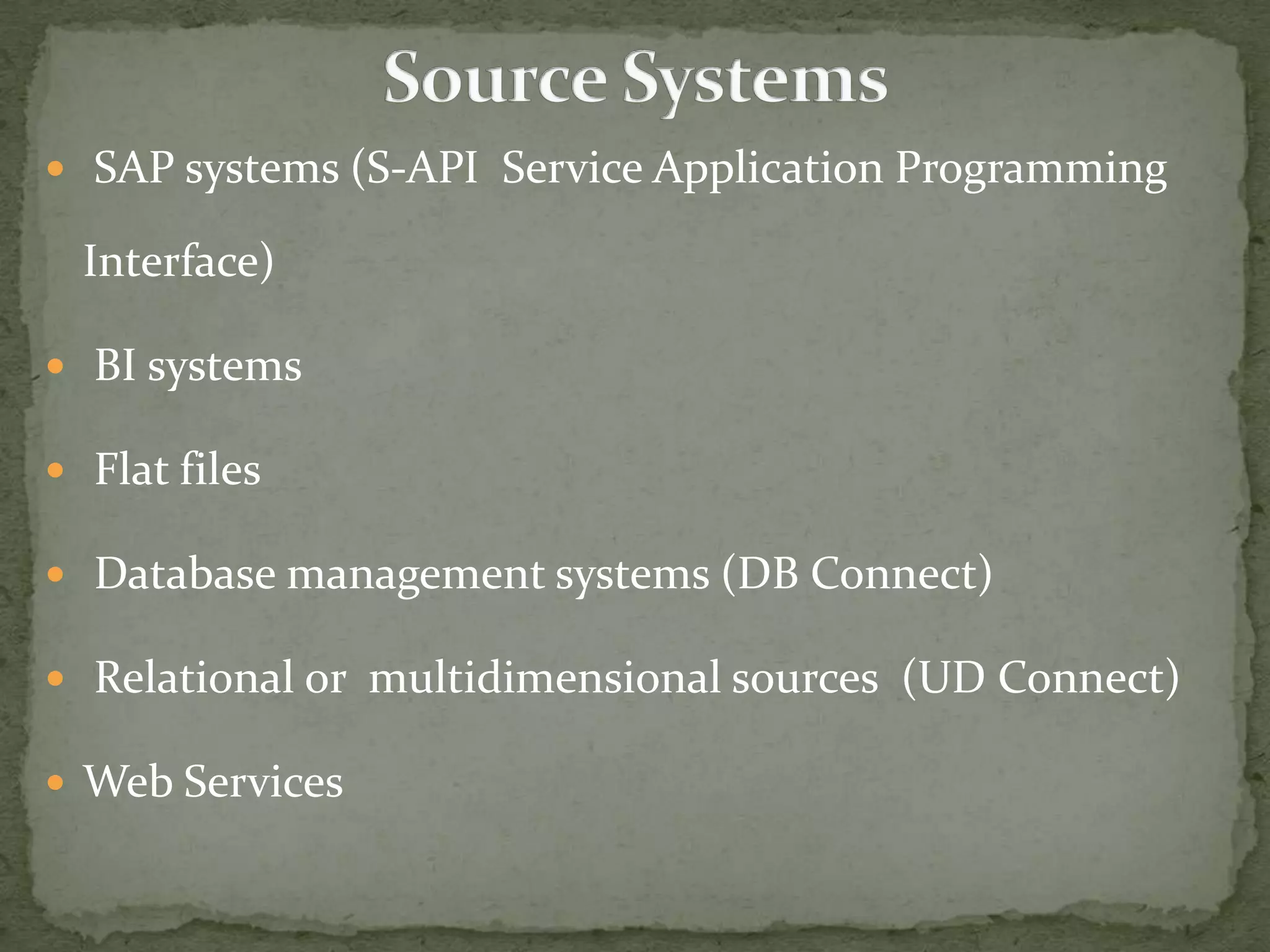
 SAP systems (S-API Service Application Programming

Interface)
 BI systems
 Flat files

 Database management systems (DB Connect)
 Relational or multidimensional sources (UD Connect)
 Web Services
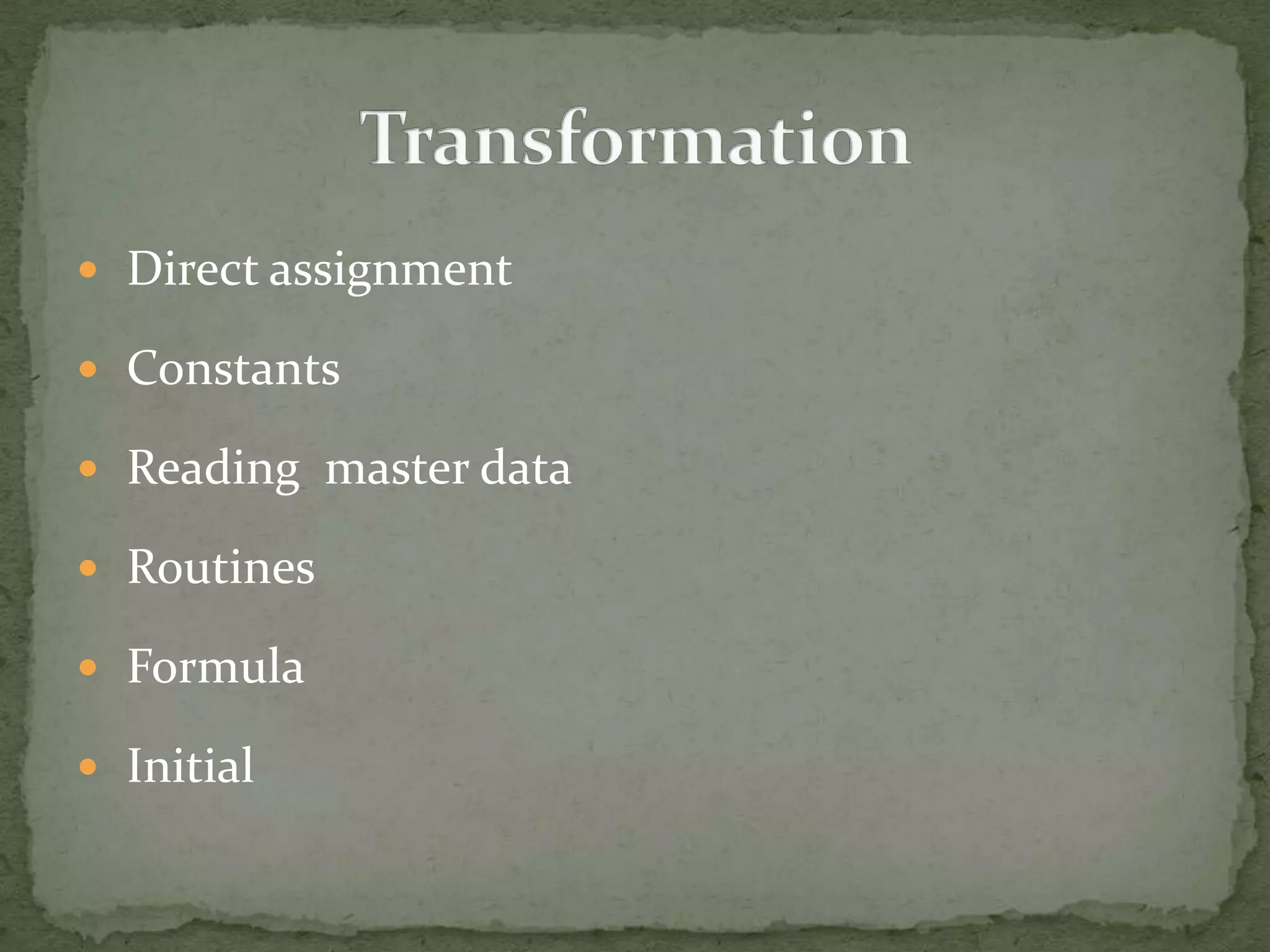
 Direct assignment

 Constants
 Reading master data

 Routines
 Formula
 Initial
DATA STORAGE
AND
DATA FLOW
Transformation 2
DTP

Transformation 1
DTP

Infopackage
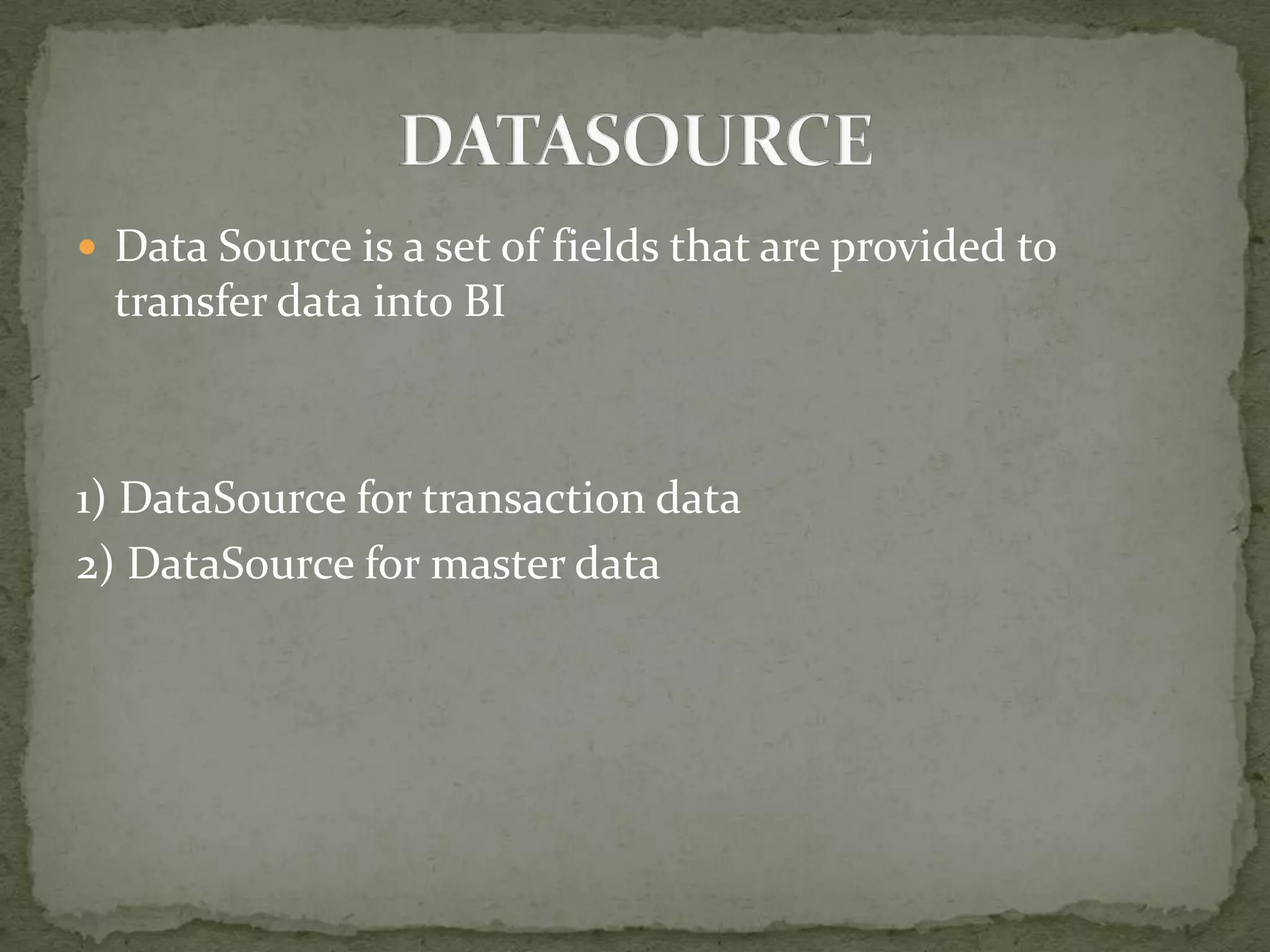
 Data Source is a set of fields that are provided to

transfer data into BI

1) DataSource for transaction data
2) DataSource for master data
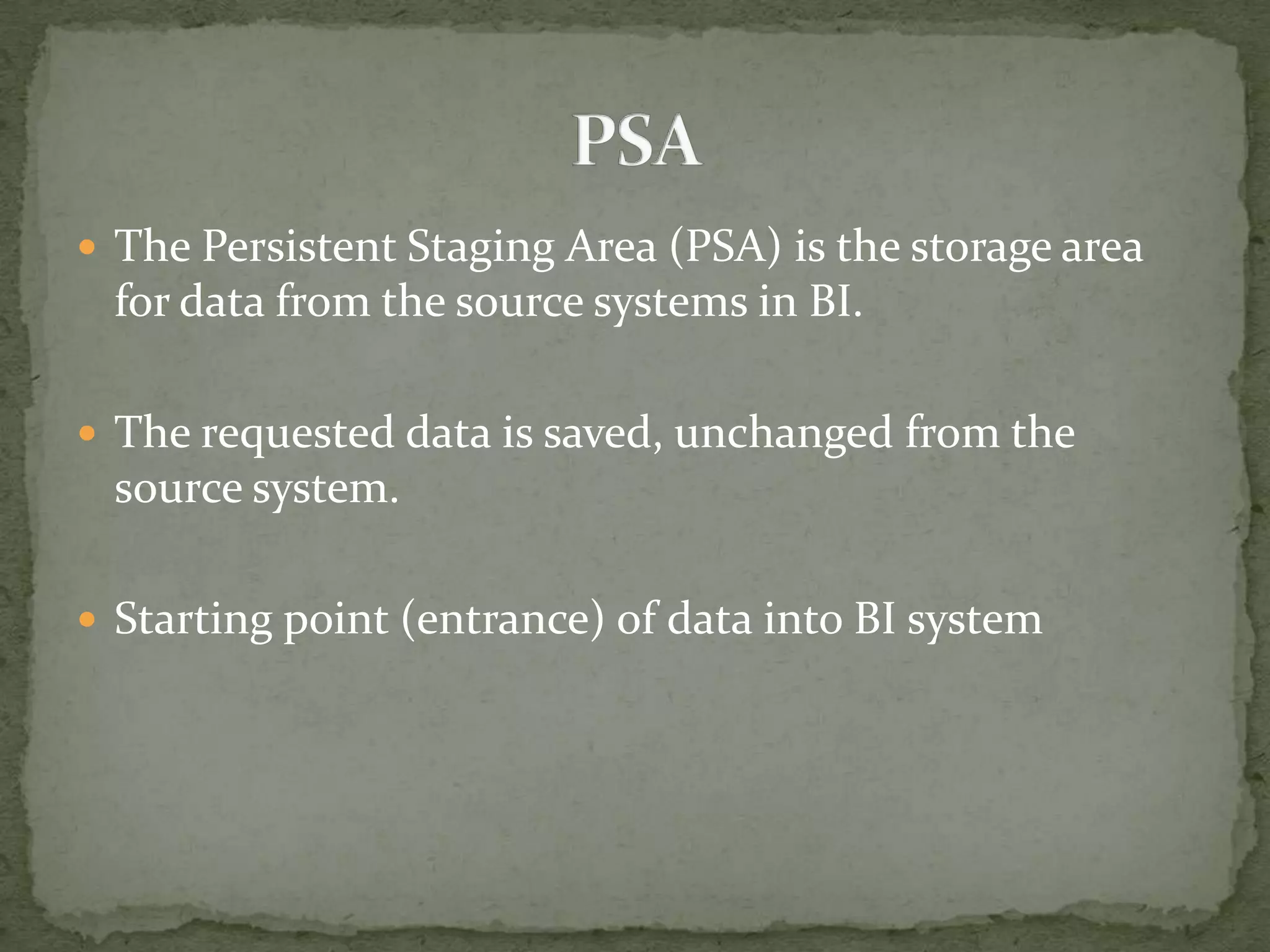
 The Persistent Staging Area (PSA) is the storage area

for data from the source systems in BI.
 The requested data is saved, unchanged from the

source system.
 Starting point (entrance) of data into BI system
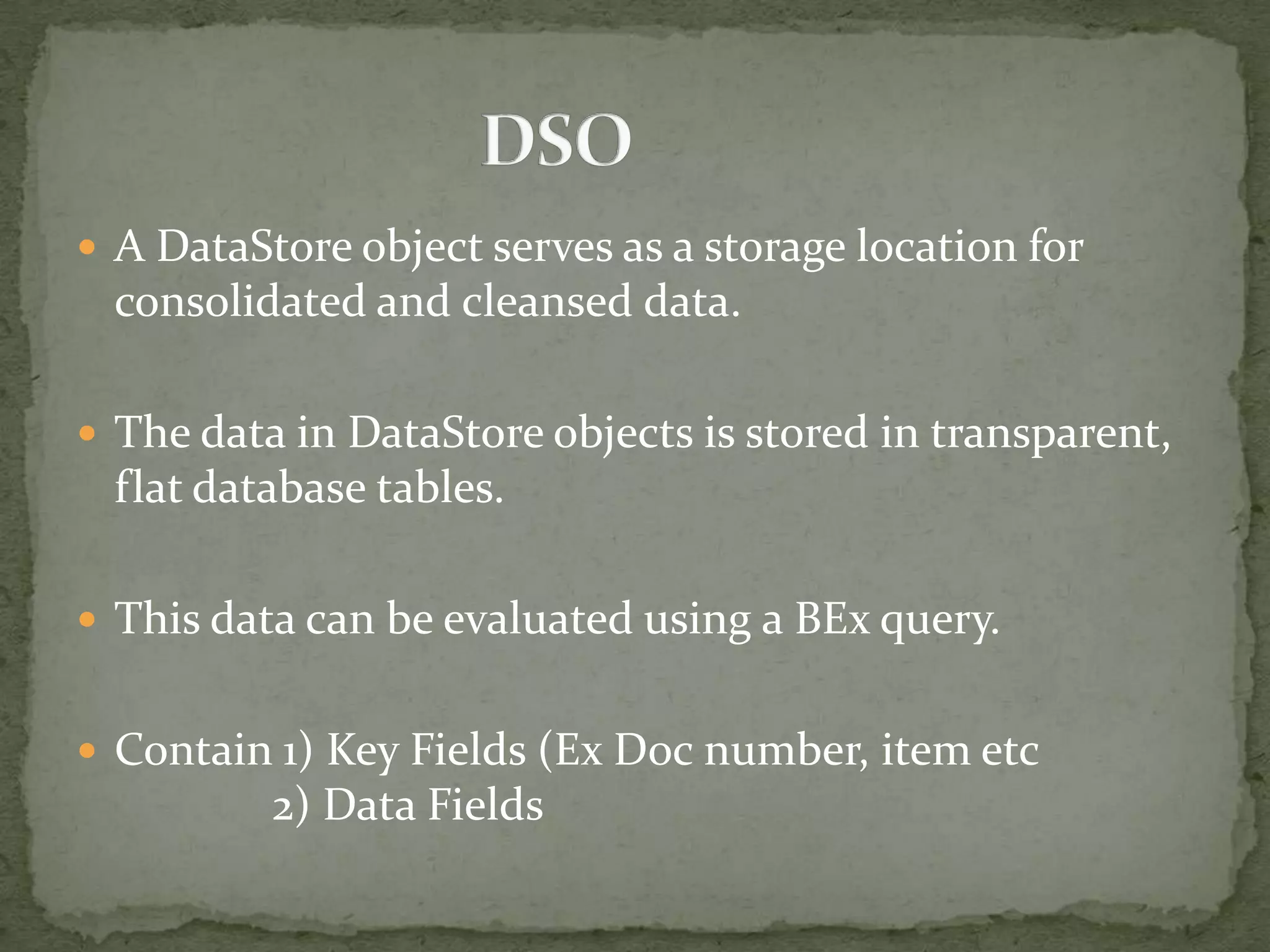
 A DataStore object serves as a storage location for

consolidated and cleansed data.
 The data in DataStore objects is stored in transparent,

flat database tables.
 This data can be evaluated using a BEx query.
 Contain 1) Key Fields (Ex Doc number, item etc

2) Data Fields
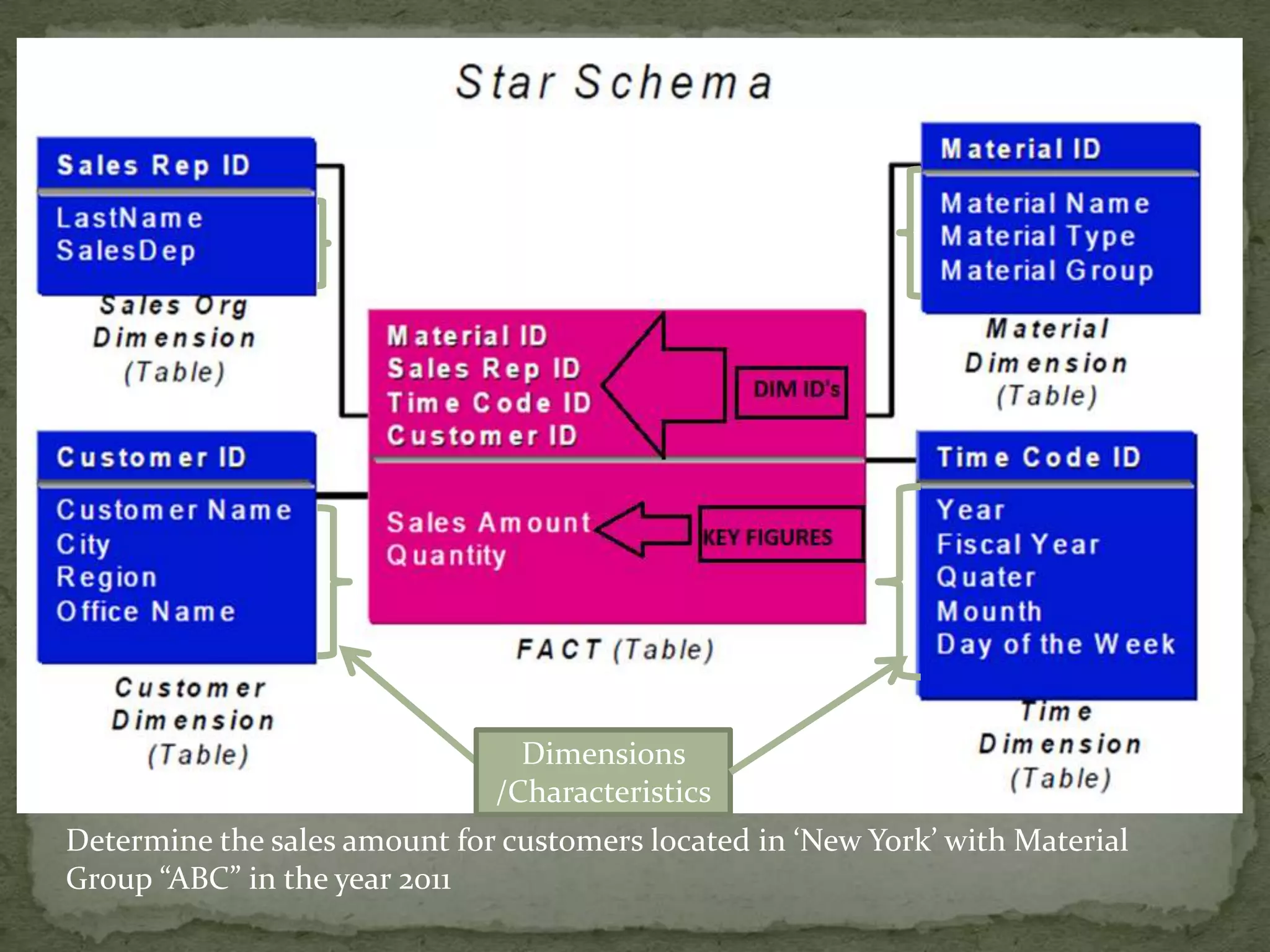
Dimensions
/Characteristics
Determine the sales amount for customers located in ‘New York’ with Material
Group “ABC” in the year 2011
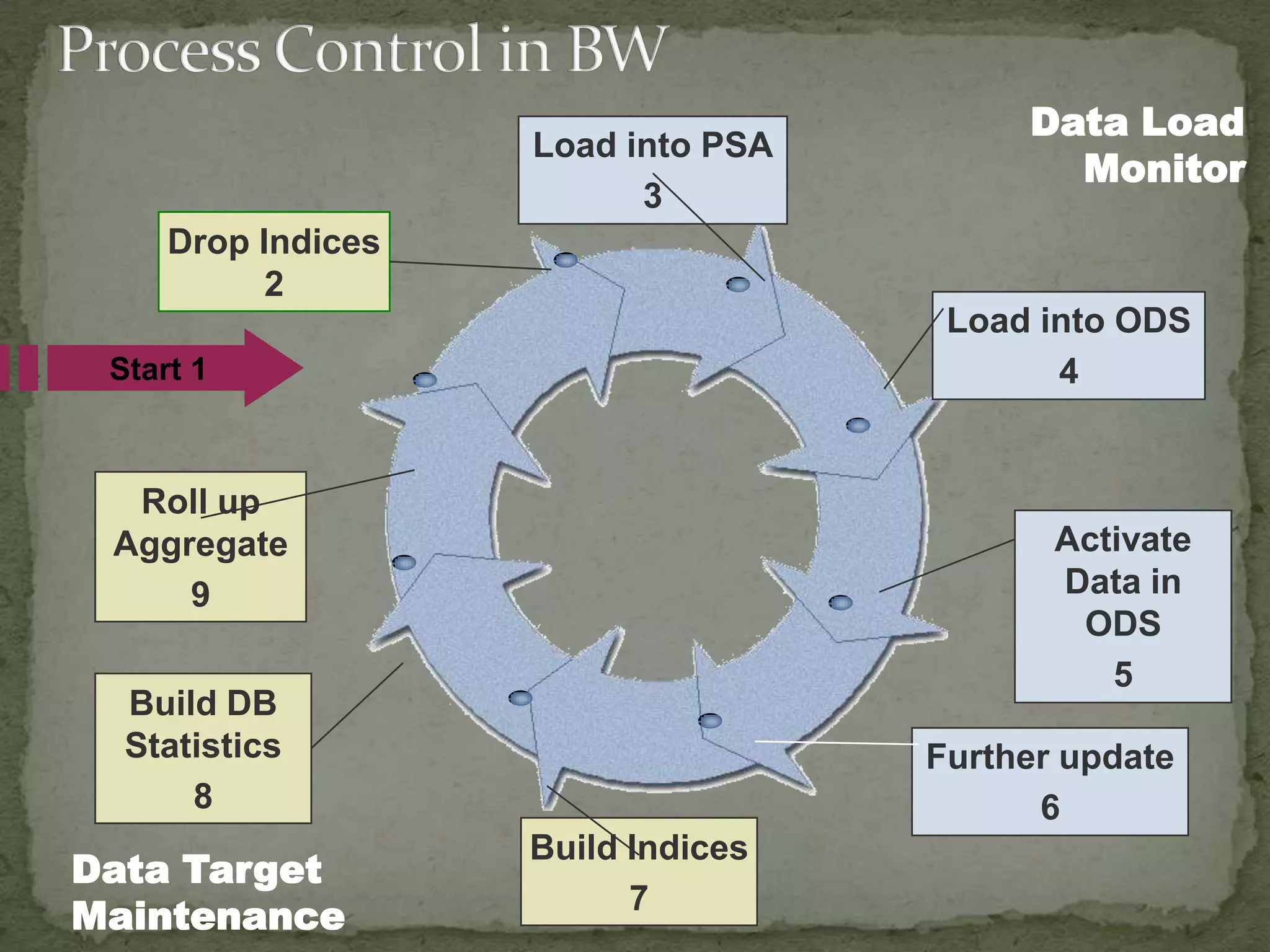
Load into PSA
3

Data Load
Monitor

Drop Indices
2
Load into ODS
4

Start 1

Roll up
Aggregate
9

Activate
Data in
ODS
5

Build DB
Statistics
8

Data Target
Maintenance

Further update
6
Build Indices
7
 Covers Major Business Processes
 Simple access to business information via a single

point of entry
 High performance environment.
 Standardized structuring and display of all business

information
 Infosets now can include Infocubes as well

 Remodeling. This is only for info cube.
 The BI accelerator (for now only for infocubes) helps in

reducing query run time

 Search functionality hass improved. You can search any

object.

 The Data Warehousing Workbench replaces the

Administrator Workbench
THANK YOU
 Transfer and Update rules replaced by Transformation
 Load through PSA has become a mandatory
 Introduction of "end routine" and "Expert Routine“
 Renamed ODS as DataStore.

 Introduction of Write optimized DSo

SAP BW Introduction.

  • 1.
  • 2.
     What isBI ?  SAP BI  History of SAP BI  ETL Process  Architecture of SAP BI  Typical Data Flow in SAP BI  Data Model – Info Object, Infocube(Star Schema Extended Star Schema ,DSO etc  Business Explorer (Bex Analyser , Query Designer)
  • 3.
    What is BusinessIntelligence?
  • 4.
     Gathering  Storing Analyzing  Providing Access to data  Make better Decisions
  • 5.
     What isthe current status of the business? – – What’s going well? What needs improvement?  What are the business’ strengths and weaknesses?  How do we improve our decision making?
  • 6.
  • 7.
     SAP BI Data Warehousing Solution by SAP  Flexible reporting and analysis tool for evaluating and interpreting the data.  Business data integrated, transformed, and consolidated in Sap BI.
  • 8.
     SAP launchedthe product in 1997 by the name “Business information Warehouse (BIW), Version 1. 2A  Product Name Changed to “Business Warehouse” (BW) with version 3.0A  Named “Business Intelligence “BI” with version 7.0
  • 9.
     ETL (Extraction,Transformation, Loading)  Data Analysis & Planning  Tools for accessing and visualizing data  Publishing content from SAP BI  Performance  Security  BI Content
  • 10.
     The processof the extracting data from Source systems and making it useful for our needs is ETL
  • 11.
     SAP systems(S-API Service Application Programming Interface)  BI systems  Flat files  Database management systems (DB Connect)  Relational or multidimensional sources (UD Connect)  Web Services
  • 12.
     Direct assignment Constants  Reading master data  Routines  Formula  Initial
  • 13.
  • 14.
  • 15.
     Data Sourceis a set of fields that are provided to transfer data into BI 1) DataSource for transaction data 2) DataSource for master data
  • 16.
     The PersistentStaging Area (PSA) is the storage area for data from the source systems in BI.  The requested data is saved, unchanged from the source system.  Starting point (entrance) of data into BI system
  • 17.
     A DataStoreobject serves as a storage location for consolidated and cleansed data.  The data in DataStore objects is stored in transparent, flat database tables.  This data can be evaluated using a BEx query.  Contain 1) Key Fields (Ex Doc number, item etc 2) Data Fields
  • 18.
    Dimensions /Characteristics Determine the salesamount for customers located in ‘New York’ with Material Group “ABC” in the year 2011
  • 24.
    Load into PSA 3 DataLoad Monitor Drop Indices 2 Load into ODS 4 Start 1 Roll up Aggregate 9 Activate Data in ODS 5 Build DB Statistics 8 Data Target Maintenance Further update 6 Build Indices 7
  • 25.
     Covers MajorBusiness Processes  Simple access to business information via a single point of entry  High performance environment.  Standardized structuring and display of all business information
  • 26.
     Infosets nowcan include Infocubes as well  Remodeling. This is only for info cube.  The BI accelerator (for now only for infocubes) helps in reducing query run time  Search functionality hass improved. You can search any object.  The Data Warehousing Workbench replaces the Administrator Workbench
  • 27.
  • 28.
     Transfer andUpdate rules replaced by Transformation  Load through PSA has become a mandatory  Introduction of "end routine" and "Expert Routine“  Renamed ODS as DataStore.  Introduction of Write optimized DSo

Editor's Notes

  • #4 During all business activities, companies create data. In all departments of the company,employees at all levels use this data as a basis for making decisions. Eg HR, Sales, Purchasing, Inventory, Operational, Quality, Finance, Marketing. Business Intelligence(BI) prepares the large set of enterprise data. By analyzing the data using BItools, you can gain insights that support the decision-making process within your company.
  • #6 Example of SCI BNT vessels.Liner departments – Agents which bring business to the companyHR department – Track Payroll , leaves Purchasing department – Keep track of inventories, materials, vendors, etc
  • #8 Relevant business data from SAP systems and all data sources can be integrated, transformed, and consolidated in Sap BI. Consolidate: the consolidation of data from multiple sources into a centralized system.Data integration involves combining data residing in different sources and providing users with a unified view of these data.A data warehouse (DW or DWH) is a database used for reporting and data analysis. It is a central repository of data. Stores current & historic data.A Data Warehouse is a subject-oriented, integrated, time-variant and nonvolatile collection of data in order to support management decisions,“ Bill Inmon (1996).
  • #9 In 1997, the first version of SAP product for reporting, analysis and data warehousing was launched and the product was termed as "Business Warehouse Information System".Current Version SAP BI 7.3 support package 8
  • #11 ETL is not a one time process as new data is added to warehouse periodically . ETL is integral, ongoing, and recurring part of the warehouse. ETL Creates a logical and physical separation between the source system and data warehouse.
  • #12  SAP Source Systems: Connects SAP systems to SAP NetWeaver BI through the BI Service API (S-API) DB connect (Database connect) used to extract data from the database management systems Ex (Danaos & Afsys in SCI)UD Connect (Universal data Connect) converts and transfers multidimensional data as flat data. This technology runs on the J2EE Engine and supports the J2EE Connector Architecture.File: SAP supports automatic import of files in CSV or ASCII format for flat files.Web Services: A Simple Object Access Protocol (SOAP) service is used to read XML data and to store it in a the BI server. In many cases, SAP Exchange Infrastructure (XI) is leveraged when loading XML-based data. Staging BAPIs (Staging Business Application Programming Interfaces)Staging BAPIs are open interfaces from which third party tools can extract data from older systems. The data transfer can be triggered by a request from the SAP NetWeaver BI system or by a third party tool.
  • #14 Read about1) Standard data acquisitions2) Real time data acquisition using DAEMON3) Direct access using virtual infoproviders
  • #16 DataSources for transferring data from SAP source systems are defined in the source system; the relevant information of the DataSources is copied to the BI system by replicationWhen you activate the DataSource, the system generates a PSA table in the entry layer of BI. You can then load data into the PSA.
  • #17 Request data is stored in the transfer structure format in transparent, in BI. PSA also allows you to check and change the data before the update into data targets
  • #19 Browsing the Dimension tablesAccess the Customer dimension table and select all records with City = “New York”Access the Material Dimension and select all records with material Group =“ ABC”Access the Time Dimension Table and select all records with Year =“2011”As a result of these browsing activities, there are a number of key values(Customer ID, Material ID , Time Code ID) from each dimension table is affectedAccessing the fact table – From all the key values evaluated, select all the records in the fact table that have these values in common in the fact table record key.Characteristic values are stored in dimension tables.