LibGuides:
A collaborative productivity 
            tool

          UNYSLA Presentation
            Linda Galloway
          September 25, 2009
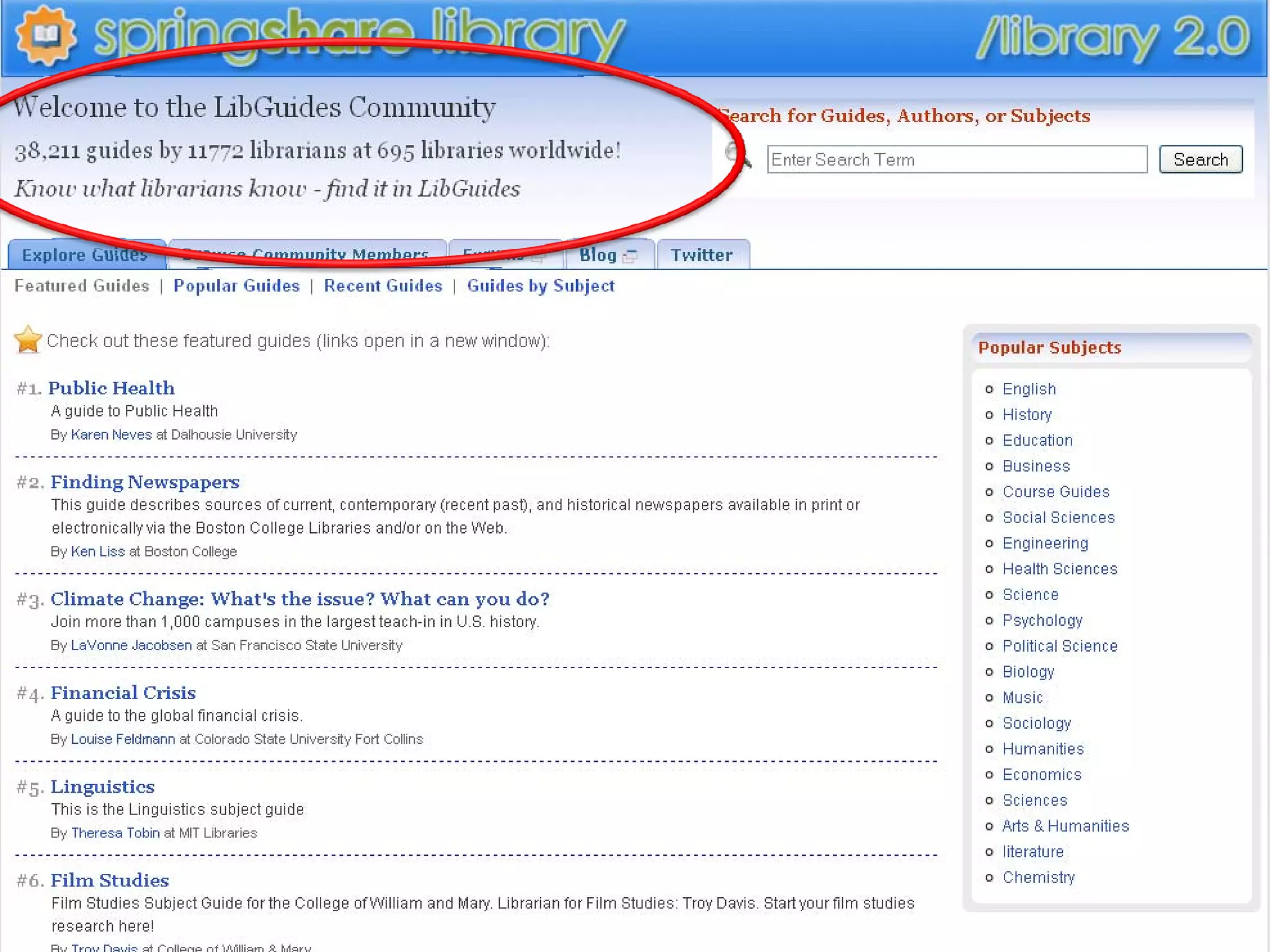
LibGuides
• A SpringShare Product –
“We put the librarian back in the Online Library”
• Content management and library knowledge 
  sharing system
• Uses:
  – Share knowledge and information
  – Create multimedia content
  – Promote library resources
Why use LibGuides?
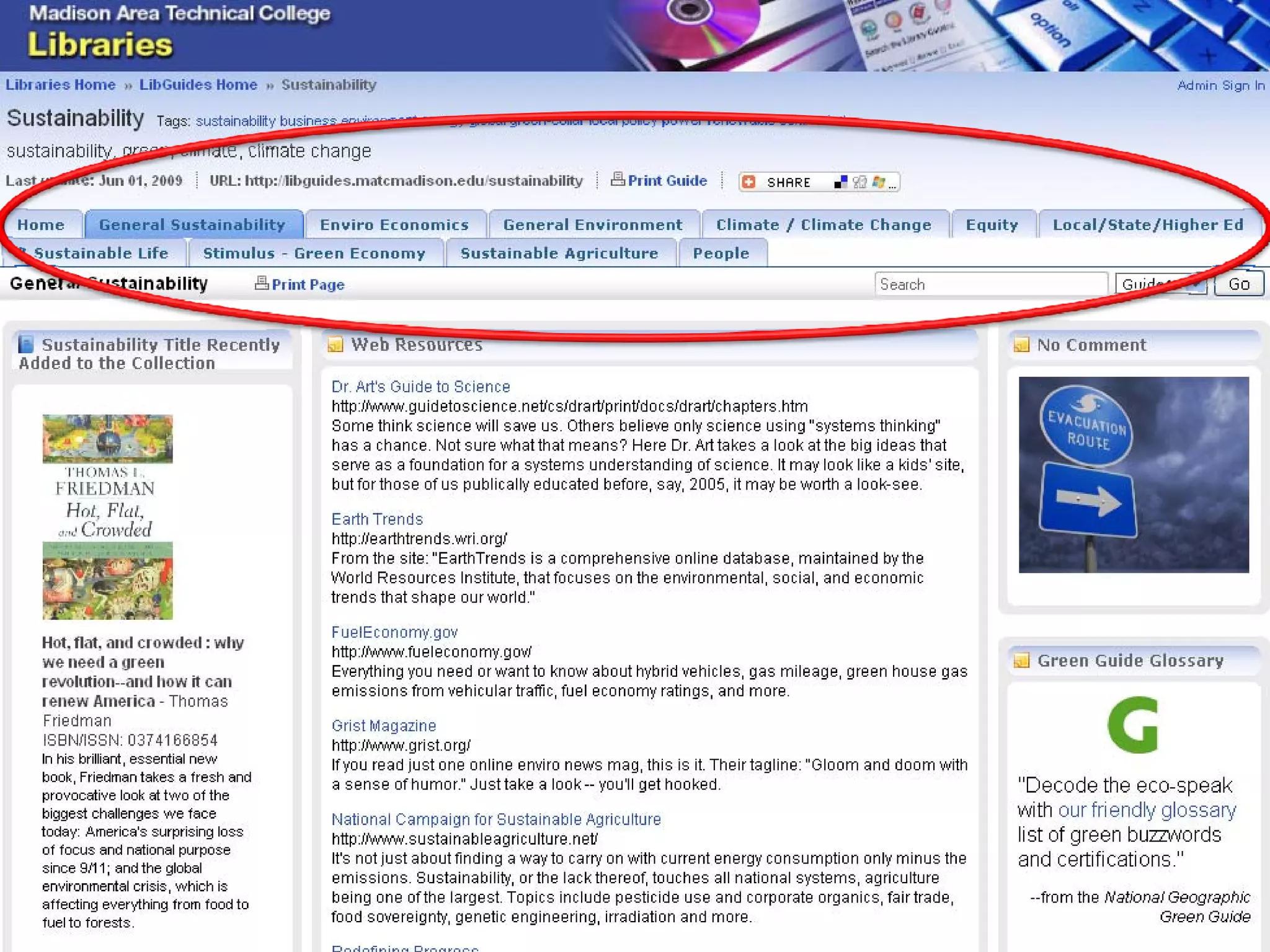
• Librarians have control over created content
• Can tailor a guide to a particular user group
  – Students
  – Faculty 
  – Staff
• Multiple authors possible
• Large community of contributing authors sharing 
  design information 
Examples of LibGuides Uses 
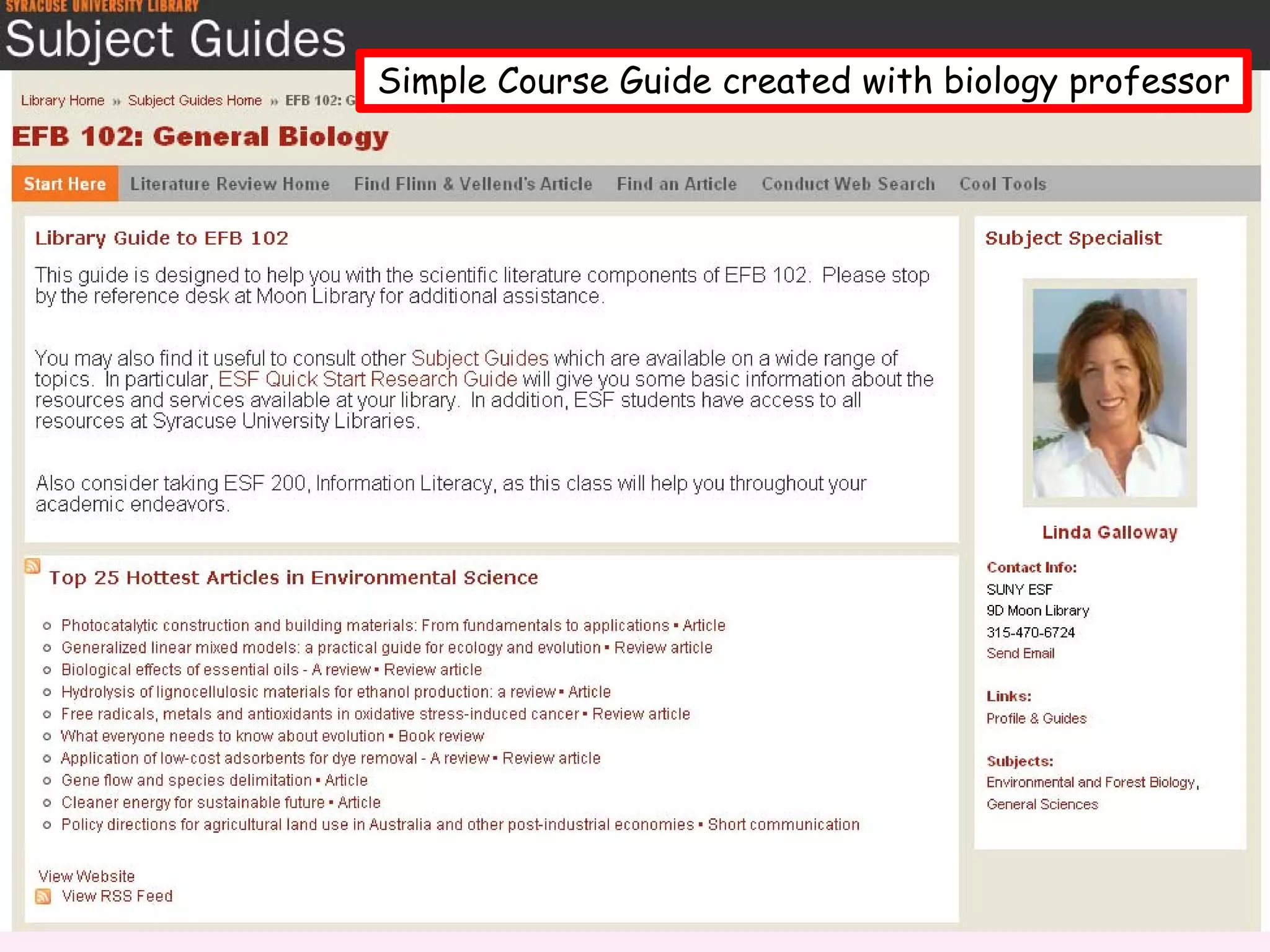
• Course guide – librarian and instructor 
  collaborate to create guide
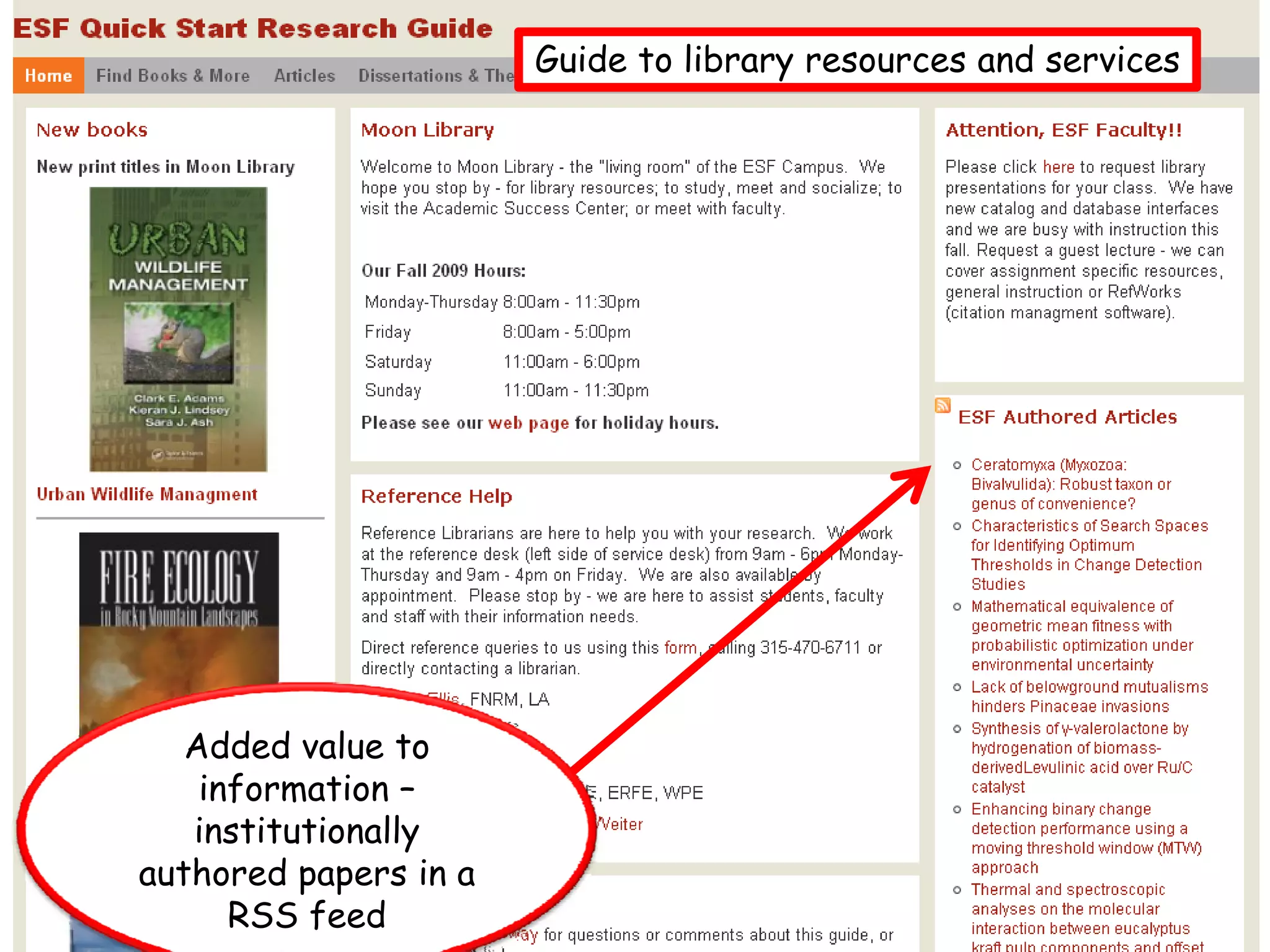
• General resource guide – a “how to” for 
  library resources and services
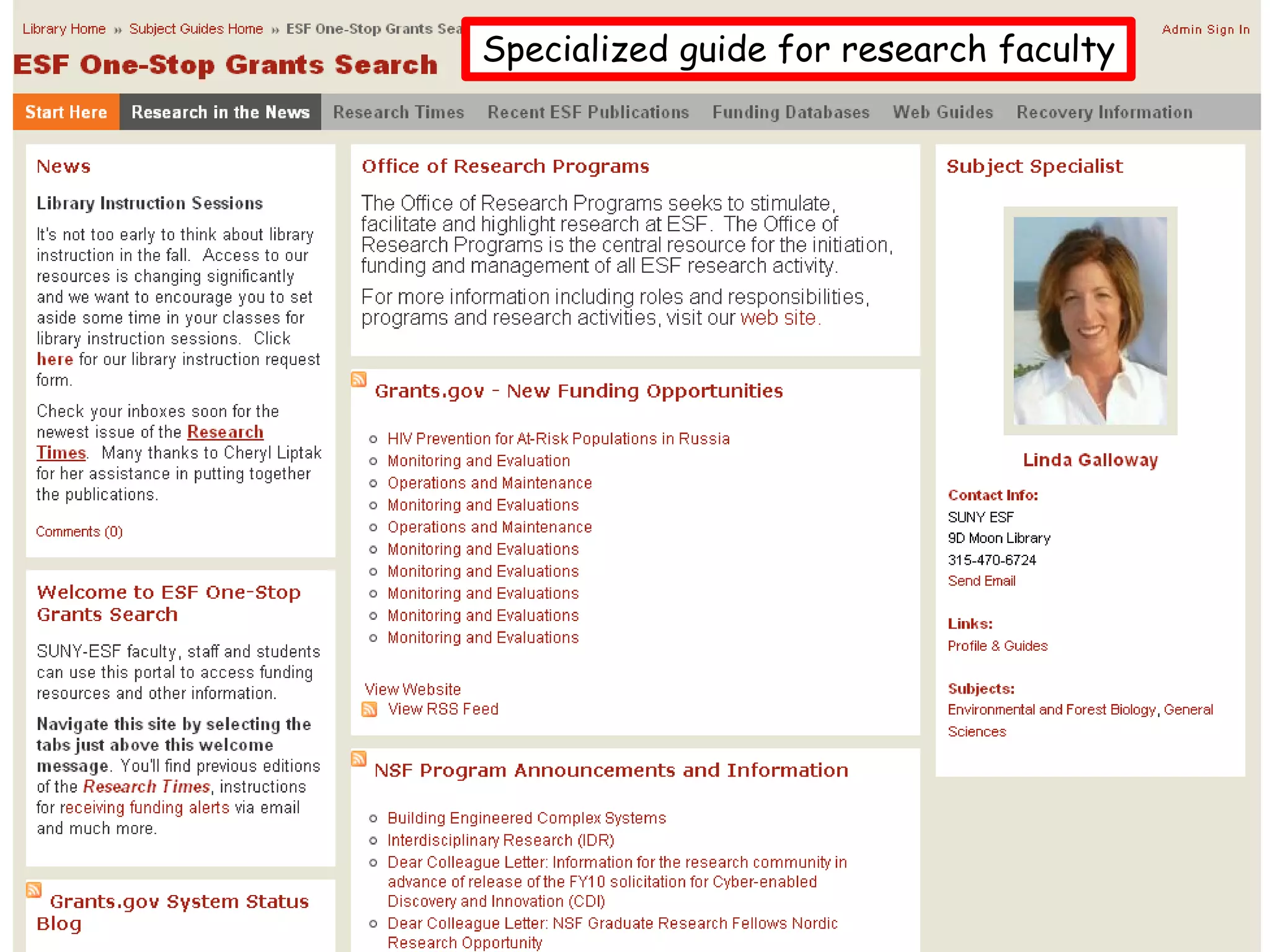
• Faculty/staff guide – assistance in finding 
  research funding.  Also highlight the 
  connection between the library and research.
Customizable
• Guides are very customizable, but some 
  institutions standardize look and available 
  features
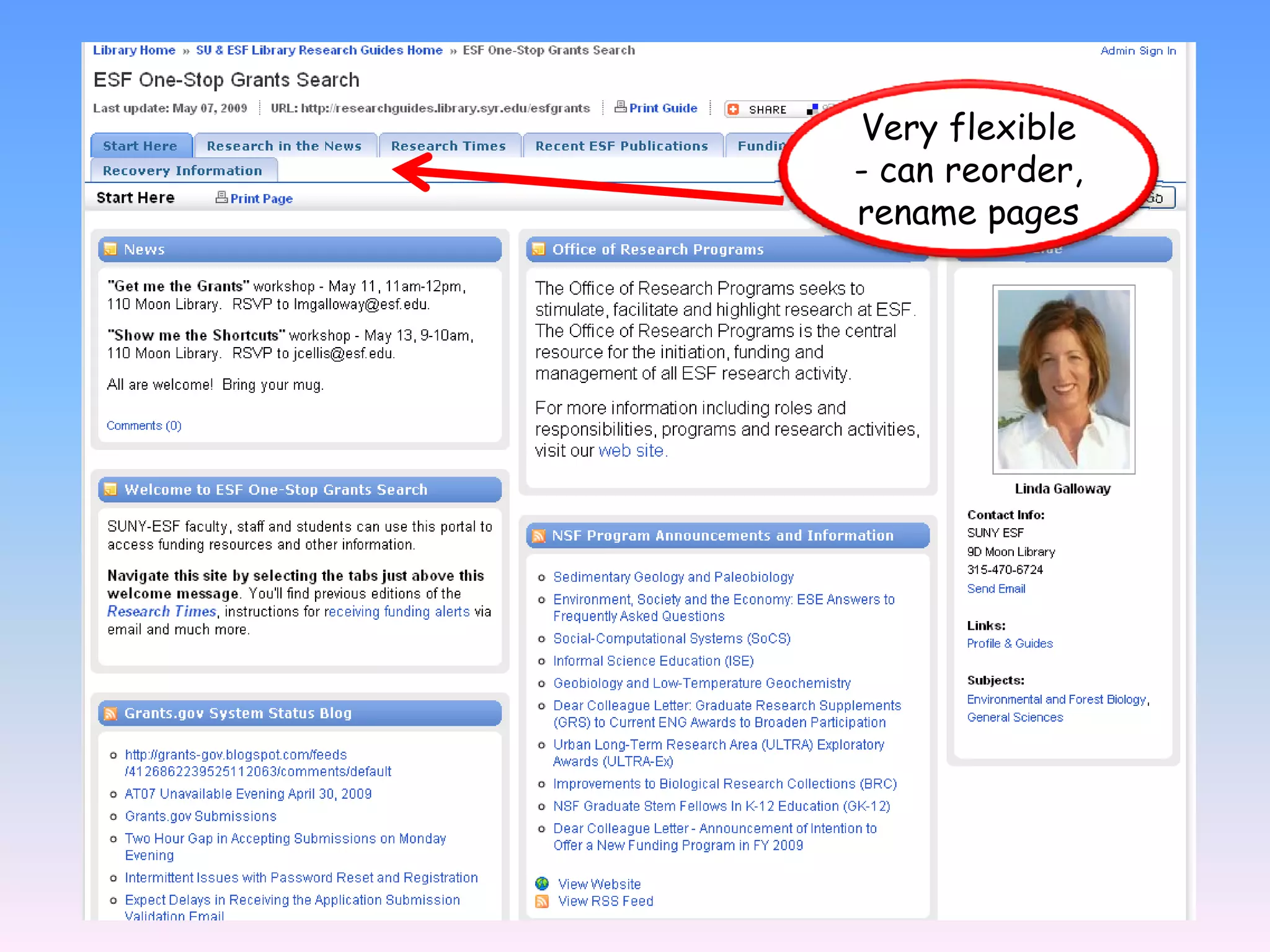
• Can rename, reorder pages and content on 
  pages
• Large community of LibGuides users – can 
  view and glean ideas from others’ pages
Libguide staff
Simple Course Guide created with biology professor
Guide to library resources and services


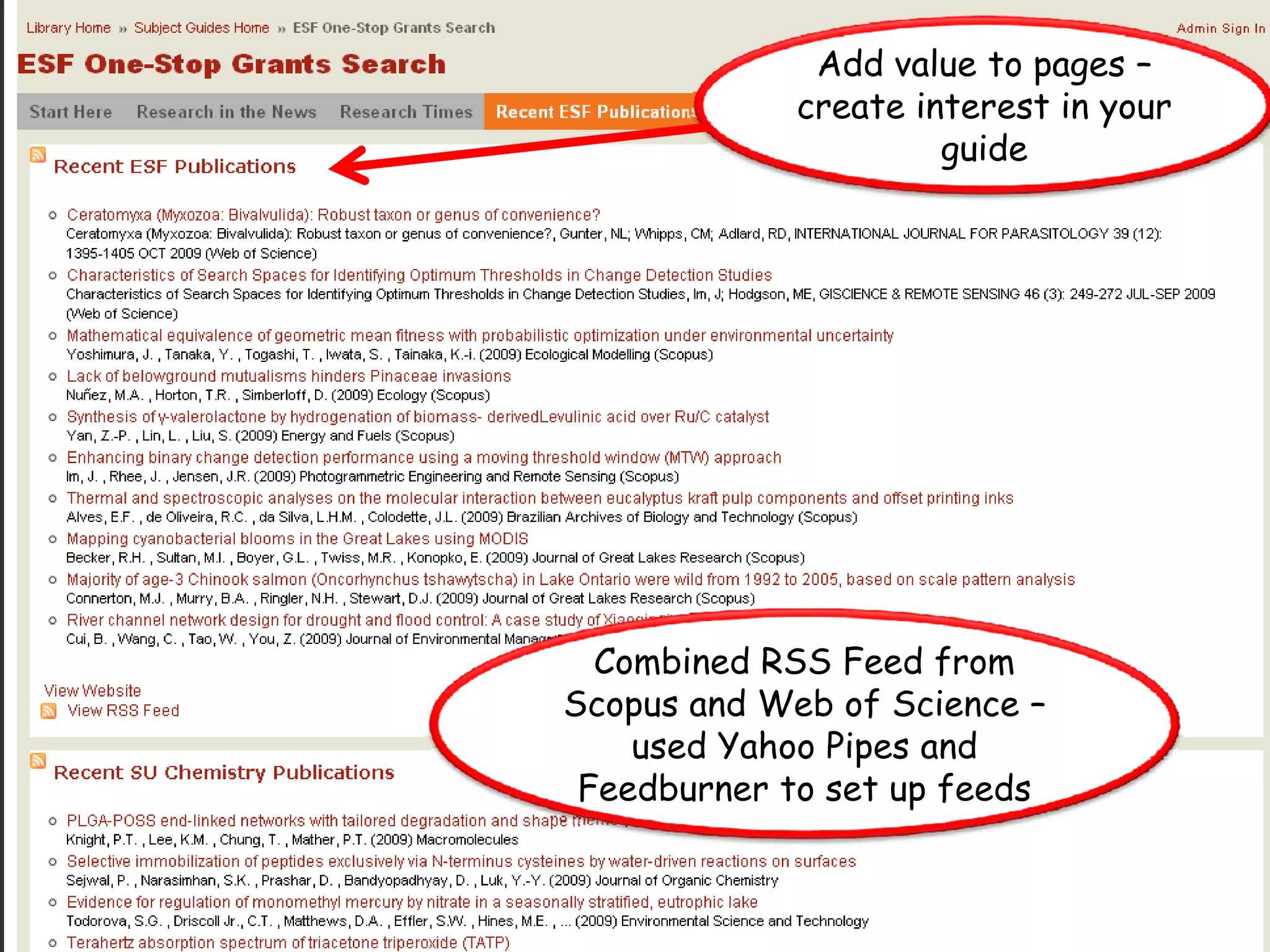
   Added value to
    information –
   institutionally
authored papers in a
      RSS feed
Specialized guide for research faculty
Add value to pages –
             create interest in your
                      guide


  Combined RSS Feed from
Scopus and Web of Science –
    used Yahoo Pipes and
 Feedburner to set up feeds
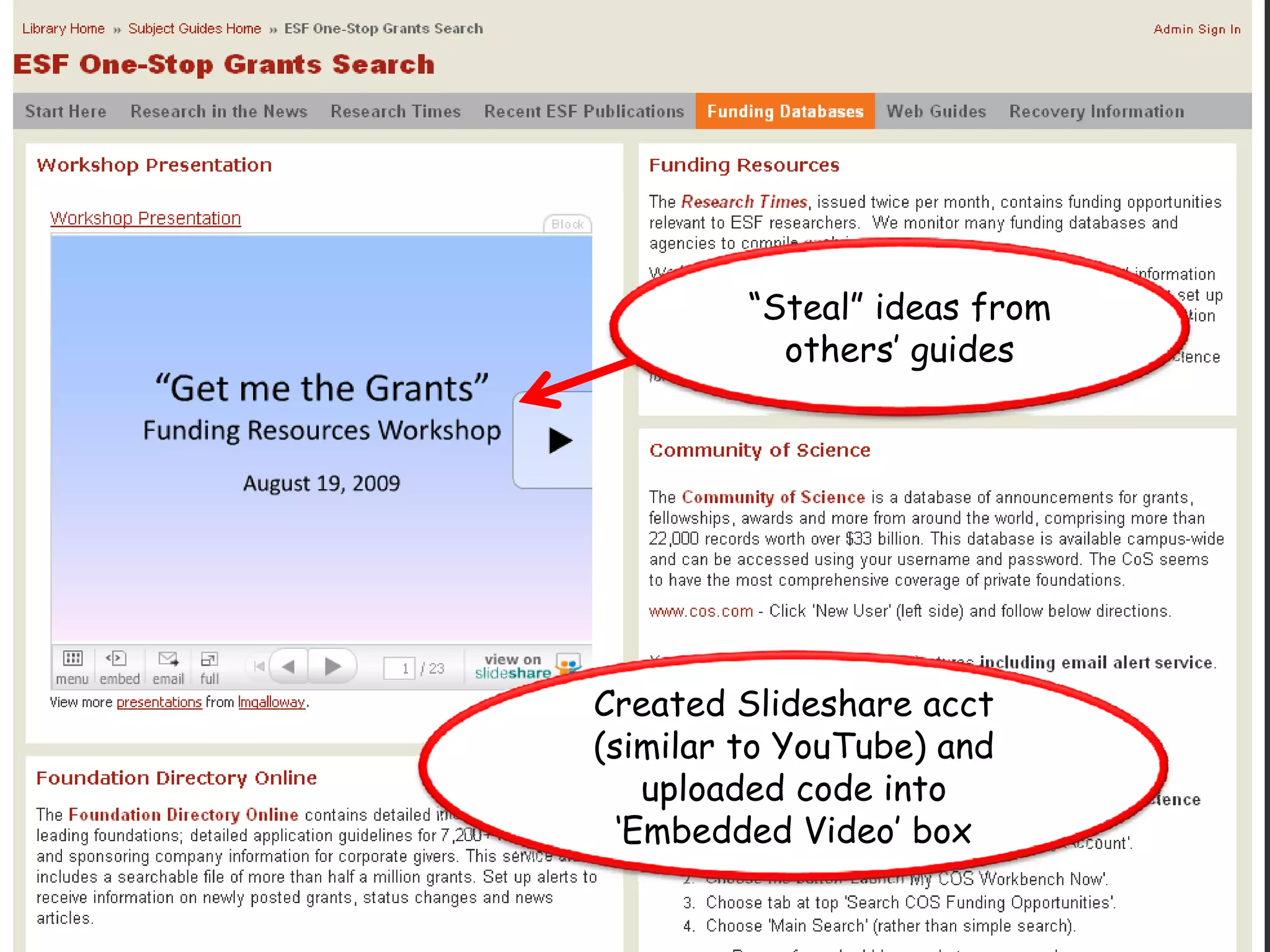
“Steal” ideas from
           others’ guides


Created Slideshare acct
(similar to YouTube) and
    uploaded code into
  ‘Embedded Video’ box
Very flexible
- can reorder,
rename pages
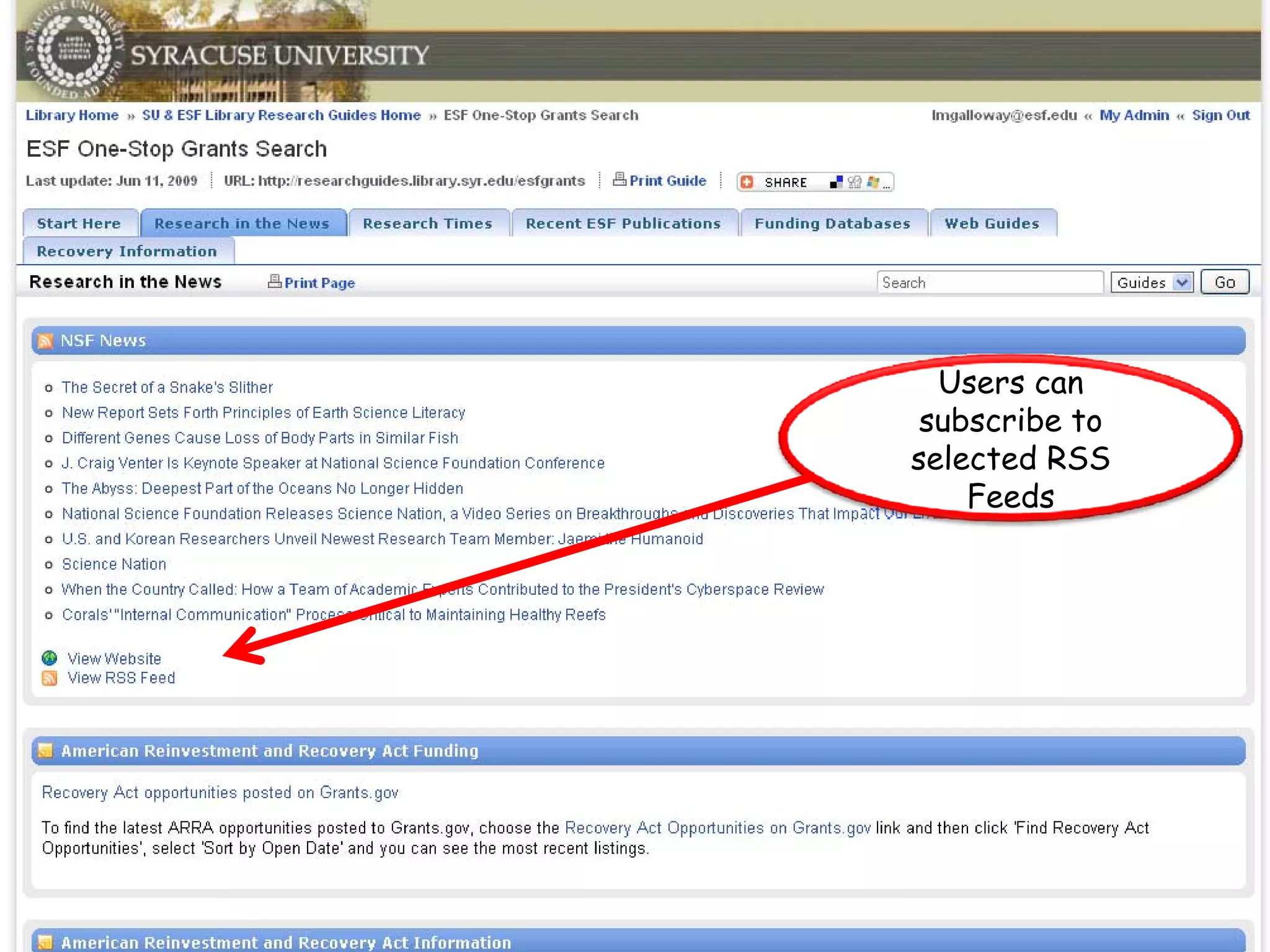
Users can
 subscribe to
selected RSS
    Feeds
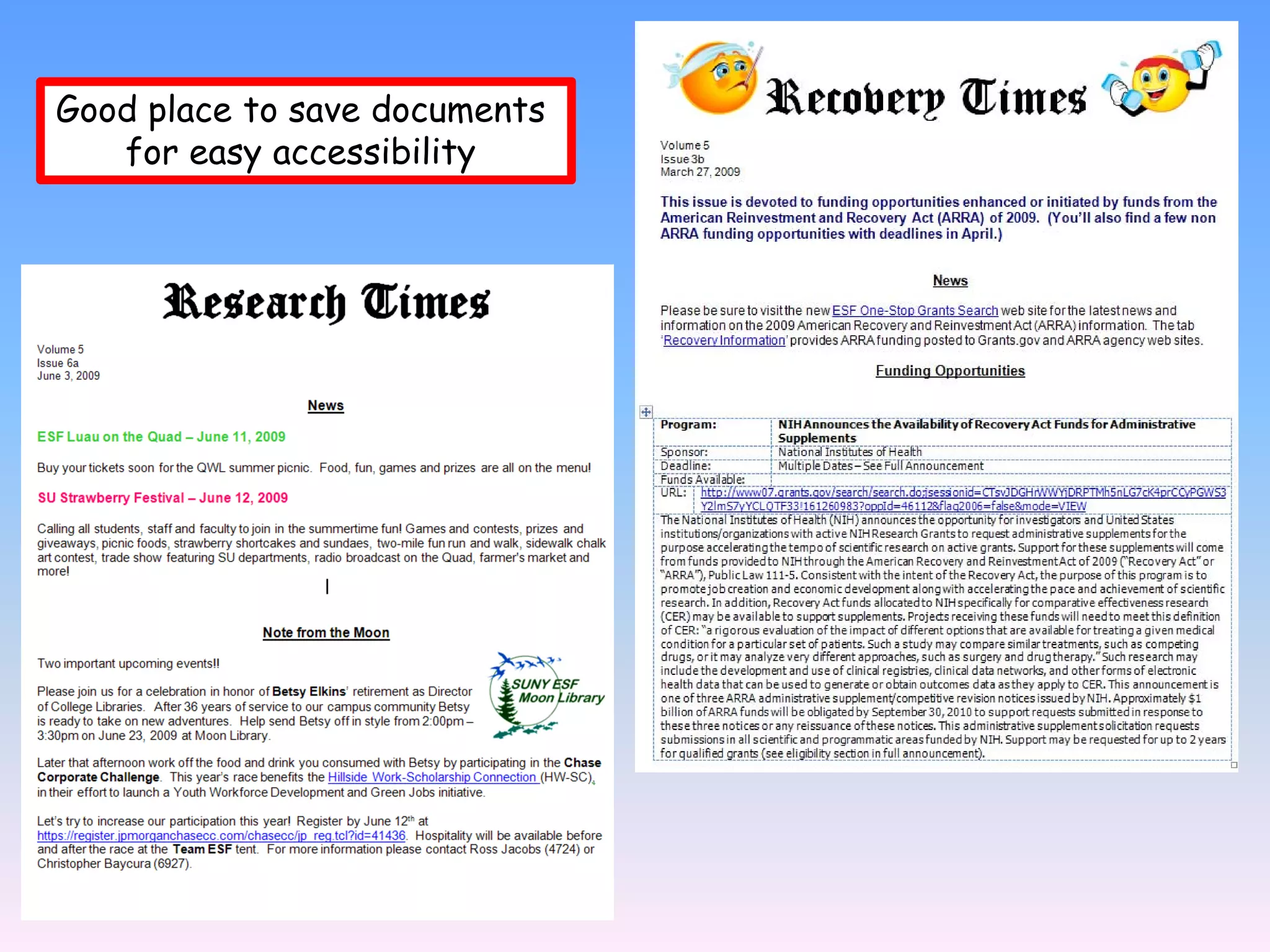
Good place to save documents
   for easy accessibility
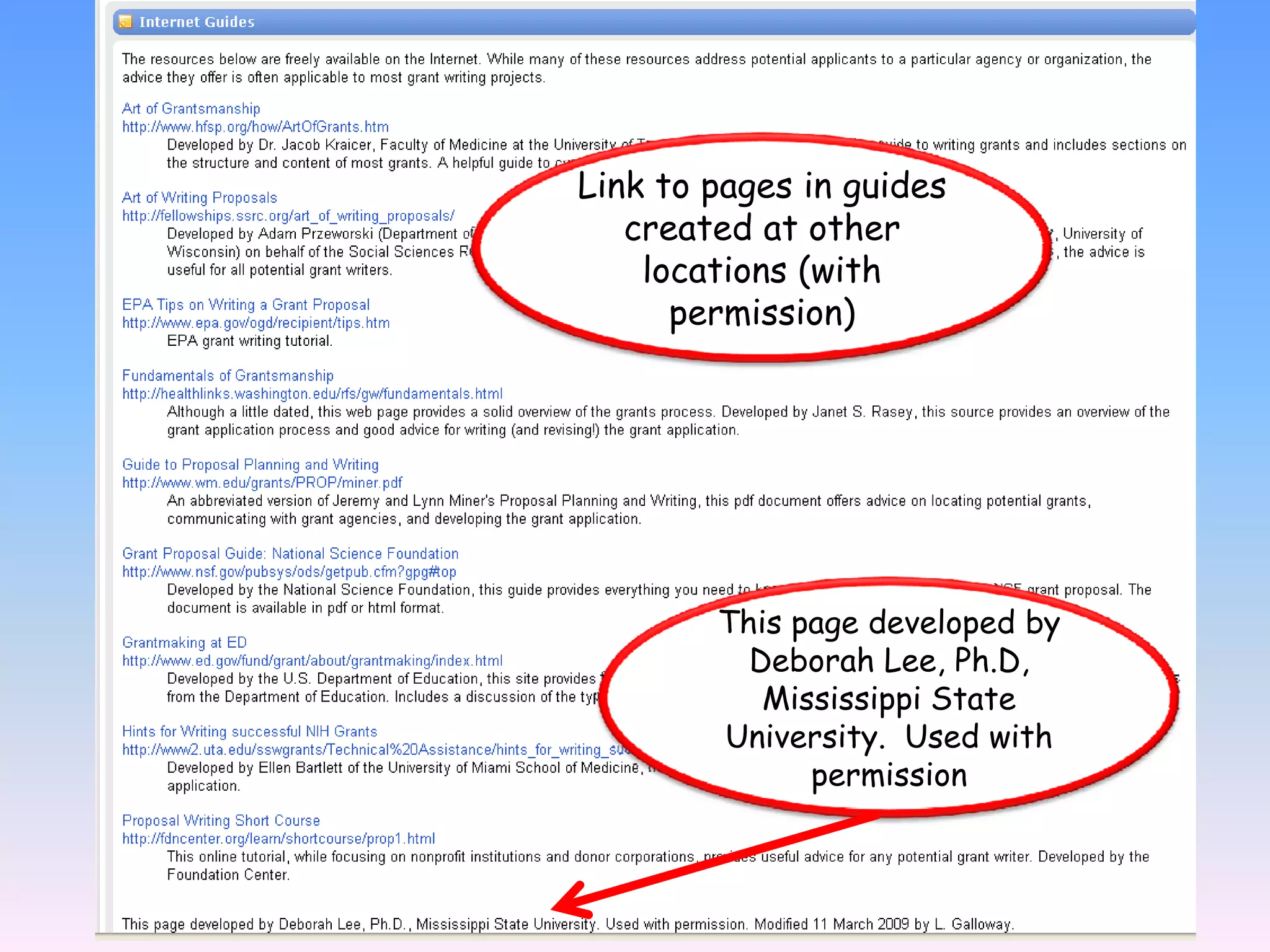
Link to pages in guides
   created at other
    locations (with
      permission)


        This page developed by
          Deborah Lee, Ph.D,
           Mississippi State
        University. Used with
              permission
Help and Ideas
• SpringShare Community Group
  – Ask for demo account
  – Create and save guides – free!!


• Browse other public guides within LibGuides
  – Can add pages or parts of pages from other guides


• Libguides are fun and easy to create
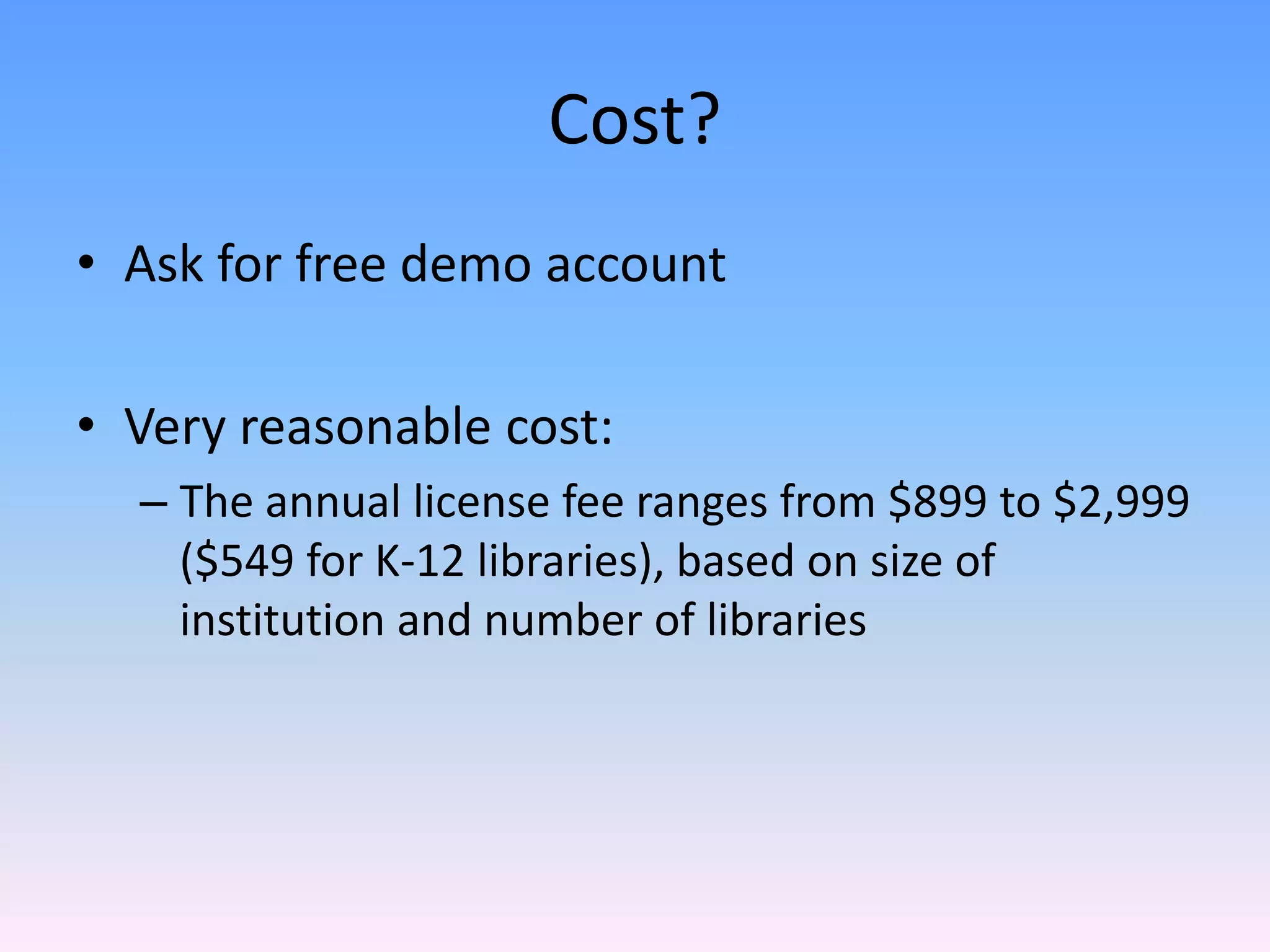
Cost?
• Ask for free demo account

• Very reasonable cost:
  – The annual license fee ranges from $899 to $2,999 
    ($549 for K‐12 libraries), based on size of 
    institution and number of libraries
Value
• Allows librarians to repackage information and 
  tailor it to their constituents.
• Adds value to information by making it more 
  useful and easier to interpret.
• Allows collaboration within the library and 
  with other departments in your institution.
• Emphasizes the connection between the 
  library and other essential campus functions.
Questions?
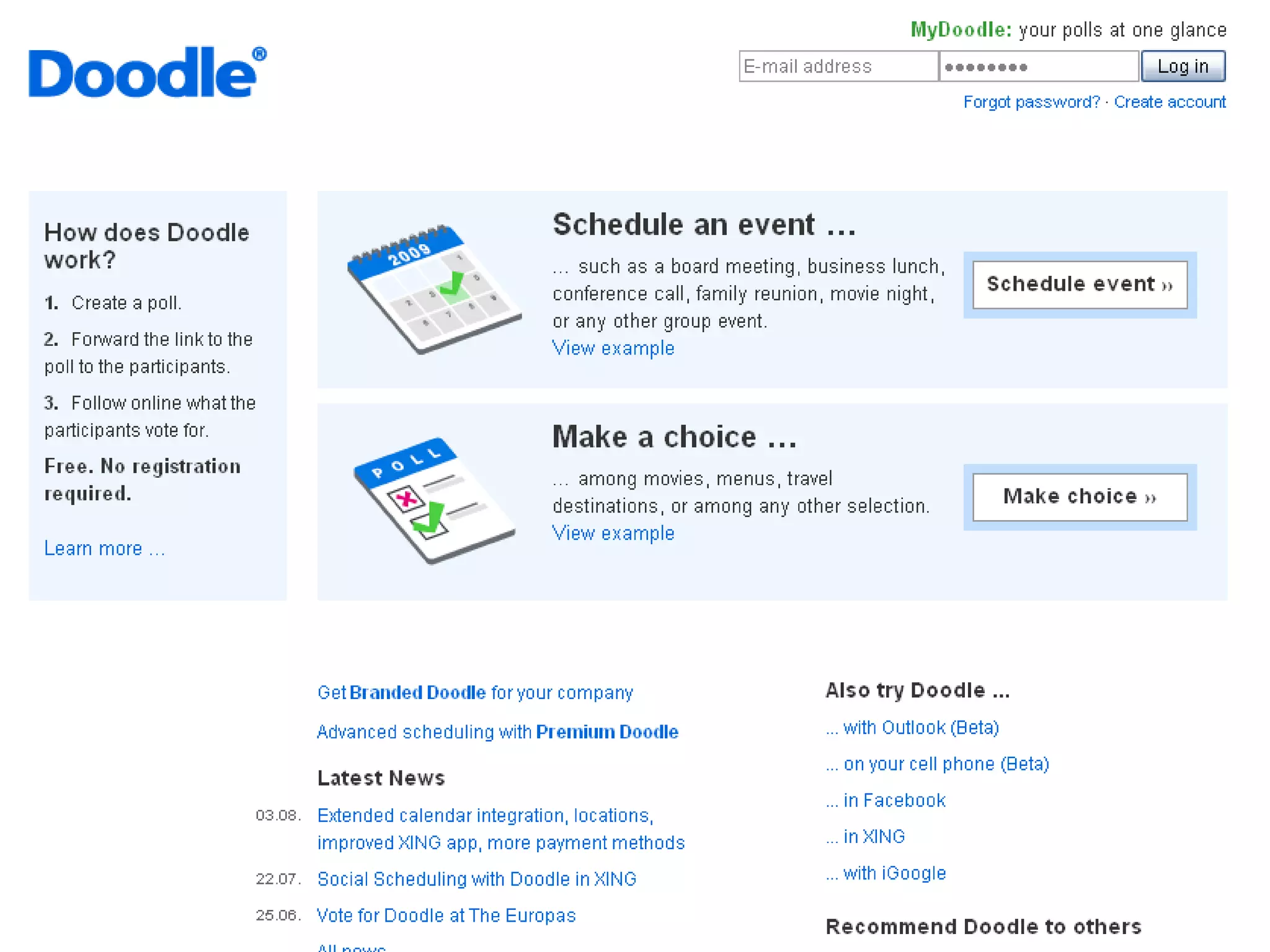
Doodle
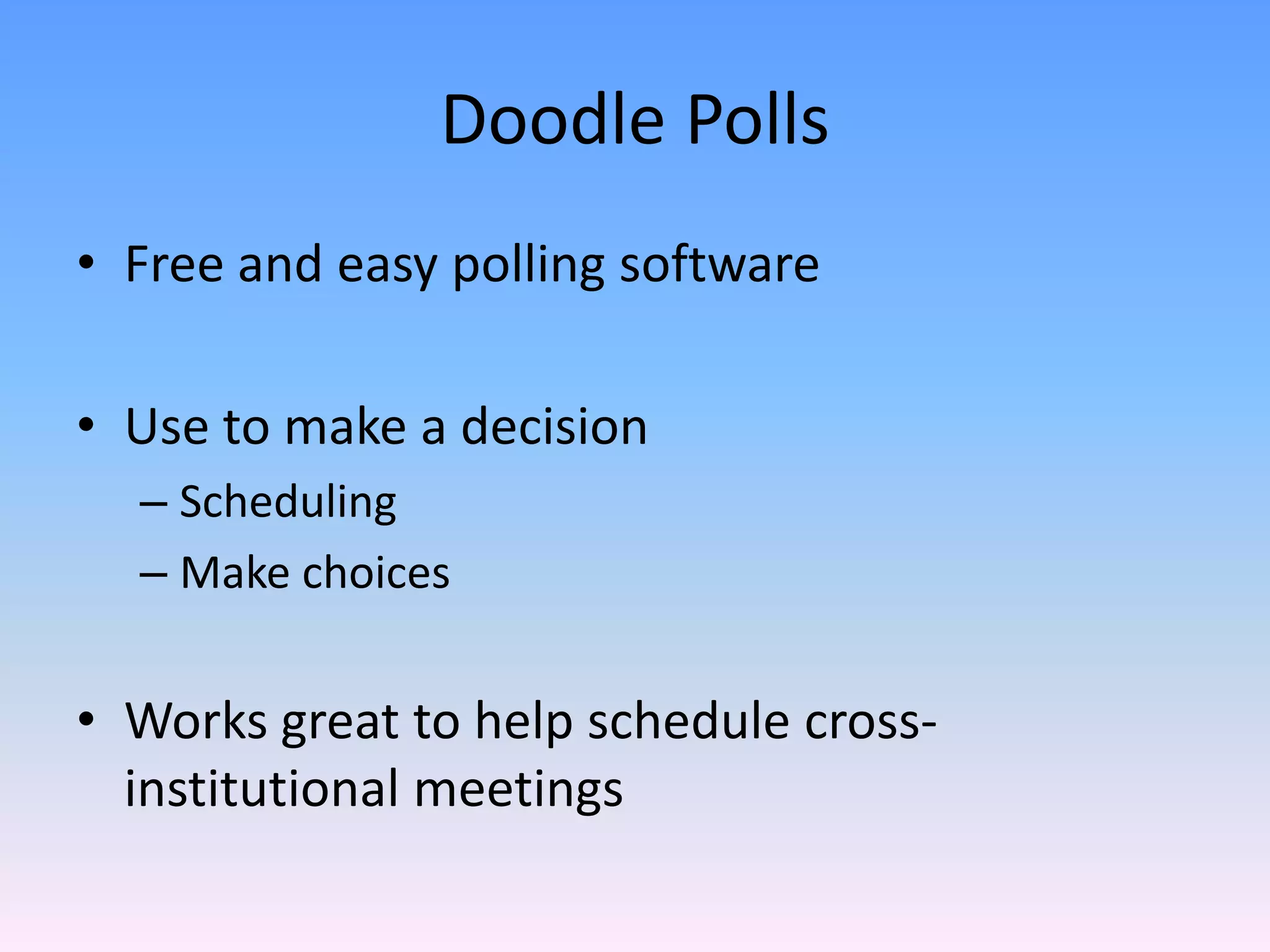
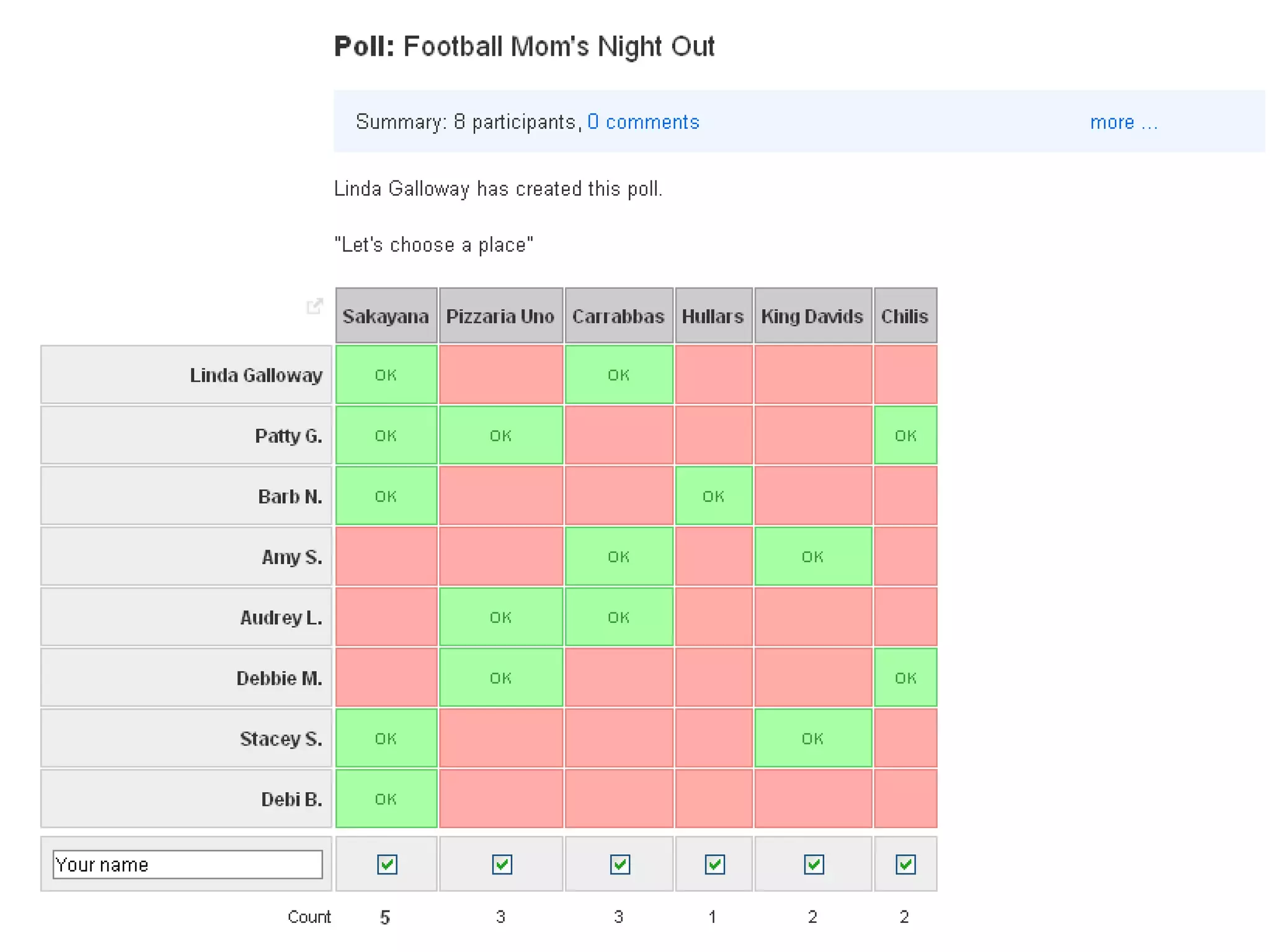
Doodle Polls
• Free and easy polling software

• Use to make a decision
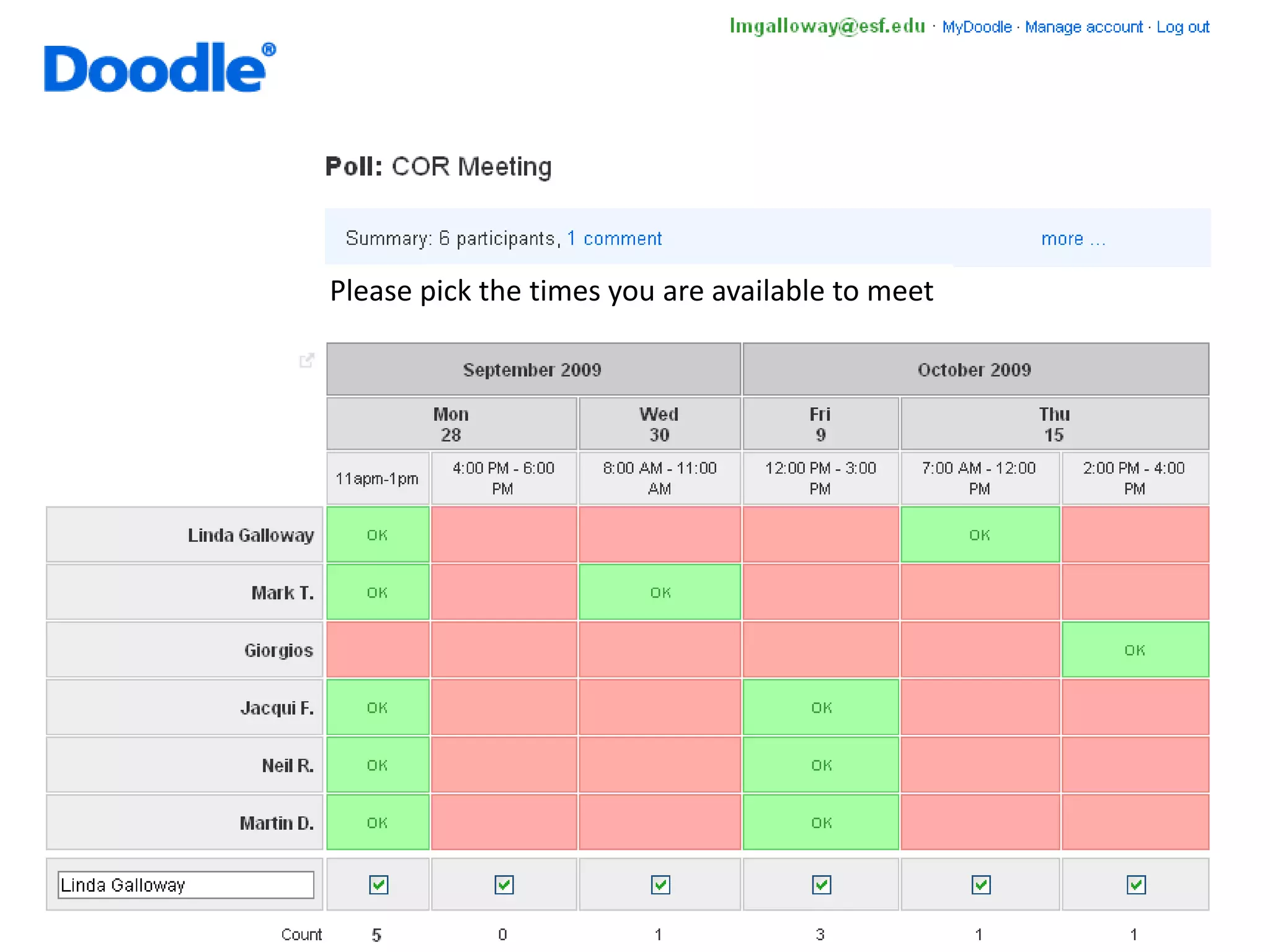
  – Scheduling
  – Make choices


• Works great to help schedule cross‐
  institutional meetings 
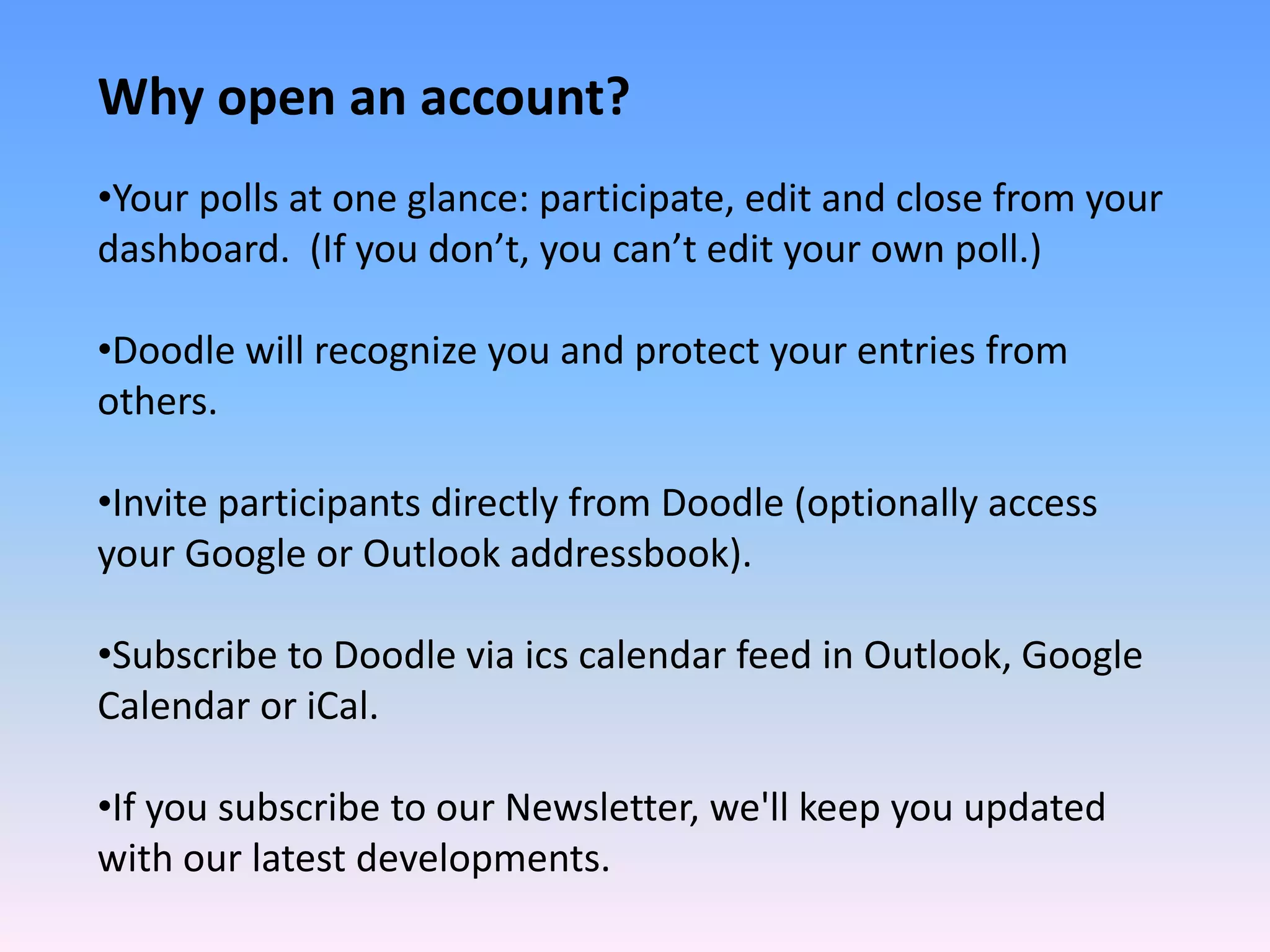
Why open an account?
•Your polls at one glance: participate, edit and close from your 
dashboard.  (If you don’t, you can’t edit your own poll.)

•Doodle will recognize you and protect your entries from 
others.

•Invite participants directly from Doodle (optionally access 
your Google or Outlook addressbook).

•Subscribe to Doodle via ics calendar feed in Outlook, Google 
Calendar or iCal.

•If you subscribe to our Newsletter, we'll keep you updated 
with our latest developments.
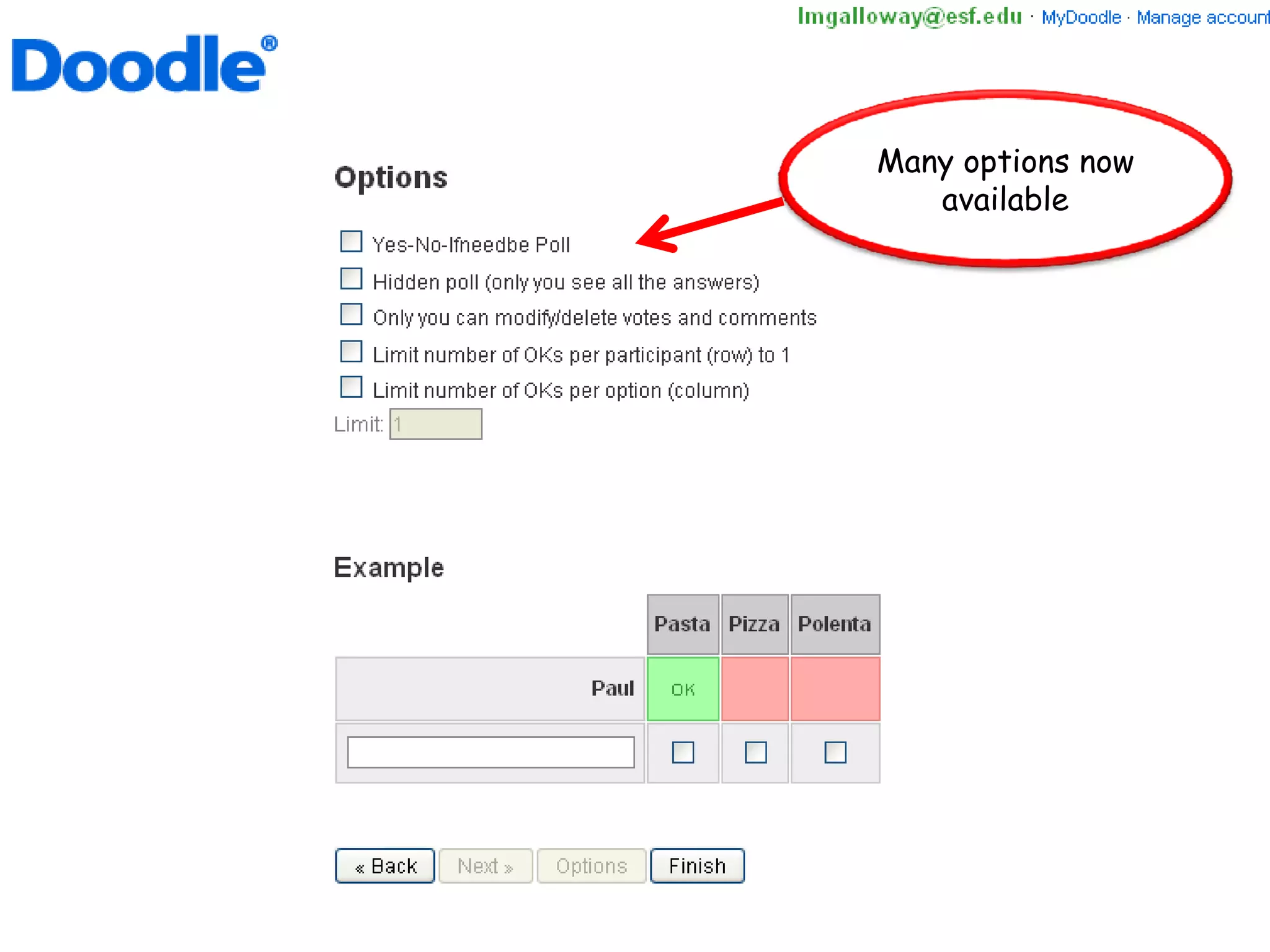
Many options now
   available
Please pick the times you are available to meet
Fun and easy – makes scheduling events a breeze!

              www.doodle.com

LibGuides - A Collaborative Productivity Tool