Containers, 
Docker, and 
Microservices
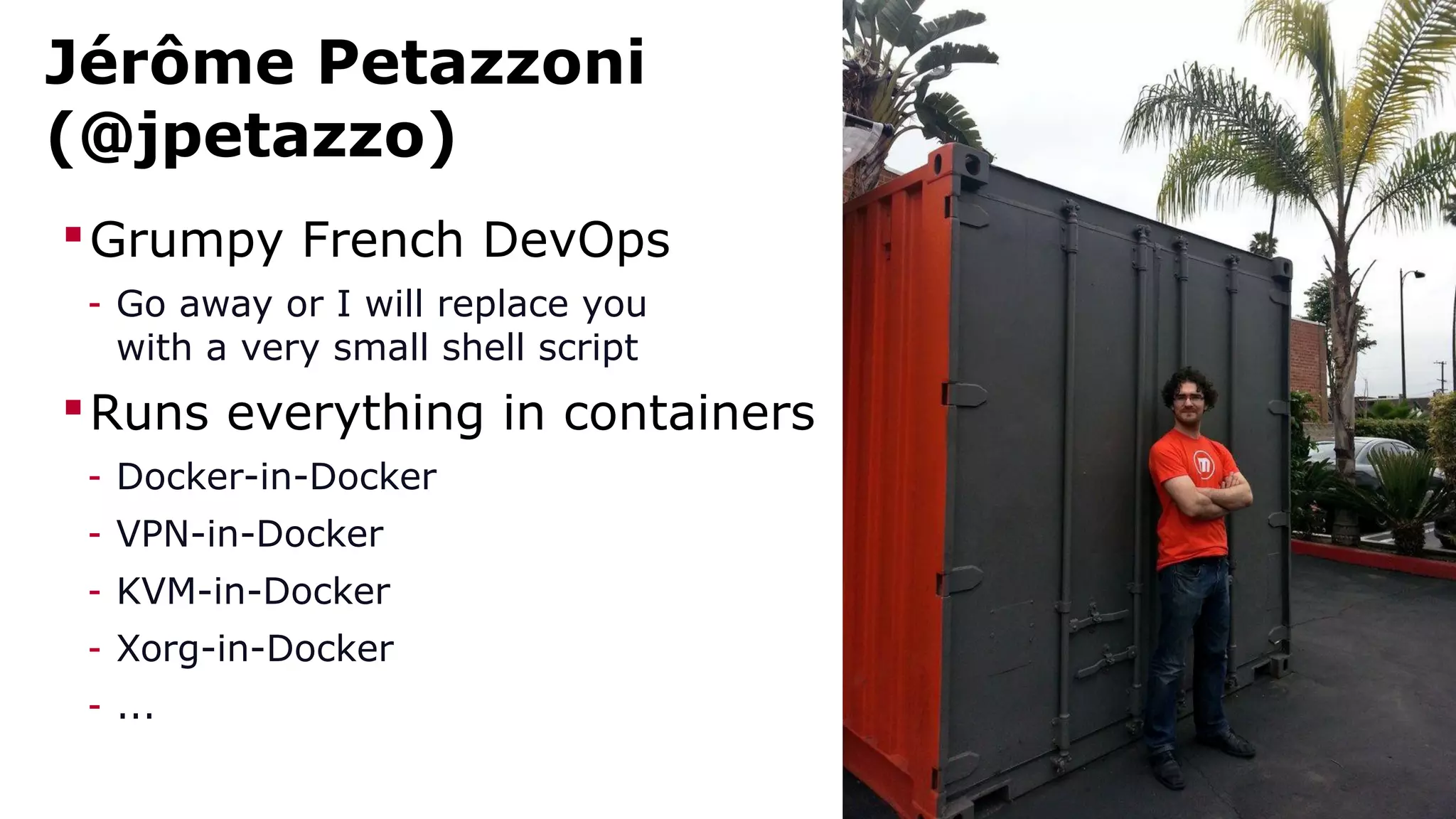
Jérôme Petazzoni 
(@jpetazzo) 
Grumpy French DevOps 
- Go away or I will replace you 
with a very small shell script 
Runs everything in containers 
- Docker-in-Docker 
- VPN-in-Docker 
- KVM-in-Docker 
- Xorg-in-Docker 
- ...
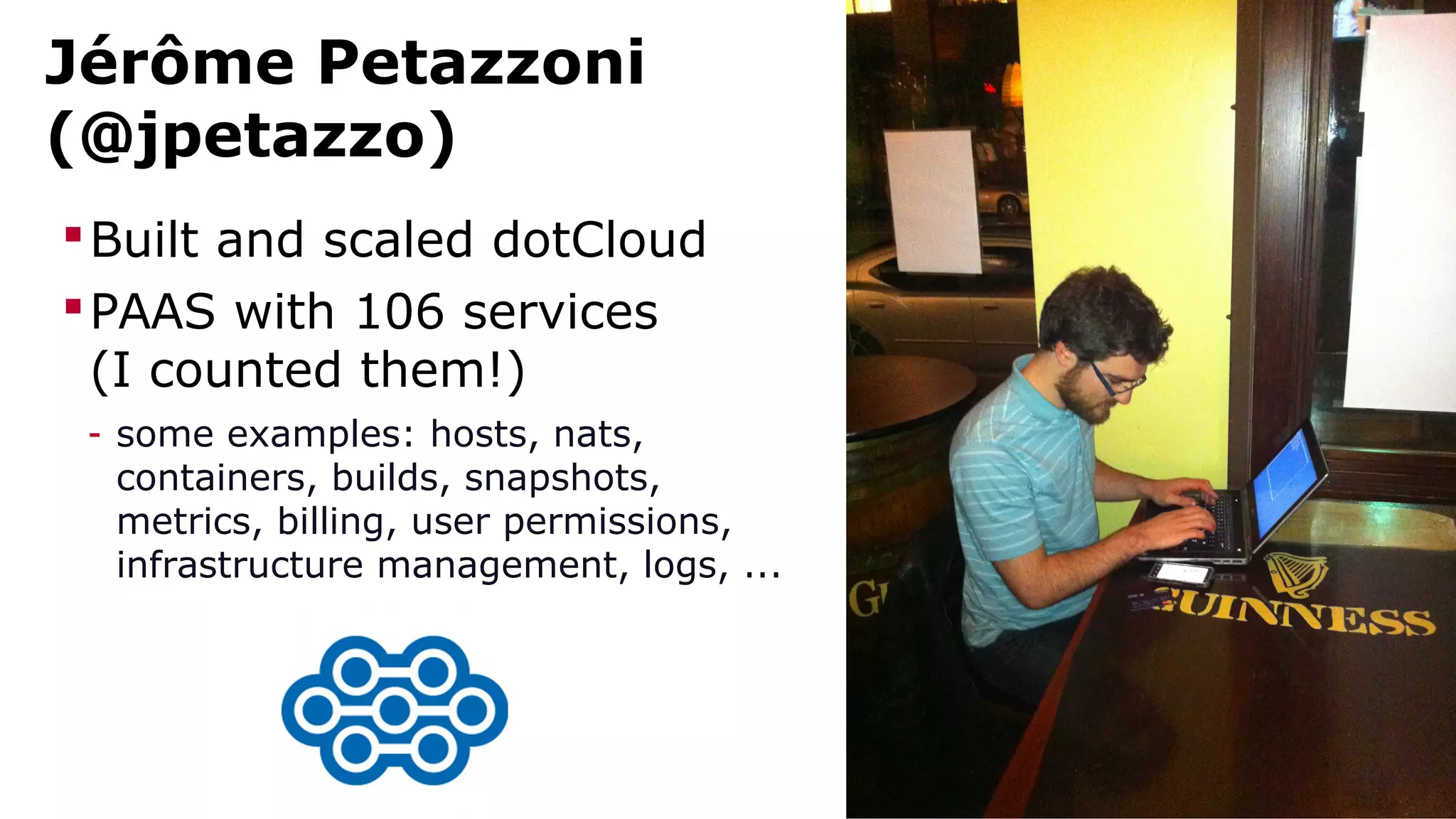
Jérôme Petazzoni 
(@jpetazzo) 
Built and scaled dotCloud 
PAAS with 106 services 
(I counted them!) 
- some examples: hosts, nats, 
containers, builds, snapshots, 
metrics, billing, user permissions, 
infrastructure management, logs, ...
outline
Outline 
Why microservices? 
What's the challenge? 
How does Docker help? 
Getting started with stacks of containers
why 
microservices
What is a microservice architecture? 
Break big application down into many small services 
Example: e-commerce 
- web front-end 
- catalog of products 
- inventory/stock management 
- shipping calculator 
- payment processor 
- billing/invoicing 
- recommendation engine 
- user profiles
Why is this useful? 
Use different stacks for different services 
(can be seen as both good and bad!) 
Replace (e.g. refactor) individual services easily 
(service boundary enforces API separation) 
Decouples deployment; requires less coordination 
(deploy early, deploy often; more agility) 
Helps implementing Jeff Bezos' “two-pizza rule” 
(many small teams overperform a single big team) 
More effective “ownership” of services
what's the 
challenge?
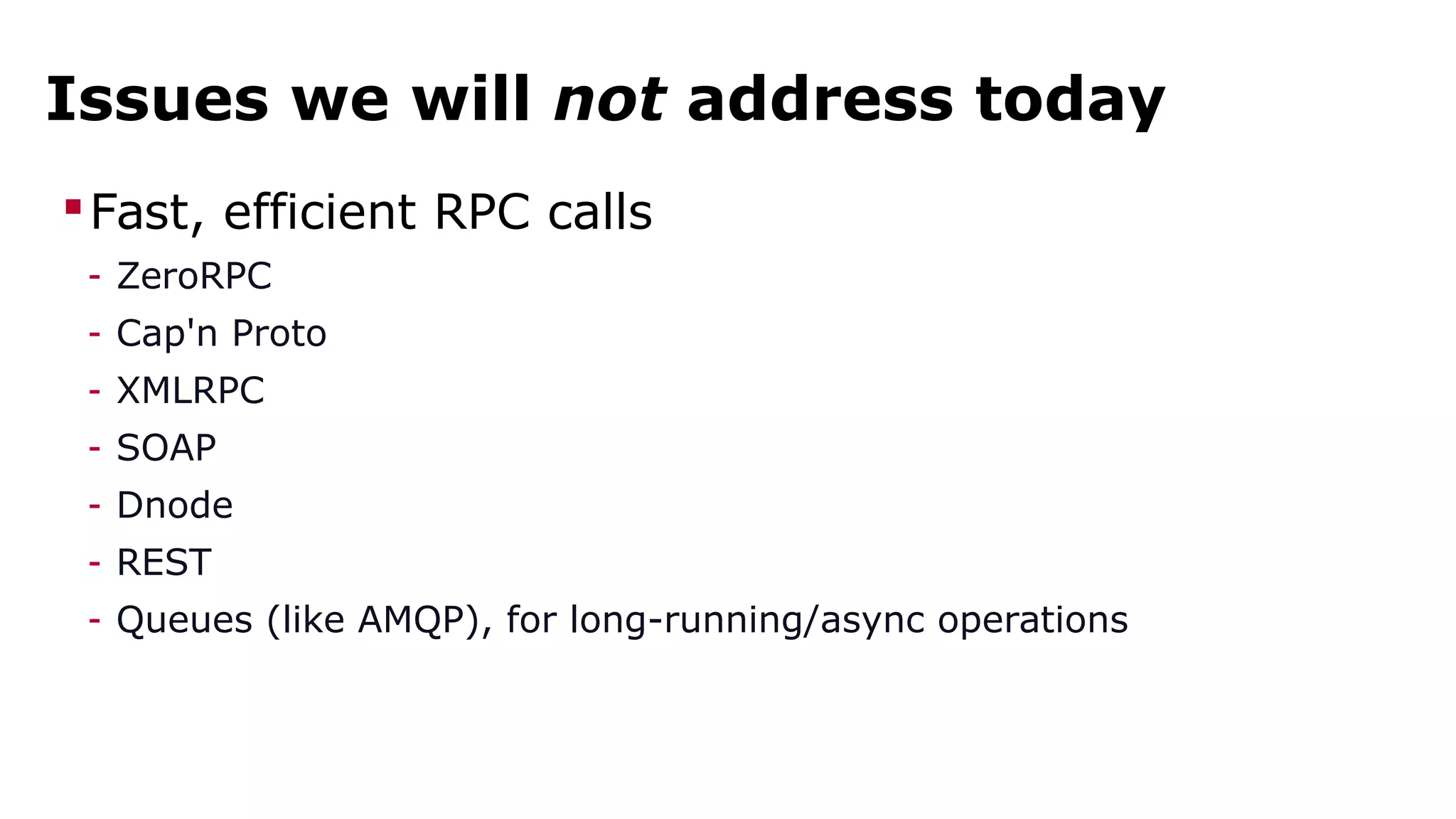
Issues we will not address today 
Fast, efficient RPC calls 
- ZeroRPC 
- Cap'n Proto 
- XMLRPC 
- SOAP 
- Dnode 
- REST 
- Queues (like AMQP), for long-running/async operations
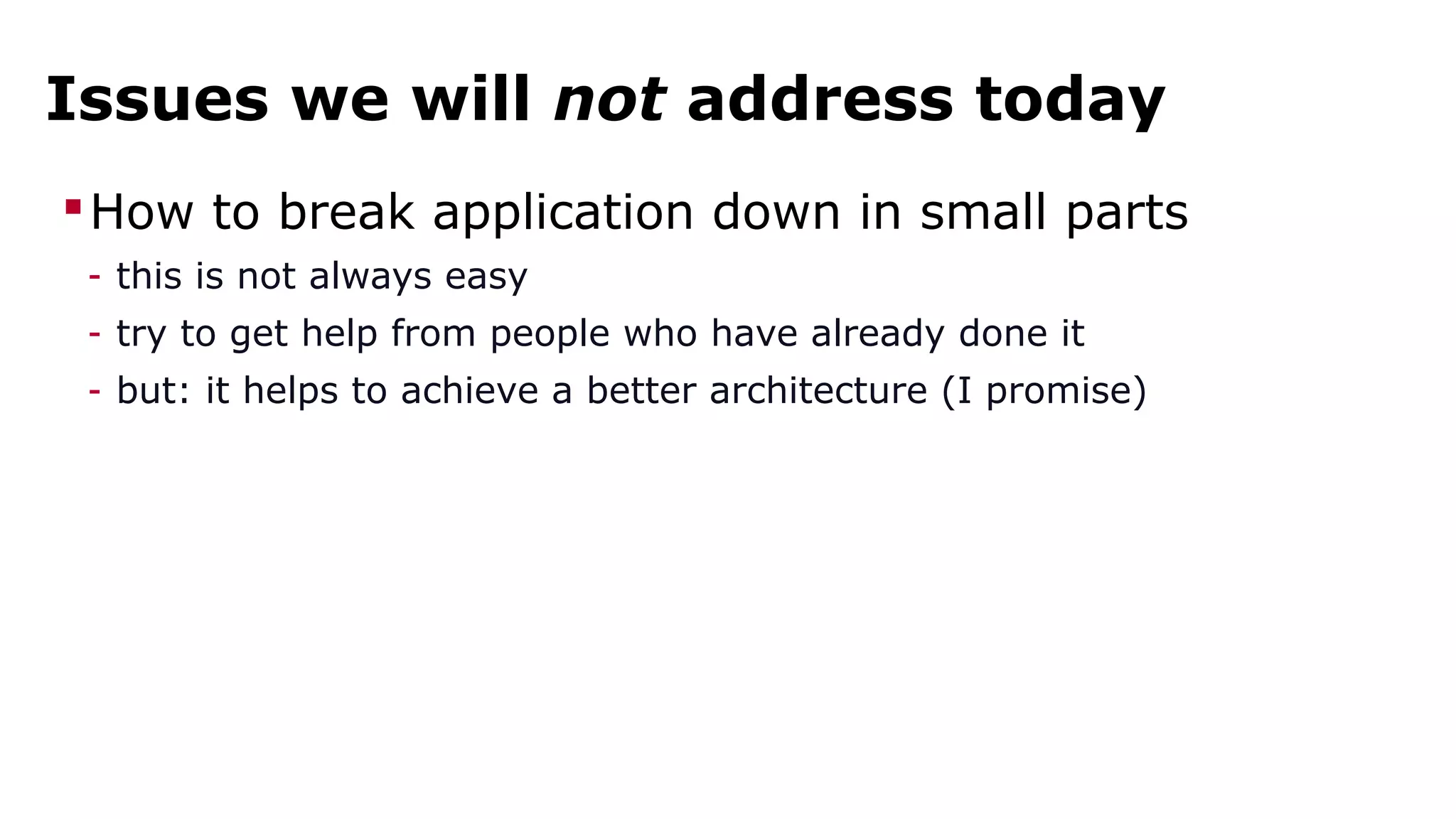
Issues we will not address today 
How to break application down in small parts 
- this is not always easy 
- try to get help from people who have already done it 
- but: it helps to achieve a better architecture (I promise)
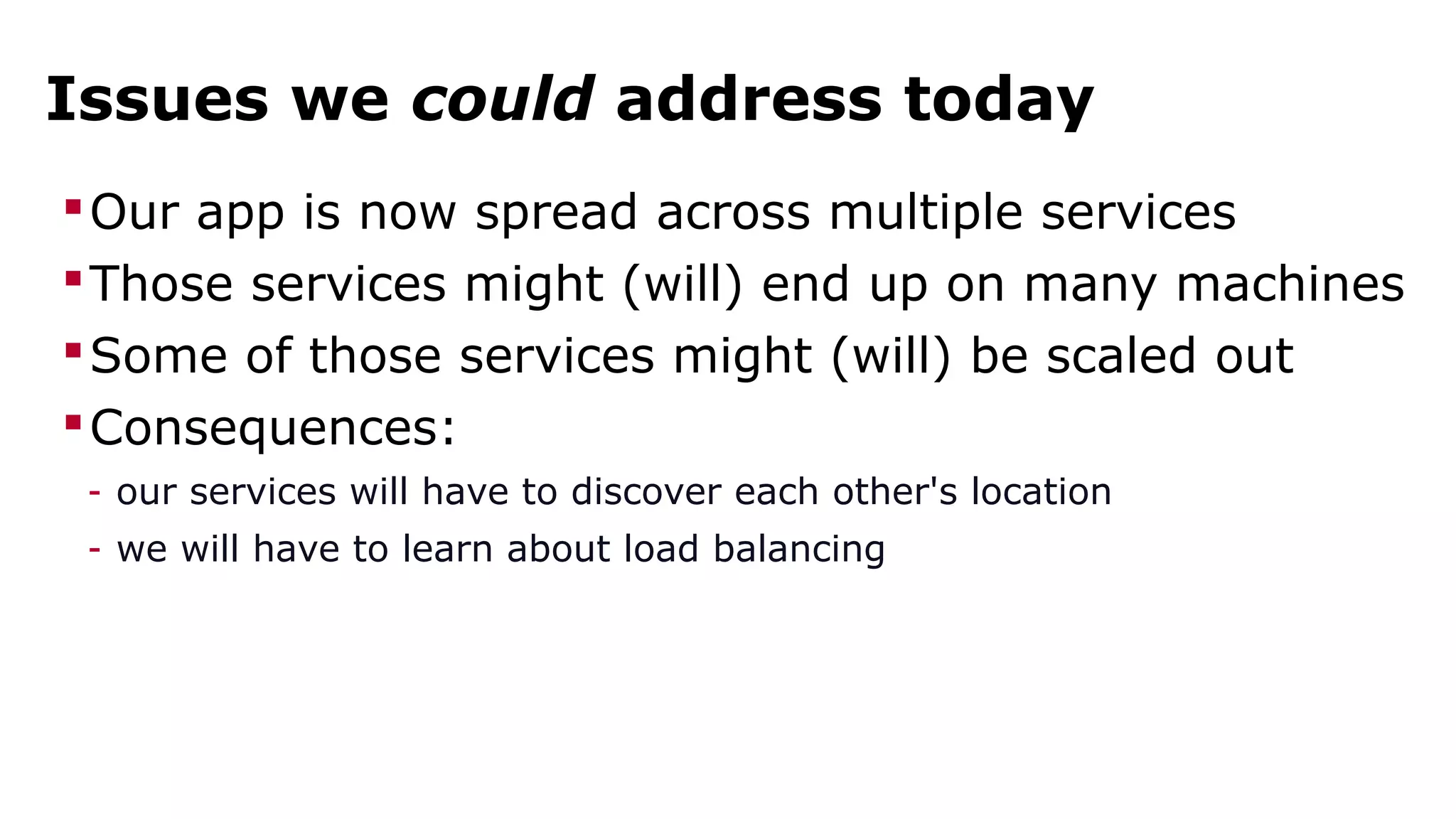
Issues we could address today 
Our app is now spread across multiple services 
Those services might (will) end up on many machines 
Some of those services might (will) be scaled out 
Consequences: 
- our services will have to discover each other's location 
- we will have to learn about load balancing
Issues we will address today 
We're deploying 42 microservices instead of 1 app 
We want to be able to deploy often 
Obvious consequence: our deploy process must rock 
- it must be fast 
- it must be reliable 
- it must be automated
how does 
Docker help?
the big 
picture
Docker's mission 
build, ship, and run any application, anywhere
Say again? 
Build: package your application in a container 
Ship: move that container from a machine to another 
Run: execute that container (i.e. your application) 
Any application: anything that runs on Linux 
Anywhere: local VM, cloud instance, bare metal...
build
Dockerfile 
FROM ubuntu:14.04 
MAINTAINER Docker Team <education@docker.com> 
RUN apt-get update 
RUN apt-get install -y nginx 
RUN echo 'Hi, I am in your container'  
>/usr/share/nginx/html/index.html 
CMD [ "nginx", "-g", "daemon off;" ] 
EXPOSE 80
ship
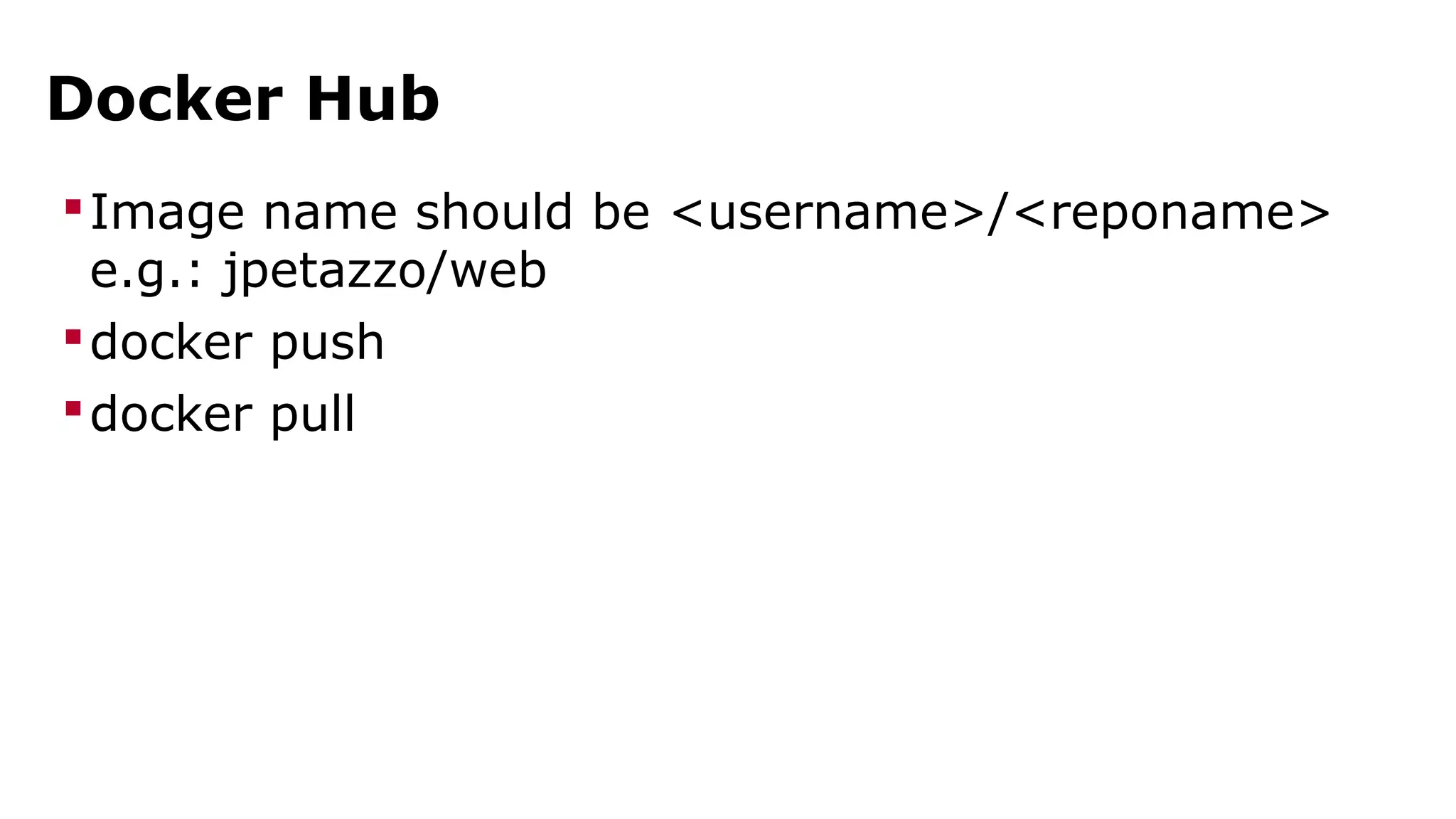
Docker Hub 
Image name should be <username>/<reponame> 
e.g.: jpetazzo/web 
docker push 
docker pull
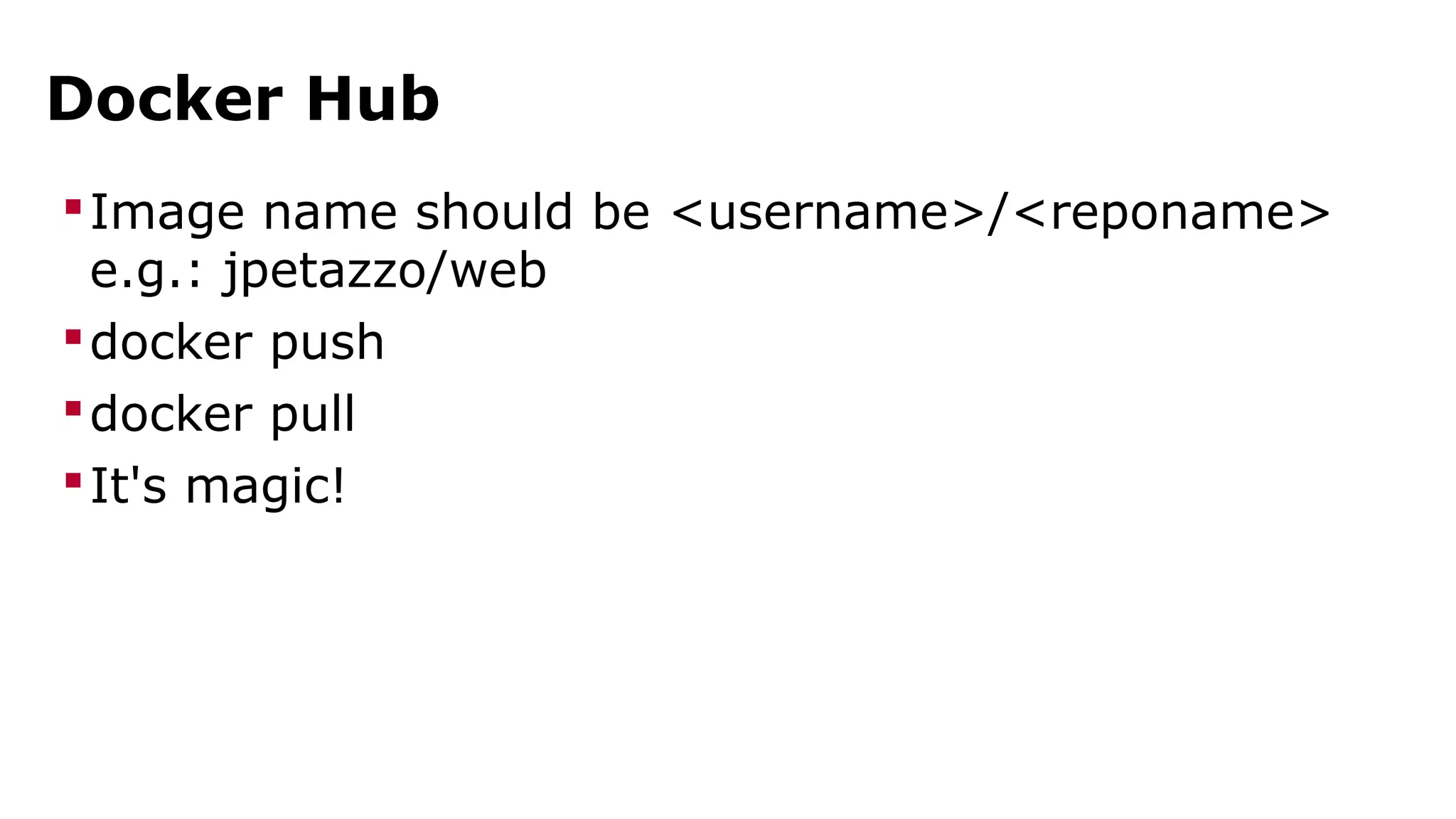
Docker Hub 
Image name should be <username>/<reponame> 
e.g.: jpetazzo/web 
docker push 
docker pull 
It's magic!
run
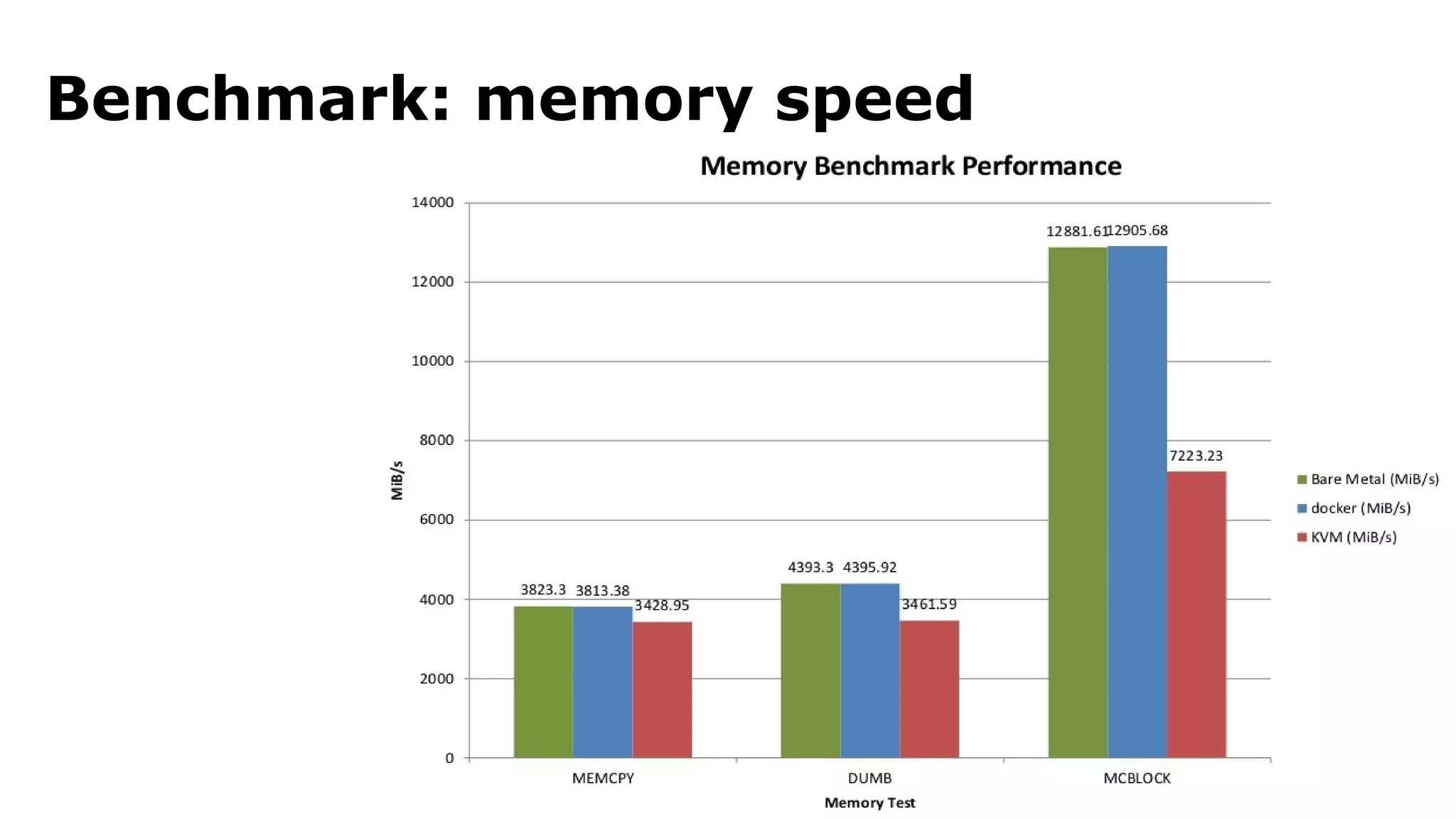
Execution is fast and lightweight 
Let's look at a few benchmarks
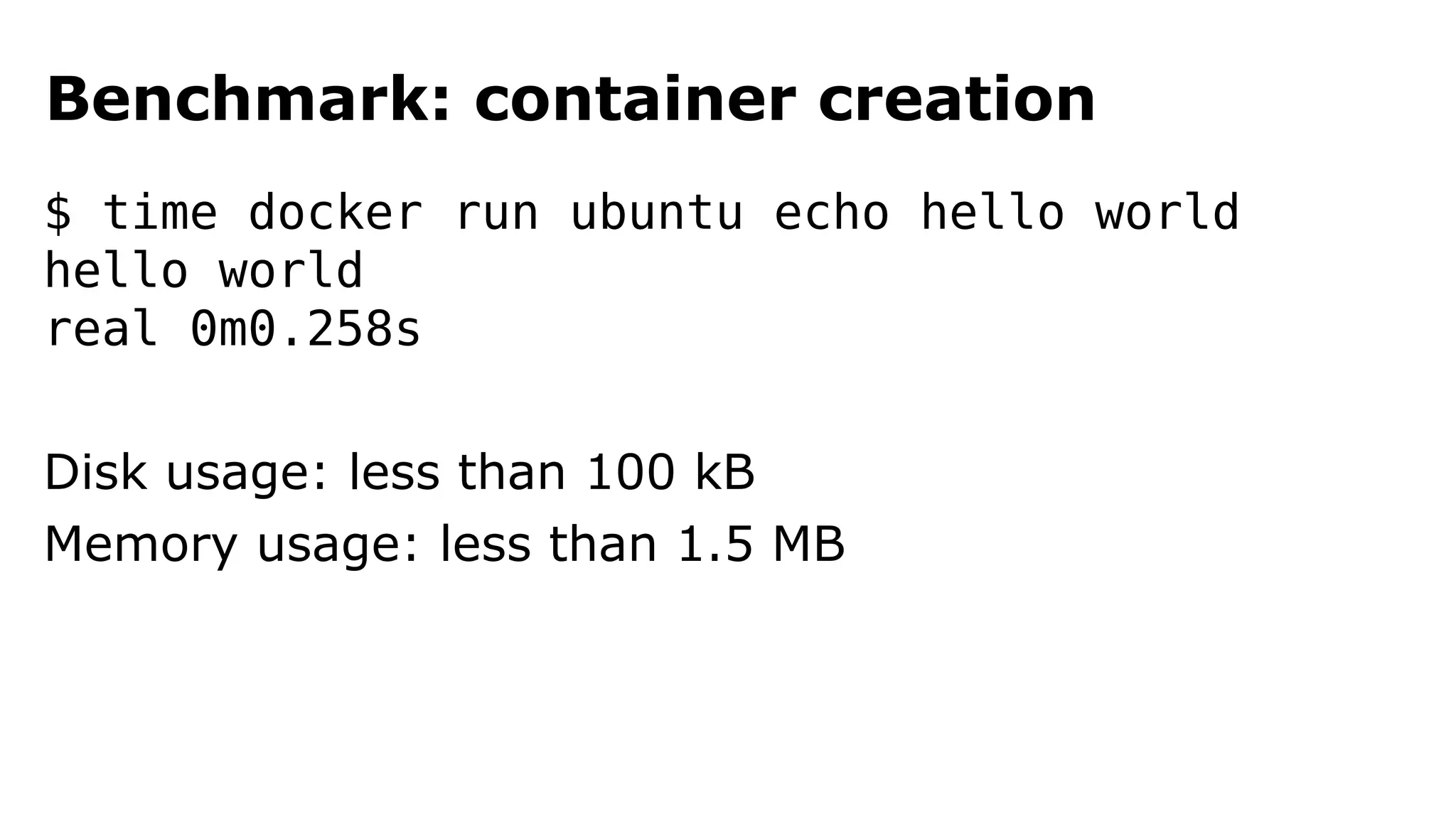
Benchmark: container creation 
$ time docker run ubuntu echo hello world 
hello world 
real 0m0.258s 
Disk usage: less than 100 kB 
Memory usage: less than 1.5 MB
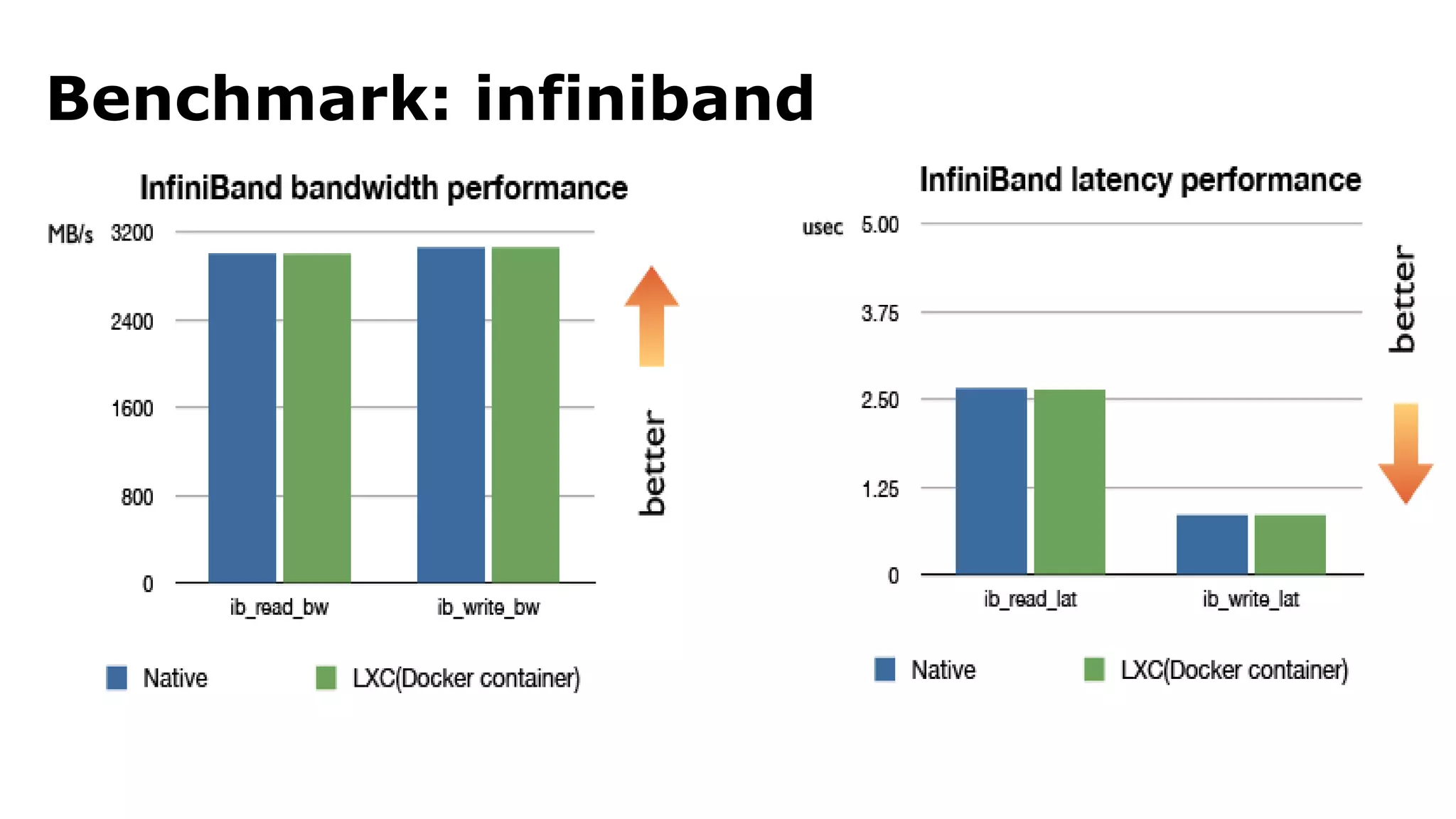
Benchmark: infiniband
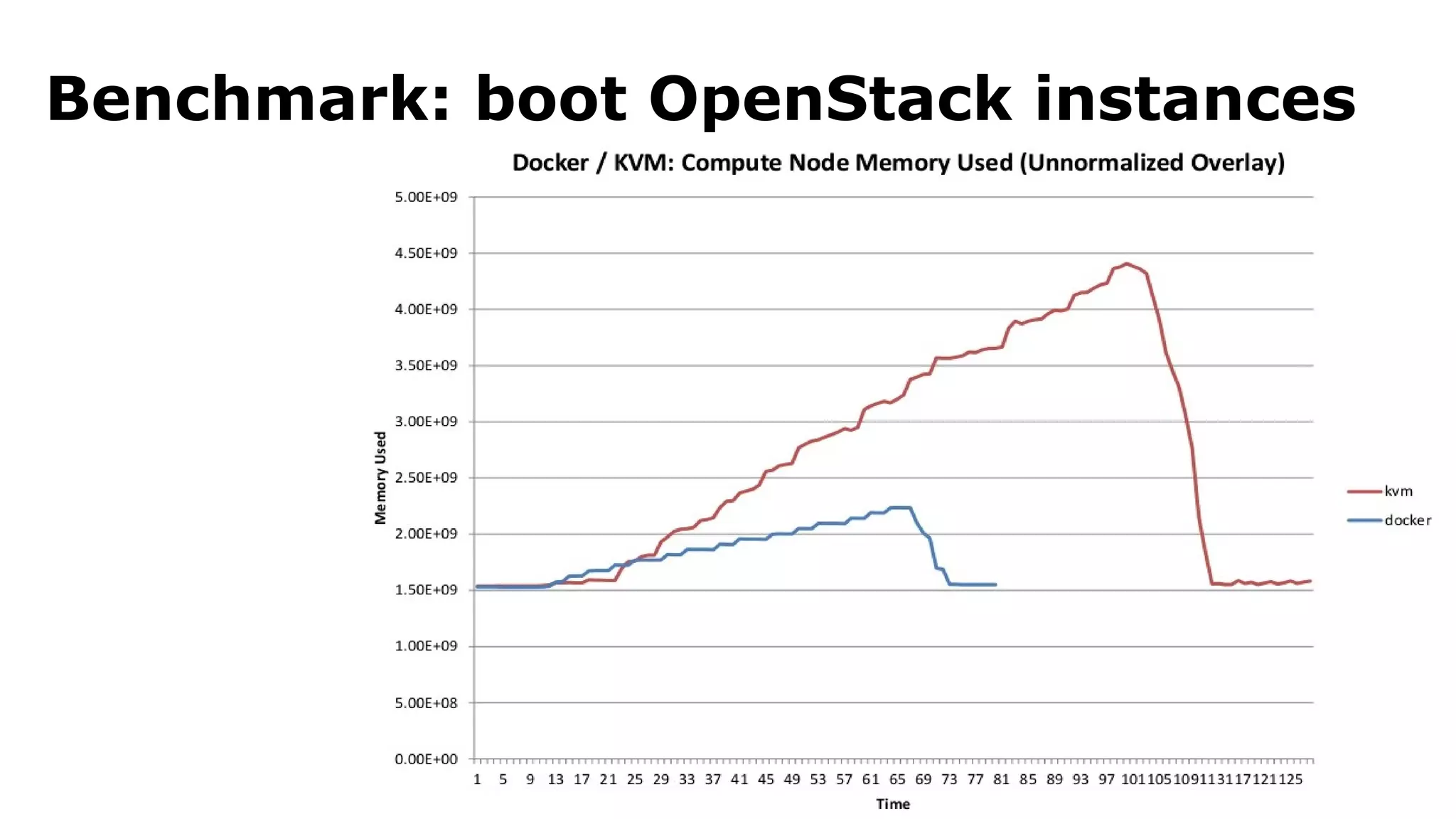
Benchmark: boot OpenStack instances
Benchmark: memory speed
Let's start a few containers 
Just for run. Eh, for fun.
any app
If it runs on Linux, it will run in Docker 
Web apps 
API backends 
Databases (SQL, NoSQL) 
Big data 
Message queues 
And more
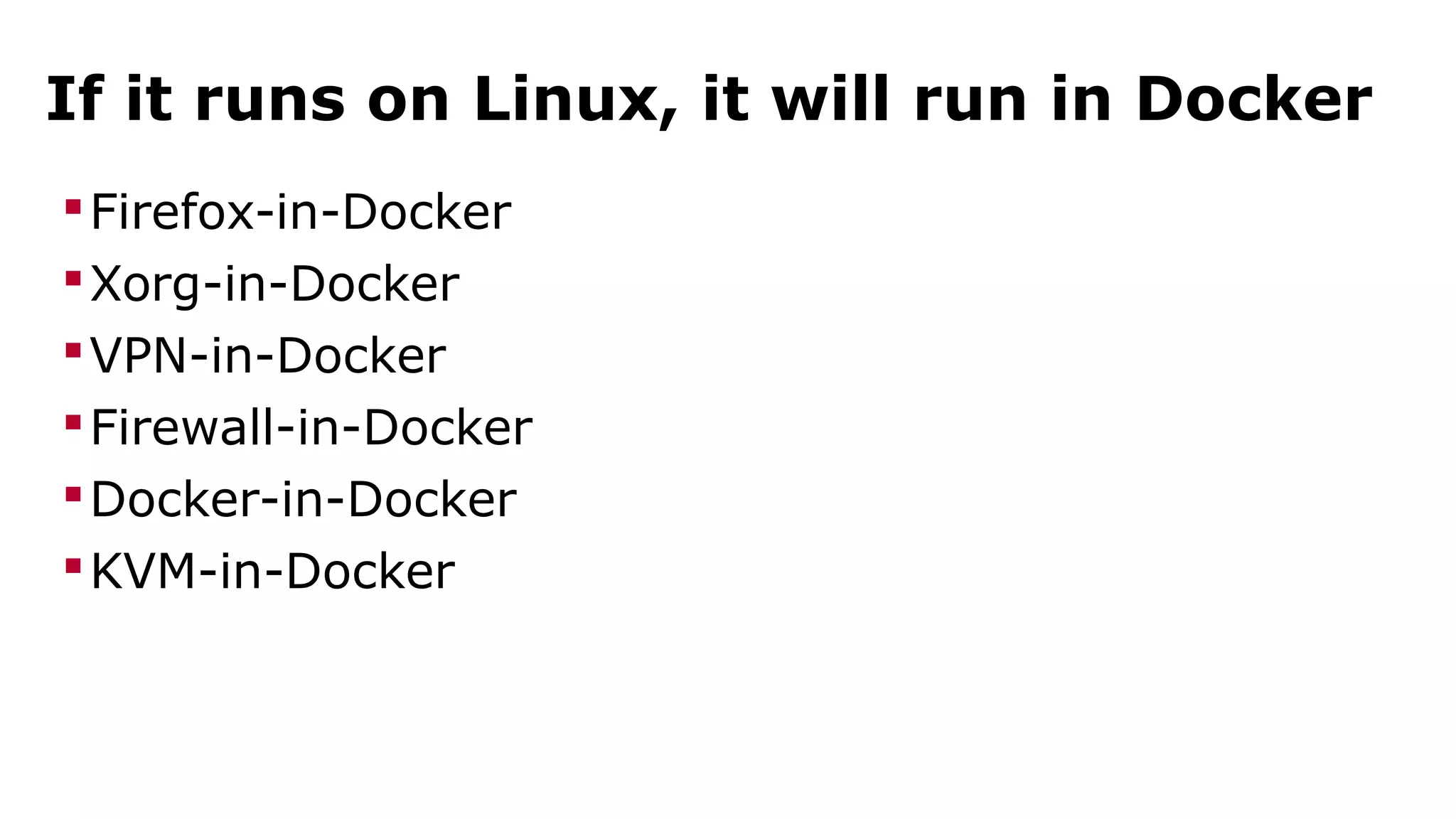
If it runs on Linux, it will run in Docker 
Firefox-in-Docker 
Xorg-in-Docker 
VPN-in-Docker 
Firewall-in-Docker 
Docker-in-Docker 
KVM-in-Docker
anywhere
anywhere* 
*Limitations may apply.
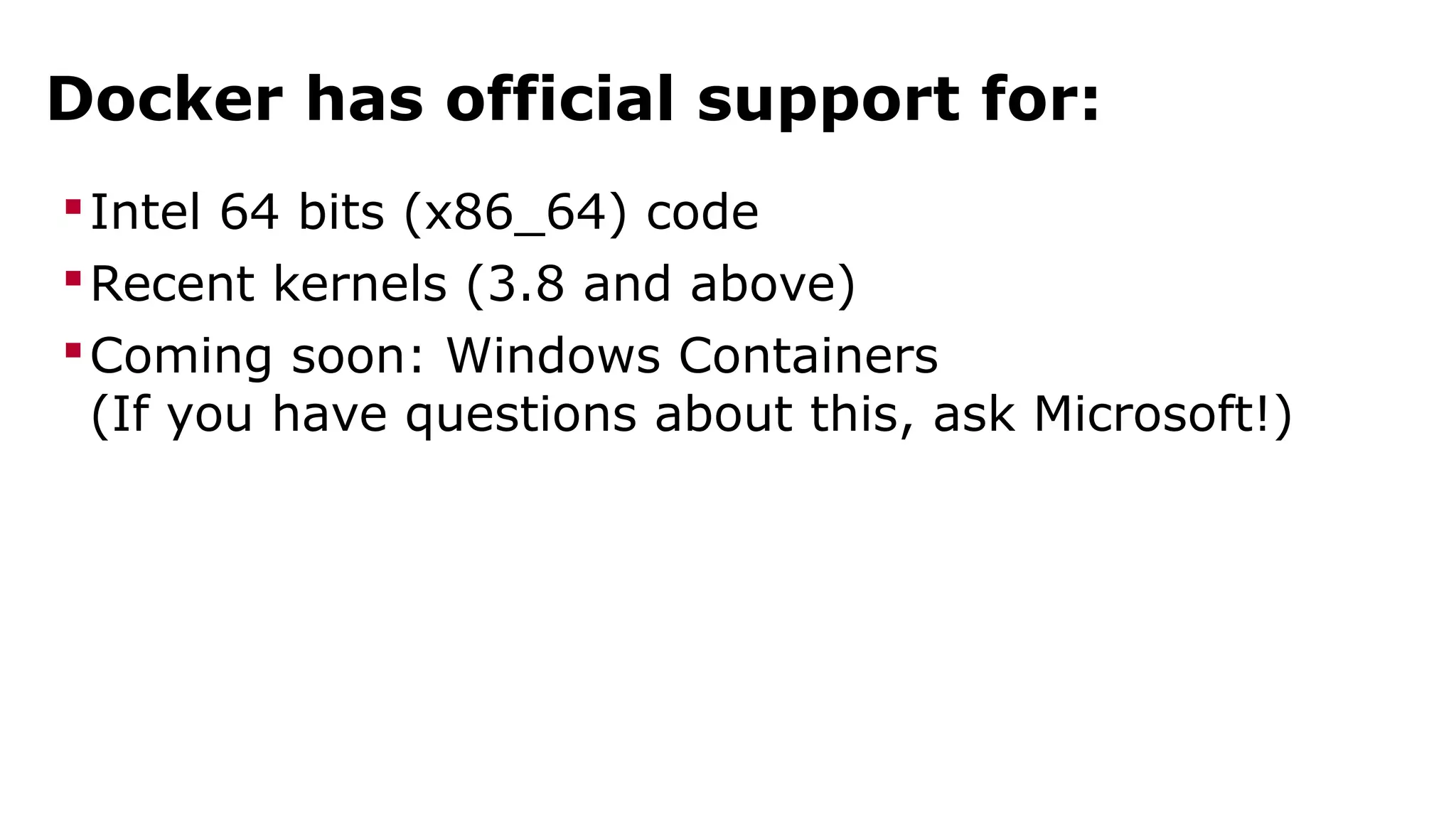
Docker has official support for: 
Intel 64 bits (x86_64) code 
Recent kernels (3.8 and above) 
Coming soon: Windows Containers 
(If you have questions about this, ask Microsoft!)
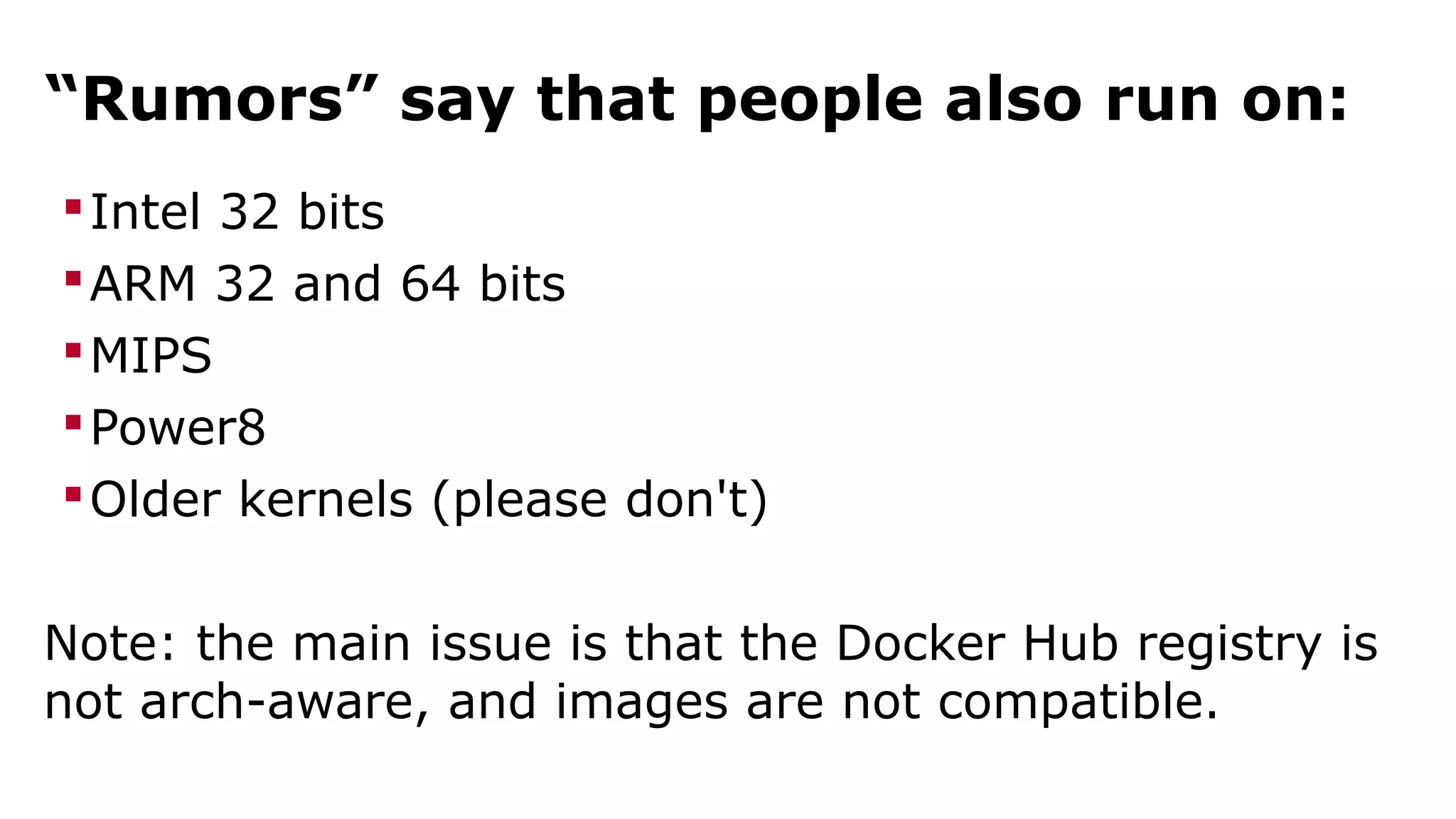
“Rumors” say that people also run on: 
Intel 32 bits 
ARM 32 and 64 bits 
MIPS 
Power8 
Older kernels (please don't) 
Note: the main issue is that the Docker Hub registry is 
not arch-aware, and images are not compatible.
CONTAINERS 
They're stable, they said. Stack them, they said.
running 
stacks of 
containers
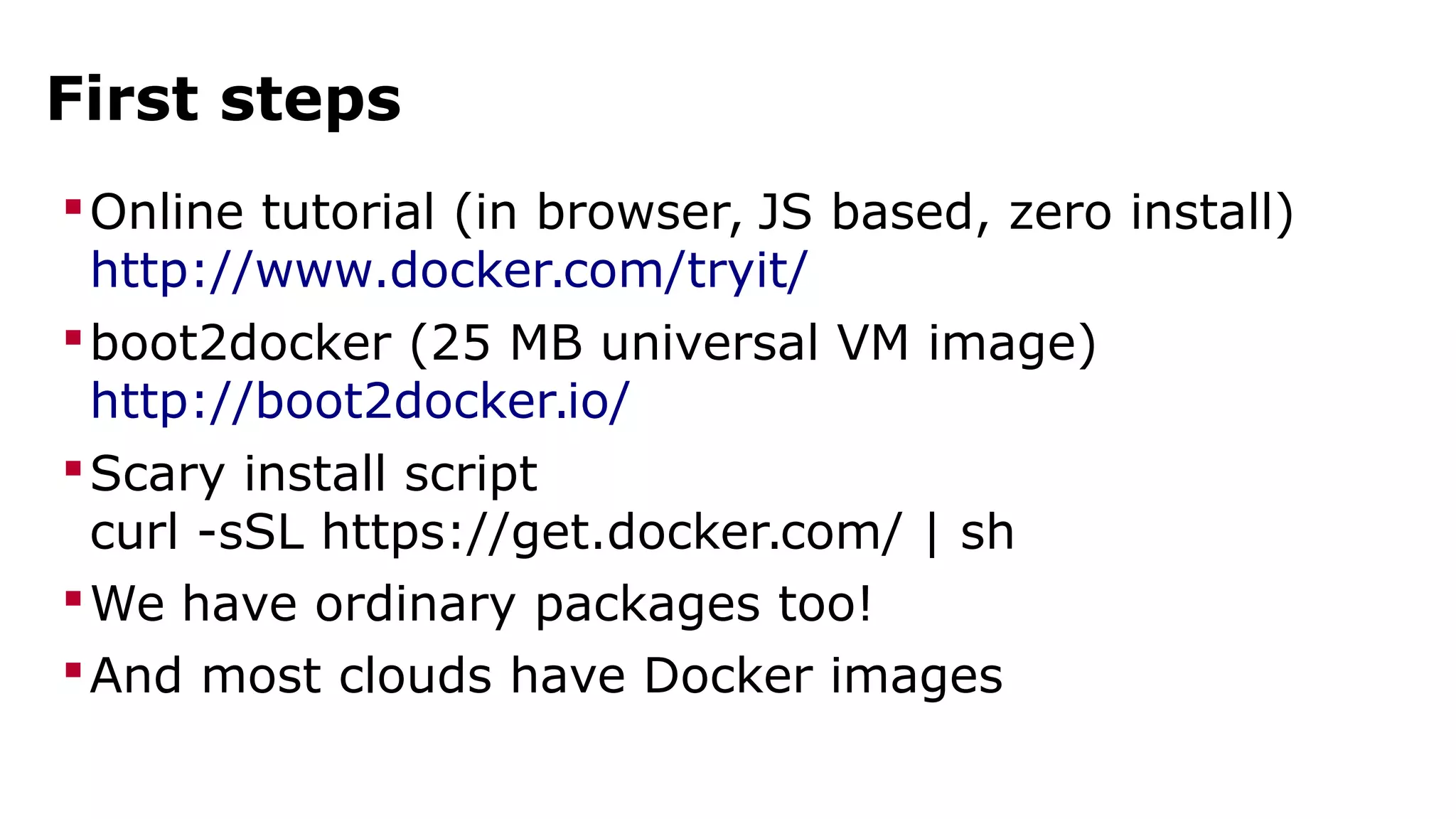
First steps 
Online tutorial (in browser, JS based, zero install) 
http://www.docker.com/tryit/ 
boot2docker (25 MB universal VM image) 
http://boot2docker.io/ 
Scary install script 
curl -sSL https://get.docker.com/ | sh 
We have ordinary packages too! 
And most clouds have Docker images
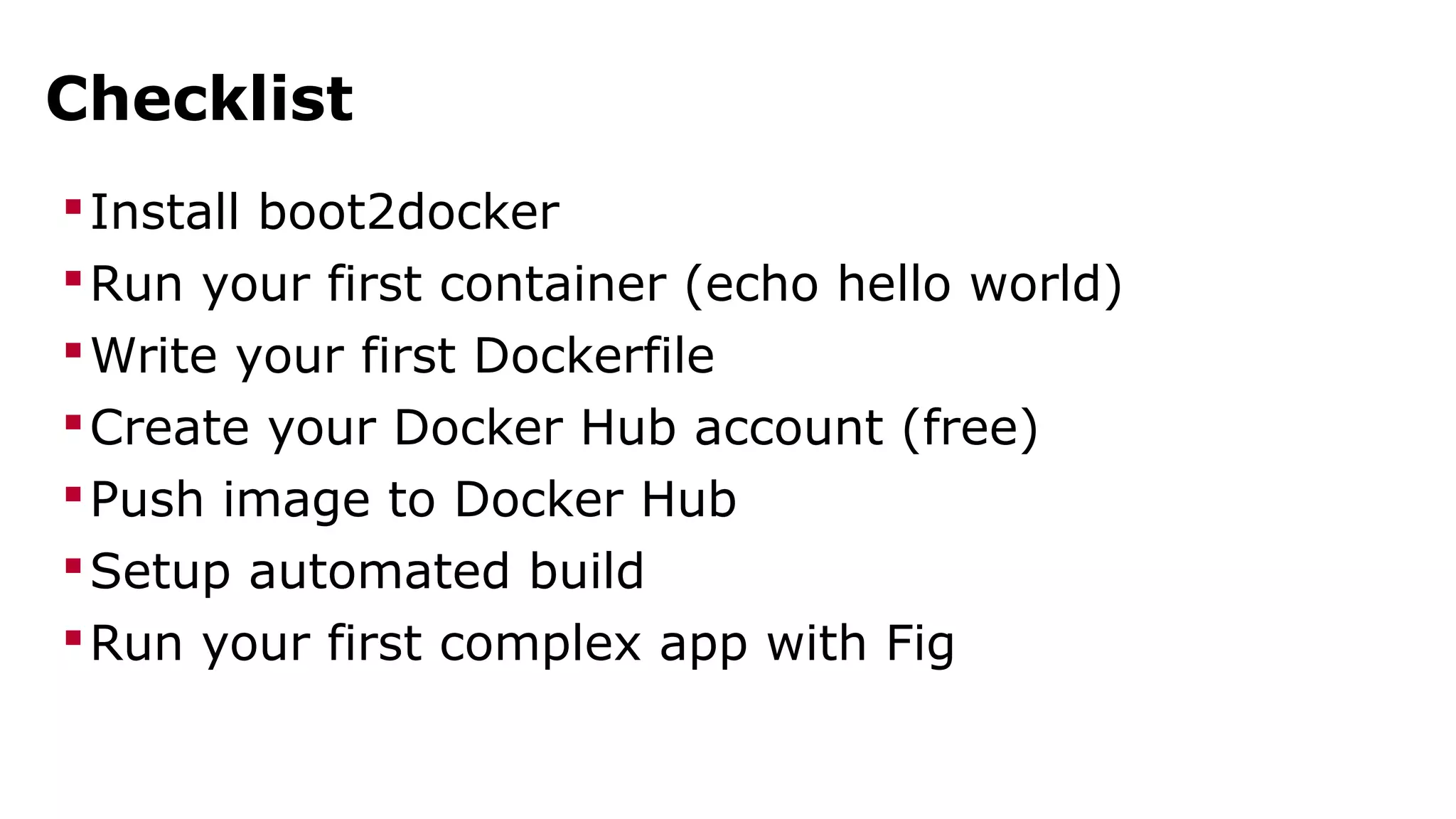
Checklist 
Install boot2docker 
Run your first container (echo hello world) 
Write your first Dockerfile 
Create your Docker Hub account (free) 
Push image to Docker Hub 
Setup automated build 
Run your first complex app with Fig
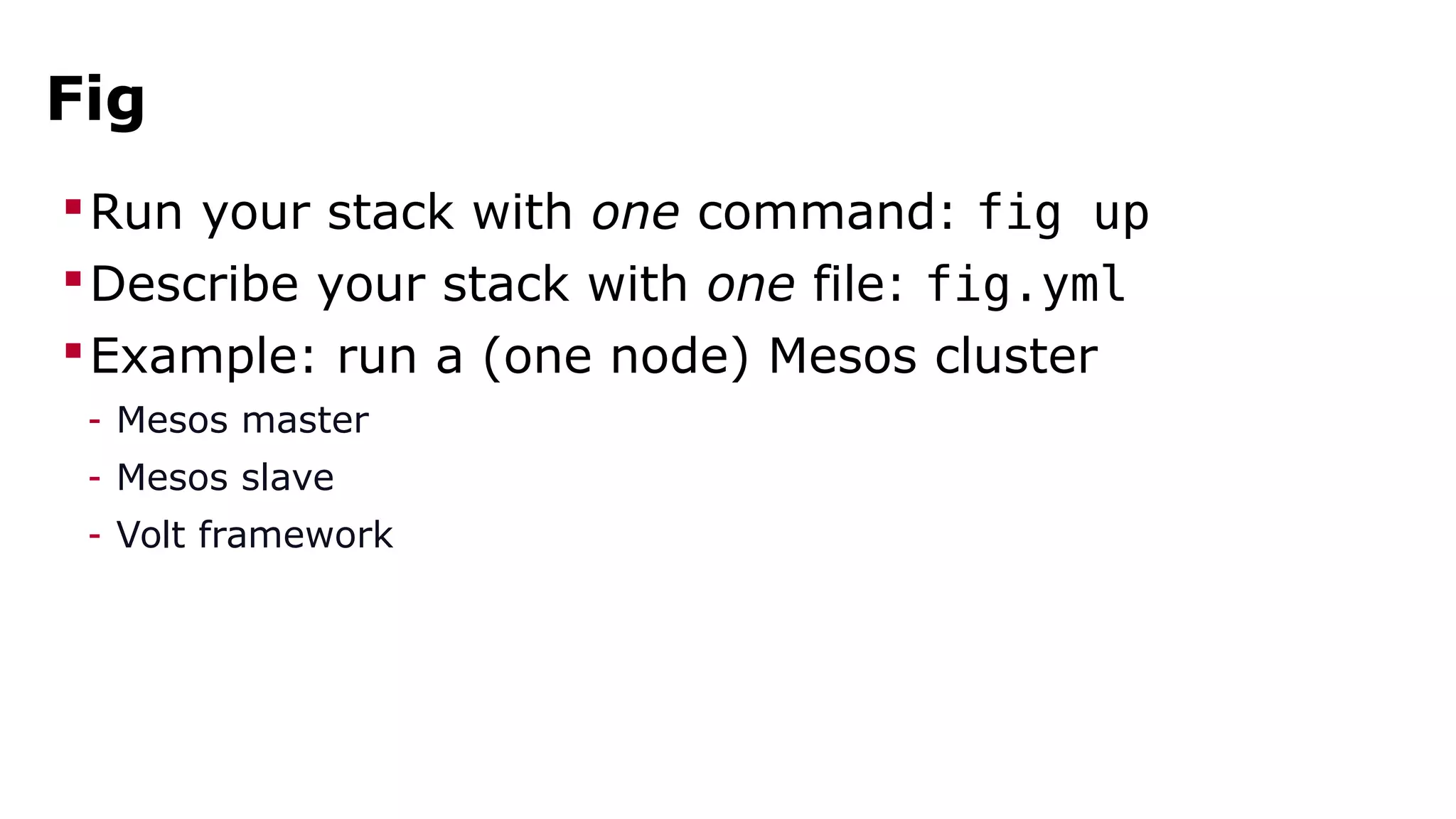
Fig 
Run your stack with one command: fig up 
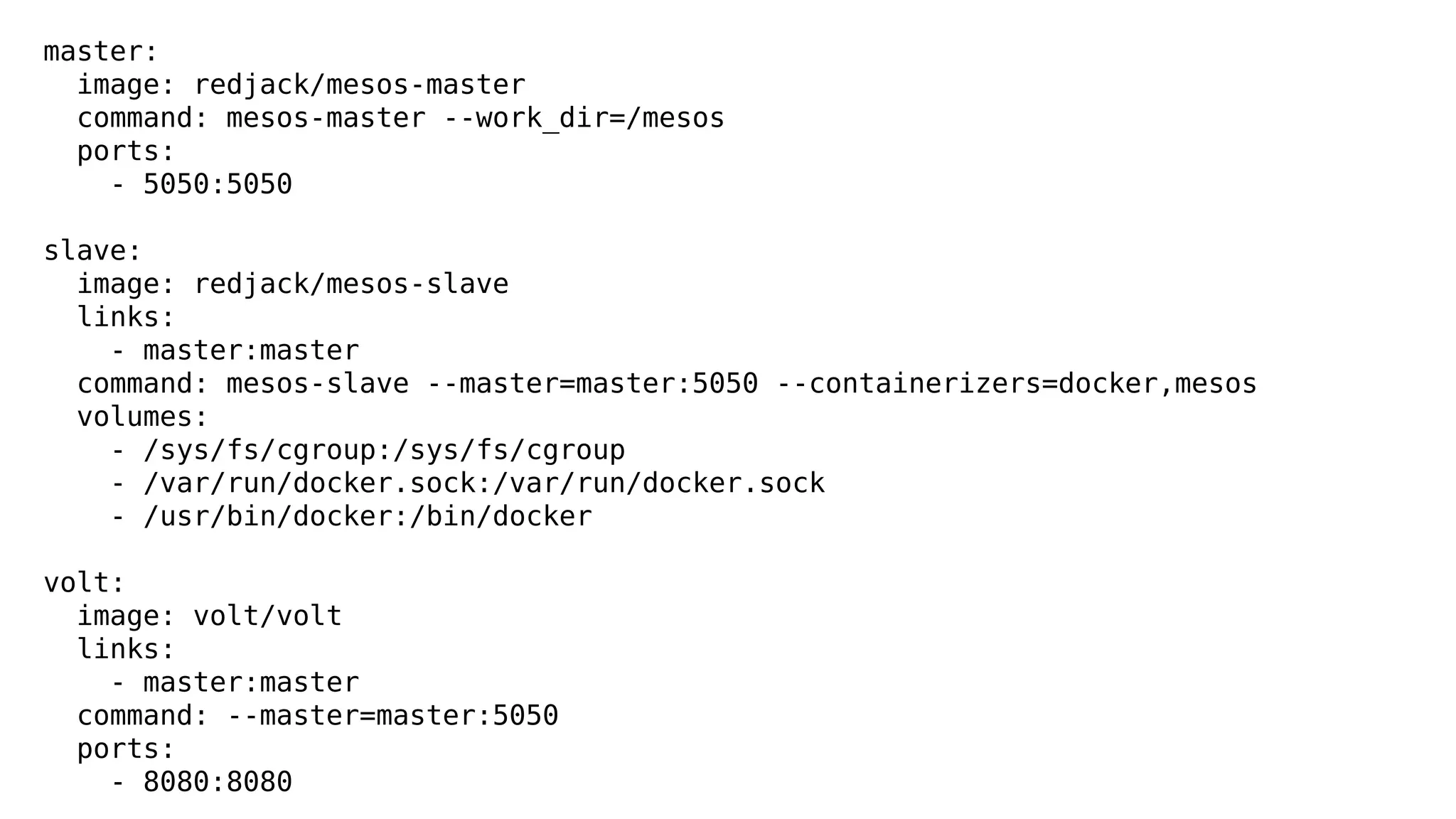
Describe your stack with one file: fig.yml 
Example: run a (one node) Mesos cluster 
- Mesos master 
- Mesos slave 
- Volt framework
master: 
image: redjack/mesos-master 
command: mesos-master --work_dir=/mesos 
ports: 
- 5050:5050 
slave: 
image: redjack/mesos-slave 
links: 
- master:master 
command: mesos-slave --master=master:5050 --containerizers=docker,mesos 
volumes: 
- /sys/fs/cgroup:/sys/fs/cgroup 
- /var/run/docker.sock:/var/run/docker.sock 
- /usr/bin/docker:/bin/docker 
volt: 
image: volt/volt 
links: 
- master:master 
command: --master=master:5050 
ports: 
- 8080:8080
?
what's next?
Advanced topics 
All Things Docker 
http://blog.docker.com/ 
Running your own private registry 
https://github.com/docker/docker-registry 
Containers and security 
http://www.slideshare.net/jpetazzo/docker-linux-containers-lxc-and-security 
https://medium.com/@ewindisch/on-the-security-of-containers-2c60ffe25a9e 
Service discovery 
(look for “ambassador pattern”) 
… And more!
thank you! 
questions?
Would You Like To Know More? 
Get in touch on Freenode 
#docker #docker-dev 
Ask me tricky questions 
jerome@docker.com 
Get your own Docker Hub on prem 
sales@docker.com 
Follow us on Twitter 
@docker, @jpetazzo
Containers, Docker, and Microservices: the Terrific Trio

Containers, Docker, and Microservices: the Terrific Trio

  • 2.
  • 3.
    Jérôme Petazzoni (@jpetazzo) Grumpy French DevOps - Go away or I will replace you with a very small shell script Runs everything in containers - Docker-in-Docker - VPN-in-Docker - KVM-in-Docker - Xorg-in-Docker - ...
  • 4.
    Jérôme Petazzoni (@jpetazzo) Built and scaled dotCloud PAAS with 106 services (I counted them!) - some examples: hosts, nats, containers, builds, snapshots, metrics, billing, user permissions, infrastructure management, logs, ...
  • 6.
  • 7.
    Outline Why microservices? What's the challenge? How does Docker help? Getting started with stacks of containers
  • 8.
  • 9.
    What is amicroservice architecture? Break big application down into many small services Example: e-commerce - web front-end - catalog of products - inventory/stock management - shipping calculator - payment processor - billing/invoicing - recommendation engine - user profiles
  • 10.
    Why is thisuseful? Use different stacks for different services (can be seen as both good and bad!) Replace (e.g. refactor) individual services easily (service boundary enforces API separation) Decouples deployment; requires less coordination (deploy early, deploy often; more agility) Helps implementing Jeff Bezos' “two-pizza rule” (many small teams overperform a single big team) More effective “ownership” of services
  • 11.
  • 13.
    Issues we willnot address today Fast, efficient RPC calls - ZeroRPC - Cap'n Proto - XMLRPC - SOAP - Dnode - REST - Queues (like AMQP), for long-running/async operations
  • 14.
    Issues we willnot address today How to break application down in small parts - this is not always easy - try to get help from people who have already done it - but: it helps to achieve a better architecture (I promise)
  • 15.
    Issues we couldaddress today Our app is now spread across multiple services Those services might (will) end up on many machines Some of those services might (will) be scaled out Consequences: - our services will have to discover each other's location - we will have to learn about load balancing
  • 16.
    Issues we willaddress today We're deploying 42 microservices instead of 1 app We want to be able to deploy often Obvious consequence: our deploy process must rock - it must be fast - it must be reliable - it must be automated
  • 17.
  • 18.
  • 19.
    Docker's mission build,ship, and run any application, anywhere
  • 20.
    Say again? Build:package your application in a container Ship: move that container from a machine to another Run: execute that container (i.e. your application) Any application: anything that runs on Linux Anywhere: local VM, cloud instance, bare metal...
  • 21.
  • 22.
    Dockerfile FROM ubuntu:14.04 MAINTAINER Docker Team <education@docker.com> RUN apt-get update RUN apt-get install -y nginx RUN echo 'Hi, I am in your container' >/usr/share/nginx/html/index.html CMD [ "nginx", "-g", "daemon off;" ] EXPOSE 80
  • 24.
  • 25.
    Docker Hub Imagename should be <username>/<reponame> e.g.: jpetazzo/web docker push docker pull
  • 27.
    Docker Hub Imagename should be <username>/<reponame> e.g.: jpetazzo/web docker push docker pull It's magic!
  • 29.
  • 30.
    Execution is fastand lightweight Let's look at a few benchmarks
  • 31.
    Benchmark: container creation $ time docker run ubuntu echo hello world hello world real 0m0.258s Disk usage: less than 100 kB Memory usage: less than 1.5 MB
  • 32.
  • 33.
  • 34.
  • 36.
    Let's start afew containers Just for run. Eh, for fun.
  • 38.
  • 39.
    If it runson Linux, it will run in Docker Web apps API backends Databases (SQL, NoSQL) Big data Message queues And more
  • 40.
    If it runson Linux, it will run in Docker Firefox-in-Docker Xorg-in-Docker VPN-in-Docker Firewall-in-Docker Docker-in-Docker KVM-in-Docker
  • 42.
  • 43.
  • 44.
    Docker has officialsupport for: Intel 64 bits (x86_64) code Recent kernels (3.8 and above) Coming soon: Windows Containers (If you have questions about this, ask Microsoft!)
  • 45.
    “Rumors” say thatpeople also run on: Intel 32 bits ARM 32 and 64 bits MIPS Power8 Older kernels (please don't) Note: the main issue is that the Docker Hub registry is not arch-aware, and images are not compatible.
  • 46.
    CONTAINERS They're stable,they said. Stack them, they said.
  • 47.
    running stacks of containers
  • 49.
    First steps Onlinetutorial (in browser, JS based, zero install) http://www.docker.com/tryit/ boot2docker (25 MB universal VM image) http://boot2docker.io/ Scary install script curl -sSL https://get.docker.com/ | sh We have ordinary packages too! And most clouds have Docker images
  • 50.
    Checklist Install boot2docker Run your first container (echo hello world) Write your first Dockerfile Create your Docker Hub account (free) Push image to Docker Hub Setup automated build Run your first complex app with Fig
  • 52.
    Fig Run yourstack with one command: fig up Describe your stack with one file: fig.yml Example: run a (one node) Mesos cluster - Mesos master - Mesos slave - Volt framework
  • 53.
    master: image: redjack/mesos-master command: mesos-master --work_dir=/mesos ports: - 5050:5050 slave: image: redjack/mesos-slave links: - master:master command: mesos-slave --master=master:5050 --containerizers=docker,mesos volumes: - /sys/fs/cgroup:/sys/fs/cgroup - /var/run/docker.sock:/var/run/docker.sock - /usr/bin/docker:/bin/docker volt: image: volt/volt links: - master:master command: --master=master:5050 ports: - 8080:8080
  • 55.
  • 56.
  • 58.
    Advanced topics AllThings Docker http://blog.docker.com/ Running your own private registry https://github.com/docker/docker-registry Containers and security http://www.slideshare.net/jpetazzo/docker-linux-containers-lxc-and-security https://medium.com/@ewindisch/on-the-security-of-containers-2c60ffe25a9e Service discovery (look for “ambassador pattern”) … And more!
  • 59.
  • 60.
    Would You LikeTo Know More? Get in touch on Freenode #docker #docker-dev Ask me tricky questions jerome@docker.com Get your own Docker Hub on prem sales@docker.com Follow us on Twitter @docker, @jpetazzo