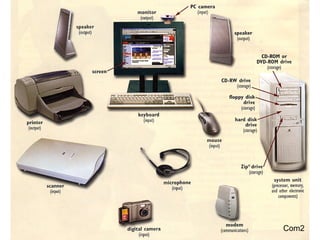
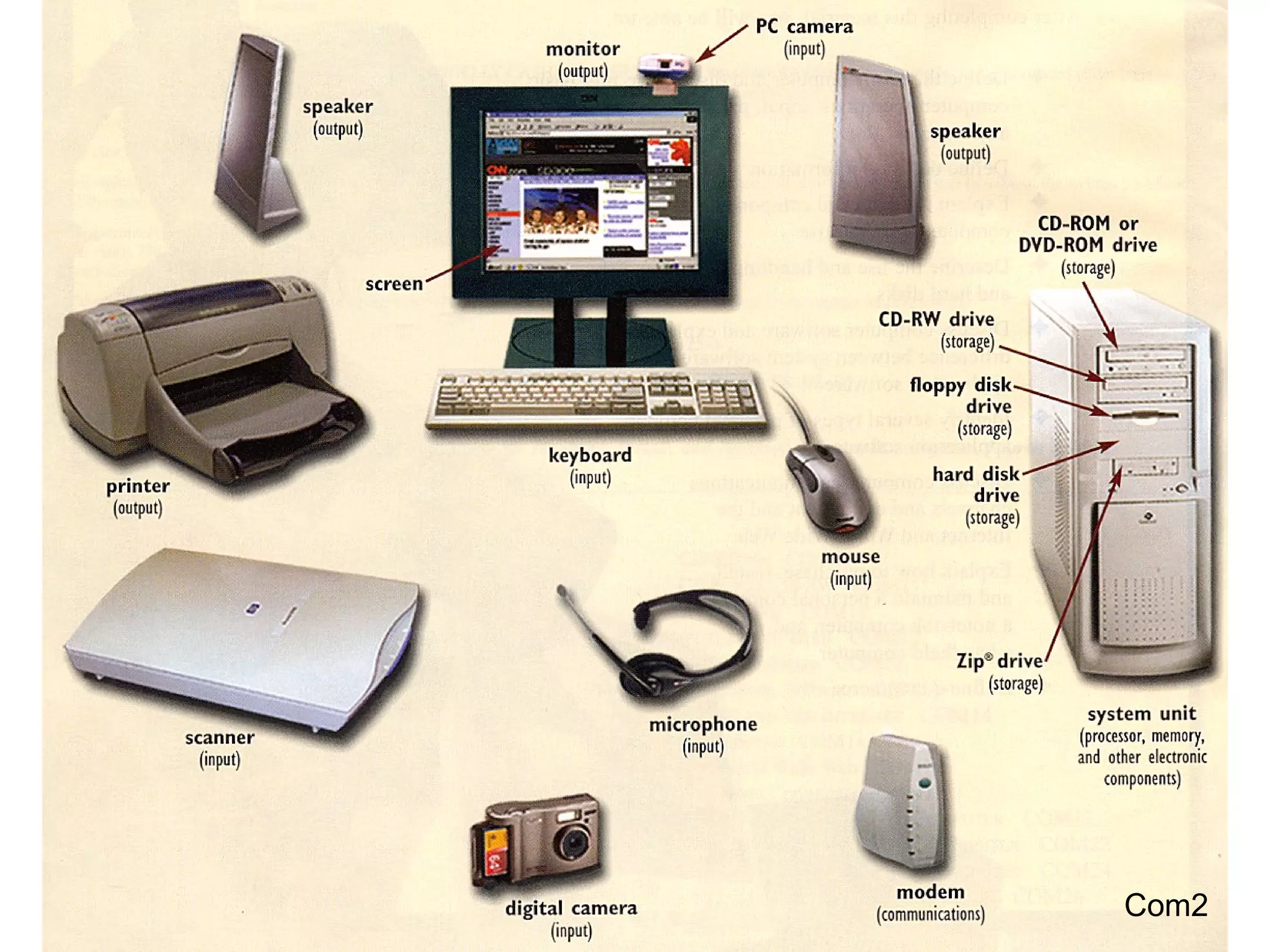



Com2
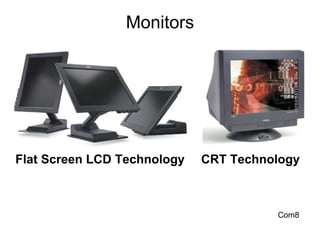
Monitors Flat Screen LCD Technology CRT Technology Com8
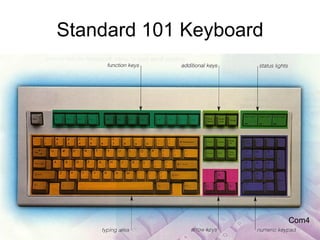
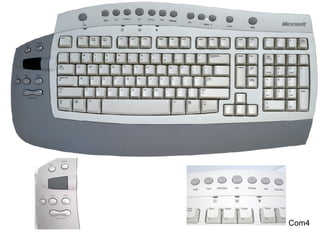
Standard 101 Keyboard Com4
Com4
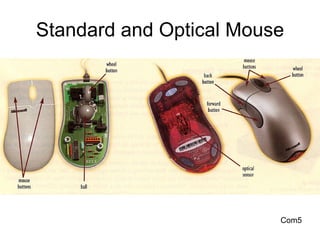
Standard and Optical Mouse Com5
Com5
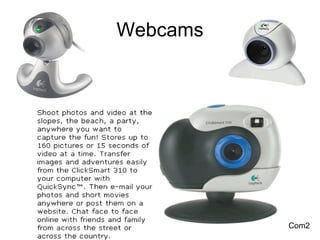
Webcams Com2
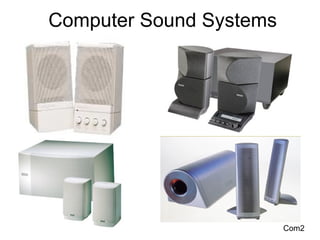
Computer Sound Systems Com2
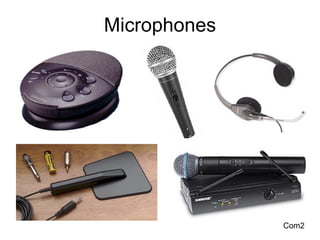
Microphones Com2
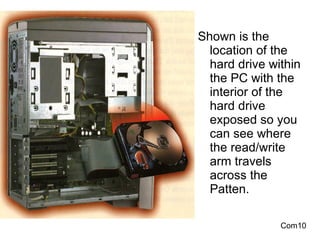
Shown is the  location of the hard drive within the PC with the interior of the hard drive exposed so you can see where the read/write arm travels across the Patten. Com10
Maintenance Tools Com27
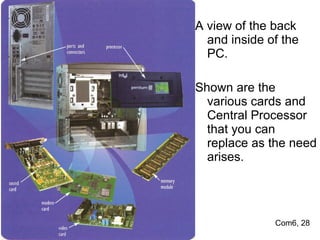
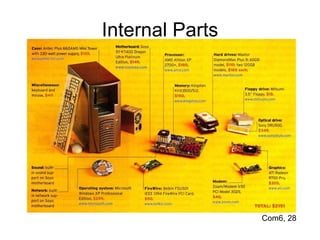
A view of the back and inside of the PC. Shown are the various cards and Central Processor that you can replace as the need arises. Com6, 28
Internal Parts Com6, 28
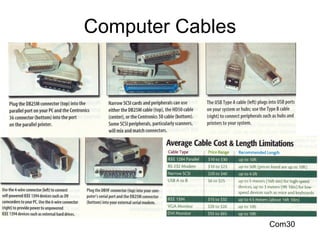
Computer Cables Com30
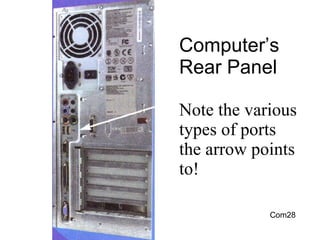
Computer’s Rear Panel Note the various types of ports the arrow points to! Com28
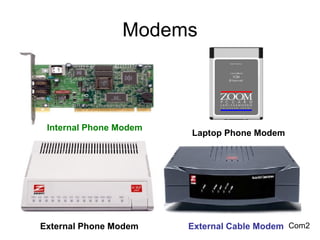
Modems External Phone Modem External Cable Modem Internal Phone Modem Laptop Phone Modem Com2
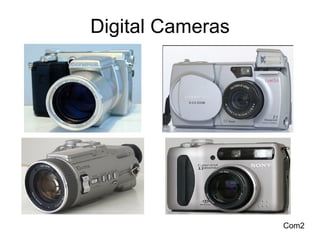
Digital Cameras Com2
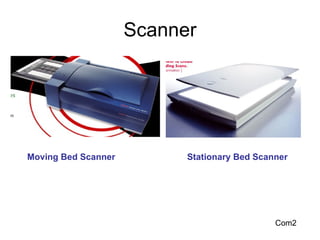
Scanner Com2 Moving Bed Scanner Stationary Bed Scanner
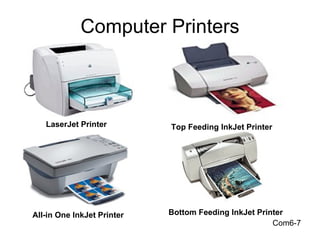
Computer Printers Com6-7 LaserJet Printer Top Feeding InkJet Printer Bottom Feeding InkJet Printer All-in One InkJet Printer
UPS Battery Backup Units
Com19
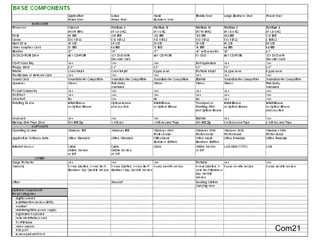
Com21
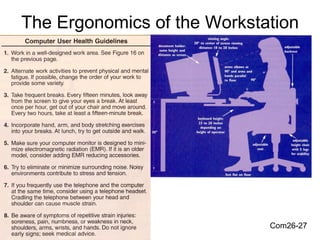
The Ergonomics of the Workstation Com26-27
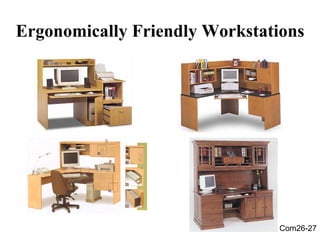
Ergonomically Friendly Workstations Com26-27
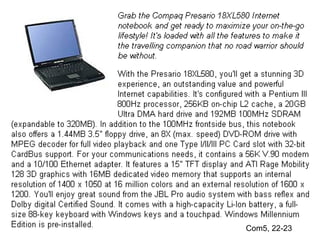
Com5, 22-23
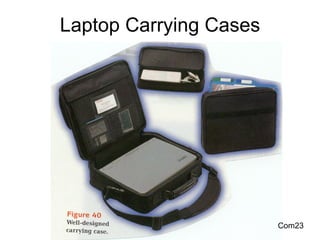
Laptop Carrying Cases Com23
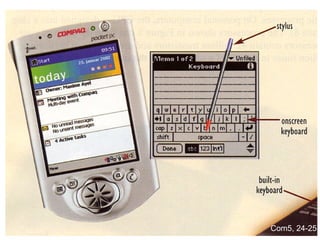
Com5, 24-25
Maintenance Software

Intro to computers