2103, Octobrewww.siriuslsoftware.ca
2
www.siriuslsoftware.ca
Agenda
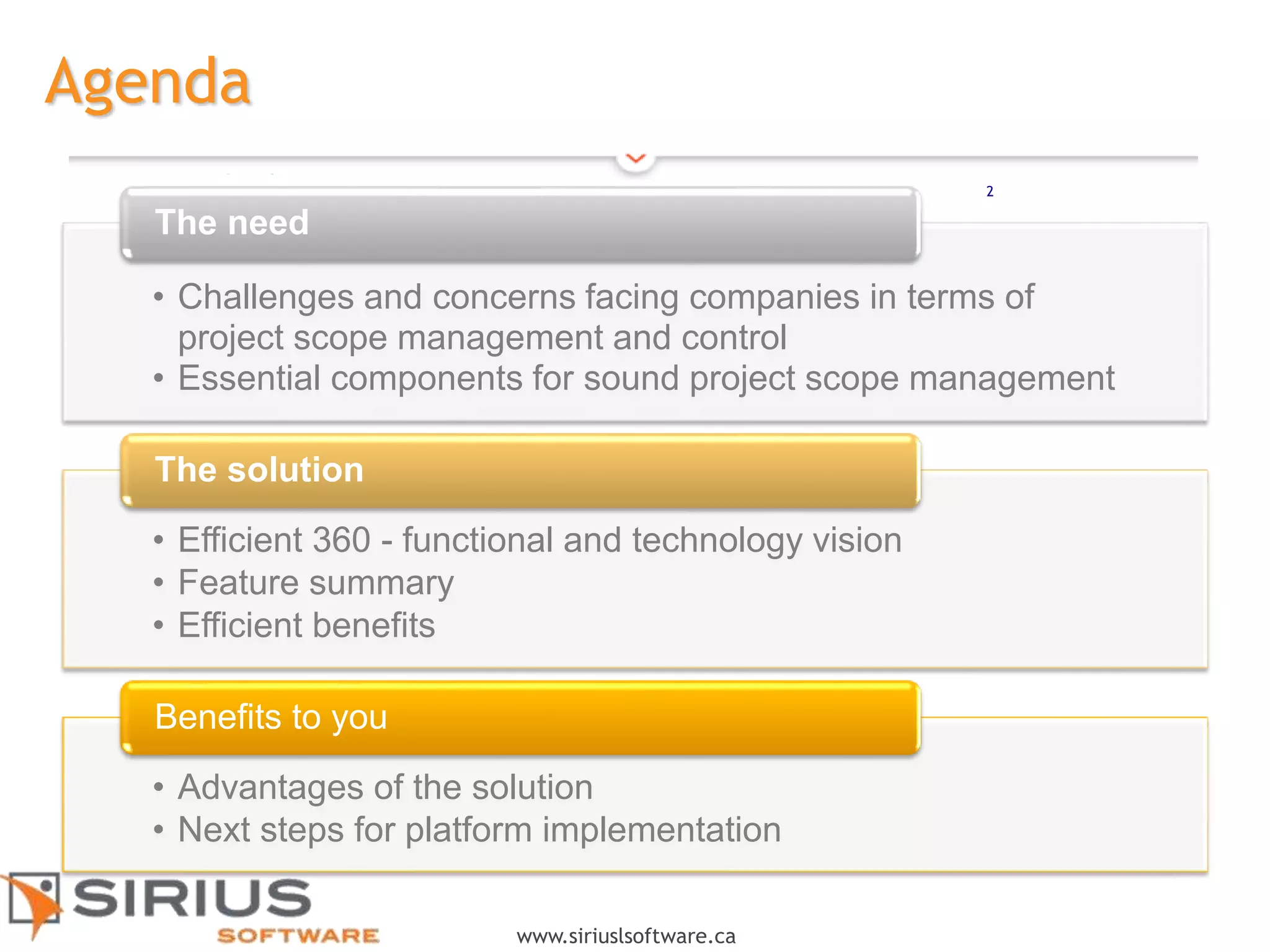
• Challenges and concerns facing companies in terms of
project scope management and control
• Essential components for sound project scope management
The need
• Efficient 360 - functional and technology vision
• Feature summary
• Efficient benefits
The solution
• Advantages of the solution
• Next steps for platform implementation
Benefits to you
2
3
www.siriuslsoftware.ca
Requirements
Planning
Organizational objectives
and impacts?
Implementation
assumptions and
constraints?
Budget approaches and
deliverables?
Baseline planning
management?
Tracking and control
Change requests
Events/unexpected events
Risk management
Project health – Report
generation
Integration
(impact analysis)
Adjustments to baseline
planning
Adjustments to
organizational scope
Change in business context
Confirmation or rejection of
assumptions
3
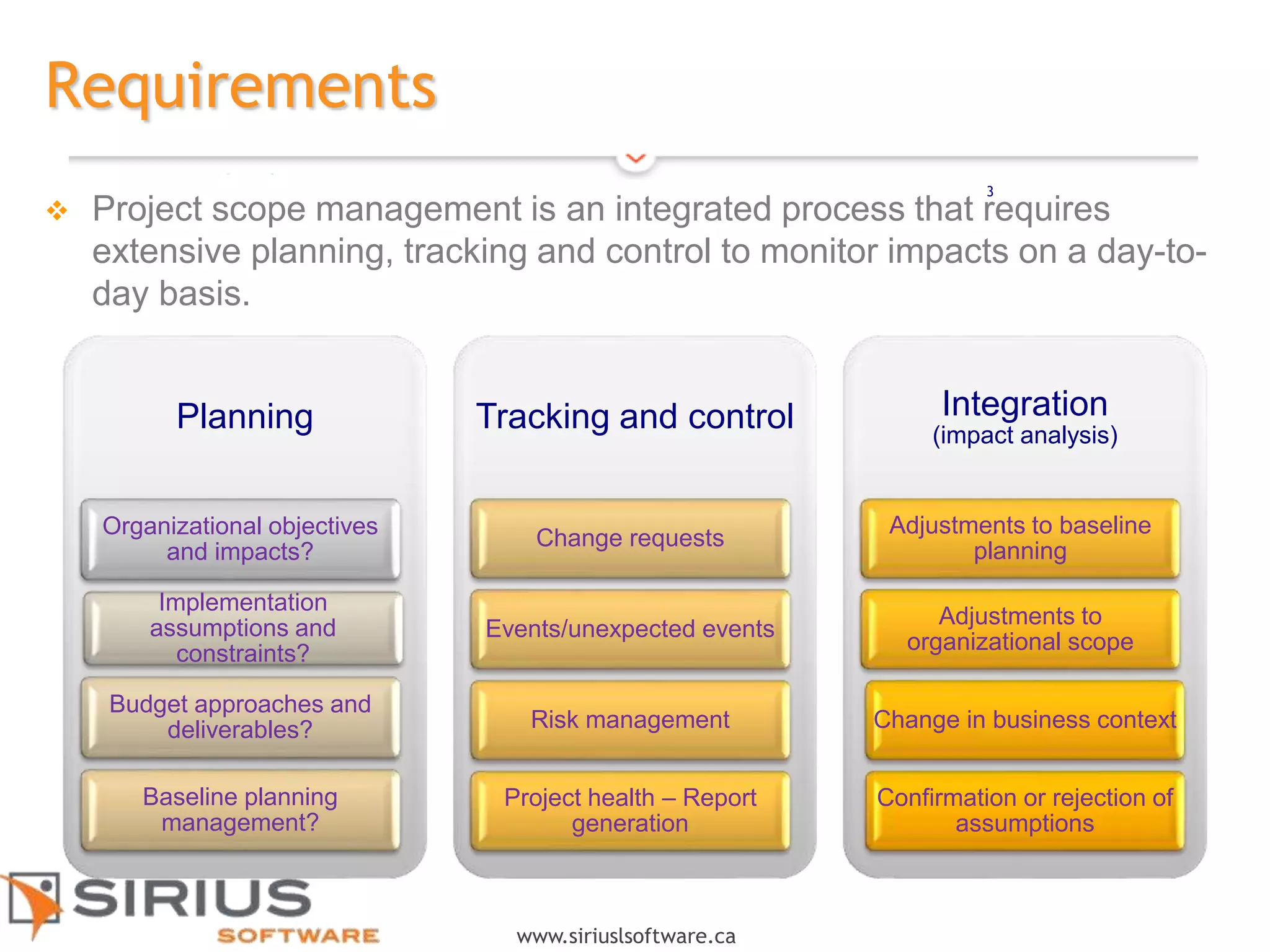
 Project scope management is an integrated process that requires
extensive planning, tracking and control to monitor impacts on a day-to-
day basis.
4
www.siriuslsoftware.ca
Efficient 360 is an INTEGRATED SOLUTION
Automatic generation
of deliverables
Project charter
Project plan
Progress reports
Single data capture
Centralized creation
Re-usability
Model management
Traceability
Change history
Retention of evidence
Version management
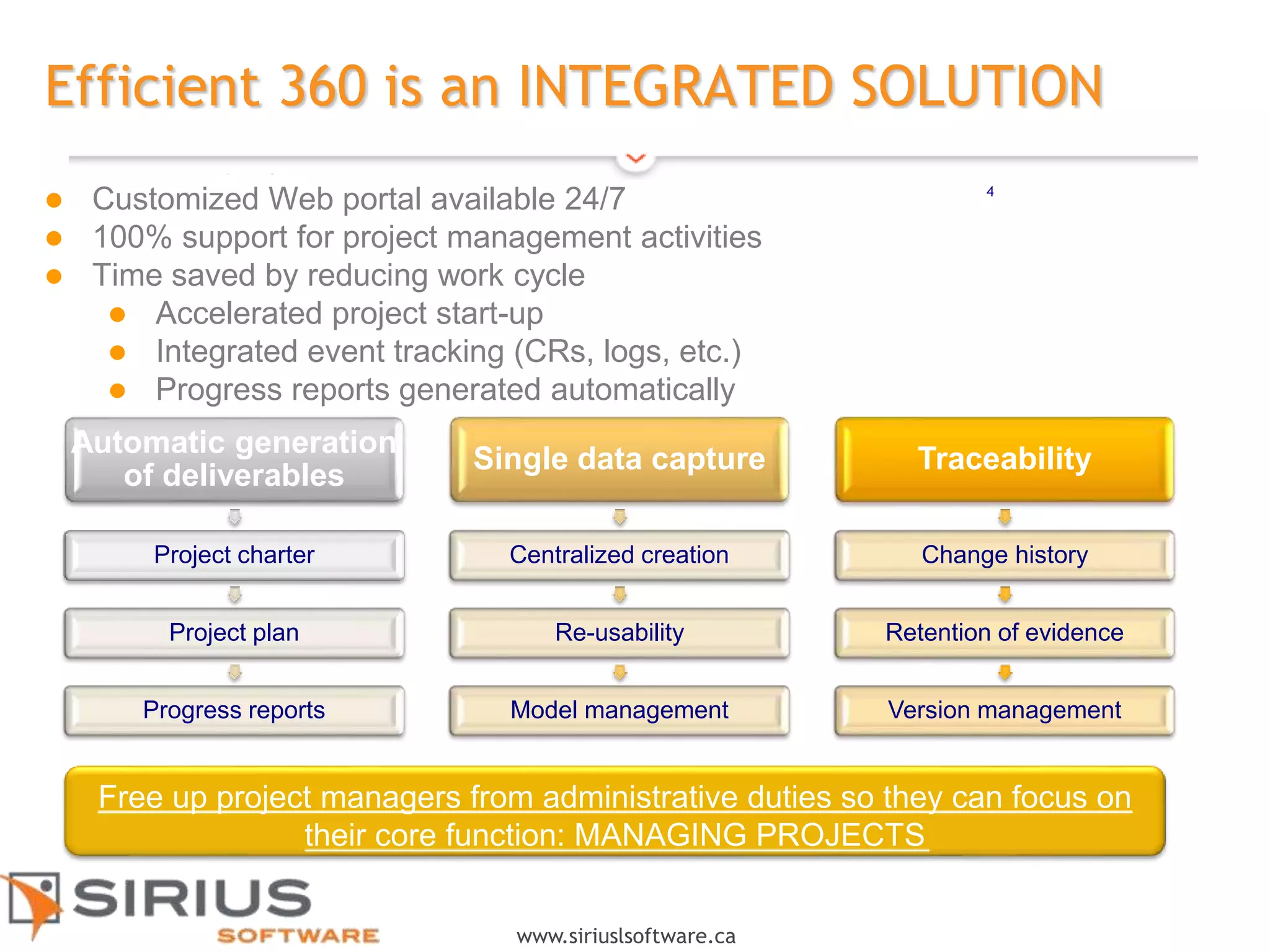
 Customized Web portal available 24/7
 100% support for project management activities
 Time saved by reducing work cycle
 Accelerated project start-up
 Integrated event tracking (CRs, logs, etc.)
 Progress reports generated automatically
Free up project managers from administrative duties so they can focus on
their core function: MANAGING PROJECTS
5
www.siriuslsoftware.ca
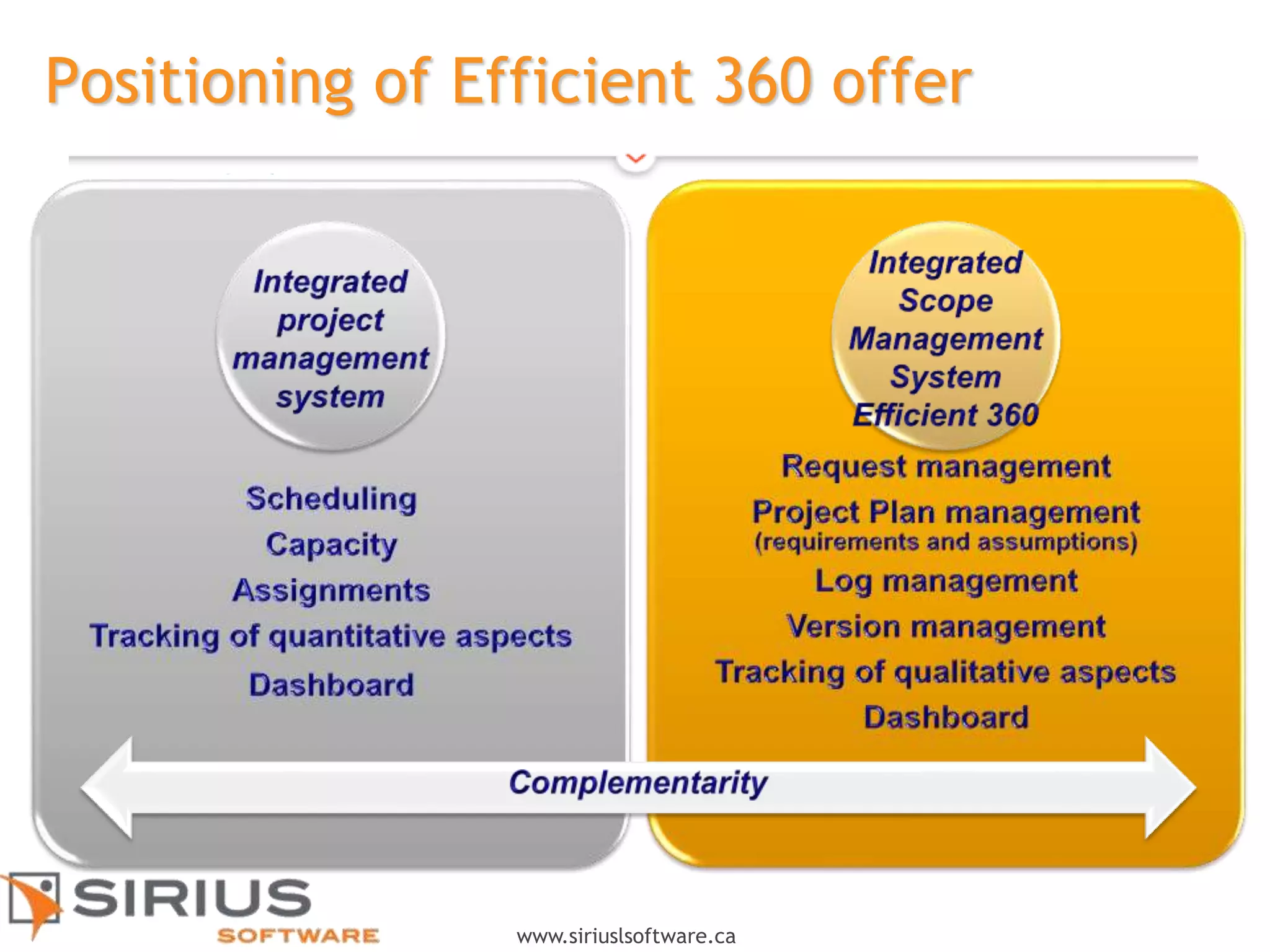
Positioning of Efficient 360 offer
6
www.siriuslsoftware.ca
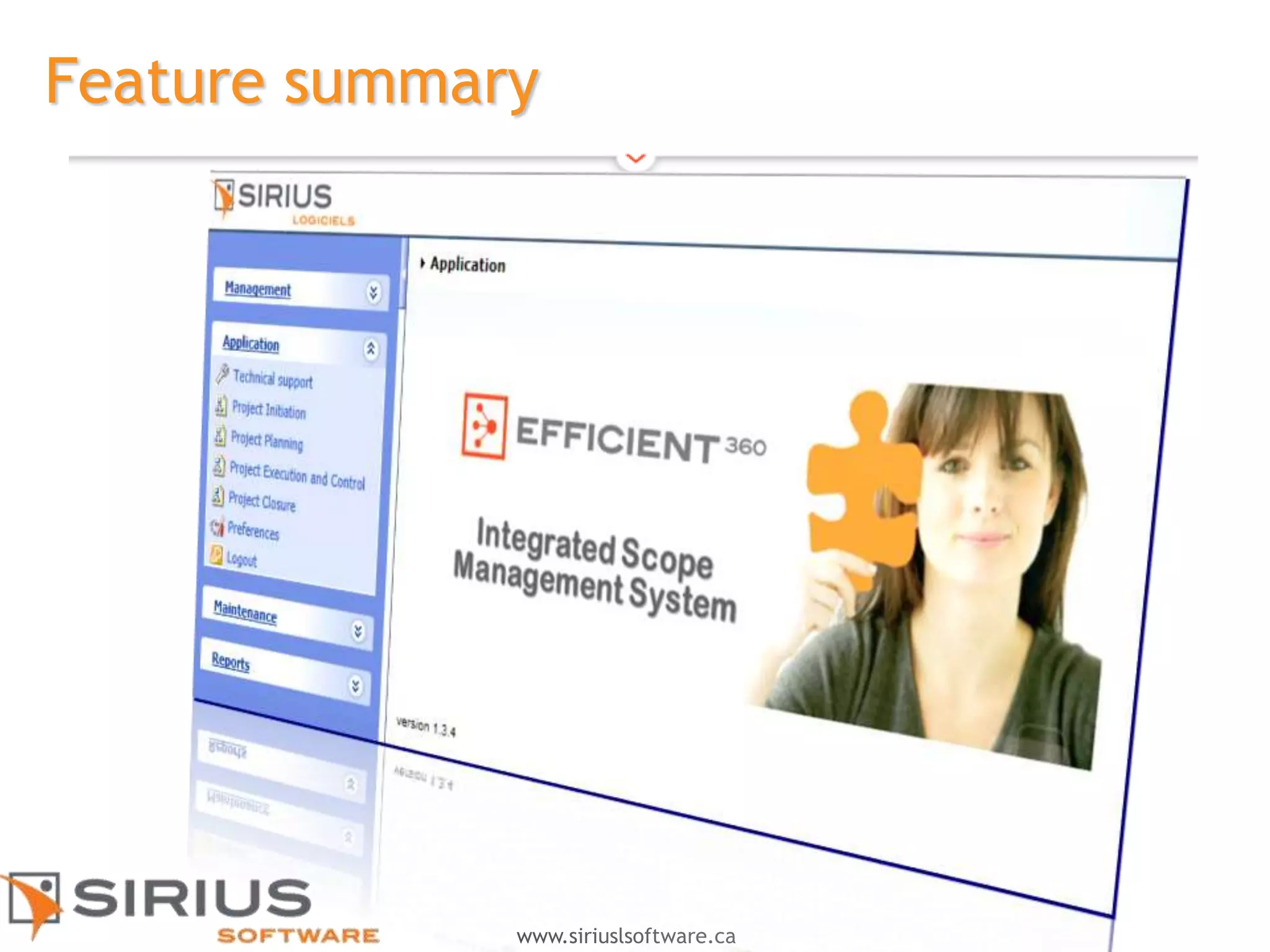
Feature summary
7
www.siriuslsoftware.ca
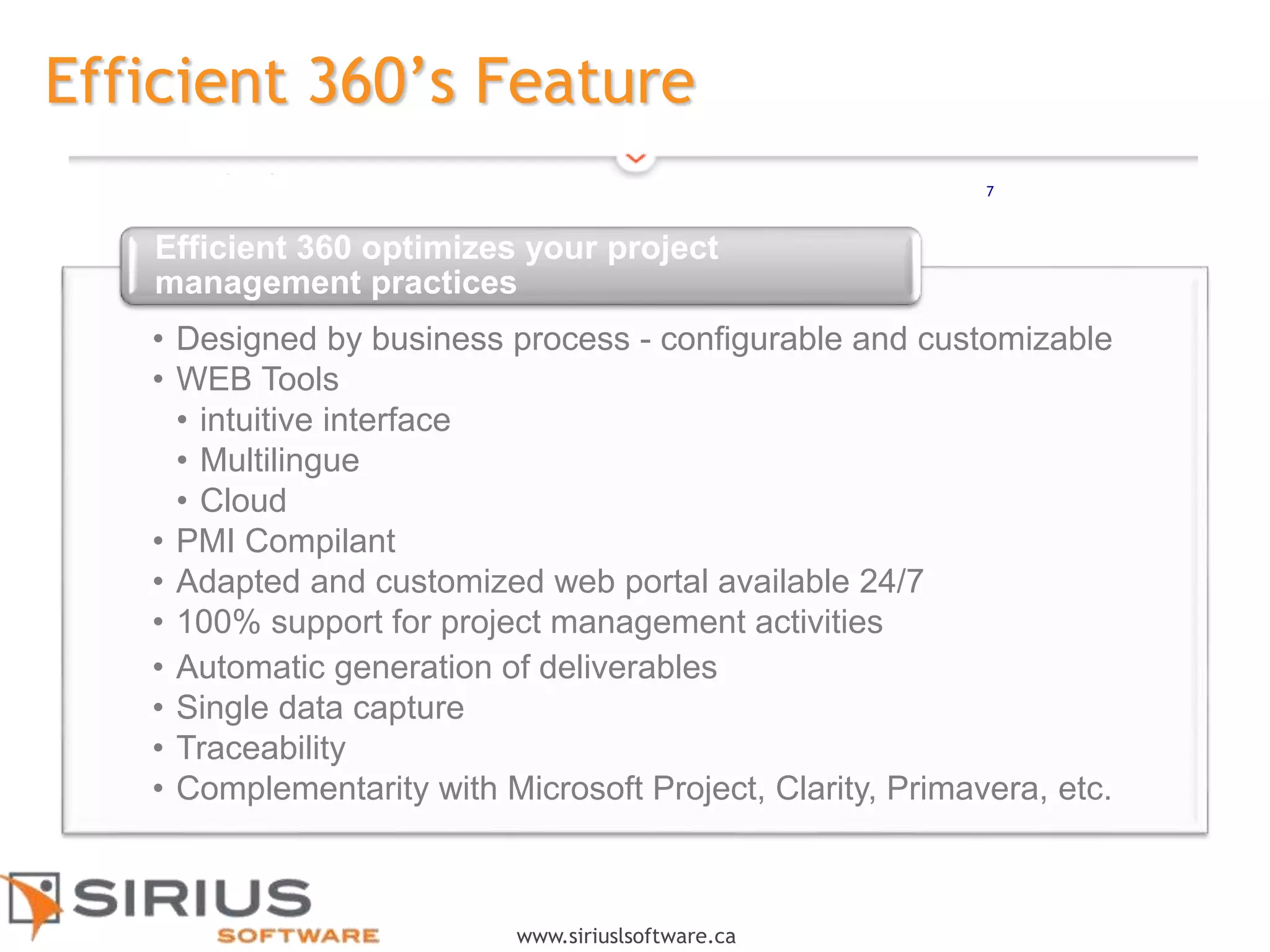
Efficient 360’s Feature
• Designed by business process - configurable and customizable
• WEB Tools
• intuitive interface
• Multilingue
• Cloud
• PMI Compilant
• Adapted and customized web portal available 24/7
• 100% support for project management activities
• Automatic generation of deliverables
• Single data capture
• Traceability
• Complementarity with Microsoft Project, Clarity, Primavera, etc.
Efficient 360 optimizes your project
management practices
7
8
www.siriuslsoftware.ca
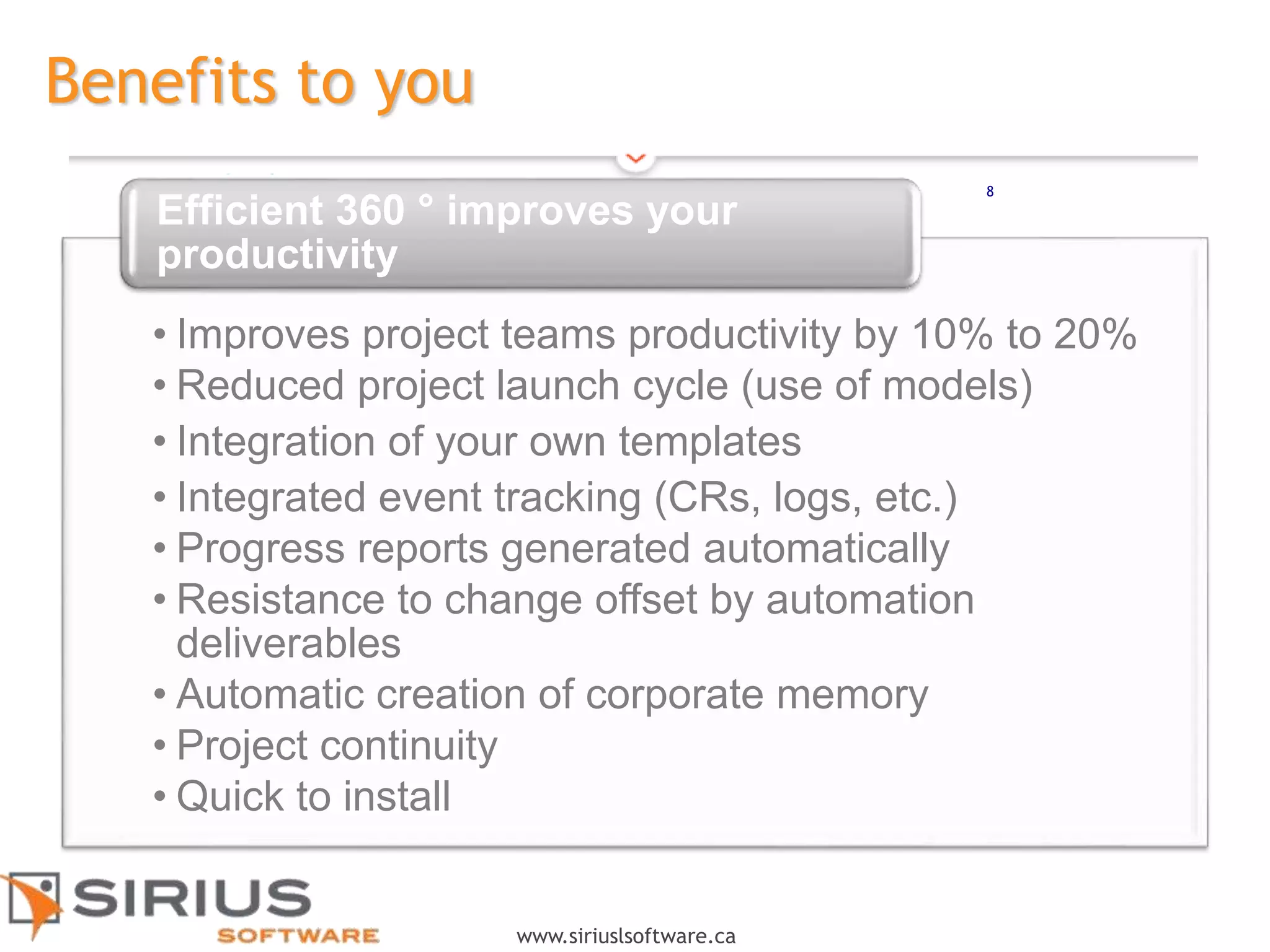
Benefits to you
• Improves project teams productivity by 10% to 20%
• Reduced project launch cycle (use of models)
• Integration of your own templates
• Integrated event tracking (CRs, logs, etc.)
• Progress reports generated automatically
• Resistance to change offset by automation
deliverables
• Automatic creation of corporate memory
• Project continuity
• Quick to install
Efficient 360 ° improves your
productivity
8
9
www.siriuslsoftware.ca
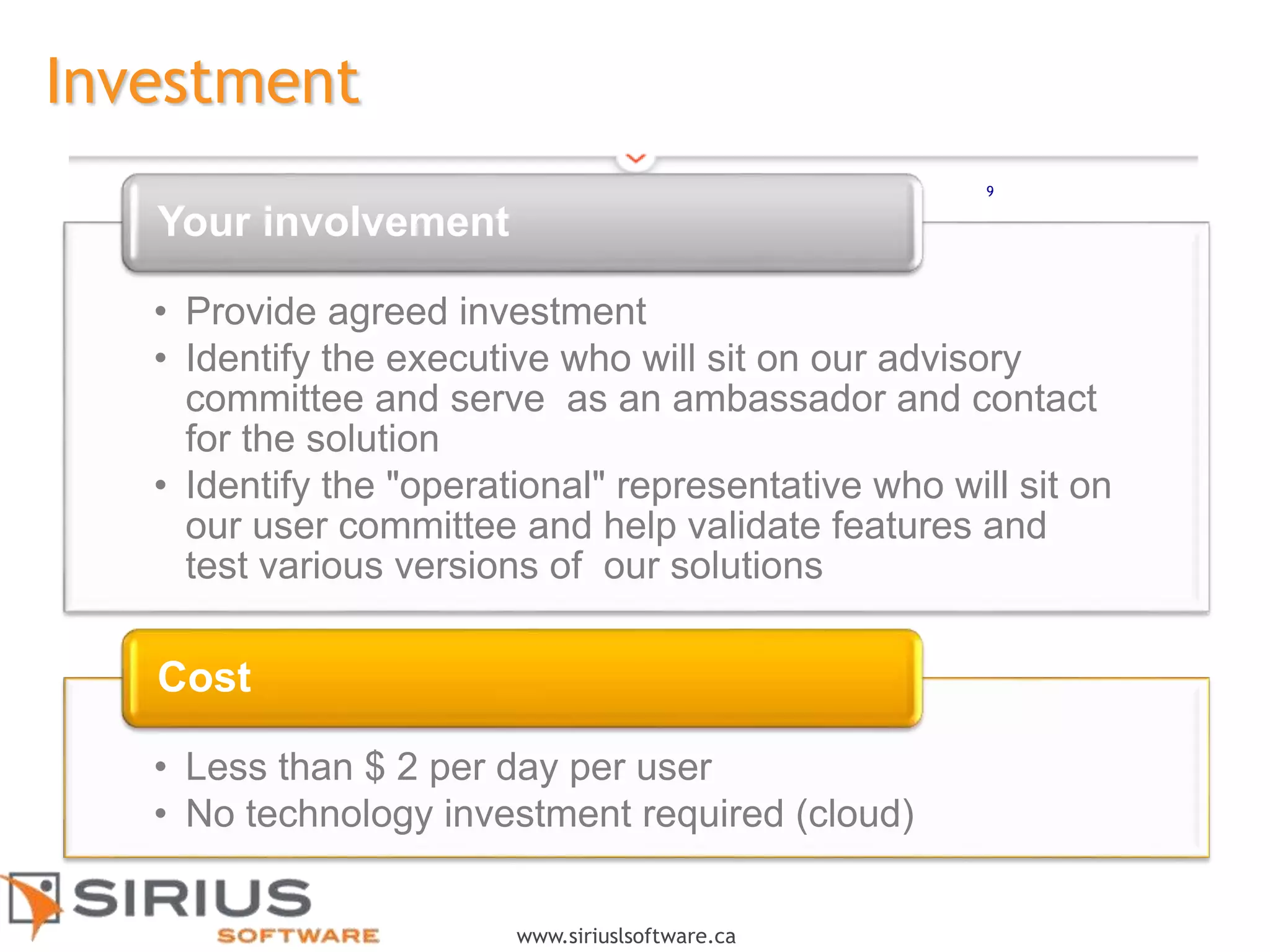
Investment
• Provide agreed investment
• Identify the executive who will sit on our advisory
committee and serve as an ambassador and contact
for the solution
• Identify the "operational" representative who will sit on
our user committee and help validate features and
test various versions of our solutions
Your involvement
• Less than $ 2 per day per user
• No technology investment required (cloud)
Cost
9
10
www.siriuslsoftware.ca
Annexes
11
www.siriuslsoftware.ca
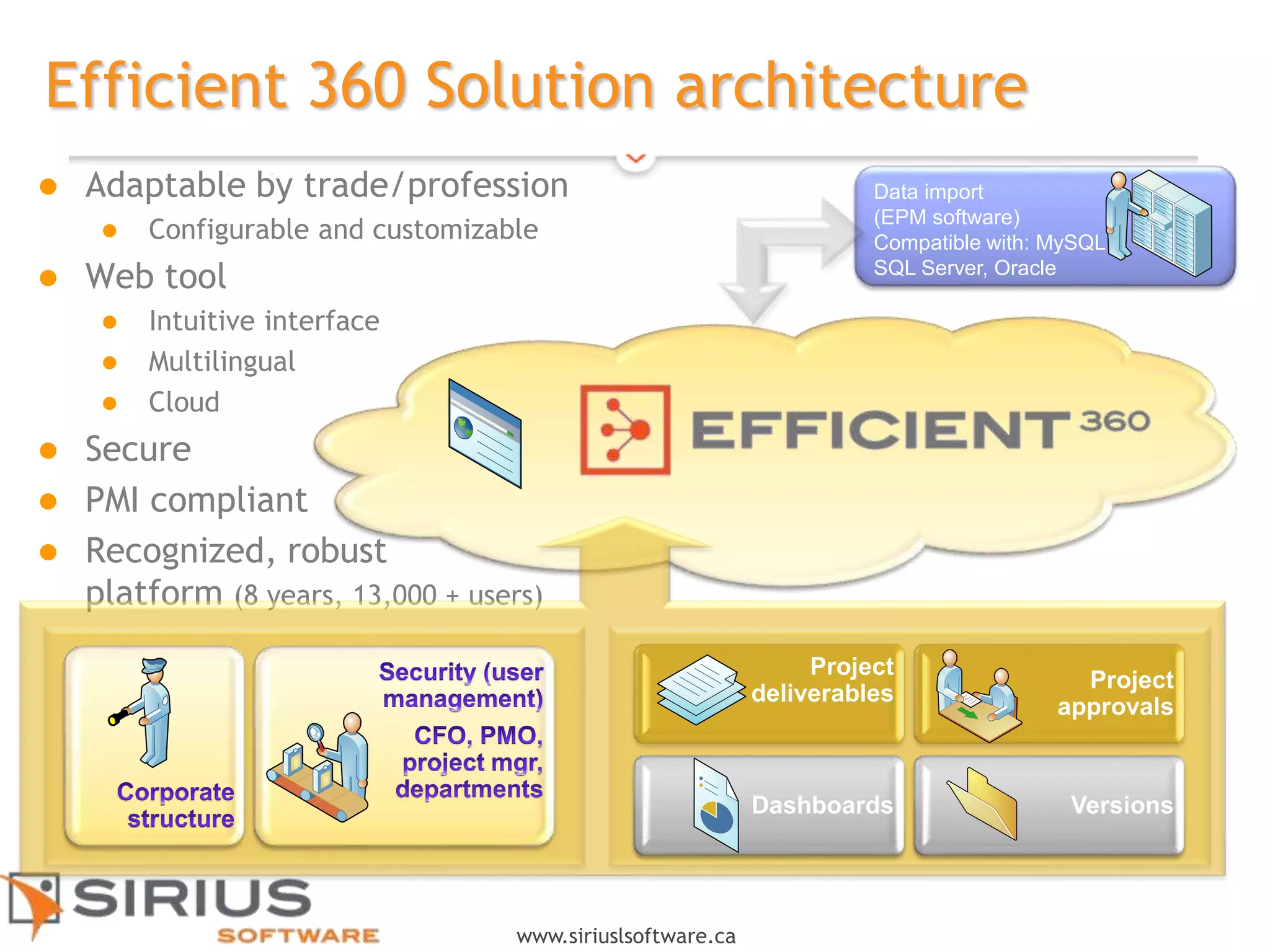
Data import
(EPM software)
Compatible with: MySQL,
SQL Server, Oracle
 Adaptable by trade/profession
 Configurable and customizable
 Web tool
 Intuitive interface
 Multilingual
 Cloud
 Secure
 PMI compliant
 Recognized, robust
platform (8 years, 13,000 + users)
Efficient 360 Solution architecture
VersionsDashboards
Project
approvals
Project
deliverables
12
www.siriuslsoftware.ca
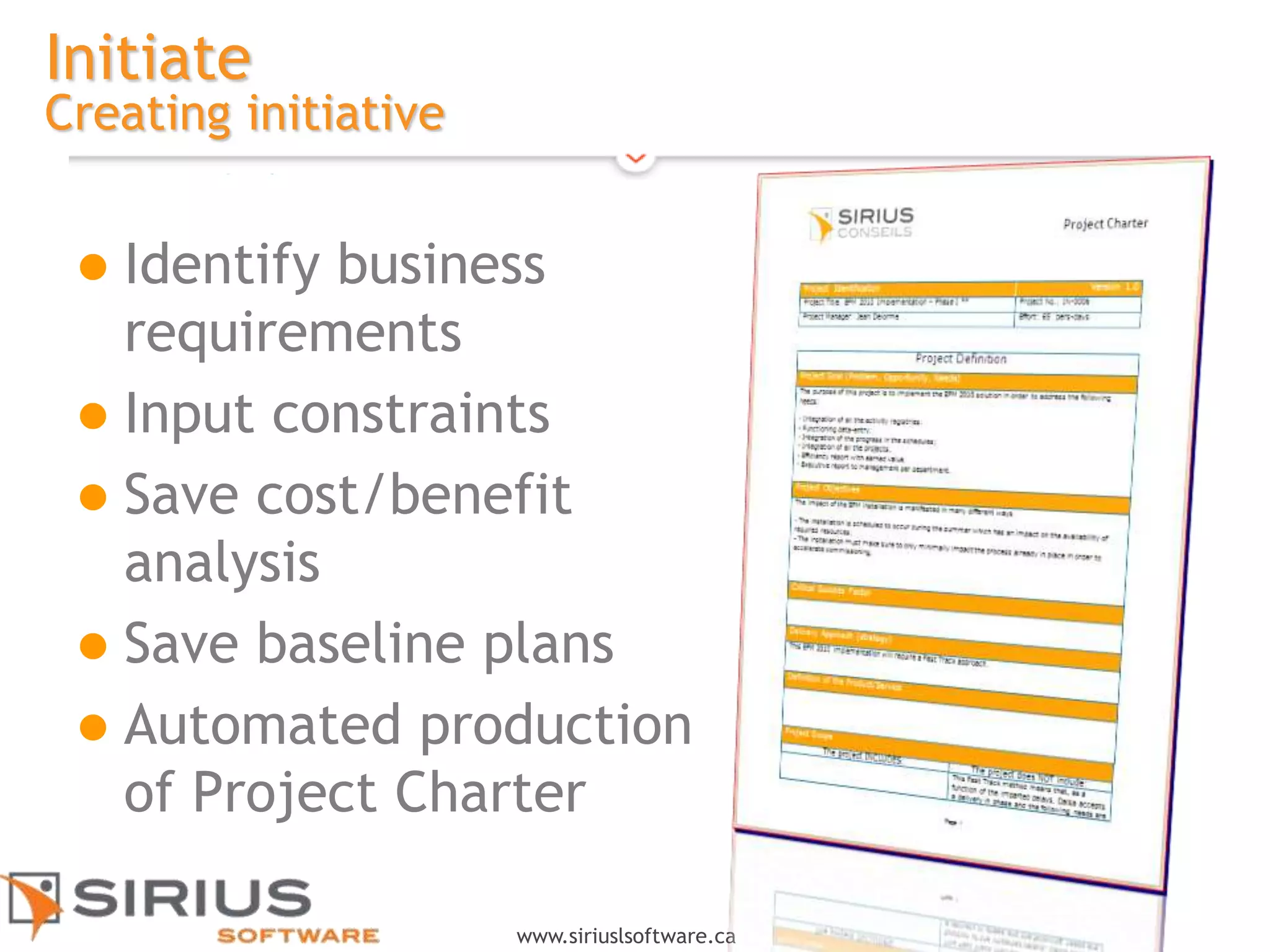
Initiate
Creating initiative
 Identify business
requirements
 Input constraints
 Save cost/benefit
analysis
 Save baseline plans
 Automated production
of Project Charter
13
www.siriuslsoftware.ca
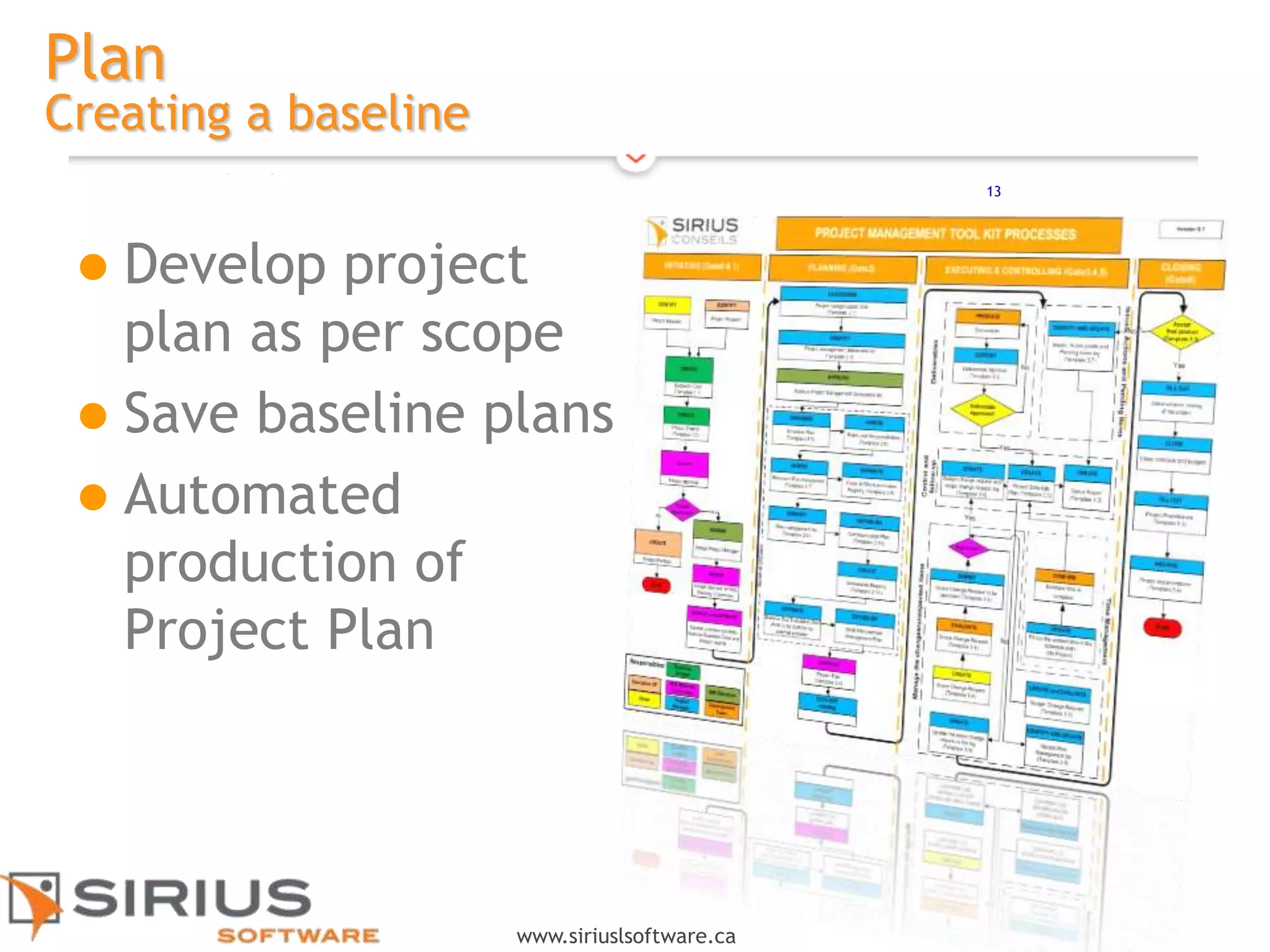
Plan
Creating a baseline
 Develop project
plan as per scope
 Save baseline plans
 Automated
production of
Project Plan
14
www.siriuslsoftware.ca
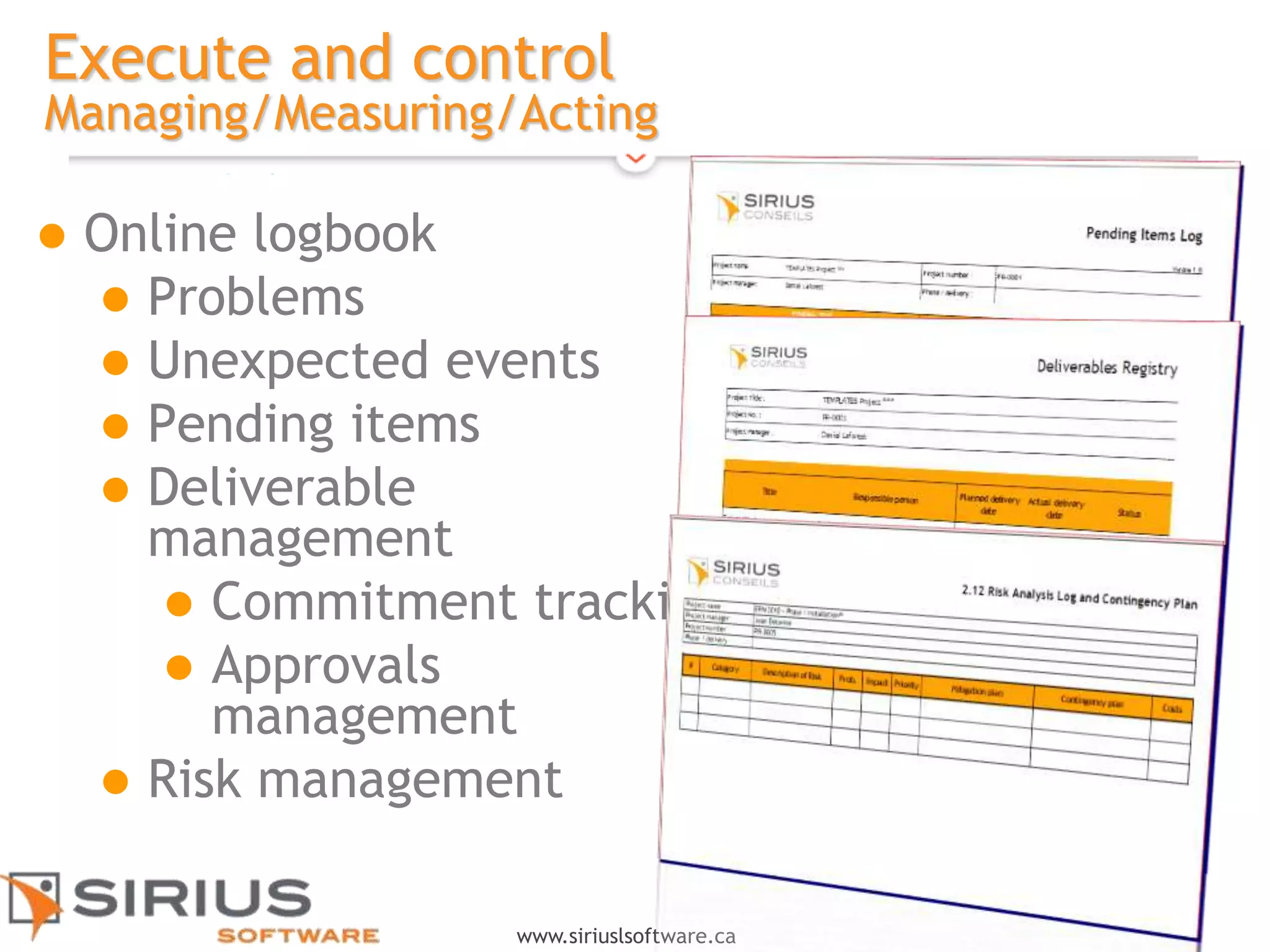
Execute and control
Managing/Measuring/Acting
 Online logbook
 Problems
 Unexpected events
 Pending items
 Deliverable
management
 Commitment tracking
 Approvals
management
 Risk management
15
www.siriuslsoftware.ca
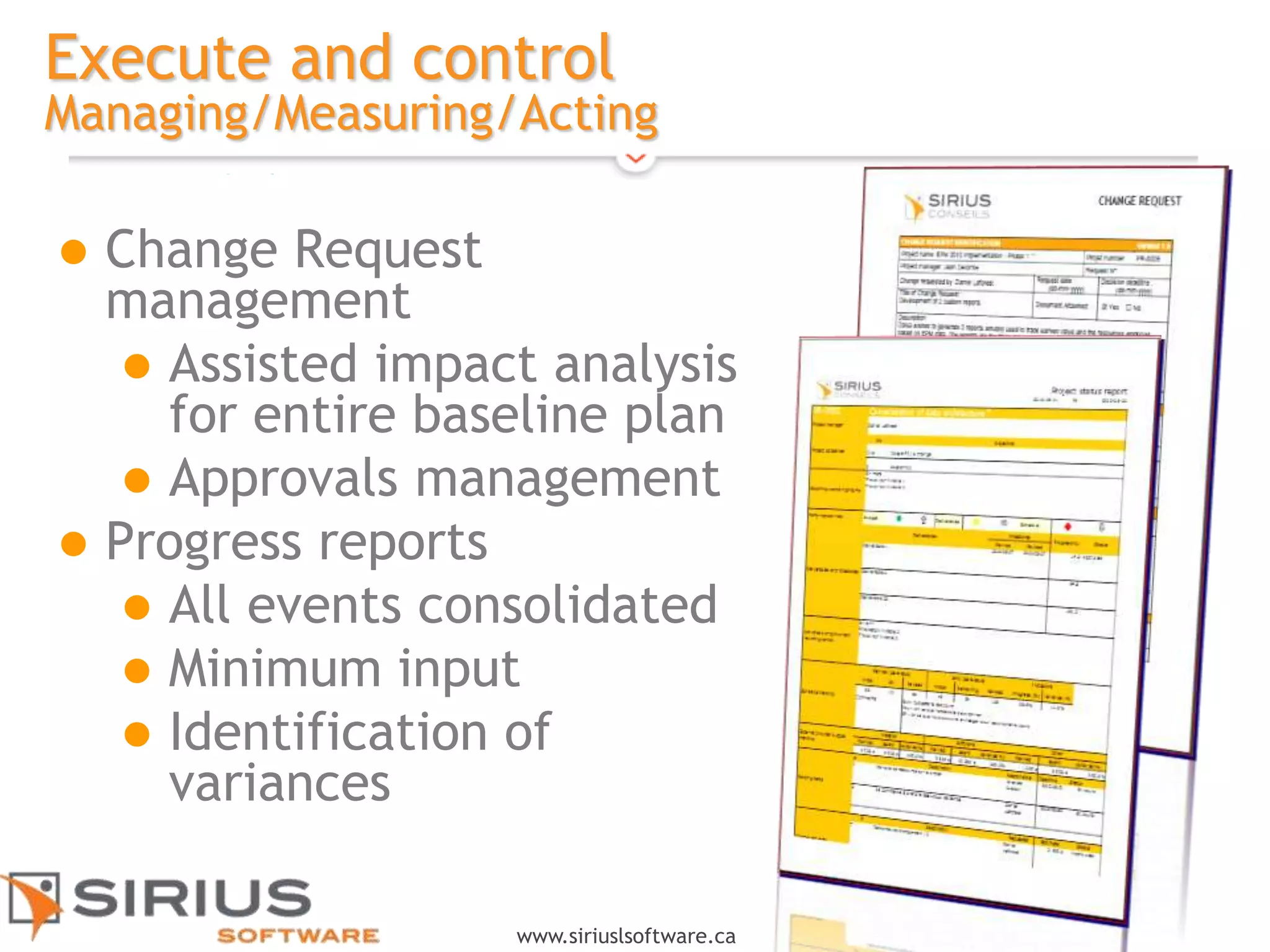
Execute and control
Managing/Measuring/Acting
 Change Request
management
 Assisted impact analysis
for entire baseline plan
 Approvals management
 Progress reports
 All events consolidated
 Minimum input
 Identification of
variances
16
www.siriuslsoftware.ca
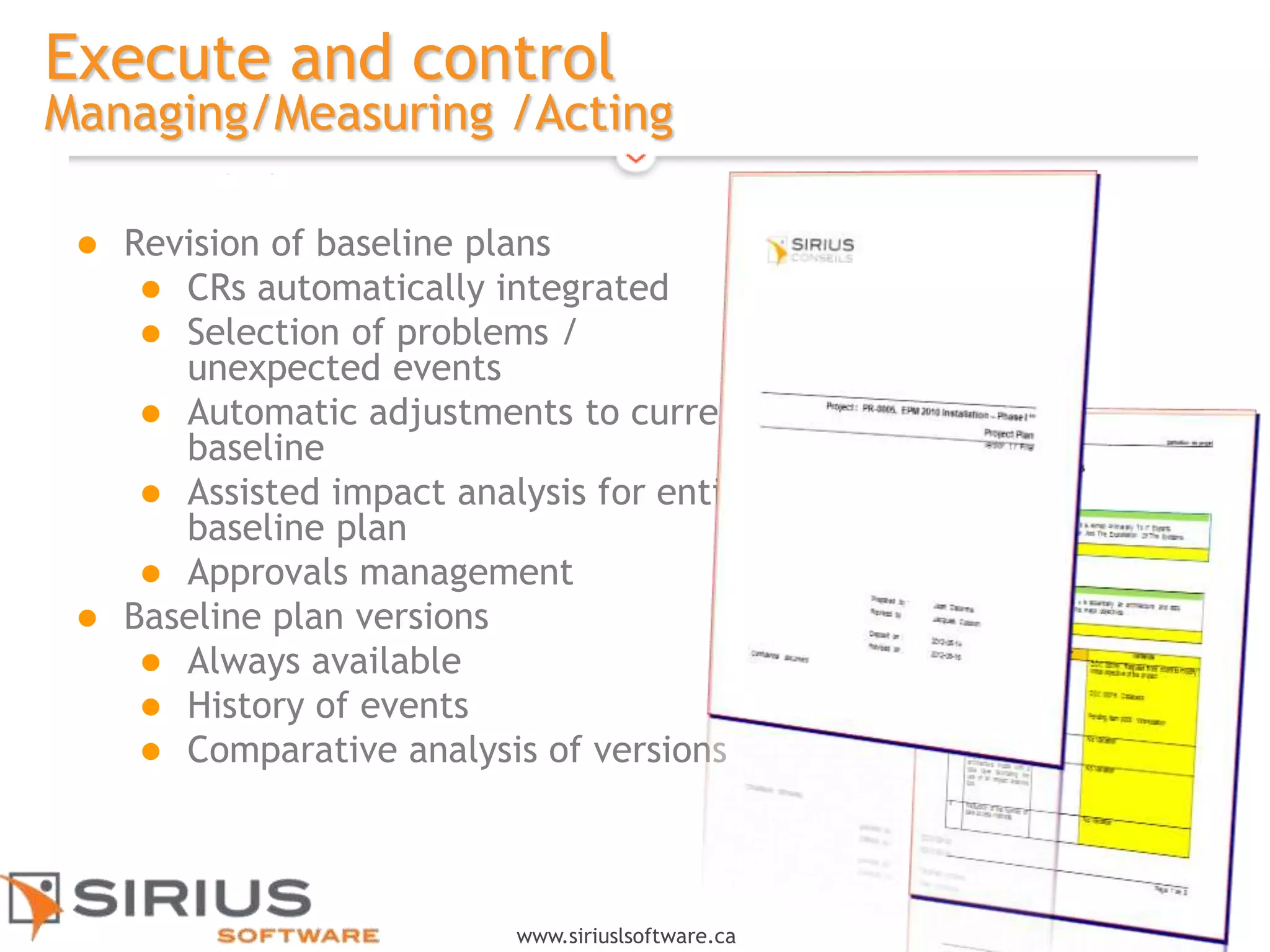
Execute and control
Managing/Measuring /Acting
 Revision of baseline plans
 CRs automatically integrated
 Selection of problems /
unexpected events
 Automatic adjustments to current
baseline
 Assisted impact analysis for entire
baseline plan
 Approvals management
 Baseline plan versions
 Always available
 History of events
 Comparative analysis of versions
17
www.siriuslsoftware.ca
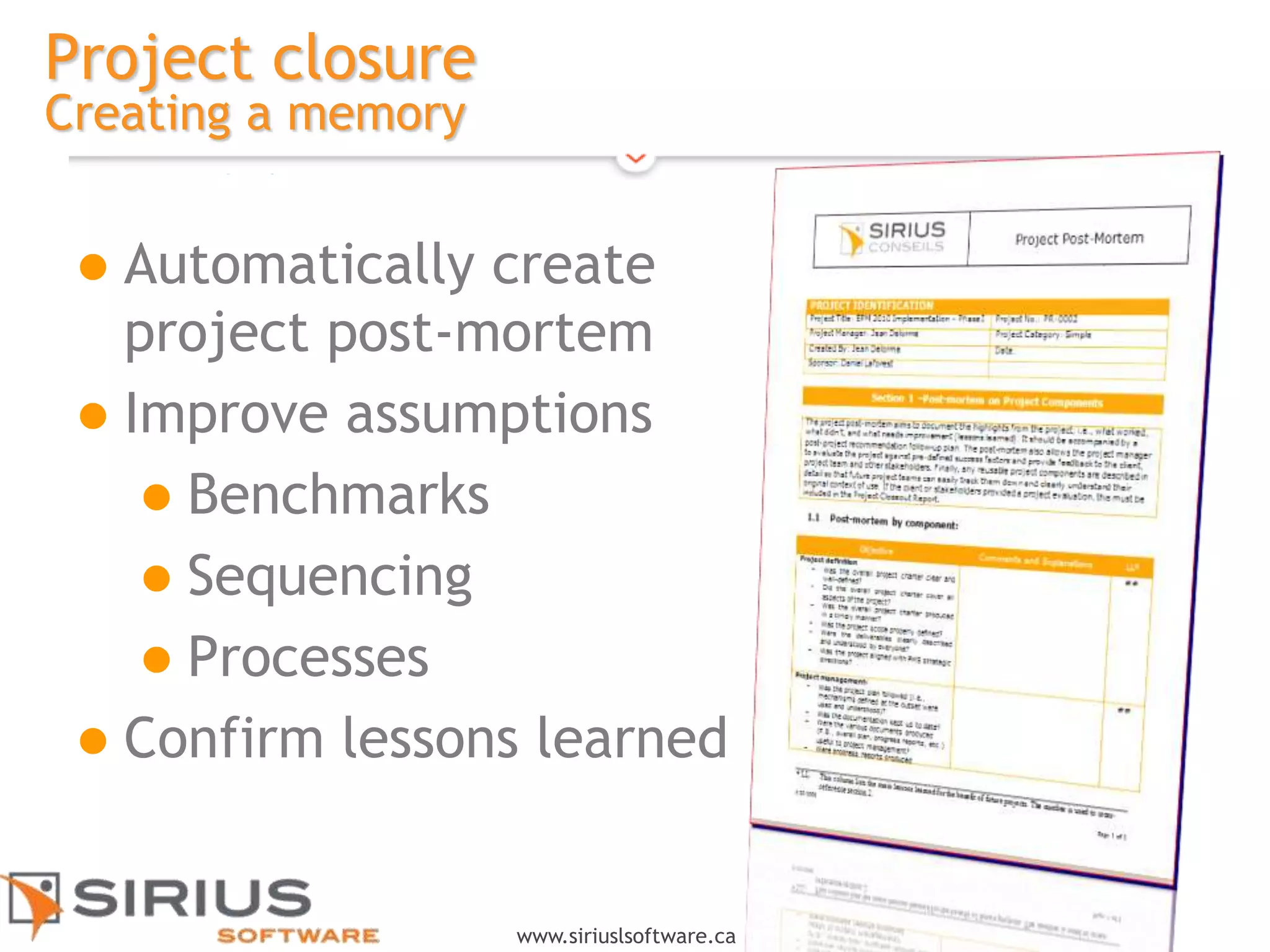
Project closure
Creating a memory
 Automatically create
project post-mortem
 Improve assumptions
 Benchmarks
 Sequencing
 Processes
 Confirm lessons learned
18
www.siriuslsoftware.ca
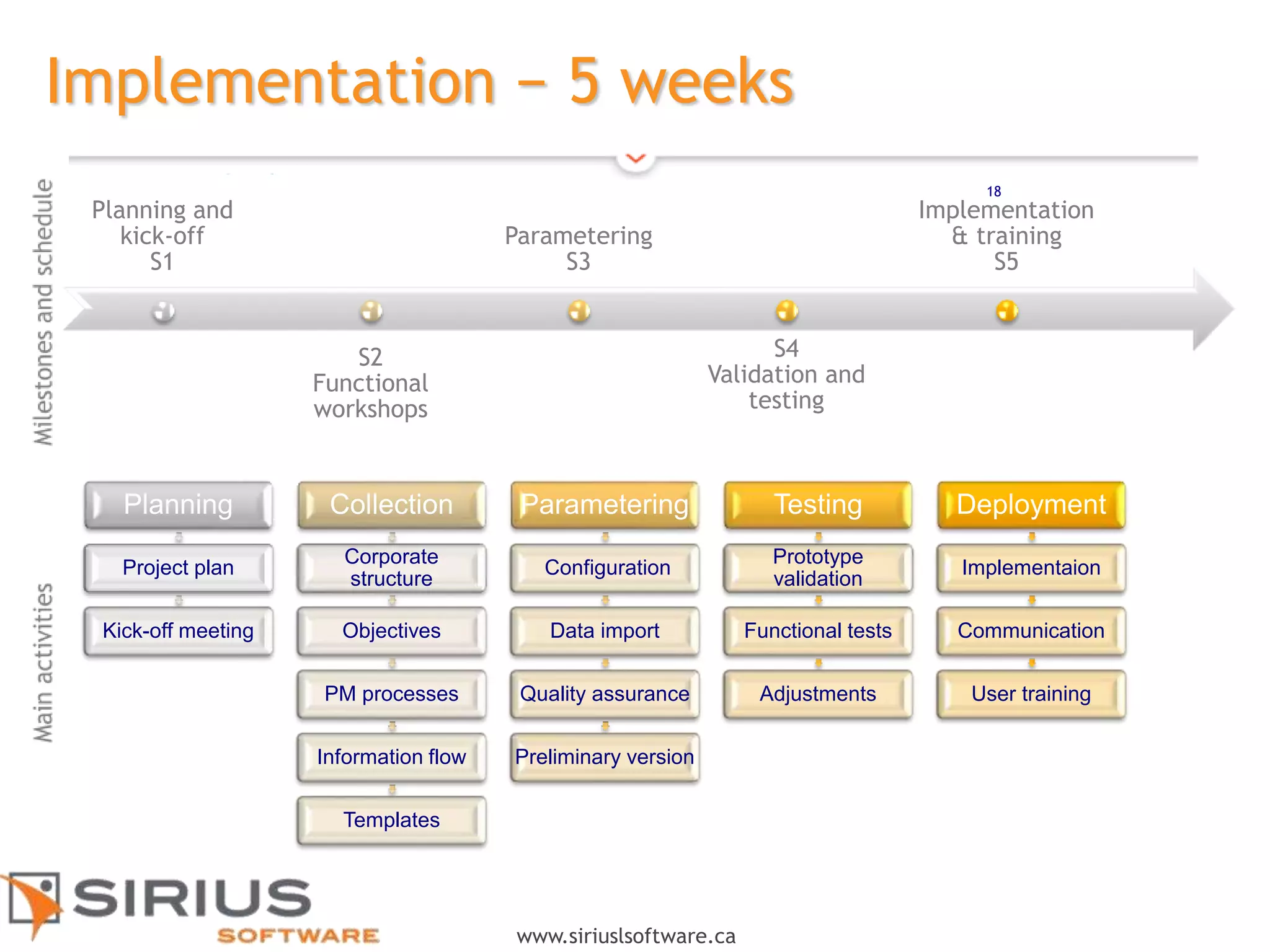
Implementation − 5 weeks
Planning and
kick-off
S1
S2
Functional
workshops
Parametering
S3
S4
Validation and
testing
Implementation
& training
S5
Planning
Project plan
Kick-off meeting
Collection
Corporate
structure
Objectives
PM processes
Information flow
Templates
Parametering
Configuration
Data import
Quality assurance
Preliminary version
Testing
Prototype
validation
Functional tests
Adjustments
Deployment
Implementaion
Communication
User training
18
19
www.siriuslsoftware.ca
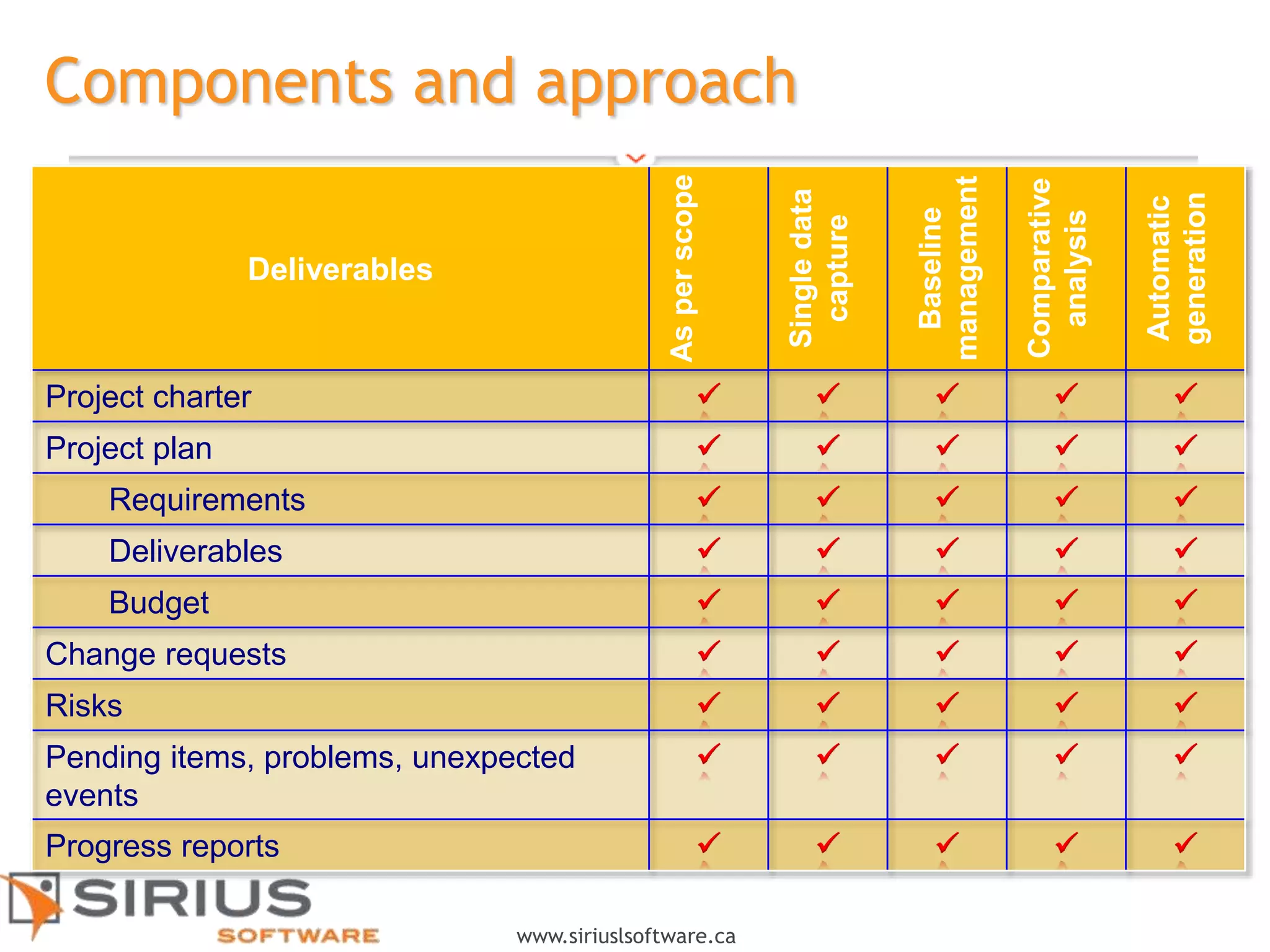
Components and approach
Deliverables
Asperscope
Singledata
capture
Baseline
management
Comparative
analysis
Automatic
generation
Project charter     
Project plan     
Requirements     
Deliverables     
Budget     
Change requests     
Risks     
Pending items, problems, unexpected
events
    
Progress reports     
20
www.siriuslsoftware.ca
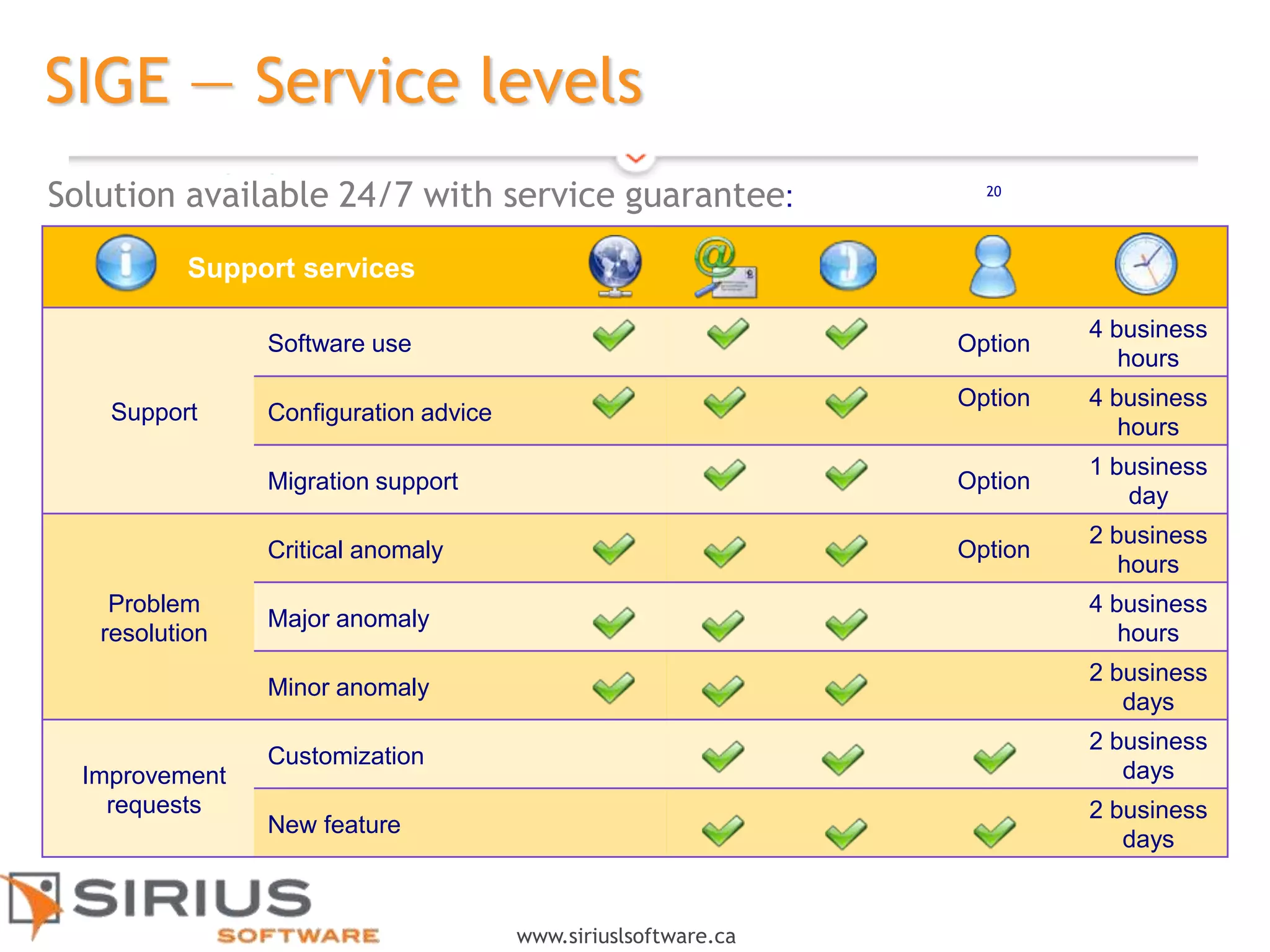
SIGE — Service levels
Support services
Support
Software use Option
4 business
hours
Configuration advice
Option 4 business
hours
Migration support Option
1 business
day
Problem
resolution
Critical anomaly Option
2 business
hours
Major anomaly
4 business
hours
Minor anomaly
2 business
days
Improvement
requests
Customization
2 business
days
New feature
2 business
days
20
Solution available 24/7 with service guarantee:
21
www.siriuslsoftware.ca
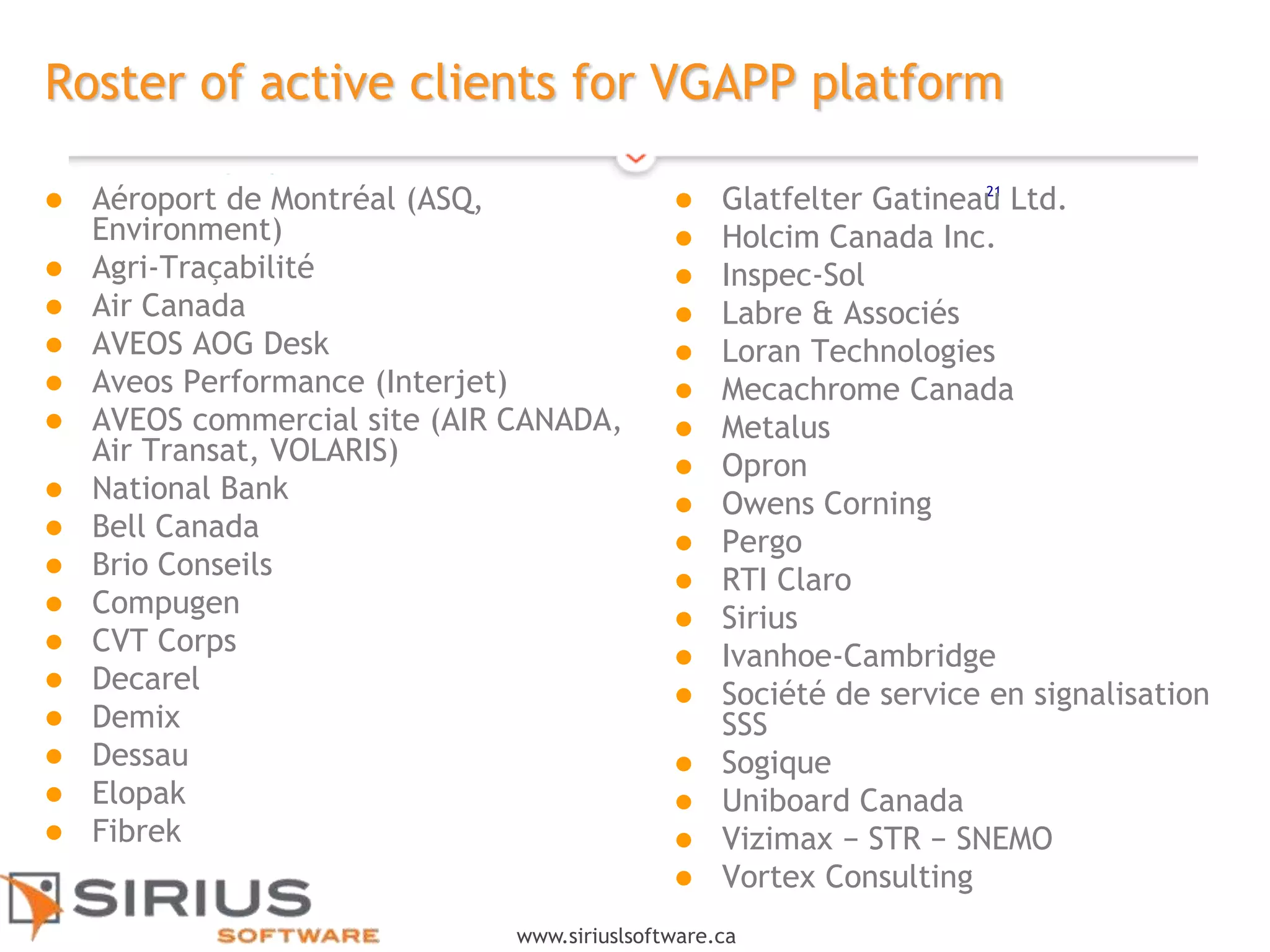
Roster of active clients for VGAPP platform
 Aéroport de Montréal (ASQ,
Environment)
 Agri-Traçabilité
 Air Canada
 AVEOS AOG Desk
 Aveos Performance (Interjet)
 AVEOS commercial site (AIR CANADA,
Air Transat, VOLARIS)
 National Bank
 Bell Canada
 Brio Conseils
 Compugen
 CVT Corps
 Decarel
 Demix
 Dessau
 Elopak
 Fibrek
 Glatfelter Gatineau Ltd.
 Holcim Canada Inc.
 Inspec-Sol
 Labre & Associés
 Loran Technologies
 Mecachrome Canada
 Metalus
 Opron
 Owens Corning
 Pergo
 RTI Claro
 Sirius
 Ivanhoe-Cambridge
 Société de service en signalisation
SSS
 Sogique
 Uniboard Canada
 Vizimax − STR − SNEMO
 Vortex Consulting

Efficient 360

  • 1.
  • 2.
    2 www.siriuslsoftware.ca Agenda • Challenges andconcerns facing companies in terms of project scope management and control • Essential components for sound project scope management The need • Efficient 360 - functional and technology vision • Feature summary • Efficient benefits The solution • Advantages of the solution • Next steps for platform implementation Benefits to you 2
  • 3.
    3 www.siriuslsoftware.ca Requirements Planning Organizational objectives and impacts? Implementation assumptionsand constraints? Budget approaches and deliverables? Baseline planning management? Tracking and control Change requests Events/unexpected events Risk management Project health – Report generation Integration (impact analysis) Adjustments to baseline planning Adjustments to organizational scope Change in business context Confirmation or rejection of assumptions 3  Project scope management is an integrated process that requires extensive planning, tracking and control to monitor impacts on a day-to- day basis.
  • 4.
    4 www.siriuslsoftware.ca Efficient 360 isan INTEGRATED SOLUTION Automatic generation of deliverables Project charter Project plan Progress reports Single data capture Centralized creation Re-usability Model management Traceability Change history Retention of evidence Version management  Customized Web portal available 24/7  100% support for project management activities  Time saved by reducing work cycle  Accelerated project start-up  Integrated event tracking (CRs, logs, etc.)  Progress reports generated automatically Free up project managers from administrative duties so they can focus on their core function: MANAGING PROJECTS
  • 5.
  • 6.
  • 7.
    7 www.siriuslsoftware.ca Efficient 360’s Feature •Designed by business process - configurable and customizable • WEB Tools • intuitive interface • Multilingue • Cloud • PMI Compilant • Adapted and customized web portal available 24/7 • 100% support for project management activities • Automatic generation of deliverables • Single data capture • Traceability • Complementarity with Microsoft Project, Clarity, Primavera, etc. Efficient 360 optimizes your project management practices 7
  • 8.
    8 www.siriuslsoftware.ca Benefits to you •Improves project teams productivity by 10% to 20% • Reduced project launch cycle (use of models) • Integration of your own templates • Integrated event tracking (CRs, logs, etc.) • Progress reports generated automatically • Resistance to change offset by automation deliverables • Automatic creation of corporate memory • Project continuity • Quick to install Efficient 360 ° improves your productivity 8
  • 9.
    9 www.siriuslsoftware.ca Investment • Provide agreedinvestment • Identify the executive who will sit on our advisory committee and serve as an ambassador and contact for the solution • Identify the "operational" representative who will sit on our user committee and help validate features and test various versions of our solutions Your involvement • Less than $ 2 per day per user • No technology investment required (cloud) Cost 9
  • 10.
  • 11.
    11 www.siriuslsoftware.ca Data import (EPM software) Compatiblewith: MySQL, SQL Server, Oracle  Adaptable by trade/profession  Configurable and customizable  Web tool  Intuitive interface  Multilingual  Cloud  Secure  PMI compliant  Recognized, robust platform (8 years, 13,000 + users) Efficient 360 Solution architecture VersionsDashboards Project approvals Project deliverables
  • 12.
    12 www.siriuslsoftware.ca Initiate Creating initiative  Identifybusiness requirements  Input constraints  Save cost/benefit analysis  Save baseline plans  Automated production of Project Charter
  • 13.
    13 www.siriuslsoftware.ca Plan Creating a baseline Develop project plan as per scope  Save baseline plans  Automated production of Project Plan
  • 14.
    14 www.siriuslsoftware.ca Execute and control Managing/Measuring/Acting Online logbook  Problems  Unexpected events  Pending items  Deliverable management  Commitment tracking  Approvals management  Risk management
  • 15.
    15 www.siriuslsoftware.ca Execute and control Managing/Measuring/Acting Change Request management  Assisted impact analysis for entire baseline plan  Approvals management  Progress reports  All events consolidated  Minimum input  Identification of variances
  • 16.
    16 www.siriuslsoftware.ca Execute and control Managing/Measuring/Acting  Revision of baseline plans  CRs automatically integrated  Selection of problems / unexpected events  Automatic adjustments to current baseline  Assisted impact analysis for entire baseline plan  Approvals management  Baseline plan versions  Always available  History of events  Comparative analysis of versions
  • 17.
    17 www.siriuslsoftware.ca Project closure Creating amemory  Automatically create project post-mortem  Improve assumptions  Benchmarks  Sequencing  Processes  Confirm lessons learned
  • 18.
    18 www.siriuslsoftware.ca Implementation − 5weeks Planning and kick-off S1 S2 Functional workshops Parametering S3 S4 Validation and testing Implementation & training S5 Planning Project plan Kick-off meeting Collection Corporate structure Objectives PM processes Information flow Templates Parametering Configuration Data import Quality assurance Preliminary version Testing Prototype validation Functional tests Adjustments Deployment Implementaion Communication User training 18
  • 19.
    19 www.siriuslsoftware.ca Components and approach Deliverables Asperscope Singledata capture Baseline management Comparative analysis Automatic generation Projectcharter      Project plan      Requirements      Deliverables      Budget      Change requests      Risks      Pending items, problems, unexpected events      Progress reports     
  • 20.
    20 www.siriuslsoftware.ca SIGE — Servicelevels Support services Support Software use Option 4 business hours Configuration advice Option 4 business hours Migration support Option 1 business day Problem resolution Critical anomaly Option 2 business hours Major anomaly 4 business hours Minor anomaly 2 business days Improvement requests Customization 2 business days New feature 2 business days 20 Solution available 24/7 with service guarantee:
  • 21.
    21 www.siriuslsoftware.ca Roster of activeclients for VGAPP platform  Aéroport de Montréal (ASQ, Environment)  Agri-Traçabilité  Air Canada  AVEOS AOG Desk  Aveos Performance (Interjet)  AVEOS commercial site (AIR CANADA, Air Transat, VOLARIS)  National Bank  Bell Canada  Brio Conseils  Compugen  CVT Corps  Decarel  Demix  Dessau  Elopak  Fibrek  Glatfelter Gatineau Ltd.  Holcim Canada Inc.  Inspec-Sol  Labre & Associés  Loran Technologies  Mecachrome Canada  Metalus  Opron  Owens Corning  Pergo  RTI Claro  Sirius  Ivanhoe-Cambridge  Société de service en signalisation SSS  Sogique  Uniboard Canada  Vizimax − STR − SNEMO  Vortex Consulting

Editor's Notes

  • #5 Services de Gestion Documentaire Mécanisme simple de contribution Extraction automatique de méta-donnée et catégorisation Recherche distribuée avancée Conversion transparente de format documentaire Librairie de services documentaire Espaces collaboratifs intelligents
  • #8 Modèle d’acquisition technologique Déploiement de Novarius hébergé chez SIRIUS Accès des usagers via le Web fureteur (en mode sécurisé) Modèle d’accompagnement proposé Intégration complète de Novarius (clé-en-main) Mise en place d’une gouvernance reliée à la gestion de portefeuille (optionnel) Mise en place de Novarius chez Bluberi Paramétriser Novarius Réaliser le déploiement chez Bluberi Supporter la gestion du changement tant au niveau de la direction que chez les usagers (optionnel) Obtenir la rétroaction et les commentaires de Bluberi pour améliorer et faire évolution la solution Bluberi Identifier un ou des représentants Fournir ses besoins et sa documentation Participer aux sessions de travail Valider et commenter le(s) prototype(s) proposé(s) Tester et piloter SIRIUS Conseils Animer les séances de travail visant la définition des besoins Consolider l’information et l’intégrer dans Novarius Fournir l’infrastructure permettant l’accès à distance de Novarius aux usagers de Bluberi Présenter le(s) prototype(s) retenu(s) qui seront utilisés également dans les séances de validation avec les membres de la direction Accompagner Bluberi dans l’ajustement de sa gouvernance actuelle face à la gestion de portefeuille
  • #9 Modèle d’acquisition technologique Déploiement de Novarius hébergé chez SIRIUS Accès des usagers via le Web fureteur (en mode sécurisé) Modèle d’accompagnement proposé Intégration complète de Novarius (clé-en-main) Mise en place d’une gouvernance reliée à la gestion de portefeuille (optionnel) Mise en place de Novarius chez Bluberi Paramétriser Novarius Réaliser le déploiement chez Bluberi Supporter la gestion du changement tant au niveau de la direction que chez les usagers (optionnel) Obtenir la rétroaction et les commentaires de Bluberi pour améliorer et faire évolution la solution Bluberi Identifier un ou des représentants Fournir ses besoins et sa documentation Participer aux sessions de travail Valider et commenter le(s) prototype(s) proposé(s) Tester et piloter SIRIUS Conseils Animer les séances de travail visant la définition des besoins Consolider l’information et l’intégrer dans Novarius Fournir l’infrastructure permettant l’accès à distance de Novarius aux usagers de Bluberi Présenter le(s) prototype(s) retenu(s) qui seront utilisés également dans les séances de validation avec les membres de la direction Accompagner Bluberi dans l’ajustement de sa gouvernance actuelle face à la gestion de portefeuille
  • #10 Modèle d’acquisition technologique Déploiement de Novarius hébergé chez SIRIUS Accès des usagers via le Web fureteur (en mode sécurisé) Modèle d’accompagnement proposé Intégration complète de Novarius (clé-en-main) Mise en place d’une gouvernance reliée à la gestion de portefeuille (optionnel) Mise en place de Novarius chez Bluberi Paramétriser Novarius Réaliser le déploiement chez Bluberi Supporter la gestion du changement tant au niveau de la direction que chez les usagers (optionnel) Obtenir la rétroaction et les commentaires de Bluberi pour améliorer et faire évolution la solution Bluberi Identifier un ou des représentants Fournir ses besoins et sa documentation Participer aux sessions de travail Valider et commenter le(s) prototype(s) proposé(s) Tester et piloter SIRIUS Conseils Animer les séances de travail visant la définition des besoins Consolider l’information et l’intégrer dans Novarius Fournir l’infrastructure permettant l’accès à distance de Novarius aux usagers de Bluberi Présenter le(s) prototype(s) retenu(s) qui seront utilisés également dans les séances de validation avec les membres de la direction Accompagner Bluberi dans l’ajustement de sa gouvernance actuelle face à la gestion de portefeuille
  • #12 La Gestion Documentaire avant Alfresco Complexe et difficile à utiliser Très cher Faible taux d'adoption – 5% La Gestion Documentaire avec Alfresco Système de Fichier Virtuel – Remplace les fichiers partagés tout en conservant le même interface Règles de gestion de type 'messagerie' – Permet de configurer rapidement des règles de gestion automatique des documents (conversion automatique, déclenchement d'un workflow, ...) Recherche de type Google : recherche directe à partir du navigateur (FireFox ou IE7) Navigation de type Yahoo: Extraction automatique de méta-données et catégorisation Espaces Documentaires Intelligents: Mise en place de meilleurs pratiques collaboratives Gestion automatisée du cycle de vie des documents Services de Gestion Documentaire Mécanisme simple de contribution Extraction automatique de méta-donnée et catégorisation Recherche distribuée avancée Conversion transparente de format documentaire Librairie de services documentaire Espaces collaboratifs intelligents Worklow simple ou complexe intégré Tableau de Bord Sécurité Interfaces Supportées CIFS/SMB (protocole de partage réseau Microsoft) JSR-168 Portlet Specification JSR-127 Java Server Faces FTP NFS WebDAV Web Services REST Bénéfices Adhésion des utilisateurs Réduction des coûts de déploiement Réduction du TCO Réduction du risque Rapidité de Déploiement gestion d'utilisateurs, groupes et rôles Sécurité au niveau document