Download as PDF, PPTX


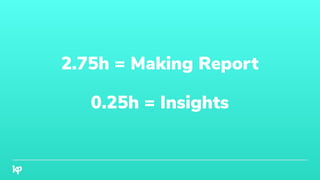



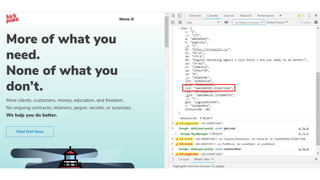

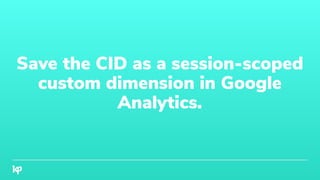
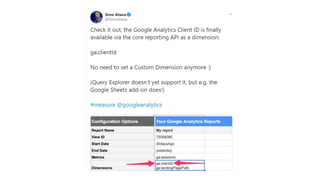
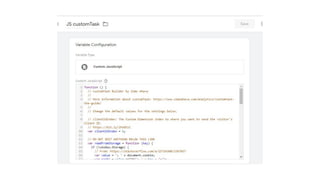
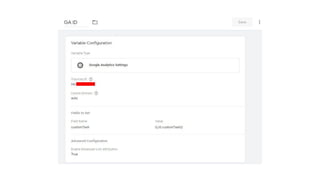
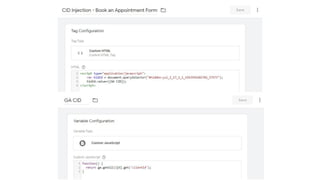

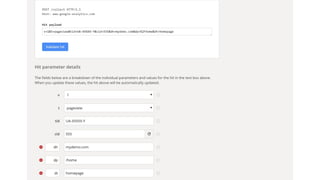
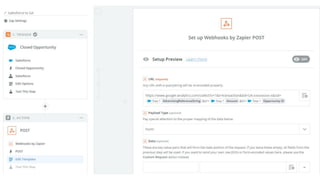













The document discusses the inefficiencies in current reporting processes, suggesting a shift to automated tools that emphasize insights rather than just data compilation. It highlights the importance of Google Analytics' client ID for enhancing data integration across various marketing efforts, including offline interactions. By capturing more comprehensive data and utilizing client IDs, businesses can improve ad targeting, SEO, and overall reporting efficiency.


![[rokonz.com] Glossary of Semantic SEO Part-1.pdf](https://cdn.slidesharecdn.com/ss_thumbnails/rokonz-260123200456-440e4060-thumbnail.jpg?width=640&height=640&fit=bounds)


![[rokonz.com] Glossary of Semantic SEO Part-3.pdf](https://cdn.slidesharecdn.com/ss_thumbnails/rokonz-260123200835-55123e1e-thumbnail.jpg?width=640&height=640&fit=bounds)


![[rokonz.com] Glossary of Semantic SEO Part-2.pdf](https://cdn.slidesharecdn.com/ss_thumbnails/rokonz-260123200719-92199ba8-thumbnail.jpg?width=640&height=640&fit=bounds)

