COMPUTER SOFTWARE
CSS-NCII TRAINING
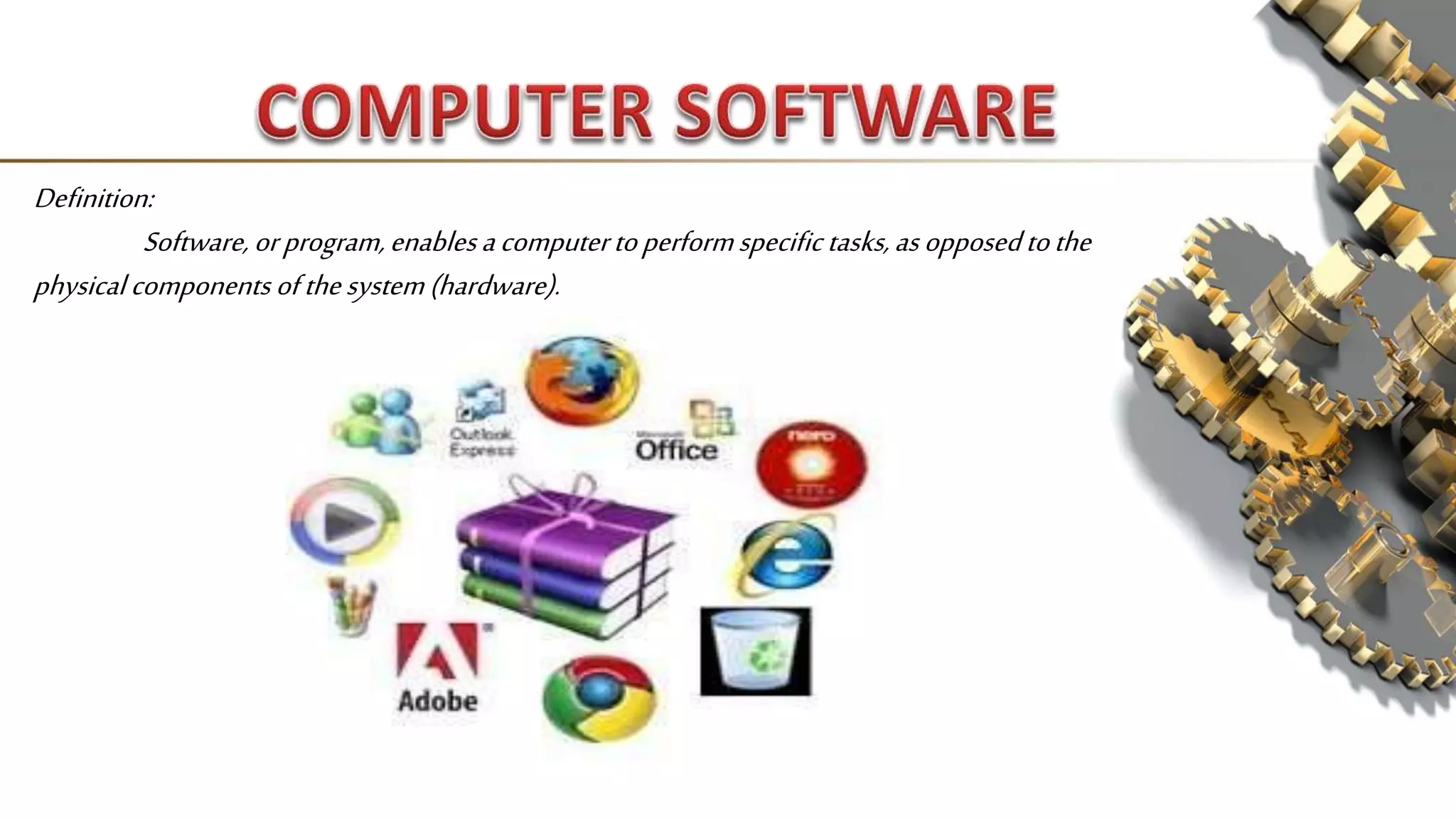
Definition:
Software,orprogram,enablesacomputertoperformspecific tasks,asopposedtothe
physical components ofthesystem(hardware).
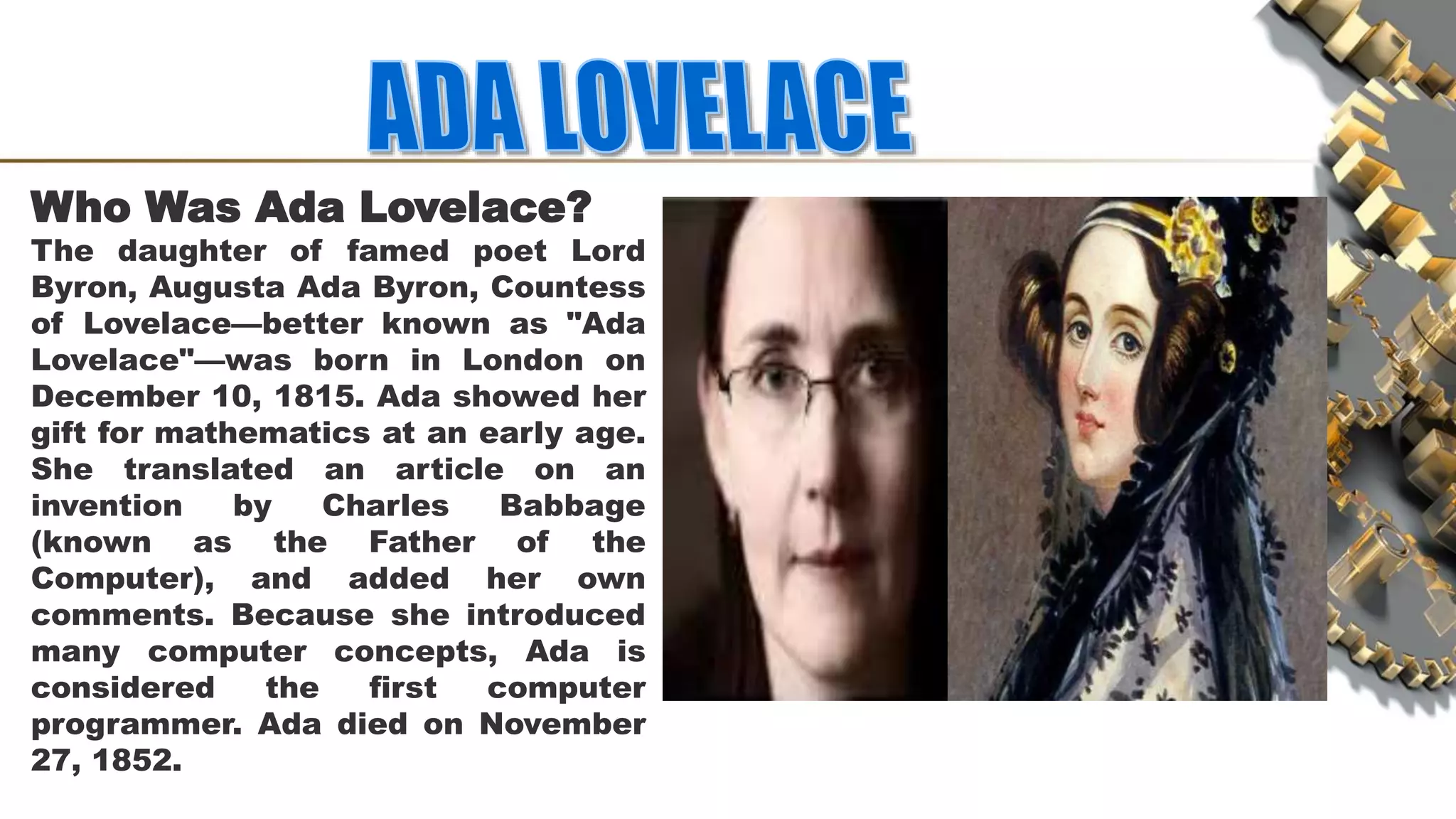
Who Was Ada Lovelace?
The daughter of famed poet Lord
Byron, Augusta Ada Byron, Countess
of Lovelace—better known as "Ada
Lovelace"—was born in London on
December 10, 1815. Ada showed her
gift for mathematics at an early age.
She translated an article on an
invention by Charles Babbage
(known as the Father of the
Computer), and added her own
comments. Because she introduced
many computer concepts, Ada is
considered the first computer
programmer. Ada died on November
27, 1852.
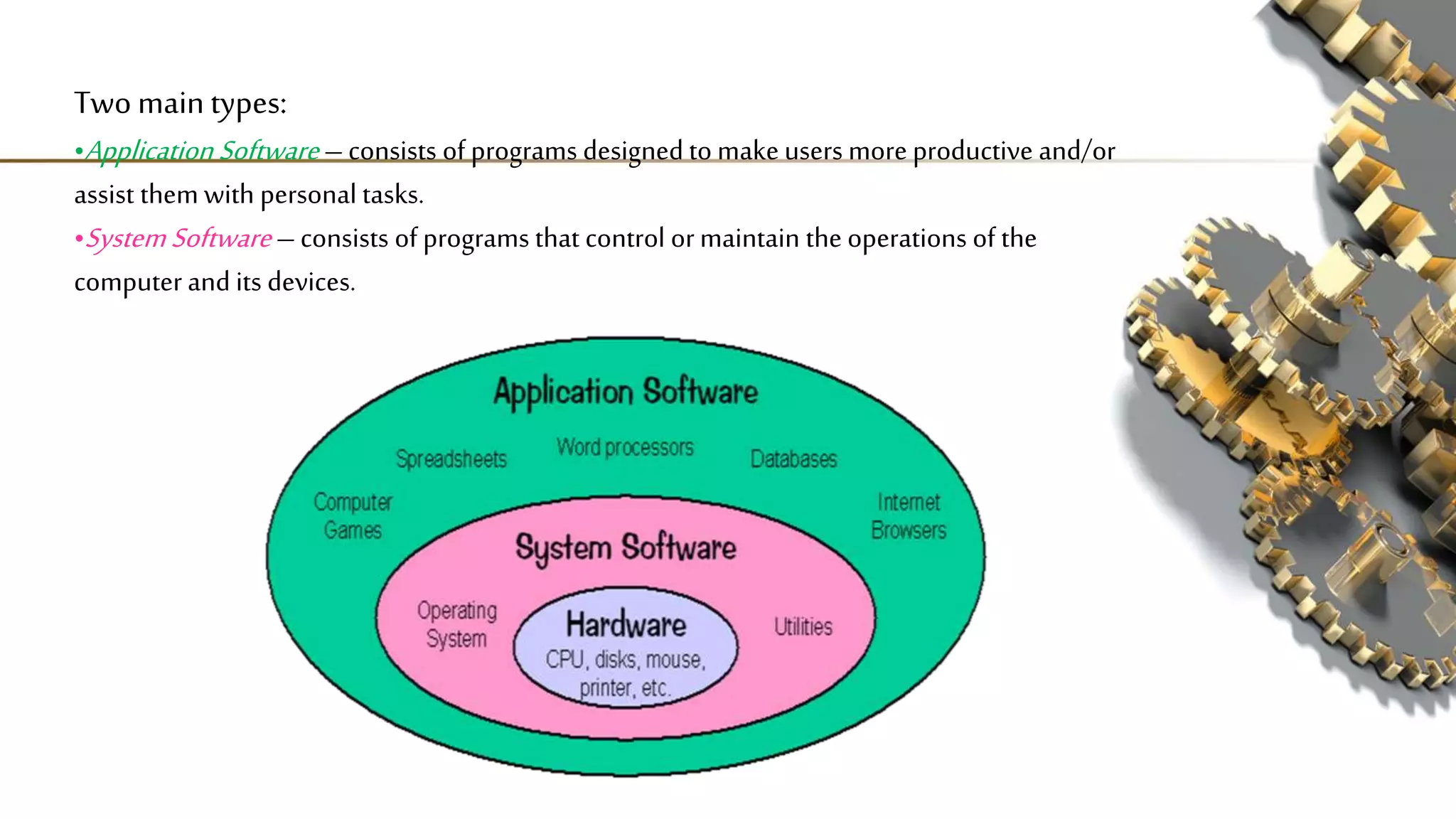
Two main types:
•Application Software –consists of programs designed to make users more productive and/or
assist them with personal tasks.
•SystemSoftware –consists of programs that control ormaintain the operations of the
computer and its devices.
 System software actually controls the hardware so that
application software can perform any action or task.
 The System Software consist of the Operating System and all the
utilities that enable the computer to function.
a set of programs containing instructions that
coordinate all the activities among computer
hardware resources. Also called platform
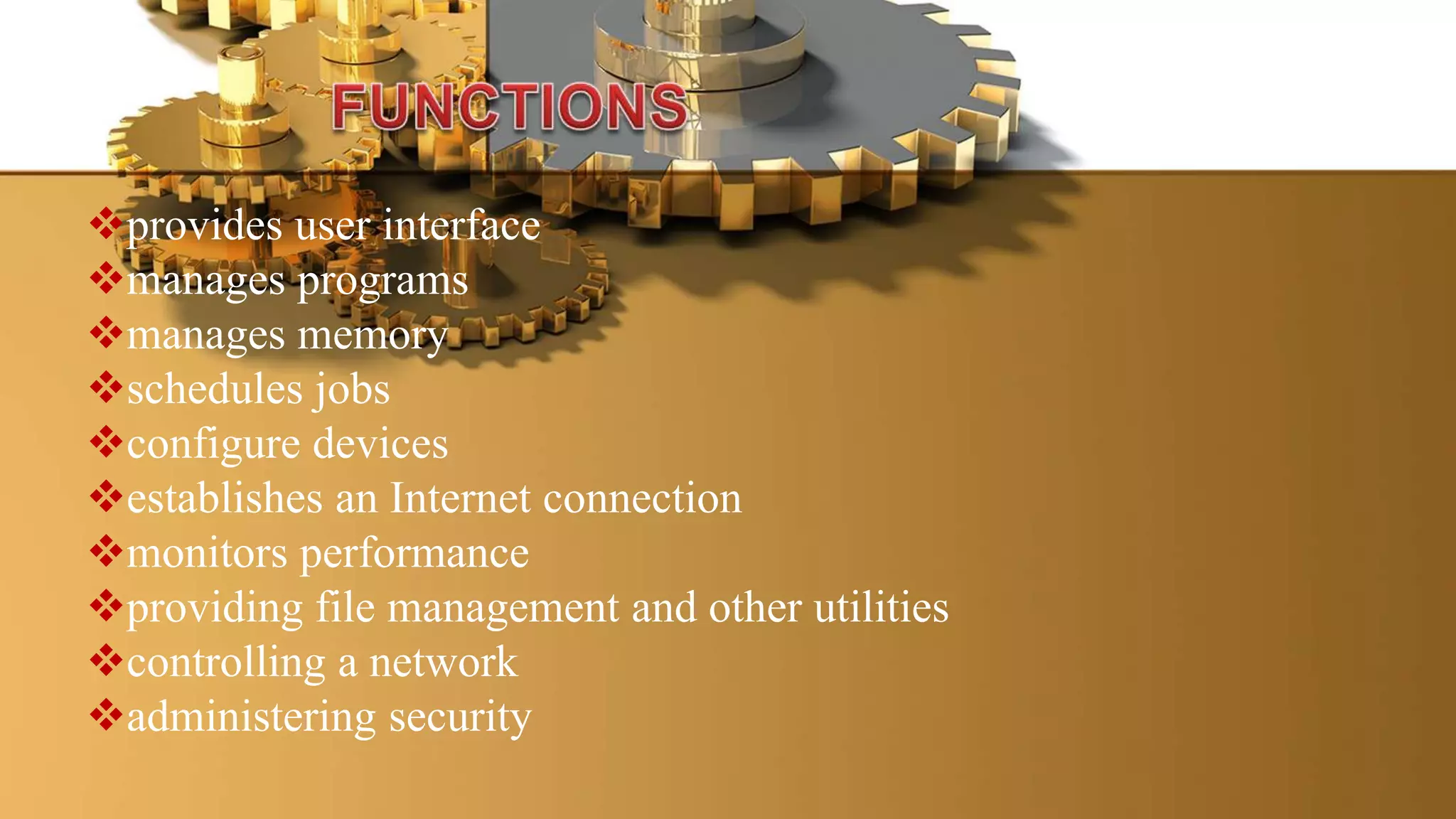
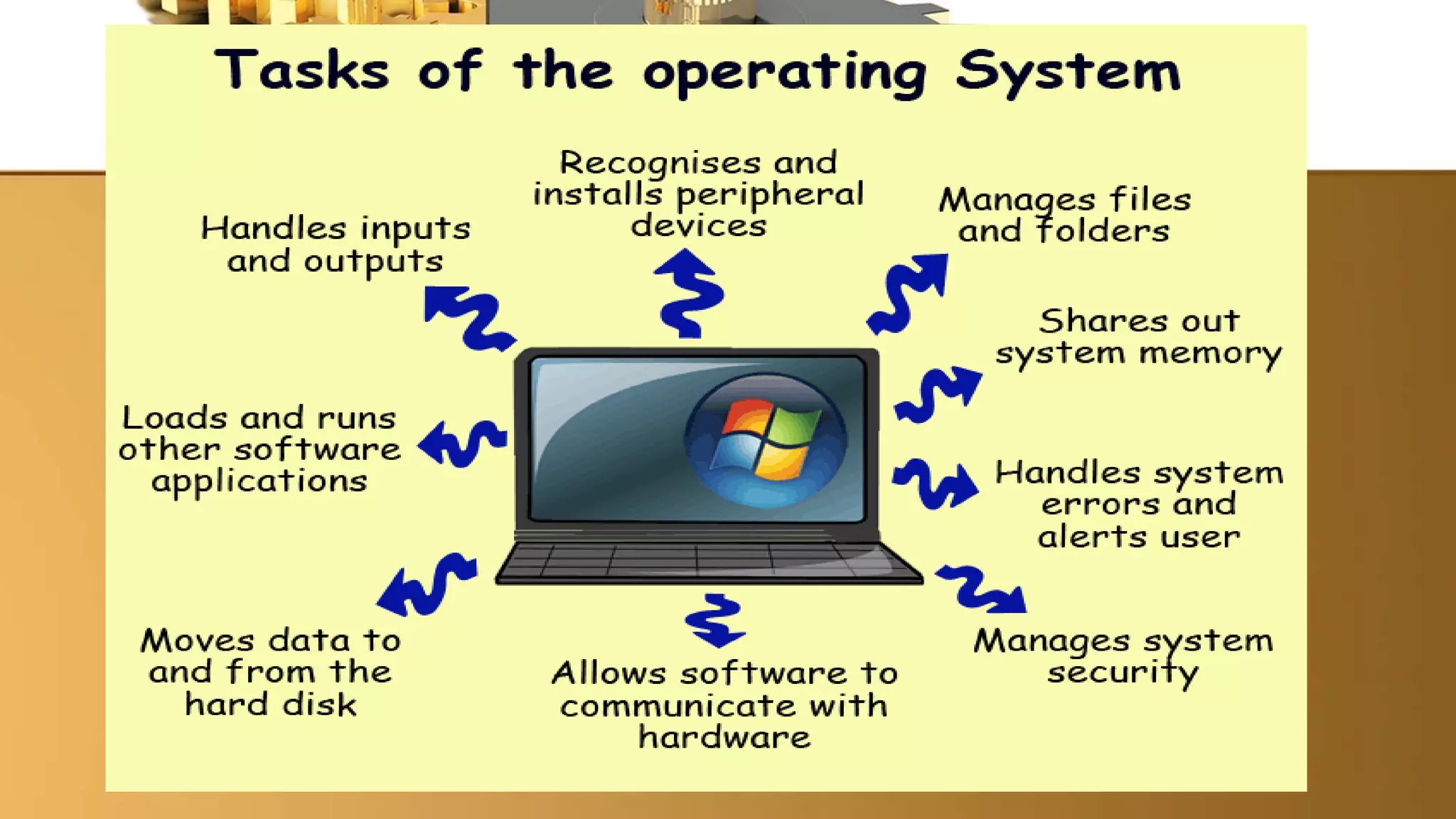
provides user interface
manages programs
manages memory
schedules jobs
configure devices
establishes an Internet connection
monitors performance
providing file management and other utilities
controlling a network
administering security
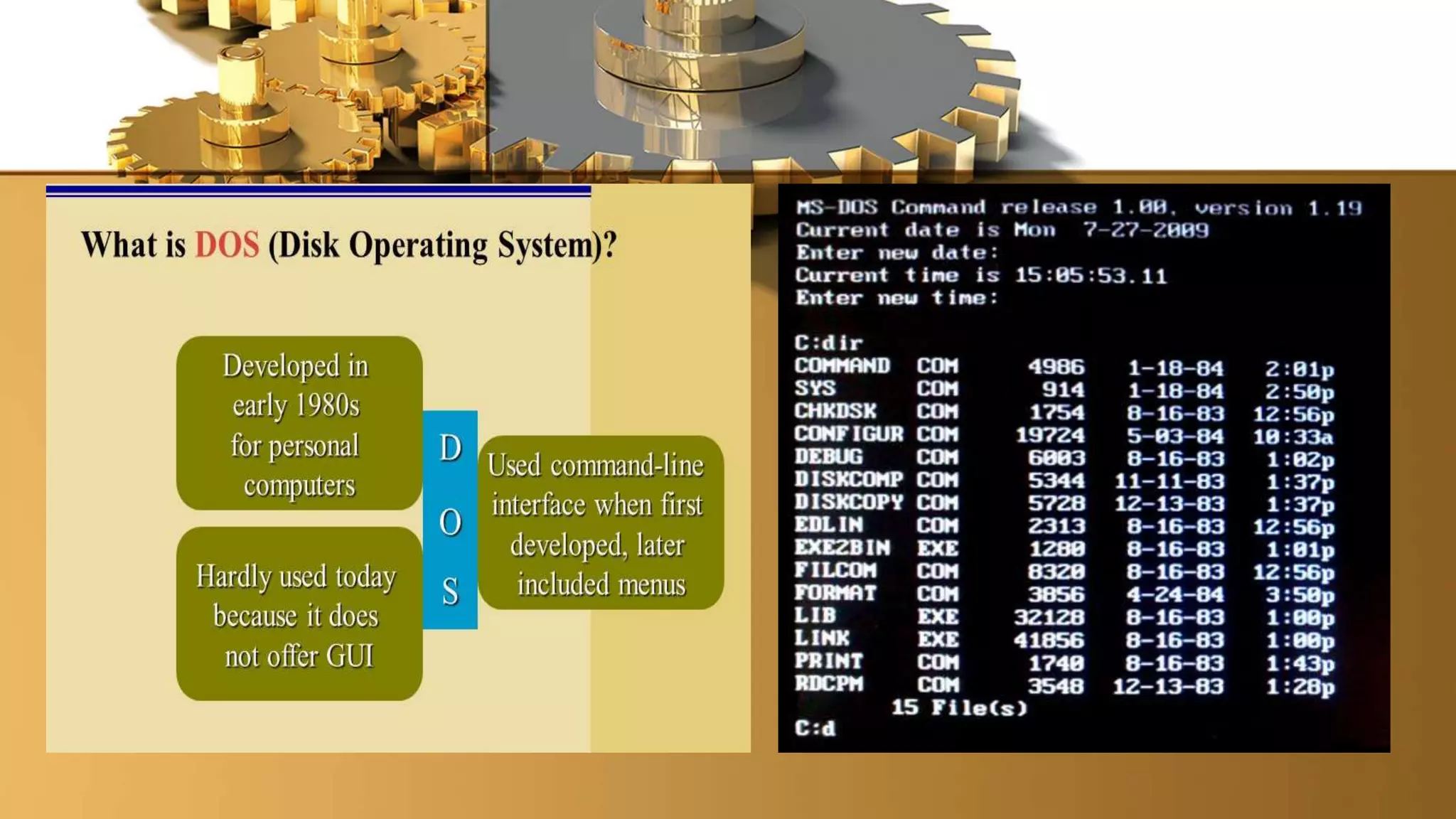
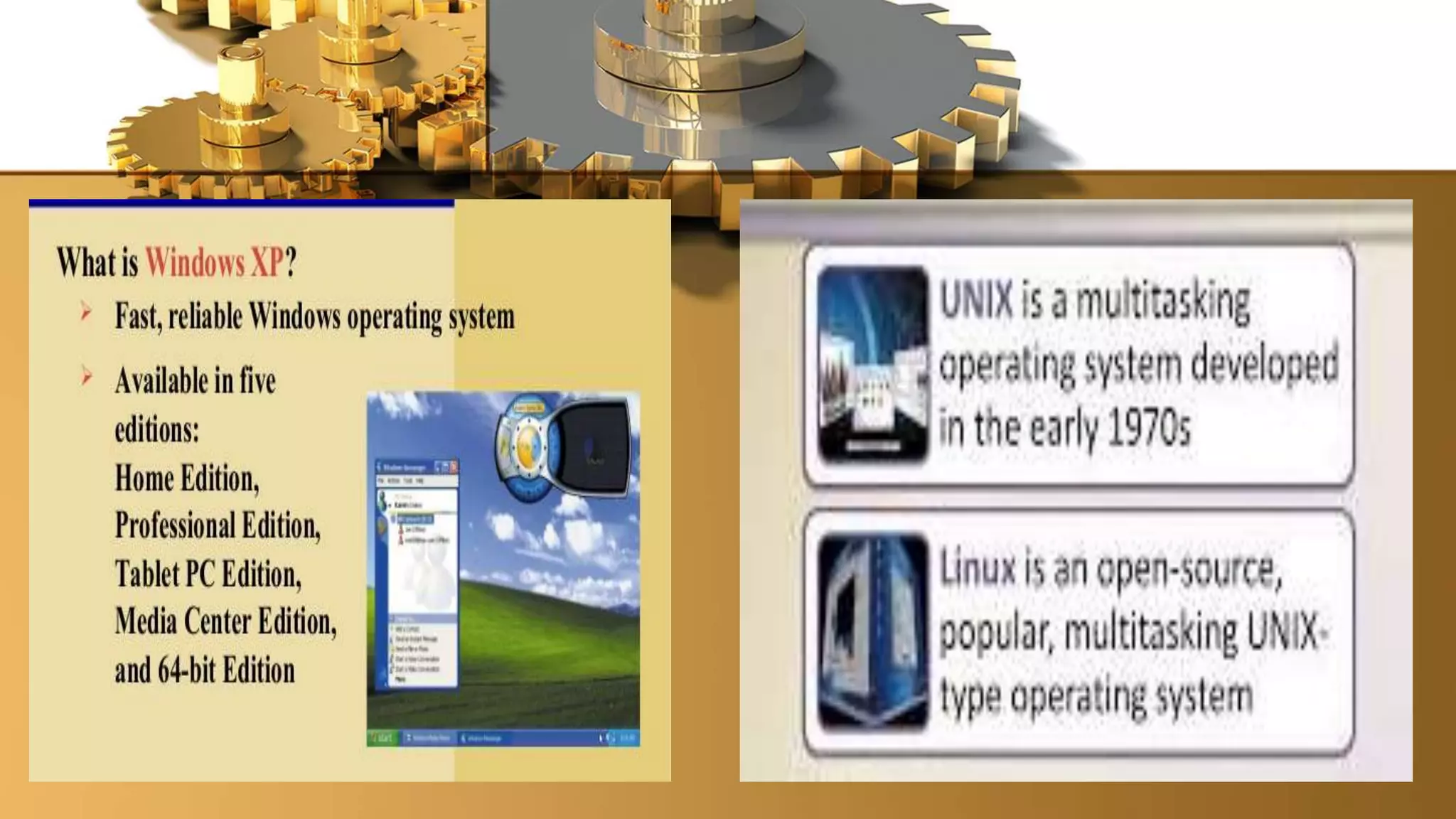
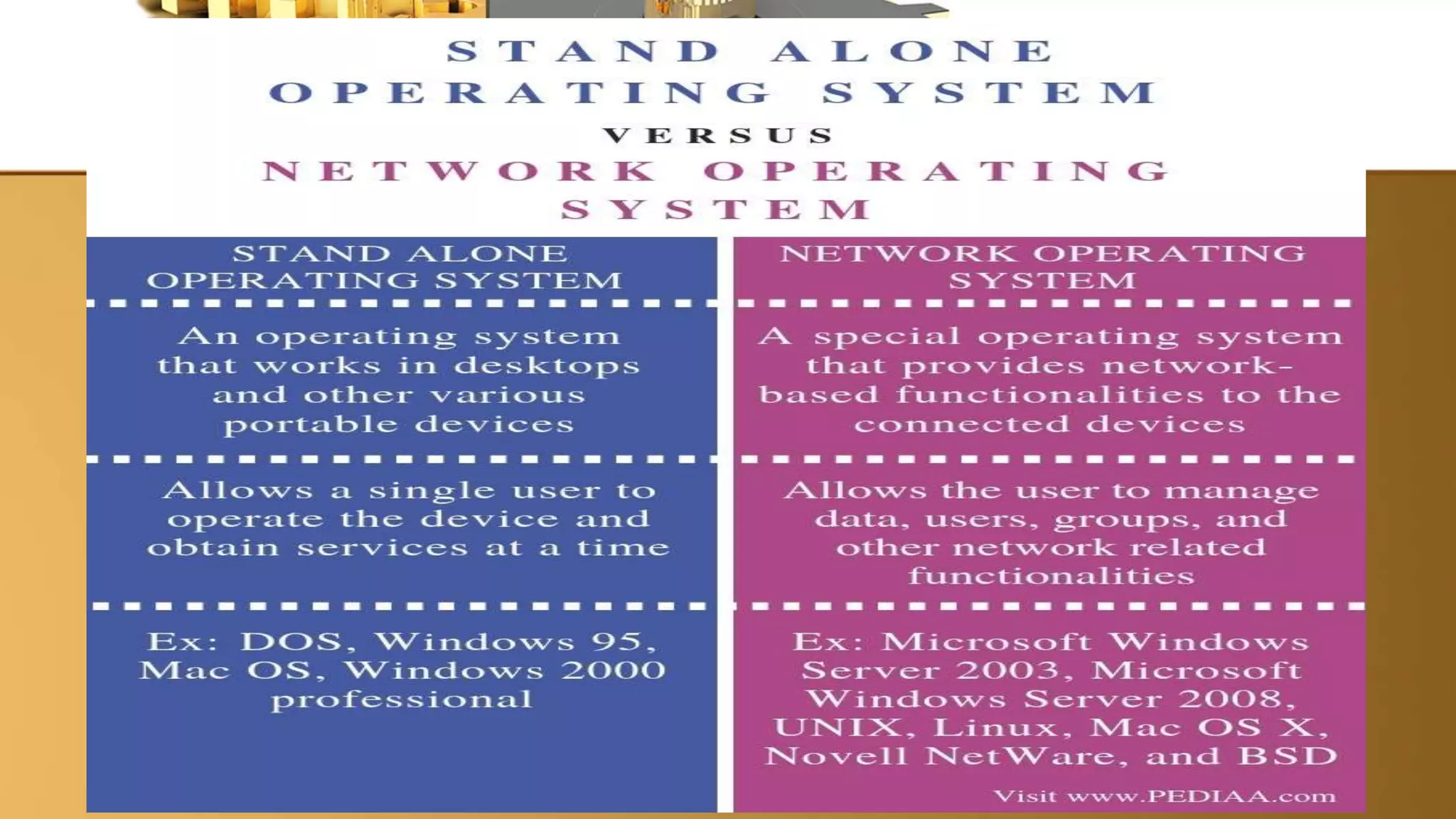
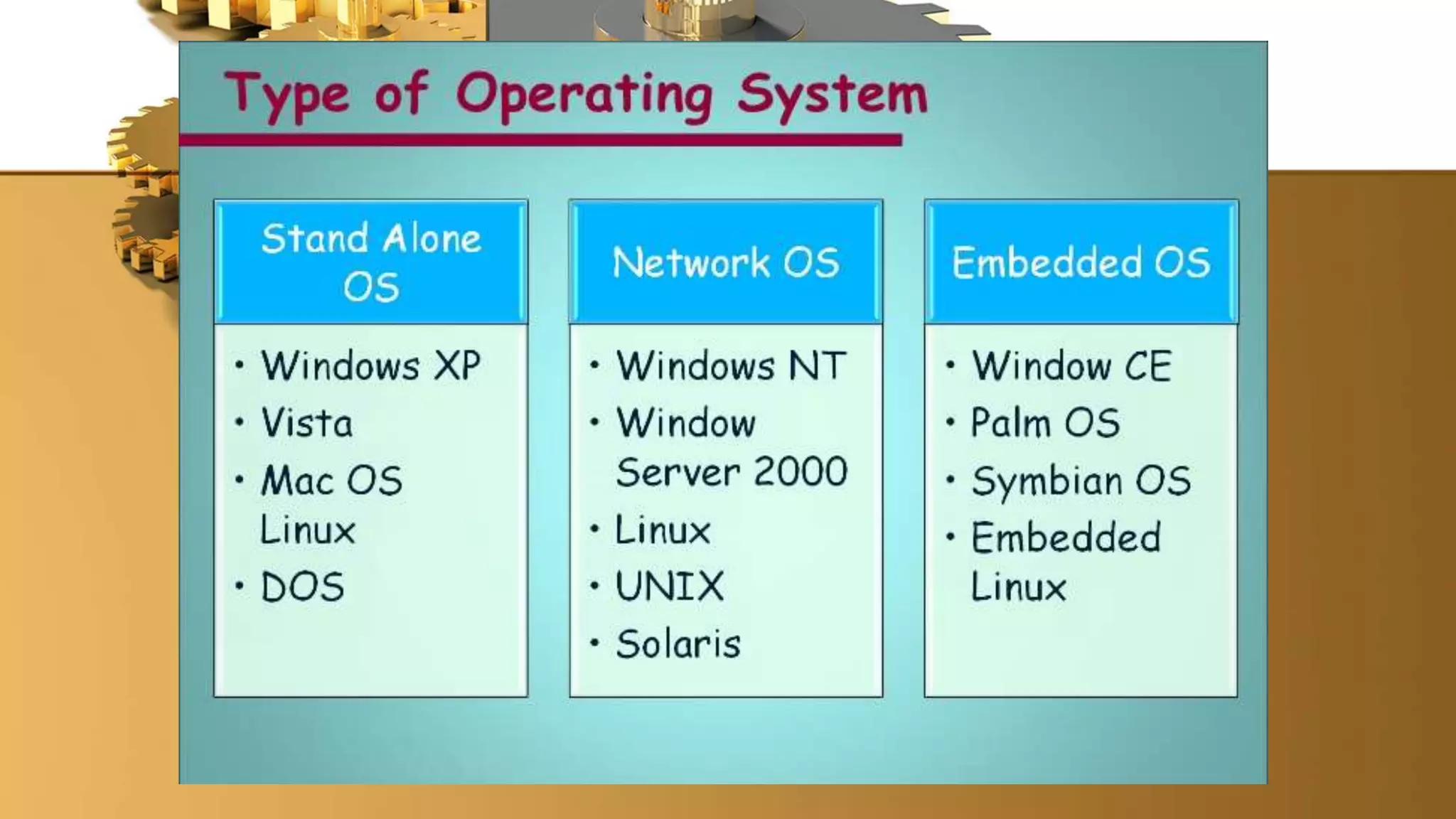
1)Stand-alone OS – a complete operating system that works on a desktop
computer, notebook computer, or mobile computing device. Ex. DOS, Windows XP,
Mac OS X, UNIX and Linux
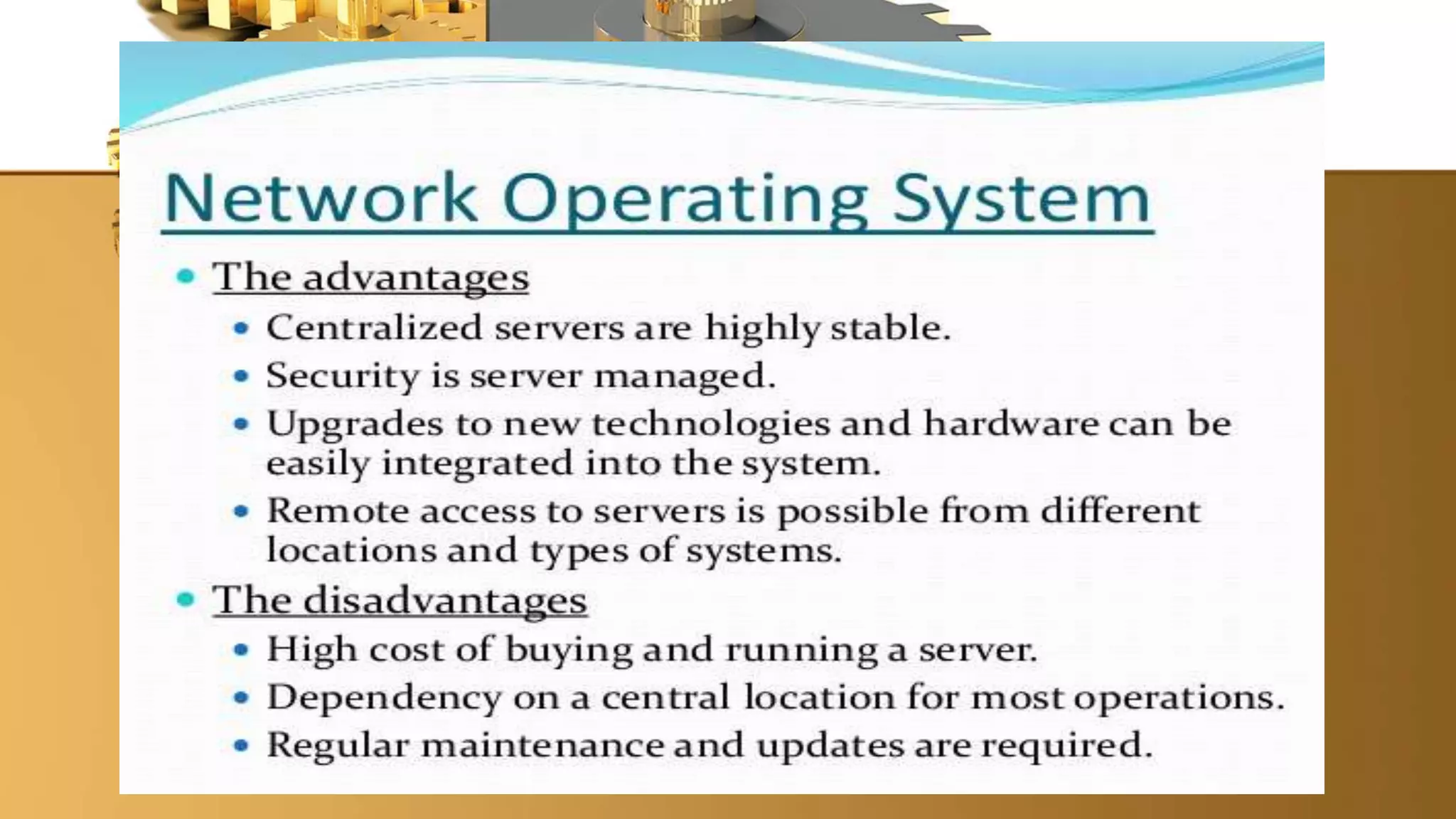
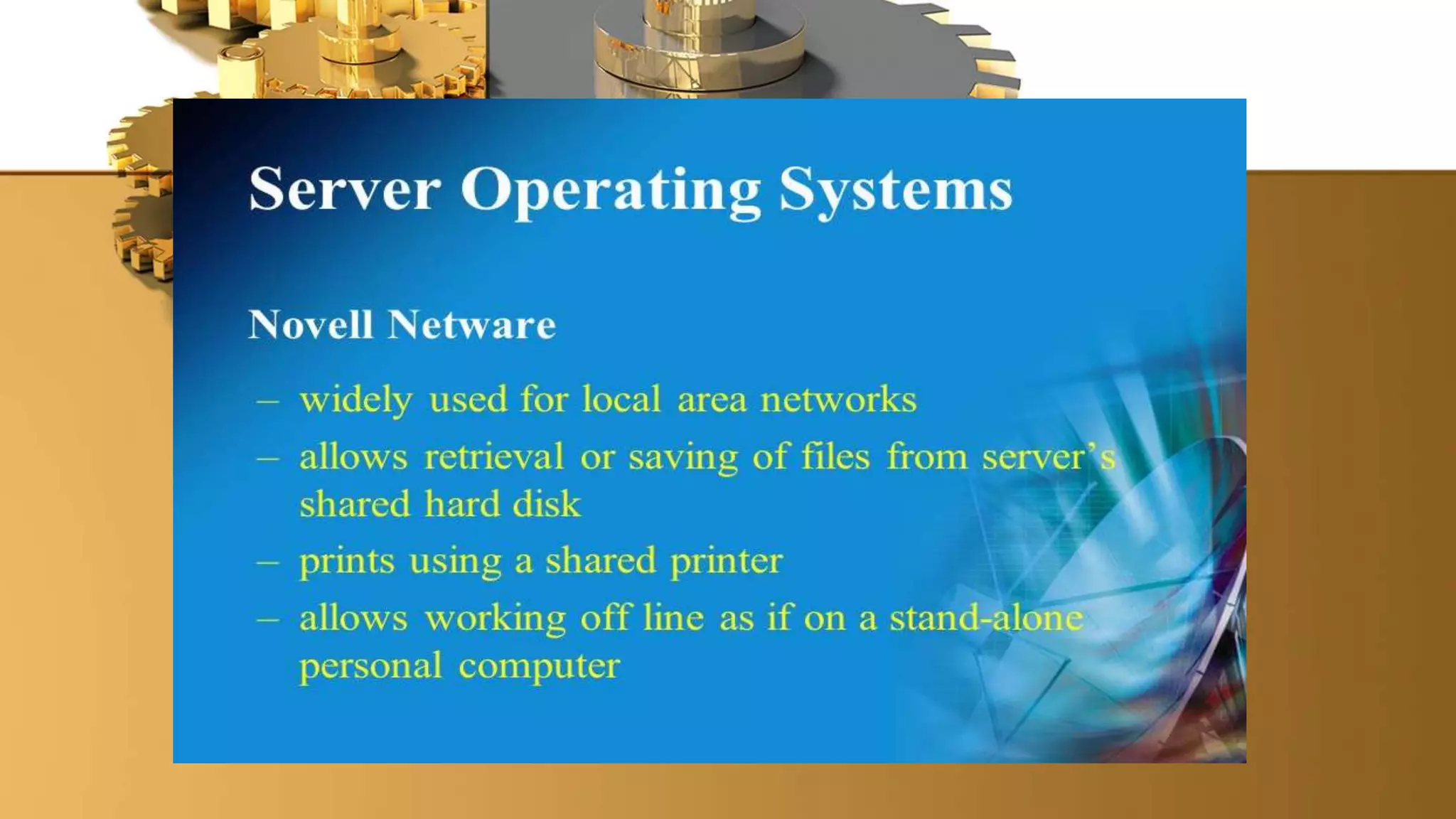
2. Network OS – an operating system that is designed specifically to support
a network and typically resides in a server. Ex. Netware, Windows Server 2003,
UNIX, Linux and Solaris.
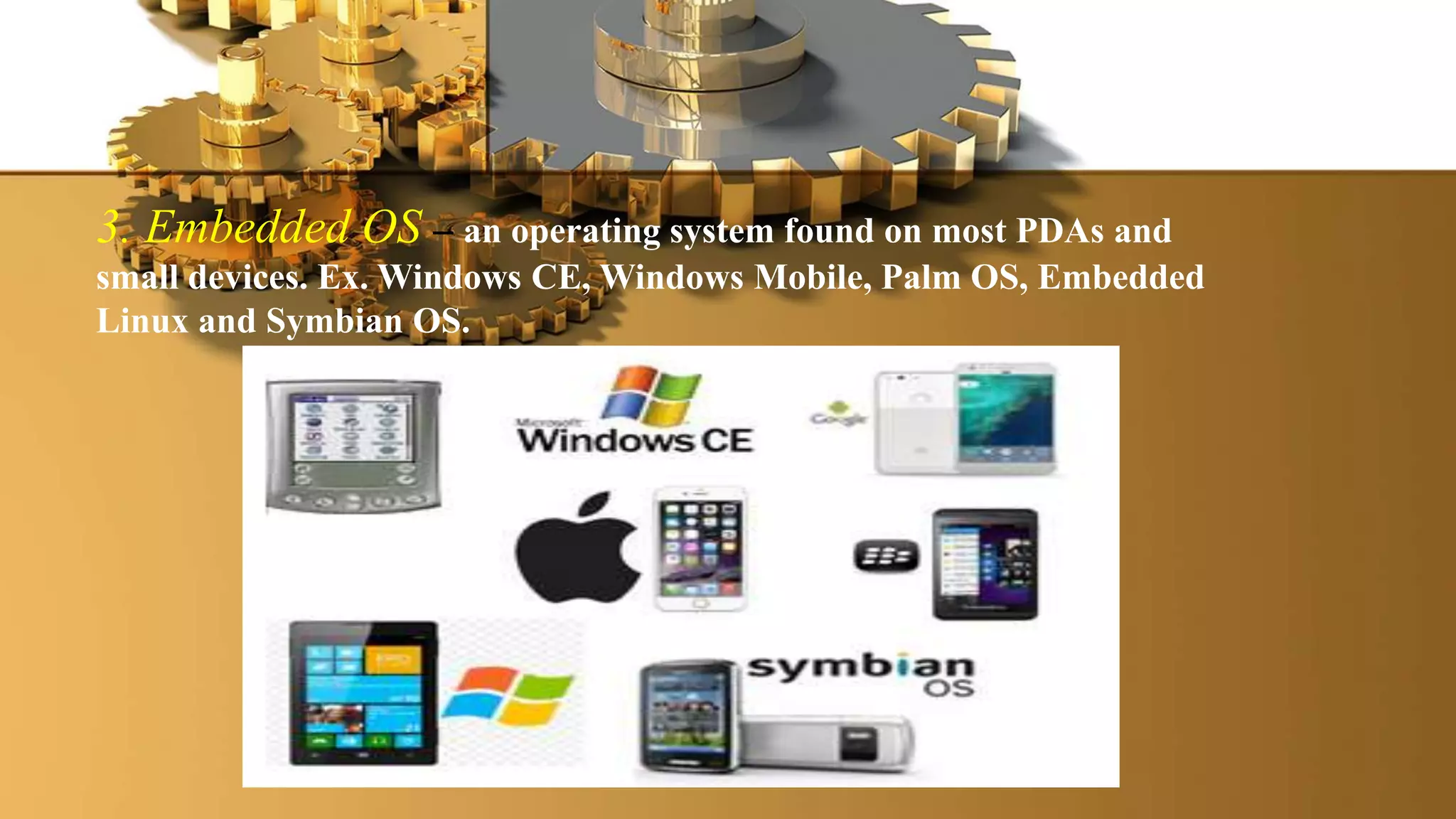
3. Embedded OS – an operating system found on most PDAs and
small devices. Ex. Windows CE, Windows Mobile, Palm OS, Embedded
Linux and Symbian OS.
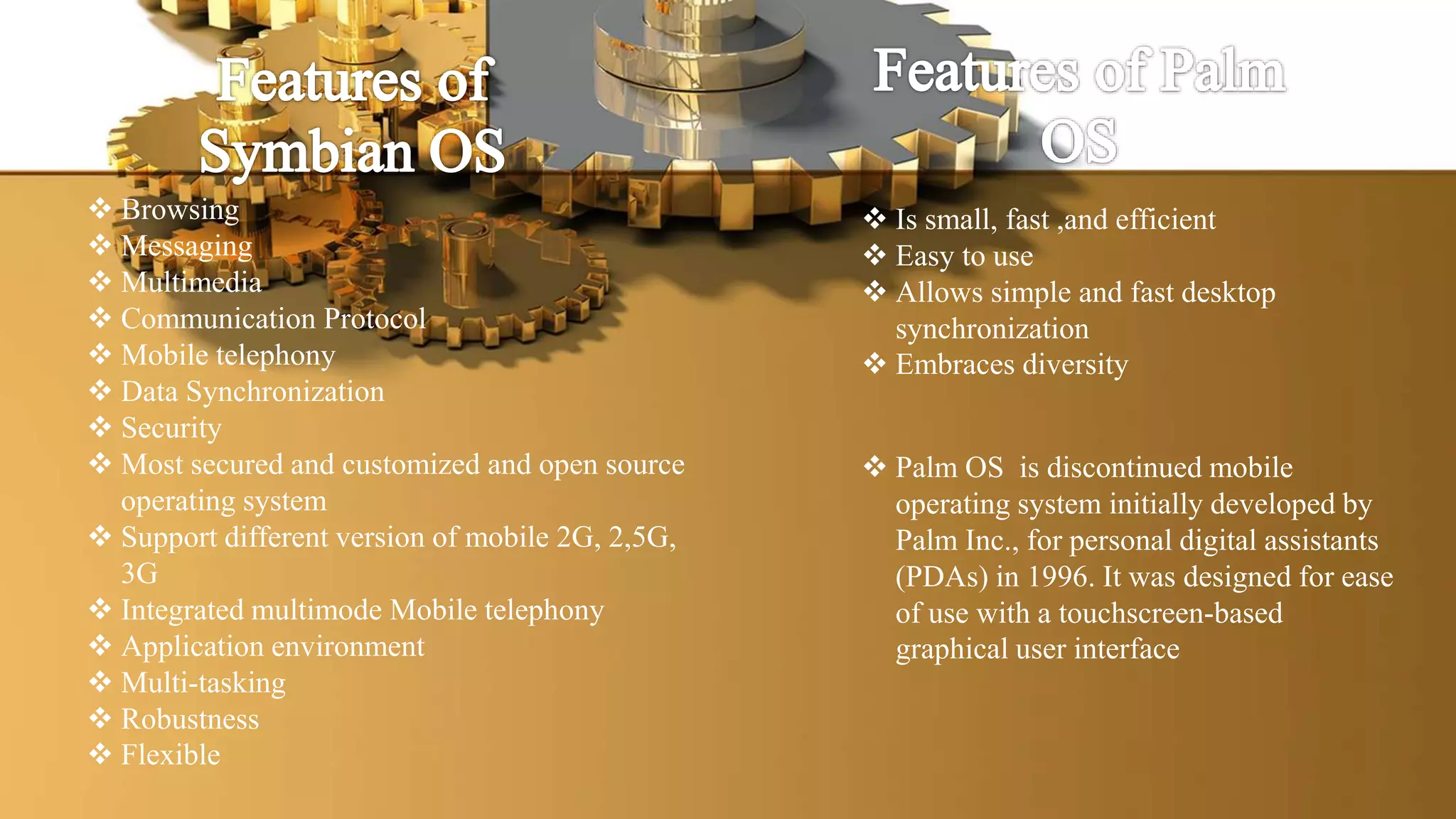
 Browsing
 Messaging
 Multimedia
 Communication Protocol
 Mobile telephony
 Data Synchronization
 Security
 Most secured and customized and open source
operating system
 Support different version of mobile 2G, 2,5G,
3G
 Integrated multimode Mobile telephony
 Application environment
 Multi-tasking
 Robustness
 Flexible
 Is small, fast ,and efficient
 Easy to use
 Allows simple and fast desktop
synchronization
 Embraces diversity
 Palm OS is discontinued mobile
operating system initially developed by
Palm Inc., for personal digital assistants
(PDAs) in 1996. It was designed for ease
of use with a touchscreen-based
graphical user interface
• A program that performs maintenance-type tasks, usually related to
managing a computer, its devices, or its programs. Also called utility,
could be built-in programs in the Operating System or stand-alone
utilities.
• Helps maintain or configure a computer. Many of these are installed at
the same time as the OS but they can also be added afterwards
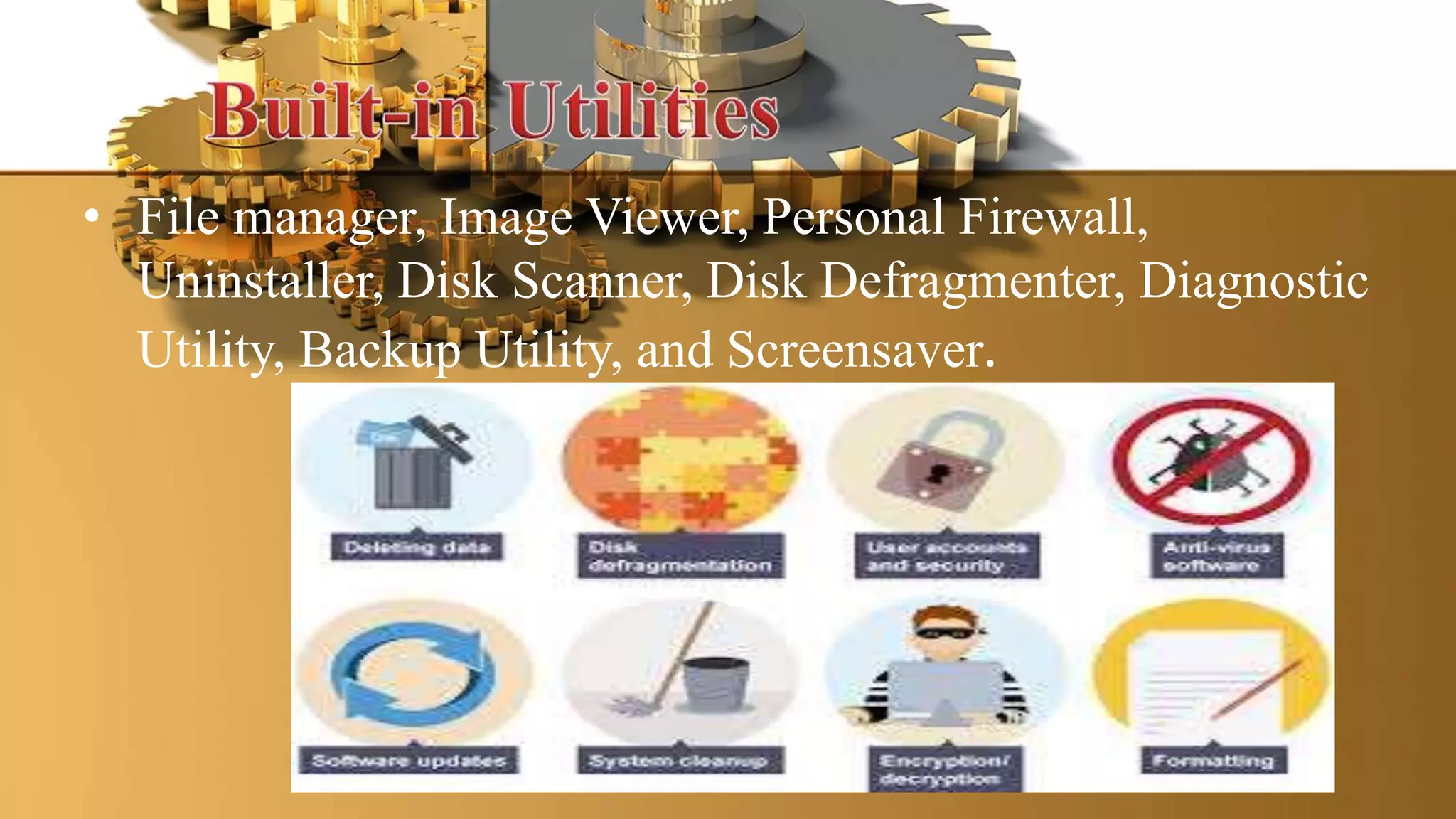
• File manager, Image Viewer, Personal Firewall,
Uninstaller, Disk Scanner, Disk Defragmenter, Diagnostic
Utility, Backup Utility, and Screensaver.
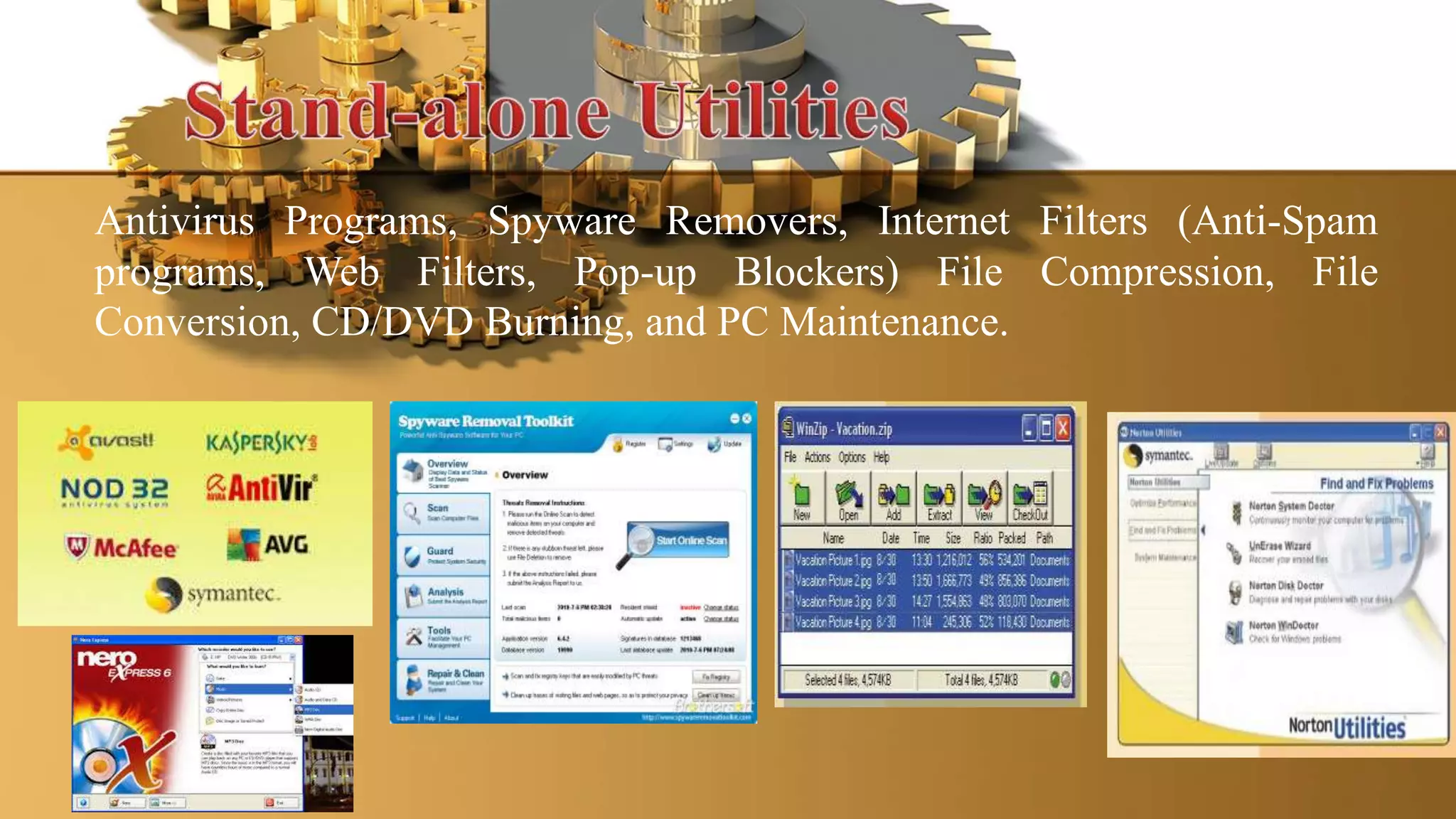
Antivirus Programs, Spyware Removers, Internet Filters (Anti-Spam
programs, Web Filters, Pop-up Blockers) File Compression, File
Conversion, CD/DVD Burning, and PC Maintenance.
Computer software

Computer software

  • 1.
  • 2.
  • 3.
    Who Was AdaLovelace? The daughter of famed poet Lord Byron, Augusta Ada Byron, Countess of Lovelace—better known as "Ada Lovelace"—was born in London on December 10, 1815. Ada showed her gift for mathematics at an early age. She translated an article on an invention by Charles Babbage (known as the Father of the Computer), and added her own comments. Because she introduced many computer concepts, Ada is considered the first computer programmer. Ada died on November 27, 1852.
  • 4.
    Two main types: •ApplicationSoftware –consists of programs designed to make users more productive and/or assist them with personal tasks. •SystemSoftware –consists of programs that control ormaintain the operations of the computer and its devices.
  • 26.
     System softwareactually controls the hardware so that application software can perform any action or task.  The System Software consist of the Operating System and all the utilities that enable the computer to function.
  • 27.
    a set ofprograms containing instructions that coordinate all the activities among computer hardware resources. Also called platform
  • 28.
    provides user interface managesprograms manages memory schedules jobs configure devices establishes an Internet connection monitors performance providing file management and other utilities controlling a network administering security
  • 31.
    1)Stand-alone OS –a complete operating system that works on a desktop computer, notebook computer, or mobile computing device. Ex. DOS, Windows XP, Mac OS X, UNIX and Linux
  • 34.
    2. Network OS– an operating system that is designed specifically to support a network and typically resides in a server. Ex. Netware, Windows Server 2003, UNIX, Linux and Solaris.
  • 38.
    3. Embedded OS– an operating system found on most PDAs and small devices. Ex. Windows CE, Windows Mobile, Palm OS, Embedded Linux and Symbian OS.
  • 39.
     Browsing  Messaging Multimedia  Communication Protocol  Mobile telephony  Data Synchronization  Security  Most secured and customized and open source operating system  Support different version of mobile 2G, 2,5G, 3G  Integrated multimode Mobile telephony  Application environment  Multi-tasking  Robustness  Flexible  Is small, fast ,and efficient  Easy to use  Allows simple and fast desktop synchronization  Embraces diversity  Palm OS is discontinued mobile operating system initially developed by Palm Inc., for personal digital assistants (PDAs) in 1996. It was designed for ease of use with a touchscreen-based graphical user interface
  • 41.
    • A programthat performs maintenance-type tasks, usually related to managing a computer, its devices, or its programs. Also called utility, could be built-in programs in the Operating System or stand-alone utilities. • Helps maintain or configure a computer. Many of these are installed at the same time as the OS but they can also be added afterwards
  • 42.
    • File manager,Image Viewer, Personal Firewall, Uninstaller, Disk Scanner, Disk Defragmenter, Diagnostic Utility, Backup Utility, and Screensaver.
  • 43.
    Antivirus Programs, SpywareRemovers, Internet Filters (Anti-Spam programs, Web Filters, Pop-up Blockers) File Compression, File Conversion, CD/DVD Burning, and PC Maintenance.