Putting Kafka into Overdrive
Todd Palino (LinkedIn) & Gwen Shapira (Confluent)
Us
Todd Palino
Staff SRE @ LinkedIn
Committer @ Burrow
Previously:
Systems Engineer @ Verisign
Find me:
tpalino@gmail.com
@bonkoif
Gwen Shapira
System Architect @ Confluent
Committer @ Apache Kafka
Previously:
Software Engineer @ Cloudera
Senior Consultant @ Pythian
Find me:
gwen@confluent.io
@gwenshap
There’s a Book on That!
Early Access available now
Get a signed copy:
● Today at 6:20 PM @ O’Reilly
Booth
● Tomorrow at 1:00 PM @
Confluent Booth (#838)
You
• SRE / DevOps
• Developer
• Know some things about Kafka
Kafka
• High Throughput
• Scalable
• Low Latency
• Real-time
• Centralized
• Awesome
So, we are done, right?
When it comes to critical production systems
– Never trust a vendor.
6
Our favorite conversation:
Kafka is super slow.
Sometimes messages take over a second
to show up.
Or…
I can only push 20k messages per
second? You have got to be kidding me.
We want to know…
• Is this normal? What should we expect?
• What are good hardware / configuration to use to avoid 3am calls?
• Can we tell if Kafka is slow before users call?
• What can developers do to get best performance?
• How can developers and SREs work together to troubleshoot
performance issues?
Strong Foundations
Building a Kafka cluster from the hardware up
What’s Important To You?
• Message Retention - Disk size
• Message Throughput - Network capacity
• Producer Performance - Disk I/O
• Consumer Performance - Memory
Go Wide
• RAIS - Redundant Array of Inexpensive Servers
• Kafka is well-suited to horizontal scaling
• Also helps with CPU utilization
• Kafka needs to decompress and recompress every message batch
• KIP-31 will help with this by eliminating recompression
• Don’t co-locate Kafka
Disk Layout
•RAID
• Can survive a single disk failure (not RAID 0)
• Provides the broker with a single log directory
• Eats up disk I/O
•JBOD
• Gives Kafka all the disk I/O available
• Broker is not smart about balancing partitions
• If one disk fails, the entire broker stops
• Amazon EBS performance works!
Operating System Tuning
• Filesystem Options
• EXT or XFS
• Using unsafe mount options
• Virtual Memory
• Swappiness
• Dirty Pages
• Networking
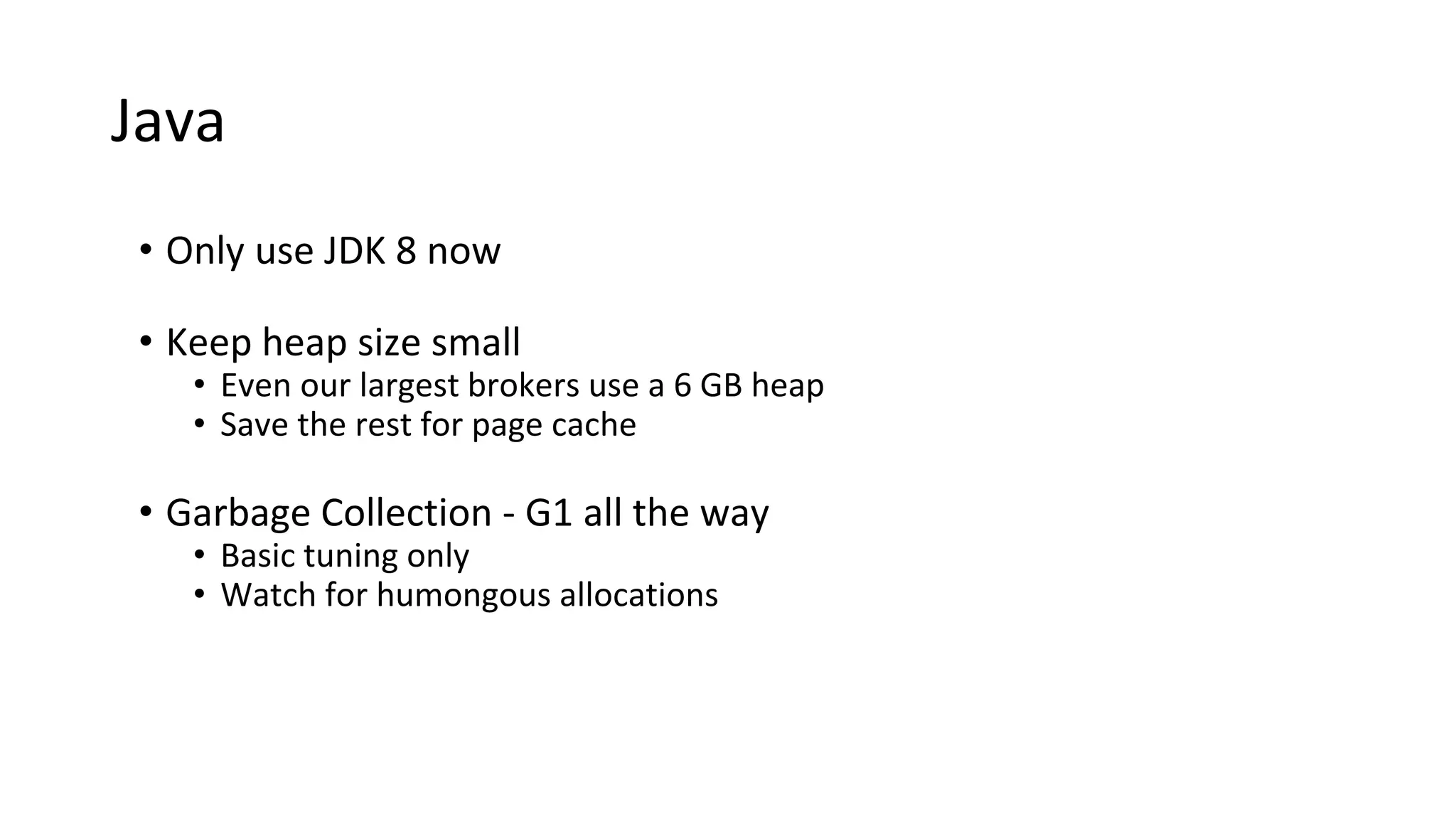
Java
• Only use JDK 8 now
• Keep heap size small
• Even our largest brokers use a 6 GB heap
• Save the rest for page cache
• Garbage Collection - G1 all the way
• Basic tuning only
• Watch for humongous allocations
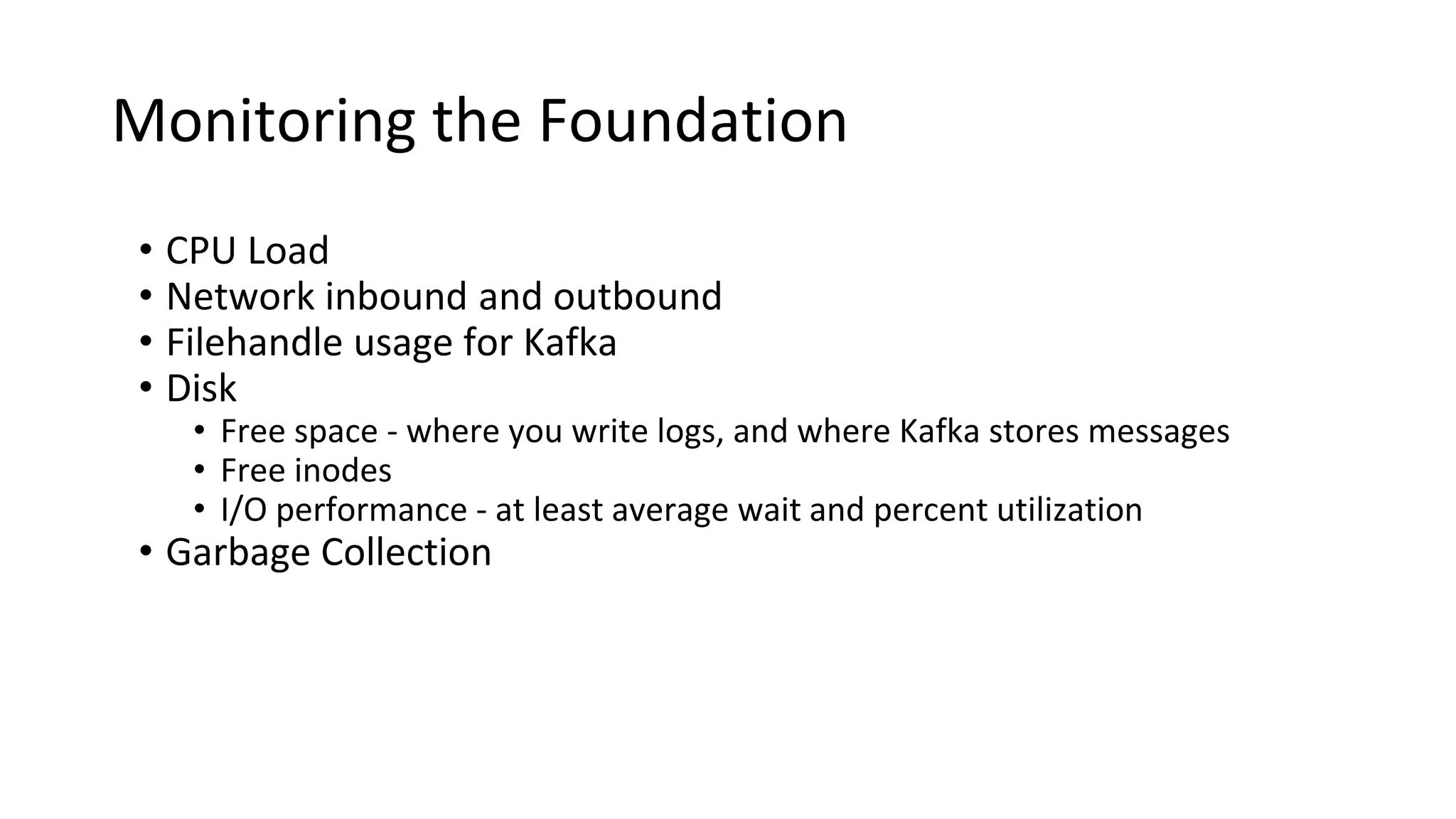
Monitoring the Foundation
• CPU Load
• Network inbound and outbound
• Filehandle usage for Kafka
• Disk
• Free space - where you write logs, and where Kafka stores messages
• Free inodes
• I/O performance - at least average wait and percent utilization
• Garbage Collection
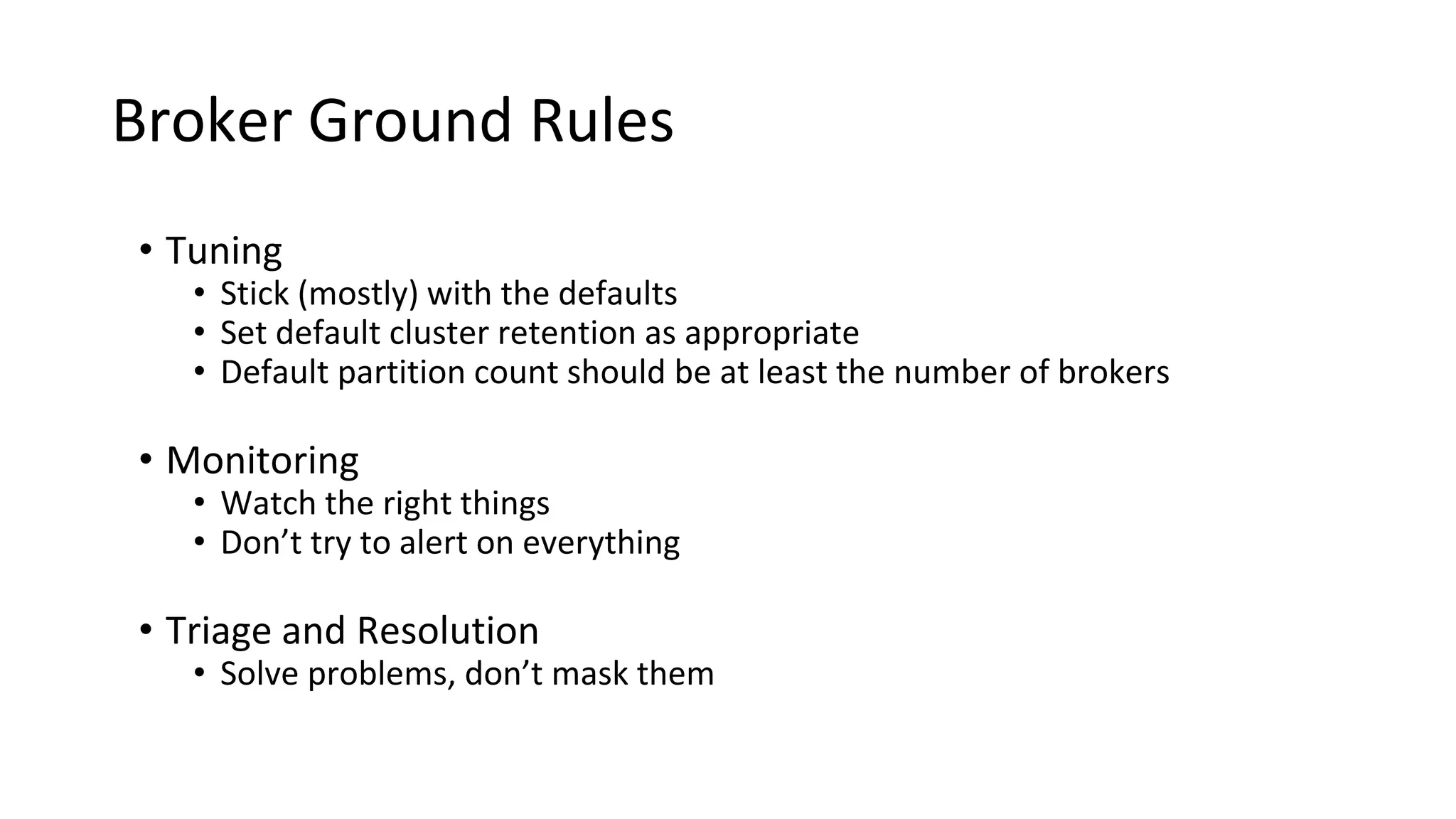
Broker Ground Rules
• Tuning
• Stick (mostly) with the defaults
• Set default cluster retention as appropriate
• Default partition count should be at least the number of brokers
• Monitoring
• Watch the right things
• Don’t try to alert on everything
• Triage and Resolution
• Solve problems, don’t mask them
Too Much Information!
• Monitoring teams hate Kafka
• Per-Topic metrics
• Per-Partition metrics
• Per-Client metrics
• Capture as much as you can
• Many metrics are useful while triaging an issue
• Clients want metrics on their own topics
• Only alert on what is needed to signal a problem
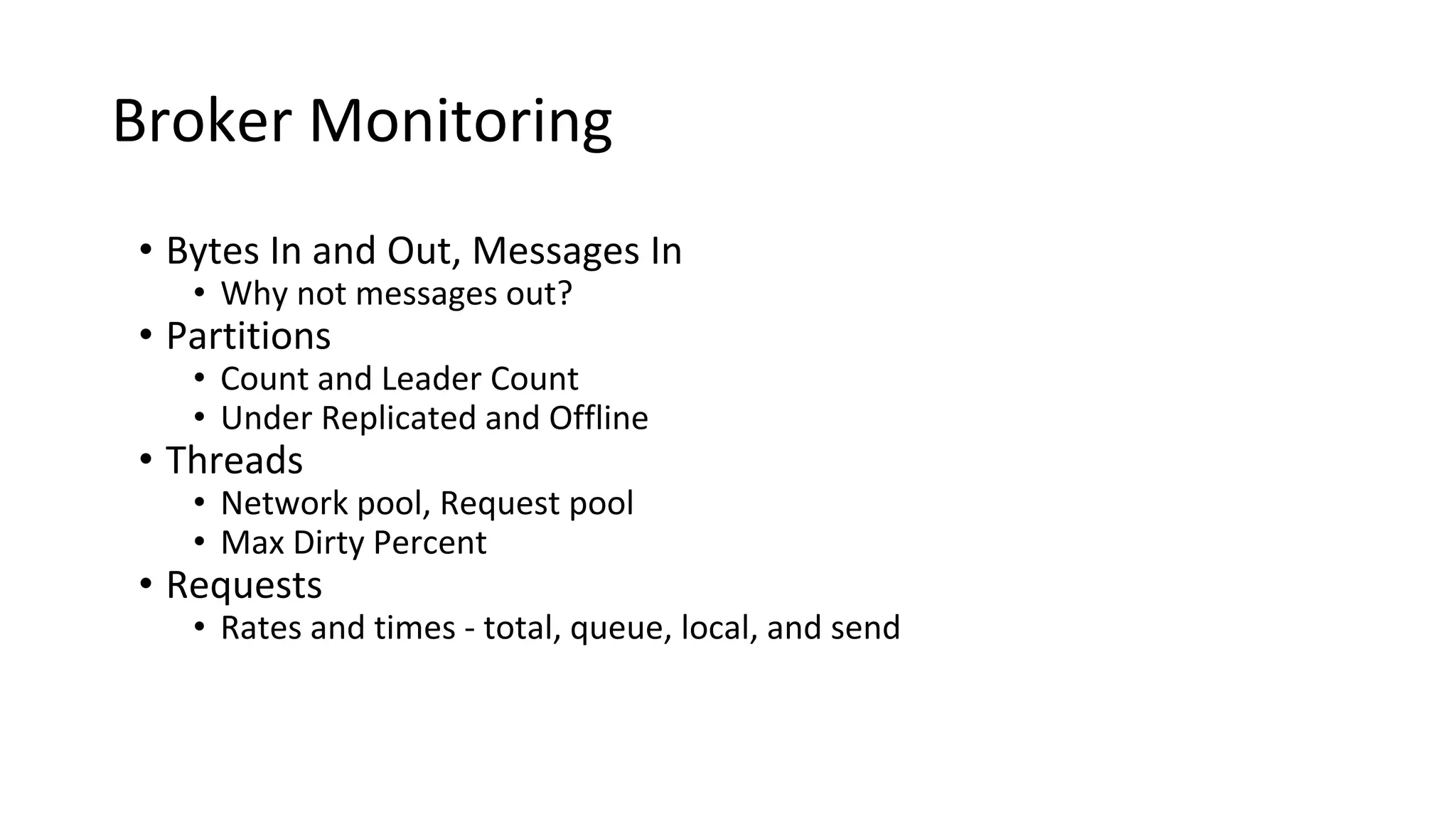
Broker Monitoring
• Bytes In and Out, Messages In
• Why not messages out?
• Partitions
• Count and Leader Count
• Under Replicated and Offline
• Threads
• Network pool, Request pool
• Max Dirty Percent
• Requests
• Rates and times - total, queue, local, and send
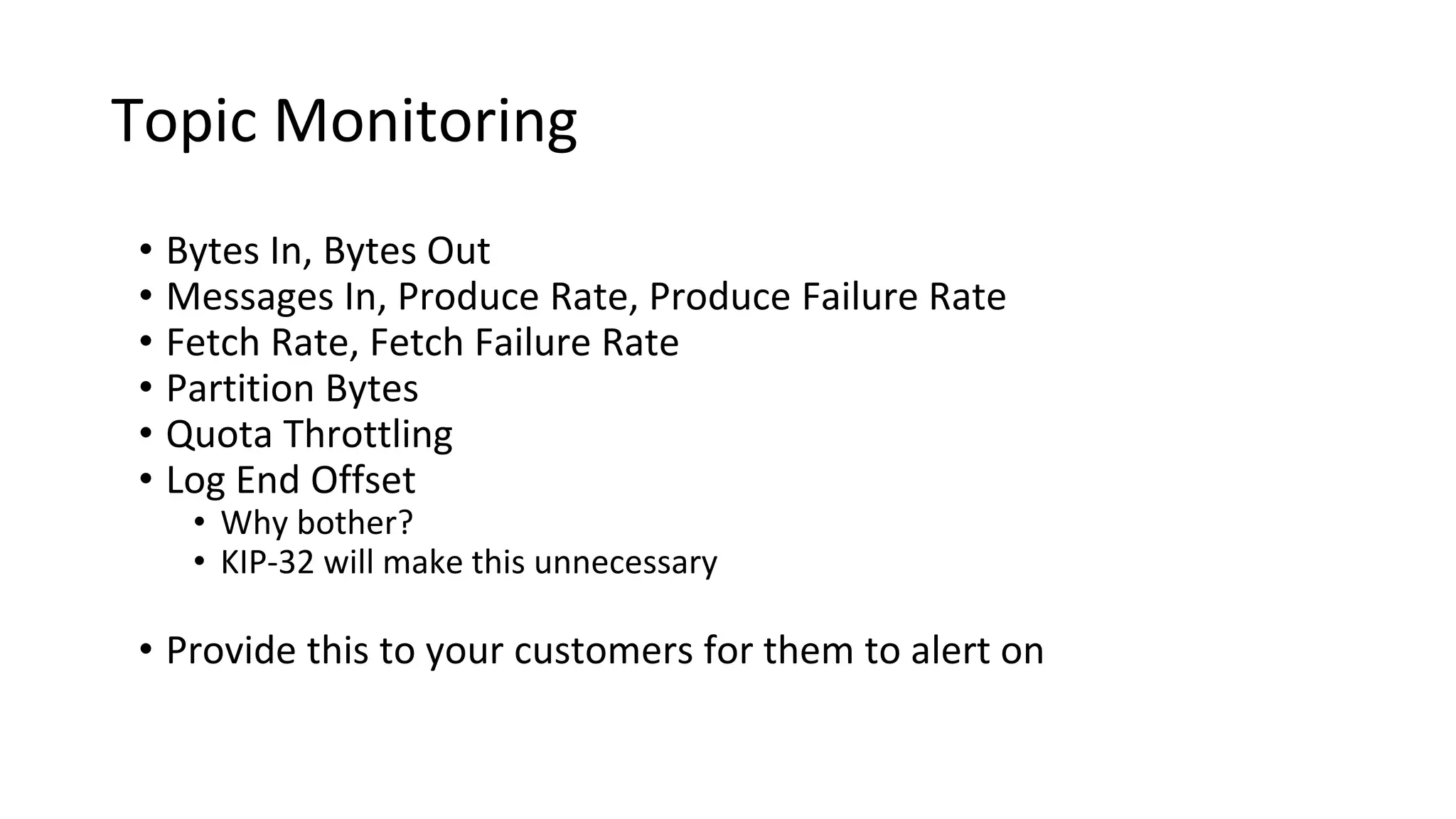
Topic Monitoring
• Bytes In, Bytes Out
• Messages In, Produce Rate, Produce Failure Rate
• Fetch Rate, Fetch Failure Rate
• Partition Bytes
• Quota Throttling
• Log End Offset
• Why bother?
• KIP-32 will make this unnecessary
• Provide this to your customers for them to alert on
How To Have a Life
Avoiding the 3 AM calls
All The Best Ops People...
• Know more of what is happening than their customers
All The Best Ops People...
• Know more of what is happening than their customers
• Are proactive
All The Best Ops People...
• Know more of what is happening than their customers
• Are proactive
• Fix bugs, not work around them
All The Best Ops People...
• Know more of what is happening than their customers
• Are proactive
• Fix bugs, not work around them
This applies to our developers too!
Anticipating Trouble
• Trend cluster utilization and growth over time
Anticipating Trouble
• Trend cluster utilization and growth over time
• Use default configurations for quotas and retention to require
customers to talk to you
Anticipating Trouble
• Trend cluster utilization and growth over time
• Use default configurations for quotas and retention to require
customers to talk to you
• Monitor request times
• If you are able to develop a consistent baseline, this is early warning
Under Replicated Partitions
• Count of number of partitions which are not fully replicated within
the cluster
• Also referred to as “replica lag”
• Primary indicator of problems within the cluster
Broker Performance Checks
• Are all the brokers in the cluster working?
• Are the network interfaces saturated?
• Reelect partition leaders
• Rebalance partitions in the cluster
• Spread out traffic more (increase partitions or brokers)
• Is the CPU utilization high? (especially iowait)
• Is another process competing for resources?
• Look for a bad disk
• Are you still running 0.8?
• Do you have really big messages?
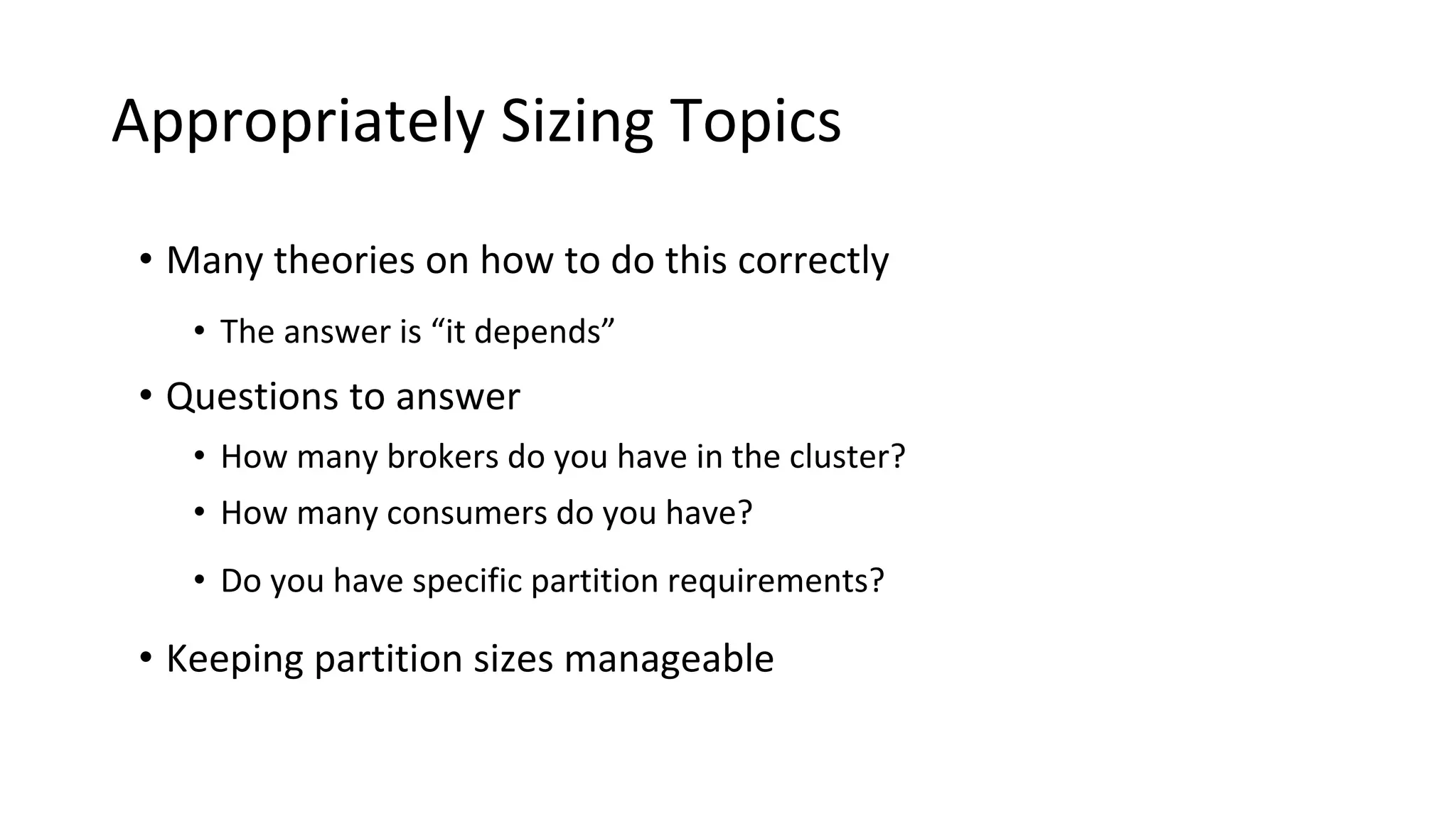
Appropriately Sizing Topics
• Many theories on how to do this correctly
Appropriately Sizing Topics
• Many theories on how to do this correctly
• The answer is “it depends”
Appropriately Sizing Topics
• Many theories on how to do this correctly
• The answer is “it depends”
• Questions to answer
• How many brokers do you have in the cluster?
• How many consumers do you have?
• Do you have specific partition requirements?
Appropriately Sizing Topics
• Many theories on how to do this correctly
• The answer is “it depends”
• Questions to answer
• How many brokers do you have in the cluster?
• How many consumers do you have?
• Do you have specific partition requirements?
• Keeping partition sizes manageable
Appropriately Sizing Topics
• Many theories on how to do this correctly
• The answer is “it depends”
• Questions to answer
• How many brokers do you have in the cluster?
• How many consumers do you have?
• Do you have specific partition requirements?
• Keeping partition sizes manageable
• Multiple tiers makes this more interesting
• Don’t have too many partitions
Kafka’s Fine, It’s a Client Problem
• Even so, don’t just throw it over the fence
The Clients
Because Todd only sees 50% of the picture
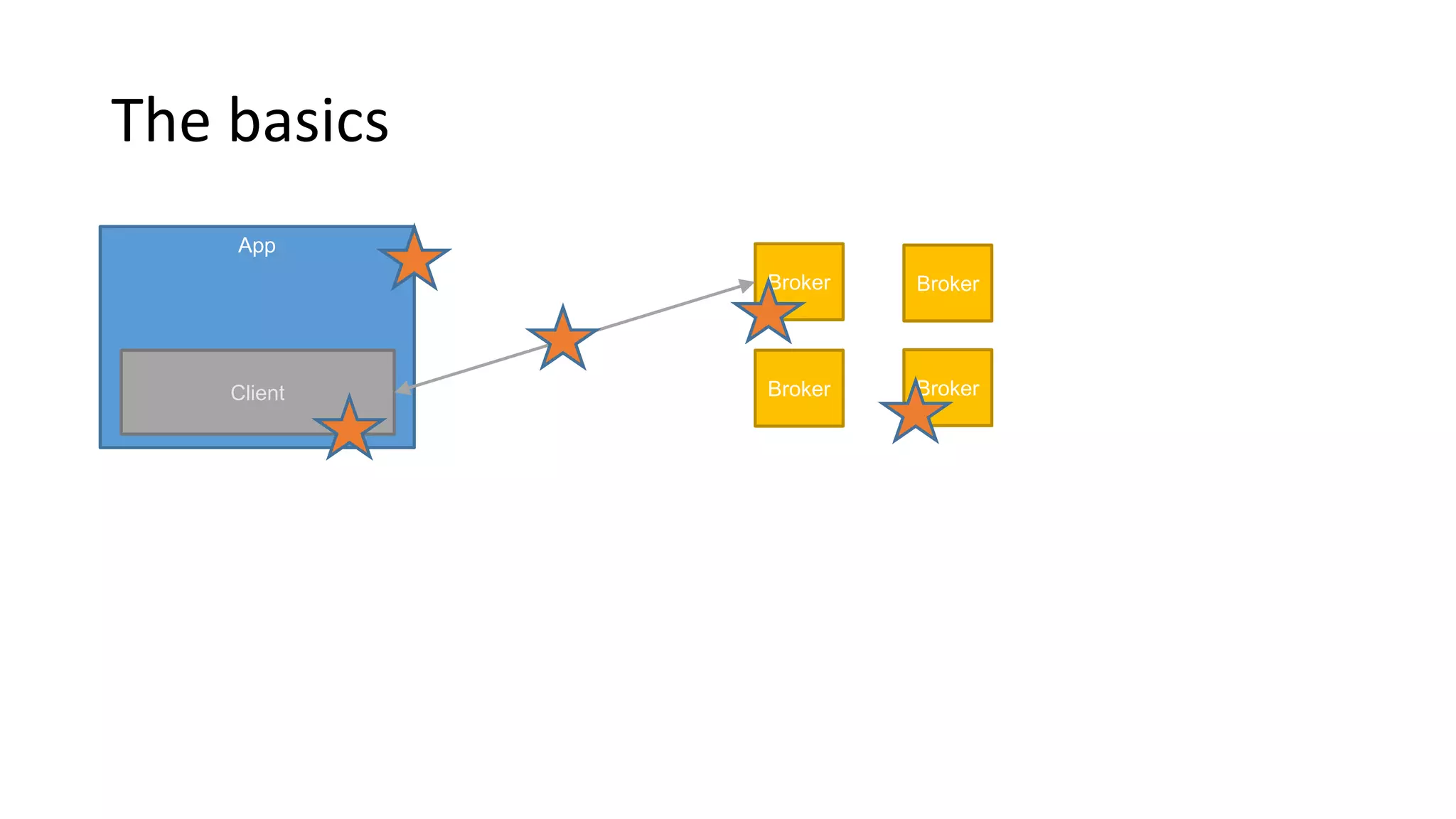
The basics
App
Client
Broker
Broker
Broker
Broker
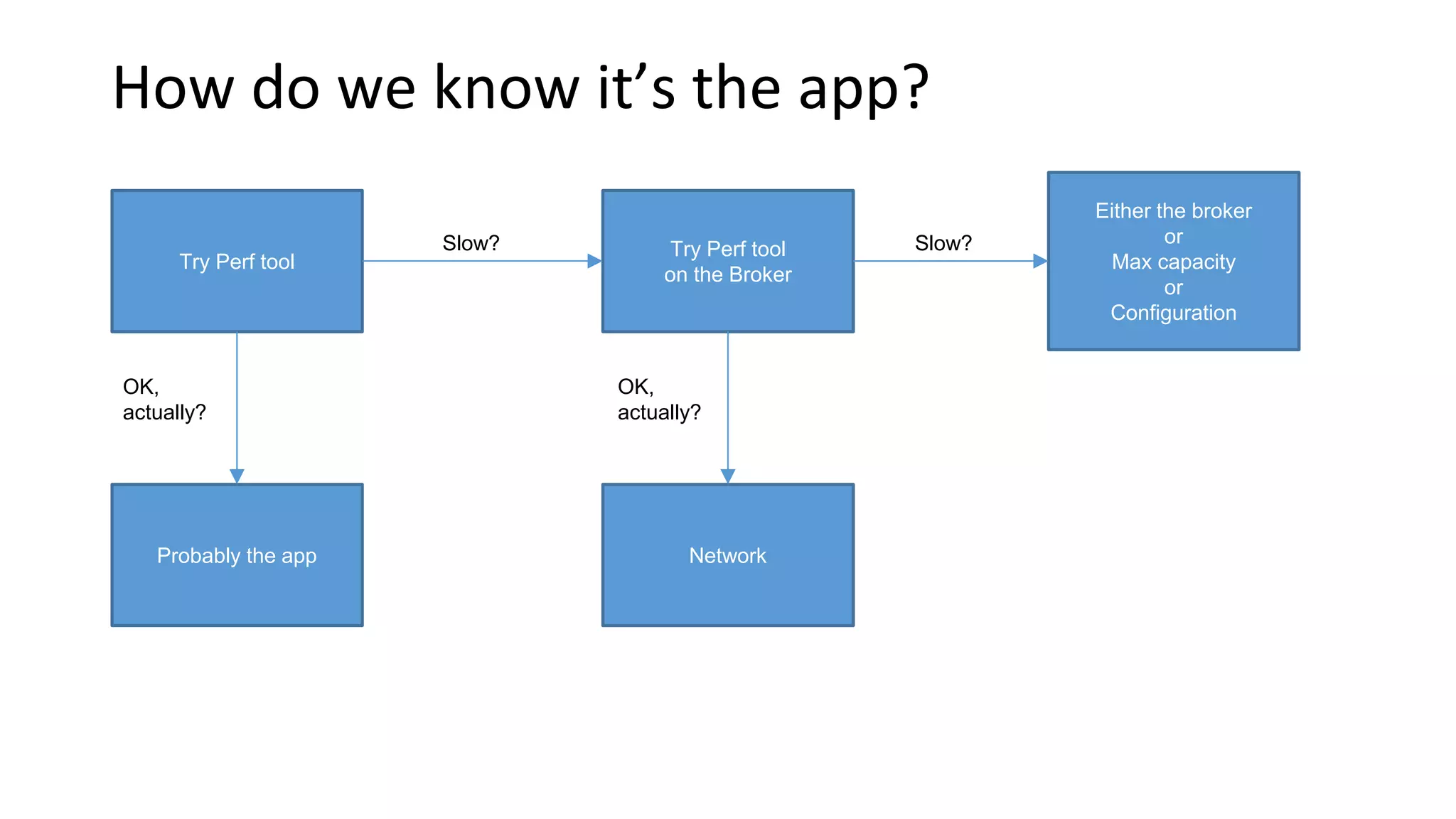
How do we know it’s the app?
Try Perf tool
Slow?
OK,
actually?
Try Perf tool
on the Broker
Probably the app
Slow?
Either the broker
or
Max capacity
or
Configuration
OK,
actually?
Network
Throttling!
• Brokers can protect themselves
against clients
• client_id ->
maximum bytes / sec
(per broker)
• Server responses are delayed
• throttle metrics available on
clients and brokers
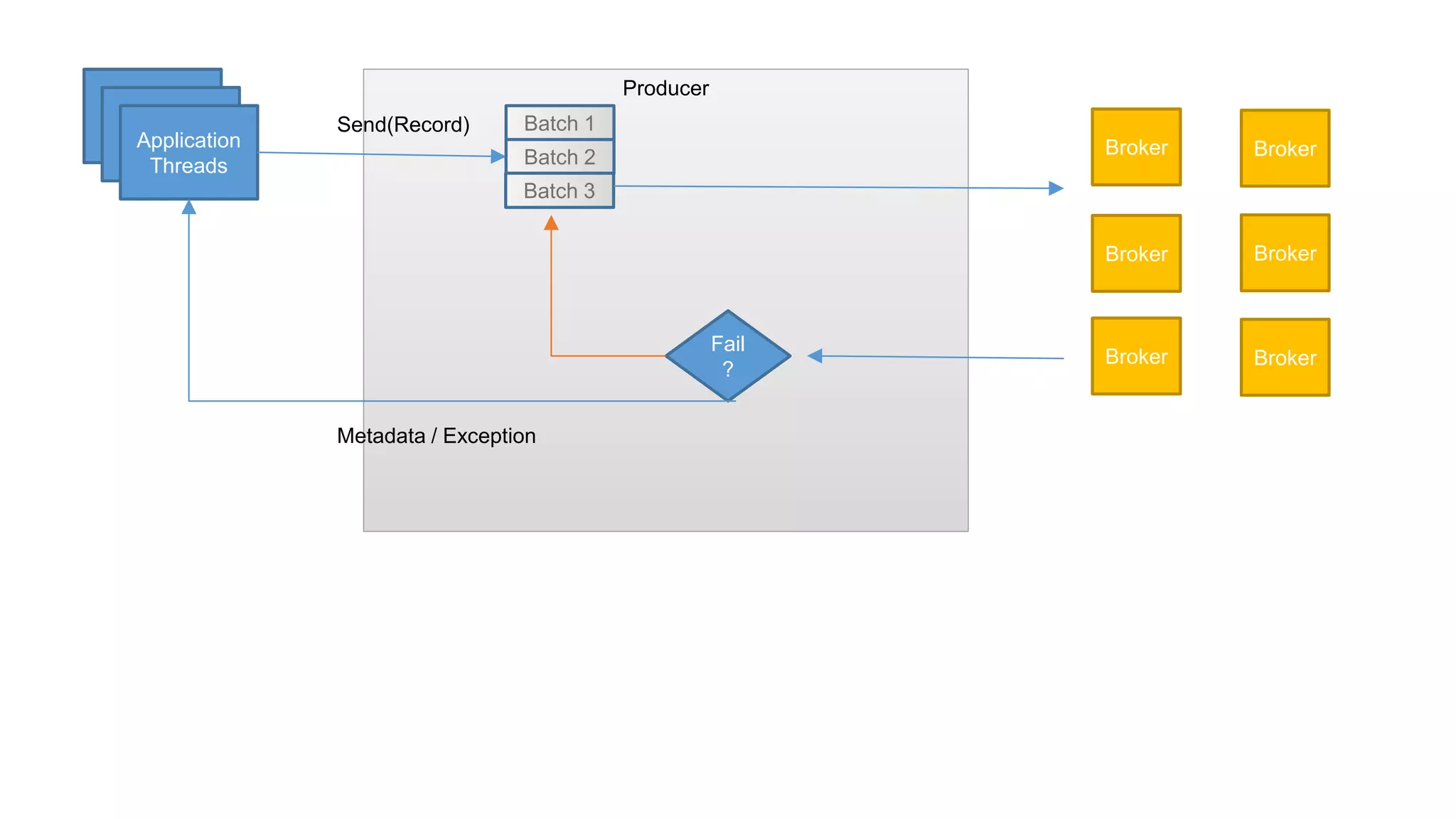
Producer
Application
Threads
Producer
Batch 1
Batch 2
Batch 3
Broker
Broker
Broker
Broker
Fail
?
Broker Broker
Send(Record)
Metadata / Exception
Application
Threads
Producer
Batch 1
Batch 2
Batch 3
Broker
Broker
Broker
Broker
Fail
?
Broker Broker
Send(Record)
Metadata / Exception
waiting-threads
Request-latency
Batch-size
Compression-rate
Record-queue-time
Record-send-rate
Records-per-request
Record-retry-rate
Record-error-rate
Application
Threads
Producer
Batch 1
Batch 2
Batch 3
Broker
Broker
Broker
Broker
Fail
?
Broker Broker
Send(Record)
Metadata / Exception
Add threads
Async
Add producers
Batch.size
Linger.ms
Send.buffer.bytes
Receive.buffer.bytes
compression
acks
Send() API
Sync = Slow
producer.send(record).get();
Async
producer.send(record);
Or
producer.send(
record,
new Callback()
);
Batch.size vs Linger.ms
• Batch will be sent as soon as it is full
• Therefore small batch size can decrease throughput
• Increase batch size if the producer is running near saturation
• If consistently sending near-empty batchs – increase to linger.ms will
add a bit of latency, but improve throughput
Consumer
My Consumer is not just slow – it is hanging!
• There are no messages available (try perf consumer)
• Next message is too large
• Perpetual rebalance
• Not polling enough
• Multiple consumers in same group in same thread
Reminder!
Consumers typically live in
“consumer groups”
Partitions in topics are balanced
between consumers in groups
Topic T1
Partition 0
Partition 1
Partition 2
Partition 3
Consumer Group 1
Consumer 1
Consumer 2
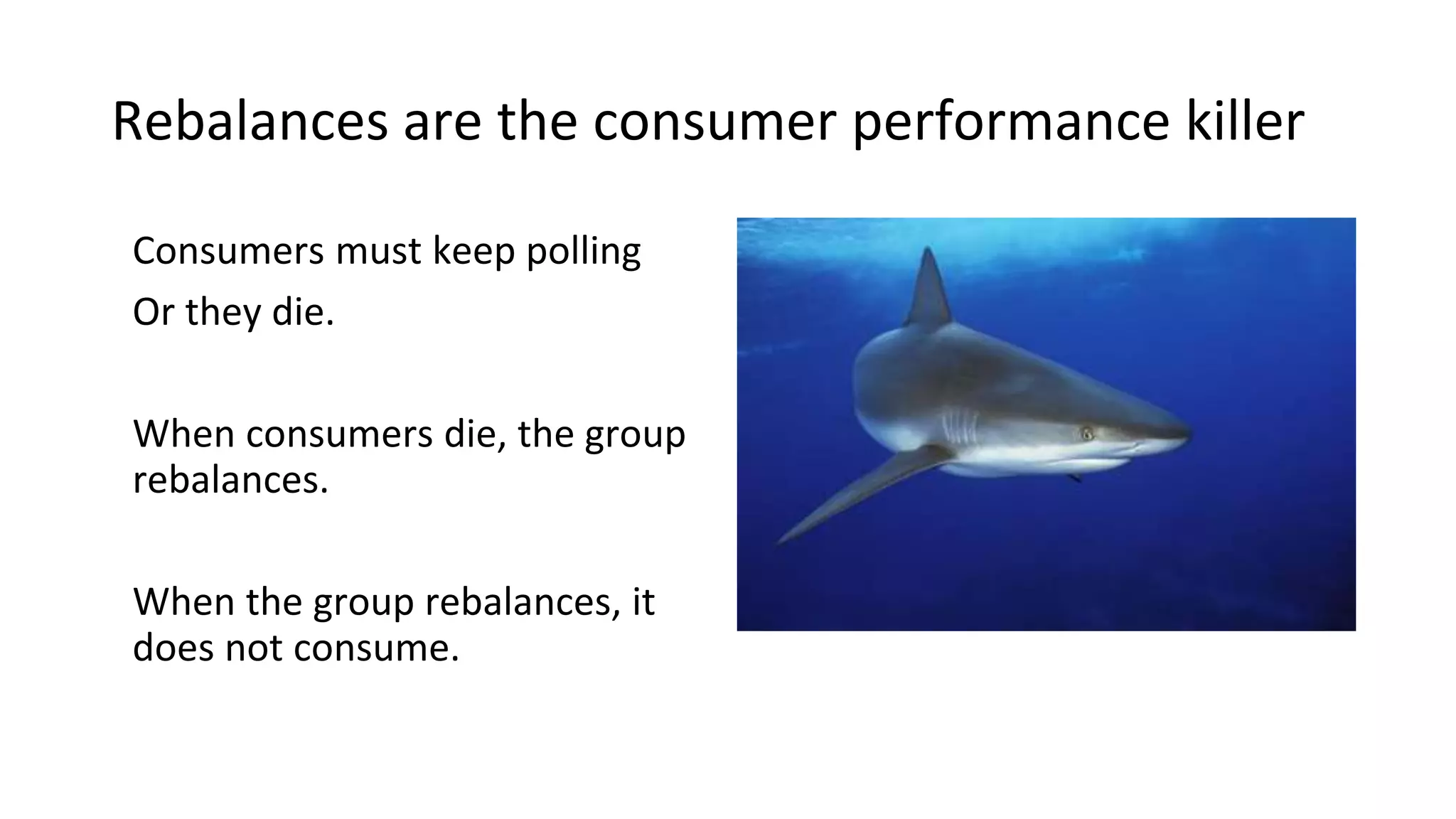
Rebalances are the consumer performance killer
Consumers must keep polling
Or they die.
When consumers die, the group
rebalances.
When the group rebalances, it
does not consume.
Min.fetch.bytes vs. max.wait
• What if the topic doesn’t have much data?
• “Are we there yet?” “and now?”
• Reduce load on broker by letting fetch requests wait a bit for data
• Add latency to increase throughput
• Careful! Don’t fetch more than you can process!
Commits take time
• Commit less often
• Commit async
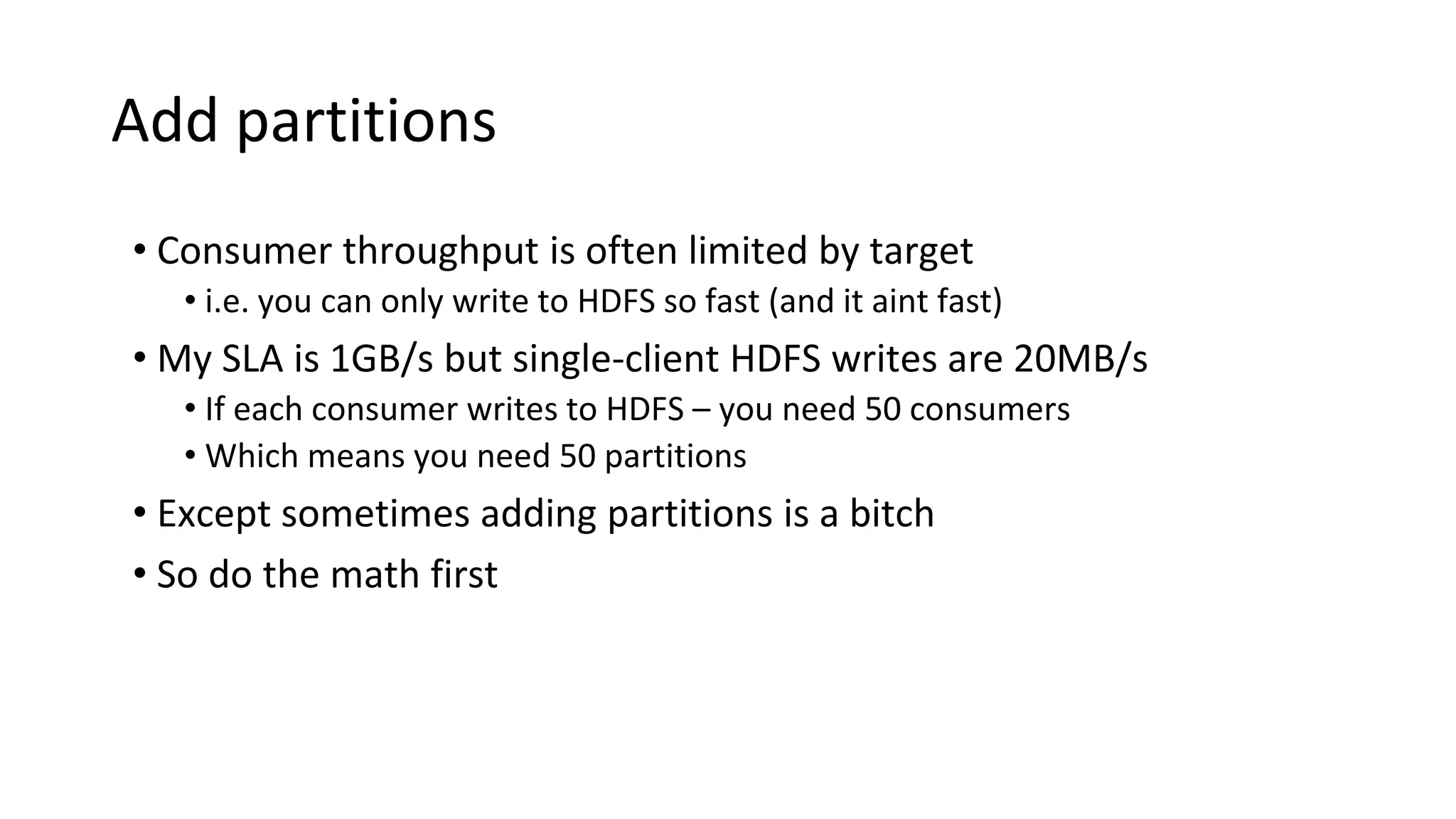
Add partitions
• Consumer throughput is often limited by target
• i.e. you can only write to HDFS so fast (and it aint fast)
• My SLA is 1GB/s but single-client HDFS writes are 20MB/s
• If each consumer writes to HDFS – you need 50 consumers
• Which means you need 50 partitions
• Except sometimes adding partitions is a bitch
• So do the math first
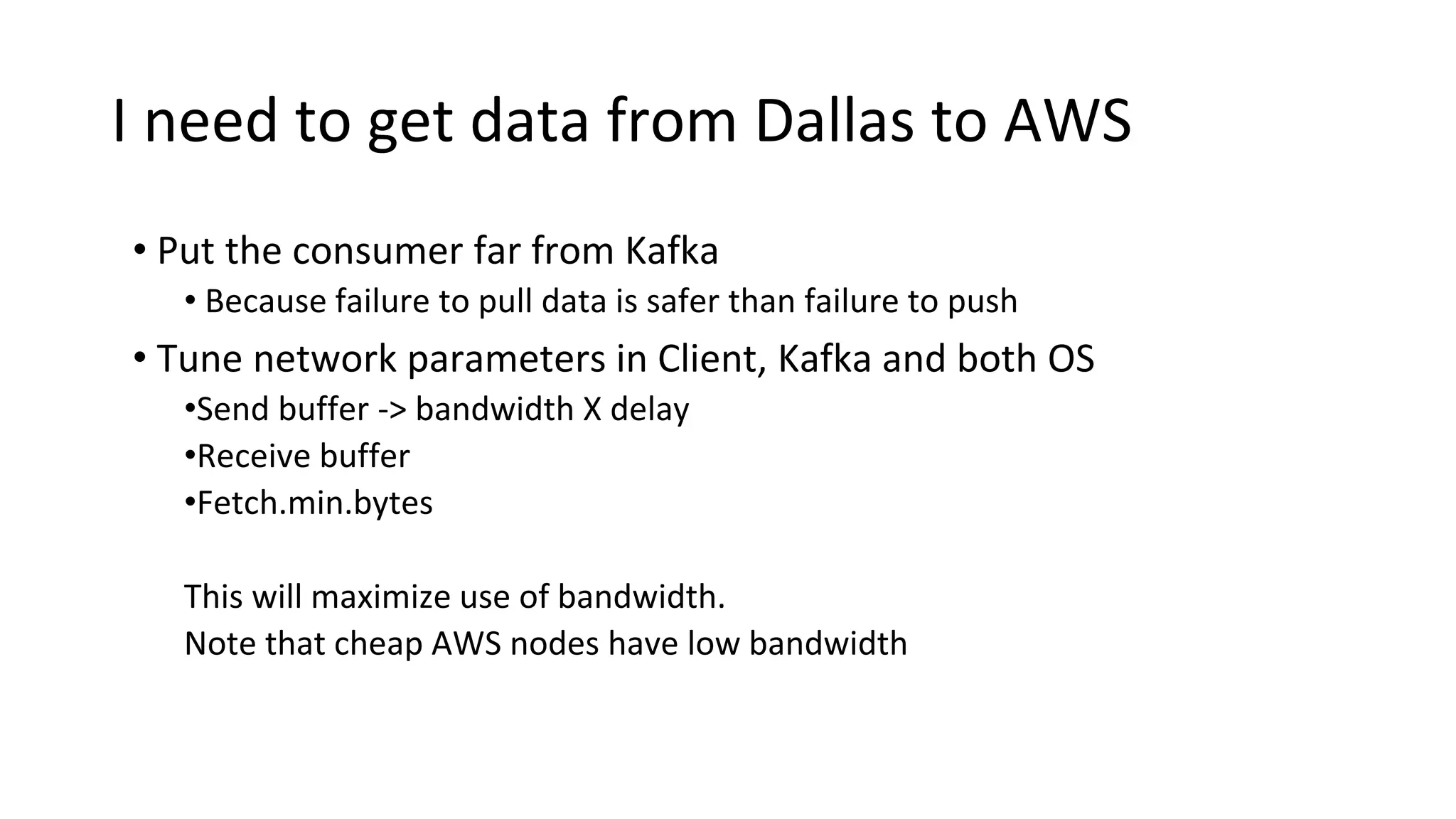
I need to get data from Dallas to AWS
• Put the consumer far from Kafka
• Because failure to pull data is safer than failure to push
• Tune network parameters in Client, Kafka and both OS
•Send buffer -> bandwidth X delay
•Receive buffer
•Fetch.min.bytes
This will maximize use of bandwidth.
Note that cheap AWS nodes have low bandwidth
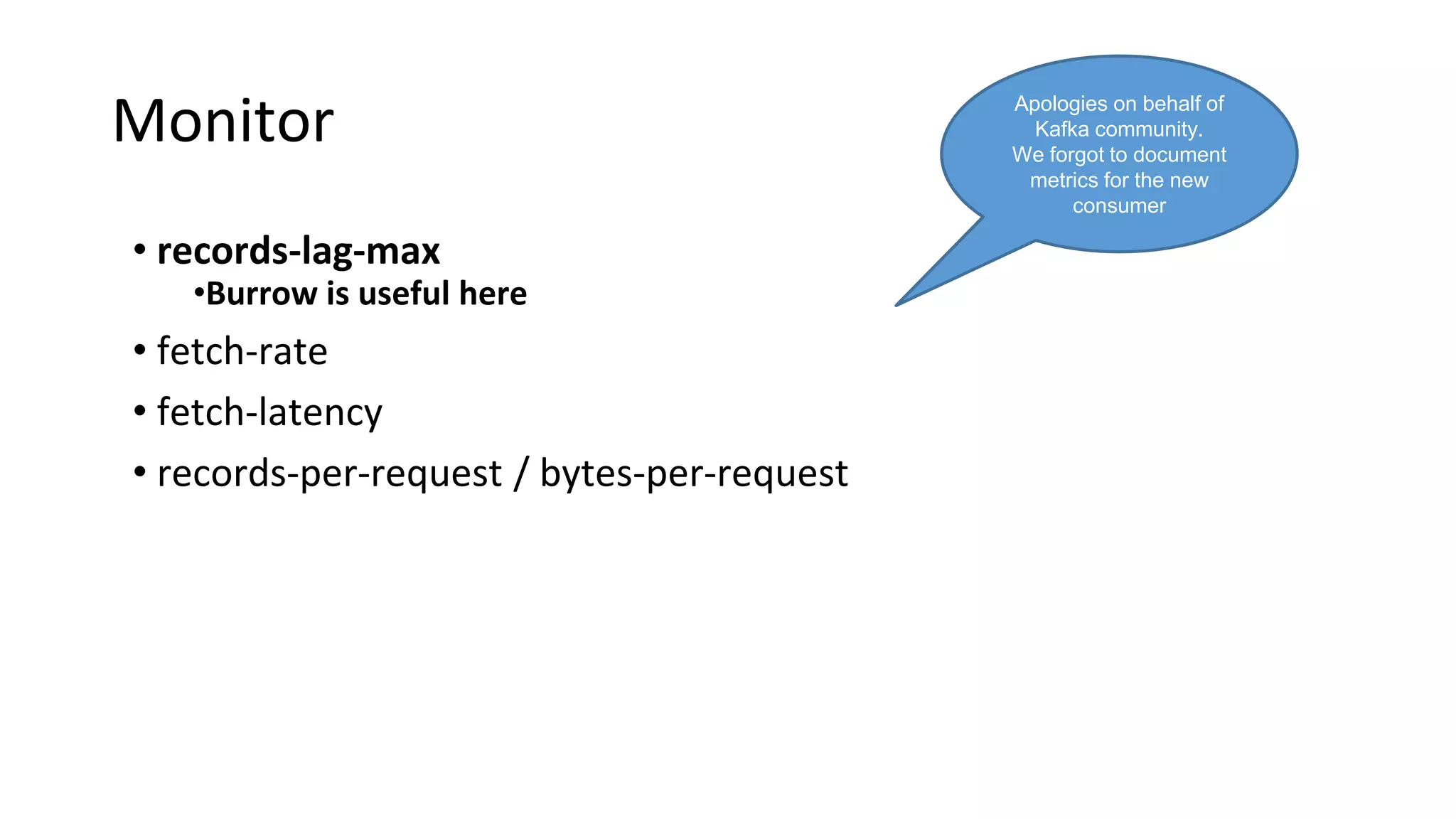
Monitor
• records-lag-max
•Burrow is useful here
• fetch-rate
• fetch-latency
• records-per-request / bytes-per-request
Apologies on behalf of
Kafka community.
We forgot to document
metrics for the new
consumer
Wrapping Up
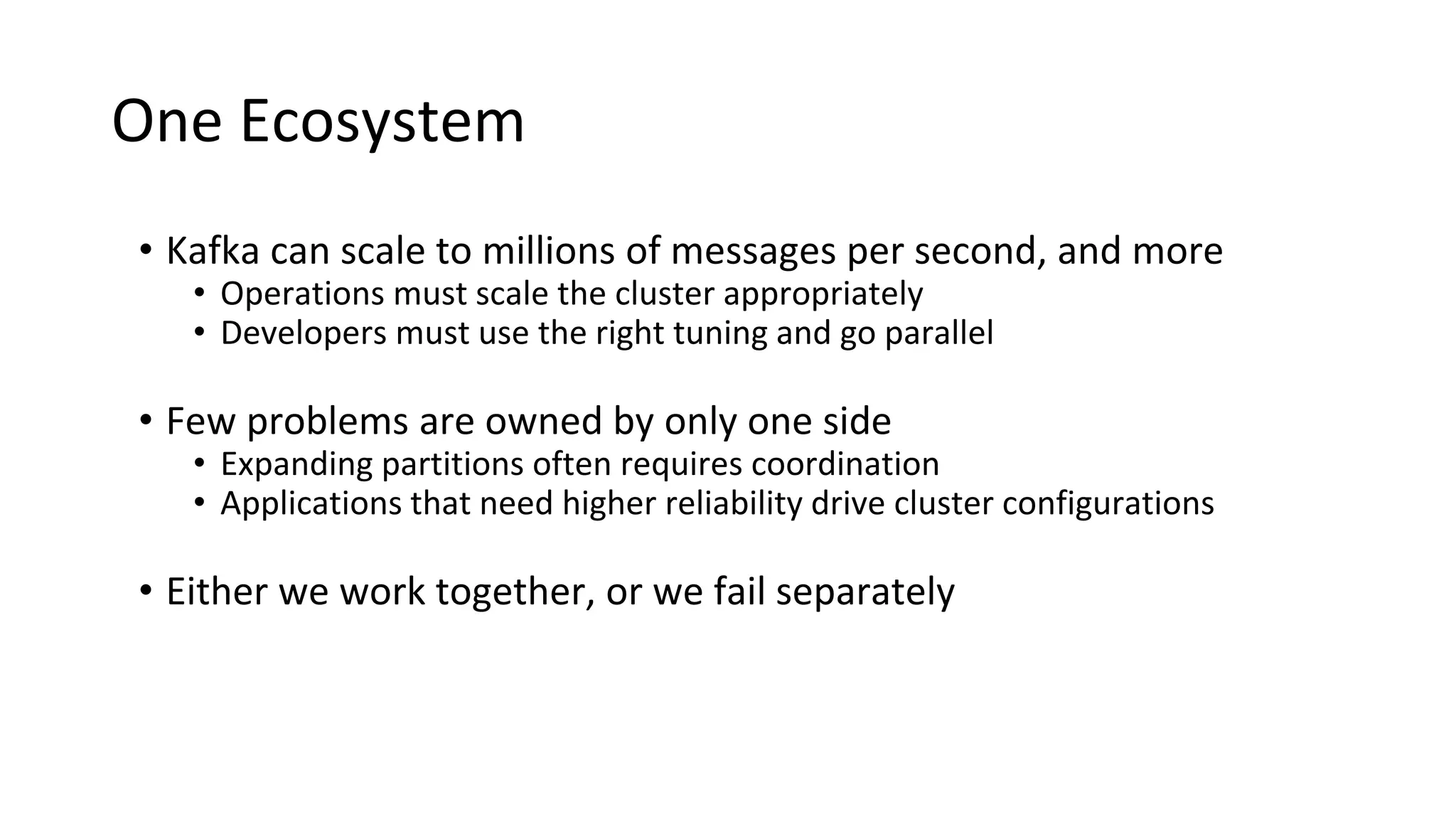
One Ecosystem
• Kafka can scale to millions of messages per second, and more
• Operations must scale the cluster appropriately
• Developers must use the right tuning and go parallel
One Ecosystem
• Kafka can scale to millions of messages per second, and more
• Operations must scale the cluster appropriately
• Developers must use the right tuning and go parallel
• Few problems are owned by only one side
• Expanding partitions often requires coordination
• Applications that need higher reliability drive cluster configurations
One Ecosystem
• Kafka can scale to millions of messages per second, and more
• Operations must scale the cluster appropriately
• Developers must use the right tuning and go parallel
• Few problems are owned by only one side
• Expanding partitions often requires coordination
• Applications that need higher reliability drive cluster configurations
• Either we work together, or we fail separately
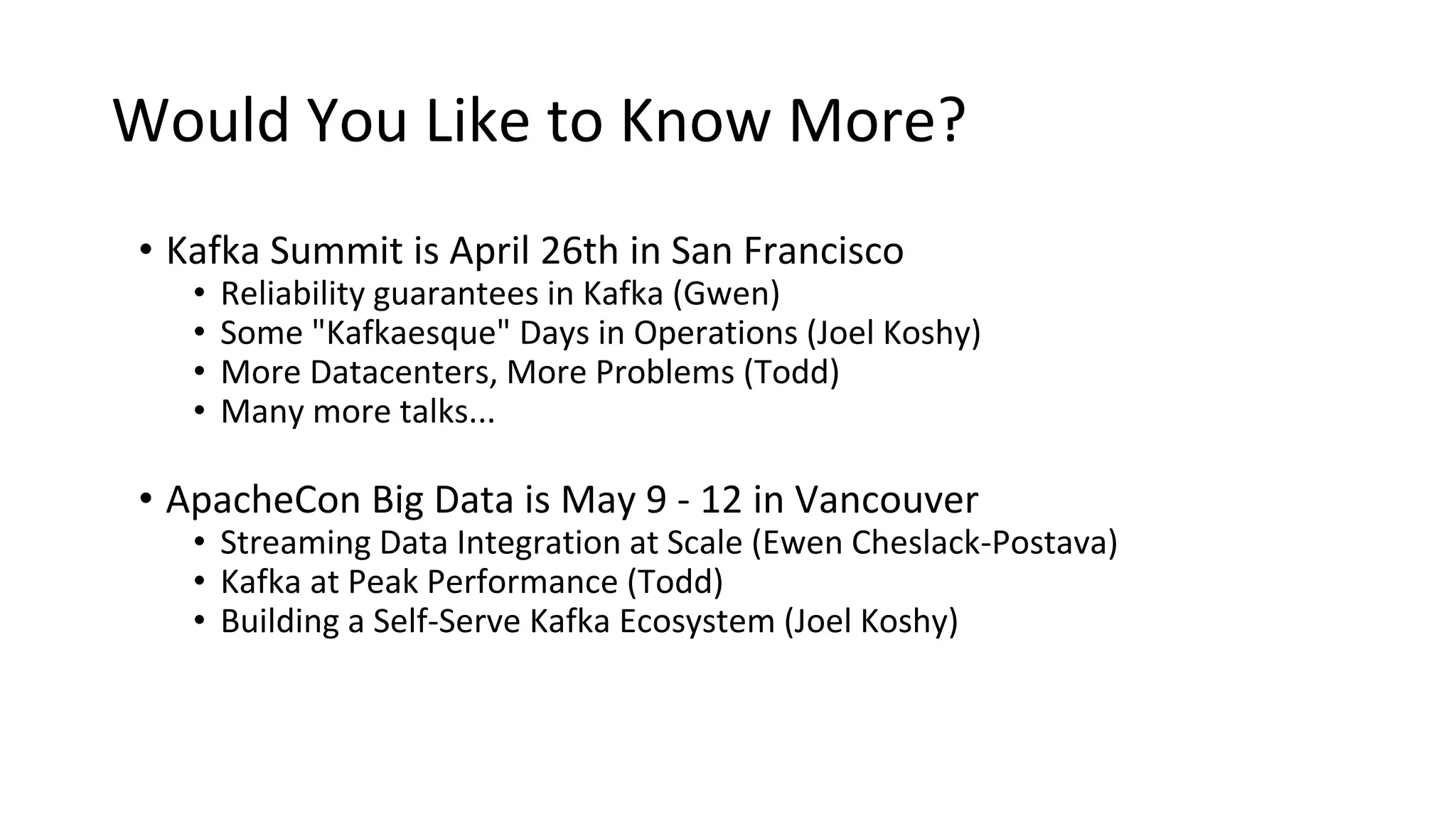
Would You Like to Know More?
• Kafka Summit is April 26th in San Francisco
• Reliability guarantees in Kafka (Gwen)
• Some "Kafkaesque" Days in Operations (Joel Koshy)
• More Datacenters, More Problems (Todd)
• Many more talks...
• ApacheCon Big Data is May 9 - 12 in Vancouver
• Streaming Data Integration at Scale (Ewen Cheslack-Postava)
• Kafka at Peak Performance (Todd)
• Building a Self-Serve Kafka Ecosystem (Joel Koshy)
Rebalances are the consumer performance killer
Appendix
More Information for later
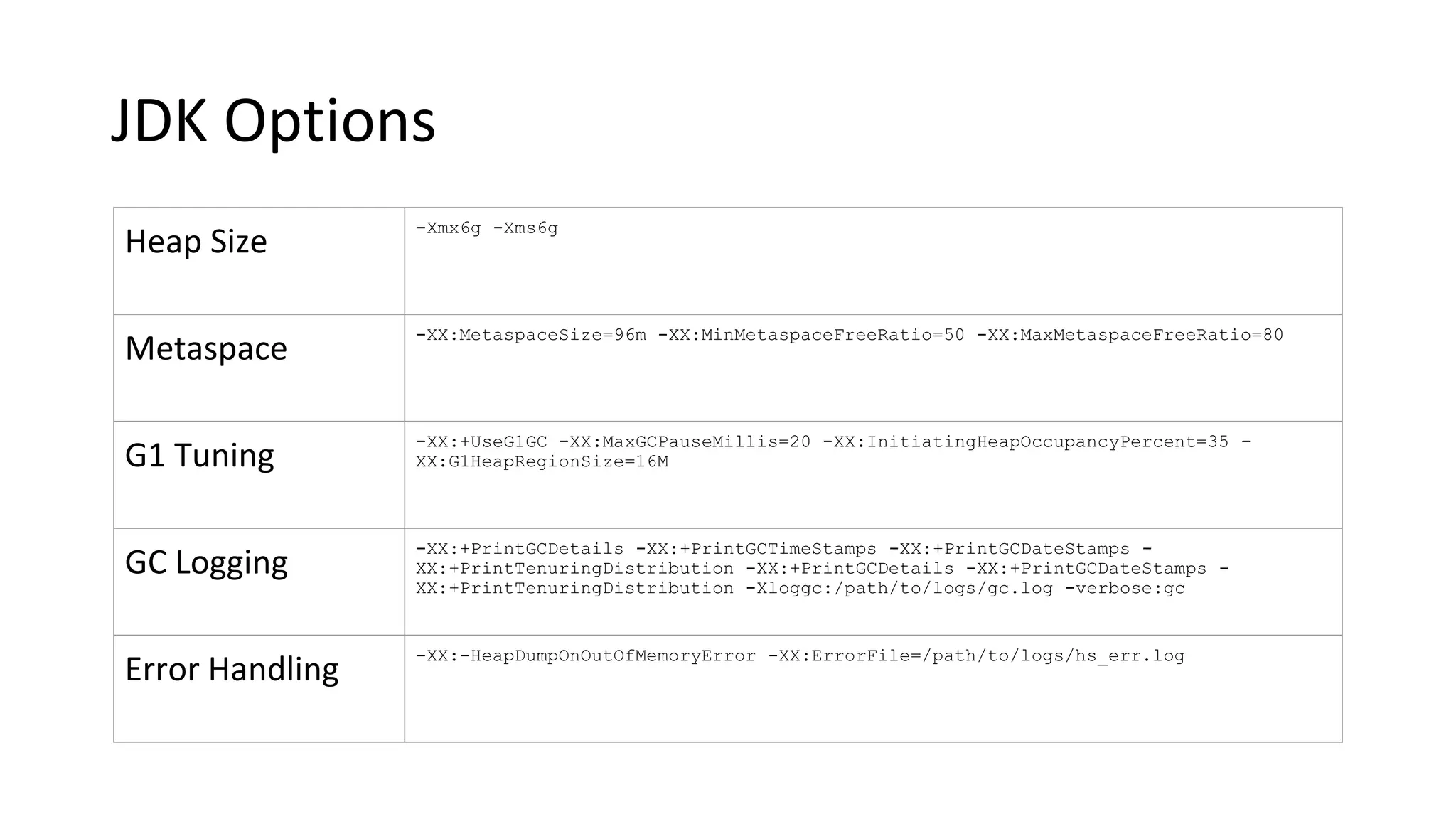
JDK Options
Heap Size
-Xmx6g -Xms6g
Metaspace
-XX:MetaspaceSize=96m -XX:MinMetaspaceFreeRatio=50 -XX:MaxMetaspaceFreeRatio=80
G1 Tuning
-XX:+UseG1GC -XX:MaxGCPauseMillis=20 -XX:InitiatingHeapOccupancyPercent=35 -
XX:G1HeapRegionSize=16M
GC Logging
-XX:+PrintGCDetails -XX:+PrintGCTimeStamps -XX:+PrintGCDateStamps -
XX:+PrintTenuringDistribution -XX:+PrintGCDetails -XX:+PrintGCDateStamps -
XX:+PrintTenuringDistribution -Xloggc:/path/to/logs/gc.log -verbose:gc
Error Handling
-XX:-HeapDumpOnOutOfMemoryError -XX:ErrorFile=/path/to/logs/hs_err.log
OS Tuning Parameters
• Networking:
net.core.rmem_default = 124928
net.core.rmem_max = 2048000
net.core.wmem_default = 124928
net.core.wmem_max = 2048000
net.ipv4.tcp_rmem = 4096 87380 4194304
net.ipv4.tcp_wmem = 4096 16384 4194304
net.ipv4.tcp_max_tw_buckets = 262144
net.ipv4.tcp_max_syn_backlog = 1024
OS Tuning Parameters (cont.)
• Virtual Memory:
vm.oom_kill_allocating_task = 1
vm.max_map_count = 200000
vm.swappiness = 1
vm.dirty_writeback_centisecs = 500
vm.dirty_expire_centisecs = 500
vm.dirty_ratio = 60
vm.dirty_background_ratio = 5
Kafka Broker Sensors
kafka.server:name=BytesInPerSec,type=BrokerTopicMetrics
kafka.server:name=BytesOutPerSec,type=BrokerTopicMetrics
kafka.server:name=MessagesInPerSec,type=BrokerTopicMetrics
kafka.server:name=PartitionCount,type=ReplicaManager
kafka.server:name=LeaderCount,type=ReplicaManager
kafka.server:name=UnderReplicatedPartitions,type=ReplicaManager
kafka.server:name=RequestHandlerAvgIdlePercent,type=KafkaRequestHandlerPool
kafka.controller:name=ActiveControllerCount,type=KafkaController
kafka.controller:name=OfflinePartitionsCount,type=KafkaController
kafka.log:name=max-dirty-percent,type=LogCleanerManager
kafka.network:name=NetworkProcessorAvgIdlePercent,type=SocketServer
kafka.network:name=RequestsPerSec,request=*,type=RequestMetrics
kafka.network:name=RequestQueueTimeMs,request=*,type=RequestMetrics
kafka.network:name=LocalTimeMs,request=*,type=RequestMetrics
kafka.network:name=RemoteTimeMs,request=*,type=RequestMetrics
kafka.network:name=ResponseQueueTimeMs,request=*,type=RequestMetrics
kafka.network:name=ResponseSendTimeMs,request=*,type=RequestMetrics
kafka.network:name=TotalTimeMs,request=*,type=RequestMetrics
Kafka Broker Sensors - Topics
kafka.server:name=BytesInPerSec,type=BrokerTopicMetrics,topics=*
kafka.server:name=BytesOutPerSec,type=BrokerTopicMetrics,topics=*
kafka.server:name=MessagesInPerSec,type=BrokerTopicMetrics,topics=*
kafka.server:name=TotalProduceRequestsPerSec,type=BrokerTopicMetrics,topic=*
kafka.server:name=FailedProduceRequestsPerSec,type=BrokerTopicMetrics,topic=*
kafka.server:name=TotalFetchRequestsPerSec,type=BrokerTopicMetrics,topic=*
kafka.server:name=FailedFetchRequestsPerSec,type=BrokerTopicMetrics,topic=*
kafka.log:type=Log,name=LogEndOffset,topic=*,partition=*

Putting Kafka Into Overdrive

  • 1.
    Putting Kafka intoOverdrive Todd Palino (LinkedIn) & Gwen Shapira (Confluent)
  • 2.
    Us Todd Palino Staff SRE@ LinkedIn Committer @ Burrow Previously: Systems Engineer @ Verisign Find me: tpalino@gmail.com @bonkoif Gwen Shapira System Architect @ Confluent Committer @ Apache Kafka Previously: Software Engineer @ Cloudera Senior Consultant @ Pythian Find me: gwen@confluent.io @gwenshap
  • 3.
    There’s a Bookon That! Early Access available now Get a signed copy: ● Today at 6:20 PM @ O’Reilly Booth ● Tomorrow at 1:00 PM @ Confluent Booth (#838)
  • 4.
    You • SRE /DevOps • Developer • Know some things about Kafka
  • 5.
    Kafka • High Throughput •Scalable • Low Latency • Real-time • Centralized • Awesome So, we are done, right?
  • 6.
    When it comesto critical production systems – Never trust a vendor. 6
  • 7.
    Our favorite conversation: Kafkais super slow. Sometimes messages take over a second to show up.

  • 8.
    Or… I can onlypush 20k messages per second? You have got to be kidding me.
  • 9.
    We want toknow… • Is this normal? What should we expect? • What are good hardware / configuration to use to avoid 3am calls? • Can we tell if Kafka is slow before users call? • What can developers do to get best performance? • How can developers and SREs work together to troubleshoot performance issues?
  • 10.
    Strong Foundations Building aKafka cluster from the hardware up
  • 11.
    What’s Important ToYou? • Message Retention - Disk size • Message Throughput - Network capacity • Producer Performance - Disk I/O • Consumer Performance - Memory
  • 12.
    Go Wide • RAIS- Redundant Array of Inexpensive Servers • Kafka is well-suited to horizontal scaling • Also helps with CPU utilization • Kafka needs to decompress and recompress every message batch • KIP-31 will help with this by eliminating recompression • Don’t co-locate Kafka
  • 13.
    Disk Layout •RAID • Cansurvive a single disk failure (not RAID 0) • Provides the broker with a single log directory • Eats up disk I/O •JBOD • Gives Kafka all the disk I/O available • Broker is not smart about balancing partitions • If one disk fails, the entire broker stops • Amazon EBS performance works!
  • 14.
    Operating System Tuning •Filesystem Options • EXT or XFS • Using unsafe mount options • Virtual Memory • Swappiness • Dirty Pages • Networking
  • 15.
    Java • Only useJDK 8 now • Keep heap size small • Even our largest brokers use a 6 GB heap • Save the rest for page cache • Garbage Collection - G1 all the way • Basic tuning only • Watch for humongous allocations
  • 16.
    Monitoring the Foundation •CPU Load • Network inbound and outbound • Filehandle usage for Kafka • Disk • Free space - where you write logs, and where Kafka stores messages • Free inodes • I/O performance - at least average wait and percent utilization • Garbage Collection
  • 17.
    Broker Ground Rules •Tuning • Stick (mostly) with the defaults • Set default cluster retention as appropriate • Default partition count should be at least the number of brokers • Monitoring • Watch the right things • Don’t try to alert on everything • Triage and Resolution • Solve problems, don’t mask them
  • 18.
    Too Much Information! •Monitoring teams hate Kafka • Per-Topic metrics • Per-Partition metrics • Per-Client metrics • Capture as much as you can • Many metrics are useful while triaging an issue • Clients want metrics on their own topics • Only alert on what is needed to signal a problem
  • 19.
    Broker Monitoring • BytesIn and Out, Messages In • Why not messages out? • Partitions • Count and Leader Count • Under Replicated and Offline • Threads • Network pool, Request pool • Max Dirty Percent • Requests • Rates and times - total, queue, local, and send
  • 20.
    Topic Monitoring • BytesIn, Bytes Out • Messages In, Produce Rate, Produce Failure Rate • Fetch Rate, Fetch Failure Rate • Partition Bytes • Quota Throttling • Log End Offset • Why bother? • KIP-32 will make this unnecessary • Provide this to your customers for them to alert on
  • 21.
    How To Havea Life Avoiding the 3 AM calls
  • 22.
    All The BestOps People... • Know more of what is happening than their customers
  • 23.
    All The BestOps People... • Know more of what is happening than their customers • Are proactive
  • 24.
    All The BestOps People... • Know more of what is happening than their customers • Are proactive • Fix bugs, not work around them
  • 25.
    All The BestOps People... • Know more of what is happening than their customers • Are proactive • Fix bugs, not work around them This applies to our developers too!
  • 26.
    Anticipating Trouble • Trendcluster utilization and growth over time
  • 27.
    Anticipating Trouble • Trendcluster utilization and growth over time • Use default configurations for quotas and retention to require customers to talk to you
  • 28.
    Anticipating Trouble • Trendcluster utilization and growth over time • Use default configurations for quotas and retention to require customers to talk to you • Monitor request times • If you are able to develop a consistent baseline, this is early warning
  • 29.
    Under Replicated Partitions •Count of number of partitions which are not fully replicated within the cluster • Also referred to as “replica lag” • Primary indicator of problems within the cluster
  • 30.
    Broker Performance Checks •Are all the brokers in the cluster working? • Are the network interfaces saturated? • Reelect partition leaders • Rebalance partitions in the cluster • Spread out traffic more (increase partitions or brokers) • Is the CPU utilization high? (especially iowait) • Is another process competing for resources? • Look for a bad disk • Are you still running 0.8? • Do you have really big messages?
  • 31.
    Appropriately Sizing Topics •Many theories on how to do this correctly
  • 32.
    Appropriately Sizing Topics •Many theories on how to do this correctly • The answer is “it depends”
  • 33.
    Appropriately Sizing Topics •Many theories on how to do this correctly • The answer is “it depends” • Questions to answer • How many brokers do you have in the cluster? • How many consumers do you have? • Do you have specific partition requirements?
  • 34.
    Appropriately Sizing Topics •Many theories on how to do this correctly • The answer is “it depends” • Questions to answer • How many brokers do you have in the cluster? • How many consumers do you have? • Do you have specific partition requirements? • Keeping partition sizes manageable
  • 35.
    Appropriately Sizing Topics •Many theories on how to do this correctly • The answer is “it depends” • Questions to answer • How many brokers do you have in the cluster? • How many consumers do you have? • Do you have specific partition requirements? • Keeping partition sizes manageable • Multiple tiers makes this more interesting • Don’t have too many partitions
  • 36.
    Kafka’s Fine, It’sa Client Problem
  • 37.
    Kafka’s Fine, It’sa Client Problem • Even so, don’t just throw it over the fence
  • 38.
    The Clients Because Toddonly sees 50% of the picture
  • 39.
  • 40.
    How do weknow it’s the app? Try Perf tool Slow? OK, actually? Try Perf tool on the Broker Probably the app Slow? Either the broker or Max capacity or Configuration OK, actually? Network
  • 41.
    Throttling! • Brokers canprotect themselves against clients • client_id -> maximum bytes / sec (per broker) • Server responses are delayed • throttle metrics available on clients and brokers
  • 42.
  • 43.
    Application Threads Producer Batch 1 Batch 2 Batch3 Broker Broker Broker Broker Fail ? Broker Broker Send(Record) Metadata / Exception
  • 44.
    Application Threads Producer Batch 1 Batch 2 Batch3 Broker Broker Broker Broker Fail ? Broker Broker Send(Record) Metadata / Exception waiting-threads Request-latency Batch-size Compression-rate Record-queue-time Record-send-rate Records-per-request Record-retry-rate Record-error-rate
  • 45.
    Application Threads Producer Batch 1 Batch 2 Batch3 Broker Broker Broker Broker Fail ? Broker Broker Send(Record) Metadata / Exception Add threads Async Add producers Batch.size Linger.ms Send.buffer.bytes Receive.buffer.bytes compression acks
  • 46.
    Send() API Sync =Slow producer.send(record).get(); Async producer.send(record); Or producer.send( record, new Callback() );
  • 47.
    Batch.size vs Linger.ms •Batch will be sent as soon as it is full • Therefore small batch size can decrease throughput • Increase batch size if the producer is running near saturation • If consistently sending near-empty batchs – increase to linger.ms will add a bit of latency, but improve throughput
  • 48.
  • 49.
    My Consumer isnot just slow – it is hanging! • There are no messages available (try perf consumer) • Next message is too large • Perpetual rebalance • Not polling enough • Multiple consumers in same group in same thread
  • 50.
    Reminder! Consumers typically livein “consumer groups” Partitions in topics are balanced between consumers in groups Topic T1 Partition 0 Partition 1 Partition 2 Partition 3 Consumer Group 1 Consumer 1 Consumer 2
  • 51.
    Rebalances are theconsumer performance killer Consumers must keep polling Or they die. When consumers die, the group rebalances. When the group rebalances, it does not consume.
  • 52.
    Min.fetch.bytes vs. max.wait •What if the topic doesn’t have much data? • “Are we there yet?” “and now?” • Reduce load on broker by letting fetch requests wait a bit for data • Add latency to increase throughput • Careful! Don’t fetch more than you can process!
  • 53.
    Commits take time •Commit less often • Commit async
  • 54.
    Add partitions • Consumerthroughput is often limited by target • i.e. you can only write to HDFS so fast (and it aint fast) • My SLA is 1GB/s but single-client HDFS writes are 20MB/s • If each consumer writes to HDFS – you need 50 consumers • Which means you need 50 partitions • Except sometimes adding partitions is a bitch • So do the math first
  • 55.
    I need toget data from Dallas to AWS • Put the consumer far from Kafka • Because failure to pull data is safer than failure to push • Tune network parameters in Client, Kafka and both OS •Send buffer -> bandwidth X delay •Receive buffer •Fetch.min.bytes This will maximize use of bandwidth. Note that cheap AWS nodes have low bandwidth
  • 56.
    Monitor • records-lag-max •Burrow isuseful here • fetch-rate • fetch-latency • records-per-request / bytes-per-request Apologies on behalf of Kafka community. We forgot to document metrics for the new consumer
  • 57.
  • 58.
    One Ecosystem • Kafkacan scale to millions of messages per second, and more • Operations must scale the cluster appropriately • Developers must use the right tuning and go parallel
  • 59.
    One Ecosystem • Kafkacan scale to millions of messages per second, and more • Operations must scale the cluster appropriately • Developers must use the right tuning and go parallel • Few problems are owned by only one side • Expanding partitions often requires coordination • Applications that need higher reliability drive cluster configurations
  • 60.
    One Ecosystem • Kafkacan scale to millions of messages per second, and more • Operations must scale the cluster appropriately • Developers must use the right tuning and go parallel • Few problems are owned by only one side • Expanding partitions often requires coordination • Applications that need higher reliability drive cluster configurations • Either we work together, or we fail separately
  • 61.
    Would You Liketo Know More? • Kafka Summit is April 26th in San Francisco • Reliability guarantees in Kafka (Gwen) • Some "Kafkaesque" Days in Operations (Joel Koshy) • More Datacenters, More Problems (Todd) • Many more talks... • ApacheCon Big Data is May 9 - 12 in Vancouver • Streaming Data Integration at Scale (Ewen Cheslack-Postava) • Kafka at Peak Performance (Todd) • Building a Self-Serve Kafka Ecosystem (Joel Koshy)
  • 62.
    Rebalances are theconsumer performance killer
  • 63.
  • 64.
    JDK Options Heap Size -Xmx6g-Xms6g Metaspace -XX:MetaspaceSize=96m -XX:MinMetaspaceFreeRatio=50 -XX:MaxMetaspaceFreeRatio=80 G1 Tuning -XX:+UseG1GC -XX:MaxGCPauseMillis=20 -XX:InitiatingHeapOccupancyPercent=35 - XX:G1HeapRegionSize=16M GC Logging -XX:+PrintGCDetails -XX:+PrintGCTimeStamps -XX:+PrintGCDateStamps - XX:+PrintTenuringDistribution -XX:+PrintGCDetails -XX:+PrintGCDateStamps - XX:+PrintTenuringDistribution -Xloggc:/path/to/logs/gc.log -verbose:gc Error Handling -XX:-HeapDumpOnOutOfMemoryError -XX:ErrorFile=/path/to/logs/hs_err.log
  • 65.
    OS Tuning Parameters •Networking: net.core.rmem_default = 124928 net.core.rmem_max = 2048000 net.core.wmem_default = 124928 net.core.wmem_max = 2048000 net.ipv4.tcp_rmem = 4096 87380 4194304 net.ipv4.tcp_wmem = 4096 16384 4194304 net.ipv4.tcp_max_tw_buckets = 262144 net.ipv4.tcp_max_syn_backlog = 1024
  • 66.
    OS Tuning Parameters(cont.) • Virtual Memory: vm.oom_kill_allocating_task = 1 vm.max_map_count = 200000 vm.swappiness = 1 vm.dirty_writeback_centisecs = 500 vm.dirty_expire_centisecs = 500 vm.dirty_ratio = 60 vm.dirty_background_ratio = 5
  • 67.
    Kafka Broker Sensors kafka.server:name=BytesInPerSec,type=BrokerTopicMetrics kafka.server:name=BytesOutPerSec,type=BrokerTopicMetrics kafka.server:name=MessagesInPerSec,type=BrokerTopicMetrics kafka.server:name=PartitionCount,type=ReplicaManager kafka.server:name=LeaderCount,type=ReplicaManager kafka.server:name=UnderReplicatedPartitions,type=ReplicaManager kafka.server:name=RequestHandlerAvgIdlePercent,type=KafkaRequestHandlerPool kafka.controller:name=ActiveControllerCount,type=KafkaController kafka.controller:name=OfflinePartitionsCount,type=KafkaController kafka.log:name=max-dirty-percent,type=LogCleanerManager kafka.network:name=NetworkProcessorAvgIdlePercent,type=SocketServer kafka.network:name=RequestsPerSec,request=*,type=RequestMetrics kafka.network:name=RequestQueueTimeMs,request=*,type=RequestMetrics kafka.network:name=LocalTimeMs,request=*,type=RequestMetrics kafka.network:name=RemoteTimeMs,request=*,type=RequestMetrics kafka.network:name=ResponseQueueTimeMs,request=*,type=RequestMetrics kafka.network:name=ResponseSendTimeMs,request=*,type=RequestMetrics kafka.network:name=TotalTimeMs,request=*,type=RequestMetrics
  • 68.
    Kafka Broker Sensors- Topics kafka.server:name=BytesInPerSec,type=BrokerTopicMetrics,topics=* kafka.server:name=BytesOutPerSec,type=BrokerTopicMetrics,topics=* kafka.server:name=MessagesInPerSec,type=BrokerTopicMetrics,topics=* kafka.server:name=TotalProduceRequestsPerSec,type=BrokerTopicMetrics,topic=* kafka.server:name=FailedProduceRequestsPerSec,type=BrokerTopicMetrics,topic=* kafka.server:name=TotalFetchRequestsPerSec,type=BrokerTopicMetrics,topic=* kafka.server:name=FailedFetchRequestsPerSec,type=BrokerTopicMetrics,topic=* kafka.log:type=Log,name=LogEndOffset,topic=*,partition=*