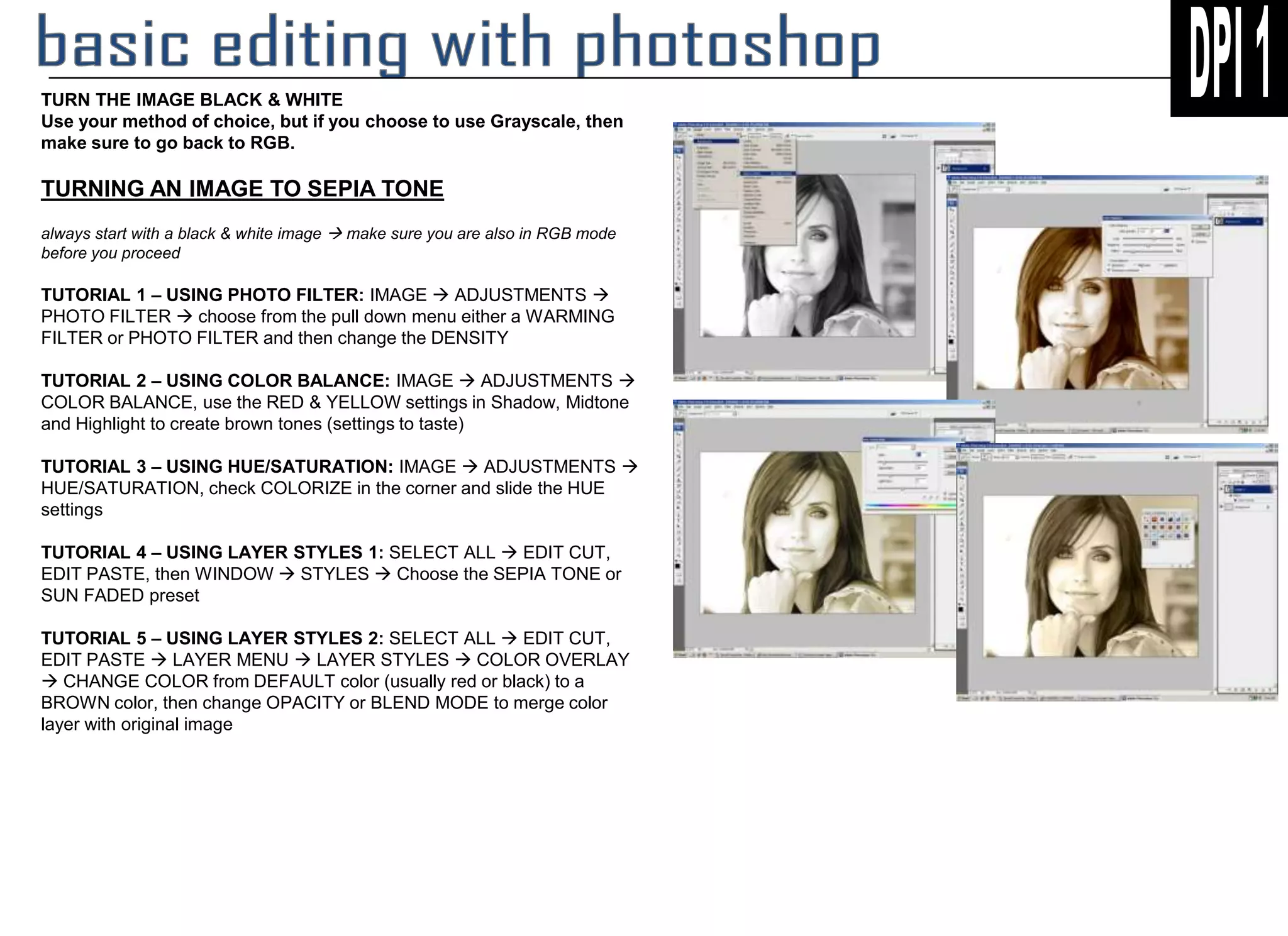
The document provides 5 tutorials for turning an image into a sepia tone using different methods in an image editing program. It recommends starting with a black and white image and using methods like photo filters, color balance adjustments, hue/saturation adjustments, and layer styles presets or overlays to introduce brown tones to simulate an aged, sepia photo.


![Photoshop Tools [2305843009230638214].pptx](https://cdn.slidesharecdn.com/ss_thumbnails/photoshop2305843009230638214-250215120133-341c0df4-thumbnail.jpg?width=640&height=640&fit=bounds)


