Interactive Student NotebookInteractive Student Notebook
English Language ArtsEnglish Language Arts
77thth
& 8& 8thth
GradesGrades
Mrs. PryorMrs. Pryor
Have you ever heard
yourself say . . .
Get it together with your
What is an Interactive
Student Notebook?
• A personalized textbook
• A working portfolio – all of your notes, class work, quizzes – in one
convenient spot.
What is the purpose of the notebook?
• The purpose of the interactive student notebook (ISN) is to
enable you to be a creative, independent, and reflective thinker
and writer throughout the year. Interactive student notebooks
will be used for class notes, as well as for other activities where
you will be asked to express your own ideas and process and/or
apply the information and skills learned in this class. It also helps
you review for tests.
Purpose
• Be a creative, independent, and
reflective thinker and writer
throughout the year.
• Express your own ideas and process
and/or apply the information and
skills learned in this class.
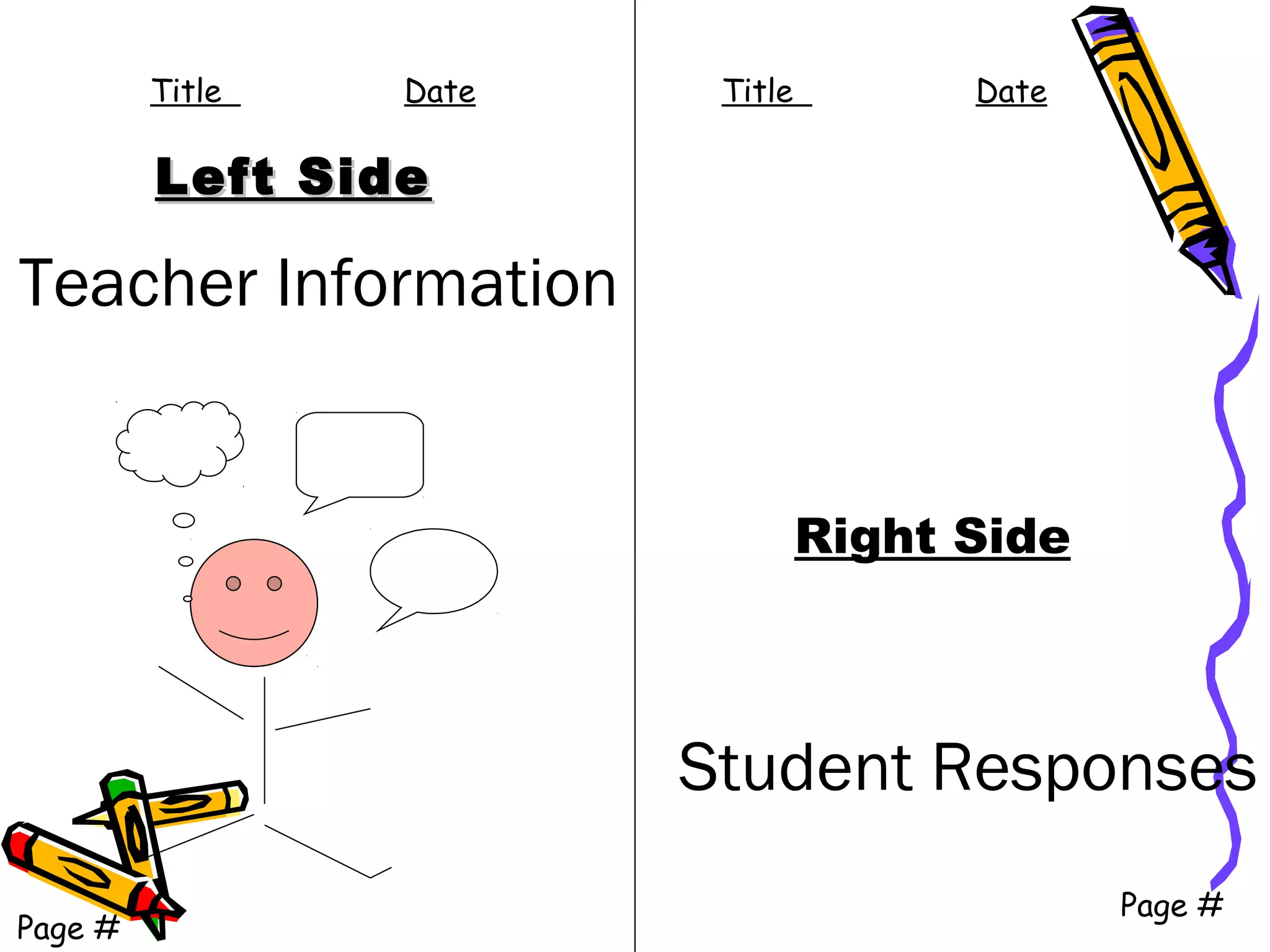
Left SideLeft Side
Right Side
Student Responses
Page #
Teacher Information
Page #
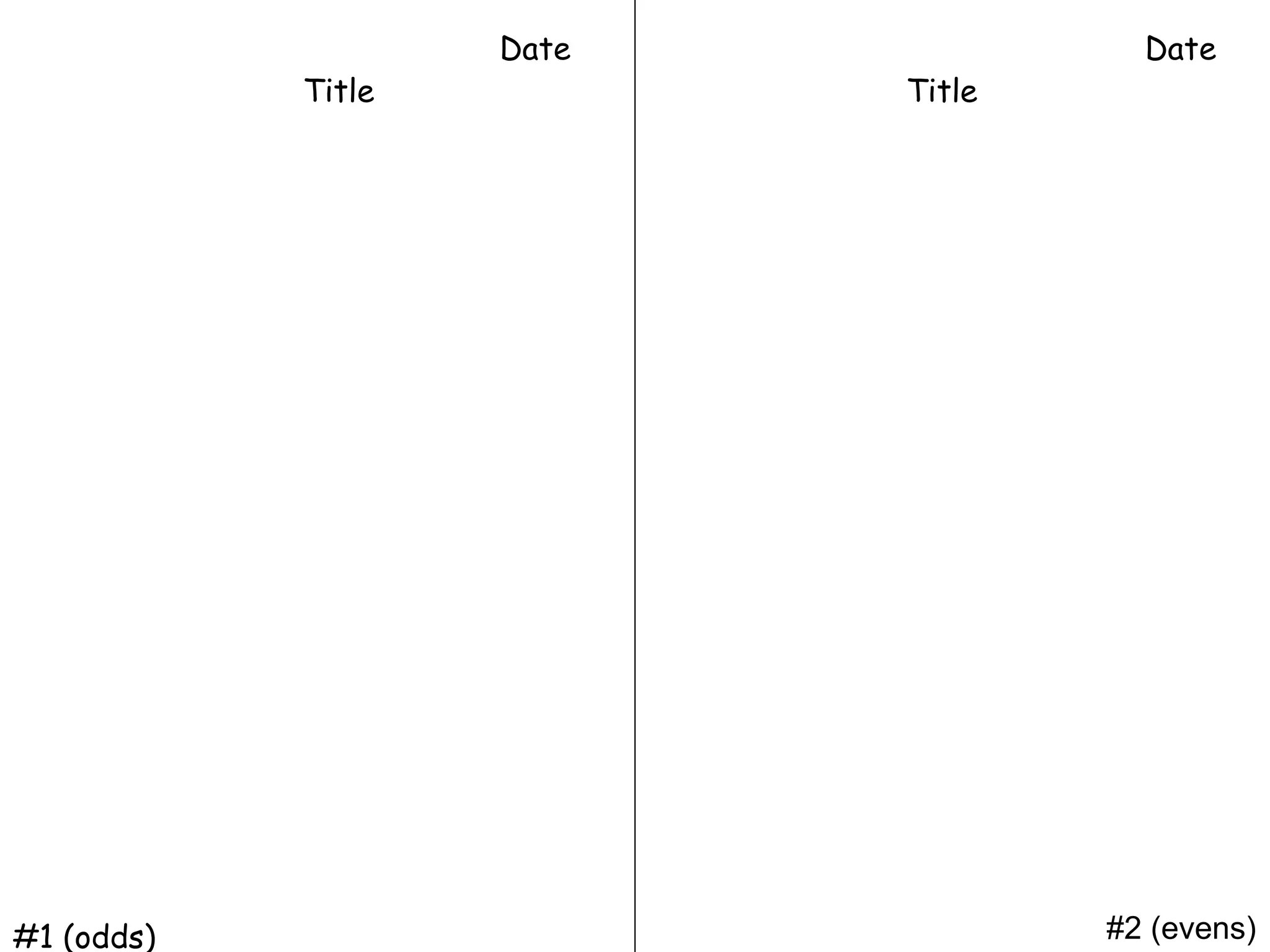
Title Date Title Date
Left Side
• The Left Side belongs to Mrs. Pryor
• The Left Side has all “testable” information; it’s what you
will be learning:
– Date
– Title and Unit pages
– Vocabulary
– Class, reading, and discussion notes
– Worksheets
– Table of Contents
– Study Guides
– Quizzes
– Content and Language Objectives
– Other relevant information
Left Side
1. Should be completely done.
2. Should clearly have both the title of the assignment at the
top and the date centered to the right of the title. The
page should be numbered at the bottom right-hand and
left-hand corner.
3. All assignments should be in chronological order by the
times they were assigned.
Examples of Left Side
Assignments (Teacher)
• Articles, graphs, charts, diagrams
• Notes, quizzes, tests, foldables
• Graphic Organizers / Thinking Maps
• In-class Assignments, mini-lessons
• Recording Sheets
• Etc.
Right Side
• Right Side is to record your thinking, reflections,
questions, thoughts, impressions, connections, and
wonderings.
• The Right Side belongs to YOU!
– Apply skills learned in class
– Use graphs, charts, Venn Diagrams, research from
internet
– Make connections between new and old learning
– Questions
– Thinking Maps
– Poems
– Songs
– Homework
– Classwork
– Brainstorming
– Sketches related to learning
– Other relevant information
NOTE:
• All Right Side assignments should be done only on
right sides, unless other instructed by teacher.
• Each fully-completed and correct Right Side
assignment earns a grade.
• Any missing part (date, title, incomplete, etc.)
will cause points to be deducted.
Examples of Right Side
Assignments
All of these can be done for the
Right Side of each Left Side page.
Every individual Left Side page
(even for many pages of the same
assignment) must have an
accompanying Right Side activity.
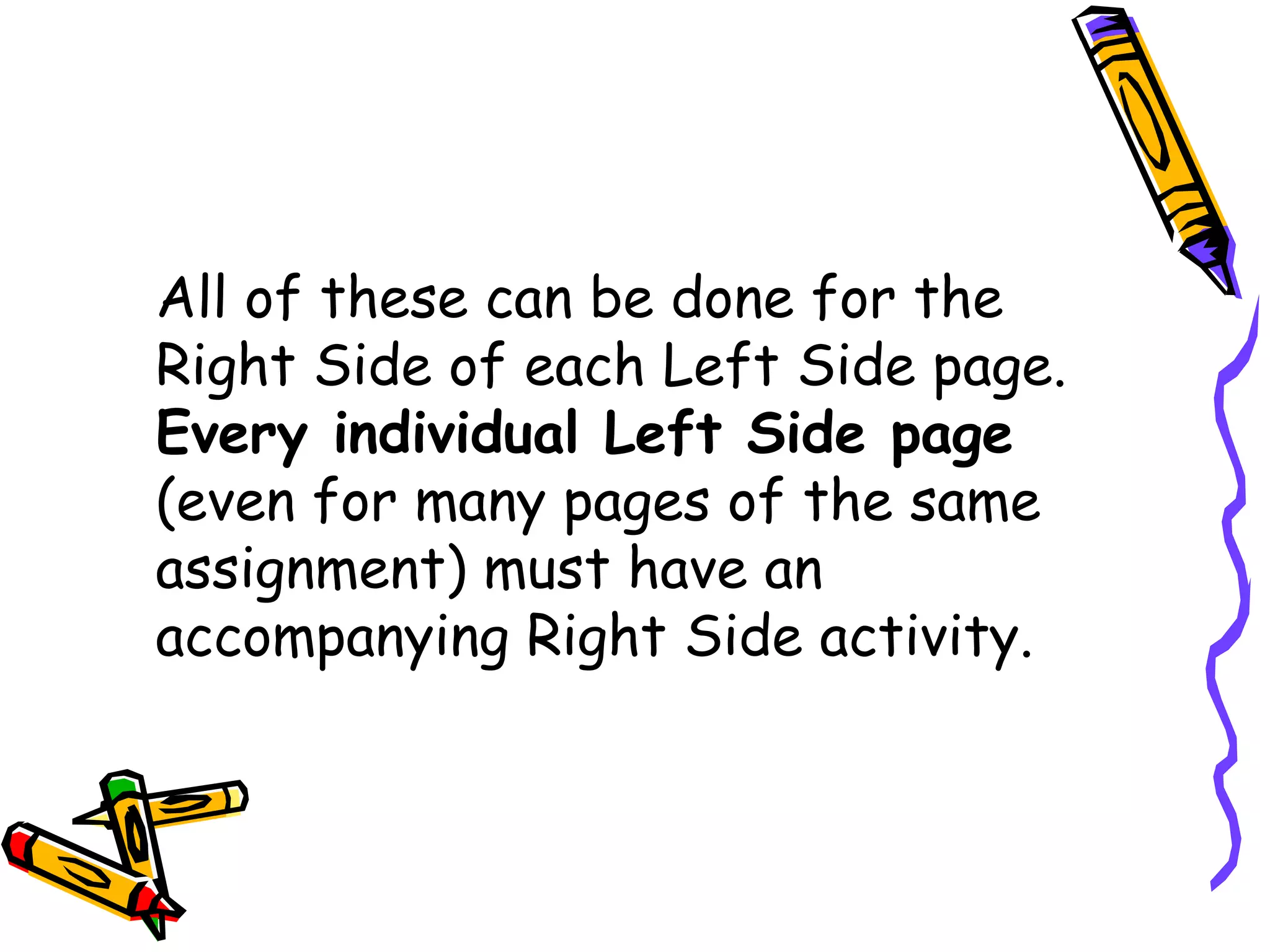
Advertisements
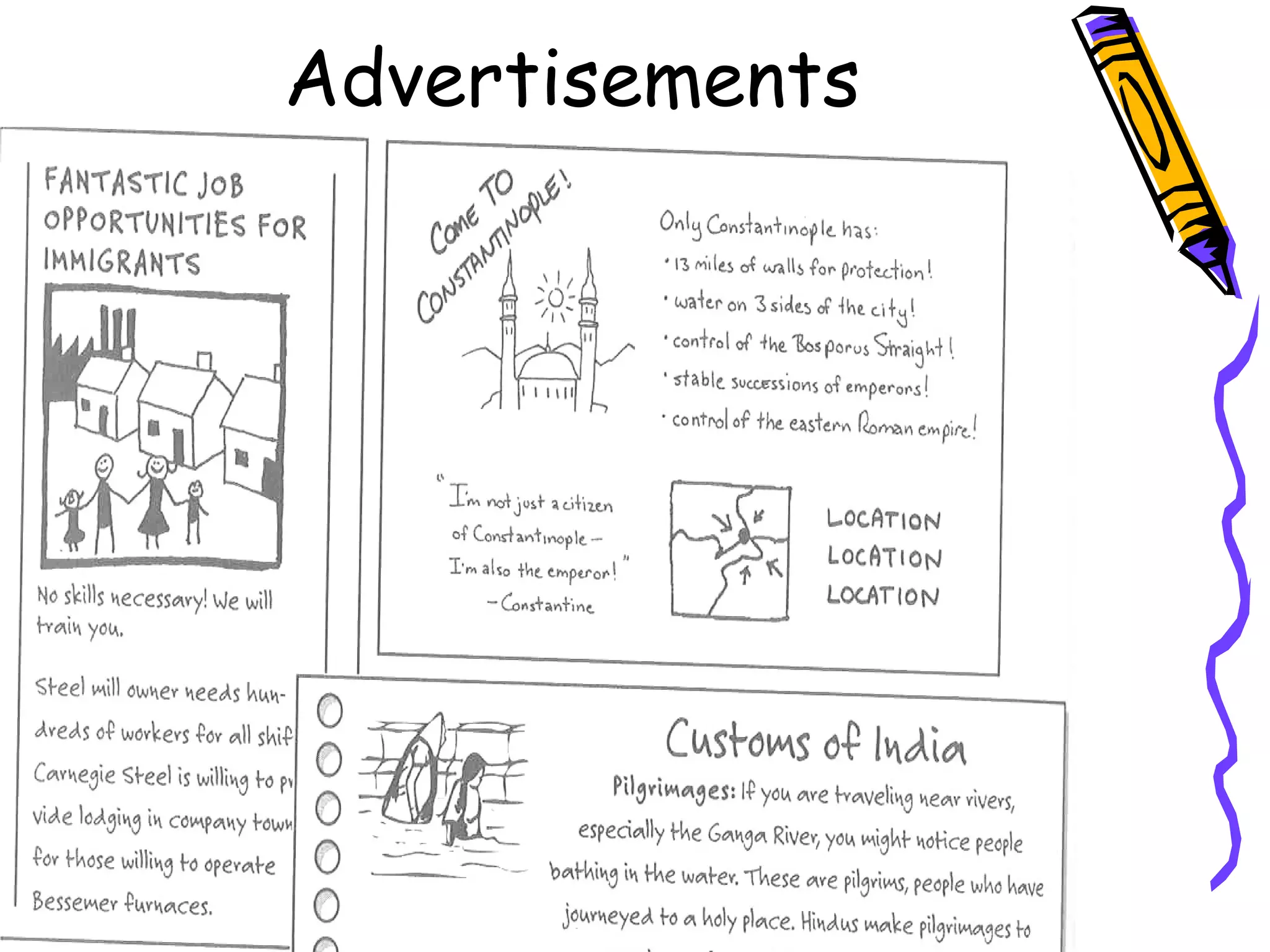
Illustrated Outlines
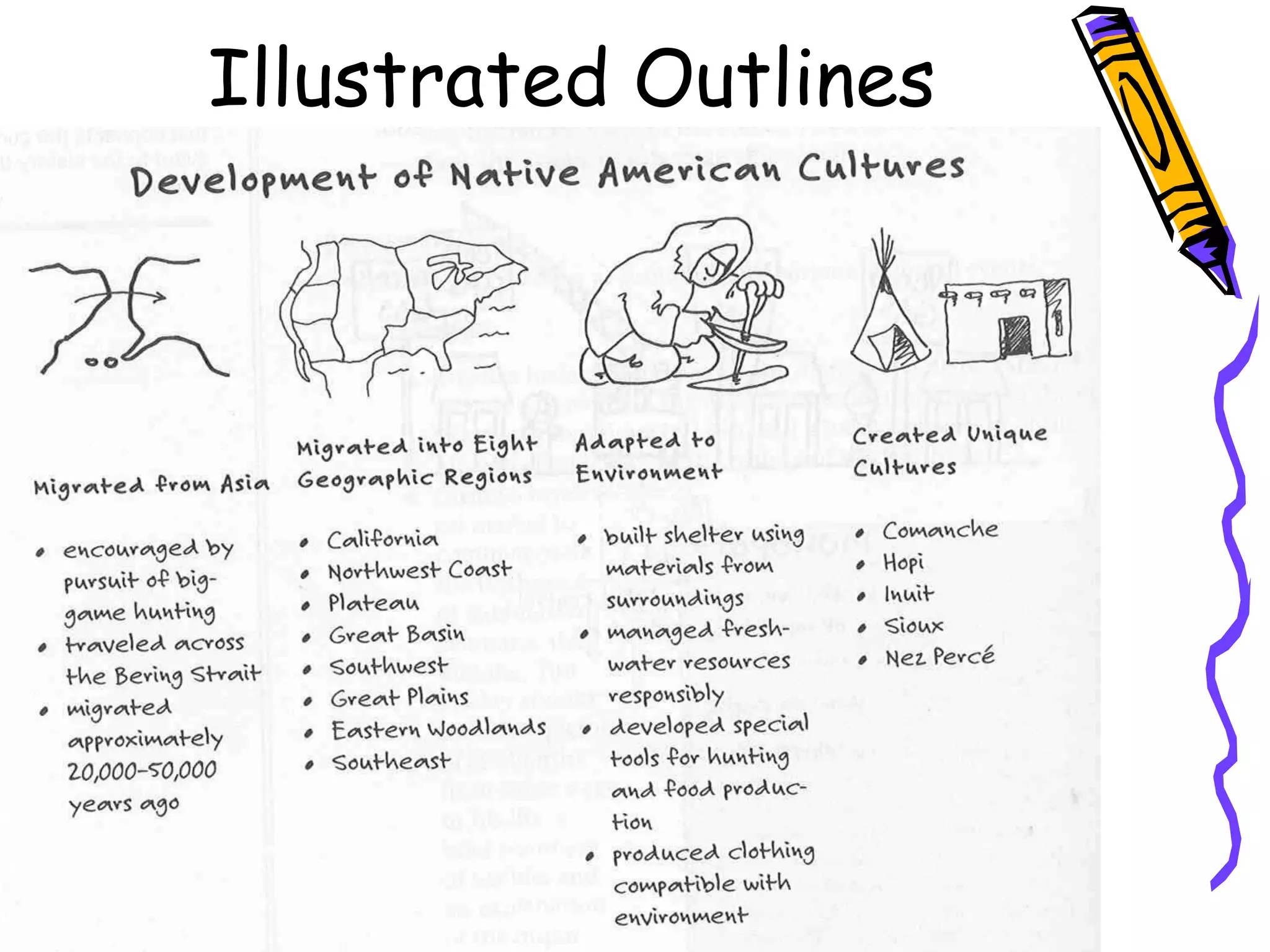
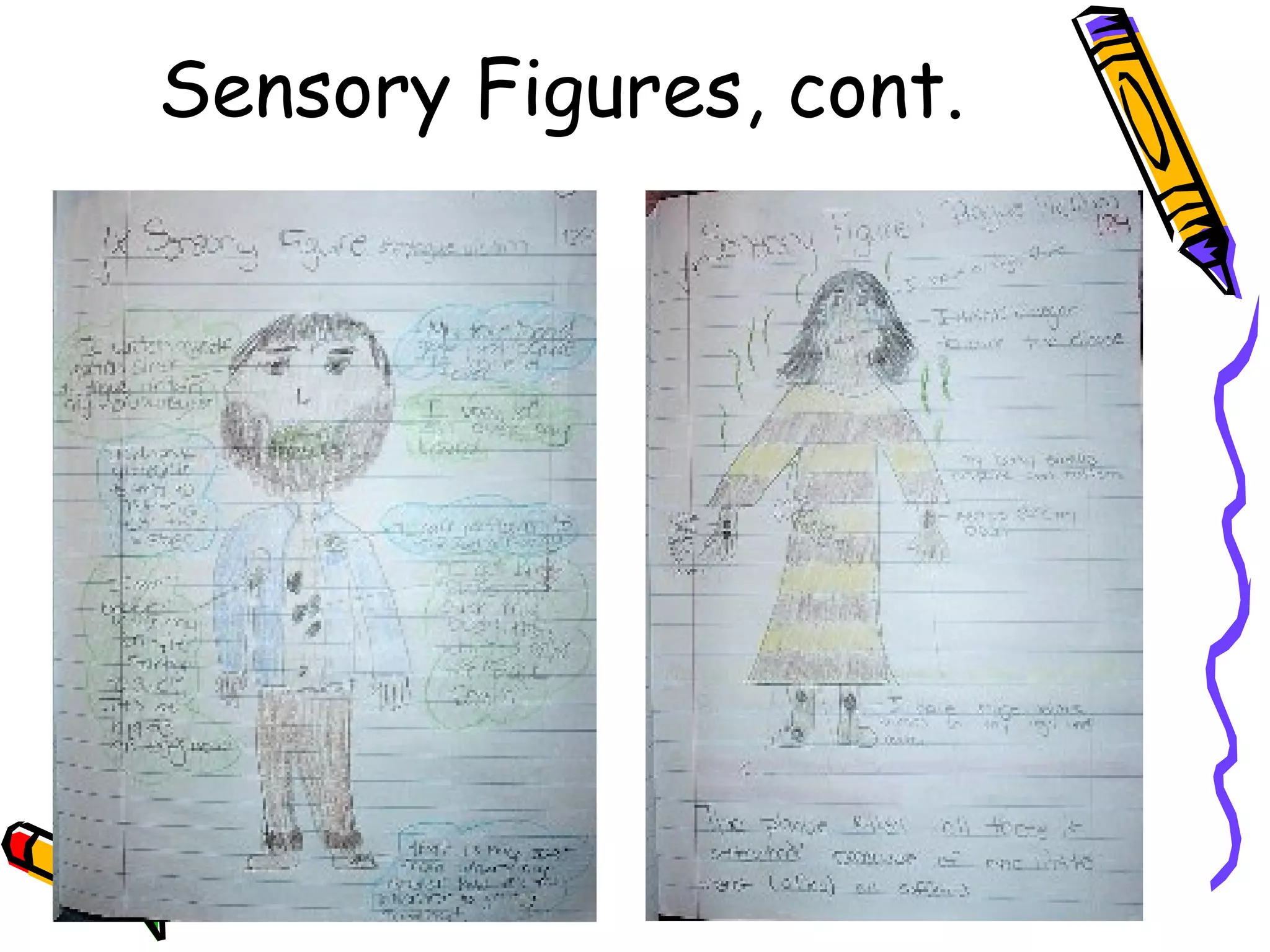
Sensory Figures
Sensory Figures, cont.
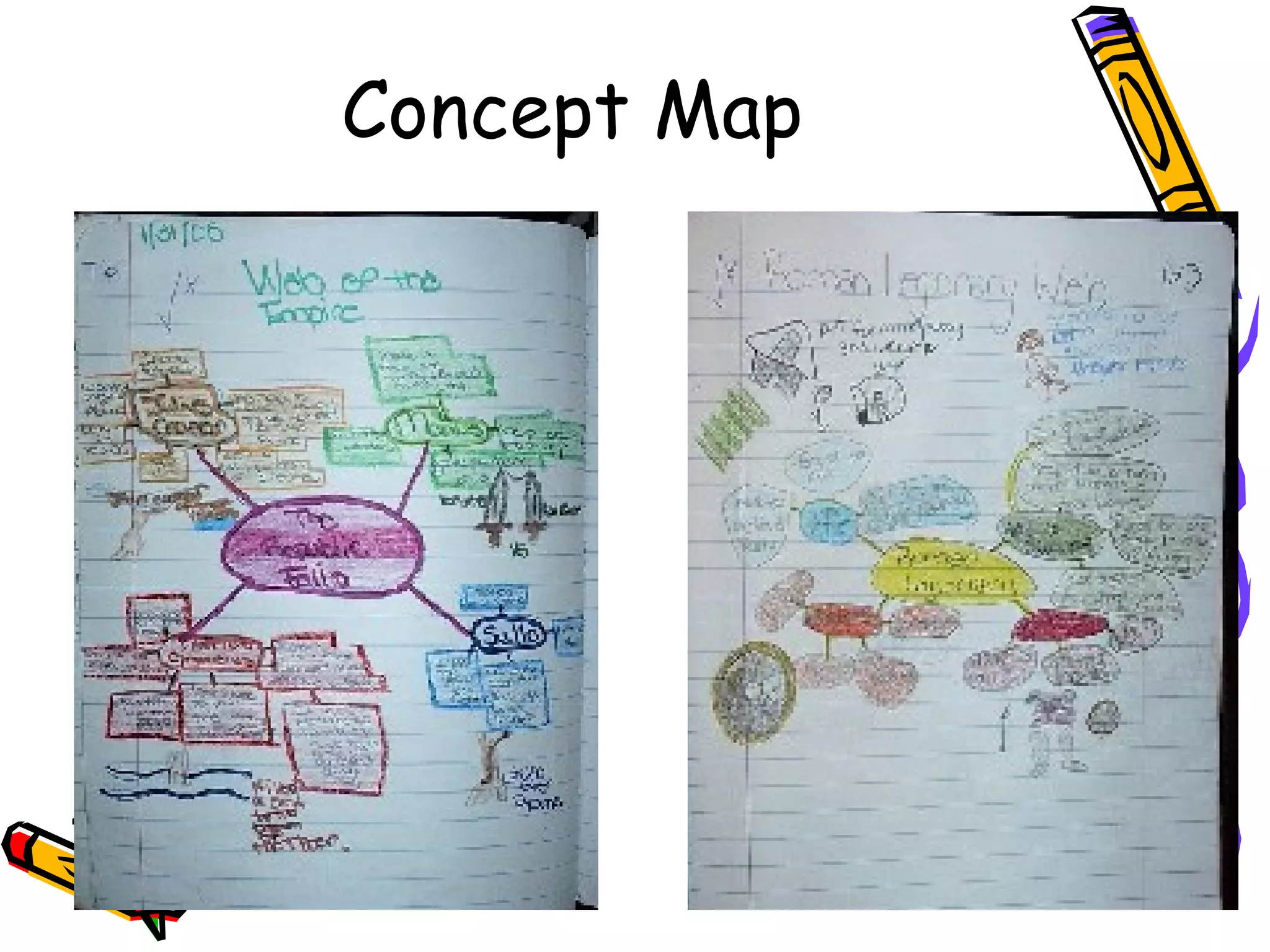
Concept Map
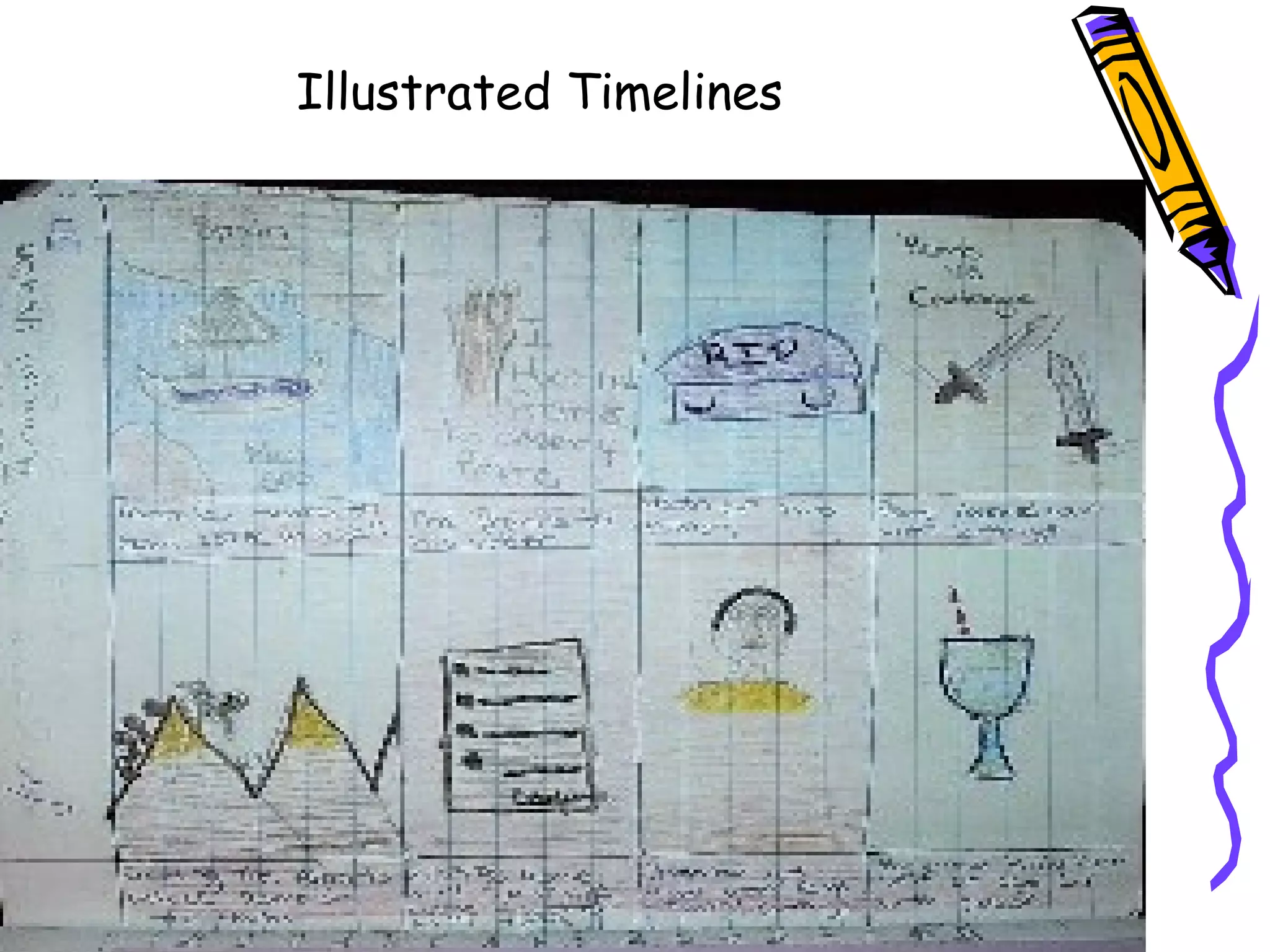
Illustrated Timelines
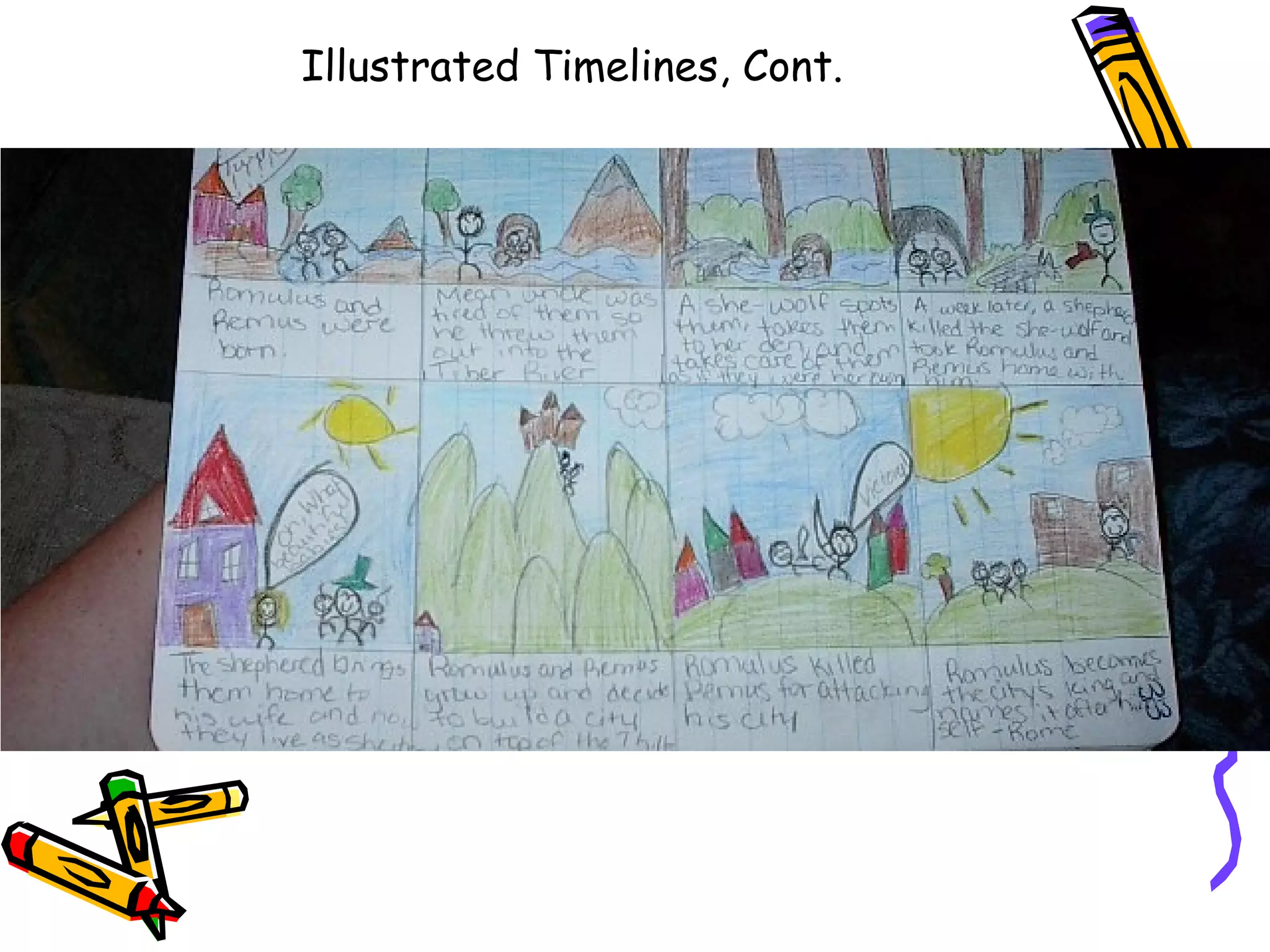
Illustrated Timelines, Cont.
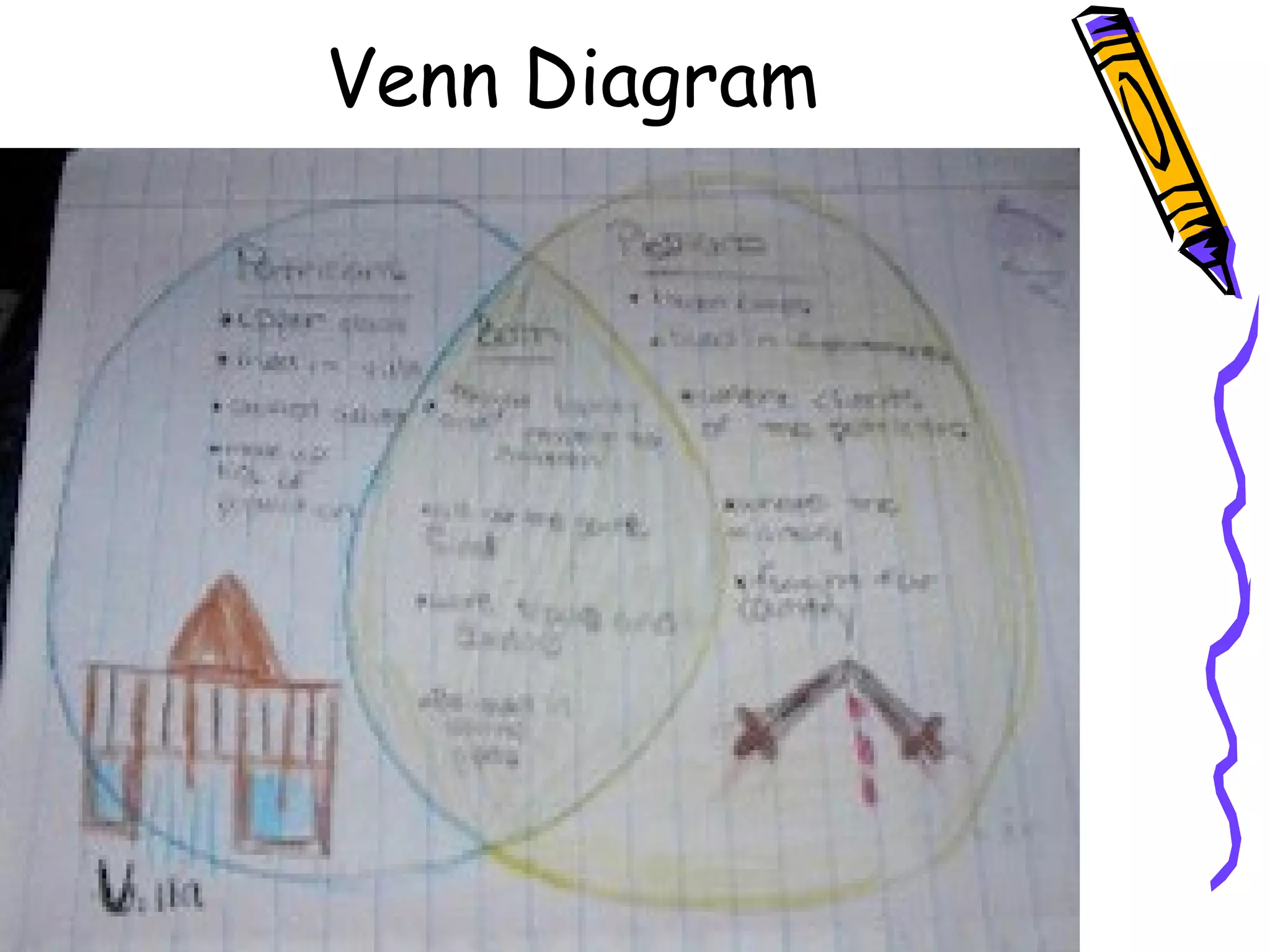
Venn Diagram
Student Materials
What materials do I need?
•5 Star (or comparable) 5-subject
college-ruled notebook, 8.5” x 11”
•Highlighters (multi-colored)
•Glue stick/Elmer’s glue
•Assorted color pencils
•Colored markers
•Pencil sharpener/pencil (mechanical
accepted, too)
•Scotch Tape
Maintaining the
Interactive Notebook
• No ripped out pages or torn corners
• No doodling that doesn’t relate to
notes
• Date, title, and number each page
– Everyone’s ISN must MATCH!
After being absent, be sure to
check the teacher notebook and
get caught up!
Deductions for Lateness and
Lack of Chronological Order
1. If a student has forgotten to bring their notebook for
that particular class when a notebook check is announced,
they may bring it by the very next calendar day, but 50%
will be deducted from their notebook score for that check.
After two calendar days, no points can be earned for that
notebook check.
2. Any Right Side assignment that is found to be out of
chronological order will cause a 10% reduction in the
overall score of a notebook evaluation.
Be prepared and take
great pride in your work!
Each time the notebook is
evaluated, it will constitute a test
grade. Notebook checks are
unannounced and can occur at any
random time during the school
year.
How long should it take
to work on my notebook?
• Normally class time is given to work on Right Side
assignments; however, they may need to be
finished at home. The expectation is that you will
revisit Left and Right Side to review the material
and prepare for tests and quizzes. Once you
have a good understanding of the kinds of
Right Side activities that can be done, it
should take you about 15/20 minutes to
complete a right side.
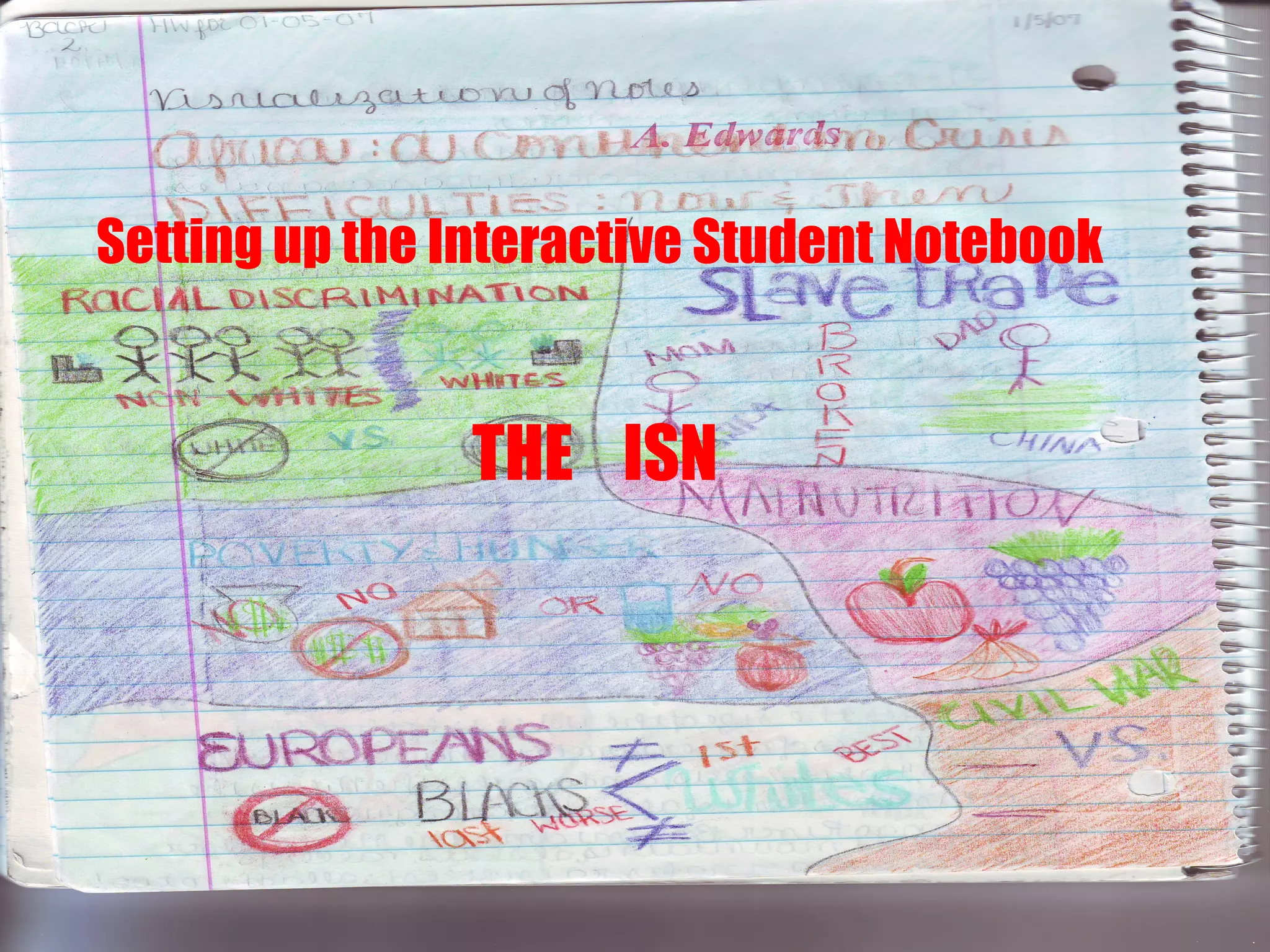
Setting up theSetting up the
Interactive StudentInteractive Student
NotebookNotebook
THE ISNTHE ISN
Setting up the Interactive Student Notebook
THE ISN
Initial Set Up
1. The notebook should be set up following the
directions given by Mrs. Pryor in class (a copy of
these can be found on our class website and will
be the first item glued into the ISN).
2. The Table of Contents must be updated regularly
and will be checked during each notebook check.
3. Any missing or incomplete part of these
directions will cause a deduction in the overall
evaluation grade each time the notebook is
evaluated.
#2 (evens)#1 (odds)
Date
Title Title
Date
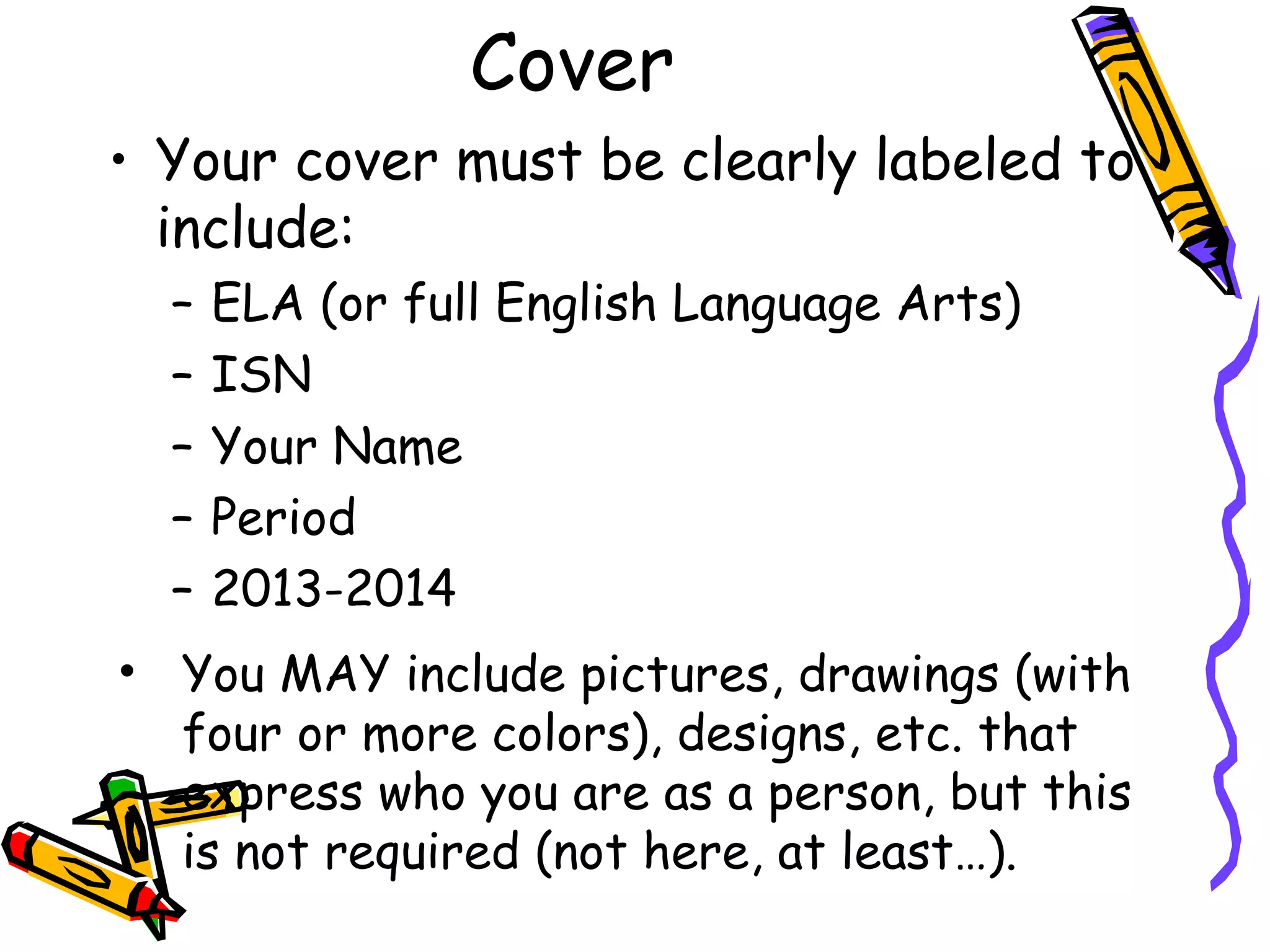
Cover
• Your cover must be clearly labeled to
include:
– ELA (or full English Language Arts)
– ISN
– Your Name
– Period
– 2013-2014
• You MAY include pictures, drawings (with
four or more colors), designs, etc. that
express who you are as a person, but this
is not required (not here, at least…).
Title Page
• Using photos, clippings, markers
(must use at least 4 colors), glue,
paper, and scissors, etc., decorate
the Title Page (first notebook page
visible once the ISN is opened) of
your Interactive Student Notebook
to show the many varied facets of
your role in English Language Arts as
a WORLD CHANGER.

Interactive Student Notebook for Middle School ELA

  • 1.
    Interactive Student NotebookInteractiveStudent Notebook English Language ArtsEnglish Language Arts 77thth & 8& 8thth GradesGrades Mrs. PryorMrs. Pryor
  • 2.
    Have you everheard yourself say . . .
  • 3.
    Get it togetherwith your
  • 4.
    What is anInteractive Student Notebook? • A personalized textbook • A working portfolio – all of your notes, class work, quizzes – in one convenient spot. What is the purpose of the notebook? • The purpose of the interactive student notebook (ISN) is to enable you to be a creative, independent, and reflective thinker and writer throughout the year. Interactive student notebooks will be used for class notes, as well as for other activities where you will be asked to express your own ideas and process and/or apply the information and skills learned in this class. It also helps you review for tests.
  • 5.
    Purpose • Be acreative, independent, and reflective thinker and writer throughout the year. • Express your own ideas and process and/or apply the information and skills learned in this class.
  • 6.
    Left SideLeft Side RightSide Student Responses Page # Teacher Information Page # Title Date Title Date
  • 7.
    Left Side • TheLeft Side belongs to Mrs. Pryor • The Left Side has all “testable” information; it’s what you will be learning: – Date – Title and Unit pages – Vocabulary – Class, reading, and discussion notes – Worksheets – Table of Contents – Study Guides – Quizzes – Content and Language Objectives – Other relevant information
  • 8.
    Left Side 1. Shouldbe completely done. 2. Should clearly have both the title of the assignment at the top and the date centered to the right of the title. The page should be numbered at the bottom right-hand and left-hand corner. 3. All assignments should be in chronological order by the times they were assigned.
  • 9.
    Examples of LeftSide Assignments (Teacher) • Articles, graphs, charts, diagrams • Notes, quizzes, tests, foldables • Graphic Organizers / Thinking Maps • In-class Assignments, mini-lessons • Recording Sheets • Etc.
  • 10.
    Right Side • RightSide is to record your thinking, reflections, questions, thoughts, impressions, connections, and wonderings. • The Right Side belongs to YOU! – Apply skills learned in class – Use graphs, charts, Venn Diagrams, research from internet – Make connections between new and old learning – Questions – Thinking Maps – Poems – Songs – Homework – Classwork – Brainstorming – Sketches related to learning – Other relevant information
  • 11.
    NOTE: • All RightSide assignments should be done only on right sides, unless other instructed by teacher. • Each fully-completed and correct Right Side assignment earns a grade. • Any missing part (date, title, incomplete, etc.) will cause points to be deducted.
  • 12.
    Examples of RightSide Assignments
  • 13.
    All of thesecan be done for the Right Side of each Left Side page. Every individual Left Side page (even for many pages of the same assignment) must have an accompanying Right Side activity.
  • 14.
  • 15.
  • 16.
  • 17.
  • 18.
  • 19.
  • 20.
  • 21.
  • 22.
    Student Materials What materialsdo I need? •5 Star (or comparable) 5-subject college-ruled notebook, 8.5” x 11” •Highlighters (multi-colored) •Glue stick/Elmer’s glue •Assorted color pencils •Colored markers •Pencil sharpener/pencil (mechanical accepted, too) •Scotch Tape
  • 23.
    Maintaining the Interactive Notebook •No ripped out pages or torn corners • No doodling that doesn’t relate to notes • Date, title, and number each page – Everyone’s ISN must MATCH!
  • 24.
    After being absent,be sure to check the teacher notebook and get caught up!
  • 25.
    Deductions for Latenessand Lack of Chronological Order 1. If a student has forgotten to bring their notebook for that particular class when a notebook check is announced, they may bring it by the very next calendar day, but 50% will be deducted from their notebook score for that check. After two calendar days, no points can be earned for that notebook check. 2. Any Right Side assignment that is found to be out of chronological order will cause a 10% reduction in the overall score of a notebook evaluation.
  • 26.
    Be prepared andtake great pride in your work! Each time the notebook is evaluated, it will constitute a test grade. Notebook checks are unannounced and can occur at any random time during the school year.
  • 27.
    How long shouldit take to work on my notebook? • Normally class time is given to work on Right Side assignments; however, they may need to be finished at home. The expectation is that you will revisit Left and Right Side to review the material and prepare for tests and quizzes. Once you have a good understanding of the kinds of Right Side activities that can be done, it should take you about 15/20 minutes to complete a right side.
  • 28.
    Setting up theSettingup the Interactive StudentInteractive Student NotebookNotebook THE ISNTHE ISN Setting up the Interactive Student Notebook THE ISN
  • 29.
    Initial Set Up 1.The notebook should be set up following the directions given by Mrs. Pryor in class (a copy of these can be found on our class website and will be the first item glued into the ISN). 2. The Table of Contents must be updated regularly and will be checked during each notebook check. 3. Any missing or incomplete part of these directions will cause a deduction in the overall evaluation grade each time the notebook is evaluated.
  • 30.
  • 31.
    Cover • Your covermust be clearly labeled to include: – ELA (or full English Language Arts) – ISN – Your Name – Period – 2013-2014 • You MAY include pictures, drawings (with four or more colors), designs, etc. that express who you are as a person, but this is not required (not here, at least…).
  • 32.
    Title Page • Usingphotos, clippings, markers (must use at least 4 colors), glue, paper, and scissors, etc., decorate the Title Page (first notebook page visible once the ISN is opened) of your Interactive Student Notebook to show the many varied facets of your role in English Language Arts as a WORLD CHANGER.