Blogs and RSS in 2009

Loading...

Flash Player 9 (or above) is needed to view presentations.
We have detected that you do not have it on your computer. To install it, go here.

0 comments

Post a comment

    Post a comment
    Embed Video
    Edit your comment Cancel

    2 Favorites & 1 Group

    Blogs and RSS in 2009 - Presentation Transcript

    1. How to tailor your information needs BLOGS AND RSS IN 2009
    2. WHAT IS A BLOG?
    3. Blog is short for “weblog”
    4. It is a free online tool
    5. It is an online journal

    6. It is great for social networking
    7. It is a website
    8. You do the writing and publishing
    9. It is NOT a good place for your personal diary
    10. Nor for “stream of consciousness” writing
    11. WHY BLOG?
    12. It is a perfect place to create your profile
    13. Join the conversation
    14. Market yourself
    15. Chronicle a project
    16. Express your ideas
    17. Express your creativity
    18. Share stuff
    19. For education and professional development
    20. For fun
    21. WHAT IS RSS?
    22. RSS is the vehicle for delivering blog posts
    23. Really Simple Syndication
    24. See online definitions – try Wikipedia
    25. No need to visit individual blogs and websites
    26. Blog updates sent directly to you
    27. Web surfing made easy
    28. Absolute control of filtering to suit you
    29. WHY RSS?
    30. This is the key to RSS is the your tailoring vehicle for information delivering blog posts
    31. You read RSS is the and listen vehicle for delivering blog posts
    32. You the RSS is learn vehicle for delivering blog posts
    33. You become more RSS is the aware vehicle for delivering blog posts
    34. You develop RSS is the professionally vehicle for delivering blog posts
    35. You tune in to the conversation
    36. It is easy and RSSefficient is the vehicle for delivering blog posts
    37. WALK BEFORE YOU RUN
    38. Don’t dive It is easy and straight into efficient creating your own blog
    39. Learn about It is easy and the power of efficient RSS first
    40. Set up an It is easy and account with a efficient free RSS reader
    41. It looks like It is easy and email but it’s efficient very different
    42. Blogs are It is easy and updated and efficient delivered directly to you
    43. No need to It is easy and search or visit efficient blog sites
    44. THINGS TO LEARN
    45. Social – RSS is the how to vehicle for converse delivering blog posts
    46. Etiquette – RSS is the what is vehicle for acceptable delivering blog posts
    47. Technical – RSS is the how to drive vehicle for the blog tools delivering blog posts
    48. Technology – RSS is the date keep up to vehicle latest with for delivering blog developments posts
    49. Literary – RSS is the improve your vehicle for own writing delivering blog skills posts
    50. Originality – RSSyour own use is the vehicle for an ideas, text, delivering blog d images posts
    51. Hear what RSS is the the world vehicle for is saying delivering blog posts
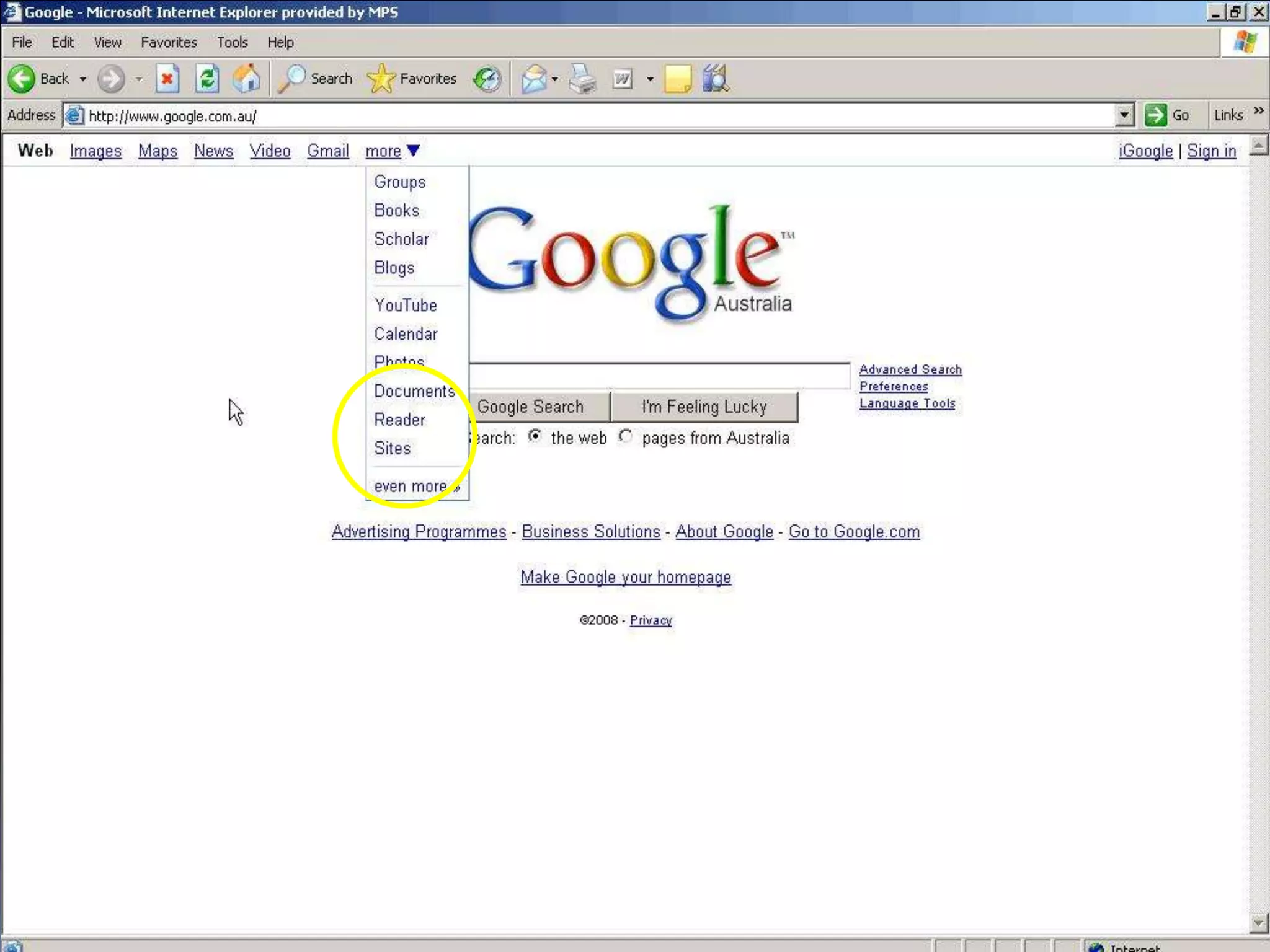
    52. Set it up using RSS is Reader Google the vehicle for or Bloglines delivering blog or others posts
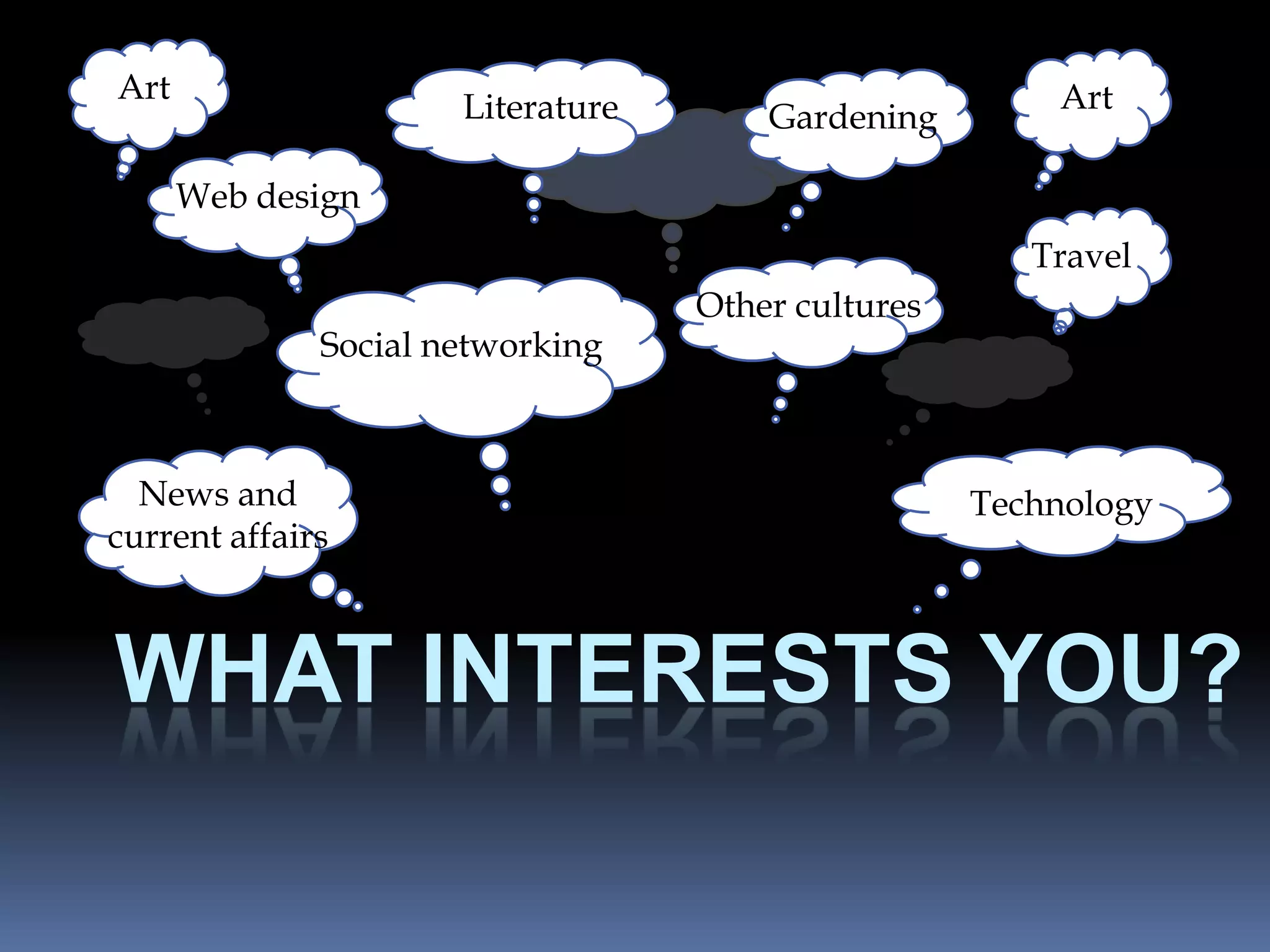
    53. Art Art Literature Gardening Art Web design Art Travel Other cultures Social networking Art Art News and Technology current affairs WHAT INTERESTS YOU?
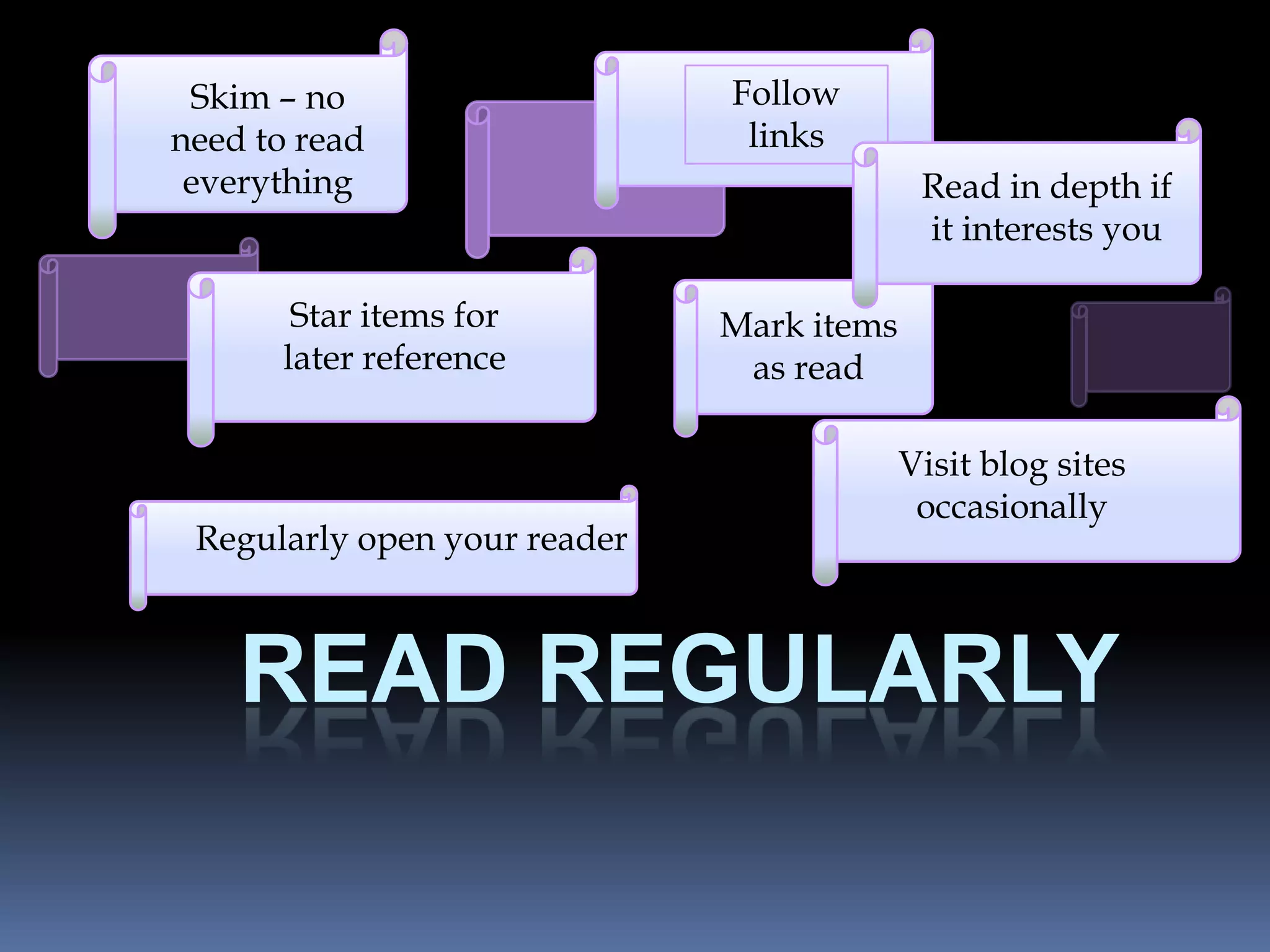
    54. Skim – no Follow need to read Art links everything Read in depth if Art it interests you Star items for Mark items later reference Art as read Visit blog sites occasionally Regularly open your reader READ REGULARLY
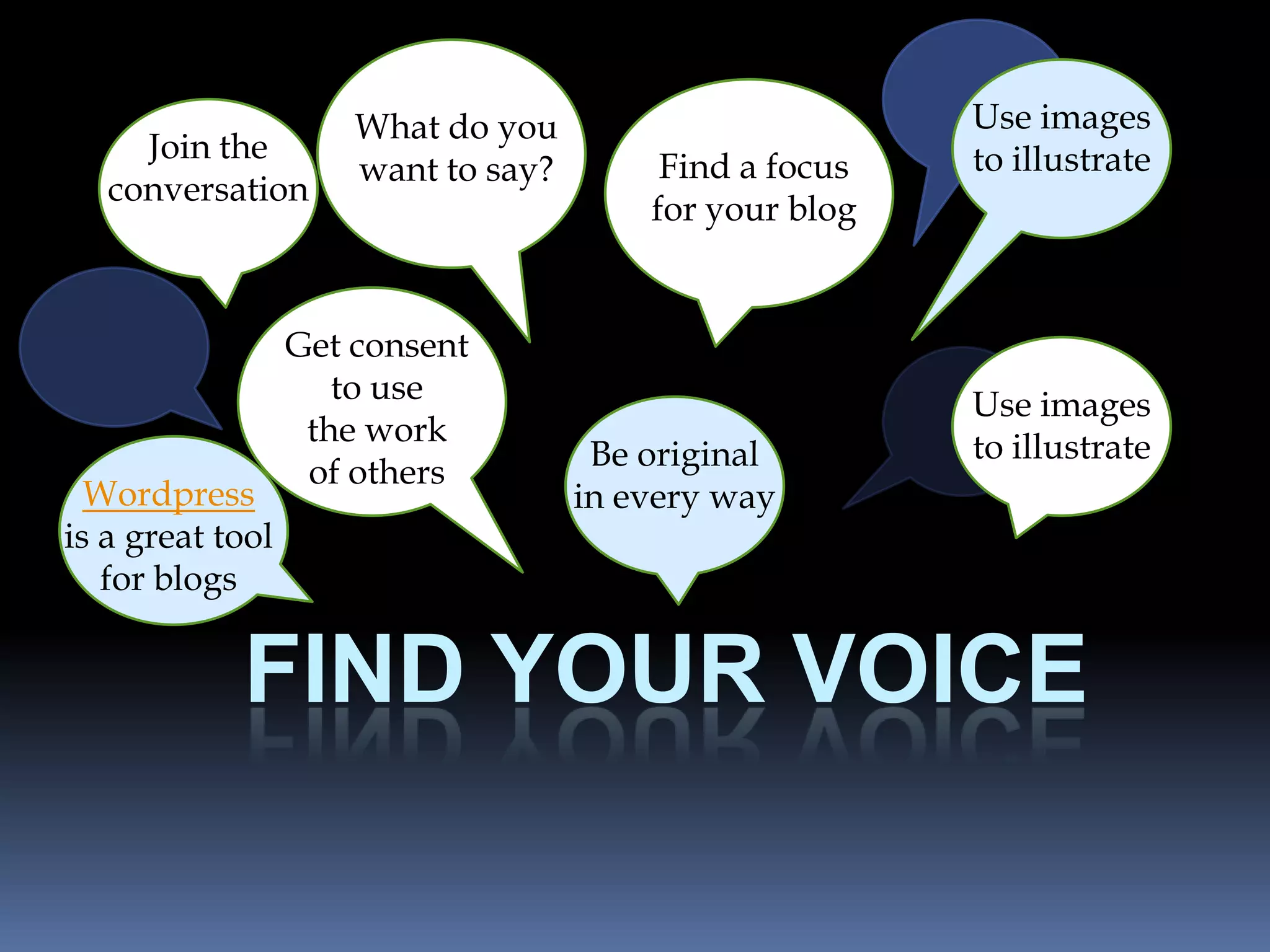
    55. What do you Use images Join the to illustrate want to say? Find a focus conversation for your blog Get consent to use Use images the work to illustrate Be original of others Wordpress in every way is a great tool for blogs FIND YOUR VOICE
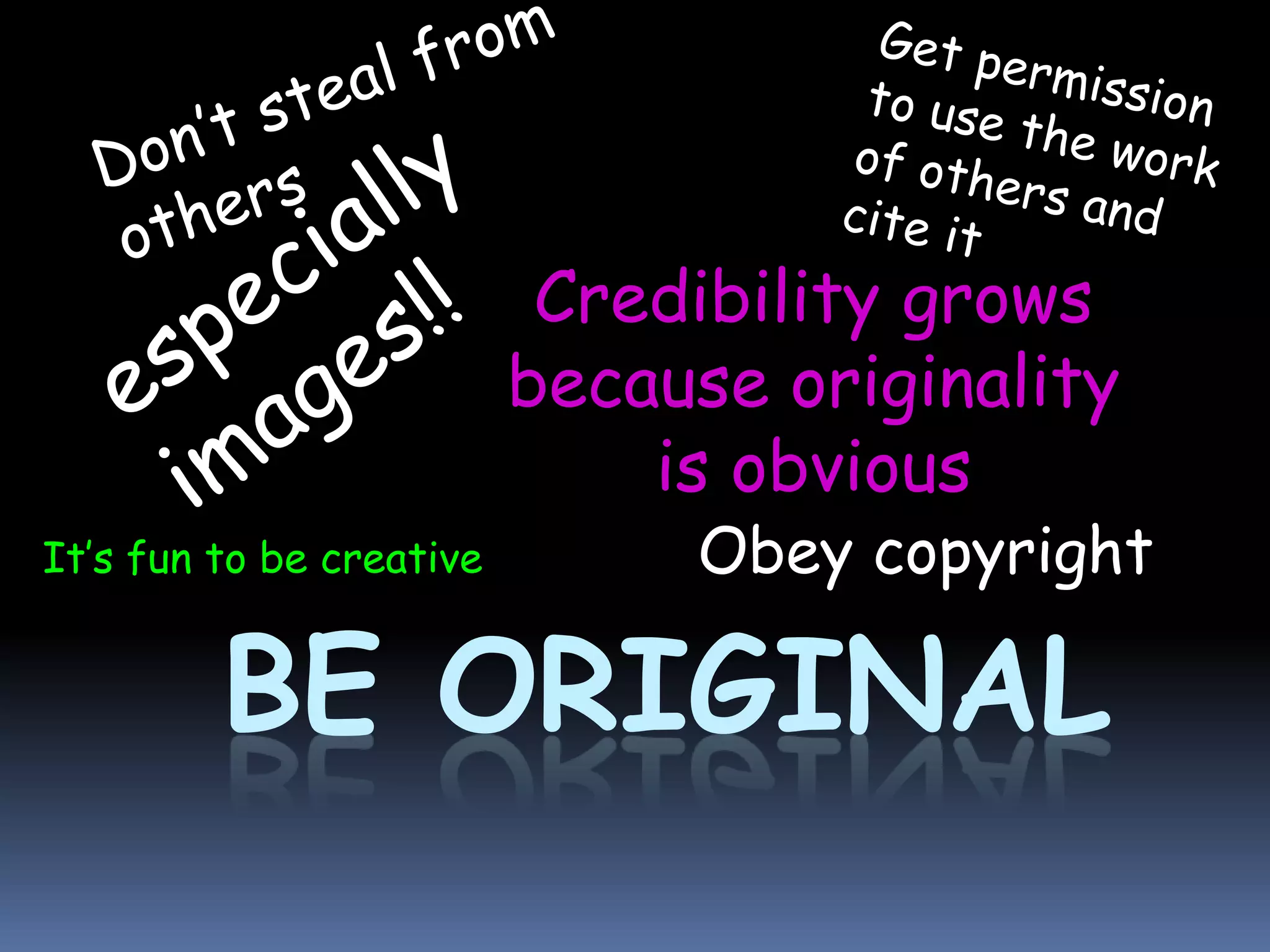
    56. Credibility grows because originality is obvious It’s fun to be creative Obey copyright BE ORIGINAL
    57. How to set up a blog reader Follow the steps in the next slides to set up your own blog reader with Google Reader http://www.google.com/reader/
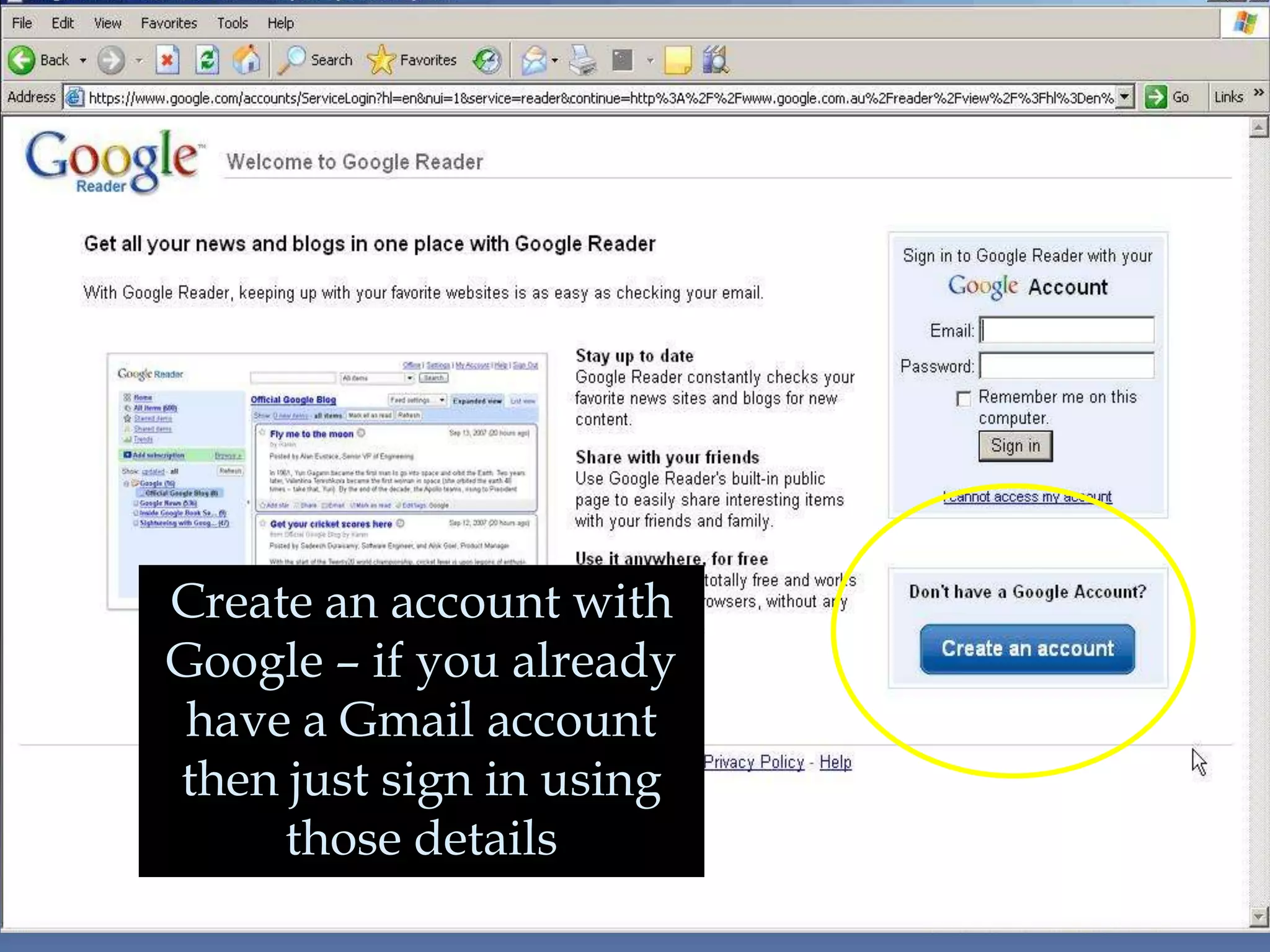
    58. Create an account with Google – if you already have a Gmail account then just sign in using those details
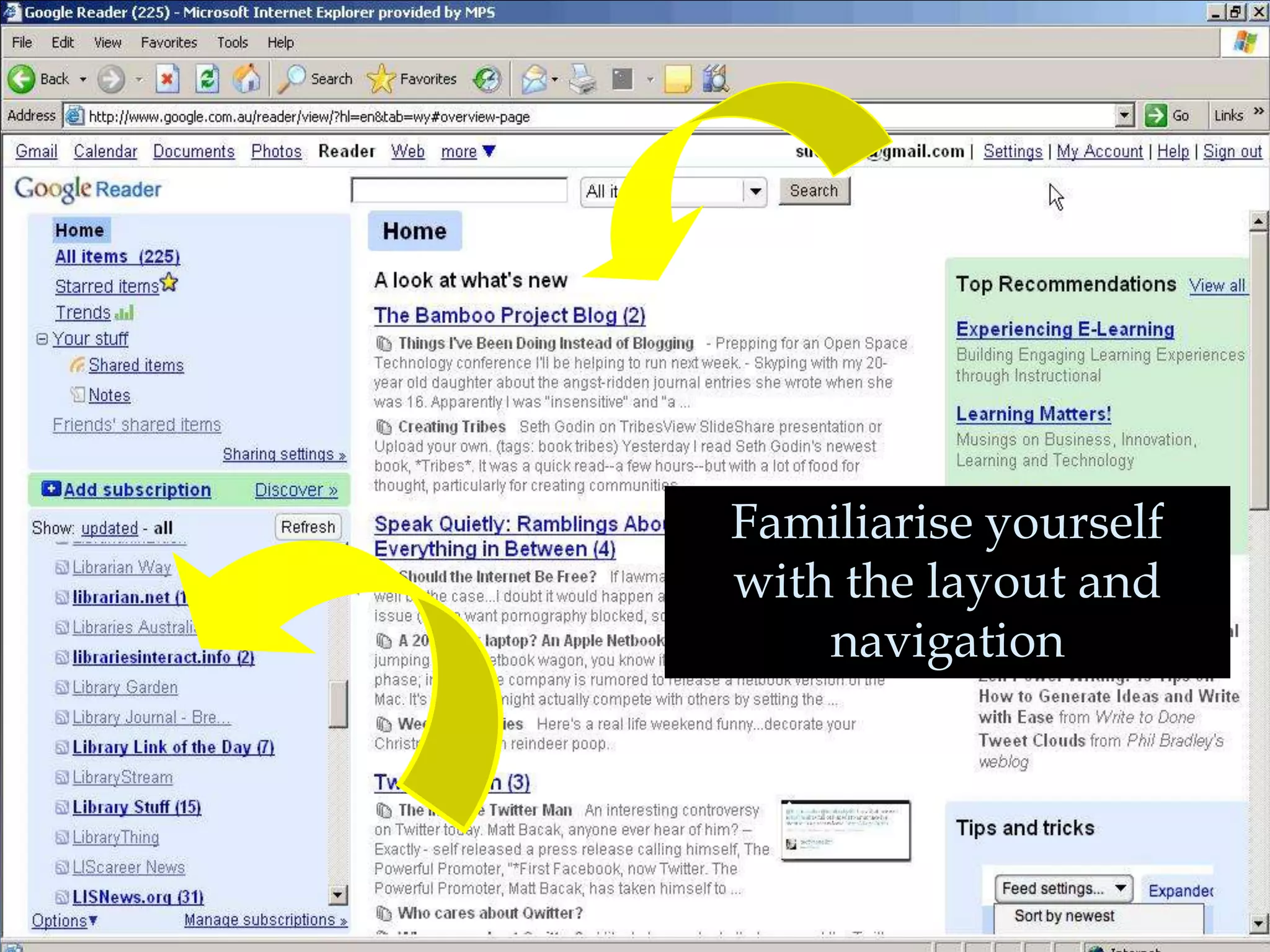
    59. Familiarise yourself with the layout and navigation
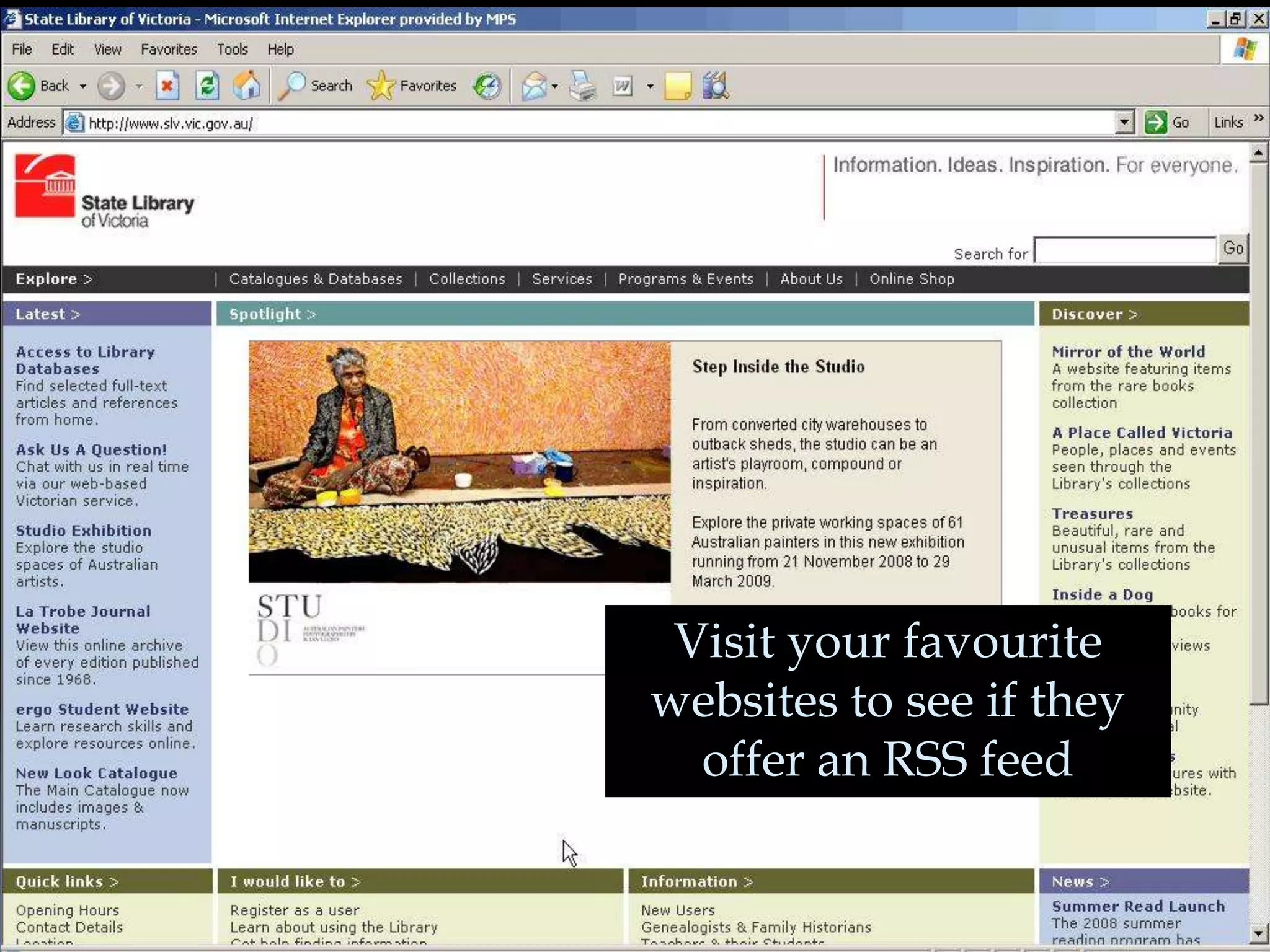
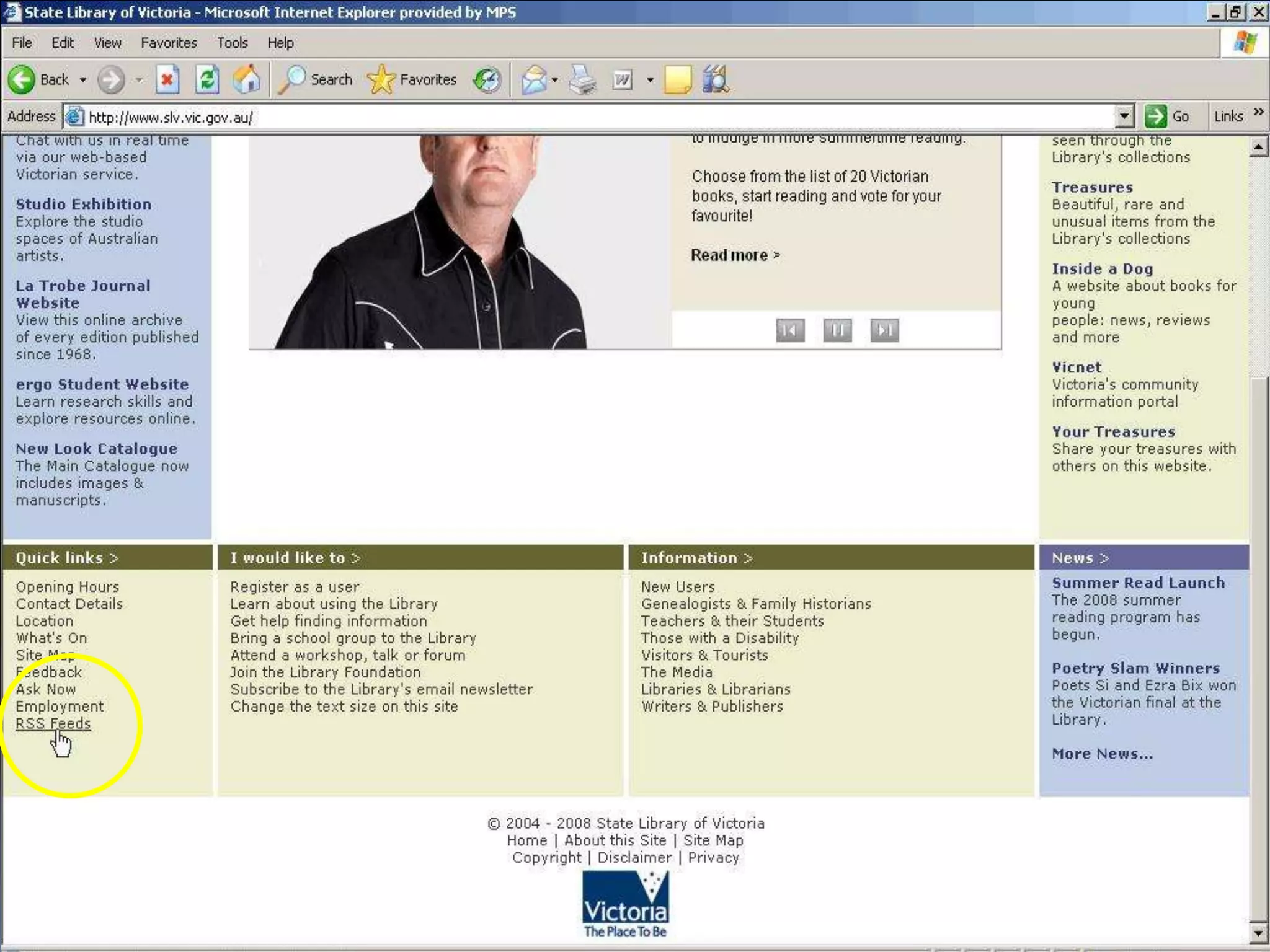
    60. Visit your favourite websites to see if they offer an RSS feed
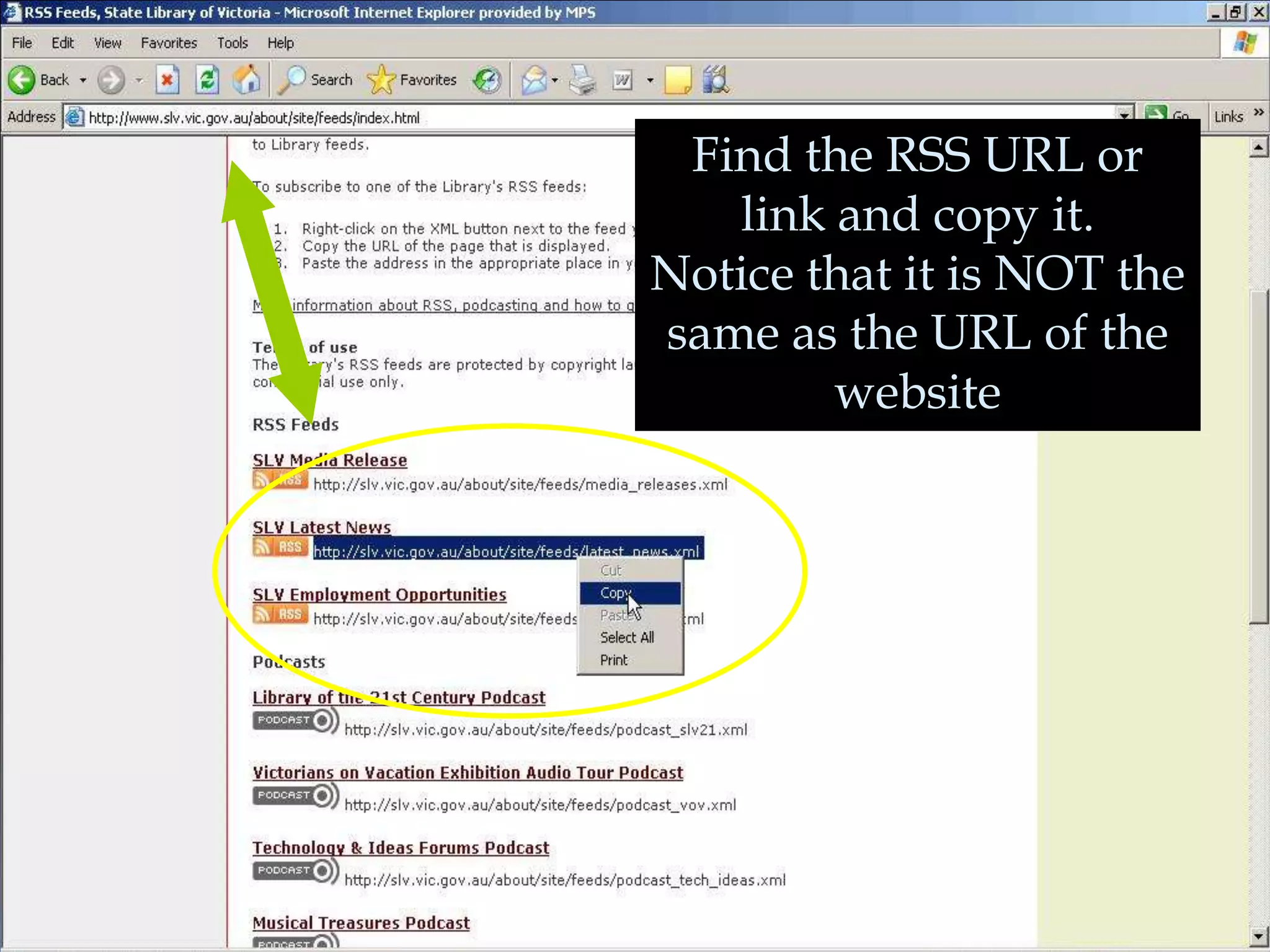
    61. Find the RSS URL or link and copy it. Notice that it is NOT the same as the URL of the website
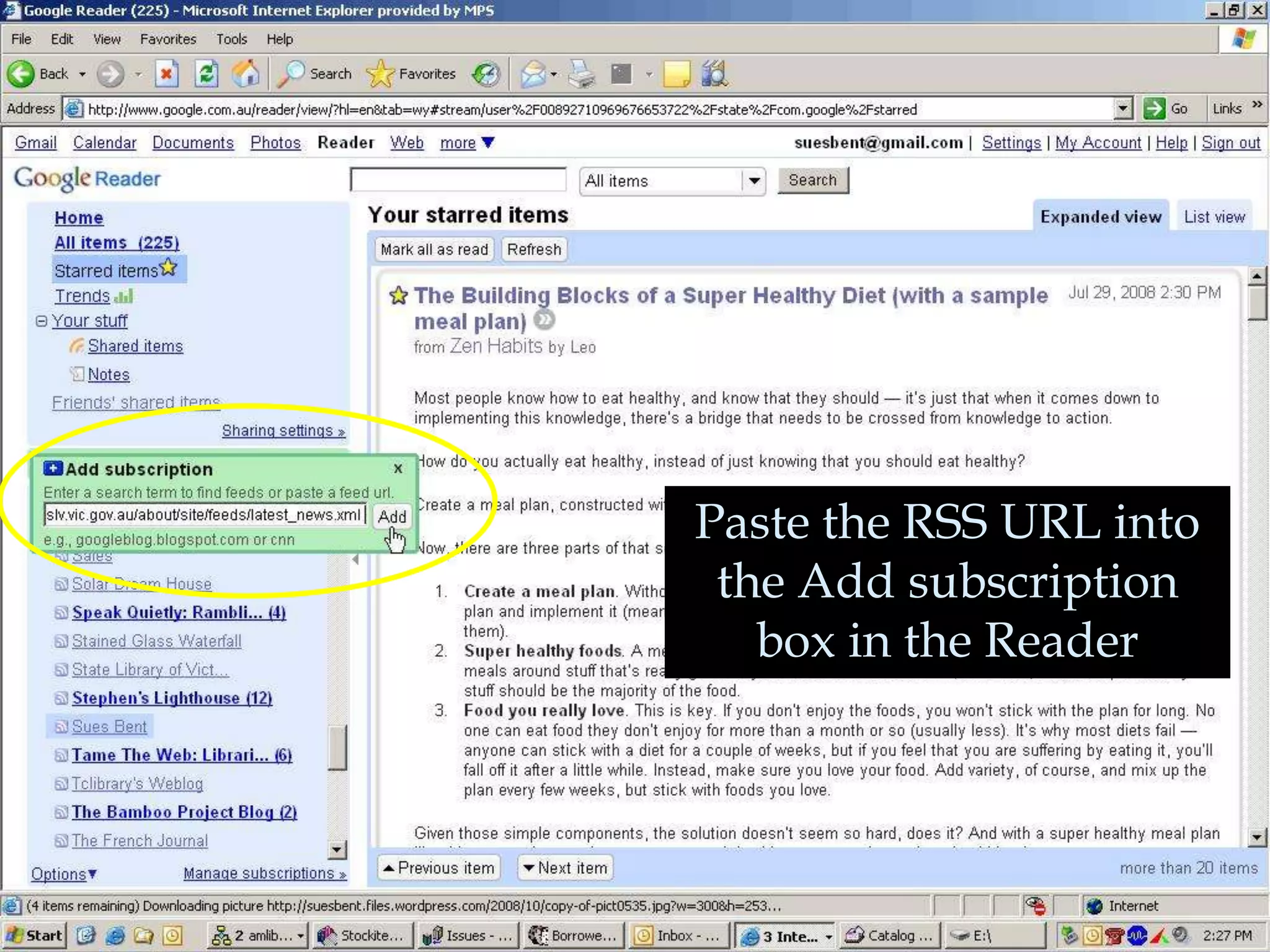
    62. Paste the RSS URL into the Add subscription box in the Reader
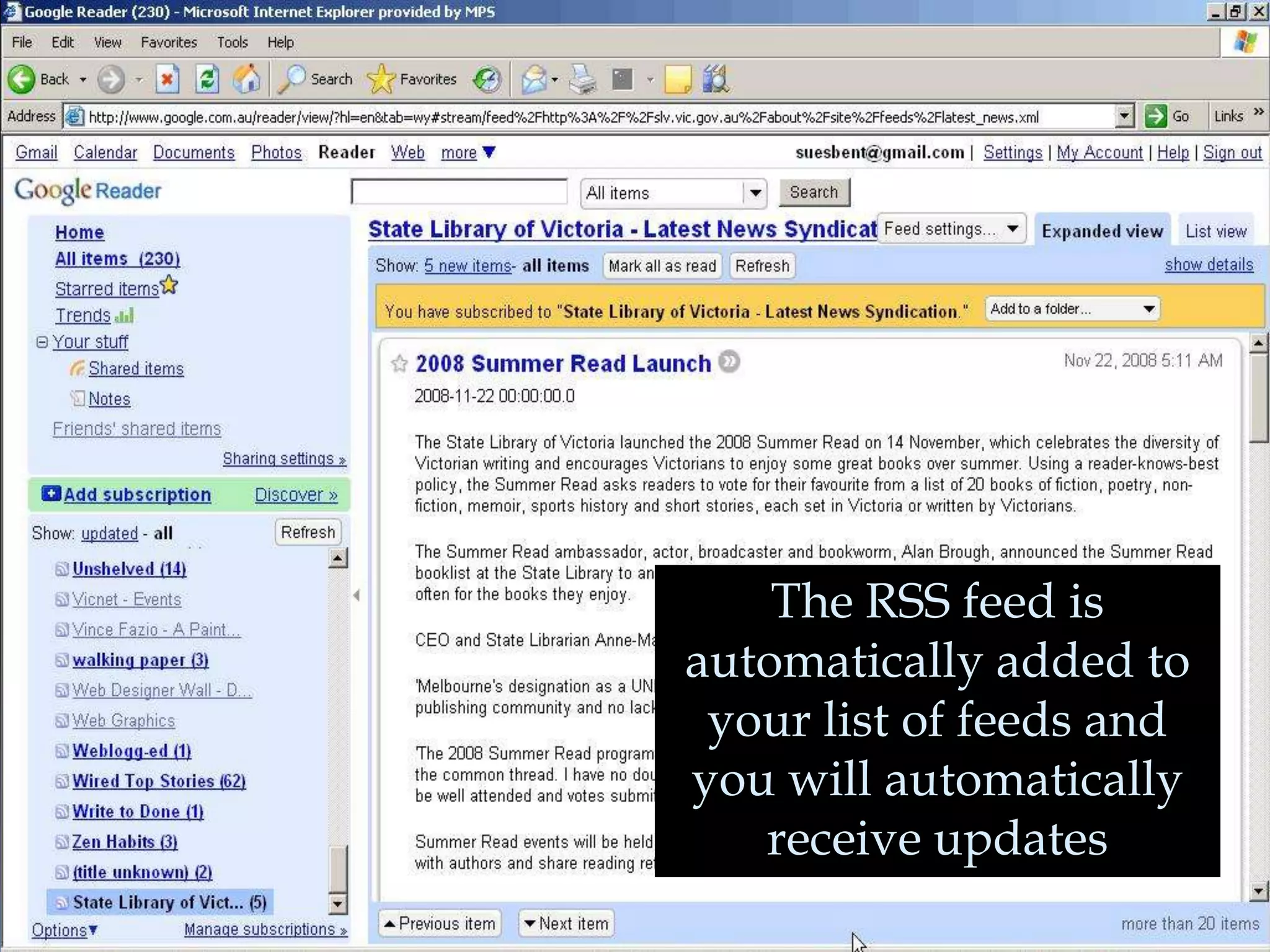
    63. The RSS feed is automatically added to your list of feeds and you will automatically receive updates
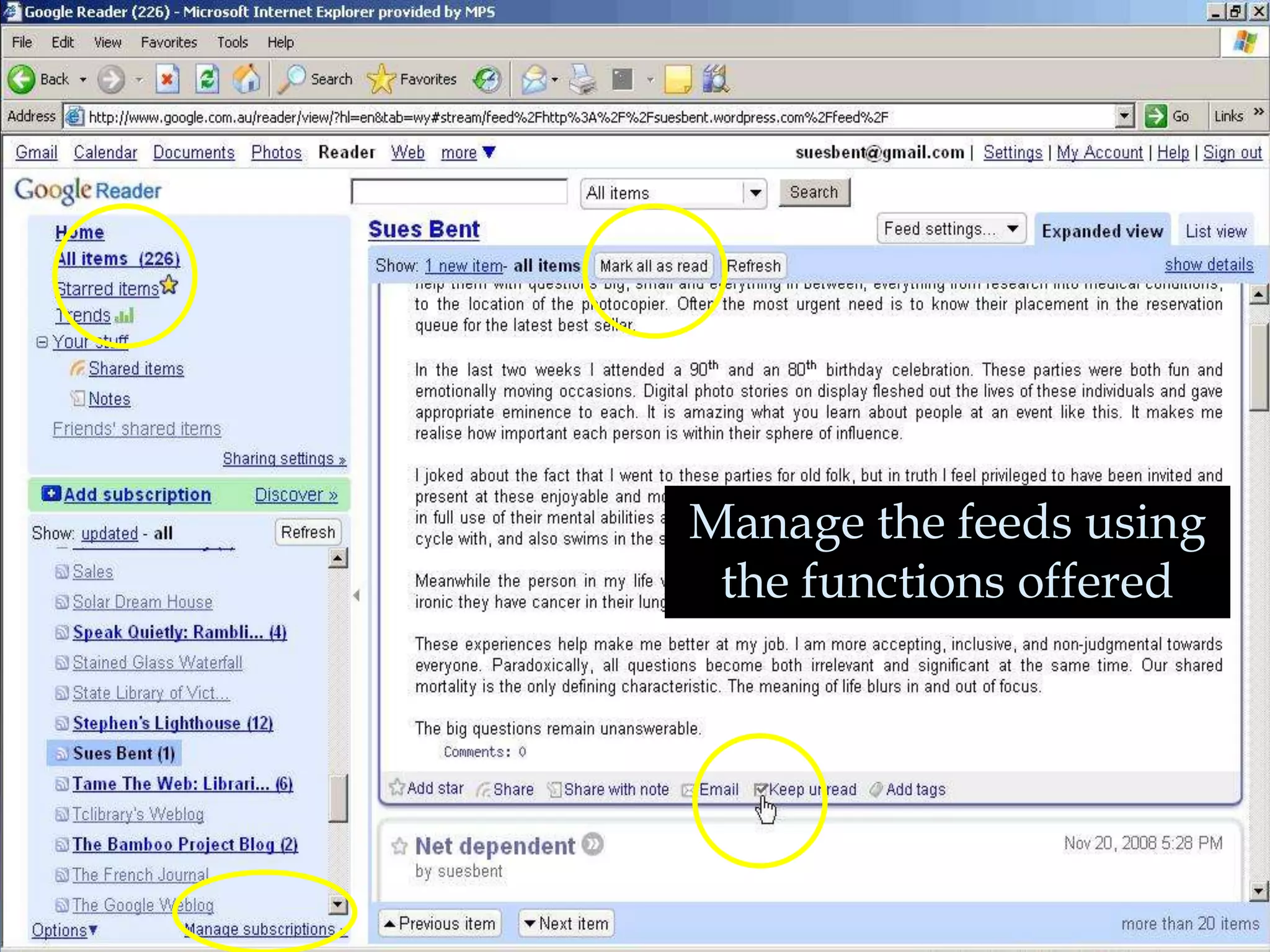
    64. Manage the feeds using the functions offered
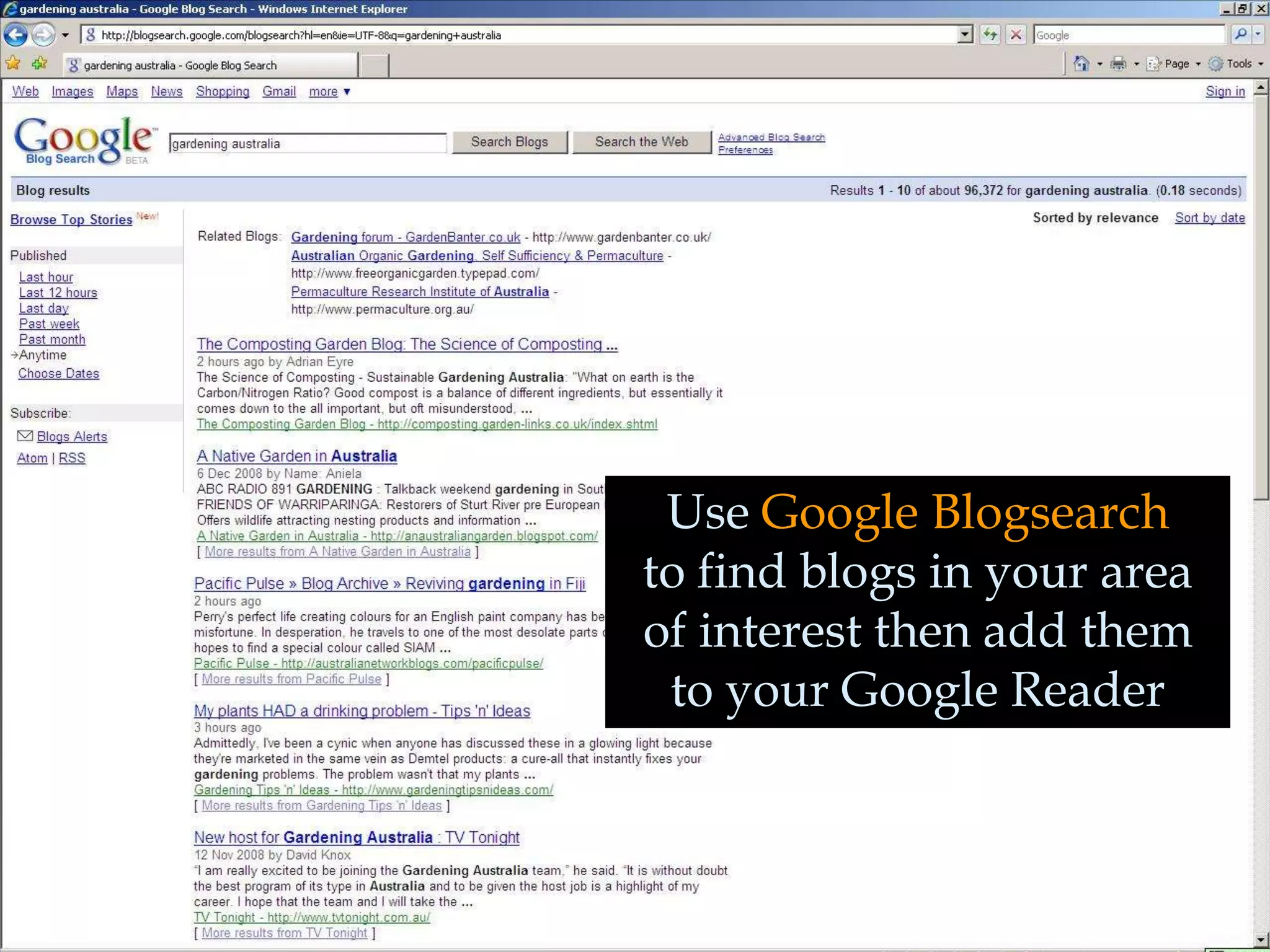
    65. Use Google Blogsearch to find blogs in your area of interest then add them to your Google Reader
    66. This presentation created by Susan Bentley©2009 http://suesbent.wordpress.com/ http://frenchaccent.wordpress.com/ Permission granted to use this presentation freely but please cite the creator Susan Bentley – thank you and good luck

    + Susan BentleySusan Bentley, 4 months ago

    custom

    323 views, 2 favs, 0 embeds more stats

    How to tailor your information needs

    More info about this document

    © All Rights Reserved

    Go to text version

    • Total Views 323
      • 323 on SlideShare
      • 0 from embeds
    • Comments 0
    • Favorites 2
    • Downloads 4
    Most viewed embeds

    more

    All embeds

    less

    Flagged as inappropriate Flag as inappropriate
    Flag as inappropriate

    Select your reason for flagging this presentation as inappropriate. If needed, use the feedback form to let us know more details.

    Cancel
    File a copyright complaint
    Having problems? Go to our helpdesk?

    Categories