



Go to http://tagul.com/


           and register
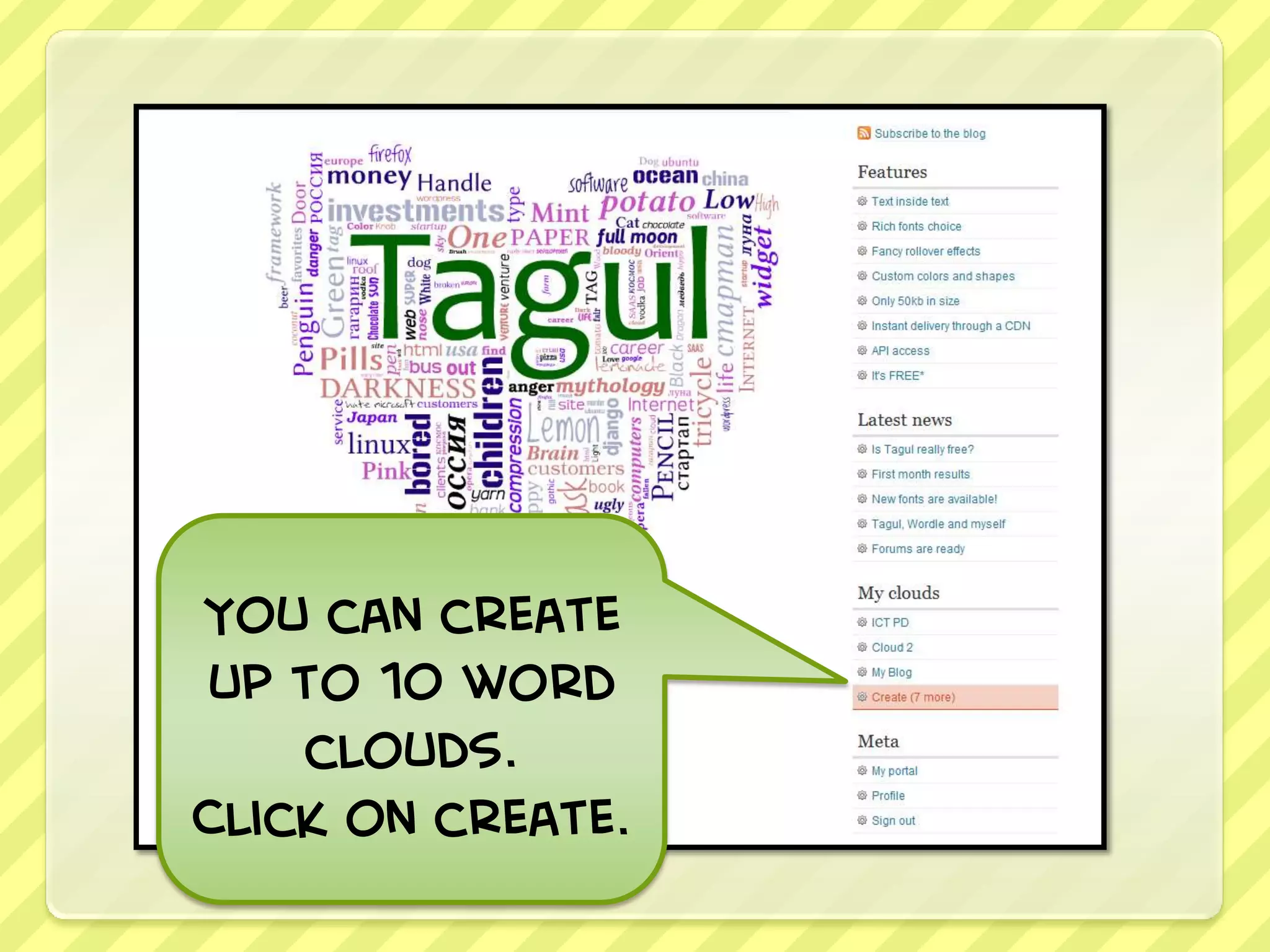
You can create
up to 10 word
    clouds.
Click on create.
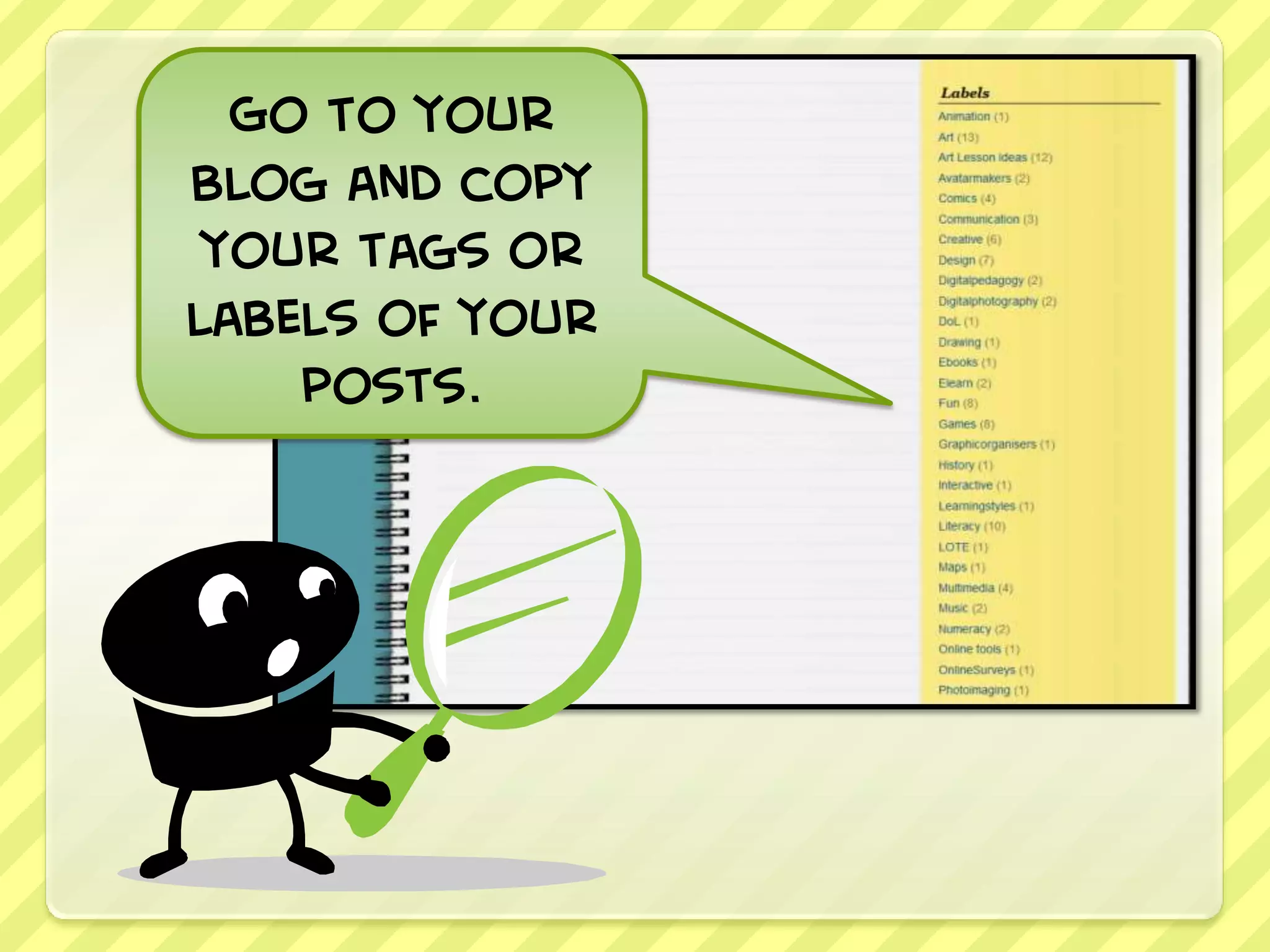
Go to your
blog and copy
 your tags or
labels of your
    posts.
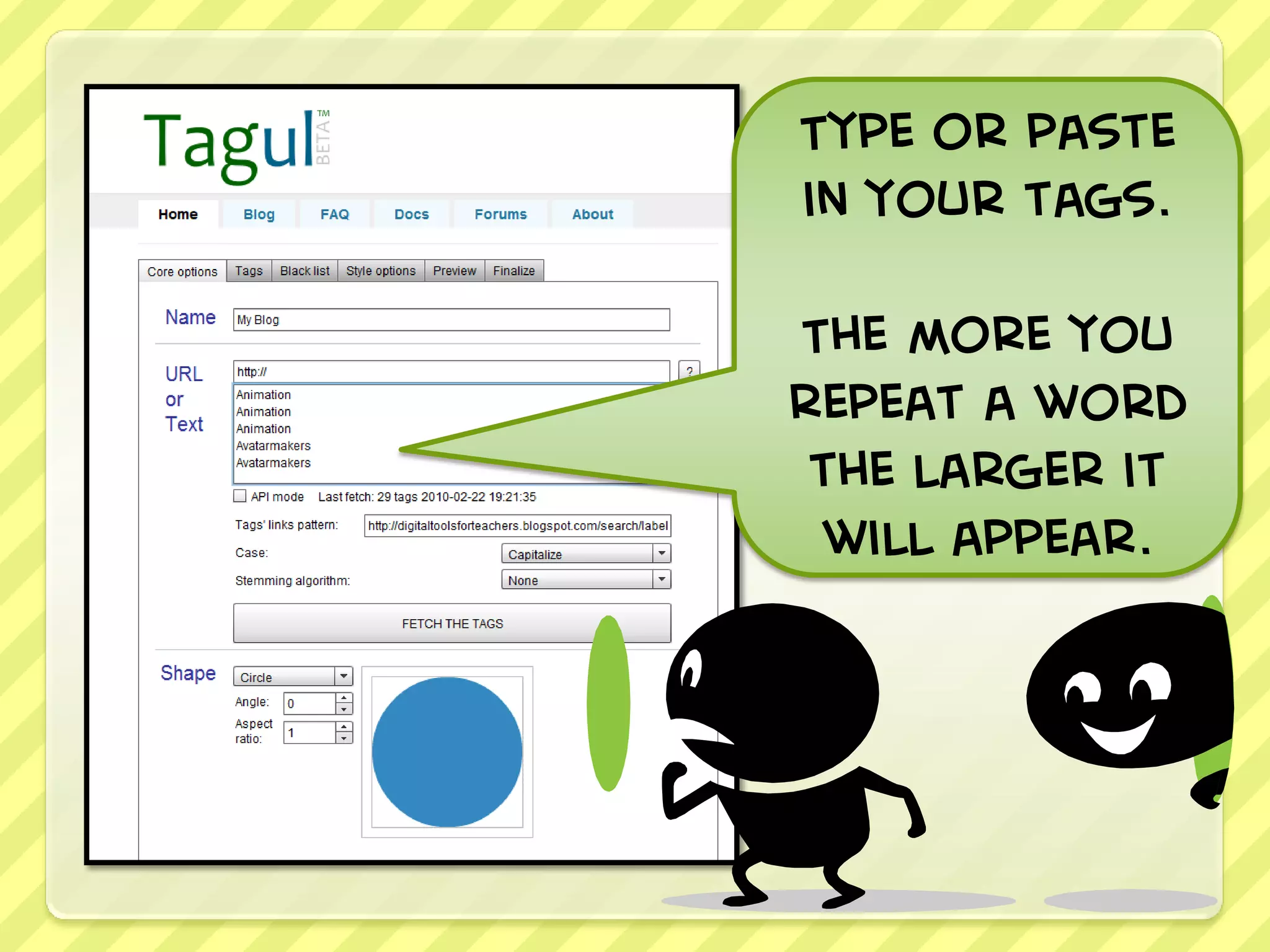
Type or paste
in your tags.

The more you
repeat a word
 the larger it
 will appear.
Go to your blog and
    select a tag.

 Copy the URL before
the tag you selected.
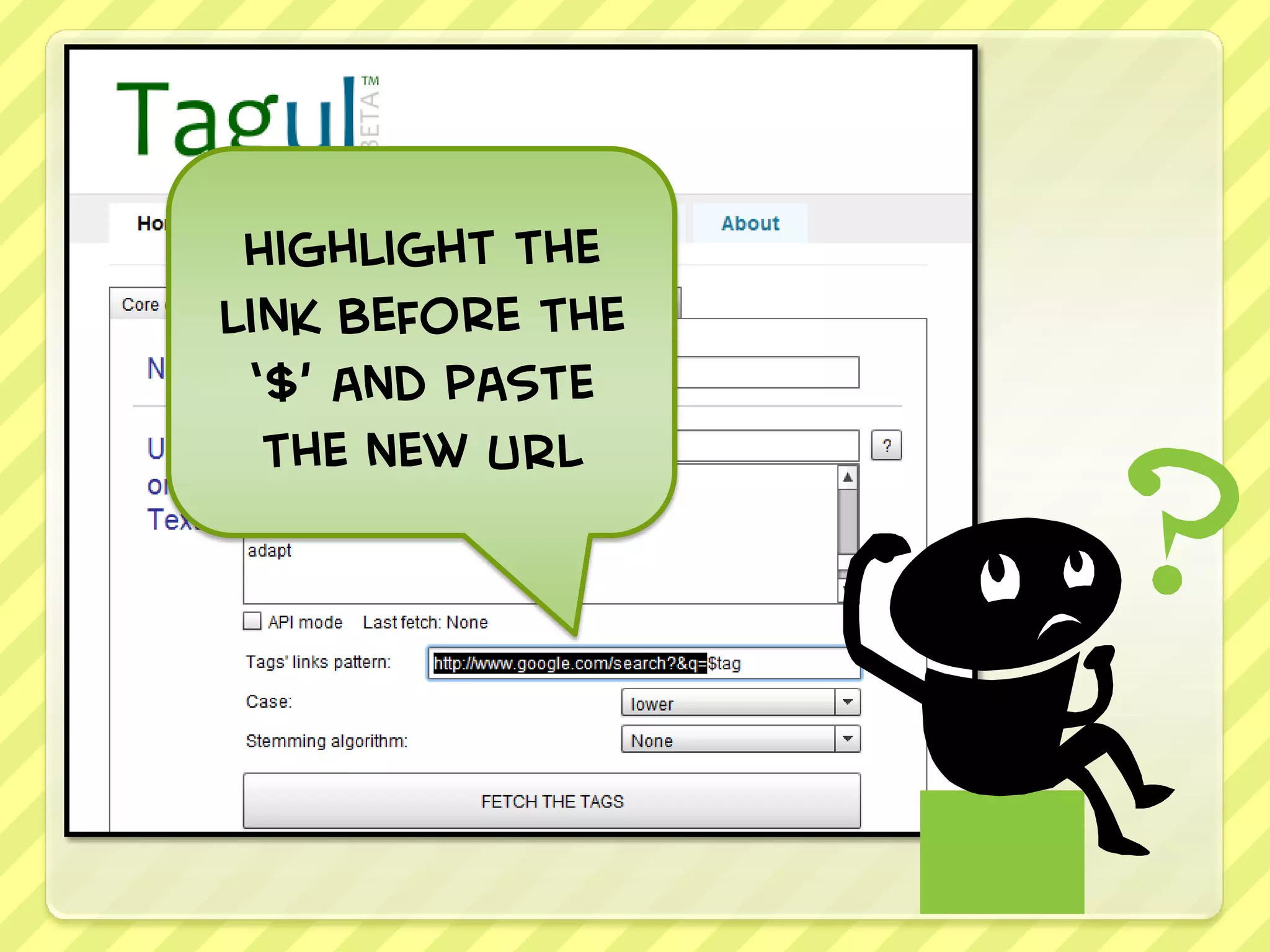
Highlight the
link before the
 ‘$’ and paste
  the new URL
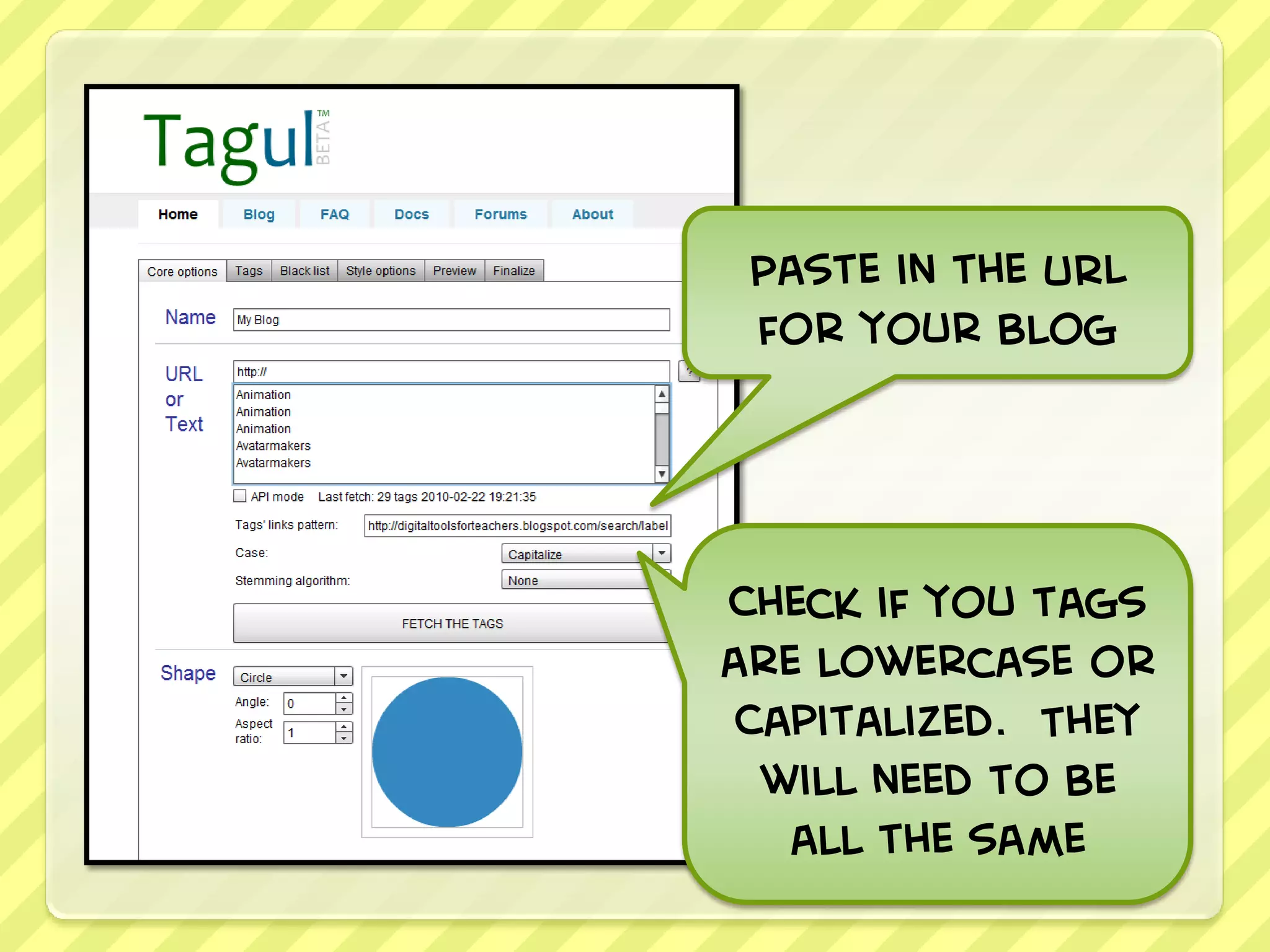
Paste in the URL
 for your blog


Check if you tags
are lowercase or
 Capitalized. They
  will need to be
   all the same
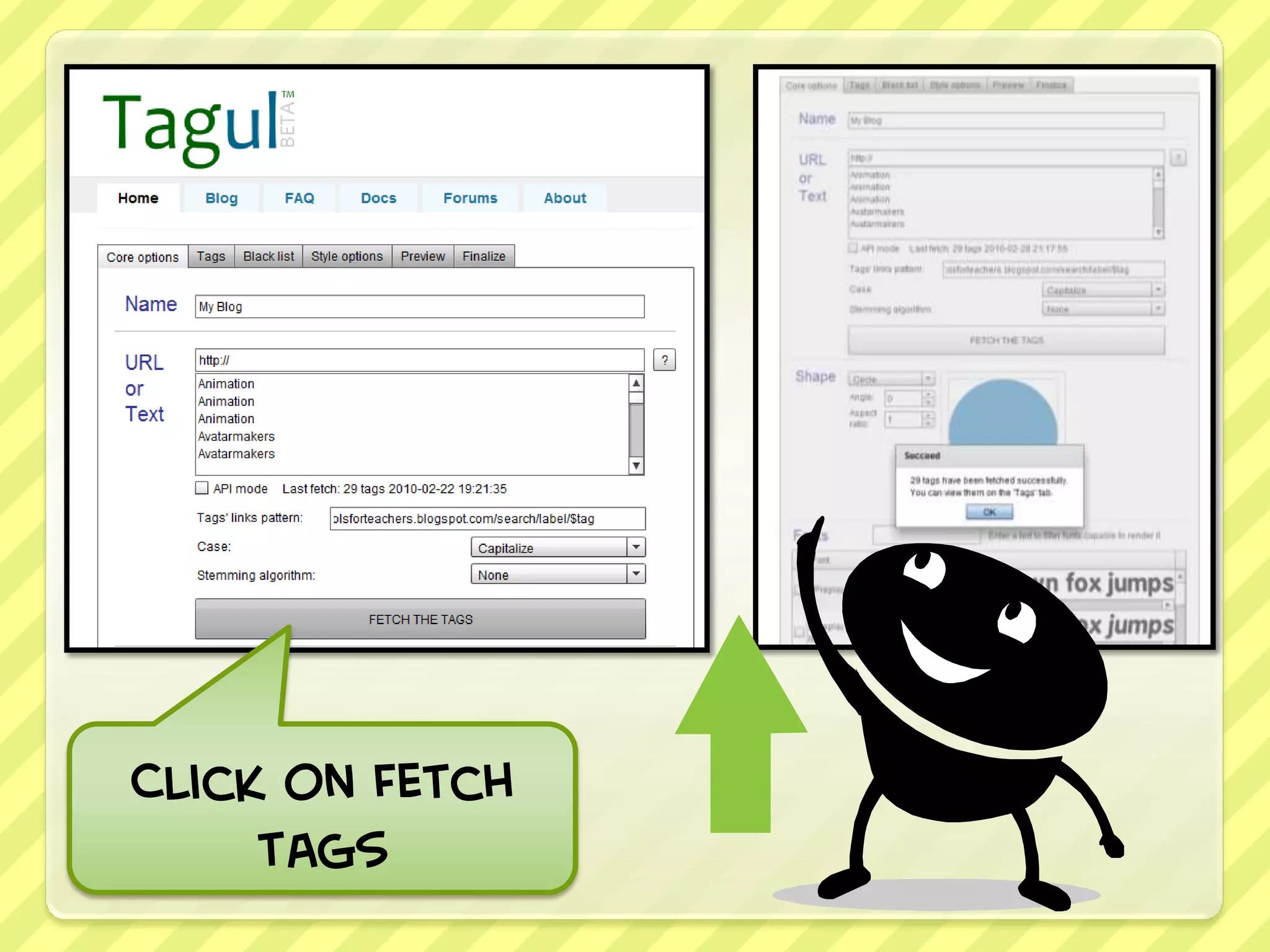
Click on Fetch
     tags
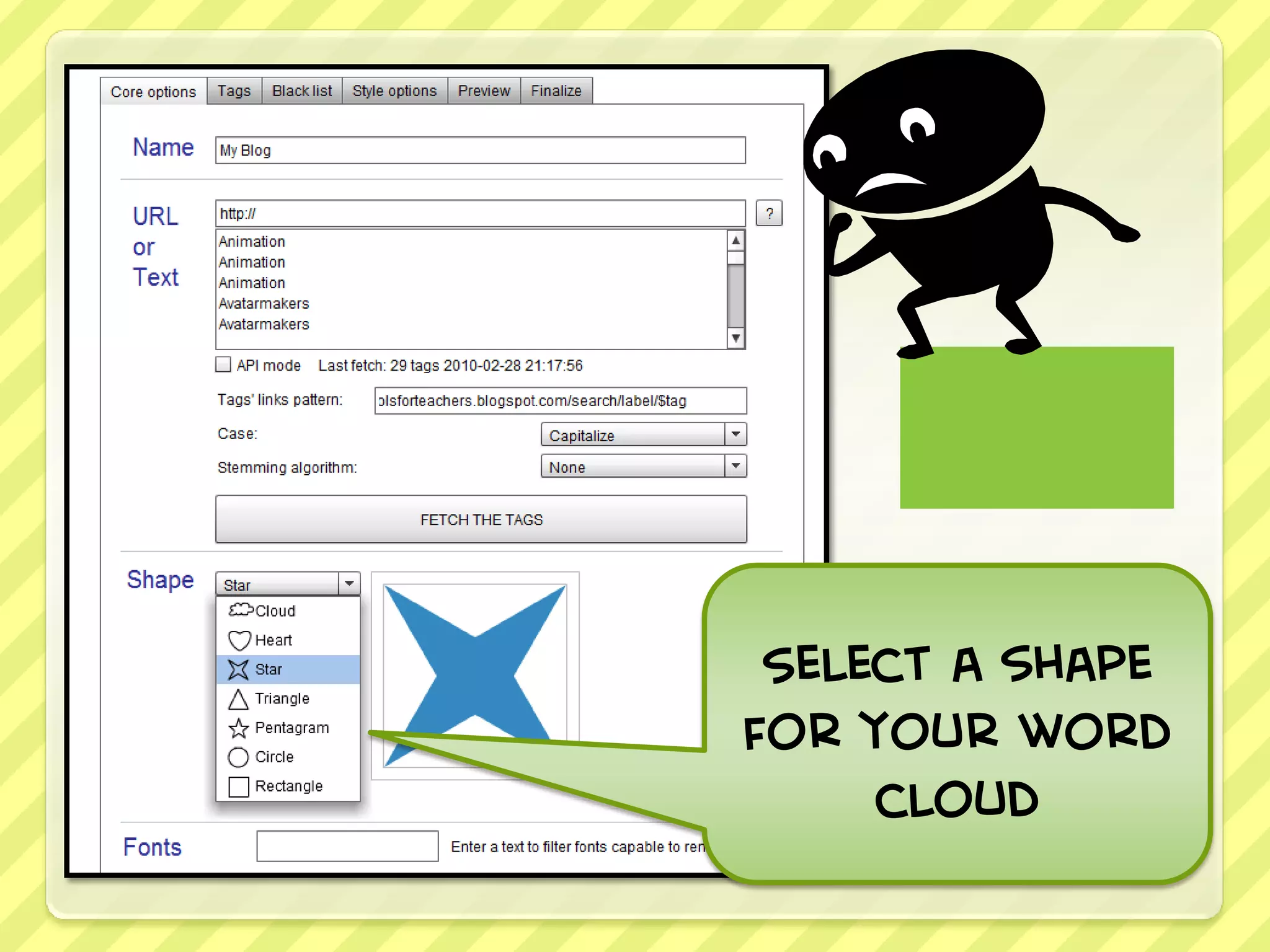
Select a shape
for your word
     cloud
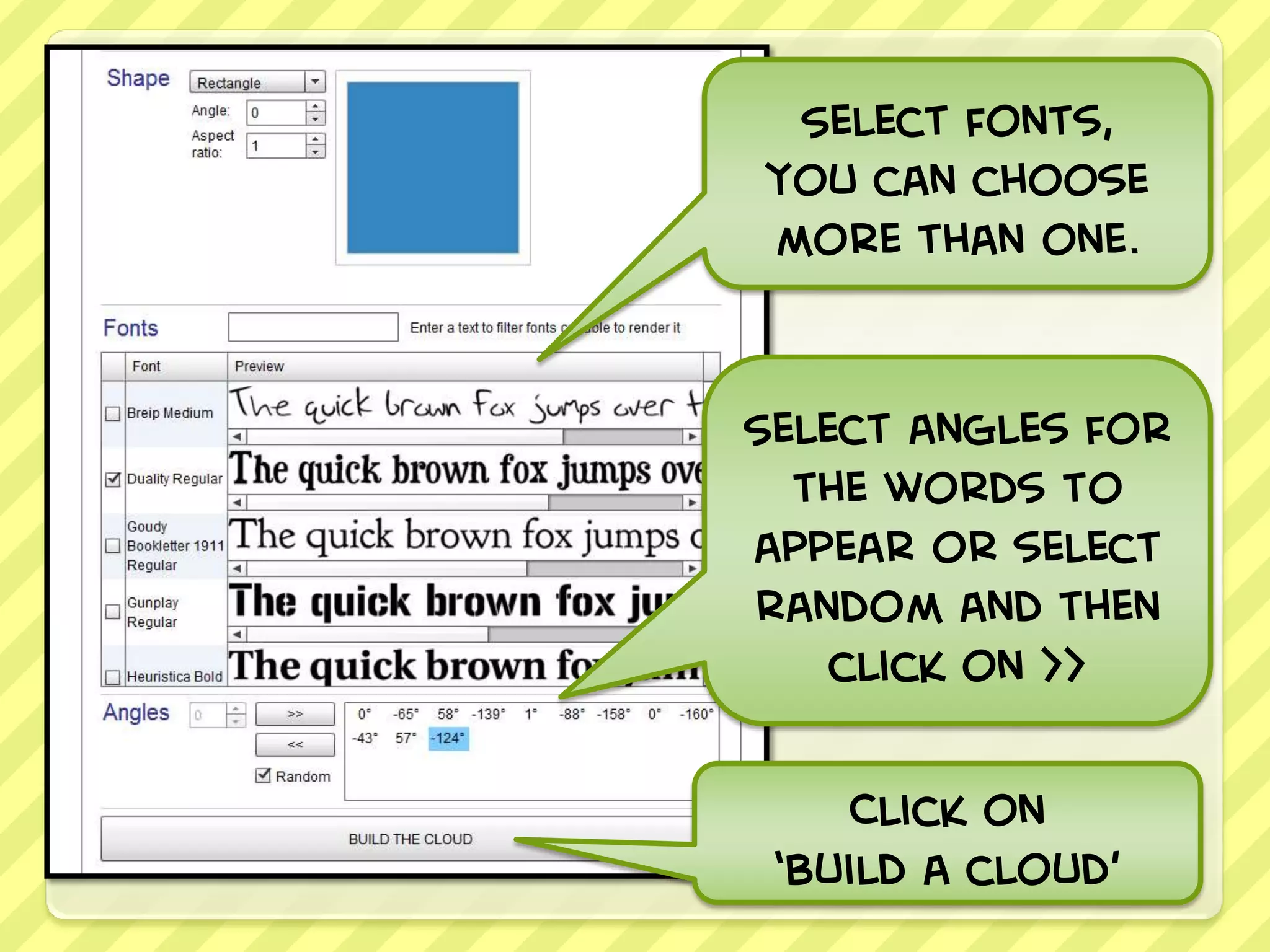
Select fonts,
you can choose
more than one.


Select angles for
  the words to
appear or select
random and then
    click on >>

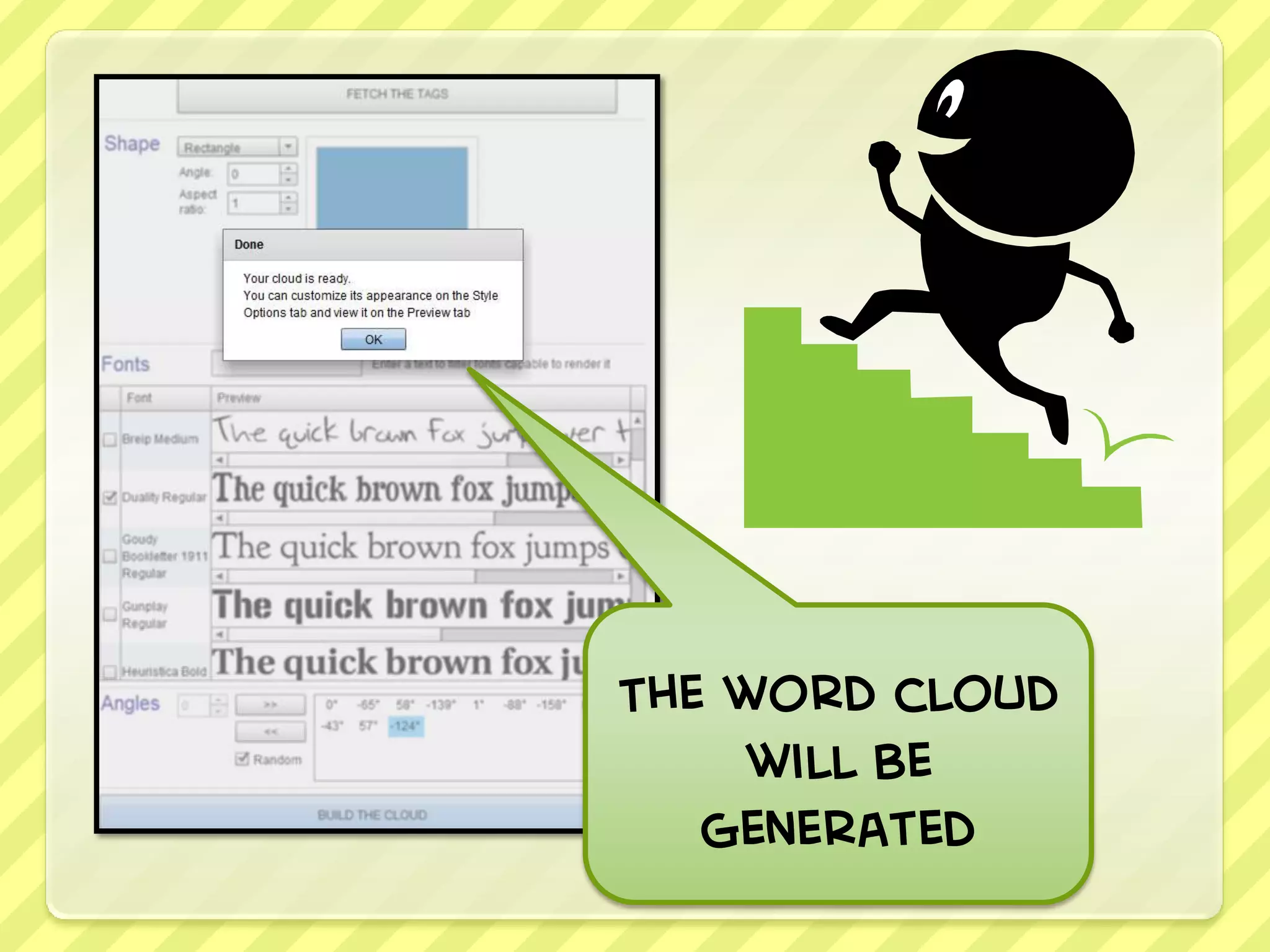
     Click on
 ‘build a cloud’
The word cloud
     will be
   generated
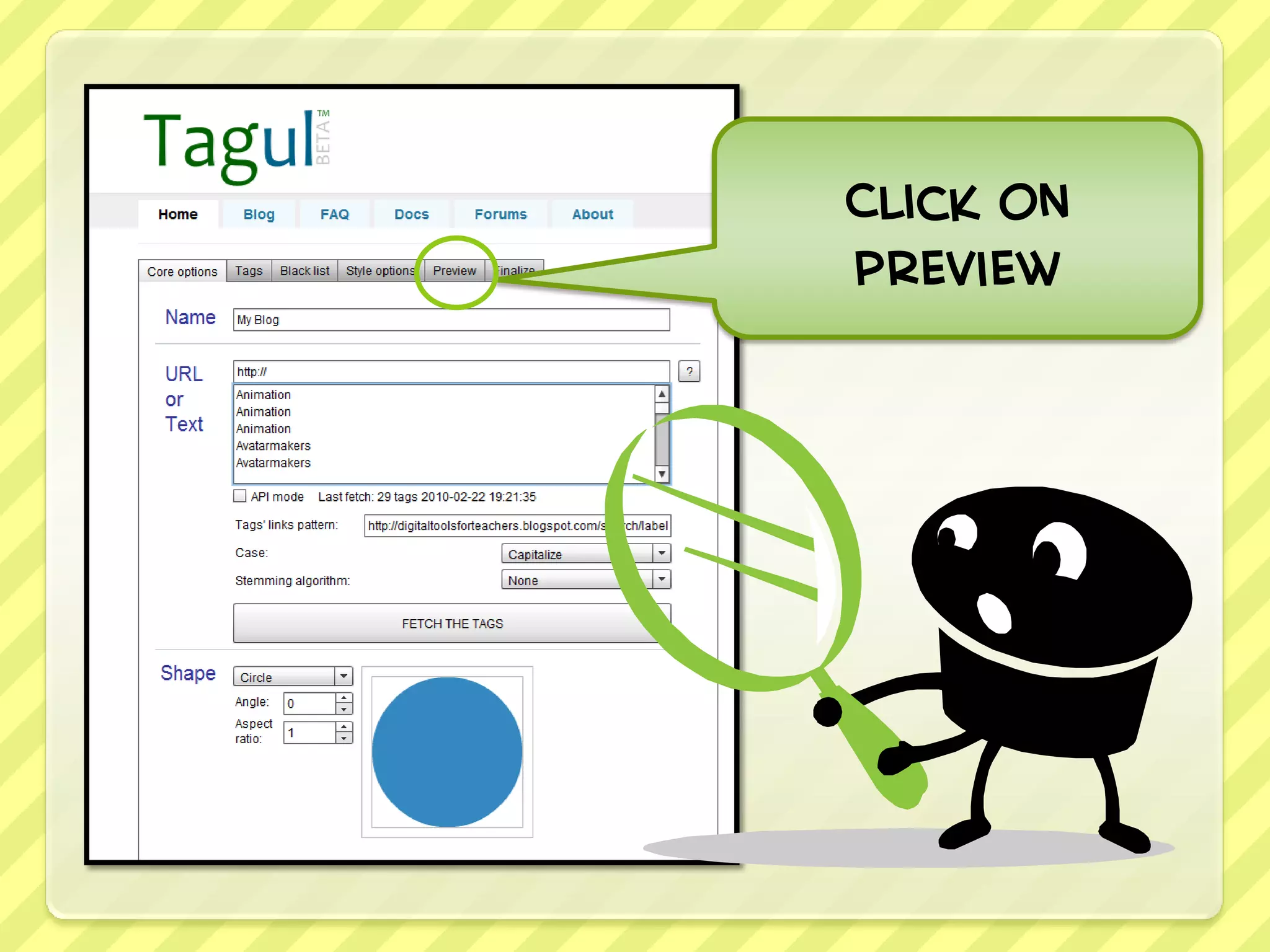
Click on
preview
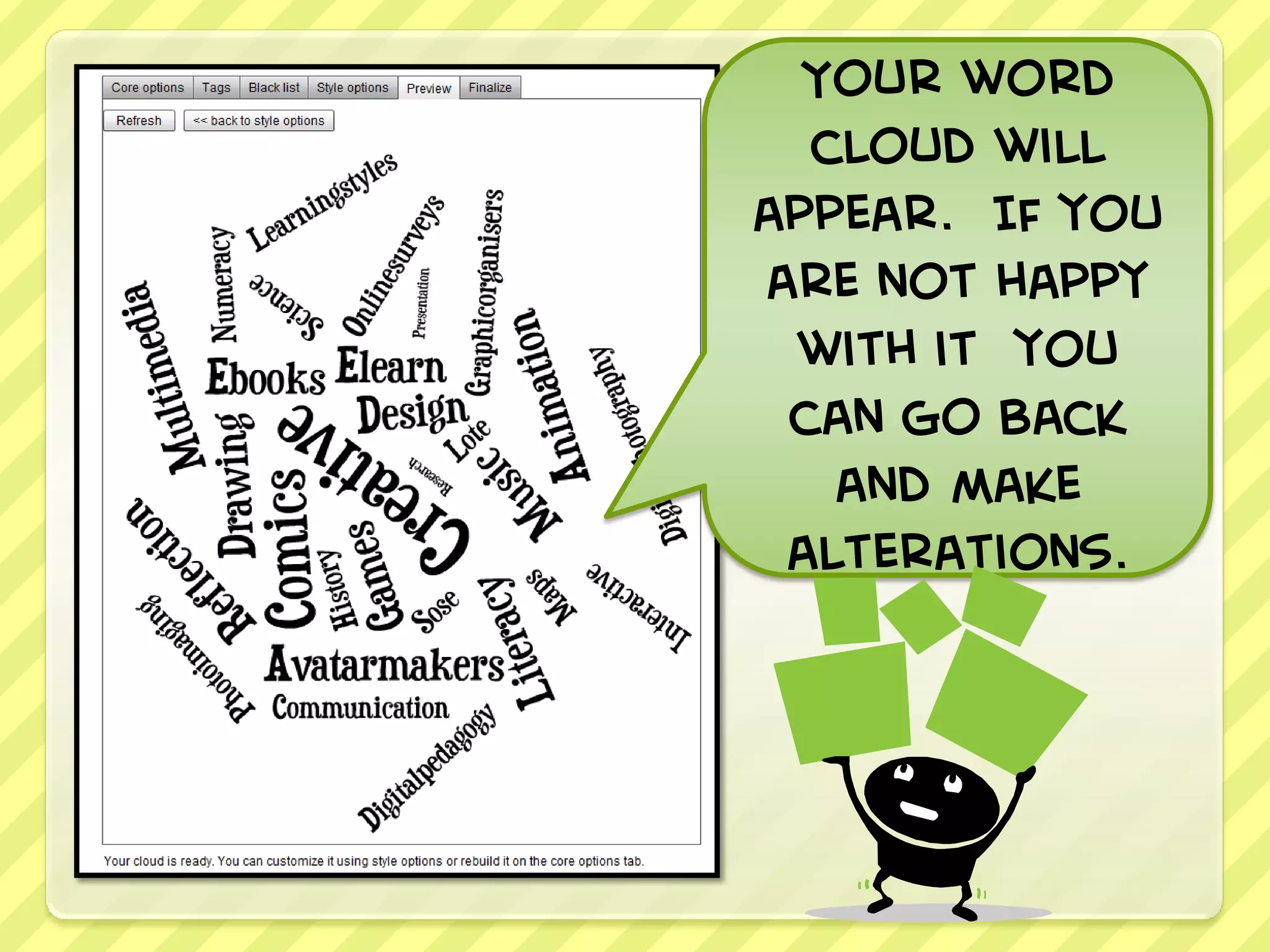
Your word
  cloud will
appear. If you
are not happy
 with it you
 can go back
   and make
 alterations.
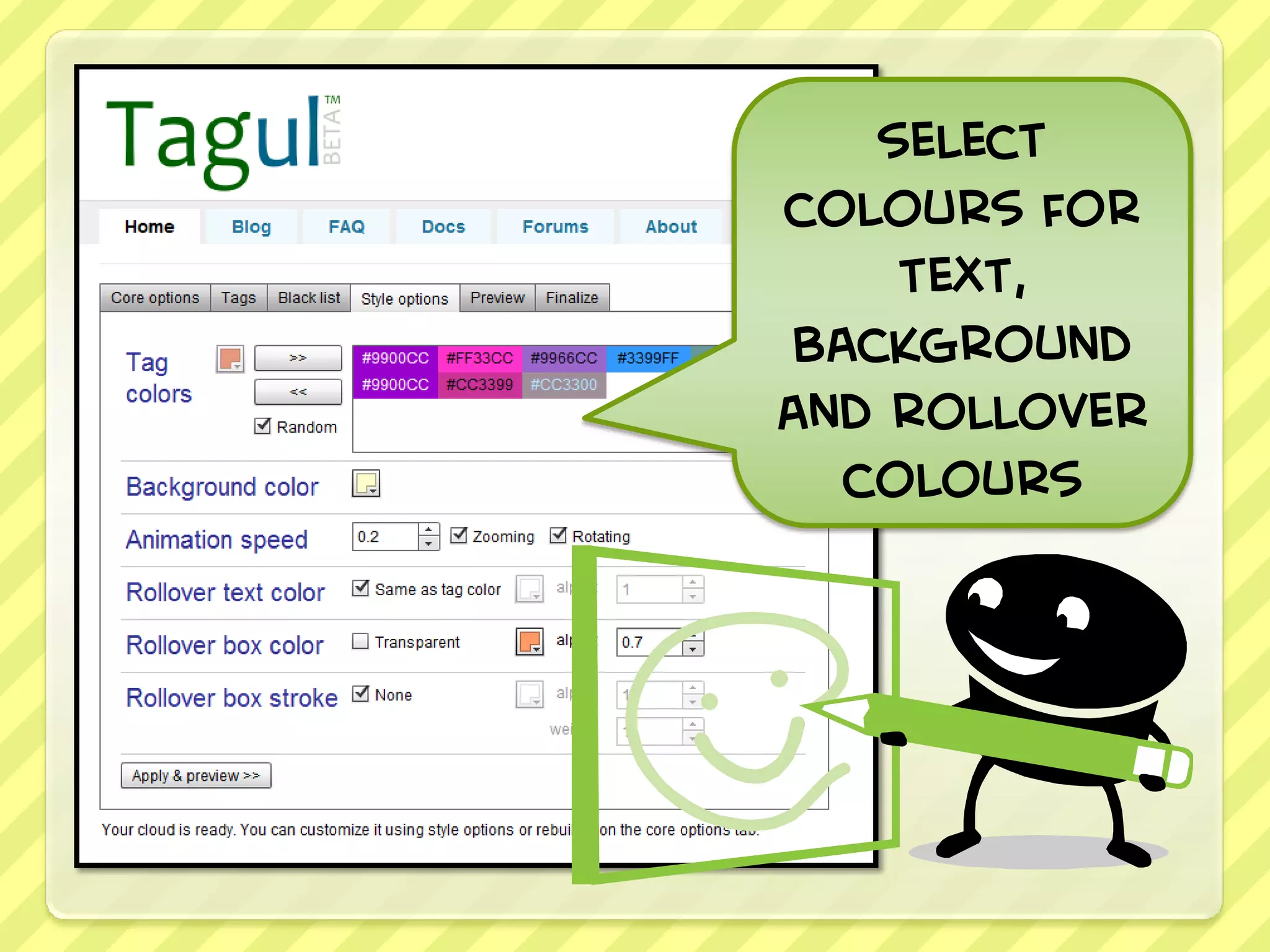
Click on Style
   Options
select
colours for
     text,
 background
and rollover
   colours
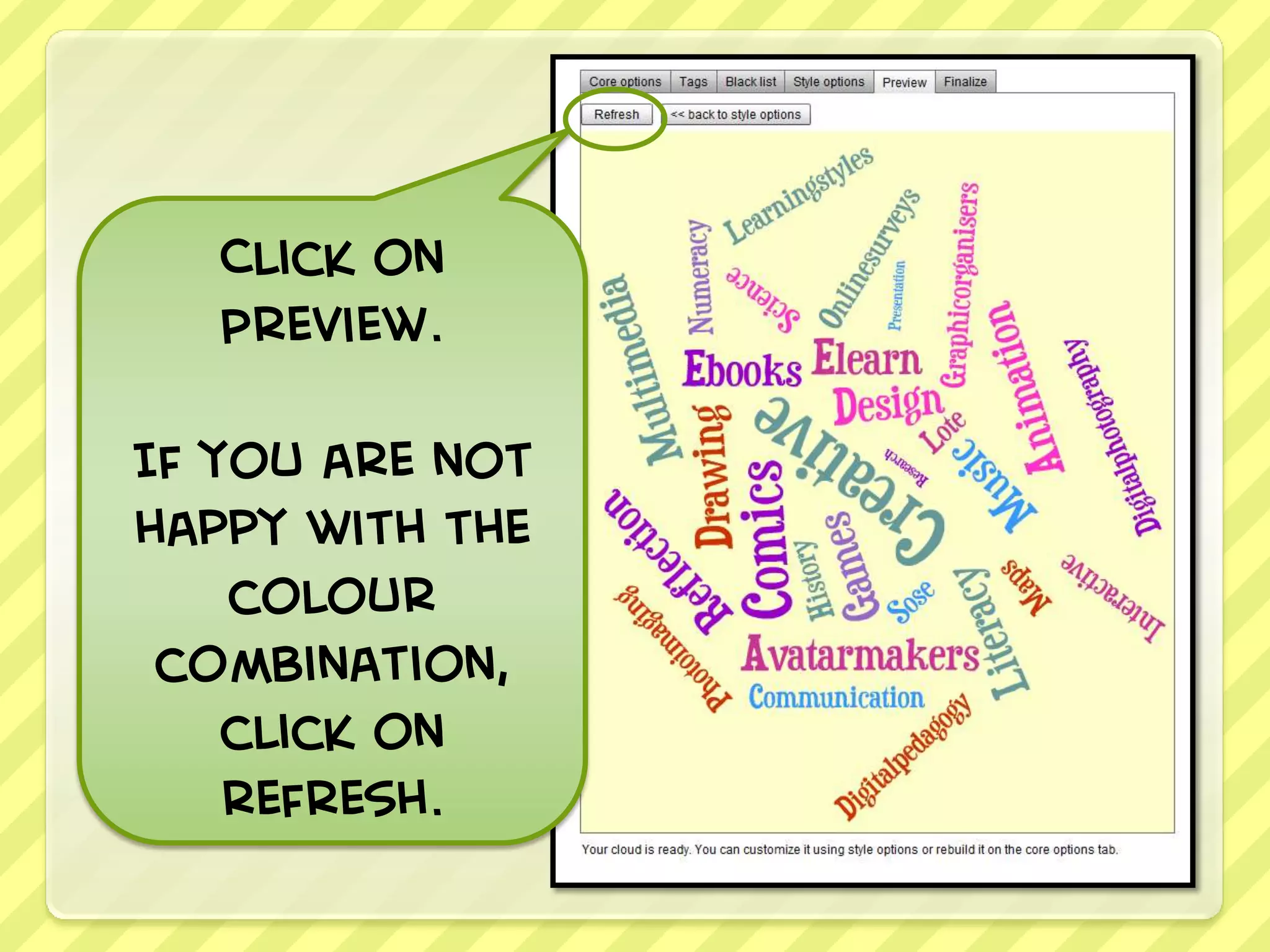
Click on
   Preview.

If you are not
happy with the
    colour
 combination,
    click on
    refresh.
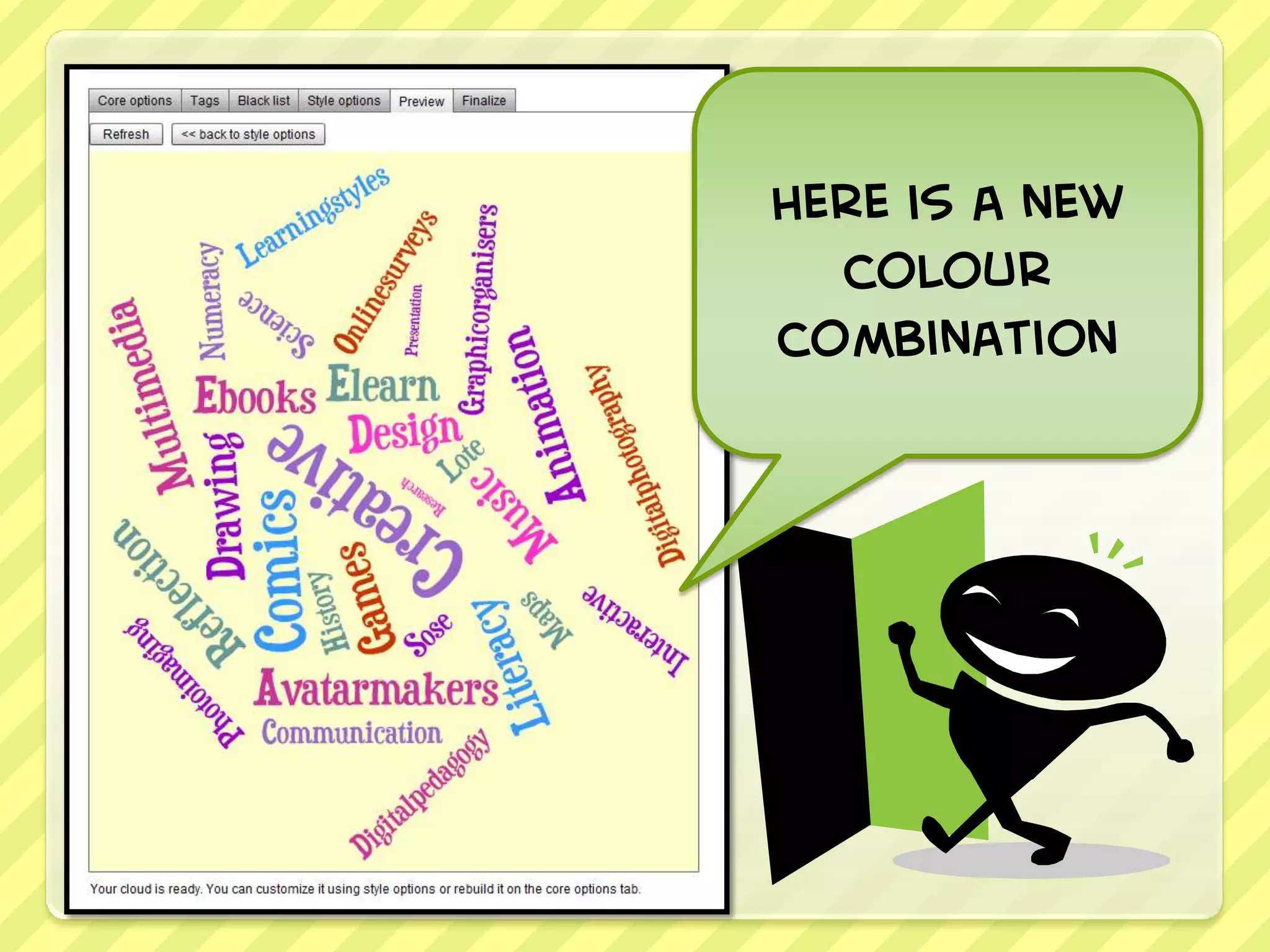
Here is a new
  colour
combination
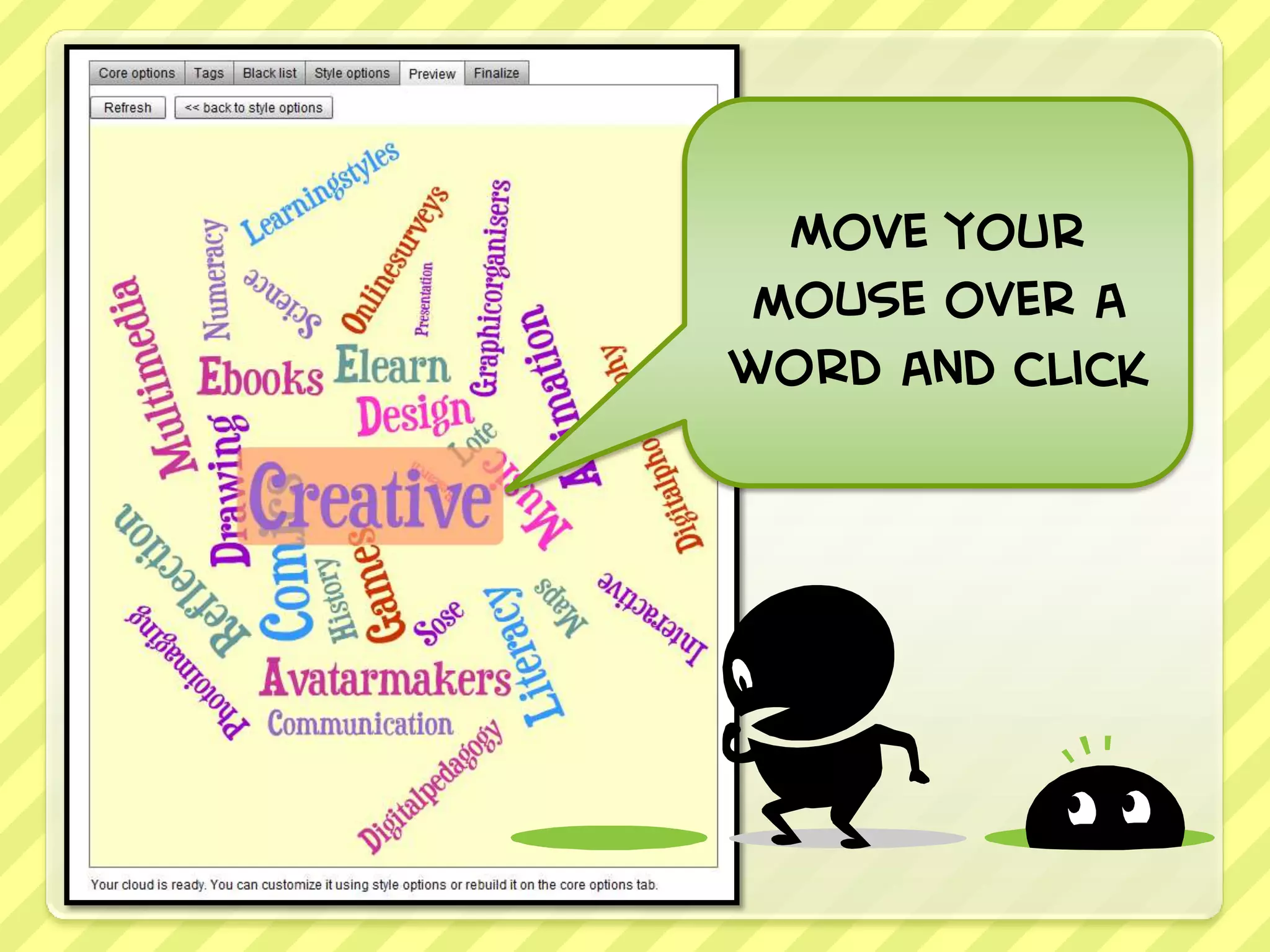
Move your
mouse over a
word and click
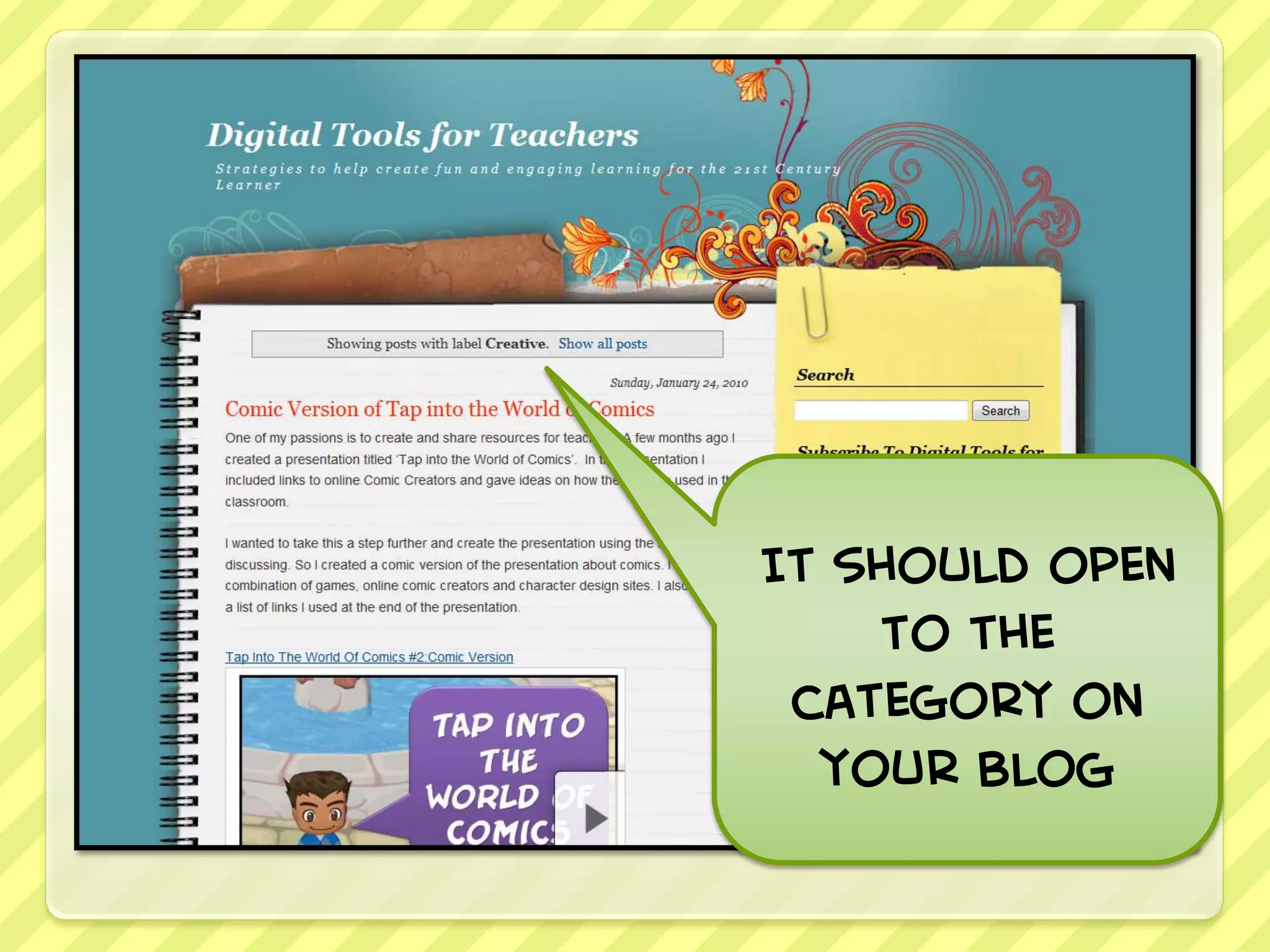
It should open
    to the
 category on
  your blog
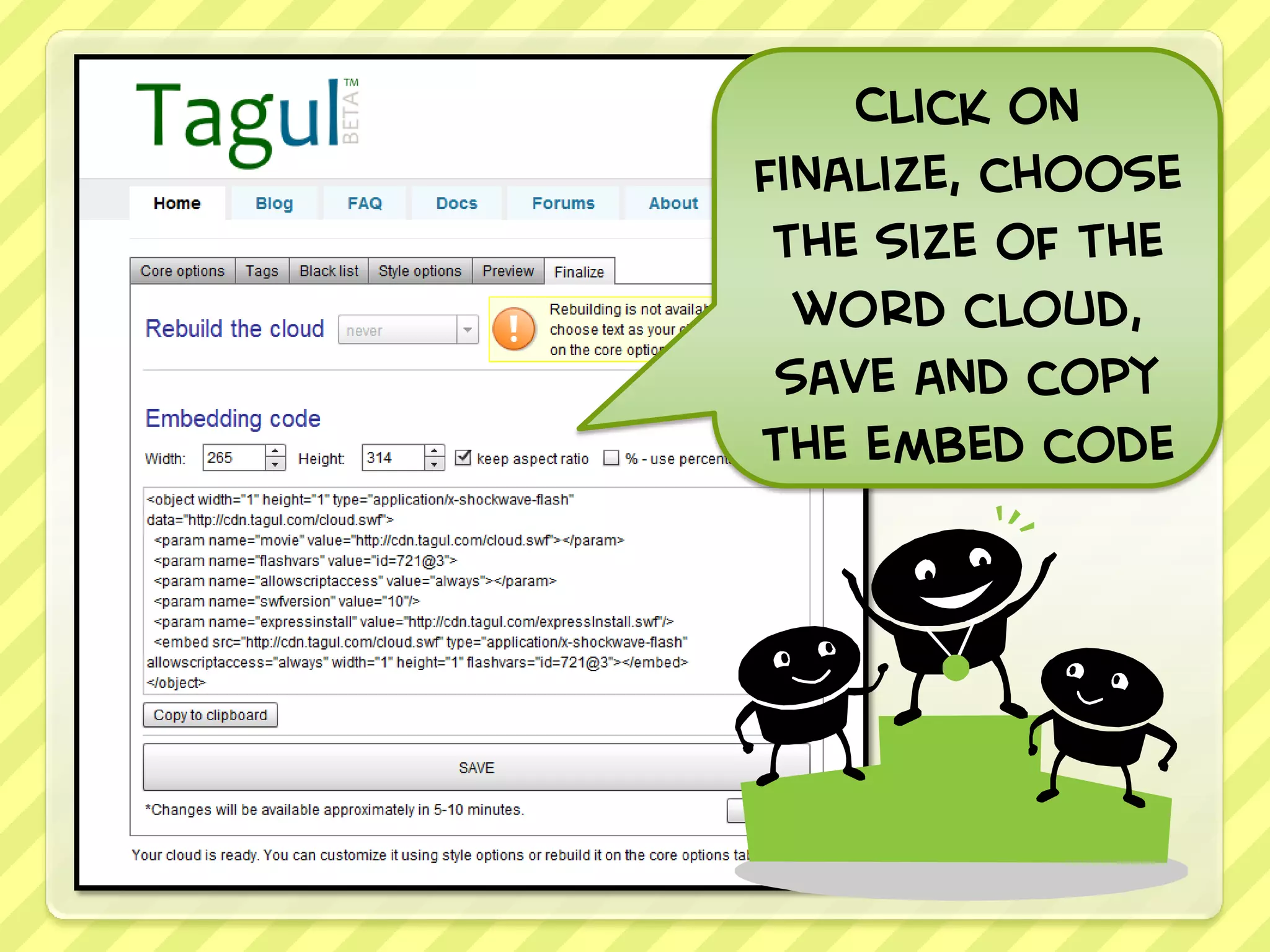
Click on
finalize, choose
 the size of the
  word cloud,
 save and copy
the embed code
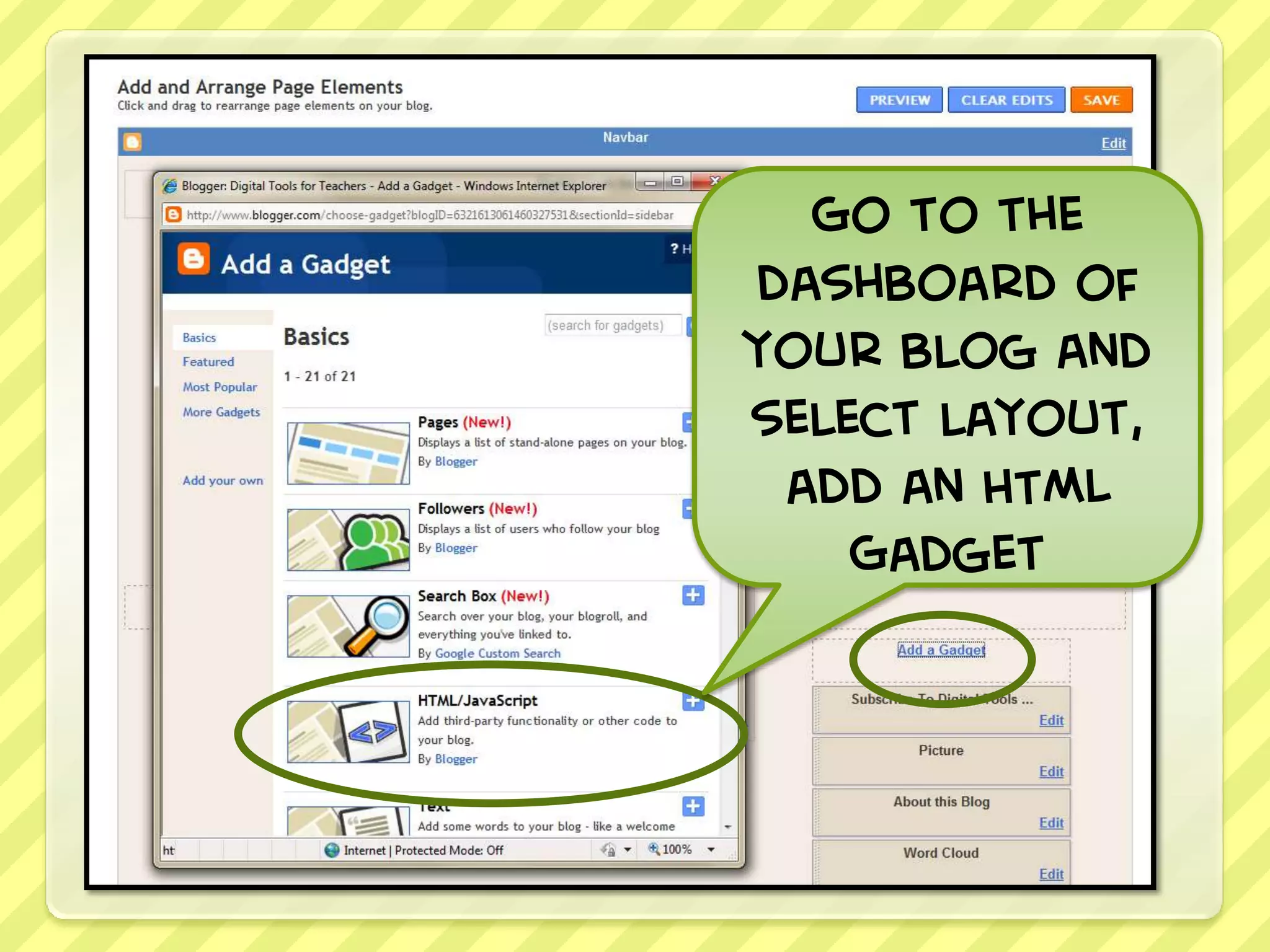
Go to the
dashboard of
your blog and
select layout,
 add an HTML
    Gadget
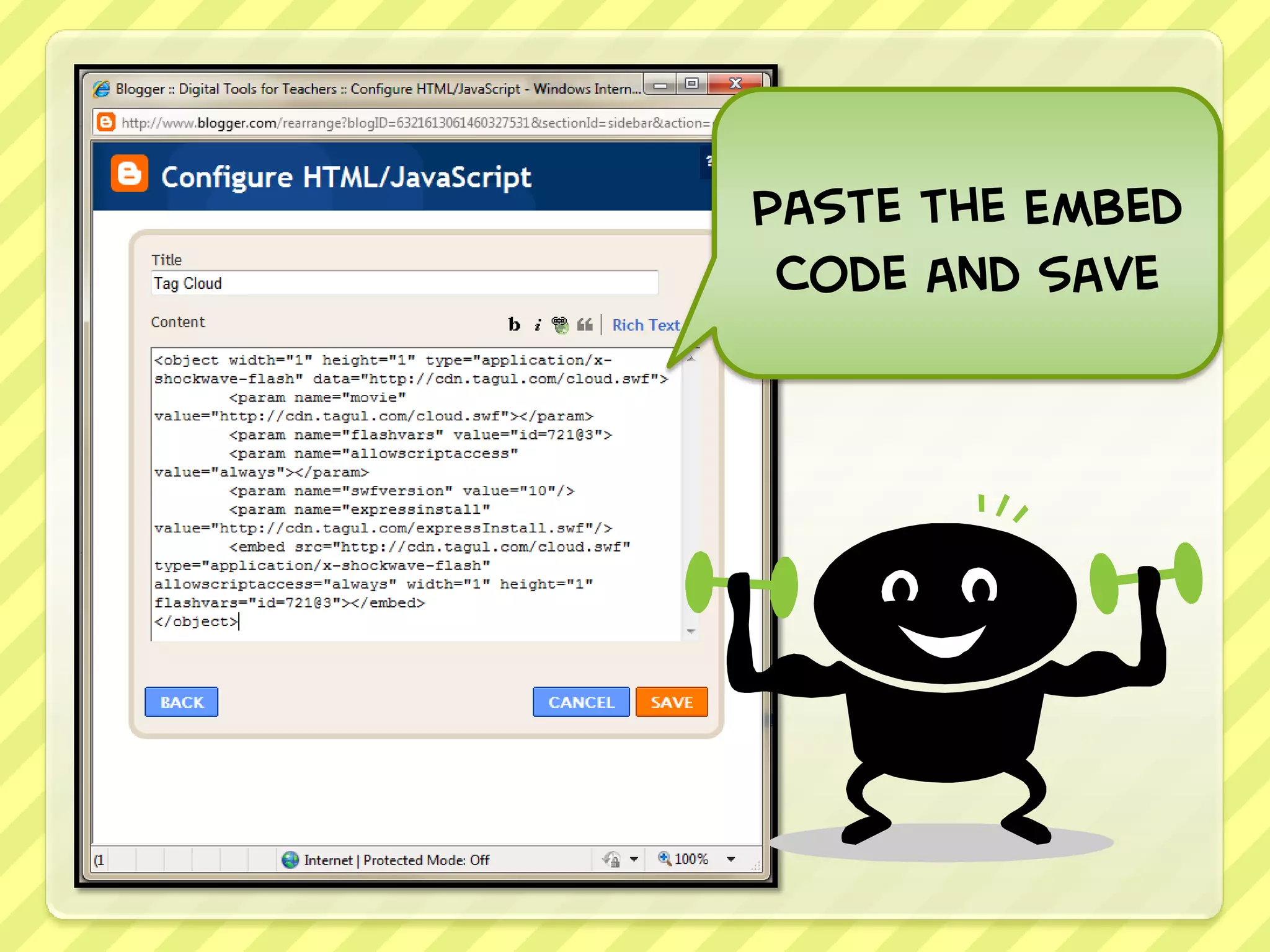
Paste the Embed
 Code and save
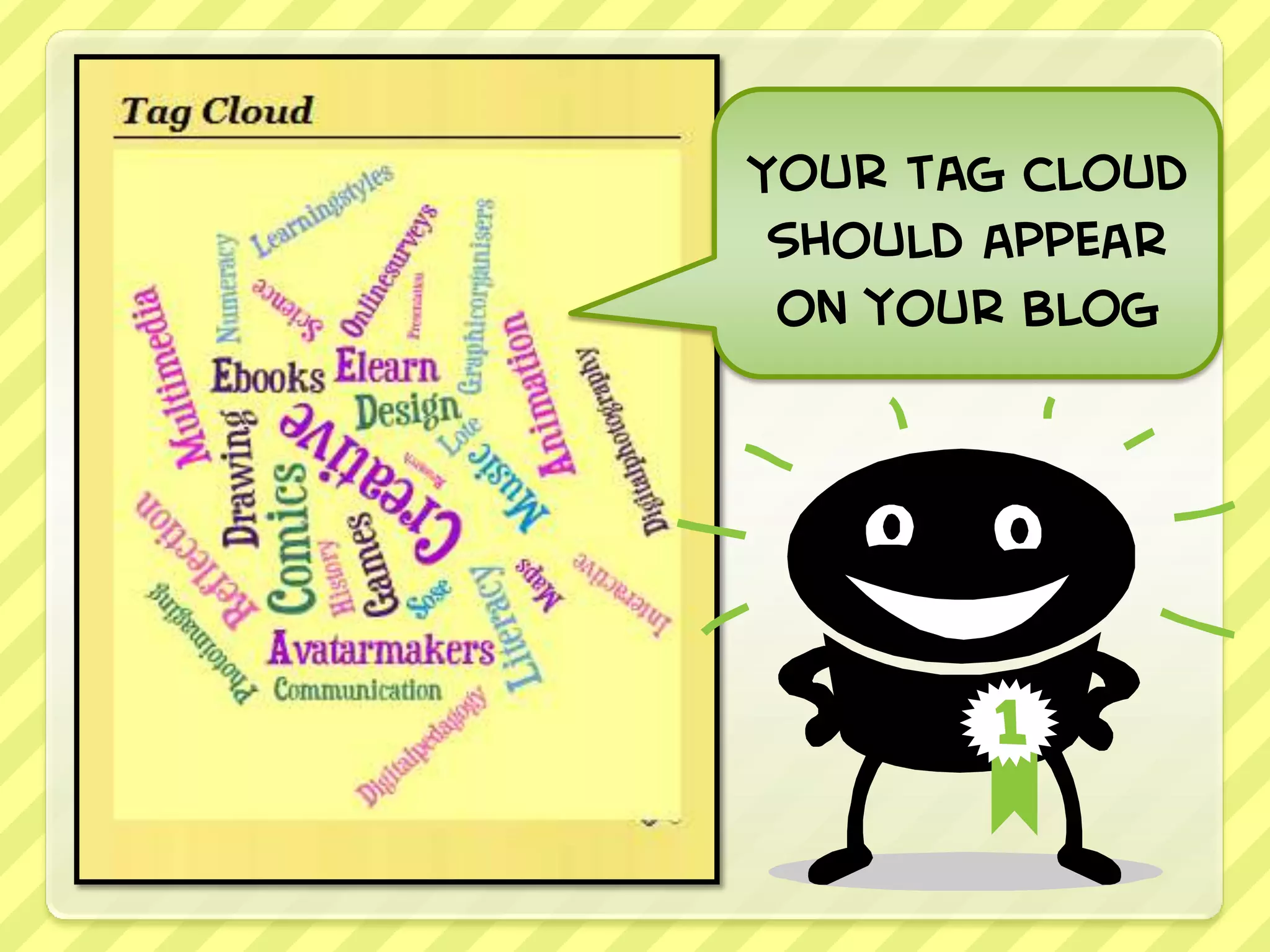
Your tag cloud
 should appear
 on your blog

Create a Tagul World Cloud for your Blog