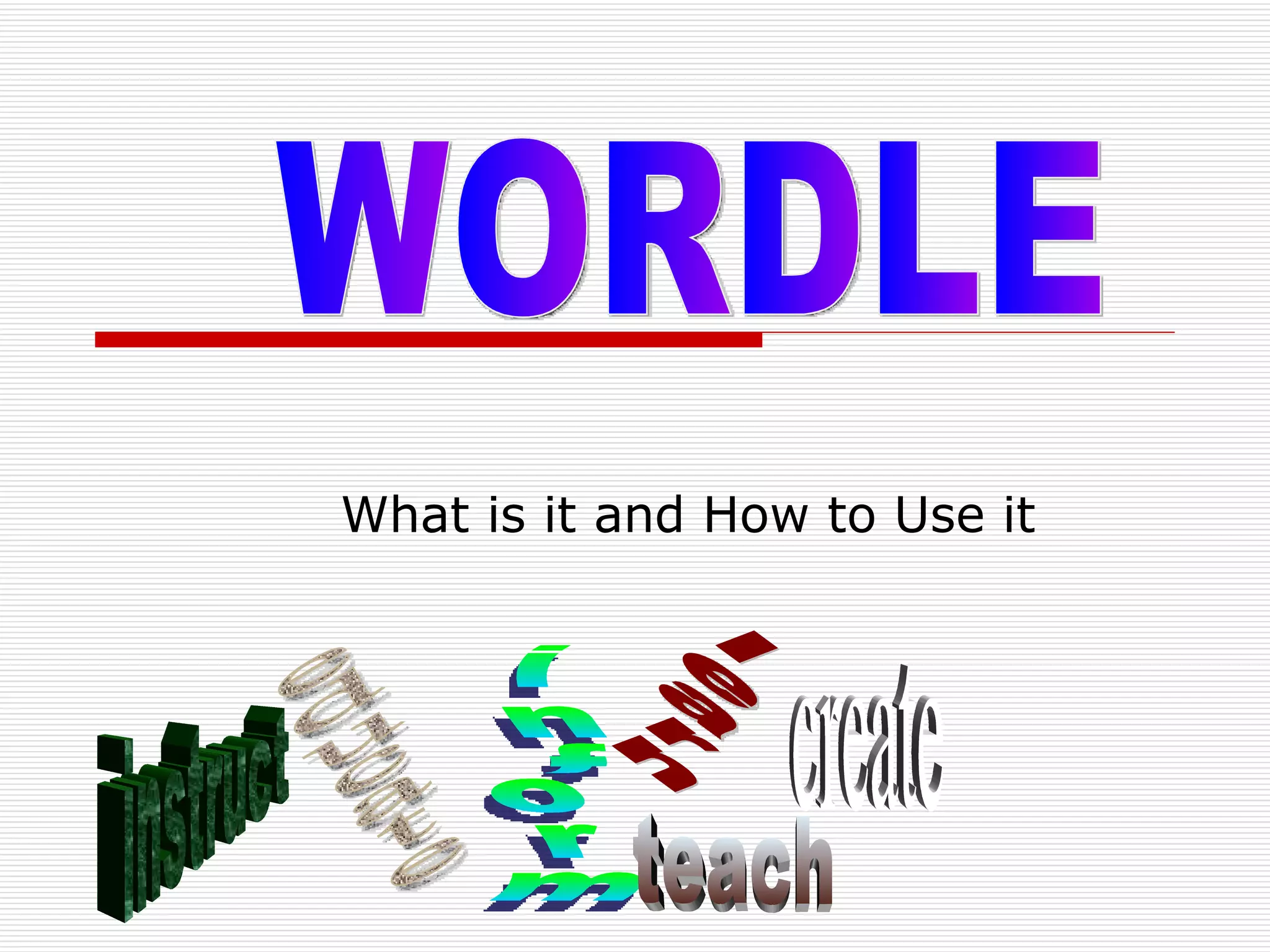
What is it and How to Use it WORDLE educate inform learn teach instruct create
Presented to You by: Kim Petrona Bryn Melissa Frozan Stephanie November 2, 2009
What is Wordle???? “ Wordle is a toy for generating “word clouds” from text that you provide. The clouds give greater prominence to words that appear more frequently in the source text.” www.wordle.net,homepage
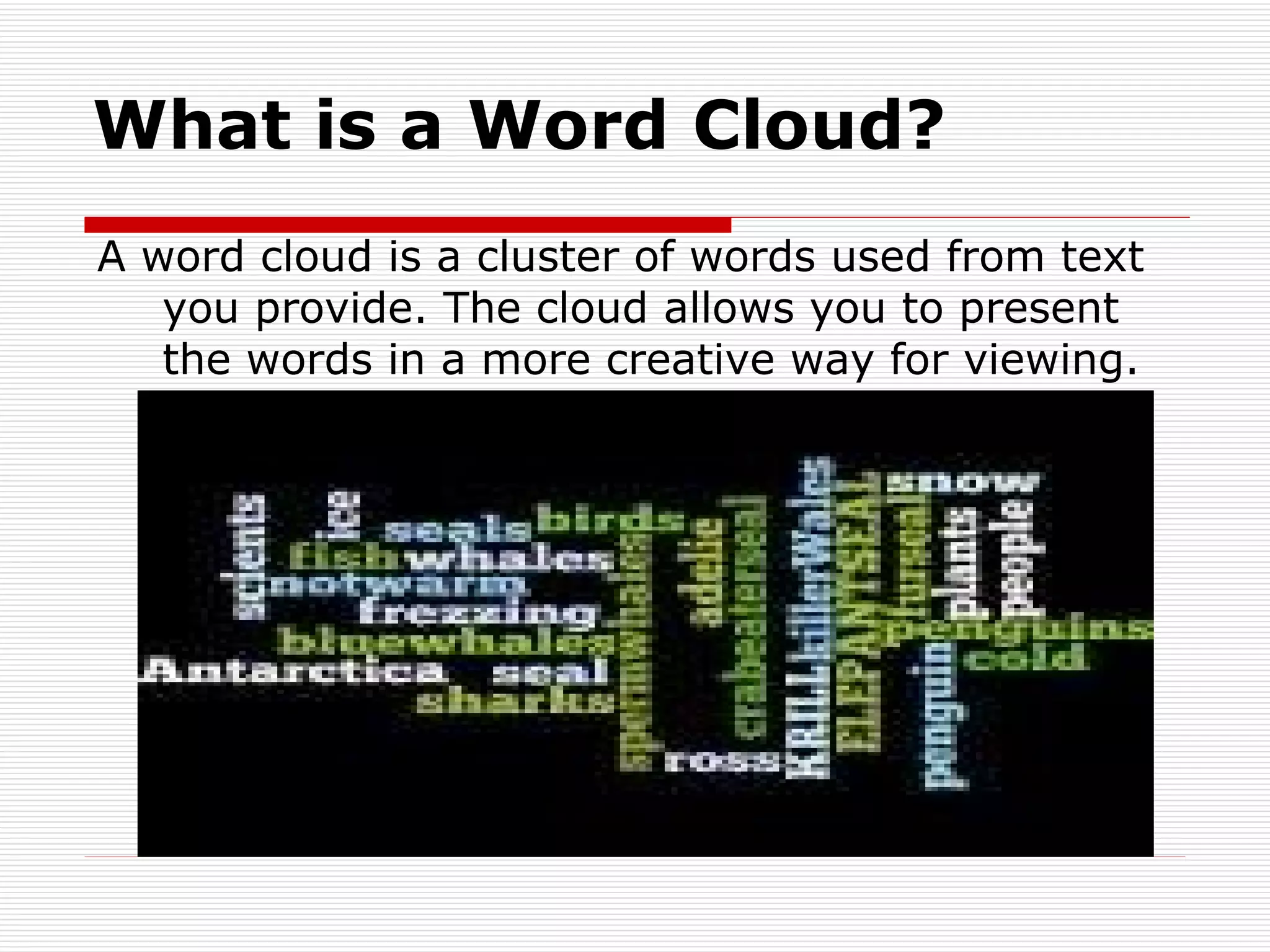
What is a Word Cloud? A word cloud is a cluster of words used from text you provide. The cloud allows you to present the words in a more creative way for viewing.
How Do I Use Wordle? It’s easy as 1-2-3 Step 1-  Go to the Wordle website at: www.wordle.net
Step 2 Click on “ Create ” your own Type in all the words you want to appear in your word cloud. i.e. Sonal  is  the  greatest  teacher ever  and  we  love  Keys  to  Success
Step 3 GO! Click the “Go” button And Voila! In seconds you will have your very own Wordle word cloud.
Fine Tuning Your Word Cloud If you are not satisfied with the design of your wordle word cloud (say that three times fast) simply click the “Randomize” button on the bottom right of the screen Your word cloud will recreate itself into a new design Keep clicking “Randomize” until you find a word cloud you are happy with.
Special Touches You can personalize your word cloud even further by choosing a specific  font  and  color   combination  of your preference
Last But Not Least: Save Your Work When you are happy with your word cloud click “Save to Public Gallery” and you work of art will be saved. !!Caution!! Your wordle will be saved to the public gallery for all to see so make sure what you are saving follows the rules of “Netiquette”
Let’s Review Step 1-  Go to the wordle website and click on “ Create ” Step 2-  Type in all the words you want in your word cloud Step 3-  Click “ Go ” and there you have it.
So How Do You Make a Word Cloud? With :  Creative Thinking Organizing your thoughts and, Making a piece of art for all to see!
 

Ppp On Wordle Keys To Success

  • 1.
    What is itand How to Use it WORDLE educate inform learn teach instruct create
  • 2.
    Presented to Youby: Kim Petrona Bryn Melissa Frozan Stephanie November 2, 2009
  • 3.
    What is Wordle????“ Wordle is a toy for generating “word clouds” from text that you provide. The clouds give greater prominence to words that appear more frequently in the source text.” www.wordle.net,homepage
  • 4.
    What is aWord Cloud? A word cloud is a cluster of words used from text you provide. The cloud allows you to present the words in a more creative way for viewing.
  • 5.
    How Do IUse Wordle? It’s easy as 1-2-3 Step 1- Go to the Wordle website at: www.wordle.net
  • 6.
    Step 2 Clickon “ Create ” your own Type in all the words you want to appear in your word cloud. i.e. Sonal is the greatest teacher ever and we love Keys to Success
  • 7.
    Step 3 GO!Click the “Go” button And Voila! In seconds you will have your very own Wordle word cloud.
  • 8.
    Fine Tuning YourWord Cloud If you are not satisfied with the design of your wordle word cloud (say that three times fast) simply click the “Randomize” button on the bottom right of the screen Your word cloud will recreate itself into a new design Keep clicking “Randomize” until you find a word cloud you are happy with.
  • 9.
    Special Touches Youcan personalize your word cloud even further by choosing a specific font and color combination of your preference
  • 10.
    Last But NotLeast: Save Your Work When you are happy with your word cloud click “Save to Public Gallery” and you work of art will be saved. !!Caution!! Your wordle will be saved to the public gallery for all to see so make sure what you are saving follows the rules of “Netiquette”
  • 11.
    Let’s Review Step1- Go to the wordle website and click on “ Create ” Step 2- Type in all the words you want in your word cloud Step 3- Click “ Go ” and there you have it.
  • 12.
    So How DoYou Make a Word Cloud? With : Creative Thinking Organizing your thoughts and, Making a piece of art for all to see!
  • 13.

Editor's Notes

  • #2 Title page for Presentation on Wordle.com