Presentation first delivered at the 2010 Bessemer Cloud Conference introducing design concepts for non-designers, simple tactics to improve existing products, and strategies for success in ...
Presentation first delivered at the 2010 Bessemer Cloud Conference introducing design concepts for non-designers, simple tactics to improve existing products, and strategies for success in product/experience design moving forward.
Thank you Dustin Curtis, Kim Goodwin, Jared Spool, Marc Gobé, Indi Young, Steve Krug, Robert Hoekman, Jr., Seth Godin, and Jesse James Garrett for content and inspiration.
MauriceCFlynn at MauriceCFlynnreally stimulating - any thoughts on which sectors work best with these approaches?2 years ago
Are you sure you want to
3M UK at 3M UKAwesome slides! Did you know 3M UK are running a competition on SlideShare? You could win a 3M PocketProjector MP180! If you want a chance then all you have to do is tag your presentation with ‘3MInform’ and you’ll be entered! Interested? Head over to our page for more details.2 years ago
...into this. This was designing the customer experience.
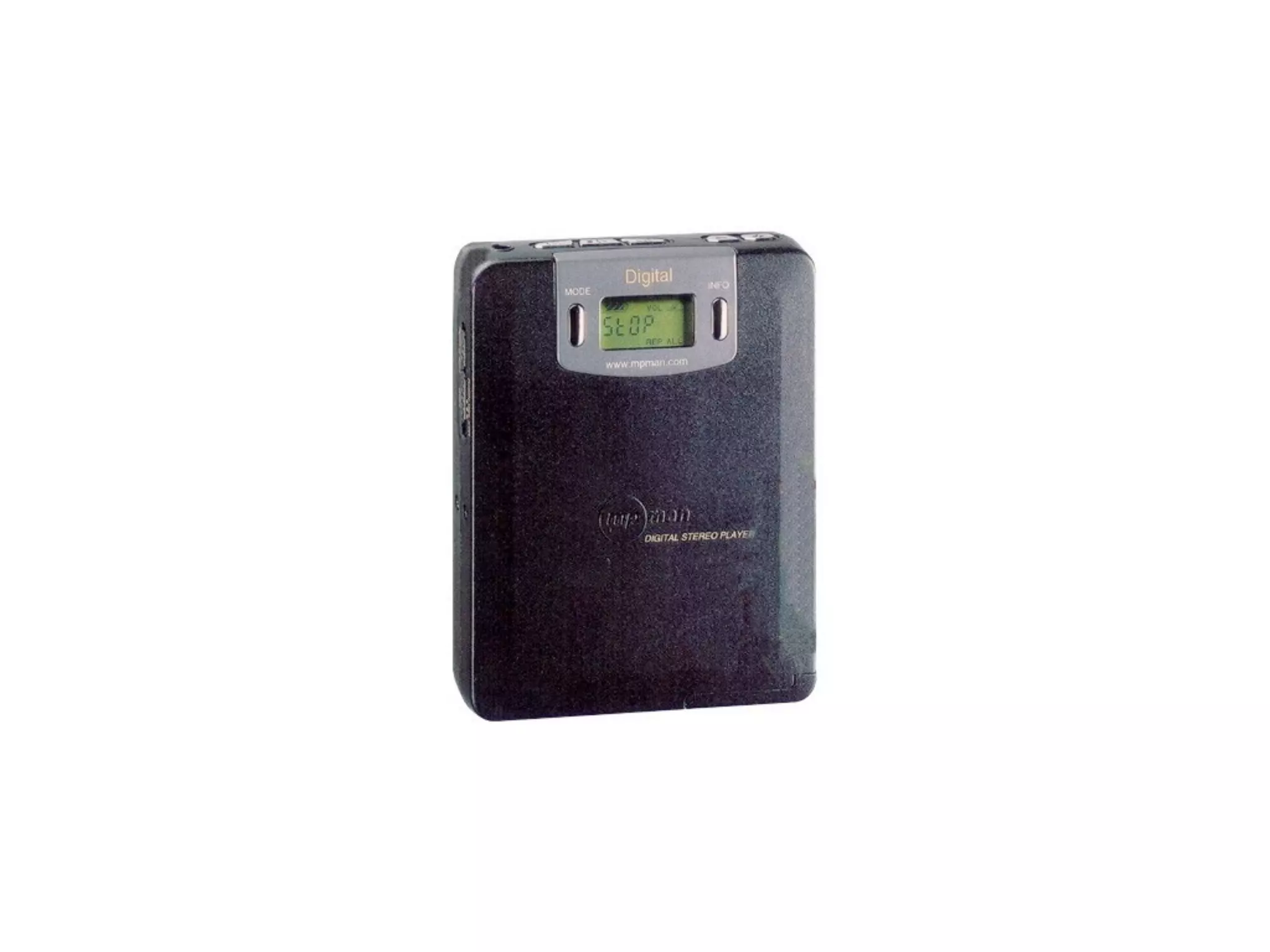
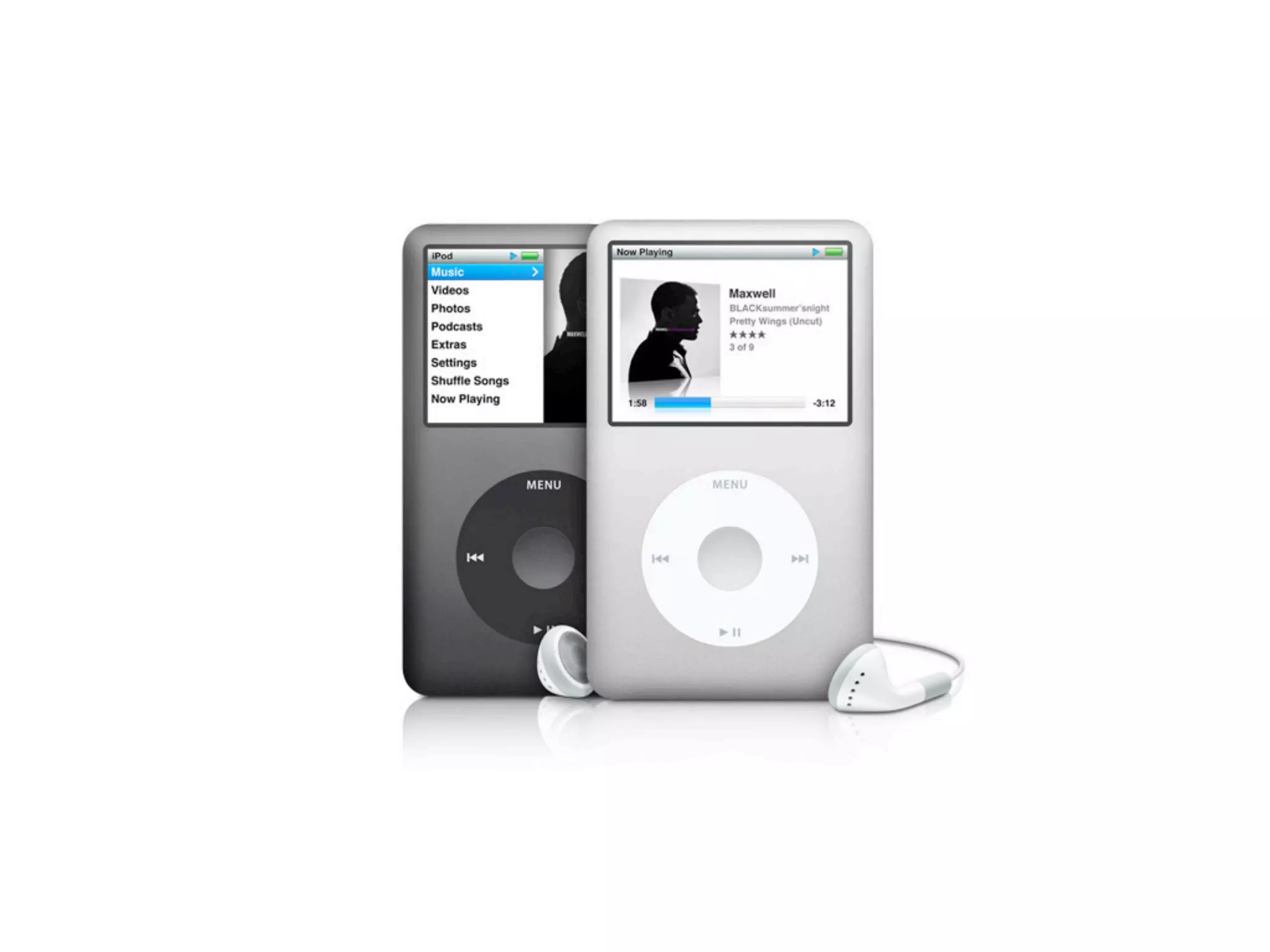
Design rendered this first-to-market, first-mover advantaged MP3 player...
...a historical footnote by this first-to-product fit iPod, thanks to activity centered design. Apple designed the best system to listen to your music. Great products have a memorable and consistent story of the experience from person to person.
Designing language to drive an action.
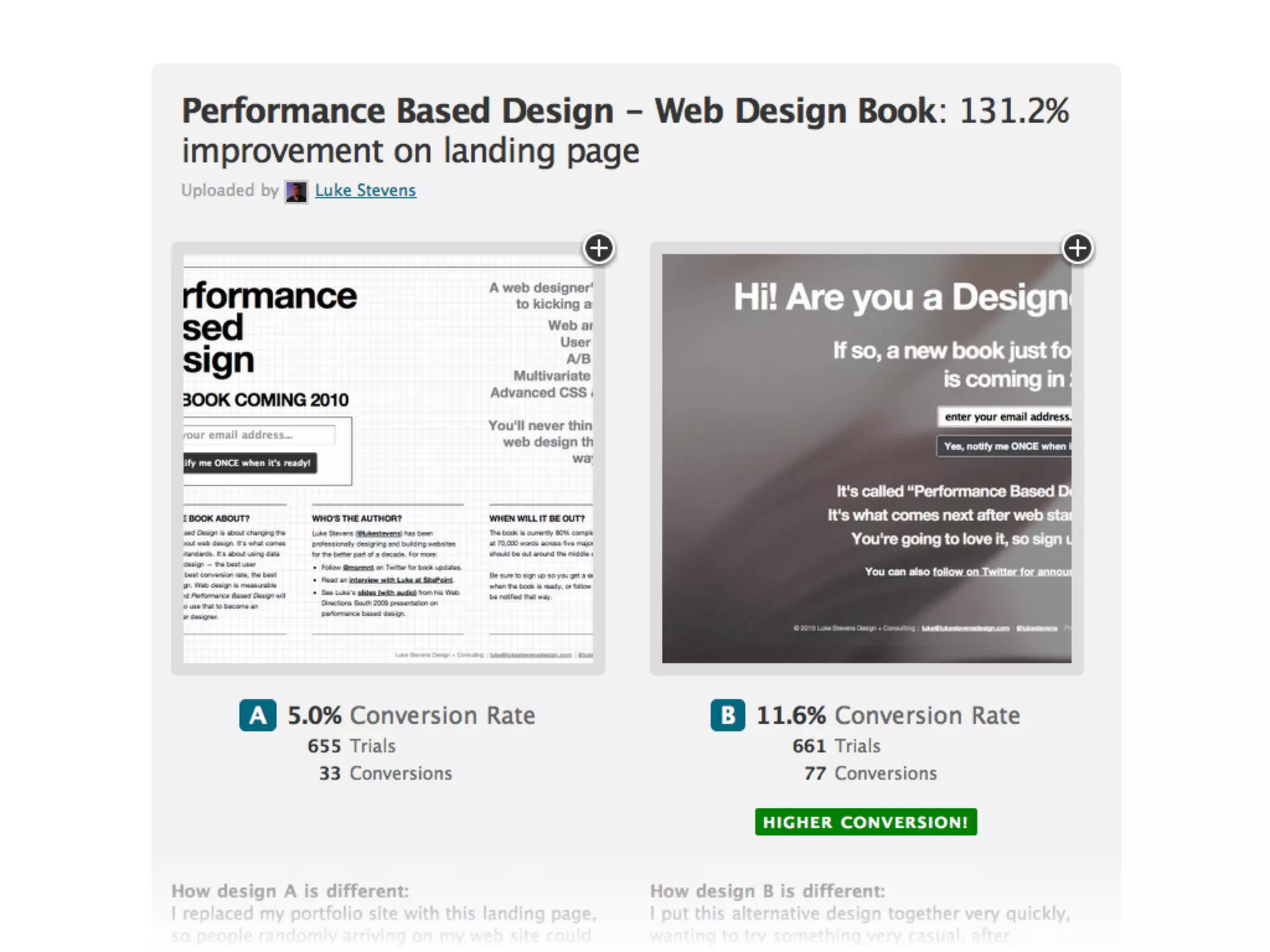
From ABtests.com
It’s a process
Designing the experience
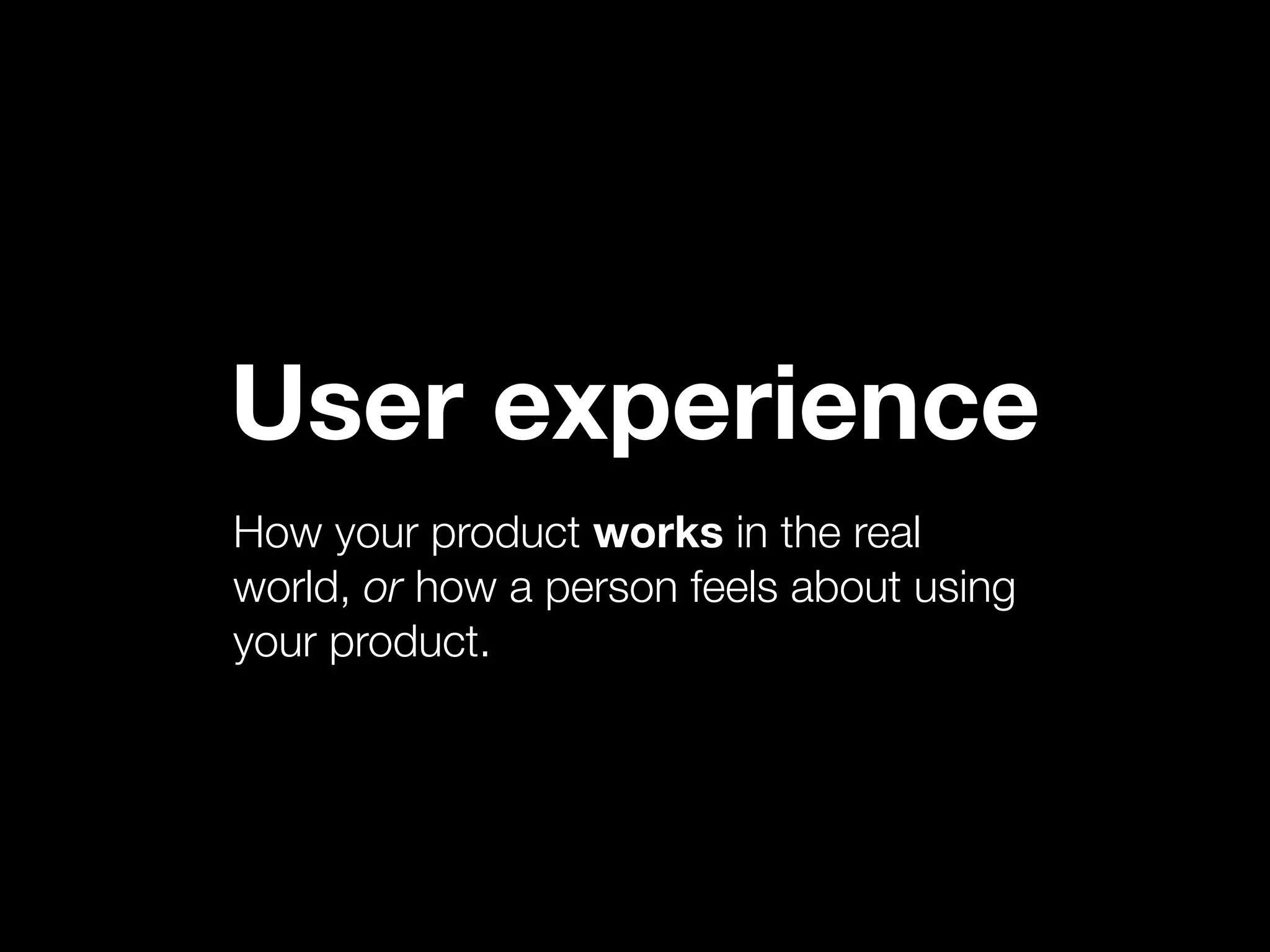
User experience is broken down into a set of interactions with your product.
I consider UX a subset of customer experience, or brand experience. This is inevitably what I look at for portfolio companies since I start with the marketing and work through the product.
Also your personality. It’s not your logo or your tagline, those are design aids used to relate to people, evoke emotion, and affect brand. But what you say isn’t as powerful as what you do.
What words come to mind? Why? Sum of your experiences. Some small, some large. Some of you got a survey about BVP where I asked these questions.
Same as in a person.
This is tough, but you don’t need to be Steve Jobs. Here are some concrete tactics you can use immediately.
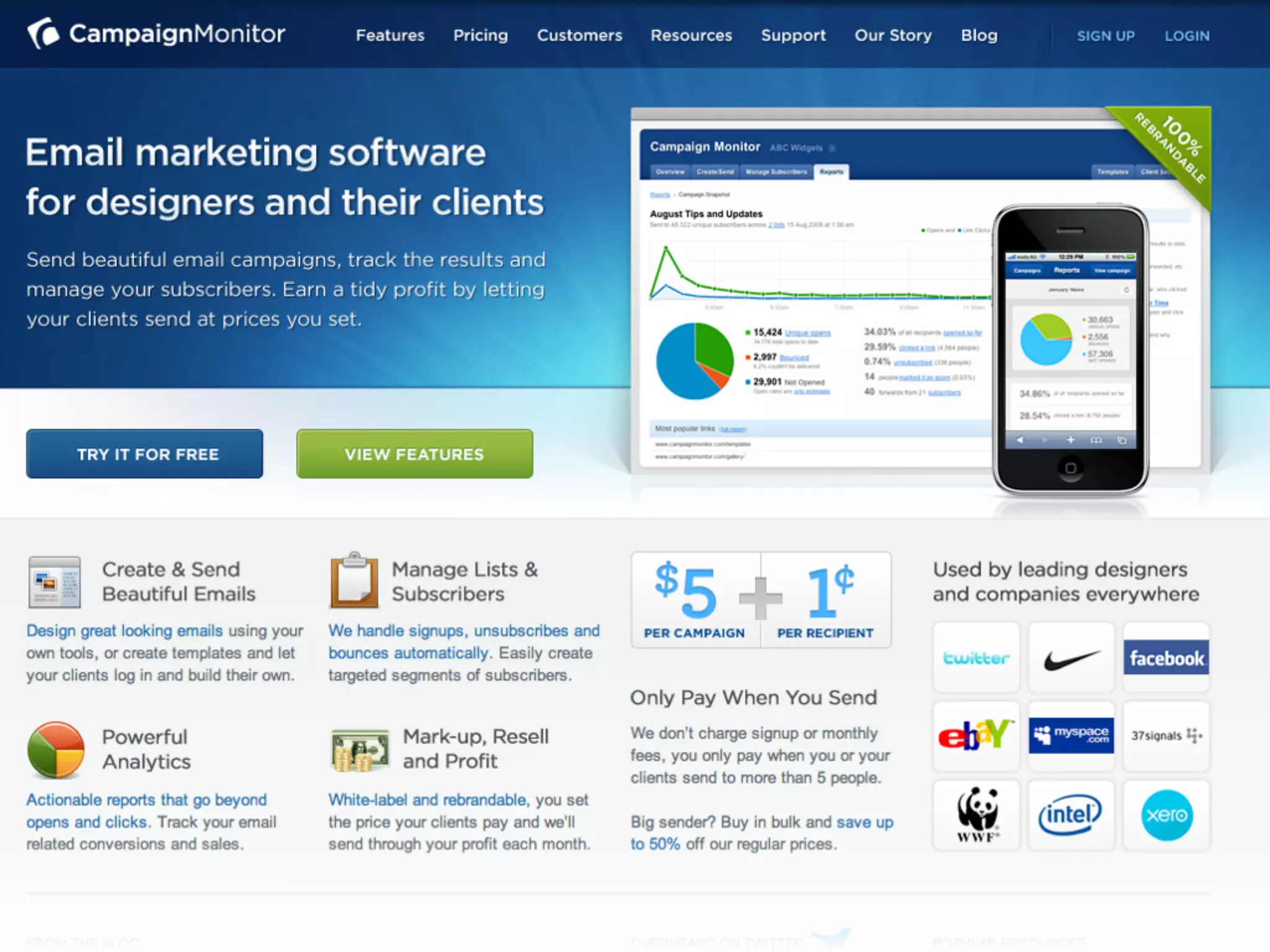
First, give me the elevator pitch. Tell me simply and immediately what it is you’ll do for me.
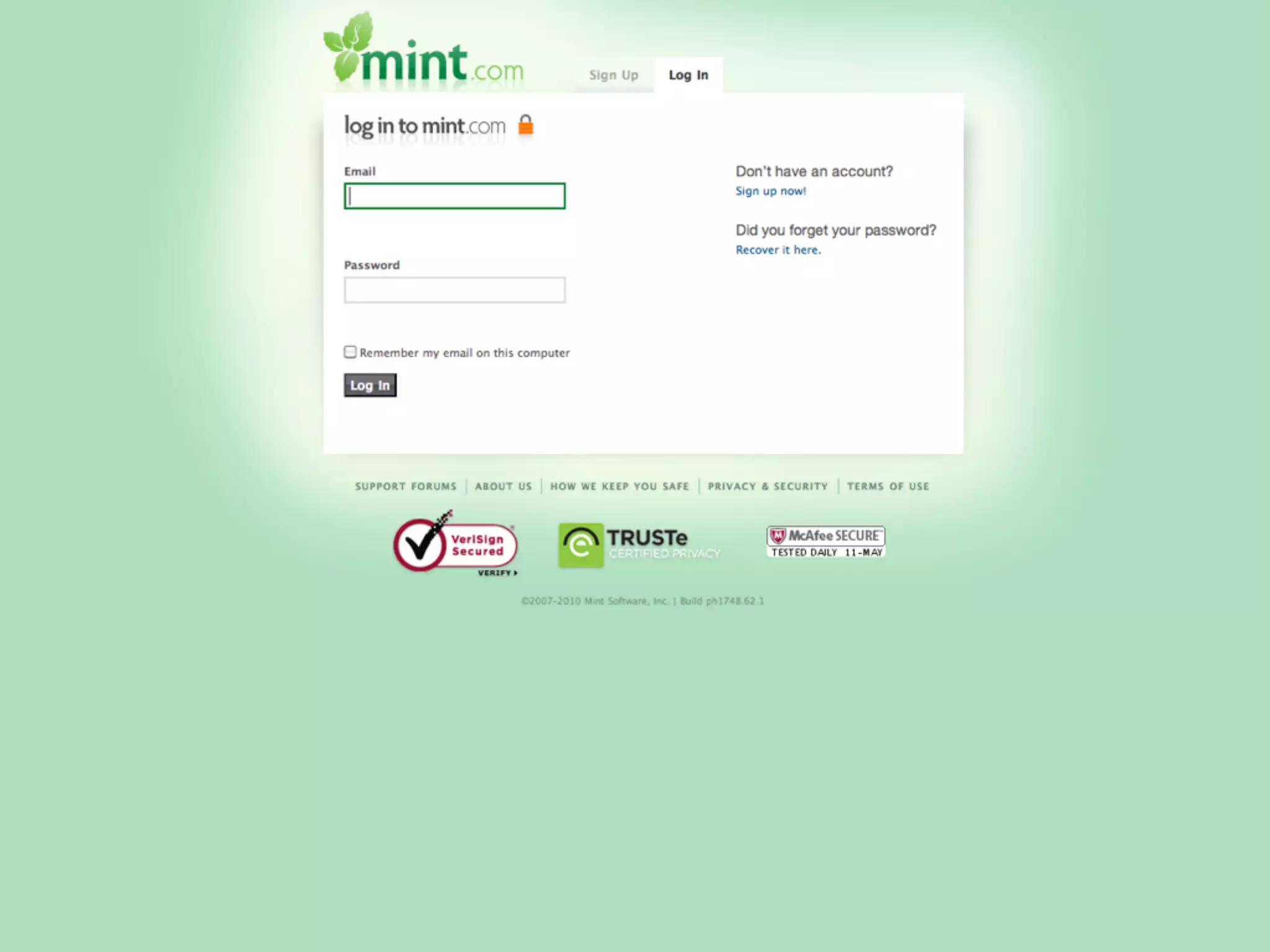
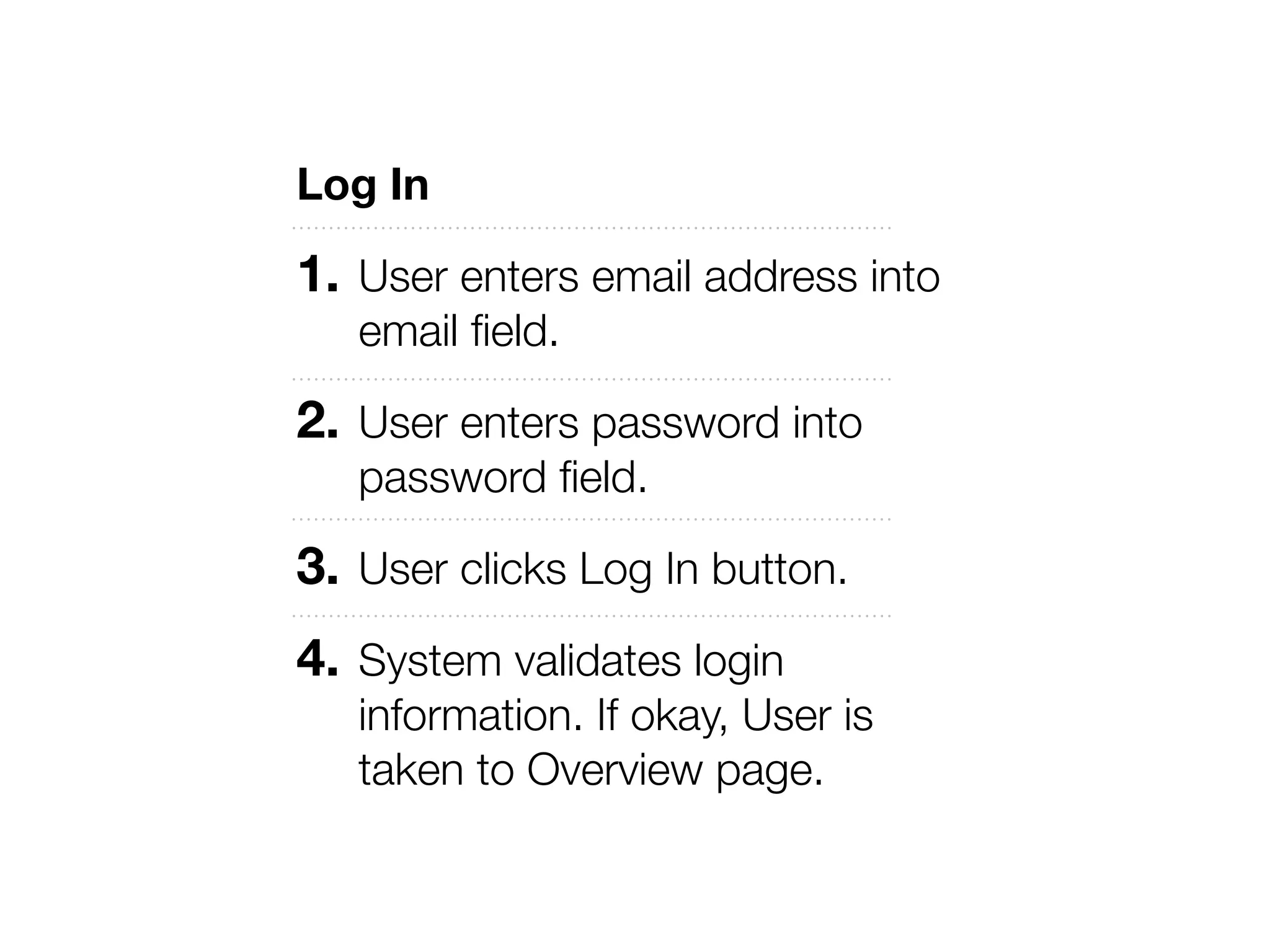
Also sign in exceptions, when user enters incorrect username or password, leaves both blank, etc. Simply writing these out will lead to better applications by revealing complexity.
Thinking in terms of tasks, not packing the interface full of items.
Tell story about user goals vs perceived problem from top down.
Go through various tasks in the application and justify everything that is encountered while trying to complete it. Tedious, but effective. Work on simplifying these.
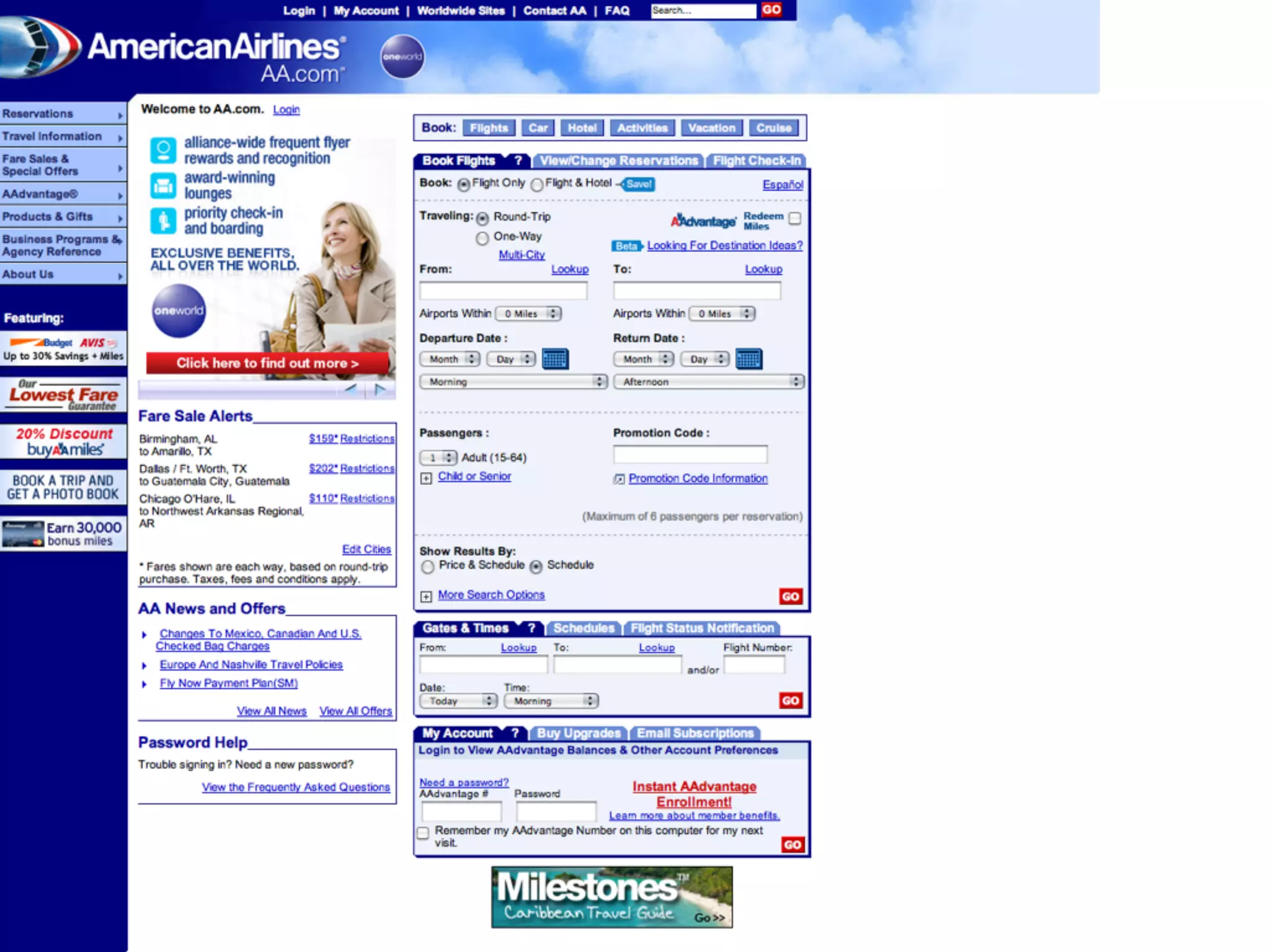
The low hanging fruit. Most of the sites I’ve seen are too complicated.
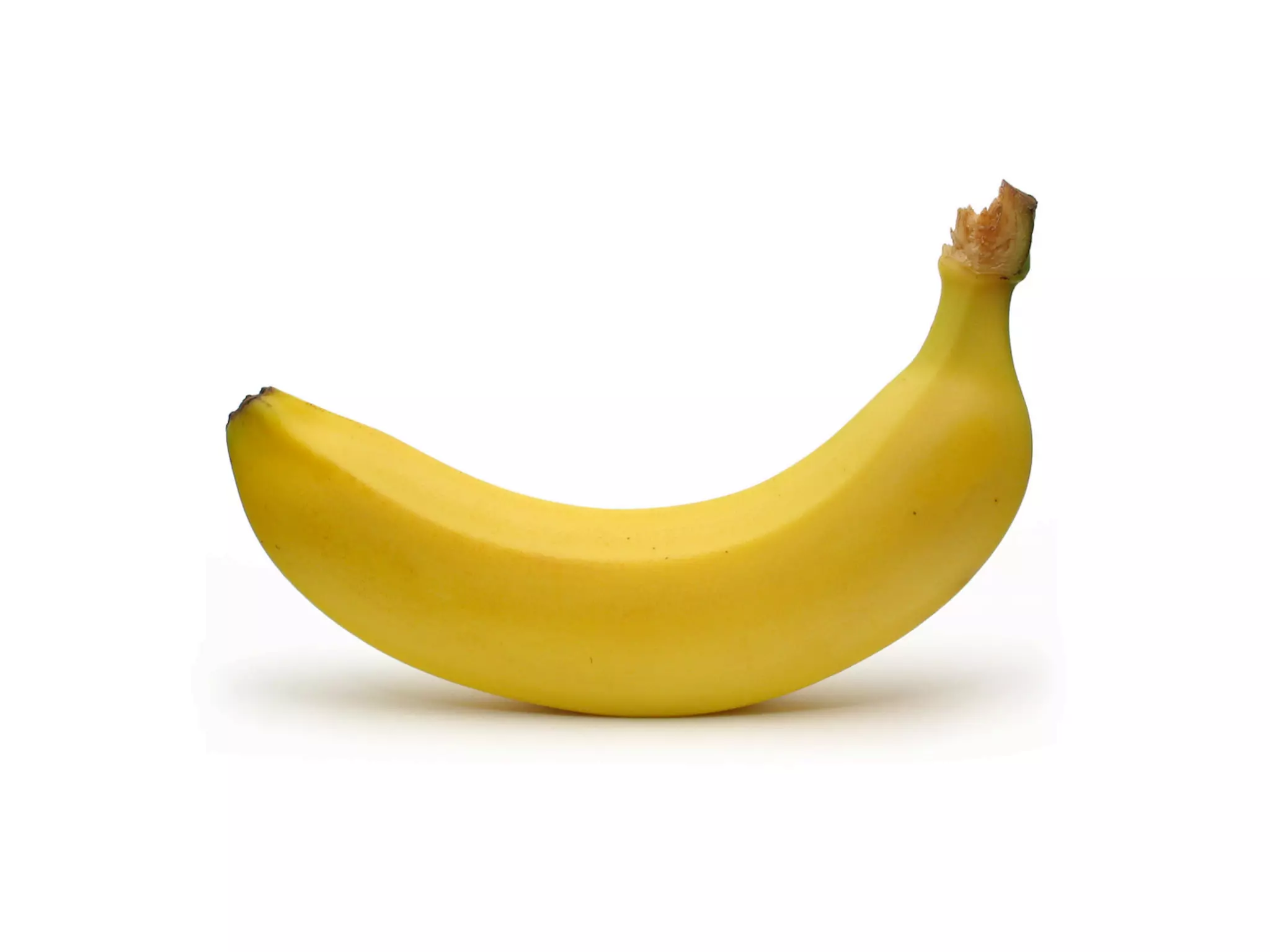
Seth Godin wrote a book called The Big Red Fez comparing web site visitors to monkeys looking for bananas. If the “banana” isn’t easy to find, they’re going to leave. Your job is to place the bananas around the site and design the process.
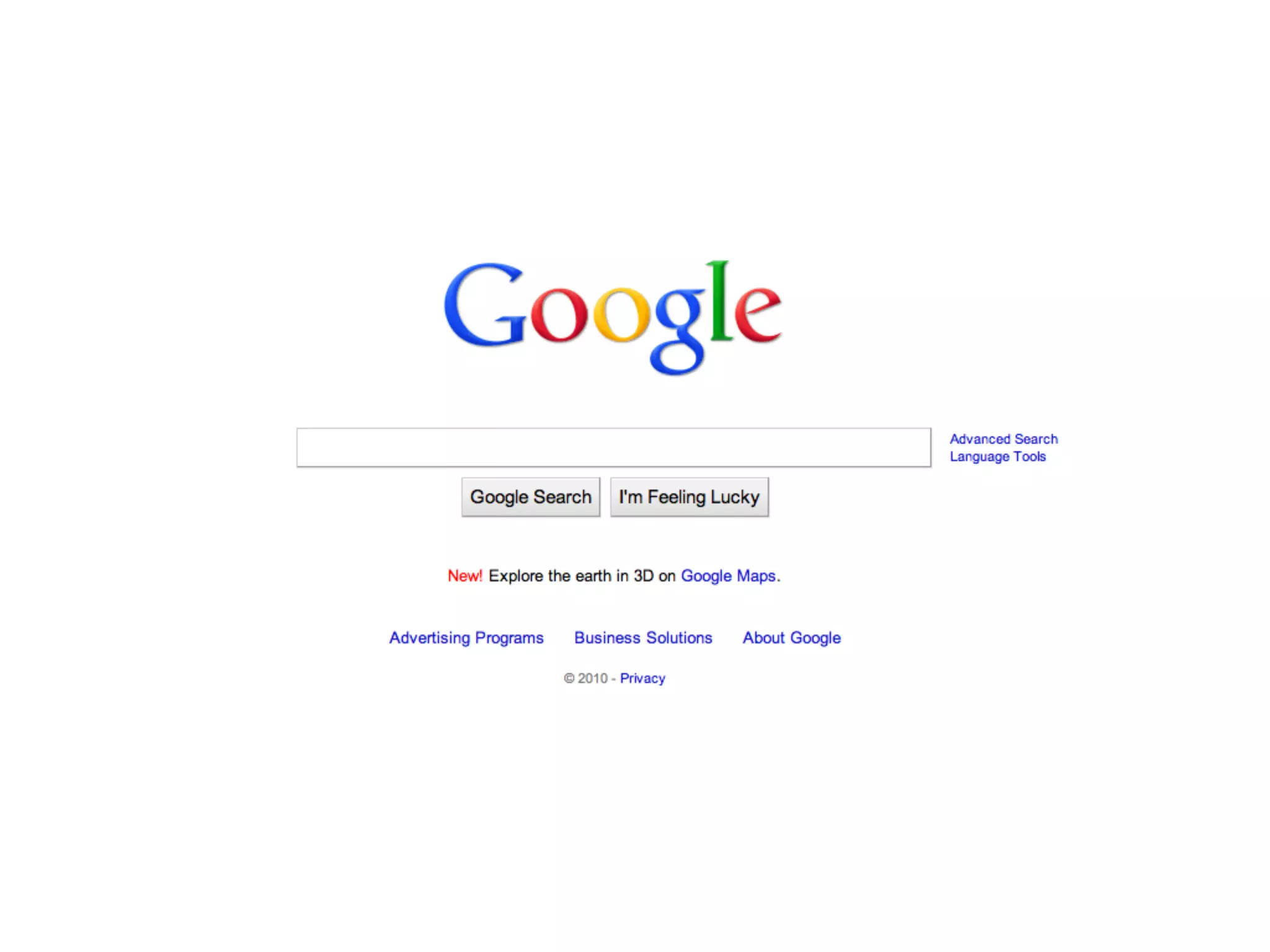
Arguably why Google beat Yahoo at search. Yahoo ignored what their brand was to their users, insisting on being a “portal” rather than “search.”
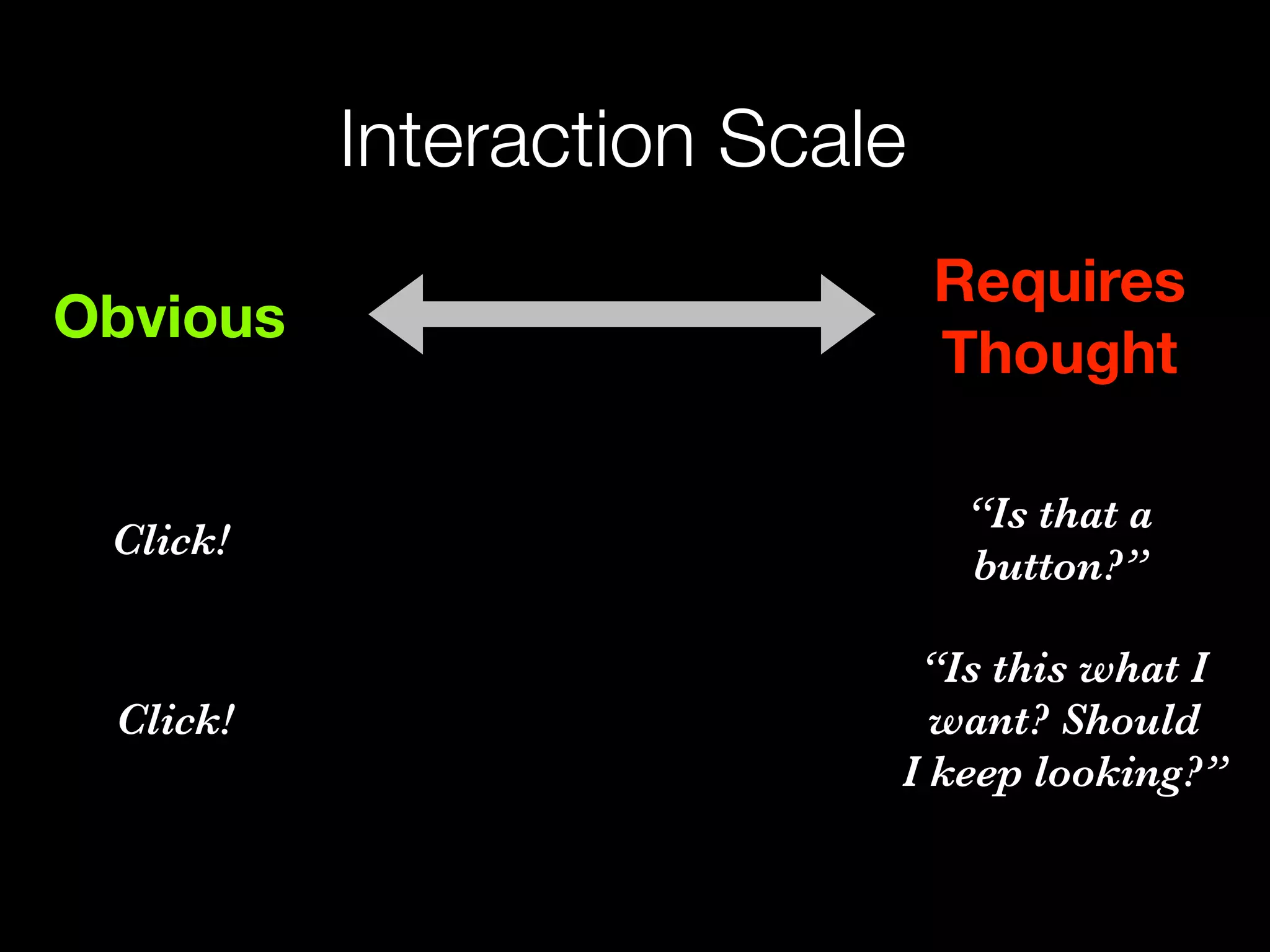
Steve Krug talks about a scale between obvious and requiring thought.
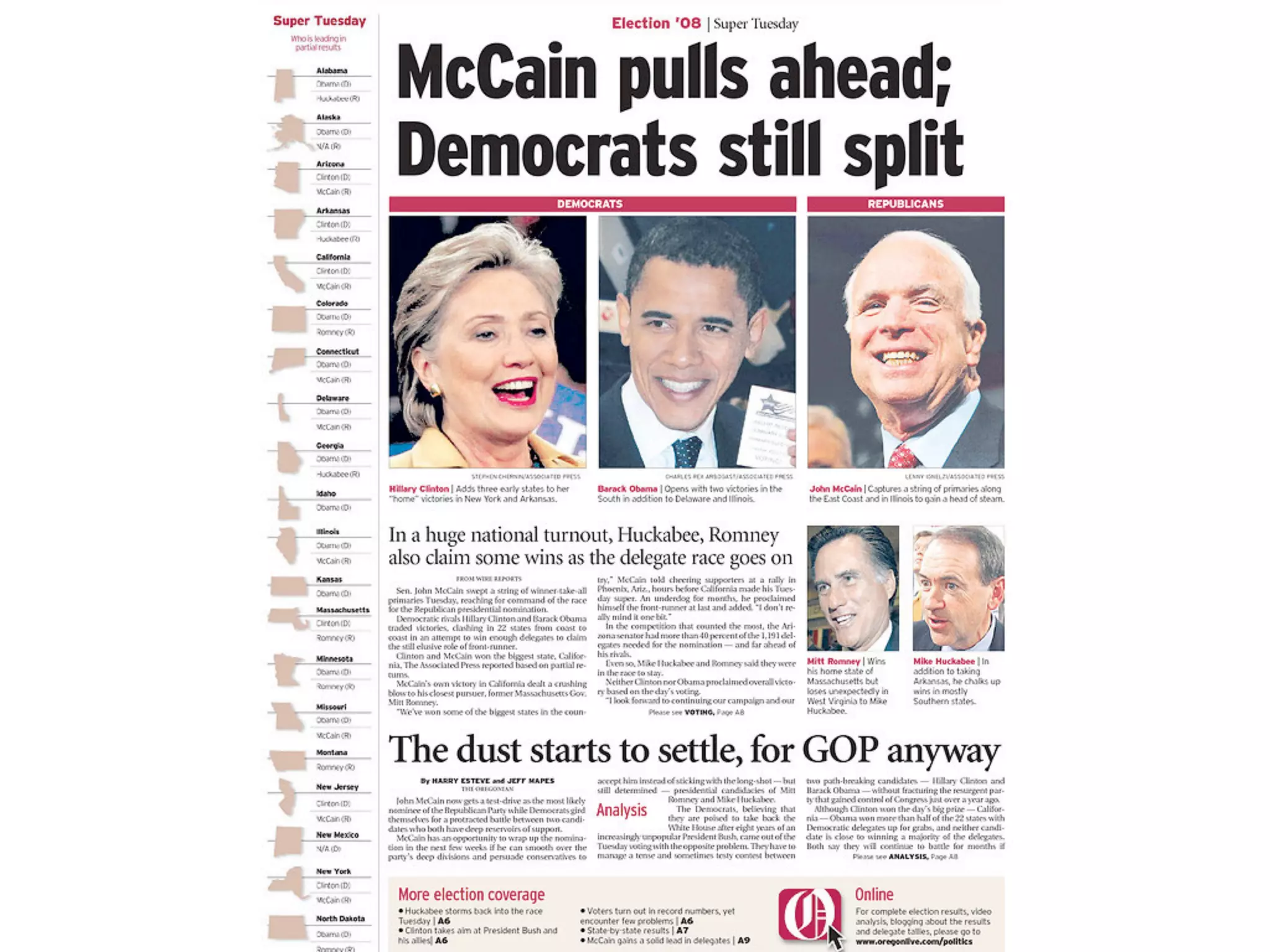
So you need a visual hierarchy and a grid system. The page needs to be broken up into sections.
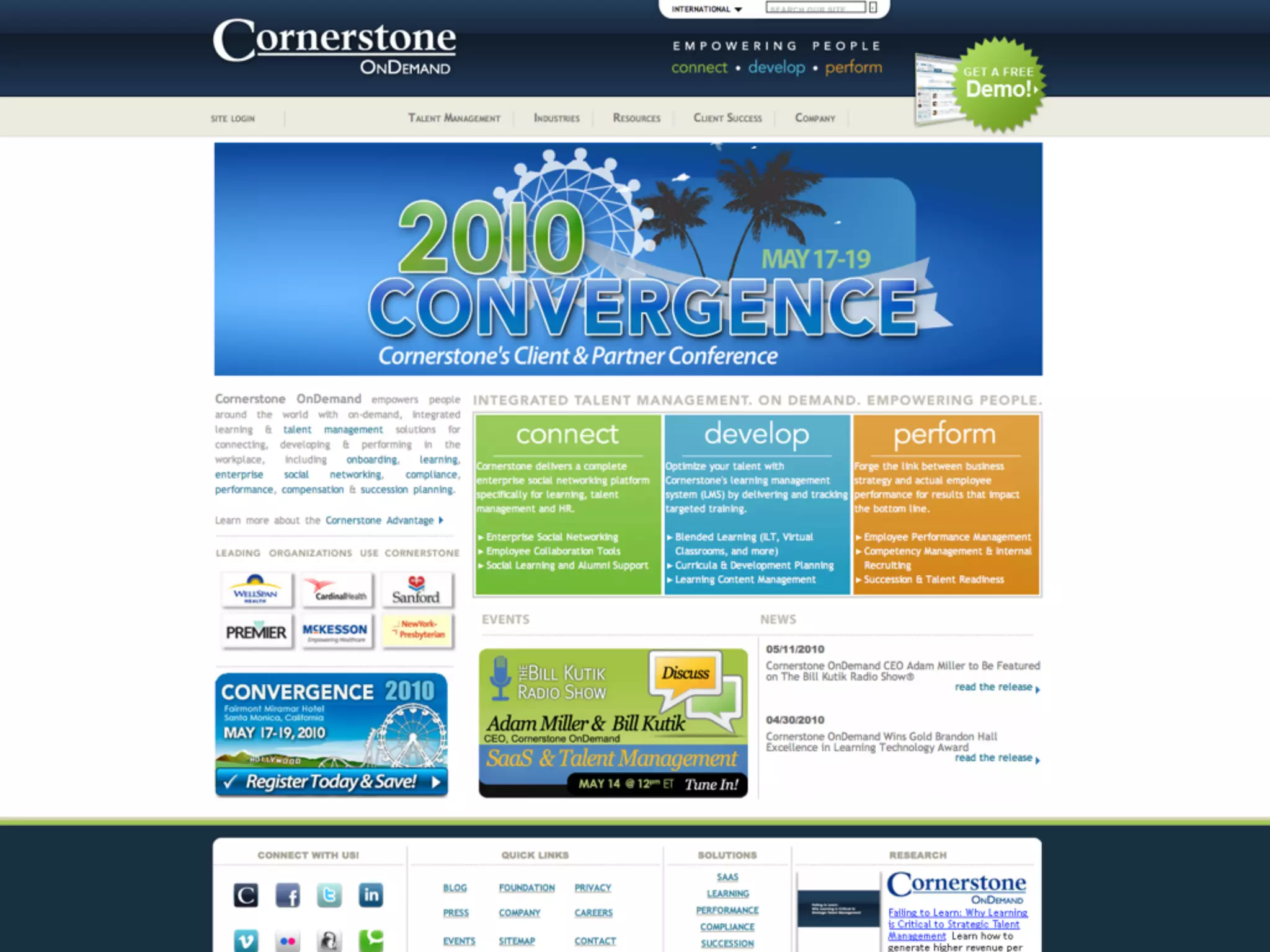
Every element on a page fights for the attention of the user. Minimize elements competing for the users attention.
Cornerstone is redesigning this right now. Every element on a page fights for the attention of the user. This page has a few animations happening as well.
They do not typically read through all available options and then make a selection. Known as “satisficing” from satisfying and sufficing.
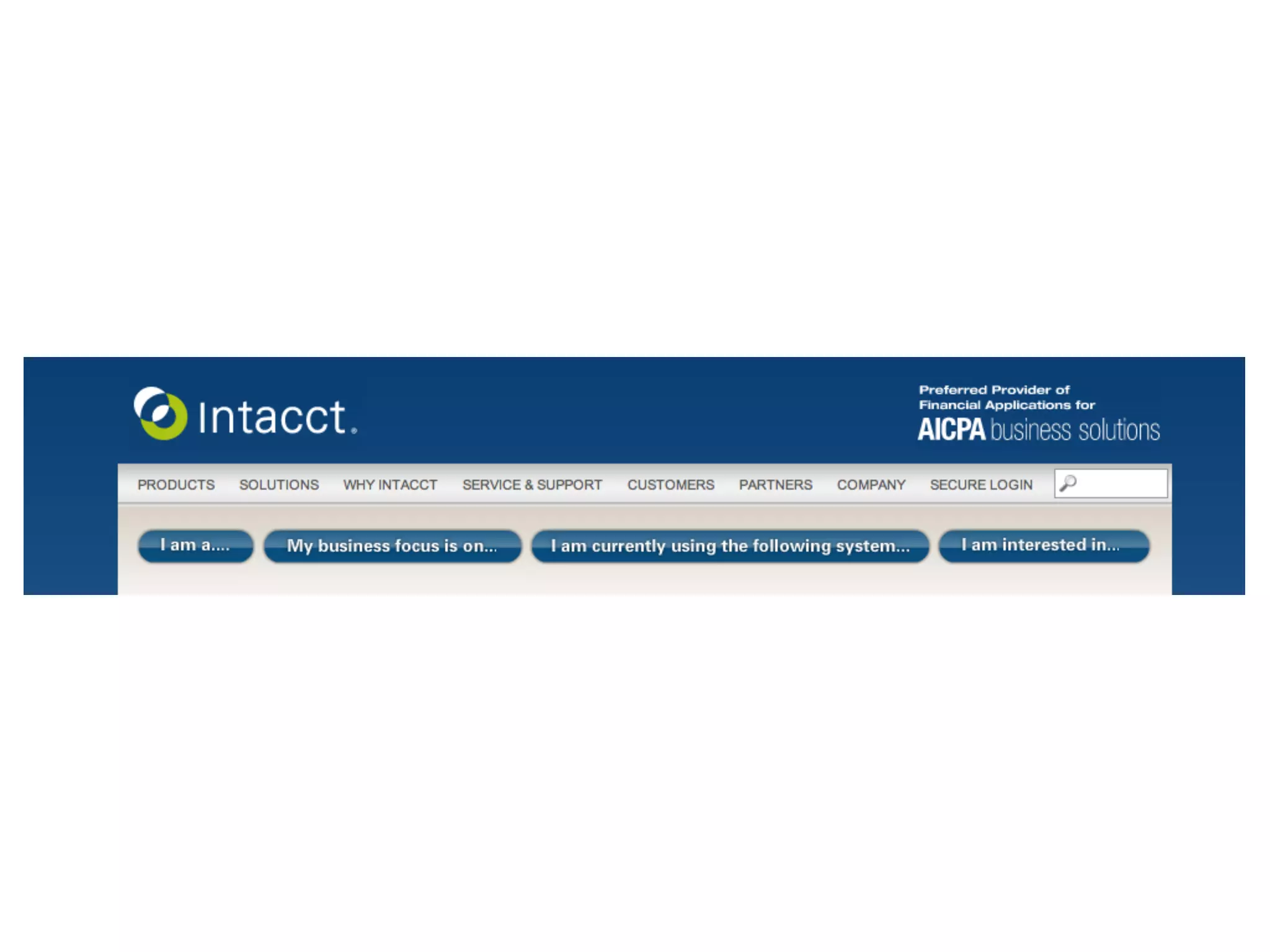
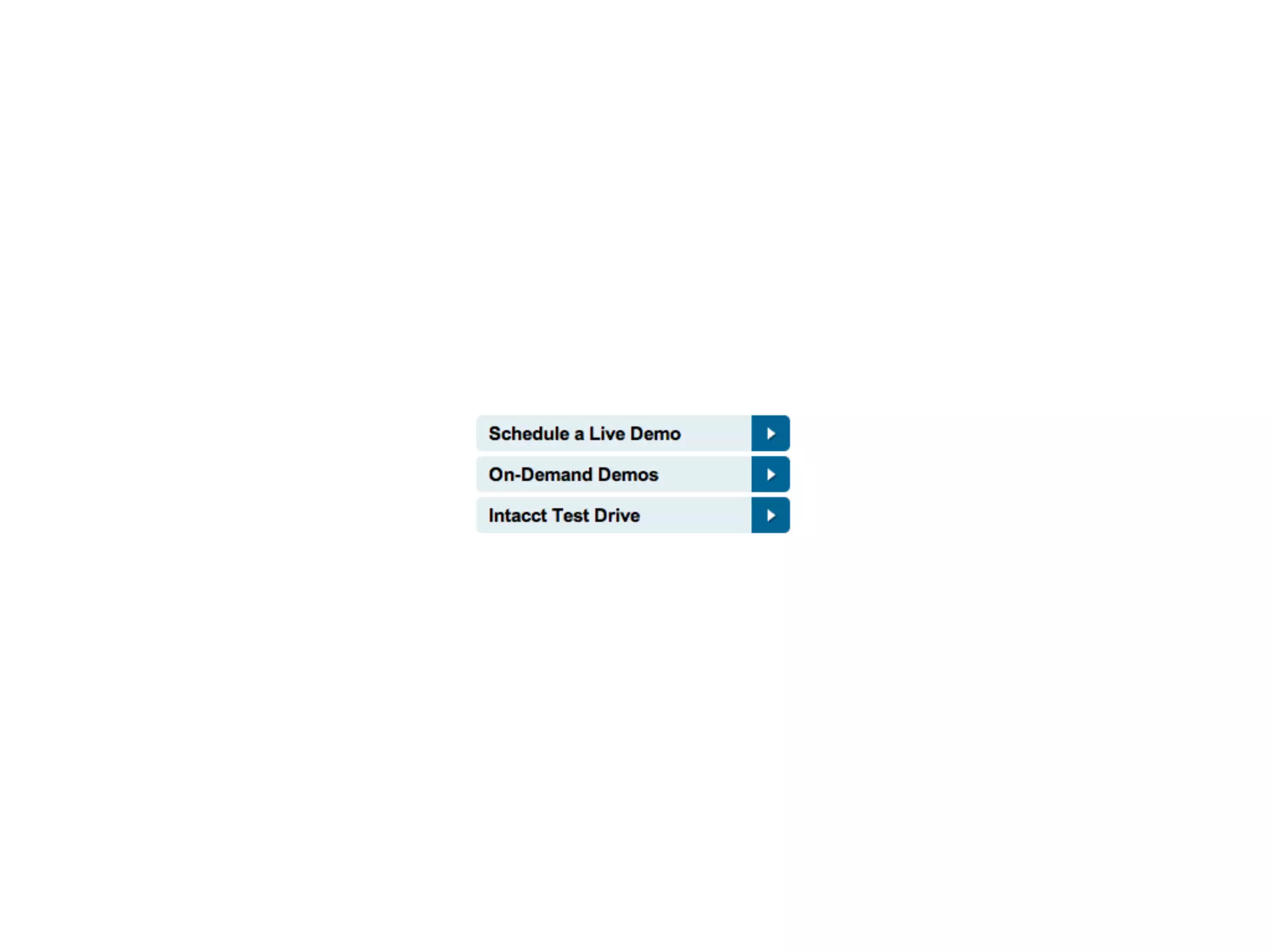
“I am a...” everyone fits this category, done. If self selection is crucial, make it the primary call to action and choose how to segment. Choice paralysis.
Can probably figure out the difference between the first two, but then what’s test drive?
Self-explanatory instead, let people figure it out. Otherwise designers have no freedom to innovate.
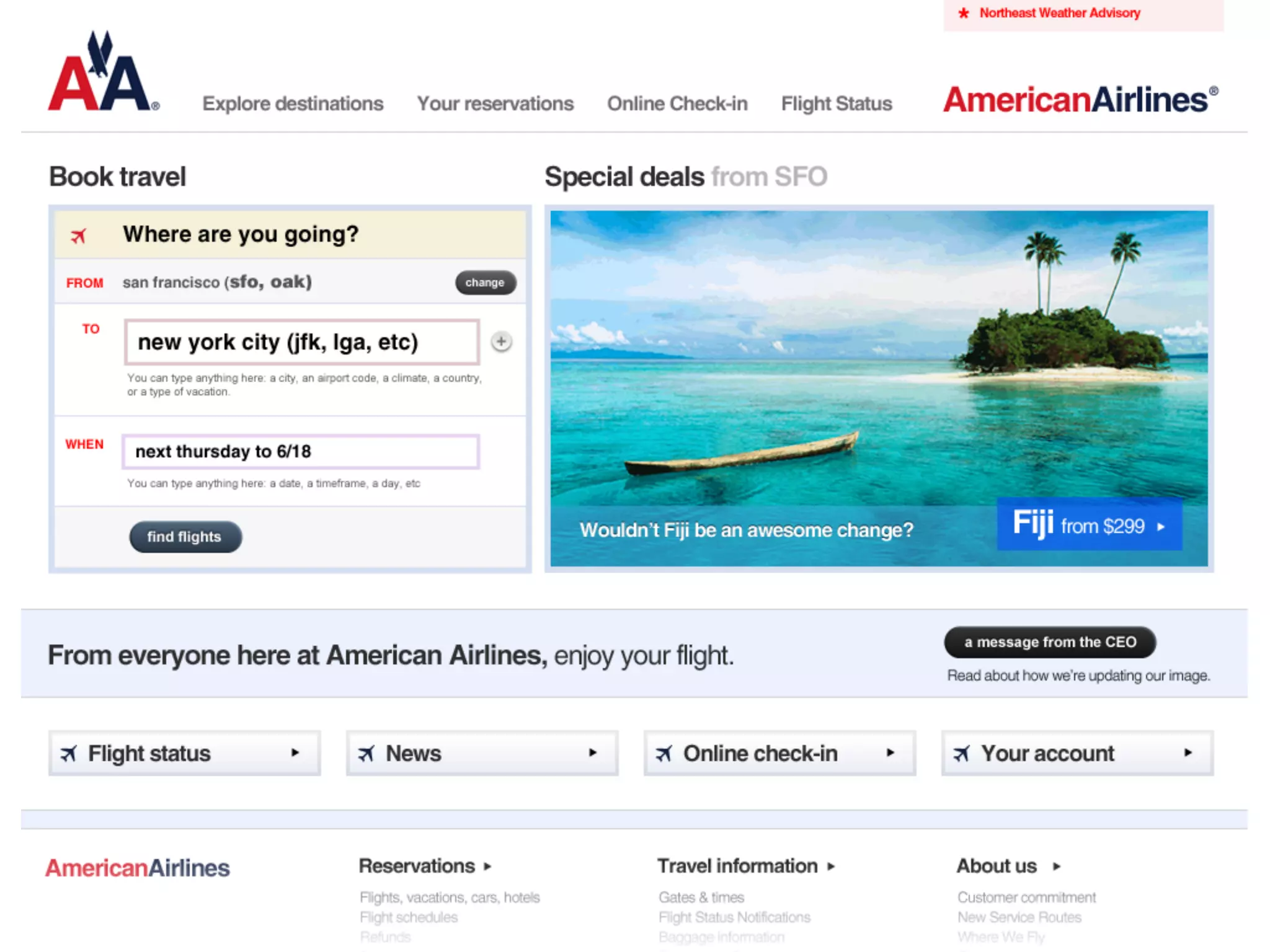
Applying all of these ideas to the American Airlines site... (critique it)
3 concrete things they can do, here’s some strategic ways to influence the design process.
Jared Spool. Experience vision. Great products have an easy to tell story that won’t change with the technology. Opentable. Yelp.
Thinking “out of the box” and not limited by the technology. Concierge experience for opentable.
Can apply to interactions, or experience vision. Opentable: “I’m in the mood for sushi, snap fingers, booked.”
Done right, it can have more influence over your business model than marketing and business development, so get it done right early.
Marc Gobé, author of Emotional Branding
On Mint, we didn’t throw ad banners into task flows, we aligned the revenue model with the task of looking for ways to save. Sticking to principles of only presenting quantified offers yielded more clickthroughs and more revenue.
Dissatisfaction is no different, but the tools for mass communication are extremely easy now, so it hurts you exponentially more.
Marc Gobé, author of Emotional Branding
Not surveys or interviews, but contextual inquiry. Product managers and designers need to get out of the office occasionally.
Establish some consistency
It makes the company lose trust with consumers when there’s no consistency in communications, it’s like having multiple personalities.
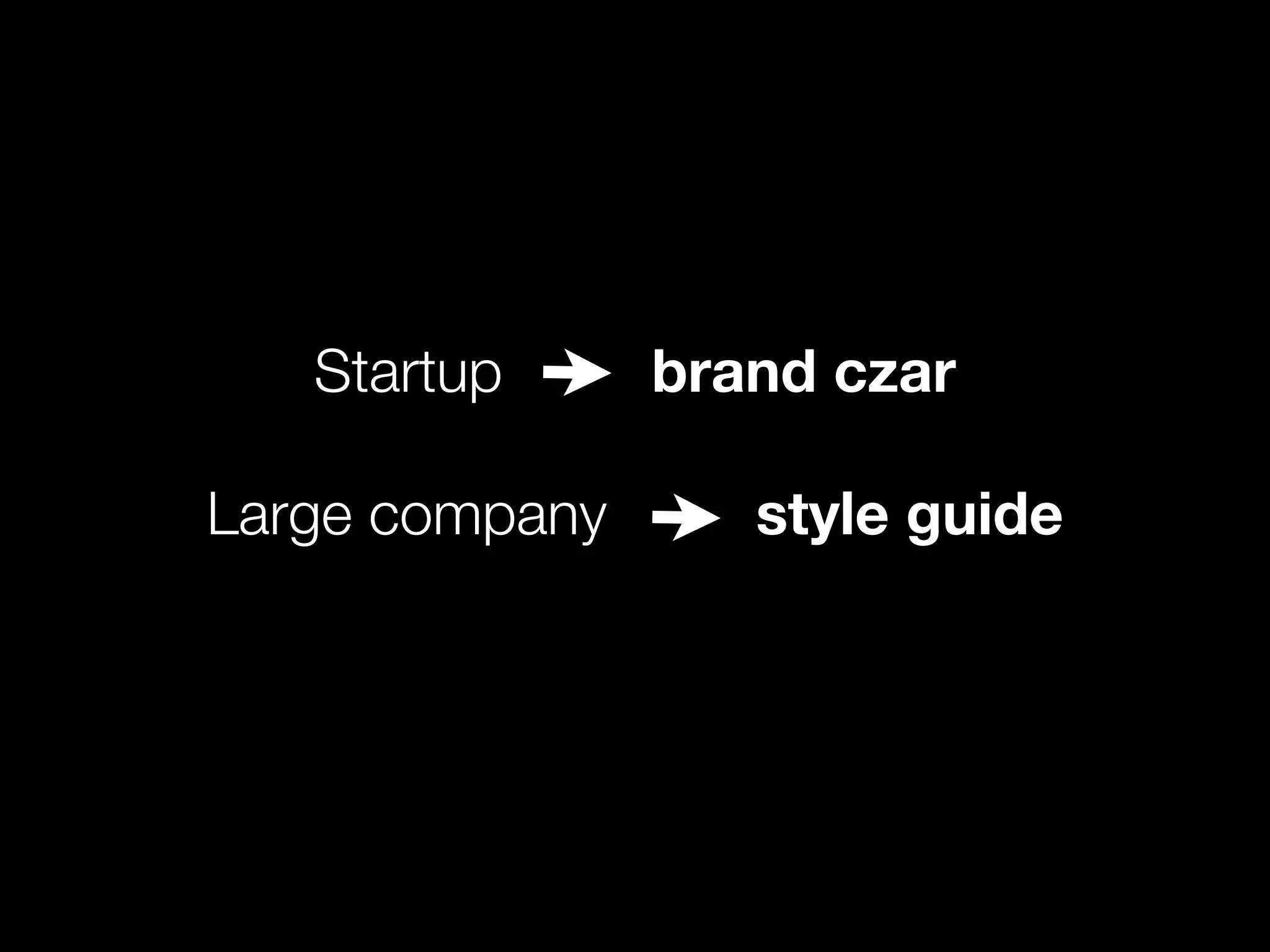
In one portfolio company, each division has its own creative resource with the freedom to produce customer facing deliverables. Start with a single brand czar ensuring consistency and setting guidelines, and get a style guide when this becomes a bottleneck. When I left Mint, Siegel & Gale, looked at everything I’d done and built a guide out of it.
Reduction through successive refinement is the path to simplicity.
Otherwise new features tend to become more polished, and older features break down or become inconsistent.
A culture that relishes “failure” and frequent small changes are the ones that foster great products. Jared Spool, UIE
10 Things CEOs Need to Know About Design Presentation Transcript
10 things you need
to know about design
Jason Putorti
Bessemer Venture Partners
Follow me @putorti
#ux10
@putorti
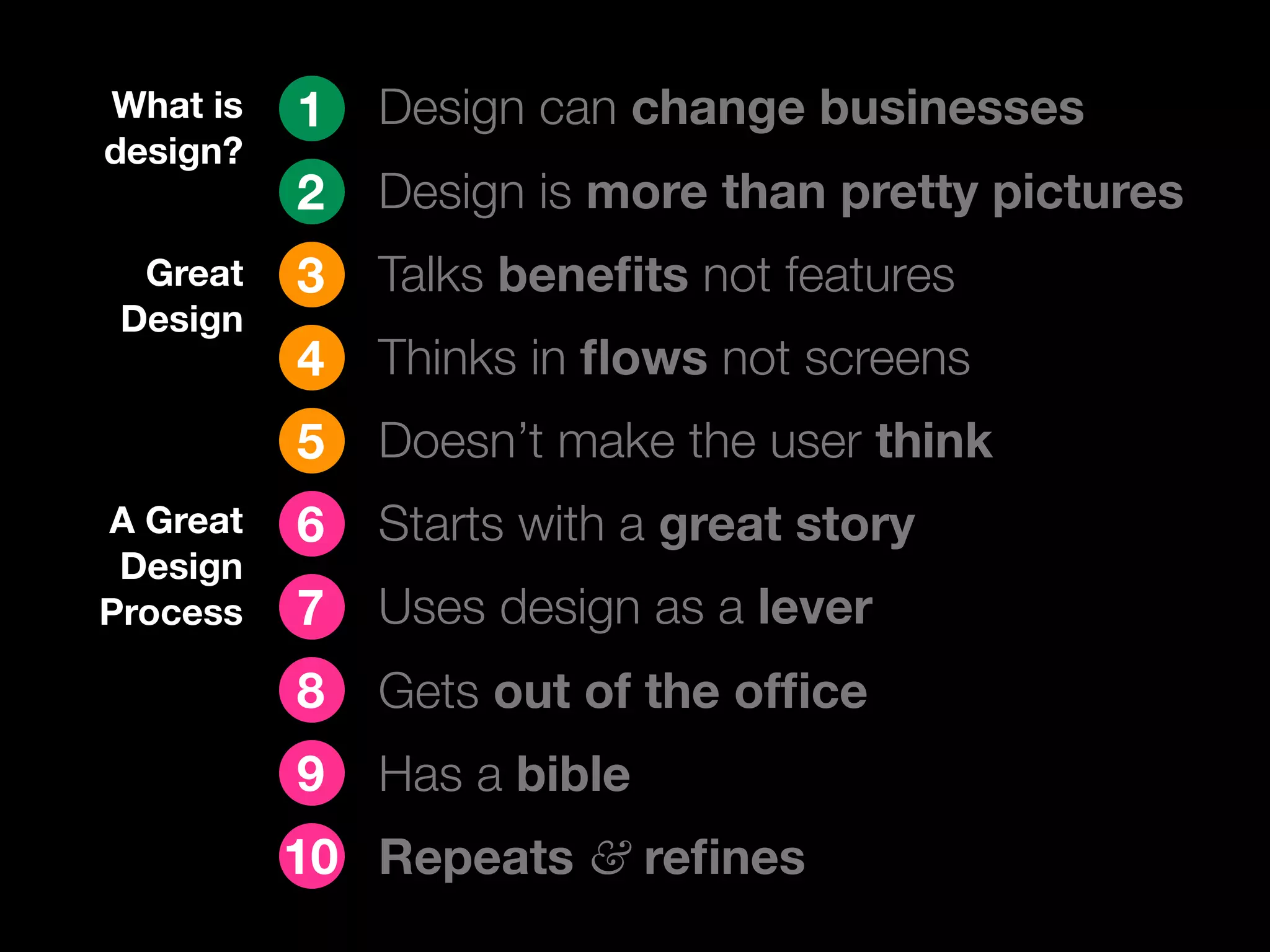
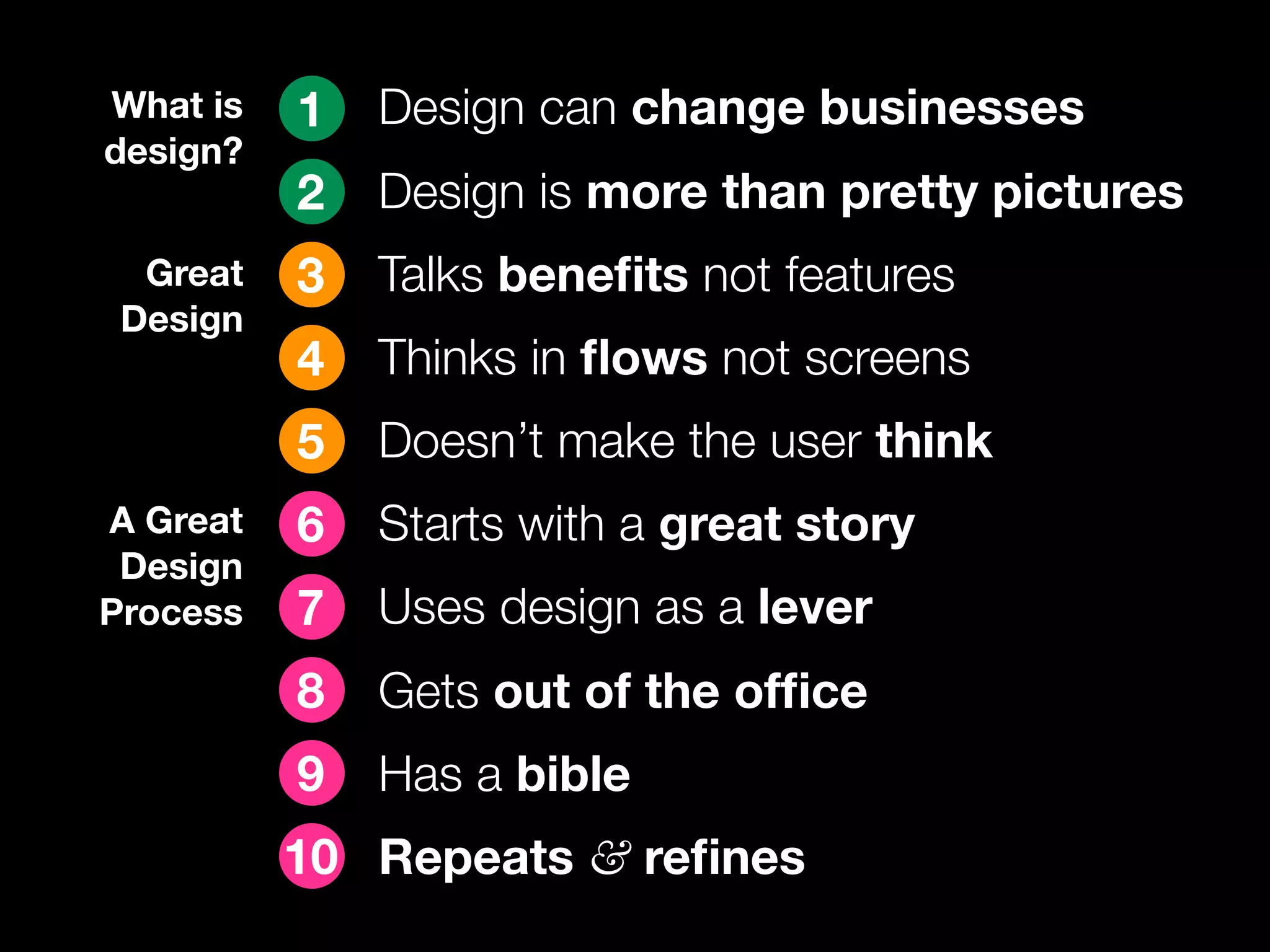
What is 1 Design can change businesses
design?
2 Design is more than pretty pictures
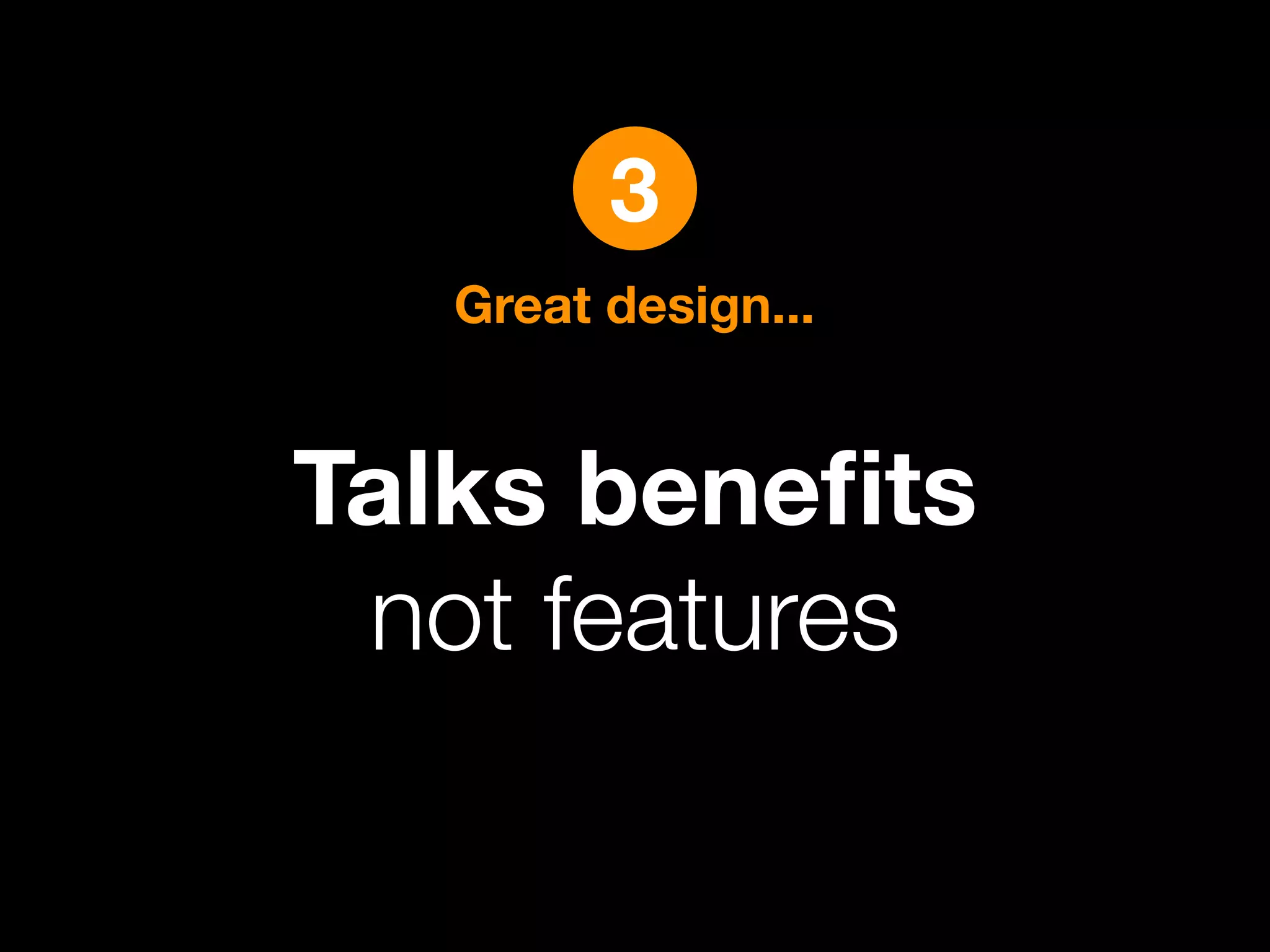
Great 3 Talks benefits not features
Design
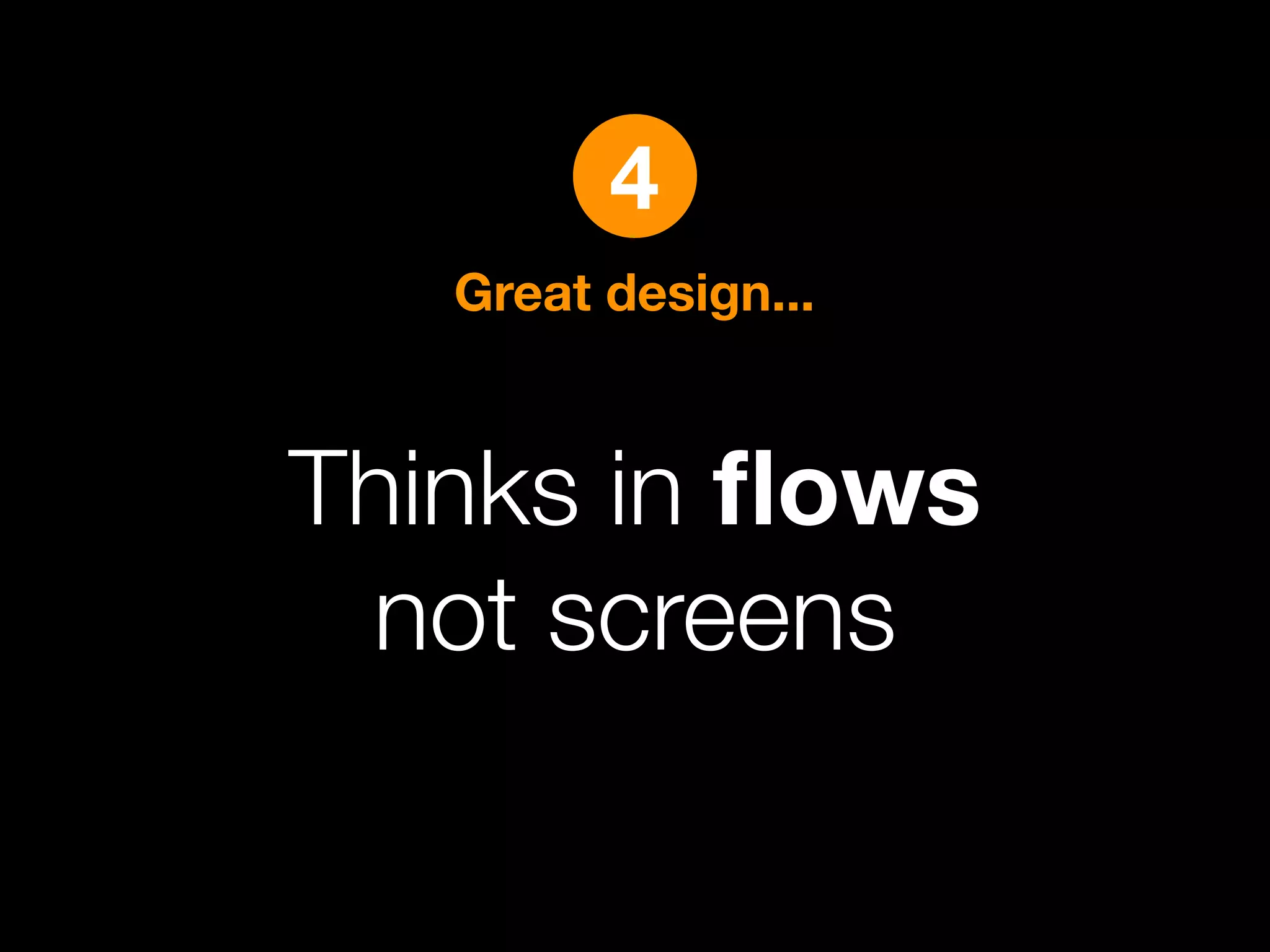
4 Thinks in flows not screens
5 Doesn’t make the user think
A Great 6 Starts with a great story
Design
Process 7 Uses design as a lever
8 Gets out of the office
9 Has a bible
10 Repeats & refines
1
What is design?
Design can change
businesses.
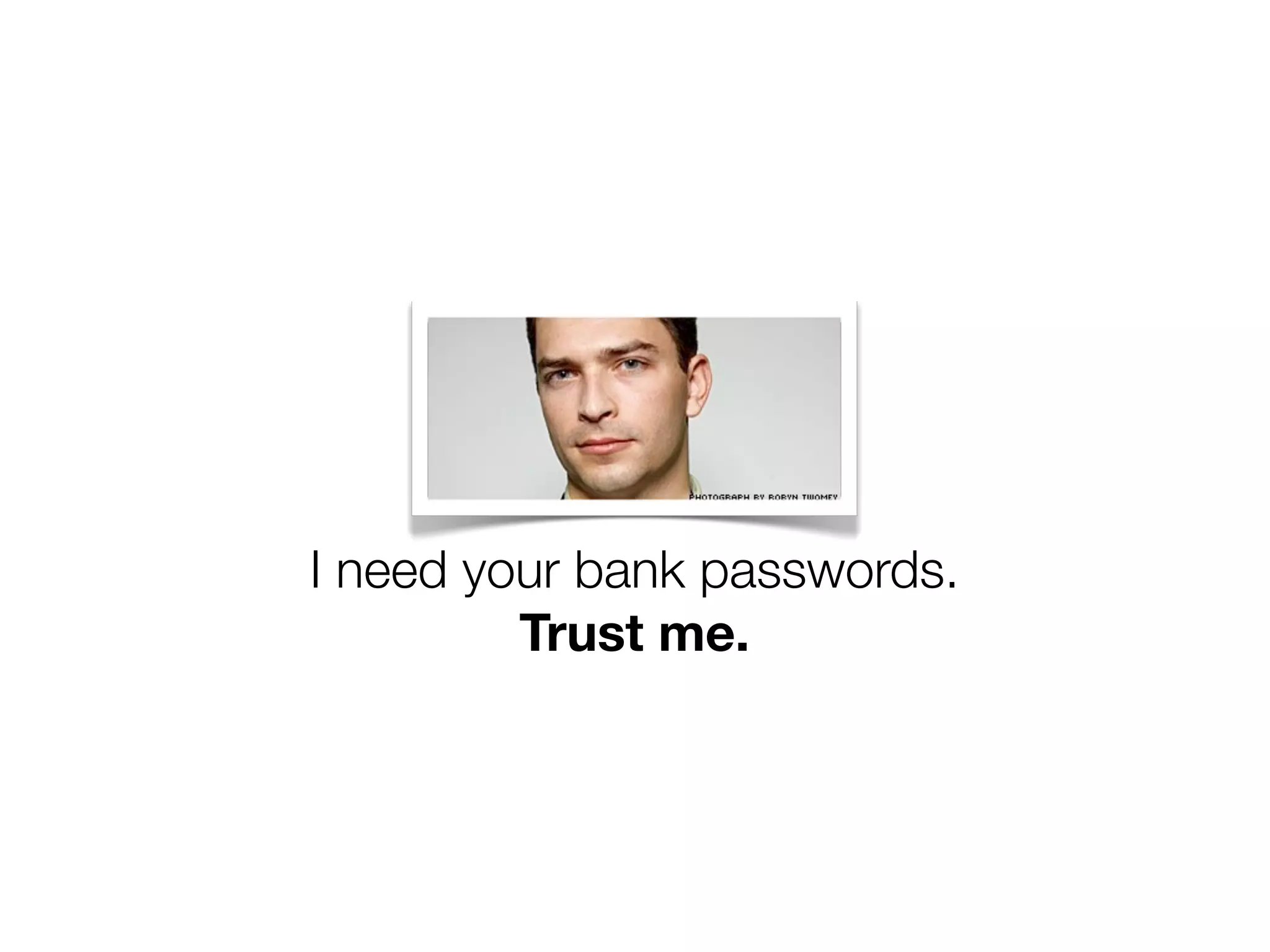
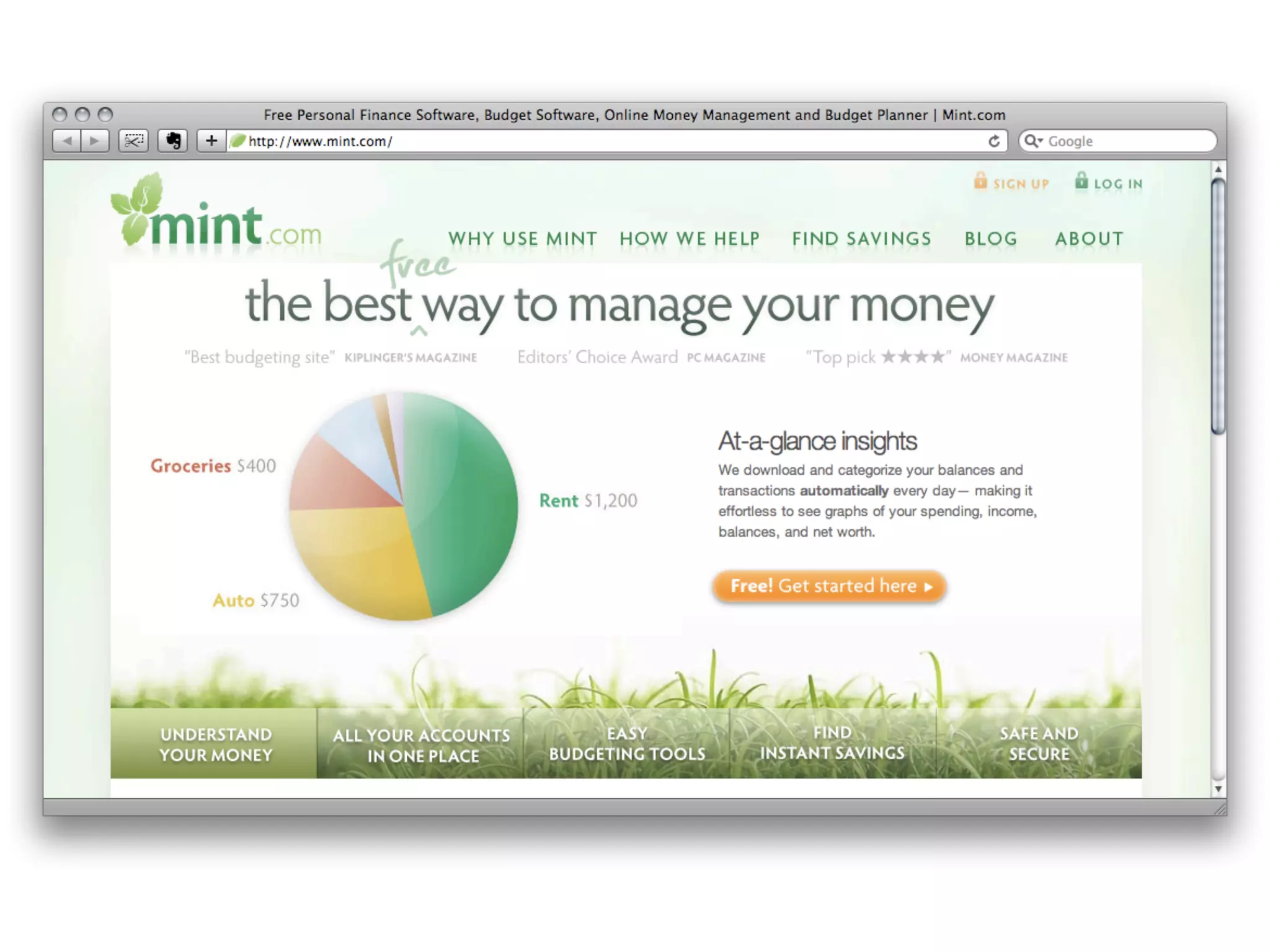
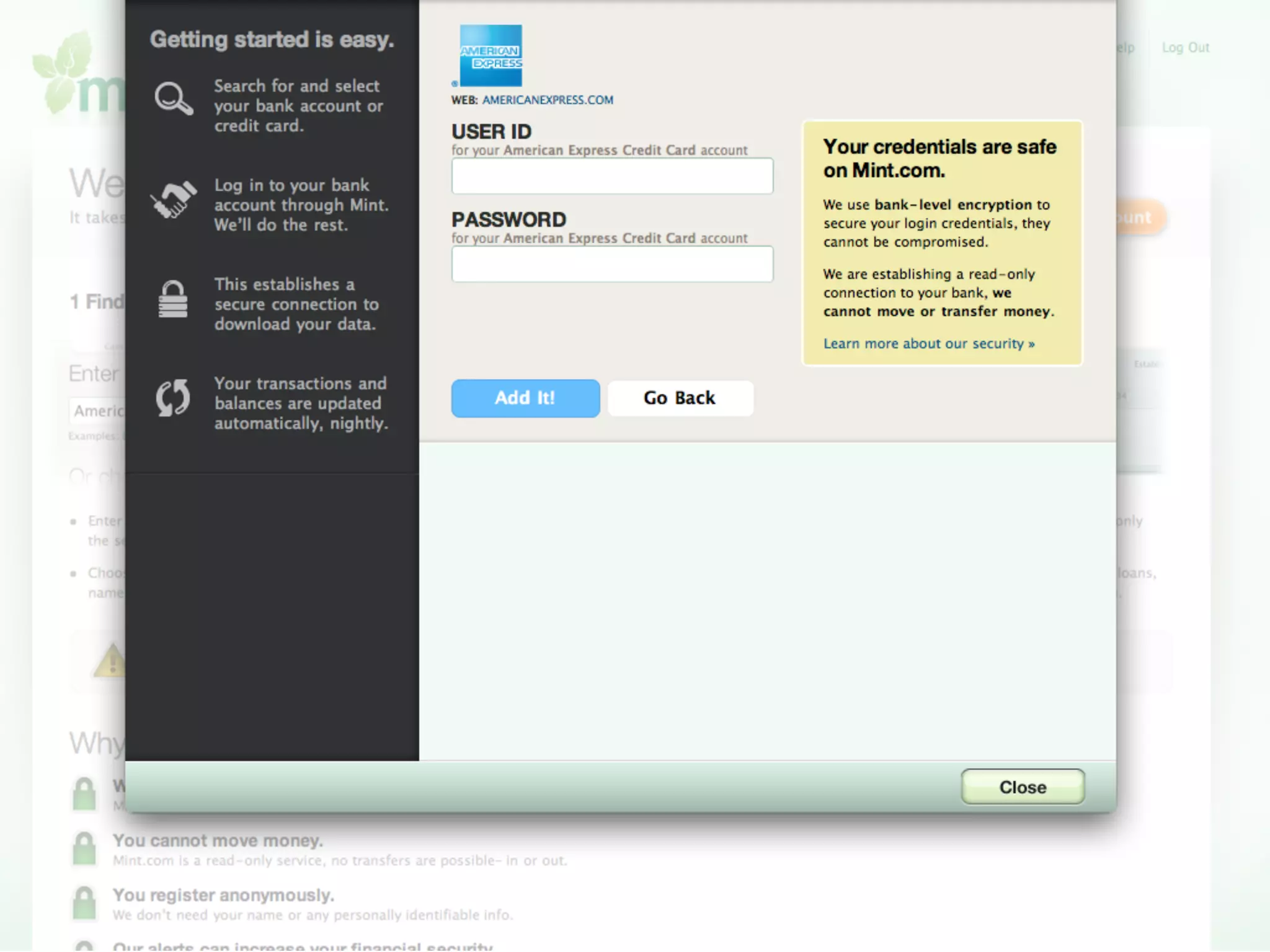
I need your bank passwords.
Trust me.
P O W E R E D b y S E R V I C E™
I’m on twitter.
You should follow me
on twitter here.
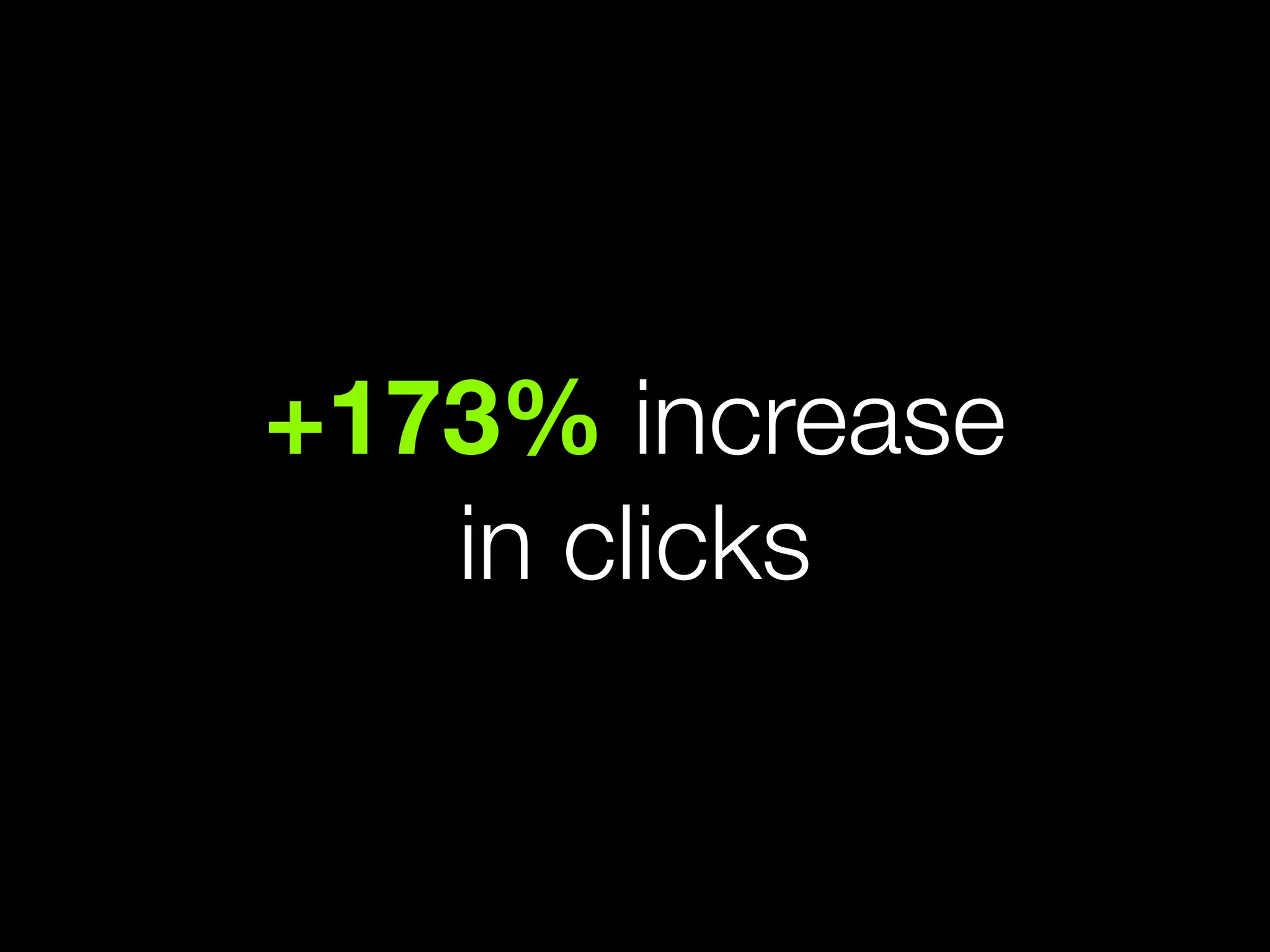
+173% increase
in clicks
2
What is design?
Design is more than
pretty pictures
Design thinking
The essential ability to combine empathy,
creativity and rationality to meet user
needs and drive business success.
User experience
How your product works in the real
world, or how a person feels about using
your product.
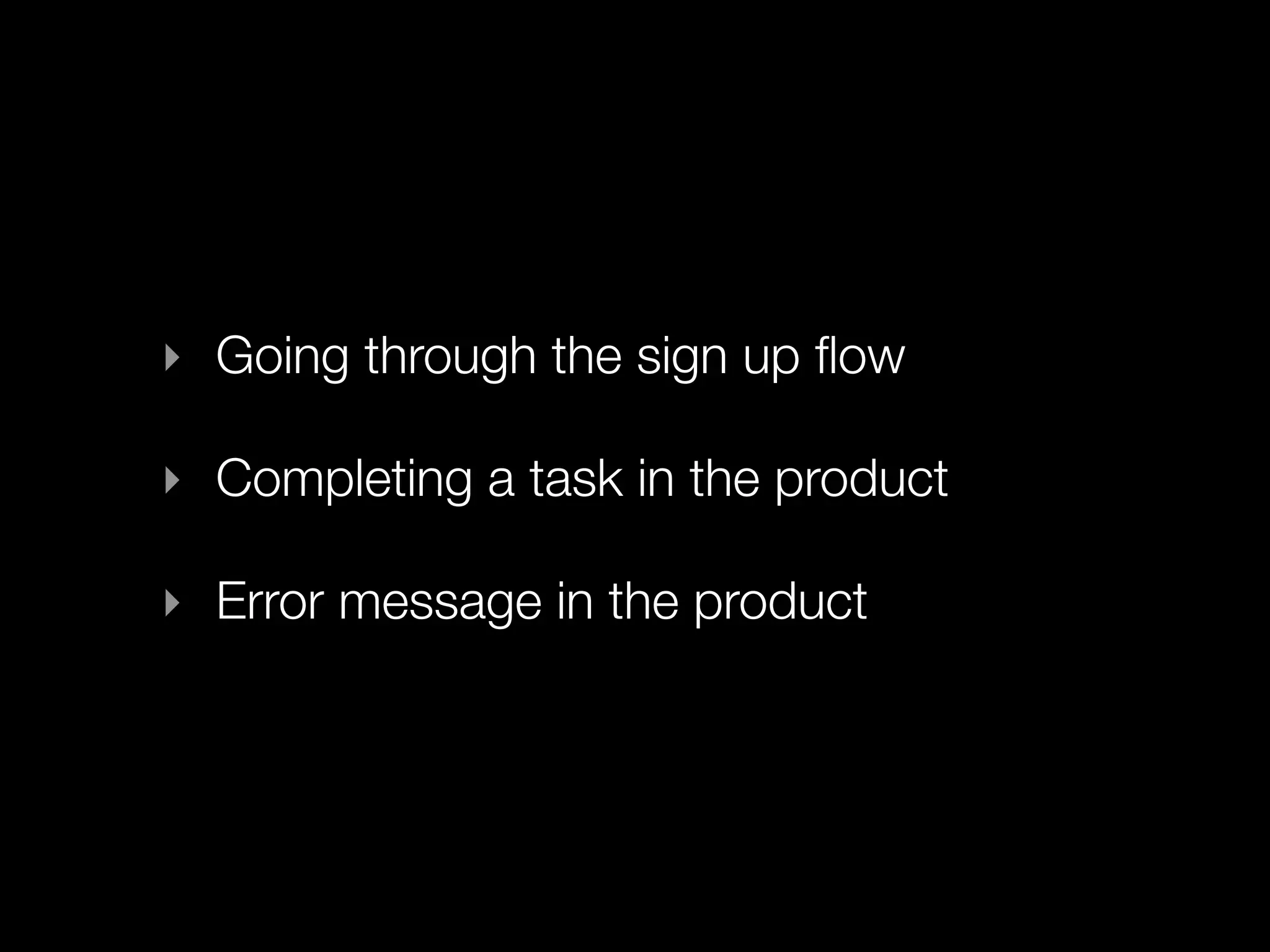
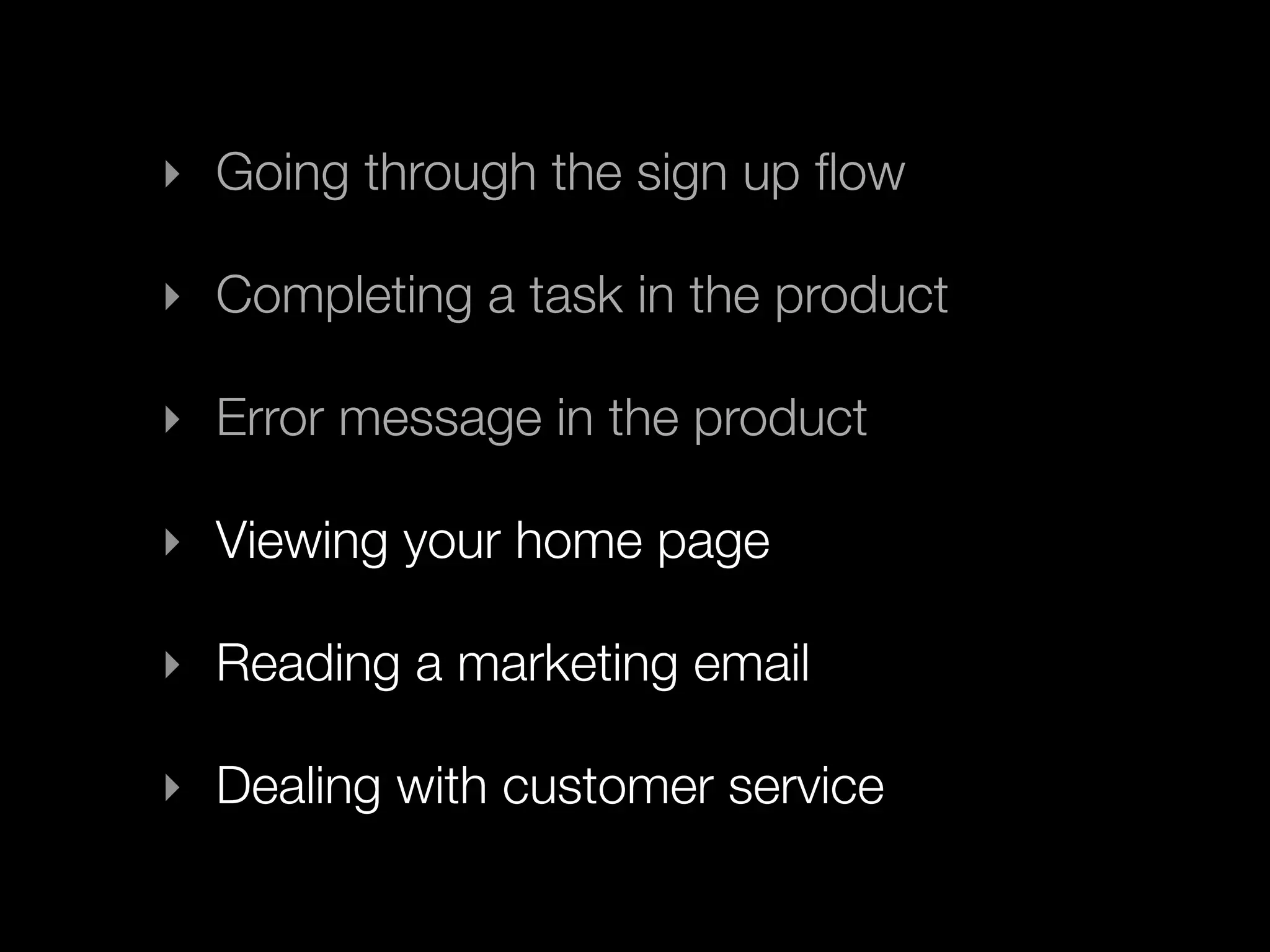
‣ Going through the sign up flow
‣ Completing a task in the product
‣ Error message in the product
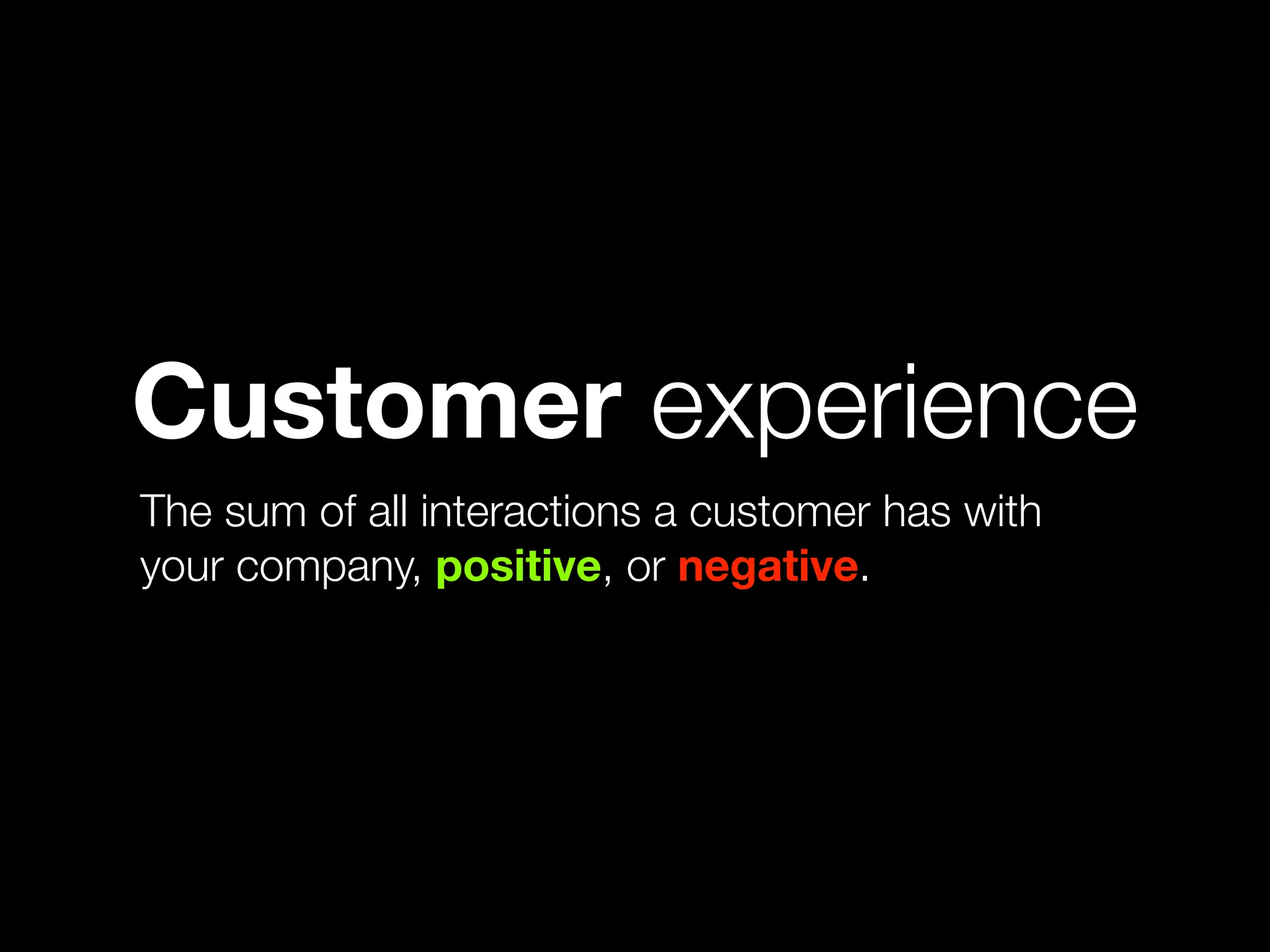
Customer experience
The sum of all interactions a customer has with
your company, positive, or negative.
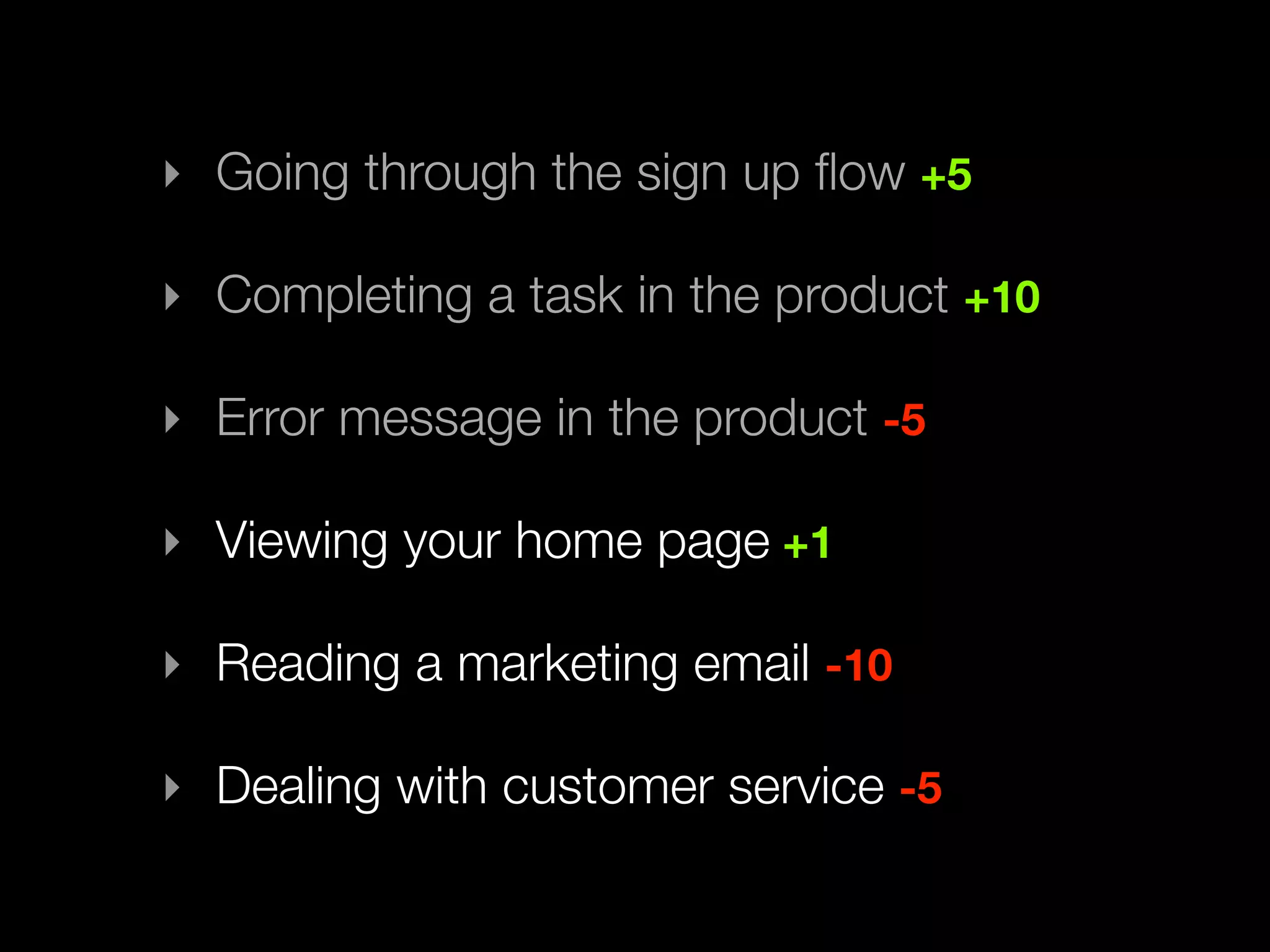
‣ Going through the sign up flow
‣ Completing a task in the product
‣ Error message in the product
‣ Viewing your home page
‣ Reading a marketing email
‣ Dealing with customer service
‣ Going through the sign up flow +5
‣ Completing a task in the product +10
‣ Error message in the product -5
‣ Viewing your home page +1
‣ Reading a marketing email -10
‣ Dealing with customer service -5
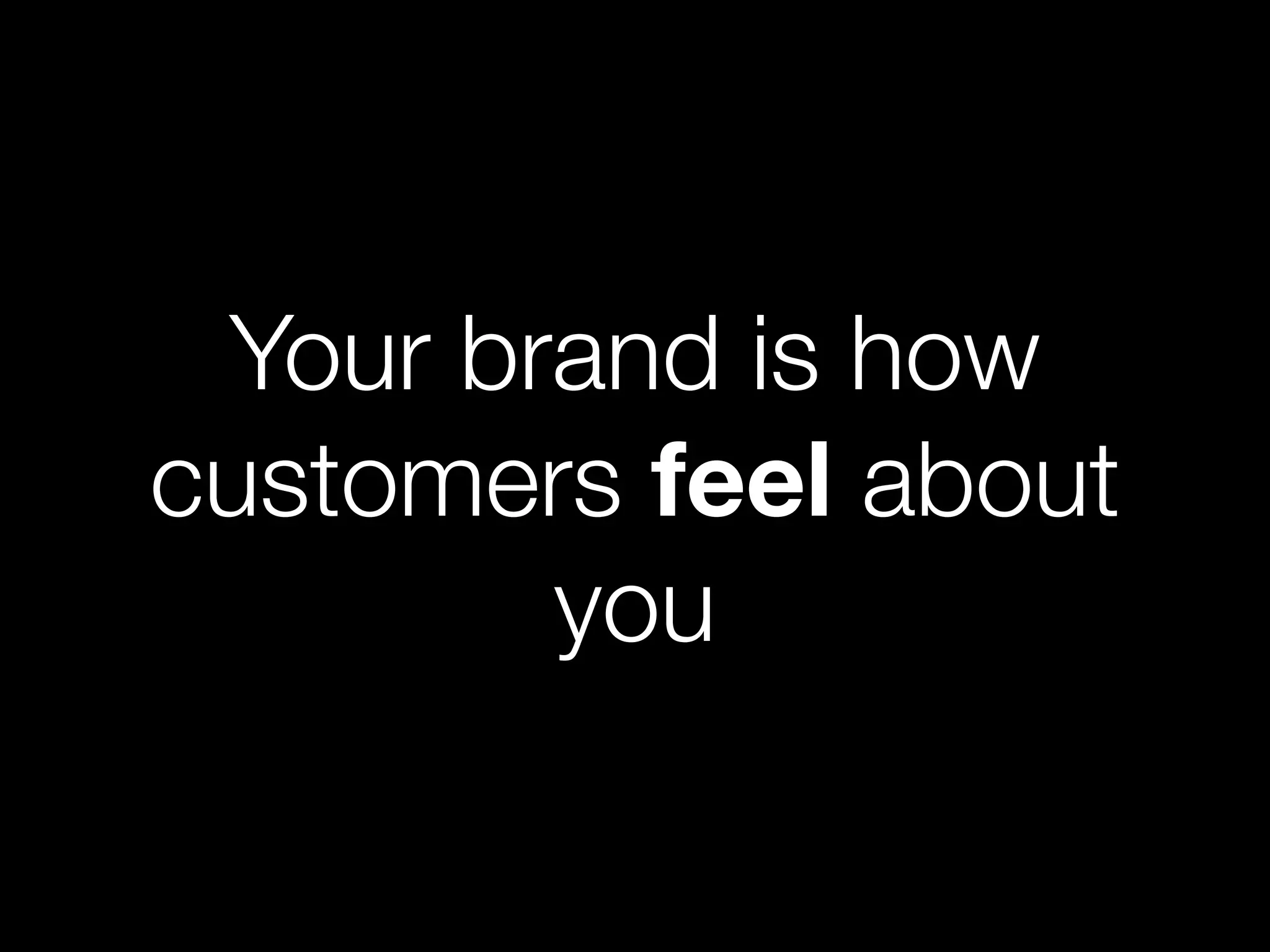
Your brand is how
customers feel about
you
3
Great design...
Talks benefits
not features
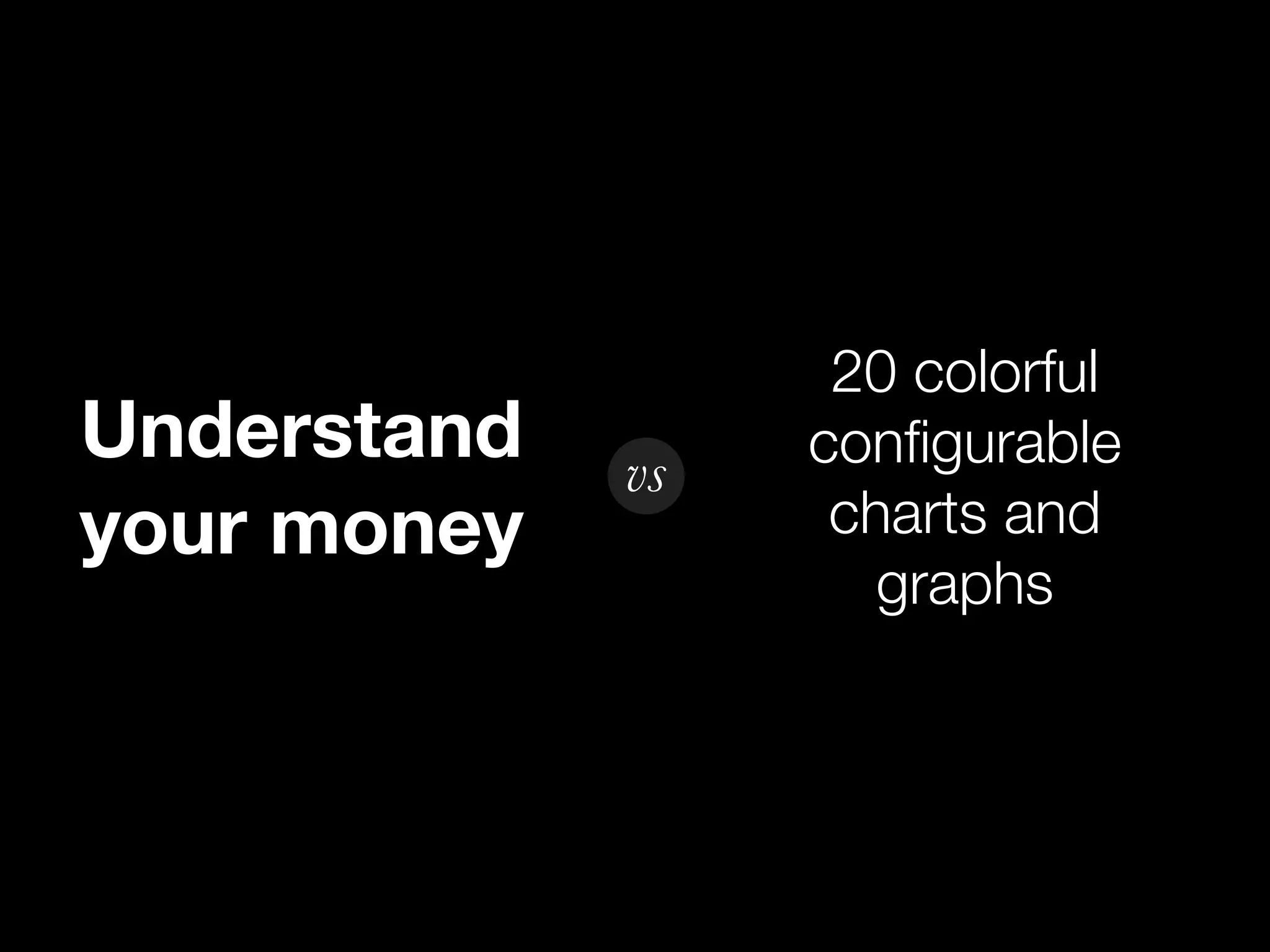
20 colorful
Understand vs configurable
your money charts and
graphs
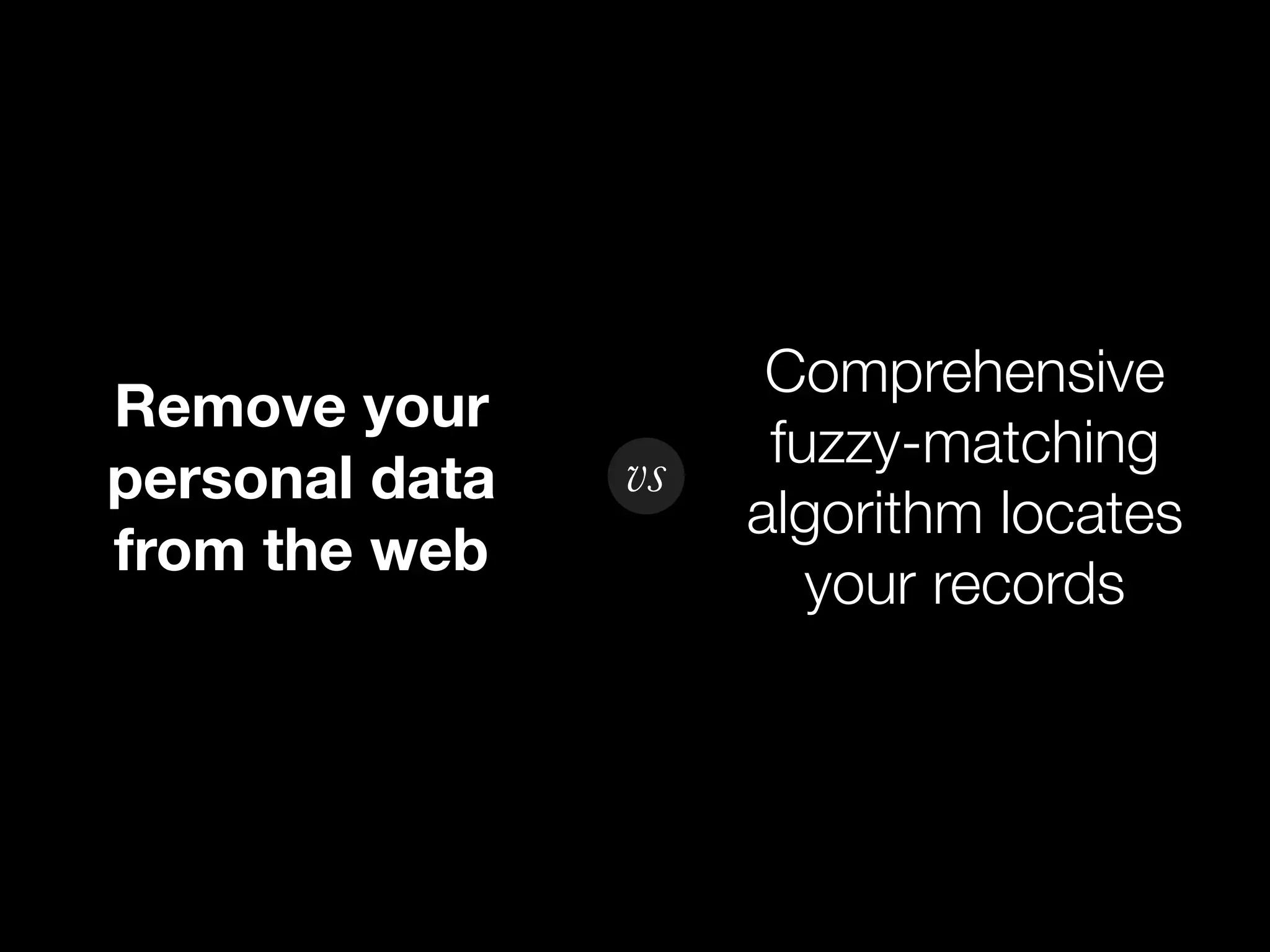
Comprehensive
Remove your
vs fuzzy-matching
personal data
algorithm locates
from the web
your records
4
Great design...
Thinks in flows
not screens
Log In
1. User enters email address into
email field.
2. User enters password into
password field.
3. User clicks Log In button.
4. System validates login
information. If okay, User is
taken to Overview page.
Take note of task
flows in your product
5
Great design...
Doesn’t make
the user think
Interaction Scale
Requires
Obvious
Thought
“Is that a
Click!
button?”
“Is this what I
Click! want? Should
I keep looking?”
Make it obvious
what’s clickable.
Or make it
discoverable.
People don’t read,
they scan
Minimize noise
Omit needless words
Users pick the first
reasonable option.
6
A great design process...
Starts with a
great story
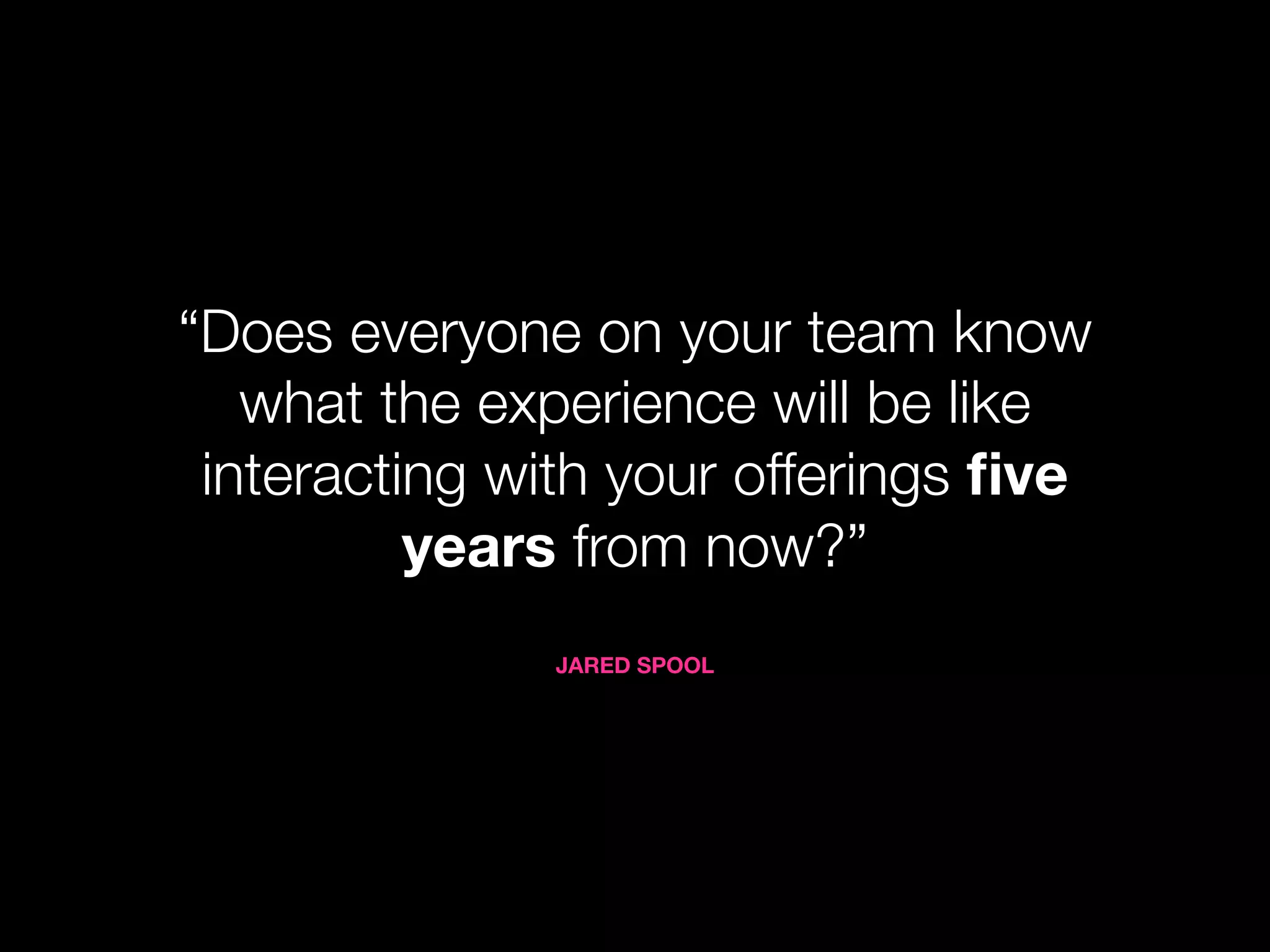
“Does everyone on your team know
what the experience will be like
interacting with your offerings five
years from now?”
JARED SPOOL
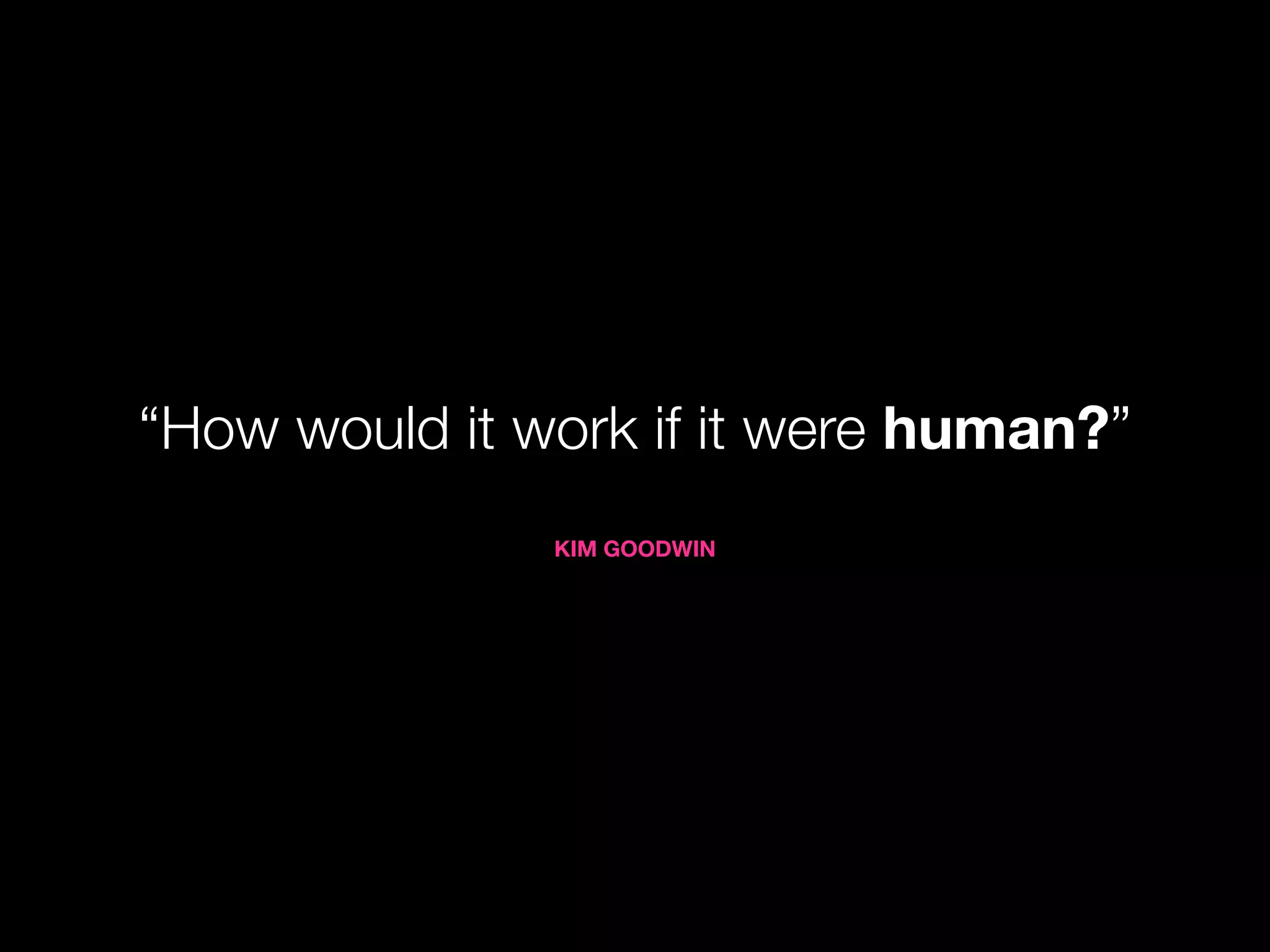
“How would it work if it were human?”
KIM GOODWIN
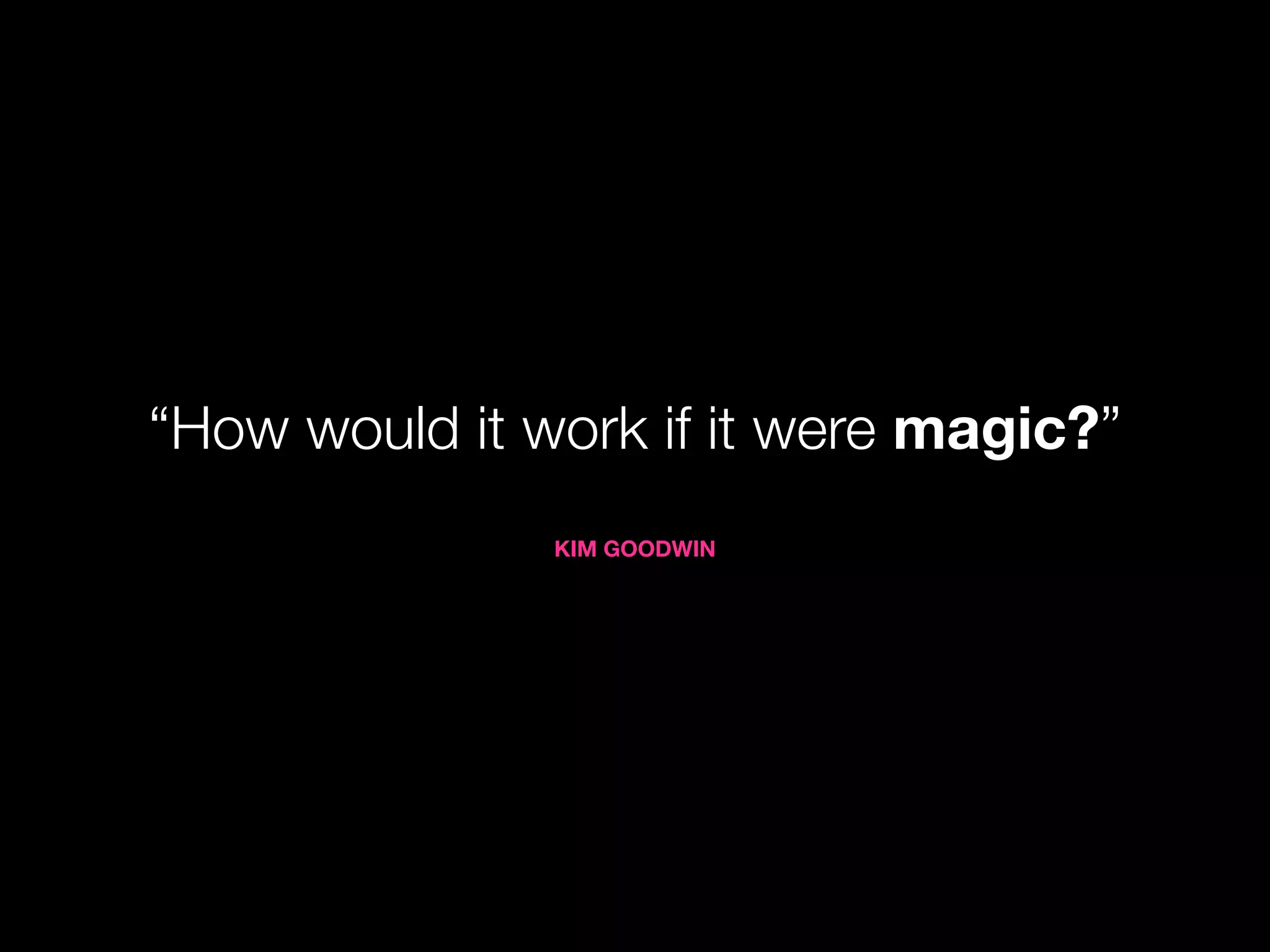
“How would it work if it were magic?”
KIM GOODWIN
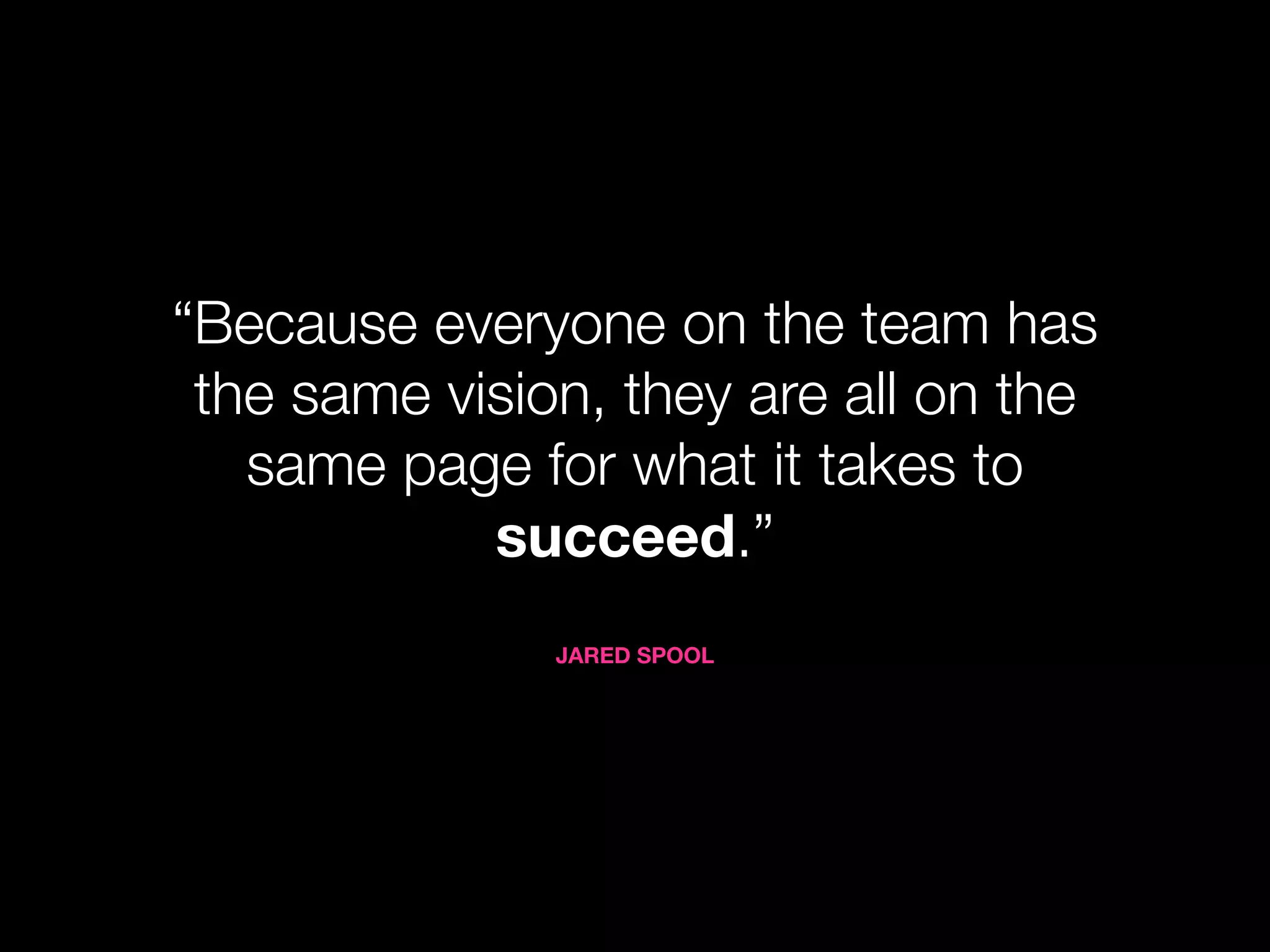
“Because everyone on the team has
the same vision, they are all on the
same page for what it takes to
succeed.”
JARED SPOOL
7
A great design process...
Uses design as a
lever
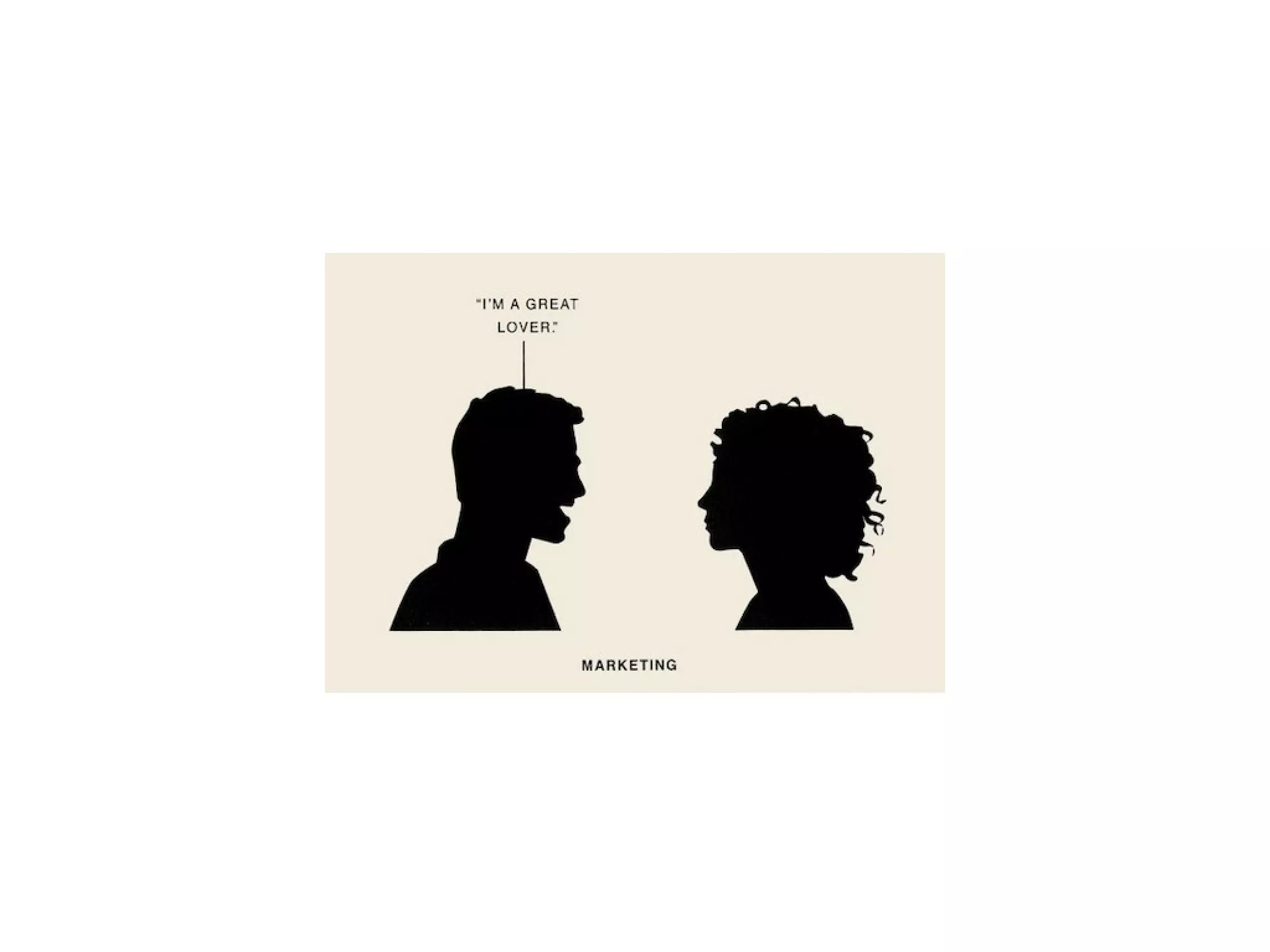
MARKETING
“The best marketing tool you can have
is a well-designed application.”
BUSINESS DEVELOPMENT
Align your revenue with valuable and
legitimate user tasks.
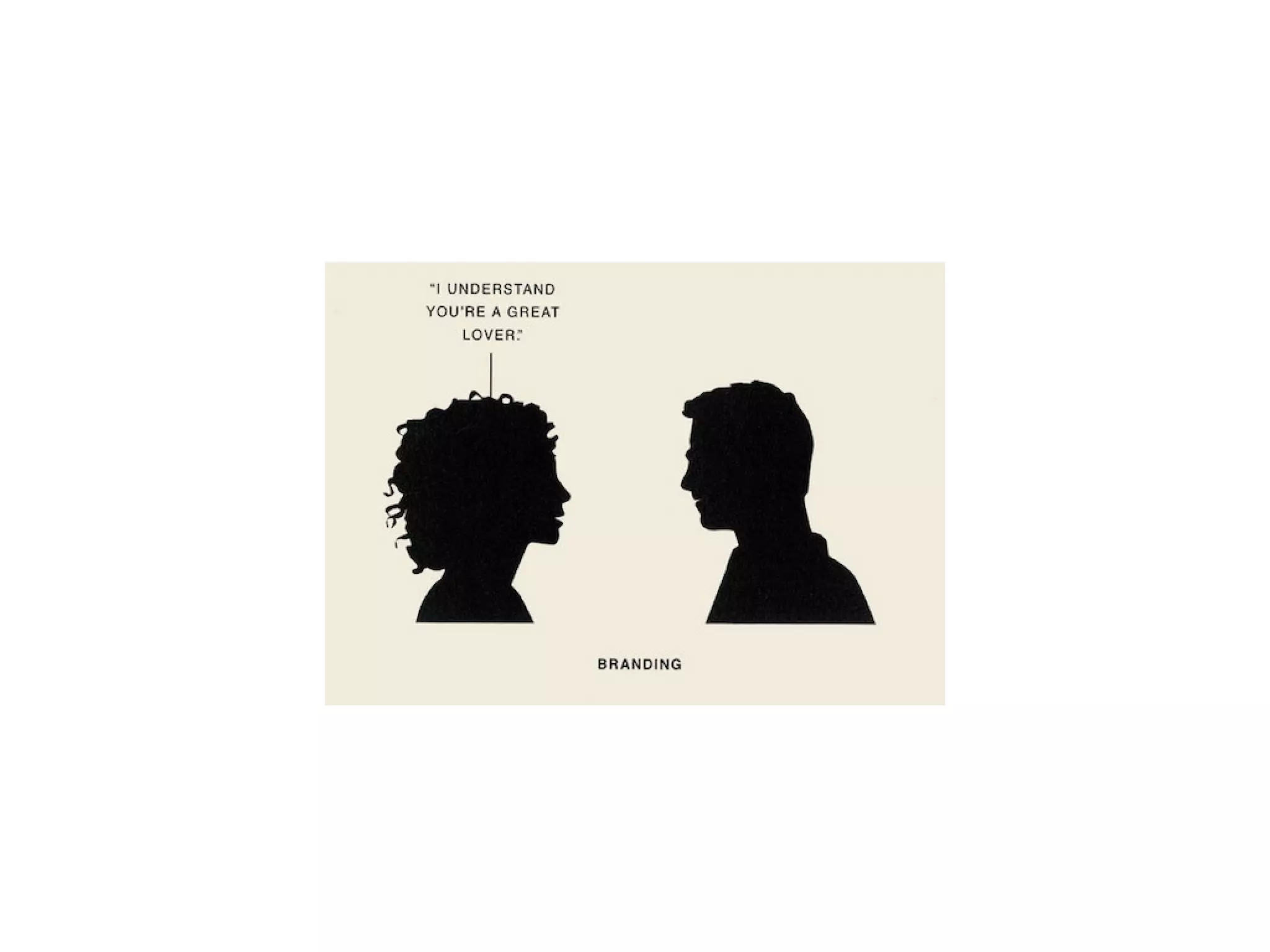
BRAND
Negative interactions drive negative
social media.
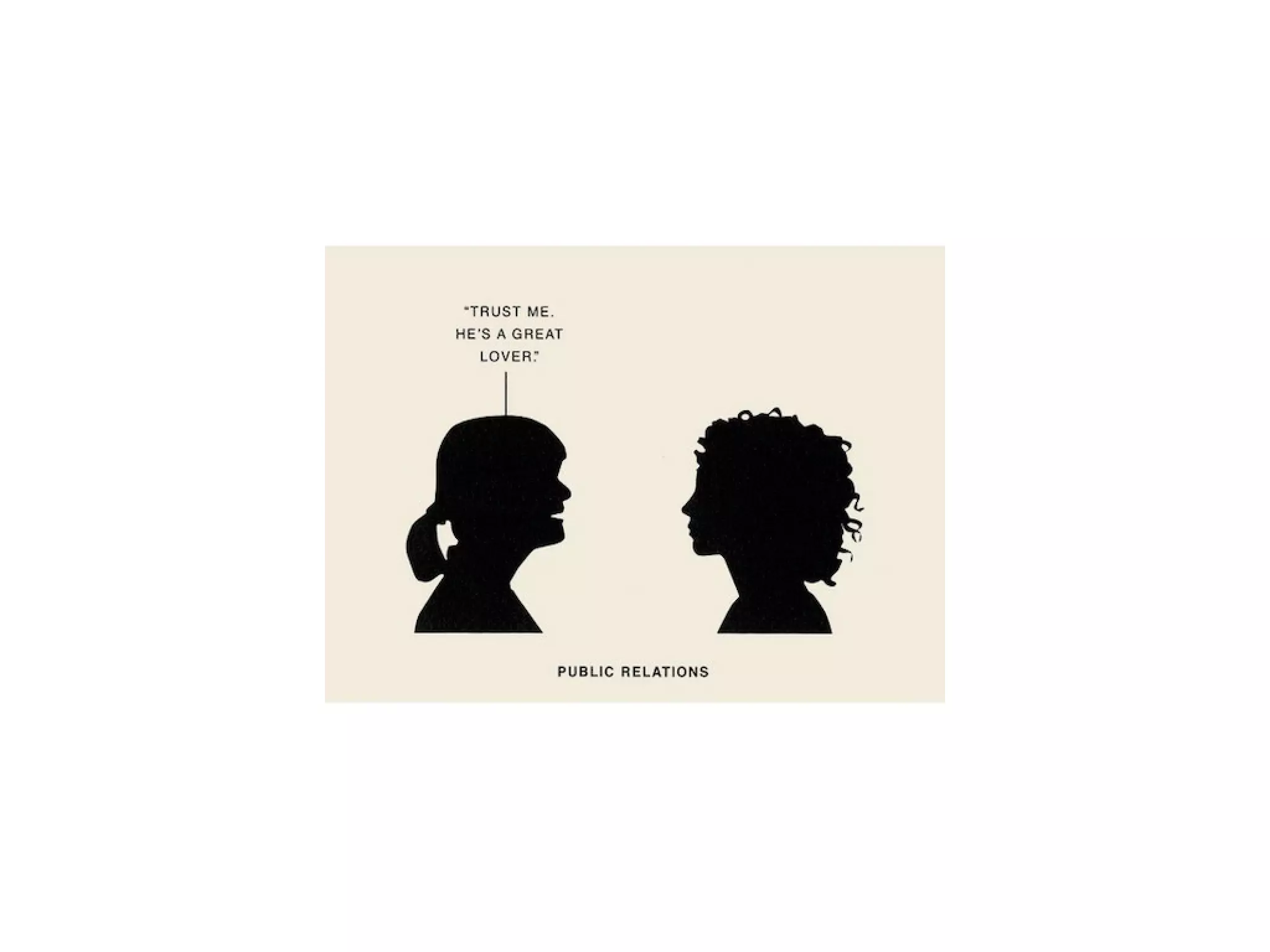
MARKETING+PR
“No amount of money can buy the
media to fix a boring product.”
8
A great design process...
Gets the team
out of the office
“In the last six weeks, have your team
members spent at least two hours
watching people experience your
product or service?”
9
A great design process...
Has a bible
Trust & Credibility
Startup brand czar
Large company style guide
10
A great design process...
Repeats & Refines
Allot product cycles to
improvement
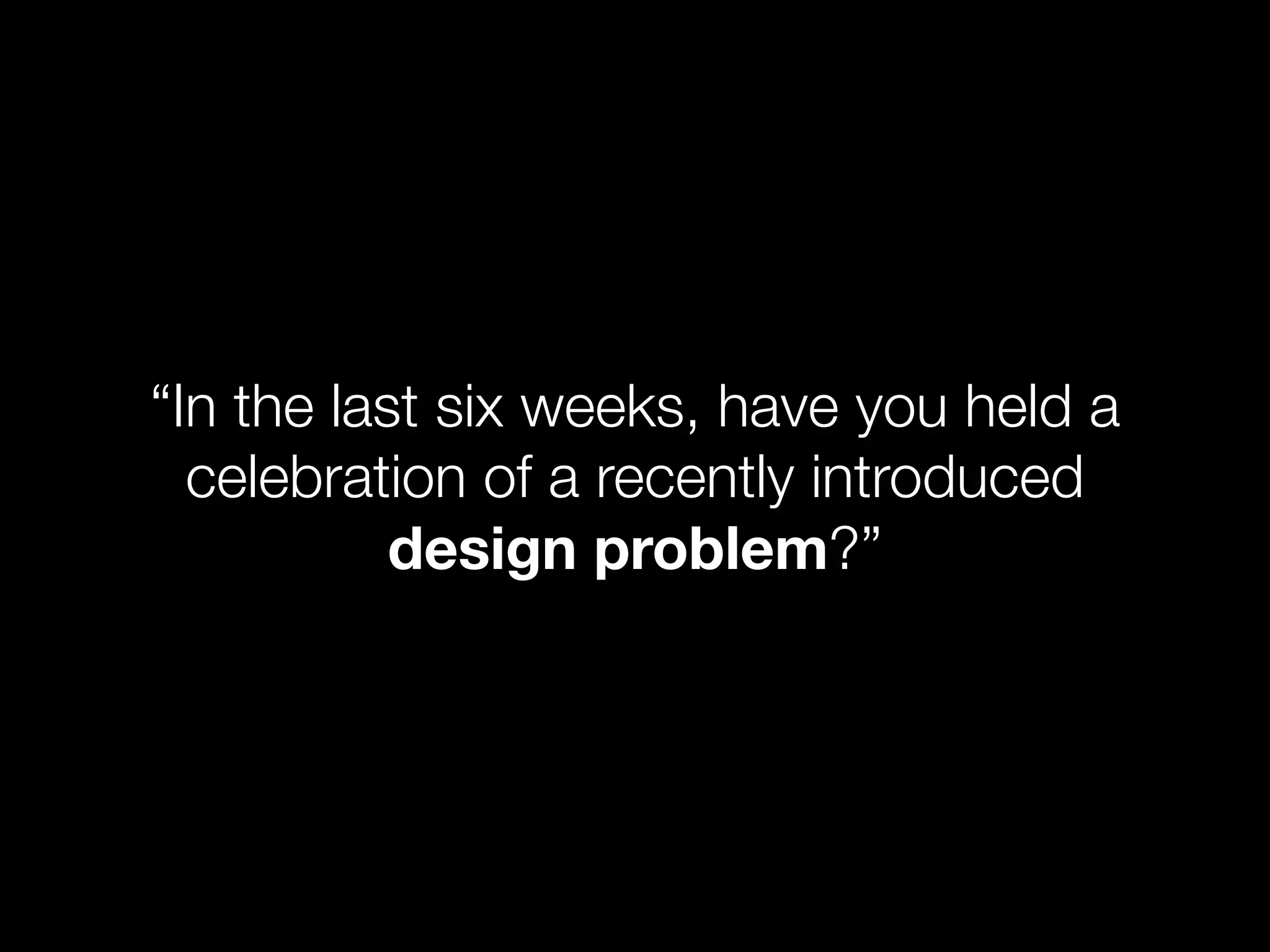
“In the last six weeks, have you held a
celebration of a recently introduced
design problem?”
What is 1 Design can change businesses
design?
2 Design is more than pretty pictures
Great 3 Talks benefits not features
Design
4 Thinks in flows not screens
5 Doesn’t make the user think
A Great 6 Starts with a great story
Design
Process 7 Uses design as a lever
8 Gets out of the office
9 Has a bible
10 Repeats & refines
1–10 of 40 previous next Post a comment
1–10 of 40 previous next
Thinking in terms of tasks, not packing the interface full of items.
Tell story about user goals vs perceived problem from top down.