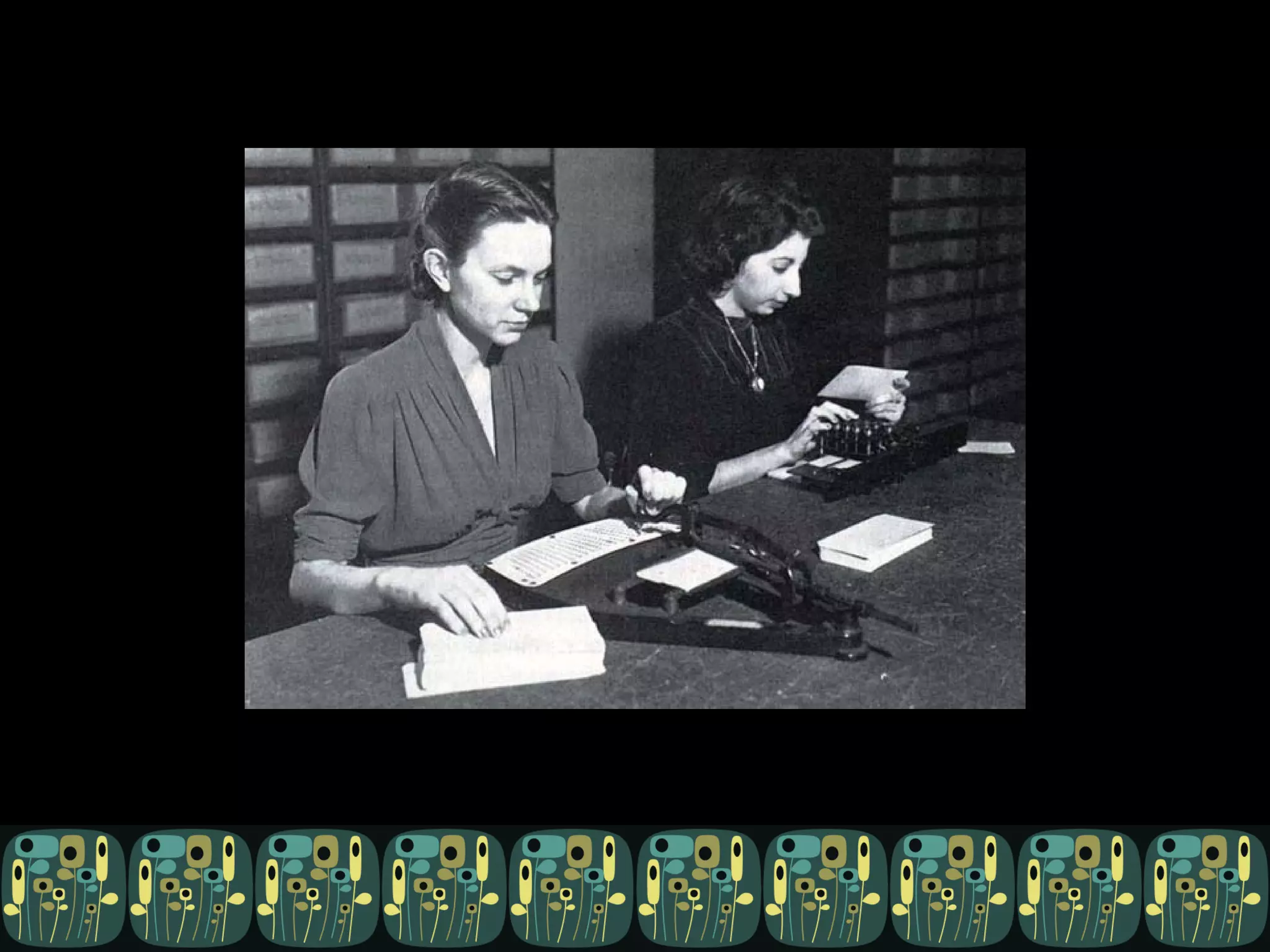
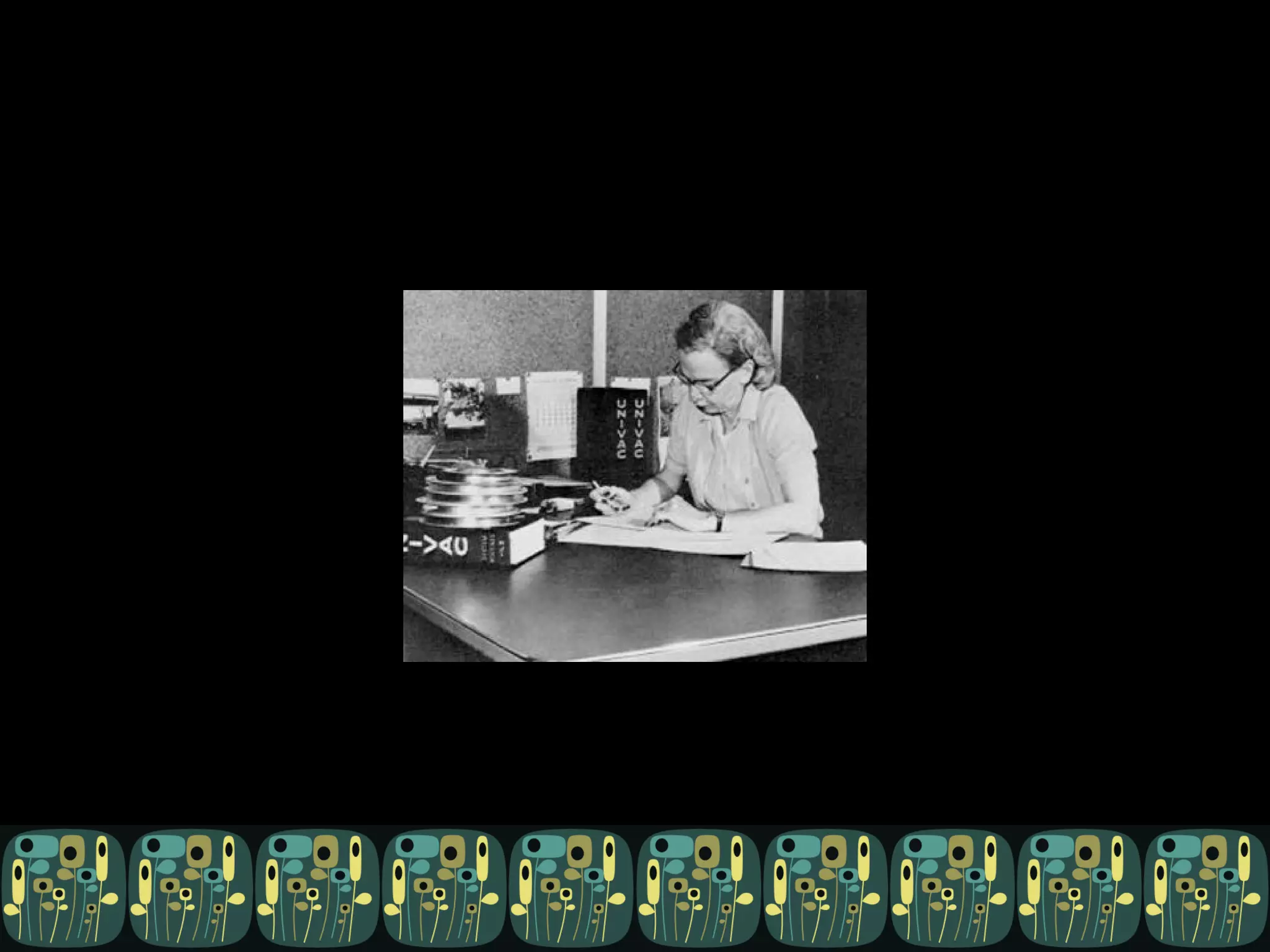
Caring for (and exploiting) your non-tech types Kari Halsted @kayayarai
Who am I? Kari. That’s kay – ay – ar – ai.  I tweet at @kayayarai Information architect for IBM Rational Software, a not-very-techie in a techie world. I work for IBM, but none of this necessarily reflects IBM’s position, strategies, or opinions. The ideas, mistakes, and lame jokes herein are my own.

Who are you? A software developer A software tester A development manager Or not.
What I’m here to say There are ways you can make your life better by exploiting the non-tech folk in your workplace.
First
First


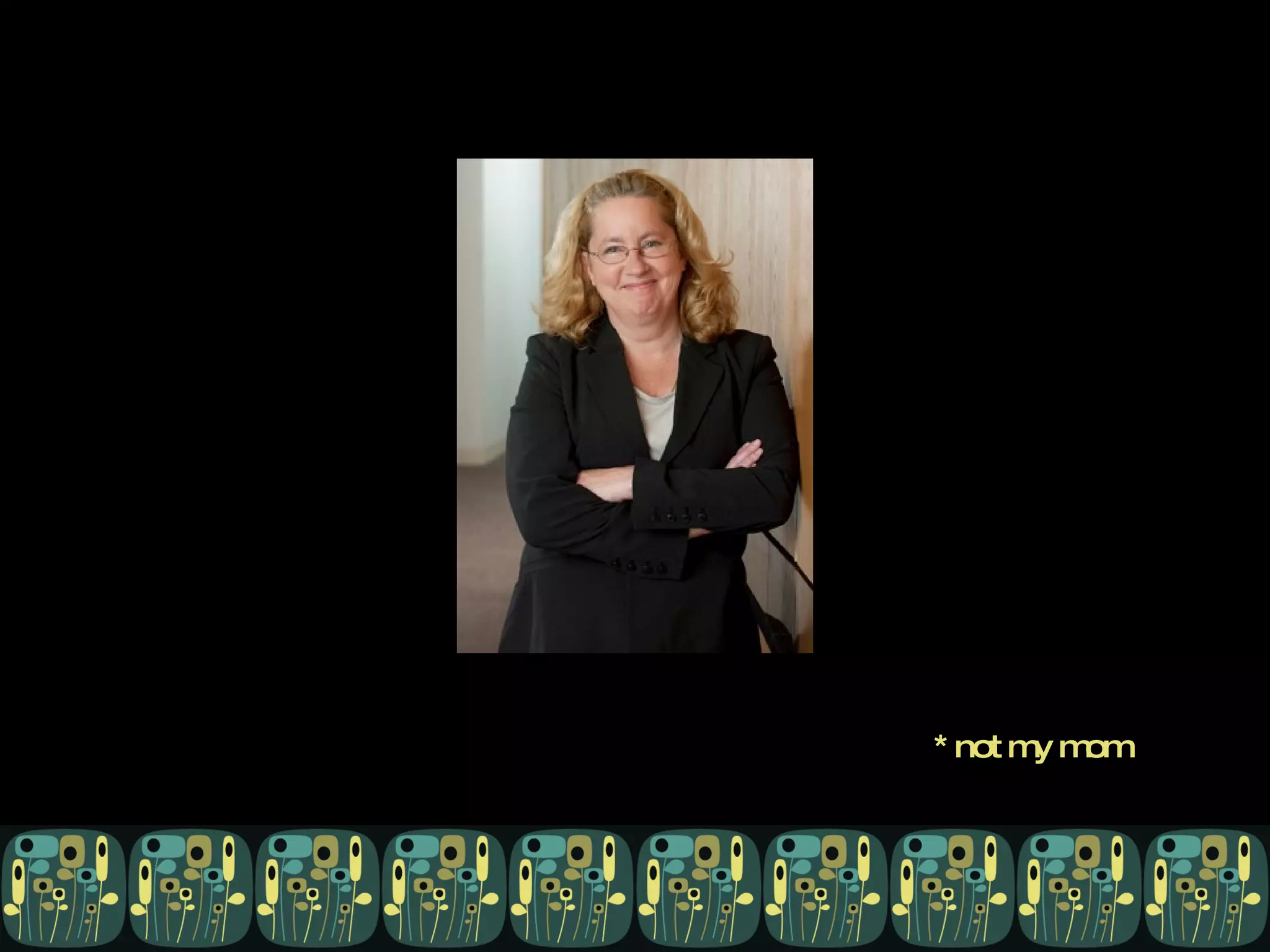
*  n o t   m y   m o m


What are the worst things about non-techs?


What are the best things about non-techs?


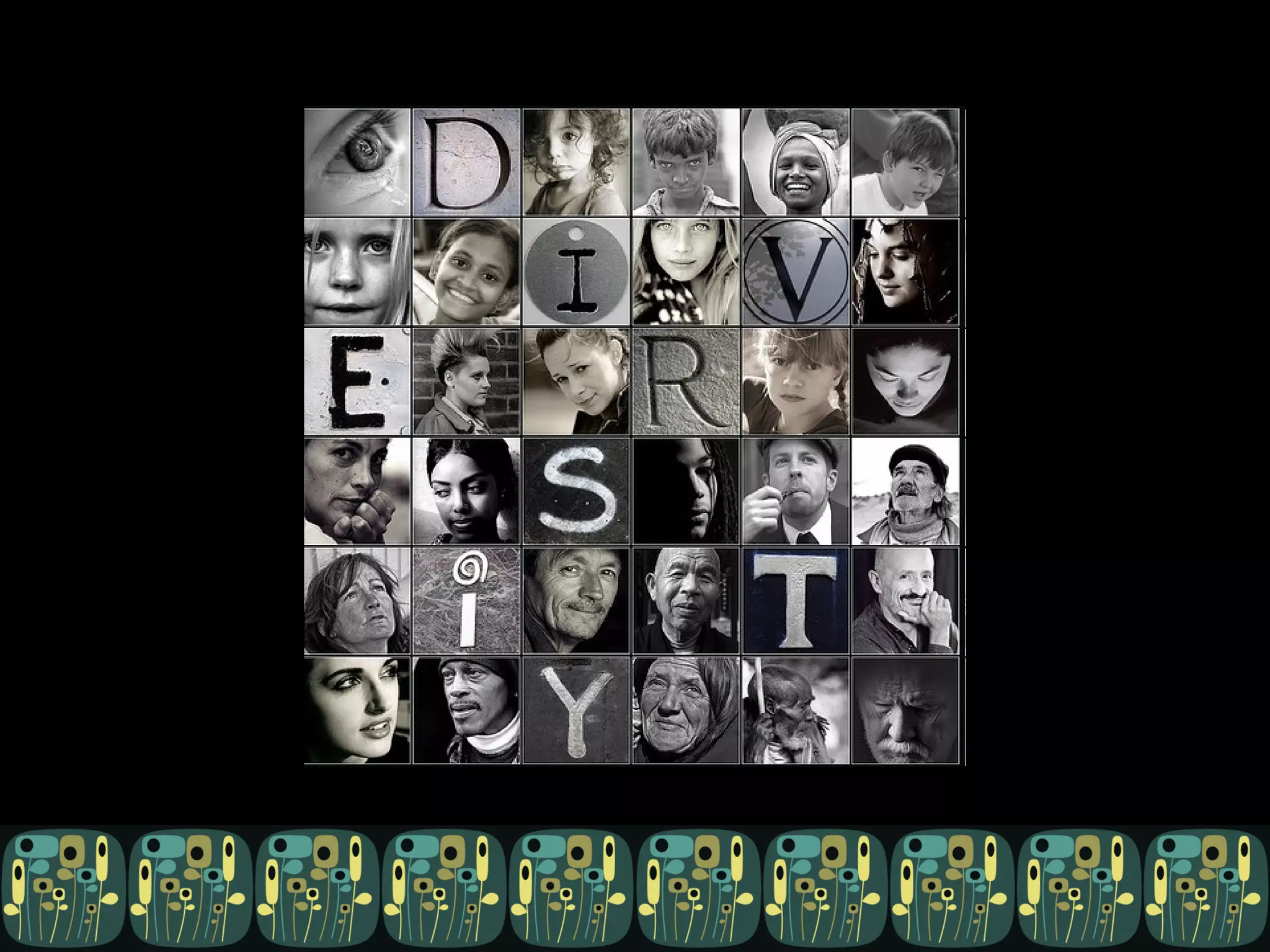
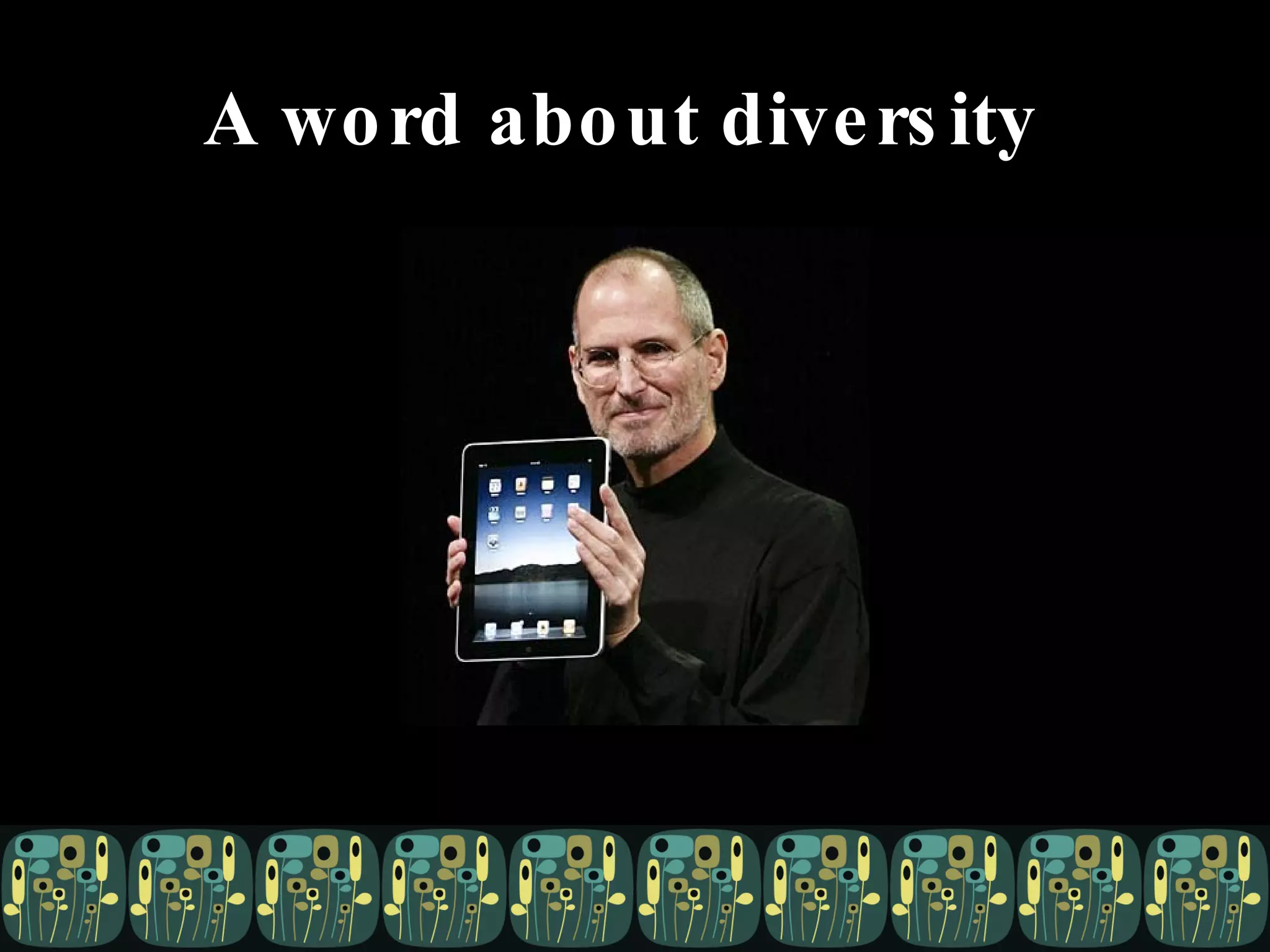
A word about diversity
D&C
 
All this to say … …  and back to my point.
Things non-techs can do for you


Your ideas? Experiences?
Kari Halsted @kayayarai [email_address] pallet:  given  pattern:  blooms  by onelittleblock at colourlovers.com

Caring for (and exploiting) non-technical types

Editor's Notes

  • #5 Make your life better: Reduce your workload; get rid of “menial” tasks; give you time to work on stuff you do like; make your products better. My experience, YMMV, heavily influenced by software dev. Not meant to be divisive, or pidgeonhole people, but to get us all thinking about diversity, less binary. And often, we non-techs tend to ask a lot of you techies, so this pres should give you some ideas of stuff you can get us to do for you.
  • #6 Tech vs. non-tech is not either/or.
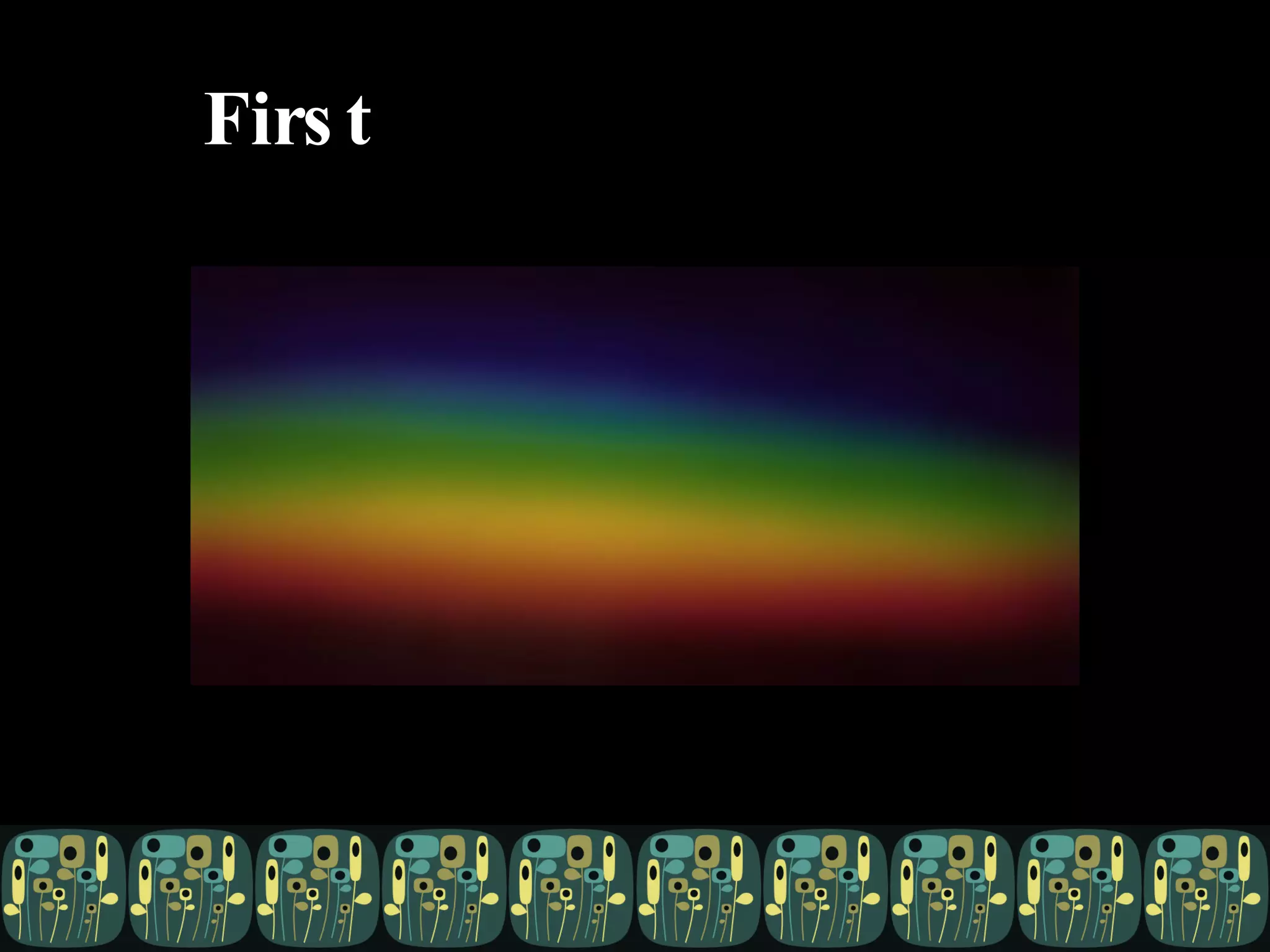
  • #7 It’s a fuzzy, mushy spectrum. These are examples, not strict categories, mushy, with flexibility. You may recognize your peers or yourself in one or several places along the spectrum. But for the purpose of this, we’ll start at the traditionally untechie end, and meander toward technical.
  • #8 Lawyer I think we can all agree that of all the people we encounter during our days, lawyers are the least technical. – source: http://kitsunenoir.com/blogimages//lawyer.jpg
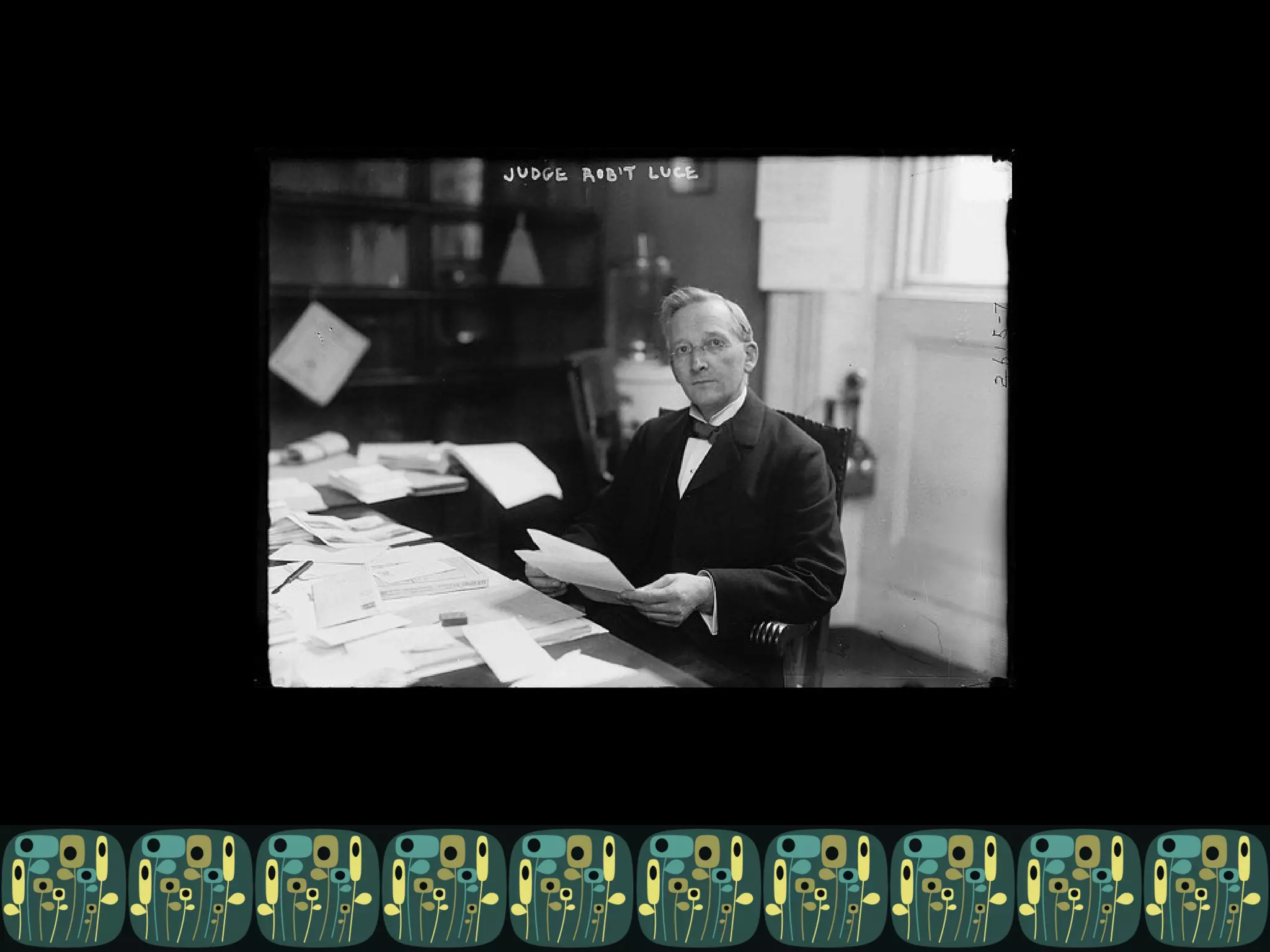
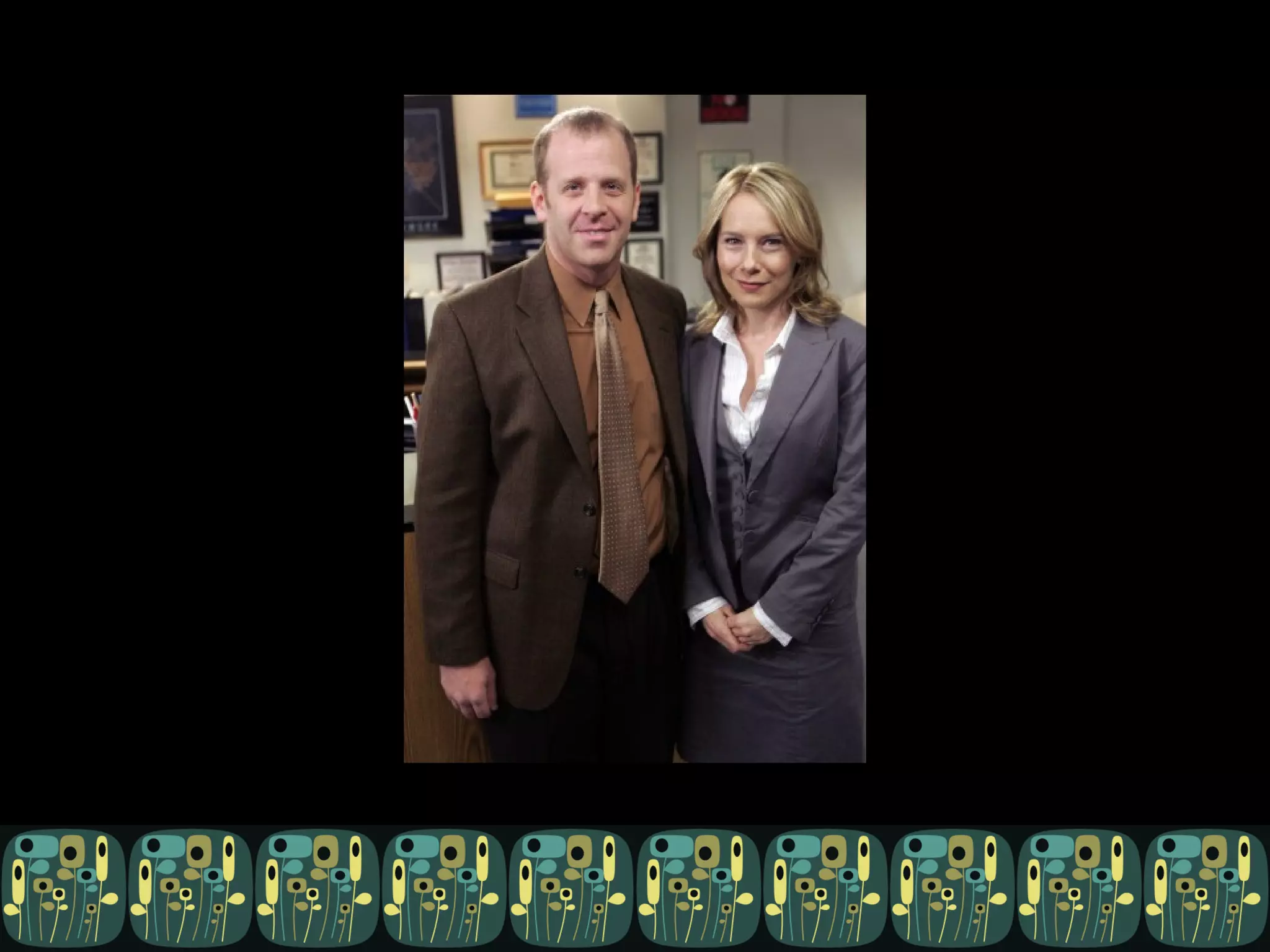
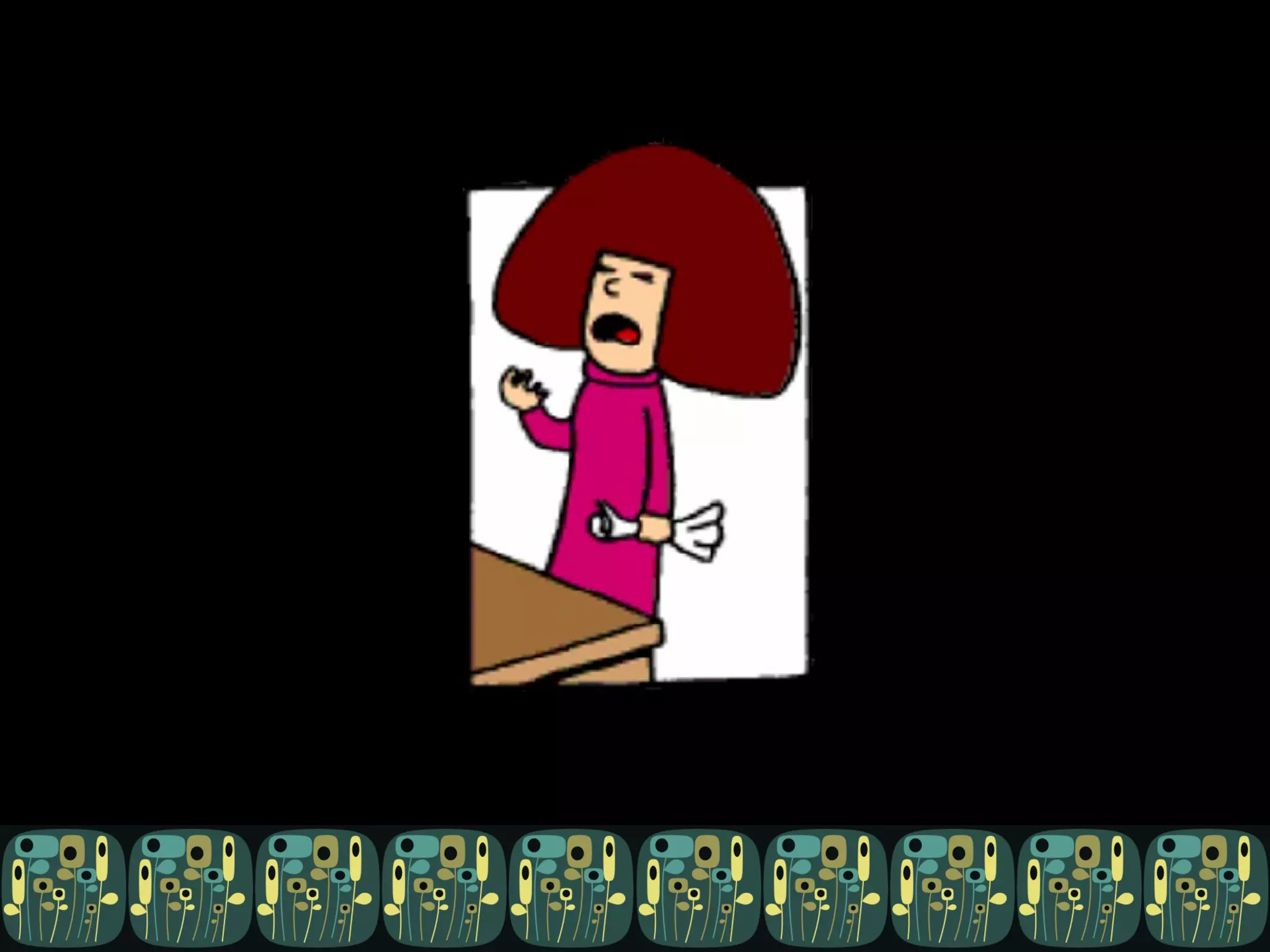
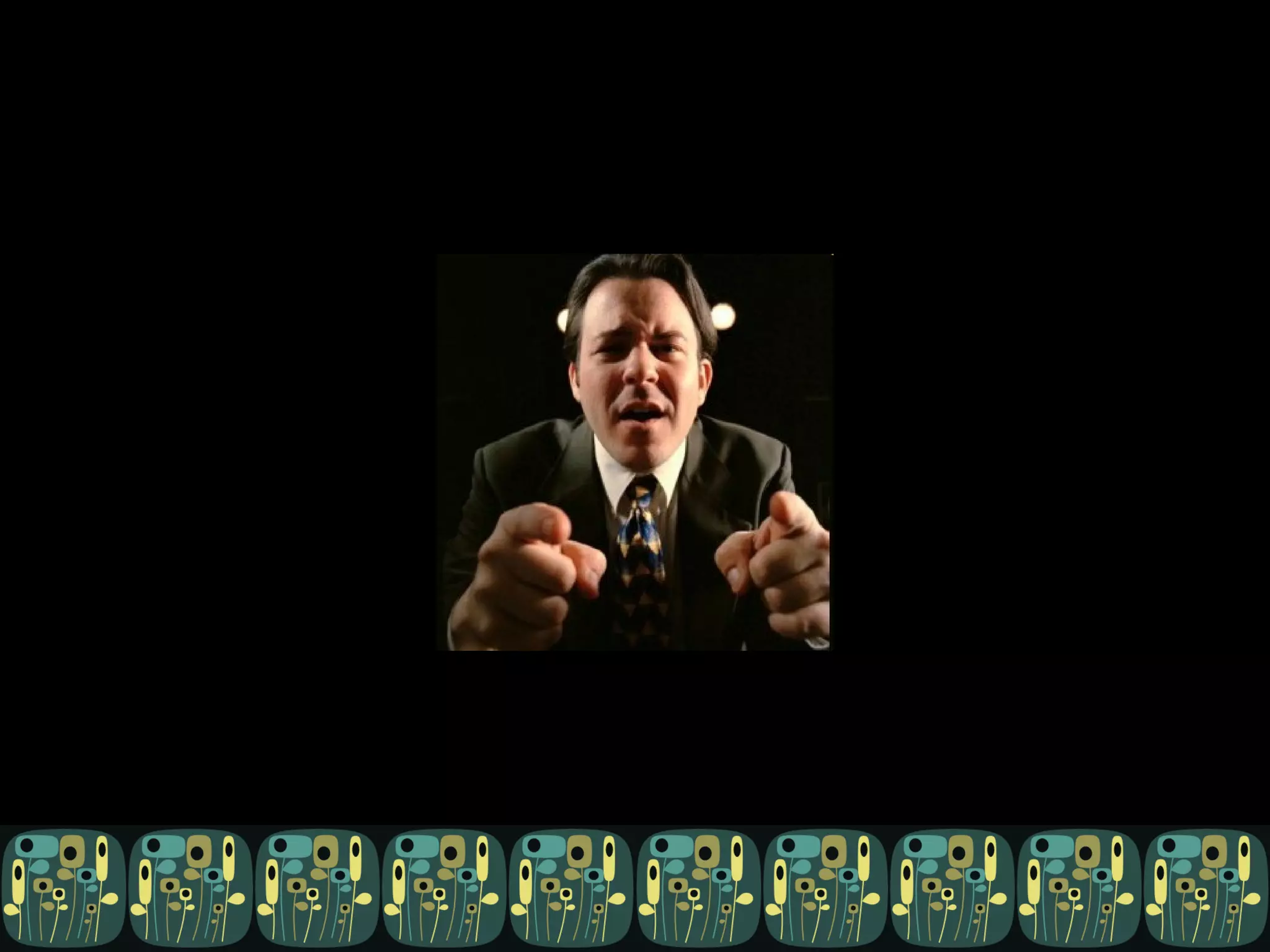
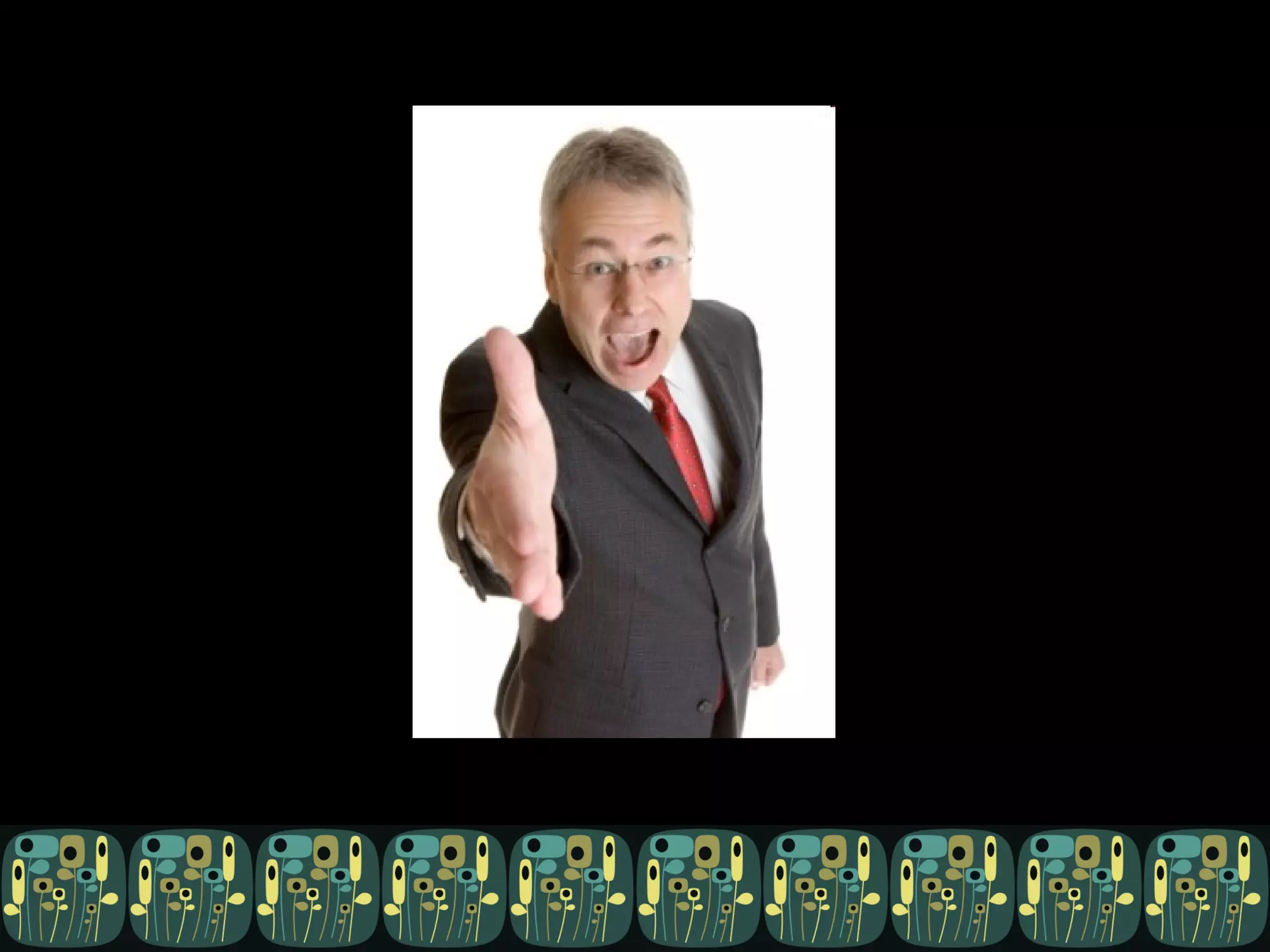
  • #9 HR Manager
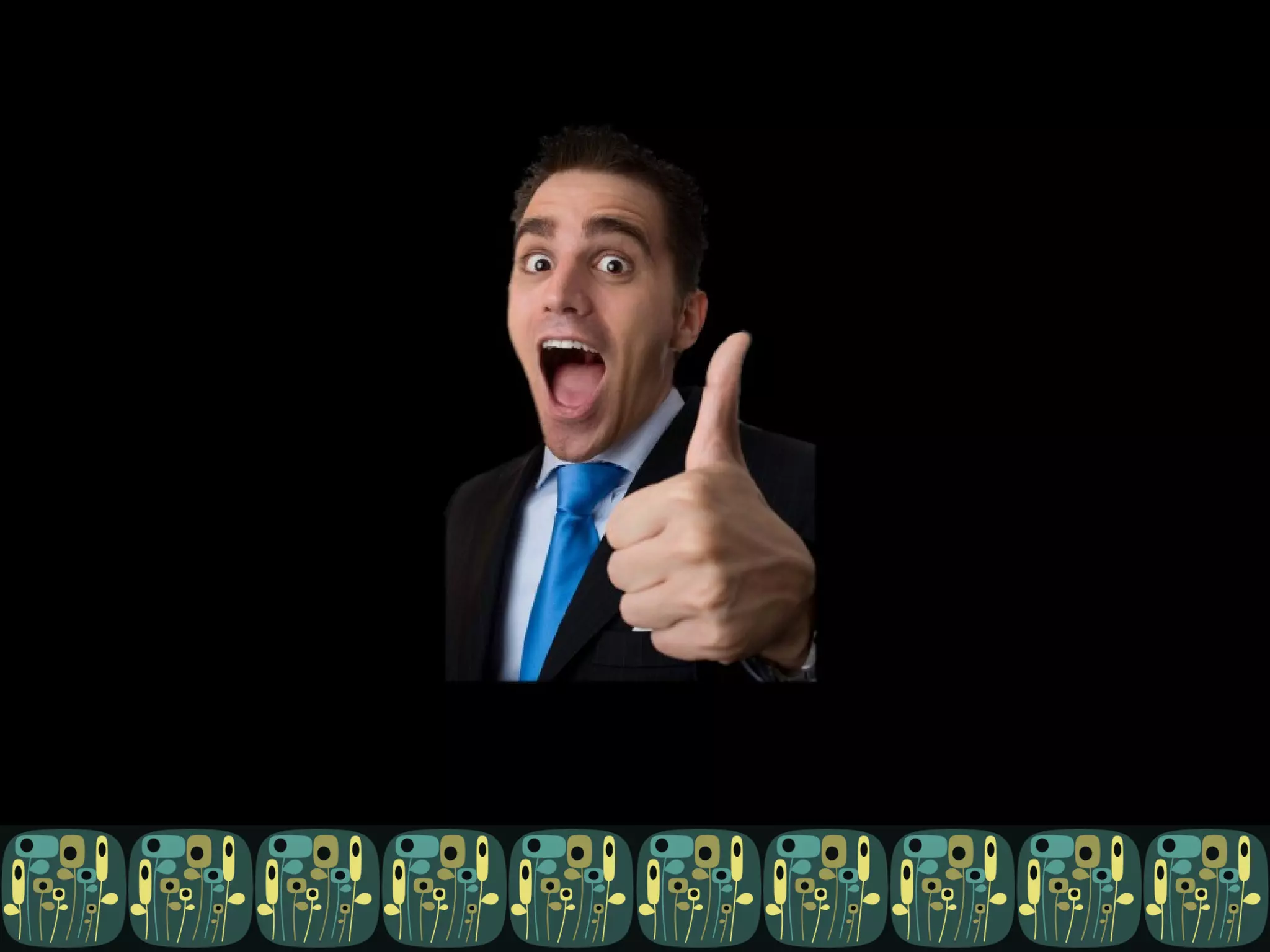
  • #10 Sales guy source: http://www.thinkflood.com/blog/images/CrazySalesguy.jpg Okay, we’re getting a little more technical. These guys at least know a thing or two about your product, maybe have even used it. But they’re still slightly less technical than …
  • #11 Interpretive dancer source: http://mysticmedusa.com/wp-content/uploads/2009/06/504x_ballet061609.jpg
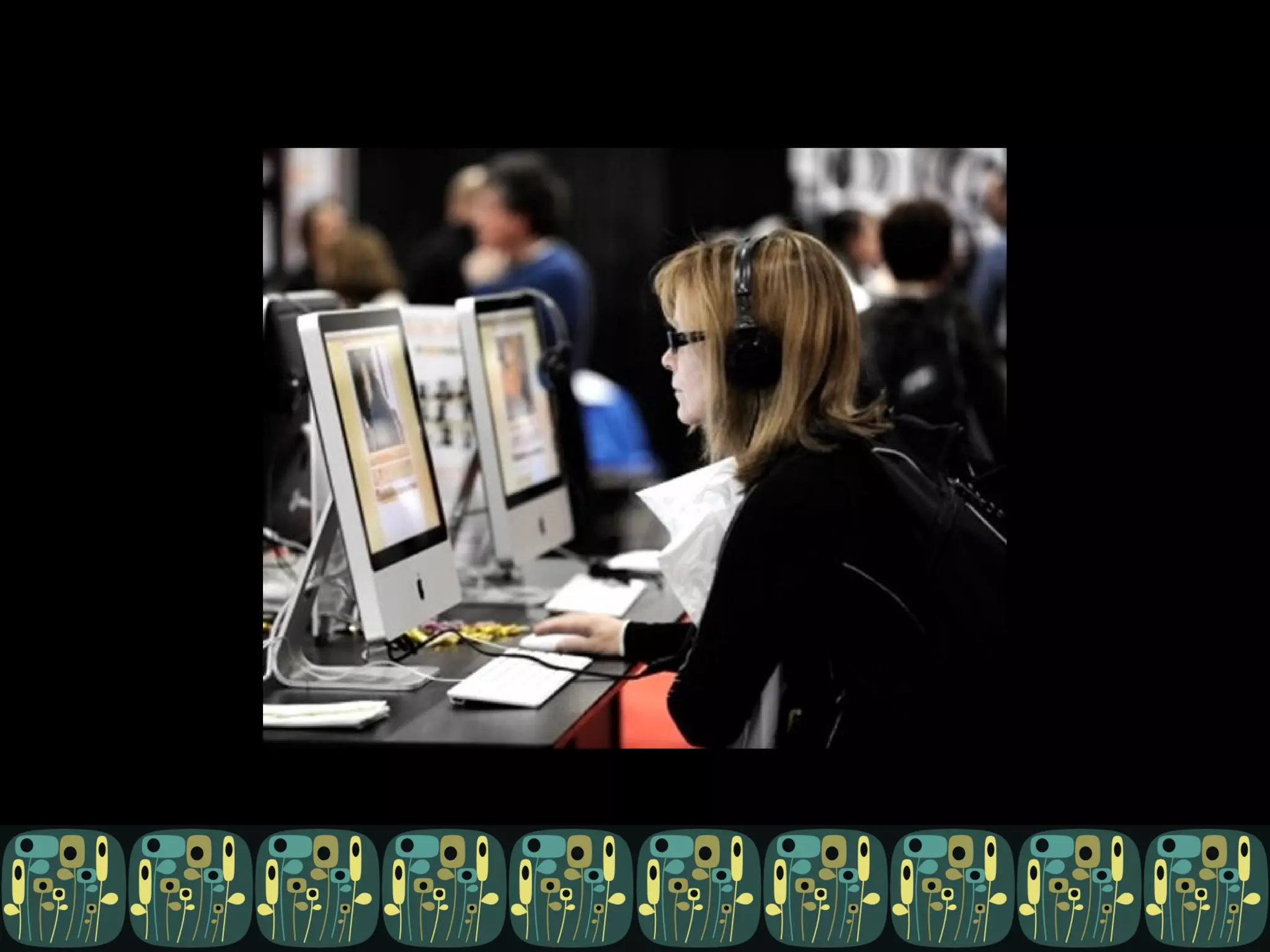
  • #12 Graphic designer source: http://www.graphicdesignbasics.com/uploadedfiles/2009/07/photoshop-class.jpg
  • #13 Tester source: http://images.shine.com/Up/arunavedited128581578717862450.jpg
  • #14 My mom: ource: http://www.bestlaw.com/wp-content/uploads/2010/01/Francis_4589_A.jpg
  • #15 UX professional: source: http://www.sophisticatededge.com/assets/images/Careers/Business%20101/business-casual-conference.jpg
  • #16 Tech Writer Here’s somebody with “technical” right in their job title, but alas, also “writer”
  • #17 Product Manager – this is Todd Jackson, product manager for Gmail and Buzz Source: http://www.wired.com/images_blogs/underwire/2010/03/google_f.jpg
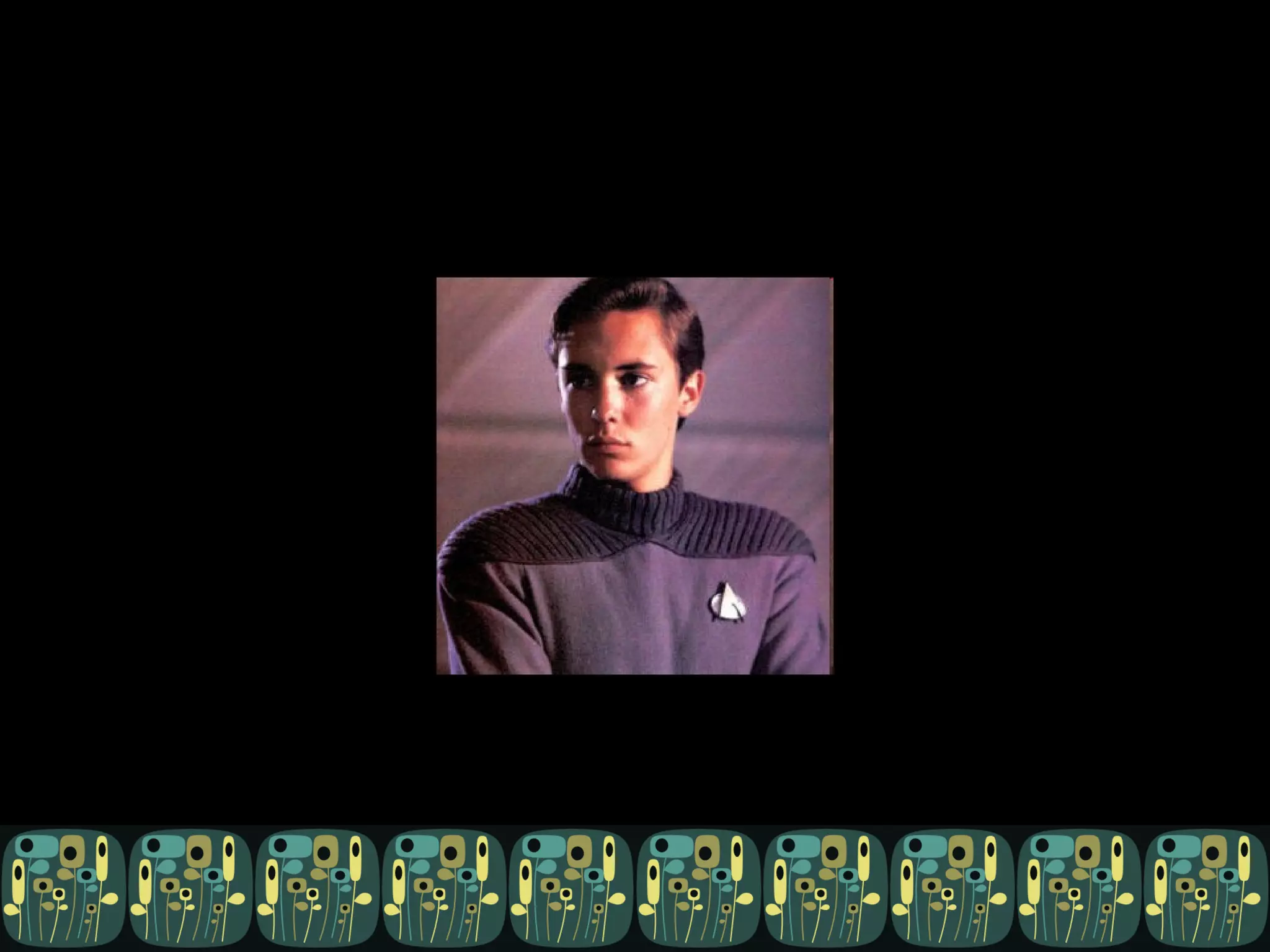
  • #18 Wil Wheaton source: http://www.readthesmiths.com/articles/Images/Tech/Geeks/wheaton.jpg
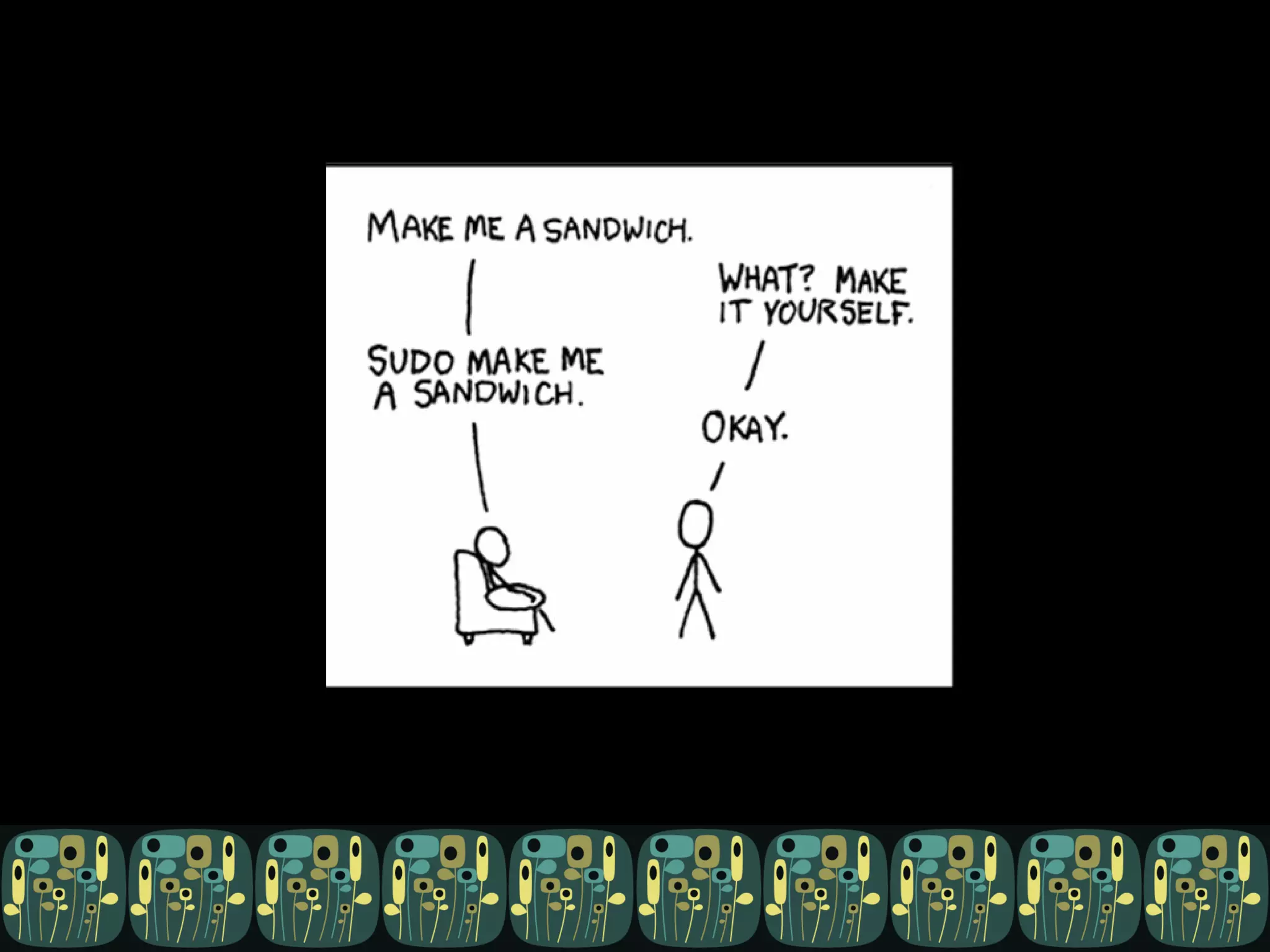
  • #19 xkcd reader – source http://imgs.xkcd.com/comics/sandwich.png
  • #20 Slashdot readers source: http://images.slashdot.org/articles/03/08/tshirt-contest-Images/6.jpg
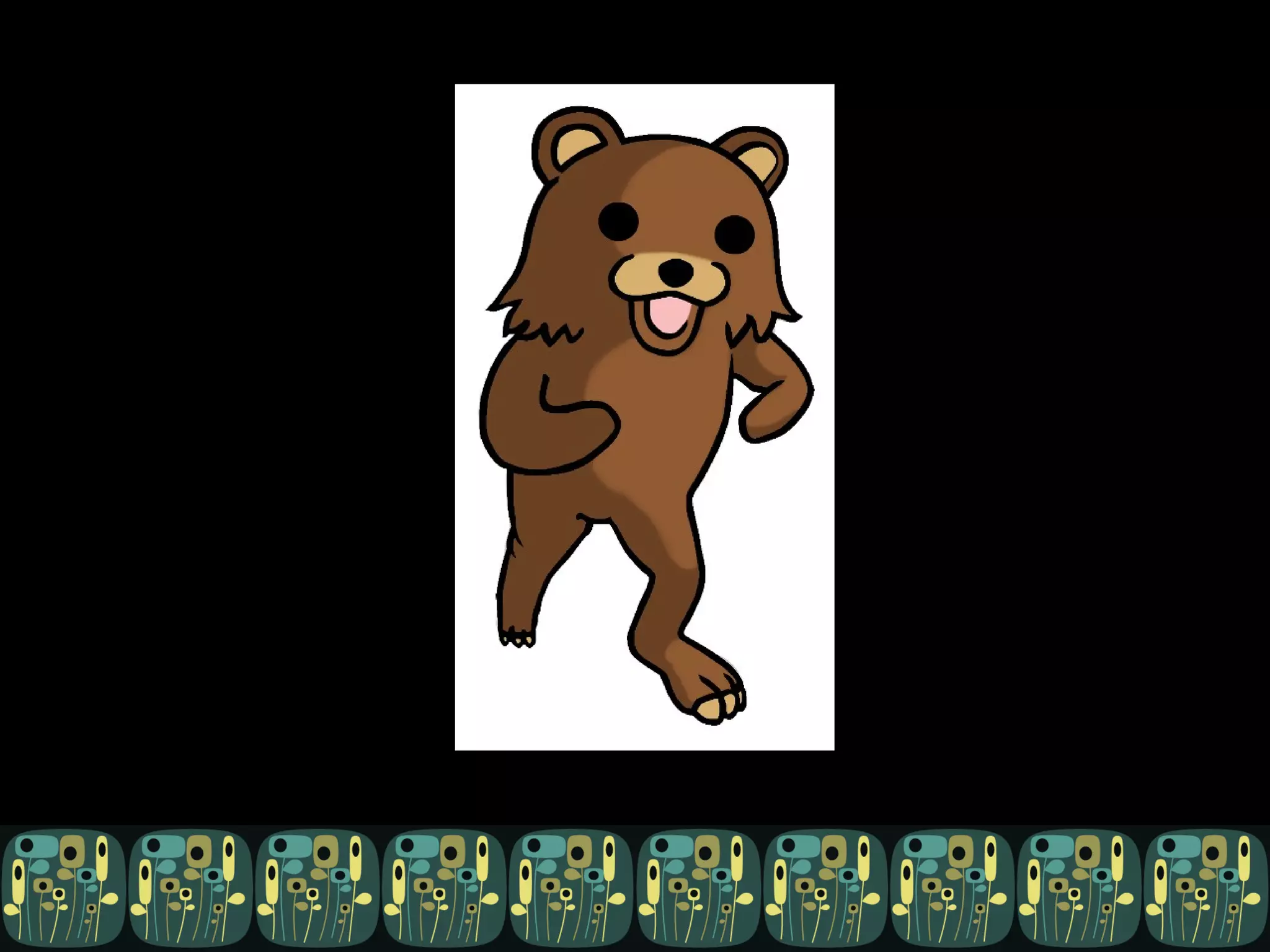
  • #21 /b/tards
  • #22 Web Developer – HTML/CSS/JS/Perl/Python/PHP/Ajax etc source: http://i33.tinypic.com/fvwf94.png
  • #23 Linux sysadmins. Source: http://www.flickr.com/photos/10304942@N08/1297384901/
  • #24 Smart phone app developers source: http://blog.wirelessground.com/wp-content/uploads/2010/09/iphone-vs-android.jpg
  • #25 Java developers:
  • #26 C++ developers
  • #27 Cobol developer
  • #28 Fortran
  • #29 Assembly
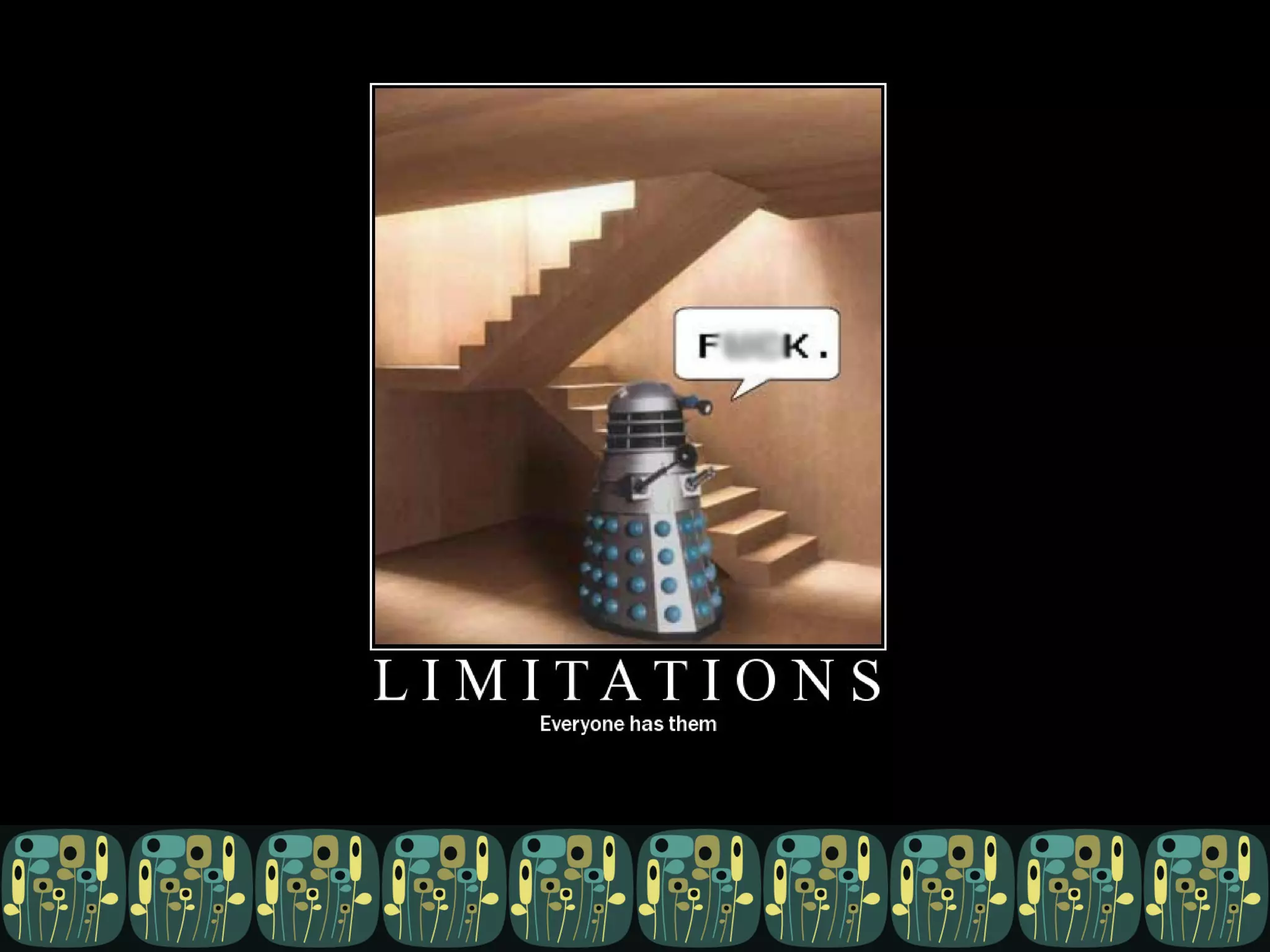
  • #31 They don’t understand my constraints
  • #32 They speak jargon
  • #33 Extroverts: source http://onstartups.com/Portals/150/images/salesguy.jpg
  • #34 They’re girls: source: http://4.bp.blogspot.com/_6Be_0T7bQ48/ST4iVCqb_JI/AAAAAAAADvc/WNqzQfR7vAw/s400/16.jpg
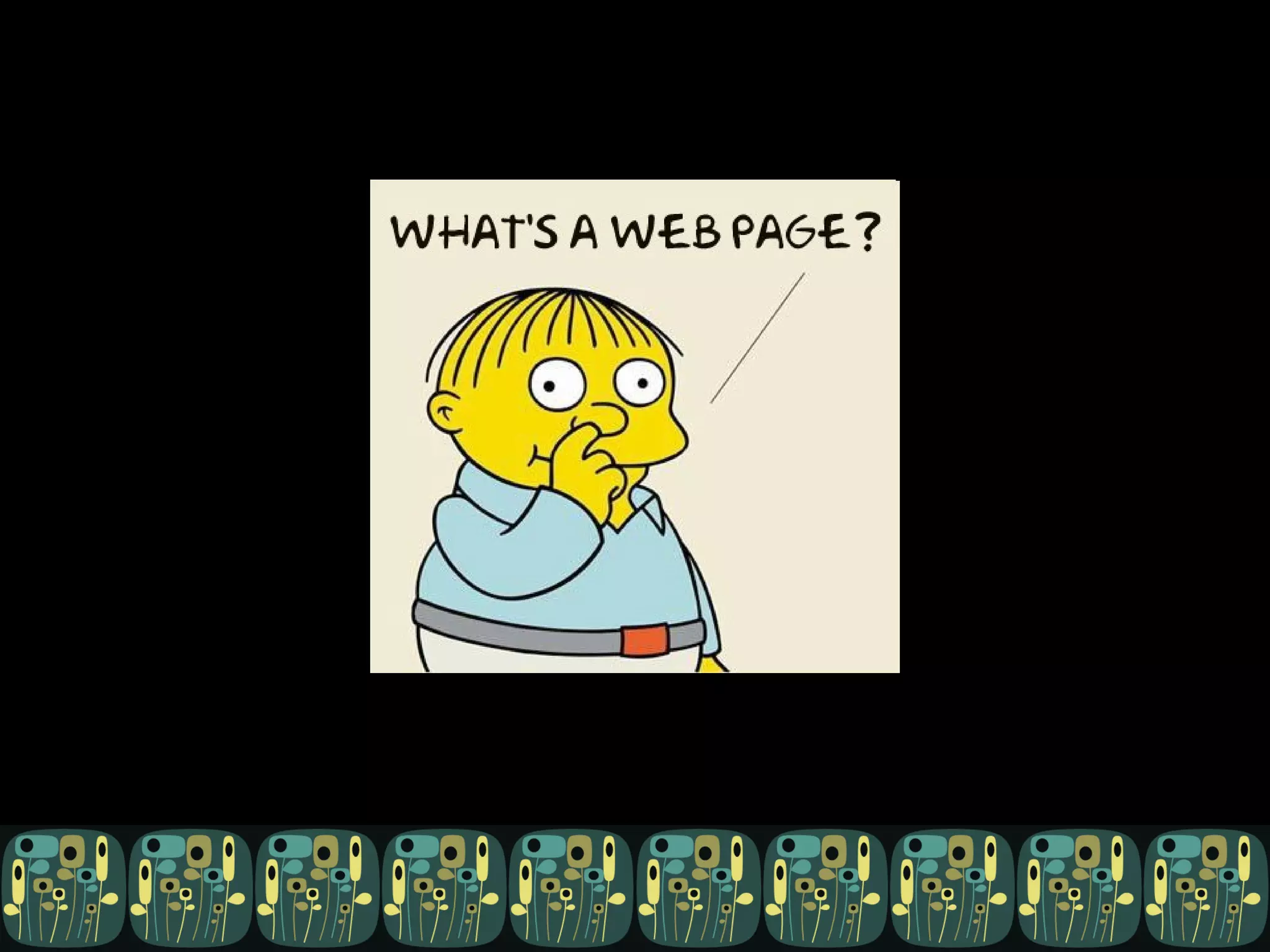
  • #35 They ask dumb questions
  • #36 They’re of no use whatsoever
  • #37 They are users = irrational, don’t understand constraints
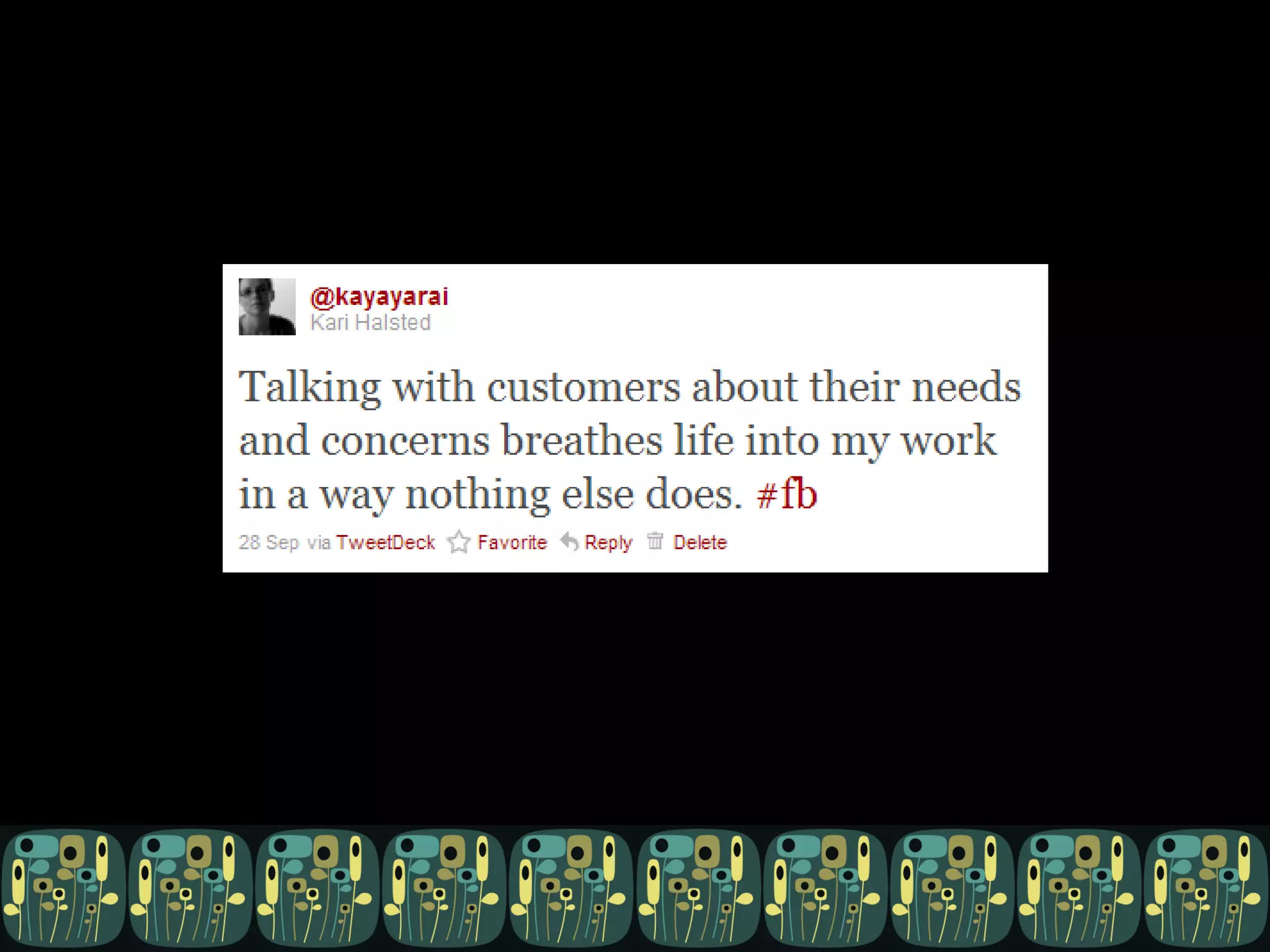
  • #38 They talk to customers; they can help you talk to customers. There is no substitute.
  • #39 They ARE users. They eat your dogfood. Source http://500hats.typepad.com/photos/uncategorized/2007/09/24/dogfood.jpg
  • #40 They are reasonable hand-drawn facimiles of users: same demographics, (in-) experience with software or domain.
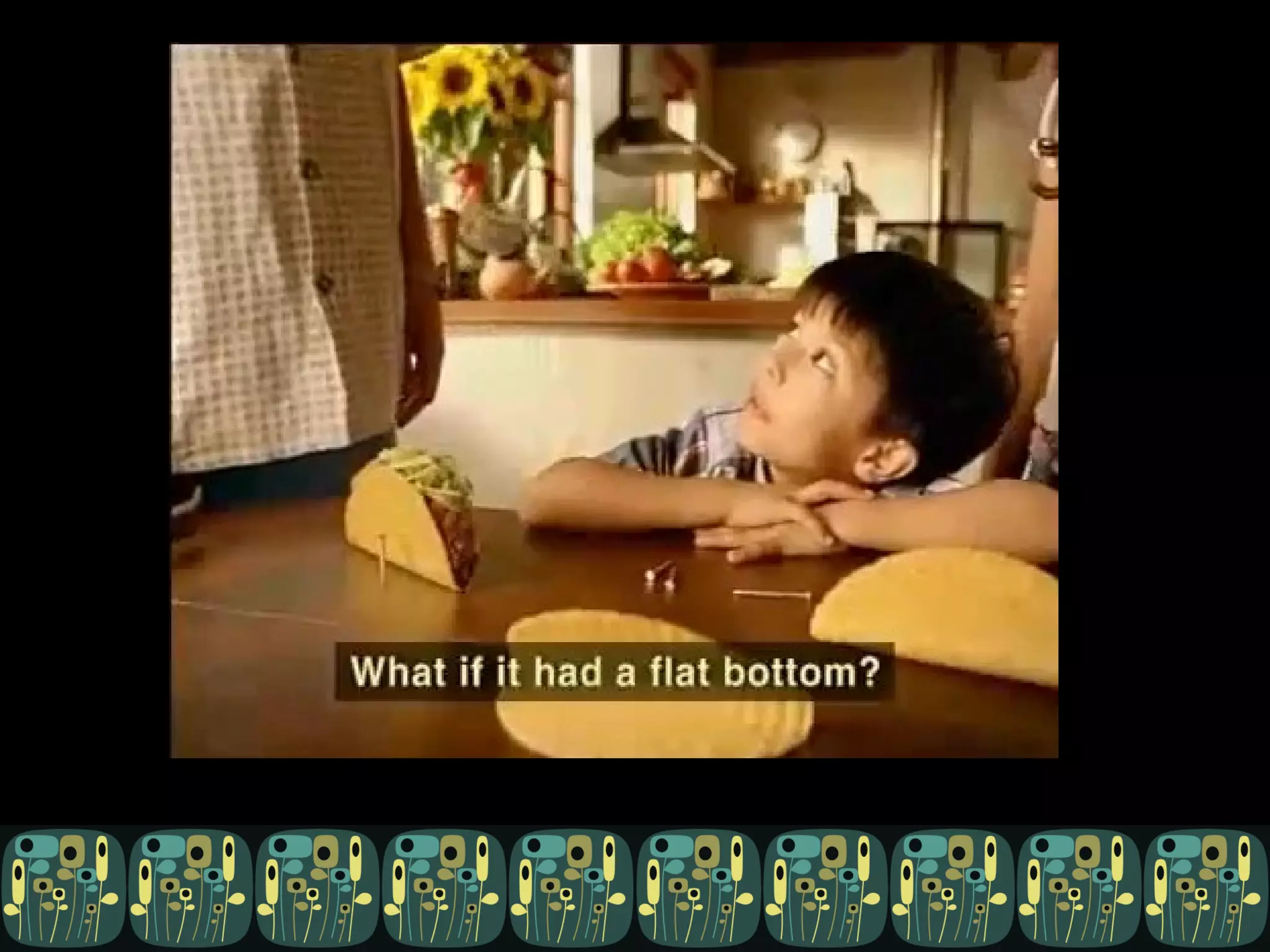
  • #41 They ask dumb questions. http://www.youtube.com/watch?v=xrbyVDMUT10
  • #42 They contribute diversity: http://www.flickr.com/photos/deestea/130262190/
  • #44 I didn’t want to subject you to the images I found when I googled this one. D&C is one of the more invasive medical procedures a woman can undergo, usually exacerbated by a corresponding negative emotional, stressful and exceedingly personal event (miscarriage, abortion, etc).
  • #46 Globe and Mail report: http://www.theglobeandmail.com/news/national/if-you-want-collective-smarts-include-women-in-your-group/article1736571/ On US study at Carnegie Mellon; Collectively intelligent teams are ones that have social sensitivity, promote the involvement of all members, and contain more women (a linear relationship – more women = better performance)
  • #47 These are things that developers/testers in *some* companies do, today, to varying degrees of job satisfaction or actual success. I’m not saying developers should stop doing these things, but that they could, given the right mix of people and projects. And that it will make the developer’s life better to do so.
  • #49 Test your use cases and stories
  • #50 Write messages and error text
  • #51 Improve design, sometimes by asking dumb questions, sometimes by being a neutral party, sometimes by not being constrained by your constraints, sometimes in the process of writing error messages -Sarah Packowski
  • #52 Be an audience for your demos
  • #53 Do your demos for you
  • #54 Many of us can read code. We can comment. We can write the “this is what this really does” docs. You can review it.
  • #55 We can be your eyes and ears on other arms-length related projects in the company, because usually we’re spread among several.
  • #56 Richard Feynman, famous for blowing holes in technical problems by asking basic, “stupid” questions Ask dumb questions … see http://articles.techrepublic.com.com/5100-10878_11-1049536.html?tag=content%3bleftCol - Why are we still using this tool? Can you explain this to me in simple terms? What does that acronym actually stand for? Who’s our best person at dealing with this kind of problem? Why is this [X] here?
  • #57 Influence your test plan. Marketing plans, user docs, company blog posts can help you write and prioritize test cases, because they reveal the message the product is sending to customers (that is, the expectations you’re setting). You don’t have to re-do all that research.
  • #58 Talk to users – mediate. If talking to users is time consuming, annoying, or just against your nature, get someone else to do it. It’s better than NOT doing it. The non-tech can serve as a user advocate AND as a buffer for the dev team (from sales, customers, etc). Especially if the user is also on the non-technical side of the spectrum.
  • #59 Help you figure out who you WOULD hire next time. So keep notes.