
First steps with MongoDB


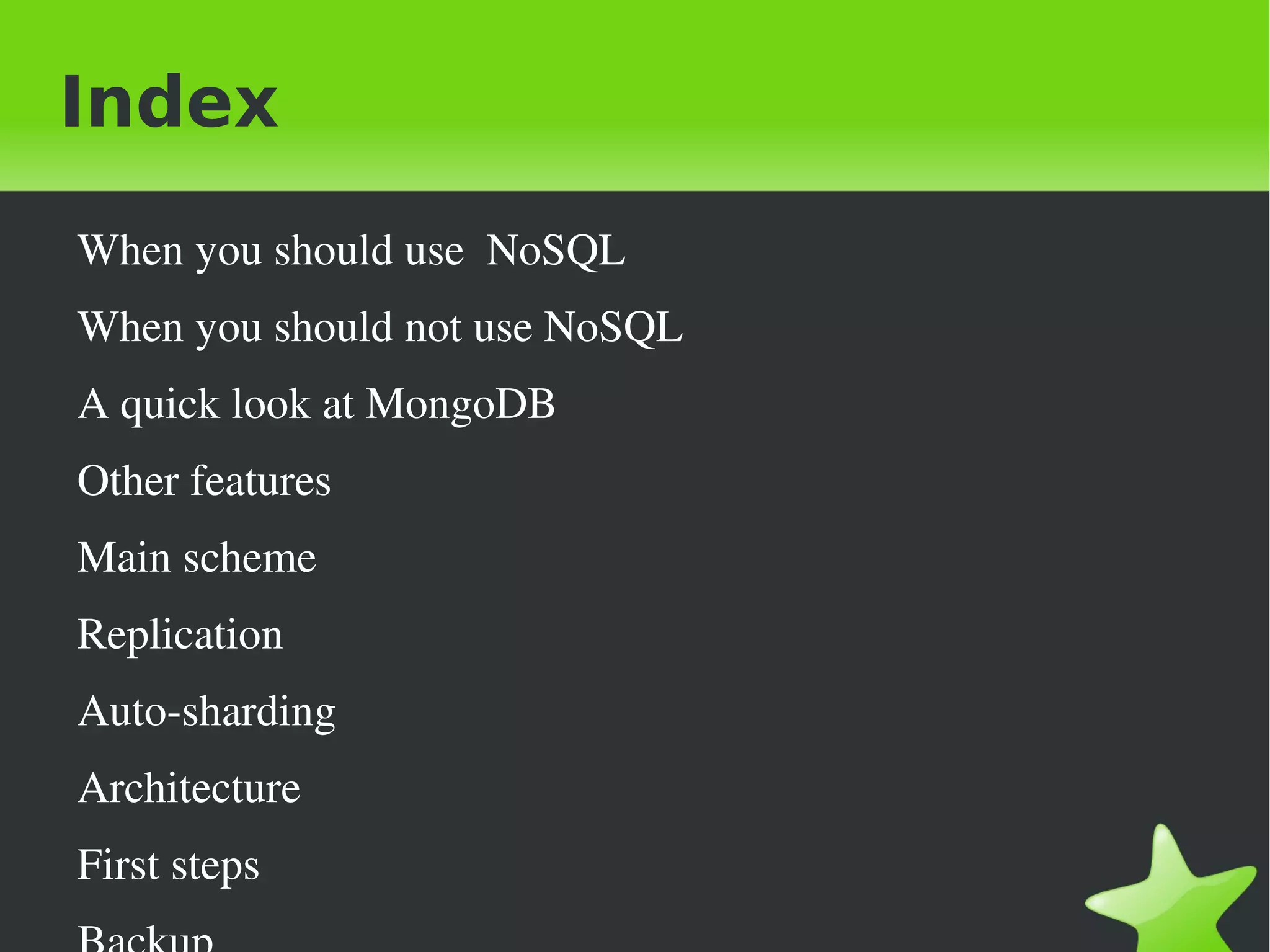
Index
    When you should use  NoSQL
    When you should not use NoSQL
    A quick look at MongoDB
    Other features
    Main scheme
    Replication
    Auto­sharding
    Architecture
    First steps
                                  
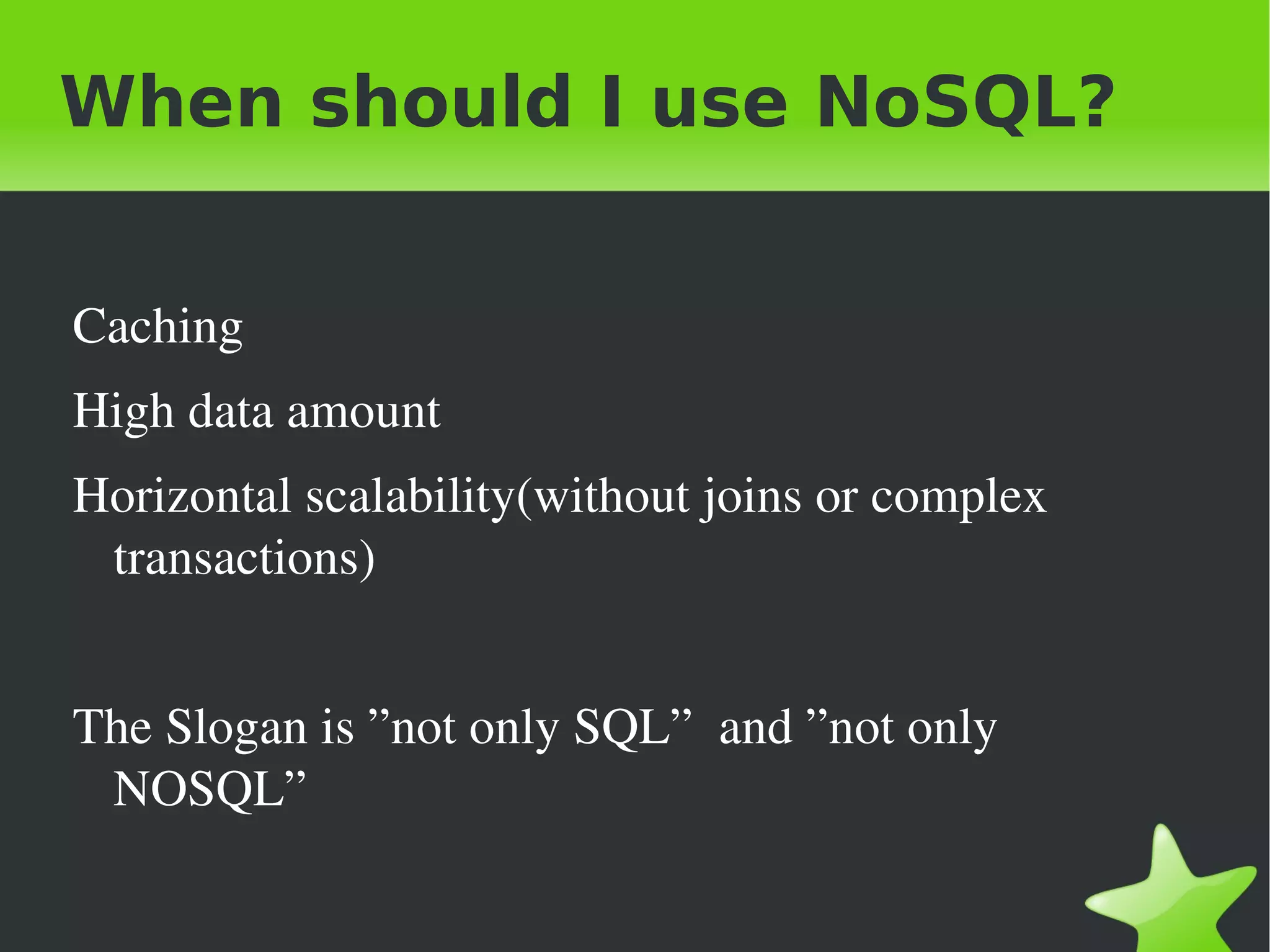
When should I use NoSQL?


 Caching
 High data amount
 Horizontal scalability(without joins or complex 
  transactions)


 The Slogan is ”not only SQL”  and ”not only 
  NOSQL” 

                             
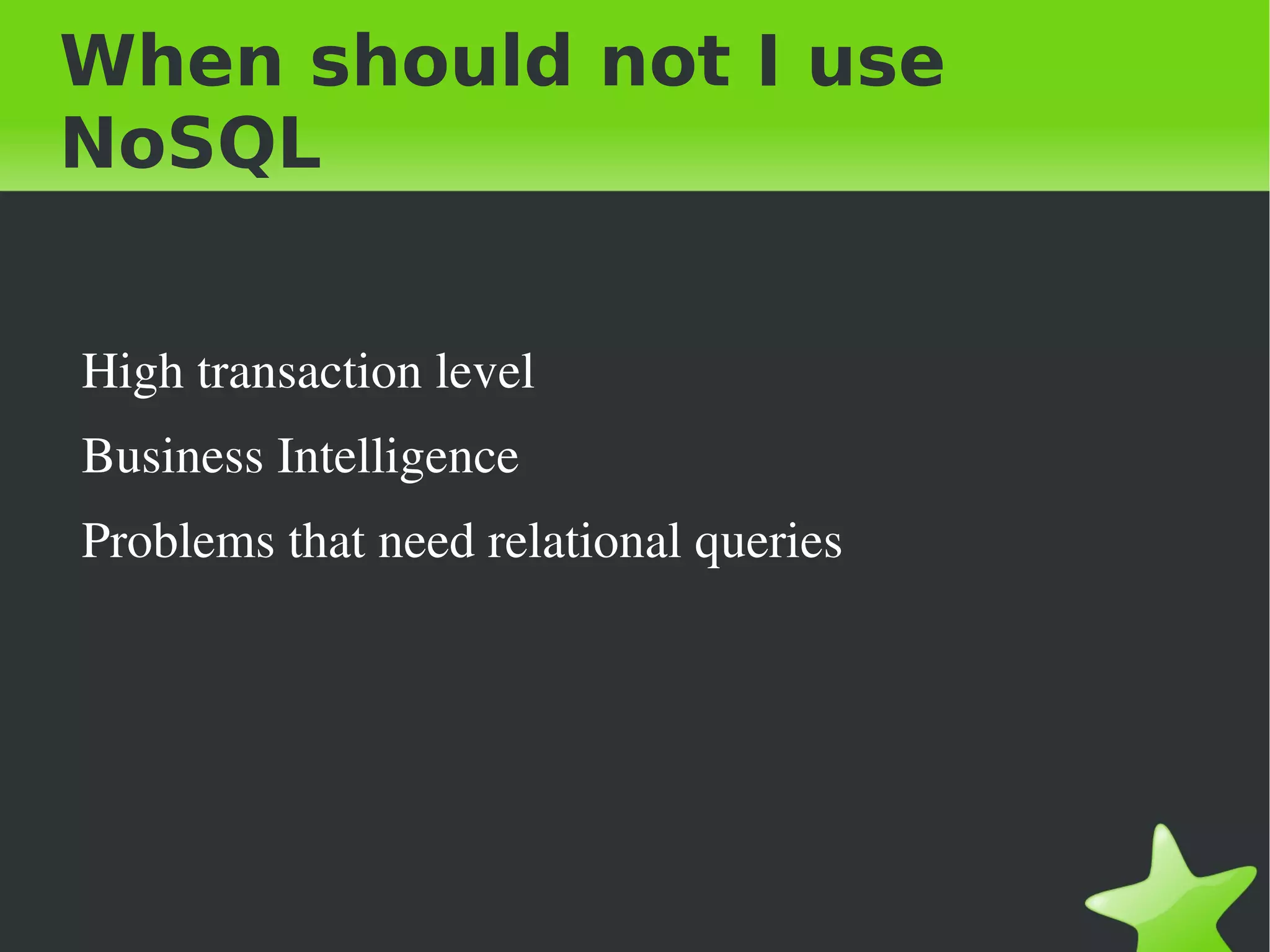
When should not I use
NoSQL


    High transaction level
    Business Intelligence
    Problems that need relational queries


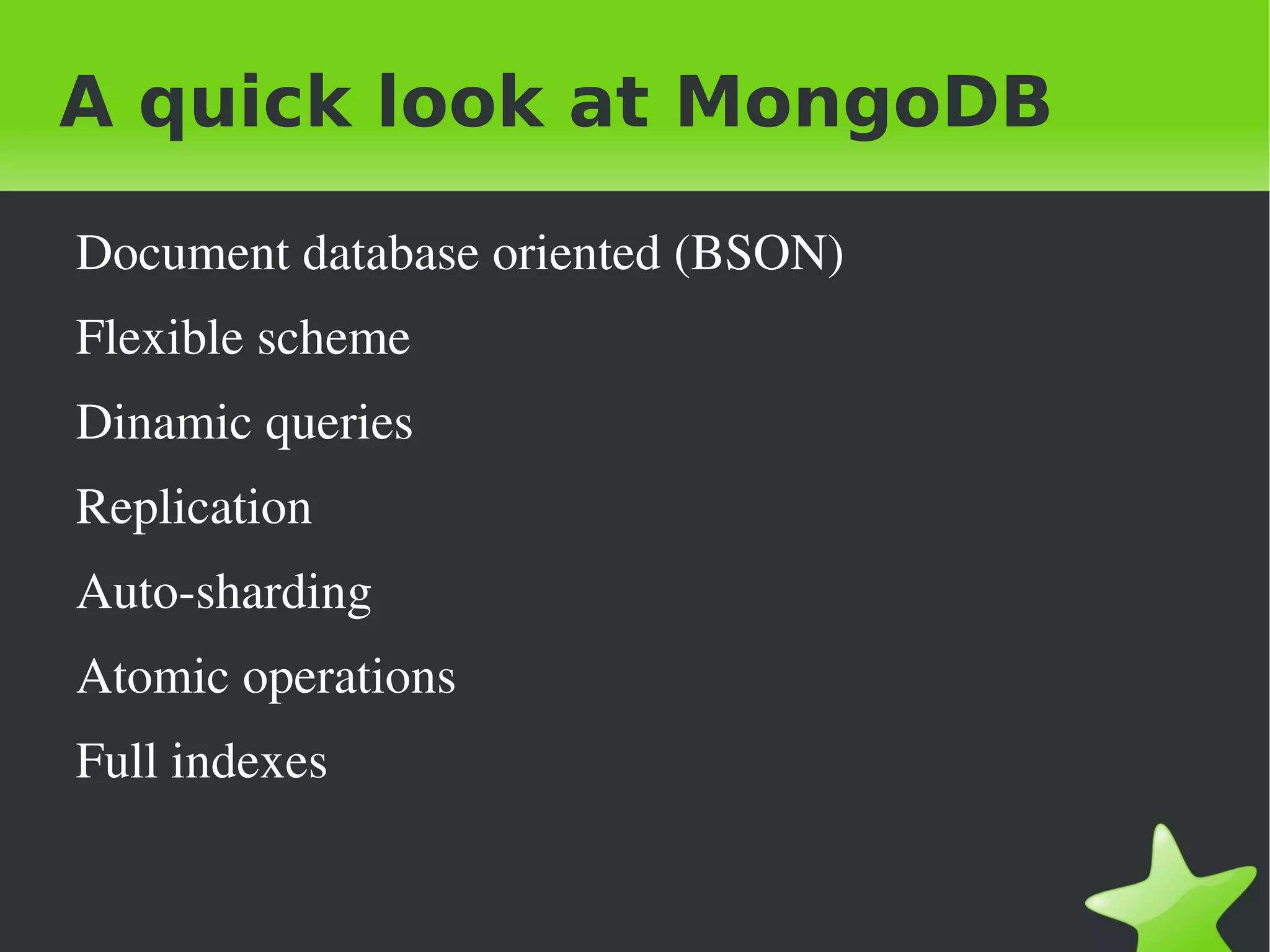
A quick look at MongoDB

    Document database oriented (BSON)
    Flexible scheme
    Dinamic queries
    Replication
    Auto­sharding
    Atomic operations
    Full indexes

                             
A quick look at MongoDB

    Not relational
    Distributed
    Opensource
    Horizontal scalability
    Drivers for most known programming languages
    Replication and automatic sharding
    GridFS

                               
Other features

    Map Reduce
      Queries are executed in parallel in all of the shards
      Adittion and process of flexible data
    Geospatial index
      Find objects based on their geographical location 


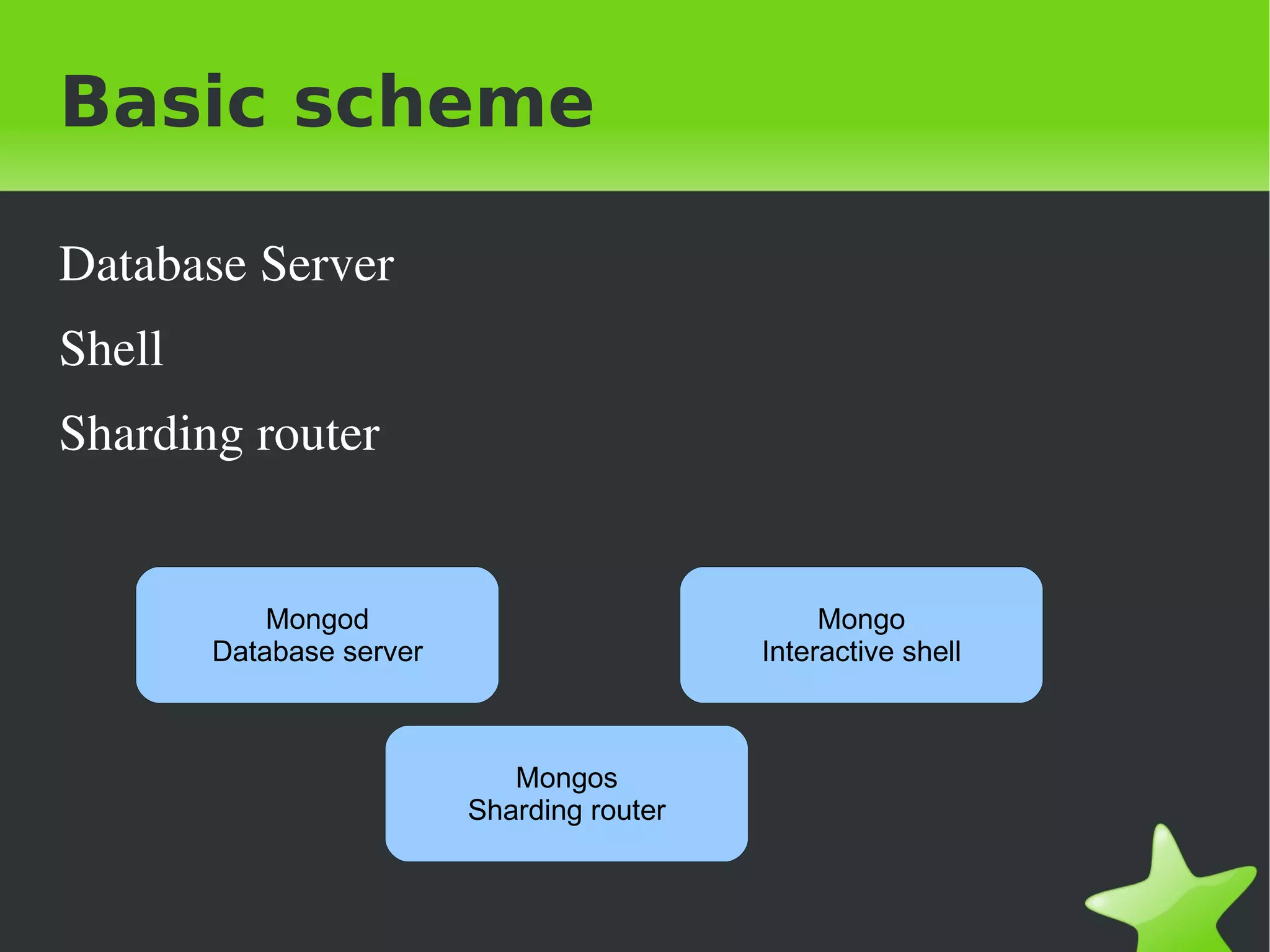
Basic scheme

Database Server
Shell
Sharding router


            Mongod                               Mongo
        Database server                     Interactive shell


                             Mongos
                          Sharding router


Replication

    Master: mongod –master
    Slave: mongod –source url:port or pasive –slavedelay 
      numberofseconds
    Replica Sets
      Full support in dealing with failures(recommended by each 
        shard)
      You can have passive members that never will be masters.
    Master­master
      Only recommended for insert and delete queries by id.
                                  
Auto-sharding

    Defined by a shard key
    Response in dealing with failures is handled by each 
     replica set.
    Queries map reduce could run in paralell between 
     many shards.
    You can add servers as shards and automatically data 
     are distributed along of all shards. 


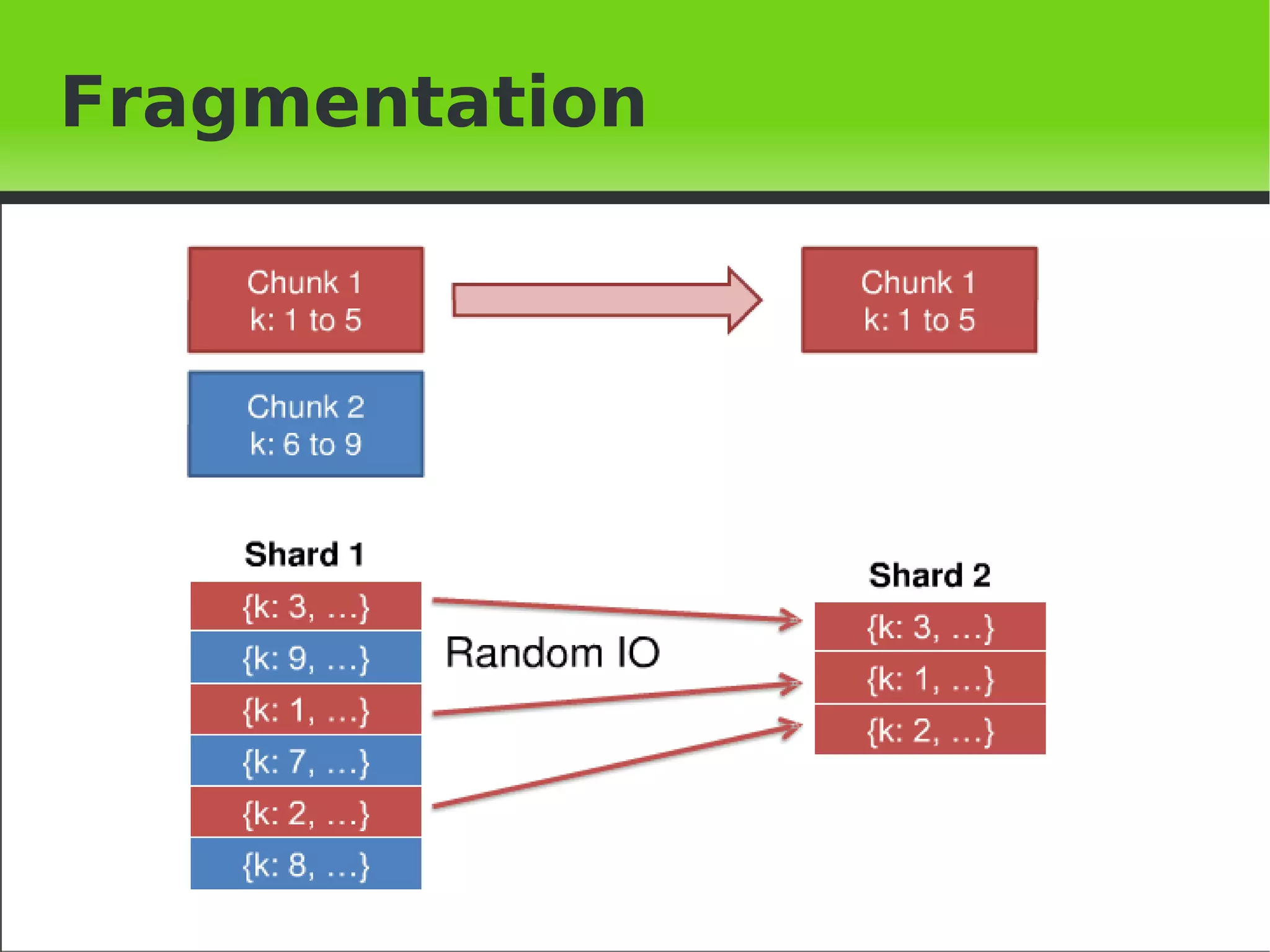
Fragmentation


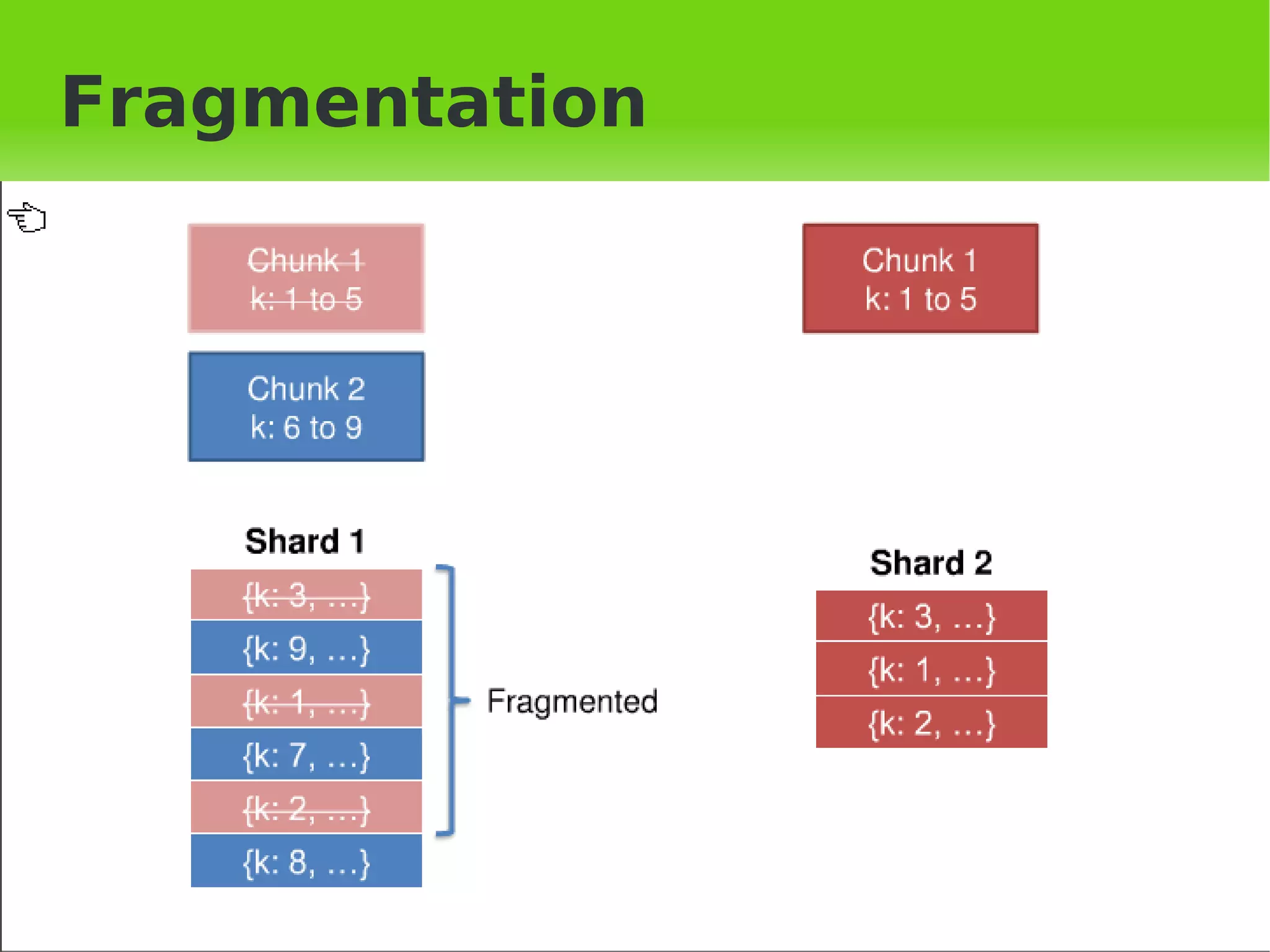
Fragmentation


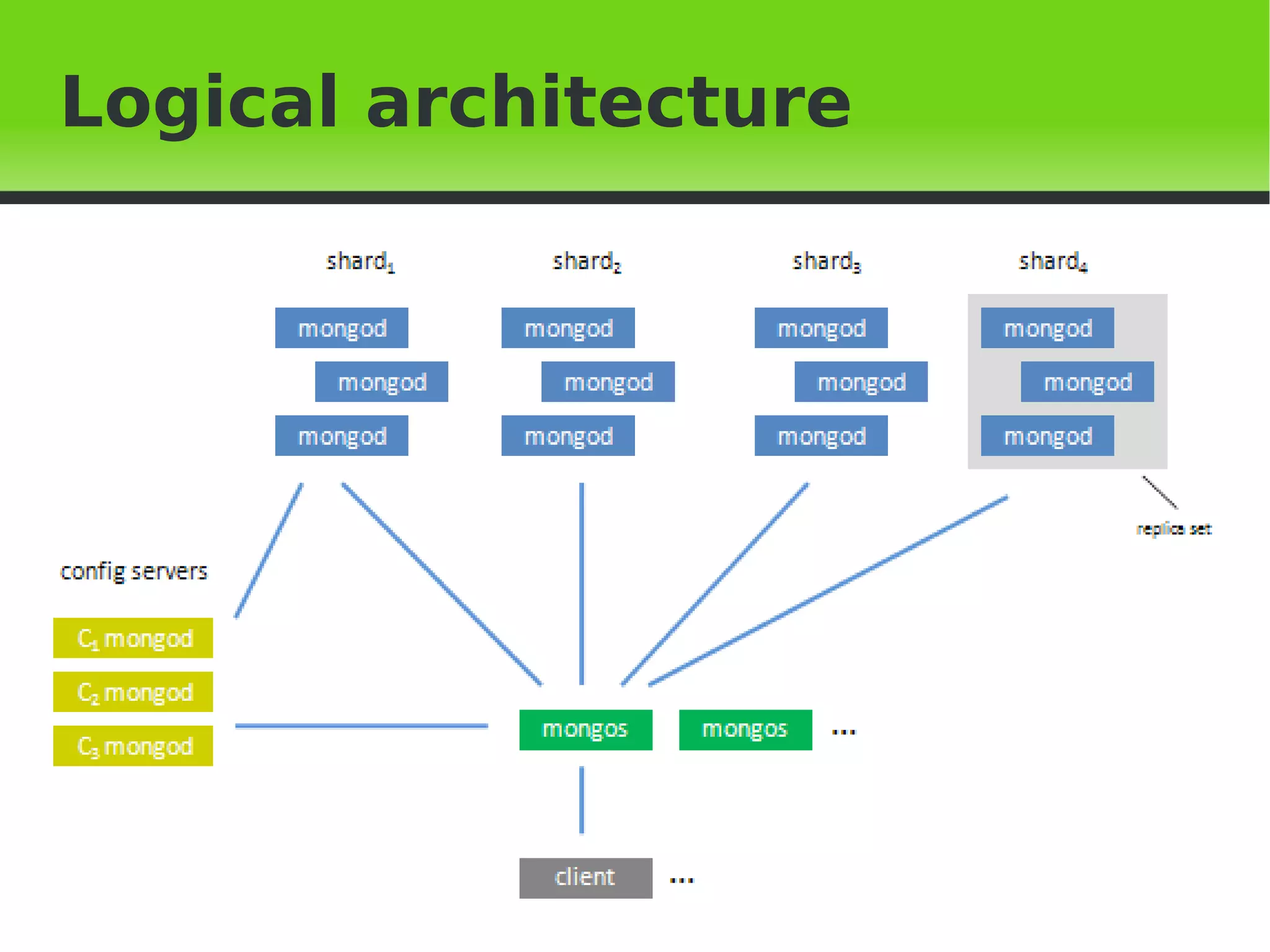
Architecture
    Shards Servers: mongod –shardsvr
    You can configure replication to dealing with failures.
    Shards Routers: mongos –configdb 
     urlconfig:portconfig
    It is the shell for the rest of clients.
    It can be executed in an application server for reduce 
       the load of the server.
    Config Routers:mongod –configsvr
    Recommended a group of 3
                                   
Logical architecture


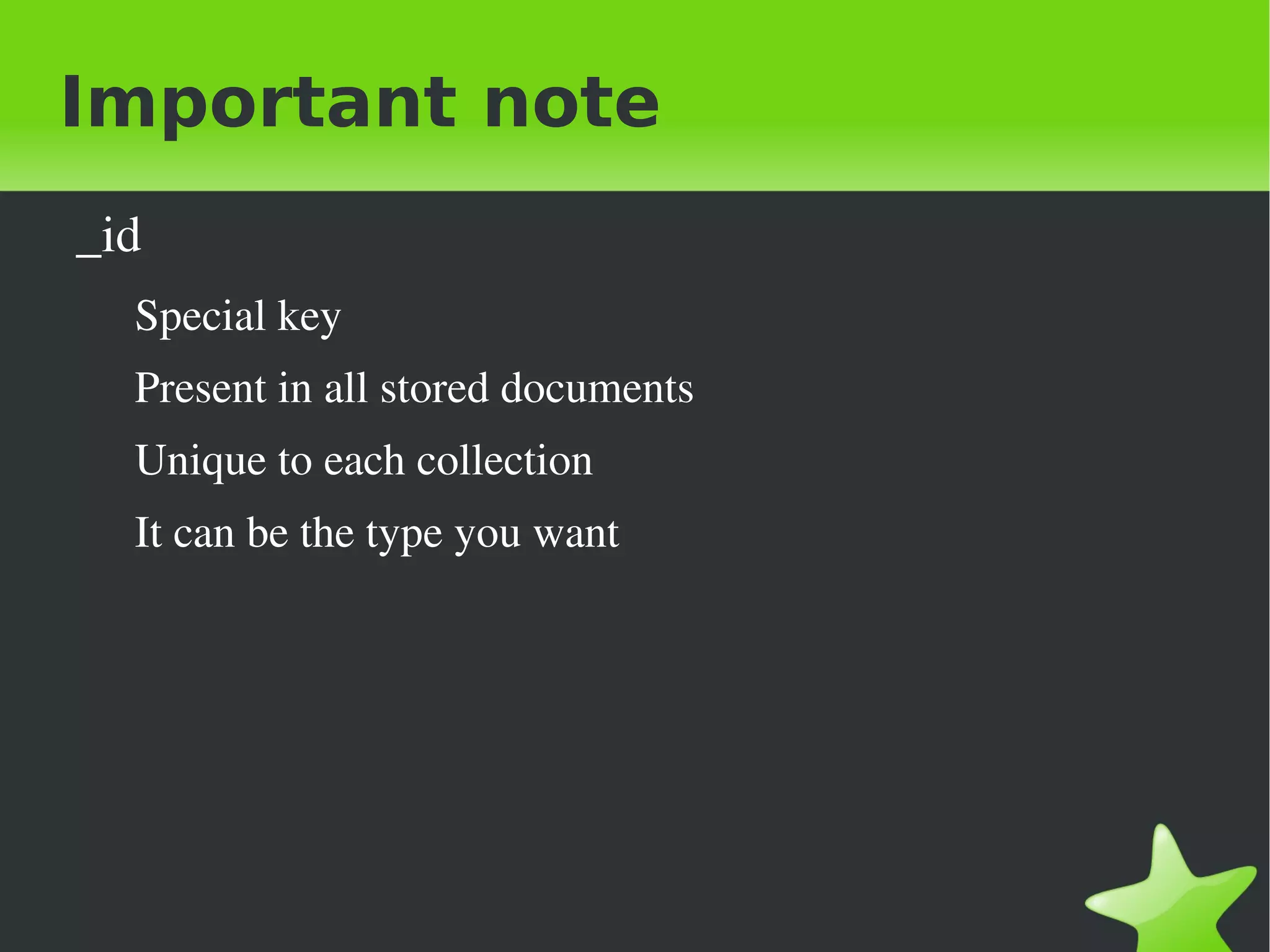
Important note
    _id
      Special key
      Present in all stored documents
      Unique to each collection
      It can be the type you want


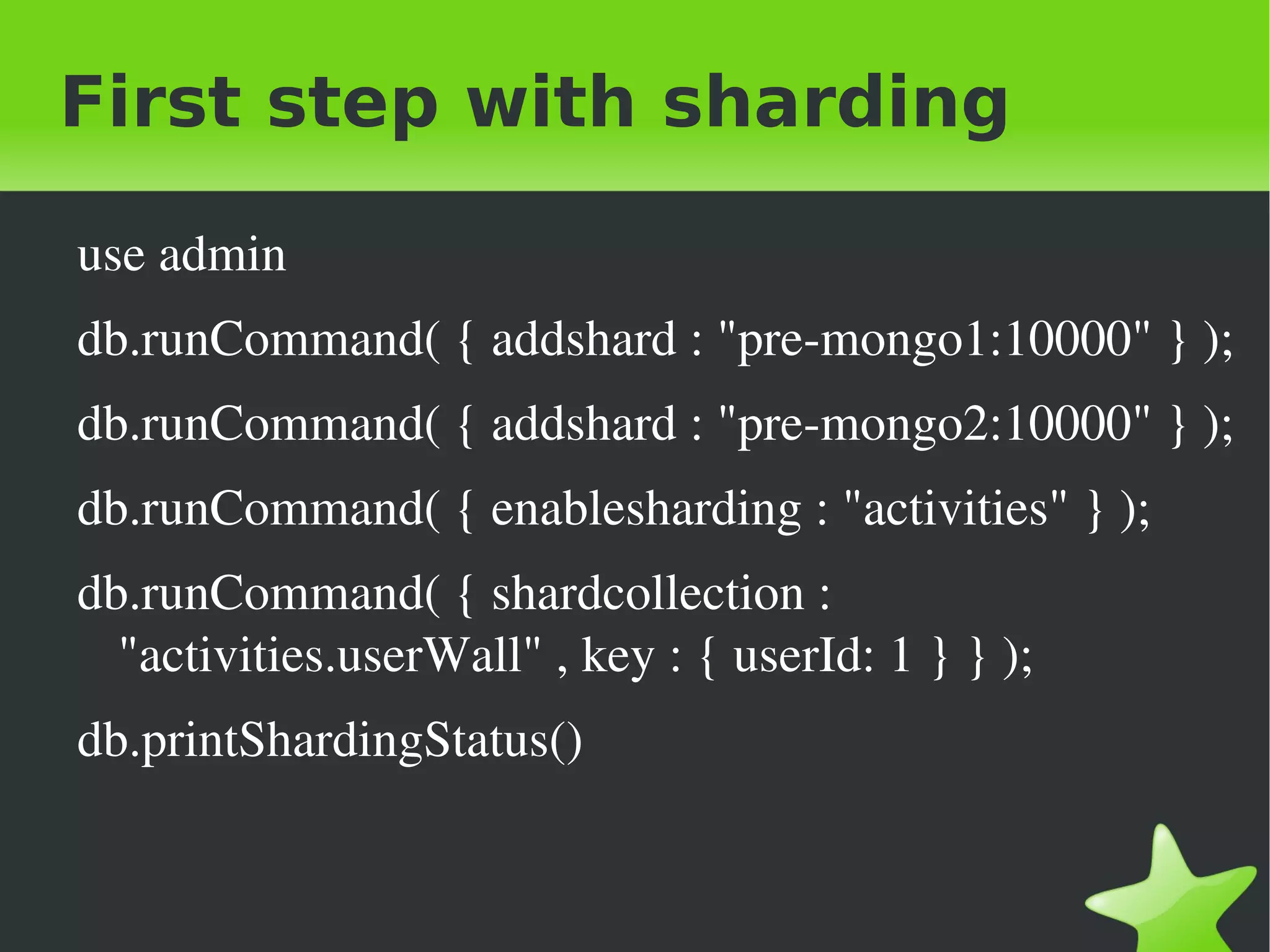
First step with sharding

    use admin
    db.runCommand( { addshard : "pre­mongo1:10000" } );
    db.runCommand( { addshard : "pre­mongo2:10000" } );
    db.runCommand( { enablesharding : "activities" } );
    db.runCommand( { shardcollection : 
      "activities.userWall" , key : { userId: 1 } } );
    db.printShardingStatus()


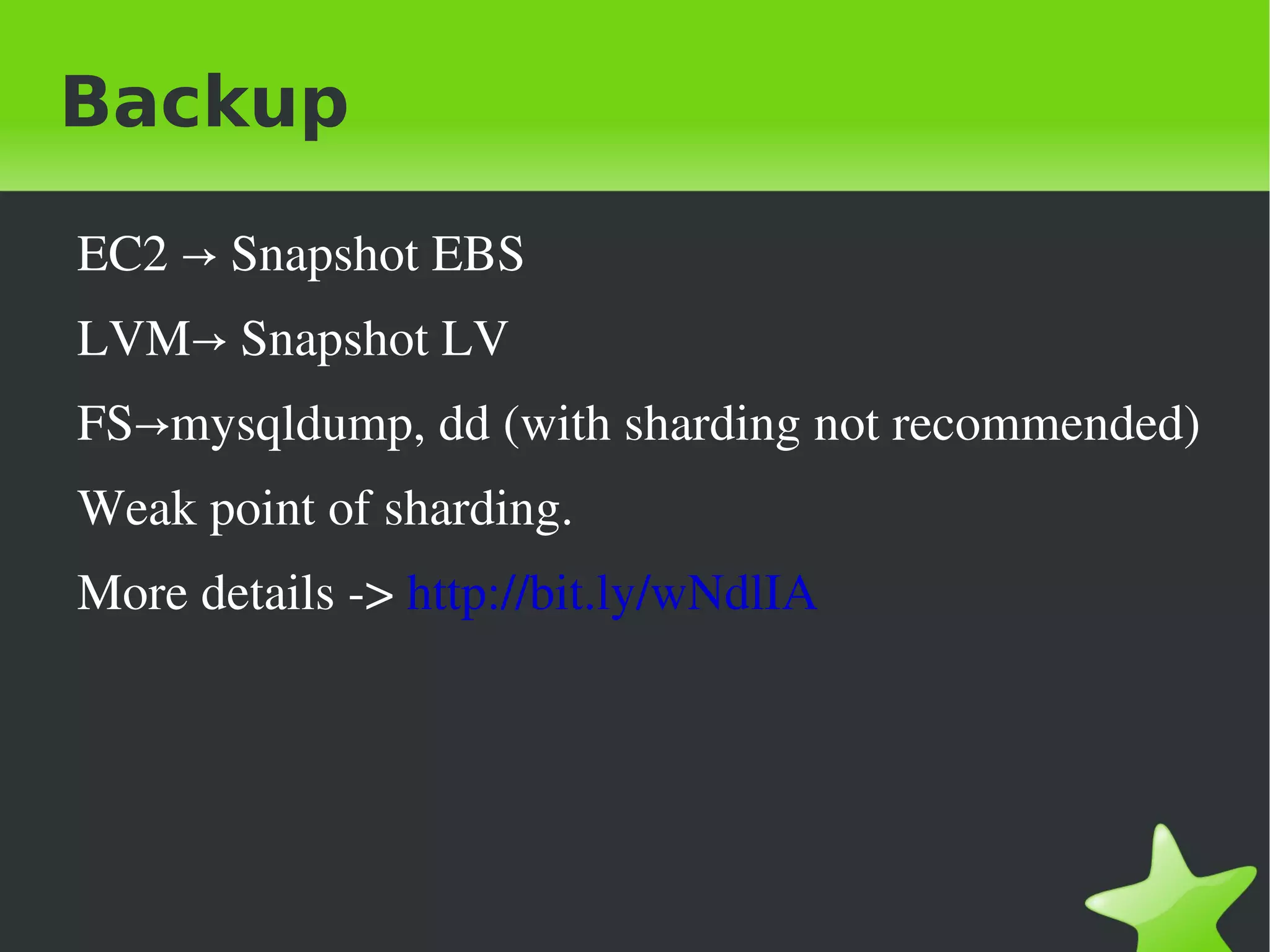
Backup

    EC2 → Snapshot EBS
    LVM→ Snapshot LV
    FS→mysqldump, dd (with sharding not recommended)
    Weak point of sharding.
    More details ­> http://bit.ly/wNdlIA


Questions?


Who am I?

    Spanish web: http://www.juanvicenteherrera.es
    English web: http://www.juanvicenteherrera.eu
    Twitter: http://twitter.com/jvicenteherrera
    LinkedIn: http://es.linkedin.com/in/jvherrera


MongoDB Devops Madrid February 2012

  • 1.
    First steps withMongoDB    
  • 2.
    Index When you should use  NoSQL When you should not use NoSQL A quick look at MongoDB Other features Main scheme Replication Auto­sharding Architecture First steps    
  • 3.
    When should Iuse NoSQL? Caching High data amount Horizontal scalability(without joins or complex  transactions) The Slogan is ”not only SQL”  and ”not only  NOSQL”     
  • 4.
    When should notI use NoSQL High transaction level Business Intelligence Problems that need relational queries    
  • 5.
    A quick lookat MongoDB Document database oriented (BSON) Flexible scheme Dinamic queries Replication Auto­sharding Atomic operations Full indexes    
  • 6.
    A quick lookat MongoDB Not relational Distributed Opensource Horizontal scalability Drivers for most known programming languages Replication and automatic sharding GridFS    
  • 7.
    Other features Map Reduce Queries are executed in parallel in all of the shards Adittion and process of flexible data Geospatial index Find objects based on their geographical location     
  • 8.
    Basic scheme Database Server Shell Sharding router Mongod Mongo Database server Interactive shell Mongos Sharding router    
  • 9.
    Replication Master: mongod –master Slave: mongod –source url:port or pasive –slavedelay  numberofseconds Replica Sets Full support in dealing with failures(recommended by each  shard) You can have passive members that never will be masters. Master­master Only recommended for insert and delete queries by id.    
  • 10.
    Auto-sharding Defined by a shard key Response in dealing with failures is handled by each  replica set. Queries map reduce could run in paralell between  many shards. You can add servers as shards and automatically data  are distributed along of all shards.     
  • 11.
  • 12.
  • 13.
    Architecture Shards Servers: mongod –shardsvr You can configure replication to dealing with failures. Shards Routers: mongos –configdb  urlconfig:portconfig It is the shell for the rest of clients. It can be executed in an application server for reduce  the load of the server. Config Routers:mongod –configsvr Recommended a group of 3    
  • 14.
  • 15.
    Important note _id Special key Present in all stored documents Unique to each collection It can be the type you want    
  • 16.
    First step withsharding use admin db.runCommand( { addshard : "pre­mongo1:10000" } ); db.runCommand( { addshard : "pre­mongo2:10000" } ); db.runCommand( { enablesharding : "activities" } ); db.runCommand( { shardcollection :  "activities.userWall" , key : { userId: 1 } } ); db.printShardingStatus()    
  • 17.
    Backup EC2 → Snapshot EBS LVM→ Snapshot LV FS→mysqldump, dd (with sharding not recommended) Weak point of sharding. More details ­> http://bit.ly/wNdlIA    
  • 18.
  • 19.
    Who am I? Spanish web: http://www.juanvicenteherrera.es English web: http://www.juanvicenteherrera.eu Twitter: http://twitter.com/jvicenteherrera LinkedIn: http://es.linkedin.com/in/jvherrera