Private Cloud AcademyAidan Finnaidan.finn@systemdynamics.iePaul HallPaul.Hall@systemdynamics.ie
3/25/20112System Dynamics - OverviewEstablished 1968
Acquired 1997 from UK parent by current management
Ireland’s largest indigenous IT Business 	Solutions CompanyWinner of Deloitte Best Managed Companies Awards 2009, 2010 and 2011
Hyper-V and System Centre
SharePoint
ASP.NET, SQL, InfoPathPrivate Cloud Academy One of four modulesModule I: Hyper-V and Private Cloud Computing Module II: Managing Hyper-V (14 January 2011) Module III: Hyper-V and Data Protection Manager (Today) Module IV: Windows Server 2008 R2 Service Pack 1 (20 May 2011) Very important that we learn from today so please fill out your feedback forms.
About Aidan FinnInfrastructure Team Lead at System Dynamicshttp://www.systemdynamics.ieWorking in IT since 1996MCSE & MVP (Virtual Machine)Experienced with Windows Server/Desktop, System Center, virtualisation, and IT infrastructure.Blog: http://www.aidanfinn.com
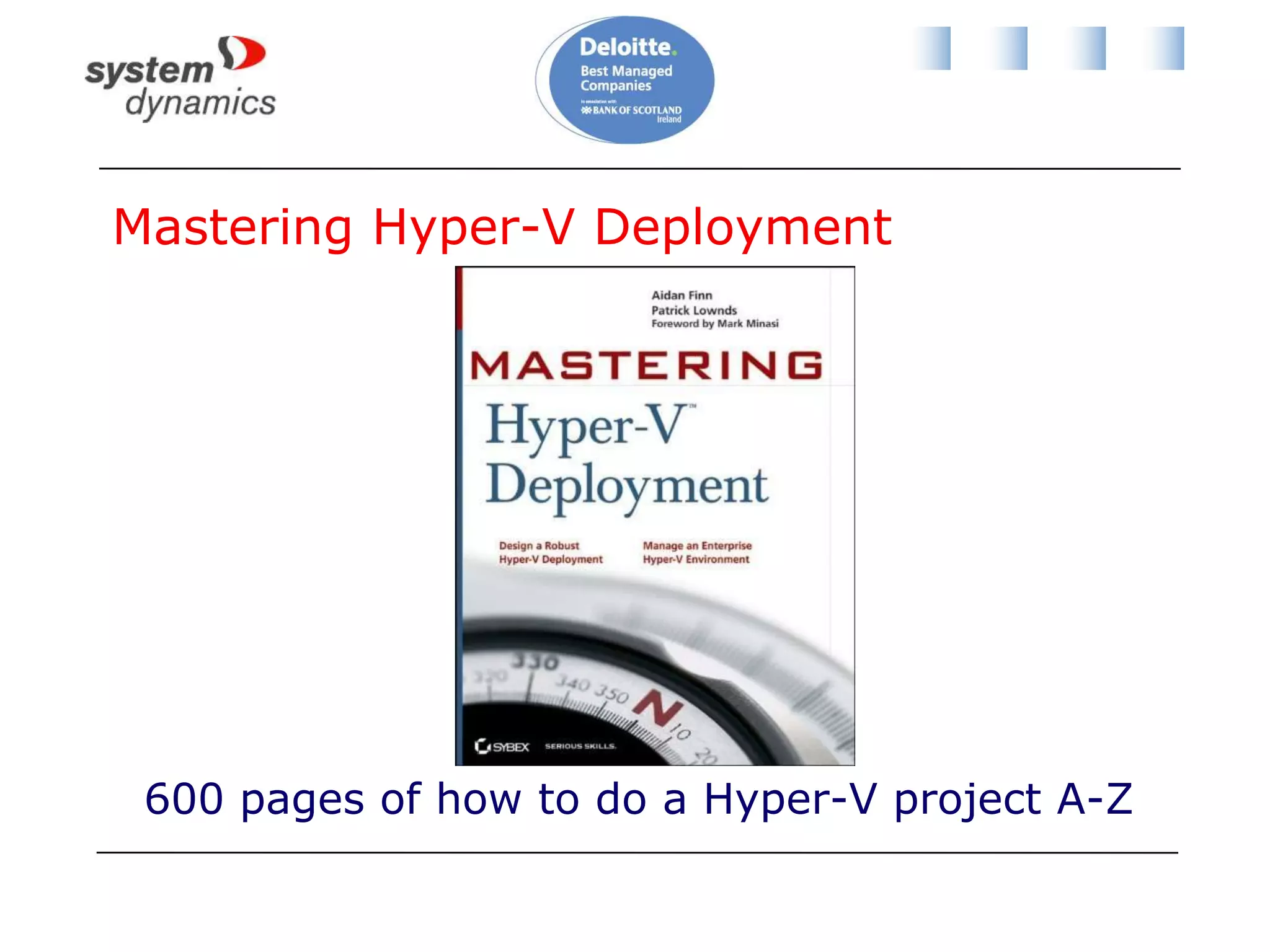
Mastering Hyper-V Deployment600 pages of how to do a Hyper-V project A-Z
AlsoMastering Windows Server 2008 R2 (Sybex,  2009) - 4 chaptersMastering Windows 7 Deployment (Sybex, 2011)10215A: Implementing and Managing Microsoft Server 2008 R2 Virtualization – Technical reviewer
AgendaBreaking news from MMS 2011 (Level 100)Hyper-V cluster design & backup (Level 400)Introducing DPM 2010 (Level 100)Protecting Hyper-V and workloads (Level 300)Site-to-site replication for DR (Level 300)
Breaking News From MMS 2011
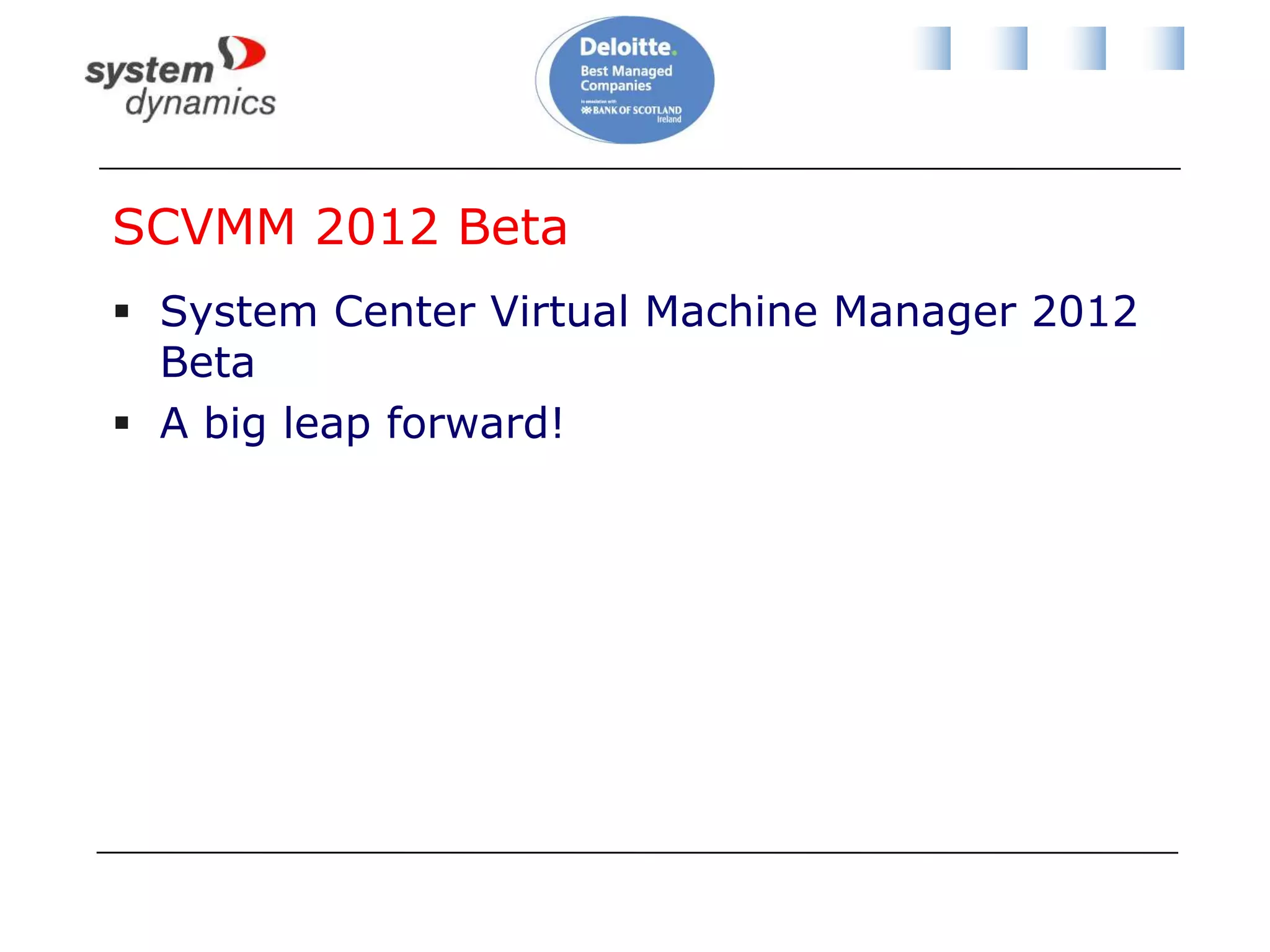
SCVMM 2012 BetaSystem Center Virtual Machine Manager 2012 BetaA big leap forward!
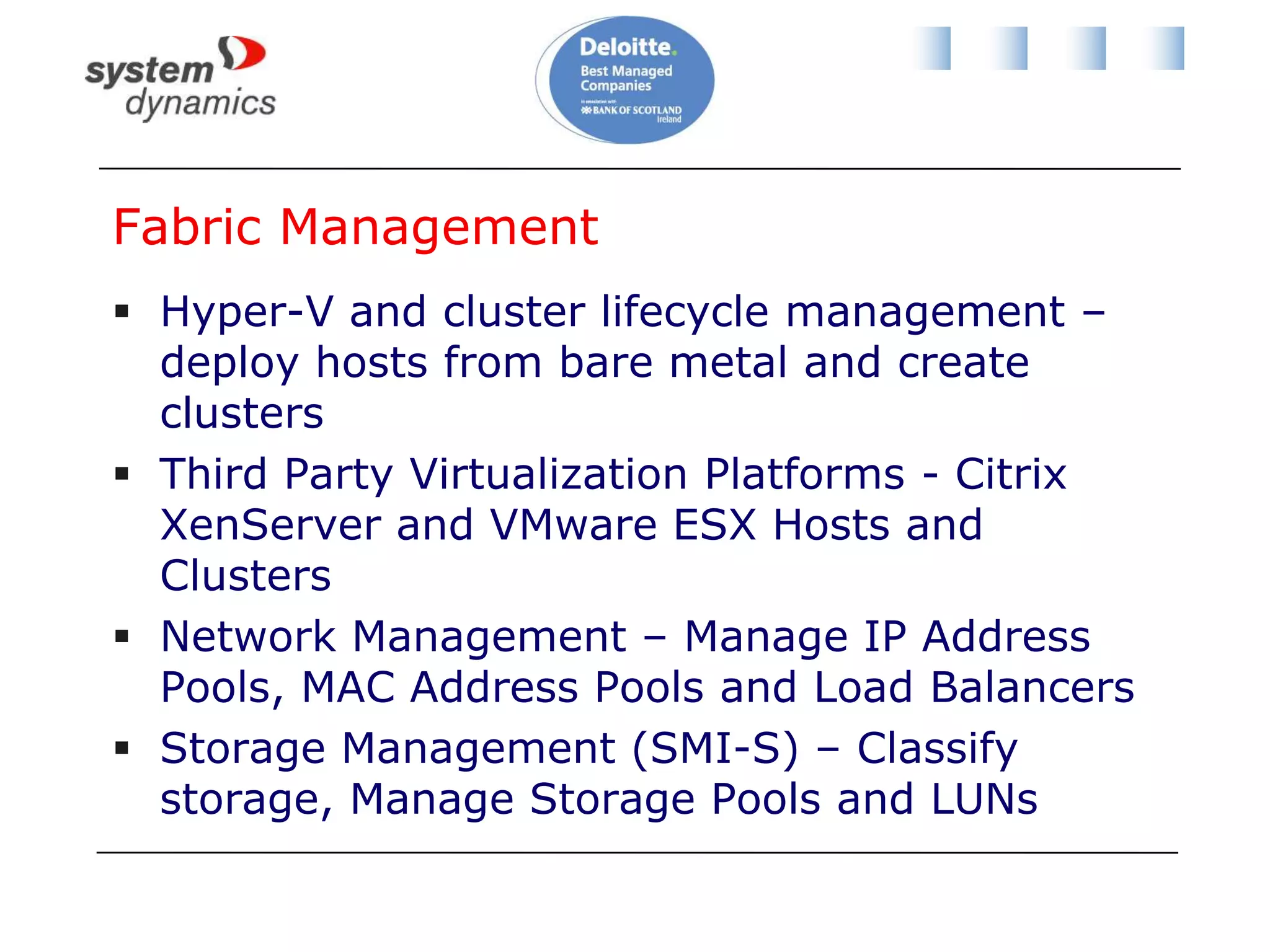
Fabric ManagementHyper-V and cluster lifecycle management – deploy hosts from bare metal and create clustersThird Party Virtualization Platforms - Citrix XenServer and VMware ESX Hosts and ClustersNetwork Management – Manage IP Address Pools, MAC Address Pools and Load BalancersStorage Management (SMI-S) – Classify storage, Manage Storage Pools and LUNs
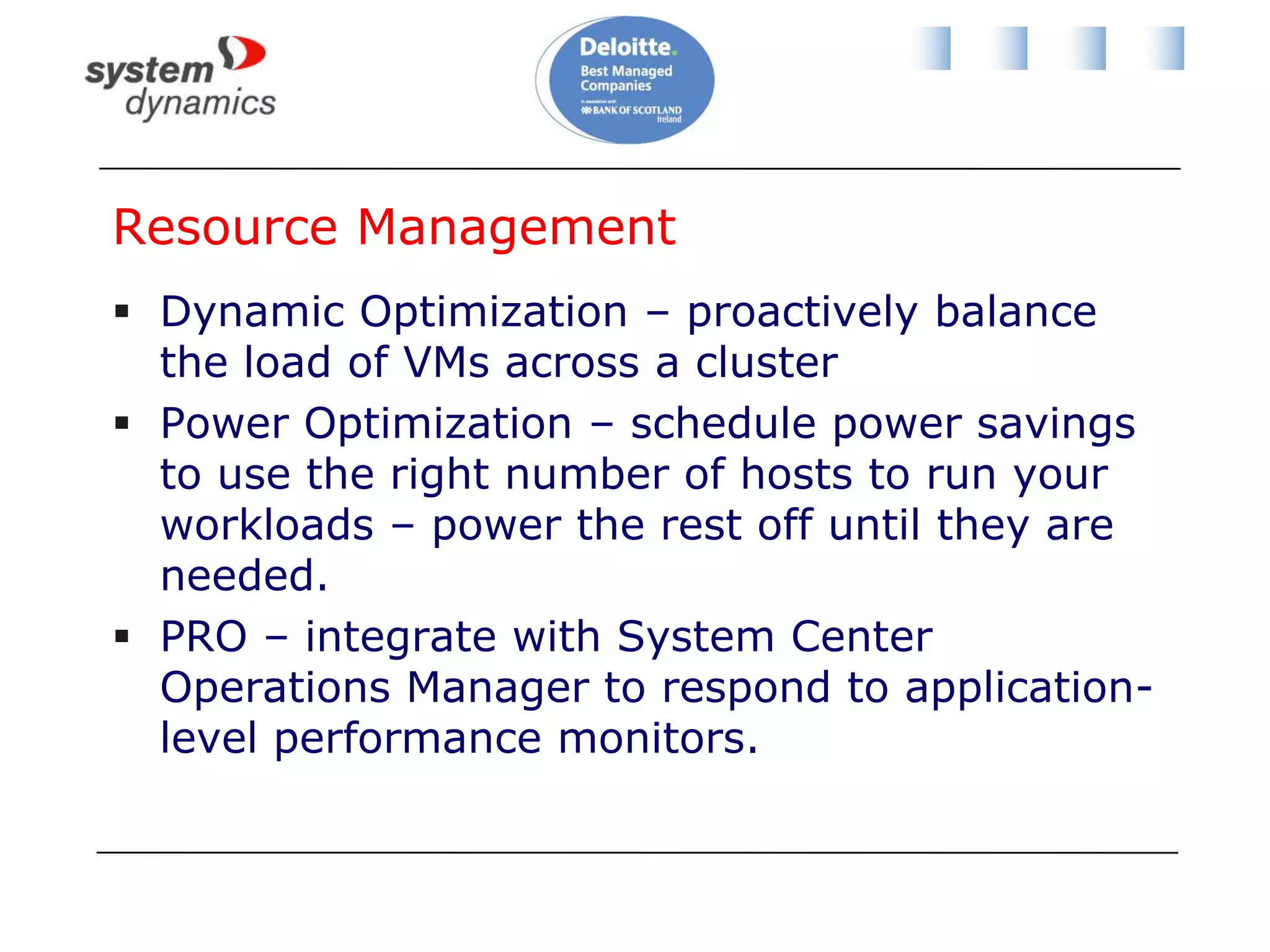
Resource ManagementDynamic Optimization – proactively balance the load of VMs across a cluster Power Optimization – schedule power savings to use the right number of hosts to run your workloads – power the rest off until they are needed.PRO – integrate with System Center Operations Manager to respond to application-level performance monitors.
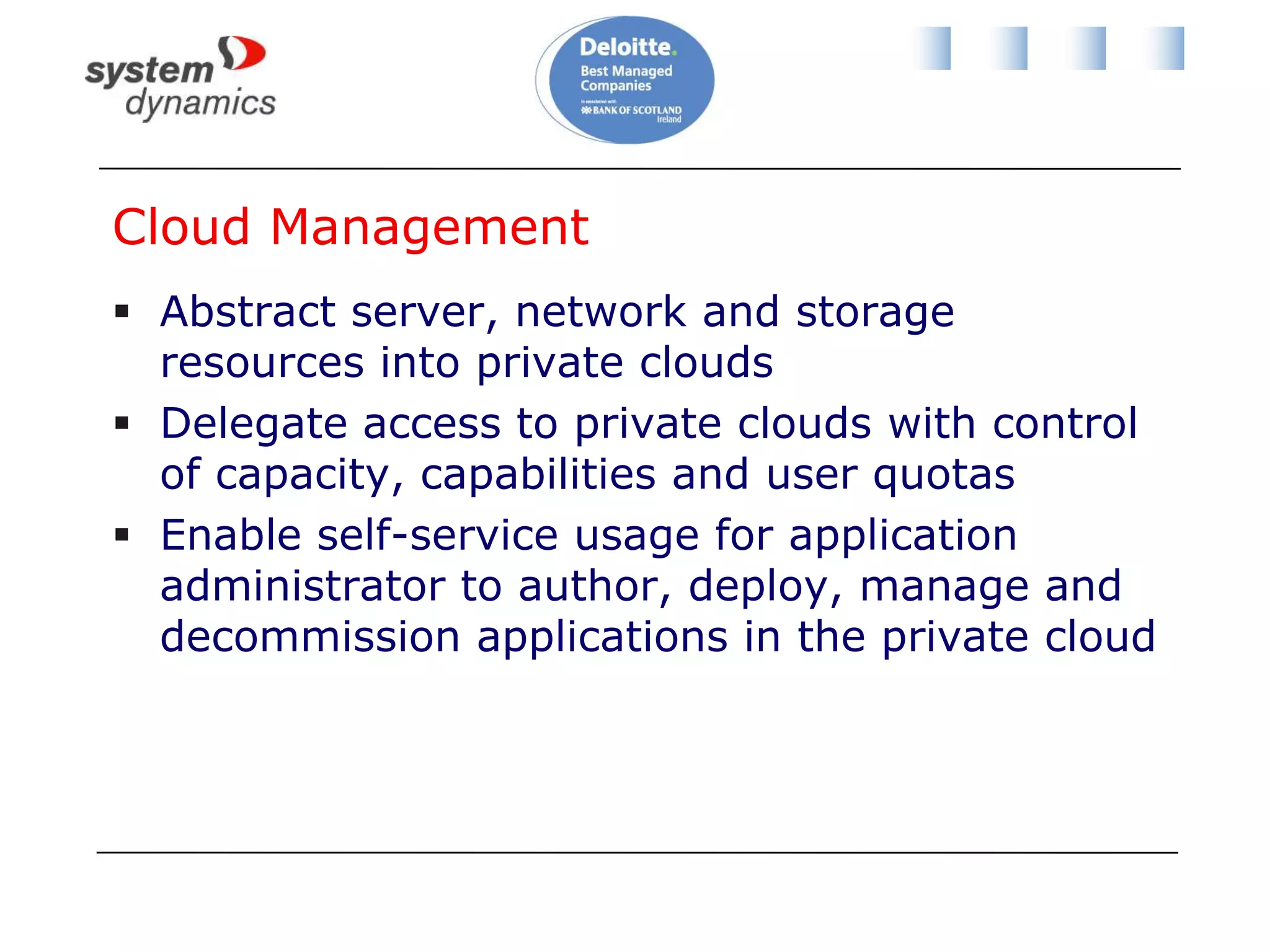
Cloud ManagementAbstract server, network and storage resources into private clouds Delegate access to private clouds with control of capacity, capabilities and user quotasEnable self-service usage for application administrator to author, deploy, manage and decommission applications in the private cloud
Service ManagementDefine service templatesCompose operating system images and applications during service deployment Scale out the number of virtual machines in a service Service performance and health monitoring integrated with Ops MgrDecouple OS image and application updates through image-based servicing. Server application virtualization technologies such as Server App-V
Project ConceroPortal applicationIntegrated public (Azure) and private (SCVMM) cloud managementStill early days
DPM 2012Some details revealedNew approach to VSSItem level recovery from VHD, even when DPM in a VMManage many DPM servers from OpsMgrRole-based administrationCan upgrade DPM 2010
Hyper-V Cluster Design & Backup
Why Are We Talking About This?Let’s do some recapAnd discuss some concepts
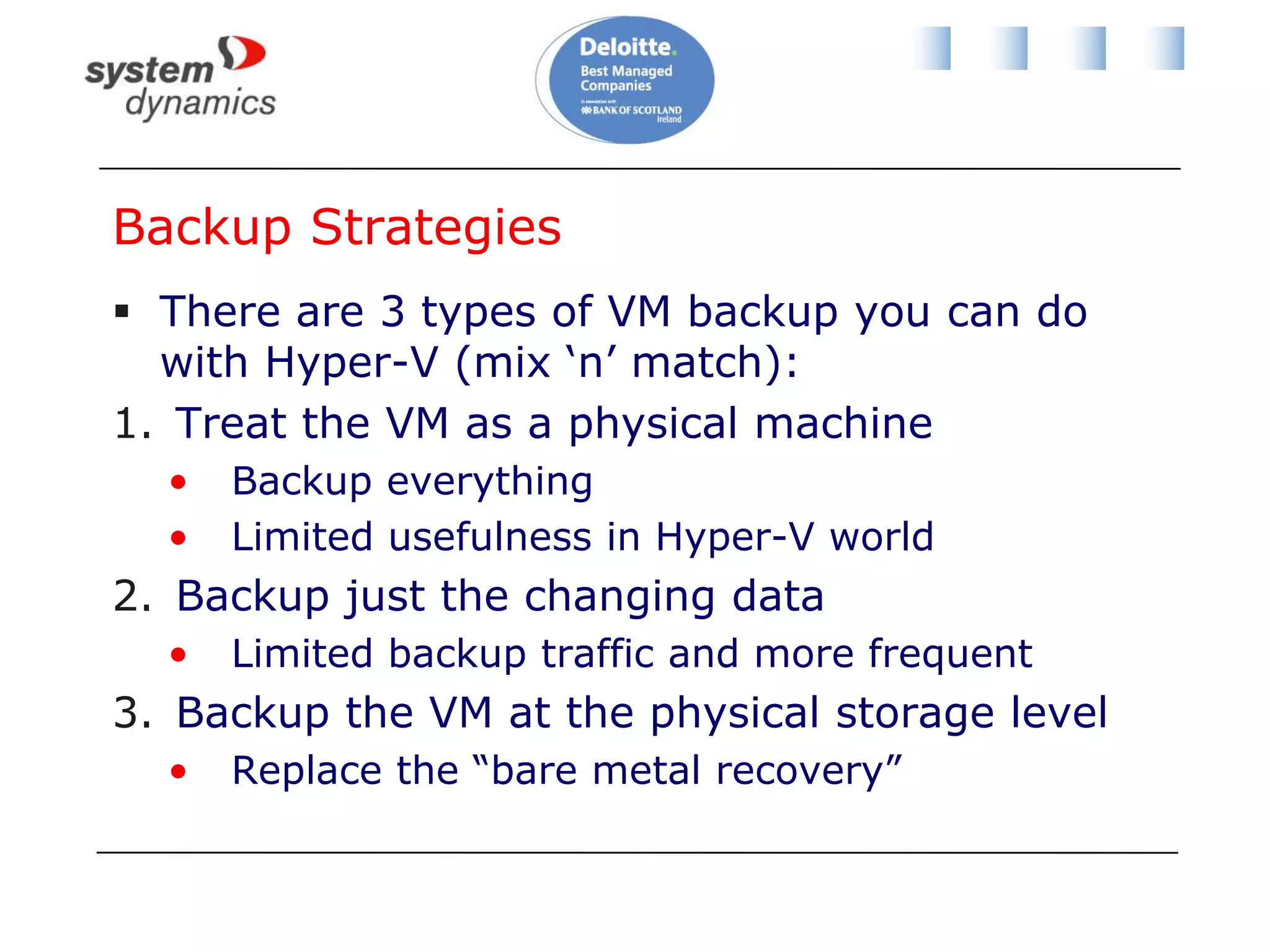
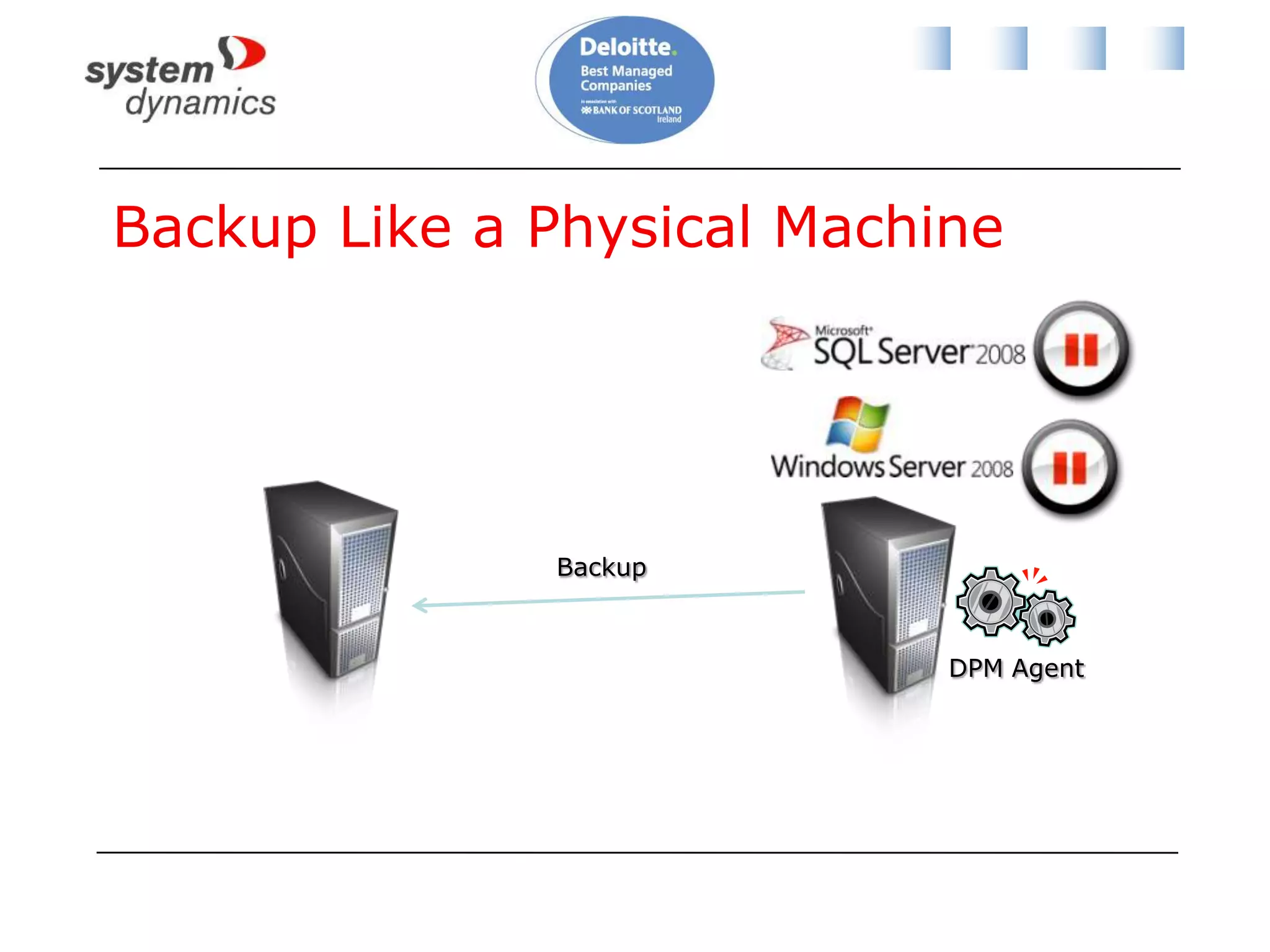
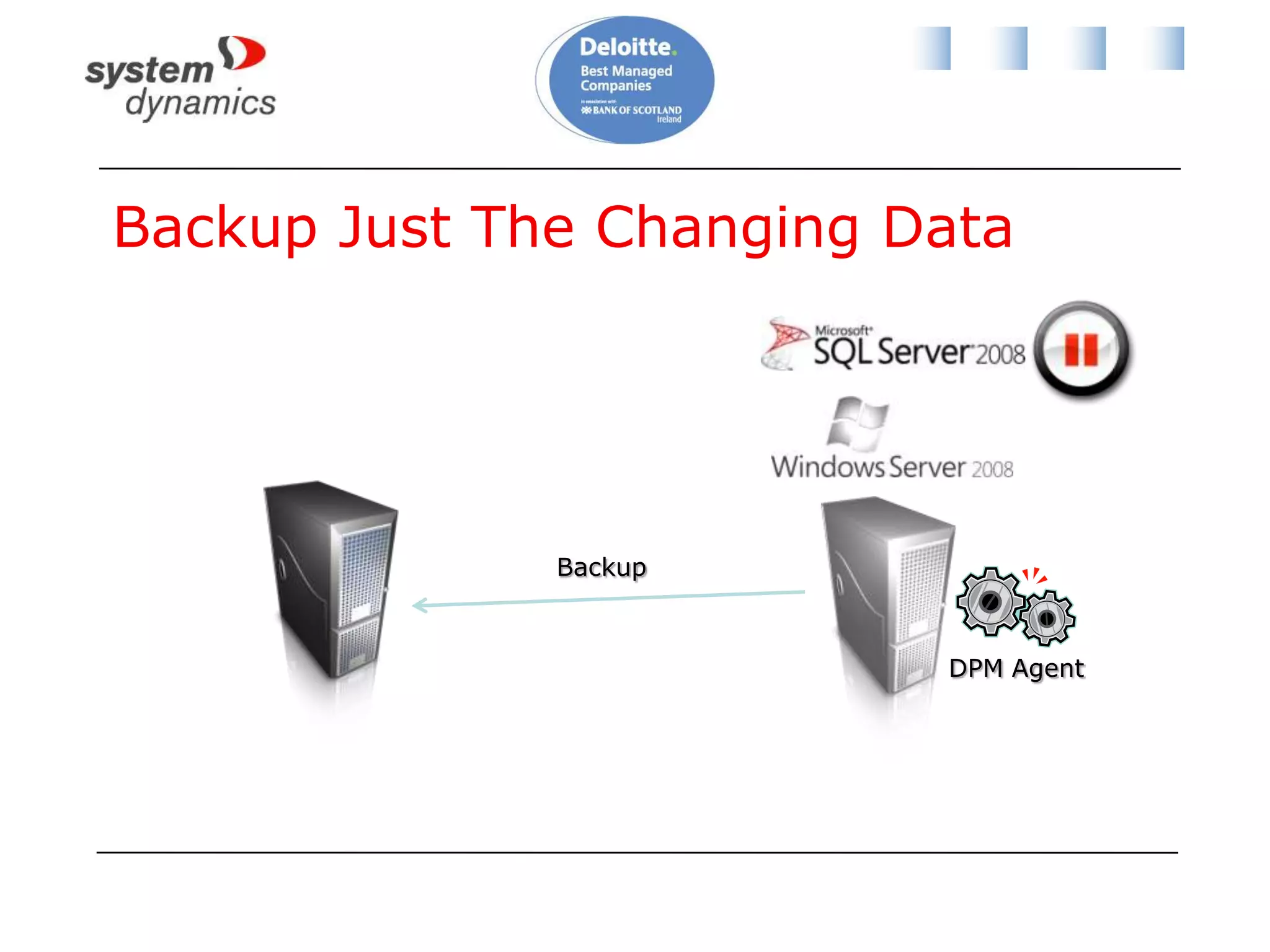
Backup StrategiesThere are 3 types of VM backup you can do with Hyper-V (mix ‘n’ match):Treat the VM as a physical machineBackup everythingLimited usefulness in Hyper-V worldBackup just the changing dataLimited backup traffic and more frequentBackup the VM at the physical storage levelReplace the “bare metal recovery”
Backup Like a Physical MachineBackupDPM Agent
Backup Just The Changing DataBackupDPM Agent
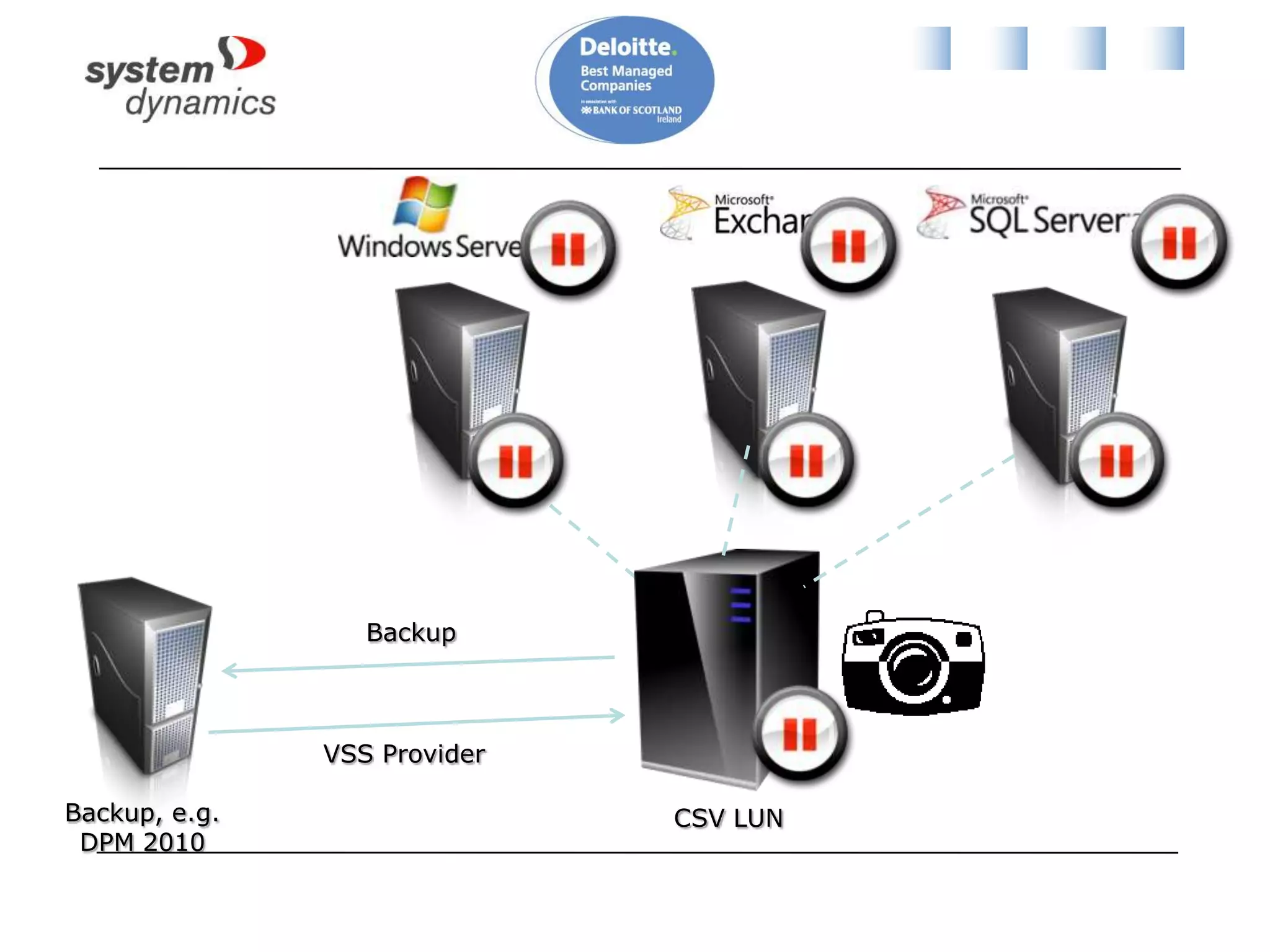
Storage Level Backup
BackupVSS ProviderBackup, e.g. DPM 2010CSV LUN
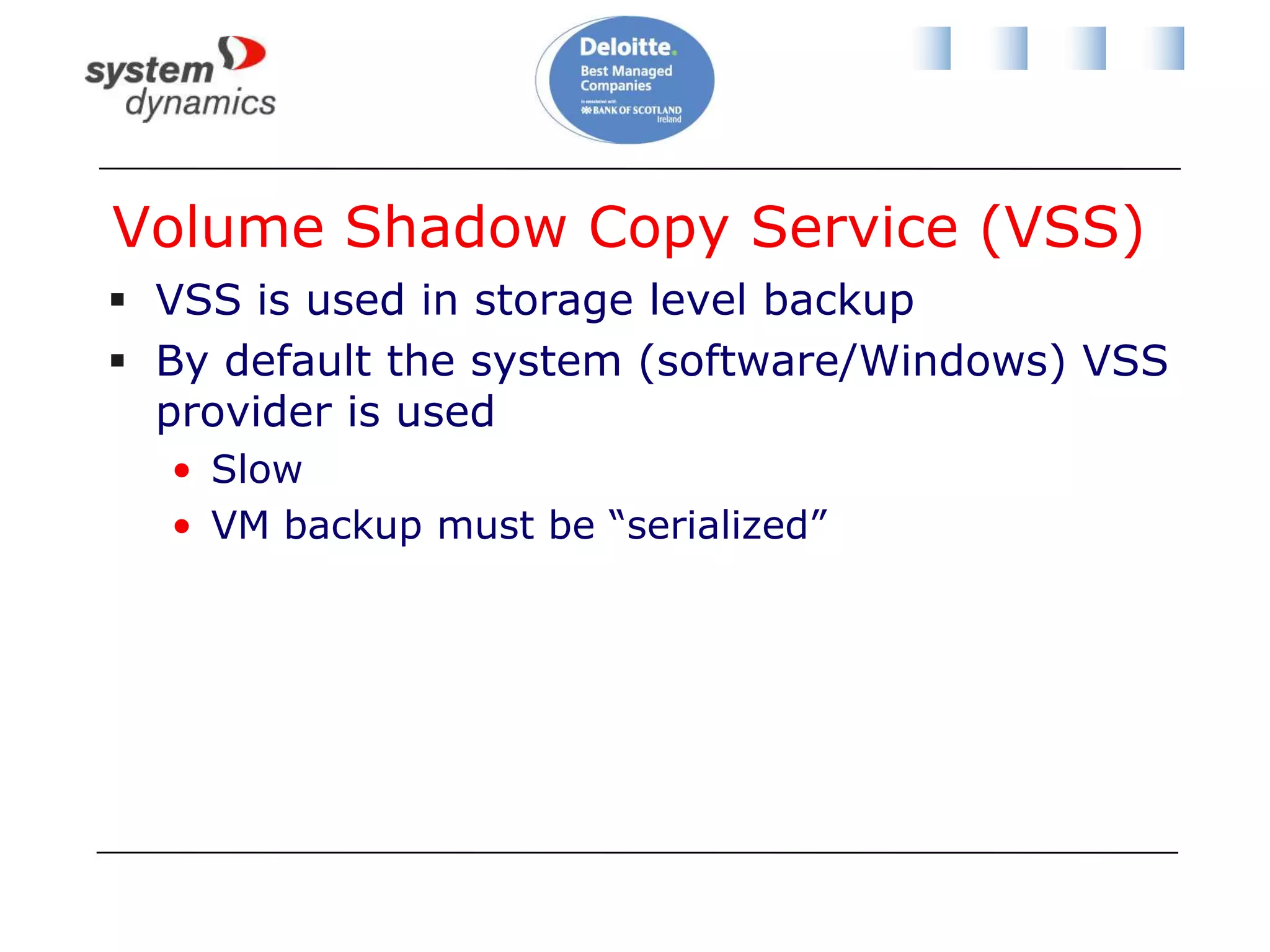
Volume Shadow Copy Service (VSS)VSS is used in storage level backupBy default the system (software/Windows) VSS provider is usedSlowVM backup must be “serialized”
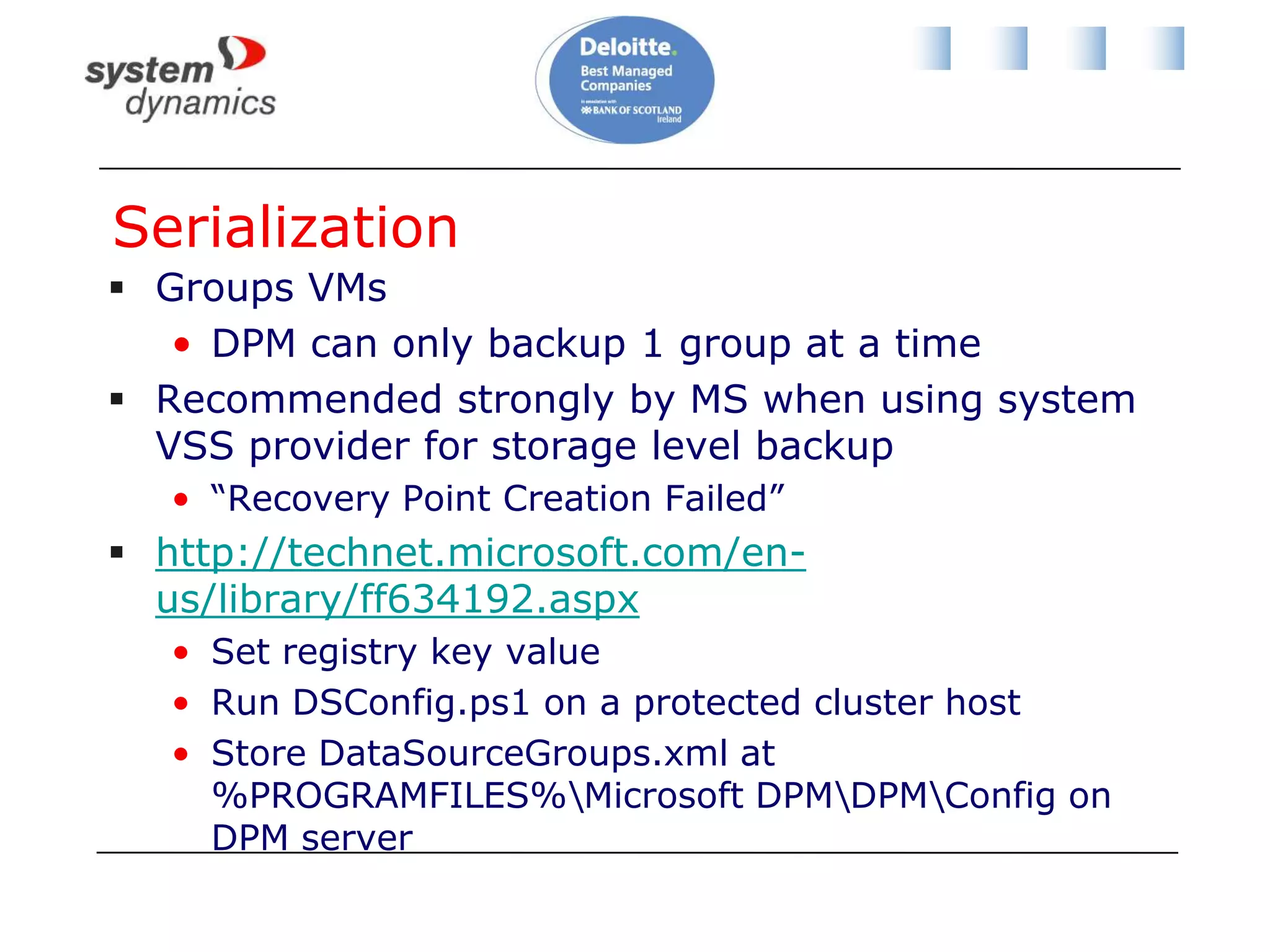
SerializationGroups VMsDPM can only backup 1 group at a timeRecommended strongly by MS when using system VSS provider for storage level backup“Recovery Point Creation Failed”http://technet.microsoft.com/en-us/library/ff634192.aspxSet registry key valueRun DSConfig.ps1 on a protected cluster hostStore DataSourceGroups.xml at %PROGRAMFILES%\Microsoft DPM\DPM\Config on DPM server
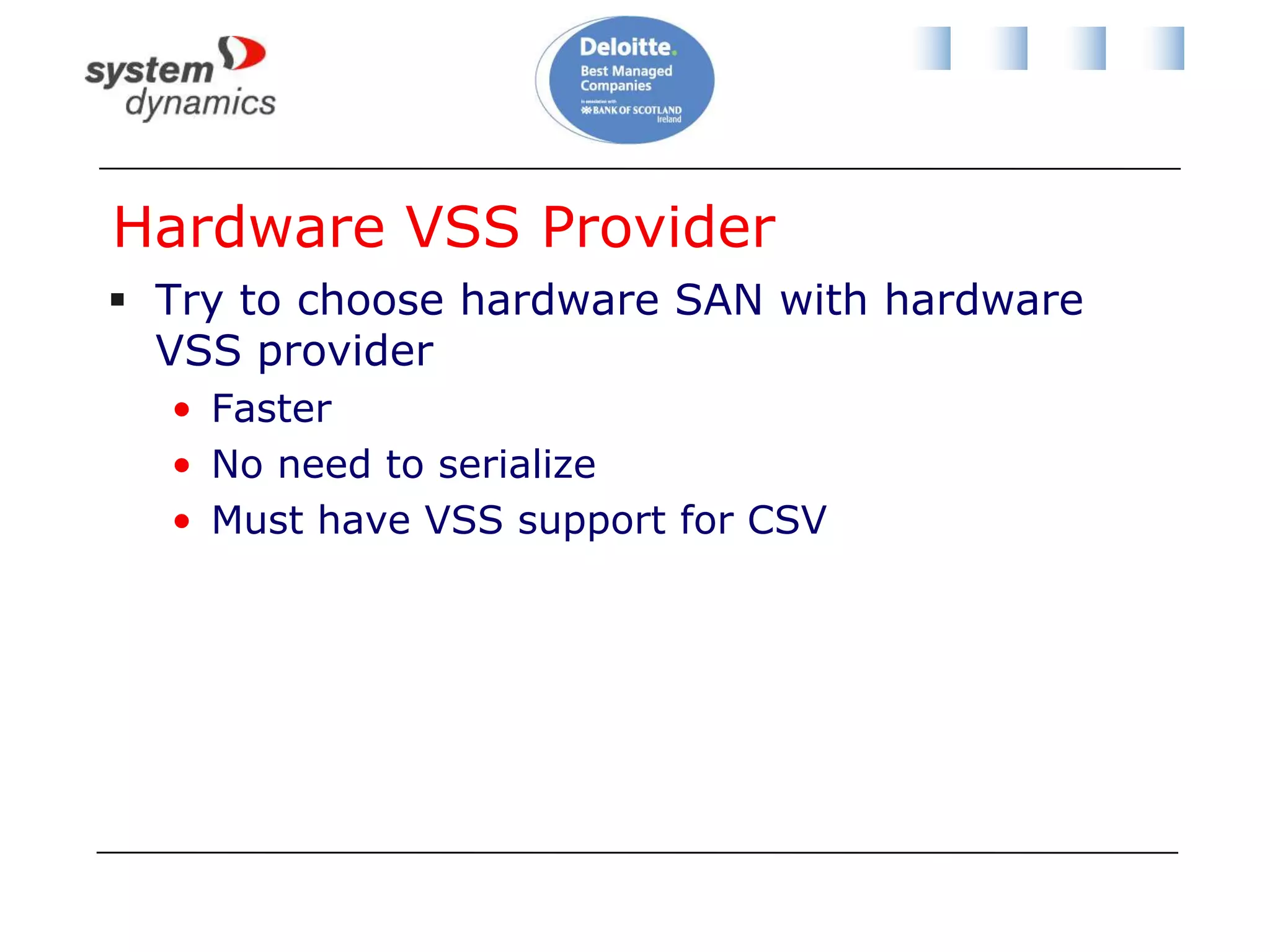
Hardware VSS ProviderTry to choose hardware SAN with hardware VSS providerFasterNo need to serializeMust have VSS support for CSV
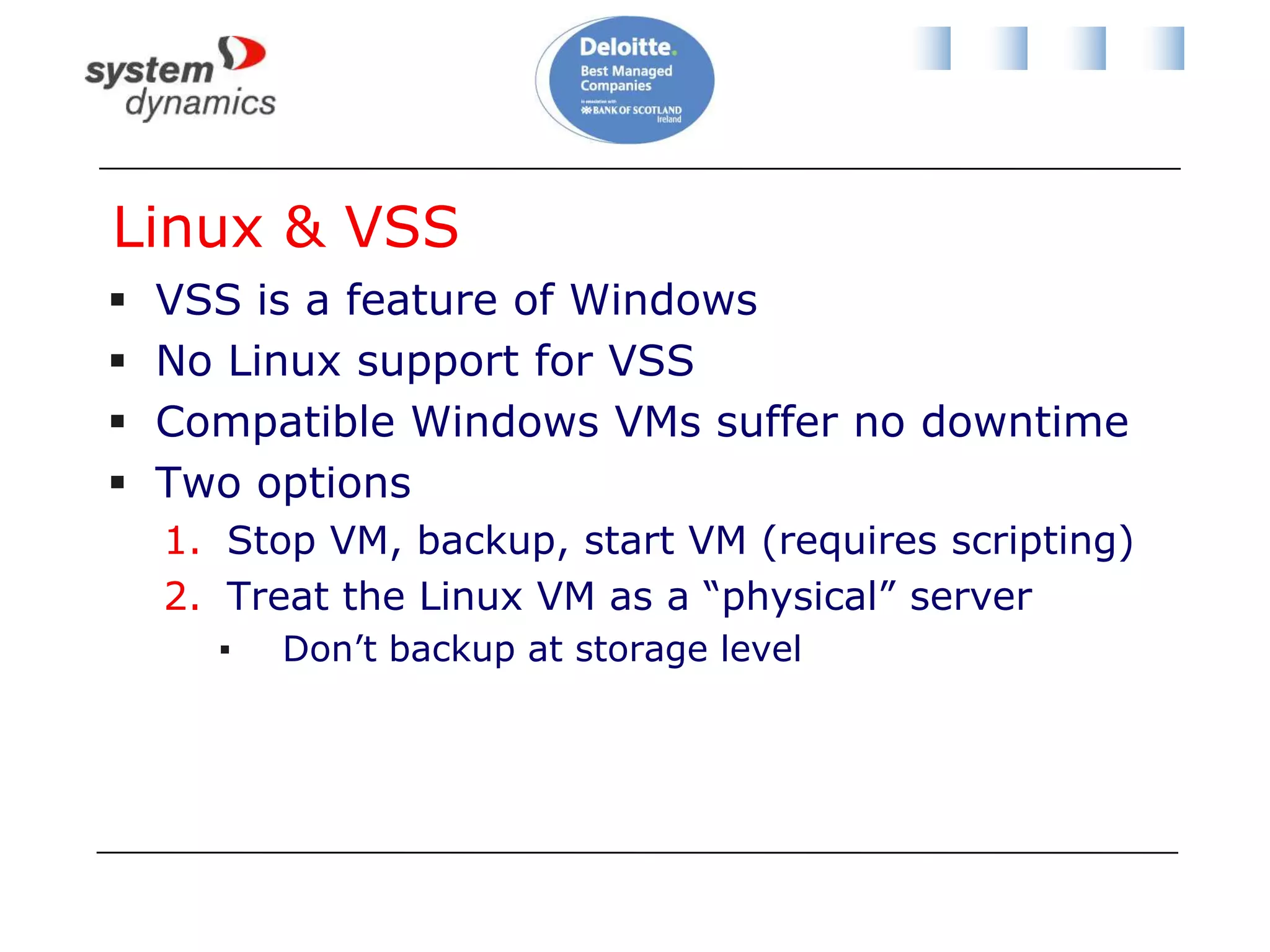
Linux & VSSVSS is a feature of WindowsNo Linux support for VSSCompatible Windows VMs suffer no downtimeTwo optionsStop VM, backup, start VM (requires scripting)Treat the Linux VM as a “physical” serverDon’t backup at storage level
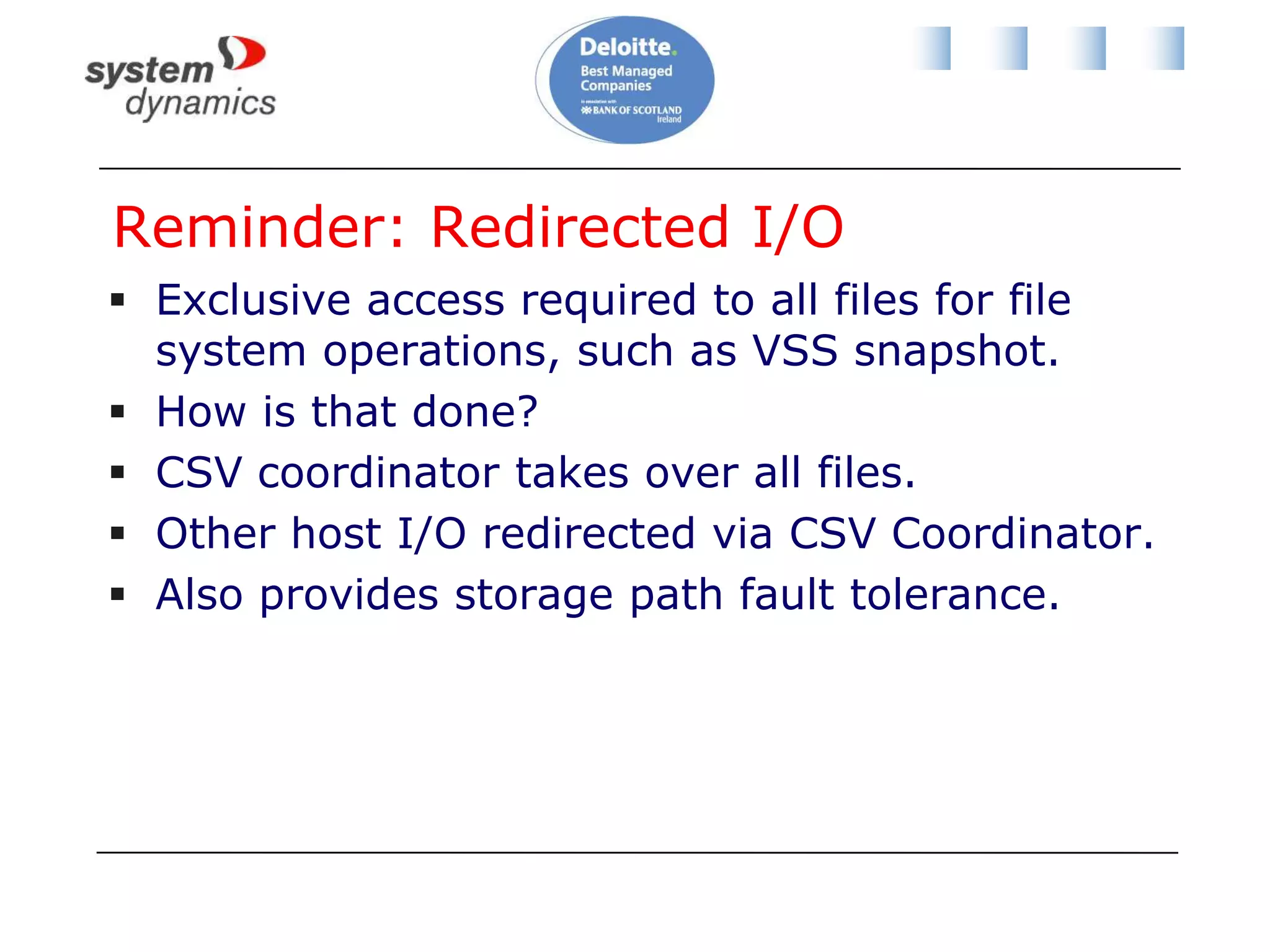
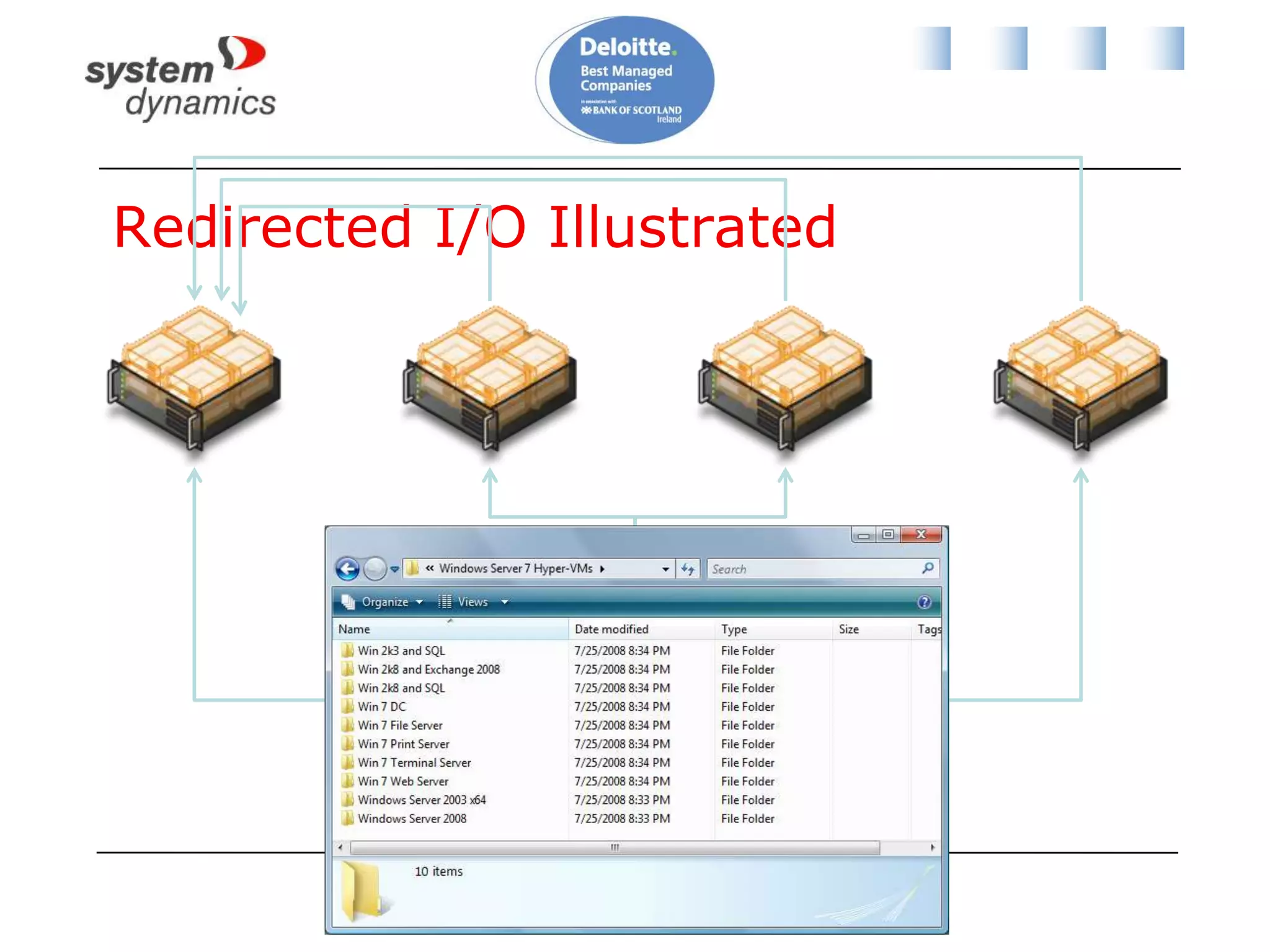
Reminder: Redirected I/OExclusive access required to all files for file system operations, such as VSS snapshot.How is that done?CSV coordinator takes over all files.Other host I/O redirected via CSV Coordinator.Also provides storage path fault tolerance.
Redirected I/O Illustrated
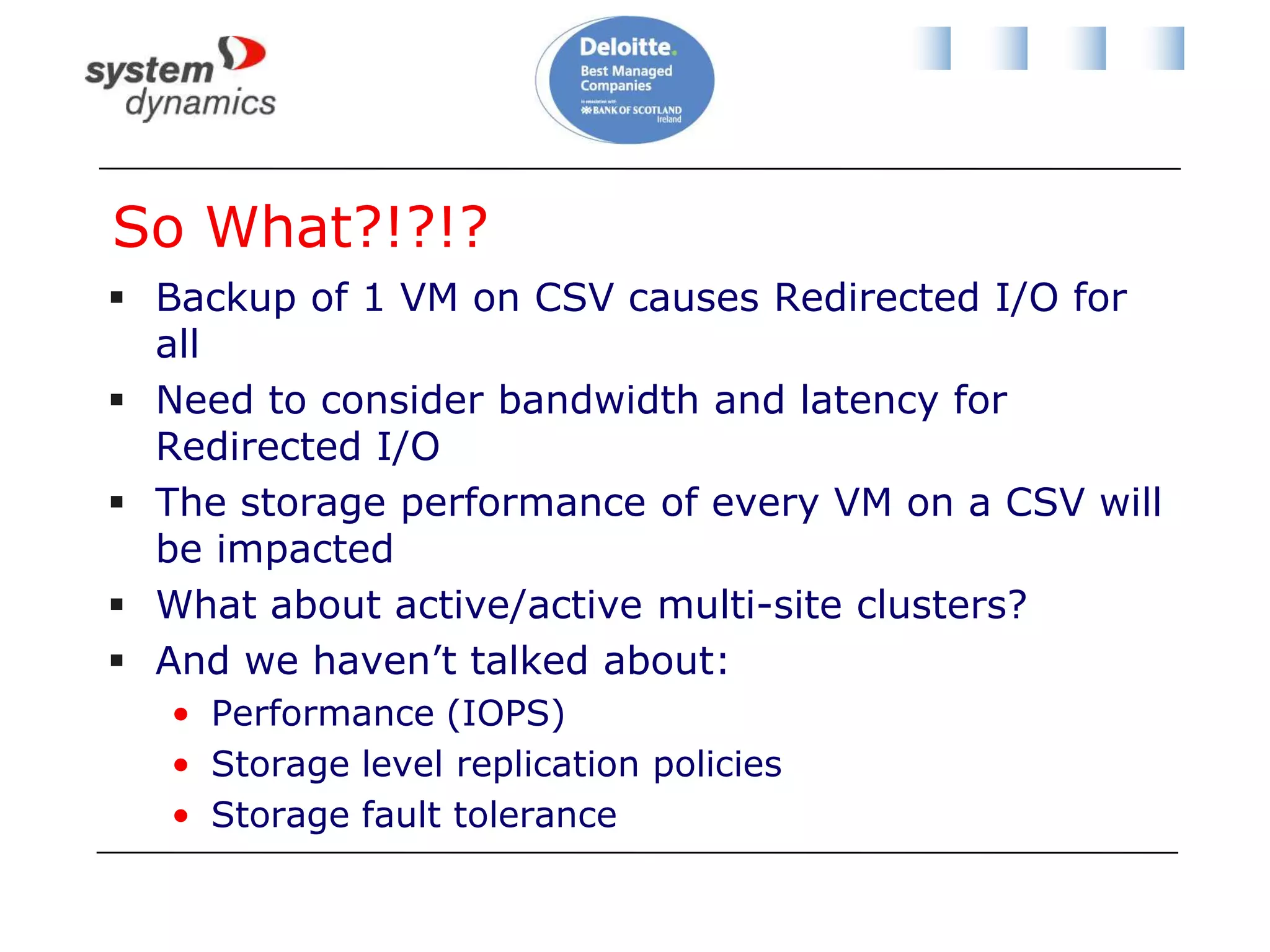
So What?!?!?Backup of 1 VM on CSV causes Redirected I/O for allNeed to consider bandwidth and latency for Redirected I/OThe storage performance of every VM on a CSV will be impactedWhat about active/active multi-site clusters?And we haven’t talked about:Performance (IOPS)Storage level replication policiesStorage fault tolerance
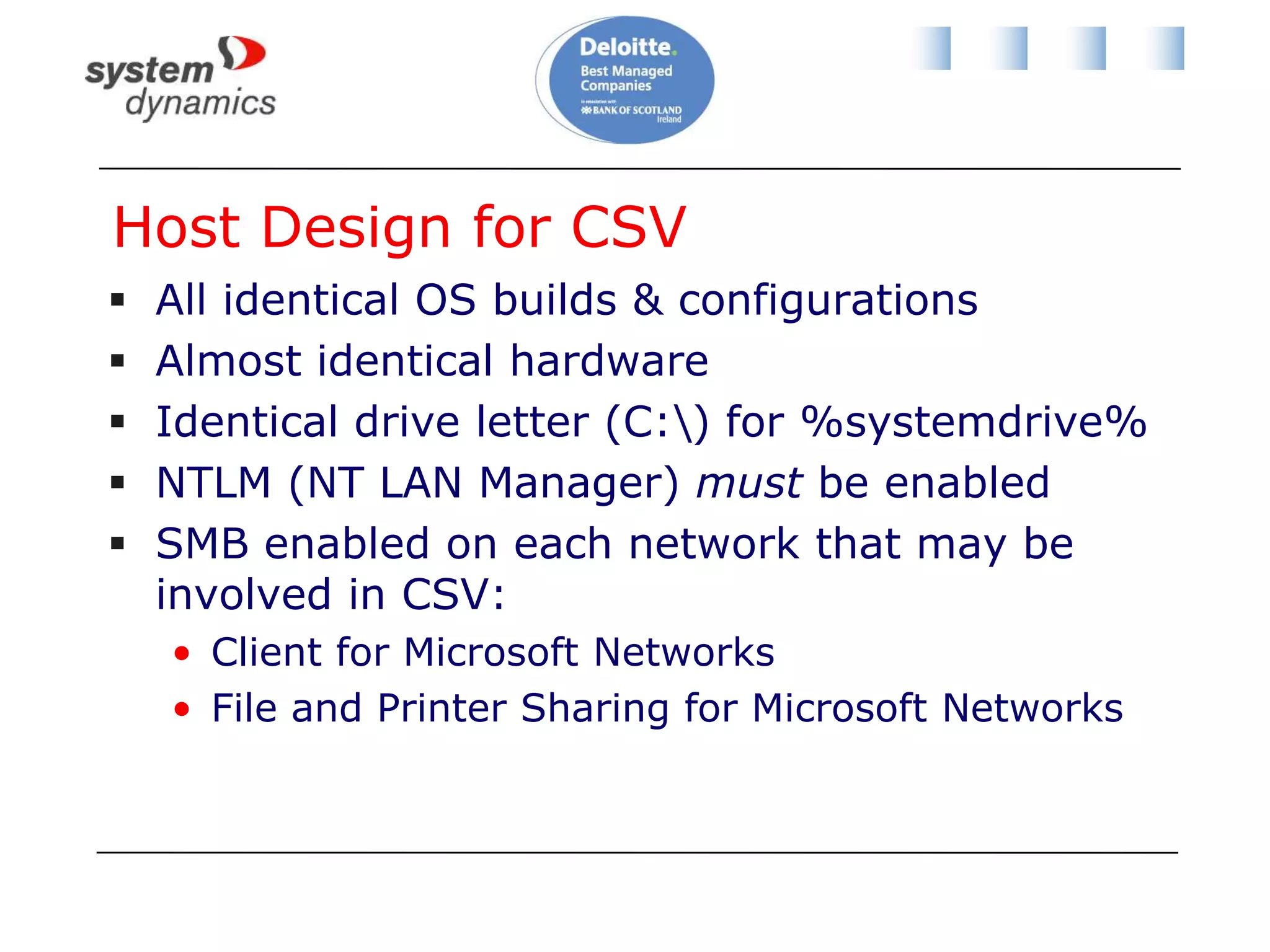
Host Design for CSVAll identical OS builds & configurationsAlmost identical hardwareIdentical drive letter (C:\) for %systemdrive%NTLM (NT LAN Manager) must be enabledSMB enabled on each network that may be involved in CSV:Client for Microsoft NetworksFile and Printer Sharing for Microsoft Networks
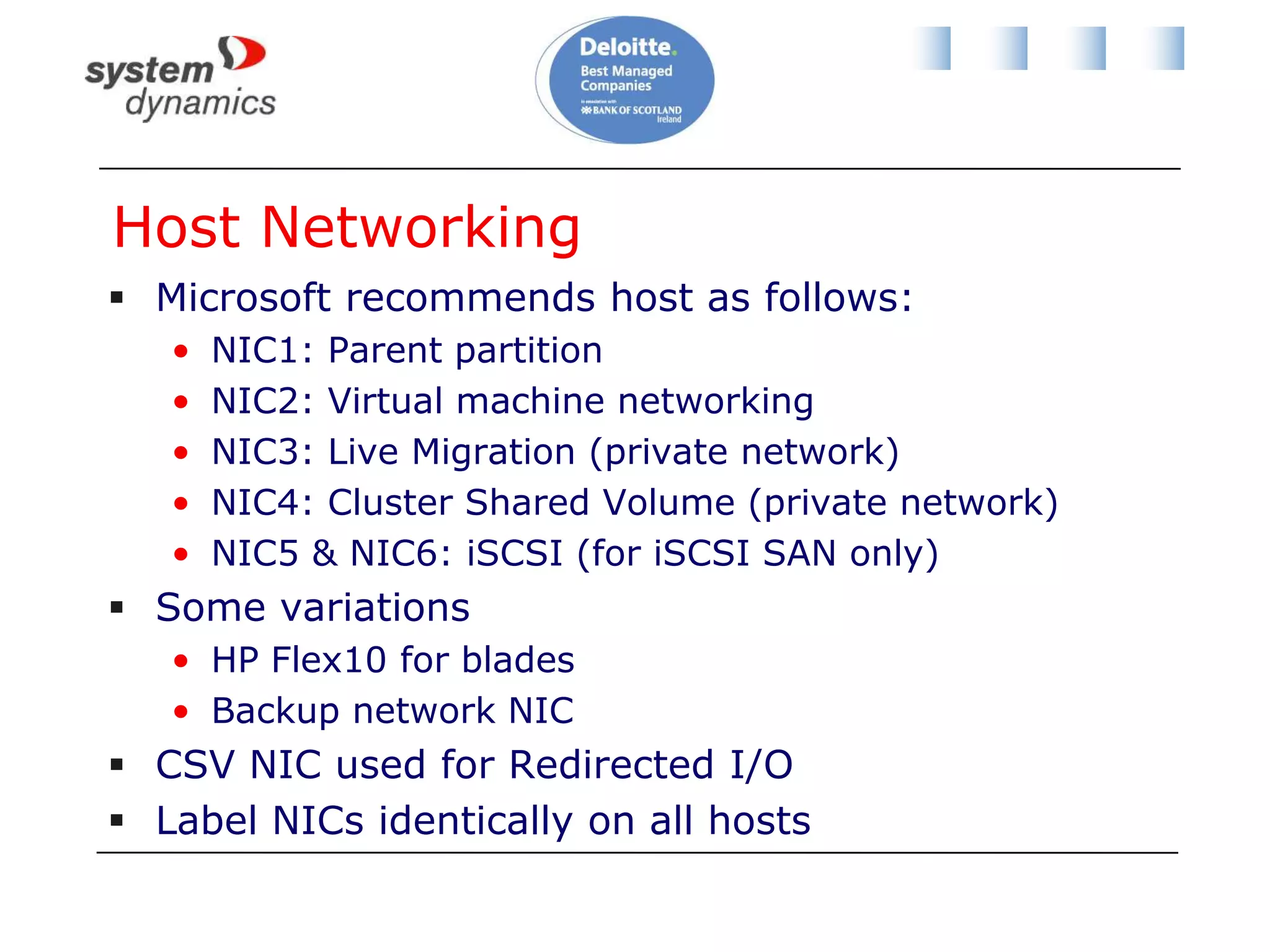
Host NetworkingMicrosoft recommends host as follows:NIC1: Parent partitionNIC2: Virtual machine networkingNIC3: Live Migration (private network)NIC4: Cluster Shared Volume (private network)NIC5 & NIC6: iSCSI (for iSCSI SAN only)Some variationsHP Flex10 for bladesBackup network NICCSV NIC used for Redirected I/OLabel NICs identically on all hosts
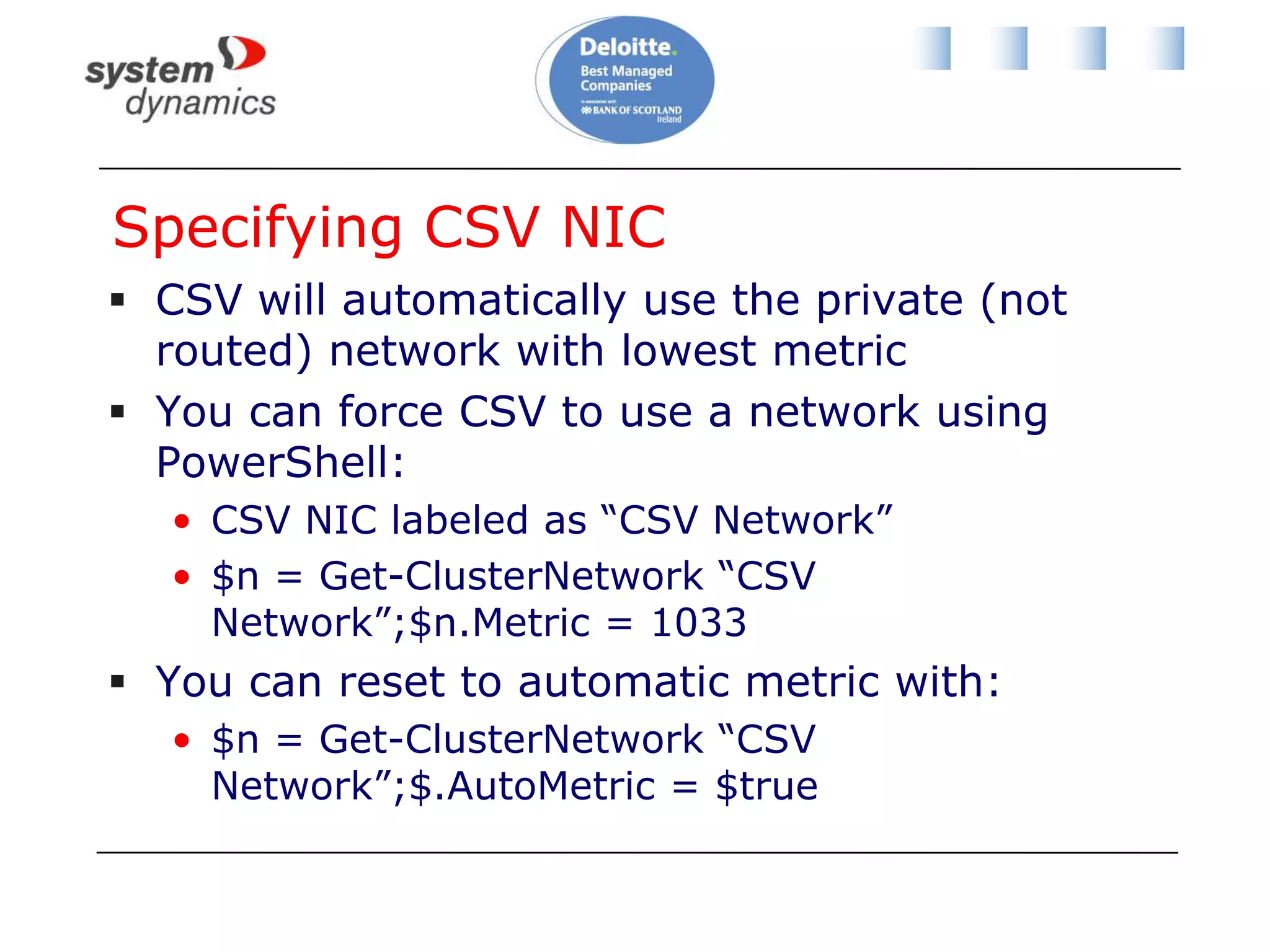
Specifying CSV NICCSV will automatically use the private (not routed) network with lowest metricYou can force CSV to use a network using PowerShell:CSV NIC labeled as “CSV Network”$n = Get-ClusterNetwork “CSV Network”;$n.Metric = 1033You can reset to automatic metric with:$n = Get-ClusterNetwork “CSV Network”;$.AutoMetric = $true
How Many CSVs And How Big?No right answerUse assessment or performance monitoring data to figure out how many VMs in CSVUse IOPS from assessment VS IOPS capabilities of storage from manufacturerConsider VM placementClustered or load balanced VMs should be on different storage“All your eggs in one basket”
Backup Impact on CSV DesignDefine backup requirements for VMsStorage level backup once per night/week/month?Data backup?DR replicationMaybe start the on-paper design with one CSVDivide into smaller CSVs to limit impact of redirected I/OBackup policyAffinity/fault toleranceStorage level replicationDon’t forget IOPS
Private Cloud Tough To DesignNo assessment dataNothing to P2VNothing to assessYou have no empirical data to size fromPrivate cloud is like a Kevin Costner movie“If you build it, they will come”My tip:Build a pilot environmentDeploy VMs onto different sized VMsBackup each CSVMeasure performance and size accordingly
Some Common Approaches to CSVOne CSV per hostOne CSV coordinator role assigned per hostStart with one or two CSVsMonitor storage performance with OpsMgrGrow CSVs as requiredAdd CSV before performance degradesSome do scripting to control Redirected I/O:Live migrated CSV VMs to CSV coordinator hostPerform CSV backup
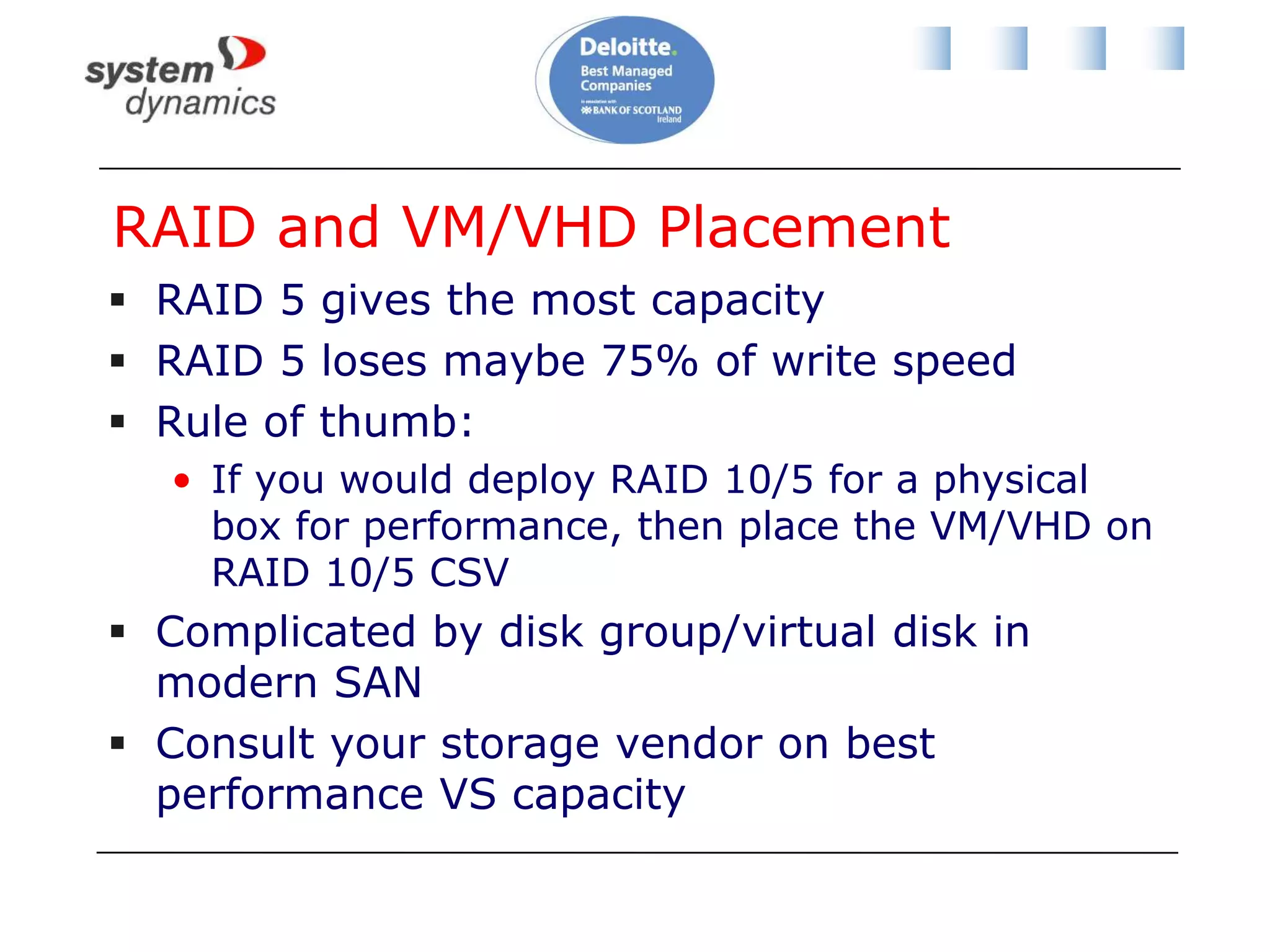
RAID and VM/VHD PlacementRAID 5 gives the most capacityRAID 5 loses maybe 75% of write speedRule of thumb:If you would deploy RAID 10/5 for a physical box for performance, then place the VM/VHD on RAID 10/5 CSVComplicated by disk group/virtual disk in modern SANConsult your storage vendor on best performance VS capacity
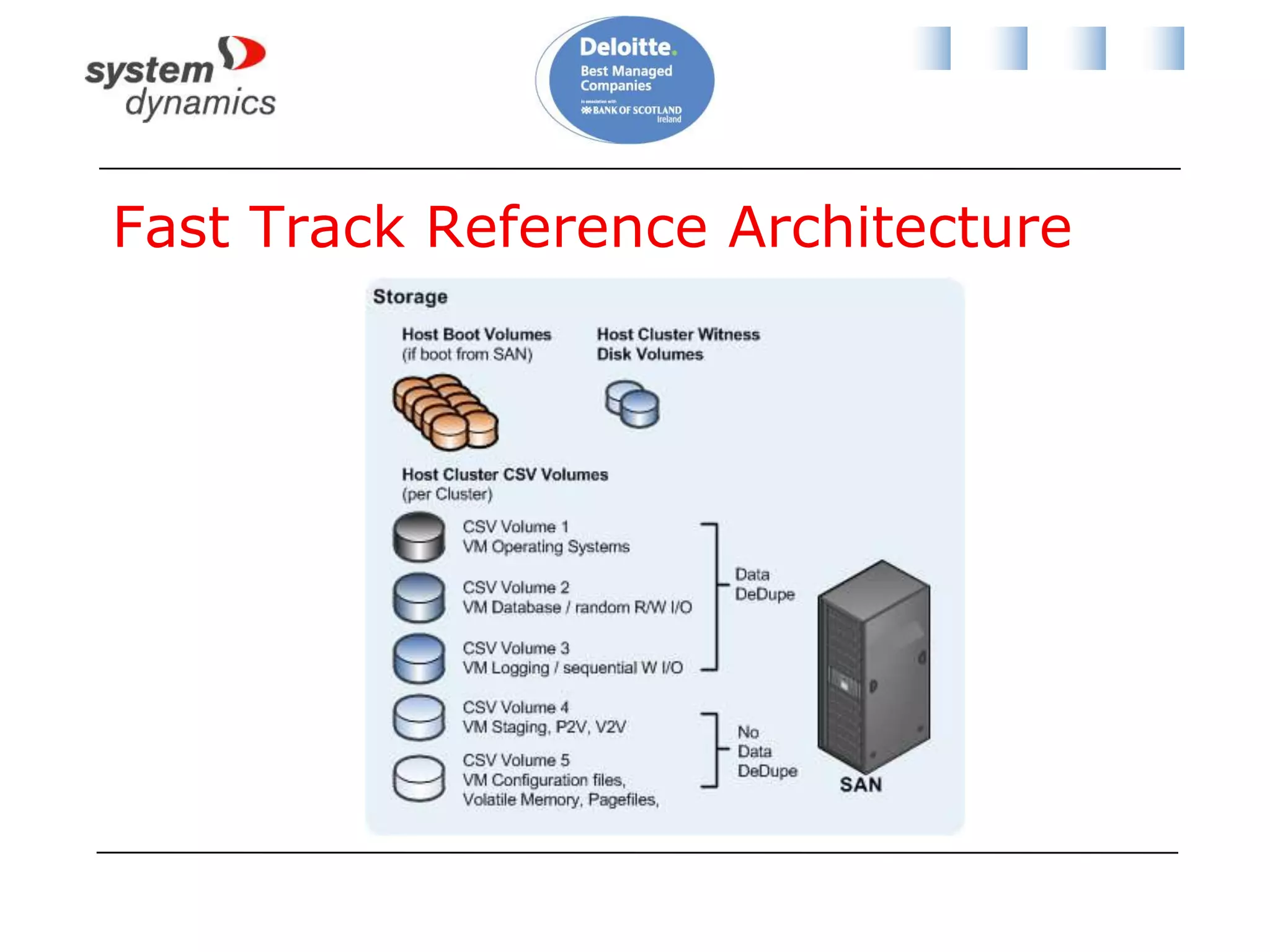
Fast Track Reference Architecture
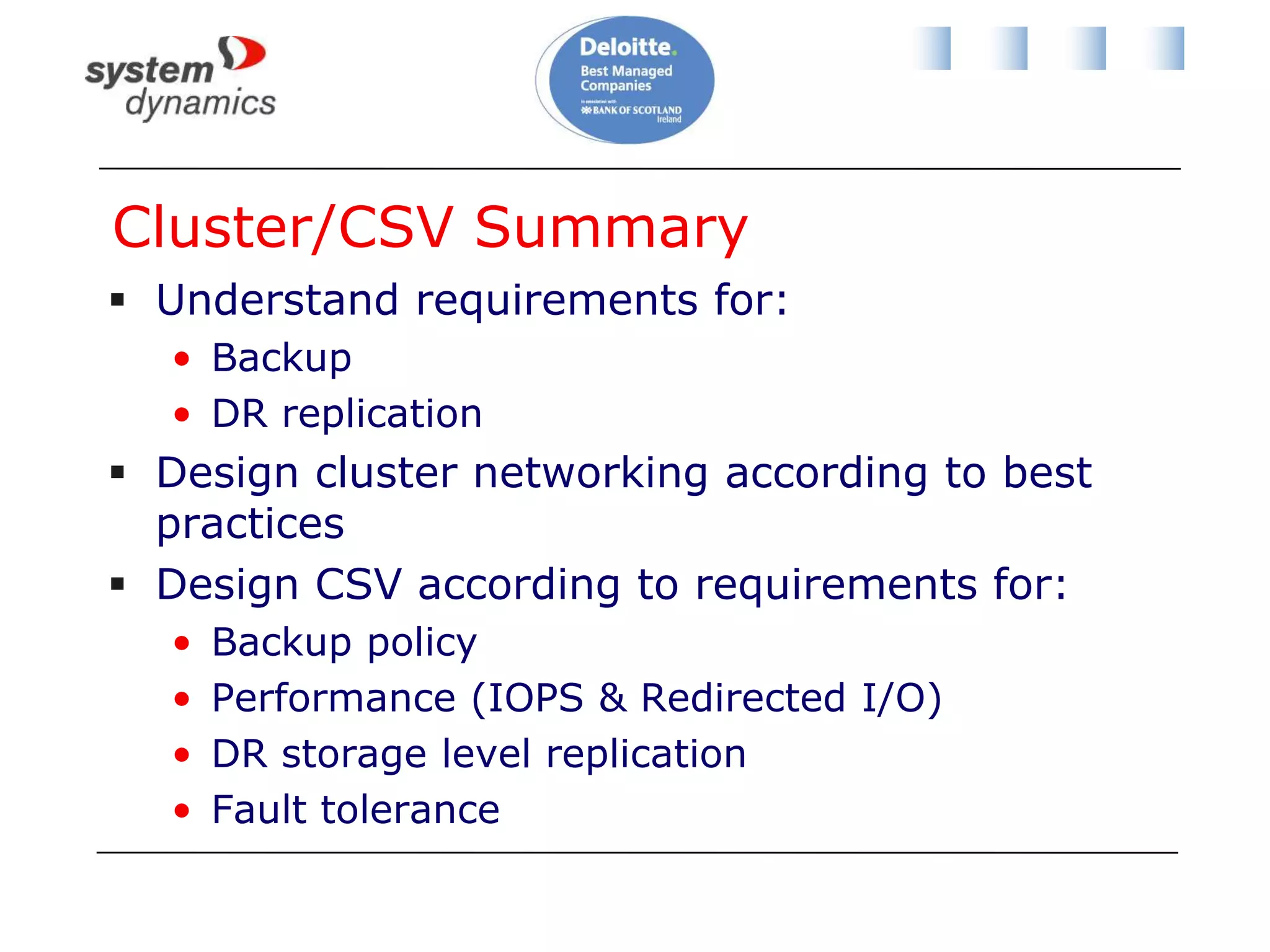
Cluster/CSV SummaryUnderstand requirements for:BackupDR replicationDesign cluster networking according to best practicesDesign CSV according to requirements for:Backup policyPerformance (IOPS & Redirected I/O)DR storage level replicationFault tolerance
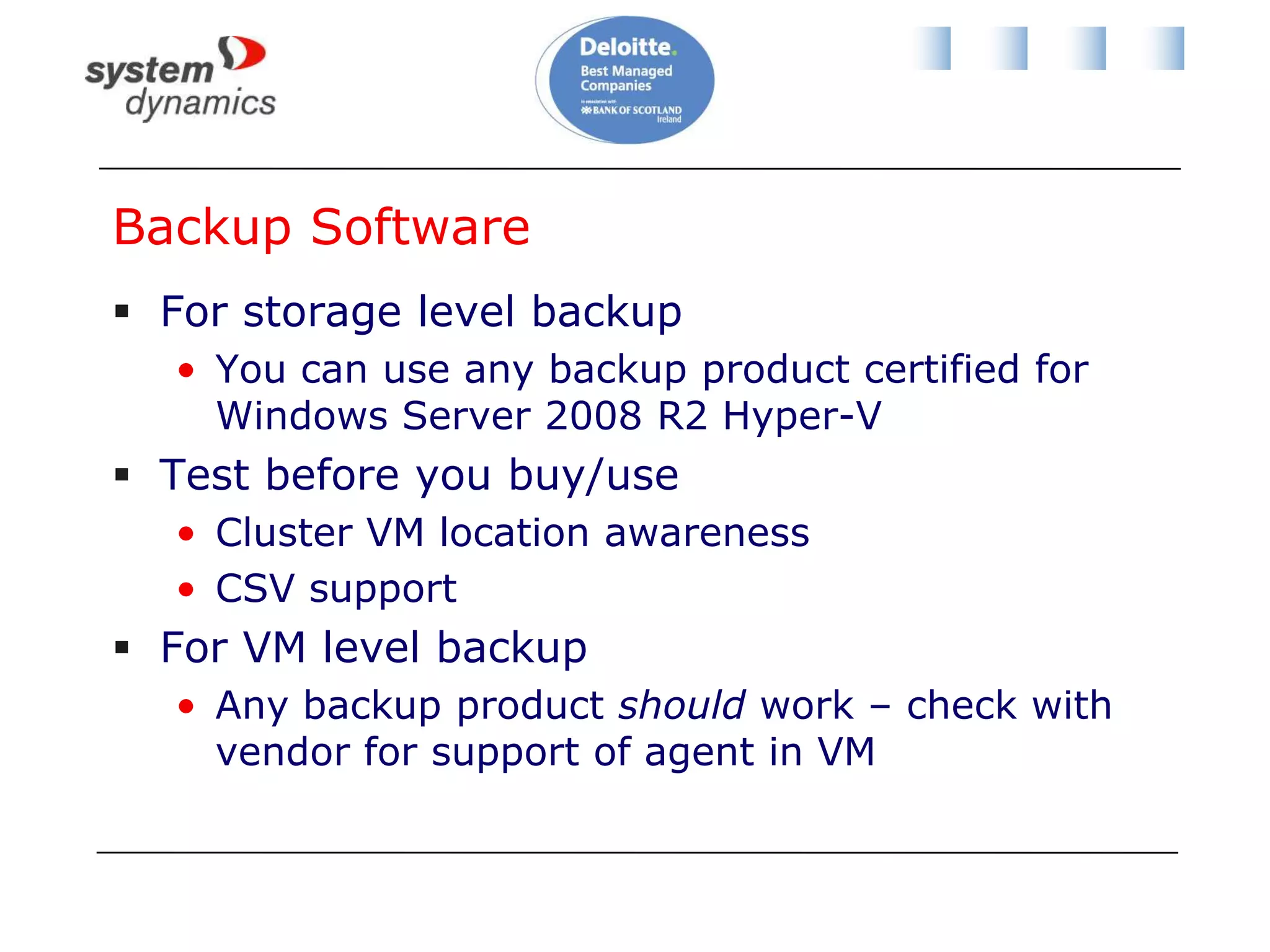
Backup SoftwareFor storage level backupYou can use any backup product certified for Windows Server 2008 R2 Hyper-VTest before you buy/useCluster VM location awarenessCSV support For VM level backupAny backup product should work – check with vendor for support of agent in VM
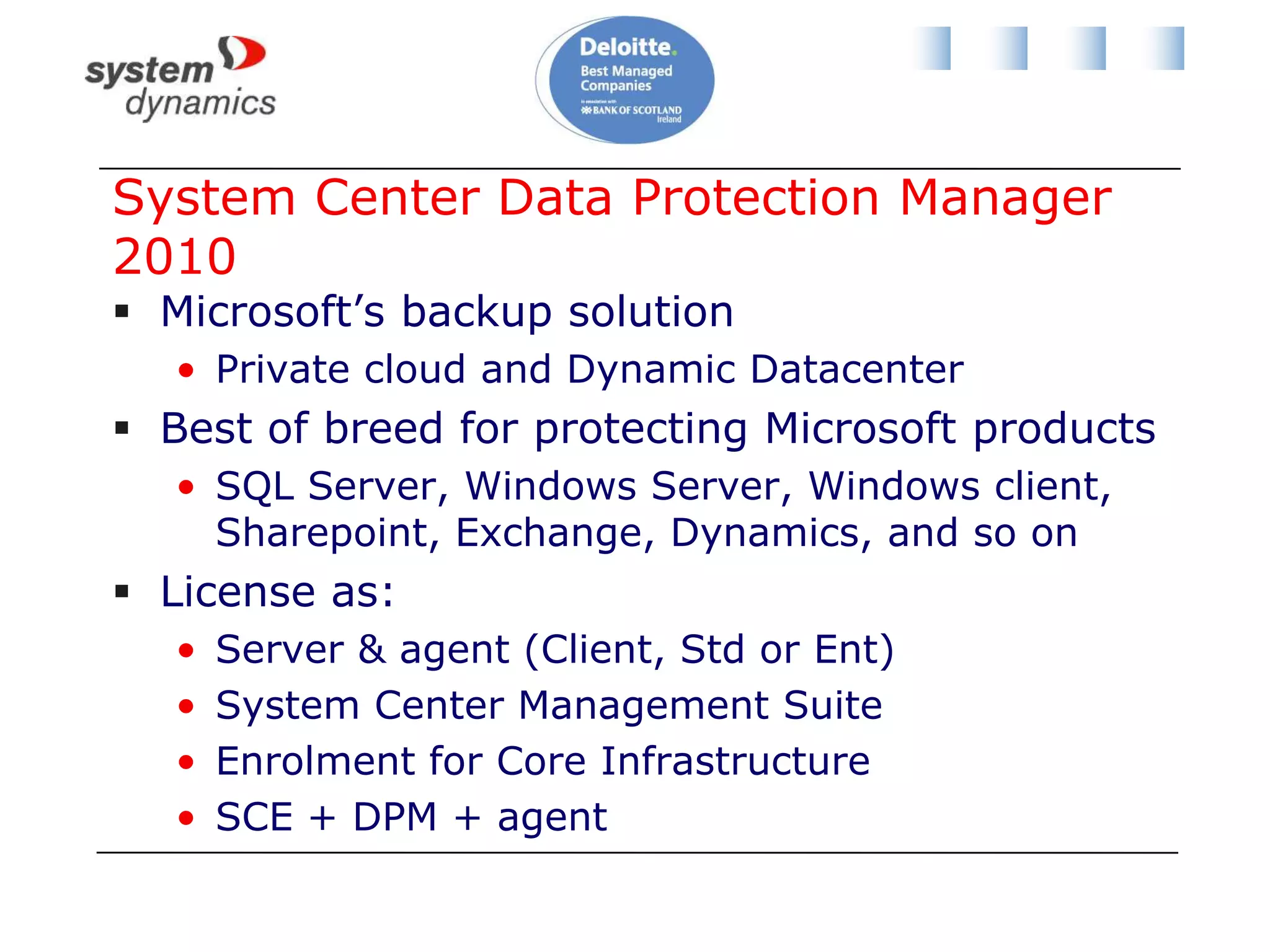
Introducing DPM 2010
System Center Data Protection Manager 2010Microsoft’s backup solutionPrivate cloud and Dynamic DatacenterBest of breed for protecting Microsoft productsSQL Server, Windows Server, Windows client, Sharepoint, Exchange, Dynamics, and so onLicense as:Server & agent (Client, Std or Ent)System Center Management SuiteEnrolment for Core InfrastructureSCE + DPM + agent
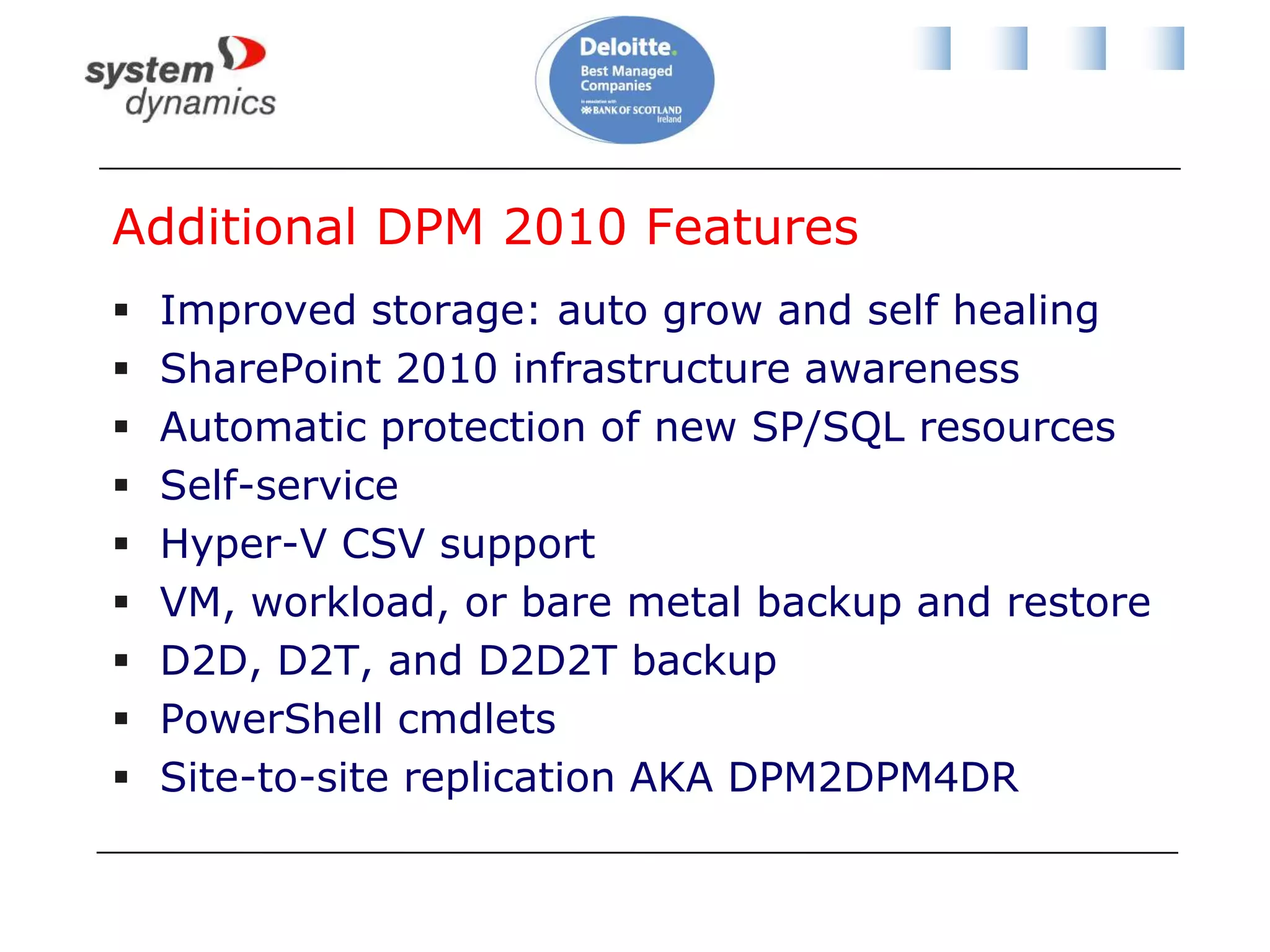
Additional DPM 2010 FeaturesImproved storage: auto grow and self healingSharePoint 2010 infrastructure awarenessAutomatic protection of new SP/SQL resourcesSelf-serviceHyper-V CSV supportVM, workload, or bare metal backup and restoreD2D, D2T, and D2D2T backupPowerShell cmdletsSite-to-site replication AKA DPM2DPM4DR
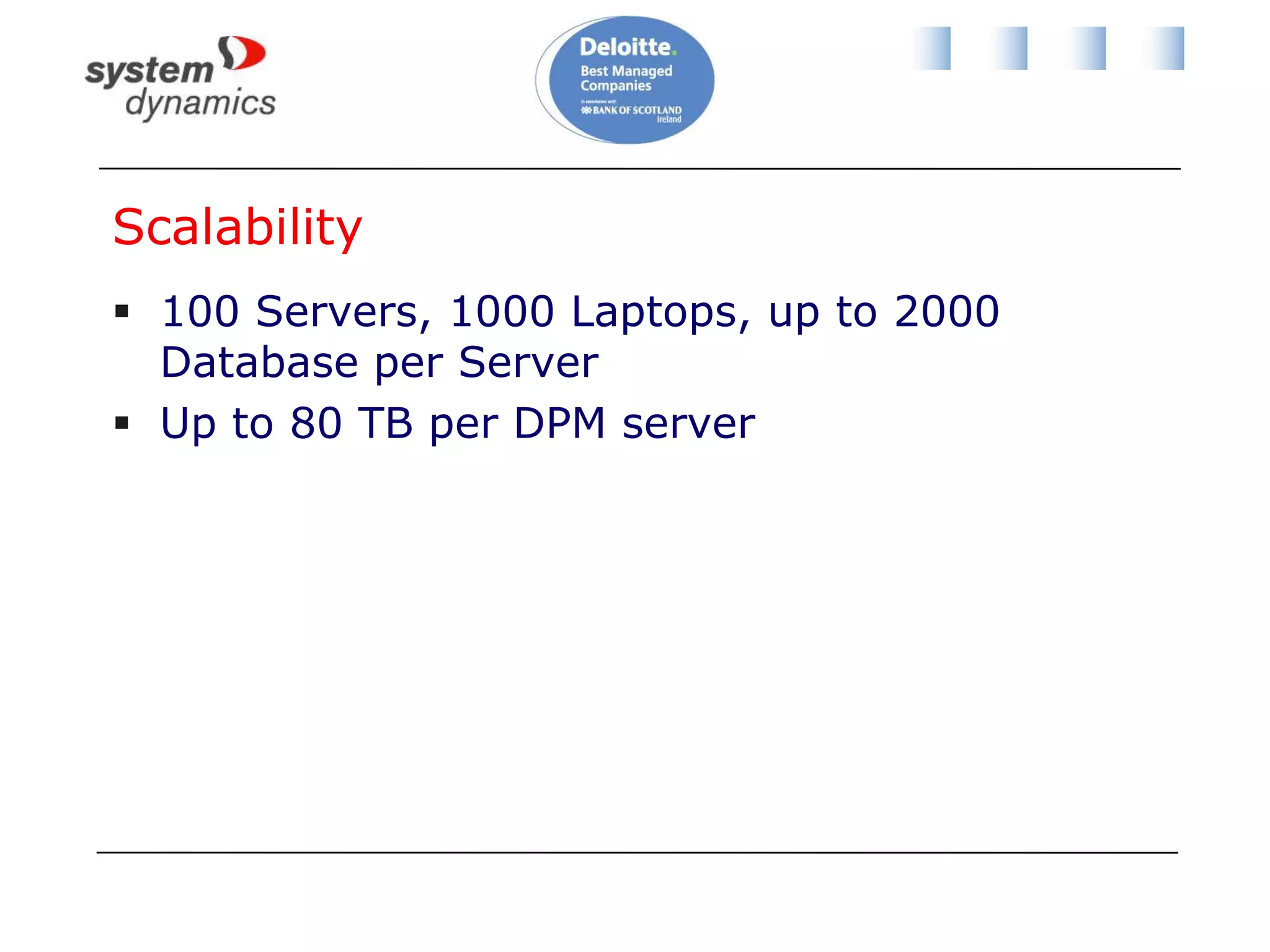
Scalability100 Servers, 1000 Laptops, up to 2000 Database per ServerUp to 80 TB per DPM server
DPM Backup Is A Little DifferentDeploy disk storage/tape libraryDisk shared by many backup policiesDeploy a single all-purpose agent to protected machineCreate a protection group (backup policy)Defines what you backup/when/retention policyAgent synchronises with DPM serverBlock level changes since last backup are replicated, maybe every 15 minutes, via VSSRecovery points are createdMaybe 3 times/day.  You restore from these.
DPM RequirementsCheck TechNetToo many variations to include hereDepends on OS and softwarePlease install required patchesD2D storage poolsUse “cheap” SATA diskRule of thumb sizing: 2.5 – 3 times protected disk spaceStorage calculators available for free download
Protecting Hyper-V And Workloads
Reminder …We have 3 ways we can backup:Storage/hostTreat the VM like a physical machineBackup the changing dataWe need to associate backup policy with virtual machine CSV placementTo control Redirected I/O
Scenario 1: ProblemProtect 2 VMsFile1 (File Server):Backup entire VM once/weekBackup file shares 1 time/daySD-SQL1 (SQL Server):Backup entire VM once/dayBackup databases 3 times/dayMinimise impact on network for backup activity
Scenario 1: Solution – Part 1Place File1 on CSV1Create protection group for all VMs on CSV1Backup once per weekInstall agent on File1Create protection group: select file sharesSynchronise every 15 minutesRestoration point 1 time per day
Scenario 1: Solution – Part 2Place SD-SQL1 on CSV2Create protection group for all VMs on CSV2Backup once per dayInstall agent on SD-SQL1Create protection group: select all databasesSynchronise every 15 minutesRestoration point 3 times per day
Site-to-site replication for DR
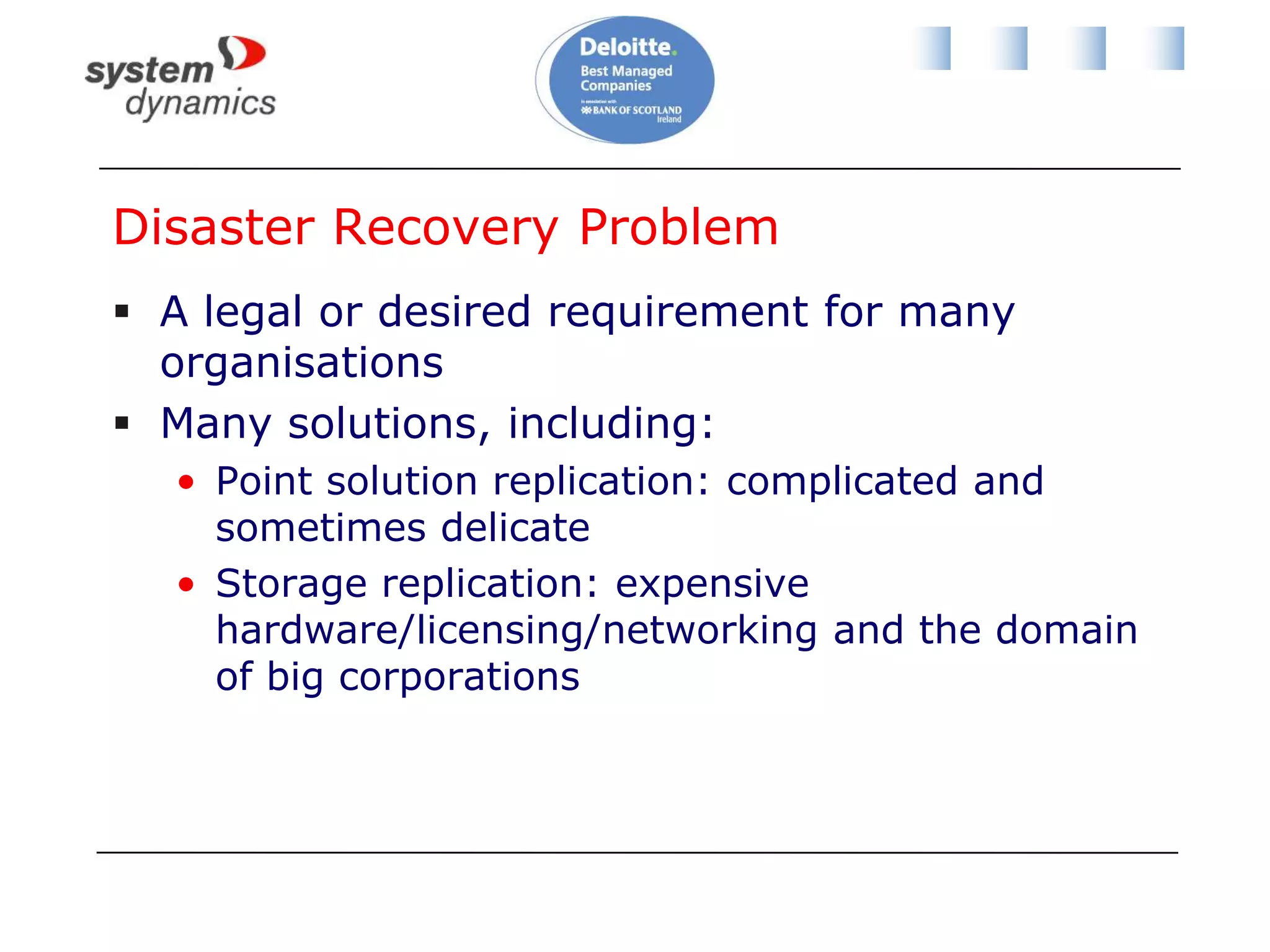
Disaster Recovery ProblemA legal or desired requirement for many organisationsMany solutions, including:Point solution replication: complicated and sometimes delicateStorage replication: expensive hardware/licensing/networking and the domain of big corporations
Site-to-Site Replication
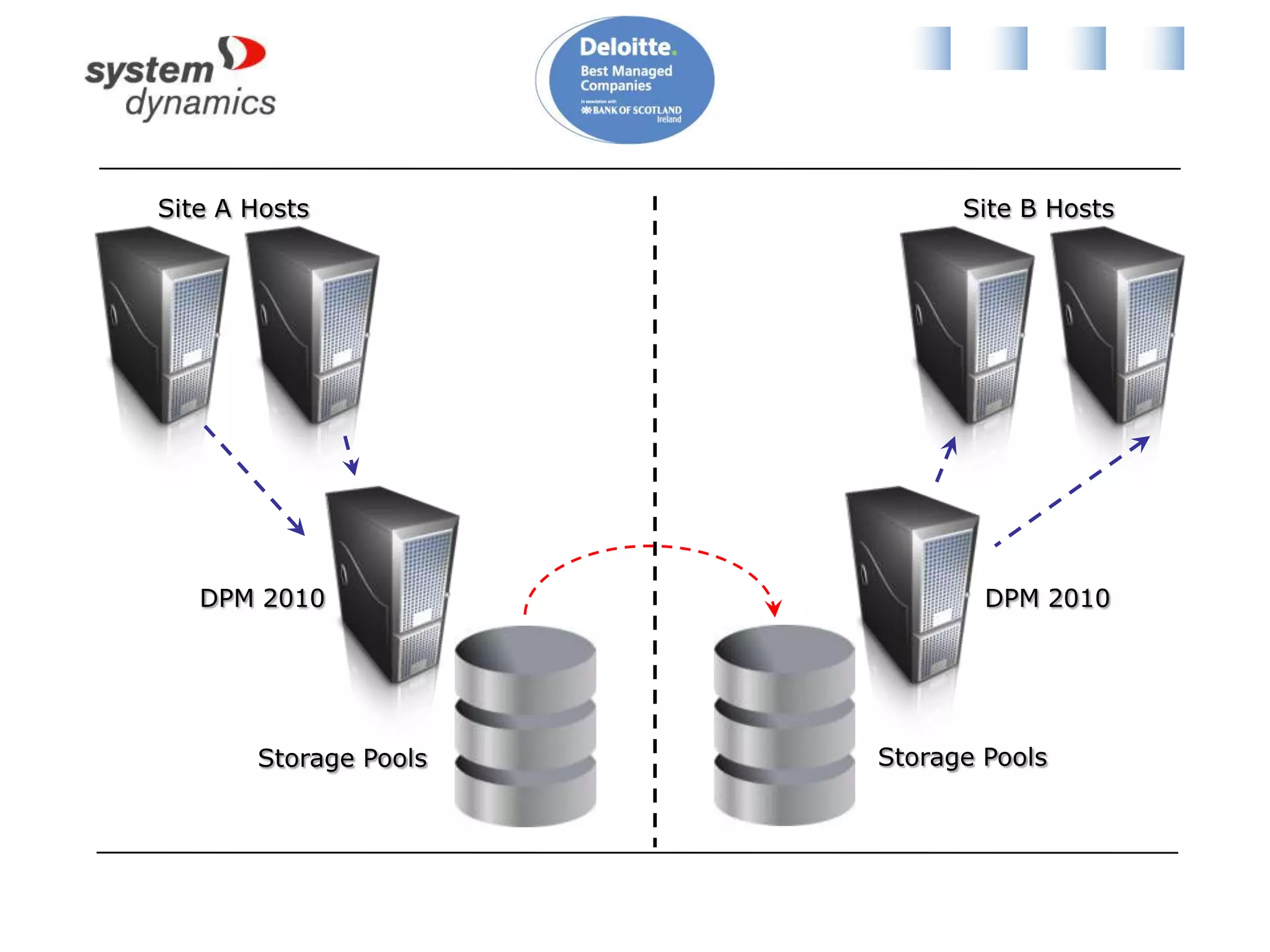
Site A HostsSite B HostsDPM 2010DPM 2010Storage PoolsStorage Pools
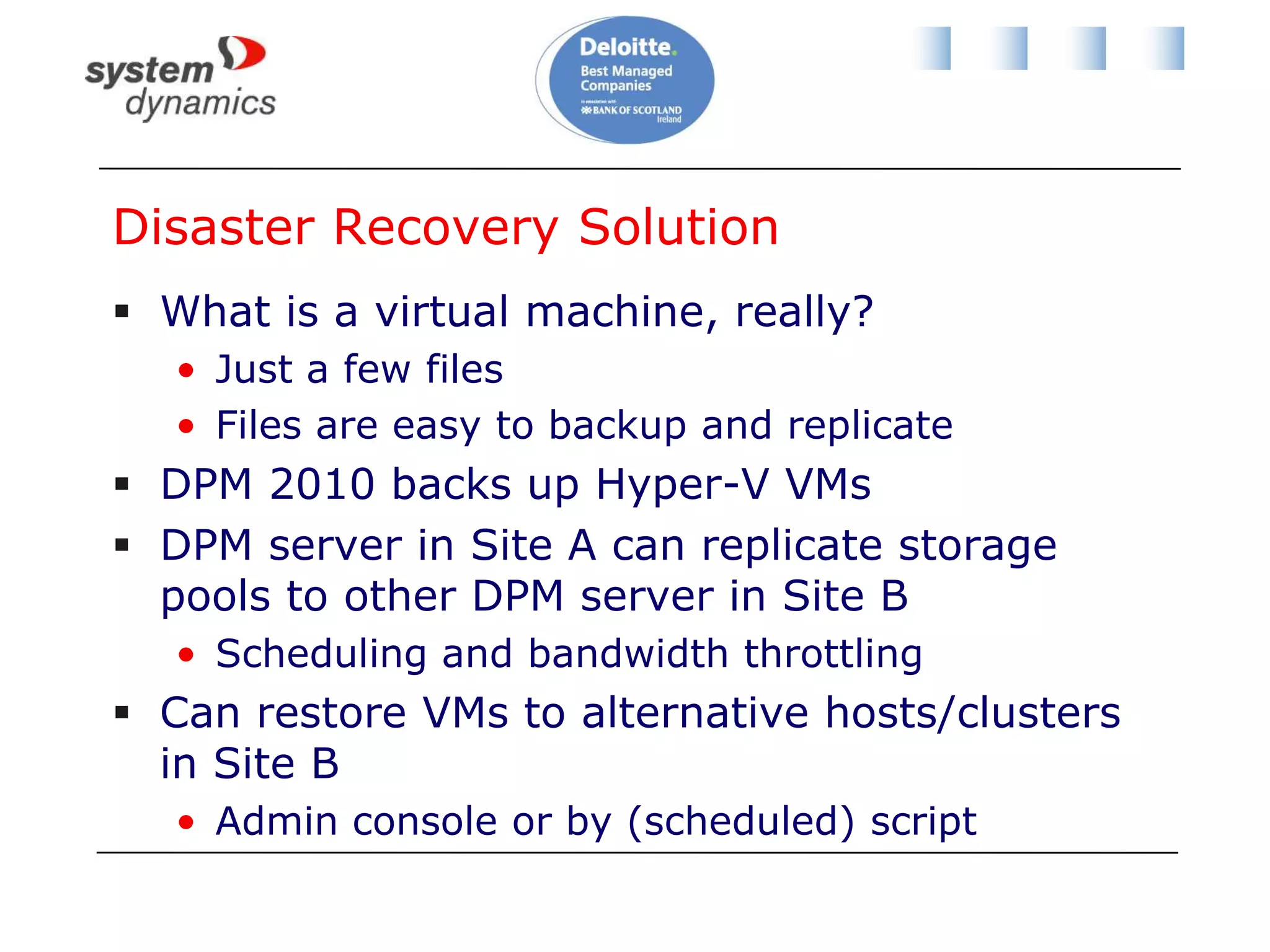
Disaster Recovery SolutionWhat is a virtual machine, really?Just a few filesFiles are easy to backup and replicateDPM 2010 backs up Hyper-V VMsDPM server in Site A can replicate storage pools to other DPM server in Site BScheduling and bandwidth throttlingCan restore VMs to alternative hosts/clusters in Site BAdmin console or by (scheduled) script
Scenario 2: ProblemBe able to restore File1 and SD-SQL1 to DR site (from Site A to Site B)Recover entire VM and business data to within a few hoursConsolidate vendorsMinimise costsHardware, software, and networkMinimise complexity
Scenario 2: SolutionDeploy Hyper-V hosts in Site BDeploy replica DPM server in Site BConfigure protection group:Site A DPM databaseFile1 and SD-SQL1 VMsFile1 shared folders & SD-SQL1 databasesInvocation plan:Recover File1 and SD-SQL1 on Site B hostsRecover File1 shares and SD-SQL1 databases
Protecting Non-Microsoft Products

Private Cloud Academy: Backup and DPM 2010

  • 1.
    Private Cloud AcademyAidanFinnaidan.finn@systemdynamics.iePaul HallPaul.Hall@systemdynamics.ie
  • 2.
    3/25/20112System Dynamics -OverviewEstablished 1968
  • 3.
    Acquired 1997 fromUK parent by current management
  • 4.
    Ireland’s largest indigenousIT Business Solutions CompanyWinner of Deloitte Best Managed Companies Awards 2009, 2010 and 2011
  • 5.
  • 6.
  • 7.
    ASP.NET, SQL, InfoPathPrivateCloud Academy One of four modulesModule I: Hyper-V and Private Cloud Computing Module II: Managing Hyper-V (14 January 2011) Module III: Hyper-V and Data Protection Manager (Today) Module IV: Windows Server 2008 R2 Service Pack 1 (20 May 2011) Very important that we learn from today so please fill out your feedback forms.
  • 8.
    About Aidan FinnInfrastructureTeam Lead at System Dynamicshttp://www.systemdynamics.ieWorking in IT since 1996MCSE & MVP (Virtual Machine)Experienced with Windows Server/Desktop, System Center, virtualisation, and IT infrastructure.Blog: http://www.aidanfinn.com
  • 9.
    Mastering Hyper-V Deployment600pages of how to do a Hyper-V project A-Z
  • 10.
    AlsoMastering Windows Server2008 R2 (Sybex, 2009) - 4 chaptersMastering Windows 7 Deployment (Sybex, 2011)10215A: Implementing and Managing Microsoft Server 2008 R2 Virtualization – Technical reviewer
  • 11.
    AgendaBreaking news fromMMS 2011 (Level 100)Hyper-V cluster design & backup (Level 400)Introducing DPM 2010 (Level 100)Protecting Hyper-V and workloads (Level 300)Site-to-site replication for DR (Level 300)
  • 12.
  • 13.
    SCVMM 2012 BetaSystemCenter Virtual Machine Manager 2012 BetaA big leap forward!
  • 14.
    Fabric ManagementHyper-V andcluster lifecycle management – deploy hosts from bare metal and create clustersThird Party Virtualization Platforms - Citrix XenServer and VMware ESX Hosts and ClustersNetwork Management – Manage IP Address Pools, MAC Address Pools and Load BalancersStorage Management (SMI-S) – Classify storage, Manage Storage Pools and LUNs
  • 15.
    Resource ManagementDynamic Optimization– proactively balance the load of VMs across a cluster Power Optimization – schedule power savings to use the right number of hosts to run your workloads – power the rest off until they are needed.PRO – integrate with System Center Operations Manager to respond to application-level performance monitors.
  • 16.
    Cloud ManagementAbstract server,network and storage resources into private clouds Delegate access to private clouds with control of capacity, capabilities and user quotasEnable self-service usage for application administrator to author, deploy, manage and decommission applications in the private cloud
  • 17.
    Service ManagementDefine servicetemplatesCompose operating system images and applications during service deployment Scale out the number of virtual machines in a service Service performance and health monitoring integrated with Ops MgrDecouple OS image and application updates through image-based servicing. Server application virtualization technologies such as Server App-V
  • 18.
    Project ConceroPortal applicationIntegratedpublic (Azure) and private (SCVMM) cloud managementStill early days
  • 19.
    DPM 2012Some detailsrevealedNew approach to VSSItem level recovery from VHD, even when DPM in a VMManage many DPM servers from OpsMgrRole-based administrationCan upgrade DPM 2010
  • 20.
  • 21.
    Why Are WeTalking About This?Let’s do some recapAnd discuss some concepts
  • 22.
    Backup StrategiesThere are3 types of VM backup you can do with Hyper-V (mix ‘n’ match):Treat the VM as a physical machineBackup everythingLimited usefulness in Hyper-V worldBackup just the changing dataLimited backup traffic and more frequentBackup the VM at the physical storage levelReplace the “bare metal recovery”
  • 23.
    Backup Like aPhysical MachineBackupDPM Agent
  • 24.
    Backup Just TheChanging DataBackupDPM Agent
  • 25.
  • 26.
  • 27.
    Volume Shadow CopyService (VSS)VSS is used in storage level backupBy default the system (software/Windows) VSS provider is usedSlowVM backup must be “serialized”
  • 28.
    SerializationGroups VMsDPM canonly backup 1 group at a timeRecommended strongly by MS when using system VSS provider for storage level backup“Recovery Point Creation Failed”http://technet.microsoft.com/en-us/library/ff634192.aspxSet registry key valueRun DSConfig.ps1 on a protected cluster hostStore DataSourceGroups.xml at %PROGRAMFILES%\Microsoft DPM\DPM\Config on DPM server
  • 29.
    Hardware VSS ProviderTryto choose hardware SAN with hardware VSS providerFasterNo need to serializeMust have VSS support for CSV
  • 30.
    Linux & VSSVSSis a feature of WindowsNo Linux support for VSSCompatible Windows VMs suffer no downtimeTwo optionsStop VM, backup, start VM (requires scripting)Treat the Linux VM as a “physical” serverDon’t backup at storage level
  • 31.
    Reminder: Redirected I/OExclusiveaccess required to all files for file system operations, such as VSS snapshot.How is that done?CSV coordinator takes over all files.Other host I/O redirected via CSV Coordinator.Also provides storage path fault tolerance.
  • 32.
  • 33.
    So What?!?!?Backup of1 VM on CSV causes Redirected I/O for allNeed to consider bandwidth and latency for Redirected I/OThe storage performance of every VM on a CSV will be impactedWhat about active/active multi-site clusters?And we haven’t talked about:Performance (IOPS)Storage level replication policiesStorage fault tolerance
  • 34.
    Host Design forCSVAll identical OS builds & configurationsAlmost identical hardwareIdentical drive letter (C:\) for %systemdrive%NTLM (NT LAN Manager) must be enabledSMB enabled on each network that may be involved in CSV:Client for Microsoft NetworksFile and Printer Sharing for Microsoft Networks
  • 35.
    Host NetworkingMicrosoft recommendshost as follows:NIC1: Parent partitionNIC2: Virtual machine networkingNIC3: Live Migration (private network)NIC4: Cluster Shared Volume (private network)NIC5 & NIC6: iSCSI (for iSCSI SAN only)Some variationsHP Flex10 for bladesBackup network NICCSV NIC used for Redirected I/OLabel NICs identically on all hosts
  • 36.
    Specifying CSV NICCSVwill automatically use the private (not routed) network with lowest metricYou can force CSV to use a network using PowerShell:CSV NIC labeled as “CSV Network”$n = Get-ClusterNetwork “CSV Network”;$n.Metric = 1033You can reset to automatic metric with:$n = Get-ClusterNetwork “CSV Network”;$.AutoMetric = $true
  • 37.
    How Many CSVsAnd How Big?No right answerUse assessment or performance monitoring data to figure out how many VMs in CSVUse IOPS from assessment VS IOPS capabilities of storage from manufacturerConsider VM placementClustered or load balanced VMs should be on different storage“All your eggs in one basket”
  • 38.
    Backup Impact onCSV DesignDefine backup requirements for VMsStorage level backup once per night/week/month?Data backup?DR replicationMaybe start the on-paper design with one CSVDivide into smaller CSVs to limit impact of redirected I/OBackup policyAffinity/fault toleranceStorage level replicationDon’t forget IOPS
  • 39.
    Private Cloud ToughTo DesignNo assessment dataNothing to P2VNothing to assessYou have no empirical data to size fromPrivate cloud is like a Kevin Costner movie“If you build it, they will come”My tip:Build a pilot environmentDeploy VMs onto different sized VMsBackup each CSVMeasure performance and size accordingly
  • 40.
    Some Common Approachesto CSVOne CSV per hostOne CSV coordinator role assigned per hostStart with one or two CSVsMonitor storage performance with OpsMgrGrow CSVs as requiredAdd CSV before performance degradesSome do scripting to control Redirected I/O:Live migrated CSV VMs to CSV coordinator hostPerform CSV backup
  • 41.
    RAID and VM/VHDPlacementRAID 5 gives the most capacityRAID 5 loses maybe 75% of write speedRule of thumb:If you would deploy RAID 10/5 for a physical box for performance, then place the VM/VHD on RAID 10/5 CSVComplicated by disk group/virtual disk in modern SANConsult your storage vendor on best performance VS capacity
  • 42.
  • 43.
    Cluster/CSV SummaryUnderstand requirementsfor:BackupDR replicationDesign cluster networking according to best practicesDesign CSV according to requirements for:Backup policyPerformance (IOPS & Redirected I/O)DR storage level replicationFault tolerance
  • 44.
    Backup SoftwareFor storagelevel backupYou can use any backup product certified for Windows Server 2008 R2 Hyper-VTest before you buy/useCluster VM location awarenessCSV support For VM level backupAny backup product should work – check with vendor for support of agent in VM
  • 45.
  • 46.
    System Center DataProtection Manager 2010Microsoft’s backup solutionPrivate cloud and Dynamic DatacenterBest of breed for protecting Microsoft productsSQL Server, Windows Server, Windows client, Sharepoint, Exchange, Dynamics, and so onLicense as:Server & agent (Client, Std or Ent)System Center Management SuiteEnrolment for Core InfrastructureSCE + DPM + agent
  • 47.
    Additional DPM 2010FeaturesImproved storage: auto grow and self healingSharePoint 2010 infrastructure awarenessAutomatic protection of new SP/SQL resourcesSelf-serviceHyper-V CSV supportVM, workload, or bare metal backup and restoreD2D, D2T, and D2D2T backupPowerShell cmdletsSite-to-site replication AKA DPM2DPM4DR
  • 48.
    Scalability100 Servers, 1000Laptops, up to 2000 Database per ServerUp to 80 TB per DPM server
  • 49.
    DPM Backup IsA Little DifferentDeploy disk storage/tape libraryDisk shared by many backup policiesDeploy a single all-purpose agent to protected machineCreate a protection group (backup policy)Defines what you backup/when/retention policyAgent synchronises with DPM serverBlock level changes since last backup are replicated, maybe every 15 minutes, via VSSRecovery points are createdMaybe 3 times/day. You restore from these.
  • 50.
    DPM RequirementsCheck TechNetToomany variations to include hereDepends on OS and softwarePlease install required patchesD2D storage poolsUse “cheap” SATA diskRule of thumb sizing: 2.5 – 3 times protected disk spaceStorage calculators available for free download
  • 51.
  • 52.
    Reminder …We have3 ways we can backup:Storage/hostTreat the VM like a physical machineBackup the changing dataWe need to associate backup policy with virtual machine CSV placementTo control Redirected I/O
  • 53.
    Scenario 1: ProblemProtect2 VMsFile1 (File Server):Backup entire VM once/weekBackup file shares 1 time/daySD-SQL1 (SQL Server):Backup entire VM once/dayBackup databases 3 times/dayMinimise impact on network for backup activity
  • 54.
    Scenario 1: Solution– Part 1Place File1 on CSV1Create protection group for all VMs on CSV1Backup once per weekInstall agent on File1Create protection group: select file sharesSynchronise every 15 minutesRestoration point 1 time per day
  • 55.
    Scenario 1: Solution– Part 2Place SD-SQL1 on CSV2Create protection group for all VMs on CSV2Backup once per dayInstall agent on SD-SQL1Create protection group: select all databasesSynchronise every 15 minutesRestoration point 3 times per day
  • 56.
  • 57.
    Disaster Recovery ProblemAlegal or desired requirement for many organisationsMany solutions, including:Point solution replication: complicated and sometimes delicateStorage replication: expensive hardware/licensing/networking and the domain of big corporations
  • 58.
  • 59.
    Site A HostsSiteB HostsDPM 2010DPM 2010Storage PoolsStorage Pools
  • 60.
    Disaster Recovery SolutionWhatis a virtual machine, really?Just a few filesFiles are easy to backup and replicateDPM 2010 backs up Hyper-V VMsDPM server in Site A can replicate storage pools to other DPM server in Site BScheduling and bandwidth throttlingCan restore VMs to alternative hosts/clusters in Site BAdmin console or by (scheduled) script
  • 61.
    Scenario 2: ProblemBeable to restore File1 and SD-SQL1 to DR site (from Site A to Site B)Recover entire VM and business data to within a few hoursConsolidate vendorsMinimise costsHardware, software, and networkMinimise complexity
  • 62.
    Scenario 2: SolutionDeployHyper-V hosts in Site BDeploy replica DPM server in Site BConfigure protection group:Site A DPM databaseFile1 and SD-SQL1 VMsFile1 shared folders & SD-SQL1 databasesInvocation plan:Recover File1 and SD-SQL1 on Site B hostsRecover File1 shares and SD-SQL1 databases
  • 63.
  • 64.
    Cross-Platform ProtectionDPM 2010protects only Microsoft productsi365 have created a DPM-based appliance with addition protected productsPhysical and virtual applianceProtected products include:VMwareRedHat and SUSE LinuxSolaris, HP-UX, AIX, IBM i, NetWareOracle databases
  • 65.
    ActionContact us forvirtualisation assessment1 free day of consulting for today’s attendees (per organization)Help you determine the right strategy for youPaul.Hall@systemdynamics.ie01 4830355
  • 66.
    Private Cloud AcademyOne of four modulesModule I: Hyper-V and Private Cloud Computing Module II: Managing Hyper-V (14 January 2011) Module III: Hyper-V and Data Protection Manager (Today) Module IV: Windows Server 2008 R2 Service Pack 1 (20 May 2011) Very important that we learn from today so please fill out your feedback forms.
  • 67.
    Did I StayOn Schedule?Saleshttp://www.systemdynamics.iePaul.Hall@systemdynamics.ieAidan FinnAidan.Finn@systemdynamics.ie@joe_elwayhttp://www.aidanfinn.com