© 2012 VMware Inc. All rights reserved
Course Introduction
Module 1
VMware vSphere: Install, Configure, Manage
1-2
© 2012 VMware Inc. All rights reserved
VMware vSphere: Install, Configure, Manage – Revision A
This course equips administrators with the knowledge, skills, and
abilities to build and run a VMware vSphere® environment. It focuses
on the installation and configuration of VMware vSphere® ESXi™
hosts and VMware® vCenter Server™. It also focuses on the
management of ESXi hosts and virtual machines with vCenter Server.
This course helps prepare IT professionals to achieve the status of
VMware® Certified Professional on vSphere 5 (VCP5).
Importance
1-3
© 2012 VMware Inc. All rights reserved
VMware vSphere: Install, Configure, Manage – Revision A
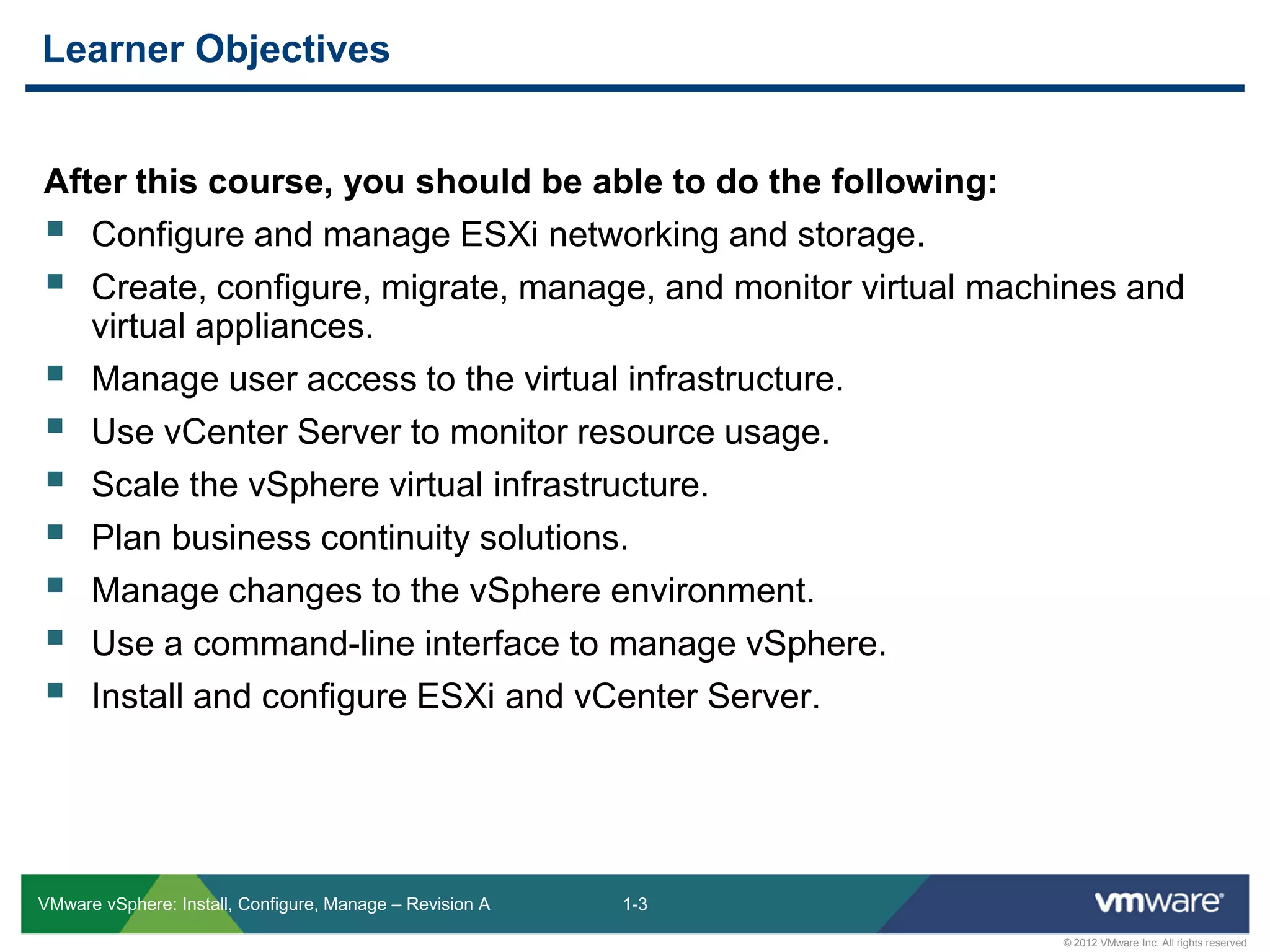
After this course, you should be able to do the following:
 Configure and manage ESXi networking and storage.
 Create, configure, migrate, manage, and monitor virtual machines and
virtual appliances.
 Manage user access to the virtual infrastructure.
 Use vCenter Server to monitor resource usage.
 Scale the vSphere virtual infrastructure.
 Plan business continuity solutions.
 Manage changes to the vSphere environment.
 Use a command-line interface to manage vSphere.
 Install and configure ESXi and vCenter Server.
Learner Objectives
1-4
© 2012 VMware Inc. All rights reserved
VMware vSphere: Install, Configure, Manage – Revision A
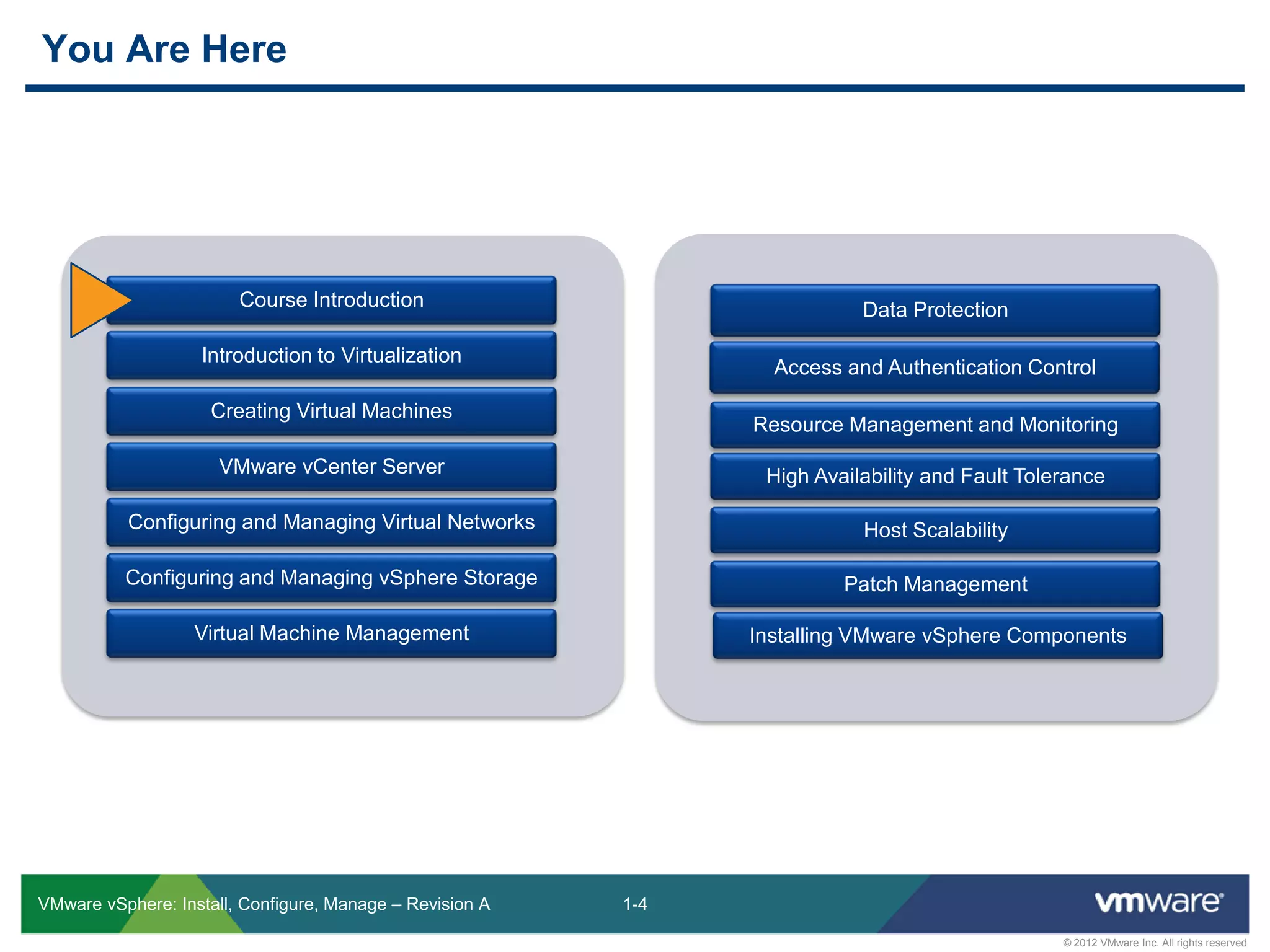
Course Introduction
Introduction to Virtualization
Creating Virtual Machines
VMware vCenter Server
Configuring and Managing Virtual Networks
Configuring and Managing vSphere Storage
Virtual Machine Management
Data Protection
Access and Authentication Control
Resource Management and Monitoring
High Availability and Fault Tolerance
Host Scalability
Patch Management
Installing VMware vSphere Components
You Are Here
1-5
© 2012 VMware Inc. All rights reserved
VMware vSphere: Install, Configure, Manage – Revision A
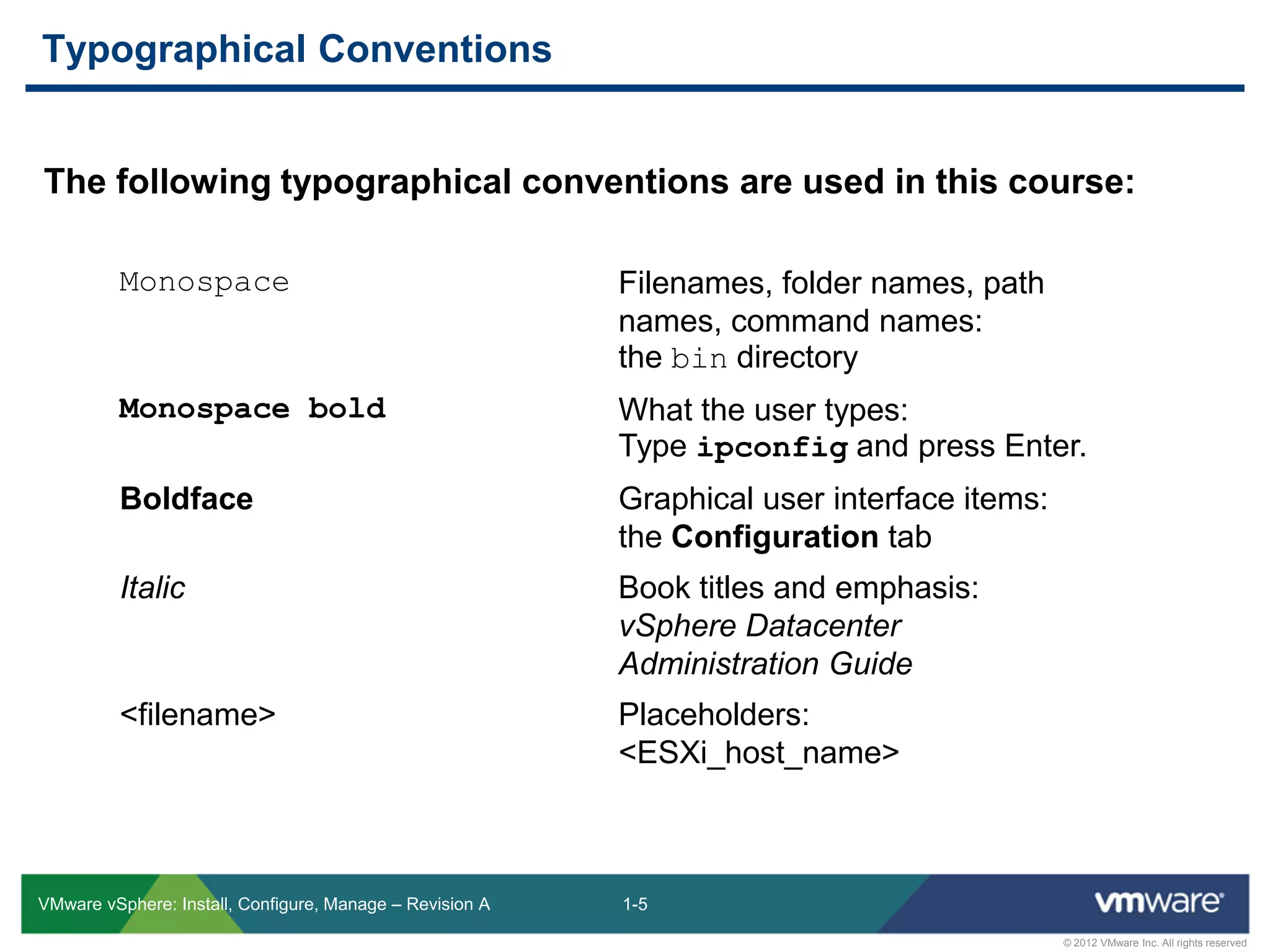
The following typographical conventions are used in this course:
Typographical Conventions
Monospace Filenames, folder names, path
names, command names:
the bin directory
Monospace bold What the user types:
Type ipconfig and press Enter.
Boldface Graphical user interface items:
the Configuration tab
Italic Book titles and emphasis:
vSphere Datacenter
Administration Guide
<filename> Placeholders:
<ESXi_host_name>
1-6
© 2012 VMware Inc. All rights reserved
VMware vSphere: Install, Configure, Manage – Revision A
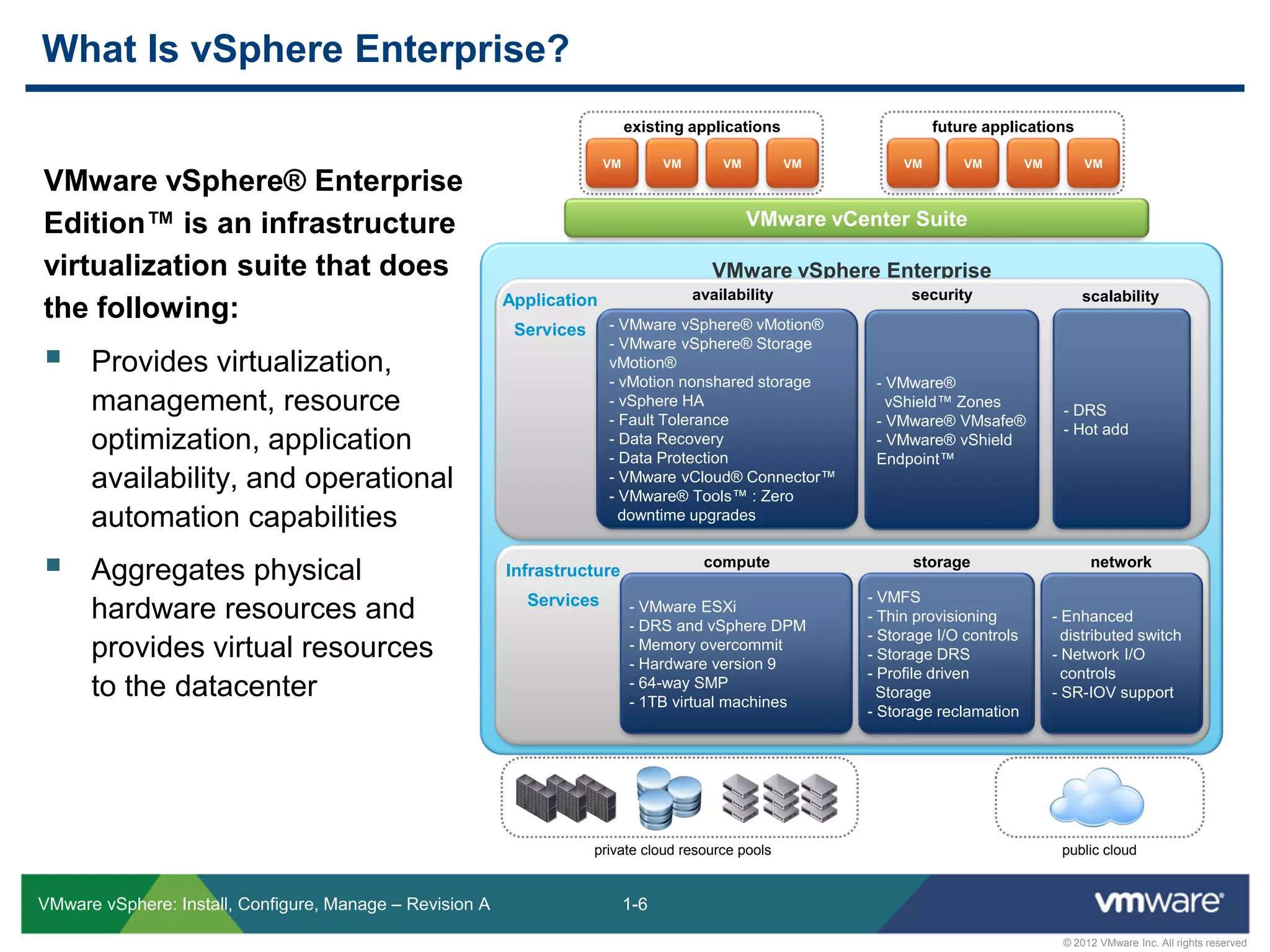
VMware vSphere Enterprise
VMware vSphere® Enterprise
Edition™ is an infrastructure
virtualization suite that does
the following:
 Provides virtualization,
management, resource
optimization, application
availability, and operational
automation capabilities
 Aggregates physical
hardware resources and
provides virtual resources
to the datacenter
What Is vSphere Enterprise?
VMware vCenter Suite
VM VM VM VM
existing applications
Application
Services
Infrastructure
Services
- VMware vSphere® vMotion®
- VMware vSphere® Storage
vMotion®
- vMotion nonshared storage
- vSphere HA
- Fault Tolerance
- Data Recovery
- Data Protection
- VMware vCloud® Connector™
- VMware® Tools™ : Zero
downtime upgrades
- VMware®
vShield™ Zones
- VMware® VMsafe®
- VMware® vShield
Endpoint™
- DRS
- Hot add
- VMware ESXi
- DRS and vSphere DPM
- Memory overcommit
- Hardware version 9
- 64-way SMP
- 1TB virtual machines
- VMFS
- Thin provisioning
- Storage I/O controls
- Storage DRS
- Profile driven
Storage
- Storage reclamation
- Enhanced
distributed switch
- Network I/O
controls
- SR-IOV support
private cloud resource pools public cloud
availability scalability
storage network
security
compute
VM VM VM VM
future applications
1-7
© 2012 VMware Inc. All rights reserved
VMware vSphere: Install, Configure, Manage – Revision A
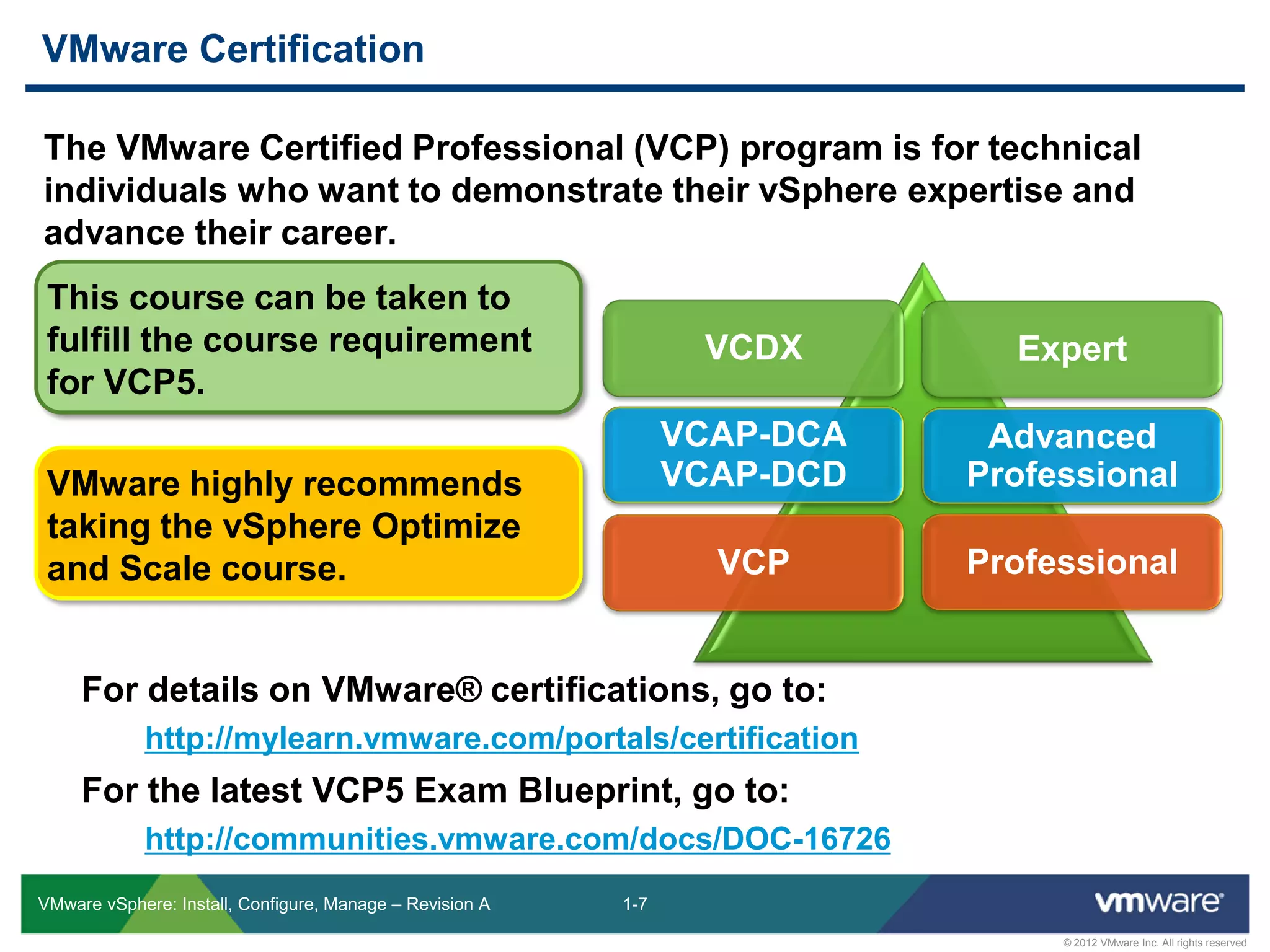
The VMware Certified Professional (VCP) program is for technical
individuals who want to demonstrate their vSphere expertise and
advance their career.
VMware Certification
Expert
Advanced
Professional
ProfessionalVCP
VCDX
VCAP-DCA
VCAP-DCD
For details on VMware® certifications, go to:
http://mylearn.vmware.com/portals/certification
For the latest VCP5 Exam Blueprint, go to:
http://communities.vmware.com/docs/DOC-16726
This course can be taken to
fulfill the course requirement
for VCP5.
VMware highly recommends
taking the vSphere Optimize
and Scale course.
1-8
© 2012 VMware Inc. All rights reserved
VMware vSphere: Install, Configure, Manage – Revision A
VMware Communities: http://communities.vmware.com
 Start a discussion and access communities and user groups.
VMware Support: http://www.vmware.com/support
 Access the knowledge base, documentation, technical papers, and
compatibility guides.
VMware Education: http://www.vmware.com/education
 Access the course catalog and worldwide course schedule.
 Access information about advanced courses to continue on your
virtualization training path.
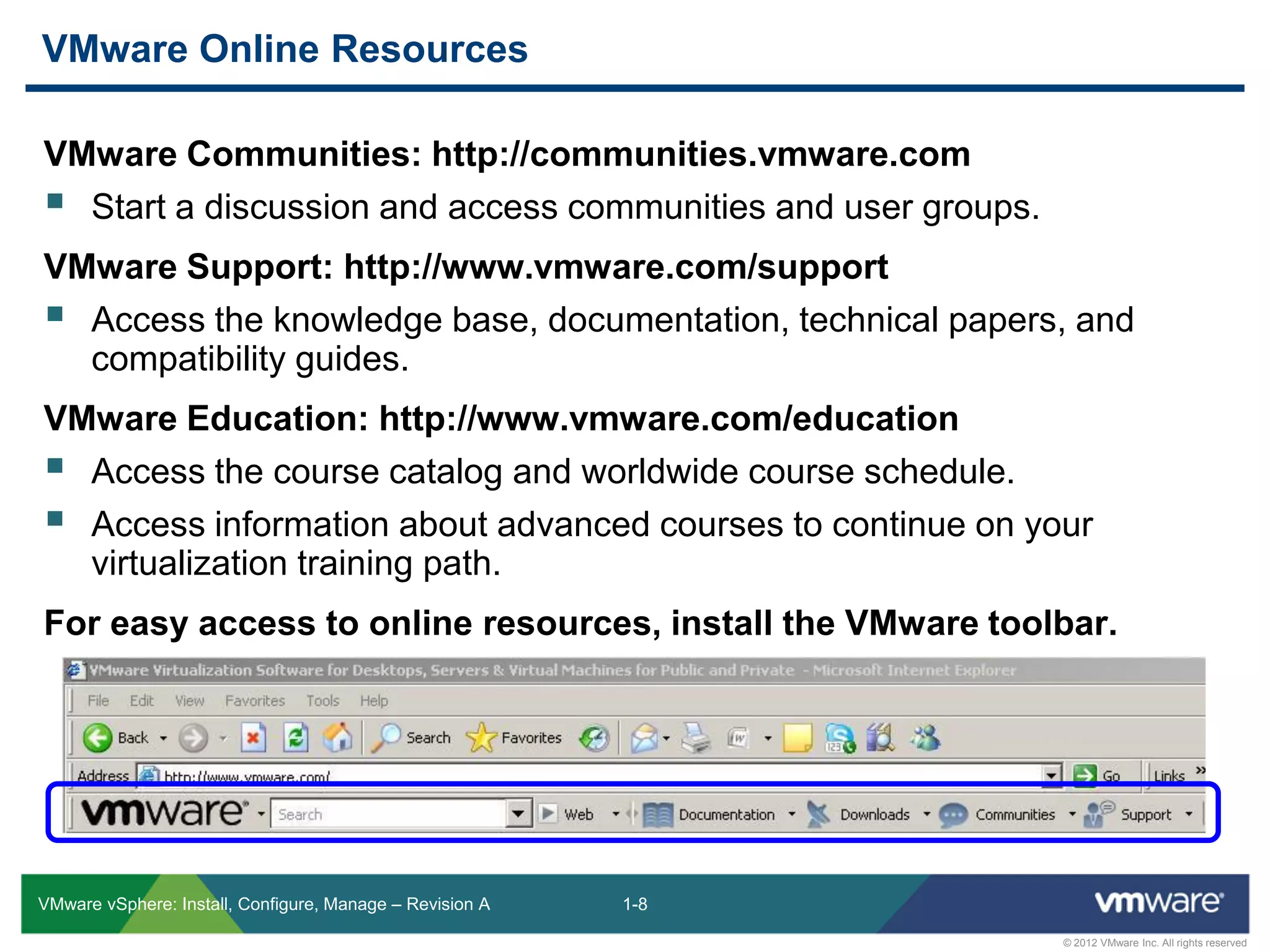
For easy access to online resources, install the VMware toolbar.
VMware Online Resources
1-9
© 2012 VMware Inc. All rights reserved
VMware vSphere: Install, Configure, Manage – Revision A
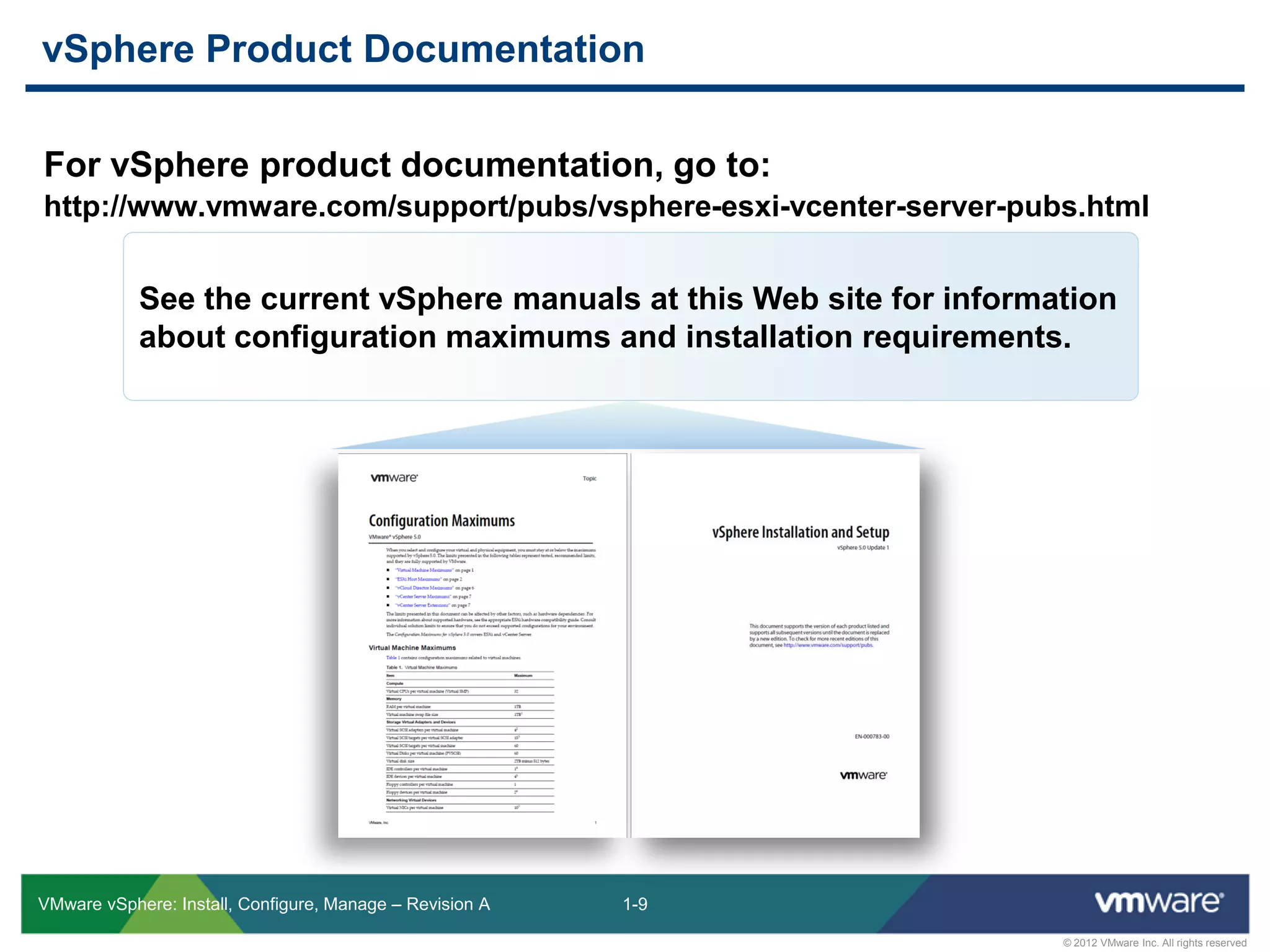
For vSphere product documentation, go to:
http://www.vmware.com/support/pubs/vsphere-esxi-vcenter-server-pubs.html
vSphere Product Documentation
See the current vSphere manuals at this Web site for information
about configuration maximums and installation requirements.

Vsicm51 m01 course_intro_

  • 1.
    © 2012 VMwareInc. All rights reserved Course Introduction Module 1 VMware vSphere: Install, Configure, Manage
  • 2.
    1-2 © 2012 VMwareInc. All rights reserved VMware vSphere: Install, Configure, Manage – Revision A This course equips administrators with the knowledge, skills, and abilities to build and run a VMware vSphere® environment. It focuses on the installation and configuration of VMware vSphere® ESXi™ hosts and VMware® vCenter Server™. It also focuses on the management of ESXi hosts and virtual machines with vCenter Server. This course helps prepare IT professionals to achieve the status of VMware® Certified Professional on vSphere 5 (VCP5). Importance
  • 3.
    1-3 © 2012 VMwareInc. All rights reserved VMware vSphere: Install, Configure, Manage – Revision A After this course, you should be able to do the following:  Configure and manage ESXi networking and storage.  Create, configure, migrate, manage, and monitor virtual machines and virtual appliances.  Manage user access to the virtual infrastructure.  Use vCenter Server to monitor resource usage.  Scale the vSphere virtual infrastructure.  Plan business continuity solutions.  Manage changes to the vSphere environment.  Use a command-line interface to manage vSphere.  Install and configure ESXi and vCenter Server. Learner Objectives
  • 4.
    1-4 © 2012 VMwareInc. All rights reserved VMware vSphere: Install, Configure, Manage – Revision A Course Introduction Introduction to Virtualization Creating Virtual Machines VMware vCenter Server Configuring and Managing Virtual Networks Configuring and Managing vSphere Storage Virtual Machine Management Data Protection Access and Authentication Control Resource Management and Monitoring High Availability and Fault Tolerance Host Scalability Patch Management Installing VMware vSphere Components You Are Here
  • 5.
    1-5 © 2012 VMwareInc. All rights reserved VMware vSphere: Install, Configure, Manage – Revision A The following typographical conventions are used in this course: Typographical Conventions Monospace Filenames, folder names, path names, command names: the bin directory Monospace bold What the user types: Type ipconfig and press Enter. Boldface Graphical user interface items: the Configuration tab Italic Book titles and emphasis: vSphere Datacenter Administration Guide <filename> Placeholders: <ESXi_host_name>
  • 6.
    1-6 © 2012 VMwareInc. All rights reserved VMware vSphere: Install, Configure, Manage – Revision A VMware vSphere Enterprise VMware vSphere® Enterprise Edition™ is an infrastructure virtualization suite that does the following:  Provides virtualization, management, resource optimization, application availability, and operational automation capabilities  Aggregates physical hardware resources and provides virtual resources to the datacenter What Is vSphere Enterprise? VMware vCenter Suite VM VM VM VM existing applications Application Services Infrastructure Services - VMware vSphere® vMotion® - VMware vSphere® Storage vMotion® - vMotion nonshared storage - vSphere HA - Fault Tolerance - Data Recovery - Data Protection - VMware vCloud® Connector™ - VMware® Tools™ : Zero downtime upgrades - VMware® vShield™ Zones - VMware® VMsafe® - VMware® vShield Endpoint™ - DRS - Hot add - VMware ESXi - DRS and vSphere DPM - Memory overcommit - Hardware version 9 - 64-way SMP - 1TB virtual machines - VMFS - Thin provisioning - Storage I/O controls - Storage DRS - Profile driven Storage - Storage reclamation - Enhanced distributed switch - Network I/O controls - SR-IOV support private cloud resource pools public cloud availability scalability storage network security compute VM VM VM VM future applications
  • 7.
    1-7 © 2012 VMwareInc. All rights reserved VMware vSphere: Install, Configure, Manage – Revision A The VMware Certified Professional (VCP) program is for technical individuals who want to demonstrate their vSphere expertise and advance their career. VMware Certification Expert Advanced Professional ProfessionalVCP VCDX VCAP-DCA VCAP-DCD For details on VMware® certifications, go to: http://mylearn.vmware.com/portals/certification For the latest VCP5 Exam Blueprint, go to: http://communities.vmware.com/docs/DOC-16726 This course can be taken to fulfill the course requirement for VCP5. VMware highly recommends taking the vSphere Optimize and Scale course.
  • 8.
    1-8 © 2012 VMwareInc. All rights reserved VMware vSphere: Install, Configure, Manage – Revision A VMware Communities: http://communities.vmware.com  Start a discussion and access communities and user groups. VMware Support: http://www.vmware.com/support  Access the knowledge base, documentation, technical papers, and compatibility guides. VMware Education: http://www.vmware.com/education  Access the course catalog and worldwide course schedule.  Access information about advanced courses to continue on your virtualization training path. For easy access to online resources, install the VMware toolbar. VMware Online Resources
  • 9.
    1-9 © 2012 VMwareInc. All rights reserved VMware vSphere: Install, Configure, Manage – Revision A For vSphere product documentation, go to: http://www.vmware.com/support/pubs/vsphere-esxi-vcenter-server-pubs.html vSphere Product Documentation See the current vSphere manuals at this Web site for information about configuration maximums and installation requirements.