#JCConf
Bootify Your Spring
Applications
Jimmy Lu
Digital River, Inc.
#JCConf
Agenda
• Brief Introduction to Spring Boot
• Getting Started with Spring Boot
• Features and Facilities Provided by Spring
Boot
• Micro Services with Spring Boot
#JCConf
What is Spring Boot?
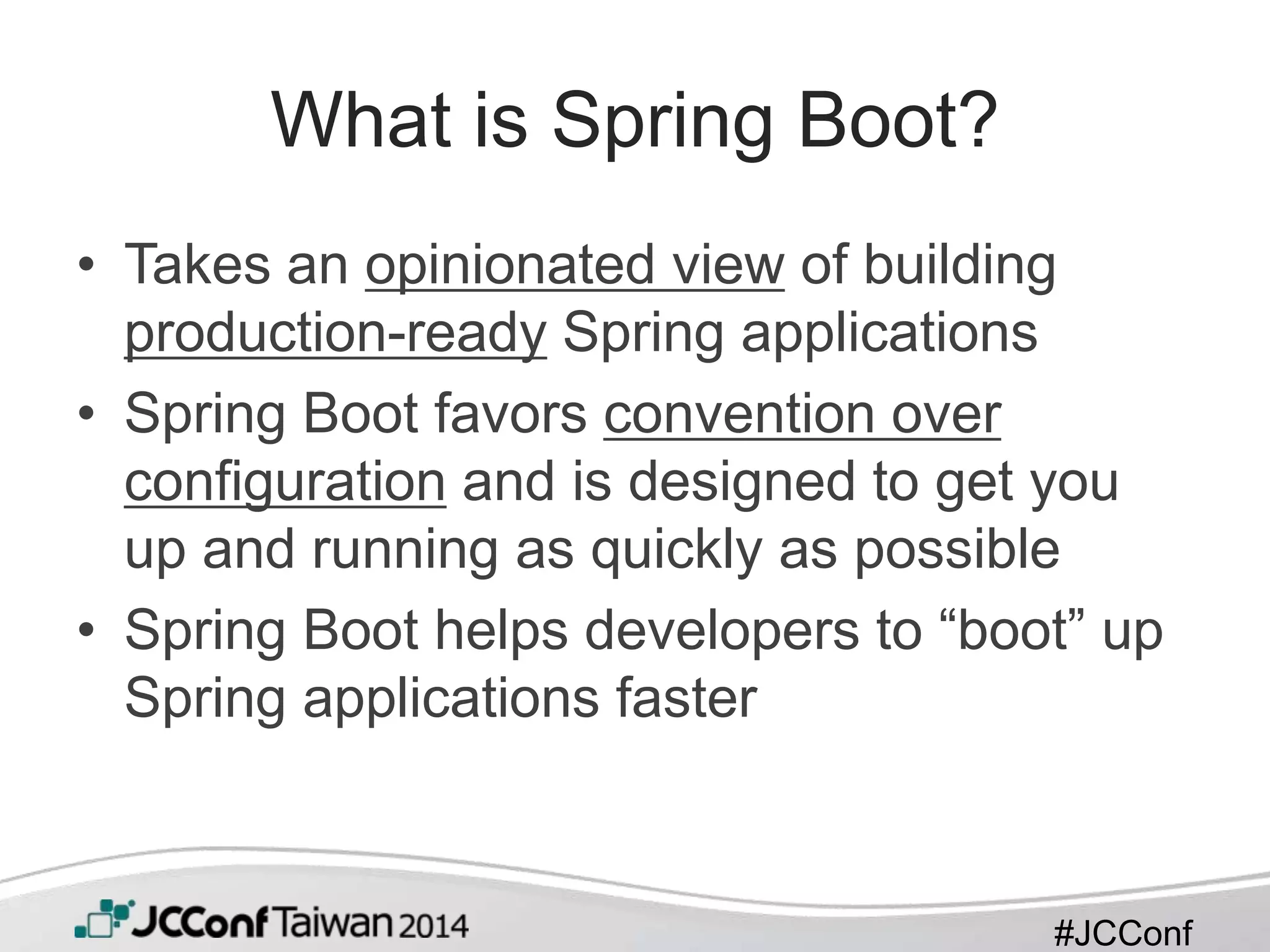
• Takes an opinionated view of building
production-ready Spring applications
• Spring Boot favors convention over
configuration and is designed to get you
up and running as quickly as possible
• Spring Boot helps developers to “boot” up
Spring applications faster
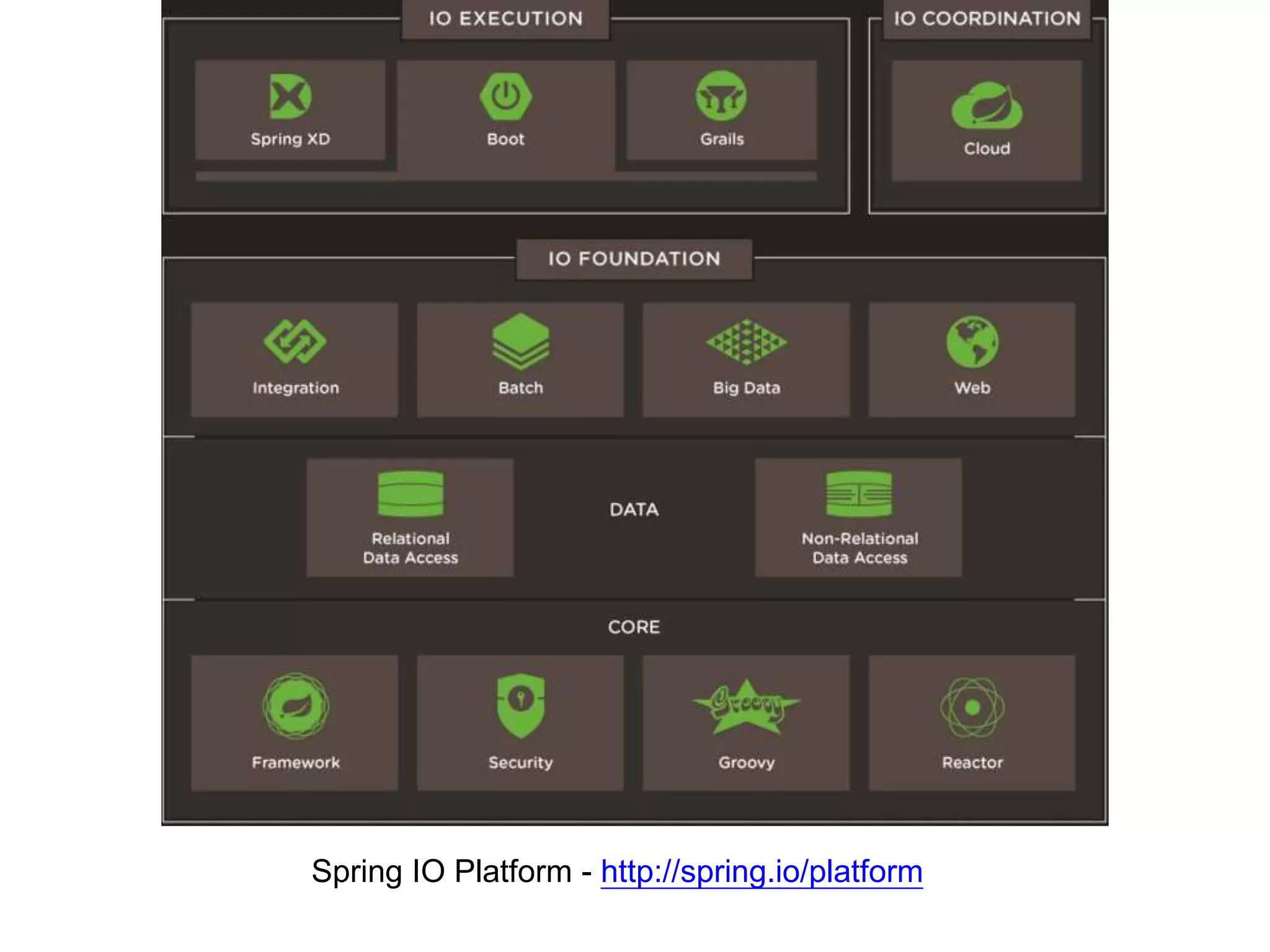
Spring IO Platform - http://spring.io/platform
#JCConf
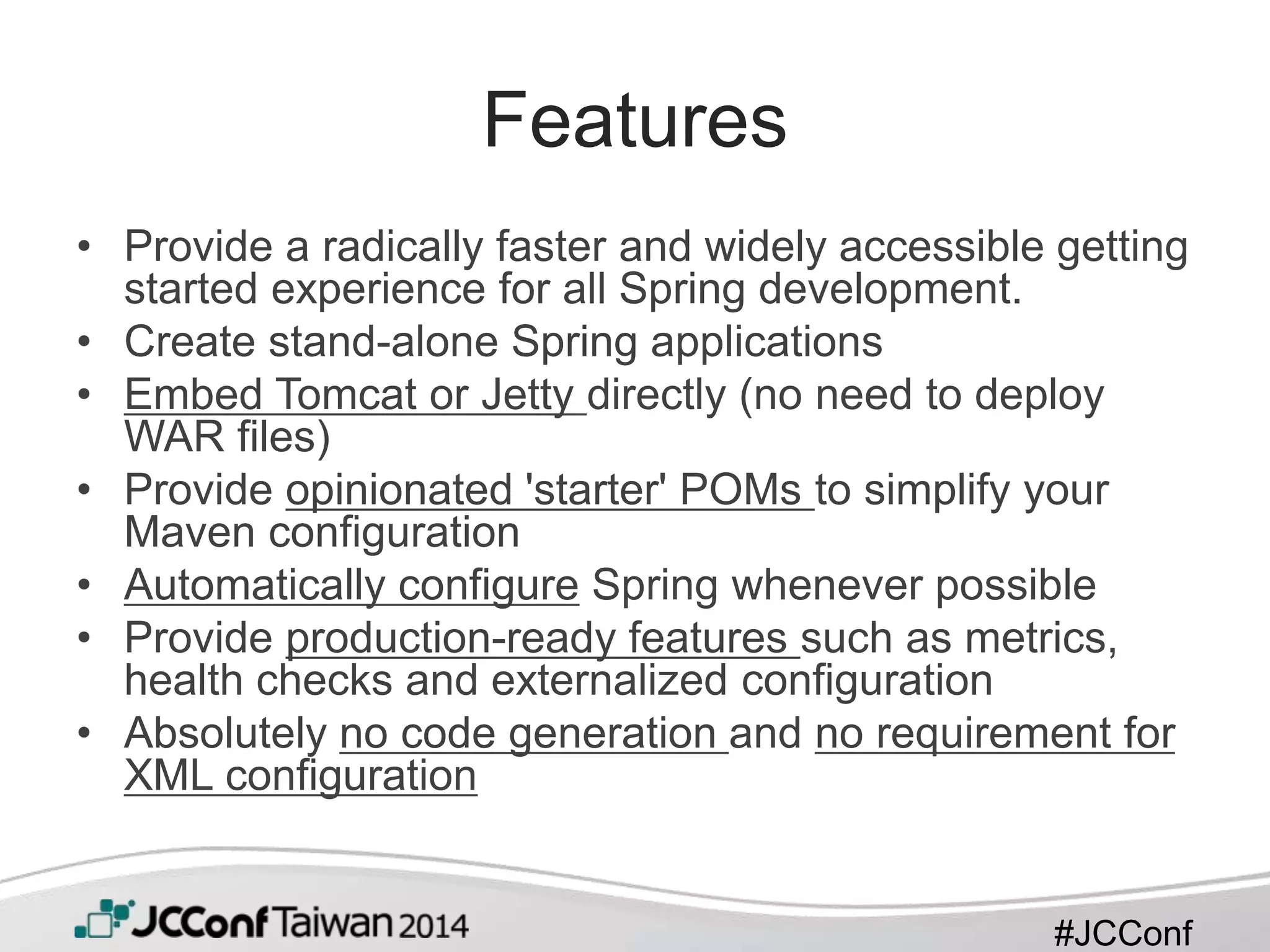
Features
• Provide a radically faster and widely accessible getting
started experience for all Spring development.
• Create stand-alone Spring applications
• Embed Tomcat or Jetty directly (no need to deploy
WAR files)
• Provide opinionated 'starter' POMs to simplify your
Maven configuration
• Automatically configure Spring whenever possible
• Provide production-ready features such as metrics,
health checks and externalized configuration
• Absolutely no code generation and no requirement for
XML configuration
#JCConf
Who is Using Spring Boot?
• Spring’s official website
– http://spring.io
– project sagan https://github.com/spring-
io/sagan
– all user guides http://spring.io/guides
• Companies who use Spring: Netflix
#JCConf
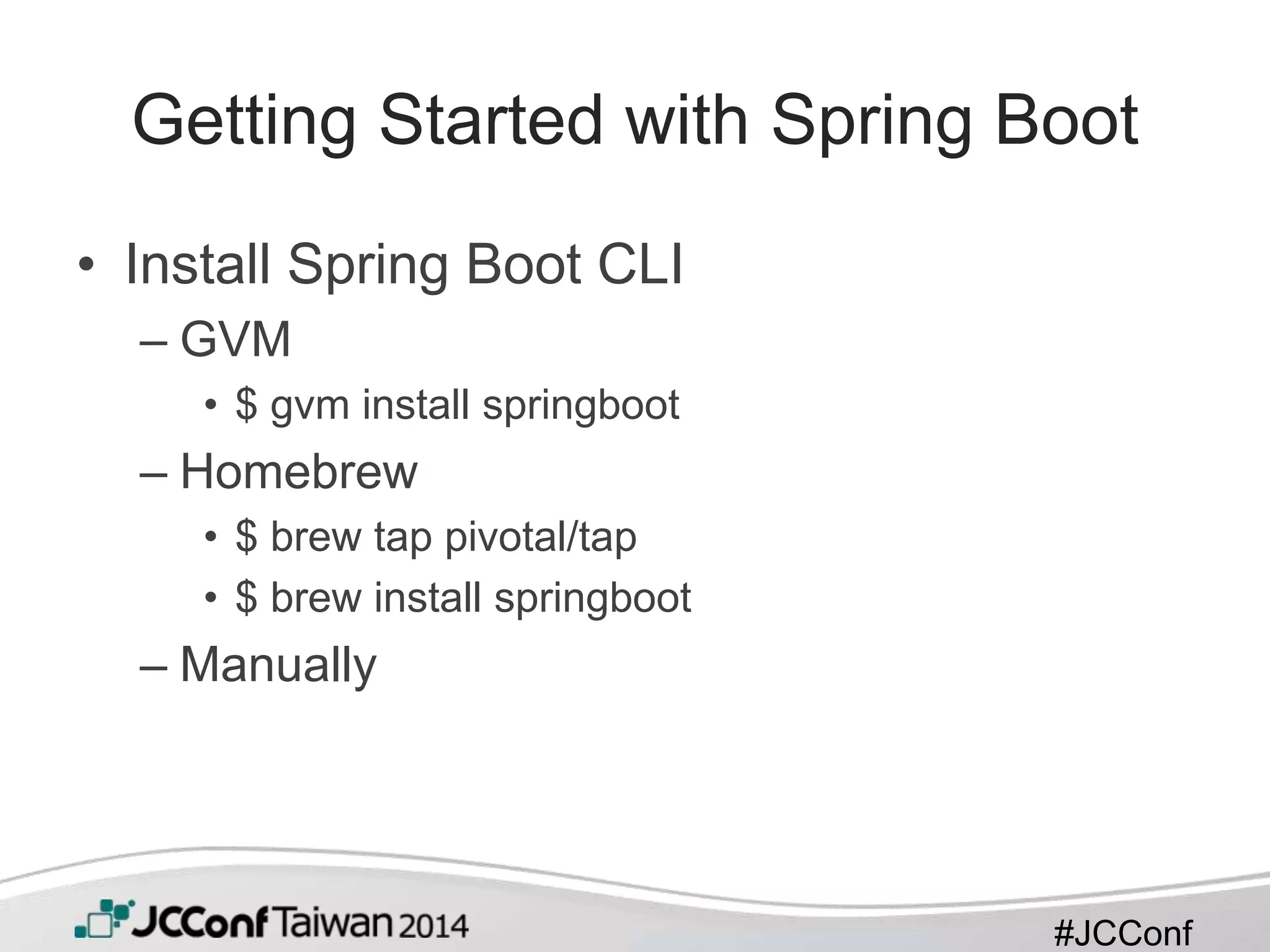
Getting Started with Spring Boot
• Install Spring Boot CLI
– GVM
• $ gvm install springboot
– Homebrew
• $ brew tap pivotal/tap
• $ brew install springboot
– Manually
#JCConf
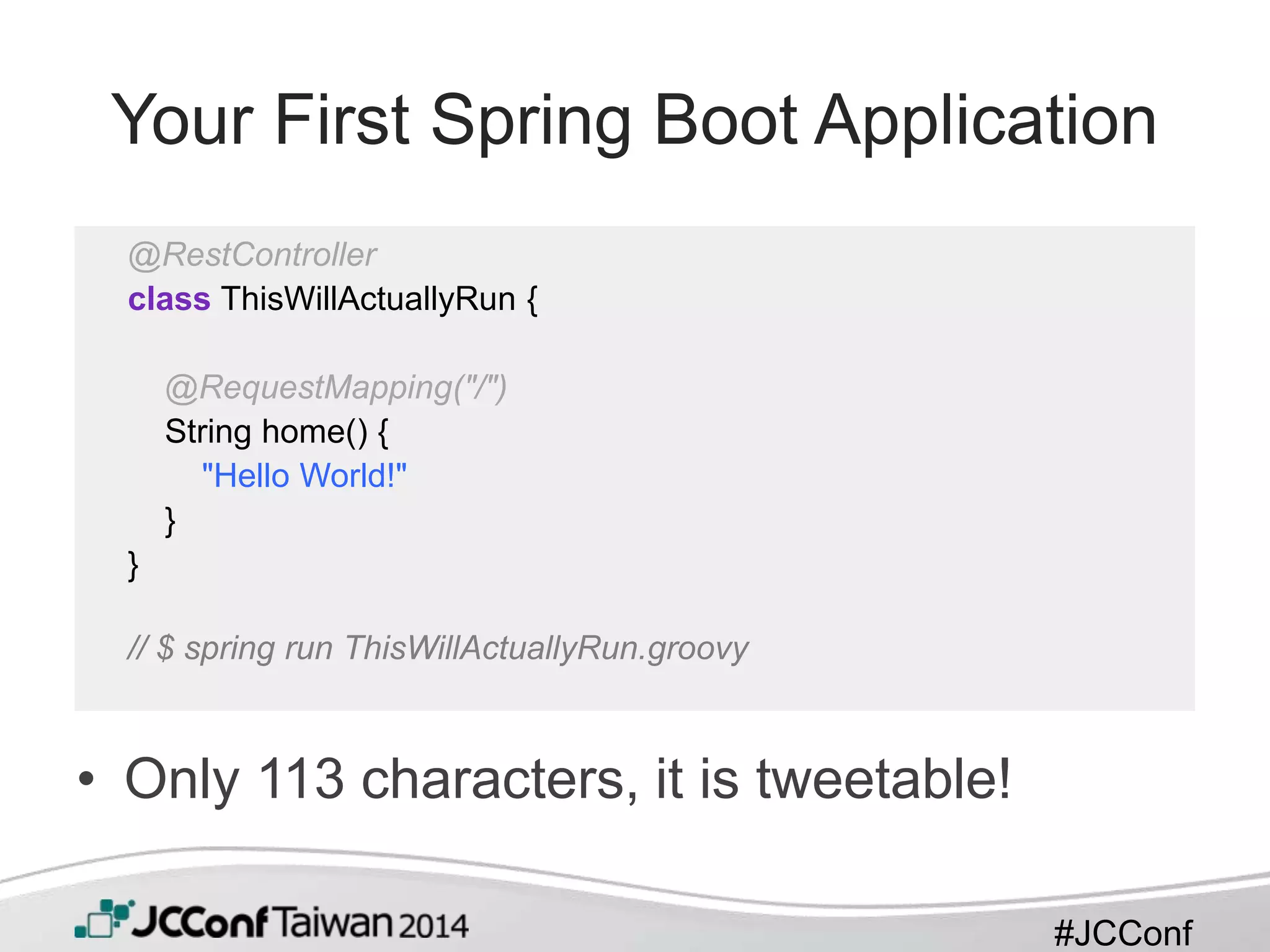
Your First Spring Boot Application
• Only 113 characters, it is tweetable!
@RestController
class ThisWillActuallyRun {
@RequestMapping("/")
String home() {
"Hello World!"
}
}
// $ spring run ThisWillActuallyRun.groovy
#JCConf
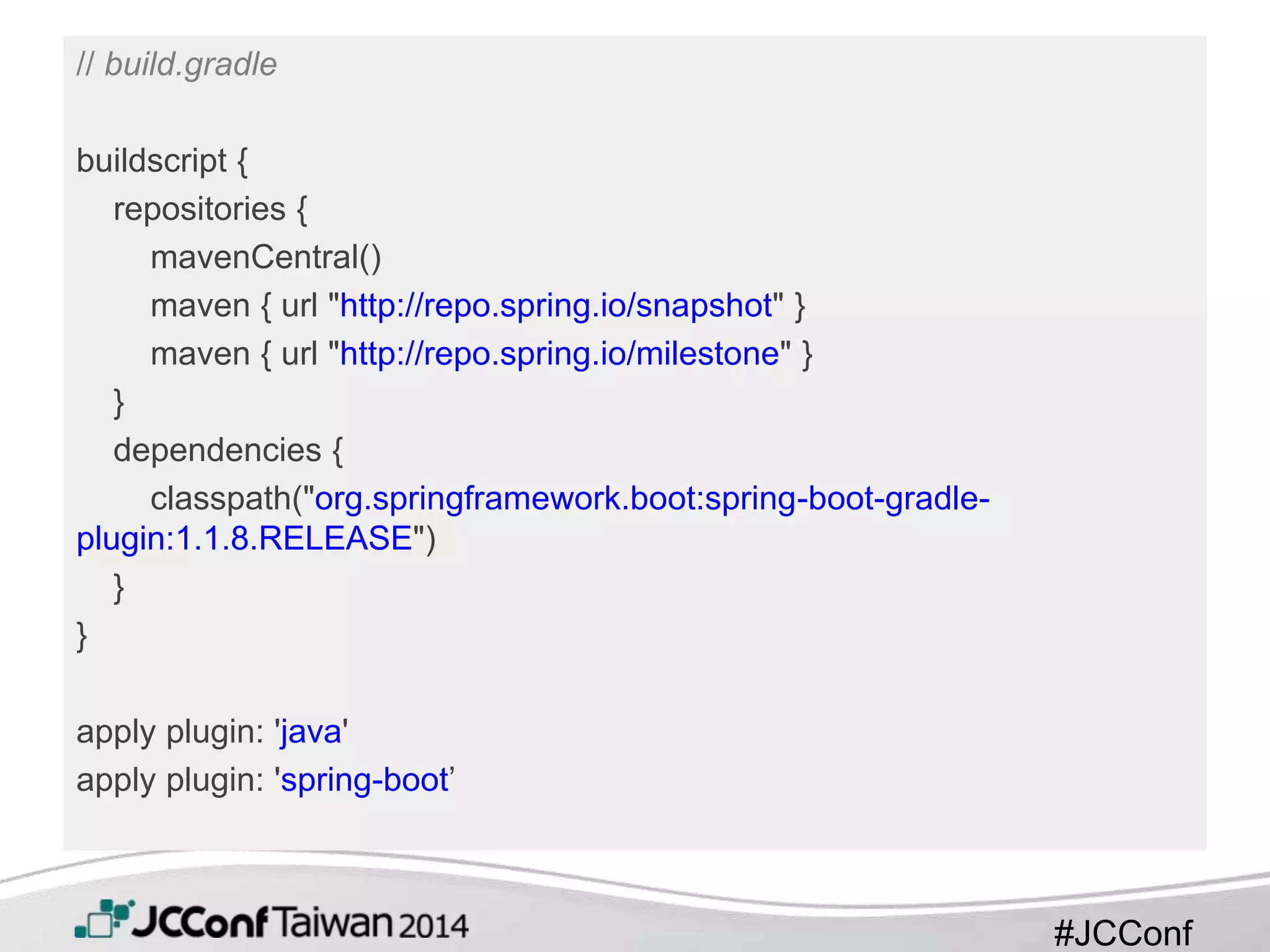
// build.gradle
buildscript {
repositories {
mavenCentral()
maven { url "http://repo.spring.io/snapshot" }
maven { url "http://repo.spring.io/milestone" }
}
dependencies {
classpath("org.springframework.boot:spring-boot-gradle-
plugin:1.1.8.RELEASE")
}
}
apply plugin: 'java'
apply plugin: 'spring-boot’
#JCConf
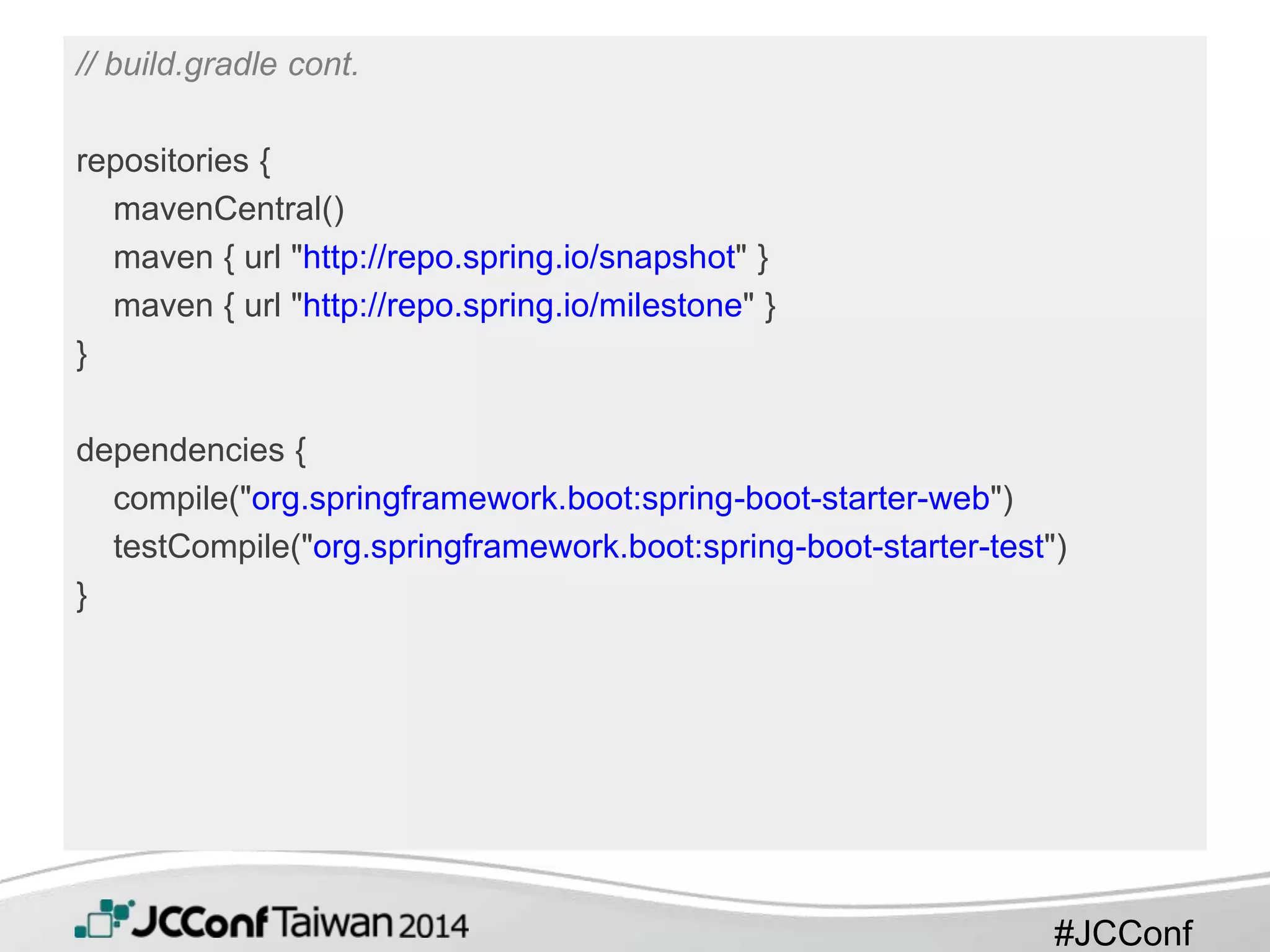
// build.gradle cont.
repositories {
mavenCentral()
maven { url "http://repo.spring.io/snapshot" }
maven { url "http://repo.spring.io/milestone" }
}
dependencies {
compile("org.springframework.boot:spring-boot-starter-web")
testCompile("org.springframework.boot:spring-boot-starter-test")
}
#JCConf
// Appliation.java.
@RestController
@EnableAutoConfiguration
public class Example {
@RequestMapping("/")
String home() {
return "Hello World!";
}
public static void main(String[] args) throws Exception {
SpringApplication.run(Example.class, args);
}
}
#JCConf
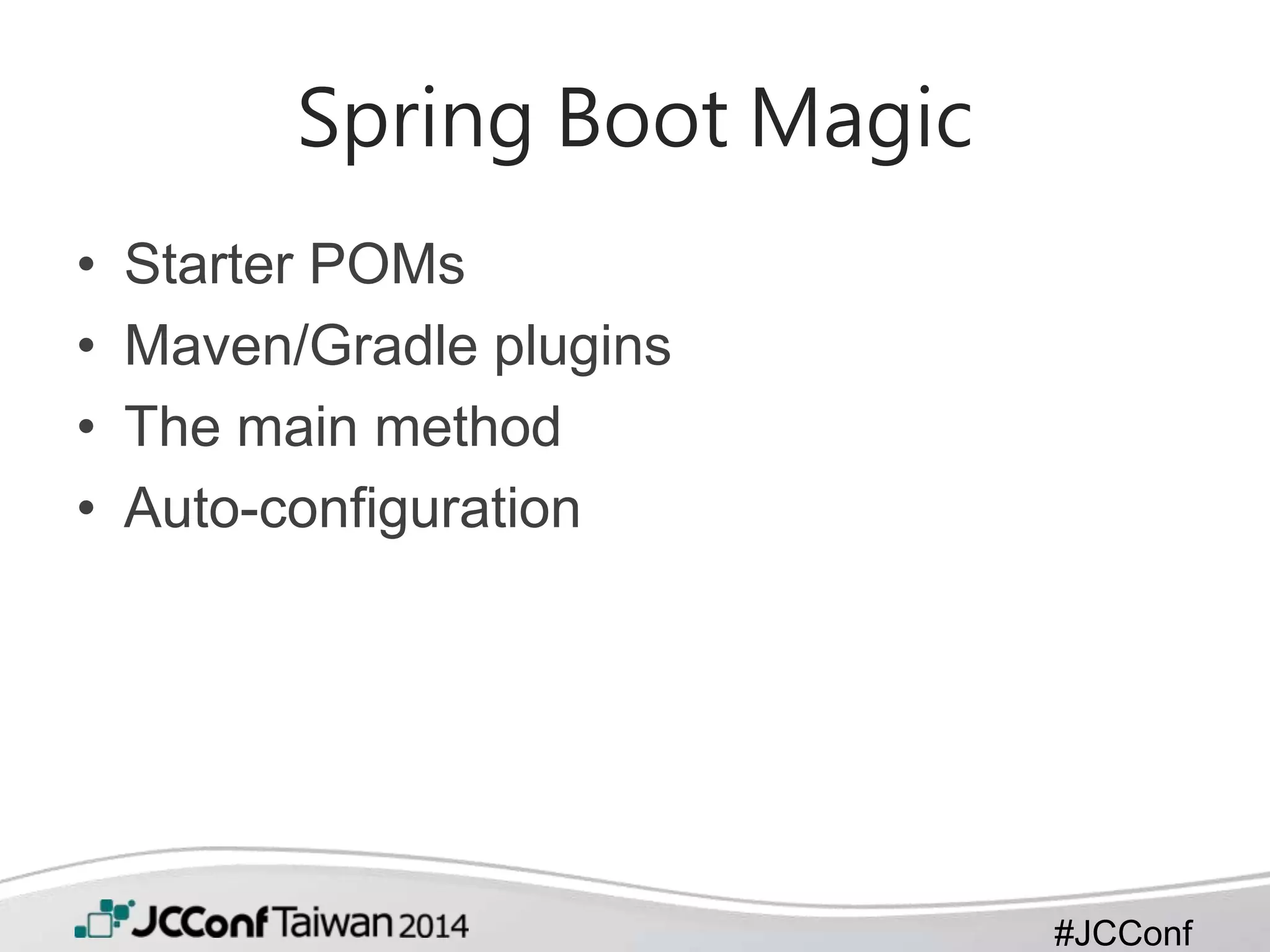
Spring Boot Magic
• Starter POMs
• Maven/Gradle plugins
• The main method
• Auto-configuration
#JCConf
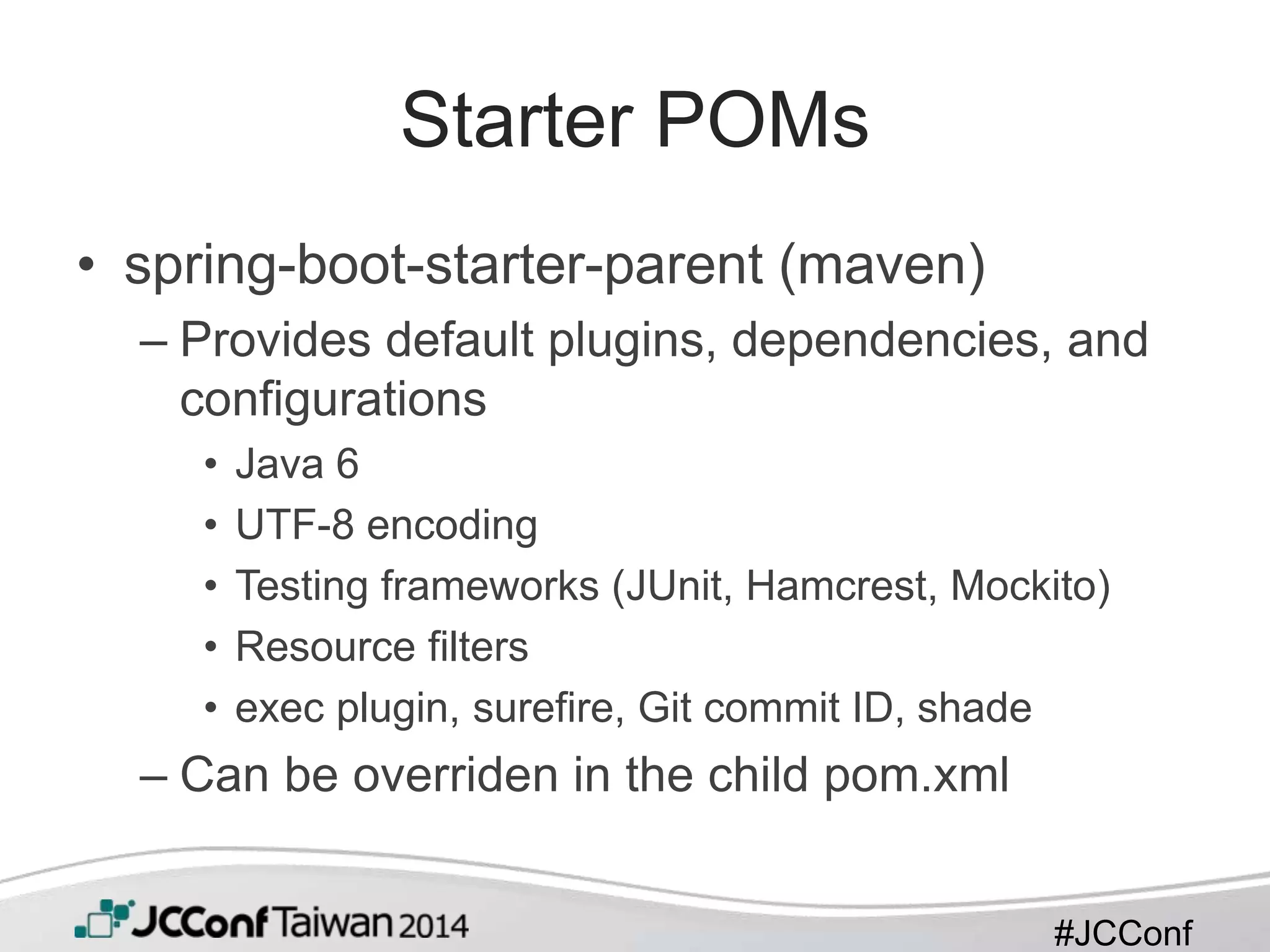
Starter POMs
• spring-boot-starter-parent (maven)
– Provides default plugins, dependencies, and
configurations
• Java 6
• UTF-8 encoding
• Testing frameworks (JUnit, Hamcrest, Mockito)
• Resource filters
• exec plugin, surefire, Git commit ID, shade
– Can be overriden in the child pom.xml
#JCConf
Starter POMs
• spring-boot-starter-*
– A set of convenient dependency descriptors
– contain a lot of the dependencies that you
need to get a project up and running quickly
and with a consistent, supported set of
managed transitive dependencies
– Ex. spring-boot-starter-web
– Whole list: http://bit.ly/1uMCNUg
#JCConf
Maven/Gradle Plugin
• Provides goals and tasks
– ‘Run’ Spring Boot applications
– ‘repackage’ executable jar/war
#JCConf
The main method
• Java convention for an application entry
point
• Delegates to Spring Boot’s
SpringApplication class by calling run
– Initialize required elements of spring container
like ApplicationContext.
#JCConf
Auto Configuration
• @EnableAutoConfiguration
– @EnableAutoConfiguration(exclude={DataSourceAutoConfigura
tion.class})
• META-INF/spring.factories
• Classpath dependencies detection
• @Conditional* annotations
– @ConditionalOnMissingBean(DataSource.class)
– @ConditionalOnClass(EmbeddedDatabaseType.class)
#JCConf
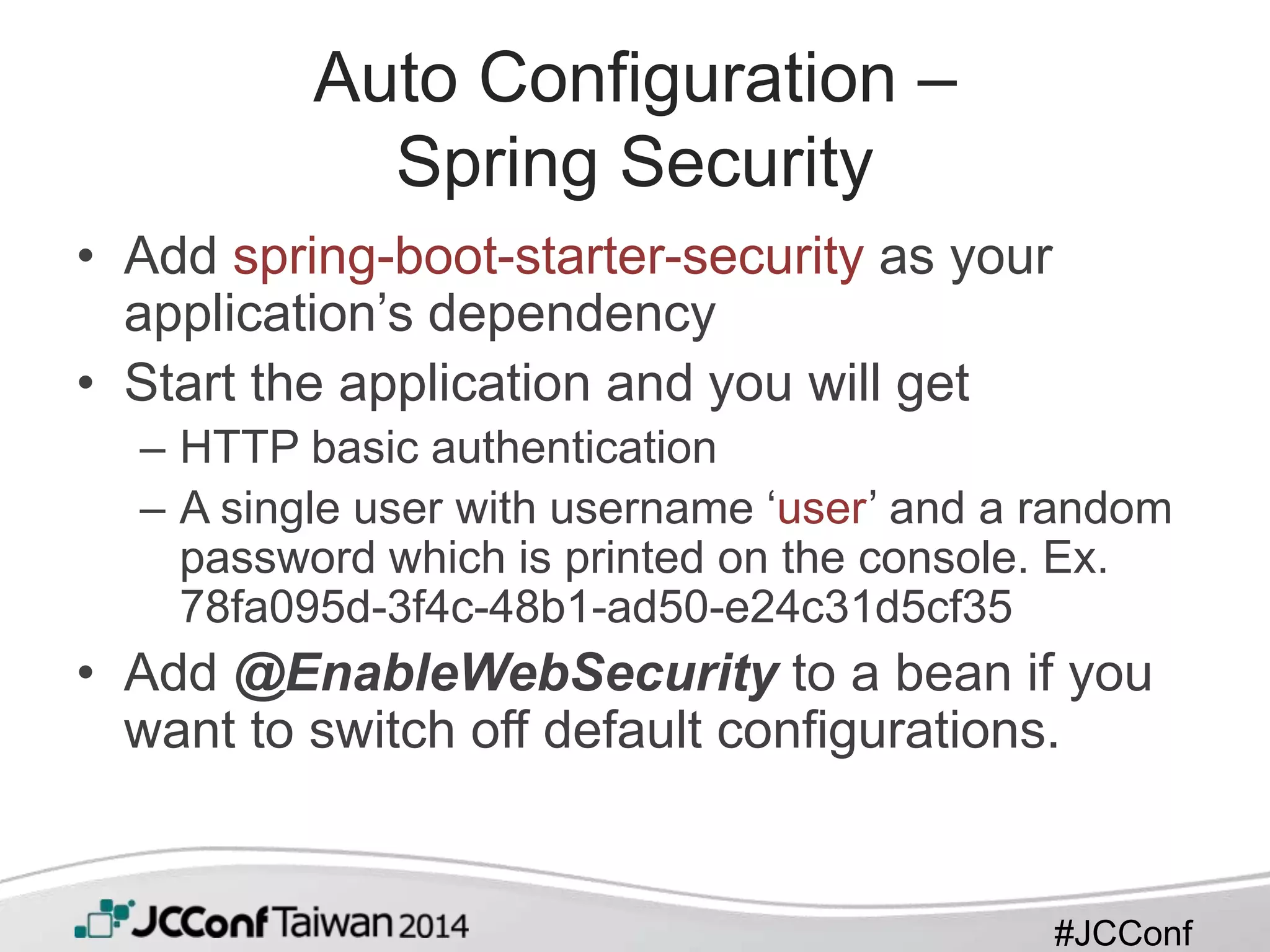
Auto Configuration –
Spring Security
• Add spring-boot-starter-security as your
application’s dependency
• Start the application and you will get
– HTTP basic authentication
– A single user with username ‘user’ and a random
password which is printed on the console. Ex.
78fa095d-3f4c-48b1-ad50-e24c31d5cf35
• Add @EnableWebSecurity to a bean if you
want to switch off default configurations.
#JCConf
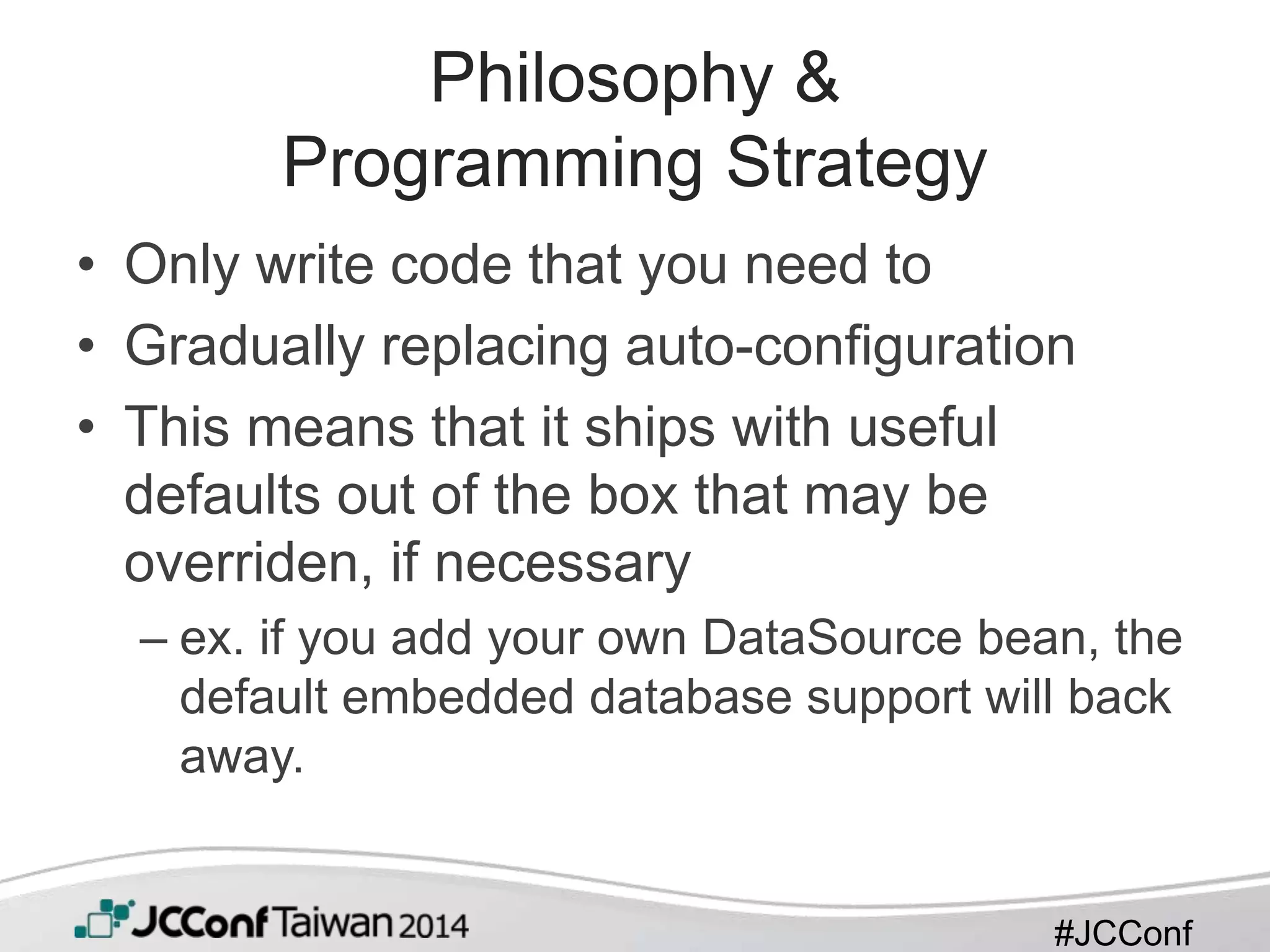
Philosophy &
Programming Strategy
• Only write code that you need to
• Gradually replacing auto-configuration
• This means that it ships with useful
defaults out of the box that may be
overriden, if necessary
– ex. if you add your own DataSource bean, the
default embedded database support will back
away.
#JCConf
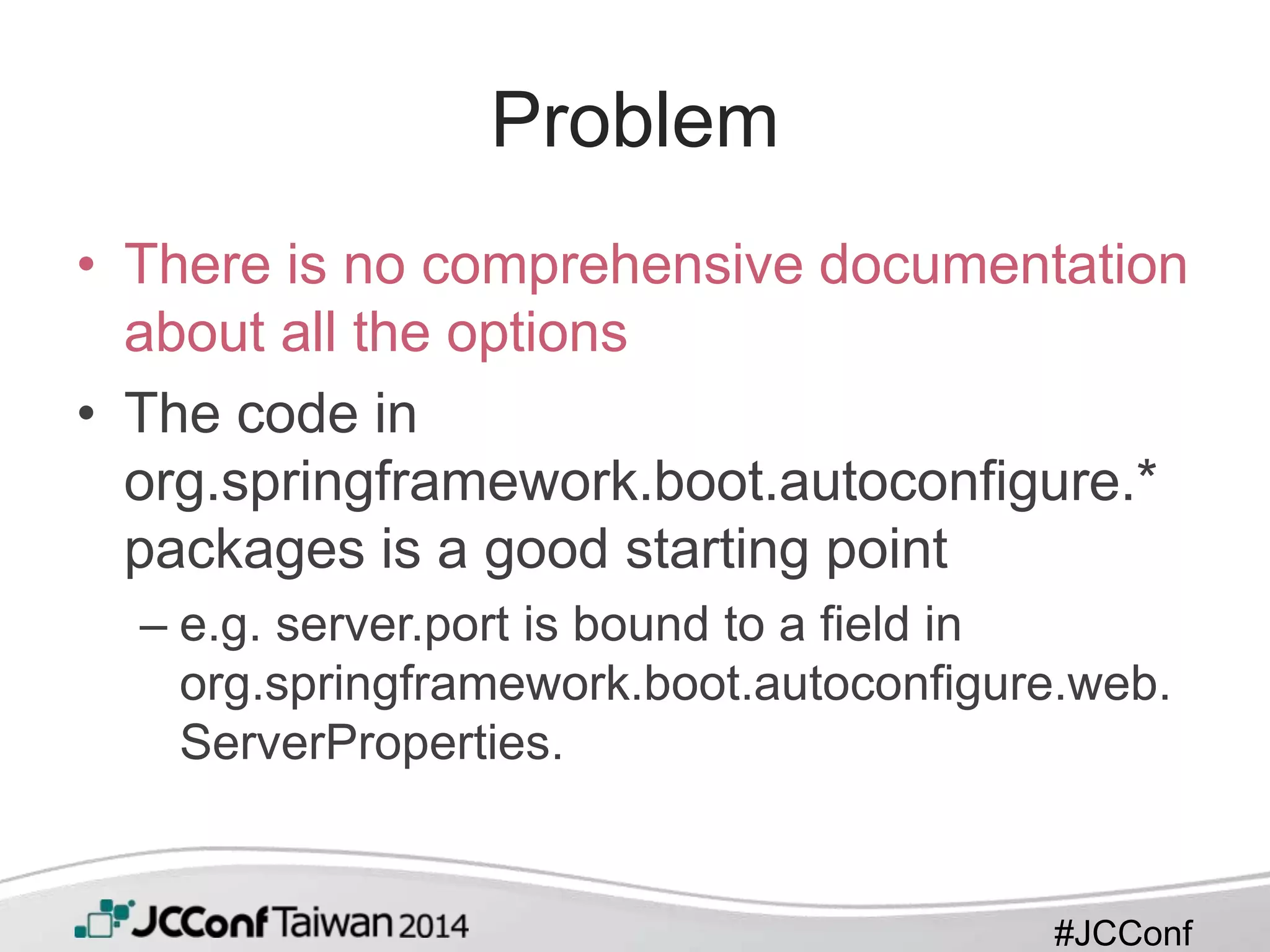
Problem
• There is no comprehensive documentation
about all the options
• The code in
org.springframework.boot.autoconfigure.*
packages is a good starting point
– e.g. server.port is bound to a field in
org.springframework.boot.autoconfigure.web.
ServerProperties.
#JCConf
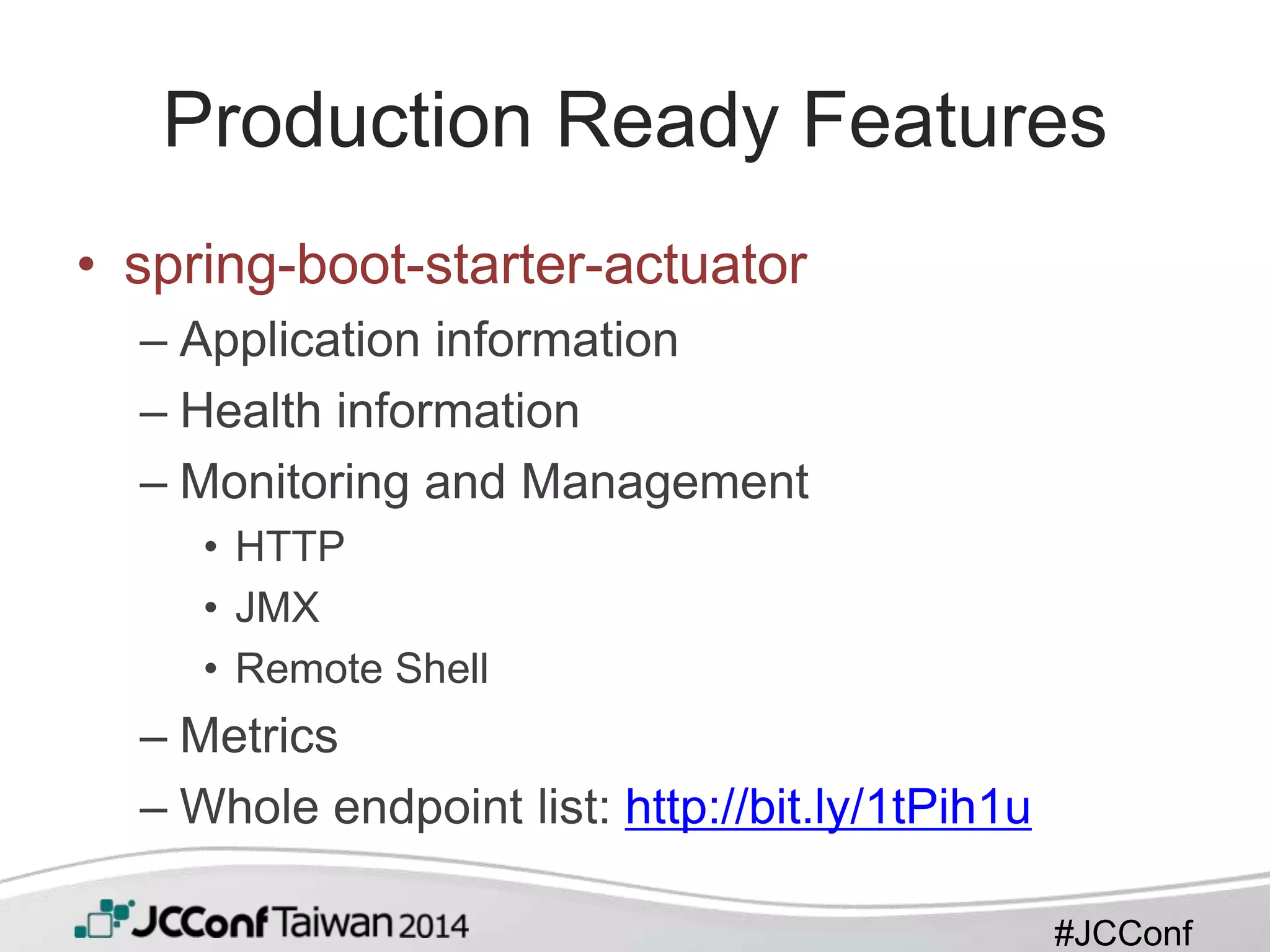
Production Ready Features
• spring-boot-starter-actuator
– Application information
– Health information
– Monitoring and Management
• HTTP
• JMX
• Remote Shell
– Metrics
– Whole endpoint list: http://bit.ly/1tPih1u
#JCConf
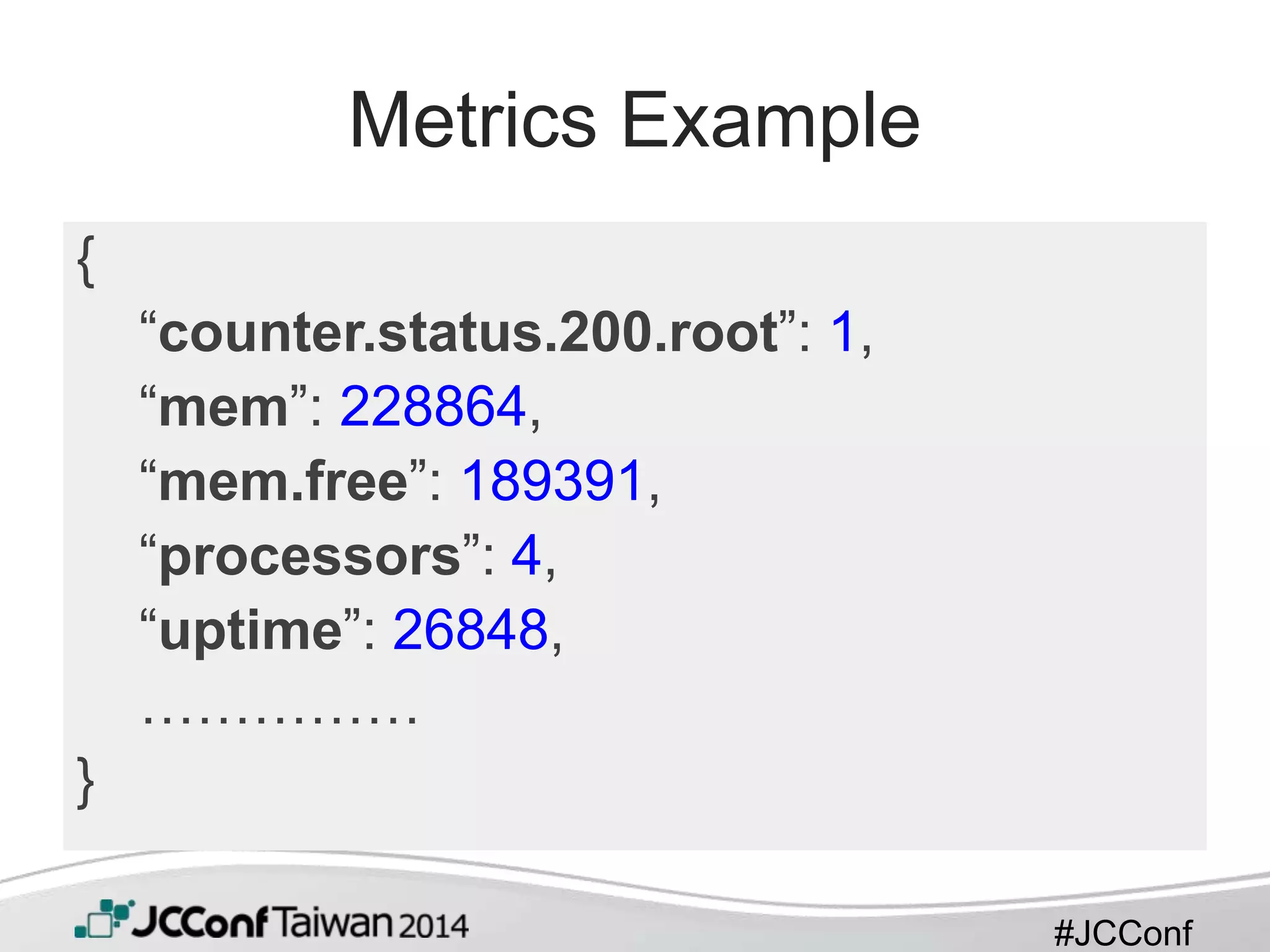
Metrics Example
{
“counter.status.200.root”: 1,
“mem”: 228864,
“mem.free”: 189391,
“processors”: 4,
“uptime”: 26848,
……………
}
#JCConf
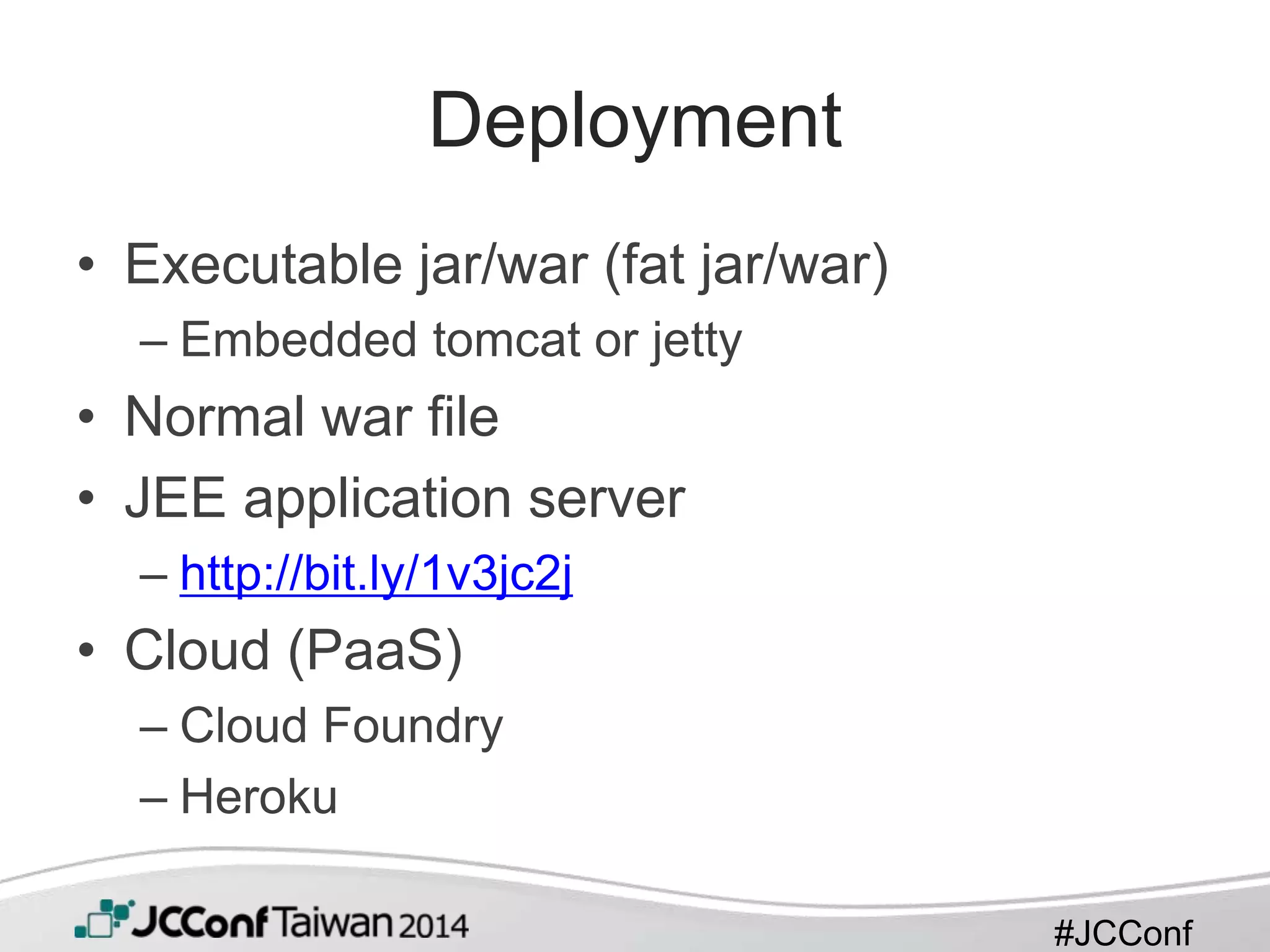
Deployment
• Executable jar/war (fat jar/war)
– Embedded tomcat or jetty
• Normal war file
• JEE application server
– http://bit.ly/1v3jc2j
• Cloud (PaaS)
– Cloud Foundry
– Heroku
#JCConf
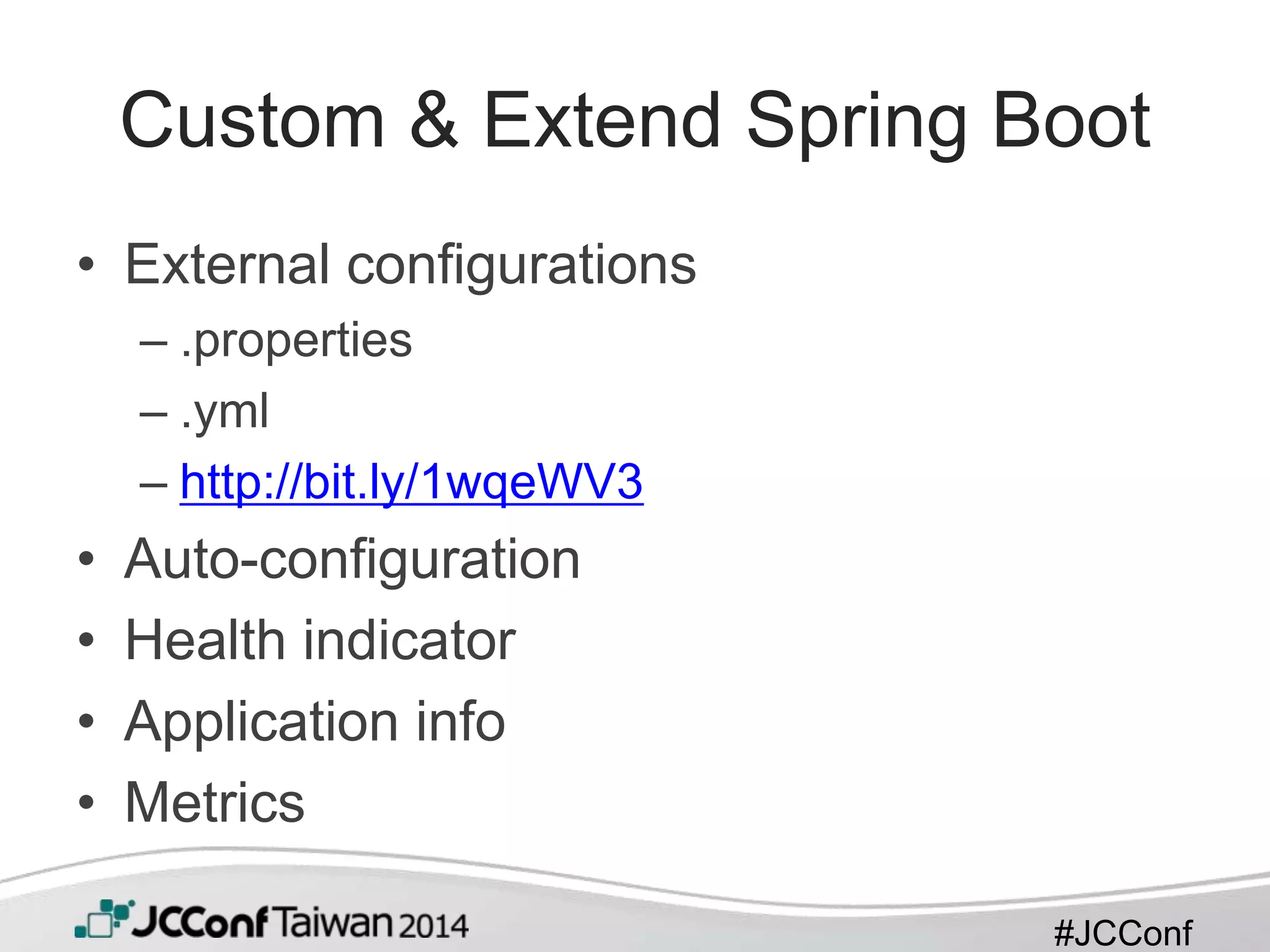
Custom & Extend Spring Boot
• External configurations
– .properties
– .yml
– http://bit.ly/1wqeWV3
• Auto-configuration
• Health indicator
• Application info
• Metrics
#JCConf
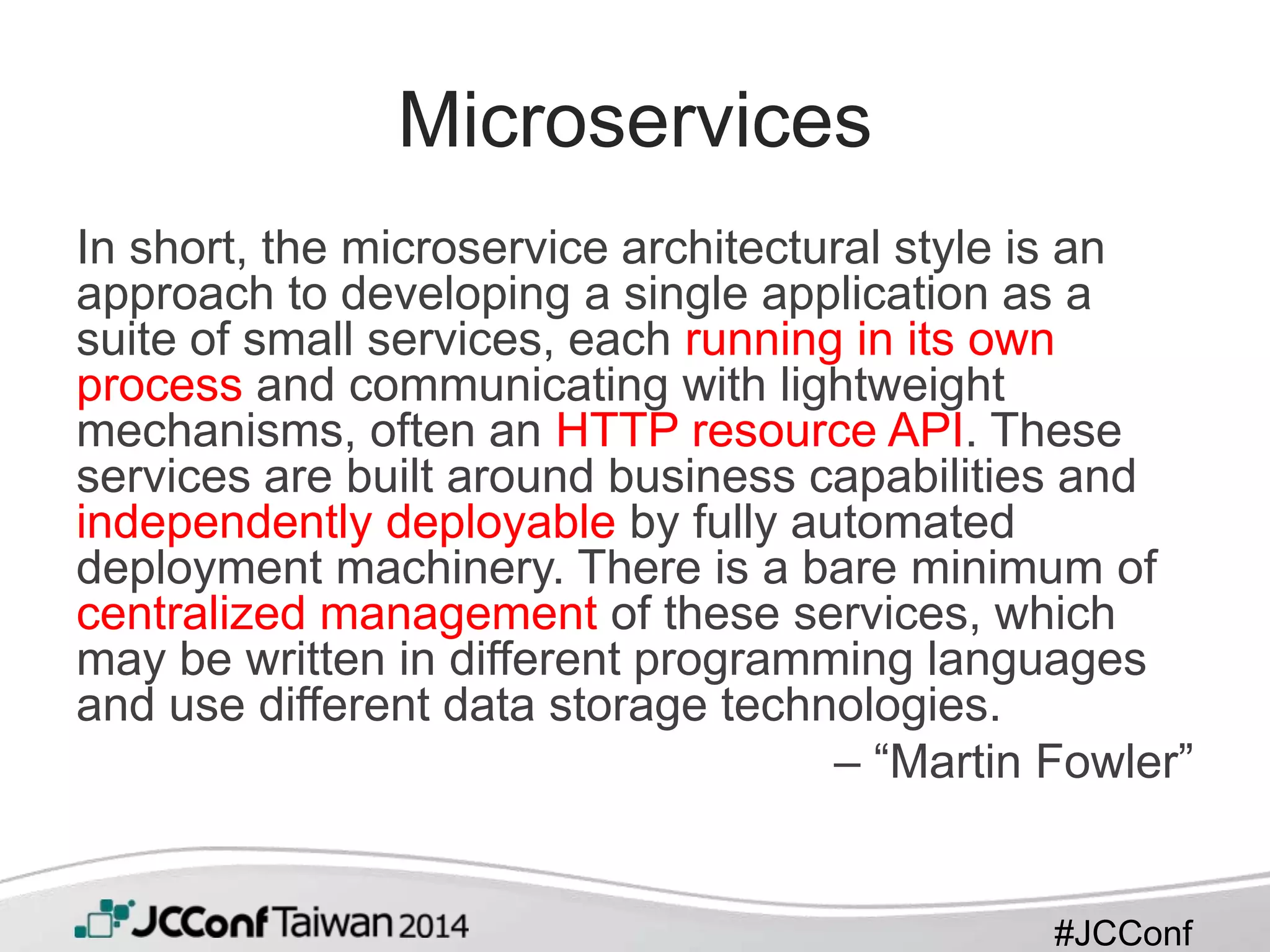
Microservices
In short, the microservice architectural style is an
approach to developing a single application as a
suite of small services, each running in its own
process and communicating with lightweight
mechanisms, often an HTTP resource API. These
services are built around business capabilities and
independently deployable by fully automated
deployment machinery. There is a bare minimum of
centralized management of these services, which
may be written in different programming languages
and use different data storage technologies.
– “Martin Fowler”
#JCConf
Microservices
• Spring Boot is just a great tool to fit into
microservices development
• Spring Boot makes you think about
microservics architecture with production
features it provided at the beginning of
development
#JCConf
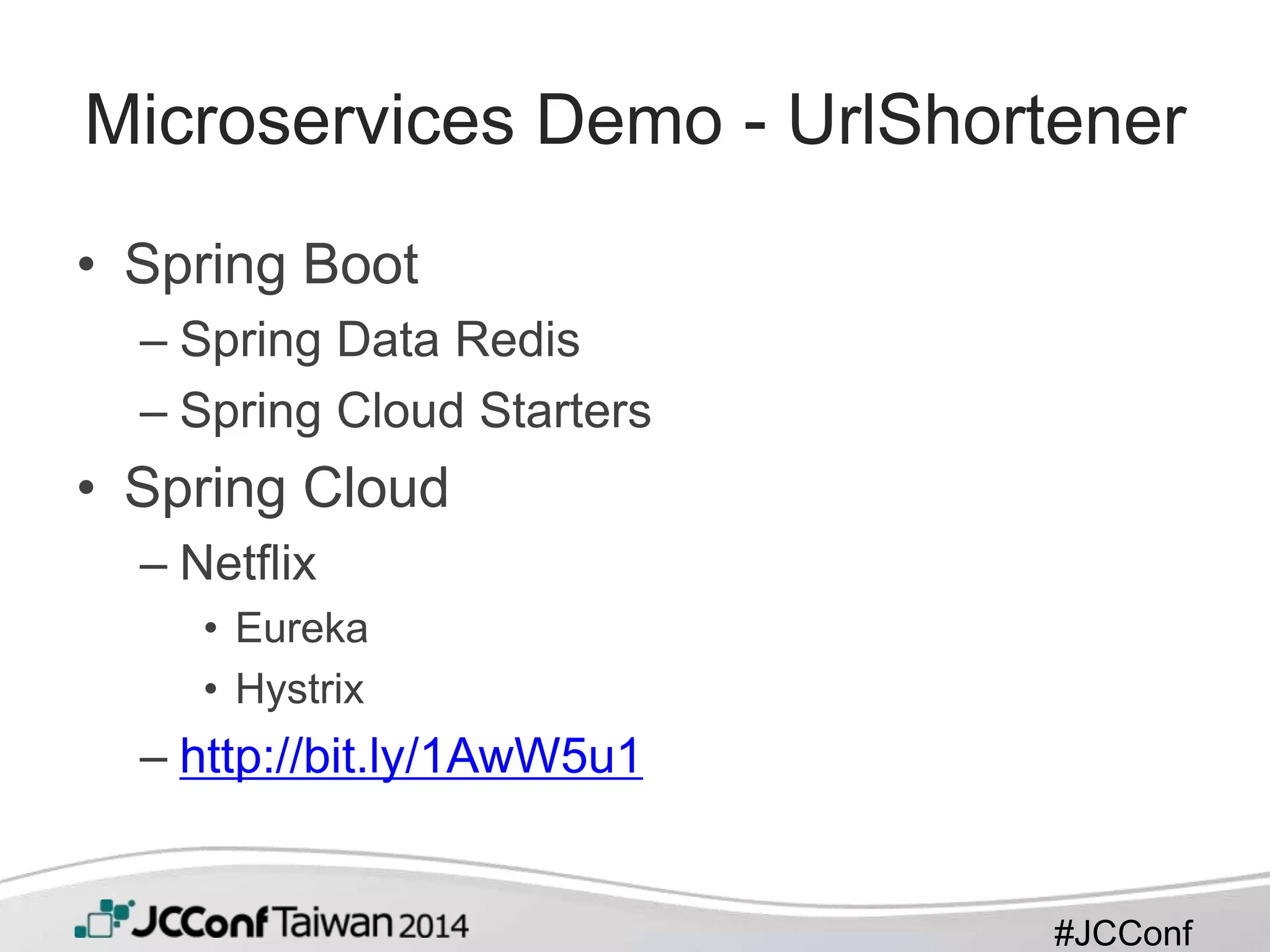
Microservices Demo - UrlShortener
• Spring Boot
– Spring Data Redis
– Spring Cloud Starters
• Spring Cloud
– Netflix
• Eureka
• Hystrix
– http://bit.ly/1AwW5u1
#JCConf
“Working with Spring Boot is like pair-
programming with the Spring developers.”
#JCConf
工商服務
• Digital River 榮獲 2014 年臺北幸福企業獎
項
– http://bit.ly/1sDAEnn
– jilu@digitalriver.com
• 幸福企業就業博覽會
– http://on.fb.me/1ubvpjp
#JCConf
Q&A

Bootify your spring application

  • 1.
  • 2.
    #JCConf Agenda • Brief Introductionto Spring Boot • Getting Started with Spring Boot • Features and Facilities Provided by Spring Boot • Micro Services with Spring Boot
  • 3.
    #JCConf What is SpringBoot? • Takes an opinionated view of building production-ready Spring applications • Spring Boot favors convention over configuration and is designed to get you up and running as quickly as possible • Spring Boot helps developers to “boot” up Spring applications faster
  • 4.
    Spring IO Platform- http://spring.io/platform
  • 5.
    #JCConf Features • Provide aradically faster and widely accessible getting started experience for all Spring development. • Create stand-alone Spring applications • Embed Tomcat or Jetty directly (no need to deploy WAR files) • Provide opinionated 'starter' POMs to simplify your Maven configuration • Automatically configure Spring whenever possible • Provide production-ready features such as metrics, health checks and externalized configuration • Absolutely no code generation and no requirement for XML configuration
  • 6.
    #JCConf Who is UsingSpring Boot? • Spring’s official website – http://spring.io – project sagan https://github.com/spring- io/sagan – all user guides http://spring.io/guides • Companies who use Spring: Netflix
  • 7.
    #JCConf Getting Started withSpring Boot • Install Spring Boot CLI – GVM • $ gvm install springboot – Homebrew • $ brew tap pivotal/tap • $ brew install springboot – Manually
  • 8.
    #JCConf Your First SpringBoot Application • Only 113 characters, it is tweetable! @RestController class ThisWillActuallyRun { @RequestMapping("/") String home() { "Hello World!" } } // $ spring run ThisWillActuallyRun.groovy
  • 9.
    #JCConf // build.gradle buildscript { repositories{ mavenCentral() maven { url "http://repo.spring.io/snapshot" } maven { url "http://repo.spring.io/milestone" } } dependencies { classpath("org.springframework.boot:spring-boot-gradle- plugin:1.1.8.RELEASE") } } apply plugin: 'java' apply plugin: 'spring-boot’
  • 10.
    #JCConf // build.gradle cont. repositories{ mavenCentral() maven { url "http://repo.spring.io/snapshot" } maven { url "http://repo.spring.io/milestone" } } dependencies { compile("org.springframework.boot:spring-boot-starter-web") testCompile("org.springframework.boot:spring-boot-starter-test") }
  • 11.
    #JCConf // Appliation.java. @RestController @EnableAutoConfiguration public classExample { @RequestMapping("/") String home() { return "Hello World!"; } public static void main(String[] args) throws Exception { SpringApplication.run(Example.class, args); } }
  • 12.
    #JCConf Spring Boot Magic •Starter POMs • Maven/Gradle plugins • The main method • Auto-configuration
  • 13.
    #JCConf Starter POMs • spring-boot-starter-parent(maven) – Provides default plugins, dependencies, and configurations • Java 6 • UTF-8 encoding • Testing frameworks (JUnit, Hamcrest, Mockito) • Resource filters • exec plugin, surefire, Git commit ID, shade – Can be overriden in the child pom.xml
  • 14.
    #JCConf Starter POMs • spring-boot-starter-* –A set of convenient dependency descriptors – contain a lot of the dependencies that you need to get a project up and running quickly and with a consistent, supported set of managed transitive dependencies – Ex. spring-boot-starter-web – Whole list: http://bit.ly/1uMCNUg
  • 15.
    #JCConf Maven/Gradle Plugin • Providesgoals and tasks – ‘Run’ Spring Boot applications – ‘repackage’ executable jar/war
  • 16.
    #JCConf The main method •Java convention for an application entry point • Delegates to Spring Boot’s SpringApplication class by calling run – Initialize required elements of spring container like ApplicationContext.
  • 17.
    #JCConf Auto Configuration • @EnableAutoConfiguration –@EnableAutoConfiguration(exclude={DataSourceAutoConfigura tion.class}) • META-INF/spring.factories • Classpath dependencies detection • @Conditional* annotations – @ConditionalOnMissingBean(DataSource.class) – @ConditionalOnClass(EmbeddedDatabaseType.class)
  • 18.
    #JCConf Auto Configuration – SpringSecurity • Add spring-boot-starter-security as your application’s dependency • Start the application and you will get – HTTP basic authentication – A single user with username ‘user’ and a random password which is printed on the console. Ex. 78fa095d-3f4c-48b1-ad50-e24c31d5cf35 • Add @EnableWebSecurity to a bean if you want to switch off default configurations.
  • 19.
    #JCConf Philosophy & Programming Strategy •Only write code that you need to • Gradually replacing auto-configuration • This means that it ships with useful defaults out of the box that may be overriden, if necessary – ex. if you add your own DataSource bean, the default embedded database support will back away.
  • 20.
    #JCConf Problem • There isno comprehensive documentation about all the options • The code in org.springframework.boot.autoconfigure.* packages is a good starting point – e.g. server.port is bound to a field in org.springframework.boot.autoconfigure.web. ServerProperties.
  • 21.
    #JCConf Production Ready Features •spring-boot-starter-actuator – Application information – Health information – Monitoring and Management • HTTP • JMX • Remote Shell – Metrics – Whole endpoint list: http://bit.ly/1tPih1u
  • 22.
    #JCConf Metrics Example { “counter.status.200.root”: 1, “mem”:228864, “mem.free”: 189391, “processors”: 4, “uptime”: 26848, …………… }
  • 23.
    #JCConf Deployment • Executable jar/war(fat jar/war) – Embedded tomcat or jetty • Normal war file • JEE application server – http://bit.ly/1v3jc2j • Cloud (PaaS) – Cloud Foundry – Heroku
  • 24.
    #JCConf Custom & ExtendSpring Boot • External configurations – .properties – .yml – http://bit.ly/1wqeWV3 • Auto-configuration • Health indicator • Application info • Metrics
  • 25.
    #JCConf Microservices In short, themicroservice architectural style is an approach to developing a single application as a suite of small services, each running in its own process and communicating with lightweight mechanisms, often an HTTP resource API. These services are built around business capabilities and independently deployable by fully automated deployment machinery. There is a bare minimum of centralized management of these services, which may be written in different programming languages and use different data storage technologies. – “Martin Fowler”
  • 26.
    #JCConf Microservices • Spring Bootis just a great tool to fit into microservices development • Spring Boot makes you think about microservics architecture with production features it provided at the beginning of development
  • 27.
    #JCConf Microservices Demo -UrlShortener • Spring Boot – Spring Data Redis – Spring Cloud Starters • Spring Cloud – Netflix • Eureka • Hystrix – http://bit.ly/1AwW5u1
  • 28.
    #JCConf “Working with SpringBoot is like pair- programming with the Spring developers.”
  • 29.
    #JCConf 工商服務 • Digital River榮獲 2014 年臺北幸福企業獎 項 – http://bit.ly/1sDAEnn – jilu@digitalriver.com • 幸福企業就業博覽會 – http://on.fb.me/1ubvpjp
  • 30.

Editor's Notes

  • #3 All the demos are presented in the end of talk to prevent the time wastes between screen switches
  • #4 Ask audiences whether they have used spring framework before?
  • #5 The Spring IO Platform
  • #6 Very suitable for making prototypes or proof-of-concepts (point 1)
  • #7 Demo 4
  • #8 Demo 1
  • #9 Demo 2
  • #10 Take a look at the build file.
  • #12 Take a look at the source code Demo 3