Spring Boot
- By Jeevesh Pandey
• What and Why?
• Key features of Spring boot.
• Prototyping using CLI.
• Working with Spring Boot with gradle.
• Packaging Executable Jars / Fat jars
• Managing profiles
• Binding Properties - Configurations
• Using Spring data libraries
• Presentation layer(A glimpse)
• Miscellaneous
Agenda
• Spring-boot provides a quick way to create a Spring
based application from dependency management to
convention over configuration.
• It’s not a replacement for Spring framework but it
presents a small surface area for users to approach
and extract value from the rest of Spring.
• To provide a range of non-functional features that
are common to large classes of projects (e.g.
embedded servers, security, metrics, health checks,
externalized configuration)
• Grails 3.0 will be based on Spring Boot.
3
What and Why ?
• Stand-alone Spring applications with negligible efforts.
• No code generation and no requirement for XML Config
• Automatic configuration by creating sensible defaults
• Provides Starter dependencies / Starter POMs.
• Structure your code as you like
• Supports Gradle and Maven
• Provides common non-functional production ready features for a
“Real” application such as
– security
– metrics
– health checks
– externalised configuration
Key Features
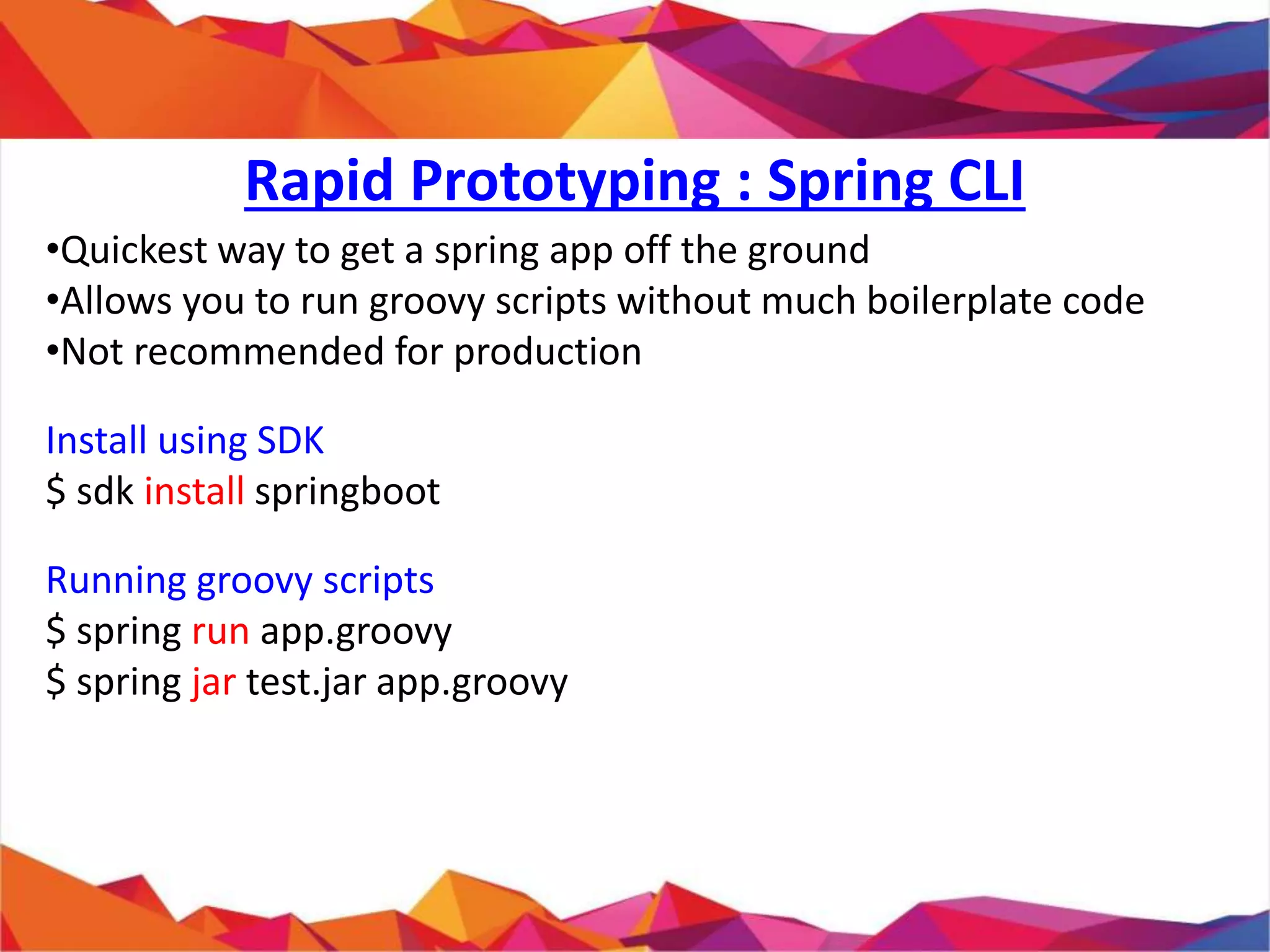
• Quickest way to get a spring app off the ground
• Allows you to run groovy scripts without much boilerplate code
• Not recommended for production
Install using SDK
$ sdk install springboot
Running groovy scripts
$ spring run app.groovy
$ spring jar test.jar app.groovy
Rapid Prototyping : Spring CLI
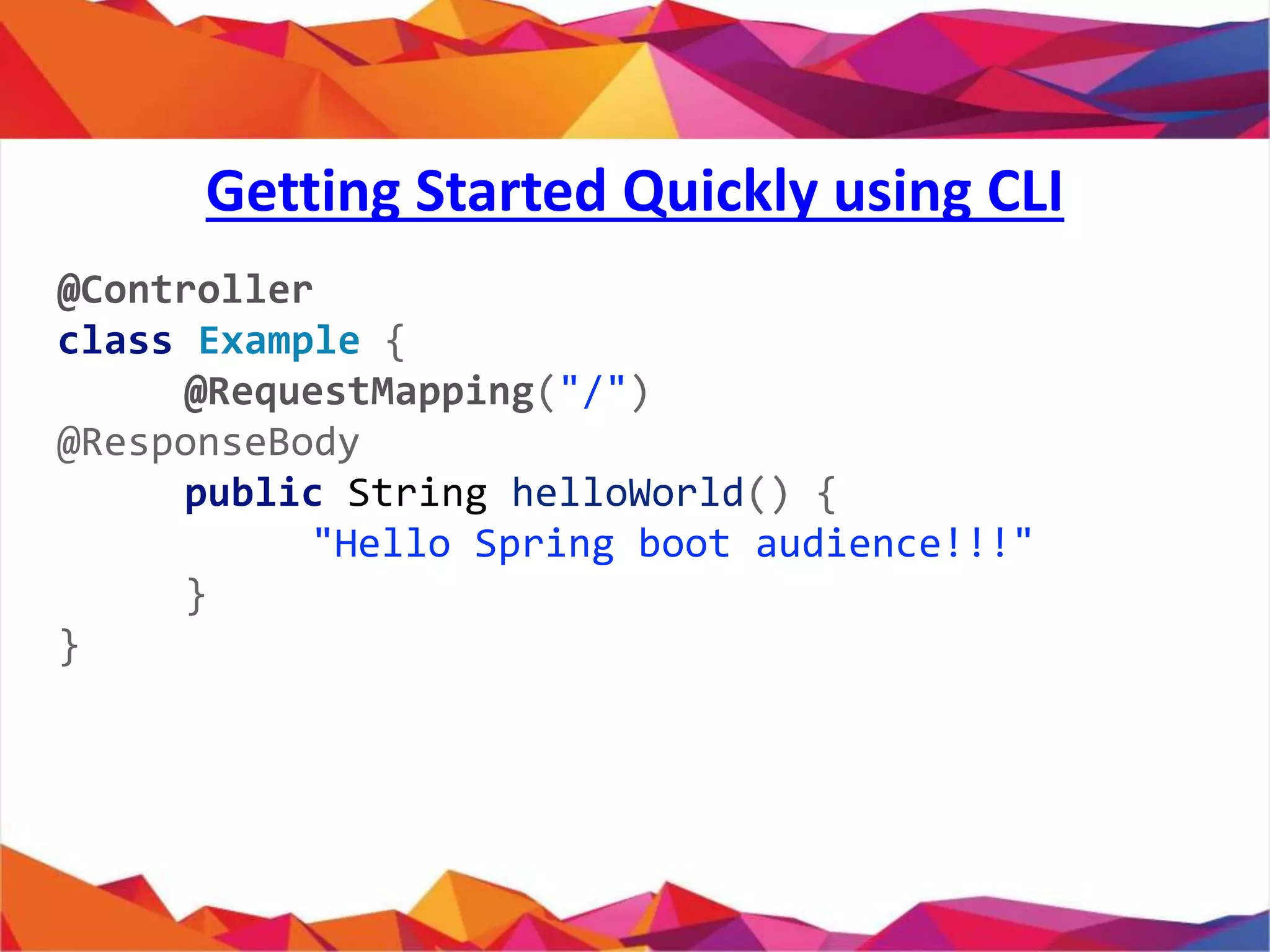
@Controller
class Example {
@RequestMapping("/")
@ResponseBody
public String helloWorld() {
"Hello Spring boot audience!!!"
}
}
Getting Started Quickly using CLI
// import org.springframework.web.bind.annotation.Controller
// other imports ...
// @Grab("org.springframework.boot:spring-boot-starter-web:0.5.0")
// @EnableAutoConfiguration
@Controller
class Example {
@RequestMapping("/")
@ResponseBody
public String hello() {
return "Hello World!";
}
// public static void main(String[] args) {
// SpringApplication.run(Example.class, args);
// }
}
What Just Happened ?
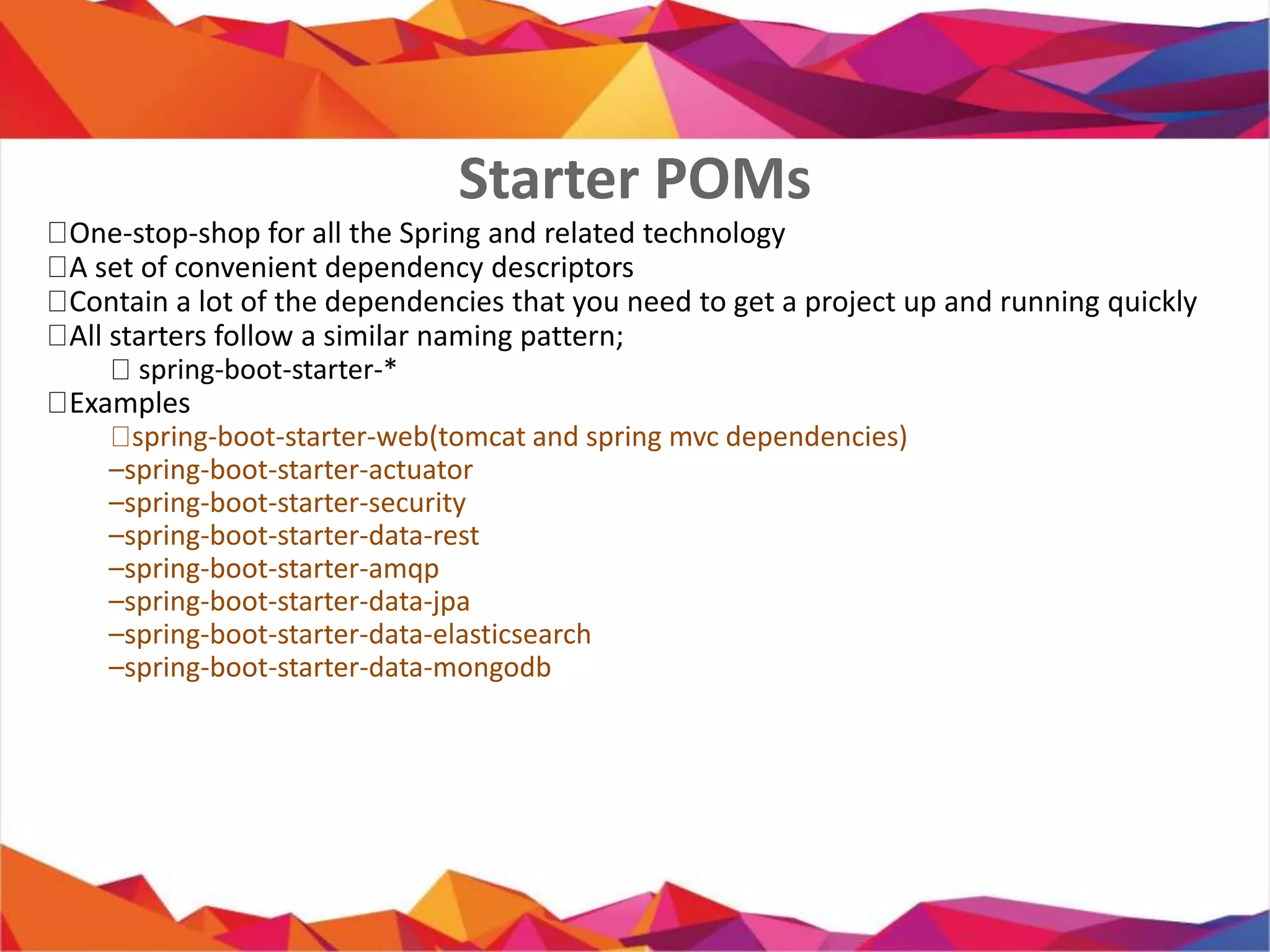
 One-stop-shop for all the Spring and related technology
 A set of convenient dependency descriptors
 Contain a lot of the dependencies that you need to get a project up
and running quickly
 All starters follow a similar naming pattern;
 spring-boot-starter-*
 Examples
 spring-boot-starter-web(tomcat and spring mvc dependencies)
– spring-boot-starter-actuator
– spring-boot-starter-security
– spring-boot-starter-data-rest
– spring-boot-starter-amqp
– spring-boot-starter-data-jpa
– spring-boot-starter-data-elasticsearch
– spring-boot-starter-data-mongodb
Starter POMs
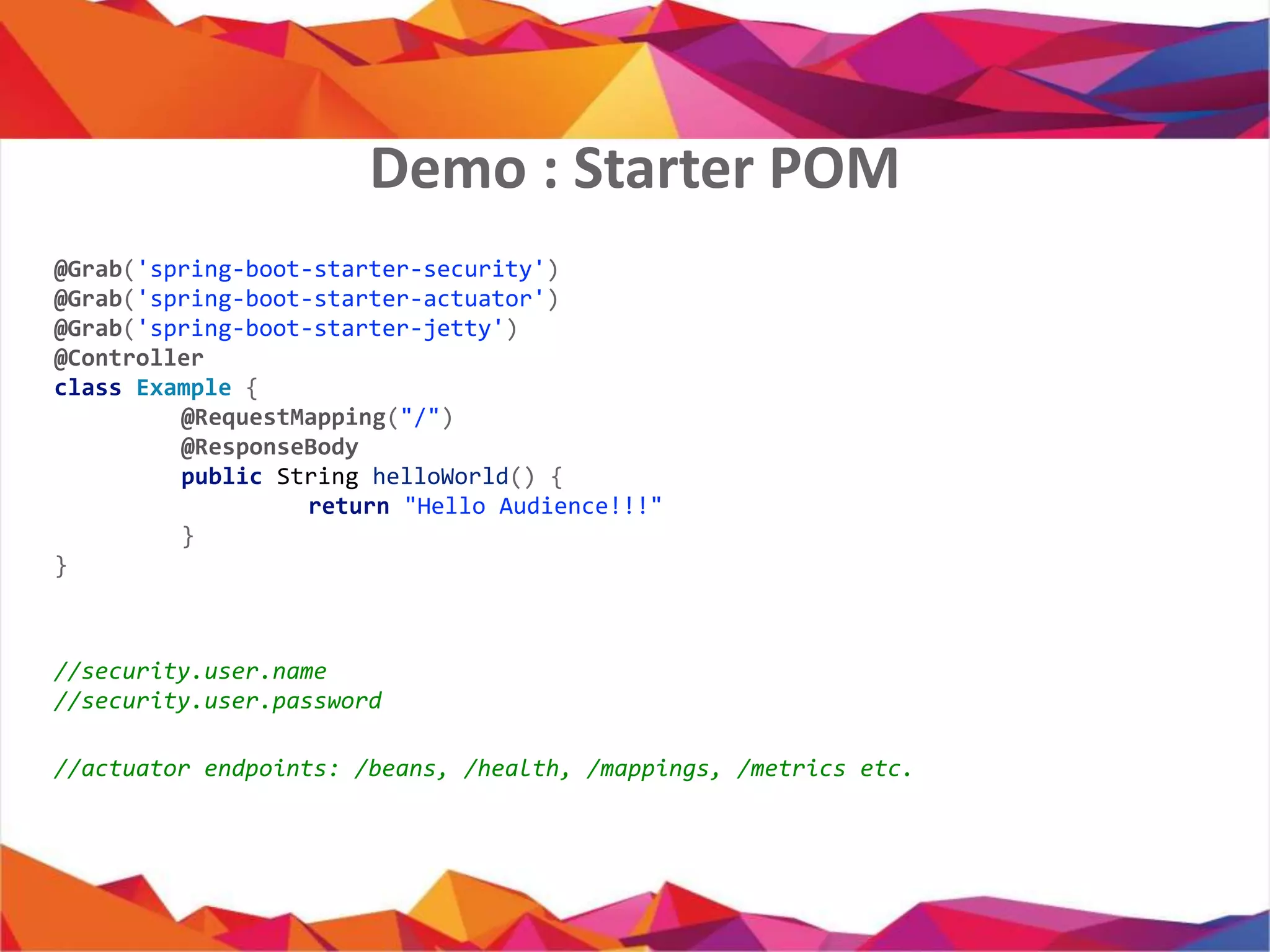
@Grab('spring-boot-starter-security')
@Grab('spring-boot-starter-actuator')
@Grab('spring-boot-starter-jetty')
@Controller
class Example {
@RequestMapping("/")
@ResponseBody
public String helloWorld() {
return "Hello Audience!!!"
}
}
//security.user.name
//security.user.password
//actuator endpoints: /beans, /health, /mappings, /metrics etc.
Demo : Starter POM
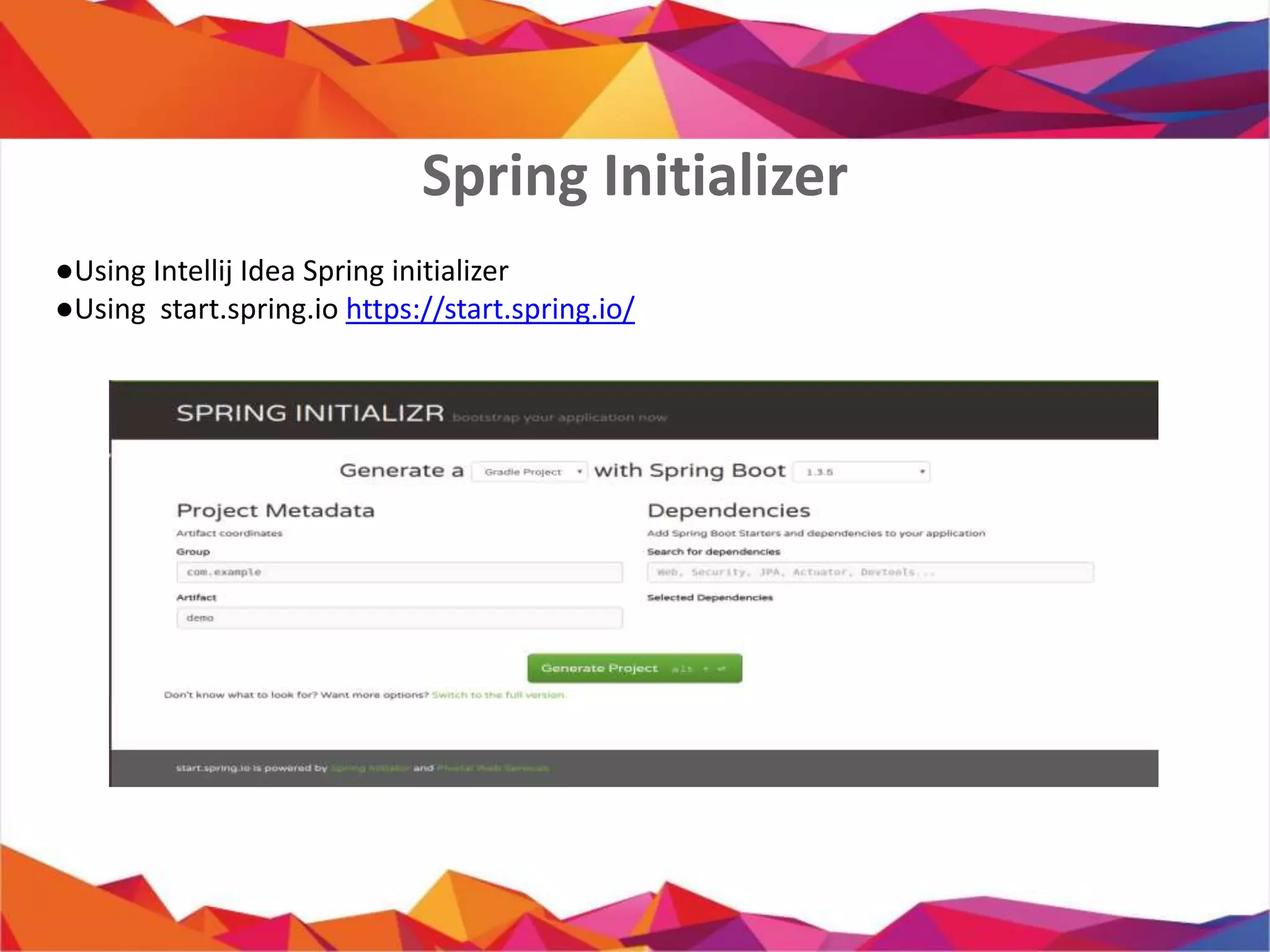
Spring Initializer
● Using Intellij Idea Spring initializer
● Using start.spring.io https://start.spring.io/
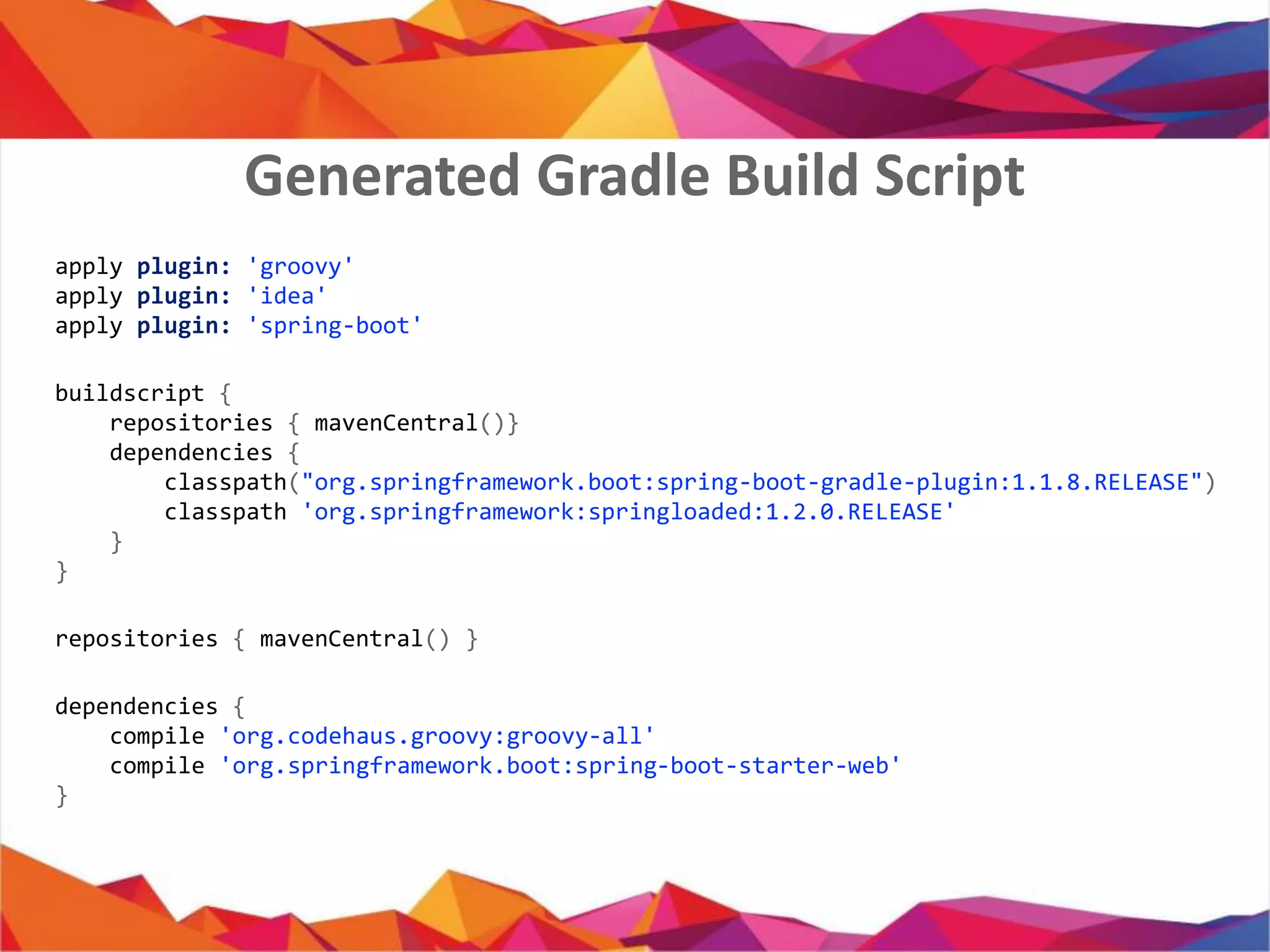
apply plugin: 'groovy'
apply plugin: 'java'
apply plugin: 'idea'
apply plugin: 'spring-boot'
buildscript {
repositories { mavenCentral()}
dependencies {
classpath("org.springframework.boot:spring-boot-gradle-plugin:1.1.8.RELEASE")
classpath 'org.springframework:springloaded:1.2.0.RELEASE'
}
}
repositories { mavenCentral() }
dependencies {
compile 'org.codehaus.groovy:groovy-all'
compile 'org.springframework.boot:spring-boot-starter-web'
}
Generated Gradle Build Script
12
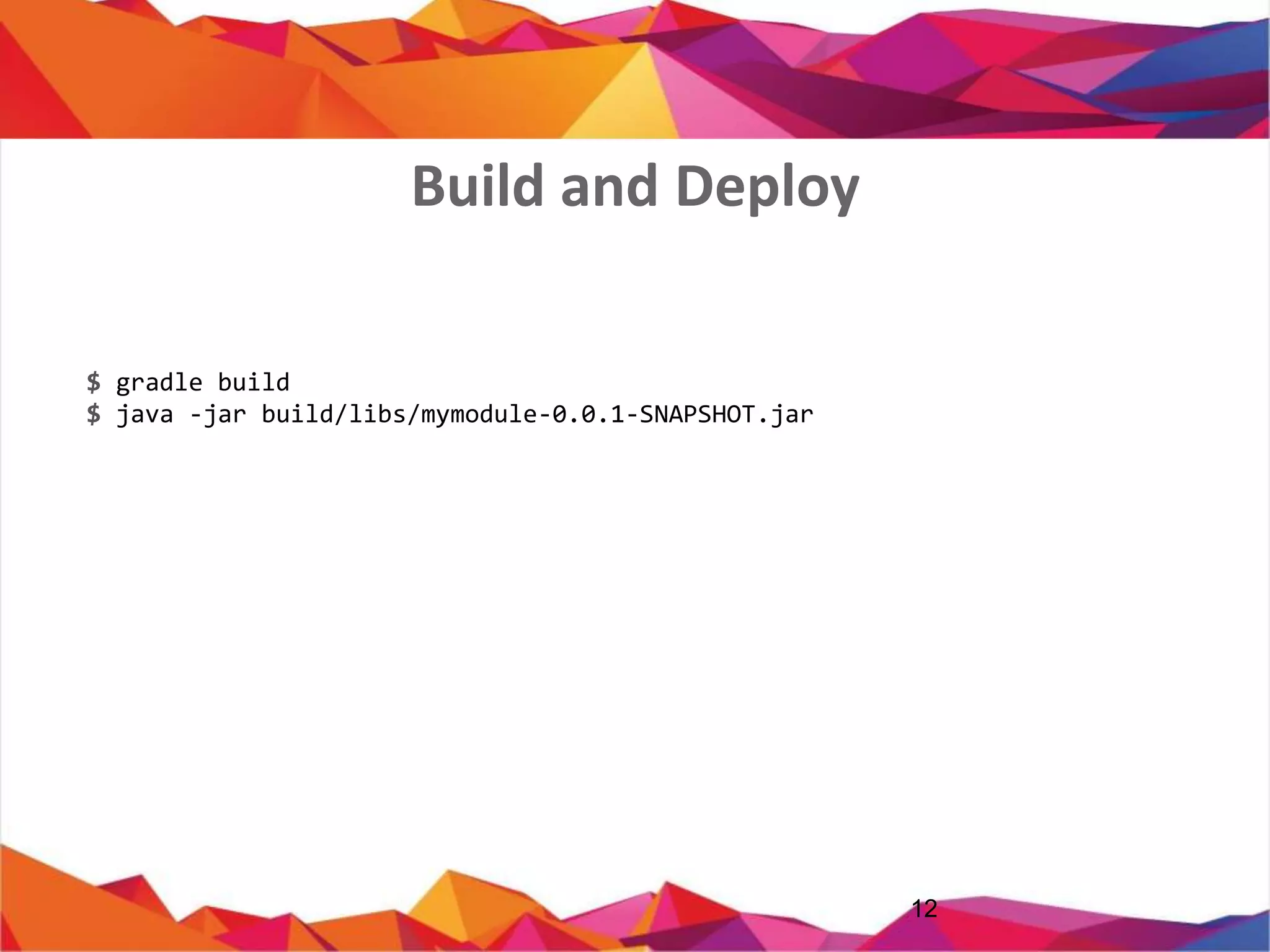
$ gradle build
$ java -jar build/libs/mymodule-0.0.1-SNAPSHOT.jar
Build and Deploy
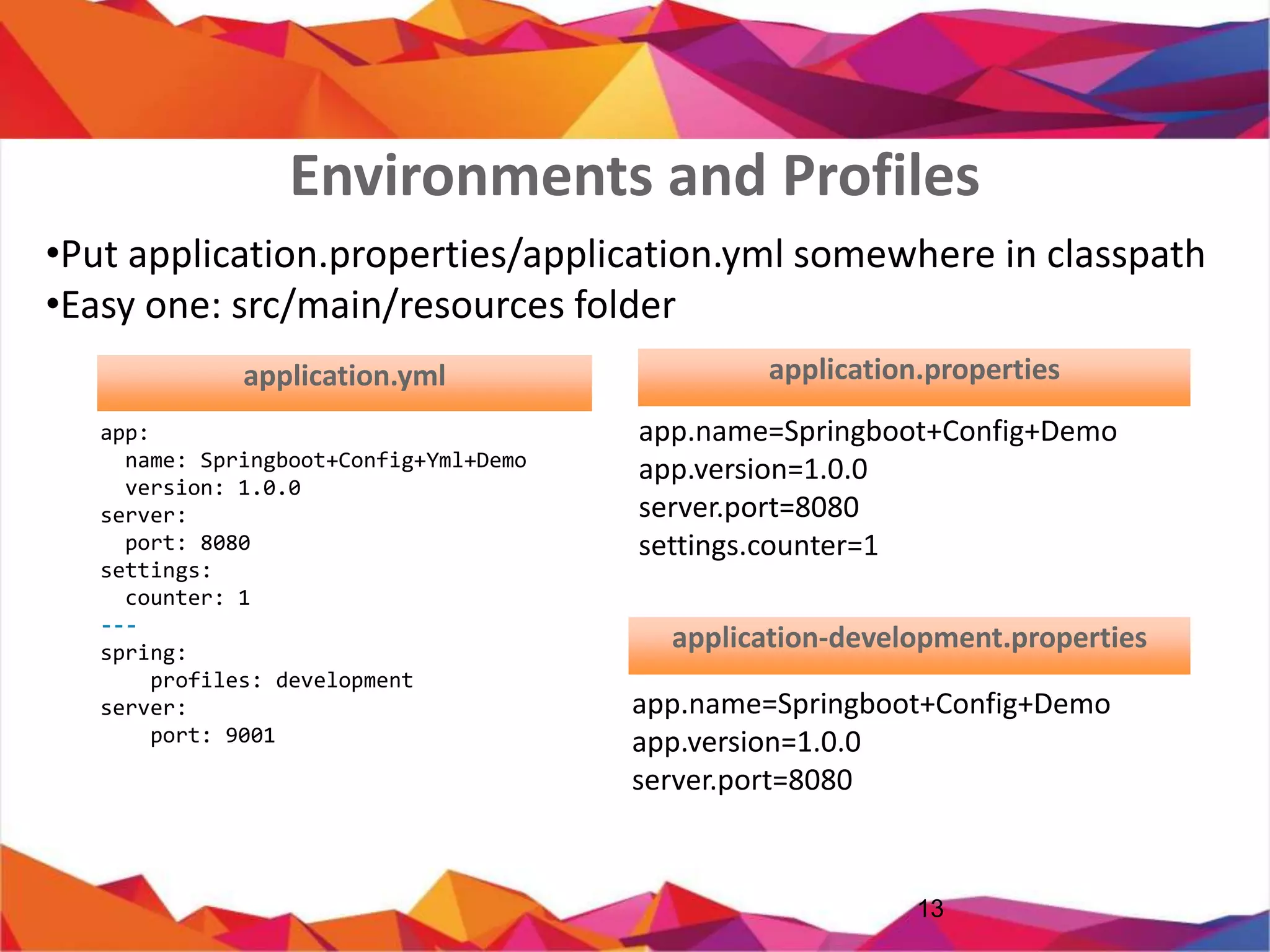
• Put application.properties/application.yml somewhere in classpath
• Easy one: src/main/resources folder
13
app:
name: Springboot+Config+Yml+Demo
version: 1.0.0
server:
port: 8080
settings:
counter: 1
---
spring:
profiles: development
server:
port: 9001
app.name=Springboot+Config+Demo
app.version=1.0.0
server.port=8080
settings.counter=1
application.properties
app.name=Springboot+Config+D
emo
app.version=1.0.0
server.port=8080
application-dev.properties
Environments and Profiles
application.properties
14
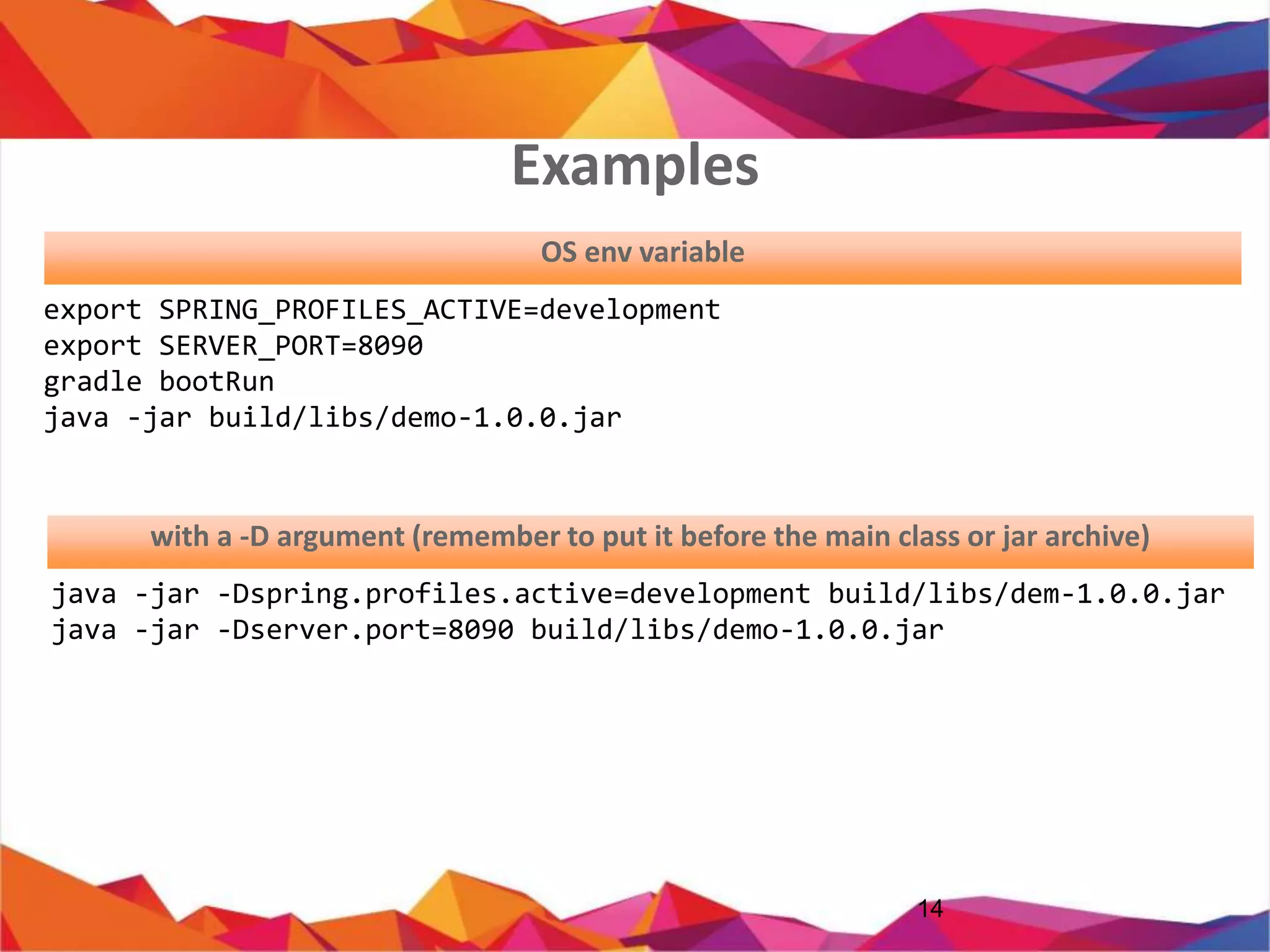
export SPRING_PROFILES_ACTIVE=development
export SERVER_PORT=8090
gradle bootRun
java -jar build/libs/demo-1.0.0.jar
java -jar -Dspring.profiles.active=development build/libs/dem-1.0.0.jar
java -jar -Dserver.port=8090 build/libs/demo-1.0.0.jar
OS env variable
with a -D argument (JVM Argument)
Examples
15AQA1
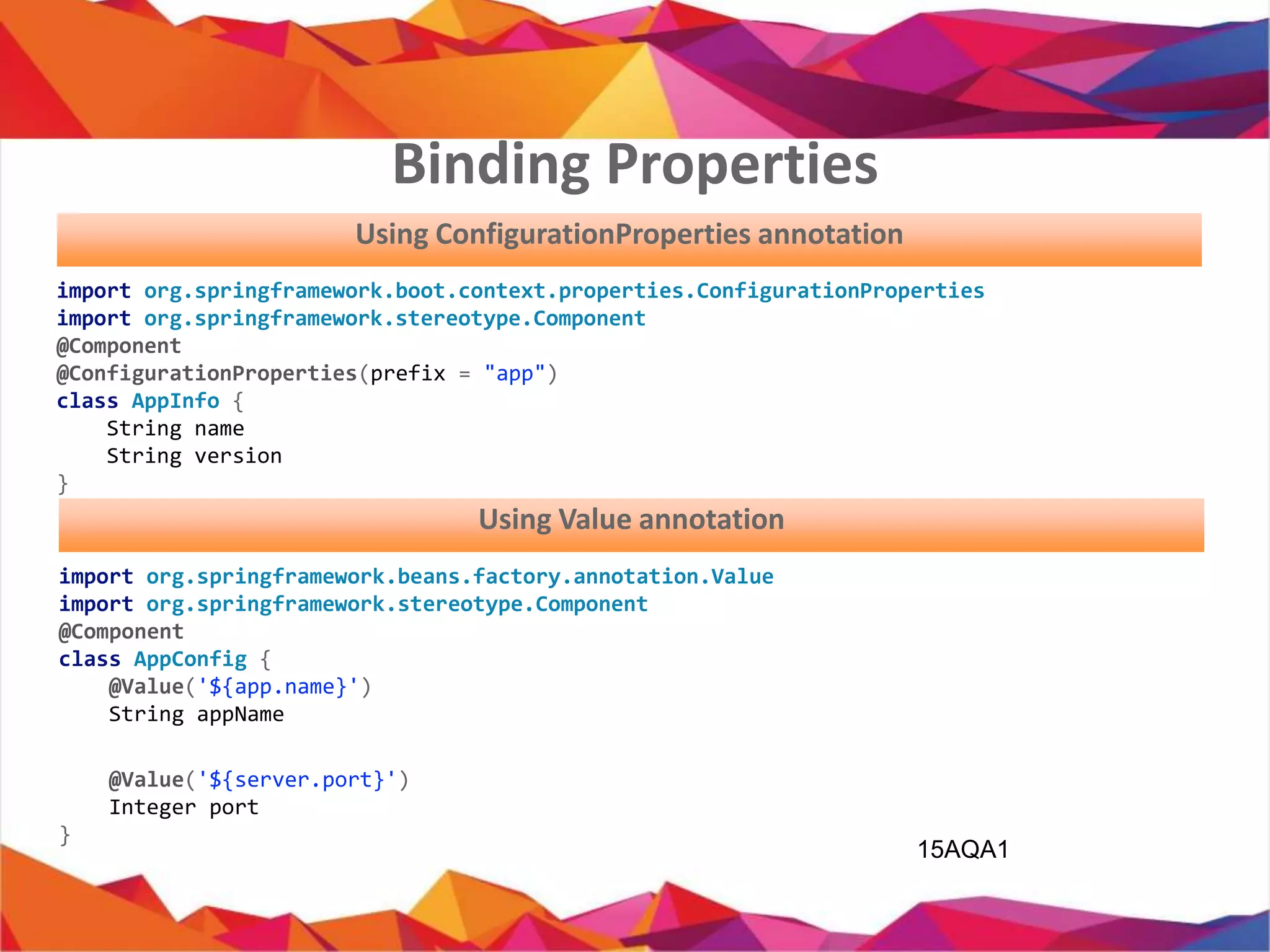
import org.springframework.boot.context.properties.ConfigurationProperties;
import org.springframework.stereotype.Component;
@Component
@ConfigurationProperties(prefix = "app")
public class AppInfo {
private String name;
private String version;
}
Using ConfigurationProperties annotation
import org.springframework.beans.factory.annotation.Value;
import org.springframework.stereotype.Component;
@Component
public class AppConfig {
@Value('${app.name}')
private String appName;
@Value('${server.port}')
private Integer port;
}
Using Value annotation
Binding Properties
Using Spring data:MySQL
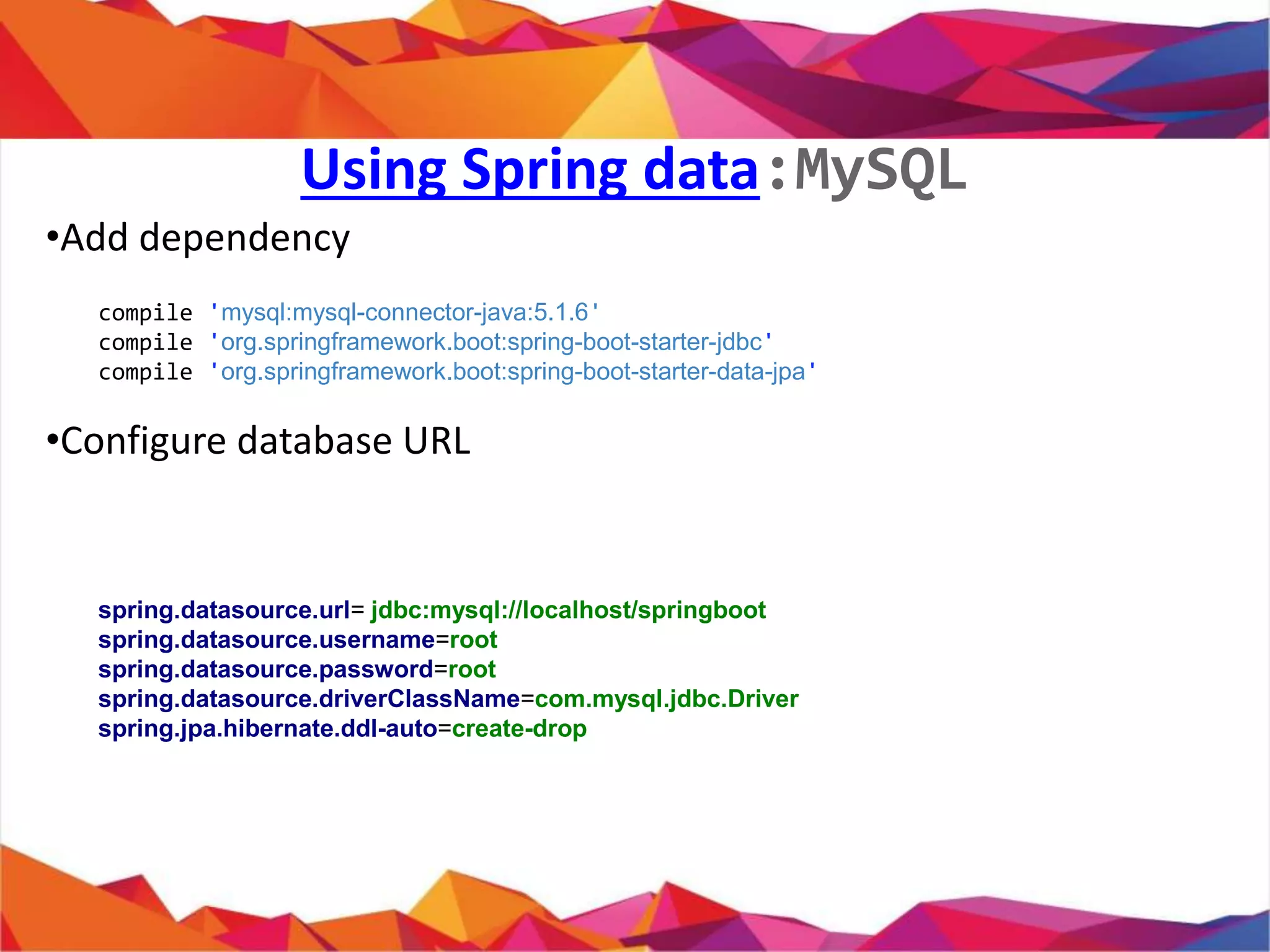
• Add dependency
• Configure database URL
compile 'mysql:mysql-connector-java:5.1.6'
compile 'org.springframework.boot:spring-boot-starter-jdbc'
compile 'org.springframework.boot:spring-boot-starter-data-jpa'
spring.datasource.url= jdbc:mysql://localhost/springboot
spring.datasource.username=root
spring.datasource.password=root
spring.datasource.driverClassName=com.mysql.jdbc.Driver
spring.jpa.hibernate.ddl-auto=create-drop
•
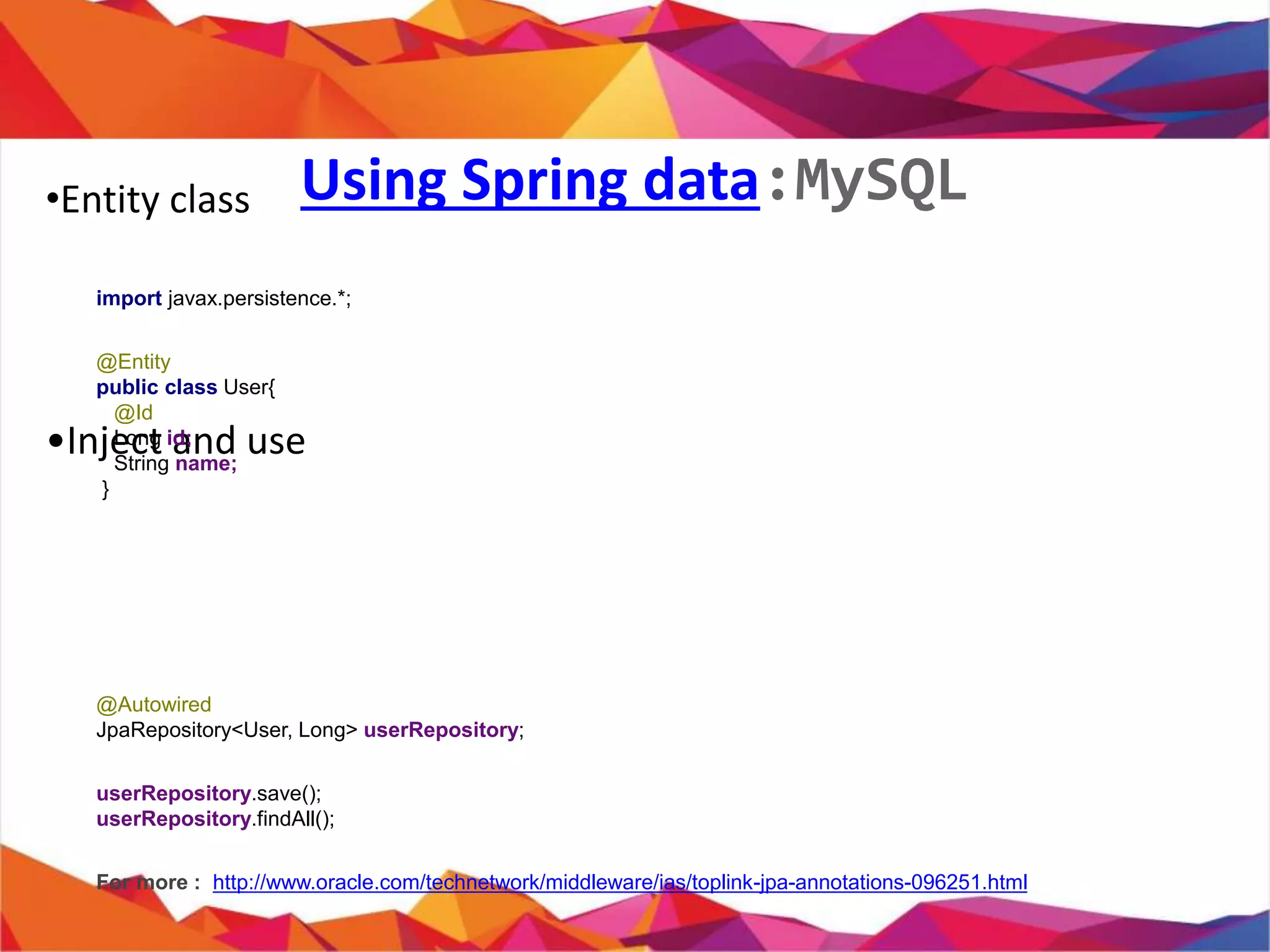
• Entity class
•
import javax.persistence.*;
@Entity
public class User{
@Id
private Long id;
private String name;
//Getter and Setter
}
Using Spring data:MySQL
•
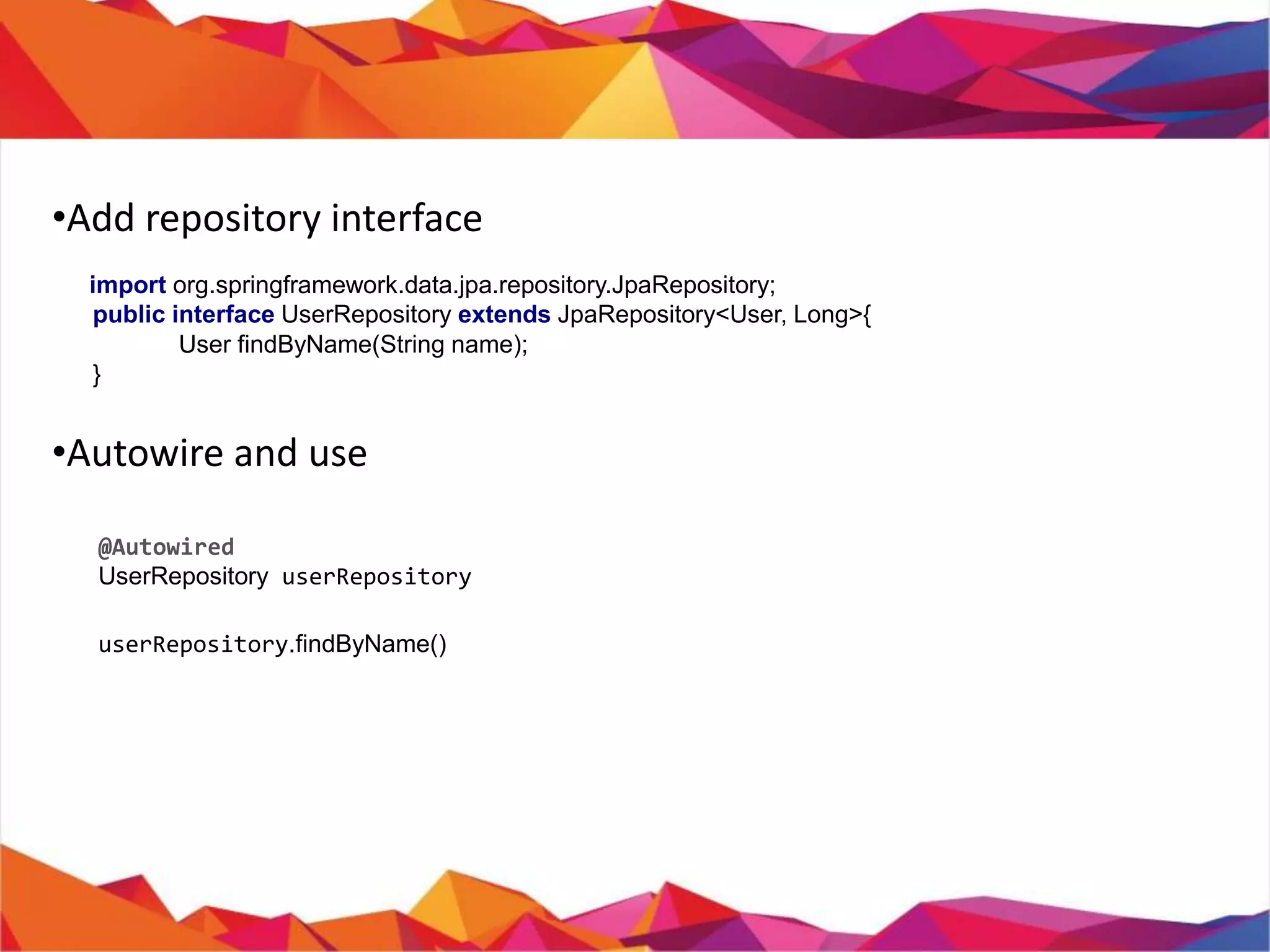
• Add repository interface
import org.springframework.data.jpa.repository.JpaRepository;
public interface UserRepository extends JpaRepository<User, Long>{
User findByName(String name);
}
• Usage
@Autowired
private UserRepository userRepository;
userRepository.findByName();
userRepository.save();
userRepository.findAll();
For more : http://www.oracle.com/technetwork/middleware/ias/toplink-jpa-annotations-
096251.html
View templates libraries(A
Glimpse)
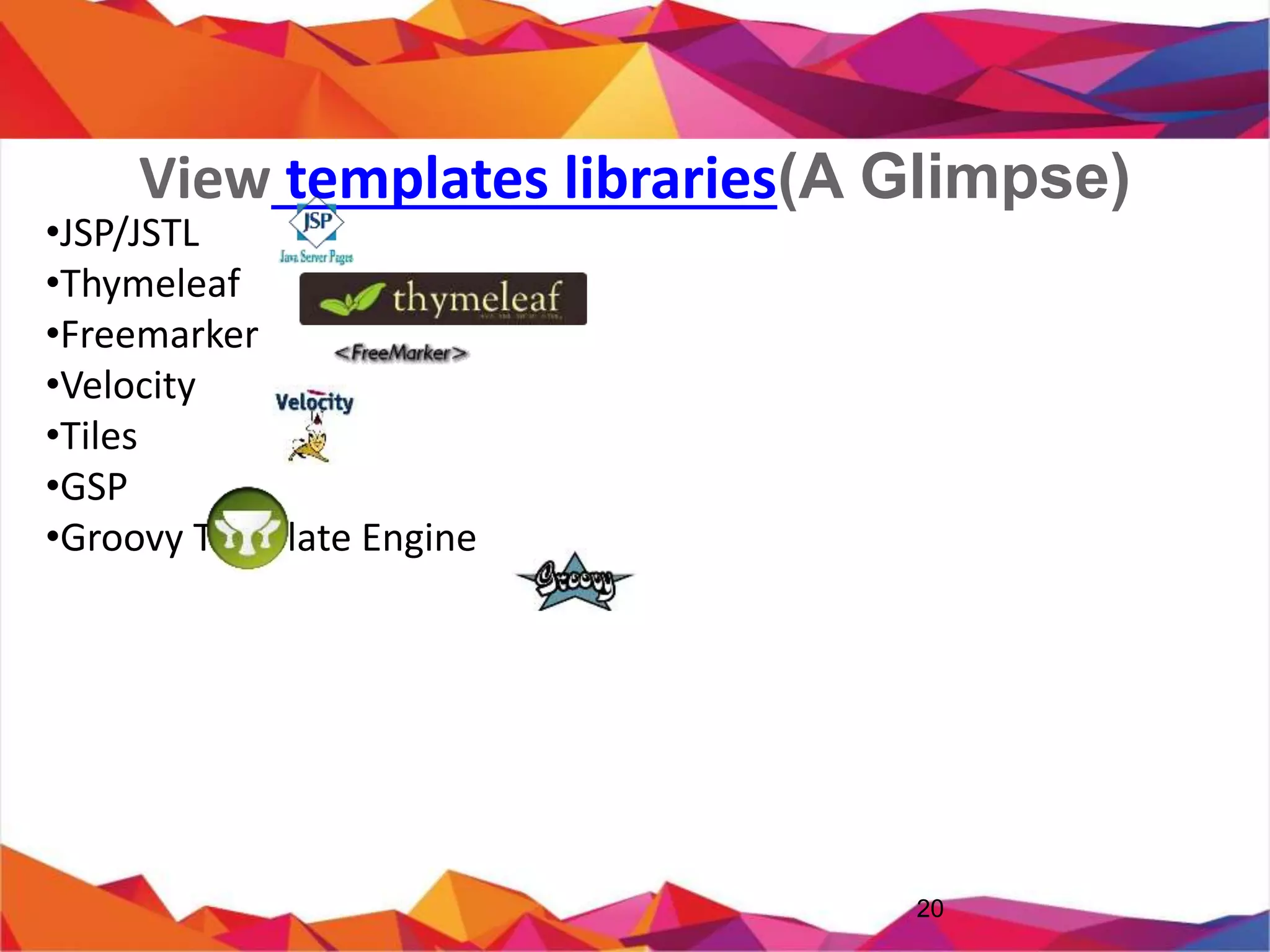
• JSP/JSTL
• Thymeleaf
• Freemarker
• Velocity
• Tiles
• GSP
• Groovy Template Engine
20
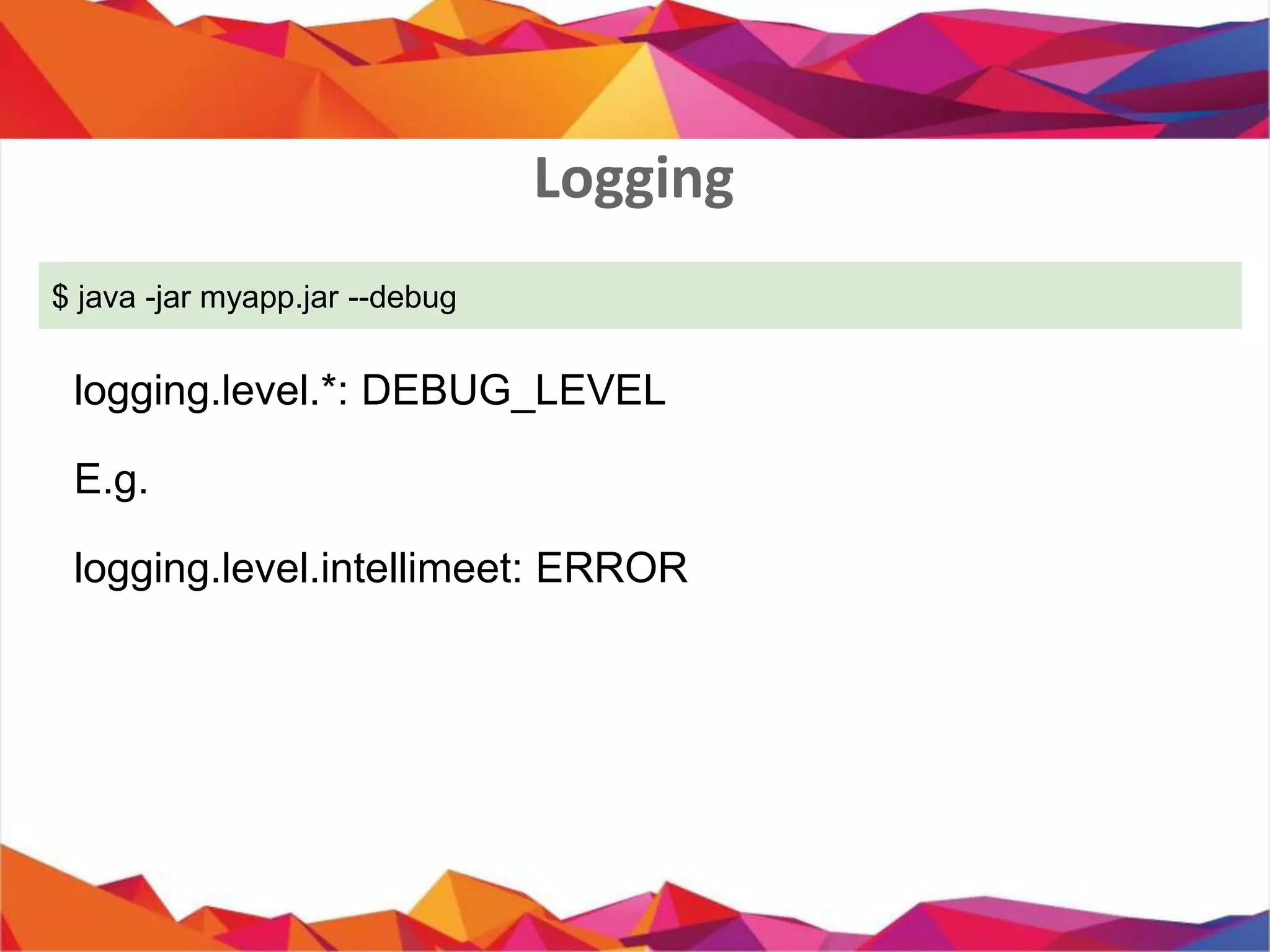
Logging
$ java -jar myapp.jar --debug
logging.level.*: DEBUG_LEVEL
E.g.
logging.level.intellimeet: ERROR
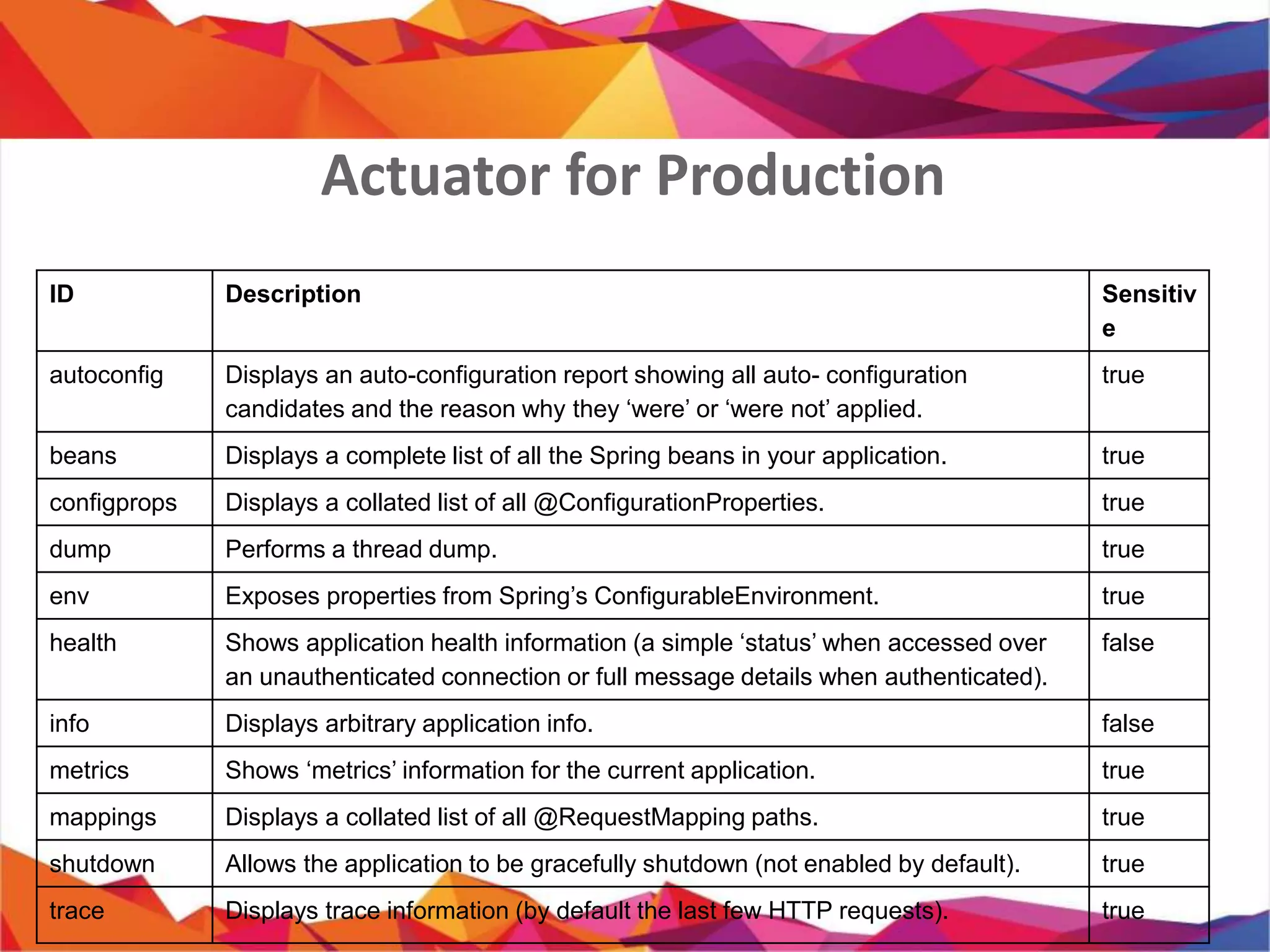
Actuator for Production
ID Description Sensitiv
e
autoconfig Displays an auto-configuration report showing all auto- configuration
candidates and the reason why they ‘were’ or ‘were not’ applied.
true
beans Displays a complete list of all the Spring beans in your application. true
configprops Displays a collated list of all @ConfigurationProperties. true
dump Performs a thread dump. true
env Exposes properties from Spring’s ConfigurableEnvironment. true
health Shows application health information (a simple ‘status’ when accessed over
an unauthenticated connection or full message details when authenticated).
false
info Displays arbitrary application info. false
metrics Shows ‘metrics’ information for the current application. true
mappings Displays a collated list of all @RequestMapping paths. true
shutdown Allows the application to be gracefully shutdown (not enabled by default). true
trace Displays trace information (by default the last few HTTP requests). true
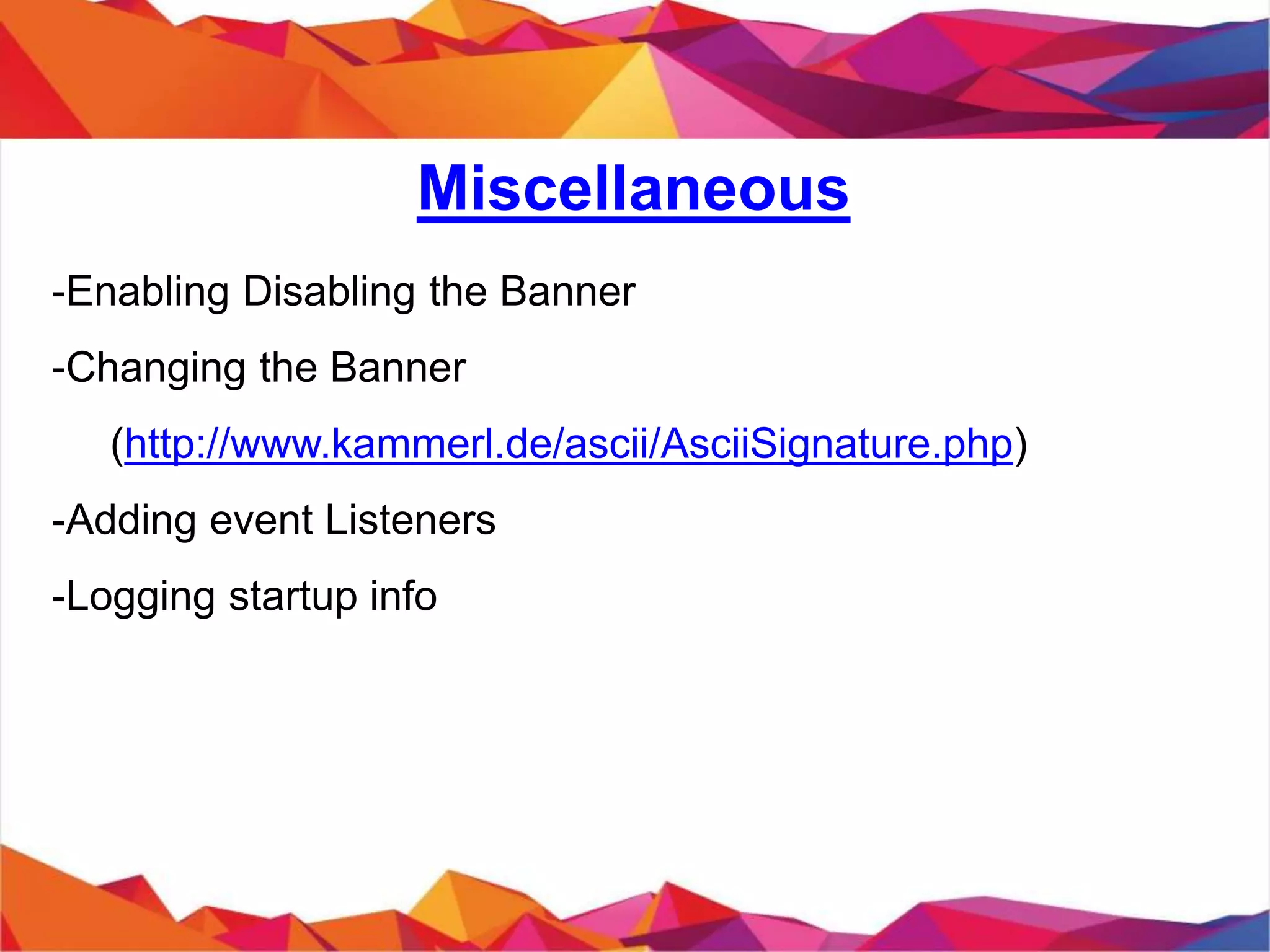
Miscellaneous
- Enabling Disabling the Banner
- Changing the Banner
(http://www.kammerl.de/ascii/AsciiSignature.php)
- Adding event Listeners
- Logging startup info
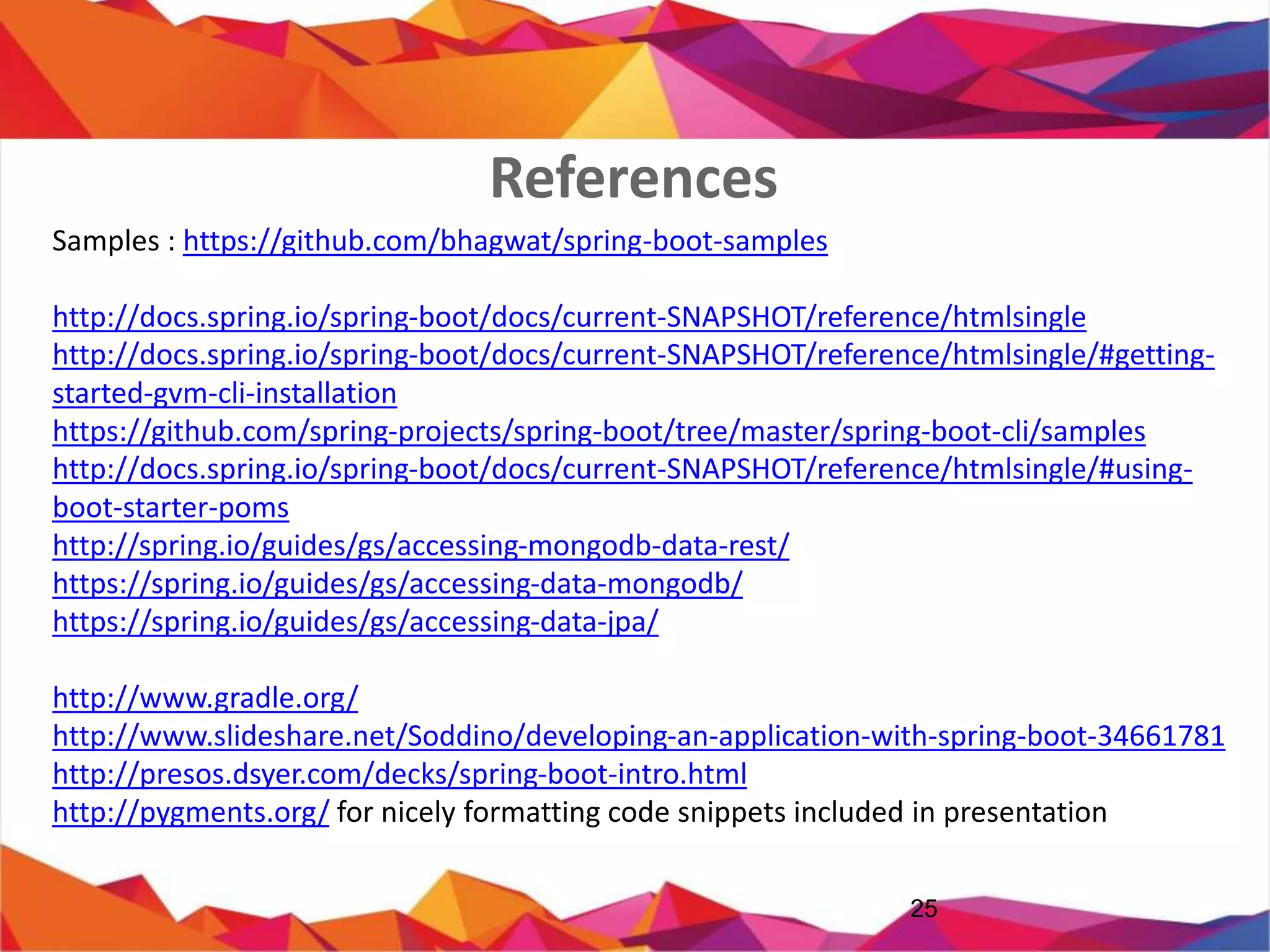
References
25
Samples : https://github.com/bhagwat/spring-boot-samples
http://docs.spring.io/spring-boot/docs/current-SNAPSHOT/reference/htmlsingle
http://docs.spring.io/spring-boot/docs/current-SNAPSHOT/reference/htmlsingle/#getting-started-gvm-
cli-installation
https://github.com/spring-projects/spring-boot/tree/master/spring-boot-cli/samples
http://docs.spring.io/spring-boot/docs/current-SNAPSHOT/reference/htmlsingle/#using-boot-starter-
poms
http://spring.io/guides/gs/accessing-mongodb-data-rest/
https://spring.io/guides/gs/accessing-data-mongodb/
https://spring.io/guides/gs/accessing-data-jpa/
http://www.gradle.org/
http://www.slideshare.net/Soddino/developing-an-application-with-spring-boot-34661781
http://presos.dsyer.com/decks/spring-boot-intro.html
http://pygments.org/ for nicely formatting code snippets included in presentation
Spring boot Introduction

Spring boot Introduction