



Media Source Extensions 
Streaming Video without Plugins 
Jeff Tapper 
Digital Primates 
@jefftapper
Who am I? 
• Senior Consultant at Digital Primates 
– Building next generation client applications 
• Built video applications for many of the most 
watched live broadcasts 
• Developing Internet applications for 19 years 
• Author of 12 books on Internet technologies
Who are you?
Agenda 
• Video and the Internet today 
• Understanding HTTP Streaming 
• What are the Streaming options without a 
plugin? 
• What is DASH 
• What is DASH-264 
• Making it work in a browser 
• Questions
Online video Options 
• Progressive Download 
• Real Time Protocols (RTP, RTMP, RTSP, etc) 
• HTTP Streaming (HDS, HLS, Smooth 
Streaming, etc)
The challenge 
• Most agree that HTTP Streaming is the most 
efficient choice 
• Different devices support different streaming 
protocols 
• No one standard is currently supported 
ubiquitously 
• Results in media being served in several 
different formats to support the broadest 
range of devices
What do browsers support? 
• Unfortunately, Progressive Download is the only 
ubiquitously supported option 
• Different Browsers support different video 
codec’s 
– H.264 
– webM 
– VP8/VP9 
– Etc. 
• Safari (iOs and MacOS only) natively supports HLS 
• MediaSource Extensions released in Chrome and 
IE11, betas in Safari and Firefox
MediaSource Extensions (MSE) 
• MSE allow for pieces (segments) of media to 
be handed to the HTML5 video tag’s buffer 
directly. 
• This enables HTTP Streaming in HTML 
• Not universally supported, yet. 
• Currently (as of September 2014) an Editors 
Draft to the HTML Working Group
What is MPEG-DASH 
 DASH – Dynamic Adaptive Streaming via HTTP 
 International open standard, developed and 
published by ISO 
 Addresses both simple and advanced use cases 
 Enables highest-quality multiscreen distribution 
and efficient dynamic adaptive switching 
 Enables reuse of existing content, devices and 
infrastructure 
 Attempts to unify to a single standard for HTTP 
Streaming
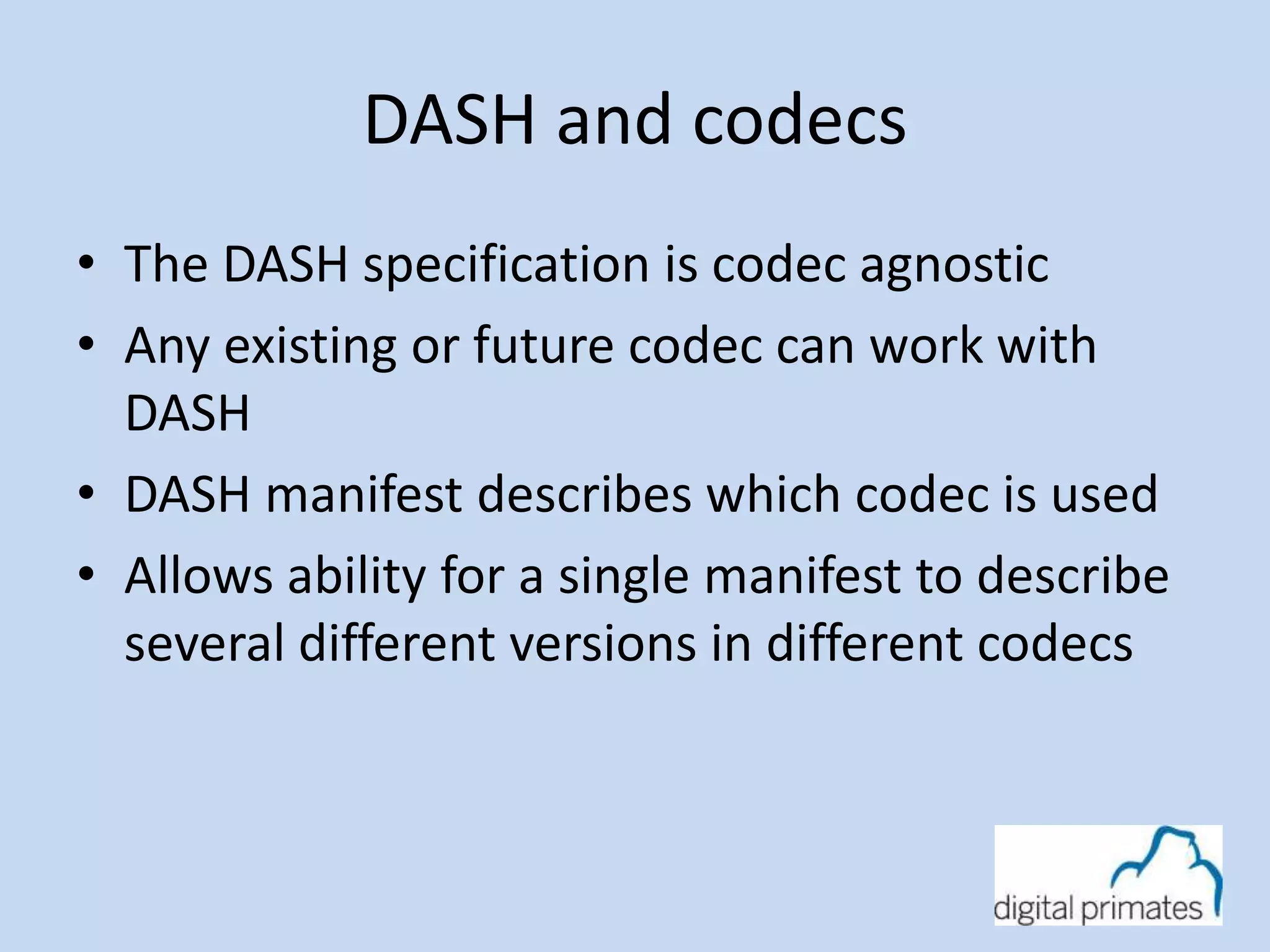
DASH and codecs 
• The DASH specification is codec agnostic 
• Any existing or future codec can work with 
DASH 
• DASH manifest describes which codec is used 
• Allows ability for a single manifest to describe 
several different versions in different codecs
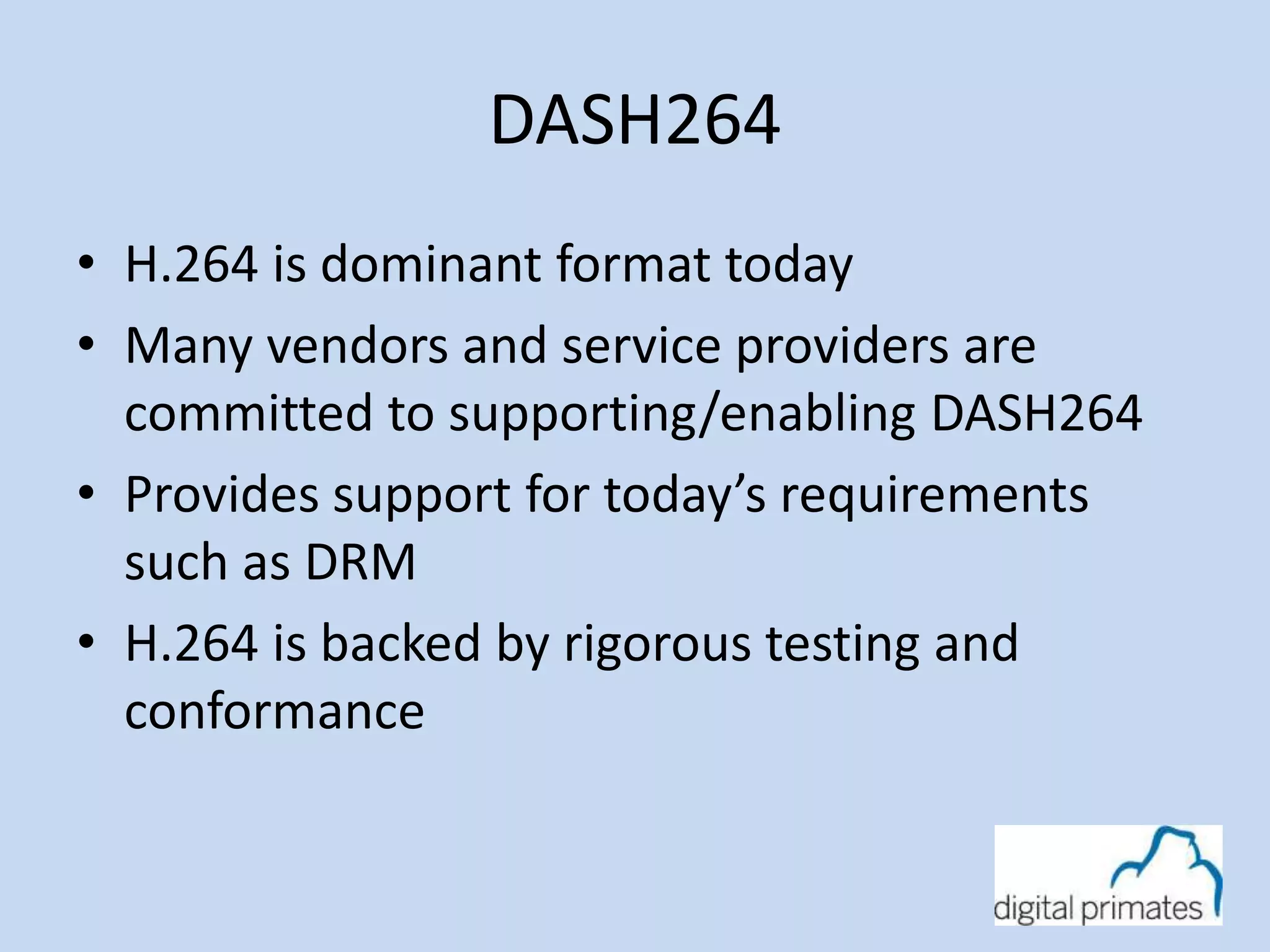
DASH264 
• H.264 is dominant format today 
• Many vendors and service providers are 
committed to supporting/enabling DASH264 
• Provides support for today’s requirements 
such as DRM 
• H.264 is backed by rigorous testing and 
conformance
DASH Industry Forum 
• Addressing the dramatic growth of broadband 
video by recommending a universal delivery 
format that provides end users with the best 
possible media experience by dynamically 
adapting to changing network conditions.
DASH Industry Forum 
• Objectives: 
– promote and catalyze market adoption of MPEG-DASH 
– publish interoperability and deployment guidelines 
– facilitate interoperability tests 
– collaborate with standard bodies and industry 
consortia in aligning ongoing DASH standards 
development and the use of common profiles across 
industry organizations 
• Over 65 members 
• Visit http://dashif.org for more information 
• Released the DASH/264 standard
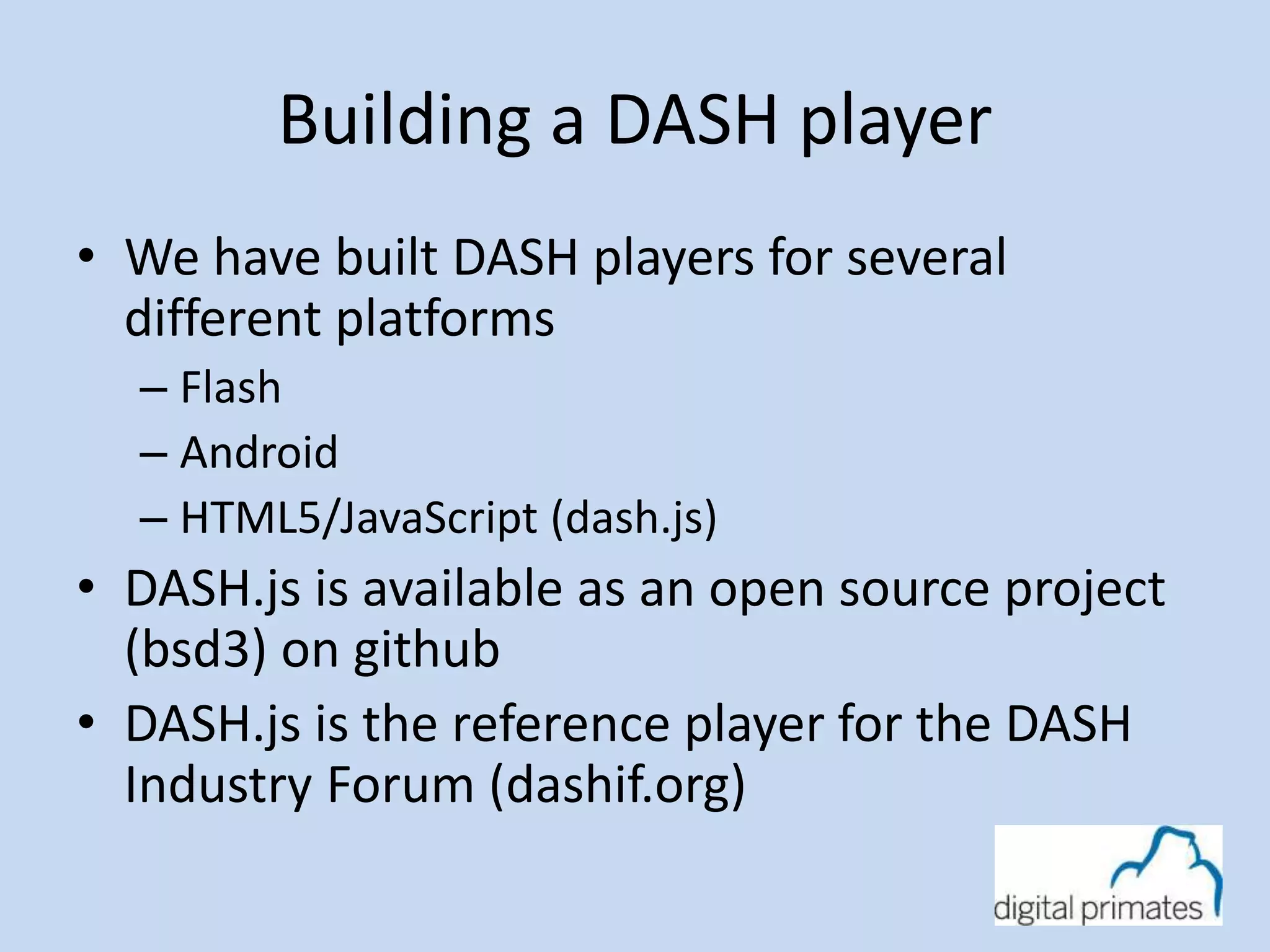
Building a DASH player 
• We have built DASH players for several 
different platforms 
– Flash 
– Android 
– HTML5/JavaScript (dash.js) 
• DASH.js is available as an open source project 
(bsd3) on github 
• DASH.js is the reference player for the DASH 
Industry Forum (dashif.org)
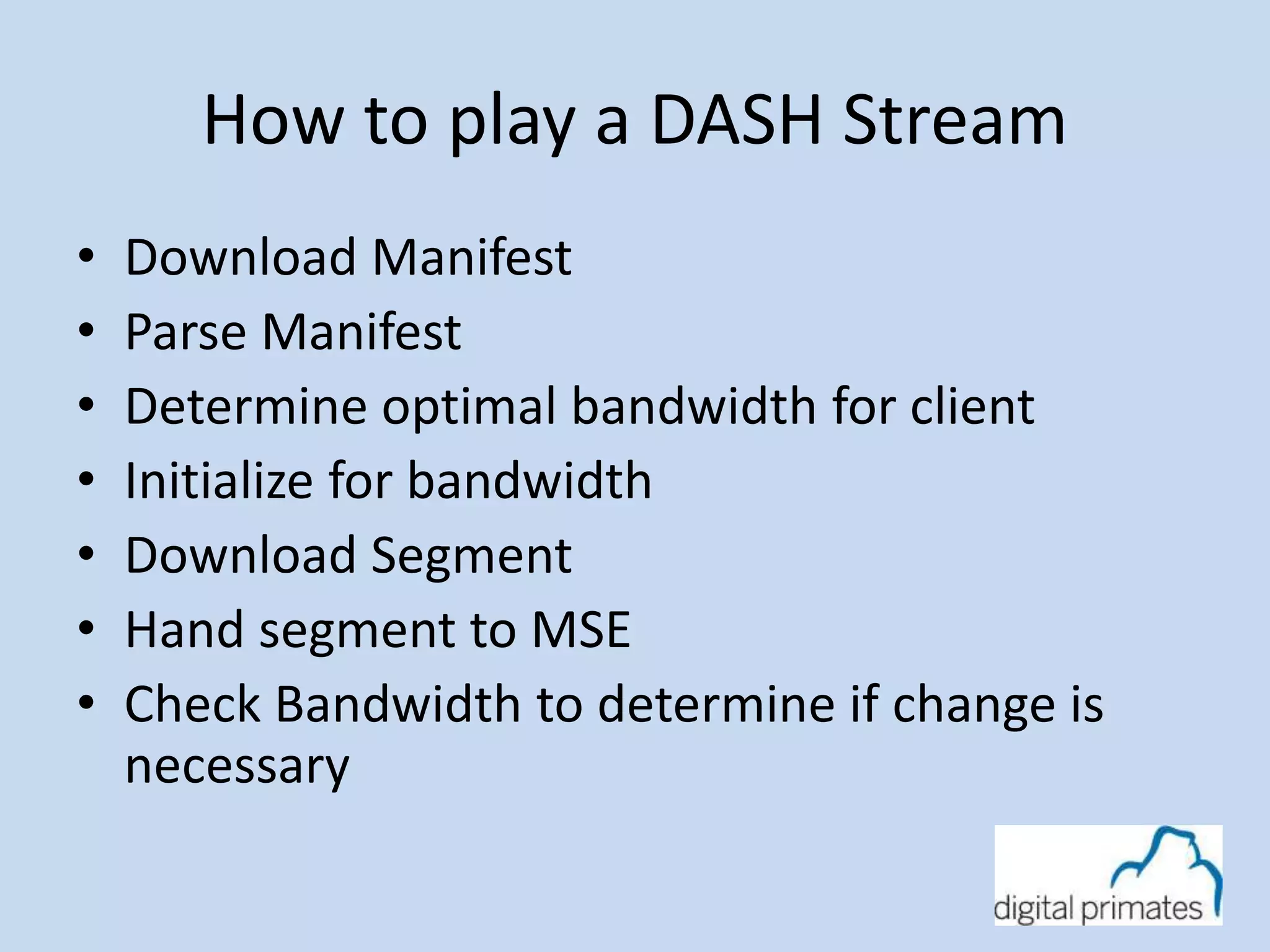
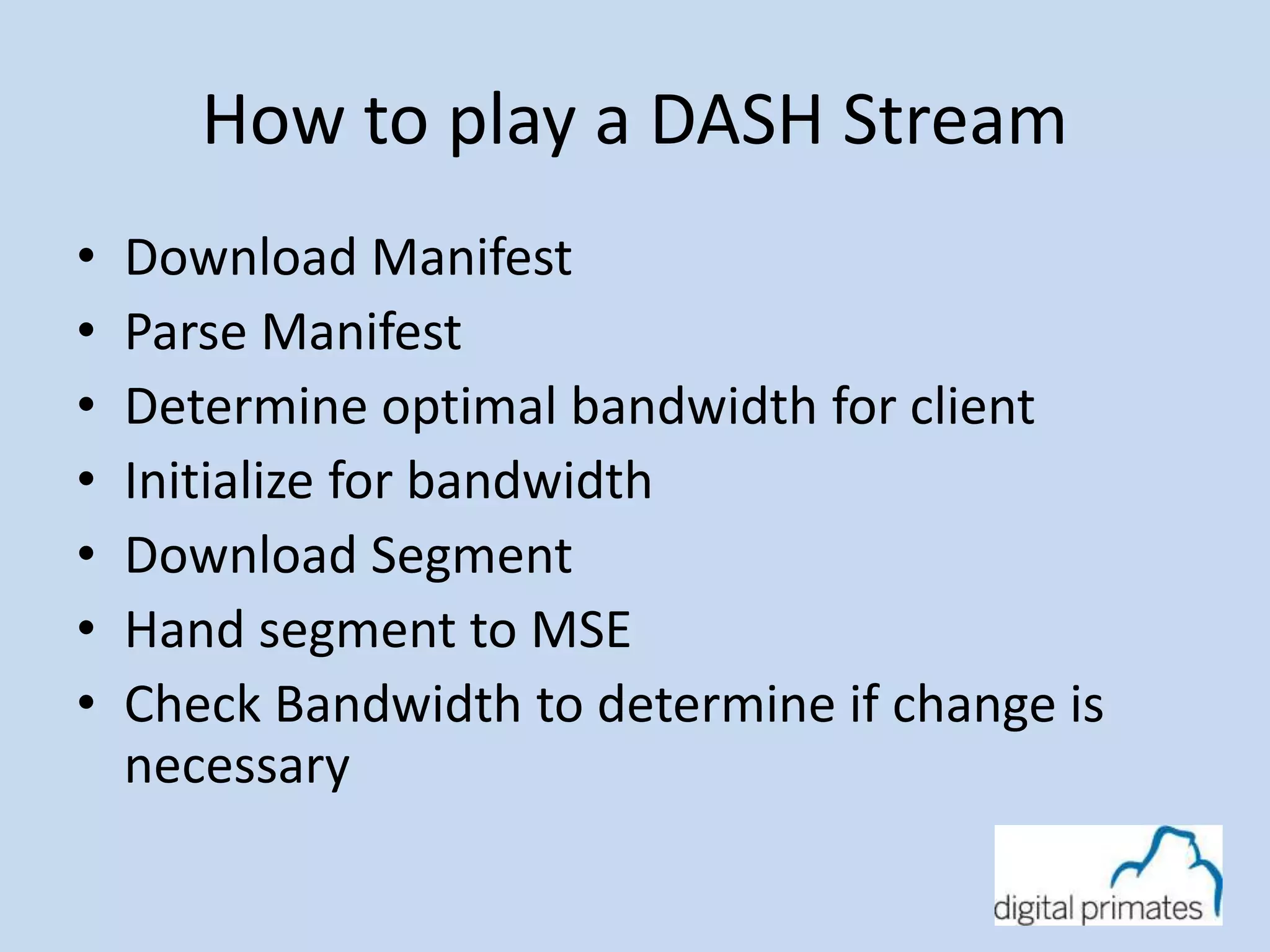
How to play a DASH Stream 
• Download Manifest 
• Parse Manifest 
• Determine optimal bandwidth for client 
• Initialize for bandwidth 
• Download Segment 
• Hand segment to MSE 
• Check Bandwidth to determine if change is 
necessary
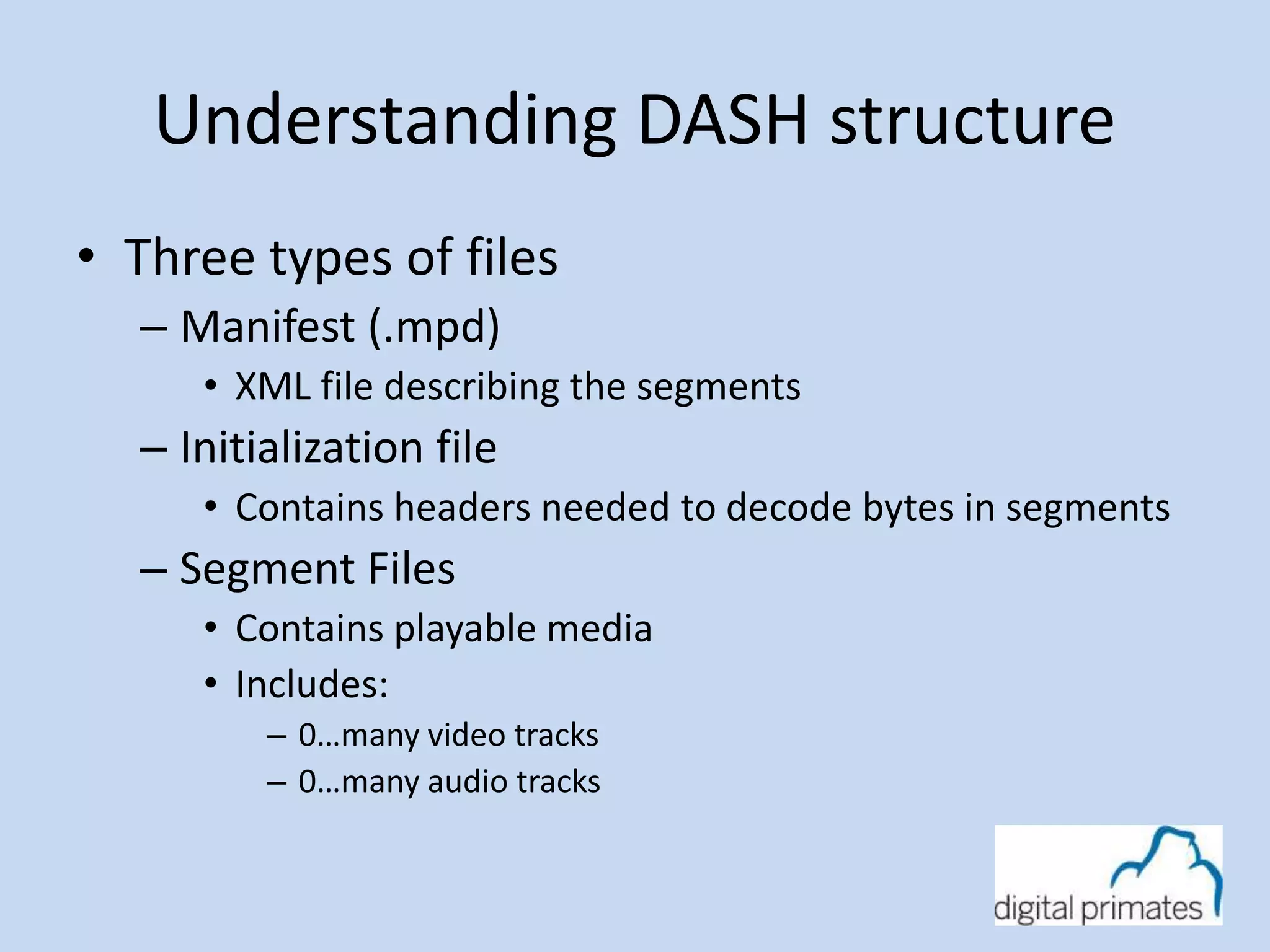
Understanding DASH structure 
• Three types of files 
– Manifest (.mpd) 
• XML file describing the segments 
– Initialization file 
• Contains headers needed to decode bytes in segments 
– Segment Files 
• Contains playable media 
• Includes: 
– 0…many video tracks 
– 0…many audio tracks
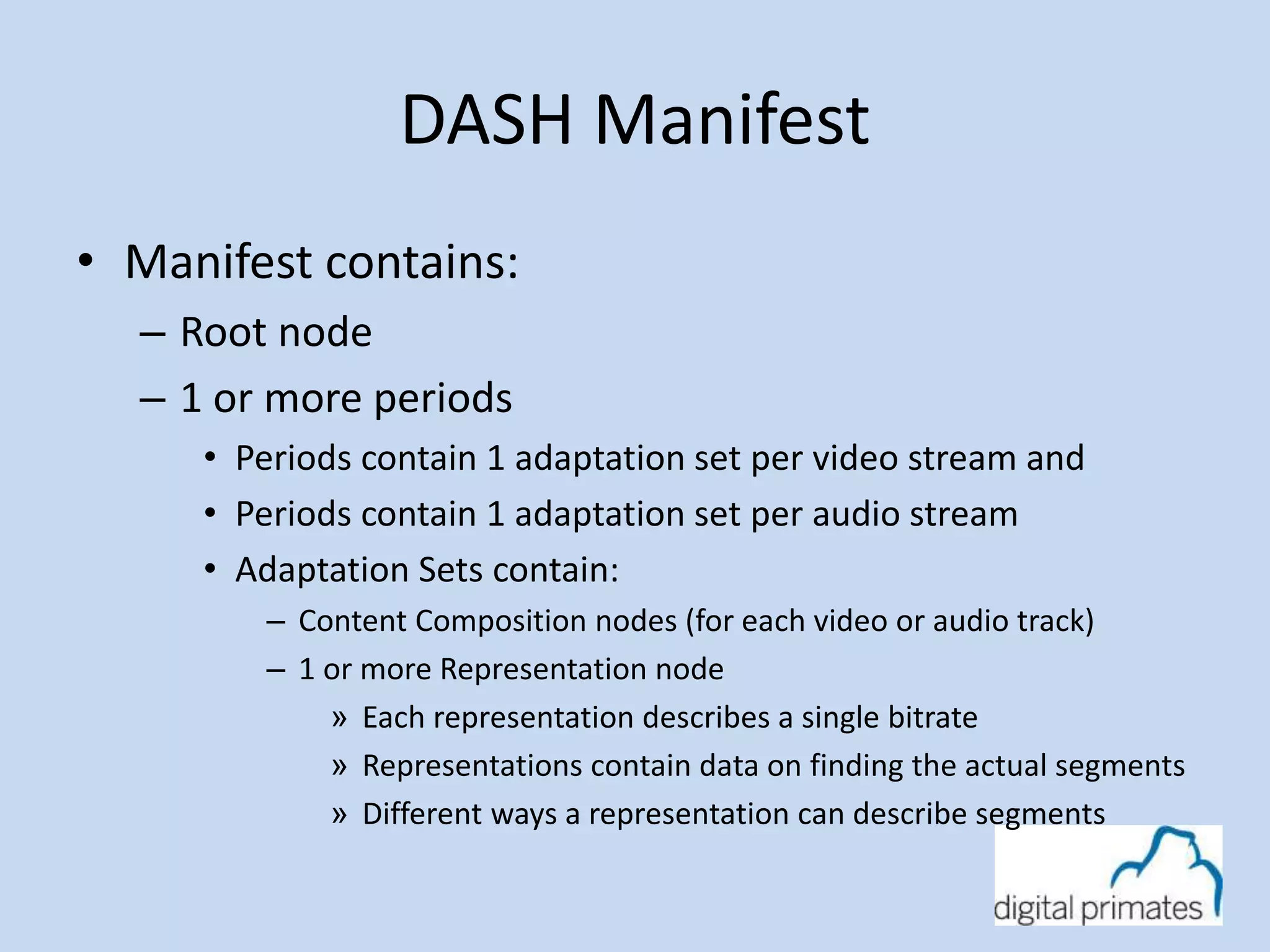
DASH Manifest 
• Manifest contains: 
– Root node 
– 1 or more periods 
• Periods contain 1 adaptation set per video stream and 
• Periods contain 1 adaptation set per audio stream 
• Adaptation Sets contain: 
– Content Composition nodes (for each video or audio track) 
– 1 or more Representation node 
» Each representation describes a single bitrate 
» Representations contain data on finding the actual segments 
» Different ways a representation can describe segments
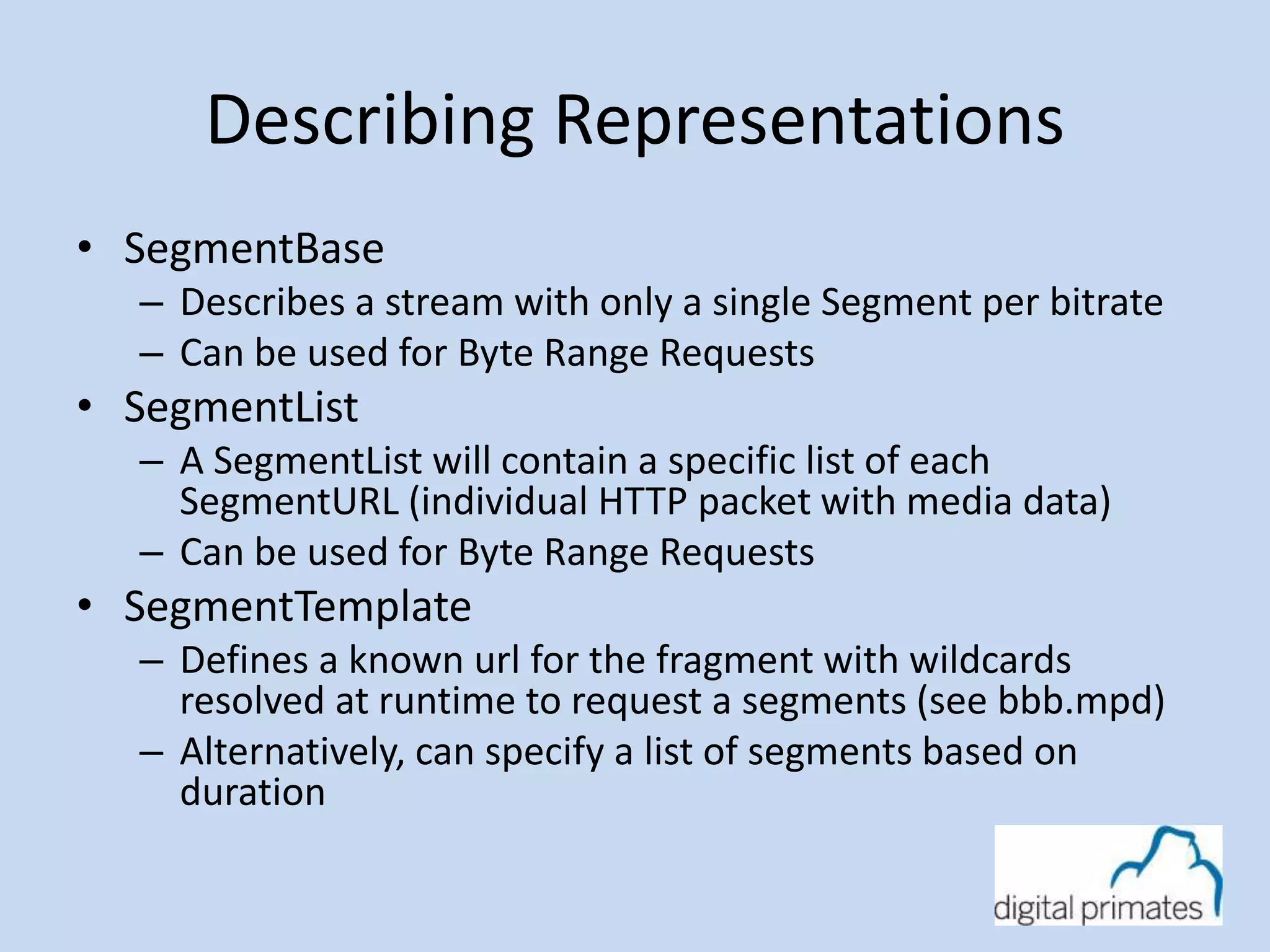
Describing Representations 
• SegmentBase 
– Describes a stream with only a single Segment per bitrate 
– Can be used for Byte Range Requests 
• SegmentList 
– A SegmentList will contain a specific list of each 
SegmentURL (individual HTTP packet with media data) 
– Can be used for Byte Range Requests 
• SegmentTemplate 
– Defines a known url for the fragment with wildcards 
resolved at runtime to request a segments (see bbb.mpd) 
– Alternatively, can specify a list of segments based on 
duration
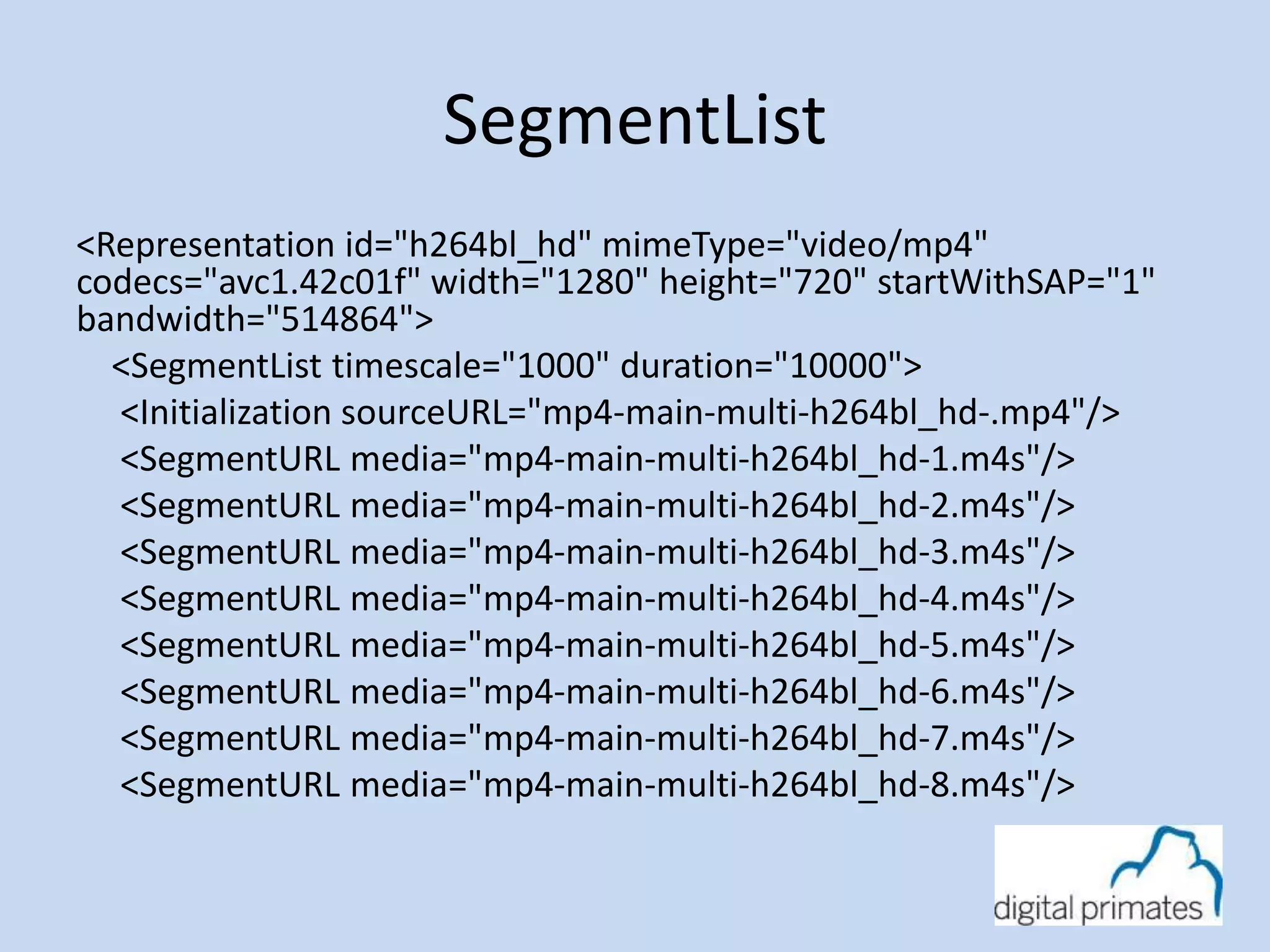
SegmentList 
<Representation id="h264bl_hd" mimeType="video/mp4" 
codecs="avc1.42c01f" width="1280" height="720" startWithSAP="1" 
bandwidth="514864"> 
<SegmentList timescale="1000" duration="10000"> 
<Initialization sourceURL="mp4-main-multi-h264bl_hd-.mp4"/> 
<SegmentURL media="mp4-main-multi-h264bl_hd-1.m4s"/> 
<SegmentURL media="mp4-main-multi-h264bl_hd-2.m4s"/> 
<SegmentURL media="mp4-main-multi-h264bl_hd-3.m4s"/> 
<SegmentURL media="mp4-main-multi-h264bl_hd-4.m4s"/> 
<SegmentURL media="mp4-main-multi-h264bl_hd-5.m4s"/> 
<SegmentURL media="mp4-main-multi-h264bl_hd-6.m4s"/> 
<SegmentURL media="mp4-main-multi-h264bl_hd-7.m4s"/> 
<SegmentURL media="mp4-main-multi-h264bl_hd-8.m4s"/>
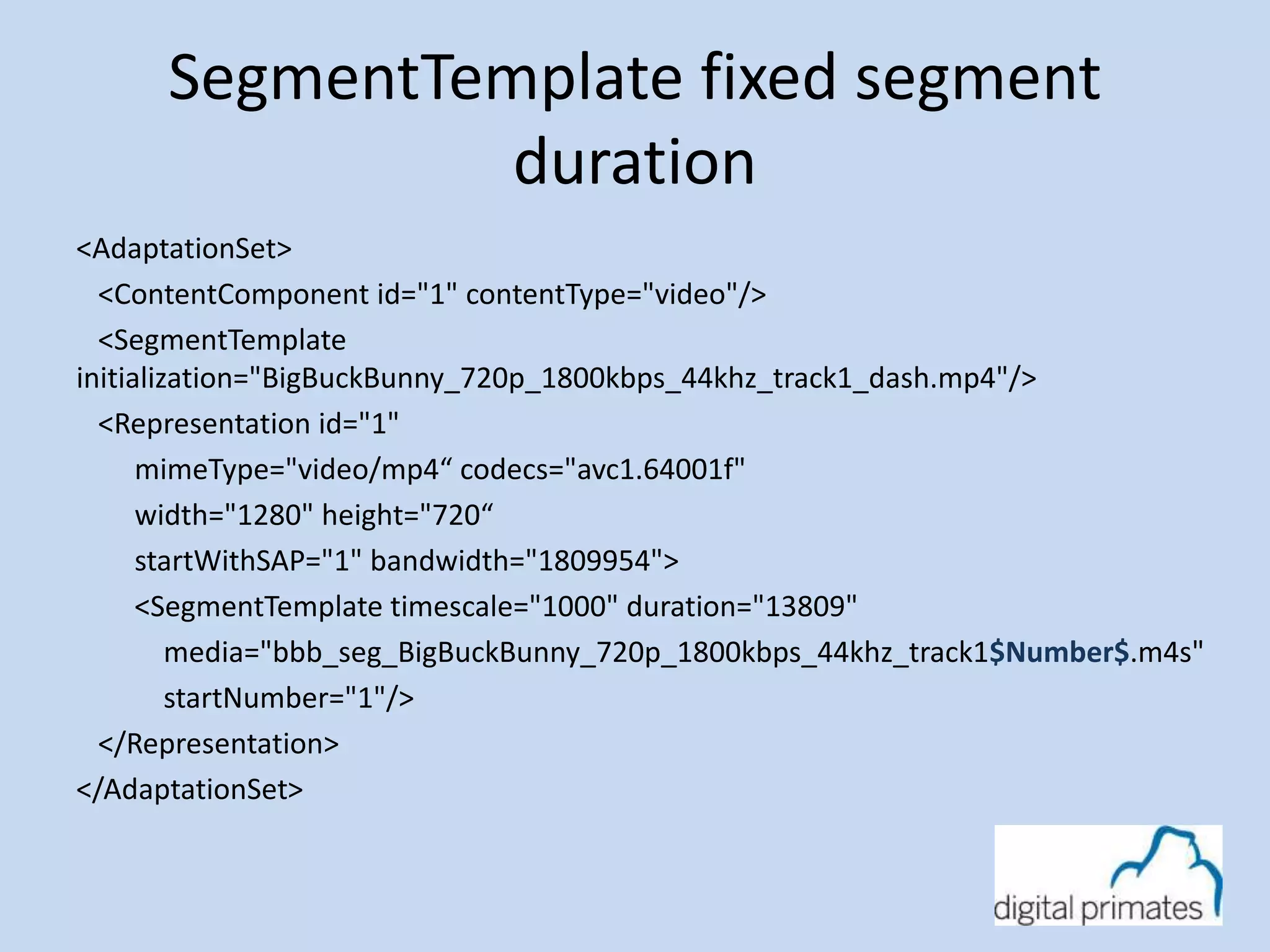
SegmentTemplate fixed segment 
duration 
<AdaptationSet> 
<ContentComponent id="1" contentType="video"/> 
<SegmentTemplate 
initialization="BigBuckBunny_720p_1800kbps_44khz_track1_dash.mp4"/> 
<Representation id="1" 
mimeType="video/mp4“ codecs="avc1.64001f" 
width="1280" height="720“ 
startWithSAP="1" bandwidth="1809954"> 
<SegmentTemplate timescale="1000" duration="13809" 
media="bbb_seg_BigBuckBunny_720p_1800kbps_44khz_track1$Number$.m4s" 
startNumber="1"/> 
</Representation> 
</AdaptationSet>
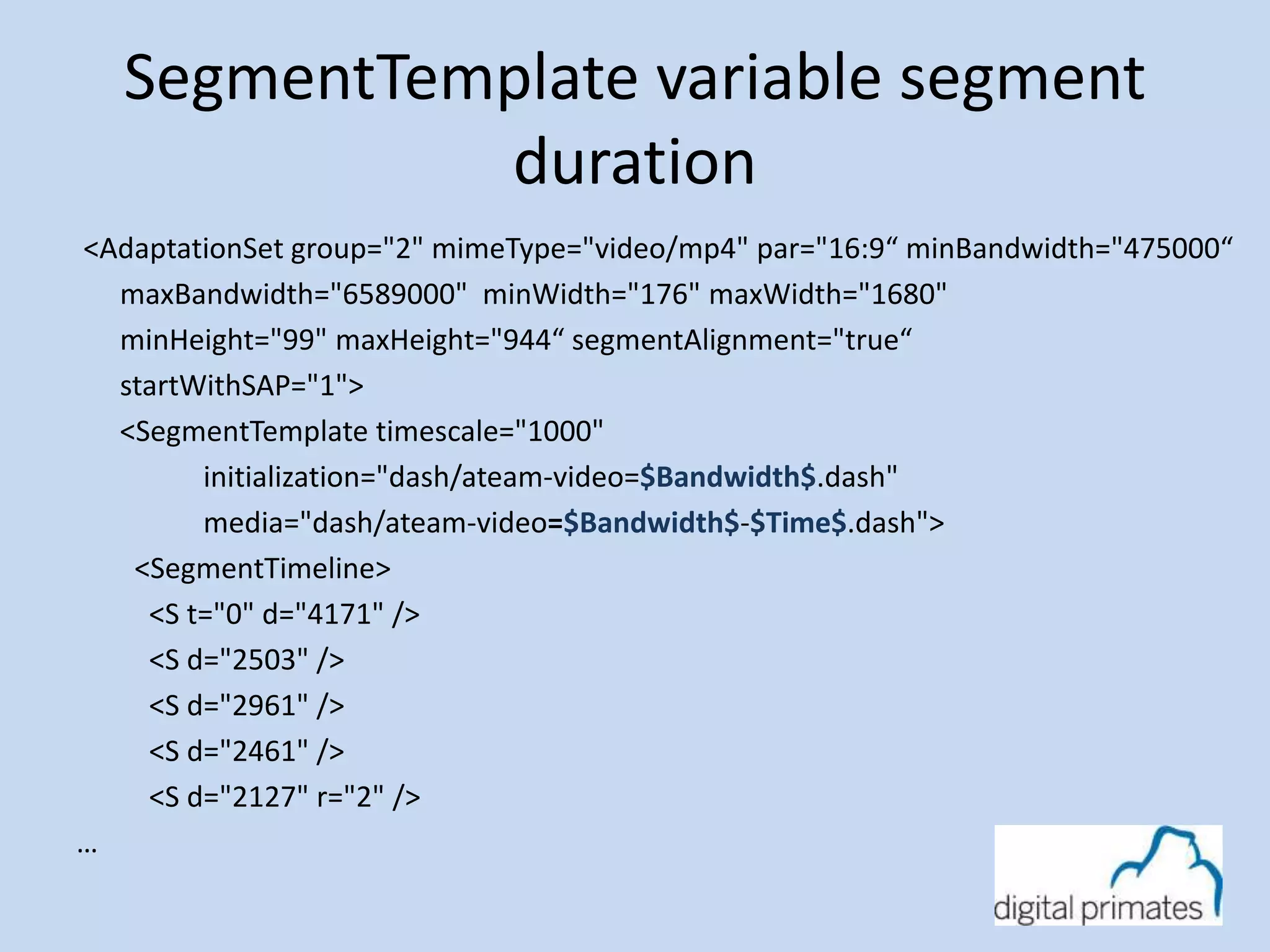
SegmentTemplate variable segment 
duration 
<AdaptationSet group="2" mimeType="video/mp4" par="16:9“ minBandwidth="475000“ 
maxBandwidth="6589000" minWidth="176" maxWidth="1680" 
minHeight="99" maxHeight="944“ segmentAlignment="true“ 
startWithSAP="1"> 
<SegmentTemplate timescale="1000" 
initialization="dash/ateam-video=$Bandwidth$.dash" 
media="dash/ateam-video=$Bandwidth$-$Time$.dash"> 
<SegmentTimeline> 
<S t="0" d="4171" /> 
<S d="2503" /> 
<S d="2961" /> 
<S d="2461" /> 
<S d="2127" r="2" /> 
…
dash.js player
dash.js player 
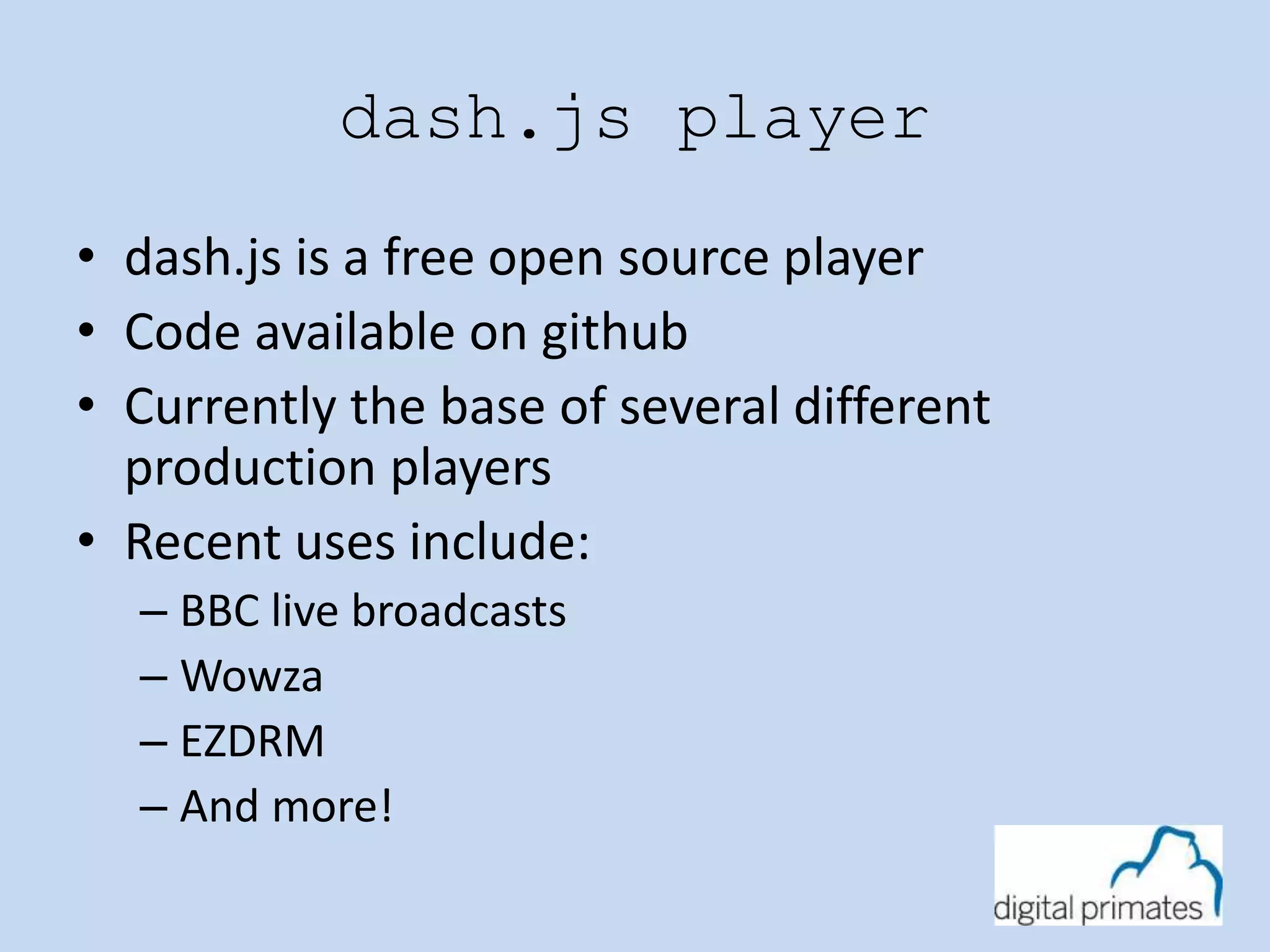
• dash.js is a free open source player 
• Code available on github 
• Currently the base of several different 
production players 
• Recent uses include: 
– BBC live broadcasts 
– Wowza 
– EZDRM 
– And more!
How to play a DASH Stream 
• Download Manifest 
• Parse Manifest 
• Determine optimal bandwidth for client 
• Initialize for bandwidth 
• Download Segment 
• Hand segment to MSE 
• Check Bandwidth to determine if change is 
necessary
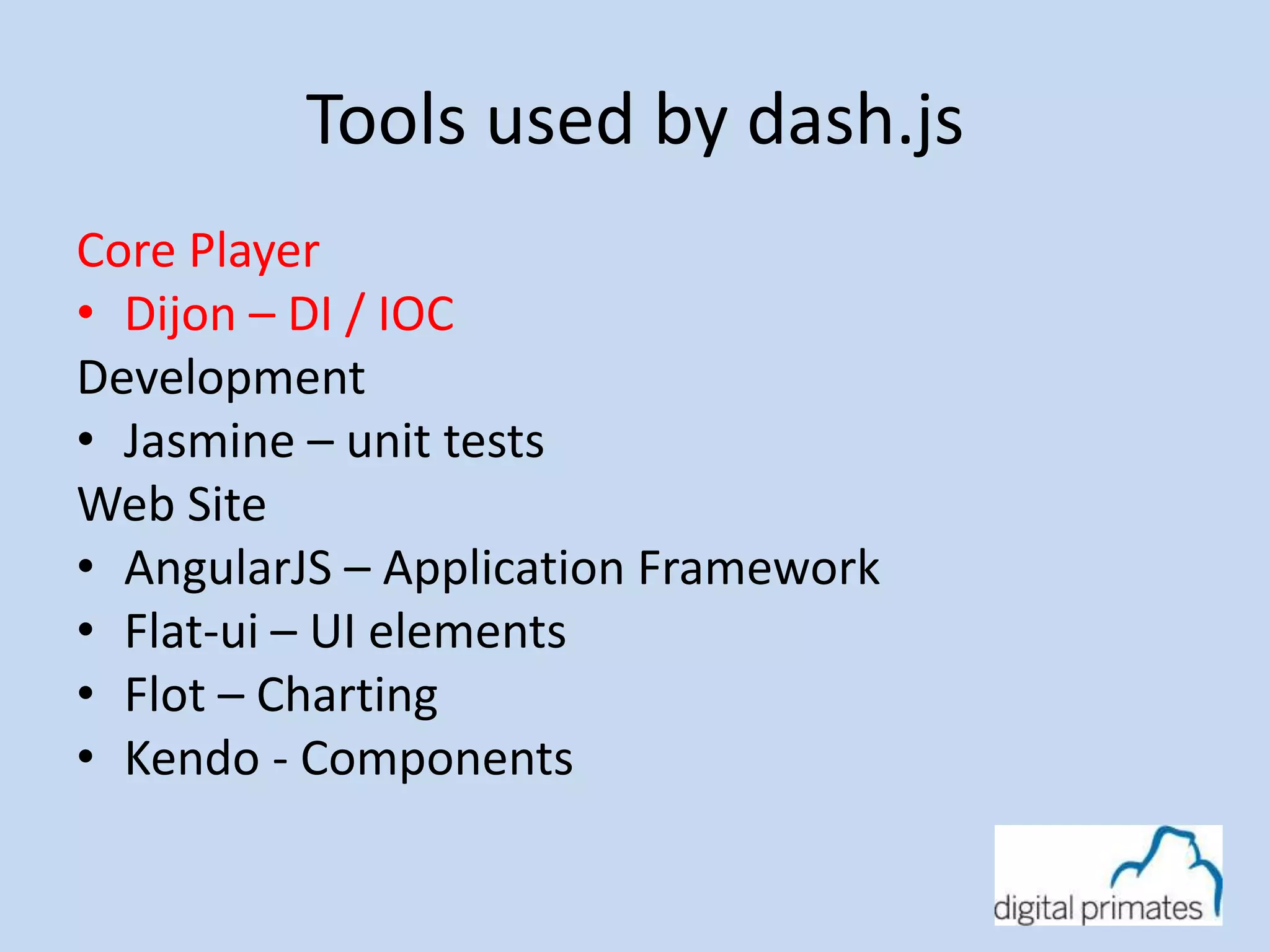
Tools used by dash.js 
Core Player 
• Dijon – DI / IOC 
Development 
• Jasmine – unit tests 
Web Site 
• AngularJS – Application Framework 
• Flat-ui – UI elements 
• Flot – Charting 
• Kendo - Components
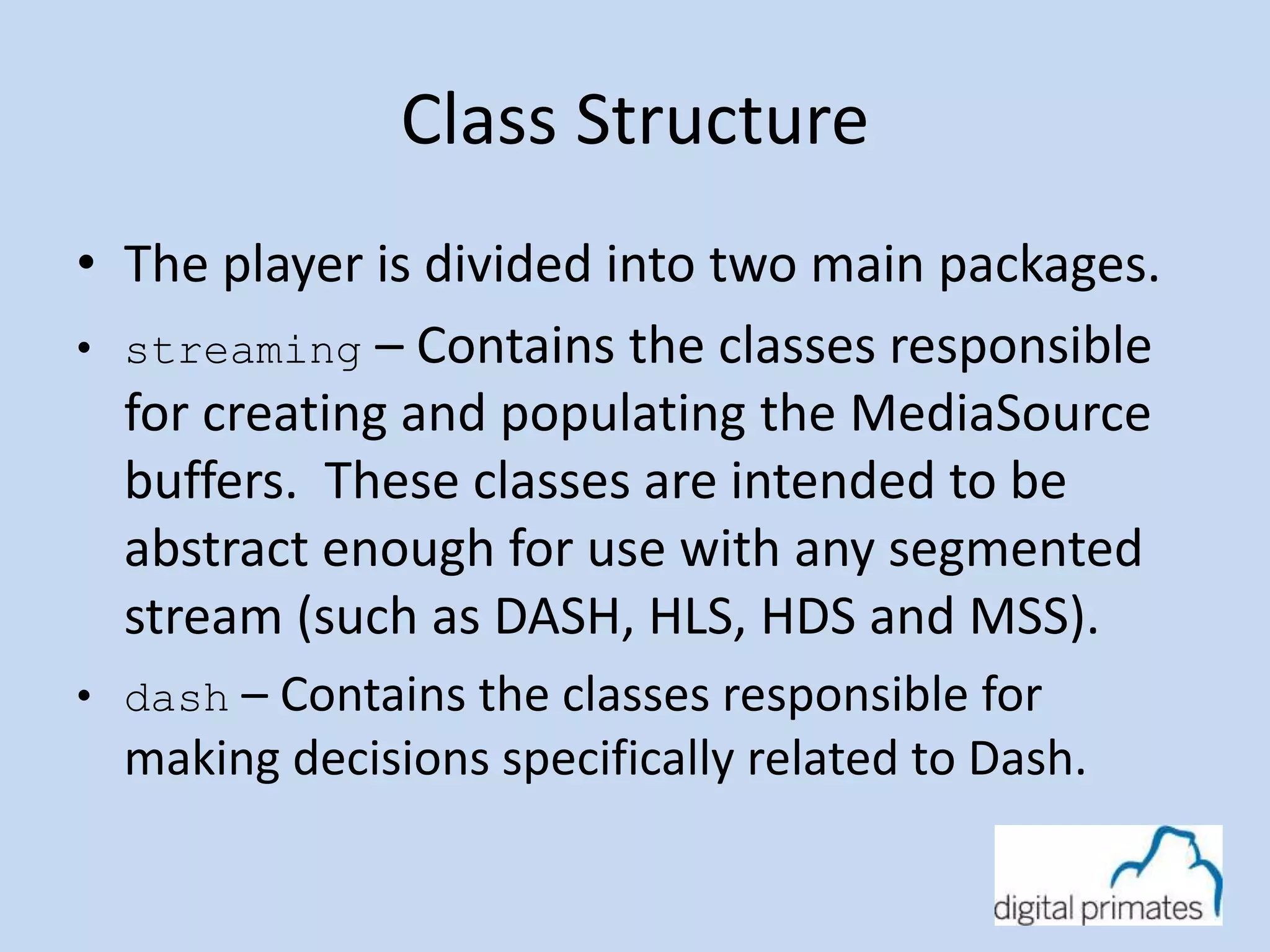
Class Structure 
• The player is divided into two main packages. 
• streaming – Contains the classes responsible 
for creating and populating the MediaSource 
buffers. These classes are intended to be 
abstract enough for use with any segmented 
stream (such as DASH, HLS, HDS and MSS). 
• dash – Contains the classes responsible for 
making decisions specifically related to Dash.
streaming package
MediaPlayer.js 
• Exposes the top level functions and properties 
to the developer (play, autoPlay, isLive, abr 
quality, and metrics). 
• The manifest URL and the HTML Video object 
as passed to the MediaPlayer.
Context.js 
• The dependency mapping for the stream 
package. 
• The context is passed into the MediaPlayer 
object allowing for different MediaPlayer 
instances to use different mappings.
Stream.js 
• Loads/refreshes the manifest. 
• Create SourceBuffers from MediaSource. 
• Create BufferManager classes to manage 
SourceBuffers. 
• Responds to events from HTML Video object. 
• For a live stream, the live edge is calculated 
and passed to the BufferController instances.
Debug.js 
• Convenience class for logging methods. 
• Default implementation is to just use 
console.log(). 
• Extension point for tapping into logging 
messages.
BufferController.js 
• Responsible for loading fragments and 
pushing the bytes into the SourceBuffer. 
• Once play() has been called a timer is 
started to check the status of the bytes in the 
buffer. 
• If the amount of time left to play is less than 
Manifest.minBufferTime the next fragment 
is loaded. 
• Records metrics related to playback.
ManifestLoader.js 
• Responsible for loading manifest files. 
• Returns the parsed manifest object. 
FragmentLoader.js 
• Responsible for loading fragments. 
• Loads requests sequentially.
AbrController.js 
• Responsible for deciding if the current quality 
should be changed. 
• The stream metrics are passed to a set of 
‘rules’. 
• Methods: 
getPlaybackQuality(type, data) 
 type – The type of the data 
(audio/video). 
 data – The stream data.
DownloadRatioRule.js 
• Validates that fragments are being 
downloaded in a timely manner. 
• Compares the time it takes to download a 
fragment to how long it takes to play out a 
fragment. 
• If the download time is considered a 
bottleneck the quality will be lowered.
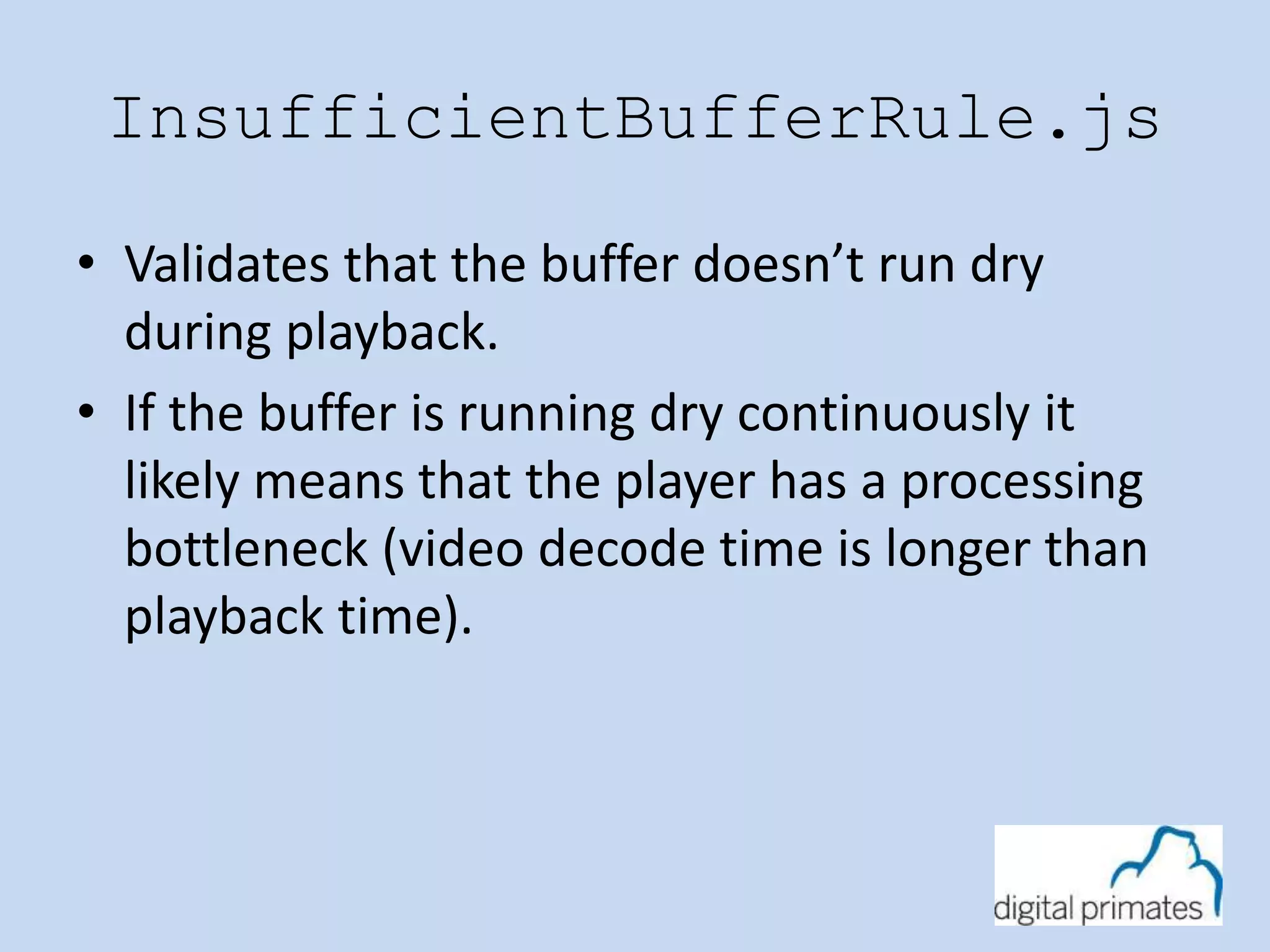
InsufficientBufferRule.js 
• Validates that the buffer doesn’t run dry 
during playback. 
• If the buffer is running dry continuously it 
likely means that the player has a processing 
bottleneck (video decode time is longer than 
playback time).
dash package
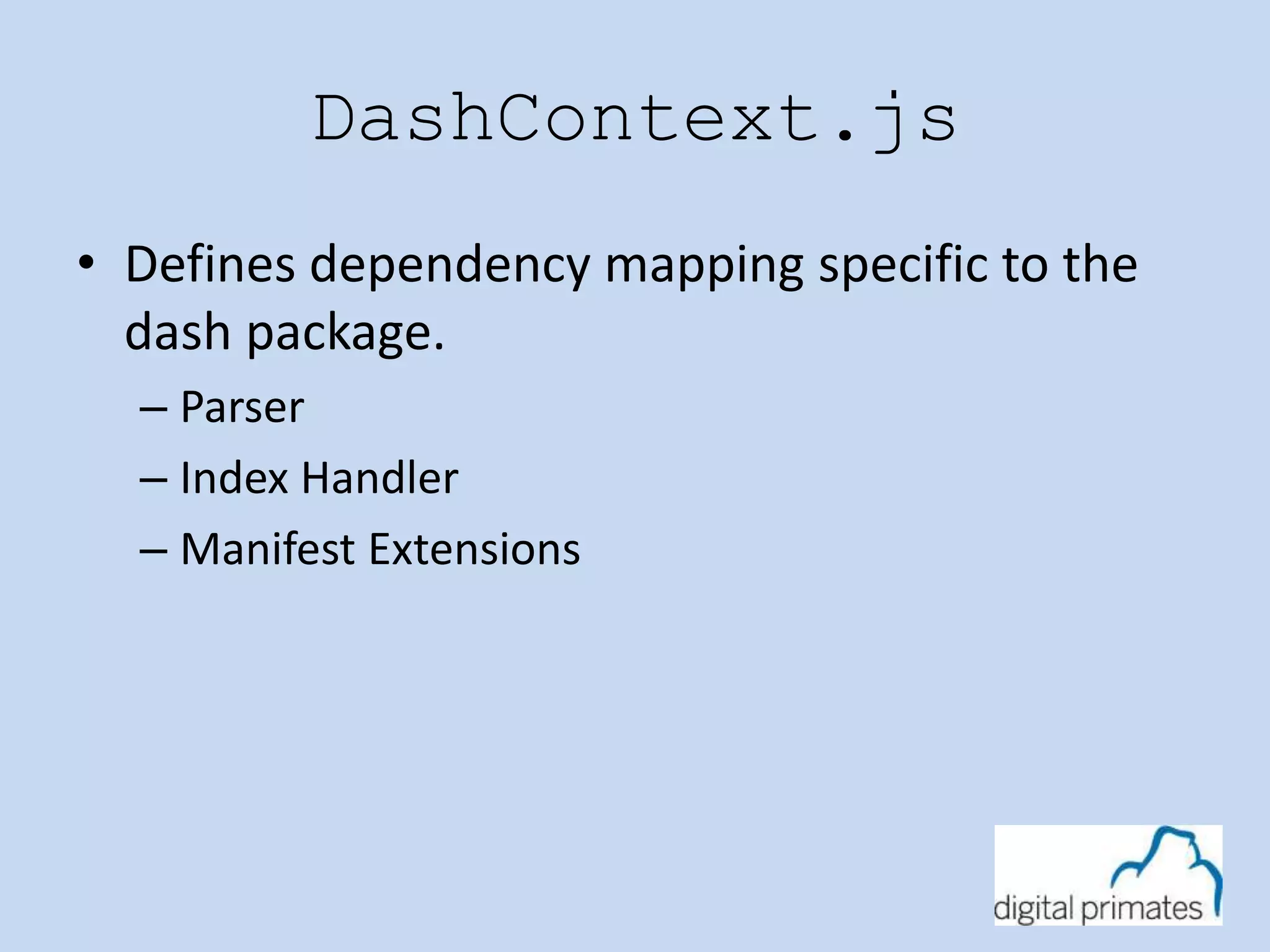
DashContext.js 
• Defines dependency mapping specific to the 
dash package. 
– Parser 
– Index Handler 
– Manifest Extensions
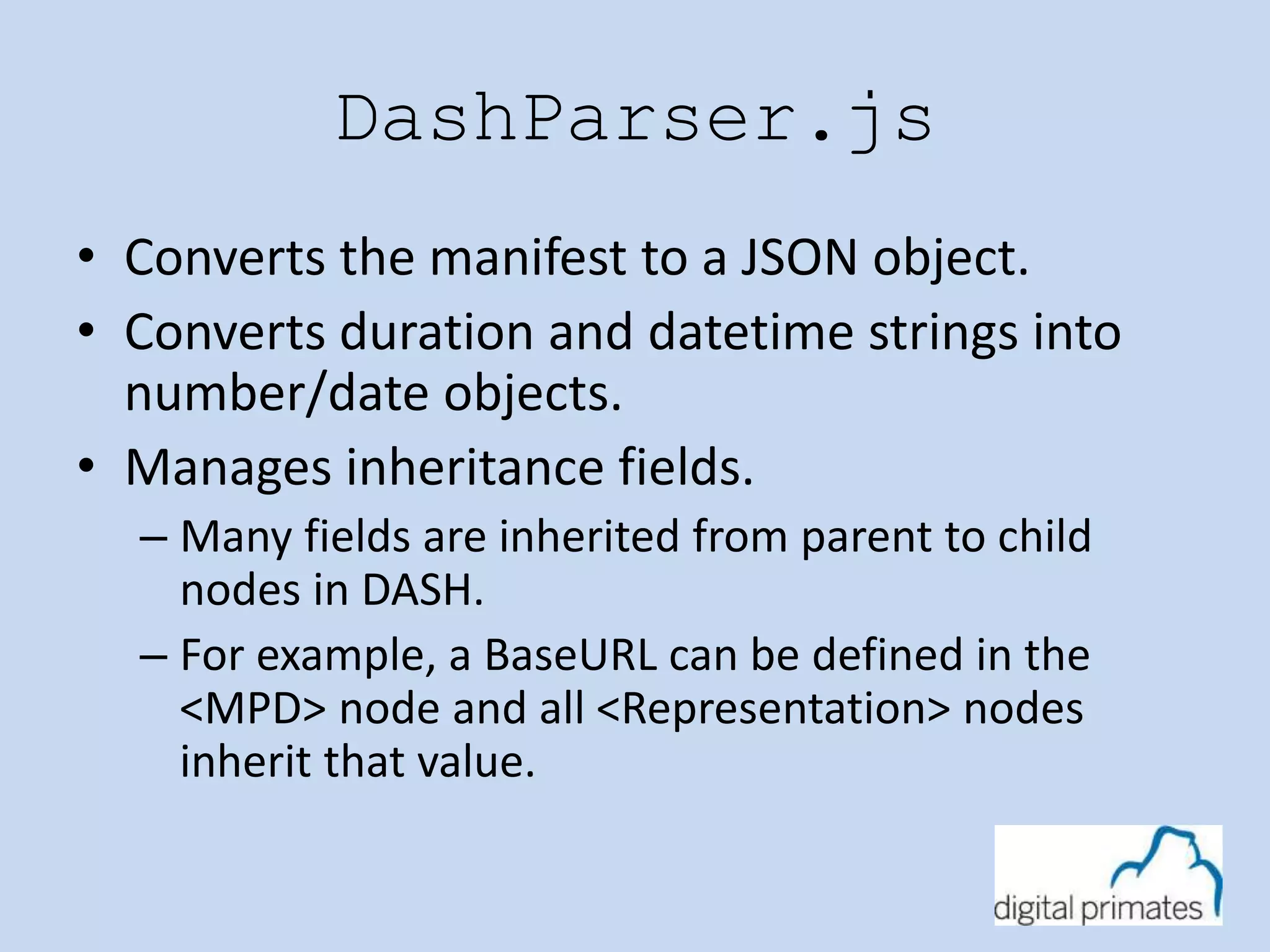
DashParser.js 
• Converts the manifest to a JSON object. 
• Converts duration and datetime strings into 
number/date objects. 
• Manages inheritance fields. 
– Many fields are inherited from parent to child 
nodes in DASH. 
– For example, a BaseURL can be defined in the 
<MPD> node and all <Representation> nodes 
inherit that value.
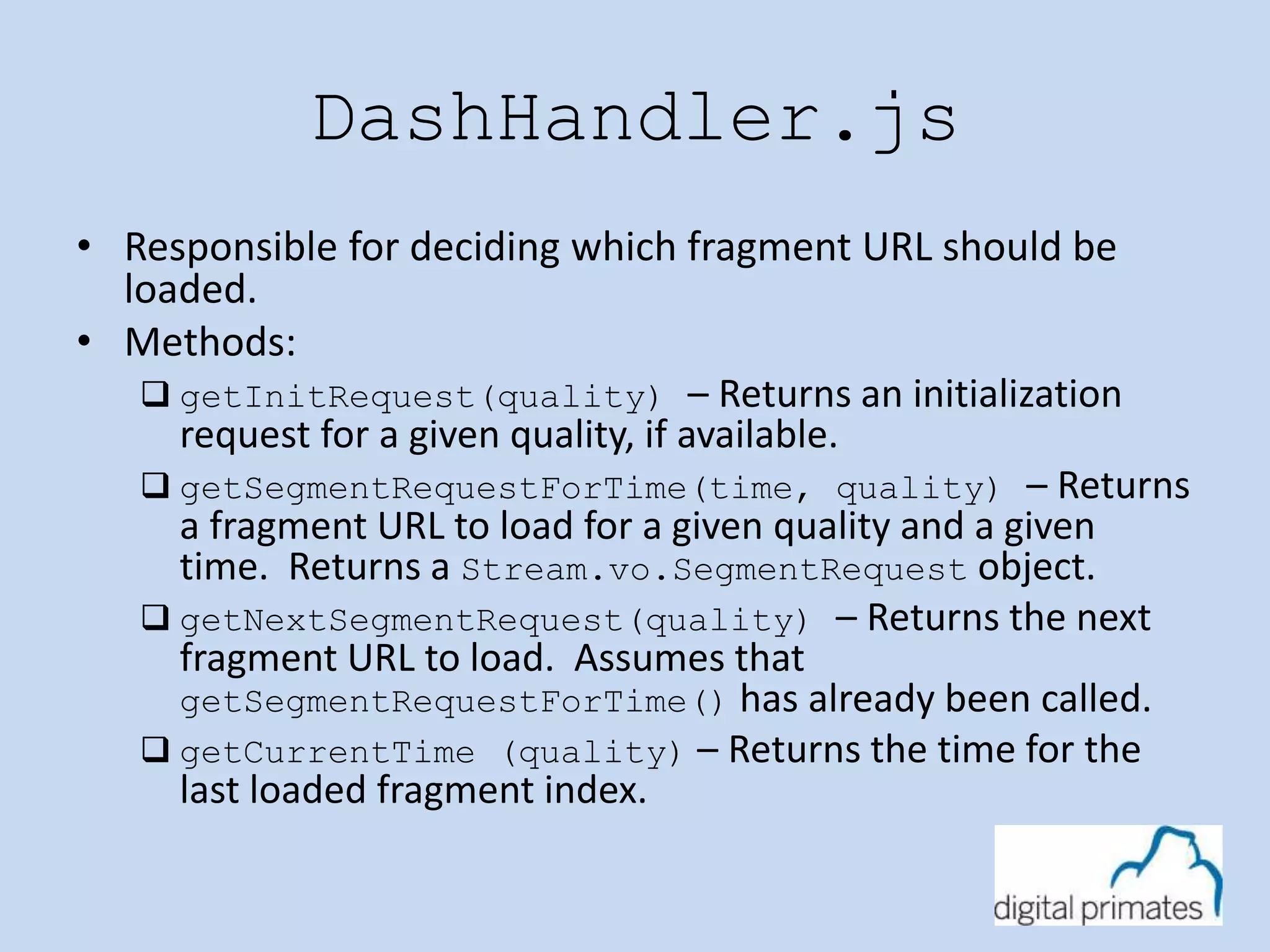
DashHandler.js 
• Responsible for deciding which fragment URL should be 
loaded. 
• Methods: 
 getInitRequest(quality) – Returns an initialization 
request for a given quality, if available. 
 getSegmentRequestForTime(time, quality) – Returns 
a fragment URL to load for a given quality and a given 
time. Returns a Stream.vo.SegmentRequest object. 
 getNextSegmentRequest(quality) – Returns the next 
fragment URL to load. Assumes that 
getSegmentRequestForTime() has already been called. 
 getCurrentTime (quality) – Returns the time for the 
last loaded fragment index.
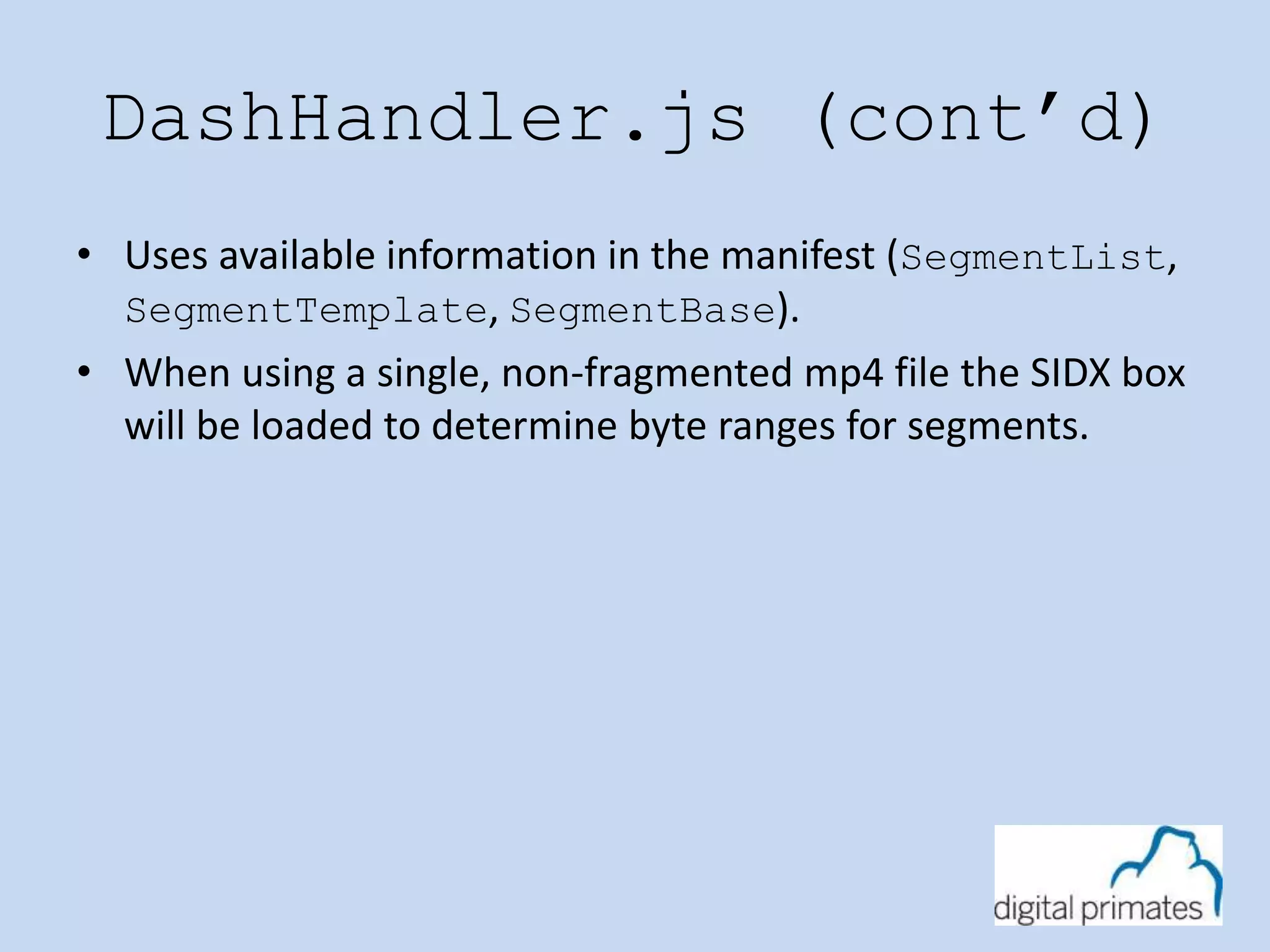
DashHandler.js (cont’d) 
• Uses available information in the manifest (SegmentList, 
SegmentTemplate, SegmentBase). 
• When using a single, non-fragmented mp4 file the SIDX box 
will be loaded to determine byte ranges for segments.
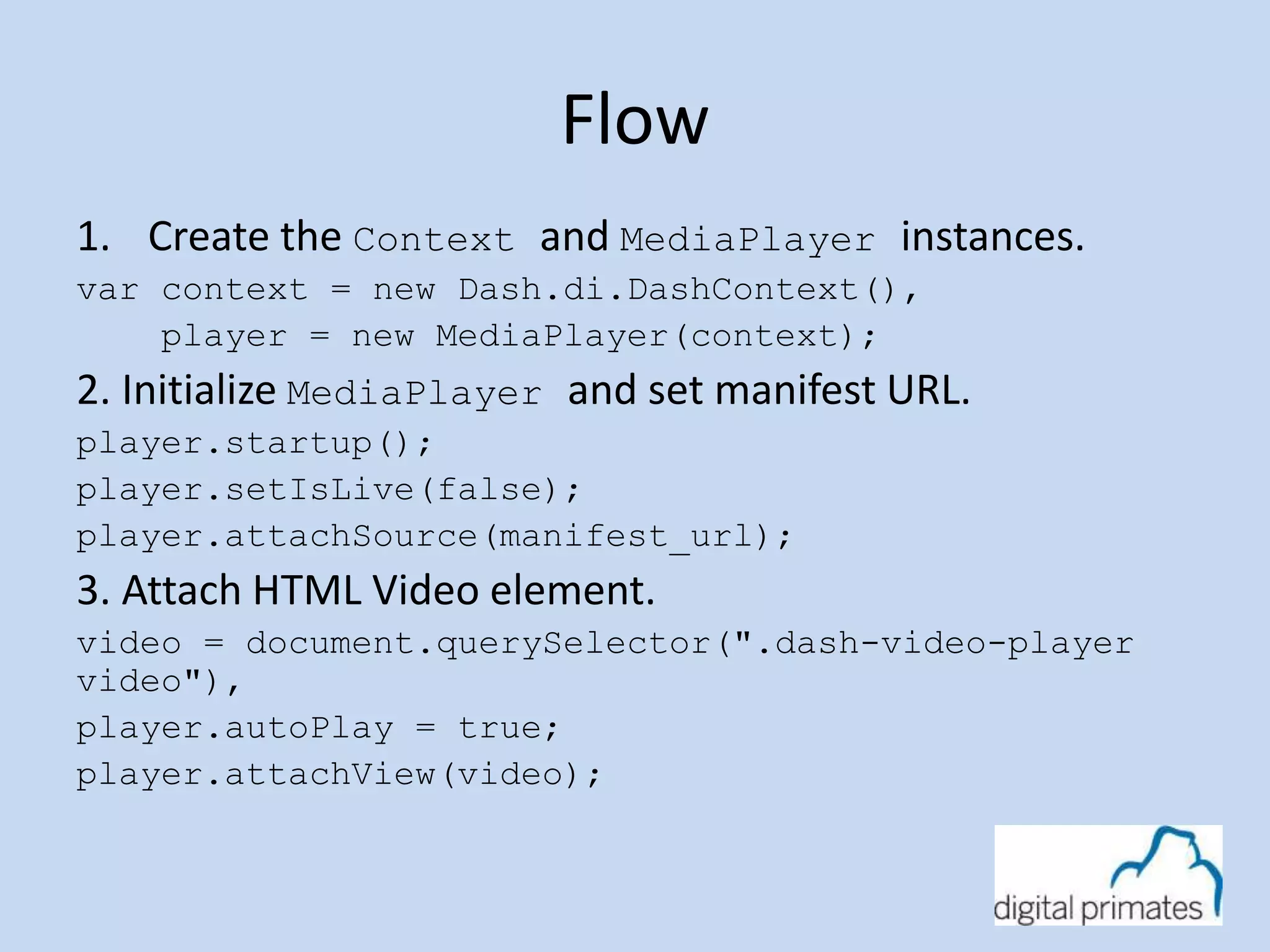
Flow 
1. Create the Context and MediaPlayer instances. 
var context = new Dash.di.DashContext(), 
player = new MediaPlayer(context); 
2. Initialize MediaPlayer and set manifest URL. 
player.startup(); 
player.setIsLive(false); 
player.attachSource(manifest_url); 
3. Attach HTML Video element. 
video = document.querySelector(".dash-video-player 
video"), 
player.autoPlay = true; 
player.attachView(video);
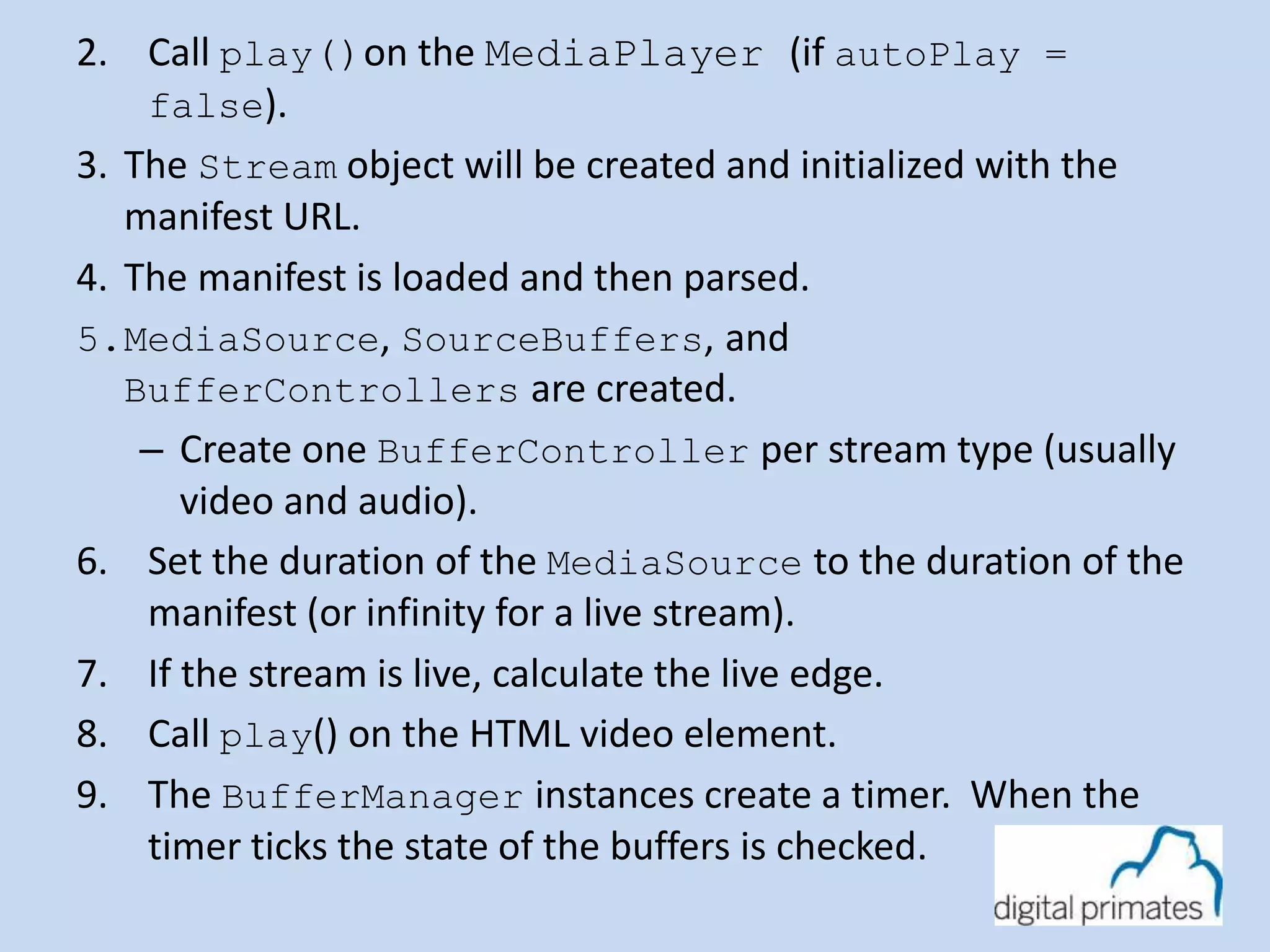
2. Call play()on the MediaPlayer (if autoPlay = 
false). 
3. The Stream object will be created and initialized with the 
manifest URL. 
4. The manifest is loaded and then parsed. 
5.MediaSource, SourceBuffers, and 
BufferControllers are created. 
– Create one BufferController per stream type (usually 
video and audio). 
6. Set the duration of the MediaSource to the duration of the 
manifest (or infinity for a live stream). 
7. If the stream is live, calculate the live edge. 
8. Call play() on the HTML video element. 
9. The BufferManager instances create a timer. When the 
timer ticks the state of the buffers is checked.
BufferManager.validate() 
1. Check to see if the buffers need more data. 
• Must be in a playing state. 
• Must not already be loading data. 
• Must require more data to be buffered. 
amountBuffered < manifest.minBufferTime 
2. If automatic ABR is enabled check to see if the bitrate 
should be changed. 
• Ask AbrController for the new quality. 
• Rules will determine which bitrate to change to. 
3. If initial playback, seeking, or the bitrate has changed load 
the initialization fragment (if available).
4. Ask the IndexHandler for the next fragment request. 
• If seeking pass the seek time to the IndexHandler. 
• Otherwise ask for the ‘next’ fragment. 
• Pass the bitrate to the IndexHandler. 
6. The IndexHandler returns a SegmentRequest indicating 
what action the BufferManager should take next. 
• “download” – Download and append the fragment to the buffer. 
• “stall” – Wait because the IndexHandler is not ready. 
• “complete” – Signal that the stream has completed playback. 
7. Repeat.
Resources 
• DASH Industry Forum 
– http://www.dashif.org 
– Reference Player 
(http://dashif.org/reference/players/javascript) 
• Reference Player Source Code 
– https://github.com/Dash-Industry-Forum/dash.js 
• HTML Extensions 
– MSE: http://www.w3.org/TR/media-source/ 
– EME: http://www.w3.org/TR/encrypted-media/ 
• Twitter 
– @jefftapper 
– @digitalprimates
Questions?

Media Source Extensions

  • 1.
    Media Source Extensions Streaming Video without Plugins Jeff Tapper Digital Primates @jefftapper
  • 2.
    Who am I? • Senior Consultant at Digital Primates – Building next generation client applications • Built video applications for many of the most watched live broadcasts • Developing Internet applications for 19 years • Author of 12 books on Internet technologies
  • 3.
  • 4.
    Agenda • Videoand the Internet today • Understanding HTTP Streaming • What are the Streaming options without a plugin? • What is DASH • What is DASH-264 • Making it work in a browser • Questions
  • 5.
    Online video Options • Progressive Download • Real Time Protocols (RTP, RTMP, RTSP, etc) • HTTP Streaming (HDS, HLS, Smooth Streaming, etc)
  • 6.
    The challenge •Most agree that HTTP Streaming is the most efficient choice • Different devices support different streaming protocols • No one standard is currently supported ubiquitously • Results in media being served in several different formats to support the broadest range of devices
  • 7.
    What do browserssupport? • Unfortunately, Progressive Download is the only ubiquitously supported option • Different Browsers support different video codec’s – H.264 – webM – VP8/VP9 – Etc. • Safari (iOs and MacOS only) natively supports HLS • MediaSource Extensions released in Chrome and IE11, betas in Safari and Firefox
  • 8.
    MediaSource Extensions (MSE) • MSE allow for pieces (segments) of media to be handed to the HTML5 video tag’s buffer directly. • This enables HTTP Streaming in HTML • Not universally supported, yet. • Currently (as of September 2014) an Editors Draft to the HTML Working Group
  • 9.
    What is MPEG-DASH  DASH – Dynamic Adaptive Streaming via HTTP  International open standard, developed and published by ISO  Addresses both simple and advanced use cases  Enables highest-quality multiscreen distribution and efficient dynamic adaptive switching  Enables reuse of existing content, devices and infrastructure  Attempts to unify to a single standard for HTTP Streaming
  • 10.
    DASH and codecs • The DASH specification is codec agnostic • Any existing or future codec can work with DASH • DASH manifest describes which codec is used • Allows ability for a single manifest to describe several different versions in different codecs
  • 11.
    DASH264 • H.264is dominant format today • Many vendors and service providers are committed to supporting/enabling DASH264 • Provides support for today’s requirements such as DRM • H.264 is backed by rigorous testing and conformance
  • 12.
    DASH Industry Forum • Addressing the dramatic growth of broadband video by recommending a universal delivery format that provides end users with the best possible media experience by dynamically adapting to changing network conditions.
  • 13.
    DASH Industry Forum • Objectives: – promote and catalyze market adoption of MPEG-DASH – publish interoperability and deployment guidelines – facilitate interoperability tests – collaborate with standard bodies and industry consortia in aligning ongoing DASH standards development and the use of common profiles across industry organizations • Over 65 members • Visit http://dashif.org for more information • Released the DASH/264 standard
  • 14.
    Building a DASHplayer • We have built DASH players for several different platforms – Flash – Android – HTML5/JavaScript (dash.js) • DASH.js is available as an open source project (bsd3) on github • DASH.js is the reference player for the DASH Industry Forum (dashif.org)
  • 15.
    How to playa DASH Stream • Download Manifest • Parse Manifest • Determine optimal bandwidth for client • Initialize for bandwidth • Download Segment • Hand segment to MSE • Check Bandwidth to determine if change is necessary
  • 16.
    Understanding DASH structure • Three types of files – Manifest (.mpd) • XML file describing the segments – Initialization file • Contains headers needed to decode bytes in segments – Segment Files • Contains playable media • Includes: – 0…many video tracks – 0…many audio tracks
  • 17.
    DASH Manifest •Manifest contains: – Root node – 1 or more periods • Periods contain 1 adaptation set per video stream and • Periods contain 1 adaptation set per audio stream • Adaptation Sets contain: – Content Composition nodes (for each video or audio track) – 1 or more Representation node » Each representation describes a single bitrate » Representations contain data on finding the actual segments » Different ways a representation can describe segments
  • 18.
    Describing Representations •SegmentBase – Describes a stream with only a single Segment per bitrate – Can be used for Byte Range Requests • SegmentList – A SegmentList will contain a specific list of each SegmentURL (individual HTTP packet with media data) – Can be used for Byte Range Requests • SegmentTemplate – Defines a known url for the fragment with wildcards resolved at runtime to request a segments (see bbb.mpd) – Alternatively, can specify a list of segments based on duration
  • 19.
    SegmentList <Representation id="h264bl_hd"mimeType="video/mp4" codecs="avc1.42c01f" width="1280" height="720" startWithSAP="1" bandwidth="514864"> <SegmentList timescale="1000" duration="10000"> <Initialization sourceURL="mp4-main-multi-h264bl_hd-.mp4"/> <SegmentURL media="mp4-main-multi-h264bl_hd-1.m4s"/> <SegmentURL media="mp4-main-multi-h264bl_hd-2.m4s"/> <SegmentURL media="mp4-main-multi-h264bl_hd-3.m4s"/> <SegmentURL media="mp4-main-multi-h264bl_hd-4.m4s"/> <SegmentURL media="mp4-main-multi-h264bl_hd-5.m4s"/> <SegmentURL media="mp4-main-multi-h264bl_hd-6.m4s"/> <SegmentURL media="mp4-main-multi-h264bl_hd-7.m4s"/> <SegmentURL media="mp4-main-multi-h264bl_hd-8.m4s"/>
  • 20.
    SegmentTemplate fixed segment duration <AdaptationSet> <ContentComponent id="1" contentType="video"/> <SegmentTemplate initialization="BigBuckBunny_720p_1800kbps_44khz_track1_dash.mp4"/> <Representation id="1" mimeType="video/mp4“ codecs="avc1.64001f" width="1280" height="720“ startWithSAP="1" bandwidth="1809954"> <SegmentTemplate timescale="1000" duration="13809" media="bbb_seg_BigBuckBunny_720p_1800kbps_44khz_track1$Number$.m4s" startNumber="1"/> </Representation> </AdaptationSet>
  • 21.
    SegmentTemplate variable segment duration <AdaptationSet group="2" mimeType="video/mp4" par="16:9“ minBandwidth="475000“ maxBandwidth="6589000" minWidth="176" maxWidth="1680" minHeight="99" maxHeight="944“ segmentAlignment="true“ startWithSAP="1"> <SegmentTemplate timescale="1000" initialization="dash/ateam-video=$Bandwidth$.dash" media="dash/ateam-video=$Bandwidth$-$Time$.dash"> <SegmentTimeline> <S t="0" d="4171" /> <S d="2503" /> <S d="2961" /> <S d="2461" /> <S d="2127" r="2" /> …
  • 22.
  • 23.
    dash.js player •dash.js is a free open source player • Code available on github • Currently the base of several different production players • Recent uses include: – BBC live broadcasts – Wowza – EZDRM – And more!
  • 24.
    How to playa DASH Stream • Download Manifest • Parse Manifest • Determine optimal bandwidth for client • Initialize for bandwidth • Download Segment • Hand segment to MSE • Check Bandwidth to determine if change is necessary
  • 25.
    Tools used bydash.js Core Player • Dijon – DI / IOC Development • Jasmine – unit tests Web Site • AngularJS – Application Framework • Flat-ui – UI elements • Flot – Charting • Kendo - Components
  • 26.
    Class Structure •The player is divided into two main packages. • streaming – Contains the classes responsible for creating and populating the MediaSource buffers. These classes are intended to be abstract enough for use with any segmented stream (such as DASH, HLS, HDS and MSS). • dash – Contains the classes responsible for making decisions specifically related to Dash.
  • 27.
  • 28.
    MediaPlayer.js • Exposesthe top level functions and properties to the developer (play, autoPlay, isLive, abr quality, and metrics). • The manifest URL and the HTML Video object as passed to the MediaPlayer.
  • 29.
    Context.js • Thedependency mapping for the stream package. • The context is passed into the MediaPlayer object allowing for different MediaPlayer instances to use different mappings.
  • 30.
    Stream.js • Loads/refreshesthe manifest. • Create SourceBuffers from MediaSource. • Create BufferManager classes to manage SourceBuffers. • Responds to events from HTML Video object. • For a live stream, the live edge is calculated and passed to the BufferController instances.
  • 31.
    Debug.js • Convenienceclass for logging methods. • Default implementation is to just use console.log(). • Extension point for tapping into logging messages.
  • 32.
    BufferController.js • Responsiblefor loading fragments and pushing the bytes into the SourceBuffer. • Once play() has been called a timer is started to check the status of the bytes in the buffer. • If the amount of time left to play is less than Manifest.minBufferTime the next fragment is loaded. • Records metrics related to playback.
  • 33.
    ManifestLoader.js • Responsiblefor loading manifest files. • Returns the parsed manifest object. FragmentLoader.js • Responsible for loading fragments. • Loads requests sequentially.
  • 34.
    AbrController.js • Responsiblefor deciding if the current quality should be changed. • The stream metrics are passed to a set of ‘rules’. • Methods: getPlaybackQuality(type, data)  type – The type of the data (audio/video).  data – The stream data.
  • 35.
    DownloadRatioRule.js • Validatesthat fragments are being downloaded in a timely manner. • Compares the time it takes to download a fragment to how long it takes to play out a fragment. • If the download time is considered a bottleneck the quality will be lowered.
  • 36.
    InsufficientBufferRule.js • Validatesthat the buffer doesn’t run dry during playback. • If the buffer is running dry continuously it likely means that the player has a processing bottleneck (video decode time is longer than playback time).
  • 37.
  • 38.
    DashContext.js • Definesdependency mapping specific to the dash package. – Parser – Index Handler – Manifest Extensions
  • 39.
    DashParser.js • Convertsthe manifest to a JSON object. • Converts duration and datetime strings into number/date objects. • Manages inheritance fields. – Many fields are inherited from parent to child nodes in DASH. – For example, a BaseURL can be defined in the <MPD> node and all <Representation> nodes inherit that value.
  • 40.
    DashHandler.js • Responsiblefor deciding which fragment URL should be loaded. • Methods:  getInitRequest(quality) – Returns an initialization request for a given quality, if available.  getSegmentRequestForTime(time, quality) – Returns a fragment URL to load for a given quality and a given time. Returns a Stream.vo.SegmentRequest object.  getNextSegmentRequest(quality) – Returns the next fragment URL to load. Assumes that getSegmentRequestForTime() has already been called.  getCurrentTime (quality) – Returns the time for the last loaded fragment index.
  • 41.
    DashHandler.js (cont’d) •Uses available information in the manifest (SegmentList, SegmentTemplate, SegmentBase). • When using a single, non-fragmented mp4 file the SIDX box will be loaded to determine byte ranges for segments.
  • 42.
    Flow 1. Createthe Context and MediaPlayer instances. var context = new Dash.di.DashContext(), player = new MediaPlayer(context); 2. Initialize MediaPlayer and set manifest URL. player.startup(); player.setIsLive(false); player.attachSource(manifest_url); 3. Attach HTML Video element. video = document.querySelector(".dash-video-player video"), player.autoPlay = true; player.attachView(video);
  • 43.
    2. Call play()onthe MediaPlayer (if autoPlay = false). 3. The Stream object will be created and initialized with the manifest URL. 4. The manifest is loaded and then parsed. 5.MediaSource, SourceBuffers, and BufferControllers are created. – Create one BufferController per stream type (usually video and audio). 6. Set the duration of the MediaSource to the duration of the manifest (or infinity for a live stream). 7. If the stream is live, calculate the live edge. 8. Call play() on the HTML video element. 9. The BufferManager instances create a timer. When the timer ticks the state of the buffers is checked.
  • 44.
    BufferManager.validate() 1. Checkto see if the buffers need more data. • Must be in a playing state. • Must not already be loading data. • Must require more data to be buffered. amountBuffered < manifest.minBufferTime 2. If automatic ABR is enabled check to see if the bitrate should be changed. • Ask AbrController for the new quality. • Rules will determine which bitrate to change to. 3. If initial playback, seeking, or the bitrate has changed load the initialization fragment (if available).
  • 45.
    4. Ask theIndexHandler for the next fragment request. • If seeking pass the seek time to the IndexHandler. • Otherwise ask for the ‘next’ fragment. • Pass the bitrate to the IndexHandler. 6. The IndexHandler returns a SegmentRequest indicating what action the BufferManager should take next. • “download” – Download and append the fragment to the buffer. • “stall” – Wait because the IndexHandler is not ready. • “complete” – Signal that the stream has completed playback. 7. Repeat.
  • 46.
    Resources • DASHIndustry Forum – http://www.dashif.org – Reference Player (http://dashif.org/reference/players/javascript) • Reference Player Source Code – https://github.com/Dash-Industry-Forum/dash.js • HTML Extensions – MSE: http://www.w3.org/TR/media-source/ – EME: http://www.w3.org/TR/encrypted-media/ • Twitter – @jefftapper – @digitalprimates
  • 47.