Implement ePortfolios K-20 with Web 2.0 and Mobile Tools Helen Barrett Cynthia Lucena AAEEBL Conference July 25, 2011 electronicportfolios.org/ slideshare.net/eportfolios/ Hashtag: #eportfolios Account: @eportfolios
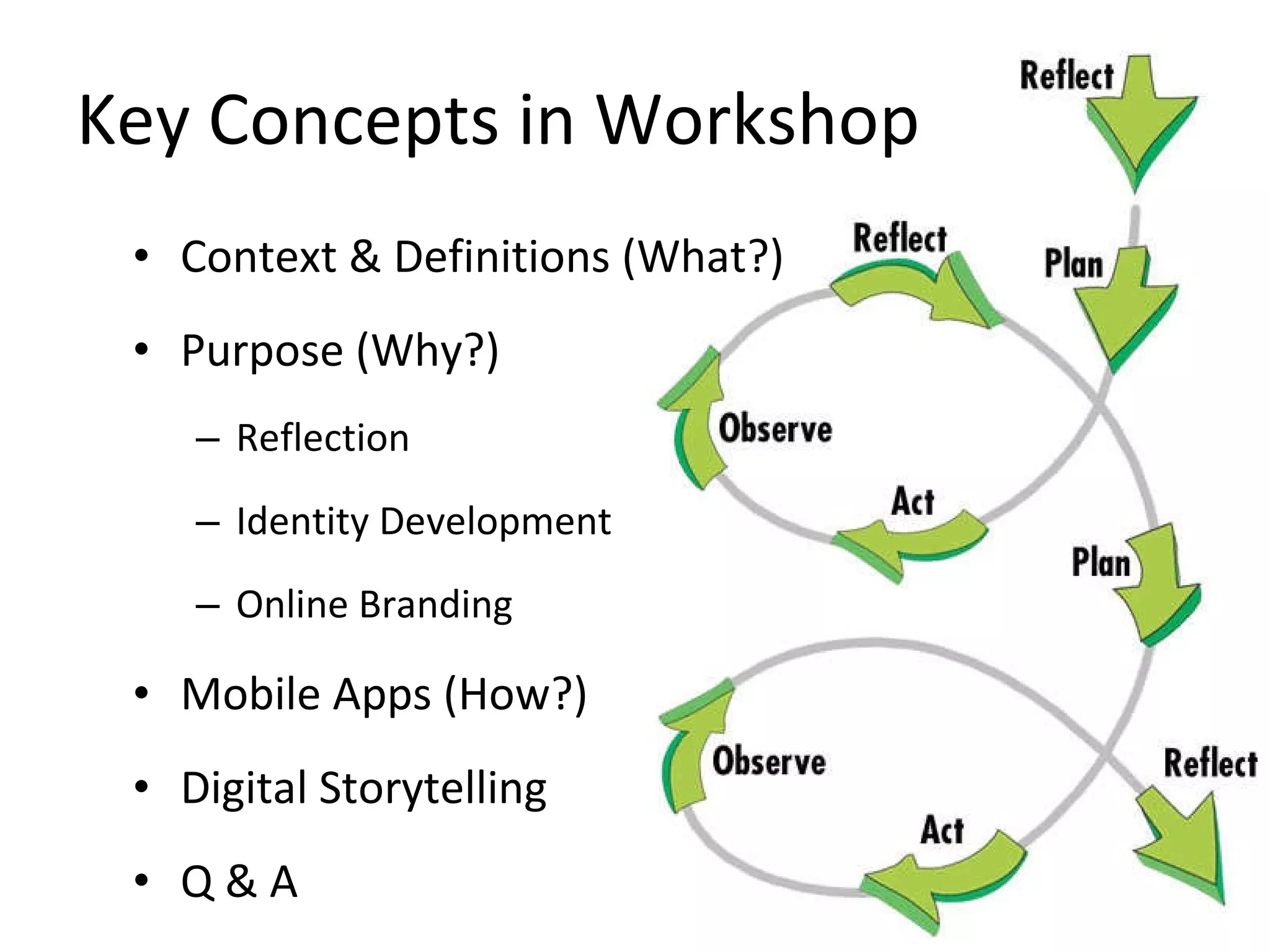
Key Concepts in Workshop Context & Definitions (What?) Purpose (Why?) Reflection Identity Development Online Branding Mobile Apps (How?) Digital Storytelling Q & A
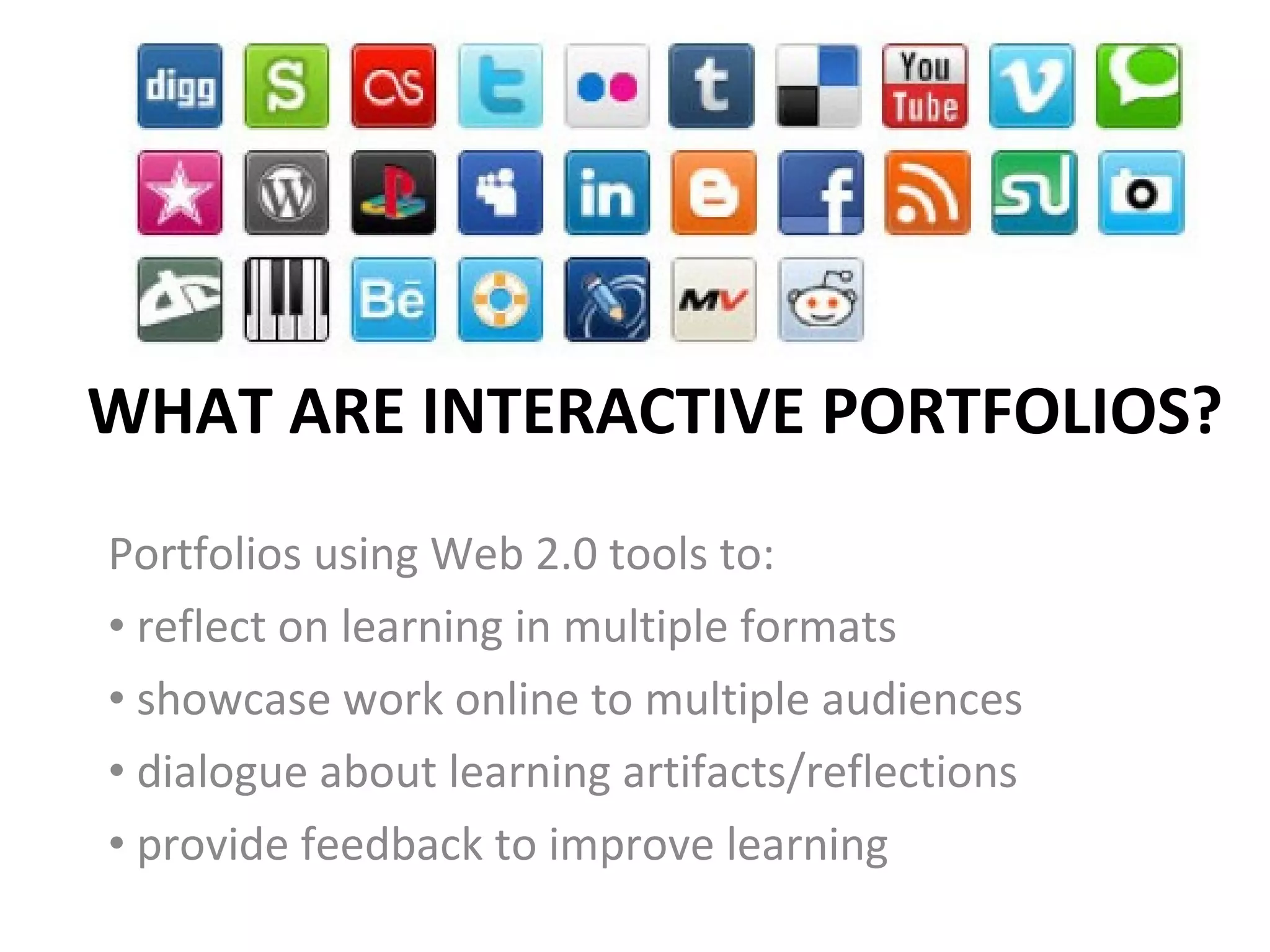
WHAT ARE INTERACTIVE PORTFOLIOS? Portfolios using Web 2.0 tools to:  reflect on learning in multiple formats showcase work online to multiple audiences dialogue about learning artifacts/reflections provide feedback to improve learning
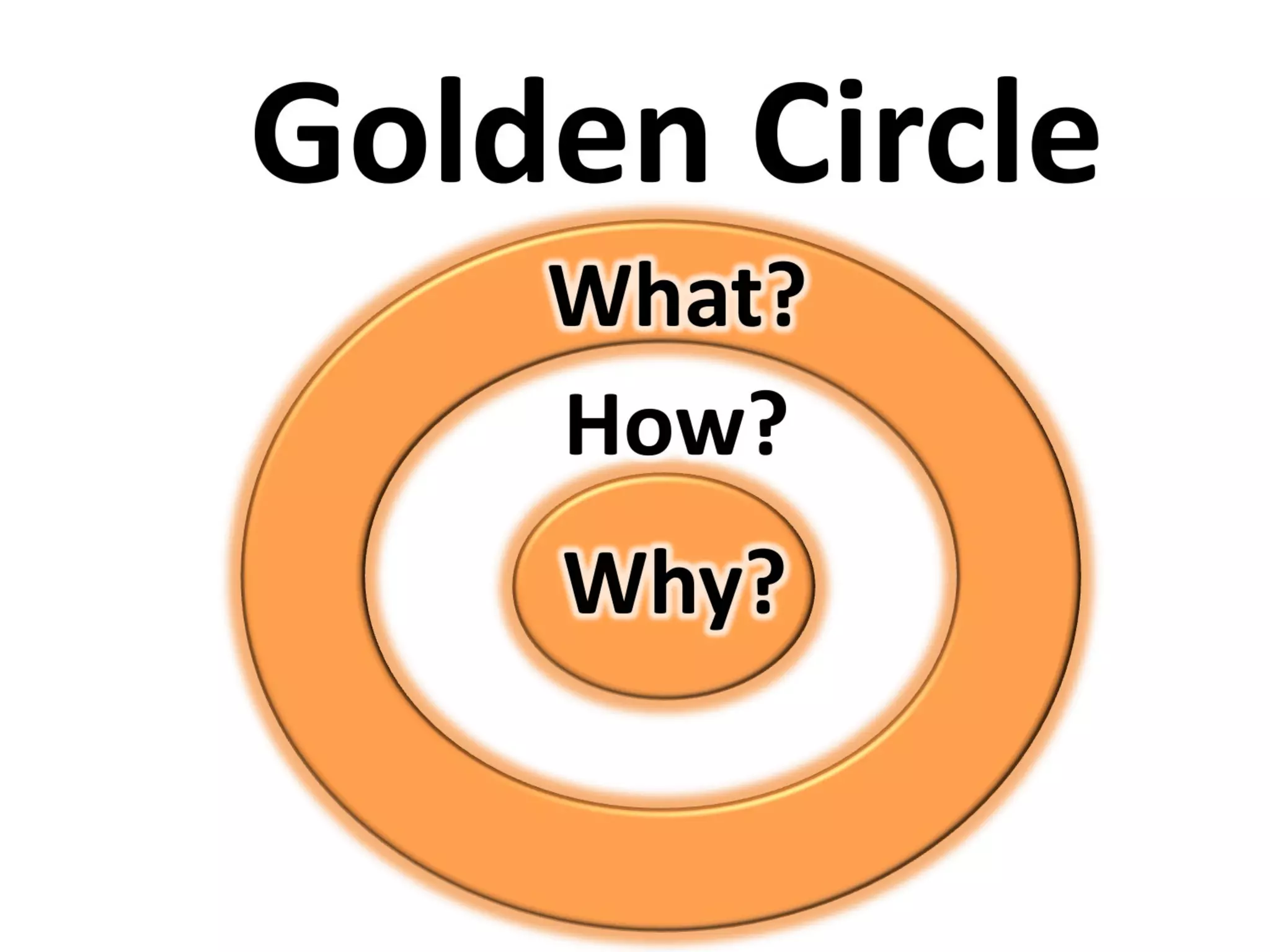
WHAT?
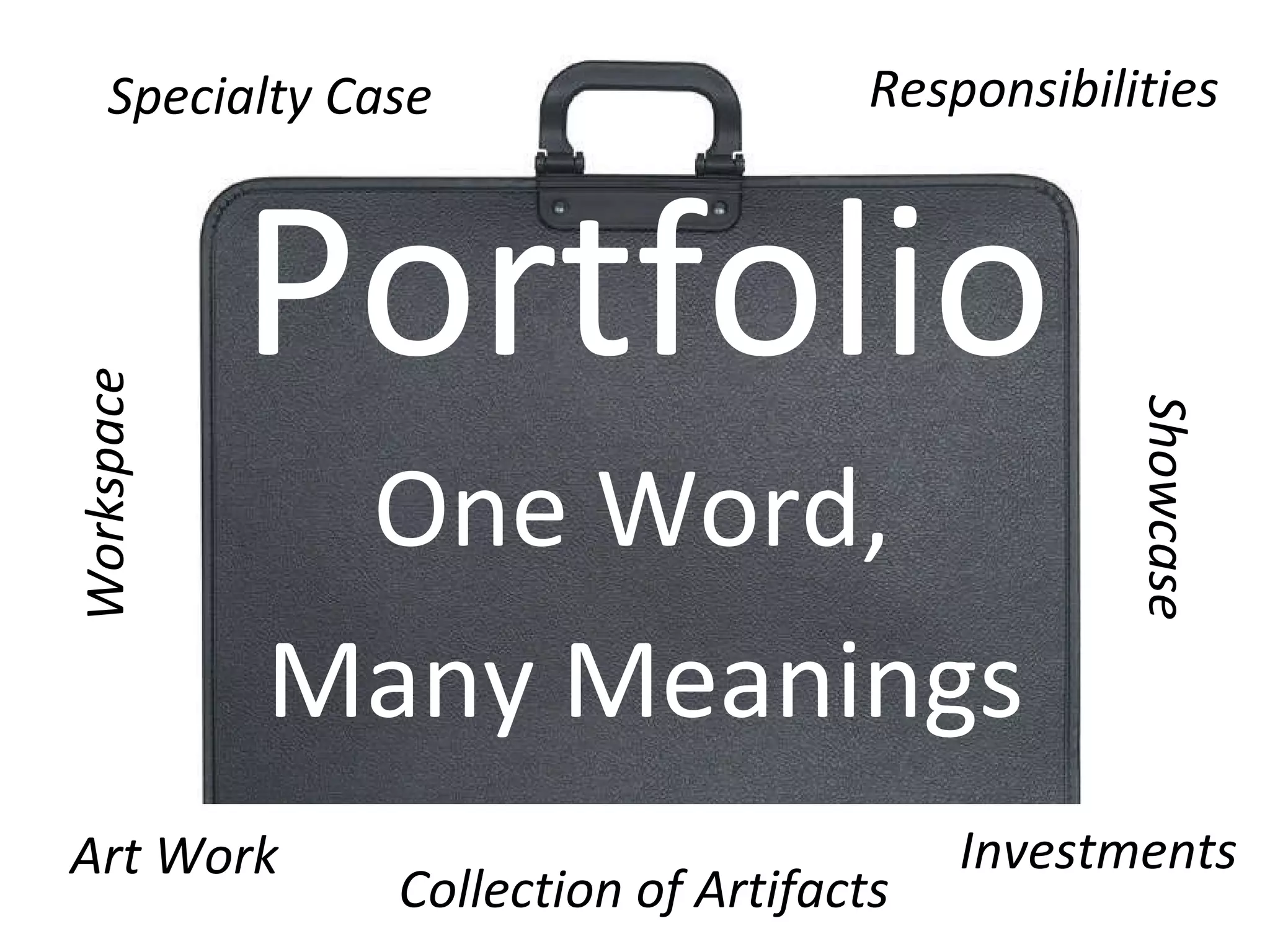
Portfolio One Word,  Many Meanings Specialty Case Responsibilities Investments Art Work Collection of Artifacts Workspace Showcase
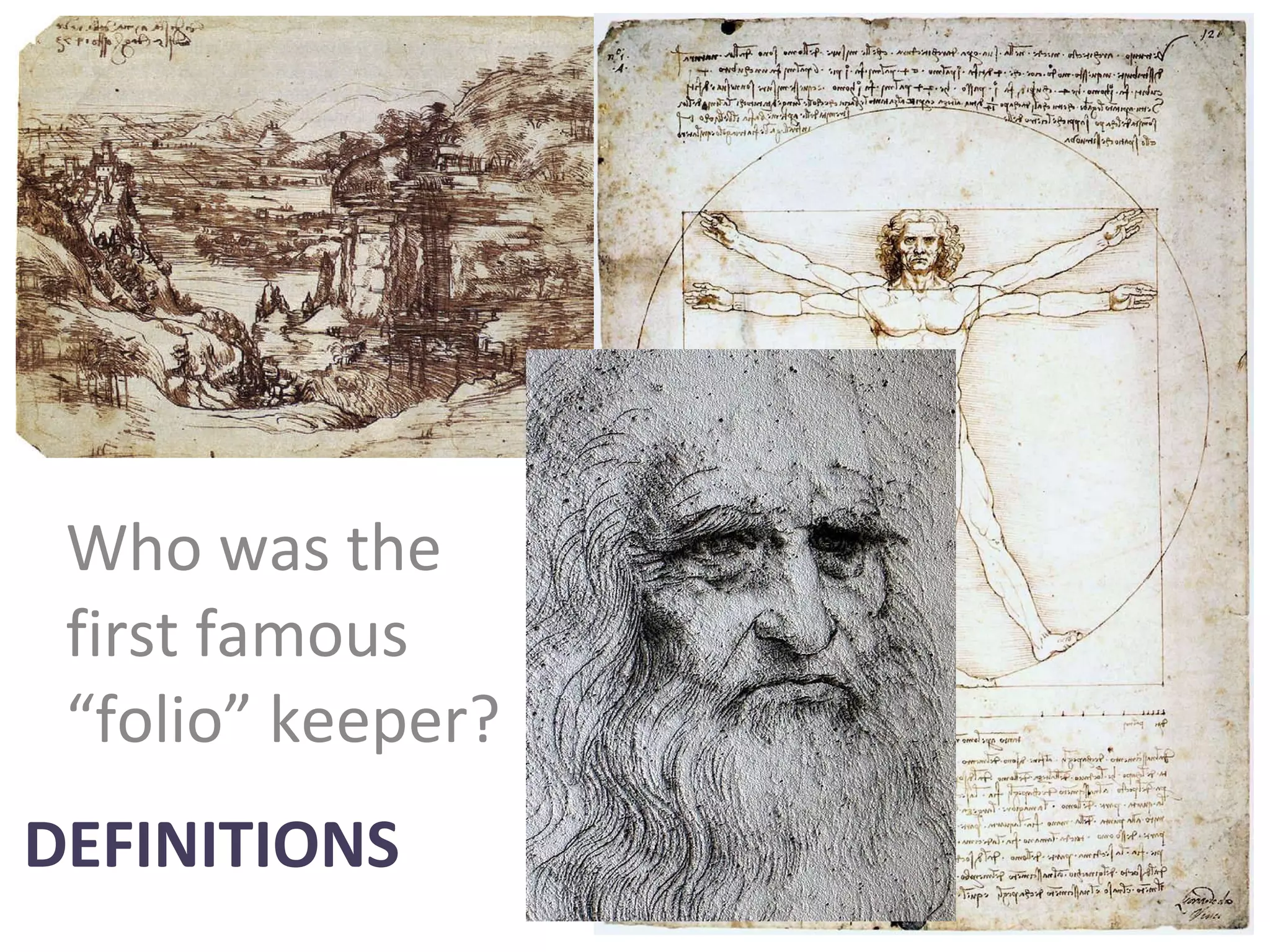
DEFINITIONS Who was the first famous “folio” keeper?
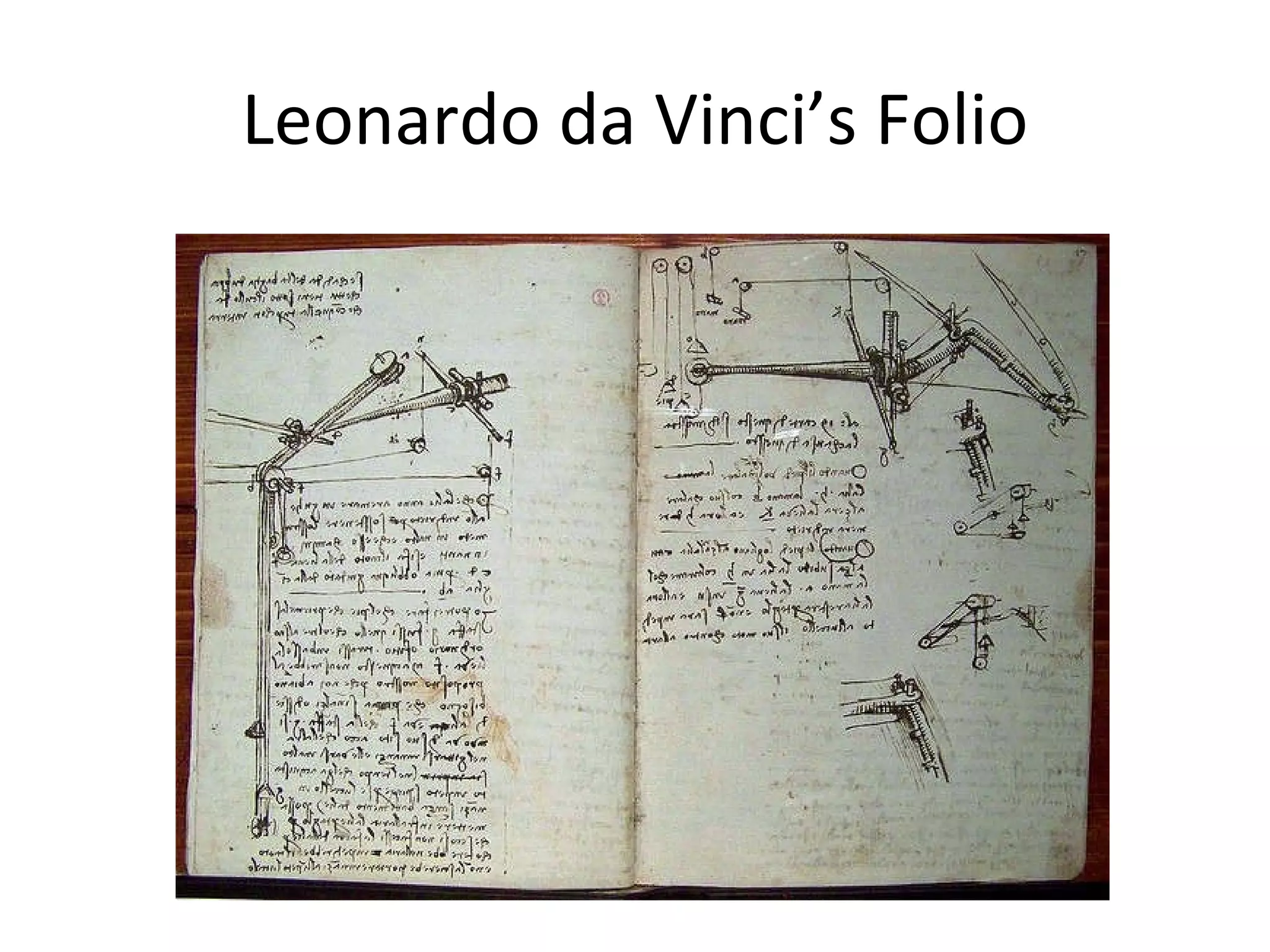
Leonardo da Vinci’s Folio
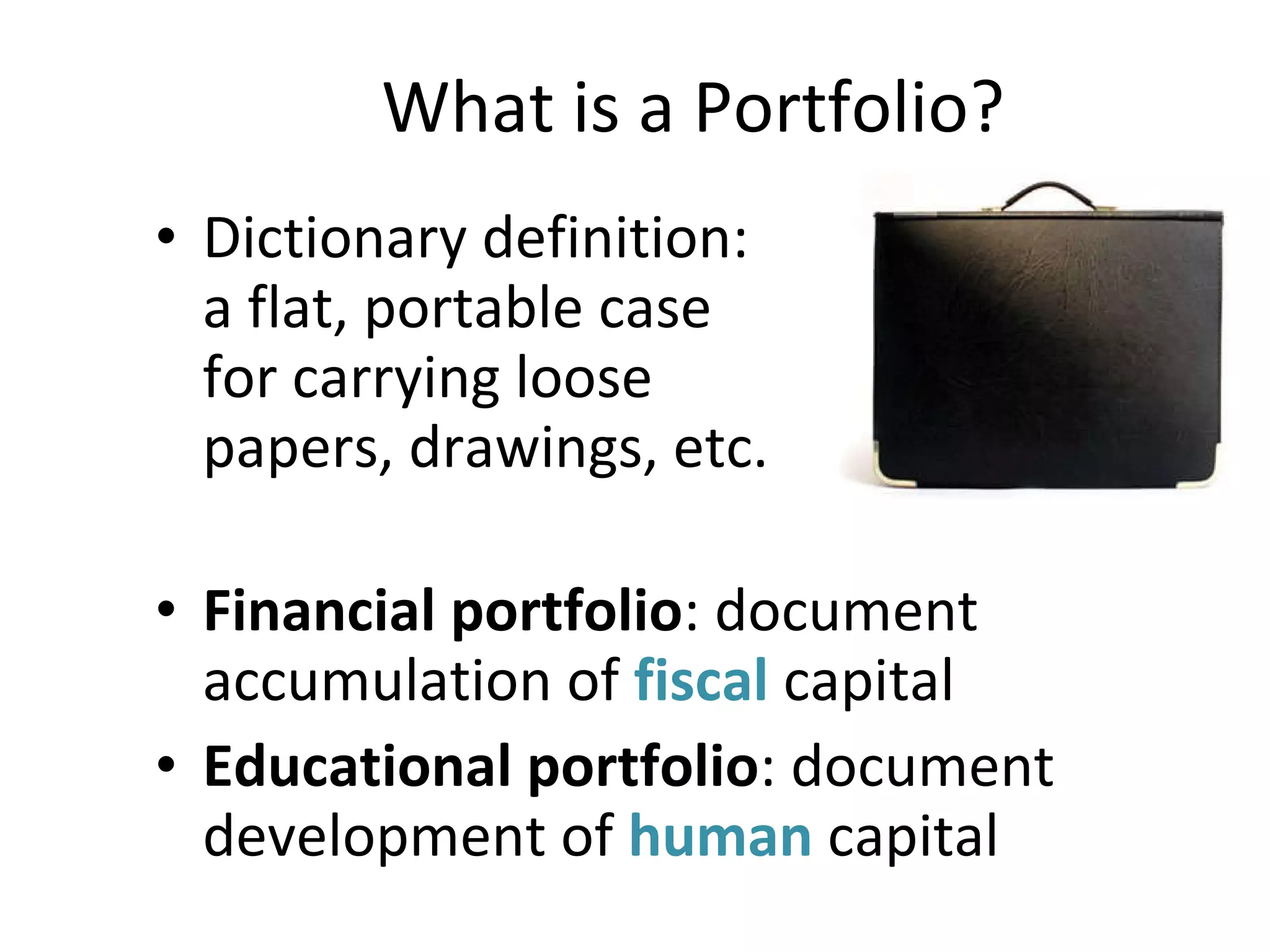
What is a Portfolio? Dictionary definition:  a flat, portable case  for carrying loose  papers, drawings, etc. Financial portfolio : document accumulation of  fiscal  capital Educational portfolio : document development of  human  capital
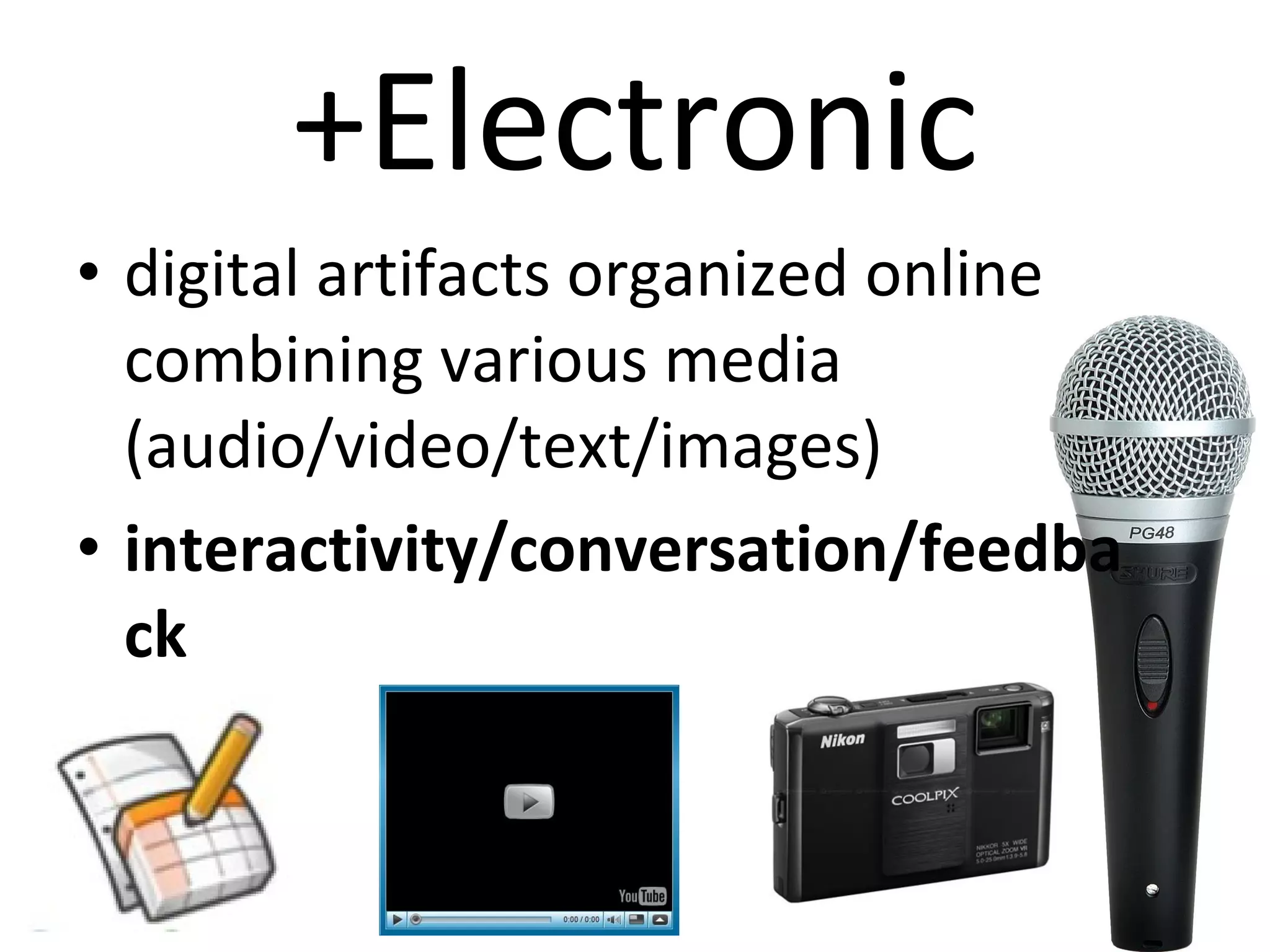
+Electronic digital artifacts organized online combining various media  (audio/video/text/images)  interactivity/conversation/feedback
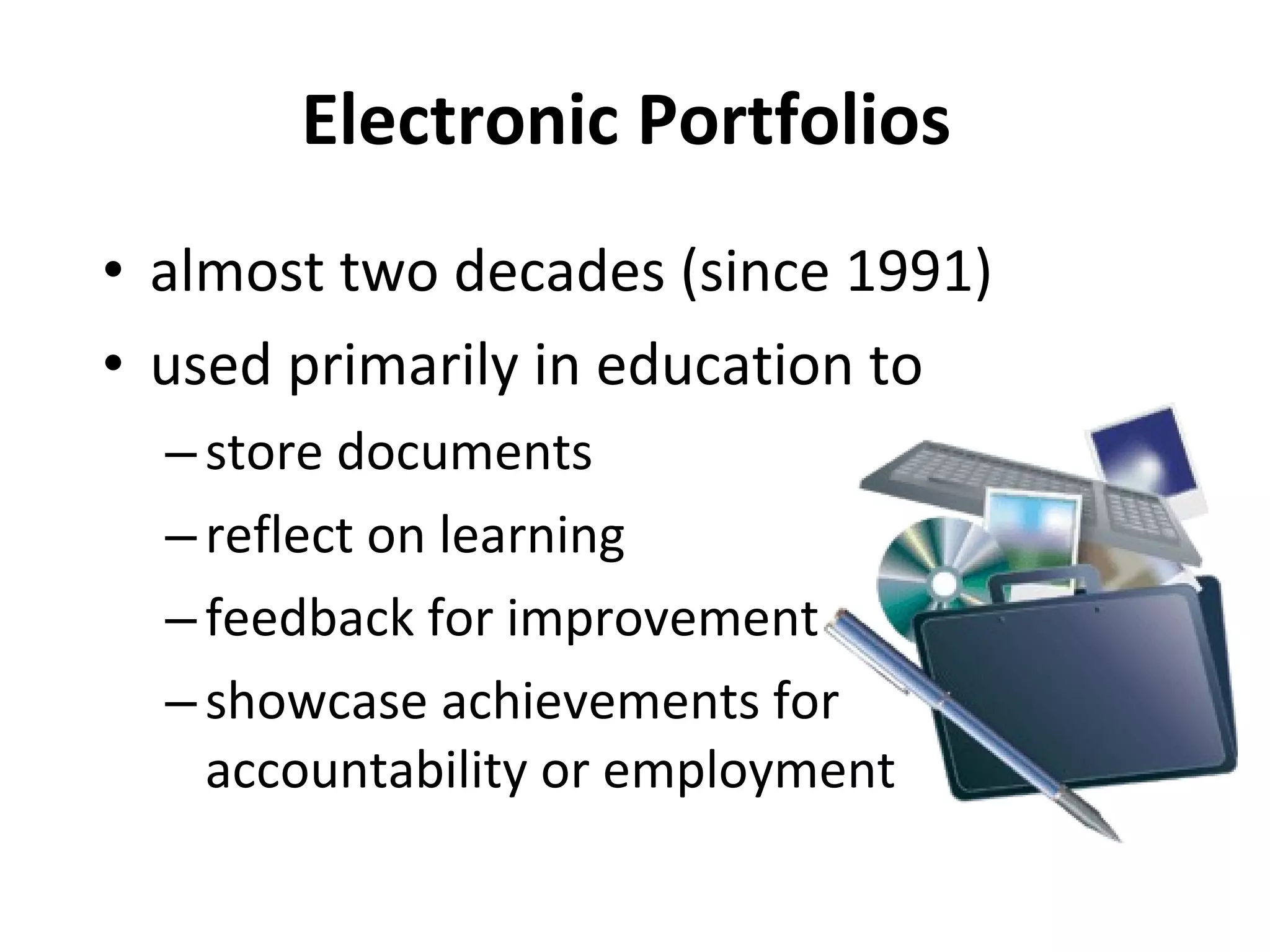
Electronic Portfolios  almost two decades (since 1991) used primarily in education to  store documents  reflect on learning feedback for improvement  showcase achievements for accountability or employment
Social networks  last five years  store documents and share experiences,  showcase accomplishments,  communicate and collaborate facilitate employment searches
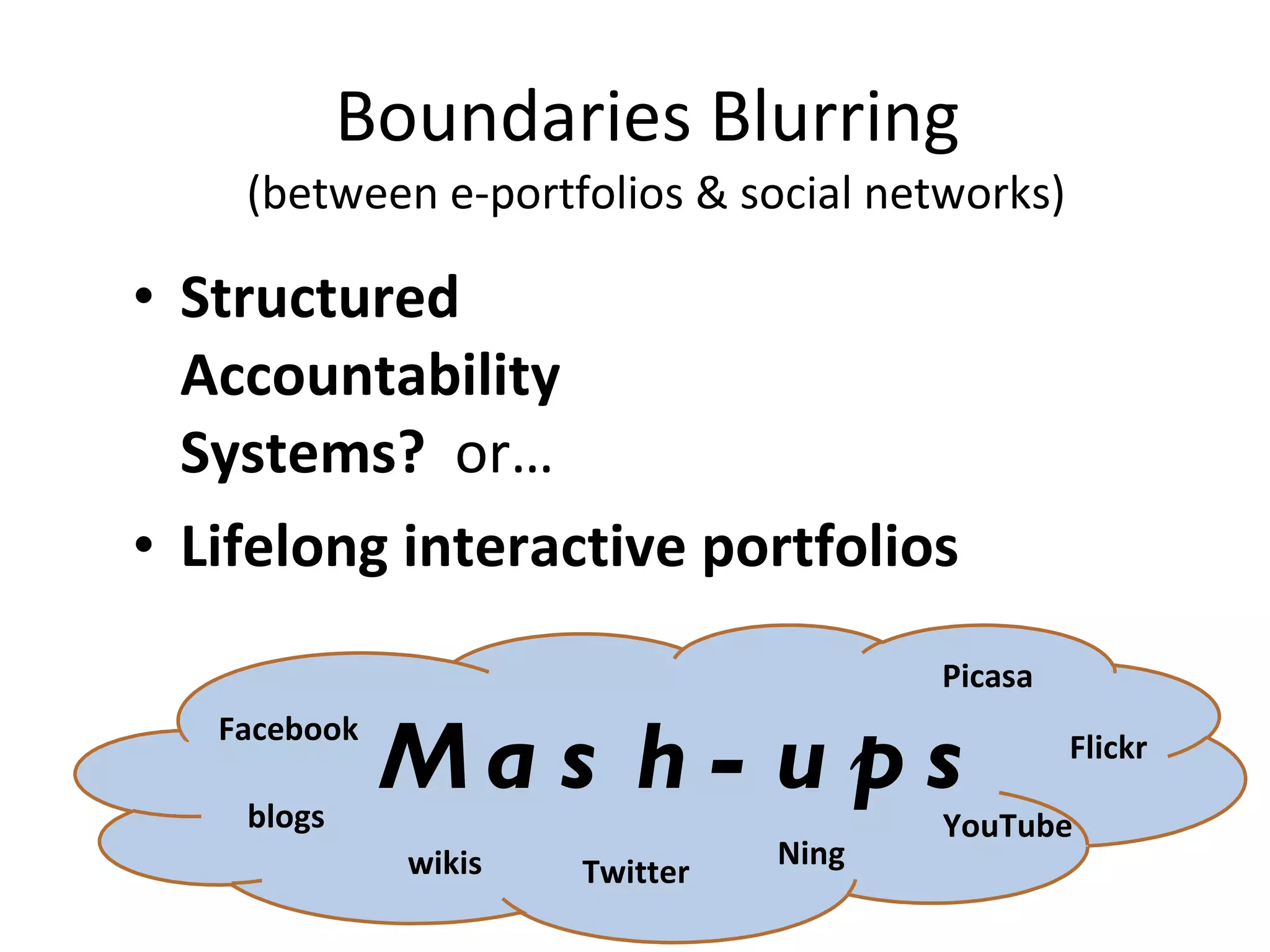
Boundaries Blurring  (between e-portfolios & social networks) Structured  Accountability  Systems?  or… Lifelong interactive portfolios Mash-ups Flickr YouTube blogs wikis Twitter Picasa Facebook Ning
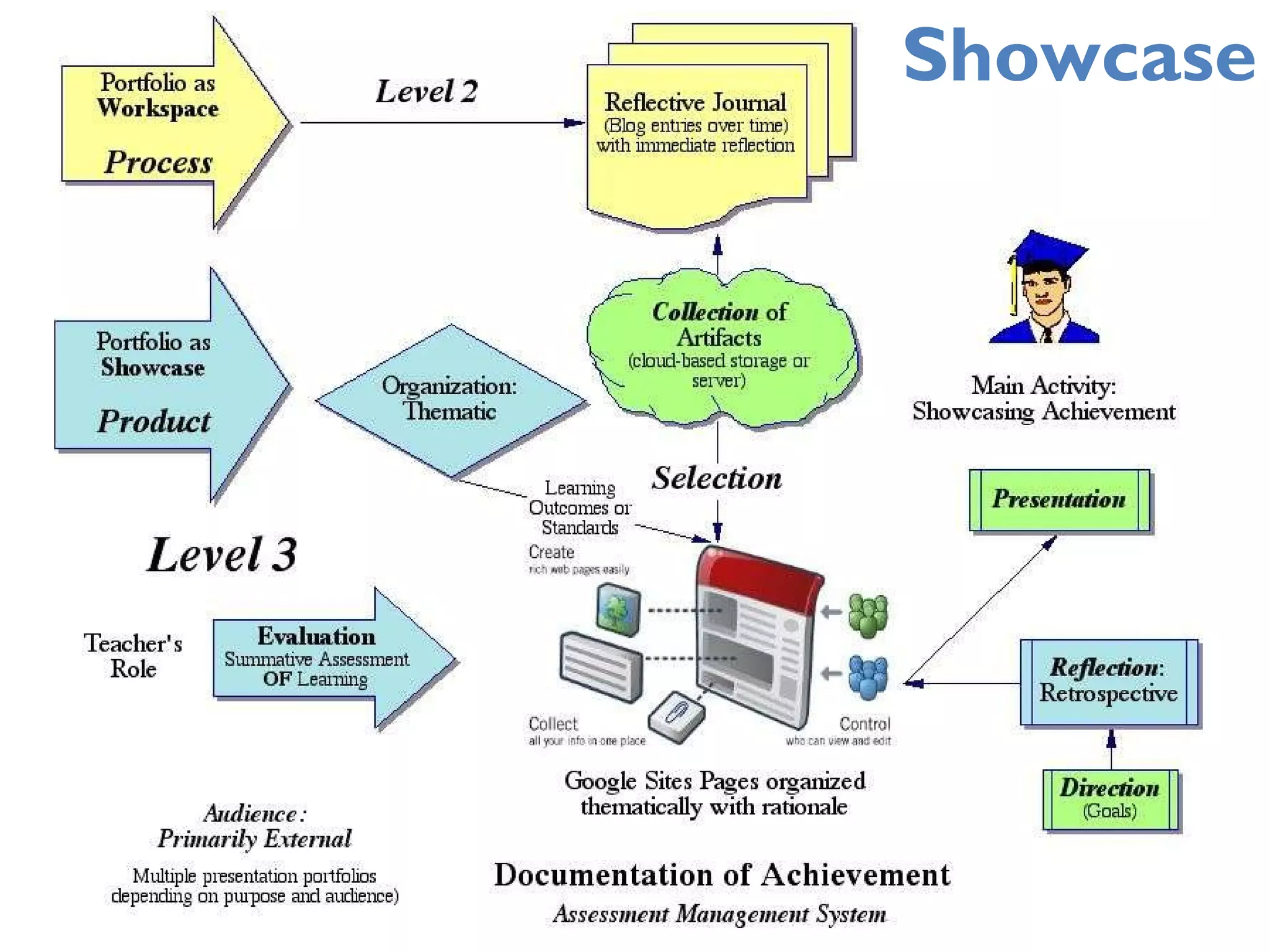
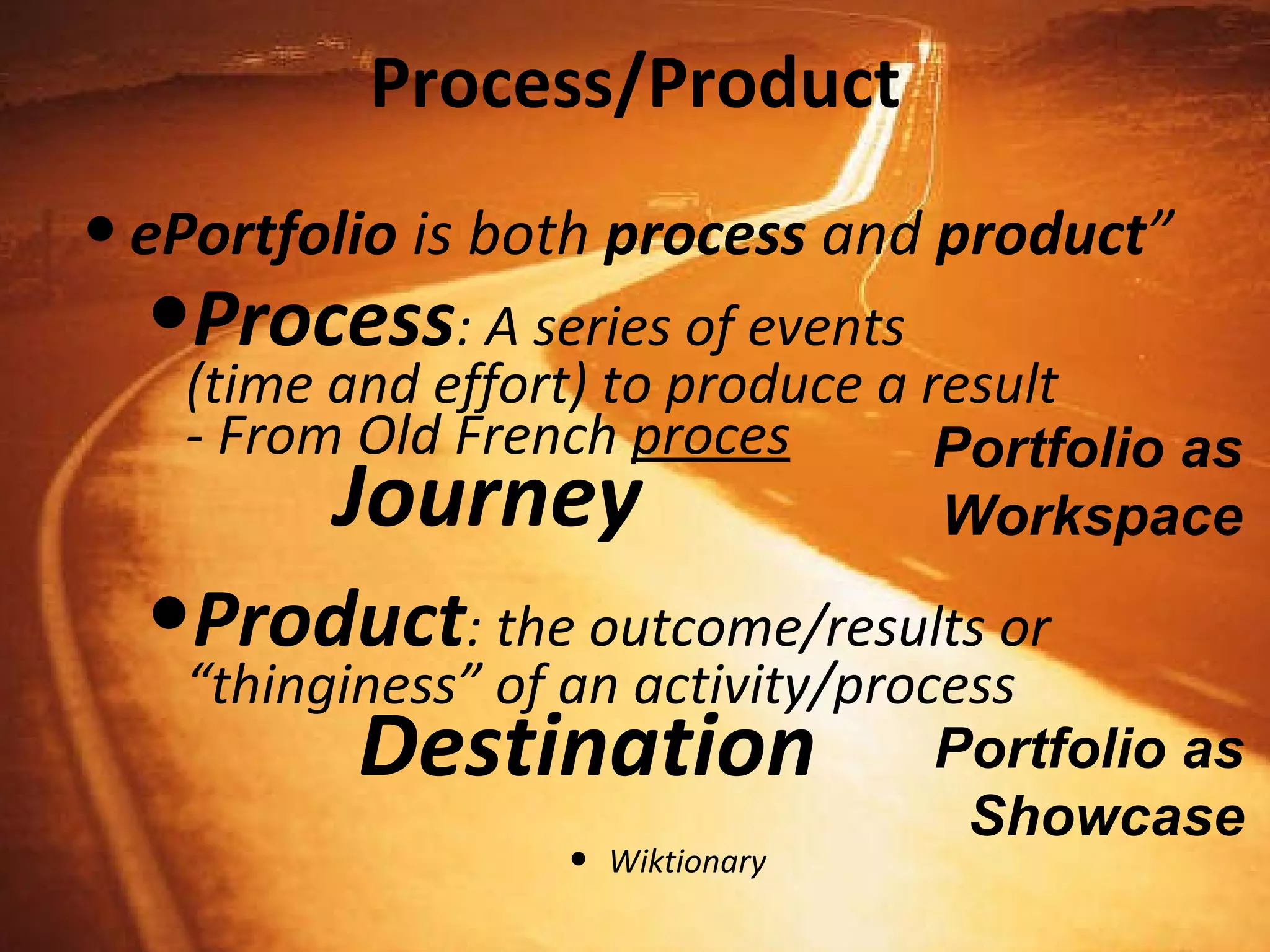
Process/Product ePortfolio  is both  process  and  product ” Process : A series of events  (time and effort) to produce a result - From Old French  proces   Journey Product : the outcome/results or “thinginess” of an activity/process   Destination Wiktionary Portfolio as Workspace Portfolio as Showcase
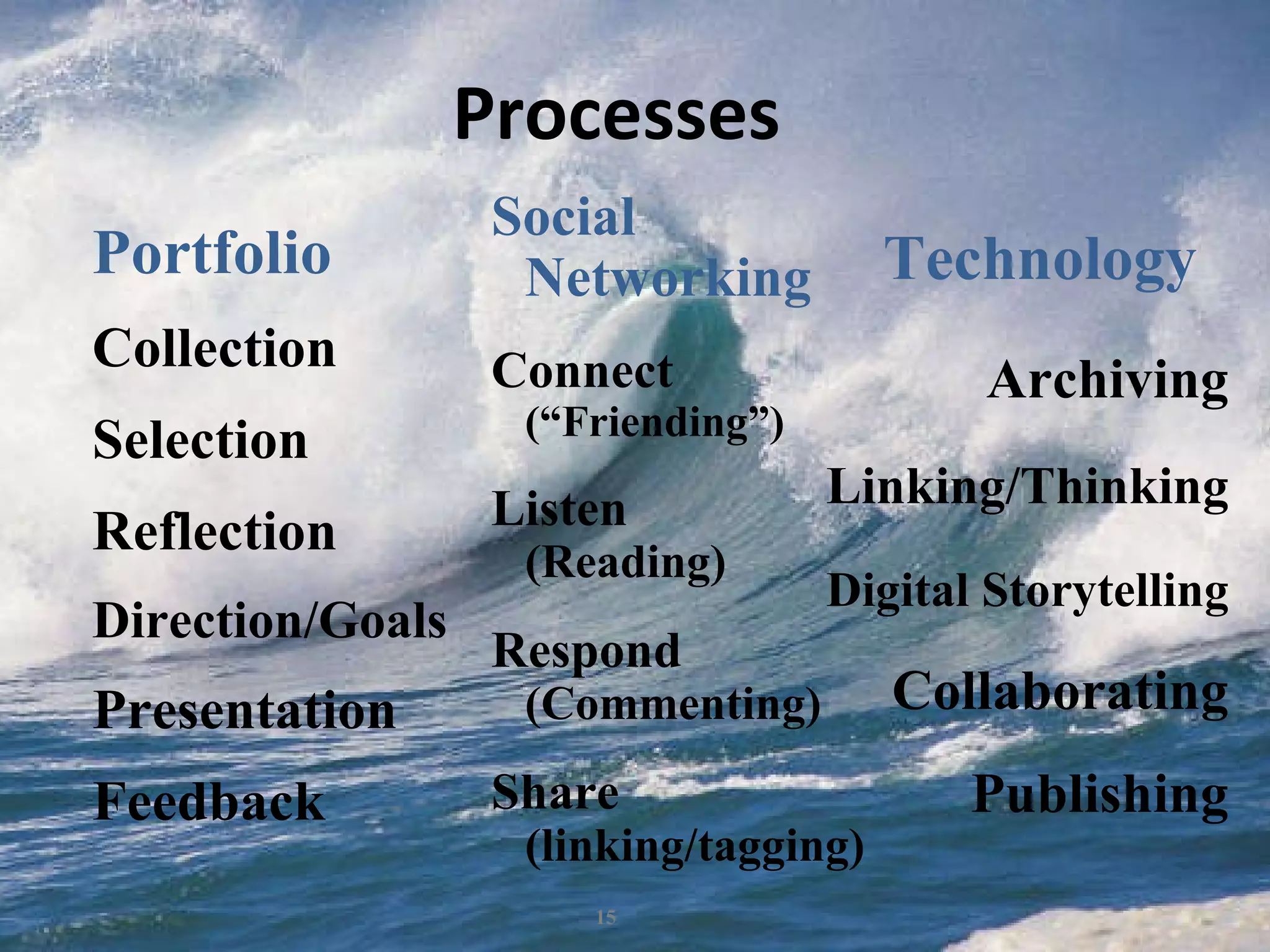
Processes Portfolio Collection Selection Reflection Direction/Goals Presentation Feedback Technology   Archiving Linking/Thinking Digital Storytelling Collaborating Publishing Social  Networking Connect (“Friending”) Listen (Reading) Respond (Commenting) Share (linking/tagging)
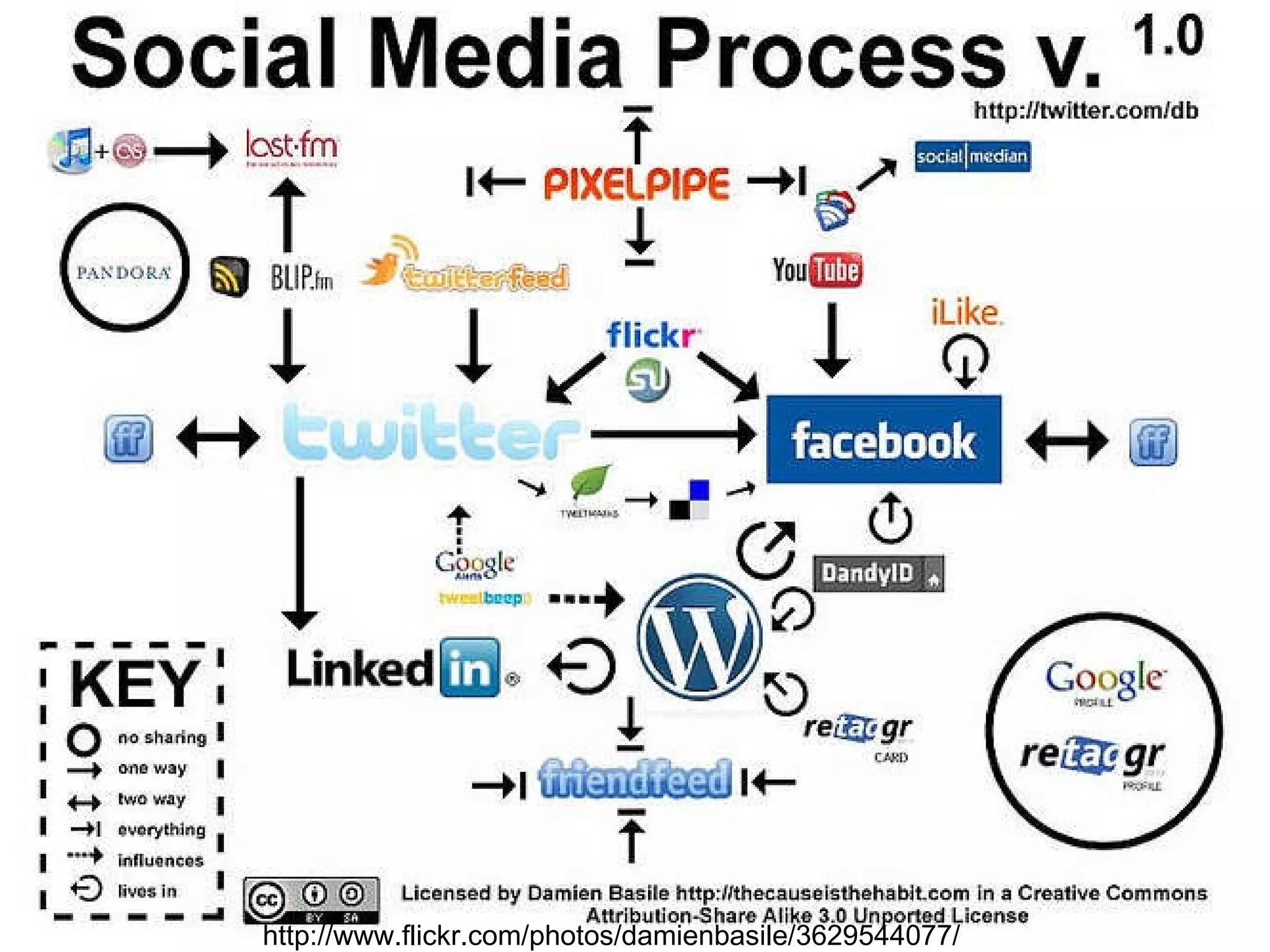
http://www.flickr.com/photos/damienbasile/3629544077/
Discuss! What are the Engagement Factors in Social networks? How can we build those factors into e-portfolios?
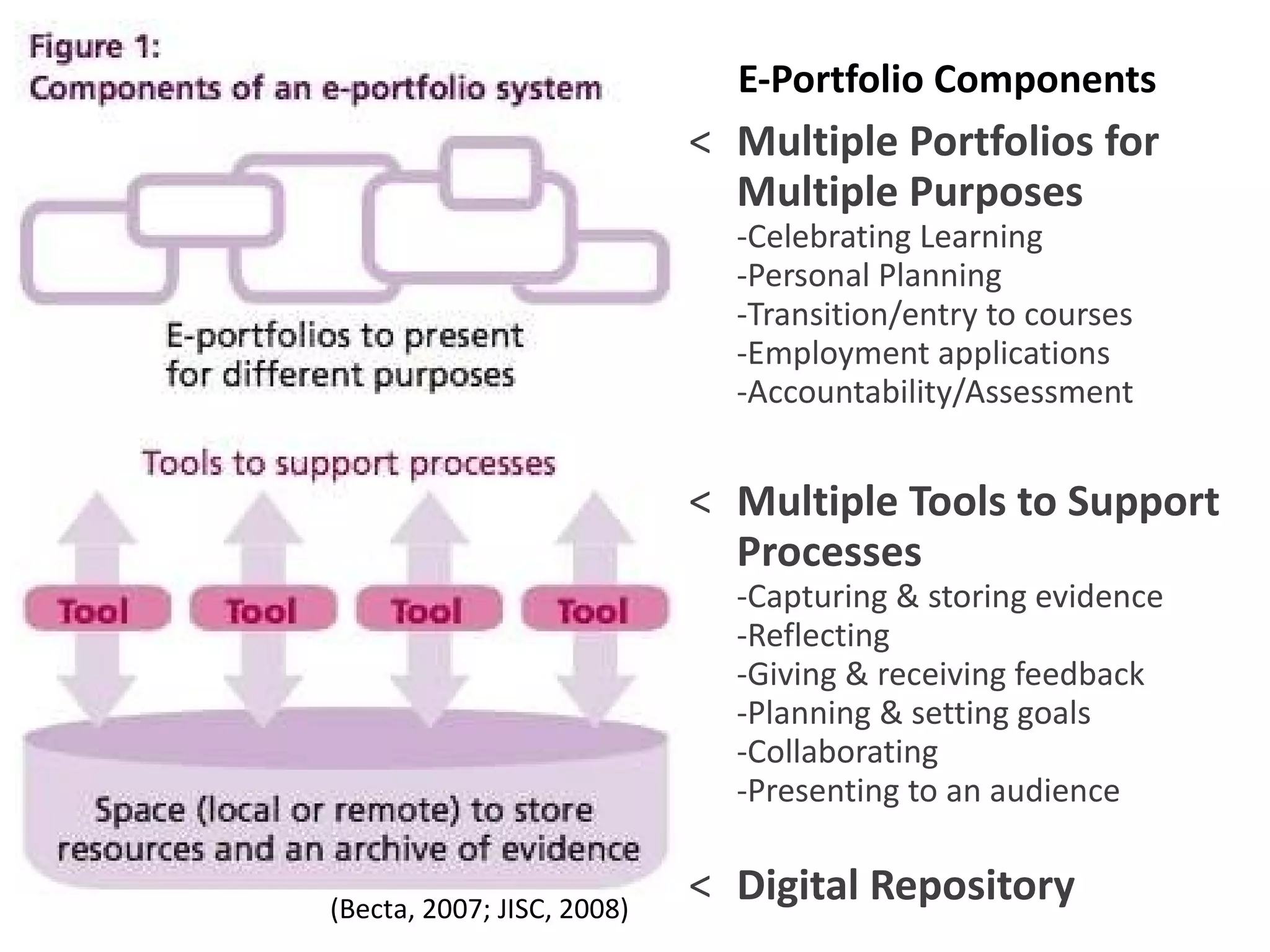
E-Portfolio Components   Multiple Portfolios for Multiple Purposes -Celebrating Learning -Personal Planning -Transition/entry to courses -Employment applications -Accountability/Assessment Multiple Tools to Support Processes -Capturing & storing evidence -Reflecting -Giving & receiving feedback -Planning & setting goals -Collaborating -Presenting to an audience   Digital Repository (Becta, 2007; JISC, 2008)
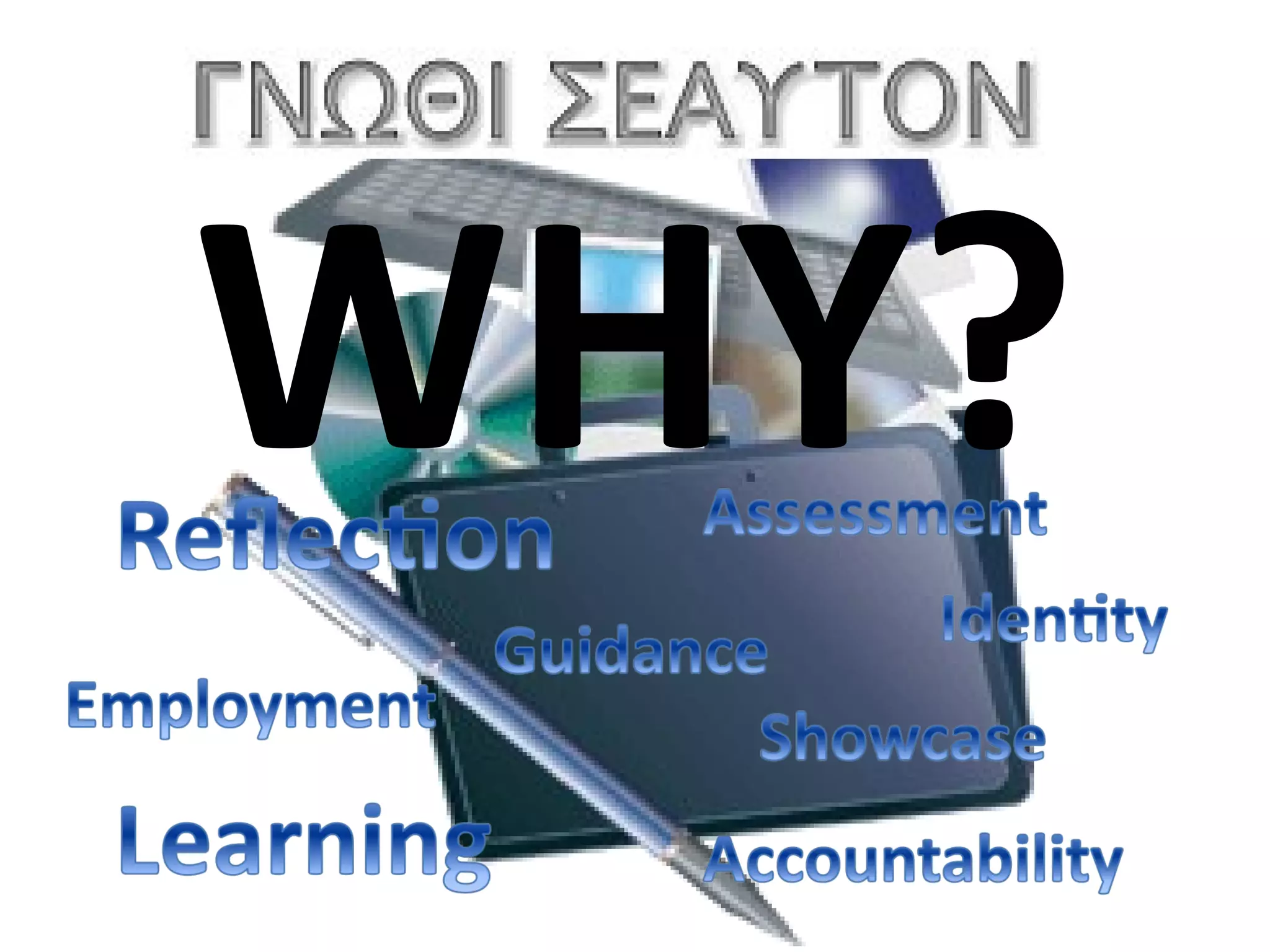
WHY?
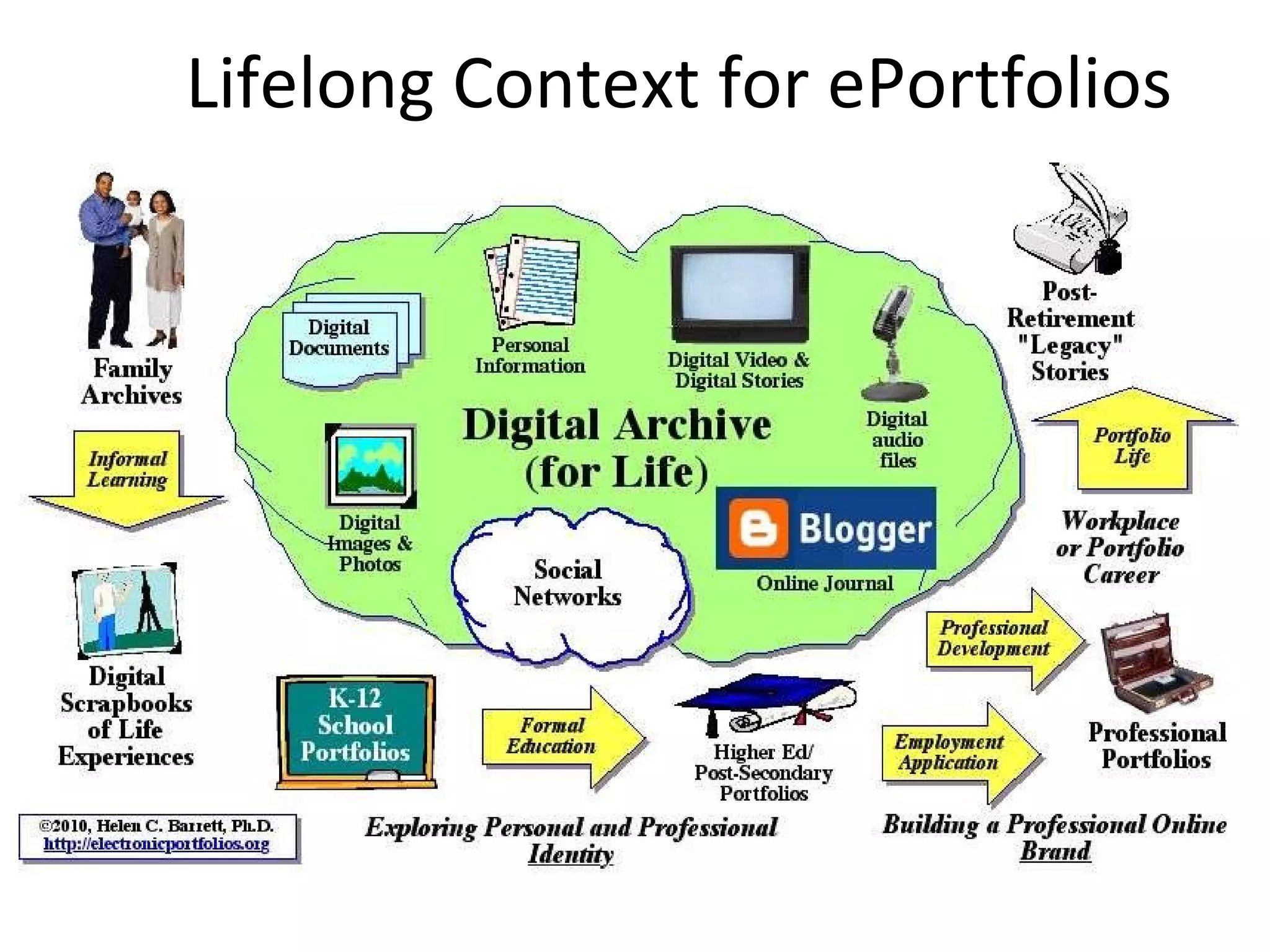
Lifelong Context for ePortfolios
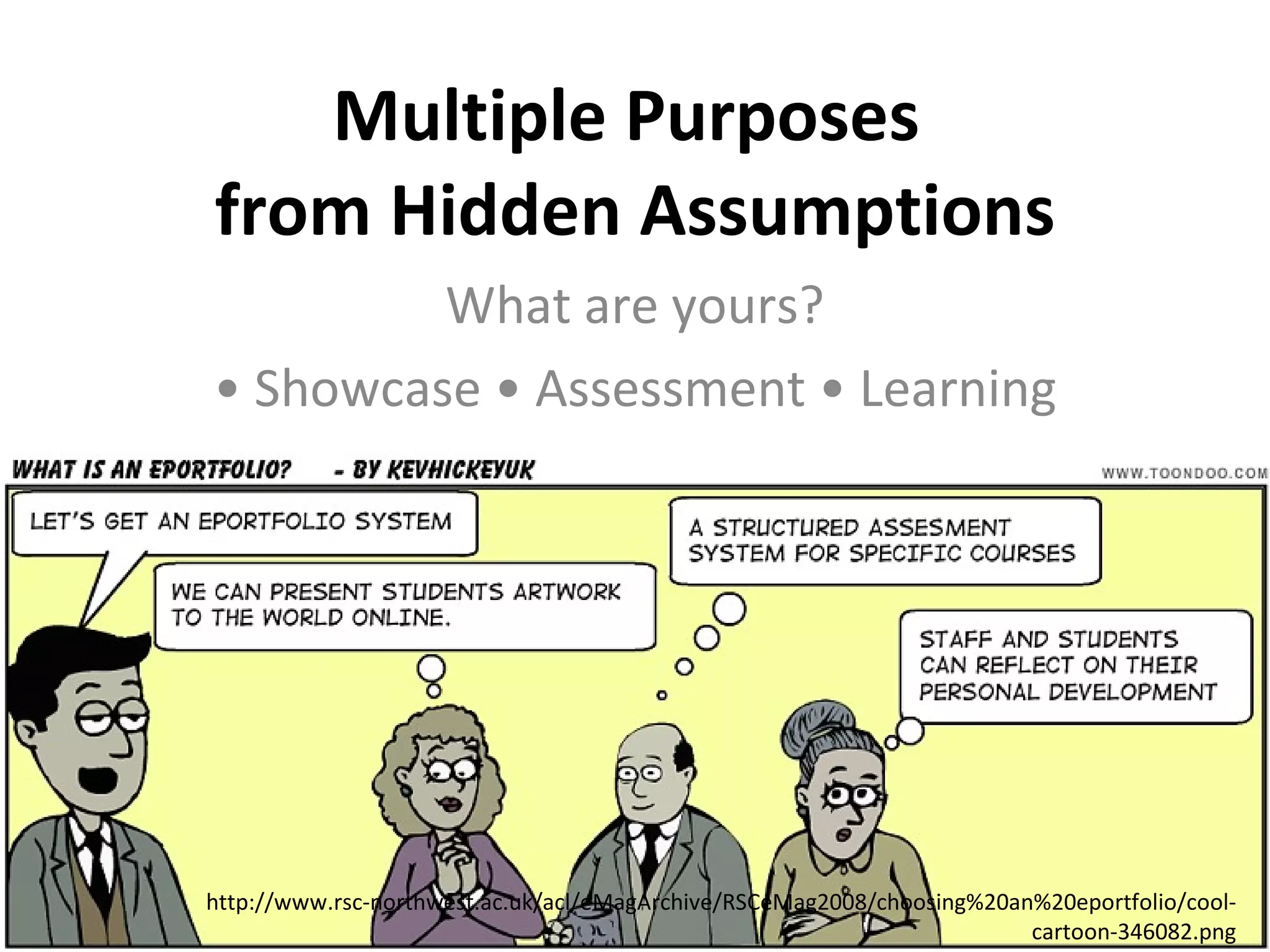
Multiple Purposes  from Hidden Assumptions What are yours? •  Showcase • Assessment • Learning • http://www.rsc-northwest.ac.uk/acl/eMagArchive/RSCeMag2008/choosing%20an%20eportfolio/cool-cartoon-346082.png
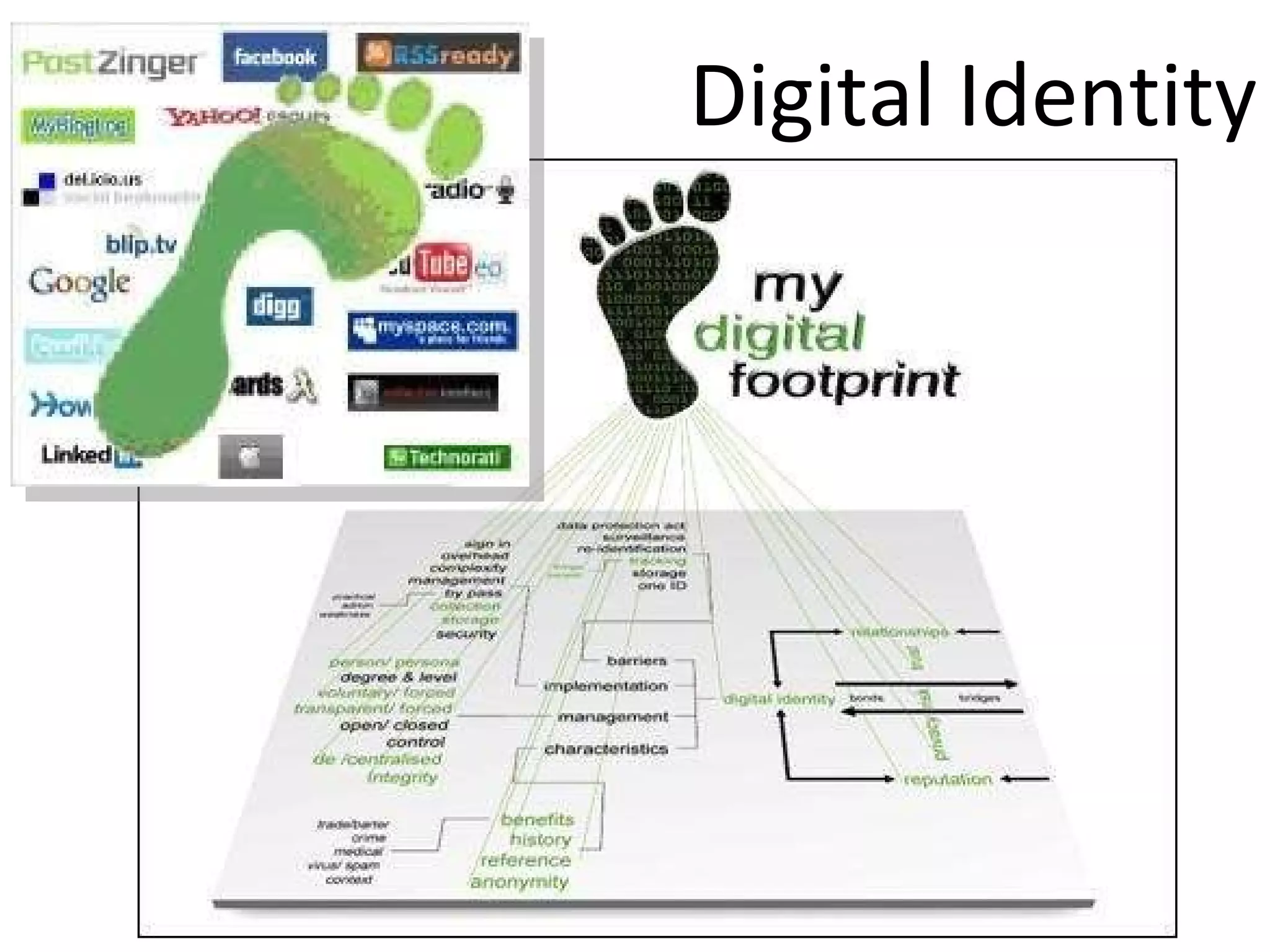
Digital Identity Creating a positive digital footprint
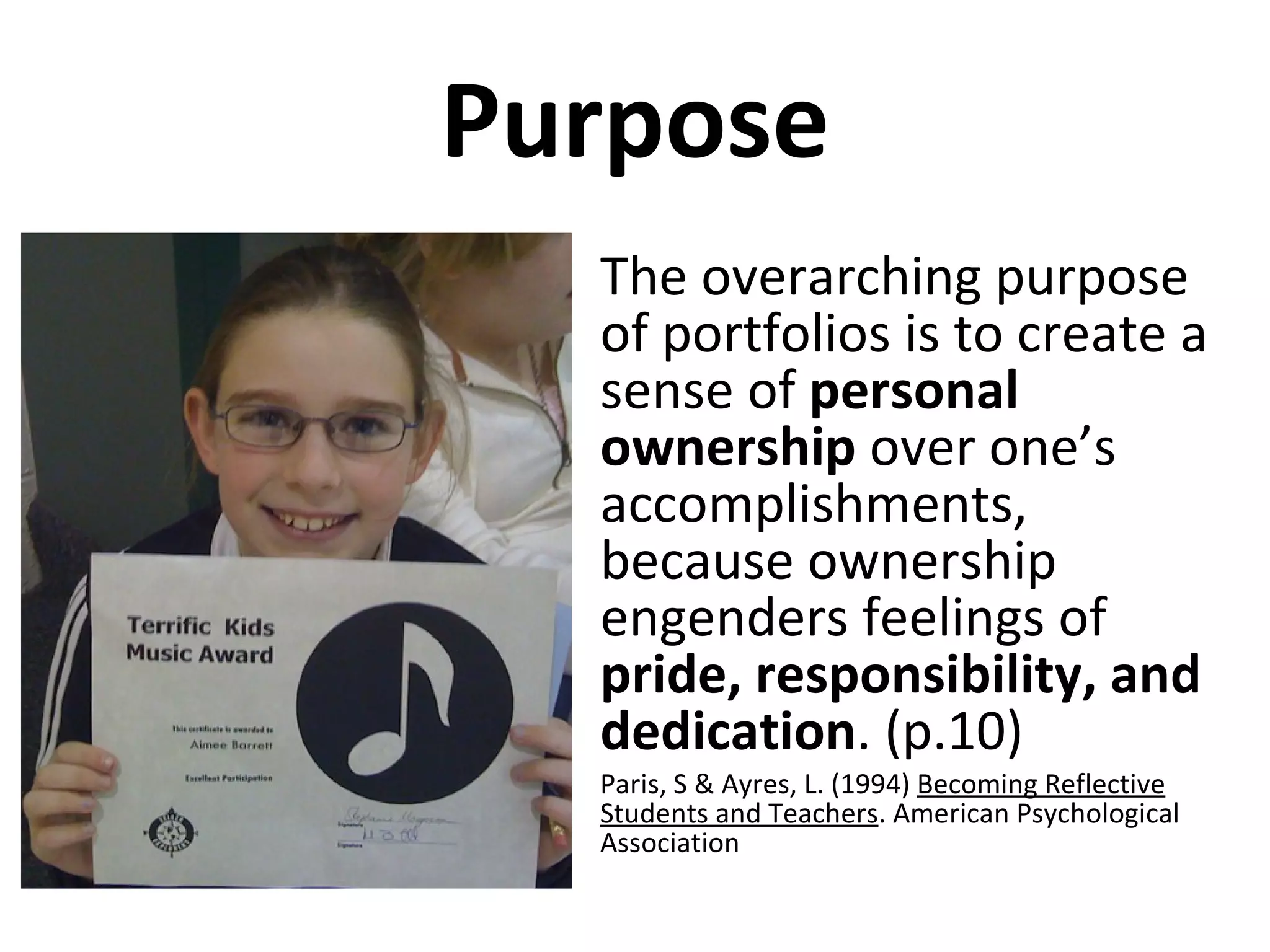
Purpose The overarching purpose of portfolios is to create a sense of  personal ownership  over one’s accomplishments, because ownership engenders feelings of  pride, responsibility, and dedication . (p.10) Paris, S & Ayres, L. (1994)  Becoming Reflective Students and Teachers . American Psychological Association
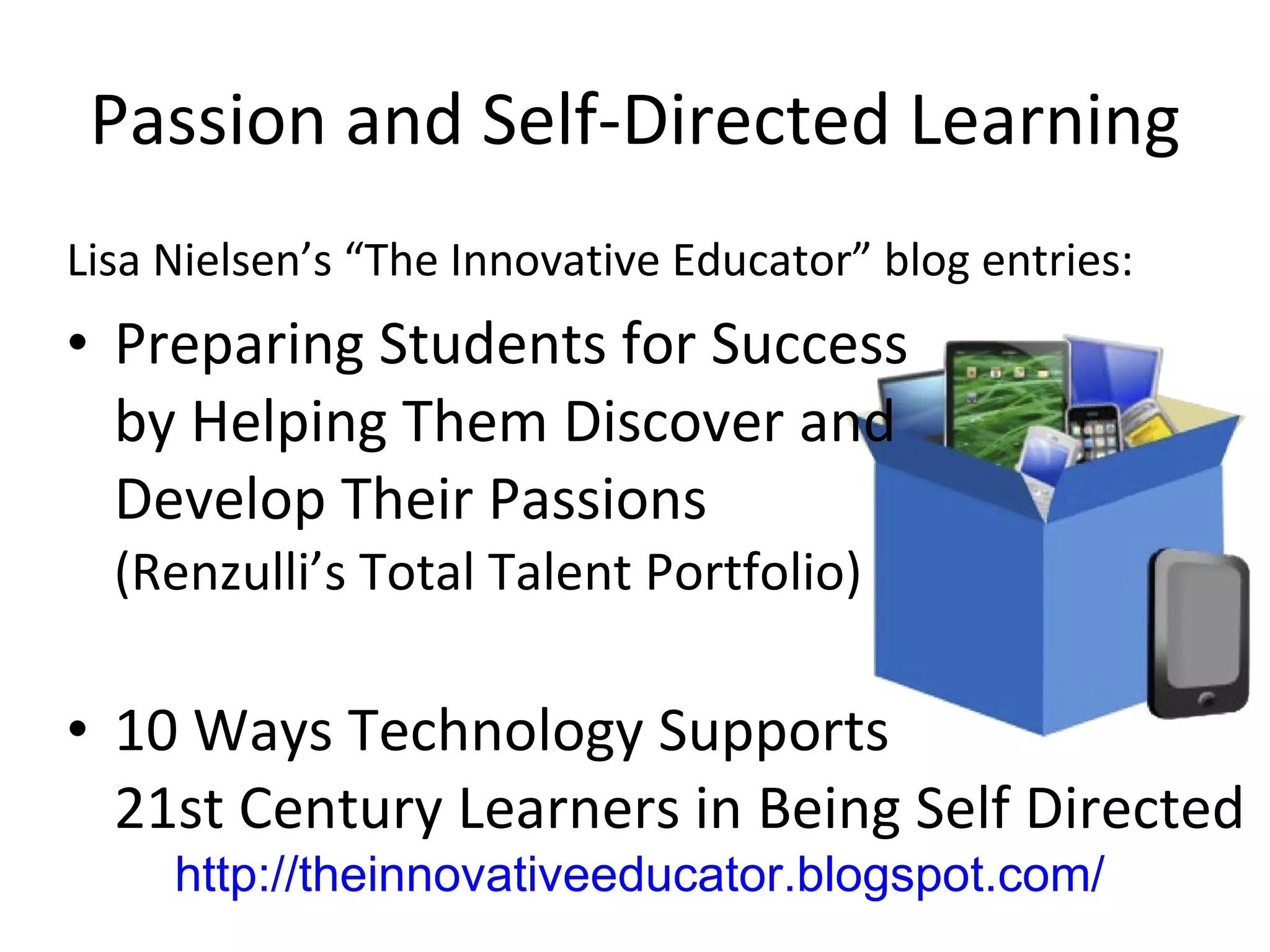
Passion and Self-Directed Learning Lisa Nielsen’s “The Innovative Educator” blog entries: Preparing Students for Success by Helping Them Discover and  Develop Their Passions  (Renzulli’s Total Talent Portfolio) 10 Ways Technology Supports 21st Century Learners in Being Self Directed http://theinnovativeeducator.blogspot.com/
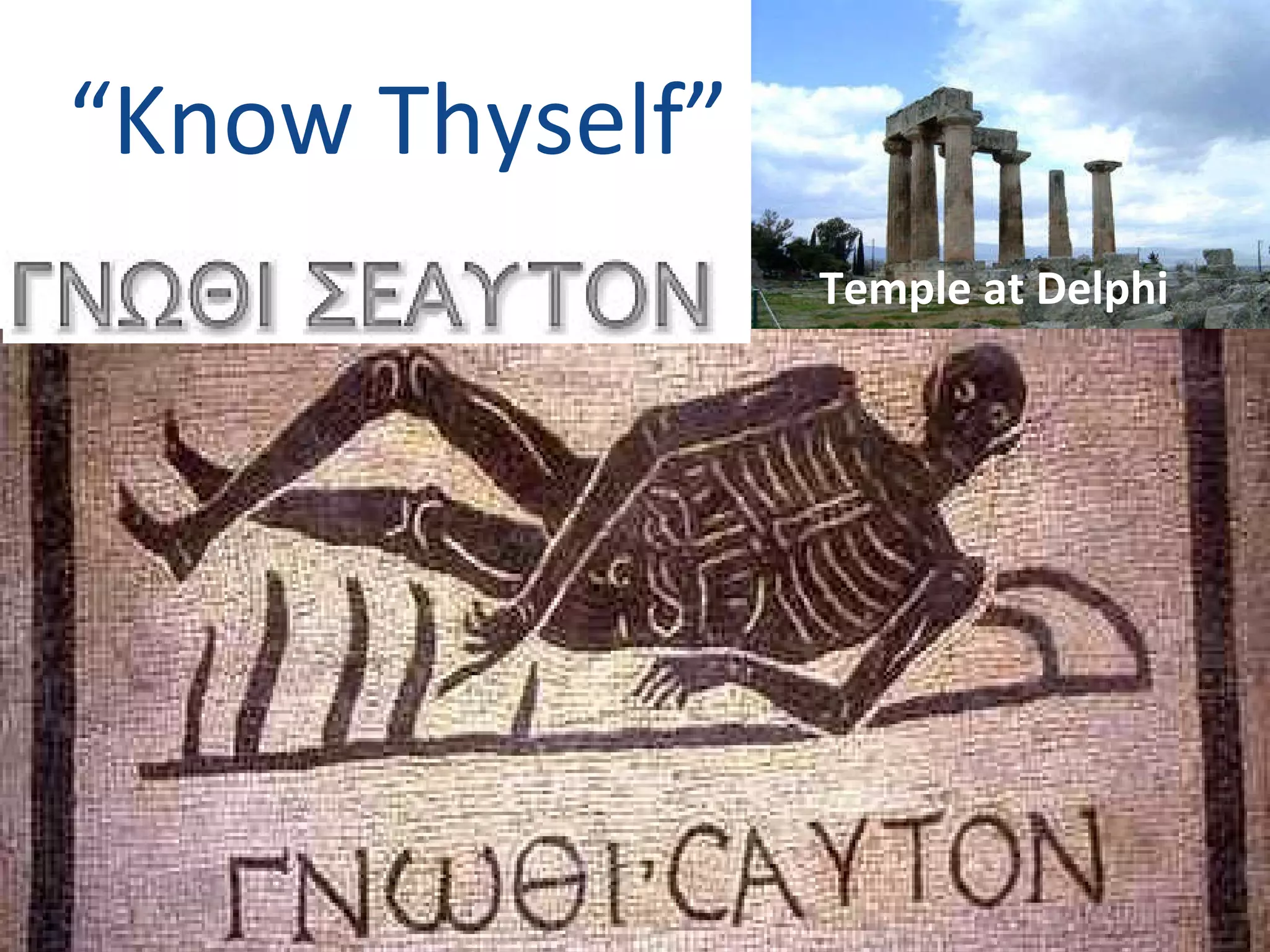
“ Know Thyself” Temple at Delphi
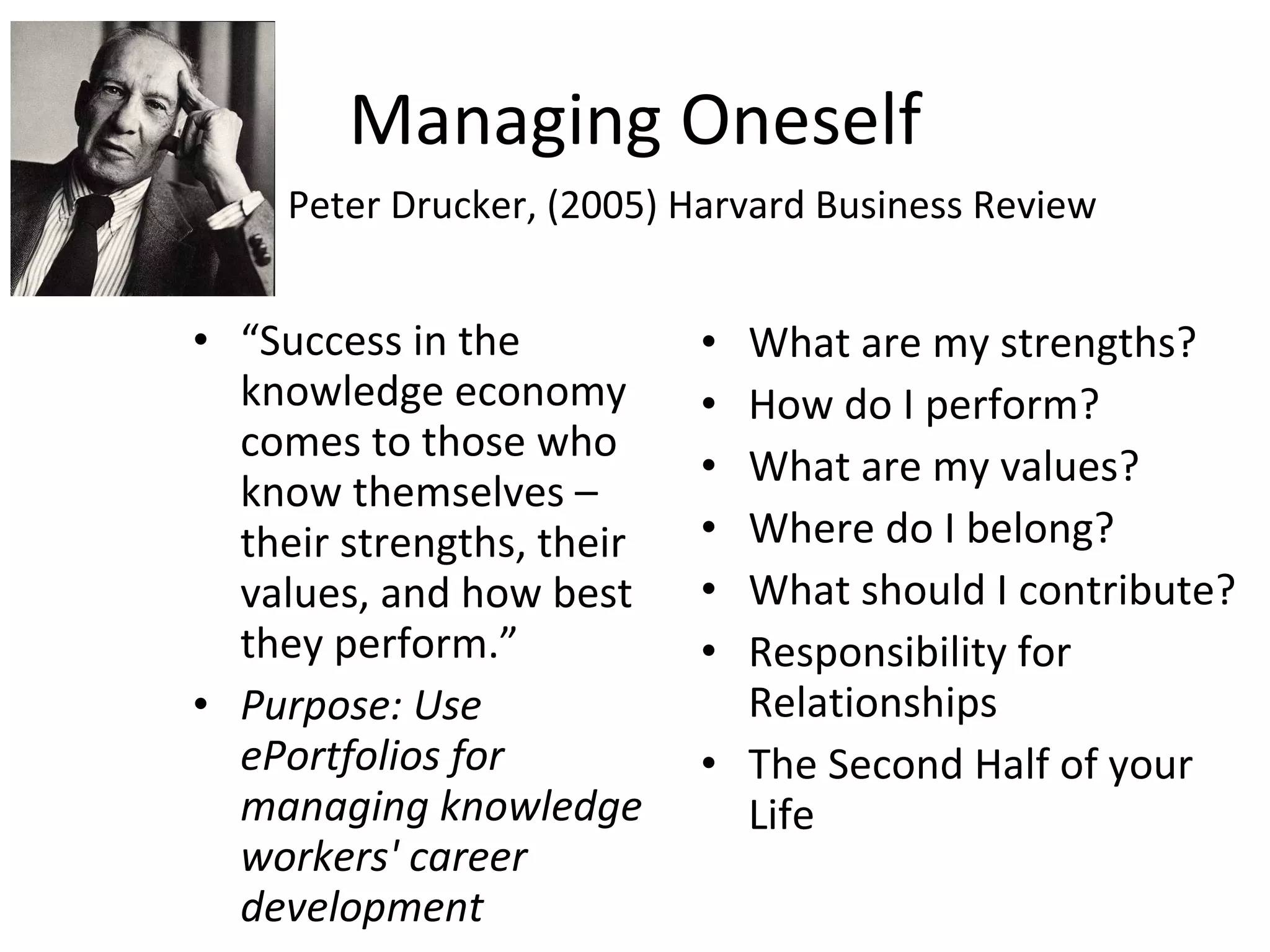
Managing Oneself “ Success in the knowledge economy comes to those who know themselves –  their strengths, their values, and how best they perform.” Purpose: Use ePortfolios for managing knowledge workers' career development What are my strengths? How do I perform? What are my values? Where do I belong? What should I contribute? Responsibility for Relationships The Second Half of your Life Peter Drucker, (2005) Harvard Business Review
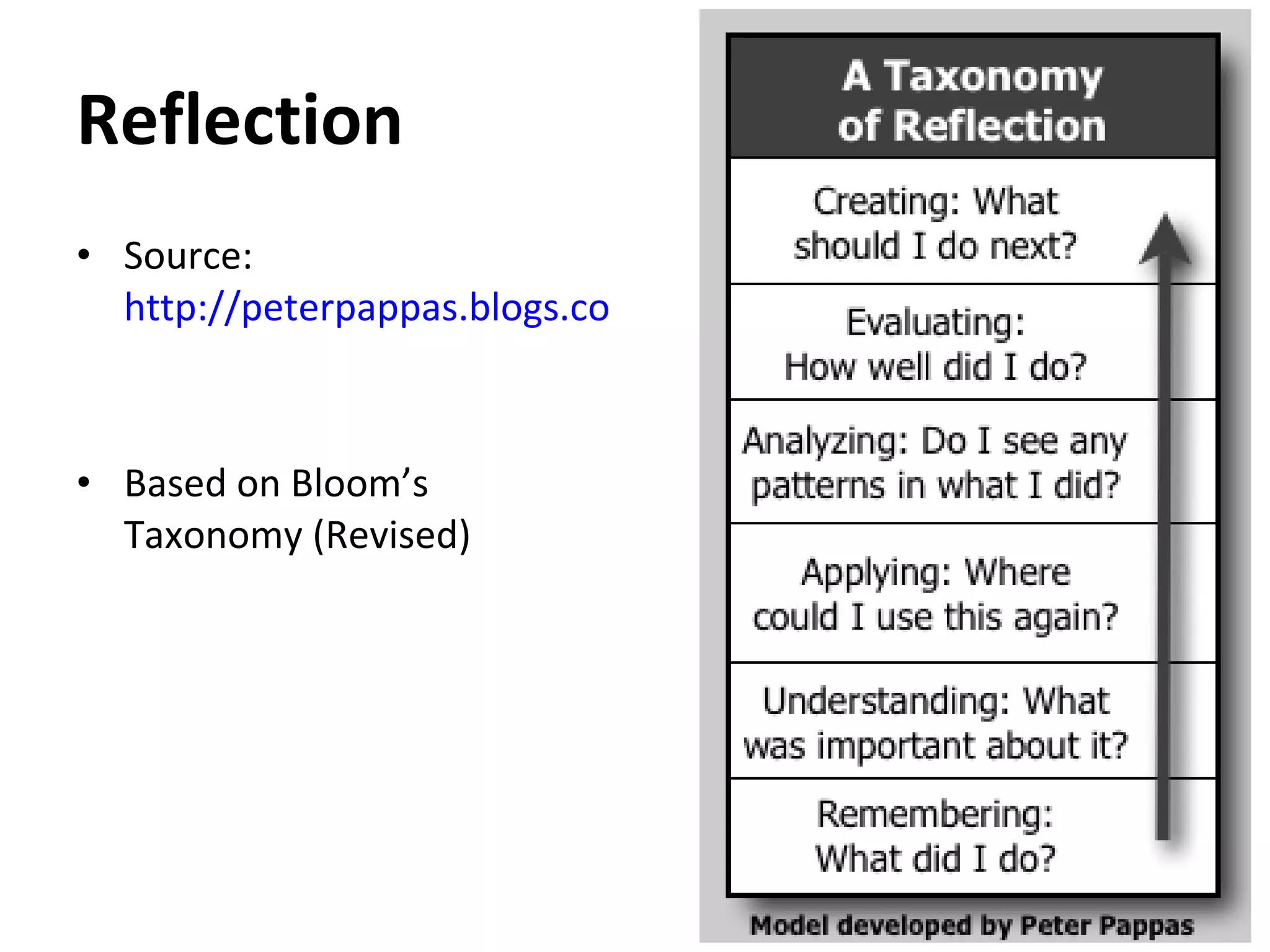
Reflection Source:  http://peterpappas.blogs.com/copy_paste/2010/01/taxonomy-reflection-critical-thinking-students-teachers-principals-.html   Based on Bloom’s Taxonomy (Revised)
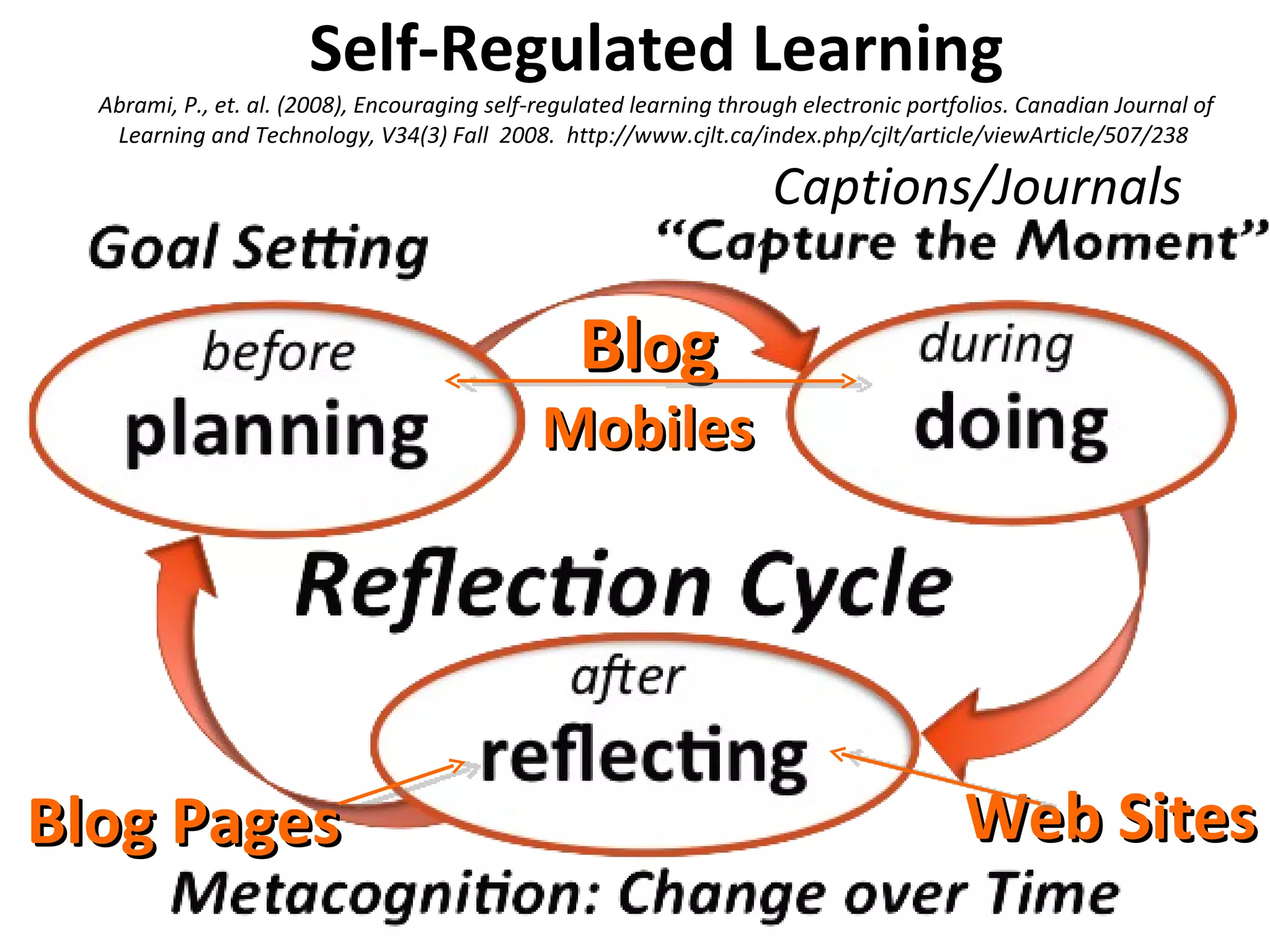
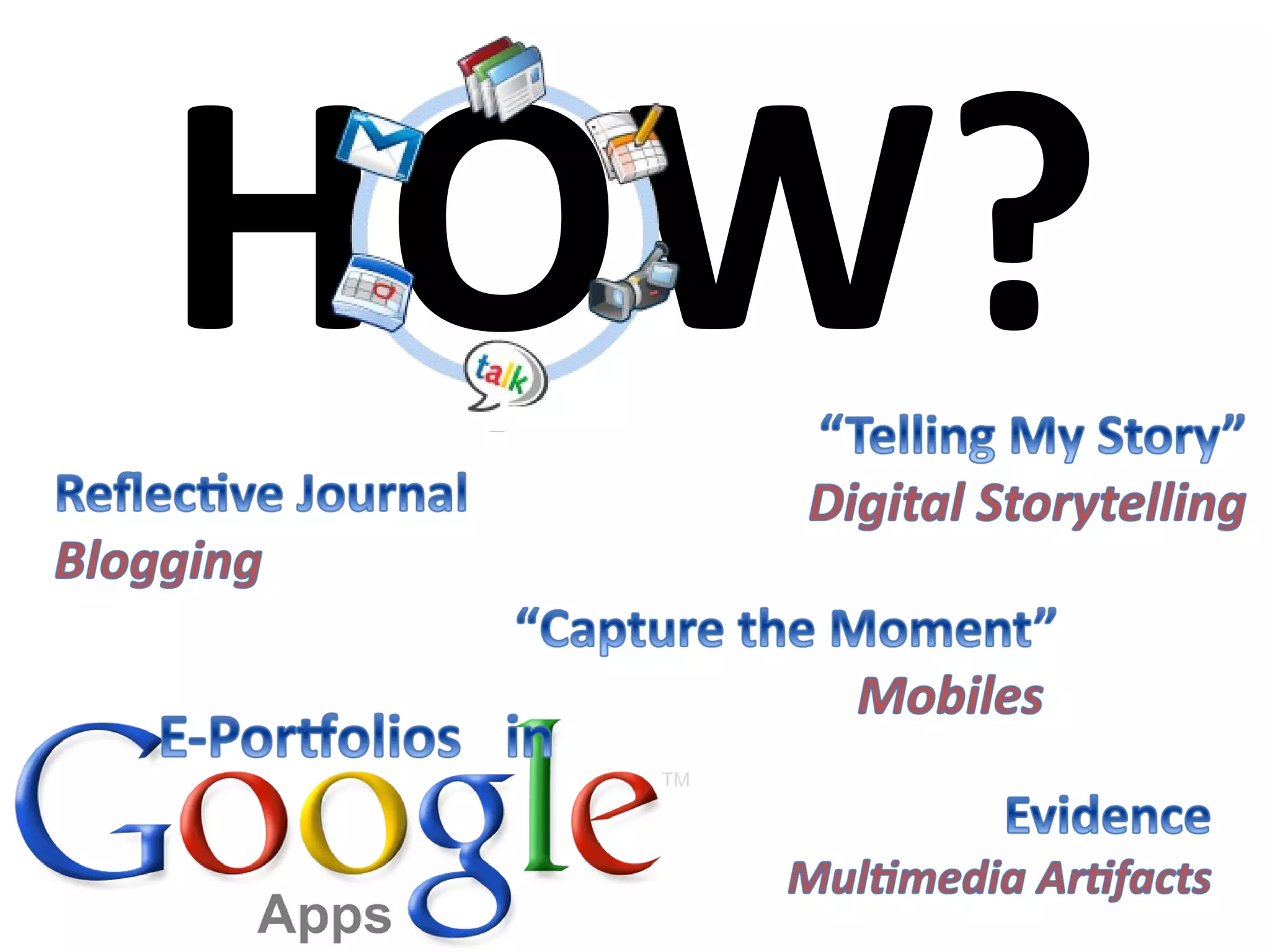
Self-Regulated Learning Abrami, P., et. al. (2008), Encouraging self-regulated learning through electronic portfolios. Canadian Journal of Learning and Technology, V34(3) Fall  2008.  http://www.cjlt.ca/index.php/cjlt/article/viewArticle/507/238  Bl o g Mobiles Web Sites Blog Pages Captions/Journals
Deep Learning involves reflection, is developmental, is integrative, is self-directive, and is lifelong Cambridge (2004)
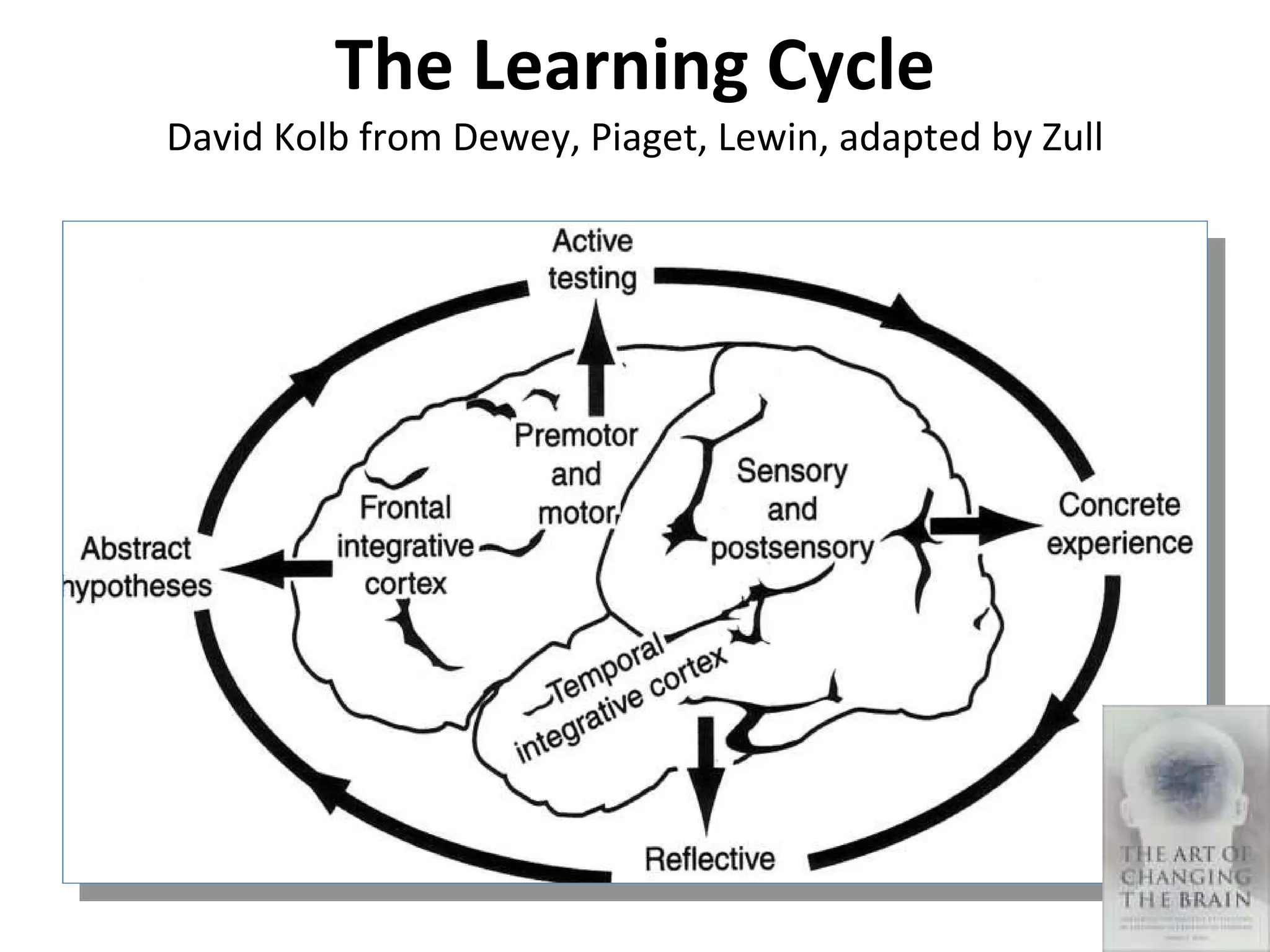
The Learning Cycle David Kolb from Dewey, Piaget, Lewin, adapted by Zull
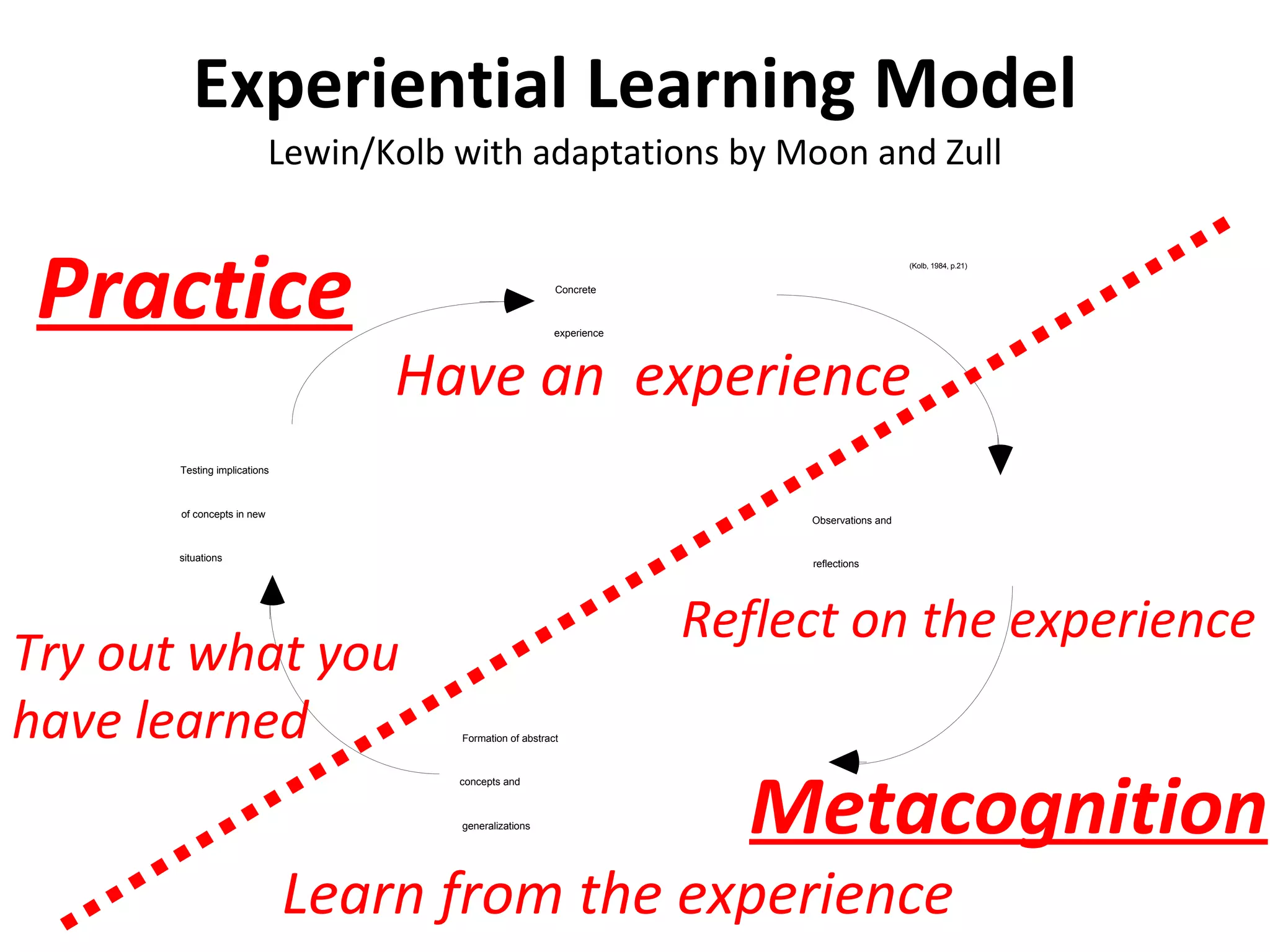
Experiential Learning Model Lewin/Kolb with adaptations by Moon and Zull Try out what you have learned Learn from the experience Reflect on the experience Have an  experience Practice Metacognition
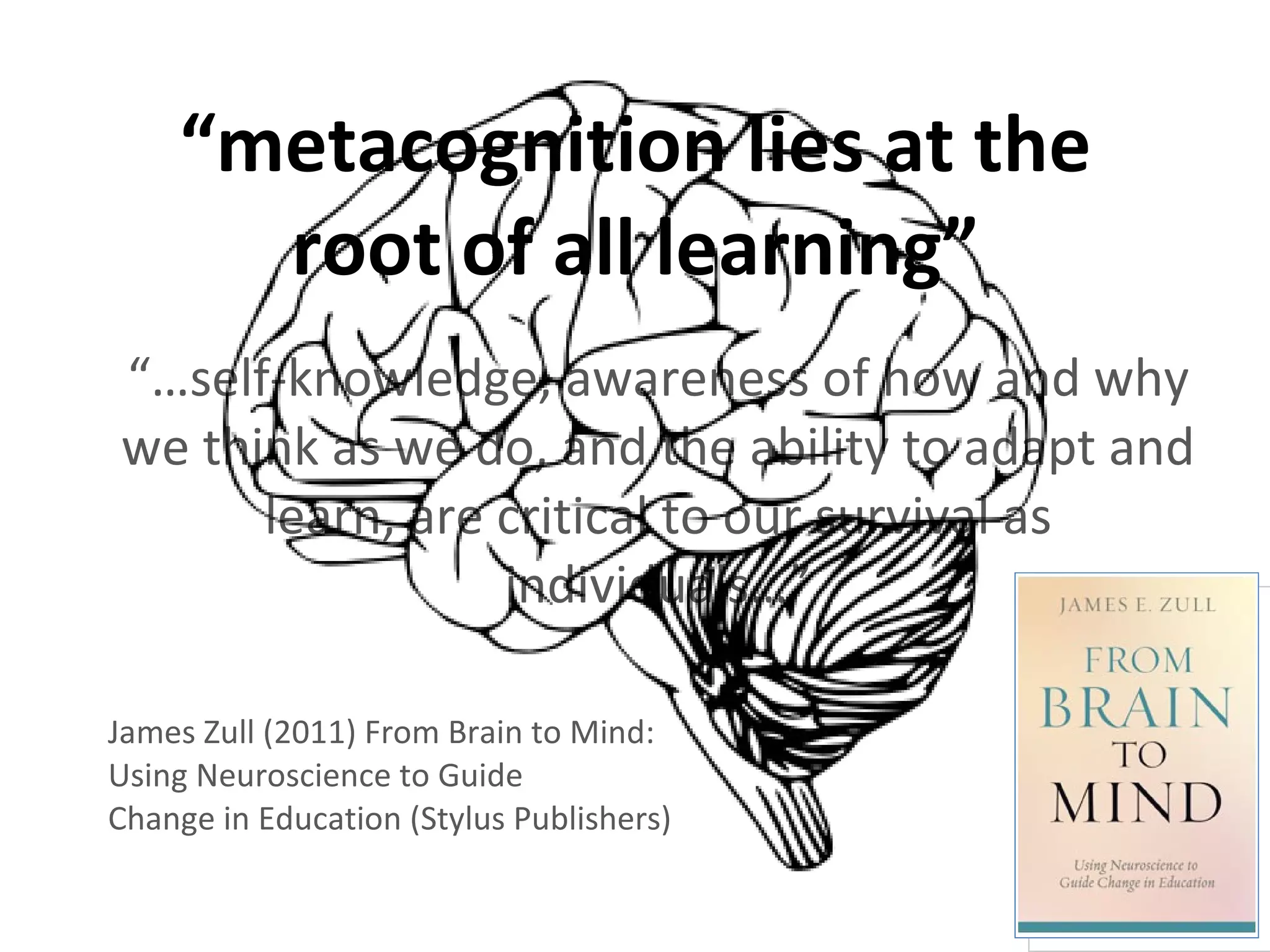
“ metacognition lies at the root of all learning” “… self-knowledge, awareness of how and why we think as we do, and the ability to adapt and learn, are critical to our survival as individuals…” James Zull (2011) From Brain to Mind: Using Neuroscience to Guide  Change in Education (Stylus Publishers)
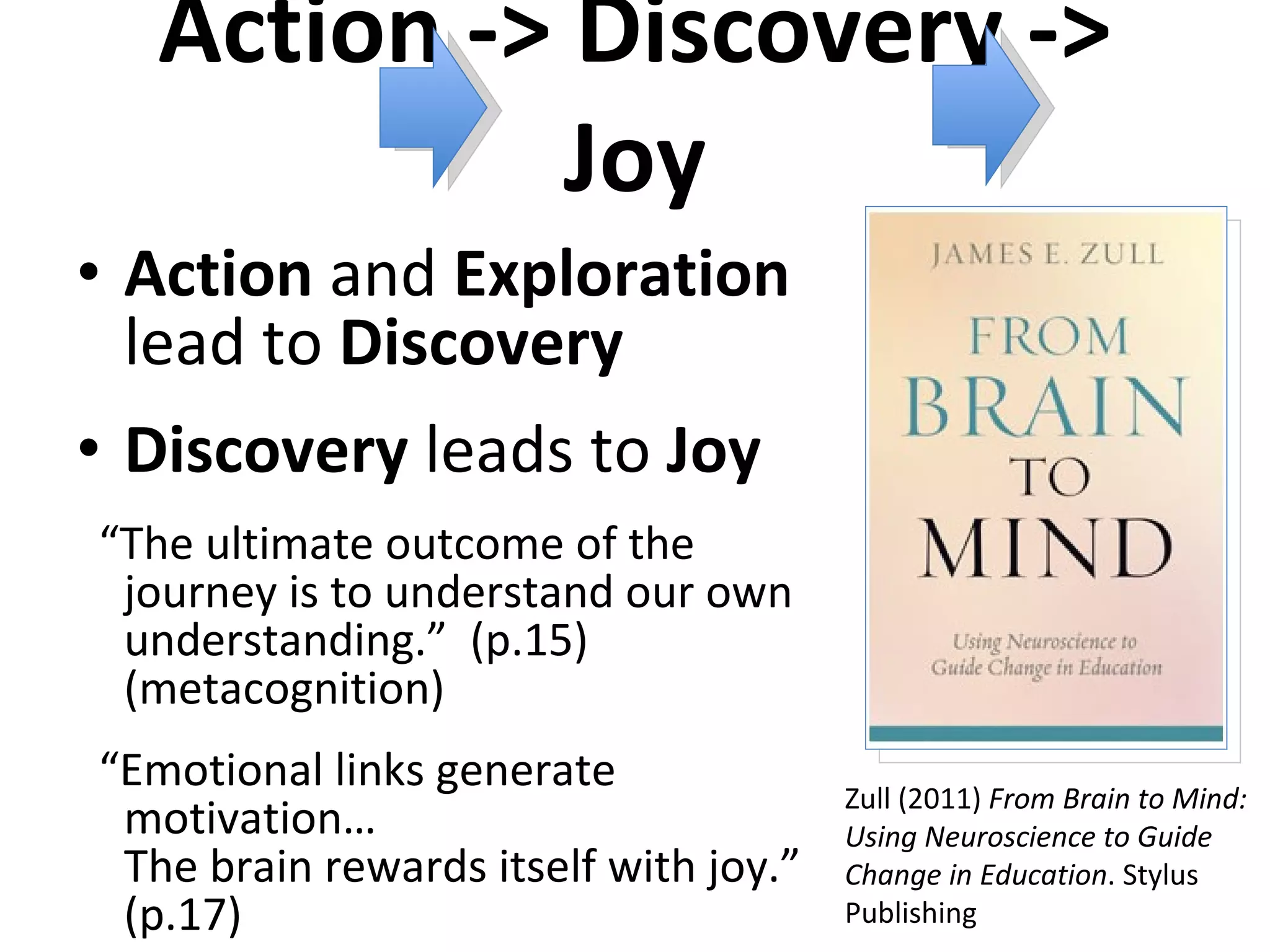
Action -> Discovery -> Joy Action  and  Exploration  lead to  Discovery Discovery  leads to  Joy “ The ultimate outcome of the journey is to understand our own understanding.”  (p.15) (metacognition) “ Emotional links generate motivation…  The brain rewards itself with joy.”  (p.17) Zull (2011)  From Brain to Mind: Using Neuroscience to Guide Change in Education . Stylus Publishing
HOW?
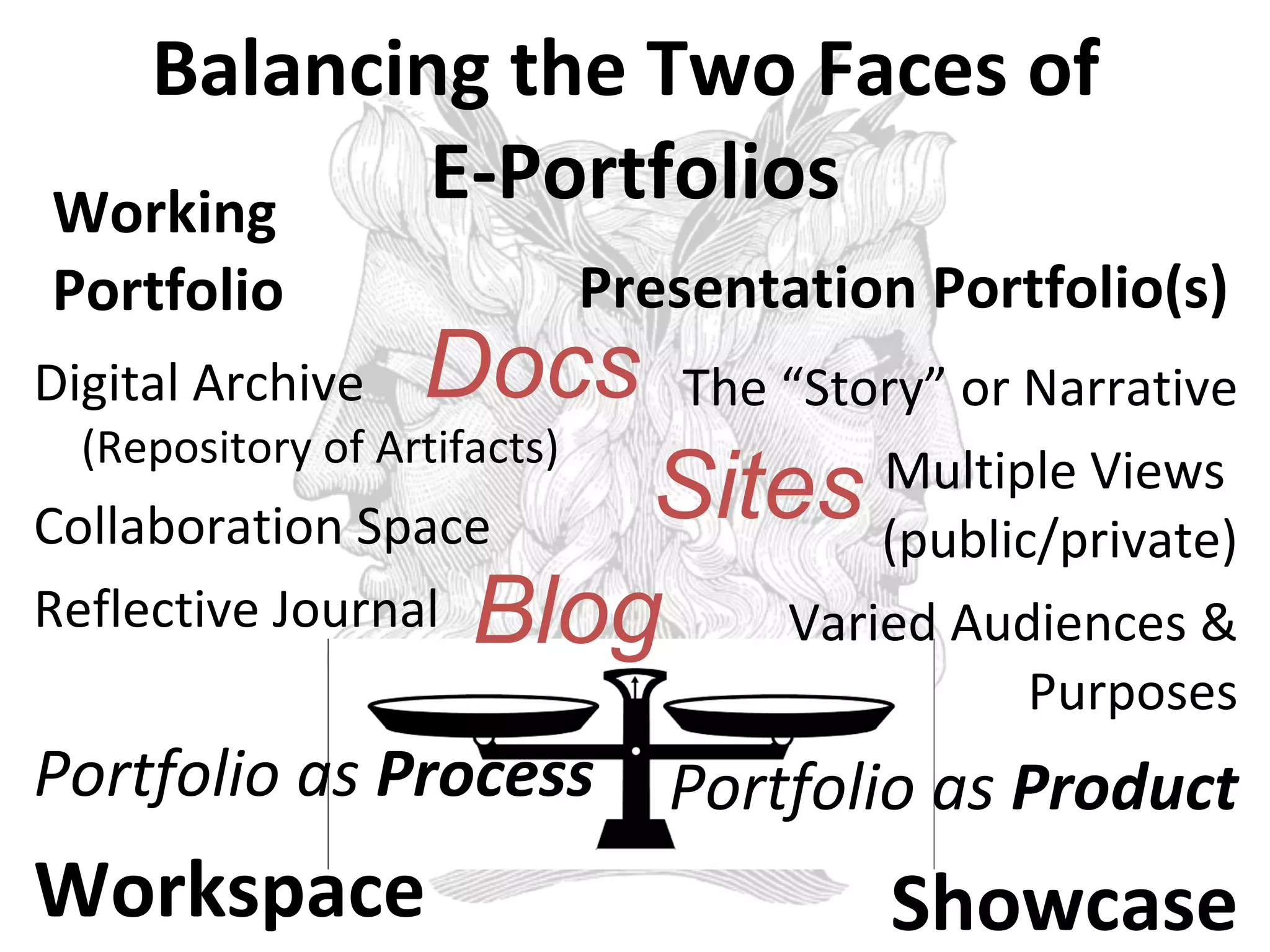
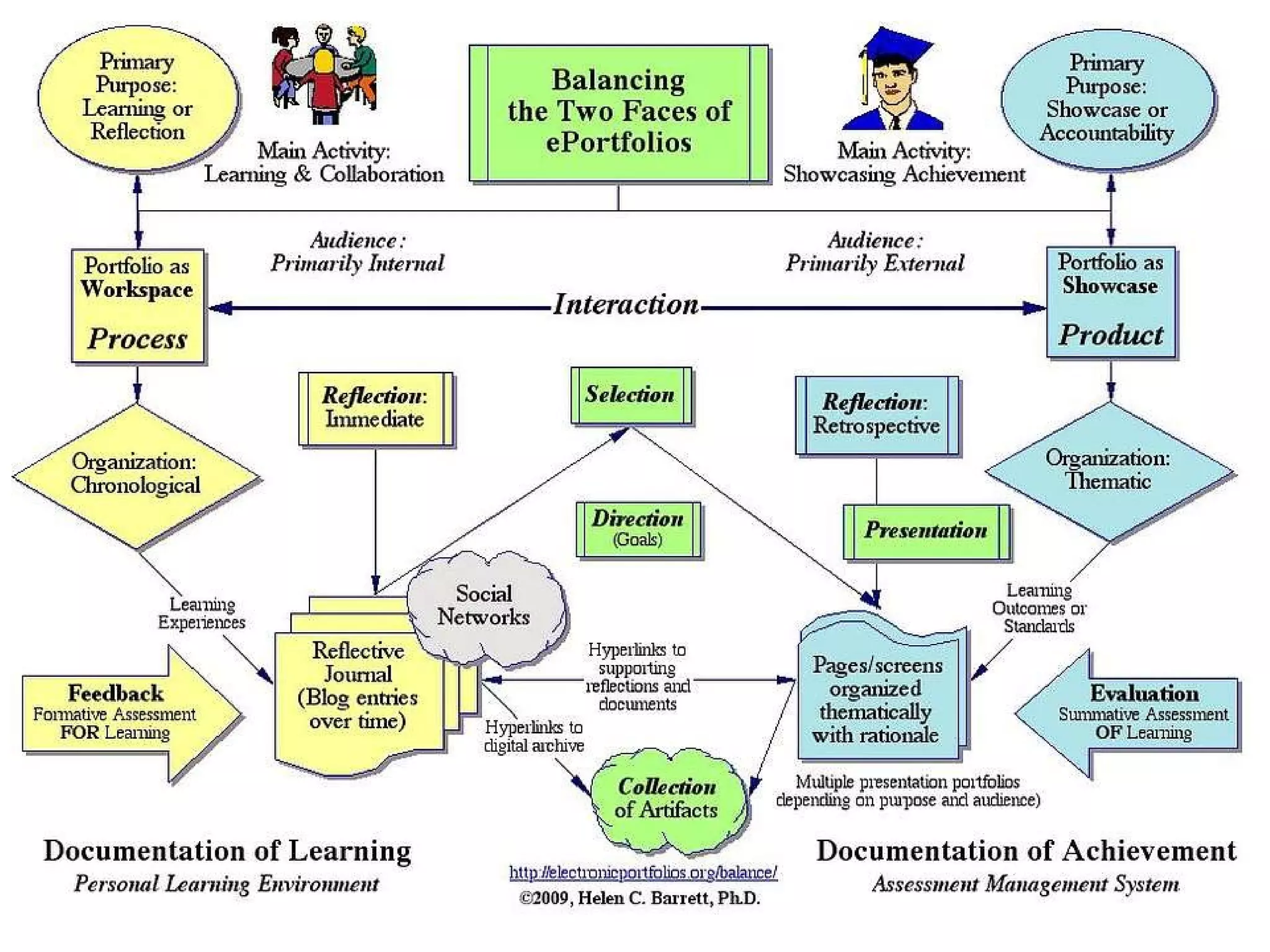
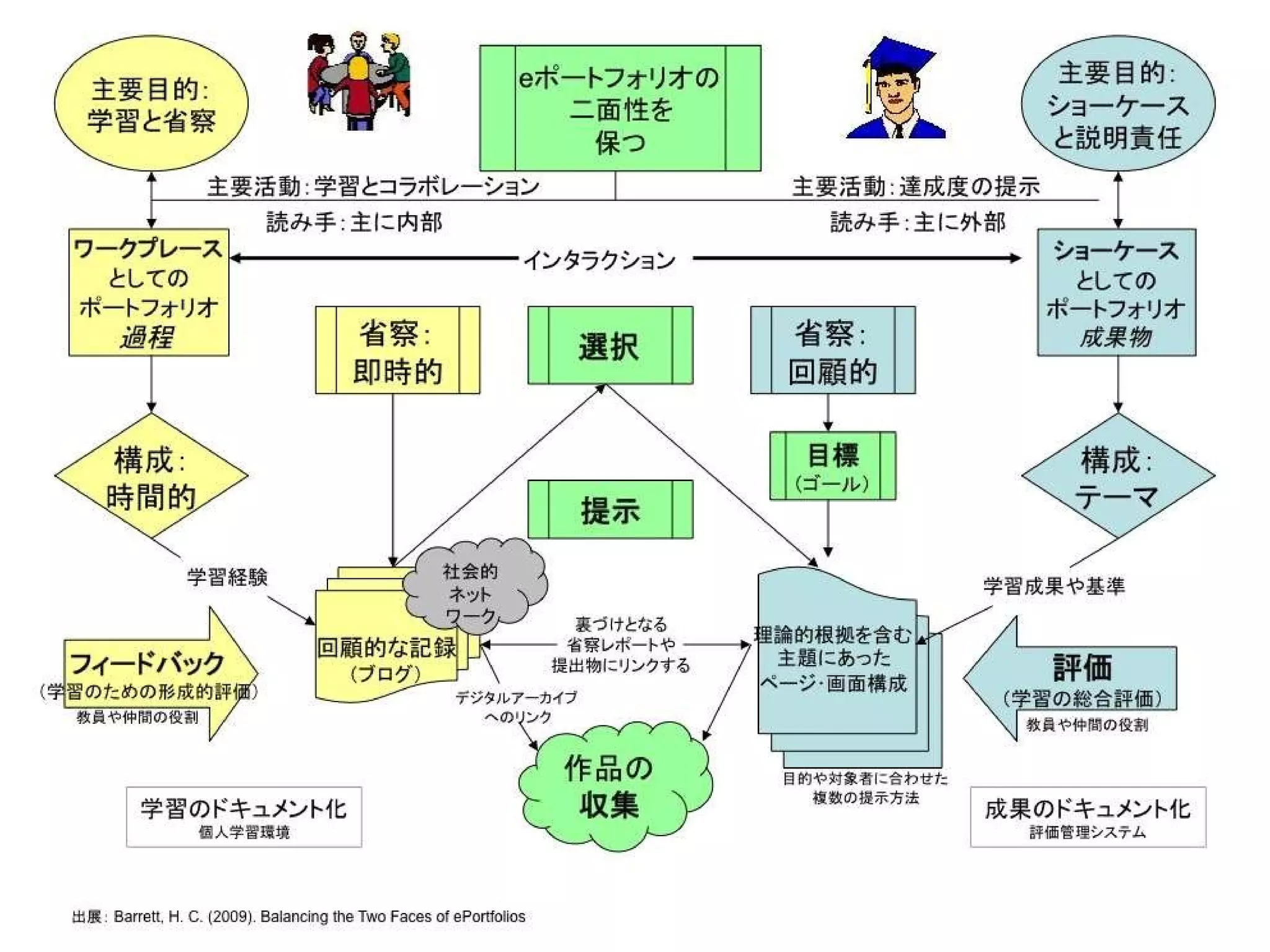
Balancing the Two Faces of  E-Portfolios Working Portfolio Digital Archive  (Repository of Artifacts) Collaboration Space Reflective Journal Portfolio as  Process Workspace Presentation Portfolio(s) The “Story” or Narrative Multiple Views  (public/private) Varied Audiences & Purposes Portfolio as  Product Showcase Docs Sites Blog
 
Japanese
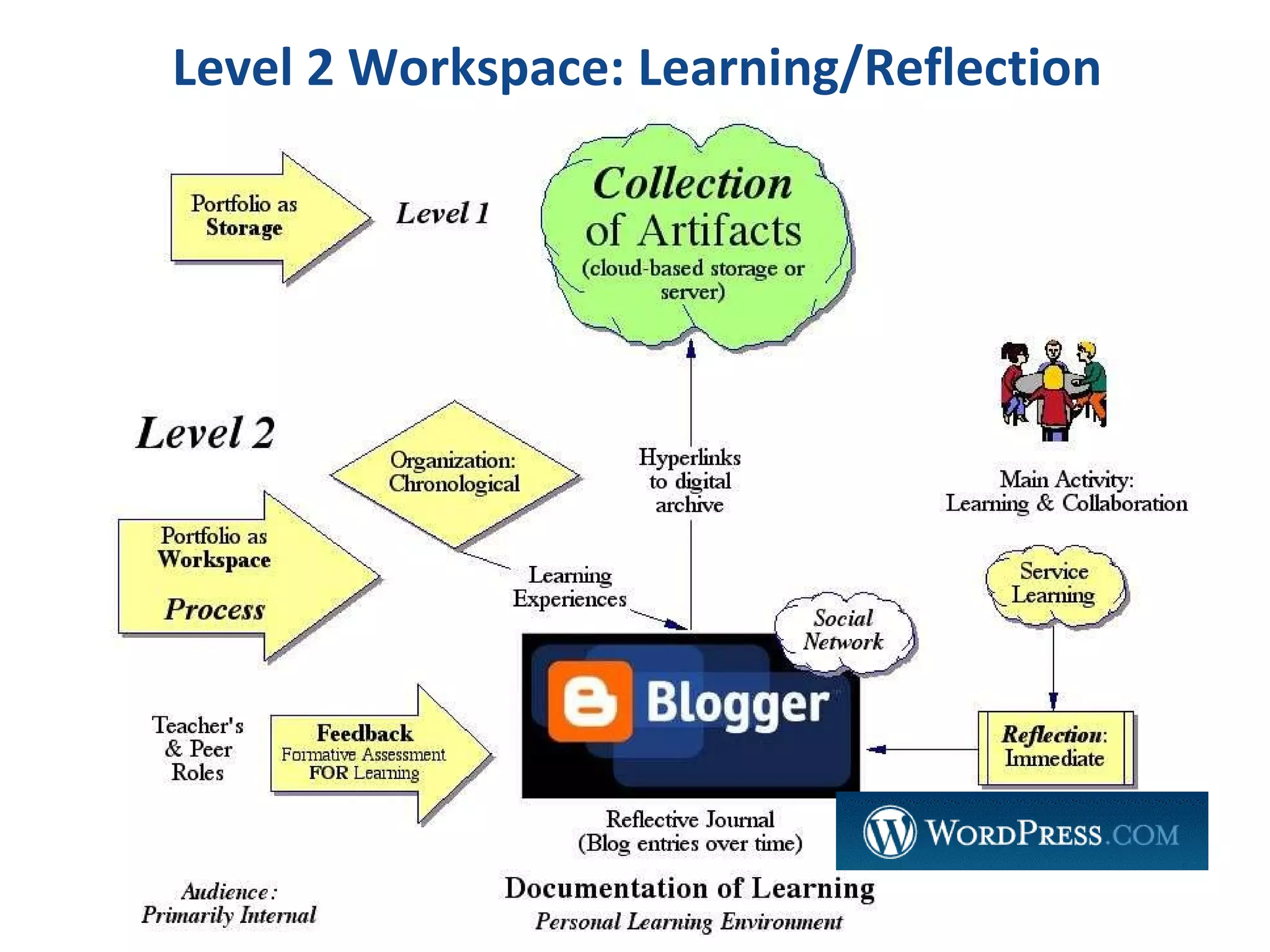
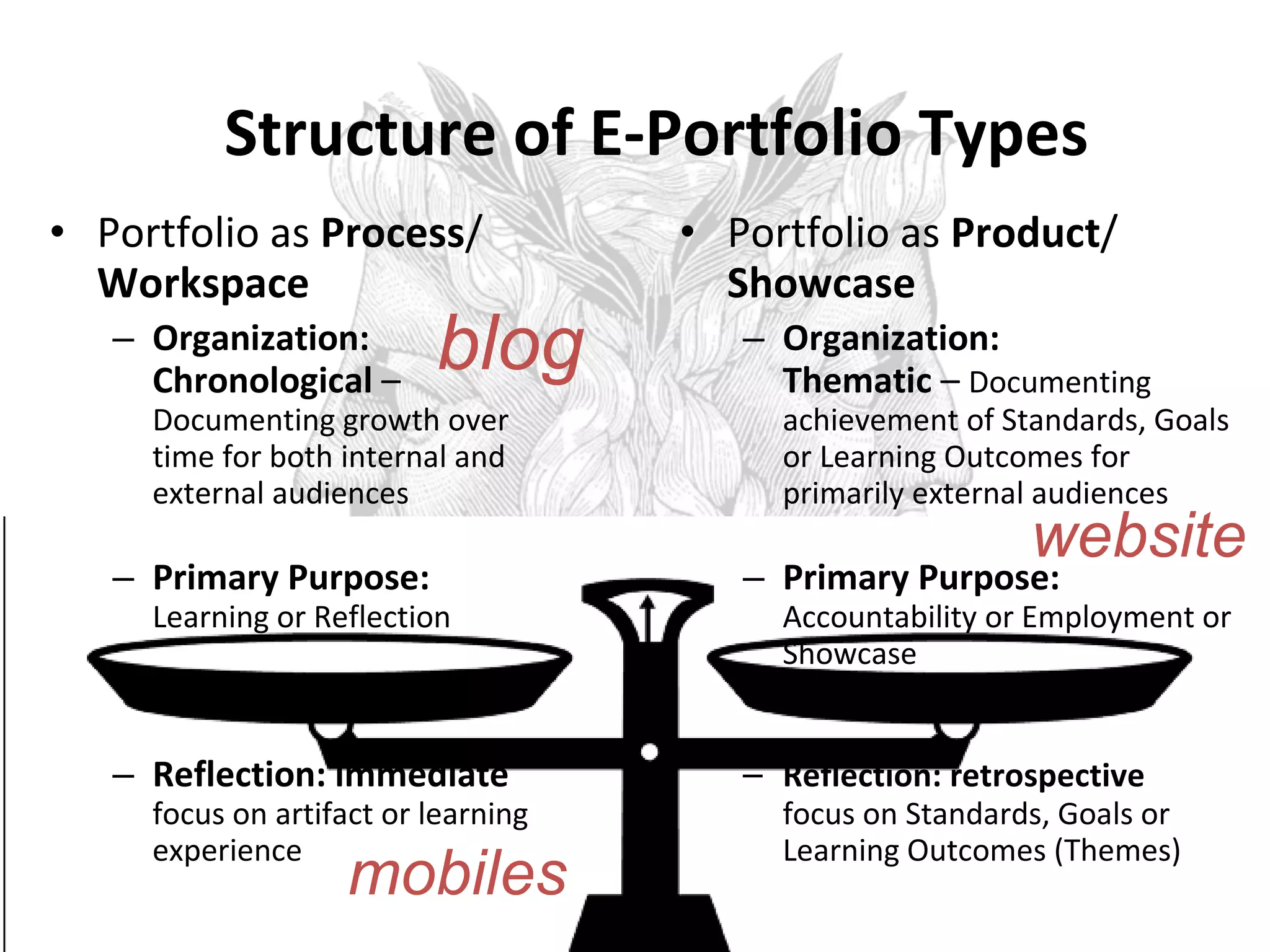
Structure of E-Portfolio Types Portfolio as  Process /  Workspace Organization: Chronological  –  Documenting growth over time for both internal and external audiences Primary Purpose:  Learning or Reflection Reflection: immediate  focus on artifact or learning experience Portfolio as  Product /  Showcase Organization:  Thematic  –  Documenting achievement of Standards, Goals or Learning Outcomes for primarily external audiences Primary Purpose:  Accountability or Employment or Showcase Reflection: retrospective  focus on Standards, Goals or Learning Outcomes (Themes) blog website mobiles
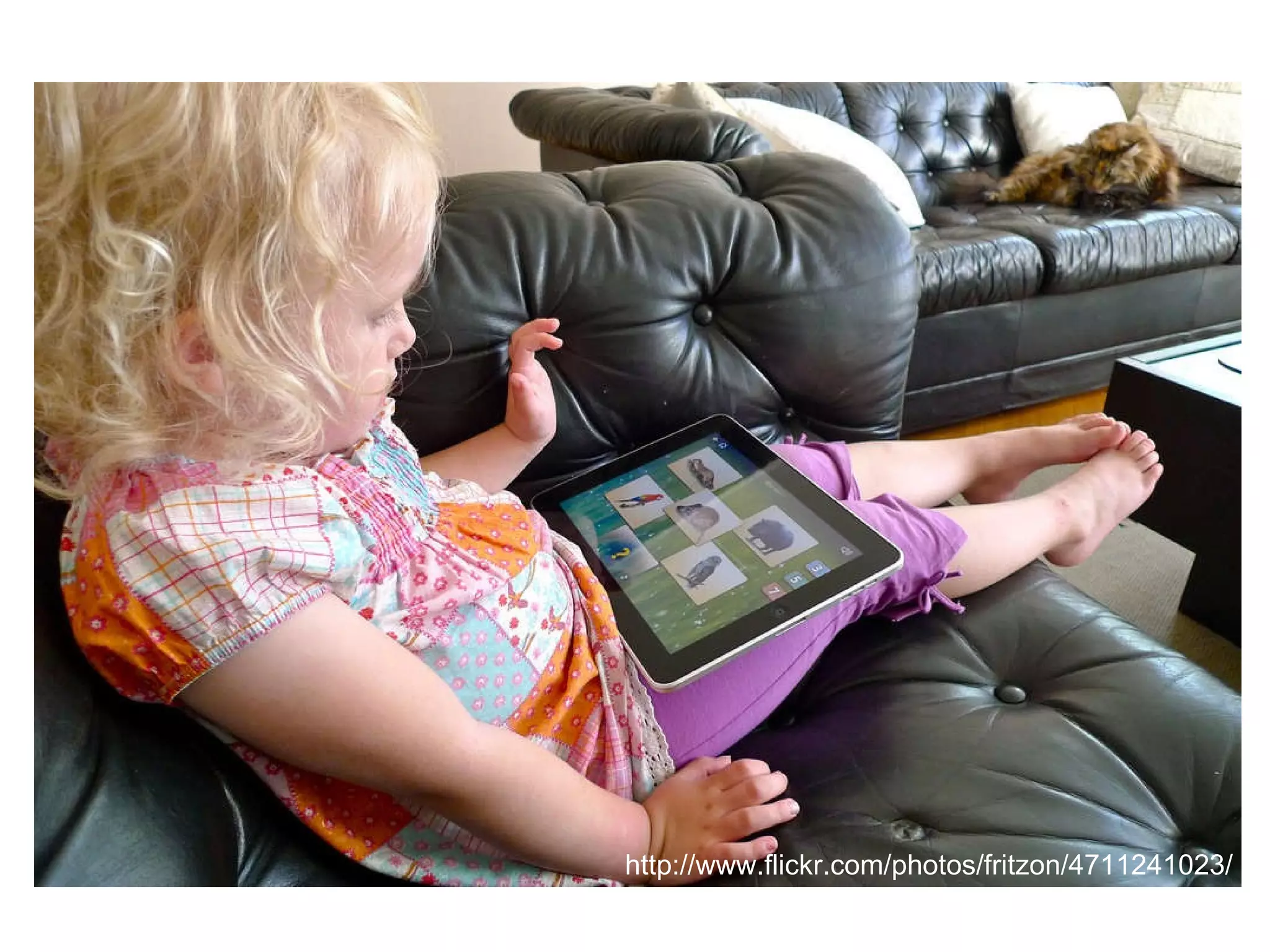
http://www.flickr.com/photos/fritzon/4711241023/
 
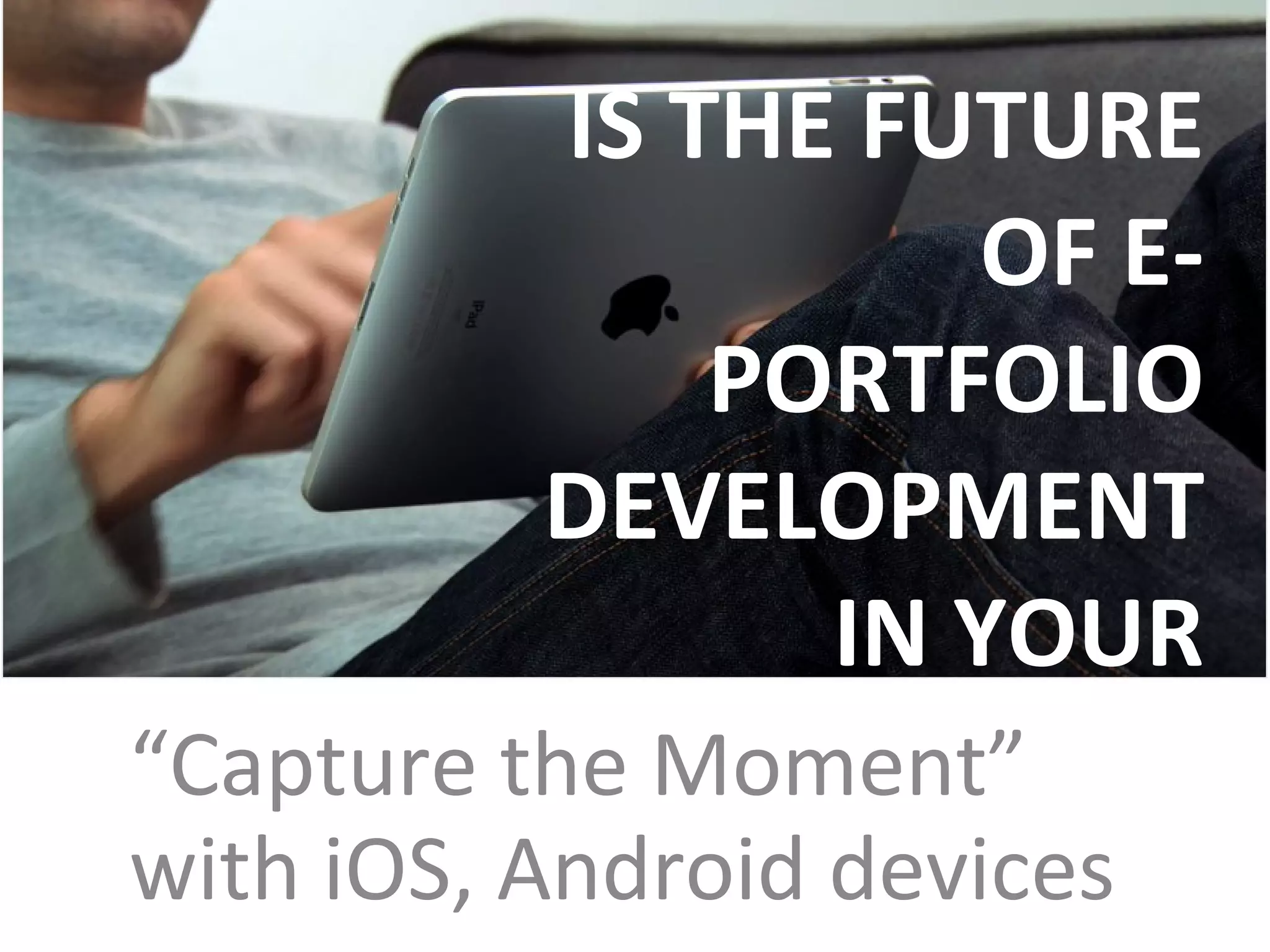
IS THE FUTURE OF E-PORTFOLIO DEVELOPMENT  IN YOUR POCKET? “ Capture the Moment” with iOS, Android devices
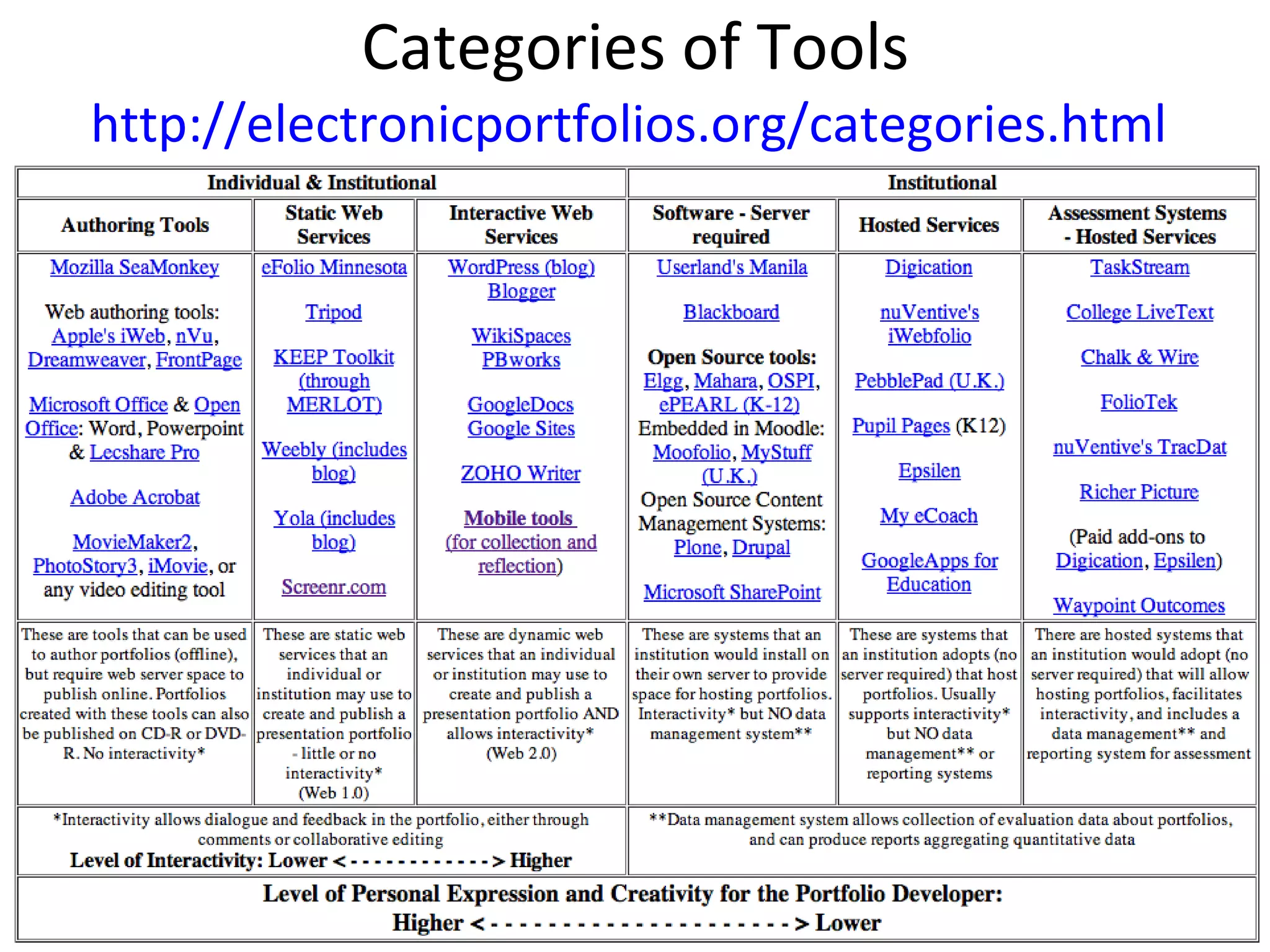
Categories of Tools http://electronicportfolios.org/categories.html
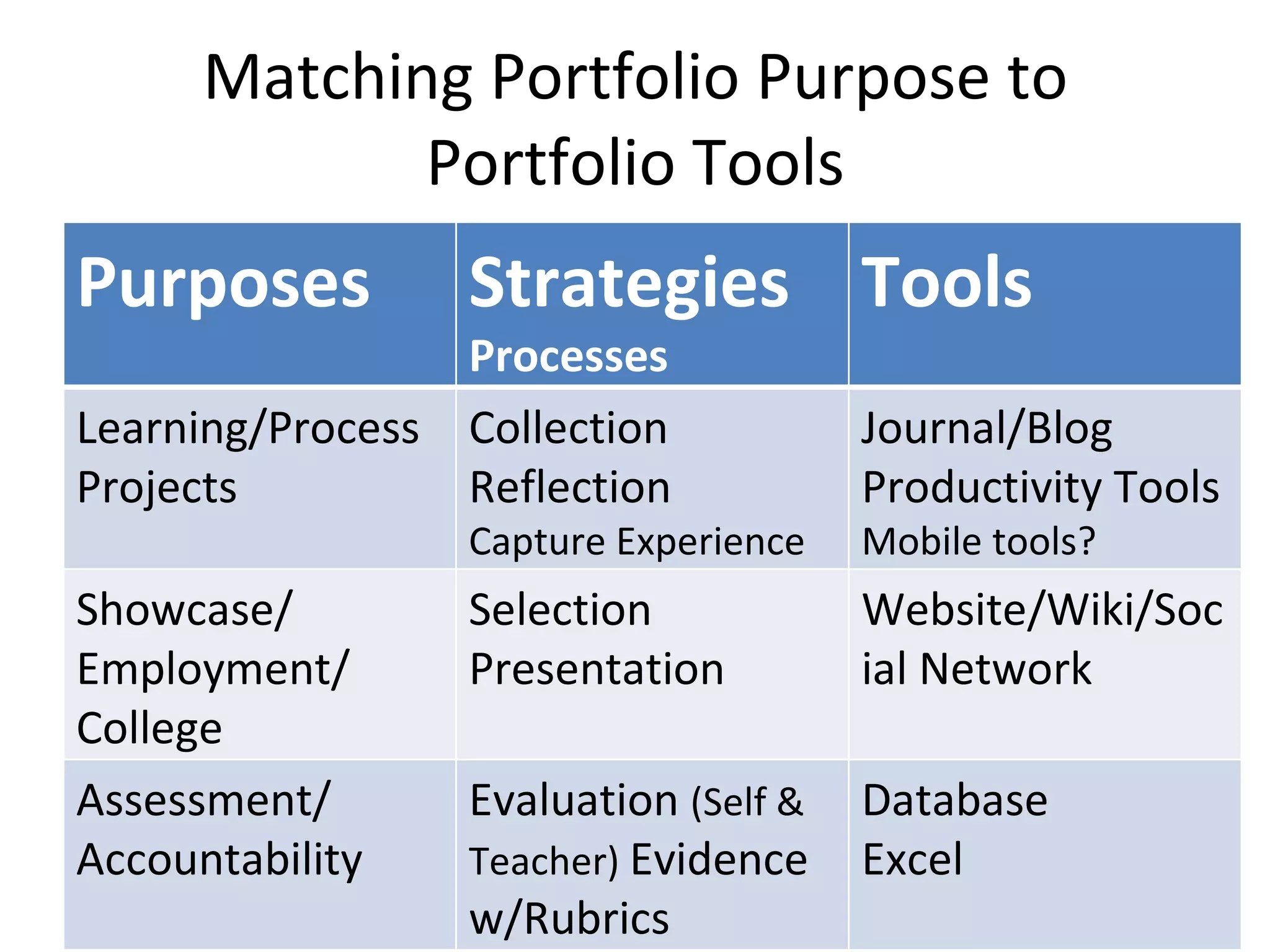
Matching Portfolio Purpose to Portfolio Tools Purposes Strategies  Processes Tools Learning/Process Projects Collection Reflection Capture Experience Journal/Blog Productivity Tools Mobile tools? Showcase/ Employment/ College Selection Presentation Website/Wiki/Social Network Assessment/ Accountability Evaluation  (Self & Teacher)  Evidence w/Rubrics Database  Excel
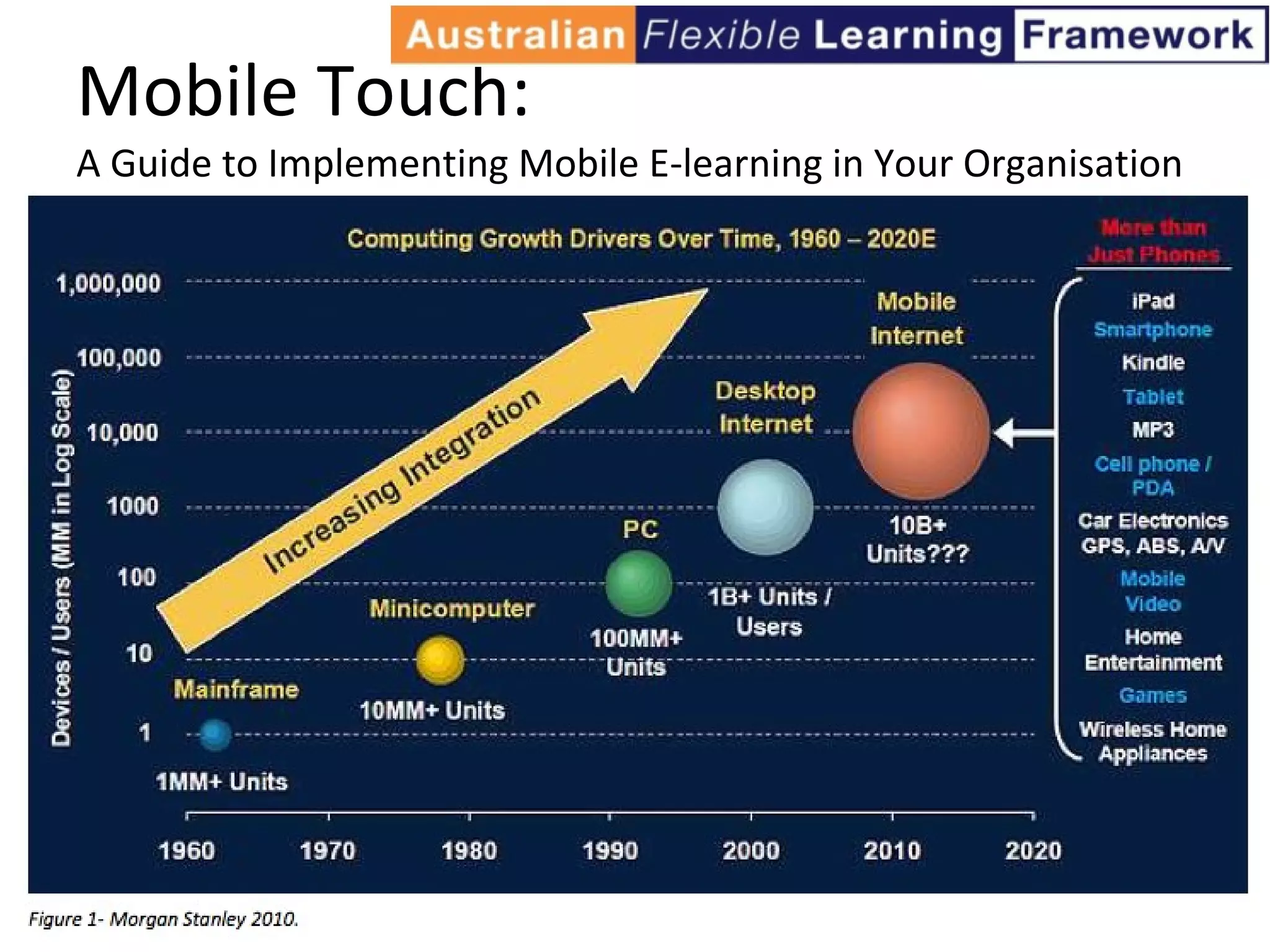
Mobile Touch:  A Guide to Implementing Mobile E-learning in Your Organisation
Mobile Year in Review 2010 http://www.youtube.com/watch?v=6mCkbrYKQyI
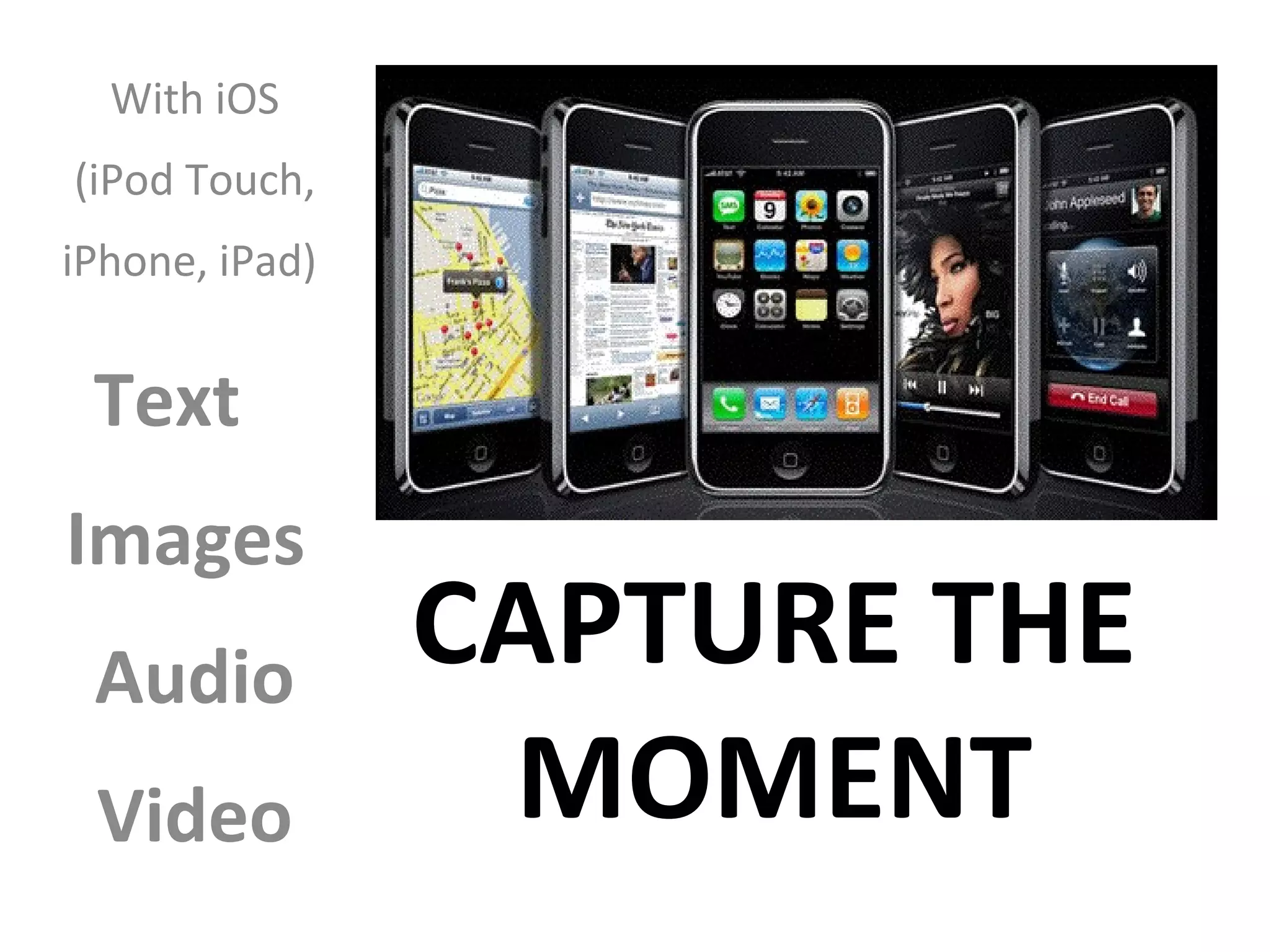
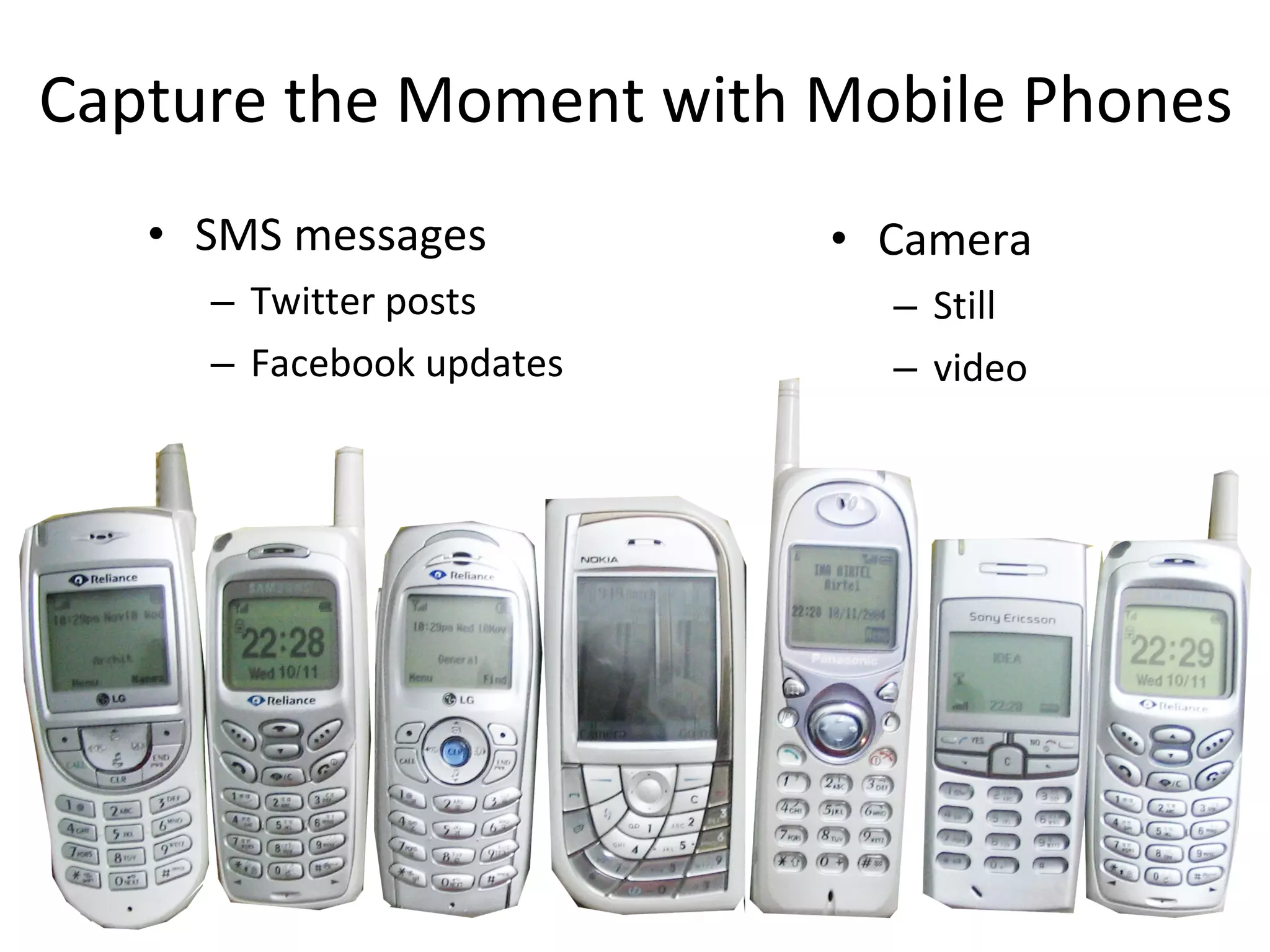
Capture the Moment with Mobile Phones SMS messages Twitter posts Facebook updates Camera  Still  video
Why Mobile is a Must Kids today are captivated by the personalization and socialization of online tools--the ability to build large networks of friends; share their thoughts, feelings, and goals; and communicate as they wish. …And not only is it possible, it's possible anytime and anywhere, via a plethora of devices and widely available cellular and WiFi networks. The upshot is, these digital natives now have in their hands the tools to shape their own education in once unimagined ways. They have the ability to interact with other learners at their convenience, with differences in time and place presenting no hurdle. They can research, on the spot, any topic of interest. And they can  capture the moment , whether it's in a picture, a video, or a blog entry.  -- Mary McCaffrey “Why Mobile is a Must” T.H.E. Journal  http://thejournal.com/articles/2011/02/08/why-mobile-is-a-must.aspx
Posted on ePortfolio Conversations Google Group: Question: How to collect evidence of informal learning rather than formal education.  Response: "Start with SMS [on mobile phones] - it’s the morse code  of the present  generation... and it works.”
What functions can be achieved with mobile phones for each of these processes?  Capturing & storing evidence  - this evidence of learning can be in the form of text, images, audio or video  Reflecting  - “the heart and soul of a portfolio” - this reflection could be captured in real time in different formats: writing, voice capture (and voice-to-text conversion), video capture and digital stories Giving & receiving feedback  - one of the most effective uses of a portfolio is to review a learner’s work and providing feedback for improvement Planning & setting goals  - a very important part of the portfolio process is personal development planning and setting goals for achievement Collaborating  - learning is a social activity - technology provides new forms of collaboration Presenting to an audience  - at specific points in the learning process, a learner may put together a presentation of their learning outcomes for an audience, either real or virtual
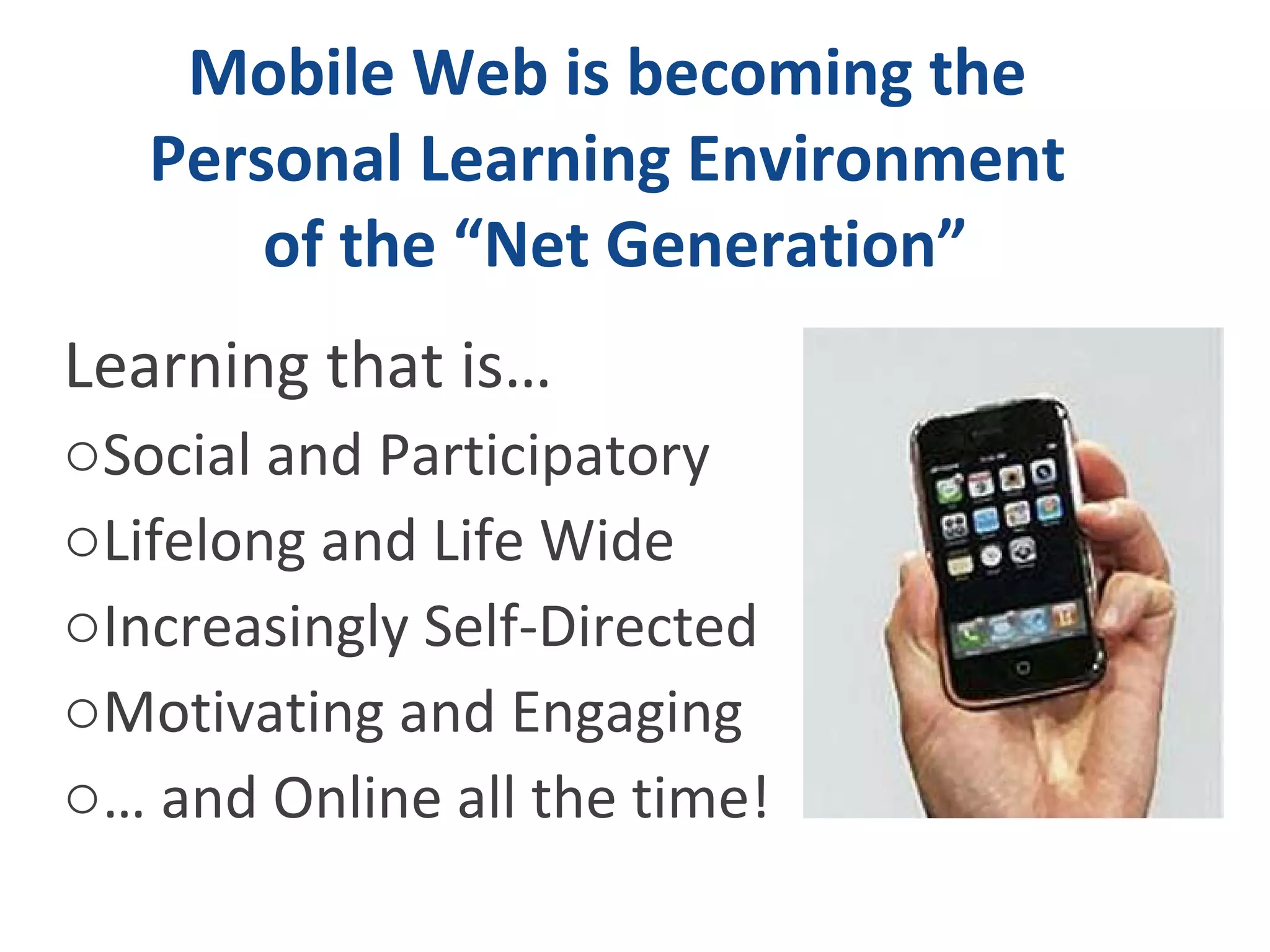
Mobile Web is becoming the  Personal Learning Environment  of the “Net Generation” Learning that is…  Social and Participatory  Lifelong and Life Wide Increasingly Self-Directed Motivating and Engaging …  and Online all the time!
 
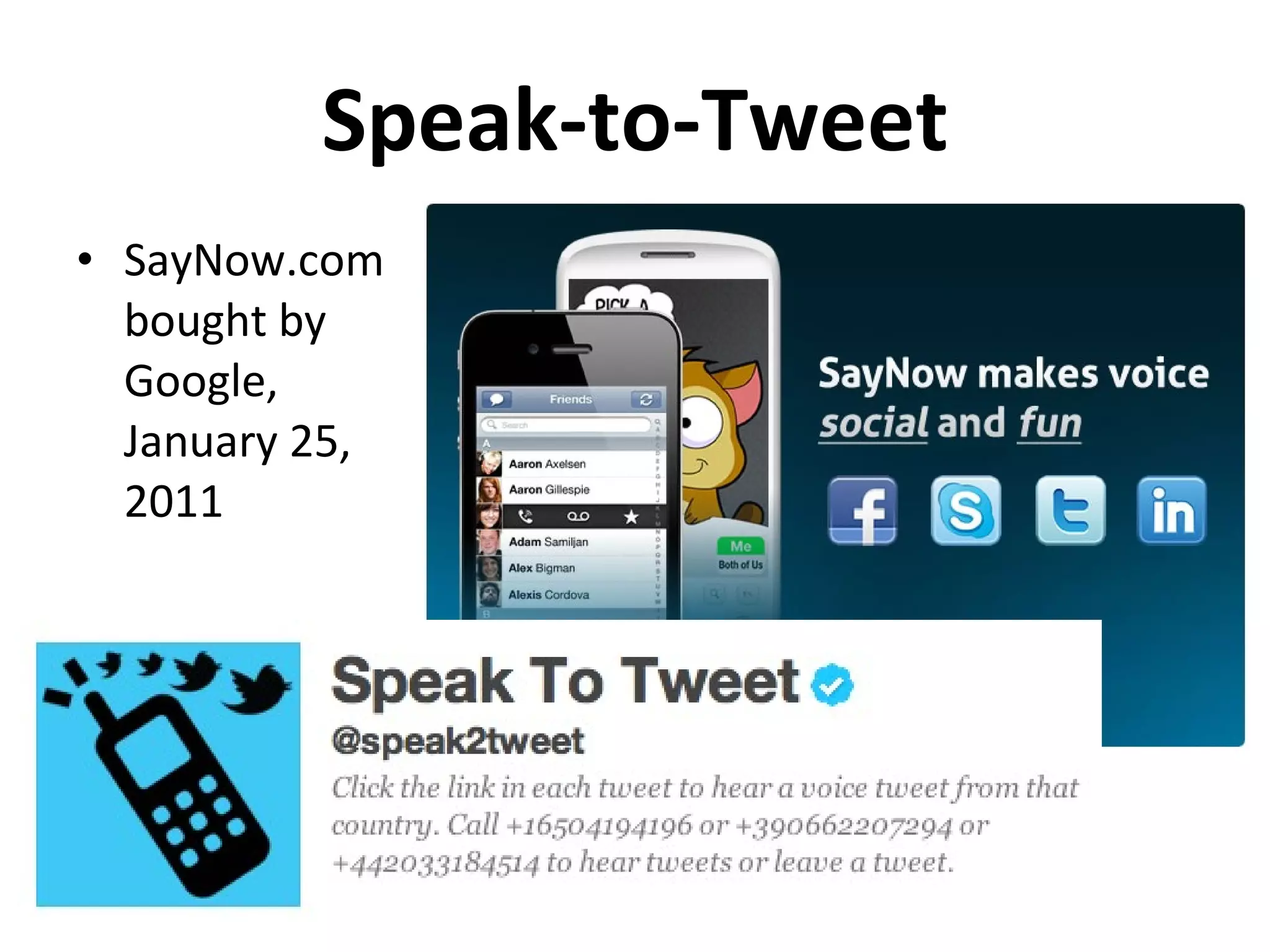
Speak-to-Tweet SayNow.com bought by Google,  January 25, 2011
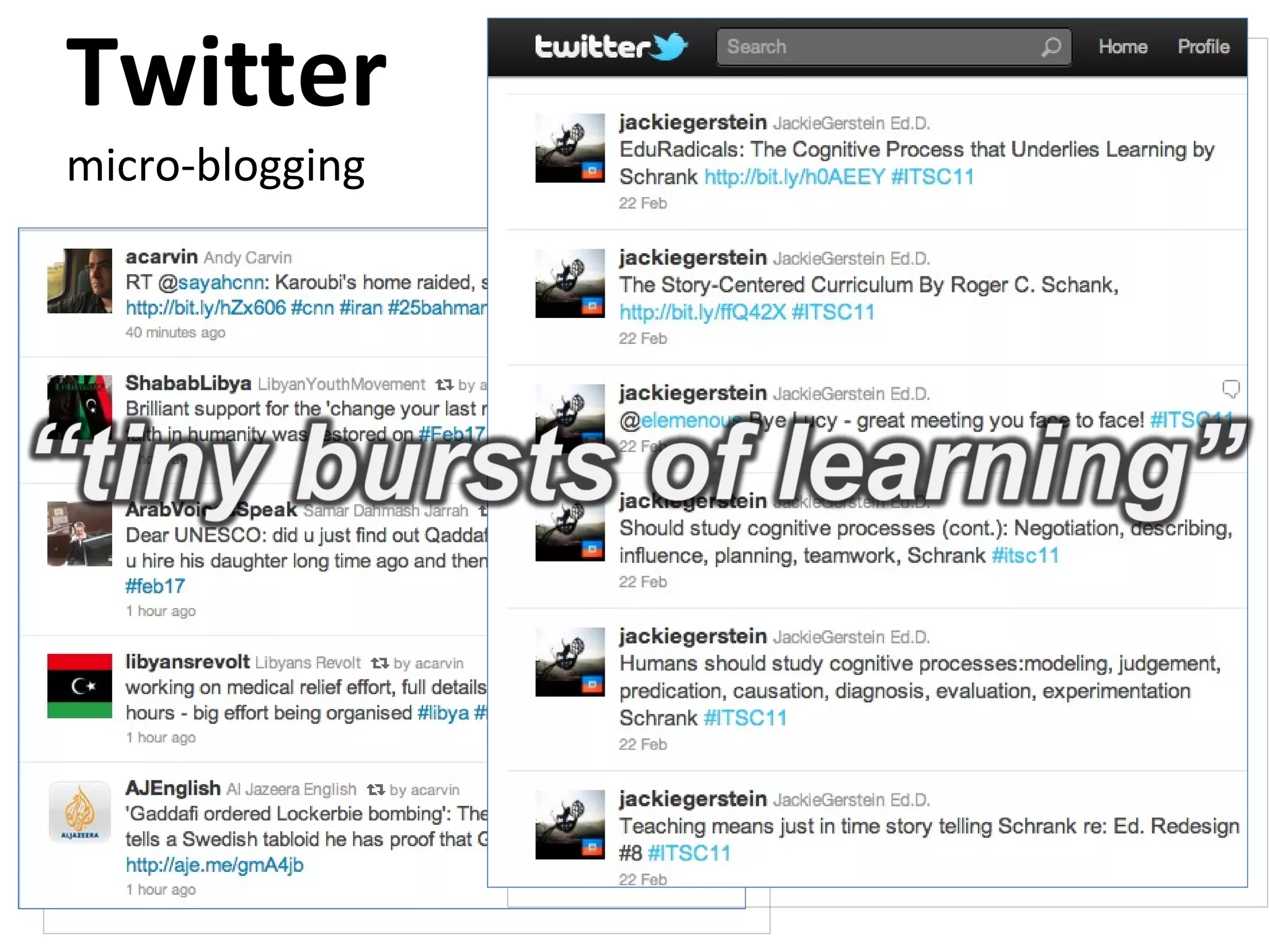
Twitter micro-blogging
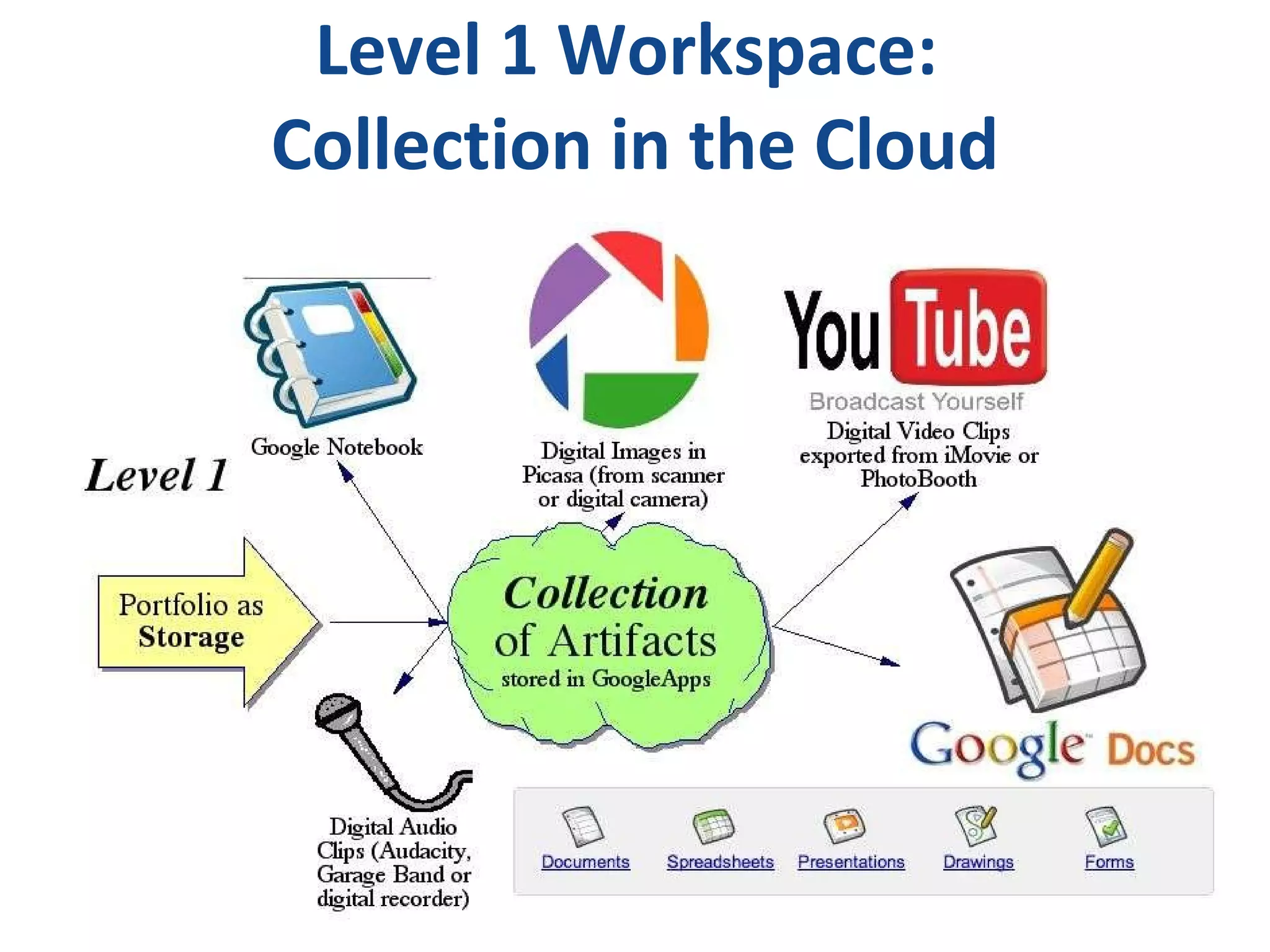
Level 1 Workspace:  Collection in the Cloud
CAPTURE THE MOMENT With iOS (iPod Touch, iPhone, iPad)  Text  Images  Audio  Video
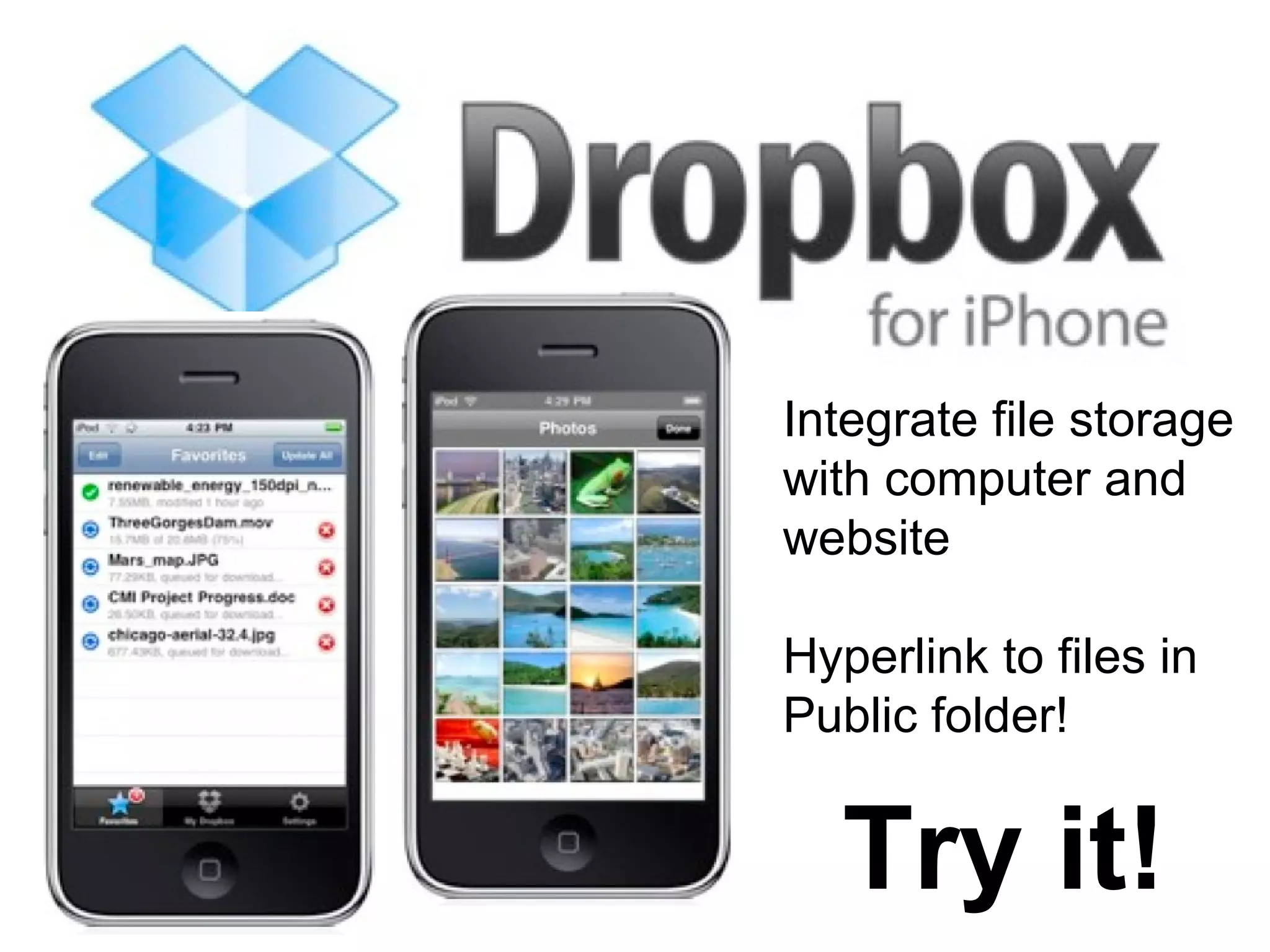
Integrate file storage  with computer and website Hyperlink to files in Public folder! Try it!
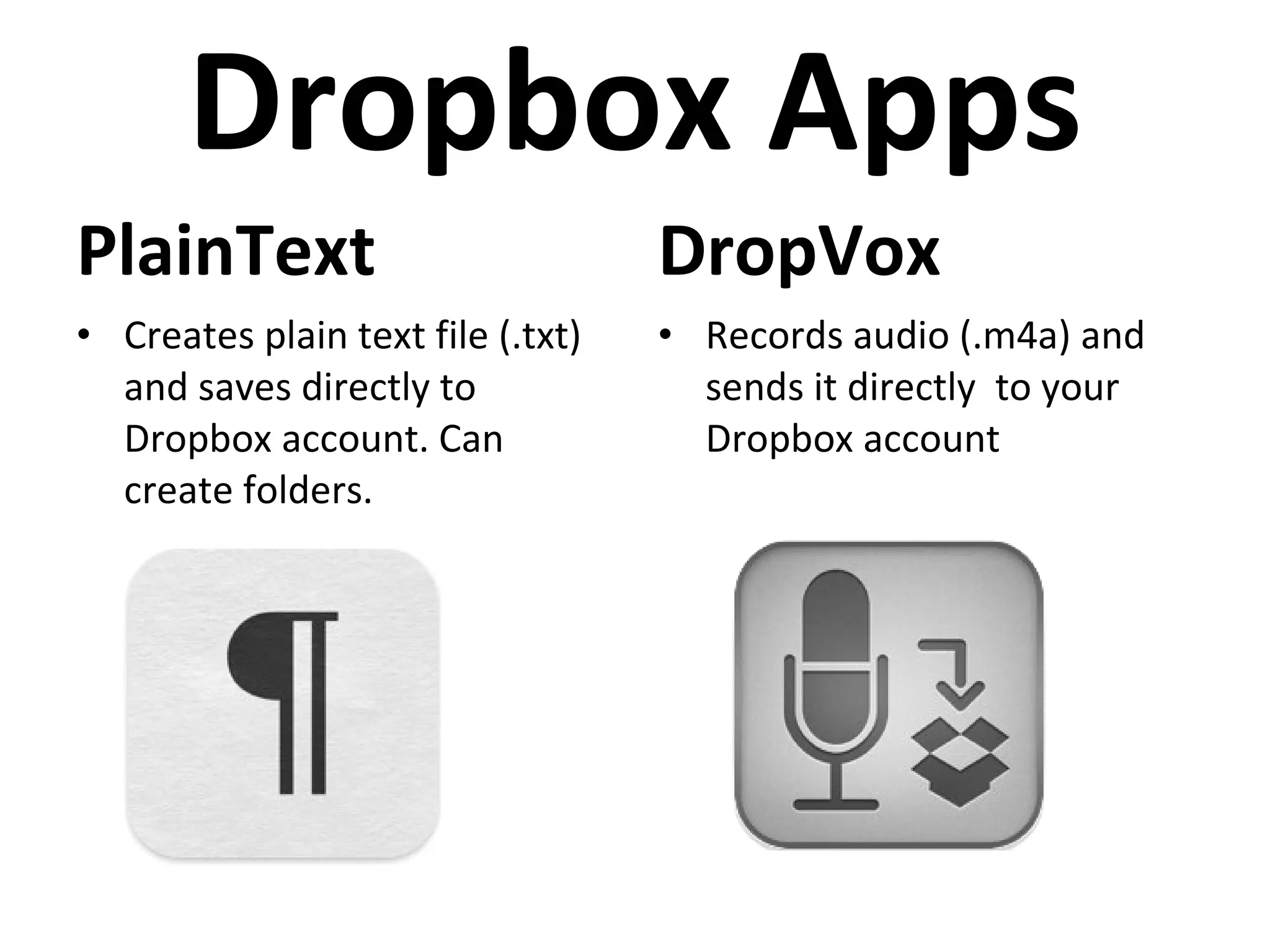
Dropbox Apps PlainText DropVox Records audio (.m4a) and sends it directly  to your Dropbox account Creates plain text file (.txt) and saves directly to Dropbox account. Can create folders.
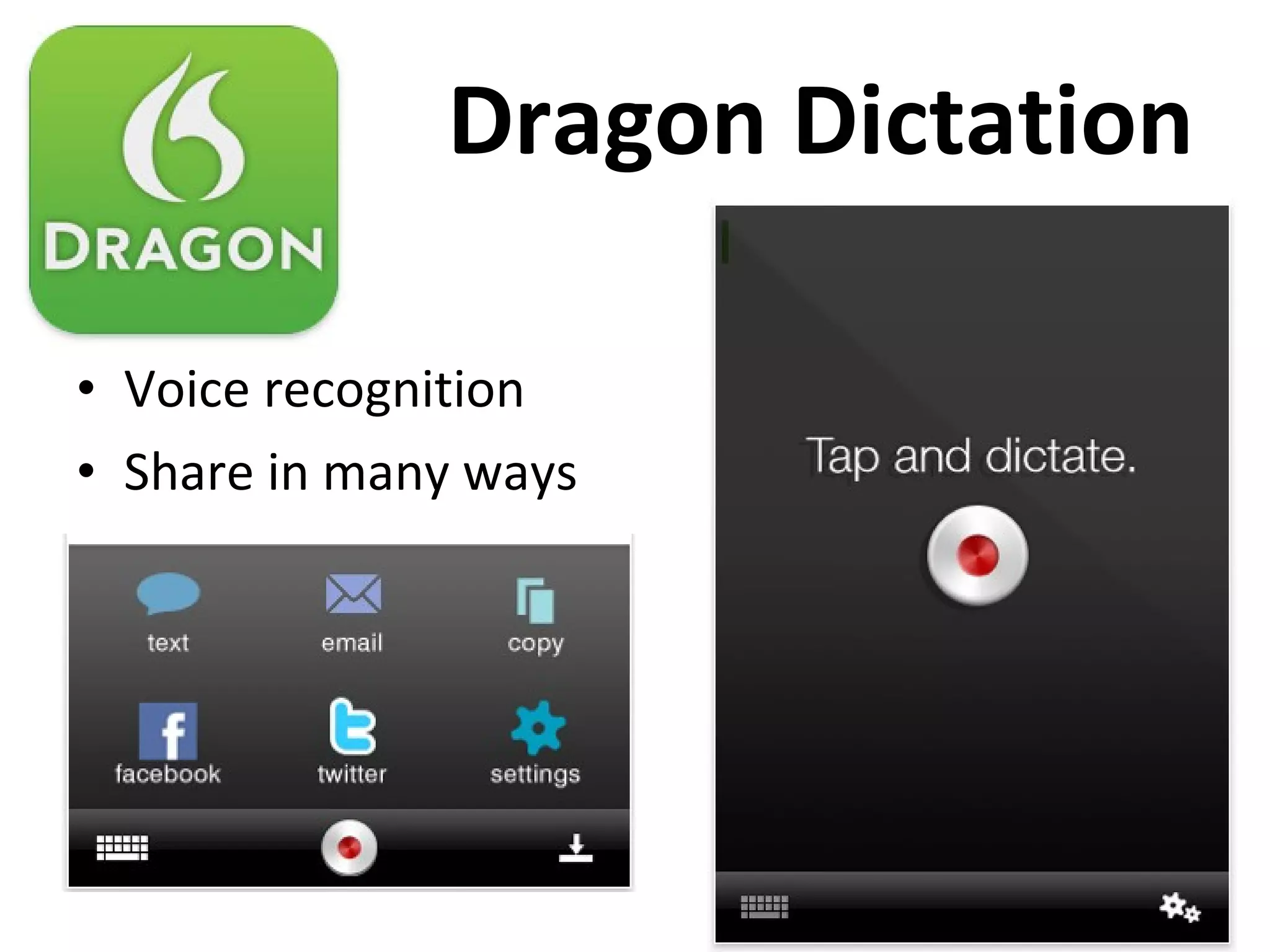
Dragon Dictation Voice recognition Share in many ways
Level 2 Workspace: Learning/Reflection
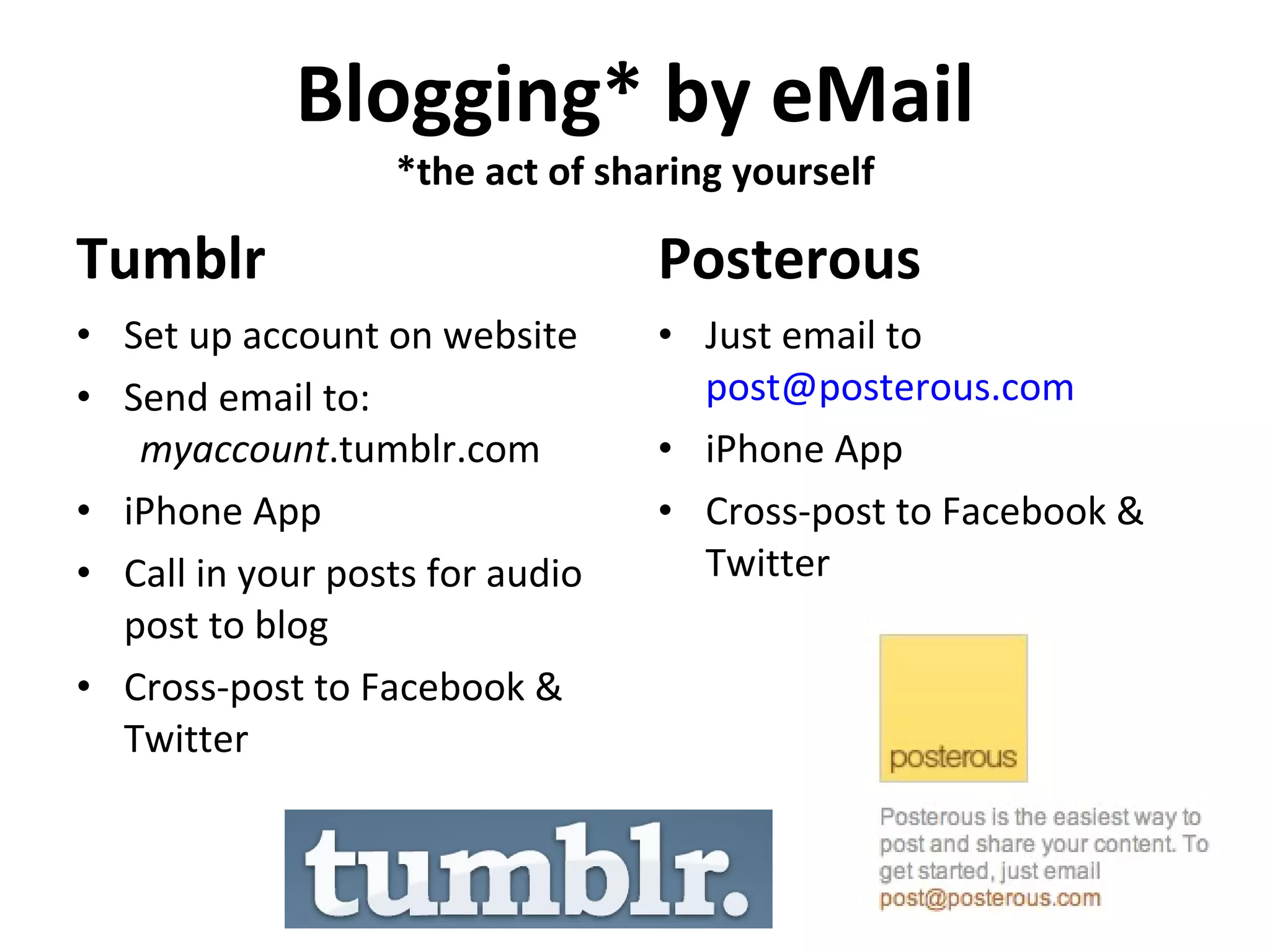
Blogging* by eMail *the act of sharing yourself Tumblr Posterous Set up account on website Send email to:  myaccount .tumblr.com iPhone App Call in your posts for audio post to blog Cross-post to Facebook & Twitter Just email to  post@posterous.com  iPhone App Cross-post to Facebook & Twitter
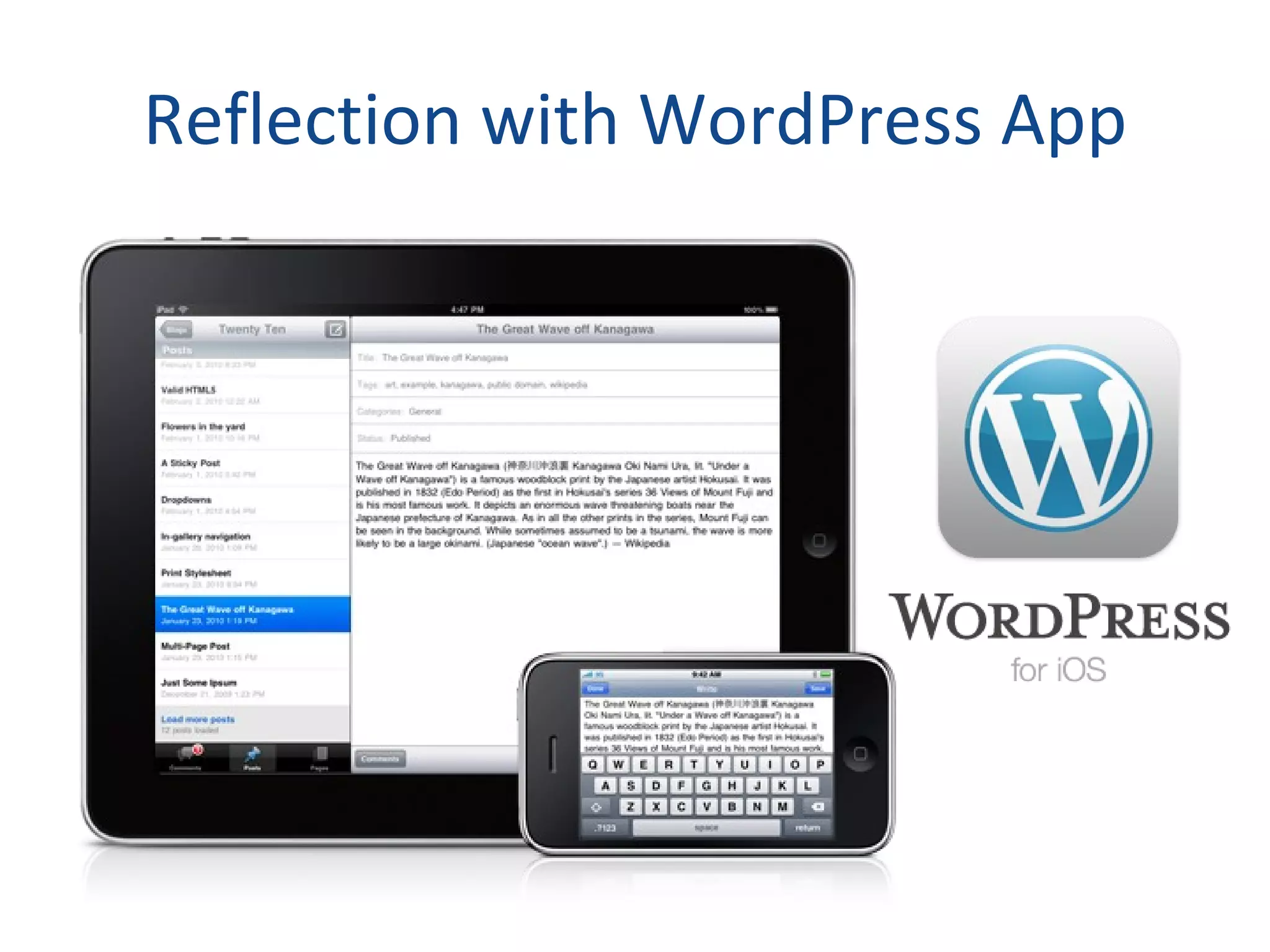
Reflection with WordPress App
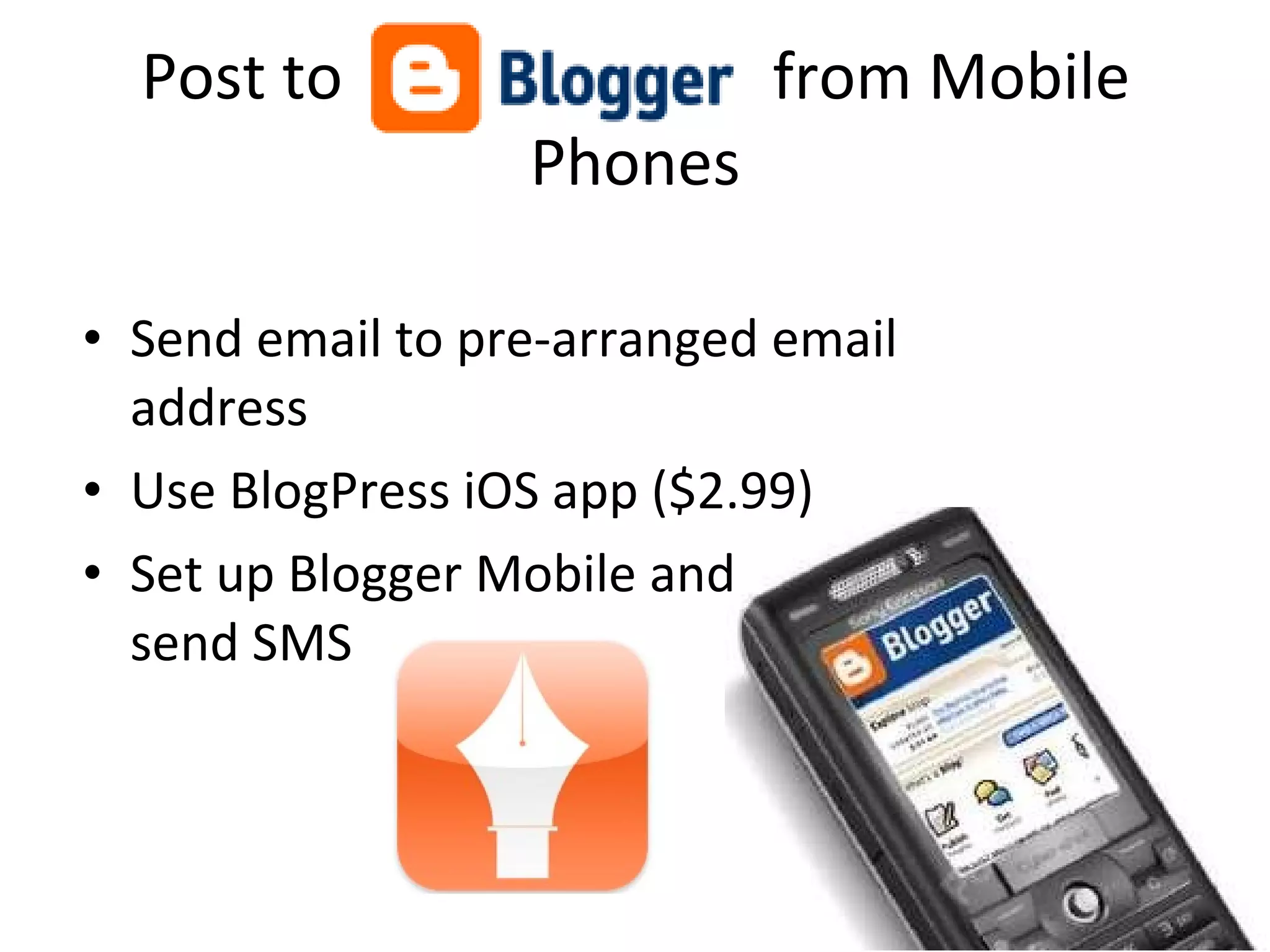
Post to  from Mobile Phones Send email to pre-arranged email address Use BlogPress iOS app ($2.99) Set up Blogger Mobile and  send SMS
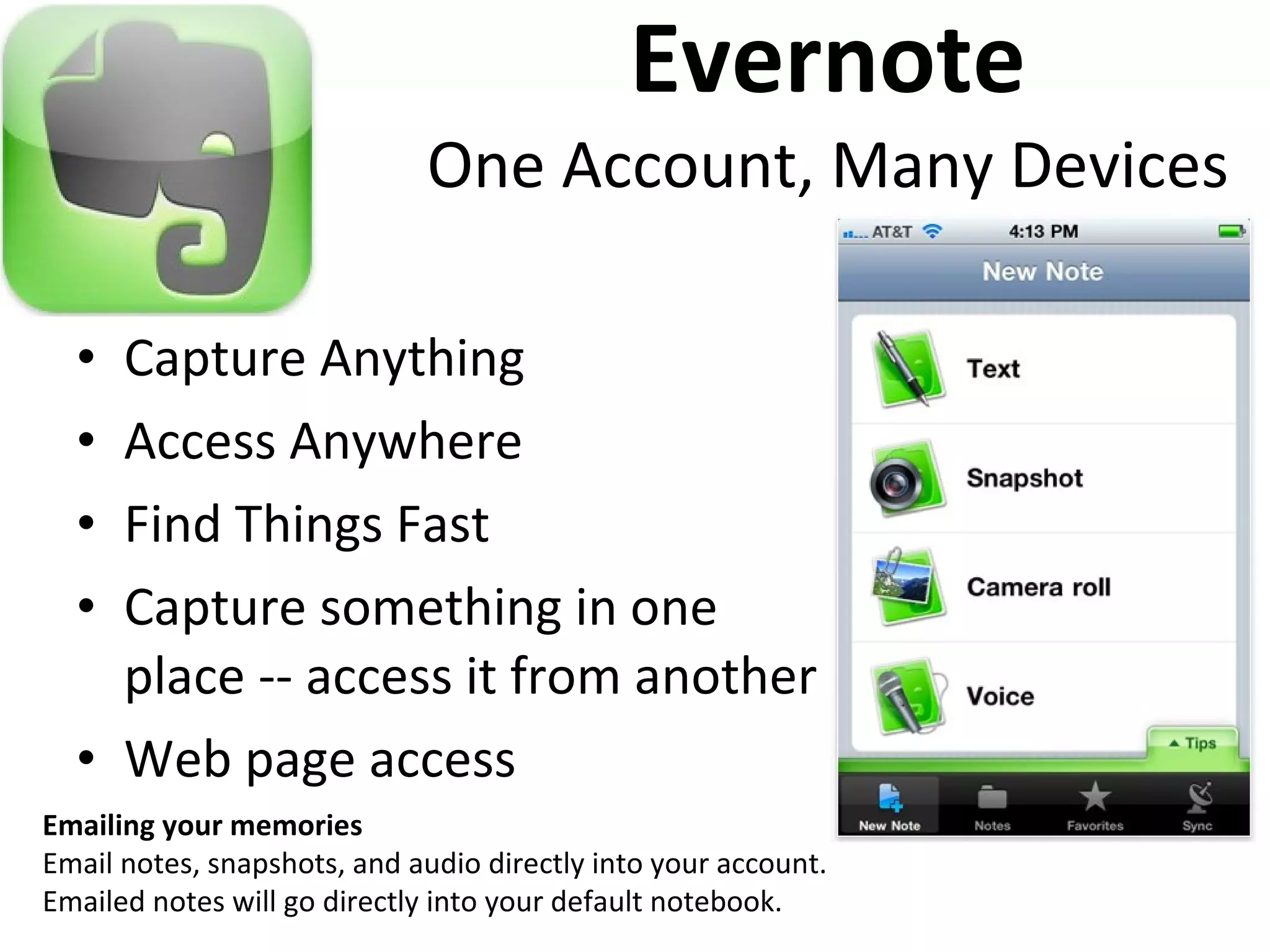
Evernote One Account, Many Devices Capture Anything Access Anywhere Find Things Fast Capture something in one place -- access it from another Web page access Emailing your memories Email notes, snapshots, and audio directly into your account. Emailed notes will go directly into your default notebook.
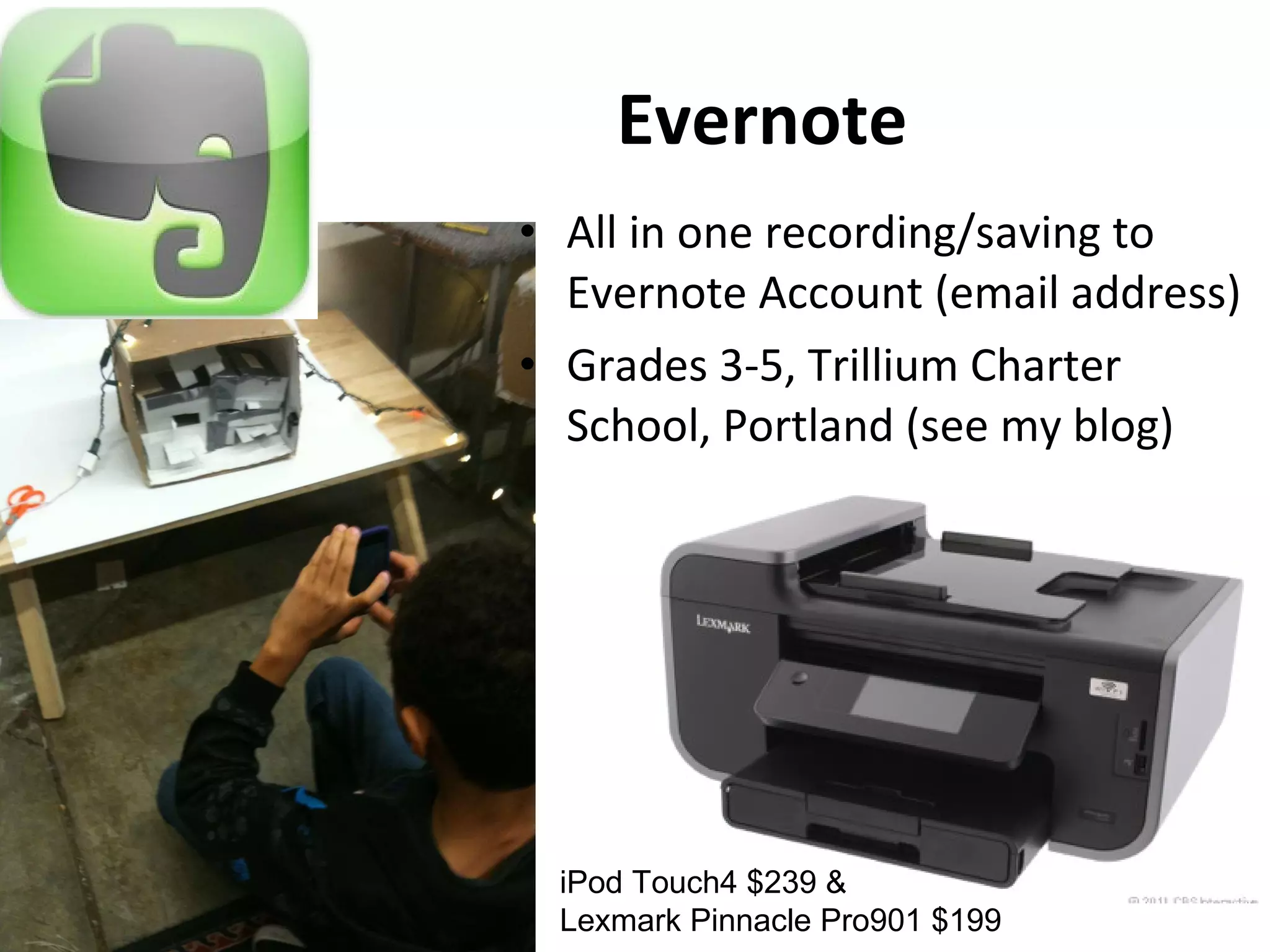
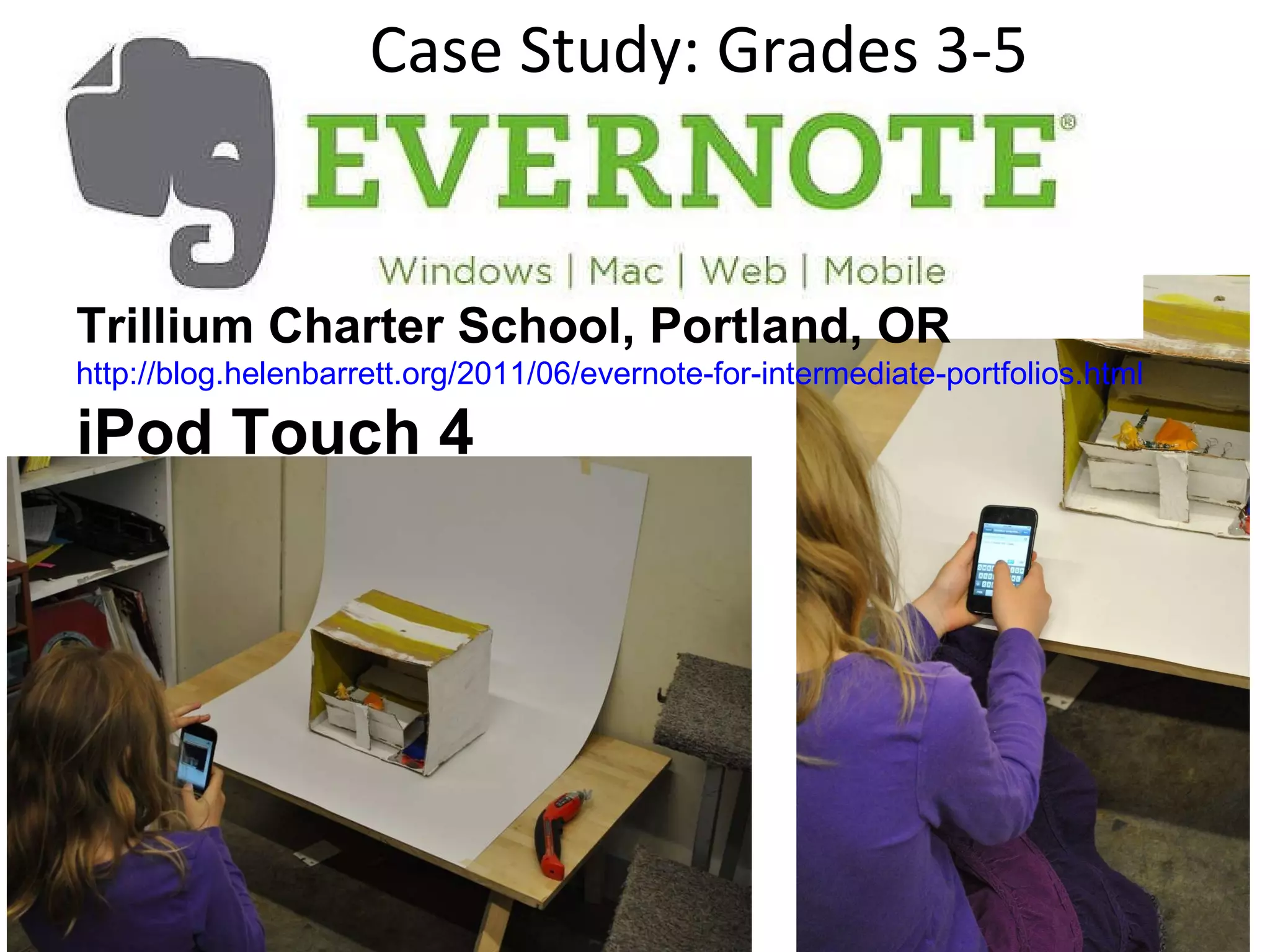
Evernote All in one recording/saving to Evernote Account (email address) Grades 3-5, Trillium Charter School, Portland (see my blog) iPod Touch4 $239 &  Lexmark Pinnacle Pro901 $199
Case Study: Grades 3-5 Trillium Charter School, Portland, OR http://blog.helenbarrett.org/2011/06/evernote-for-intermediate-portfolios.html   iPod Touch 4
Level 3: Primary Purpose: Showcase/Accountability Showcase
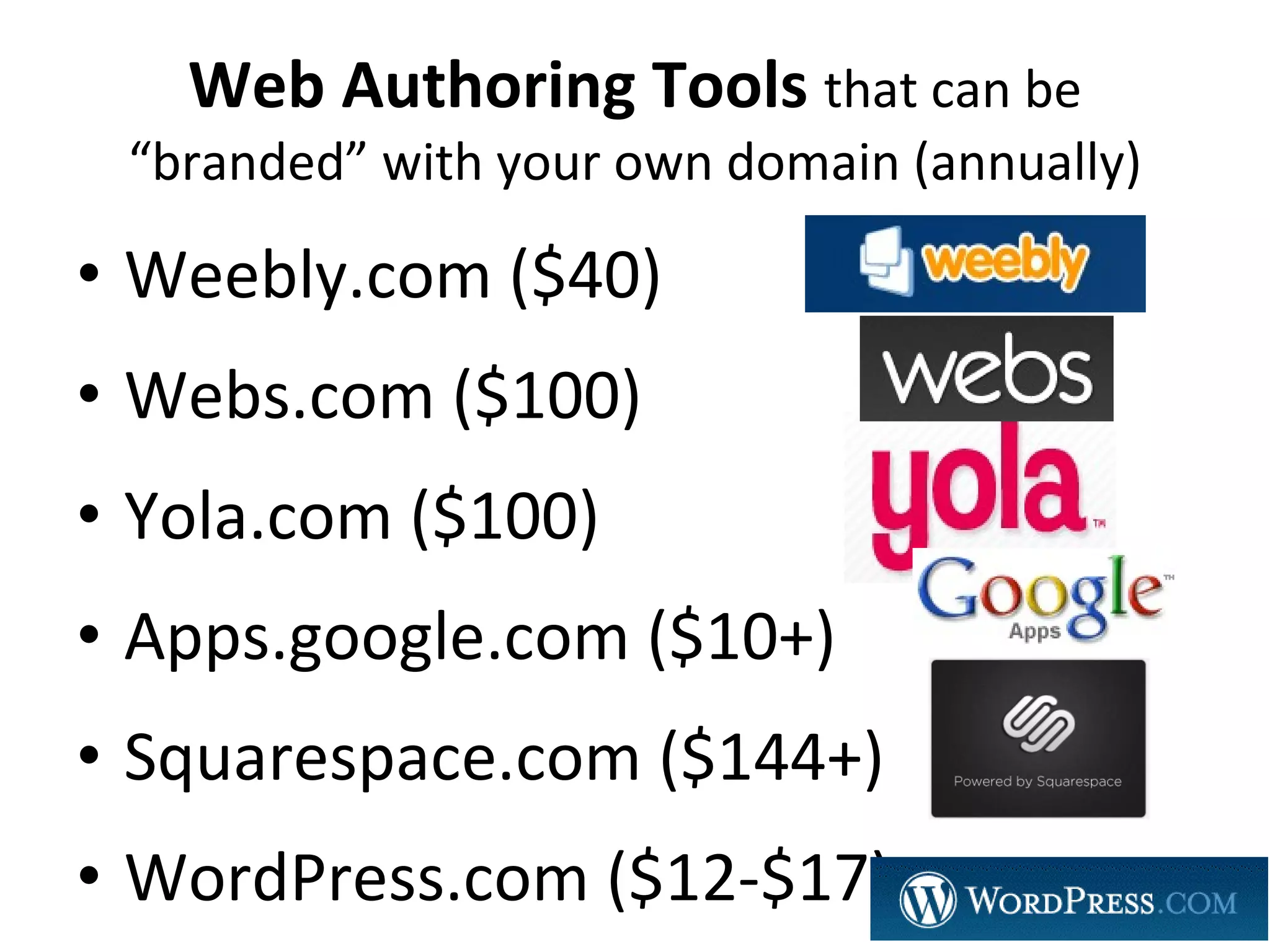
Web Authoring Tools  that can be “branded” with your own domain (annually) Weebly.com ($40) Webs.com ($100) Yola.com ($100) Apps.google.com ($10+) Squarespace.com ($144+) WordPress.com ($12-$17)
Why? Integrated EcoSystem Single Sign-On Walled Garden Transferable
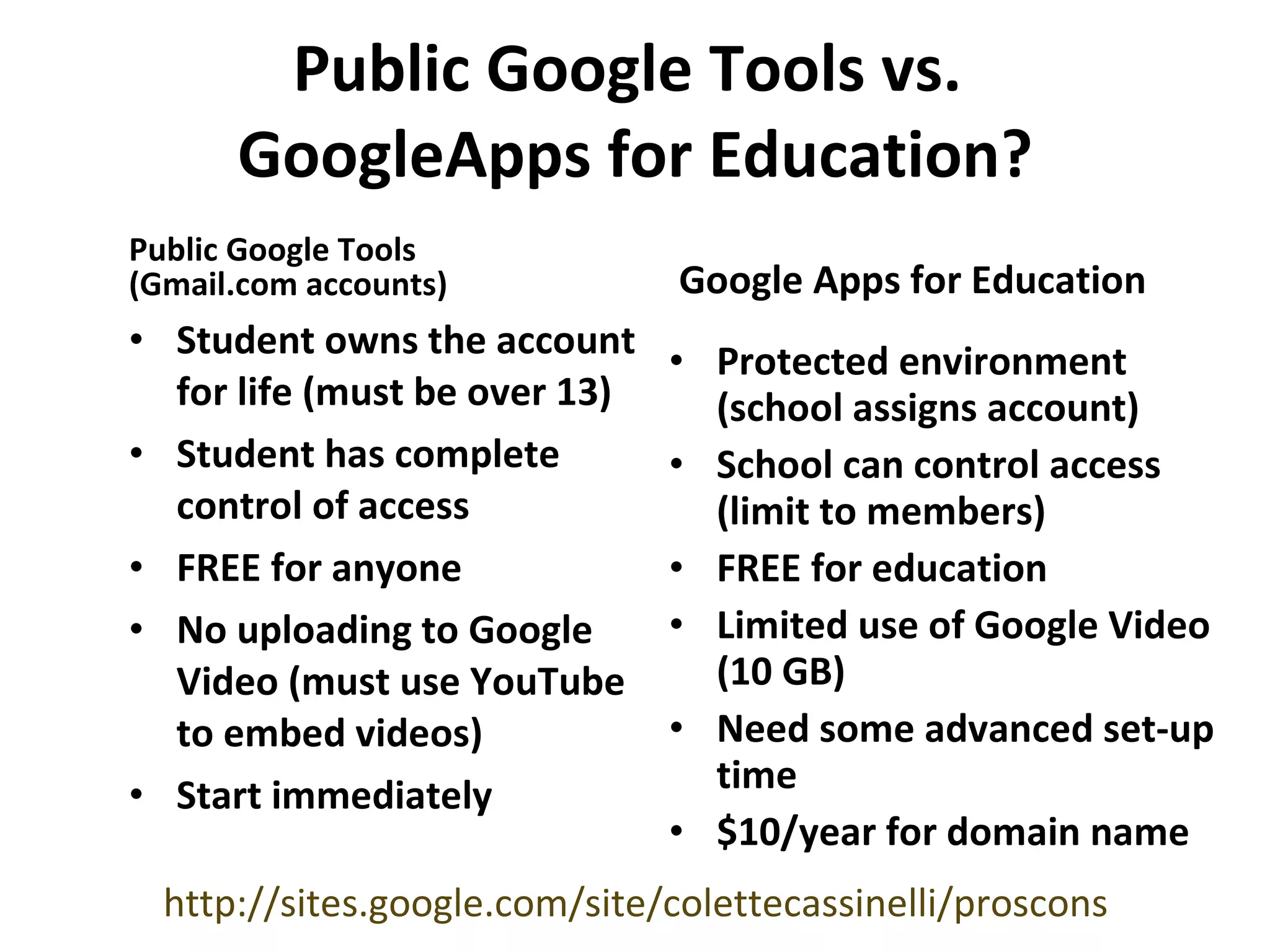
Public Google Tools vs.  GoogleApps for Education? Public Google Tools  (Gmail.com accounts) Google Apps for Education Student owns the account for life (must be over 13) Student has complete control of access FREE for anyone No uploading to Google Video (must use YouTube to embed videos) Start immediately Protected environment (school assigns account) School can control access (limit to members) FREE for education Limited use of Google Video (10 GB) Need some advanced set-up time $10/year for domain name http://sites.google.com/site/colettecassinelli/proscons
Using Google Apps diagram
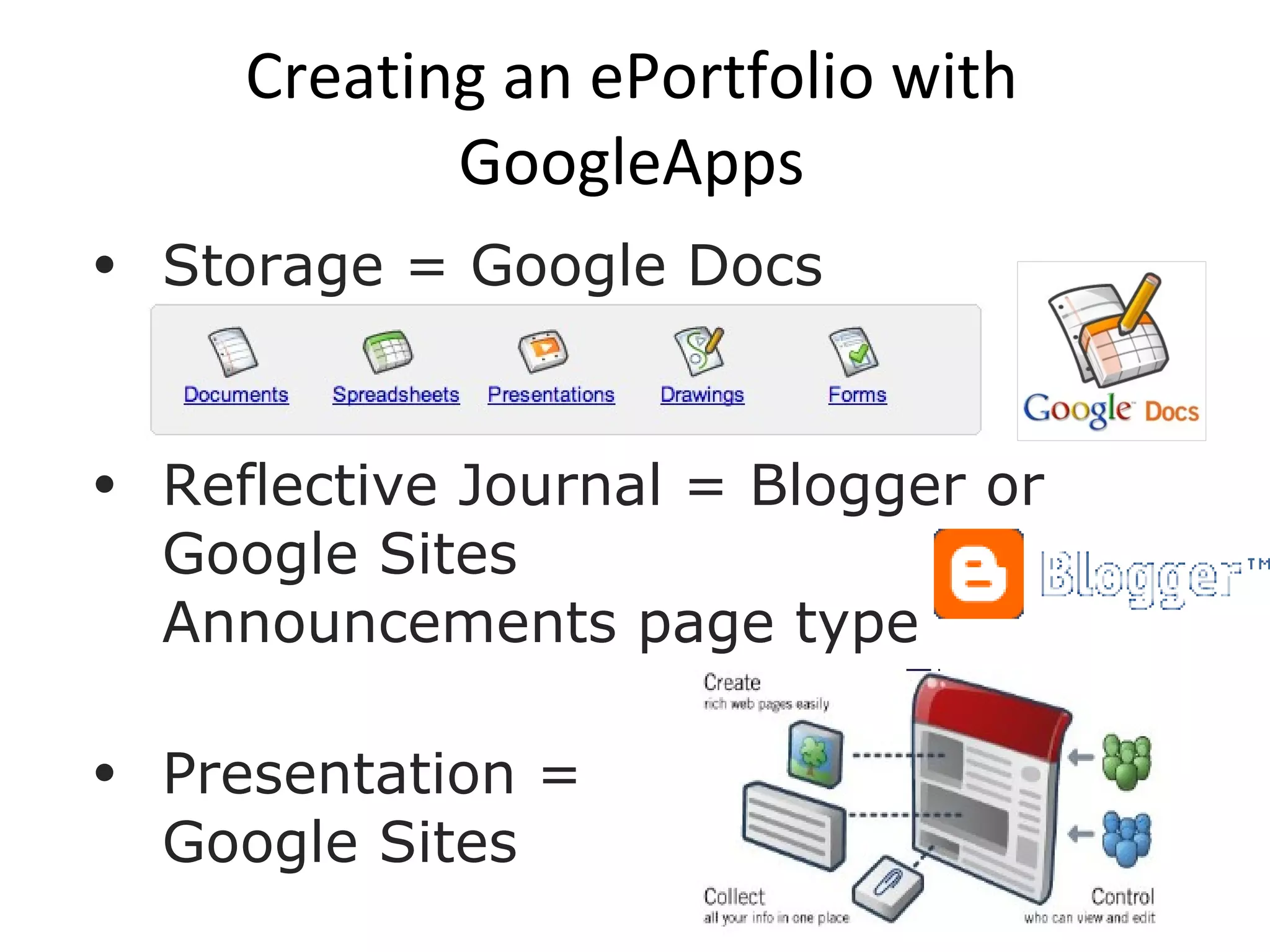
Creating an ePortfolio with GoogleApps Storage = Google Docs Reflective Journal = Blogger or Google Sites  Announcements page type  Presentation =  Google Sites
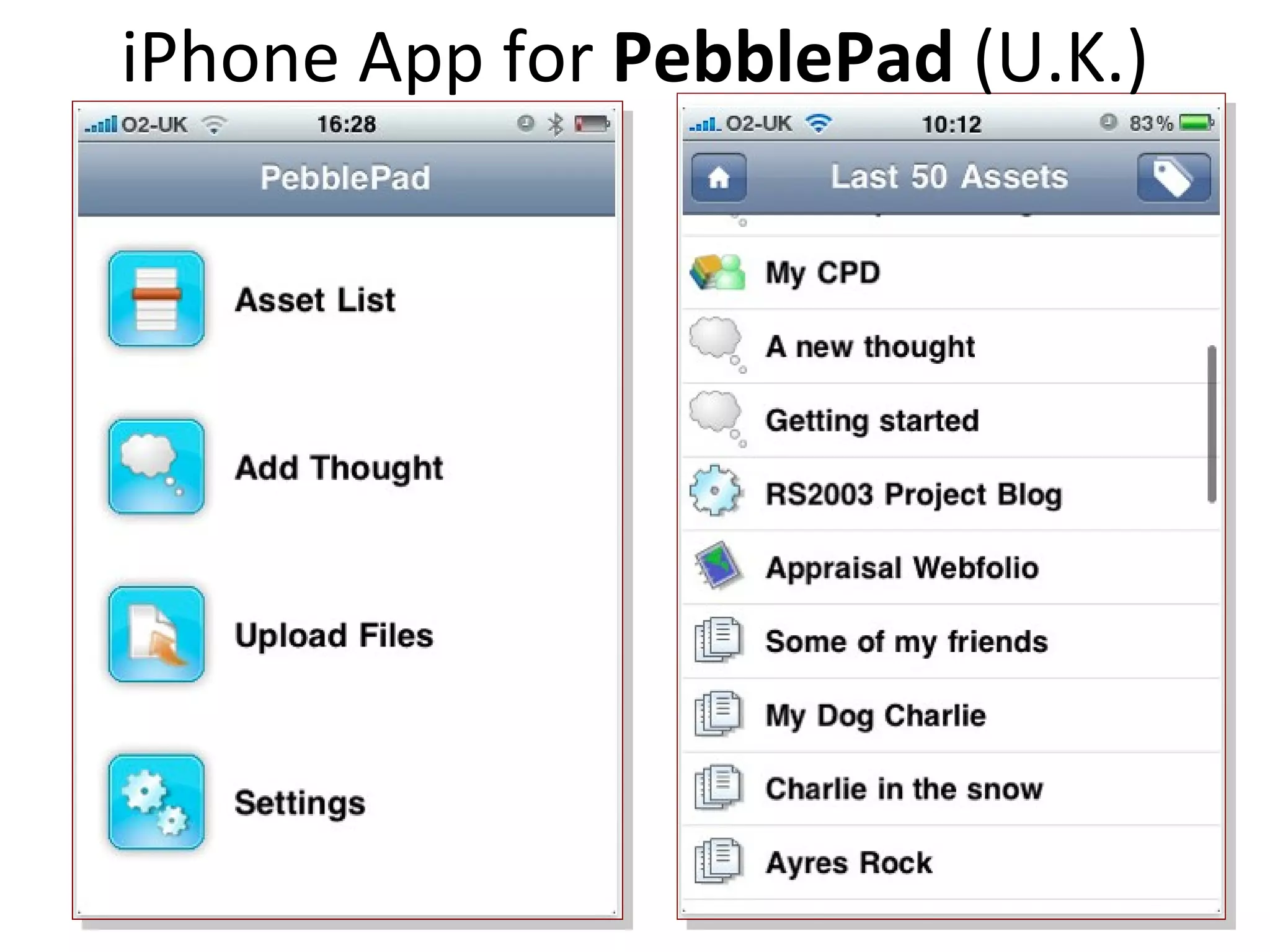
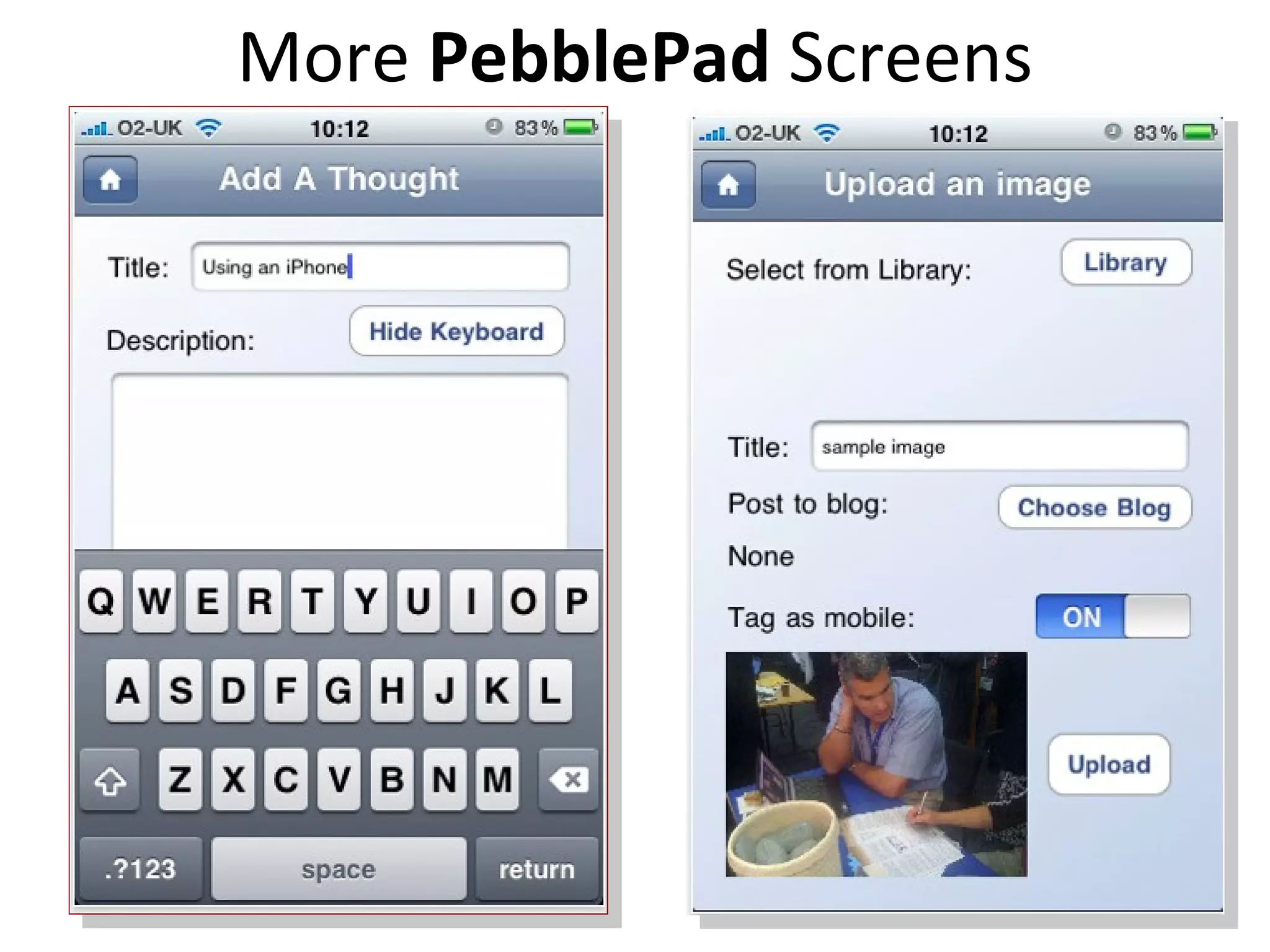
iPhone App for  PebblePad  (U.K.)
More  PebblePad  Screens
Successful ePortfolio Process: Develop multimedia  artifacts  through  Project-Based Learning  with Docs  &  Learning with Laptops  Engage students in  reflection  to facilitate deep learning through… Digital storytelling  Journal/Blog & Presentation Portfolio  –  Workspace + Showcase
3 Levels of My Portfolio My website (where most artifacts are stored) http://electronicportfolios.org/  PDF version from 2000:  http://electronicportfolios.org/samples/ My Blog = My Reflective Journal (Blogger)  http://blog.helenbarrett.org/ My Professional/Presentation Portfolio (Google Sites)  http://sites.helenbarrett.net/
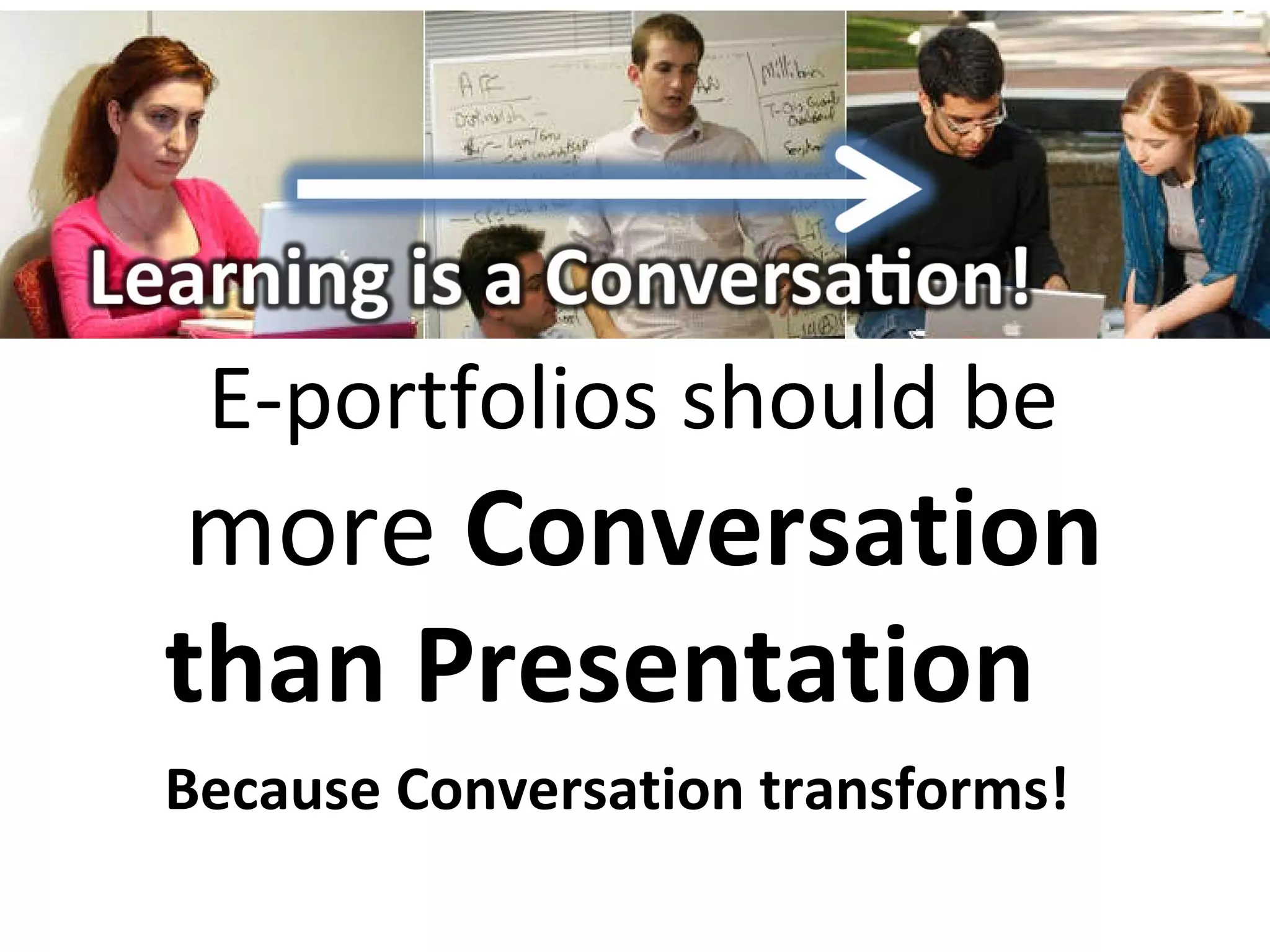
E-portfolios should be  more  Conversation than Presentation Because Conversation transforms!
Help students find their Purpose and Passion through Reflection &  Goal-Setting in E-Portfolio Development
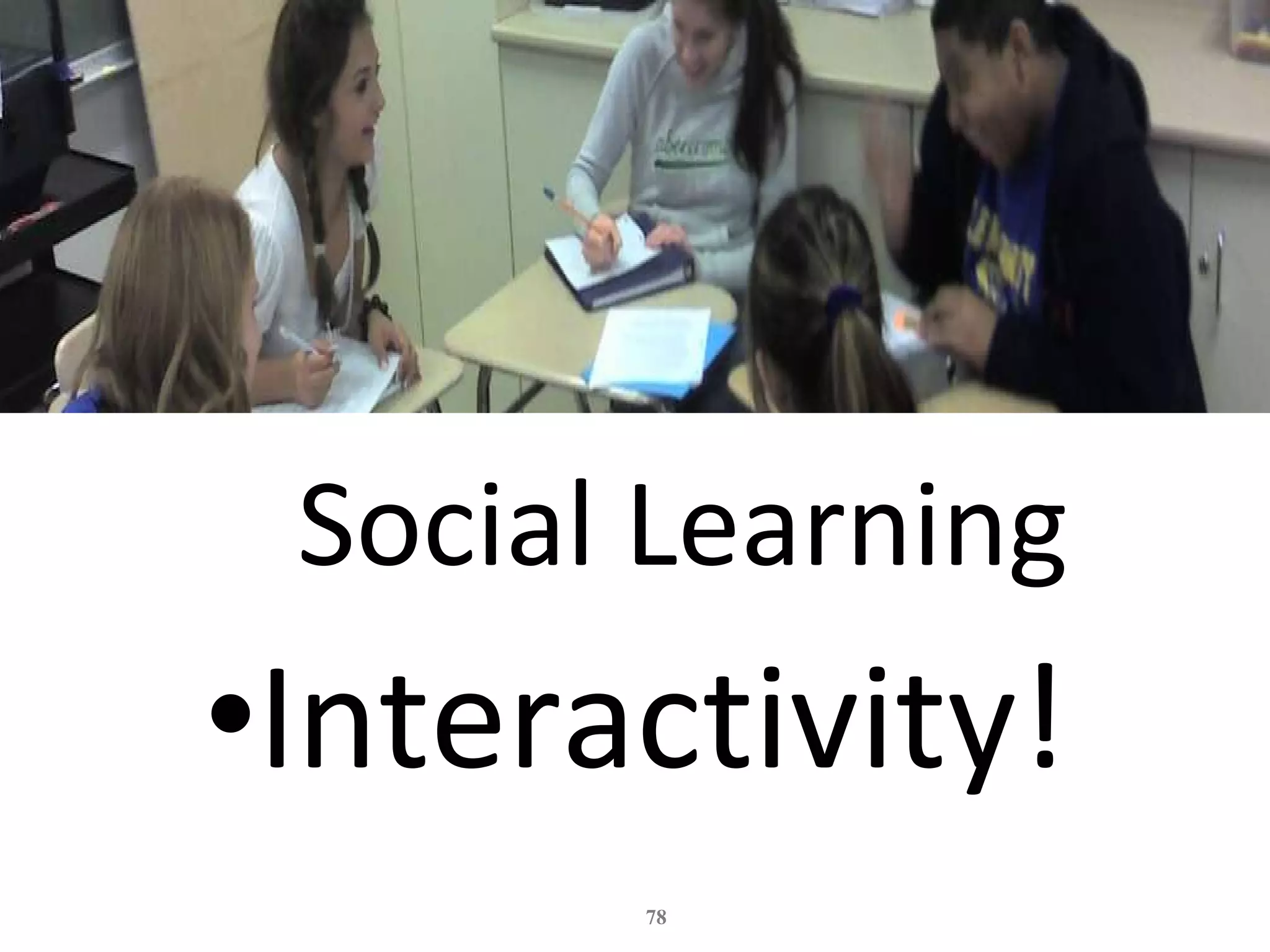
Social Learning Interactivity!
EXAMPLES Online Portfolios & Blogs
GOOGLE SITE REFLECTIVE PORTFOLIO FOR EVIDENCE OF STUDENT PERFORMANCE Dr. Cynthia Lucena College of Education University of Puerto Rico Río Piedras Campus [email_address]
Student examples Hunter Park Kindergarten & Abigail's E-Profile (NZ) – Blogger Kim Cofino’s 6 th  graders (Japan) - Blogger Pt. England School (NZ) - Blogger Ryan’s Senior Project (US) – Google Sites My Google Sites Presentation Portfolio
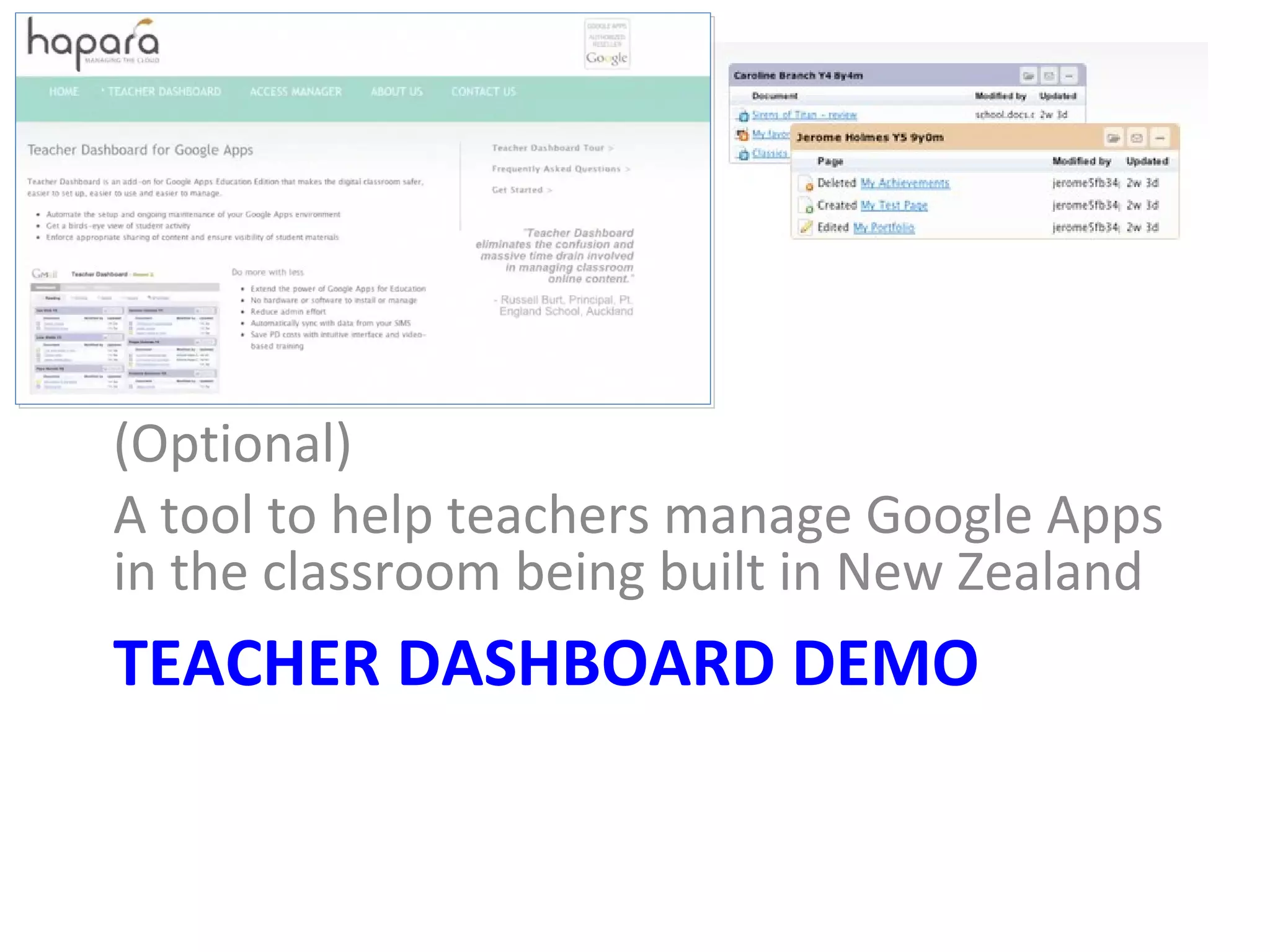
TEACHER DASHBOARD DEMO (Optional) A tool to help teachers manage Google Apps in the classroom being built in New Zealand http://hapara.com/
REAL *   ePortfolio Academy  for K-12 Teachers * R eflection E ngagement A ssessment  for L earning
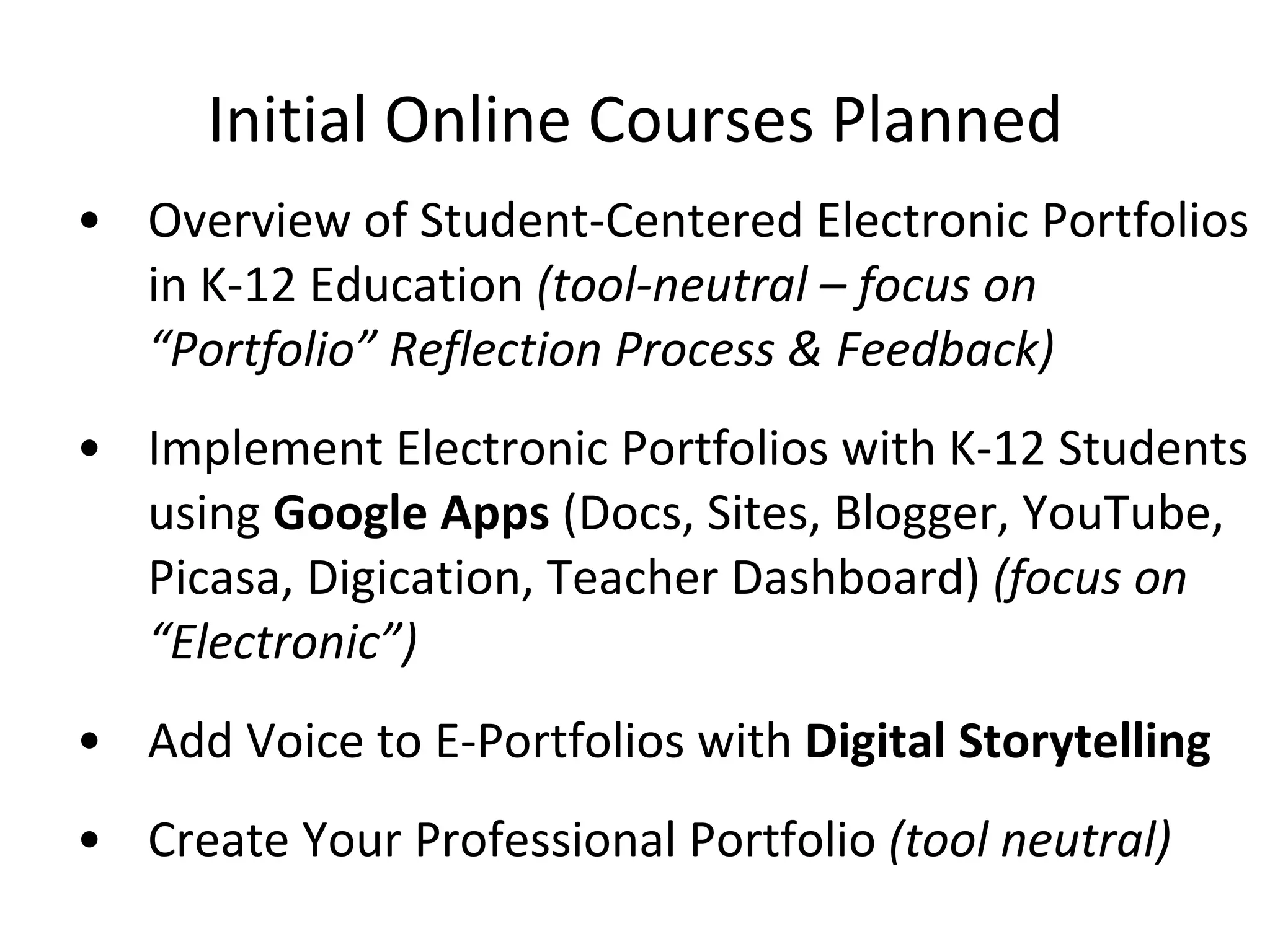
Initial Online Courses Planned Overview of Student-Centered Electronic Portfolios in K-12 Education  (tool-neutral – focus on “Portfolio” Reflection Process & Feedback) Implement Electronic Portfolios with K-12 Students using  Google Apps  (Docs, Sites, Blogger, YouTube, Picasa, Digication, Teacher Dashboard)  (focus on “Electronic”) Add Voice to E-Portfolios with  Digital Storytelling Create Your Professional Portfolio  (tool neutral)
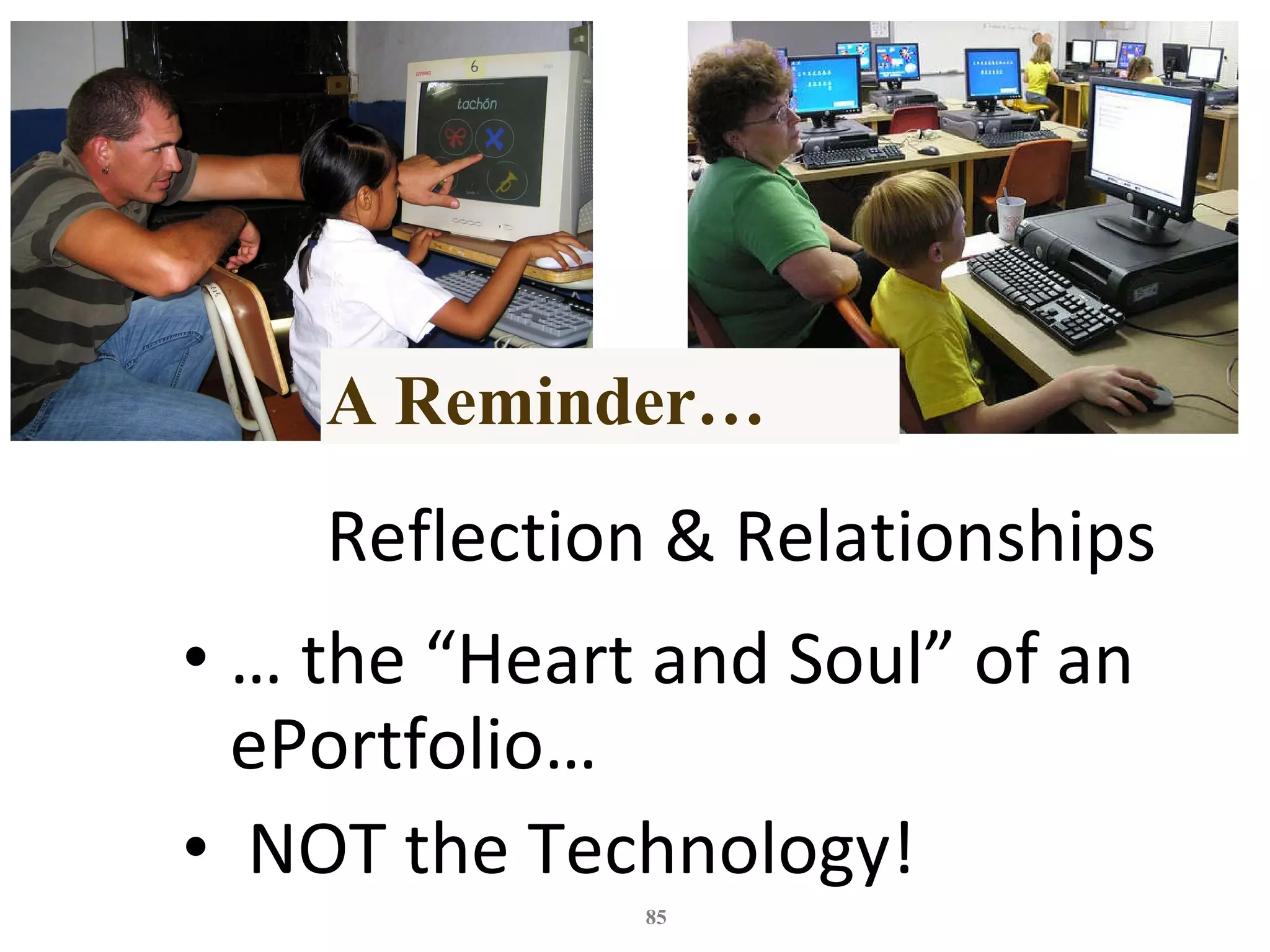
Reflection & Relationships …  the “Heart and Soul” of an ePortfolio… NOT the Technology! A Reminder…
My Final Wish…
DR. HELEN BARRETT Researcher & Consultant Electronic Portfolios & Digital Storytelling for Lifelong and Life Wide Learning Founding Faculty REAL *  ePortfolio Academy for K-12 Teachers * Reflection, Engagement, Assessment  for  Learning [email_address] http://electronicportfolios.org/ Twitter: @eportfolios http://slideshare.net/eportfolios

Aaeebl boston2011-web2 pm

  • 1.
    Implement ePortfolios K-20with Web 2.0 and Mobile Tools Helen Barrett Cynthia Lucena AAEEBL Conference July 25, 2011 electronicportfolios.org/ slideshare.net/eportfolios/ Hashtag: #eportfolios Account: @eportfolios
  • 2.
    Key Concepts inWorkshop Context & Definitions (What?) Purpose (Why?) Reflection Identity Development Online Branding Mobile Apps (How?) Digital Storytelling Q & A
  • 3.
    WHAT ARE INTERACTIVEPORTFOLIOS? Portfolios using Web 2.0 tools to: reflect on learning in multiple formats showcase work online to multiple audiences dialogue about learning artifacts/reflections provide feedback to improve learning
  • 5.
  • 6.
    Portfolio One Word, Many Meanings Specialty Case Responsibilities Investments Art Work Collection of Artifacts Workspace Showcase
  • 7.
    DEFINITIONS Who wasthe first famous “folio” keeper?
  • 8.
  • 9.
    What is aPortfolio? Dictionary definition: a flat, portable case for carrying loose papers, drawings, etc. Financial portfolio : document accumulation of fiscal capital Educational portfolio : document development of human capital
  • 10.
    +Electronic digital artifactsorganized online combining various media (audio/video/text/images) interactivity/conversation/feedback
  • 11.
    Electronic Portfolios almost two decades (since 1991) used primarily in education to store documents reflect on learning feedback for improvement showcase achievements for accountability or employment
  • 12.
    Social networks last five years store documents and share experiences, showcase accomplishments, communicate and collaborate facilitate employment searches
  • 13.
    Boundaries Blurring (between e-portfolios & social networks) Structured Accountability Systems? or… Lifelong interactive portfolios Mash-ups Flickr YouTube blogs wikis Twitter Picasa Facebook Ning
  • 14.
    Process/Product ePortfolio is both process and product ” Process : A series of events (time and effort) to produce a result - From Old French proces Journey Product : the outcome/results or “thinginess” of an activity/process Destination Wiktionary Portfolio as Workspace Portfolio as Showcase
  • 15.
    Processes Portfolio CollectionSelection Reflection Direction/Goals Presentation Feedback Technology Archiving Linking/Thinking Digital Storytelling Collaborating Publishing Social Networking Connect (“Friending”) Listen (Reading) Respond (Commenting) Share (linking/tagging)
  • 16.
  • 17.
    Discuss! What arethe Engagement Factors in Social networks? How can we build those factors into e-portfolios?
  • 18.
    E-Portfolio Components Multiple Portfolios for Multiple Purposes -Celebrating Learning -Personal Planning -Transition/entry to courses -Employment applications -Accountability/Assessment Multiple Tools to Support Processes -Capturing & storing evidence -Reflecting -Giving & receiving feedback -Planning & setting goals -Collaborating -Presenting to an audience Digital Repository (Becta, 2007; JISC, 2008)
  • 19.
  • 20.
  • 21.
    Multiple Purposes from Hidden Assumptions What are yours? • Showcase • Assessment • Learning • http://www.rsc-northwest.ac.uk/acl/eMagArchive/RSCeMag2008/choosing%20an%20eportfolio/cool-cartoon-346082.png
  • 22.
    Digital Identity Creatinga positive digital footprint
  • 23.
    Purpose The overarchingpurpose of portfolios is to create a sense of personal ownership over one’s accomplishments, because ownership engenders feelings of pride, responsibility, and dedication . (p.10) Paris, S & Ayres, L. (1994) Becoming Reflective Students and Teachers . American Psychological Association
  • 24.
    Passion and Self-DirectedLearning Lisa Nielsen’s “The Innovative Educator” blog entries: Preparing Students for Success by Helping Them Discover and Develop Their Passions (Renzulli’s Total Talent Portfolio) 10 Ways Technology Supports 21st Century Learners in Being Self Directed http://theinnovativeeducator.blogspot.com/
  • 25.
    “ Know Thyself”Temple at Delphi
  • 26.
    Managing Oneself “Success in the knowledge economy comes to those who know themselves – their strengths, their values, and how best they perform.” Purpose: Use ePortfolios for managing knowledge workers' career development What are my strengths? How do I perform? What are my values? Where do I belong? What should I contribute? Responsibility for Relationships The Second Half of your Life Peter Drucker, (2005) Harvard Business Review
  • 27.
    Reflection Source: http://peterpappas.blogs.com/copy_paste/2010/01/taxonomy-reflection-critical-thinking-students-teachers-principals-.html Based on Bloom’s Taxonomy (Revised)
  • 28.
    Self-Regulated Learning Abrami,P., et. al. (2008), Encouraging self-regulated learning through electronic portfolios. Canadian Journal of Learning and Technology, V34(3) Fall 2008. http://www.cjlt.ca/index.php/cjlt/article/viewArticle/507/238 Bl o g Mobiles Web Sites Blog Pages Captions/Journals
  • 29.
    Deep Learning involvesreflection, is developmental, is integrative, is self-directive, and is lifelong Cambridge (2004)
  • 30.
    The Learning CycleDavid Kolb from Dewey, Piaget, Lewin, adapted by Zull
  • 31.
    Experiential Learning ModelLewin/Kolb with adaptations by Moon and Zull Try out what you have learned Learn from the experience Reflect on the experience Have an experience Practice Metacognition
  • 32.
    “ metacognition liesat the root of all learning” “… self-knowledge, awareness of how and why we think as we do, and the ability to adapt and learn, are critical to our survival as individuals…” James Zull (2011) From Brain to Mind: Using Neuroscience to Guide Change in Education (Stylus Publishers)
  • 33.
    Action -> Discovery-> Joy Action and Exploration lead to Discovery Discovery leads to Joy “ The ultimate outcome of the journey is to understand our own understanding.” (p.15) (metacognition) “ Emotional links generate motivation… The brain rewards itself with joy.” (p.17) Zull (2011) From Brain to Mind: Using Neuroscience to Guide Change in Education . Stylus Publishing
  • 34.
  • 35.
    Balancing the TwoFaces of E-Portfolios Working Portfolio Digital Archive (Repository of Artifacts) Collaboration Space Reflective Journal Portfolio as Process Workspace Presentation Portfolio(s) The “Story” or Narrative Multiple Views (public/private) Varied Audiences & Purposes Portfolio as Product Showcase Docs Sites Blog
  • 36.
  • 37.
  • 38.
    Structure of E-PortfolioTypes Portfolio as Process / Workspace Organization: Chronological – Documenting growth over time for both internal and external audiences Primary Purpose: Learning or Reflection Reflection: immediate focus on artifact or learning experience Portfolio as Product / Showcase Organization: Thematic – Documenting achievement of Standards, Goals or Learning Outcomes for primarily external audiences Primary Purpose: Accountability or Employment or Showcase Reflection: retrospective focus on Standards, Goals or Learning Outcomes (Themes) blog website mobiles
  • 39.
  • 40.
  • 41.
    IS THE FUTUREOF E-PORTFOLIO DEVELOPMENT IN YOUR POCKET? “ Capture the Moment” with iOS, Android devices
  • 42.
    Categories of Toolshttp://electronicportfolios.org/categories.html
  • 43.
    Matching Portfolio Purposeto Portfolio Tools Purposes Strategies Processes Tools Learning/Process Projects Collection Reflection Capture Experience Journal/Blog Productivity Tools Mobile tools? Showcase/ Employment/ College Selection Presentation Website/Wiki/Social Network Assessment/ Accountability Evaluation (Self & Teacher) Evidence w/Rubrics Database Excel
  • 44.
    Mobile Touch: A Guide to Implementing Mobile E-learning in Your Organisation
  • 45.
    Mobile Year inReview 2010 http://www.youtube.com/watch?v=6mCkbrYKQyI
  • 46.
    Capture the Momentwith Mobile Phones SMS messages Twitter posts Facebook updates Camera Still video
  • 47.
    Why Mobile isa Must Kids today are captivated by the personalization and socialization of online tools--the ability to build large networks of friends; share their thoughts, feelings, and goals; and communicate as they wish. …And not only is it possible, it's possible anytime and anywhere, via a plethora of devices and widely available cellular and WiFi networks. The upshot is, these digital natives now have in their hands the tools to shape their own education in once unimagined ways. They have the ability to interact with other learners at their convenience, with differences in time and place presenting no hurdle. They can research, on the spot, any topic of interest. And they can capture the moment , whether it's in a picture, a video, or a blog entry. -- Mary McCaffrey “Why Mobile is a Must” T.H.E. Journal http://thejournal.com/articles/2011/02/08/why-mobile-is-a-must.aspx
  • 48.
    Posted on ePortfolioConversations Google Group: Question: How to collect evidence of informal learning rather than formal education. Response: "Start with SMS [on mobile phones] - it’s the morse code of the present generation... and it works.”
  • 49.
    What functions canbe achieved with mobile phones for each of these processes? Capturing & storing evidence - this evidence of learning can be in the form of text, images, audio or video Reflecting - “the heart and soul of a portfolio” - this reflection could be captured in real time in different formats: writing, voice capture (and voice-to-text conversion), video capture and digital stories Giving & receiving feedback - one of the most effective uses of a portfolio is to review a learner’s work and providing feedback for improvement Planning & setting goals - a very important part of the portfolio process is personal development planning and setting goals for achievement Collaborating - learning is a social activity - technology provides new forms of collaboration Presenting to an audience - at specific points in the learning process, a learner may put together a presentation of their learning outcomes for an audience, either real or virtual
  • 50.
    Mobile Web isbecoming the Personal Learning Environment of the “Net Generation” Learning that is… Social and Participatory Lifelong and Life Wide Increasingly Self-Directed Motivating and Engaging … and Online all the time!
  • 51.
  • 52.
    Speak-to-Tweet SayNow.com boughtby Google, January 25, 2011
  • 53.
  • 54.
    Level 1 Workspace: Collection in the Cloud
  • 55.
    CAPTURE THE MOMENTWith iOS (iPod Touch, iPhone, iPad) Text Images Audio Video
  • 56.
    Integrate file storage with computer and website Hyperlink to files in Public folder! Try it!
  • 57.
    Dropbox Apps PlainTextDropVox Records audio (.m4a) and sends it directly to your Dropbox account Creates plain text file (.txt) and saves directly to Dropbox account. Can create folders.
  • 58.
    Dragon Dictation Voicerecognition Share in many ways
  • 59.
    Level 2 Workspace:Learning/Reflection
  • 60.
    Blogging* by eMail*the act of sharing yourself Tumblr Posterous Set up account on website Send email to: myaccount .tumblr.com iPhone App Call in your posts for audio post to blog Cross-post to Facebook & Twitter Just email to post@posterous.com iPhone App Cross-post to Facebook & Twitter
  • 61.
  • 62.
    Post to from Mobile Phones Send email to pre-arranged email address Use BlogPress iOS app ($2.99) Set up Blogger Mobile and send SMS
  • 63.
    Evernote One Account,Many Devices Capture Anything Access Anywhere Find Things Fast Capture something in one place -- access it from another Web page access Emailing your memories Email notes, snapshots, and audio directly into your account. Emailed notes will go directly into your default notebook.
  • 64.
    Evernote All inone recording/saving to Evernote Account (email address) Grades 3-5, Trillium Charter School, Portland (see my blog) iPod Touch4 $239 & Lexmark Pinnacle Pro901 $199
  • 65.
    Case Study: Grades3-5 Trillium Charter School, Portland, OR http://blog.helenbarrett.org/2011/06/evernote-for-intermediate-portfolios.html iPod Touch 4
  • 66.
    Level 3: PrimaryPurpose: Showcase/Accountability Showcase
  • 67.
    Web Authoring Tools that can be “branded” with your own domain (annually) Weebly.com ($40) Webs.com ($100) Yola.com ($100) Apps.google.com ($10+) Squarespace.com ($144+) WordPress.com ($12-$17)
  • 68.
    Why? Integrated EcoSystemSingle Sign-On Walled Garden Transferable
  • 69.
    Public Google Toolsvs. GoogleApps for Education? Public Google Tools (Gmail.com accounts) Google Apps for Education Student owns the account for life (must be over 13) Student has complete control of access FREE for anyone No uploading to Google Video (must use YouTube to embed videos) Start immediately Protected environment (school assigns account) School can control access (limit to members) FREE for education Limited use of Google Video (10 GB) Need some advanced set-up time $10/year for domain name http://sites.google.com/site/colettecassinelli/proscons
  • 70.
  • 71.
    Creating an ePortfoliowith GoogleApps Storage = Google Docs Reflective Journal = Blogger or Google Sites Announcements page type Presentation = Google Sites
  • 72.
    iPhone App for PebblePad (U.K.)
  • 73.
  • 74.
    Successful ePortfolio Process:Develop multimedia artifacts through Project-Based Learning with Docs & Learning with Laptops Engage students in reflection to facilitate deep learning through… Digital storytelling Journal/Blog & Presentation Portfolio – Workspace + Showcase
  • 75.
    3 Levels ofMy Portfolio My website (where most artifacts are stored) http://electronicportfolios.org/ PDF version from 2000: http://electronicportfolios.org/samples/ My Blog = My Reflective Journal (Blogger) http://blog.helenbarrett.org/ My Professional/Presentation Portfolio (Google Sites) http://sites.helenbarrett.net/
  • 76.
    E-portfolios should be more Conversation than Presentation Because Conversation transforms!
  • 77.
    Help students findtheir Purpose and Passion through Reflection & Goal-Setting in E-Portfolio Development
  • 78.
  • 79.
  • 80.
    GOOGLE SITE REFLECTIVEPORTFOLIO FOR EVIDENCE OF STUDENT PERFORMANCE Dr. Cynthia Lucena College of Education University of Puerto Rico Río Piedras Campus [email_address]
  • 81.
    Student examples HunterPark Kindergarten & Abigail's E-Profile (NZ) – Blogger Kim Cofino’s 6 th graders (Japan) - Blogger Pt. England School (NZ) - Blogger Ryan’s Senior Project (US) – Google Sites My Google Sites Presentation Portfolio
  • 82.
    TEACHER DASHBOARD DEMO(Optional) A tool to help teachers manage Google Apps in the classroom being built in New Zealand http://hapara.com/
  • 83.
    REAL * ePortfolio Academy for K-12 Teachers * R eflection E ngagement A ssessment for L earning
  • 84.
    Initial Online CoursesPlanned Overview of Student-Centered Electronic Portfolios in K-12 Education (tool-neutral – focus on “Portfolio” Reflection Process & Feedback) Implement Electronic Portfolios with K-12 Students using Google Apps (Docs, Sites, Blogger, YouTube, Picasa, Digication, Teacher Dashboard) (focus on “Electronic”) Add Voice to E-Portfolios with Digital Storytelling Create Your Professional Portfolio (tool neutral)
  • 85.
    Reflection & Relationships… the “Heart and Soul” of an ePortfolio… NOT the Technology! A Reminder…
  • 86.
  • 87.
    DR. HELEN BARRETTResearcher & Consultant Electronic Portfolios & Digital Storytelling for Lifelong and Life Wide Learning Founding Faculty REAL * ePortfolio Academy for K-12 Teachers * Reflection, Engagement, Assessment for Learning [email_address] http://electronicportfolios.org/ Twitter: @eportfolios http://slideshare.net/eportfolios

Editor's Notes

  • #7 Adjectives to describe purpose
  • #10 What is a portfolio? Some people think about their investments. But the dictionary provides this definition: a flat, portable case for carrying loose papers, drawings, etc. A portfolio in education is a purposeful collection of work that demonstrates efforts, progress and achievement in one or more areas over time. Portfolios in education have traditionally been collections of papers, often stored in a notebook or file folder.
  • #12 Electronic Portfolios have been with us for almost two decades (since 1991) used primarily in education to store documents and reflect on learning, provide feedback for improvement, and showcase achievements for accountability or employment. As defined in a JISC publication, Effective Practices with e-portfolios: The e-portfolio is the central and common point for the student experience… It is a reflection of the student as a person undergoing continuous personal development , not just a store of evidence. (Geoff Rebbeck, e-Learning Coordinator, Thanet College, quoted in JISC, 2008, Effective Practice with e-Portfolios)
  • #13 How is social networking impacting ePortfolio development? It is having a huge impact on our social and political world! Social networks have emerged over the last five years, and are used by individuals and groups to store documents and share experiences, showcase accomplishments, communicate and collaborate with friends and family, and, in some cases, facilitate employment searches. [Erin’s story – Messiah – feedback immediate.]
  • #14 The boundaries are blurring between eportfolios and social networks. As we consider the potential of lifelong e-portfolios, will they resemble the structured accountability systems that are currently being implemented in many educational institutions? Or are we beginning to see lifelong interactive portfolios emerging as… mash-ups in the Web 2.0 cloud, using Blogs or wikis or Twitter, Facebook or Ning, Flickr or Picasa or YouTube, etc.?
  • #16 The traditional portfolio literature identifies the processes shown in the left column. The value-added of technology shows in the right column. Social Networking is added in the middle. First, we have the collection process; with technology, that leads to creating a digital archive of the work. The second step involves selecting specific pieces or work from the collection to demonstrate a particular outcome, goal or standard. With technology, that process is done by creating a hyperlink to the documents in the archive. Some researchers have found that the process of hyperlinking may lead to higher levels of thinking about learning, or meta-cognitioin. The process of reflection helps the learner construct meaning from the work they have selected, and technology creates new models of storytelling to help with that meaning-making. Direction is setting goals for the future, and celebration is a formal exhibition before an audience, either real or virtual. Technology creates new opportunities for collaborating and publishing, especially with Web 2.0 tools. Social networks involve…
  • #18 So I’d like you to think: What are the engagement factors that drive the use of social networks and how can we incorporate those factors into ePortfolios?
  • #19 This diagram of the components of an e-portfolio system was developed for an e-portfolio research report published in 2007 by Becta in the U.K. This diagram shows some major distinctions: between the collection of work (the archive of evidence) on the bottom, the various presentations of a subset of that work (what we think of as multiple portfolios, depending on purpose and audience) on the top and the various tools used to mediate the process, in the middle.
  • #21 Portfolios in Formal Education: Exploring Personal and Professional Identity Building a Professional Online Brand.
  • #26 Who knows what this means?
  • #27 Success in the knowledge economy comes to those who know themselves – their strengths, their values, and how best they perform.
  • #28 Reflection = higher retention (SPU’s iTunesU videos)
  • #33 In his newest book still to be released, called From Brain to Mind: Using Neuroscience to Guide Change in Education, coming out in May
  • #35 How do we implement ePortfolios in a manner that engages students and helps achieve the purposes?
  • #36 There is a difference between the building blocks of a Personal Learning Environment [PLE} often called the working portfolio, and a particular story that is told to a specific audience -- often called a presentation portfolio. The working portfolio is the repository or the digital archive of the artifacts. A working portfolio also includes a lot of personal information about a learner, and may also include a reflective journal, sometimes called a blog if it is stored online. The presentation portfolio is the narrative or the story that the portfolio tells. There may be multiple views, both private or public, for various audiences and for various purposes. With the current approach to electronic portfolios, the digital archive and the presentation tool are most often combined in a single system.
  • #38 Japanese!
  • #40 We have witnessed a revolution in mobile computing this year with the iPad. But most of the world has plain mobile phone.
  • #41 Common Tools vs. Proprietary systems
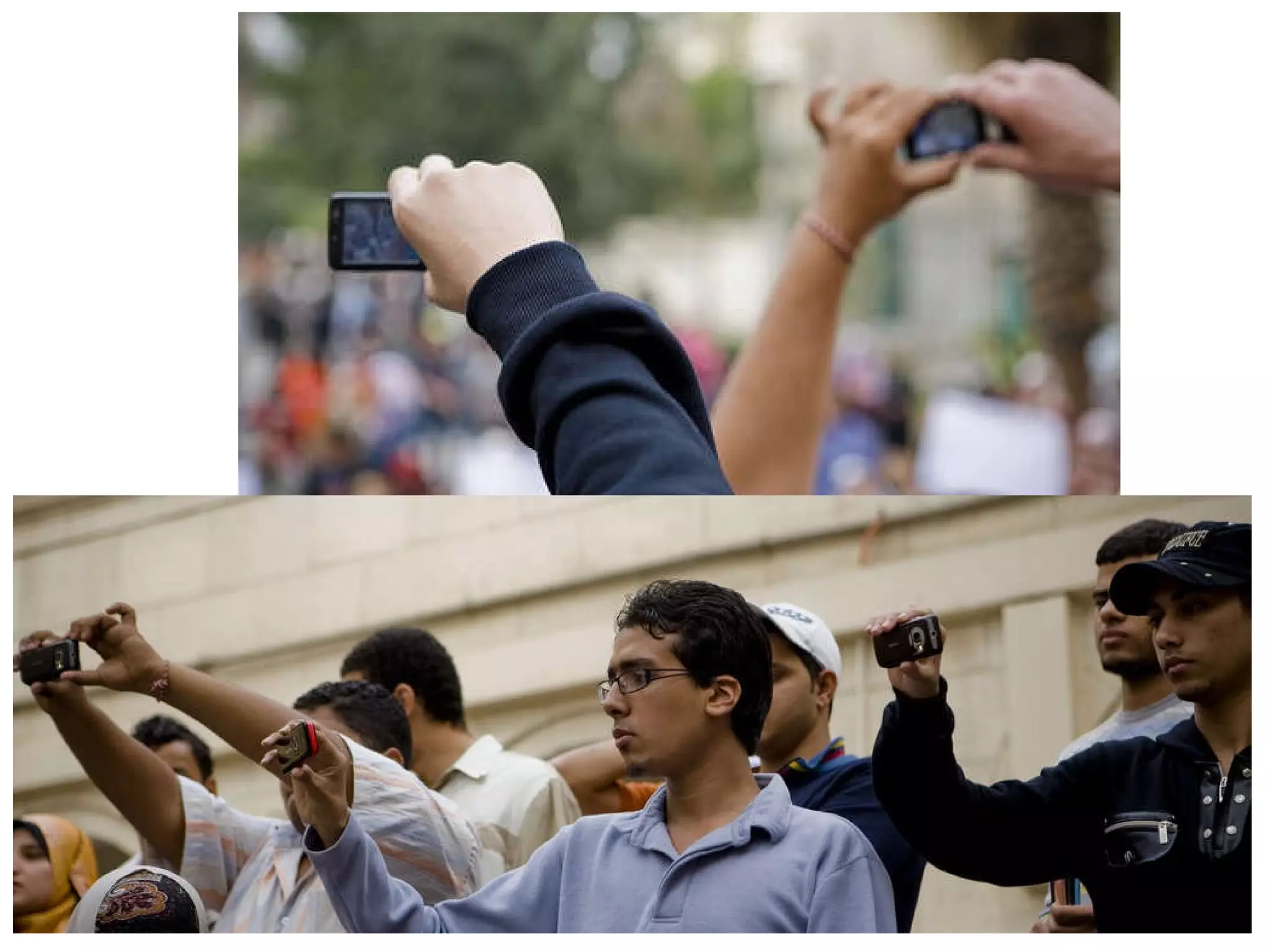
  • #54 I’m not convinced that deep reflection can be represented in 140-160 characters of a tweet or SMS message. But this format can be an effective way to document process over time --to capture the moment-- and can later be aggregated and analyzed for deeper understanding. As a current example, the tweets that were coming out of Egypt prior to February 11 told a very compelling story of the revolution as it was happening (as curated and retweeted by PBS’s Andy Carvin [@acarvin] - an incredible service!). We have seen the power of digital media in social change; it can also be part of individual transformation through understanding oneself and showcasing achievements in reflective portfolios. “ tiny bursts of learning”: http://chrisbetcher.com/2011/04/1483/
  • #55 Collection -- Creating the Digital Archive ( regularly – weekly/monthly ) Digital Conversion (Collection) Artifacts represent integration of technology in one curriculum area (i.e., Language Arts) Stored in GoogleDocs
  • #60 Level 2 Collection/Reflection (Immediate Reflection on Learning & Artifacts in Collection) ( regularly ) organized chronologically (in a blog ?) Captions (Background Information on assignment, Response) Artifacts represent integration of technology in most curriculum areas (i.e., Language Arts, Social Studies, Science, Math) (in GoogleDocs?)
  • #64 Grade 3-5 classroom in Portland using Evernote. Scanner wirelessly emails documents to each student’s Evernote account. Use of tags, software recognizes text in scanned docs.
  • #67 Level 3 Selection/Reflection and Direction ( each semester? End of year? ) organized thematically (in web pages or wiki) Why did I choose these pieces? What am I most proud to highlight about my work? What do they show about my learning? What more can I learn (Goals for the Future)? Presentation ( annually )
  • #75 Begin to develop successful ePortfolio Processes this week through your PD. Here are the strategies you need to include: Students develop multimedia artifacts through Project-Based Learning & Learning with Laptops. Engage students in reflection to facilitate deep learning through Digital Storytelling and Journals/Blogs & Presentation Portfolios.
  • #77 BUT! “Portfolios should be less about telling and more about talking!” Julie Hughes, University of Wolverhampton Learning is a Conversation. (Chris Betcher)
  • #79 How can we integrate ePortfolios with what we know about social learning and interactivity?
  • #86 As I close my presentation, I want remind us that reflection and relationships are the “heart and soul: of a portfolio (and Social Networking) NOT the Technology!
  • #87 My final wish to you is that all your electronic portfolios become dynamic celebrations and stories of deep learning across the lifespan as you are preparing and nurturing today’s children to create and inspire tomorrow’s world!
  • #88 I welcome your dialogue and conversation about these ideas. I’m waiting to respond to your questions! Thank you very much!