UNDERSTANDING YOUR
PROJECT BEFORE YOU START
——————————
RESEARCH & DISCOVERY PHASE
James Tryon, Creative Director 

WP Valet
“MEET & GREET”
INTERNAL MEETING AFTER
“MEET & GREET”
• Review notes in an internal
meeting with your team.
• Review Client Questionnaire
• Review Client’s Site
• Review Client’s Creative
Brief/RFP (if they have one)
• Review Competitors
• Basic Brand Analysis
• If we determine we’re a
good fit, our team will
recommend next steps to
client.
CLIENT QUESTIONNAIRE LINKS
• Logos

http://easilyamusedinc.com/wp-content/uploads/2012/10/
easilyamused-questionnaire-branding.doc
• General

http://easilyamusedinc.com/wp-content/uploads/2012/10/
easilyamusedquestionnaire.doc
• *The above links are old. Please review and update your own.
NEXT STEPS…
RESEARCH & DISCOVERY

DOCUMENTING
• R&D can be as small as 1/2 day of Discovery and 1/2 day of
document writing. (1 day)
• R&D can span weeks, depending on the complexity of the
project.
• R&D is invaluable in project planning & organizing.
HOWTO DO 

RESEARCH & DISCOVERY
CLIENT QUESTIONNAIRE
• Can be given to clients right after the “Meet & Greet”.
• Before Research & Discovery starts, a client may be asked to
fill this out.
• It gives us a chance to really hear their feelings, and then we
can make sure we address their concerns.
• Valuable for re-branding or new projects.
WHAT’S INCLUDED 

IN AN AUDIT?
• Analysis of client’s site & audience.
• Vision, scope, and planning to achieve specific goals.
• Detailed list of requirements & tasks.
• Site maps, estimates on tasks, client’s budget & timeline.
• Recommendations for improving ROI.
• UX/UI direction for how things should be set up.
TEAMWORK
We work as teammates with our clients. 


This includes:

- Daily stand-up meetings.

- Open communication.

-Transparent reporting.
We define full scope and vision of the project together.
We works in an Agile fashion to make sure our clients’
needs are addressed & most important features are
constantly prioritized.
RESEARCH & DISCOVERY
MEETING
WHATTO COVER INYOUR
MEETING…
• Identify Items that Need
Internal Research
• Goal Planning
• DefineTarget Audience
• Write Users Stories
• Competitor Analysis
• Information Architecture
• Project Audit
• Content Strategy - Basic
OPENTHE FLOODGATES
The sky’s the limit in this meeting and is used to spark
creativity and get everyone involved in the project motivated.
Do a group brain-dump.Anything and everything that you
could ever want, we just write it down.Then we sort all of
them into 3 piles.
1) Needed
2) Nice to have
3) Cool but not really needed now.
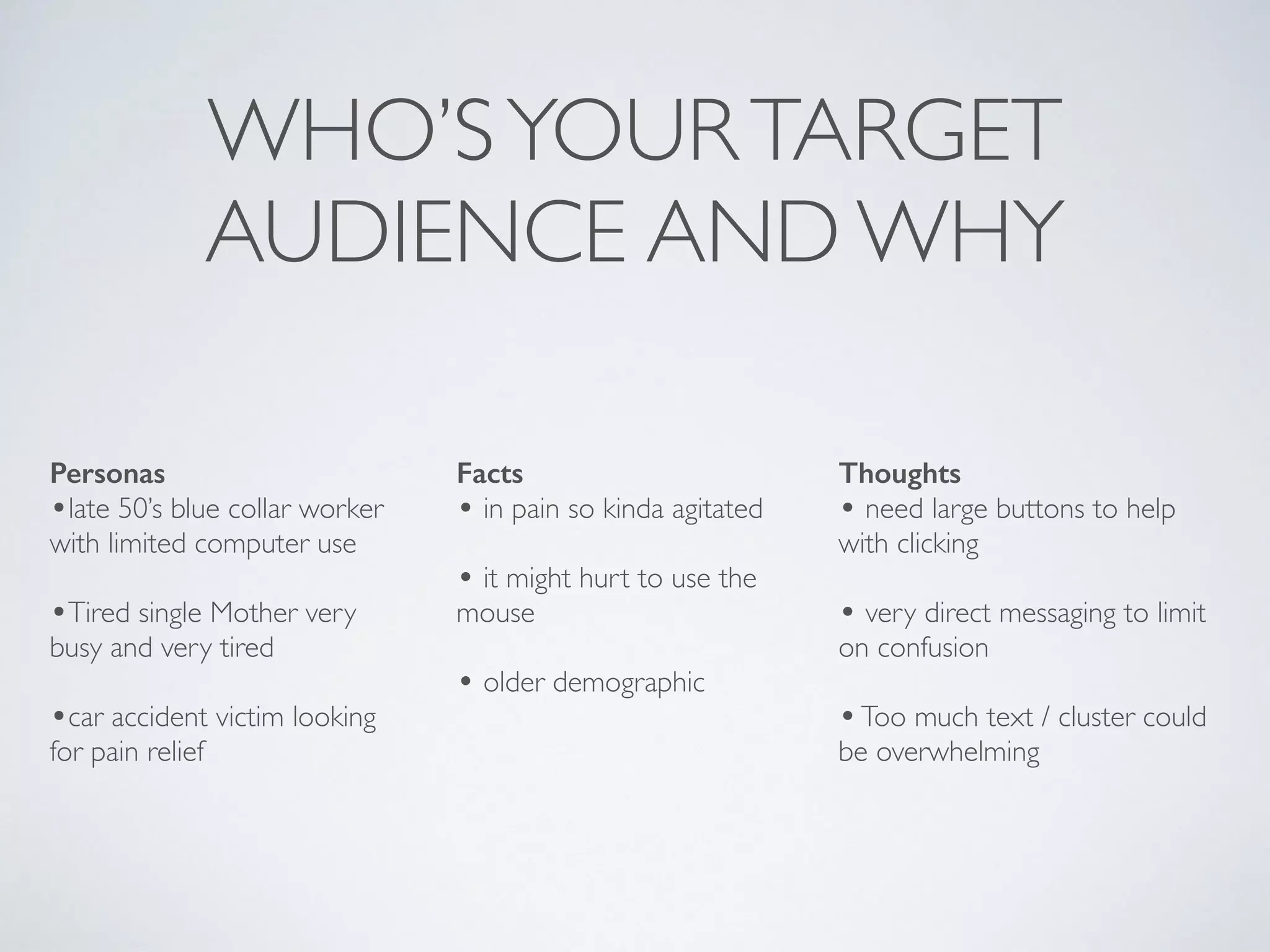
WHO’SYOURTARGET
AUDIENCE AND WHY
Personas
•late 50’s blue collar worker
with limited computer use
•Tired single Mother very
busy and very tired
•car accident victim looking
for pain relief
Facts
• in pain so kinda agitated
• it might hurt to use the
mouse
• older demographic
Thoughts
• need large buttons to help
with clicking
• very direct messaging to limit
on confusion
•Too much text / cluster could
be overwhelming
USER STORIES
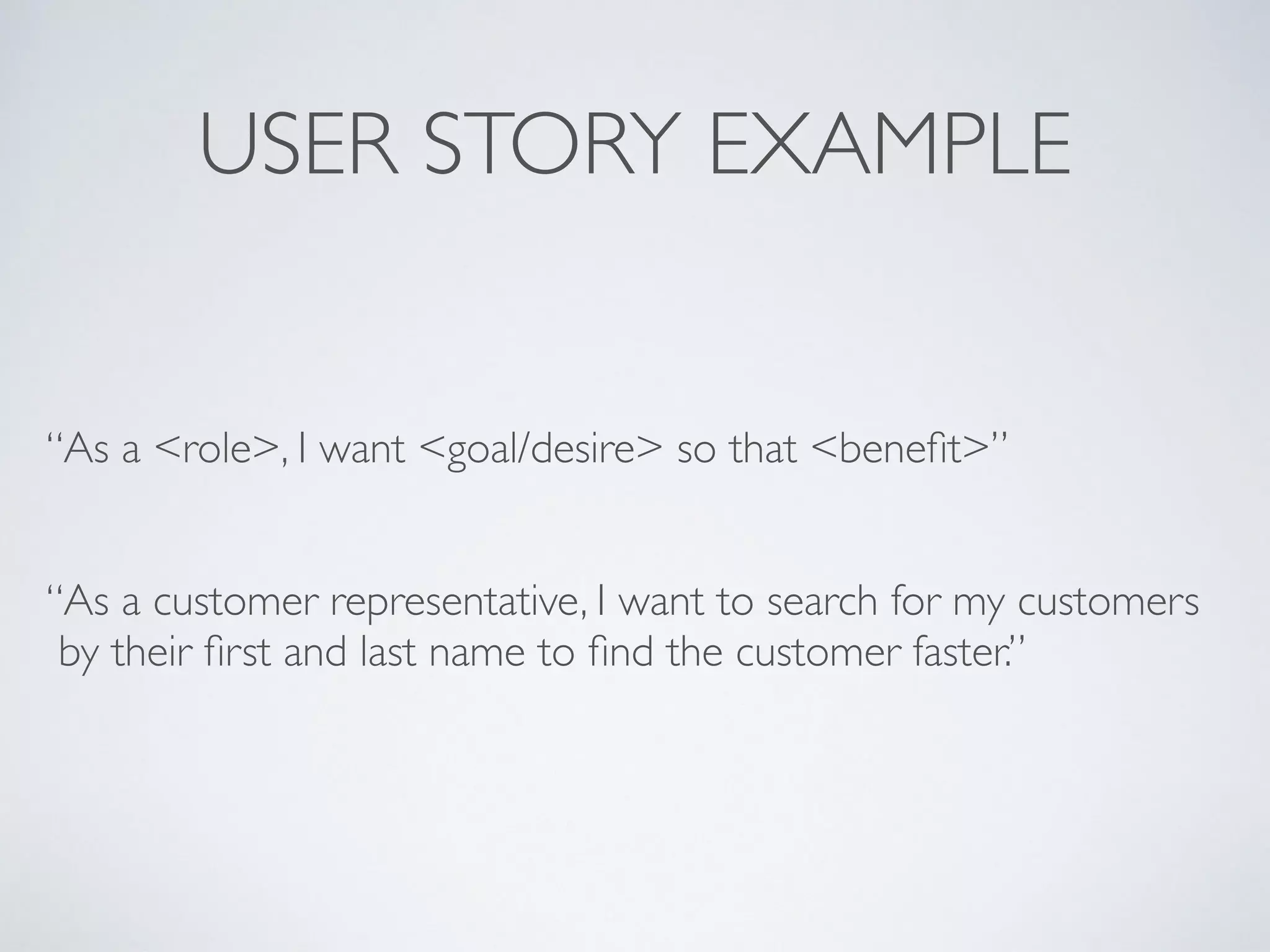
USER STORY EXAMPLE
“As a <role>, I want <goal/desire> so that <benefit>”
“As a customer representative, I want to search for my customers
by their first and last name to find the customer faster.”
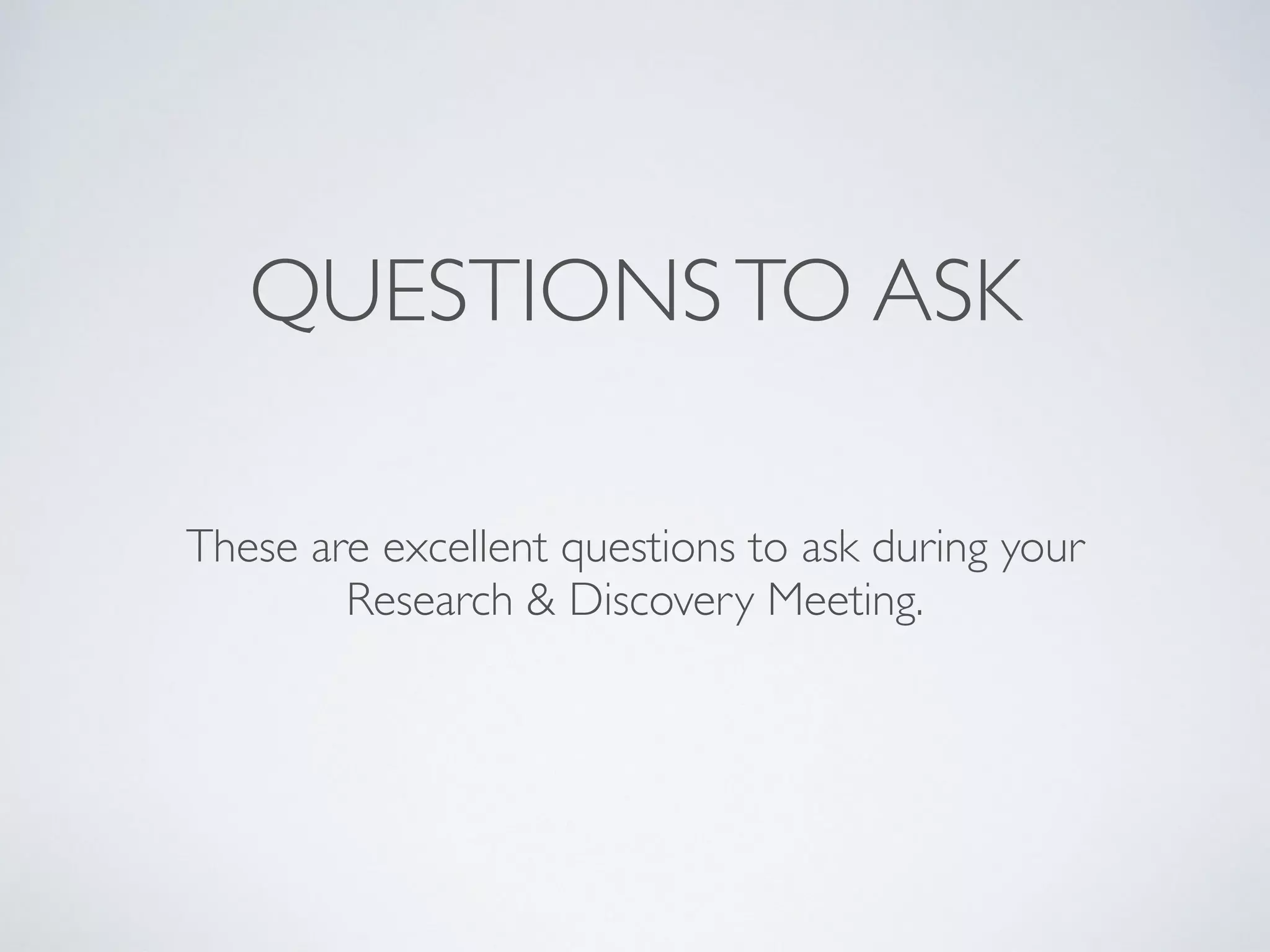
QUESTIONSTO ASK
These are excellent questions to ask during your 

Research & Discovery Meeting.
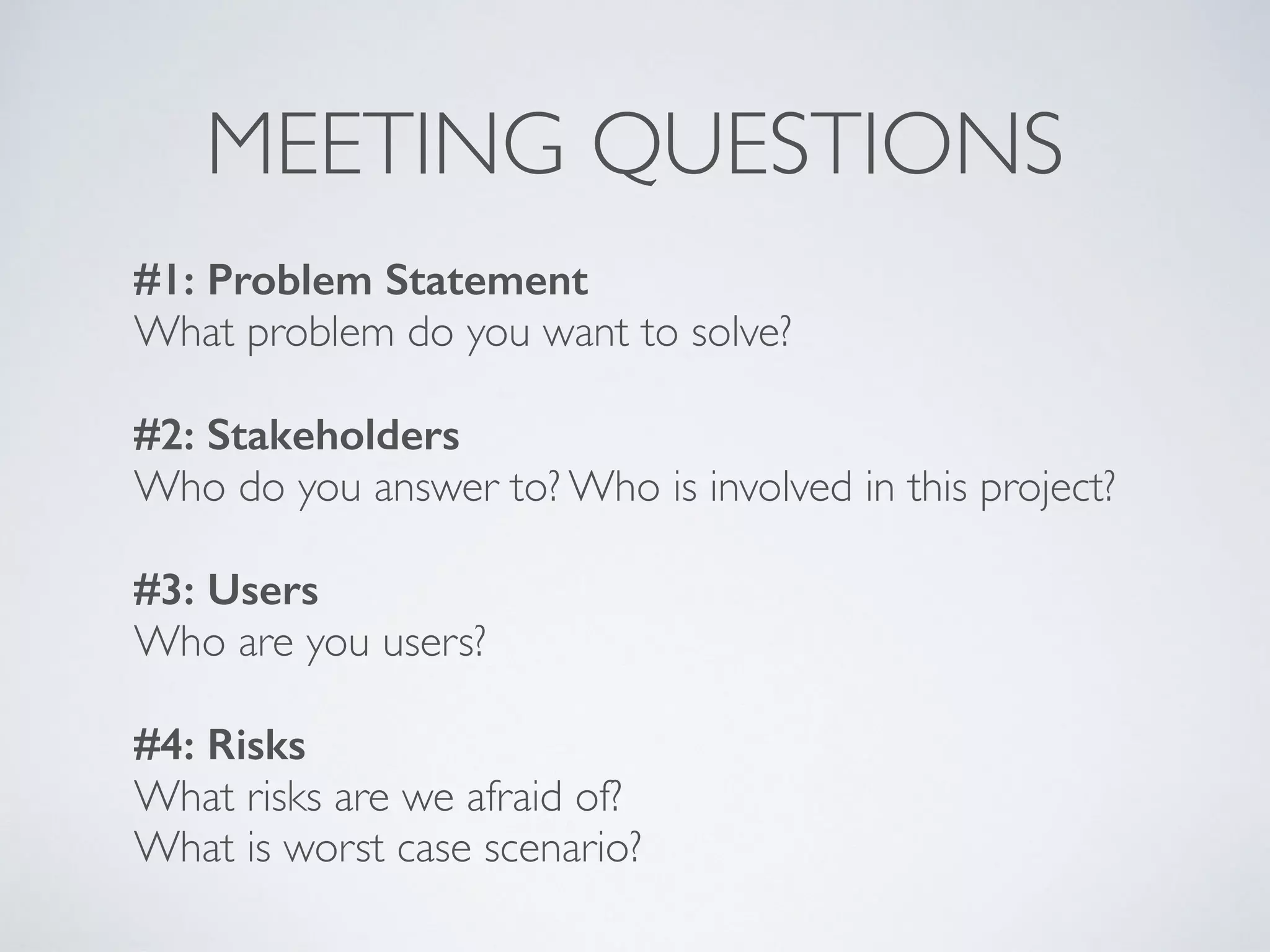
MEETING QUESTIONS
#1: Problem Statement
What problem do you want to solve?
                                         
#2: Stakeholders
Who do you answer to? Who is involved in this project?
                                                 
#3: Users
Who are you users?
#4: Risks
What risks are we afraid of? 

What is worst case scenario?
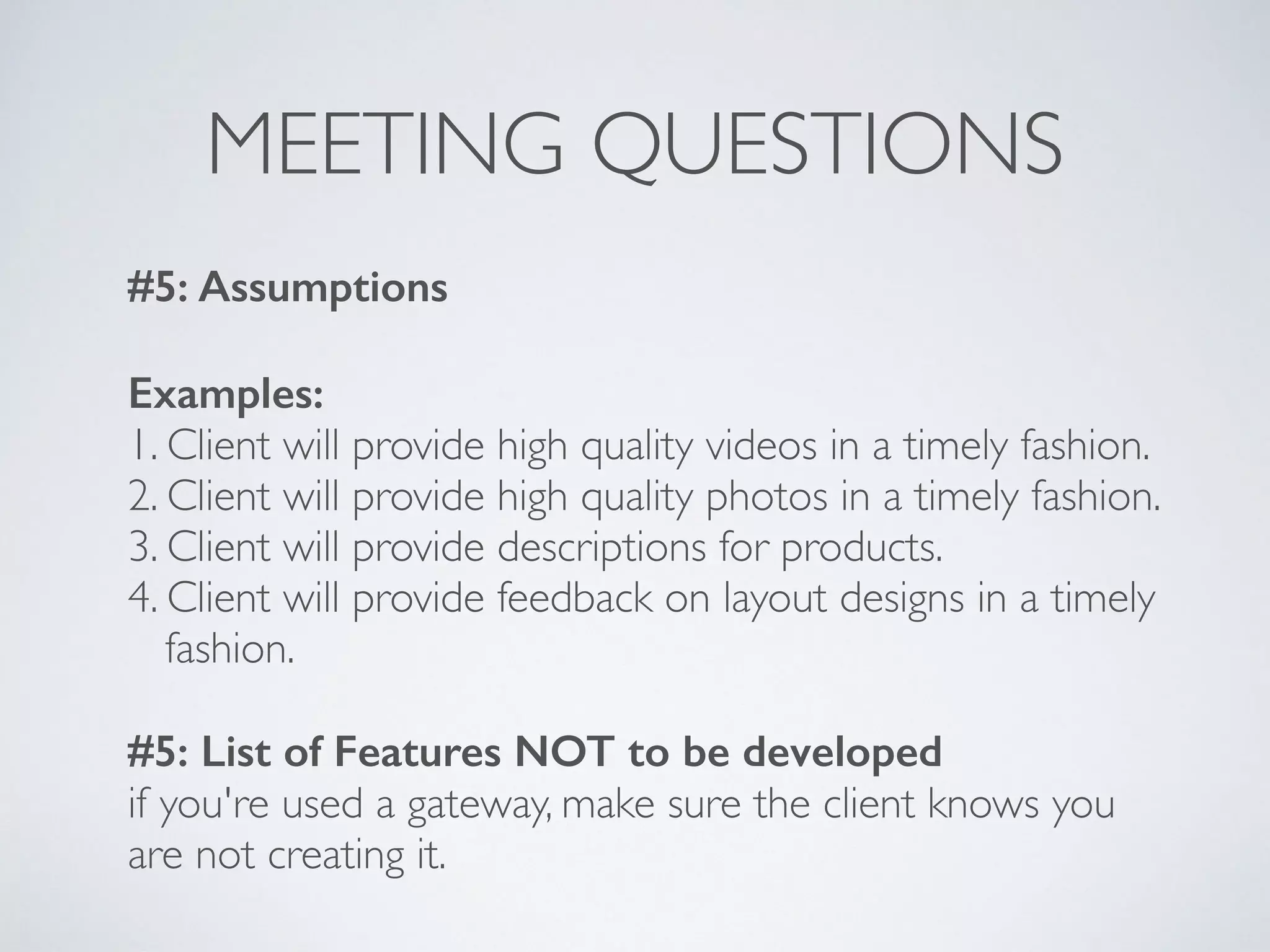
MEETING QUESTIONS
#5: Assumptions
Examples:
1. Client will provide high quality videos in a timely fashion.
2. Client will provide high quality photos in a timely fashion.
3. Client will provide descriptions for products.
4. Client will provide feedback on layout designs in a timely

fashion.
#5: List of Features NOT to be developed
if you're used a gateway, make sure the client knows you
are not creating it.
NOW IT’STIMETO WRITE!
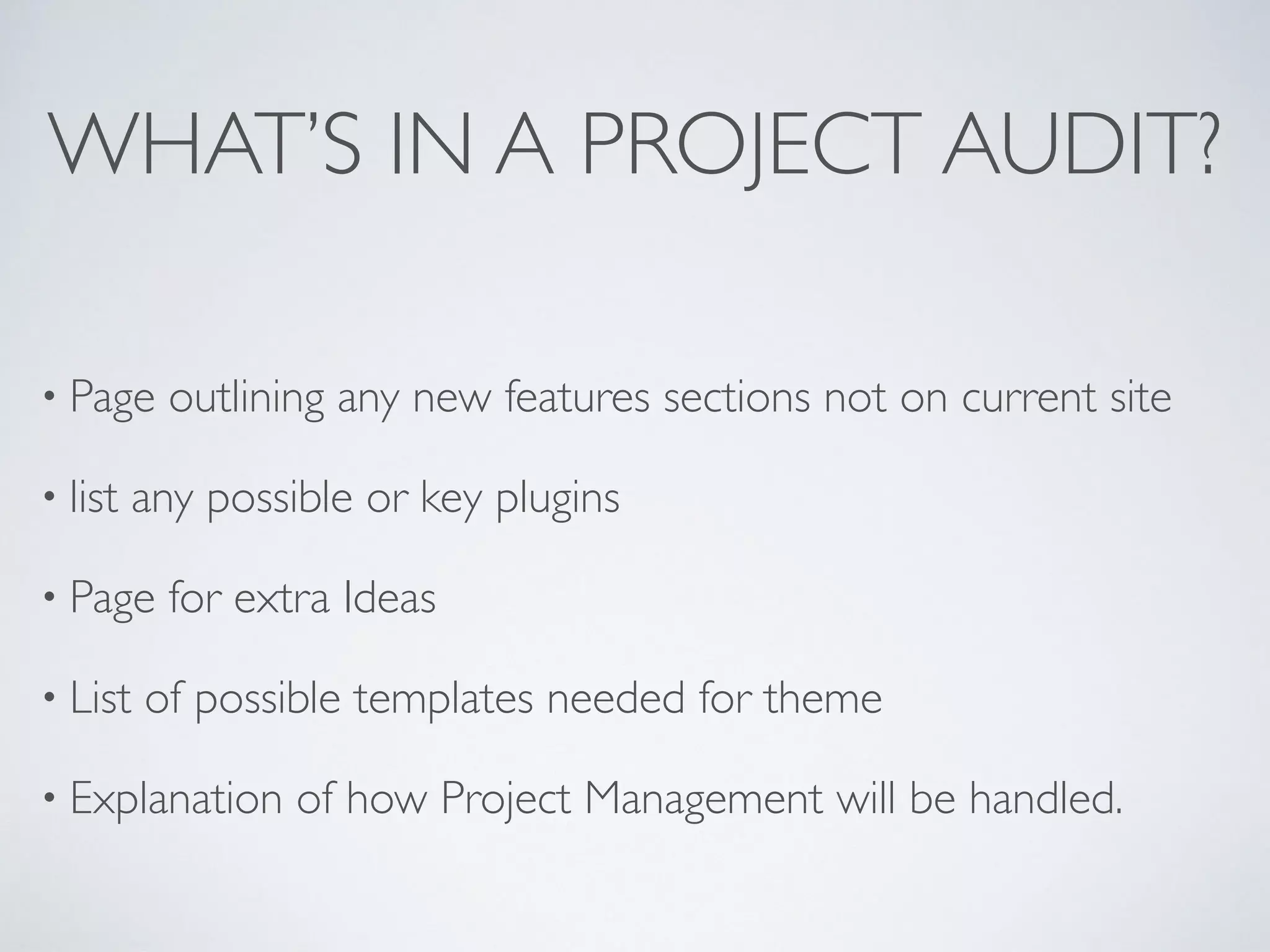
WHAT’S IN A PROJECT AUDIT?
• Page outlining any new features sections not on current site
• list any possible or key plugins
• Page for extra Ideas
• List of possible templates needed for theme
• Explanation of how Project Management will be handled.
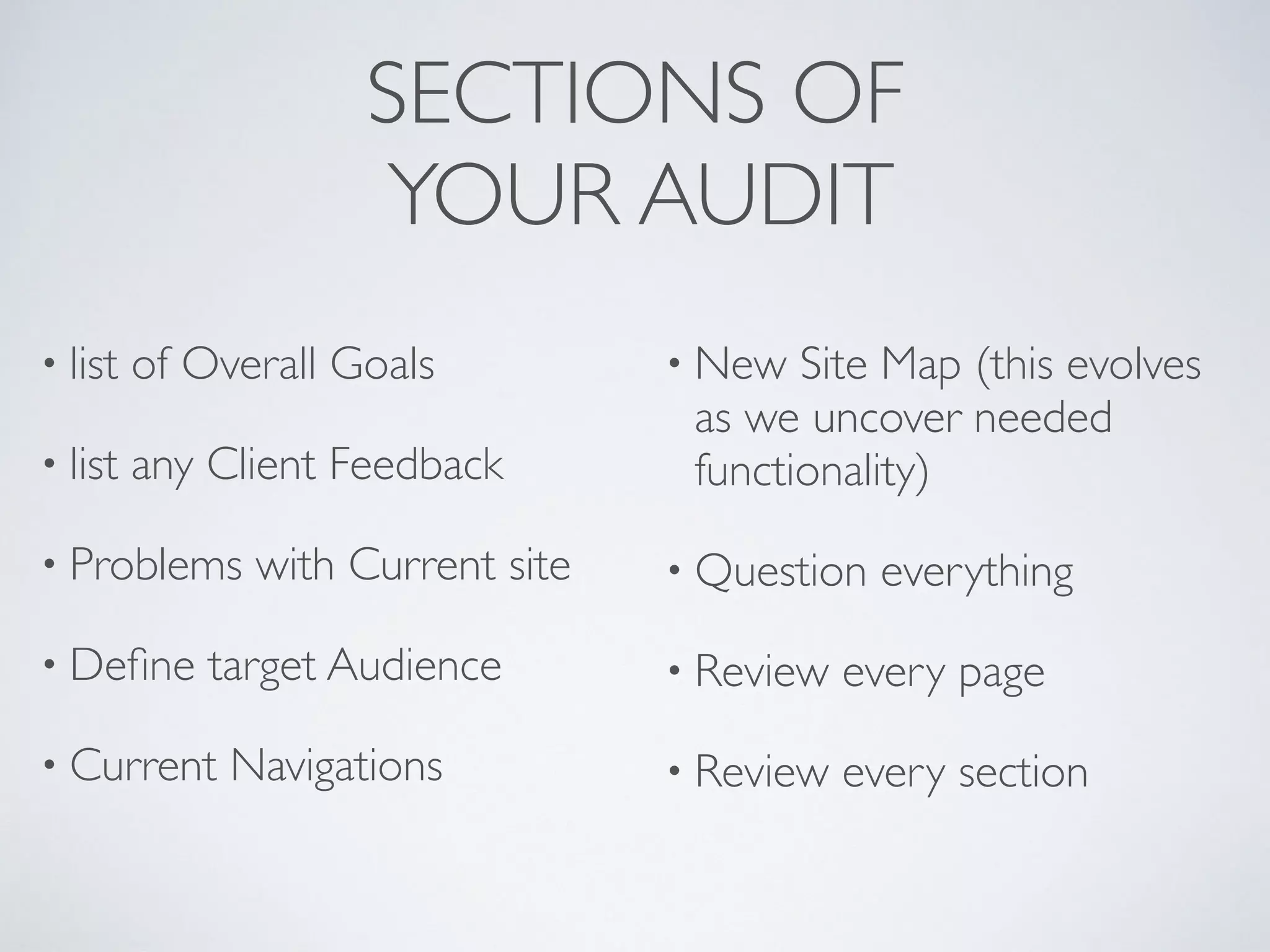
SECTIONS OF

YOUR AUDIT
• list of Overall Goals
• list any Client Feedback
• Problems with Current site
• Define target Audience
• Current Navigations
• New Site Map (this evolves
as we uncover needed
functionality)
• Question everything
• Review every page
• Review every section
PROJECT AUDIT PER PAGE/SECTION
• list page title and url
• Goals of the page
• Current feature list
• New Feature list
• Current Problems
• Solution per section and/or
page
• Feedback from client
• Wish list/backlog/Nice to
Haves
• Design feedback
• Other Notes - Any random
ideas per page and section
• ClientTo Do’s per page and
sections
LIST OFTEMPLATES NEEDED
Home
Locations
◦ archive
◦ category
◦ tag
◦ Show single
Events
◦ archive
◦ category
◦ tag
◦ single event
• blog
◦ archive
◦ category
◦ tag
◦ single post
• Team directory
• 404
• Single page
• search results
DISCUSS POSSIBLE CONTENT
STRATEGIES
How and when to use tags and categories, along with a
starter list of rules when making new category and tag.
- What Custom PostTypes does the project need
- WhatTaxonomies does the project need
- What Parent Categories to start with.
- Along with setting a game plan for growth.
PHASE #2
Things currently out of scope.
OVERALL RECAPTHOUGHTS
And AllThe OtherThings
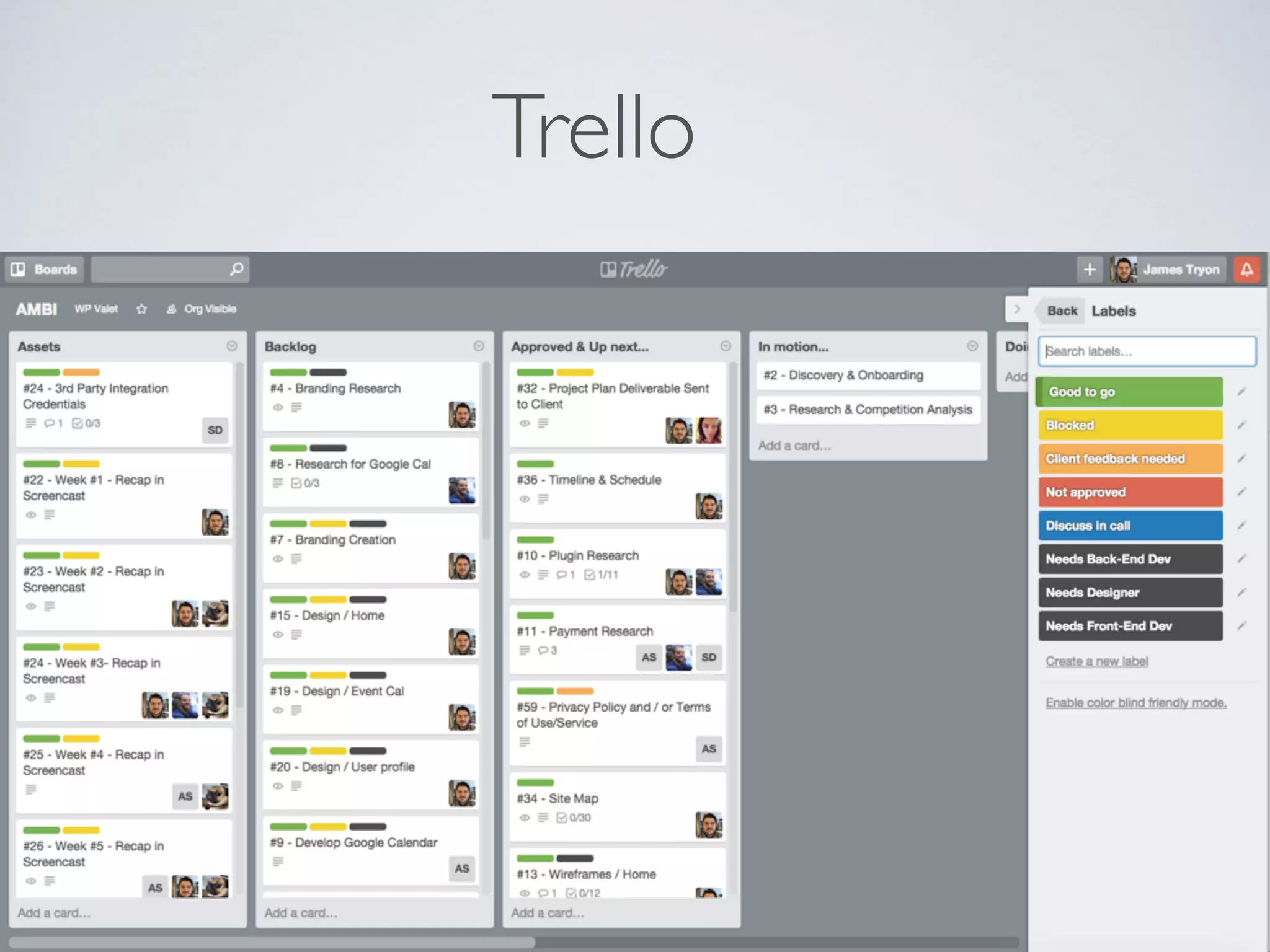
Trello
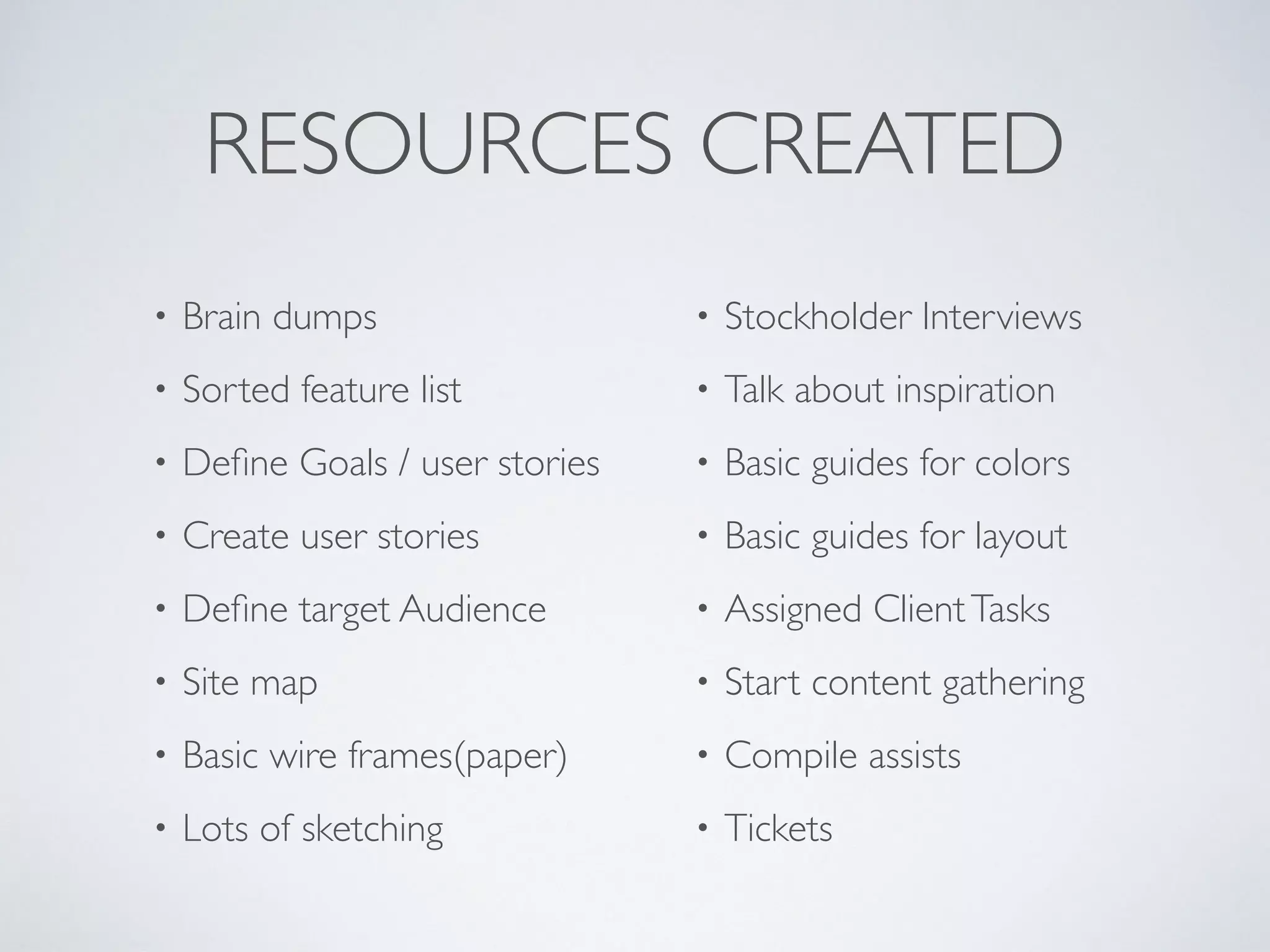
RESOURCES CREATED
• Brain dumps
• Sorted feature list
• Define Goals / user stories
• Create user stories
• Define target Audience
• Site map
• Basic wire frames(paper)
• Lots of sketching
• Stockholder Interviews
• Talk about inspiration
• Basic guides for colors
• Basic guides for layout
• Assigned ClientTasks
• Start content gathering
• Compile assists
• Tickets
THANKYOU ;C )
james@thewpvalet.com

http://thewpvalet.com
@jamestryon

Understanding Your Project Before You Start

  • 1.
    UNDERSTANDING YOUR PROJECT BEFOREYOU START —————————— RESEARCH & DISCOVERY PHASE James Tryon, Creative Director 
 WP Valet
  • 3.
  • 4.
    INTERNAL MEETING AFTER “MEET& GREET” • Review notes in an internal meeting with your team. • Review Client Questionnaire • Review Client’s Site • Review Client’s Creative Brief/RFP (if they have one) • Review Competitors • Basic Brand Analysis • If we determine we’re a good fit, our team will recommend next steps to client.
  • 5.
    CLIENT QUESTIONNAIRE LINKS •Logos
 http://easilyamusedinc.com/wp-content/uploads/2012/10/ easilyamused-questionnaire-branding.doc • General
 http://easilyamusedinc.com/wp-content/uploads/2012/10/ easilyamusedquestionnaire.doc • *The above links are old. Please review and update your own.
  • 6.
  • 7.
    RESEARCH & DISCOVERY
 DOCUMENTING •R&D can be as small as 1/2 day of Discovery and 1/2 day of document writing. (1 day) • R&D can span weeks, depending on the complexity of the project. • R&D is invaluable in project planning & organizing.
  • 8.
  • 9.
    CLIENT QUESTIONNAIRE • Canbe given to clients right after the “Meet & Greet”. • Before Research & Discovery starts, a client may be asked to fill this out. • It gives us a chance to really hear their feelings, and then we can make sure we address their concerns. • Valuable for re-branding or new projects.
  • 10.
    WHAT’S INCLUDED 
 INAN AUDIT? • Analysis of client’s site & audience. • Vision, scope, and planning to achieve specific goals. • Detailed list of requirements & tasks. • Site maps, estimates on tasks, client’s budget & timeline. • Recommendations for improving ROI. • UX/UI direction for how things should be set up.
  • 11.
    TEAMWORK We work asteammates with our clients. 
 
 This includes:
 - Daily stand-up meetings.
 - Open communication.
 -Transparent reporting. We define full scope and vision of the project together. We works in an Agile fashion to make sure our clients’ needs are addressed & most important features are constantly prioritized.
  • 12.
  • 13.
    WHATTO COVER INYOUR MEETING… •Identify Items that Need Internal Research • Goal Planning • DefineTarget Audience • Write Users Stories • Competitor Analysis • Information Architecture • Project Audit • Content Strategy - Basic
  • 14.
    OPENTHE FLOODGATES The sky’sthe limit in this meeting and is used to spark creativity and get everyone involved in the project motivated. Do a group brain-dump.Anything and everything that you could ever want, we just write it down.Then we sort all of them into 3 piles. 1) Needed 2) Nice to have 3) Cool but not really needed now.
  • 15.
    WHO’SYOURTARGET AUDIENCE AND WHY Personas •late50’s blue collar worker with limited computer use •Tired single Mother very busy and very tired •car accident victim looking for pain relief Facts • in pain so kinda agitated • it might hurt to use the mouse • older demographic Thoughts • need large buttons to help with clicking • very direct messaging to limit on confusion •Too much text / cluster could be overwhelming
  • 16.
  • 17.
    USER STORY EXAMPLE “Asa <role>, I want <goal/desire> so that <benefit>” “As a customer representative, I want to search for my customers by their first and last name to find the customer faster.”
  • 18.
    QUESTIONSTO ASK These areexcellent questions to ask during your 
 Research & Discovery Meeting.
  • 19.
    MEETING QUESTIONS #1: ProblemStatement What problem do you want to solve?                                           #2: Stakeholders Who do you answer to? Who is involved in this project?                                                   #3: Users Who are you users? #4: Risks What risks are we afraid of? 
 What is worst case scenario?
  • 20.
    MEETING QUESTIONS #5: Assumptions Examples: 1.Client will provide high quality videos in a timely fashion. 2. Client will provide high quality photos in a timely fashion. 3. Client will provide descriptions for products. 4. Client will provide feedback on layout designs in a timely
 fashion. #5: List of Features NOT to be developed if you're used a gateway, make sure the client knows you are not creating it.
  • 21.
  • 22.
    WHAT’S IN APROJECT AUDIT? • Page outlining any new features sections not on current site • list any possible or key plugins • Page for extra Ideas • List of possible templates needed for theme • Explanation of how Project Management will be handled.
  • 23.
    SECTIONS OF
 YOUR AUDIT •list of Overall Goals • list any Client Feedback • Problems with Current site • Define target Audience • Current Navigations • New Site Map (this evolves as we uncover needed functionality) • Question everything • Review every page • Review every section
  • 24.
    PROJECT AUDIT PERPAGE/SECTION • list page title and url • Goals of the page • Current feature list • New Feature list • Current Problems • Solution per section and/or page • Feedback from client • Wish list/backlog/Nice to Haves • Design feedback • Other Notes - Any random ideas per page and section • ClientTo Do’s per page and sections
  • 25.
    LIST OFTEMPLATES NEEDED Home Locations ◦archive ◦ category ◦ tag ◦ Show single Events ◦ archive ◦ category ◦ tag ◦ single event • blog ◦ archive ◦ category ◦ tag ◦ single post • Team directory • 404 • Single page • search results
  • 26.
    DISCUSS POSSIBLE CONTENT STRATEGIES Howand when to use tags and categories, along with a starter list of rules when making new category and tag. - What Custom PostTypes does the project need - WhatTaxonomies does the project need - What Parent Categories to start with. - Along with setting a game plan for growth.
  • 27.
  • 28.
  • 29.
  • 30.
    RESOURCES CREATED • Braindumps • Sorted feature list • Define Goals / user stories • Create user stories • Define target Audience • Site map • Basic wire frames(paper) • Lots of sketching • Stockholder Interviews • Talk about inspiration • Basic guides for colors • Basic guides for layout • Assigned ClientTasks • Start content gathering • Compile assists • Tickets
  • 31.