Google Apps in Higher Education

Loading...

Flash Player 9 (or above) is needed to view presentations.
We have detected that you do not have it on your computer. To install it, go here.

0 comments

Post a comment

    Post a comment
    Embed Video
    Edit your comment Cancel

    Favorites, Groups & Events

    Google Apps in Higher Education - Presentation Transcript

    1. catio ns … le A ppli More Goog Use s and Acad emic nd Le arning ru Ryan hing a d by D nter for Teac P resente tor, Ce Co ordina ge.edu rycolle tgome n@mon d ru.rya edu/ct l e. leg om erycol ww w .montg http:// 1
    2. wordl e.net w ww. rd Cl oud – Wo 2
    3. Agenda 1.  Overview 2.  Technology in the Learning Space Initiative 3.  Google Apps for the Classroom ... Pros and Cons 4.  Top Google Apps for Learning 5.  Questions/Discussion 3
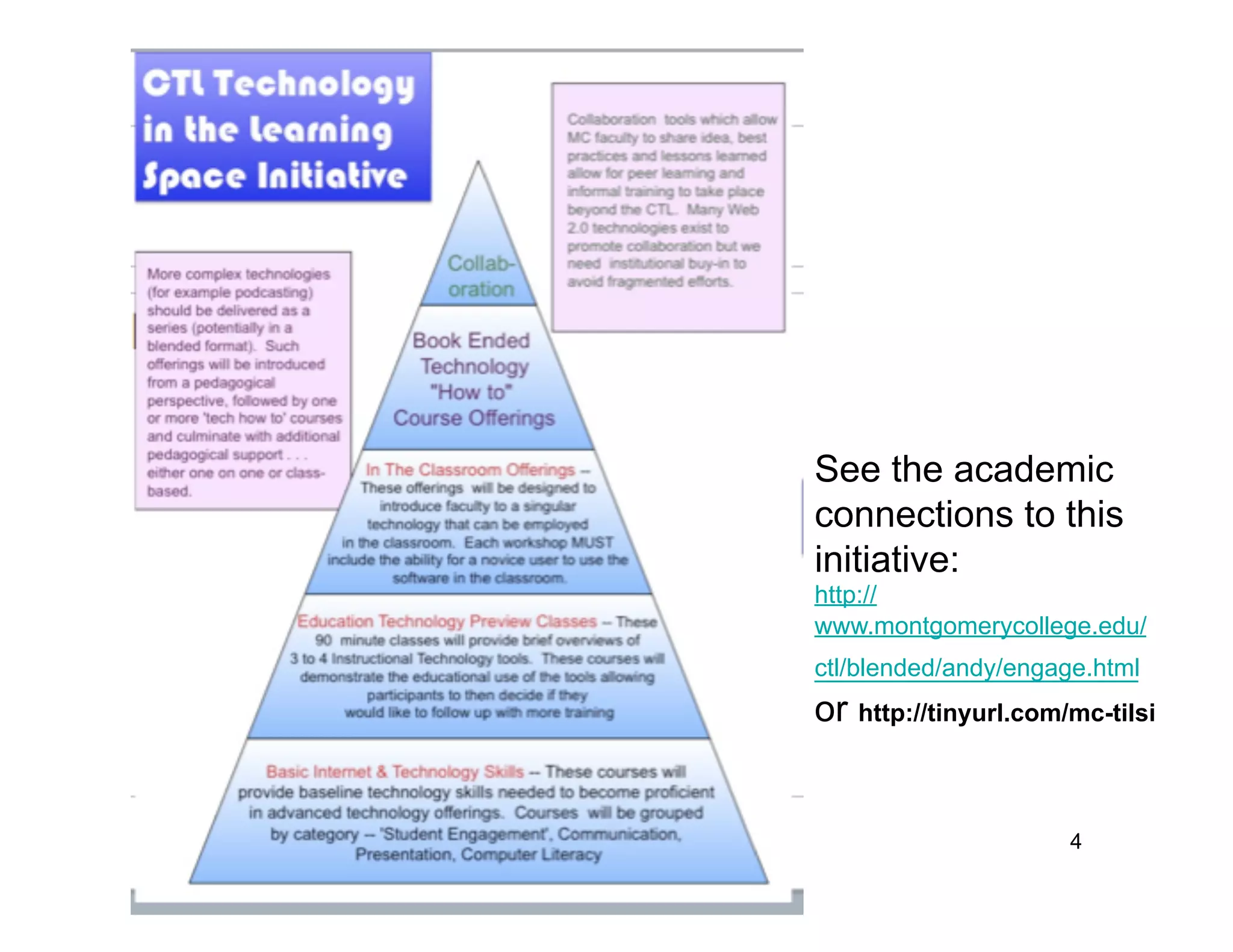
    4. See the academic connections to this initiative: http:// www.montgomerycollege.edu/ ctl/blended/andy/engage.html or http://tinyurl.com/mc-tilsi 4
    5. TILSI Goals •  Increase the use of technology in the classroom to enhance instruction •  Assist faculty in utilizing technology for collaborative, project based assignments •  Nurture a culture of peer training, user- generated content, and universally shared technology resources for faculty 5
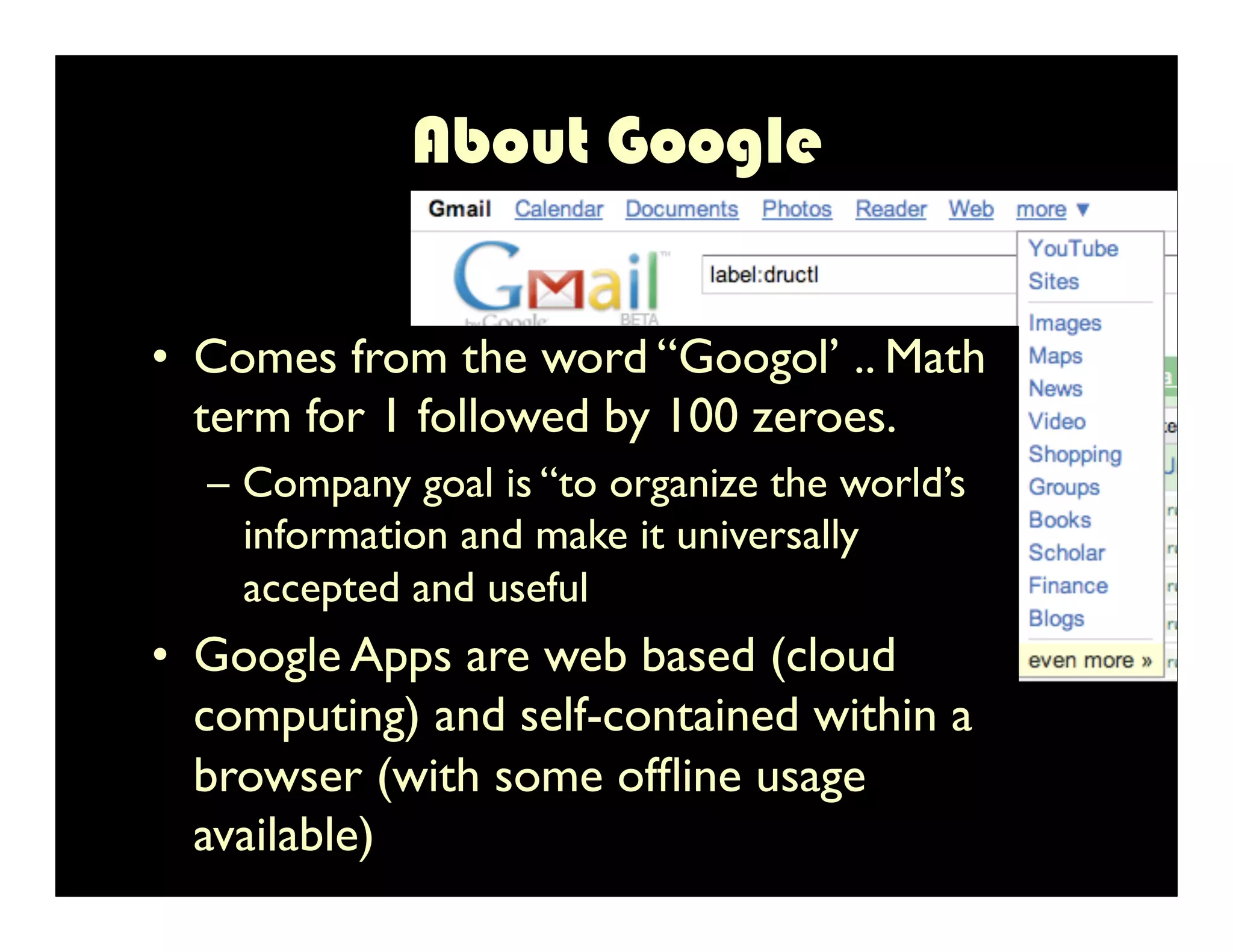
    6. About Google •  Comes from the word “Googol’ .. Math term for 1 followed by 100 zeroes. – Company goal is “to organize the world’s information and make it universally accepted and useful •  Google Apps are web based (cloud computing) and self-contained within a browser (with some offline usage available) 6
    7. Google In the Classroom •  Pros •  Cons –  Provides a collaborative •  Technology may be space new to students –  Freedom from desktop •  Internet connection is apps ($$$) needed –  Provides all in 1 •  Limited support solution – video, •  Security/privacy pictures, portfolios . . . concerns –  Easier to share •  Applications may be documents discontinued 7 Classroom use assumes students sign up on their own . . . Class specific
    8. Google for Faculty •  Centralized work space promotes social learning . . . peer networks (blogs/ portfolios) •  Requires a shift in behavior (network effect) •  Departmental networks would make it easier for remote collaboration and promote collective intelligence 8
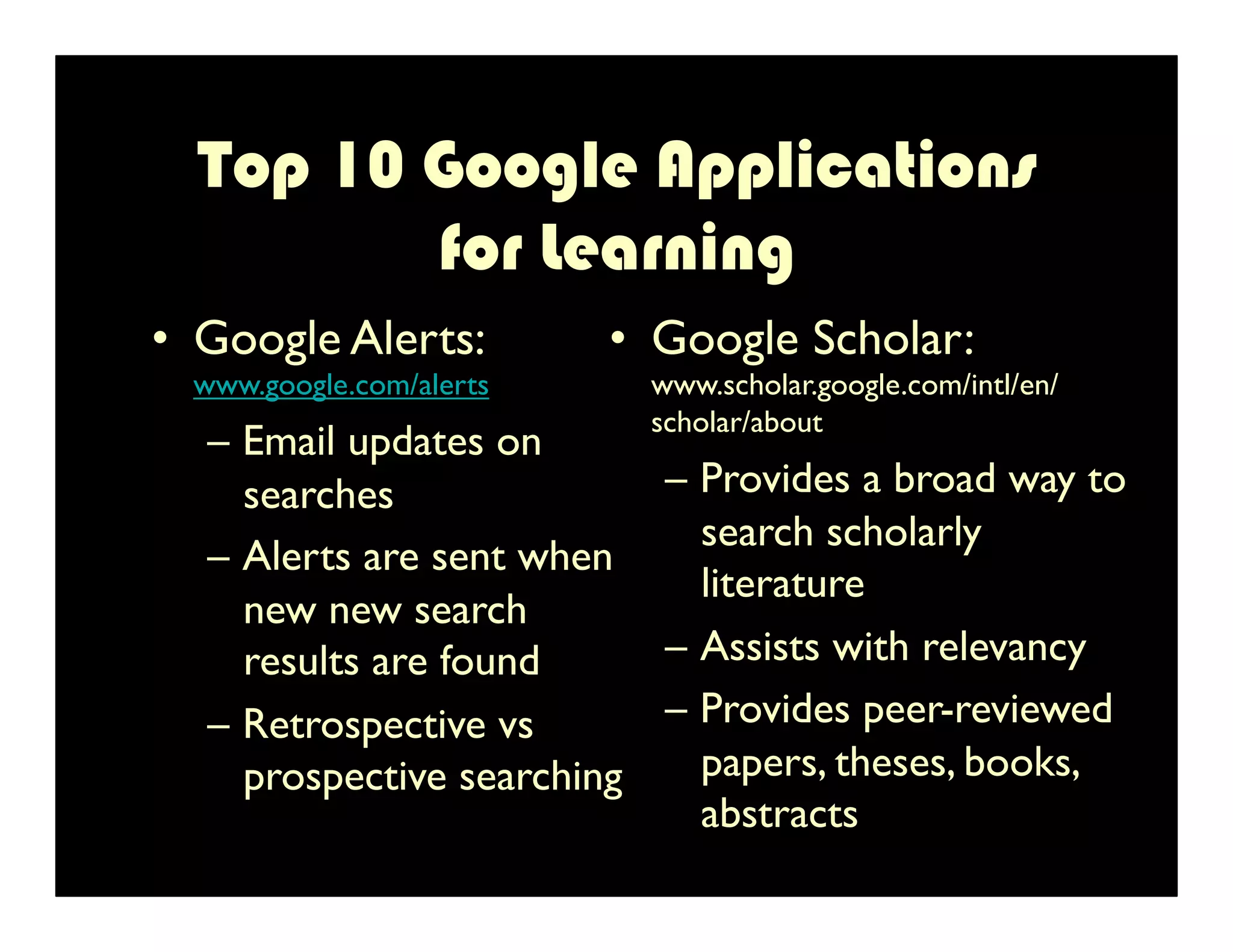
    9. Top 10 Google Applications for Learning •  Google Alerts: •  Google Scholar: www.google.com/alerts www.scholar.google.com/intl/en/ scholar/about – Email updates on searches – Provides a broad way to search scholarly – Alerts are sent when literature new new search results are found – Assists with relevancy – Retrospective vs – Provides peer-reviewed prospective searching papers, theses, books, abstracts 9
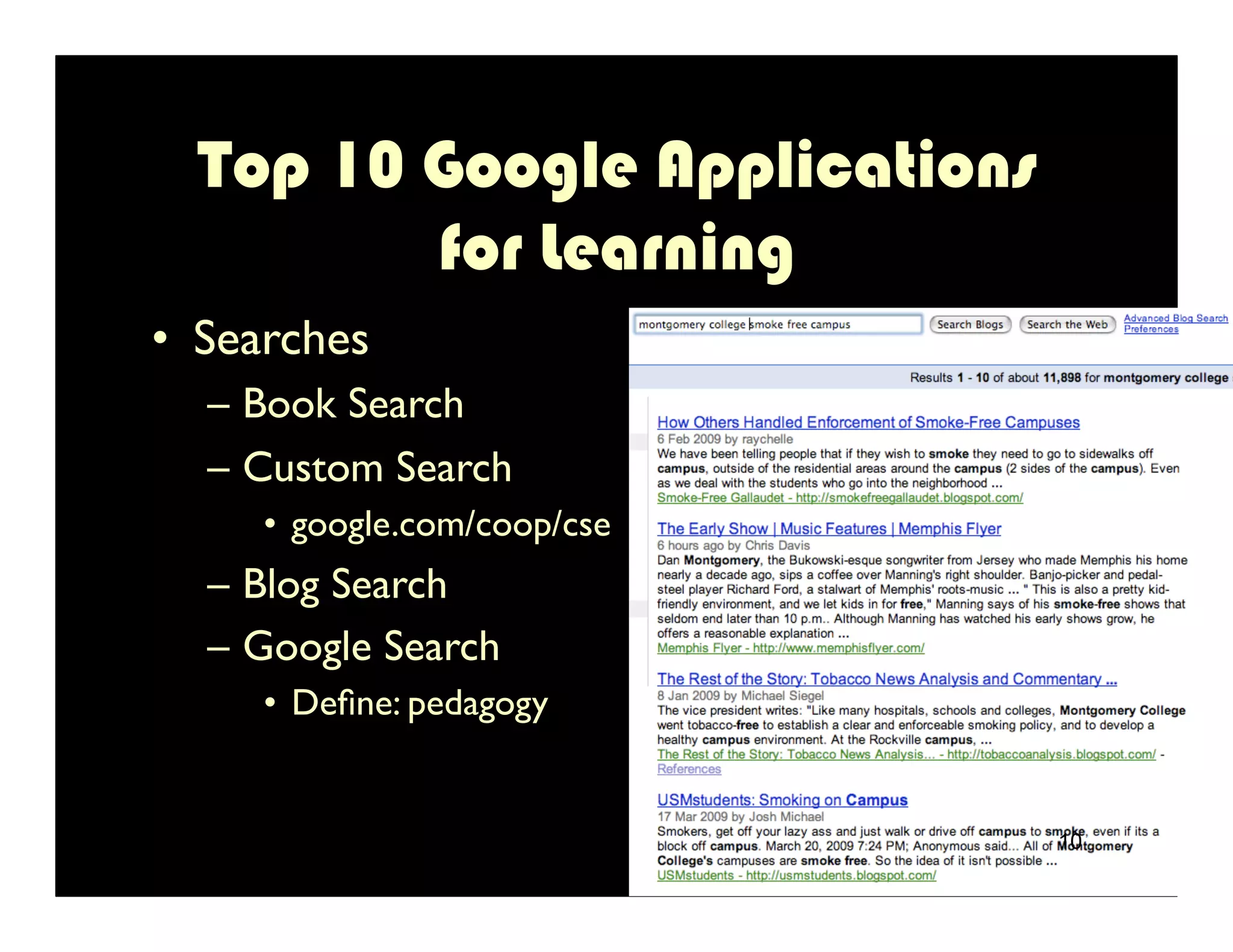
    10. Top 10 Google Applications for Learning •  Searches – Book Search – Custom Search •  google.com/coop/cse – Blog Search – Google Search •  Define: pedagogy 10
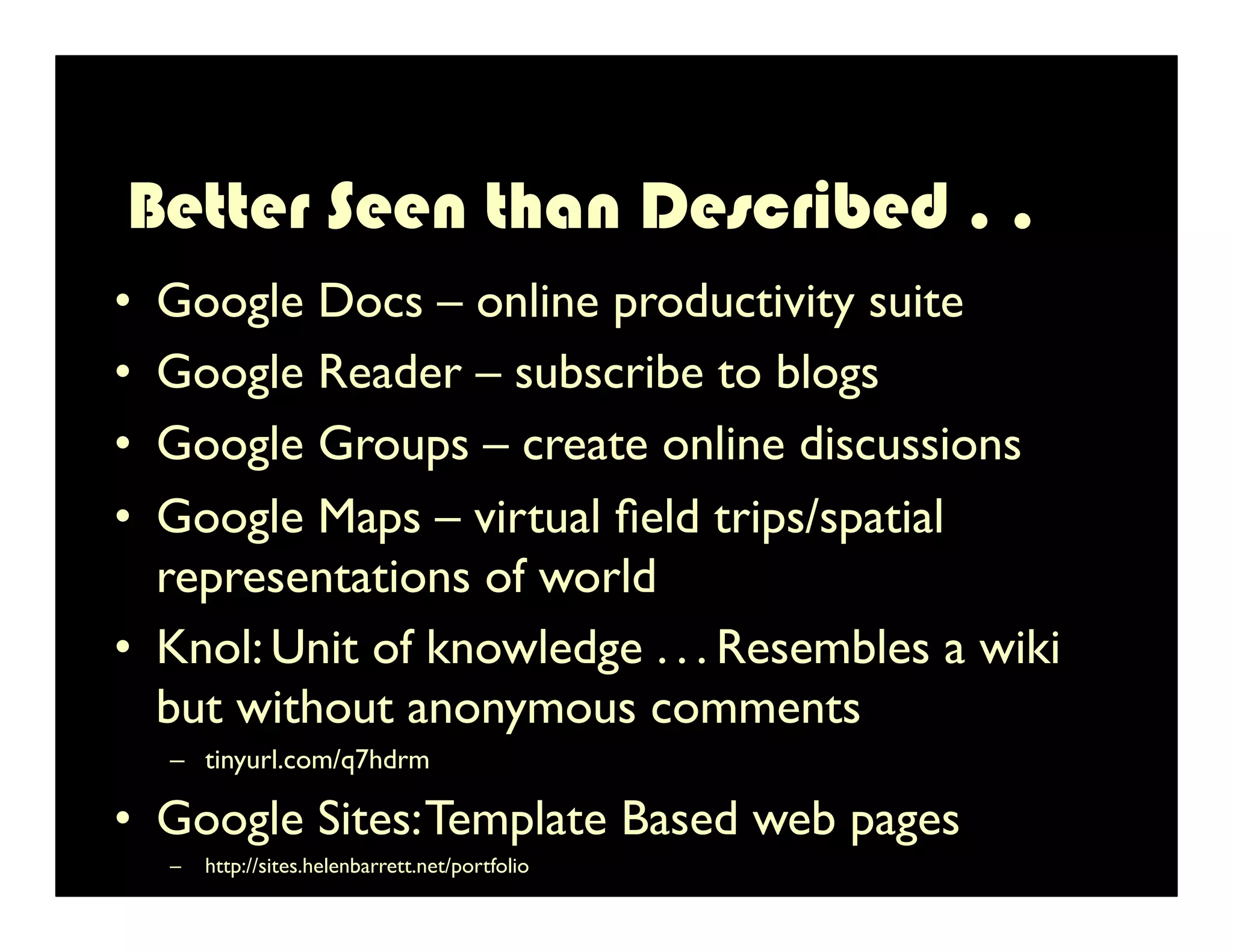
    11. Better Seen than Described . . •  Google Docs – online productivity suite •  Google Reader – subscribe to blogs •  Google Groups – create online discussions •  Google Maps – virtual field trips/spatial representations of world •  Knol: Unit of knowledge . . . Resembles a wiki but without anonymous comments –  tinyurl.com/q7hdrm •  Google Sites: Template Based web pages 11 –  http://sites.helenbarrett.net/portfolio
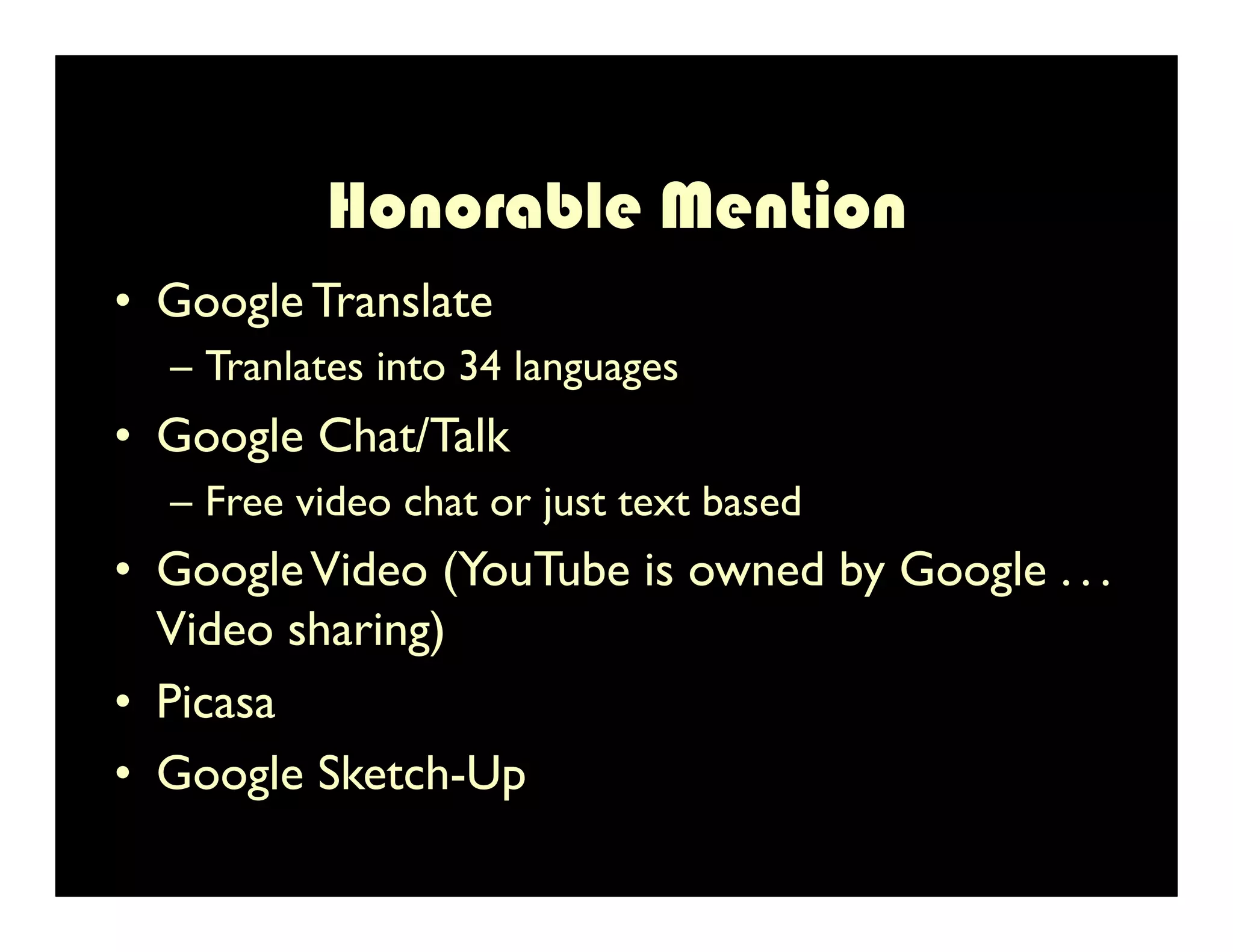
    12. Honorable Mention •  Google Translate – Tranlates into 34 languages •  Google Chat/Talk – Free video chat or just text based •  Google Video (YouTube is owned by Google . . . Video sharing) •  Picasa •  Google Sketch-Up 12
    13. Other Promising Factoids •  Google Code: Enterprise application tie-in with Google code •  Google Mobile -- www.google.com/mobile – Allows access via mobile devices – Works with search, maps,YouTube and others •  Google provides a considerable amount of free storage . . . Accessible from anywhere •  Collaboration is becoming an essential workplace skill… Google embodies collaboration 13
    14. Recommendations •  Need to create an action team (end-user architects) to map out high impact functionalities of Google apps for both staff and faculty – Do not rely on end users to learn best practices, we must identify them •  Align roll out of new technology with training . . . This worked well with MS Office 2007 •  Create an opportunity for administrators to learn (at a high . . .Very high) new technologies, they must be conversable in new(er) technologies 14
    15. catio ns … le A ppli More Goog Use s and Acad emic nd Le arning ru Ryan hing a d by D nter for Teac P resente tor, Ce Co ordina ge.edu rycolle tgome n@mon d ru.rya edu/ct l e. leg om erycol ww w .montg http:// 15

    + druryandruryan, 6 months ago

    custom

    557 views, 0 favs, 0 embeds more stats

    This presentation was given to the Learning Technol more

    More info about this document

    © All Rights Reserved

    Go to text version

    • Total Views 557
      • 557 on SlideShare
      • 0 from embeds
    • Comments 0
    • Favorites 0
    • Downloads 18
    Most viewed embeds

    more

    All embeds

    less

    Flagged as inappropriate Flag as inappropriate
    Flag as inappropriate

    Select your reason for flagging this presentation as inappropriate. If needed, use the feedback form to let us know more details.

    Cancel
    File a copyright complaint
    Having problems? Go to our helpdesk?

    Categories

    Tags