uc ati on
    for Ed
        Richard Lambert
     Twitter: @richielambert
email: rlambert@kalinda.vic.edu.au
  blog: richlambert.edublogs.org
Ask yourself...

• What do you want learning in your school to
  look like?


• What tools would best support this?
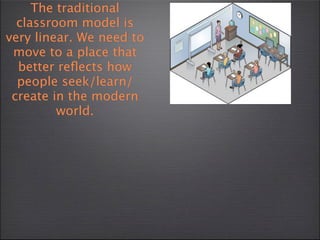
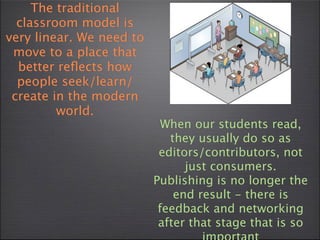
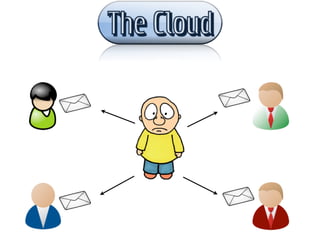
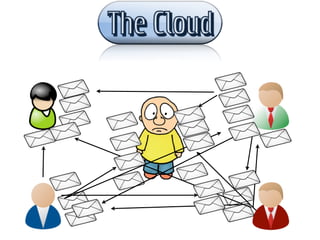
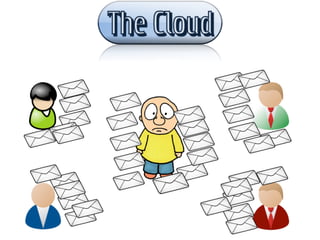
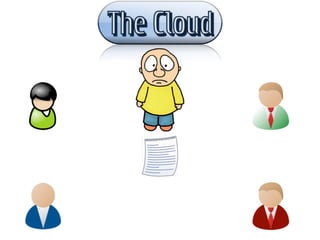
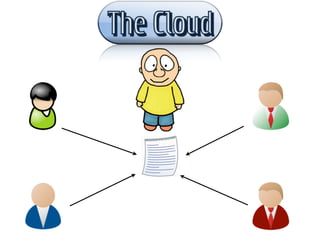
The traditional
  classroom model is
very linear. We need to
 move to a place that
  better reflects how
  people seek/learn/
 create in the modern
         world.
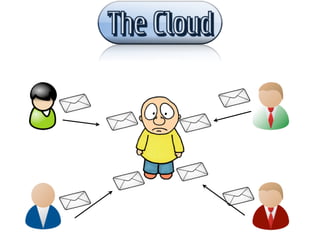
The traditional
  classroom model is
very linear. We need to
 move to a place that
  better reflects how
  people seek/learn/
 create in the modern
         world.
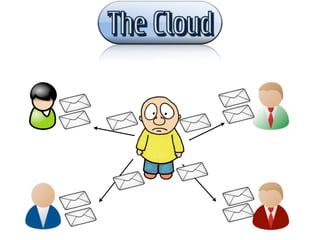
The traditional
  classroom model is
very linear. We need to
 move to a place that
  better reflects how
  people seek/learn/
 create in the modern
         world.
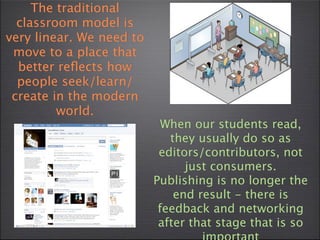
                            When our students read,
                             they usually do so as
                           editors/contributors, not
                                just consumers.
                          Publishing is no longer the
                              end result - there is
                           feedback and networking
                           after that stage that is so
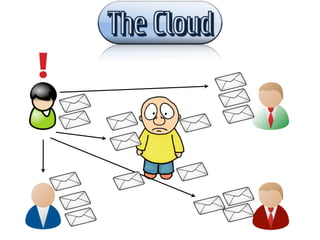
The traditional
  classroom model is
very linear. We need to
 move to a place that
  better reflects how
  people seek/learn/
 create in the modern
         world.
                            When our students read,
                             they usually do so as
                           editors/contributors, not
                                just consumers.
                          Publishing is no longer the
                              end result - there is
                           feedback and networking
                           after that stage that is so
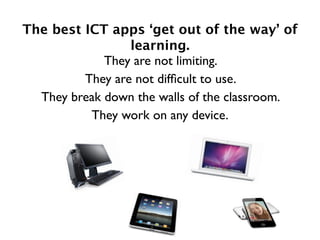
The best ICT apps ‘get out of the way’ of
                 learning.
             They are not limiting.
         They are not difficult to use.
  They break down the walls of the classroom.
          They work on any device.
our responsibility:
our responsibility:
  to prepare students in the best way possible to
succeed in the world as we know it
our responsibility:
  to prepare students in the best way possible to
succeed in the world as we know it

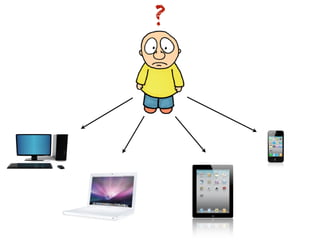
  to ensure we are using the best tools available
to teach our students
?
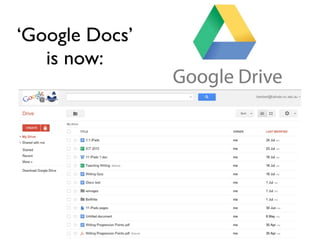
‘Google Docs’
   is now:
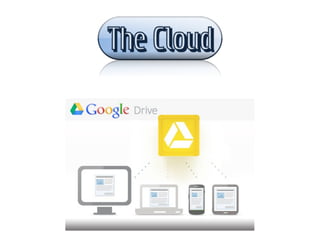
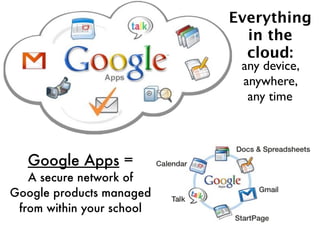
Everything
                             in the
                             cloud:
                            any device,
                            anywhere,
                             any time


   Google Apps =
   A secure network of
Google products managed
 from within your school
Still only using Microsoft?
           Google offers:
• Documents, Spreadsheets and Presentations that
  can be accessed & edited from any device,
  anywhere, anytime
• Easy to use
• Stripped back and simplified - the 1000 features kids
  never use in Microsoft Office aren’t there
• Collaborative - shared documents that can be
  edited together in real time.
• Everything has a web address - easy to share, embed
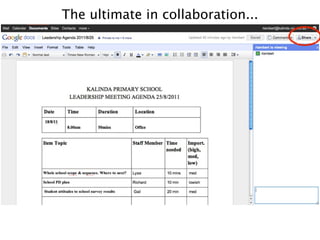
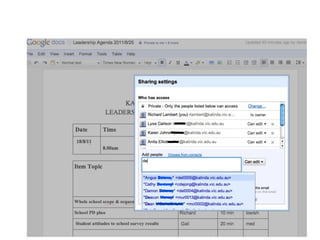
The ultimate in collaboration...
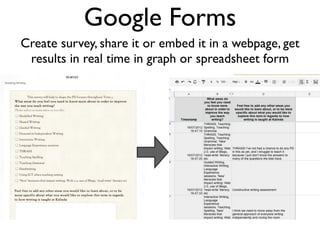
Google Forms
Create survey, share it or embed it in a webpage, get
 results in real time in graph or spreadsheet form
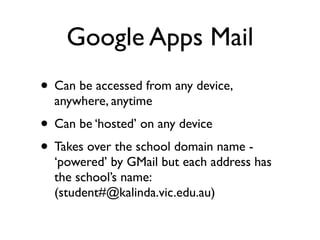
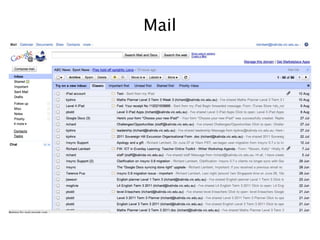
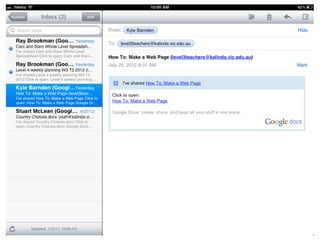
Google Apps Mail
• Can be accessed from any device,
  anywhere, anytime
• Can be ‘hosted’ on any device
• Takes over the school domain name -
  ‘powered’ by GMail but each address has
  the school’s name:
  (student#@kalinda.vic.edu.au)
Mail
Google Calanders
• Can be accessed from any device,
  anywhere, anytime
• Can be ‘hosted’ on any device
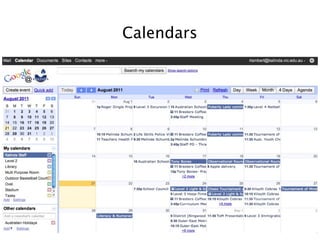
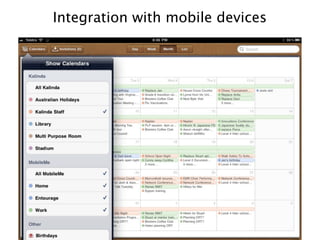
• Staff calendars become useful again! Easily
  accessed on iCal on staff iPads or through
  native mail applications on department
  notebooks.
Calendars
Integration with mobile devices
Google Sites
• Can be accessed from any device,
  anywhere, anytime
• All the benefits of a Wiki with the added
  benefit of being integrated into your
  document, mail and calendar system.
• Privacy options for each individual page -
  set to private, open other Kalinda users, or
  public.
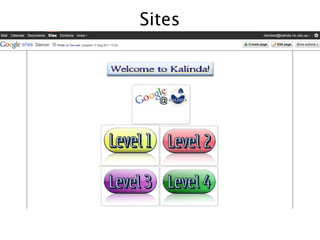
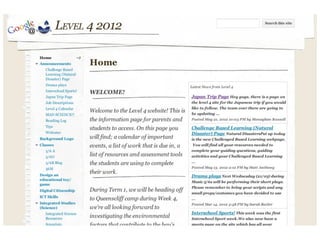
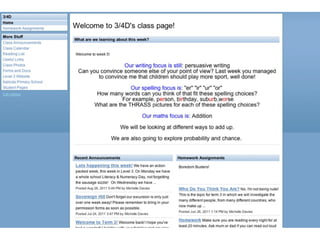
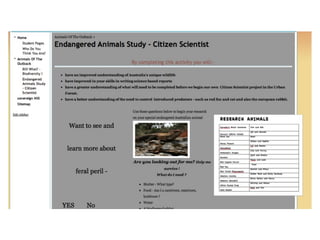
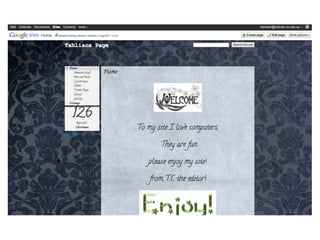
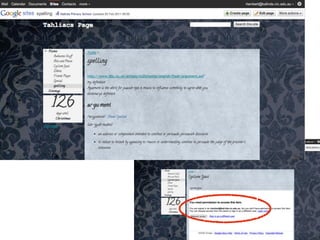
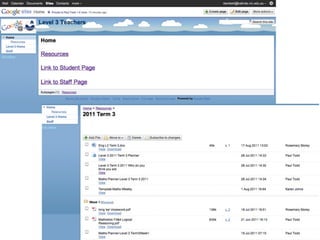
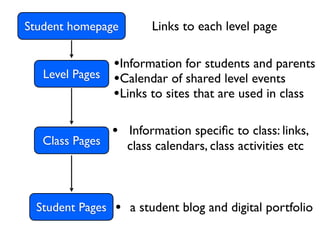
Student homepage         Links to each level page

                  •Information for students and parents
   Level Pages    •Calendar of shared level events
                  •Links to sites that are used in class

                  • Information specific to class: links,
   Class Pages      class calendars, class activities etc


  Student Pages   • a student blog and digital portfolio
Sites
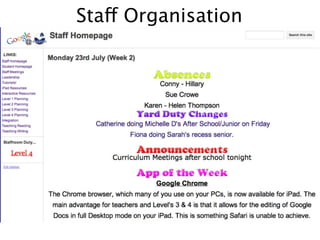
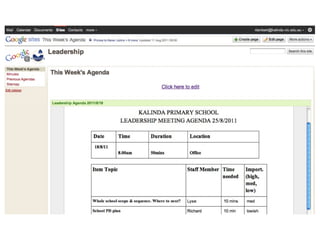
Staff Organisation
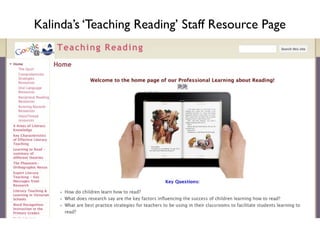
Kalinda’s ‘Teaching Reading’ Staff Resource Page
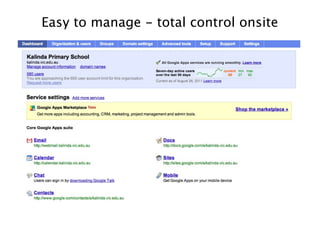
Easy to manage - total control onsite
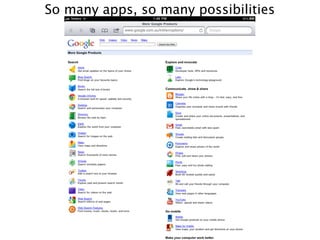
So many apps, so many possibilities
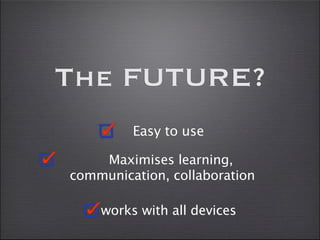
The FUTURE?
         Easy to use

    Maximises learning,
communication, collaboration

    works with all devices
Contact me:
     Twitter: @richielambert

email: rlambert@kalinda.vic.edu.au

  blog: richlambert.edublogs.org

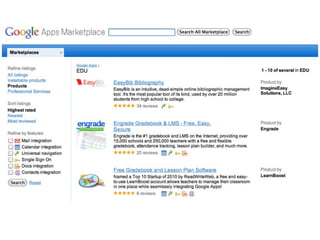
Google apps

  • 1.
    uc ati on for Ed Richard Lambert Twitter: @richielambert email: rlambert@kalinda.vic.edu.au blog: richlambert.edublogs.org
  • 2.
    Ask yourself... • Whatdo you want learning in your school to look like? • What tools would best support this?
  • 4.
    The traditional classroom model is very linear. We need to move to a place that better reflects how people seek/learn/ create in the modern world.
  • 5.
    The traditional classroom model is very linear. We need to move to a place that better reflects how people seek/learn/ create in the modern world.
  • 6.
    The traditional classroom model is very linear. We need to move to a place that better reflects how people seek/learn/ create in the modern world. When our students read, they usually do so as editors/contributors, not just consumers. Publishing is no longer the end result - there is feedback and networking after that stage that is so
  • 7.
    The traditional classroom model is very linear. We need to move to a place that better reflects how people seek/learn/ create in the modern world. When our students read, they usually do so as editors/contributors, not just consumers. Publishing is no longer the end result - there is feedback and networking after that stage that is so
  • 8.
    The best ICTapps ‘get out of the way’ of learning. They are not limiting. They are not difficult to use. They break down the walls of the classroom. They work on any device.
  • 9.
  • 10.
    our responsibility: to prepare students in the best way possible to succeed in the world as we know it
  • 11.
    our responsibility: to prepare students in the best way possible to succeed in the world as we know it to ensure we are using the best tools available to teach our students
  • 12.
  • 13.
  • 26.
    Everything in the cloud: any device, anywhere, any time Google Apps = A secure network of Google products managed from within your school
  • 27.
    Still only usingMicrosoft? Google offers: • Documents, Spreadsheets and Presentations that can be accessed & edited from any device, anywhere, anytime • Easy to use • Stripped back and simplified - the 1000 features kids never use in Microsoft Office aren’t there • Collaborative - shared documents that can be edited together in real time. • Everything has a web address - easy to share, embed
  • 28.
    The ultimate incollaboration...
  • 30.
    Google Forms Create survey,share it or embed it in a webpage, get results in real time in graph or spreadsheet form
  • 31.
    Google Apps Mail •Can be accessed from any device, anywhere, anytime • Can be ‘hosted’ on any device • Takes over the school domain name - ‘powered’ by GMail but each address has the school’s name: (student#@kalinda.vic.edu.au)
  • 32.
  • 33.
    Google Calanders • Canbe accessed from any device, anywhere, anytime • Can be ‘hosted’ on any device • Staff calendars become useful again! Easily accessed on iCal on staff iPads or through native mail applications on department notebooks.
  • 34.
  • 35.
  • 37.
    Google Sites • Canbe accessed from any device, anywhere, anytime • All the benefits of a Wiki with the added benefit of being integrated into your document, mail and calendar system. • Privacy options for each individual page - set to private, open other Kalinda users, or public.
  • 38.
    Student homepage Links to each level page •Information for students and parents Level Pages •Calendar of shared level events •Links to sites that are used in class • Information specific to class: links, Class Pages class calendars, class activities etc Student Pages • a student blog and digital portfolio
  • 39.
  • 45.
  • 50.
  • 51.
    Easy to manage- total control onsite
  • 52.
    So many apps,so many possibilities
  • 54.
    The FUTURE? Easy to use Maximises learning, communication, collaboration works with all devices
  • 55.
    Contact me: Twitter: @richielambert email: rlambert@kalinda.vic.edu.au blog: richlambert.edublogs.org