How to review software requirements
Make the world a better place.  Send this to project stakeholders who need to read requirements.
Part 1 Your role
You are a ‘stakeholder’ to a project
But what is a stakeholder?
It simply means you have a ‘stake’ in what the project is trying to deliver.
The project might make your life easier
or harder
or make little or no difference.
Either way
you are a
stakeholder
and you have to
read
and understand
and  agree  to
A set of ‘requirements’
because your signature
means you understand
what has been written down
and that your particular needs
and priorities
have been included
sufficiently.
Part 2 What are  requirements  and  why do we have them?
Requirements are a sort of contract
between you
and the project team.
You negotiate for what you need to be included.
They write it down.
You sign it.
It’s a contract.
At the end of the project
you can call them
on what they failed to deliver.
And they can point out
that they delivered to specifications.
It can be a bit of a problem.
I hope this presentation helps
make the problem smaller
or even disappear.
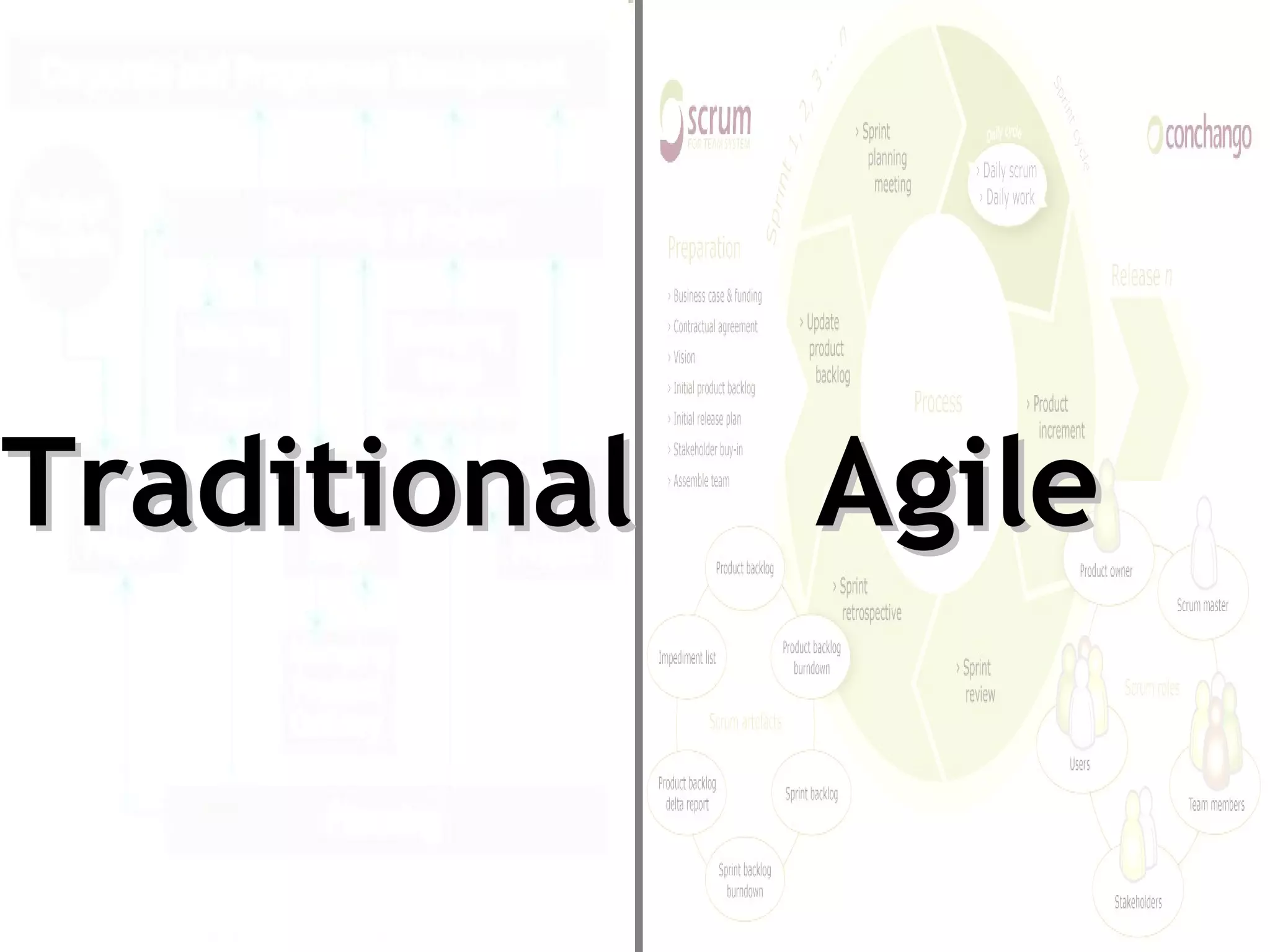
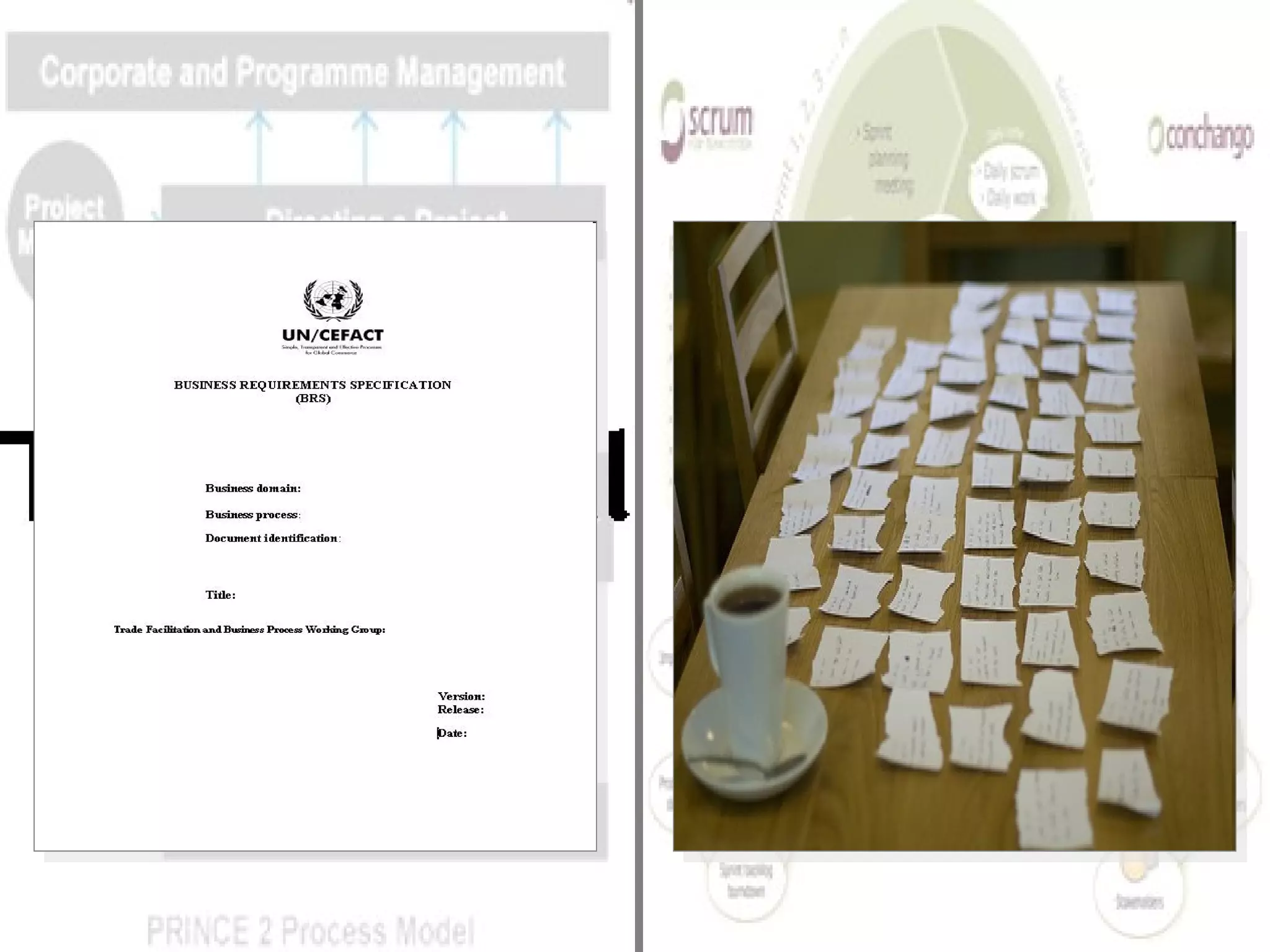
Requirements come in two main flavours.
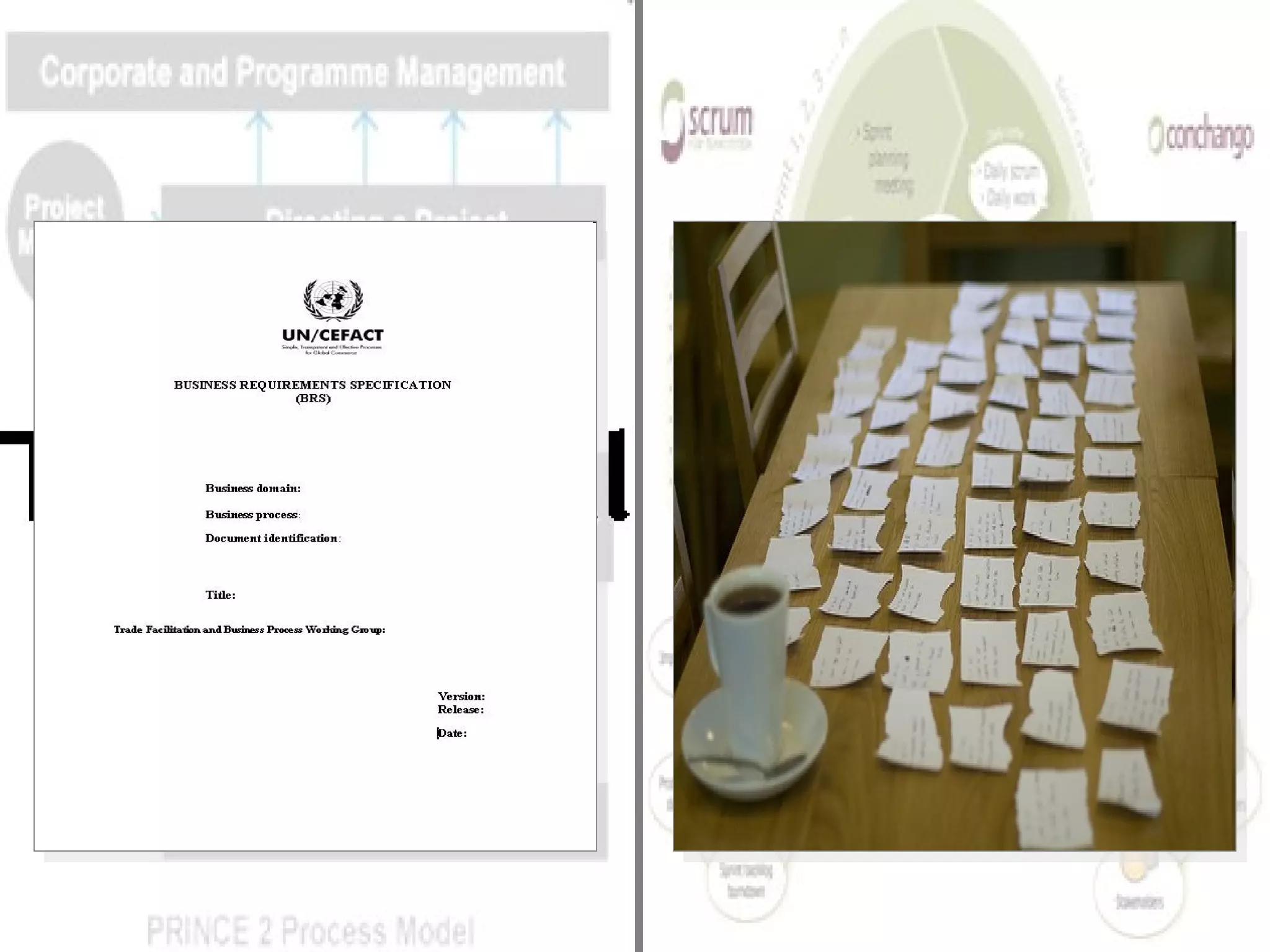
Agile Traditional
They look something like this;
 
Requirements are the way we (project people)
articulate what you (business people)
…  want to see out of a new software product.
to see out of
Requirements are not
typically what we want
to see in  a software package.
to see in
You run a business unit.
You are not a software developer.
Don’t tell the software developer
that you want a particular feature
because
they’ll give it to you.
Instead…
tell them what outcome you want to achieve
and why it is important.
That way you’ll get
what you need.
Part 3 Reading requirements
(By the way, the secret to this is all in the preparation.)
Remember these?
 
Step 1
Put the document down.
Step 2
Grab a trusted colleague
and piece of paper
or some sticky notes
or a whiteboard
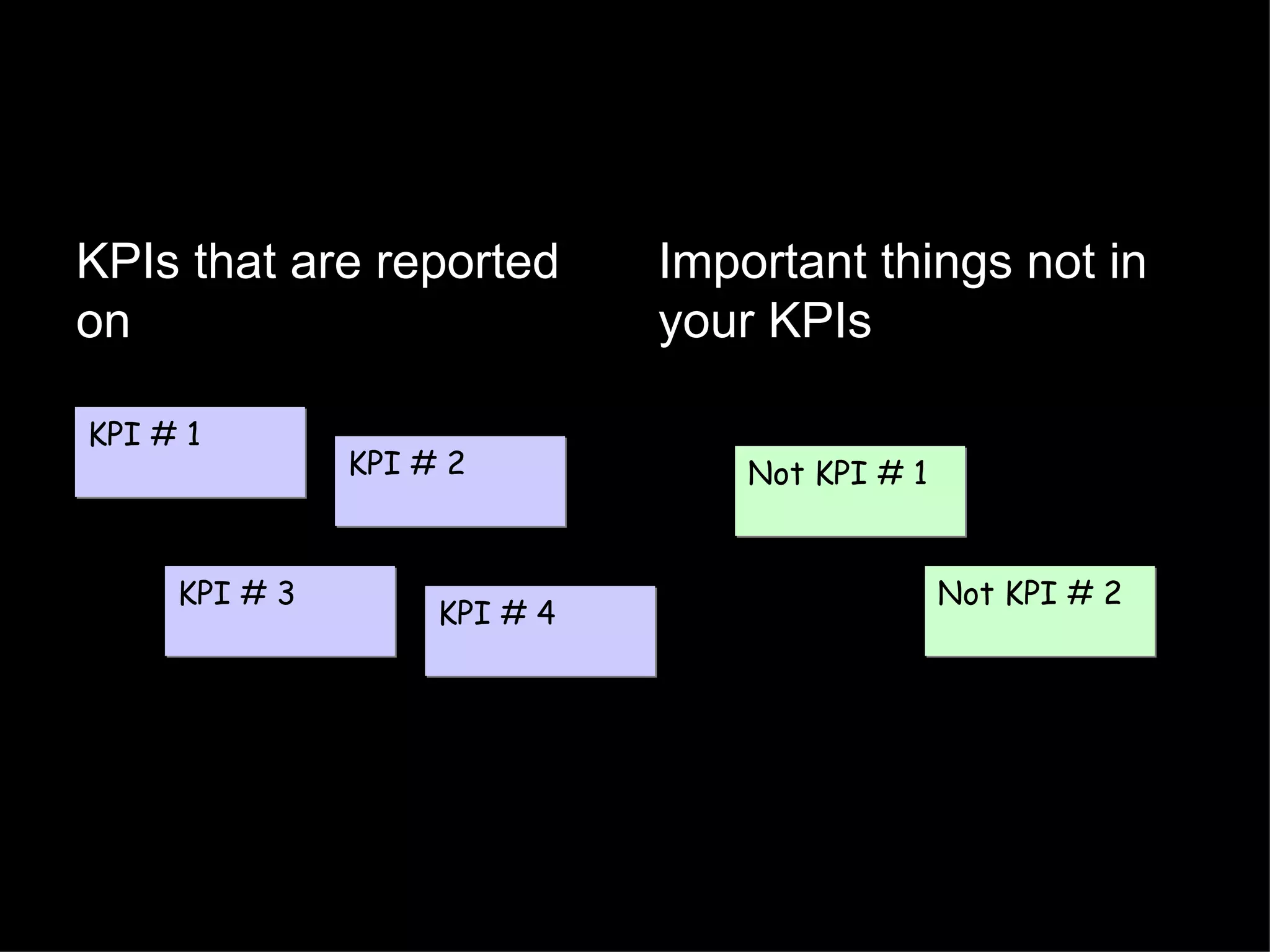
And write down your current KPIs
Now add the things you do that are  (a) important, and (b) not in your KPIs
KPIs that are reported on Important things not in your KPIs KPI # 1 KPI # 2 KPI # 3 KPI # 4 Not KPI # 1 Not KPI # 2
Step 3
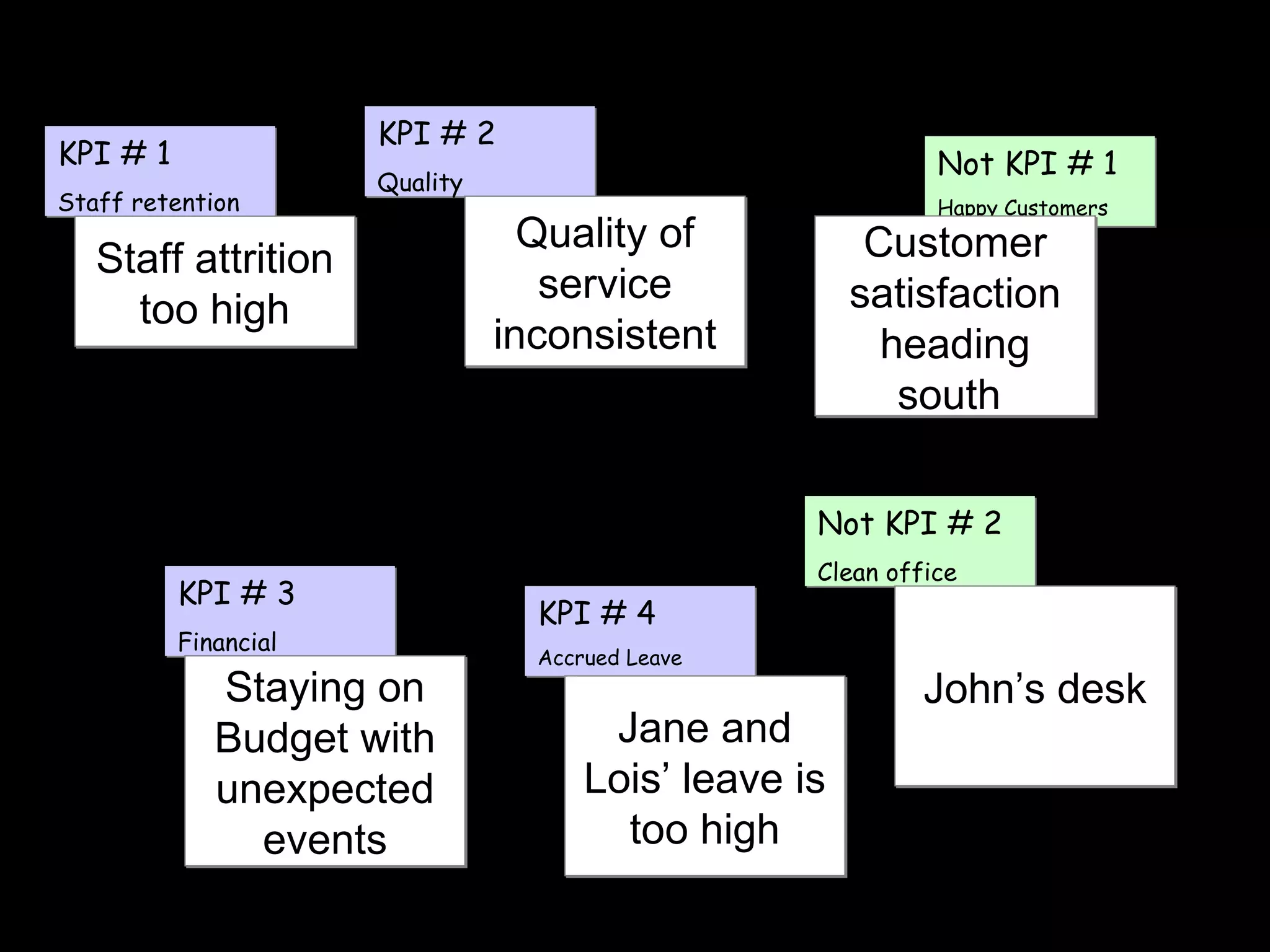
Write down all the major problems you have with your business unit today
and attach them
to your list of KPIs and important things
KPI # 1 Staff retention KPI # 2 Quality KPI # 3 Financial KPI # 4 Accrued Leave Not KPI # 1 Happy Customers Not KPI # 2 Clean office Staying on Budget with unexpected events Staff attrition too high Customer satisfaction heading south  Quality of service inconsistent John’s desk Jane and Lois’ leave is too high
Step 4
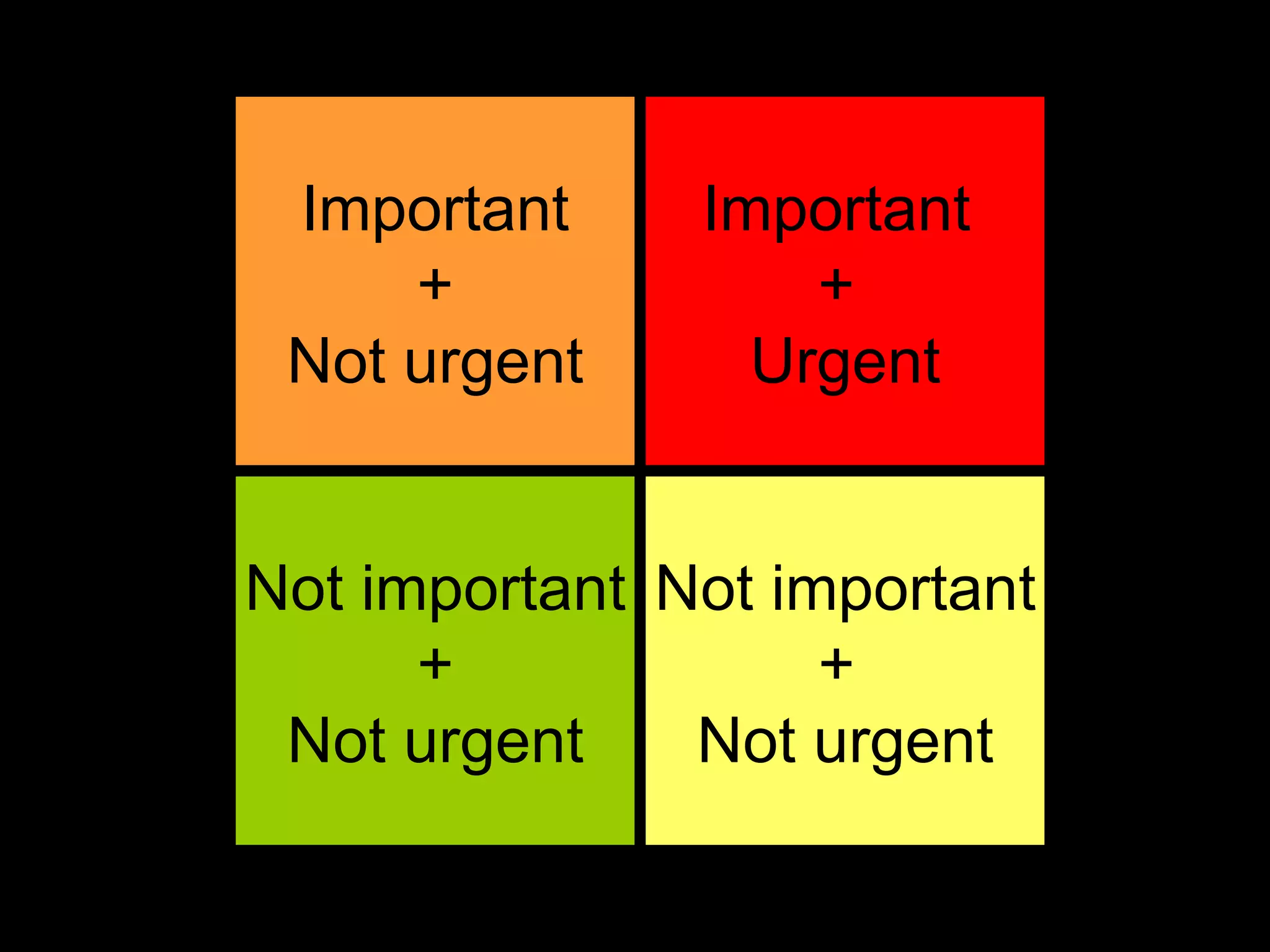
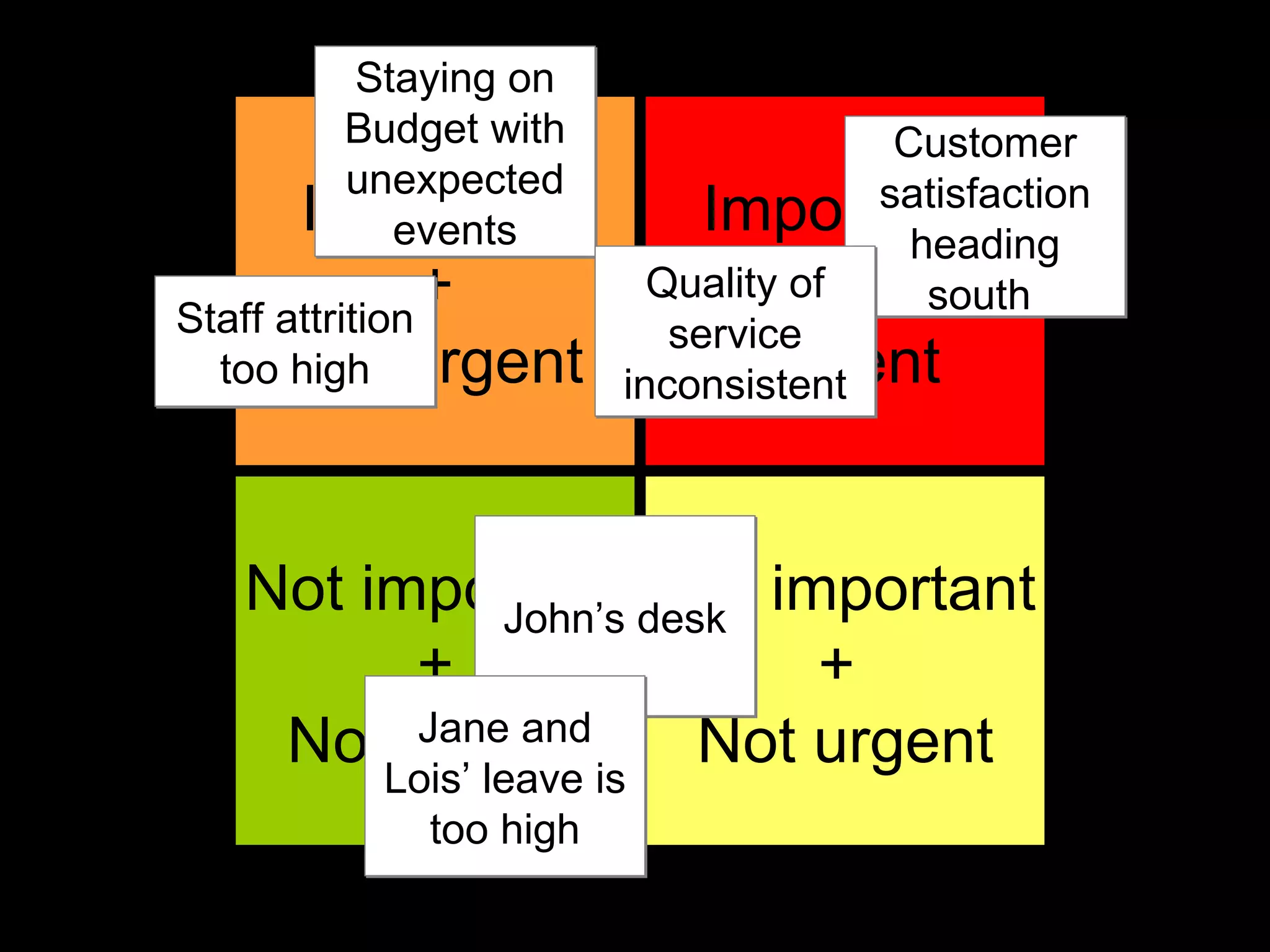
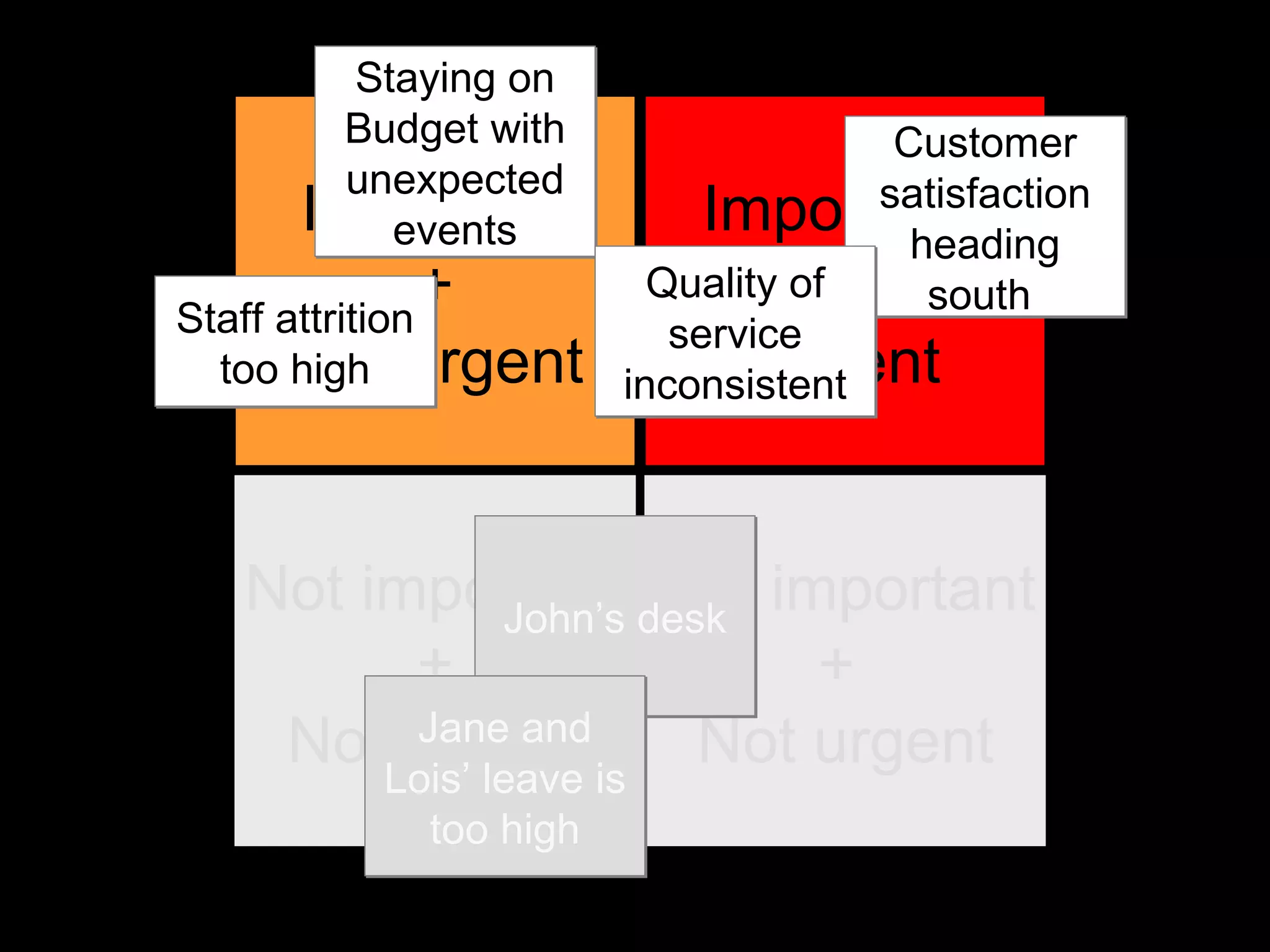
Drop your problems into an important / urgent prioritisation grid
Important + Not urgent Not important + Not urgent Important  +  Urgent Not important +  Not urgent
Important + Not urgent Not important + Not urgent Important  +  Urgent Not important +  Not urgent Staying on Budget with unexpected events Staff attrition too high Customer satisfaction heading south  Quality of service inconsistent John’s desk Jane and Lois’ leave is too high
(Projects are expensive and complicated enough without loading up small-fry issues)
Only keep the important issues
Important + Not urgent Not important + Not urgent Important  +  Urgent Not important +  Not urgent Staying on Budget with unexpected events Staff attrition too high Customer satisfaction heading south  Quality of service inconsistent John’s desk Jane and Lois’ leave is too high
Step 5
Draw a circle
 
Write down a short description of the project’s goals in the circle
Solve world hunger
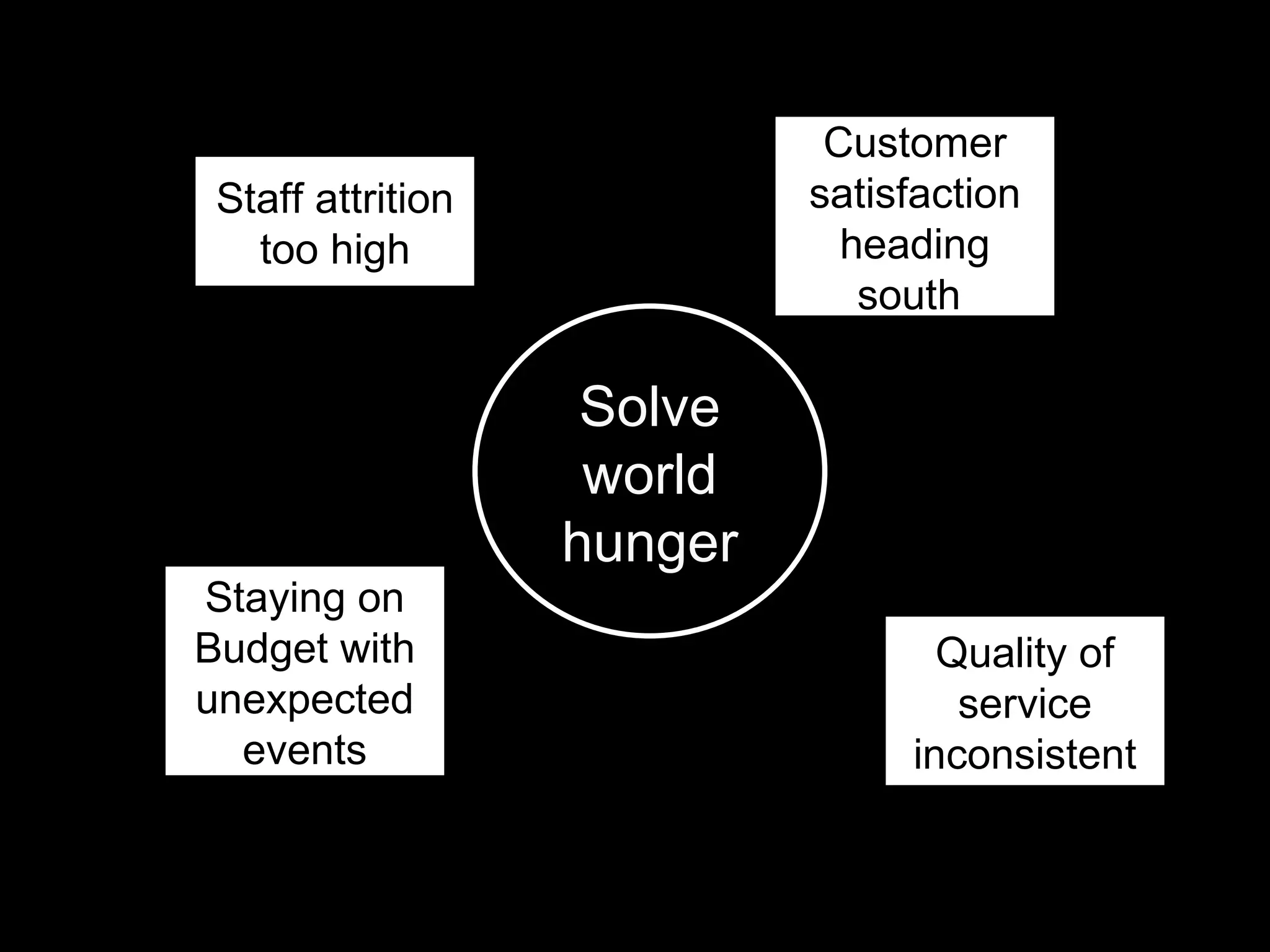
Now write your important problems and issues around the circle
Solve world hunger Staying on Budget with unexpected events Staff attrition too high Customer satisfaction heading south  Quality of service inconsistent
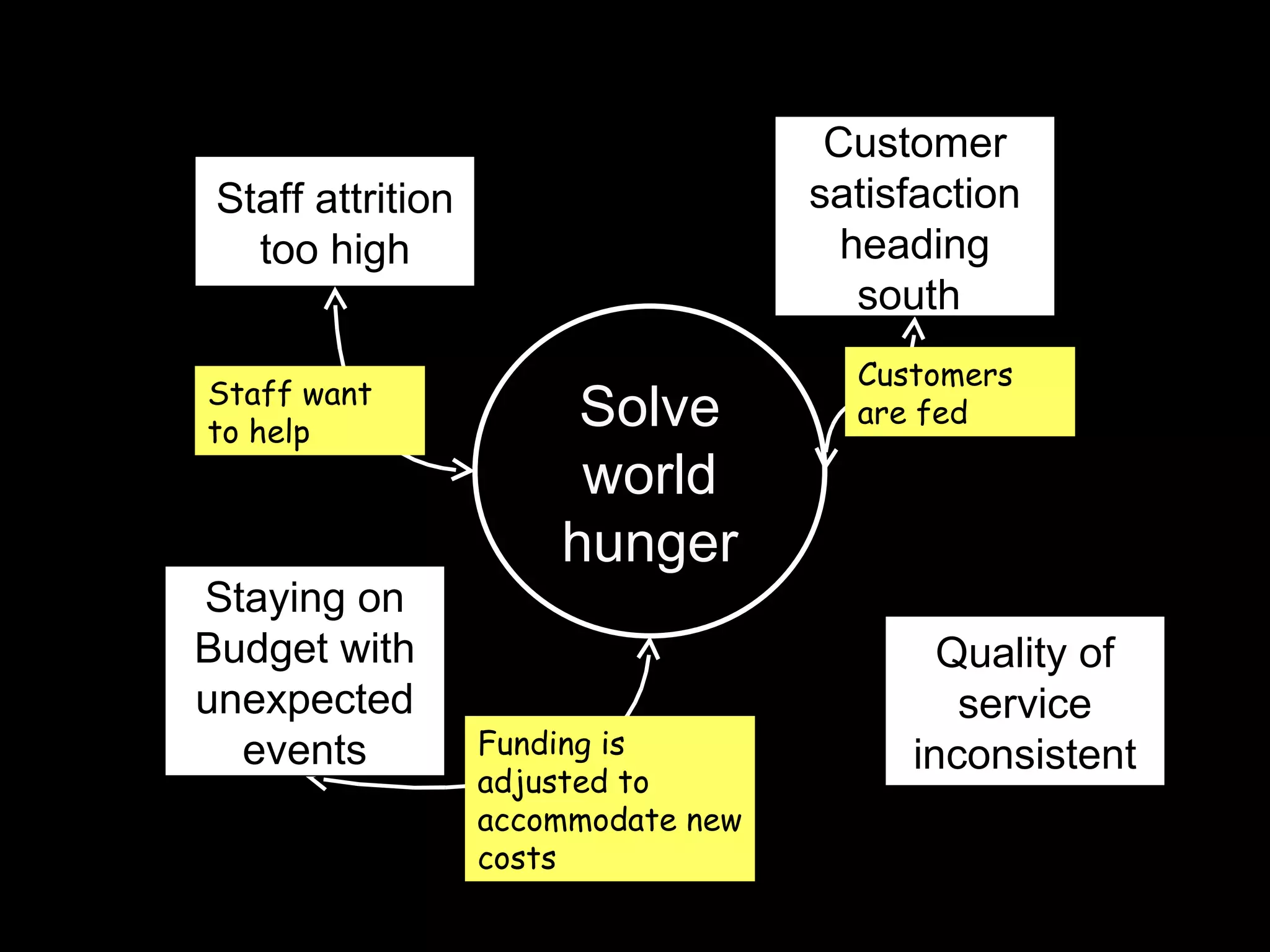
Link up the project’s goals with your problem areas
With a description of how the project should be helping
Customers are fed Funding is adjusted to accommodate new costs Staying on Budget with unexpected events Staff attrition too high Customer satisfaction heading south  Quality of service inconsistent Solve world hunger Staff want to help
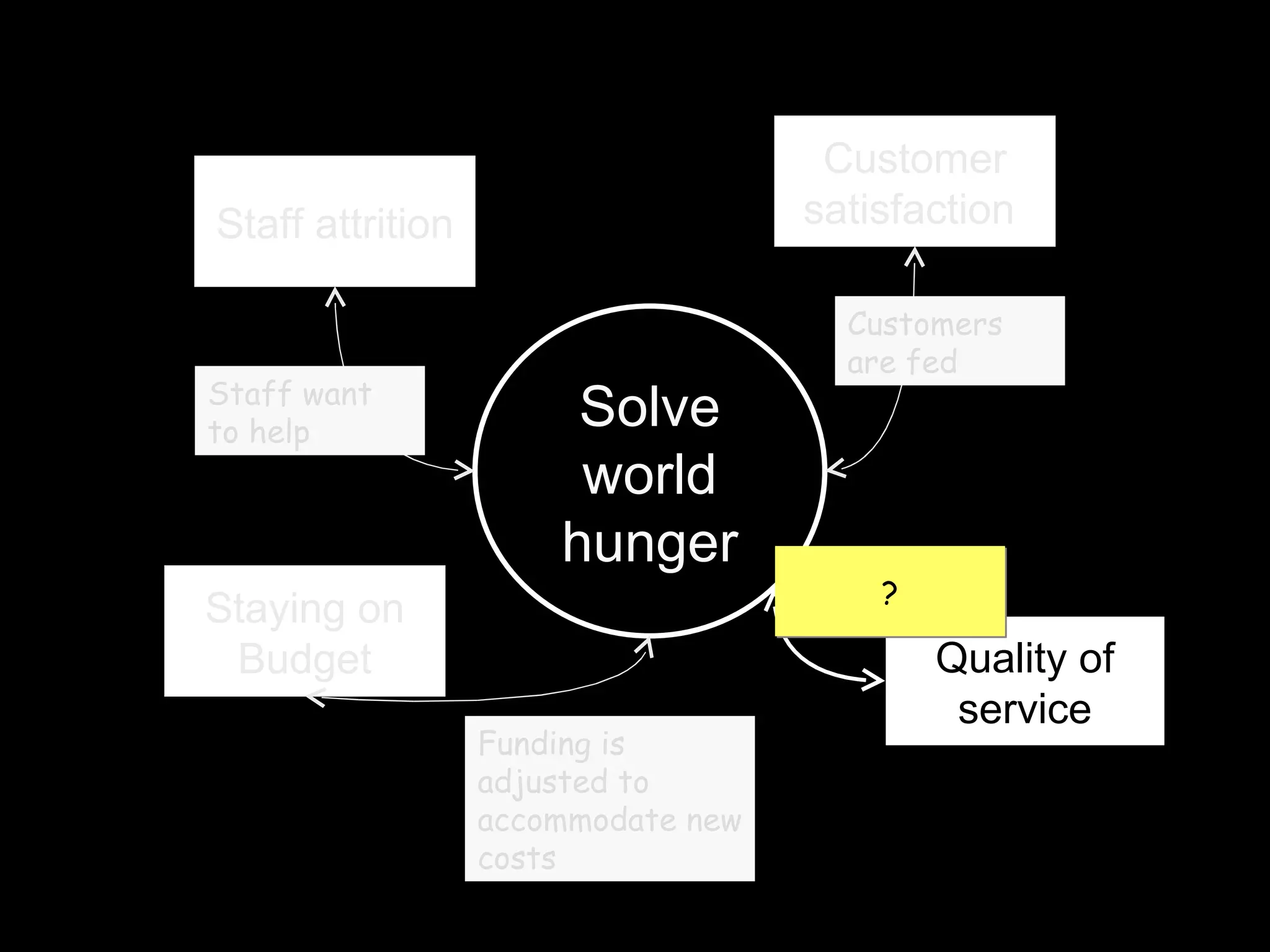
Projects won’t connect with all your problems
Solve world hunger Staying on Budget Staff attrition Customer satisfaction  Quality of service Staff want to help Customers are fed Funding is adjusted to accommodate new costs ?
(That’s a good thing)
(Overly large projects are too complex and usually fail)
Step 6
Take your KPIs and other important responsibilities
&
take the links
between the project’s goals and your problems
and
Make them headings
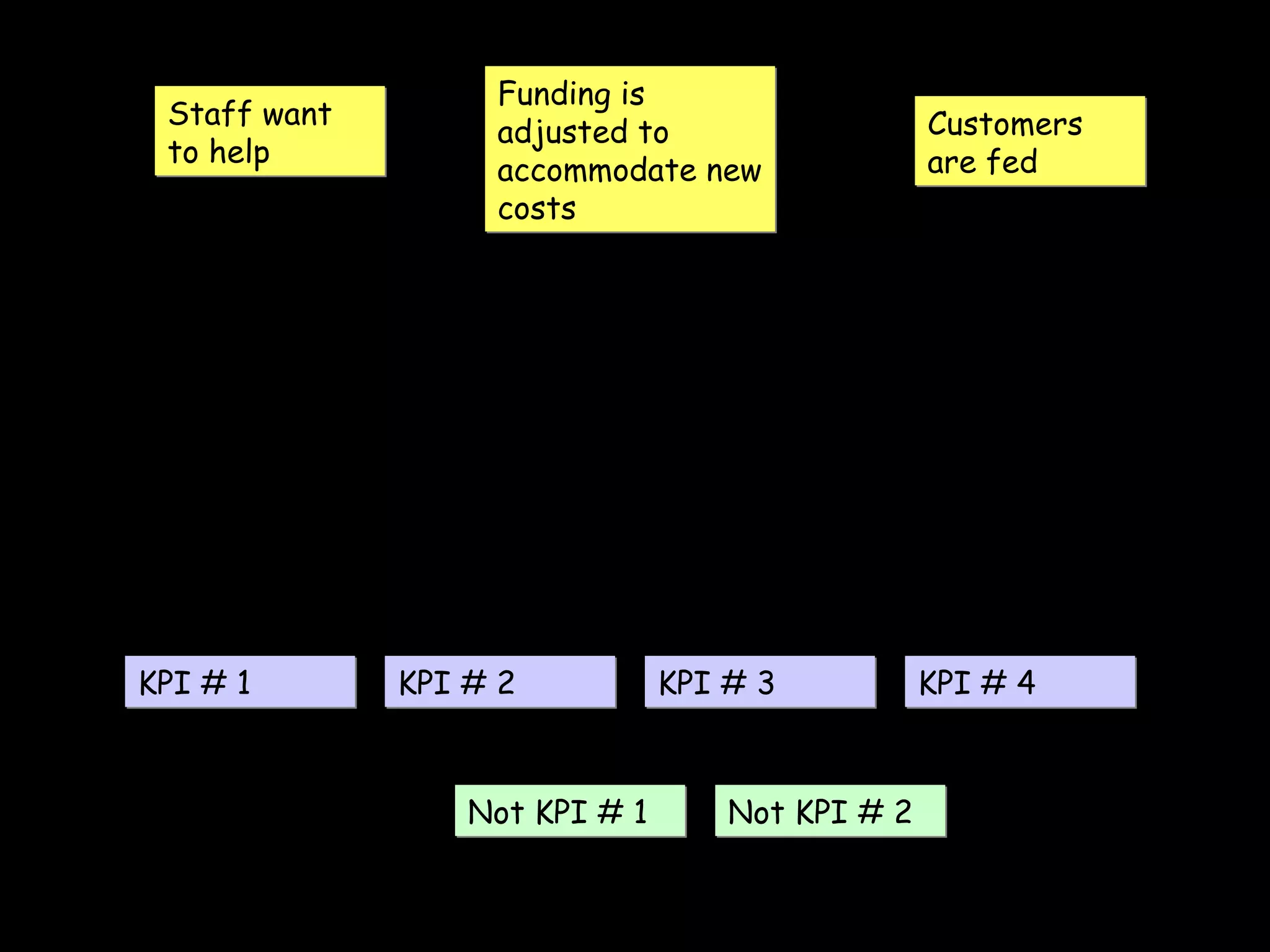
Staff want to help Customers are fed Funding is adjusted to accommodate new costs KPI # 1 KPI # 2 KPI # 3 KPI # 4 Not KPI # 1 Not KPI # 2
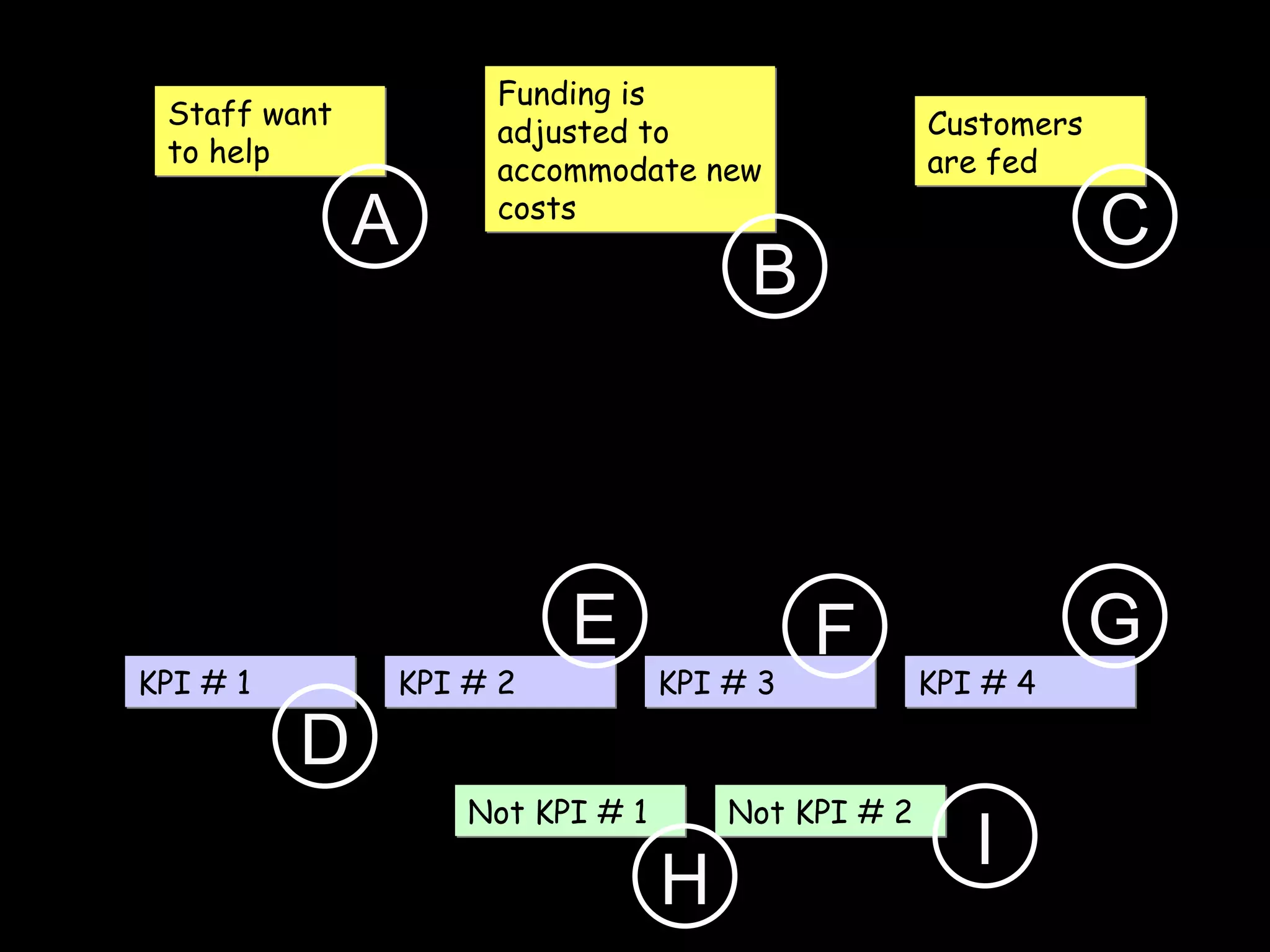
Give them a shorthand code
Staff want to help Customers are fed Funding is adjusted to accommodate new costs KPI # 1 KPI # 2 KPI # 3 KPI # 4 Not KPI # 1 Not KPI # 2 A B C D E F G H I
Now you are ready
to read those requirements
and assess
how the project will affect you
and your business unit.
Let’s revisit those steps:
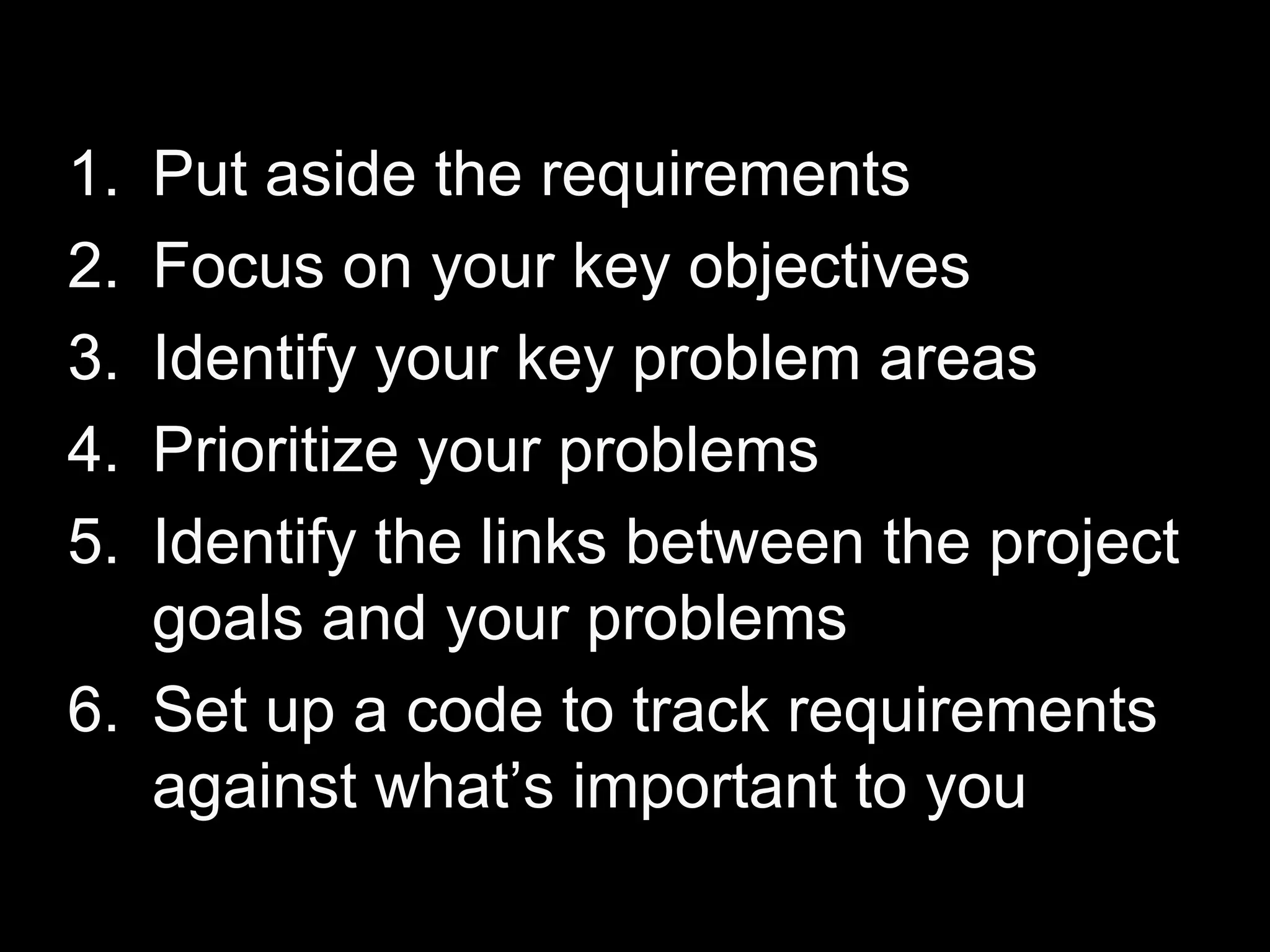
Put aside the requirements Focus on your key objectives Identify your key problem areas Prioritize your problems Identify the links between the project goals and your problems  Set up a code to track requirements against what’s important to you
Step 7
Read each requirement statement
At the end of each statement
Attach the code for each problem or goal you have
And then rate the requirement
on it’s ability to affect you
(good or bad)
When you complete the document you’ll have notes
On everything that is relevant to you
And you’ll also have
Lot’s of requirements statements
that have no relevance to you
Now you can focus
on what is important.
And you can see
how the project’s requirements
will affect you.
There is one last thing.
Step 8
Go back to your diagram
that links the project
to your goals and problems.
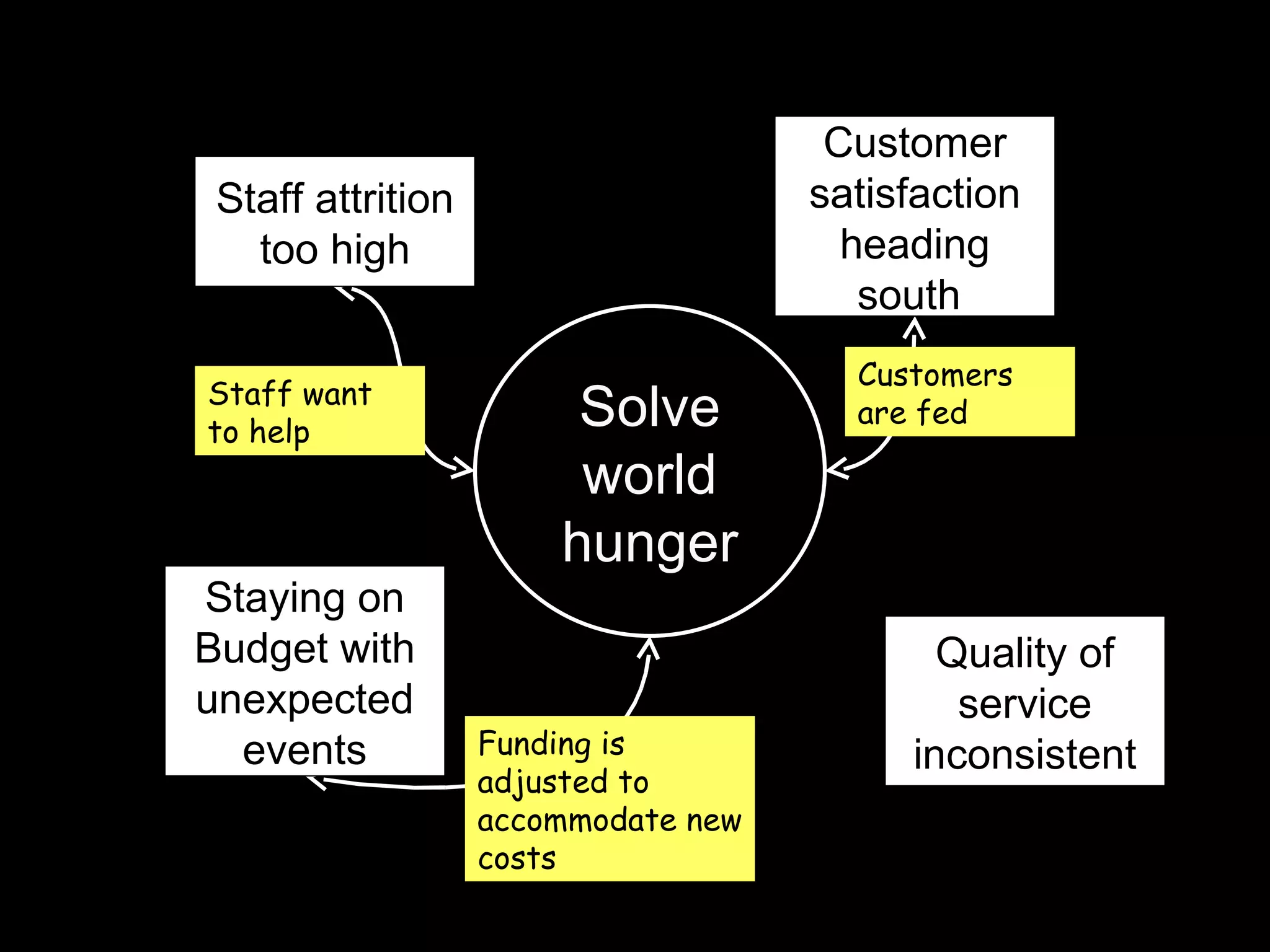
Solve world hunger Staff want to help Customers are fed Funding is adjusted to accommodate new costs Staying on Budget with unexpected events Staff attrition too high Customer satisfaction heading south  Quality of service inconsistent
Which one of these issues
have been left out of the document?
Do they matter?
If they do, it’s time to write up a list…
and send it to the project team.
I hope this is helpful.
We’d love your feedback. (comments below)
www.betterprojects.net

How To Review Software Requirements

Editor's Notes

  • #2 Great cover photo by Zach_ManchesterUK CC @ Flickr (Thaks Zach!) http://www.flickr.com/photos/zach_manchester/2100975845/