Android L Developer Preview :
Know Everything About Google’s
Latest Update
http://www.brainvire.com/android-application-development/
Android L Developer Preview : Know Everything
About Google’s Latest Update
➢ What to expect from Google’s latest mobile operating system
update !
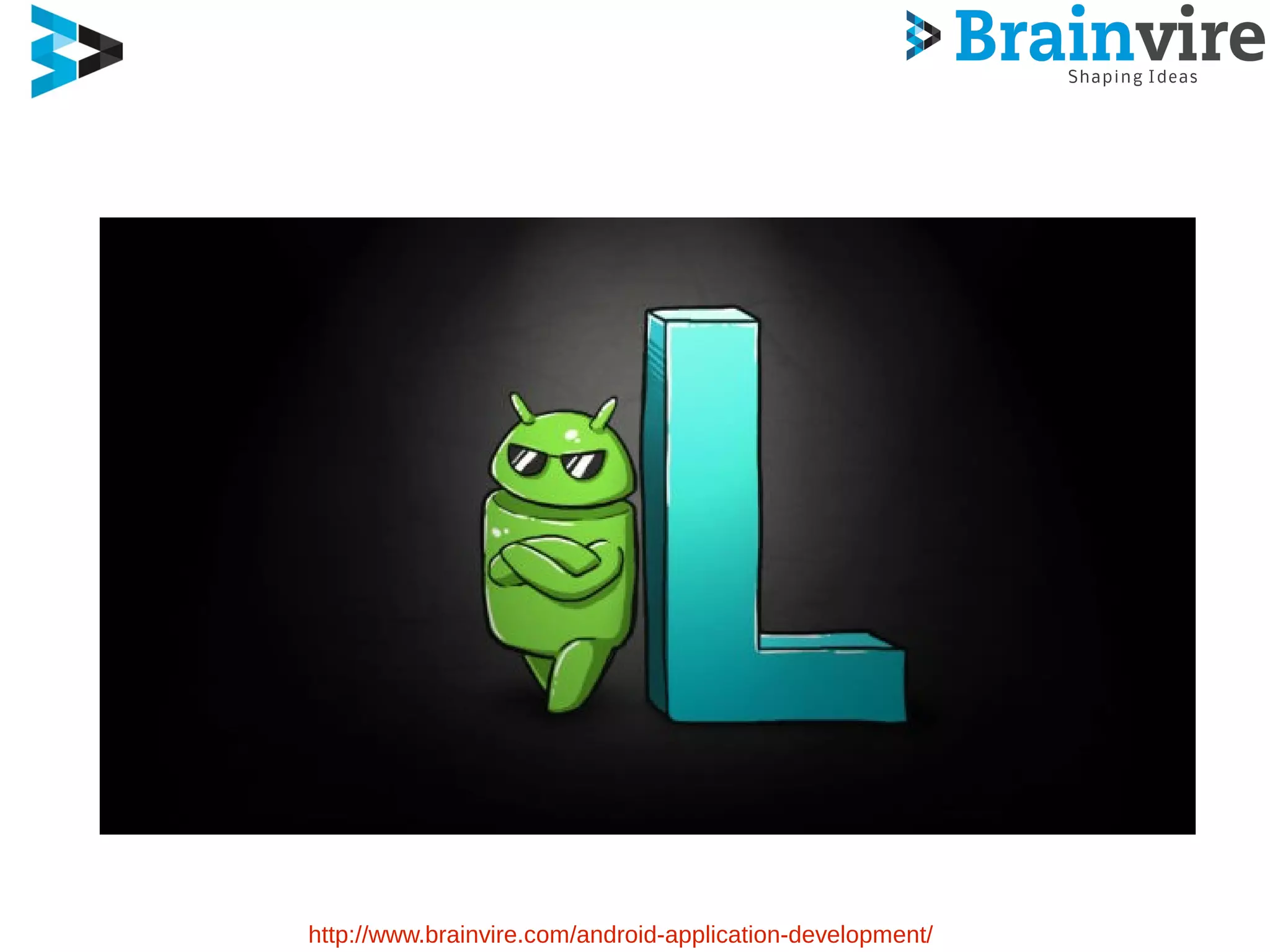
➢ Google announced Android L earlier this week
➢ Detailed some big changes coming to the platform this fall
➢ Android L picks up where KitKat left off
➢ There are plenty of cool new features
➢ Here’s a list of main changes coming with this Andriod L release
http://www.brainvire.com/android-application-development/
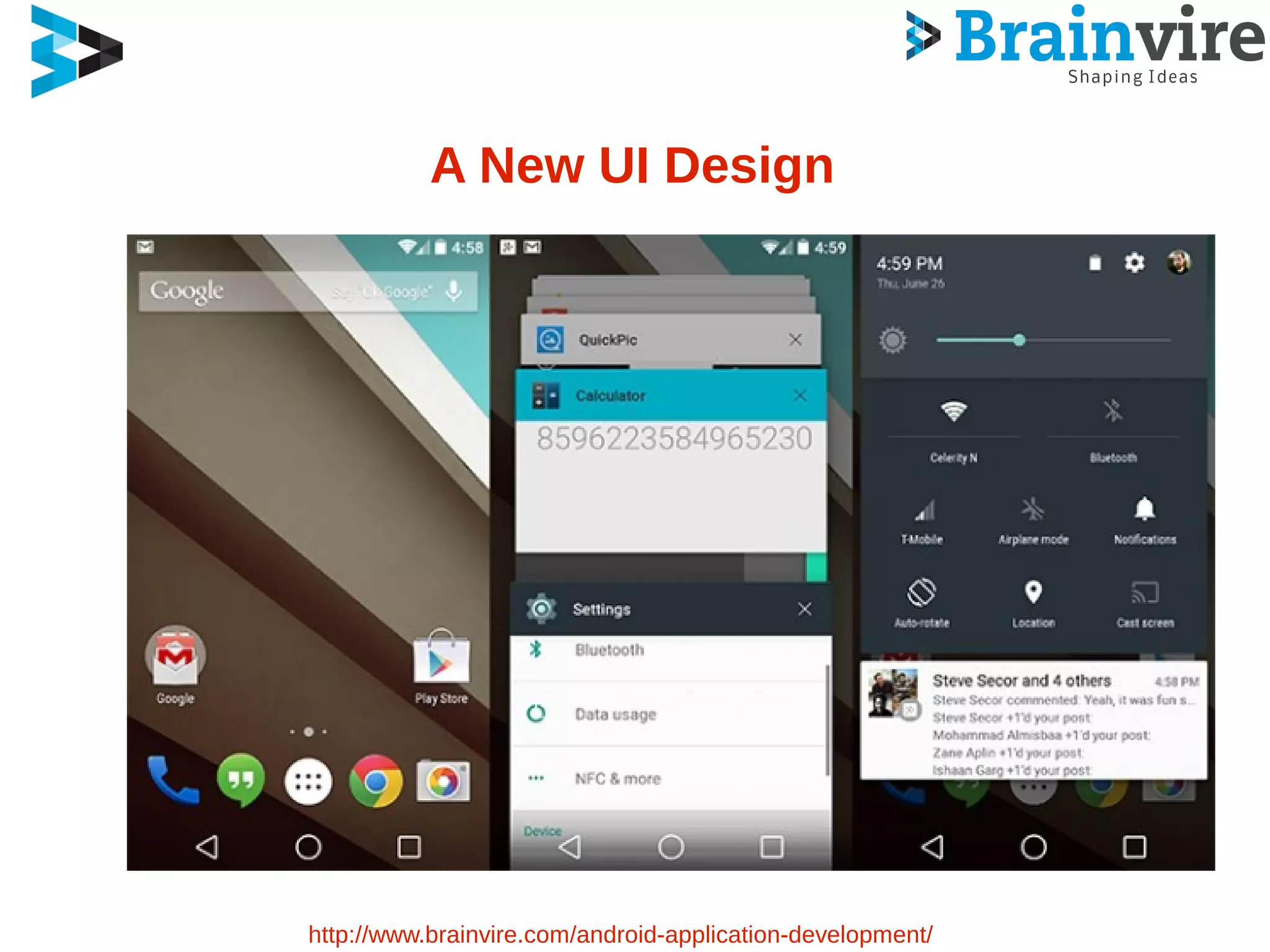
A New UI Design
http://www.brainvire.com/android-application-development/
A New UI Design
Support for Material Design Apps
Design is a comprehensive guide
Visual, Motion and interaction design
Android L brings in a new look
Far cleaner and less cluttered than ever
The new interface
A kind of floating feel
http://www.brainvire.com/android-application-development/
Design is cooler with more bright colors
Smooth Animations
The new on-screen software buttons
Just follow the guidelines mentioned
In the Material Design Specification
Use the components and functionality
Enjoy the Android L Developer Preview
User Experience
➢ First of the new features Google wants is the UI
➢ Expect more animations, more touch feedback
➢ Your interactions don't exist in two dimensions
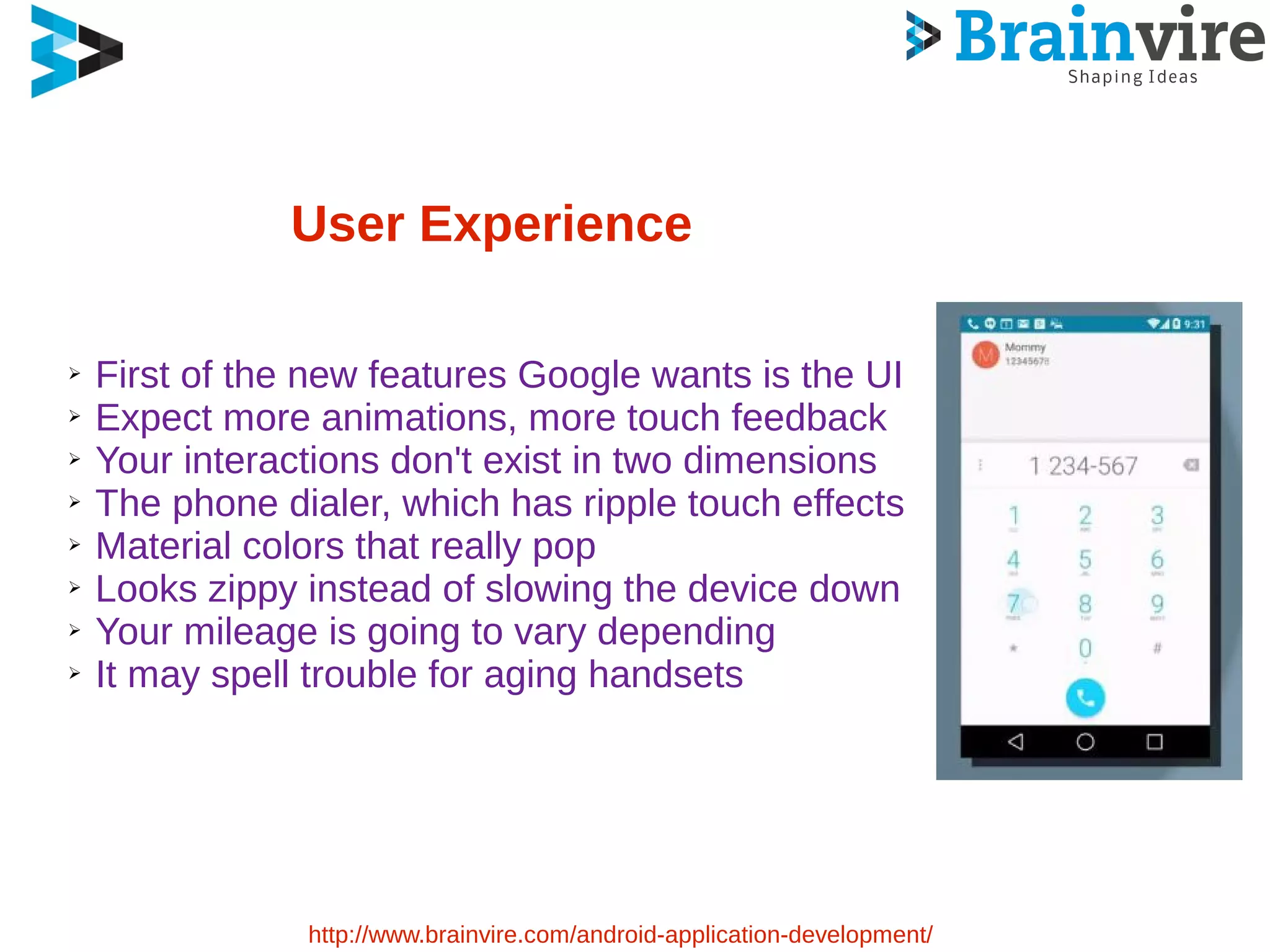
➢ The phone dialer, which has ripple touch effects
➢ Material colors that really pop
➢ Looks zippy instead of slowing the device down
➢ Your mileage is going to vary depending
➢ It may spell trouble for aging handsets
http://www.brainvire.com/android-application-development/
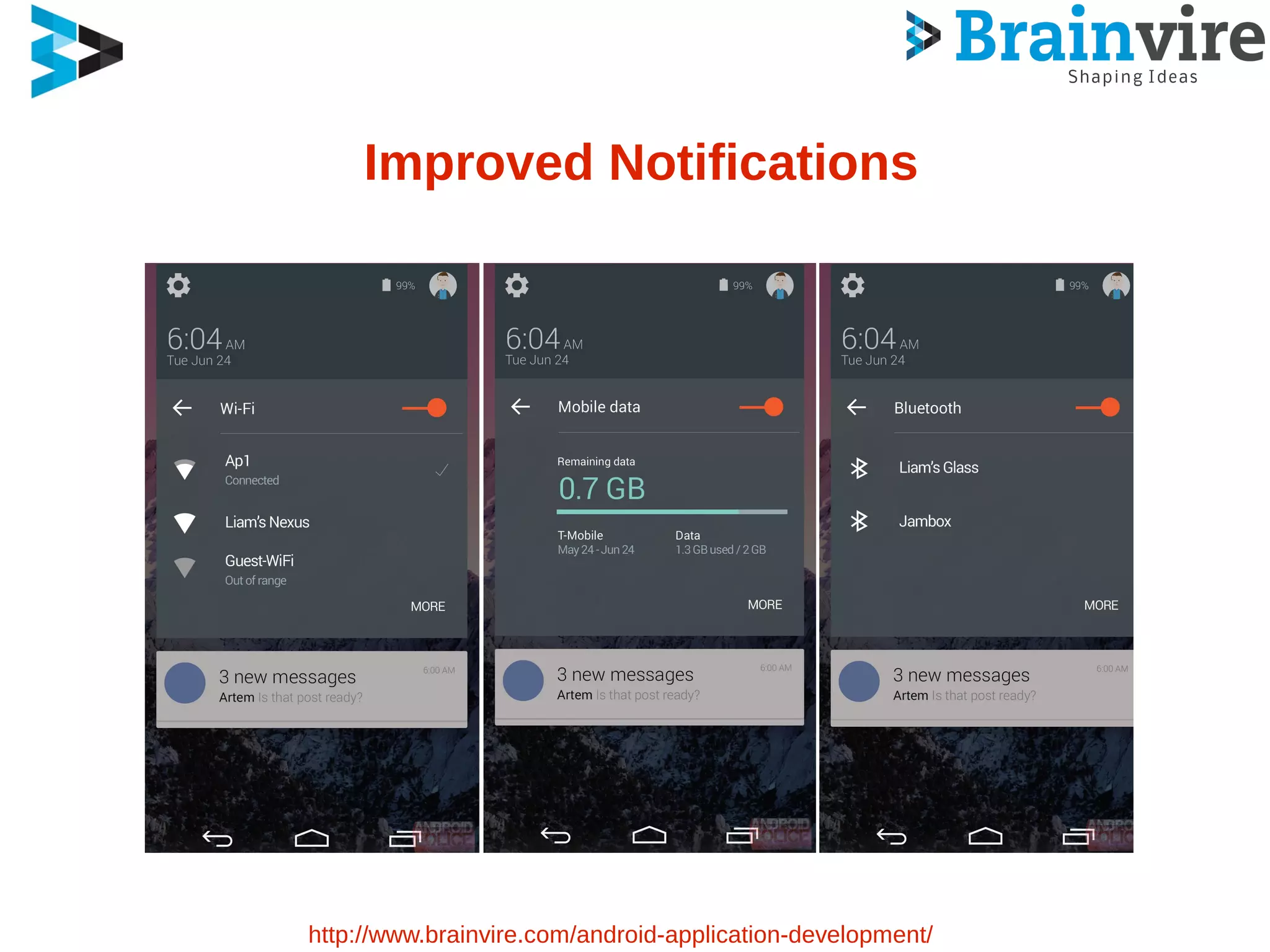
Improved Notifications
http://www.brainvire.com/android-application-development/
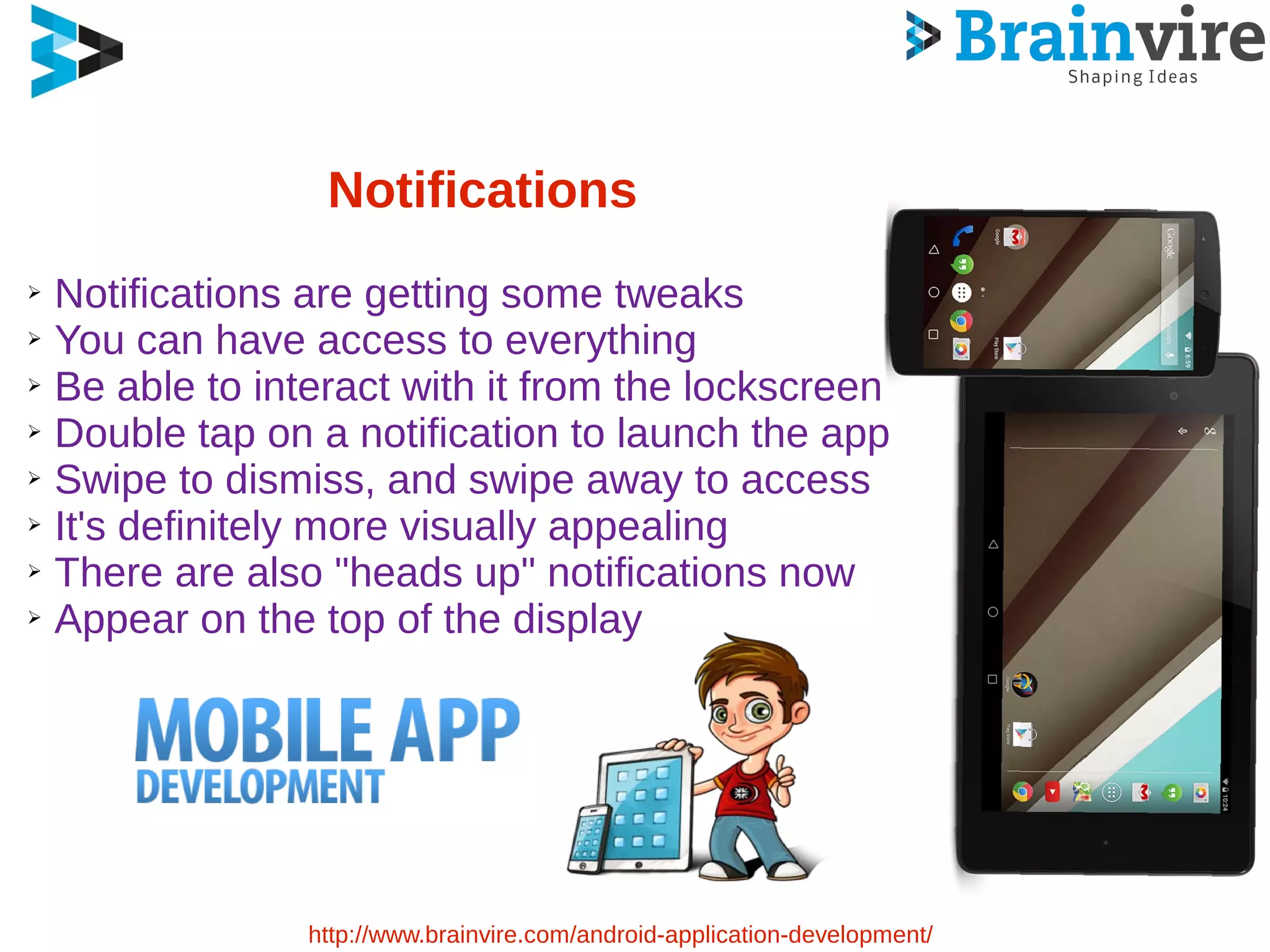
The Notifications
➢ Now much more interactable than ever before
➢ A newer Lockscreen in the L Developer Preview
➢ More Impressive
➢ Have the ability to present notifications
➢ It’s all very 3D and a big improvement
➢ You also get a “Do Not Disturb” mode
➢ Turn off all the notifications until you enable
them
➢ You can turn off notifications for individual apps
➢ The “Sounds and Notifications” Menu
http://www.brainvire.com/android-application-development/
Notifications
➢ Notifications are getting some tweaks
➢ You can have access to everything
➢ Be able to interact with it from the lockscreen
➢ Double tap on a notification to launch the app
➢ Swipe to dismiss, and swipe away to access
➢ It's definitely more visually appealing
➢ There are also "heads up" notifications now
➢ Appear on the top of the display
http://www.brainvire.com/android-application-development/
Project Volta
➢ Google’s Project Volta is addressing the issue of a battery life
➢ Google Promised slew of new battery saving features in Android
L
➢ L Developer Preview Provides several new developer tools
➢ APIs to better measure and understand your app’s power usage
➢ Developers can use a feature called Battery Historian
➢ Developer can see what tasks are using up the precious power
Consumption
http://www.brainvire.com/android-application-development/
Multi-Tasking
➢ Google is also making changes to multitasking
➢ You won’t be just accessing the app here, but also some features
of the app straight away
➢ You will not only see your most recent app but also tabs open in
Chrome
➢ You will be accessing your app straight from here as though it is
an app of its own
➢ This is a very bold move by Google to bridge the gap between
native and web apps
http://www.brainvire.com/android-application-development/
Google Now Search
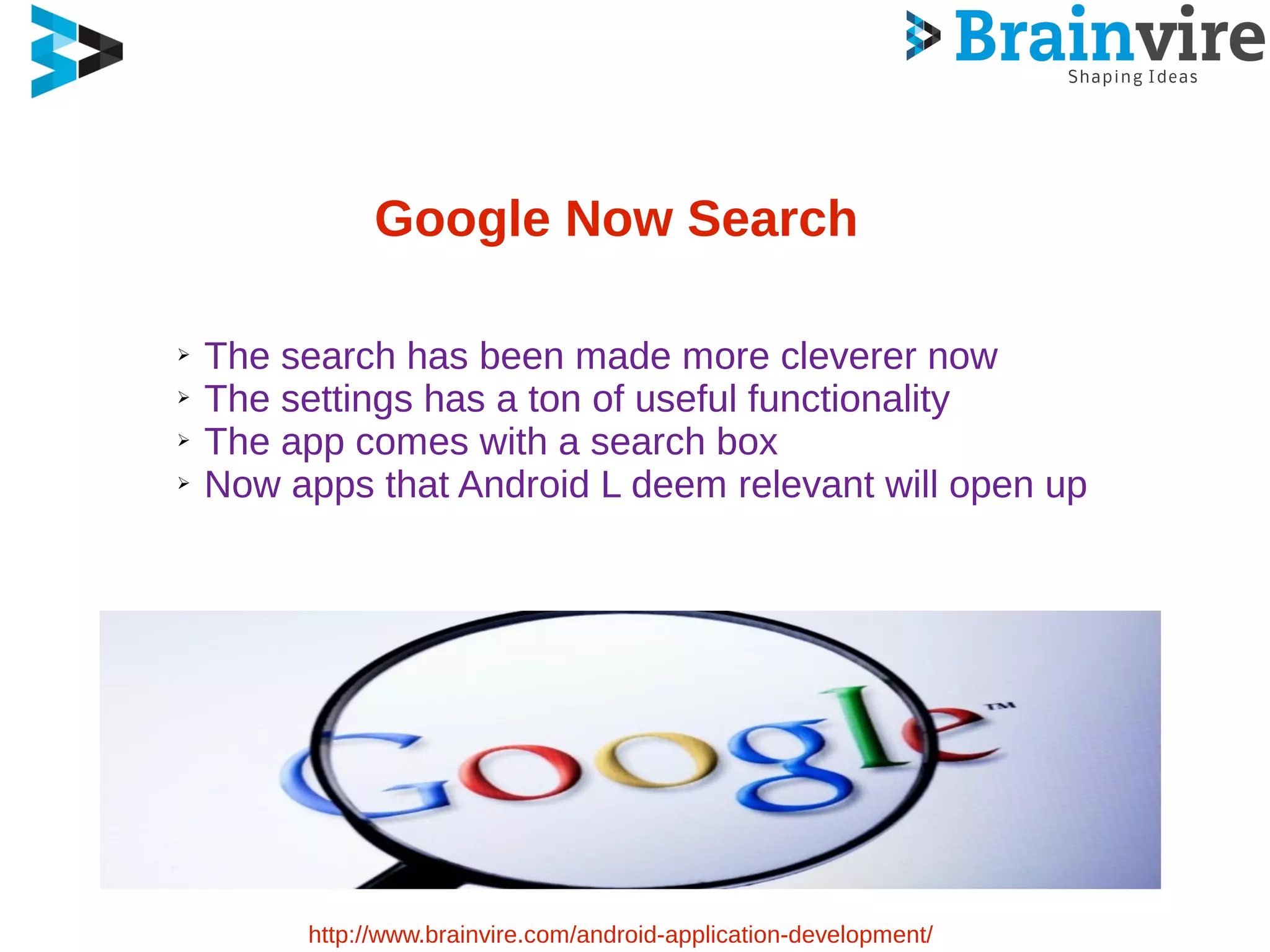
➢ The search has been made more cleverer now
➢ The settings has a ton of useful functionality
➢ The app comes with a search box
➢ Now apps that Android L deem relevant will open up
http://www.brainvire.com/android-application-development/
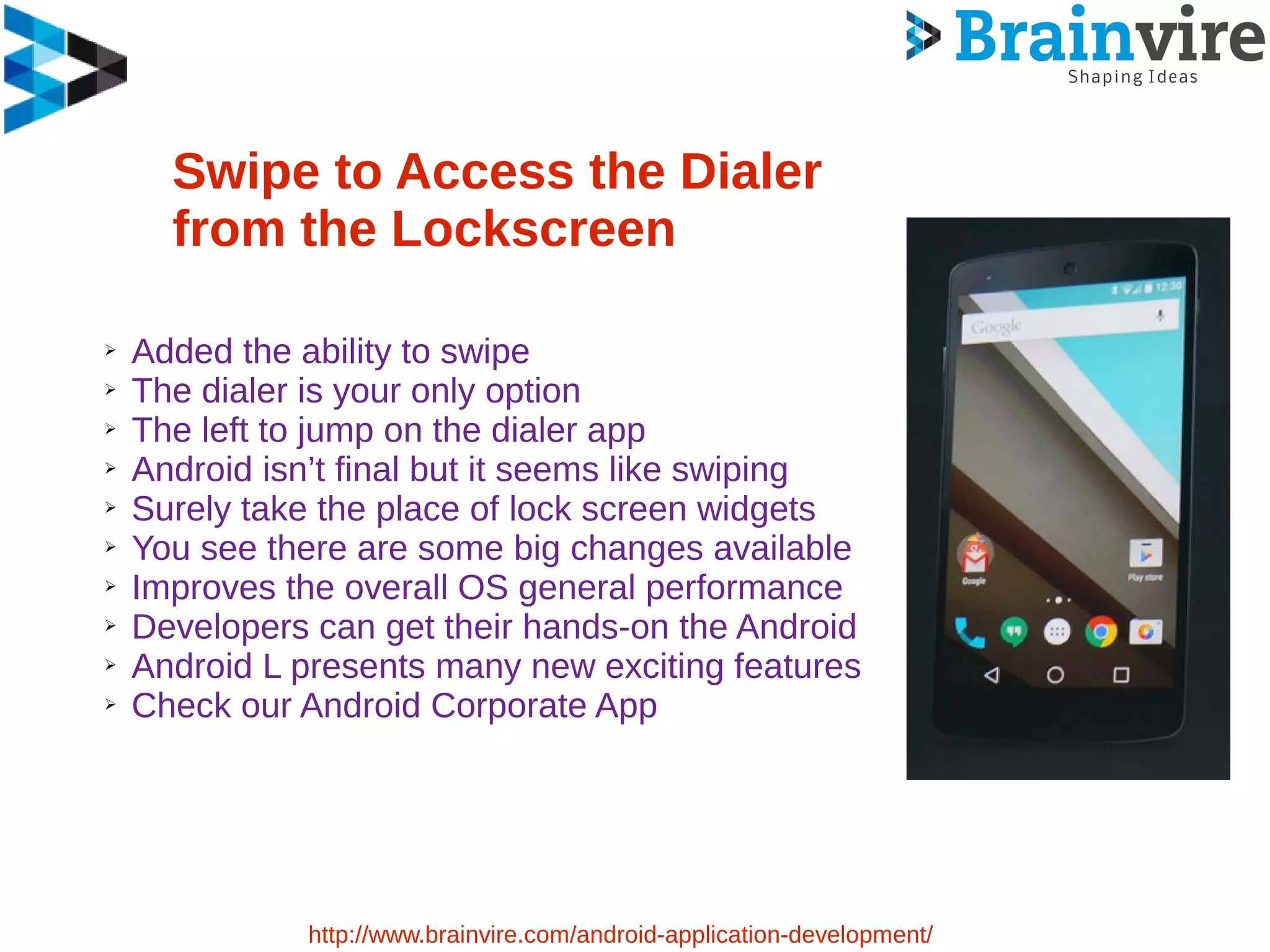
Swipe to Access the Dialer
from the Lockscreen
➢ Added the ability to swipe
➢ The dialer is your only option
➢ The left to jump on the dialer app
➢ Android isn’t final but it seems like swiping
➢ Surely take the place of lock screen widgets
➢ You see there are some big changes available
➢ Improves the overall OS general performance
➢ Developers can get their hands-on the Android
➢ Android L presents many new exciting features
➢ Check our Android Corporate App
http://www.brainvire.com/android-application-development/
Sources :
http://www.brainvire.com
Contact Info : 1-631-897-7276
Email : info@brainvire.com
Website : www.brainvire.com
http://www.brainvire.com/android-l-developer-preview-
know-everything-googles-latest-update/
Contact Us
http://www.brainvire.com
Contact Info : 1-631-897-7276
Email : info@brainvire.com
Website : www.brainvire.com
https://www.facebook.com/Brainvire
https://twitter.com/Brainvire
http://google.com/+Brainvire
http://www.linkedin.com/company/brainvire-
infotech-pvt-ltd

Android l developer preview : know everything about google’s latest update

  • 1.
    Android L DeveloperPreview : Know Everything About Google’s Latest Update http://www.brainvire.com/android-application-development/
  • 2.
    Android L DeveloperPreview : Know Everything About Google’s Latest Update ➢ What to expect from Google’s latest mobile operating system update ! ➢ Google announced Android L earlier this week ➢ Detailed some big changes coming to the platform this fall ➢ Android L picks up where KitKat left off ➢ There are plenty of cool new features ➢ Here’s a list of main changes coming with this Andriod L release http://www.brainvire.com/android-application-development/
  • 3.
  • 4.
    A New UIDesign http://www.brainvire.com/android-application-development/
  • 5.
    A New UIDesign Support for Material Design Apps Design is a comprehensive guide Visual, Motion and interaction design Android L brings in a new look Far cleaner and less cluttered than ever The new interface A kind of floating feel http://www.brainvire.com/android-application-development/ Design is cooler with more bright colors Smooth Animations The new on-screen software buttons Just follow the guidelines mentioned In the Material Design Specification Use the components and functionality Enjoy the Android L Developer Preview
  • 6.
    User Experience ➢ Firstof the new features Google wants is the UI ➢ Expect more animations, more touch feedback ➢ Your interactions don't exist in two dimensions ➢ The phone dialer, which has ripple touch effects ➢ Material colors that really pop ➢ Looks zippy instead of slowing the device down ➢ Your mileage is going to vary depending ➢ It may spell trouble for aging handsets http://www.brainvire.com/android-application-development/
  • 7.
  • 8.
    The Notifications ➢ Nowmuch more interactable than ever before ➢ A newer Lockscreen in the L Developer Preview ➢ More Impressive ➢ Have the ability to present notifications ➢ It’s all very 3D and a big improvement ➢ You also get a “Do Not Disturb” mode ➢ Turn off all the notifications until you enable them ➢ You can turn off notifications for individual apps ➢ The “Sounds and Notifications” Menu http://www.brainvire.com/android-application-development/
  • 9.
    Notifications ➢ Notifications aregetting some tweaks ➢ You can have access to everything ➢ Be able to interact with it from the lockscreen ➢ Double tap on a notification to launch the app ➢ Swipe to dismiss, and swipe away to access ➢ It's definitely more visually appealing ➢ There are also "heads up" notifications now ➢ Appear on the top of the display http://www.brainvire.com/android-application-development/
  • 10.
    Project Volta ➢ Google’sProject Volta is addressing the issue of a battery life ➢ Google Promised slew of new battery saving features in Android L ➢ L Developer Preview Provides several new developer tools ➢ APIs to better measure and understand your app’s power usage ➢ Developers can use a feature called Battery Historian ➢ Developer can see what tasks are using up the precious power Consumption http://www.brainvire.com/android-application-development/
  • 11.
    Multi-Tasking ➢ Google isalso making changes to multitasking ➢ You won’t be just accessing the app here, but also some features of the app straight away ➢ You will not only see your most recent app but also tabs open in Chrome ➢ You will be accessing your app straight from here as though it is an app of its own ➢ This is a very bold move by Google to bridge the gap between native and web apps http://www.brainvire.com/android-application-development/
  • 12.
    Google Now Search ➢The search has been made more cleverer now ➢ The settings has a ton of useful functionality ➢ The app comes with a search box ➢ Now apps that Android L deem relevant will open up http://www.brainvire.com/android-application-development/
  • 13.
    Swipe to Accessthe Dialer from the Lockscreen ➢ Added the ability to swipe ➢ The dialer is your only option ➢ The left to jump on the dialer app ➢ Android isn’t final but it seems like swiping ➢ Surely take the place of lock screen widgets ➢ You see there are some big changes available ➢ Improves the overall OS general performance ➢ Developers can get their hands-on the Android ➢ Android L presents many new exciting features ➢ Check our Android Corporate App http://www.brainvire.com/android-application-development/
  • 14.
    Sources : http://www.brainvire.com Contact Info: 1-631-897-7276 Email : info@brainvire.com Website : www.brainvire.com http://www.brainvire.com/android-l-developer-preview- know-everything-googles-latest-update/
  • 15.
    Contact Us http://www.brainvire.com Contact Info: 1-631-897-7276 Email : info@brainvire.com Website : www.brainvire.com https://www.facebook.com/Brainvire https://twitter.com/Brainvire http://google.com/+Brainvire http://www.linkedin.com/company/brainvire- infotech-pvt-ltd