



District Parent Advisory Council – Feb.15, 2011Technology Past – Present - FutureBrian KuhnManager of Information ServicesSchool District 43 (Coquitlam)www.sd43.bc.cabkuhn@sd43.bc.cahttp://twitter.com/bkuhnhttp://www.shift2future.com/istockphoto.com #8508482istockphoto.com # 12522602
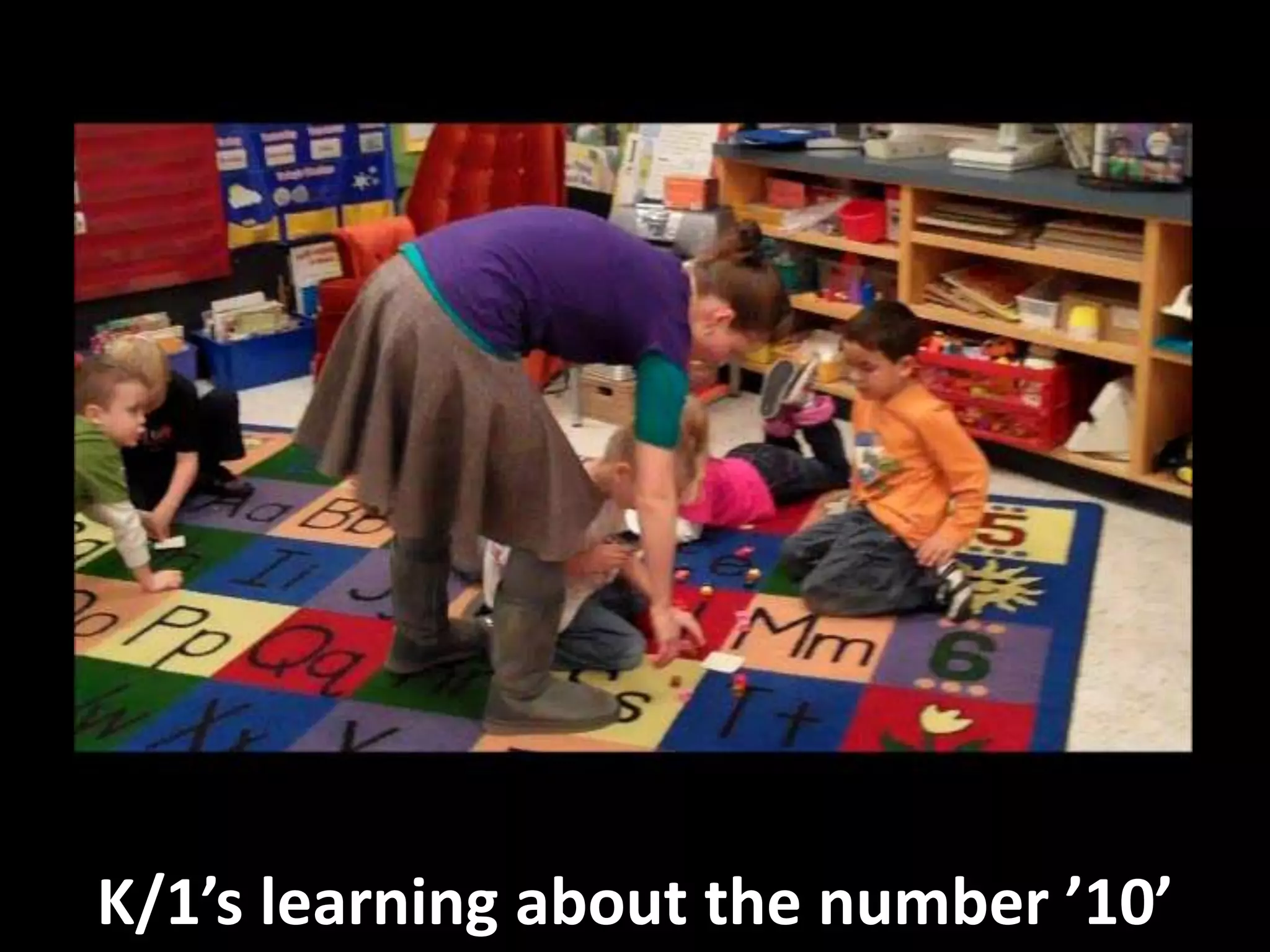
K/1’s learning about the number ’10’
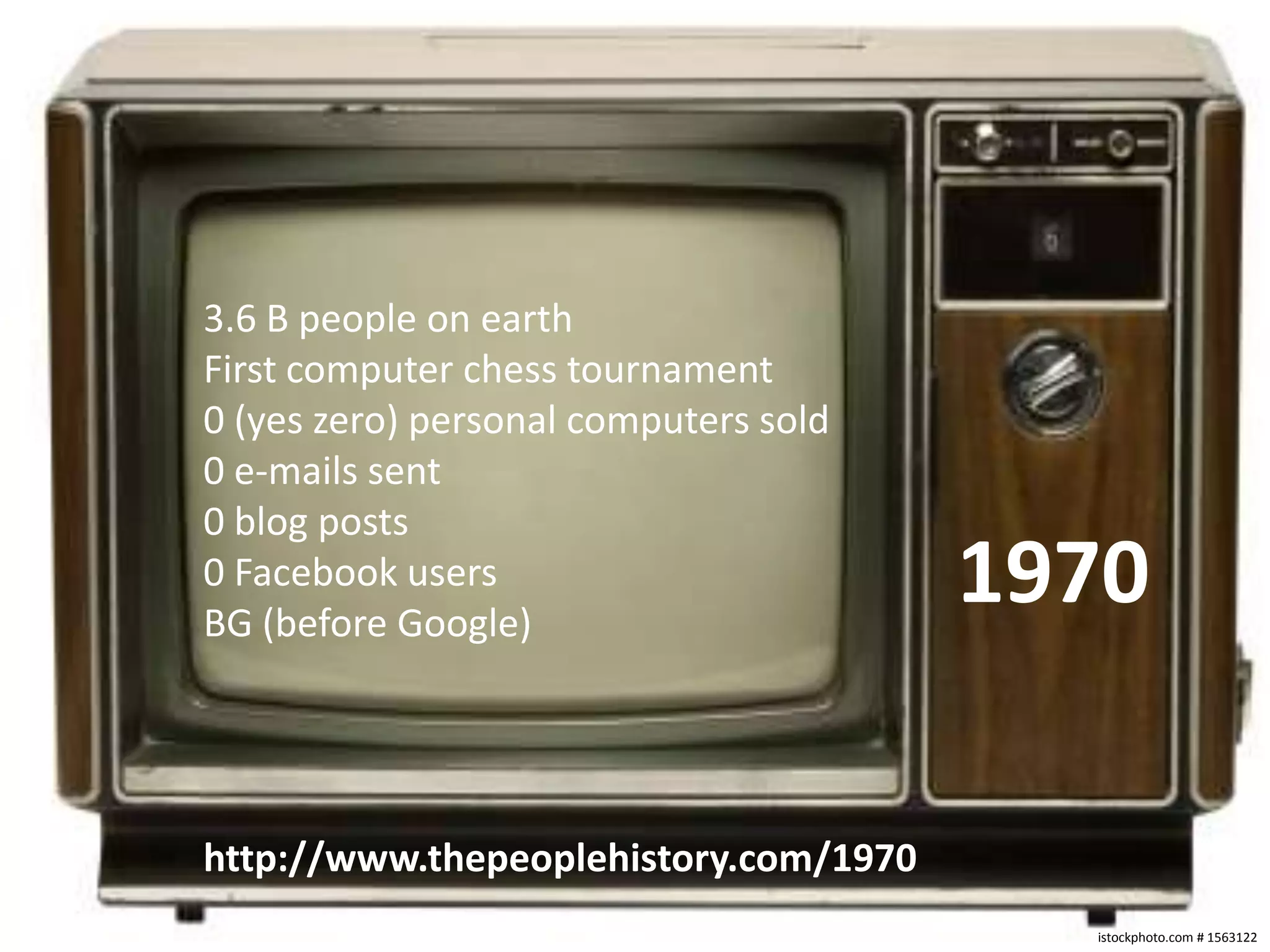
3.6 B people on earthFirst computer chess tournament0 (yes zero) personal computers sold0 e-mails sent0 blog posts0 Facebook usersBG (before Google)1970http://www.thepeoplehistory.com/1970istockphoto.com # 1563122
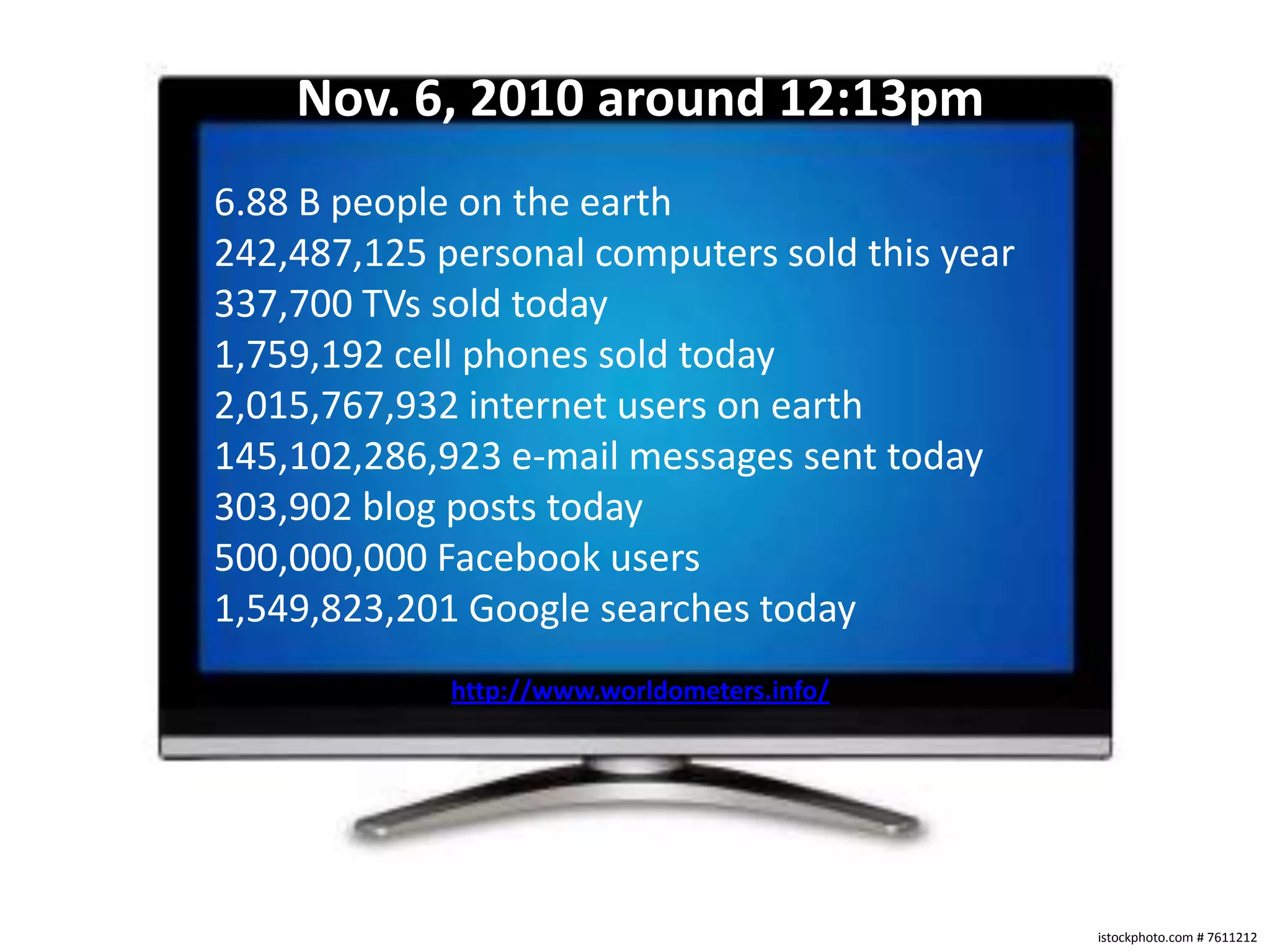
Nov. 6, 2010 around 12:13pm6.88 B people on the earth242,487,125 personal computers sold this year337,700 TVs sold today1,759,192 cell phones sold today2,015,767,932 internet users on earth145,102,286,923 e-mail messages sent today303,902 blog posts today500,000,000 Facebook users1,549,823,201 Google searches todayhttp://www.worldometers.info/istockphoto.com # 7611212
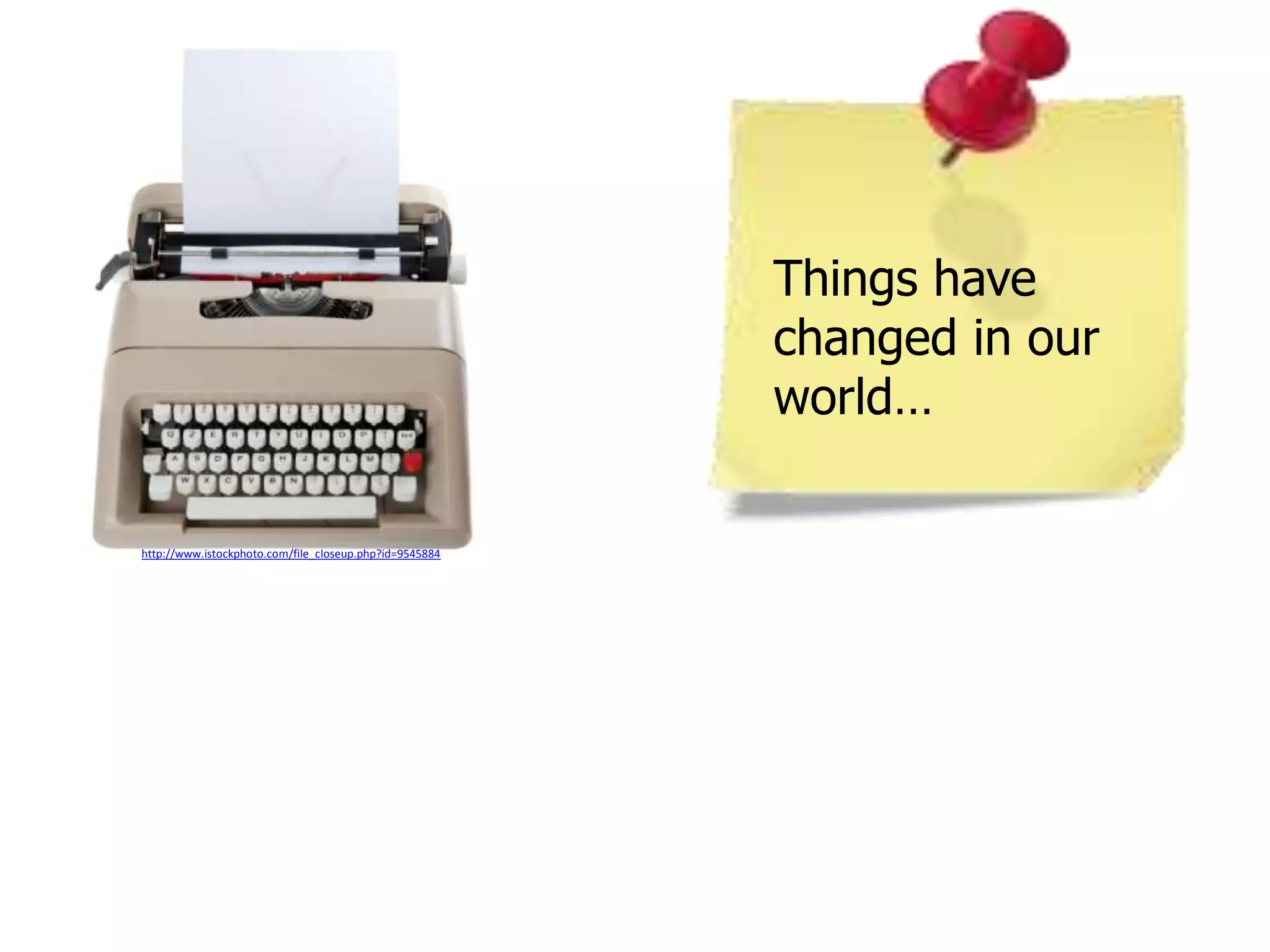
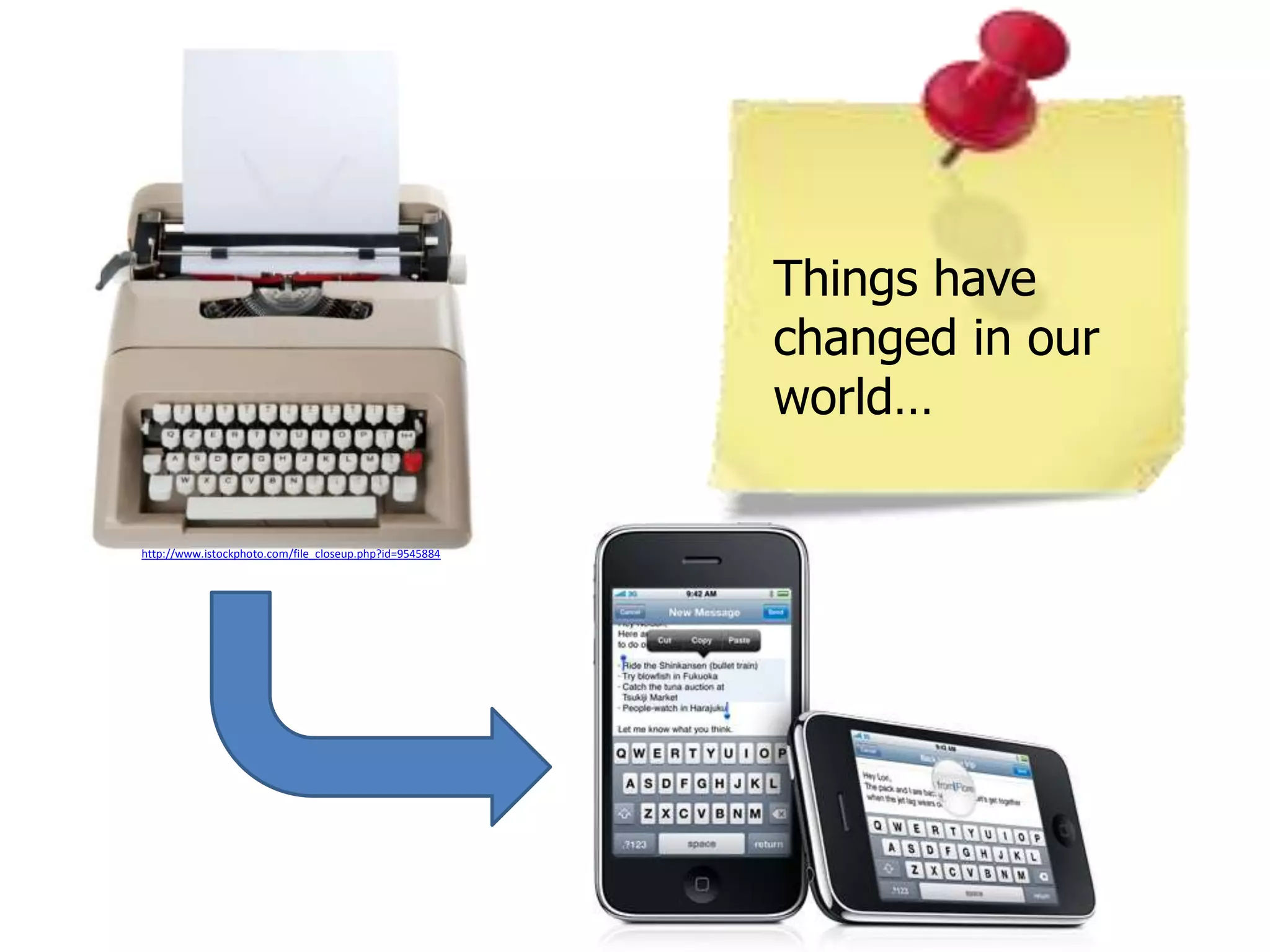
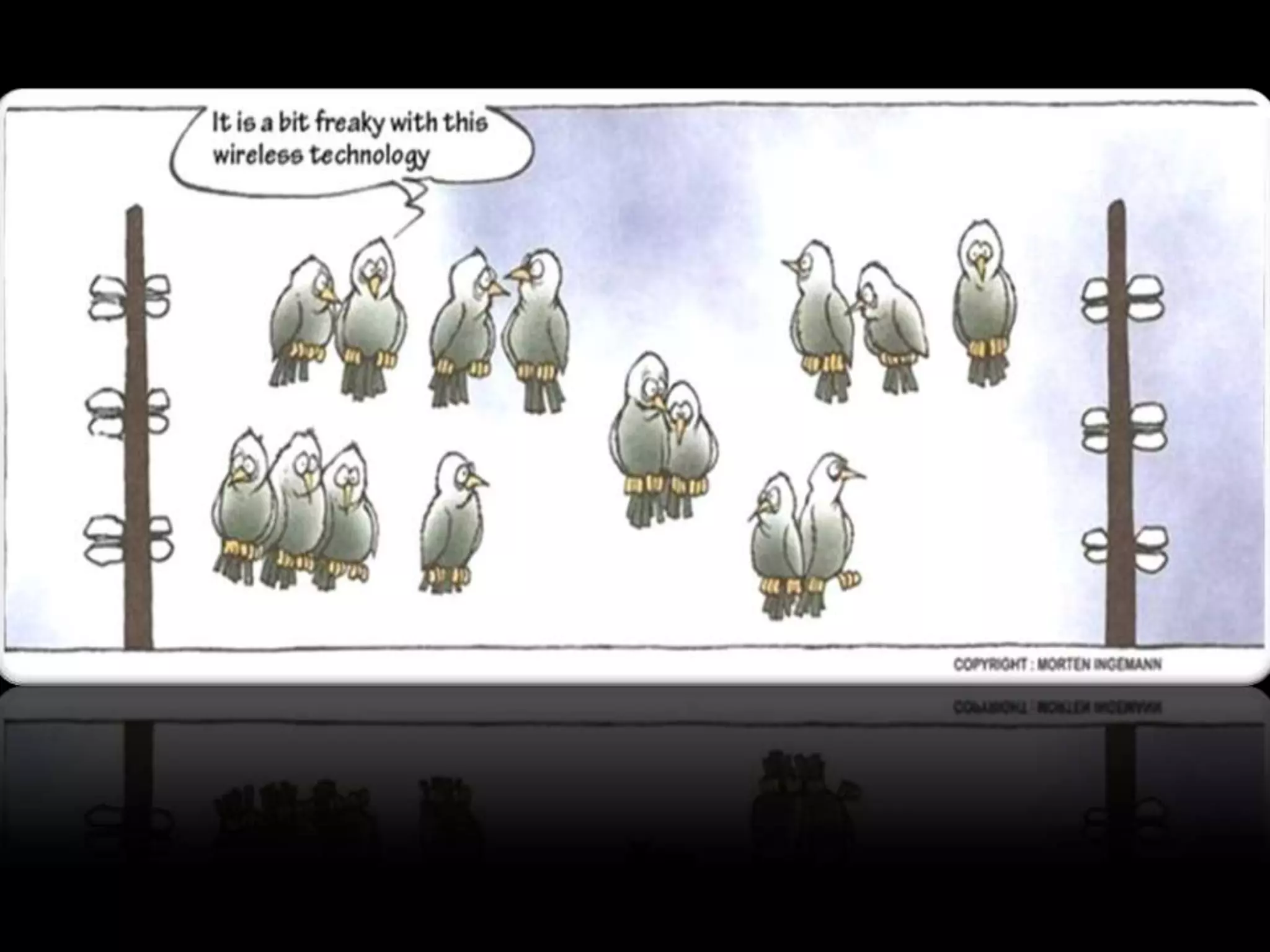
Things have changed in our world…http://www.istockphoto.com/file_closeup.php?id=9545884
http://www.istockphoto.com/file_closeup.php?id=8573353The connected home!
Connect anywhere!http://www.istockphoto.com/file_closeup.php?id=2079663
Maillard Middle – We Value…
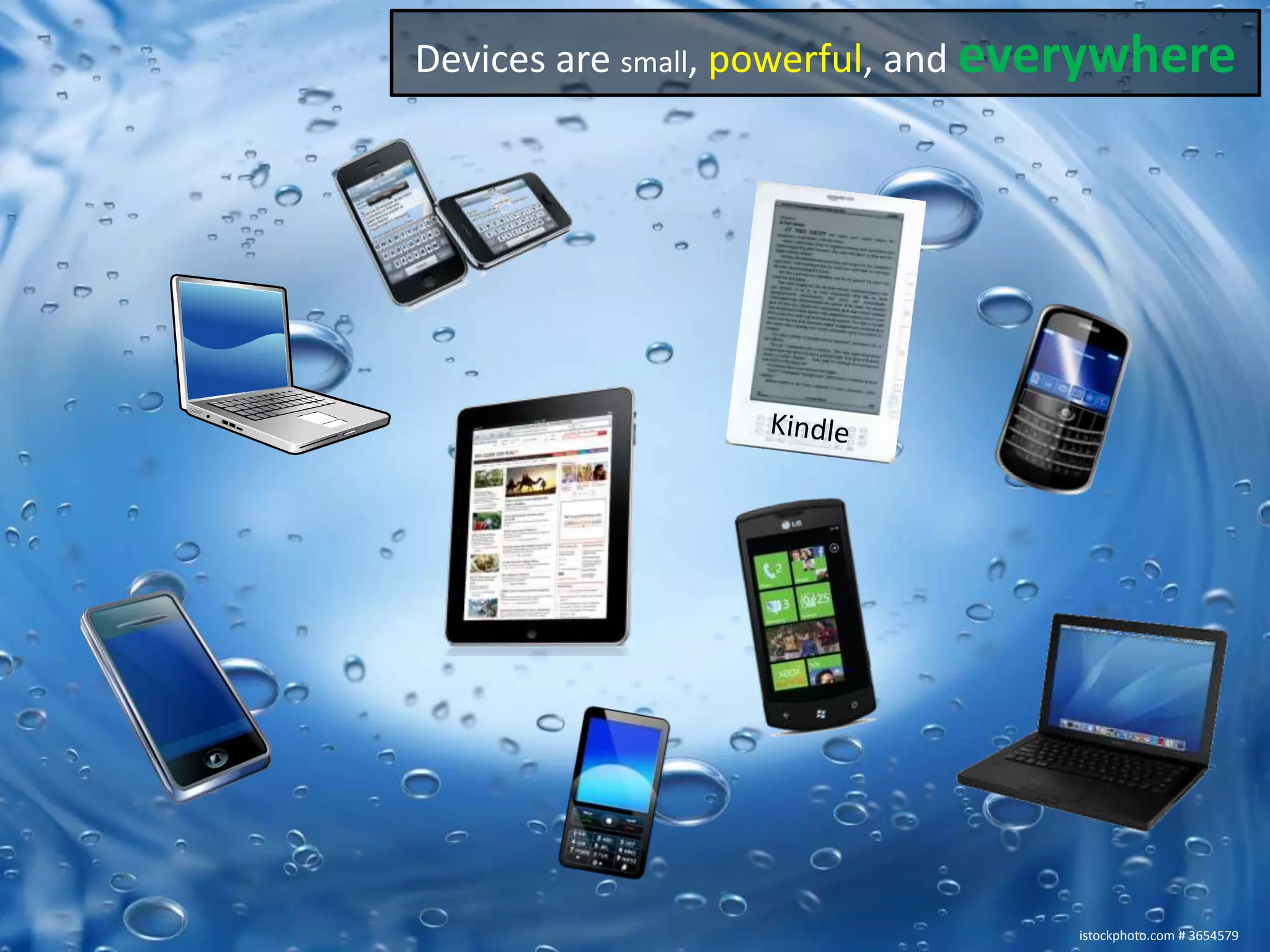
Devices are small, powerful, and everywhereKindleistockphoto.com # 3654579
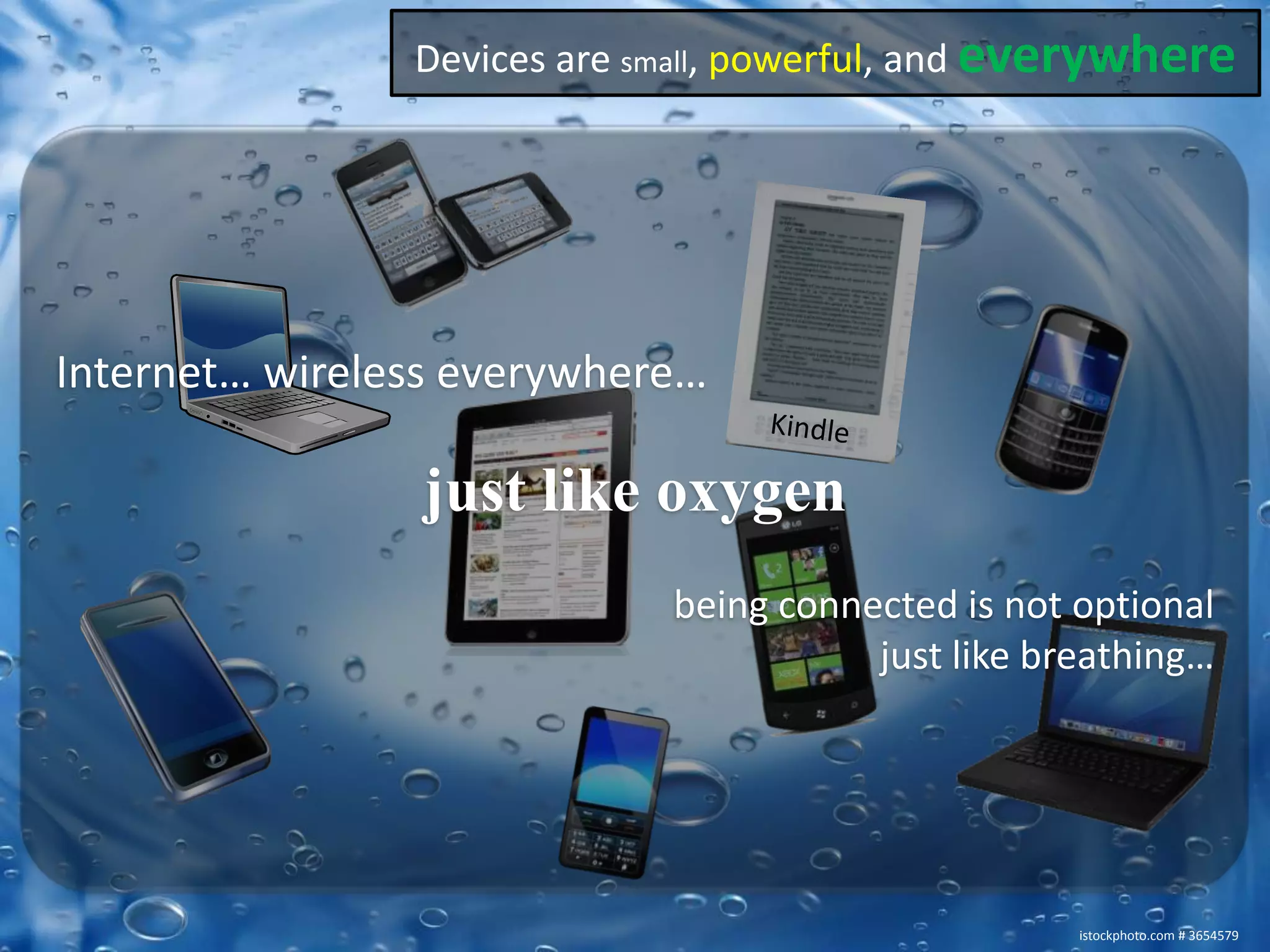
Devices are small, powerful, and everywhereInternet… wireless everywhere… just like oxygenbeing connected is not optionaljust like breathing…Kindleistockphoto.com # 3654579
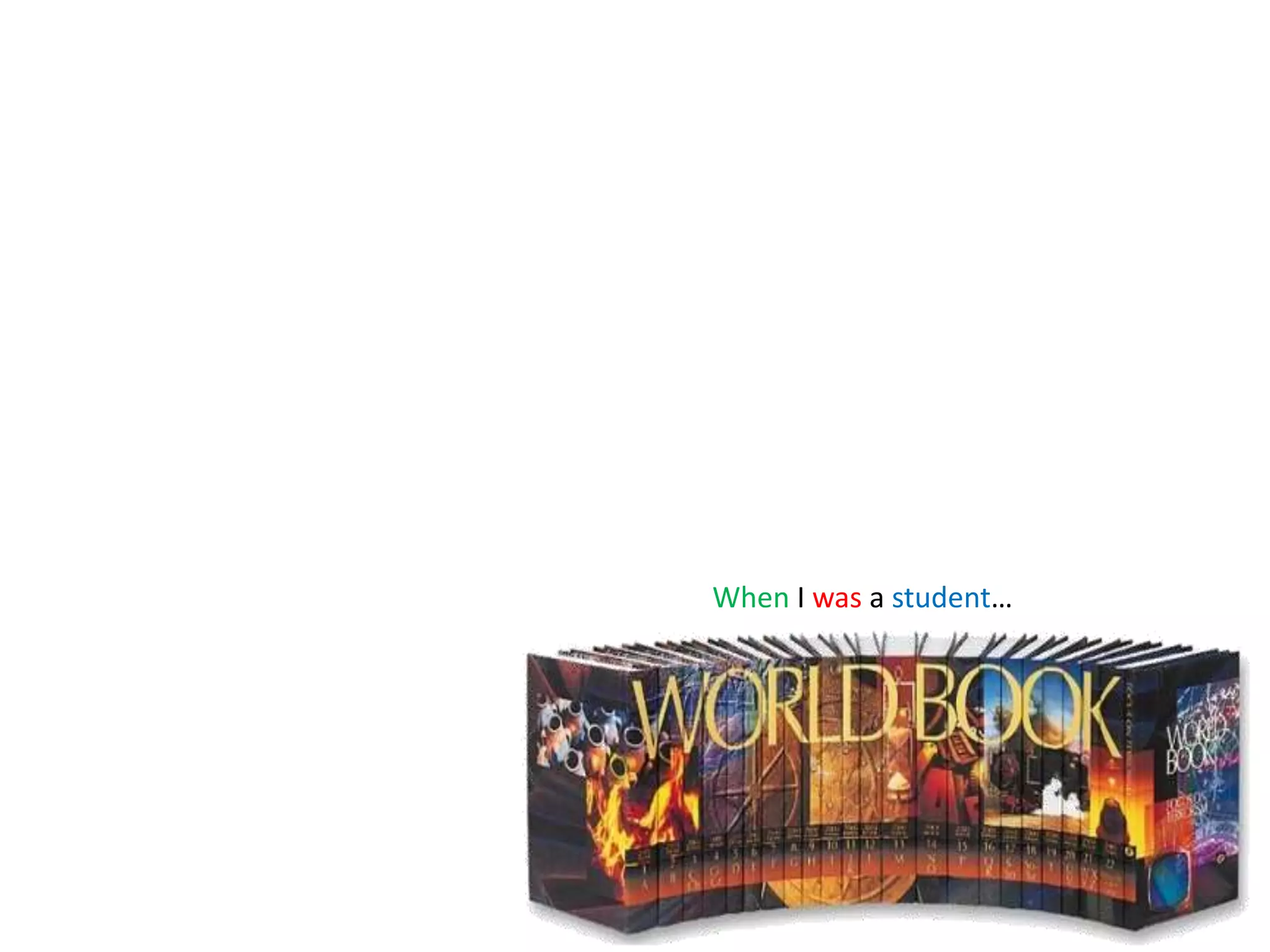
When I was a student…
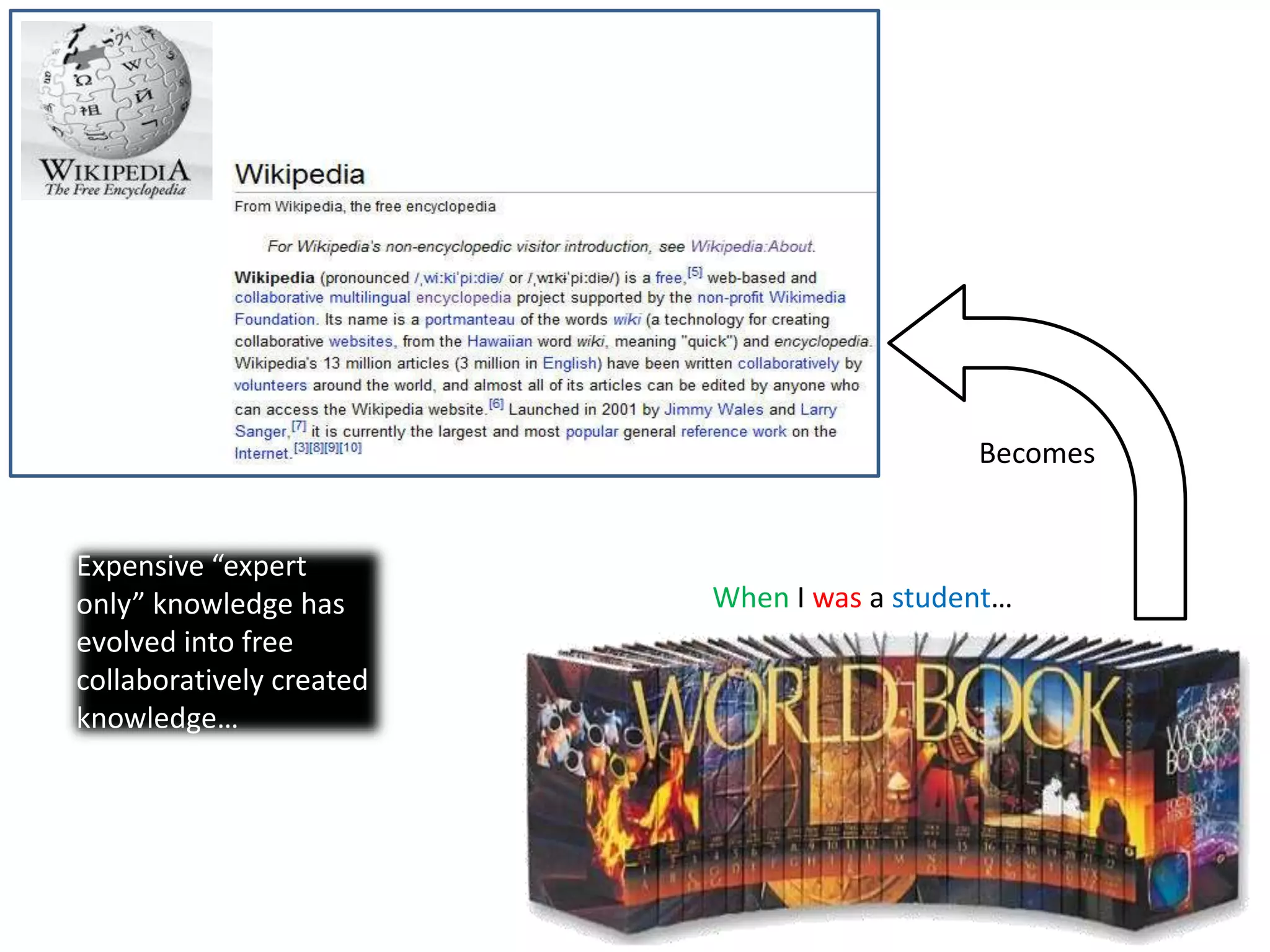
BecomesExpensive “expert only” knowledge has evolved into free collaboratively created knowledge…When I was a student…
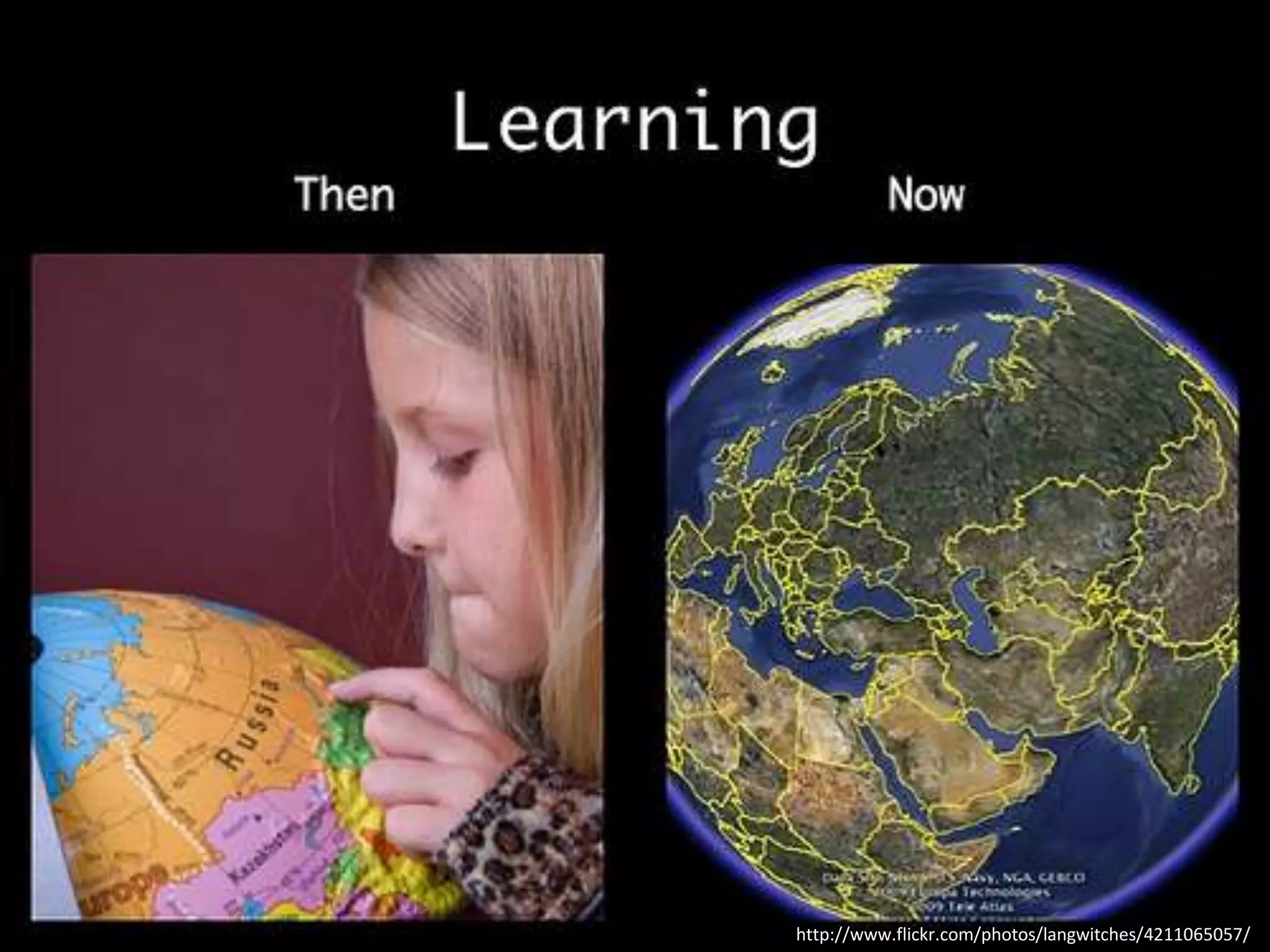
http://www.flickr.com/photos/langwitches/4211065057/
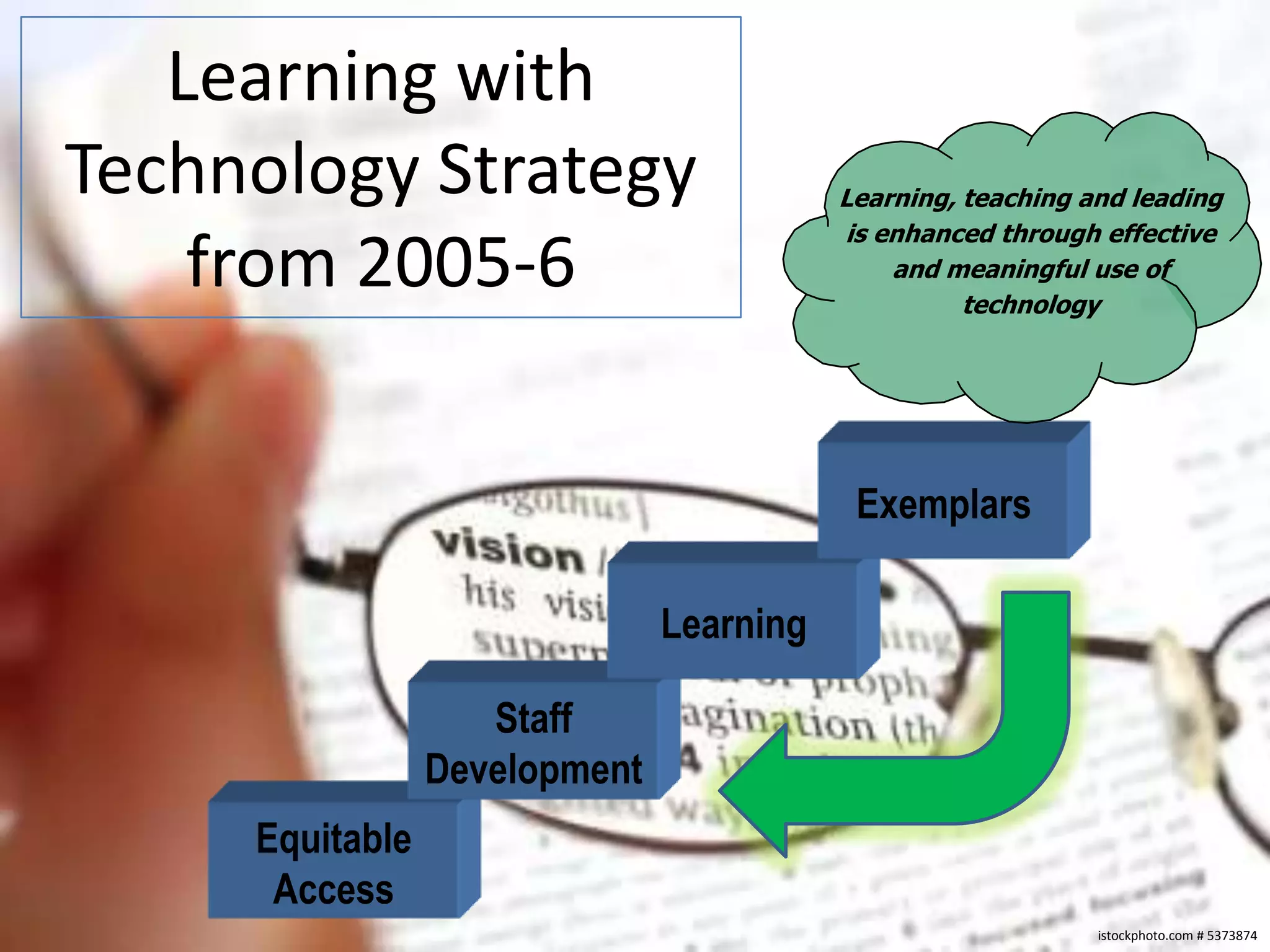
Learning with Technology Strategy from 2005-6Learning, teaching and leading is enhanced through effective and meaningful use oftechnologyExemplarsLearningStaffDevelopmentEquitableAccessistockphoto.com # 5373874
The District NetworkSchool District 43 (Coquitlam)istockphoto.com # 11412469
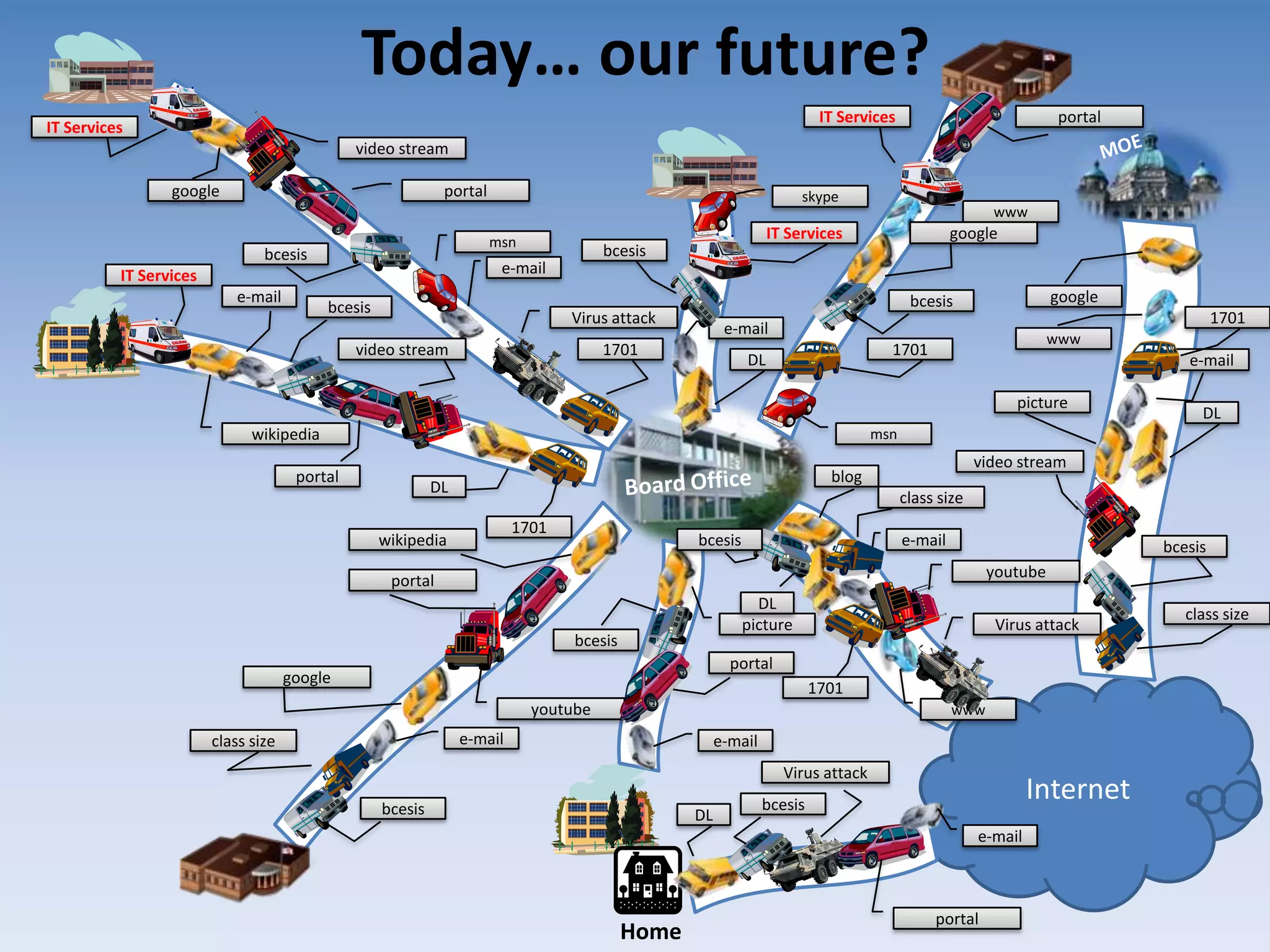
Today… our future?MOEmsnskypee-mailVirus attackmsne-maile-maile-mailVirus attackVirus attacke-maile-maile-mailwwwe-mailwwwwwwvideo streamvideo streamyoutubeDLbcesispictureblogvideo streamDLDLbcesisgooglebcesisbcesisgoogleIT ServicesIT Serviceswikipediabcesisbcesisbcesisbcesisyoutube1701DLbcesisIT ServicesDLpicturegoogle1701portalIT Servicesportalwikipediagoogle1701portalportalInternetBoard Office17011701portalportalclass sizeclass sizeclass sizeHome
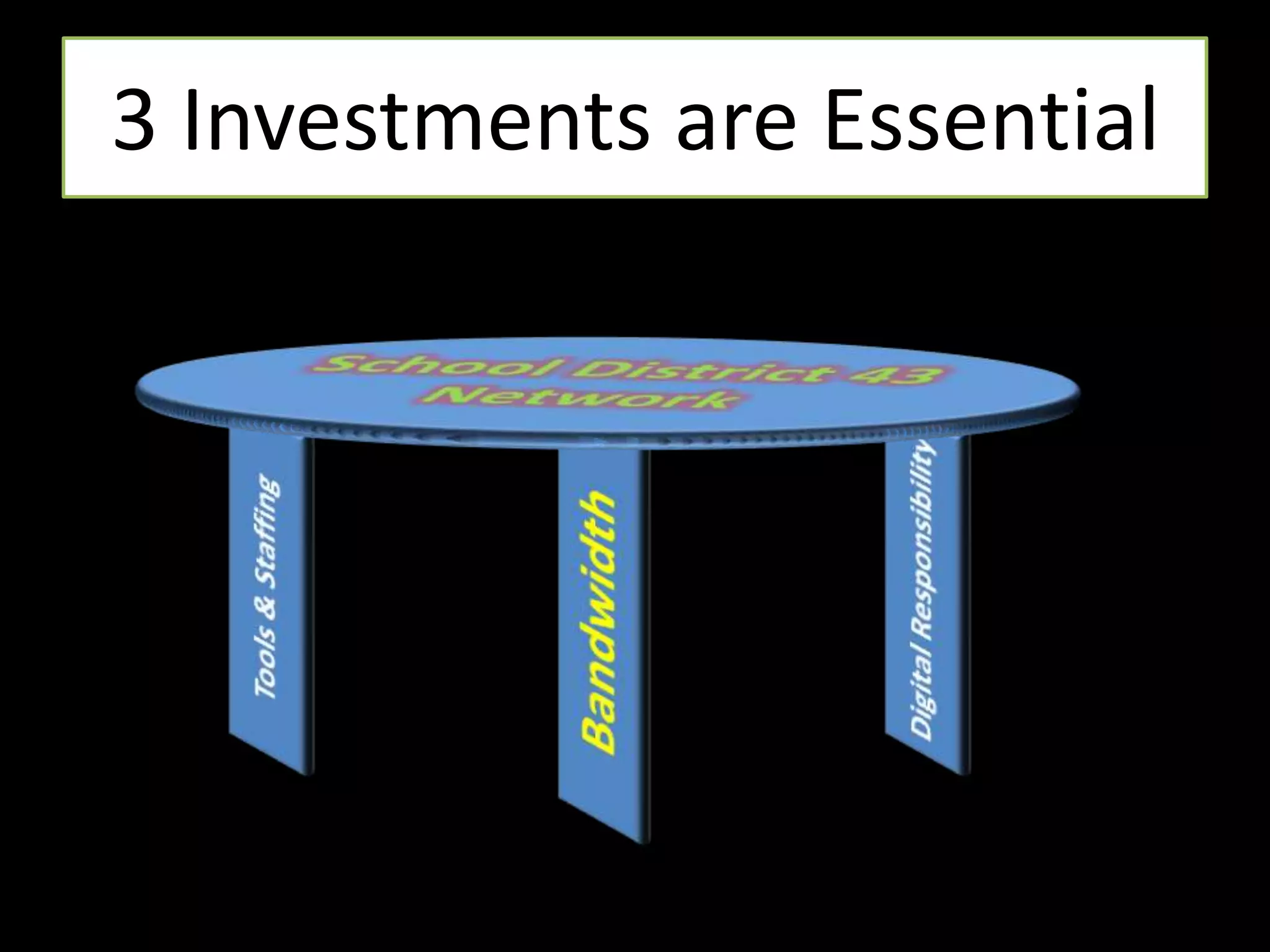
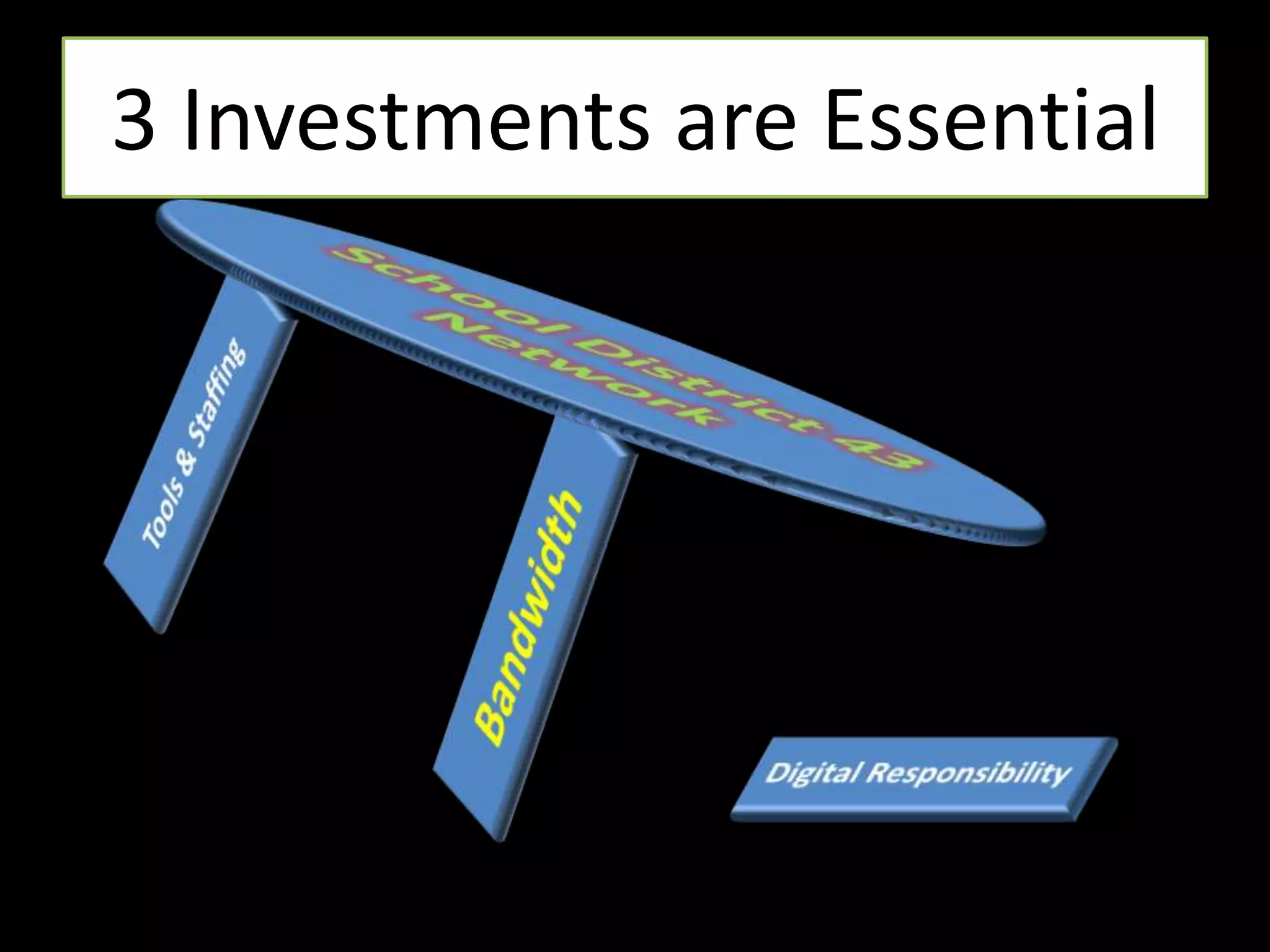
3 Investments are EssentialSchool District 43NetworkBandwidthTools & StaffingDigital Responsibility
3 Investments are EssentialSchool District 43NetworkTools & StaffingBandwidthDigital Responsibility
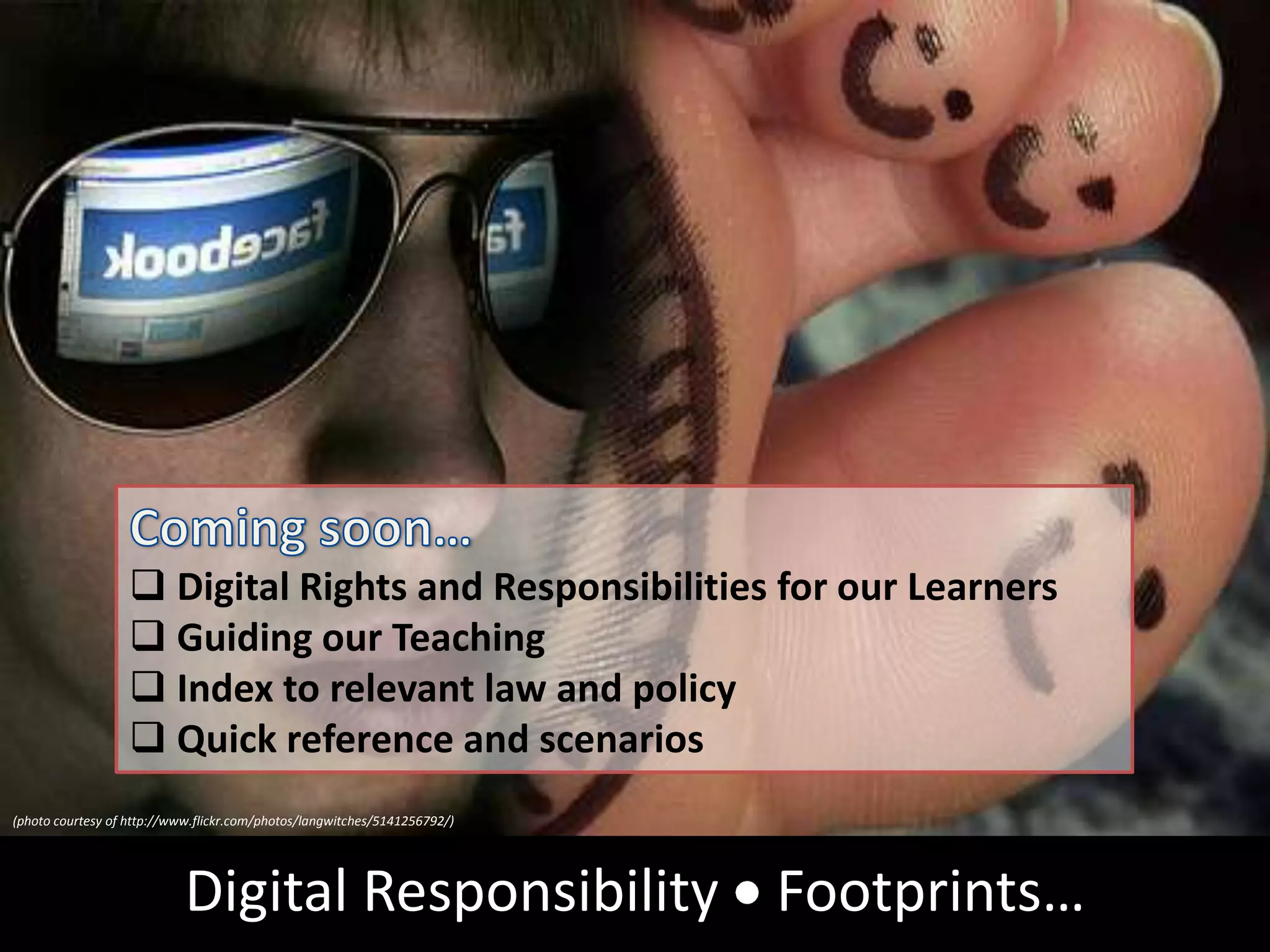
Coming soon…Digital Rights and Responsibilities for our Learners
Guiding our Teaching
Index to relevant law and policy
Quick reference and scenarios(photo courtesy of http://www.flickr.com/photos/langwitches/5141256792/)Digital Responsibility  Footprints…
istockphoto.com # 5373874Technology Powered Learning + Teaching
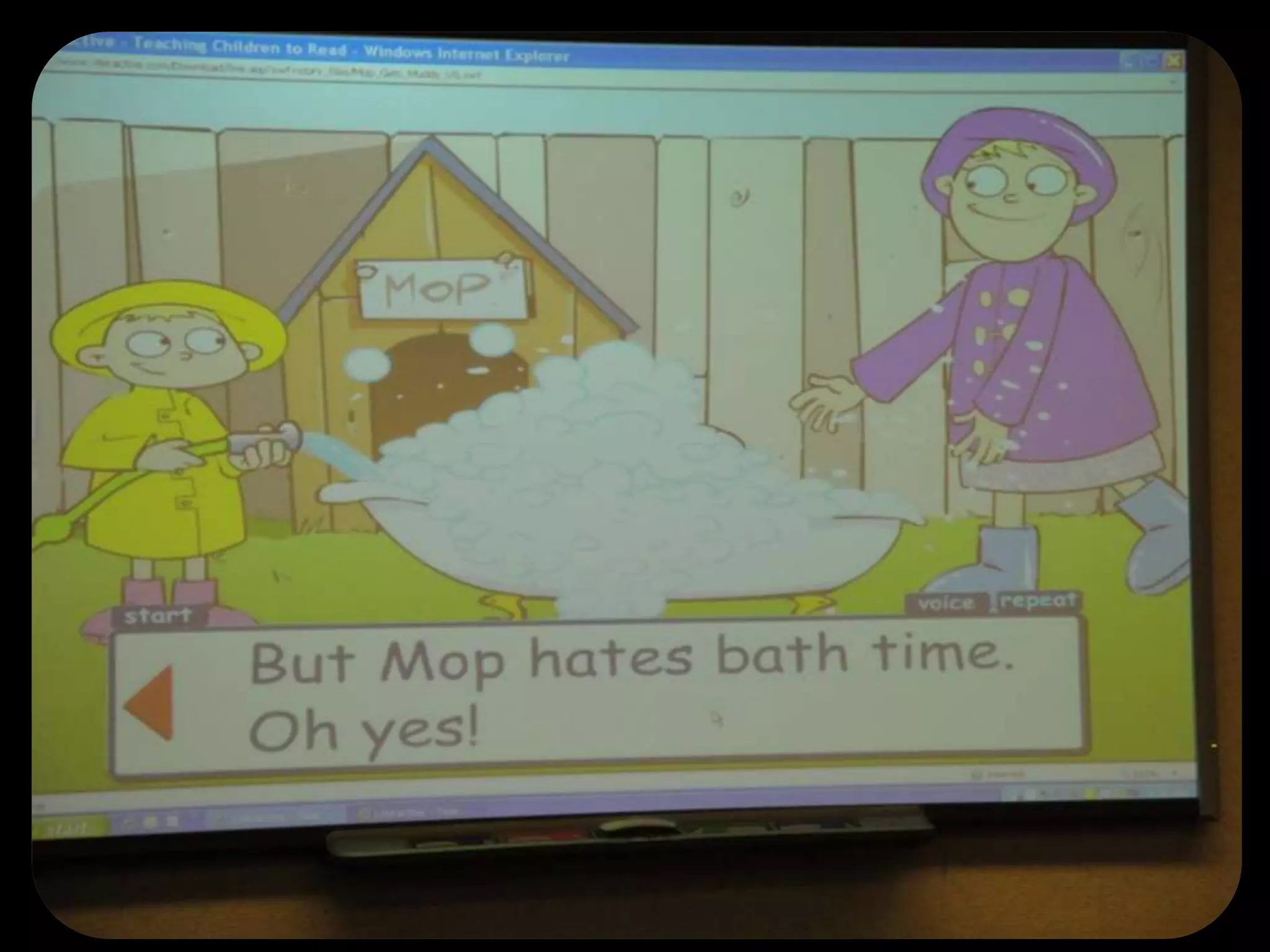
Grade 1’s Reading @ Mountain Meadows
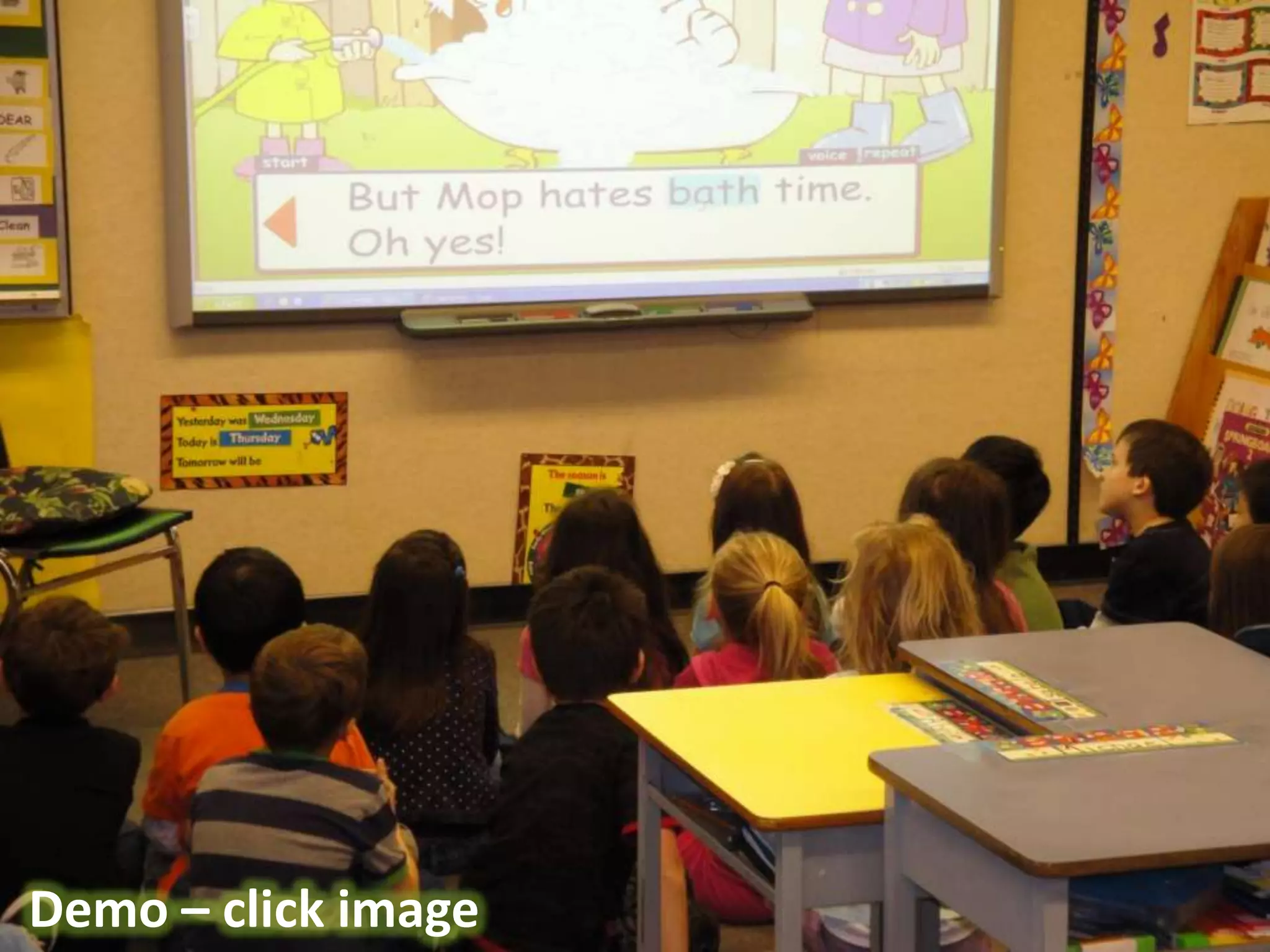
Grade 1’s Reading @ Mountain MeadowsDemo – click image
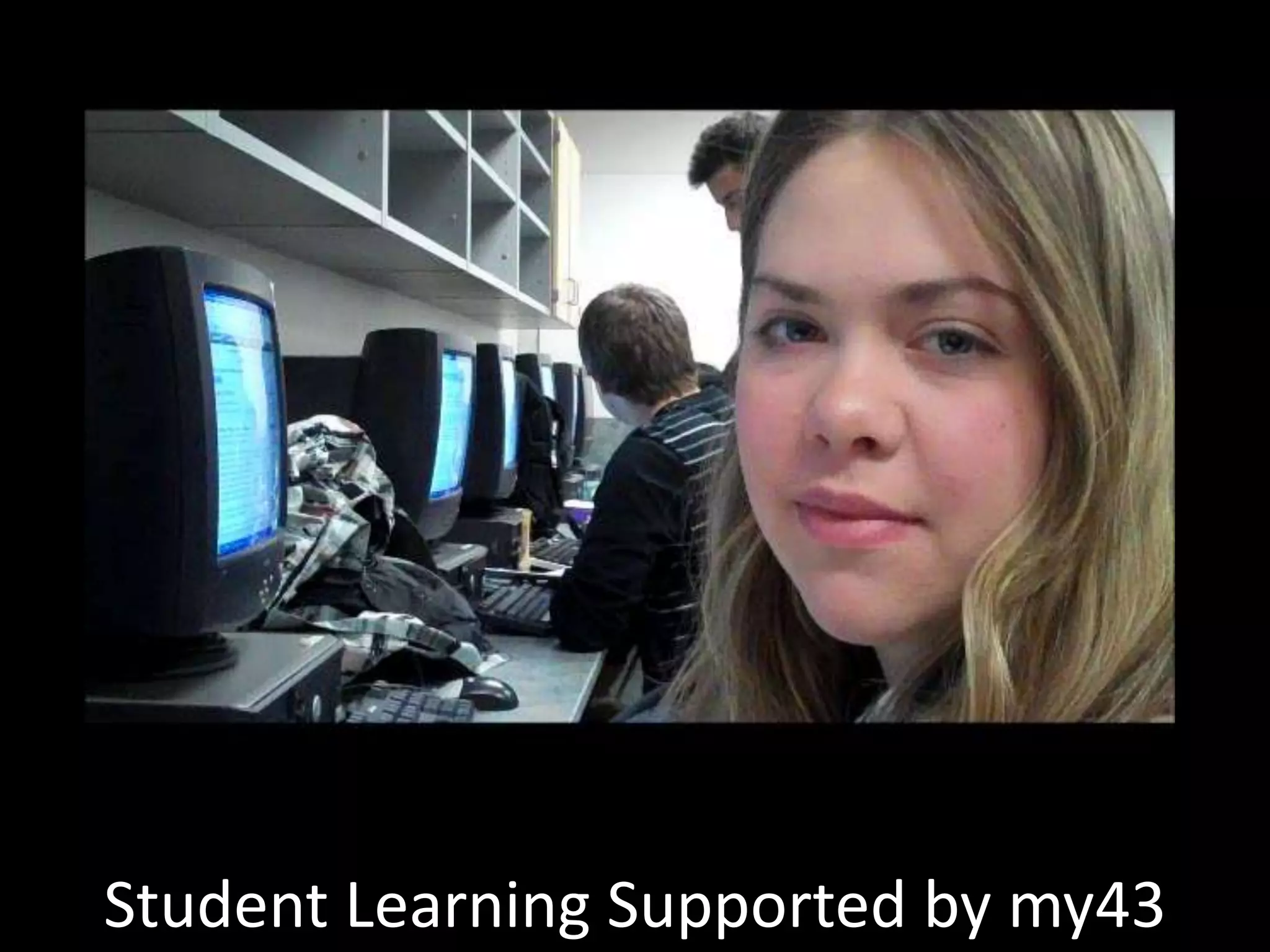
Student Learning Supported by my43
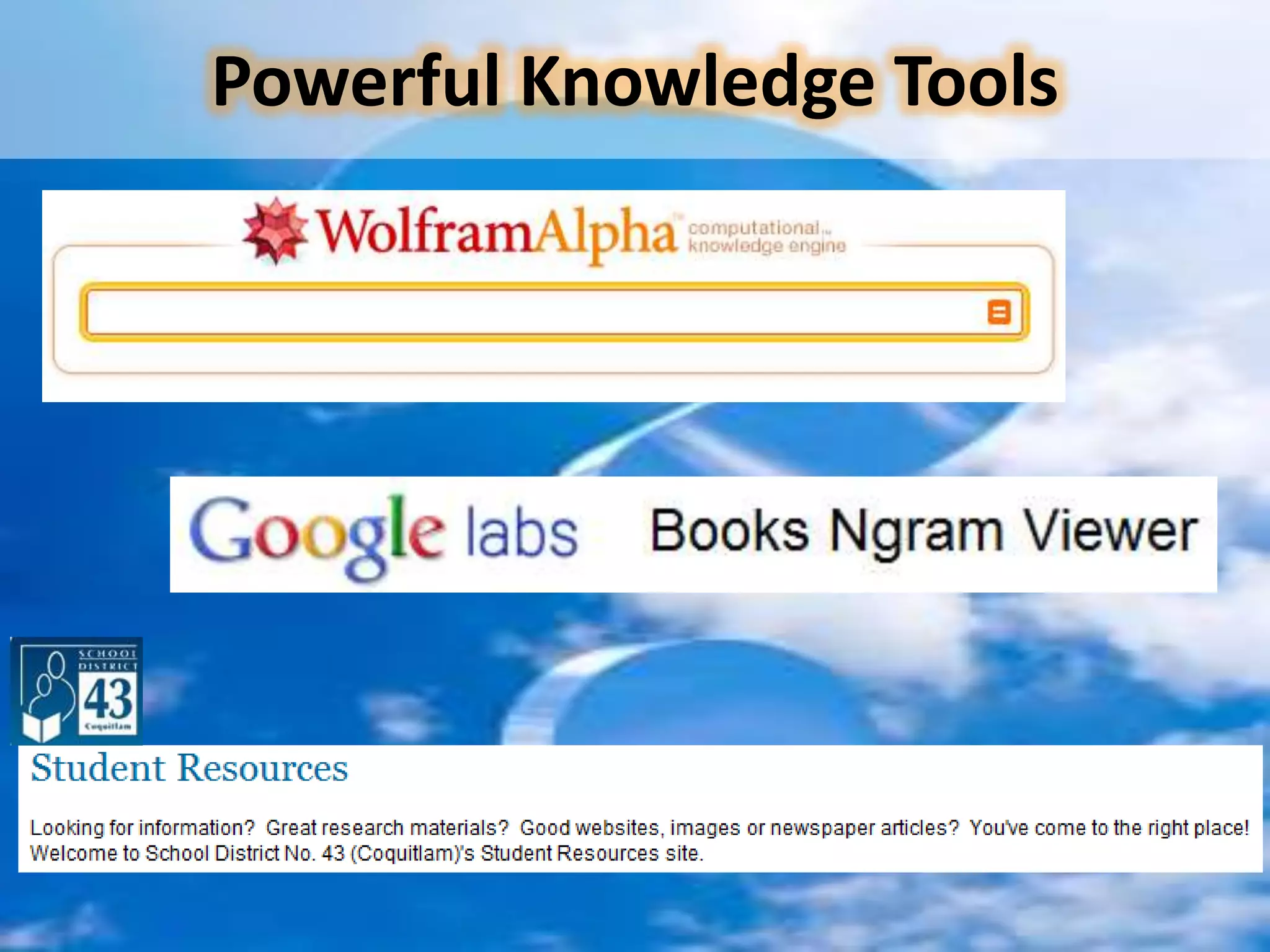
Powerful Knowledge Tools
“We want to provide every student with the tools they need to succeed and thrive in a world that is more connected and more reliant on technology, a world where communication is instantaneous and a world that demands creativity and flexibility”BC Minister of Education Oct. 29, 2010
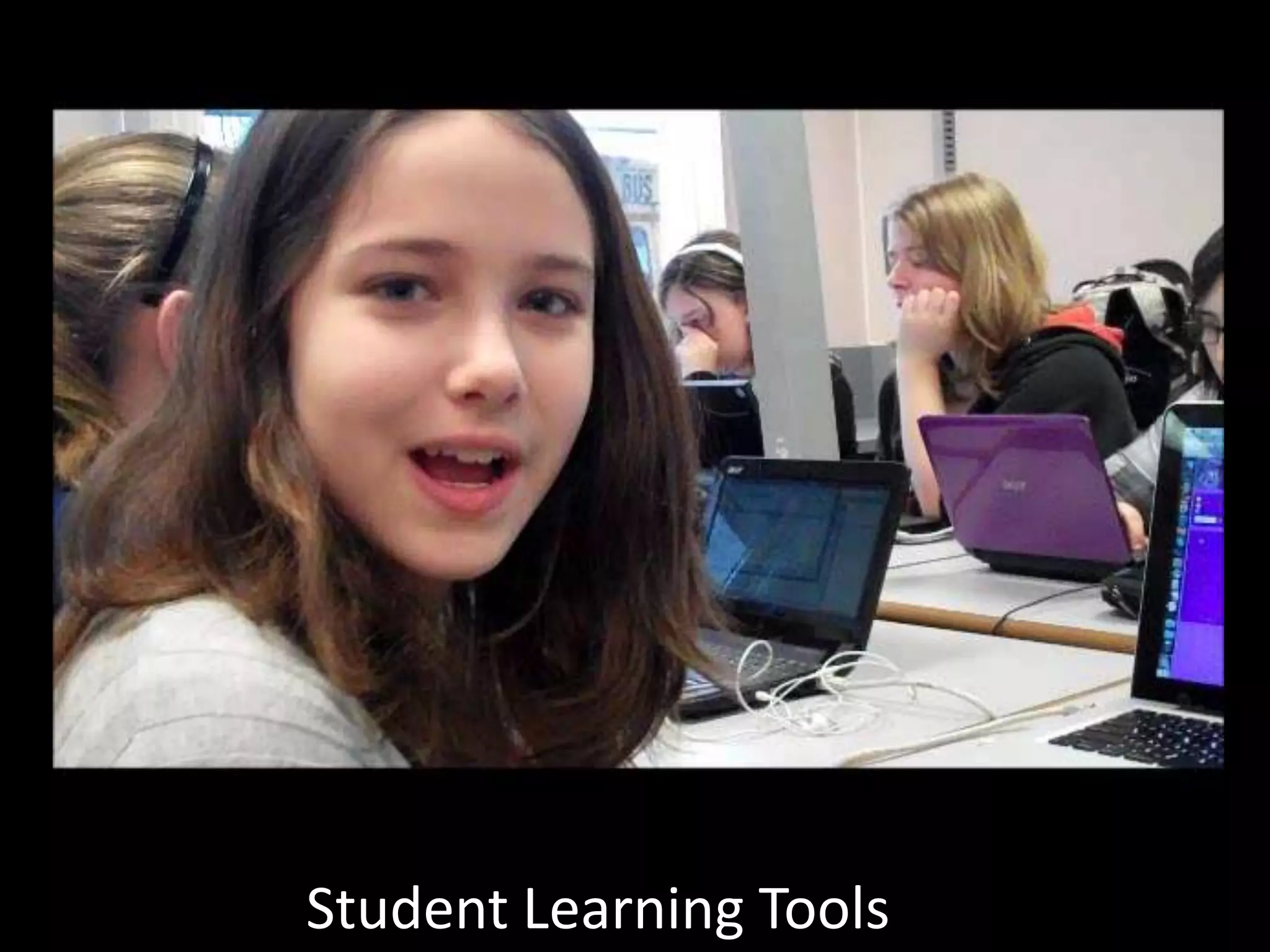
Student Learning Tools
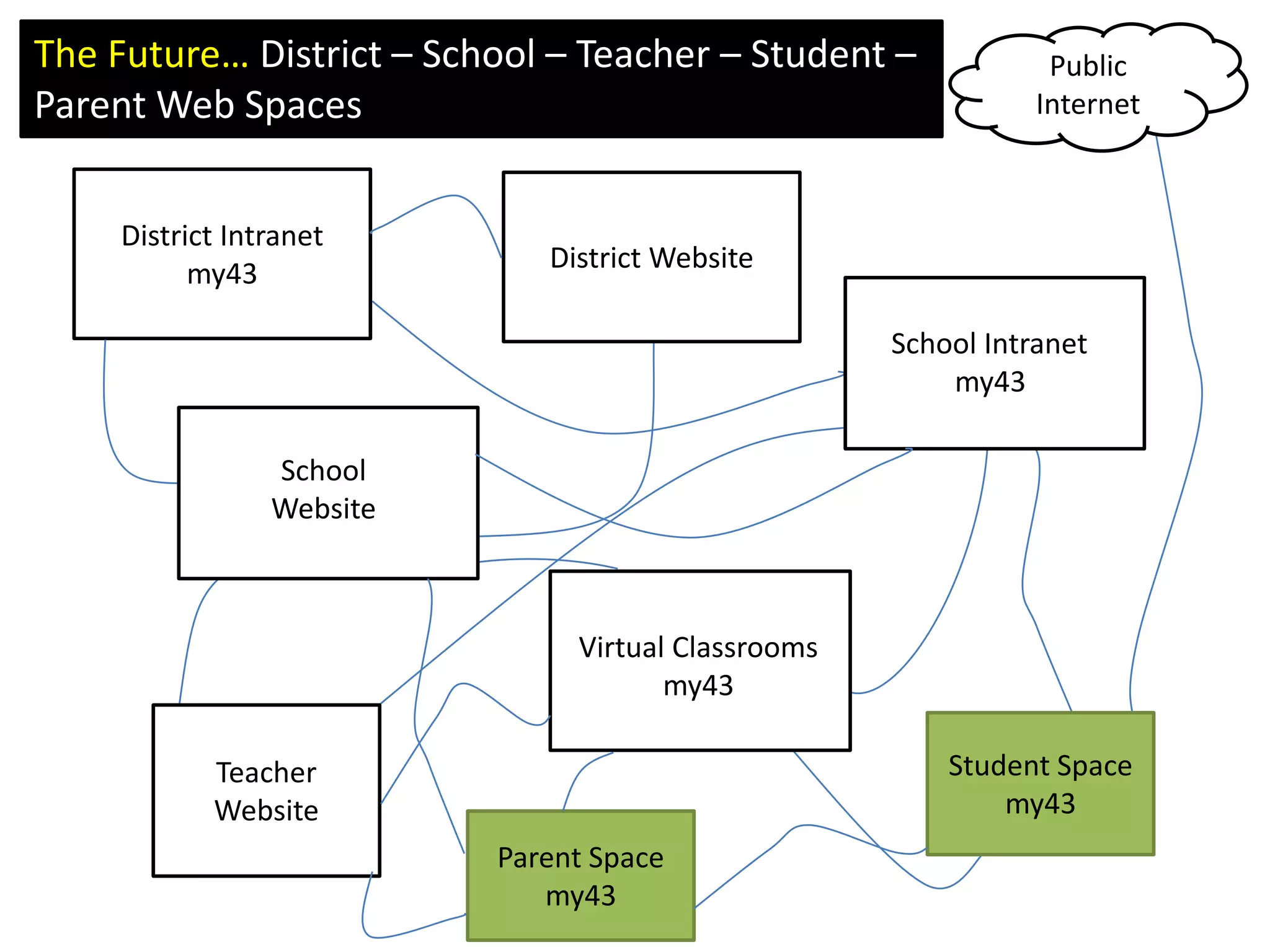
The Future… District – School – Teacher – Student – Parent Web SpacesPublic InternetDistrict Intranetmy43District WebsiteSchool Intranetmy43School WebsiteVirtual Classroomsmy43Teacher WebsiteStudent Spacemy43Parent Spacemy43
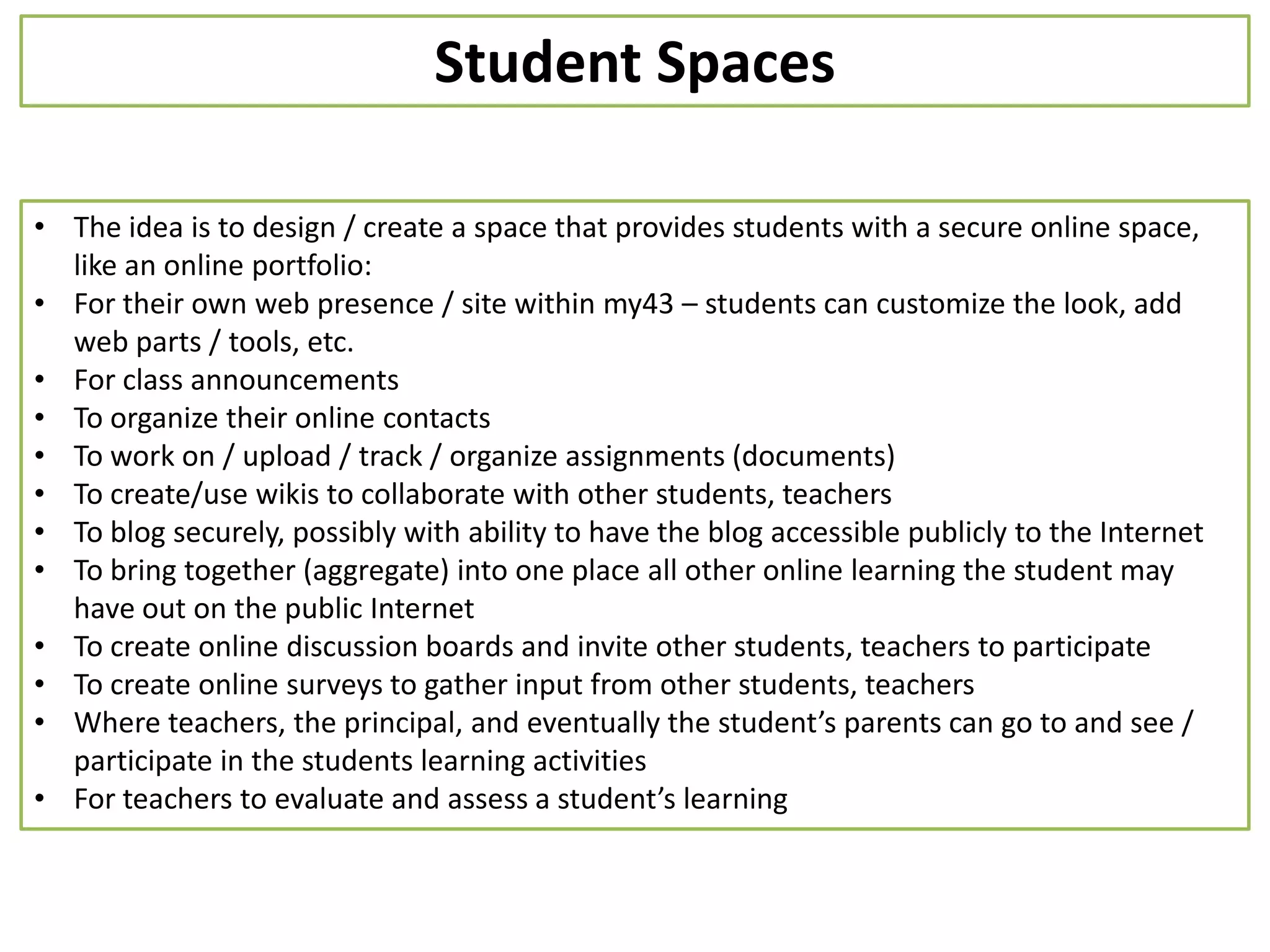
Student SpacesThe idea is to design / create a space that provides students with a secure online space, like an online portfolio:
For their own web presence / site within my43 – students can customize the look, add web parts / tools, etc.
For class announcements
To organize their online contacts
To work on / upload / track / organize assignments (documents)
To create/use wikis to collaborate with other students, teachers
To blog securely, possibly with ability to have the blog accessible publicly to the Internet

District parent session on technology today and future 2011 feb 15

  • 1.
    District Parent AdvisoryCouncil – Feb.15, 2011Technology Past – Present - FutureBrian KuhnManager of Information ServicesSchool District 43 (Coquitlam)www.sd43.bc.cabkuhn@sd43.bc.cahttp://twitter.com/bkuhnhttp://www.shift2future.com/istockphoto.com #8508482istockphoto.com # 12522602
  • 2.
    K/1’s learning aboutthe number ’10’
  • 3.
    3.6 B peopleon earthFirst computer chess tournament0 (yes zero) personal computers sold0 e-mails sent0 blog posts0 Facebook usersBG (before Google)1970http://www.thepeoplehistory.com/1970istockphoto.com # 1563122
  • 4.
    Nov. 6, 2010around 12:13pm6.88 B people on the earth242,487,125 personal computers sold this year337,700 TVs sold today1,759,192 cell phones sold today2,015,767,932 internet users on earth145,102,286,923 e-mail messages sent today303,902 blog posts today500,000,000 Facebook users1,549,823,201 Google searches todayhttp://www.worldometers.info/istockphoto.com # 7611212
  • 5.
    Things have changedin our world…http://www.istockphoto.com/file_closeup.php?id=9545884
  • 6.
    Things have changedin our world…http://www.istockphoto.com/file_closeup.php?id=9545884
  • 7.
  • 8.
  • 9.
  • 10.
    Devices are small,powerful, and everywhereKindleistockphoto.com # 3654579
  • 11.
    Devices are small,powerful, and everywhereInternet… wireless everywhere… just like oxygenbeing connected is not optionaljust like breathing…Kindleistockphoto.com # 3654579
  • 13.
    When I wasa student…
  • 14.
    BecomesExpensive “expert only”knowledge has evolved into free collaboratively created knowledge…When I was a student…
  • 15.
  • 16.
    Learning with TechnologyStrategy from 2005-6Learning, teaching and leading is enhanced through effective and meaningful use oftechnologyExemplarsLearningStaffDevelopmentEquitableAccessistockphoto.com # 5373874
  • 17.
    The District NetworkSchoolDistrict 43 (Coquitlam)istockphoto.com # 11412469
  • 18.
    Today… our future?MOEmsnskypee-mailVirusattackmsne-maile-maile-mailVirus attackVirus attacke-maile-maile-mailwwwe-mailwwwwwwvideo streamvideo streamyoutubeDLbcesispictureblogvideo streamDLDLbcesisgooglebcesisbcesisgoogleIT ServicesIT Serviceswikipediabcesisbcesisbcesisbcesisyoutube1701DLbcesisIT ServicesDLpicturegoogle1701portalIT Servicesportalwikipediagoogle1701portalportalInternetBoard Office17011701portalportalclass sizeclass sizeclass sizeHome
  • 19.
    3 Investments areEssentialSchool District 43NetworkBandwidthTools & StaffingDigital Responsibility
  • 20.
    3 Investments areEssentialSchool District 43NetworkTools & StaffingBandwidthDigital Responsibility
  • 21.
    Coming soon…Digital Rightsand Responsibilities for our Learners
  • 22.
  • 23.
    Index to relevantlaw and policy
  • 24.
    Quick reference andscenarios(photo courtesy of http://www.flickr.com/photos/langwitches/5141256792/)Digital Responsibility  Footprints…
  • 25.
    istockphoto.com # 5373874TechnologyPowered Learning + Teaching
  • 26.
    Grade 1’s Reading@ Mountain Meadows
  • 27.
    Grade 1’s Reading@ Mountain MeadowsDemo – click image
  • 28.
  • 29.
  • 30.
    “We want toprovide every student with the tools they need to succeed and thrive in a world that is more connected and more reliant on technology, a world where communication is instantaneous and a world that demands creativity and flexibility”BC Minister of Education Oct. 29, 2010
  • 31.
  • 32.
    The Future… District– School – Teacher – Student – Parent Web SpacesPublic InternetDistrict Intranetmy43District WebsiteSchool Intranetmy43School WebsiteVirtual Classroomsmy43Teacher WebsiteStudent Spacemy43Parent Spacemy43
  • 33.
    Student SpacesThe ideais to design / create a space that provides students with a secure online space, like an online portfolio:
  • 34.
    For their ownweb presence / site within my43 – students can customize the look, add web parts / tools, etc.
  • 35.
  • 36.
    To organize theironline contacts
  • 37.
    To work on/ upload / track / organize assignments (documents)
  • 38.
    To create/use wikisto collaborate with other students, teachers
  • 39.
    To blog securely,possibly with ability to have the blog accessible publicly to the Internet
  • 40.
    To bring together(aggregate) into one place all other online learning the student may have out on the public Internet
  • 41.
    To create onlinediscussion boards and invite other students, teachers to participate
  • 42.
    To create onlinesurveys to gather input from other students, teachers
  • 43.
    Where teachers, theprincipal, and eventually the student’s parents can go to and see / participate in the students learning activities
  • 44.
    For teachers toevaluate and assess a student’s learningParent Spaces: Brain StormingPlease organize into table groups and one person at each table volunteer to be a recorder. Brain storm and respond to…Think about this as a secure web site for you… perhaps it could have subscriptions to information, events, ability to download an app for your phone or other mobile device…List up to five features and capabilities you believe a Parent Space must have to be useful to you
  • 45.
    From your ParentSpace, what types of information would you want have access to, how would you like to access it (e.g., website, email alert, mobile phone app), and why?
  • 46.
    List up tofive concerns or issues you see with the idea of a Parent Space?
  • 47.
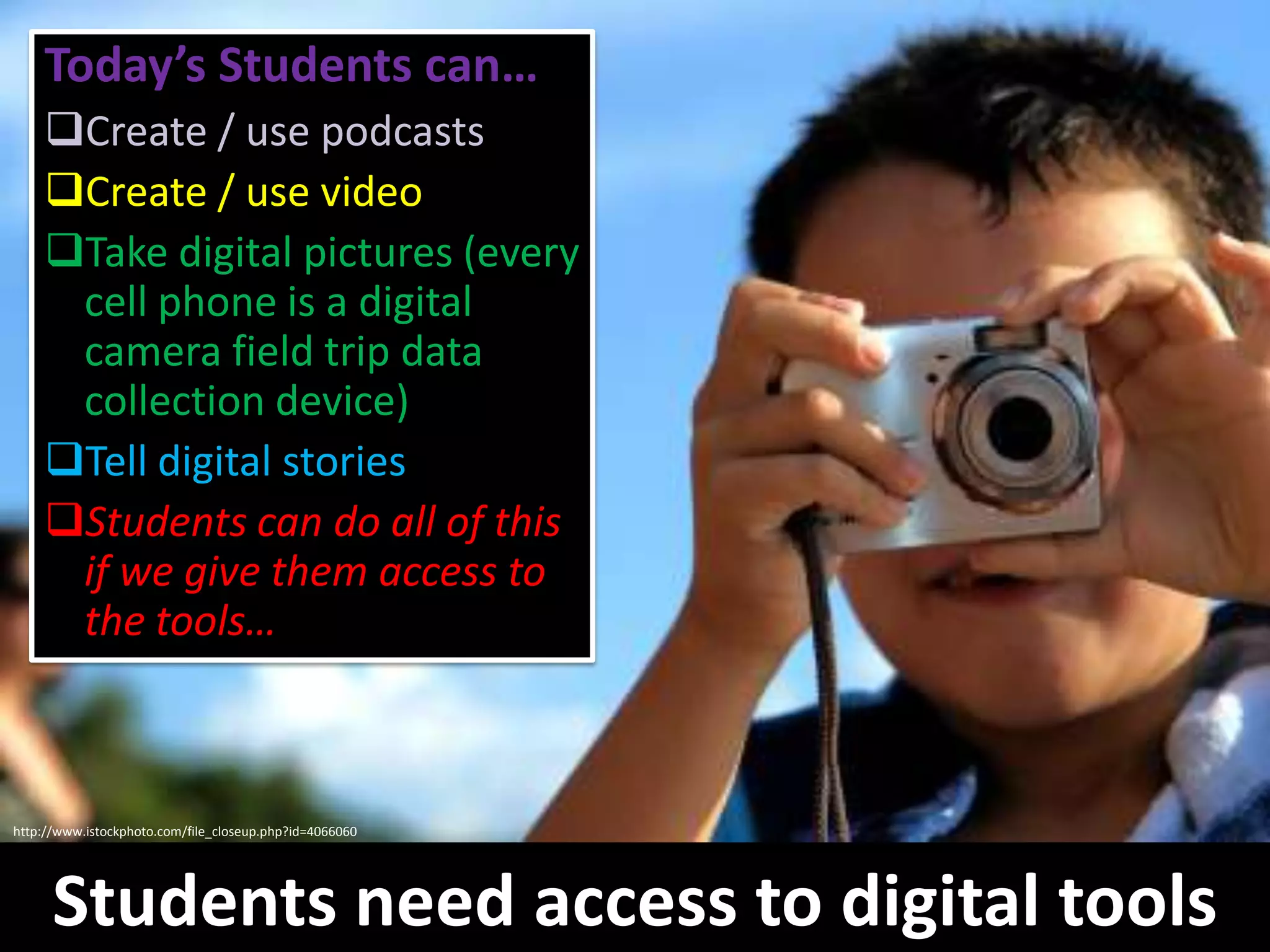
    In what waysmight a Parent Space help you to be more involved in your child’s education?Today’s Students can…Create / use podcasts
  • 48.
  • 49.
    Take digital pictures(every cell phone is a digital camera field trip data collection device)
  • 50.
  • 51.
    Students can doall of this if we give them access to the tools…http://www.istockphoto.com/file_closeup.php?id=4066060Students need access to digital tools
  • 52.
  • 55.
    How Parents CanHelp: Brain StormingPlease organize into table groups and one person at each table volunteer to be a recorder. Brain storm and respond to…What do you think about the value of educational technology and its support for student learning?
  • 56.
    What kinds oftechnology tools do you feel are most helpful for supporting student learning and why?
  • 57.
    How do youfeel about digital learning devices eventually becoming school suppliesand why?
  • 58.
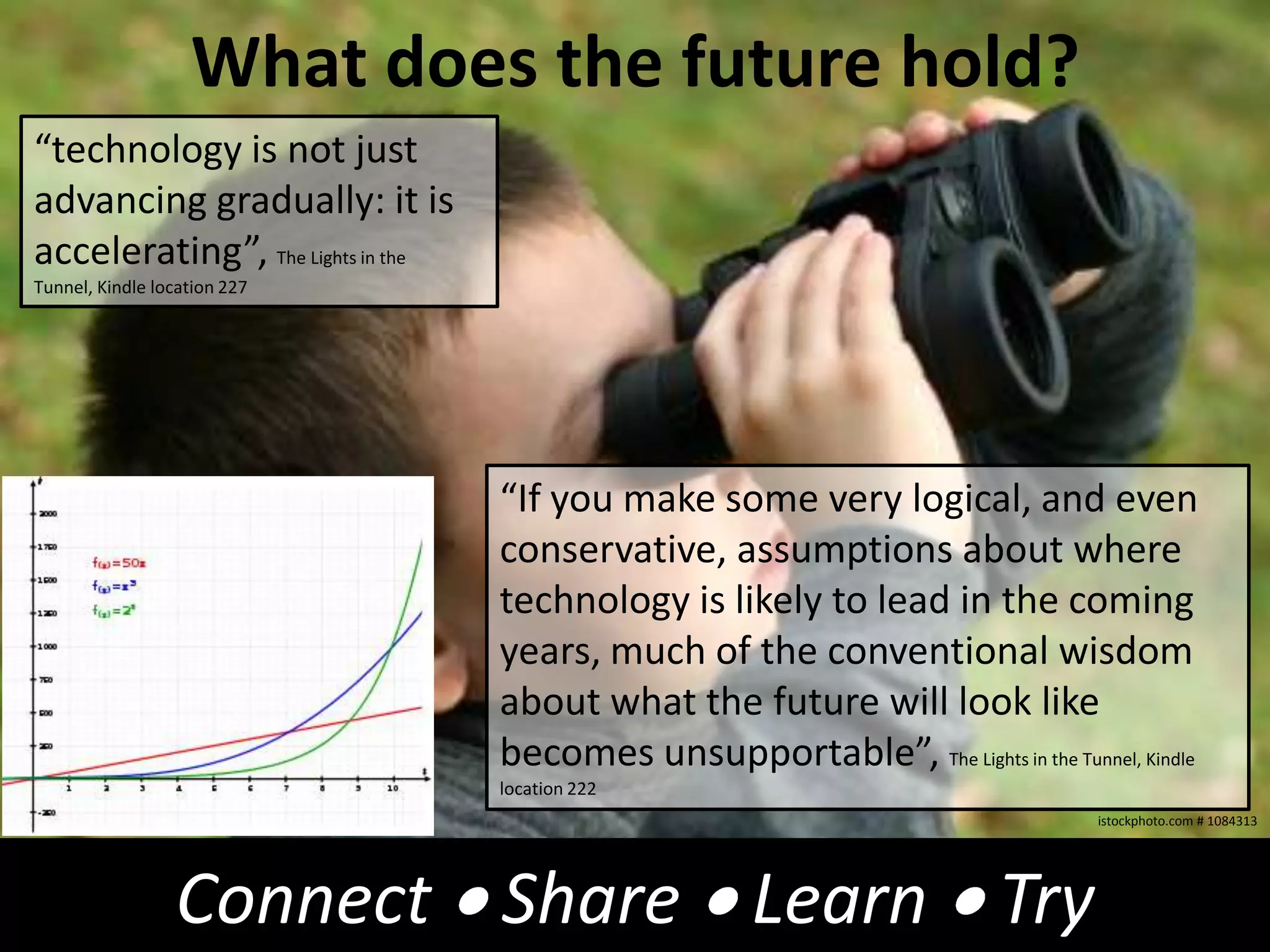
    In what specificways could we (DPAC, PACs, parents, District) improve equitable access to educational technology in schools?What does the future hold?“technology is not just advancing gradually: it is accelerating”, The Lights in the Tunnel, Kindle location 227“If you make some very logical, and even conservative, assumptions about where technology is likely to lead in the coming years, much of the conventional wisdom about what the future will look like becomes unsupportable”, The Lights in the Tunnel, Kindle location 222istockphoto.com # 1084313Connect  Share  Learn  Try
  • 59.
  • 60.

Editor's Notes

  • #24 Mountain Meadows - Teacher: Tamara Smith, G.1Literactive website - read animated books together on SBPick a story from the libraryStudents sitting on floor in front of SBTeacher hovers over each word as students read along togetherTeacher then clicks each word and a very natural female computer generated voice reads - if teacher pauses on a word, it reads it phonetically for proper pronunciationTalk about the story, what's going on, prediction what will happen nextTalk about sentence structure, periods, commas, capitalization
  • #25 Mountain Meadows - Teacher: Tamara Smith, G.1Literactive website - read animated books together on SBPick a story from the libraryStudents sitting on floor in front of SBTeacher hovers over each word as students read along togetherTeacher then clicks each word and a very natural female computer generated voice reads - if teacher pauses on a word, it reads it phonetically for proper pronunciationTalk about the story, what's going on, prediction what will happen nextTalk about sentence structure, periods, commas, capitalization