Application Logging “Worst Practices” Dr Anton Chuvakin, GCIA, GCIH, GCFA Chief Logging Evangelist LogLogic, Inc
Outline Why logging? Why NOT logging? Developers and logging Bad log – good log? Conclusions and action items
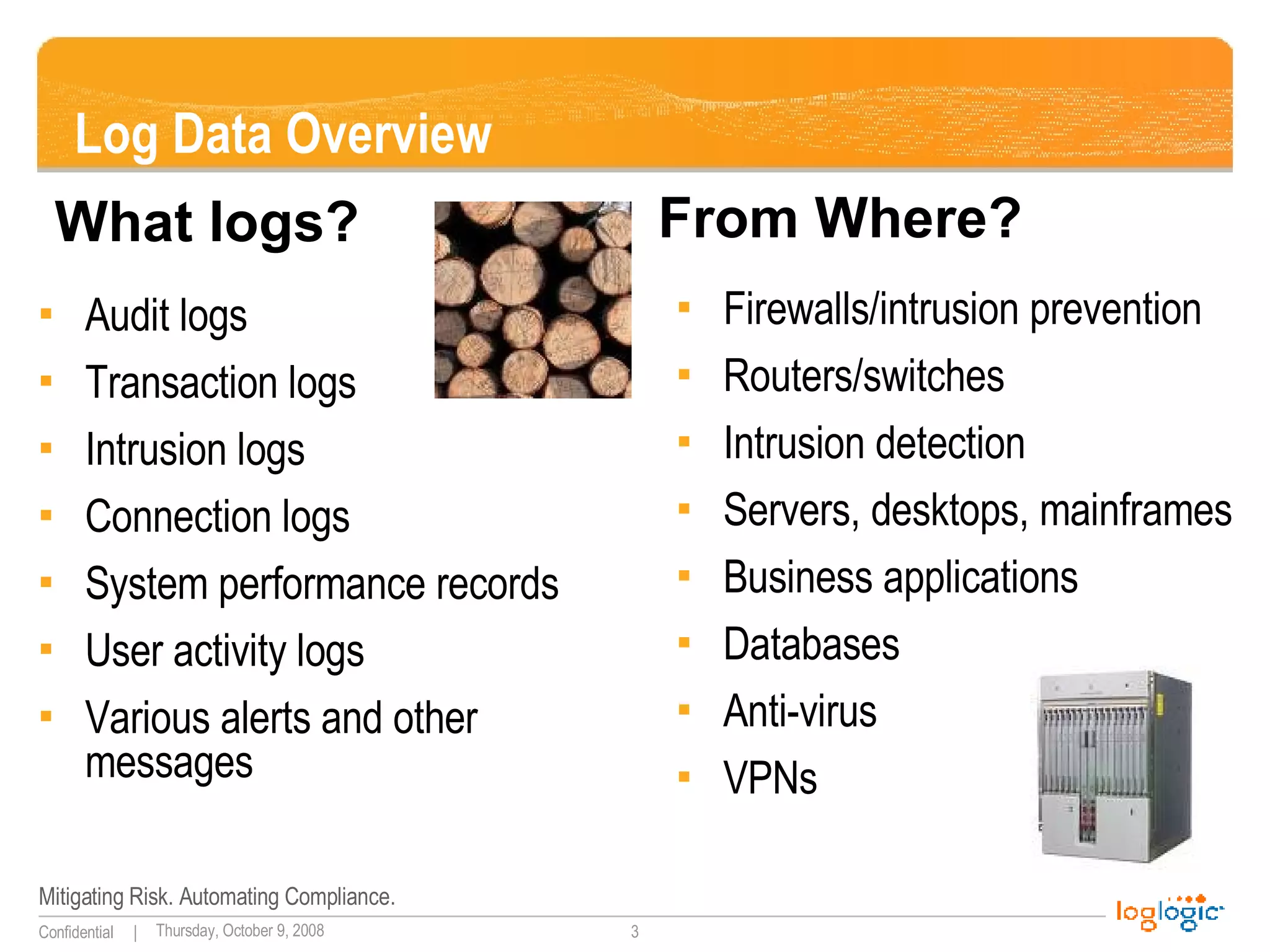
Log Data Overview Audit logs Transaction logs Intrusion logs Connection logs System performance records User activity logs Various alerts and other messages Firewalls/intrusion prevention Routers/switches Intrusion detection Servers, desktops, mainframes Business applications Databases Anti-virus VPNs What logs? From Where?
“ Standard” Messages 10/09/200317:42:57,10.10.94.13,48352,10.10.97.14,909,,,accept,tcp,,,,909,10.10.93.29,,0,,4,3,,' 9Oct2003 17:42:57,accept,labcpngfp3,inbound,eth2c0,0,VPN-1 & FireWall-1,product=VPN-1 & FireWall-1[db_tag={0DE0E532-EEA0-11D7-BDFC-927F5D1DECEC};mgmt= labcpngfp3;date=1064415722;policy_name= Standard],labdragon,48352,10.10.97.14,909, tcp,10.10.93.145,',eth2c0,inbound Oct 9 16:29:49 [10.10.94.4] Oct 09 2003 16:44:50: %PIX-6-302013: Built outbound TCP connection 2245701 for outside:10.10.98.67/1487 (10.10.98.67/1487) to inside:10.10.94.13/42562 (10.10.93.145/42562) PIX 2003-10-20|15:25:52|dragonapp-nids|TCP-SCAN|10.10.94.10|10.10.94.13|0|0|X|------S-|0|total=484,min=1,max=1024,up=246,down=237,flags=------S-,Oct20-15:25:34,Oct20-15:25:52| Oct 20 15:35:08 labsnort snort: [1:1421:2] SNMP AgentX/tcp request [Classification: Attempted Information Leak] [Priority: 2]: {TCP} 10.10.94.10:43355 -> 10.10.94.13:705 SENSORDATAID="138715" SENSORNAME="10.10.94.23:network_sensor_1" ALERTID="QPQVIOAJKBNC6OONK6FTNLLESZ" LOCALTIMEZONEOFFSET="14400" ALERTNAME="pcAnywhere_Probe“ ALERTDATETIME="2003-10-20 19:35:21.0" SRCADDRESSNAME="10.10.94.10" SOURCEPORT="42444" INTRUDERPORT="42444" DESTADDRESSNAME="10.10.94.13" VICTIMPORT="5631" ALERTCOUNT="1" ALERTPRIORITY="3" PRODUCTID="3" PROTOCOLID="6" REASON="RSTsent"
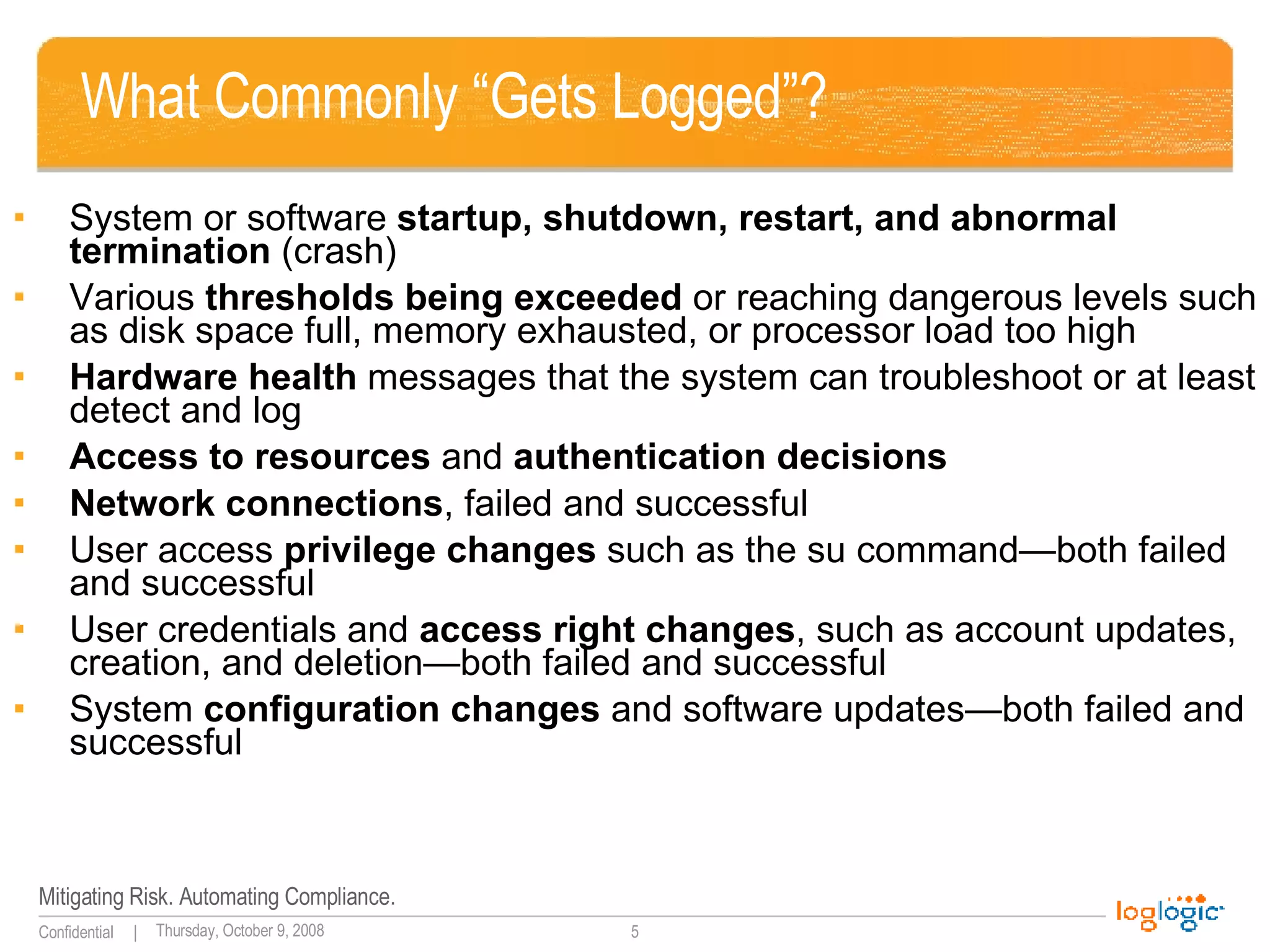
What Commonly “Gets Logged”? System or software  startup, shutdown, restart, and abnormal termination  (crash) Various  thresholds being exceeded  or reaching dangerous levels such as disk space full, memory exhausted, or processor load too high Hardware health  messages that the system can troubleshoot or at least detect and log Access to resources  and  authentication decisions Network connections , failed and successful User access  privilege changes  such as the su command—both failed and successful User credentials and  access right changes , such as account updates, creation, and deletion—both failed and successful System  configuration changes  and software updates—both failed and successful
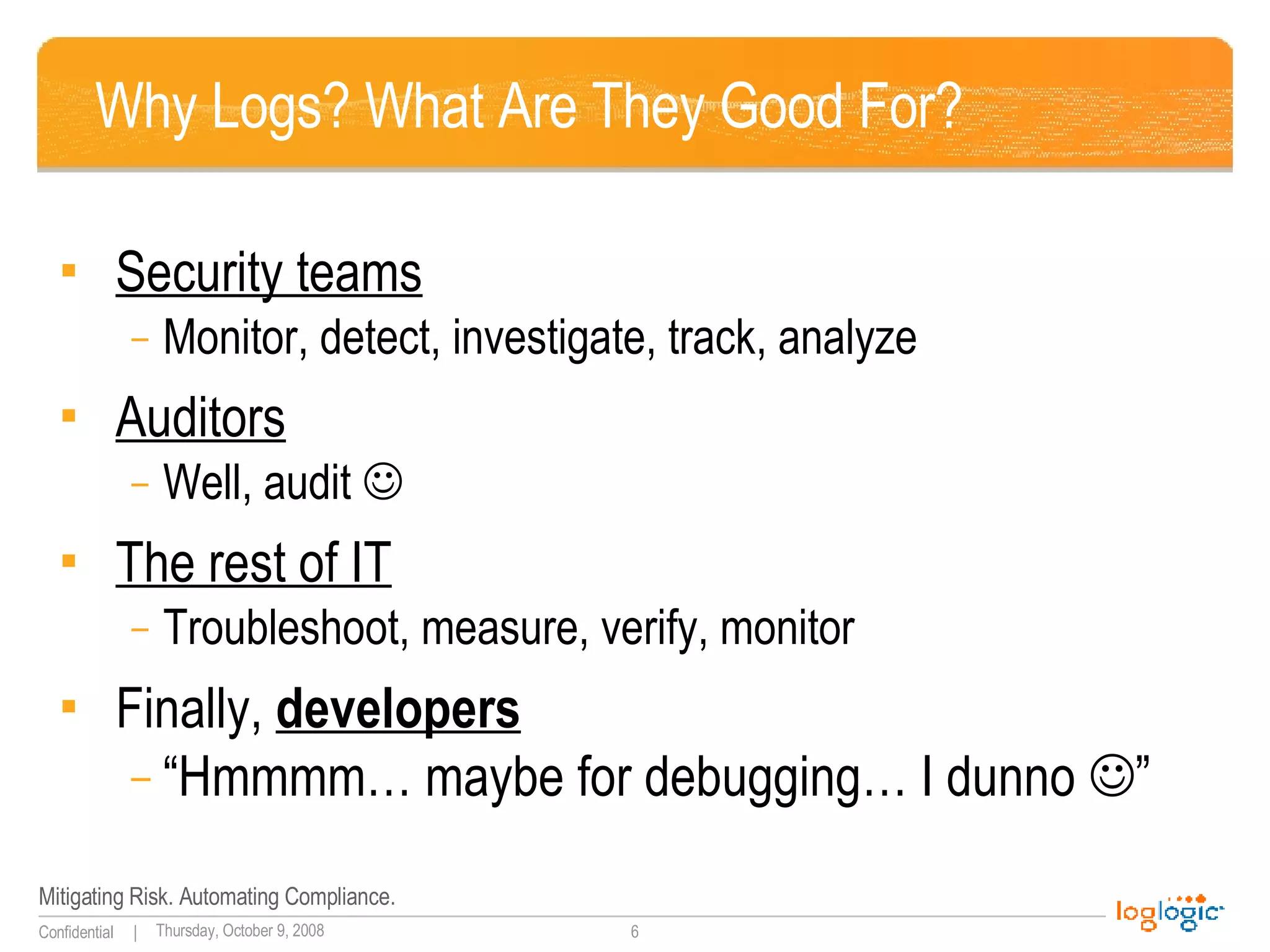
Why Logs? What Are They Good For? Security teams Monitor, detect, investigate, track, analyze Auditors Well, audit   The rest of IT Troubleshoot, measure, verify, monitor Finally,  developers “ Hmmmm… maybe for debugging… I dunno   ”
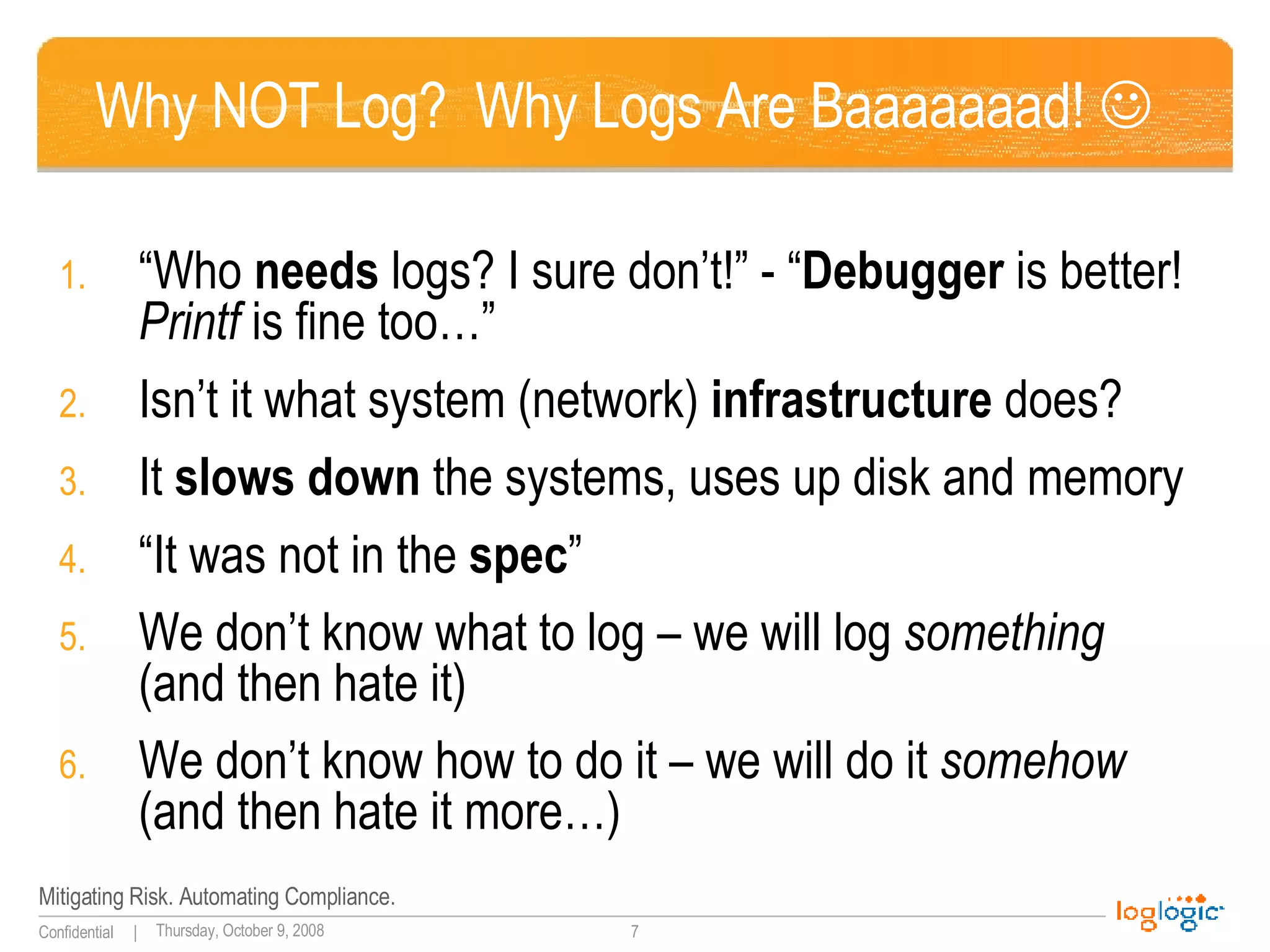
Why NOT Log?  Why Logs Are Baaaaaaad!   “ Who  needs  logs? I sure don’t!” - “ Debugger  is better!  Printf  is fine too…” Isn’t it what system (network)  infrastructure  does? It  slows down  the systems, uses up disk and memory “ It was not in the  spec ” We don’t know what to log – we will log  something  (and then hate it) We don’t know how to do it – we will do it  somehow  (and then hate it more…)
Two Log Realms – And A Chasm In Between! “ Audit”  logs vs “ debug”  logs
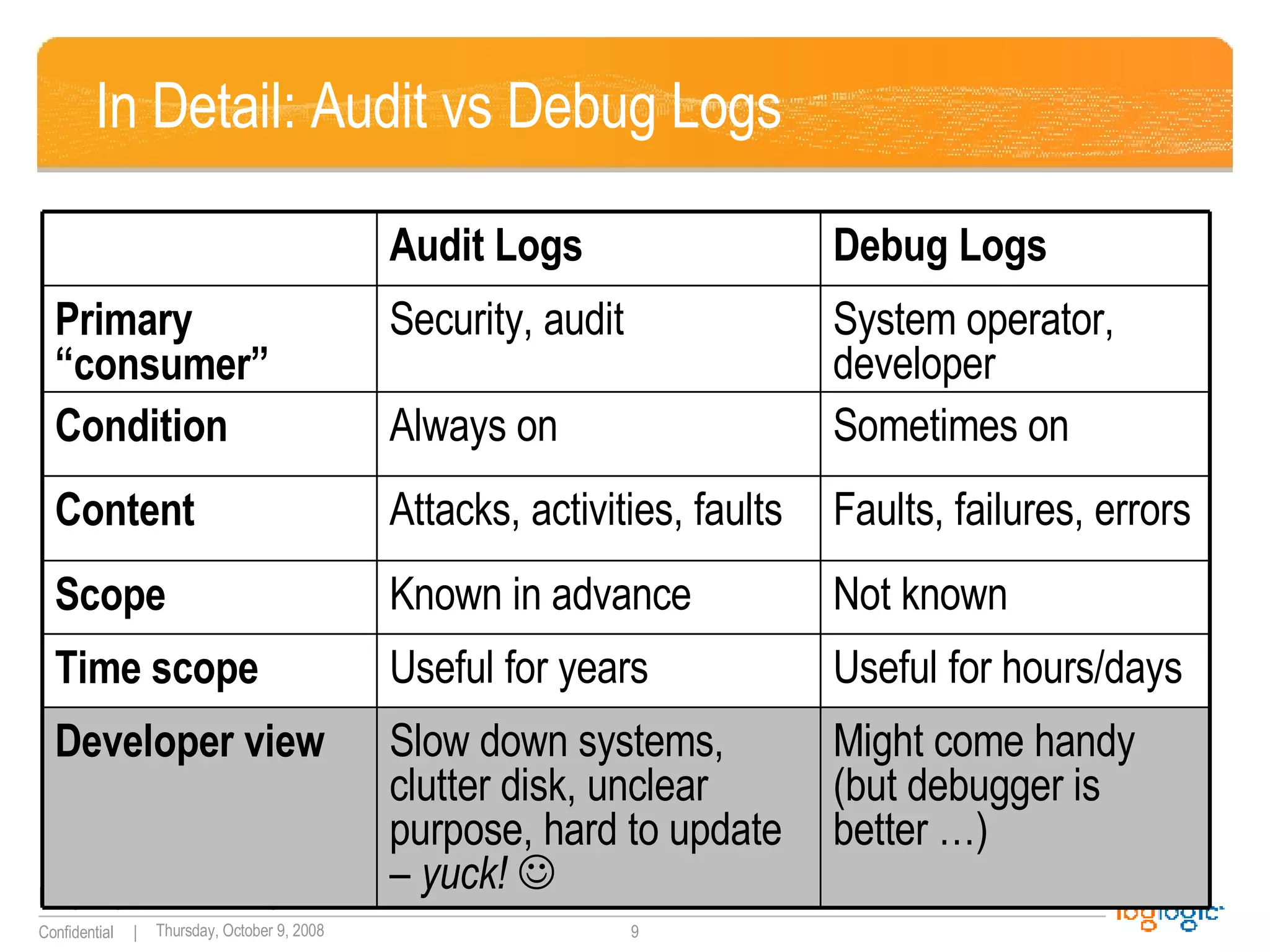
In Detail: Audit vs Debug Logs Not known Known in advance Scope Might come handy (but debugger is better …) Slow down systems, clutter disk, unclear purpose, hard to update  – yuck!   Developer view Useful for hours/days Useful for years Time scope Faults, failures, errors Attacks, activities, faults Content Sometimes on Always on Condition System operator, developer Security, audit Primary “consumer” Debug Logs Audit Logs
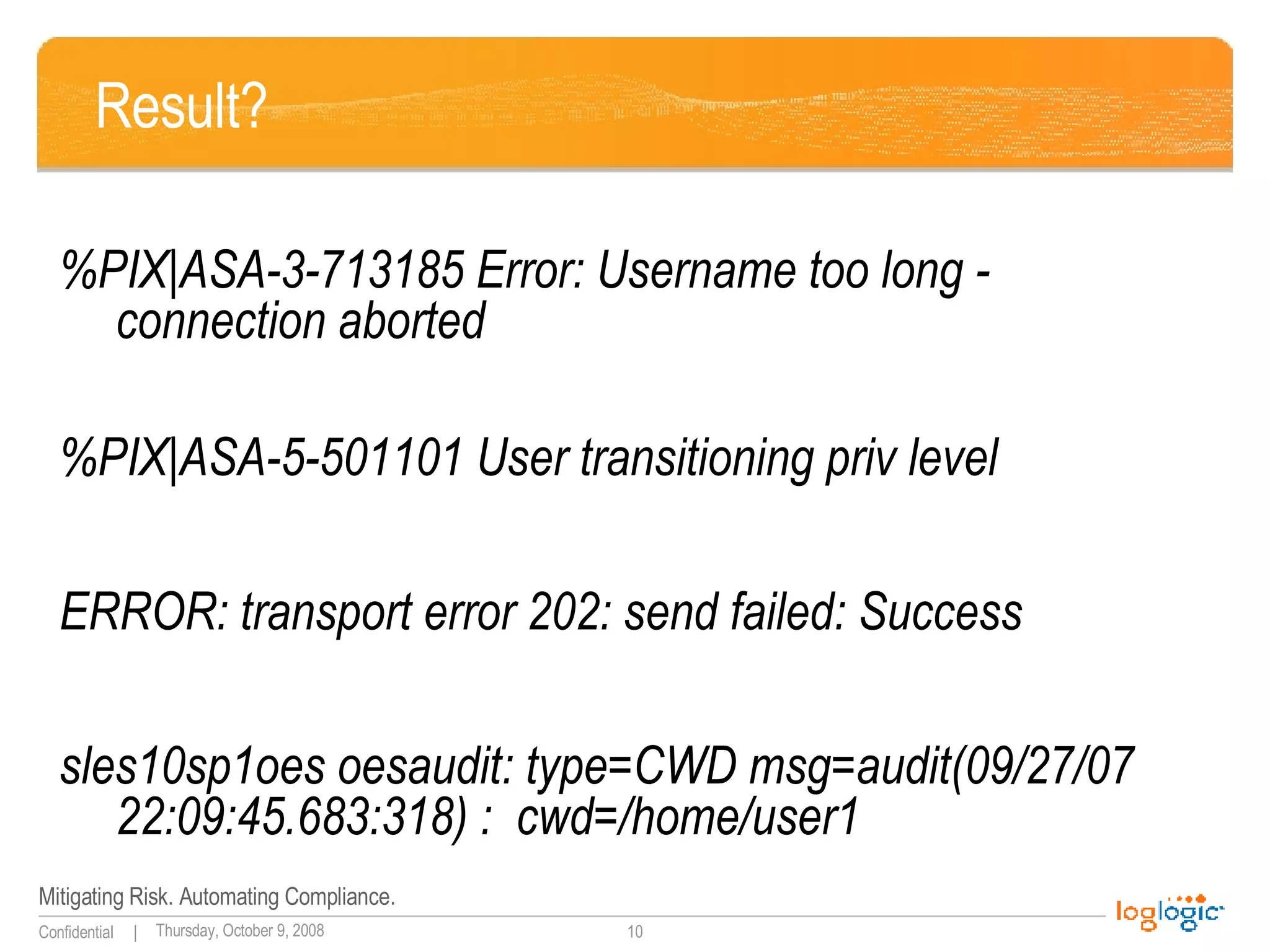
Result? %PIX|ASA-3-713185 Error: Username too long - connection aborted %PIX|ASA-5-501101 User transitioning priv level   ERROR: transport error 202: send failed: Success sles10sp1oes oesaudit: type=CWD msg=audit(09/27/07 22:09:45.683:318) :  cwd=/home/user1
More results? userenv[error] 1030 RCI-CORP\wsupx No description available Aug 11 09:11:19 xx null pif ? exit! 0  Apr 23 23:03:08 support last message repeated 3 times Apr 23 23:04:23 support last message repeated 5 times Apr 23 23:05:38 support last message repeated 5 times
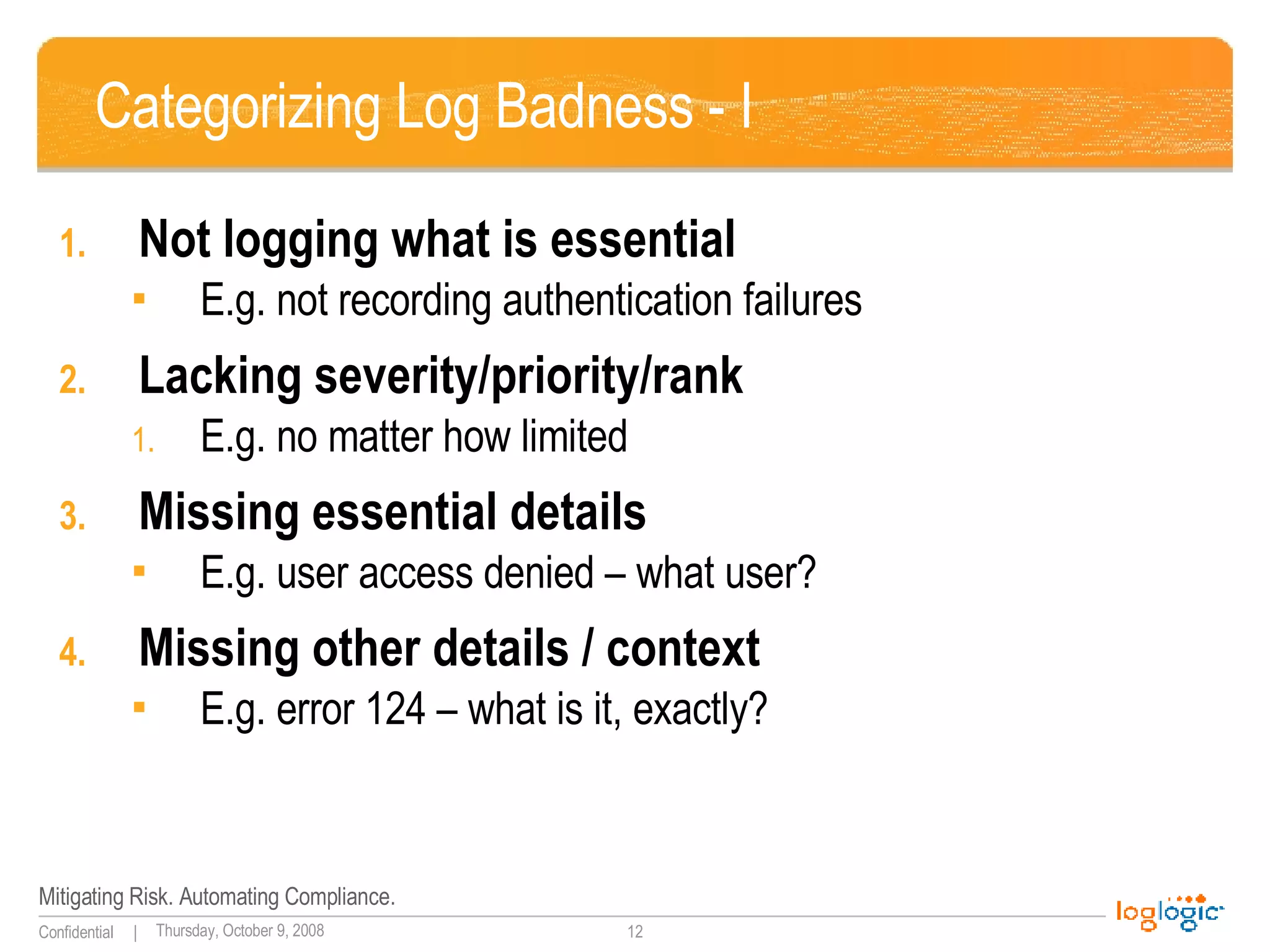
Categorizing Log Badness - I Not logging what is essential E.g. not recording authentication failures Lacking severity/priority/rank E.g. no matter how limited Missing essential details E.g. user access denied – what user? Missing other details / context E.g. error 124 – what is it, exactly?
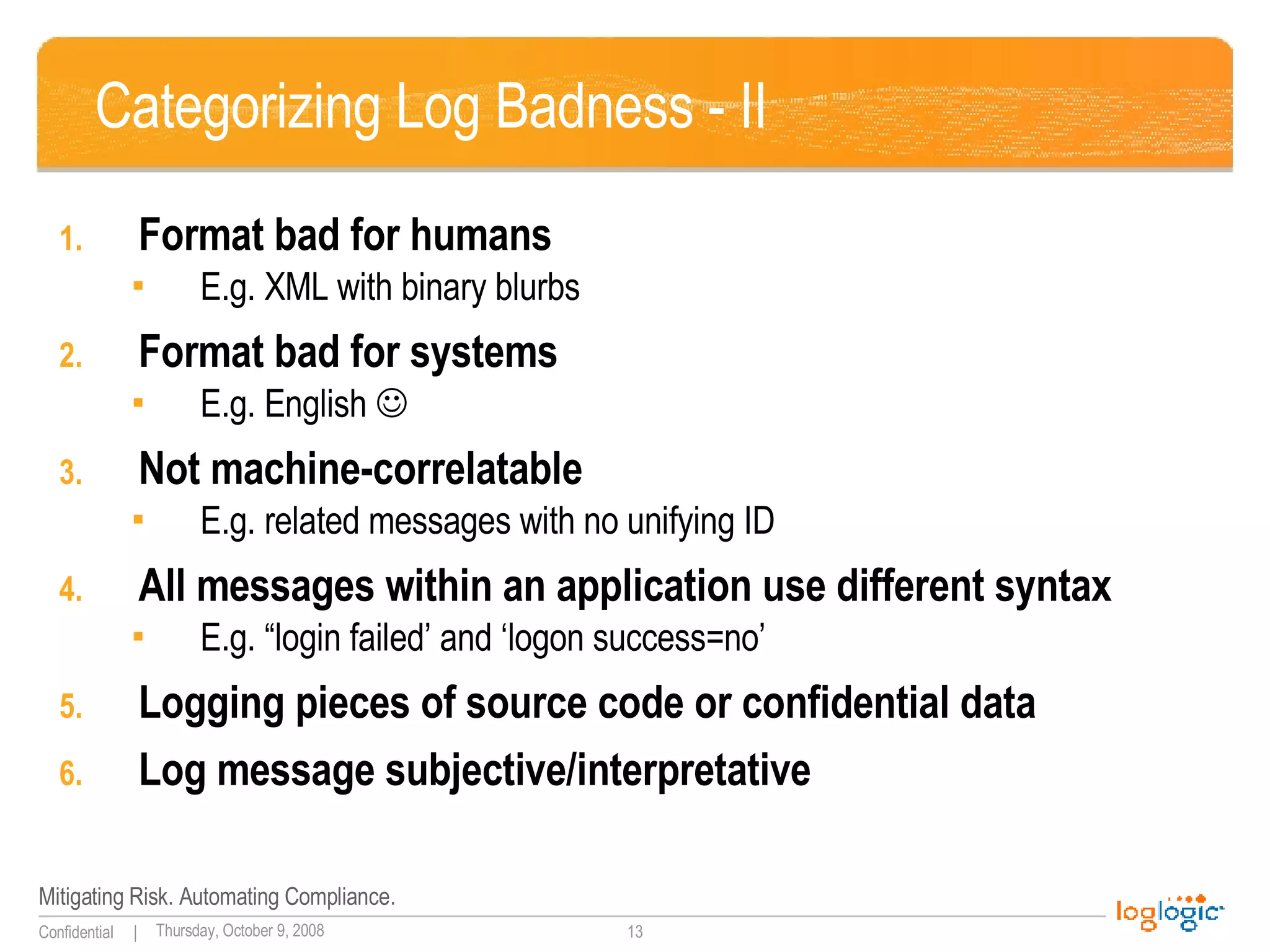
Categorizing Log Badness - II Format bad for humans E.g. XML with binary blurbs Format bad for systems  E.g. English   Not machine-correlatable E.g. related messages with no unifying ID All messages within an application use different syntax  E.g. “login failed’ and ‘logon success=no’ Logging pieces of source code or confidential data Log message subjective/interpretative
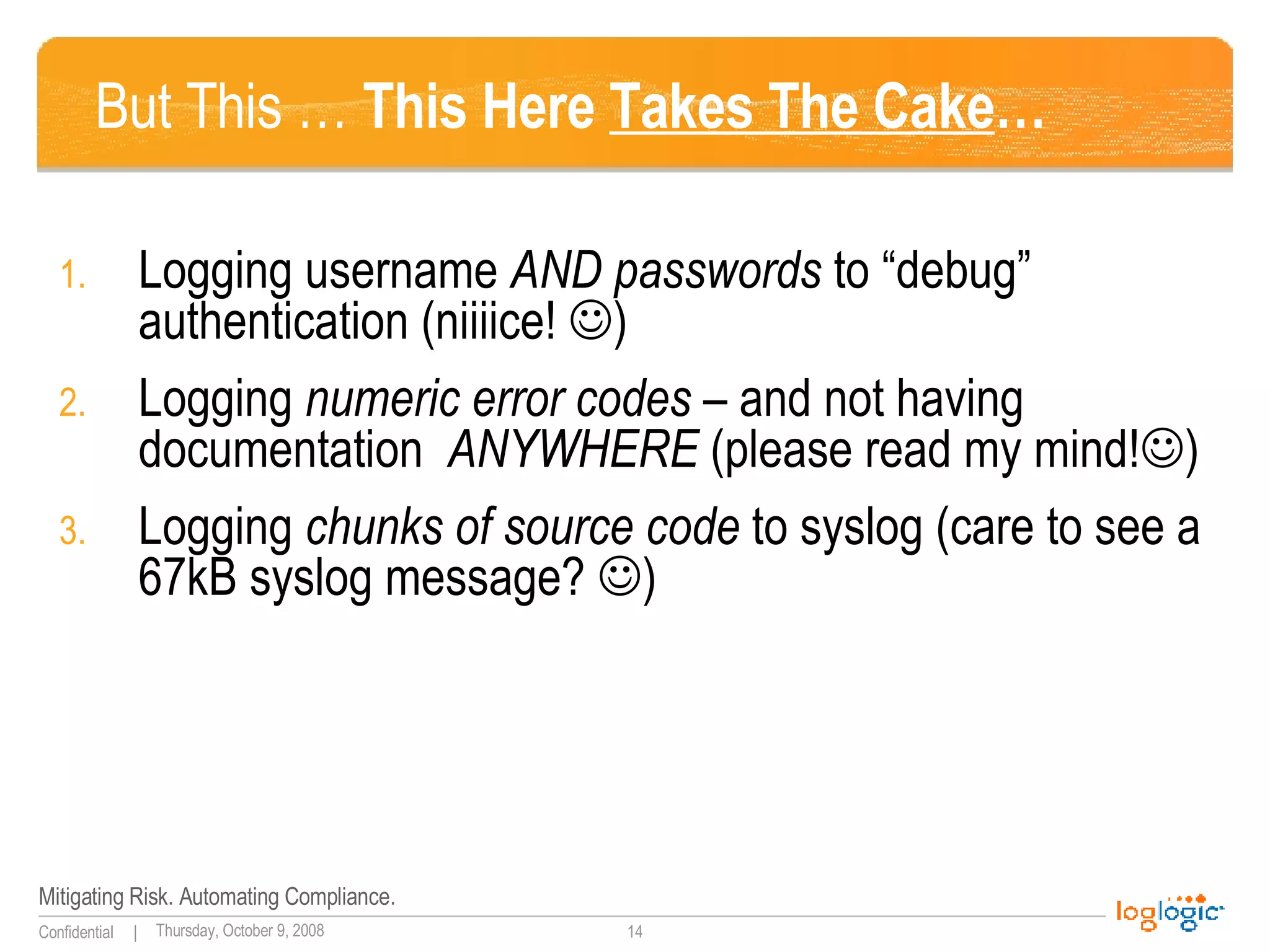
But This …  This Here  Takes The Cake … Logging username  AND passwords  to “debug” authentication (niiiice!   ) Logging  numeric error codes  – and not having documentation  ANYWHERE  (please read my mind!  ) Logging  chunks of source code  to syslog (care to see a 67kB syslog message?   )
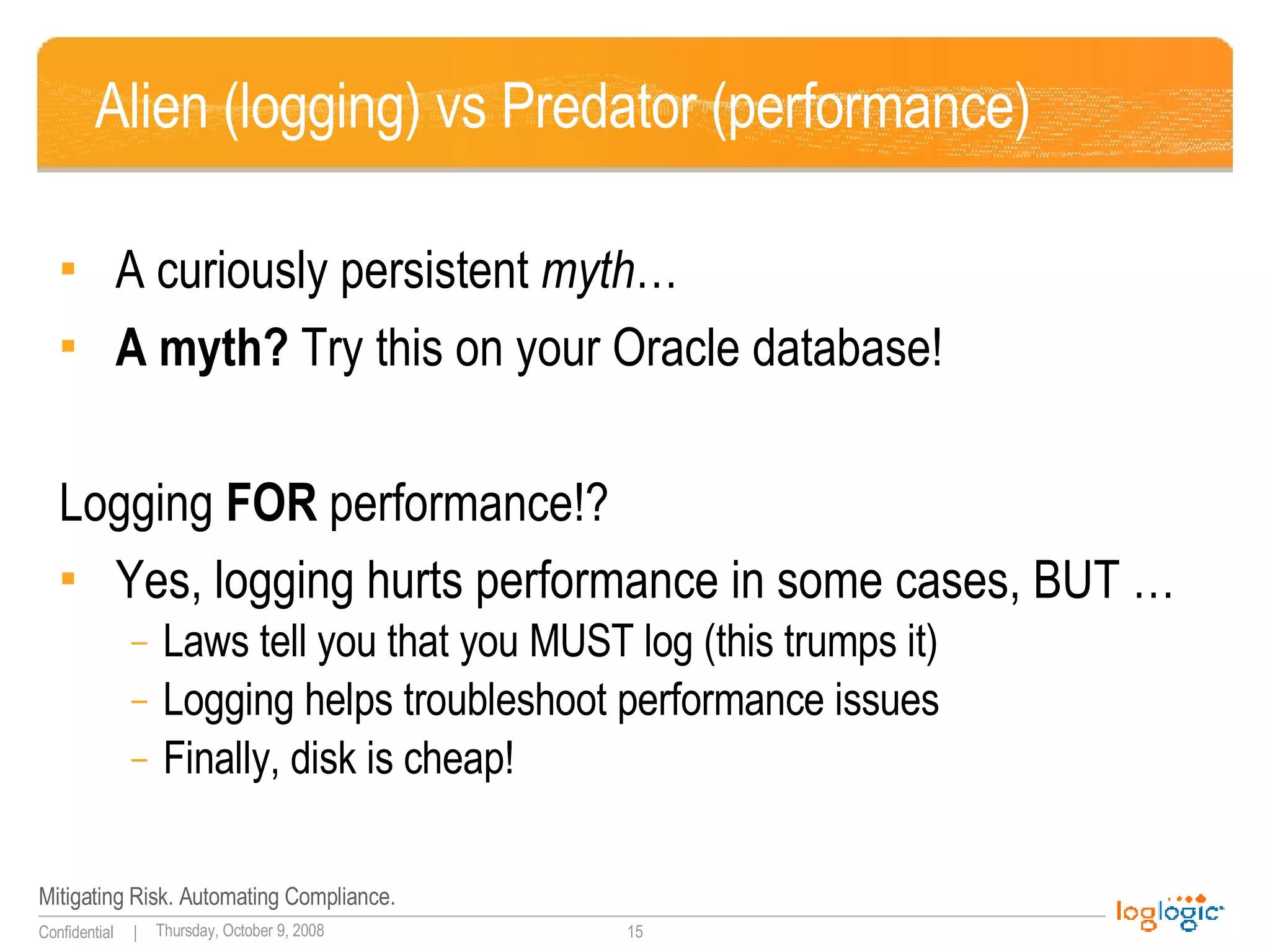
Alien (logging) vs Predator (performance) A curiously persistent  myth … A myth?  Try this on your Oracle database! Logging  FOR  performance!? Yes, logging hurts performance in some cases, BUT … Laws tell you that you MUST log (this trumps it) Logging helps troubleshoot performance issues Finally, disk is cheap!
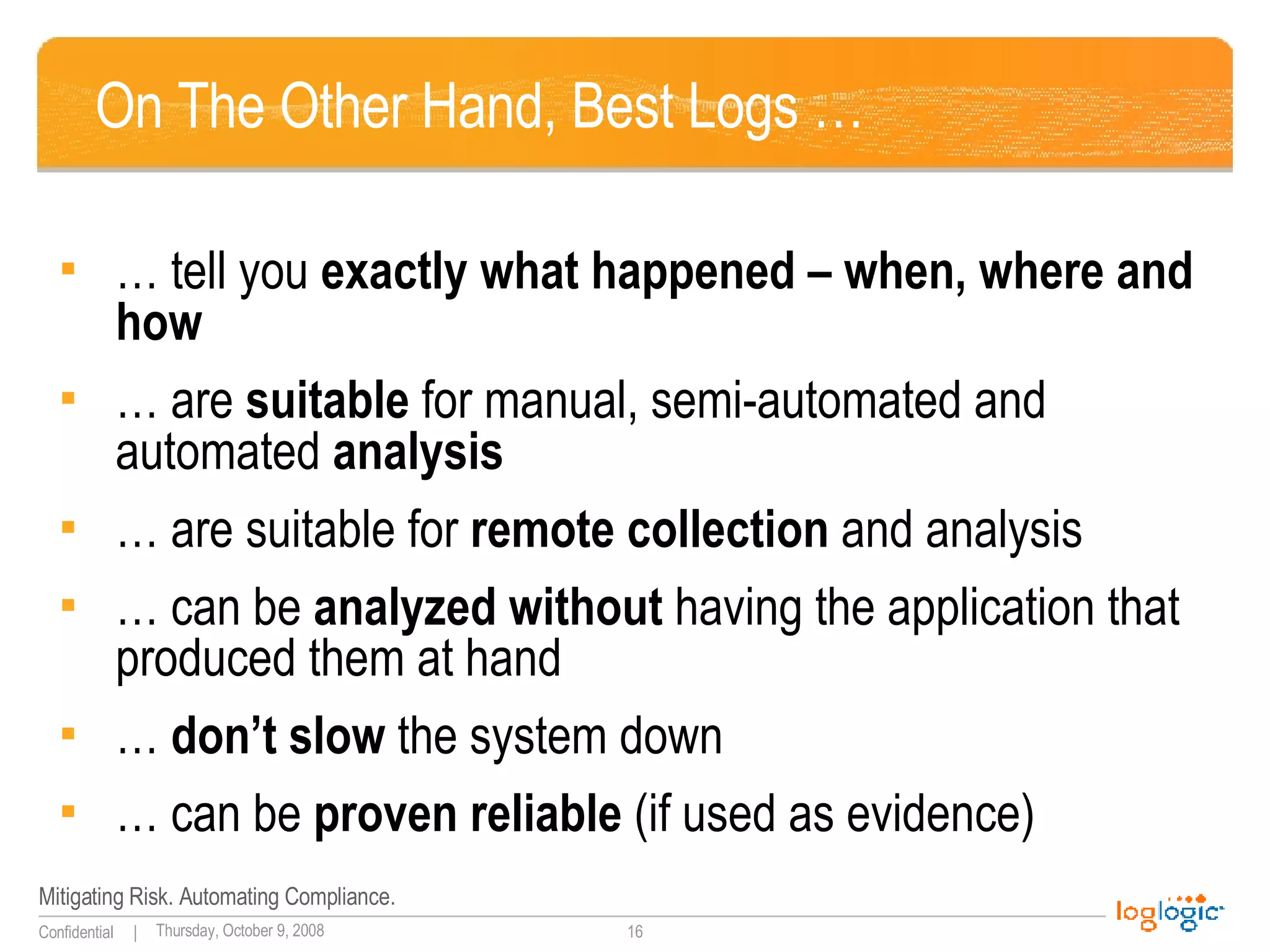
On The Other Hand, Best Logs … … tell you  exactly what happened – when, where and how … are  suitable  for manual, semi-automated and automated  analysis … are suitable for  remote   collection  and analysis … can be  analyzed without  having the application that produced them at hand …  don’t slow  the system down … can be  proven reliable  (if used as evidence)
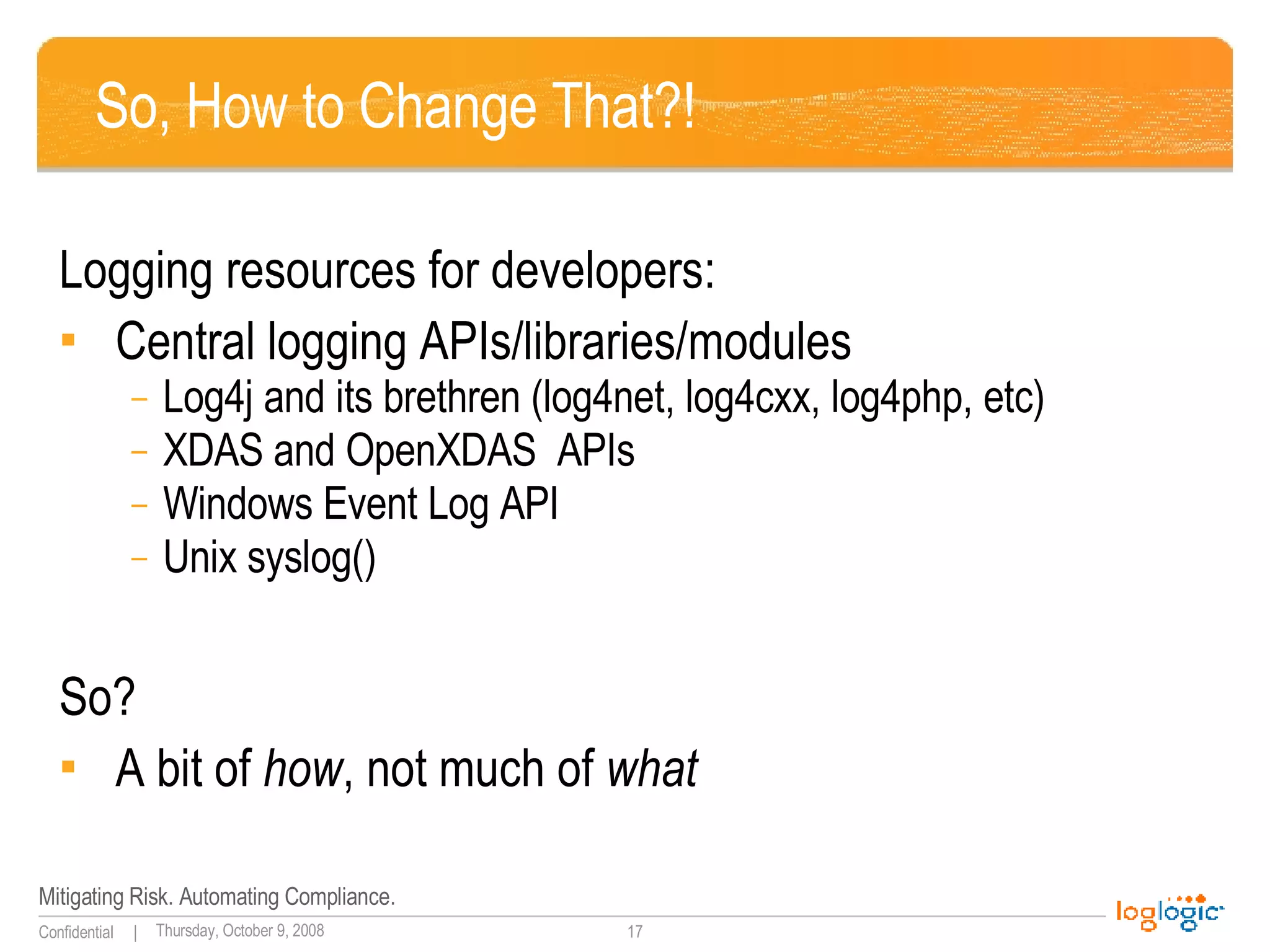
So, How to Change That?! Logging resources for developers: Central logging APIs/libraries/modules Log4j and its brethren (log4net, log4cxx, log4php, etc) XDAS and OpenXDAS  APIs Windows Event Log API Unix syslog() So? A bit of  how , not much of  what
Some Answers – No More Questions for A Change ….
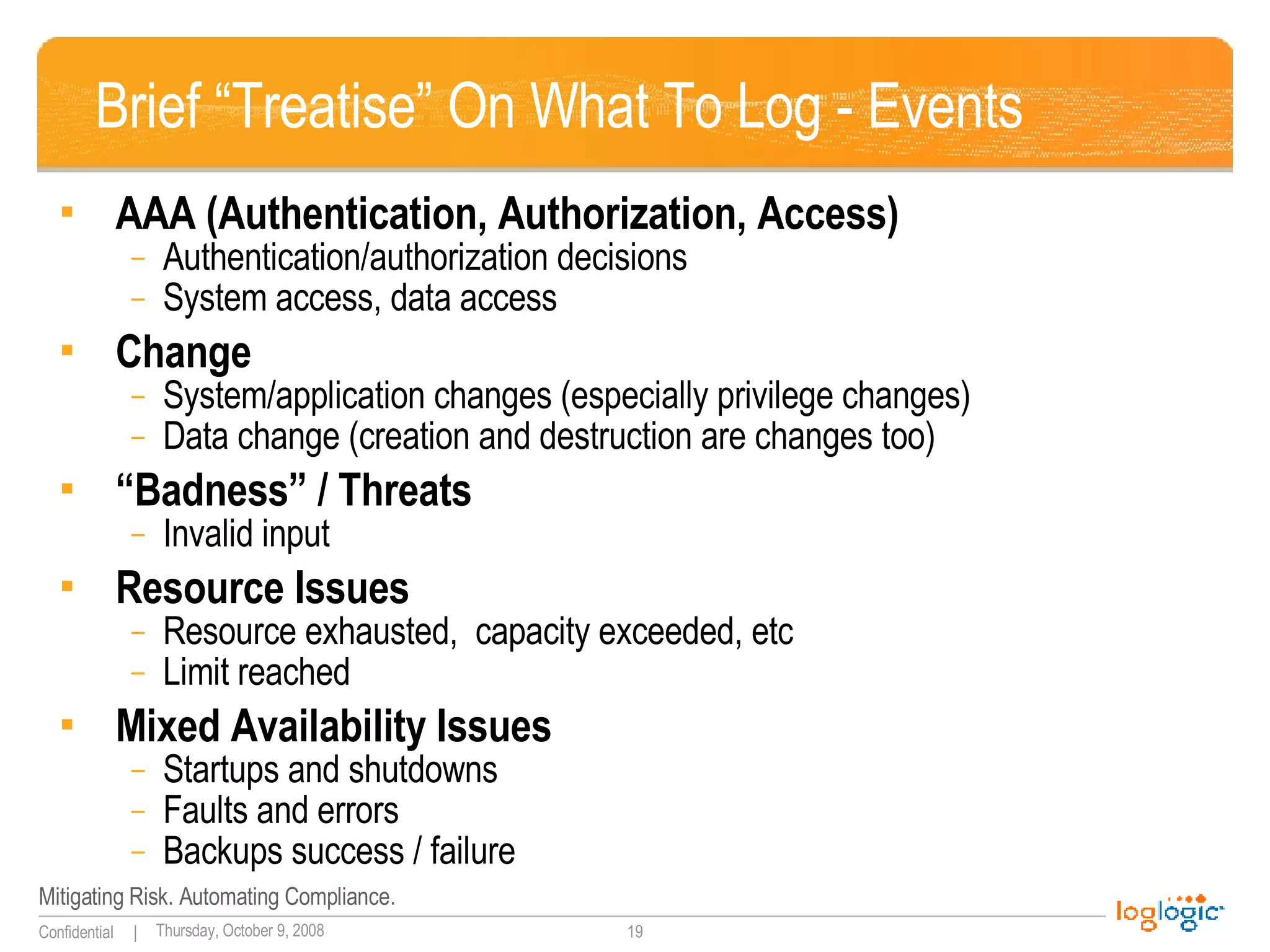
Brief “Treatise” On What To Log - Events AAA (Authentication, Authorization, Access) Authentication/authorization decisions System access, data access Change System/application changes (especially privilege changes) Data change (creation and destruction are changes too) “ Badness” / Threats  Invalid input Resource Issues Resource exhausted,  capacity exceeded, etc Limit reached Mixed Availability Issues Startups and shutdowns Faults and errors Backups success / failure
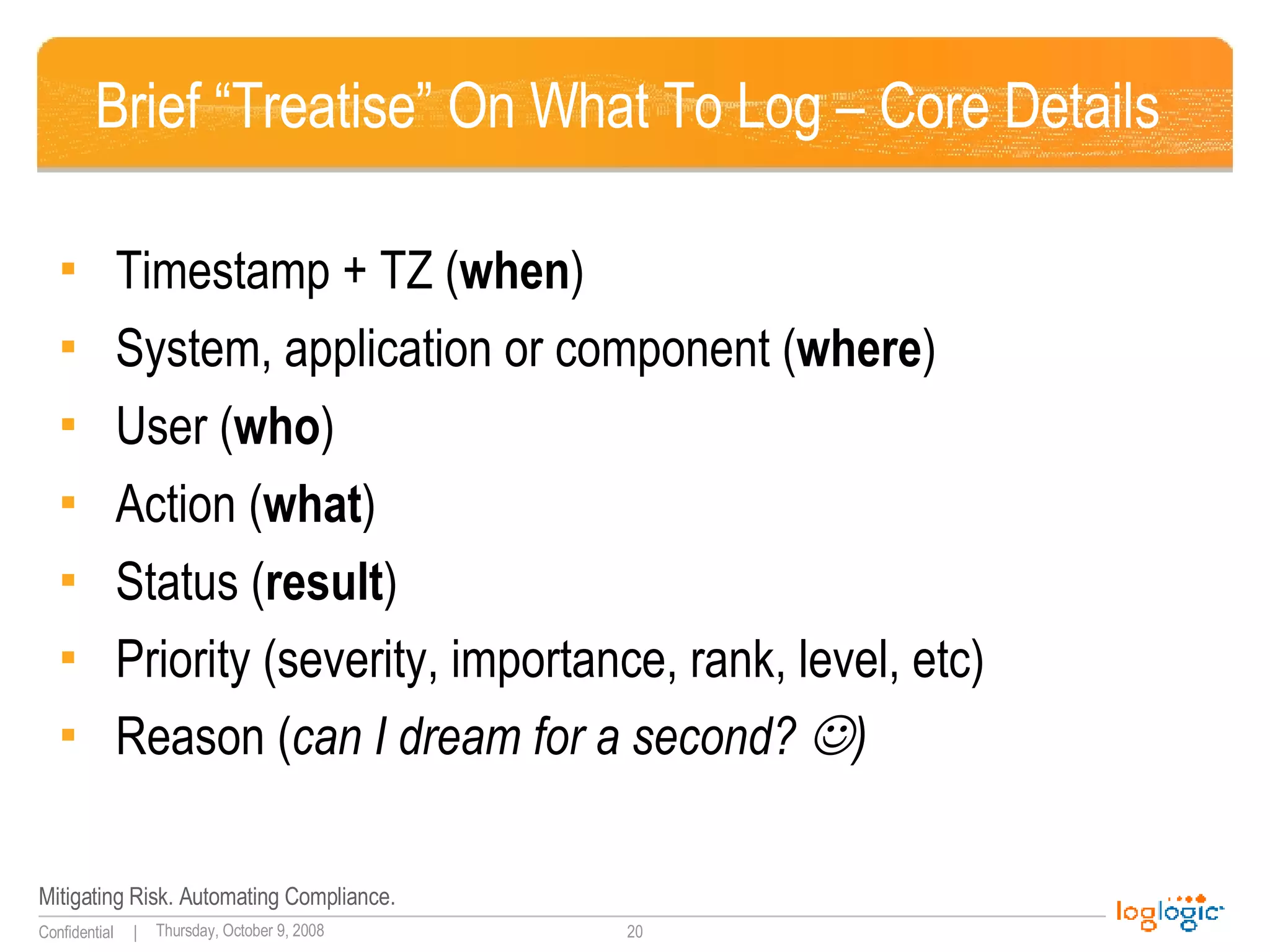
Brief “Treatise” On What To Log – Core Details Timestamp + TZ ( when ) System, application or component ( where ) User ( who ) Action ( what ) Status ( result ) Priority (severity, importance, rank, level, etc) Reason ( can I dream for a second?   )
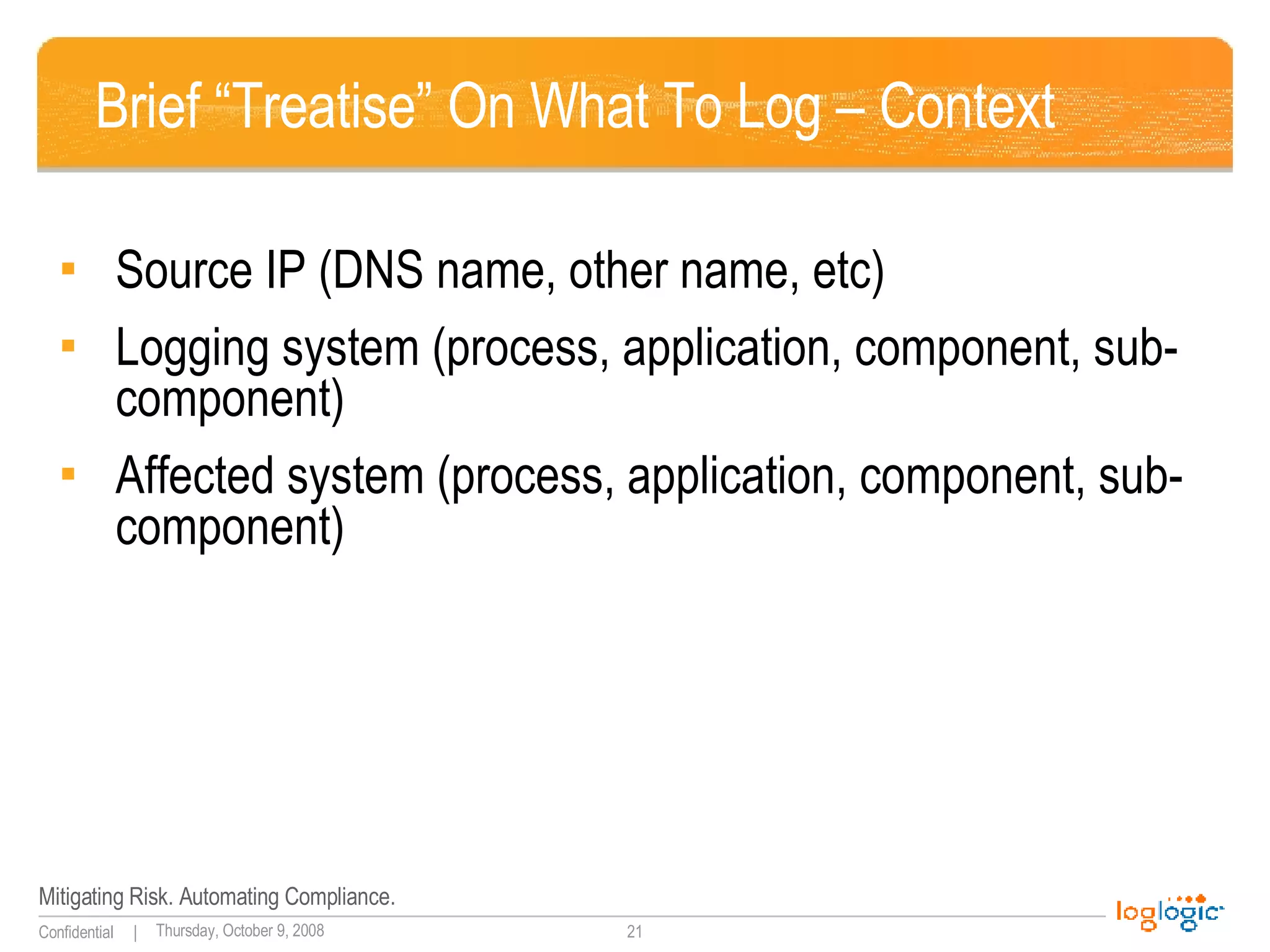
Brief “Treatise” On What To Log – Context Source IP (DNS name, other name, etc) Logging system (process, application, component, sub-component) Affected system (process, application, component, sub-component)
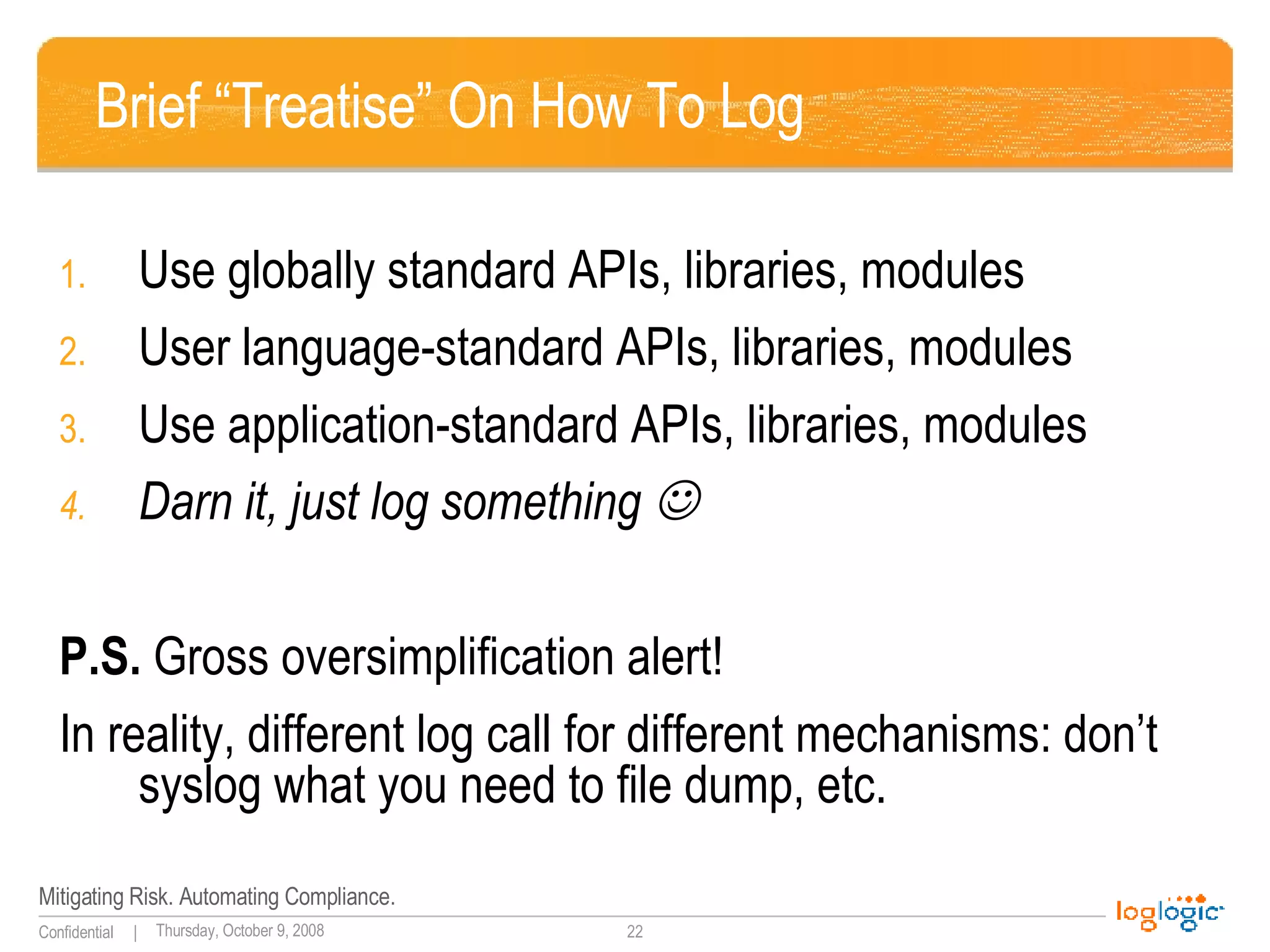
Brief “Treatise” On How To Log Use globally standard APIs, libraries, modules User language-standard APIs, libraries, modules Use application-standard APIs, libraries, modules Darn it, just log something   P.S.  Gross oversimplification alert! In reality, different log call for different mechanisms: don’t syslog what you need to file dump, etc.
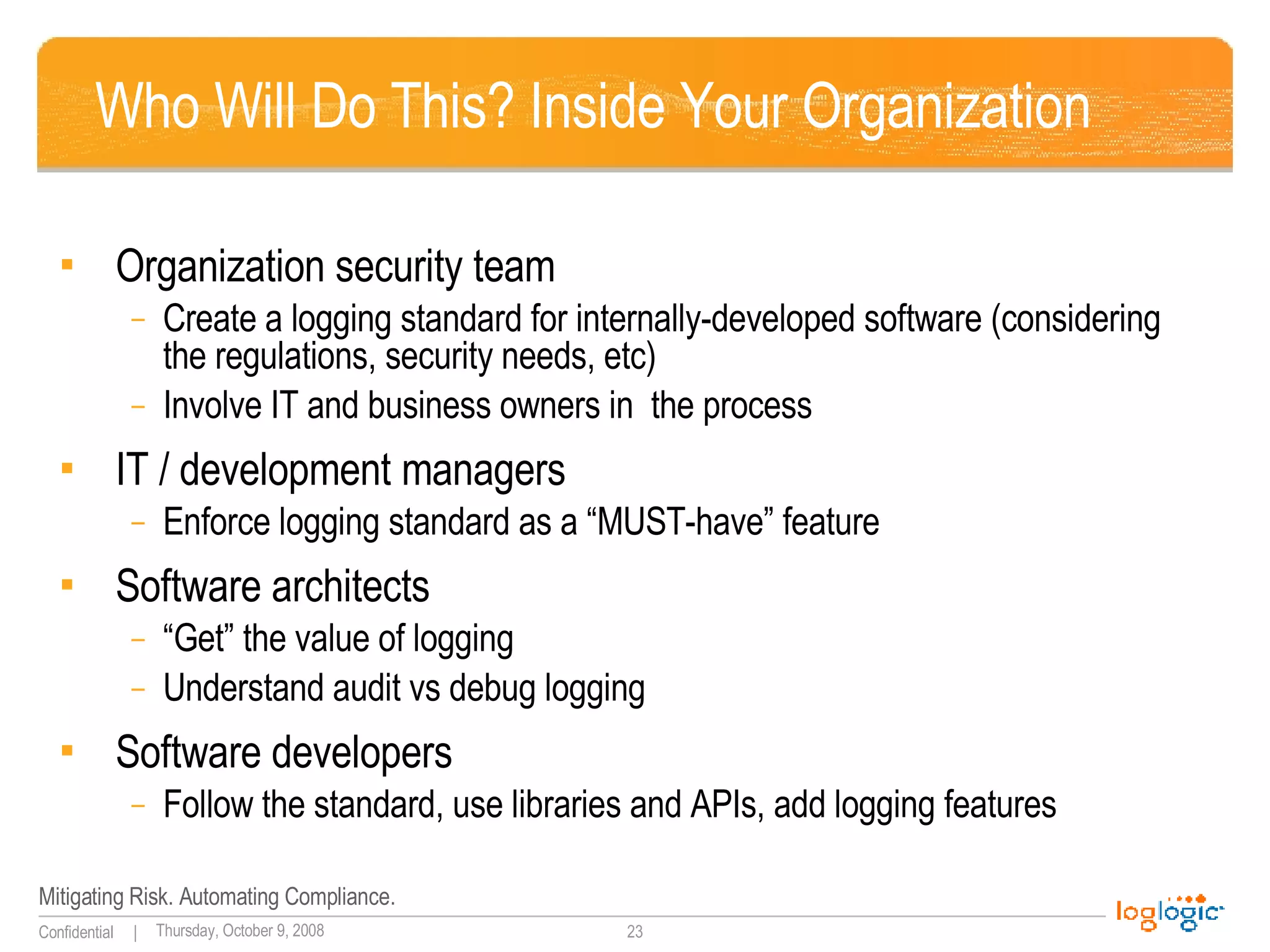
Who Will Do This? Inside Your Organization Organization security team Create a logging standard for internally-developed software (considering the regulations, security needs, etc) Involve IT and business owners in  the process IT / development managers Enforce logging standard as a “MUST-have” feature Software architects “ Get” the value of logging Understand audit vs debug logging Software developers Follow the standard, use libraries and APIs, add logging features
Who Will Do This? Outside Your Organization  Commercial software vendors Start developing (and then adopting) log standards (CEE) Open source community Create logging libraries Popularize standard logging routines Log analysis vendors Encourage the log standardization Use their [universally painful!] log analysis experience to drive all of the above!  
Mini-conclusion YOU MUST LOG! The important of logging will ONLY GROW. Software architects and developer need to “get” logging – there is NO other way ( infrastructure logging  won’t cut it) Security team will need to guide them! Logging standards (global and organization-wide) are a MUST – and they will happen Pending a global standard  - use your own, but  standard  across your infrastructure
Thank You for Attending! Anton Chuvakin, Ph.D., GCIA, GCIH, GCFA Chief Logging Evangelist LogLogic, Inc http://www.chuvakin.org   See  www.info-secure.org   for my papers, books, reviews  and other security and logging resources;  check  my blog  at  www.securitywarrior.org

Application Logging Good Bad Ugly ... Beautiful?

  • 1.
    Application Logging “WorstPractices” Dr Anton Chuvakin, GCIA, GCIH, GCFA Chief Logging Evangelist LogLogic, Inc
  • 2.
    Outline Why logging?Why NOT logging? Developers and logging Bad log – good log? Conclusions and action items
  • 3.
    Log Data OverviewAudit logs Transaction logs Intrusion logs Connection logs System performance records User activity logs Various alerts and other messages Firewalls/intrusion prevention Routers/switches Intrusion detection Servers, desktops, mainframes Business applications Databases Anti-virus VPNs What logs? From Where?
  • 4.
    “ Standard” Messages10/09/200317:42:57,10.10.94.13,48352,10.10.97.14,909,,,accept,tcp,,,,909,10.10.93.29,,0,,4,3,,' 9Oct2003 17:42:57,accept,labcpngfp3,inbound,eth2c0,0,VPN-1 & FireWall-1,product=VPN-1 & FireWall-1[db_tag={0DE0E532-EEA0-11D7-BDFC-927F5D1DECEC};mgmt= labcpngfp3;date=1064415722;policy_name= Standard],labdragon,48352,10.10.97.14,909, tcp,10.10.93.145,',eth2c0,inbound Oct 9 16:29:49 [10.10.94.4] Oct 09 2003 16:44:50: %PIX-6-302013: Built outbound TCP connection 2245701 for outside:10.10.98.67/1487 (10.10.98.67/1487) to inside:10.10.94.13/42562 (10.10.93.145/42562) PIX 2003-10-20|15:25:52|dragonapp-nids|TCP-SCAN|10.10.94.10|10.10.94.13|0|0|X|------S-|0|total=484,min=1,max=1024,up=246,down=237,flags=------S-,Oct20-15:25:34,Oct20-15:25:52| Oct 20 15:35:08 labsnort snort: [1:1421:2] SNMP AgentX/tcp request [Classification: Attempted Information Leak] [Priority: 2]: {TCP} 10.10.94.10:43355 -> 10.10.94.13:705 SENSORDATAID="138715" SENSORNAME="10.10.94.23:network_sensor_1" ALERTID="QPQVIOAJKBNC6OONK6FTNLLESZ" LOCALTIMEZONEOFFSET="14400" ALERTNAME="pcAnywhere_Probe“ ALERTDATETIME="2003-10-20 19:35:21.0" SRCADDRESSNAME="10.10.94.10" SOURCEPORT="42444" INTRUDERPORT="42444" DESTADDRESSNAME="10.10.94.13" VICTIMPORT="5631" ALERTCOUNT="1" ALERTPRIORITY="3" PRODUCTID="3" PROTOCOLID="6" REASON="RSTsent"
  • 5.
    What Commonly “GetsLogged”? System or software startup, shutdown, restart, and abnormal termination (crash) Various thresholds being exceeded or reaching dangerous levels such as disk space full, memory exhausted, or processor load too high Hardware health messages that the system can troubleshoot or at least detect and log Access to resources and authentication decisions Network connections , failed and successful User access privilege changes such as the su command—both failed and successful User credentials and access right changes , such as account updates, creation, and deletion—both failed and successful System configuration changes and software updates—both failed and successful
  • 6.
    Why Logs? WhatAre They Good For? Security teams Monitor, detect, investigate, track, analyze Auditors Well, audit  The rest of IT Troubleshoot, measure, verify, monitor Finally, developers “ Hmmmm… maybe for debugging… I dunno  ”
  • 7.
    Why NOT Log? Why Logs Are Baaaaaaad!  “ Who needs logs? I sure don’t!” - “ Debugger is better! Printf is fine too…” Isn’t it what system (network) infrastructure does? It slows down the systems, uses up disk and memory “ It was not in the spec ” We don’t know what to log – we will log something (and then hate it) We don’t know how to do it – we will do it somehow (and then hate it more…)
  • 8.
    Two Log Realms– And A Chasm In Between! “ Audit” logs vs “ debug” logs
  • 9.
    In Detail: Auditvs Debug Logs Not known Known in advance Scope Might come handy (but debugger is better …) Slow down systems, clutter disk, unclear purpose, hard to update – yuck!  Developer view Useful for hours/days Useful for years Time scope Faults, failures, errors Attacks, activities, faults Content Sometimes on Always on Condition System operator, developer Security, audit Primary “consumer” Debug Logs Audit Logs
  • 10.
    Result? %PIX|ASA-3-713185 Error:Username too long - connection aborted %PIX|ASA-5-501101 User transitioning priv level ERROR: transport error 202: send failed: Success sles10sp1oes oesaudit: type=CWD msg=audit(09/27/07 22:09:45.683:318) :  cwd=/home/user1
  • 11.
    More results? userenv[error]1030 RCI-CORP\wsupx No description available Aug 11 09:11:19 xx null pif ? exit! 0 Apr 23 23:03:08 support last message repeated 3 times Apr 23 23:04:23 support last message repeated 5 times Apr 23 23:05:38 support last message repeated 5 times
  • 12.
    Categorizing Log Badness- I Not logging what is essential E.g. not recording authentication failures Lacking severity/priority/rank E.g. no matter how limited Missing essential details E.g. user access denied – what user? Missing other details / context E.g. error 124 – what is it, exactly?
  • 13.
    Categorizing Log Badness- II Format bad for humans E.g. XML with binary blurbs Format bad for systems E.g. English  Not machine-correlatable E.g. related messages with no unifying ID All messages within an application use different syntax E.g. “login failed’ and ‘logon success=no’ Logging pieces of source code or confidential data Log message subjective/interpretative
  • 14.
    But This … This Here Takes The Cake … Logging username AND passwords to “debug” authentication (niiiice!  ) Logging numeric error codes – and not having documentation ANYWHERE (please read my mind!  ) Logging chunks of source code to syslog (care to see a 67kB syslog message?  )
  • 15.
    Alien (logging) vsPredator (performance) A curiously persistent myth … A myth? Try this on your Oracle database! Logging FOR performance!? Yes, logging hurts performance in some cases, BUT … Laws tell you that you MUST log (this trumps it) Logging helps troubleshoot performance issues Finally, disk is cheap!
  • 16.
    On The OtherHand, Best Logs … … tell you exactly what happened – when, where and how … are suitable for manual, semi-automated and automated analysis … are suitable for remote collection and analysis … can be analyzed without having the application that produced them at hand … don’t slow the system down … can be proven reliable (if used as evidence)
  • 17.
    So, How toChange That?! Logging resources for developers: Central logging APIs/libraries/modules Log4j and its brethren (log4net, log4cxx, log4php, etc) XDAS and OpenXDAS APIs Windows Event Log API Unix syslog() So? A bit of how , not much of what
  • 18.
    Some Answers –No More Questions for A Change ….
  • 19.
    Brief “Treatise” OnWhat To Log - Events AAA (Authentication, Authorization, Access) Authentication/authorization decisions System access, data access Change System/application changes (especially privilege changes) Data change (creation and destruction are changes too) “ Badness” / Threats Invalid input Resource Issues Resource exhausted, capacity exceeded, etc Limit reached Mixed Availability Issues Startups and shutdowns Faults and errors Backups success / failure
  • 20.
    Brief “Treatise” OnWhat To Log – Core Details Timestamp + TZ ( when ) System, application or component ( where ) User ( who ) Action ( what ) Status ( result ) Priority (severity, importance, rank, level, etc) Reason ( can I dream for a second?  )
  • 21.
    Brief “Treatise” OnWhat To Log – Context Source IP (DNS name, other name, etc) Logging system (process, application, component, sub-component) Affected system (process, application, component, sub-component)
  • 22.
    Brief “Treatise” OnHow To Log Use globally standard APIs, libraries, modules User language-standard APIs, libraries, modules Use application-standard APIs, libraries, modules Darn it, just log something  P.S. Gross oversimplification alert! In reality, different log call for different mechanisms: don’t syslog what you need to file dump, etc.
  • 23.
    Who Will DoThis? Inside Your Organization Organization security team Create a logging standard for internally-developed software (considering the regulations, security needs, etc) Involve IT and business owners in the process IT / development managers Enforce logging standard as a “MUST-have” feature Software architects “ Get” the value of logging Understand audit vs debug logging Software developers Follow the standard, use libraries and APIs, add logging features
  • 24.
    Who Will DoThis? Outside Your Organization Commercial software vendors Start developing (and then adopting) log standards (CEE) Open source community Create logging libraries Popularize standard logging routines Log analysis vendors Encourage the log standardization Use their [universally painful!] log analysis experience to drive all of the above! 
  • 25.
    Mini-conclusion YOU MUSTLOG! The important of logging will ONLY GROW. Software architects and developer need to “get” logging – there is NO other way ( infrastructure logging won’t cut it) Security team will need to guide them! Logging standards (global and organization-wide) are a MUST – and they will happen Pending a global standard - use your own, but standard across your infrastructure
  • 26.
    Thank You forAttending! Anton Chuvakin, Ph.D., GCIA, GCIH, GCFA Chief Logging Evangelist LogLogic, Inc http://www.chuvakin.org See www.info-secure.org for my papers, books, reviews and other security and logging resources; check my blog at www.securitywarrior.org