PostgreSQL 9.4 and JSON
Andrew Dunstan
andrew@dunslane.net
andrew.dunstan@pgexperts.com
Overview
● What is JSON? Why use JSON?
● Quick review of 9.2, 9.3 features
● 9.4 new features
● Future work
What is JSON?
● Data serialization format
– rfc 7158, previously rfc 4627
● Lightweight
● Human readable
● Becoming ubiquitous
● Simpler and more compact than XML
What it looks like
{
"books" : [
{ "title": "Catch 22”, "author": "Joseph Heller"},
{ "title": "Catcher in the Rye", "author": "J. D. Salinger"}
],
"publishers": [
{ "name": "Random House" },
{ "name": "Penguin" }
],
"active": true,
"version": 35,
"date": "2003-09-13",
“reference”: null
}
Scalars:
● quoted strings
● numbers
● true, false, null
No extensions
No date/time types
Why use it?
● Everyone is moving that way
● Understood everywhere there is a JavaScript
interpreter
– Especially browsers
● ... and in a large number of other languages
– e.g. Perl, Python
● node.js is becoming very widely used
● More compact than XML
● Most applications don't need the richer
structure of XML
Why not use it?
● Overly verbose
● Field names are repeated
● Arguably less readable than, say, YAML
● Not suitable for huge objects
● Not quite type rich enough
– No timestamp support
Review – pre 9.2 facilities
Nothing – store JSON as text
● No validation
● No JSON production
● No JSON extraction
Review – 9.2 data type
New JSON type
● Stored as text
● Reasonably performant state-based
validating parser
● Kudos: Robert Haas
Review – 9.2 production functions
● Turn non-JSON data into JSON
● row_to_json(anyrecord)
● array_to_json(anyarray)
● Optional second param for pretty printing
● My humble contribution ☺
What's missing?
● JSON production features are incomplete
● JSON processing is totally absent
● Have to use PLV8, PLPerl or some such
9.3 Features – JSON production
● to_json(any)
● Can be used on any datum, not just
arrays and records
● json_agg(record)
● Much faster than
array_to_json(array_agg(record))
9.3 and casts to JSON
● Production functions honor casts to JSON
for non-builtin types
● Not needed for builtins, as we know
how to convert them
● Saves syscache lookups where we
know it's not necessary
● Is this wise, or necessary?
– Counter case is ISO 8601 Timestamps
– Workaround – use to_char()
9.3 hstore and JSON
● hstore_to_json(hstore)
● Also used as a cast function
● hstore_to_json_loose(hstore)
● Uses heuristics about whether or not
certain possibly numeric and boolean
values need to be quoted.
9.3 JSON parser rewrite
● New parser uses recursive descent
pattern
● Caller can supply event handlers for
certain events
● c.f. XML SAX parsers
● Validator uses NULL handlers for all
events
● Tokenizing routines of previous parser
largely kept
9.3 JSON processing functions
● All leverage new parser API
● Operators give a more natural style to
extraction operations
● Many have two forms, producing either
JSON output, which can be further
processed, or text output, which cannot.
● Text output is de-escaped and
dequoted
9.3 extraction operators (1)
● -> fetch an array element or object
member as json
● '[4,5,6]'::json->2 ⟹ 6
– json arrays are 0 based, unlike SQL
arrays
● '{"a":1,"b":2}'::json->'b' ⟹ 2
9.3 extraction operators (2)
● ->> fetch an array element orobject
member as text
● '["a","b","c"]'::json->2 ⟹ c
– Instead of "c"
9.3 extraction operators (3)
● #> and #>> fetch data pointed at by a
path
● Path is an array of text elements
● Treats arrays correctly by some trying to
treat path element as an integer of
necessary
● '{"a":[6,7,8]}'::json#>'{a,1}' ⟹ 7
●
9.3 extraction functions
● json_extract_path(json, VARIADIC
path_elems text[]);
● json_extract_path_text(json, VARIADIC
path_elems text[]);
● Same as #> and #>> operators, but
you can pass the path as a variadic
array
● json_extract_path('{"a":[6,7,8]}','a','1')
⟹ 7
9.3 turn JSON into records
● CREATE TYPE x AS (a int, b int);
● SELECT * FROM
json_populate_record(null::x,
'{"a":1,"b":2}', false);
● SELECT * FROM
json_populate_recordset(null::x,'[{"a":1,"
b":2},{"a":3,"b":4}]', false);
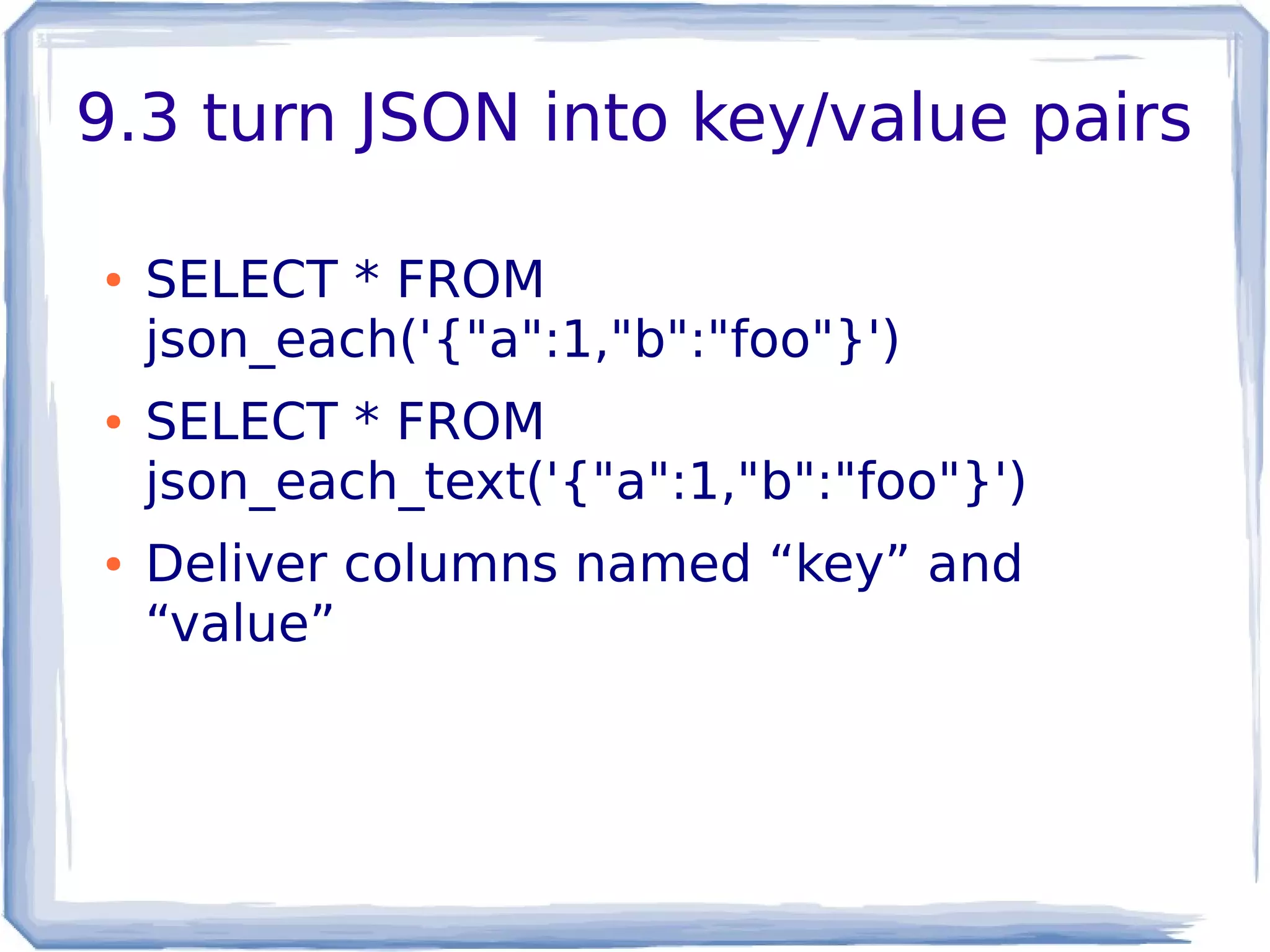
9.3 turn JSON into key/value pairs
● SELECT * FROM
json_each('{"a":1,"b":"foo"}')
● SELECT * FROM
json_each_text('{"a":1,"b":"foo"}')
● Deliver columns named “key” and
“value”
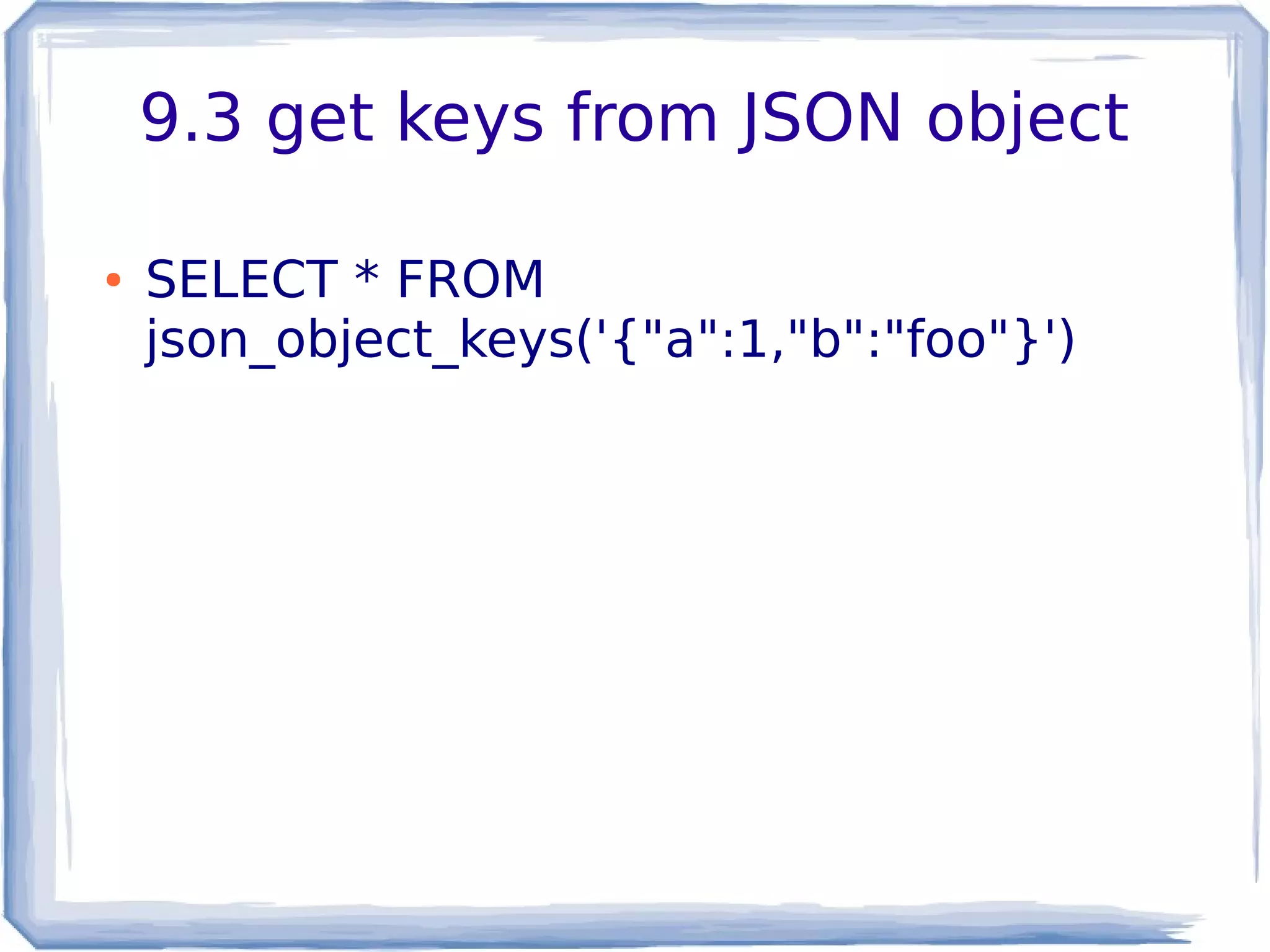
9.3 get keys from JSON object
● SELECT * FROM
json_object_keys('{"a":1,"b":"foo"}')
9.3 JSON array processing
● SELECT json_array_length('[1,2,3,4]');
● SELECT * FROM
json_array_elements('[1,2,3,4]')
9.3 API extension example
● Code can be cloned from
https://bitbucket.org/adunstan/json_typeof
● See also jsonfuncs.c for lots of examples of
use.
What's missing in 9.3?
● Efficiency
● Richer querying
● Canonicalization
● Indexing
● Complete Utilities for building json
● CRUD operations
9.4 JSON features
● New json creation functions
● New utility functions
● jsonb type
– Efficient operations
– Indexable
– Canonical
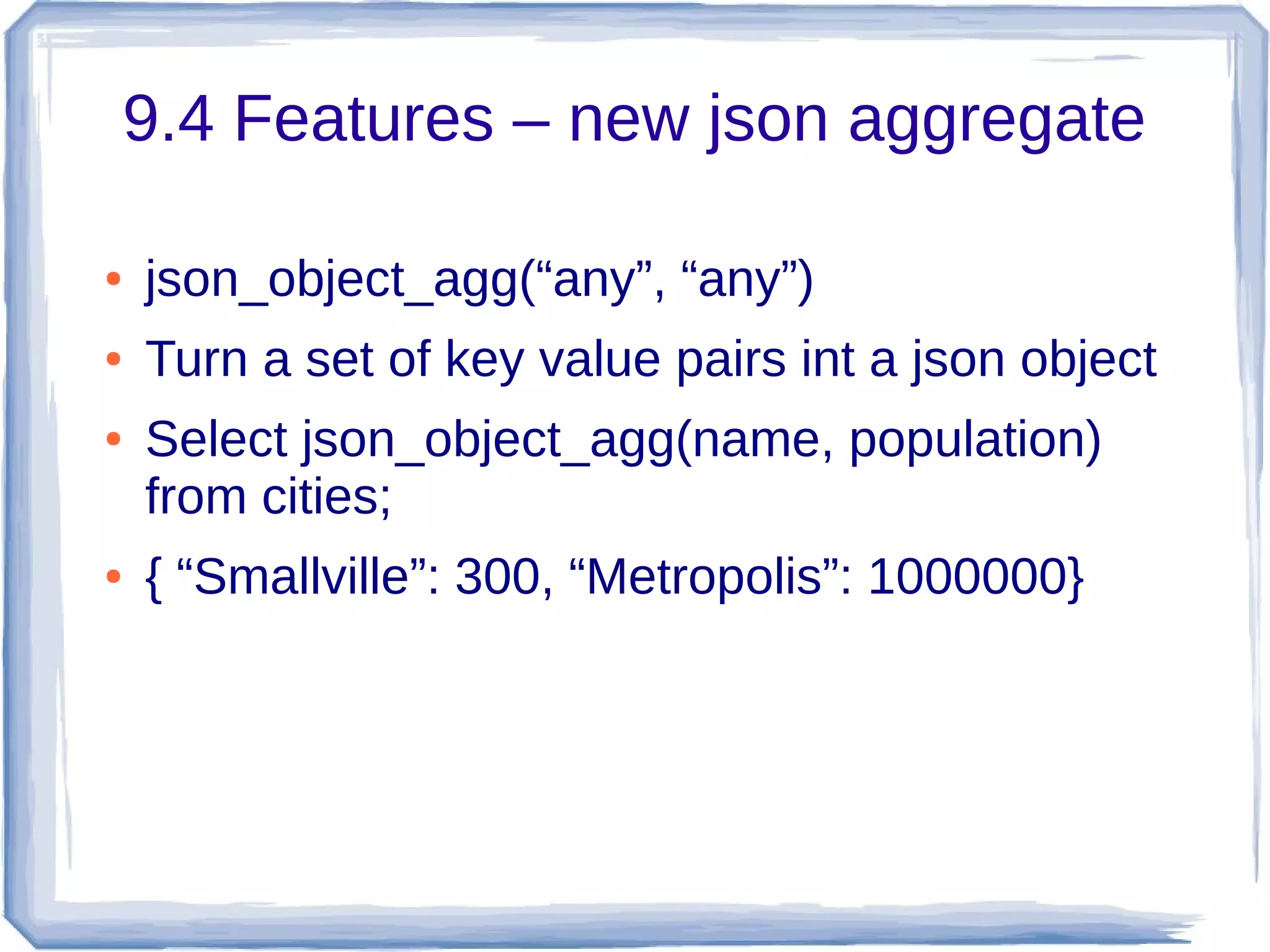
9.4 Features – new json aggregate
● json_object_agg(“any”, “any”)
● Turn a set of key value pairs int a json object
● Select json_object_agg(name, population)
from cities;
● { “Smallville”: 300, “Metropolis”: 1000000}
9.4 Features – json creation functions
● json_build_object( VARIADIC “any”)
● json_build_array(VARIADIC “any”)
● json_object(text[])
● json_object(keys text[], values text[])
9.4 json creation simple examples
● select json_build_object('a',1,'b',true)
● {“a”: 1, “b”: true}
● select json_build_array('a',1,'b',true)
● [“a”, 1, “b”, true]
● select json_object(array['a','b','c','d']
● Or select json_object(array[['a','b'],['c','d']]
● Or select json_object(array['a','c'],array['b','d'])
● {“a”:”b”, “c”:”d”}
9.4 json creation complex example
select json_build_object(
'a', json_build_array('b',false,'c',99),
'd', json_build_object('e',array[9,8,7]::int[],
'f', (select to_json(r) from (
select relkind, oid::regclass as name
from pg_class where relname = 'pg_class') r)),
'g', json_object(array[['w','x'],['y','z']]));
{"a" : ["b", false, "c", 99], "d" : {"e" : [9,8,7], "f" : {"relkind":"r","name
":"pg_class"}}, "g" : {"w" : "x", "y" : "z"}}
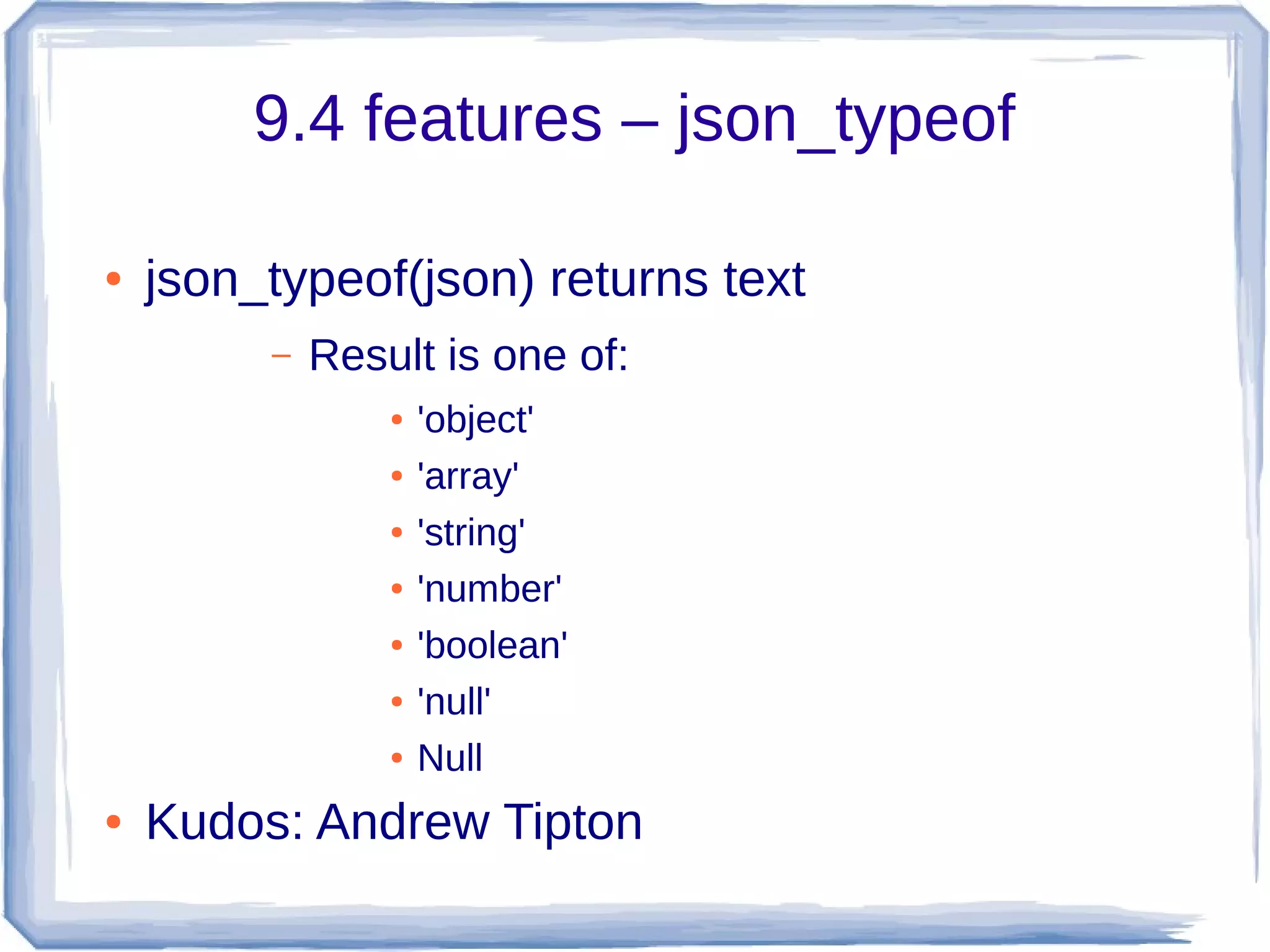
9.4 features – json_typeof
● json_typeof(json) returns text
– Result is one of:
● 'object'
● 'array'
● 'string'
● 'number'
● 'boolean'
● 'null'
● Null
● Kudos: Andrew Tipton
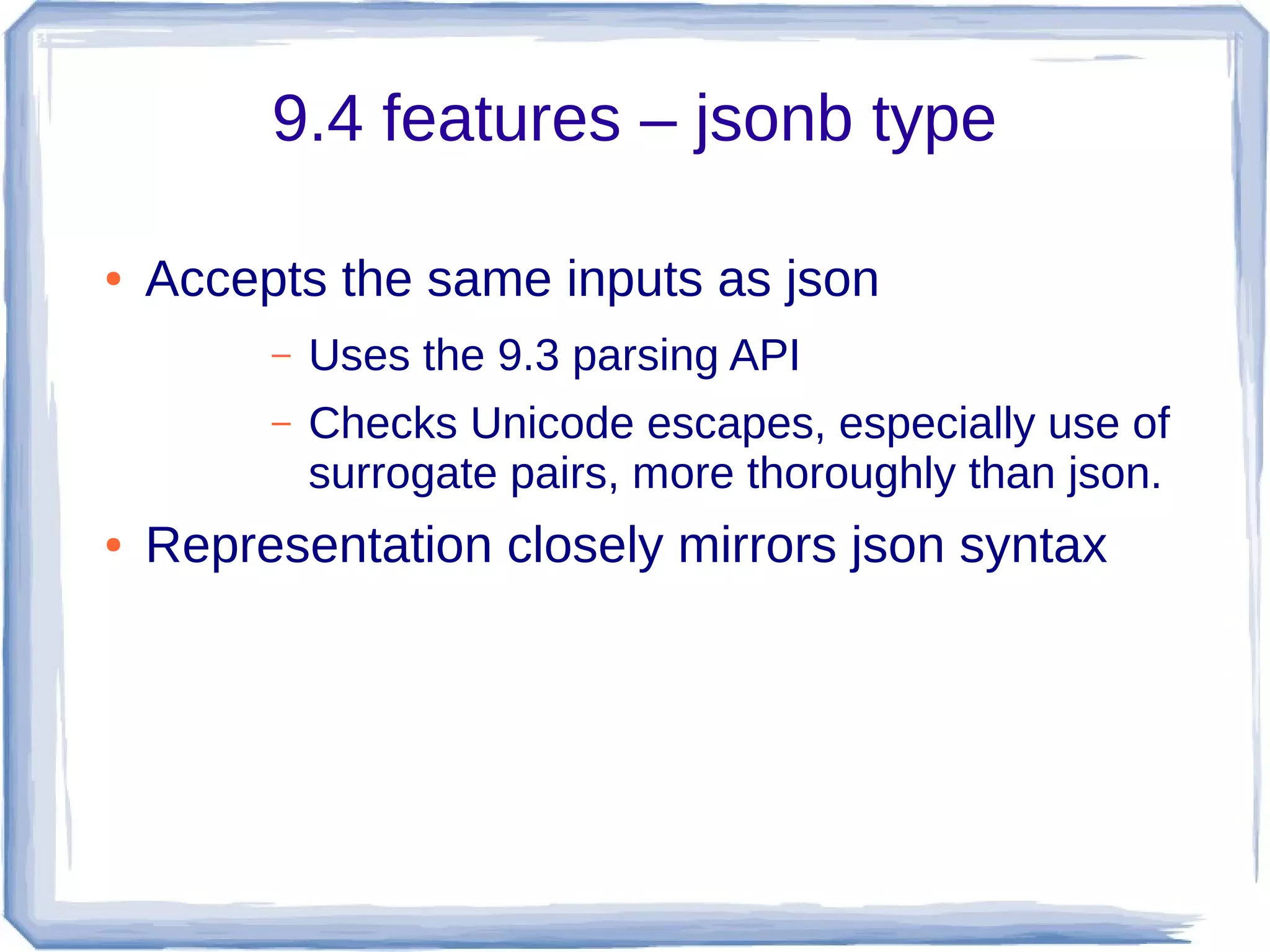
9.4 features – jsonb type
● Accepts the same inputs as json
– Uses the 9.3 parsing API
– Checks Unicode escapes, especially use of
surrogate pairs, more thoroughly than json.
● Representation closely mirrors json syntax
9.4 Features jsonb kudos
● Originally grew out of work on nested hstore
– Major kudos to Oleg Bartunov, Teodor
Sigaev, Alexander Korotkov
– Adaptation of indexable operators by Peter
Geoghegan
– Most of parser, and implementation of json
functions and operators for jsonb by moi
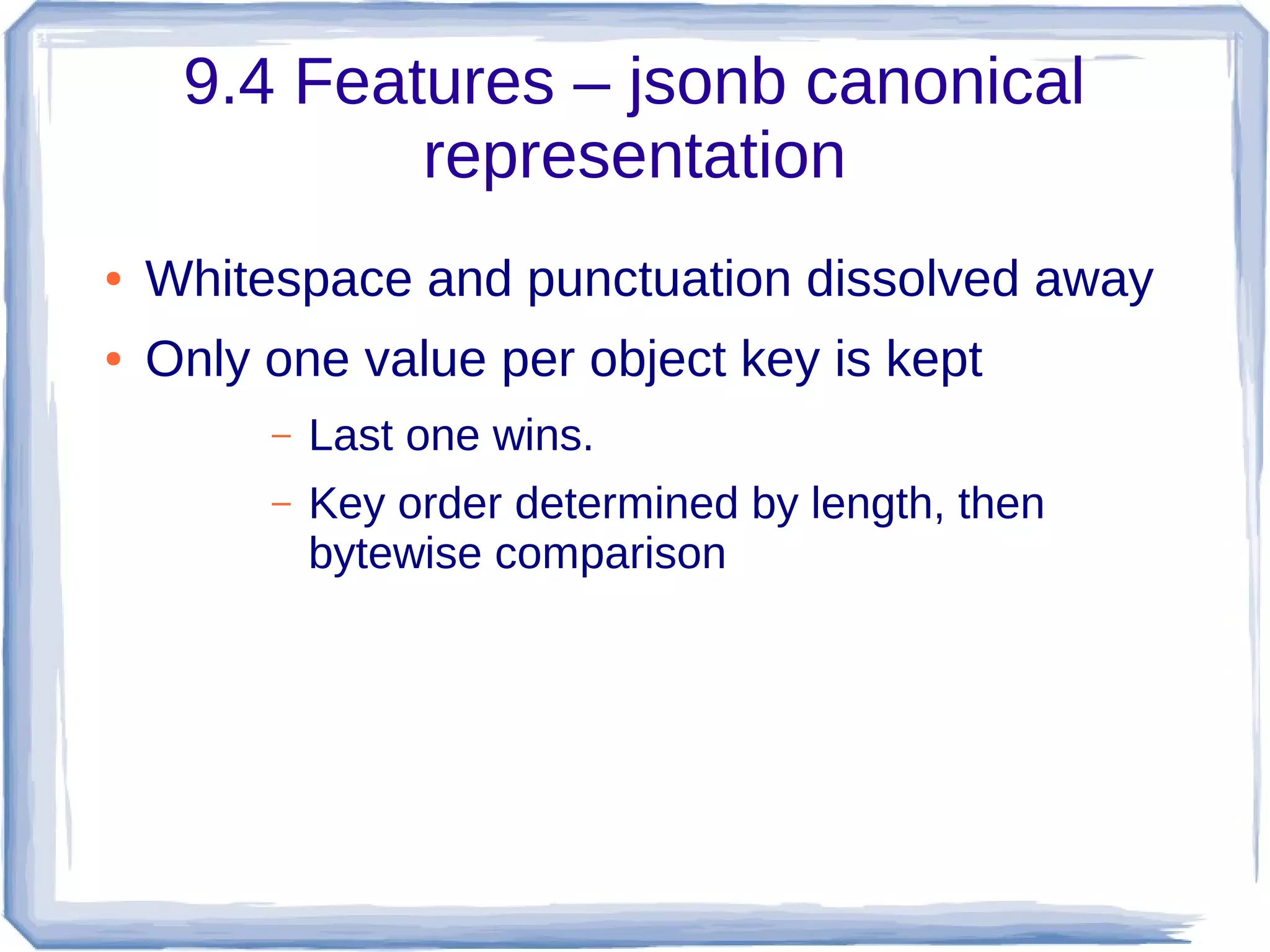
9.4 Features – jsonb canonical
representation
● Whitespace and punctuation dissolved away
● Only one value per object key is kept
– Last one wins.
– Key order determined by length, then
bytewise comparison
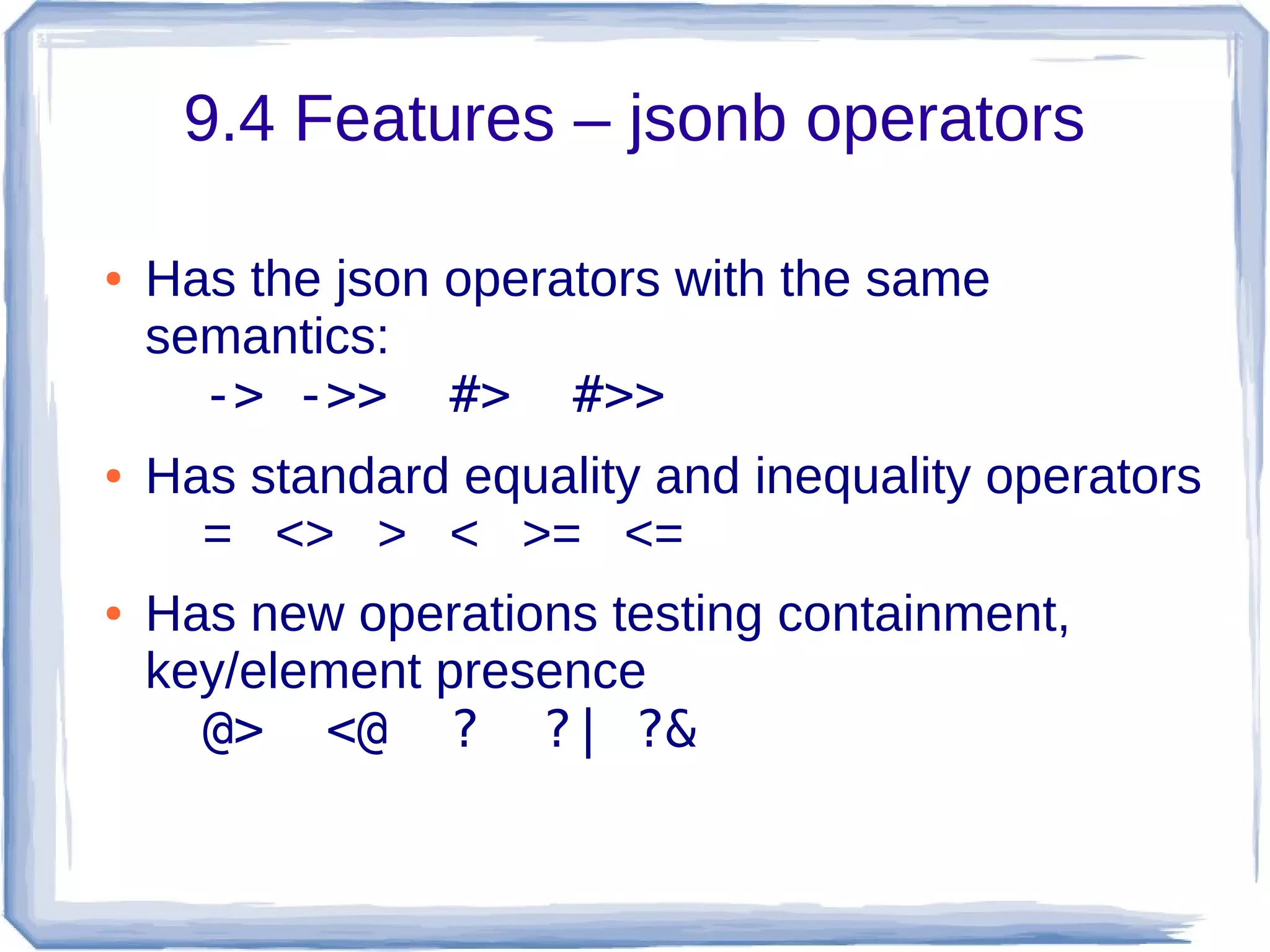
9.4 Features – jsonb operators
● Has the json operators with the same
semantics:
-> ->> #> #>>
● Has standard equality and inequality operators
= <> > < >= <=
● Has new operations testing containment,
key/element presence
@> <@ ? ?| ?&
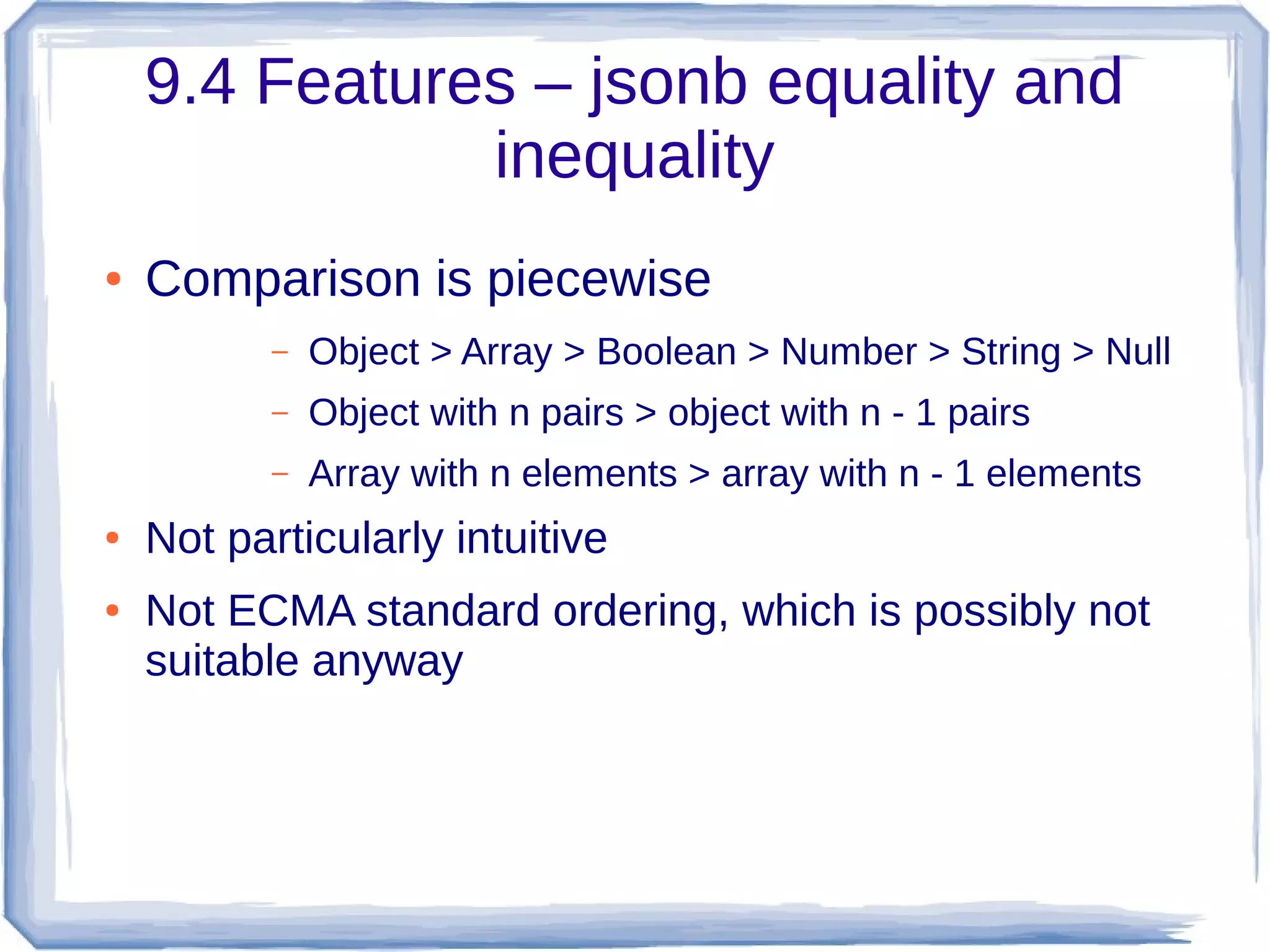
9.4 Features – jsonb equality and
inequality
● Comparison is piecewise
– Object > Array > Boolean > Number > String > Null
– Object with n pairs > object with n - 1 pairs
– Array with n elements > array with n - 1 elements
● Not particularly intuitive
● Not ECMA standard ordering, which is possibly not
suitable anyway
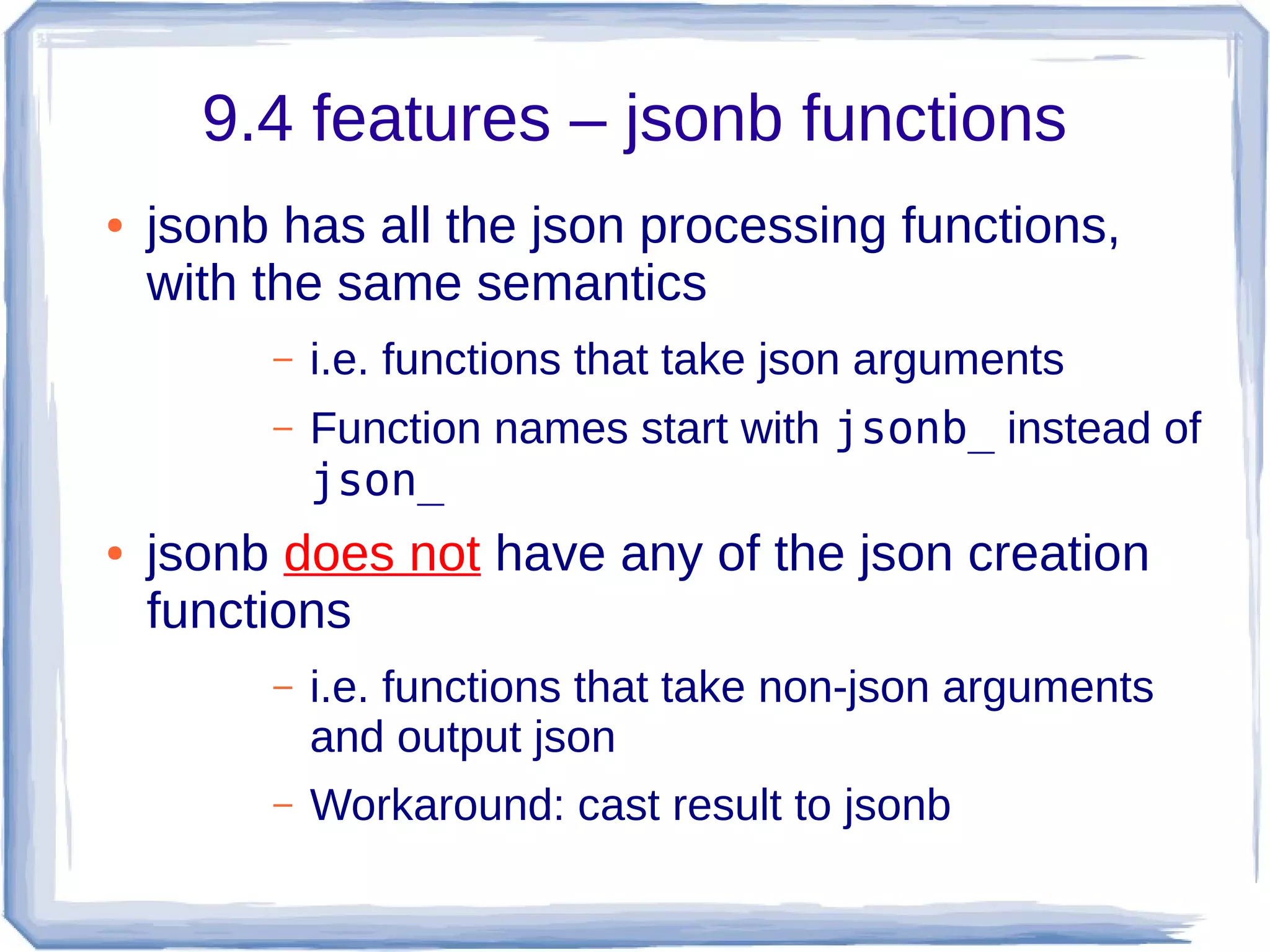
9.4 features – jsonb functions
● jsonb has all the json processing functions,
with the same semantics
– i.e. functions that take json arguments
– Function names start with jsonb_ instead of
json_
● jsonb does not have any of the json creation
functions
– i.e. functions that take non-json arguments
and output json
– Workaround: cast result to jsonb
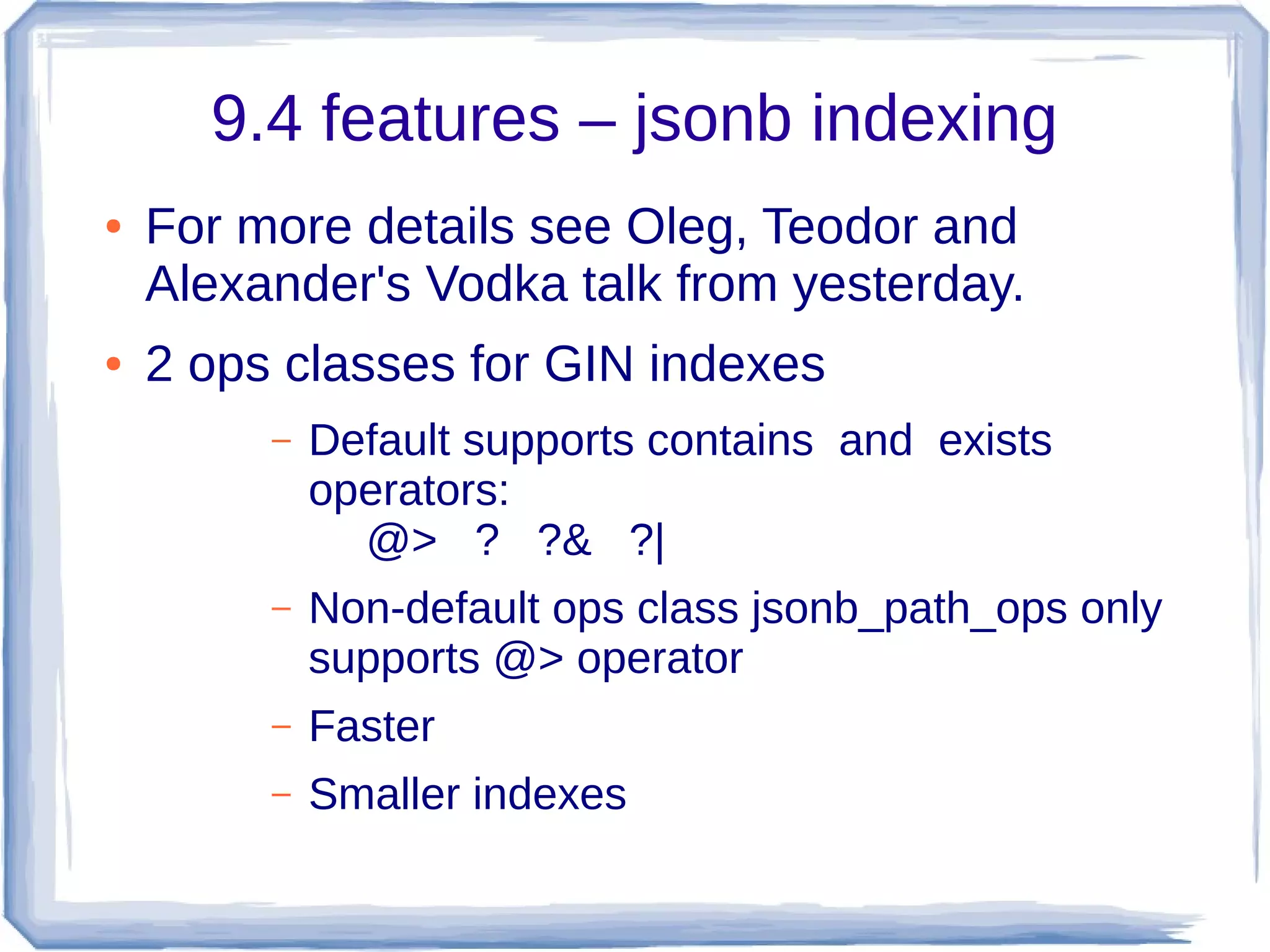
9.4 features – jsonb indexing
● For more details see Oleg, Teodor and
Alexander's Vodka talk from yesterday.
● 2 ops classes for GIN indexes
– Default supports contains and exists
operators:
@> ? ?& ?|
– Non-default ops class jsonb_path_ops only
supports @> operator
– Faster
– Smaller indexes
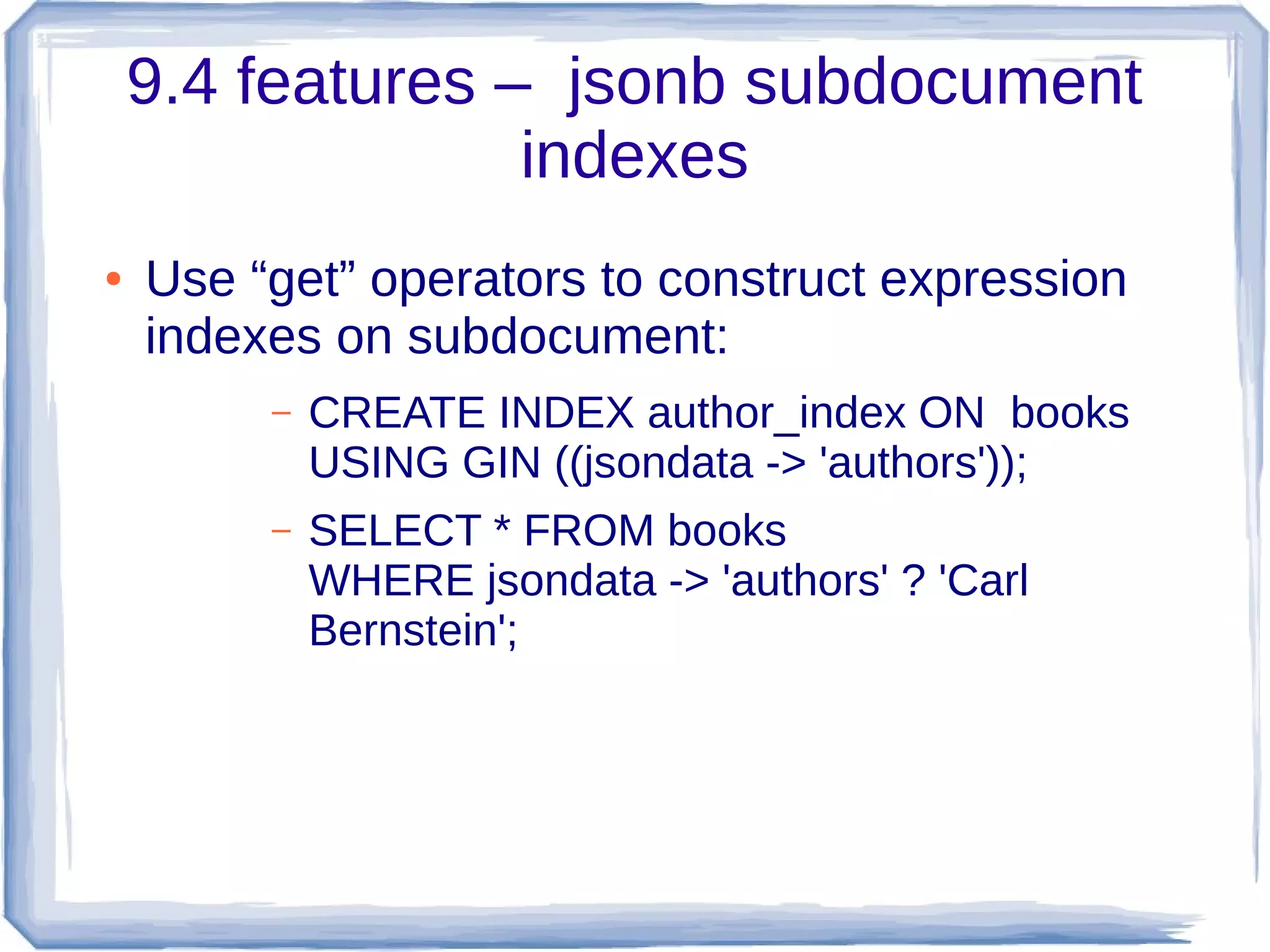
9.4 features – jsonb subdocument
indexes
● Use “get” operators to construct expression
indexes on subdocument:
– CREATE INDEX author_index ON books
USING GIN ((jsondata -> 'authors'));
– SELECT * FROM books
WHERE jsondata -> 'authors' ? 'Carl
Bernstein';
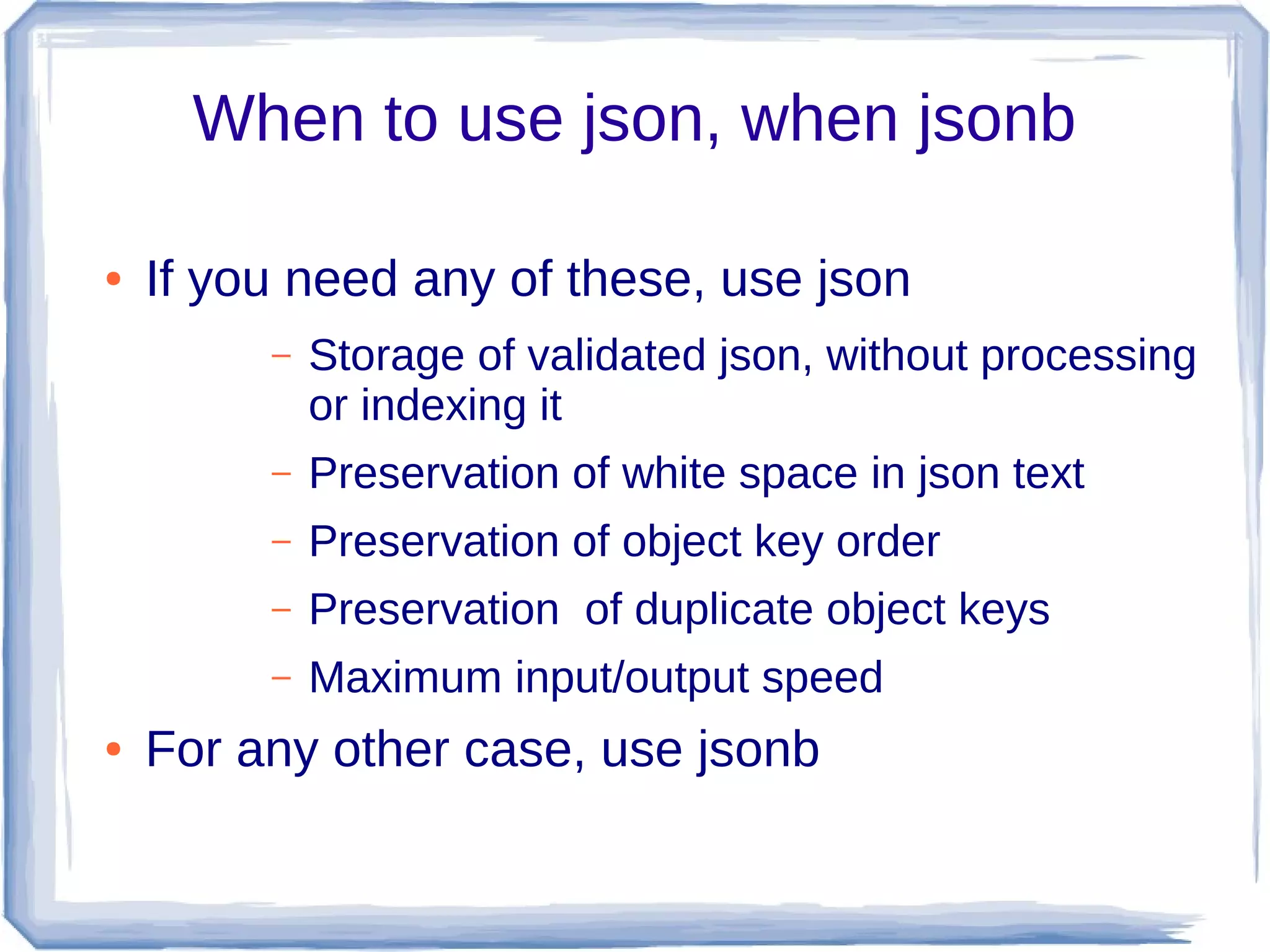
When to use json, when jsonb
● If you need any of these, use json
– Storage of validated json, without processing
or indexing it
– Preservation of white space in json text
– Preservation of object key order
– Preservation of duplicate object keys
– Maximum input/output speed
● For any other case, use jsonb
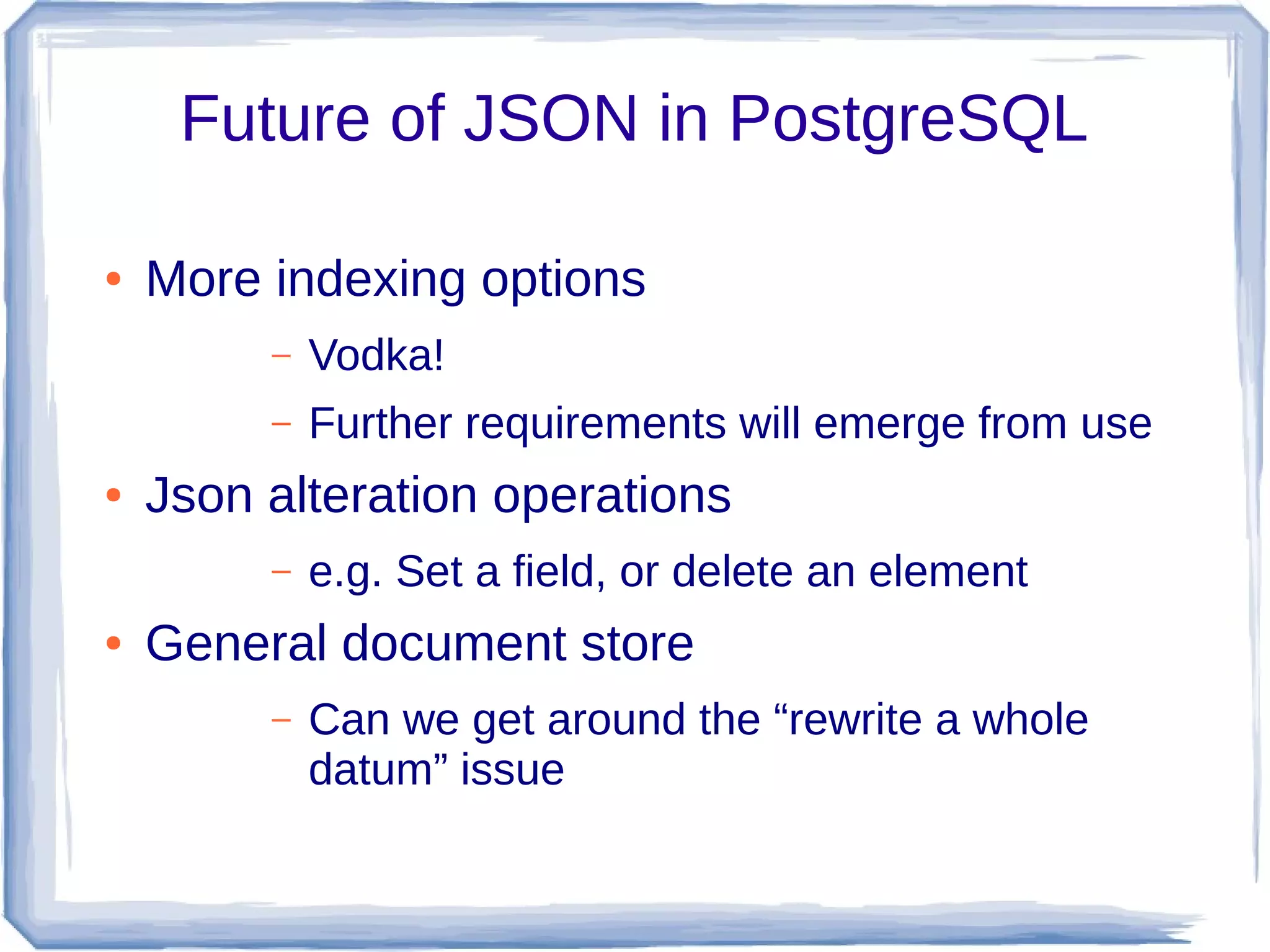
Future of JSON in PostgreSQL
● More indexing options
– Vodka!
– Further requirements will emerge from use
● Json alteration operations
– e.g. Set a field, or delete an element
● General document store
– Can we get around the “rewrite a whole
datum” issue
Unconference issues
● Statistics?
● Planner support?
● ???
Questions?

9.4json

  • 1.
    PostgreSQL 9.4 andJSON Andrew Dunstan andrew@dunslane.net andrew.dunstan@pgexperts.com
  • 2.
    Overview ● What isJSON? Why use JSON? ● Quick review of 9.2, 9.3 features ● 9.4 new features ● Future work
  • 3.
    What is JSON? ●Data serialization format – rfc 7158, previously rfc 4627 ● Lightweight ● Human readable ● Becoming ubiquitous ● Simpler and more compact than XML
  • 4.
    What it lookslike { "books" : [ { "title": "Catch 22”, "author": "Joseph Heller"}, { "title": "Catcher in the Rye", "author": "J. D. Salinger"} ], "publishers": [ { "name": "Random House" }, { "name": "Penguin" } ], "active": true, "version": 35, "date": "2003-09-13", “reference”: null } Scalars: ● quoted strings ● numbers ● true, false, null No extensions No date/time types
  • 5.
    Why use it? ●Everyone is moving that way ● Understood everywhere there is a JavaScript interpreter – Especially browsers ● ... and in a large number of other languages – e.g. Perl, Python ● node.js is becoming very widely used ● More compact than XML ● Most applications don't need the richer structure of XML
  • 6.
    Why not useit? ● Overly verbose ● Field names are repeated ● Arguably less readable than, say, YAML ● Not suitable for huge objects ● Not quite type rich enough – No timestamp support
  • 7.
    Review – pre9.2 facilities Nothing – store JSON as text ● No validation ● No JSON production ● No JSON extraction
  • 8.
    Review – 9.2data type New JSON type ● Stored as text ● Reasonably performant state-based validating parser ● Kudos: Robert Haas
  • 9.
    Review – 9.2production functions ● Turn non-JSON data into JSON ● row_to_json(anyrecord) ● array_to_json(anyarray) ● Optional second param for pretty printing ● My humble contribution ☺
  • 10.
    What's missing? ● JSONproduction features are incomplete ● JSON processing is totally absent ● Have to use PLV8, PLPerl or some such
  • 11.
    9.3 Features –JSON production ● to_json(any) ● Can be used on any datum, not just arrays and records ● json_agg(record) ● Much faster than array_to_json(array_agg(record))
  • 12.
    9.3 and caststo JSON ● Production functions honor casts to JSON for non-builtin types ● Not needed for builtins, as we know how to convert them ● Saves syscache lookups where we know it's not necessary ● Is this wise, or necessary? – Counter case is ISO 8601 Timestamps – Workaround – use to_char()
  • 13.
    9.3 hstore andJSON ● hstore_to_json(hstore) ● Also used as a cast function ● hstore_to_json_loose(hstore) ● Uses heuristics about whether or not certain possibly numeric and boolean values need to be quoted.
  • 14.
    9.3 JSON parserrewrite ● New parser uses recursive descent pattern ● Caller can supply event handlers for certain events ● c.f. XML SAX parsers ● Validator uses NULL handlers for all events ● Tokenizing routines of previous parser largely kept
  • 15.
    9.3 JSON processingfunctions ● All leverage new parser API ● Operators give a more natural style to extraction operations ● Many have two forms, producing either JSON output, which can be further processed, or text output, which cannot. ● Text output is de-escaped and dequoted
  • 16.
    9.3 extraction operators(1) ● -> fetch an array element or object member as json ● '[4,5,6]'::json->2 ⟹ 6 – json arrays are 0 based, unlike SQL arrays ● '{"a":1,"b":2}'::json->'b' ⟹ 2
  • 17.
    9.3 extraction operators(2) ● ->> fetch an array element orobject member as text ● '["a","b","c"]'::json->2 ⟹ c – Instead of "c"
  • 18.
    9.3 extraction operators(3) ● #> and #>> fetch data pointed at by a path ● Path is an array of text elements ● Treats arrays correctly by some trying to treat path element as an integer of necessary ● '{"a":[6,7,8]}'::json#>'{a,1}' ⟹ 7 ●
  • 19.
    9.3 extraction functions ●json_extract_path(json, VARIADIC path_elems text[]); ● json_extract_path_text(json, VARIADIC path_elems text[]); ● Same as #> and #>> operators, but you can pass the path as a variadic array ● json_extract_path('{"a":[6,7,8]}','a','1') ⟹ 7
  • 20.
    9.3 turn JSONinto records ● CREATE TYPE x AS (a int, b int); ● SELECT * FROM json_populate_record(null::x, '{"a":1,"b":2}', false); ● SELECT * FROM json_populate_recordset(null::x,'[{"a":1," b":2},{"a":3,"b":4}]', false);
  • 21.
    9.3 turn JSONinto key/value pairs ● SELECT * FROM json_each('{"a":1,"b":"foo"}') ● SELECT * FROM json_each_text('{"a":1,"b":"foo"}') ● Deliver columns named “key” and “value”
  • 22.
    9.3 get keysfrom JSON object ● SELECT * FROM json_object_keys('{"a":1,"b":"foo"}')
  • 23.
    9.3 JSON arrayprocessing ● SELECT json_array_length('[1,2,3,4]'); ● SELECT * FROM json_array_elements('[1,2,3,4]')
  • 24.
    9.3 API extensionexample ● Code can be cloned from https://bitbucket.org/adunstan/json_typeof ● See also jsonfuncs.c for lots of examples of use.
  • 25.
    What's missing in9.3? ● Efficiency ● Richer querying ● Canonicalization ● Indexing ● Complete Utilities for building json ● CRUD operations
  • 26.
    9.4 JSON features ●New json creation functions ● New utility functions ● jsonb type – Efficient operations – Indexable – Canonical
  • 27.
    9.4 Features –new json aggregate ● json_object_agg(“any”, “any”) ● Turn a set of key value pairs int a json object ● Select json_object_agg(name, population) from cities; ● { “Smallville”: 300, “Metropolis”: 1000000}
  • 28.
    9.4 Features –json creation functions ● json_build_object( VARIADIC “any”) ● json_build_array(VARIADIC “any”) ● json_object(text[]) ● json_object(keys text[], values text[])
  • 29.
    9.4 json creationsimple examples ● select json_build_object('a',1,'b',true) ● {“a”: 1, “b”: true} ● select json_build_array('a',1,'b',true) ● [“a”, 1, “b”, true] ● select json_object(array['a','b','c','d'] ● Or select json_object(array[['a','b'],['c','d']] ● Or select json_object(array['a','c'],array['b','d']) ● {“a”:”b”, “c”:”d”}
  • 30.
    9.4 json creationcomplex example select json_build_object( 'a', json_build_array('b',false,'c',99), 'd', json_build_object('e',array[9,8,7]::int[], 'f', (select to_json(r) from ( select relkind, oid::regclass as name from pg_class where relname = 'pg_class') r)), 'g', json_object(array[['w','x'],['y','z']])); {"a" : ["b", false, "c", 99], "d" : {"e" : [9,8,7], "f" : {"relkind":"r","name ":"pg_class"}}, "g" : {"w" : "x", "y" : "z"}}
  • 31.
    9.4 features –json_typeof ● json_typeof(json) returns text – Result is one of: ● 'object' ● 'array' ● 'string' ● 'number' ● 'boolean' ● 'null' ● Null ● Kudos: Andrew Tipton
  • 32.
    9.4 features –jsonb type ● Accepts the same inputs as json – Uses the 9.3 parsing API – Checks Unicode escapes, especially use of surrogate pairs, more thoroughly than json. ● Representation closely mirrors json syntax
  • 33.
    9.4 Features jsonbkudos ● Originally grew out of work on nested hstore – Major kudos to Oleg Bartunov, Teodor Sigaev, Alexander Korotkov – Adaptation of indexable operators by Peter Geoghegan – Most of parser, and implementation of json functions and operators for jsonb by moi
  • 34.
    9.4 Features –jsonb canonical representation ● Whitespace and punctuation dissolved away ● Only one value per object key is kept – Last one wins. – Key order determined by length, then bytewise comparison
  • 35.
    9.4 Features –jsonb operators ● Has the json operators with the same semantics: -> ->> #> #>> ● Has standard equality and inequality operators = <> > < >= <= ● Has new operations testing containment, key/element presence @> <@ ? ?| ?&
  • 36.
    9.4 Features –jsonb equality and inequality ● Comparison is piecewise – Object > Array > Boolean > Number > String > Null – Object with n pairs > object with n - 1 pairs – Array with n elements > array with n - 1 elements ● Not particularly intuitive ● Not ECMA standard ordering, which is possibly not suitable anyway
  • 37.
    9.4 features –jsonb functions ● jsonb has all the json processing functions, with the same semantics – i.e. functions that take json arguments – Function names start with jsonb_ instead of json_ ● jsonb does not have any of the json creation functions – i.e. functions that take non-json arguments and output json – Workaround: cast result to jsonb
  • 38.
    9.4 features –jsonb indexing ● For more details see Oleg, Teodor and Alexander's Vodka talk from yesterday. ● 2 ops classes for GIN indexes – Default supports contains and exists operators: @> ? ?& ?| – Non-default ops class jsonb_path_ops only supports @> operator – Faster – Smaller indexes
  • 39.
    9.4 features –jsonb subdocument indexes ● Use “get” operators to construct expression indexes on subdocument: – CREATE INDEX author_index ON books USING GIN ((jsondata -> 'authors')); – SELECT * FROM books WHERE jsondata -> 'authors' ? 'Carl Bernstein';
  • 40.
    When to usejson, when jsonb ● If you need any of these, use json – Storage of validated json, without processing or indexing it – Preservation of white space in json text – Preservation of object key order – Preservation of duplicate object keys – Maximum input/output speed ● For any other case, use jsonb
  • 41.
    Future of JSONin PostgreSQL ● More indexing options – Vodka! – Further requirements will emerge from use ● Json alteration operations – e.g. Set a field, or delete an element ● General document store – Can we get around the “rewrite a whole datum” issue
  • 42.
  • 43.