TECHNOLOGY INTEGRATION IN
THE SOCIAL STUDIES
CLASSROOM

Using Technology to Enhance
Student Learning – An
Introduction
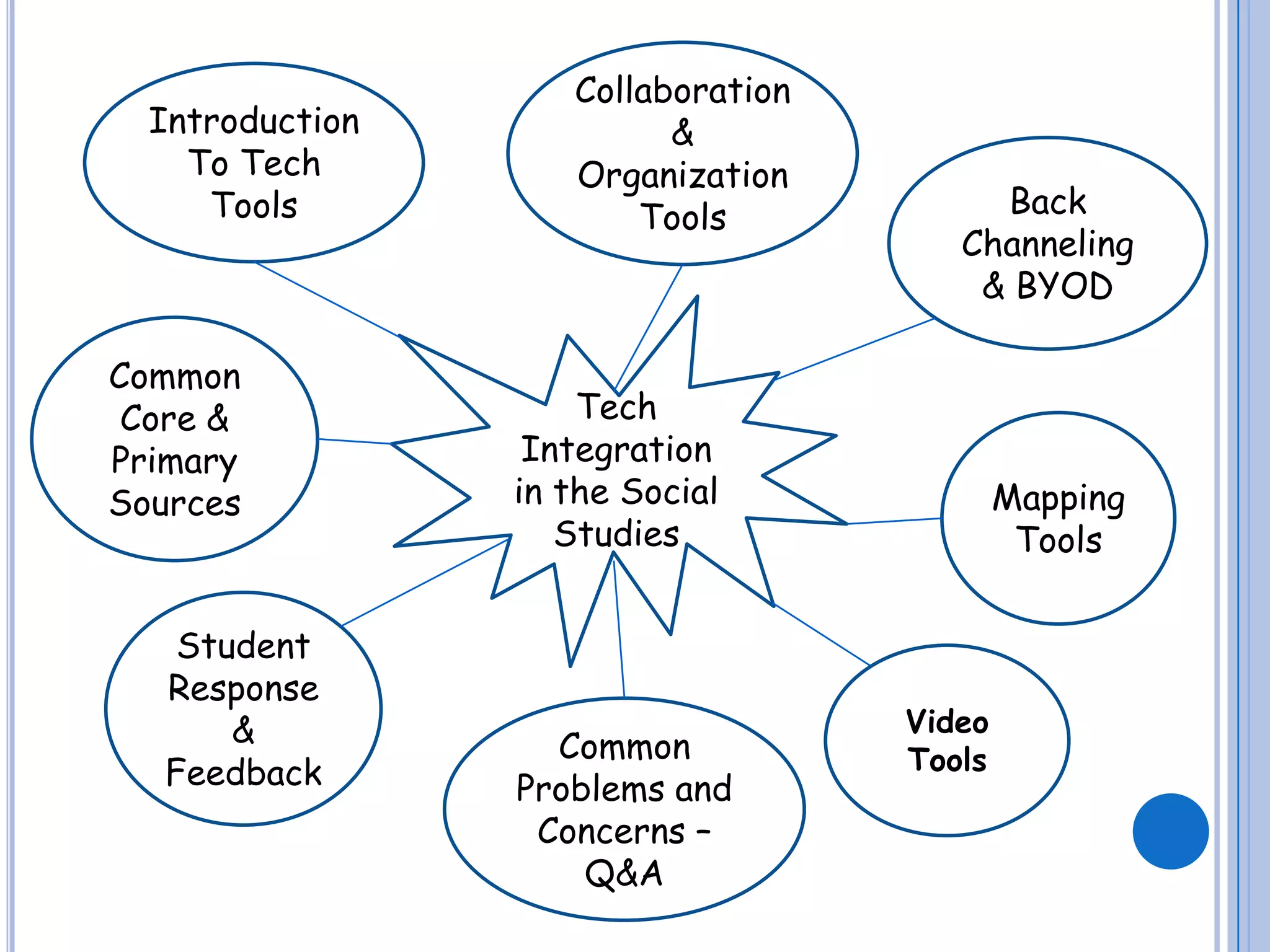
Introduction
To Tech
Tools

Common
Core &
Primary
Sources

Student
Response
&
Feedback

Collaboration
&
Organization
Tools

Back
Channeling
& BYOD

Tech
Integration
in the Social
Studies

Common
Problems and
Concerns –
Q&A

Mapping
Tools

Video
Tools
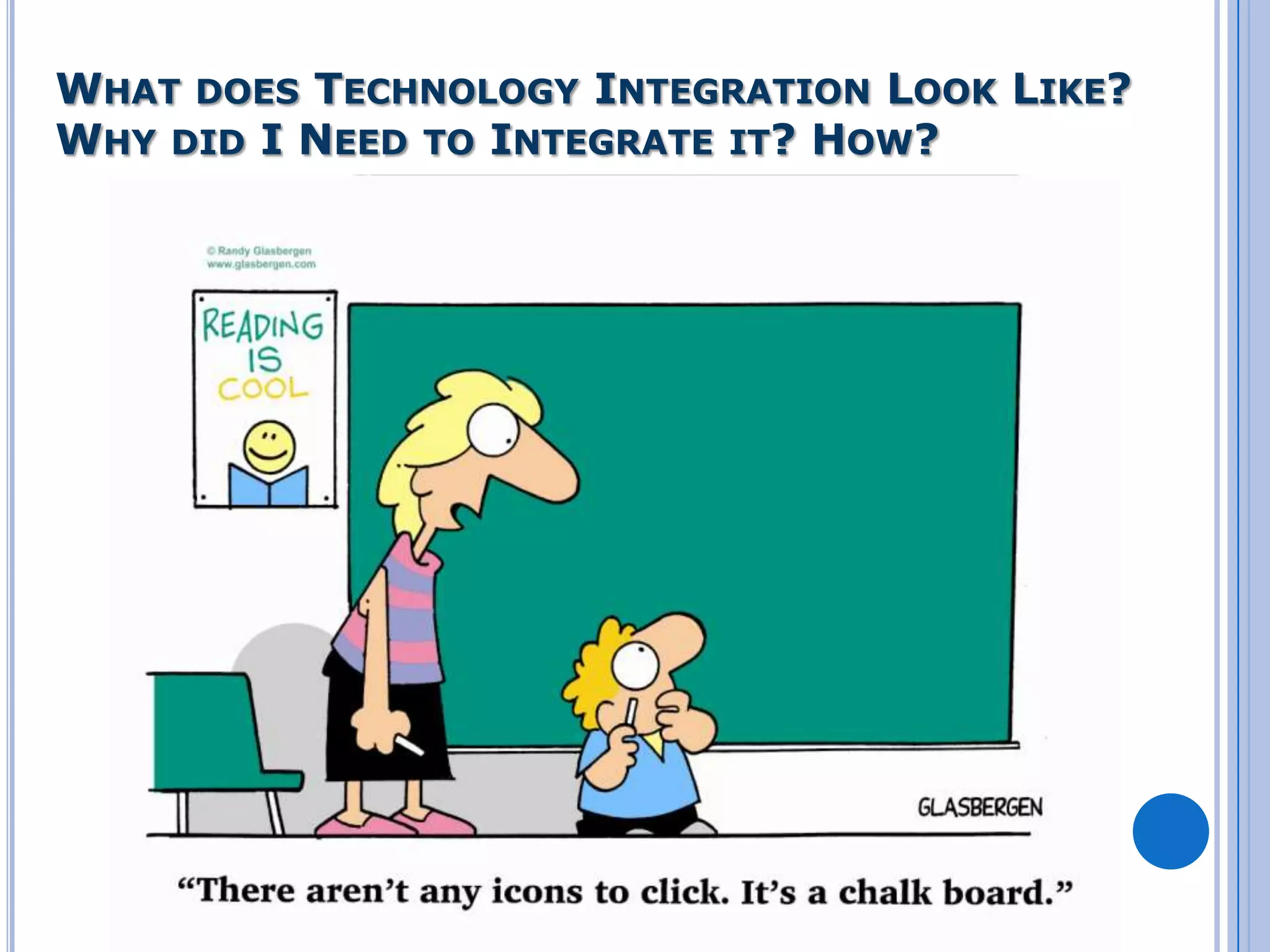
WHAT DOES TECHNOLOGY INTEGRATION LOOK LIKE?
WHY DID I NEED TO INTEGRATE IT? HOW?
“THINK BACK TEN YEARS AGO. WHAT WAS
TECHNOLOGY LIKE? NOW TRY TO IMAGINE
WHAT IT WILL BE LIKE TEN YEARS FROM
NOW.”

SIR KEN ROBINSON
TECHNOLOGY IS CHANGING THE WAY WE
TEACH!
 Engagement

 Cooperation
 Collaboration
 Life

Long Learner

Where does technology fit in to what
we are doing?
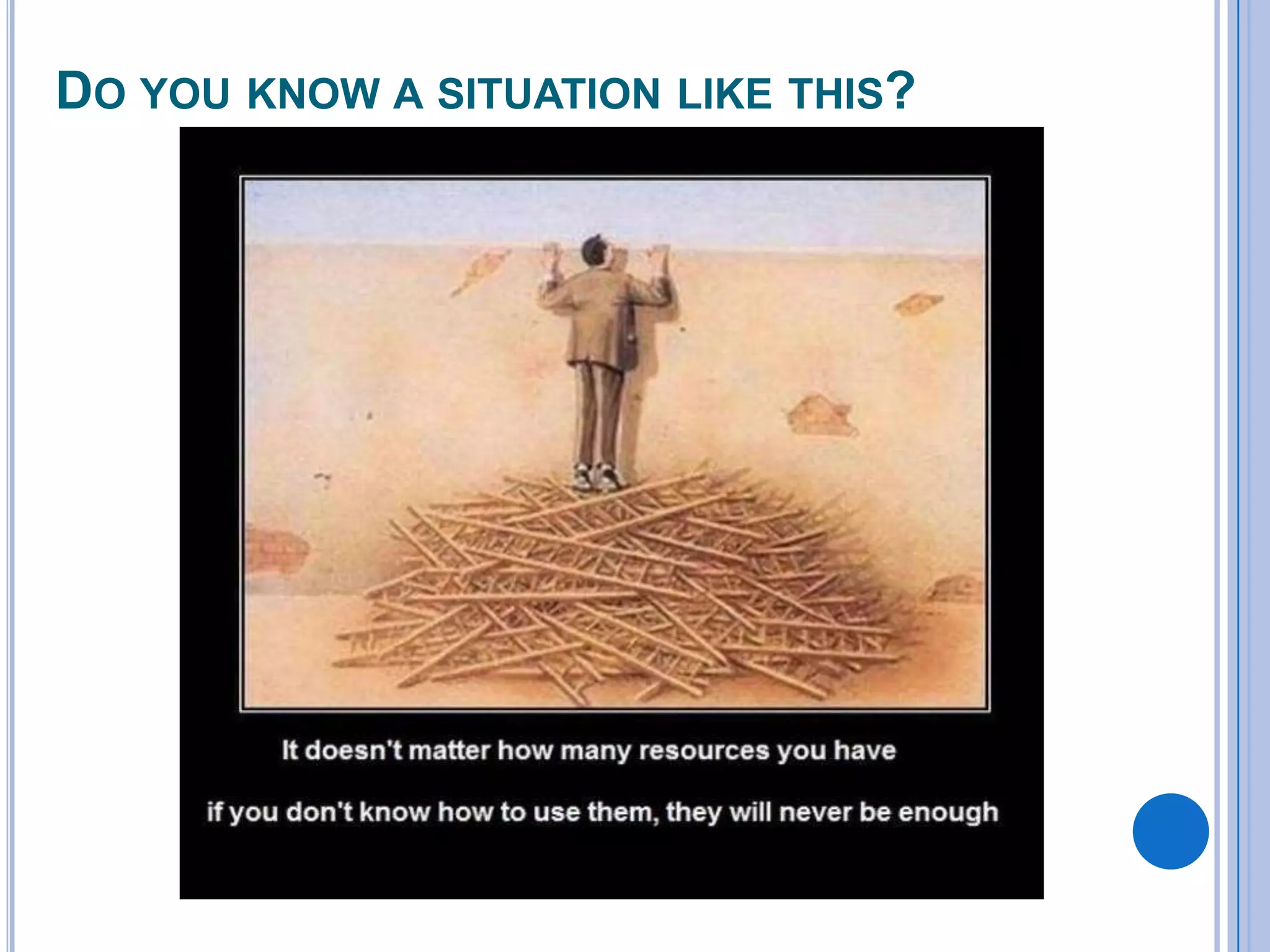
DO YOU KNOW A SITUATION LIKE THIS?
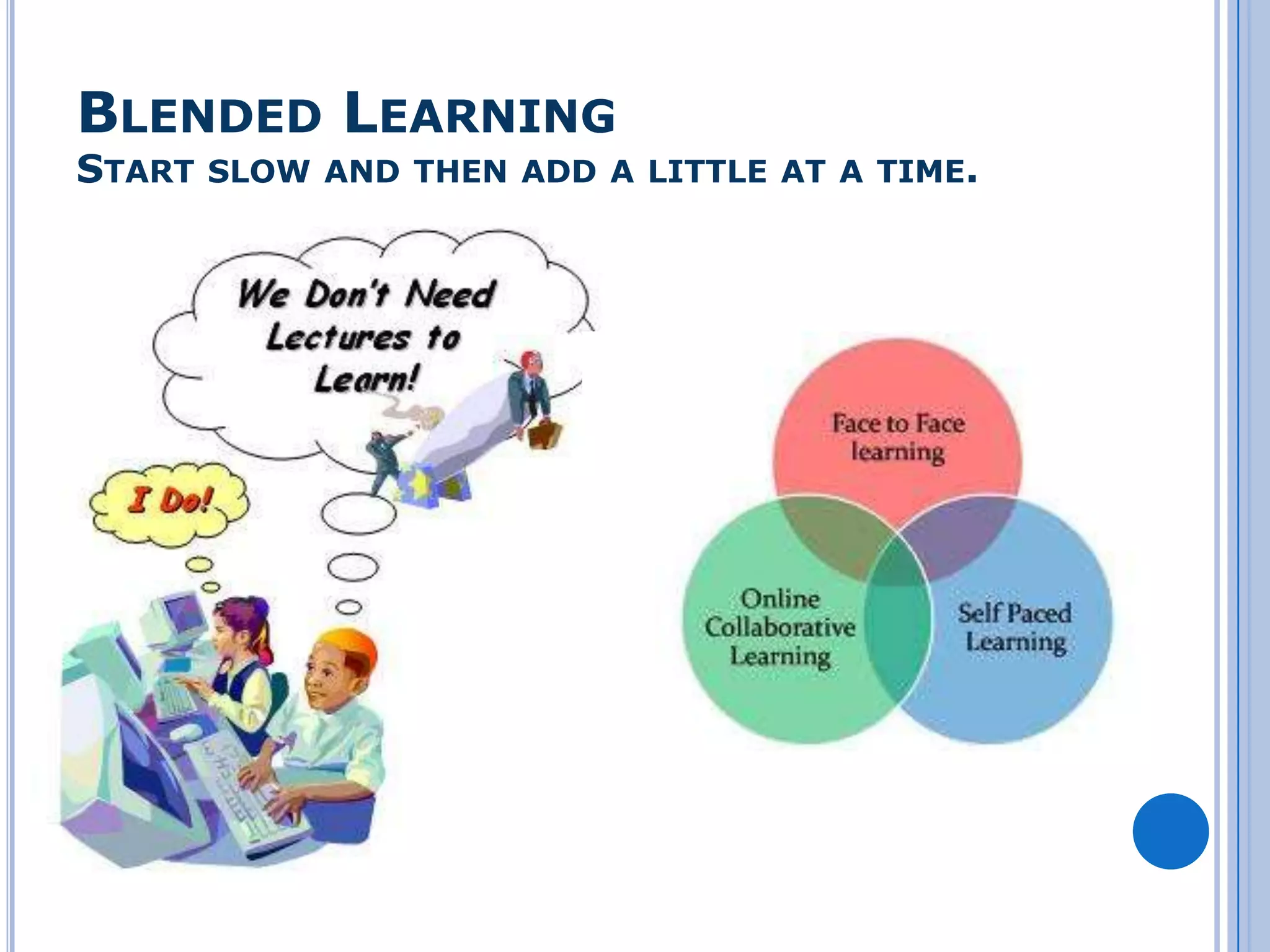
BLENDED LEARNING

START SLOW AND THEN ADD A LITTLE AT A TIME.
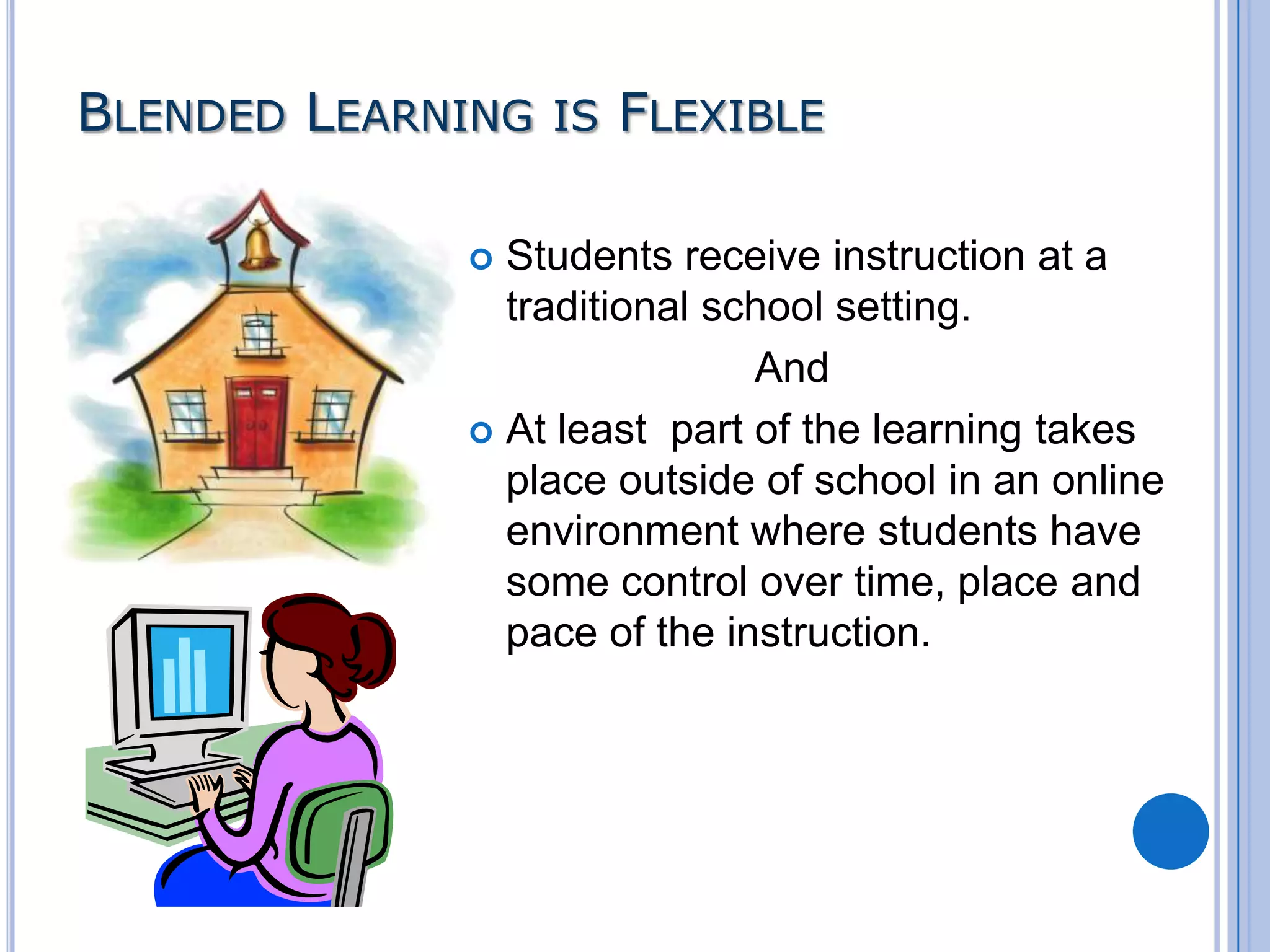
BLENDED LEARNING IS FLEXIBLE
Students receive instruction at a
traditional school setting.
And
 At least part of the learning takes
place outside of school in an online
environment where students have
some control over time, place and
pace of the instruction.

TOOLS FOR BLENDED LEARNING
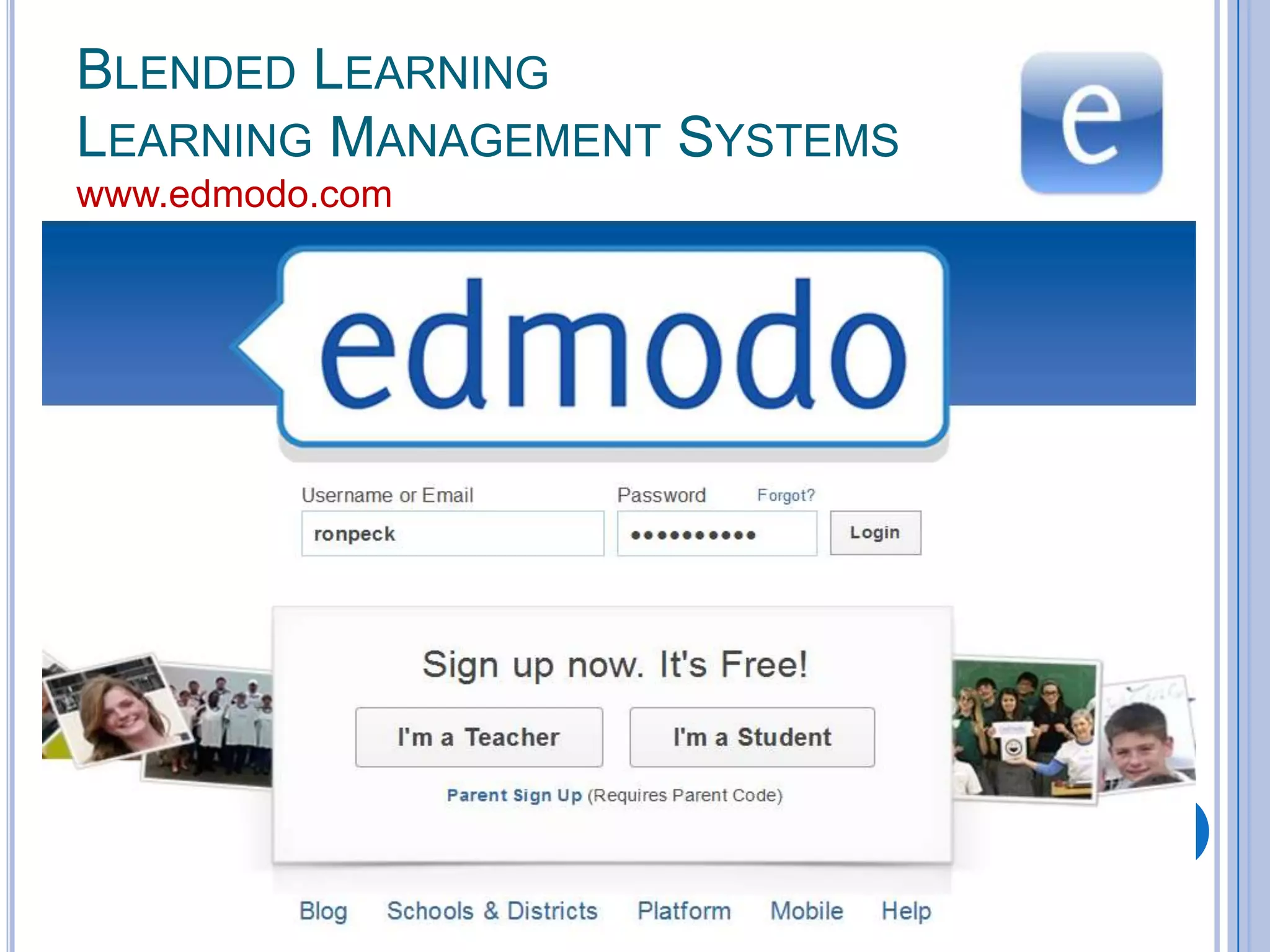
BLENDED LEARNING
LEARNING MANAGEMENT SYSTEMS
www.edmodo.com
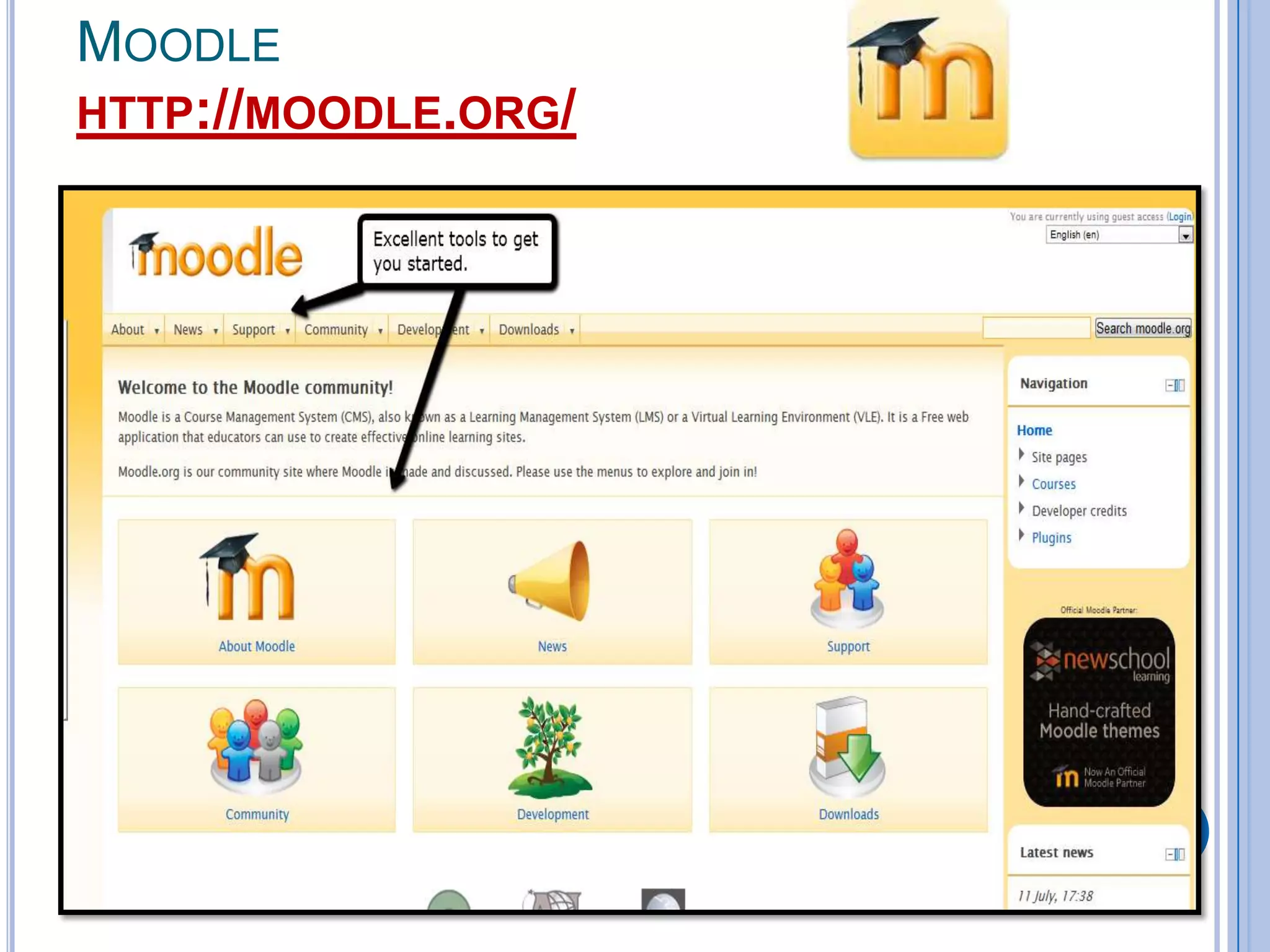
MOODLE
HTTP://MOODLE.ORG/
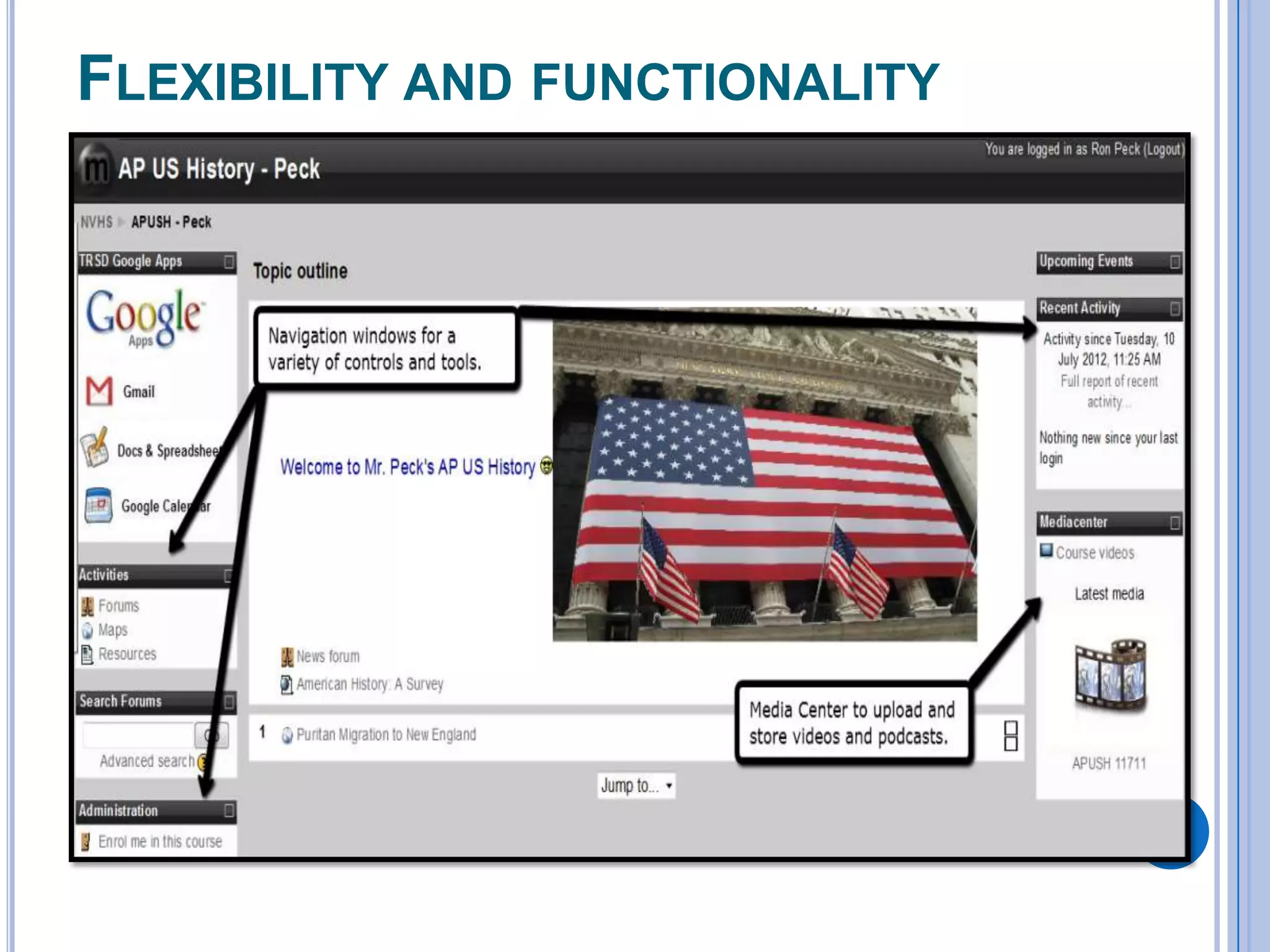
FLEXIBILITY AND FUNCTIONALITY
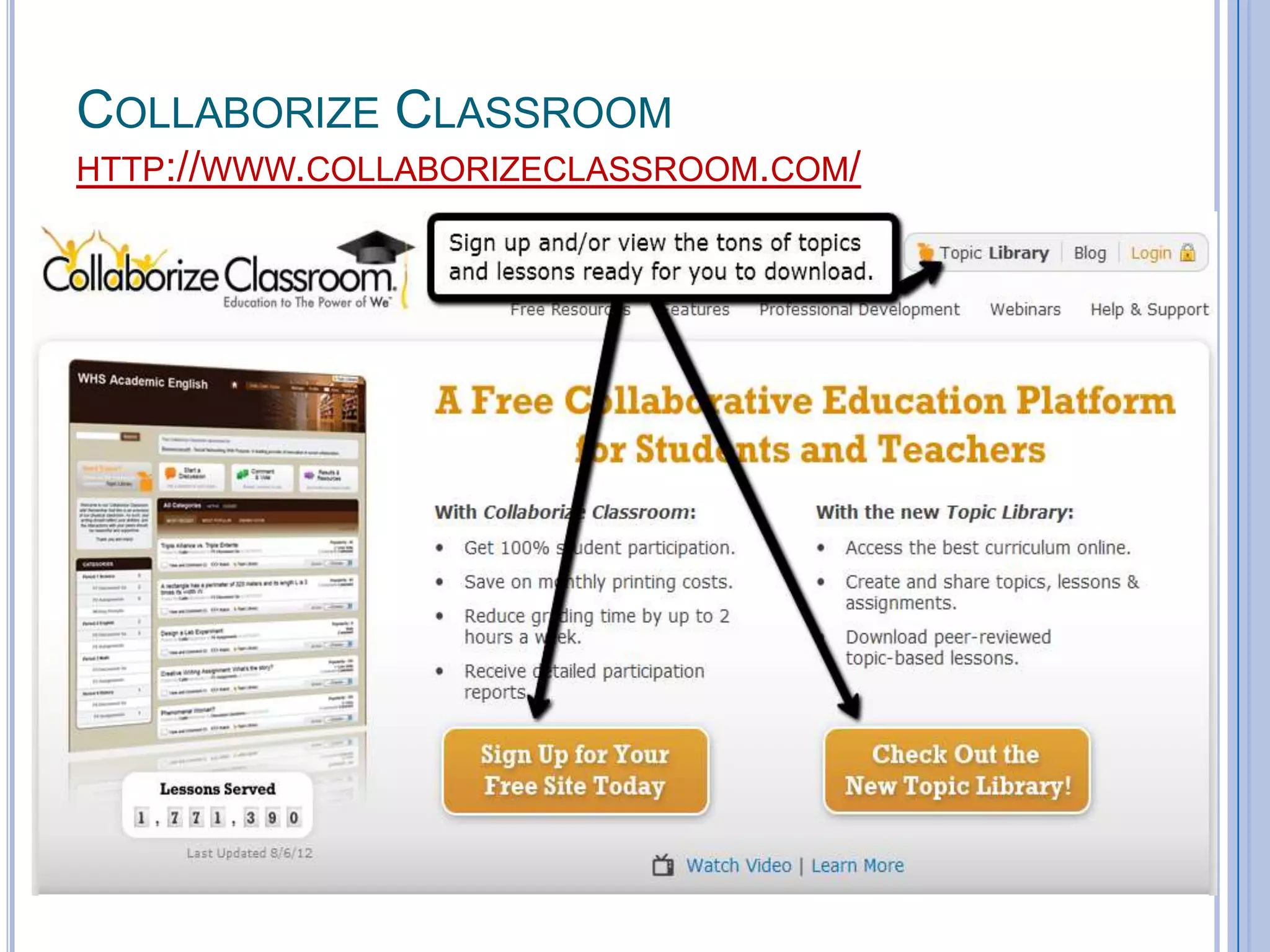
COLLABORIZE CLASSROOM
HTTP://WWW.COLLABORIZECLASSROOM.COM/
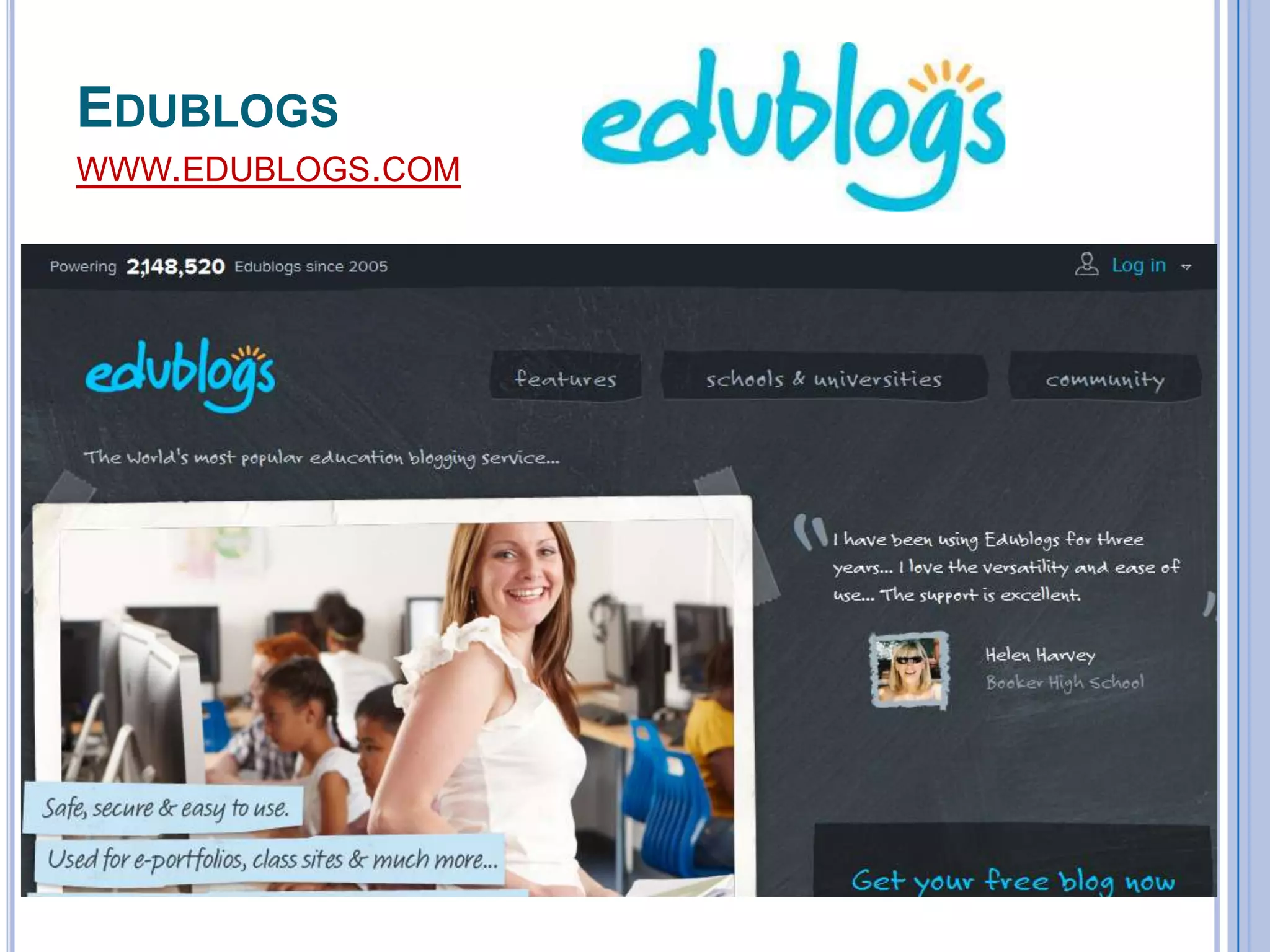
EDUBLOGS
WWW.EDUBLOGS.COM
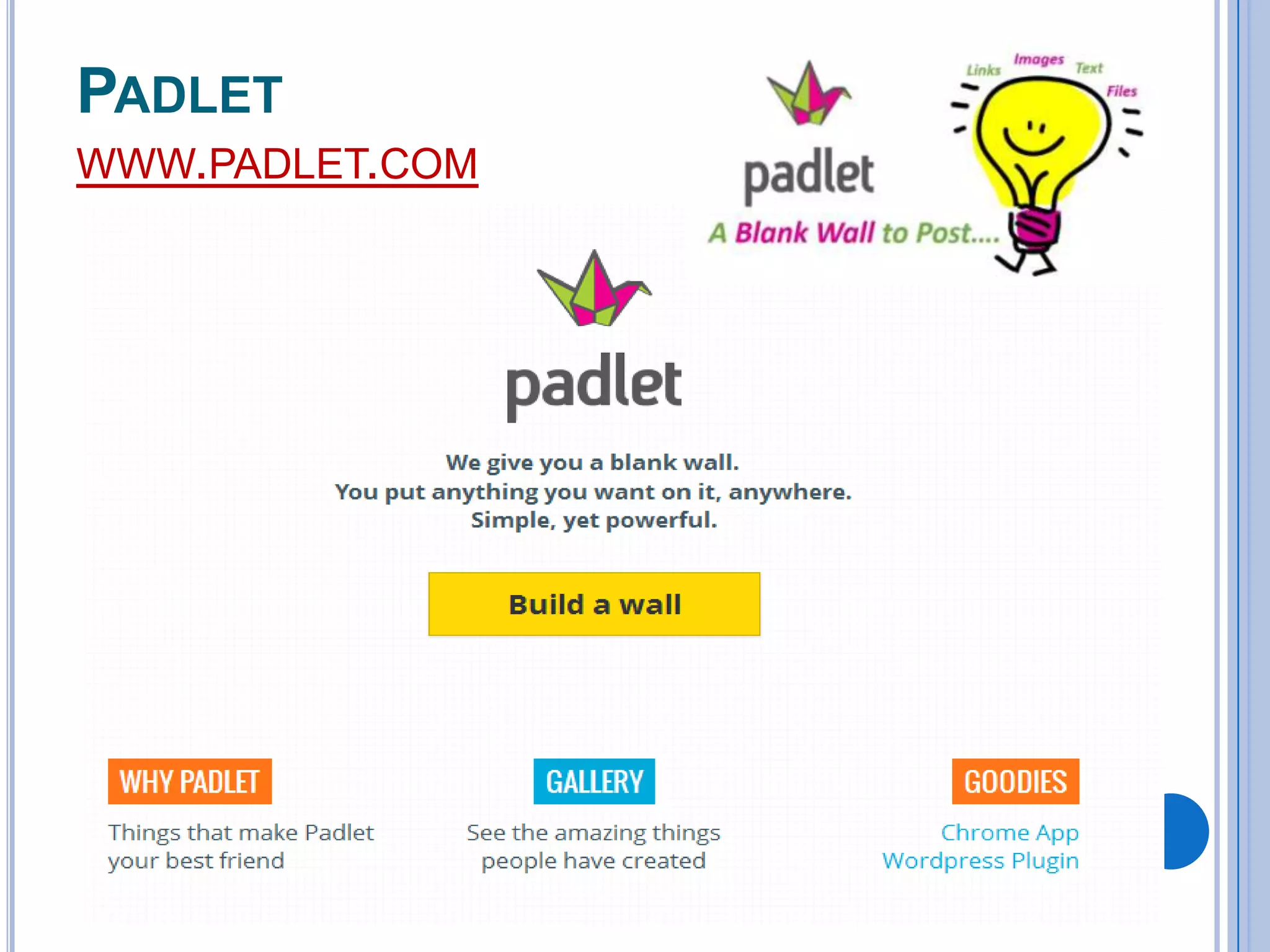
PADLET
WWW.PADLET.COM
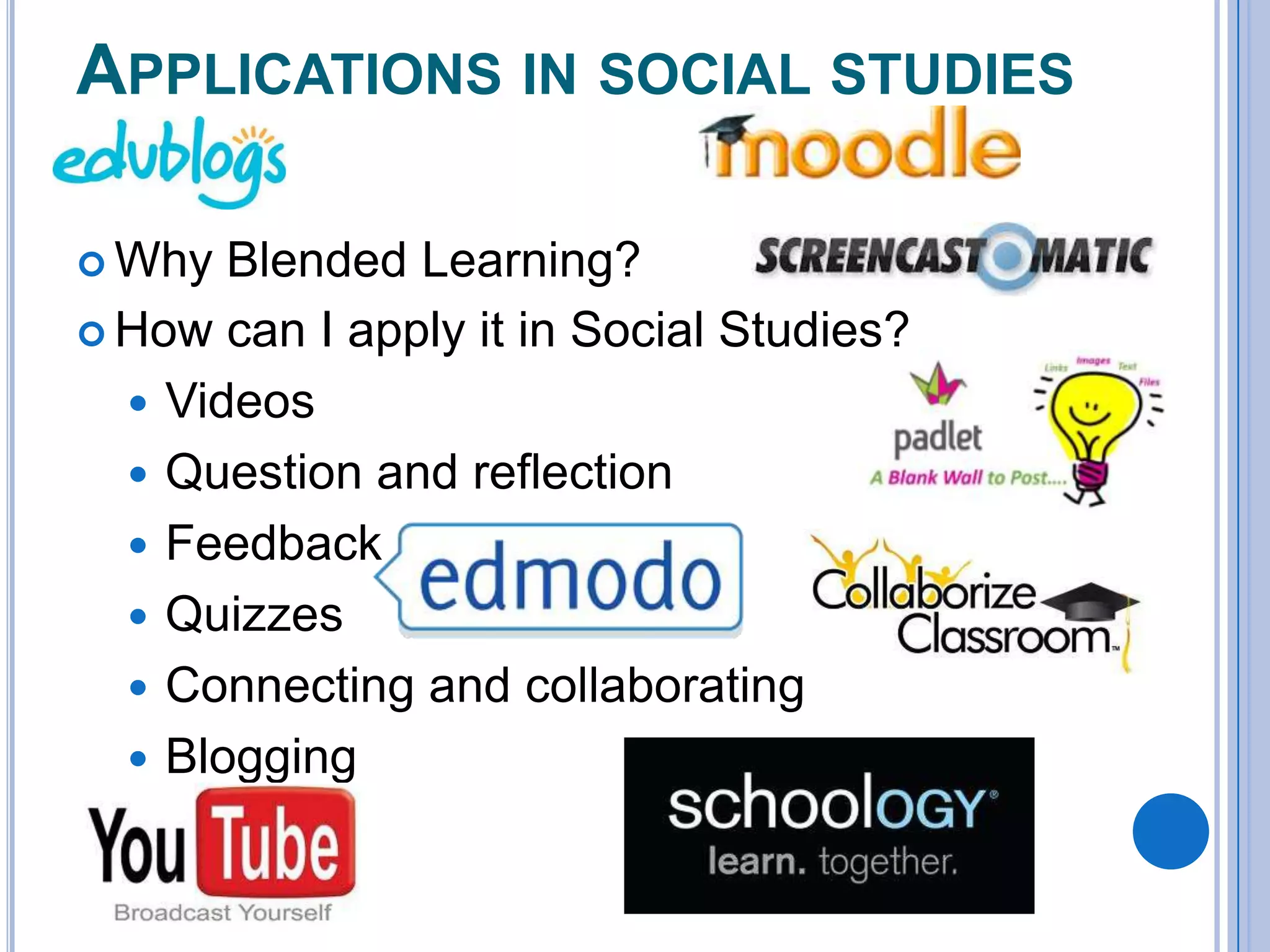
APPLICATIONS IN SOCIAL STUDIES
 Why

Blended Learning?
 How can I apply it in Social Studies?
 Videos
 Question and reflection
 Feedback
 Quizzes
 Connecting and collaborating
 Blogging
SEARCH ENGINES
Sweet Search
 Google Scholar
 InstaGrok (edmodo app)
 iSeek

BACKCHANNELING
Twitter
 Today’s Meet
 LocaModa
 Edmodo
 Collaborize Classroom

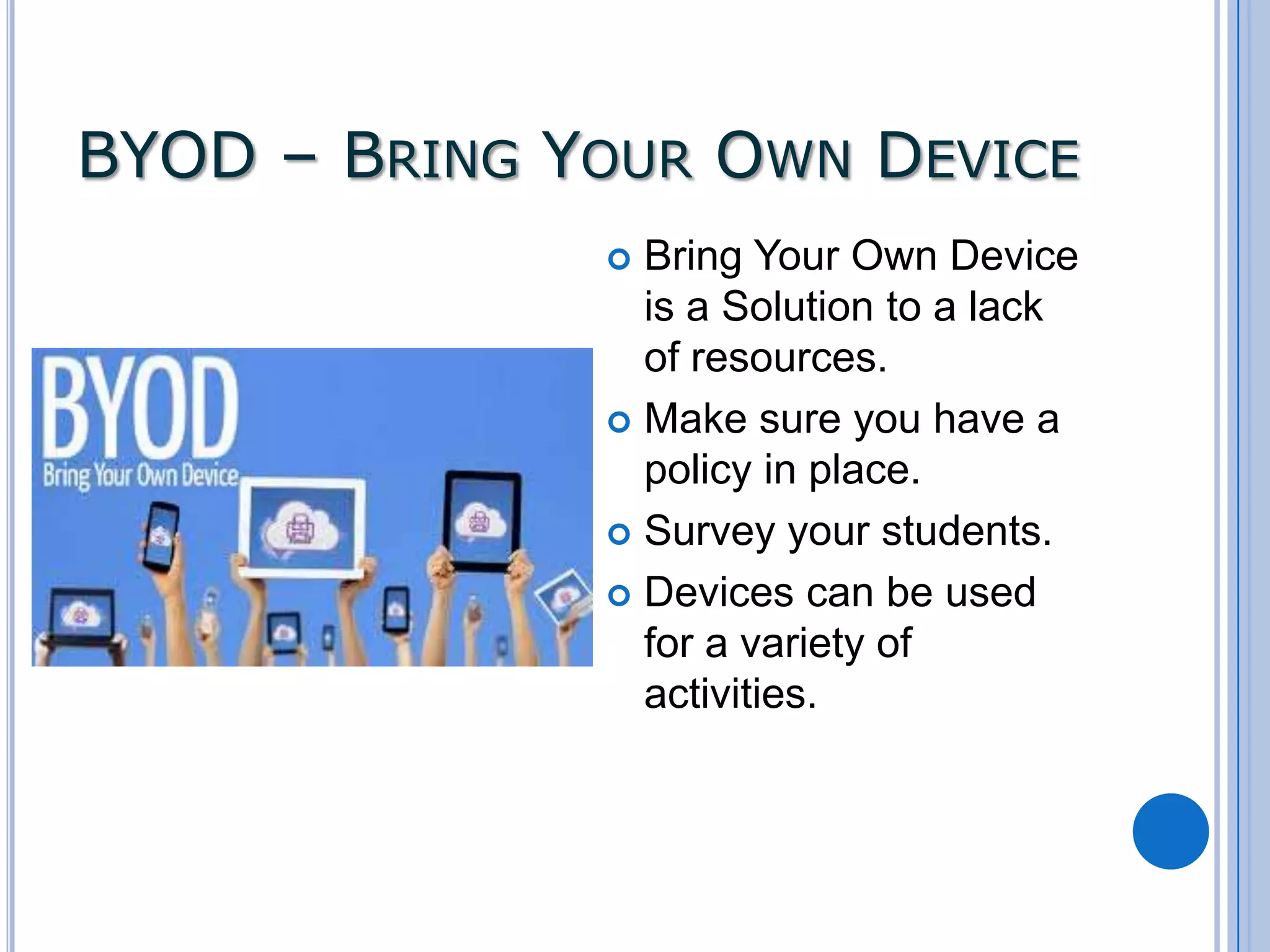
BYOD – BRING YOUR OWN DEVICE
Bring Your Own Device
is a Solution to a lack
of resources.
 Make sure you have a
policy in place.
 Survey your students.
 Devices can be used
for a variety of
activities.

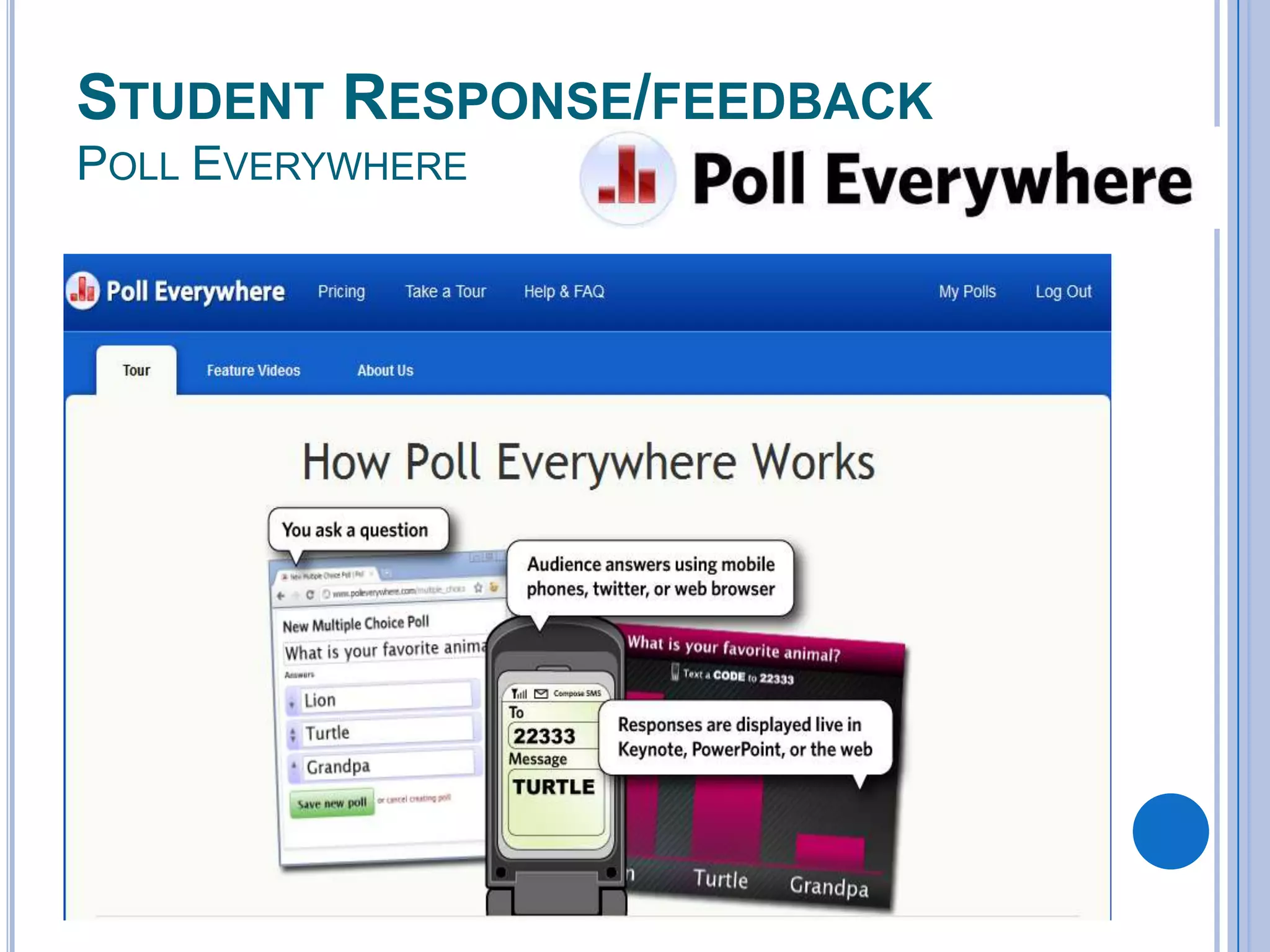
STUDENT RESPONSE/FEEDBACK
POLL EVERYWHERE
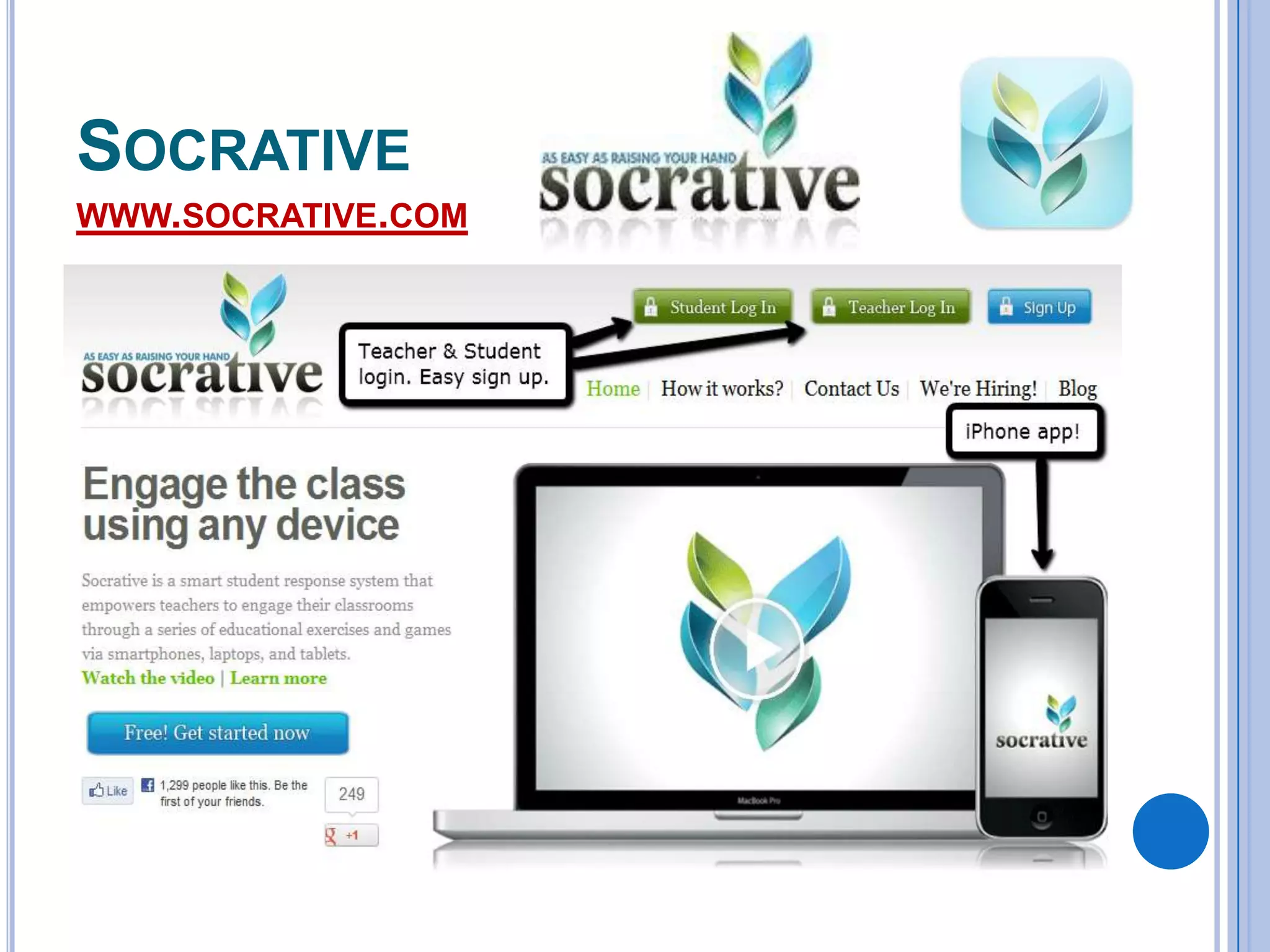
SOCRATIVE
WWW.SOCRATIVE.COM
BEGINNER TIPS AND TRICKS
 Start

small
 Set guidelines for use.
 Send a letter to parents about what it is and
how you will be using it with students.
 Build your library.
 Set Notifications the way you want to
communicate.
ADVANCED TIPS AND TRICKS
 Communities

 Link

your resources in your library.
 Giving feedback to your students.
 Written
 Audio
 Video
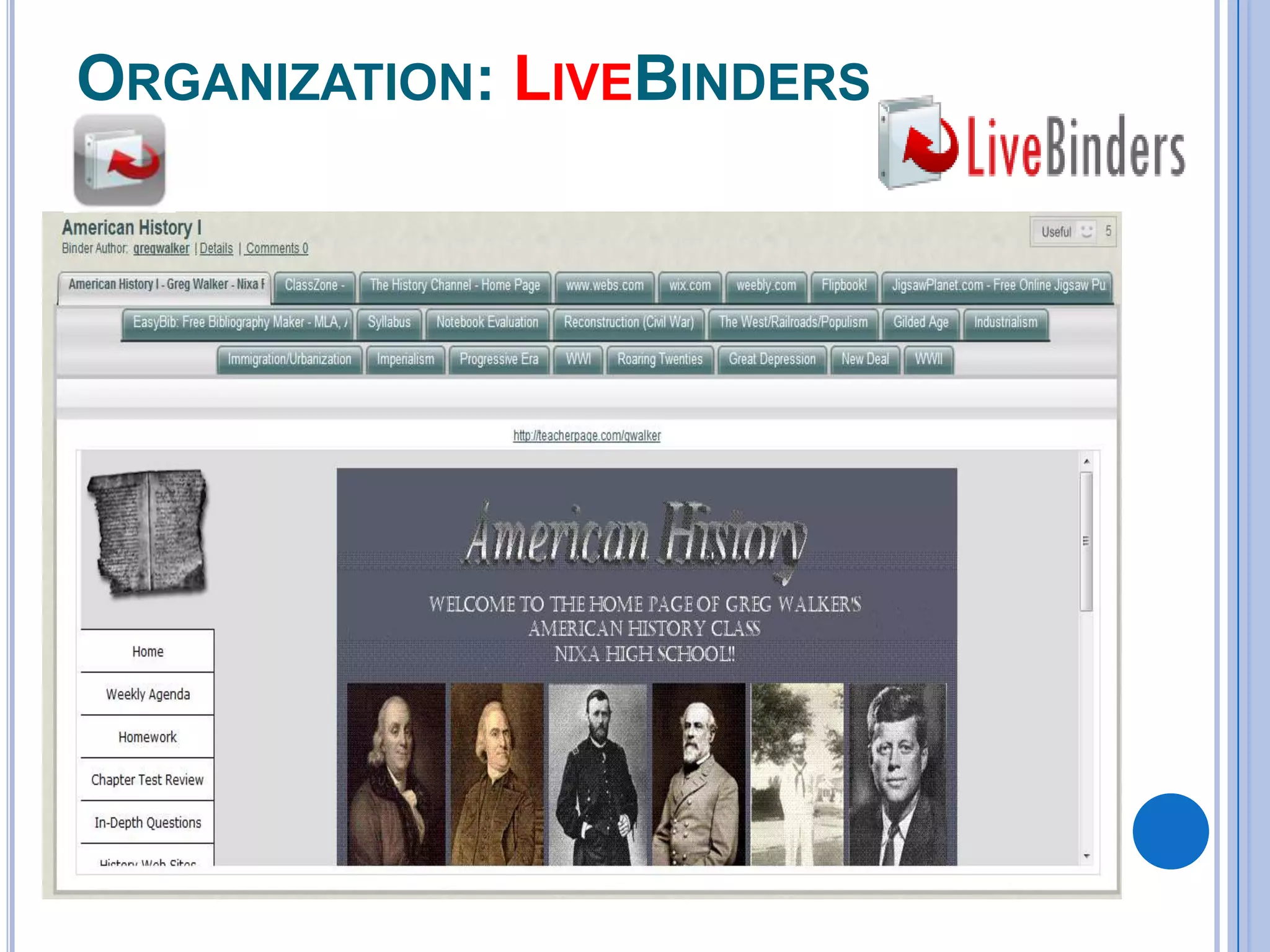
ORGANIZATION: LIVEBINDERS
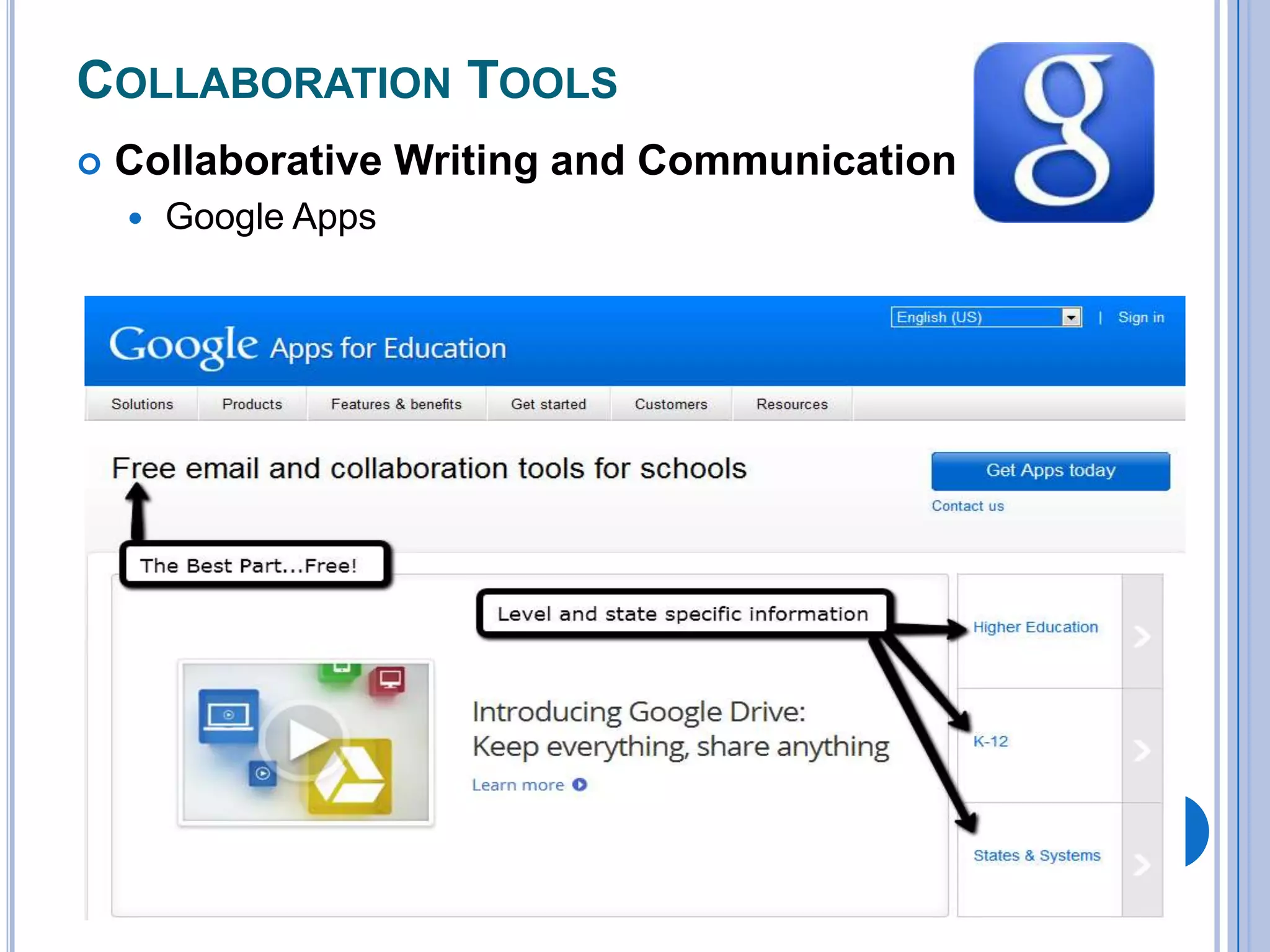
COLLABORATION TOOLS


Collaborative Writing and Communication


Google Apps
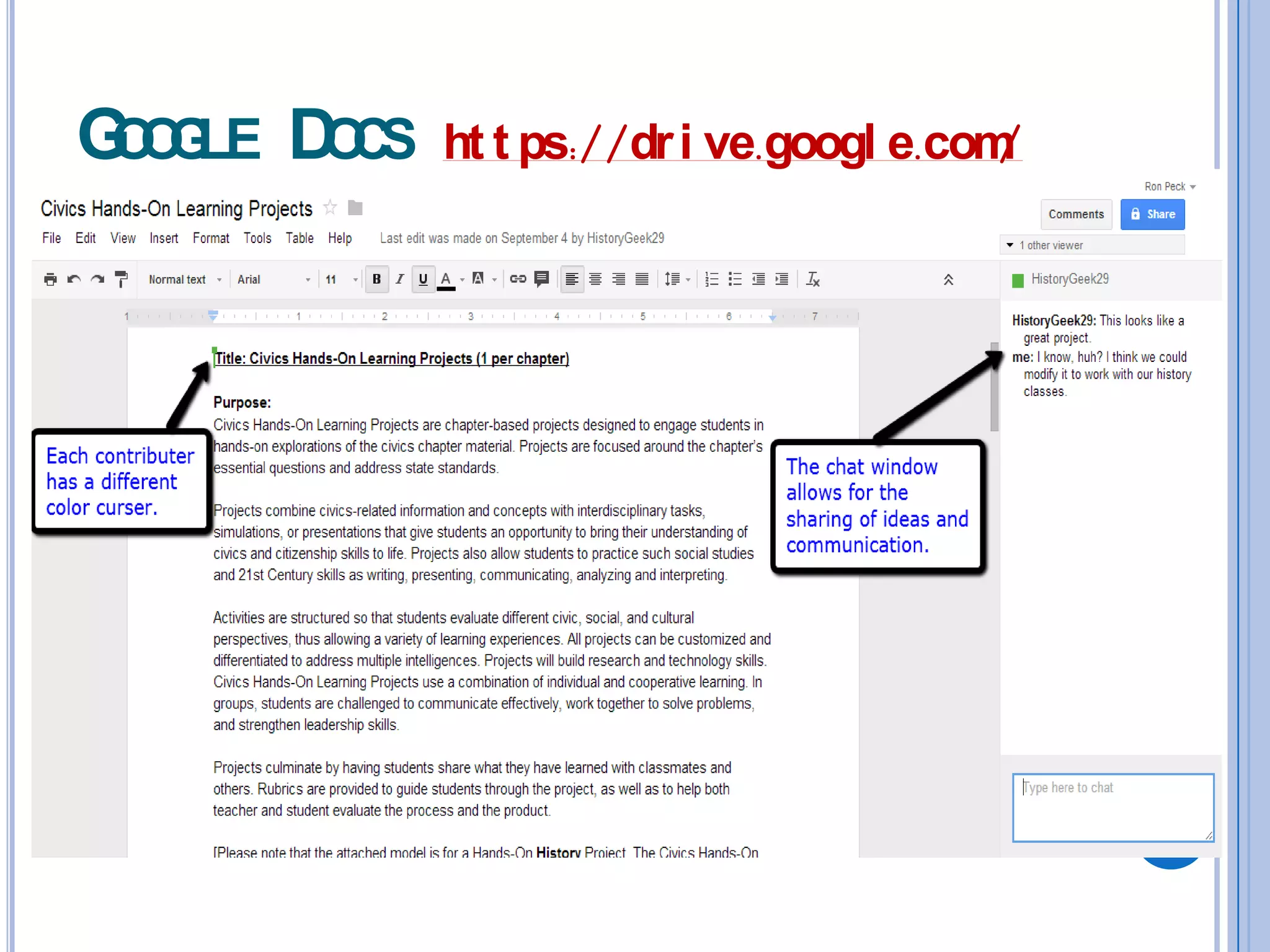
G O LE D CS
OG
O

ht t ps://dr i ve.googl e.com
/
Lessons & Activities for Collaborative Writing
Peer Research, Writing and Editing
 Project Outlines
 Creative Writing Stories
 Collaborative Cause and Effect Writing
 Document Mash-ups
 Character Letter Exchange
 Global Connection Lesson Writing

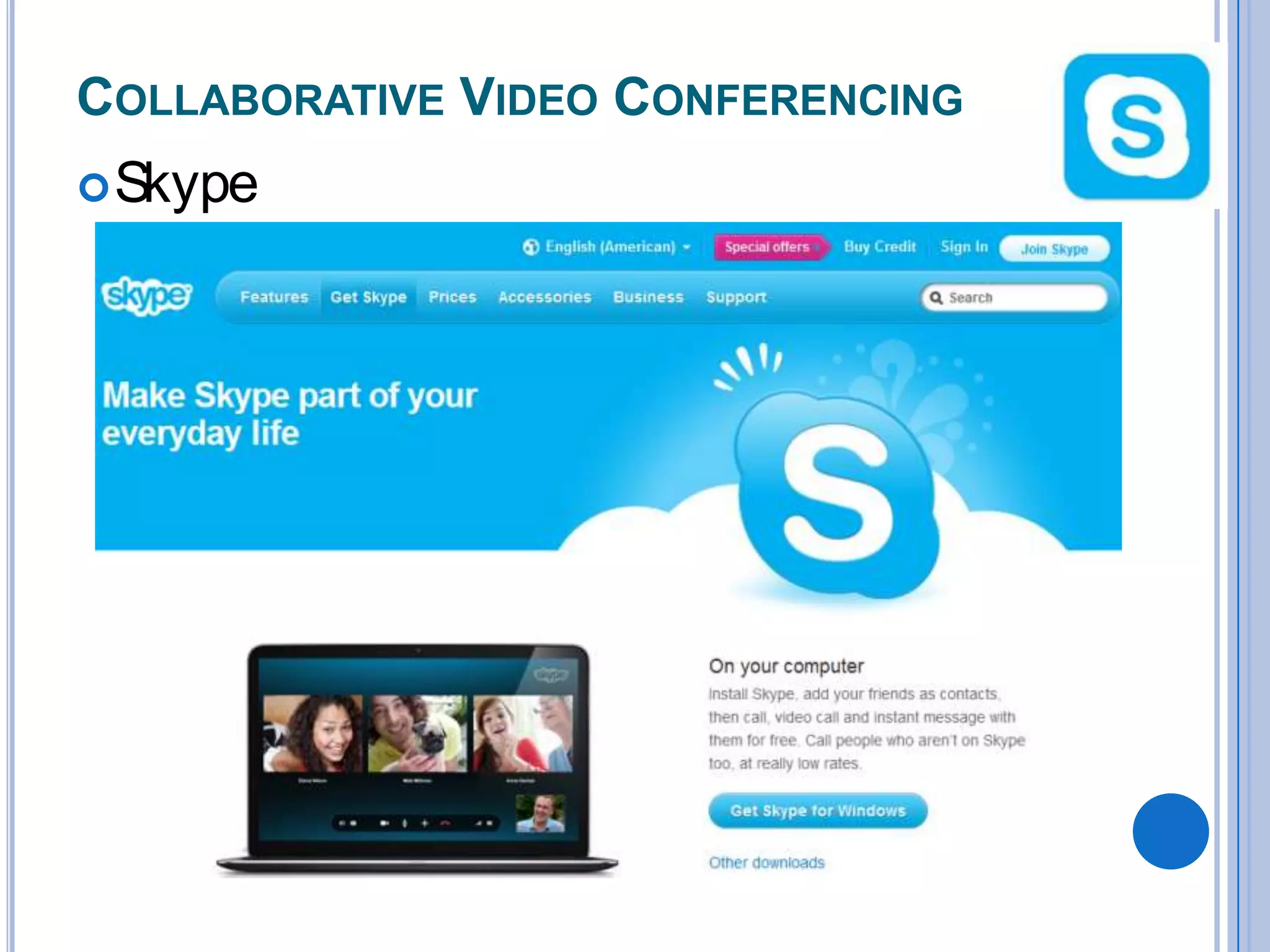
COLLABORATIVE VIDEO CONFERENCING
 Skype
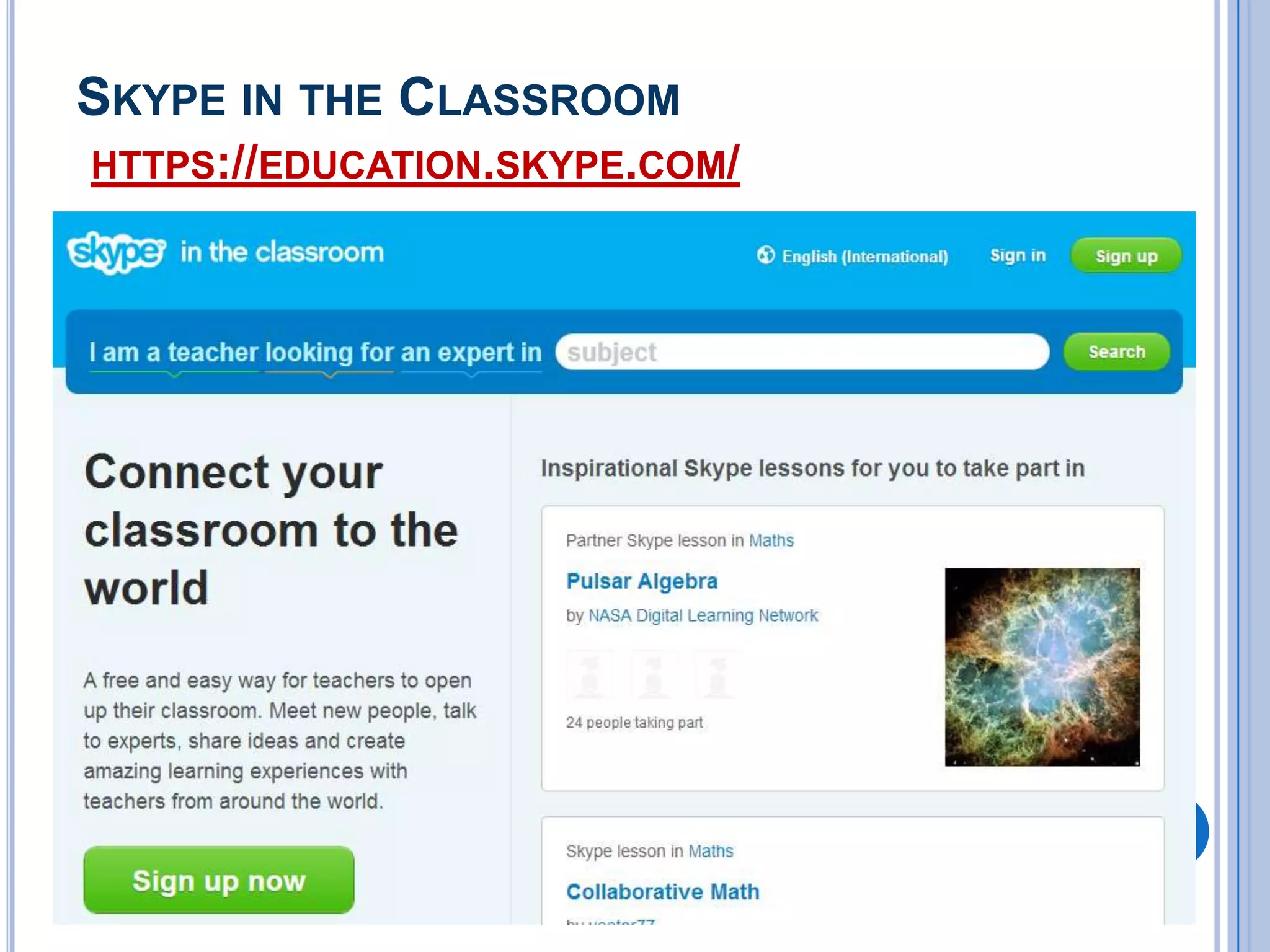
SKYPE IN THE CLASSROOM
HTTPS://EDUCATION.SKYPE.COM/
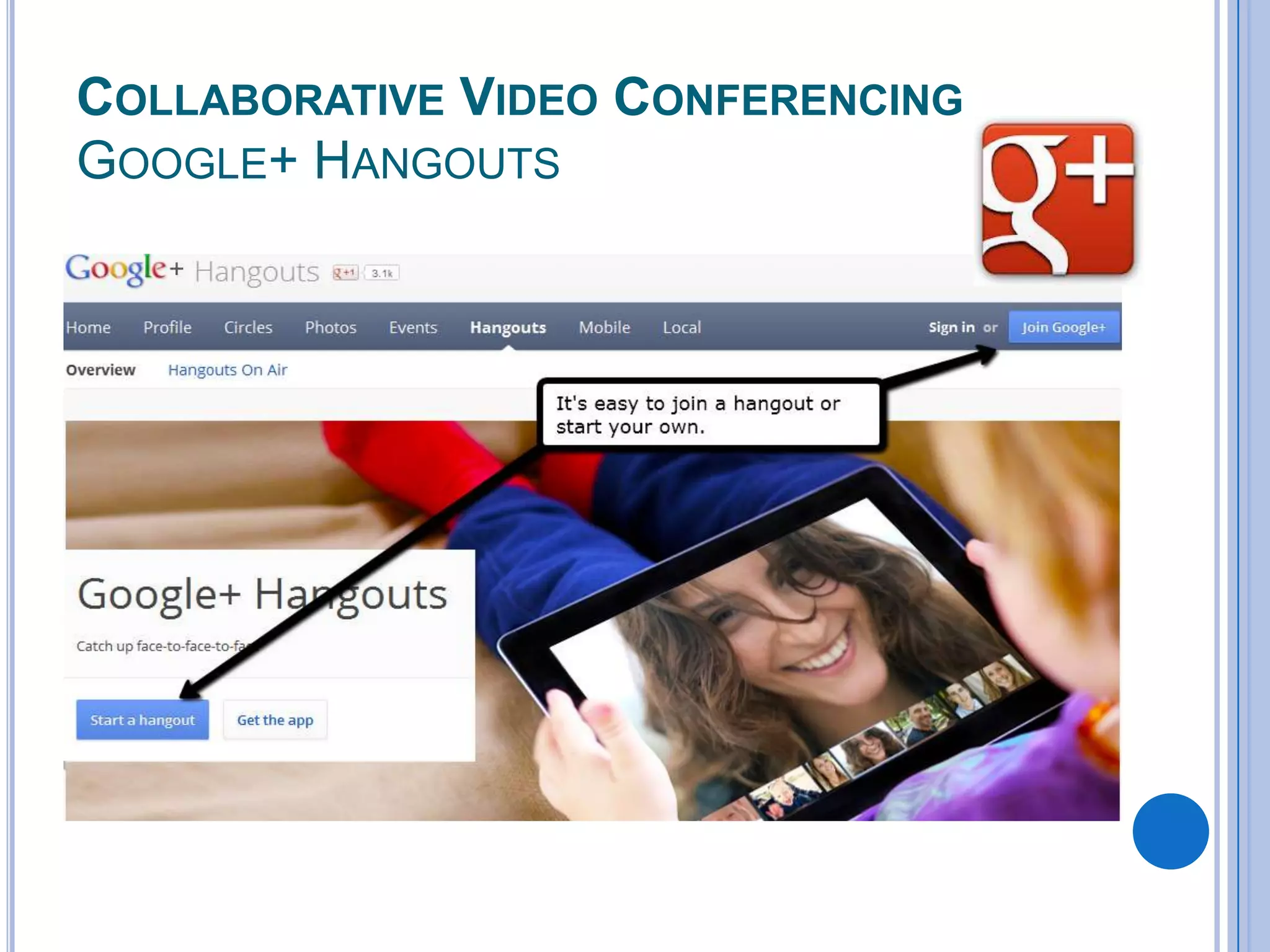
COLLABORATIVE VIDEO CONFERENCING
GOOGLE+ HANGOUTS
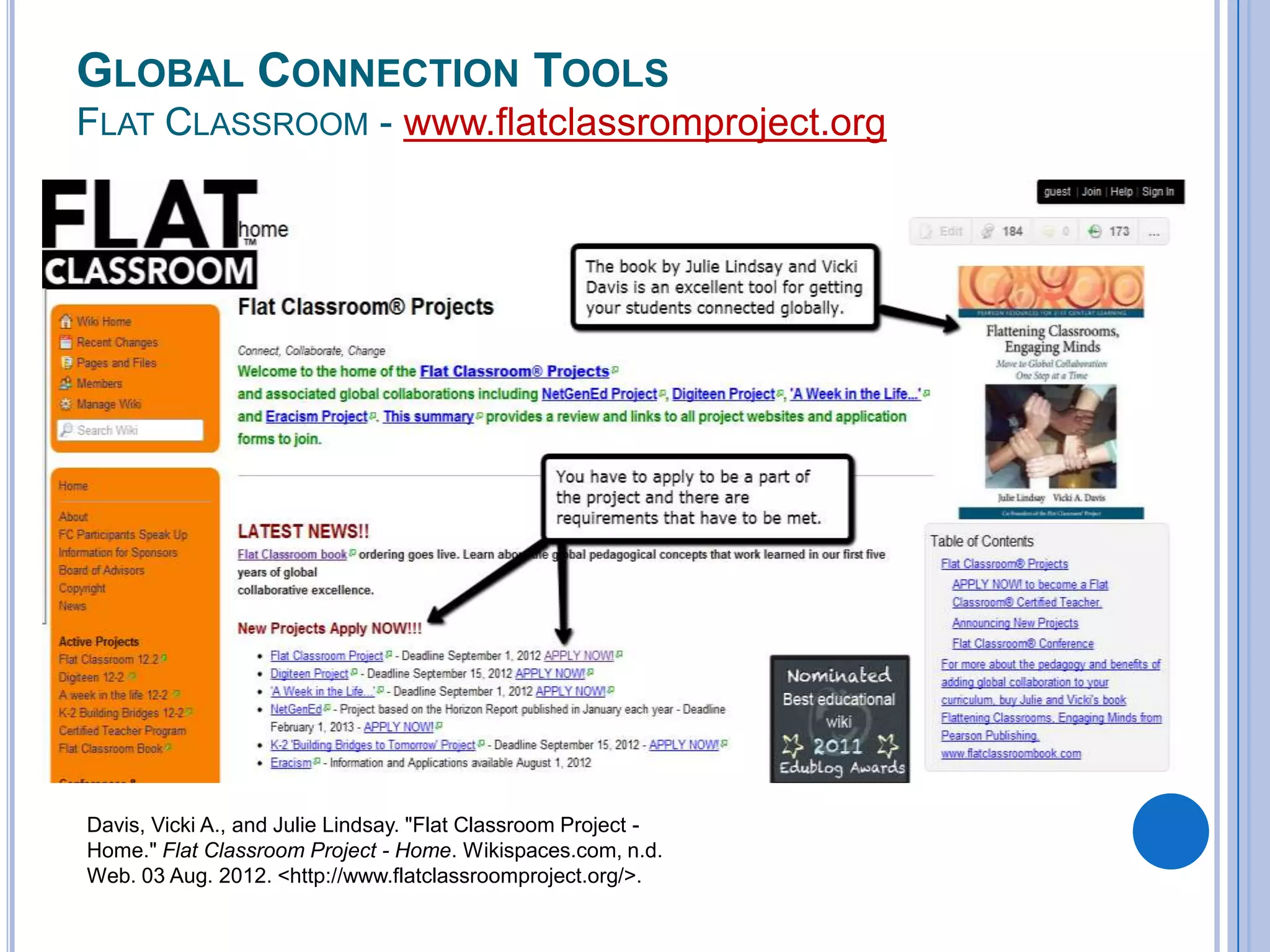
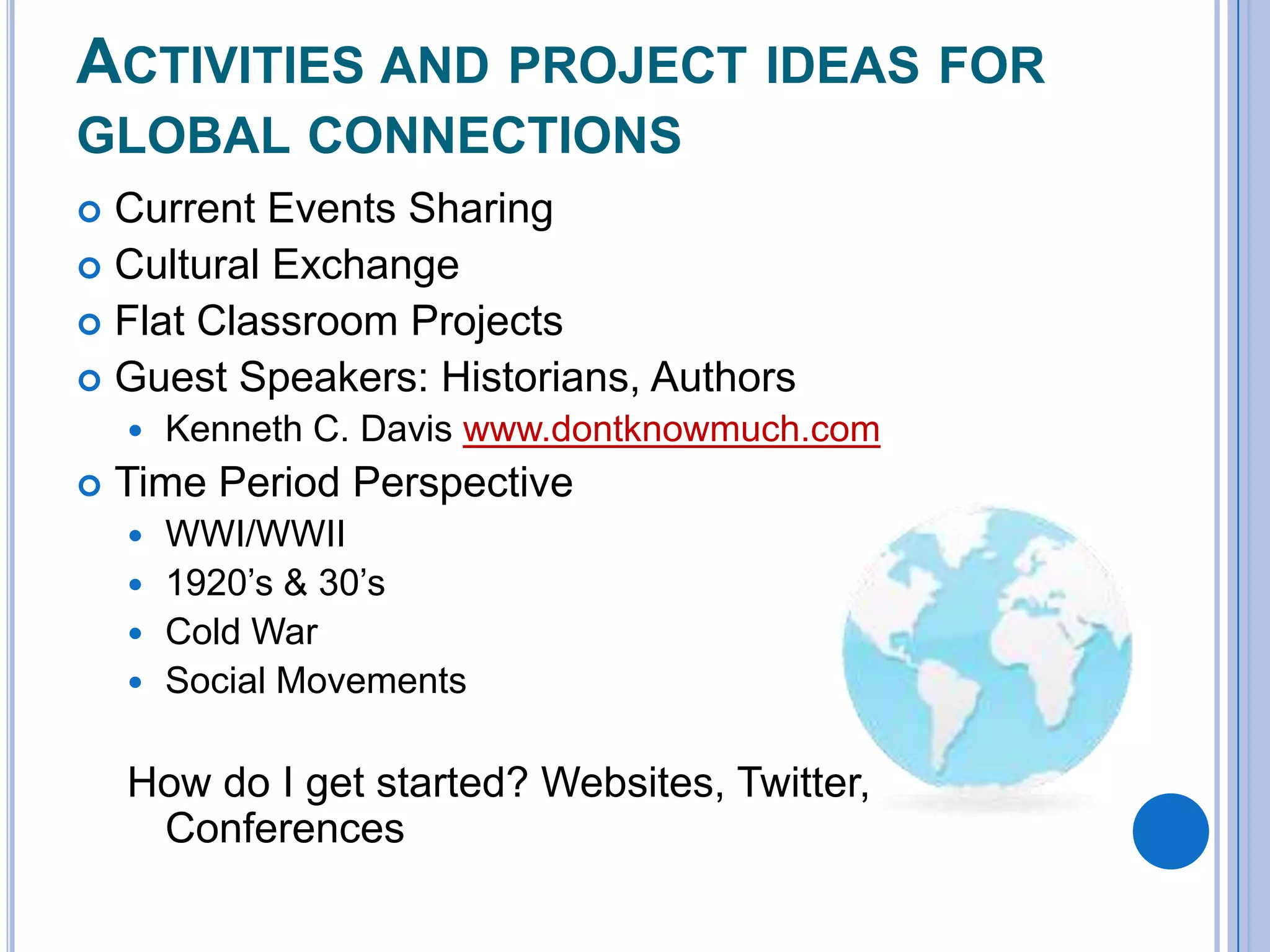
GLOBAL CONNECTION TOOLS
FLAT CLASSROOM - www.flatclassromproject.org

Davis, Vicki A., and Julie Lindsay. "Flat Classroom Project Home." Flat Classroom Project - Home. Wikispaces.com, n.d.
Web. 03 Aug. 2012. <http://www.flatclassroomproject.org/>.
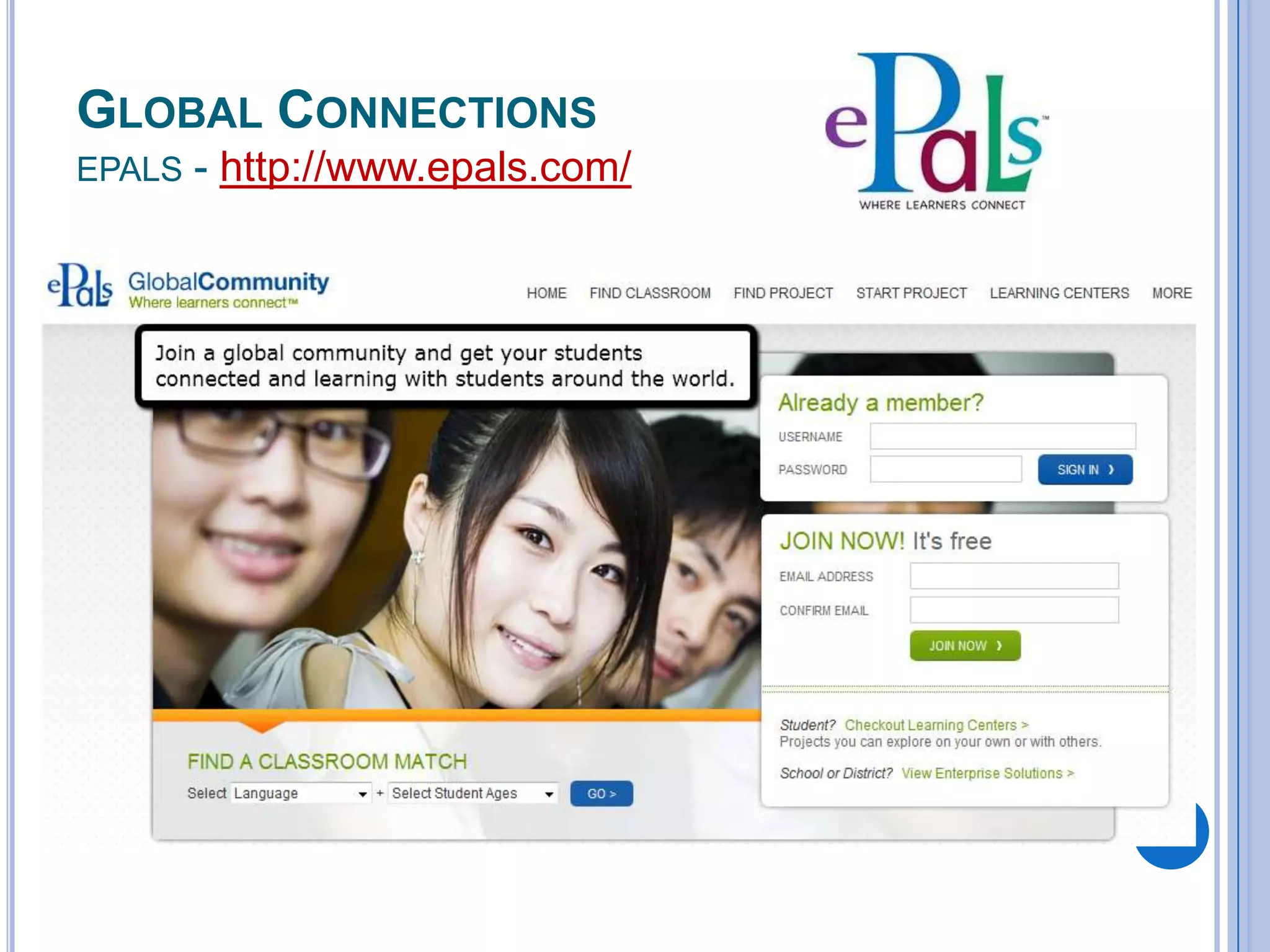
GLOBAL CONNECTIONS
EPALS

- http://www.epals.com/
ACTIVITIES AND PROJECT IDEAS FOR
GLOBAL CONNECTIONS
Current Events Sharing
 Cultural Exchange
 Flat Classroom Projects
 Guest Speakers: Historians, Authors





Kenneth C. Davis www.dontknowmuch.com

Time Period Perspective
WWI/WWII
 1920’s & 30’s
 Cold War
 Social Movements


How do I get started? Websites, Twitter,
Conferences
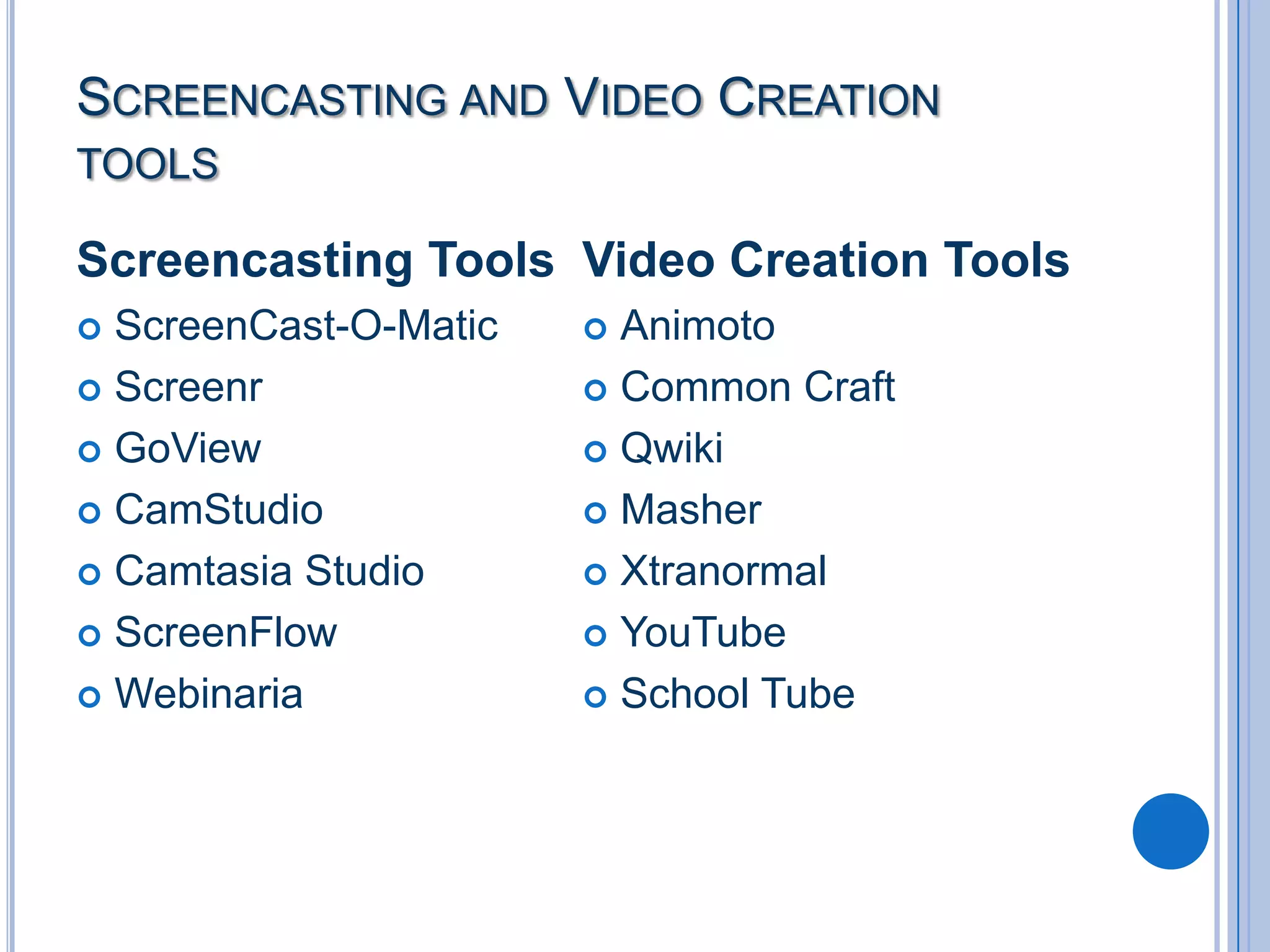
SCREENCASTING AND VIDEO CREATION
TOOLS

Screencasting Tools Video Creation Tools
ScreenCast-O-Matic
 Screenr
 GoView
 CamStudio
 Camtasia Studio
 ScreenFlow
 Webinaria


Animoto
 Common Craft
 Qwiki
 Masher
 Xtranormal
 YouTube
 School Tube

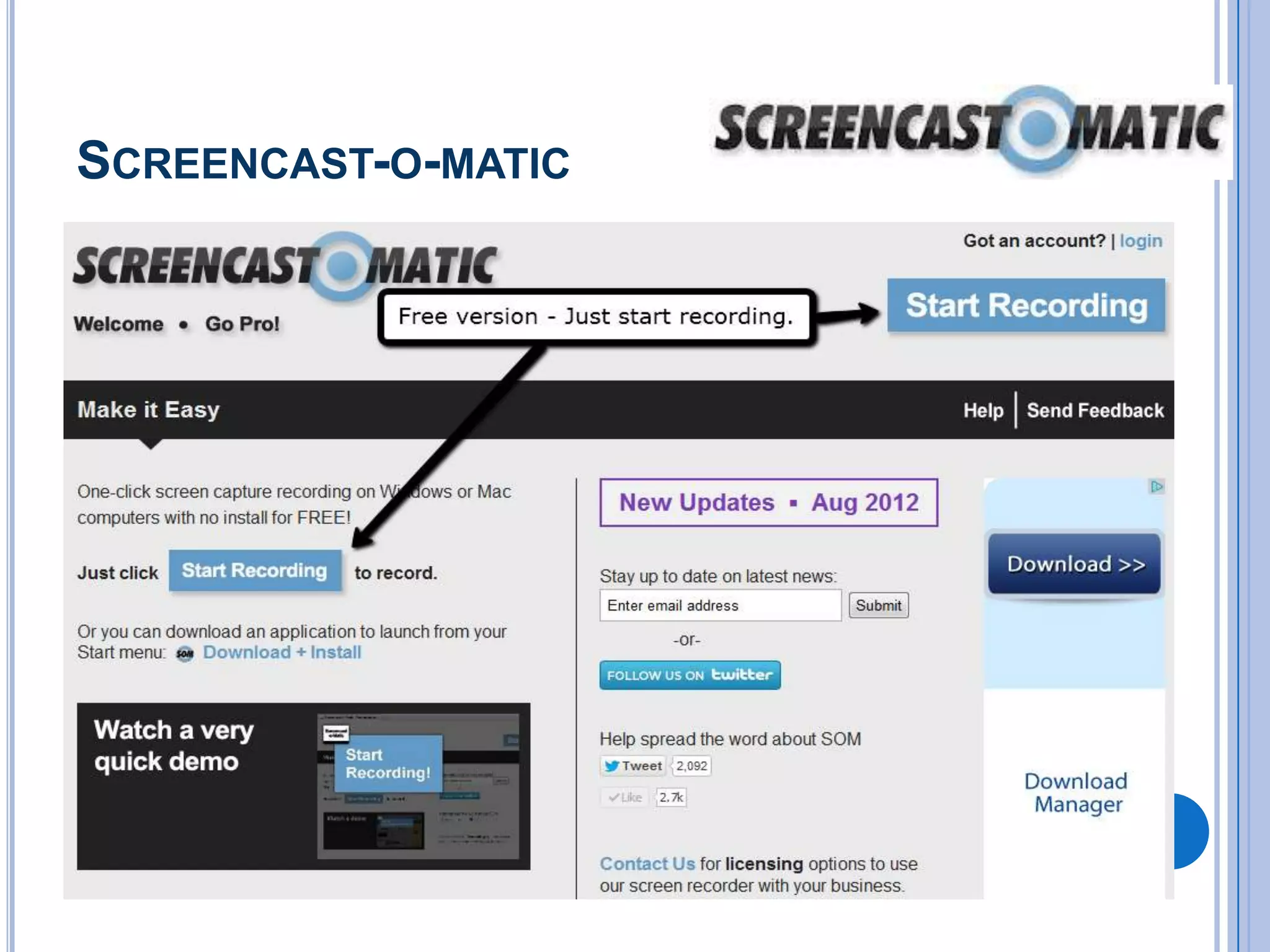
SCREENCAST-O-MATIC
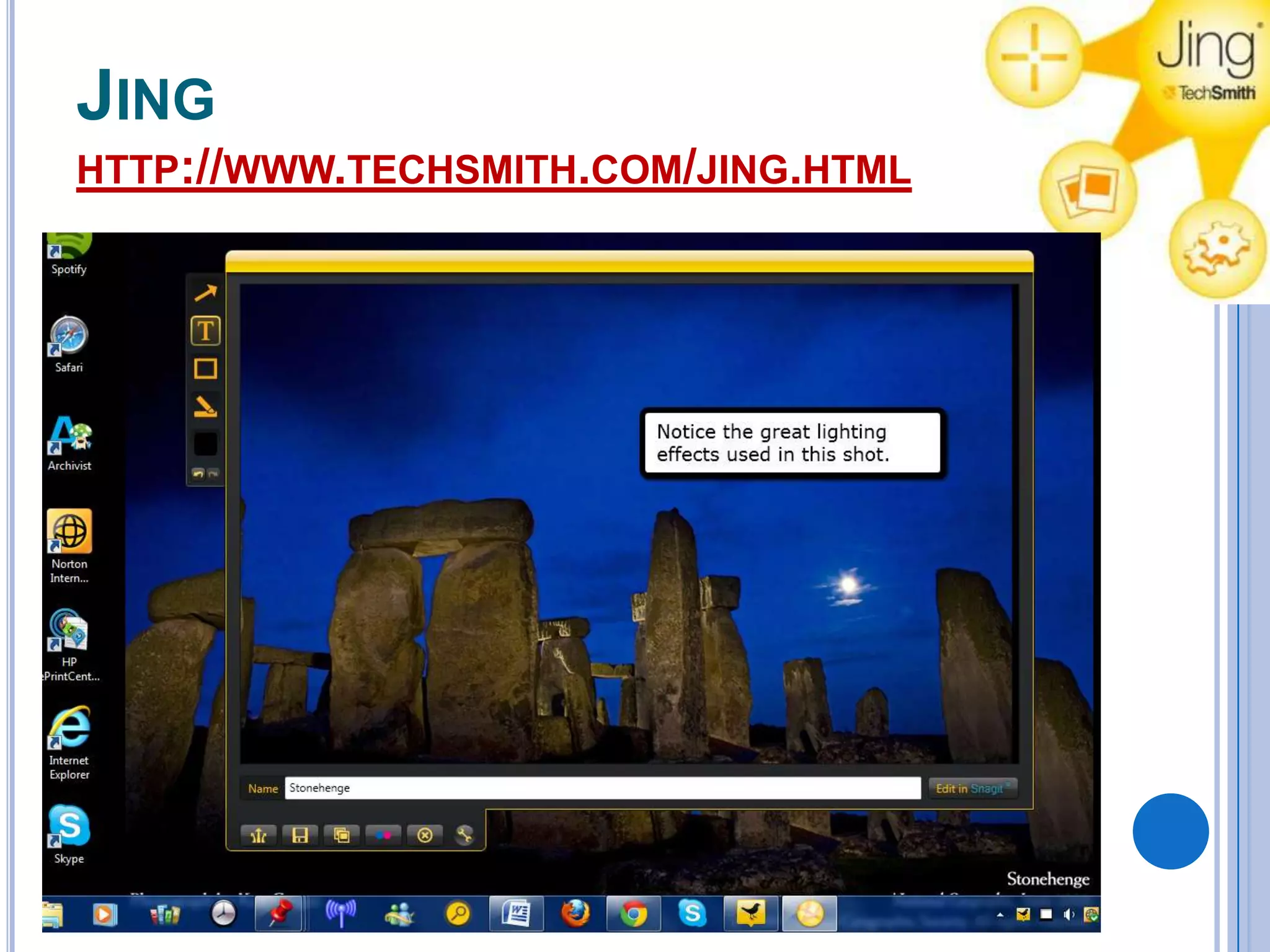
JING
HTTP://WWW.TECHSMITH.COM/JING.HTML
VIDEO CREATION TOOLS
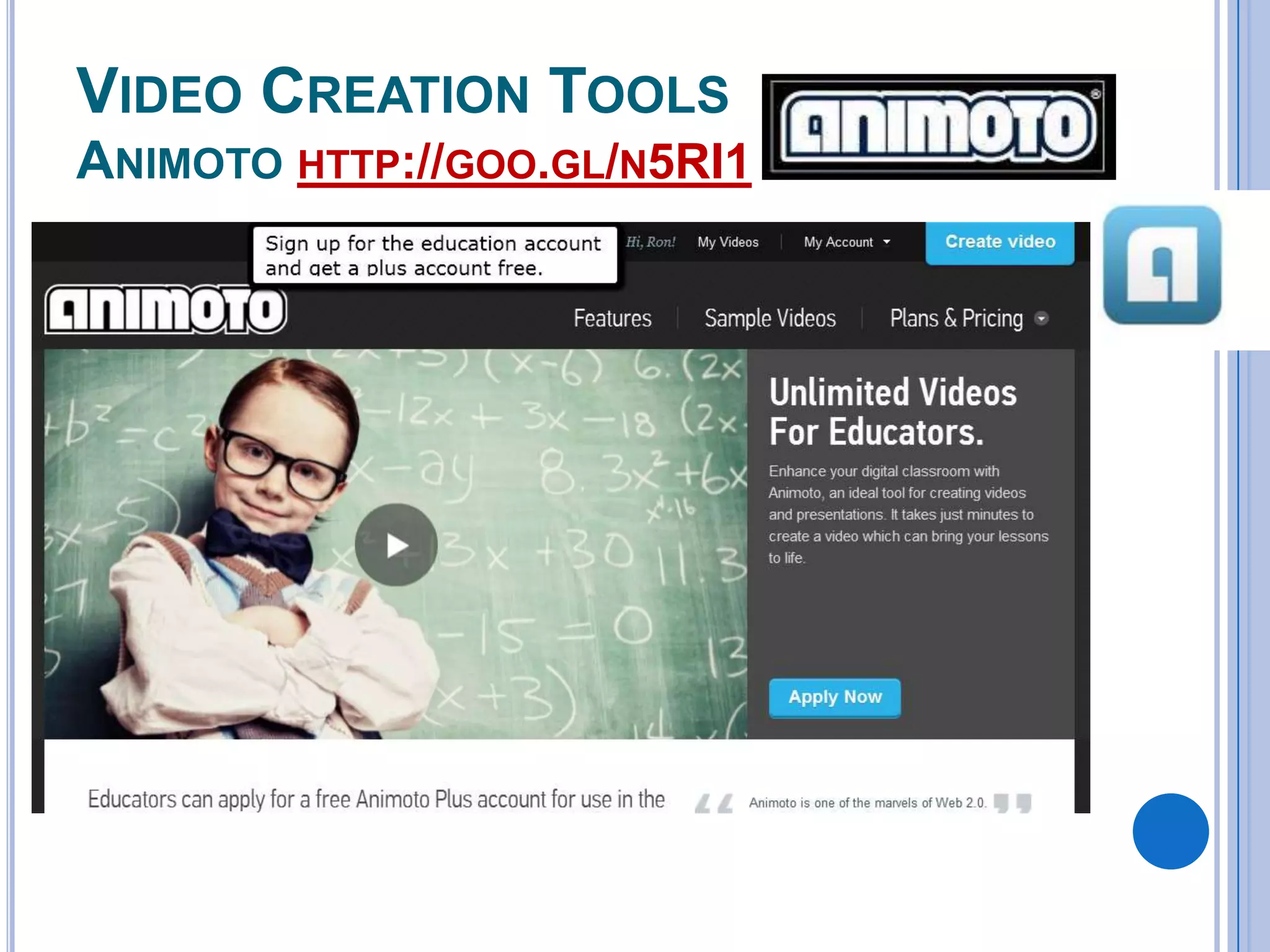
ANIMOTO HTTP://GOO.GL/N5RI1
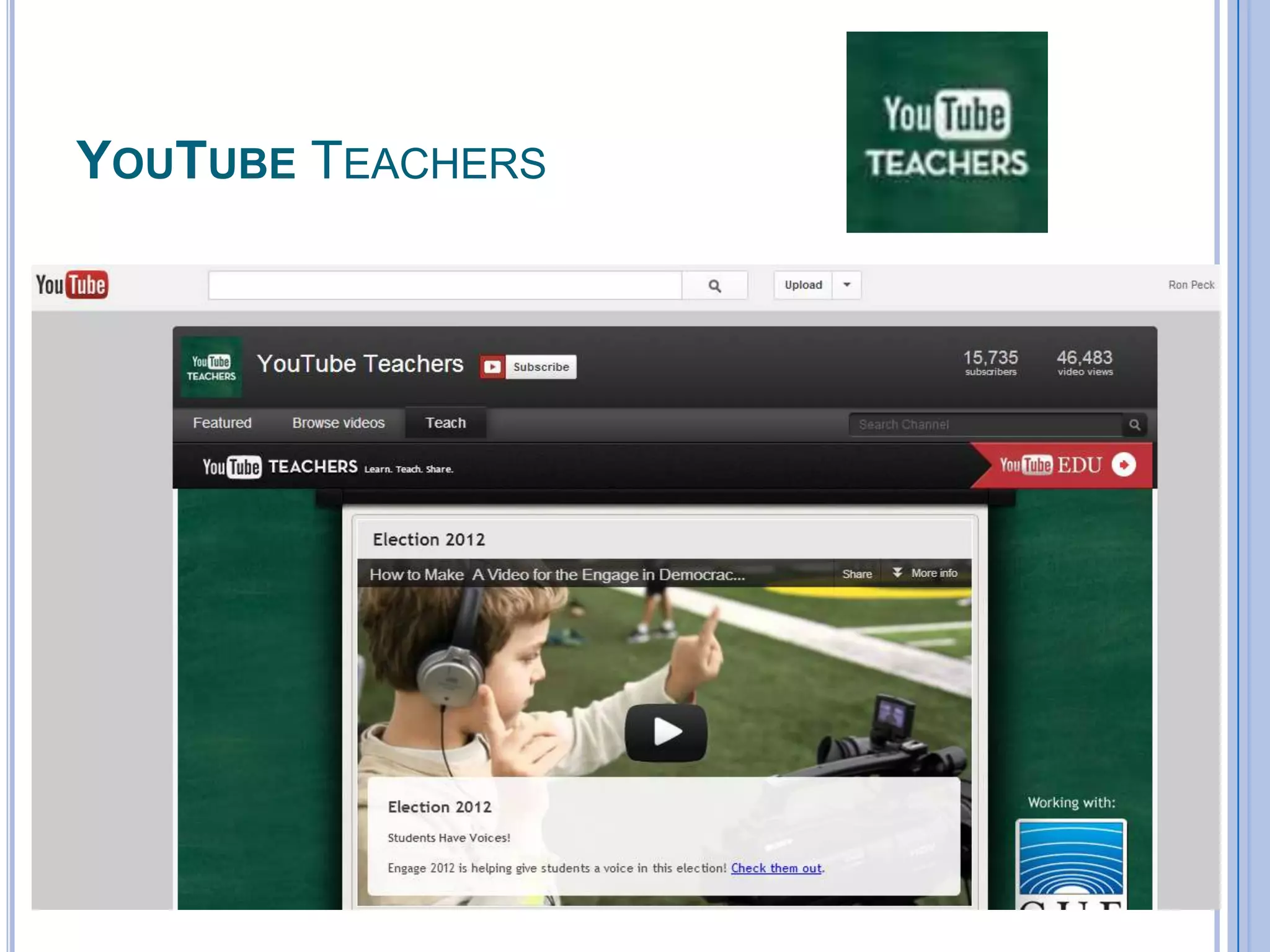
YOUTUBE TEACHERS
ACTIVITIES AND LESSONS FOR VIDEO TOOLS
 Flipping

the Classroom
 Create Current Events videos
 Create a video about a historical event,
person, concept or time period.
 Create Screencasts about a topic or
concept.
 Record a How-to video
 Create a Travel Video
 Create a spoof of a historical event
MAPPING TOOLS
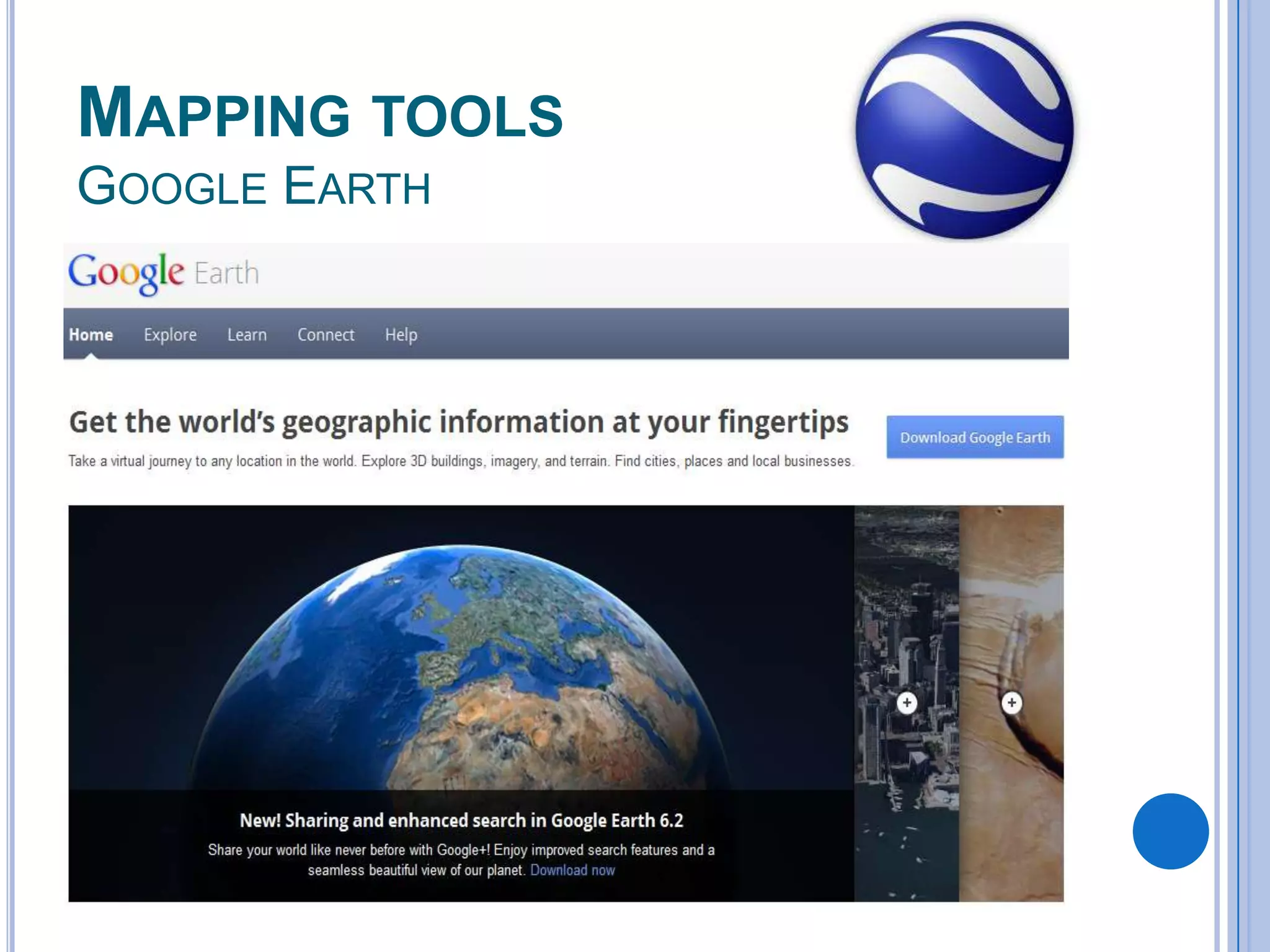
GOOGLE EARTH
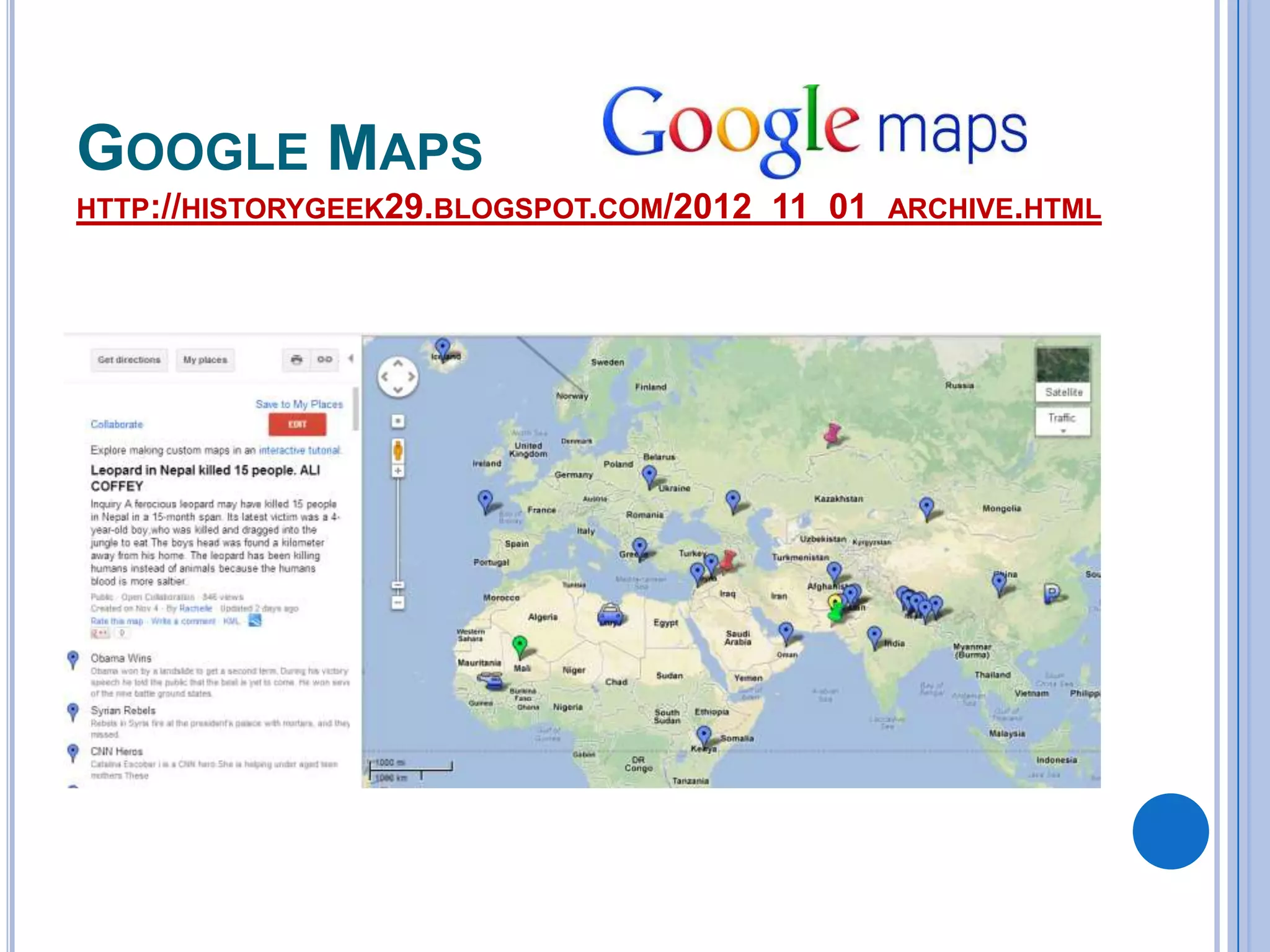
GOOGLE MAPS
HTTP://HISTORYGEEK29.BLOGSPOT.COM/2012_11_01_ARCHIVE.HTML
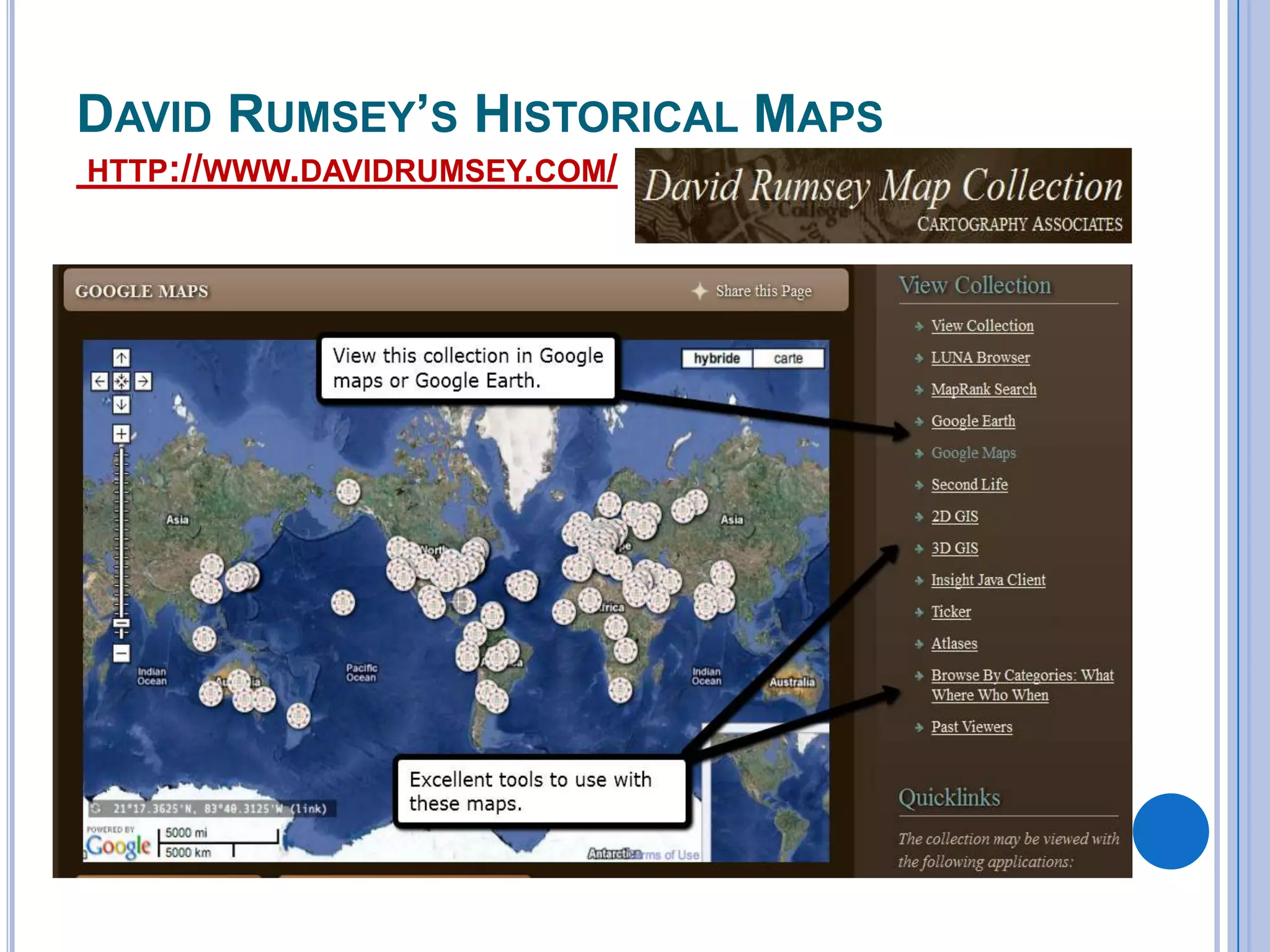
DAVID RUMSEY’S HISTORICAL MAPS
HTTP://WWW.DAVIDRUMSEY.COM/
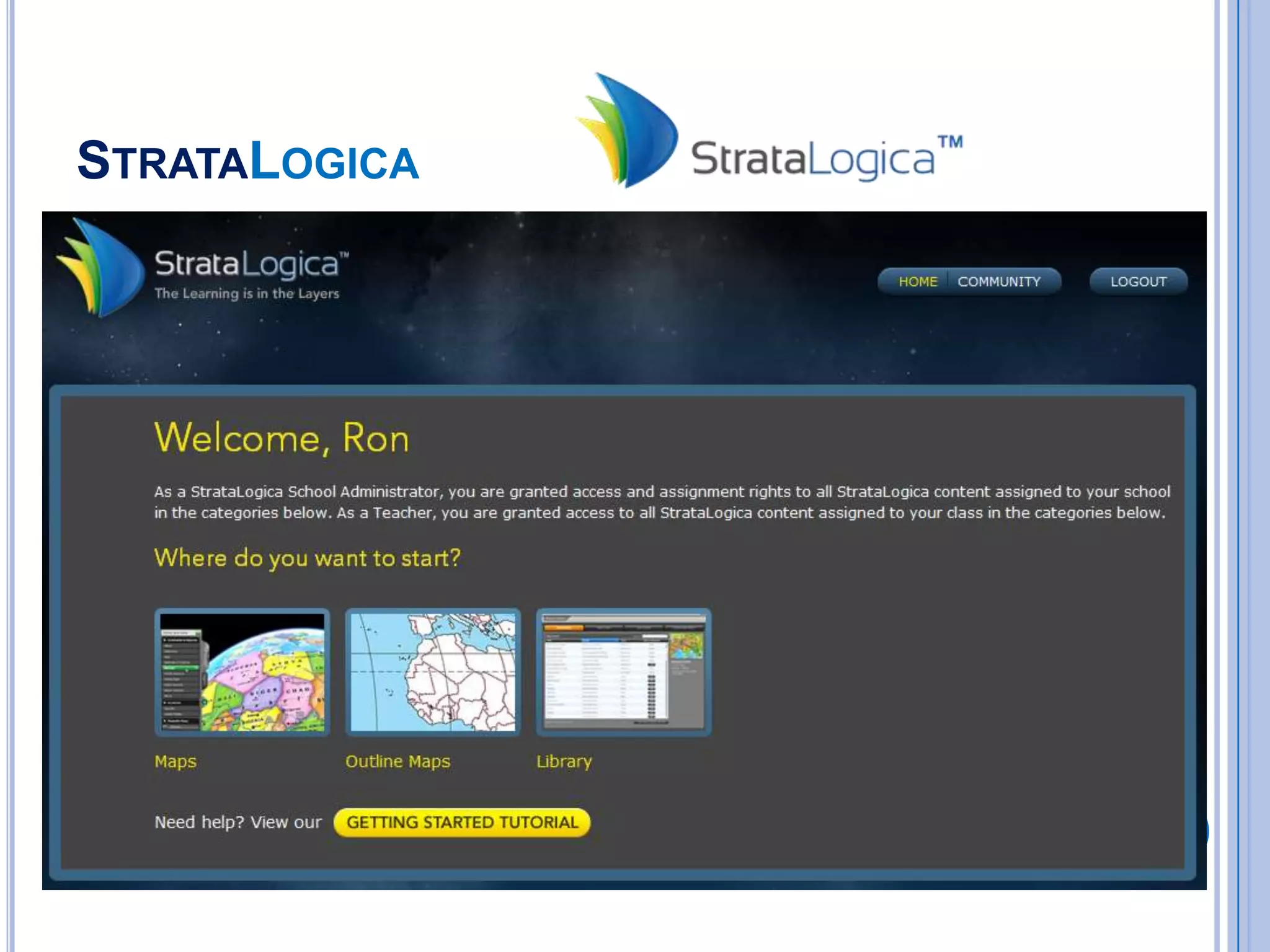
STRATALOGICA
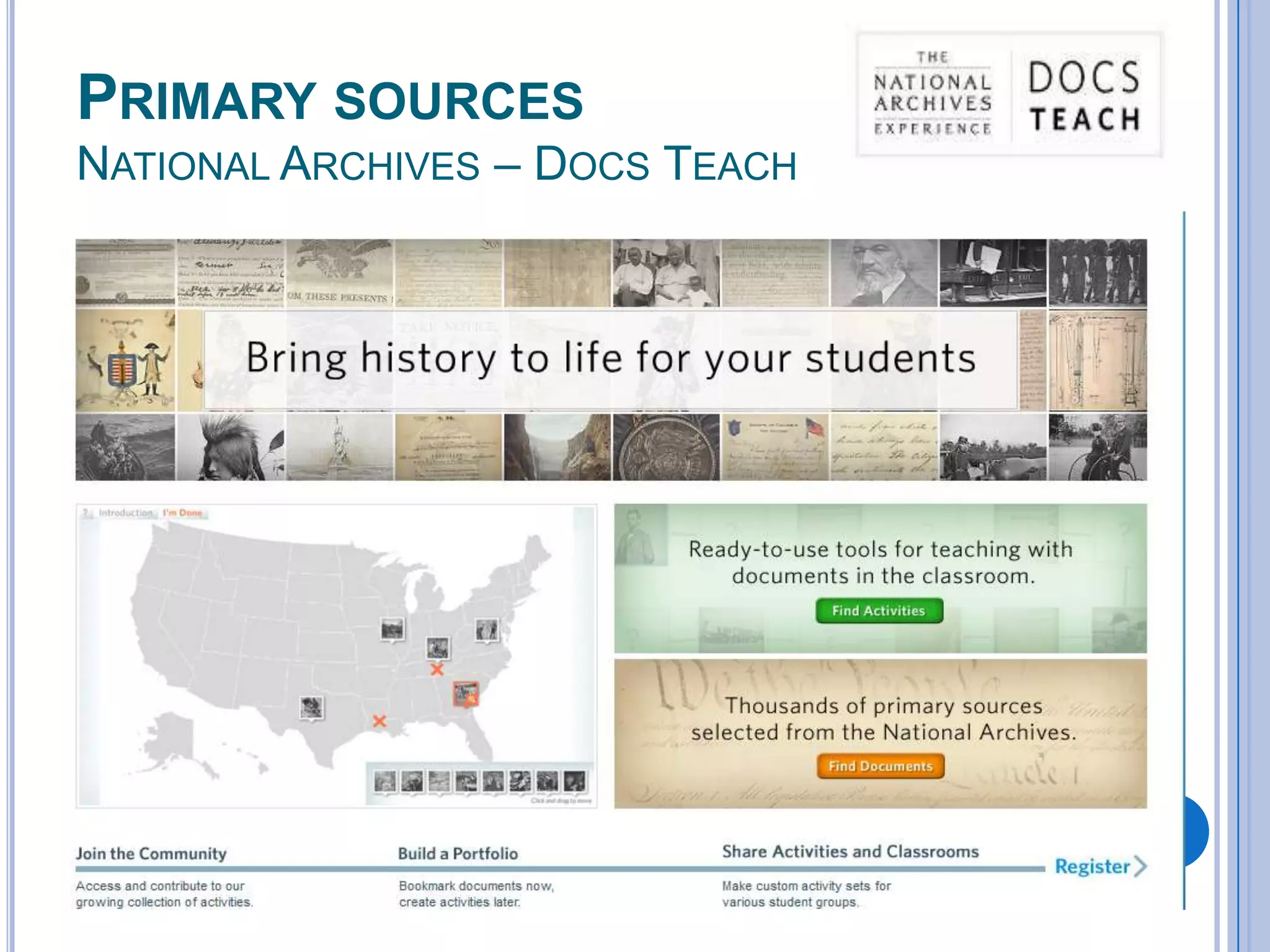
PRIMARY SOURCES
NATIONAL ARCHIVES – DOCS TEACH
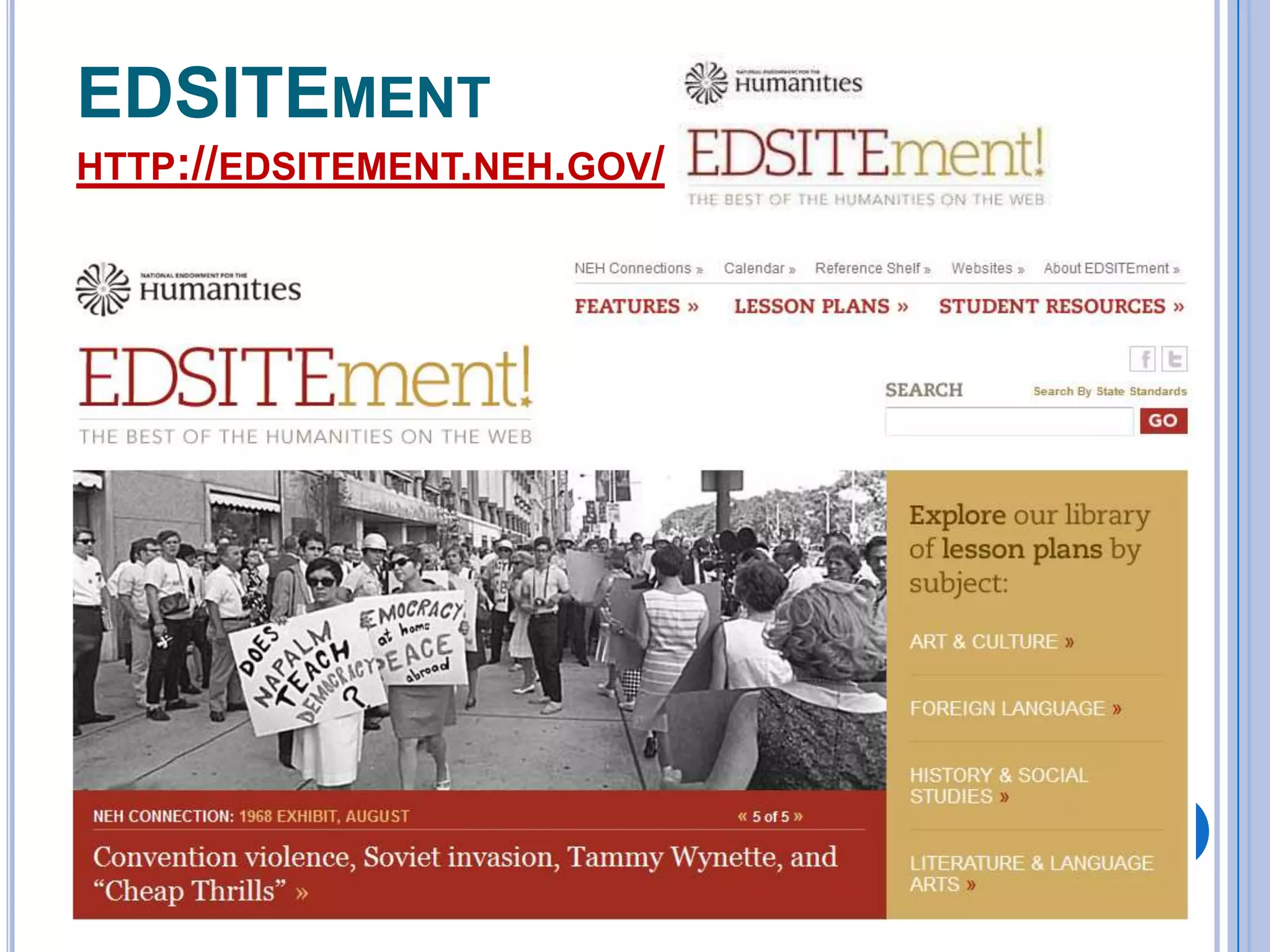
EDSITEMENT
HTTP://EDSITEMENT.NEH.GOV/
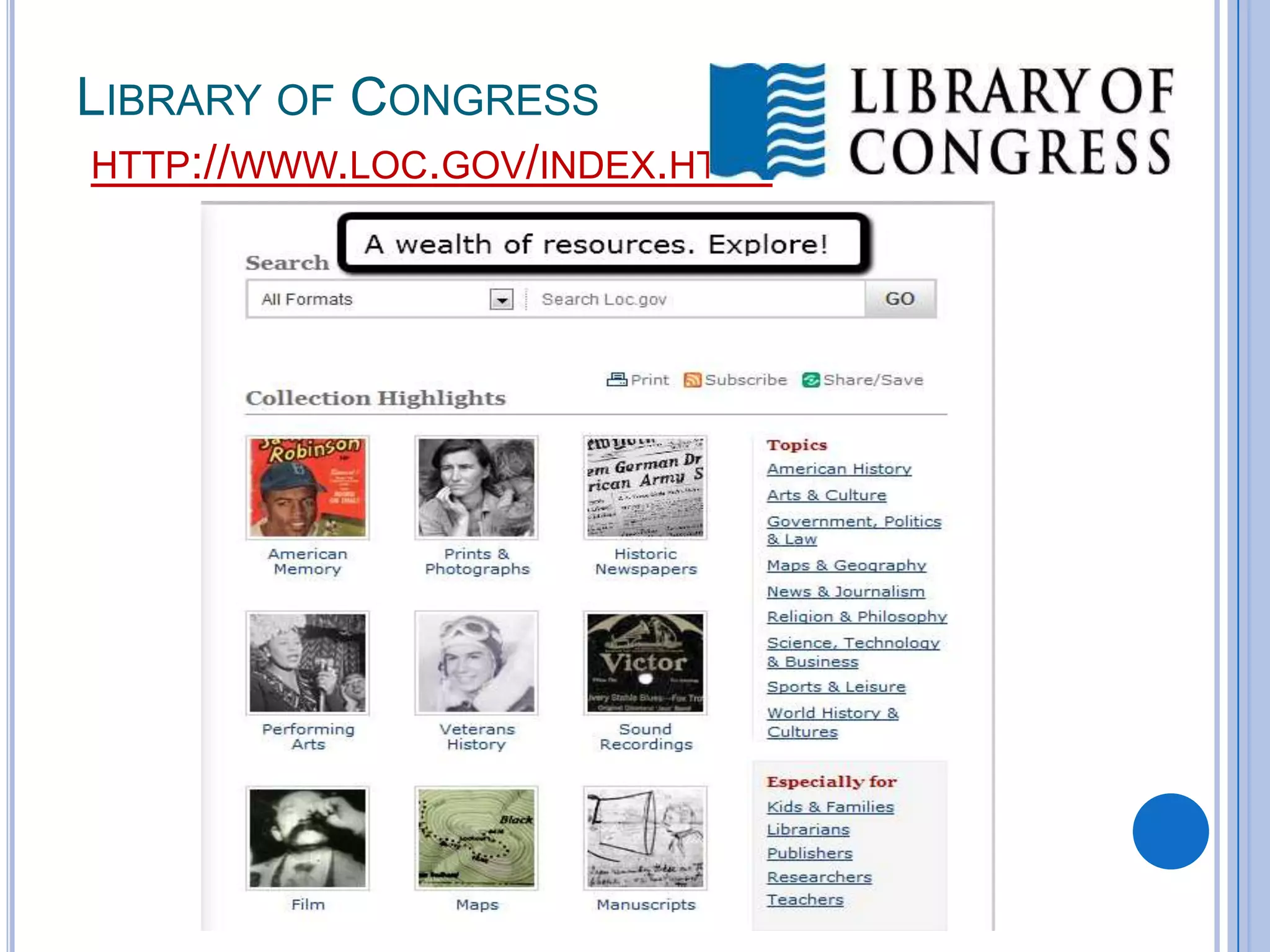
LIBRARY OF CONGRESS
HTTP://WWW.LOC.GOV/INDEX.HTML
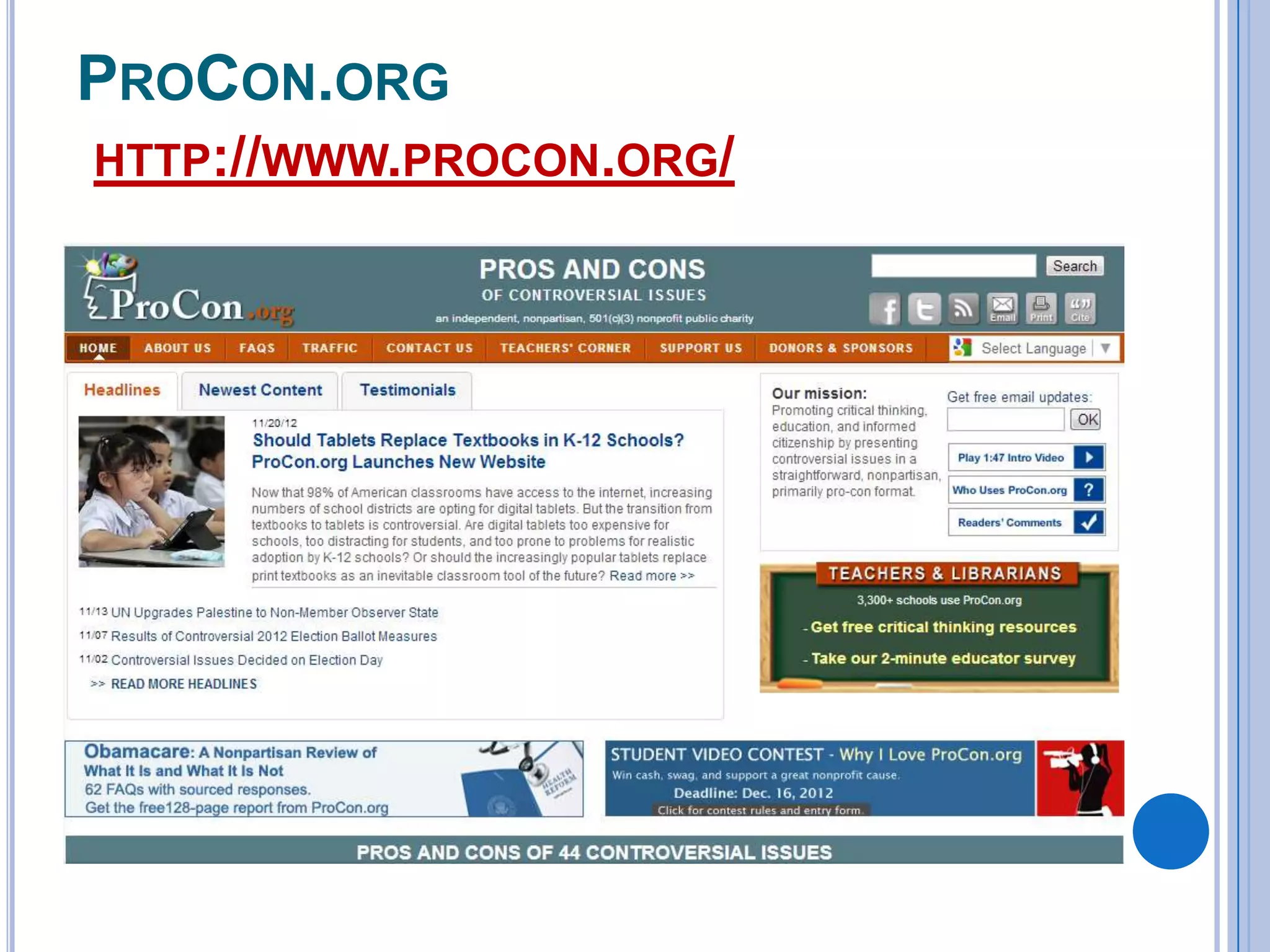
PROCON.ORG
HTTP://WWW.PROCON.ORG/
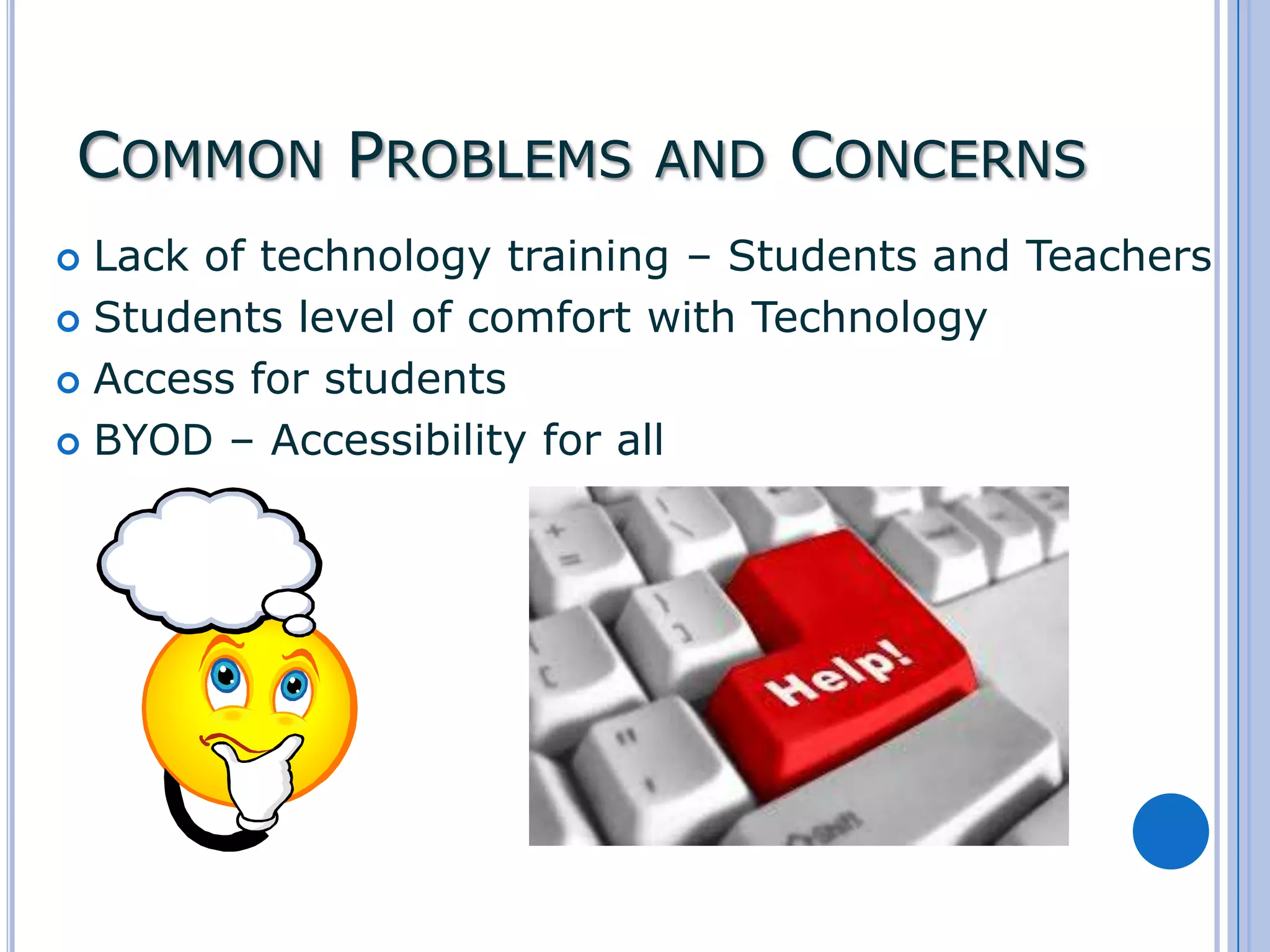
COMMON PROBLEMS AND CONCERNS
Lack of technology training – Students and Teachers
 Students level of comfort with Technology
 Access for students
 BYOD – Accessibility for all

KEYS TO SUCCESS
 Start

small – Try a few tools and activities
to get your students going.
 Add a Little
 If it doesn’t work, try something else.
 Let students be the judge
 Use what works best for you and your
students.
Q&A

Technology integration in the social studies classroom