Puppet	
  at	
  Backstop	
  

   Learn	
  from	
  our	
  mistakes	
  
(and	
  a	
  few	
  wins	
  along	
  the	
  way)	
  
Who	
  am	
  I?	
  
•  Bill	
  Weiss	
  <bill@backstopsoluAons.com>	
  
•  @BillWeiss	
  

•  Wrote	
  a	
  bunch	
  of	
  the	
  coming	
  examples	
  of	
  
   what	
  not	
  to	
  do	
  here	
  
•  As	
  you	
  can	
  tell,	
  not	
  a	
  designer	
  
What	
  is	
  Backstop?	


I	
  promise	
  I’m	
  not	
  in	
  sales.	


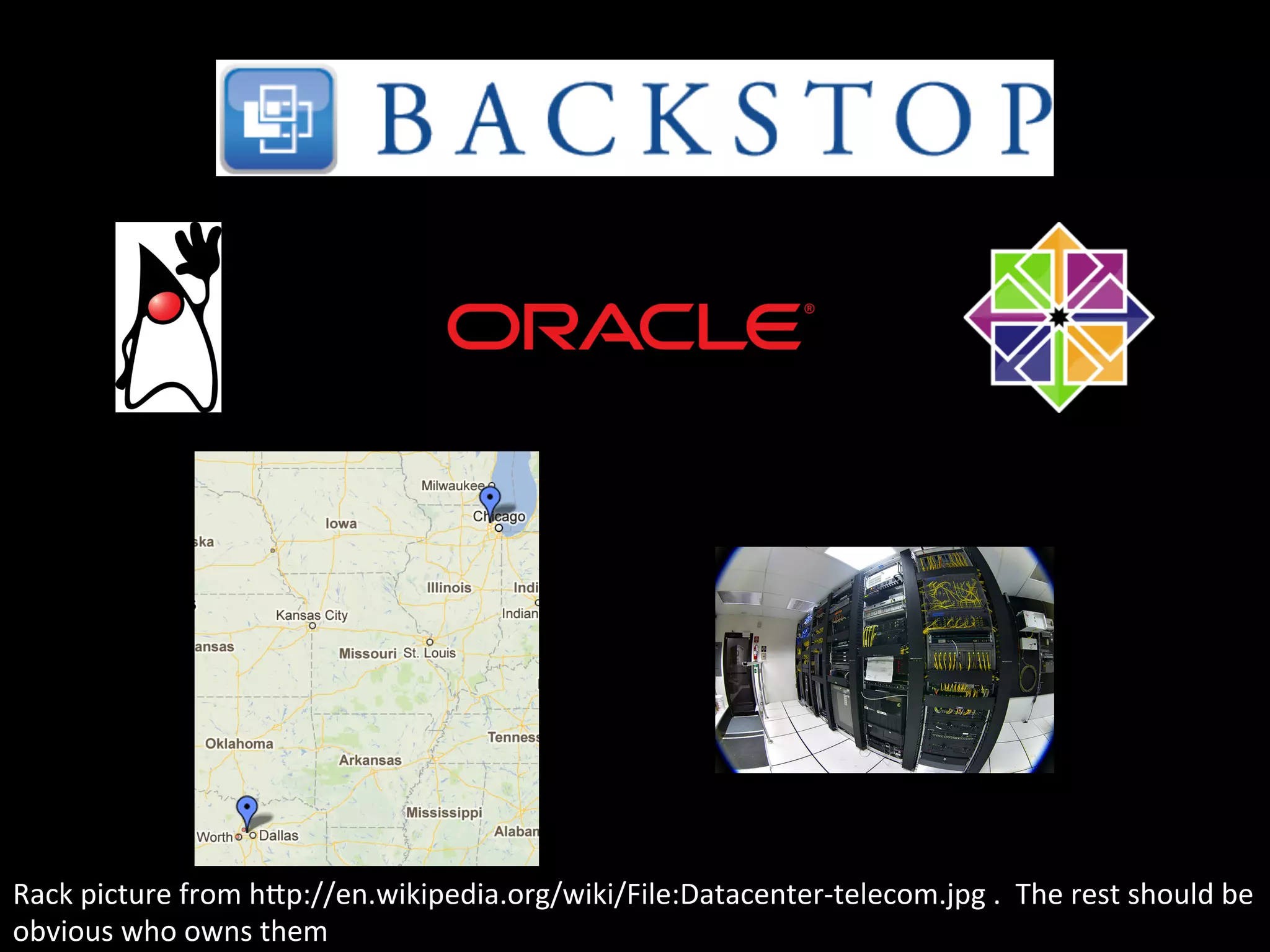
Rack	
  picture	
  from	
  hIp://en.wikipedia.org/wiki/File:Datacenter-­‐telecom.jpg	
  .	
  	
  The	
  rest	
  should	
  be	
  
obvious	
  who	
  owns	
  them	
  
•  Same	
  places	
  and	
  infrastructure,	
  but:	
  
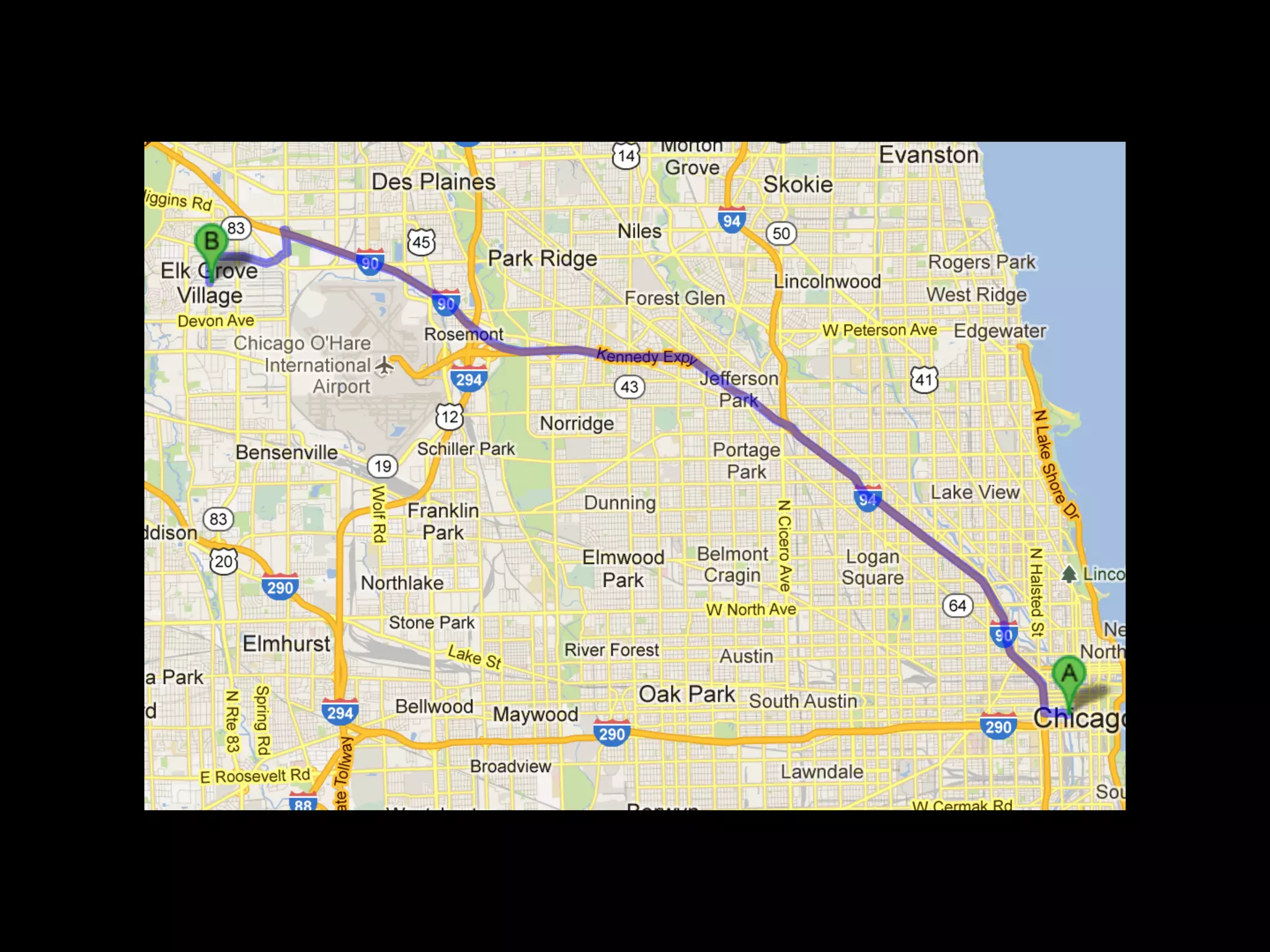
Where	
  we	
  came	
  from	


<@boss> Hey, we need another
server to handle all these
customers!
<IT> Sure, we can just…
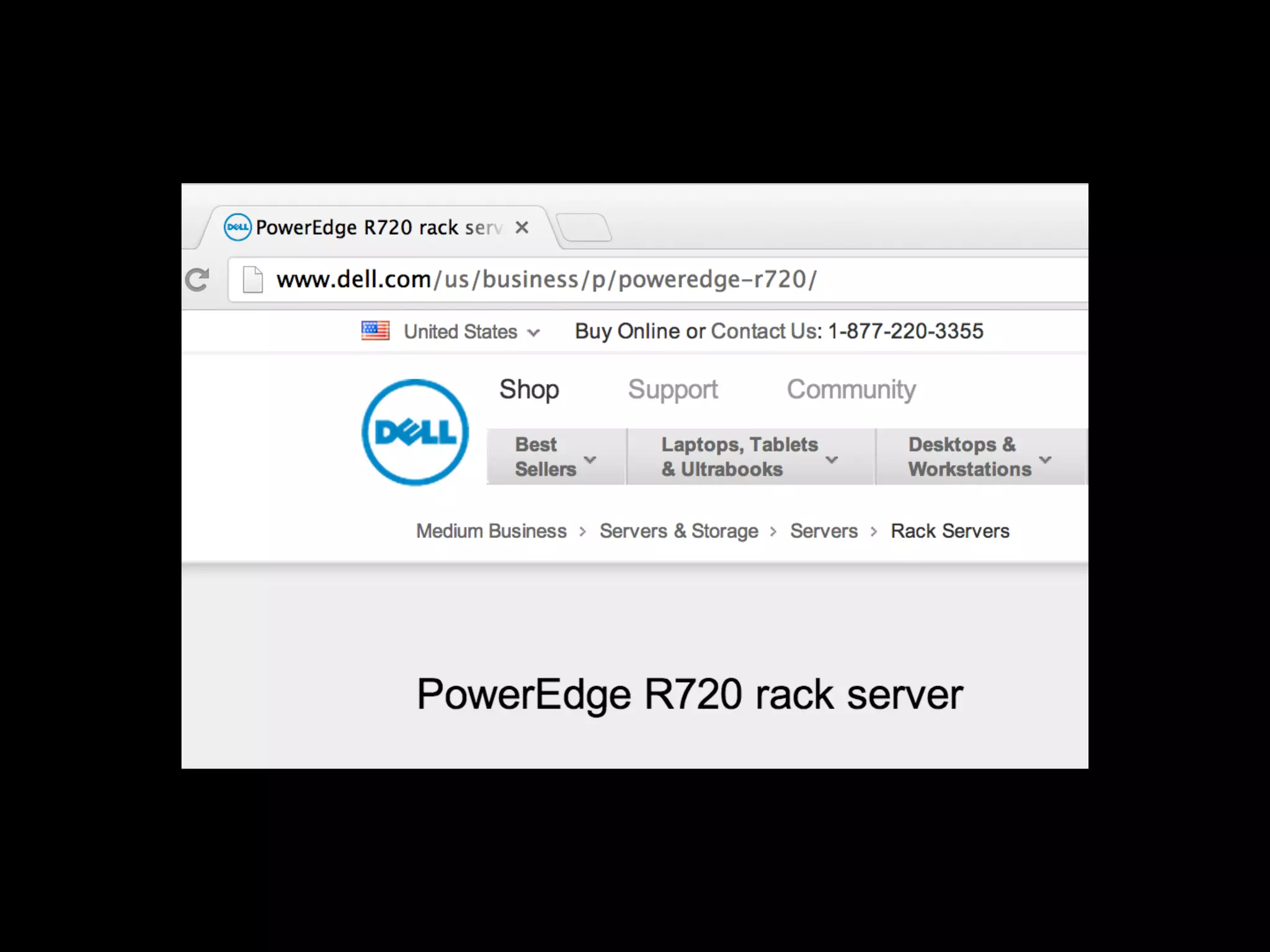
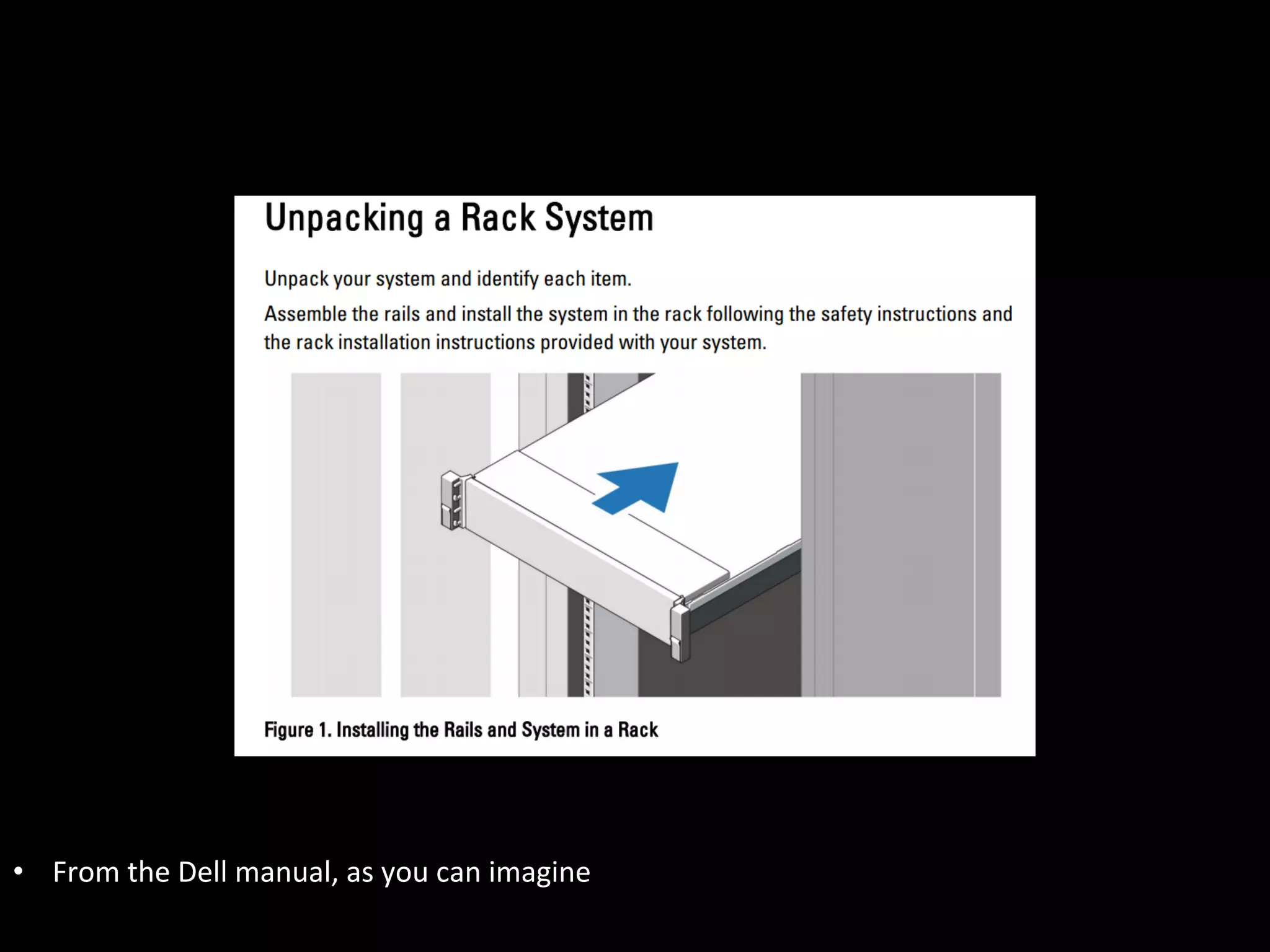
•  From	
  the	
  Dell	
  manual,	
  as	
  you	
  can	
  imagine	
  
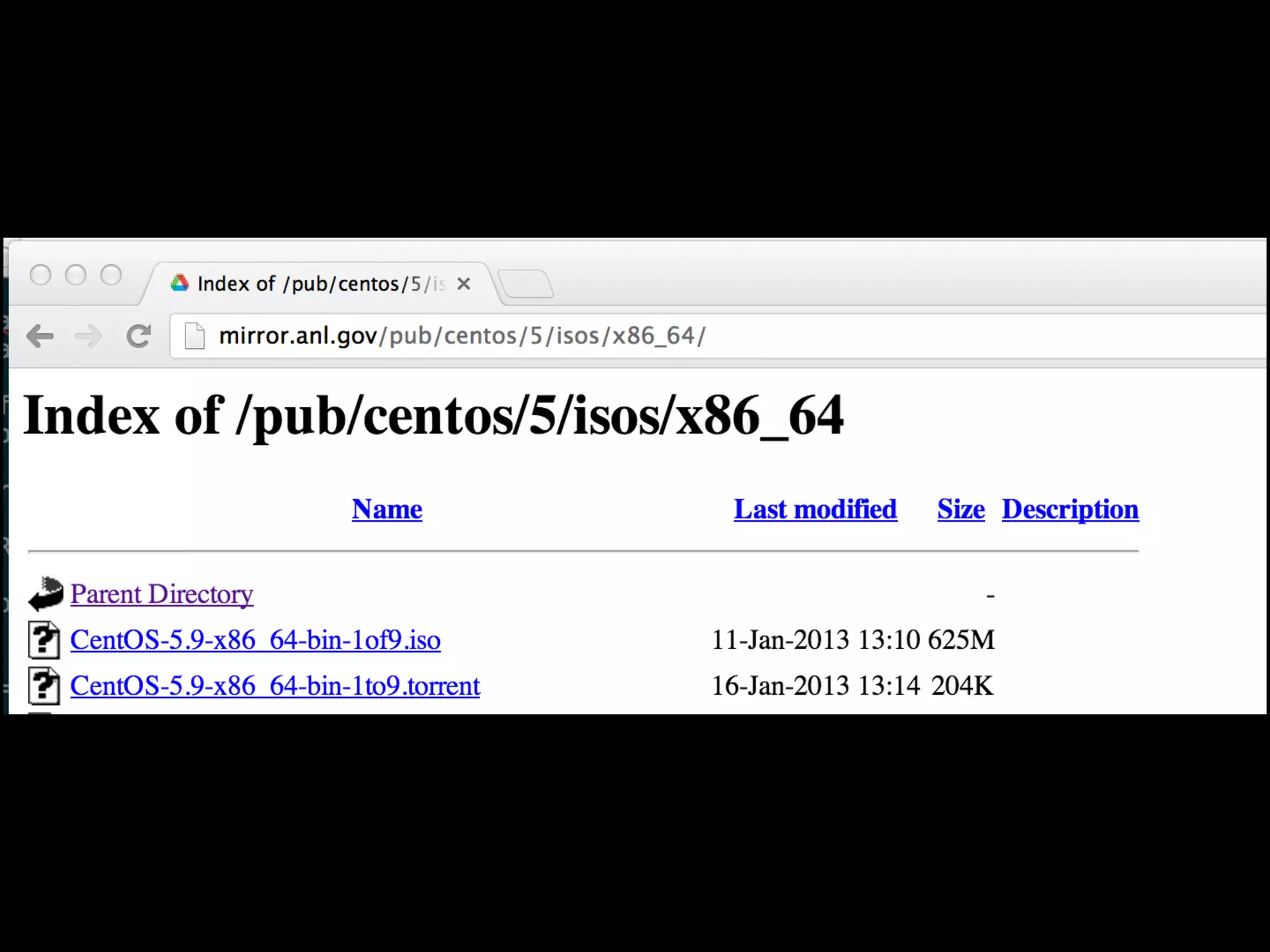
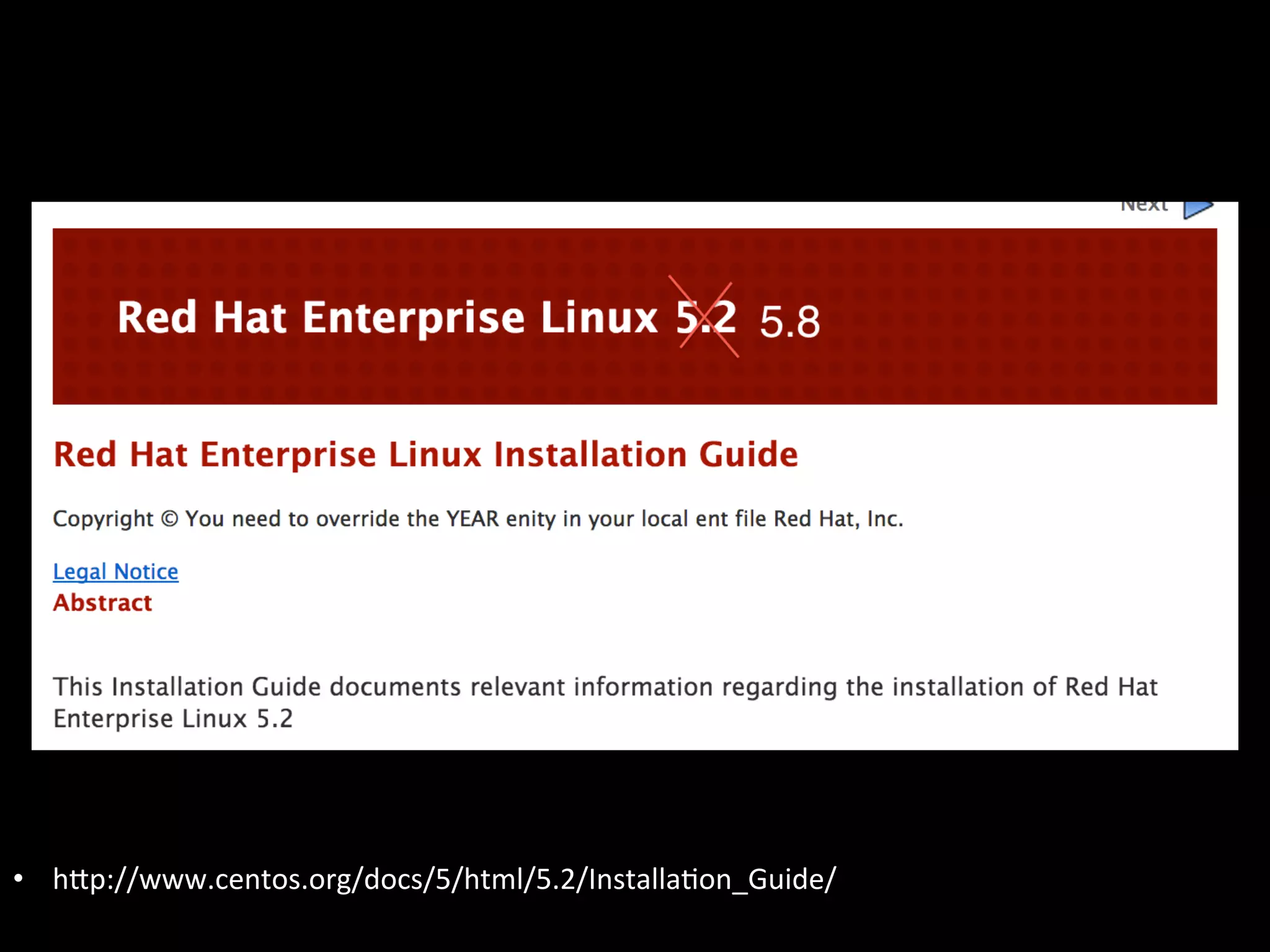
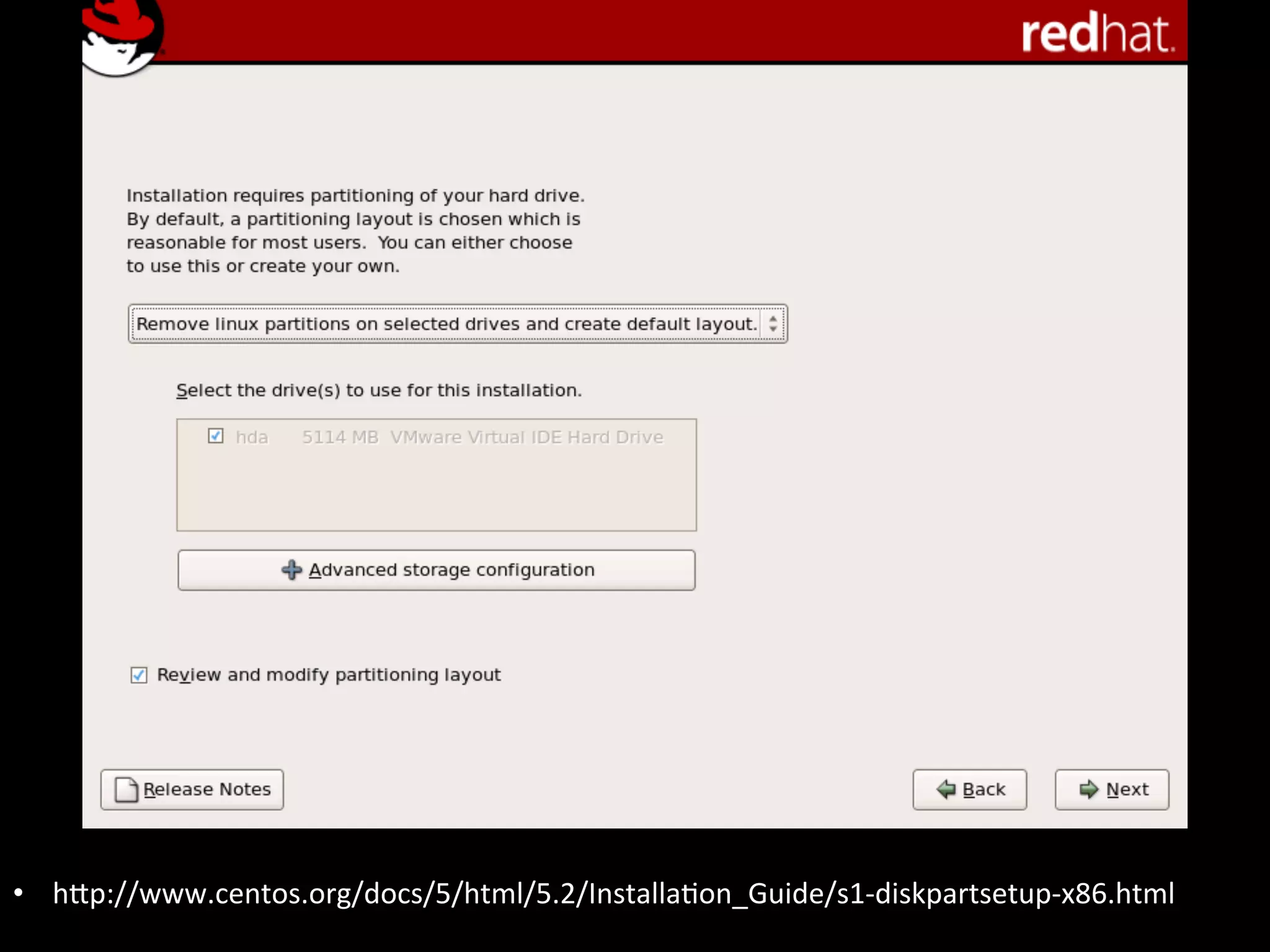
•  hIp://www.centos.org/docs/5/html/5.2/InstallaAon_Guide/	
  
•  hIp://www.centos.org/docs/5/html/5.2/InstallaAon_Guide/s1-­‐diskpartsetup-­‐x86.html	
  
You	
  get	
  the	
  idea	


But	
  wait,	
  there’s	
  more!	
  
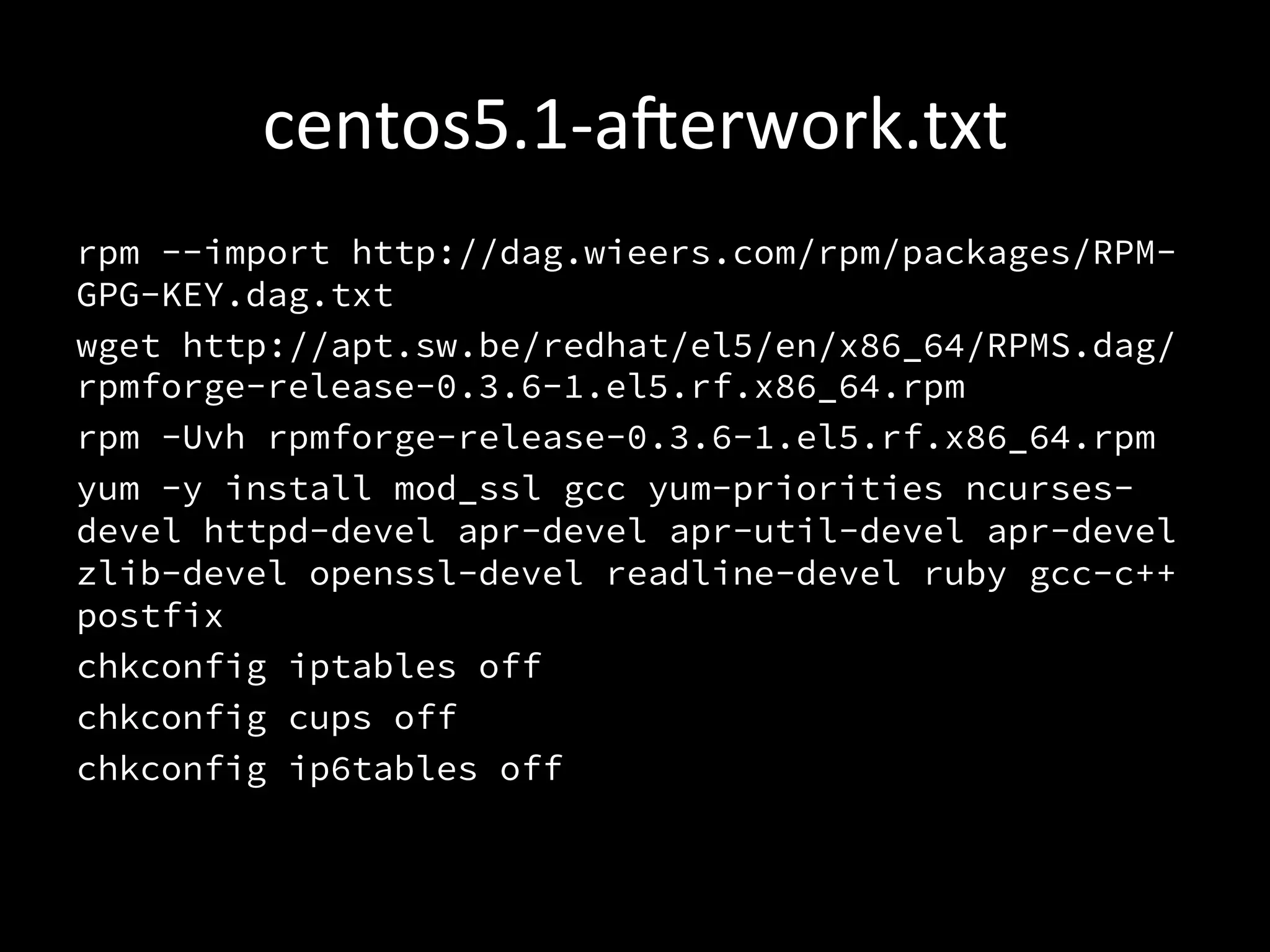
centos5.1-­‐aerwork.txt	
  
rpm --import http://dag.wieers.com/rpm/packages/RPM-
GPG-KEY.dag.txt
wget http://apt.sw.be/redhat/el5/en/x86_64/RPMS.dag/
rpmforge-release-0.3.6-1.el5.rf.x86_64.rpm
rpm -Uvh rpmforge-release-0.3.6-1.el5.rf.x86_64.rpm
yum -y install mod_ssl gcc yum-priorities ncurses-
devel httpd-devel apr-devel apr-util-devel apr-devel
zlib-devel openssl-devel readline-devel ruby gcc-c++
postfix
chkconfig iptables off
chkconfig cups off
chkconfig ip6tables off
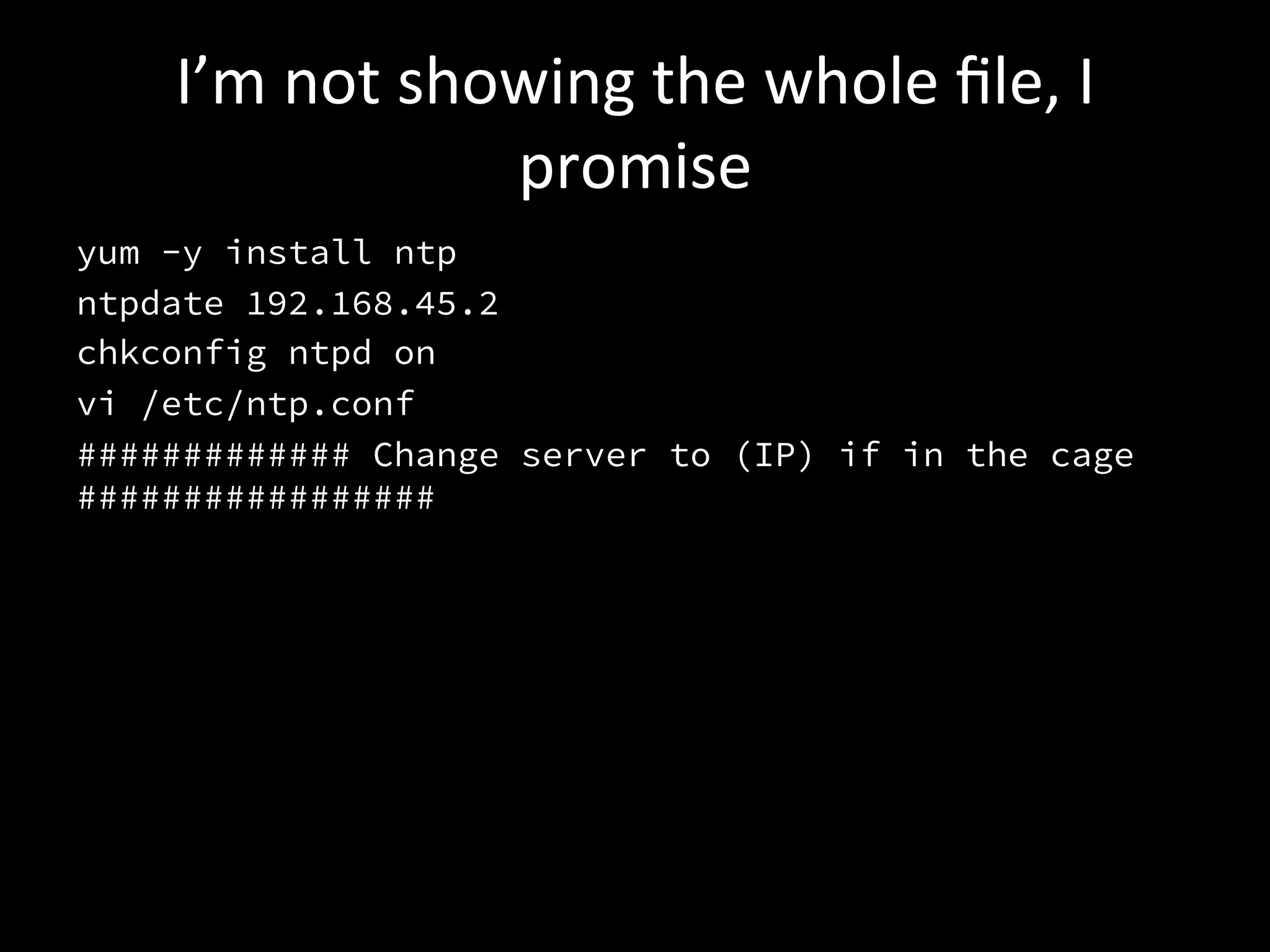
I’m	
  not	
  showing	
  the	
  whole	
  file,	
  I	
  
                     promise	
  
yum -y install ntp
ntpdate 192.168.45.2
chkconfig ntpd on
vi /etc/ntp.conf
############# Change server to (IP) if in the cage
#################
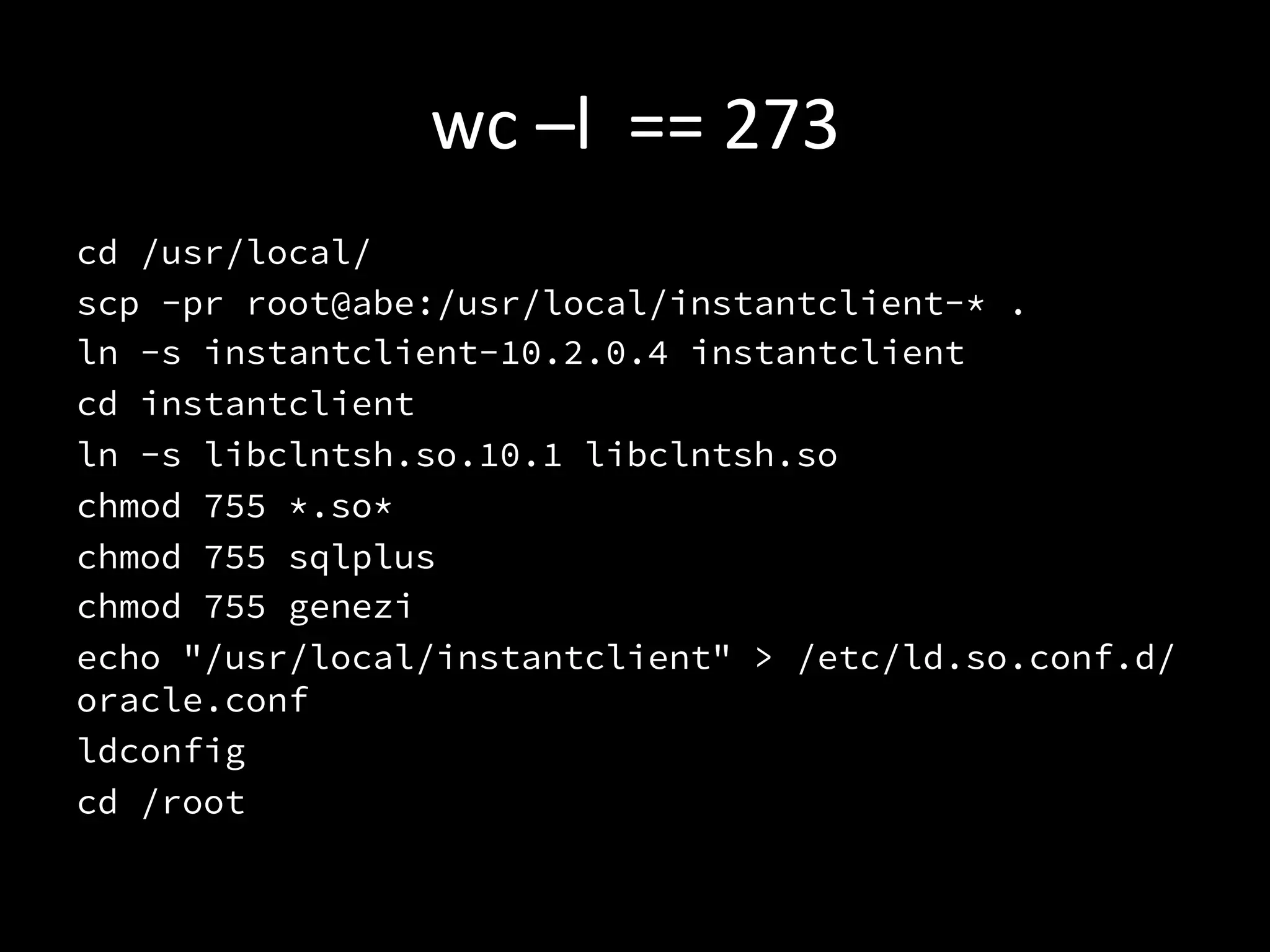
wc	
  –l	
  	
  ==	
  273	
  
cd /usr/local/
scp -pr root@abe:/usr/local/instantclient-* .
ln -s instantclient-10.2.0.4 instantclient
cd instantclient
ln -s libclntsh.so.10.1 libclntsh.so
chmod 755 *.so*
chmod 755 sqlplus
chmod 755 genezi
echo "/usr/local/instantclient" > /etc/ld.so.conf.d/
oracle.conf
ldconfig
cd /root
So…	
  that’s	
  it,	
  right?	
  
•  Nope.	
  	
  That’s	
  just	
  the	
  OS,	
  no	
  app.	
  
•  Deploy	
  instrucAons	
  passed	
  down	
  from	
  
   developer	
  to	
  developer	
  as	
  lore	
  and	
  legend.	
  
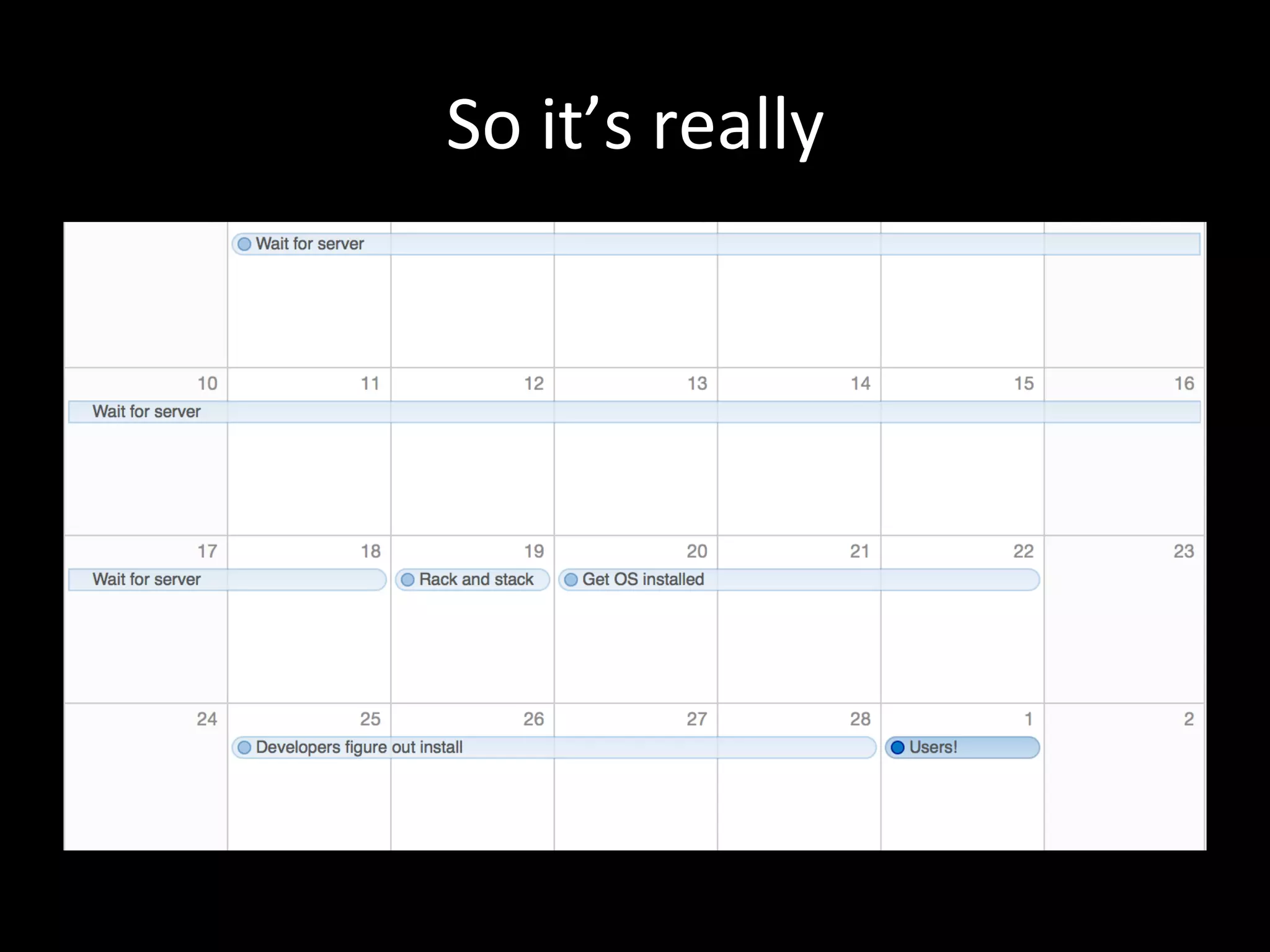
So	
  it’s	
  really	
  
What	
  about	
  VMs?	
  
•  Obviously	
  no	
  rack-­‐and-­‐stack,	
  but	
  otherwise	
  
   the	
  same	
  
•  Sweet	
  master-­‐centos-­‐5.1-­‐java-­‐backstop.img	
  
   “gold”	
  file	
  
What	
  if	
  upstream	
  changes?	
  
•  We	
  lose	
  
•  Massive	
  dri	
  between	
  machines	
  
  “Remember	
  that	
  bobo	
  is	
  slow	
  to	
  run	
  
                        email	
  imports”	


•  I’m	
  just	
  not	
  going	
  to	
  talk	
  about	
  patching	
  
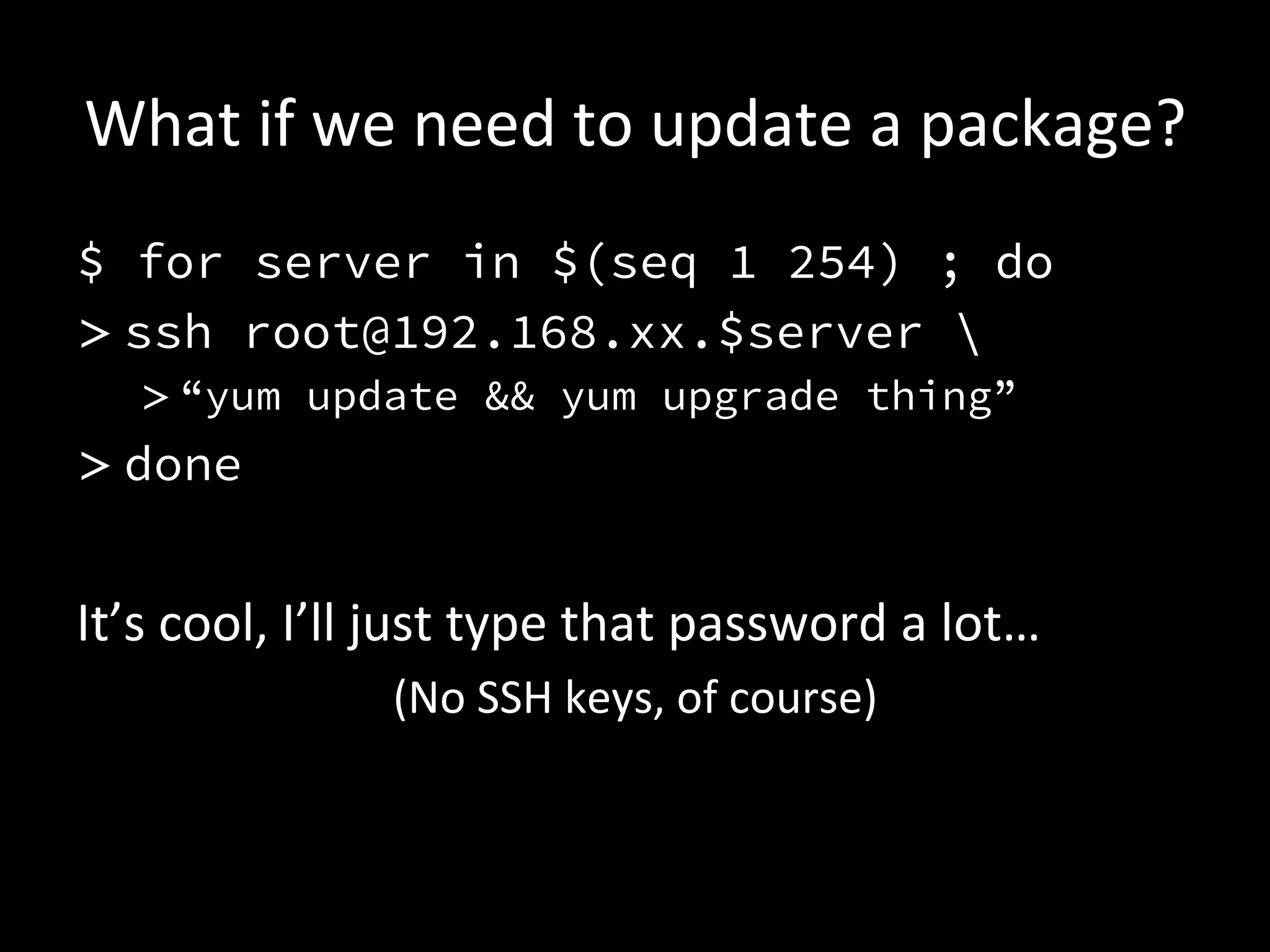
What	
  if	
  we	
  need	
  to	
  update	
  a	
  package?	
  
$ for server in $(seq 1 254) ; do
> ssh root@192.168.xx.$server 
    > “yum update && yum upgrade thing”
> done


It’s	
  cool,	
  I’ll	
  just	
  type	
  that	
  password	
  a	
  lot…	
  
                       (No	
  SSH	
  keys,	
  of	
  course)	
  
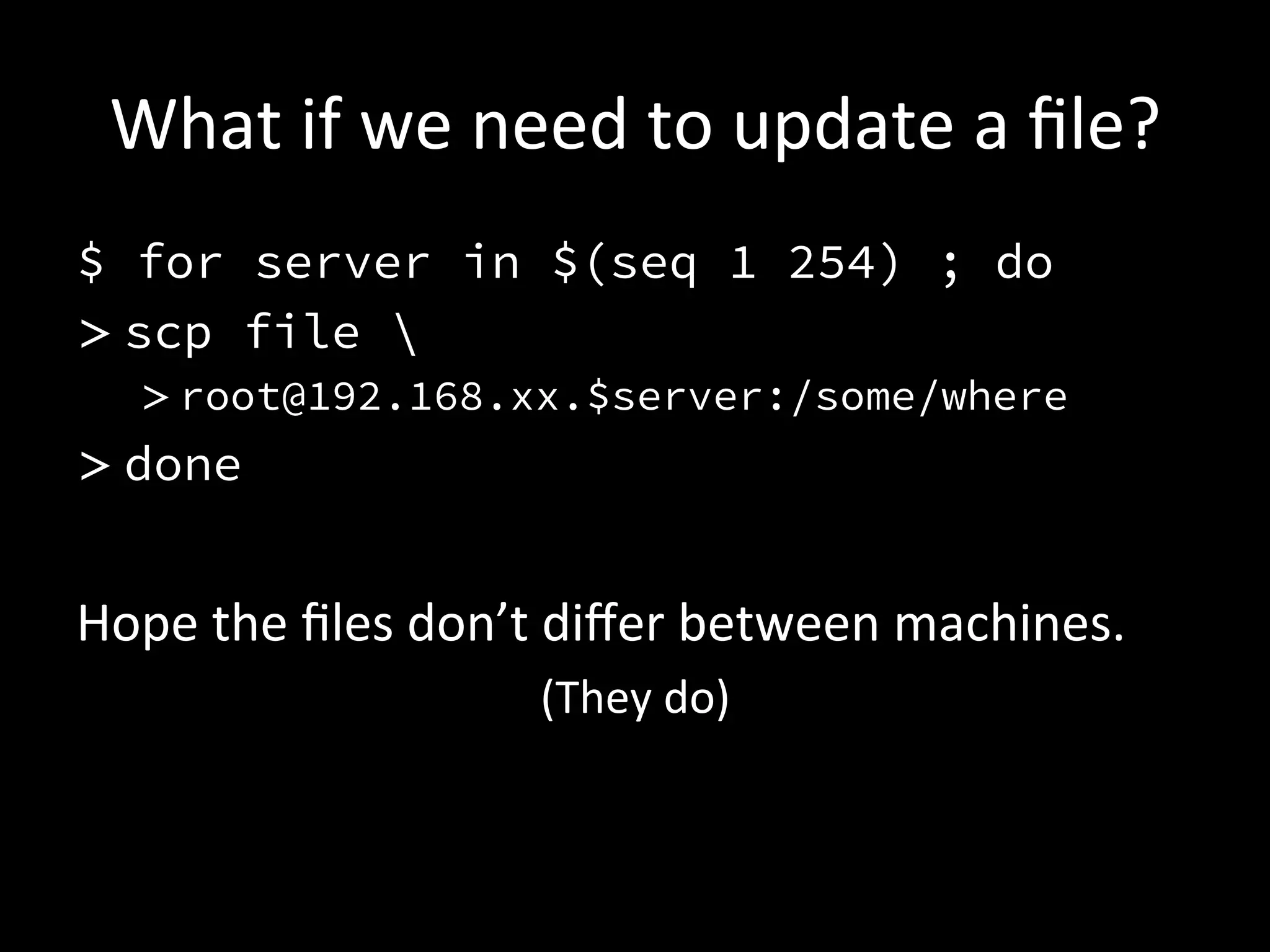
What	
  if	
  we	
  need	
  to	
  update	
  a	
  file?	
  
$ for server in $(seq 1 254) ; do
> scp file 
   > root@192.168.xx.$server:/some/where
> done


Hope	
  the	
  files	
  don’t	
  differ	
  between	
  machines.	
  
                            (They	
  do)	
  
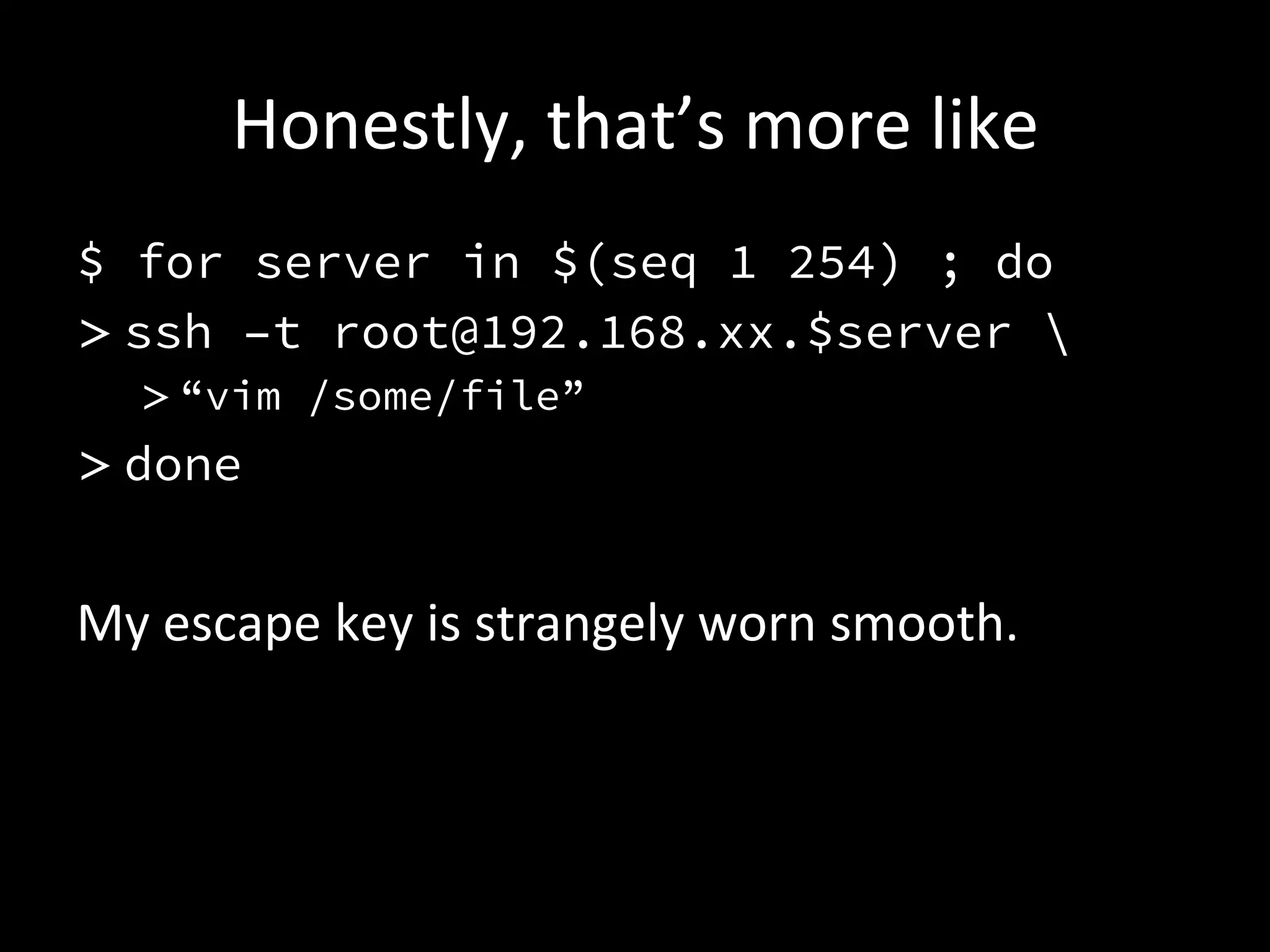
Honestly,	
  that’s	
  more	
  like	
  
$ for server in $(seq 1 254) ; do
> ssh –t root@192.168.xx.$server 
    > “vim /some/file”
> done

My	
  escape	
  key	
  is	
  strangely	
  worn	
  smooth.	
  
My	
  reacAon	


•  Courtesy	
  THE	
  INTERNET	
  
    •  Specifically	
  hIp://www.reacAongifs.com/nope-­‐nope-­‐nope-­‐octopus/	
  
•  hIp://en.wikipedia.org/wiki/File:The_Scream.jpg	
  
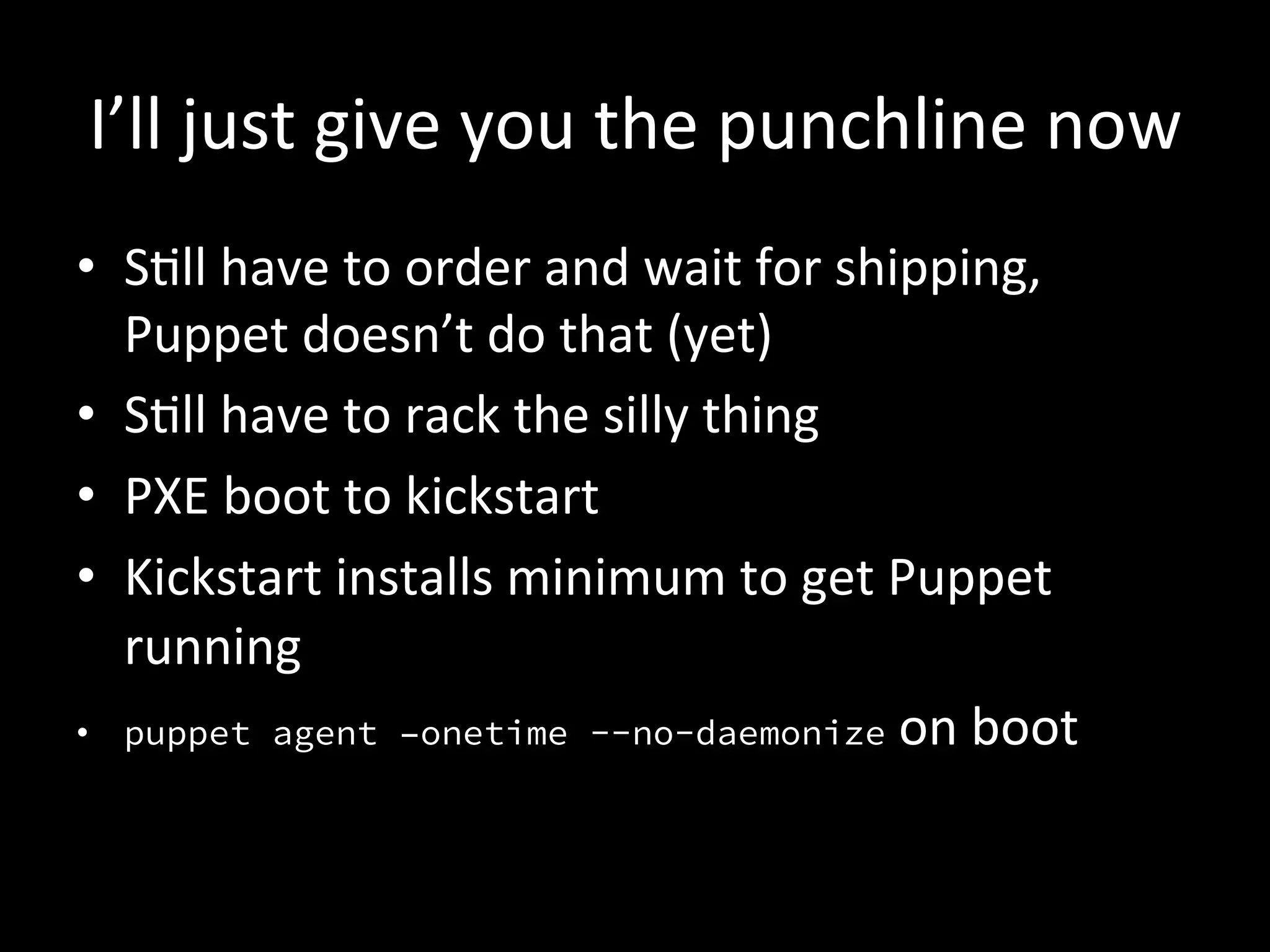
I’ll	
  just	
  give	
  you	
  the	
  punchline	
  now	
  
•  SAll	
  have	
  to	
  order	
  and	
  wait	
  for	
  shipping,	
  
   Puppet	
  doesn’t	
  do	
  that	
  (yet)	
  
•  SAll	
  have	
  to	
  rack	
  the	
  silly	
  thing	
  
•  PXE	
  boot	
  to	
  kickstart	
  
•  Kickstart	
  installs	
  minimum	
  to	
  get	
  Puppet	
  
   running	
  
•  puppet agent –onetime --no-daemonize	
  on	
  boot	
  
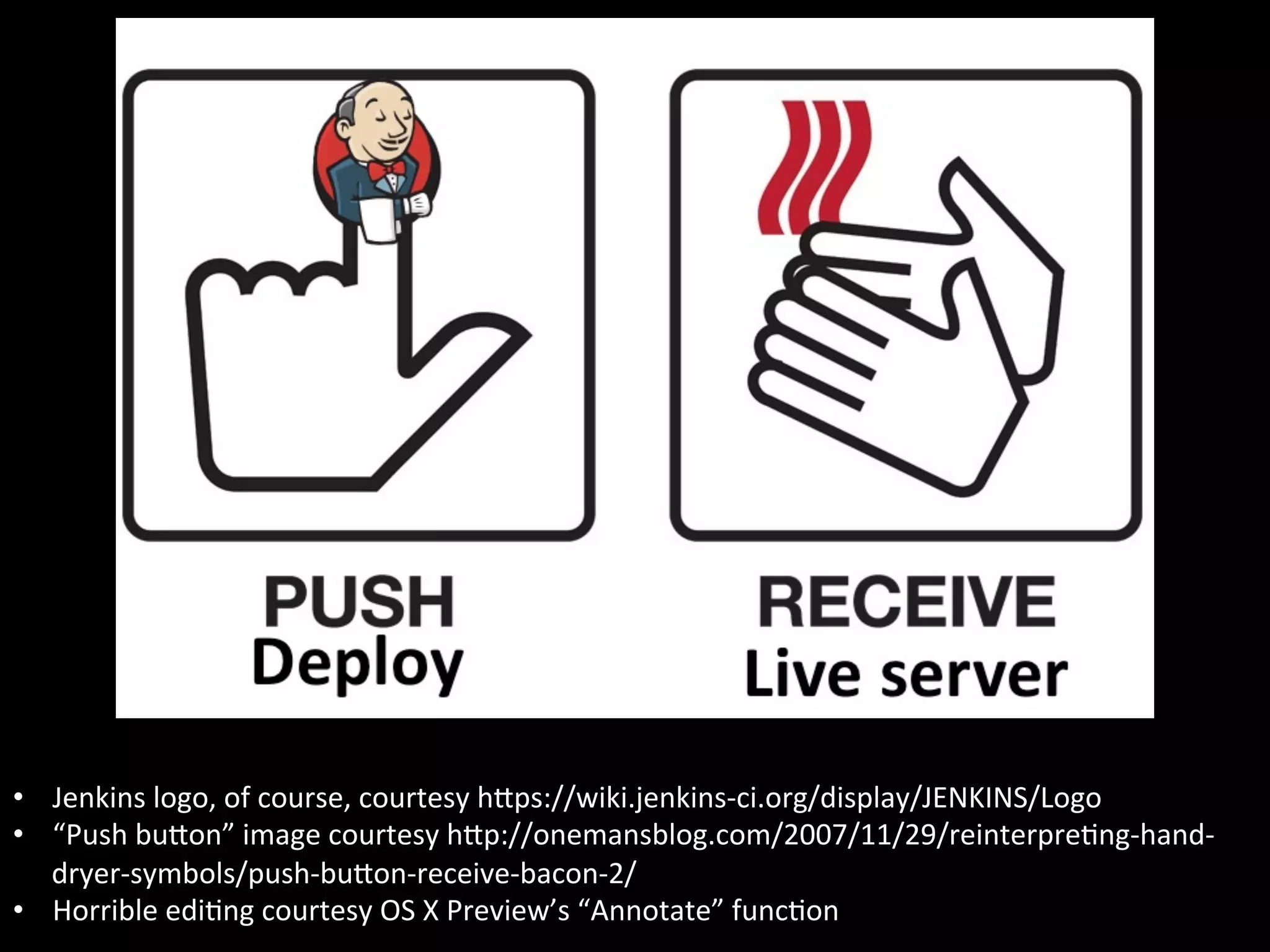
•  Jenkins	
  logo,	
  of	
  course,	
  courtesy	
  hIps://wiki.jenkins-­‐ci.org/display/JENKINS/Logo	
  
•  “Push	
  buIon”	
  image	
  courtesy	
  hIp://onemansblog.com/2007/11/29/reinterpreAng-­‐hand-­‐
   dryer-­‐symbols/push-­‐buIon-­‐receive-­‐bacon-­‐2/	
  
•  Horrible	
  ediAng	
  courtesy	
  OS	
  X	
  Preview’s	
  “Annotate”	
  funcAon	
  
How	
  did	
  we	
  get	
  there?	
  
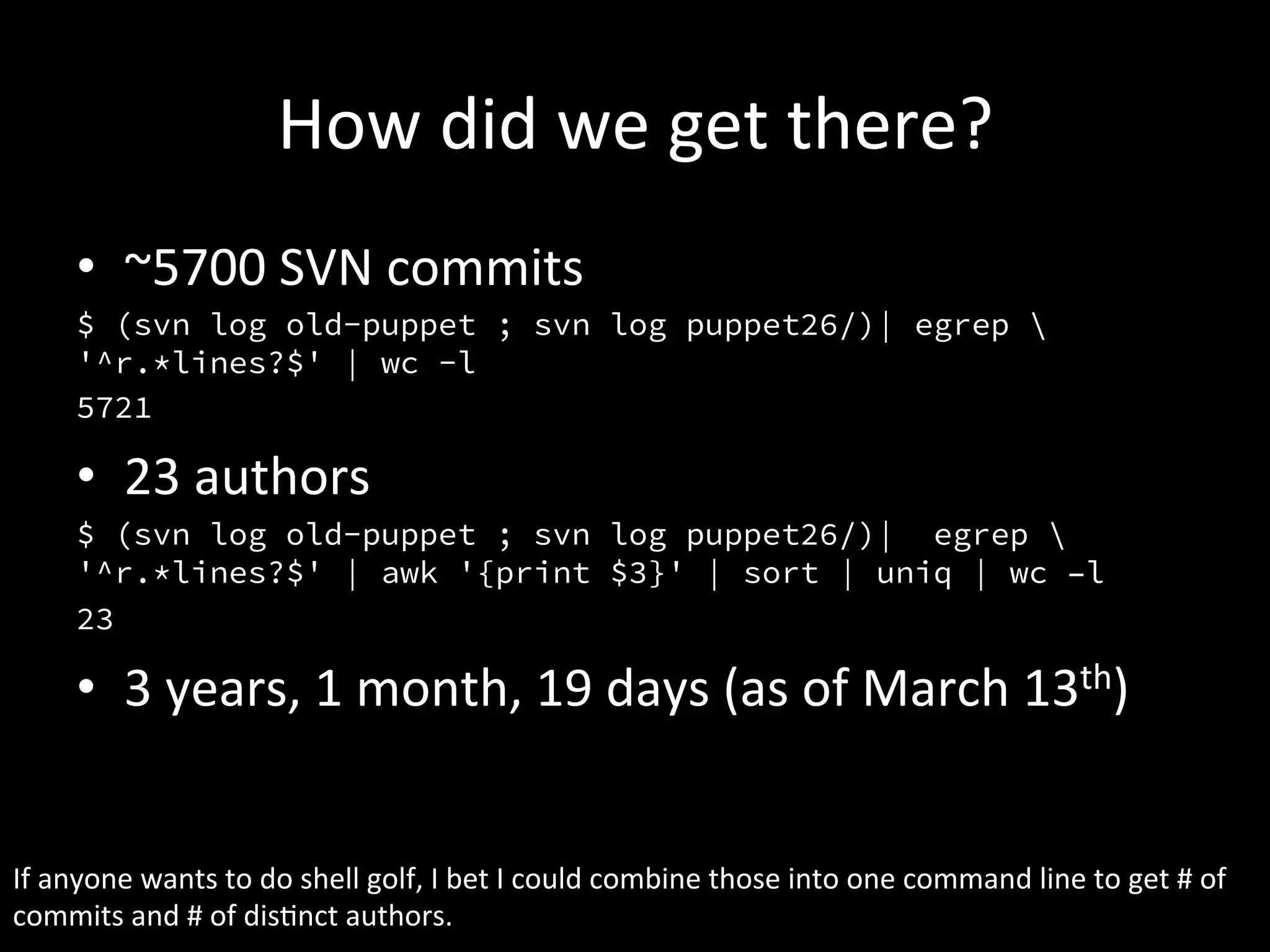
        •  ~5700	
  SVN	
  commits	
  
        $ (svn log old-puppet ; svn log puppet26/)| egrep 
        '^r.*lines?$' | wc -l
        5721

        •  23	
  authors	
  
        $ (svn log old-puppet ; svn log puppet26/)| egrep 
        '^r.*lines?$' | awk '{print $3}' | sort | uniq | wc –l
        23

        •  3	
  years,	
  1	
  month,	
  19	
  days	
  (as	
  of	
  March	
  13th)	


If	
  anyone	
  wants	
  to	
  do	
  shell	
  golf,	
  I	
  bet	
  I	
  could	
  combine	
  those	
  into	
  one	
  command	
  line	
  to	
  get	
  #	
  of	
  
commits	
  and	
  #	
  of	
  disAnct	
  authors.	
  
Let’s	
  talk	
  about	
  what	
  we	
  learned	
  
☹	
  #1	
  –	
  Global	
  variables	
  
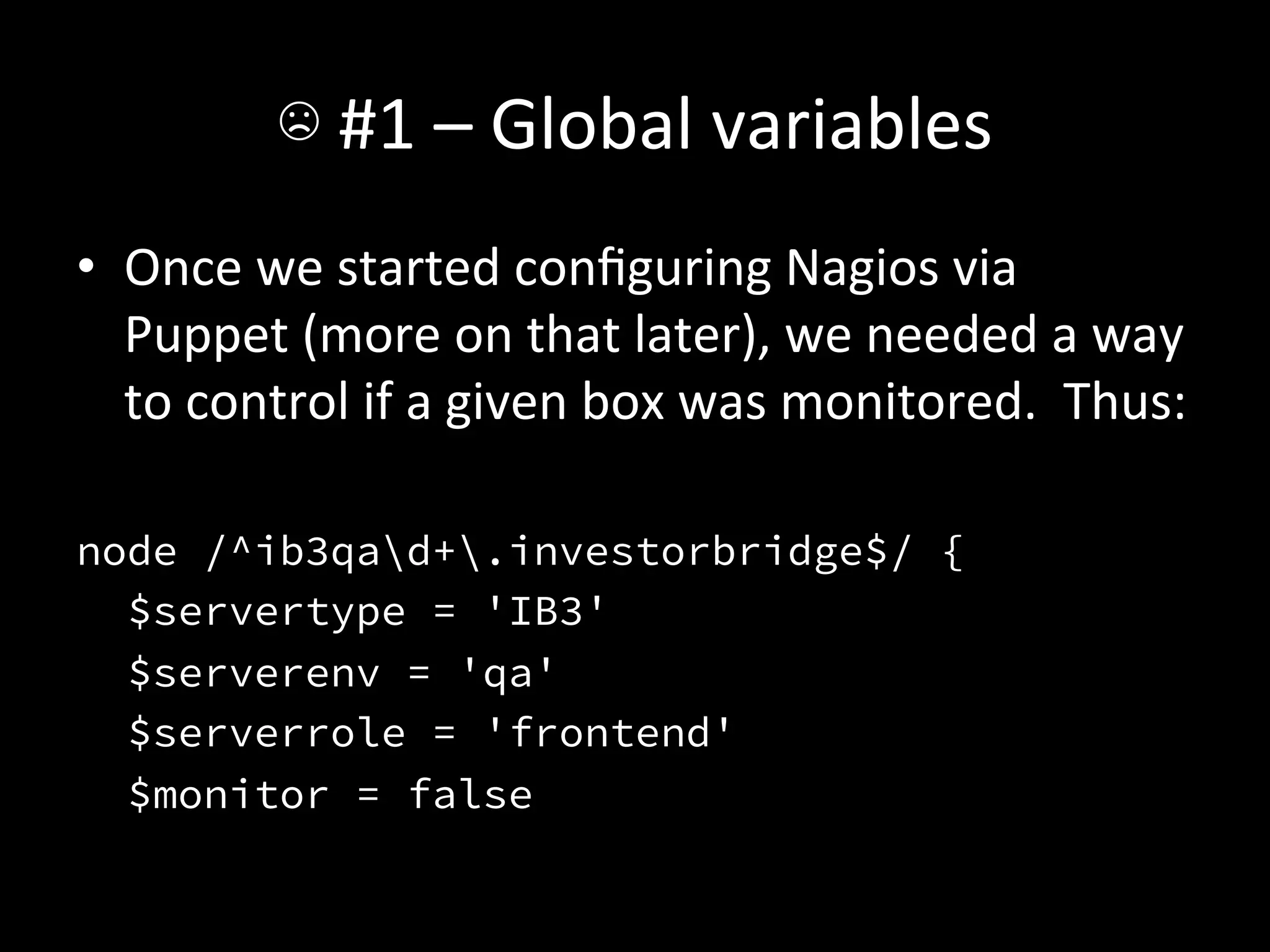
•  Once	
  we	
  started	
  configuring	
  Nagios	
  via	
  
     Puppet	
  (more	
  on	
  that	
  later),	
  we	
  needed	
  a	
  way	
  
     to	
  control	
  if	
  a	
  given	
  box	
  was	
  monitored.	
  	
  Thus:	


node /^ib3qad+.investorbridge$/ {
  $servertype = 'IB3'
  $serverenv = 'qa'
  $serverrole = 'frontend'
  $monitor = false
☹	
  #1	
  –	
  Global	
  variables	
  
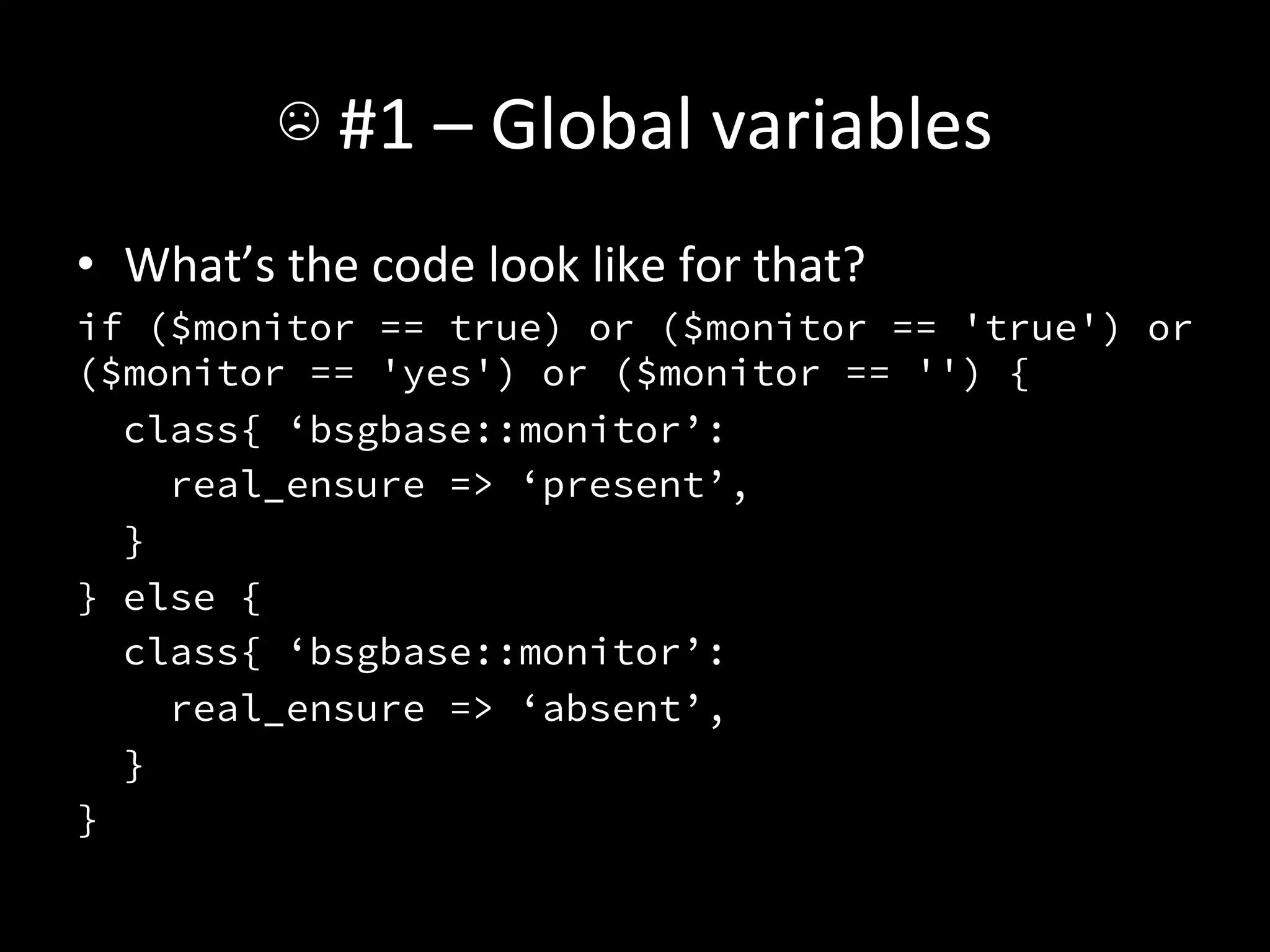
•  What’s	
  the	
  code	
  look	
  like	
  for	
  that?	
  
if ($monitor == true) or ($monitor == 'true') or
($monitor == 'yes') or ($monitor == '') {
   class{ ‘bsgbase::monitor’:
     real_ensure => ‘present’,
   }
} else {
   class{ ‘bsgbase::monitor’:
     real_ensure => ‘absent’,
   }
}
☹	
  #1	
  –	
  Global	
  variables	
  
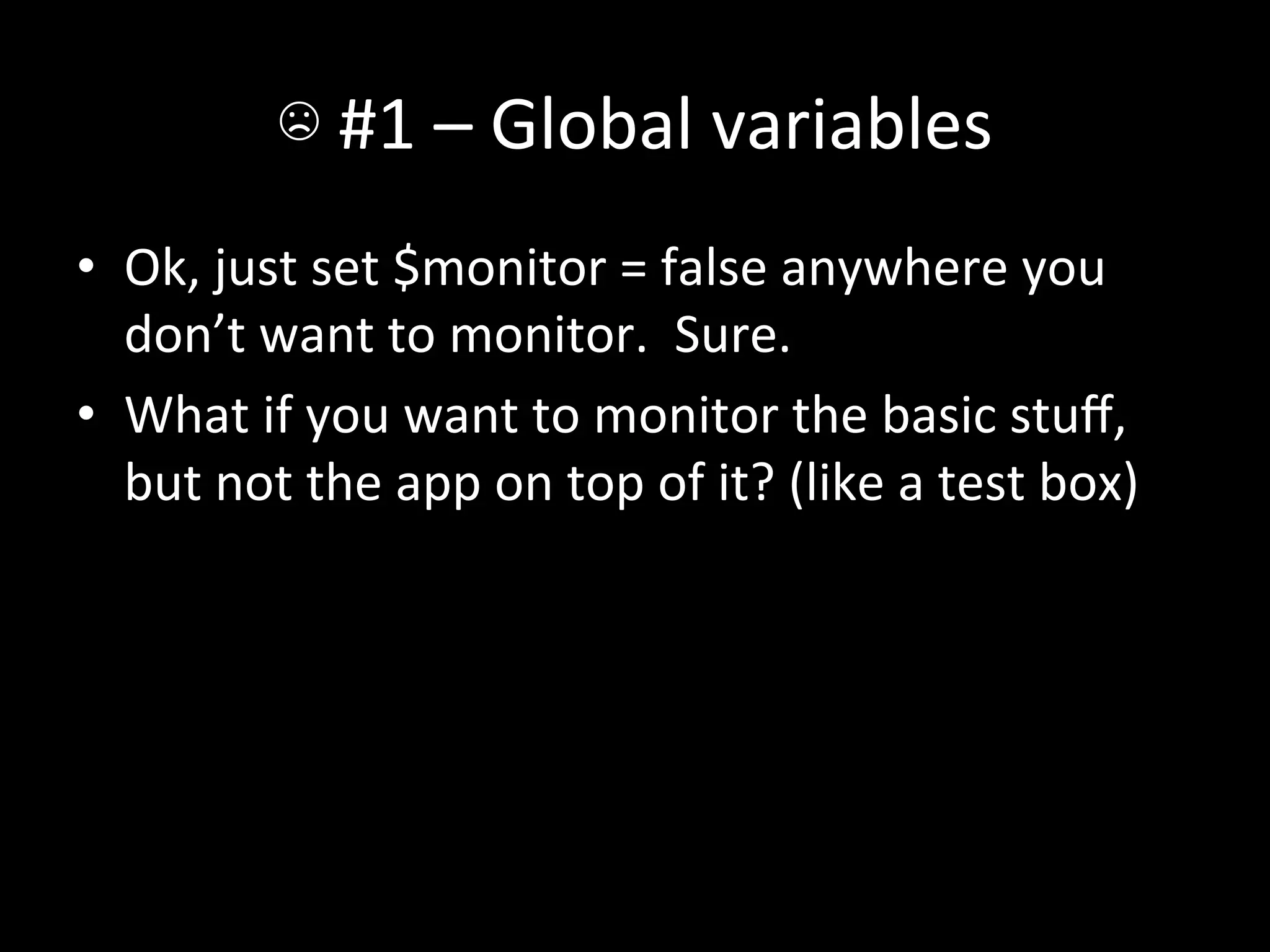
•  Ok,	
  just	
  set	
  $monitor	
  =	
  false	
  anywhere	
  you	
  
   don’t	
  want	
  to	
  monitor.	
  	
  Sure.	
  
•  What	
  if	
  you	
  want	
  to	
  monitor	
  the	
  basic	
  stuff,	
  
   but	
  not	
  the	
  app	
  on	
  top	
  of	
  it?	
  (like	
  a	
  test	
  box)	
  
☹	
  #1	
  –	
  Global	
  variables	
  
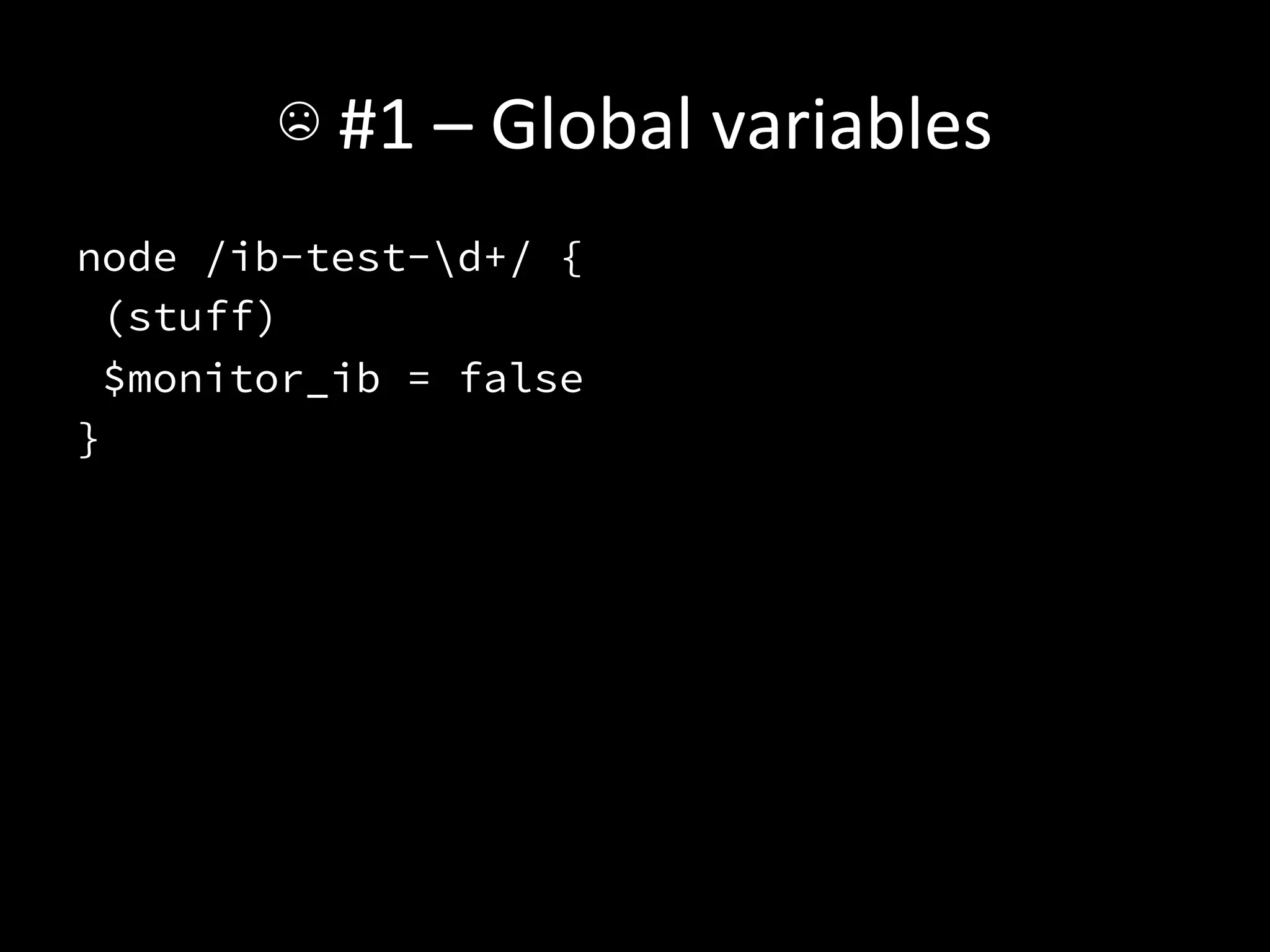
node /ib-test-d+/ {
 (stuff)
 $monitor_ib = false
}
☹	
  #1	
  –	
  Global	
  variables	
  
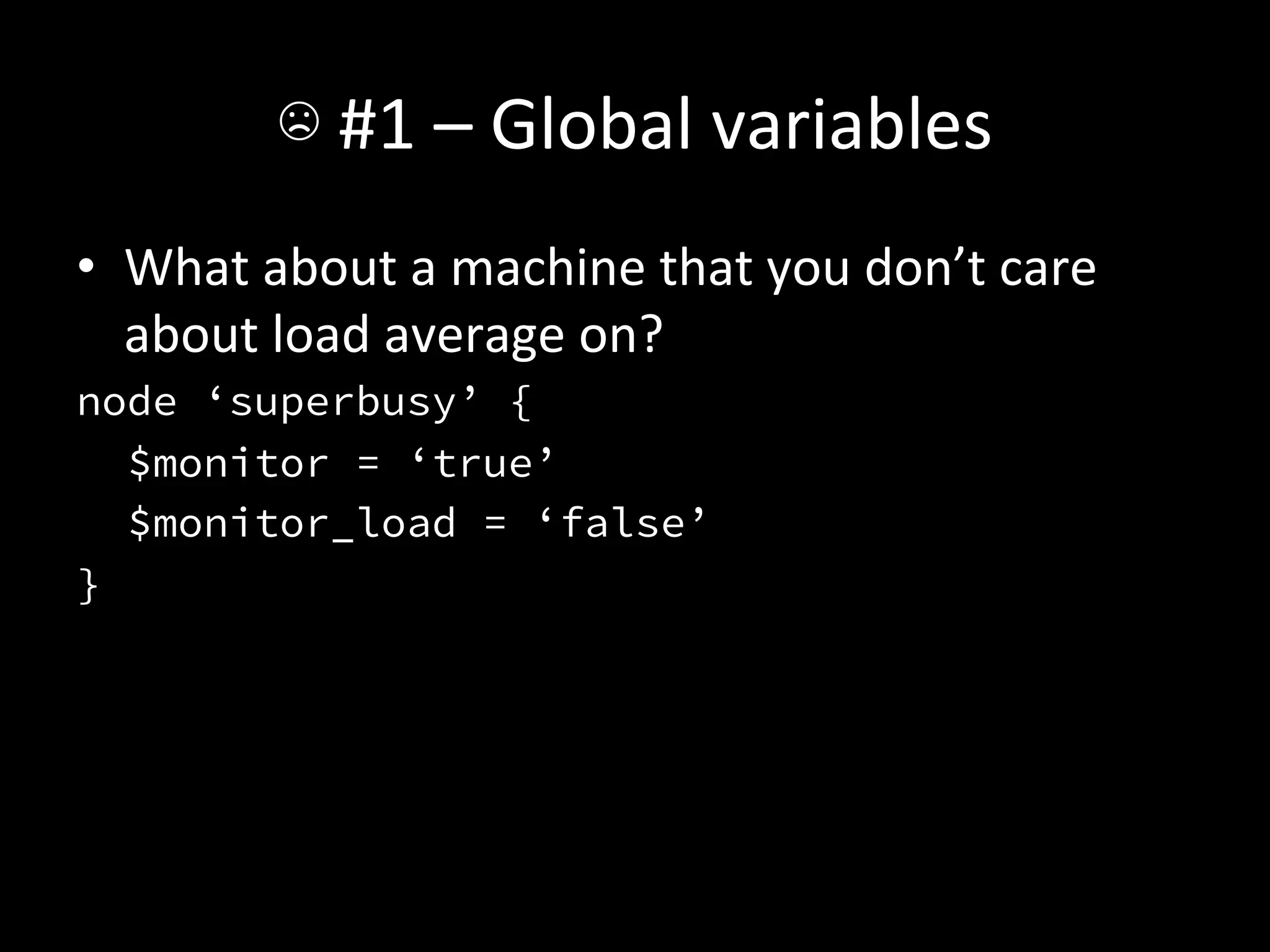
•  What	
  about	
  a	
  machine	
  that	
  you	
  don’t	
  care	
  
   about	
  load	
  average	
  on?	
  
node ‘superbusy’ {
   $monitor = ‘true’
   $monitor_load = ‘false’
}
☹	
  #1	
  –	
  Global	
  variables	
  
•  Guess	
  what	
  that	
  code	
  looks	
  like?	
  
☹	
  #1	
  –	
  Global	
  variables	
  
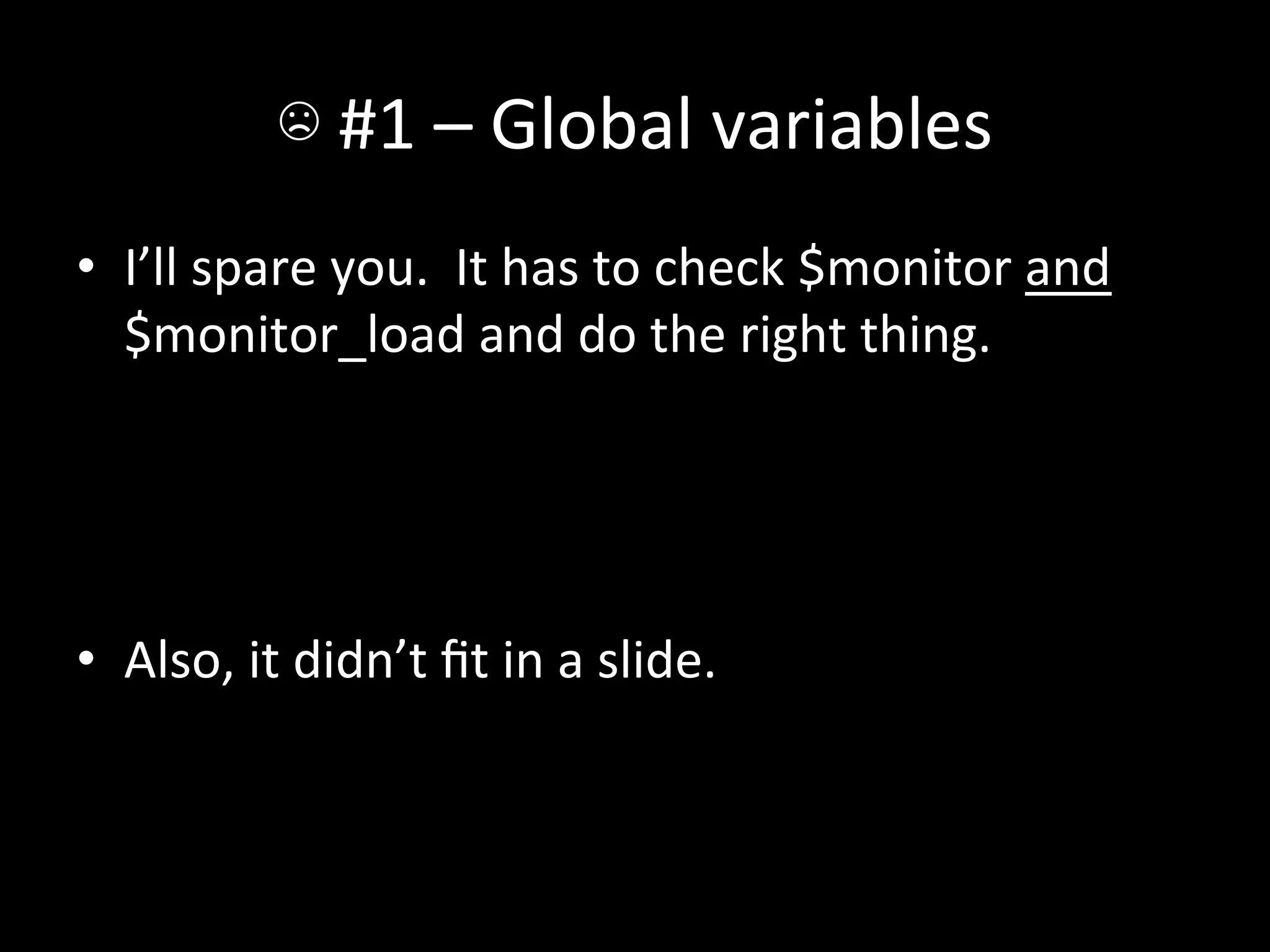
•  I’ll	
  spare	
  you.	
  	
  It	
  has	
  to	
  check	
  $monitor	
  and	
  
   $monitor_load	
  and	
  do	
  the	
  right	
  thing.	


•  Also,	
  it	
  didn’t	
  fit	
  in	
  a	
  slide.	
  
☹	
  #1	
  –	
  Global	
  variables	
  
☹	
  #1	
  –	
  Global	
  variables	
  
•  Seemed	
  like	
  a	
  good	
  idea	
  at	
  the	
  Ame.	
  
•  How	
  do	
  we	
  get	
  rid	
  of	
  it?	
  
•  Turns	
  out	
  Puppet	
  3	
  does	
  this	
  for	
  you!	
  
☺	
  #1	
  -­‐	
  Hiera	
  
•  Hiera	
  to	
  the	
  rescue.	
  
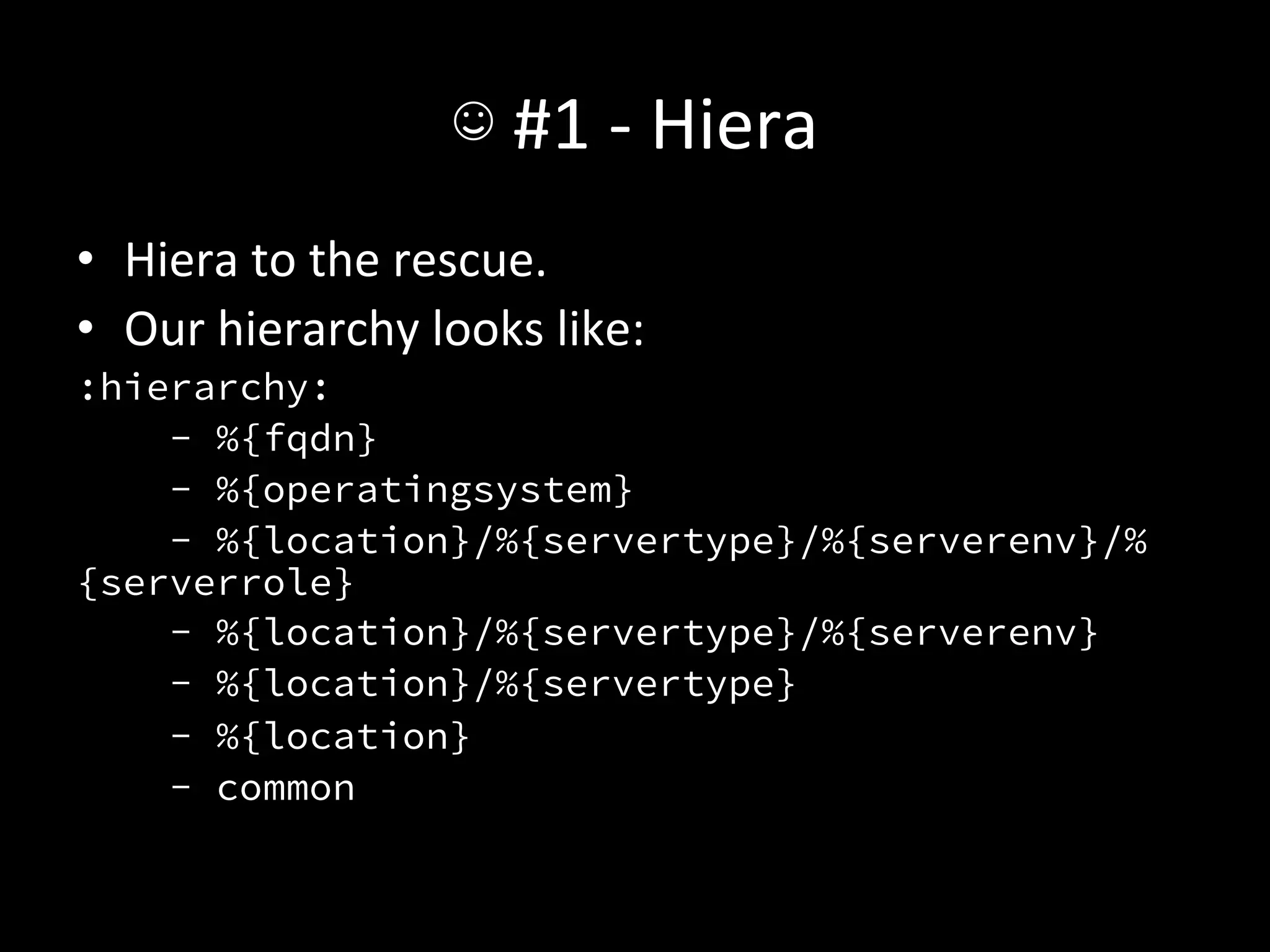
•  Our	
  hierarchy	
  looks	
  like:	
  
:hierarchy:
    - %{fqdn}
    - %{operatingsystem}
    - %{location}/%{servertype}/%{serverenv}/%
{serverrole}
    - %{location}/%{servertype}/%{serverenv}
    - %{location}/%{servertype}
    - %{location}
    - common
☺	
  #1	
  -­‐	
  Hiera	
  
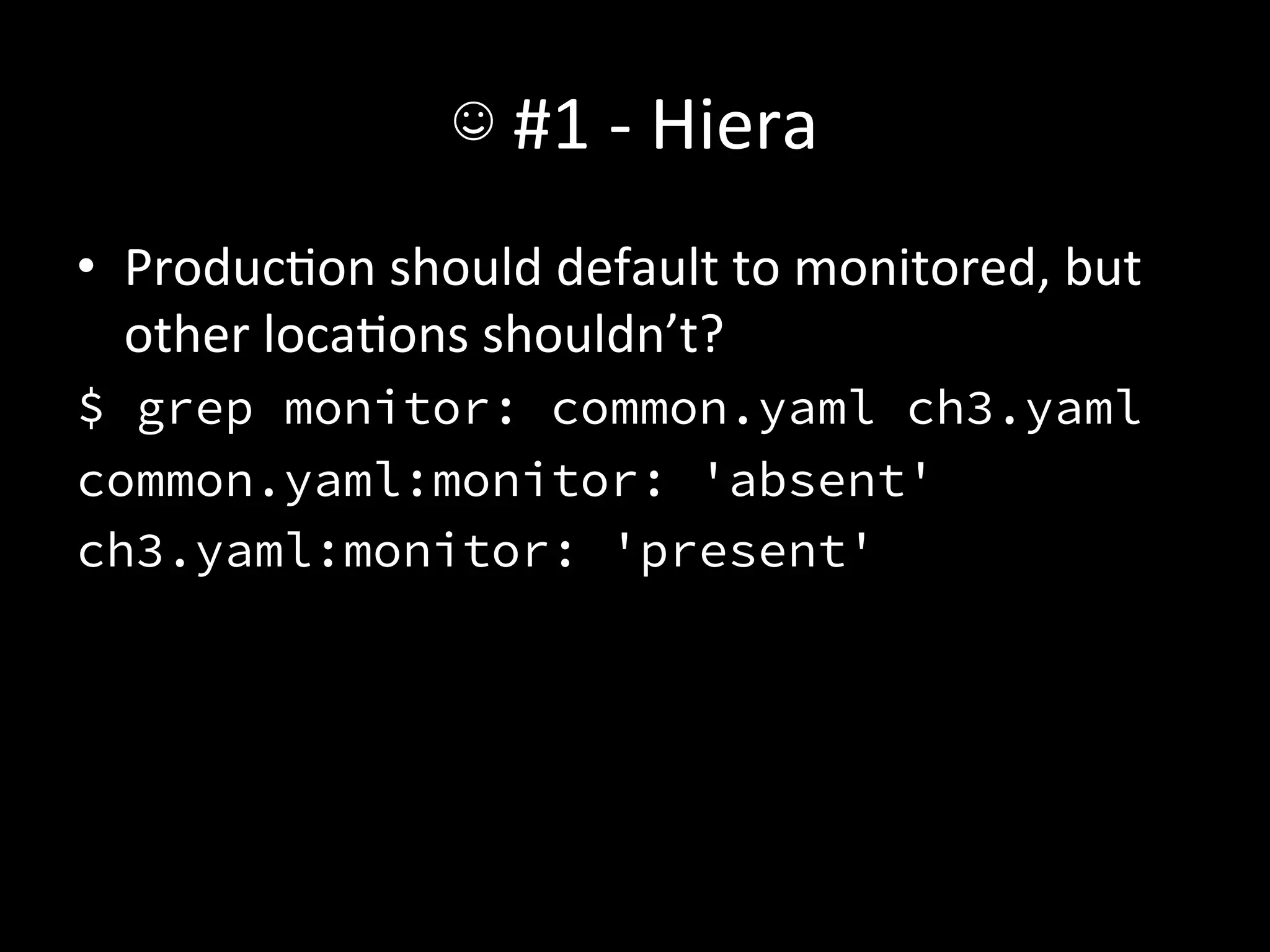
•  ProducAon	
  should	
  default	
  to	
  monitored,	
  but	
  
   other	
  locaAons	
  shouldn’t?	
  
$ grep monitor: common.yaml ch3.yaml
common.yaml:monitor: 'absent'
ch3.yaml:monitor: 'present'
☺	
  #1	
  -­‐	
  Hiera	
  
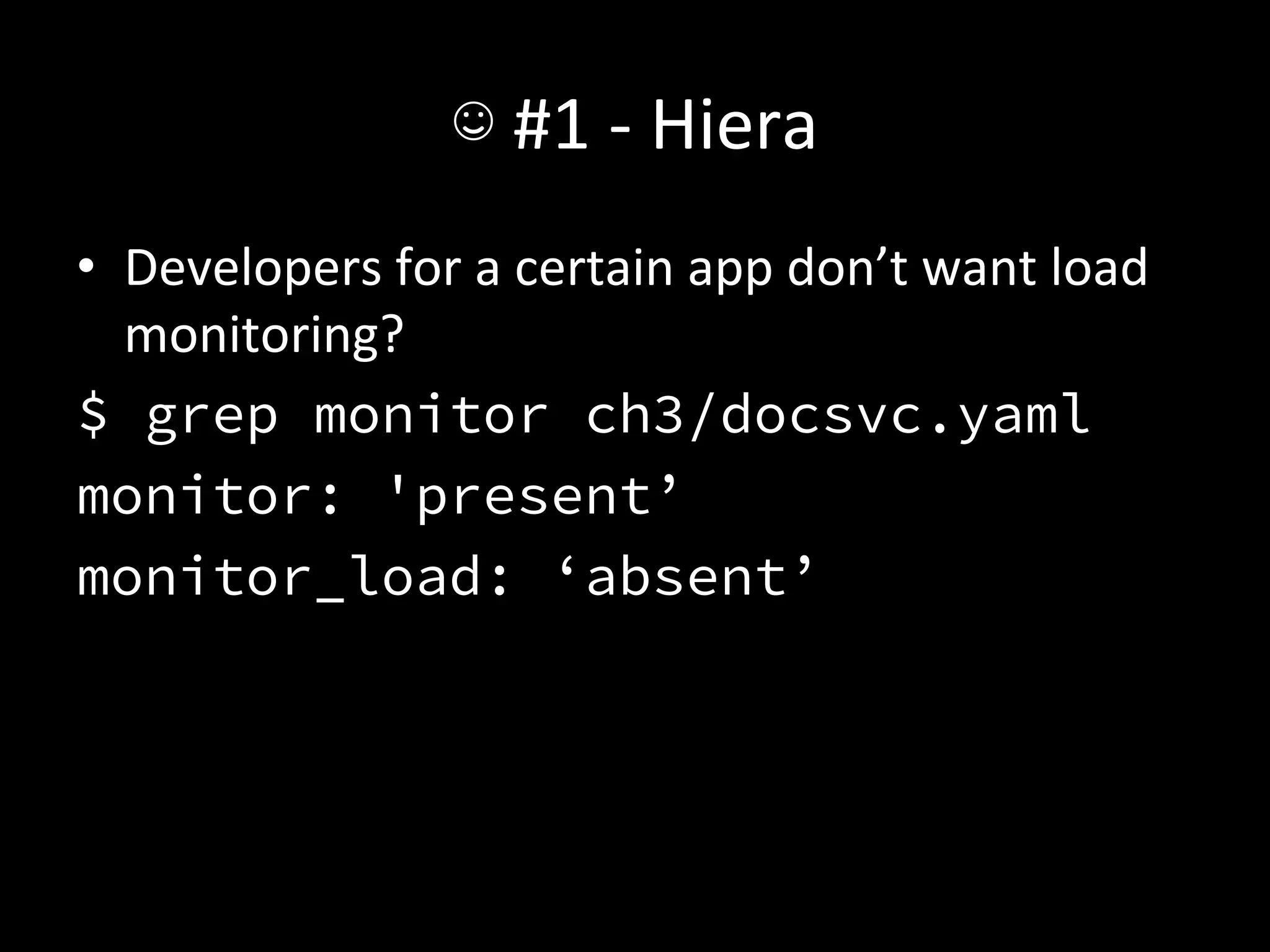
•  Developers	
  for	
  a	
  certain	
  app	
  don’t	
  want	
  load	
  
     monitoring?	
  
$ grep monitor ch3/docsvc.yaml
monitor: 'present’
monitor_load: ‘absent’
	
  
☺	
  #1	
  –	
  Hiera	
  
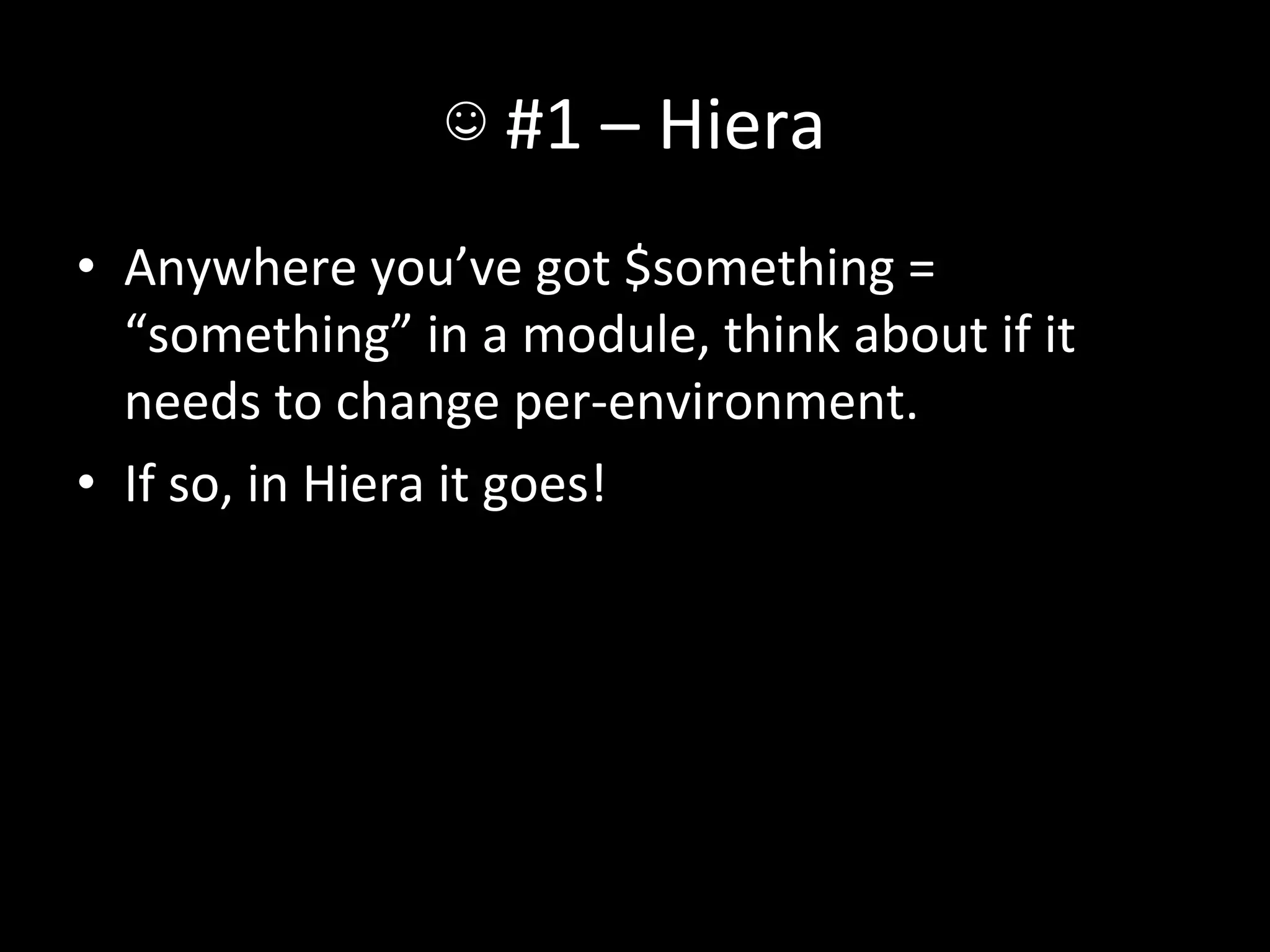
•  Anywhere	
  you’ve	
  got	
  $something	
  =	
  
   “something”	
  in	
  a	
  module,	
  think	
  about	
  if	
  it	
  
   needs	
  to	
  change	
  per-­‐environment.	
  
•  If	
  so,	
  in	
  Hiera	
  it	
  goes!	
  
☺	
  #1	
  –	
  Hiera	
  
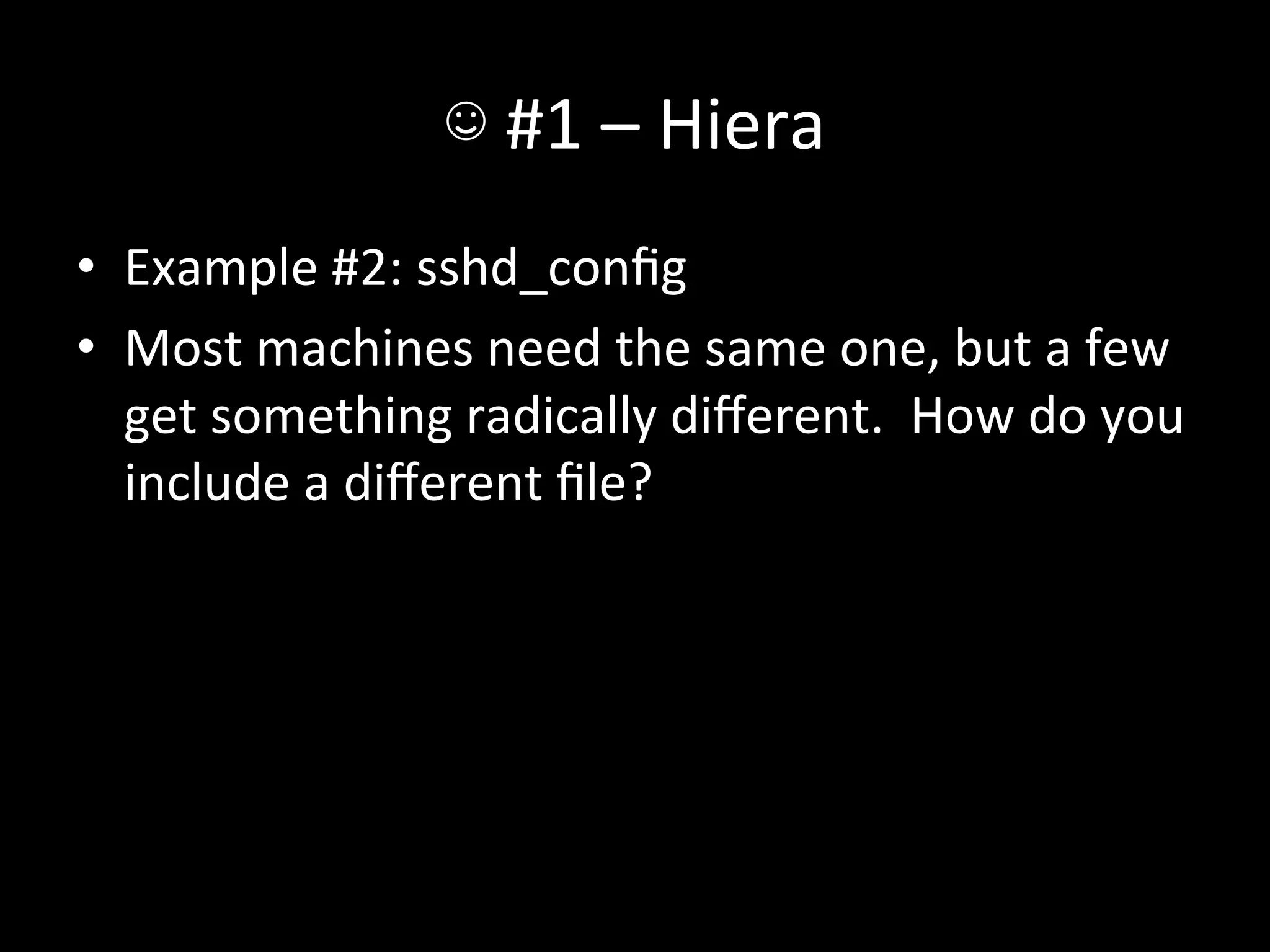
•  Example	
  #2:	
  sshd_config	
  
•  Most	
  machines	
  need	
  the	
  same	
  one,	
  but	
  a	
  few	
  
   get	
  something	
  radically	
  different.	
  	
  How	
  do	
  you	
  
   include	
  a	
  different	
  file?	
  
☺	
  #1	
  –	
  Hiera	
  
class ssh::install {
   $sshd_template = hiera('sshd_template',
'ssh/sshd_config.erb')
 file { '/etc/ssh/sshd_config':
    owner   => 'root',
    group   => 'root',
    mode    => '0600',
    content => template($sshd_template),
    notify => Class['ssh::service'],
   }
}
☺	
  #1	
  –	
  Hiera	
  
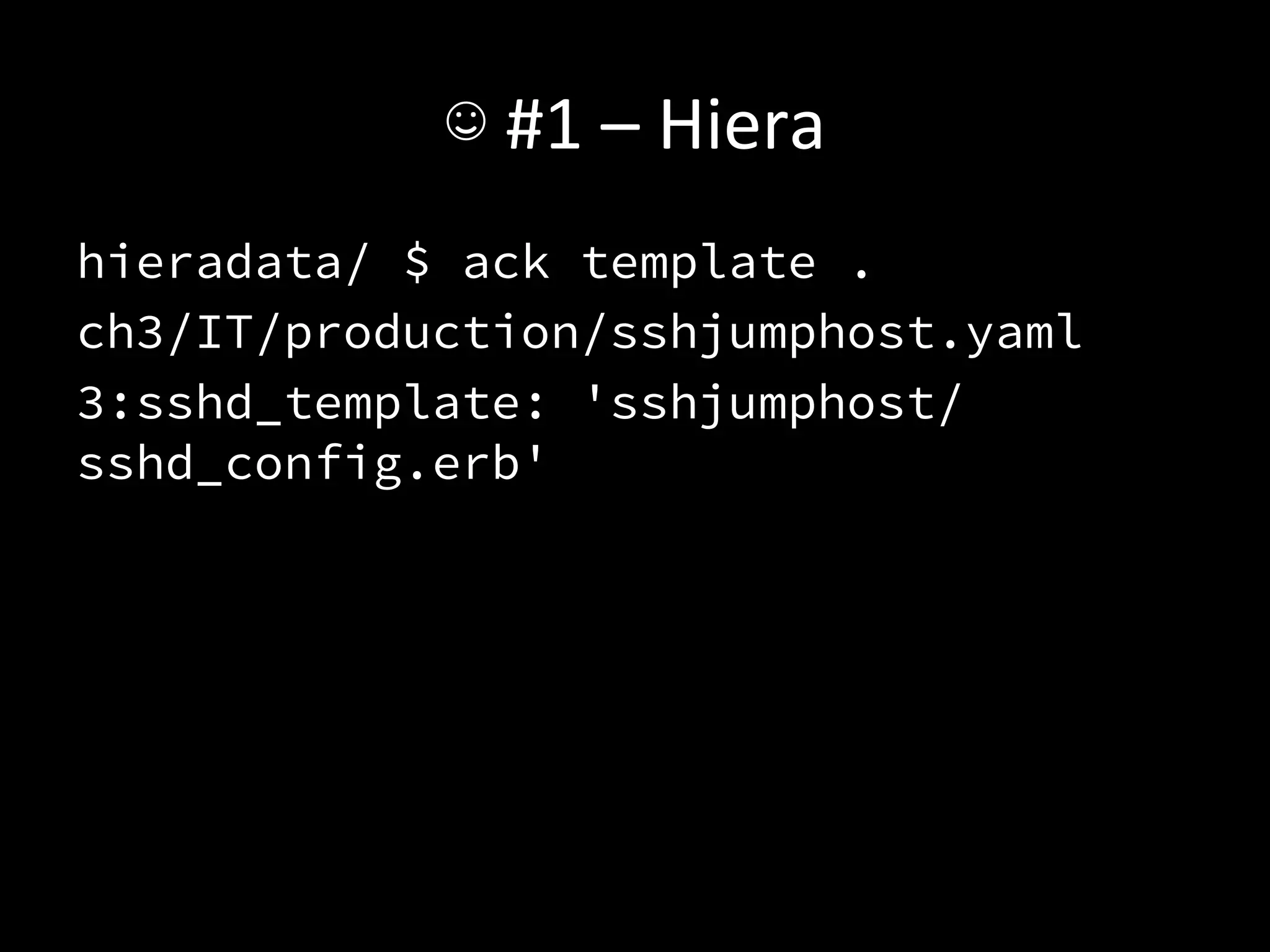
hieradata/ $ ack template .
ch3/IT/production/sshjumphost.yaml
3:sshd_template: 'sshjumphost/
sshd_config.erb'
☺	
  #1	
  –	
  Hiera	
  
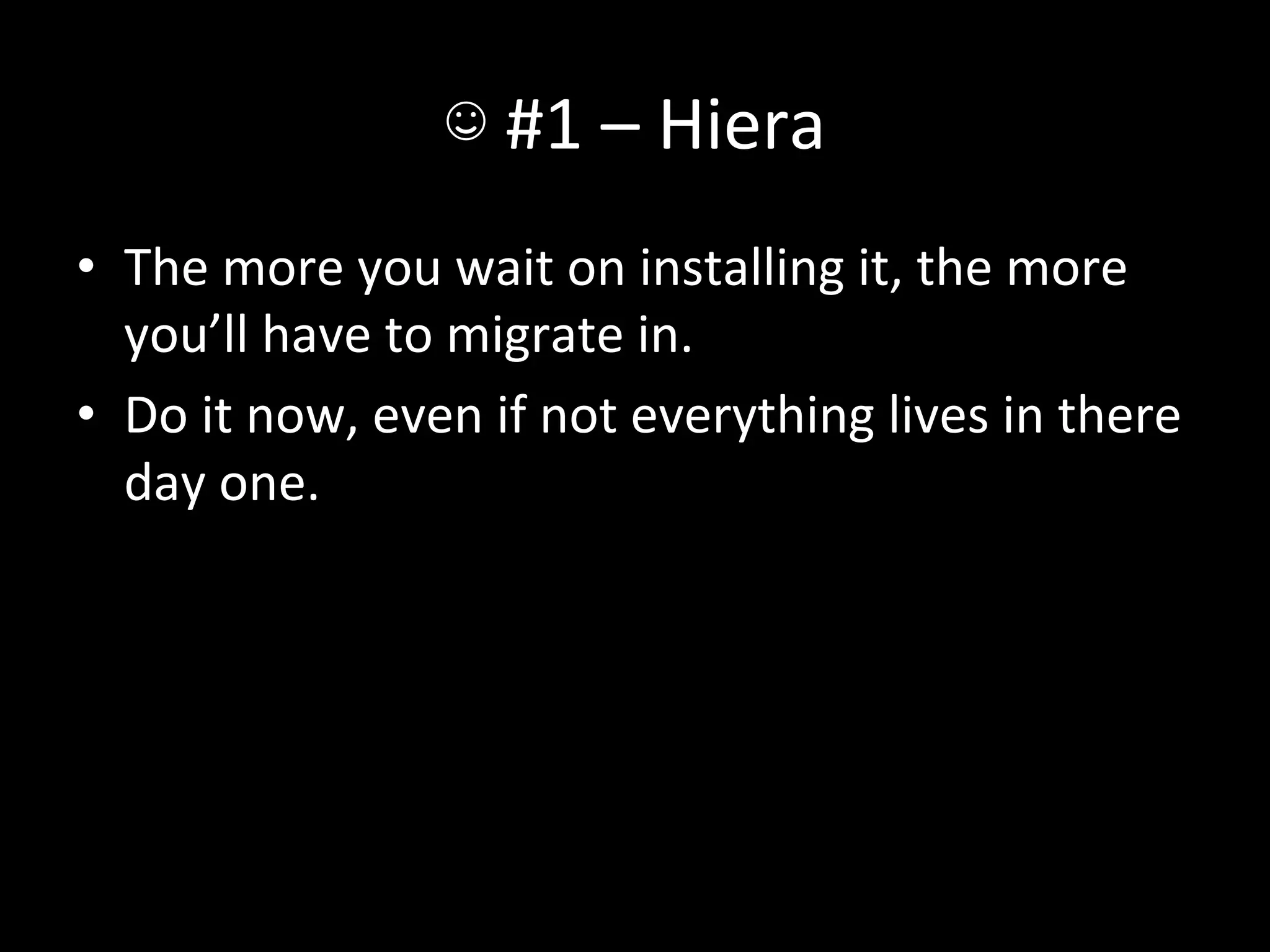
•  The	
  more	
  you	
  wait	
  on	
  installing	
  it,	
  the	
  more	
  
   you’ll	
  have	
  to	
  migrate	
  in.	
  
•  Do	
  it	
  now,	
  even	
  if	
  not	
  everything	
  lives	
  in	
  there	
  
   day	
  one.	
  
☹	
  #2	
  –	
  Per-­‐something	
  files	
  
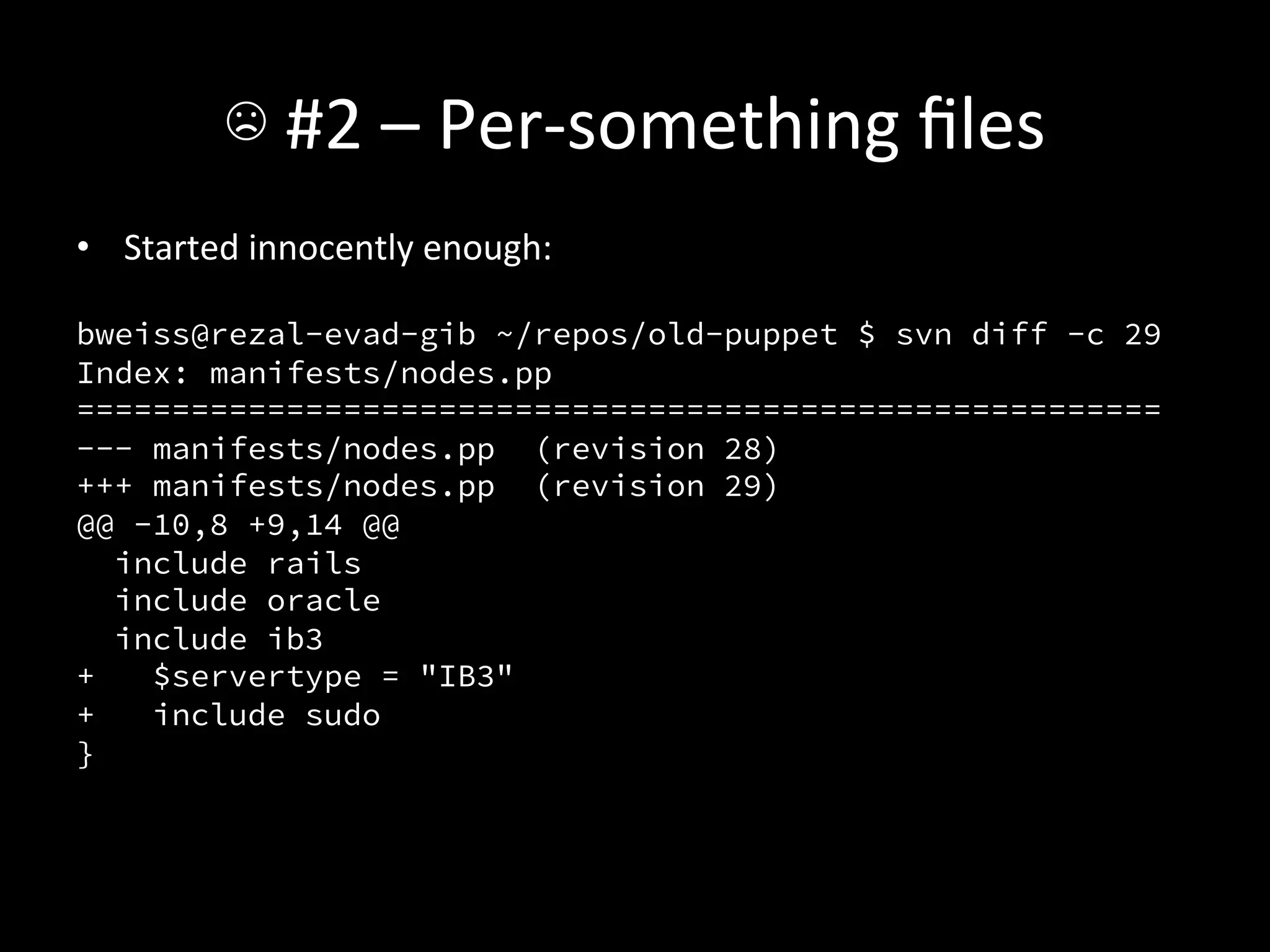
•  Started	
  innocently	
  enough:	


bweiss@rezal-evad-gib ~/repos/old-puppet $ svn diff -c 29
Index: manifests/nodes.pp
=========================================================
--- manifests/nodes.pp (revision 28)
+++ manifests/nodes.pp (revision 29)
@@ -10,8 +9,14 @@
   include rails
   include oracle
   include ib3
+    $servertype = "IB3"
+    include sudo
}
☹	
  #2	
  –	
  Per-­‐something	
  files	
  
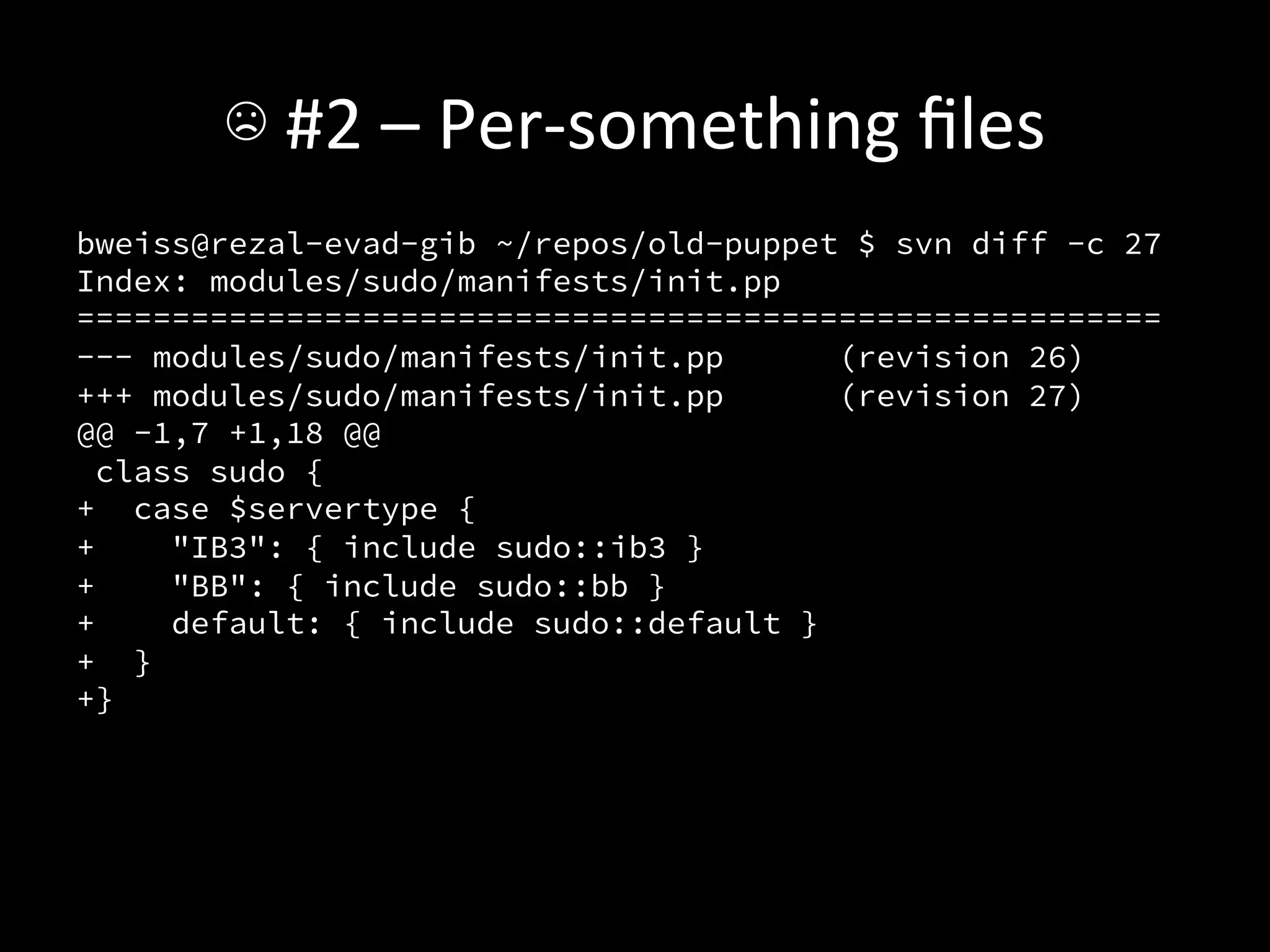
bweiss@rezal-evad-gib ~/repos/old-puppet $ svn diff -c 27
Index: modules/sudo/manifests/init.pp
=========================================================
--- modules/sudo/manifests/init.pp       (revision 26)
+++ modules/sudo/manifests/init.pp       (revision 27)
@@ -1,7 +1,18 @@
  class sudo {
+ case $servertype {
+     "IB3": { include sudo::ib3 }
+     "BB": { include sudo::bb }
+     default: { include sudo::default }
+ }
+}
☹	
  #2	
  –	
  Per-­‐something	
  files	
  
+class sudo::ib3 inherits sudo::common {
+ file { "/etc/sudoers":
+    owner   => "root",
+    group   => "root",
+    mode    => 440,
+    source => "puppet:///modules/sudo/ib3-sudoers",
+    require => Package["sudo"],
+ }
+}
☹	
  #2	
  –	
  Per-­‐something	
  files	
  
•  Yikes.	
  	
  I	
  got	
  a	
  liIle	
  more	
  clever,	
  and	
  this	
  
   became:	
  
☹	
  #2	
  –	
  Per-­‐something	
  files	
  
file { "/etc/sudoers":
   owner => "root",
   group => "root",
   mode => 0440,
   source => [
     "puppet:///modules/sudo/sudoers.$fqdn",
     "puppet:///modules/sudo/sudoers.$servertype",
     "puppet:///modules/sudo/sudoers"
   ],
   require => Package["sudo"]
}
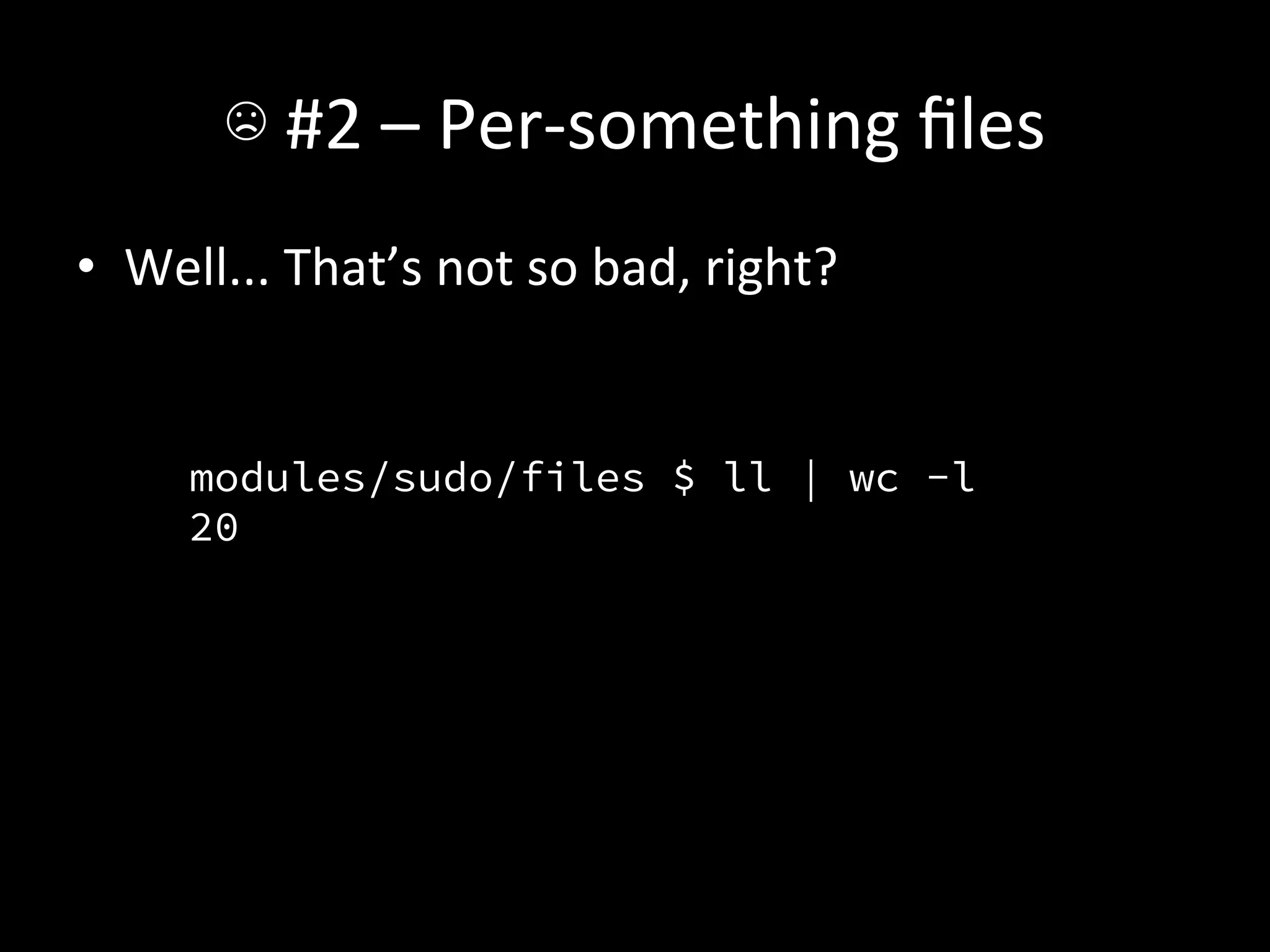
☹	
  #2	
  –	
  Per-­‐something	
  files	
  
•  Well...	
  That’s	
  not	
  so	
  bad,	
  right?	


        modules/sudo/files $ ll | wc -l
        20
        	
  
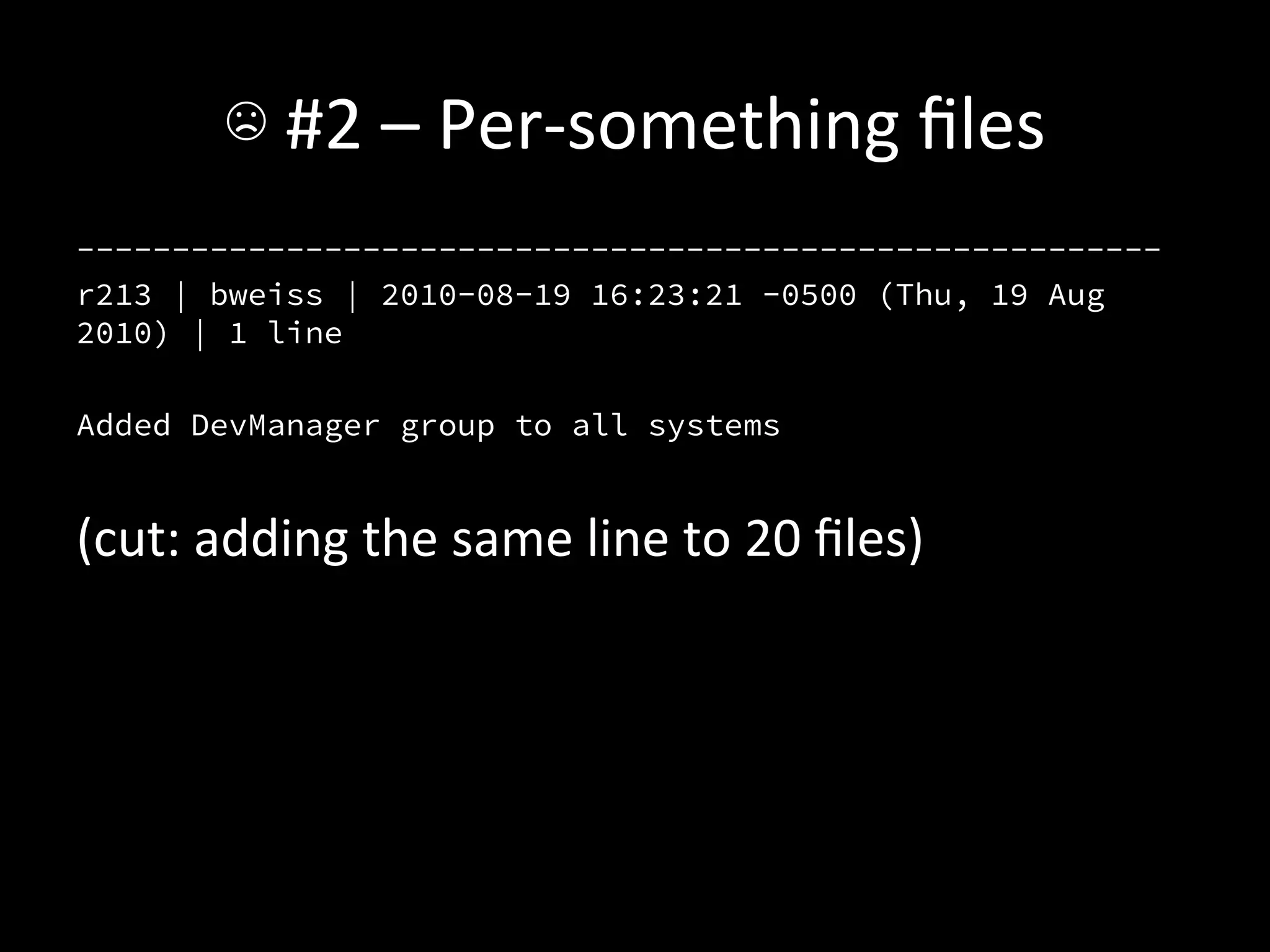
☹	
  #2	
  –	
  Per-­‐something	
  files	
  
---------------------------------------------------------
r213 | bweiss | 2010-08-19 16:23:21 -0500 (Thu, 19 Aug
2010) | 1 line

Added DevManager group to all systems


(cut:	
  adding	
  the	
  same	
  line	
  to	
  20	
  files)	
  
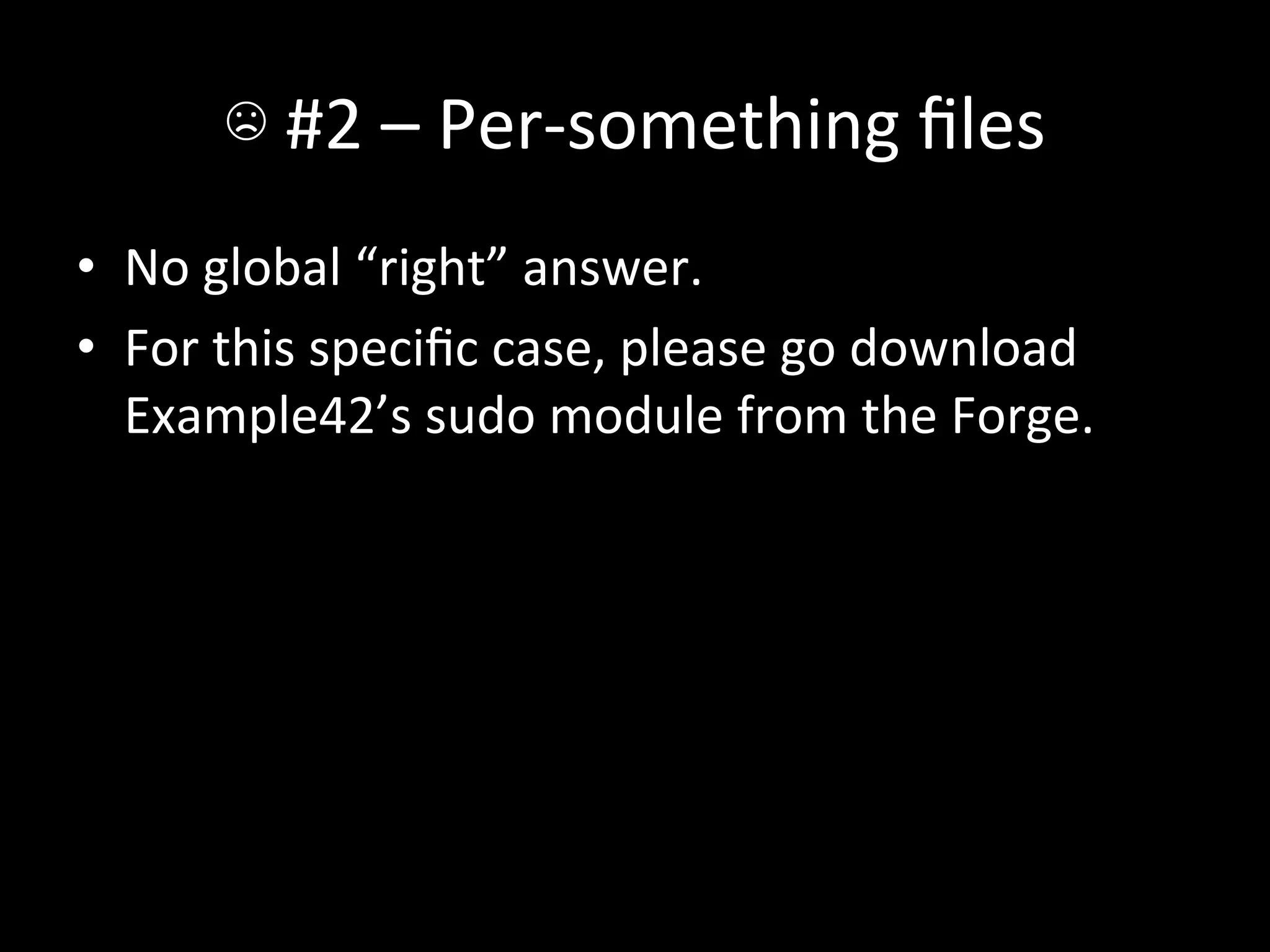
☹	
  #2	
  –	
  Per-­‐something	
  files	
  
•  No	
  global	
  “right”	
  answer.	
  
•  For	
  this	
  specific	
  case,	
  please	
  go	
  download	
  
   Example42’s	
  sudo	
  module	
  from	
  the	
  Forge.	
  
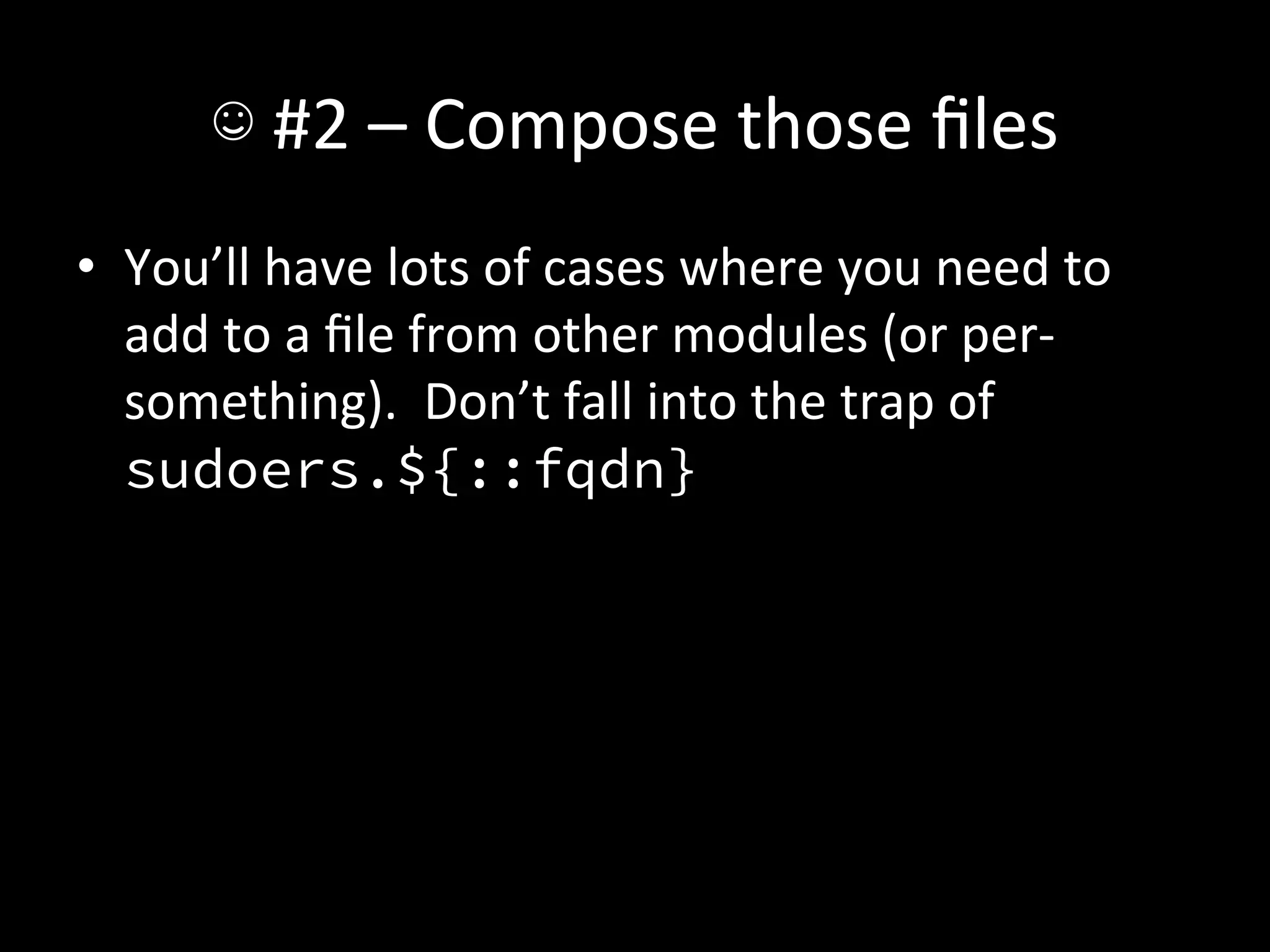
☺	
  #2	
  –	
  Compose	
  those	
  files	
  
•  You’ll	
  have	
  lots	
  of	
  cases	
  where	
  you	
  need	
  to	
  
   add	
  to	
  a	
  file	
  from	
  other	
  modules	
  (or	
  per-­‐
   something).	
  	
  Don’t	
  fall	
  into	
  the	
  trap	
  of	
  
   sudoers.${::fqdn}	
  
☺	
  #2	
  –	
  Compose	
  those	
  files	
  
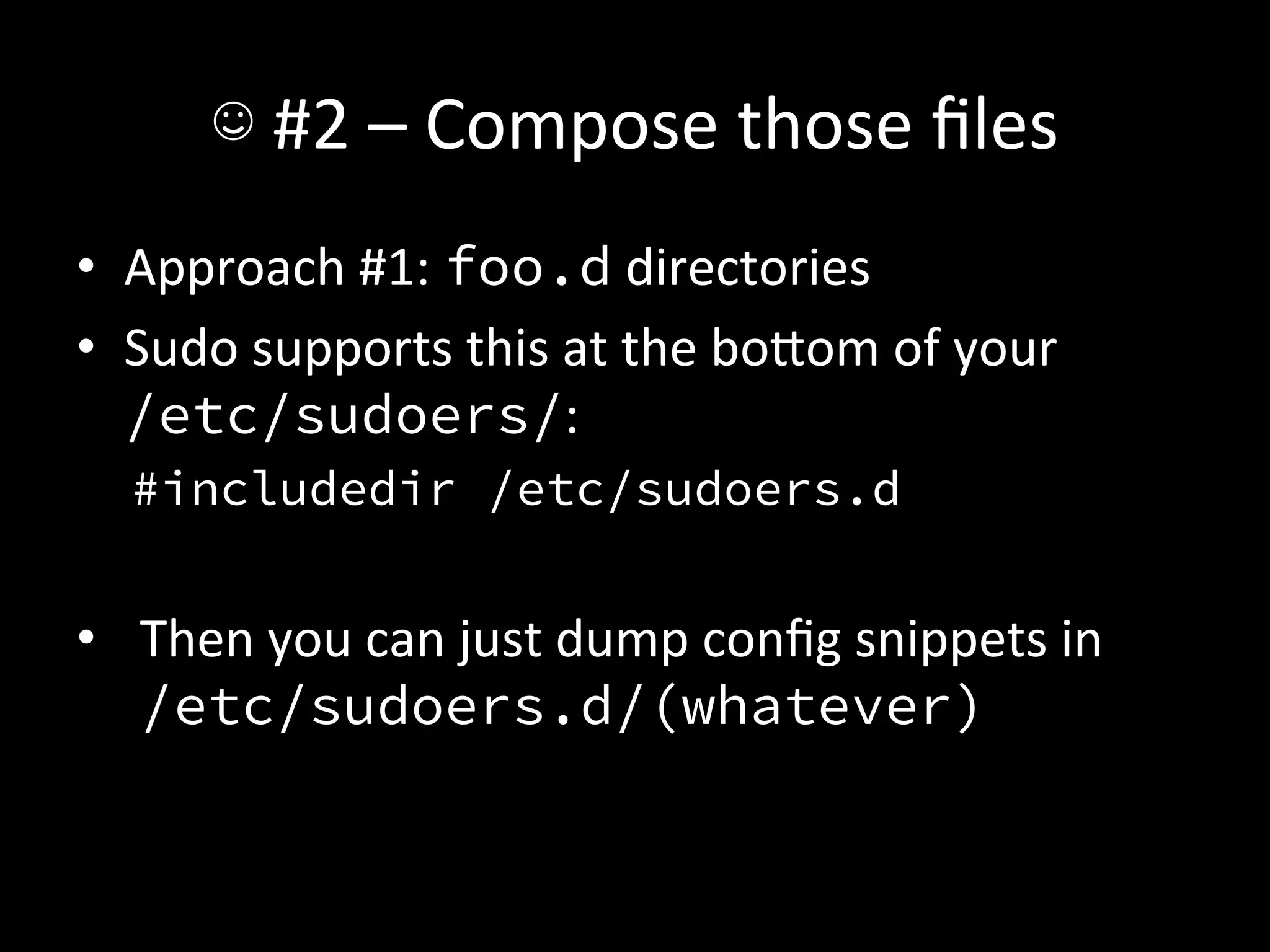
•  Approach	
  #1:	
  foo.d	
  directories	
  
•  Sudo	
  supports	
  this	
  at	
  the	
  boIom	
  of	
  your	
  	
  
   /etc/sudoers/:	
  
   #includedir /etc/sudoers.d
   
•  Then	
  you	
  can	
  just	
  dump	
  config	
  snippets	
  in	
  
   /etc/sudoers.d/(whatever)	
  
☺	
  #2	
  –	
  Compose	
  those	
  files	
  
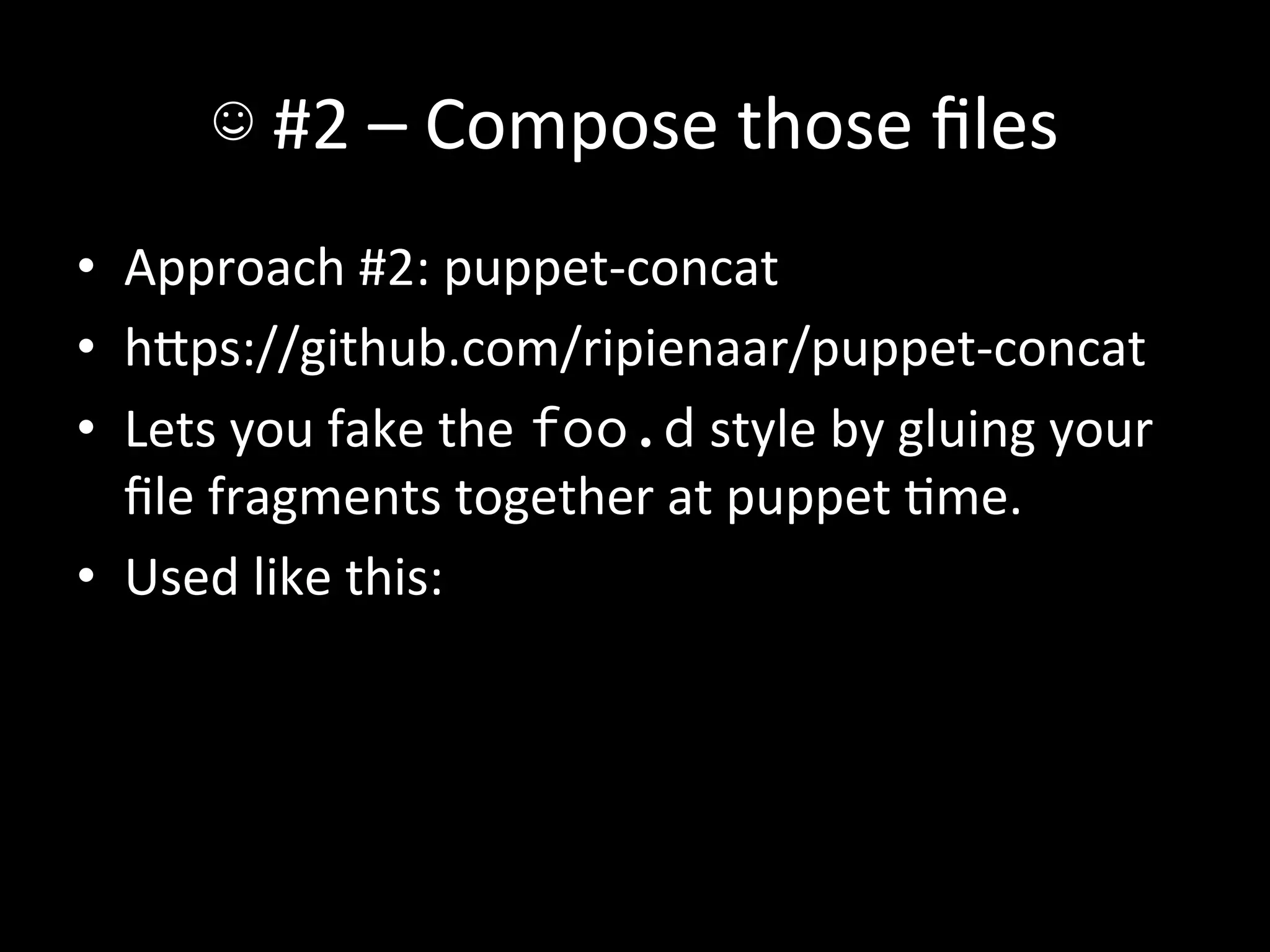
•  Approach	
  #2:	
  puppet-­‐concat	
  
•  hIps://github.com/ripienaar/puppet-­‐concat	
  
•  Lets	
  you	
  fake	
  the	
  foo.d	
  style	
  by	
  gluing	
  your	
  
   file	
  fragments	
  together	
  at	
  puppet	
  Ame.	
  
•  Used	
  like	
  this:	
  
☺	
  #2	
  –	
  Compose	
  those	
  files	
  
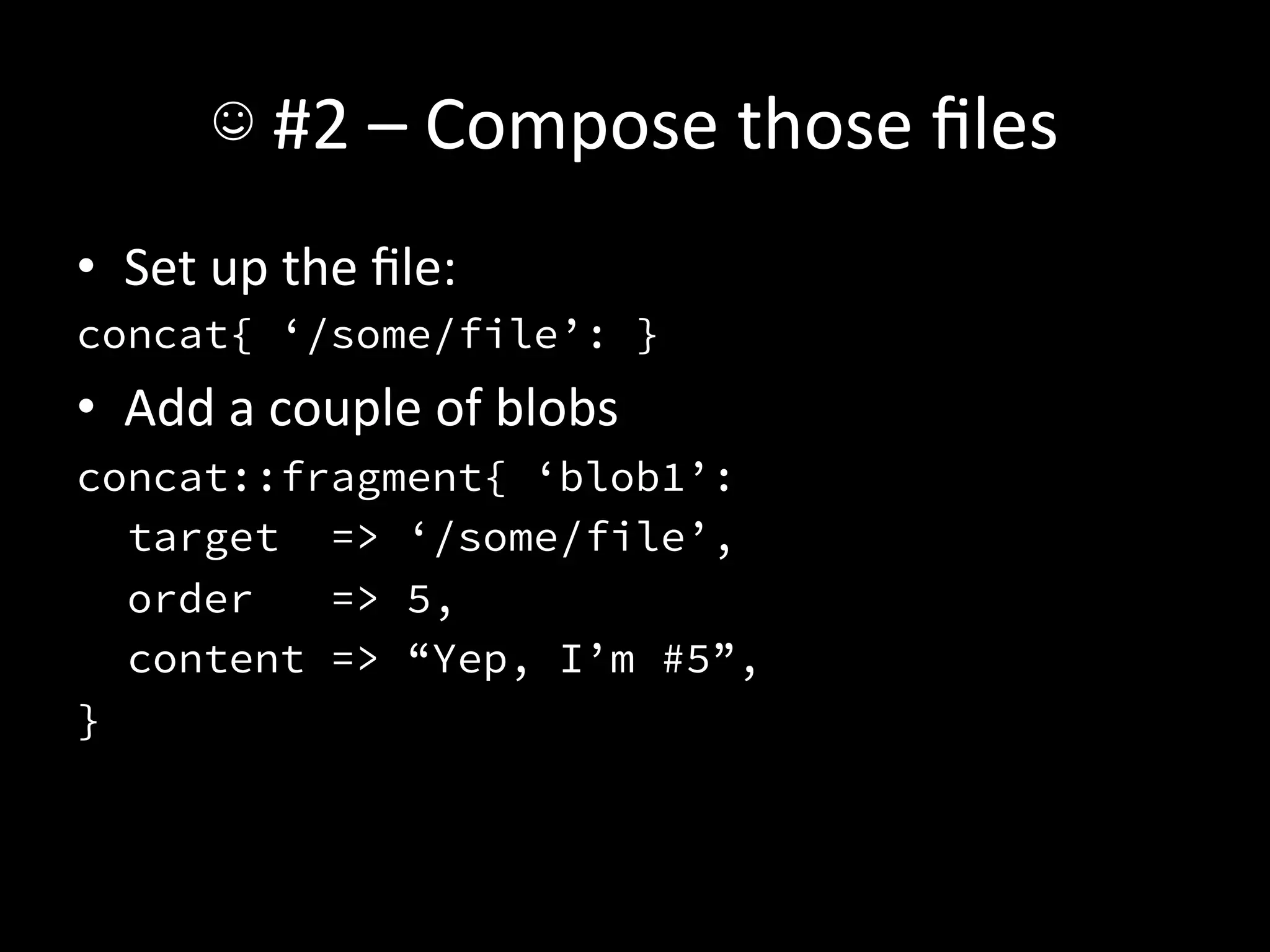
•  Set	
  up	
  the	
  file:	
  
concat{ ‘/some/file’: }
•  Add	
  a	
  couple	
  of	
  blobs	
  
concat::fragment{ ‘blob1’:
   target => ‘/some/file’,
   order   => 5,
   content => “Yep, I’m #5”,
}
☺	
  #2	
  –	
  Compose	
  those	
  files	
  
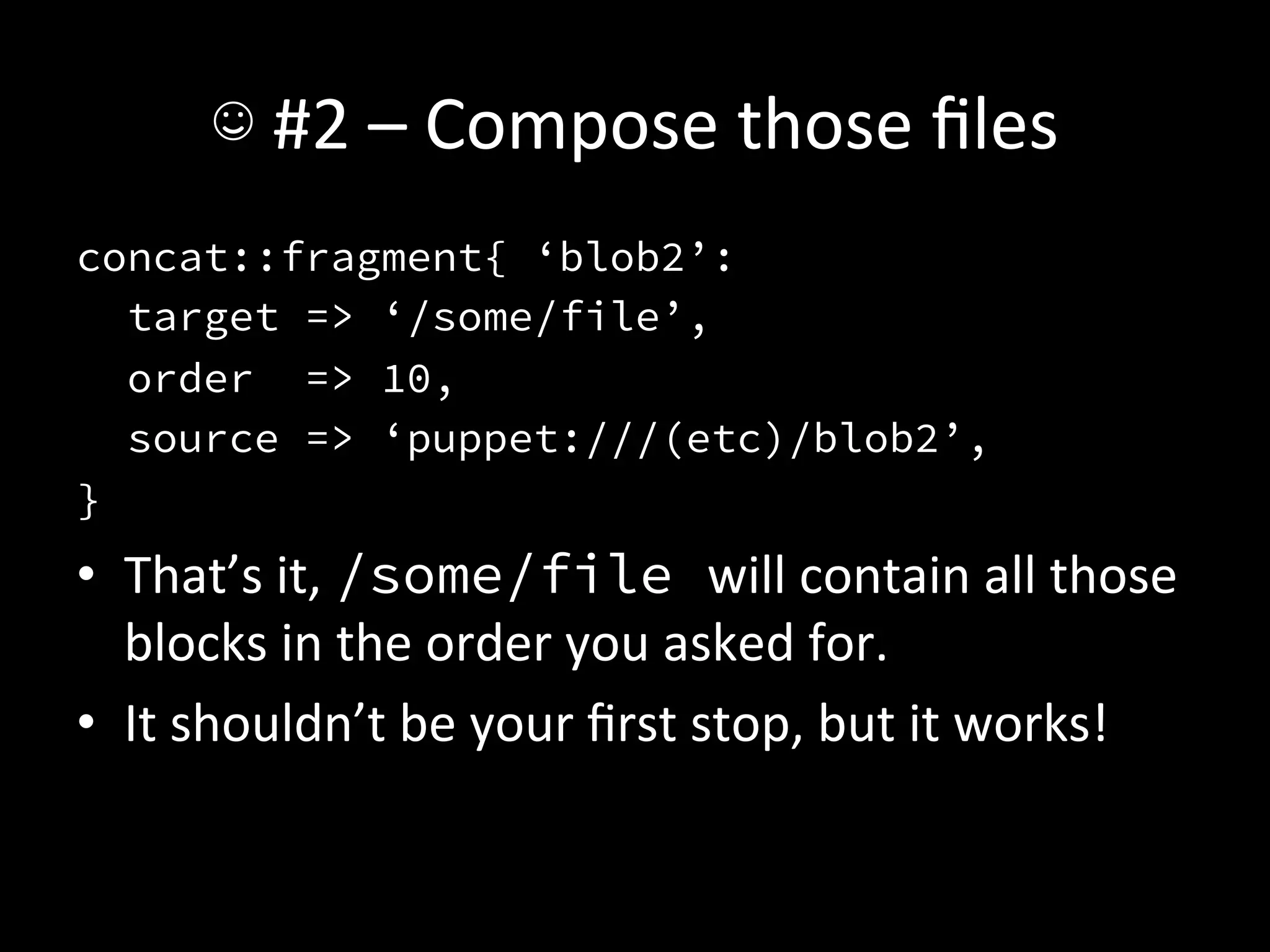
concat::fragment{ ‘blob2’:
   target => ‘/some/file’,
   order => 10,
   source => ‘puppet:///(etc)/blob2’,
}
•  That’s	
  it,	
  /some/file will	
  contain	
  all	
  those	
  
   blocks	
  in	
  the	
  order	
  you	
  asked	
  for.	
  
•  It	
  shouldn’t	
  be	
  your	
  first	
  stop,	
  but	
  it	
  works!	
  
☺	
  #2	
  –	
  Compose	
  those	
  files	
  
•  When	
  all	
  else	
  fails,	
  get	
  templaAng.	
  
•  It’s	
  just	
  Ruby,	
  you	
  can	
  do	
  this.	
  
☺	
  #3	
  –	
  Stored	
  Configs	
  
•  These	
  look	
  super	
  confusing	
  at	
  first,	
  but	
  they’re	
  
   not	
  bad.	
  
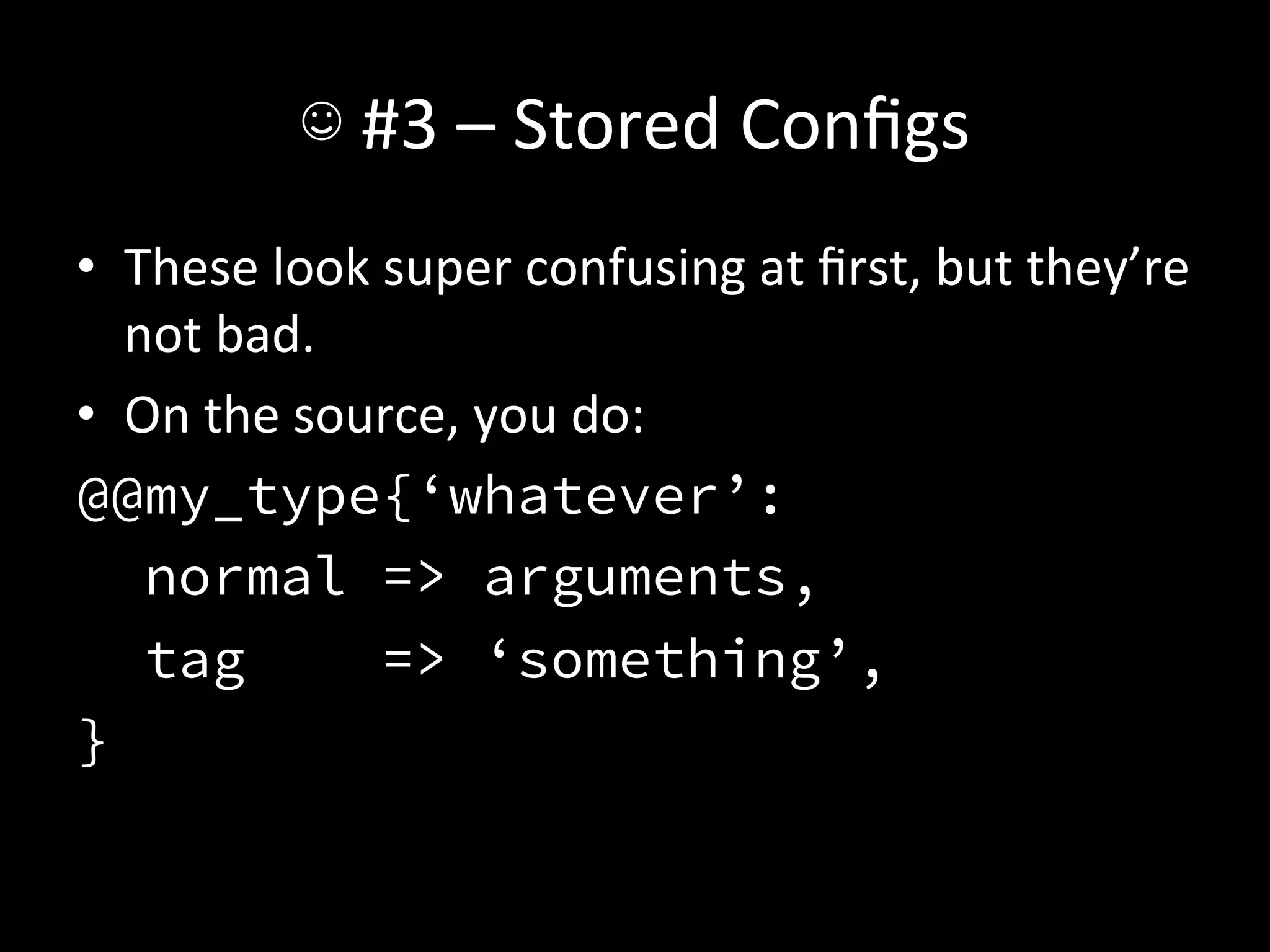
•  On	
  the	
  source,	
  you	
  do:	
  
@@my_type{‘whatever’:
    normal => arguments,
    tag            => ‘something’,
}
☺	
  #3	
  –	
  Stored	
  Configs	
  
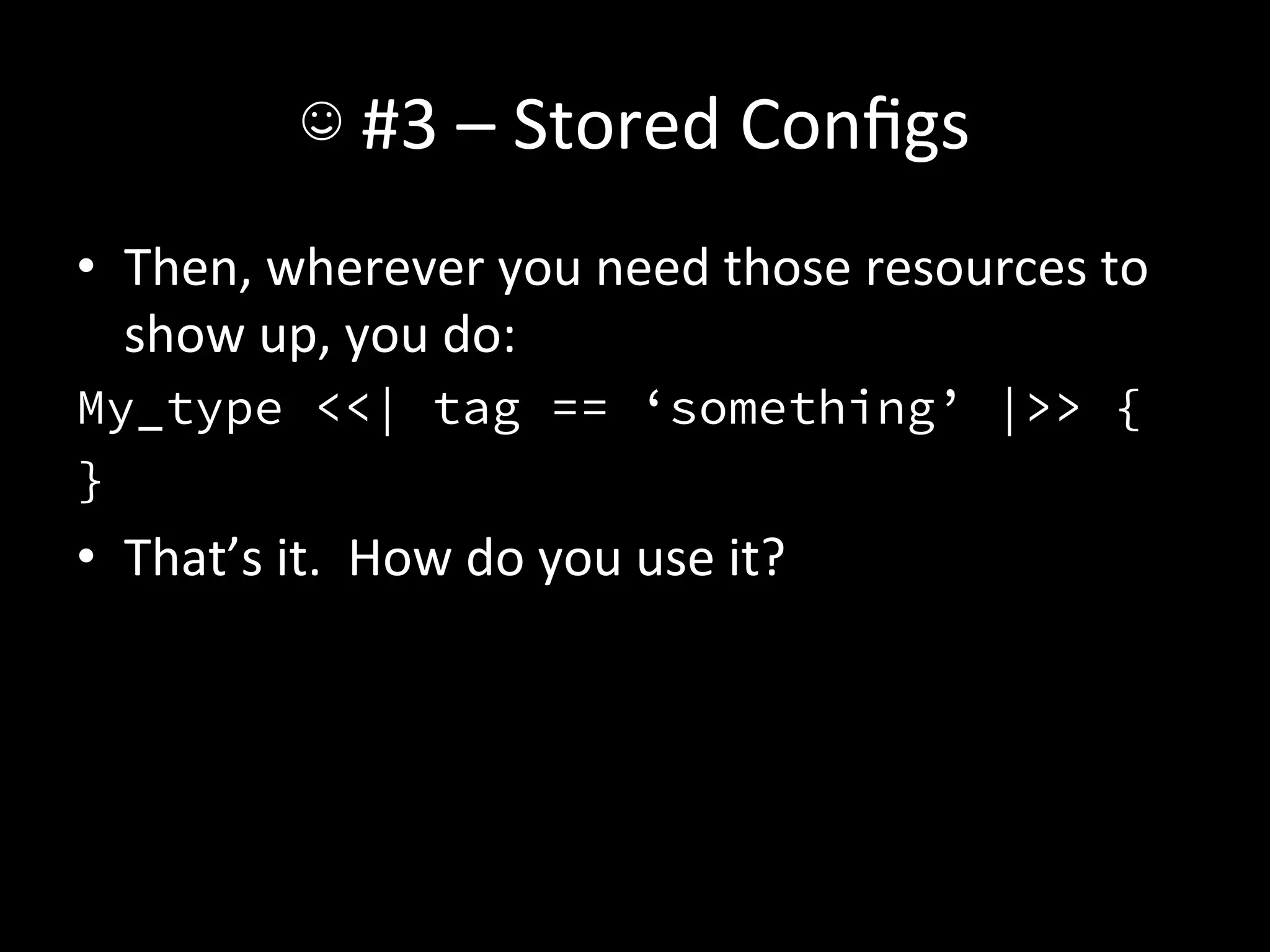
•  Then,	
  wherever	
  you	
  need	
  those	
  resources	
  to	
  
   show	
  up,	
  you	
  do:	
  
My_type <<| tag == ‘something’ |>> {
}
•  That’s	
  it.	
  	
  How	
  do	
  you	
  use	
  it?	
  
☺	
  #3	
  –	
  Stored	
  Configs	
  
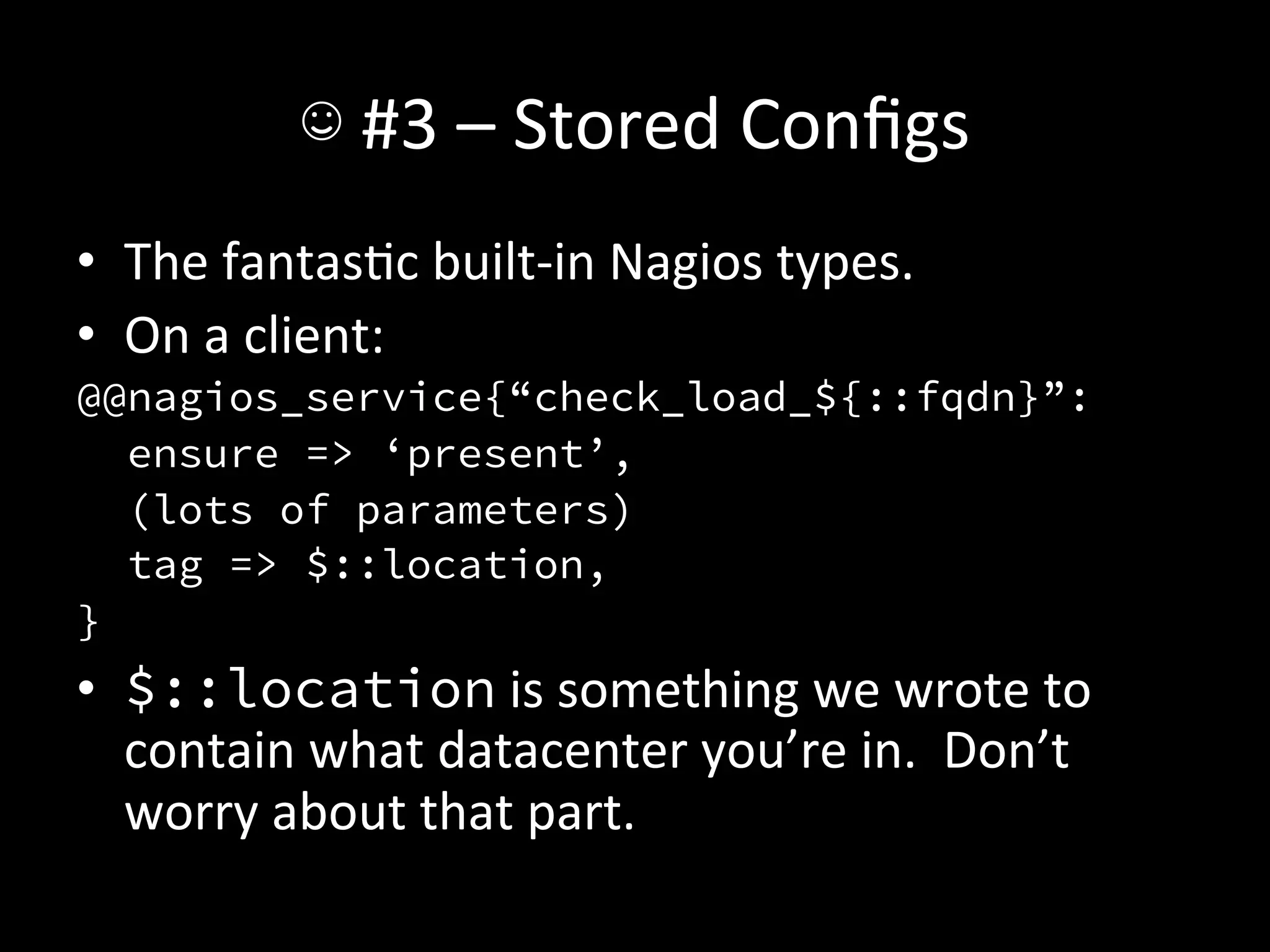
•  The	
  fantasAc	
  built-­‐in	
  Nagios	
  types.	
  
•  On	
  a	
  client:	
  
@@nagios_service{“check_load_${::fqdn}”:
   ensure => ‘present’,
   (lots of parameters)
   tag => $::location,
}
•  $::location	
  is	
  something	
  we	
  wrote	
  to	
  
   contain	
  what	
  datacenter	
  you’re	
  in.	
  	
  Don’t	
  
   worry	
  about	
  that	
  part.
☺	
  #3	
  –	
  Stored	
  Configs	
  
•  On	
  the	
  Nagios	
  server:	
  
Nagios_service <<| tag == $::location |>>{
   notify => Class[‘nagios::service’],
}
(that’s	
  just	
  this	
  side	
  of	
  boilerplate)	
  
☺	
  #3	
  –	
  Stored	
  Configs	
  
•  Once	
  the	
  client	
  checks	
  in,	
  and	
  then	
  the	
  Nagios	
  
   server	
  checks	
  in,	
  it’s	
  monitored.	
  
•  That’s	
  it.	
  
•  You’ll	
  need	
  some	
  machinery	
  to	
  determine	
  
   when	
  to	
  monitor	
  what	
  machine,	
  of	
  course,	
  but	
  
   it’s	
  as	
  easy	
  as	
  that.	
  
☺	
  #3	
  –	
  Stored	
  Configs	
  
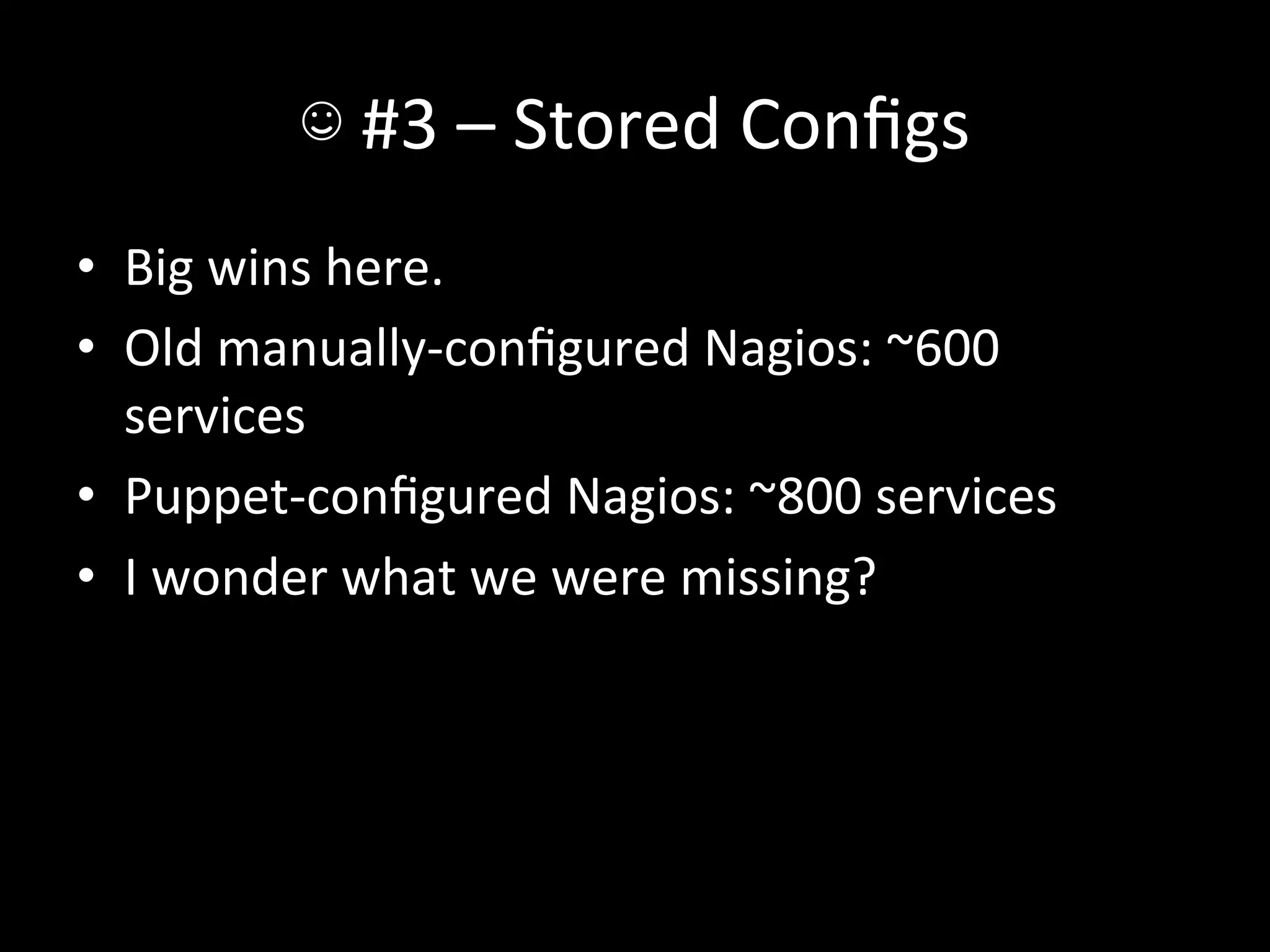
•  Big	
  wins	
  here.	
  
•  Old	
  manually-­‐configured	
  Nagios:	
  ~600	
  
   services	
  
•  Puppet-­‐configured	
  Nagios:	
  ~800	
  services	
  
•  I	
  wonder	
  what	
  we	
  were	
  missing?	
  
☺	
  #3	
  –	
  Stored	
  Configs	
  
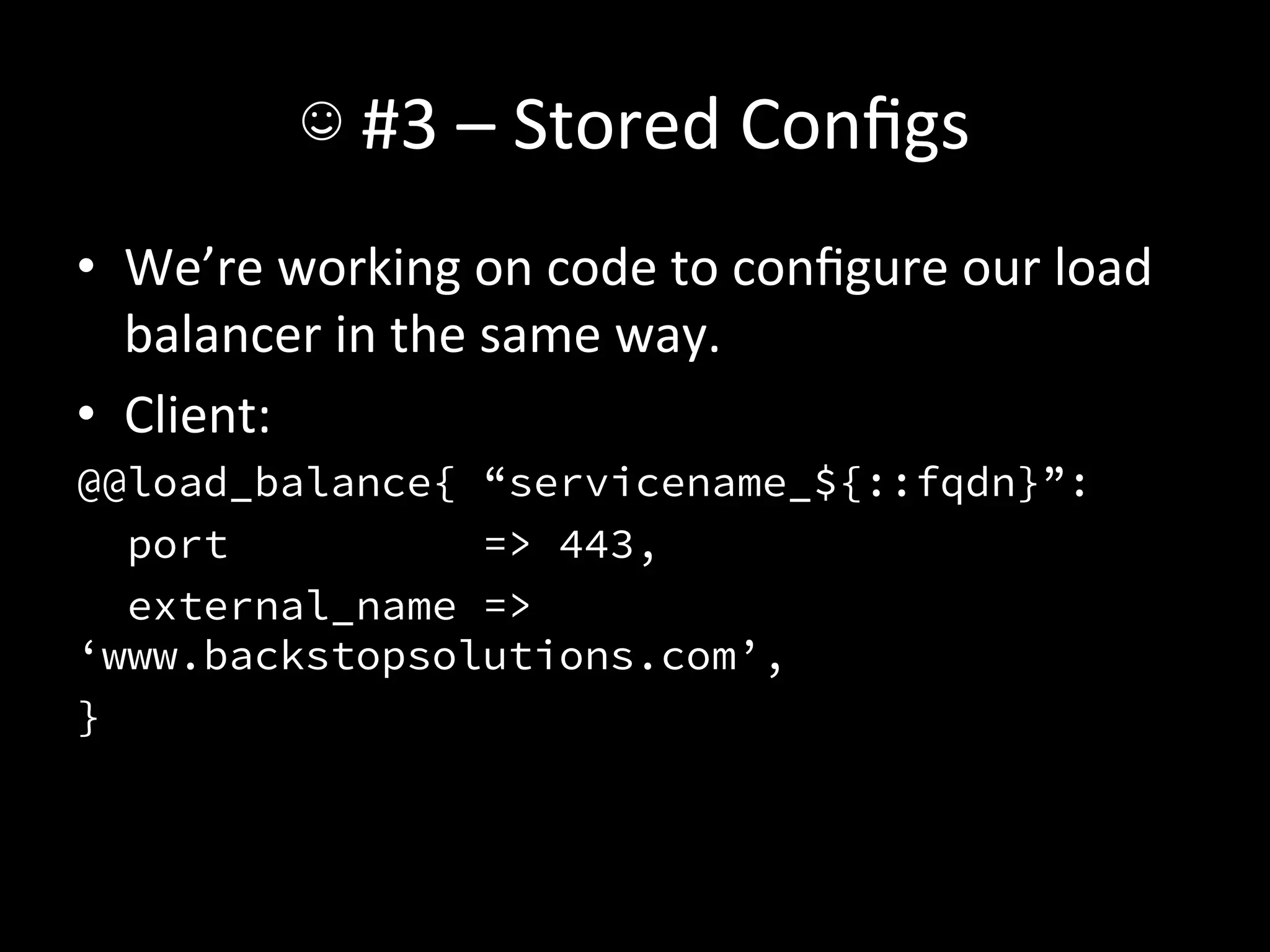
•  We’re	
  working	
  on	
  code	
  to	
  configure	
  our	
  load	
  
   balancer	
  in	
  the	
  same	
  way.	
  
•  Client:	
  
@@load_balance{ “servicename_${::fqdn}”:
   port         => 443,
  external_name =>
‘www.backstopsolutions.com’,
}
☺	
  #3	
  –	
  Stored	
  Configs	
  
•  Then	
  the	
  load	
  balancer	
  can	
  just	
  grab	
  all	
  of	
  
   those	
  and	
  add	
  them	
  as	
  backends!	
  
☺	
  #3	
  –	
  Stored	
  Configs	
  
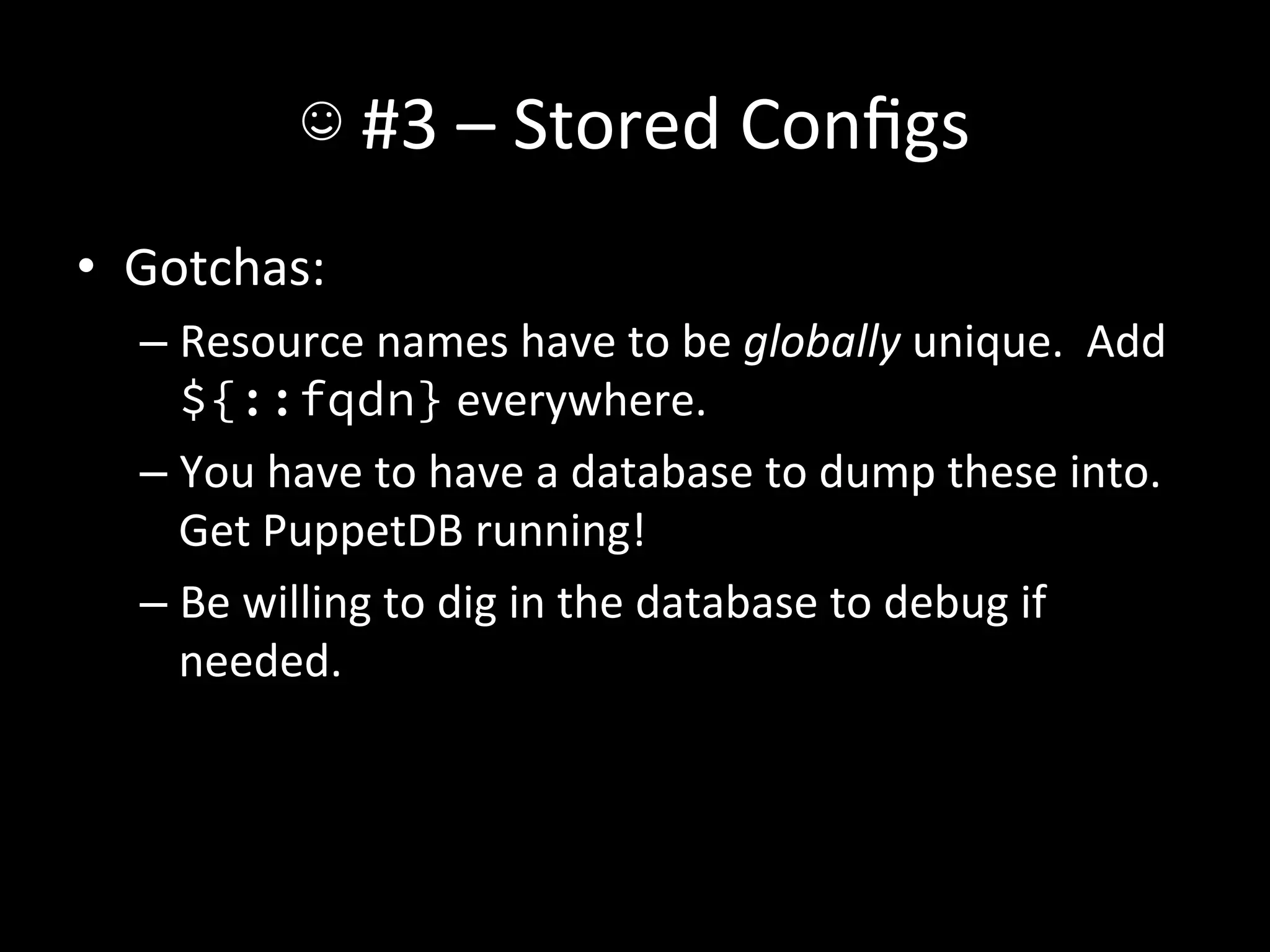
•  Gotchas:	
  
   –  Resource	
  names	
  have	
  to	
  be	
  globally	
  unique.	
  	
  Add	
  
      ${::fqdn}	
  everywhere.	
  
   –  You	
  have	
  to	
  have	
  a	
  database	
  to	
  dump	
  these	
  into.	
  	
  
      Get	
  PuppetDB	
  running!	
  
   –  Be	
  willing	
  to	
  dig	
  in	
  the	
  database	
  to	
  debug	
  if	
  
      needed.	
  
☹	
  #3	
  –	
  Convergence	
  Ame	
  
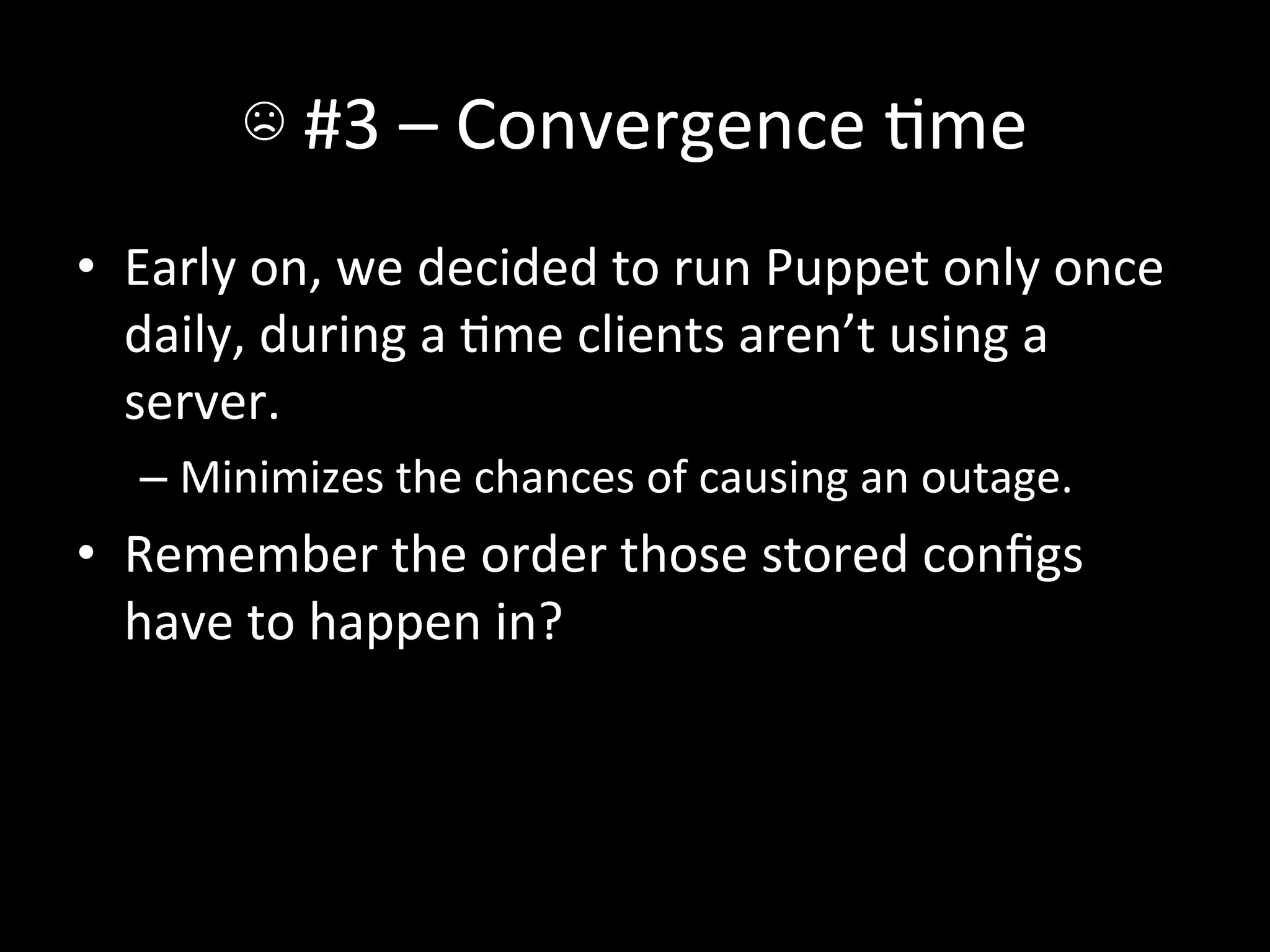
•  Early	
  on,	
  we	
  decided	
  to	
  run	
  Puppet	
  only	
  once	
  
   daily,	
  during	
  a	
  Ame	
  clients	
  aren’t	
  using	
  a	
  
   server.	
  
    –  Minimizes	
  the	
  chances	
  of	
  causing	
  an	
  outage.	
  
•  Remember	
  the	
  order	
  those	
  stored	
  configs	
  
   have	
  to	
  happen	
  in?	
  
☹	
  #3	
  –	
  Convergence	
  Ame	
  
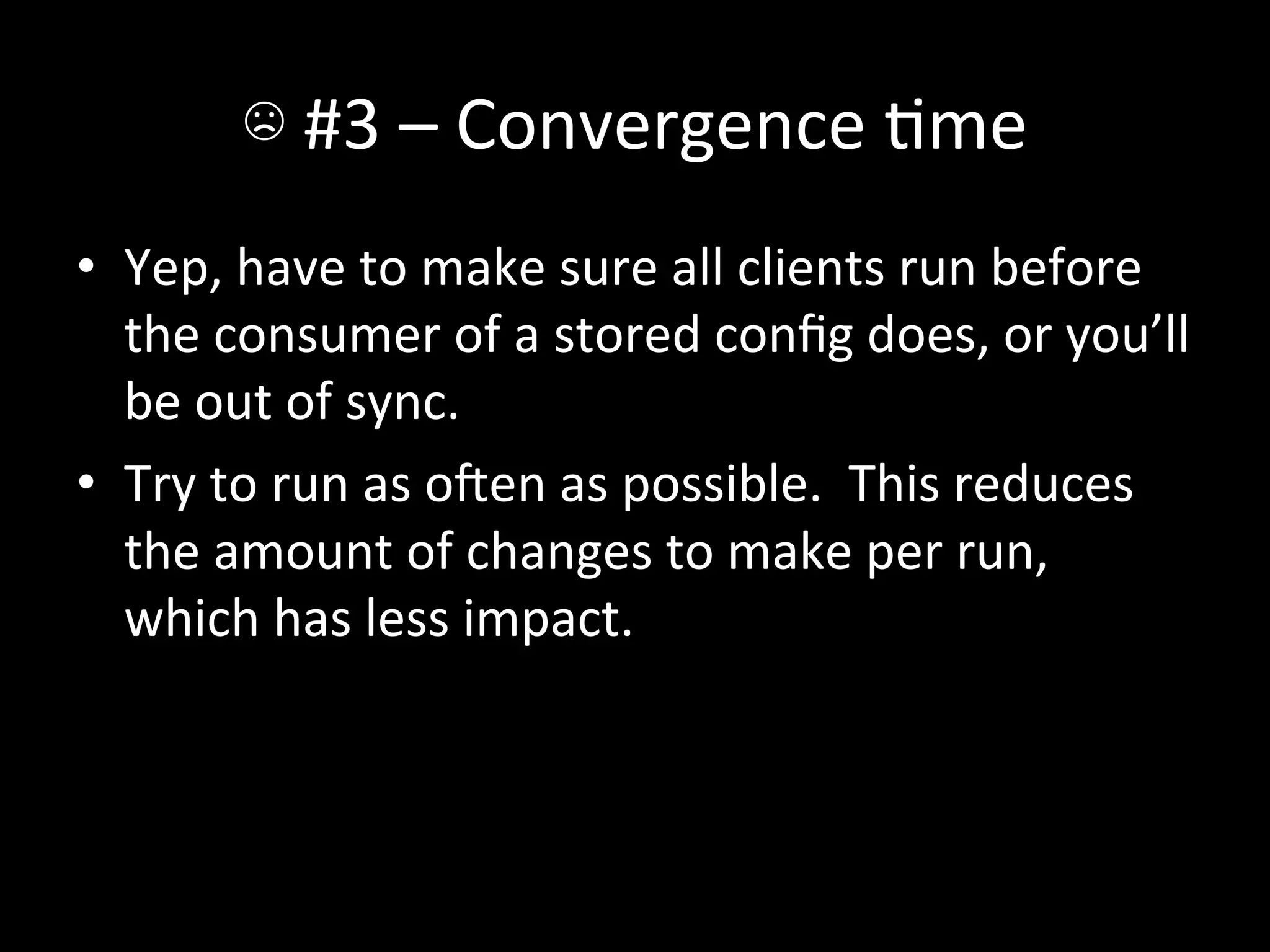
•  Yep,	
  have	
  to	
  make	
  sure	
  all	
  clients	
  run	
  before	
  
   the	
  consumer	
  of	
  a	
  stored	
  config	
  does,	
  or	
  you’ll	
  
   be	
  out	
  of	
  sync.	
  
•  Try	
  to	
  run	
  as	
  oen	
  as	
  possible.	
  	
  This	
  reduces	
  
   the	
  amount	
  of	
  changes	
  to	
  make	
  per	
  run,	
  
   which	
  has	
  less	
  impact.	
  
☺	
  #4	
  -­‐	
  mcollecAve	


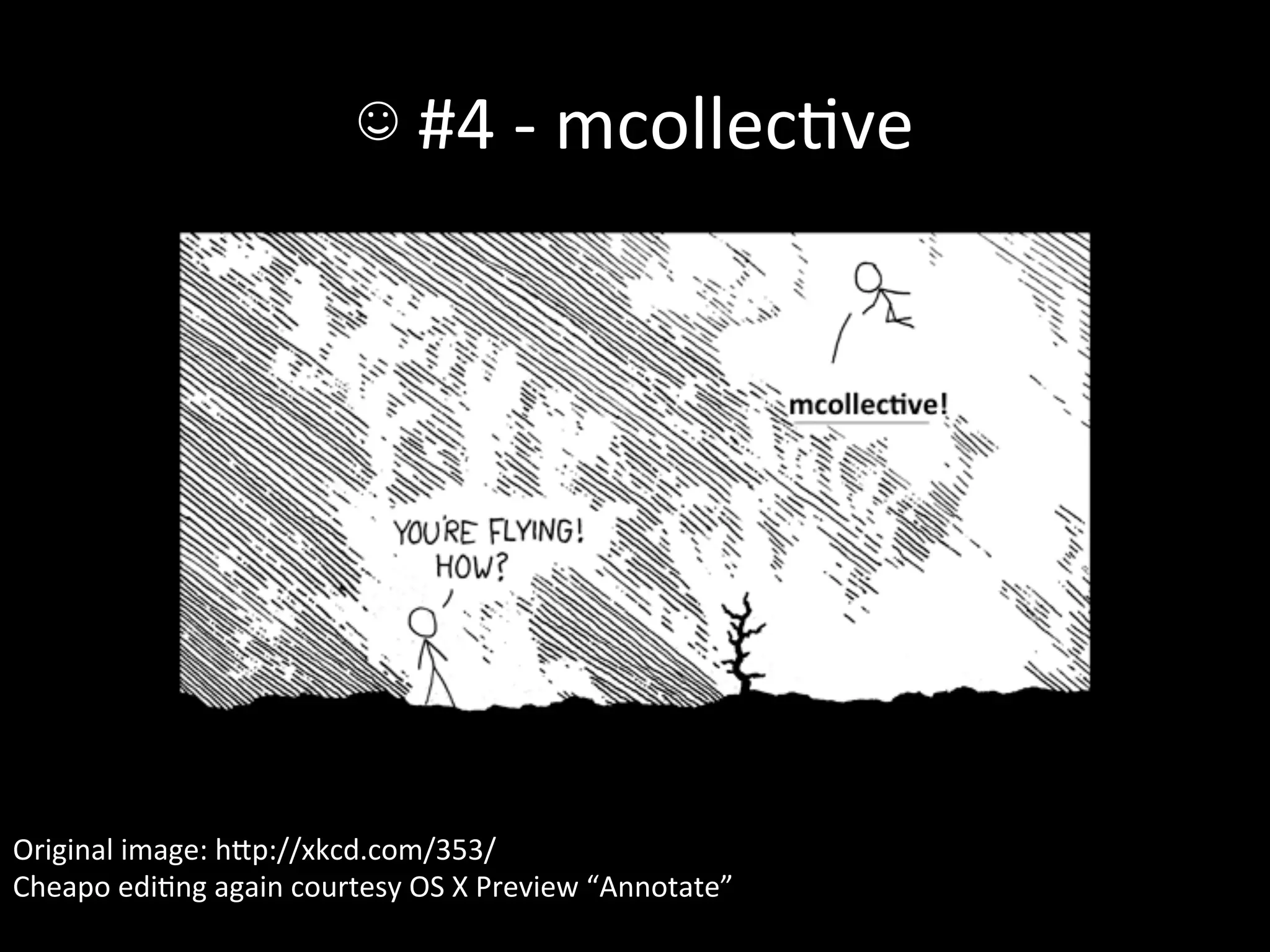
Original	
  image:	
  hIp://xkcd.com/353/	
  
Cheapo	
  ediAng	
  again	
  courtesy	
  OS	
  X	
  Preview	
  “Annotate”	
  
☺	
  #4	
  -­‐	
  mcollecAve	
  
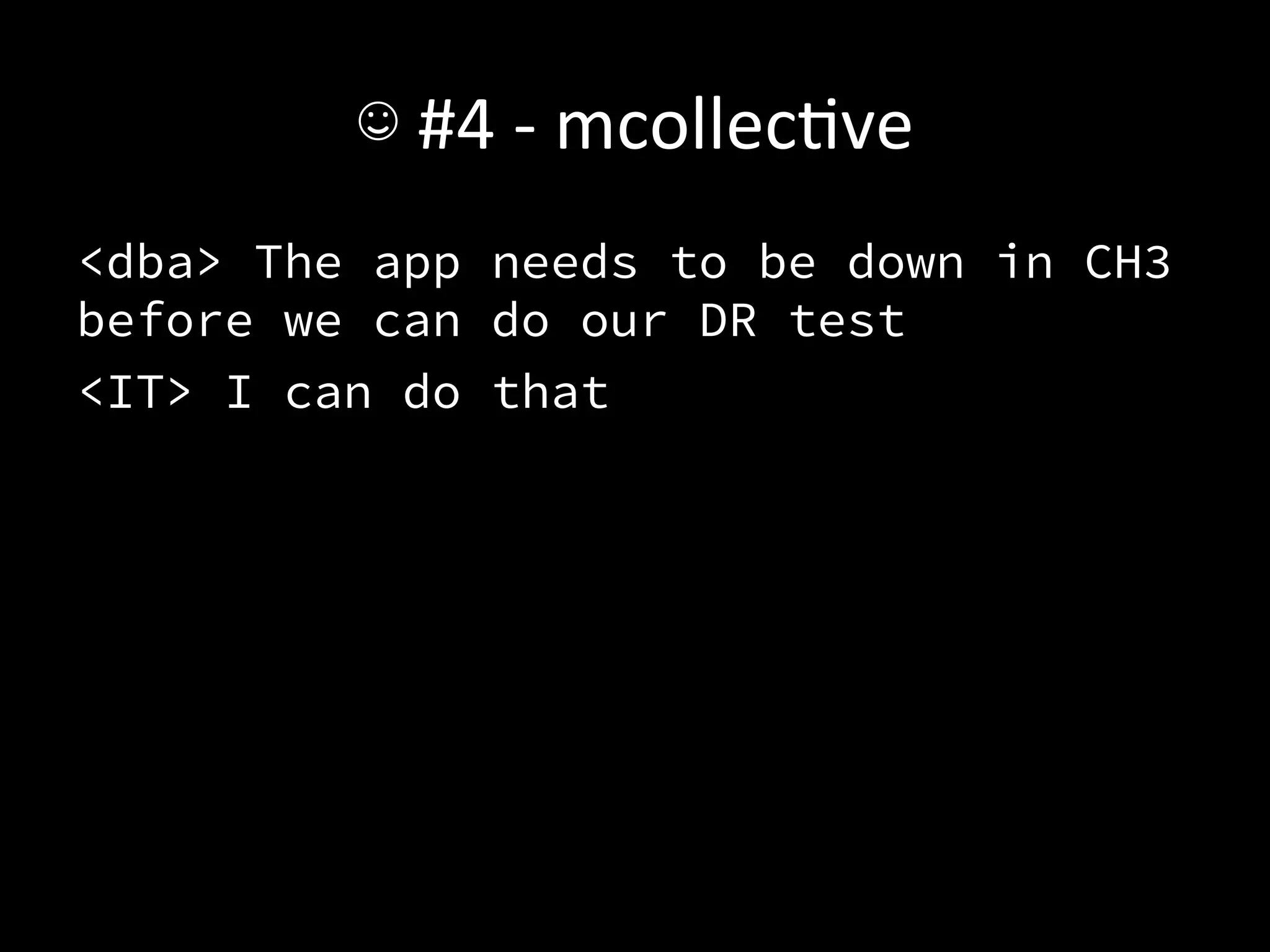
<dba> The app needs to be down in CH3
before we can do our DR test 
<IT> I can do that	
  
☺	
  #4	
  -­‐	
  mcollecAve	
  
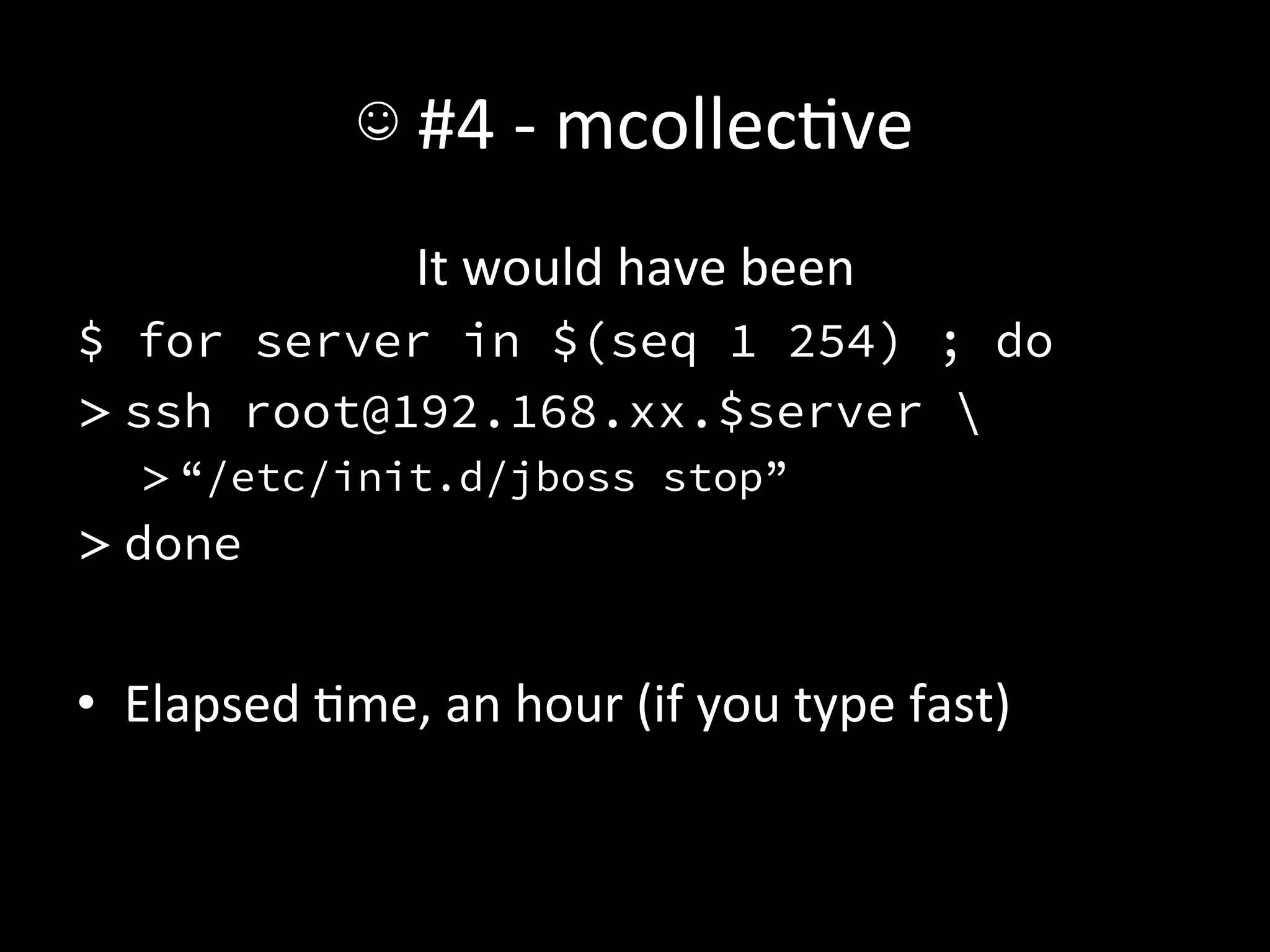
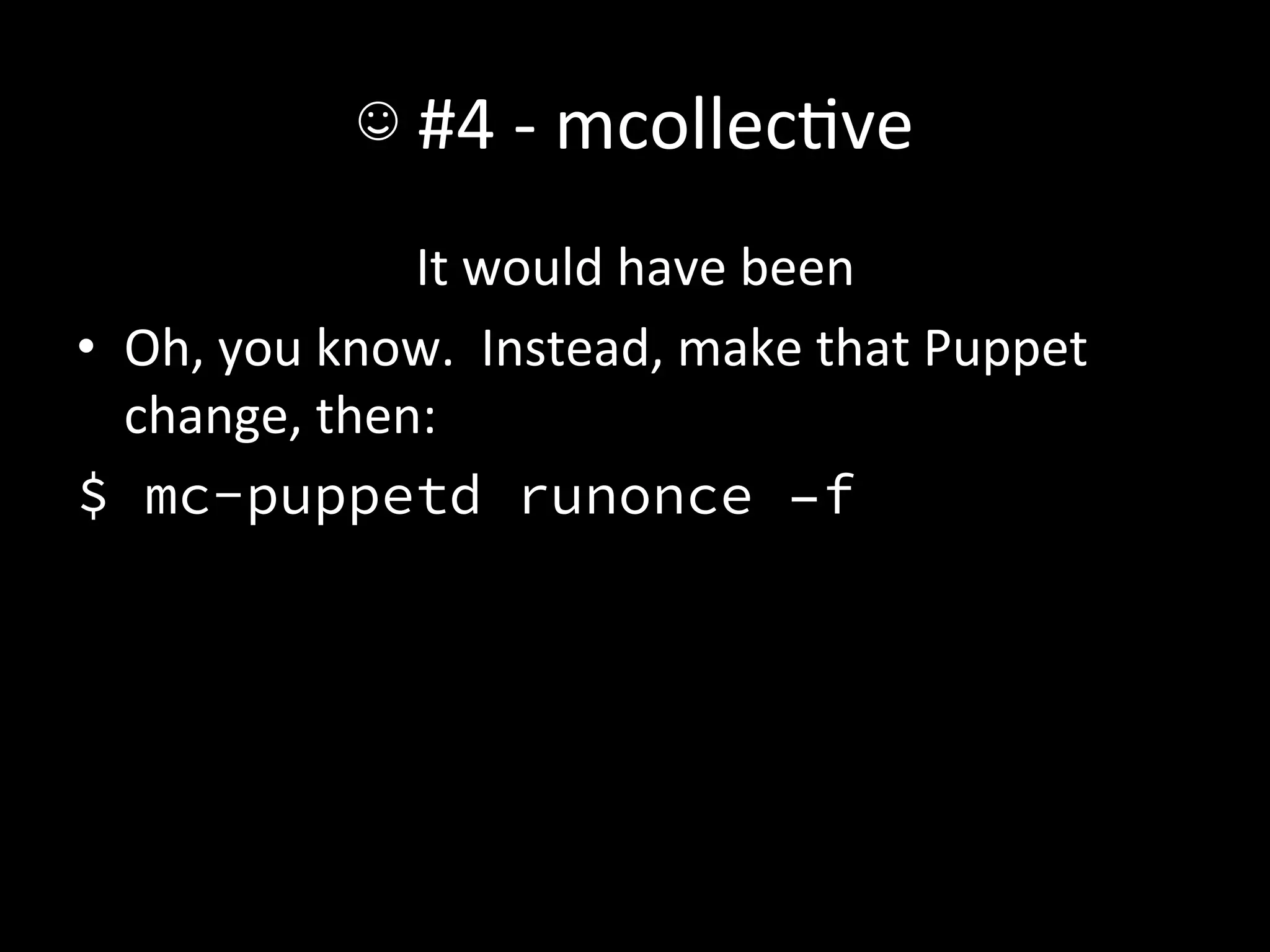
                       It	
  would	
  have	
  been	
  
$ for server in $(seq 1 254) ; do
> ssh root@192.168.xx.$server 
    > “/etc/init.d/jboss stop”
> done


•  Elapsed	
  Ame,	
  an	
  hour	
  (if	
  you	
  type	
  fast)	
  
☺	
  #4	
  -­‐	
  mcollecAve	
  
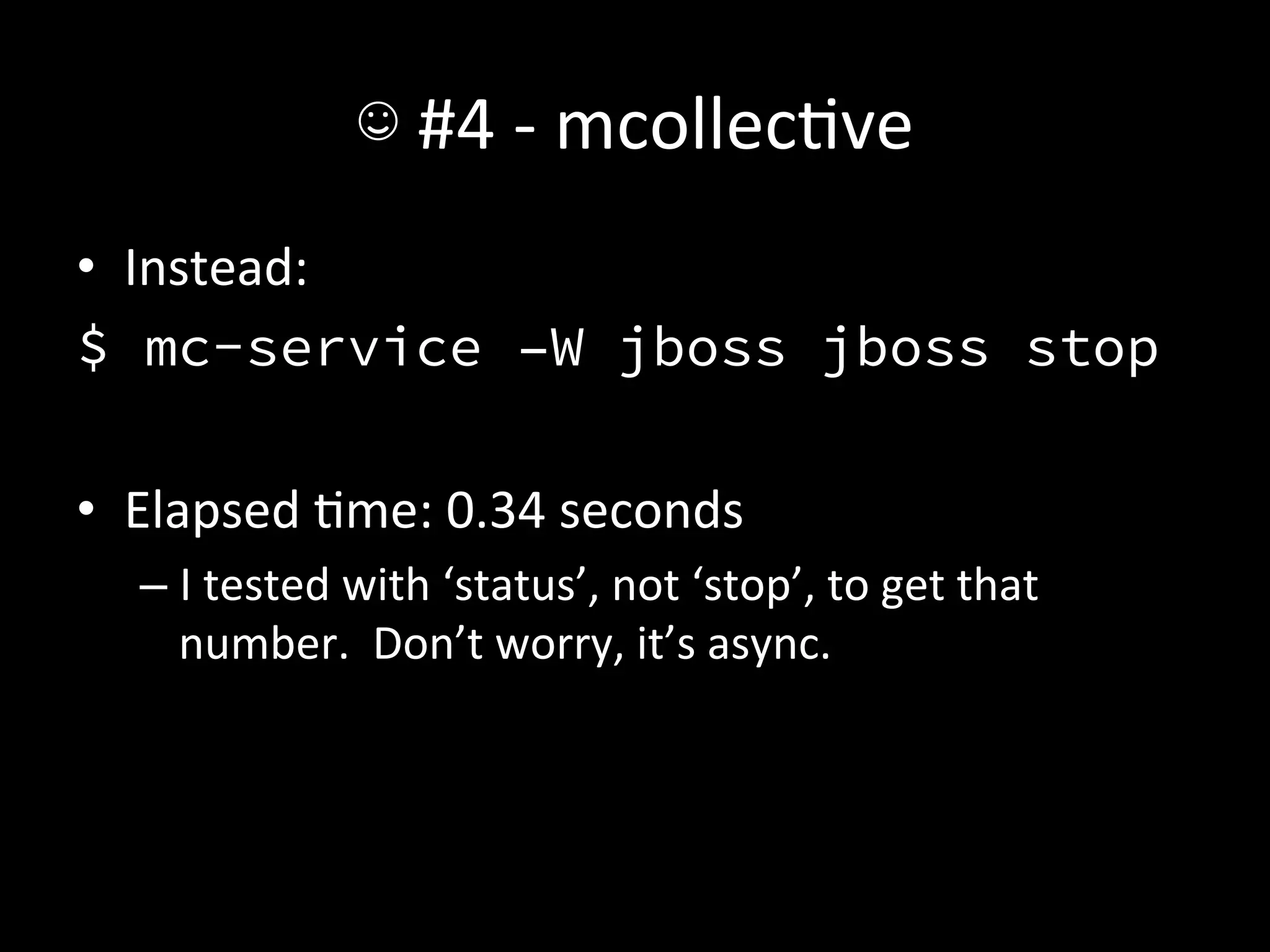
•  Instead:	
  
$ mc-service –W jboss jboss stop
	
  
•  Elapsed	
  Ame:	
  0.34	
  seconds	
  
    –  I	
  tested	
  with	
  ‘status’,	
  not	
  ‘stop’,	
  to	
  get	
  that	
  
       number.	
  	
  Don’t	
  worry,	
  it’s	
  async.	
  
☺	
  #4	
  -­‐	
  mcollecAve	
  
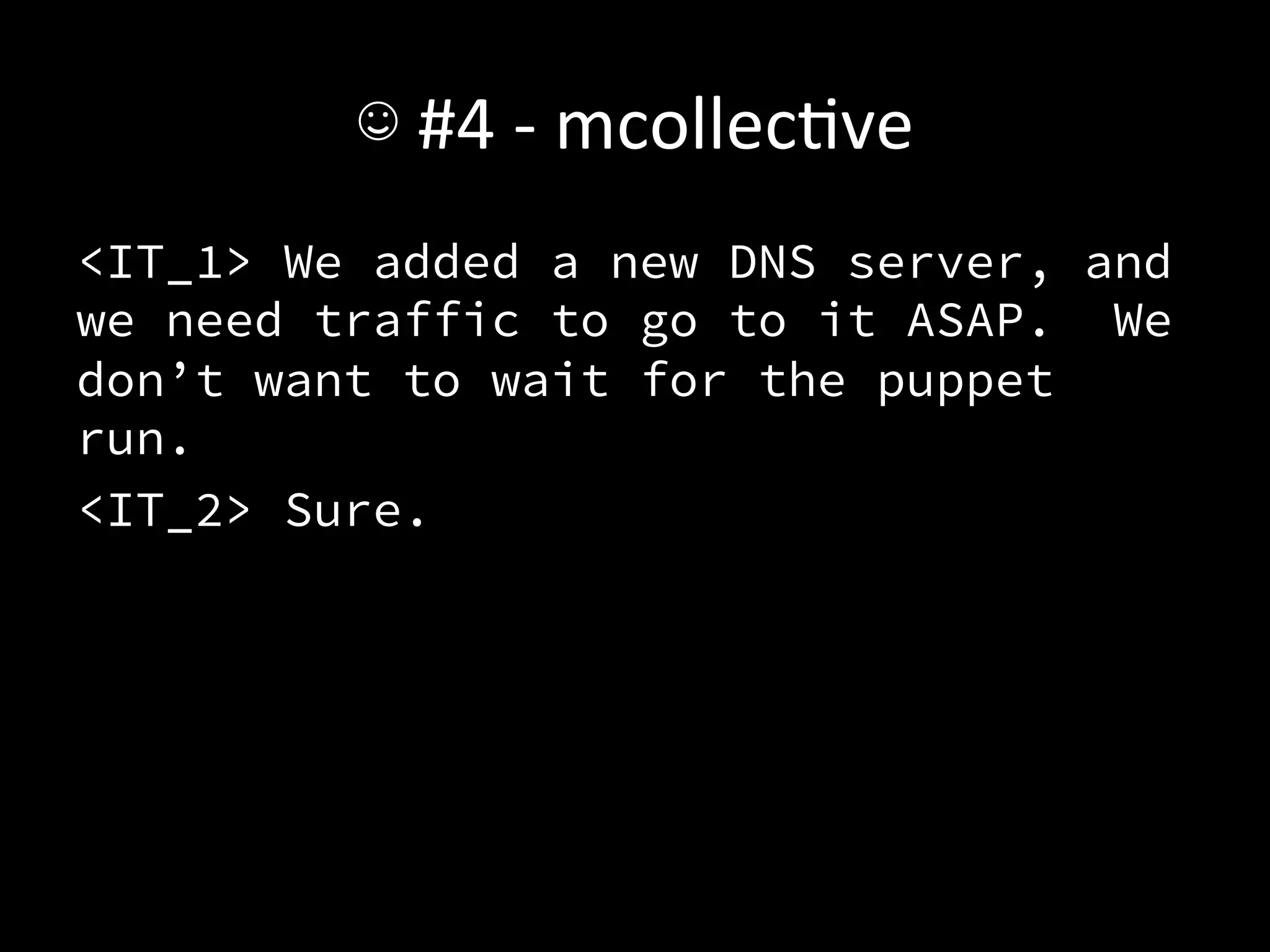
<IT_1> We added a new DNS server, and
we need traffic to go to it ASAP. We
don’t want to wait for the puppet
run.
<IT_2> Sure.
☺	
  #4	
  -­‐	
  mcollecAve	
  
                    It	
  would	
  have	
  been	
  
•  Oh,	
  you	
  know.	
  	
  Instead,	
  make	
  that	
  Puppet	
  
   change,	
  then:	
  
$ mc-puppetd runonce –f
☺	
  #4	
  -­‐	
  mcollecAve	
  
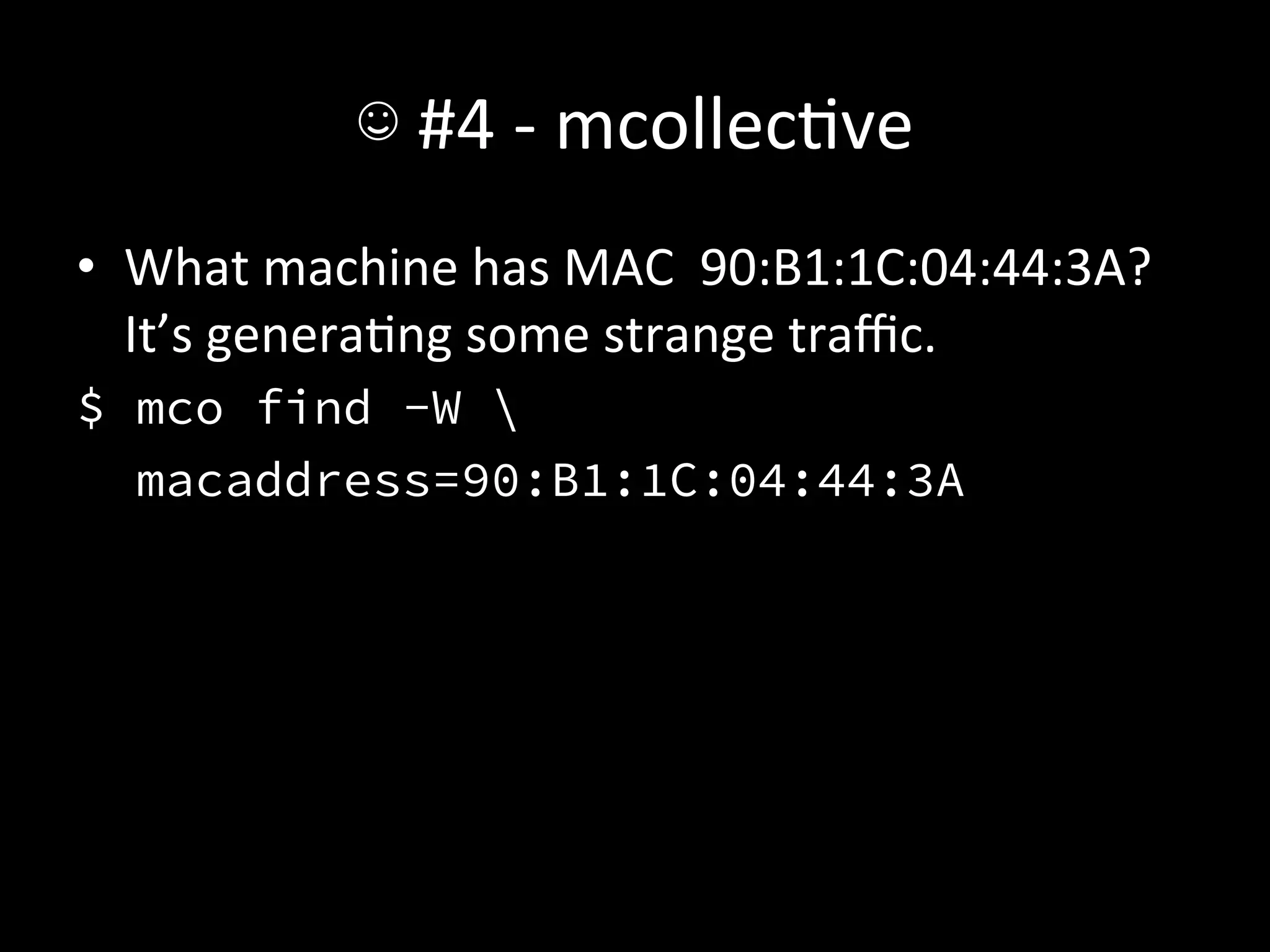
•  What	
  machine	
  has	
  MAC	
  	
  90:B1:1C:04:44:3A?	
  
   It’s	
  generaAng	
  some	
  strange	
  traffic.	
  
$ mco find -W 
  macaddress=90:B1:1C:04:44:3A
☺	
  #4	
  -­‐	
  mcollecAve	
  
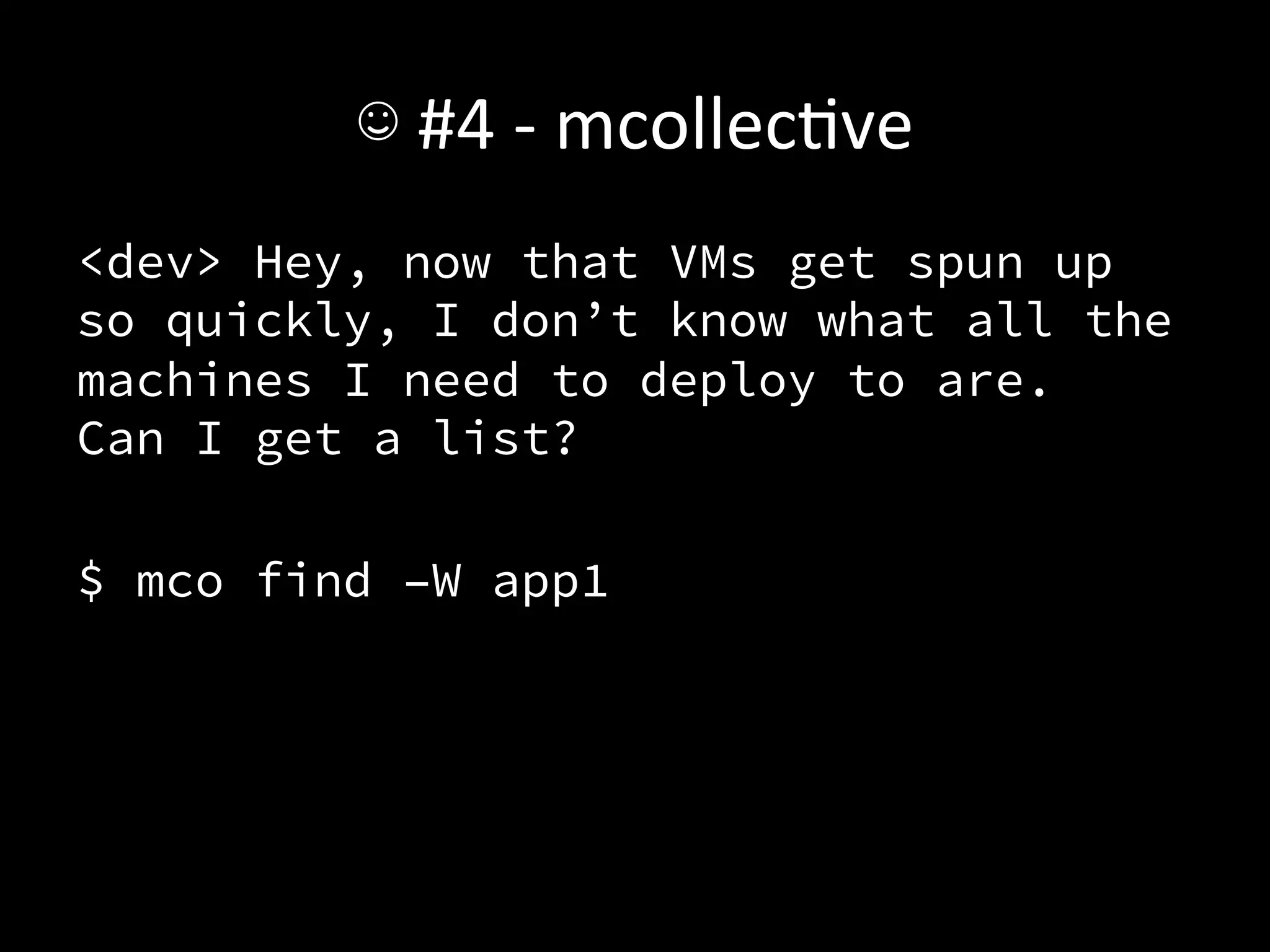
<dev> Hey, now that VMs get spun up
so quickly, I don’t know what all the
machines I need to deploy to are.
Can I get a list?

$ mco find –W app1
☺	
  #4	
  -­‐	
  mcollecAve	
  
•  You’ll	
  keep	
  finding	
  places	
  to	
  use	
  it.	
  
•  To	
  get	
  the	
  full	
  value,	
  you’ll	
  need	
  to	
  write	
  some	
  
   code	
  around	
  it.	
  	
  Even	
  without	
  that,	
  it’ll	
  pay	
  off.	
  
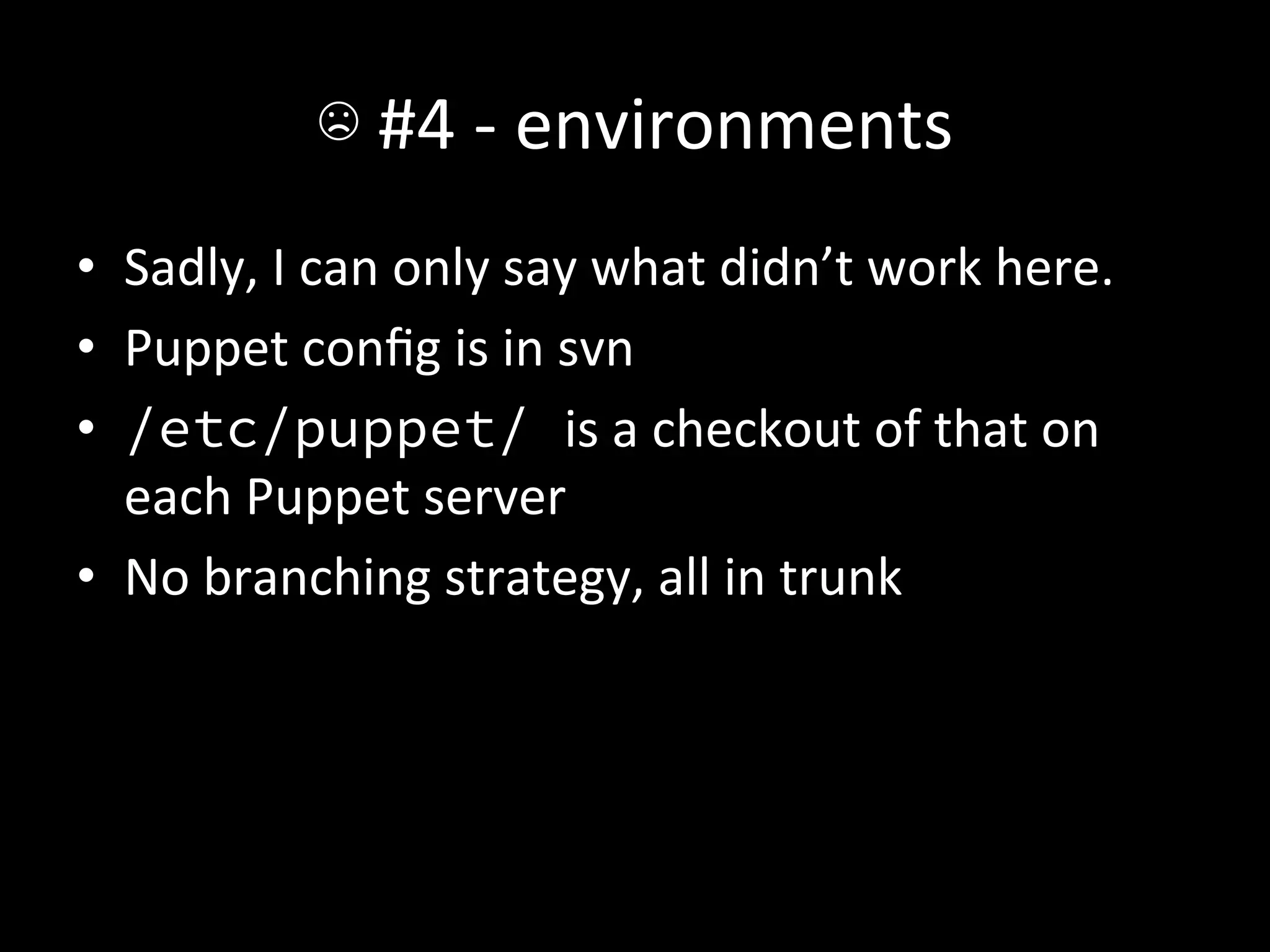
☹	
  #4	
  -­‐	
  environments	
  
•  Sadly,	
  I	
  can	
  only	
  say	
  what	
  didn’t	
  work	
  here.	
  
•  Puppet	
  config	
  is	
  in	
  svn	
  
•  /etc/puppet/ is	
  a	
  checkout	
  of	
  that	
  on	
  
   each	
  Puppet	
  server	
  
•  No	
  branching	
  strategy,	
  all	
  in	
  trunk	
  
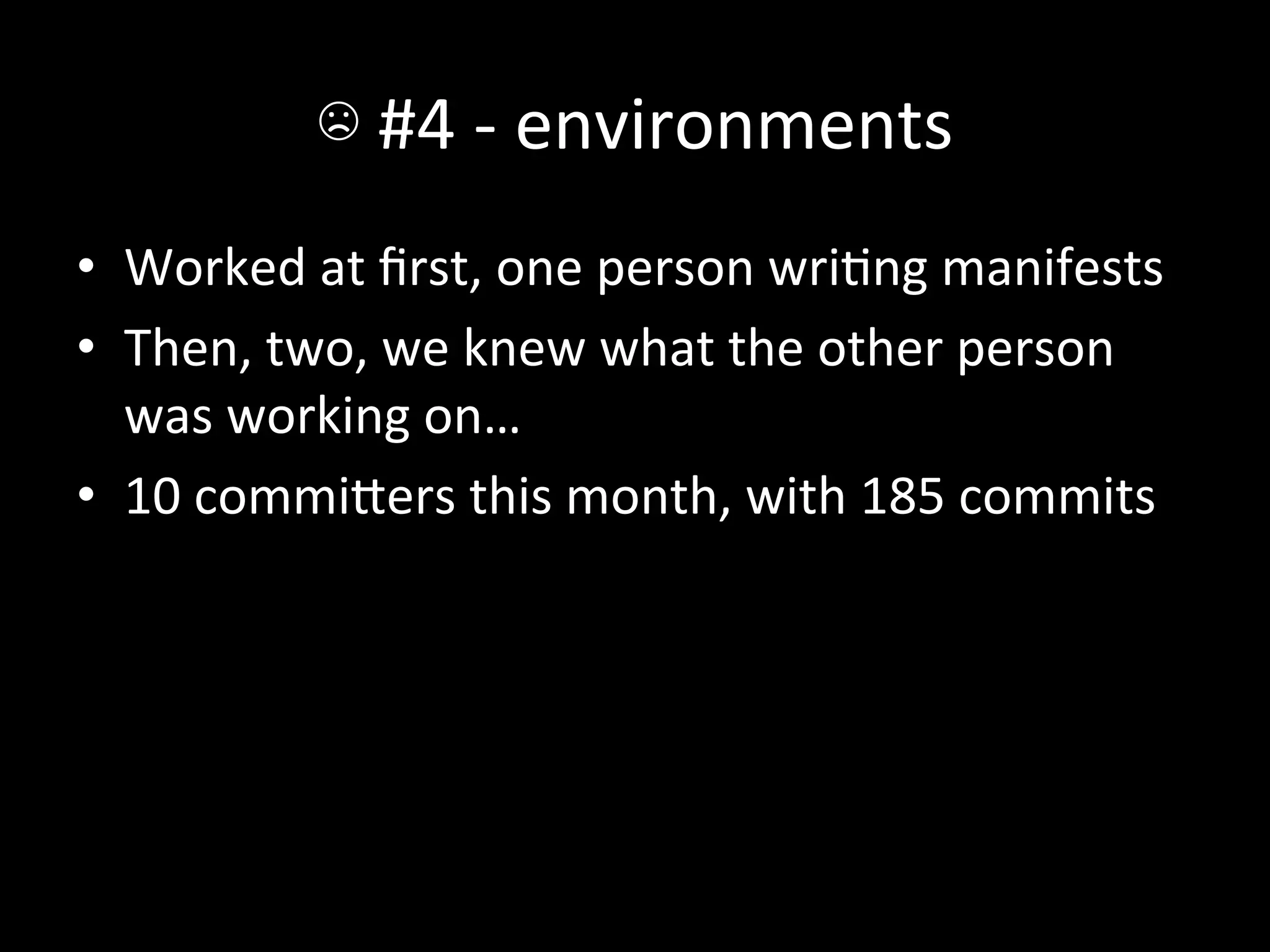
☹	
  #4	
  -­‐	
  environments	
  
•  Worked	
  at	
  first,	
  one	
  person	
  wriAng	
  manifests	
  
•  Then,	
  two,	
  we	
  knew	
  what	
  the	
  other	
  person	
  
   was	
  working	
  on…	
  
•  10	
  commiIers	
  this	
  month,	
  with	
  185	
  commits	
  
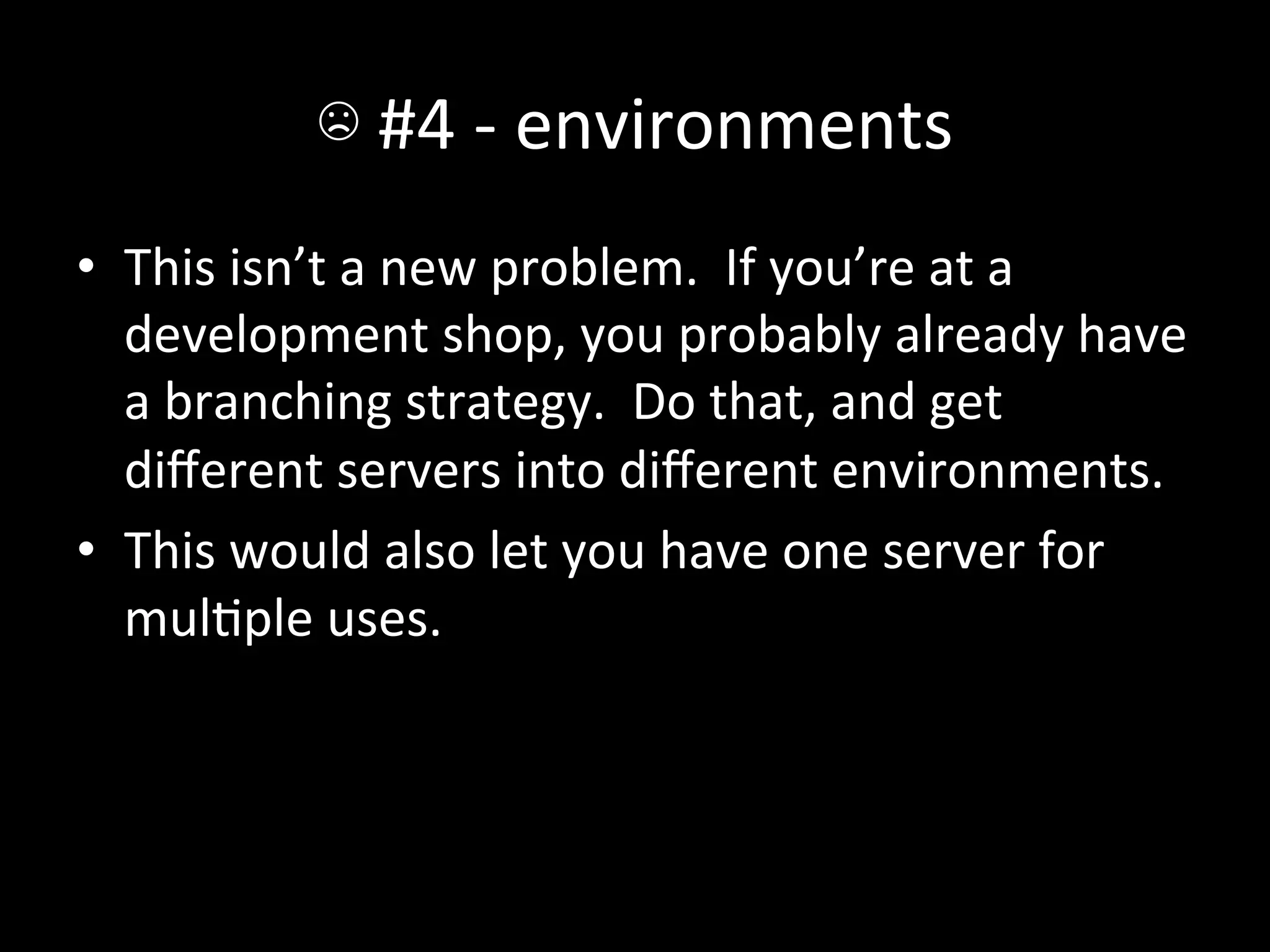
☹	
  #4	
  -­‐	
  environments	
  
•  This	
  isn’t	
  a	
  new	
  problem.	
  	
  If	
  you’re	
  at	
  a	
  
   development	
  shop,	
  you	
  probably	
  already	
  have	
  
   a	
  branching	
  strategy.	
  	
  Do	
  that,	
  and	
  get	
  
   different	
  servers	
  into	
  different	
  environments.	
  
•  This	
  would	
  also	
  let	
  you	
  have	
  one	
  server	
  for	
  
   mulAple	
  uses.	
  
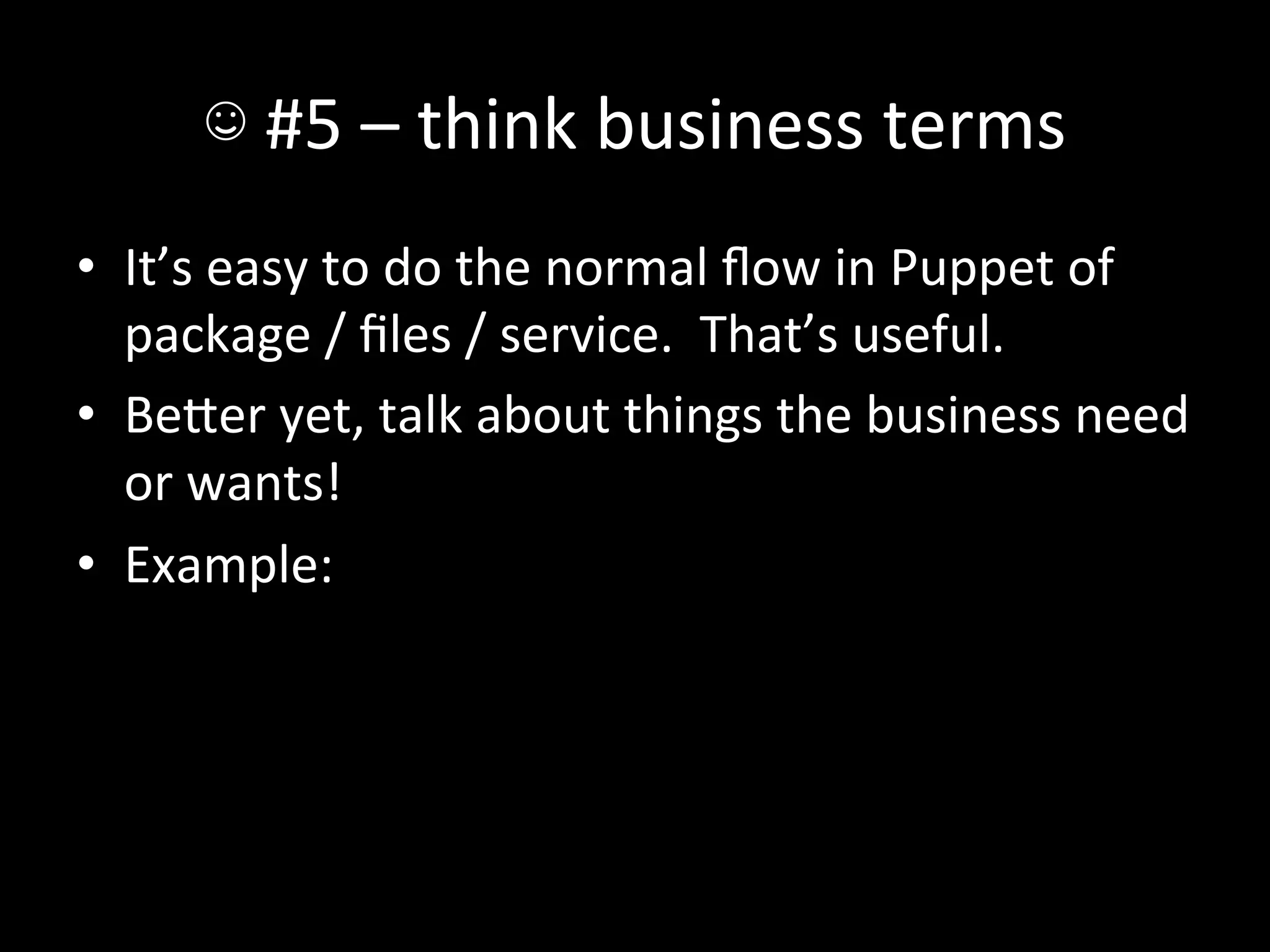
☺	
  #5	
  –	
  think	
  business	
  terms	
  
•  It’s	
  easy	
  to	
  do	
  the	
  normal	
  flow	
  in	
  Puppet	
  of	
  
   package	
  /	
  files	
  /	
  service.	
  	
  That’s	
  useful.	
  
•  BeIer	
  yet,	
  talk	
  about	
  things	
  the	
  business	
  need	
  
   or	
  wants!	
  
•  Example:	
  
☺	
  #5	
  –	
  think	
  business	
  terms	
  
•  InvestorBridge	
  hosts	
  a	
  website	
  per	
  client.	
  	
  
   They’re	
  of	
  the	
  form	
  www.(clientname).com,	
  
   and	
  include	
  SSL	
  certs,	
  an	
  apache	
  vhost,	
  
   (eventually)	
  load	
  balancer	
  config,	
  etc.	
  	
  How’s	
  
   that	
  look	
  in	
  Puppet?	
  
☺	
  #5	
  –	
  think	
  business	
  terms	
  
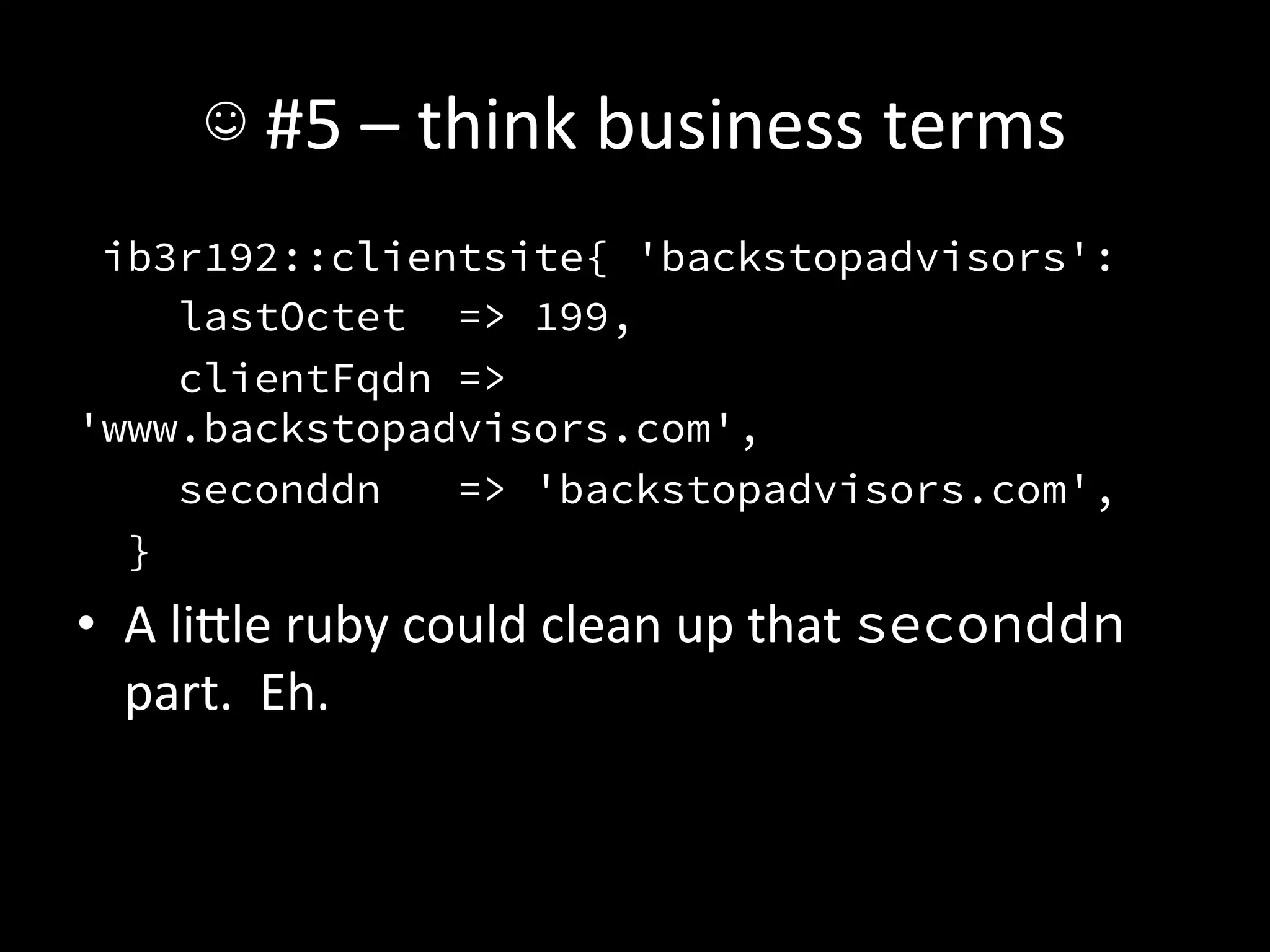
 ib3r192::clientsite{ 'backstopadvisors':
    lastOctet => 199,
    clientFqdn =>
'www.backstopadvisors.com',
    seconddn   => 'backstopadvisors.com',
  }
•  A	
  liIle	
  ruby	
  could	
  clean	
  up	
  that	
  seconddn	
  
   part.	
  	
  Eh.	
  
☺	
  #5	
  –	
  think	
  business	
  terms	
  
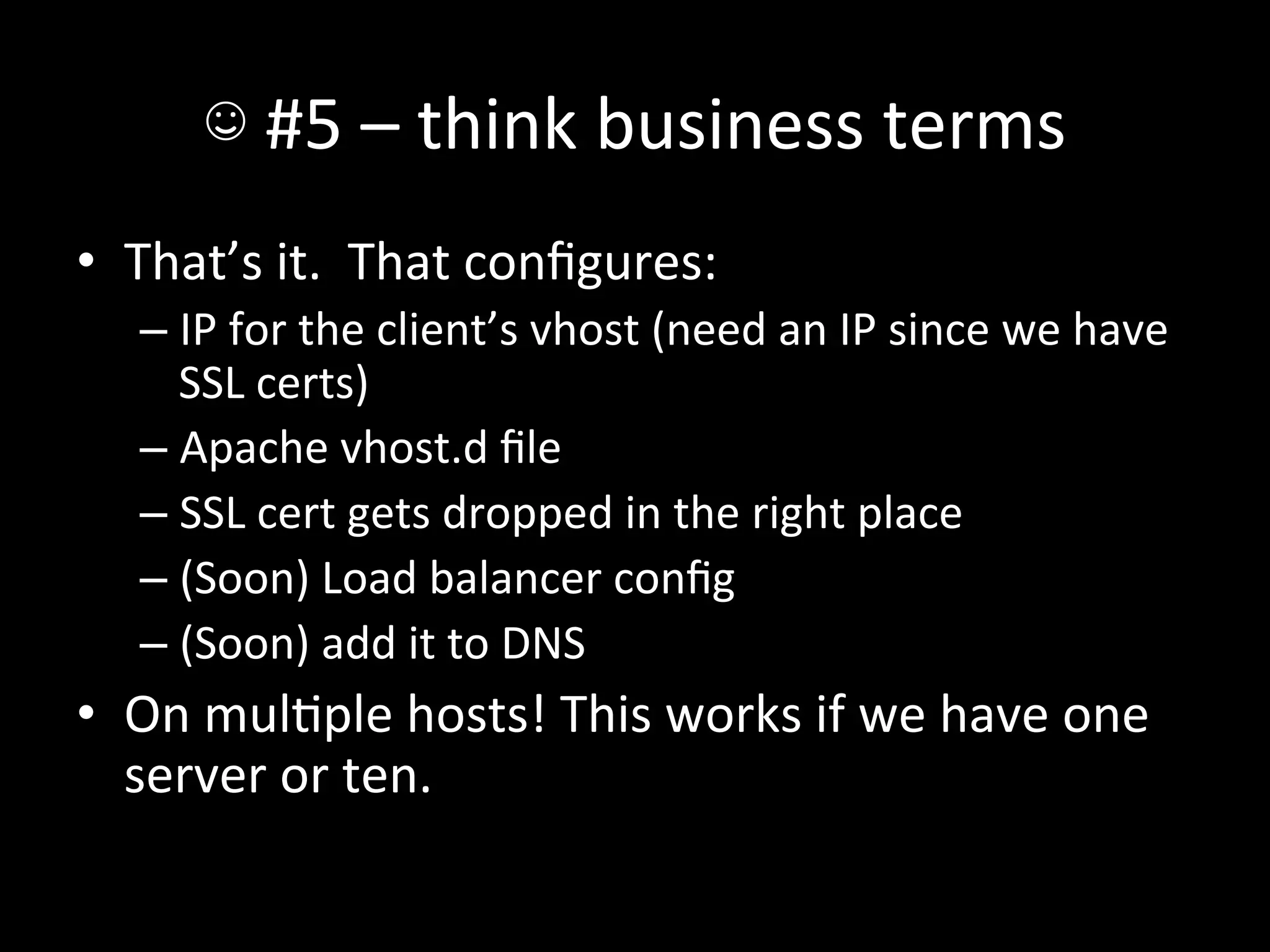
•  That’s	
  it.	
  	
  That	
  configures:	
  
    –  IP	
  for	
  the	
  client’s	
  vhost	
  (need	
  an	
  IP	
  since	
  we	
  have	
  
       SSL	
  certs)	
  
    –  Apache	
  vhost.d	
  file	
  
    –  SSL	
  cert	
  gets	
  dropped	
  in	
  the	
  right	
  place	
  
    –  (Soon)	
  Load	
  balancer	
  config	
  
    –  (Soon)	
  add	
  it	
  to	
  DNS	
  
•  On	
  mulAple	
  hosts!	
  This	
  works	
  if	
  we	
  have	
  one	
  
   server	
  or	
  ten.	
  
☺	
  #5	
  –	
  think	
  business	
  terms	
  
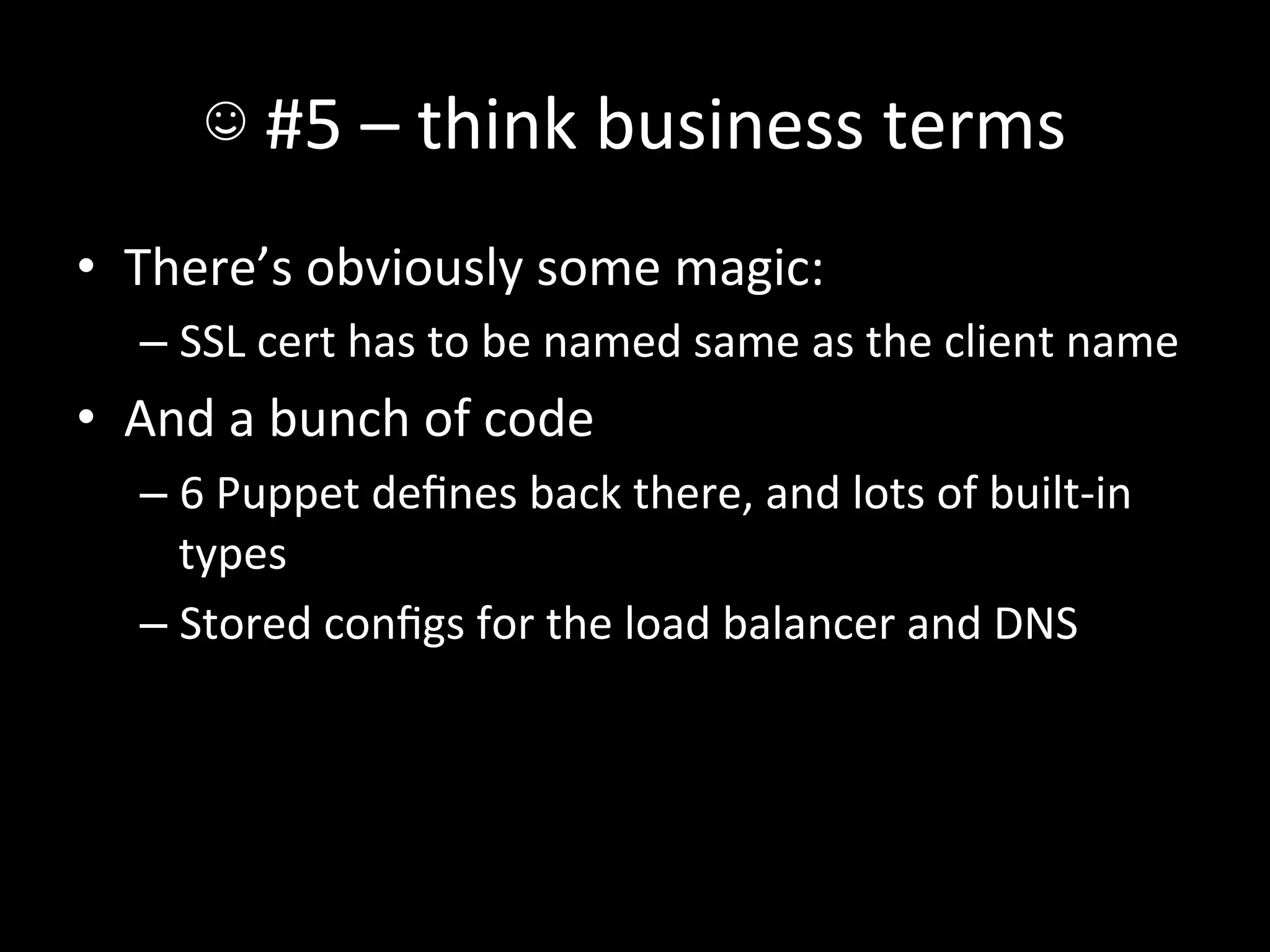
•  There’s	
  obviously	
  some	
  magic:	
  
    –  SSL	
  cert	
  has	
  to	
  be	
  named	
  same	
  as	
  the	
  client	
  name	
  
•  And	
  a	
  bunch	
  of	
  code	
  
    –  6	
  Puppet	
  defines	
  back	
  there,	
  and	
  lots	
  of	
  built-­‐in	
  
       types	
  
    –  Stored	
  configs	
  for	
  the	
  load	
  balancer	
  and	
  DNS	
  
☺	
  #6	
  –Puppet	
  as	
  automaAon	
  glue	
  
•  We	
  have	
  a	
  fair	
  number	
  of	
  jobs	
  that	
  generate	
  a	
  
   file	
  that	
  needs	
  to	
  go	
  out	
  somewhere.	
  
    –  DNS	
  zones	
  
    –  O-­‐menAoned	
  load	
  balancer	
  configs	
  
•  Instead	
  of	
  wriAng	
  deploy	
  jobs	
  for	
  each…	
  
☺	
  #6	
  –Puppet	
  as	
  automaAon	
  glue	
  
•  Write	
  the	
  files	
  into	
  the	
  puppet	
  repo	
  (checked	
  
   in)	
  and	
  let	
  it	
  drop	
  the	
  files.	
  
•  You	
  get	
  change	
  tracking	
  for	
  free,	
  and	
  can	
  build	
  
   all	
  the	
  usual	
  tools	
  around	
  it	
  
    –  Restart	
  services	
  when	
  their	
  files	
  change	
  
    –  Test	
  syntax	
  before	
  restarAng	
  services	
  
•  If	
  you’re	
  using	
  reports,	
  you’ll	
  even	
  find	
  out	
  if	
  
   things	
  go	
  wrong.	
  
☺	
  #7	
  –	
  VCS	
  pre-­‐commit	
  hooks	
  
•  Since	
  your	
  Puppet	
  manifests	
  are	
  in	
  some	
  VCS	
  
   (right?),	
  and	
  a	
  bunch	
  of	
  config	
  files	
  are	
  there	
  
   as	
  well,	
  why	
  not	
  test	
  them?	
  
    –  SSL	
  certs	
  –	
  check	
  to	
  make	
  sure	
  keys	
  and	
  certs	
  
       match	
  
    –  Bind	
  files	
  –	
  check	
  that	
  serial	
  numbers	
  incremented	
  
        •  Heck,	
  run	
  named-­‐checkzone	
  against	
  them	
  
    –  Syntax	
  check	
  .pp	
  files!	
  
    –  Syntax	
  check	
  .erb	
  files	
  
☺	
  #8	
  –	
  don’t	
  reinvent	
  the	
  wheel	
  
•  While	
  looking	
  for	
  code	
  to	
  put	
  in	
  this,	
  I	
  found	
  a	
  
   ton	
  of	
  modules	
  we	
  wrote	
  that	
  exist	
  in	
  the	
  
   Forge.	
  
•  Those	
  are	
  probably	
  beIer	
  wriIen.	
  
•  Certainly	
  beIer	
  tested.	
  
•  Don’t	
  be	
  afraid	
  to	
  throw	
  code	
  away.	
  
☺	
  #8	
  –	
  don’t	
  reinvent	
  the	
  wheel	
  
•  You	
  might	
  spend	
  some	
  Ame	
  digging	
  through	
  
   the	
  Forge	
  to	
  find	
  the	
  right	
  project.	
  
•  Consider	
  it	
  early	
  payment	
  for	
  not	
  having	
  to	
  
   maintain	
  the	
  module	
  by	
  yourself.	
  
QuesAons?	
  

What we Learned Implementing Puppet at Backstop

  • 1.
    Puppet  at  Backstop   Learn  from  our  mistakes   (and  a  few  wins  along  the  way)  
  • 2.
    Who  am  I?   •  Bill  Weiss  <bill@backstopsoluAons.com>   •  @BillWeiss   •  Wrote  a  bunch  of  the  coming  examples  of   what  not  to  do  here   •  As  you  can  tell,  not  a  designer  
  • 3.
    What  is  Backstop?   I  promise  I’m  not  in  sales.  
  • 5.
      Rack  picture  from  hIp://en.wikipedia.org/wiki/File:Datacenter-­‐telecom.jpg  .    The  rest  should  be   obvious  who  owns  them  
  • 6.
    •  Same  places  and  infrastructure,  but:  
  • 7.
    Where  we  came  from   <@boss> Hey, we need another server to handle all these customers! <IT> Sure, we can just…
  • 12.
    •  From  the  Dell  manual,  as  you  can  imagine  
  • 13.
  • 14.
  • 15.
    You  get  the  idea   But  wait,  there’s  more!  
  • 16.
    centos5.1-­‐aerwork.txt   rpm --importhttp://dag.wieers.com/rpm/packages/RPM- GPG-KEY.dag.txt wget http://apt.sw.be/redhat/el5/en/x86_64/RPMS.dag/ rpmforge-release-0.3.6-1.el5.rf.x86_64.rpm rpm -Uvh rpmforge-release-0.3.6-1.el5.rf.x86_64.rpm yum -y install mod_ssl gcc yum-priorities ncurses- devel httpd-devel apr-devel apr-util-devel apr-devel zlib-devel openssl-devel readline-devel ruby gcc-c++ postfix chkconfig iptables off chkconfig cups off chkconfig ip6tables off
  • 17.
    I’m  not  showing  the  whole  file,  I   promise   yum -y install ntp ntpdate 192.168.45.2 chkconfig ntpd on vi /etc/ntp.conf ############# Change server to (IP) if in the cage #################
  • 18.
    wc  –l    ==  273   cd /usr/local/ scp -pr root@abe:/usr/local/instantclient-* . ln -s instantclient-10.2.0.4 instantclient cd instantclient ln -s libclntsh.so.10.1 libclntsh.so chmod 755 *.so* chmod 755 sqlplus chmod 755 genezi echo "/usr/local/instantclient" > /etc/ld.so.conf.d/ oracle.conf ldconfig cd /root
  • 19.
    So…  that’s  it,  right?   •  Nope.    That’s  just  the  OS,  no  app.   •  Deploy  instrucAons  passed  down  from   developer  to  developer  as  lore  and  legend.  
  • 20.
  • 21.
    What  about  VMs?   •  Obviously  no  rack-­‐and-­‐stack,  but  otherwise   the  same   •  Sweet  master-­‐centos-­‐5.1-­‐java-­‐backstop.img   “gold”  file  
  • 22.
    What  if  upstream  changes?   •  We  lose   •  Massive  dri  between  machines   “Remember  that  bobo  is  slow  to  run   email  imports”     •  I’m  just  not  going  to  talk  about  patching  
  • 23.
    What  if  we  need  to  update  a  package?   $ for server in $(seq 1 254) ; do > ssh root@192.168.xx.$server > “yum update && yum upgrade thing” > done It’s  cool,  I’ll  just  type  that  password  a  lot…   (No  SSH  keys,  of  course)  
  • 24.
    What  if  we  need  to  update  a  file?   $ for server in $(seq 1 254) ; do > scp file > root@192.168.xx.$server:/some/where > done Hope  the  files  don’t  differ  between  machines.   (They  do)  
  • 25.
    Honestly,  that’s  more  like   $ for server in $(seq 1 254) ; do > ssh –t root@192.168.xx.$server > “vim /some/file” > done My  escape  key  is  strangely  worn  smooth.  
  • 26.
    My  reacAon   • Courtesy  THE  INTERNET   •  Specifically  hIp://www.reacAongifs.com/nope-­‐nope-­‐nope-­‐octopus/  
  • 27.
  • 28.
    I’ll  just  give  you  the  punchline  now   •  SAll  have  to  order  and  wait  for  shipping,   Puppet  doesn’t  do  that  (yet)   •  SAll  have  to  rack  the  silly  thing   •  PXE  boot  to  kickstart   •  Kickstart  installs  minimum  to  get  Puppet   running   •  puppet agent –onetime --no-daemonize  on  boot  
  • 29.
    •  Jenkins  logo,  of  course,  courtesy  hIps://wiki.jenkins-­‐ci.org/display/JENKINS/Logo   •  “Push  buIon”  image  courtesy  hIp://onemansblog.com/2007/11/29/reinterpreAng-­‐hand-­‐ dryer-­‐symbols/push-­‐buIon-­‐receive-­‐bacon-­‐2/   •  Horrible  ediAng  courtesy  OS  X  Preview’s  “Annotate”  funcAon  
  • 30.
    How  did  we  get  there?   •  ~5700  SVN  commits   $ (svn log old-puppet ; svn log puppet26/)| egrep '^r.*lines?$' | wc -l 5721 •  23  authors   $ (svn log old-puppet ; svn log puppet26/)| egrep '^r.*lines?$' | awk '{print $3}' | sort | uniq | wc –l 23 •  3  years,  1  month,  19  days  (as  of  March  13th)   If  anyone  wants  to  do  shell  golf,  I  bet  I  could  combine  those  into  one  command  line  to  get  #  of   commits  and  #  of  disAnct  authors.  
  • 31.
    Let’s  talk  about  what  we  learned  
  • 32.
    ☹  #1  –  Global  variables   •  Once  we  started  configuring  Nagios  via   Puppet  (more  on  that  later),  we  needed  a  way   to  control  if  a  given  box  was  monitored.    Thus:     node /^ib3qad+.investorbridge$/ { $servertype = 'IB3' $serverenv = 'qa' $serverrole = 'frontend' $monitor = false
  • 33.
    ☹  #1  –  Global  variables   •  What’s  the  code  look  like  for  that?   if ($monitor == true) or ($monitor == 'true') or ($monitor == 'yes') or ($monitor == '') { class{ ‘bsgbase::monitor’: real_ensure => ‘present’, } } else { class{ ‘bsgbase::monitor’: real_ensure => ‘absent’, } }
  • 34.
    ☹  #1  –  Global  variables   •  Ok,  just  set  $monitor  =  false  anywhere  you   don’t  want  to  monitor.    Sure.   •  What  if  you  want  to  monitor  the  basic  stuff,   but  not  the  app  on  top  of  it?  (like  a  test  box)  
  • 35.
    ☹  #1  –  Global  variables   node /ib-test-d+/ { (stuff) $monitor_ib = false }
  • 36.
    ☹  #1  –  Global  variables   •  What  about  a  machine  that  you  don’t  care   about  load  average  on?   node ‘superbusy’ { $monitor = ‘true’ $monitor_load = ‘false’ }
  • 37.
    ☹  #1  –  Global  variables   •  Guess  what  that  code  looks  like?  
  • 38.
    ☹  #1  –  Global  variables   •  I’ll  spare  you.    It  has  to  check  $monitor  and   $monitor_load  and  do  the  right  thing.   •  Also,  it  didn’t  fit  in  a  slide.  
  • 39.
    ☹  #1  –  Global  variables  
  • 40.
    ☹  #1  –  Global  variables   •  Seemed  like  a  good  idea  at  the  Ame.   •  How  do  we  get  rid  of  it?   •  Turns  out  Puppet  3  does  this  for  you!  
  • 41.
    ☺  #1  -­‐  Hiera   •  Hiera  to  the  rescue.   •  Our  hierarchy  looks  like:   :hierarchy: - %{fqdn} - %{operatingsystem} - %{location}/%{servertype}/%{serverenv}/% {serverrole} - %{location}/%{servertype}/%{serverenv} - %{location}/%{servertype} - %{location} - common
  • 42.
    ☺  #1  -­‐  Hiera   •  ProducAon  should  default  to  monitored,  but   other  locaAons  shouldn’t?   $ grep monitor: common.yaml ch3.yaml common.yaml:monitor: 'absent' ch3.yaml:monitor: 'present'
  • 43.
    ☺  #1  -­‐  Hiera   •  Developers  for  a  certain  app  don’t  want  load   monitoring?   $ grep monitor ch3/docsvc.yaml monitor: 'present’ monitor_load: ‘absent’  
  • 44.
    ☺  #1  –  Hiera   •  Anywhere  you’ve  got  $something  =   “something”  in  a  module,  think  about  if  it   needs  to  change  per-­‐environment.   •  If  so,  in  Hiera  it  goes!  
  • 45.
    ☺  #1  –  Hiera   •  Example  #2:  sshd_config   •  Most  machines  need  the  same  one,  but  a  few   get  something  radically  different.    How  do  you   include  a  different  file?  
  • 46.
    ☺  #1  –  Hiera   class ssh::install { $sshd_template = hiera('sshd_template', 'ssh/sshd_config.erb') file { '/etc/ssh/sshd_config': owner => 'root', group => 'root', mode => '0600', content => template($sshd_template), notify => Class['ssh::service'], } }
  • 47.
    ☺  #1  –  Hiera   hieradata/ $ ack template . ch3/IT/production/sshjumphost.yaml 3:sshd_template: 'sshjumphost/ sshd_config.erb'
  • 48.
    ☺  #1  –  Hiera   •  The  more  you  wait  on  installing  it,  the  more   you’ll  have  to  migrate  in.   •  Do  it  now,  even  if  not  everything  lives  in  there   day  one.  
  • 49.
    ☹  #2  –  Per-­‐something  files   •  Started  innocently  enough:     bweiss@rezal-evad-gib ~/repos/old-puppet $ svn diff -c 29 Index: manifests/nodes.pp ========================================================= --- manifests/nodes.pp (revision 28) +++ manifests/nodes.pp (revision 29) @@ -10,8 +9,14 @@ include rails include oracle include ib3 + $servertype = "IB3" + include sudo }
  • 50.
    ☹  #2  –  Per-­‐something  files   bweiss@rezal-evad-gib ~/repos/old-puppet $ svn diff -c 27 Index: modules/sudo/manifests/init.pp ========================================================= --- modules/sudo/manifests/init.pp (revision 26) +++ modules/sudo/manifests/init.pp (revision 27) @@ -1,7 +1,18 @@ class sudo { + case $servertype { + "IB3": { include sudo::ib3 } + "BB": { include sudo::bb } + default: { include sudo::default } + } +}
  • 51.
    ☹  #2  –  Per-­‐something  files   +class sudo::ib3 inherits sudo::common { + file { "/etc/sudoers": + owner => "root", + group => "root", + mode => 440, + source => "puppet:///modules/sudo/ib3-sudoers", + require => Package["sudo"], + } +}
  • 52.
    ☹  #2  –  Per-­‐something  files   •  Yikes.    I  got  a  liIle  more  clever,  and  this   became:  
  • 53.
    ☹  #2  –  Per-­‐something  files   file { "/etc/sudoers": owner => "root", group => "root", mode => 0440, source => [ "puppet:///modules/sudo/sudoers.$fqdn", "puppet:///modules/sudo/sudoers.$servertype", "puppet:///modules/sudo/sudoers" ], require => Package["sudo"] }
  • 54.
    ☹  #2  –  Per-­‐something  files   •  Well...  That’s  not  so  bad,  right?       modules/sudo/files $ ll | wc -l 20  
  • 55.
    ☹  #2  –  Per-­‐something  files   --------------------------------------------------------- r213 | bweiss | 2010-08-19 16:23:21 -0500 (Thu, 19 Aug 2010) | 1 line Added DevManager group to all systems (cut:  adding  the  same  line  to  20  files)  
  • 56.
    ☹  #2  –  Per-­‐something  files   •  No  global  “right”  answer.   •  For  this  specific  case,  please  go  download   Example42’s  sudo  module  from  the  Forge.  
  • 57.
    ☺  #2  –  Compose  those  files   •  You’ll  have  lots  of  cases  where  you  need  to   add  to  a  file  from  other  modules  (or  per-­‐ something).    Don’t  fall  into  the  trap  of   sudoers.${::fqdn}  
  • 58.
    ☺  #2  –  Compose  those  files   •  Approach  #1:  foo.d  directories   •  Sudo  supports  this  at  the  boIom  of  your     /etc/sudoers/:   #includedir /etc/sudoers.d •  Then  you  can  just  dump  config  snippets  in   /etc/sudoers.d/(whatever)  
  • 59.
    ☺  #2  –  Compose  those  files   •  Approach  #2:  puppet-­‐concat   •  hIps://github.com/ripienaar/puppet-­‐concat   •  Lets  you  fake  the  foo.d  style  by  gluing  your   file  fragments  together  at  puppet  Ame.   •  Used  like  this:  
  • 60.
    ☺  #2  –  Compose  those  files   •  Set  up  the  file:   concat{ ‘/some/file’: } •  Add  a  couple  of  blobs   concat::fragment{ ‘blob1’: target => ‘/some/file’, order => 5, content => “Yep, I’m #5”, }
  • 61.
    ☺  #2  –  Compose  those  files   concat::fragment{ ‘blob2’: target => ‘/some/file’, order => 10, source => ‘puppet:///(etc)/blob2’, } •  That’s  it,  /some/file will  contain  all  those   blocks  in  the  order  you  asked  for.   •  It  shouldn’t  be  your  first  stop,  but  it  works!  
  • 62.
    ☺  #2  –  Compose  those  files   •  When  all  else  fails,  get  templaAng.   •  It’s  just  Ruby,  you  can  do  this.  
  • 63.
    ☺  #3  –  Stored  Configs   •  These  look  super  confusing  at  first,  but  they’re   not  bad.   •  On  the  source,  you  do:   @@my_type{‘whatever’: normal => arguments, tag => ‘something’, }
  • 64.
    ☺  #3  –  Stored  Configs   •  Then,  wherever  you  need  those  resources  to   show  up,  you  do:   My_type <<| tag == ‘something’ |>> { } •  That’s  it.    How  do  you  use  it?  
  • 65.
    ☺  #3  –  Stored  Configs   •  The  fantasAc  built-­‐in  Nagios  types.   •  On  a  client:   @@nagios_service{“check_load_${::fqdn}”: ensure => ‘present’, (lots of parameters) tag => $::location, } •  $::location  is  something  we  wrote  to   contain  what  datacenter  you’re  in.    Don’t   worry  about  that  part.
  • 66.
    ☺  #3  –  Stored  Configs   •  On  the  Nagios  server:   Nagios_service <<| tag == $::location |>>{ notify => Class[‘nagios::service’], } (that’s  just  this  side  of  boilerplate)  
  • 67.
    ☺  #3  –  Stored  Configs   •  Once  the  client  checks  in,  and  then  the  Nagios   server  checks  in,  it’s  monitored.   •  That’s  it.   •  You’ll  need  some  machinery  to  determine   when  to  monitor  what  machine,  of  course,  but   it’s  as  easy  as  that.  
  • 68.
    ☺  #3  –  Stored  Configs   •  Big  wins  here.   •  Old  manually-­‐configured  Nagios:  ~600   services   •  Puppet-­‐configured  Nagios:  ~800  services   •  I  wonder  what  we  were  missing?  
  • 69.
    ☺  #3  –  Stored  Configs   •  We’re  working  on  code  to  configure  our  load   balancer  in  the  same  way.   •  Client:   @@load_balance{ “servicename_${::fqdn}”: port => 443, external_name => ‘www.backstopsolutions.com’, }
  • 70.
    ☺  #3  –  Stored  Configs   •  Then  the  load  balancer  can  just  grab  all  of   those  and  add  them  as  backends!  
  • 71.
    ☺  #3  –  Stored  Configs   •  Gotchas:   –  Resource  names  have  to  be  globally  unique.    Add   ${::fqdn}  everywhere.   –  You  have  to  have  a  database  to  dump  these  into.     Get  PuppetDB  running!   –  Be  willing  to  dig  in  the  database  to  debug  if   needed.  
  • 72.
    ☹  #3  –  Convergence  Ame   •  Early  on,  we  decided  to  run  Puppet  only  once   daily,  during  a  Ame  clients  aren’t  using  a   server.   –  Minimizes  the  chances  of  causing  an  outage.   •  Remember  the  order  those  stored  configs   have  to  happen  in?  
  • 73.
    ☹  #3  –  Convergence  Ame   •  Yep,  have  to  make  sure  all  clients  run  before   the  consumer  of  a  stored  config  does,  or  you’ll   be  out  of  sync.   •  Try  to  run  as  oen  as  possible.    This  reduces   the  amount  of  changes  to  make  per  run,   which  has  less  impact.  
  • 74.
    ☺  #4  -­‐  mcollecAve   Original  image:  hIp://xkcd.com/353/   Cheapo  ediAng  again  courtesy  OS  X  Preview  “Annotate”  
  • 75.
    ☺  #4  -­‐  mcollecAve   <dba> The app needs to be down in CH3 before we can do our DR test <IT> I can do that  
  • 76.
    ☺  #4  -­‐  mcollecAve   It  would  have  been   $ for server in $(seq 1 254) ; do > ssh root@192.168.xx.$server > “/etc/init.d/jboss stop” > done •  Elapsed  Ame,  an  hour  (if  you  type  fast)  
  • 77.
    ☺  #4  -­‐  mcollecAve   •  Instead:   $ mc-service –W jboss jboss stop   •  Elapsed  Ame:  0.34  seconds   –  I  tested  with  ‘status’,  not  ‘stop’,  to  get  that   number.    Don’t  worry,  it’s  async.  
  • 78.
    ☺  #4  -­‐  mcollecAve   <IT_1> We added a new DNS server, and we need traffic to go to it ASAP. We don’t want to wait for the puppet run. <IT_2> Sure.
  • 79.
    ☺  #4  -­‐  mcollecAve   It  would  have  been   •  Oh,  you  know.    Instead,  make  that  Puppet   change,  then:   $ mc-puppetd runonce –f
  • 80.
    ☺  #4  -­‐  mcollecAve   •  What  machine  has  MAC    90:B1:1C:04:44:3A?   It’s  generaAng  some  strange  traffic.   $ mco find -W macaddress=90:B1:1C:04:44:3A
  • 81.
    ☺  #4  -­‐  mcollecAve   <dev> Hey, now that VMs get spun up so quickly, I don’t know what all the machines I need to deploy to are. Can I get a list? $ mco find –W app1
  • 82.
    ☺  #4  -­‐  mcollecAve   •  You’ll  keep  finding  places  to  use  it.   •  To  get  the  full  value,  you’ll  need  to  write  some   code  around  it.    Even  without  that,  it’ll  pay  off.  
  • 83.
    ☹  #4  -­‐  environments   •  Sadly,  I  can  only  say  what  didn’t  work  here.   •  Puppet  config  is  in  svn   •  /etc/puppet/ is  a  checkout  of  that  on   each  Puppet  server   •  No  branching  strategy,  all  in  trunk  
  • 84.
    ☹  #4  -­‐  environments   •  Worked  at  first,  one  person  wriAng  manifests   •  Then,  two,  we  knew  what  the  other  person   was  working  on…   •  10  commiIers  this  month,  with  185  commits  
  • 85.
    ☹  #4  -­‐  environments   •  This  isn’t  a  new  problem.    If  you’re  at  a   development  shop,  you  probably  already  have   a  branching  strategy.    Do  that,  and  get   different  servers  into  different  environments.   •  This  would  also  let  you  have  one  server  for   mulAple  uses.  
  • 86.
    ☺  #5  –  think  business  terms   •  It’s  easy  to  do  the  normal  flow  in  Puppet  of   package  /  files  /  service.    That’s  useful.   •  BeIer  yet,  talk  about  things  the  business  need   or  wants!   •  Example:  
  • 87.
    ☺  #5  –  think  business  terms   •  InvestorBridge  hosts  a  website  per  client.     They’re  of  the  form  www.(clientname).com,   and  include  SSL  certs,  an  apache  vhost,   (eventually)  load  balancer  config,  etc.    How’s   that  look  in  Puppet?  
  • 88.
    ☺  #5  –  think  business  terms   ib3r192::clientsite{ 'backstopadvisors': lastOctet => 199, clientFqdn => 'www.backstopadvisors.com', seconddn => 'backstopadvisors.com', } •  A  liIle  ruby  could  clean  up  that  seconddn   part.    Eh.  
  • 89.
    ☺  #5  –  think  business  terms   •  That’s  it.    That  configures:   –  IP  for  the  client’s  vhost  (need  an  IP  since  we  have   SSL  certs)   –  Apache  vhost.d  file   –  SSL  cert  gets  dropped  in  the  right  place   –  (Soon)  Load  balancer  config   –  (Soon)  add  it  to  DNS   •  On  mulAple  hosts!  This  works  if  we  have  one   server  or  ten.  
  • 90.
    ☺  #5  –  think  business  terms   •  There’s  obviously  some  magic:   –  SSL  cert  has  to  be  named  same  as  the  client  name   •  And  a  bunch  of  code   –  6  Puppet  defines  back  there,  and  lots  of  built-­‐in   types   –  Stored  configs  for  the  load  balancer  and  DNS  
  • 91.
    ☺  #6  –Puppet  as  automaAon  glue   •  We  have  a  fair  number  of  jobs  that  generate  a   file  that  needs  to  go  out  somewhere.   –  DNS  zones   –  O-­‐menAoned  load  balancer  configs   •  Instead  of  wriAng  deploy  jobs  for  each…  
  • 92.
    ☺  #6  –Puppet  as  automaAon  glue   •  Write  the  files  into  the  puppet  repo  (checked   in)  and  let  it  drop  the  files.   •  You  get  change  tracking  for  free,  and  can  build   all  the  usual  tools  around  it   –  Restart  services  when  their  files  change   –  Test  syntax  before  restarAng  services   •  If  you’re  using  reports,  you’ll  even  find  out  if   things  go  wrong.  
  • 93.
    ☺  #7  –  VCS  pre-­‐commit  hooks   •  Since  your  Puppet  manifests  are  in  some  VCS   (right?),  and  a  bunch  of  config  files  are  there   as  well,  why  not  test  them?   –  SSL  certs  –  check  to  make  sure  keys  and  certs   match   –  Bind  files  –  check  that  serial  numbers  incremented   •  Heck,  run  named-­‐checkzone  against  them   –  Syntax  check  .pp  files!   –  Syntax  check  .erb  files  
  • 94.
    ☺  #8  –  don’t  reinvent  the  wheel   •  While  looking  for  code  to  put  in  this,  I  found  a   ton  of  modules  we  wrote  that  exist  in  the   Forge.   •  Those  are  probably  beIer  wriIen.   •  Certainly  beIer  tested.   •  Don’t  be  afraid  to  throw  code  away.  
  • 95.
    ☺  #8  –  don’t  reinvent  the  wheel   •  You  might  spend  some  Ame  digging  through   the  Forge  to  find  the  right  project.   •  Consider  it  early  payment  for  not  having  to   maintain  the  module  by  yourself.  
  • 96.