Working w/ WordPress
Importing/Exporting, Customizing and Troubleshooting
It’s me…
Jean Felisme
WordPress Designer and Developer
@jfeliweb
jean@bizdotsmedia.com
bizdotsmedia.co | jeanfelisme.com
You did it!!!!
 Domain
 Hosting
 WordPress
 Theme
 Plugin
...Now What?
The Good Stuff!
Before you start...
Things to Know...
● Basic Knowledge of HTML and CSS
● Text Editor
● Local Development | Development Site
www.mamp.info OR serverpress.com
● A Cool Head
● Backup Everything
Site Backup
• Why you should backup?
• Manually Backup your site.
• Plugin to use to backup. (BackupBuddy)
• Content Backup (Import/Export)
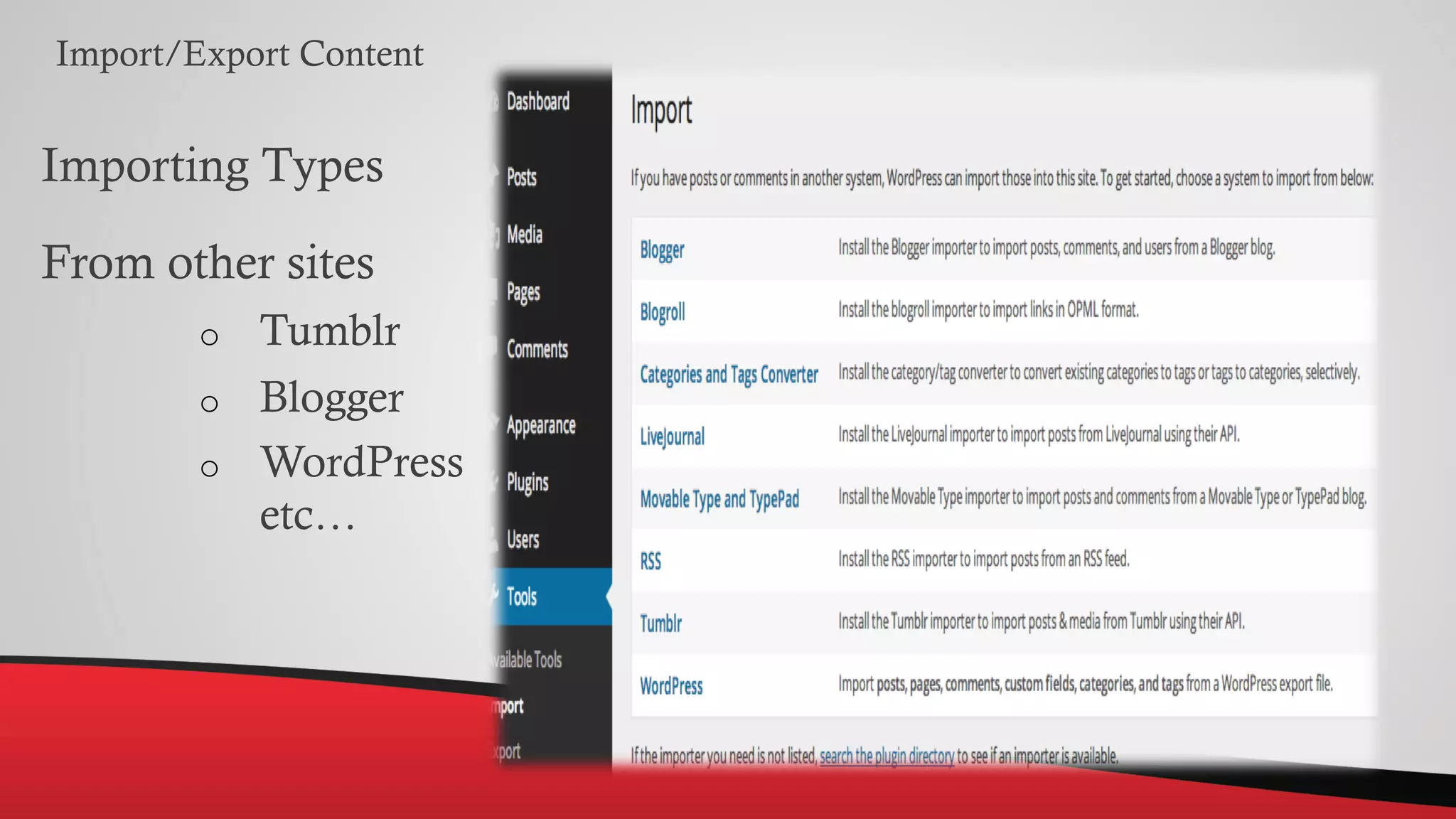
Import/Export Content
Importing Types
From other sites
o Tumblr
o Blogger
o WordPress
etc…
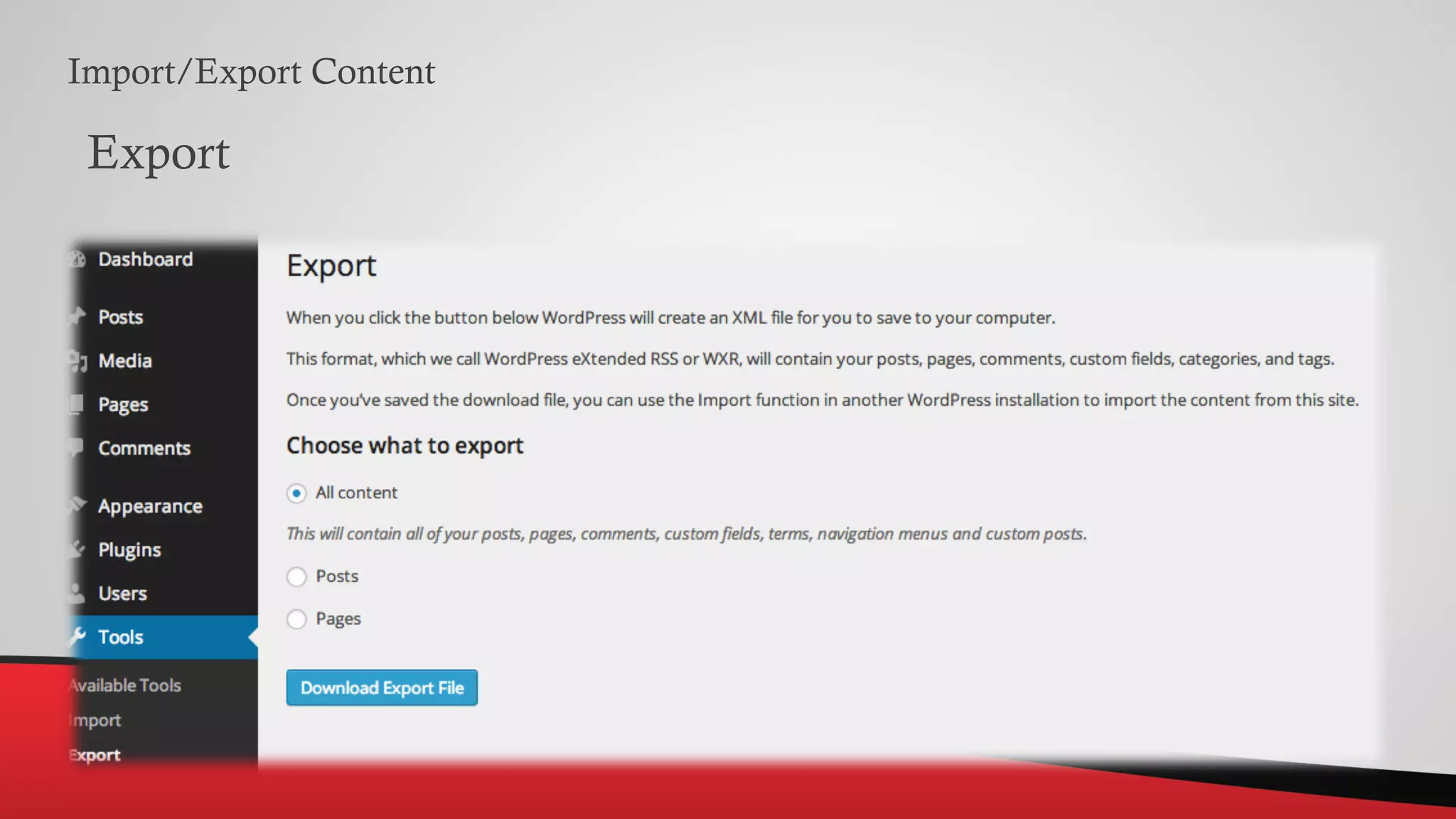
Import/Export Content
Export
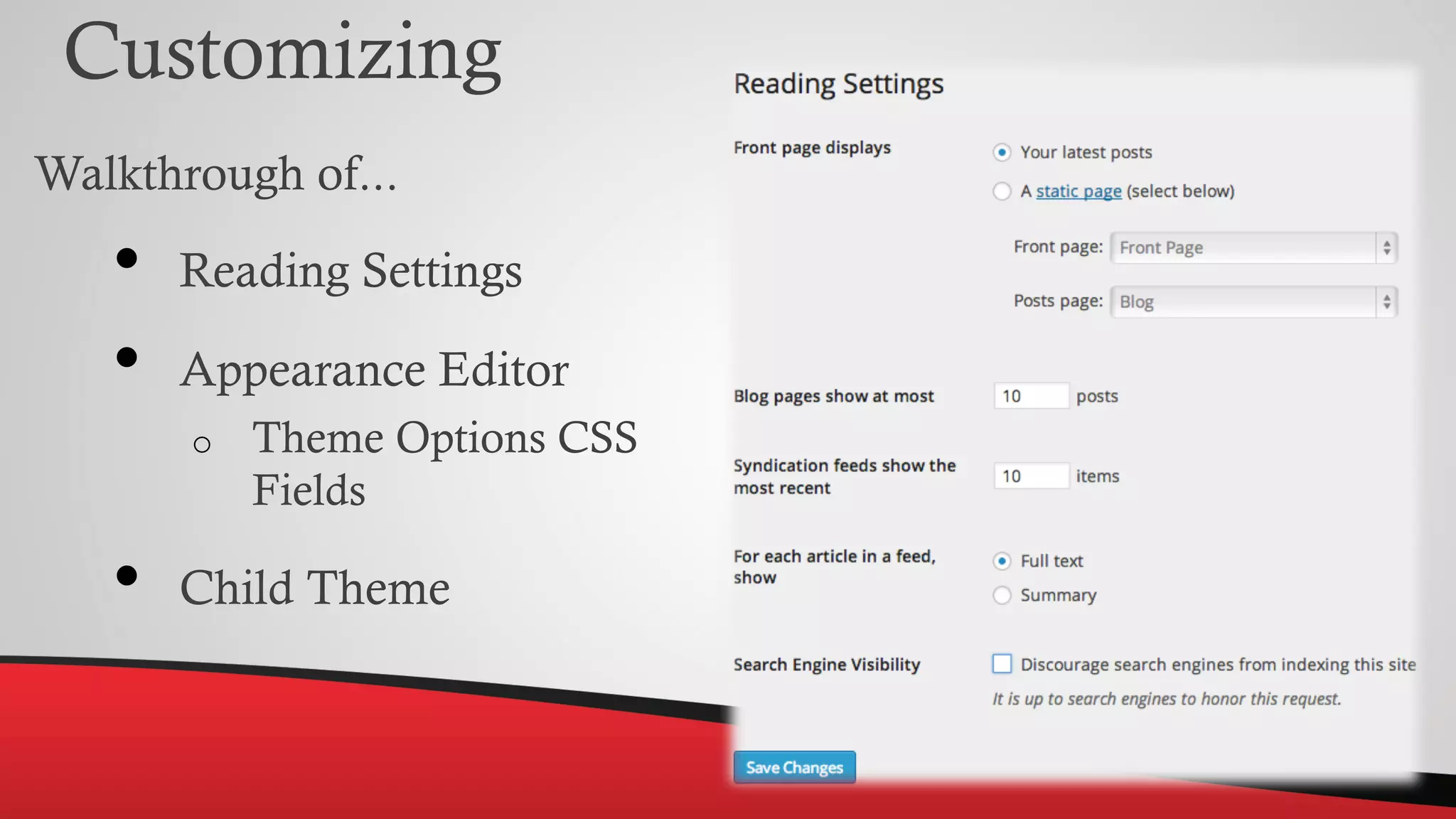
Customizing
Walkthrough of...
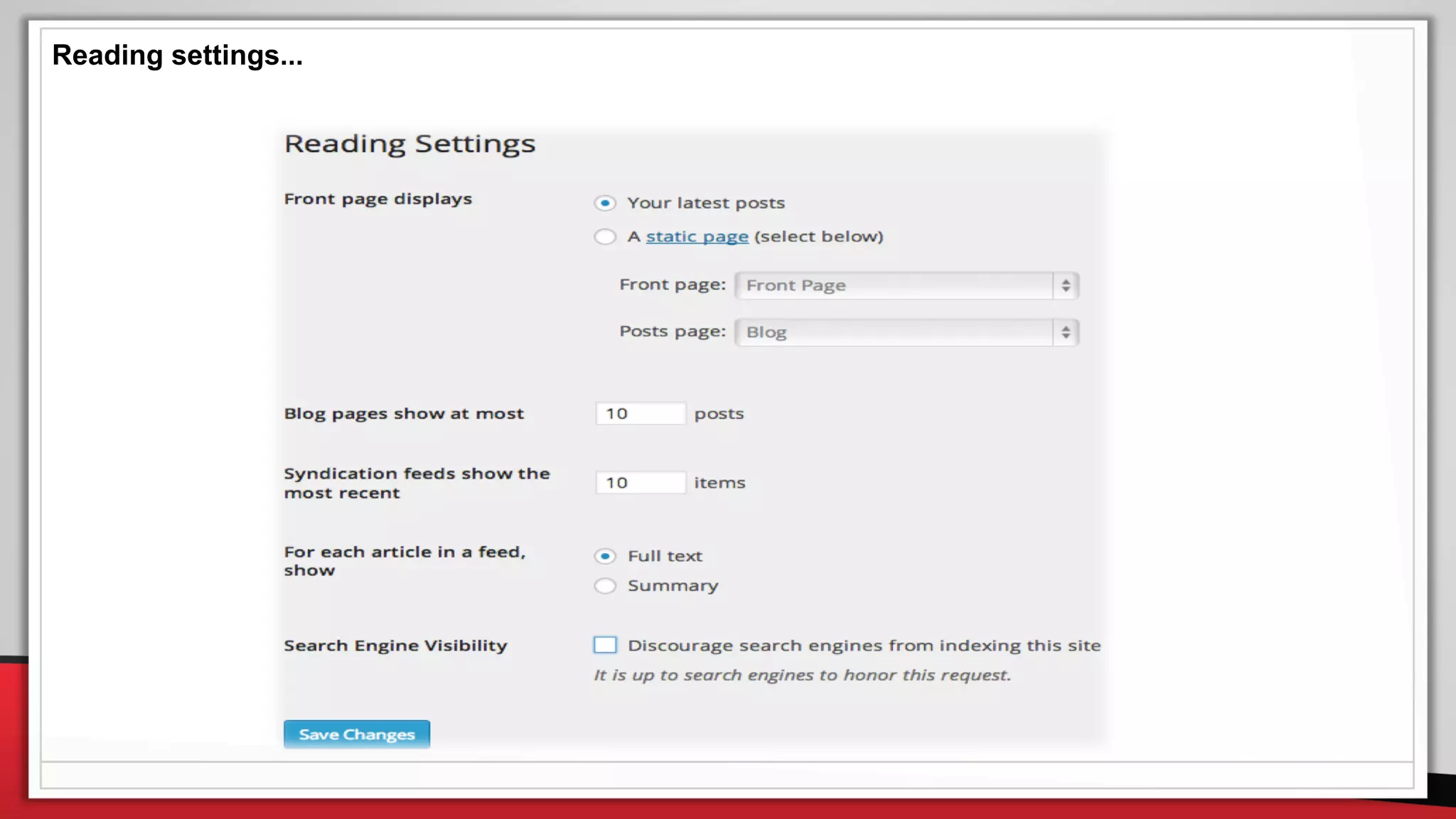
• Reading Settings
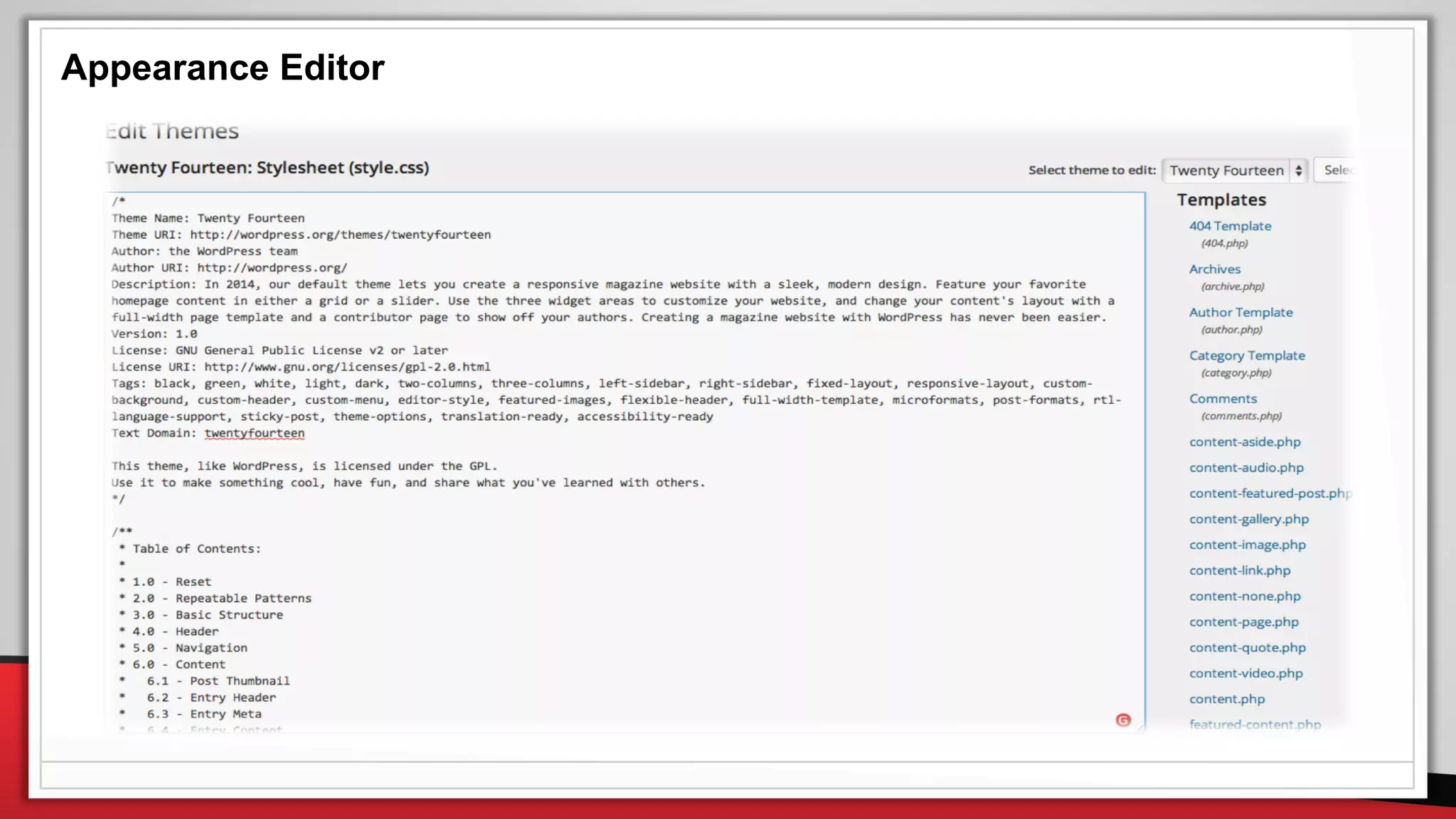
• Appearance Editor
o Theme Options CSS
Fields
• Child Theme
Customizing
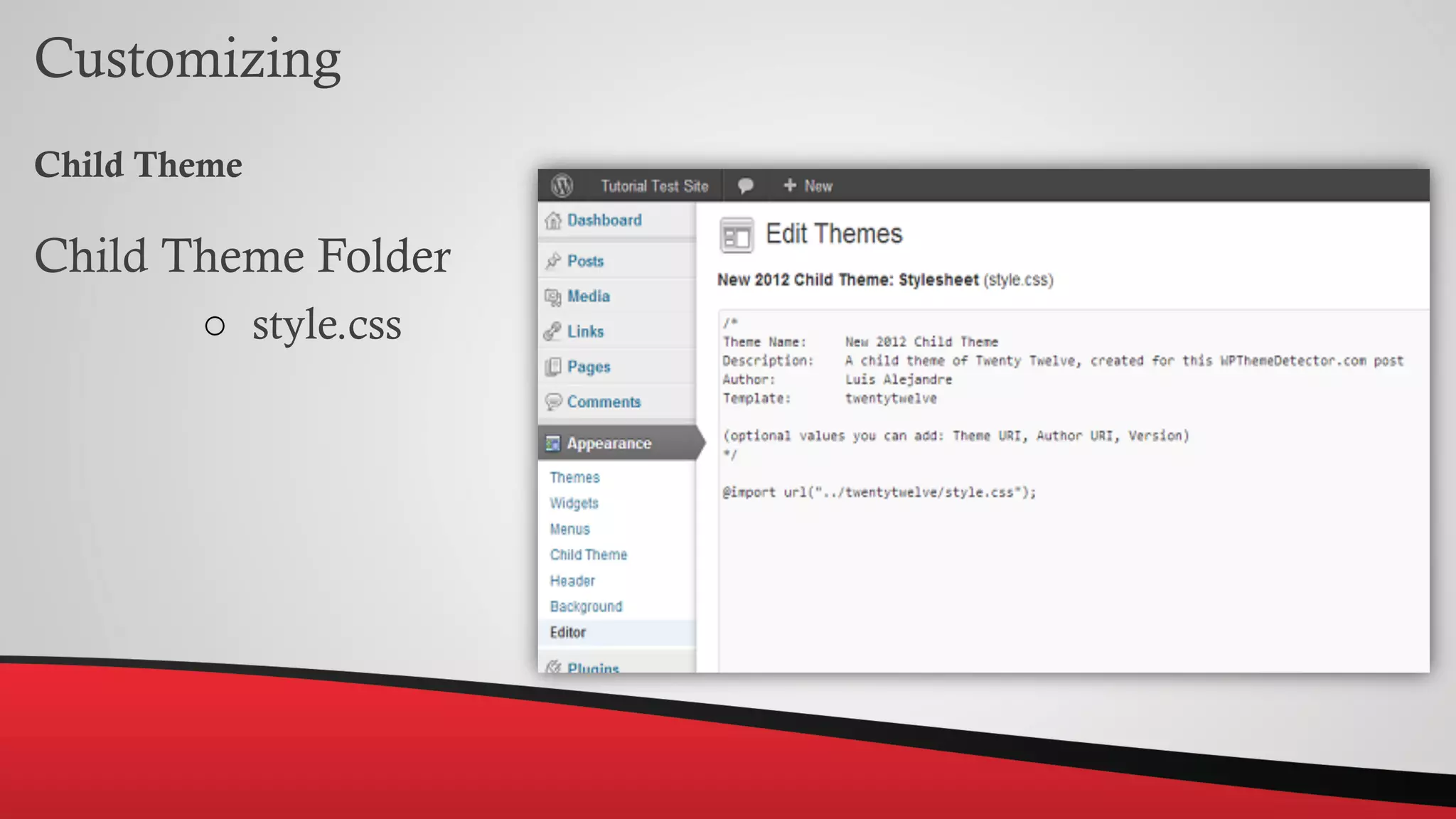
Child Theme
Child Theme Folder
○ style.css
Reading settings...
Appearance Editor
Troubleshooting
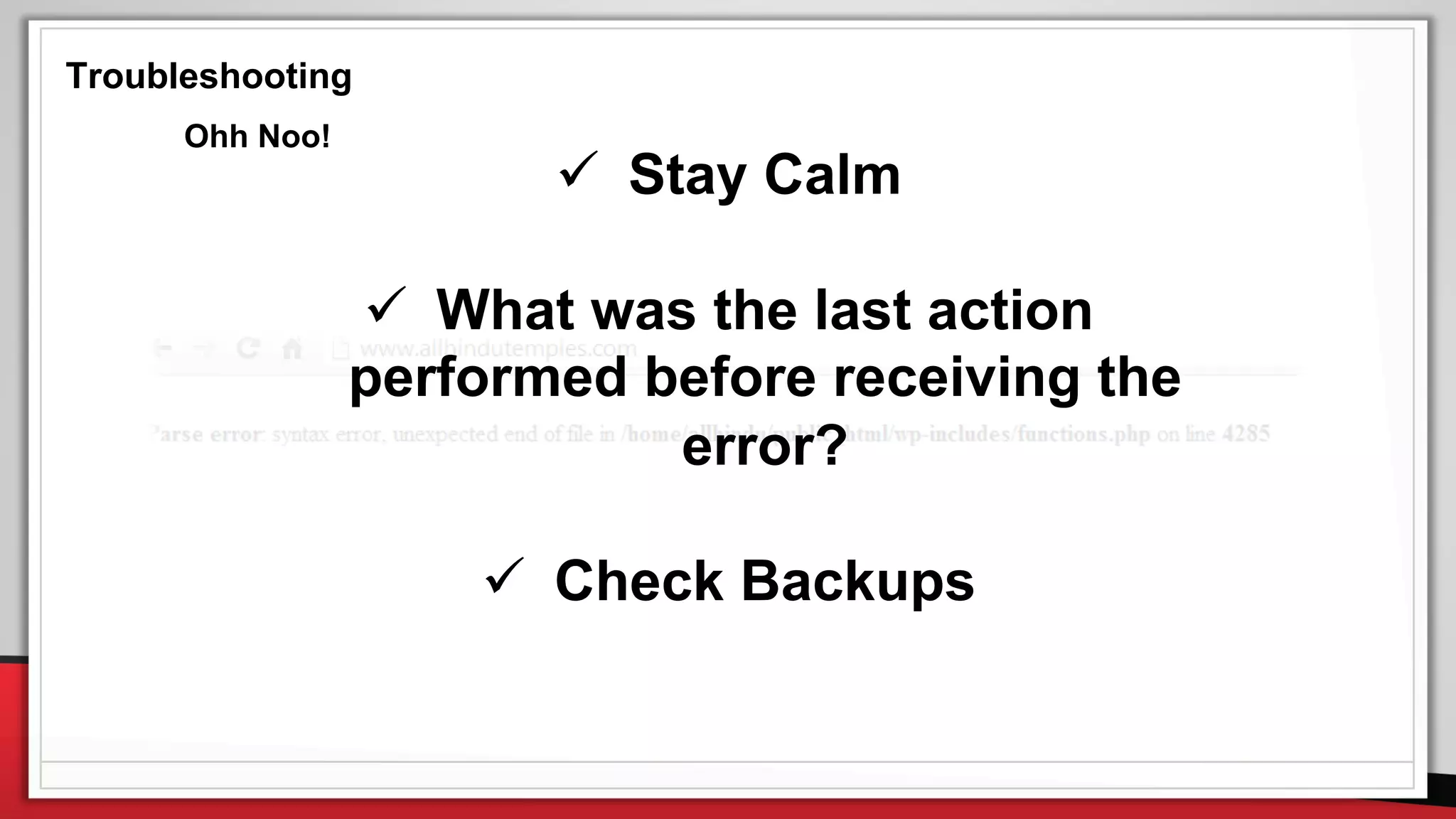
 Stay Calm
 What was the last action
performed before receiving the
error?
 Check Backups
Ohh Noo!
Troubleshooting
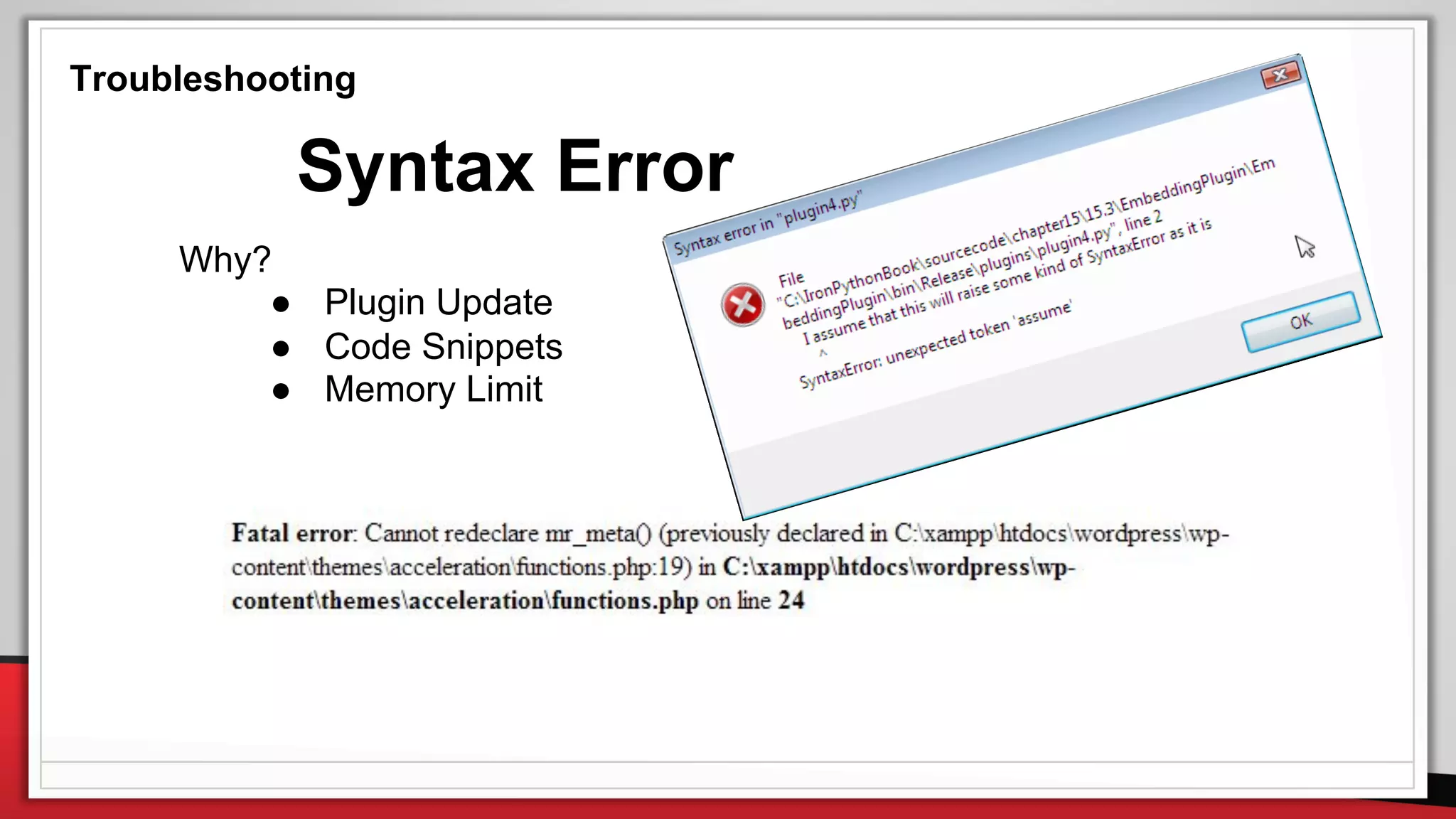
Syntax Error
Why?
● Plugin Update
● Code Snippets
● Memory Limit
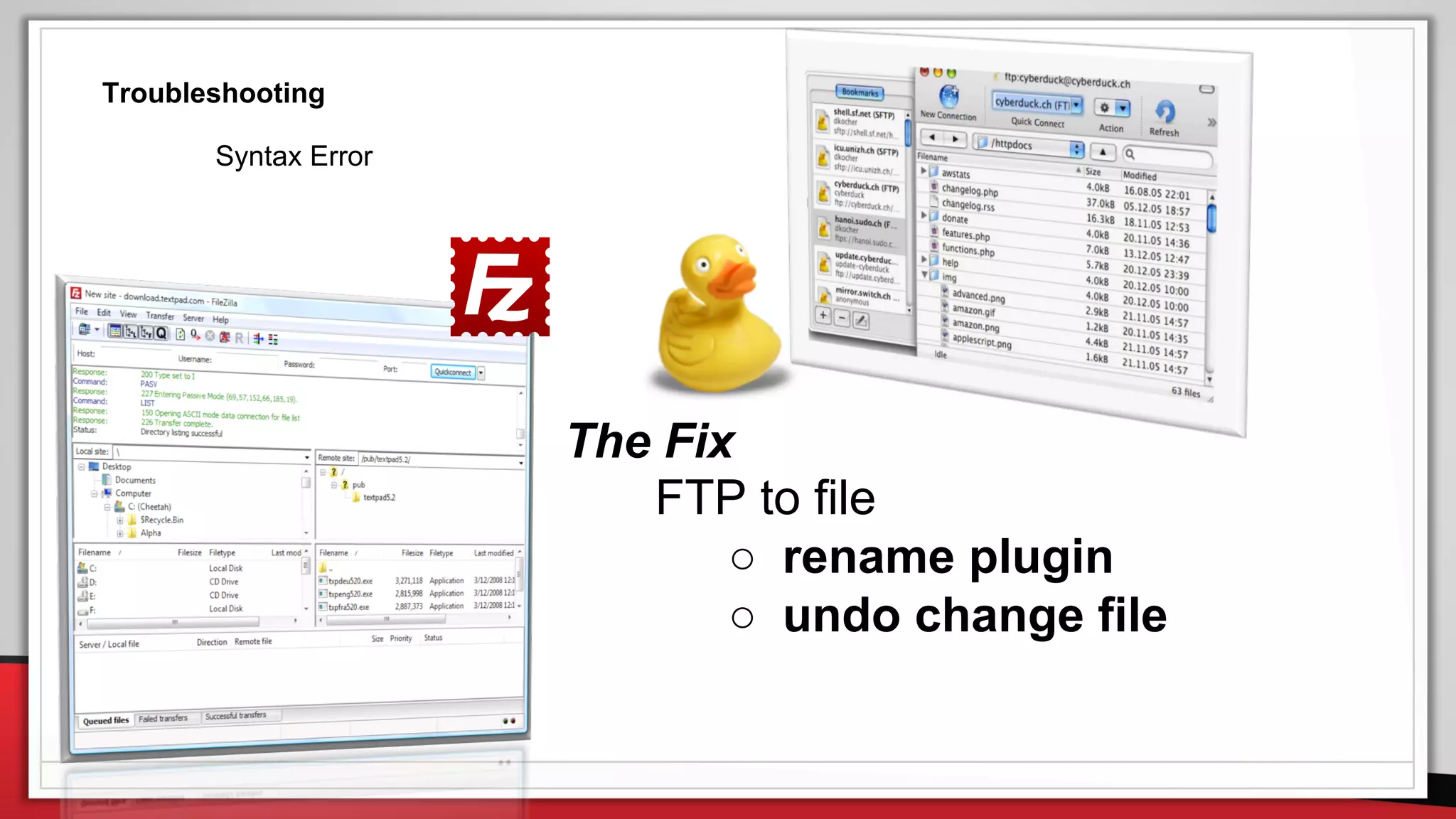
The Fix
FTP to file
○ rename plugin
○ undo change file
Troubleshooting
Syntax Error
Troubleshooting
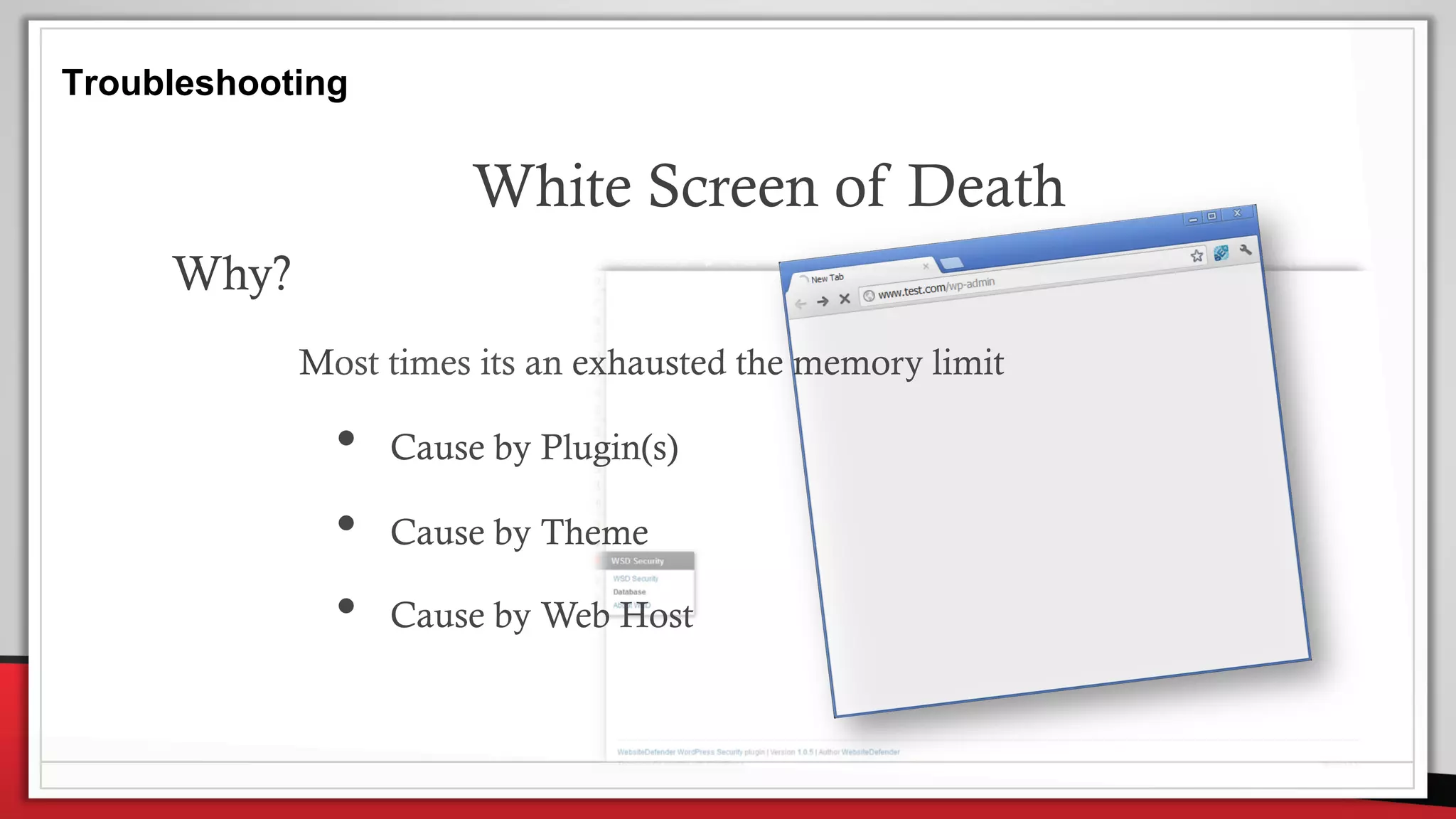
White Screen of Death
Why?
Most times its an exhausted the memory limit
• Cause by Plugin(s)
• Cause by Theme
• Cause by Web Host
Troubleshooting
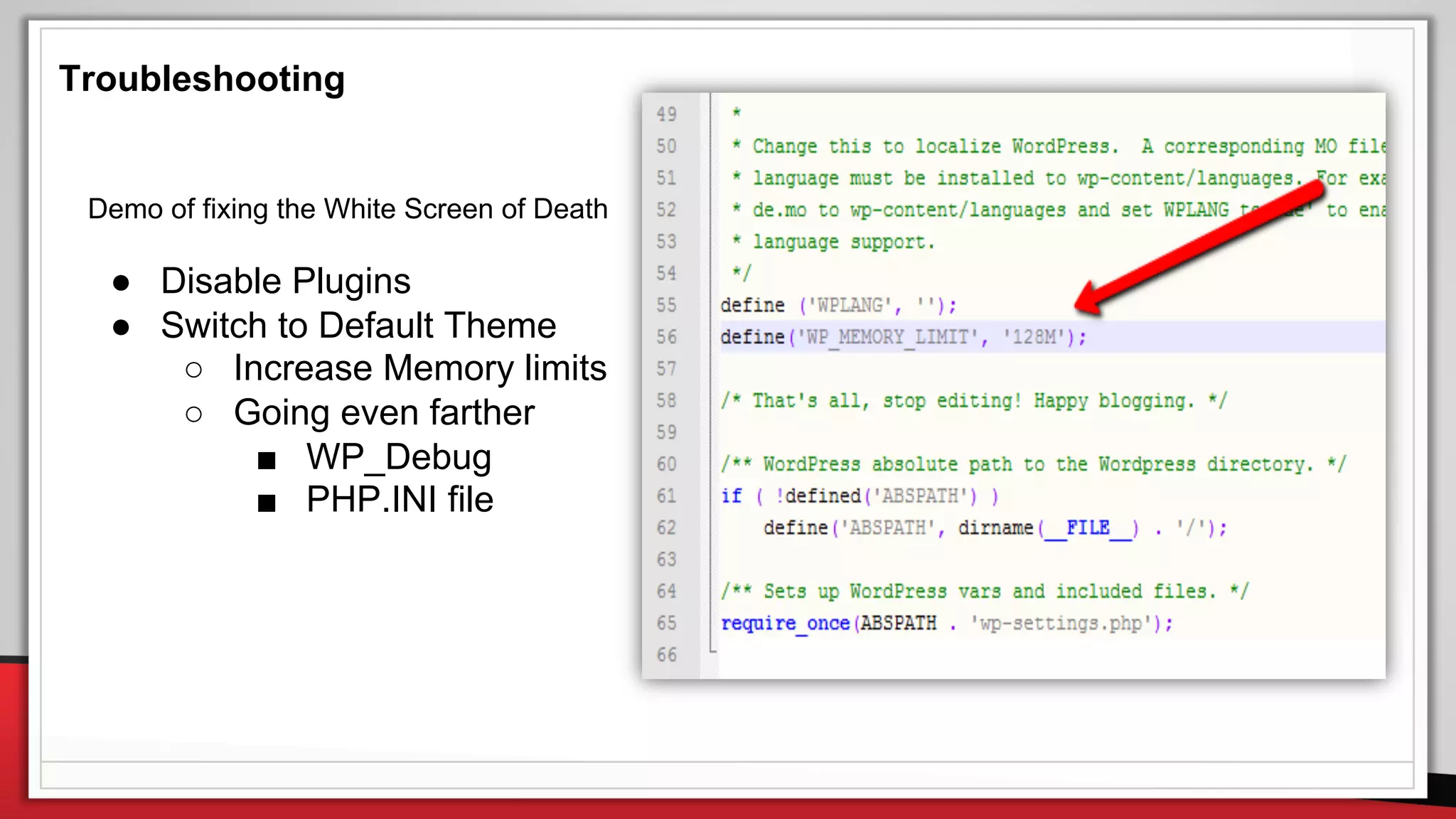
Demo of fixing the White Screen of Death
● Disable Plugins
● Switch to Default Theme
○ Increase Memory limits
○ Going even farther
■ WP_Debug
■ PHP.INI file
Resources
WordPress Codex (codex.wordpress.org)
WordPress Forums (wordpress.org/support/)
WPBeginner (www.wpbeginner.com)
Google Search (google.com)
StackOverflow WordPress (wordpress.stackexchange.com)
Questions?
email: jean@BizDotsMedia.com
twitter: @jfeliweb
websites: BizDotsMedia.co | JeanFelisme.com

Working with WordPress - Importing Exporting Customizing and Troubleshooting