The Cloud
Beyond the Buzzword
Bozhidar Bozhanov
About me
● Cloud user – from small personal projects to
millions of users
● Java, Scala, etc.
● StackOverflow *cough*
● twitter: @bozhobg
The cloud: what is it?
● everything
● nothing
● “the internet”
● XaaS
● “something remote, parts of the
infrastructure of which is managed by
someone else”
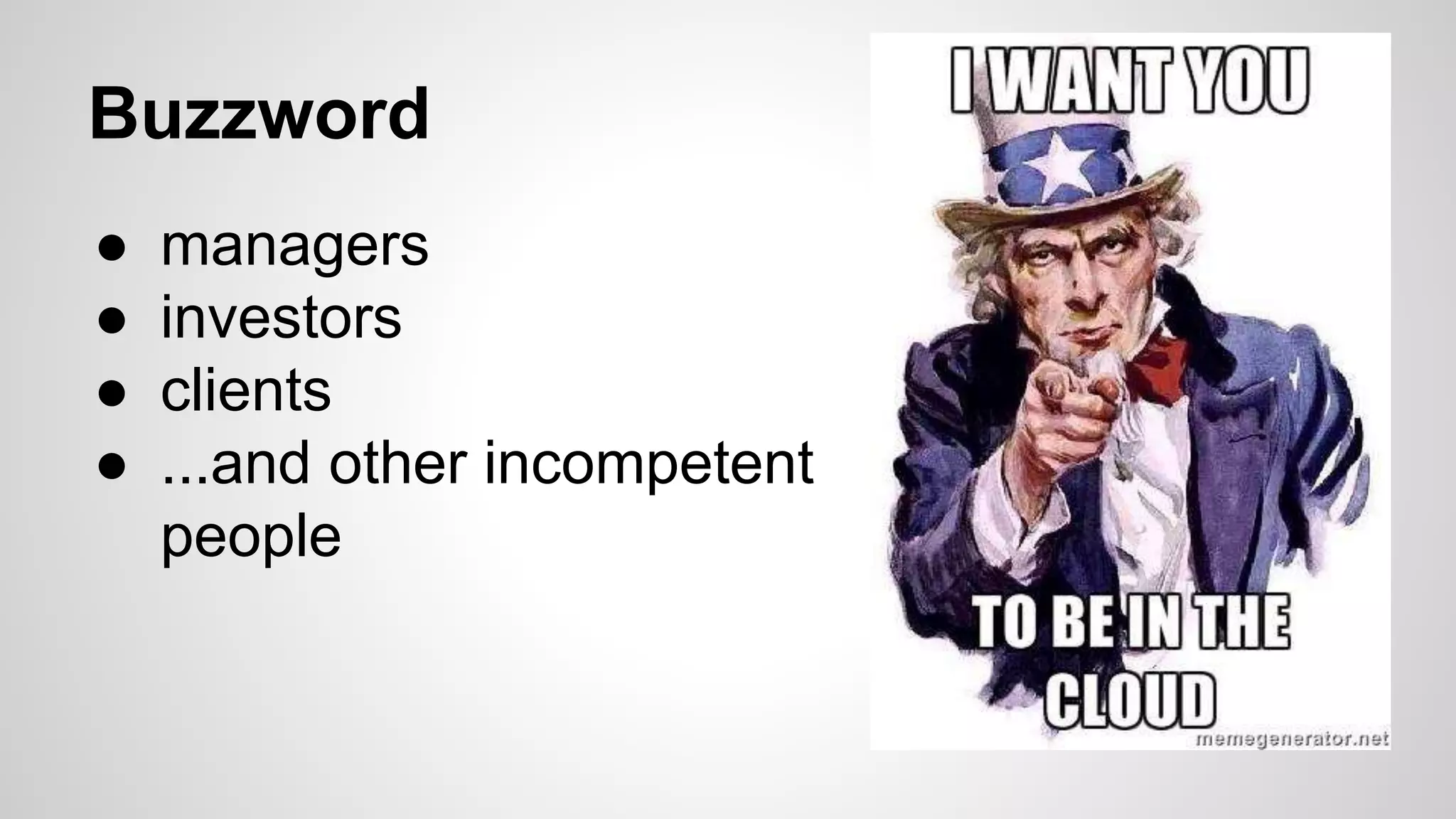
Buzzword
● managers
● investors
● clients
● ...and other incompetent
people
Classification
● Cloud computing (CPU as a Service)
● SaaS - Software as a Service
● PaaS - Platform as a Service
● IaaS - Infrastructure as a Service
SaaS - Software as a Service
● Your software is “in the cloud” from the point of view of
your users
● multi-tenant software
● DropBox, SalesForce, Gmail, JIRA, GitHub
● pros – easy upgrade, can’t be cracked, users don’t have
to manage infrastructure
● cons – internet connection dependence, ownership of
data, privacy, harder to personalize
PaaS - Platform as a Service
● Providers give a platform with limited access where you
deploy your application
● Components are plugins (databases,message queues,
caches, log collection, monitoring, etc…)
● Heroku, CloudFoundry, OpenShift, GoogleAppEngine
● pros: easy setup (UI/CLI), no server administration
experience needed, supports autoscaling, cheap.
● cons: sandbox, specific learning curve, hard plugin
version management, privacy.
IaaS - Infrastructure as as Service
● You get virtual machines and APIs/UI, to manage them
● The provider takes care only of the infrastructure
● Amazon AWS, ??? (Microsoft Azure, Rackspace,
OpenStack, GetClouder)
● pros – almost complete freedom, cheaper than own
data-center [citation needed] , auto-scaling, extras.
● Cons - learning curve, privacy, single provider
dependence.
AWS (Amazon Web Services)
● pioneers[citation needed] and market leaders
● API, CLI
● extras: S3, CloudFront, CloudWatch, RDS,
SQS, SES, SNS, ElastiCache, Beanstalk
(PaaS), …
● multiple regions, multiple availability zones
● prices are dropping; spot instances
Auto-scaling
● valid for both PaaS and IaaS
● Conditionally starting and stopping virtual machines
(based on CPU, memory, I/O, network I/O)
● Keeping a certain number of machines up, in case one
or more “die”.
● The harder part: making your application scale
automatically
Embrace failure
● virtual machines (instances) die often
● Information written on them is lost.
Alternatives: EBS, S3, clusters
● A whole availability zone (= data center) can
be down
● chaos monkey
● => good practices
Scripting stacks
● Servers, networks, access control, load balancers, etc.
– declared with a script.
● AWS CloudFormation - JSON-based language for
scripting infrastructure
● calling shell scripts on initialization = endless
possibilities
● Allows for almost identical environments for test,
staging, production
Should we be “in the cloud”
● It depends
● To be “in the cloud” is not a marketing
decision - it’s a technical choice.
● SaaS doesn’t mean you are “in the cloud”, it
means your software is in the cloud from
your users’ perspective
● in any case - embrace failure
The Cloud Beyond the Buzzword

The Cloud Beyond the Buzzword

  • 1.
    The Cloud Beyond theBuzzword Bozhidar Bozhanov
  • 2.
    About me ● Clouduser – from small personal projects to millions of users ● Java, Scala, etc. ● StackOverflow *cough* ● twitter: @bozhobg
  • 3.
    The cloud: whatis it? ● everything ● nothing ● “the internet” ● XaaS ● “something remote, parts of the infrastructure of which is managed by someone else”
  • 4.
    Buzzword ● managers ● investors ●clients ● ...and other incompetent people
  • 5.
    Classification ● Cloud computing(CPU as a Service) ● SaaS - Software as a Service ● PaaS - Platform as a Service ● IaaS - Infrastructure as a Service
  • 6.
    SaaS - Softwareas a Service ● Your software is “in the cloud” from the point of view of your users ● multi-tenant software ● DropBox, SalesForce, Gmail, JIRA, GitHub ● pros – easy upgrade, can’t be cracked, users don’t have to manage infrastructure ● cons – internet connection dependence, ownership of data, privacy, harder to personalize
  • 7.
    PaaS - Platformas a Service ● Providers give a platform with limited access where you deploy your application ● Components are plugins (databases,message queues, caches, log collection, monitoring, etc…) ● Heroku, CloudFoundry, OpenShift, GoogleAppEngine ● pros: easy setup (UI/CLI), no server administration experience needed, supports autoscaling, cheap. ● cons: sandbox, specific learning curve, hard plugin version management, privacy.
  • 8.
    IaaS - Infrastructureas as Service ● You get virtual machines and APIs/UI, to manage them ● The provider takes care only of the infrastructure ● Amazon AWS, ??? (Microsoft Azure, Rackspace, OpenStack, GetClouder) ● pros – almost complete freedom, cheaper than own data-center [citation needed] , auto-scaling, extras. ● Cons - learning curve, privacy, single provider dependence.
  • 9.
    AWS (Amazon WebServices) ● pioneers[citation needed] and market leaders ● API, CLI ● extras: S3, CloudFront, CloudWatch, RDS, SQS, SES, SNS, ElastiCache, Beanstalk (PaaS), … ● multiple regions, multiple availability zones ● prices are dropping; spot instances
  • 10.
    Auto-scaling ● valid forboth PaaS and IaaS ● Conditionally starting and stopping virtual machines (based on CPU, memory, I/O, network I/O) ● Keeping a certain number of machines up, in case one or more “die”. ● The harder part: making your application scale automatically
  • 11.
    Embrace failure ● virtualmachines (instances) die often ● Information written on them is lost. Alternatives: EBS, S3, clusters ● A whole availability zone (= data center) can be down ● chaos monkey ● => good practices
  • 12.
    Scripting stacks ● Servers,networks, access control, load balancers, etc. – declared with a script. ● AWS CloudFormation - JSON-based language for scripting infrastructure ● calling shell scripts on initialization = endless possibilities ● Allows for almost identical environments for test, staging, production
  • 13.
    Should we be“in the cloud” ● It depends ● To be “in the cloud” is not a marketing decision - it’s a technical choice. ● SaaS doesn’t mean you are “in the cloud”, it means your software is in the cloud from your users’ perspective ● in any case - embrace failure