



















IN ASSOCIATION WITH MADE POSSIBLE BY
PRODUCED BY
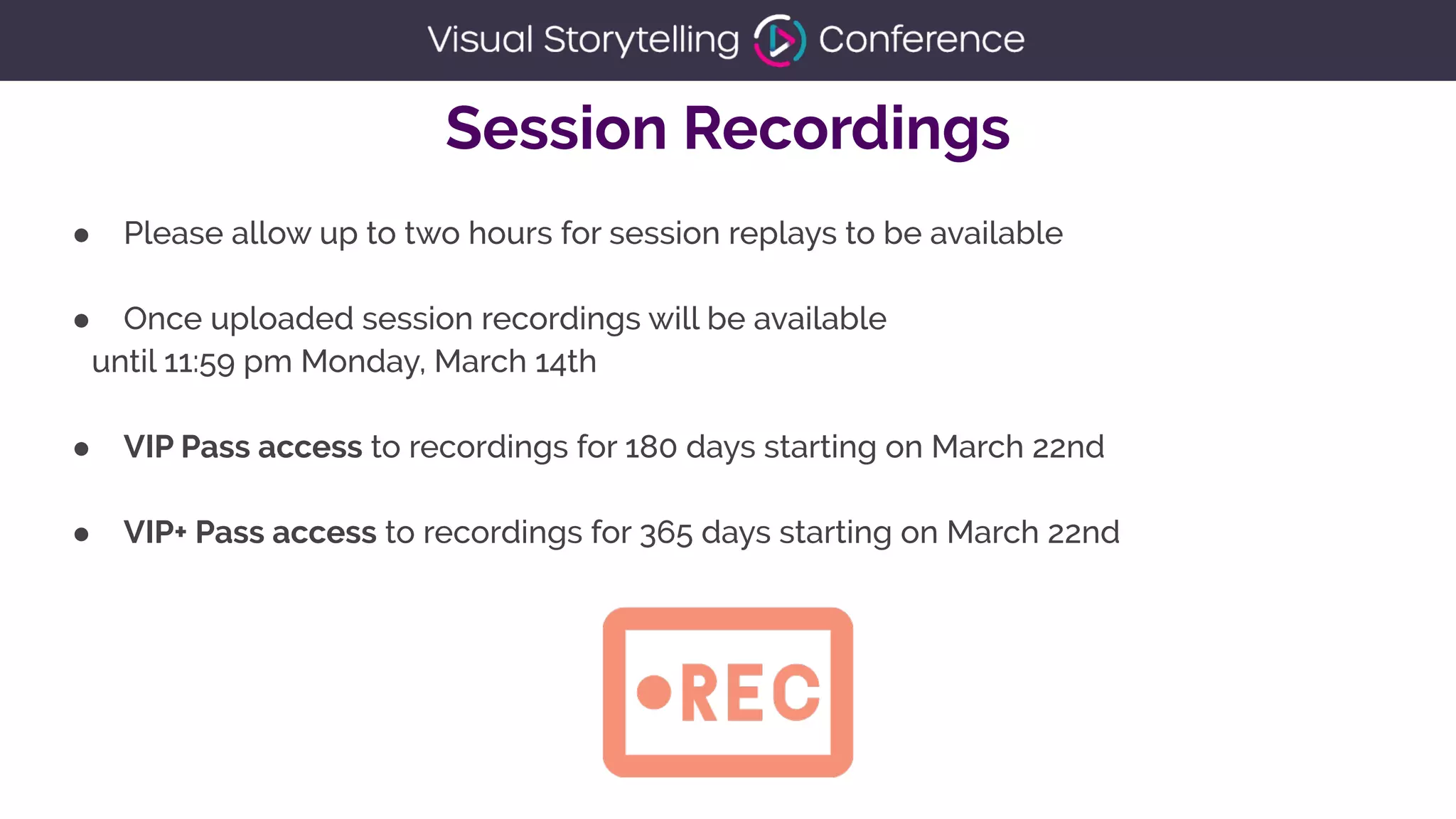
● Please allow up to two hours for session replays to be available


● Once uploaded session recordings will be available


until 11:59 pm Monday, March 14th


● VIP Pass access to recordings for 180 days starting on March 22nd


● VIP+ Pass access to recordings for 365 days starting on March 22nd
Session Recordings
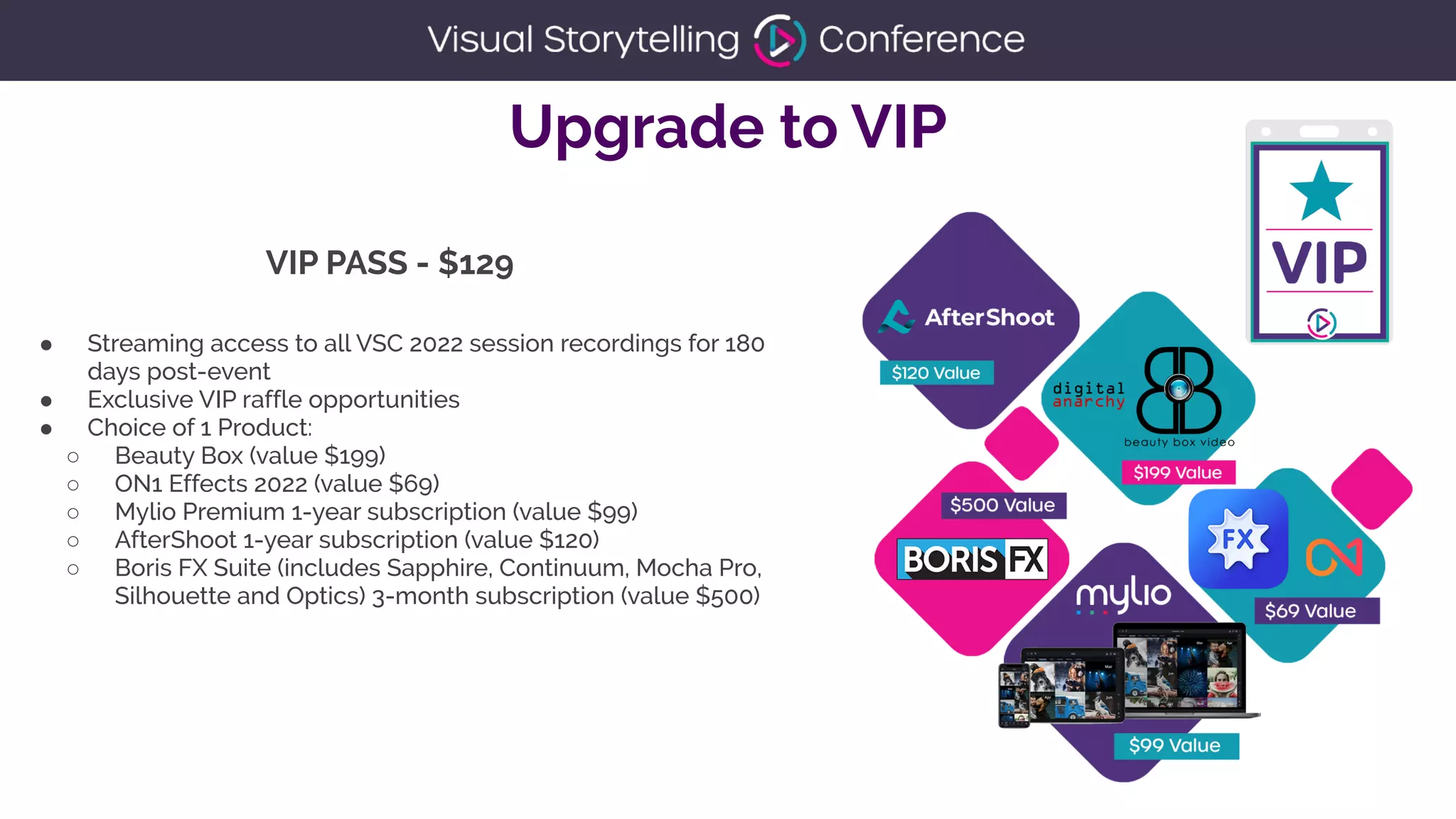
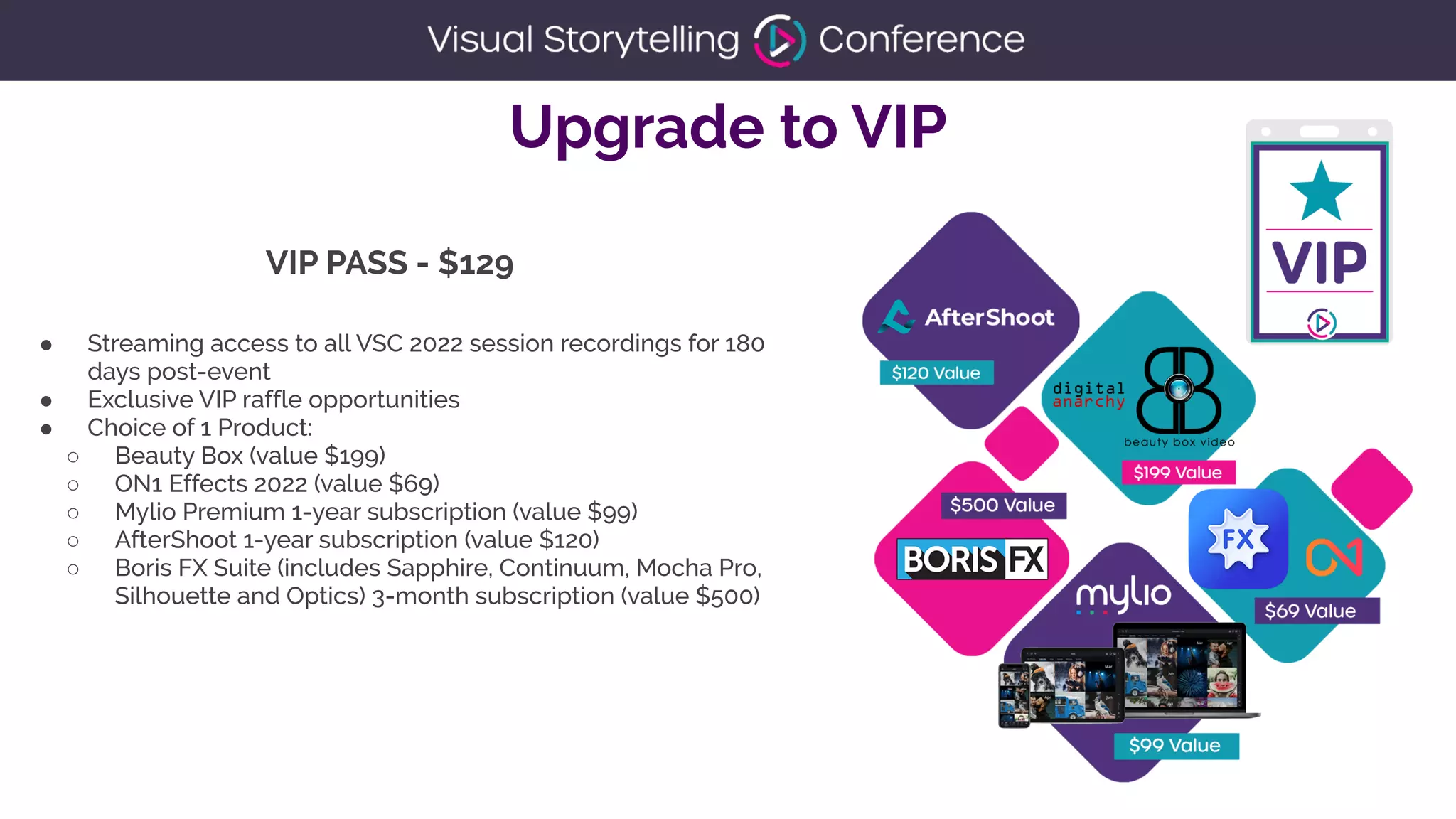
Upgrade to VIP
● Streaming access to all VSC 2022 session recordings for 180
days post-event


● Exclusive VIP raffle opportunities


● Choice of 1 Product:


○ Beauty Box (value $199)


○ ON1 Effects 2022 (value $69)


○ Mylio Premium 1-year subscription (value $99)


○ AfterShoot 1-year subscription (value $120)


○ Boris FX Suite (includes Sapphire, Continuum, Mocha Pro,
Silhouette and Optics) 3-month subscription (value $500)


VIP PASS - $129
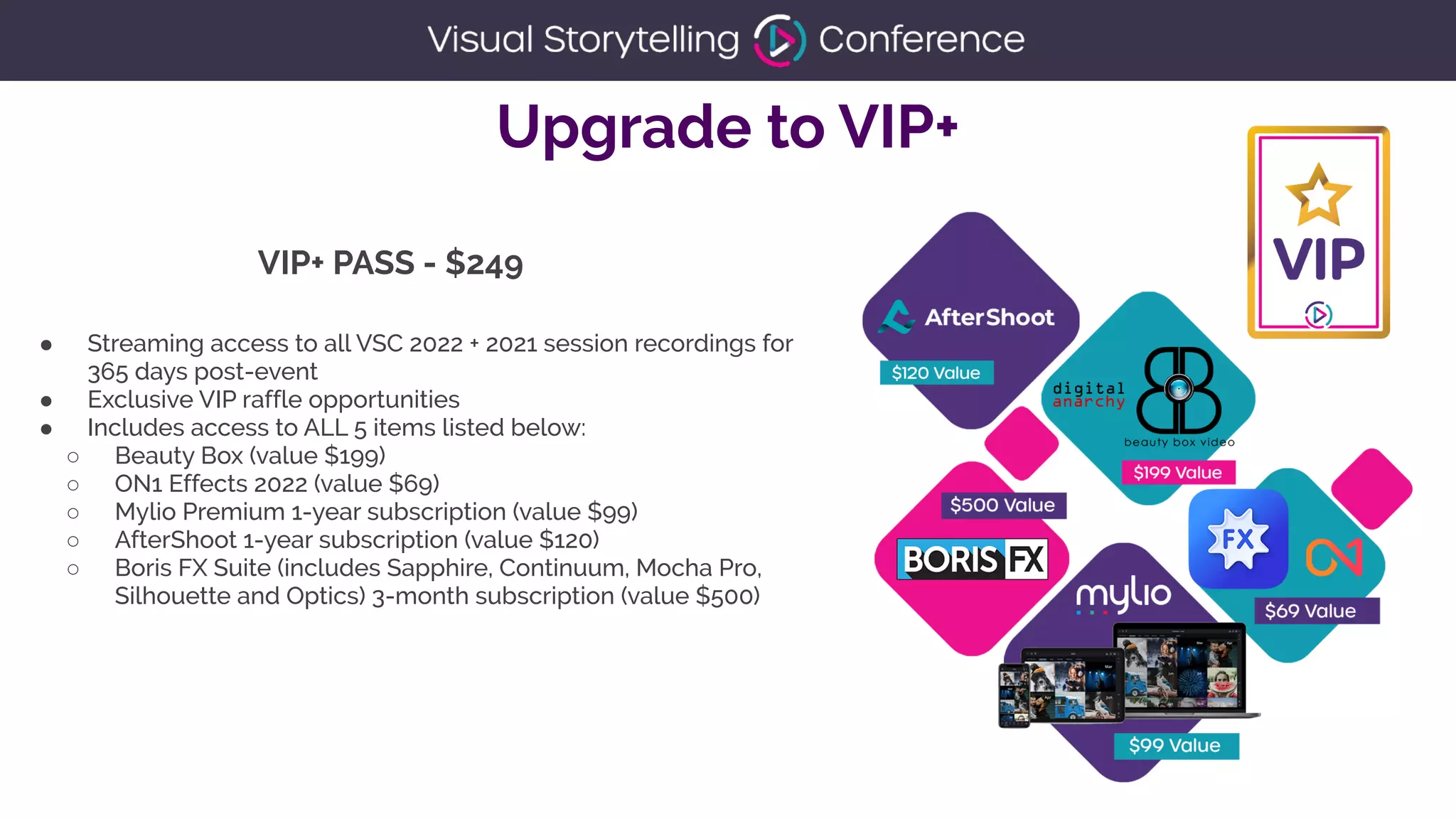
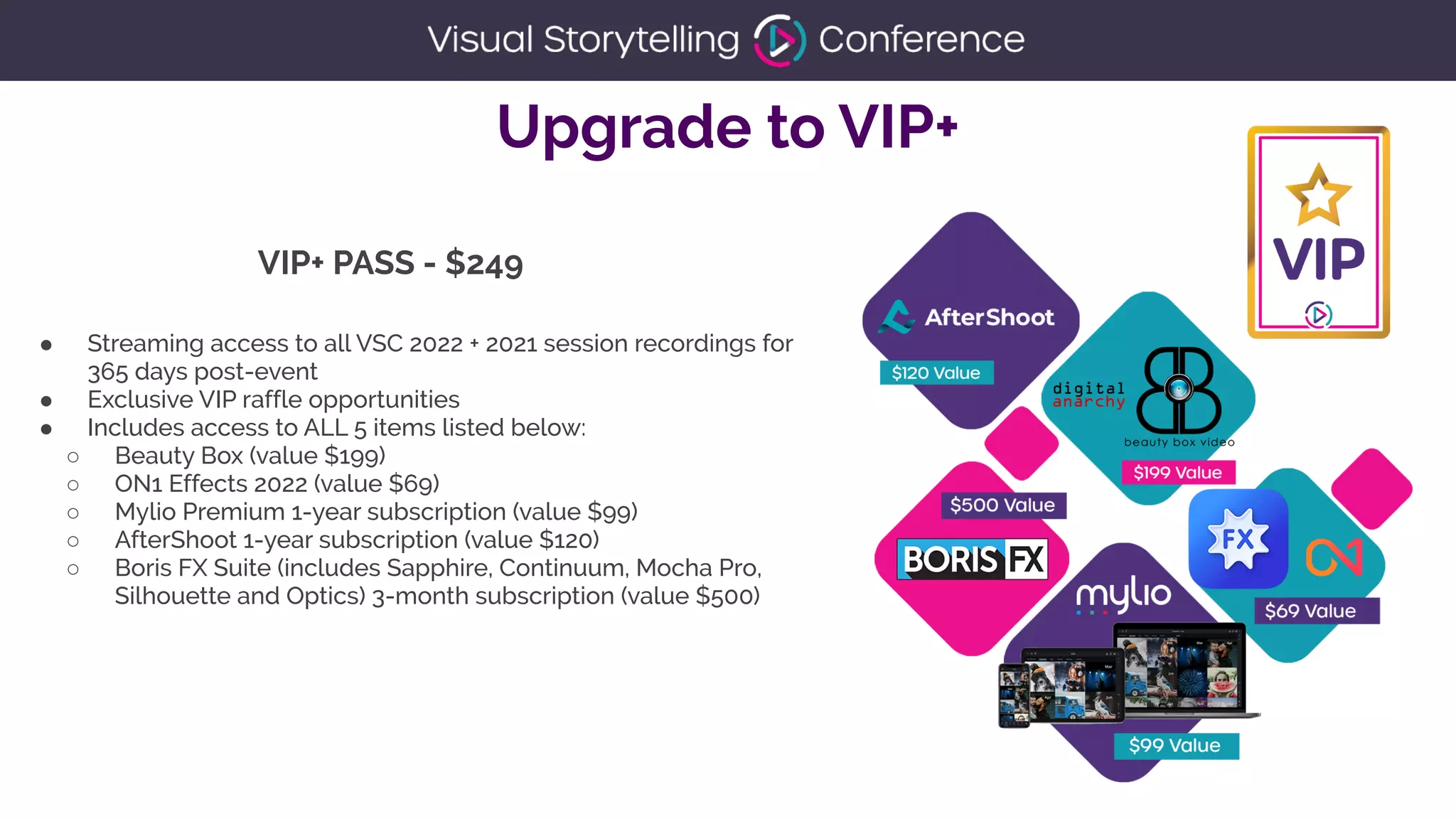
Upgrade to VIP+
● Streaming access to all VSC 2022 + 2021 session recordings for
365 days post-event


● Exclusive VIP raffle opportunities


● Includes access to ALL 5 items listed below:


○ Beauty Box (value $199)


○ ON1 Effects 2022 (value $69)


○ Mylio Premium 1-year subscription (value $99)


○ AfterShoot 1-year subscription (value $120)


○ Boris FX Suite (includes Sapphire, Continuum, Mocha Pro,
Silhouette and Optics) 3-month subscription (value $500)


VIP+ PASS - $249
You're Hired!


How to ace your next job
interview
Richard Harrington | RHED Pixel
You're Hired!
How to ace your next job
interview
Richard Harrington
Description
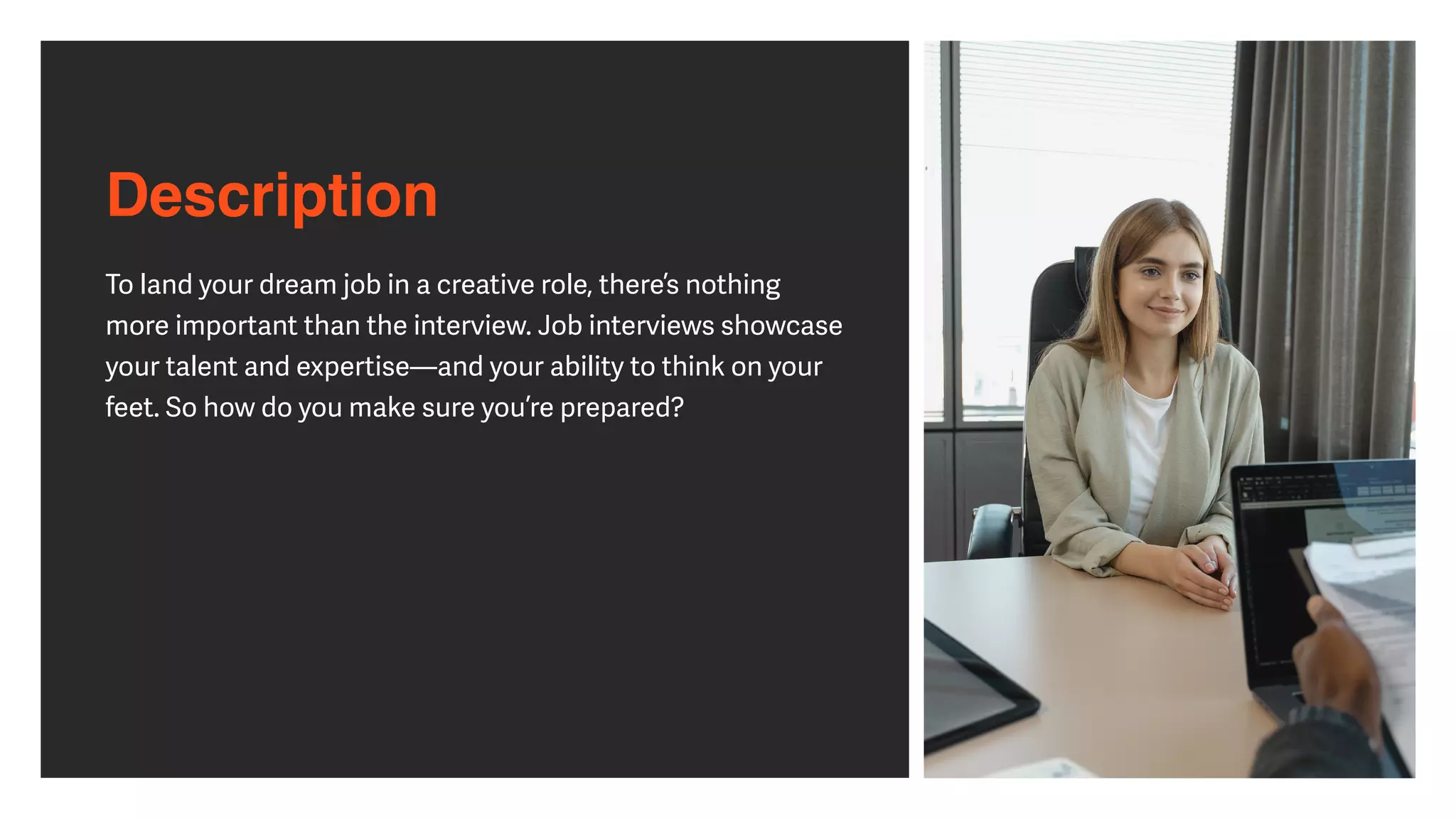
To land your dream job in a creative role, there’s nothing
more important than the interview. Job interviews showcase
your talent and expertise—and your ability to think on your
feet. So how do you make sure you’re prepared?
Agenda
• Networking for job interviews


• Cra
ft
ing an e
ff
ective resume and creative portfolio


• Researching the company and position


• Dressing for a job interview


• Bringing the right materials


• Knowing your long-term goals


• Asking about next steps


• Following up with the interviewer


• Staying positive and con
fi
dent
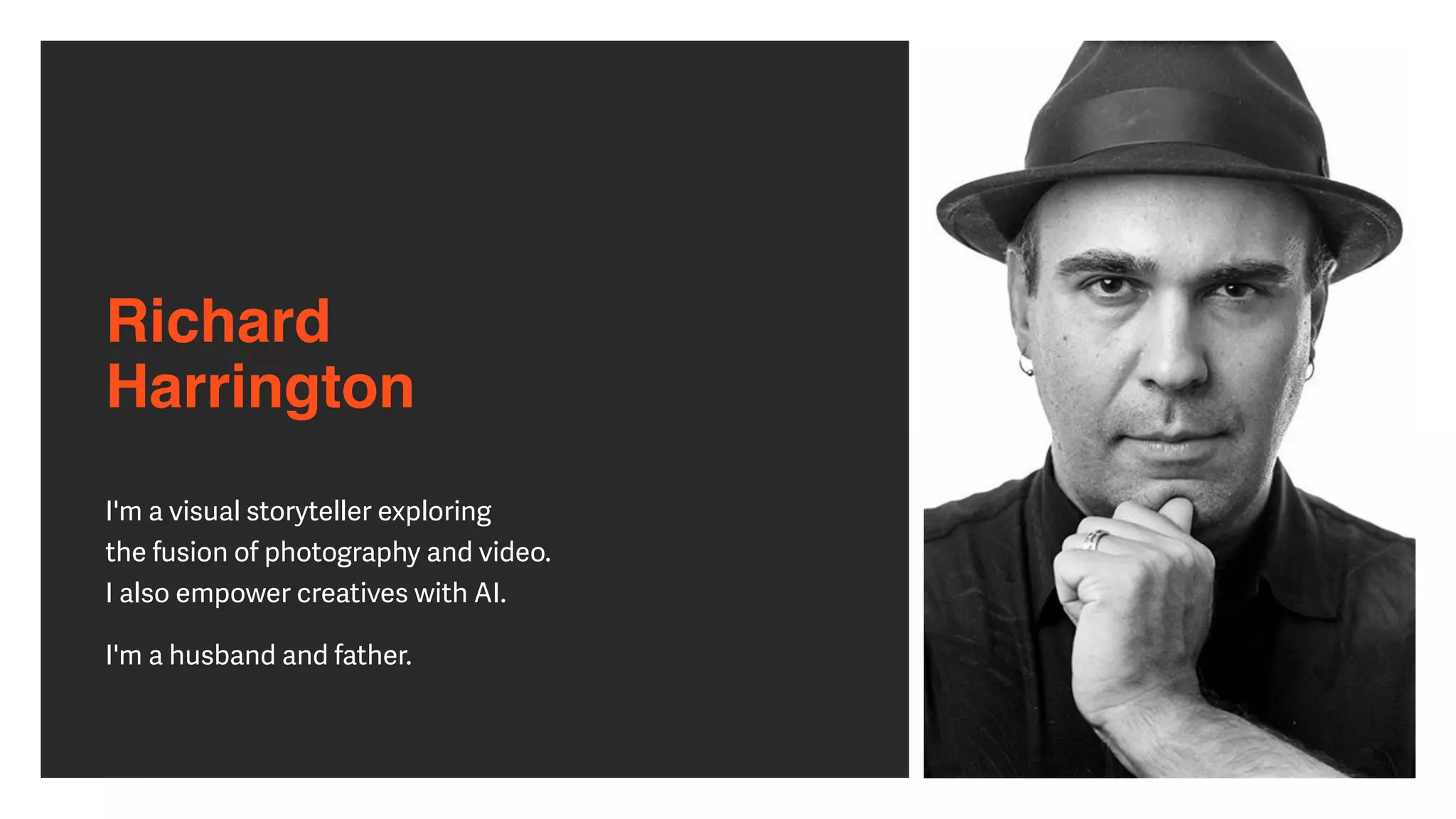
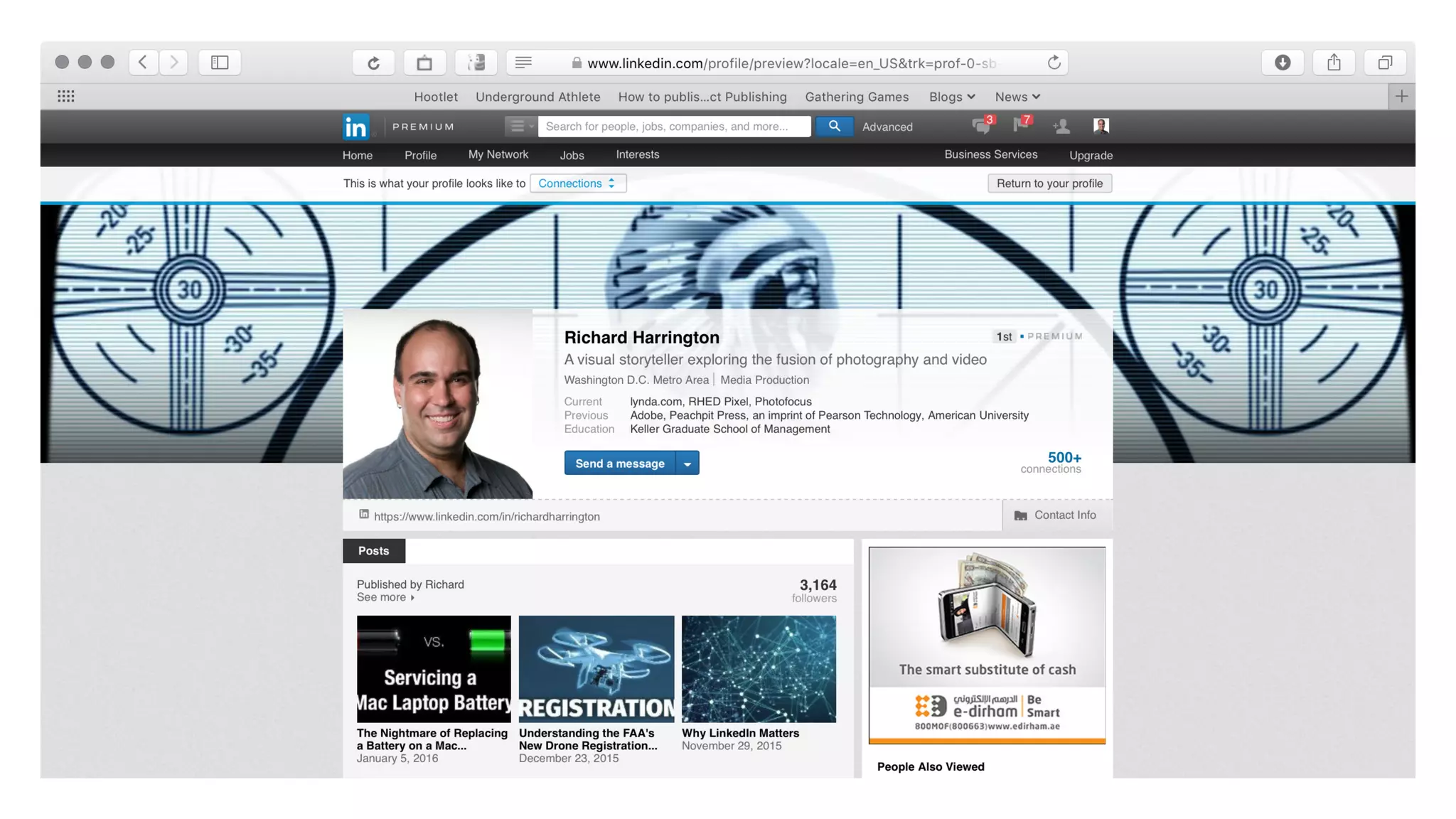
Richard 

Harrington
I'm a visual storyteller exploring


the fusion of photography and video.


I also empower creatives with AI.


I'm a husband and father.
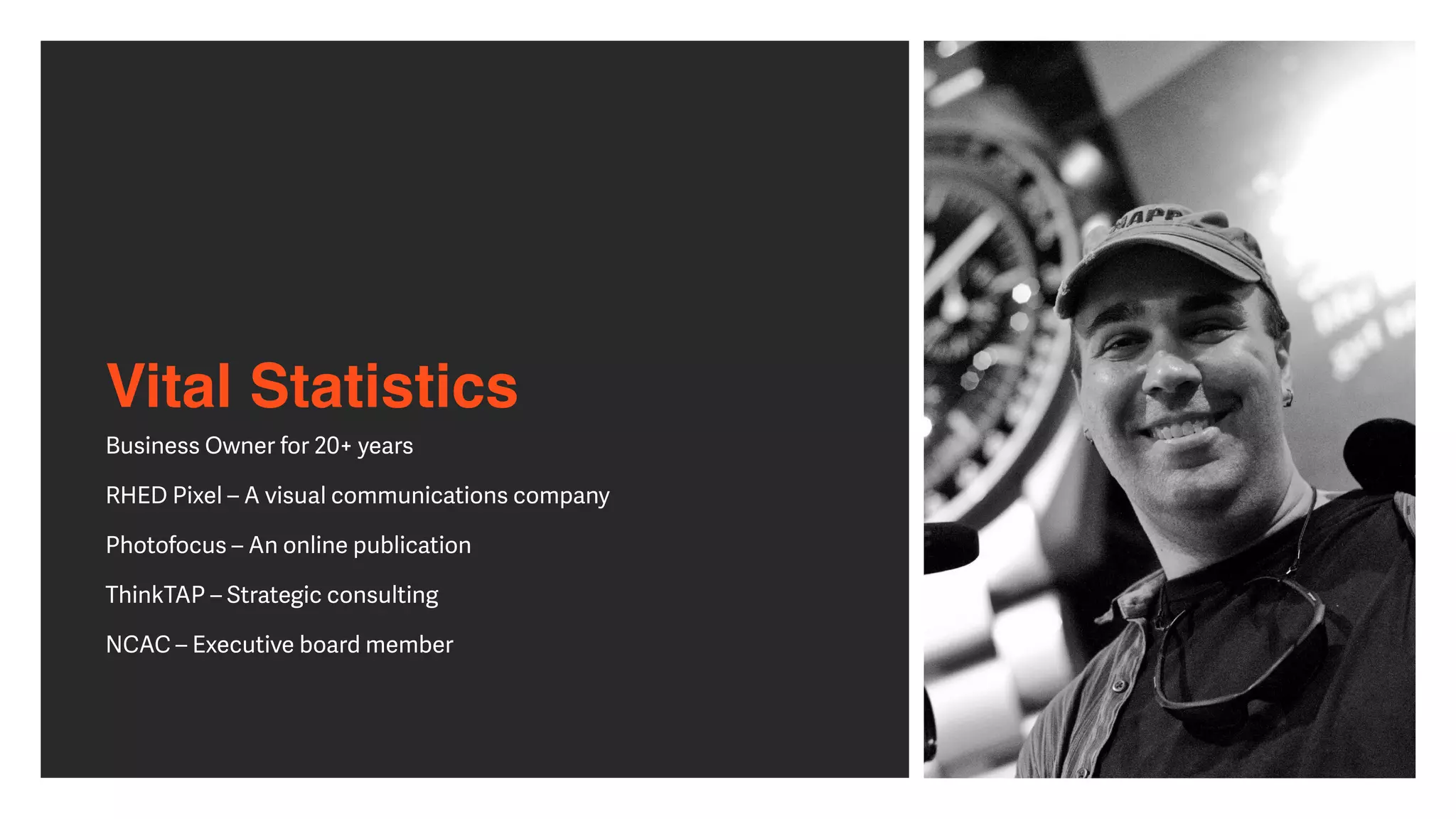
Vital Statistics
Business Owner for 20+ years


RHED Pixel – A visual communications company


Photofocus – An online publication


ThinkTAP – Strategic consulting


NCAC – Executive board member
Subject Matter Expert
• Focussed on the fusion of photography and video for
past 20 years


• Evangelize that design and strategic communication can
work for most professionals


• Book author of more than 40 books


• Author of more than 150 Video Courses


• Past professor at Art Institute of Washington & American
University
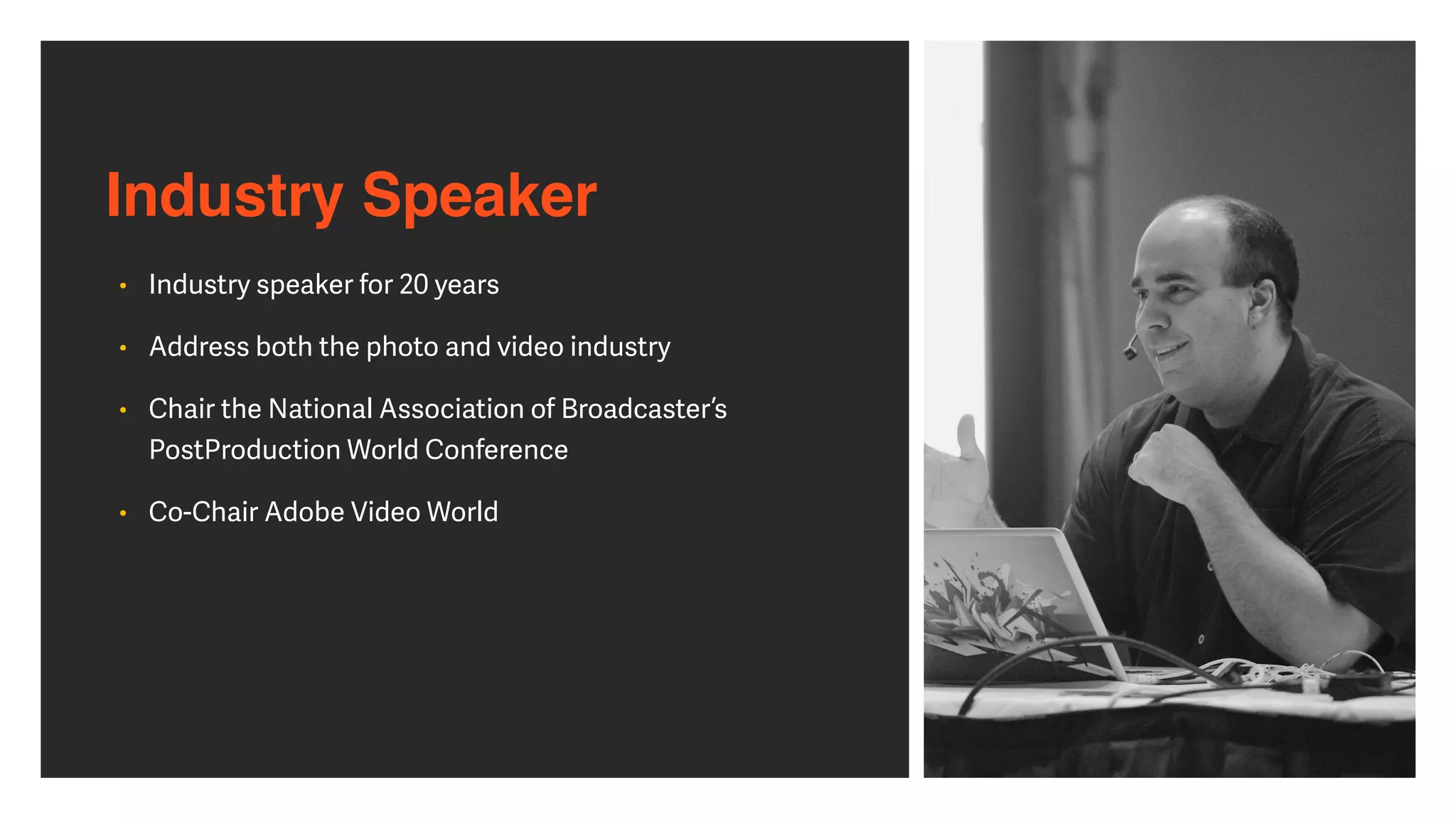
Industry Speaker
• Industry speaker for 20 years


• Address both the photo and video industry


• Chair the National Association of Broadcaster’s
PostProduction World Conference


• Co-Chair Adobe Video World
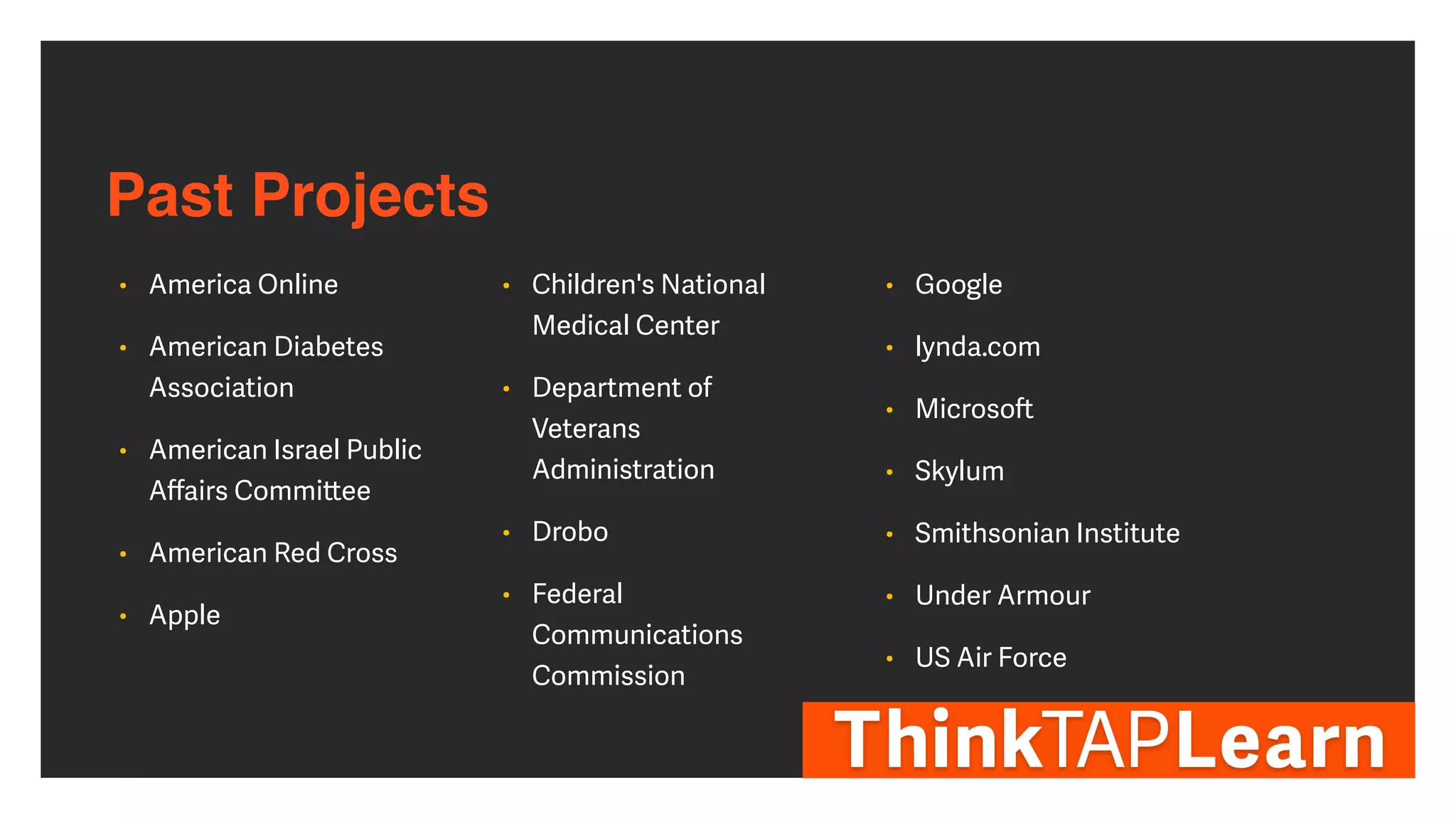
Past Projects
• America Online


• American Diabetes
Association


• American Israel Public
A
ff
airs Commi
tt
ee


• American Red Cross


• Apple


• Children's National
Medical Center


• Department of
Veterans
Administration


• Drobo


• Federal
Communications
Commission


• Google


• lynda.com


• Microso
ft


• Skylum


• Smithsonian Institute


• Under Armour


• US Air Force
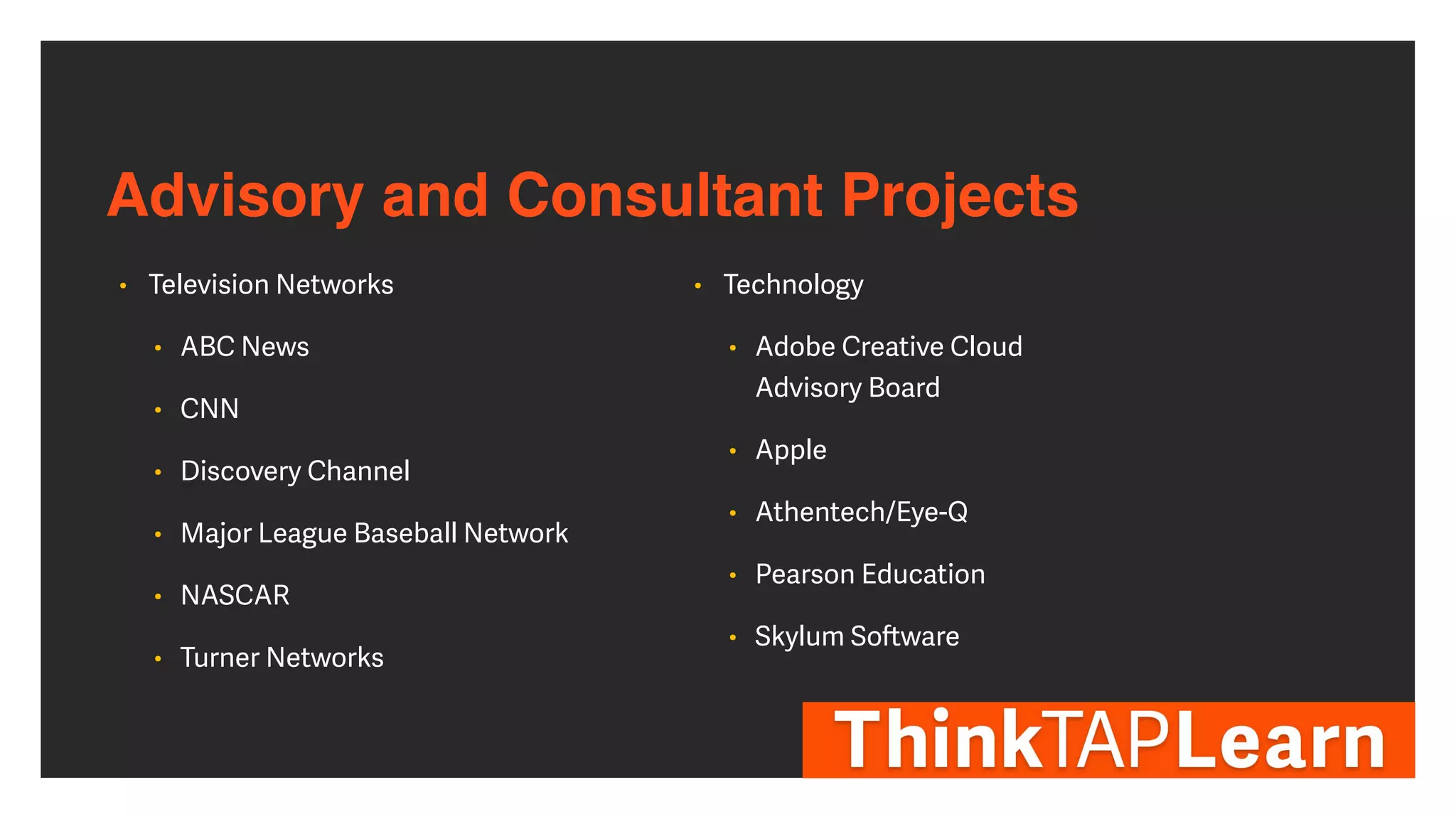
Advisory and Consultant Projects
• Television Networks


• ABC News


• CNN


• Discovery Channel


• Major League Baseball Network


• NASCAR


• Turner Networks


• Technology


• Adobe Creative Cloud


Advisory Board


• Apple


• Athentech/Eye-Q


• Pearson Education


• Skylum So
ft
ware
LINKEDIN.COM/IN/RICHARDHARRINGTON
Real-world networking for job interviews
Real-world networking for 

job interviews
• Ask your mentors


• Ask friends and colleagues


• Professional organizations ma
tt
er


• Go to industry events


• Connect with a few people, not the whole room


• Exchange business cards


• Don’t act desperate
Virtual networking for job interviews
Virtual networking for
job interviews
• The creative space is a relatively small industry


• Good people know good people


• Look for connections of connections


• Join professional LinkedIn & Facebook groups as well as
industry forums


• Remember your online manners
Using LinkedIn to
fi
nd interviews
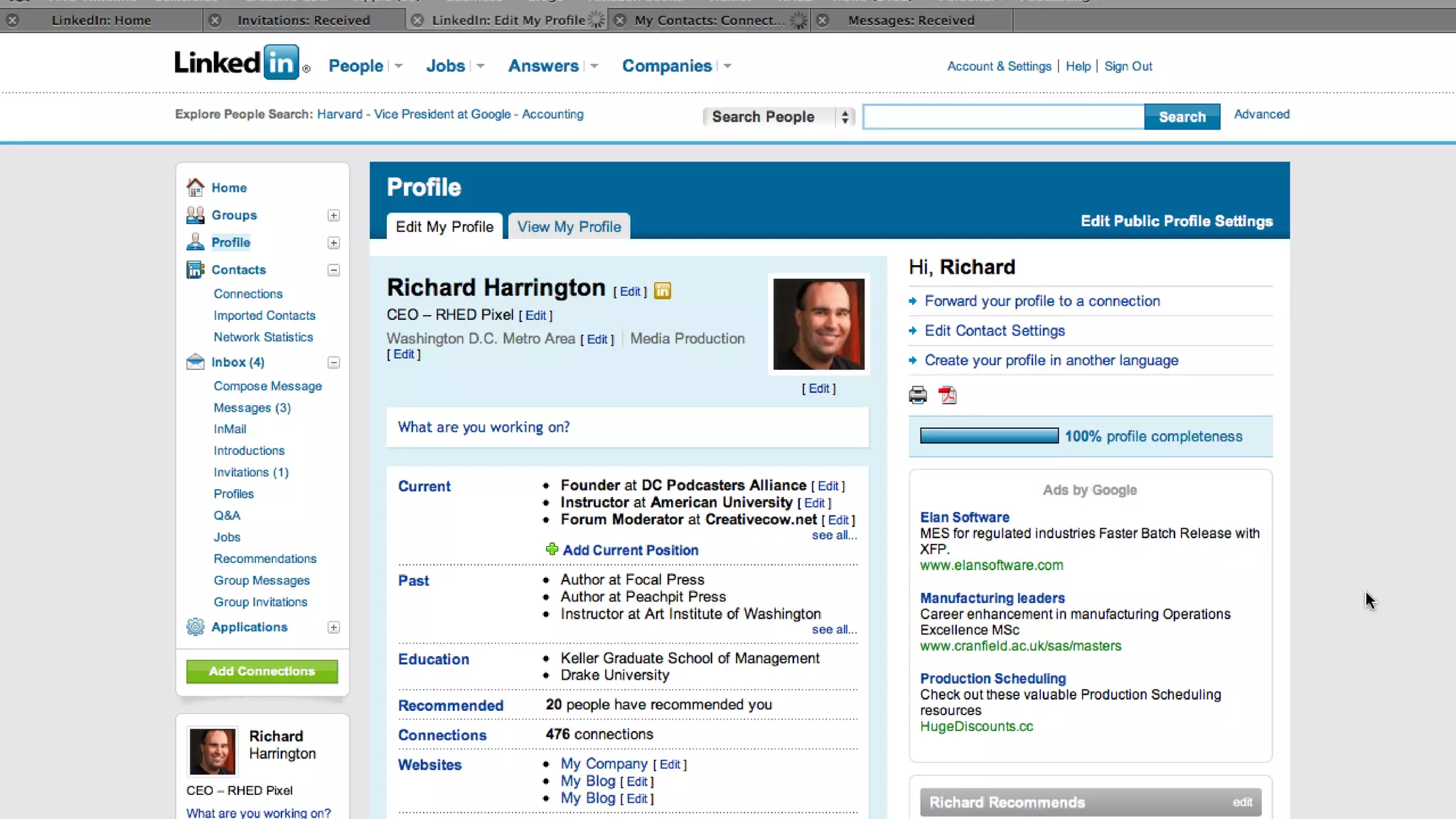
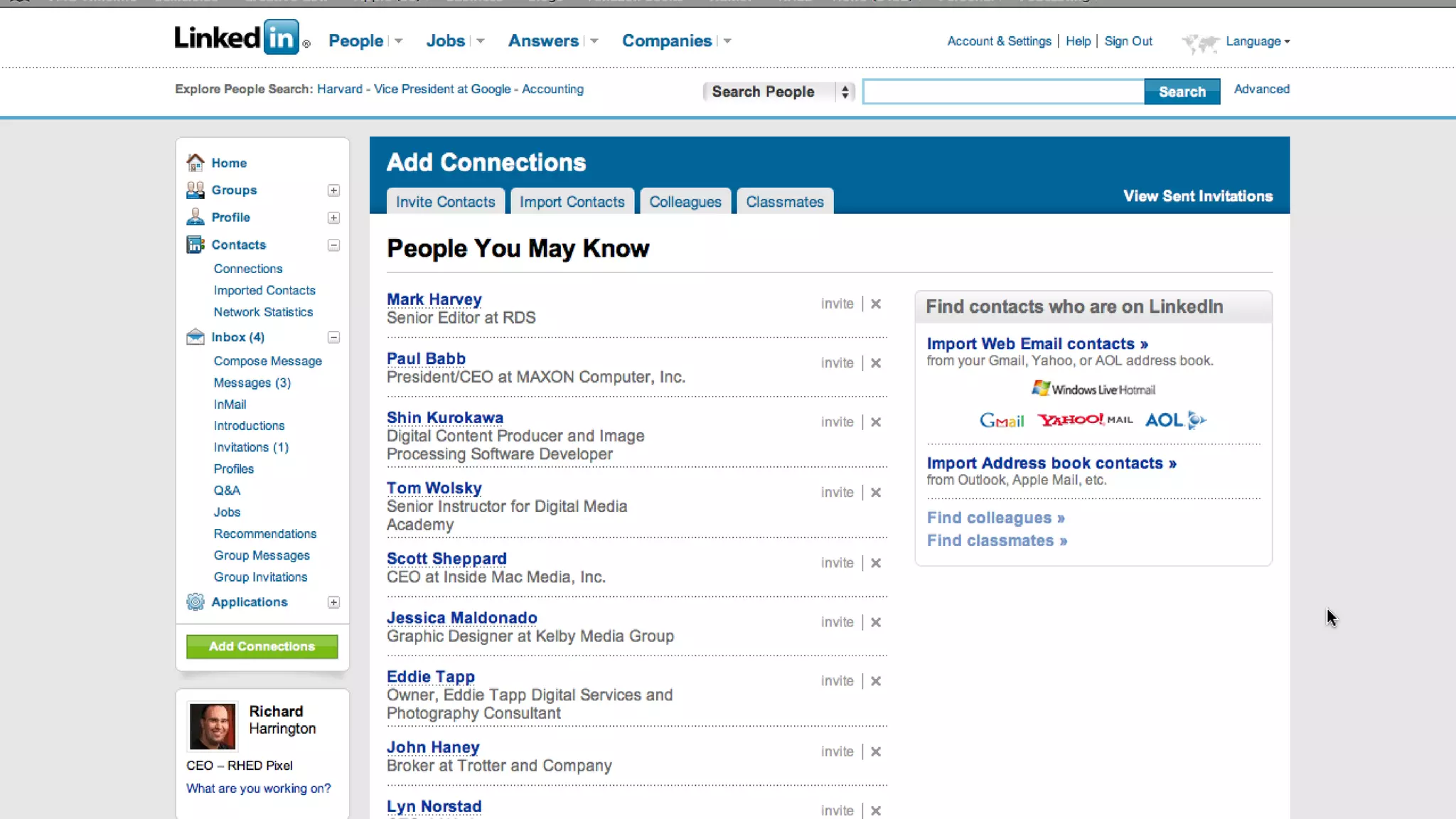
LinkedIn’s purpose
• Best known as business networking site


• Goes well beyond simply job hunting


• Build a list of business contacts of people you know and
trust


• This network drives all the features on the site


• Your network has important real-world results


• Connect with people you want to be associated with
LinkedIn’s purpose
• You can access the connections of all in your network


(termed second degree connections)


• Way to make a business introduction to a professional
colleague


• Search for business opportunities


• Invitations to speak at an event


• Job interviews


• Online Publication Contributions
LinkedIn’s purpose
• Join groups that match your professional interests


• Groups are a great way to reconnect with individuals by
joining alumni, professional, and other relevant groups


• Participate in LinkedIn Answers


• Ask questions for the community to answer


• Join in the discussion


• Stay up on the latest at the LinkedIn blog
(blog.linkedin.com)
Understanding interview types
Internship Interview
• Payment guidelines


• Paid or unpaid


• Stipend or hourly


• Credit guidelines


• Check with your school


• Ensure reporting requirements are met


• Check for duration of position


• Check the company’s reputation
Informational Interview
• Di
ffi
cult to get


• Make sure that the request is clear


• Very worthwhile experience


• Learn more about an industry, company, or a position


• Can o
ft
en be combined with an externship
Freelance Interview
• Easiest way in to a company


• Know your rates or ranges


• Be open to company se
tt
ing payment rates


• Organization is essential


• Certi
fi
cations and work samples ma
tt
er
Part-time Interview
• Be open to part-time work


• Quickest path to a full-time job


• Variability in schedule


• May be temporary or seasonal


• Hourly requires accurate record-keeping
Full-time Interview
• Usually an open position


• Sometimes used for surveying industry or building up
candidate pool


• Ask if the position is new or replacing an exiting
employee


• Ask on desired start time


• Be prepared for a trial period
Effective résumé strategies
twitter.com/
rhedpixel
Effective résumé strategies
• Know the purpose of your résumé


• Make sure to use keywords


• Use e
ff
ective job titles


• Proofread it at least twice


• Use bullet points


• Put the most important information up front
Effective résumé strategies
• Pay a
tt
ention to typography


• Explain the bene
fi
ts of your skills


• Avoid a sense of negativity


• Avoid being an Expert in Everything


• Promote achievements instead of responsibilities


• Do not use pictures
Effective résumé strategies
• Make one résumé for each employer


• Avoid discrimination


• Don’t include irrelevant information


• No lying or embellishments


• Analyze the available job and adapt


• Get someone else to review your résumé
Effective résumé strategies
• One or two pages résumés


• Update your résumé regularly


• Make the design
fl
ow


• Remove old work experiences
Crafting an effective cover letter
Crafting an effective cover
letter
• Customize the le
tt
er for each position


• Be careful with copy & paste as well as search & replace
errors


• Be speci
fi
c and to the point


• Express enthusiasm for the position


• Write the le
tt
er as if it were directed to an individual reading it


• Express why you want to work for their company and not just
why you want a job
Social Media cleanup
• Employers will look


• Have a pro
fi
le


• Keep it family-friendly


• Show your personality


• Don’t show your
fl
aws


• Don’t pad it
Your personal website
• Keep it clean


• Make sure it’s mobile-friendly


• Keep it focussed on work samples


• Be careful with a blog to not overshare


• Don’t mix personal and professional


• Keep it up to date


• Register a custom URL
Website platforms
• Wordpress


• Extremely versatile


• Extensive customization


• Adobe Portfolio


• Included with Adobe Creative Cloud


• Easy to build and maintain


• Squarespace/Wix/Weebly


• Easy to use platform with simple integration
What goes into a portfolio?
Why a portfolio?
• If you want a job, you need a portfolio


• Sure a good-looking résumé with excellent credentials
and references will seal the deal, but employers or
clients want proof


• No one is going to hire a creative professional solely on
word of mouth (but that helps)
The essential portfolio
• A good portfolio is a personal statement about a
designer, editor, or artist


• There are no one-size
fi
ts all approach that will work for
each individual


• The best advice is to look at other people’s portfolios
The essential portfolio
• There is a wealth of online portfolios you can
fi
nd on the
Internet


• The key is to start looking well before you need a
portfolio so you can create one you like
Why use the web?
• Can showcase both work samples and contact
information


• This method is ideal for those who create in multiple
mediums


• Many services will adapt automatically based on
platform or hardware used to access your portfolio
Contents of a Portfolio?
twitter.com/
rhedpixel
What is a portfolio?
• A collection of your work samples to show prospective
employers or clients


• It should represent your diversity, but not try to show
everything


• Be sure to consider all of the scenarios in which you’ll
need to present your work to those who want to hire you
What goes in a portfolio?
• Show your diversity with your portfolio


• Even if you only work on certain types of projects at your
current job, be sure you have variety


• For example, you might work for a manufacturing
company, but don’t only
fi
ll it with work samples from
your current job
What goes in a portfolio?
• You want several samples of work, ideally done for real-
world clients


• You may think that’s impossible to land ‘real’ clients, but
it is not


• O
ff
er to do internship or externship work, in exchange for
copies of the completed piece and a le
tt
er of
recommendation for your portfolio
What stays out?
• There is such a thing as “too much”


• It is important to screen out the less then stellar
examples from your portfolio


• This can be accomplished through peer review or
professional insight


• Ask a friend or colleague to look at your work samples
What stays out?
• It’s a bad idea to
fi
ll a portfolio with spec projects


• Unless you happen to work for a particular agency, no
one wants to see your ‘spec’ Apple ad


• It is far be
tt
er to have projects where you played a
signi
fi
cant role in the execution
How often should you update?
How often should you 

update a portfolio?
• No job or client is 100% secure


• You always need to be ready for that next interview or
proposal


• Be sure to update your portfolio a minimum of every 6
months


• Certain mediums (like a website) are even easier to
update regularly
• Always save copies of your latest work. Archiving all of
your work to disc


• Some jobs require you to get permission before keeping
work samples


• Be sure to credit the company that you did the work for
How often should you 

update a portfolio?
What should go into a reel
Why you need a great demo
reel
• You need a great demo reel to show clients what you can
do


• Demo reels are your primary sales tool for landing good
work that pays well


• The best demo reels not only show what you can do but
also WHO you are


• By displaying a bit of your personality, demo reels convey
to your audience why you are the person they want to
hire and work with on important projects
Are you ready for a demo
reel?
• Is the work you’re showing the result of your creative
e
ff
orts or those of a lesson in class or an online tutorial?


• Assets and tutorial content from learning sites like are
easily recognized by professionals in the industry
Are you ready for a demo
reel?
• Are you proud of the work you’ve done?


• Every clip and every frame that you include in your
demo reel must present your very best work


• Do you have enough di
ff
erent, short clips to last 60
seconds?
Are you ready for a demo
reel?
• If you answered "yes" to all of these questions, then
you’re ready to build your reel


• If not, don’t worry


• Take the time to build a body of work that you’d be proud
to show to strangers — not just your friends and family


• Many pros will tell you that it’s be
tt
er to not have a demo
reel than to present an amateurish one
Making a great demo reel
Keep it short
• A successful demo reel does not show all your work but
rather highlights your best work


• Most employers agree that one to two minutes is
enough for them to determine whether your reel is what
they’re looking for


• Indeed, many professional editors feel that 90 seconds is
the sweet spot for a great demo reel
Keep it short
• Rarely have I heard an audience complain that a video
was too short


• There is a reason to edit and it becomes increasingly
clear when you actually watch people as they watch your
reel


• Do your best to strip a reel down to its essence and only
add what is needed


• When in doubt… cut it out
Keep it short
• Grab the viewer’s a
tt
ention from the start


• Sometimes a
fi
rst impression is all you get with potential
clients or employers


• Because of the number of submissions they review, you
may have their full a
tt
ention only for the
fi
rst 20 seconds
Editing advice
• Show your most recent work
fi
rst


• No one wants to see what you worked on
fi
ve years ago.
Show them what you’re working on now


• Include only your best current work


• Replace clips that show an older style or are not as
strong as your later e
ff
orts


• Include only those clips that showcase a modern style
and make a strong, professional impression
Editing advice
• Express your personality


• Whether you are serious or a joking, laid back or
hyperactive, let it show through in your reel


• You may have just the personality the client or employer
is looking for
Show some emotion
• Let people see what you’re passionate about


• Add a musical soundtrack


• Pick music that complements your professional, or
personal, brand and then cut your reel to that beat


• Show a variety of work. The more the merrier — and the
be
tt
er chance you’ll have of showing something that
interests others
Show some emotion
• Focus your reel on the type of work you’d most like to be
doing


• If you’re really excited about editing music videos, cut a
reel that focuses primarily on that type of editing


• If you don’t have much content of that type, then go out
and create it!
Structuring your reel
• Open with your name or company logo


• Let people know who you are up front


• A cool intro with your name or company logo is a great
way to grab the viewer’s a
tt
ention
Structuring your reel
• Highlight work you’ve done for recognizable brands


• If relevant, give a li
tt
le extra screen time to logos that
people will recognize


• The more people who recognize the companies you’ve
done work for, the be
tt
er


• Give on-screen credits
DC Color | www.DCColor.com
Structuring your reel
• Show "before" and "a
ft
er" clips. This is especially true if
you are a colorist, audio engineer, or similar specialist


• Show sequence shots


• This is particularly important if you build visuals in
stages, like 3D modelers or compositors do
Structuring your reel
• Close with your contact information


• This is your call to action


• Include your full name, phone number, website, and
professional e-mail address


• Your reel is worthless if people don’t know how to
contact you
Demo reel mistakes
twitter.com/
rhedpixel
Demo reel mistakes
• Mistakes will happen, but you only get one chance to
make a
fi
rst impression


• Take time to review (& re-review) your reel so that errors
don’t slip in; they will be noticed
Demo reel mistakes
• Don’t take credit for work you didn’t do


• Clearly label any clips in your reel for which you only did
part of the work


• Adding a text overlay to the clip that simply says
"Premiere Pro editor," "3D modeler," or "responsible for
motion tracking" goes a long way toward clearing up any
confusion and speaks volumes of your character
Demo reel mistakes
• Don’t repeat any footage


• It gives the impression that you haven’t done enough
work to
fi
ll a reel


• Make your demo shorter instead


• Don’t include errors!


• You would be amazed at how many demo reels
contain spelling errors, audio glitches, clips with
squeezed-looking aspect ratios, and so on
Strategies Before the Interview
Check your references
• Make sure your references know they may be called on
to speak about you


• Ask each reference what your strengths and weaknesses
are


• Ask them which type of job they think you’d be best at
performing


• Make sure a reference is worth listing


• Give each reference an updated résumé
Check your network
Check your network
• What do your connections know about the company?


• Who do they know inside the company?


• Can anyone speak on your behalf?


• Can anyone o
ff
er advice?
Research the company
• Their website


• Their social media pro
fi
les


• Key employees


• Awards they’ve won


• Management team


• Industry news


• LinkedIn company page and pro
fi
les
Research the position
• What does the job entail?


• What skills do you have that meet the requirements?


• Are the gaps critical or solvable?


• Who depends on this position?


• Have you
fi
lled this role before?


• Is the position caused by vacancy or growth?
Physically visit the interview location
Physically visit the 

interview location
• Don’t get lost the day of the interview


• Figure out the commute time (then double it)


• Figure out where you are going to park


• Evaluate the size of the company


• Determine the company a
tt
itude and “dress code”


• Ensure your commute is feasible (or movable)
4.1 Check Your References
4.2 Check Your Network
4.3 Research the Company
4.4 Research the Position
4.5 Physically Visit the
Interview Location
Preparing for an In-Person Interview
Holding mock interviews
• This is personal training


• Helps you to prepare


• Ask a mentor


• If needed, go outside of industry


• Reach out to past internships
Preparing physical materials
Preparing physical
materials
• No single point of failure


• Multiple copies of résumé


• Demo reel on 2 formats


• Extra business cards


• Electronic versions accessible
Backup your digital
Backup your digital
• Be prepared


• O
ffl
ine access


• Fully charged ba
tt
ery


• Physical media


• USB, not DVD, TB, FW
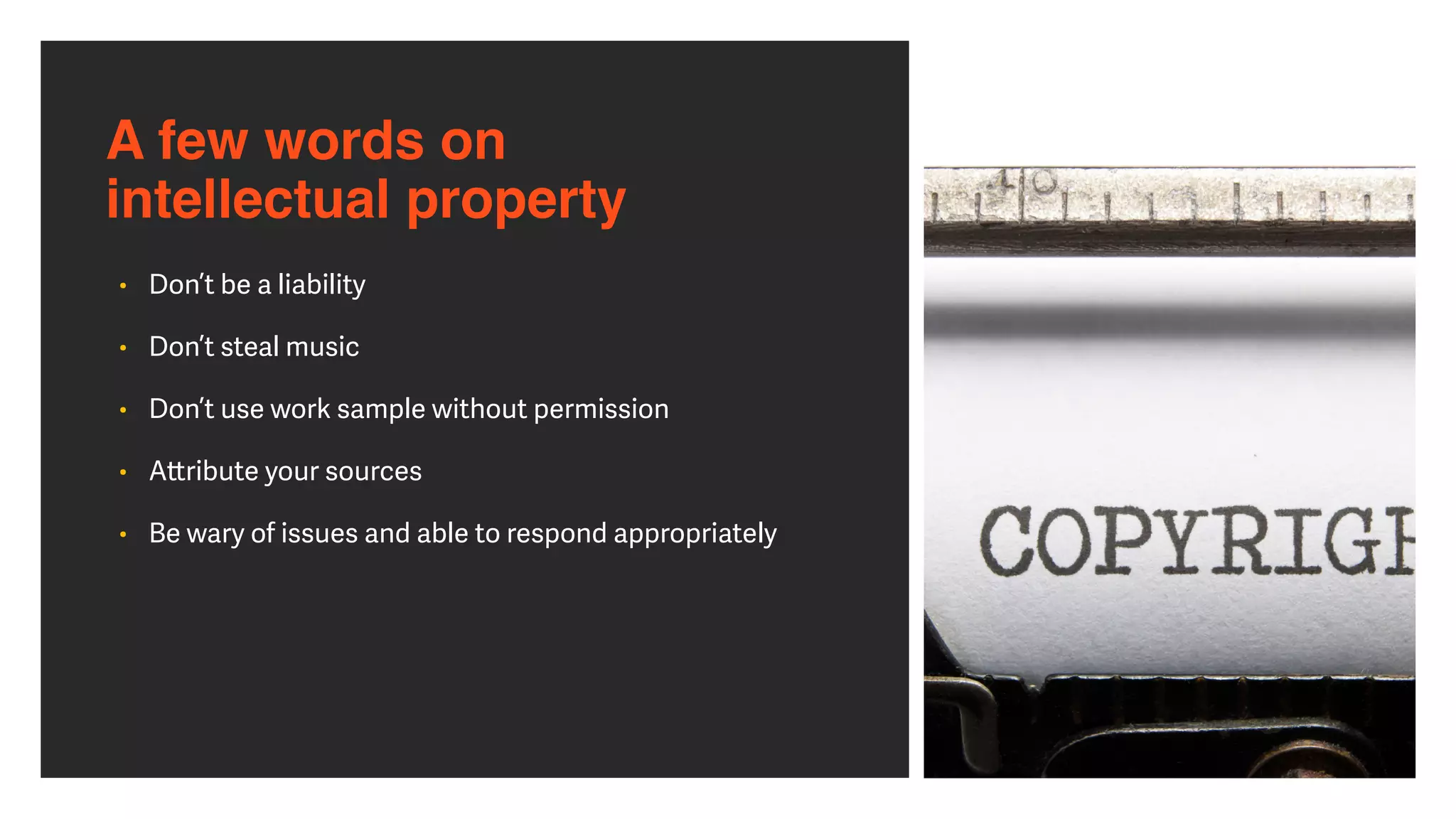
A few words on intellectual property
A few words on 

intellectual property
• Don’t be a liability


• Don’t steal music


• Don’t use work sample without permission


• A
tt
ribute your sources


• Be wary of issues and able to respond appropriately
Online resources on copyright
• Copyright Tutorial


h
tt
p://asmp.org/tutorials/copyright-overview.html


• Copyright and the New Economy


h
tt
p://asmp.org/content/registration-counts


• Copyright Basics from U.S. Copyright O
ffi
ce


h
tt
p://www.copyright.gov/circs/circ1.html


• Taking the Mystery Out of Copyright from the Library of Congress


h
tt
p://www.loc.gov/teachers/copyrightmystery/


• The World Intellectual Property Organization


h
tt
p://www.wipo.int/copyright/en/
Interview Strategies
How to dress for a job interview
How to dress for a job
interview
• Research the company


• Take a look around


• Slightly over-dressed is be
tt
er than under-dressed


• Favor clean, but not
fl
ashy


• Show small amounts of personality


• Minimize art and piercings
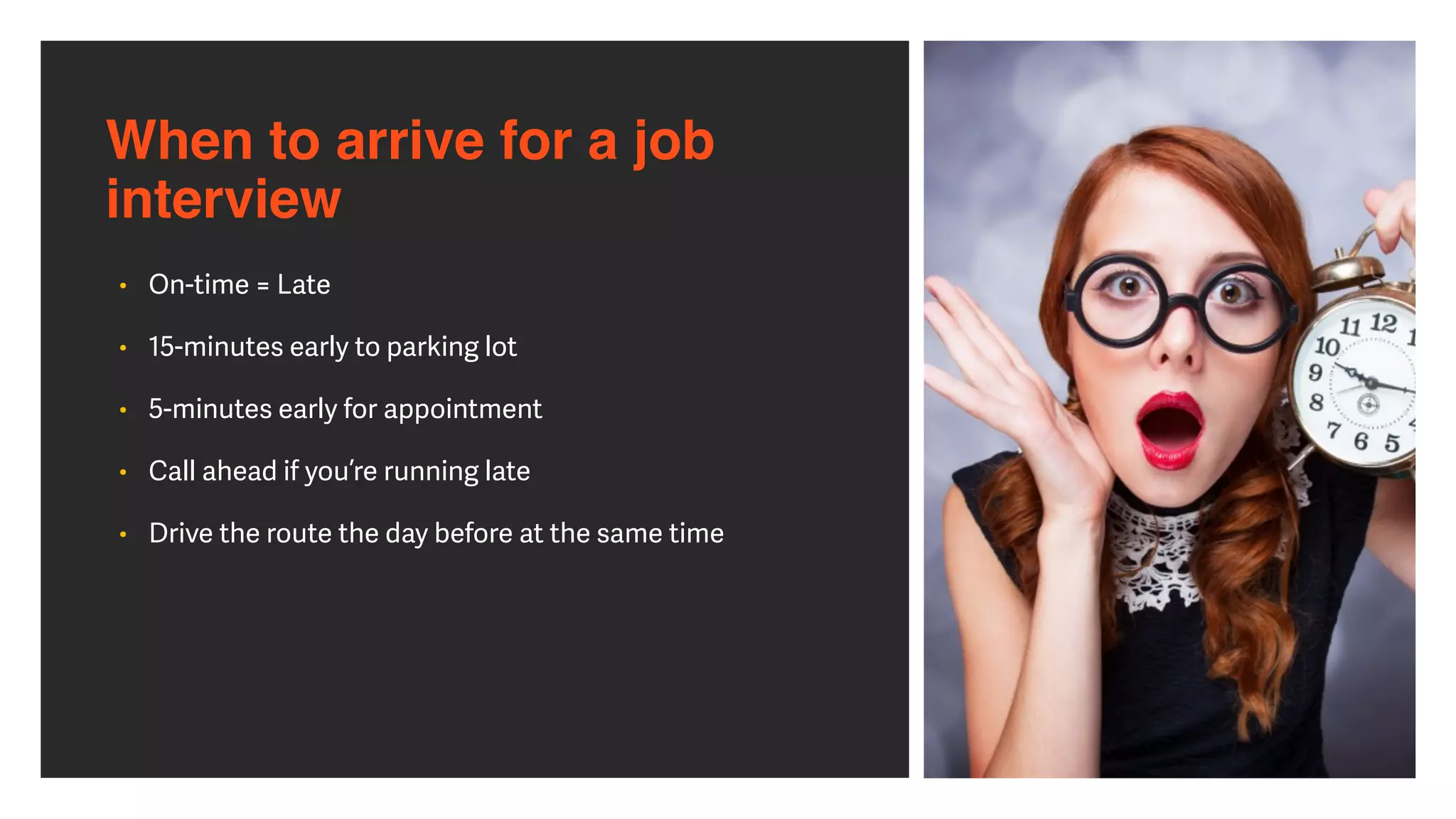
When to arrive for a job interview
When to arrive for a job
interview
• On-time = Late


• 15-minutes early to parking lot


• 5-minutes early for appointment


• Call ahead if you’re running late


• Drive the route the day before at the same time
How long to stay at a job interview
How long to stay at a job
interview
• Don’t double-book


• Be prepared to stay all-day


• Be prepared for multiple interviews


• Arrive with a (slightly) full stomach


• Don’t seem rushed
What to bring to  a job interview
What to bring to a 

job interview
• Note-taking materials


• An electronic portfolio


• Backup portofolio


• Multiple copies of résumé and references


• A list of prepared questions


• A briefcase or portfolio


• Small snacks


• Water bo
tt
le
What not to bring to a 

job interview
• Games


• Social media


• A visible phone


• Gi
ft
s
Interview Techniques
The importance of eye contact
The importance of eye
contact
• Maintain eye contact during the interview


• Address all in the room


• Always look at the speaker


• Don’t stare, but be alert
Have questions ready for a job interview
Have questions ready for a

job interview
• People like to talk about themselves


• Ask intelligent questions, not generic


• Customize based on your research


• Ask about tenure and growth


• Ask about business practices
Have questions ready for a

job interview
• What motivates you to work each day?


• Which recent project was your favorite?


• What skills help someone succeed here?


• Does the company promote from within?


• What’s go
tt
en in the way of someone succeeding?
Prepare for the unexpected
• The employer may cancel


• Things may be running behind


• You can’t access the Internet


• They may know a lot about you


• Explain short tenures


• Explain employment gaps
Know your longterm goals
• Most employees last 3-5 years


• Make sure you want this job, not just a job


• Be speci
fi
c in your search


• Be able to describe your 5-10-15 year plan


• Be prepared for questions about personal desires


• You are responsible for your own happiness
Avoid delusions of grandeur
• You are not an expert… you have core skills


• You are not a director or a DP… you have been a crew
member


• Do not boast, but show work you’re proud of


• Clearly identify your role in a project


• It is never about you, it is about how you can help the
company or the project
Avoid delusions of grandeur
• There are no stock options


• Don’t ask what the schedule is


• Don’t ask about vacation time, do ask if any bene
fi
ts are
included with job


• Be prepared for low-end work


“If I can’t trust you with the small stu
ff
…


how can I trust you with the big stu
ff
?”
LOTS OF CH
DISTANCE, N
HUMILITY
OUTGOING
TRUTHFUL
TEAM PLAYER
Ask about the next steps
• What’s the timeline to hire?


• Anything to send a
ft
erwards?


• When can I expect to hear from you?


• Is there anything you need me to do?
What to Do After the Job Interview
Electronic followup for job interviews
Electronic followup for 

job interviews
• That evening, follow up


• Send an individual message to each person you met with
on the team


• Thank them for the meeting and express your interest in
the position


• Write a unique message to each


(zero copy and paste here)
Written followup for job interviews
Written followup for 

job interviews
• Send a handwri
tt
en note the next morning


• Thank them for the opportunity


• Express interest in the position (if you have interest)


• Express desire to continue in the application process
and assist with any next steps
Do not send a gift to a job interviewer
Do not send a gift to a job
interviewer
• Keep all followups professional


• Avoid any perception of impropriety


• Do not send any gi
ft
s to the o
ffi
ce or individuals
Alert your job references after a job interview
Alert your job references
after a job interview
• Alert any listed references that they may be contacted
by prospective employer


• Con
fi
rm if they know the employer


• Contact any other references discovered during the job
application process
Stay off social media after a job interview
Stay off social media after a 

job interview
• Do not discuss the job interview on social media


• Do not complain about the company


• Do not a
tt
empt to engage or friend the company through
social platforms
Next Steps 
Keep a positive attitude
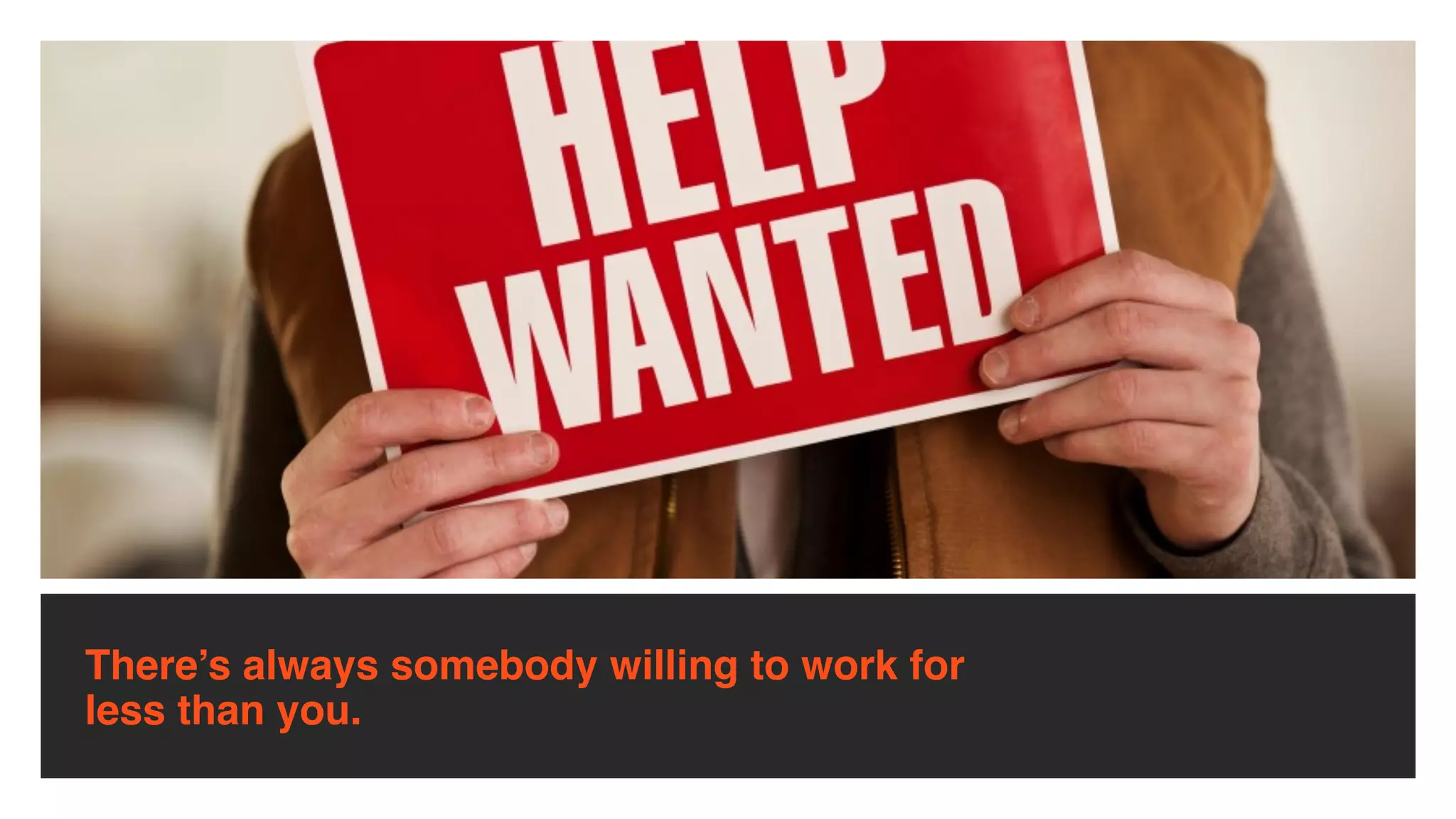
There’s always somebody willing to work for
less than you.
There’s always somebody with more talent than
you.
There’s always somebody who’s smarter than
you.
There’s nobody out there who is exactly like
you.
When they can, people choose to do business with people

they like and respect.
Be real… Be nice… Be you...
linkedin.com/in/richardharrington
Getting In Touch
twitter.com/rhedpixel
facebook.com/
RichHarringtonStuff
linkedin.com/in/
richardharrington
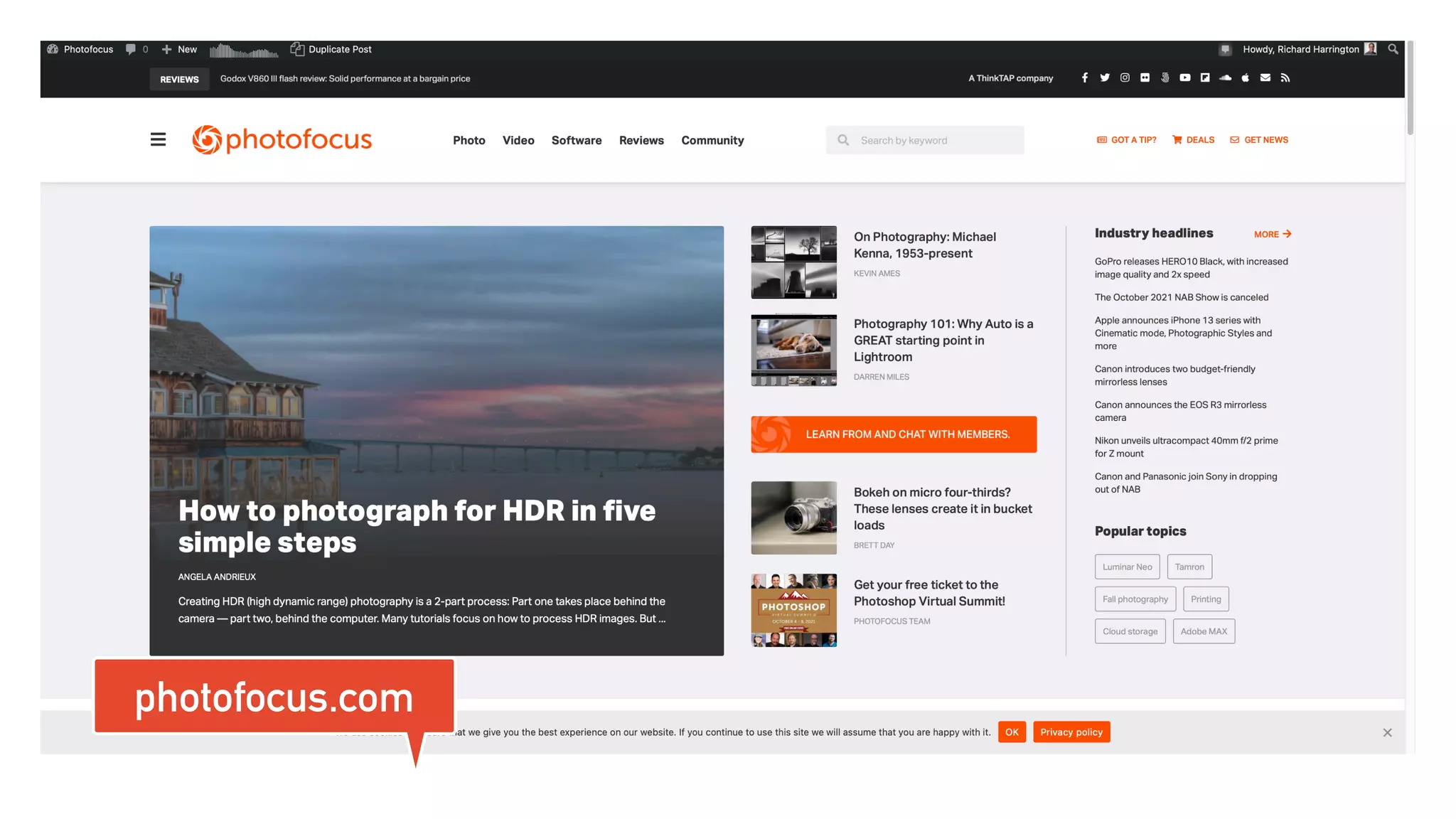
Photofocus.com
instagram.com/thinktap/
photofocus.com
thinktaplearn.com
https://www.thinktaplearn.com/bundles/vsc22
IN ASSOCIATION WITH MADE POSSIBLE BY
PRODUCED BY
● Please allow up to two hours for session replays to be available


● Once uploaded session recordings will be available


until 11:59 pm Monday, March 14th


● VIP Pass access to recordings for 180 days starting on March 22nd


● VIP+ Pass access to recordings for 365 days starting on March 22nd
Session Recordings
Upgrade to VIP
● Streaming access to all VSC 2022 session recordings for 180
days post-event


● Exclusive VIP raffle opportunities


● Choice of 1 Product:


○ Beauty Box (value $199)


○ ON1 Effects 2022 (value $69)


○ Mylio Premium 1-year subscription (value $99)


○ AfterShoot 1-year subscription (value $120)


○ Boris FX Suite (includes Sapphire, Continuum, Mocha Pro,
Silhouette and Optics) 3-month subscription (value $500)


VIP PASS - $129
Upgrade to VIP+
● Streaming access to all VSC 2022 + 2021 session recordings for
365 days post-event


● Exclusive VIP raffle opportunities


● Includes access to ALL 5 items listed below:


○ Beauty Box (value $199)


○ ON1 Effects 2022 (value $69)


○ Mylio Premium 1-year subscription (value $99)


○ AfterShoot 1-year subscription (value $120)


○ Boris FX Suite (includes Sapphire, Continuum, Mocha Pro,
Silhouette and Optics) 3-month subscription (value $500)


VIP+ PASS - $249
IN ASSOCIATION WITH MADE POSSIBLE BY
PRODUCED BY
You're Hired!


How to ace your next job
interview
Richard Harrington | RHED Pixel

You're Hired! How to ace your next job interview

  • 1.
    IN ASSOCIATION WITHMADE POSSIBLE BY PRODUCED BY
  • 2.
    ● Please allowup to two hours for session replays to be available ● Once uploaded session recordings will be available until 11:59 pm Monday, March 14th ● VIP Pass access to recordings for 180 days starting on March 22nd ● VIP+ Pass access to recordings for 365 days starting on March 22nd Session Recordings
  • 3.
    Upgrade to VIP ●Streaming access to all VSC 2022 session recordings for 180 days post-event ● Exclusive VIP raffle opportunities ● Choice of 1 Product: ○ Beauty Box (value $199) ○ ON1 Effects 2022 (value $69) ○ Mylio Premium 1-year subscription (value $99) ○ AfterShoot 1-year subscription (value $120) ○ Boris FX Suite (includes Sapphire, Continuum, Mocha Pro, Silhouette and Optics) 3-month subscription (value $500) VIP PASS - $129
  • 4.
    Upgrade to VIP+ ●Streaming access to all VSC 2022 + 2021 session recordings for 365 days post-event ● Exclusive VIP raffle opportunities ● Includes access to ALL 5 items listed below: ○ Beauty Box (value $199) ○ ON1 Effects 2022 (value $69) ○ Mylio Premium 1-year subscription (value $99) ○ AfterShoot 1-year subscription (value $120) ○ Boris FX Suite (includes Sapphire, Continuum, Mocha Pro, Silhouette and Optics) 3-month subscription (value $500) VIP+ PASS - $249
  • 5.
    You're Hired! How toace your next job interview Richard Harrington | RHED Pixel
  • 6.
    You're Hired! How toace your next job interview Richard Harrington
  • 7.
    Description To land yourdream job in a creative role, there’s nothing more important than the interview. Job interviews showcase your talent and expertise—and your ability to think on your feet. So how do you make sure you’re prepared?
  • 8.
    Agenda • Networking forjob interviews • Cra ft ing an e ff ective resume and creative portfolio • Researching the company and position • Dressing for a job interview • Bringing the right materials • Knowing your long-term goals • Asking about next steps • Following up with the interviewer • Staying positive and con fi dent
  • 9.
    Richard 
 Harrington I'm avisual storyteller exploring 
 the fusion of photography and video. 
 I also empower creatives with AI. I'm a husband and father.
  • 10.
    Vital Statistics Business Ownerfor 20+ years RHED Pixel – A visual communications company Photofocus – An online publication ThinkTAP – Strategic consulting NCAC – Executive board member
  • 11.
    Subject Matter Expert •Focussed on the fusion of photography and video for past 20 years • Evangelize that design and strategic communication can work for most professionals • Book author of more than 40 books • Author of more than 150 Video Courses • Past professor at Art Institute of Washington & American University
  • 12.
    Industry Speaker • Industryspeaker for 20 years • Address both the photo and video industry • Chair the National Association of Broadcaster’s PostProduction World Conference • Co-Chair Adobe Video World
  • 14.
    Past Projects • AmericaOnline • American Diabetes Association • American Israel Public A ff airs Commi tt ee • American Red Cross • Apple • Children's National Medical Center • Department of Veterans Administration • Drobo • Federal Communications Commission • Google • lynda.com • Microso ft • Skylum • Smithsonian Institute • Under Armour • US Air Force
  • 15.
    Advisory and ConsultantProjects • Television Networks • ABC News • CNN • Discovery Channel • Major League Baseball Network • NASCAR • Turner Networks 
 • Technology • Adobe Creative Cloud 
 Advisory Board • Apple • Athentech/Eye-Q • Pearson Education • Skylum So ft ware
  • 16.
  • 17.
  • 18.
    Real-world networking for
 job interviews • Ask your mentors • Ask friends and colleagues • Professional organizations ma tt er • Go to industry events • Connect with a few people, not the whole room • Exchange business cards • Don’t act desperate
  • 19.
    Virtual networking forjob interviews
  • 20.
    Virtual networking for jobinterviews • The creative space is a relatively small industry • Good people know good people • Look for connections of connections • Join professional LinkedIn & Facebook groups as well as industry forums • Remember your online manners
  • 21.
  • 22.
    LinkedIn’s purpose • Bestknown as business networking site • Goes well beyond simply job hunting • Build a list of business contacts of people you know and trust • This network drives all the features on the site • Your network has important real-world results • Connect with people you want to be associated with
  • 23.
    LinkedIn’s purpose • Youcan access the connections of all in your network 
 (termed second degree connections) • Way to make a business introduction to a professional colleague • Search for business opportunities • Invitations to speak at an event • Job interviews • Online Publication Contributions
  • 24.
    LinkedIn’s purpose • Joingroups that match your professional interests • Groups are a great way to reconnect with individuals by joining alumni, professional, and other relevant groups • Participate in LinkedIn Answers • Ask questions for the community to answer • Join in the discussion • Stay up on the latest at the LinkedIn blog (blog.linkedin.com)
  • 33.
  • 34.
    Internship Interview • Paymentguidelines • Paid or unpaid • Stipend or hourly • Credit guidelines • Check with your school • Ensure reporting requirements are met • Check for duration of position • Check the company’s reputation
  • 35.
    Informational Interview • Di ffi cultto get • Make sure that the request is clear • Very worthwhile experience • Learn more about an industry, company, or a position • Can o ft en be combined with an externship
  • 36.
    Freelance Interview • Easiestway in to a company • Know your rates or ranges • Be open to company se tt ing payment rates • Organization is essential • Certi fi cations and work samples ma tt er
  • 37.
    Part-time Interview • Beopen to part-time work • Quickest path to a full-time job • Variability in schedule • May be temporary or seasonal • Hourly requires accurate record-keeping
  • 38.
    Full-time Interview • Usuallyan open position • Sometimes used for surveying industry or building up candidate pool • Ask if the position is new or replacing an exiting employee • Ask on desired start time • Be prepared for a trial period
  • 39.
  • 40.
    Effective résumé strategies •Know the purpose of your résumé • Make sure to use keywords • Use e ff ective job titles • Proofread it at least twice • Use bullet points • Put the most important information up front
  • 41.
    Effective résumé strategies •Pay a tt ention to typography • Explain the bene fi ts of your skills • Avoid a sense of negativity • Avoid being an Expert in Everything • Promote achievements instead of responsibilities • Do not use pictures
  • 42.
    Effective résumé strategies •Make one résumé for each employer • Avoid discrimination • Don’t include irrelevant information • No lying or embellishments • Analyze the available job and adapt • Get someone else to review your résumé
  • 43.
    Effective résumé strategies •One or two pages résumés • Update your résumé regularly • Make the design fl ow • Remove old work experiences
  • 44.
  • 45.
    Crafting an effectivecover letter • Customize the le tt er for each position • Be careful with copy & paste as well as search & replace errors • Be speci fi c and to the point • Express enthusiasm for the position • Write the le tt er as if it were directed to an individual reading it • Express why you want to work for their company and not just why you want a job
  • 46.
  • 47.
    Social Media cleanup •Employers will look • Have a pro fi le • Keep it family-friendly • Show your personality • Don’t show your fl aws • Don’t pad it
  • 50.
  • 51.
    Your personal website •Keep it clean • Make sure it’s mobile-friendly • Keep it focussed on work samples • Be careful with a blog to not overshare • Don’t mix personal and professional • Keep it up to date • Register a custom URL
  • 52.
    Website platforms • Wordpress •Extremely versatile • Extensive customization • Adobe Portfolio • Included with Adobe Creative Cloud • Easy to build and maintain • Squarespace/Wix/Weebly • Easy to use platform with simple integration
  • 53.
    What goes intoa portfolio?
  • 54.
    Why a portfolio? •If you want a job, you need a portfolio • Sure a good-looking résumé with excellent credentials and references will seal the deal, but employers or clients want proof • No one is going to hire a creative professional solely on word of mouth (but that helps)
  • 55.
    The essential portfolio •A good portfolio is a personal statement about a designer, editor, or artist • There are no one-size fi ts all approach that will work for each individual • The best advice is to look at other people’s portfolios
  • 56.
    The essential portfolio •There is a wealth of online portfolios you can fi nd on the Internet • The key is to start looking well before you need a portfolio so you can create one you like
  • 57.
    Why use theweb? • Can showcase both work samples and contact information • This method is ideal for those who create in multiple mediums • Many services will adapt automatically based on platform or hardware used to access your portfolio
  • 58.
    Contents of aPortfolio? twitter.com/ rhedpixel
  • 59.
    What is aportfolio? • A collection of your work samples to show prospective employers or clients • It should represent your diversity, but not try to show everything • Be sure to consider all of the scenarios in which you’ll need to present your work to those who want to hire you
  • 60.
    What goes ina portfolio? • Show your diversity with your portfolio • Even if you only work on certain types of projects at your current job, be sure you have variety • For example, you might work for a manufacturing company, but don’t only fi ll it with work samples from your current job
  • 61.
    What goes ina portfolio? • You want several samples of work, ideally done for real- world clients • You may think that’s impossible to land ‘real’ clients, but it is not • O ff er to do internship or externship work, in exchange for copies of the completed piece and a le tt er of recommendation for your portfolio
  • 62.
    What stays out? •There is such a thing as “too much” • It is important to screen out the less then stellar examples from your portfolio • This can be accomplished through peer review or professional insight • Ask a friend or colleague to look at your work samples
  • 63.
    What stays out? •It’s a bad idea to fi ll a portfolio with spec projects • Unless you happen to work for a particular agency, no one wants to see your ‘spec’ Apple ad • It is far be tt er to have projects where you played a signi fi cant role in the execution
  • 64.
    How often shouldyou update?
  • 65.
    How often shouldyou 
 update a portfolio? • No job or client is 100% secure • You always need to be ready for that next interview or proposal • Be sure to update your portfolio a minimum of every 6 months • Certain mediums (like a website) are even easier to update regularly
  • 66.
    • Always savecopies of your latest work. Archiving all of your work to disc • Some jobs require you to get permission before keeping work samples • Be sure to credit the company that you did the work for How often should you 
 update a portfolio?
  • 67.
    What should gointo a reel
  • 68.
    Why you needa great demo reel • You need a great demo reel to show clients what you can do • Demo reels are your primary sales tool for landing good work that pays well • The best demo reels not only show what you can do but also WHO you are • By displaying a bit of your personality, demo reels convey to your audience why you are the person they want to hire and work with on important projects
  • 69.
    Are you readyfor a demo reel? • Is the work you’re showing the result of your creative e ff orts or those of a lesson in class or an online tutorial? • Assets and tutorial content from learning sites like are easily recognized by professionals in the industry
  • 70.
    Are you readyfor a demo reel? • Are you proud of the work you’ve done? • Every clip and every frame that you include in your demo reel must present your very best work • Do you have enough di ff erent, short clips to last 60 seconds?
  • 71.
    Are you readyfor a demo reel? • If you answered "yes" to all of these questions, then you’re ready to build your reel • If not, don’t worry • Take the time to build a body of work that you’d be proud to show to strangers — not just your friends and family • Many pros will tell you that it’s be tt er to not have a demo reel than to present an amateurish one
  • 72.
    Making a greatdemo reel
  • 74.
    Keep it short •A successful demo reel does not show all your work but rather highlights your best work • Most employers agree that one to two minutes is enough for them to determine whether your reel is what they’re looking for • Indeed, many professional editors feel that 90 seconds is the sweet spot for a great demo reel
  • 75.
    Keep it short •Rarely have I heard an audience complain that a video was too short • There is a reason to edit and it becomes increasingly clear when you actually watch people as they watch your reel • Do your best to strip a reel down to its essence and only add what is needed • When in doubt… cut it out
  • 76.
    Keep it short •Grab the viewer’s a tt ention from the start • Sometimes a fi rst impression is all you get with potential clients or employers • Because of the number of submissions they review, you may have their full a tt ention only for the fi rst 20 seconds
  • 78.
    Editing advice • Showyour most recent work fi rst • No one wants to see what you worked on fi ve years ago. Show them what you’re working on now • Include only your best current work • Replace clips that show an older style or are not as strong as your later e ff orts • Include only those clips that showcase a modern style and make a strong, professional impression
  • 79.
    Editing advice • Expressyour personality • Whether you are serious or a joking, laid back or hyperactive, let it show through in your reel • You may have just the personality the client or employer is looking for
  • 81.
    Show some emotion •Let people see what you’re passionate about • Add a musical soundtrack • Pick music that complements your professional, or personal, brand and then cut your reel to that beat • Show a variety of work. The more the merrier — and the be tt er chance you’ll have of showing something that interests others
  • 82.
    Show some emotion •Focus your reel on the type of work you’d most like to be doing • If you’re really excited about editing music videos, cut a reel that focuses primarily on that type of editing • If you don’t have much content of that type, then go out and create it!
  • 83.
  • 84.
    Structuring your reel •Open with your name or company logo • Let people know who you are up front • A cool intro with your name or company logo is a great way to grab the viewer’s a tt ention
  • 85.
    Structuring your reel •Highlight work you’ve done for recognizable brands • If relevant, give a li tt le extra screen time to logos that people will recognize • The more people who recognize the companies you’ve done work for, the be tt er • Give on-screen credits
  • 86.
    DC Color |www.DCColor.com
  • 87.
    Structuring your reel •Show "before" and "a ft er" clips. This is especially true if you are a colorist, audio engineer, or similar specialist • Show sequence shots • This is particularly important if you build visuals in stages, like 3D modelers or compositors do
  • 89.
    Structuring your reel •Close with your contact information • This is your call to action • Include your full name, phone number, website, and professional e-mail address • Your reel is worthless if people don’t know how to contact you
  • 90.
  • 91.
    Demo reel mistakes •Mistakes will happen, but you only get one chance to make a fi rst impression • Take time to review (& re-review) your reel so that errors don’t slip in; they will be noticed
  • 92.
    Demo reel mistakes •Don’t take credit for work you didn’t do • Clearly label any clips in your reel for which you only did part of the work • Adding a text overlay to the clip that simply says "Premiere Pro editor," "3D modeler," or "responsible for motion tracking" goes a long way toward clearing up any confusion and speaks volumes of your character
  • 93.
    Demo reel mistakes •Don’t repeat any footage • It gives the impression that you haven’t done enough work to fi ll a reel • Make your demo shorter instead • Don’t include errors! • You would be amazed at how many demo reels contain spelling errors, audio glitches, clips with squeezed-looking aspect ratios, and so on
  • 94.
  • 95.
  • 96.
    Check your references •Make sure your references know they may be called on to speak about you • Ask each reference what your strengths and weaknesses are • Ask them which type of job they think you’d be best at performing • Make sure a reference is worth listing • Give each reference an updated résumé
  • 97.
  • 98.
    Check your network •What do your connections know about the company? • Who do they know inside the company? • Can anyone speak on your behalf? • Can anyone o ff er advice?
  • 99.
  • 100.
    Research the company •Their website • Their social media pro fi les • Key employees • Awards they’ve won • Management team • Industry news • LinkedIn company page and pro fi les
  • 101.
  • 102.
    Research the position •What does the job entail? • What skills do you have that meet the requirements? • Are the gaps critical or solvable? • Who depends on this position? • Have you fi lled this role before? • Is the position caused by vacancy or growth?
  • 103.
    Physically visit theinterview location
  • 104.
    Physically visit the
 interview location • Don’t get lost the day of the interview • Figure out the commute time (then double it) • Figure out where you are going to park • Evaluate the size of the company • Determine the company a tt itude and “dress code” • Ensure your commute is feasible (or movable)
  • 105.
    4.1 Check YourReferences
  • 106.
  • 107.
  • 108.
  • 109.
    4.5 Physically Visitthe Interview Location
  • 110.
    Preparing for anIn-Person Interview
  • 111.
  • 112.
    Holding mock interviews •This is personal training • Helps you to prepare • Ask a mentor • If needed, go outside of industry • Reach out to past internships
  • 113.
  • 114.
    Preparing physical materials • Nosingle point of failure • Multiple copies of résumé • Demo reel on 2 formats • Extra business cards • Electronic versions accessible
  • 115.
  • 116.
    Backup your digital •Be prepared • O ffl ine access • Fully charged ba tt ery • Physical media • USB, not DVD, TB, FW
  • 117.
    A few wordson intellectual property
  • 118.
    A few wordson 
 intellectual property • Don’t be a liability • Don’t steal music • Don’t use work sample without permission • A tt ribute your sources • Be wary of issues and able to respond appropriately
  • 119.
    Online resources oncopyright • Copyright Tutorial 
 h tt p://asmp.org/tutorials/copyright-overview.html • Copyright and the New Economy 
 h tt p://asmp.org/content/registration-counts • Copyright Basics from U.S. Copyright O ffi ce 
 h tt p://www.copyright.gov/circs/circ1.html • Taking the Mystery Out of Copyright from the Library of Congress 
 h tt p://www.loc.gov/teachers/copyrightmystery/ • The World Intellectual Property Organization 
 h tt p://www.wipo.int/copyright/en/
  • 120.
  • 121.
    How to dressfor a job interview
  • 122.
    How to dressfor a job interview • Research the company • Take a look around • Slightly over-dressed is be tt er than under-dressed • Favor clean, but not fl ashy • Show small amounts of personality • Minimize art and piercings
  • 123.
    When to arrivefor a job interview
  • 124.
    When to arrivefor a job interview • On-time = Late • 15-minutes early to parking lot • 5-minutes early for appointment • Call ahead if you’re running late • Drive the route the day before at the same time
  • 125.
    How long tostay at a job interview
  • 126.
    How long tostay at a job interview • Don’t double-book • Be prepared to stay all-day • Be prepared for multiple interviews • Arrive with a (slightly) full stomach • Don’t seem rushed
  • 127.
    What to bringto  a job interview
  • 128.
    What to bringto a 
 job interview • Note-taking materials • An electronic portfolio • Backup portofolio • Multiple copies of résumé and references • A list of prepared questions • A briefcase or portfolio • Small snacks • Water bo tt le
  • 129.
    What not tobring to a 
 job interview • Games • Social media • A visible phone • Gi ft s
  • 130.
  • 131.
    The importance ofeye contact
  • 132.
    The importance ofeye contact • Maintain eye contact during the interview • Address all in the room • Always look at the speaker • Don’t stare, but be alert
  • 133.
    Have questions readyfor a job interview
  • 134.
    Have questions readyfor a
 job interview • People like to talk about themselves • Ask intelligent questions, not generic • Customize based on your research • Ask about tenure and growth • Ask about business practices
  • 135.
    Have questions readyfor a
 job interview • What motivates you to work each day? • Which recent project was your favorite? • What skills help someone succeed here? • Does the company promote from within? • What’s go tt en in the way of someone succeeding?
  • 136.
    Prepare for theunexpected
  • 137.
    Prepare for theunexpected • The employer may cancel • Things may be running behind • You can’t access the Internet • They may know a lot about you • Explain short tenures • Explain employment gaps
  • 138.
  • 139.
    Know your longtermgoals • Most employees last 3-5 years • Make sure you want this job, not just a job • Be speci fi c in your search • Be able to describe your 5-10-15 year plan • Be prepared for questions about personal desires • You are responsible for your own happiness
  • 140.
  • 141.
    Avoid delusions ofgrandeur • You are not an expert… you have core skills • You are not a director or a DP… you have been a crew member • Do not boast, but show work you’re proud of • Clearly identify your role in a project • It is never about you, it is about how you can help the company or the project
  • 142.
    Avoid delusions ofgrandeur • There are no stock options • Don’t ask what the schedule is • Don’t ask about vacation time, do ask if any bene fi ts are included with job • Be prepared for low-end work 
 “If I can’t trust you with the small stu ff … 
 how can I trust you with the big stu ff ?”
  • 143.
  • 144.
  • 145.
  • 146.
  • 147.
  • 148.
  • 149.
    Ask about thenext steps
  • 150.
    Ask about thenext steps • What’s the timeline to hire? • Anything to send a ft erwards? • When can I expect to hear from you? • Is there anything you need me to do?
  • 151.
    What to DoAfter the Job Interview
  • 152.
  • 153.
    Electronic followup for
 job interviews • That evening, follow up • Send an individual message to each person you met with on the team • Thank them for the meeting and express your interest in the position • Write a unique message to each 
 (zero copy and paste here)
  • 154.
    Written followup forjob interviews
  • 155.
    Written followup for
 job interviews • Send a handwri tt en note the next morning • Thank them for the opportunity • Express interest in the position (if you have interest) • Express desire to continue in the application process and assist with any next steps
  • 156.
    Do not senda gift to a job interviewer
  • 157.
    Do not senda gift to a job interviewer • Keep all followups professional • Avoid any perception of impropriety • Do not send any gi ft s to the o ffi ce or individuals
  • 158.
    Alert your jobreferences after a job interview
  • 159.
    Alert your jobreferences after a job interview • Alert any listed references that they may be contacted by prospective employer • Con fi rm if they know the employer • Contact any other references discovered during the job application process
  • 160.
    Stay off socialmedia after a job interview
  • 161.
    Stay off socialmedia after a 
 job interview • Do not discuss the job interview on social media • Do not complain about the company • Do not a tt empt to engage or friend the company through social platforms
  • 162.
  • 163.
  • 164.
    There’s always somebodywilling to work for less than you.
  • 165.
    There’s always somebodywith more talent than you.
  • 166.
    There’s always somebodywho’s smarter than you.
  • 167.
    There’s nobody outthere who is exactly like you.
  • 168.
    When they can,people choose to do business with people
 they like and respect.
  • 169.
    Be real… Benice… Be you...
  • 173.
  • 174.
  • 176.
  • 177.
  • 178.
  • 179.
    IN ASSOCIATION WITHMADE POSSIBLE BY PRODUCED BY
  • 180.
    ● Please allowup to two hours for session replays to be available ● Once uploaded session recordings will be available until 11:59 pm Monday, March 14th ● VIP Pass access to recordings for 180 days starting on March 22nd ● VIP+ Pass access to recordings for 365 days starting on March 22nd Session Recordings
  • 181.
    Upgrade to VIP ●Streaming access to all VSC 2022 session recordings for 180 days post-event ● Exclusive VIP raffle opportunities ● Choice of 1 Product: ○ Beauty Box (value $199) ○ ON1 Effects 2022 (value $69) ○ Mylio Premium 1-year subscription (value $99) ○ AfterShoot 1-year subscription (value $120) ○ Boris FX Suite (includes Sapphire, Continuum, Mocha Pro, Silhouette and Optics) 3-month subscription (value $500) VIP PASS - $129
  • 182.
    Upgrade to VIP+ ●Streaming access to all VSC 2022 + 2021 session recordings for 365 days post-event ● Exclusive VIP raffle opportunities ● Includes access to ALL 5 items listed below: ○ Beauty Box (value $199) ○ ON1 Effects 2022 (value $69) ○ Mylio Premium 1-year subscription (value $99) ○ AfterShoot 1-year subscription (value $120) ○ Boris FX Suite (includes Sapphire, Continuum, Mocha Pro, Silhouette and Optics) 3-month subscription (value $500) VIP+ PASS - $249
  • 183.
    IN ASSOCIATION WITHMADE POSSIBLE BY PRODUCED BY
  • 184.
    You're Hired! How toace your next job interview Richard Harrington | RHED Pixel