XAMPP	
  
Jussi	
  Pohjolainen	
  
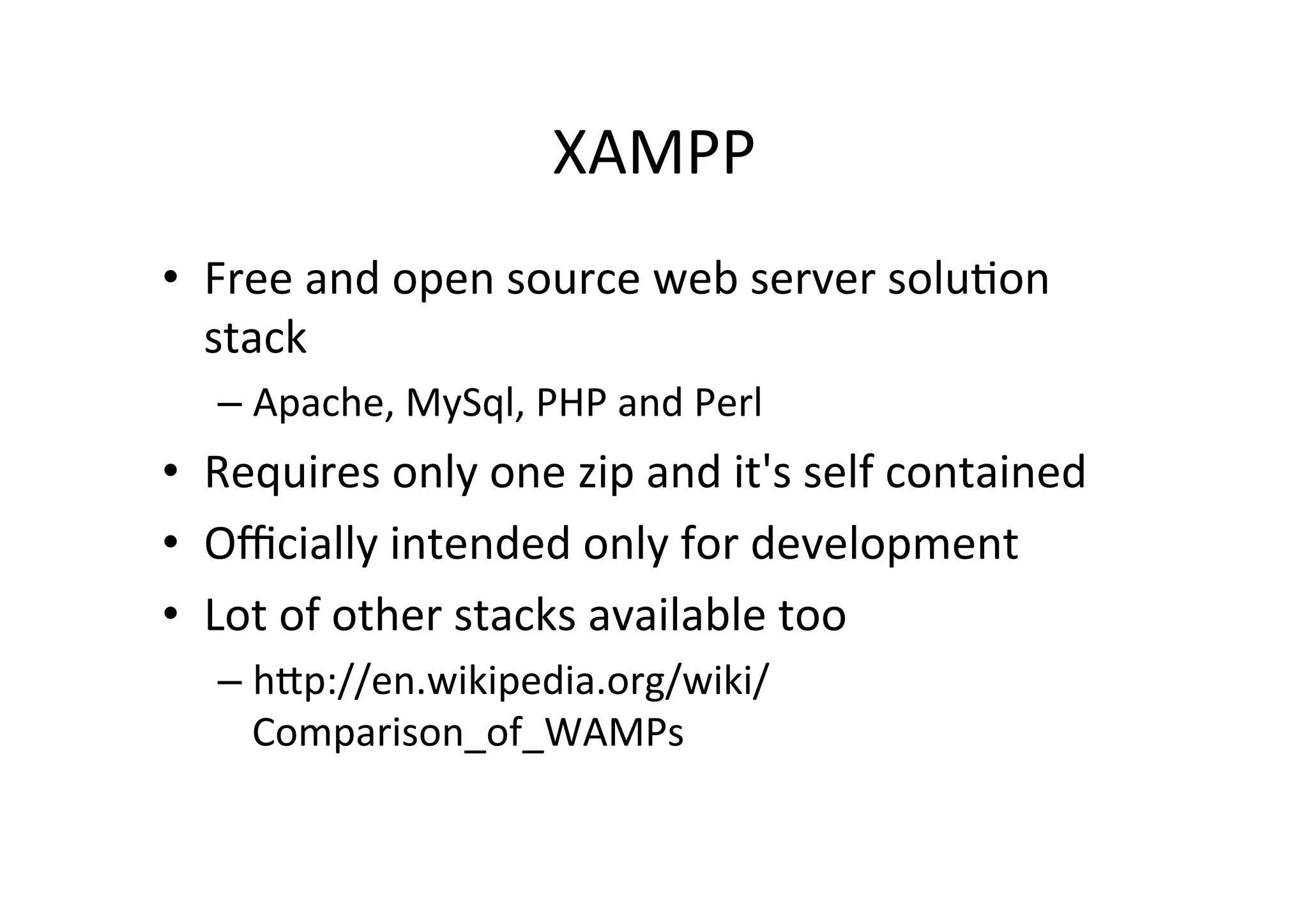
XAMPP	
  
•  Free	
  and	
  open	
  source	
  web	
  server	
  solu9on	
  
stack	
  
– Apache,	
  MySql,	
  PHP	
  and	
  Perl	
  
•  Requires	
  only	
  one	
  zip	
  and	
  it's	
  self	
  contained	
  
•  Officially	
  intended	
  only	
  for	
  development	
  
•  Lot	
  of	
  other	
  stacks	
  available	
  too	
  
– hIp://en.wikipedia.org/wiki/
Comparison_of_WAMPs	
  
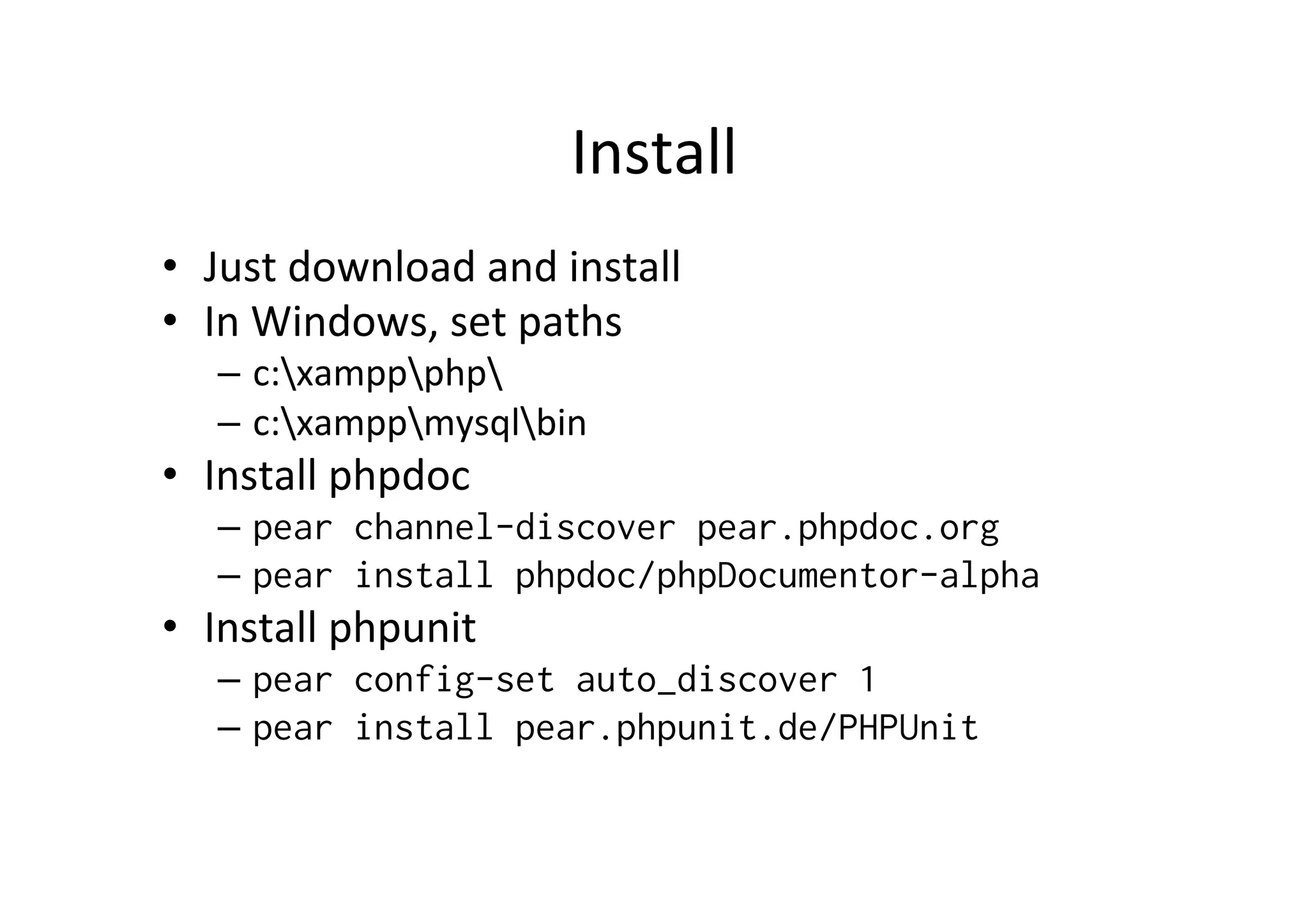
Install	
  
•  Just	
  download	
  and	
  install	
  
•  In	
  Windows,	
  set	
  paths	
  
–  c:xamppphp	
  
–  c:xamppmysqlbin	
  
•  Install	
  phpdoc	
  
–  pear channel-discover pear.phpdoc.org
–  pear install phpdoc/phpDocumentor-alpha
•  Install	
  phpunit	
  
–  pear config-set auto_discover 1
–  pear install pear.phpunit.de/PHPUnit
Star9ng	
  and	
  Tes9ng	
  
•  Just	
  open	
  XAMPP	
  Control	
  Panel	
  and	
  start	
  the	
  
services	
  you	
  want	
  
–  Apache	
  
–  MySQL	
  
–  ..	
  
•  Open	
  browser:	
  hIp://localhost/	
  
•  Add	
  folder	
  to	
  xampp	
  /	
  htdocs	
  /	
  xampp	
  /	
  test	
  
–  And	
  put	
  some	
  file:	
  index.html	
  
•  Open	
  browser	
  again:	
  hIp://localhost/xampp/
test/	
  
MySQL	
  
•  Log	
  in	
  as	
  root	
  
– mysql	
  –u	
  root	
  
•  show	
  databases;	
  
•  create	
  database	
  mytest;	
  
•  use	
  mytest;	
  
•  …	
  

XAMPP

  • 1.
  • 2.
    XAMPP   •  Free  and  open  source  web  server  solu9on   stack   – Apache,  MySql,  PHP  and  Perl   •  Requires  only  one  zip  and  it's  self  contained   •  Officially  intended  only  for  development   •  Lot  of  other  stacks  available  too   – hIp://en.wikipedia.org/wiki/ Comparison_of_WAMPs  
  • 3.
    Install   •  Just  download  and  install   •  In  Windows,  set  paths   –  c:xamppphp   –  c:xamppmysqlbin   •  Install  phpdoc   –  pear channel-discover pear.phpdoc.org –  pear install phpdoc/phpDocumentor-alpha •  Install  phpunit   –  pear config-set auto_discover 1 –  pear install pear.phpunit.de/PHPUnit
  • 4.
    Star9ng  and  Tes9ng   •  Just  open  XAMPP  Control  Panel  and  start  the   services  you  want   –  Apache   –  MySQL   –  ..   •  Open  browser:  hIp://localhost/   •  Add  folder  to  xampp  /  htdocs  /  xampp  /  test   –  And  put  some  file:  index.html   •  Open  browser  again:  hIp://localhost/xampp/ test/  
  • 5.
    MySQL   •  Log  in  as  root   – mysql  –u  root   •  show  databases;   •  create  database  mytest;   •  use  mytest;   •  …