Websites: Creating Effective
Content and Launching Your Site
Housekeeping
www.threesides.com.au
www.Facebook.com/threesides
www.Twitter.com/threesides
www.slideshare.net/threesides
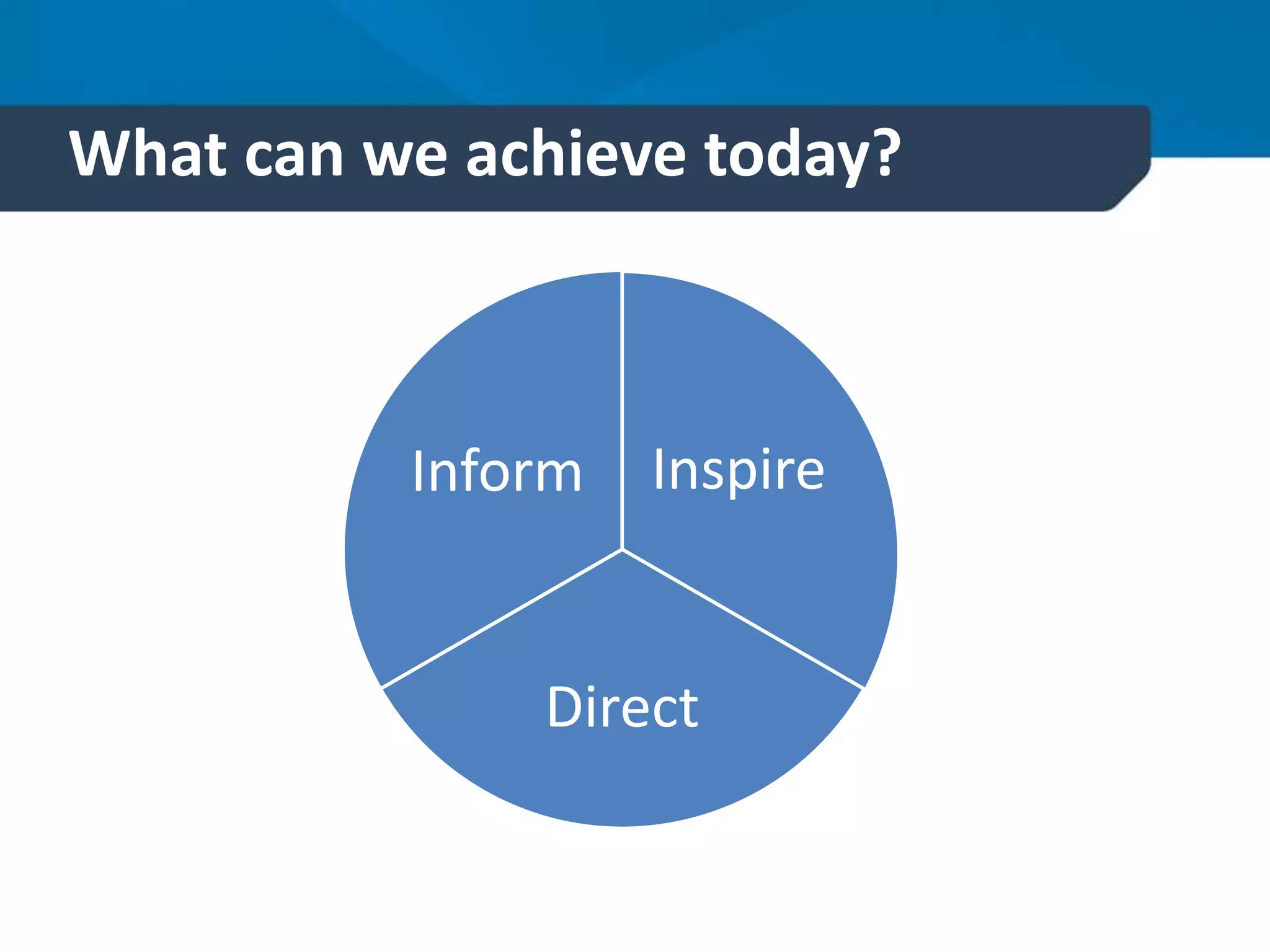
What can we achieve today?
Inspire
Direct
Inform
Learning outcomes
1. Identify content for your site that is
valuable for users and marketing
2. Evaluate what images will work well on
your site
3. Understand the benefits of telling your
story through video on your site
4. Compose a task list of what to do when
launching your site
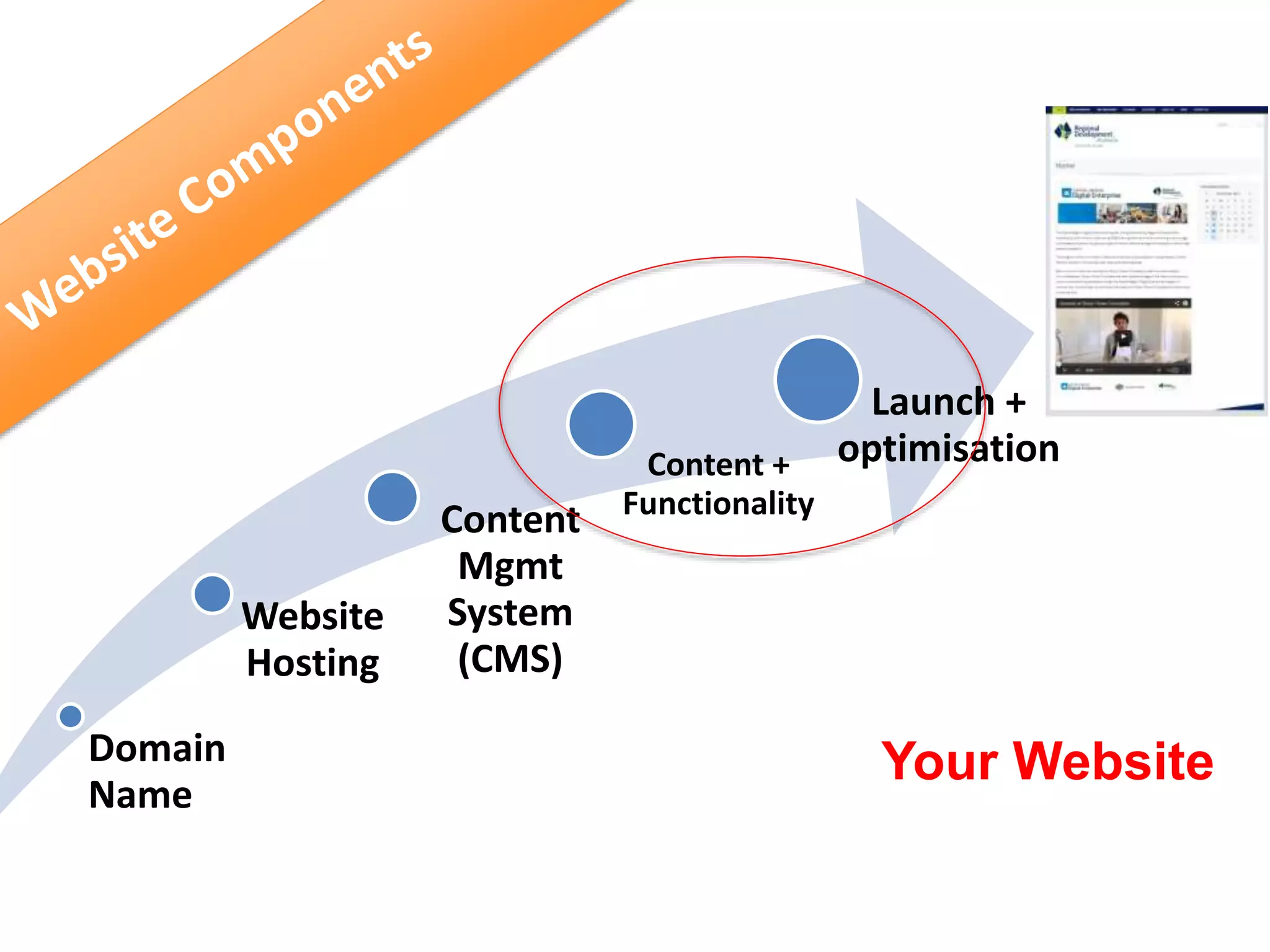
Domain
Name
Website
Hosting
Content
Mgmt
System
(CMS)
Content +
Functionality
Launch +
optimisation
Your Website
Building a site – what to consider
1. Design / Appearance (front end)
2. Usability
3. Functionality
4. Content
5. Search Engine
Optimisation
Content –Top 5 tips
1. Write content that is easy to skim
 start with conclusion at the top
 limit each paragraph to one key concept
 use meaningful headings (good for accessibility)
 use bullet points and number lists
2. Keep wording short and simple
3. Know your audience
 imagine who they are and write with them in mind
Content – Top 5 Tips
4. Build trust
 be factual and accurate
 Check for typos and spell check
 Keep content up to date
5. Be generous with your expert knowledge
 be seen as an authority
 don’t give it all out at once, digestible pieces
Have a clear call to action
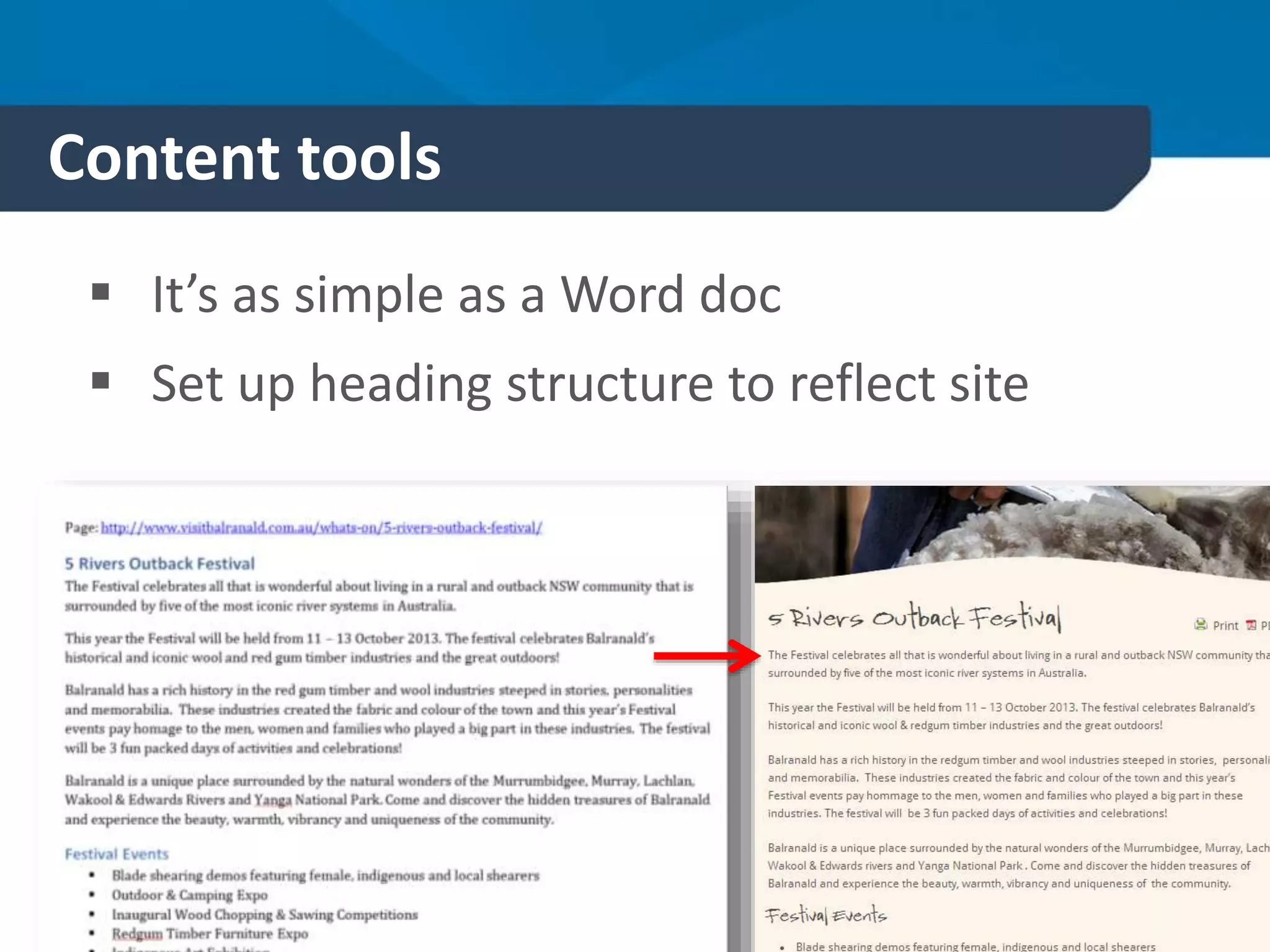
Content tools
 It’s as simple as a Word doc
 Set up heading structure to reflect site
What’s on your page
 Links
 Downloads
 Images
 Icons
 Video
 Email signup
Links
1.Internal links
2.External Links
3.Backlinks *to your site*
4.Download links
Value of links
1. Get people to the ‘checkout’
2. Help with navigation
3. Help search engines indexing your site
4. Improve referral traffic
Hyperlink Tips
1. Try to avoid cluttering the page with too many links.
2. Make sure people can see everything that is in your site in
the navigation.
3. Make sure that in-text links are meaningful, so that
visitors know where they are going. Avoid terms like ‘click
here’. This is especially important for people who use
screen readers and other devices.
4. When linking to a document, image, spreadsheet or
database file, make it clear that the user is initiating a
download by clicking on that link.
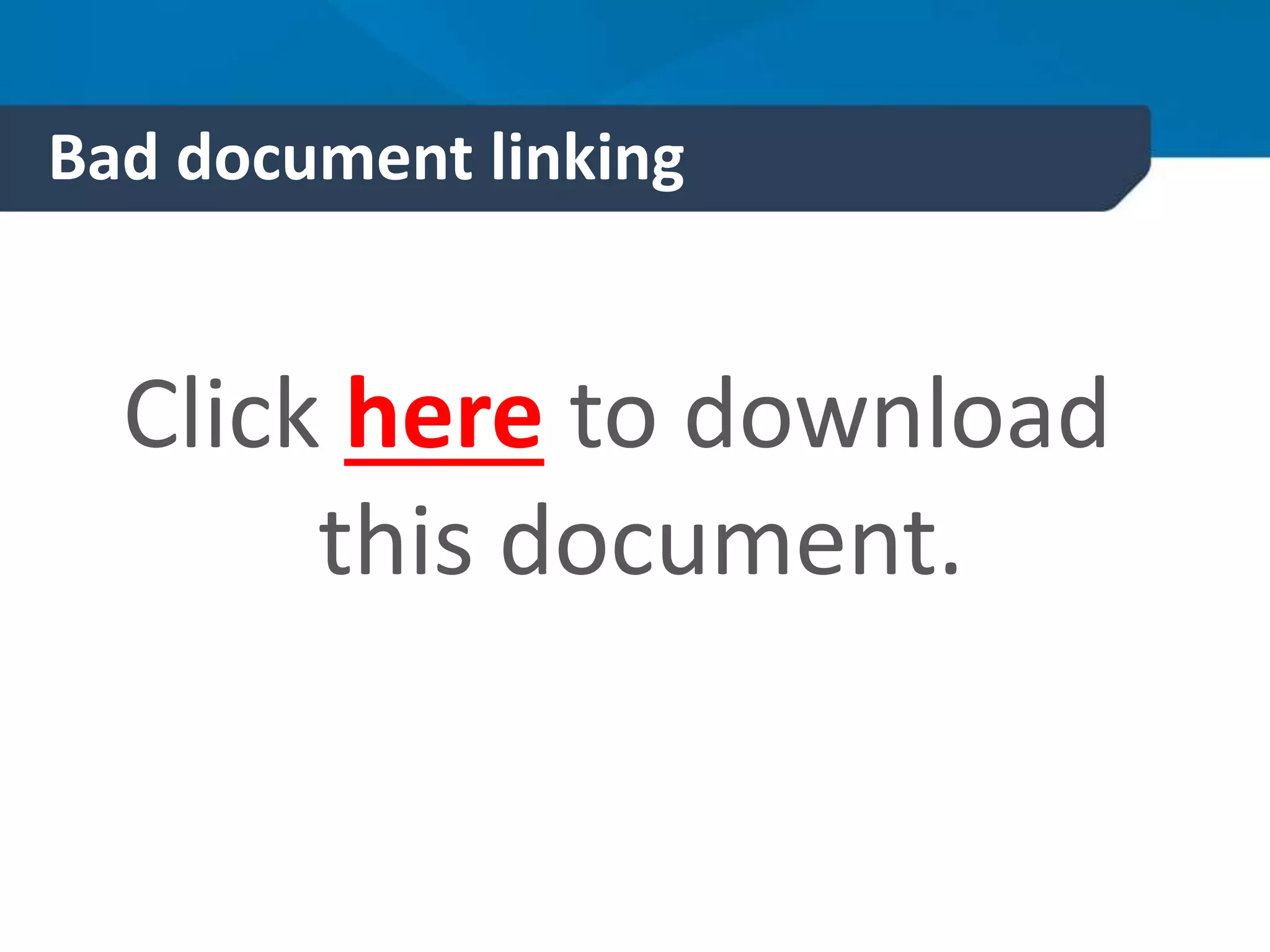
Bad document linking
Click here to download
this document.
Good document linking
You can download our
guide to better linking
here (PDF 350kb)
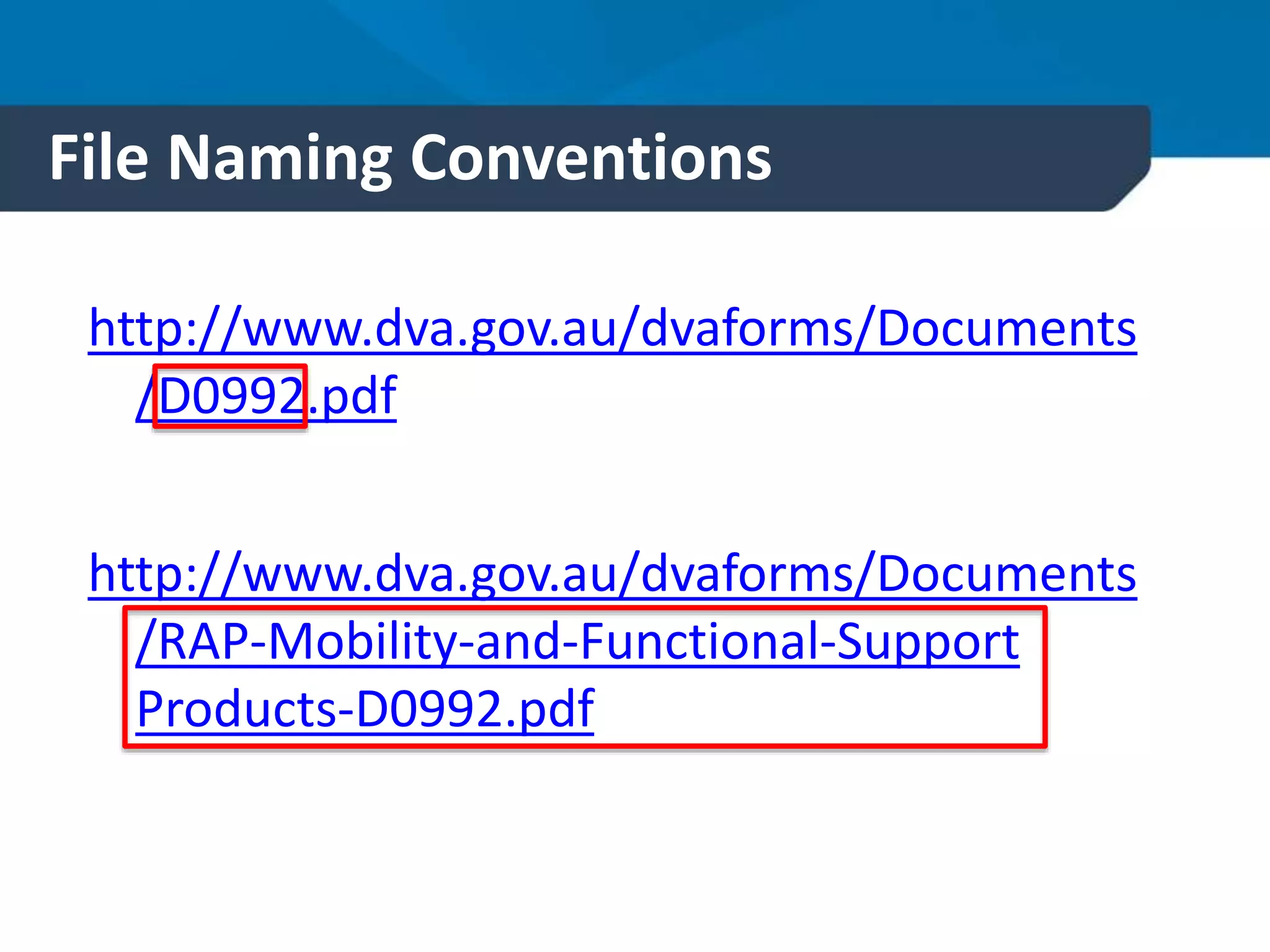
File Naming Conventions
http://www.dva.gov.au/dvaforms/Documents
/D0992.pdf
http://www.dva.gov.au/dvaforms/Documents
/RAP-Mobility-and-Functional-Support
Products-D0992.pdf
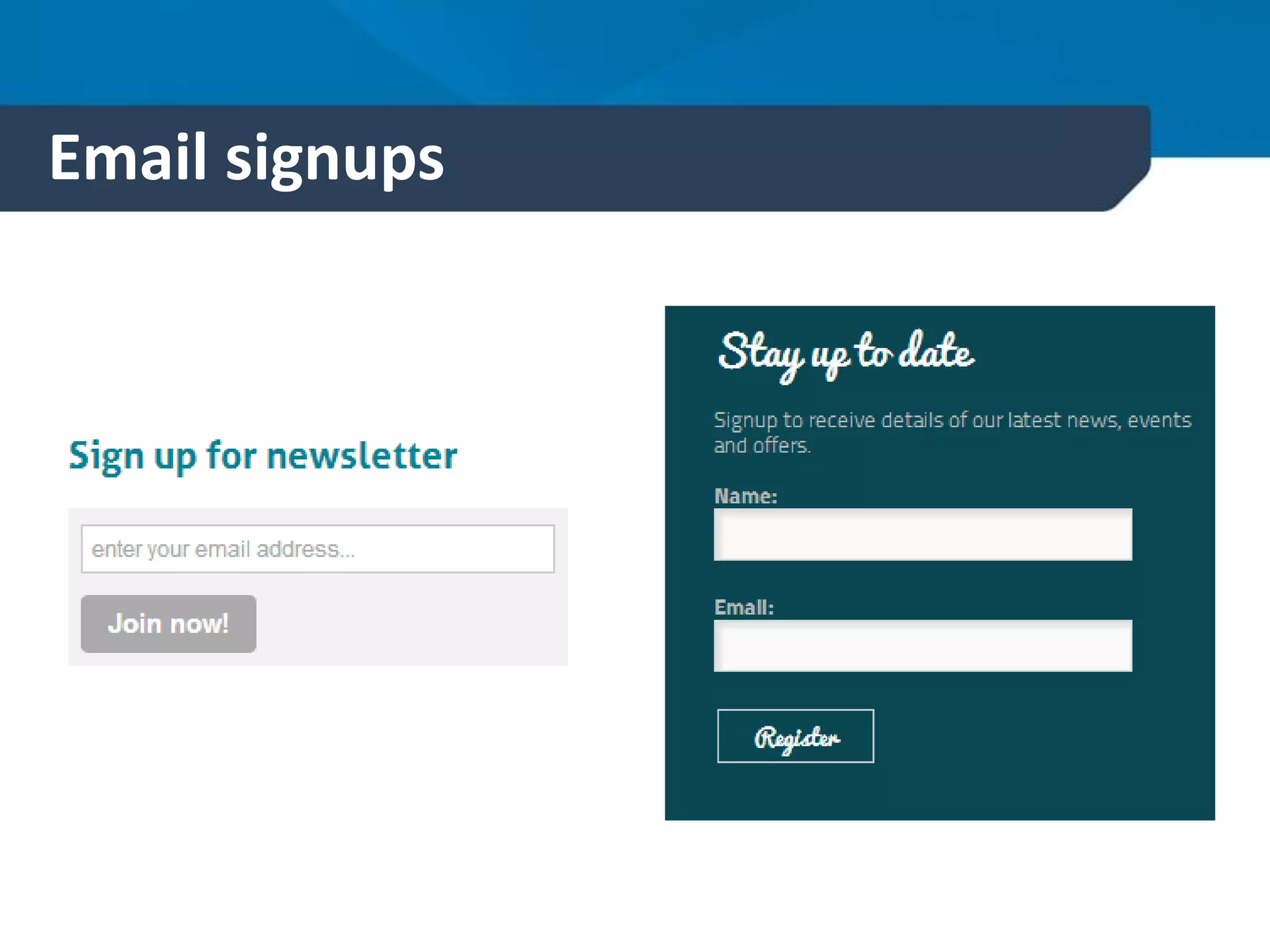
Email signups
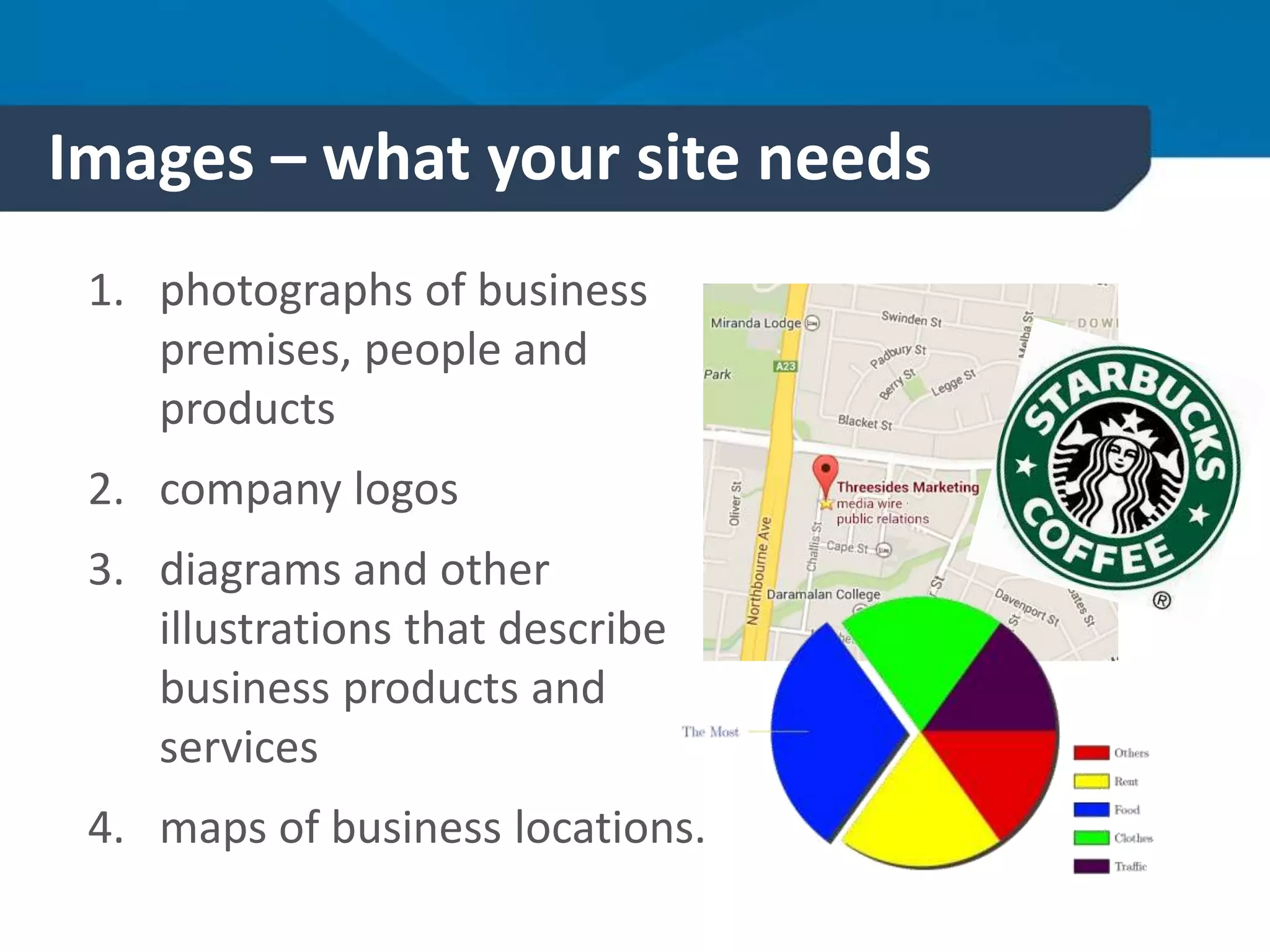
Images – what your site needs
1. photographs of business
premises, people and
products
2. company logos
3. diagrams and other
illustrations that describe
business products and
services
4. maps of business locations.
Images – what your site needs
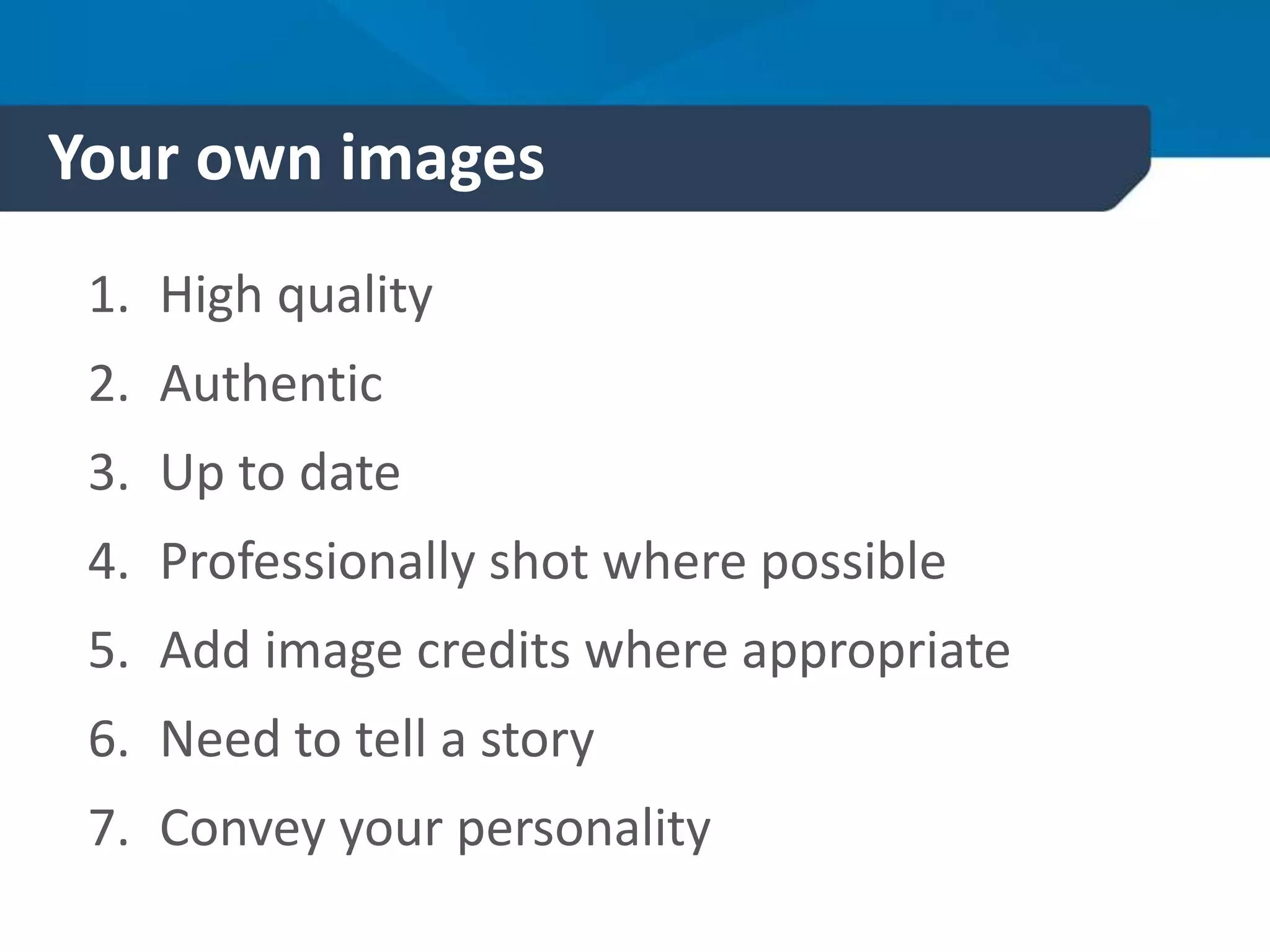
Write a shot list for your site
Have it Need it
Building Shot Product shots
People Shot Map
Internal Shots
Logo
Your own images
1. High quality
2. Authentic
3. Up to date
4. Professionally shot where possible
5. Add image credits where appropriate
6. Need to tell a story
7. Convey your personality
Intellectual Property
Intellectual Property law (with some
exceptions) requires that you obtain
permission from the copyright
owner (or relevant rights holder)
before using copyright material.
Image copyright
If you don’t own it – you
shouldn’t use it.
More copyright info
www.Copyright.org.au
www.digitalbusiness.gov.
au/creating-your-
website/creating-and-
organising-
content/working-with-
multimedia/#stim
Stock Libraries
Shutterstock (international)
Australian Stock Images (Australian)
Oz Stock (Australian)
Australia Stock Photos (Australian)
iStockphoto (international)
Getty images (international)
Stock Exchange (international)
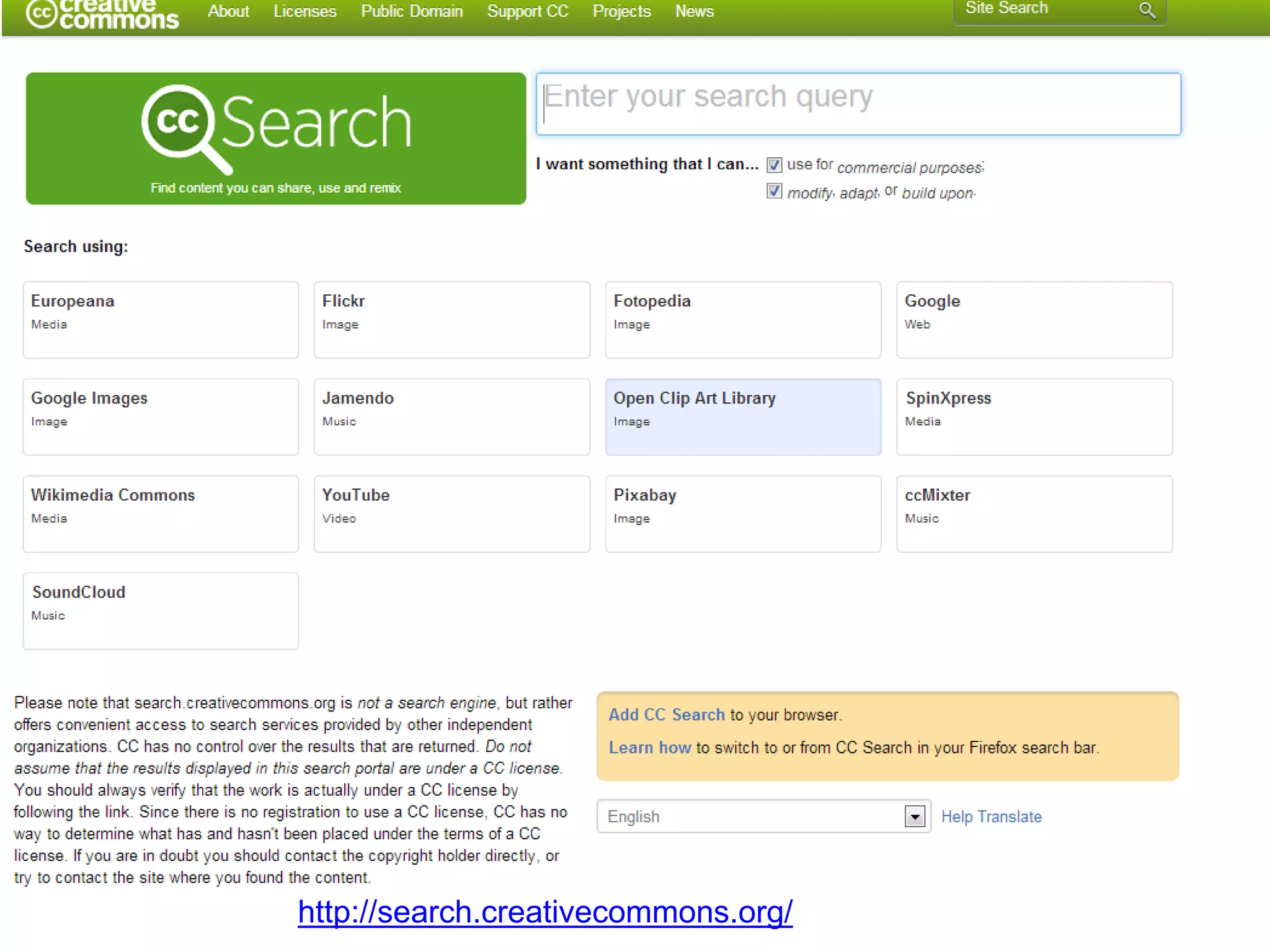
http://search.creativecommons.org/
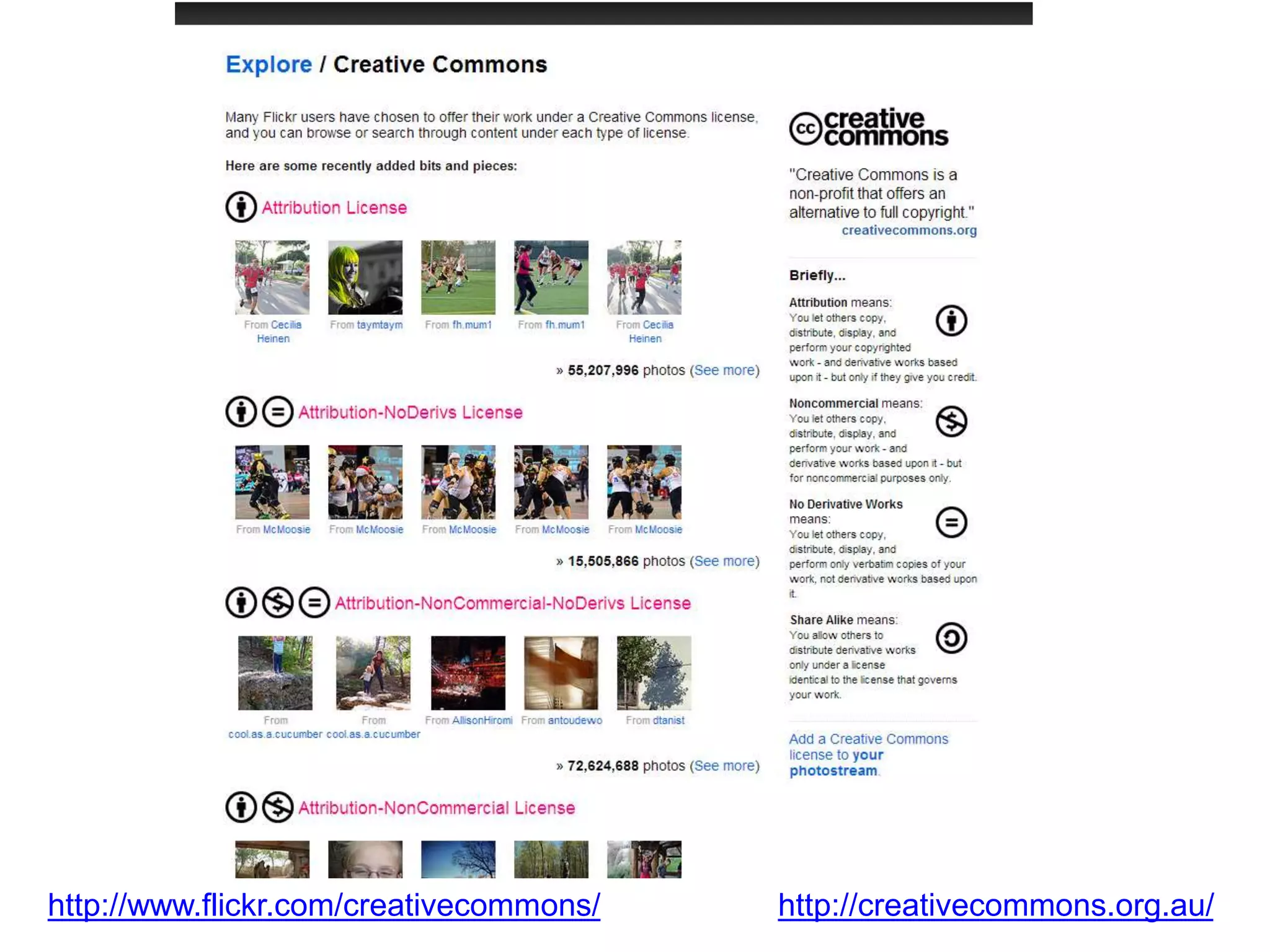
http://www.flickr.com/creativecommons/ http://creativecommons.org.au/
Images
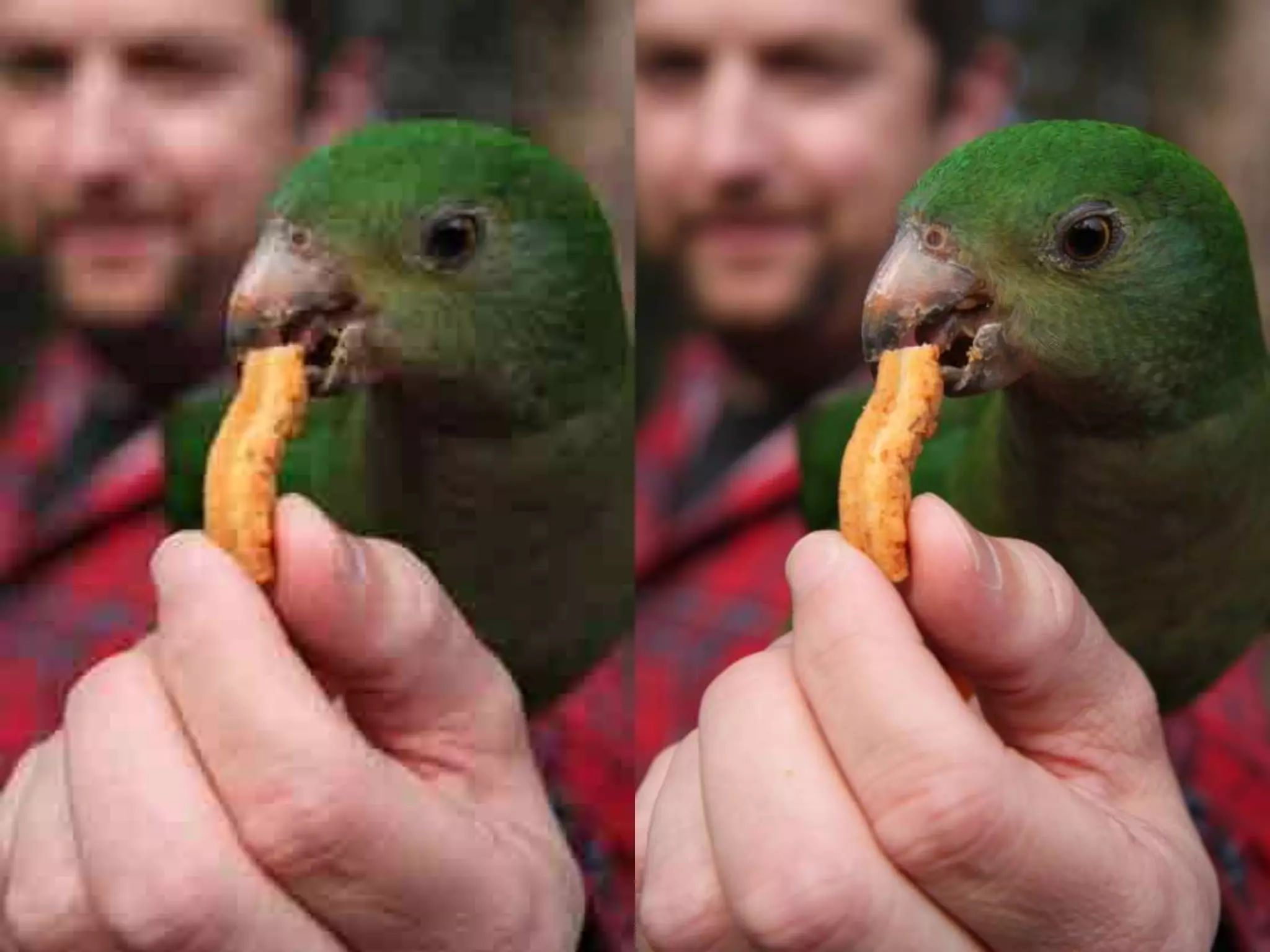
1. Use high res images wherever possible
2. Save files in format suitable for web e.g.
PNG or JPG
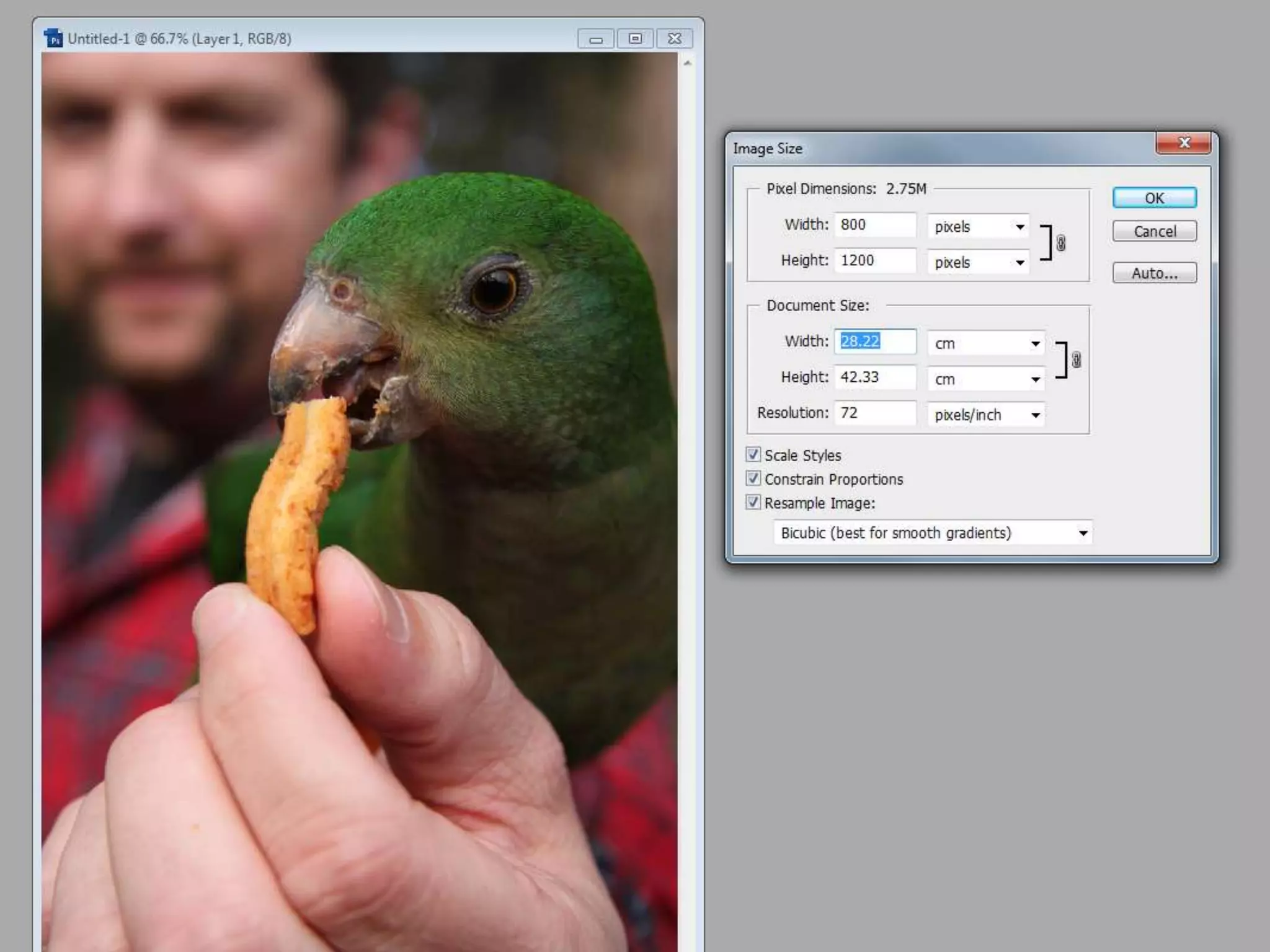
3. Resize image for size of space where it
is going on the website.
4. Find a suitable program to edit images
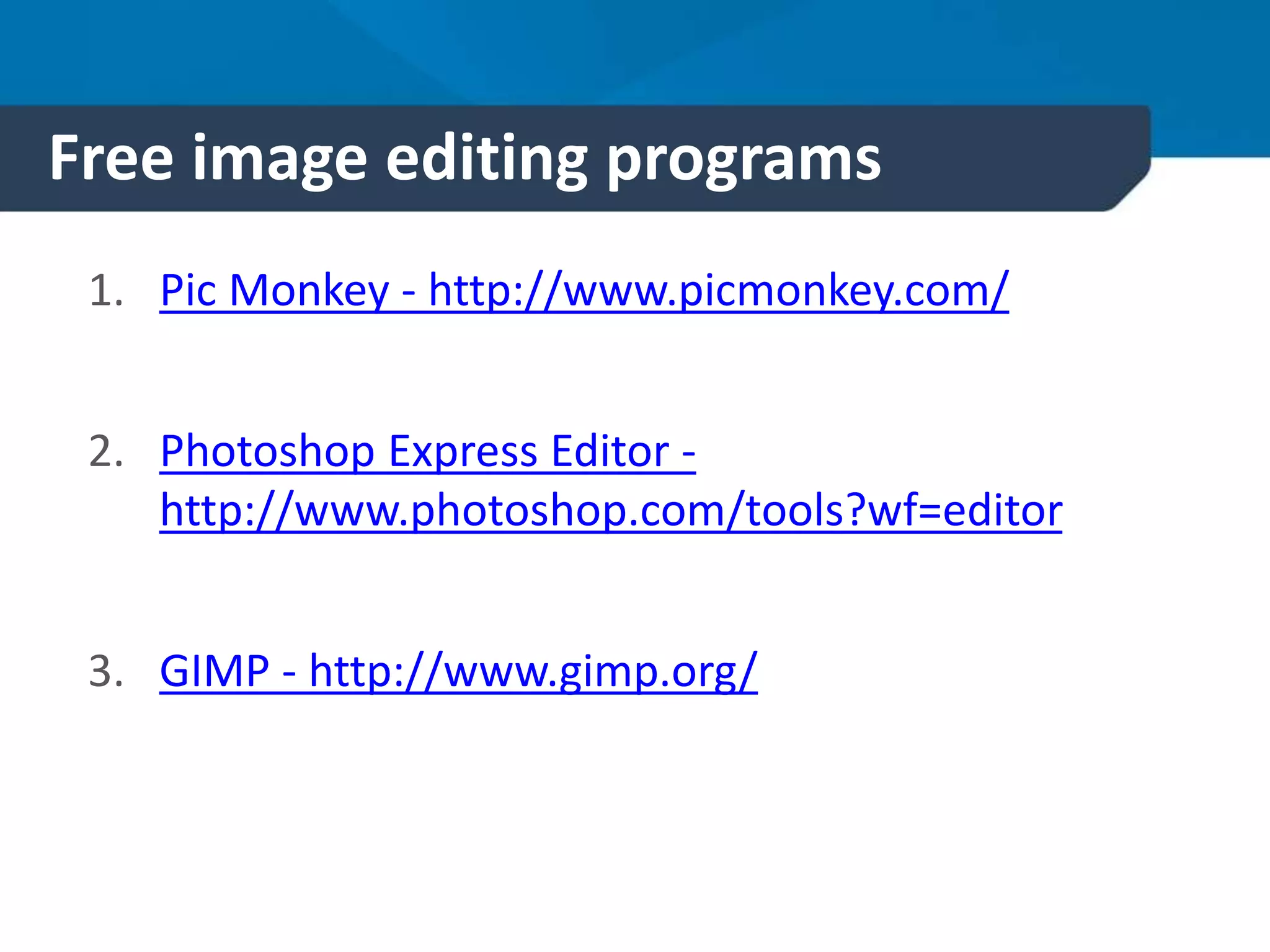
Free image editing programs
1. Pic Monkey - http://www.picmonkey.com/
2. Photoshop Express Editor -
http://www.photoshop.com/tools?wf=editor
3. GIMP - http://www.gimp.org/
Icons
1. Create visual quick links
2. Provide visual cues and clues
3. Need to be relevant to your customer
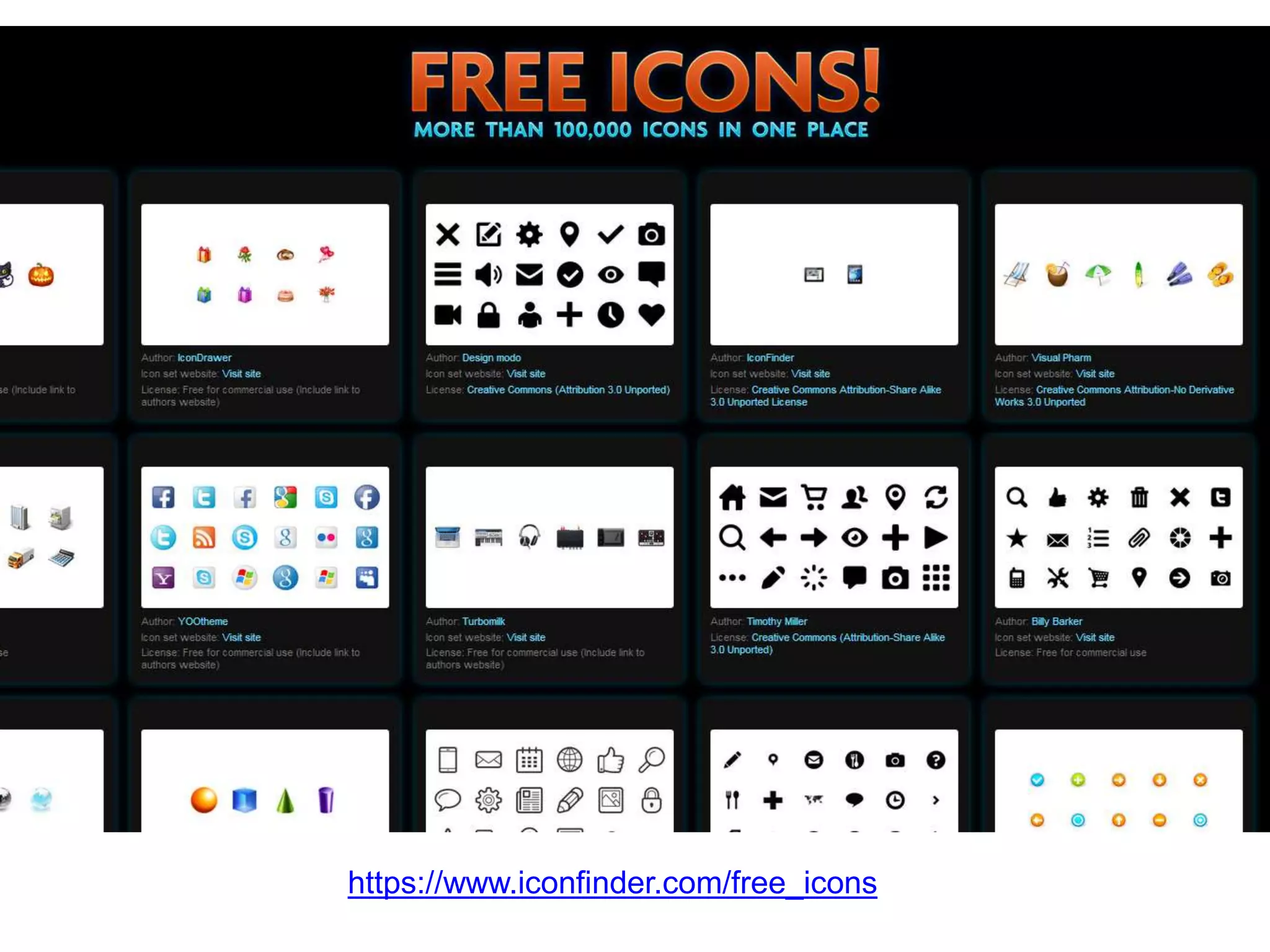
Icons
https://www.iconfinder.com/free_icons
Video
Pictures might tell a
thousand words – but
a video will tell more of
the story.
Why bother with video?
• More than 1 billion unique users visit
YouTube each month
• 100 hours of video are uploaded to
YouTube every minute
• Over 6 billion hours of video are watched
each month on YouTube—that's almost an
hour for every person on Earth, and 50%
more than last year
• Google search loves video
Video
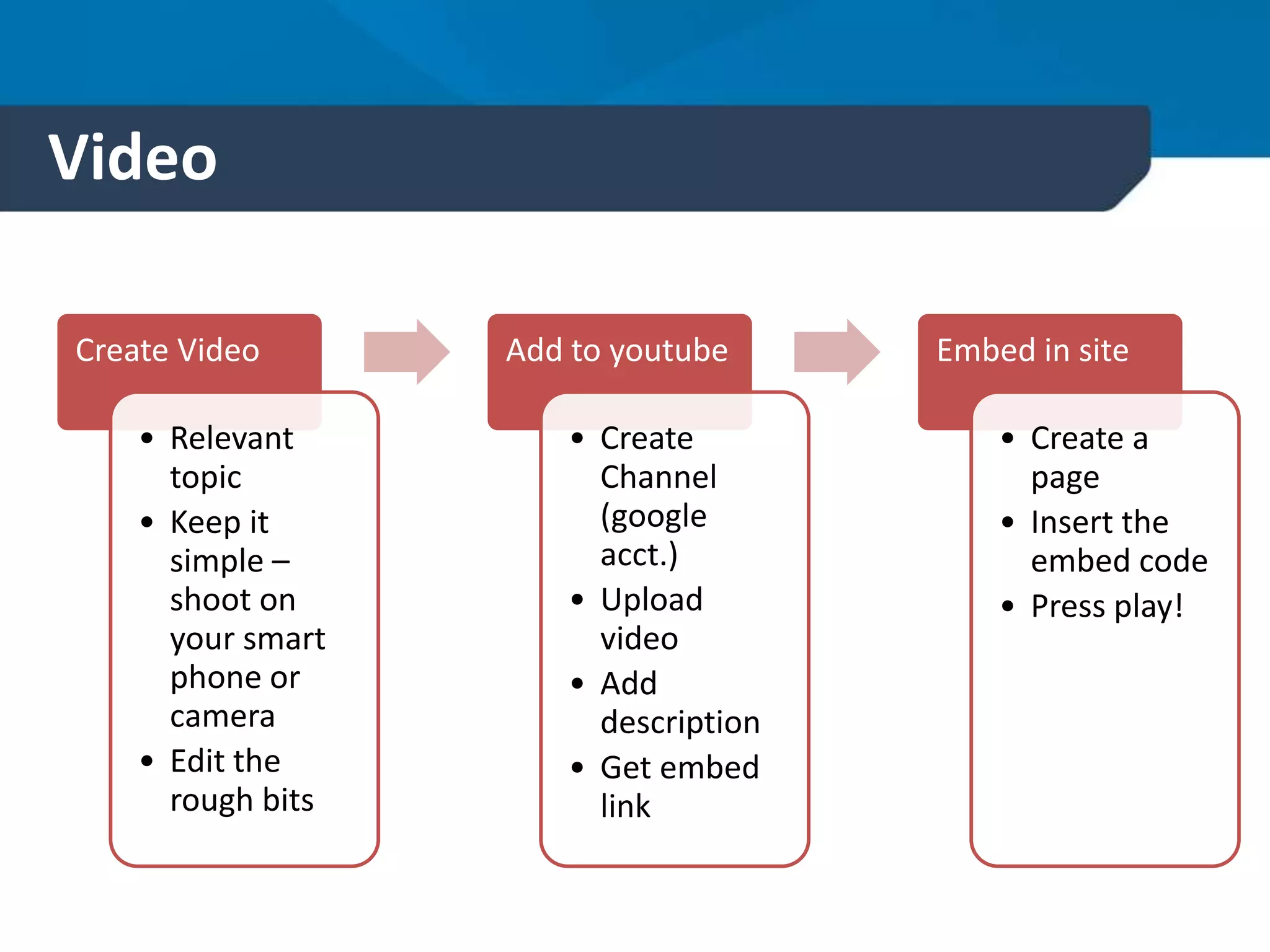
Create Video
• Relevant
topic
• Keep it
simple –
shoot on
your smart
phone or
camera
• Edit the
rough bits
Add to youtube
• Create
Channel
(google
acct.)
• Upload
video
• Add
description
• Get embed
link
Embed in site
• Create a
page
• Insert the
embed code
• Press play!
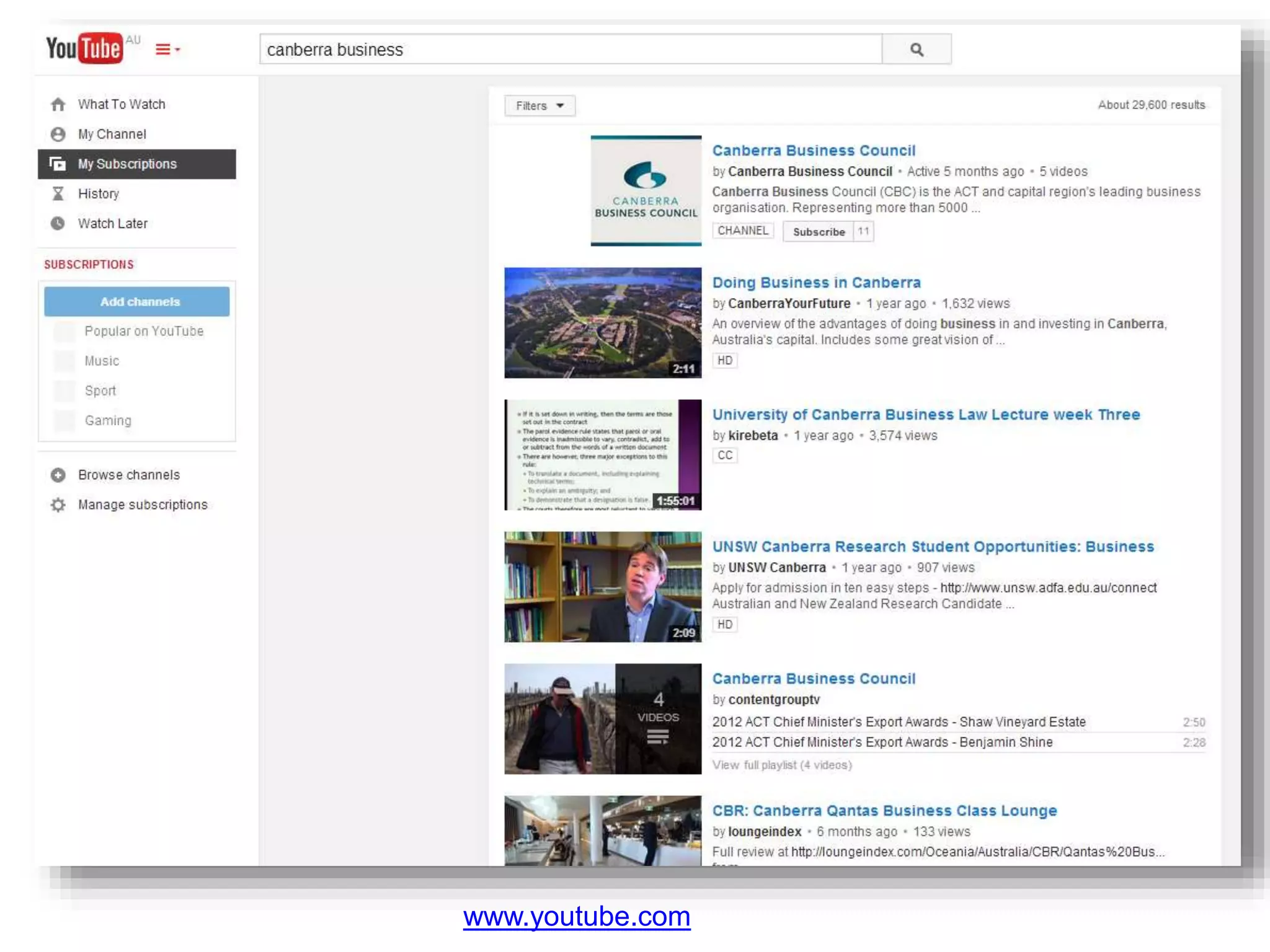
Video
www.youtube.com
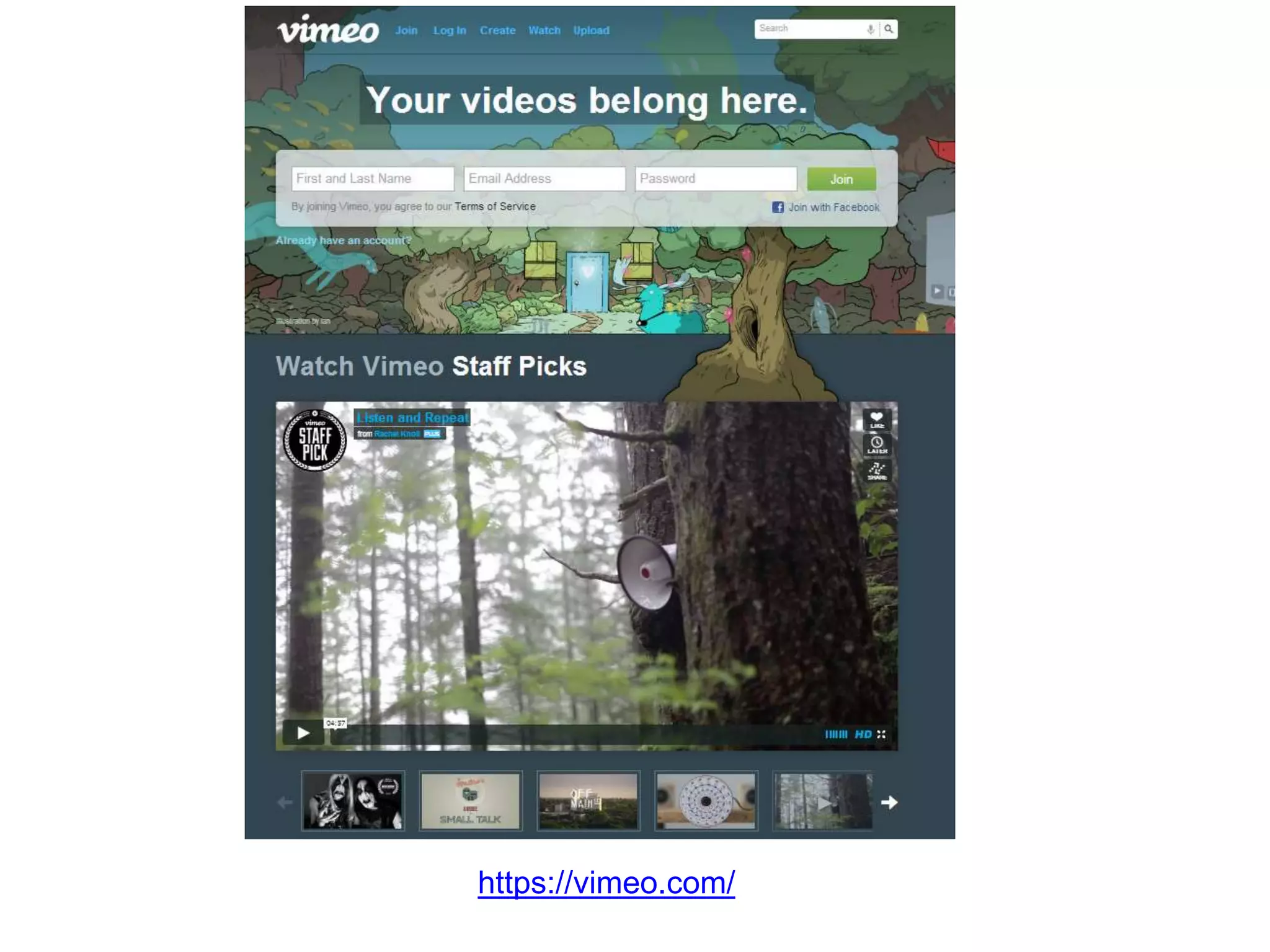
Video
https://vimeo.com/
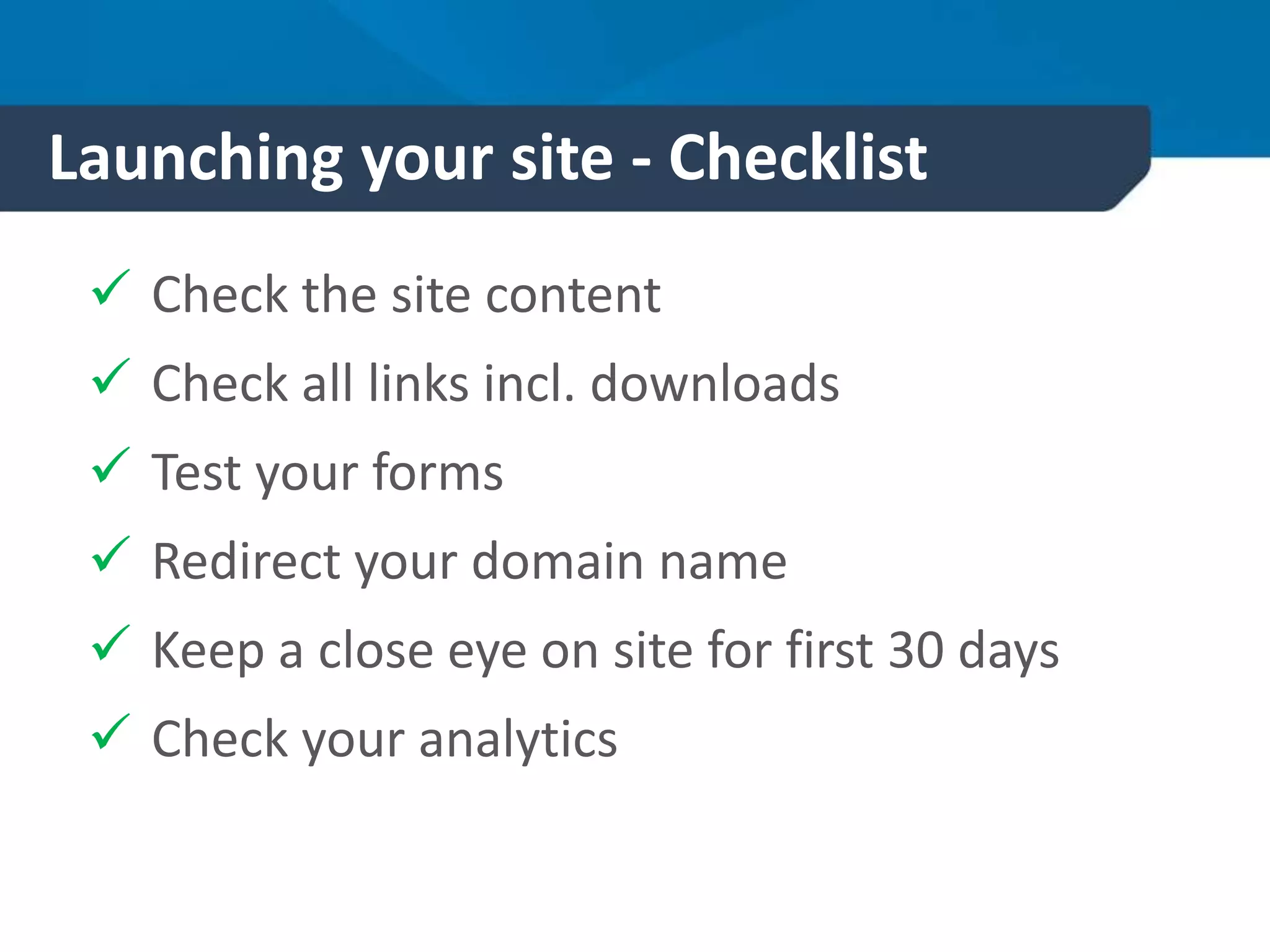
Launching your site - Checklist
 Check the site content
 Check all links incl. downloads
 Test your forms
 Redirect your domain name
 Keep a close eye on site for first 30 days
 Check your analytics
Site Launch SEO tasks
1. Ensure you know your keywords
2. Have Google Analytics installed
3. Have a site map
4. Submit your site to Google
5. Start building back links with other
businesses
6. Submit it to Google myBusiness (use to be
Google Places)
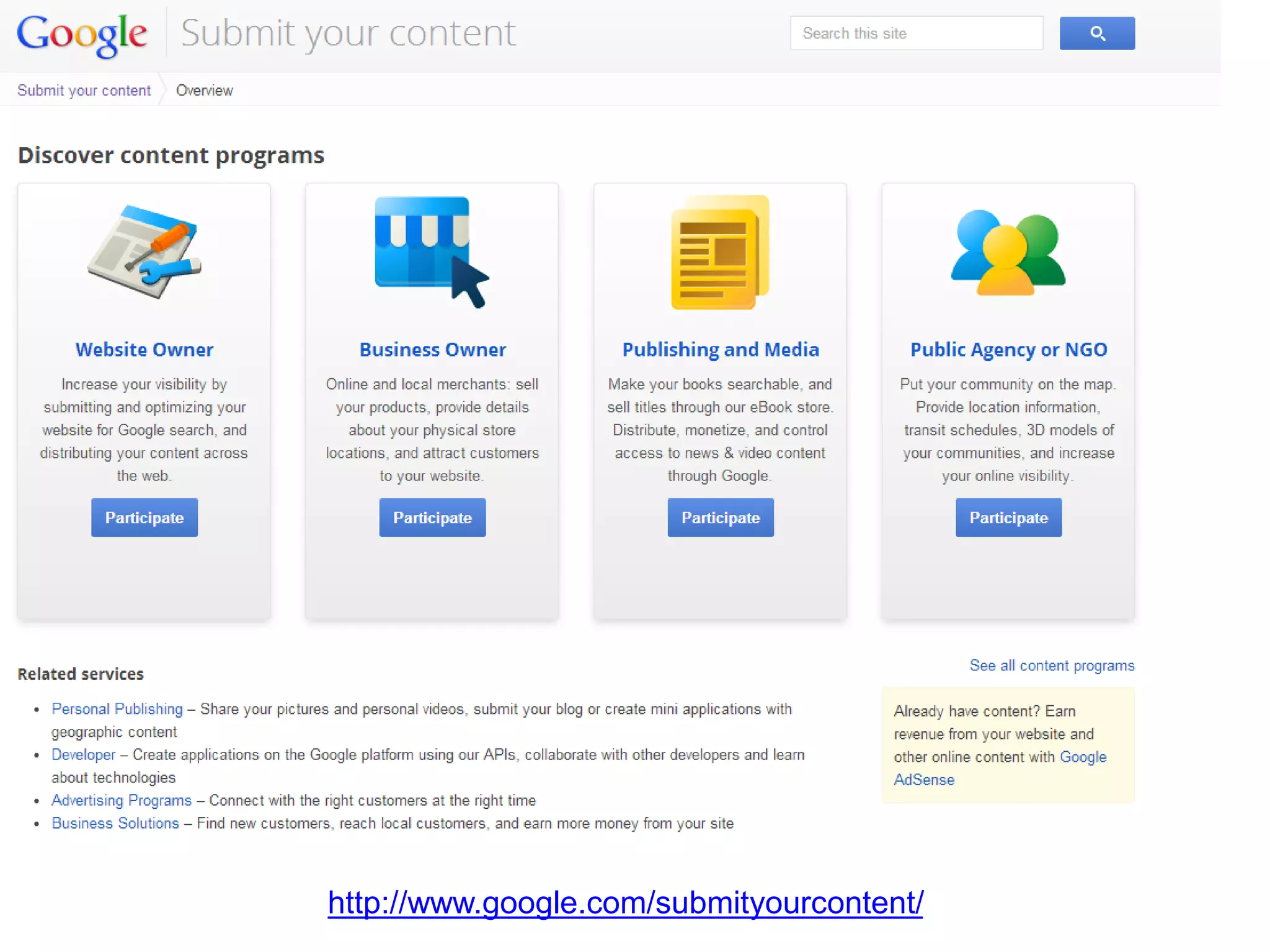
http://www.google.com/submityourcontent/
Next steps
1. Put together your image shot list
2. Get your content in order and organised
3. Sort out your links and downloads
4. Look into video
5. Get your launch checklist together
6. Start thinking about marketing your site
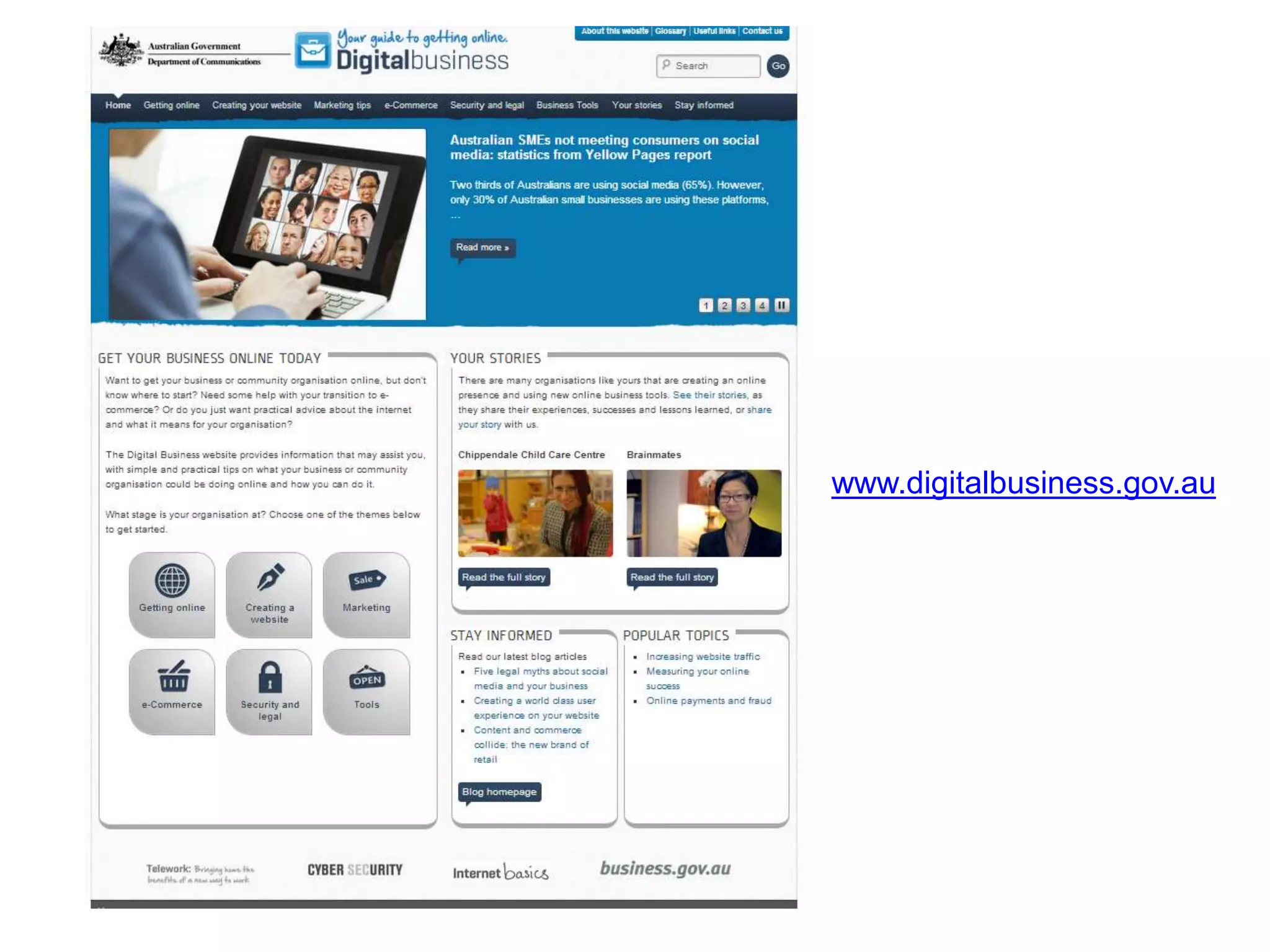
www.digitalbusiness.gov.au

Websites: Creating Effective Content and Launching Your Site Aug 2014

Editor's Notes

  • #3 Site safety – bags under desks, mindful of cords etc
  • #4 Based down the road in Dickson Some of you will have seen Todd Wright present on other marketing and social media topics Introduce myself – I look after the website projects for Threesides and will share….
  • #5 INFORM we are here to inform you with some basic tactics and an overview of how to create effective content for a new or existing website – we only have a short time today so we aim to INSPIRE you to do further research and will DIRECT you to various resources today that you look at in your own time.
  • #7 Today we are going to look at content and functionality and launching your site. However there are a few other components of a website you’ll need before now to get your site live. First – Domain name which is the address of your website (www.threesides.com.au) you domain can be hosted by a number of providers and doesn’t have to be hosted with your website (where you purchased the domain) We always encourage our clients to buy the .com and .com.au and if a community org. then the .org.au and org.com. Buying obvious spelling variations of domain name as well can be helpful to ensure competitors or organisation you don’t want to be associated or confused with. Hosting – Website and content MUST be hosted not just the domain. You need hosting to be able to see online. Make sure DNS is pointing to host provider. Content Mgmt – You may use a content mgmt. system to help manage the content on your webstie. Such as Word Press, drupal, joomla. Bigges advantage of CMS is that you can make changes across a whole site and quickly, and you’re less likely to break formatting and links.
  • #8 Five major parts to building a site, today we are going to focus on CONTENT and although we wont be talking about SEO a number of the suggestions we make today will improve your SEO.
  • #9 Get to the point up front Heading styles and Keywords in headings (h1 tags), Google give more weighting to content that is using the heading styles (especially H1) But it is also good for accessibility, because people using screen readers will actually skim content by moving from heading to heading. Headlines need to refer to the content directly below it so it makes sense. Use an image of ideal target market (client) to prompt who you are writing for KISS
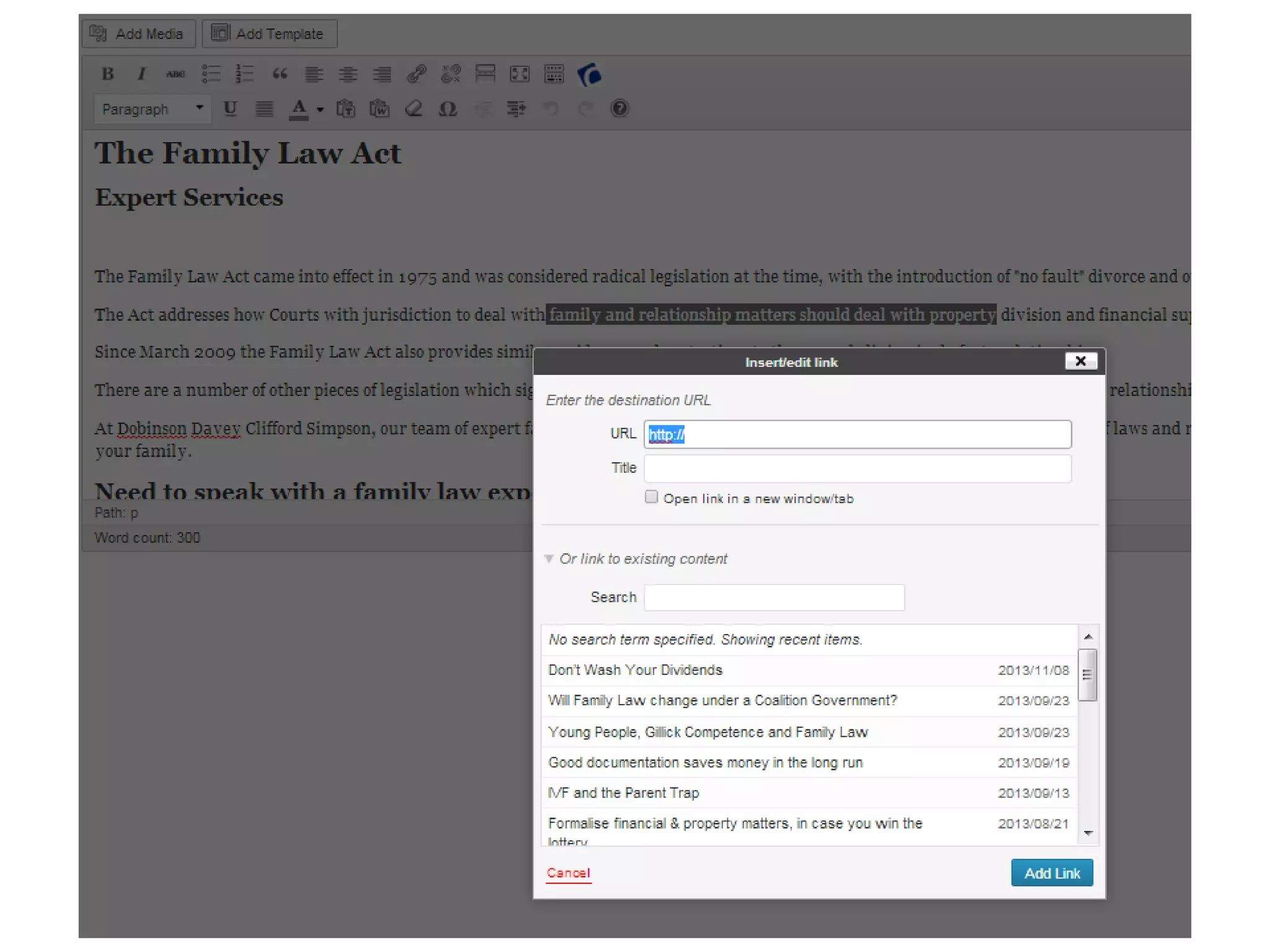
  • #15 Encourage to click ‘open link in a new window/tab’ with external websites. If they close down the tab your site will still be open in the background.
  • #19 Important to name files before they are uploaded to the website (keywords if possible) Images/PDFs/Video bla bla You can start doing this right now
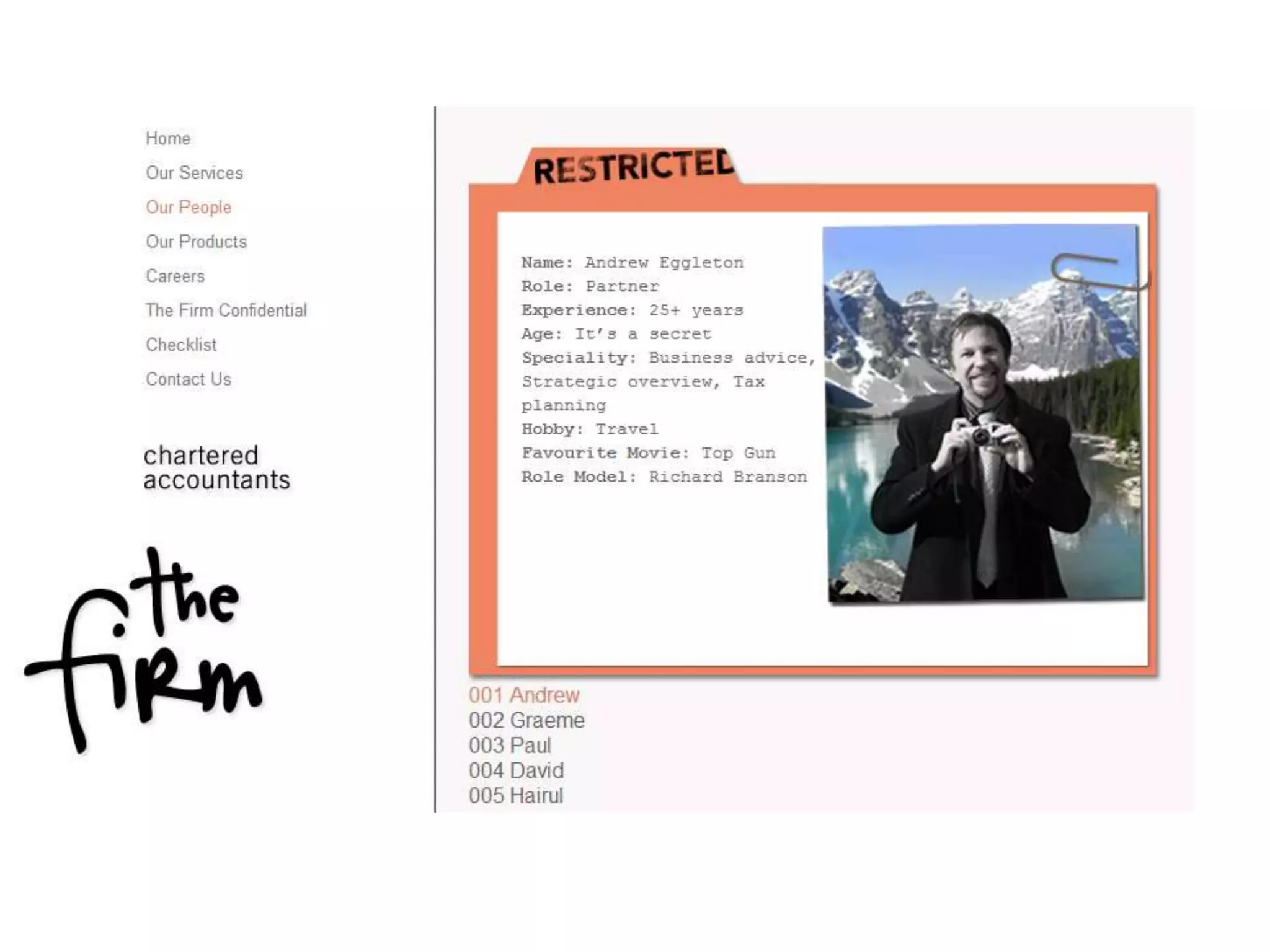
  • #24 Canberra accounting firm, their intended branding is to not look like typical accountants, want to be a fun organisation to deal with
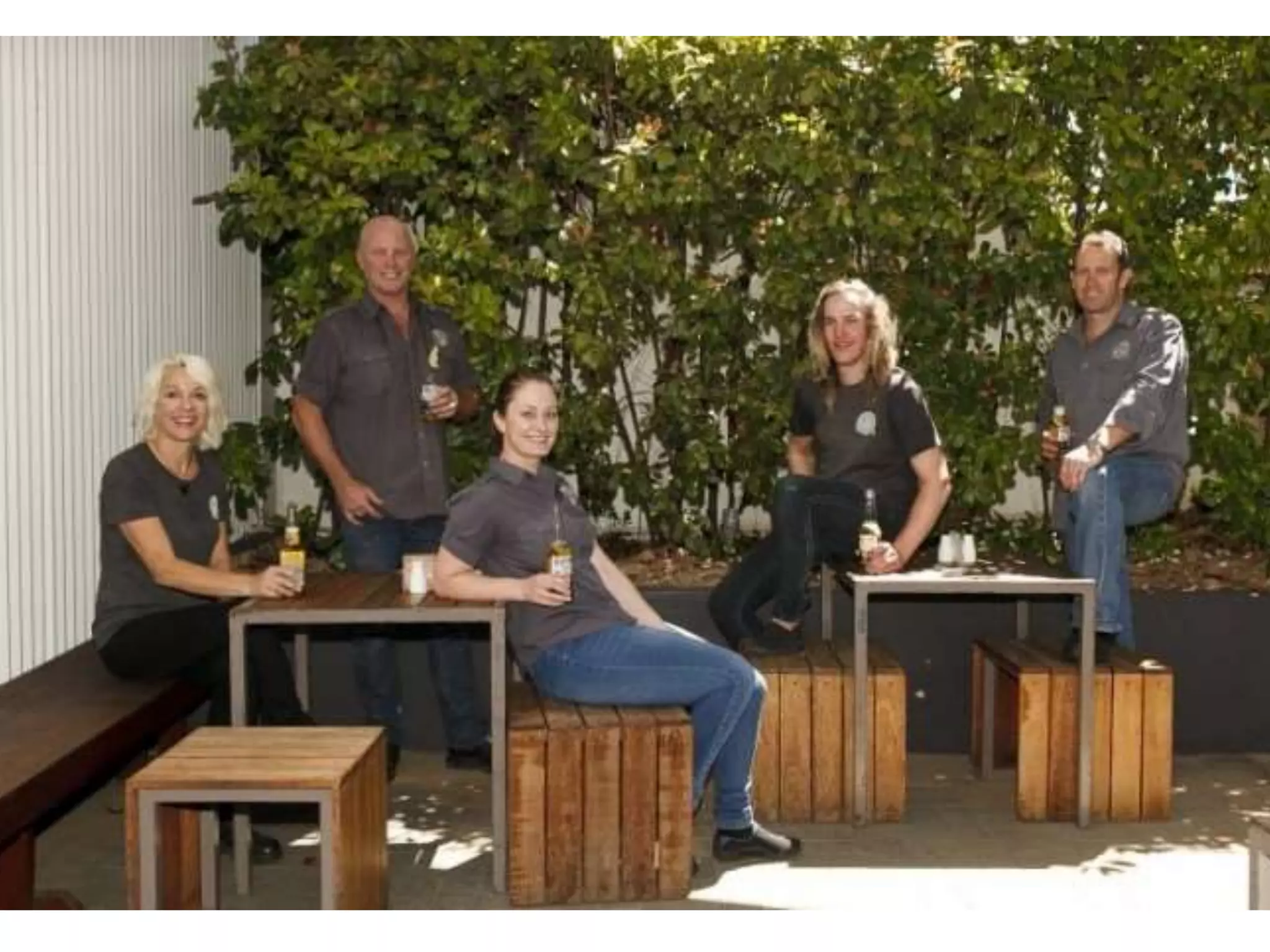
  • #25 The Ruc – where do you think they work? What do you think it’s like to work here
  • #26 Bec – What type of person do you think she’s like? Wanna test, ring Threesides.
  • #32 There are a range of creative common licenses, go through examples ATRIBUTION and ATRIBUTION NON COMMERCIAL Go to creativecommons.org.au
  • #39 Great for authentic testimonials