Download as ODP, PPTX
![Sandbox: Running WordPress on Your Local Machine Presented by: A. Alfred Ayache, ZCE @NotrsWebmaster [email_address] http://notoriouswebmaster.com](https://image.slidesharecdn.com/wpsandboxpresentationwordcamp2011-111106161336-phpapp01/75/WP-Sandbox-Presentation-WordCamp-Toronto-2011-1-2048.jpg)
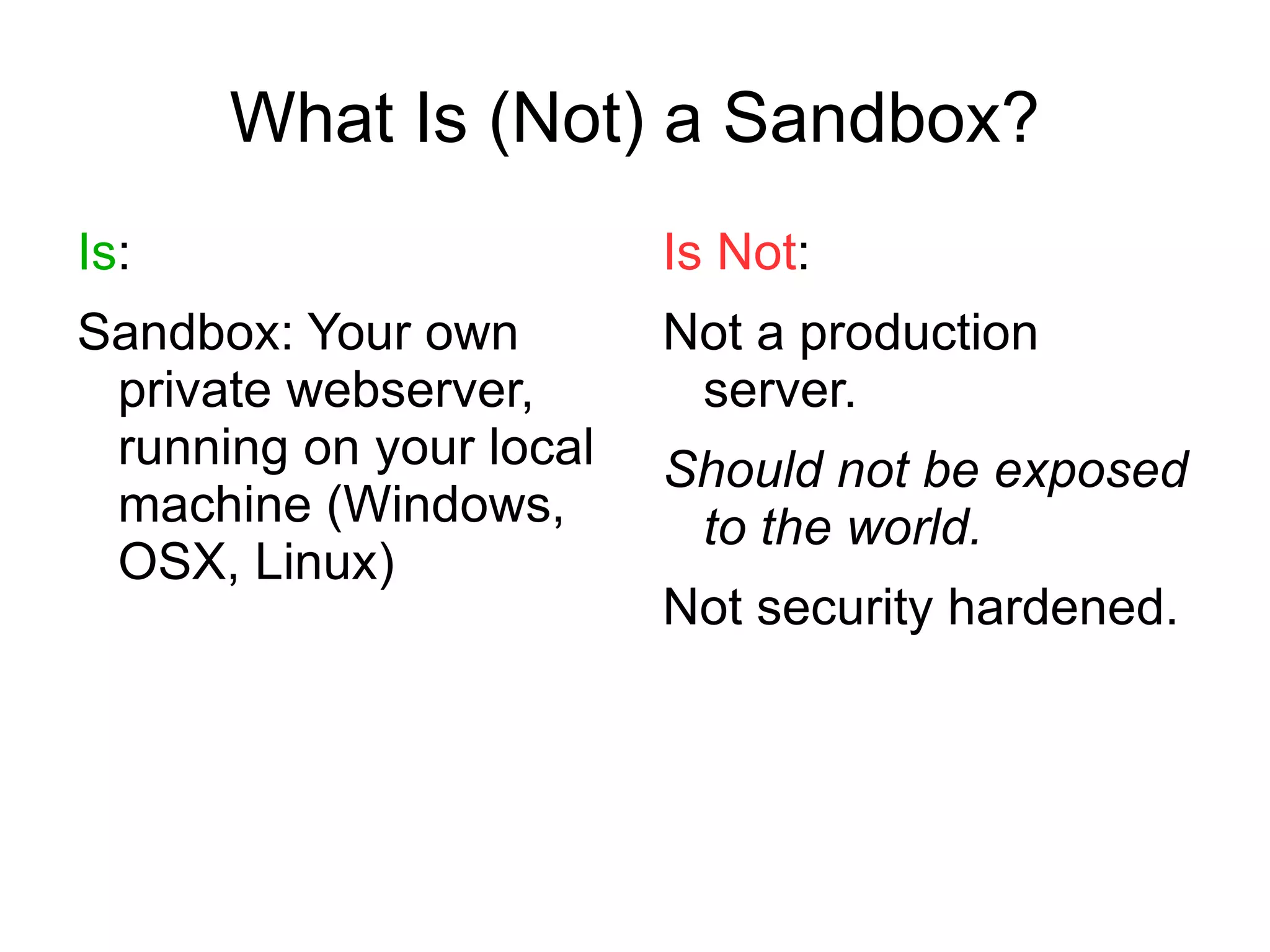
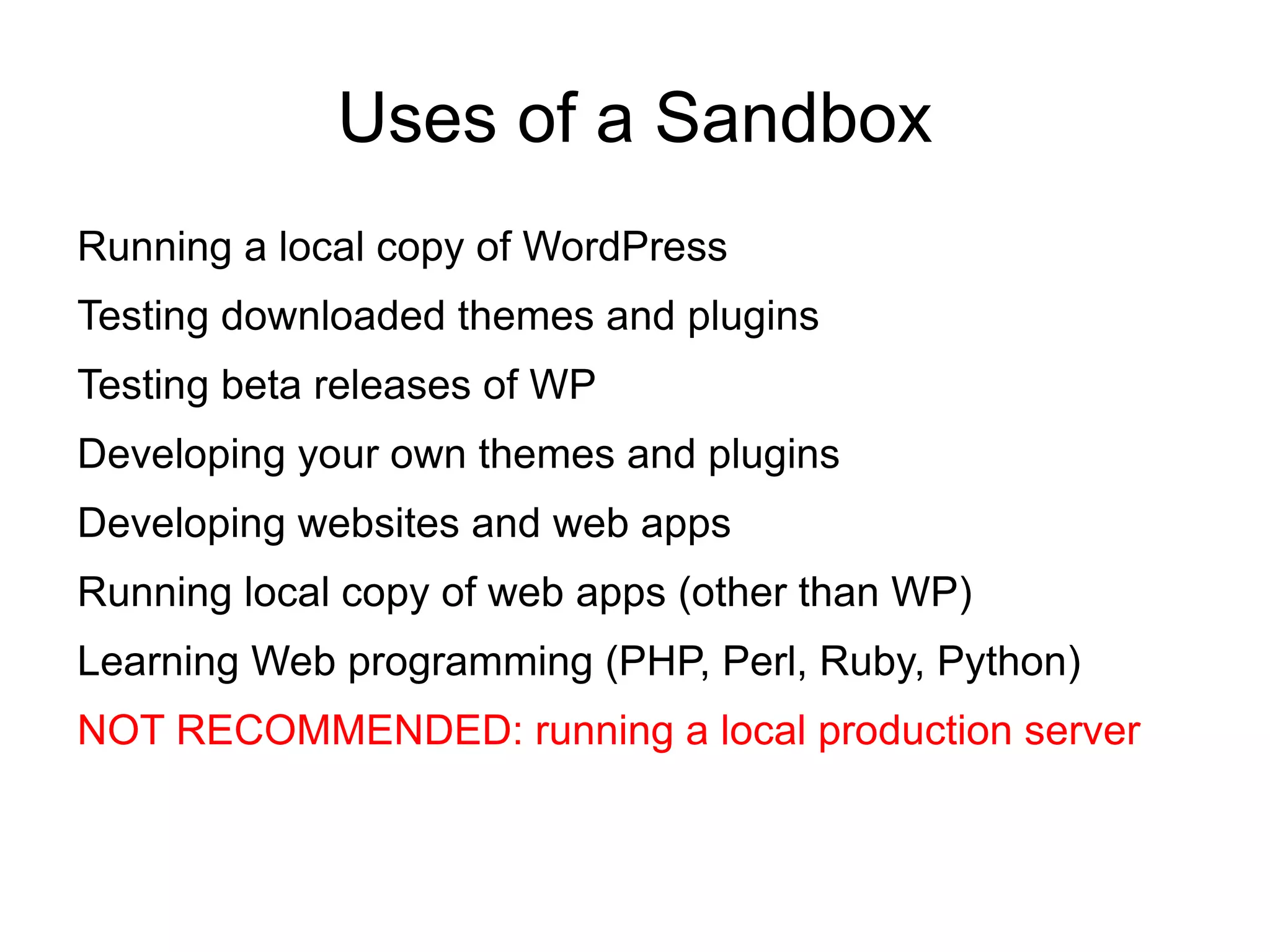
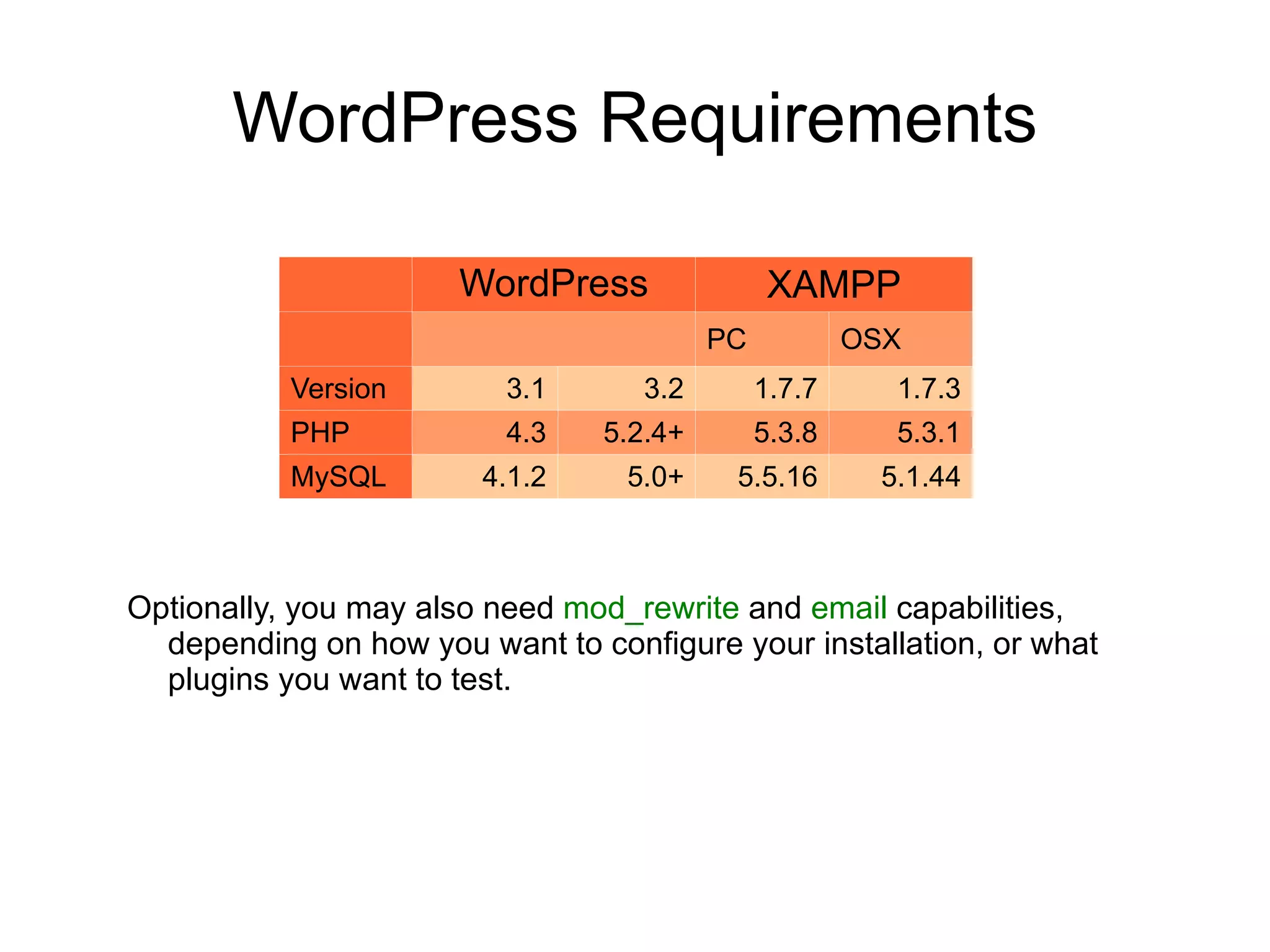
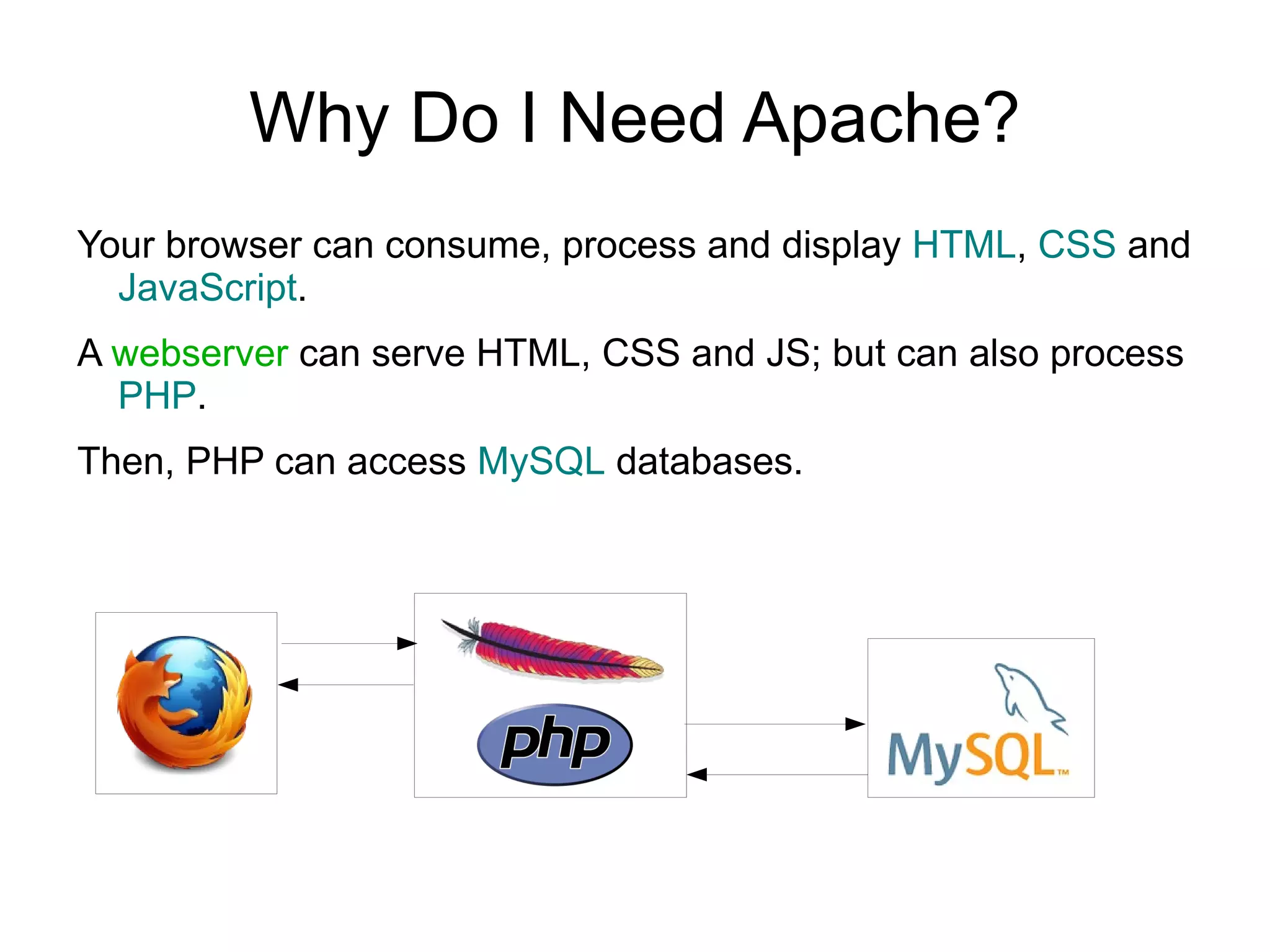
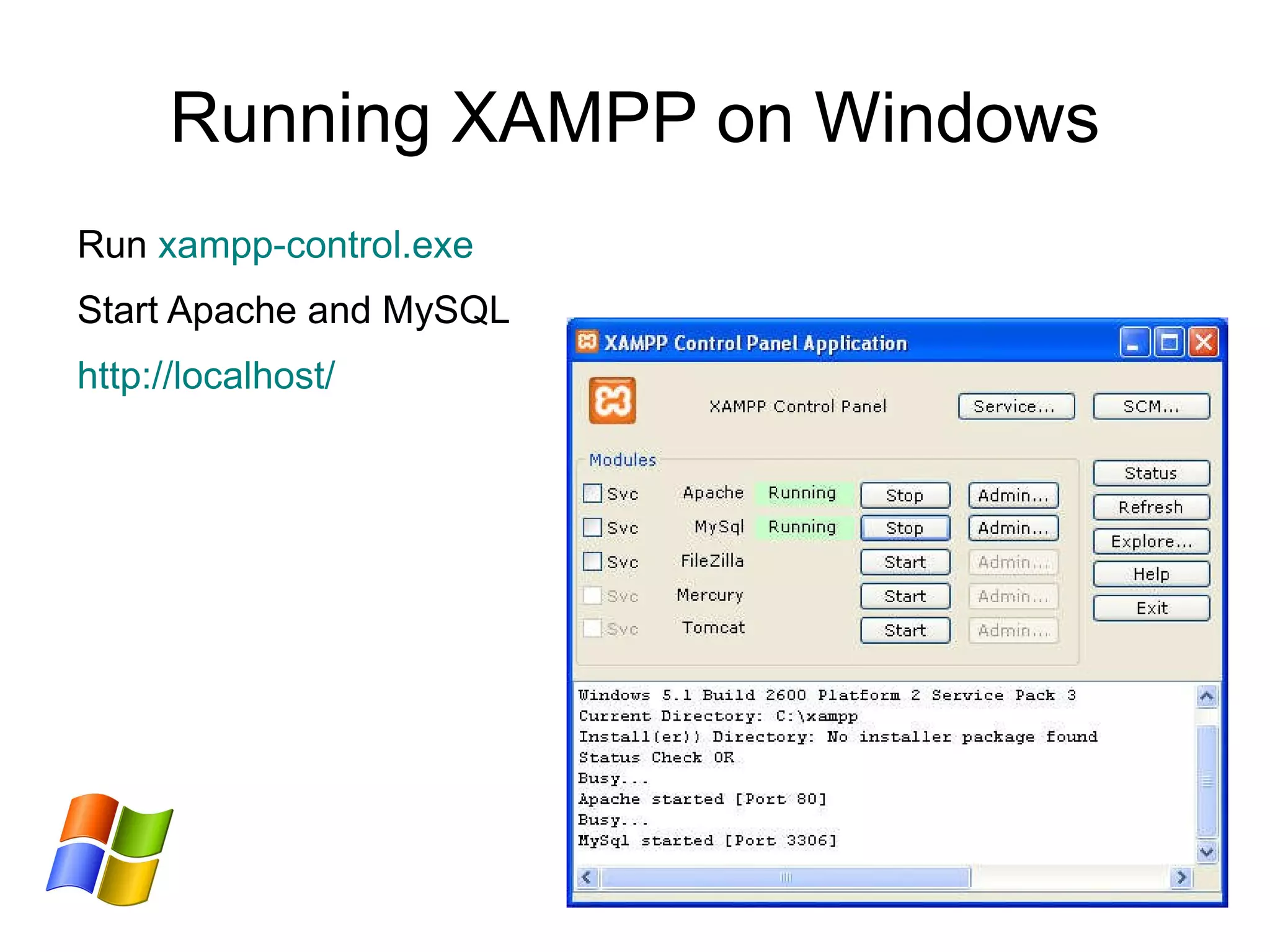
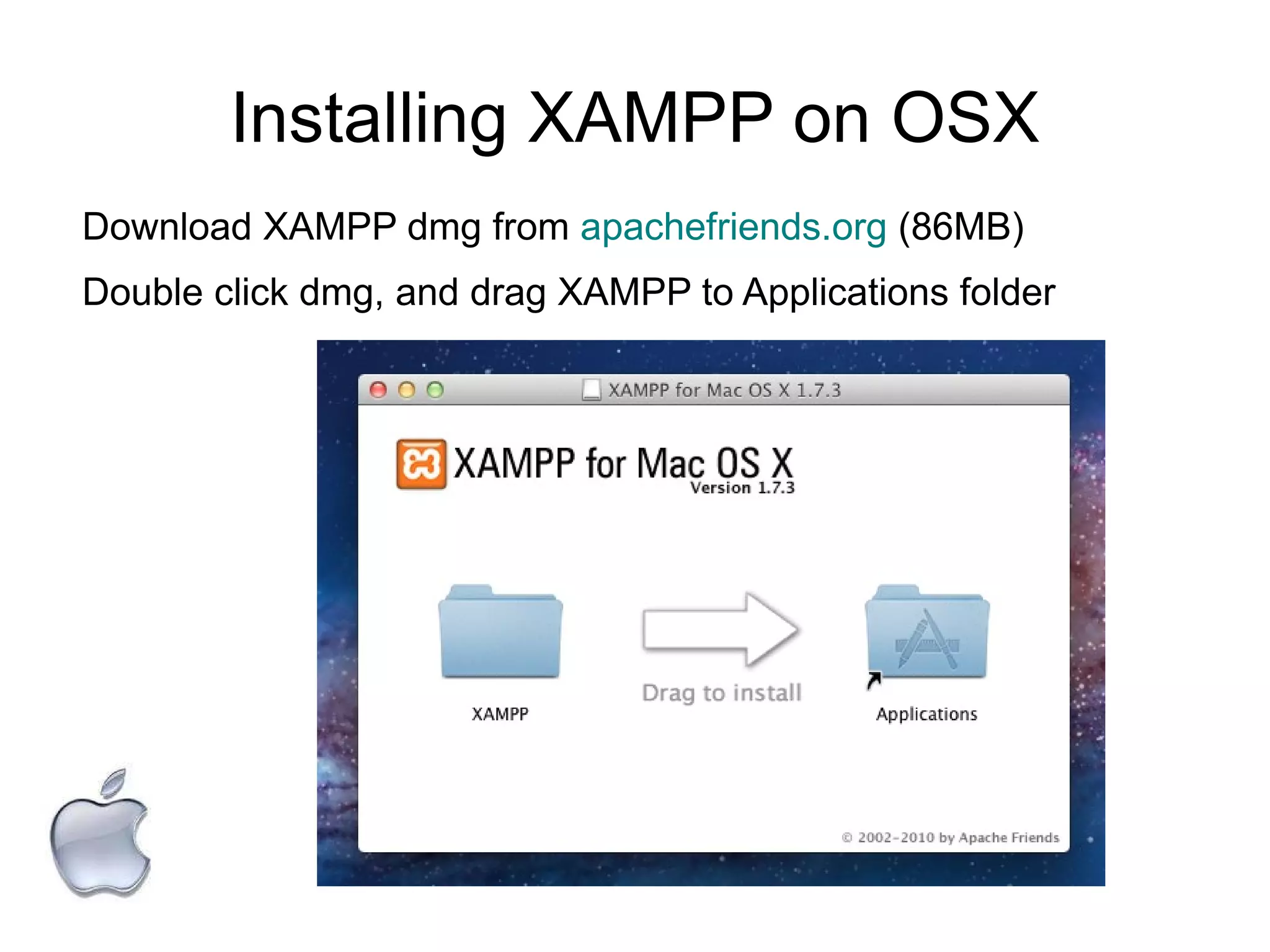
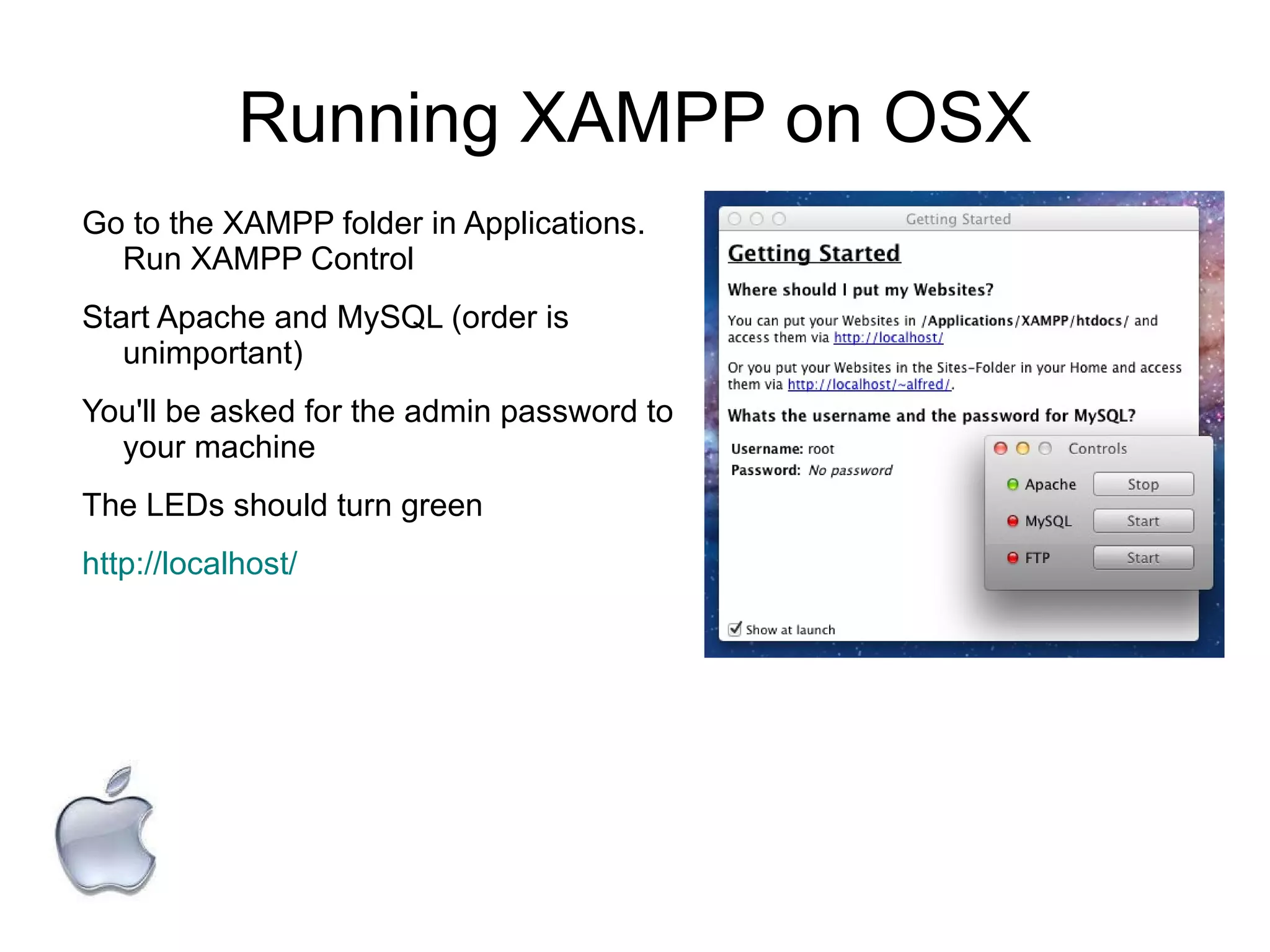
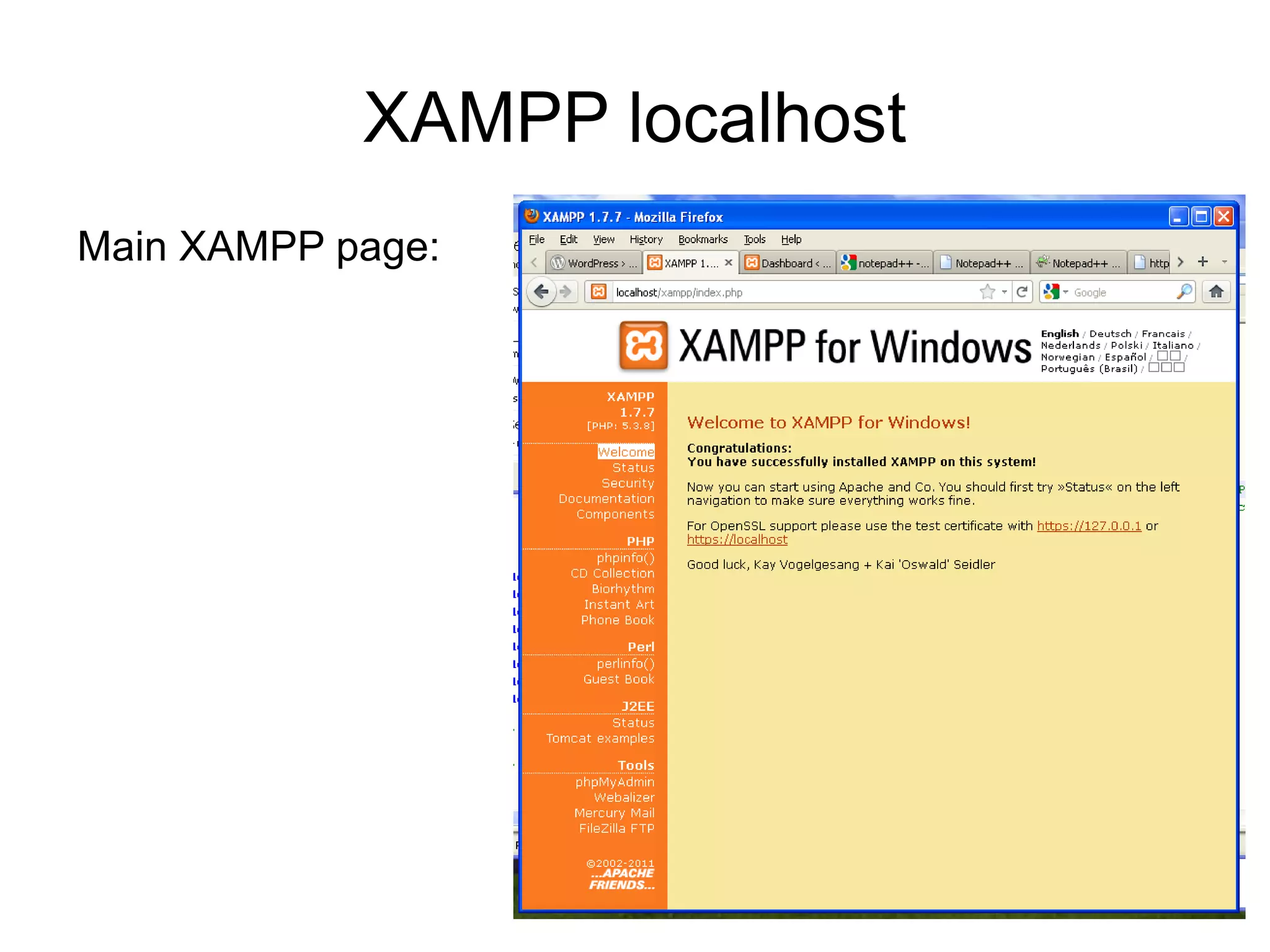
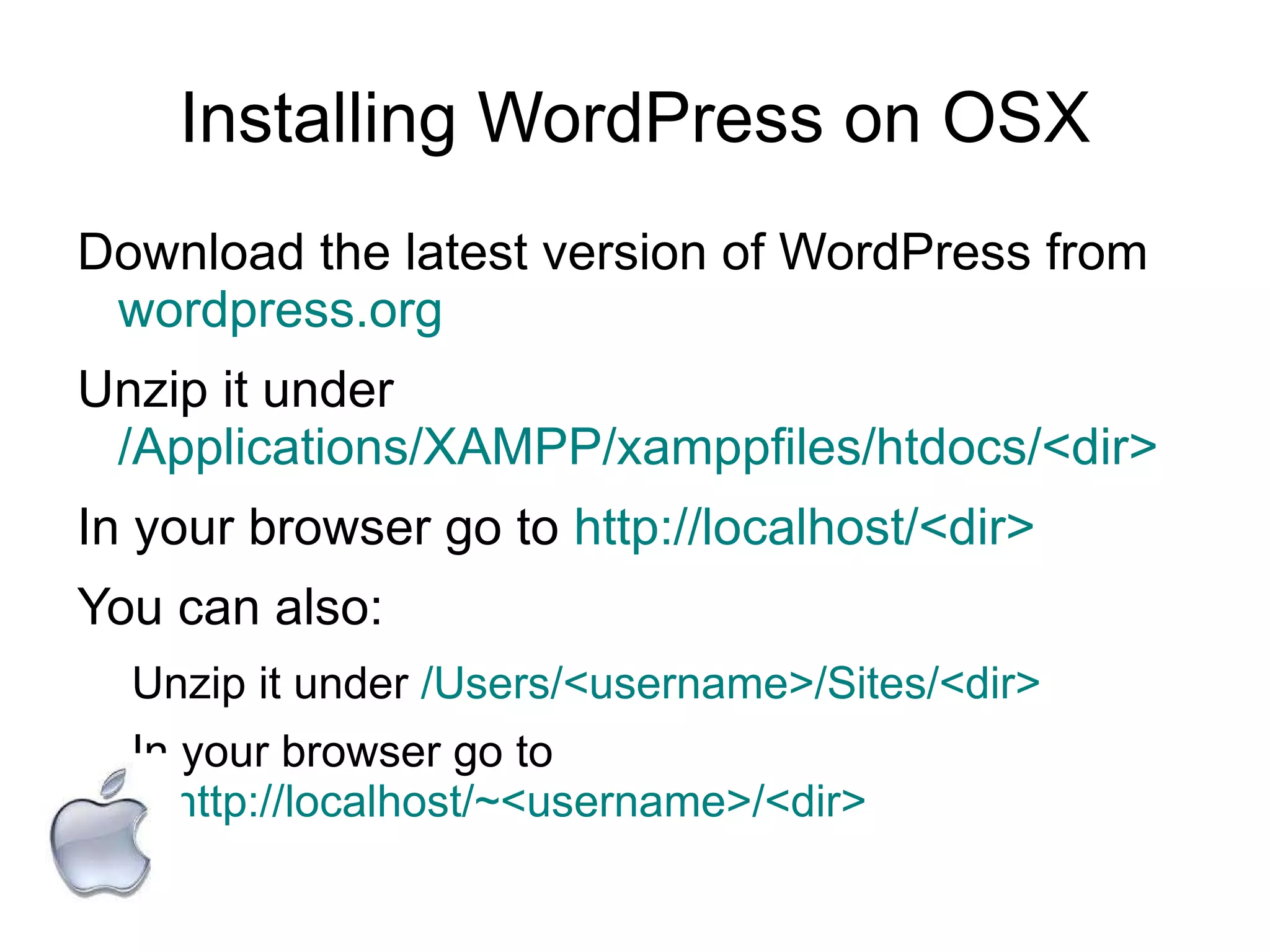
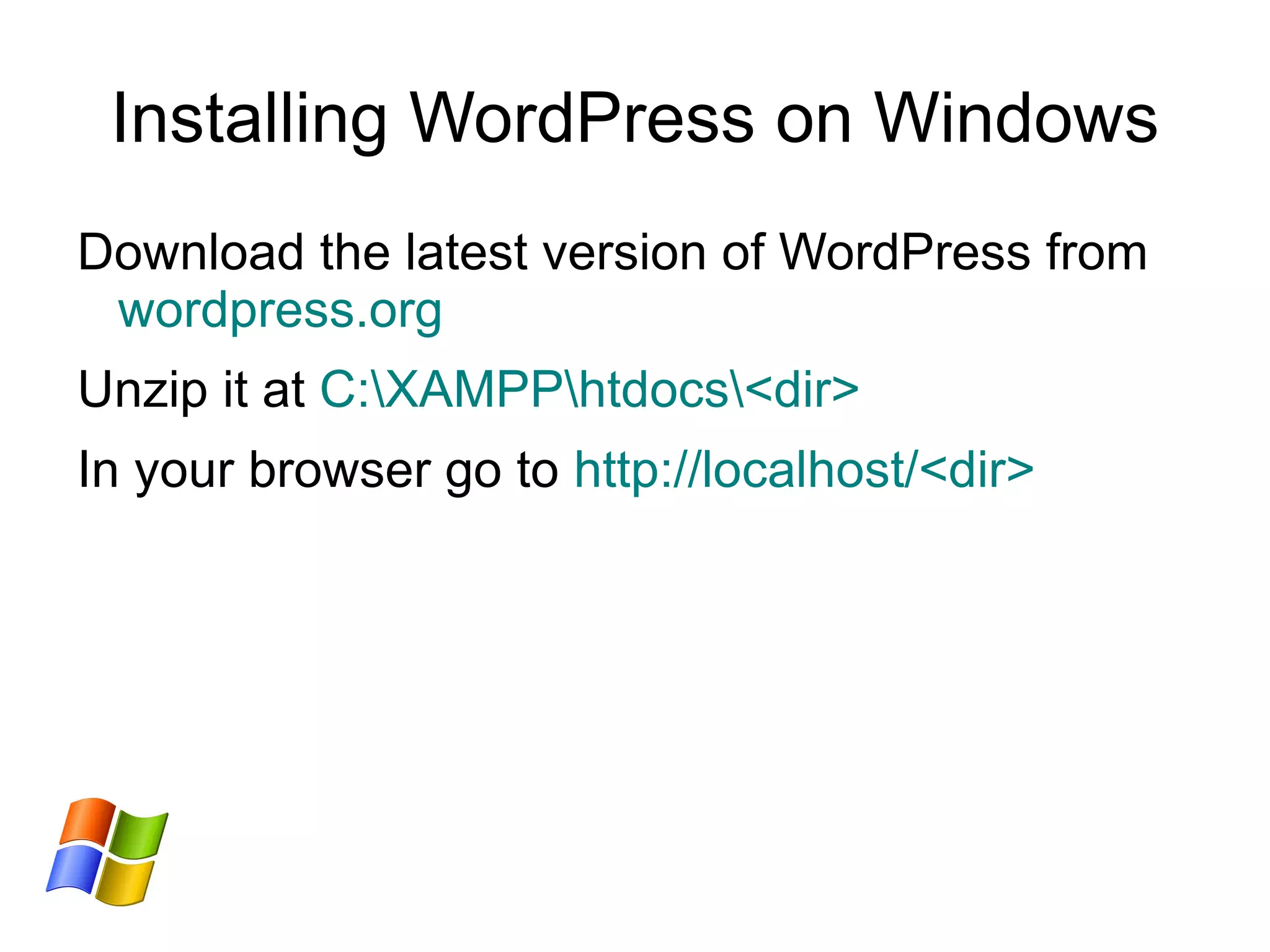
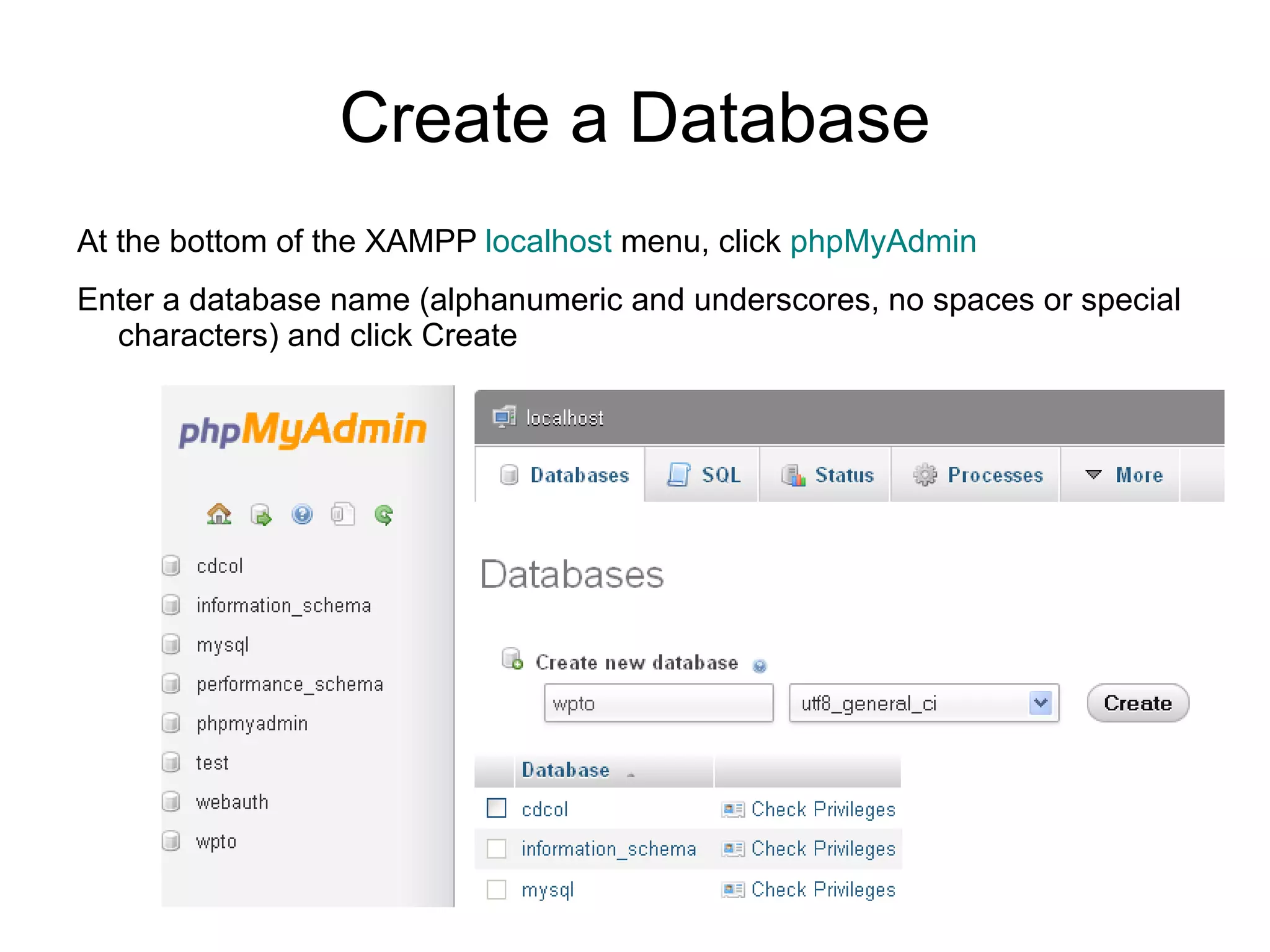
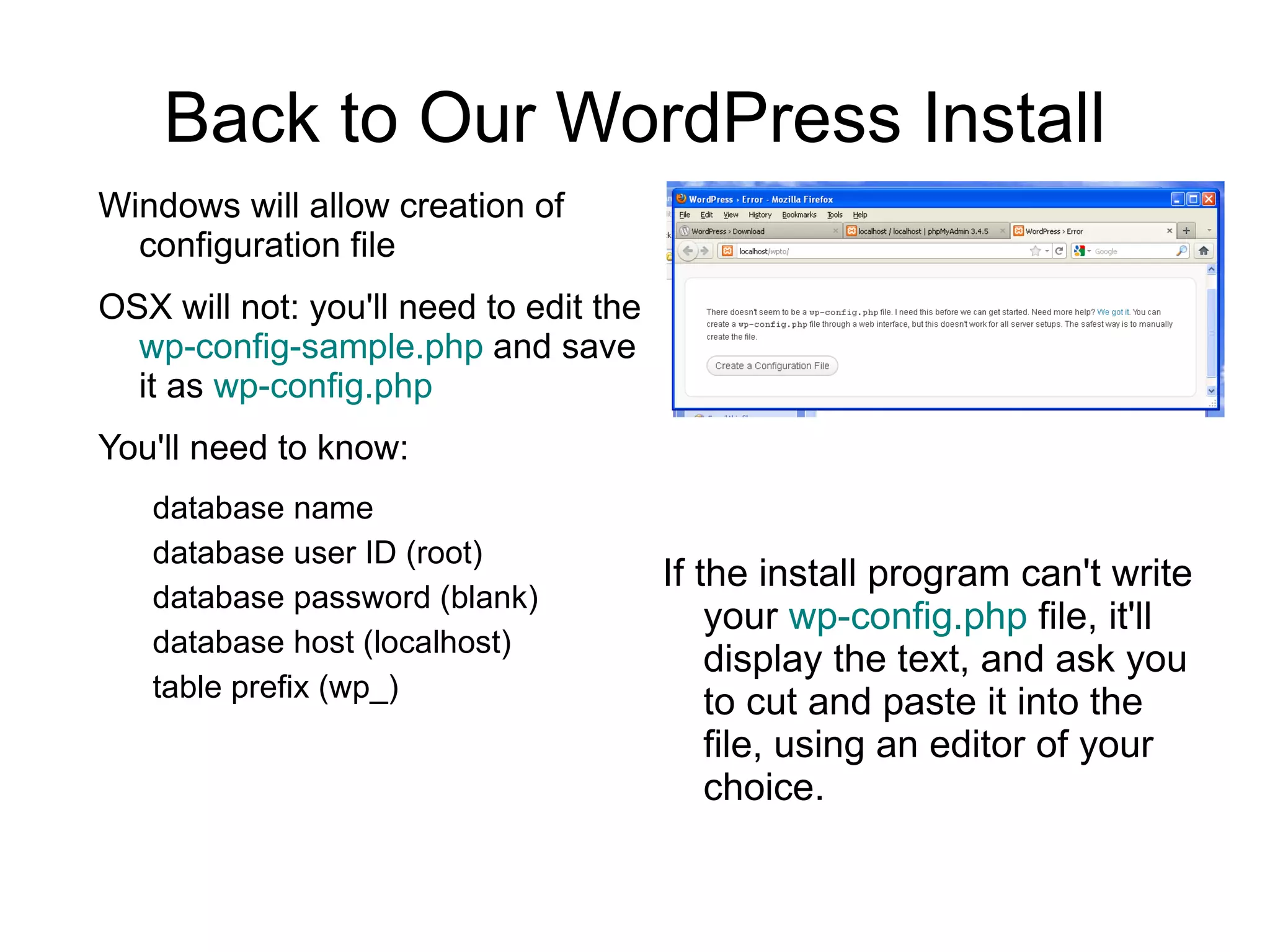
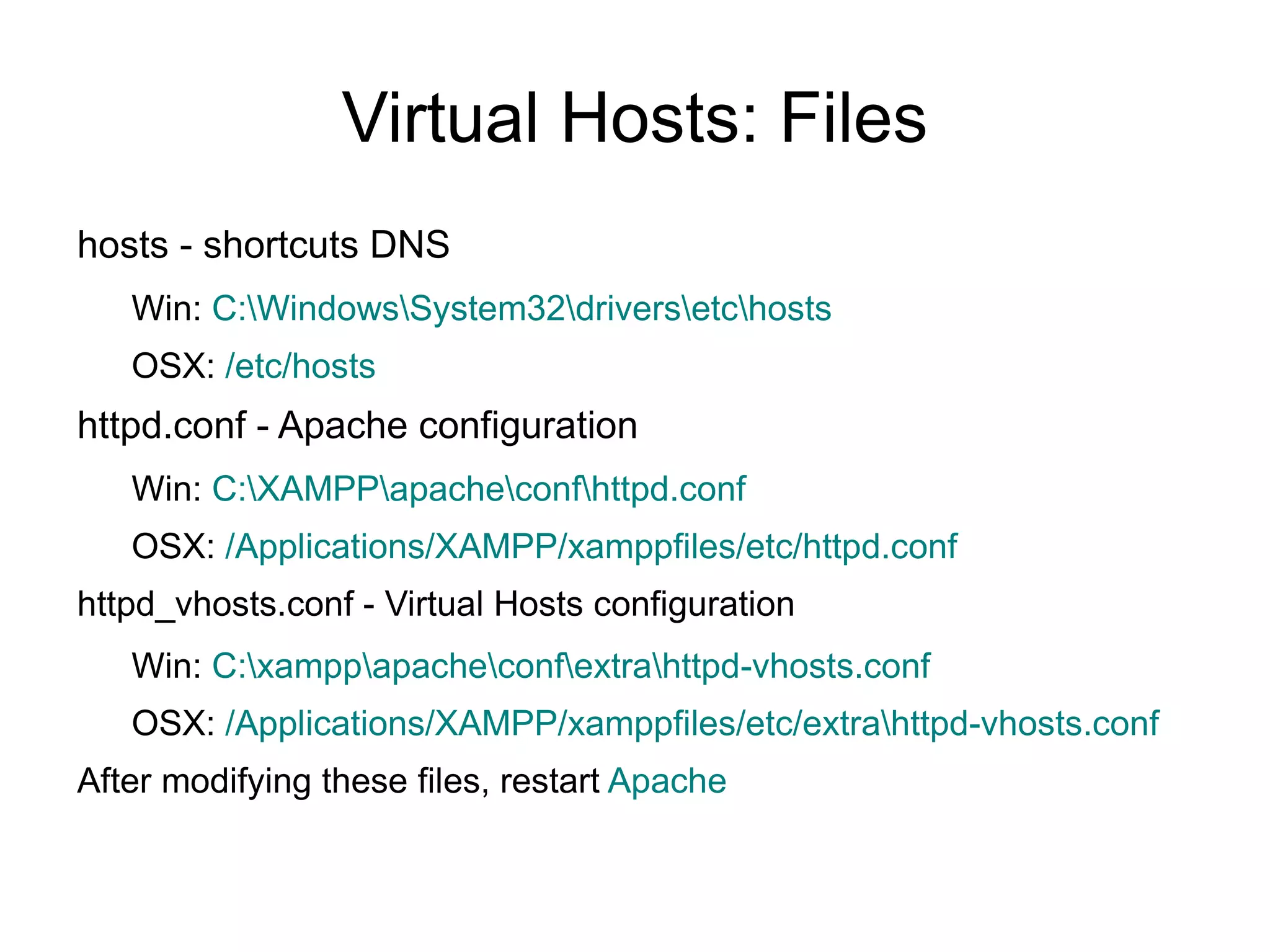
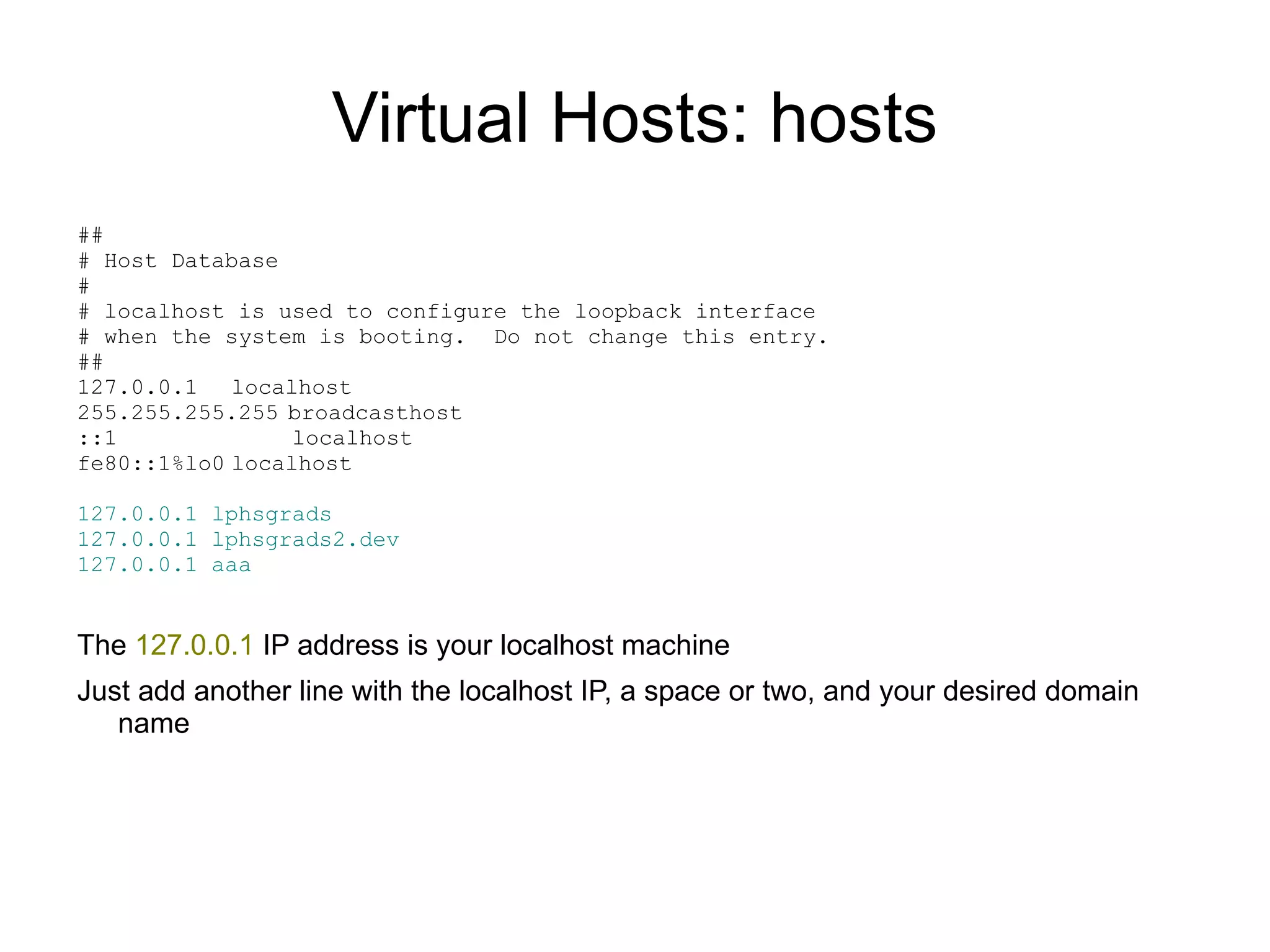
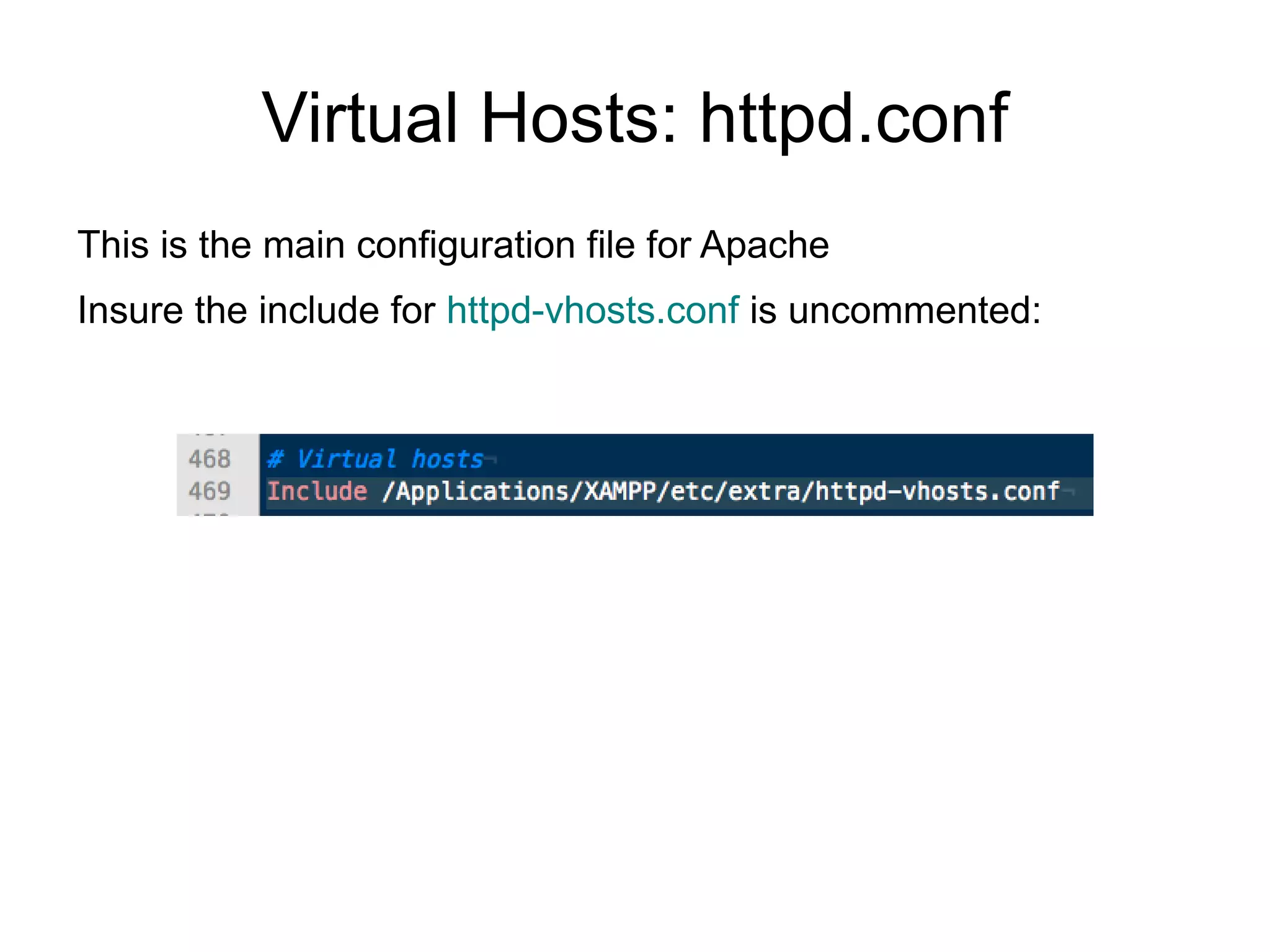
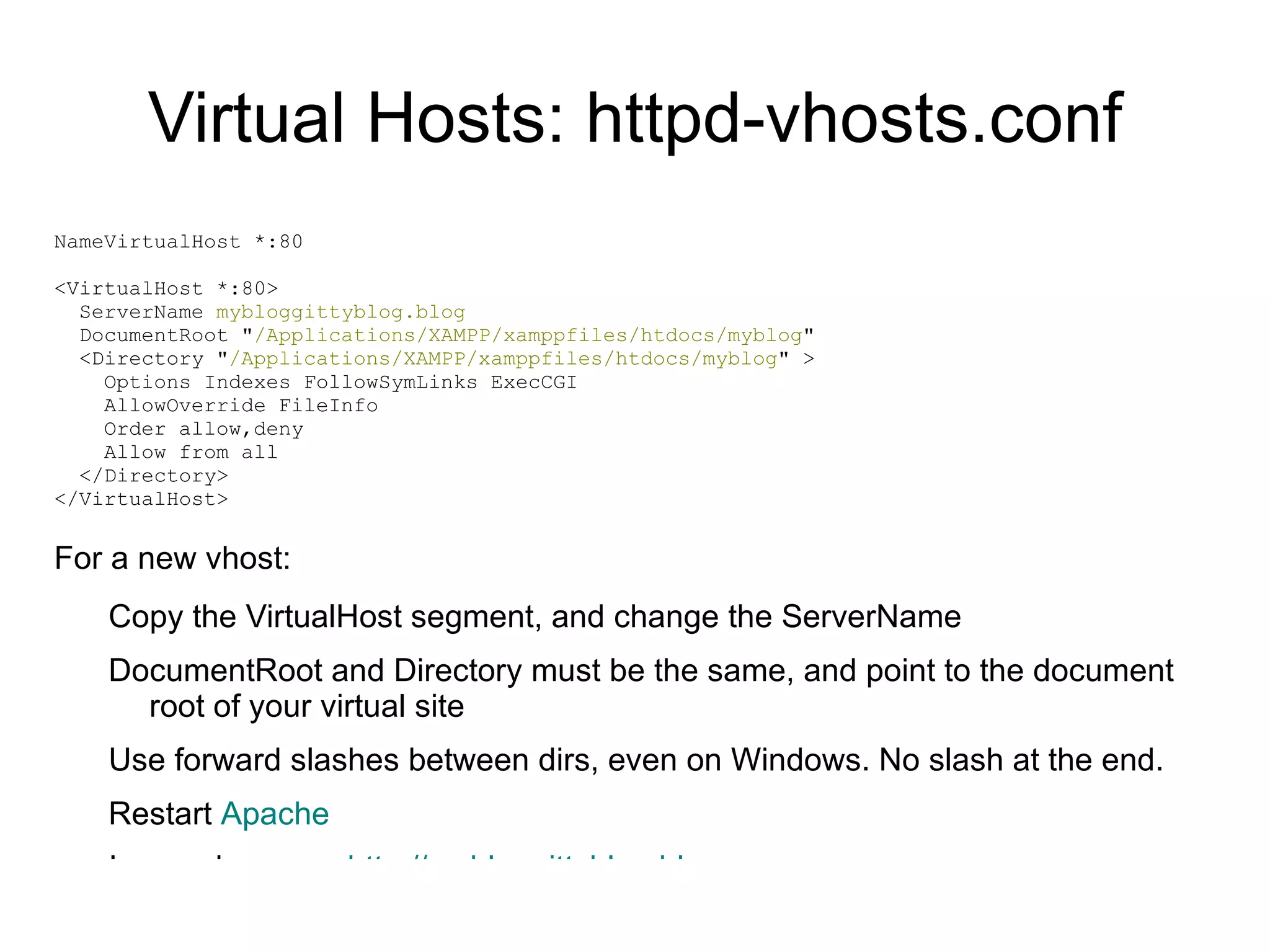
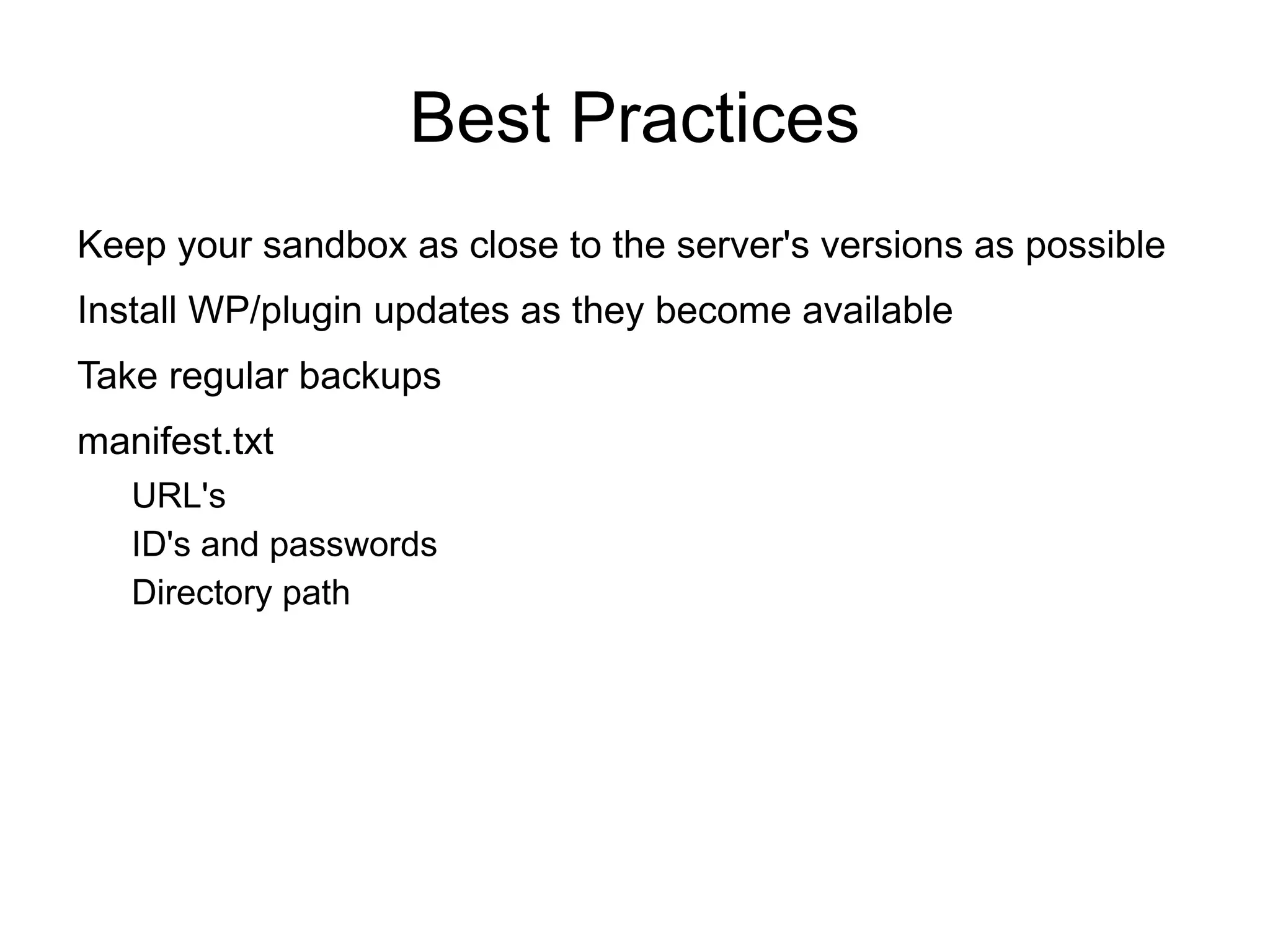
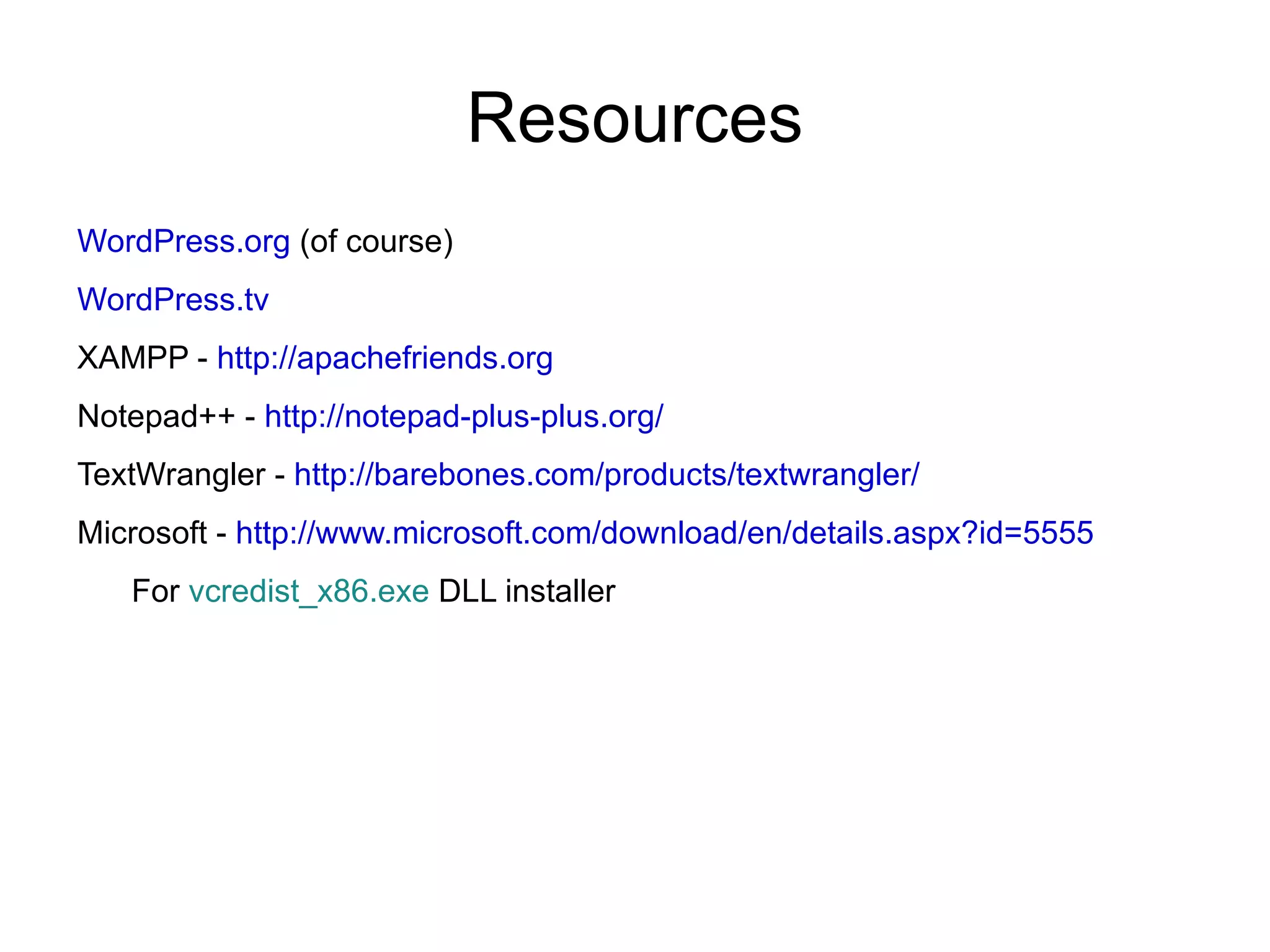

This document provides instructions for setting up a local development environment or "sandbox" for testing and developing WordPress websites using XAMPP on Windows and OSX systems. Key steps include downloading and installing XAMPP, which bundles Apache, PHP and MySQL. Once installed, WordPress can be downloaded, unzipped in the XAMPP folder, and accessed at localhost. Virtual hosts allow hosting multiple sites on the same machine for development. Best practices include keeping the sandbox similar to production servers and taking regular backups.


![Coded Agents – with UiPath SDK + LangGraph [Virtual Hands-on Workshop]](https://cdn.slidesharecdn.com/ss_thumbnails/codedagentsdeck-251215155422-5497c599-thumbnail.jpg?width=640&height=640&fit=bounds)


