Working with OroCRM Entities
Agenda
• Doctrine entity
• Configurable entity
• Extended entity
Working with OroCRM Entities
Doctrine Entity
Working with OroCRM Entities
Overview
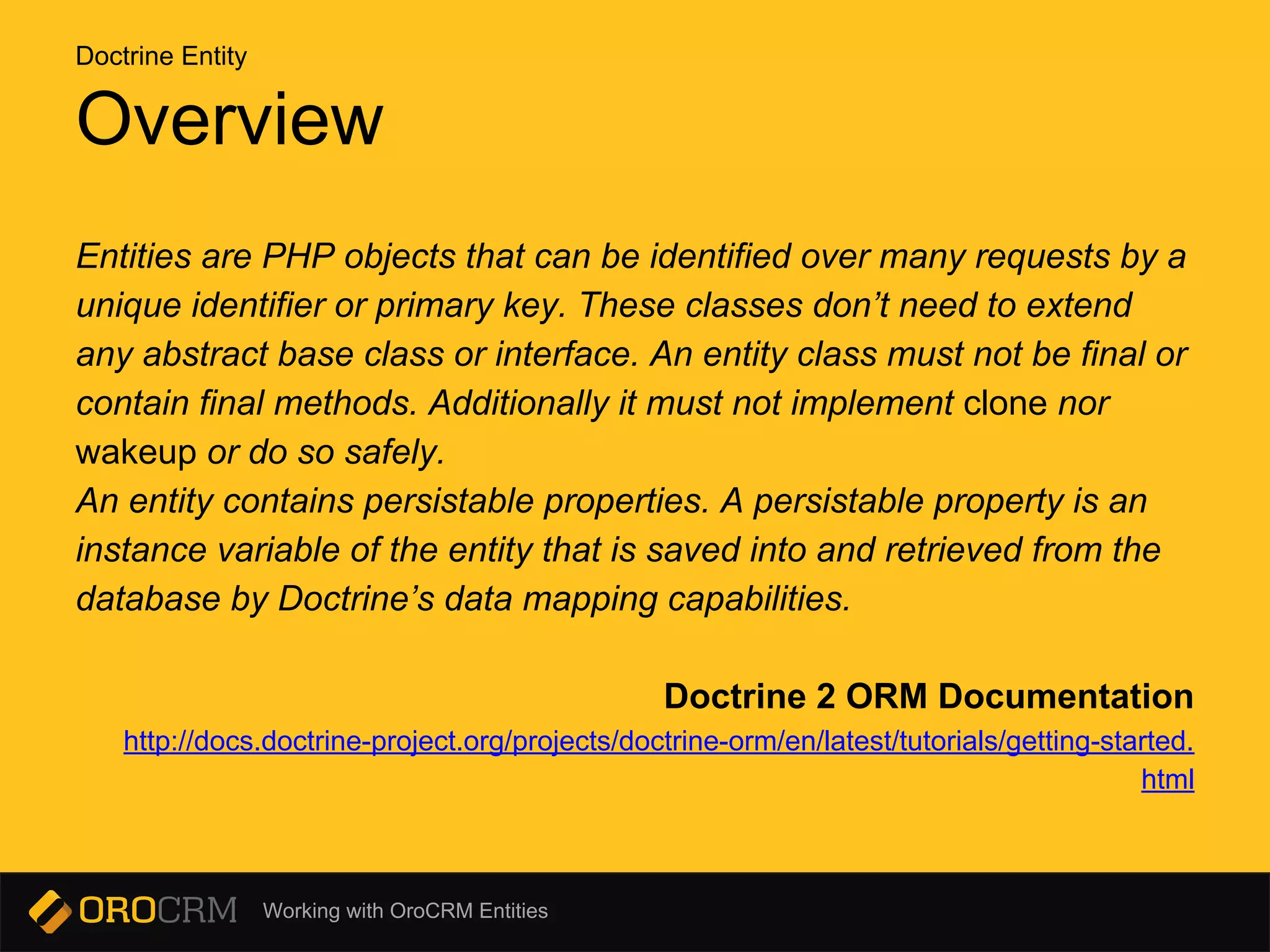
Entities are PHP objects that can be identified over many requests by a
unique identifier or primary key. These classes don’t need to extend
any abstract base class or interface. An entity class must not be final or
contain final methods. Additionally it must not implement clone nor
wakeup or do so safely.
An entity contains persistable properties. A persistable property is an
instance variable of the entity that is saved into and retrieved from the
database by Doctrine’s data mapping capabilities.
Doctrine 2 ORM Documentation
http://docs.doctrine-project.org/projects/doctrine-orm/en/latest/tutorials/getting-started.
html
Doctrine Entity
Working with OroCRM Entities
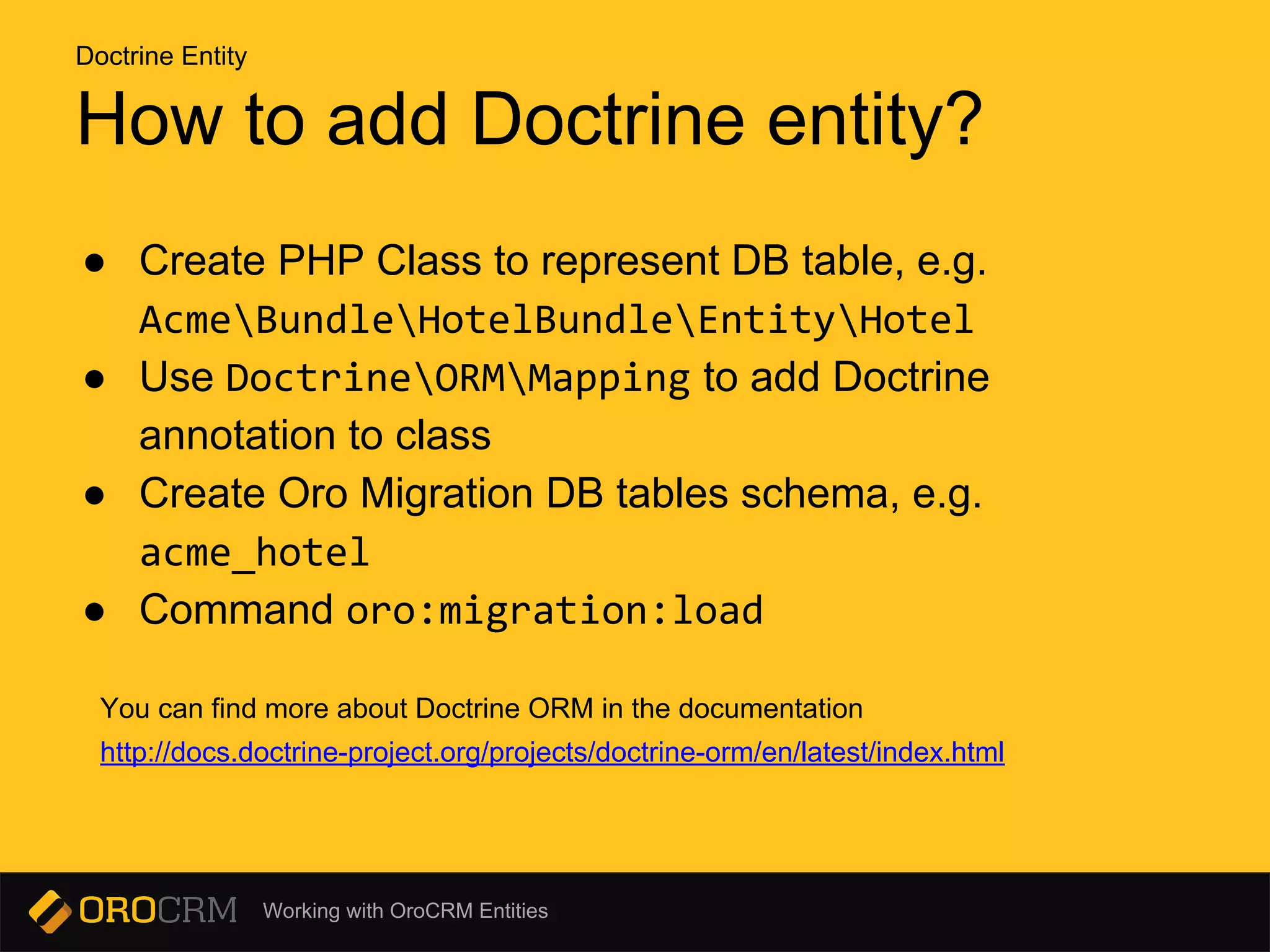
How to add Doctrine entity?
● Create PHP Class to represent DB table, e.g.
AcmeBundleHotelBundleEntityHotel
● Use DoctrineORMMapping to add Doctrine
annotation to class
● Create Oro Migration DB tables schema, e.g.
acme_hotel
● Command oro:migration:load
You can find more about Doctrine ORM in the documentation
http://docs.doctrine-project.org/projects/doctrine-orm/en/latest/index.html
Doctrine Entity
Working with OroCRM Entities
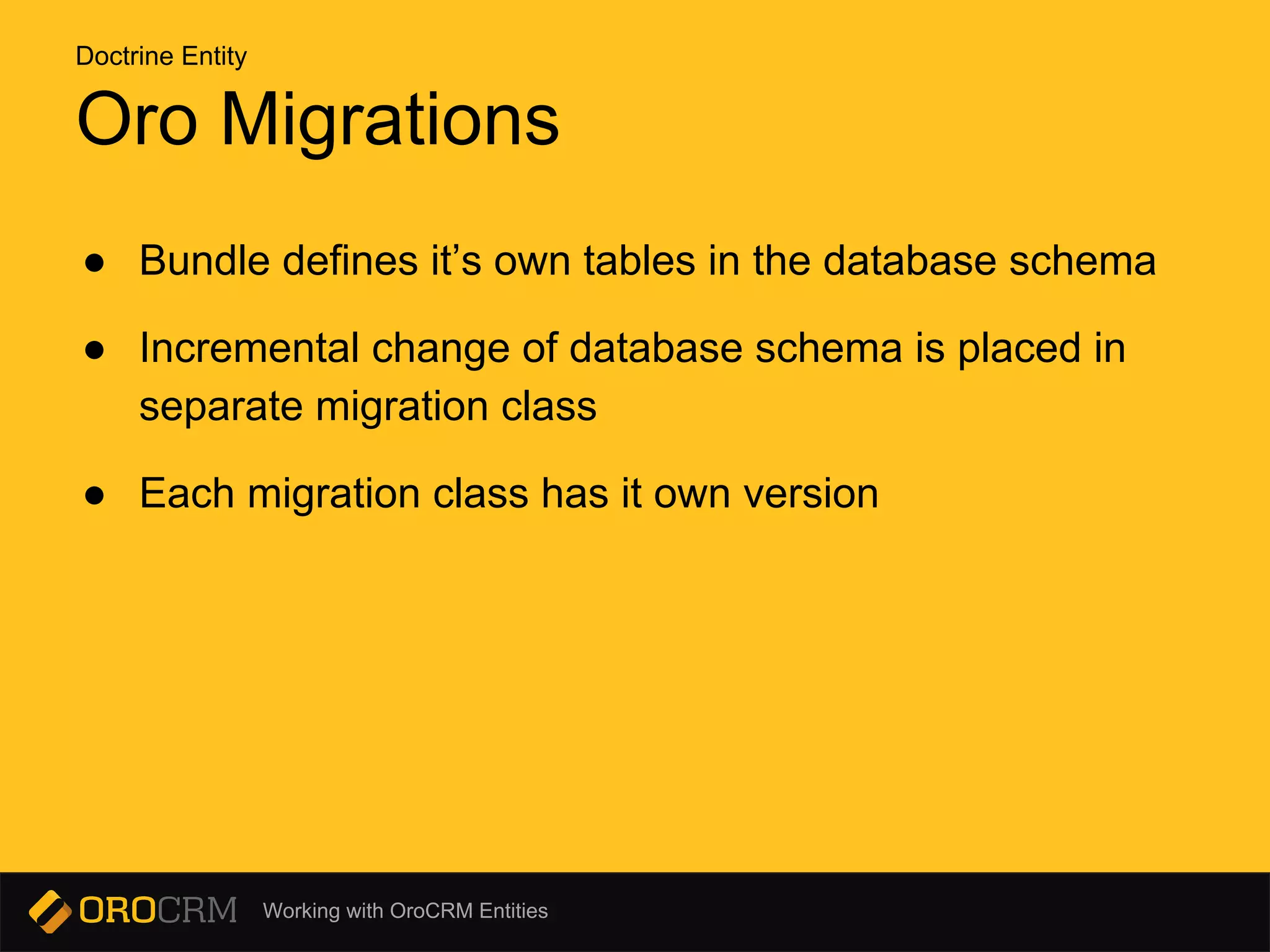
Oro Migrations
● Bundle defines it’s own tables in the database schema
● Incremental change of database schema is placed in
separate migration class
● Each migration class has it own version
Doctrine Entity
Working with OroCRM Entities
Configurable Entity
Working with OroCRM Entities
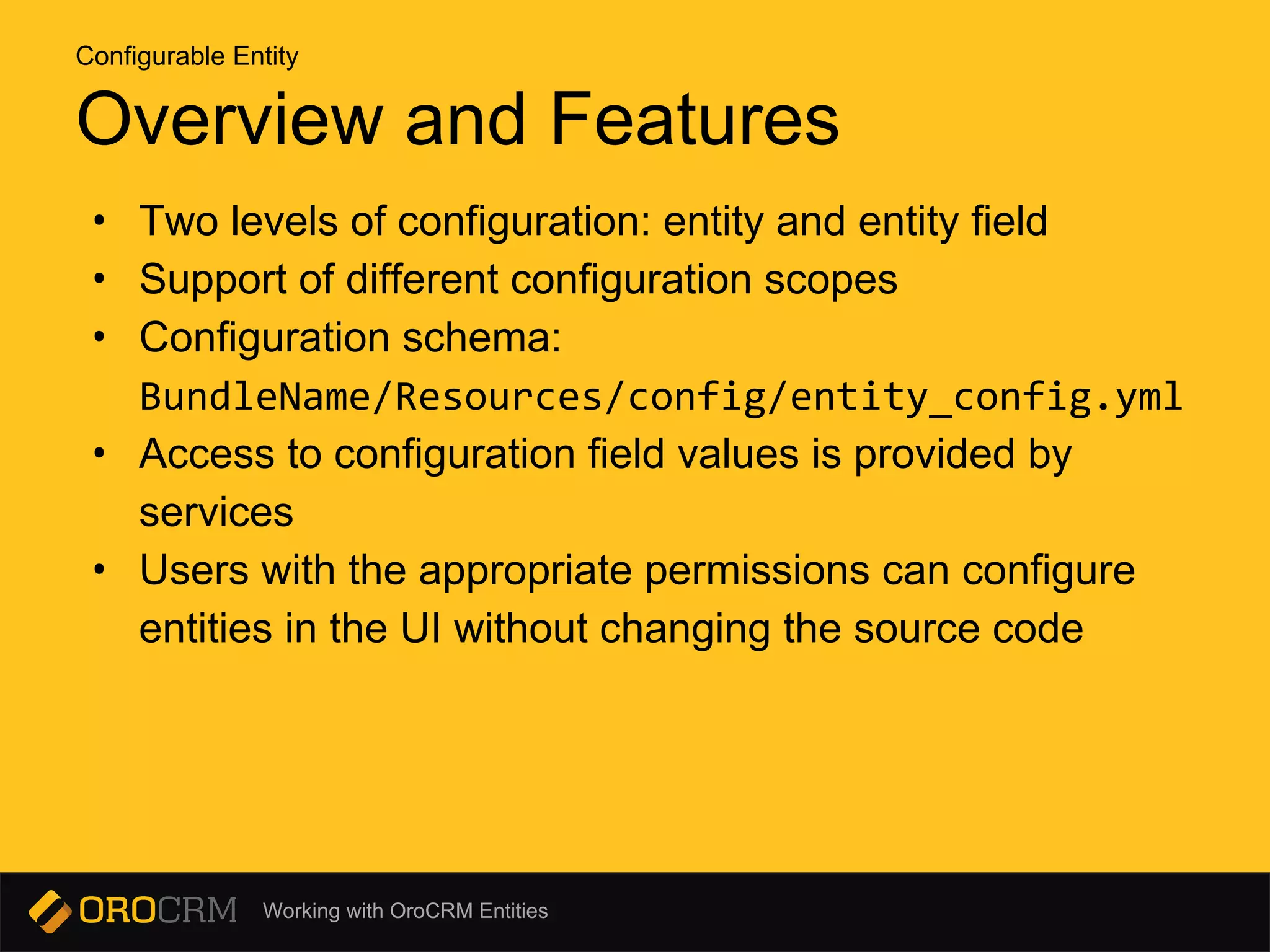
Overview and Features
• Two levels of configuration: entity and entity field
• Support of different configuration scopes
• Configuration schema:
BundleName/Resources/config/entity_config.yml
• Access to configuration field values is provided by
services
• Users with the appropriate permissions can configure
entities in the UI without changing the source code
Configurable Entity
Working with OroCRM Entities
Define configuration schema
• Bundle may contain a file with the configuration
schema:
BundleName/Resources/config/entity_config.yml
• The file contains config property definitions of an entity,
field levels, and options used in the UI to display
properties of these configurations.
Configurable Entity
Working with OroCRM Entities
Configuration Provider Service
Each configuration scope generates a service with specific
id. For example, if the scope name is entity, the service id
will be oro_entity_config.provider.entity.
This service may be used to obtain configuration of the
specific scope, class and field.
Implemented by
OroBundleEntityConfigBundleProvider
ConfigProviderInterface
Configurable Entity
Working with OroCRM Entities
Add entity annotations
• Annotation classes
OroBundleEntityConfigBundleMetadataAnnotationConfig
OroBundleEntityConfigBundleMetadataAnnotationConfigField
• Example of @Config and @ConfigField annotations in
an entity.
Configurable Entity
Working with OroCRM Entities
Commands
oro:entity-config:update
This command can be used to update configurable entities.
oro:entity-config:cache:clear
This command removes all data related to configurable entities
from the application cache.
oro:entity-config:debug
Debugging entity configuration.
Configurable Entity
Working with OroCRM Entities
Extended Entity
Working with OroCRM Entities
Features
• Add fields dynamically using configuration
• Add/remove fields dynamically using UI configuration
• Show dynamic fields on view, form and grid
• Support dynamic relations to other entities
Extended Entity
Working with OroCRM Entities
Creating Extended Entity
1. Create extend entity class with special name
2. Make inherit entity class from existing extend entity
3. Create migration
4. Run oro:migration:load command
Example
AcmeBundleHotelBundleEntityHotel extends
AcmeBundleHotelBundleModelExtendHotel
Extended Entity
Working with OroCRM Entities
Adding Fields to Extended Entity
• Using UI
• Using migrations
Extended Entity
Working with OroCRM Entities
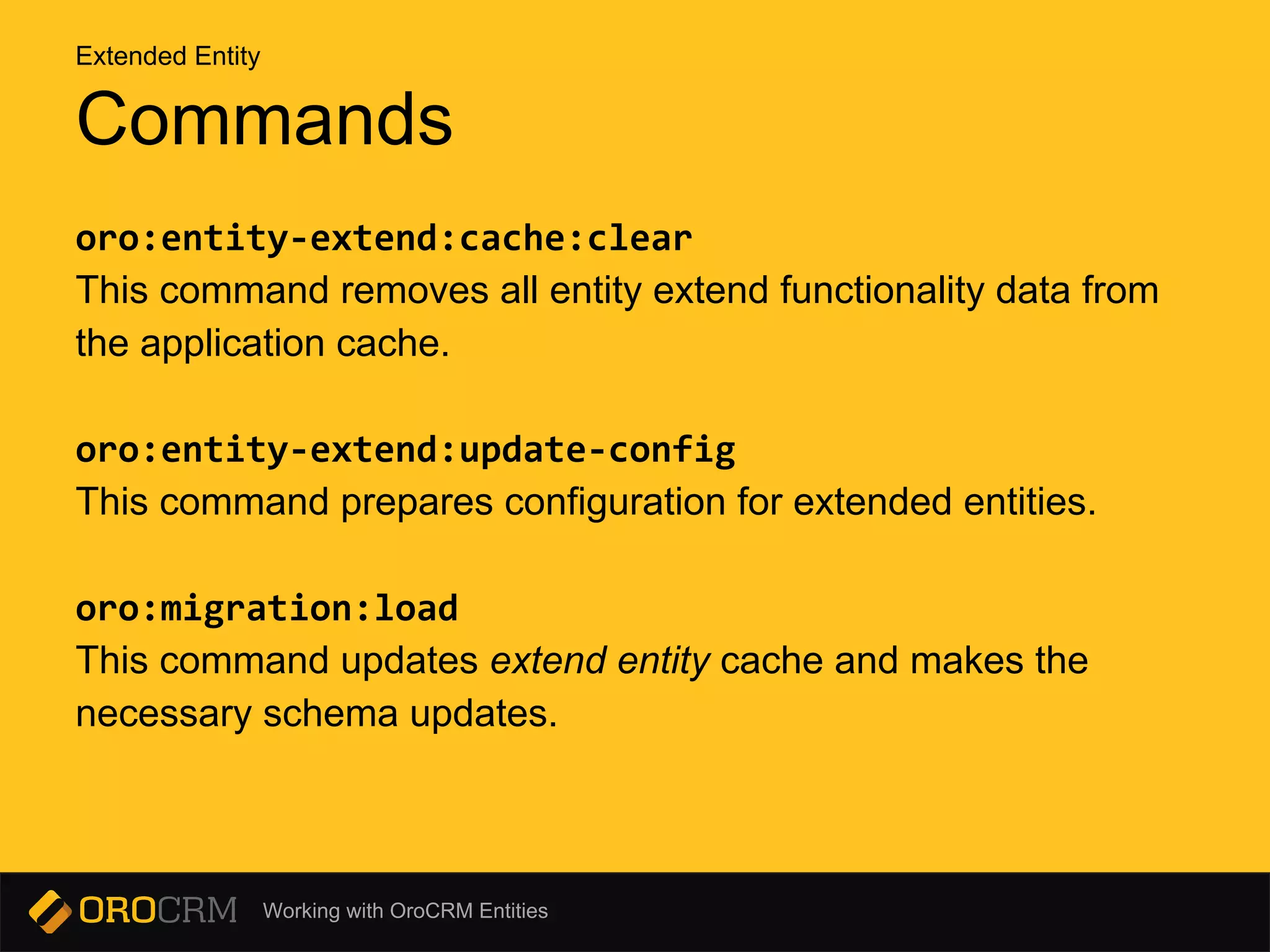
oro:entity-extend:cache:clear
This command removes all entity extend functionality data from
the application cache.
oro:entity-extend:update-config
This command prepares configuration for extended entities.
oro:migration:load
This command updates extend entity cache and makes the
necessary schema updates.
Commands
Extended Entity
Working with OroCRM Entities
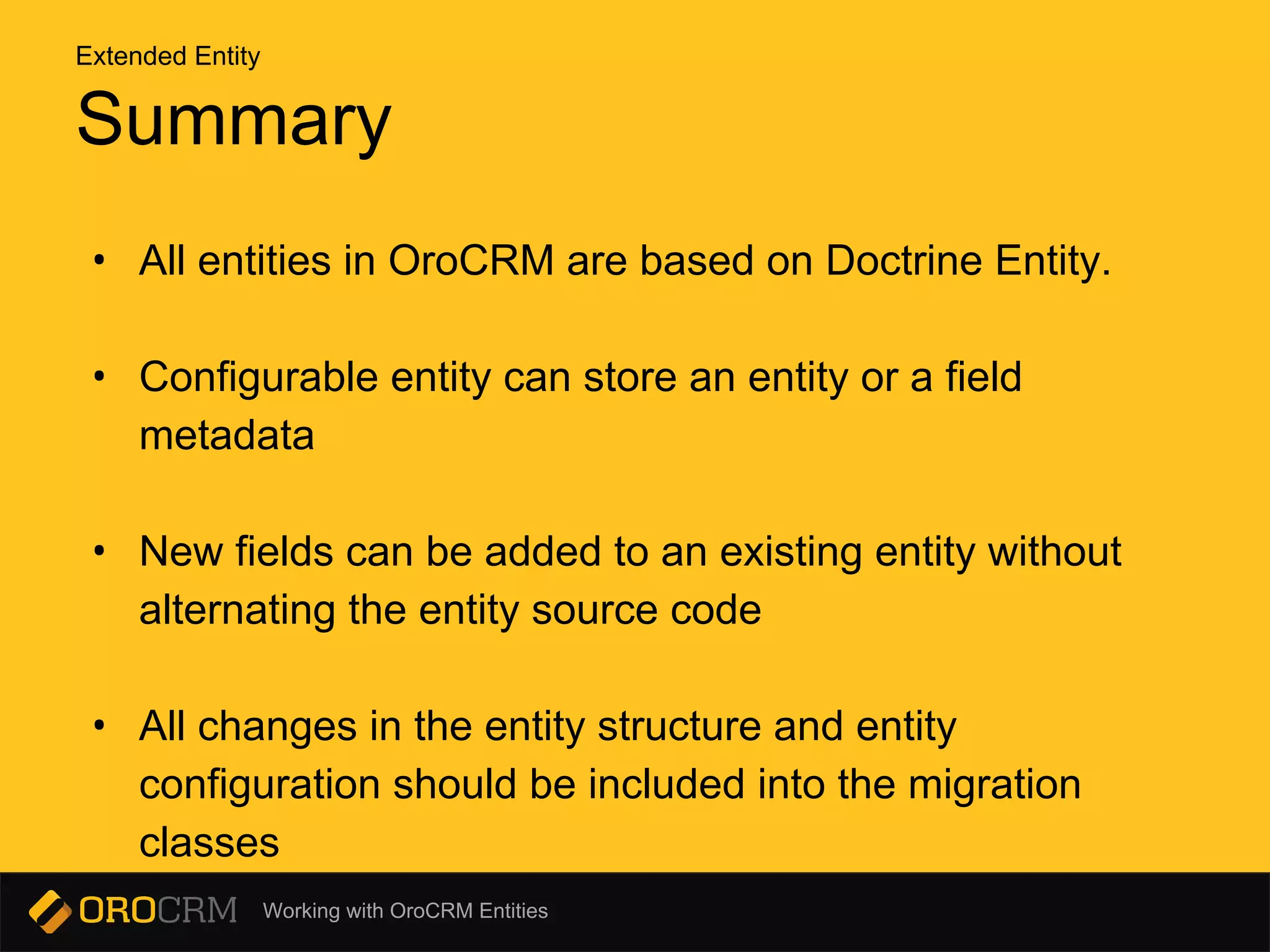
Summary
• All entities in OroCRM are based on Doctrine Entity.
• Configurable entity can store an entity or a field
metadata
• New fields can be added to an existing entity without
alternating the entity source code
• All changes in the entity structure and entity
configuration should be included into the migration
classes
Extended Entity
Working with OroCRM Entities
Q & A
Pavel Kargapoltsev
pkargapoltsev@magecore.com

Working with oro crm entities

  • 1.
    Working with OroCRMEntities Working with OroCRM Entities
  • 2.
    Working with OroCRMEntities Agenda • Doctrine entity • Configurable entity • Extended entity
  • 3.
    Working with OroCRMEntities Doctrine Entity
  • 4.
    Working with OroCRMEntities Overview Entities are PHP objects that can be identified over many requests by a unique identifier or primary key. These classes don’t need to extend any abstract base class or interface. An entity class must not be final or contain final methods. Additionally it must not implement clone nor wakeup or do so safely. An entity contains persistable properties. A persistable property is an instance variable of the entity that is saved into and retrieved from the database by Doctrine’s data mapping capabilities. Doctrine 2 ORM Documentation http://docs.doctrine-project.org/projects/doctrine-orm/en/latest/tutorials/getting-started. html Doctrine Entity
  • 5.
    Working with OroCRMEntities How to add Doctrine entity? ● Create PHP Class to represent DB table, e.g. AcmeBundleHotelBundleEntityHotel ● Use DoctrineORMMapping to add Doctrine annotation to class ● Create Oro Migration DB tables schema, e.g. acme_hotel ● Command oro:migration:load You can find more about Doctrine ORM in the documentation http://docs.doctrine-project.org/projects/doctrine-orm/en/latest/index.html Doctrine Entity
  • 6.
    Working with OroCRMEntities Oro Migrations ● Bundle defines it’s own tables in the database schema ● Incremental change of database schema is placed in separate migration class ● Each migration class has it own version Doctrine Entity
  • 7.
    Working with OroCRMEntities Configurable Entity
  • 8.
    Working with OroCRMEntities Overview and Features • Two levels of configuration: entity and entity field • Support of different configuration scopes • Configuration schema: BundleName/Resources/config/entity_config.yml • Access to configuration field values is provided by services • Users with the appropriate permissions can configure entities in the UI without changing the source code Configurable Entity
  • 9.
    Working with OroCRMEntities Define configuration schema • Bundle may contain a file with the configuration schema: BundleName/Resources/config/entity_config.yml • The file contains config property definitions of an entity, field levels, and options used in the UI to display properties of these configurations. Configurable Entity
  • 10.
    Working with OroCRMEntities Configuration Provider Service Each configuration scope generates a service with specific id. For example, if the scope name is entity, the service id will be oro_entity_config.provider.entity. This service may be used to obtain configuration of the specific scope, class and field. Implemented by OroBundleEntityConfigBundleProvider ConfigProviderInterface Configurable Entity
  • 11.
    Working with OroCRMEntities Add entity annotations • Annotation classes OroBundleEntityConfigBundleMetadataAnnotationConfig OroBundleEntityConfigBundleMetadataAnnotationConfigField • Example of @Config and @ConfigField annotations in an entity. Configurable Entity
  • 12.
    Working with OroCRMEntities Commands oro:entity-config:update This command can be used to update configurable entities. oro:entity-config:cache:clear This command removes all data related to configurable entities from the application cache. oro:entity-config:debug Debugging entity configuration. Configurable Entity
  • 13.
    Working with OroCRMEntities Extended Entity
  • 14.
    Working with OroCRMEntities Features • Add fields dynamically using configuration • Add/remove fields dynamically using UI configuration • Show dynamic fields on view, form and grid • Support dynamic relations to other entities Extended Entity
  • 15.
    Working with OroCRMEntities Creating Extended Entity 1. Create extend entity class with special name 2. Make inherit entity class from existing extend entity 3. Create migration 4. Run oro:migration:load command Example AcmeBundleHotelBundleEntityHotel extends AcmeBundleHotelBundleModelExtendHotel Extended Entity
  • 16.
    Working with OroCRMEntities Adding Fields to Extended Entity • Using UI • Using migrations Extended Entity
  • 17.
    Working with OroCRMEntities oro:entity-extend:cache:clear This command removes all entity extend functionality data from the application cache. oro:entity-extend:update-config This command prepares configuration for extended entities. oro:migration:load This command updates extend entity cache and makes the necessary schema updates. Commands Extended Entity
  • 18.
    Working with OroCRMEntities Summary • All entities in OroCRM are based on Doctrine Entity. • Configurable entity can store an entity or a field metadata • New fields can be added to an existing entity without alternating the entity source code • All changes in the entity structure and entity configuration should be included into the migration classes Extended Entity
  • 19.
    Working with OroCRMEntities Q & A Pavel Kargapoltsev pkargapoltsev@magecore.com