Developer Training
Customizing OroCRM
Developer Training
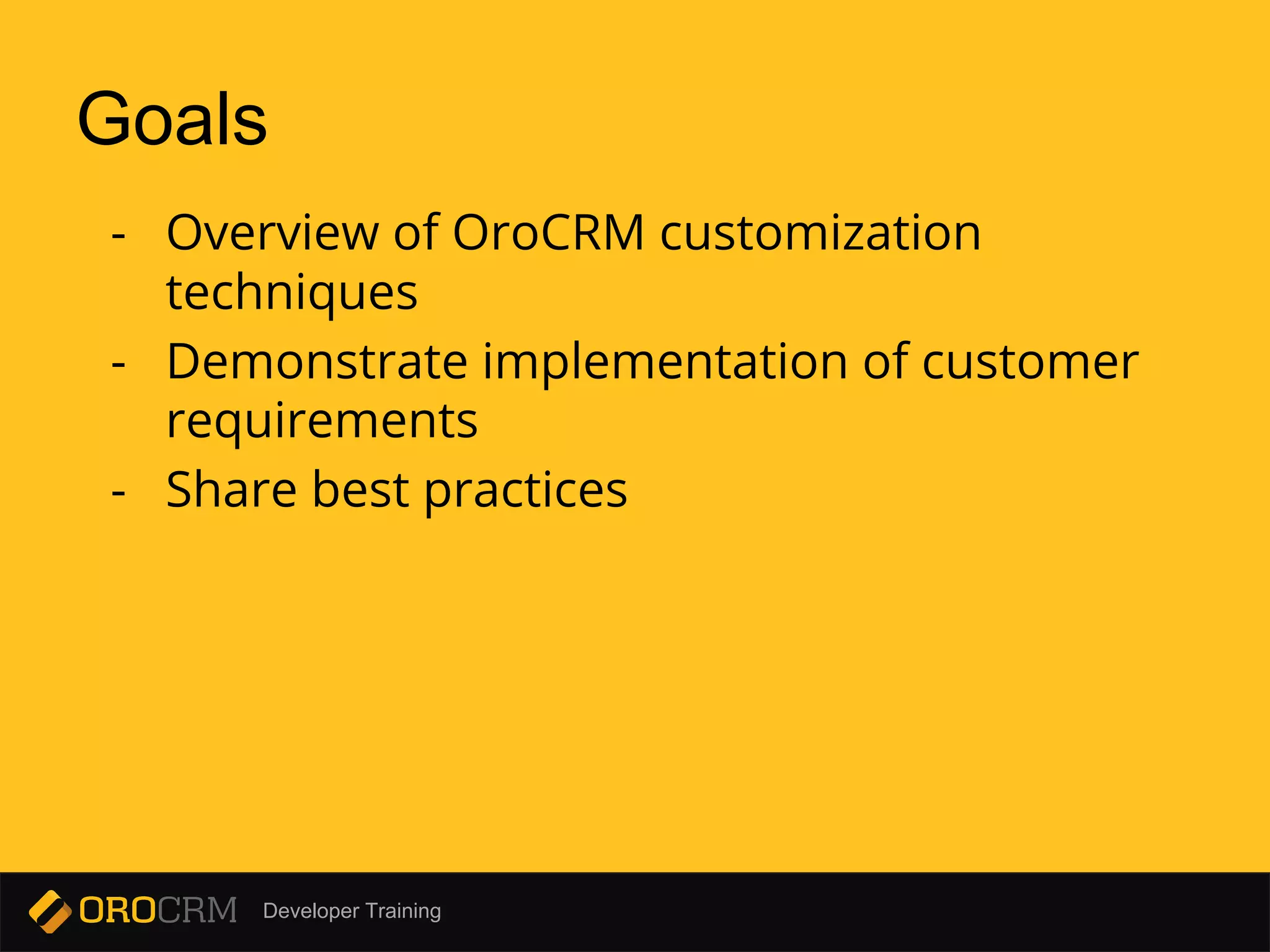
Goals
- Overview of OroCRM customization
techniques
- Demonstrate implementation of customer
requirements
- Share best practices
Developer Training
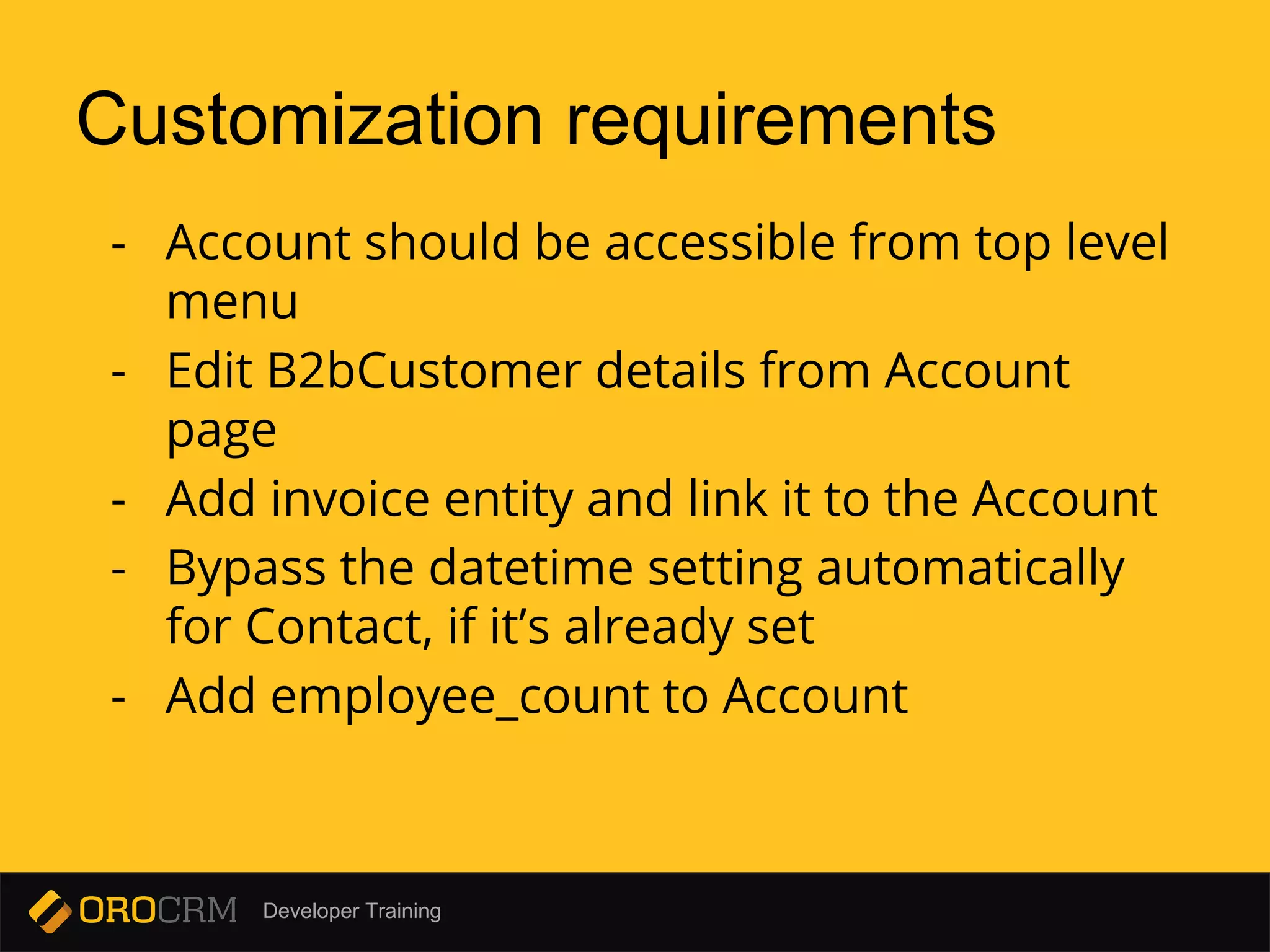
Customization requirements
- Account should be accessible from top level
menu
- Edit B2bCustomer details from Account
page
- Add invoice entity and link it to the Account
- Bypass the datetime setting automatically
for Contact, if it’s already set
- Add employee_count to Account
Developer Training
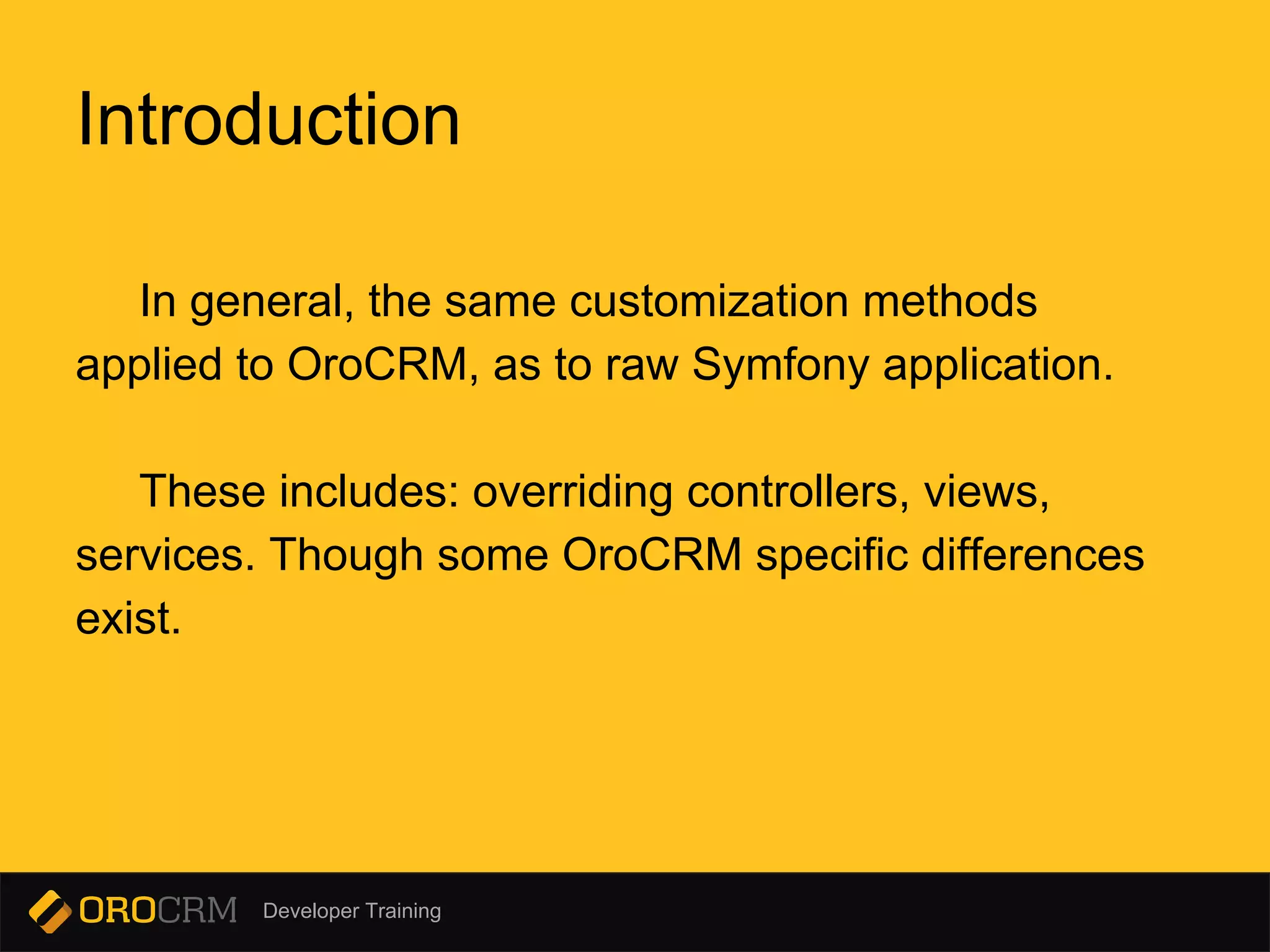
Introduction
In general, the same customization methods
applied to OroCRM, as to raw Symfony application.
These includes: overriding controllers, views,
services. Though some OroCRM specific differences
exist.
Developer Training
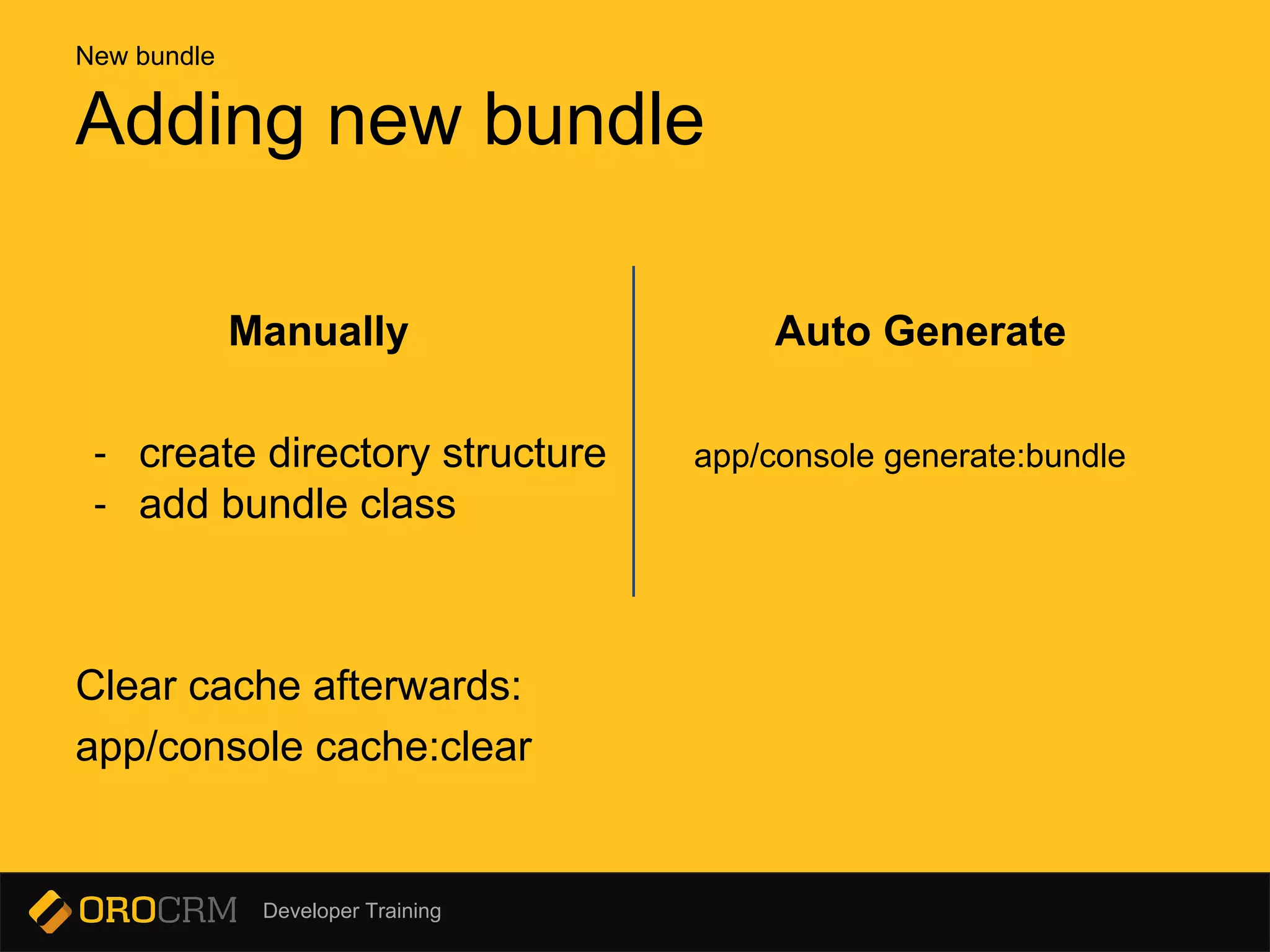
Manually Auto Generate
- create directory structure app/console generate:bundle
- add bundle class
Clear cache afterwards:
app/console cache:clear
Adding new bundle
New bundle
Developer Training
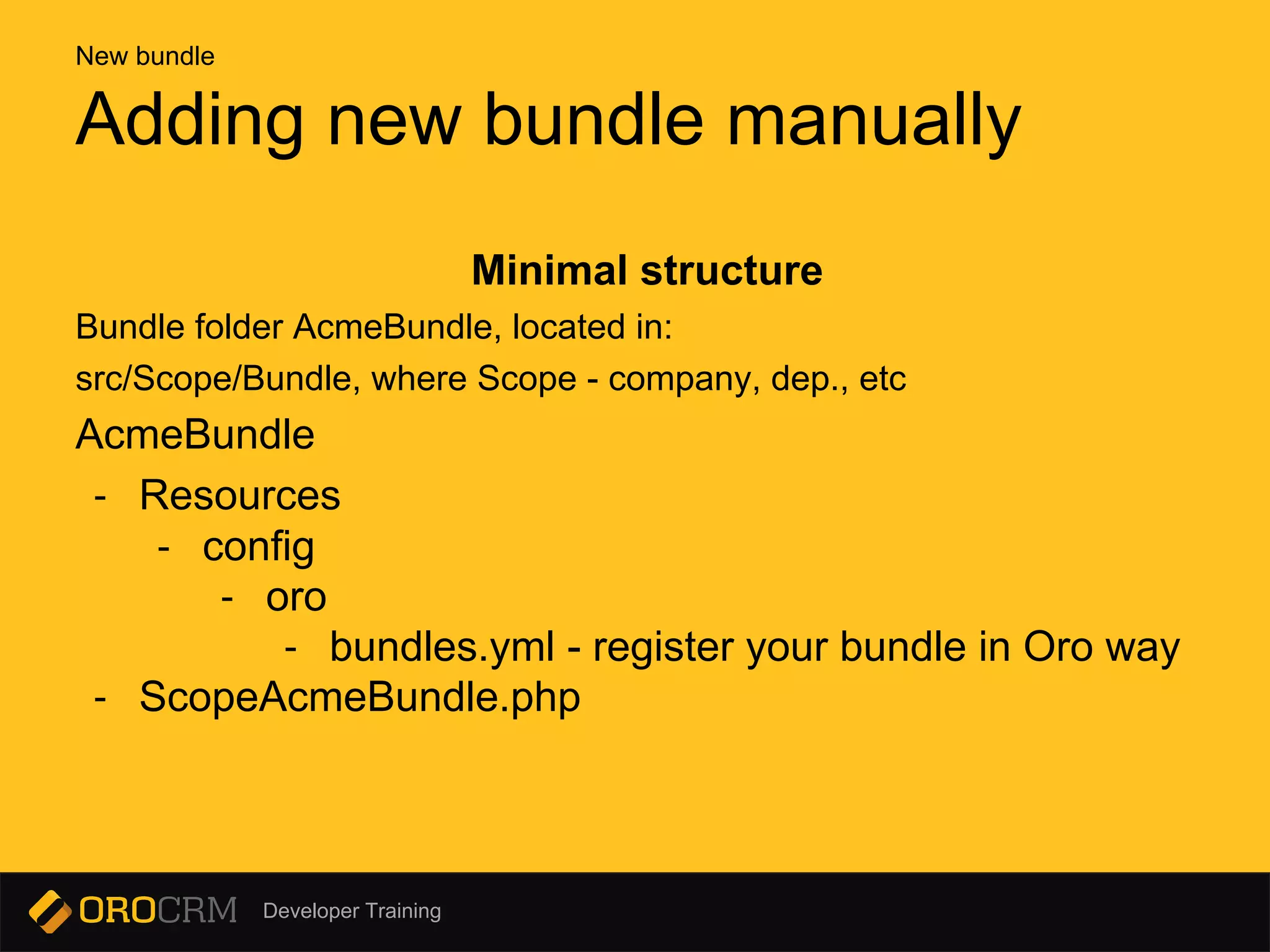
Minimal structure
Bundle folder AcmeBundle, located in:
src/Scope/Bundle, where Scope - company, dep., etc
AcmeBundle
- Resources
- config
- oro
- bundles.yml - register your bundle in Oro way
- ScopeAcmeBundle.php
Adding new bundle manually
New bundle
Developer Training
app/console generate:bundle
--namespace=Acme/DemoBundle
--dir=src [--bundle-name=...]
--no-interaction
Adding new bundle Symfony way
New bundle
Developer Training
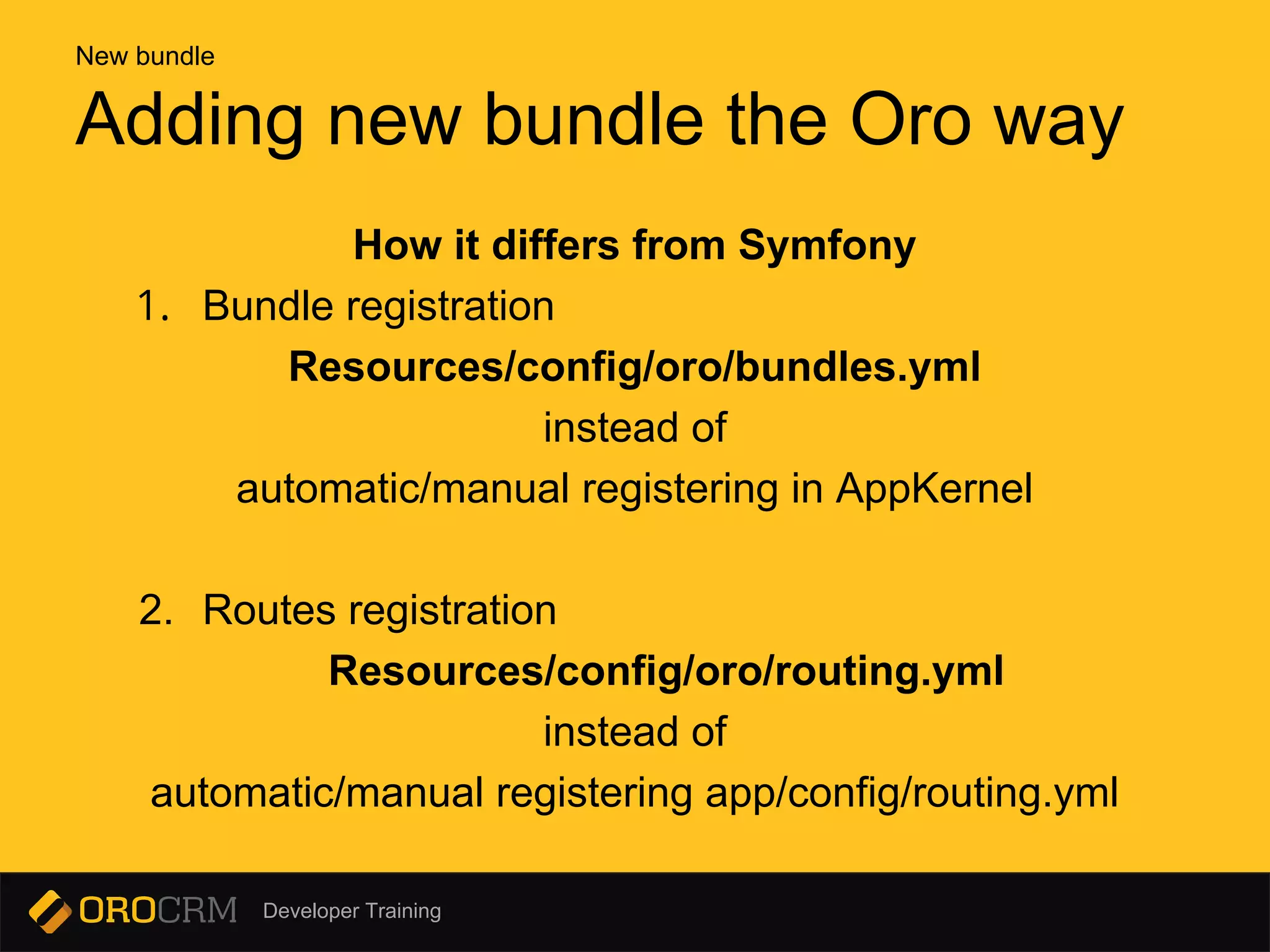
How it differs from Symfony
1. Bundle registration
Resources/config/oro/bundles.yml
instead of
automatic/manual registering in AppKernel
2. Routes registration
Resources/config/oro/routing.yml
instead of
automatic/manual registering app/config/routing.yml
Adding new bundle the Oro way
New bundle
Developer Training
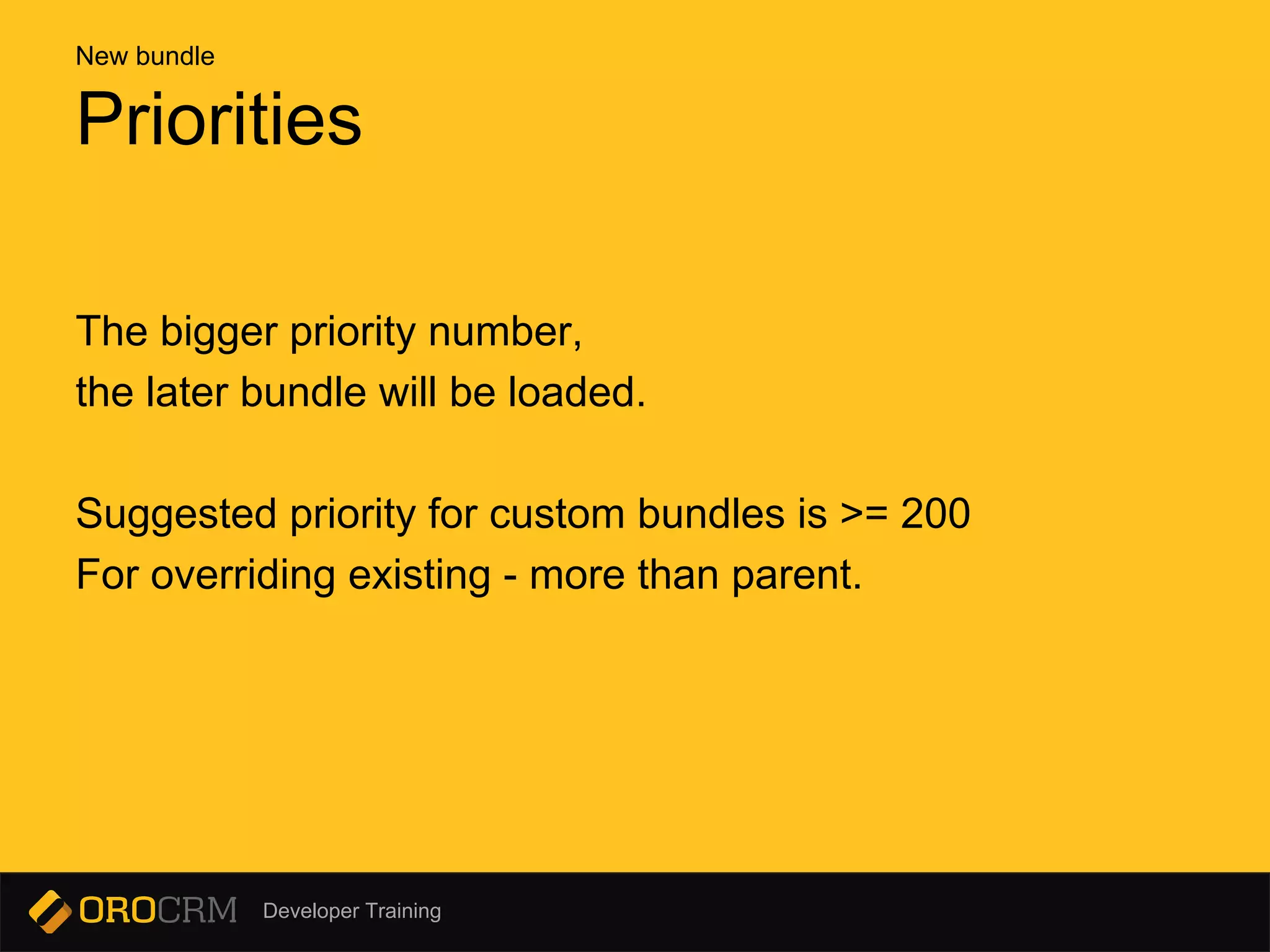
The bigger priority number,
the later bundle will be loaded.
Suggested priority for custom bundles is >= 200
For overriding existing - more than parent.
Priorities
New bundle
Developer Training
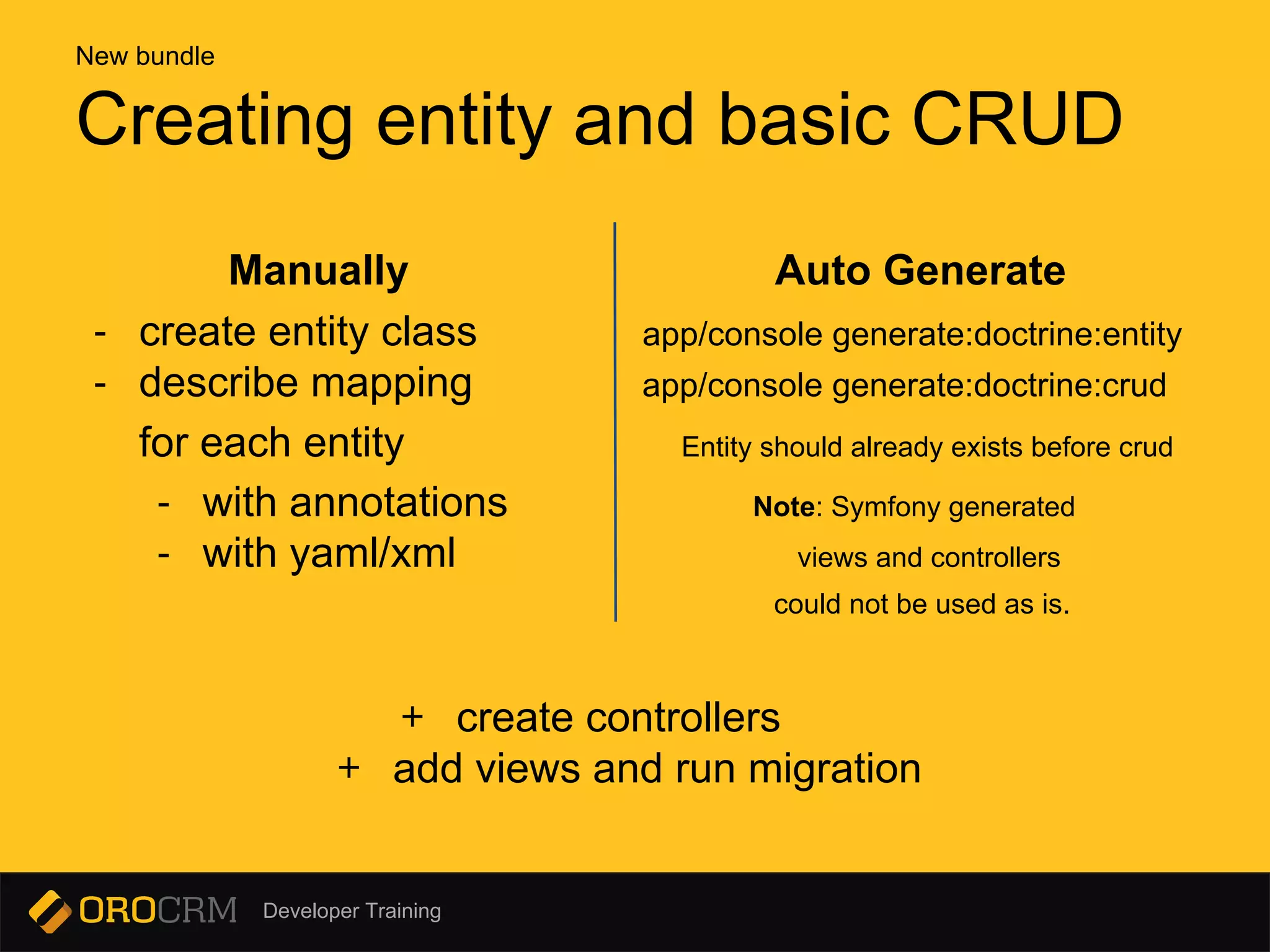
Manually Auto Generate
- create entity class app/console generate:doctrine:entity
- describe mapping app/console generate:doctrine:crud
for each entity Entity should already exists before crud
- with annotations Note: Symfony generated
- with yaml/xml views and controllers
could not be used as is.
+ create controllers
+ add views and run migration
Creating entity and basic CRUD
New bundle
Developer Training
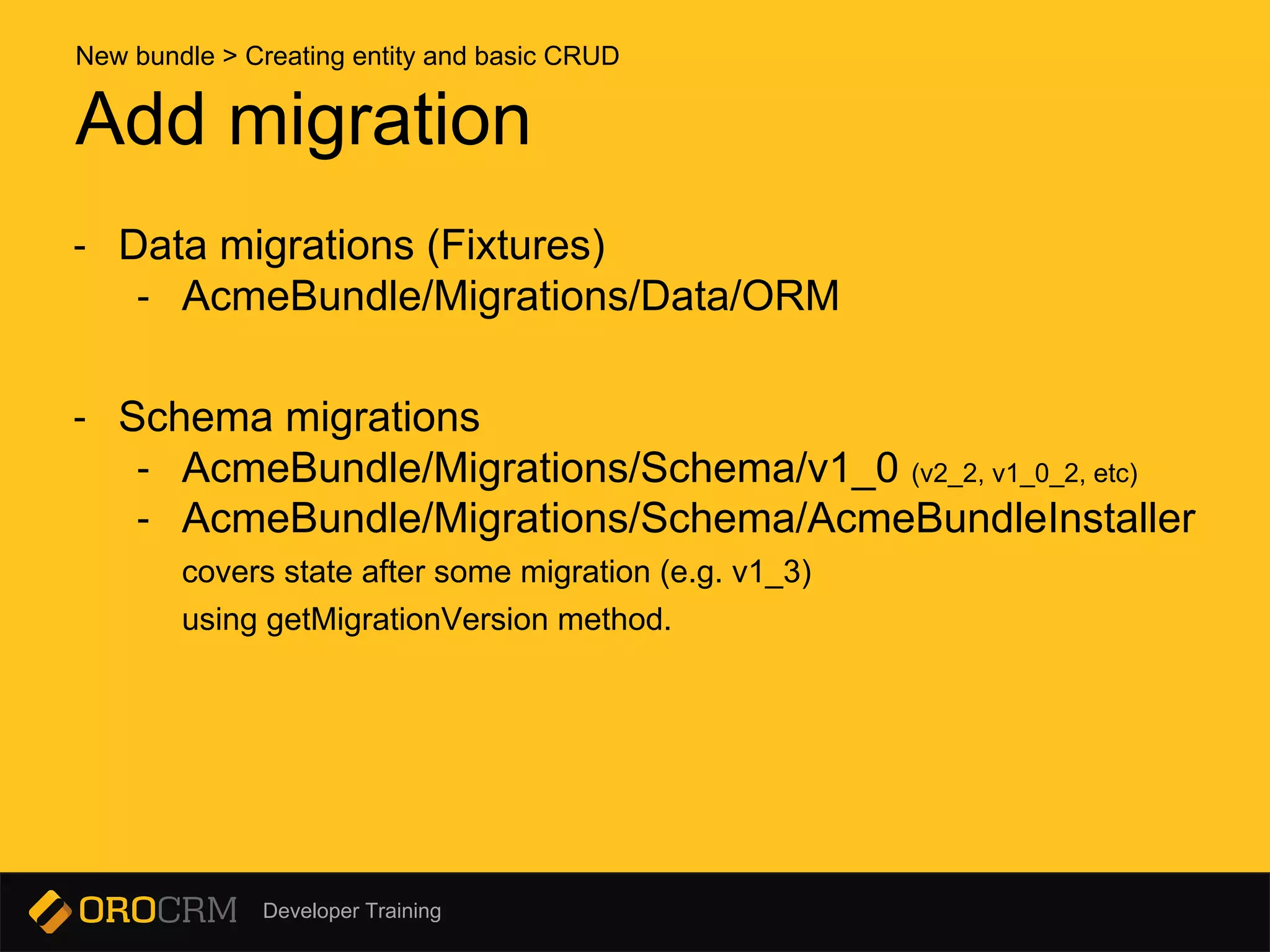
- Data migrations (Fixtures)
- AcmeBundle/Migrations/Data/ORM
- Schema migrations
- AcmeBundle/Migrations/Schema/v1_0 (v2_2, v1_0_2, etc)
- AcmeBundle/Migrations/Schema/AcmeBundleInstaller
covers state after some migration (e.g. v1_3)
using getMigrationVersion method.
Add migration
New bundle > Creating entity and basic CRUD
Developer Training
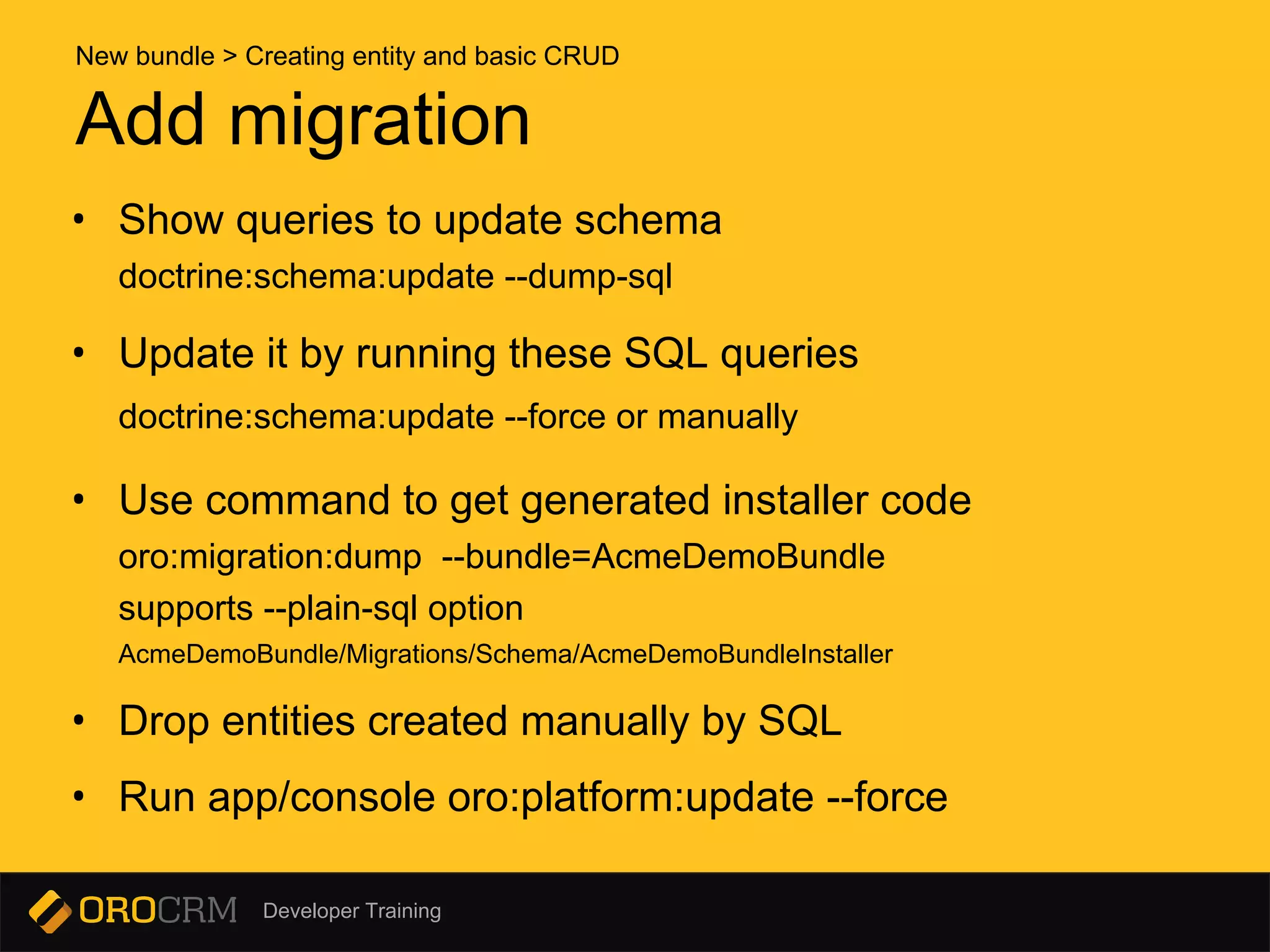
• Show queries to update schema
doctrine:schema:update --dump-sql
• Update it by running these SQL queries
doctrine:schema:update --force or manually
• Use command to get generated installer code
oro:migration:dump --bundle=AcmeDemoBundle
supports --plain-sql option
AcmeDemoBundle/Migrations/Schema/AcmeDemoBundleInstaller
• Drop entities created manually by SQL
• Run app/console oro:platform:update --force
Add migration
New bundle > Creating entity and basic CRUD
Developer Training
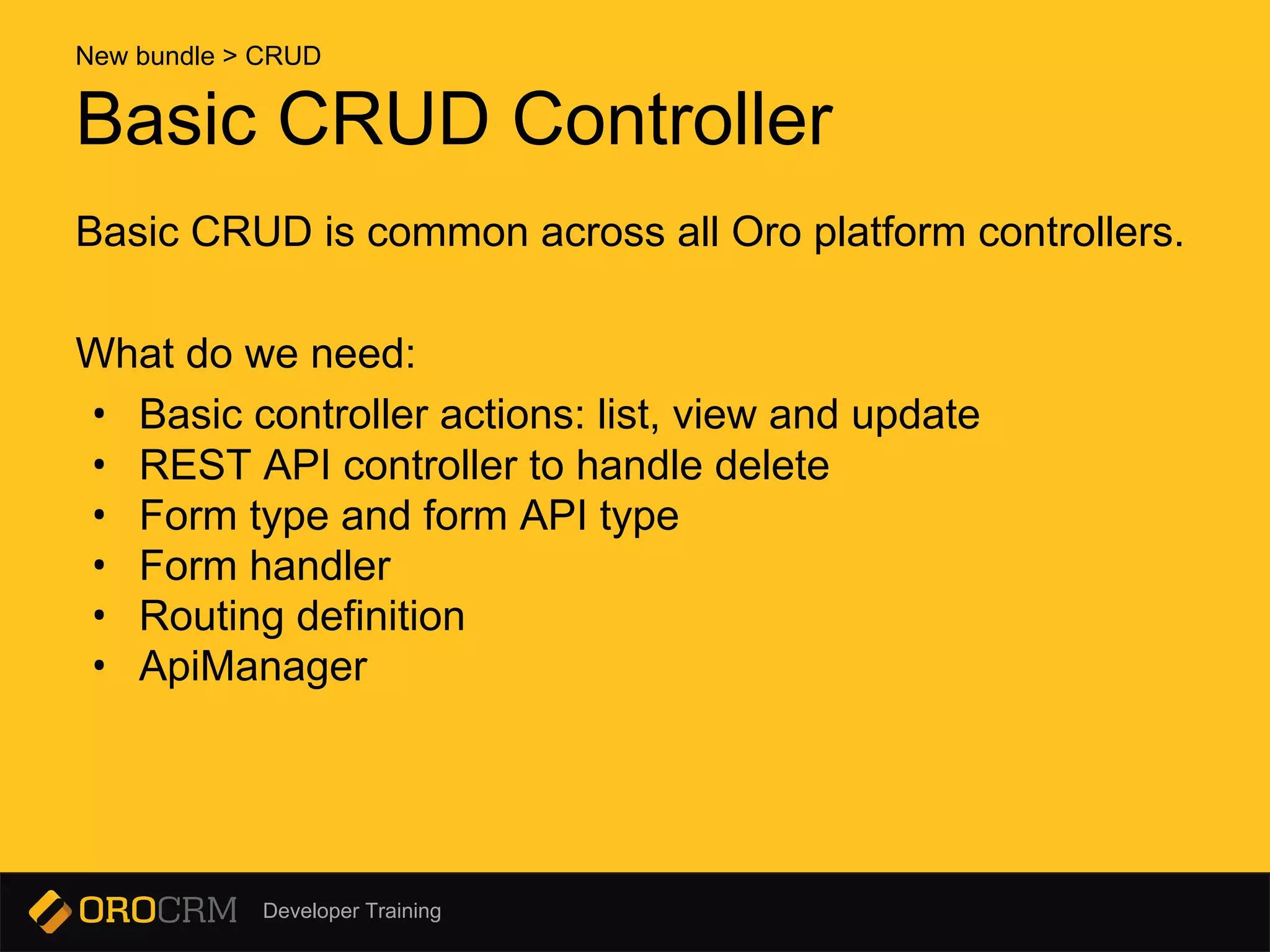
Basic CRUD Controller
Basic CRUD is common across all Oro platform controllers.
What do we need:
• Basic controller actions: list, view and update
• REST API controller to handle delete
• Form type and form API type
• Form handler
• Routing definition
• ApiManager
New bundle > CRUD
Developer Training
Basic CRUD Controller
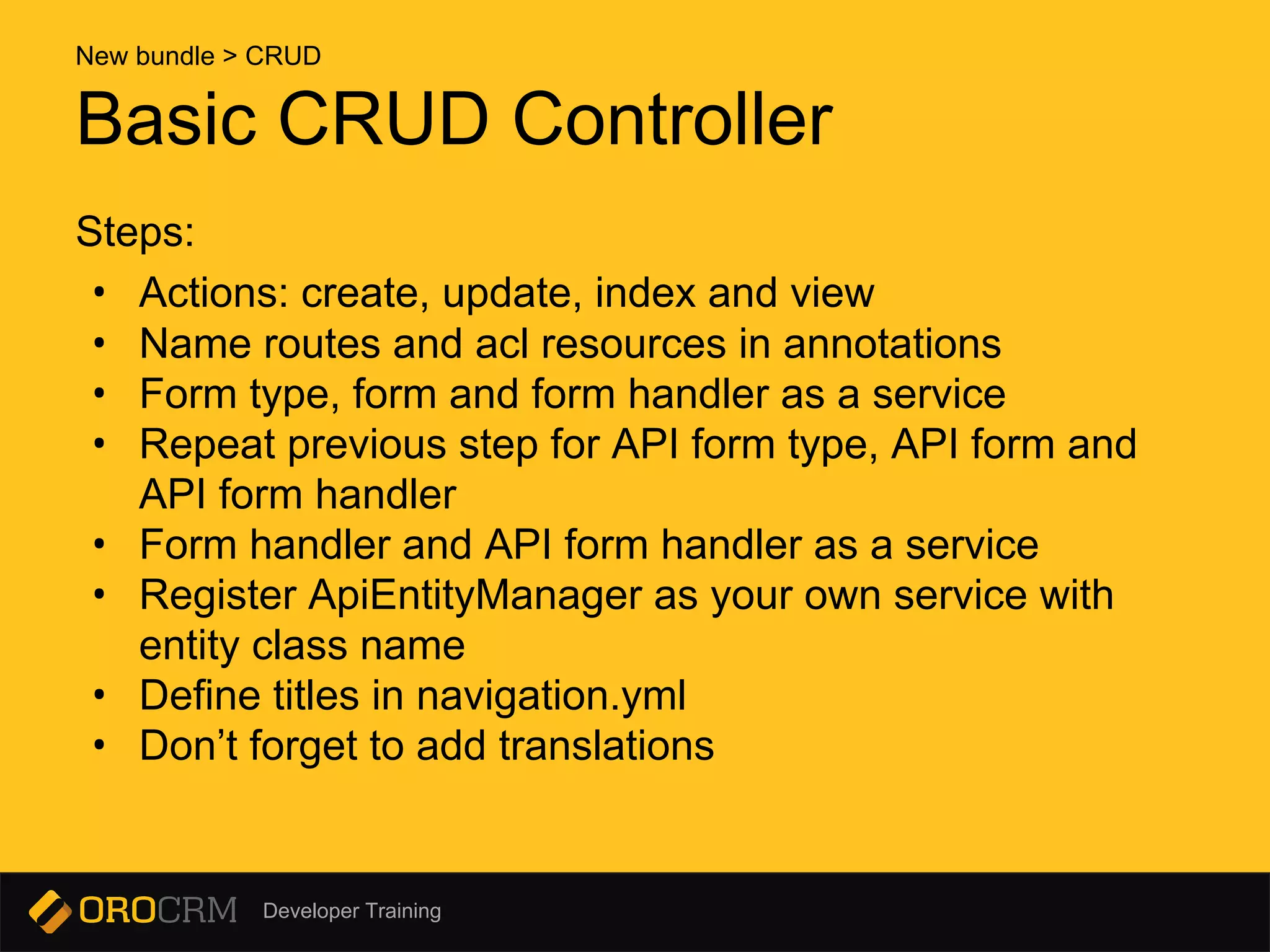
Steps:
• Actions: create, update, index and view
• Name routes and acl resources in annotations
• Form type, form and form handler as a service
• Repeat previous step for API form type, API form and
API form handler
• Form handler and API form handler as a service
• Register ApiEntityManager as your own service with
entity class name
• Define titles in navigation.yml
• Don’t forget to add translations
New bundle > CRUD
Developer Training
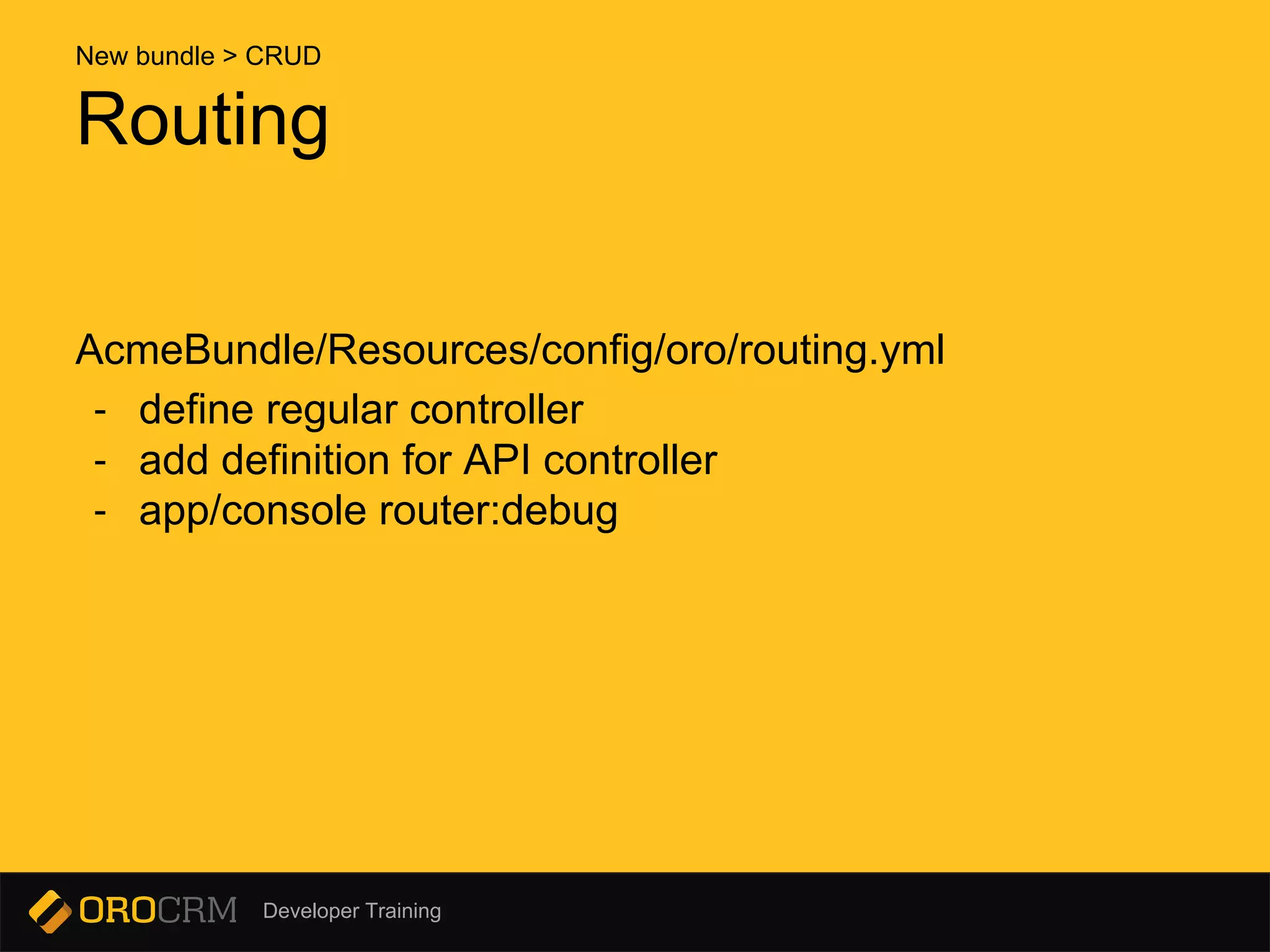
Routing
AcmeBundle/Resources/config/oro/routing.yml
- define regular controller
- add definition for API controller
- app/console router:debug
New bundle > CRUD
Developer Training
Filling the gaps
Now we are able to fill missing parts in our controllers:
Controller use form handler to manage form configured with form type.
API Controller use ApiManager to work with entity.
New bundle > CRUD
Developer Training
Filling the gaps
Next
proceed with datagrid definition
using services names, we got at previous step.
New bundle > CRUD
Developer Training
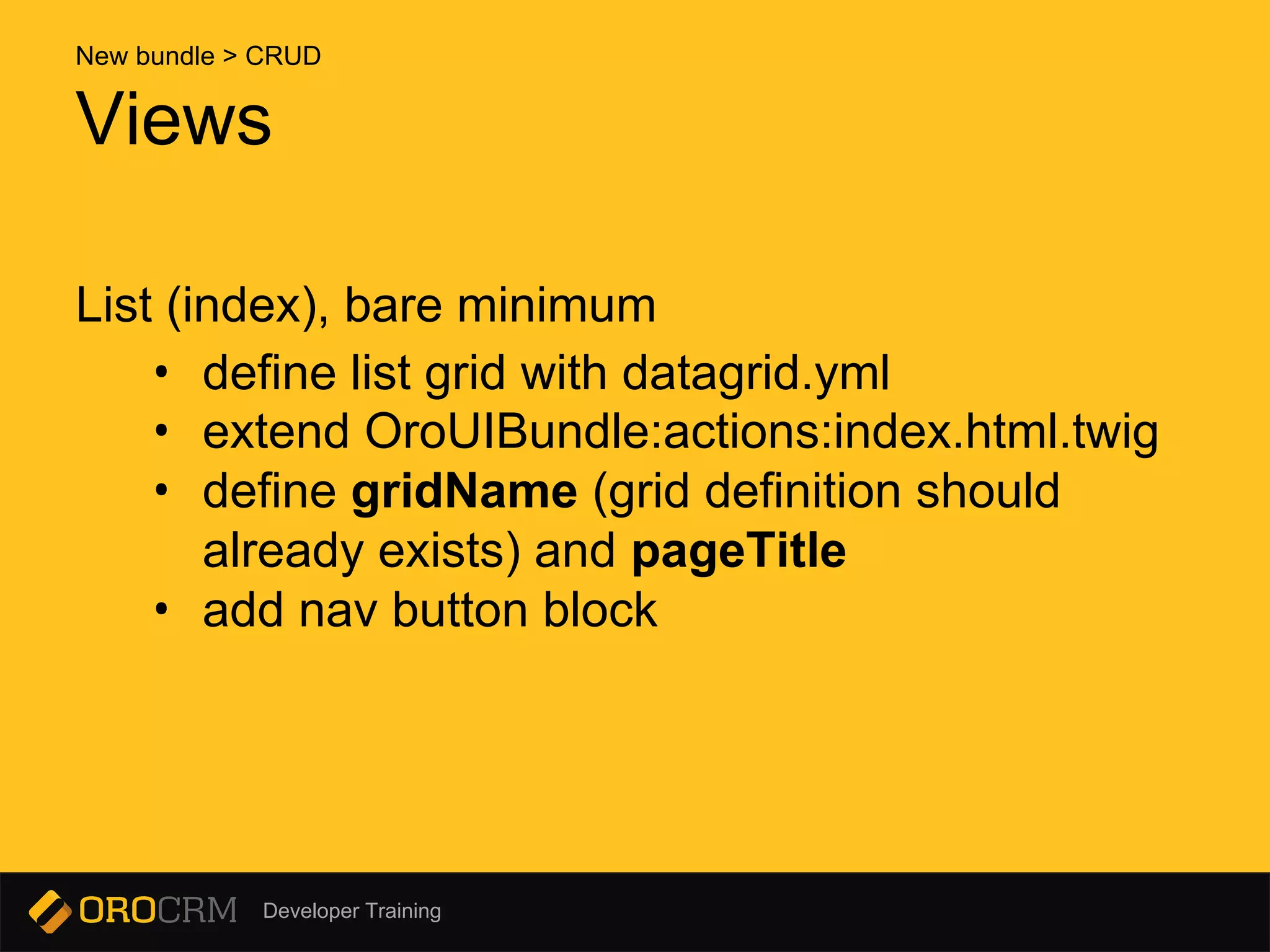
List (index), bare minimum
• define list grid with datagrid.yml
• extend OroUIBundle:actions:index.html.twig
• define gridName (grid definition should
already exists) and pageTitle
• add nav button block
Views
New bundle > CRUD
Developer Training
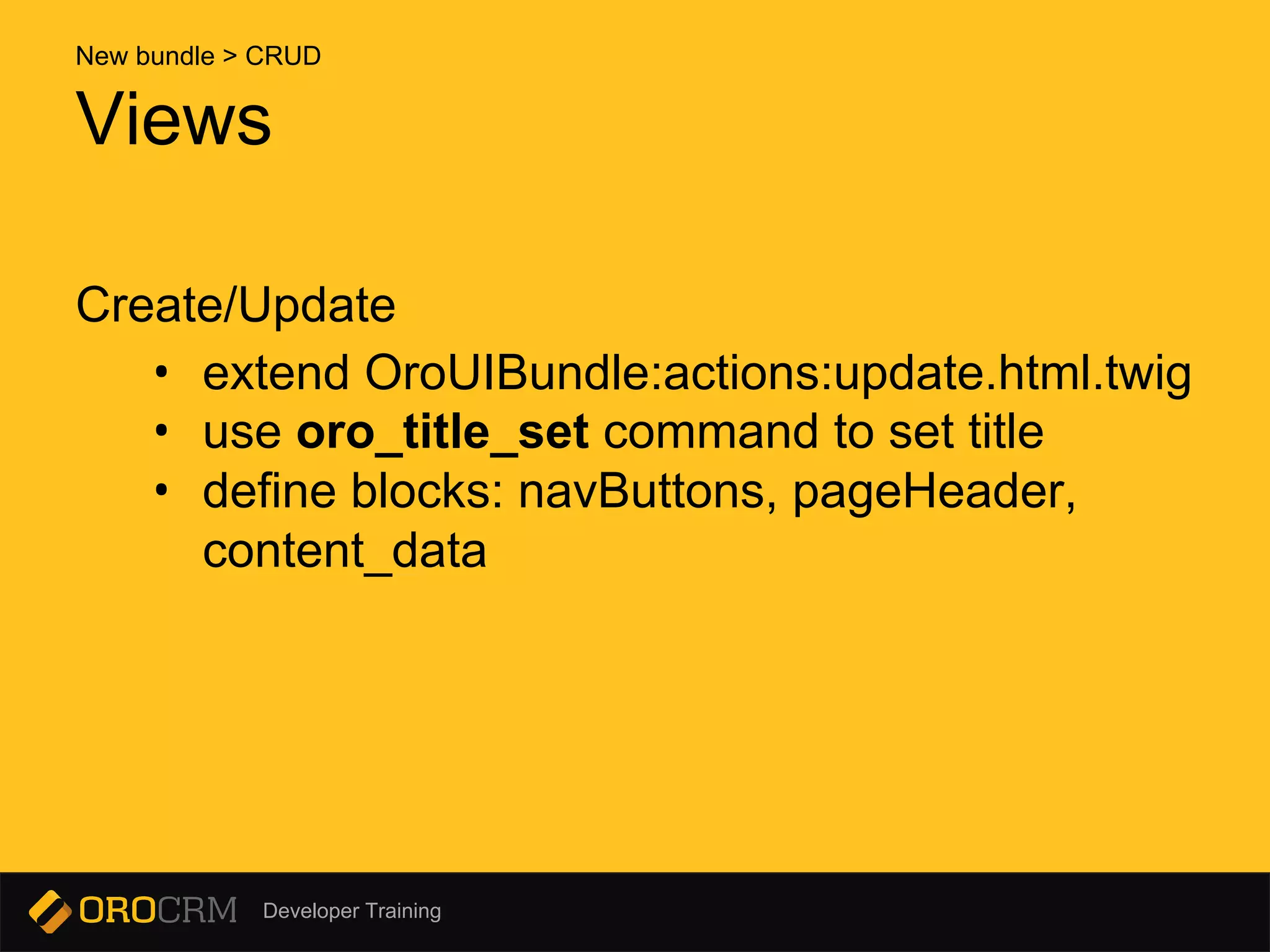
Create/Update
• extend OroUIBundle:actions:update.html.twig
• use oro_title_set command to set title
• define blocks: navButtons, pageHeader,
content_data
Views
New bundle > CRUD
Developer Training
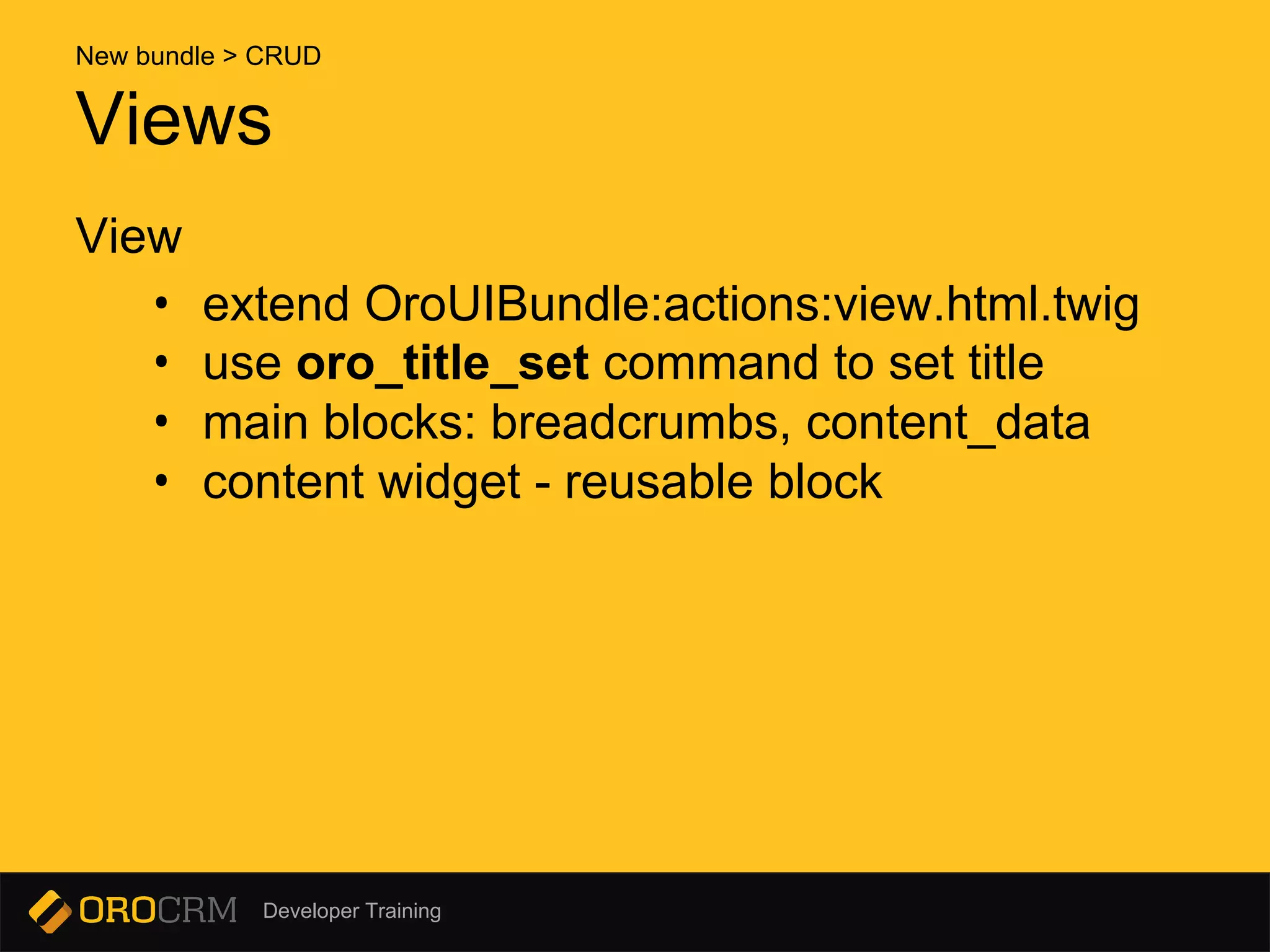
View
• extend OroUIBundle:actions:view.html.twig
• use oro_title_set command to set title
• main blocks: breadcrumbs, content_data
• content widget - reusable block
Views
New bundle > CRUD
Developer Training
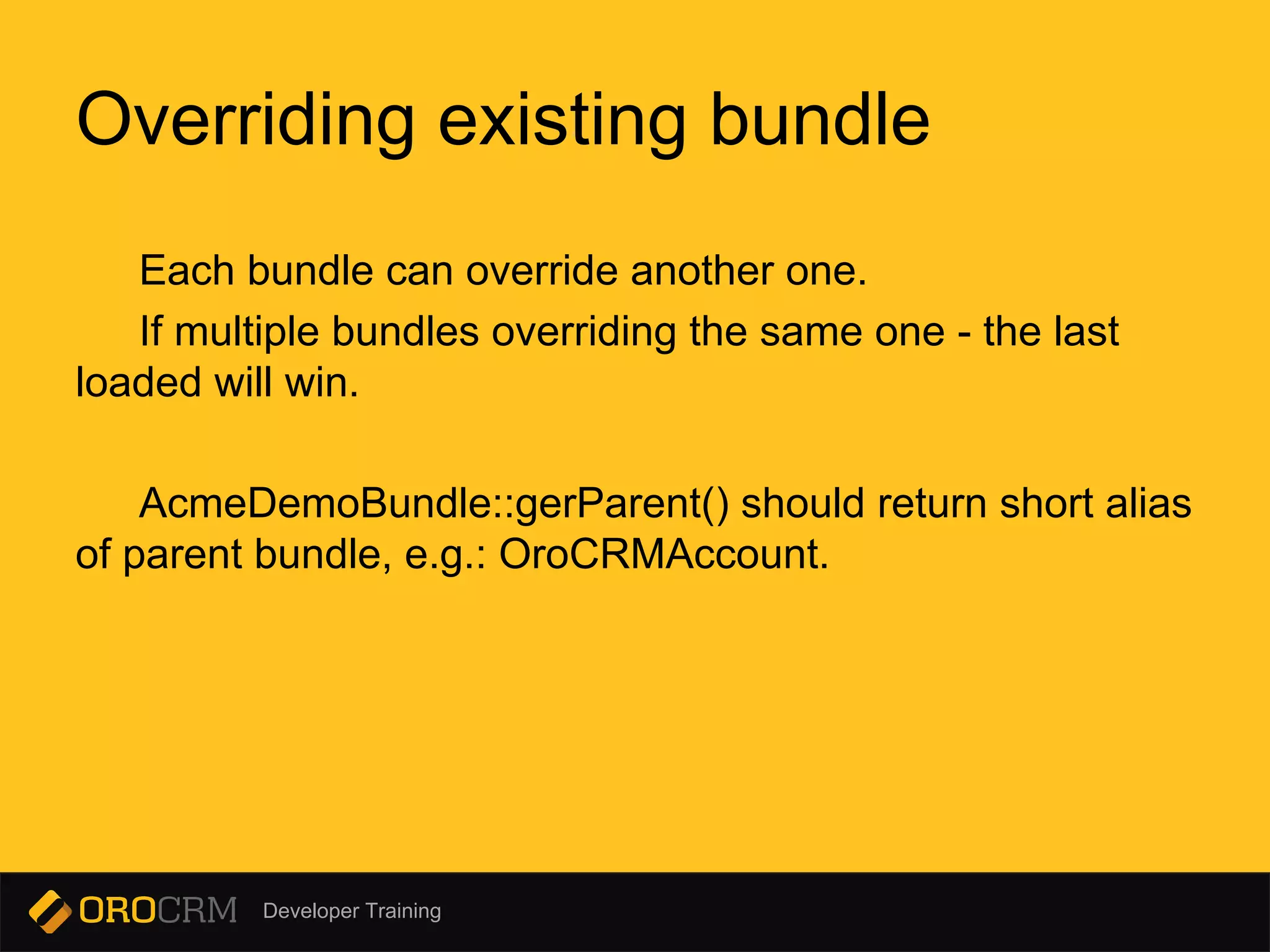
Each bundle can override another one.
If multiple bundles overriding the same one - the last
loaded will win.
AcmeDemoBundle::gerParent() should return short alias
of parent bundle, e.g.: OroCRMAccount.
Overriding existing bundle
Developer Training
Use services definition file services.yml (.xml, .php)
- change class name to point to own service
- extend custom service from origin
Overriding service
Overriding existing bundle
Developer Training
Defined in navigation.yml
Customizations:
- add menu items to existing or new top level item
- hide
- move existing item
These could be done in the navigation.yml.
But in case of menu items are event-driven (e.g. Sales
menu) - event listeners or menu builders are the only
choice.
Customizing app menu
Overriding existing bundle
Developer Training
oro:navigation:init
is your friend
(when you change/add titles in navigation.yml)
Customizing app menu
Overriding existing bundle
Developer Training
Two types of entities:
- regular entity
- Doctrine DBAL Schema to describe changes
- change entity manually
- extended entity
- Doctrine DBAL Schema
- ‘extend’ configuration
- automatically generated code
Migrations are used to add or change fields in existing
entities.
Add fields to existing entities
Overriding existing bundle
Developer Training
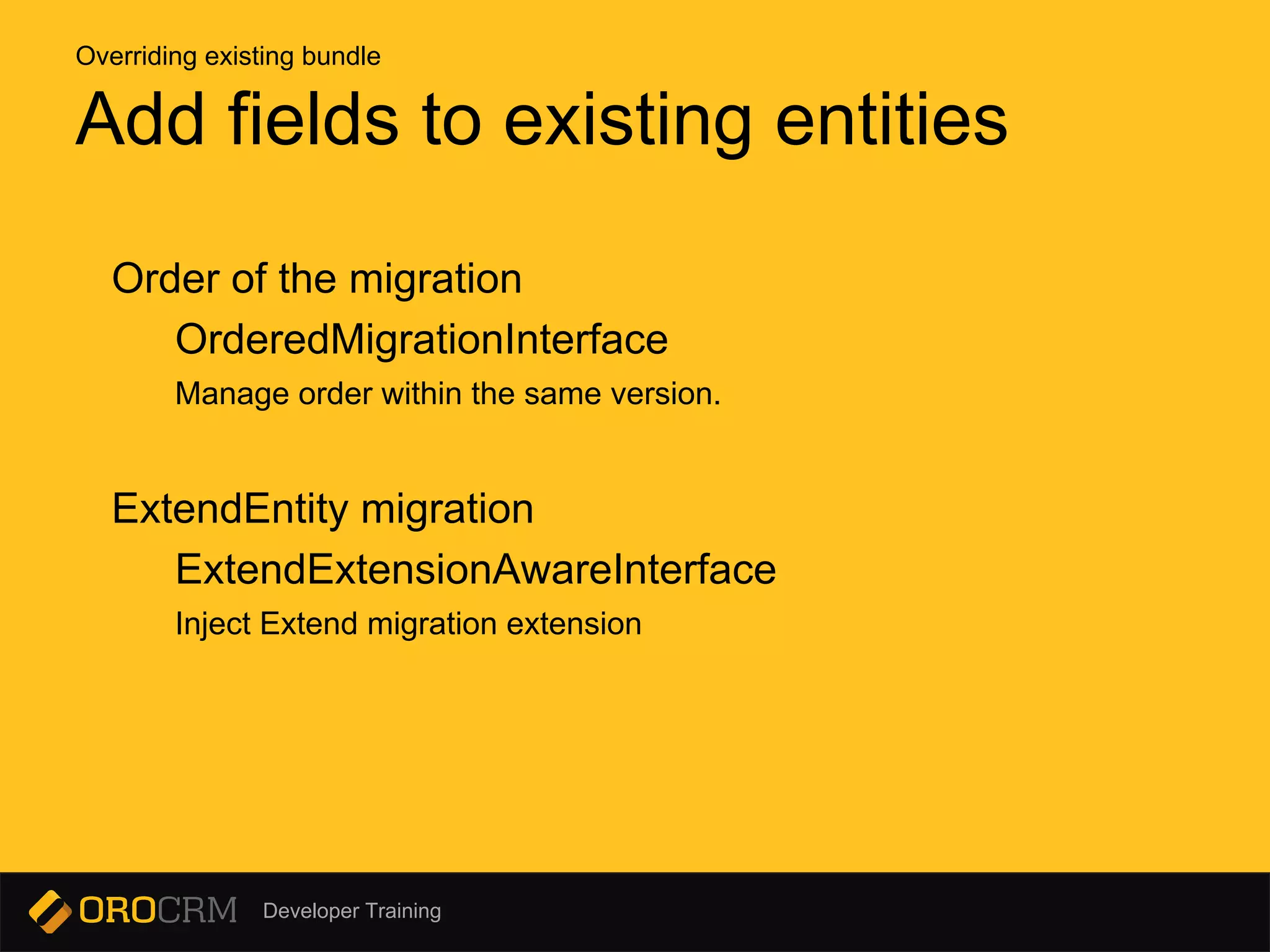
Order of the migration
OrderedMigrationInterface
Manage order within the same version.
ExtendEntity migration
ExtendExtensionAwareInterface
Inject Extend migration extension
Add fields to existing entities
Overriding existing bundle
Developer Training
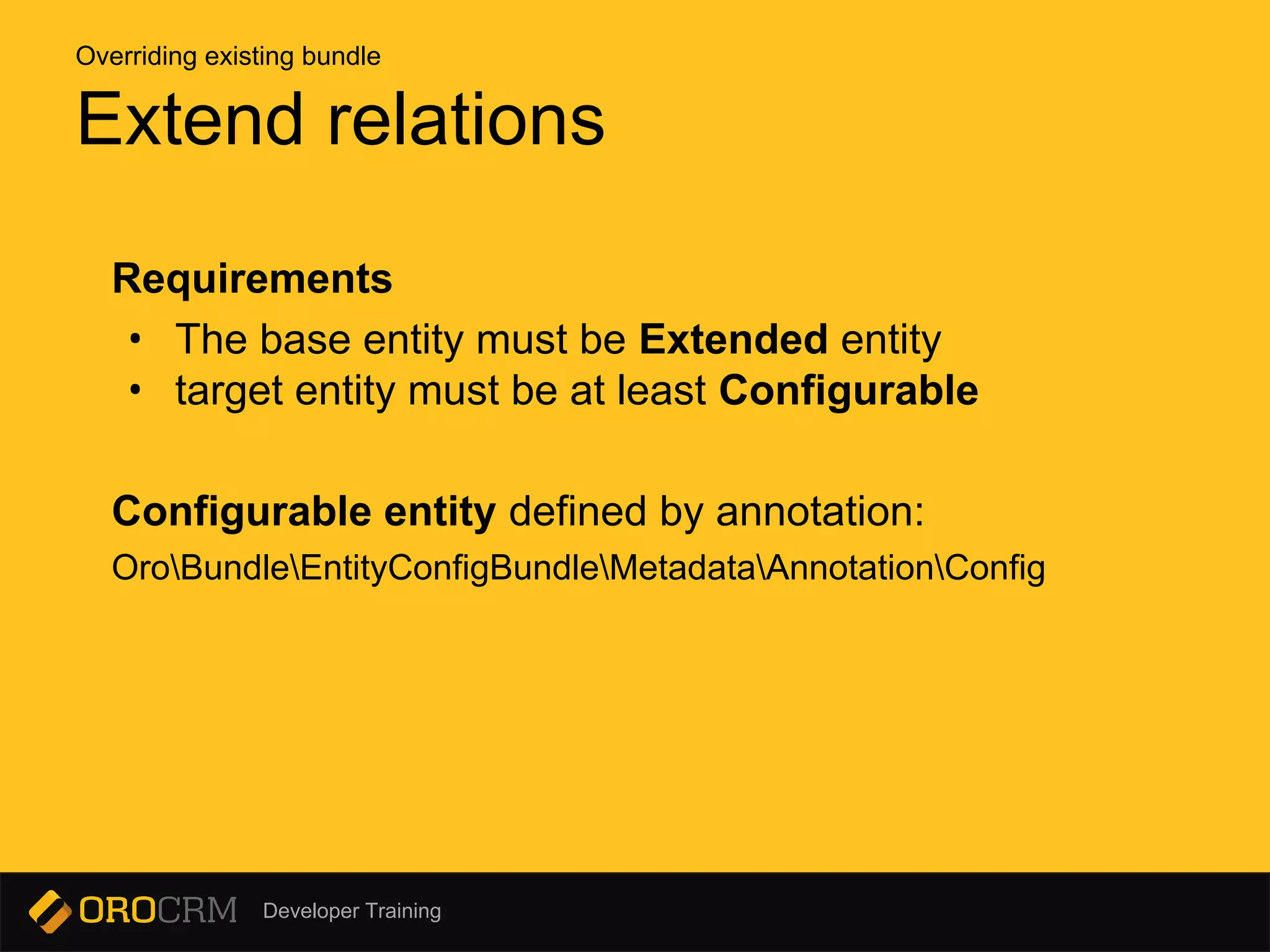
Requirements
• The base entity must be Extended entity
• target entity must be at least Configurable
Configurable entity defined by annotation:
OroBundleEntityConfigBundleMetadataAnnotationConfig
Extend relations
Overriding existing bundle
Developer Training
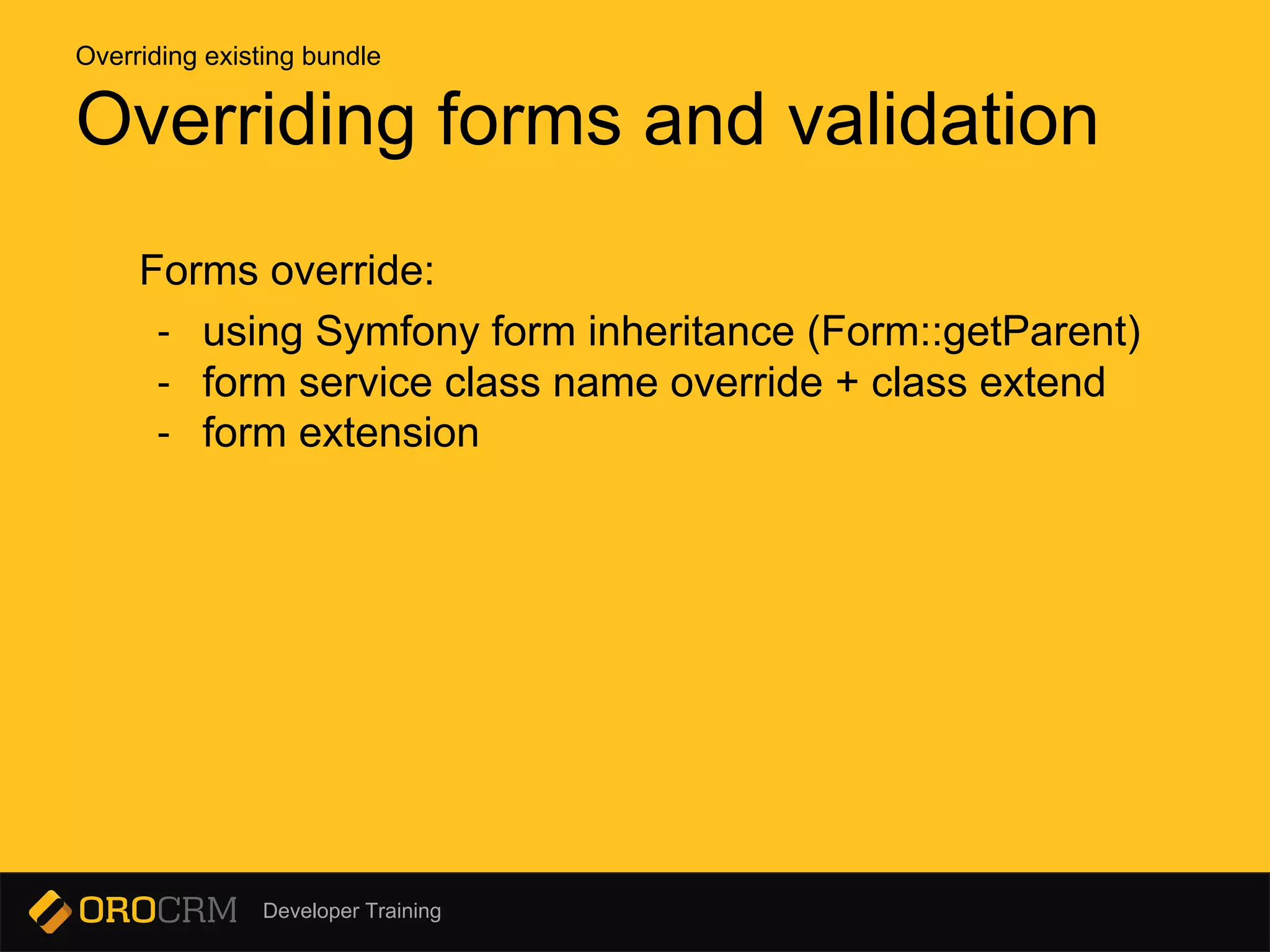
Forms override:
- using Symfony form inheritance (Form::getParent)
- form service class name override + class extend
- form extension
Overriding forms and validation
Overriding existing bundle
Developer Training
Overriding forms and validation
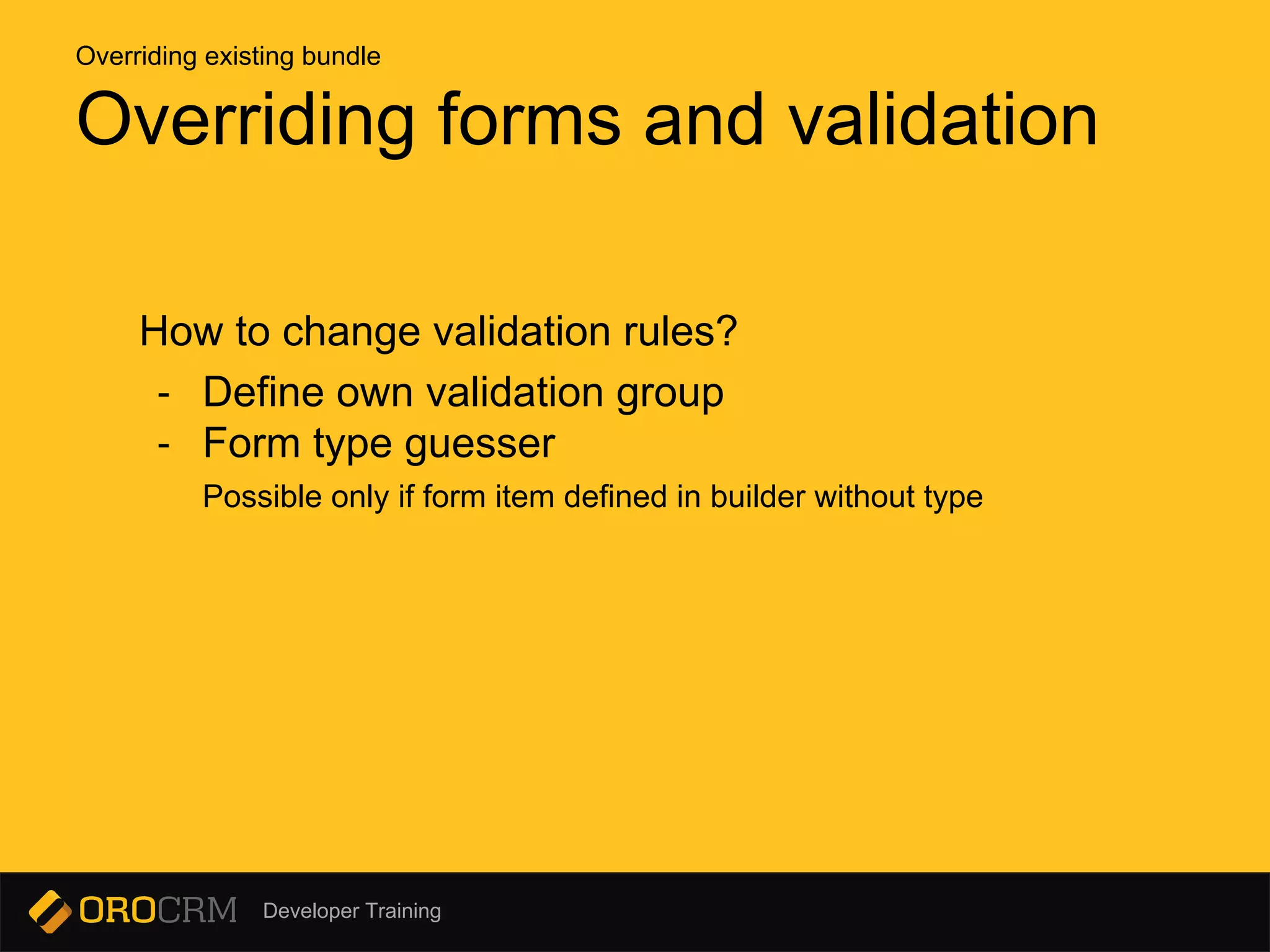
How to change validation rules?
- Define own validation group
- Form type guesser
Possible only if form item defined in builder without type
Overriding existing bundle
Developer Training
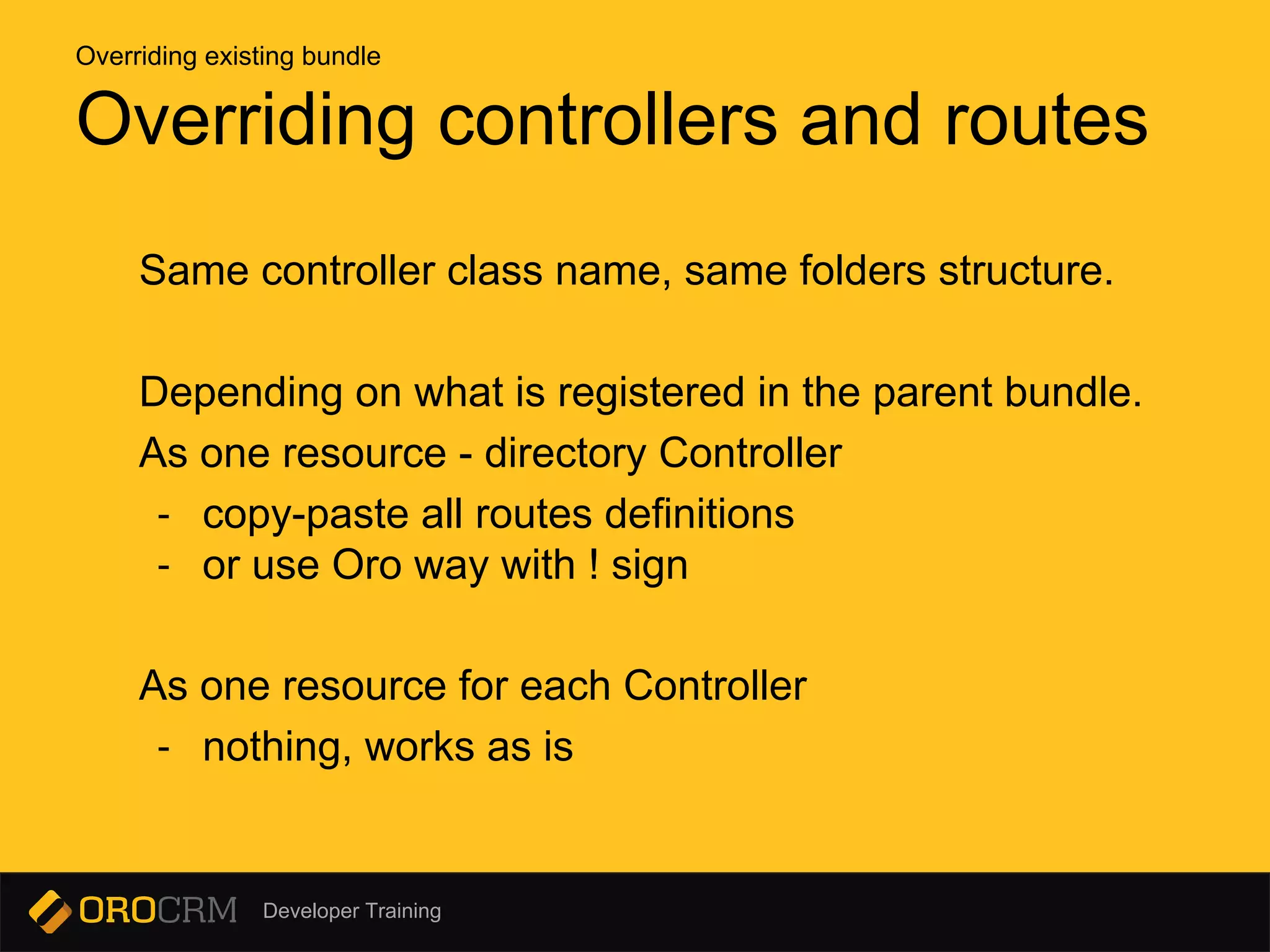
Same controller class name, same folders structure.
Depending on what is registered in the parent bundle.
As one resource - directory Controller
- copy-paste all routes definitions
- or use Oro way with ! sign
As one resource for each Controller
- nothing, works as is
Overriding controllers and routes
Overriding existing bundle
Developer Training
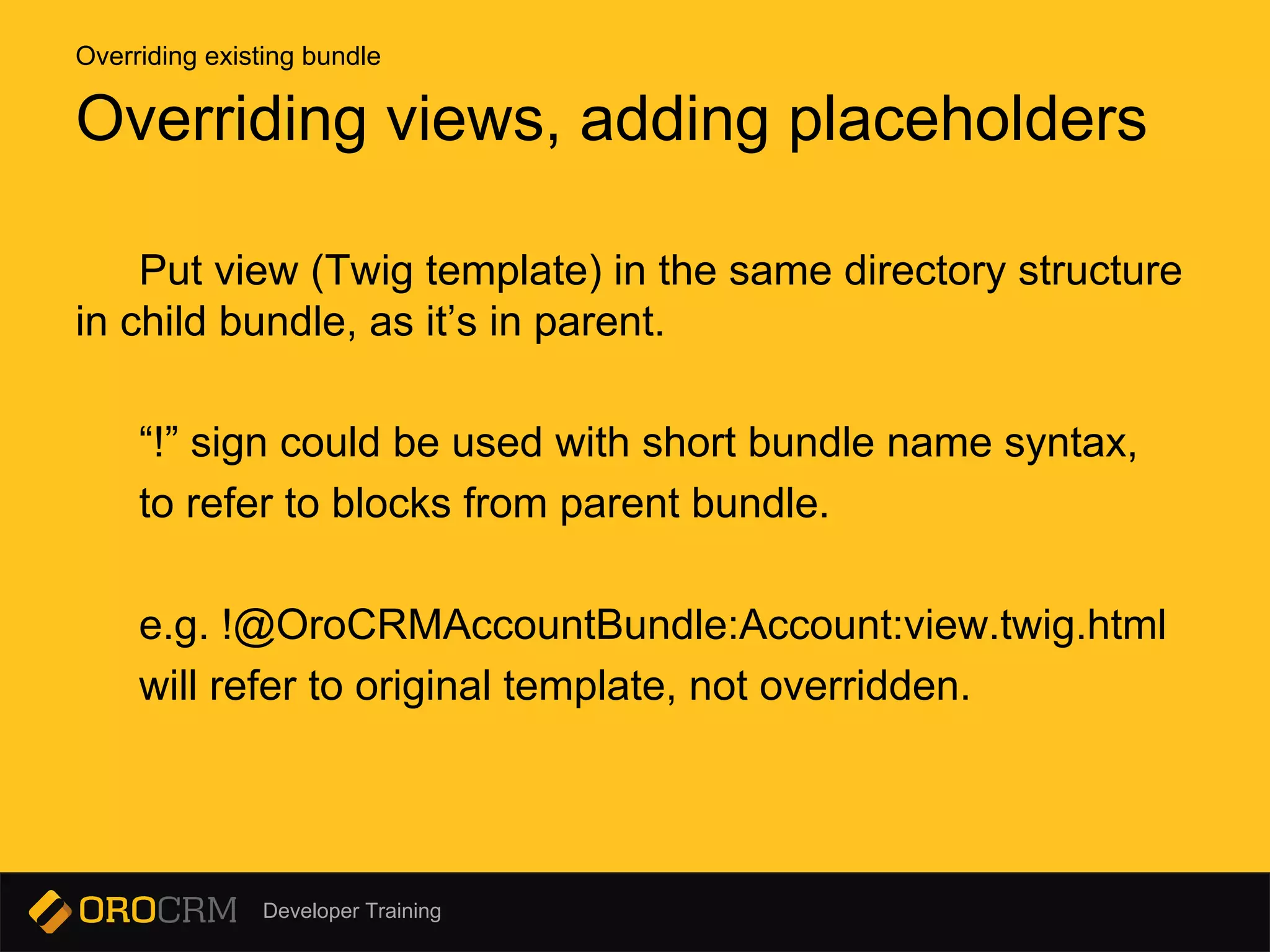
Put view (Twig template) in the same directory structure
in child bundle, as it’s in parent.
“!” sign could be used with short bundle name syntax,
to refer to blocks from parent bundle.
e.g. !@OroCRMAccountBundle:Account:view.twig.html
will refer to original template, not overridden.
Overriding views, adding placeholders
Overriding existing bundle
Developer Training
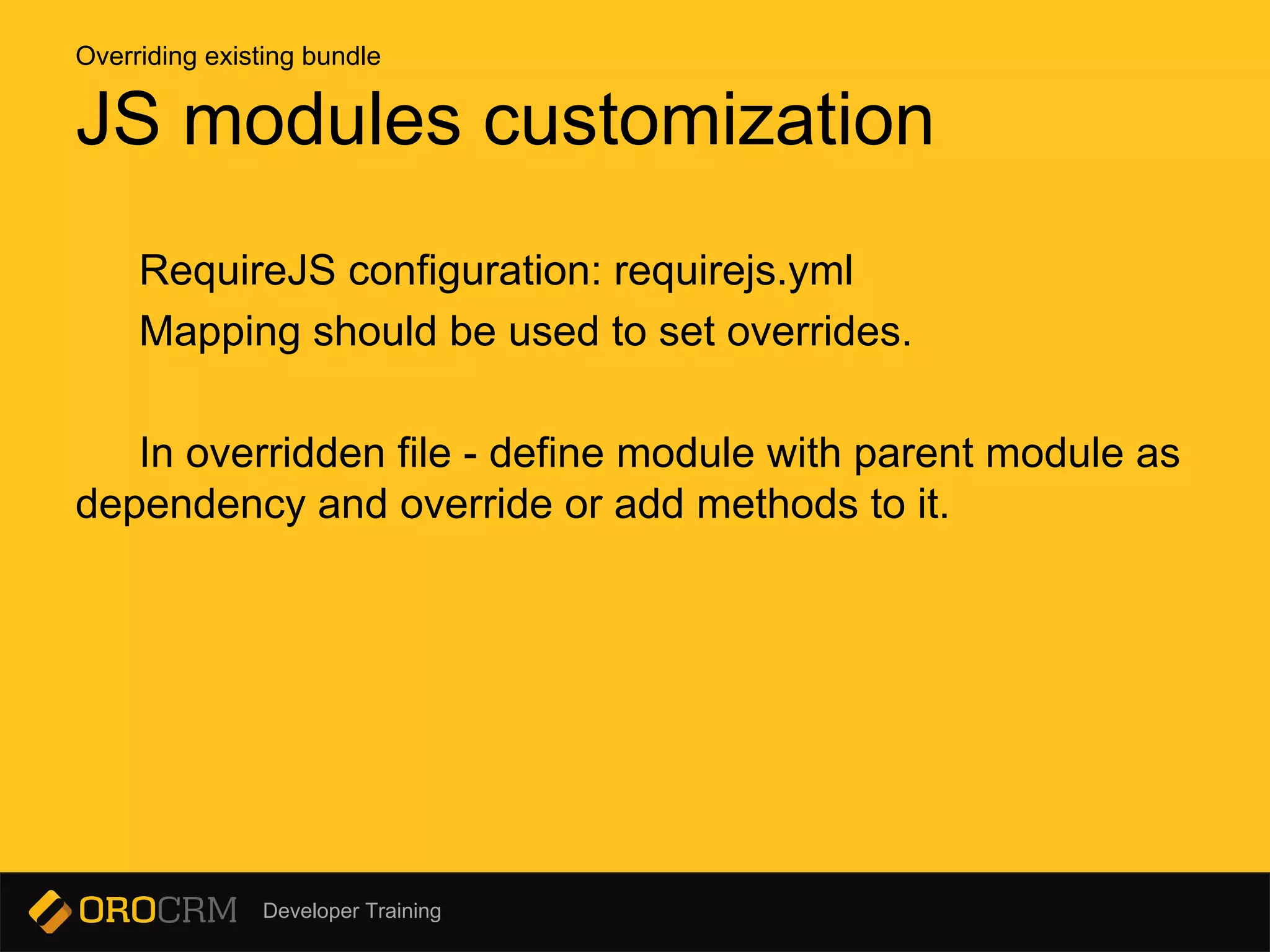
RequireJS configuration: requirejs.yml
Mapping should be used to set overrides.
In overridden file - define module with parent module as
dependency and override or add methods to it.
JS modules customization
Overriding existing bundle
Developer Training
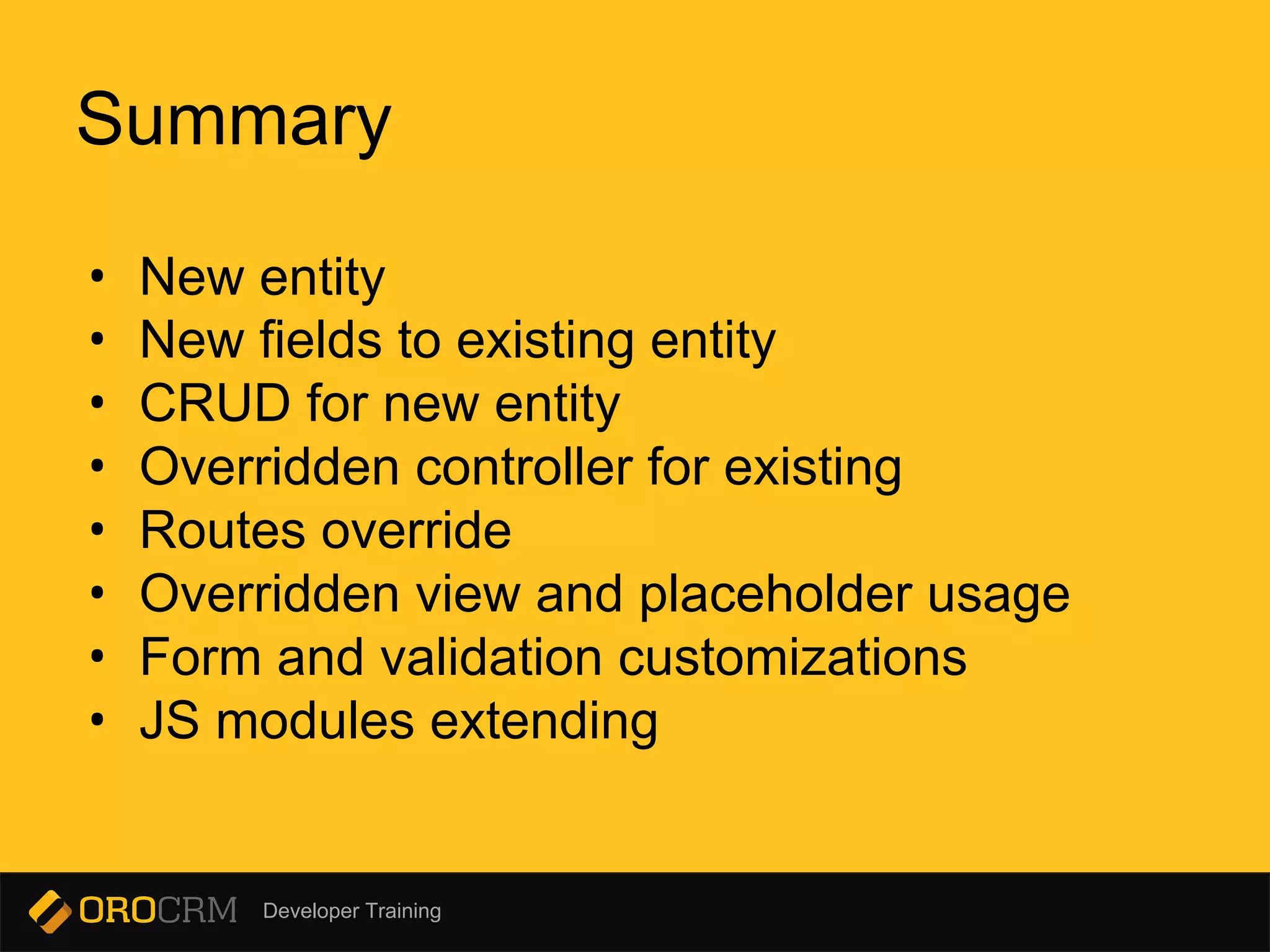
• New entity
• New fields to existing entity
• CRUD for new entity
• Overridden controller for existing
• Routes override
• Overridden view and placeholder usage
• Form and validation customizations
• JS modules extending
Summary
Developer Training
Q & A
Quality Control

Customizing oro crm webinar

  • 1.
  • 2.
    Developer Training Goals - Overviewof OroCRM customization techniques - Demonstrate implementation of customer requirements - Share best practices
  • 3.
    Developer Training Customization requirements -Account should be accessible from top level menu - Edit B2bCustomer details from Account page - Add invoice entity and link it to the Account - Bypass the datetime setting automatically for Contact, if it’s already set - Add employee_count to Account
  • 4.
    Developer Training Introduction In general,the same customization methods applied to OroCRM, as to raw Symfony application. These includes: overriding controllers, views, services. Though some OroCRM specific differences exist.
  • 5.
    Developer Training Manually AutoGenerate - create directory structure app/console generate:bundle - add bundle class Clear cache afterwards: app/console cache:clear Adding new bundle New bundle
  • 6.
    Developer Training Minimal structure Bundlefolder AcmeBundle, located in: src/Scope/Bundle, where Scope - company, dep., etc AcmeBundle - Resources - config - oro - bundles.yml - register your bundle in Oro way - ScopeAcmeBundle.php Adding new bundle manually New bundle
  • 7.
    Developer Training app/console generate:bundle --namespace=Acme/DemoBundle --dir=src[--bundle-name=...] --no-interaction Adding new bundle Symfony way New bundle
  • 8.
    Developer Training How itdiffers from Symfony 1. Bundle registration Resources/config/oro/bundles.yml instead of automatic/manual registering in AppKernel 2. Routes registration Resources/config/oro/routing.yml instead of automatic/manual registering app/config/routing.yml Adding new bundle the Oro way New bundle
  • 9.
    Developer Training The biggerpriority number, the later bundle will be loaded. Suggested priority for custom bundles is >= 200 For overriding existing - more than parent. Priorities New bundle
  • 10.
    Developer Training Manually AutoGenerate - create entity class app/console generate:doctrine:entity - describe mapping app/console generate:doctrine:crud for each entity Entity should already exists before crud - with annotations Note: Symfony generated - with yaml/xml views and controllers could not be used as is. + create controllers + add views and run migration Creating entity and basic CRUD New bundle
  • 11.
    Developer Training - Datamigrations (Fixtures) - AcmeBundle/Migrations/Data/ORM - Schema migrations - AcmeBundle/Migrations/Schema/v1_0 (v2_2, v1_0_2, etc) - AcmeBundle/Migrations/Schema/AcmeBundleInstaller covers state after some migration (e.g. v1_3) using getMigrationVersion method. Add migration New bundle > Creating entity and basic CRUD
  • 12.
    Developer Training • Showqueries to update schema doctrine:schema:update --dump-sql • Update it by running these SQL queries doctrine:schema:update --force or manually • Use command to get generated installer code oro:migration:dump --bundle=AcmeDemoBundle supports --plain-sql option AcmeDemoBundle/Migrations/Schema/AcmeDemoBundleInstaller • Drop entities created manually by SQL • Run app/console oro:platform:update --force Add migration New bundle > Creating entity and basic CRUD
  • 13.
    Developer Training Basic CRUDController Basic CRUD is common across all Oro platform controllers. What do we need: • Basic controller actions: list, view and update • REST API controller to handle delete • Form type and form API type • Form handler • Routing definition • ApiManager New bundle > CRUD
  • 14.
    Developer Training Basic CRUDController Steps: • Actions: create, update, index and view • Name routes and acl resources in annotations • Form type, form and form handler as a service • Repeat previous step for API form type, API form and API form handler • Form handler and API form handler as a service • Register ApiEntityManager as your own service with entity class name • Define titles in navigation.yml • Don’t forget to add translations New bundle > CRUD
  • 15.
    Developer Training Routing AcmeBundle/Resources/config/oro/routing.yml - defineregular controller - add definition for API controller - app/console router:debug New bundle > CRUD
  • 16.
    Developer Training Filling thegaps Now we are able to fill missing parts in our controllers: Controller use form handler to manage form configured with form type. API Controller use ApiManager to work with entity. New bundle > CRUD
  • 17.
    Developer Training Filling thegaps Next proceed with datagrid definition using services names, we got at previous step. New bundle > CRUD
  • 18.
    Developer Training List (index),bare minimum • define list grid with datagrid.yml • extend OroUIBundle:actions:index.html.twig • define gridName (grid definition should already exists) and pageTitle • add nav button block Views New bundle > CRUD
  • 19.
    Developer Training Create/Update • extendOroUIBundle:actions:update.html.twig • use oro_title_set command to set title • define blocks: navButtons, pageHeader, content_data Views New bundle > CRUD
  • 20.
    Developer Training View • extendOroUIBundle:actions:view.html.twig • use oro_title_set command to set title • main blocks: breadcrumbs, content_data • content widget - reusable block Views New bundle > CRUD
  • 21.
    Developer Training Each bundlecan override another one. If multiple bundles overriding the same one - the last loaded will win. AcmeDemoBundle::gerParent() should return short alias of parent bundle, e.g.: OroCRMAccount. Overriding existing bundle
  • 22.
    Developer Training Use servicesdefinition file services.yml (.xml, .php) - change class name to point to own service - extend custom service from origin Overriding service Overriding existing bundle
  • 23.
    Developer Training Defined innavigation.yml Customizations: - add menu items to existing or new top level item - hide - move existing item These could be done in the navigation.yml. But in case of menu items are event-driven (e.g. Sales menu) - event listeners or menu builders are the only choice. Customizing app menu Overriding existing bundle
  • 24.
    Developer Training oro:navigation:init is yourfriend (when you change/add titles in navigation.yml) Customizing app menu Overriding existing bundle
  • 25.
    Developer Training Two typesof entities: - regular entity - Doctrine DBAL Schema to describe changes - change entity manually - extended entity - Doctrine DBAL Schema - ‘extend’ configuration - automatically generated code Migrations are used to add or change fields in existing entities. Add fields to existing entities Overriding existing bundle
  • 26.
    Developer Training Order ofthe migration OrderedMigrationInterface Manage order within the same version. ExtendEntity migration ExtendExtensionAwareInterface Inject Extend migration extension Add fields to existing entities Overriding existing bundle
  • 27.
    Developer Training Requirements • Thebase entity must be Extended entity • target entity must be at least Configurable Configurable entity defined by annotation: OroBundleEntityConfigBundleMetadataAnnotationConfig Extend relations Overriding existing bundle
  • 28.
    Developer Training Forms override: -using Symfony form inheritance (Form::getParent) - form service class name override + class extend - form extension Overriding forms and validation Overriding existing bundle
  • 29.
    Developer Training Overriding formsand validation How to change validation rules? - Define own validation group - Form type guesser Possible only if form item defined in builder without type Overriding existing bundle
  • 30.
    Developer Training Same controllerclass name, same folders structure. Depending on what is registered in the parent bundle. As one resource - directory Controller - copy-paste all routes definitions - or use Oro way with ! sign As one resource for each Controller - nothing, works as is Overriding controllers and routes Overriding existing bundle
  • 31.
    Developer Training Put view(Twig template) in the same directory structure in child bundle, as it’s in parent. “!” sign could be used with short bundle name syntax, to refer to blocks from parent bundle. e.g. !@OroCRMAccountBundle:Account:view.twig.html will refer to original template, not overridden. Overriding views, adding placeholders Overriding existing bundle
  • 32.
    Developer Training RequireJS configuration:requirejs.yml Mapping should be used to set overrides. In overridden file - define module with parent module as dependency and override or add methods to it. JS modules customization Overriding existing bundle
  • 33.
    Developer Training • Newentity • New fields to existing entity • CRUD for new entity • Overridden controller for existing • Routes override • Overridden view and placeholder usage • Form and validation customizations • JS modules extending Summary
  • 34.
    Developer Training Q &A Quality Control