Designing on a Local System
   Test and experiment with new features or
    plugins without impacting online site
   Work offline with no internet connection
   Present prototypes and live demos to clients
    without needing a connection
   Design using Dreamweaver CS5.x
   Apache, MySQL and PHP installed
    ◦ Mac: MAMP – http://www.mamp.info/en/index.html
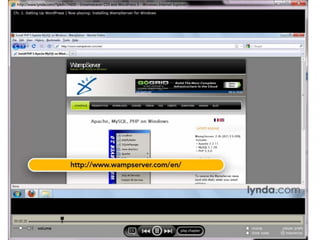
    ◦ Windows: WAMP – http://www.wampserver.com/en
   WordPress
   Themes & plugins stored locally to “upload”
    (when working offline)
   Browser of choice
   Download setup file
   Install as any other Mac application
   Will offer Pro version as option – free version
    is all that is needed
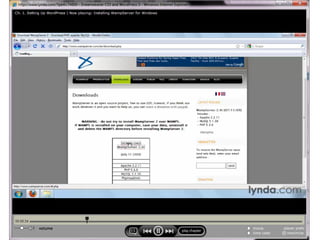
   Download setup file
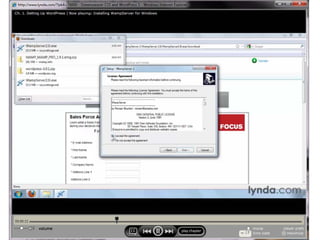
   Install WAMP
    ◦ Click on Wampserver 2 setup file
    ◦ Follow prompts
   Put online
   Set MySQL password (see Appendix)
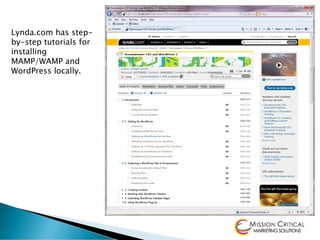
Lynda.com has step-
by-step tutorials for
installing
MAMP/WAMP and
WordPress locally.
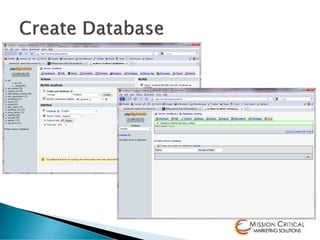
   Create database
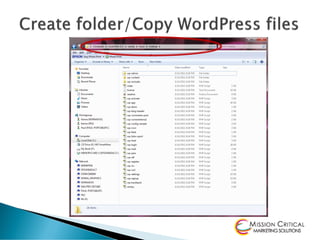
   Create folder for WordPress files
    ◦ Windows: C:wampwwwsitename
    ◦ Mac: ApplicationsMAMPhtdocssitename
   Copy WordPress files to folder
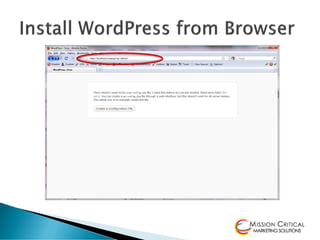
   Install as usual:
    http://localhost/sitename/wp-admin
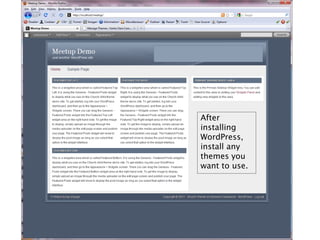
After
installing
WordPress,
install any
themes you
want to use.
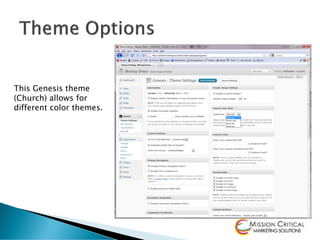
This Genesis theme
(Church) allows for
different color themes.
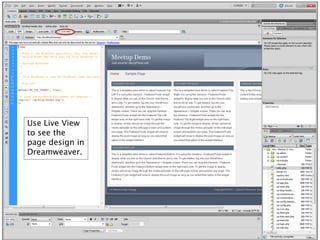
Use Live View
to see the
page design in
Dreamweaver.
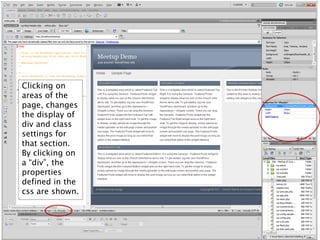
Clicking on
areas of the
page, changes
the display of
div and class
settings for
that section.
By clicking on
a “div”, the
properties
defined in the
css are shown.
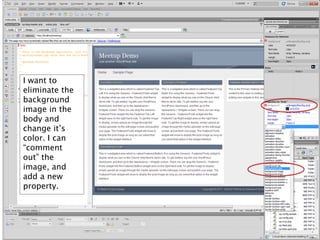
I want to
eliminate the
background
image in the
body and
change it’s
color. I can
“comment
out” the
image, and
add a new
property.
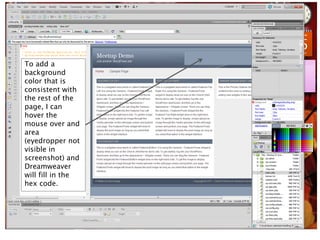
To add a
background
color that is
consistent with
the rest of the
page, I can
hover the
mouse over and
area
(eyedropper not
visible in
screenshot) and
Dreamweaver
will fill in the
hex code.
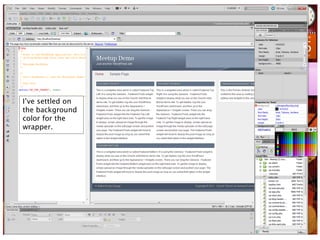
I’ve settled on
the background
color for the
wrapper.
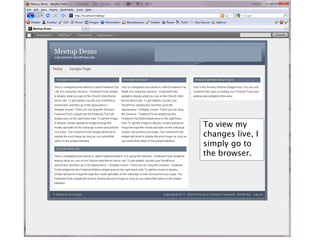
To view my
changes live, I
simply go to
the browser.
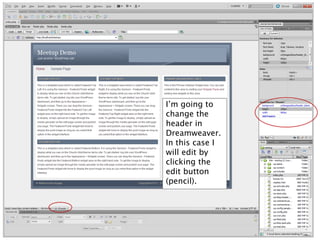
I’m going to
change the
header in
Dreamweaver.
In this case I
will edit by
clicking the
edit button
(pencil).
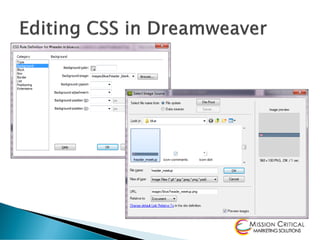
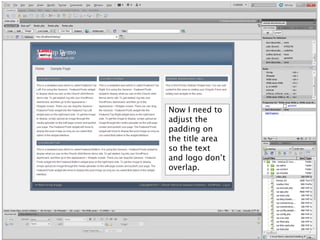
Now I need to
adjust the
padding on
the title area
so the text
and logo don’t
overlap.
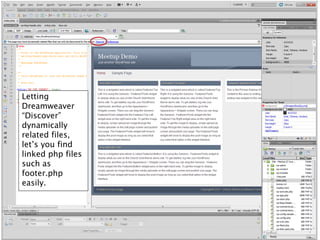
Letting
Dreamweaver
“Discover”
dynamically
related files,
let’s you find
linked php files
such as
footer.php
easily.
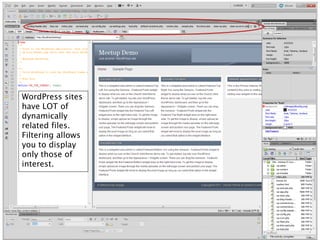
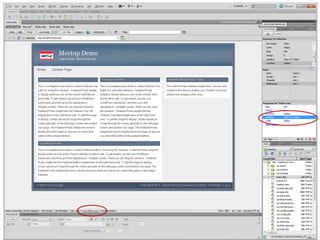
WordPress sites
have LOT of
dynamically
related files.
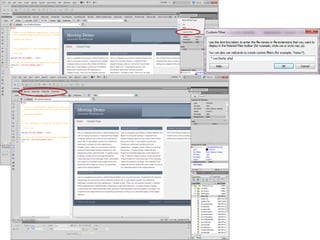
Filtering allows
you to display
only those of
interest.
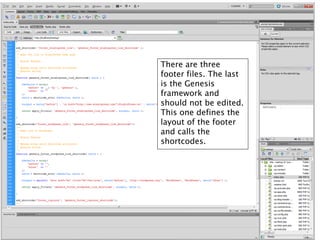
There are three
footer files. The last
is the Genesis
framework and
should not be edited.
This one defines the
layout of the footer
and calls the
shortcodes.
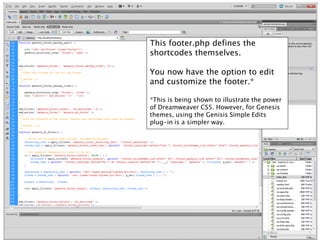
This footer.php defines the
shortcodes themselves.

You now have the option to edit
and customize the footer.*

*This is being shown to illustrate the power
of Dreamweaver CS5. However, for Genesis
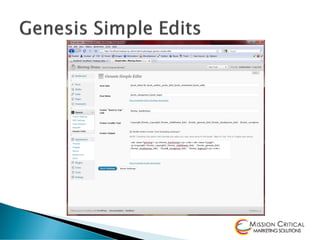
themes, using the Genisis Simple Edits
plug-in is a simpler way.
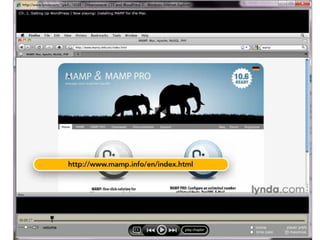
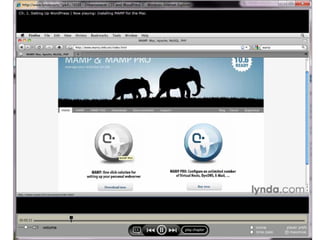
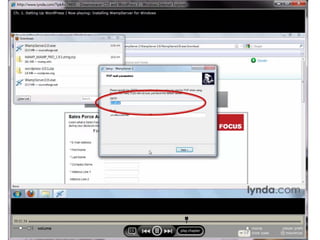
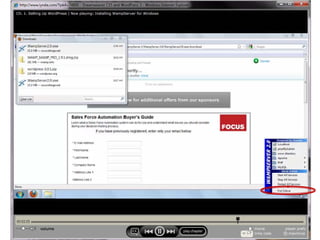
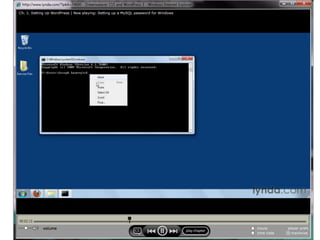
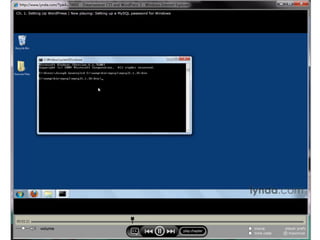
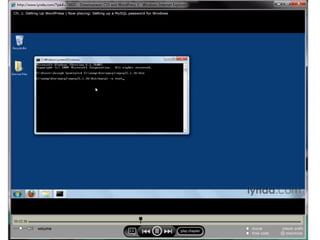
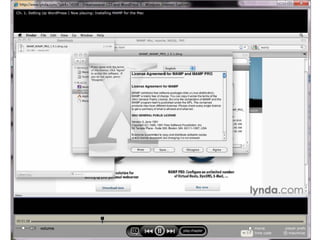
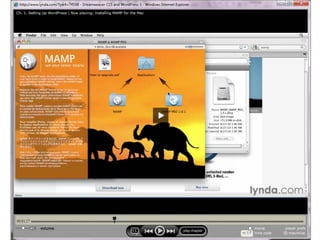
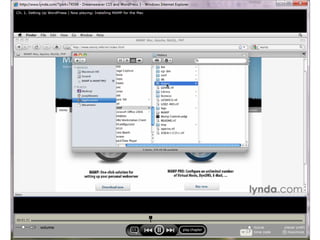
Installing MAMP / WAMP
Screenshots from Lynda.com
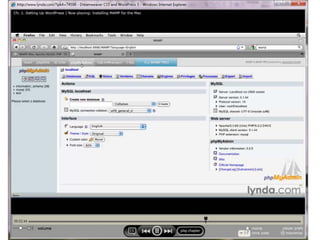
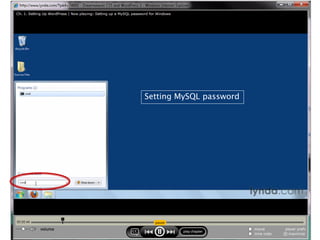
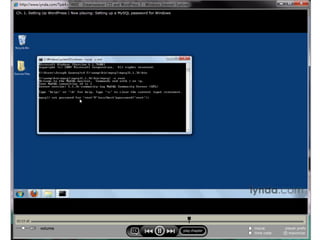
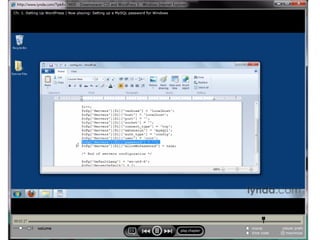
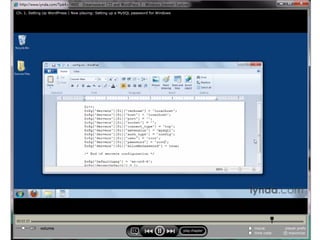
Setting MySQL password
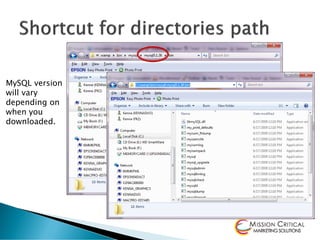
MySQL version
will vary
depending on
when you
downloaded.
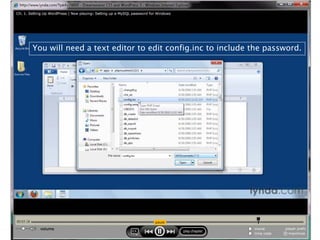
You will need a text editor to edit config.inc to include the password.
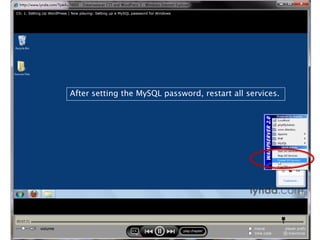
After setting the MySQL password, restart all services.

Word press dreamweaver

  • 1.
    Designing on aLocal System
  • 2.
    Test and experiment with new features or plugins without impacting online site  Work offline with no internet connection  Present prototypes and live demos to clients without needing a connection  Design using Dreamweaver CS5.x
  • 3.
    Apache, MySQL and PHP installed ◦ Mac: MAMP – http://www.mamp.info/en/index.html ◦ Windows: WAMP – http://www.wampserver.com/en  WordPress  Themes & plugins stored locally to “upload” (when working offline)  Browser of choice
  • 4.
    Download setup file  Install as any other Mac application  Will offer Pro version as option – free version is all that is needed
  • 5.
    Download setup file  Install WAMP ◦ Click on Wampserver 2 setup file ◦ Follow prompts  Put online  Set MySQL password (see Appendix)
  • 6.
    Lynda.com has step- by-steptutorials for installing MAMP/WAMP and WordPress locally.
  • 7.
    Create database  Create folder for WordPress files ◦ Windows: C:wampwwwsitename ◦ Mac: ApplicationsMAMPhtdocssitename  Copy WordPress files to folder  Install as usual: http://localhost/sitename/wp-admin
  • 12.
  • 13.
    This Genesis theme (Church)allows for different color themes.
  • 16.
    Use Live View tosee the page design in Dreamweaver.
  • 17.
    Clicking on areas ofthe page, changes the display of div and class settings for that section. By clicking on a “div”, the properties defined in the css are shown.
  • 18.
    I want to eliminatethe background image in the body and change it’s color. I can “comment out” the image, and add a new property.
  • 19.
    To add a background colorthat is consistent with the rest of the page, I can hover the mouse over and area (eyedropper not visible in screenshot) and Dreamweaver will fill in the hex code.
  • 20.
    I’ve settled on thebackground color for the wrapper.
  • 21.
    To view my changeslive, I simply go to the browser.
  • 22.
    I’m going to changethe header in Dreamweaver. In this case I will edit by clicking the edit button (pencil).
  • 24.
    Now I needto adjust the padding on the title area so the text and logo don’t overlap.
  • 26.
    Letting Dreamweaver “Discover” dynamically related files, let’s youfind linked php files such as footer.php easily.
  • 27.
    WordPress sites have LOTof dynamically related files. Filtering allows you to display only those of interest.
  • 29.
    There are three footerfiles. The last is the Genesis framework and should not be edited. This one defines the layout of the footer and calls the shortcodes.
  • 30.
    This footer.php definesthe shortcodes themselves. You now have the option to edit and customize the footer.* *This is being shown to illustrate the power of Dreamweaver CS5. However, for Genesis themes, using the Genisis Simple Edits plug-in is a simpler way.
  • 32.
    Installing MAMP /WAMP Screenshots from Lynda.com
  • 46.
  • 47.
    MySQL version will vary dependingon when you downloaded.
  • 52.
    You will needa text editor to edit config.inc to include the password.
  • 55.
    After setting theMySQL password, restart all services.