Why Virtual Machine
Backups Are Different
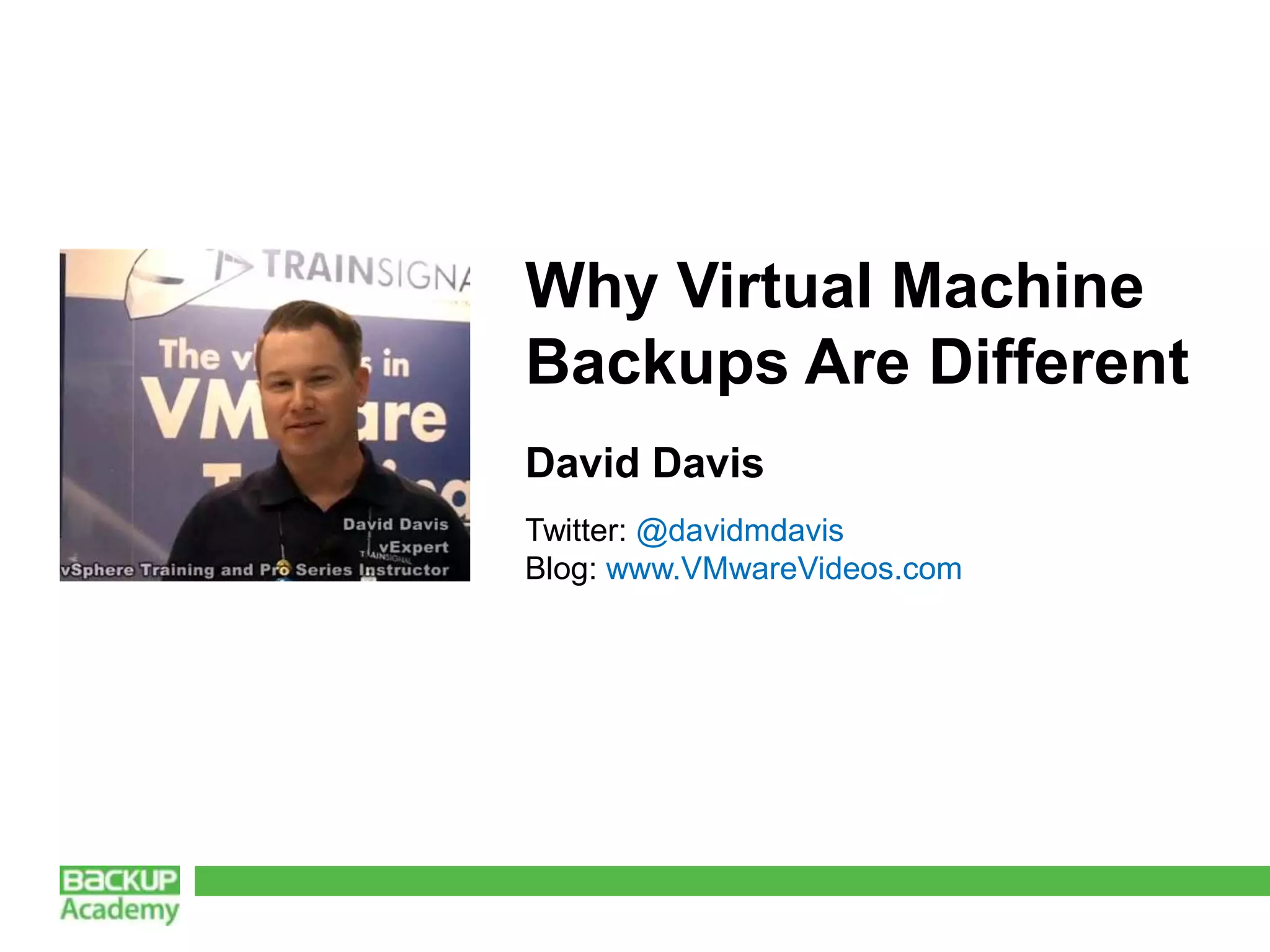
David Davis
Twitter: @davidmdavis
Blog: www.VMwareVideos.com
About the speaker
 Previous VMware Customer, IT Manager, Server &
  Network Admin with 18 years in IT
 Contributor to industry publications
Agenda
 Hardware Independence
 Image Level vs. File Level Backups
 Change Block Tracking (CBT)
 New Possibilities With VM Backups – Fast Restore,
 Replication, Virtual Lab, and more
 Traditional Backup Doesn’t Understand Virtualization
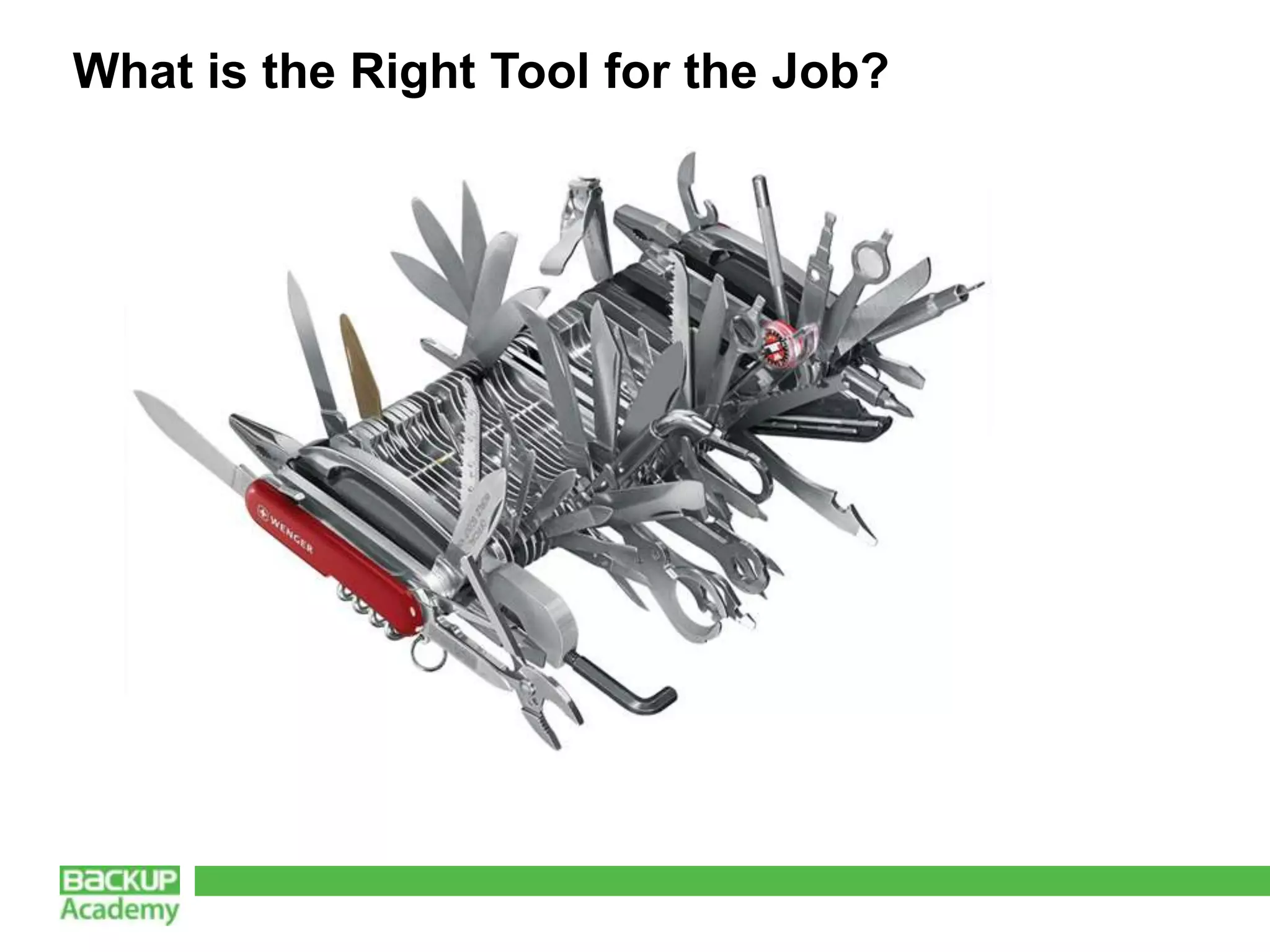
 What is the Right Tool for the Job?
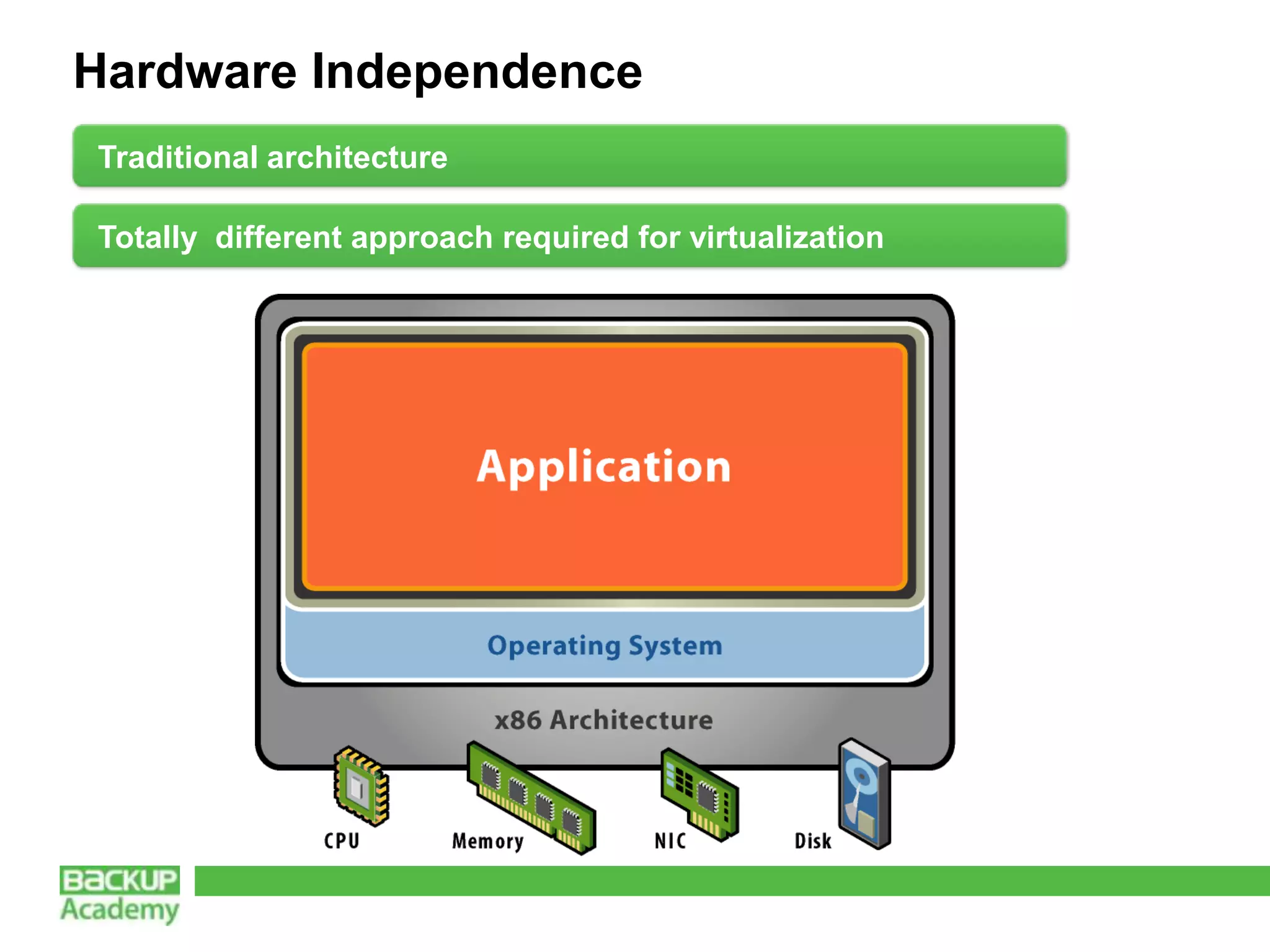
Hardware Independence
Traditional architecture

Totally different approach required for virtualization
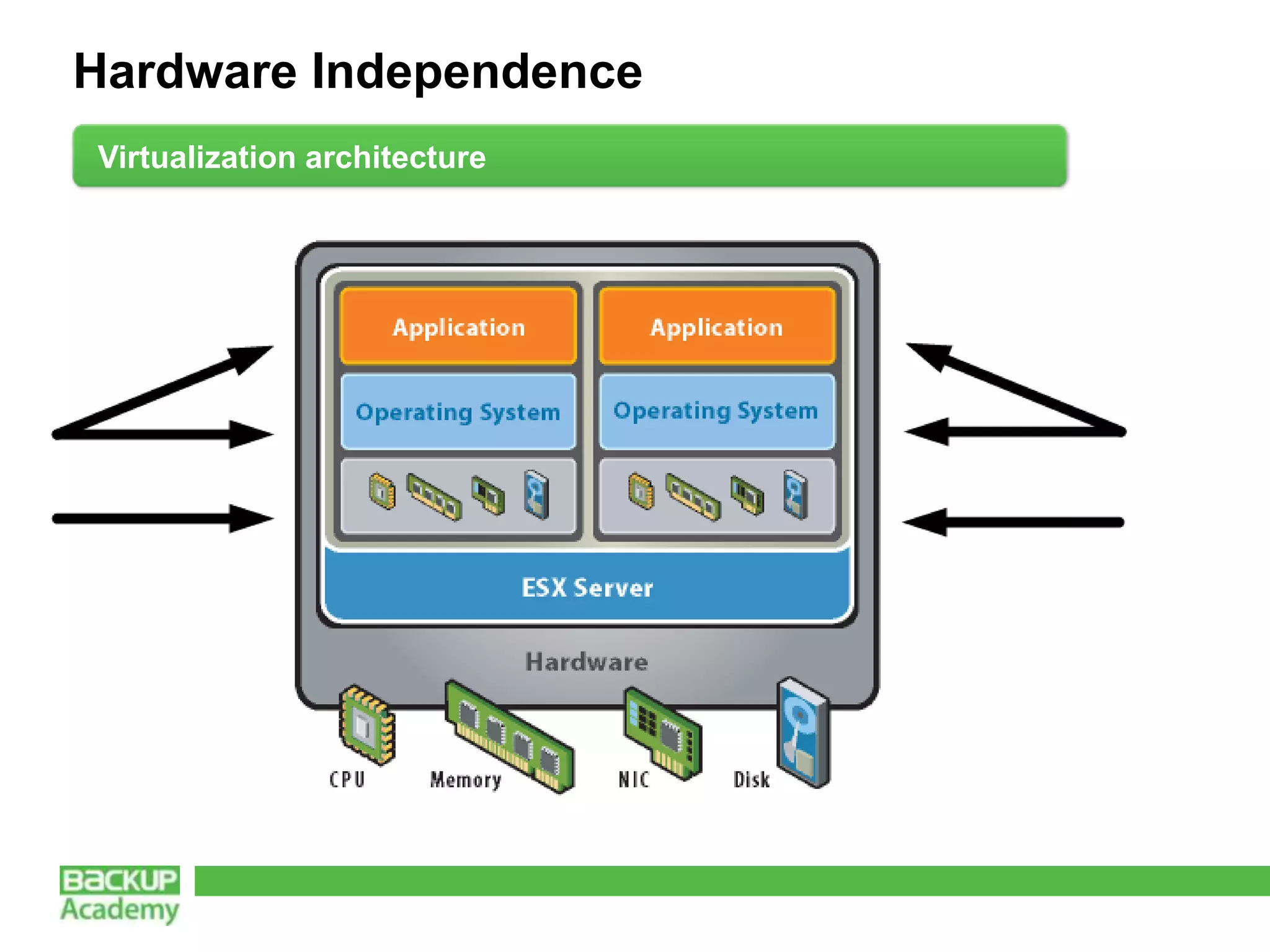
Hardware Independence
Virtualization architecture
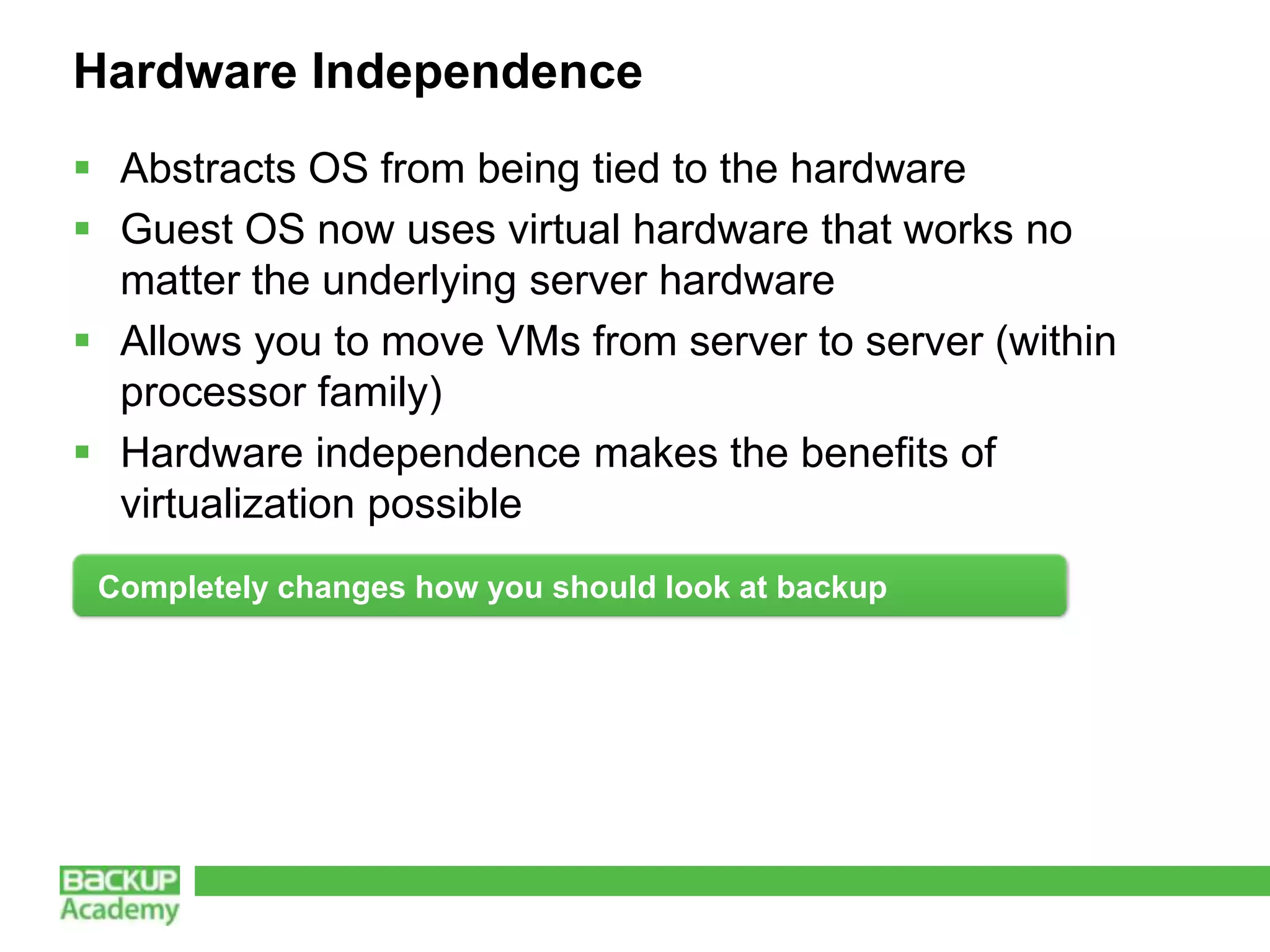
Hardware Independence
 Abstracts OS from being tied to the hardware
 Guest OS now uses virtual hardware that works no
  matter the underlying server hardware
 Allows you to move VMs from server to server (within
  processor family)
 Hardware independence makes the benefits of
  virtualization possible
 Completely changes how you should look at backup
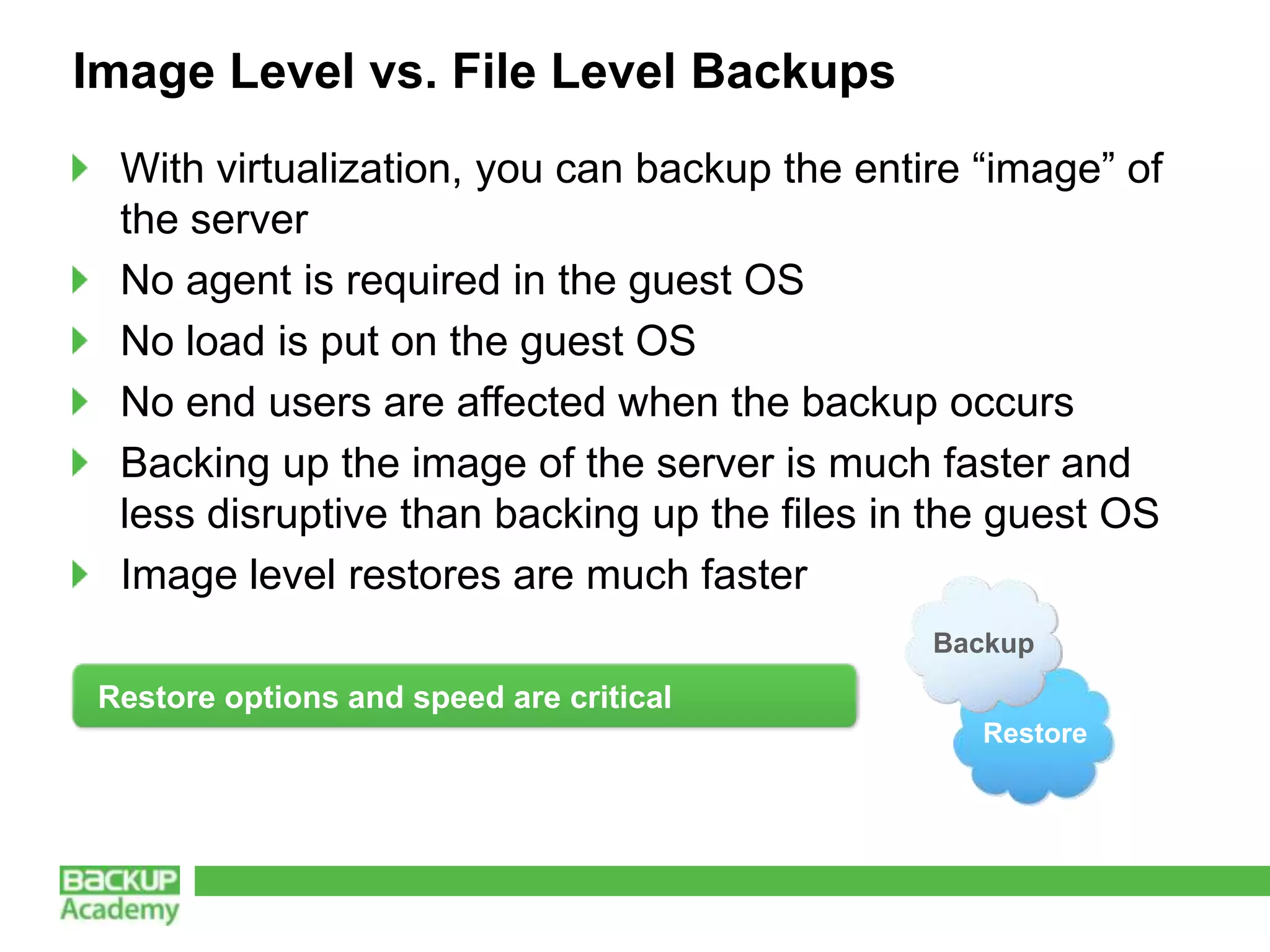
Image Level vs. File Level Backups
  With virtualization, you can backup the entire “image” of
  the server
  No agent is required in the guest OS
  No load is put on the guest OS
  No end users are affected when the backup occurs
  Backing up the image of the server is much faster and
  less disruptive than backing up the files in the guest OS
  Image level restores are much faster
                                              Backup
 Restore options and speed are critical
                                                 Restore
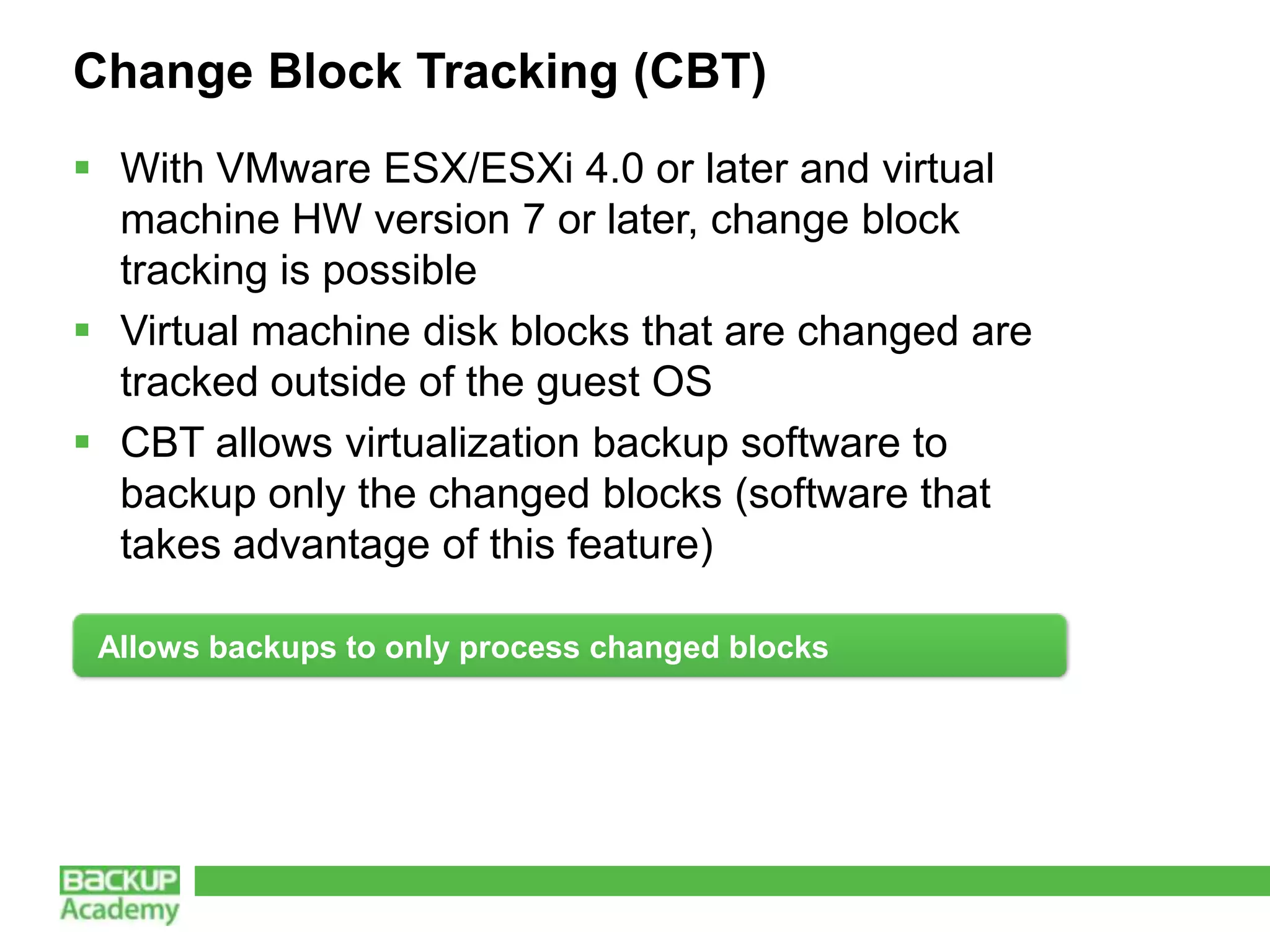
Change Block Tracking (CBT)
 With VMware ESX/ESXi 4.0 or later and virtual
  machine HW version 7 or later, change block
  tracking is possible
 Virtual machine disk blocks that are changed are
  tracked outside of the guest OS
 CBT allows virtualization backup software to
  backup only the changed blocks (software that
  takes advantage of this feature)

 Allows backups to only process changed blocks
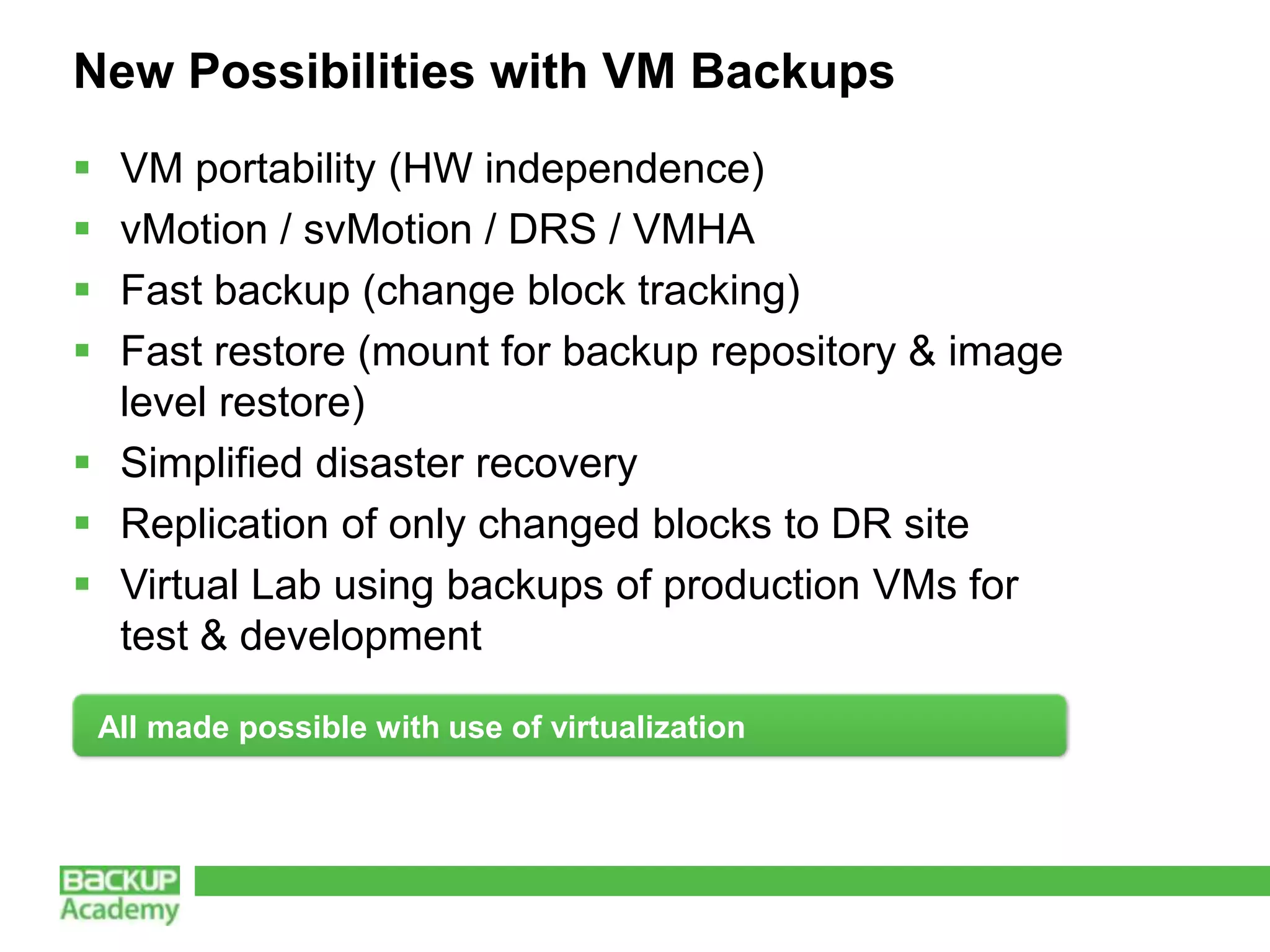
New Possibilities with VM Backups
 VM portability (HW independence)
 vMotion / svMotion / DRS / VMHA
 Fast backup (change block tracking)
 Fast restore (mount for backup repository & image
  level restore)
 Simplified disaster recovery
 Replication of only changed blocks to DR site
 Virtual Lab using backups of production VMs for
  test & development

    All made possible with use of virtualization
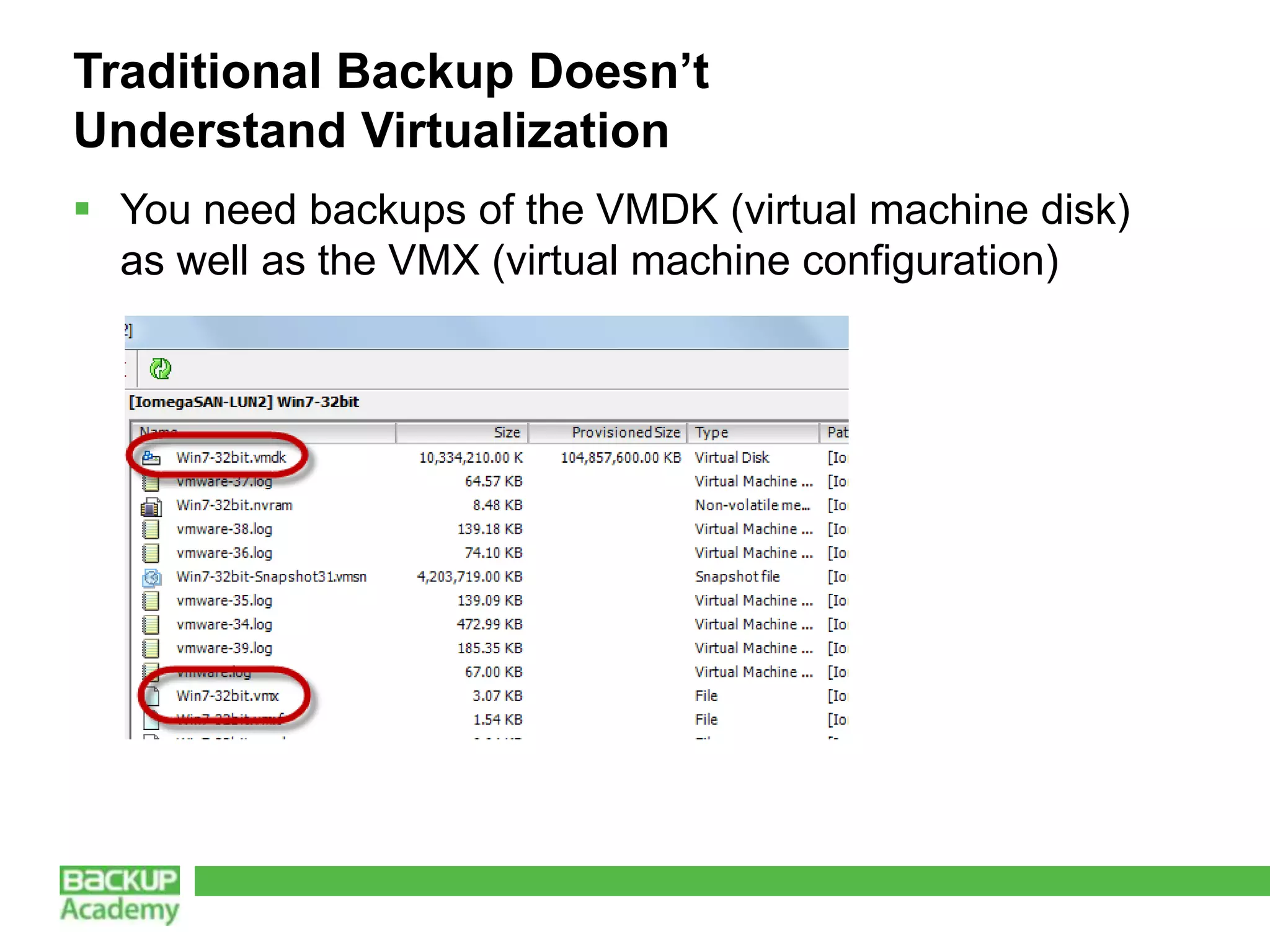
Traditional Backup Doesn’t
Understand Virtualization
 You need backups of the VMDK (virtual machine disk)
  as well as the VMX (virtual machine configuration)
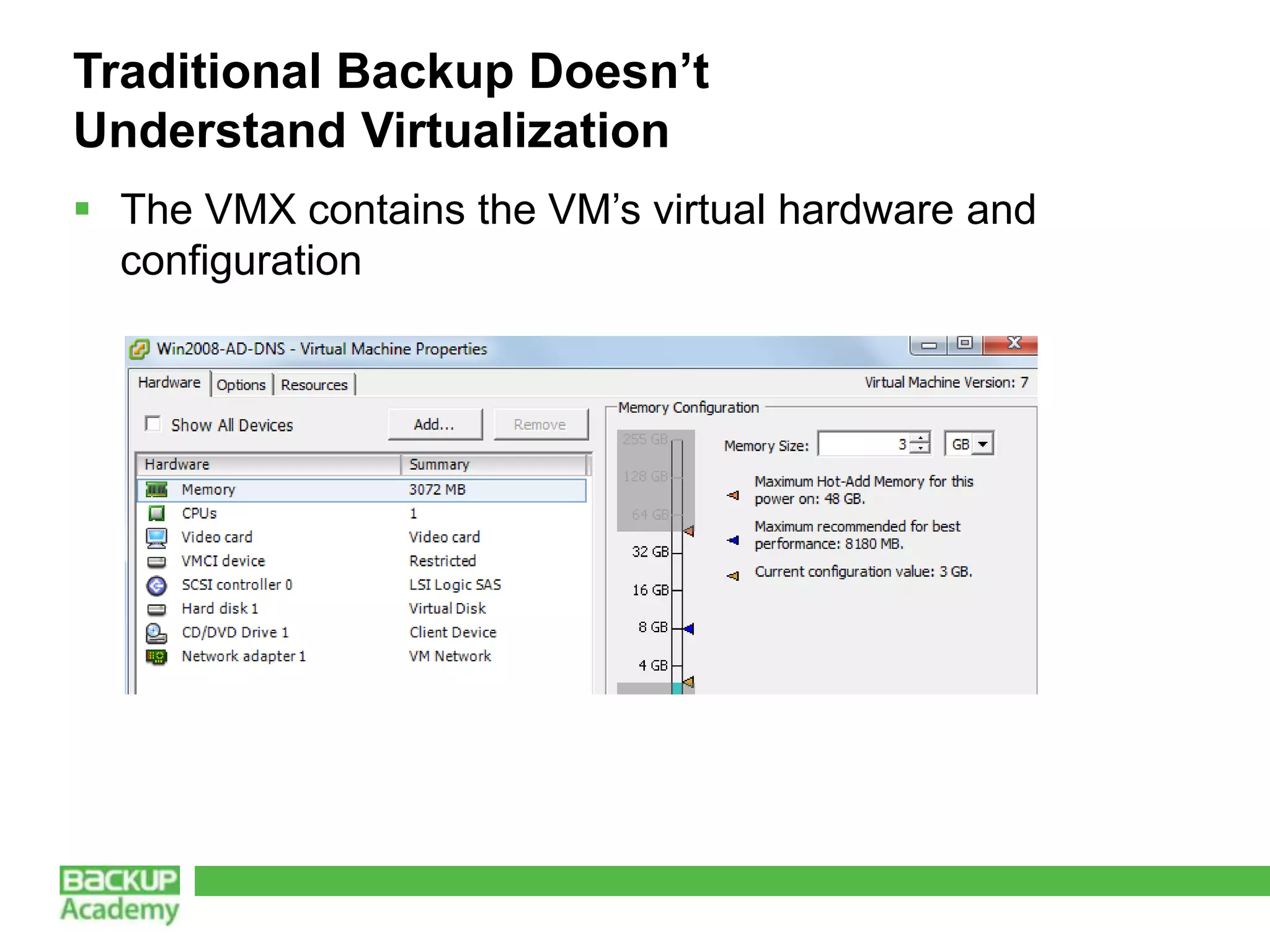
Traditional Backup Doesn’t
Understand Virtualization
 The VMX contains the VM’s virtual hardware and
  configuration
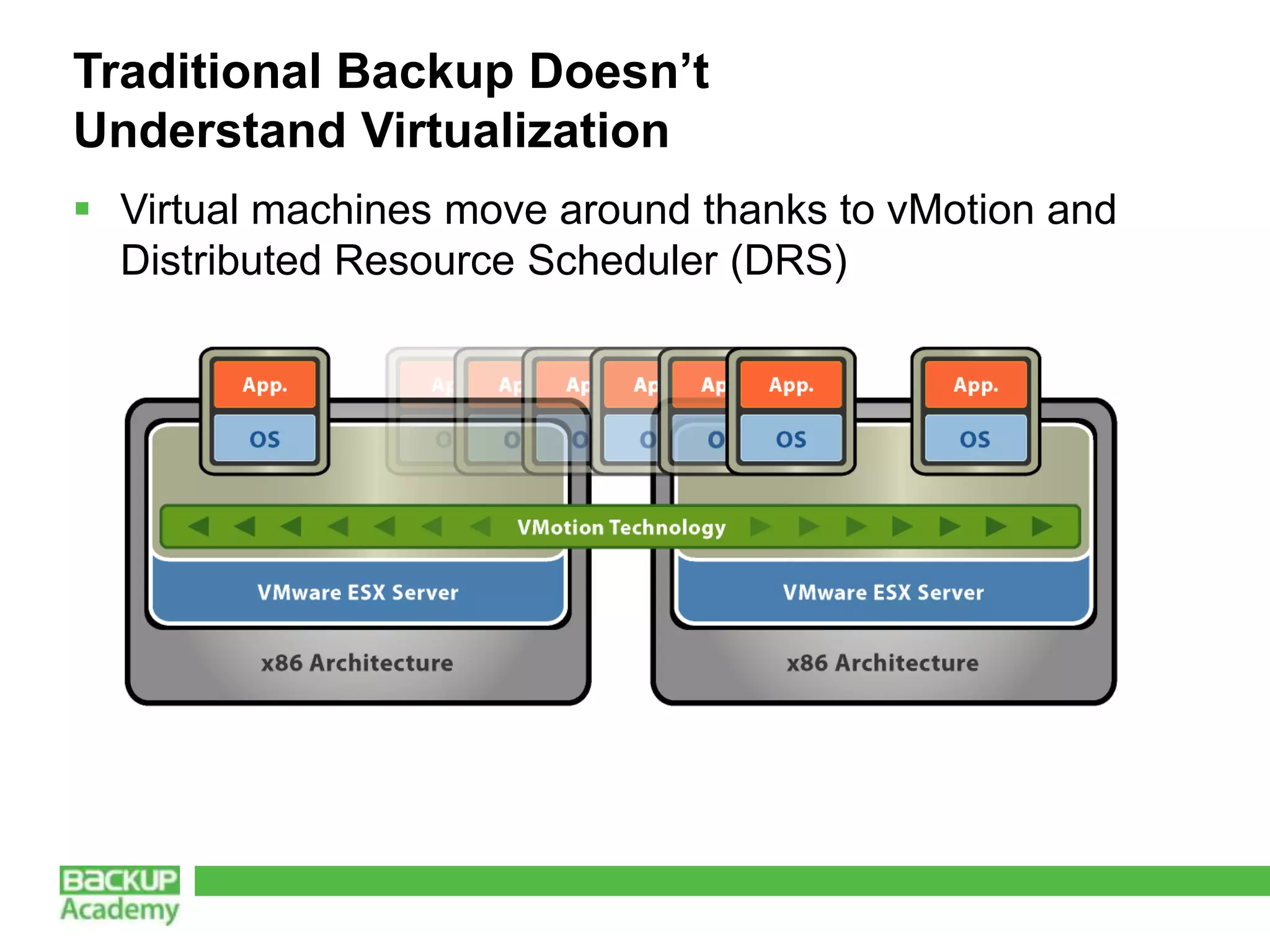
Traditional Backup Doesn’t
Understand Virtualization
 Virtual machines move around thanks to vMotion and
  Distributed Resource Scheduler (DRS)
What is the Right Tool for the Job?
What We Covered
 Hardware Independence
 Image Level vs. File Level Backups
 Change Block Tracking (CBT)
 New Possibilities With VM Backups – Fast Restore,
 Replication, Virtual Lab, and more
 Traditional Backup Doesn’t Understand Virtualization
 What is the Right Tool for the Job?
Enjoy and share this material

 Feel free to promote this material
 Recommend your peers to pass certification
 Blog, Tweet and share this material and your experience on Facebook
 You’re an Expert? We will be happy to have you as Backup Academy
  contributor. Apply here.


          Web: http://www.backupacademy.com
          E-mail: feedback@backupacademy.com
          Twitter: BckpAcademy
          Facebook: backup.academy

Why virtual machine backups are different by David Davis

  • 1.
    Why Virtual Machine BackupsAre Different David Davis Twitter: @davidmdavis Blog: www.VMwareVideos.com
  • 2.
    About the speaker Previous VMware Customer, IT Manager, Server & Network Admin with 18 years in IT Contributor to industry publications
  • 3.
    Agenda Hardware Independence Image Level vs. File Level Backups Change Block Tracking (CBT) New Possibilities With VM Backups – Fast Restore, Replication, Virtual Lab, and more Traditional Backup Doesn’t Understand Virtualization What is the Right Tool for the Job?
  • 4.
    Hardware Independence Traditional architecture Totallydifferent approach required for virtualization
  • 5.
  • 6.
    Hardware Independence  AbstractsOS from being tied to the hardware  Guest OS now uses virtual hardware that works no matter the underlying server hardware  Allows you to move VMs from server to server (within processor family)  Hardware independence makes the benefits of virtualization possible Completely changes how you should look at backup
  • 7.
    Image Level vs.File Level Backups With virtualization, you can backup the entire “image” of the server No agent is required in the guest OS No load is put on the guest OS No end users are affected when the backup occurs Backing up the image of the server is much faster and less disruptive than backing up the files in the guest OS Image level restores are much faster Backup Restore options and speed are critical Restore
  • 8.
    Change Block Tracking(CBT)  With VMware ESX/ESXi 4.0 or later and virtual machine HW version 7 or later, change block tracking is possible  Virtual machine disk blocks that are changed are tracked outside of the guest OS  CBT allows virtualization backup software to backup only the changed blocks (software that takes advantage of this feature) Allows backups to only process changed blocks
  • 9.
    New Possibilities withVM Backups  VM portability (HW independence)  vMotion / svMotion / DRS / VMHA  Fast backup (change block tracking)  Fast restore (mount for backup repository & image level restore)  Simplified disaster recovery  Replication of only changed blocks to DR site  Virtual Lab using backups of production VMs for test & development All made possible with use of virtualization
  • 10.
    Traditional Backup Doesn’t UnderstandVirtualization  You need backups of the VMDK (virtual machine disk) as well as the VMX (virtual machine configuration)
  • 11.
    Traditional Backup Doesn’t UnderstandVirtualization  The VMX contains the VM’s virtual hardware and configuration
  • 12.
    Traditional Backup Doesn’t UnderstandVirtualization  Virtual machines move around thanks to vMotion and Distributed Resource Scheduler (DRS)
  • 13.
    What is theRight Tool for the Job?
  • 14.
    What We Covered Hardware Independence Image Level vs. File Level Backups Change Block Tracking (CBT) New Possibilities With VM Backups – Fast Restore, Replication, Virtual Lab, and more Traditional Backup Doesn’t Understand Virtualization What is the Right Tool for the Job?
  • 15.
    Enjoy and sharethis material  Feel free to promote this material  Recommend your peers to pass certification  Blog, Tweet and share this material and your experience on Facebook  You’re an Expert? We will be happy to have you as Backup Academy contributor. Apply here. Web: http://www.backupacademy.com E-mail: feedback@backupacademy.com Twitter: BckpAcademy Facebook: backup.academy