We Focus on Your IT  So You Can Focus on Your Business
Introduction to managed services Thorough Initial Assessment and Asset Management 24/7 Monitoring, Alerting and Reporting  Security Monitoring and Reporting Automated Preventative Maintenance Quarterly Business Reviews  Conclusions Agenda
Introduction to Managed Services Managed vs Unmanaged Monitoring and Managing Package Contents
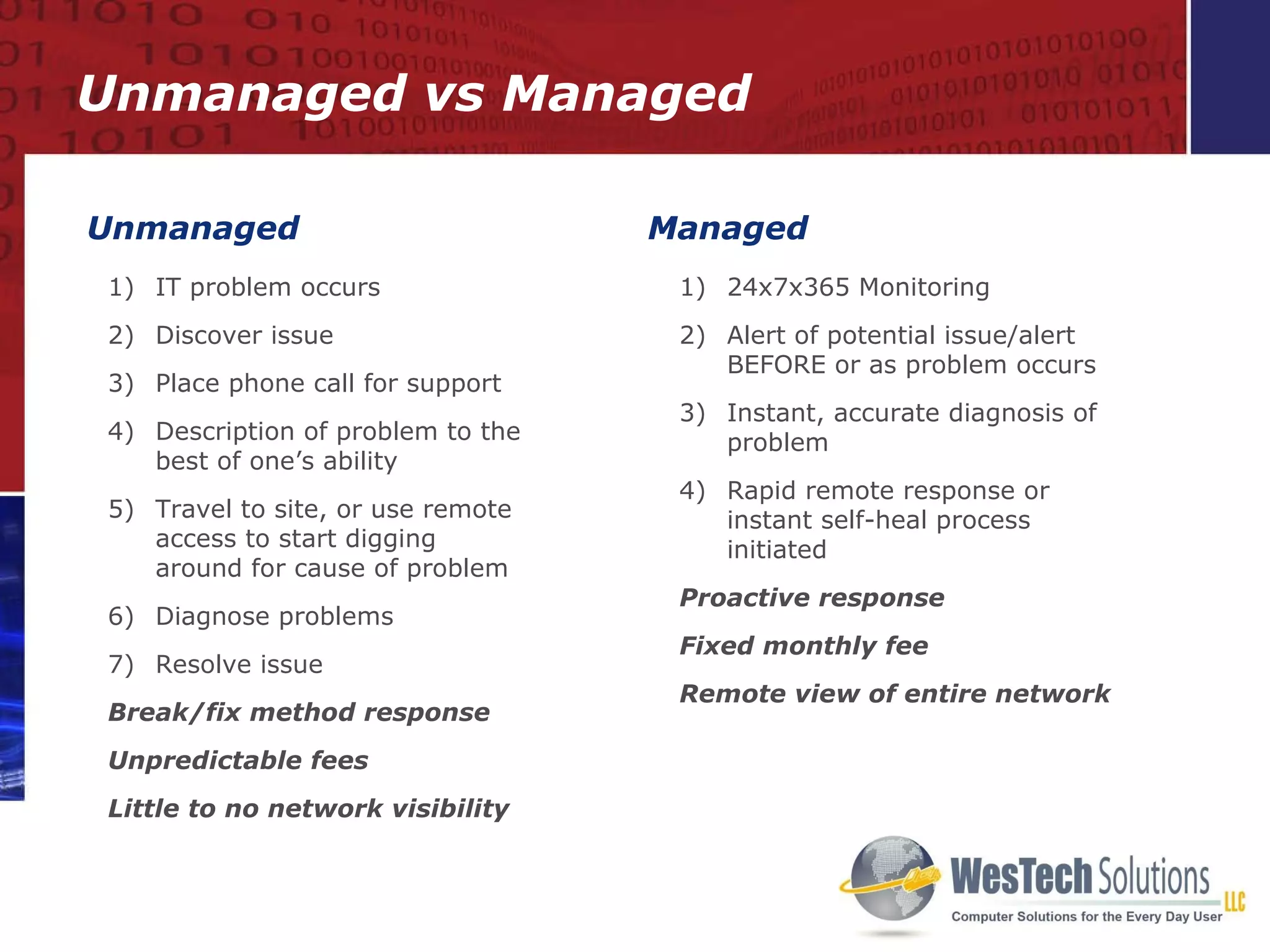
Unmanaged  Managed  IT problem occurs Discover issue Place phone call for support Description of problem to the best of one’s ability Travel to site, or use remote access to start digging around for cause of problem Diagnose problems Resolve issue Break/fix method response Unpredictable fees Little to no network visibility 24x7x365 Monitoring Alert of potential issue/alert  BEFORE or as problem occurs Instant, accurate diagnosis of problem Rapid remote response or instant self-heal process initiated  Proactive response Fixed monthly fee Remote view of entire network Unmanaged vs Managed
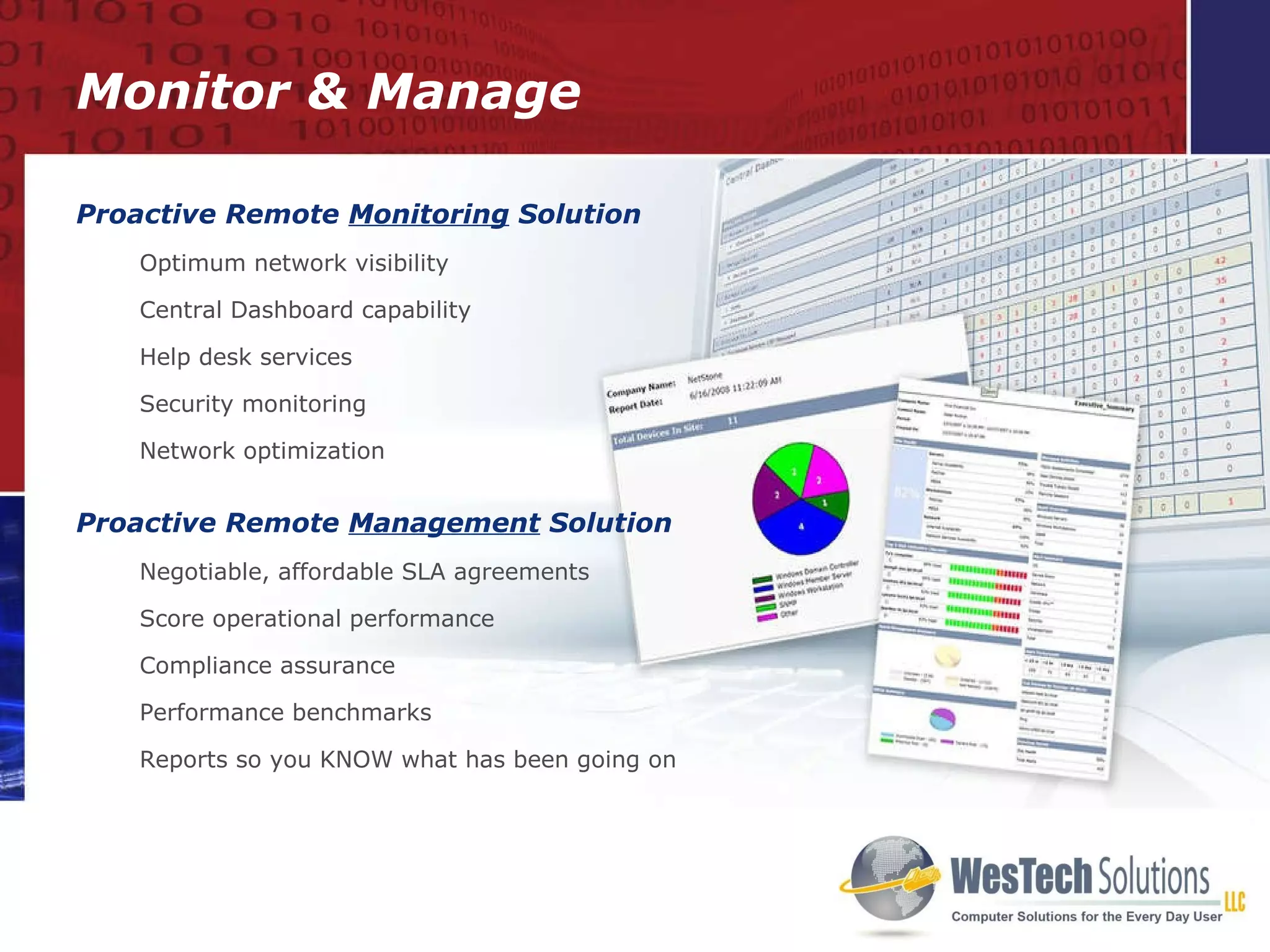
Monitor & Manage Proactive Remote  Monitoring  Solution Optimum network visibility Central Dashboard capability  Help desk services Security monitoring Network optimization Proactive Remote  Management  Solution Negotiable, affordable SLA agreements Score operational performance Compliance assurance Performance benchmarks Reports so you KNOW what has been going on
Thorough Initial Assessment   24/7 monitoring, alerting and reporting Back Up and Security Monitoring and Reporting Automated Preventative Maintenance Business Reviews Package Contents
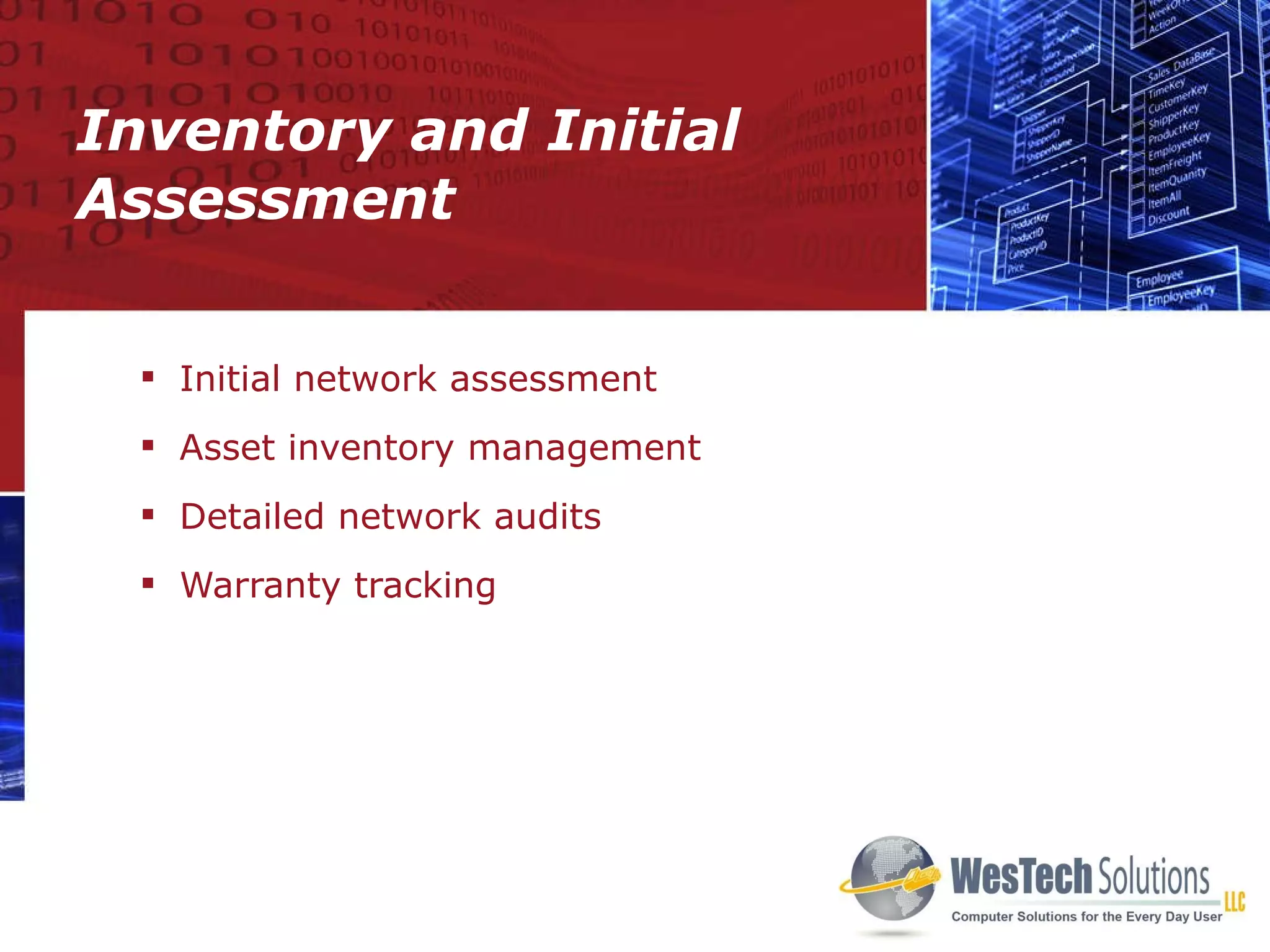
Inventory and Initial Assessment Initial network assessment Asset inventory management Detailed network audits  Warranty tracking
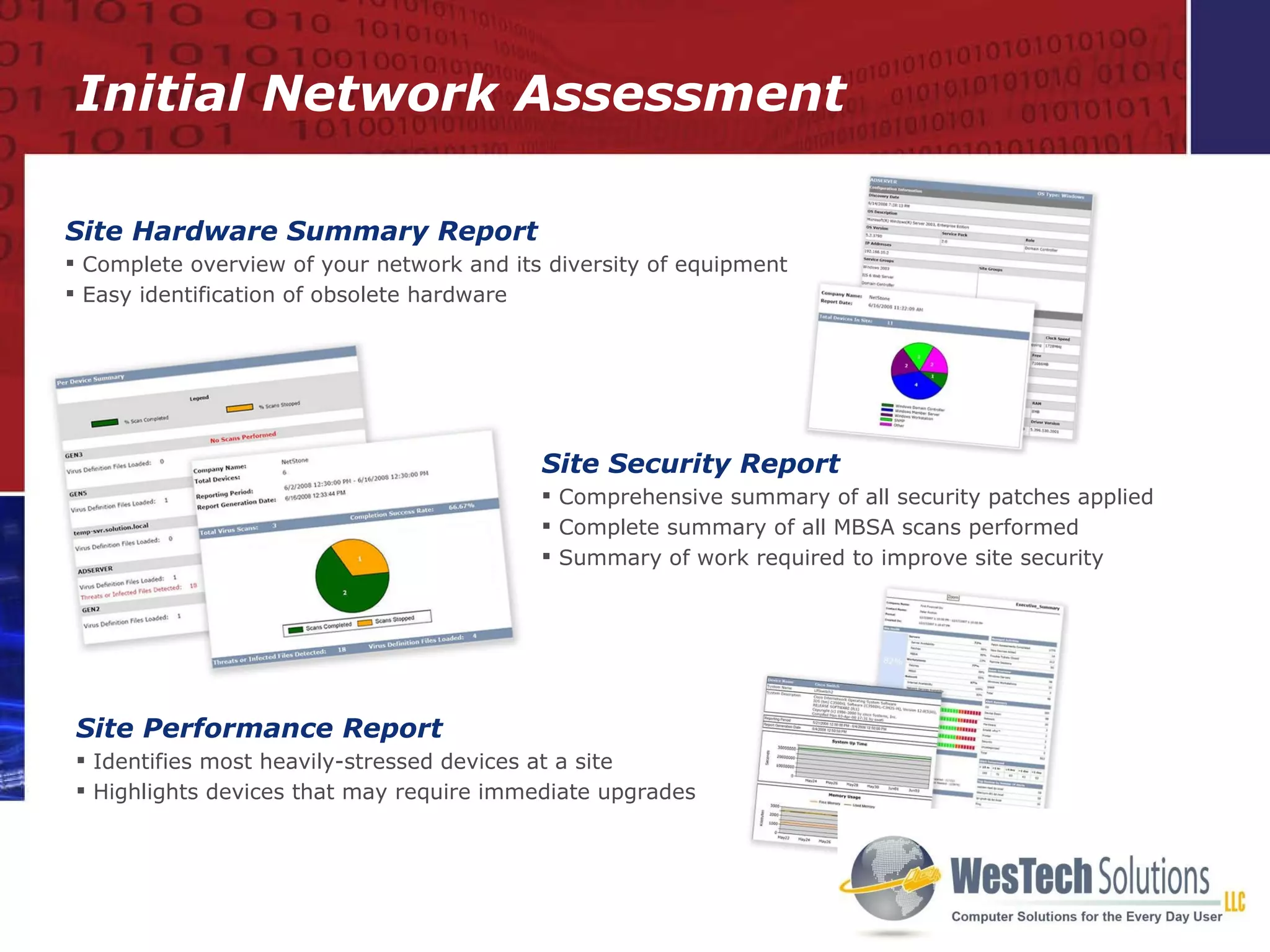
Site Security Report Comprehensive summary of all security patches applied Complete summary of all MBSA scans performed Summary of work required to improve site security Site Performance Report Identifies most heavily-stressed devices at a site  Highlights devices that may require immediate upgrades Site Hardware Summary Report Complete overview of your network and its diversity of equipment Easy identification of obsolete hardware Initial Network Assessment
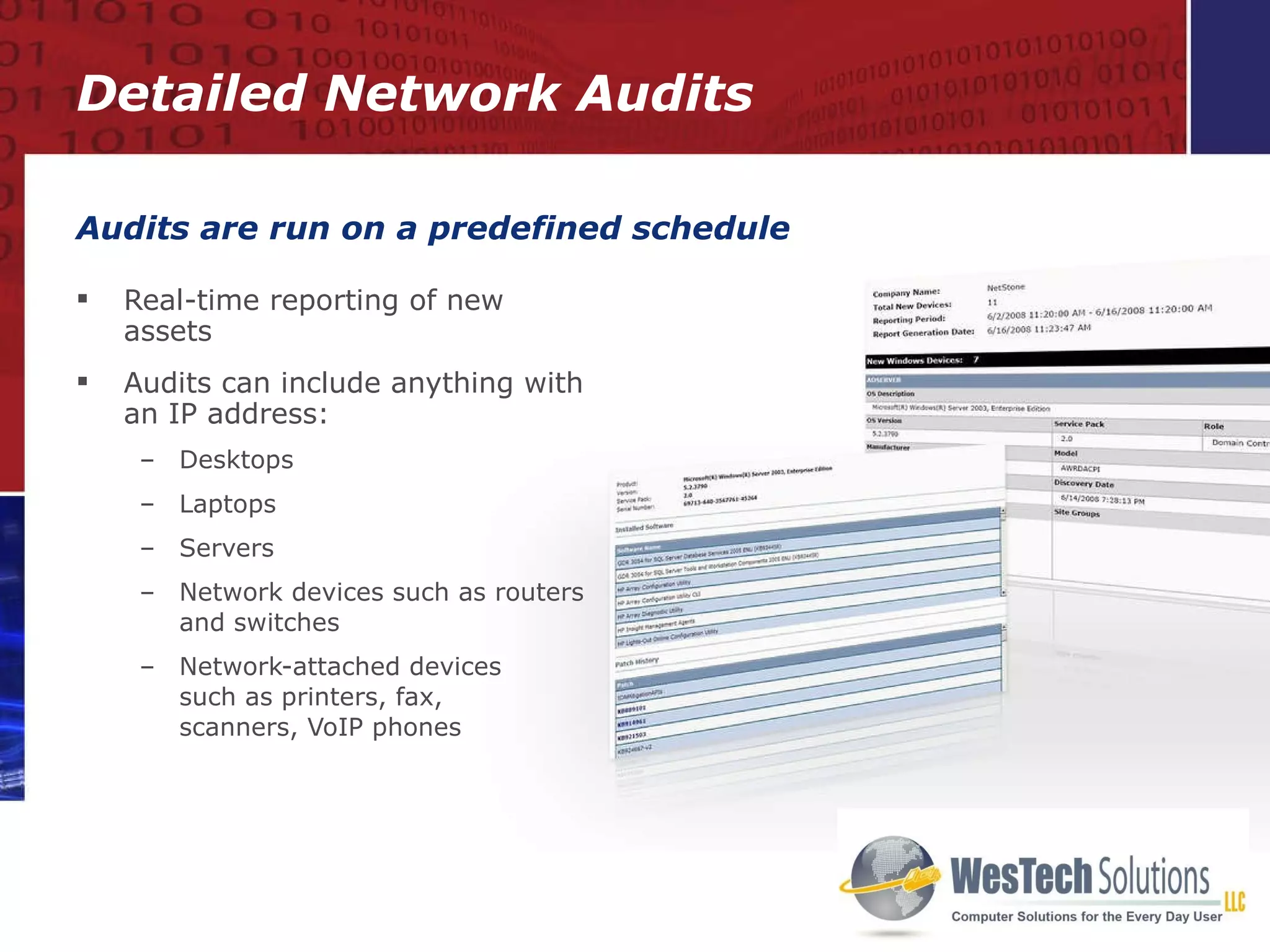
Real-time reporting of new assets Audits can include anything with an IP address: Desktops Laptops Servers Network devices such as routers and switches Network-attached devices  such as printers, fax,  scanners, VoIP phones Audits are run on a predefined schedule Detailed Network Audits
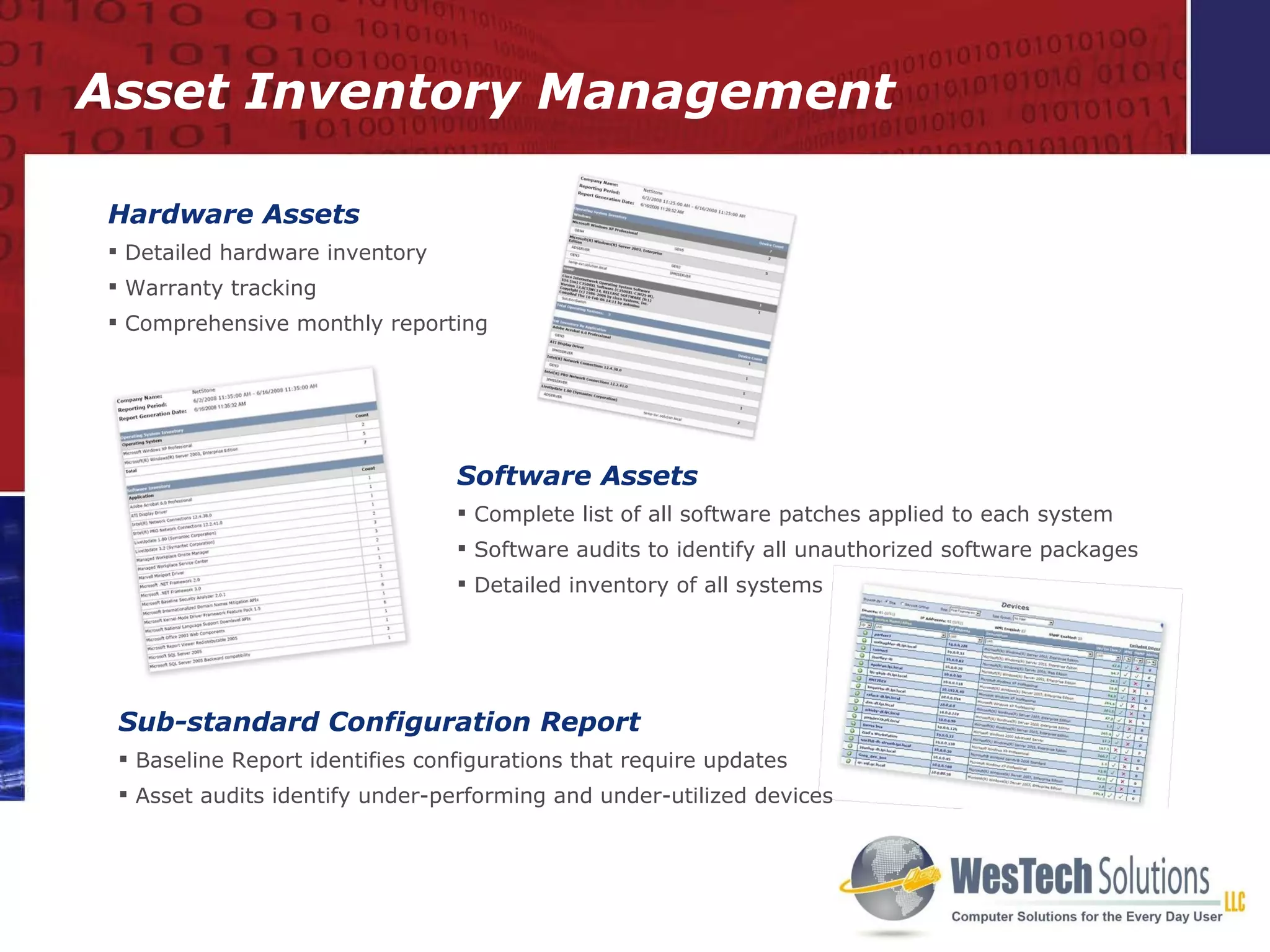
Asset Inventory Management Hardware Assets Detailed hardware inventory Warranty tracking Comprehensive monthly reporting Software Assets Complete list of all software patches applied to each system Software audits to identify all unauthorized software packages Detailed inventory of all systems Sub-standard Configuration Report Baseline Report identifies configurations that require updates Asset audits identify under-performing and under-utilized devices
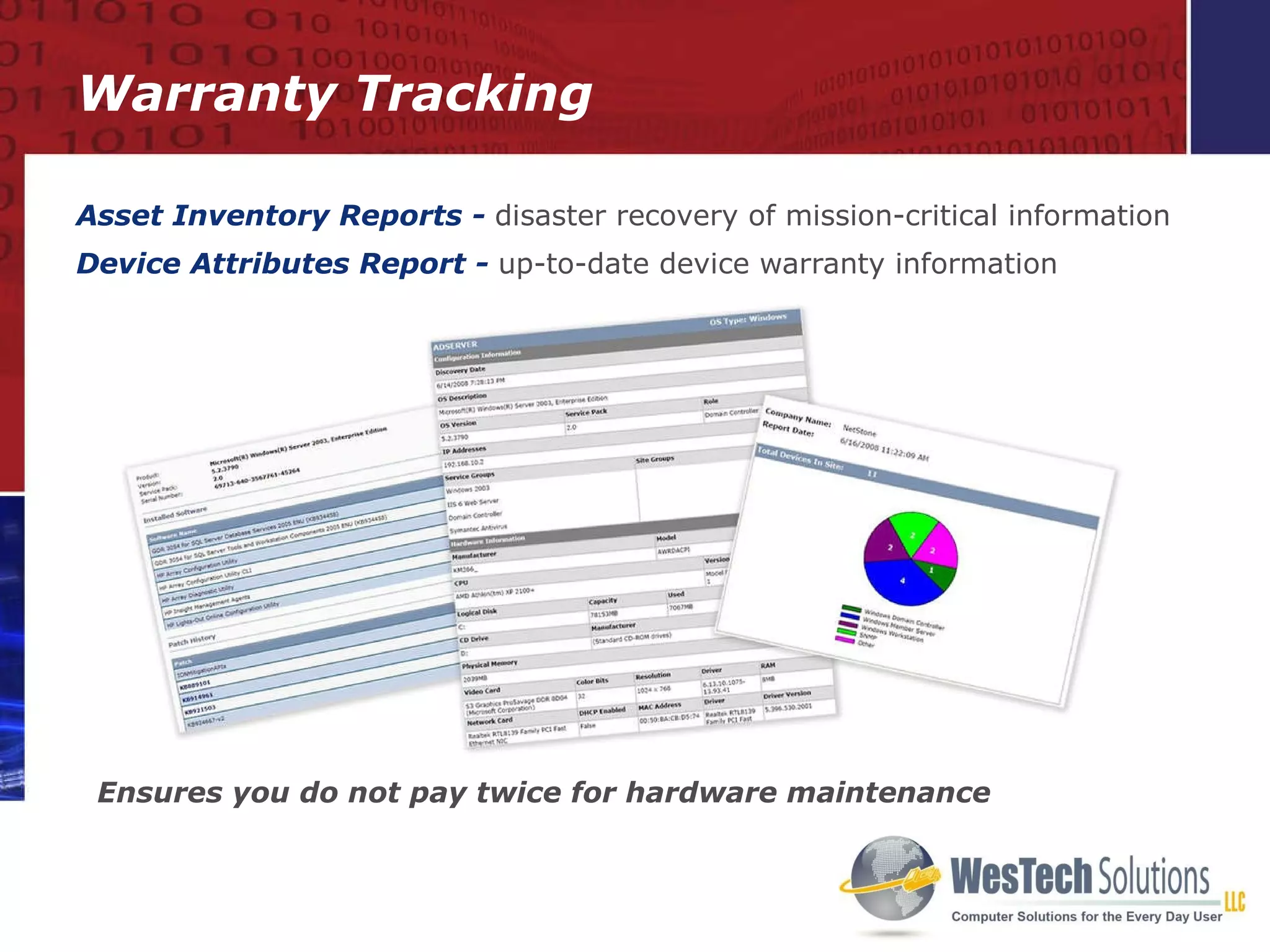
Asset Inventory Reports -   disaster recovery of mission-critical information Device Attributes Report -   up-to-date device warranty information Ensures you do not pay twice for hardware maintenance Warranty Tracking
24x7 Monitoring, Alerting and Reporting Technology Policy Modules
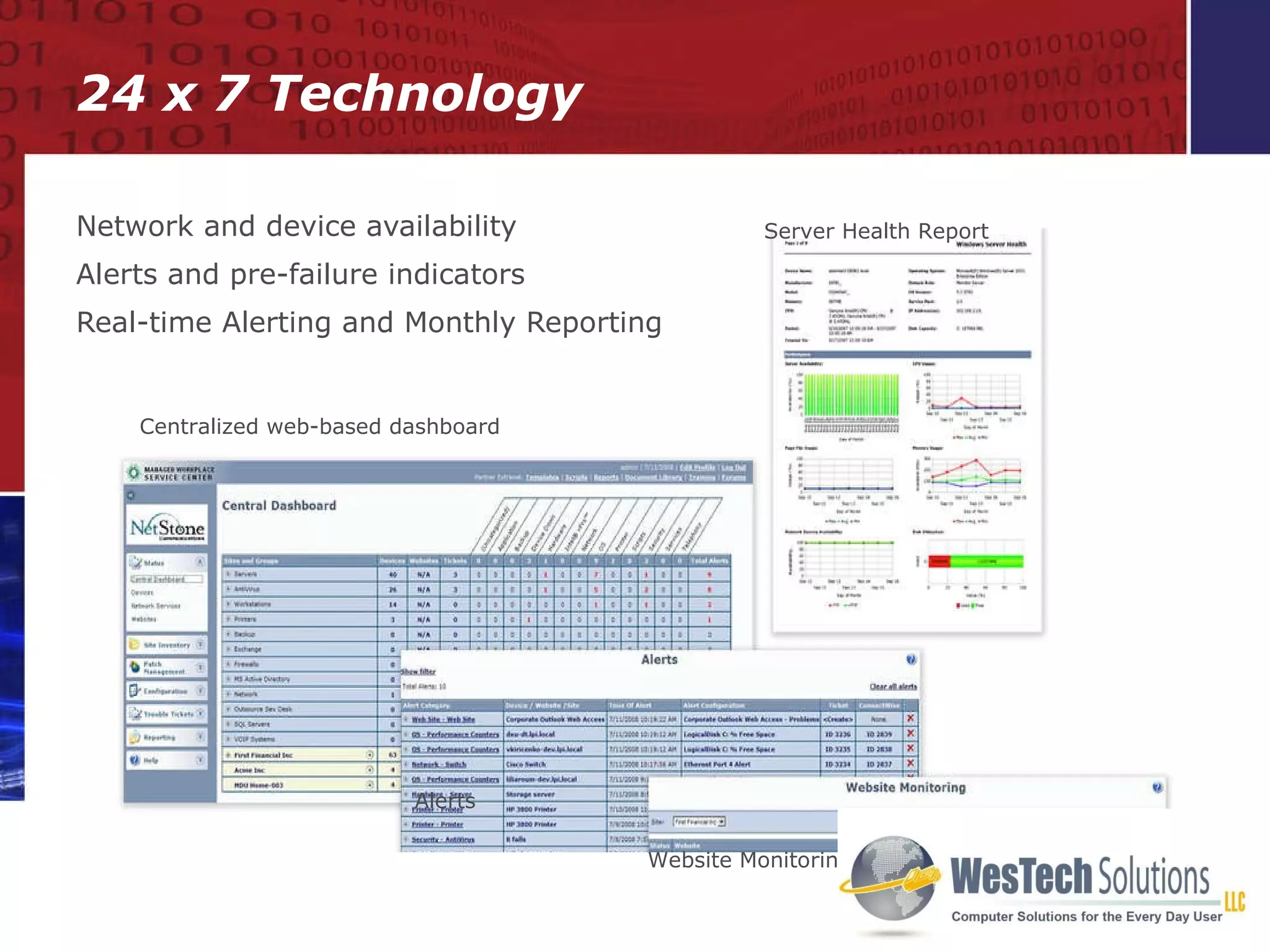
Network and device availability Alerts and pre-failure indicators Real-time Alerting and Monthly Reporting 24 x 7 Technology Centralized web-based dashboard Website Monitoring Alerts Server Health Report
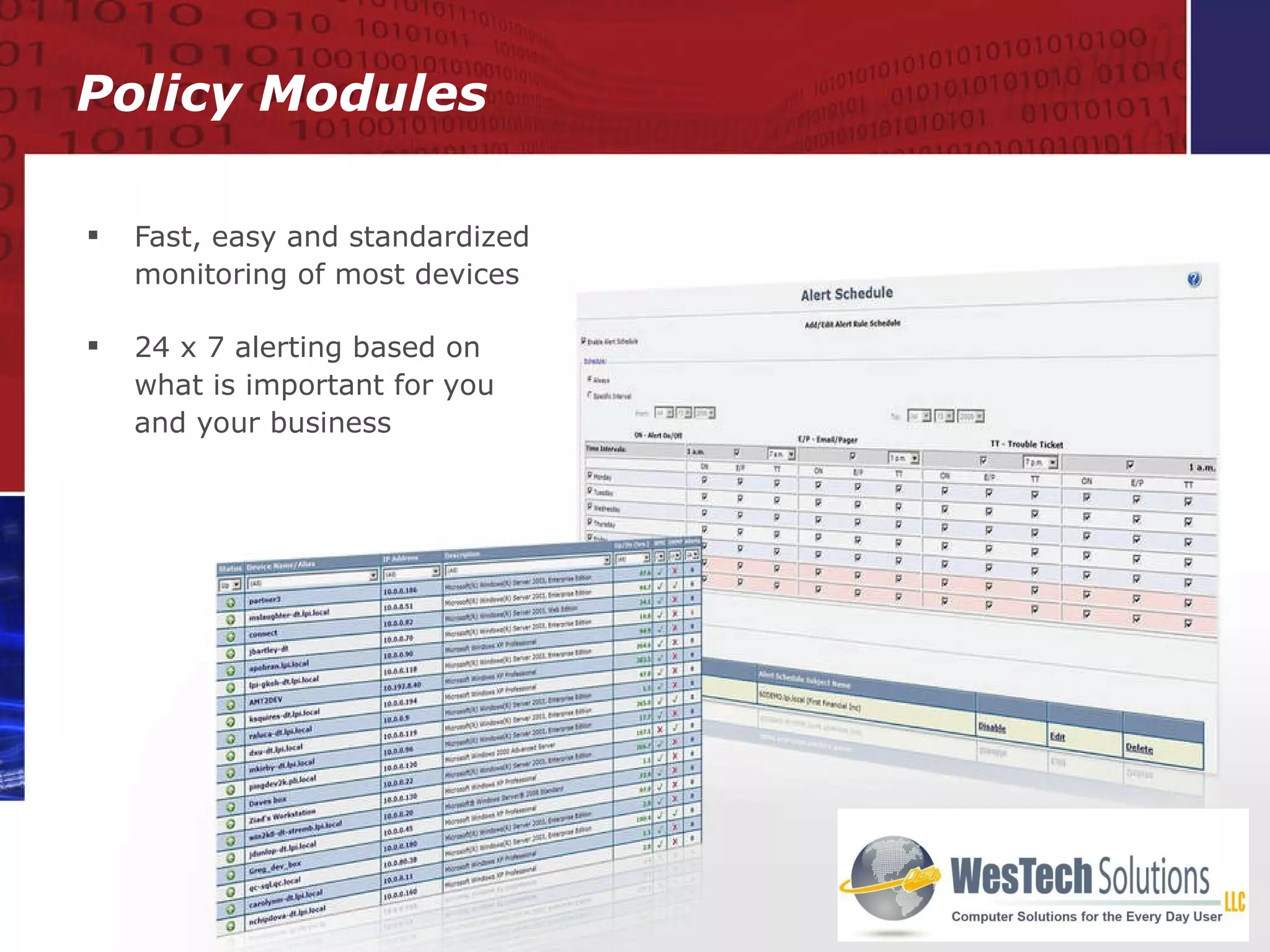
Fast, easy and standardized monitoring of most devices  24 x 7 alerting based on what is important for you and your business Policy Modules
Security Monitoring Security Compliance
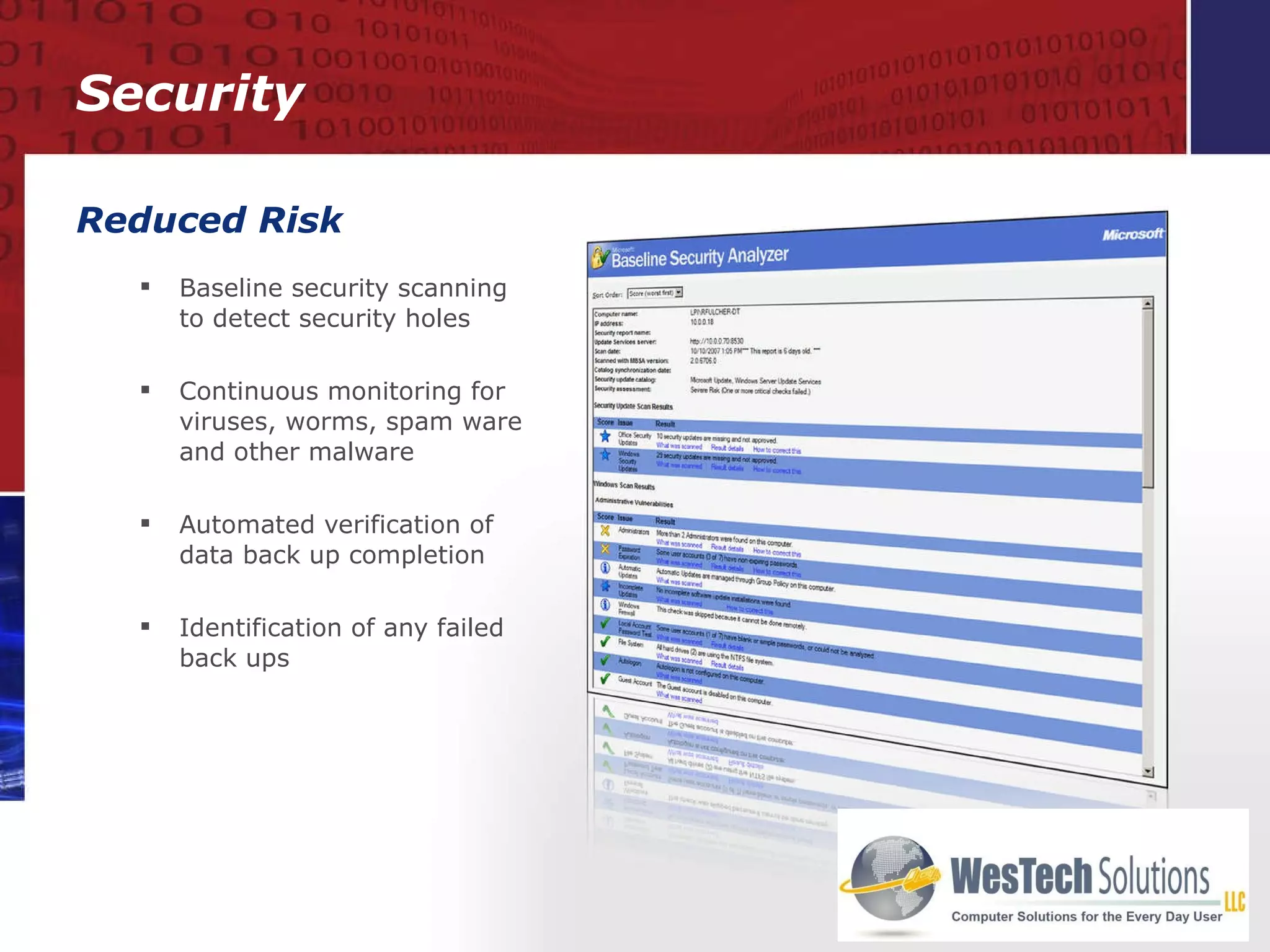
Reduced Risk Baseline security scanning to detect security holes Continuous monitoring for viruses, worms, spam ware and other malware Automated verification of data back up completion  Identification of any failed back ups Security
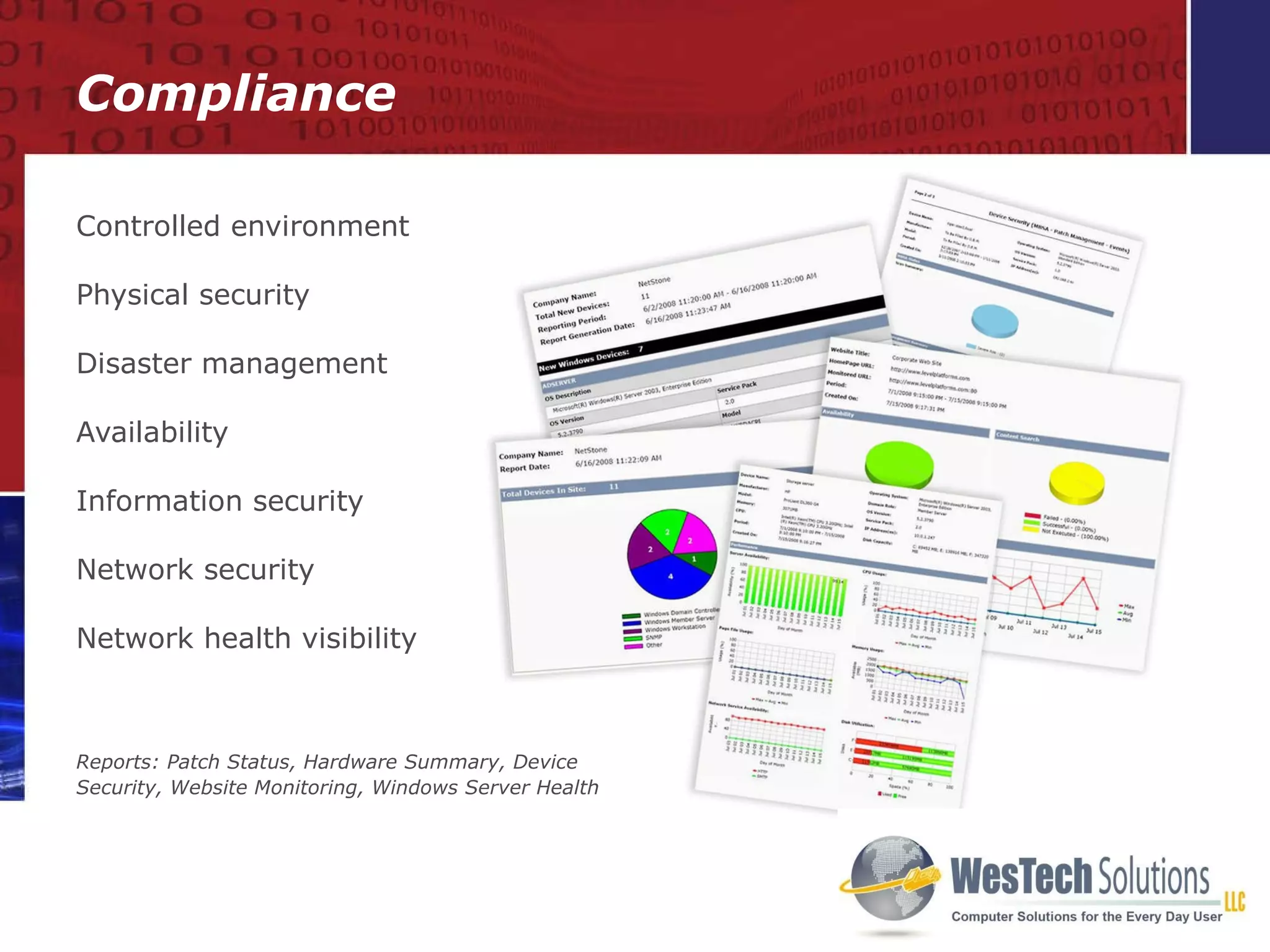
Controlled environment Physical security Disaster management Availability Information security Network security Network health visibility Reports: Patch Status, Hardware Summary, Device Security, Website Monitoring, Windows Server Health Compliance
Automated Preventative Maintenance Automated Scripting Automated Patching
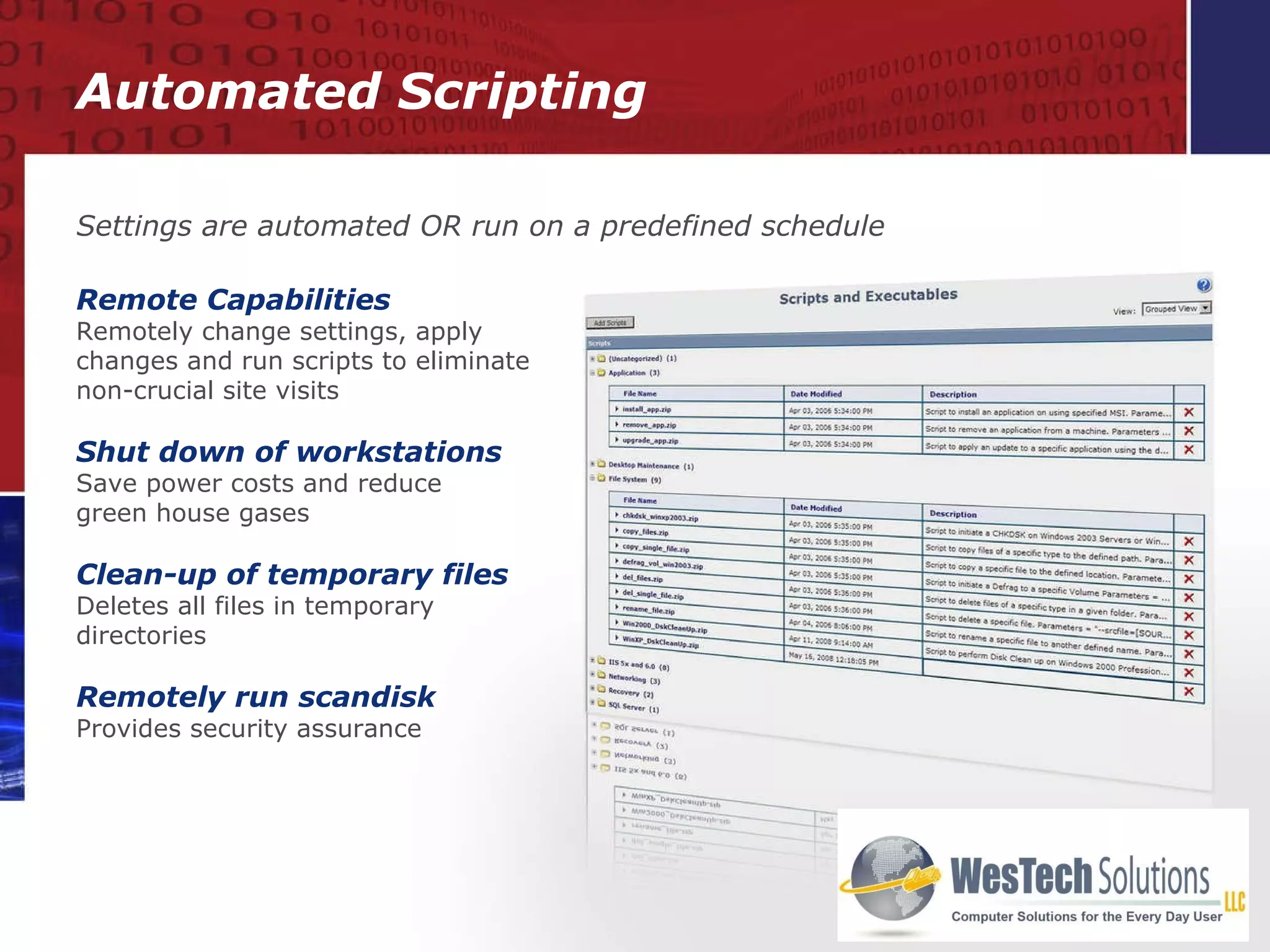
Automated Scripting Remote Capabilities Remotely change settings, apply changes and run scripts to eliminate non-crucial site visits Shut down of workstations Save power costs and reduce  green house gases Clean-up of temporary files Deletes all files in temporary directories Remotely run scandisk Provides security assurance Settings are automated OR run on a predefined schedule
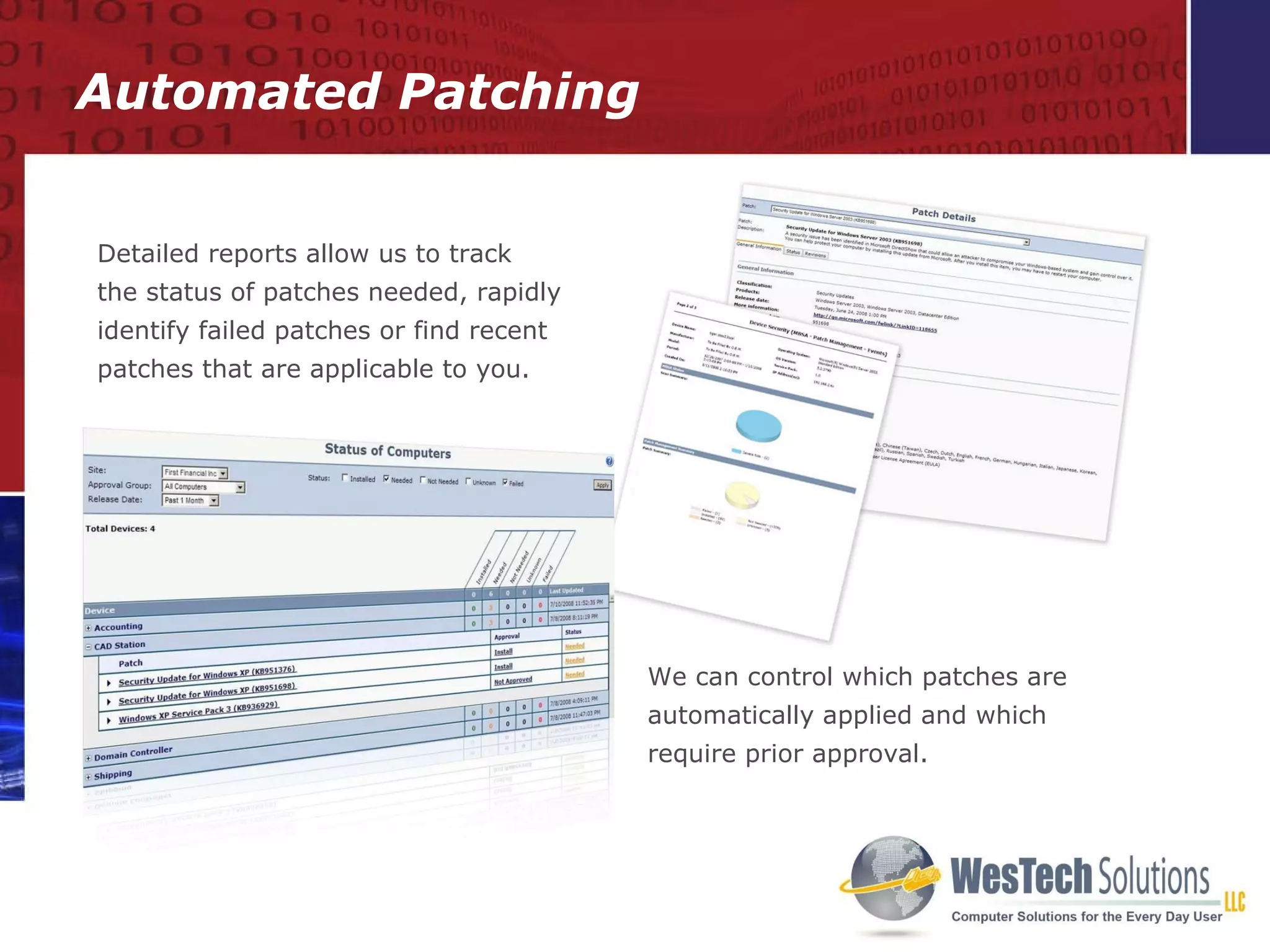
Automated Patching We can control which patches are automatically applied and which require prior approval. Detailed reports allow us to track  the status of patches needed, rapidly identify failed patches or find recent patches that are applicable to you.
Business Reviews Monthly Reviews Quarterly Reviews
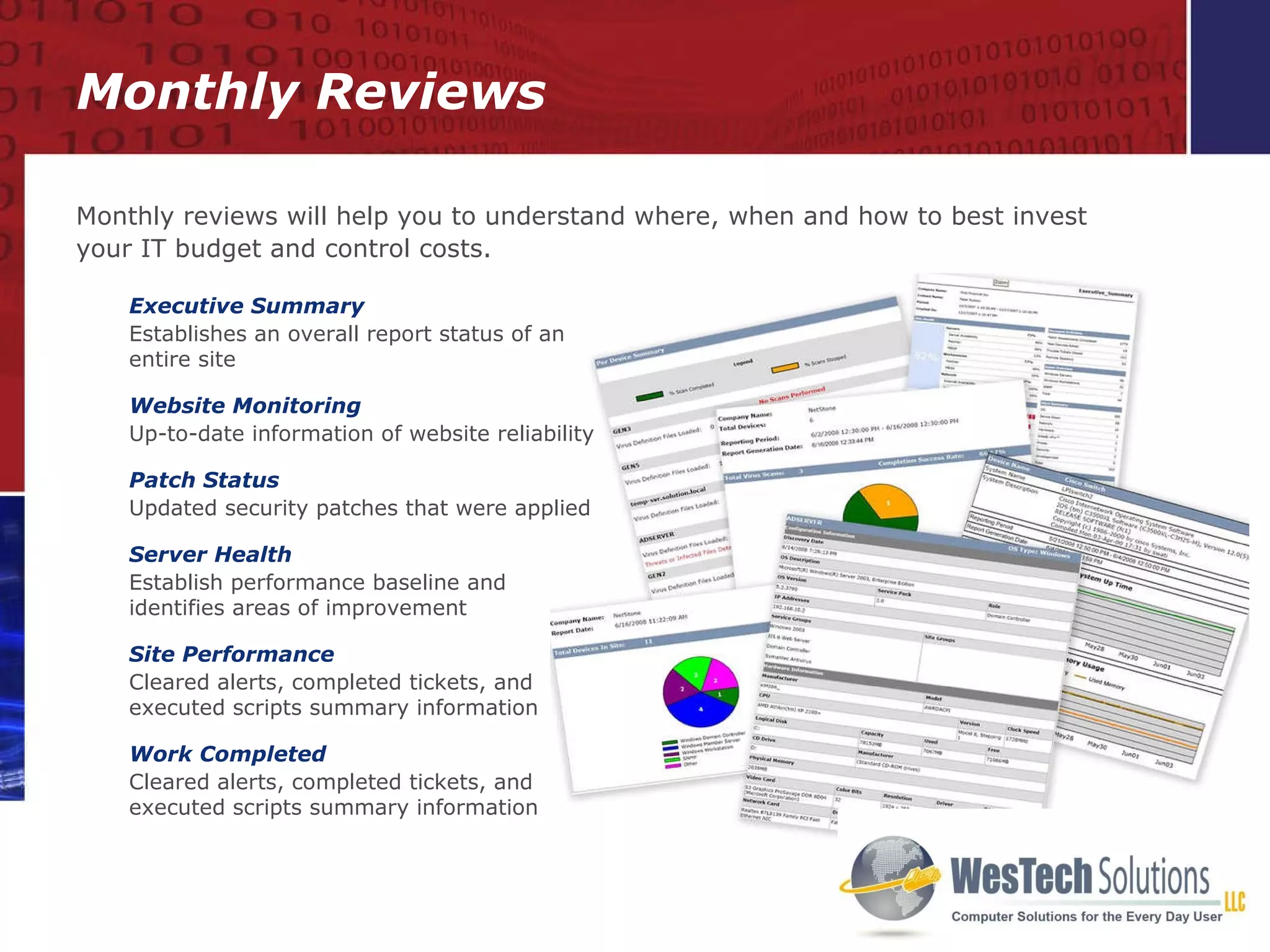
Monthly Reviews Executive Summary Establishes an overall report status of an entire site Website Monitoring Up-to-date information of website reliability Patch Status Updated security patches that were applied Server Health Establish performance baseline and  identifies areas of improvement Site Performance Cleared alerts, completed tickets, and executed scripts summary information  Work Completed Cleared alerts, completed tickets, and executed scripts summary information  Monthly reviews will help you to understand where, when and how to best invest your IT budget and control costs.
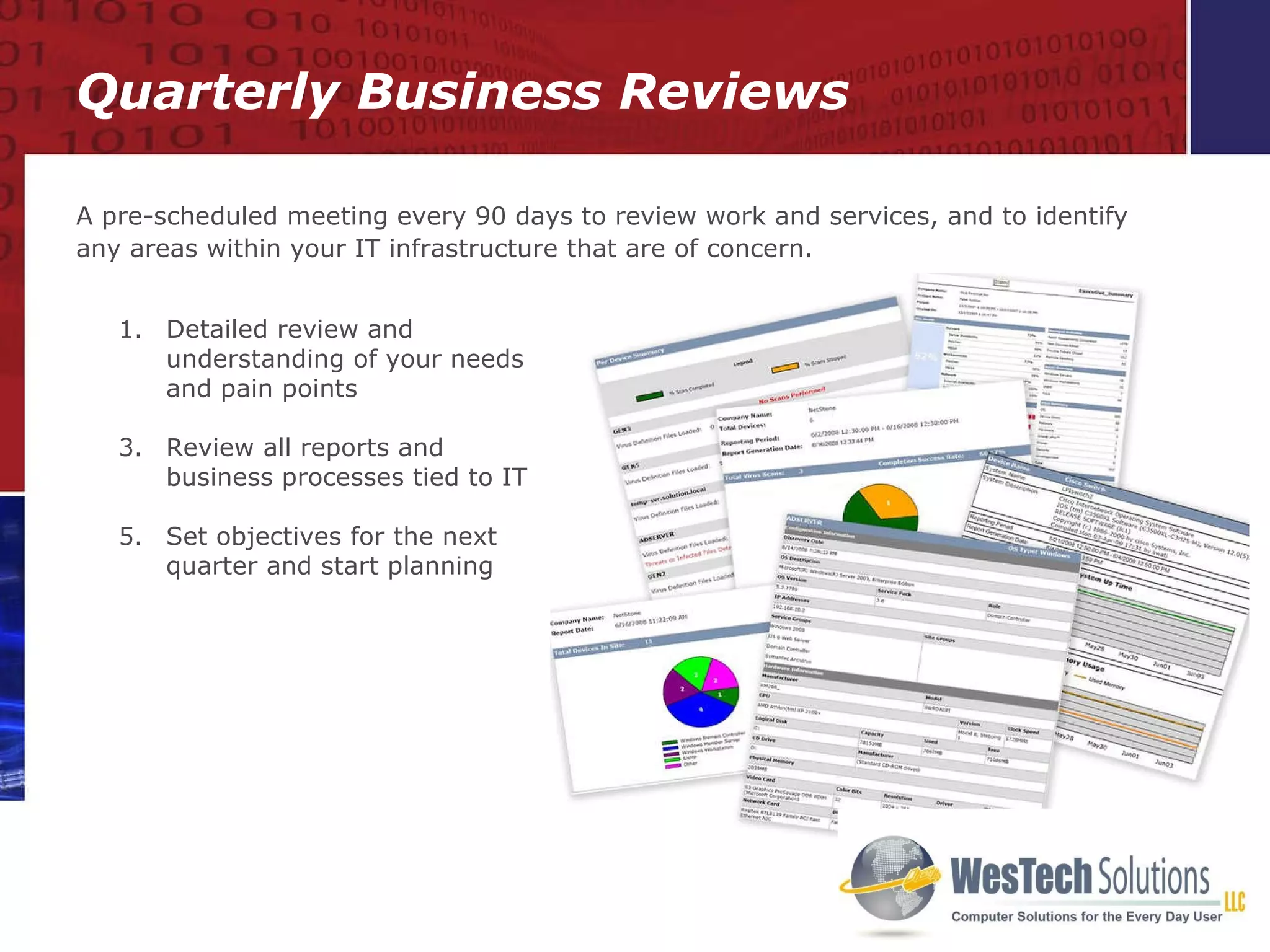
Quarterly Business Reviews A pre-scheduled meeting every 90 days to review work and services, and to identify any areas within your IT infrastructure that are of concern. Detailed review and understanding of your needs and pain points Review all reports and business processes tied to IT Set objectives for the next quarter and start planning
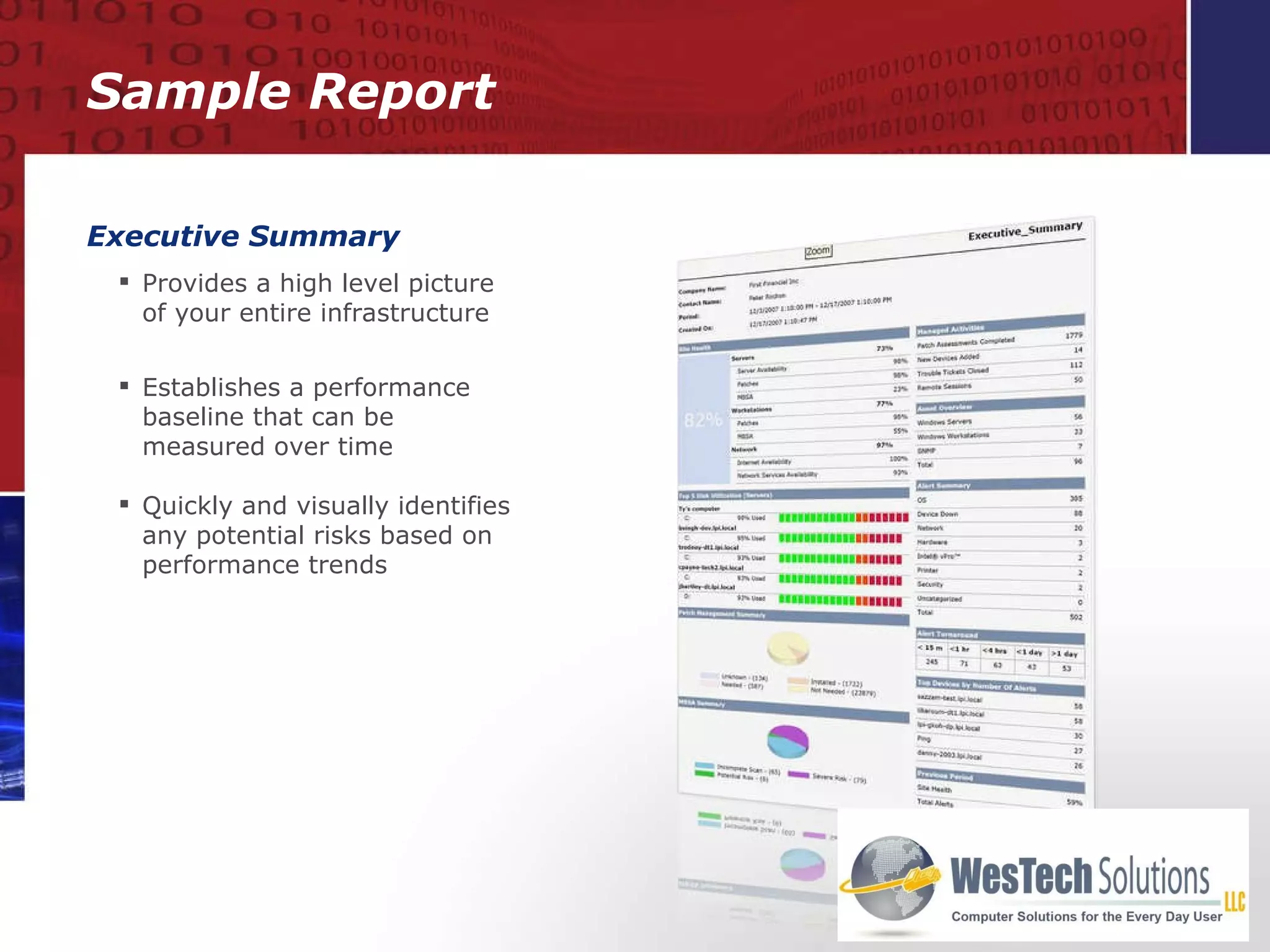
Sample Report Executive Summary Provides a high level picture  of your entire infrastructure Establishes a performance baseline that can be measured over time Quickly and visually identifies any potential risks based on performance trends
Conclusions Package Includes Thorough Inventory Assessment 24 x 7 Monitoring Security Assurance Preventative Maintenance Business Reviews  YOUR LOGO HERE
Contact Information Thomas Boland WesTech Solutions, LLC (914) 595-6335 [email_address] 10 New King St, Ste 210 West Harrison, NY 10604

Why Use Wes Tech Solutions

  • 1.
    We Focus onYour IT So You Can Focus on Your Business
  • 2.
    Introduction to managedservices Thorough Initial Assessment and Asset Management 24/7 Monitoring, Alerting and Reporting Security Monitoring and Reporting Automated Preventative Maintenance Quarterly Business Reviews Conclusions Agenda
  • 3.
    Introduction to ManagedServices Managed vs Unmanaged Monitoring and Managing Package Contents
  • 4.
    Unmanaged Managed IT problem occurs Discover issue Place phone call for support Description of problem to the best of one’s ability Travel to site, or use remote access to start digging around for cause of problem Diagnose problems Resolve issue Break/fix method response Unpredictable fees Little to no network visibility 24x7x365 Monitoring Alert of potential issue/alert BEFORE or as problem occurs Instant, accurate diagnosis of problem Rapid remote response or instant self-heal process initiated Proactive response Fixed monthly fee Remote view of entire network Unmanaged vs Managed
  • 5.
    Monitor & ManageProactive Remote Monitoring Solution Optimum network visibility Central Dashboard capability Help desk services Security monitoring Network optimization Proactive Remote Management Solution Negotiable, affordable SLA agreements Score operational performance Compliance assurance Performance benchmarks Reports so you KNOW what has been going on
  • 6.
    Thorough Initial Assessment 24/7 monitoring, alerting and reporting Back Up and Security Monitoring and Reporting Automated Preventative Maintenance Business Reviews Package Contents
  • 7.
    Inventory and InitialAssessment Initial network assessment Asset inventory management Detailed network audits Warranty tracking
  • 8.
    Site Security ReportComprehensive summary of all security patches applied Complete summary of all MBSA scans performed Summary of work required to improve site security Site Performance Report Identifies most heavily-stressed devices at a site Highlights devices that may require immediate upgrades Site Hardware Summary Report Complete overview of your network and its diversity of equipment Easy identification of obsolete hardware Initial Network Assessment
  • 9.
    Real-time reporting ofnew assets Audits can include anything with an IP address: Desktops Laptops Servers Network devices such as routers and switches Network-attached devices such as printers, fax, scanners, VoIP phones Audits are run on a predefined schedule Detailed Network Audits
  • 10.
    Asset Inventory ManagementHardware Assets Detailed hardware inventory Warranty tracking Comprehensive monthly reporting Software Assets Complete list of all software patches applied to each system Software audits to identify all unauthorized software packages Detailed inventory of all systems Sub-standard Configuration Report Baseline Report identifies configurations that require updates Asset audits identify under-performing and under-utilized devices
  • 11.
    Asset Inventory Reports- disaster recovery of mission-critical information Device Attributes Report - up-to-date device warranty information Ensures you do not pay twice for hardware maintenance Warranty Tracking
  • 12.
    24x7 Monitoring, Alertingand Reporting Technology Policy Modules
  • 13.
    Network and deviceavailability Alerts and pre-failure indicators Real-time Alerting and Monthly Reporting 24 x 7 Technology Centralized web-based dashboard Website Monitoring Alerts Server Health Report
  • 14.
    Fast, easy andstandardized monitoring of most devices 24 x 7 alerting based on what is important for you and your business Policy Modules
  • 15.
  • 16.
    Reduced Risk Baselinesecurity scanning to detect security holes Continuous monitoring for viruses, worms, spam ware and other malware Automated verification of data back up completion Identification of any failed back ups Security
  • 17.
    Controlled environment Physicalsecurity Disaster management Availability Information security Network security Network health visibility Reports: Patch Status, Hardware Summary, Device Security, Website Monitoring, Windows Server Health Compliance
  • 18.
    Automated Preventative MaintenanceAutomated Scripting Automated Patching
  • 19.
    Automated Scripting RemoteCapabilities Remotely change settings, apply changes and run scripts to eliminate non-crucial site visits Shut down of workstations Save power costs and reduce green house gases Clean-up of temporary files Deletes all files in temporary directories Remotely run scandisk Provides security assurance Settings are automated OR run on a predefined schedule
  • 20.
    Automated Patching Wecan control which patches are automatically applied and which require prior approval. Detailed reports allow us to track the status of patches needed, rapidly identify failed patches or find recent patches that are applicable to you.
  • 21.
    Business Reviews MonthlyReviews Quarterly Reviews
  • 22.
    Monthly Reviews ExecutiveSummary Establishes an overall report status of an entire site Website Monitoring Up-to-date information of website reliability Patch Status Updated security patches that were applied Server Health Establish performance baseline and identifies areas of improvement Site Performance Cleared alerts, completed tickets, and executed scripts summary information Work Completed Cleared alerts, completed tickets, and executed scripts summary information Monthly reviews will help you to understand where, when and how to best invest your IT budget and control costs.
  • 23.
    Quarterly Business ReviewsA pre-scheduled meeting every 90 days to review work and services, and to identify any areas within your IT infrastructure that are of concern. Detailed review and understanding of your needs and pain points Review all reports and business processes tied to IT Set objectives for the next quarter and start planning
  • 24.
    Sample Report ExecutiveSummary Provides a high level picture of your entire infrastructure Establishes a performance baseline that can be measured over time Quickly and visually identifies any potential risks based on performance trends
  • 25.
    Conclusions Package IncludesThorough Inventory Assessment 24 x 7 Monitoring Security Assurance Preventative Maintenance Business Reviews YOUR LOGO HERE
  • 26.
    Contact Information ThomasBoland WesTech Solutions, LLC (914) 595-6335 [email_address] 10 New King St, Ste 210 West Harrison, NY 10604