WHEN GAMES GO SMALL
Mobile Learning Game Design Do’s and Don’ts
A presentation from
Bottom-Line Performance 2
SHARON BOLLER
CEO and President
Bottom-Line Performance
ABOUT ME
Bottom-Line Performance 3
1. Your goal(s) for attending?
2. Your game playing “truth?”
3. Your mobile phone “truth?”
Post-lunch standup polls (What’s true for you?)
Bottom-Line Performance 4
1. Build baseline information on
mobile learning game design.
2. See examples of mobile learning
games.
3. Get do’s and don’ts related to UX,
UI, ID, and game design.
4. Hear a success story in using a
mobile learning game.
5. None of those. (You may be in
wrong room FYI)
Your goal(s) are to:
Bottom-Line Performance 5
1. I rarely or never play games; I
actually don’t really like them.
2. I occasionally play games (less
than 1x/month), and I think they
are fun when I do.
3. I play games a lot; at least a few
times a month.
Your game-playing truth #1
Bottom-Line Performance 6
1. I have at least 3 games loaded
onto my phone right now.
2. I have more than 28 games loaded
on my phone.
3. I have at least 20 apps on my
phone right now (excluding Mail,
Messages, Calendar, Browser, and
Utilities)
4. I have more than 100 apps on my
phone right now.
Your game and phone app truths
CHALLENGES & OPPORTUNITIES
OF THE SMALL SCREEN
8
Creating a successful
mobile game
requires…
9Bottom-Line Performance
…four designs that
each require different
skills & knowledge to
produce.
10
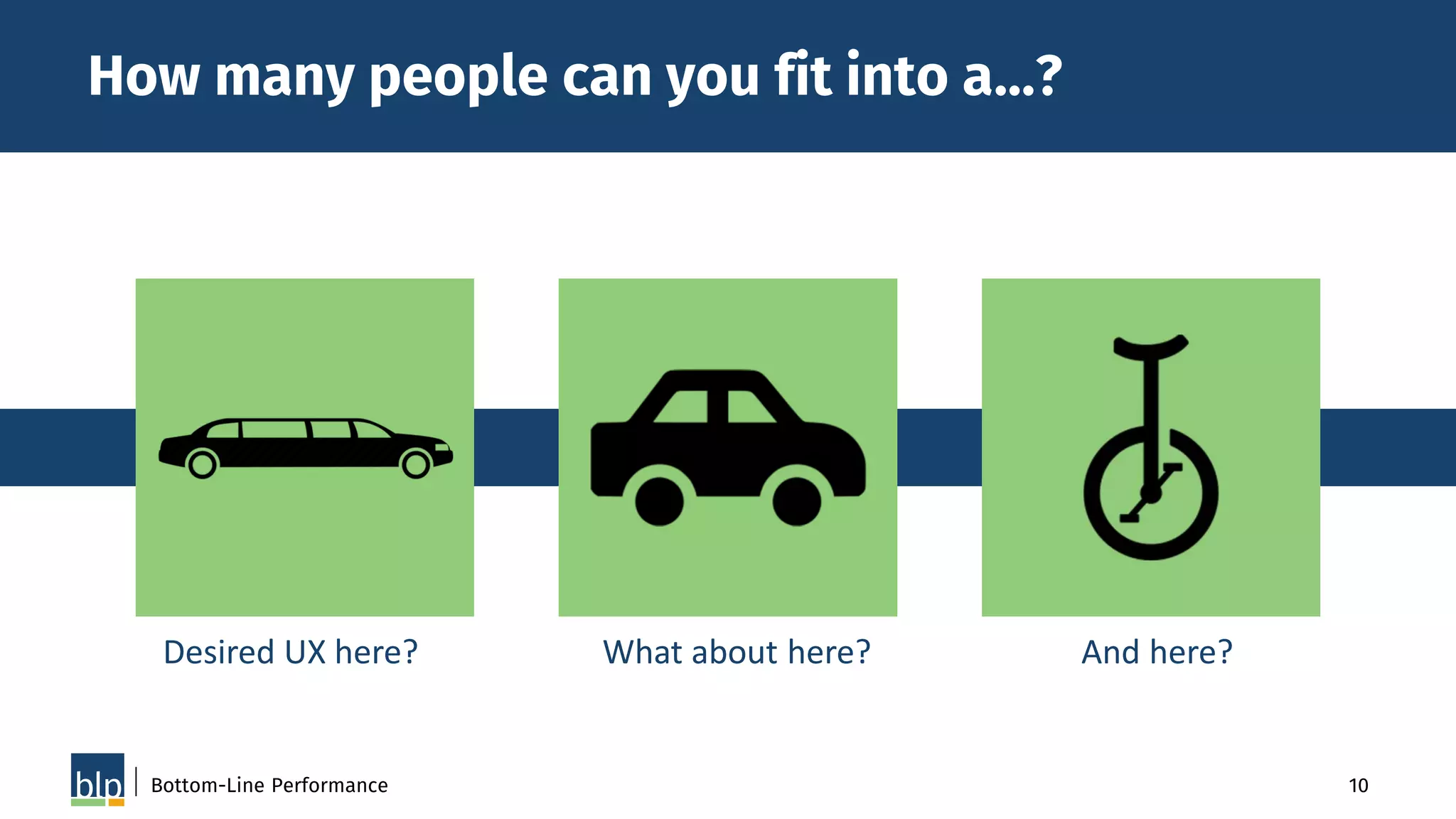
How many people can you fit into a…?
Bottom-Line Performance
Desired UX here? What about here? And here?
11Bottom-Line Performance
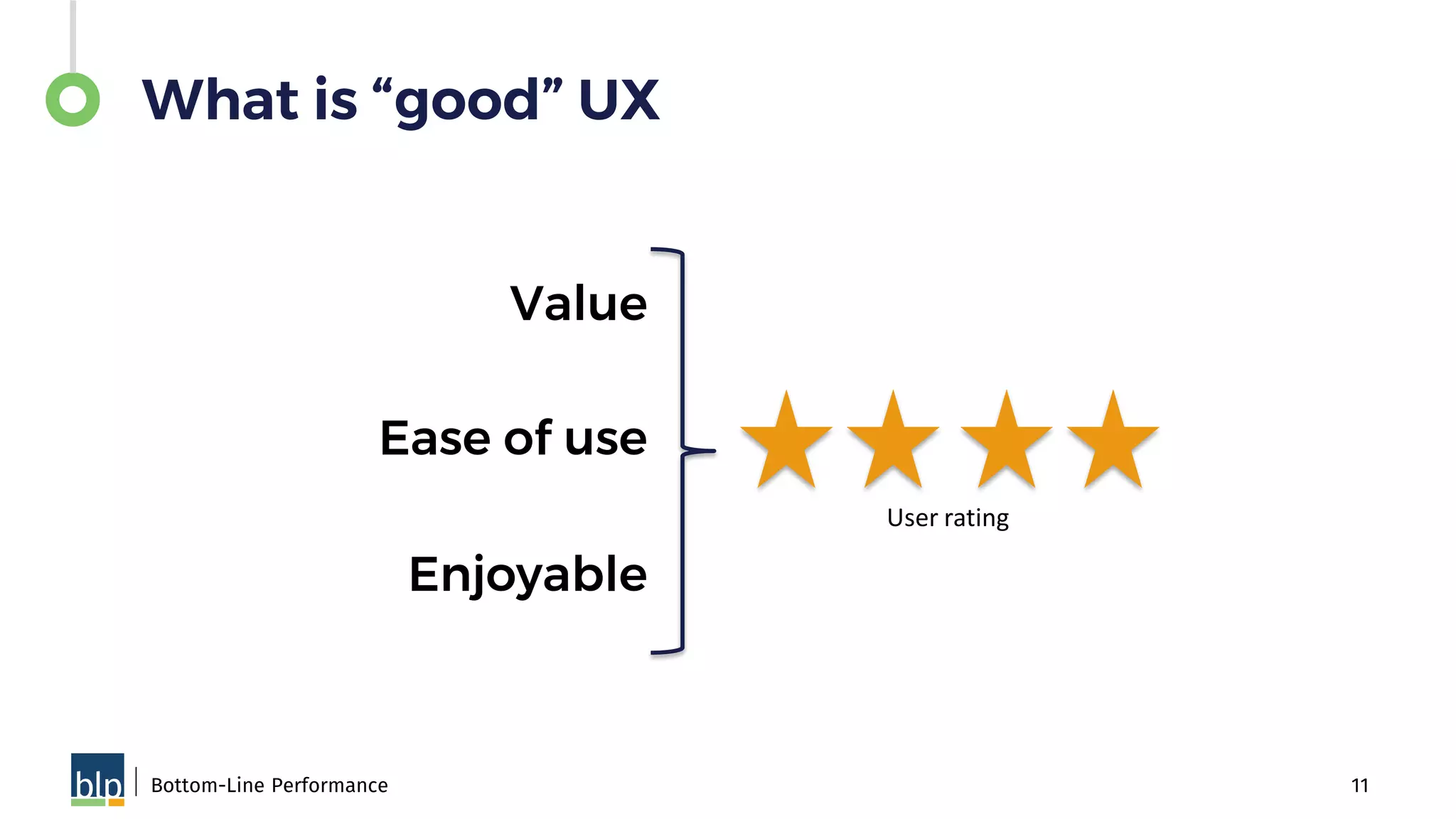
What is “good” UX
Value
Ease of use
Enjoyable
User rating
12Bottom-Line Performance
What is “good” UX
Value
Solves a
problem
Makes
something
easier or
better
Easeofuse
Tolerates
mistakes
Intuitive
& logical
Minimizes
my effort
Content
easy to
read/
understand
Enjoyable
A pleasure
or a
delight to
use
Visually
appealing
13Bottom-Line Performance
30-second brainstorm….
How does “good” UX for an app designed
for a laptop screen differ from good UX
for a phone screen?
User Experience
Design
• The framework &
navigation design
• Makes your app:
– Easy to learn
– Easy to use
– Easy to add/build onto
Bottom-Line Performance 14POLL: Name an app you love.
16Bottom-Line Performance
User Interface
Design
• Graphical ”look & feel”
of the game
• Provides the aesthetics
& helps create a mood
or “feel”
Instructional
Design
• The design & structure
of the experience to
meet specific learning
need for specific
audience(s)
Bottom-Line Performance 17
18Bottom-Line Performance
Game Design
• The design of the play
experience
• The core dynamics,
rules, & game elements
that work together to
enable players to
achieve a game goal
CRITERIA FOR UX, UI, ID,
GAME DESIGN
Bottom-Line Performance
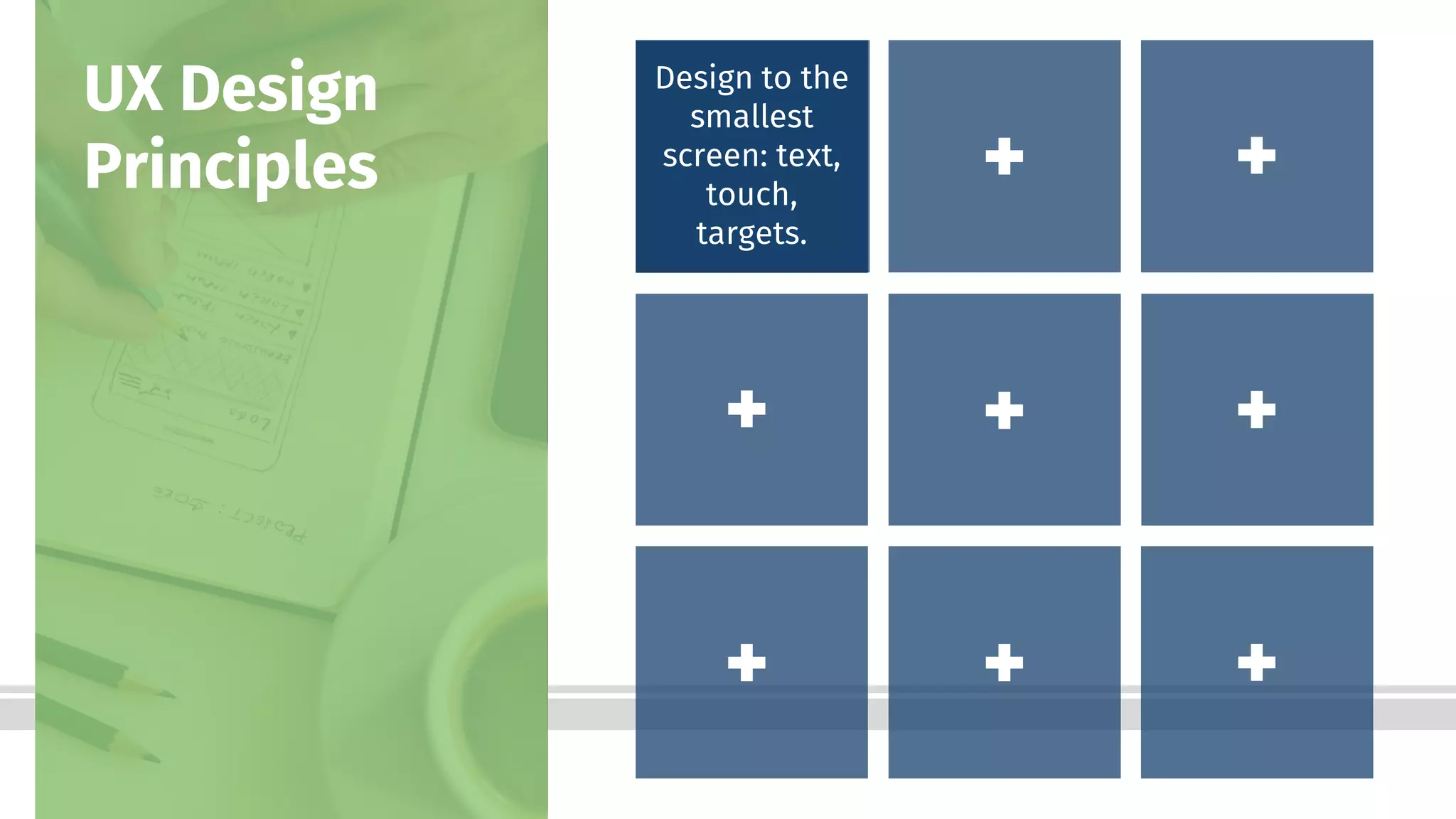
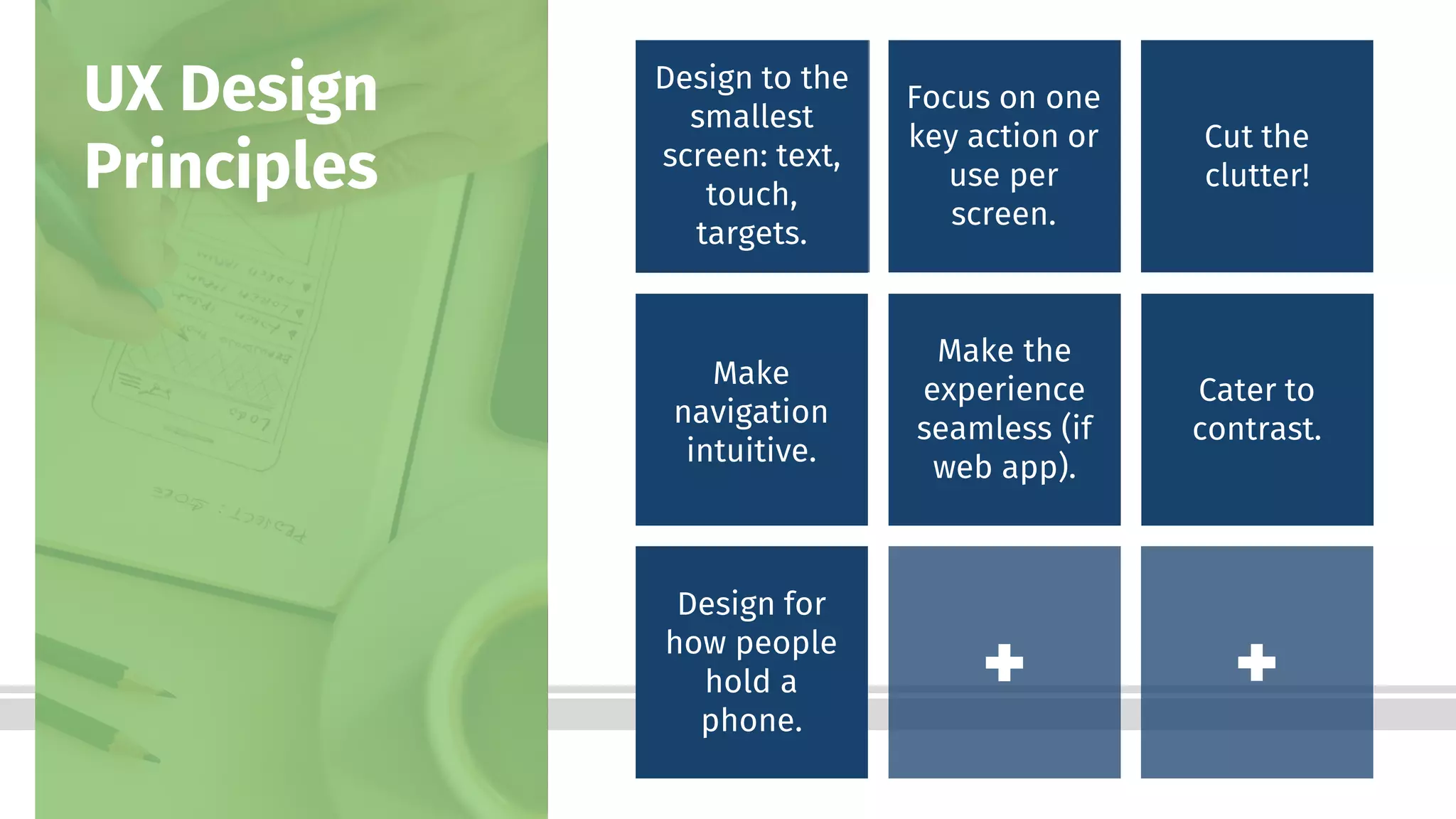
Design to the
smallest
screen: text,
touch,
targets.
UX Design
Principles
21Bottom-Line Performance
This
becomes
much
smaller
on an
iPhone 5
NEXT
This
becomes
much
smaller
on an
iPhone 5
NEXT
Bottom-Line Performance
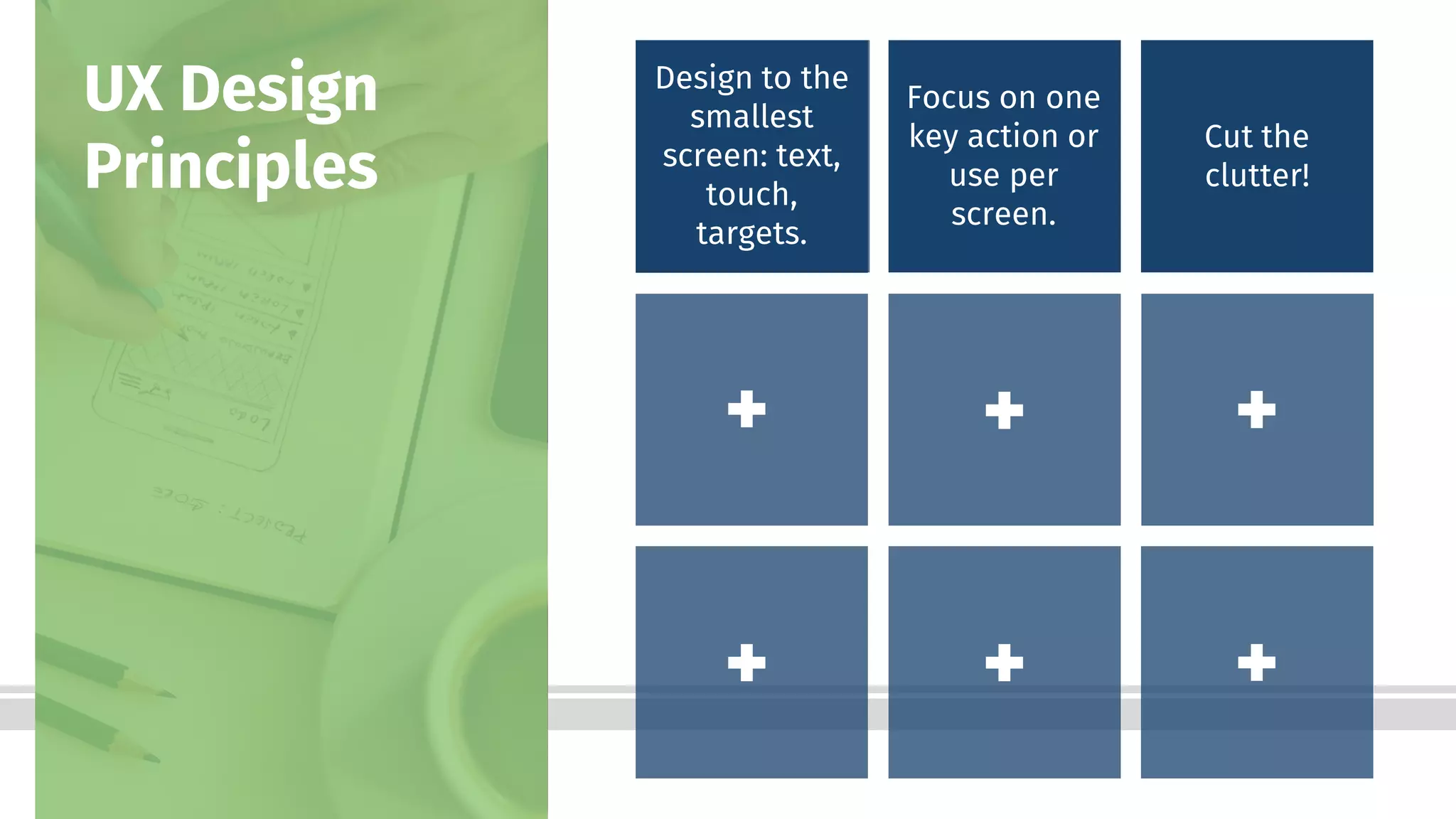
Design to the
smallest
screen: text,
touch,
targets.
UX Design
Principles
Focus on one
key action or
use per
screen.
23Bottom-Line Performance
Bottom-Line Performance
Design to the
smallest
screen: text,
touch,
targets.
UX Design
Principles
Focus on one
key action or
use per
screen.
Cut the
clutter!
25
Uh oh.
Look at the UX section of the
handout for this session.
What guideline did we
violate?
27Bottom-Line Performance
From that
....to this.
27
Bottom-Line Performance
Design to the
smallest
screen: text,
touch,
targets.
UX Design
Principles
Focus on one
key action or
use per
screen.
Cut the
clutter!
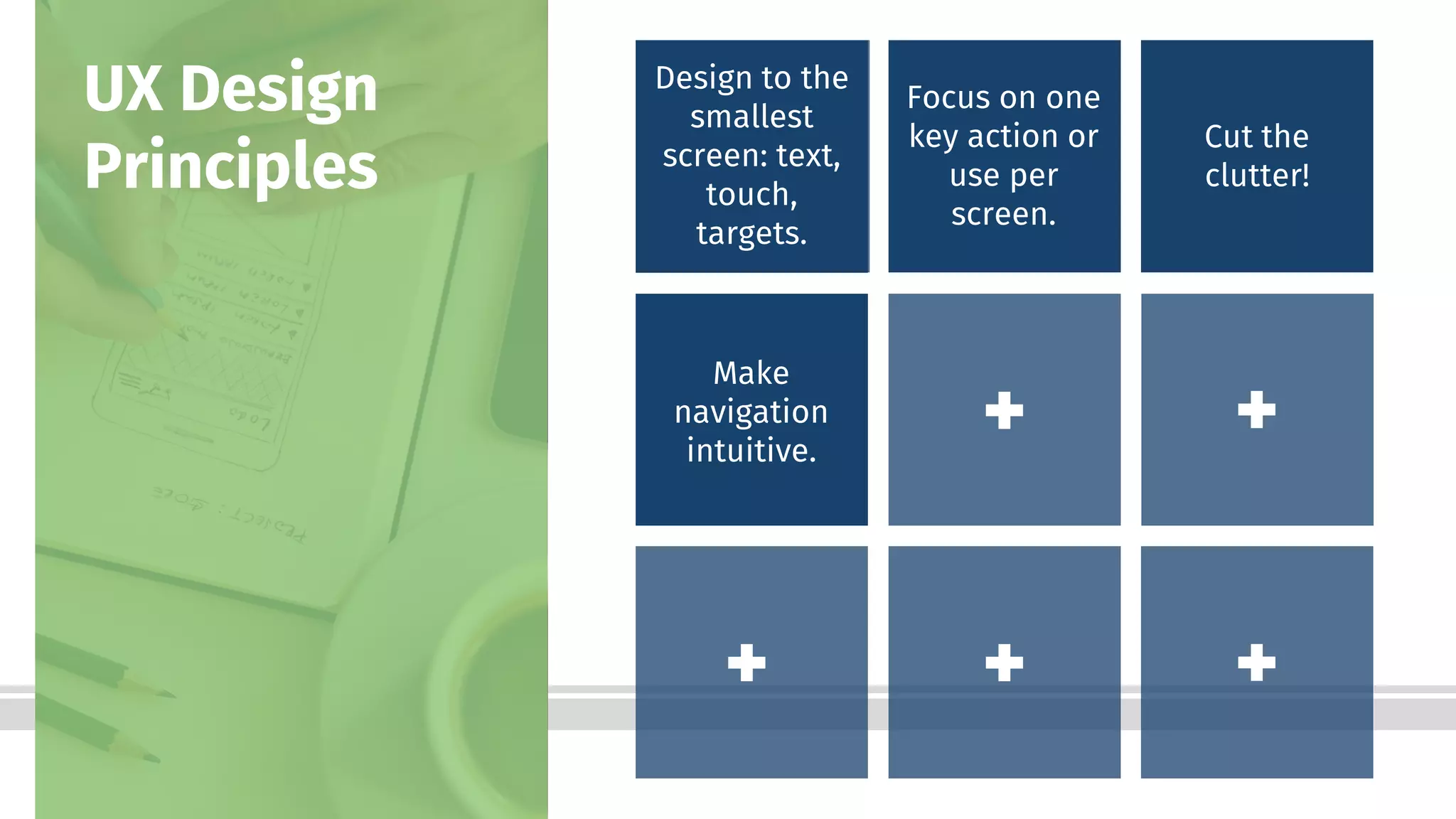
Make
navigation
intuitive.
29
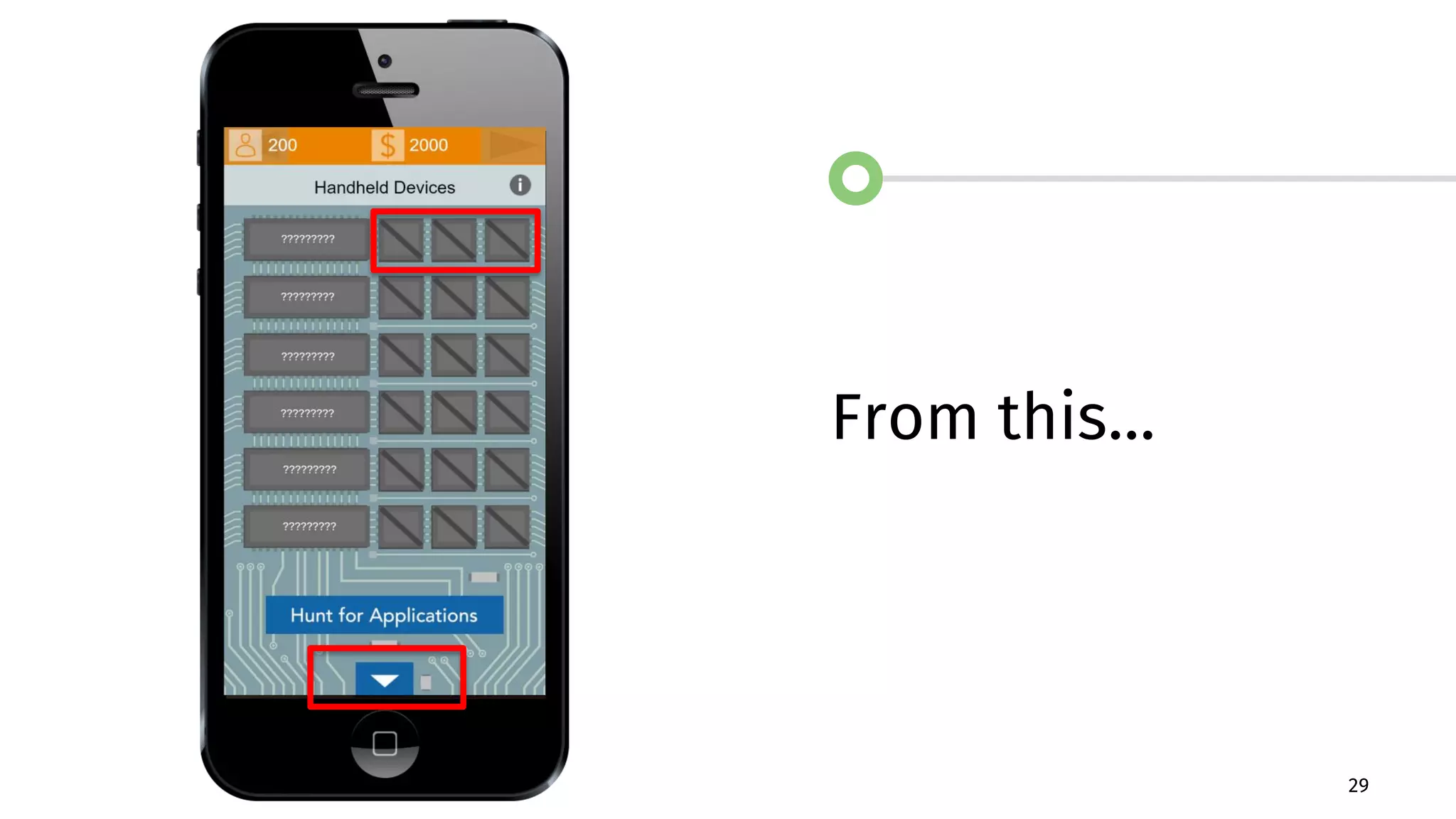
From this…
30Bottom-Line Performance
… to this.
Bottom-Line Performance
Design to the
smallest
screen: text,
touch,
targets.
UX Design
Principles
Focus on one
key action or
use per
screen.
Cut the
clutter!
Make
navigation
intuitive.
Make the
experience
seamless (if
web app).
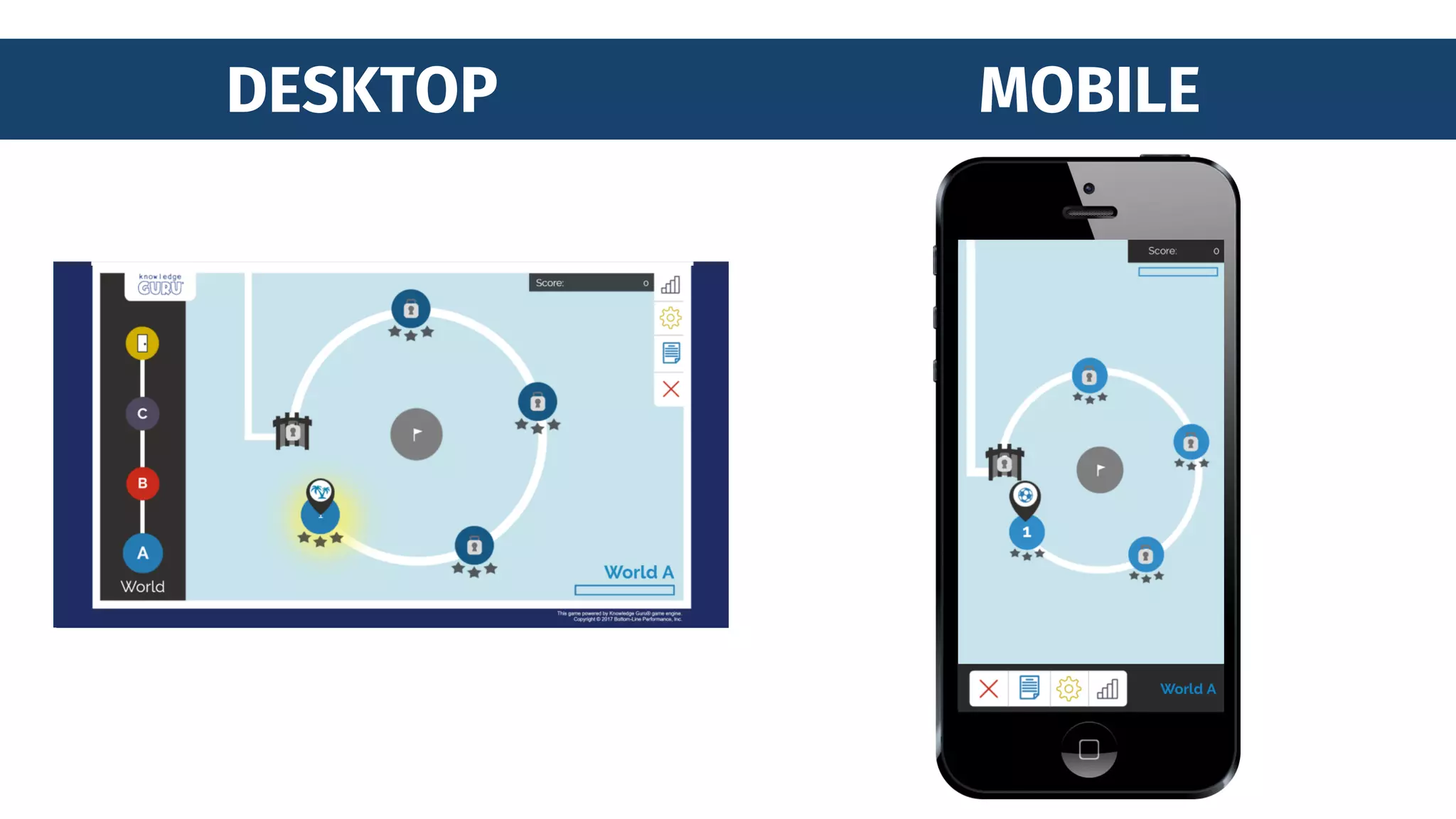
DESKTOP MOBILE
Bottom-Line Performance
Design to the
smallest
screen: text,
touch,
targets.
UX Design
Principles
Focus on one
key action or
use per
screen.
Cut the
clutter!
Make
navigation
intuitive.
Make the
experience
seamless (if
web app).
Cater to
contrast.
34Bottom-Line Performance
Bottom-Line Performance
Design to the
smallest
screen: text,
touch,
targets.
UX Design
Principles
Focus on one
key action or
use per
screen.
Cut the
clutter!
Make
navigation
intuitive.
Make the
experience
seamless (if
web app).
Cater to
contrast.
Design for
how people
hold a
phone.
Bottom-Line Performance
Design to the
smallest
screen: text,
touch,
targets.
UX Design
Principles
Focus on one
key action or
use per
screen.
Cut the
clutter!
Make
navigation
intuitive.
Make the
experience
seamless (if
web app).
Cater to
contrast.
Design for
how people
hold a
phone.
Minimize the
need to type.
Bottom-Line Performance
Design to the
smallest
screen: text,
touch,
targets.
UX Design
Principles
Focus on one
key action or
use per
screen.
Cut the
clutter!
Make
navigation
intuitive.
Make the
experience
seamless (if
web app).
Cater to
contrast.
Design for
how people
hold a
phone.
Minimize the
need to type.
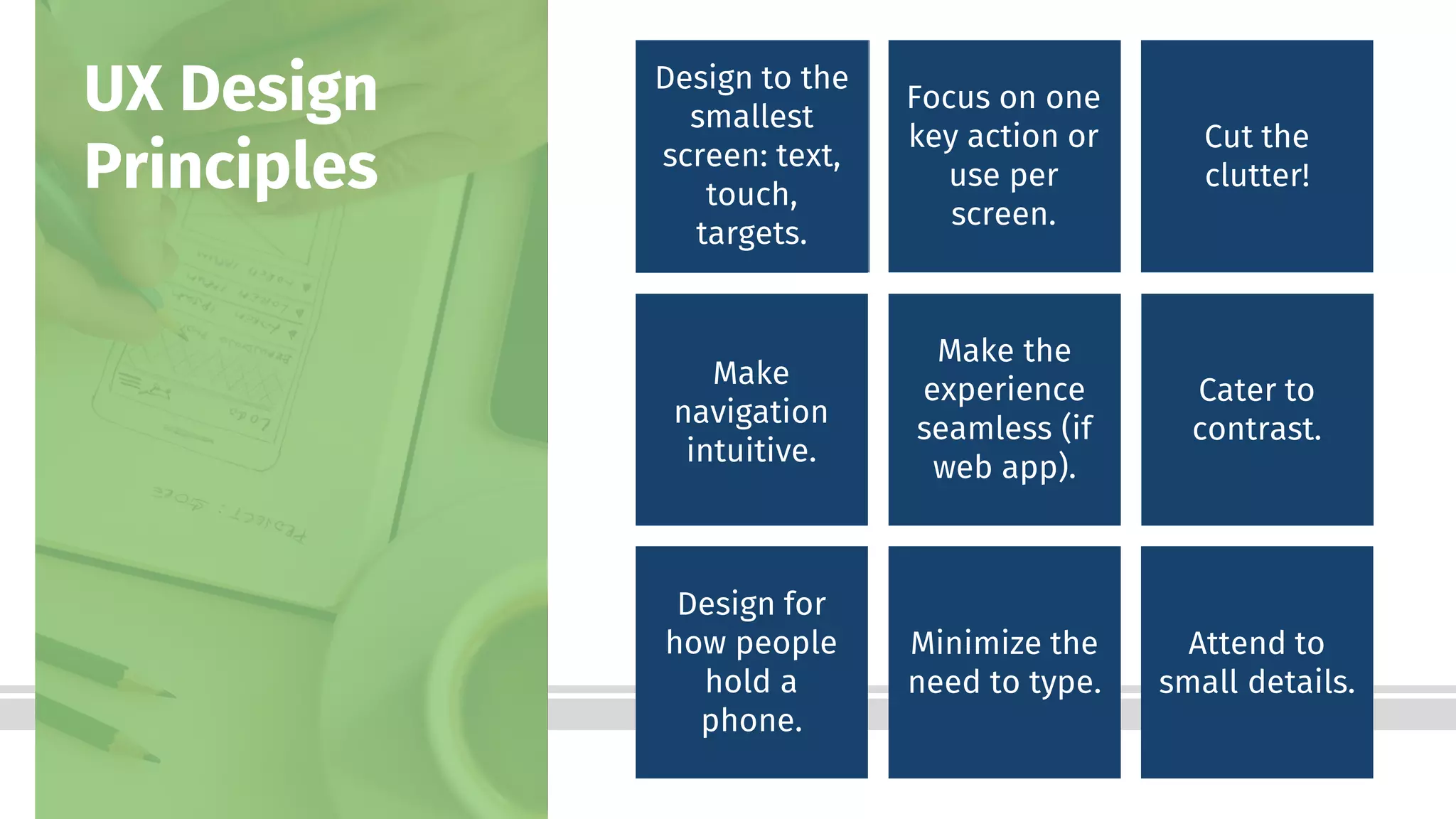
Attend to
small details.
38Bottom-Line Performance
39Bottom-Line Performance
40Bottom-Line Performance
UI Design
Principles Be
consistent:
buttons, text,
screen types.
Design to
your user.
Don’t re-
invent; stick
with common
conventions.
Enhance the
focus; don’t
be the focus.
Assume
mistakes.
Provide clear
feedback.
41Bottom-Line PerformanceBottom-Line Performance 41
42Bottom-Line Performance
Instructional
Design
Principles
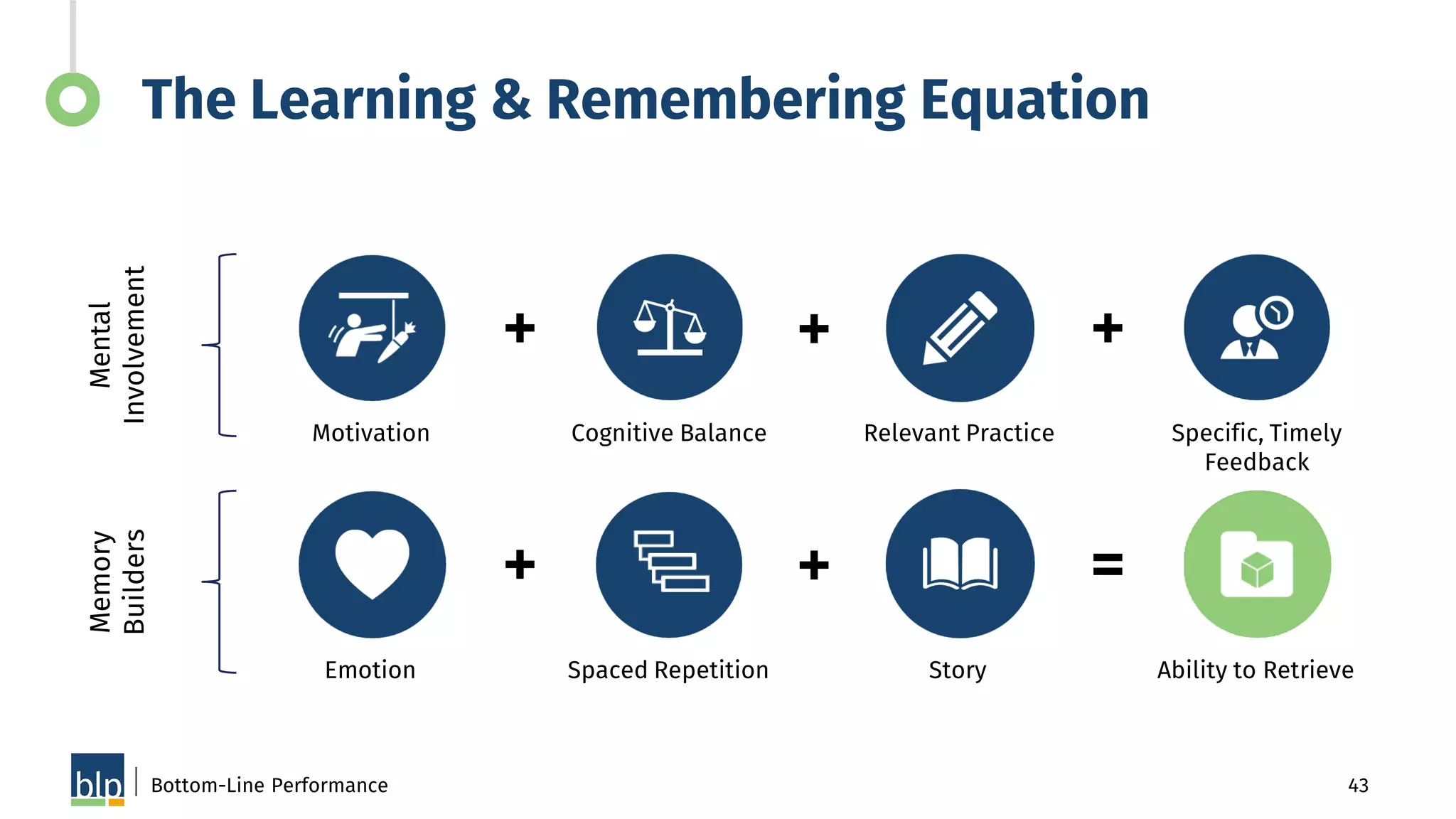
The Learning &
Remembering
Equation
43Bottom-Line Performance
The Learning & Remembering EquationMental
Involvement
Memory
Builders
Motivation Cognitive Balance Relevant Practice Specific, Timely
Feedback
Emotion Spaced Repetition Story Ability to Retrieve
+ + +
+ + =
44Bottom-Line Performance
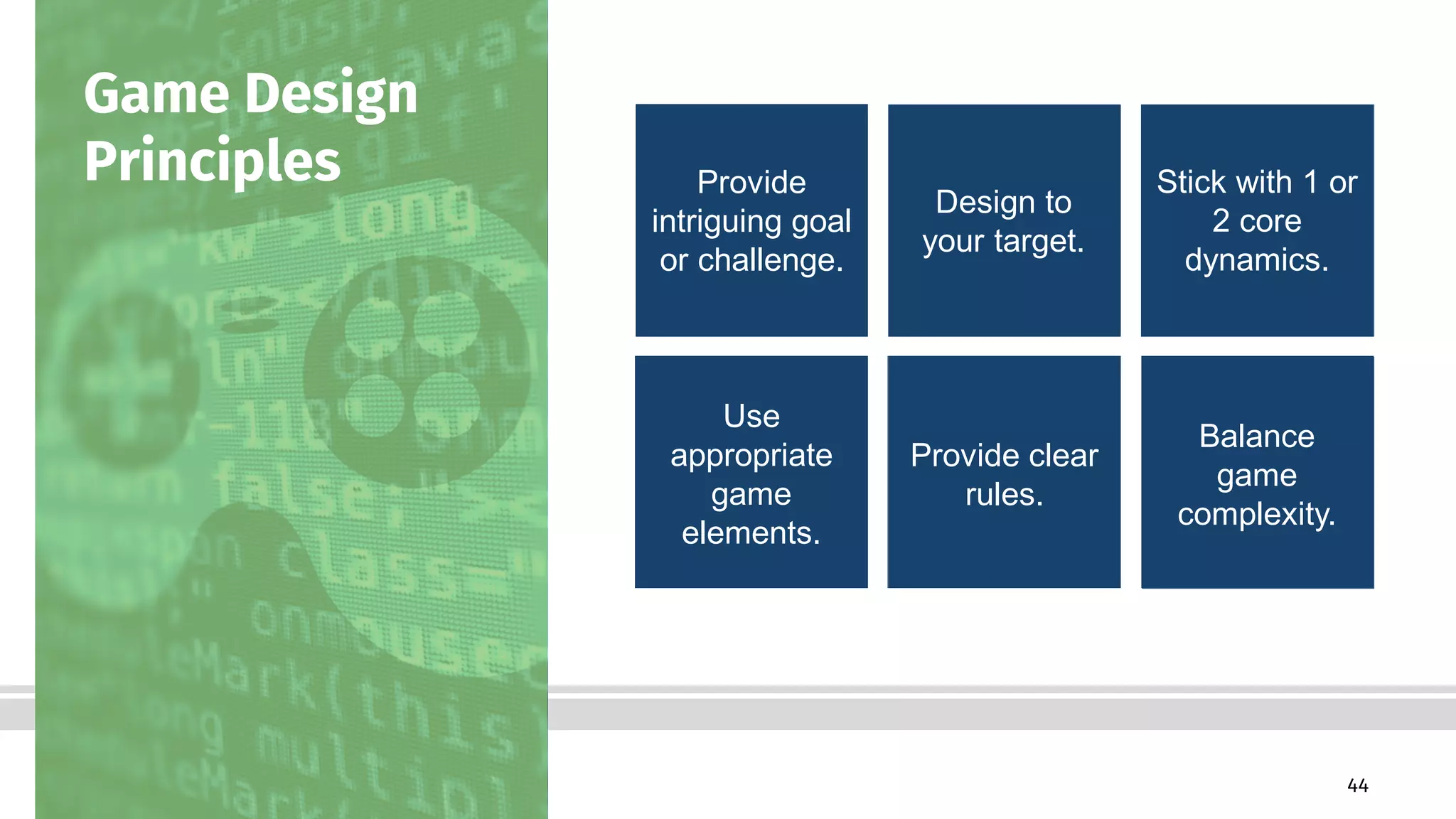
Game Design
Principles Provide
intriguing goal
or challenge.
Design to
your target.
Stick with 1 or
2 core
dynamics.
Use
appropriate
game
elements.
Provide clear
rules.
Balance
game
complexity.
GETTING IT ALL RIGHT REQUIRES
ITERATION
46Bottom-Line PerformanceBottom-Line Performance
48Bottom-Line Performance
HOW “GOING SMALL” CAN DRIVE
BIG RESULTS
About the Project
We partnered with TE Connectivity
(TE) to create a mobile learning game
for smartphones that helps
distributors learn about their
customers, and the applicable
products for each customer so they
can position the right products with
the right customers.
Bottom-Line Performance 50
51Bottom-Line Performance
Business Goals
Help TE’s 2,500 distributors
understand the needs of five
primary customer types and
position a wide range of TE
products with these customers
to meet their needs.
Results
• The app has been used 2,300+ times
by 355+ distributors, and 100% of
distributor users surveyed said they
learned something about TE products
while playing TE Town.
• TE Town led to increased adoption of
the sales enablement program by
drawing in distributors who were
previously not taking training.
• Anecdotal feedback: “It was the best
way to learn about our products by
ourselves. I love it!”
Bottom-Line Performance 52
Results
Bottom-Line Performance 53
54Bottom-Line Performance
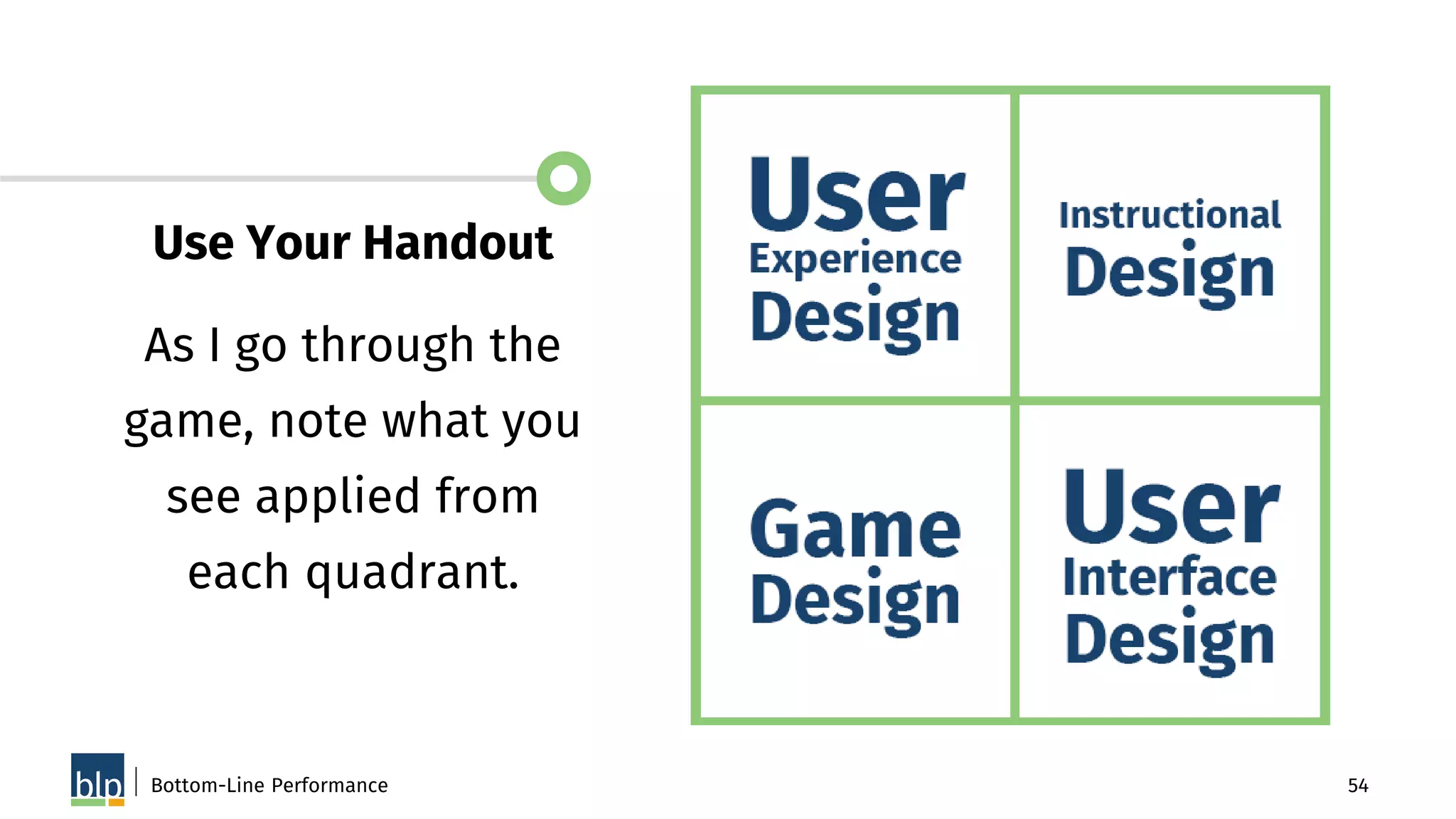
Use Your Handout
As I go through the
game, note what you
see applied from
each quadrant.
Bottom-Line Performance 55
Learners become
mayor of TE Town.
After a short tutorial,
they can begin
constructing the town.
Bottom-Line Performance 56
The first mini-game
introduces product
applications.
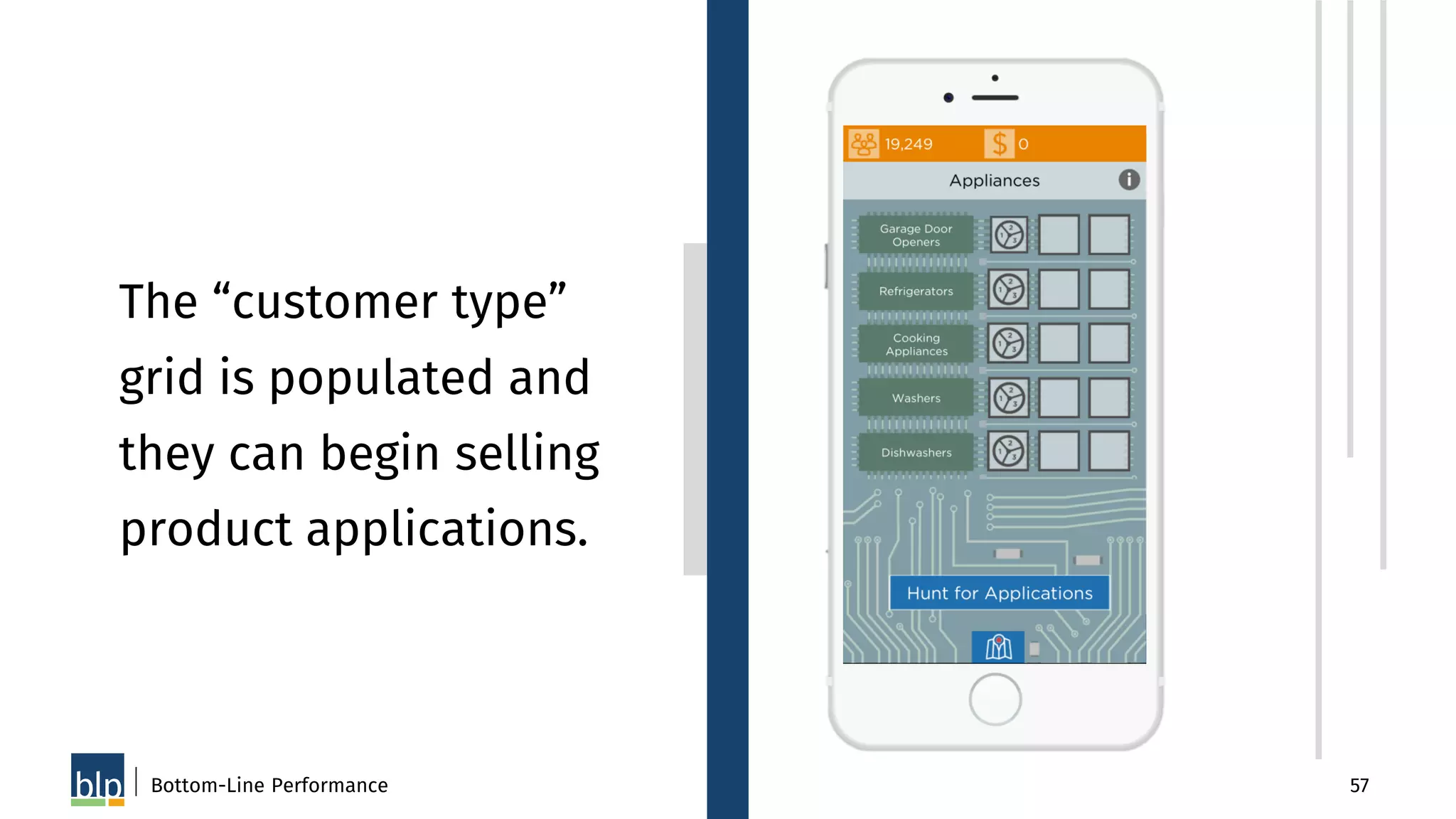
Bottom-Line Performance 57
The “customer type”
grid is populated and
they can begin selling
product applications.
Bottom-Line Performance 58
Learners continue
through a series of
mini-games to learn
more about the
products and discover
what products are
relevant to the
customer type.
Bottom-Line Performance 59
Learners continue
through a series of
mini-games to learn
more about the
products and discover
what products are
relevant to the
customer type.
Bottom-Line Performance 60
Learners continue
through a series of
mini-games to learn
more about the
products and discover
what products are
relevant to the
customer type.
Bottom-Line Performance 61
Learners continue
through a series of
mini-games to learn
more about the
products and discover
what products are
relevant to the
customer type.
Bottom-Line Performance 62
After completing a
product, players can
spend their treasury
on upgrades for their
town.
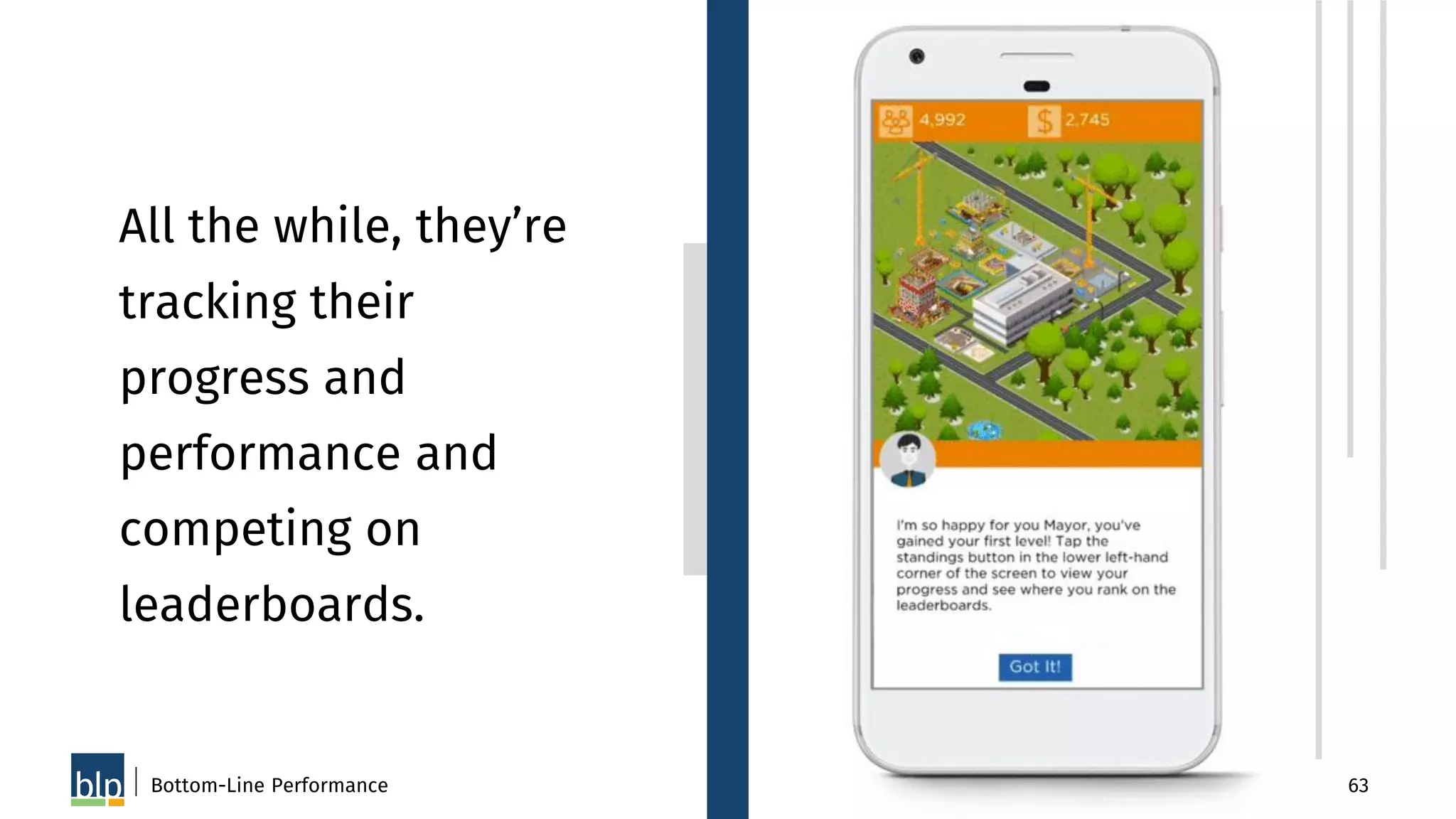
Bottom-Line Performance 63
All the while, they’re
tracking their
progress and
performance and
competing on
leaderboards.
64Bottom-Line Performance
Comments on what
you noticed related
to EACH quadrant?
Bottom-Line Performance 65
Final Questions?
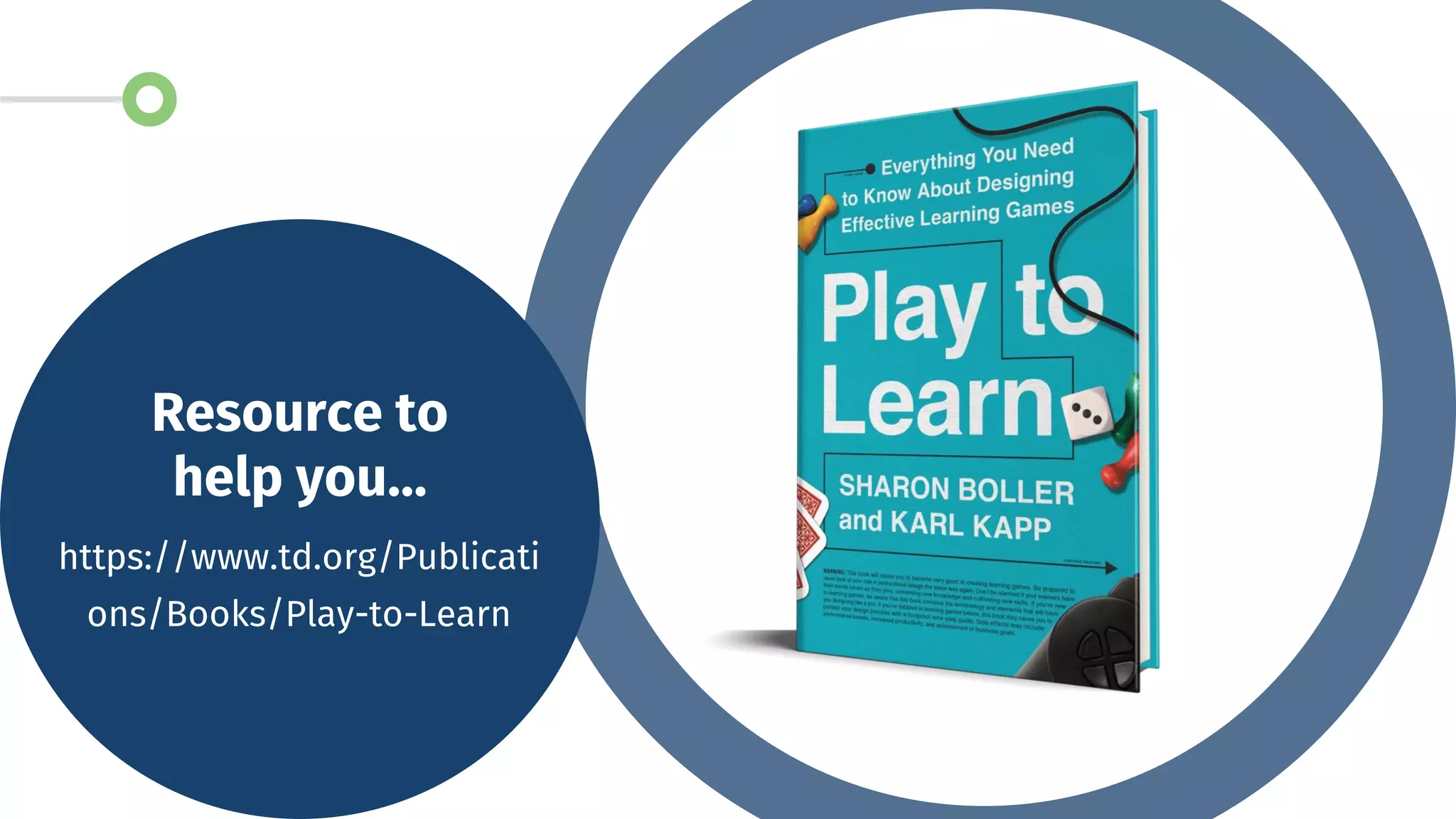
Resource to
help you…
https://www.td.org/Publicati
ons/Books/Play-to-Learn
THANK YOU!
SHARON BOLLER
CEO and President
Bottom-Line Performance
sharon@bottomlineperformance.com
@Sharon_Boller (Twitter)

When Games Go Small