What to do when they’ve had too much Scratch?
Neil Rickus
Senior Lecturer in Computing Education, University of Hertfordshire
@computingchamps
computingchampions.co.uk/serbia2017
Next 30 minutes
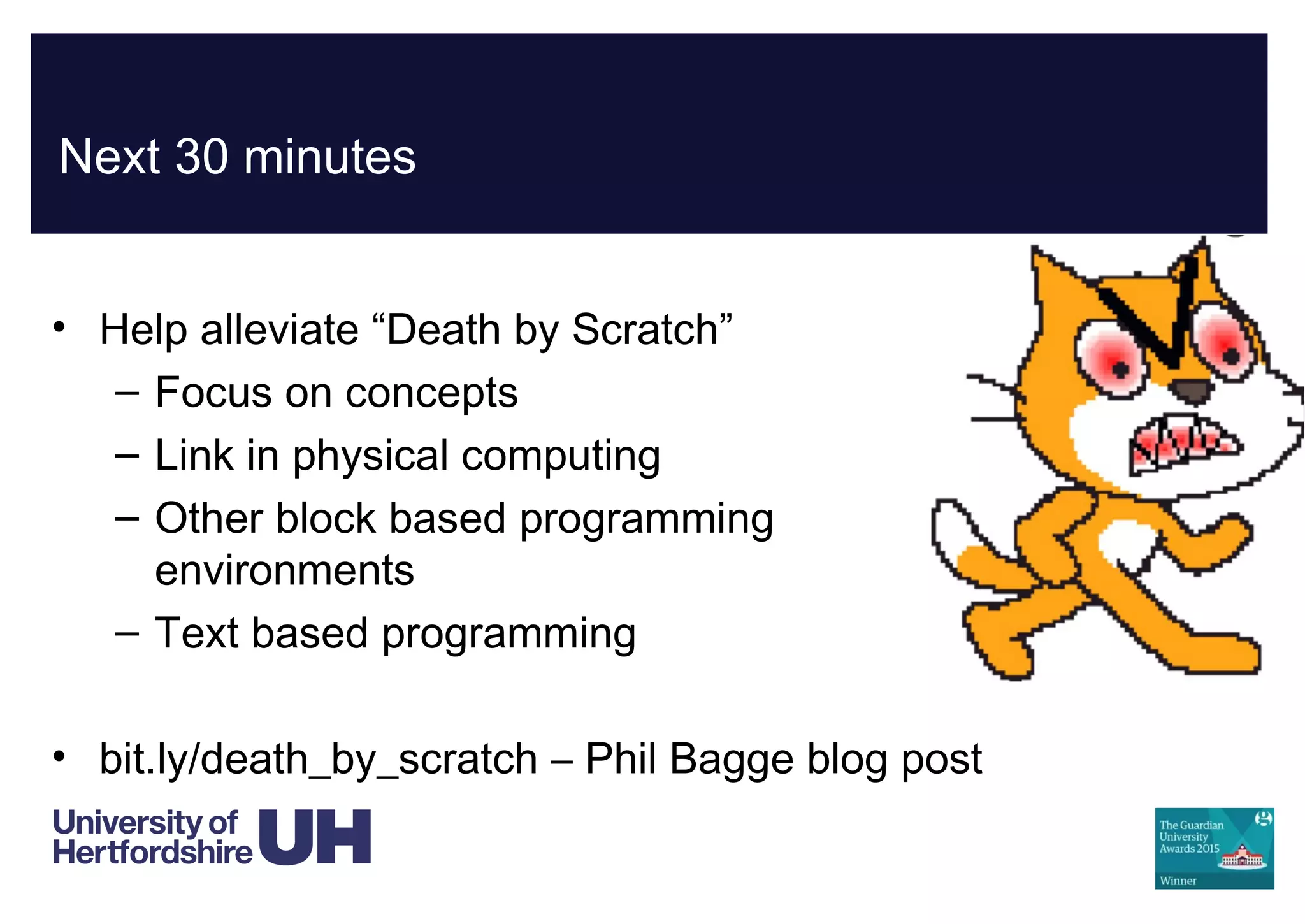
• Help alleviate “Death by Scratch”
– Focus on concepts
– Link in physical computing
– Other block based programming
environments
– Text based programming
• bit.ly/death_by_scratch – Phil Bagge blog post
Focusing on the concepts
• At KS2 (7-11 years), pupils need to write programs, which
including the following concepts:
– Sequencing
– Selection (if, then, else)
– Repetition
– Variables
– Inputs / outputs
Adding additional hardware
• Picoboard
• WeDo 2.0
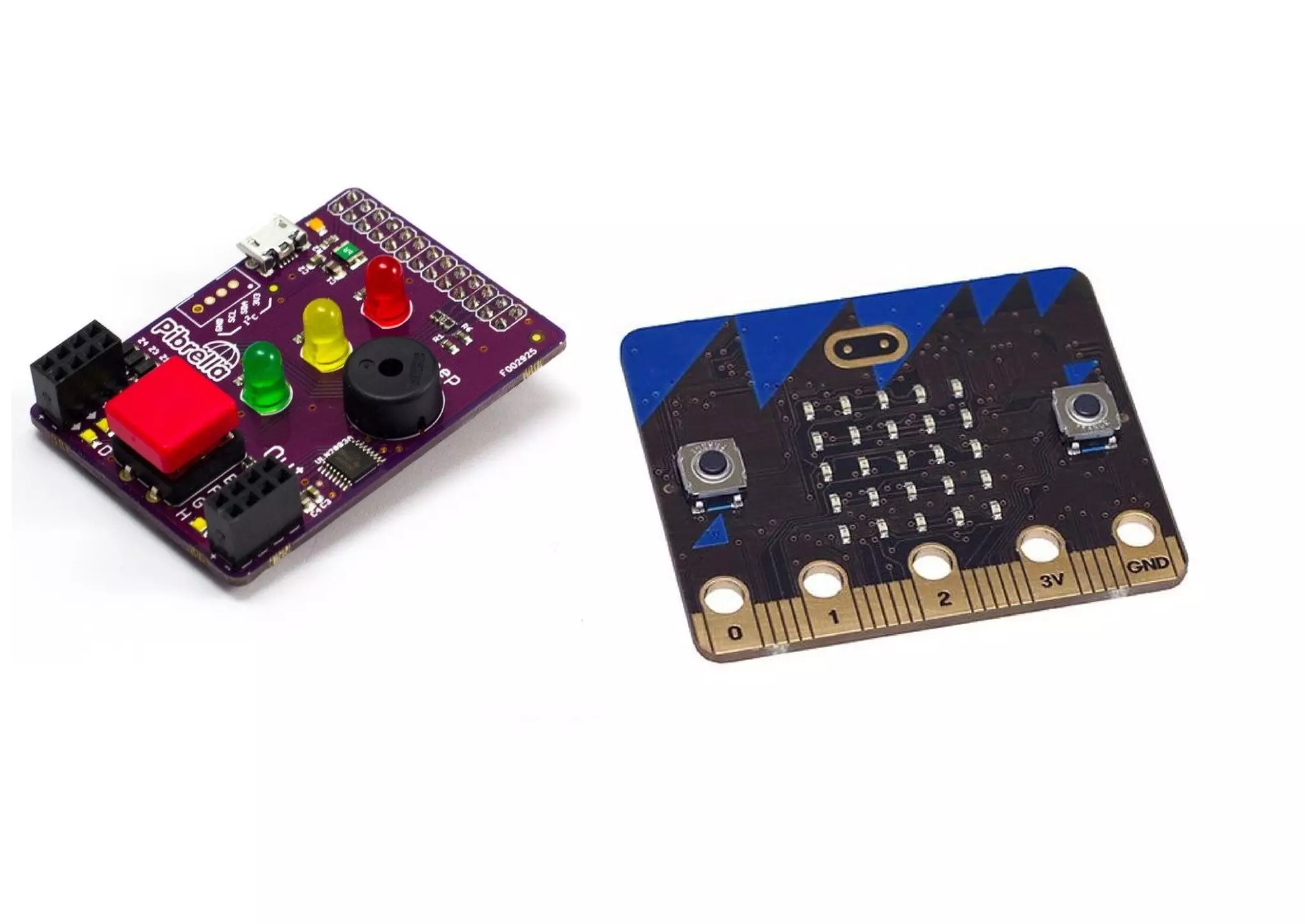
• Pibrella
• Micro:bit
• Makey Makey
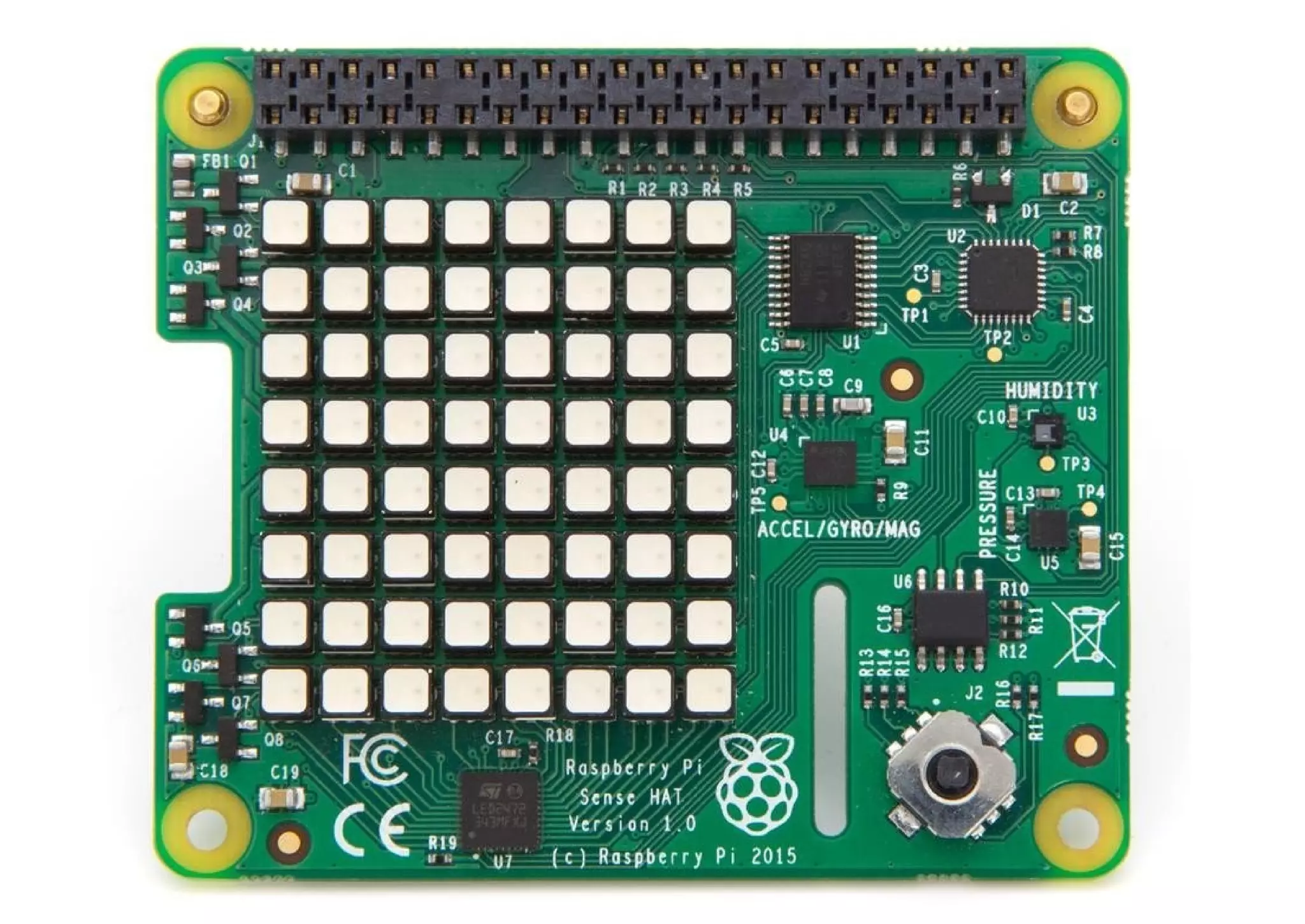
• SenseHat
Why physical computing?
• Opportunity to develop understanding of programming
concepts
• “Light bulb” moment!
• Links to other areas of the curriculum
– Science and DT, but many others
• Solve real world problems
– Not just “making a game today”
– Engaging to girls – casinclude.org.uk
More physical computing
• See my other presentation….
• computingchampions.co.uk/serbia2017
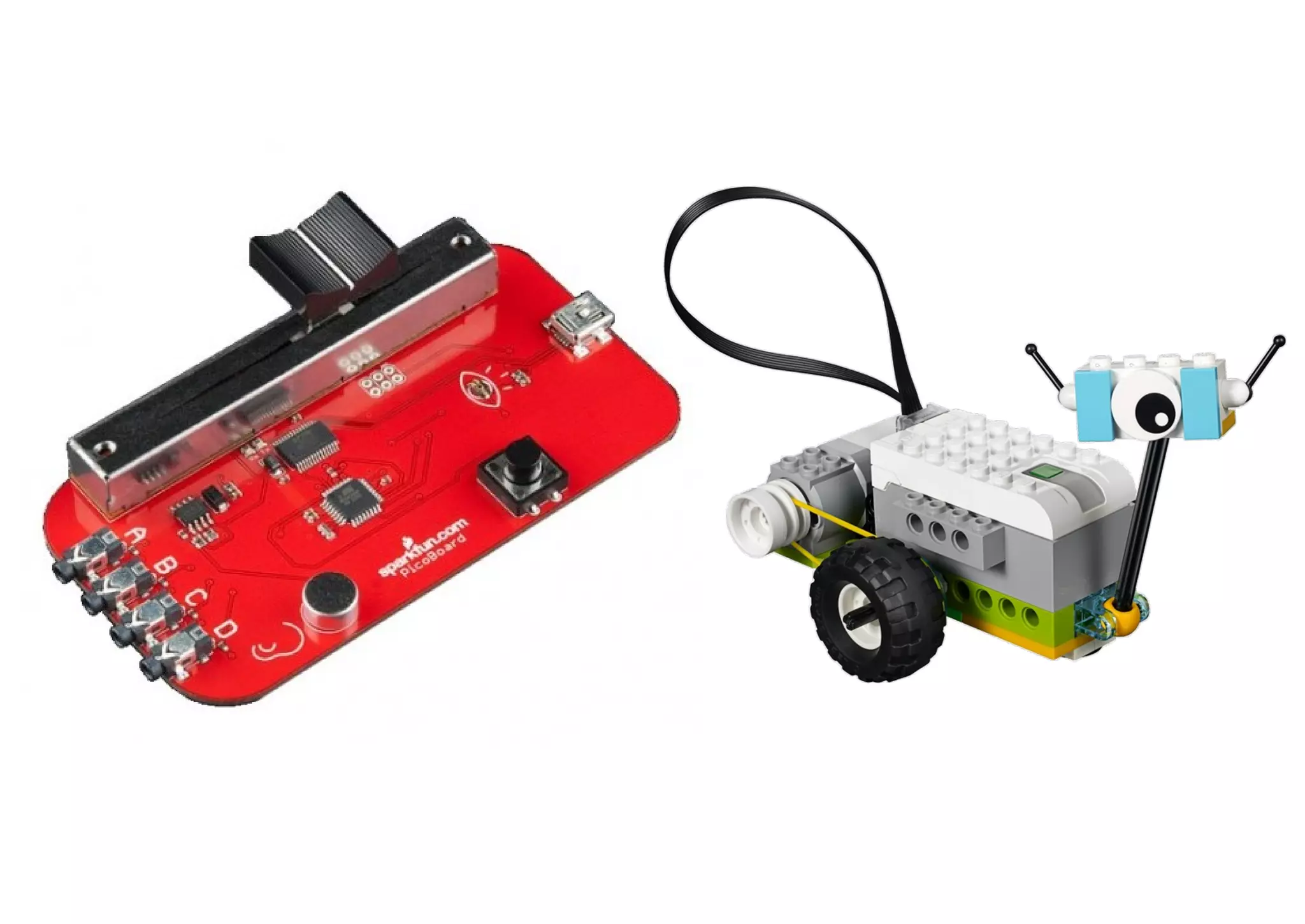
Picoboard / Lego WeDo 2.0
• Picoboard
– Cost - £40 board and connectors
– More info - www.picocricket.com/picoboard.html
• Lego WeDo 2.0
– Cost – £130 core set and software
– More info – education.lego.com/wedo2.0
Pibrella / micro:bit
• Pibrella (for use with a Raspberry Pi)
– Cost - £10 board (+ £30 for the Raspberry Pi)
– More info - pibrella.com
• micro:bit
– Cost – £13 board; £16 starter kit
– More info – microbit.org
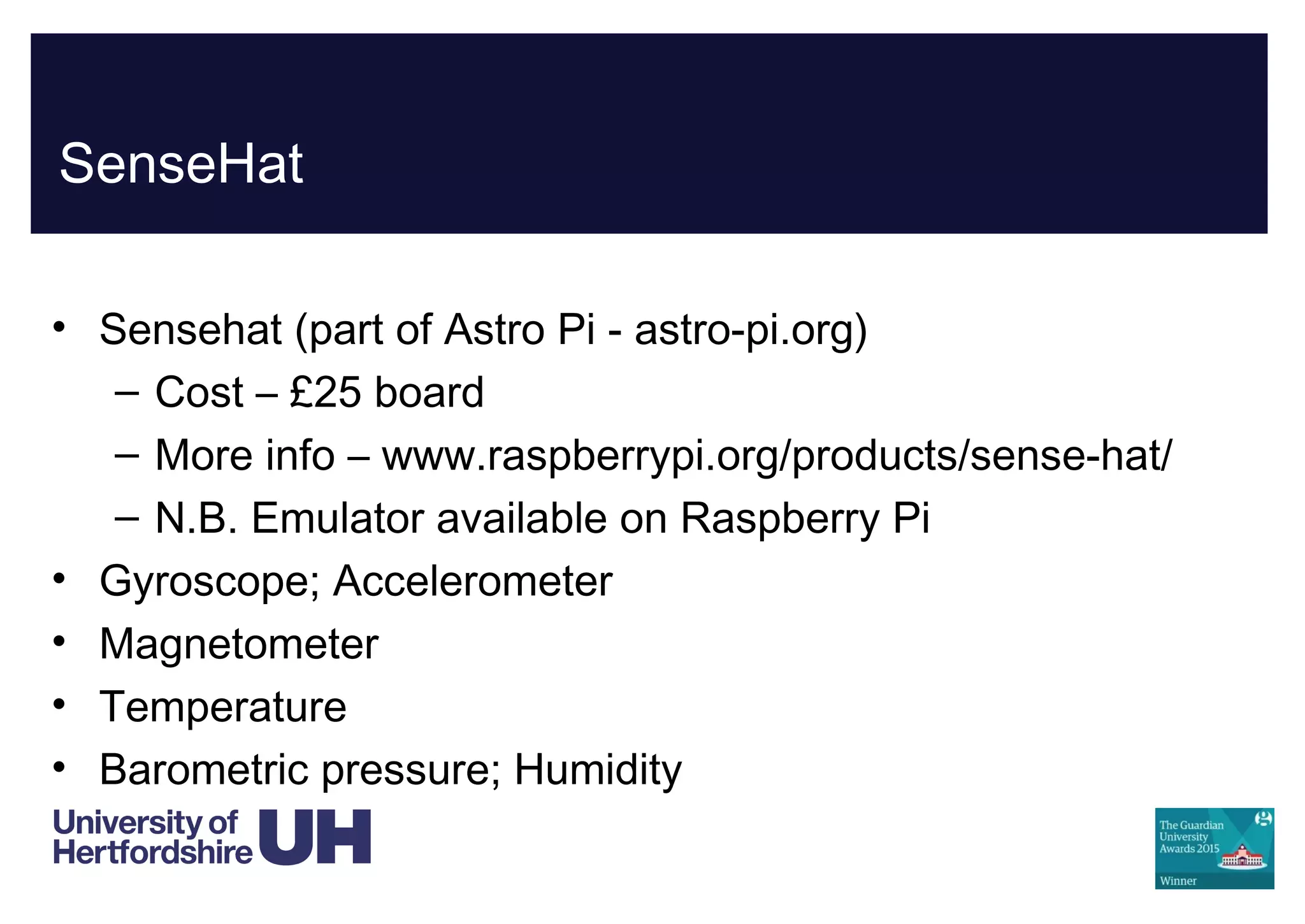
SenseHat
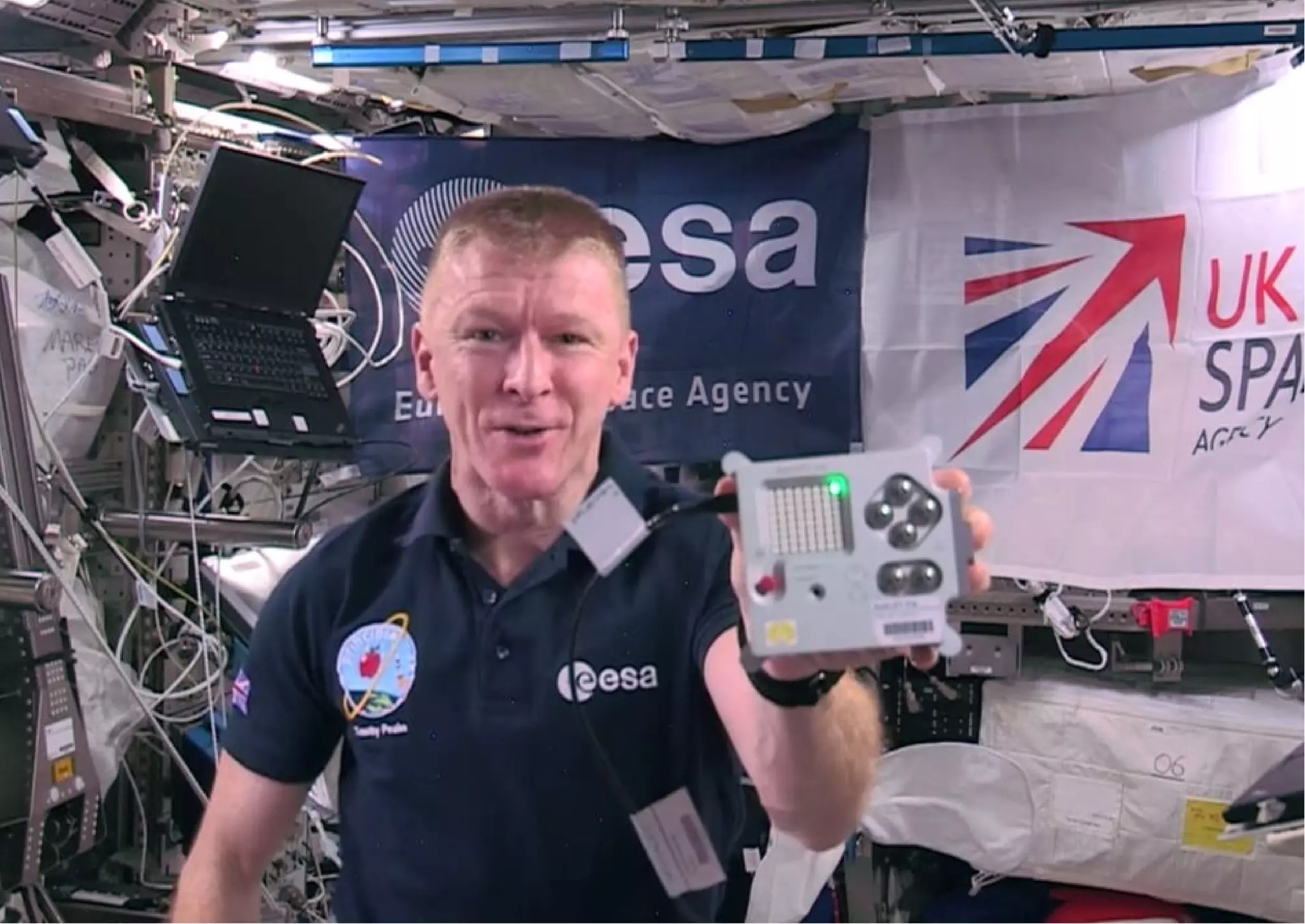
• Sensehat (part of Astro Pi - astro-pi.org)
– Cost – £25 board
– More info – www.raspberrypi.org/products/sense-hat/
– N.B. Emulator available on Raspberry Pi
• Gyroscope; Accelerometer
• Magnetometer
• Temperature
• Barometric pressure; Humidity
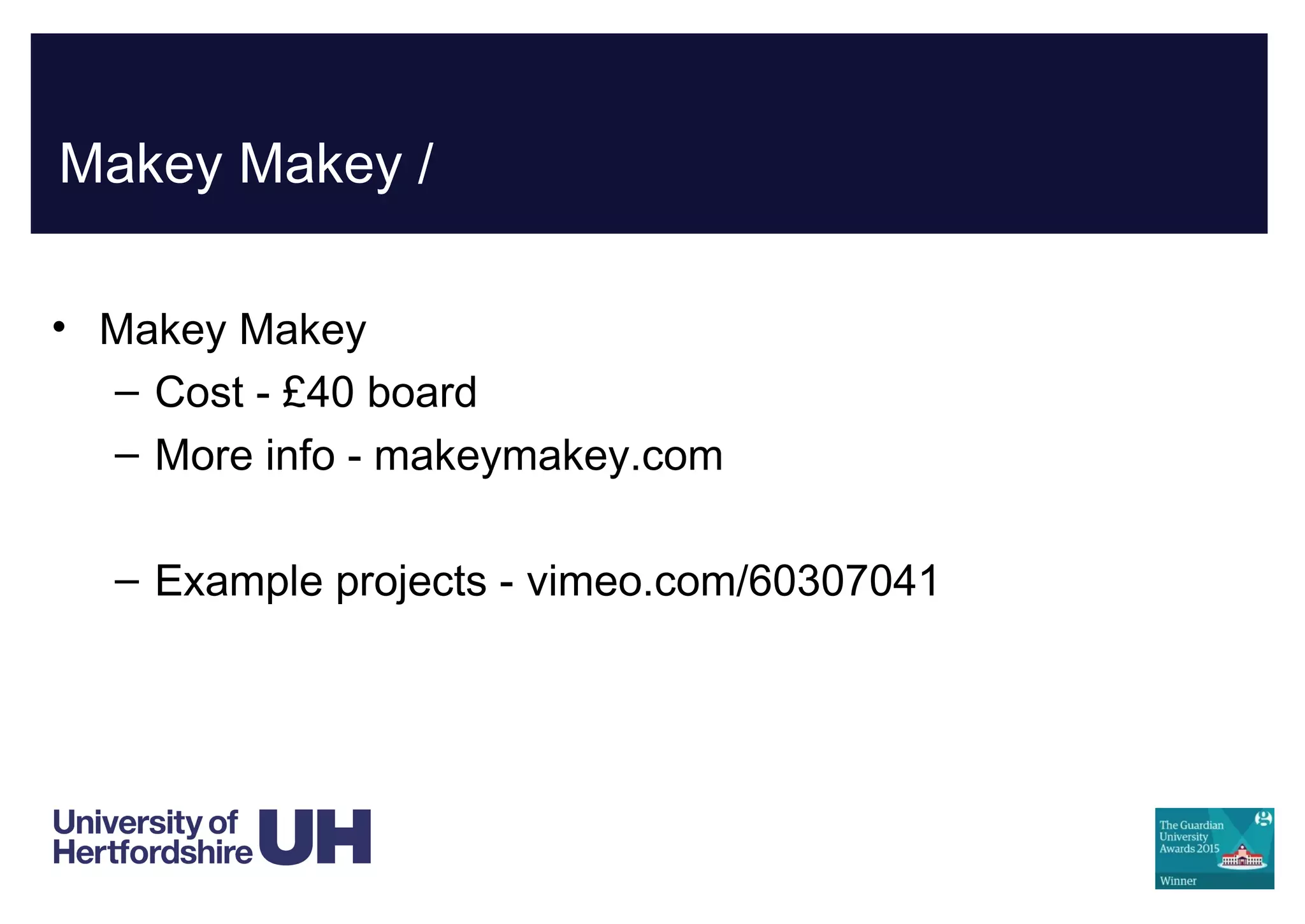
Makey Makey /
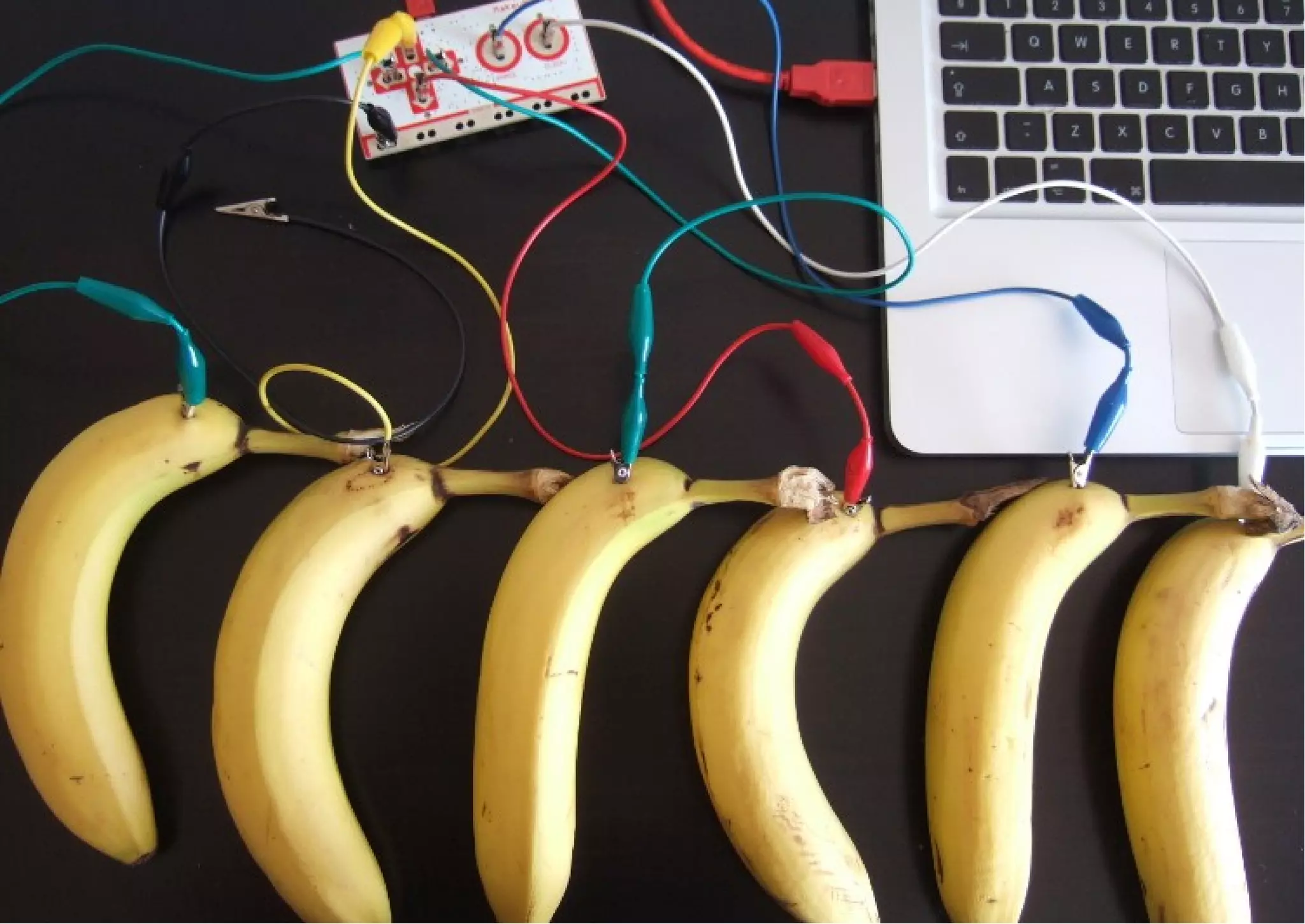
• Makey Makey
– Cost - £40 board
– More info - makeymakey.com
– Example projects - vimeo.com/60307041
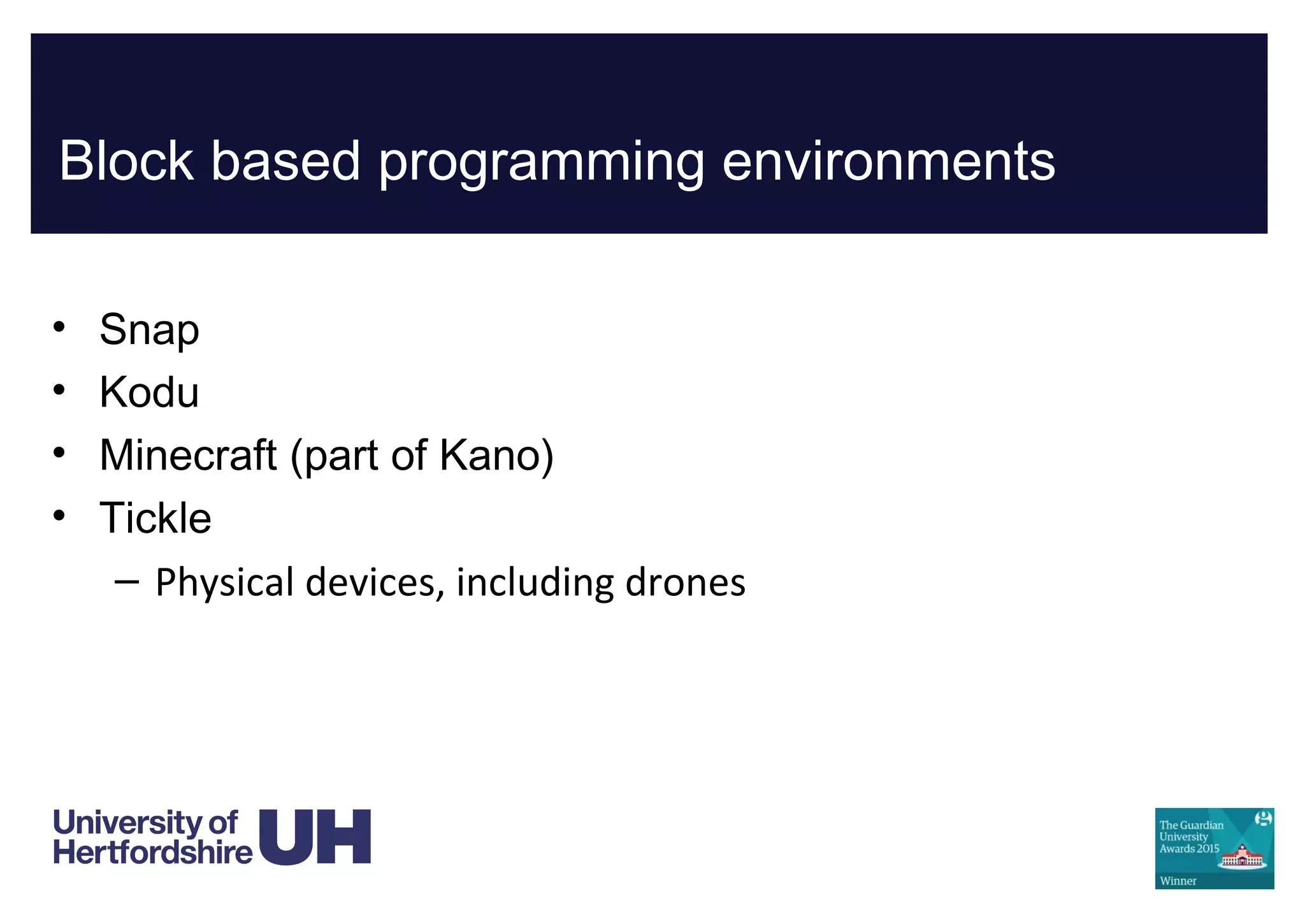
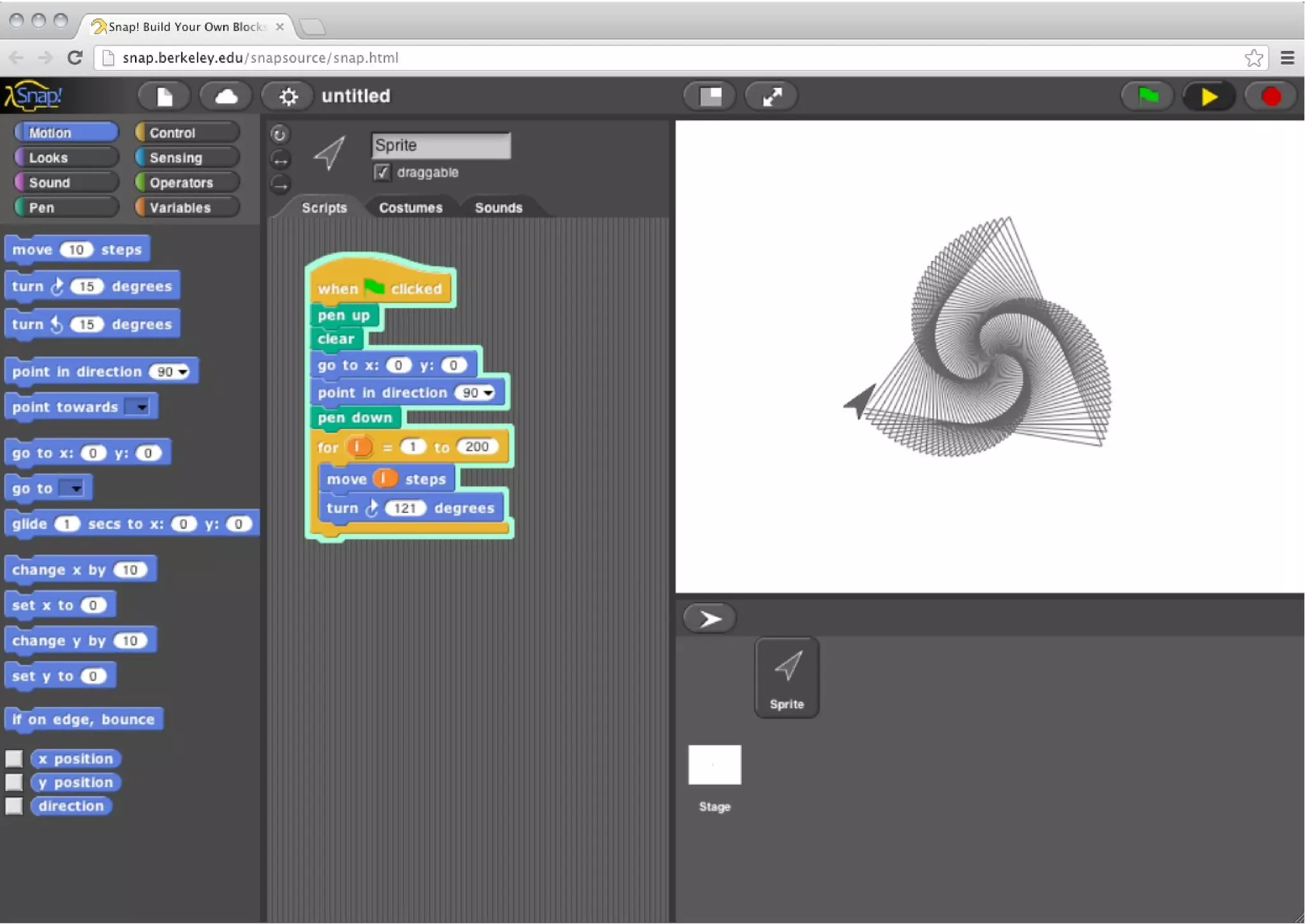
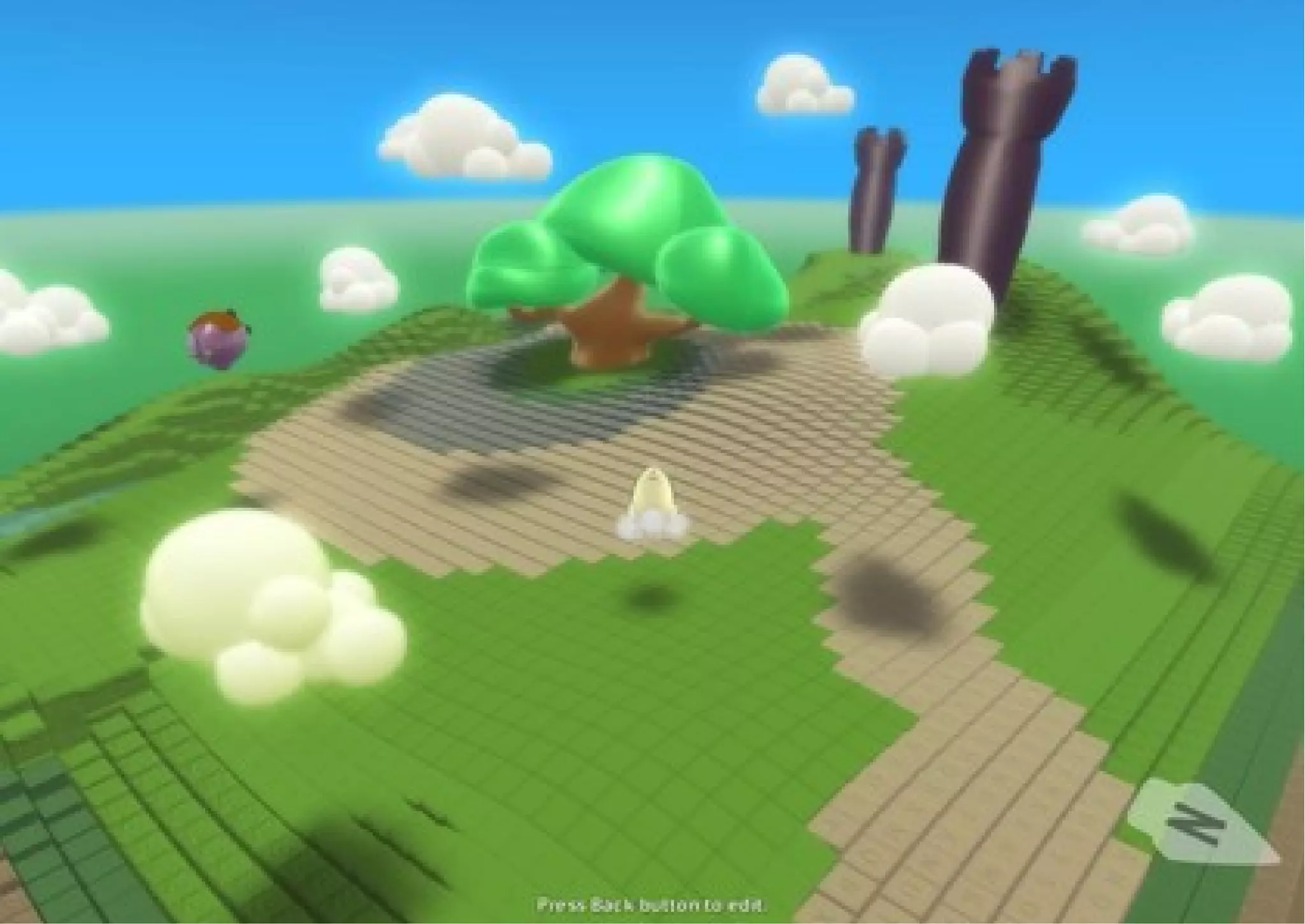
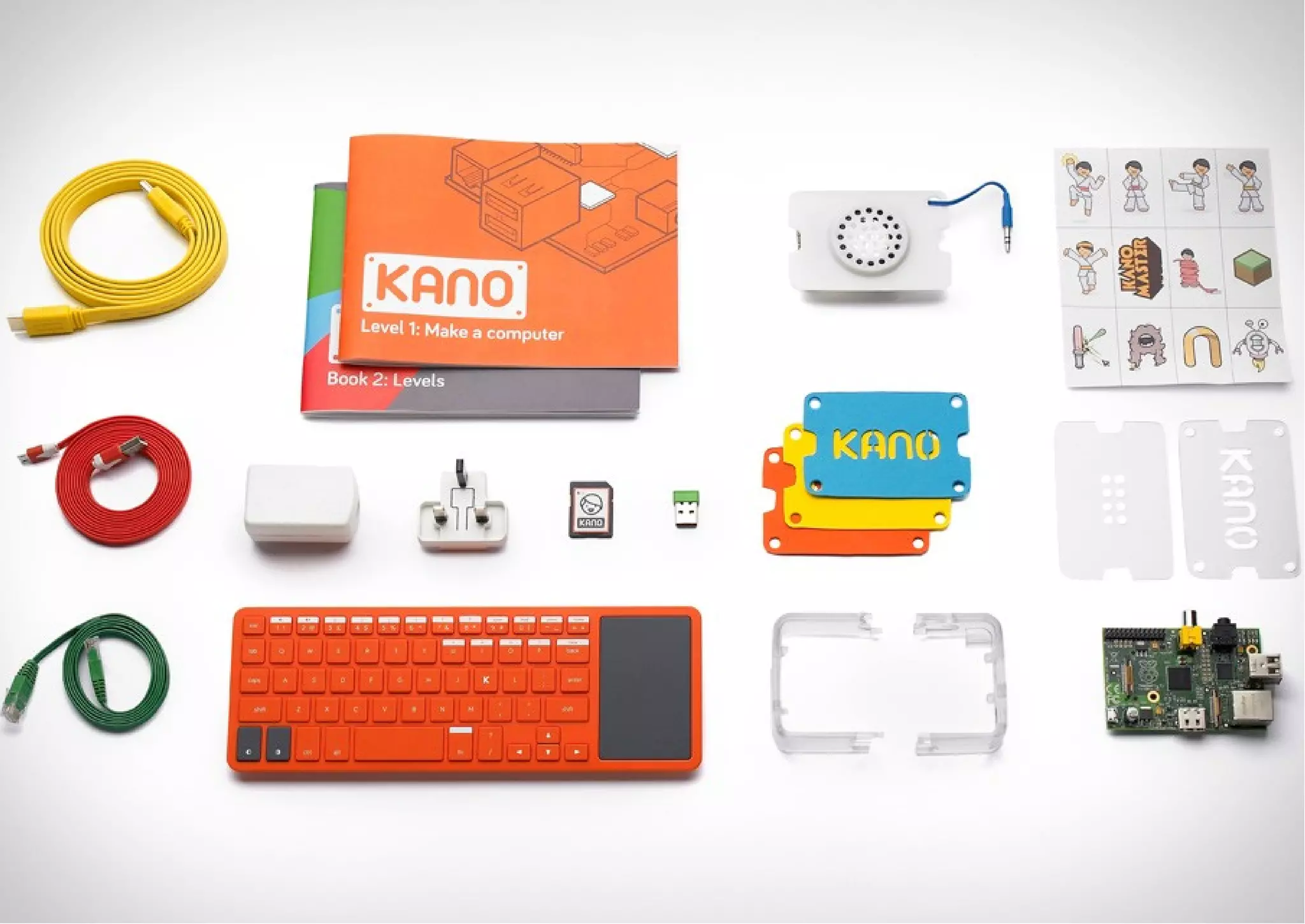
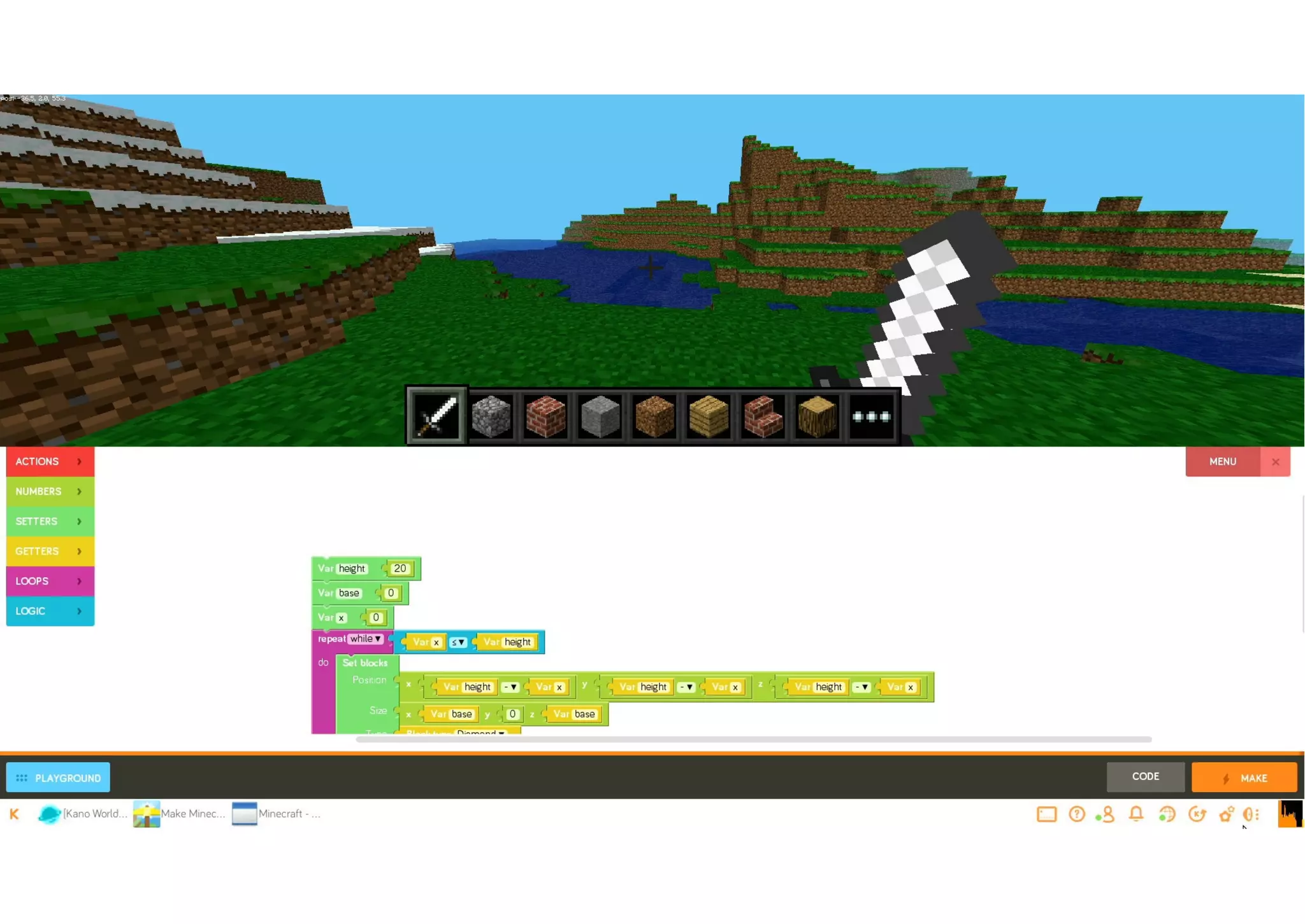
Block based programming environments
• Snap
• Kodu
• Minecraft (part of Kano)
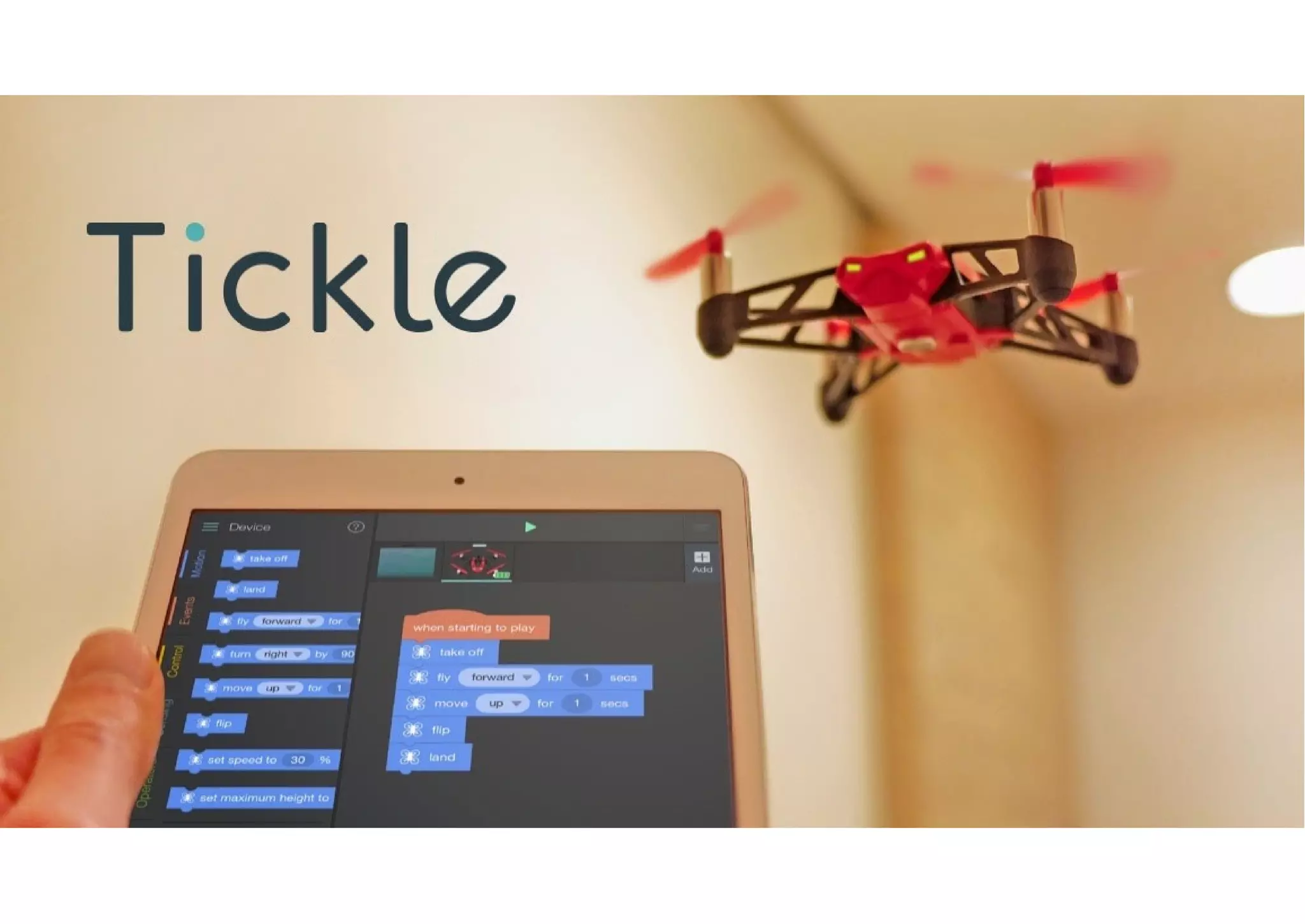
• Tickle
– Physical devices, including drones
Reinforcing concepts
• Hour of Code – code.org
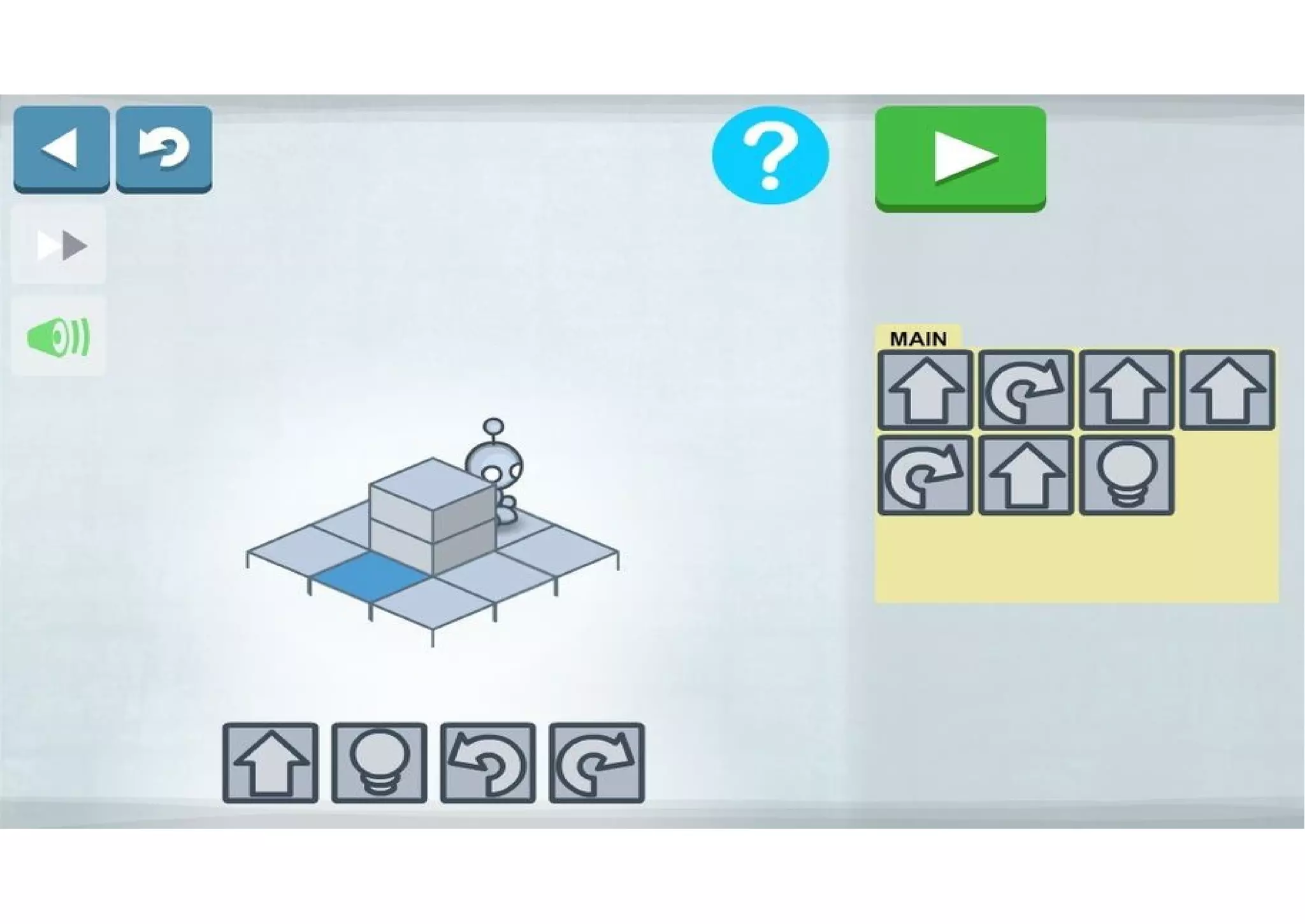
• Light Bot
• Code Combat
• bit.ly/gridofapps2016
Moving to text based programming
• Tickle
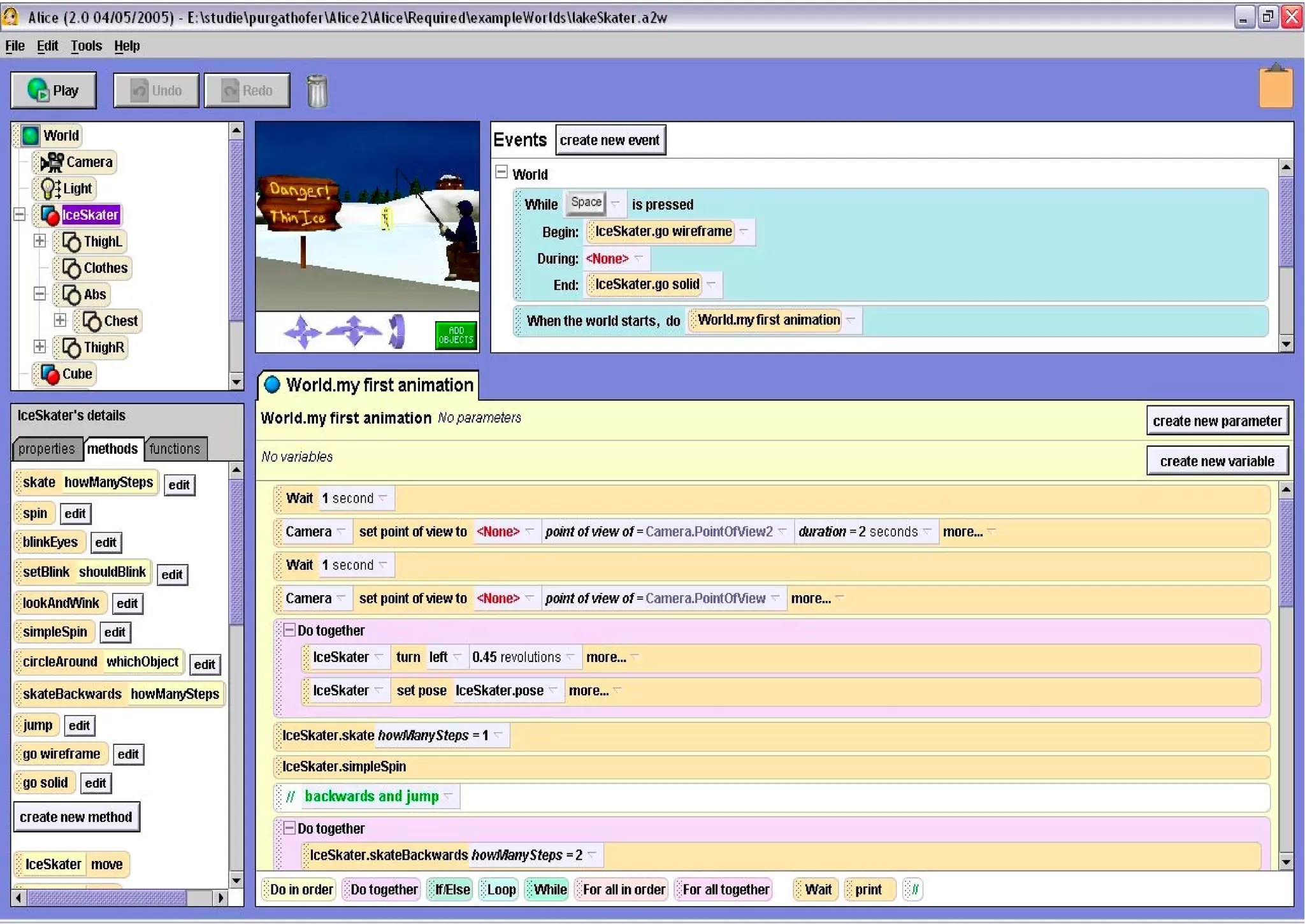
• Alice
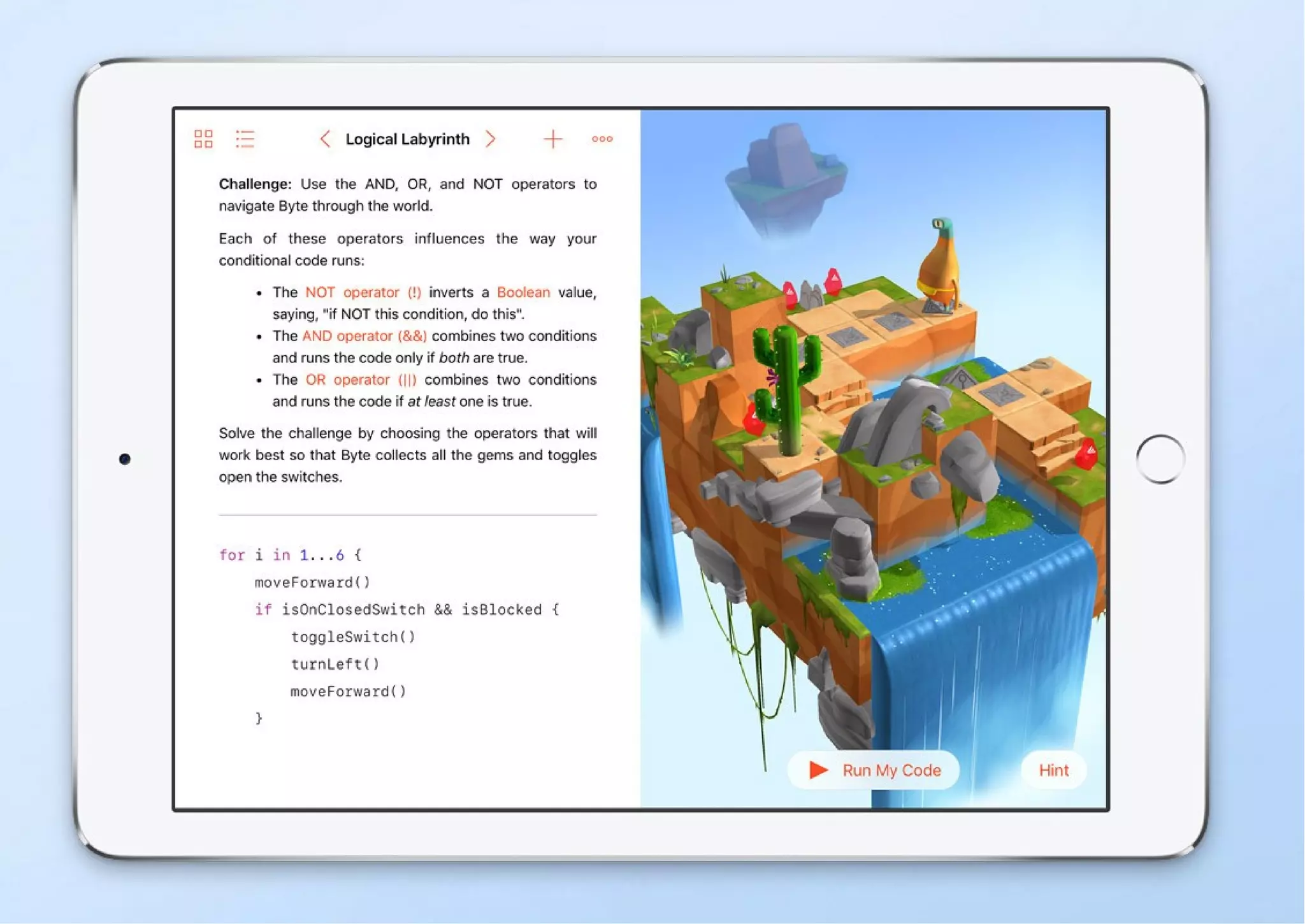
• Swift Playgrounds
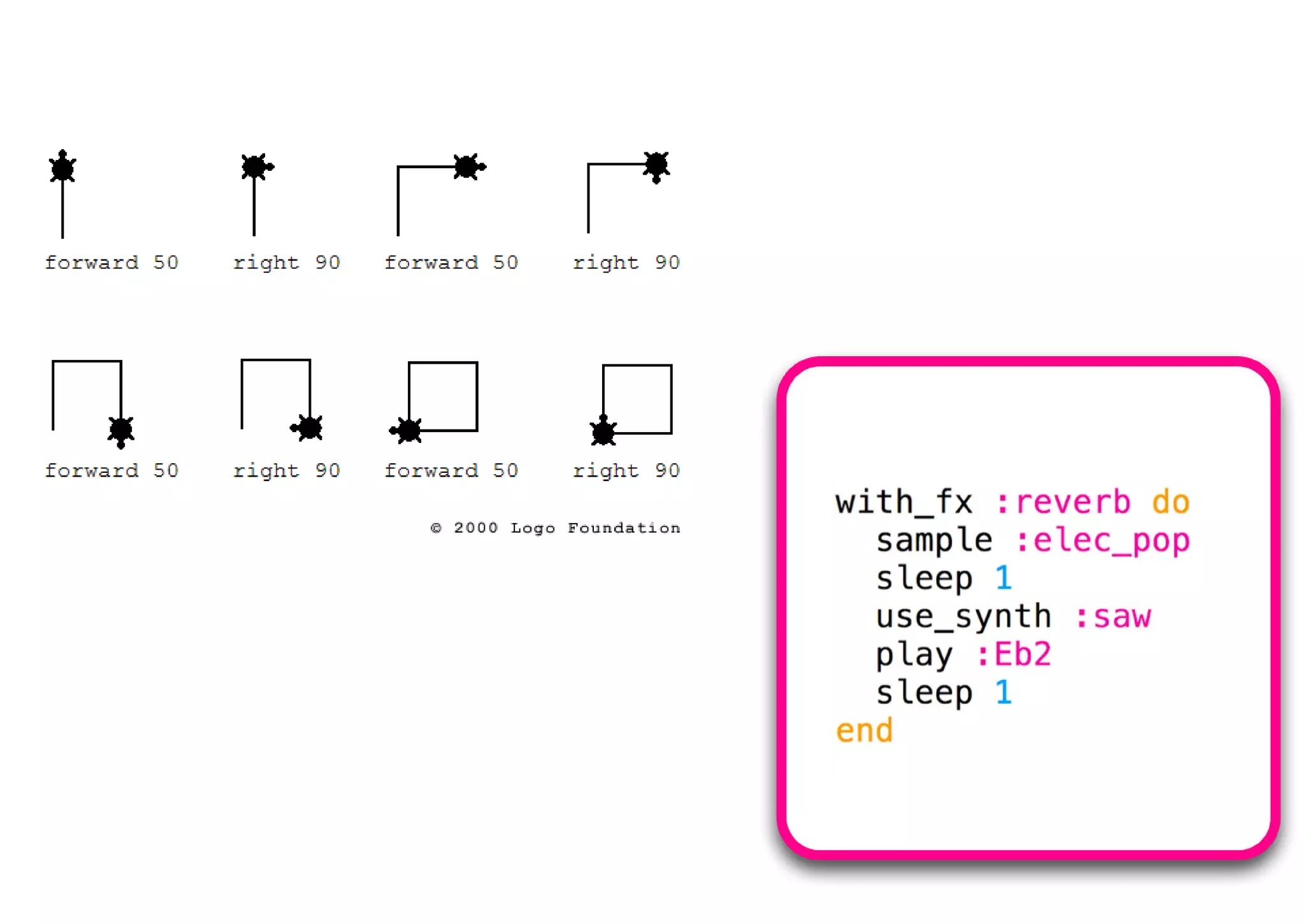
• Logo
• Sonic Pi
• Python
Don’t forget the rest of the curriculum
• Select, use and combine a variety of software (including
internet services) on a range of digital devices to design
and create a range of programs, systems and content that
accomplish given goals, including collecting, analysing,
evaluating and presenting data and information
• Computer networks
• Search engines
• E-safety
Neil Rickus
Senior Lecturer in Computing Education,
University of Hertfordshire
@computingchamps
computingchampions.co.uk/serbia2017
TES EdTech special
digital.tes.com/EDTECHJAN17/ (pg. 41)
Hello World
helloworld.cc (pg. 44)

What to do when they've had too much Scratch?

  • 1.
    What to dowhen they’ve had too much Scratch? Neil Rickus Senior Lecturer in Computing Education, University of Hertfordshire @computingchamps computingchampions.co.uk/serbia2017
  • 2.
    Next 30 minutes •Help alleviate “Death by Scratch” – Focus on concepts – Link in physical computing – Other block based programming environments – Text based programming • bit.ly/death_by_scratch – Phil Bagge blog post
  • 3.
    Focusing on theconcepts • At KS2 (7-11 years), pupils need to write programs, which including the following concepts: – Sequencing – Selection (if, then, else) – Repetition – Variables – Inputs / outputs
  • 4.
    Adding additional hardware •Picoboard • WeDo 2.0 • Pibrella • Micro:bit • Makey Makey • SenseHat
  • 5.
    Why physical computing? •Opportunity to develop understanding of programming concepts • “Light bulb” moment! • Links to other areas of the curriculum – Science and DT, but many others • Solve real world problems – Not just “making a game today” – Engaging to girls – casinclude.org.uk
  • 6.
    More physical computing •See my other presentation…. • computingchampions.co.uk/serbia2017
  • 9.
    Picoboard / LegoWeDo 2.0 • Picoboard – Cost - £40 board and connectors – More info - www.picocricket.com/picoboard.html • Lego WeDo 2.0 – Cost – £130 core set and software – More info – education.lego.com/wedo2.0
  • 11.
    Pibrella / micro:bit •Pibrella (for use with a Raspberry Pi) – Cost - £10 board (+ £30 for the Raspberry Pi) – More info - pibrella.com • micro:bit – Cost – £13 board; £16 starter kit – More info – microbit.org
  • 14.
    SenseHat • Sensehat (partof Astro Pi - astro-pi.org) – Cost – £25 board – More info – www.raspberrypi.org/products/sense-hat/ – N.B. Emulator available on Raspberry Pi • Gyroscope; Accelerometer • Magnetometer • Temperature • Barometric pressure; Humidity
  • 16.
    Makey Makey / •Makey Makey – Cost - £40 board – More info - makeymakey.com – Example projects - vimeo.com/60307041
  • 17.
    Block based programmingenvironments • Snap • Kodu • Minecraft (part of Kano) • Tickle – Physical devices, including drones
  • 23.
    Reinforcing concepts • Hourof Code – code.org • Light Bot • Code Combat • bit.ly/gridofapps2016
  • 25.
    Moving to textbased programming • Tickle • Alice • Swift Playgrounds • Logo • Sonic Pi • Python
  • 30.
    Don’t forget therest of the curriculum • Select, use and combine a variety of software (including internet services) on a range of digital devices to design and create a range of programs, systems and content that accomplish given goals, including collecting, analysing, evaluating and presenting data and information • Computer networks • Search engines • E-safety
  • 31.
    Neil Rickus Senior Lecturerin Computing Education, University of Hertfordshire @computingchamps computingchampions.co.uk/serbia2017 TES EdTech special digital.tes.com/EDTECHJAN17/ (pg. 41) Hello World helloworld.cc (pg. 44)