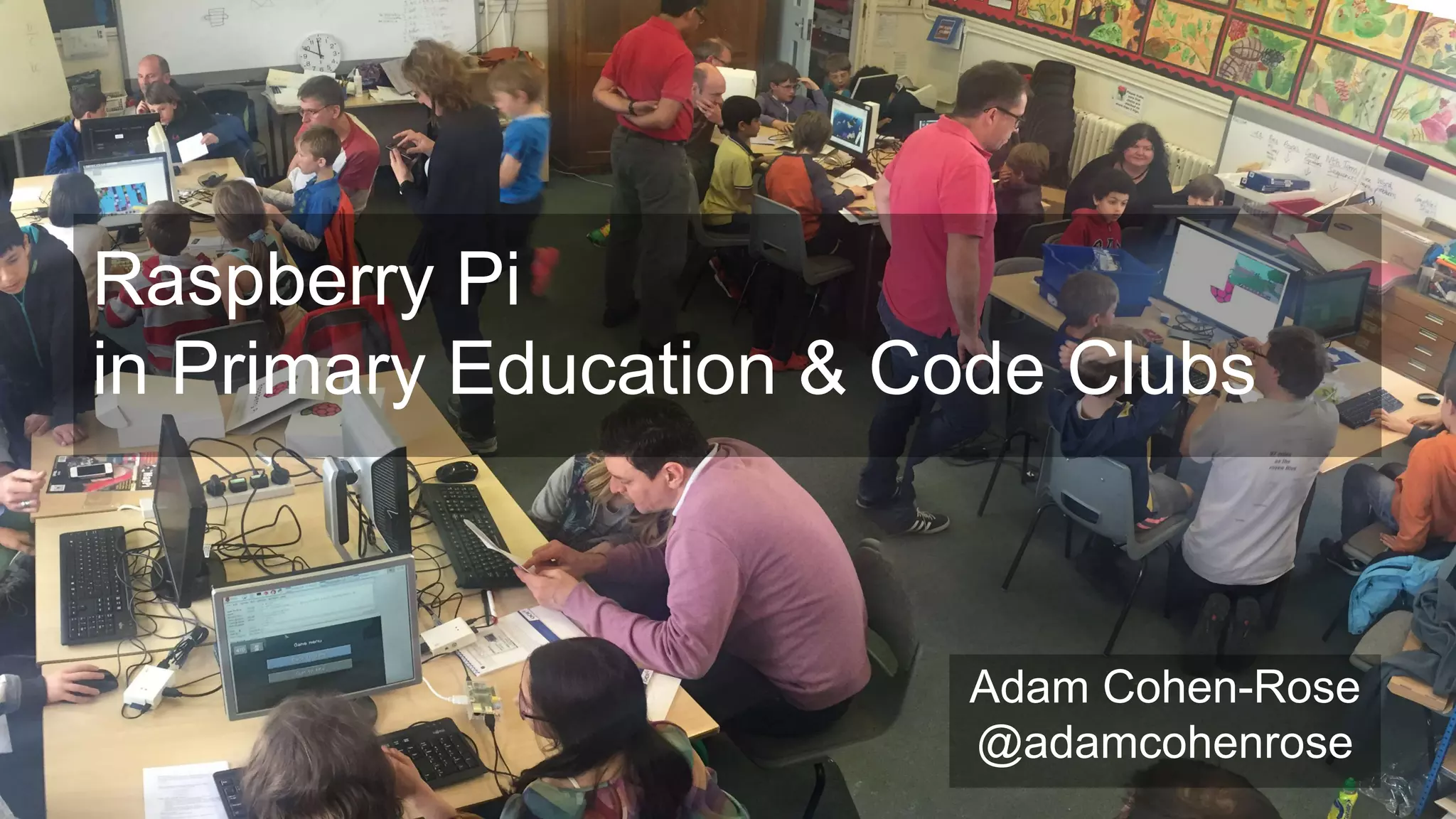
Raspberry Pi
in Primary Education & Code Clubs
Adam Cohen-Rose
@adamcohenrose
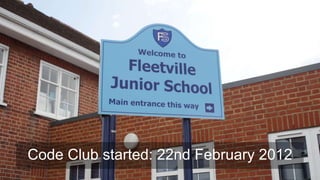
Code Club started: 22nd February 2012
What we’ve tried
What we’ve found difficult
What works for you?
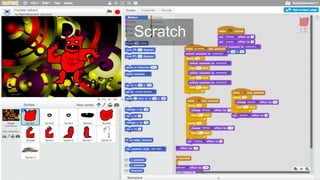
Scratch
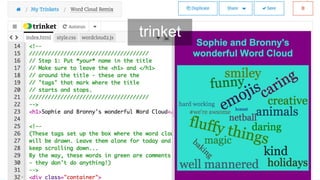
trinket
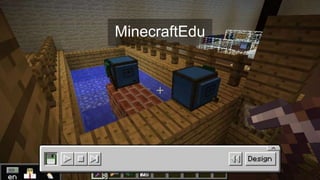
MinecraftEdu
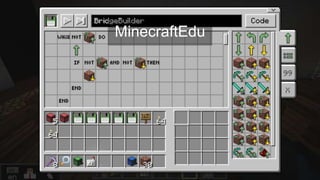
MinecraftEdu
Code Warriors
Hakitzu Battles
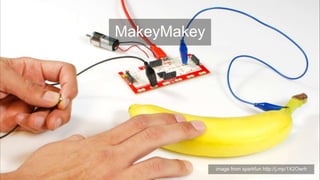
MakeyMakey
image from sparkfun http://j.mp/1X2Owrh
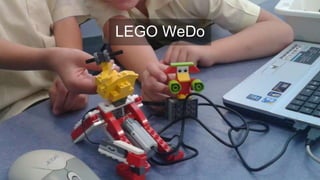
LEGO WeDo
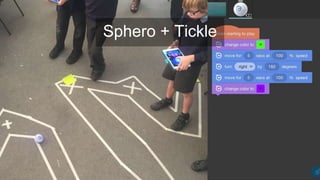
Sphero + Tickle
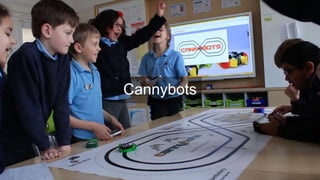
Cannybots
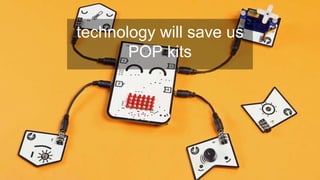
technology will save us
POP kits
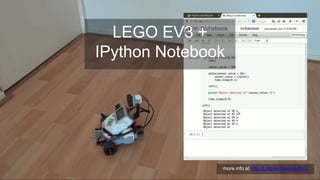
LEGO EV3 +
IPython Notebook
more info at http://j.mp/ev3dev-ipython
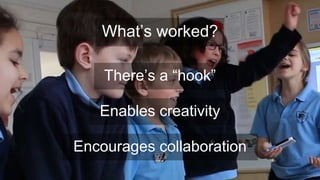
What’s worked?
Enables creativity
Encourages collaboration
There’s a “hook”
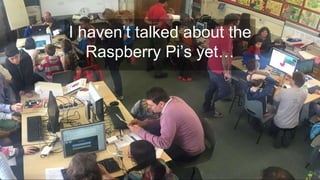
I haven’t talked about the
Raspberry Pi’s yet…
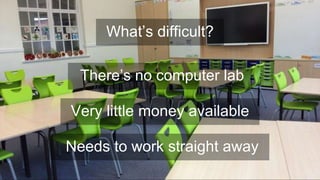
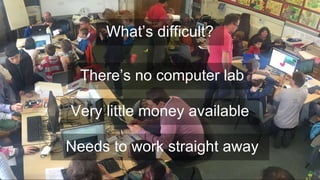
There’s no computer lab
Very little money available
What’s difficult?
Needs to work straight away
There’s no computer lab
Very little money available
What’s difficult?
Needs to work straight away
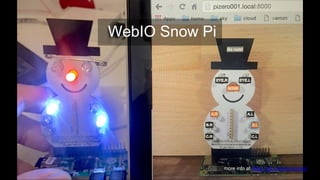
WebIO Snow Pi
more info at https://git.io/webiosnowpi
What about you?
http://j.mp/pi-retrospective
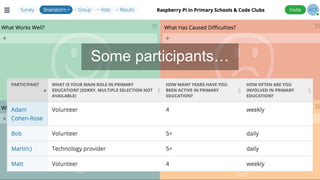
Some participants…
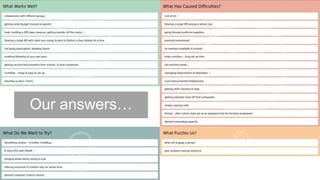
Our answers…
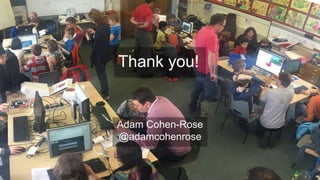
Thank you!
Adam Cohen-Rose
@adamcohenrose

Raspberry Pi in Primary Education & Code Clubs

Editor's Notes

  • #2 introduce myself mobile software developer, dad & hacker
  • #3 started a code club at primary school in St Albans in Feb 2012 almost the same time the Raspberry Pi was launched! have continued and grown the club over the last 4 years we now have three clubs at the school all run entirely by volunteers
  • #4 quick run through of what has worked for the children at Fleetville some things that are hard for us at the end I’d like to gather some feedback on what works for you
  • #5 obligatory Scratch slide this is where we started after a year or so, kids want something more
  • #7 introduced to Code Club HTML projects last year started using recently really accessible: zero to web in 1 hour
  • #8 we strayed off the Code Club curriculum… nearly all kids in primary go mad for minecraft even if they have to program to build things
  • #9 these are turtles that you program in blocks or Lua could talk for hours on minecraft in schools, but moving on…
  • #10 learn simple programs in javascript by fighting robots works with iPads & web browsers
  • #11 and some hardware makeymakey great but expensive… it’s just an arduino but costs more than a Pi!
  • #12 works with Scratch version 2 looks really good but like all LEGO, it’s very expensive
  • #13 iPad app to program robotic ball kids love it …but also expensive (and needs recent iPad!)
  • #14 programmable, 3d-printed racing cars lots of potential, but still in development
  • #15 POP = principles of programming were lucky to help out with prototyping these program with blockly in web browser: install using audio port lots of potential but not yet available
  • #16 LEGO Mindstorms is more for secondary but can be made accessible using interactive Python access via a web page
  • #17 hook: get the children excited and interested right away creativity: keeps the excitement and engagement going collaboration: supporting each other, competing to do better
  • #19 no computer lab – space at a premium: all laptops & iPads little money for specific computing equipment: expensive items must be cross-curricular here the money has gone on classroom refurbishment needs to work: teachers have trouble enough with laptops, logins & wifi!
  • #20 this is a saturday club, run by parents with donated screens & keyboards took 20 minutes to set up for 2hr session just about feasible for weekend; no chance for in-school inspired several children to get Pi’s at home (or to start using them)
  • #21 here’s something I think could work web-based via Pi Zero on WiFi or local network edit an HTML page and program the lights
  • #22 I’d love to find out what works (or not) for you and what have you learned this weekend that you’d like to try out? retrospective: reflect on the previous iteration and identify improvements I’ll post the results on twitter
  • #23 I’d love to find out what works (or not) for you and what have you learned this weekend that you’d like to try out? retrospective: reflect on the previous iteration and identify improvements I’ll post the results on twitter
  • #24 I’d love to find out what works (or not) for you and what have you learned this weekend that you’d like to try out? retrospective: reflect on the previous iteration and identify improvements I’ll post the results on twitter