THE NEW PRIMARY 	

COMPUTING CURRICULUM - 	

WHAT’S IT ALL ABOUT?
Isabella Lieghio	

Specialist Computing teacher	

Icon Learning Education Consultants	

@iconlearningict
OBJECTIVES
• To understand requirements of
the new Computing curriculum for
KS1 and 2 from September 2014	

• To understand why programming
and sequencing is important in
EYFS	

• To provide practical ways of
teaching the new curriculum and
making it fun!	

• To signpost supporting resources
WHYTHE CHANGE?	

Computing programme of study
WHAT IS COMPUTING?
• Three aspects	

• Computer Science (CS)	

• InformationTechnology
(IT)	

• Digital Literacy (DL)	

• CS (Core) - knowledge of how
technology works combined
with practical application of
programming
WHAT IS COMPUTING?
The core of computing is computer science, in which pupils are taught
the principles of information and computation, how digital systems work
and how to put this knowledge to use through programming. 	

Building on this knowledge and understanding, pupils are equipped to
use information technology to create programs, systems and a range
of content. 	

Computing also ensures that pupils become digitally literate – able to
use, and express themselves and develop their ideas through,
information and communication technology – at a level suitable for the
future workplace and as active participants in a digital world.
KEY STAGE 1
• Understand what algorithms are; how they are implemented as programs
on digital devices; and that programs execute by following precise and
unambiguous instructions 	

• Create and debug simple programs 	

• Use logical reasoning to predict the behaviour of simple programs 	

• Create, organise, store, manipulate and retrieve digital content in a range of
formats	

• Use technology safely and respectfully, keeping personal information private;
identify where to go for help and support when they have concerns about
content or contact on the internet or other online technologies
KEY STAGE 2
• Design, write and debug programs that accomplish specific goals,
including controlling or simulating physical systems; solve problems
by decomposing them into smaller parts 	

• Use sequence, selection, and repetition in programs; work with
variables and various forms of input and output 	

• Use logical reasoning to explain how some simple algorithms work
and to detect and correct errors in algorithms and programs 	

• Understand computer networks including the internet; how they
can provide multiple services, such as the World Wide Web
KEY STAGE 2 CONT.
• Appreciate how [search] results are selected and ranked 	

• Use search technologies effectively 	

• Select, use and combine a variety of software (including internet services) on a
range of digital devices to design and create a range of programs, systems …
including collecting, analysing, evaluating and presenting data and information 	

• Understand the opportunities [networks] offer for communication and
collaboration 	

• Be discerning in evaluating digital content 	

• Use technology safely, respectfully and responsibly; recognise acceptable/
unacceptable behaviour; identify a range of ways to report concerns about
content and contact
TECHNICALTERMINOLOGY
http://www.code-it.co.uk/csvocab.html
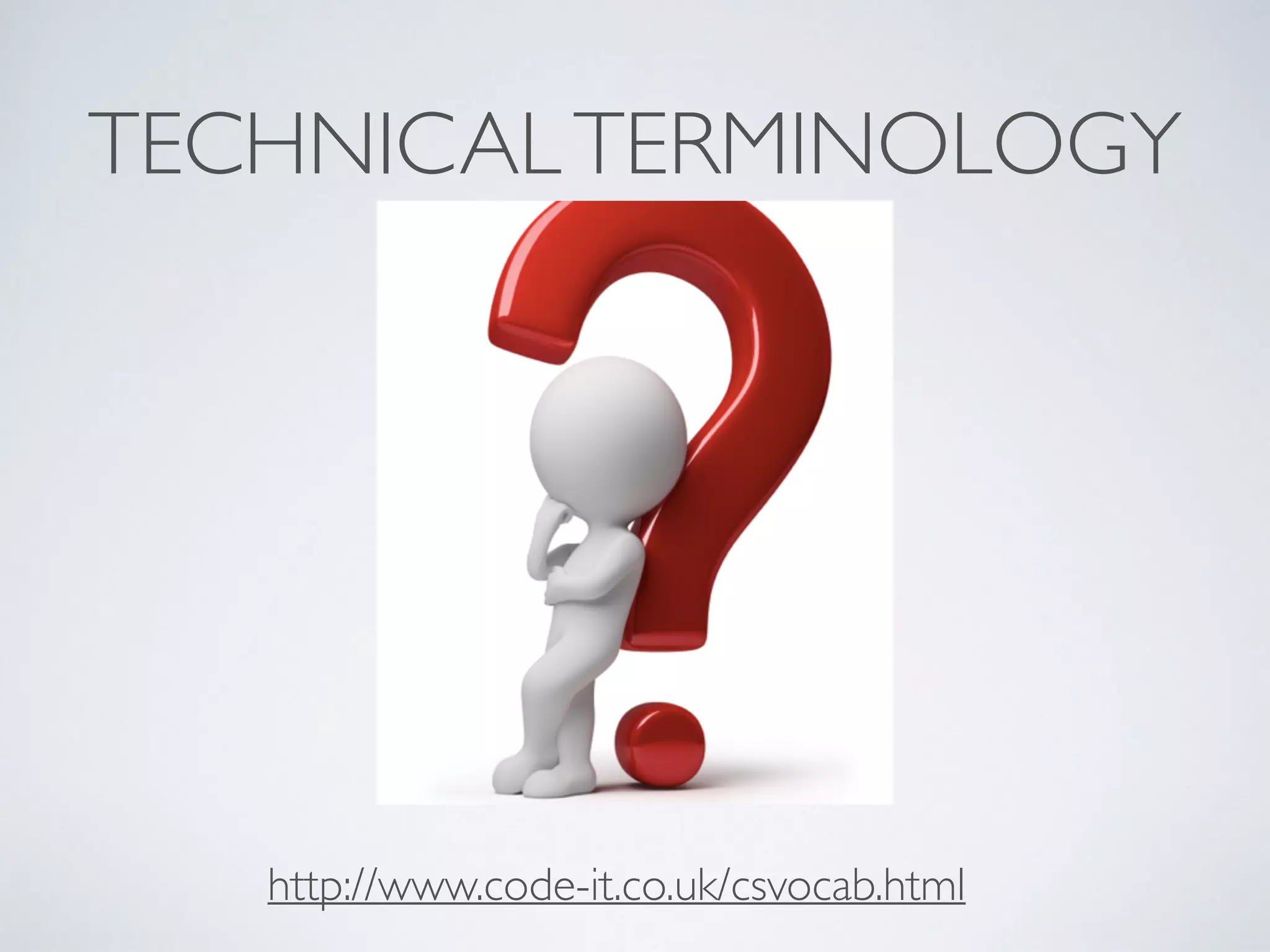
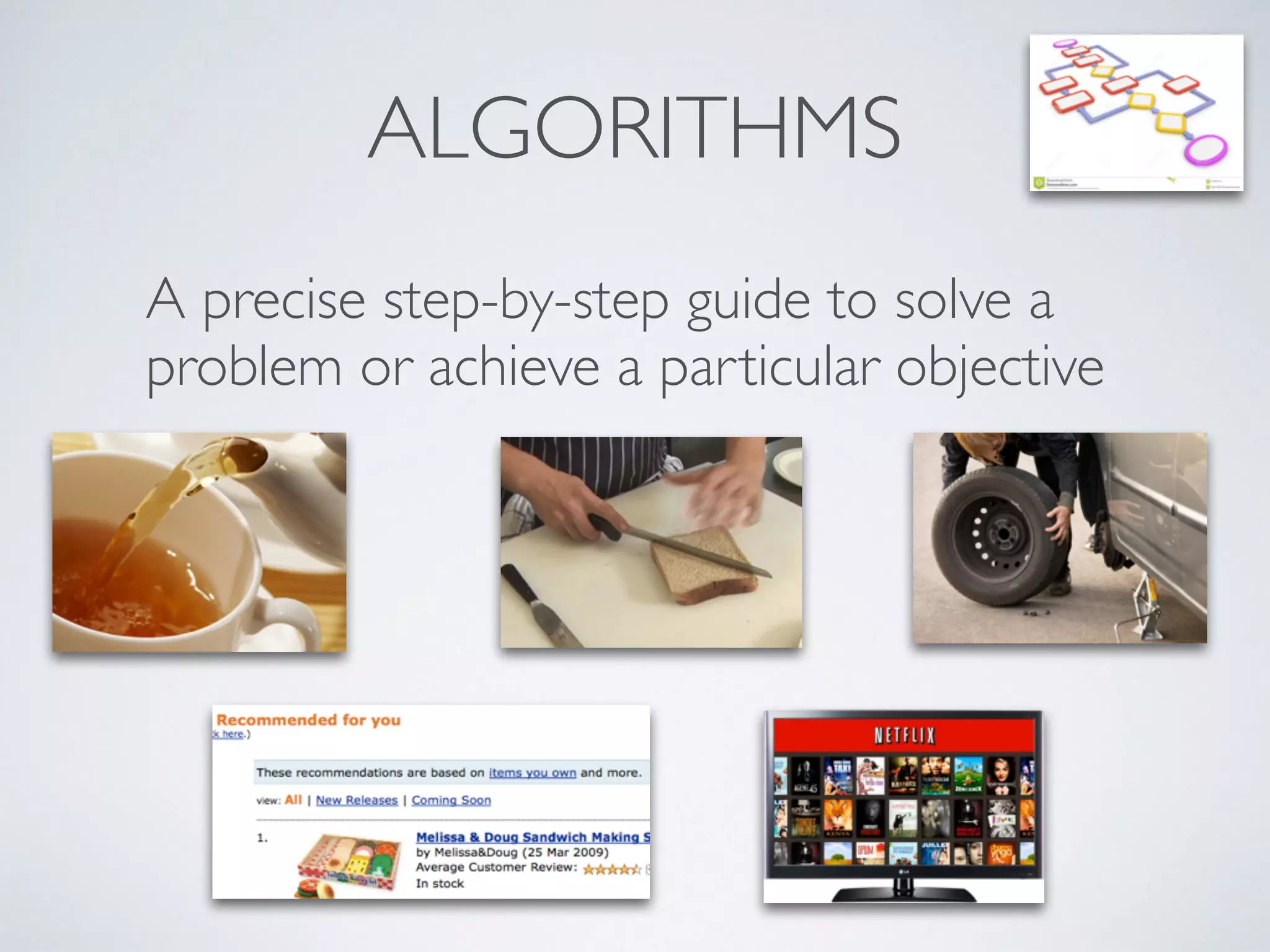
ALGORITHMS
A precise step-by-step guide to solve a
problem or achieve a particular objective
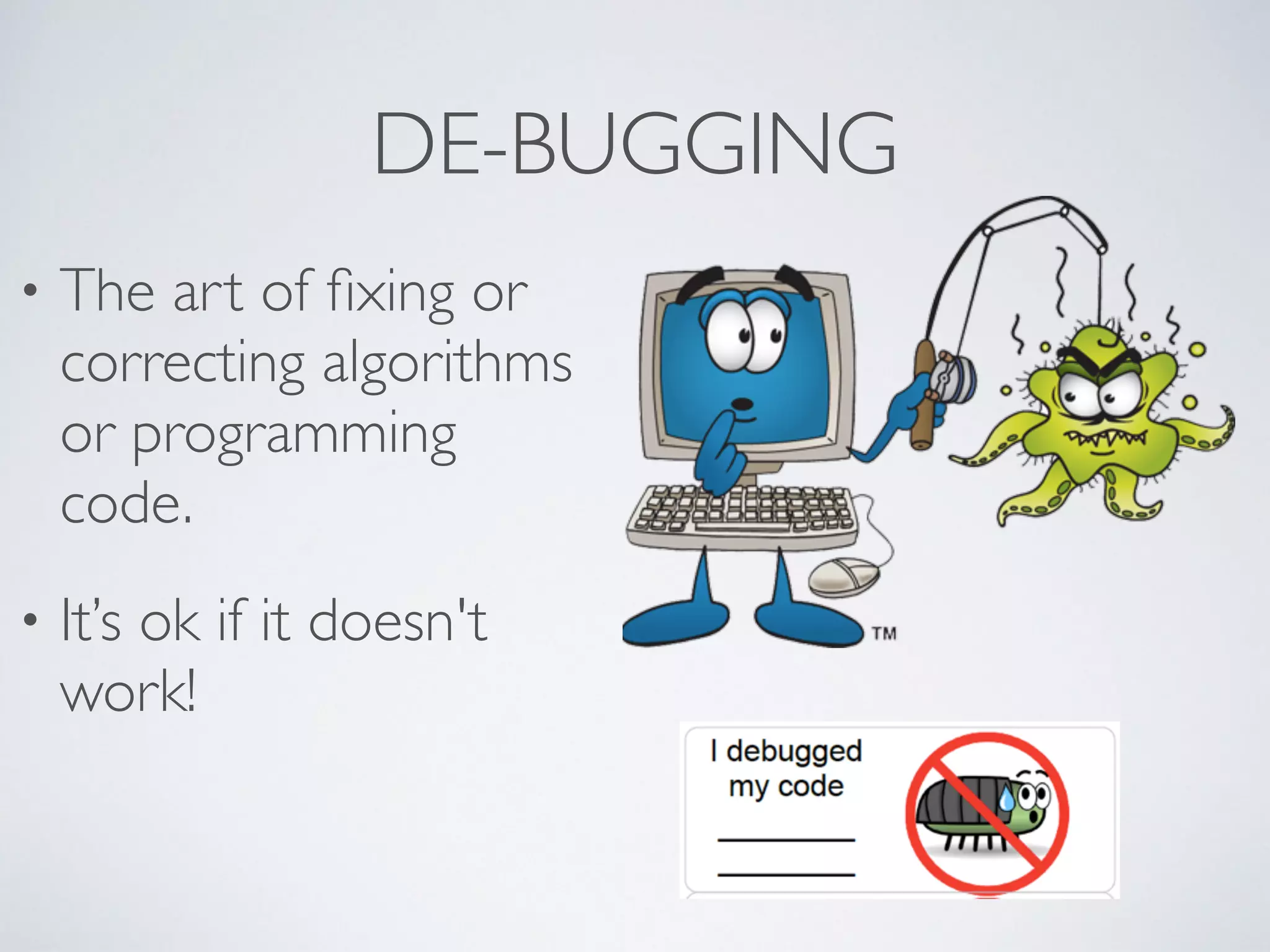
DE-BUGGING
• The art of fixing or
correcting algorithms
or programming
code. 	

• It’s ok if it doesn't
work!
ASPECTS OF PROGRAMMING
• Sequencing	

• Selection / conditional (if)	

• Repetition (loops)	

• Variables (can change or be changed)	

• Abstraction (simplification)
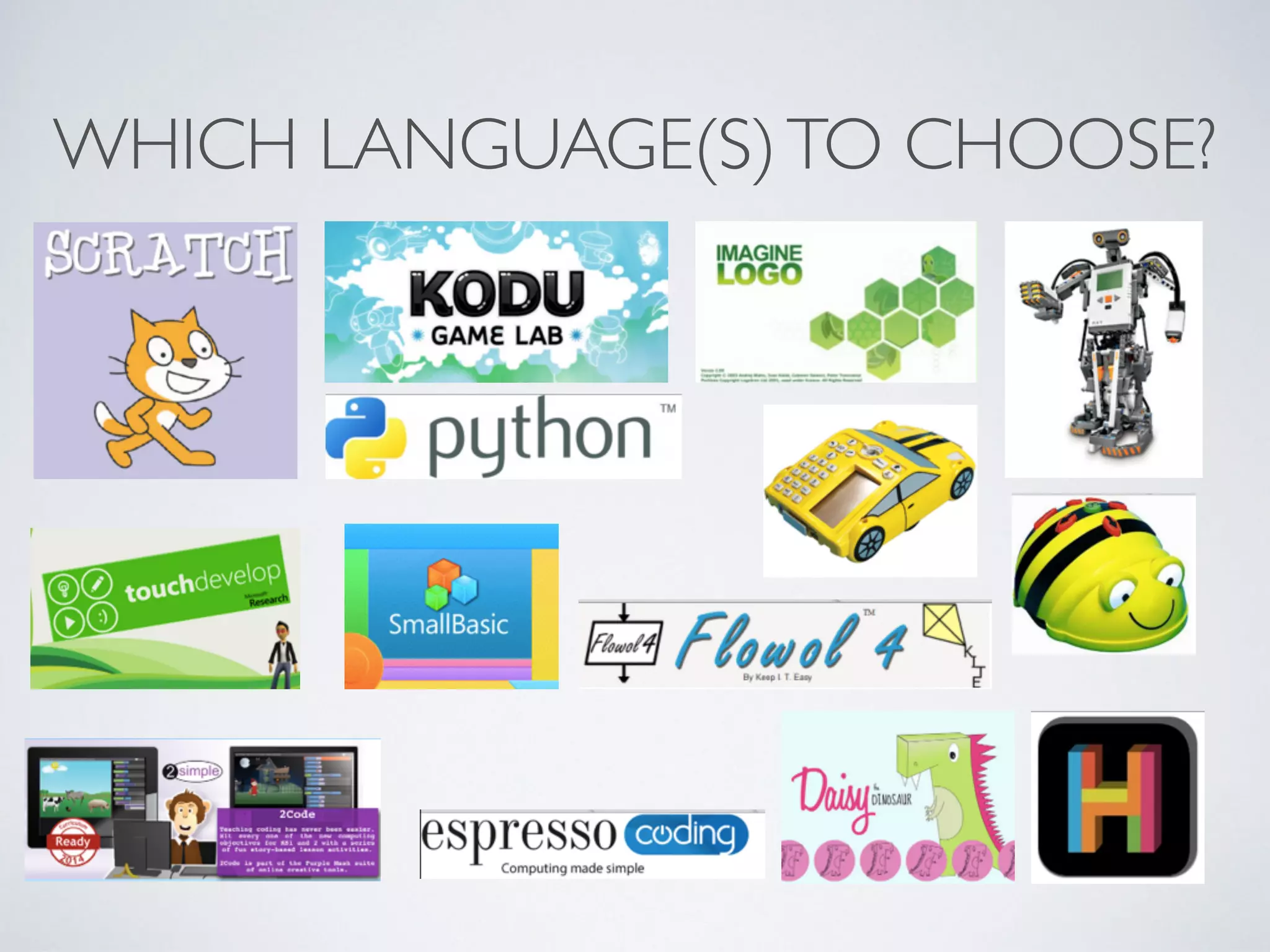
WHICH LANGUAGE(S)TO CHOOSE?
PHYSICAL ACTIVITIES FOR EYFS AND KS1
• PE sessions - direction / turn / human robot eg Jambot /Teabot	

• Simple electronic toys - from torch to washing machine	

• Remote control toys - Beebots to Roamers / Probots	

• Focus on directions / distance / planning / routes / predicting / order /
sequencing	

• Following and giving instructions e.g. cooking recipes	

• Story context eg Incy Wincy Spider, LRRH
PROGRESSIONTO ON-SCREEN
REPRESENTATION
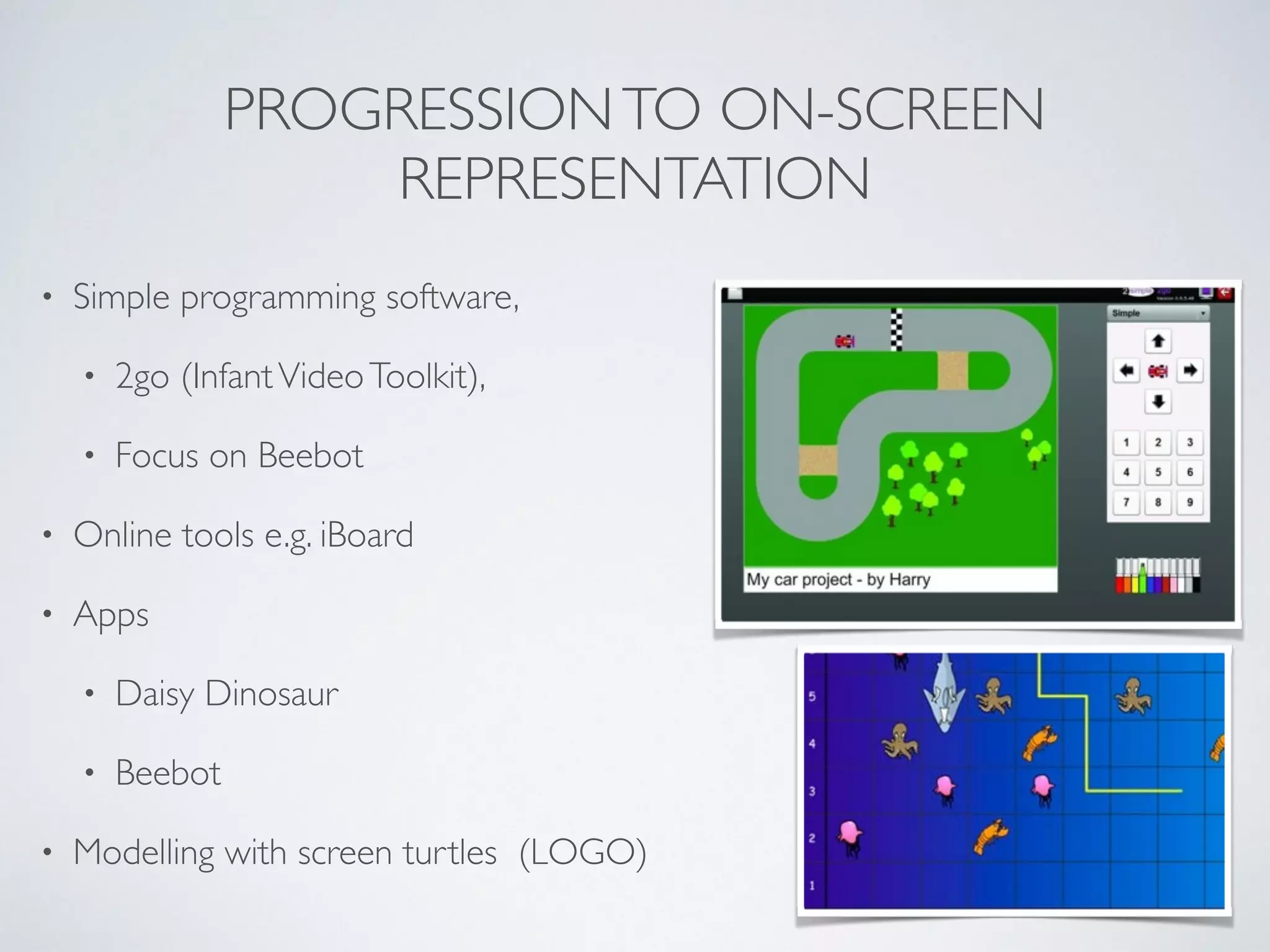
• Simple programming software, 	

• 2go (InfantVideoToolkit),	

• Focus on Beebot	

• Online tools e.g. iBoard 	

• Apps 	

• Daisy Dinosaur	

• Beebot	

• Modelling with screen turtles (LOGO)
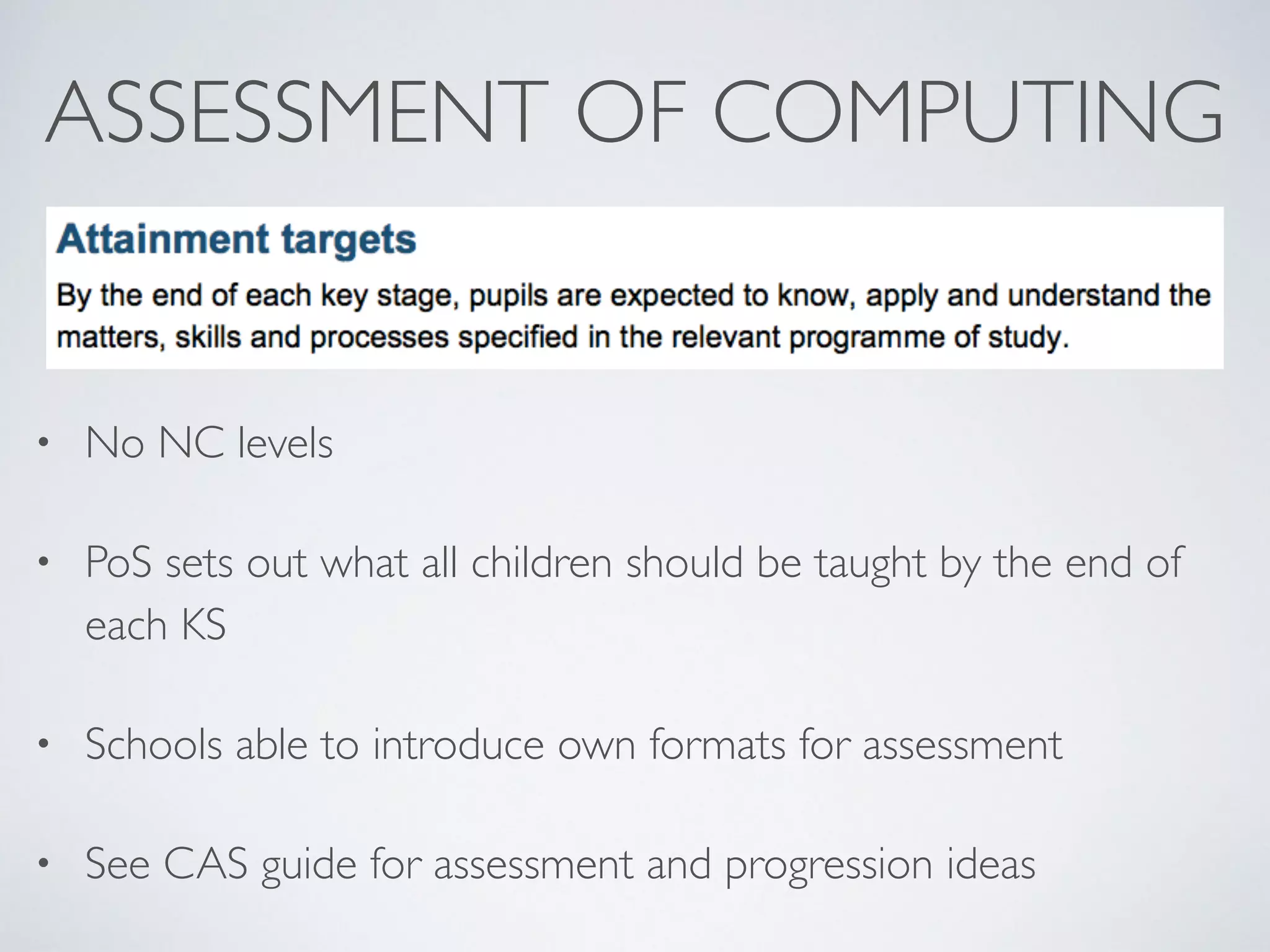
ASSESSMENT OF COMPUTING
• No NC levels	

• PoS sets out what all children should be taught by the end of
each KS	

• Schools able to introduce own formats for assessment	

• See CAS guide for assessment and progression ideas
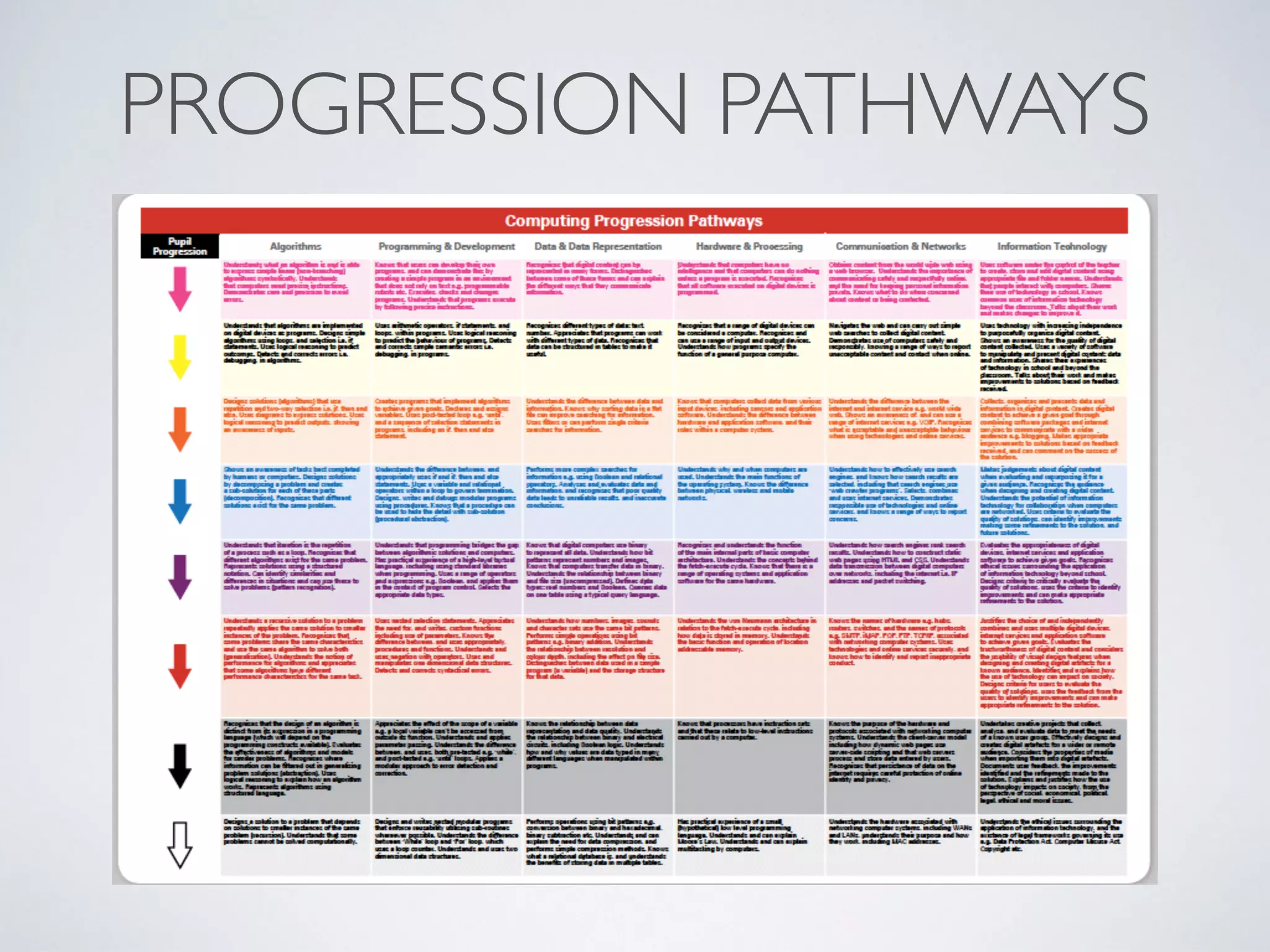
PROGRESSION PATHWAYS
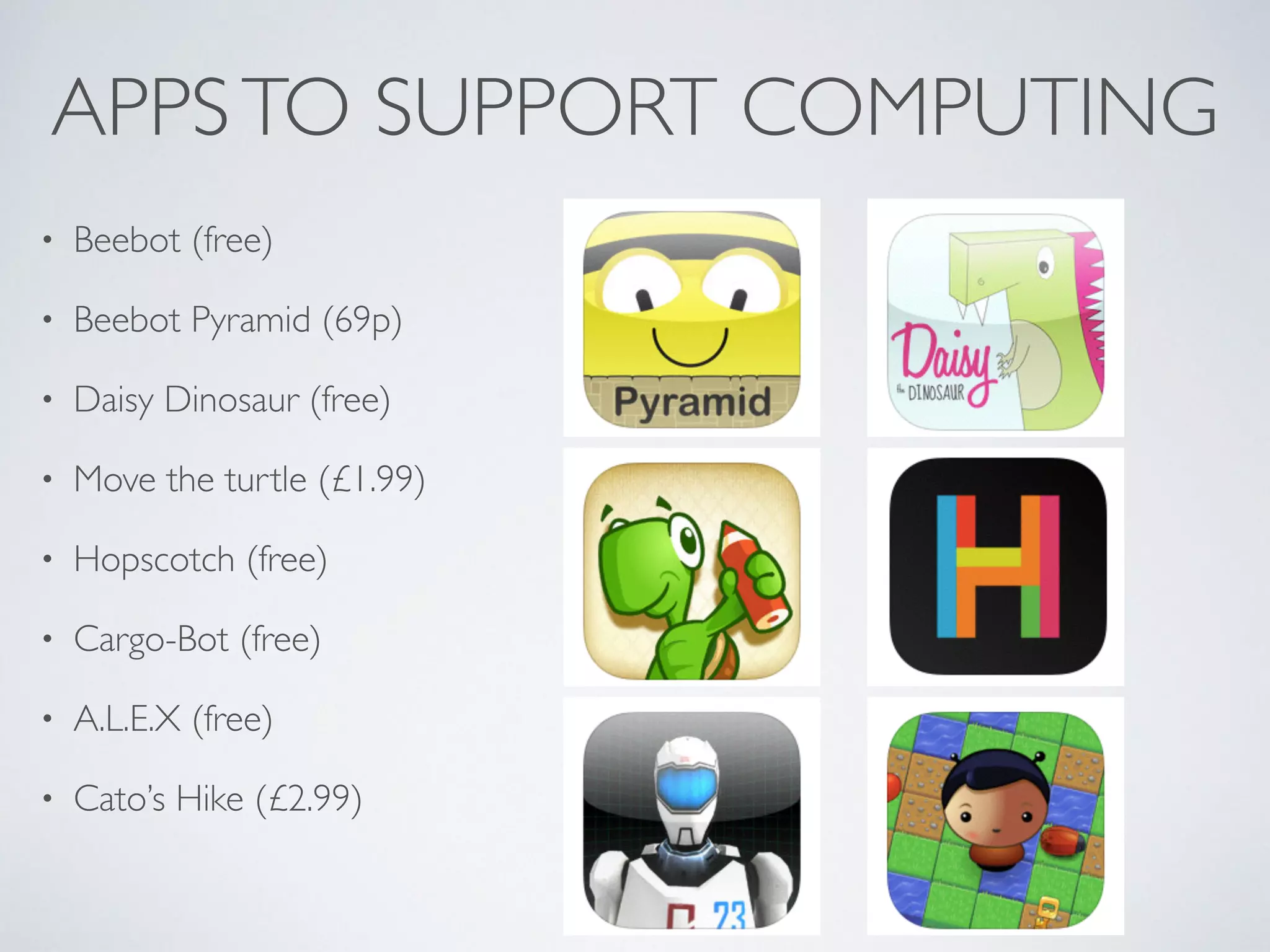
APPSTO SUPPORT COMPUTING
• Beebot (free)	

• Beebot Pyramid (69p)	

• Daisy Dinosaur (free)	

• Move the turtle (£1.99)	

• Hopscotch (free)	

• Cargo-Bot (free)	

• A.L.E.X (free)	

• Cato’s Hike (£2.99)
USING SCRATCH AT KS2
• Free tool developed by MIT http://scratch.mit.edu 	

• Online / offline versions	

• Graphics based programming of sprites by choosing /
moving / ordering blocks onto a stage	

• Attach to external models e.g.Wedo	

• Network of educators at http://scratched.media.mit.edu
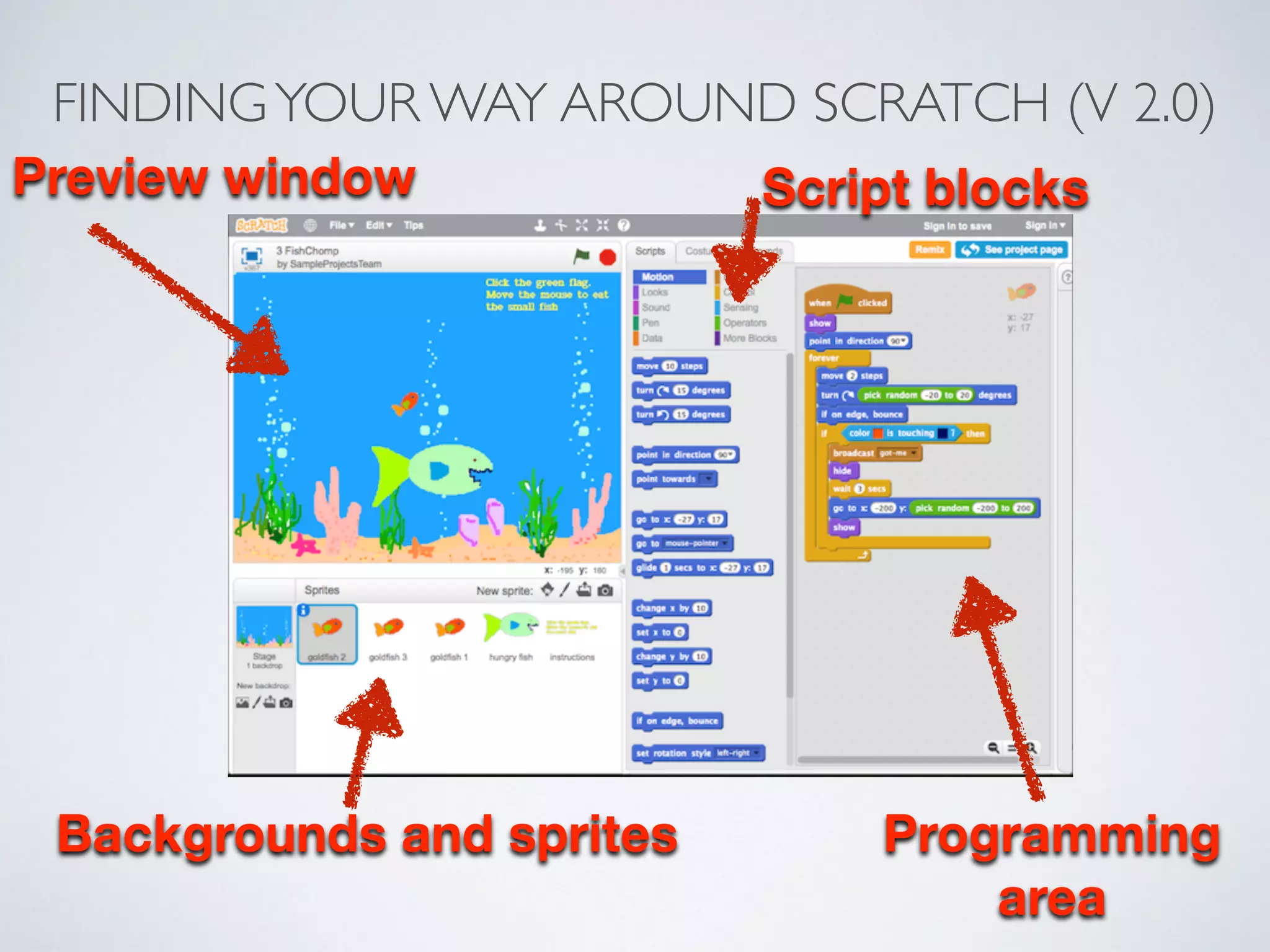
FINDINGYOUR WAY AROUND SCRATCH (V 2.0)
Preview window Script blocks
Backgrounds and sprites Programming
area
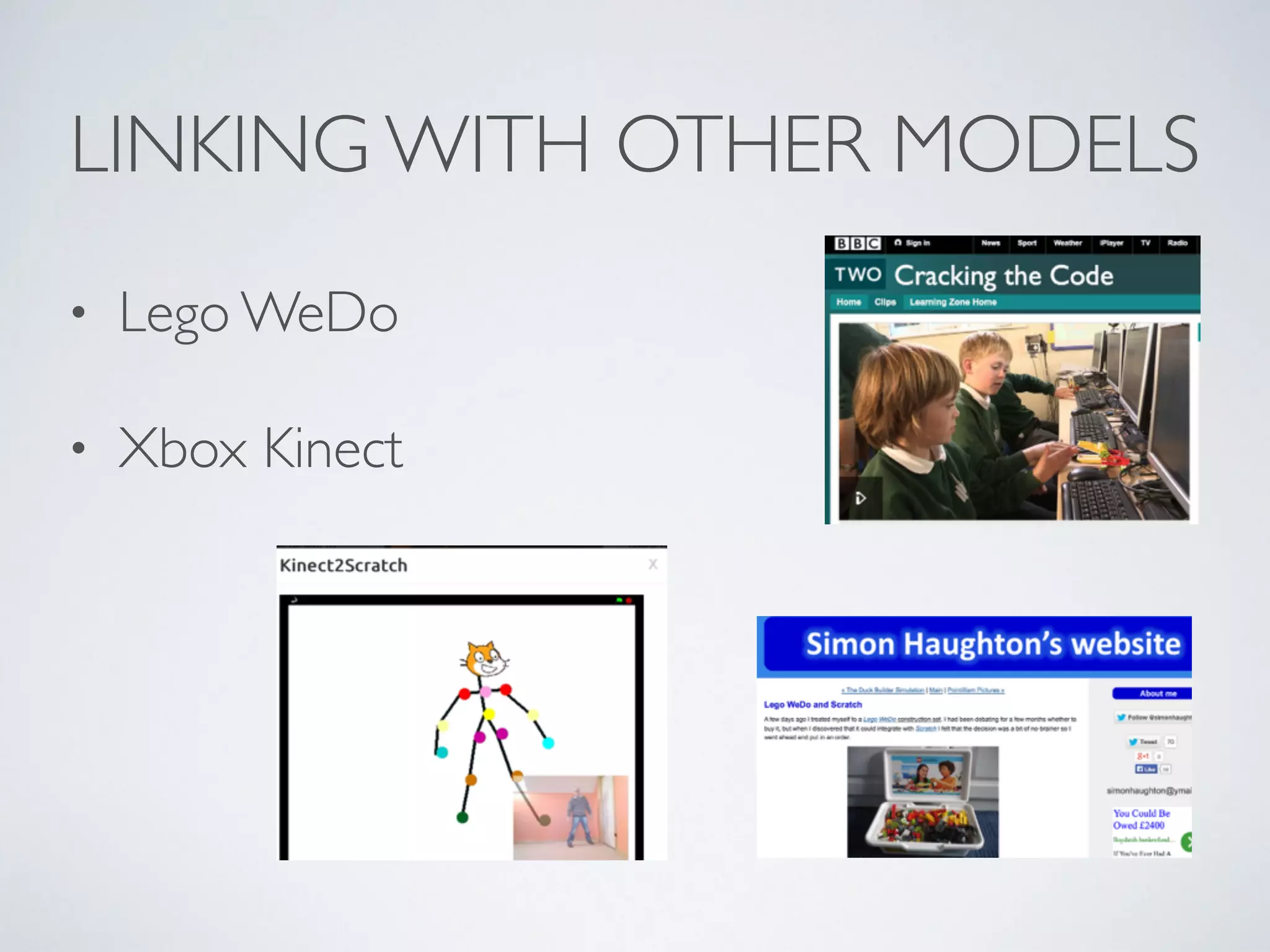
LINKING WITH OTHER MODELS
• Lego WeDo	

• Xbox Kinect
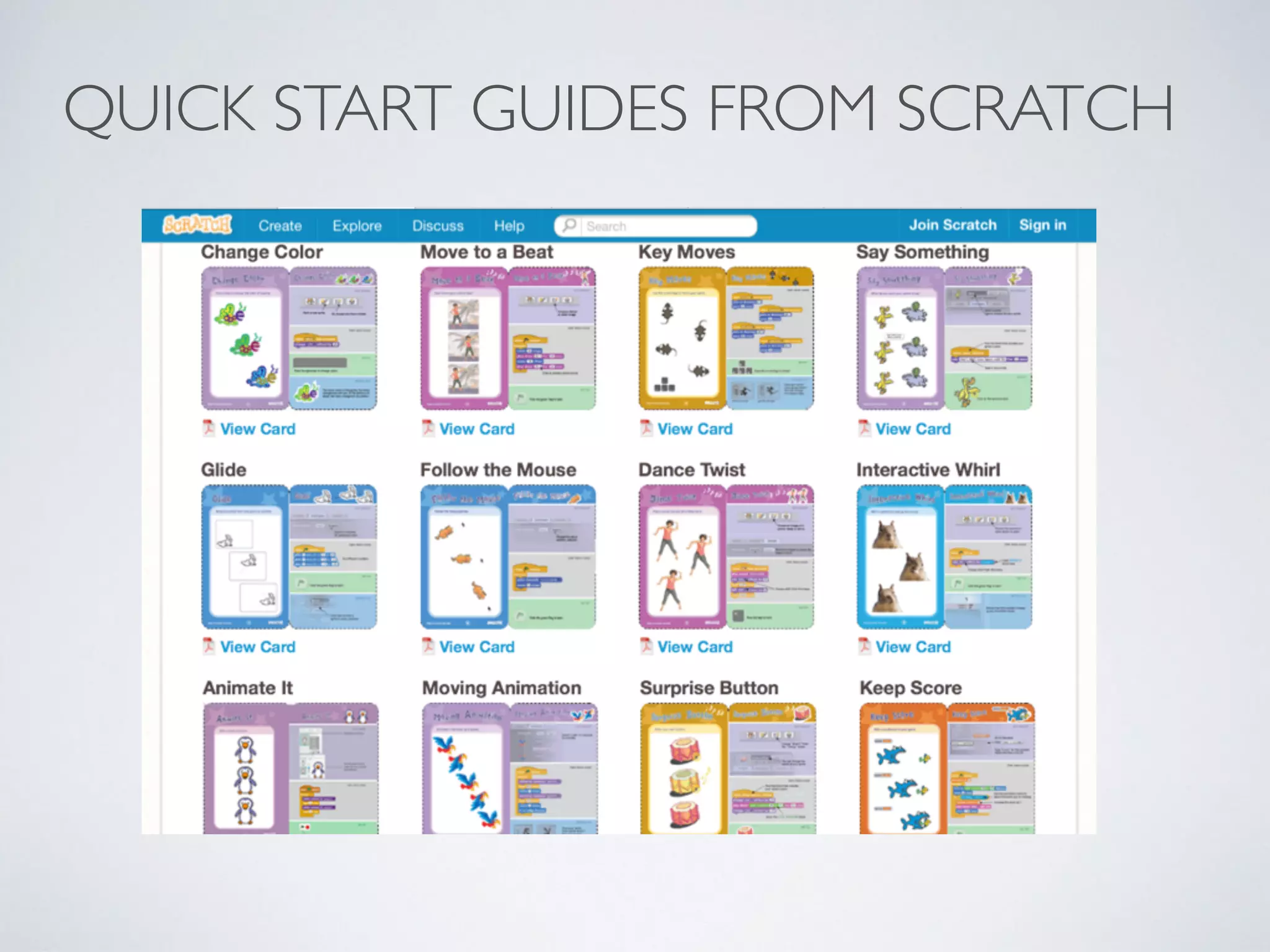
QUICK START GUIDES FROM SCRATCH
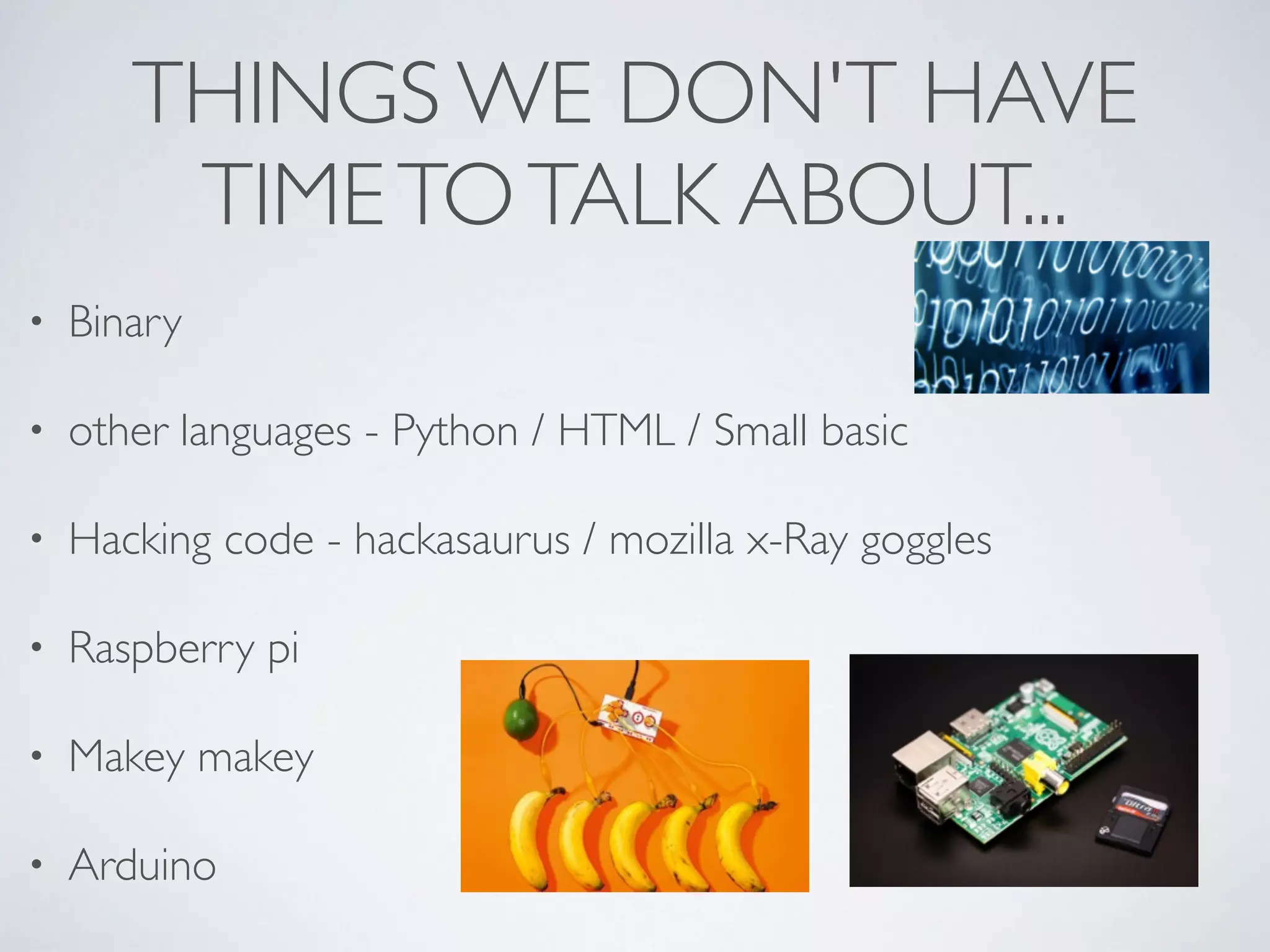
THINGS WE DON'T HAVE
TIMETOTALK ABOUT...
• Binary	

• other languages - Python / HTML / Small basic 	

• Hacking code - hackasaurus / mozilla x-Ray goggles	

• Raspberry pi	

• Makey makey	

• Arduino
HOMEWORK!
USEFUL LINKS FOR FURTHER
SUPPORT
• www.computingatschool.org.uk 	

• bit.ly/ittcomp	

• www.csunplugged.org 	

• www.codeclub.org.uk 	

• www.simonhaughton.co.uk	

• www.code-it.co.uk by Phil Bagge
THE NEW PRIMARY 	

COMPUTING CURRICULUM - 	

WHAT’S IT ALL ABOUT?
Isabella Lieghio	

Specialist Computing teacher	

Icon Learning Education Consultants	

@iconlearningict	

isabella@iconlearning.co.uk

The new Primary Computing Curriculum presentation nursery2primary show 2014 - Icon Learning

  • 1.
    THE NEW PRIMARY COMPUTING CURRICULUM - WHAT’S IT ALL ABOUT? Isabella Lieghio Specialist Computing teacher Icon Learning Education Consultants @iconlearningict
  • 2.
    OBJECTIVES • To understandrequirements of the new Computing curriculum for KS1 and 2 from September 2014 • To understand why programming and sequencing is important in EYFS • To provide practical ways of teaching the new curriculum and making it fun! • To signpost supporting resources
  • 3.
  • 4.
    WHAT IS COMPUTING? •Three aspects • Computer Science (CS) • InformationTechnology (IT) • Digital Literacy (DL) • CS (Core) - knowledge of how technology works combined with practical application of programming
  • 5.
    WHAT IS COMPUTING? Thecore of computing is computer science, in which pupils are taught the principles of information and computation, how digital systems work and how to put this knowledge to use through programming. Building on this knowledge and understanding, pupils are equipped to use information technology to create programs, systems and a range of content. Computing also ensures that pupils become digitally literate – able to use, and express themselves and develop their ideas through, information and communication technology – at a level suitable for the future workplace and as active participants in a digital world.
  • 6.
    KEY STAGE 1 •Understand what algorithms are; how they are implemented as programs on digital devices; and that programs execute by following precise and unambiguous instructions • Create and debug simple programs • Use logical reasoning to predict the behaviour of simple programs • Create, organise, store, manipulate and retrieve digital content in a range of formats • Use technology safely and respectfully, keeping personal information private; identify where to go for help and support when they have concerns about content or contact on the internet or other online technologies
  • 7.
    KEY STAGE 2 •Design, write and debug programs that accomplish specific goals, including controlling or simulating physical systems; solve problems by decomposing them into smaller parts • Use sequence, selection, and repetition in programs; work with variables and various forms of input and output • Use logical reasoning to explain how some simple algorithms work and to detect and correct errors in algorithms and programs • Understand computer networks including the internet; how they can provide multiple services, such as the World Wide Web
  • 8.
    KEY STAGE 2CONT. • Appreciate how [search] results are selected and ranked • Use search technologies effectively • Select, use and combine a variety of software (including internet services) on a range of digital devices to design and create a range of programs, systems … including collecting, analysing, evaluating and presenting data and information • Understand the opportunities [networks] offer for communication and collaboration • Be discerning in evaluating digital content • Use technology safely, respectfully and responsibly; recognise acceptable/ unacceptable behaviour; identify a range of ways to report concerns about content and contact
  • 9.
  • 10.
    ALGORITHMS A precise step-by-stepguide to solve a problem or achieve a particular objective
  • 11.
    DE-BUGGING • The artof fixing or correcting algorithms or programming code. • It’s ok if it doesn't work!
  • 12.
    ASPECTS OF PROGRAMMING •Sequencing • Selection / conditional (if) • Repetition (loops) • Variables (can change or be changed) • Abstraction (simplification)
  • 13.
  • 14.
    PHYSICAL ACTIVITIES FOREYFS AND KS1 • PE sessions - direction / turn / human robot eg Jambot /Teabot • Simple electronic toys - from torch to washing machine • Remote control toys - Beebots to Roamers / Probots • Focus on directions / distance / planning / routes / predicting / order / sequencing • Following and giving instructions e.g. cooking recipes • Story context eg Incy Wincy Spider, LRRH
  • 15.
    PROGRESSIONTO ON-SCREEN REPRESENTATION • Simpleprogramming software, • 2go (InfantVideoToolkit), • Focus on Beebot • Online tools e.g. iBoard • Apps • Daisy Dinosaur • Beebot • Modelling with screen turtles (LOGO)
  • 16.
    ASSESSMENT OF COMPUTING •No NC levels • PoS sets out what all children should be taught by the end of each KS • Schools able to introduce own formats for assessment • See CAS guide for assessment and progression ideas
  • 17.
  • 18.
    APPSTO SUPPORT COMPUTING •Beebot (free) • Beebot Pyramid (69p) • Daisy Dinosaur (free) • Move the turtle (£1.99) • Hopscotch (free) • Cargo-Bot (free) • A.L.E.X (free) • Cato’s Hike (£2.99)
  • 19.
    USING SCRATCH ATKS2 • Free tool developed by MIT http://scratch.mit.edu • Online / offline versions • Graphics based programming of sprites by choosing / moving / ordering blocks onto a stage • Attach to external models e.g.Wedo • Network of educators at http://scratched.media.mit.edu
  • 20.
    FINDINGYOUR WAY AROUNDSCRATCH (V 2.0) Preview window Script blocks Backgrounds and sprites Programming area
  • 21.
    LINKING WITH OTHERMODELS • Lego WeDo • Xbox Kinect
  • 22.
    QUICK START GUIDESFROM SCRATCH
  • 23.
    THINGS WE DON'THAVE TIMETOTALK ABOUT... • Binary • other languages - Python / HTML / Small basic • Hacking code - hackasaurus / mozilla x-Ray goggles • Raspberry pi • Makey makey • Arduino
  • 24.
  • 25.
    USEFUL LINKS FORFURTHER SUPPORT • www.computingatschool.org.uk • bit.ly/ittcomp • www.csunplugged.org • www.codeclub.org.uk • www.simonhaughton.co.uk • www.code-it.co.uk by Phil Bagge
  • 26.
    THE NEW PRIMARY COMPUTING CURRICULUM - WHAT’S IT ALL ABOUT? Isabella Lieghio Specialist Computing teacher Icon Learning Education Consultants @iconlearningict isabella@iconlearning.co.uk