
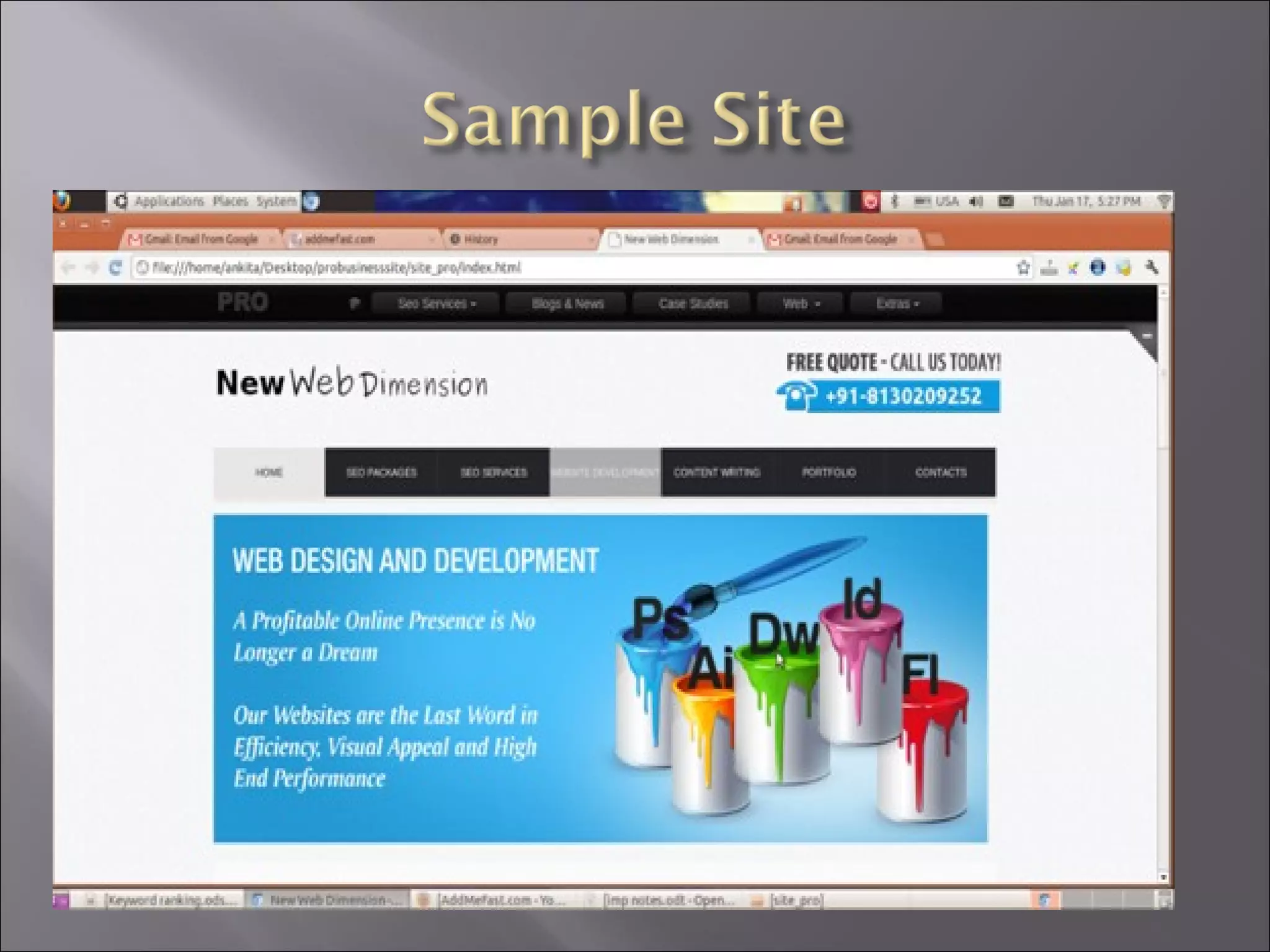
New Web Dimension

www.newwebdimension.com
   Can be a powerful communication tool along
    with traditional print & broadcast media
   Used to promote or sell products & services, or
    to inform target audiences
   Sites are only beneficial if the audience is aware
    of it or can easily find it
       About 50% of browsers use search engines, the other
        half type in the URL directly
   “Organic” search engine listings
       Free listings provided by Google, Yahoo!, MSN
       Utilize “spider” or “crawler” to index page content
   Search directory listings
       Doesn’t use crawlers. Humans categorize and index
        your site URL and a short description
       Yahoo! is fee-based, Open Directory Project is free
   Paid listings
       Called “pay-per-click” campaigns
       Buy your way to the top of the search results page
       Unlike organic, results are guaranteed
   Recommendation is
    to follow a diversified
    approach by using a
    combination of all
    three areas for the
    best results.

   This is known as
    Search Engine
    Marketing (SEM)
   No guarantees with search engines
   Best practices and guidelines will help
   There are no specific details since they could be
    exploited
   The process of analyzing and making changes
    to a website to improve search rankings is
    called Search Engine Optimization, or SEO.
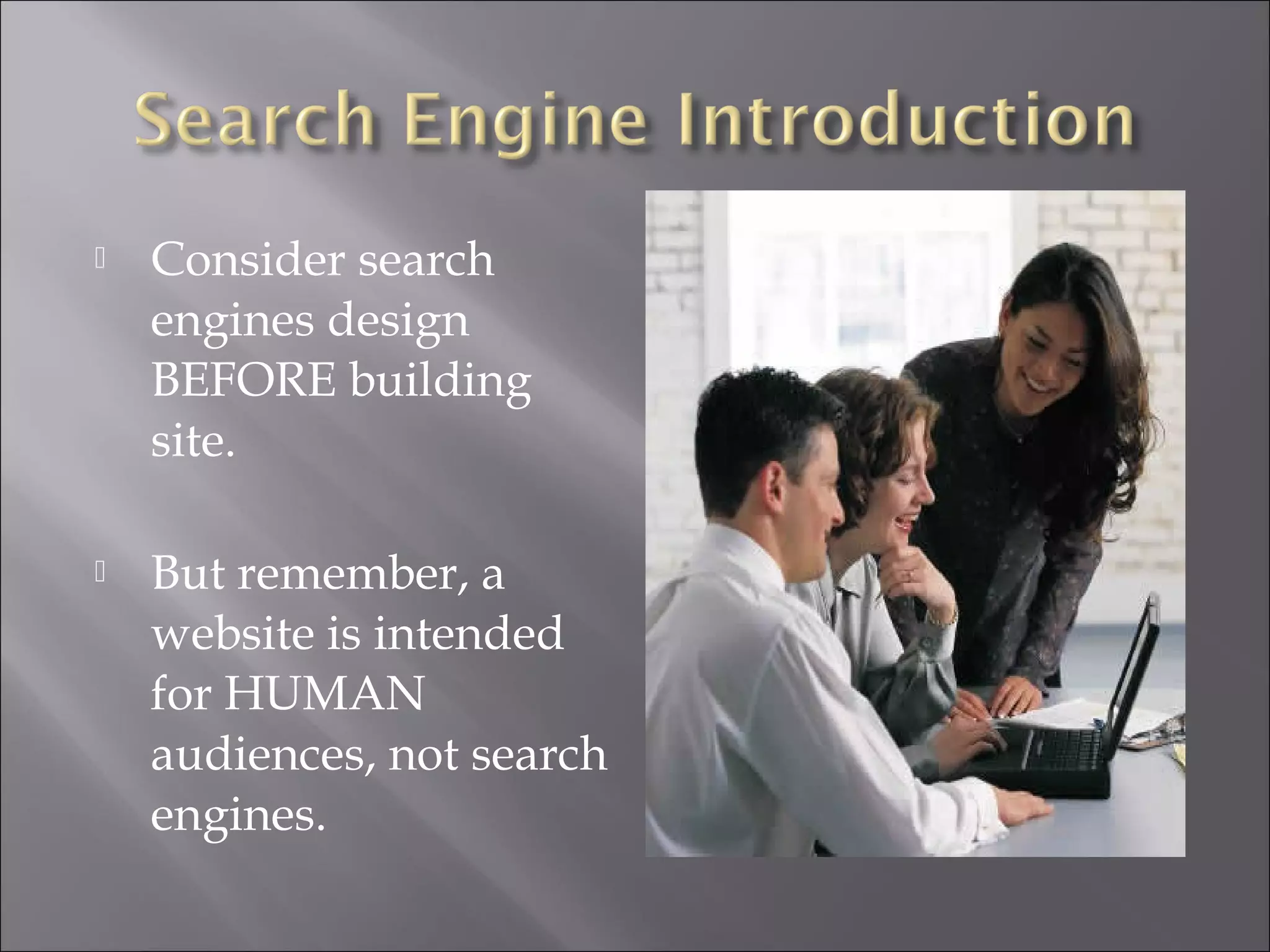
   Consider search
    engines design
    BEFORE building
    site.

   But remember, a
    website is intended
    for HUMAN
    audiences, not search
    engines.
   Research & select keywords/phrases
     What people type into engines
     One study shows 56% of searchers use 2-3 word
      keyword phrases
   Keyword research tools:
           Log analyzer software (e.g. Web Trends)
           WordTracker.com (paid)
           Overture.com (free)
           Google Ad Words (free with account)
   Place keywords prominently in page copy,
    titles, <META> description tags.
   Design a user-friendly site that is searchable

    • Use with caution: JavaScript, flash, DHTML, frames,
    cookies, session IDs, more than 3 URL parameters
    • Always have 2 forms of navigation: user and search engine
    • Avoid excessive URL depth: more than 3 to 4 levels
    • Tailor search terms and web pages for your audience
    • Site should have: Home, FAQ/Help, About Us, Contact Us,
    Site Map, Links/Resources, Products/Services (when
    appropriate)
    • Each page needs a unique, focused title relevant to the
    content and incorporates keywords. Don’t use company
    name.
    • Get links to your site on other RELEVANT sites.
    Do NOT spam the search engines or you could
     be banned!

    • Keyword stacking or stuffing, unrelated keywords

    • Hidden text and links, tiny text (under 10pt)
    • Duplicating pages and sites (same content, different URLs)
    • Doorway/Gateway/Ghost pages – overly optimized, well-
    ranked pages that redirect to “real” site.
    • Page redirects (with Refresh Meta tag)
    • “Link farms” used to increase link popularity scores
   Before search engines, Yahoo! search directory
    was the only game in town
   A “directory” differs from an “engine” in that
    it doesn’t index web pages or content.
   Human editors review submitted site & put it
    in a category/subcategory structure
   Only the URL and short description is recorded
   Yahoo! is $300/year, Open Directory Project is
    free (ODP feeds Google).
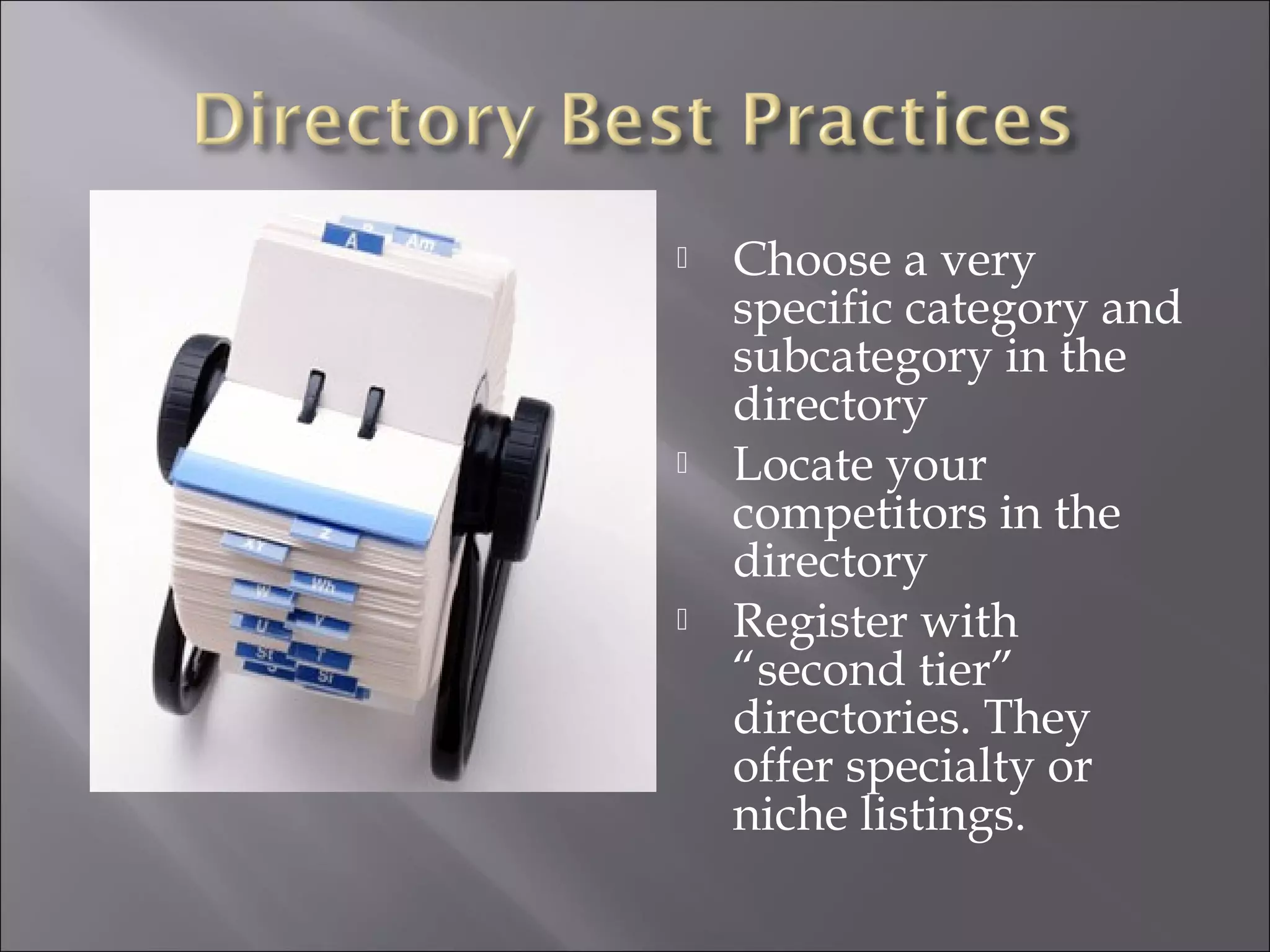
   Choose a very
    specific category and
    subcategory in the
    directory
   Locate your
    competitors in the
    directory
   Register with
    “second tier”
    directories. They
    offer specialty or
    niche listings.
   With pay-per-click (PPC), you pay each time
    someone clicks on your ads
   Two major (& most expensive) players are
    Overture (owned by Yahoo!) and Google Ad
    Words
   Smaller players are Find What, Espotting
   Start an account w/credit card, create word ad,
    bid on ad keywords in auction
   Lots of ads? Mgmt tools available
   Calculate what a “click” is worth to your
    company before PPC campaign
   Be aware: about 20% of browsers don’t trust
    ads and won’t click on them
   Review & follow PPC guidelines
     Do not use superlatives (such as greatest, largest,
      best, etc.), all capital letters, or exclamation points.
     Do not put contact information such as phone
      numbers or e-mail addresses in the add
     Make sure the ad matches the site content.
   Search engine syntax and extras
     “site: www.yoursite.com”. Shows what the engine
      has in the index for the site.
     “define: your word”. Searches web for definitions.
     Built-in calculator. Type in your calculation on the
      search bar and press Enter. (e.g. 7*25+33)
     Package tracker. Enter your package tracking
      number (FedEx, UPS, USPS) for a status.
     Stock price check. Enter stock symbol.
     Street maps. Type in US address w/ city or zip.
   Search engine guidelines
     Google: http://www.google.com/webmasters/guidelines.html
     Yahoo!: http://help.yahoo.com/help/us/ysearch/basics/basics-18.html
     MSN: http://search.msn.com/docs/siteowner.aspx?
        t=SEARCH_WEBMASTER_REF_GuidelinesforOptimizingSite.htm


   Search Engine Watch – tips, articles, news
       http://www.searchenginewatch.com/

What is SEO | Basics of SEO | Why Seo is important | why seo as a carrier …

  • 1.
  • 2.
    Can be a powerful communication tool along with traditional print & broadcast media  Used to promote or sell products & services, or to inform target audiences  Sites are only beneficial if the audience is aware of it or can easily find it  About 50% of browsers use search engines, the other half type in the URL directly
  • 3.
    “Organic” search engine listings  Free listings provided by Google, Yahoo!, MSN  Utilize “spider” or “crawler” to index page content  Search directory listings  Doesn’t use crawlers. Humans categorize and index your site URL and a short description  Yahoo! is fee-based, Open Directory Project is free  Paid listings  Called “pay-per-click” campaigns  Buy your way to the top of the search results page  Unlike organic, results are guaranteed
  • 4.
    Recommendation is to follow a diversified approach by using a combination of all three areas for the best results.  This is known as Search Engine Marketing (SEM)
  • 5.
    No guarantees with search engines  Best practices and guidelines will help  There are no specific details since they could be exploited  The process of analyzing and making changes to a website to improve search rankings is called Search Engine Optimization, or SEO.
  • 6.
    Consider search engines design BEFORE building site.  But remember, a website is intended for HUMAN audiences, not search engines.
  • 7.
    Research & select keywords/phrases  What people type into engines  One study shows 56% of searchers use 2-3 word keyword phrases  Keyword research tools:  Log analyzer software (e.g. Web Trends)  WordTracker.com (paid)  Overture.com (free)  Google Ad Words (free with account)  Place keywords prominently in page copy, titles, <META> description tags.
  • 8.
    Design a user-friendly site that is searchable • Use with caution: JavaScript, flash, DHTML, frames, cookies, session IDs, more than 3 URL parameters • Always have 2 forms of navigation: user and search engine • Avoid excessive URL depth: more than 3 to 4 levels • Tailor search terms and web pages for your audience • Site should have: Home, FAQ/Help, About Us, Contact Us, Site Map, Links/Resources, Products/Services (when appropriate) • Each page needs a unique, focused title relevant to the content and incorporates keywords. Don’t use company name. • Get links to your site on other RELEVANT sites.
  • 9.
    Do NOT spam the search engines or you could be banned! • Keyword stacking or stuffing, unrelated keywords • Hidden text and links, tiny text (under 10pt) • Duplicating pages and sites (same content, different URLs) • Doorway/Gateway/Ghost pages – overly optimized, well- ranked pages that redirect to “real” site. • Page redirects (with Refresh Meta tag) • “Link farms” used to increase link popularity scores
  • 10.
    Before search engines, Yahoo! search directory was the only game in town  A “directory” differs from an “engine” in that it doesn’t index web pages or content.  Human editors review submitted site & put it in a category/subcategory structure  Only the URL and short description is recorded  Yahoo! is $300/year, Open Directory Project is free (ODP feeds Google).
  • 11.
    Choose a very specific category and subcategory in the directory  Locate your competitors in the directory  Register with “second tier” directories. They offer specialty or niche listings.
  • 12.
    With pay-per-click (PPC), you pay each time someone clicks on your ads  Two major (& most expensive) players are Overture (owned by Yahoo!) and Google Ad Words  Smaller players are Find What, Espotting  Start an account w/credit card, create word ad, bid on ad keywords in auction  Lots of ads? Mgmt tools available
  • 13.
    Calculate what a “click” is worth to your company before PPC campaign  Be aware: about 20% of browsers don’t trust ads and won’t click on them  Review & follow PPC guidelines  Do not use superlatives (such as greatest, largest, best, etc.), all capital letters, or exclamation points.  Do not put contact information such as phone numbers or e-mail addresses in the add  Make sure the ad matches the site content.
  • 15.
    Search engine syntax and extras  “site: www.yoursite.com”. Shows what the engine has in the index for the site.  “define: your word”. Searches web for definitions.  Built-in calculator. Type in your calculation on the search bar and press Enter. (e.g. 7*25+33)  Package tracker. Enter your package tracking number (FedEx, UPS, USPS) for a status.  Stock price check. Enter stock symbol.  Street maps. Type in US address w/ city or zip.
  • 16.
    Search engine guidelines  Google: http://www.google.com/webmasters/guidelines.html  Yahoo!: http://help.yahoo.com/help/us/ysearch/basics/basics-18.html  MSN: http://search.msn.com/docs/siteowner.aspx? t=SEARCH_WEBMASTER_REF_GuidelinesforOptimizingSite.htm  Search Engine Watch – tips, articles, news  http://www.searchenginewatch.com/