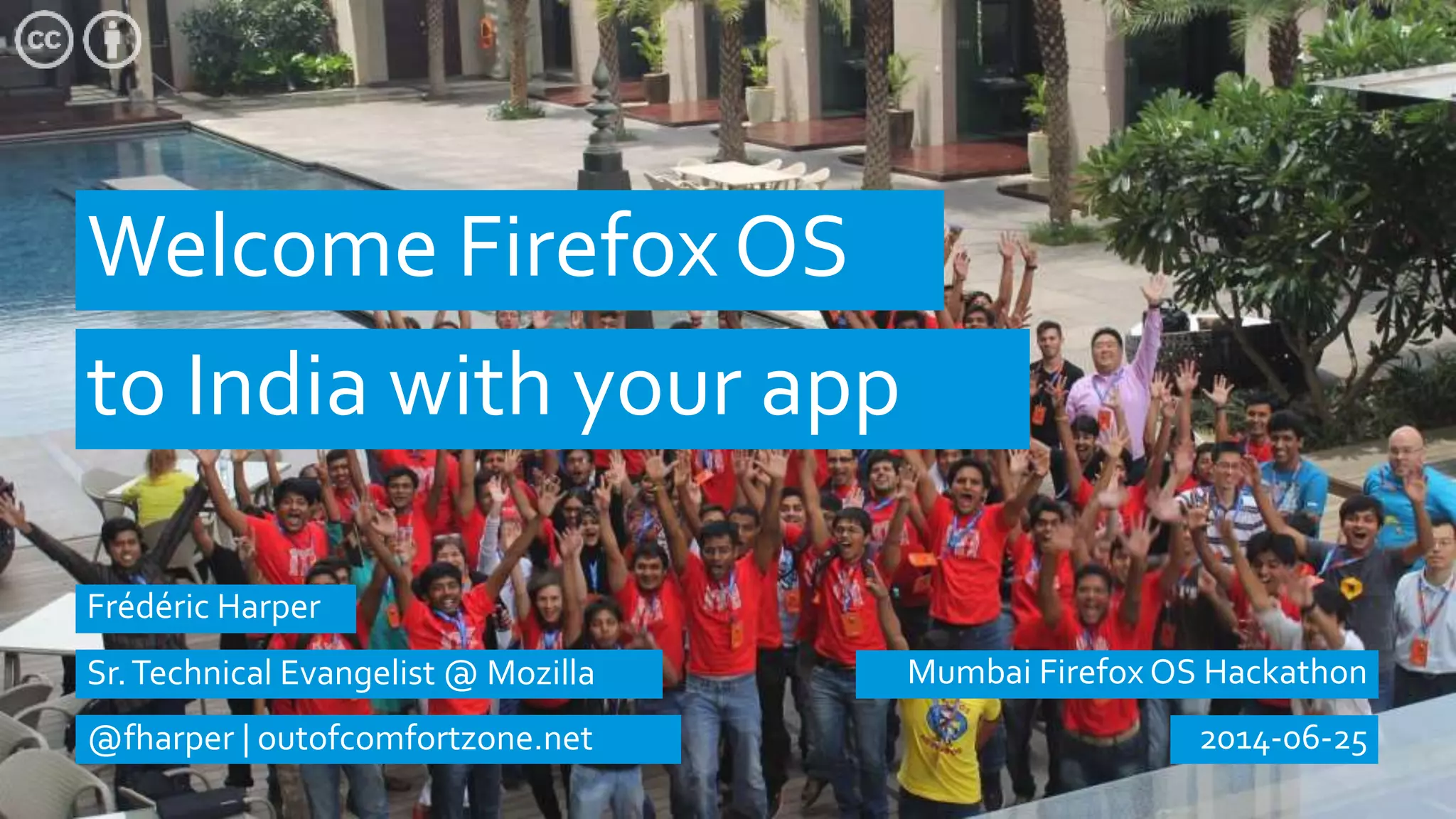
Welcome Firefox OS
Mumbai Firefox OS Hackathon
to India with your app
2014-06-25
Frédéric Harper
Sr.Technical Evangelist @ Mozilla
@fharper | outofcomfortzone.net
Firefox OS
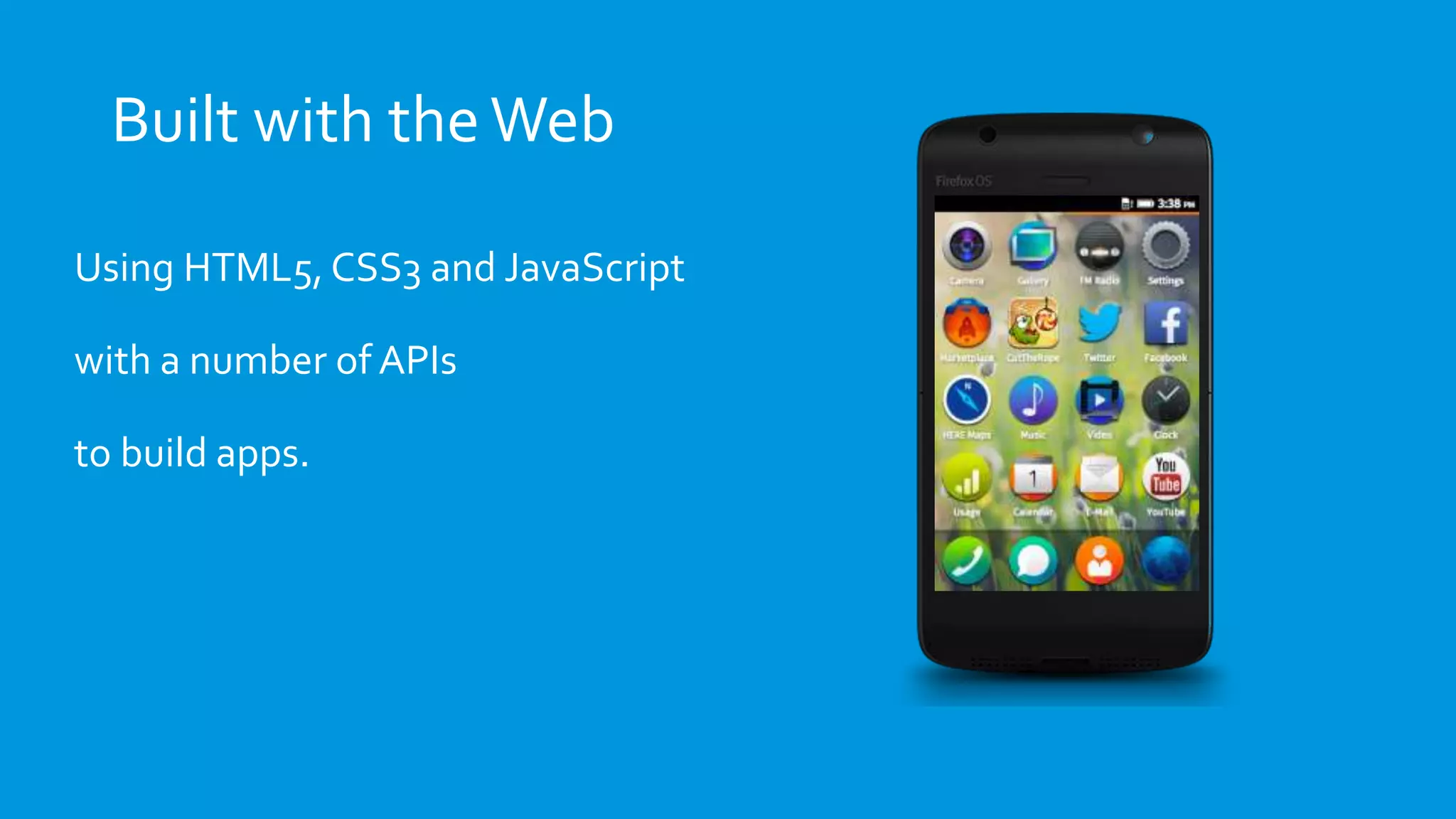
Built with theWeb
Using HTML5, CSS3 and JavaScript
with a number of APIs
to build apps.
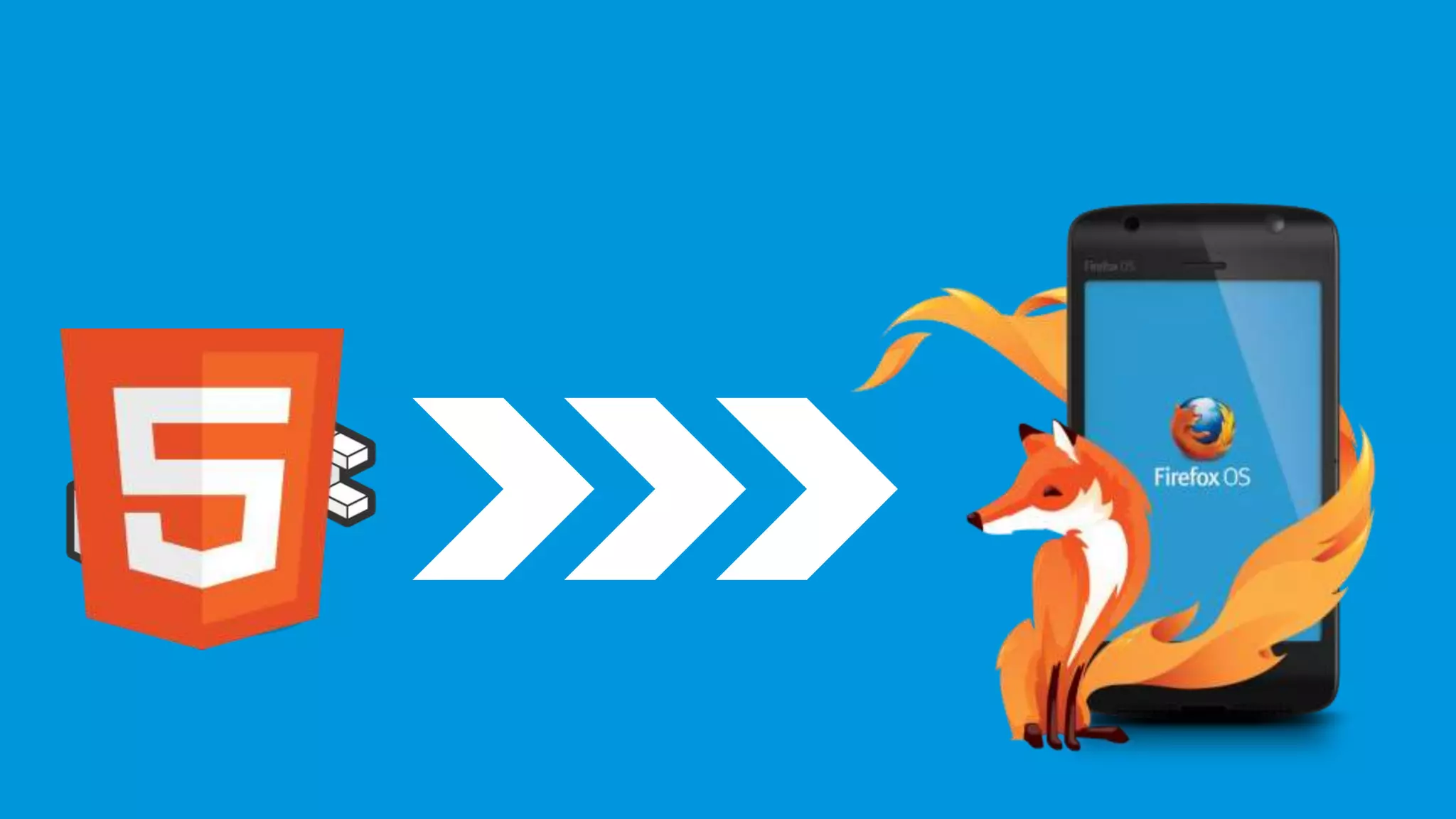
It’s open source
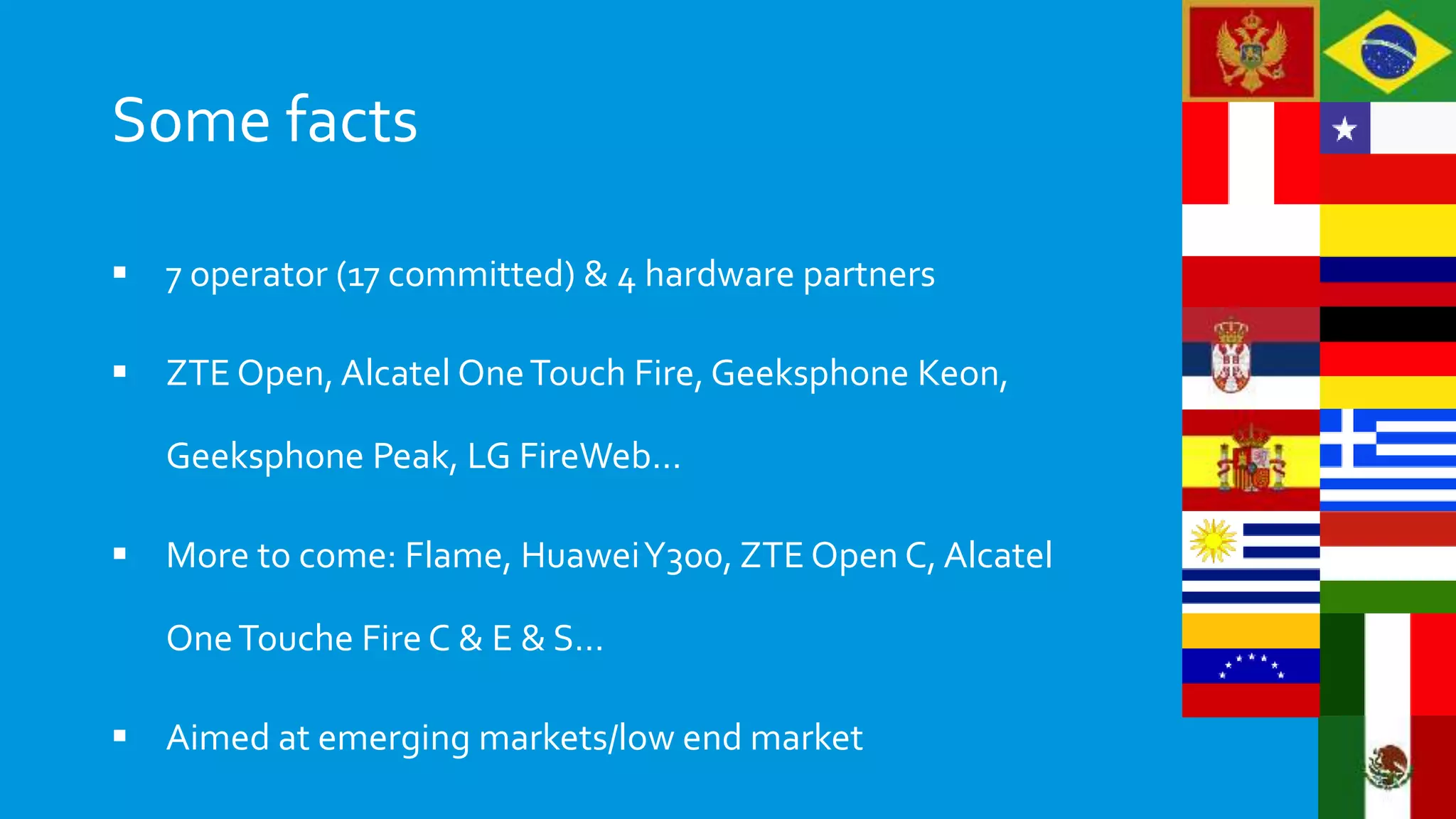
Some facts
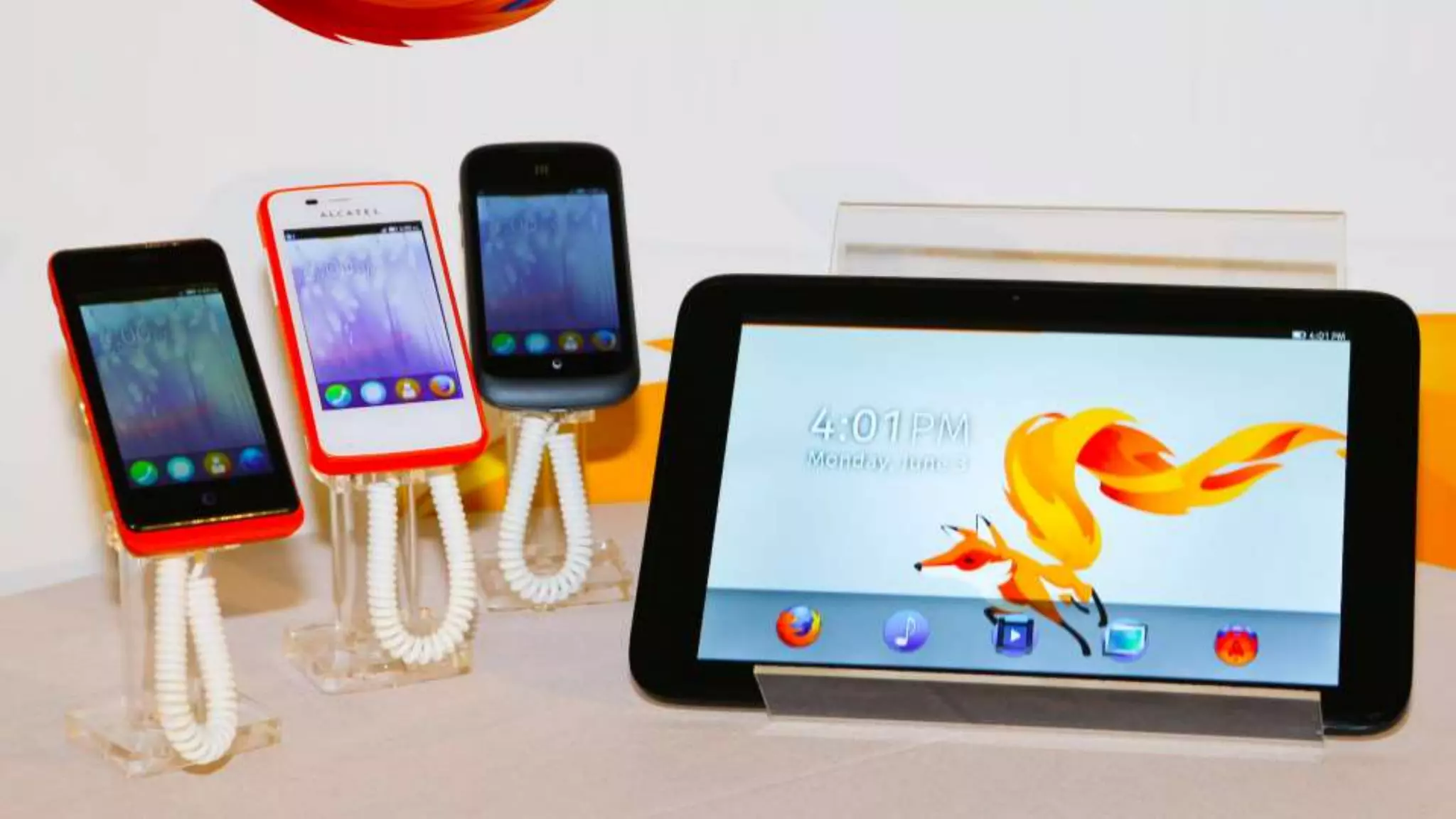
 7 operator (17 committed) & 4 hardware partners
 ZTE Open, Alcatel OneTouch Fire, Geeksphone Keon,
Geeksphone Peak, LG FireWeb…
 More to come: Flame, HuaweiY300, ZTE Open C, Alcatel
OneTouche Fire C & E & S…
 Aimed at emerging markets/low end market
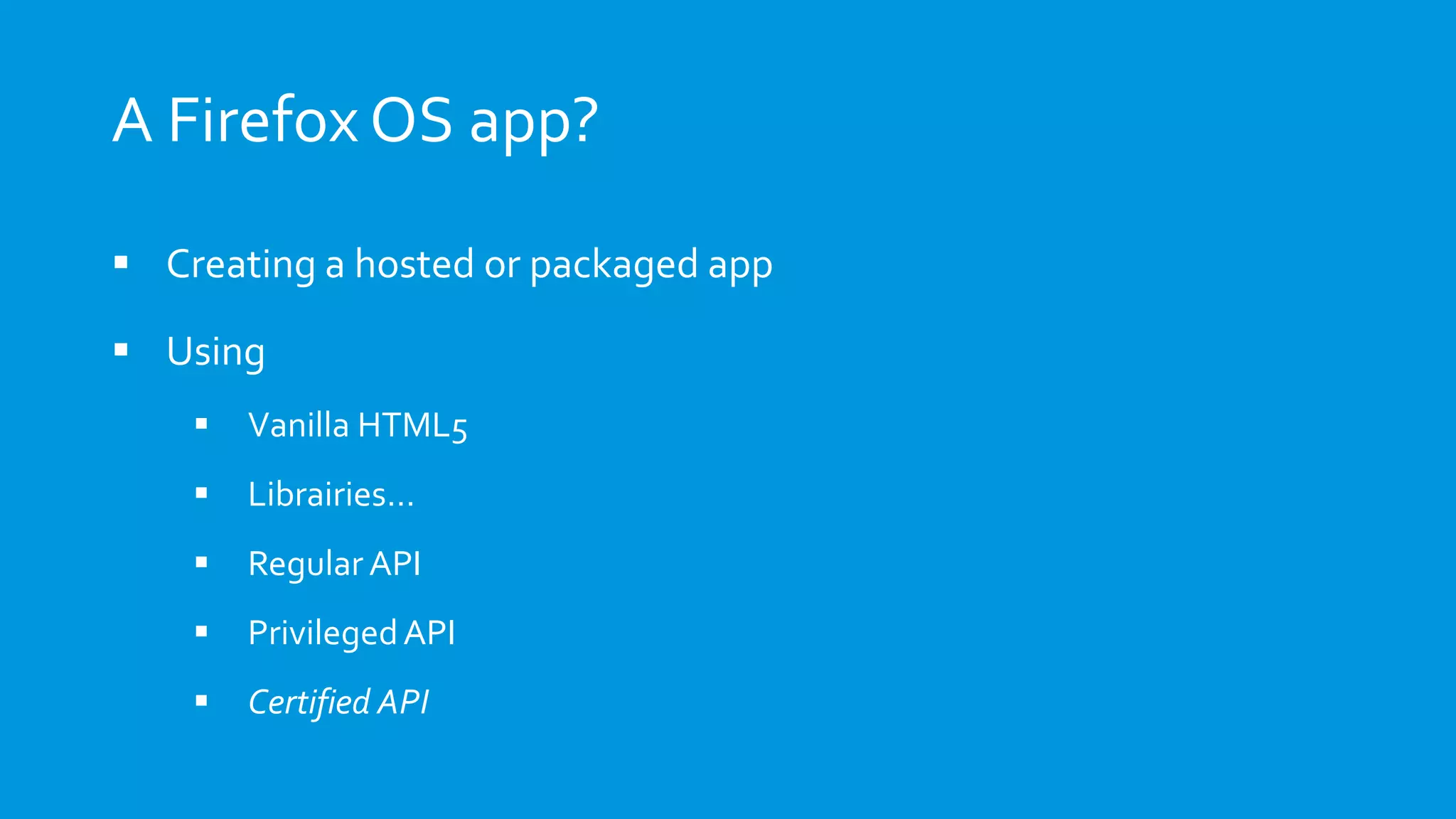
A Firefox OS app?
 Creating a hosted or packaged app
 Using
 Vanilla HTML5
 Librairies…
 Regular API
 PrivilegedAPI
 Certified API
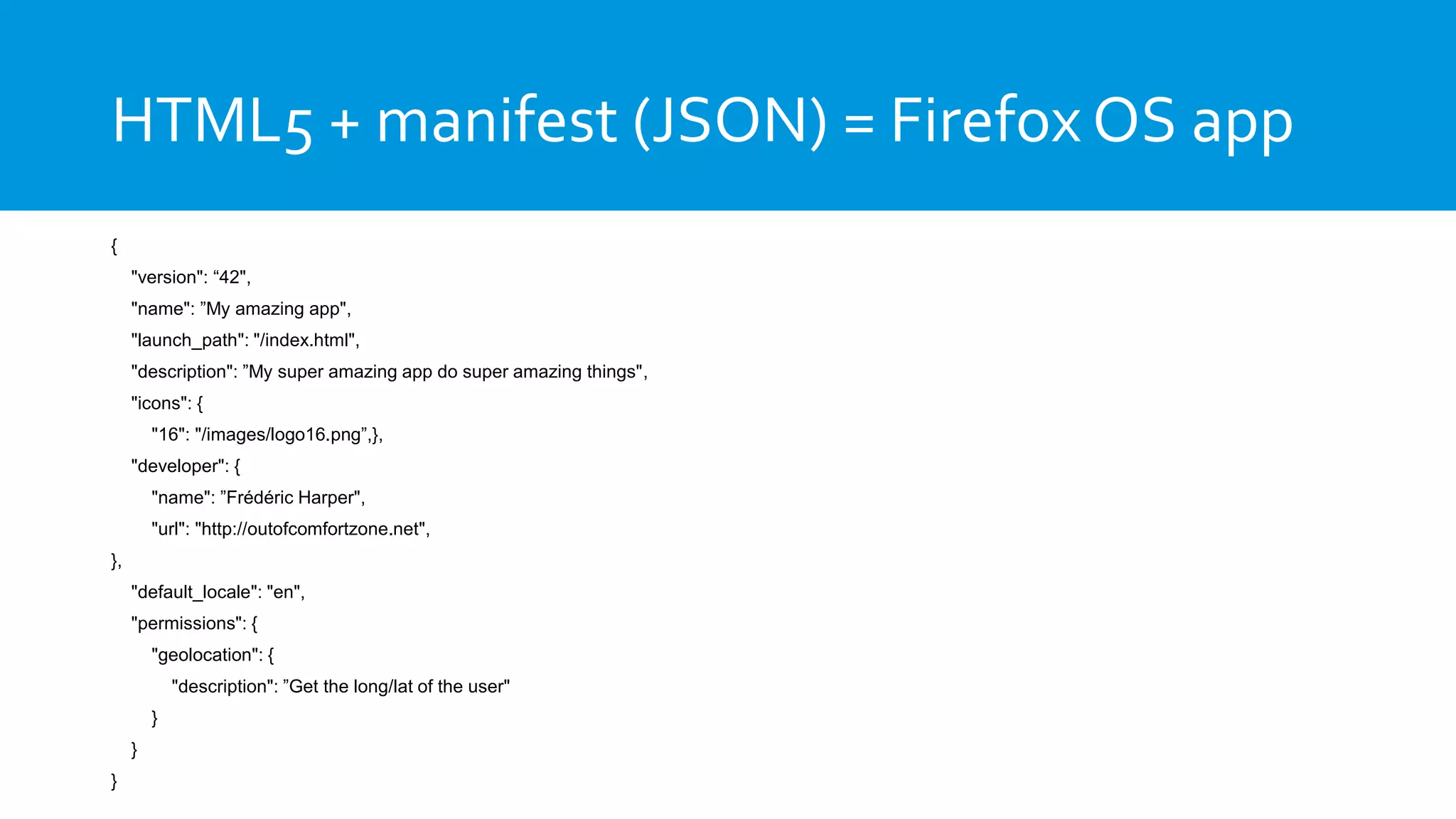
HTML5 + manifest (JSON) = Firefox OS app
{
"version": “42",
"name": ”My amazing app",
"launch_path": "/index.html",
"description": ”My super amazing app do super amazing things",
"icons": {
"16": "/images/logo16.png”,},
"developer": {
"name": ”Frédéric Harper",
"url": "http://outofcomfortzone.net",
},
"default_locale": "en",
"permissions": {
"geolocation": {
"description": ”Get the long/lat of the user"
}
}
}
DEMO App Manager + Emberjs todomvc
Web APIs
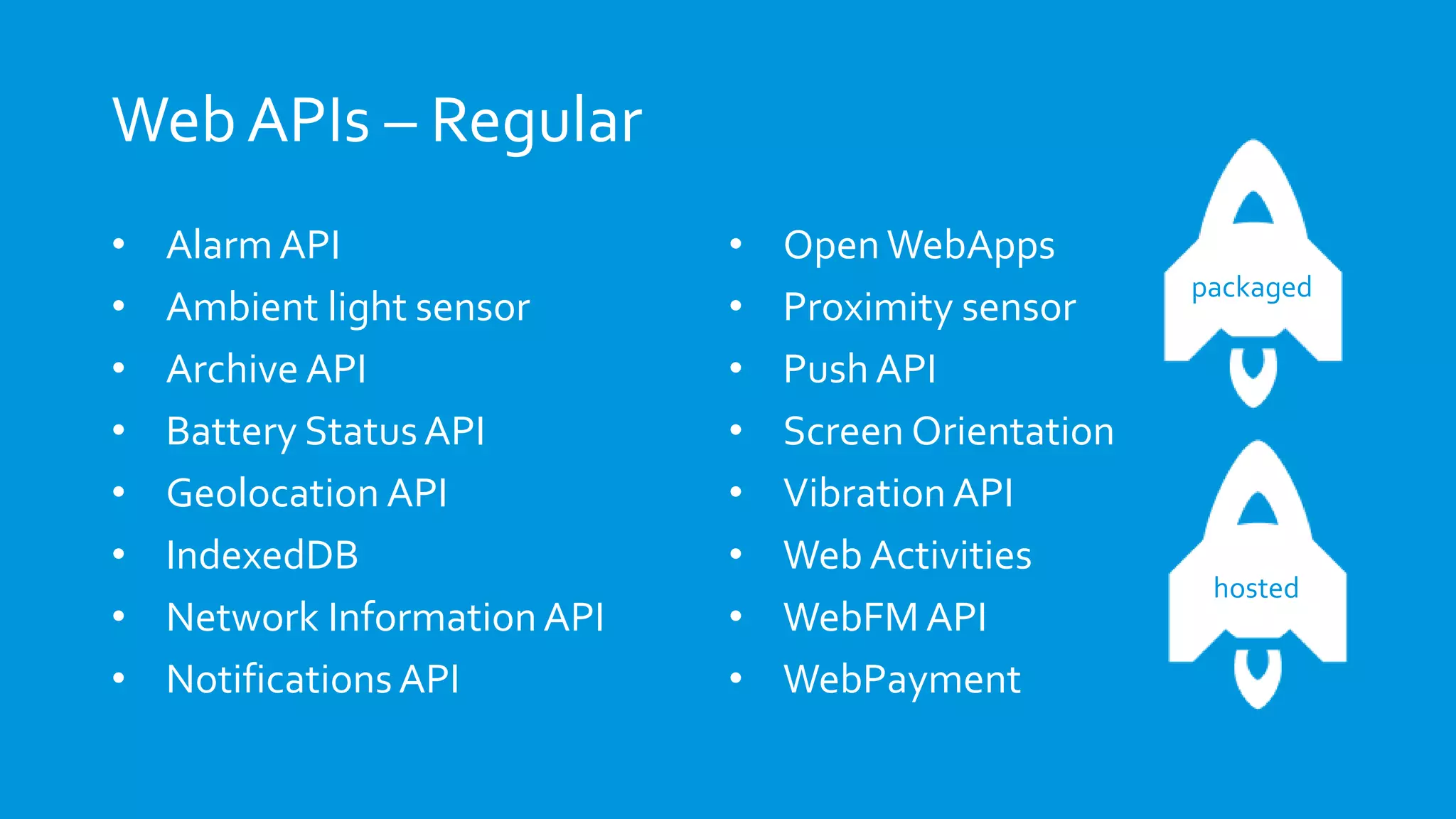
Web APIs – Regular
• AlarmAPI
• Ambient light sensor
• Archive API
• Battery StatusAPI
• Geolocation API
• IndexedDB
• Network Information API
• NotificationsAPI
• Open WebApps
• Proximity sensor
• Push API
• Screen Orientation
• Vibration API
• Web Activities
• WebFM API
• WebPayment
packaged
hosted
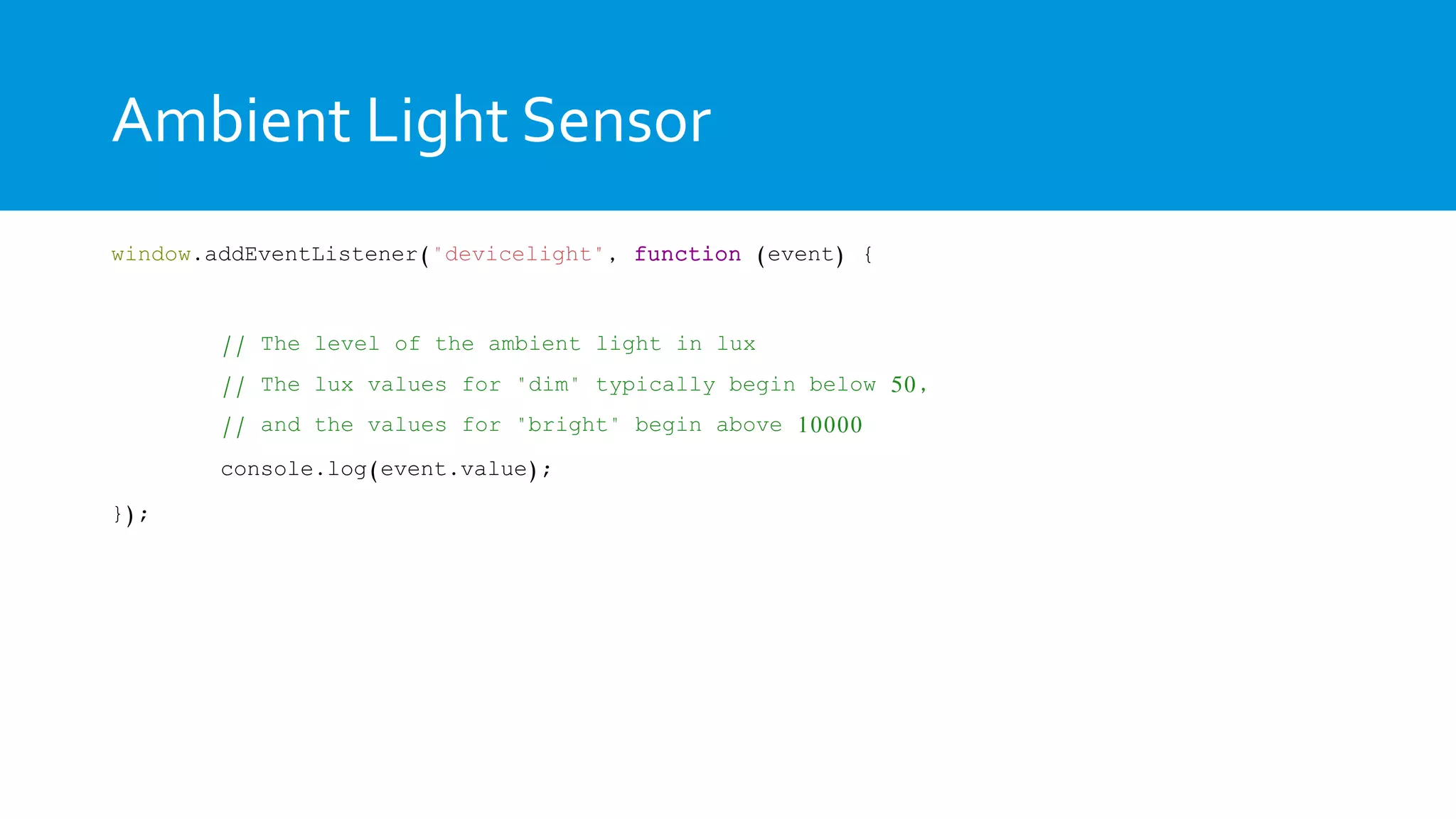
Ambient Light Sensor
window.addEventListener("devicelight", function (event) {
// The level of the ambient light in lux
// The lux values for "dim" typically begin below 50,
// and the values for "bright" begin above 10000
console.log(event.value);
});
DEMO Boilerplate – Ambient Light Sensor
Battery Status
Battery Status
var battery = navigator.battery;
if (battery) {
var batteryLevel = Math.round(battery.level * 100) + "%",
charging = (battery.charging)? “yes" : "no",
chargingTime = parseInt(battery.chargingTime / 60, 10,
dischargingTime = parseInt(battery.dischargingTime / 60, 10);
battery.addEventListener("levelchange", setStatus, false);
battery.addEventListener("chargingchange", setStatus, false);
battery.addEventListener("chargingtimechange", setStatus, false);
}
DEMO Boilerplate – Battery status
Web APIs – Privileged
• Browser API
• Contacts API
• Device Storage API
• systemXHR
• TCP Socket API
packaged
Browser
Browser
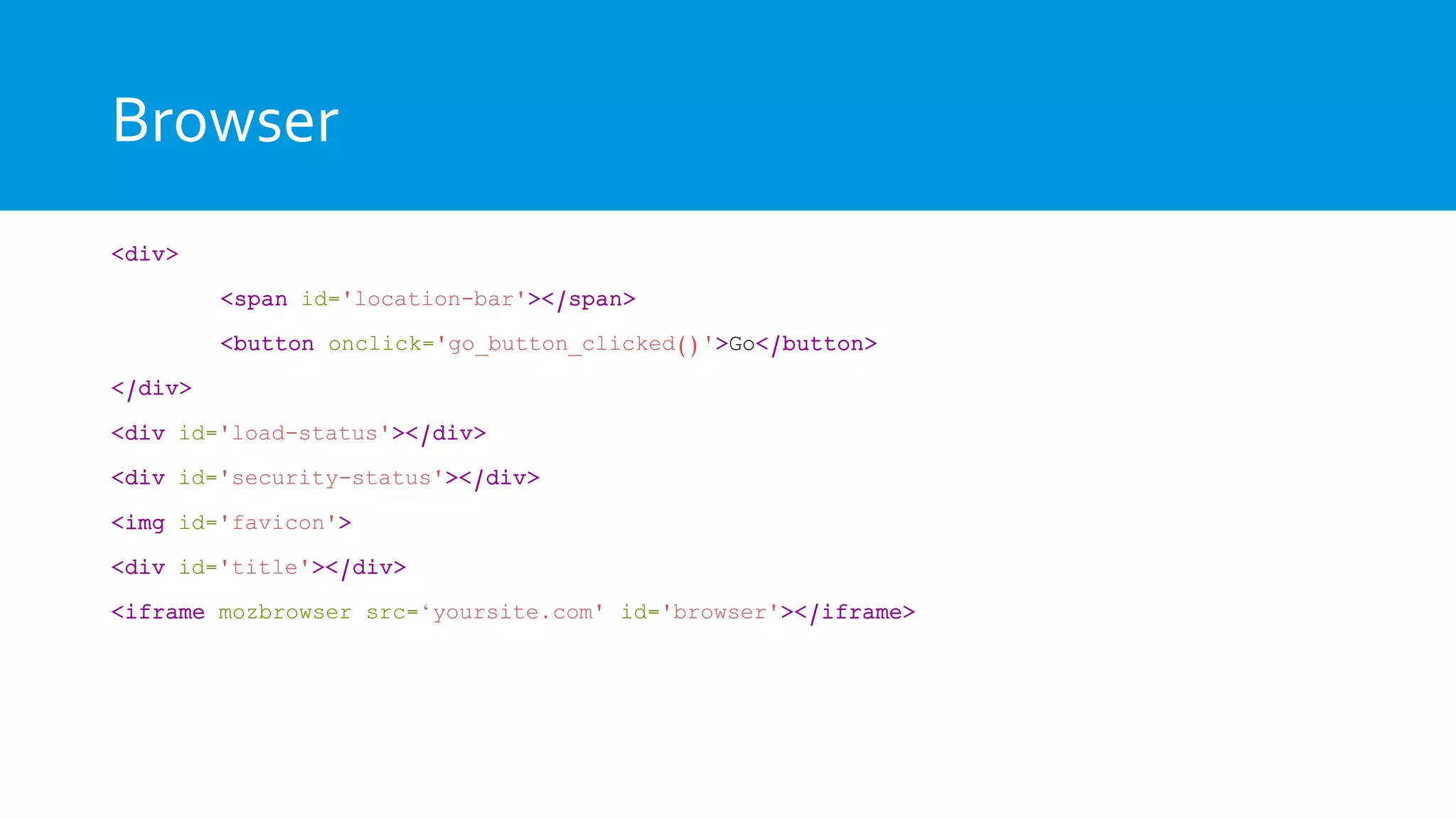
<div>
<span id='location-bar'></span>
<button onclick='go_button_clicked()'>Go</button>
</div>
<div id='load-status'></div>
<div id='security-status'></div>
<img id='favicon'>
<div id='title'></div>
<iframe mozbrowser src=‘yoursite.com' id='browser'></iframe>
Browser
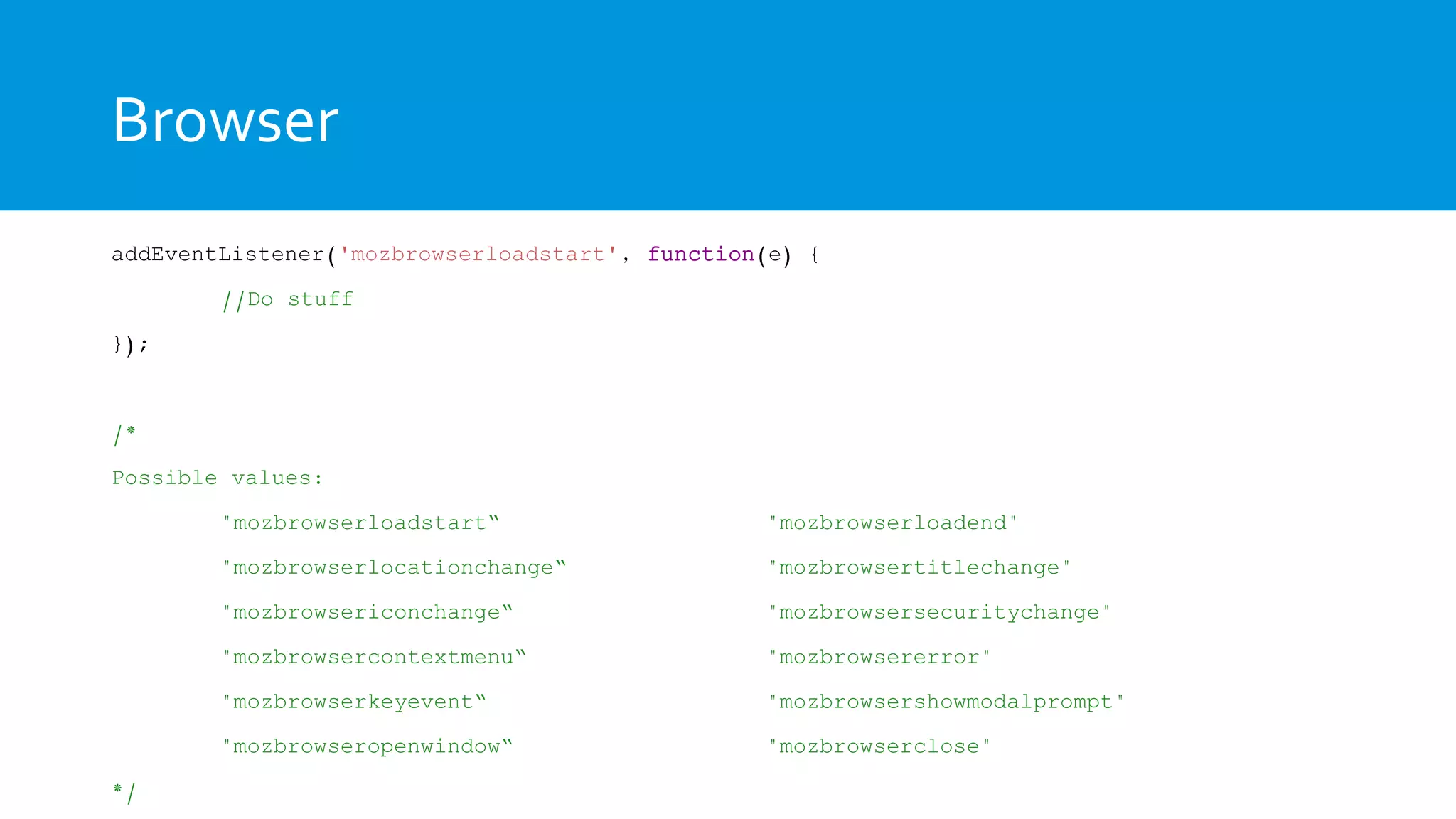
addEventListener('mozbrowserloadstart', function(e) {
//Do stuff
});
/*
Possible values:
"mozbrowserloadstart“ "mozbrowserloadend"
"mozbrowserlocationchange“ "mozbrowsertitlechange"
"mozbrowsericonchange“ "mozbrowsersecuritychange"
"mozbrowsercontextmenu“ "mozbrowsererror"
"mozbrowserkeyevent“ "mozbrowsershowmodalprompt"
"mozbrowseropenwindow“ "mozbrowserclose"
*/
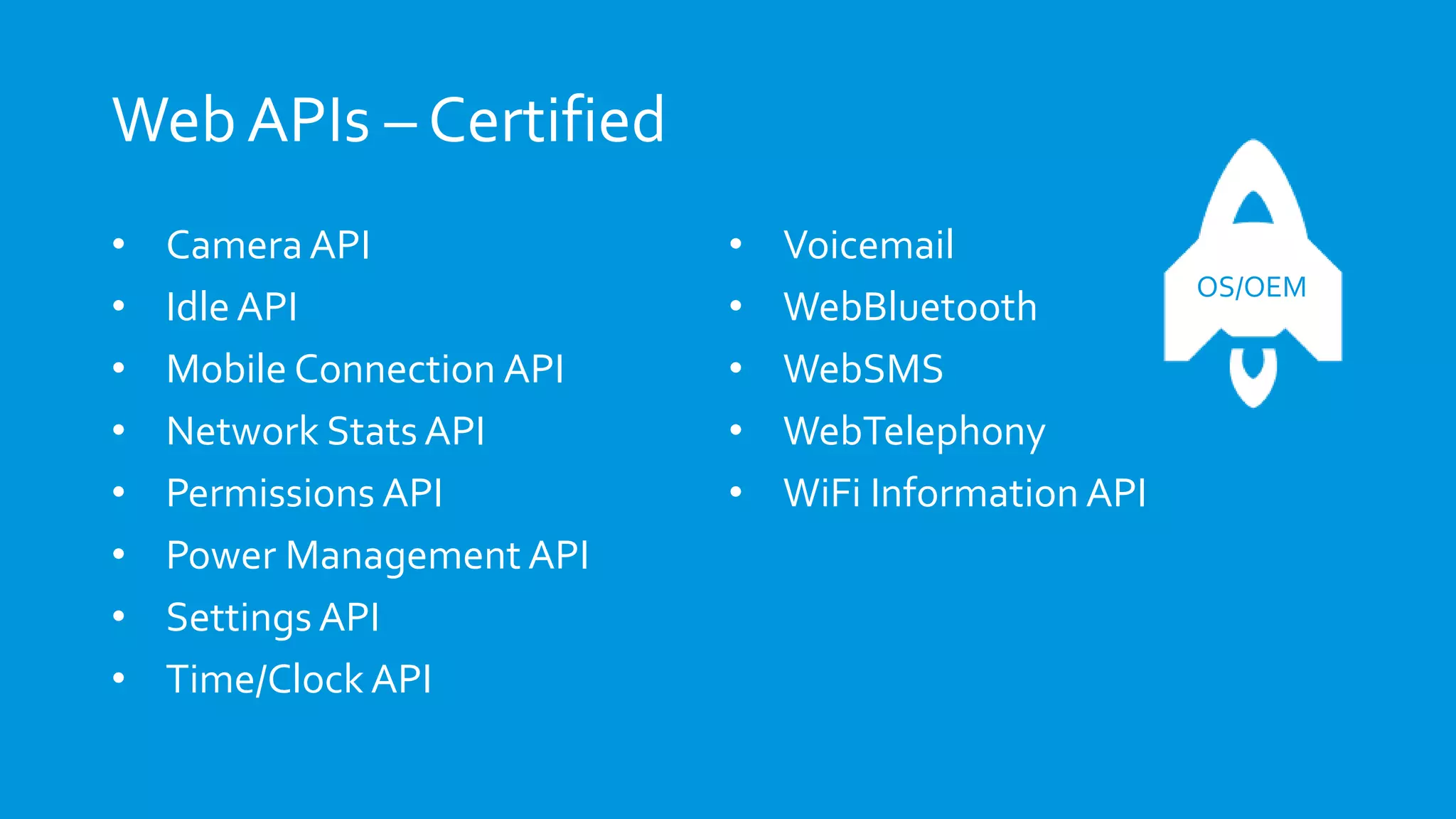
Web APIs – Certified
• Camera API
• Idle API
• Mobile Connection API
• Network Stats API
• Permissions API
• Power Management API
• Settings API
• Time/Clock API
• Voicemail
• WebBluetooth
• WebSMS
• WebTelephony
• WiFi Information API
OS/OEM
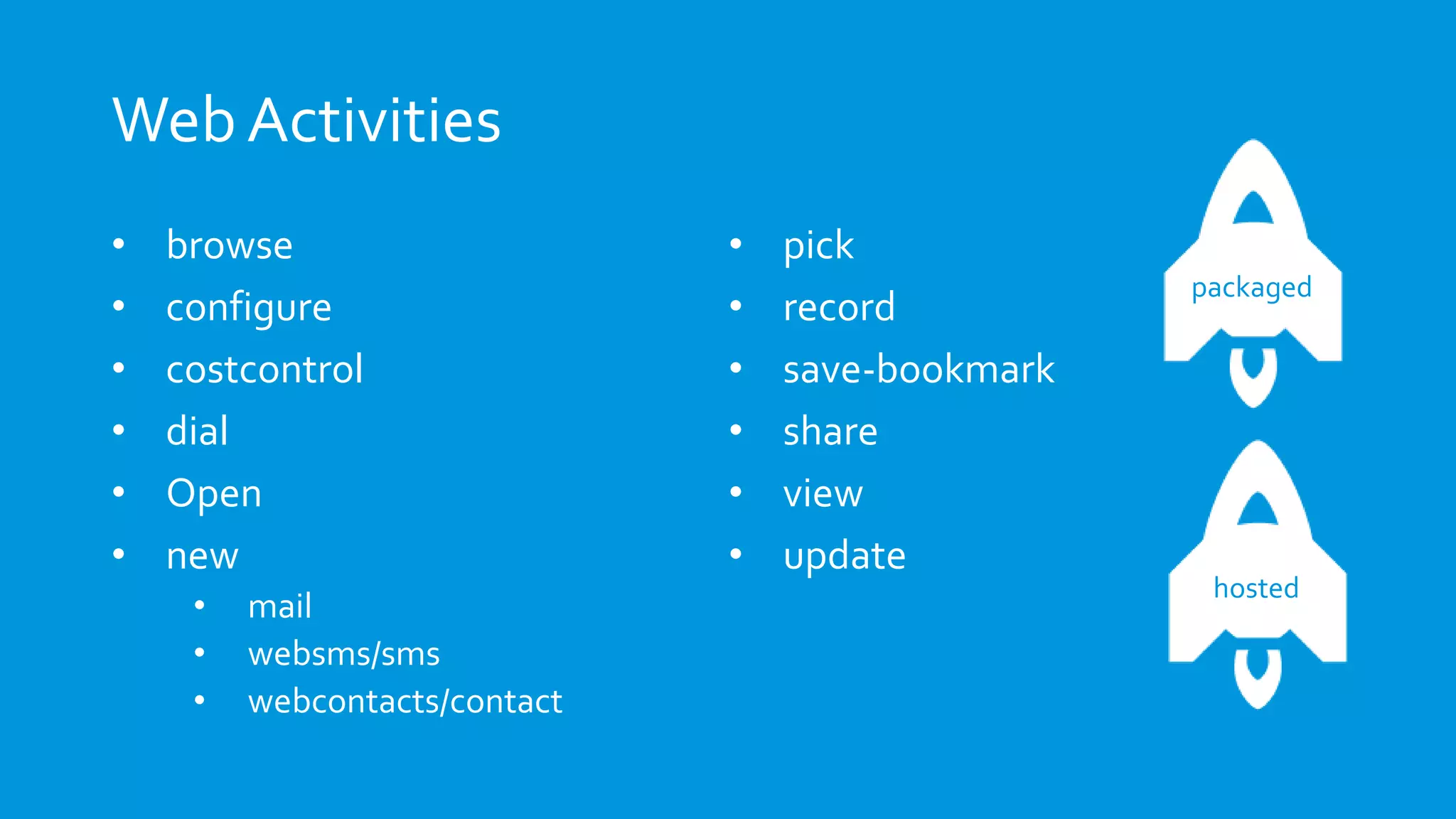
Web Activities
Web Activities
• browse
• configure
• costcontrol
• dial
• Open
• new
• mail
• websms/sms
• webcontacts/contact
• pick
• record
• save-bookmark
• share
• view
• update
packaged
hosted
Pick
var activity = new MozActivity({
name: "pick",
//Provide the data required
//by the filter of the activity
data: {
type: "image/jpeg"
}
});
Pick
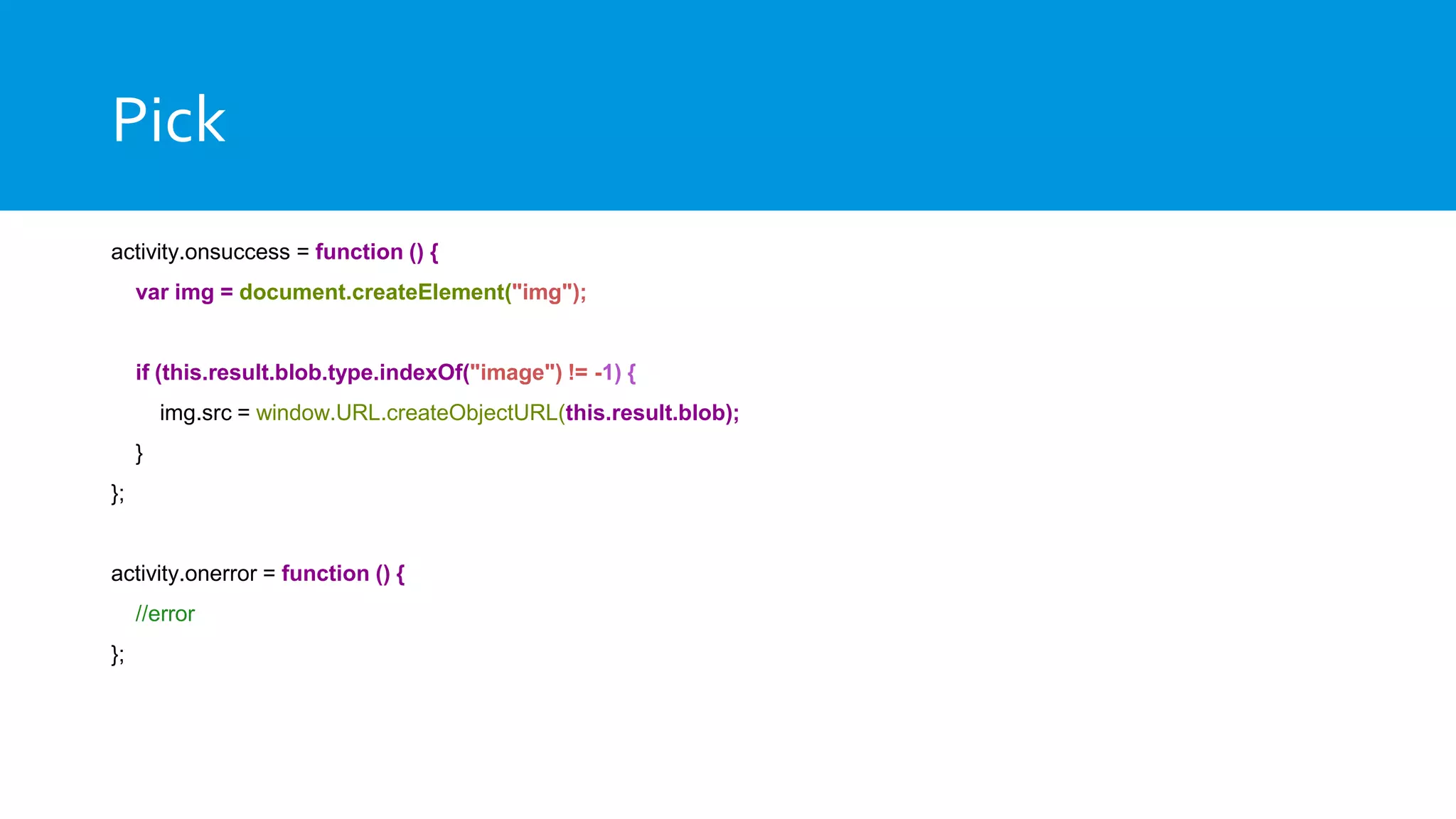
activity.onsuccess = function () {
var img = document.createElement("img");
if (this.result.blob.type.indexOf("image") != -1) {
img.src = window.URL.createObjectURL(this.result.blob);
}
};
activity.onerror = function () {
//error
};
Dial
var call = new MozActivity({
name: "dial",
data: {
number: "+46777888999"
}
});
Web Activity Received Handler
"activities": {
"pick": {
"filters": {
"type": ["image/jpeg", "image/png"]
},
"disposition": "inline",
"returnValue": true,
"href": "/index.html#pick"
}
}
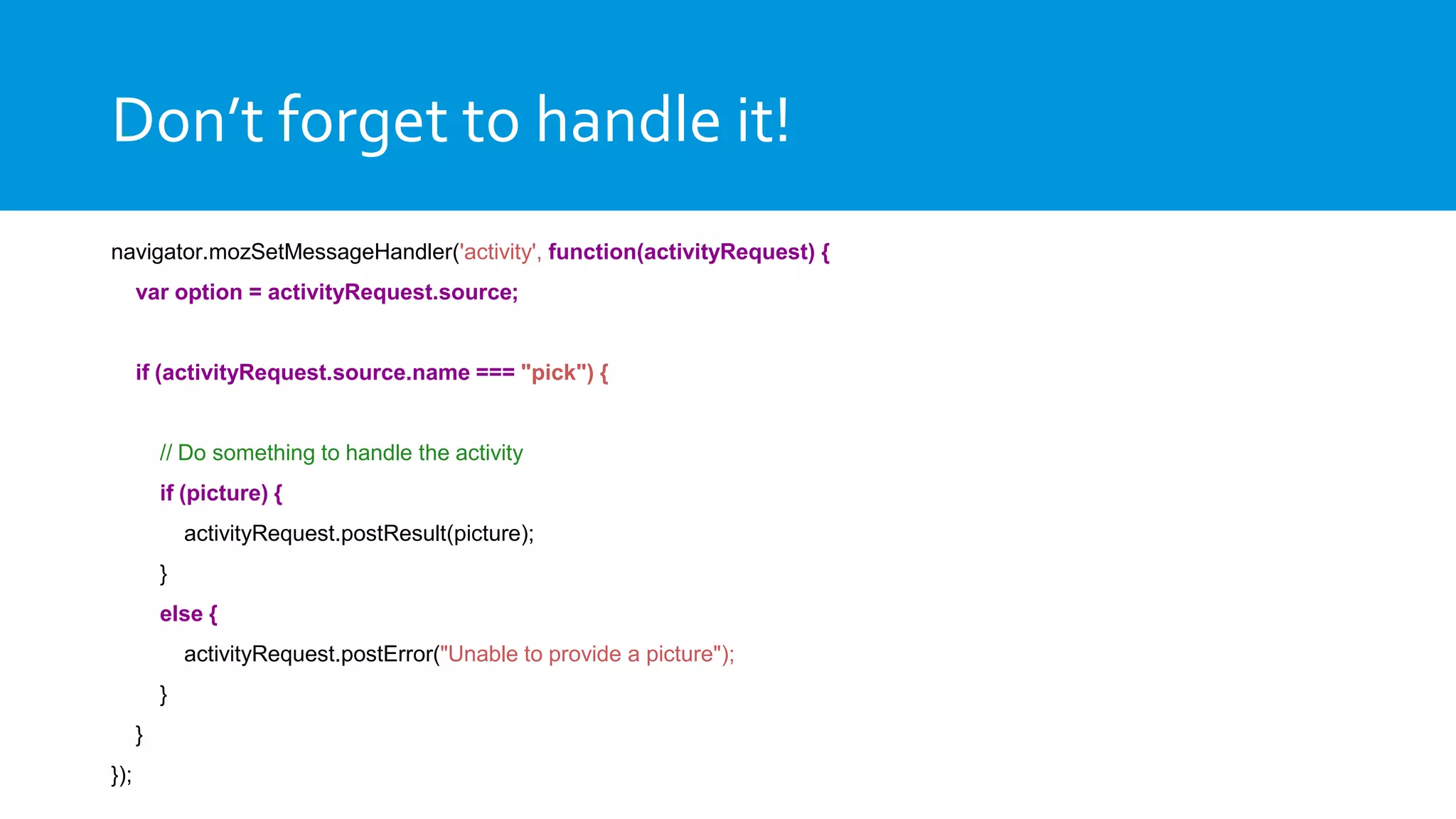
Don’t forget to handle it!
navigator.mozSetMessageHandler('activity', function(activityRequest) {
var option = activityRequest.source;
if (activityRequest.source.name === "pick") {
// Do something to handle the activity
if (picture) {
activityRequest.postResult(picture);
}
else {
activityRequest.postError("Unable to provide a picture");
}
}
});
Creative Commons: http://j.mp/1iZHGAW
How to start
The next presentations
Creative Commons: http://j.mp/1gIdcPF
To infinity, and
beyond…
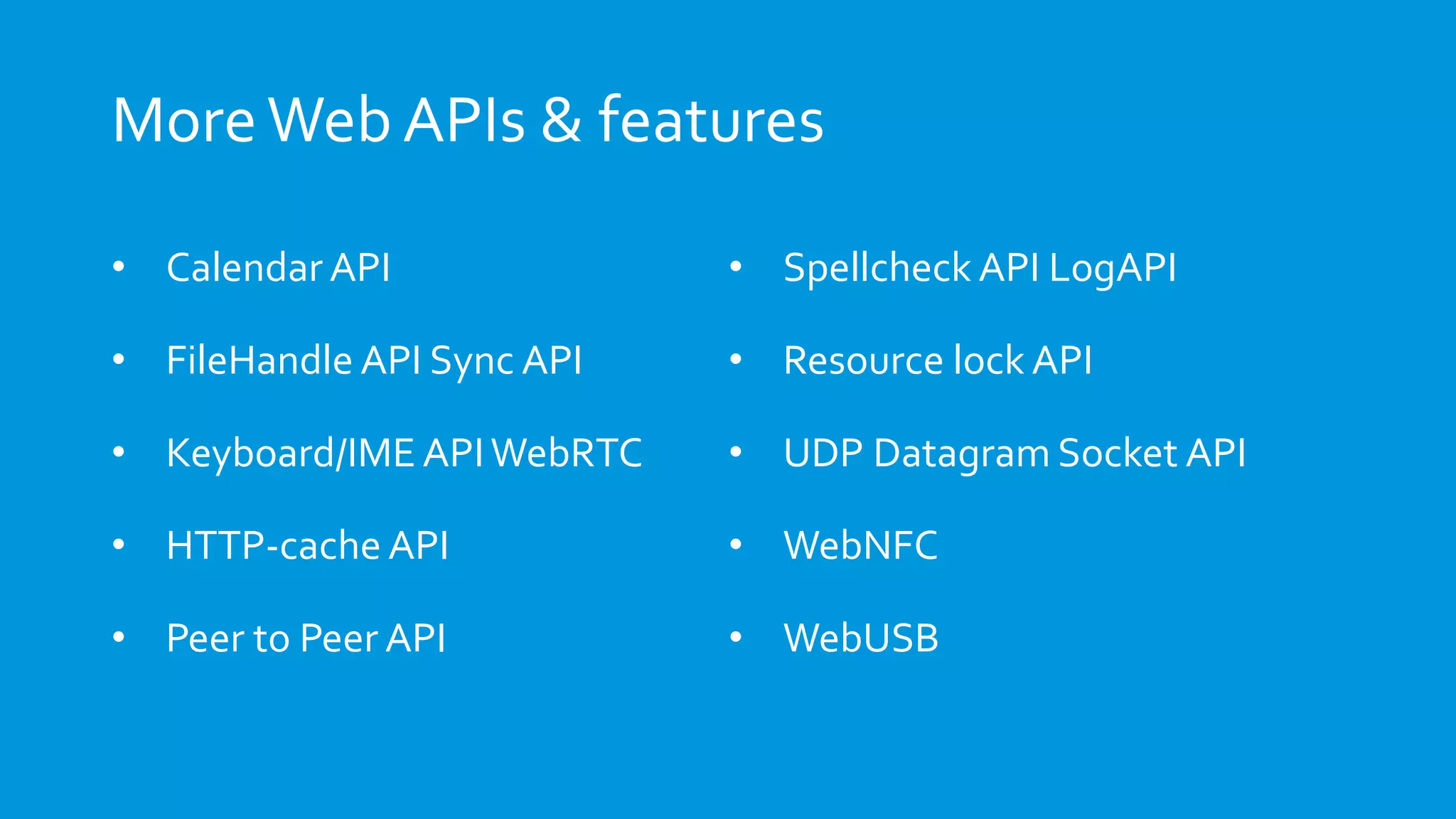
MoreWeb APIs & features
• Calendar API
• FileHandle API Sync API
• Keyboard/IME APIWebRTC
• HTTP-cache API
• Peer to Peer API
• Spellcheck API LogAPI
• Resource lock API
• UDP Datagram Socket API
• WebNFC
• WebUSB
Help get quality Indian apps
Help Firefox OS be the #1 platform in India!
Resources
Firefox OS Simulator
http://j.mp/fxosSimulator
Firefox OS App Manager
http://j.mp/fxosAppManager
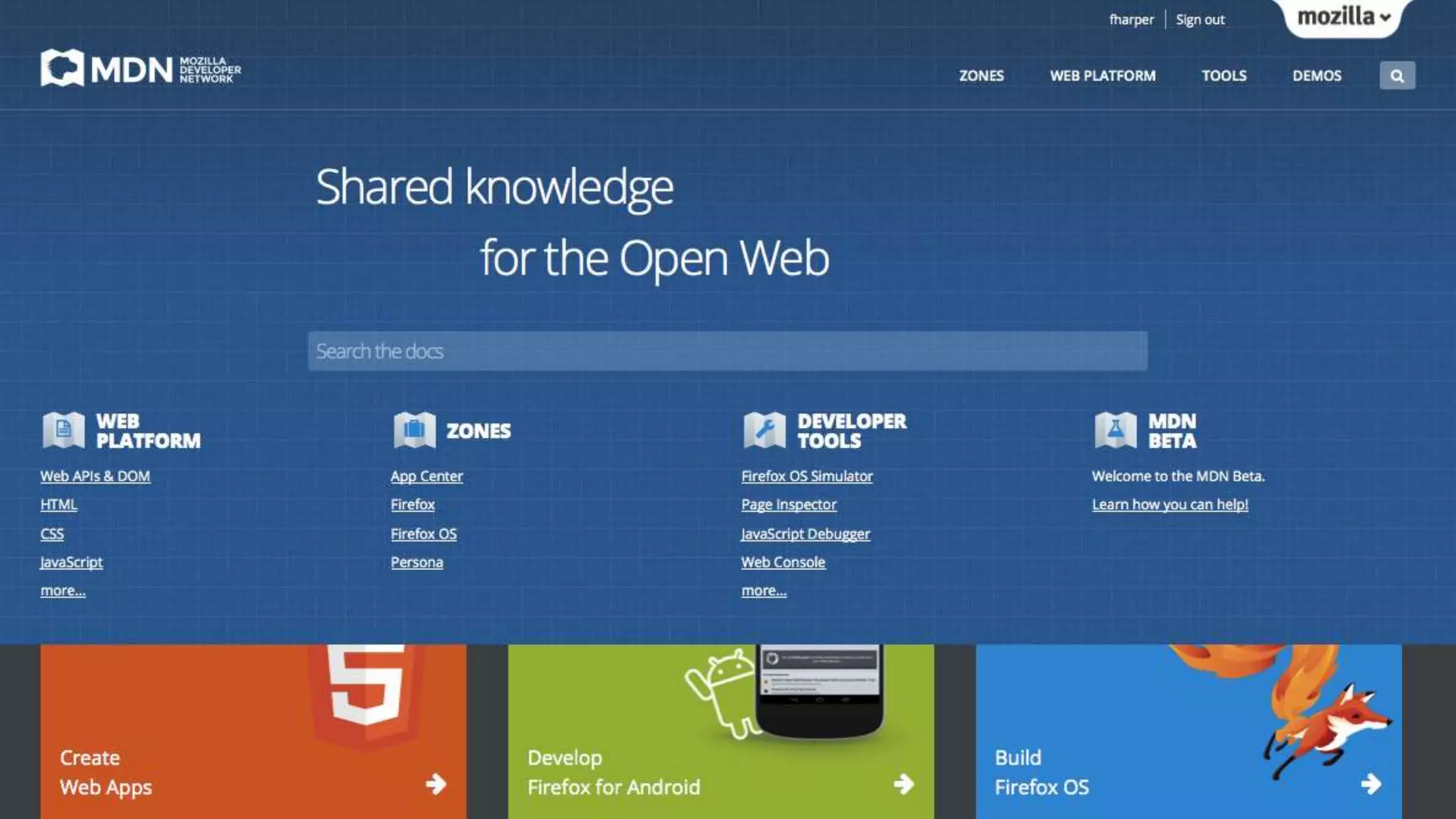
Mozilla Developer Network
https://developer.mozilla.org
StackOverflow forum
http://j.mp/fxosStackOverflow
Firefox OS Boilerplate
http://j.mp/fxosBoilerplate
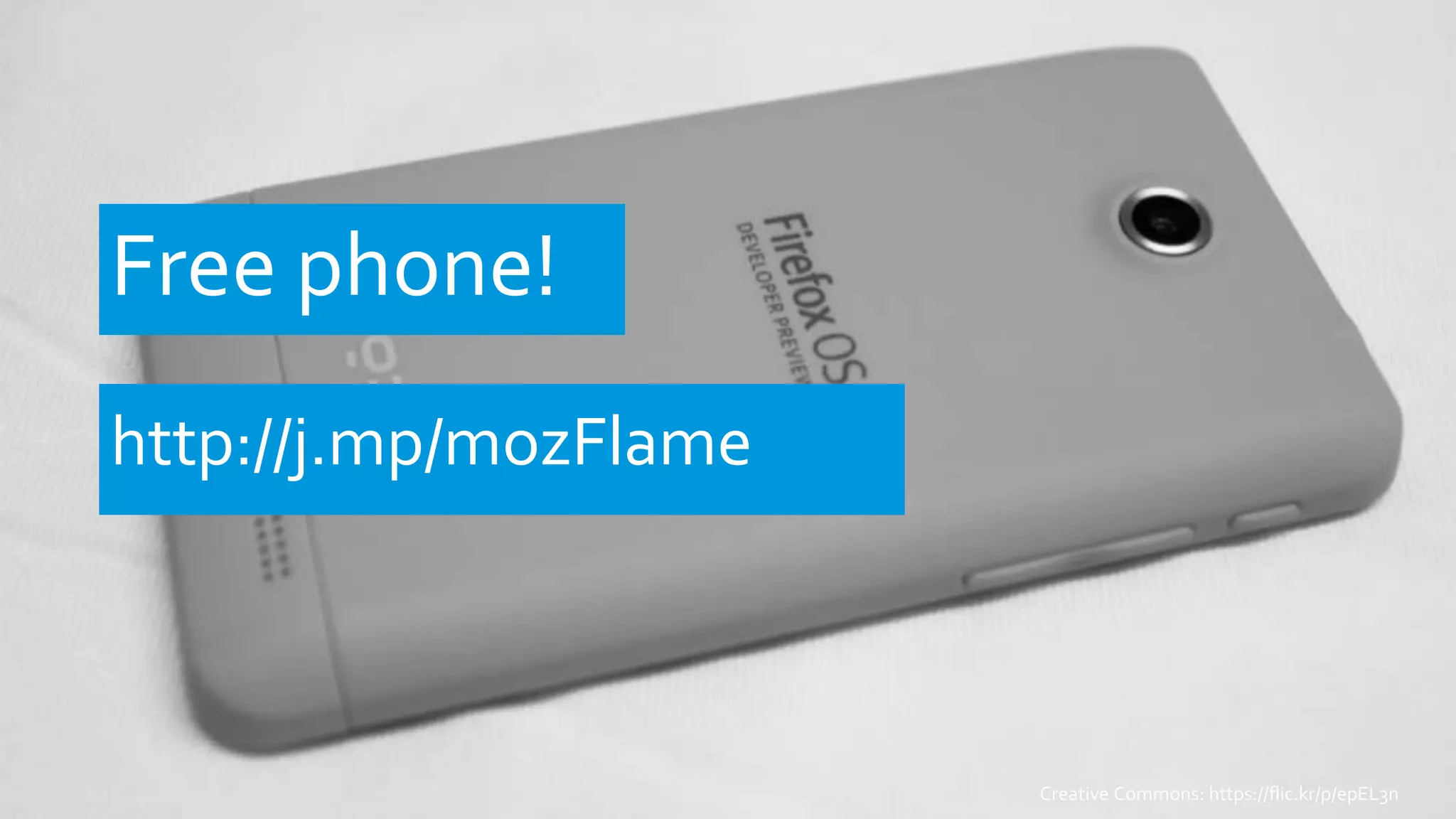
Free phone!
http://j.mp/mozFlame
Creative Commons: https://flic.kr/p/epEL3n
etherpad.mozilla.org/m
umbaifxoshackathon
Need help with translation!
Hindi, Tamil & Bengali
Connect A2 Captain Rogers Drawl
http://mzl.la/howTransifex
Frédéric Harper
fharper@mozilla.com
@fharper
http://hacks.mozilla.org
http://outofcomfortzone.net

Welcome Firefox OS in india with your app - Mumbai Firefox OS hackathon - 2014-06-25

  • 1.
    Welcome Firefox OS MumbaiFirefox OS Hackathon to India with your app 2014-06-25 Frédéric Harper Sr.Technical Evangelist @ Mozilla @fharper | outofcomfortzone.net
  • 4.
  • 6.
    Built with theWeb UsingHTML5, CSS3 and JavaScript with a number of APIs to build apps.
  • 7.
  • 8.
    Some facts  7operator (17 committed) & 4 hardware partners  ZTE Open, Alcatel OneTouch Fire, Geeksphone Keon, Geeksphone Peak, LG FireWeb…  More to come: Flame, HuaweiY300, ZTE Open C, Alcatel OneTouche Fire C & E & S…  Aimed at emerging markets/low end market
  • 10.
    A Firefox OSapp?  Creating a hosted or packaged app  Using  Vanilla HTML5  Librairies…  Regular API  PrivilegedAPI  Certified API
  • 11.
    HTML5 + manifest(JSON) = Firefox OS app { "version": “42", "name": ”My amazing app", "launch_path": "/index.html", "description": ”My super amazing app do super amazing things", "icons": { "16": "/images/logo16.png”,}, "developer": { "name": ”Frédéric Harper", "url": "http://outofcomfortzone.net", }, "default_locale": "en", "permissions": { "geolocation": { "description": ”Get the long/lat of the user" } } }
  • 12.
    DEMO App Manager+ Emberjs todomvc
  • 13.
  • 14.
    Web APIs –Regular • AlarmAPI • Ambient light sensor • Archive API • Battery StatusAPI • Geolocation API • IndexedDB • Network Information API • NotificationsAPI • Open WebApps • Proximity sensor • Push API • Screen Orientation • Vibration API • Web Activities • WebFM API • WebPayment packaged hosted
  • 15.
  • 16.
    Ambient Light Sensor window.addEventListener("devicelight",function (event) { // The level of the ambient light in lux // The lux values for "dim" typically begin below 50, // and the values for "bright" begin above 10000 console.log(event.value); });
  • 17.
    DEMO Boilerplate –Ambient Light Sensor
  • 18.
  • 19.
    Battery Status var battery= navigator.battery; if (battery) { var batteryLevel = Math.round(battery.level * 100) + "%", charging = (battery.charging)? “yes" : "no", chargingTime = parseInt(battery.chargingTime / 60, 10, dischargingTime = parseInt(battery.dischargingTime / 60, 10); battery.addEventListener("levelchange", setStatus, false); battery.addEventListener("chargingchange", setStatus, false); battery.addEventListener("chargingtimechange", setStatus, false); }
  • 20.
    DEMO Boilerplate –Battery status
  • 21.
    Web APIs –Privileged • Browser API • Contacts API • Device Storage API • systemXHR • TCP Socket API packaged
  • 22.
  • 23.
    Browser <div> <span id='location-bar'></span> <button onclick='go_button_clicked()'>Go</button> </div> <divid='load-status'></div> <div id='security-status'></div> <img id='favicon'> <div id='title'></div> <iframe mozbrowser src=‘yoursite.com' id='browser'></iframe>
  • 24.
    Browser addEventListener('mozbrowserloadstart', function(e) { //Dostuff }); /* Possible values: "mozbrowserloadstart“ "mozbrowserloadend" "mozbrowserlocationchange“ "mozbrowsertitlechange" "mozbrowsericonchange“ "mozbrowsersecuritychange" "mozbrowsercontextmenu“ "mozbrowsererror" "mozbrowserkeyevent“ "mozbrowsershowmodalprompt" "mozbrowseropenwindow“ "mozbrowserclose" */
  • 25.
    Web APIs –Certified • Camera API • Idle API • Mobile Connection API • Network Stats API • Permissions API • Power Management API • Settings API • Time/Clock API • Voicemail • WebBluetooth • WebSMS • WebTelephony • WiFi Information API OS/OEM
  • 26.
  • 27.
    Web Activities • browse •configure • costcontrol • dial • Open • new • mail • websms/sms • webcontacts/contact • pick • record • save-bookmark • share • view • update packaged hosted
  • 28.
    Pick var activity =new MozActivity({ name: "pick", //Provide the data required //by the filter of the activity data: { type: "image/jpeg" } });
  • 29.
    Pick activity.onsuccess = function() { var img = document.createElement("img"); if (this.result.blob.type.indexOf("image") != -1) { img.src = window.URL.createObjectURL(this.result.blob); } }; activity.onerror = function () { //error };
  • 30.
    Dial var call =new MozActivity({ name: "dial", data: { number: "+46777888999" } });
  • 31.
    Web Activity ReceivedHandler "activities": { "pick": { "filters": { "type": ["image/jpeg", "image/png"] }, "disposition": "inline", "returnValue": true, "href": "/index.html#pick" } }
  • 32.
    Don’t forget tohandle it! navigator.mozSetMessageHandler('activity', function(activityRequest) { var option = activityRequest.source; if (activityRequest.source.name === "pick") { // Do something to handle the activity if (picture) { activityRequest.postResult(picture); } else { activityRequest.postError("Unable to provide a picture"); } } });
  • 33.
  • 34.
  • 35.
  • 38.
  • 39.
    MoreWeb APIs &features • Calendar API • FileHandle API Sync API • Keyboard/IME APIWebRTC • HTTP-cache API • Peer to Peer API • Spellcheck API LogAPI • Resource lock API • UDP Datagram Socket API • WebNFC • WebUSB
  • 40.
    Help get qualityIndian apps Help Firefox OS be the #1 platform in India!
  • 41.
    Resources Firefox OS Simulator http://j.mp/fxosSimulator FirefoxOS App Manager http://j.mp/fxosAppManager Mozilla Developer Network https://developer.mozilla.org StackOverflow forum http://j.mp/fxosStackOverflow Firefox OS Boilerplate http://j.mp/fxosBoilerplate
  • 42.
  • 43.
  • 44.
    Need help withtranslation! Hindi, Tamil & Bengali Connect A2 Captain Rogers Drawl http://mzl.la/howTransifex
  • 45.

Editor's Notes

  • #2 START CAMTASIA START ZOOM IT – ALT Z for permanent zoom START TIMER This presentation is 30 minutes
  • #3 Mozilla will launch in India soon We already have many apps, and games in the marketplace We would like to have some locals one, the one that make sense for you The one missing in the Firefox OS marketplace
  • #4 Today we are going to show you how to port your application to the Firefox OS marketplace I’ll focus on what is Firefox OS, and the special API you get The rest of the team will talk about tools, and PhoneGap/Cordova integration These are two easy ways to port your application to Firefox OS
  • #5 Let’s start with what you deserve
  • #6 Firefox OS, Mozilla launched one year ago
  • #7 It’s built with the web, for the web, and with the web You use the technology you know, HTML5, CSS3, and JavaScript No need to learn a new language We added a number of APIs to make HTML5 even more awesome As you can see, it’s a UI familiar for smartphone users
  • #8 It’s Open Source You everybody can contribute Fix bug, add features or suggest them The repository is on GitHub
  • #9 In one year, we launched on 15 countries Worked with 7 operators & 4 hardware partners We have 5 phones Many will be added soon You need to keep in mind that those are for emergent market
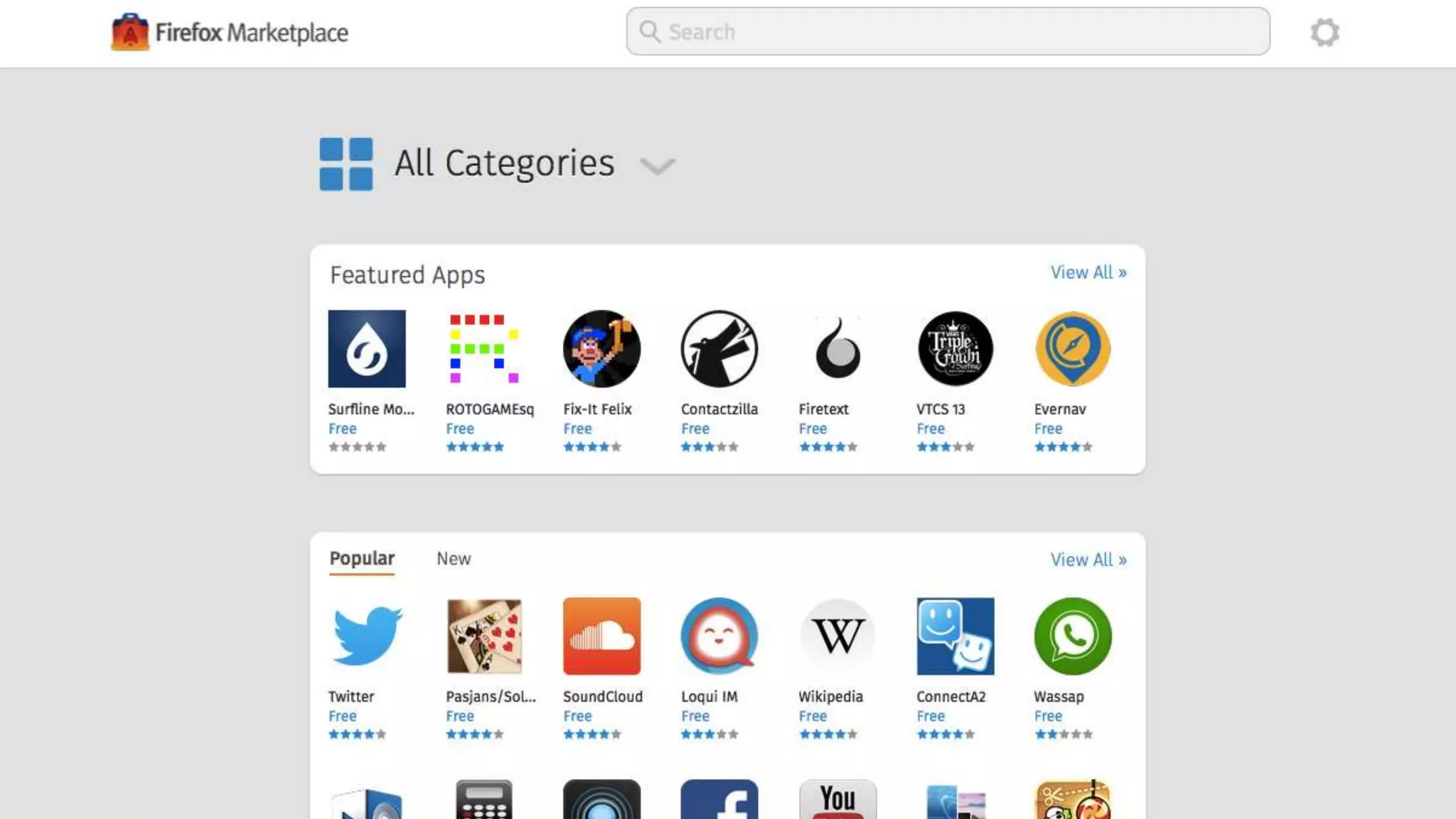
  • #10 It’s doesn’t mean it’s a smartphone with compromise When we say smartphone, we say apps We also have a marketplace But since it’s an open ecosystem, we don’t force you to use it We also don’t charge you to use it (except a small amount for paid app) But we highly encourage you to do so, as it’s the place users will search first for app
  • #11 So what is a Firefox OS app It’s a web app, either hosted or packaged Hosted app are on your own server or places like github pages Packaged app are published in the marketplace, we host them You can either use what I call vanilla html, or use any libraries you want You can also use WebAPI if you want to have a better integration with the device
  • #12 So today, if you have a web application You already have a Firefox OS one Of course, you may have to adjust some part of it But if it’s running well in Firefox the desktop the browser And you use something like responsive web design The only thing to do is to add a manifest file It’s basically a JSON file to tell Firefox OS it’s an app You add all the details about your applications But also things like permissions It’s not because it’s web, that it’s not secure
  • #13 To show you how it’s easy I’ll take the TodoMVC code using ember.js I’ll create a Firefox OS app with it Open App Manager Explain App Manager
  • #14 So now you have a Firefox OS application But you want to have a better integration with the platform So we created what we called WebAPI They are API, using HTML, and JavaScript to empower developers We built them for Firefox OS But we work with the W3C, and standard buddy to make them part of the standard As our goal isn’t to have API only working on Firefox OS, we want the web to work And if tomorrow the standard change, we’ll make the change to reflect this on the OS
  • #15 I quickly shown you three level of API The first level, is the regular API You can use them on hosted or packaged app No need for us to certify your application Here are some of those APIs you can use
  • #16 Let’s start with the Ambien light API This API will give you the ability to get values about the ambient light Could be useful if you are building an reading app, and wants to change the color if it’s darker or not
  • #17 It’s quite simple, you need to add a listener on devicelight Your function will get call when the ambient light will change You’ll get a value in lux
  • #18 Open Droid@Screen Connect a real device to the laptop Open Firefox OS Boilerplate Click the Ambient Light button Show the value Put your hand in front of the device Show the new light value
  • #19 The next one is kind of obvious It will give you information on the battery Something you weren’t able to do with web technology Useful to save the data of your user or stop some effect in your game when the battery is too low
  • #20 You can get the battery level by getting the value of navigator.battery.level You can also do this for charging time, and discharging time Another way is to manage event listener on the levelchange, chargingchange, and chargingtimechange It’s not just useful for a battery information app, but you can take advantage of it
  • #21 Let’s use again Firefox OS Boilerplate App Open Droid@Screen Connect a real device to the laptop Open Firefox OS Boilerplate Click the battery button Show the information
  • #22 There is a second level of APIs This time they are the privileged APIs You can use those one only with packaged app In that case, no choice to submit your application to the marketplace So we’ll check if you aren’t doing something evil with your code
  • #23 The name of this API is pretty clear I remember many native applications on other platform that were just windows on HTML application Now since your application is HTML, the utility for this API would be to let the user navigate to an external website It could be helpful if you have to made the user log in into a third party services, and approve a key for your application, as an example
  • #24 You can add a browser iframe in your application, by adding some code Note that the important part is the mozbrowser attribute in the iframe element If you also want to have a kind of full browser experience, you can add the other elements with those IDs
  • #25 You can also add different listener for different action from the users, but also from the browser iframe In one application I’m building, I use this to grab the URL that the website return after the user sign-in In contain the key for me to access the API, and account of the users
  • #26 Last, but not least, the Certified API I won’t take too much time for those As only OEM, or OS applications can use them It’s good to know that they exists As they may move to the privileged or regular API in the future
  • #27 So how can you do stuff you would do with certified API We have something we called Web Activites
  • #28 Each of those activites give you more power to either interact with the users, the OS, or the hardware
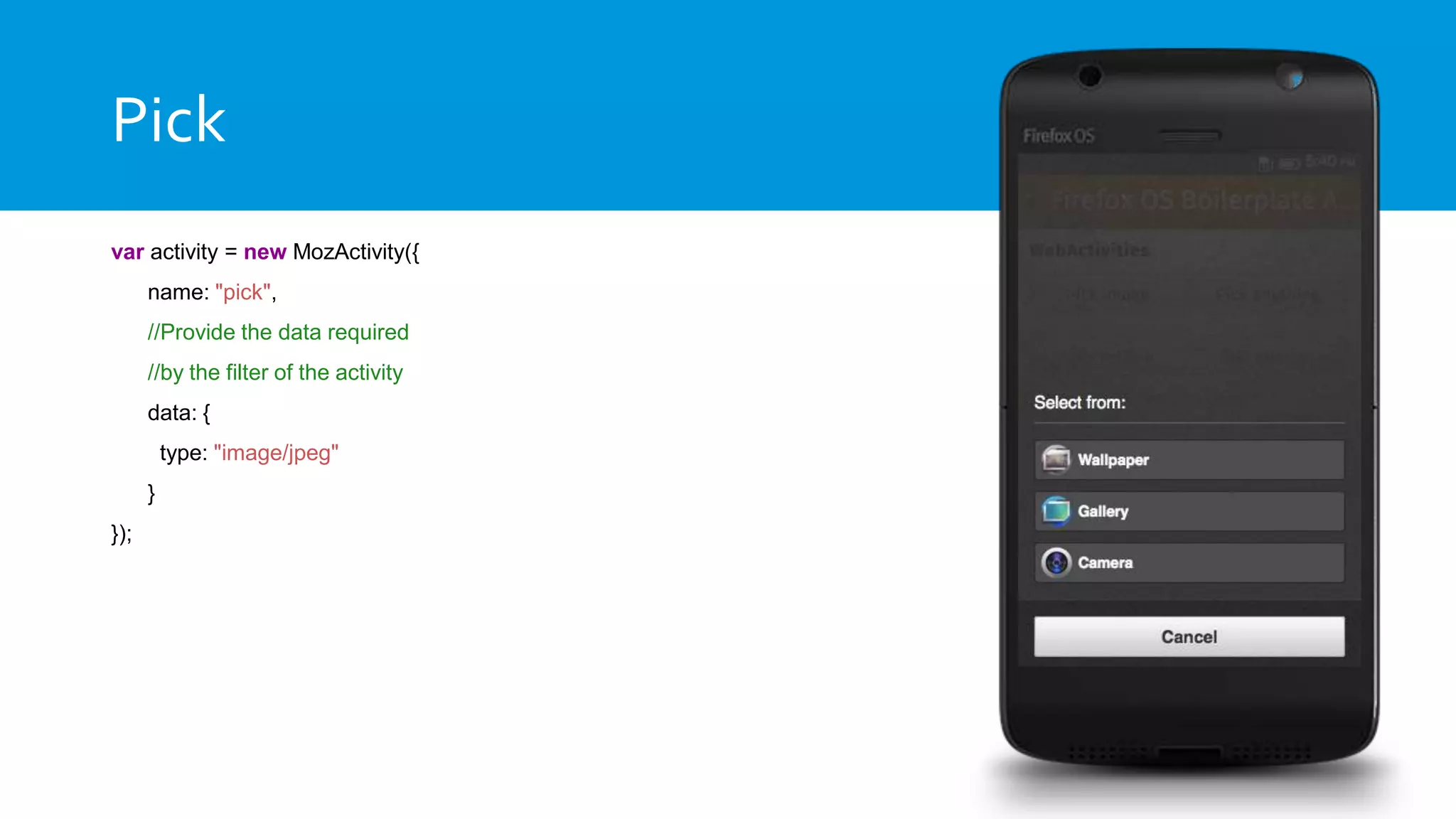
  • #29 As an example The Pick Web Activities It give me the opportunity to pick something, in that case an image By using those lines of JavaScript The app will prompt the screen you see on the right The users will have the choice to either use a wallpaper a picture he already had on his phone Or use the camera to take a picture
  • #30 In that case, depending on what the user did An event will be triggered You’ll be able to use the image in your app Or handle the error in case of a problem, like if the user cancel the action
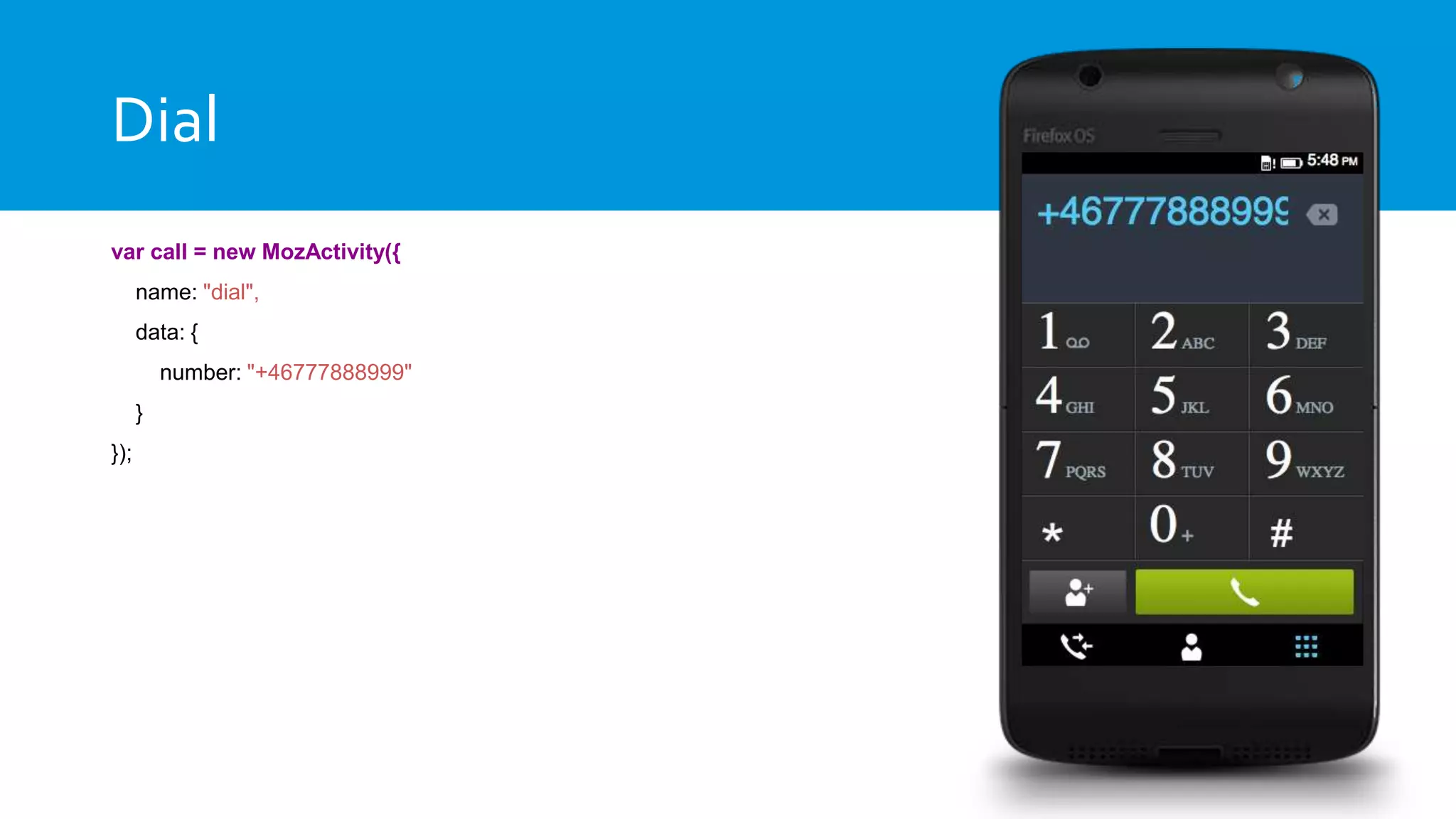
  • #31 Another one is the dial web activities It doesn’t give you the right to call someone But by adding those JavaScript lines The dialer app will open with the number The user will only have to press the green button to call
  • #32 It’s not just about managing activities from within your application You can also become an activity handler In that case, I register my application for a pick activity for JPEG, and PNG images When an application will call a pick web activities My application will be listed If the user select my application Index.html#pick will be called
  • #33 At that point, you need to be able to handle that call So you register yourself for an activity message handler And you can manage the call, do what you have to do, and serve the picture
  • #34 What is great is that your application can be installed on an Android device using our APK Factory If you have Firefox installed on your Android device You can install a web application, and our APK Factory will create an Android app from it It’s the same thing we are doing with the Desktop browser right now So, again, you can reach more people with again, one code base
  • #35 So the big question is how to start
  • #36 You know it’s easy to create a new Firefox OS application using the API Or to port actual HTML5 app to Firefox OS I will stop there as my friends will do presentation about the tools, and cordova/PhoneGap
  • #37 Since you don’t have to remember everything I shown you today And those are new APIs We have amazing documentation online It’s called the Mozilla Developer Network Everything from HTML, CSS, JavaScript To the WebAPI, and Web Activities There also documentation about the marketplace, and how to publish your application or add the manifest file Since it’s an open wiki, you can also help us improve the documentation
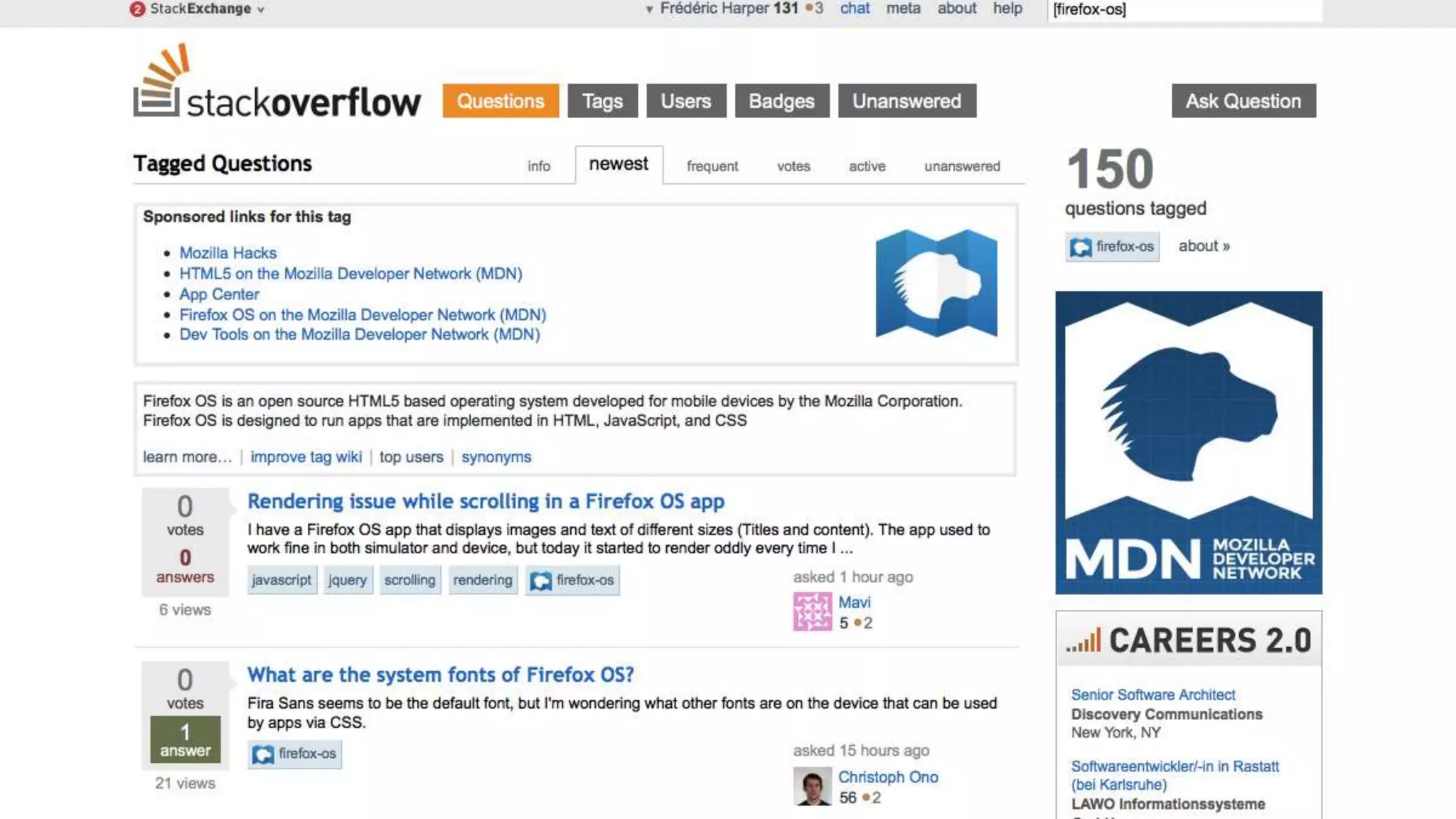
  • #38 If you need help with Firefox OS You can always email me But a more efficient way, would be to use StackOverflow It’s a forum for programmers By using it, you are building a F.A.Q. that may help other developers with the same question as you We actively monitor the forum, but it open your questions to a huge community that may answer quicker than if you send me an email
  • #39 So keep in mind, it’s only the beginning There is a lot more things coming Firefox OS already have a lot of traction It’s a new audience you may not be able to reach before
  • #40 Of course it’s only the beginning We are always improving the OS Some new APIs will be added like WebNFC or WebUSB
  • #41 So next time you have to build a mobile application Why not start with the web More reach, more visibility, and easier to do
  • #42 Some resources Again, don’t take notes You’ll only have one URL to remember, and I’ll tell you at the end of the presentation As I’ll upload my slides, and a recording of my presentation online
  • #44 If you can’t wait for the workshop And you are currently or planning to build a Firefox OS application, please let me know I’ll also be curios to see any other HTML5 application you actually have There are good opportunities with the platform, and I would like to help you to publish your application to the marketplace
  • #46 Feel free to follow me on Twitter or add me to LinkedIn If you want to read some amazing technical posts, again, don’t forget the hacks blog Last, but not least, you can check my personal blog: it’s all about gnomes, and unicorns It’s also where, probably tomorrow, I’ll publish my slides as the recording of my presentation So it’s the only link to remember Thanks a lot, any questions, comments, insults?